Why should a CRO or a Head of Model Risk care about a browser recorder? Because screen capture has quietly become an evidence tool. Validation walkthroughs, KYC exception reviews, agent-behaviour demos, vendor demos of "autonomous" workflows: all of it ends up as video. And video that nobody governs is just another form of shadow IT.
Key Points Before You Record
An online video recorder captures webcam, screen and audio inside the browser through three standard APIs: getUserMedia(), getDisplayMedia() and MediaRecorder. No installation, no account in most free tools, and no upload of raw footage when capture is truly local.
Media chunks stay in volatile browser memory (RAM) as a Blob until the user saves them. That satisfies privacy-by-design expectations. It does not replace certified WORM archives when a regulator explicitly demands immutable storage.
A free online video recorder usually covers clips of roughly 5 to 30 minutes, in-browser trimming, aspect-ratio changes (16:9 to 9:16), AI captions and local WebM or MP4 export. Desktop applications remain necessary for multi-hour sessions, high-frame-rate capture, DLP and SSO-governed deployments, and multi-track editing.
Before enterprise use, verify the HTTPS origin, disable third-party extensions, inspect the Network tab for background uploads and confirm the vendor's security attestation, for example SOC 2 Type I or Type II. Five minutes of checking. Genuinely worth it.
What an Online Video Recorder Is and What You Can Record
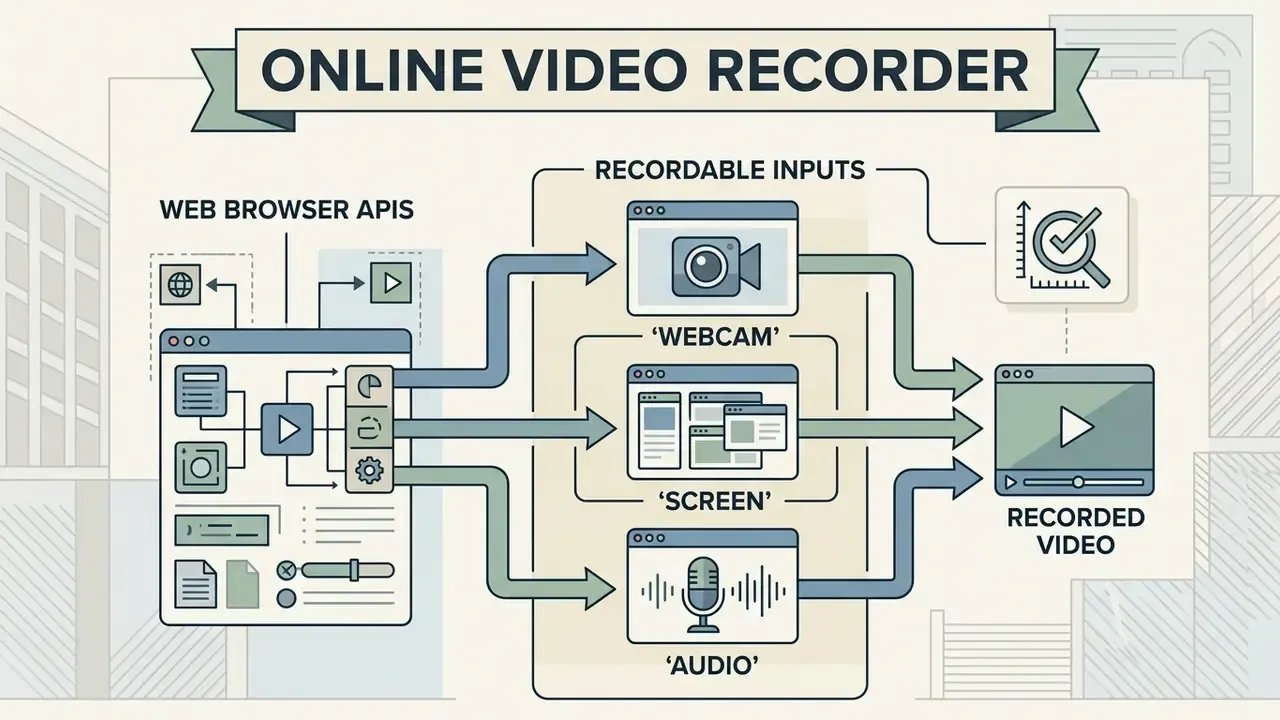
An online video recorder is a web application that uses browser APIs to capture video from webcams, screen displays and audio inputs without desktop software installation. You can capture video online across four primary configurations: webcam-only feeds, display capture, standalone audio recording, and combined screen-and-camera overlays.
According to browser architecture documentation maintained by MDN Web Docs (Mozilla), web recorders rely on MediaDevices.getUserMedia() for hardware input and MediaDevices.getDisplayMedia() for screen capture, then on the MediaStream Recording API (MediaRecorder) to encode the resulting stream.
«Screen recordings preserve enough detail for accurate stream-quality measurement: stall-detection error stays under 0.5 seconds, and video-track identification accuracy exceeds 97%.»
That measurement accuracy matters for audit work. A browser capture is not a lossy approximation of what an operator saw. It is an evidence-grade record of interface state, timing and the sequence of actions, which is exactly what a model validator needs when reconstructing a decision.
Multimedia block (comparison table). Recording modes and what each one produces. Modes are also described in the running text so that the information stays readable without the table.
| Mode | Sources captured | What you can create | Typical governance note |
|---|---|---|---|
| Camera only | Webcam or built-in camera, microphone | Talking-head updates, attestations, executive messages | Consent and retention policy for staff imagery |
| Screen only | Display, window or browser tab, optional system sound | Process walkthroughs, defect reports, model output reviews | Highest data-leak risk; check open tabs first |
| Audio only | Microphone or system audio | Voice notes, interview records, narration for slides | Wiretap and two-party consent rules by state |
| Screen and camera | Display plus webcam overlay, plus audio | Training, product demonstrations, onboarding, t