Executive Summary
- What it does An AI lesson plan generator converts a short prompt (topic, grade, standard, duration) into a structured draft with measurable objectives, timed activities, differentiation, and assessment. Usually in 15 to 60 seconds.
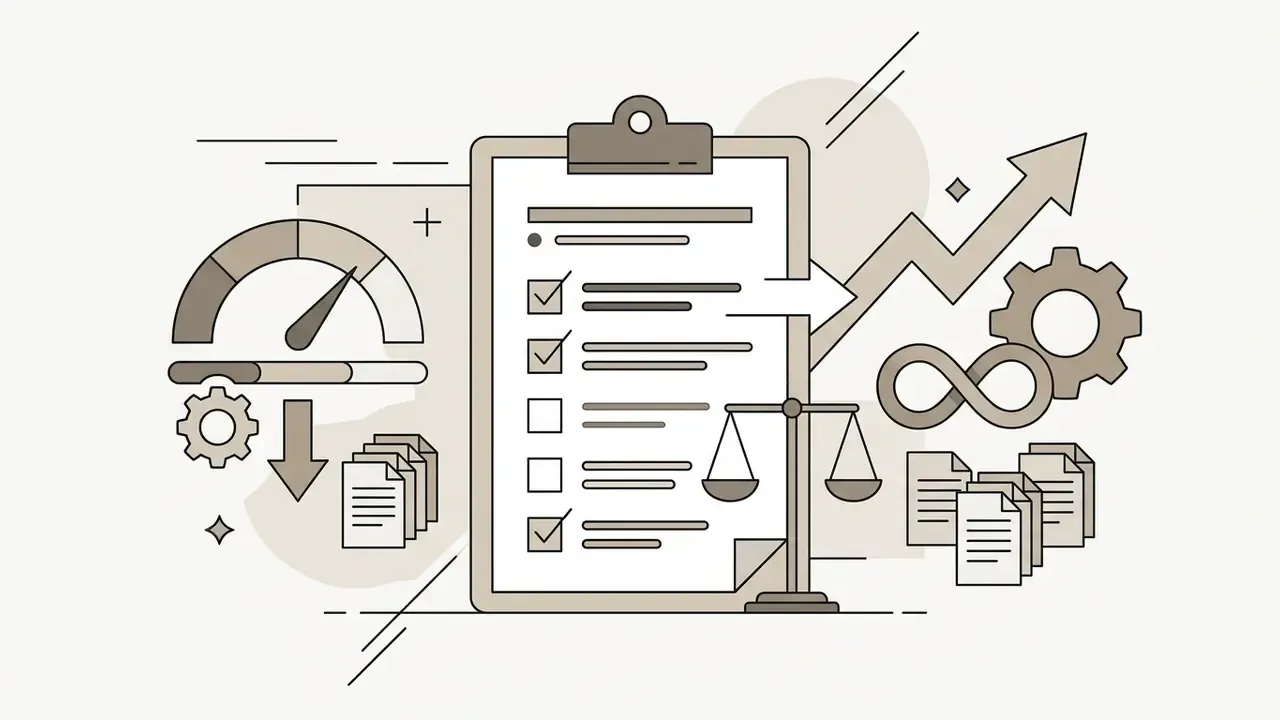
- Measured upside Controlled trial data show weekly science lesson-preparation time falling from 81.5 to 56.2 minutes, a 31% reduction, while vendor surveys report much larger self-declared savings.
- Documented weakness Independent content analyses find that AI-generated activities skew heavily toward low-order recall and rarely include multicultural content or genuine student choice. Human review is not optional.
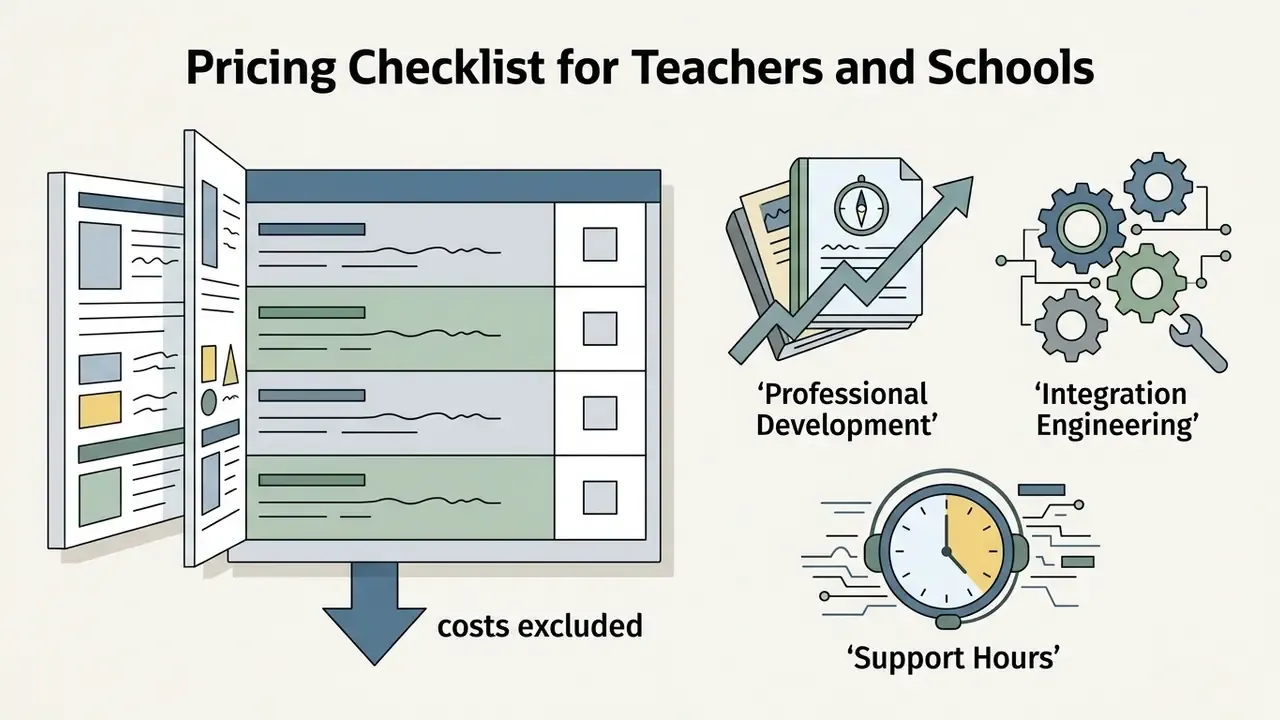
- Cost reality Free tiers typically allow 1 to 5 generations or welcome credits without a credit card; paid tiers run from roughly $10/month per teacher to $1,749/seat/year for enterprise authoring suites with SCORM/LMS publishing.
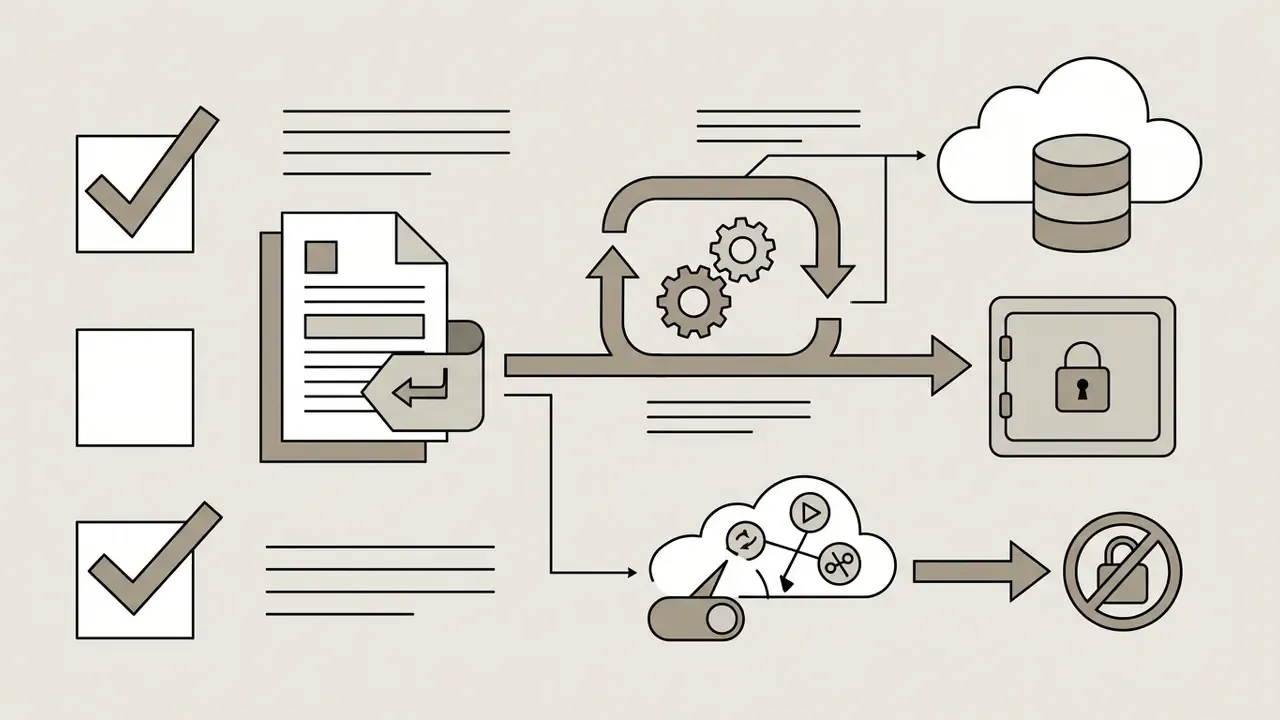
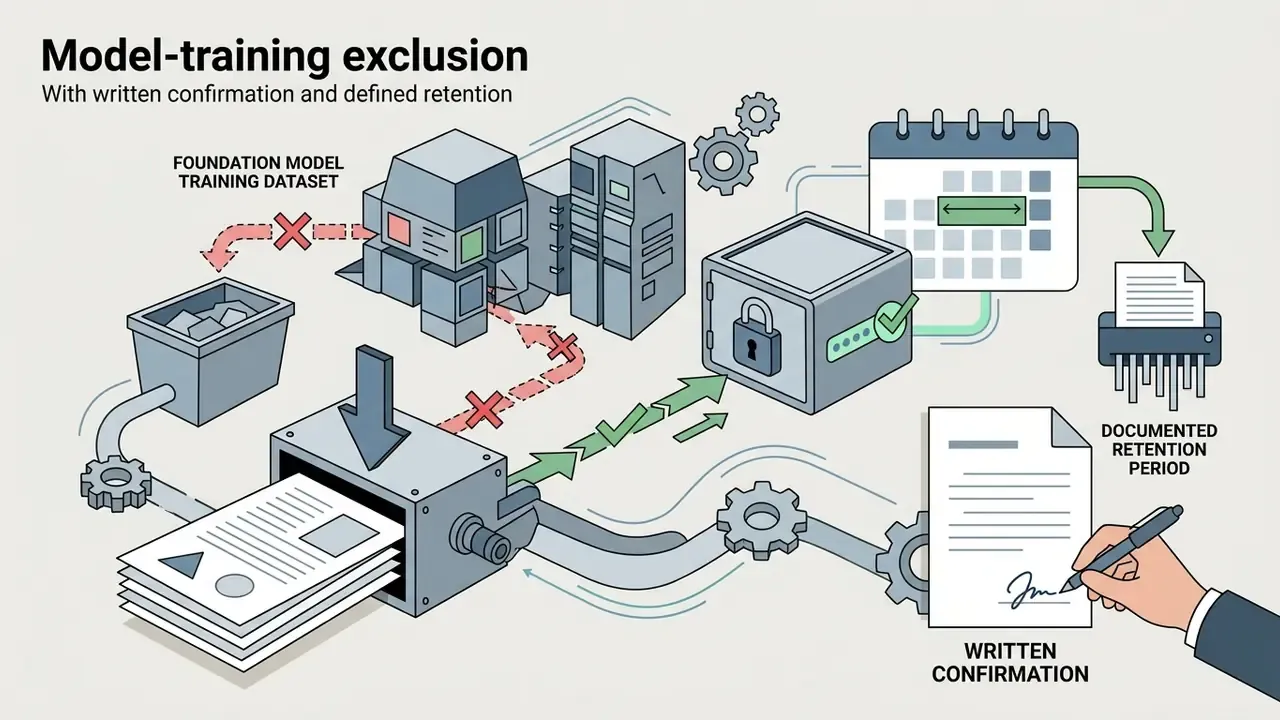
- Compliance reality For school deployment, FERPA, COPPA, GDPR, and NDPA posture matter more than feature count, and so does one narrow question: are prompts excluded from model training?
- Bottom line Treat the generator as a first-draft engine inside a human-in-the-loop review workflow, never as the final instructional authority.
How to Use This Guide
Three reader paths run through the material below, and they rarely need the same pages.
A classroom teacher looking for speed can jump straight to the prompt architecture, then to the copy-and-adapt blueprints near the end. A department lead or instructional coach will get more value from the comparison table and the validation workflow, because those two sections decide whether AI drafts stay teachable. A district technology or procurement lead should start with privacy, contracts, and the pricing checklist, since feature parity between these tools is closer than vendor pages suggest.
One more framing note. Every quantitative claim here is labelled by source type: peer-reviewed or preprint research, official policy guidance, or vendor self-reported survey data. Those three carry very different evidentiary weight, and mixing them is how bad business cases get built.
What Is an AI Lesson Plan Generator?
An ai lesson plan generator is a specialized artificial intelligence tool designed to convert natural language prompts, such as topic, grade level, and duration, into structured, editable instructional units. It functions as a foundational starting point for teaching by assembling learning objectives, timed instructional sequences, and evaluation frameworks in minutes.
«AI lesson planning tools are positioned as instruments that reduce teacher workload while keeping outputs tied to curriculum standards.»
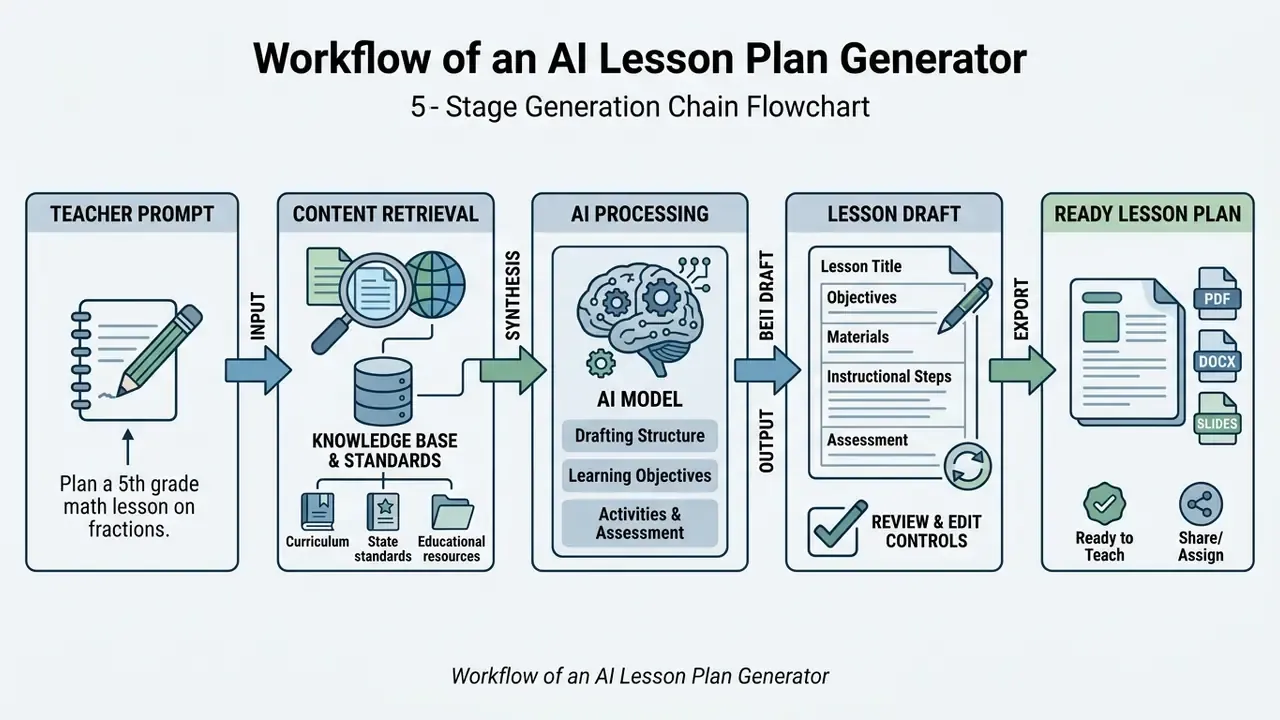
The generation chain follows the classic backward-design sequence documented in instructional-design literature: course or lesson context, then learning objectives, then assessment evidence, then activities and exercises, and finally the completed, exportable plan. Assessment is derived from the objectives rather than bolted on afterwards, which is why prompts that omit measurable outcomes produce the weakest drafts.
What an AI-Generated Lesson Plan Includes
A comprehensive lesson plan generated by an ai powered lesson plan tool contains four mandatory components: measurable learning objectives, direct instruction phases, objectives activities, and activities assessments. Content analysis of generative outputs confirms that AI platforms consistently structure these core elements alongside warm-up hooks, materials lists, and closing recaps.
«Across 90 lesson plans from GPT-4, MagicSchool and SchoolAI, most included objectives and activities, but few offered students genuine agency or choice.»
The practical implication is that structure is the strong suit of generative models, while learner agency, cultural responsiveness, and cognitive demand are the parts a teacher must supply. Differentiation blocks typically arrive as leveled task variants, ELL/EAL language supports, IEP/504 scaffolds, visual organizers, extension work, and alternative assessment options. Useful scaffolding, yes, but generic until edited against a real roster.
When Teachers Use an AI Lesson Plan Generator
Teachers use an ai lesson generator and ai lesson creator during the initial stages of curriculum design, when adapting materials for a specific subject grade level, or when building aligned lesson plans under severe time constraints.
«Teachers using ChatGPT for Year 7/8 science preparation spent 56.2 minutes per week versus 81.5 minutes without generative AI, a 31% reduction.»
That figure comes from a randomised teacher-choices trial design comparing two groups of secondary science teachers on weekly preparation time for Year 7/8 lessons. It measures planning minutes, not learning gains. A separate 2025 evaluation report hosted on ERIC measured preparation time per session and reported a larger gap (5.5 hours versus 10.57 hours), which illustrates how sensitive these numbers are to unit of measurement and subject context. Different denominators, very different headlines.
«Teachers report that AI tools substantially reduce time spent on administrative tasks, freeing capacity for creative and critical classroom work.»
In a high-school social studies department, instructors faced with updating 40 course units integrated an ai lesson maker to draft core outlines. That reduced initial drafting time by roughly 4 hours per unit and let teachers redirect the recovered hours into individual student intervention. Pre-service teacher studies report a similar pattern: tools such as EduAid, MagicSchool, and ChatGPT lowered the time and effort required to reach a usable first draft (Wiley, 2025).
Measured Impact of AI Integration on Teacher Workload
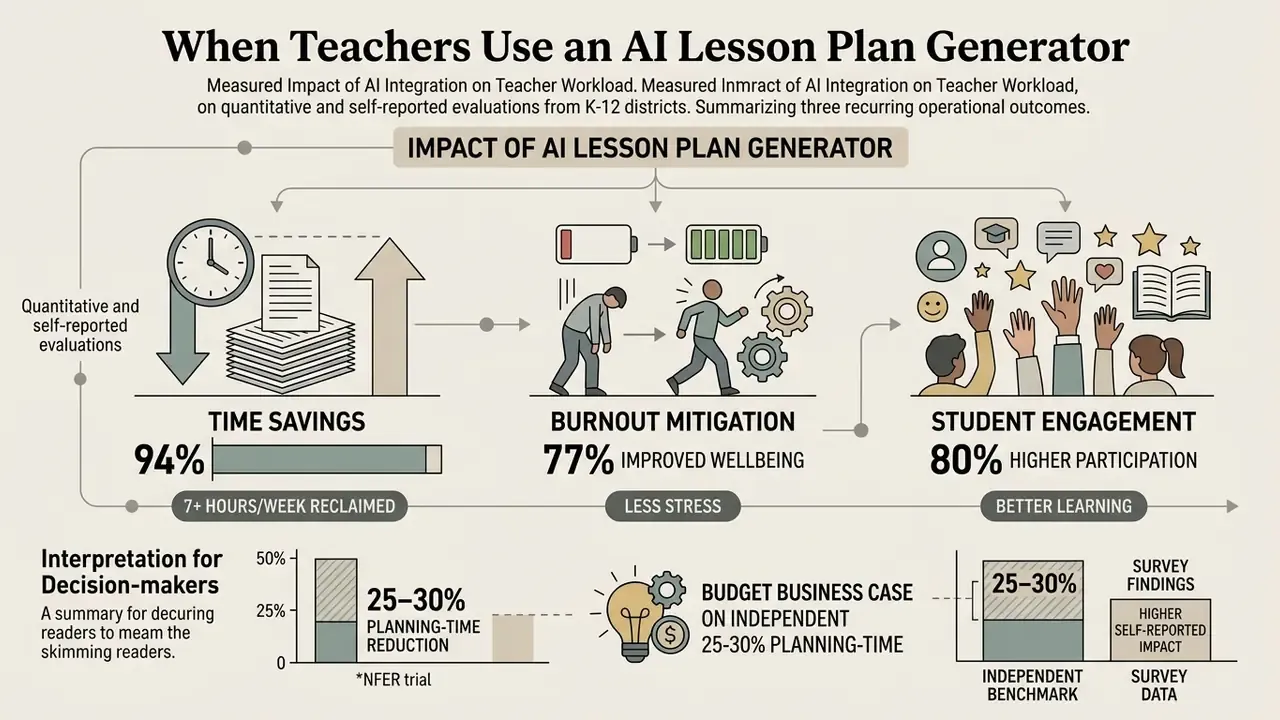
Interpretation for decision-makers: budget the business case on the independent 25–30% planning-time reduction, and treat vendor survey claims as an upper bound that still requires local validation through a pilot cohort. Institutions that model licence spend across several AI categories at once often sanity-check assumptions with AI Media Calculators before writing the budget line, since the generator seat price is rarely the largest number in the total.
How to Create a Lesson Plan With AI
To create lesson plan drafts with an ai create lesson plan workflow, educators define contextual parameters, embed relevant curriculum frameworks, and perform systematic human review before exporting. Following a structured prompt architecture ensures the generated output meets exact classroom requirements and institutional expectations. Federal and district guidance is consistent on the pre-flight sequence: review your school's AI policy, test the tool on student devices, and prepare prompts and sample tasks before generation (ORISE AI teaching resources).
- Specify Subject and Grade LevelDefine the exact subject grade and target age band to calibrate cognitive complexity.
- Set Measurable ObjectivesProvide 1–2 observable learning outcomes focused on student performance.
- Include Standard CodesPaste the full text or identifier for CCSS, NGSS, TEKS, or state standards.
- Define Activity and Time ConstraintsSpecify lesson duration, group work requirements, and available classroom materials.
- Attach Assessment StrategiesRequest formative checks, exit tickets, or rubric criteria linked directly to the objectives.
- Review and CustomizeVerify factual accuracy, adjust for student accommodations, and export to DOCX or PDF.
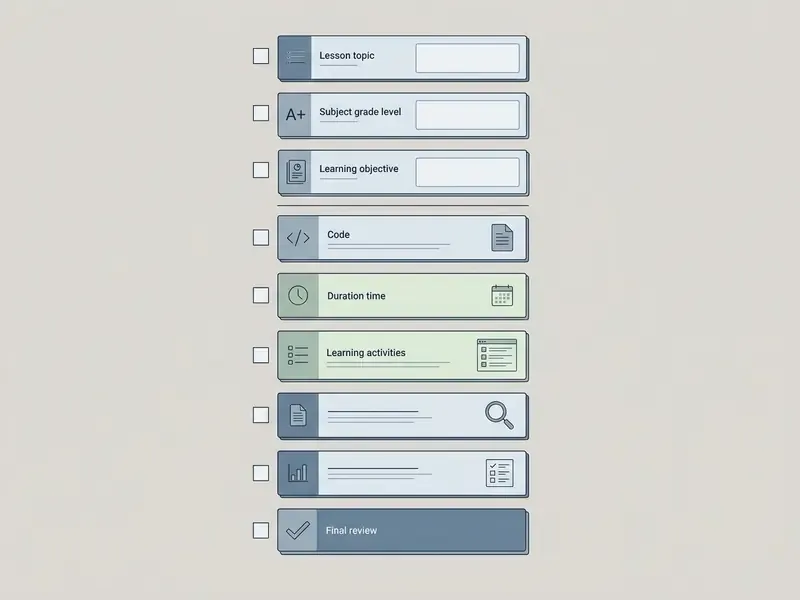
Define the Subject, Grade Level, and Lesson Goal
Clear specification of the subject grade level and learning targets in the prompt directly dictates the precision of an ai generator lesson plan. Prompts that explicitly state the target grade band and measurable outcomes prevent the ai generator for lesson plans from defaulting to generic, lower-order recall tasks.
Objective phrasing rules published for curriculum designers still apply verbatim to prompts: begin with "After participating, learners will be able to…", use verbs that are specific, measurable, and observable, and describe what learners will know or do rather than what the teacher will cover (Writing Learning Objectives, AAMC, 2019).
«Prompts that explicitly state grade level and measurable outcomes lower hallucination indices and raise NGSS alignment similarity.»
Add Standards and Instructional Requirements
Incorporating explicit standards codes, such as NGSS, Common Core, or TEKS, allows an ai generator lesson plans platform to map instructional steps to official learning benchmarks. Anchoring the prompt to the cited standard's full wording, not a vague reference, is the single highest-leverage change most teachers can make.
«Structured prompt frameworks (RACE, TAG, COSTAR) produced a mean NGSS similarity score of 0.082 versus 0.070 for unstructured queries.»
State guidance reinforces the same standards-first pattern. California's AI guidance for public schools demonstrates NGSS-linked prompting with explicit task context, Ohio's content-area AI guidance ties usage to Ohio Learning Standards, and WIDA materials require pairing prompts with WIDA Language Expectations for multilingual learners. Regulatory documents establish policy, though. They are not empirical evidence of instructional effectiveness, which is why the quantitative citation above carries the analytical weight here.
Calibrating Lesson Duration and Pacing Controls (20 to 120 Minutes)
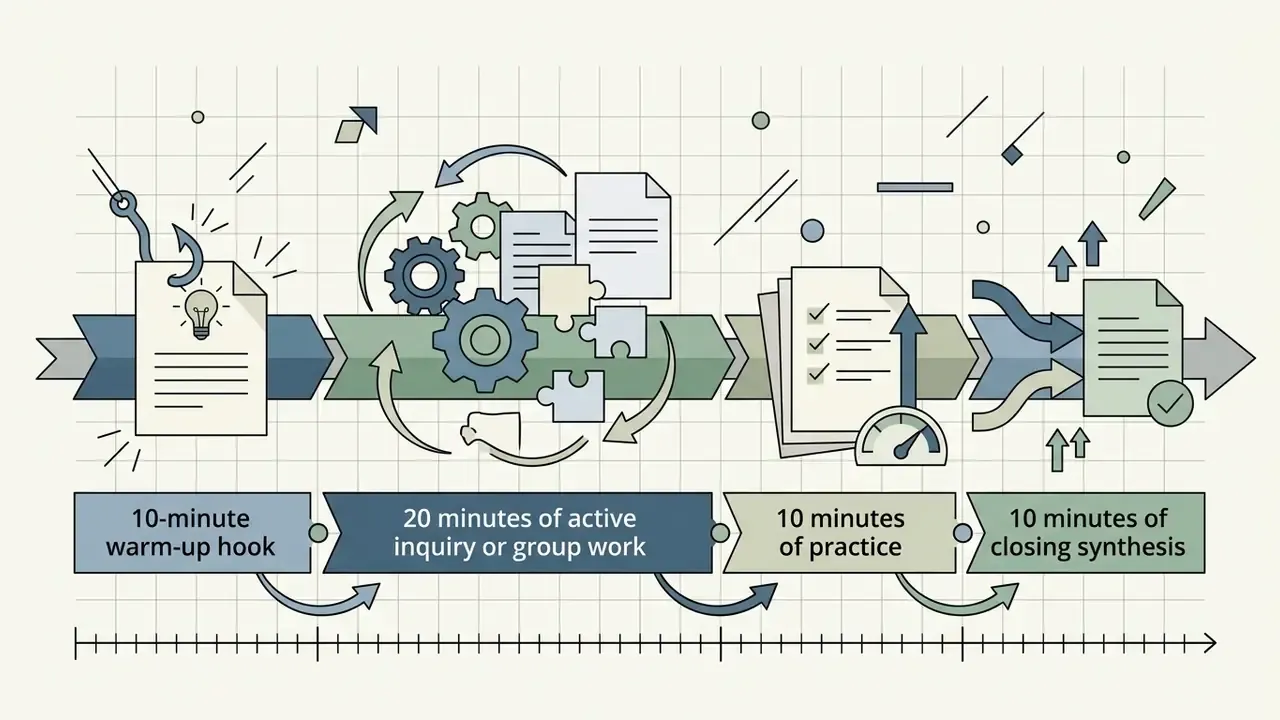
Precision timing prevents AI tools from over-generating theoretical content that exceeds period constraints. Advanced ai generator lesson plan engines let teachers define explicit duration parameters ranging from quick 20-minute targeted interventions to 120-minute extended block periods. Microsoft's lesson-plan feature accepts durations from 5 to 180 minutes, while Brisk supports a 20–120 minute range. When prompting, specify explicit minute allocations for each phase:
Mis-specified duration is the most common cause of unusable drafts. Without minute-level constraints, models routinely generate 90 minutes of content for a 45-minute period. I have seen a "45-minute" AI draft that included a gallery walk, a debate, and an essay. Nobody teaches that in one period.
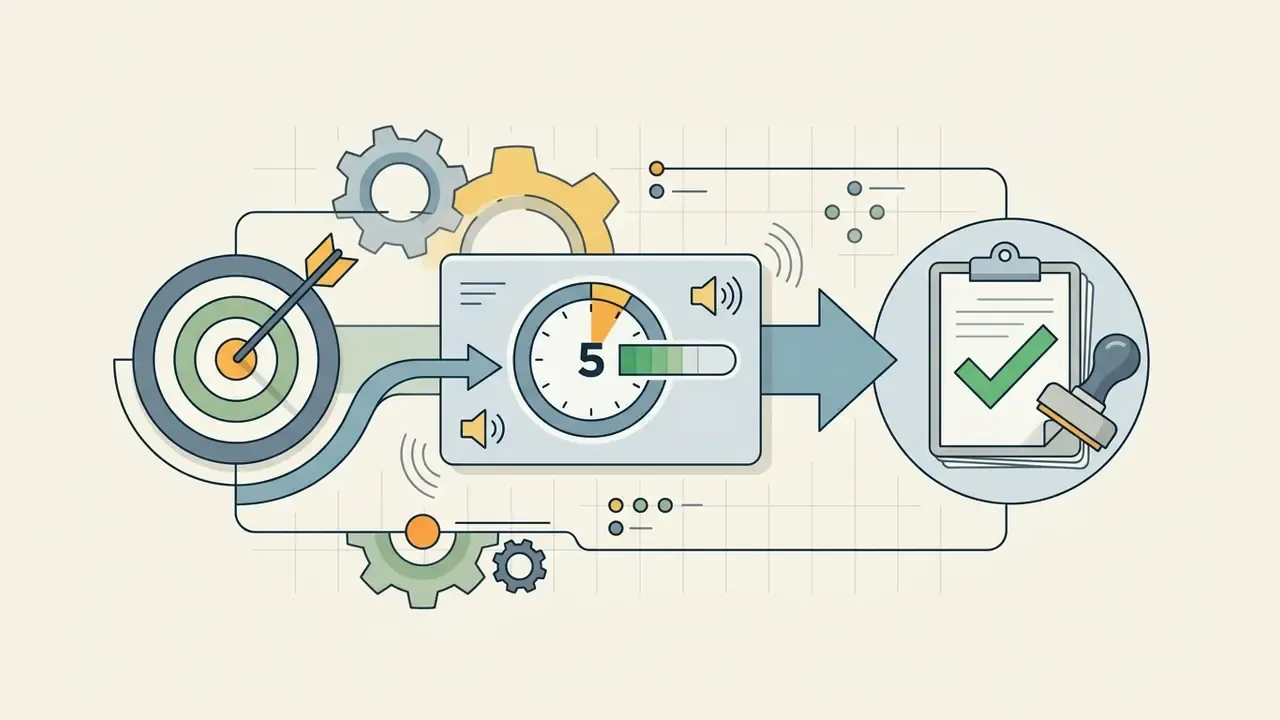
Review, Customize, and Export the Lesson Plan
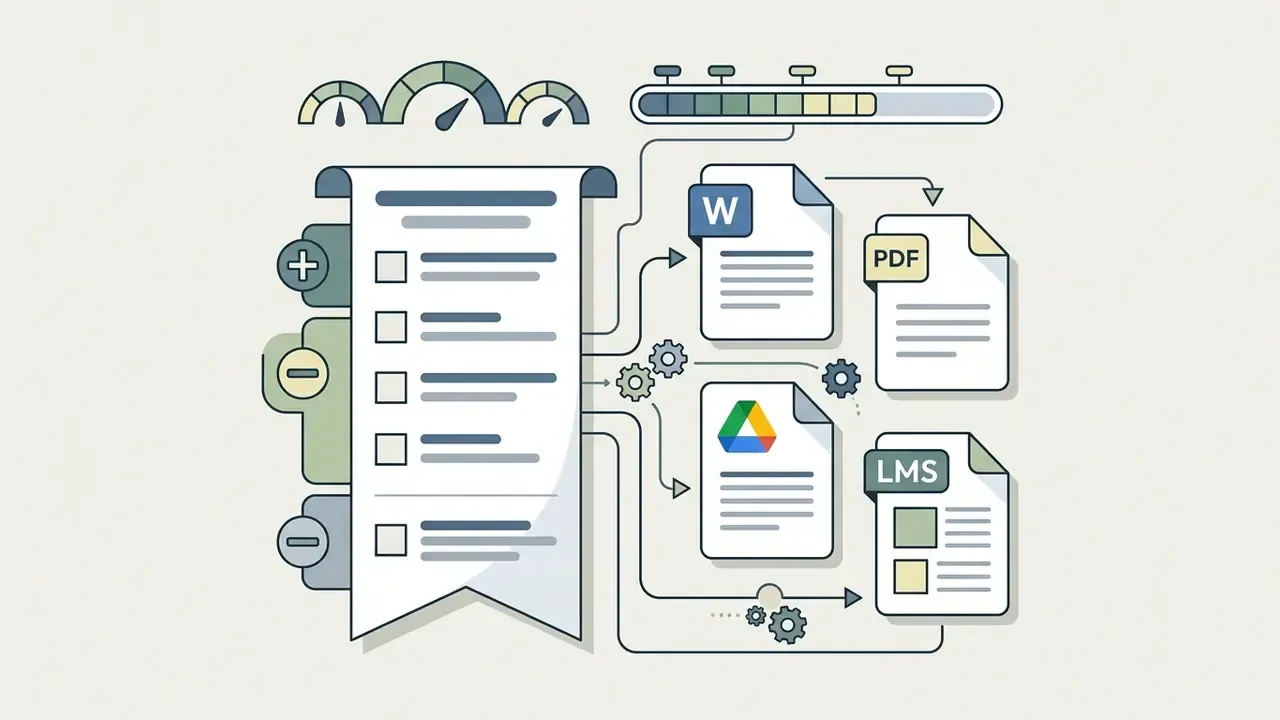
Post-generation human review is essential to verify factual correctness, refine differentiation for diverse learners, and export customizable lesson plans into usable formats. Modern ai lesson plan generator tools support rapid export to DOCX, PDF, Google Docs, or HTML share links, allowing educators to revise objectives activities and integrate the plan into existing school workflows. Training-material guidance recommends keeping outputs in editable formats (Google Docs, slides, plain text, Markdown) so plans can be modified and reused without proprietary lock-in (ELIXIR Training Handbook). Teachers building multimedia components for the same lesson often pair exports with narration produced by AI voice generators.
«After analysing AI-generated plans, pre-service teachers' belief that ChatGPT could write a complete lesson plan dropped significantly.»
That finding is the strongest available argument for mandatory review. The more closely educators inspect AI drafts, the less they trust them as finished artefacts, and the more effectively they use them as idea scaffolding.
Ecosystem Integration: Chrome Extensions and Direct LMS Export
Modern ai lesson plan generator website platforms work beyond standalone tabs by embedding into teacher browser workflows through Chrome extensions. Tools such as Brisk and MagicSchool let teachers highlight text on any educational web page or YouTube video and generate an aligned lesson draft instantly, without copy-pasting between windows. Export capabilities to verify before adoption:
- Editable documents one-click export to Google Docs and Microsoft Word (.docx) that preserves headings and tables for manual editing.
- Visual slides and concept maps integration with presentation engines (Canva, Google Slides, PowerPoint) and concept-mapping tools such as Heuristica, which can generate a lesson plan directly from an existing concept map.
- LMS ingestion SCORM, xAPI, or cmi5 publishing plus direct share links for Canvas, Schoology, and Google Classroom. Enterprise authoring suites such as Articulate 360 include SCORM/xAPI/cmi5 publishing in the seat price.
- Print-ready output clean PDF export for substitute folders, observation binders, and parent-facing summaries.
- Multilingual export dual-language plan generation (50+ languages on several platforms) for bilingual and dual-immersion programmes.
When evaluating software licensing across an institution's whole media stack, schools frequently benchmark adjacent categories such as Canva AI Generator features, pricing, and commercial licensing and free AI video generators. If video production sits in the same budget cycle, the runway ai video tiers and sora ai video generator pricing give a realistic sense of how quickly per-seat costs compound once media generation joins lesson generation.
Free vs Paid AI Lesson Plan Generators: What to Check Before Choosing
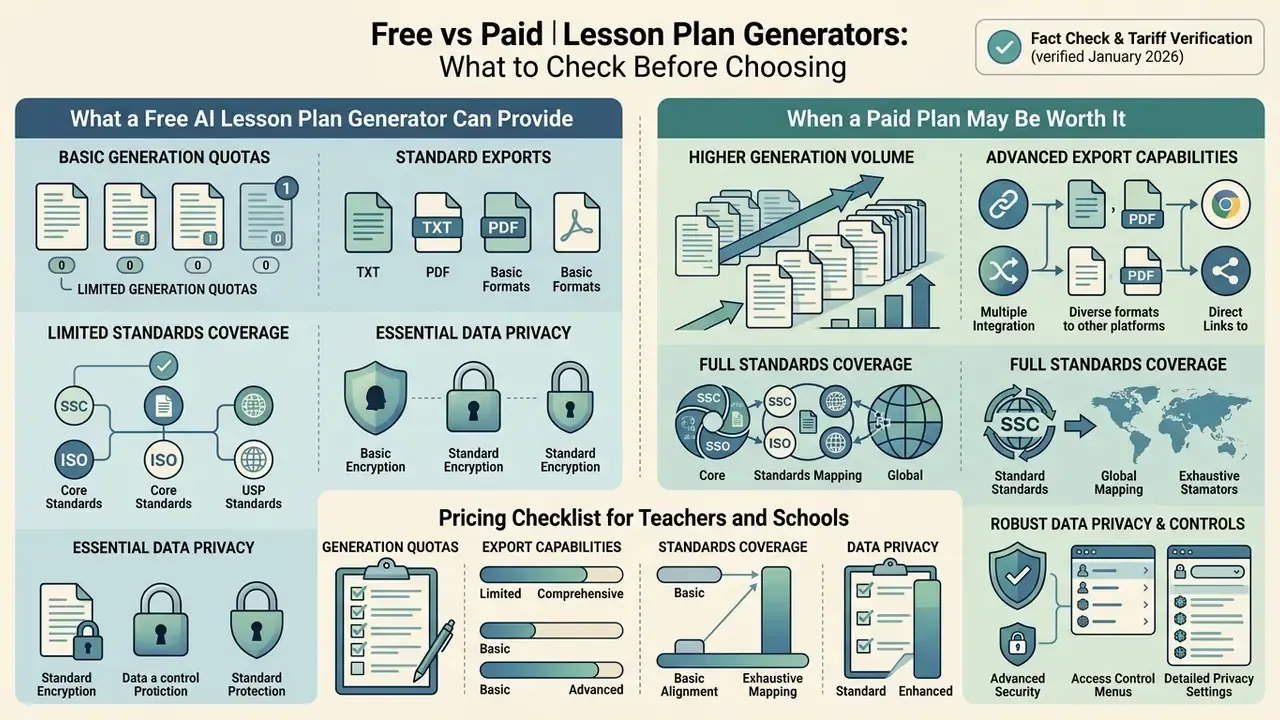
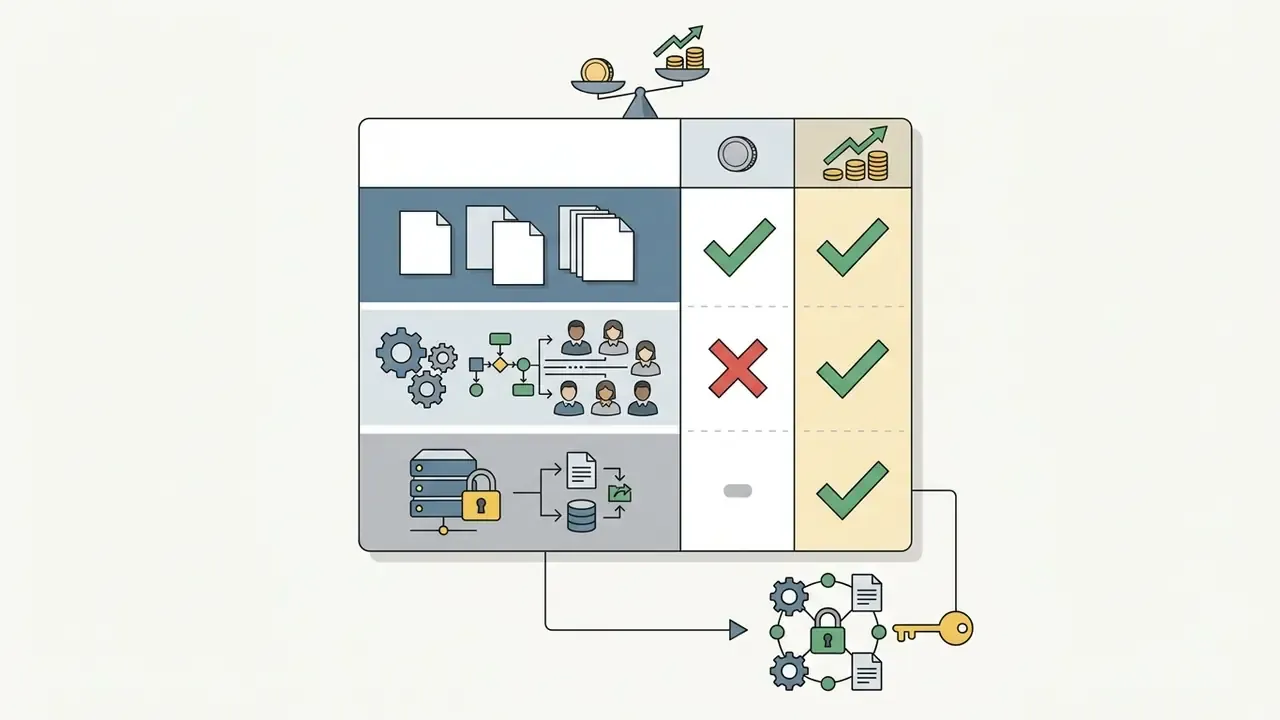
Choosing between an ai lesson plan generator free online option and a paid subscription depends on required generation volume, administrative controls, and export requirements. A free ai lesson plan generator provides basic drafting functionality, while premium plans unlock unlimited processing, advanced collaboration, and direct LMS integration. Understanding this economics layer before comparing individual vendors prevents feature-driven purchases that fail procurement review.
Fact Check and Tariff Verification (verified January 2026):
What a Free AI Lesson Plan Generator Can Provide
An ai lesson plan generator for teachers free typically provides access to standard lesson templates, basic learning objective drafting, and limited monthly generations. Free platforms serve as an effective free ai entry point for single-class preparation, letting teachers produce structured drafts without upfront financial commitment. Template repositories add a zero-cost fallback: Teacher Planet alone publishes over 500 free lesson-plan templates, and Canva and Adobe Express both offer free planner templates.
«Even free-tier ChatGPT and Gemini produced structurally consistent, multi-subject lesson plans for 7th grade.»
«Pre-service teachers came to see ChatGPT as a tool for ideas and drafts, not for classroom-ready lessons.» - Kalenda et al., 59 pre-service teachers, United States, ScienceDirect (2024). https://www.sciencedirect.com
When a Paid Plan May Be Worth It
A paid subscription becomes defensible when an institution needs team collaboration, contractual data-privacy guarantees, unlimited plan exports, and deep alignment with complex state curricula. Paid tiers remove monthly generation caps, add administrative billing and seat management, and provide advanced customization controls for multi-grade unit design. Adobe, Smallpdf Teams, and similar vendors follow the same pattern across categories: unlimited standard generations, team billing, and higher export ceilings sit behind the paywall, while premium or high-compute generations stay metered.
«No peer-reviewed study has yet compared paid and free AI lesson-plan generators on lesson quality or student outcomes.»
Read that honestly. The upgrade case today rests on administrative control, compliance, and workflow, not on demonstrated instructional superiority. Institutions modelling total cost across AI media licences can cross-reference category pricing patterns in the comparison of leading AI art and image generators and the broader AI Video Pricing Guide before committing to multi-year seats. Planning teams that price several document-generation tools together sometimes also look at how an ai business plan generator or an ai floor plan tool structures its credits, because the metering logic is nearly identical across text-to-document categories.
Pricing Checklist for Teachers and Schools
Student Data Privacy and Institutional Compliance (FERPA, COPPA, GDPR, NDPA)
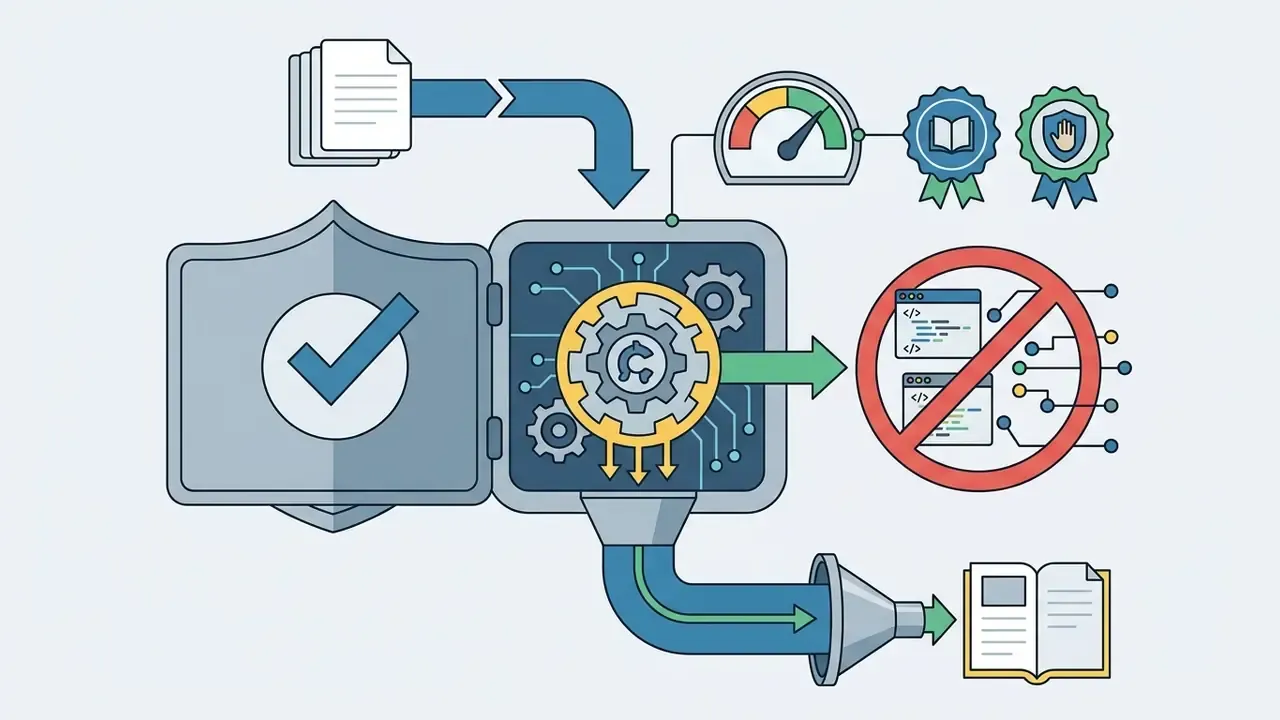
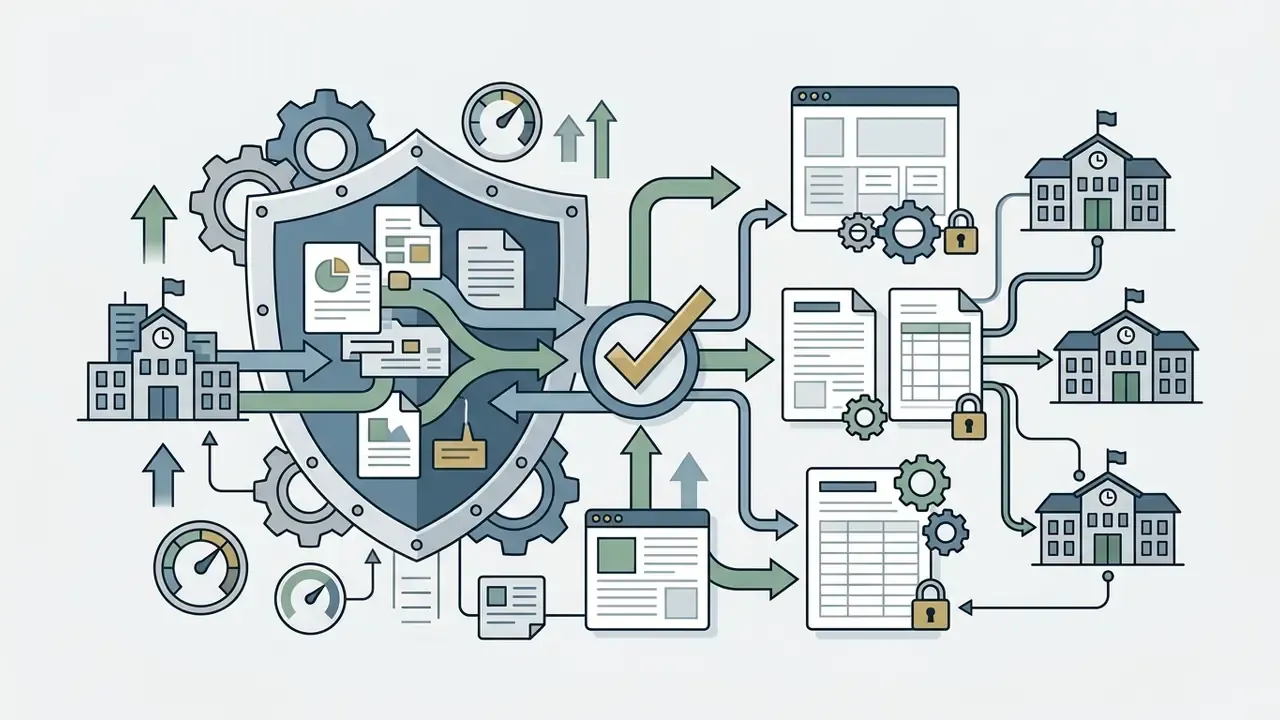
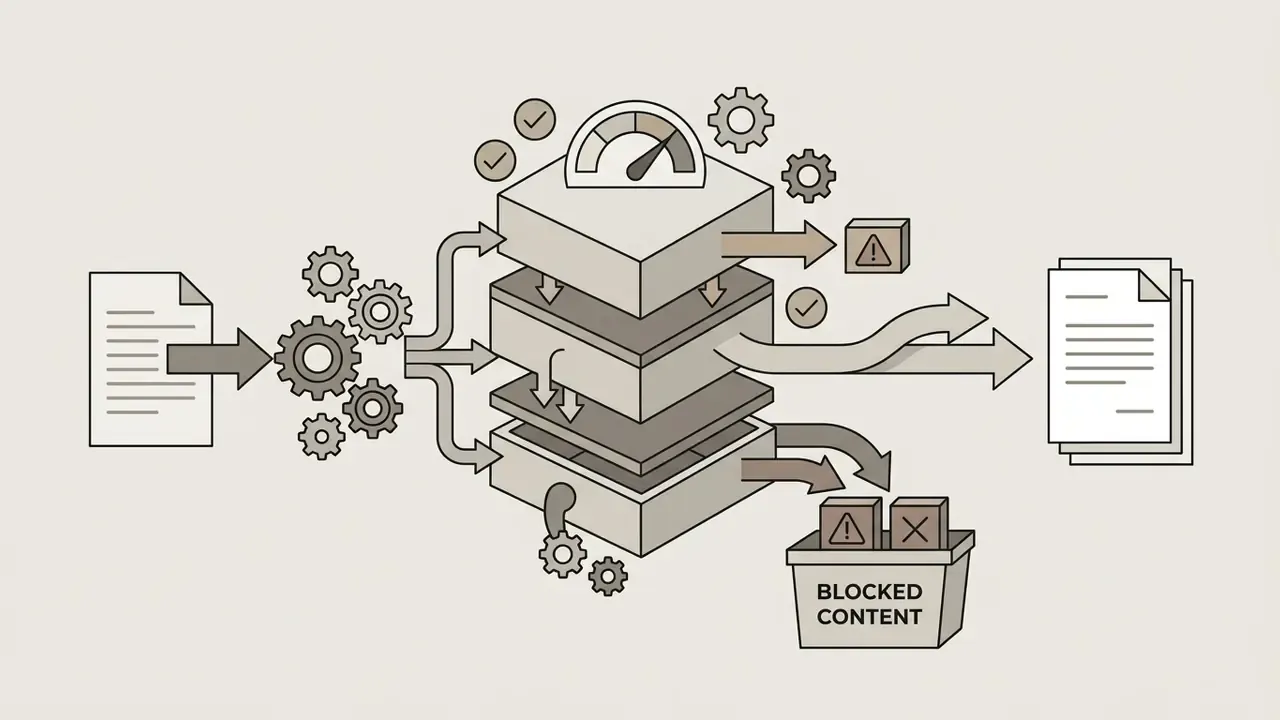
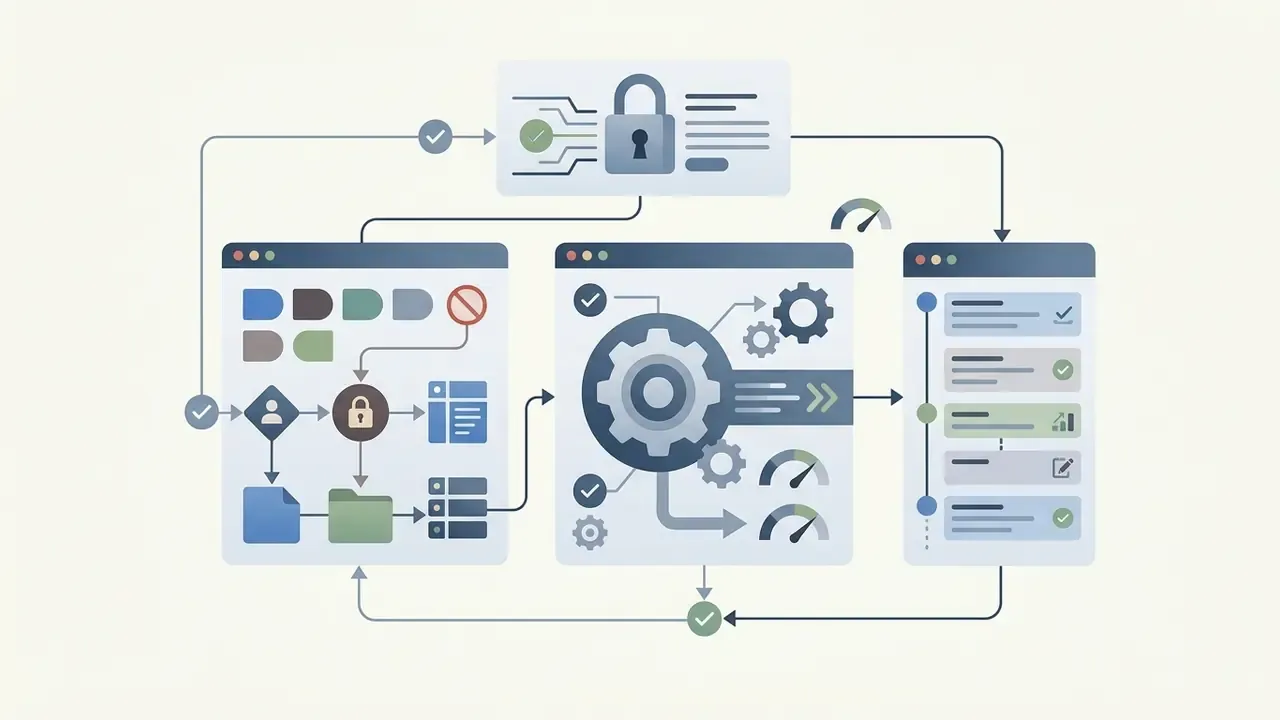
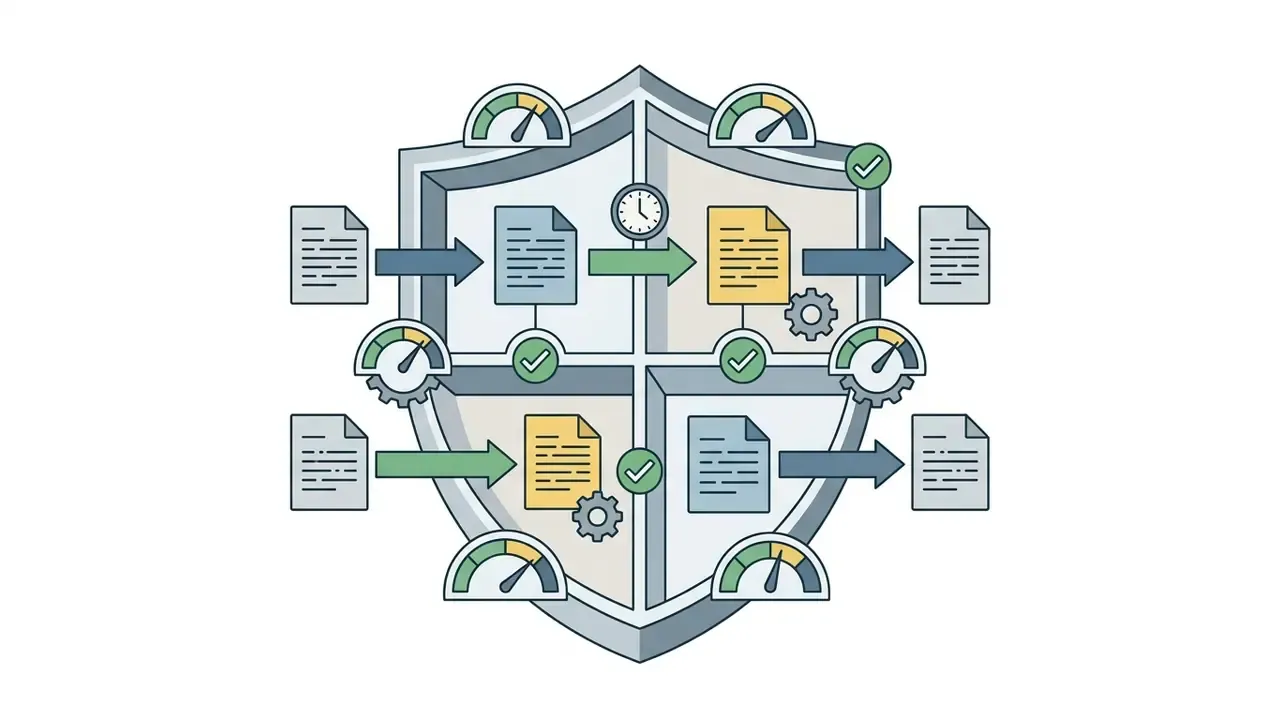
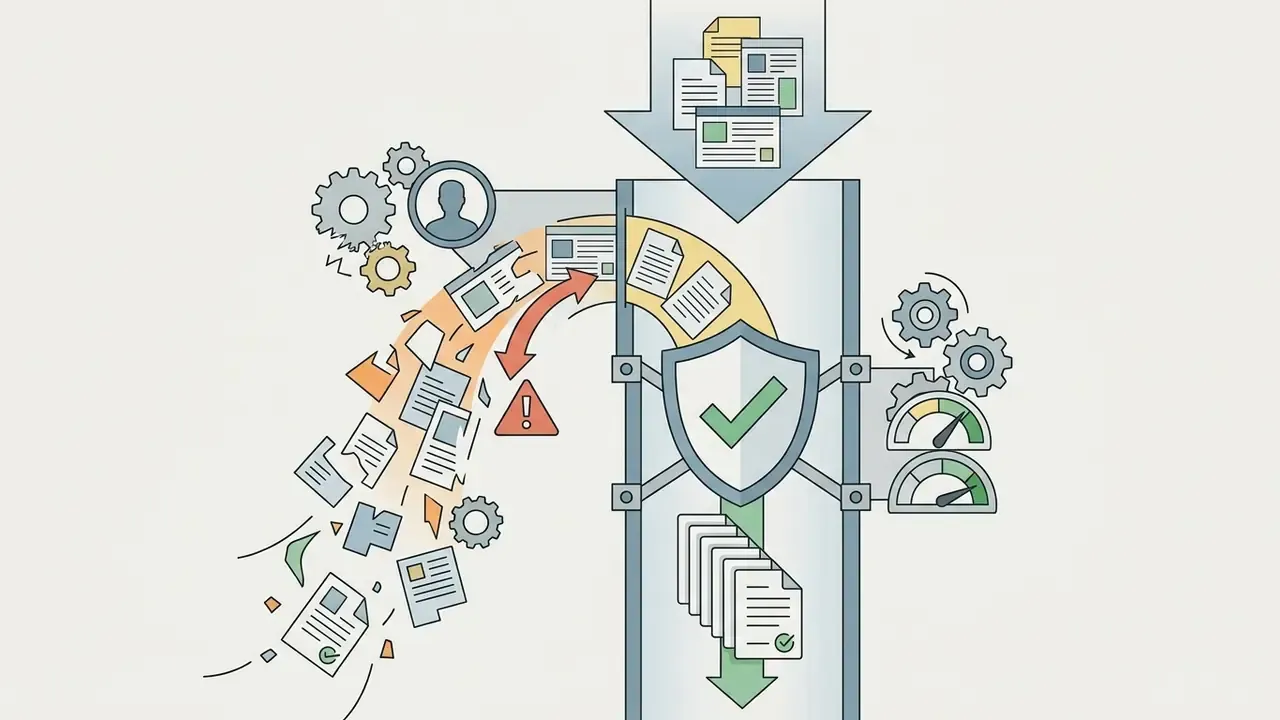
Official guidance is unambiguous on the human-governance layer. The California Department of Education's AI guidance for public schools requires educator oversight and treats undisclosed AI-written work as academic dishonesty, and Chicago Public Schools' AI guidebook requires permission before processing other people's data and verification of accuracy before sharing. European Schools' legal and pedagogical guidelines (2025) additionally require substantial AI contributions to be labelled "AI-assisted," and UNESCO's guidance for generative AI in education requires labelling of AI-generated text, images, and video.
Features to Compare in AI Lesson Plan Generator Tools
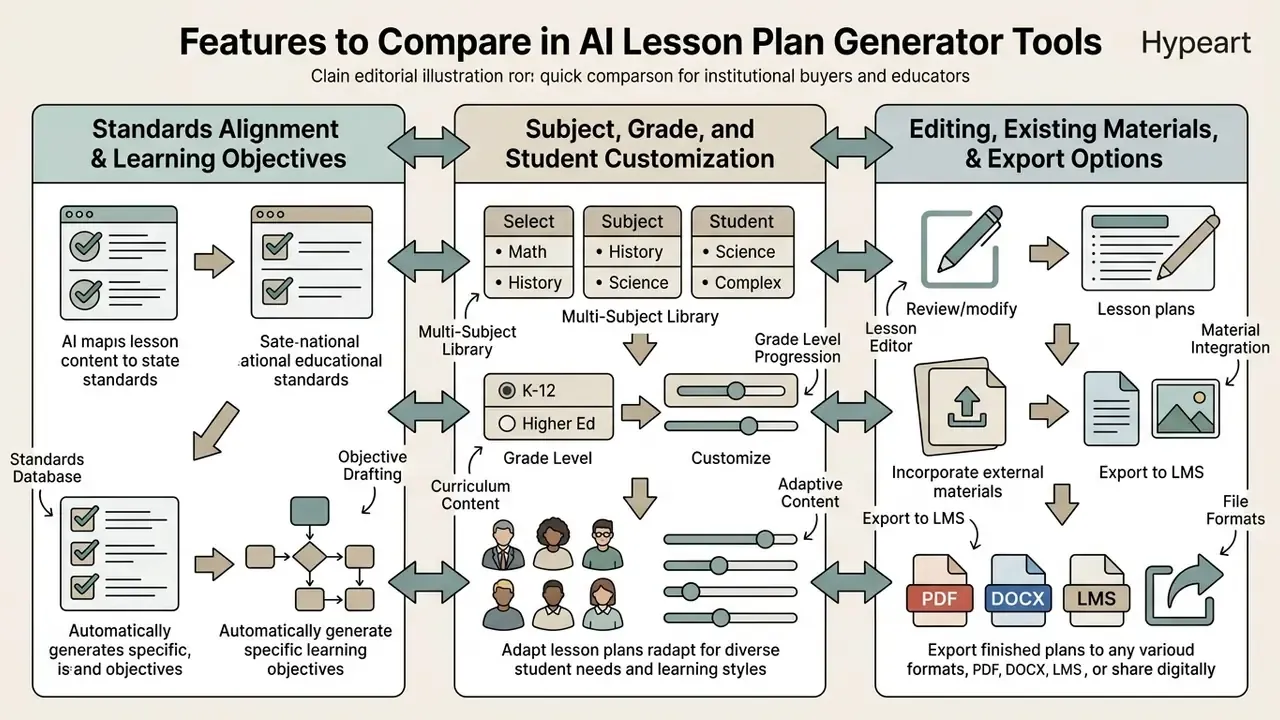
When evaluating ai lesson plan generator tools, institutional buyers and educators must compare standards mapping mechanisms, multi-subject flexibility, existing-material ingestion, security posture, and export flexibility. Selecting an effective lesson tool requires auditing how the system handles complex pedagogical demands beyond simple text generation.
| Tool / Platform Category | Free Access / Credits | Standards Alignment | Grade Level Coverage | Customization & Existing Materials | Export Options | Browser / LMS Integration | Security & Privacy Posture | Multilingual Support |
|---|---|---|---|---|---|---|---|---|
| Education Copilot | Free plan available | Common Core, state standards | K–12 | High; customizable templates | PDF, Word, Google Docs, Slides | Google Workspace export | Vendor-stated policy; verify training exclusion | English, Spanish |
| Flint | Free generator access | CCSS, NGSS, TEKS | Pre-K through 12 | Ingests teacher text and prompts | Google Drive, Word, clipboard | Google Drive integration | Vendor-stated; request DPA | Multiple languages |
| TeachQuill | Free tier with limits | CCSS, NGSS, AP/IB, TEKS | K–12 and higher ed | Generates "I can" target statements | PDF, Google Docs, Slides | Slides/Docs export | Vendor-stated; request DPA | English, Spanish, French |
| Brisk (extension-first) | Educator Free plan | CCSS, NGSS, state and custom frameworks | K–12 and beyond | Builds from existing web pages, docs, YouTube | Google Docs, Microsoft Word | Chrome extension; works on any page | Educator-focused; confirm district agreement | 50+ output languages |
| MagicSchool | Free tier; Plus ≈ $100/year | State standards, Common Core, frameworks | K–12 | Differentiation and reading-level variants | Microsoft, Google, LMS export | Chrome extension + LMS | District-oriented privacy programme | Multiple languages |
| Canva for Education | Free for teachers, districts, admins | Objectives plus assessment workflow | K–12 | Magic Activities, template library, visual decks | Slides, PDF, print, share links | Google Classroom, Canvas LMS | FERPA, COPPA, NDPA signatory, GDPR-committed | Multiple languages |
| Heuristica | Free and downloadable | Objectives plus custom instructions | Pre-K through adult ed | Generates plans from concept maps | Download, copy, concept-map linkage | Web app; concept-map native | LLM disclaimer published; verify DPA | 20+ languages |
| Enterprise authoring (e.g., Articulate 360) | Trial only; $1,749/seat/yr | Custom frameworks and compliance mapping | K–12, higher ed, corporate | Full course authoring plus AI artifacts | SCORM, xAPI, cmi5, PDF | Native LMS publishing | Enterprise contracts, SSO, admin reporting | Localization workflows |
| Generic LLMs (ChatGPT / Gemini / Copilot) | Free web access | Requires explicit prompt codes | Pre-K through college | High via iterative prompting | Text copy, Markdown, HTML | Varies by workspace plan | Consumer tiers may train on input, so avoid PII | 50+ languages |
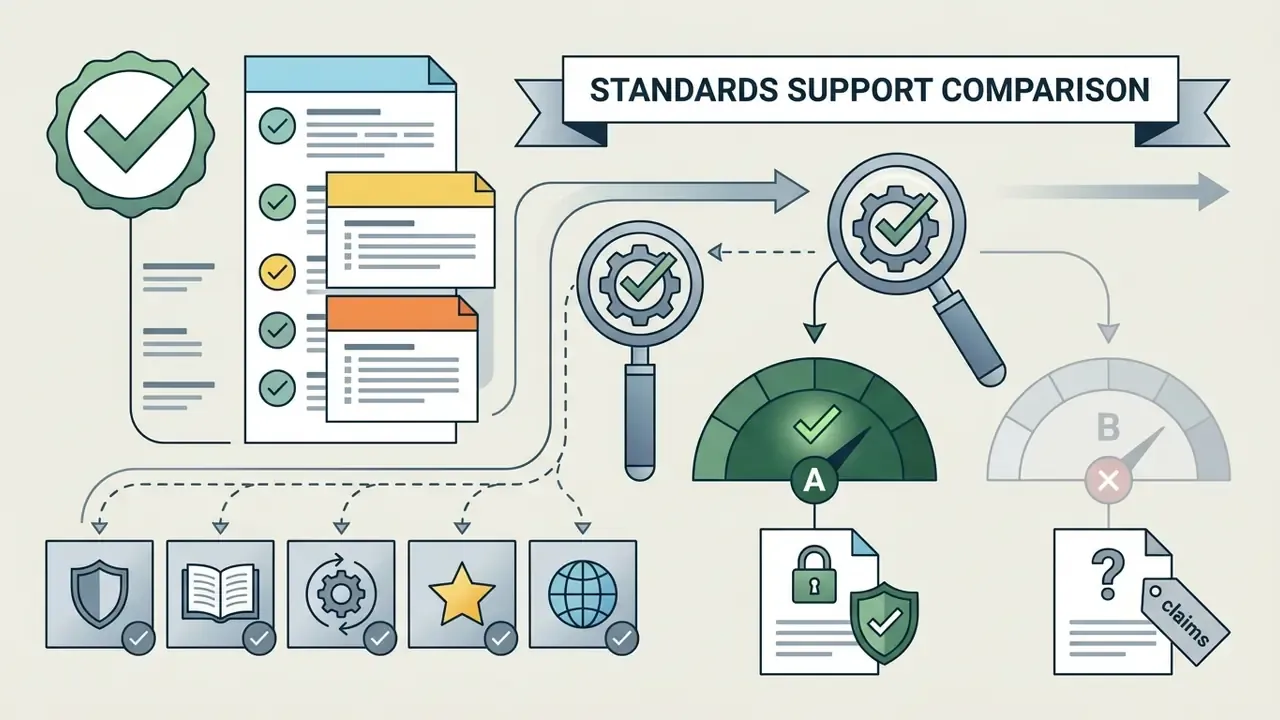
Standards alignment labels above are largely vendor-claimed. Always verify with a sample generation against your own standard codes before procurement. For side-by-side scoring across adjacent categories, the AI Media Comparison Matrices use the same evaluation columns.
Standards Alignment and Learning Objectives
An ai learning objective generator or ai learning target generator extracts key concepts from standards documentation and converts them into observable "I can" statements. Specialized tools unpack standards codes into 3–6 teachable components (domain, cluster, learning progression, then student-friendly objective), helping educators build standards aligned lesson plans that match regional curriculum expectations. Some platforms additionally split standards into primary and supporting strands before mapping each lesson to specific targets with Bloom's-level verb control.
The practical countermeasure is explicit cognitive-level instruction in the prompt. Name the Bloom's or DOK level you require for each activity, and ask the model to label every task with its level so gaps are visible at a glance.
Customization for Subjects, Grades, and Student Needs
Advanced ai tools allow teachers to modify lesson outputs across varied subject grade categories, including specialized STEM subjects and foreign languages. By separating language demands from core content, an ai lesson creator can adapt math and science activities for English language learners and students with specific learning accommodations.
«AI-generated plans in Islamabad schools spanned several grade levels in science and mathematics using 5E and CPA models, but teachers reported insufficient differentiation across learner profiles.»
Multilingual-learner toolkits converge on guidance that should be encoded directly in prompts: clarify vocabulary only when needed and at the right moment in the lesson, identify the specific language demands of the task, use preview and review in the home language, and script anticipated misunderstandings in advance. South Africa's inclusive-learning guidelines frame the adaptation levers precisely as content, context, presentation method, and support materials, which makes them a useful prompt taxonomy even though they are policy rather than evidence.
Editing, Existing Materials, and Export Options
Modern platforms permit users to upload existing teaching materials, whether PDFs, slide decks, or text notes, and reformat them into structured unit guides. Teachers can rewrite specific sections, update activities assessments, and execute quick exports to PDF or Word documents for immediate classroom delivery. TeachShare supports "Create from PDF" ingestion, Teach Up exports as PDF or HTML, and SlideSpeak publishes lessons as PowerPoint, PDF, narrated MP4, SCORM, and QTI/CSV quiz formats. Educators assembling richer media around a plan can review workflow options for animation makers and template-based motion tools and YouTube video editing workflows.
Human-in-the-Loop Validation Workflow
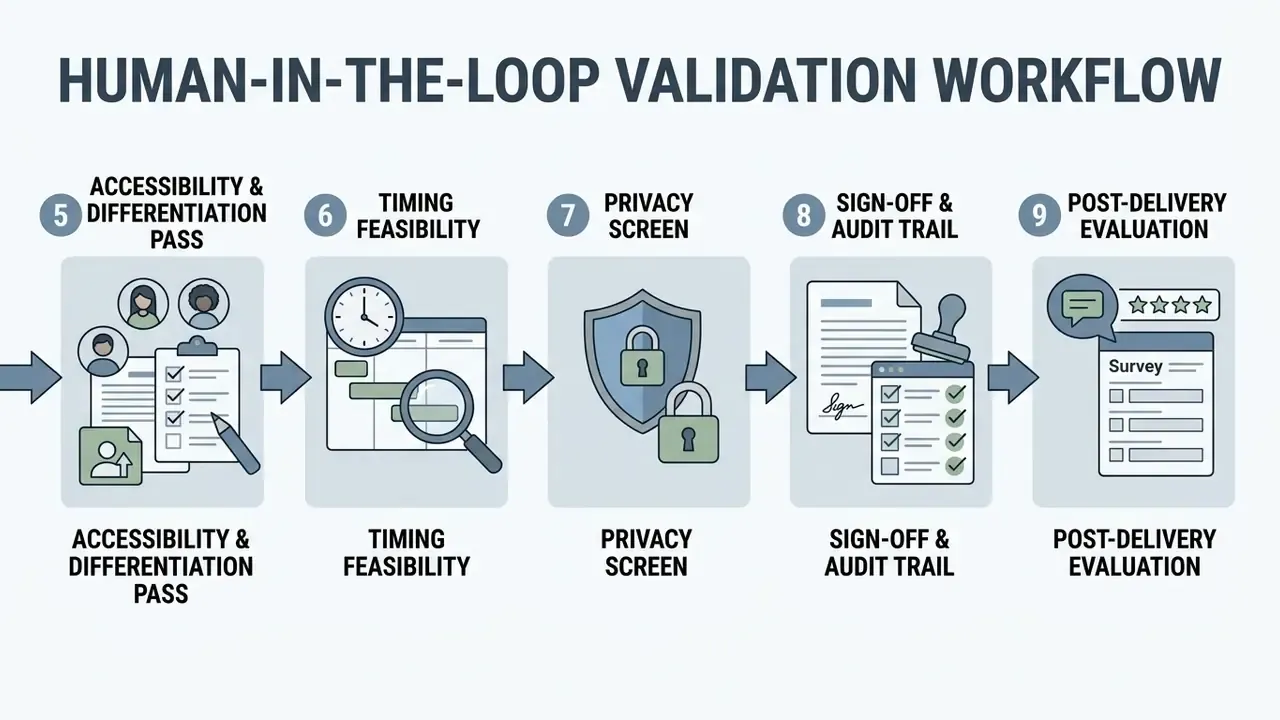
AI drafts enter the classroom only after a documented review pass. The following workflow mirrors model-risk practice used in regulated industries and satisfies the educator-oversight requirements in state and district AI guidance.
Step 1. Factual verification. Check every date, name, formula, and causal claim against a curriculum-approved source. Prioritise history, civics, and science, where error rates are highest.
Step 2. Standards audit. Confirm each listed standard code actually matches the activity described, not merely the topic. Delete decorative standard references.
Step 3. Cognitive-demand check. Count activities by Bloom's or DOK level. If more than half sit at recall, replace at least two with analysis, evaluation, or creation tasks.
Step 4. Equity and representation review. Check for multicultural content, varied perspectives, and student choice.
Step 5. Accessibility and differentiation pass. Verify ELL supports, IEP/504 accommodations, reading-level variants, and assistive-technology compatibility against the actual roster.
Step 6. Timing feasibility. Sum the minute allocations. Reject any plan whose phases exceed the period length.
Step 7. Privacy screen. Confirm no student PII was entered in the prompt and no PII appears in the output.
Step 8. Sign-off and audit trail. Record the tool and model version, the prompt used, the reviewer's name, the date, and the edits made. Label substantial AI contribution as "AI-assisted" in line with European Schools guidance and UNESCO's labelling requirement.
Step 9. Post-delivery evaluation. After teaching, log what worked, then feed corrections back into your prompt library so the next generation starts closer to classroom-ready.
A practical note on effort. The first five passes take roughly 10 to 15 minutes per plan once a reviewer is fluent, which still leaves most of the measured NFER saving intact. Skip them and the saving is illusory, because remediation happens live, in front of 28 students.
Lesson Plan Types You Can Generate With AI
An ai lesson plan creator can produce a wide range of instructional formats, from single-period outlines to comprehensive multi-week curriculum maps. Specifying the target format in the prompt ensures the ai generator for lesson plans structures timing and assessment blocks appropriately.
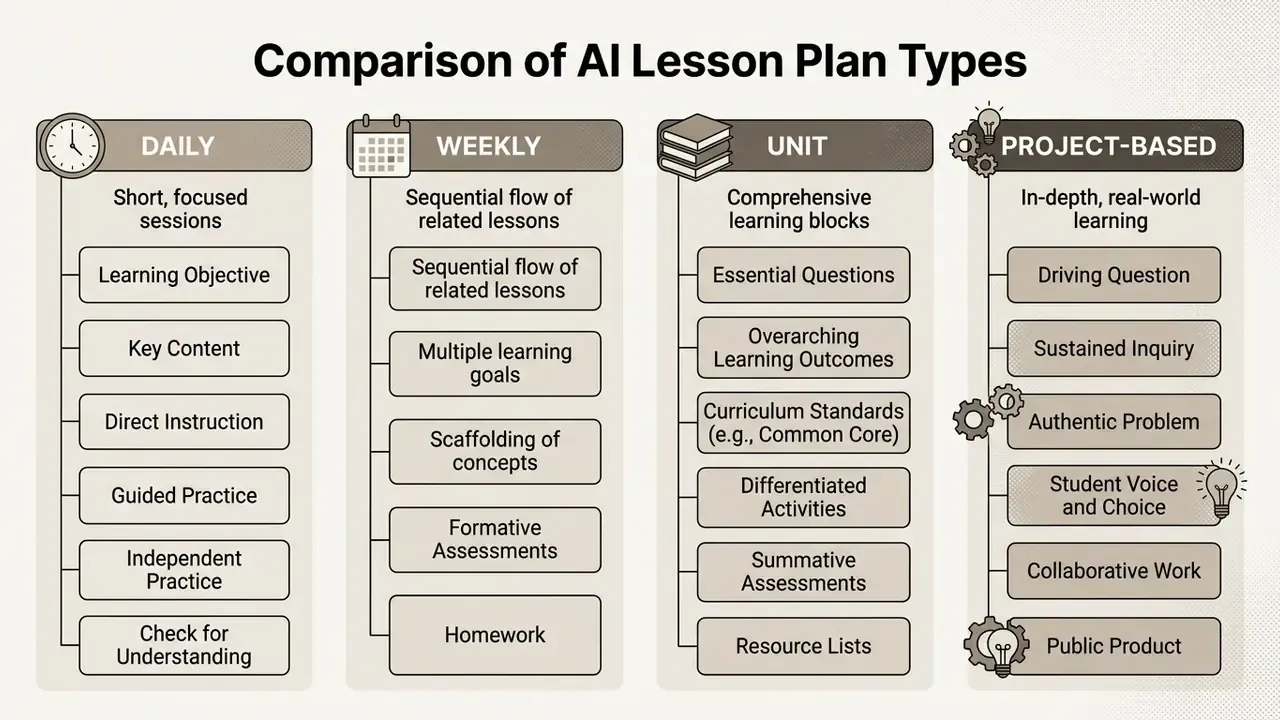
The recurring, well-documented formats are daily, weekly, unit, project-based, 5E inquiry, substitute, and standards-aligned plans. Each of them requires the prompt to specify grade, duration, objectives, and context to produce a usable draft.
Daily, Weekly, and Unit Lesson Plans
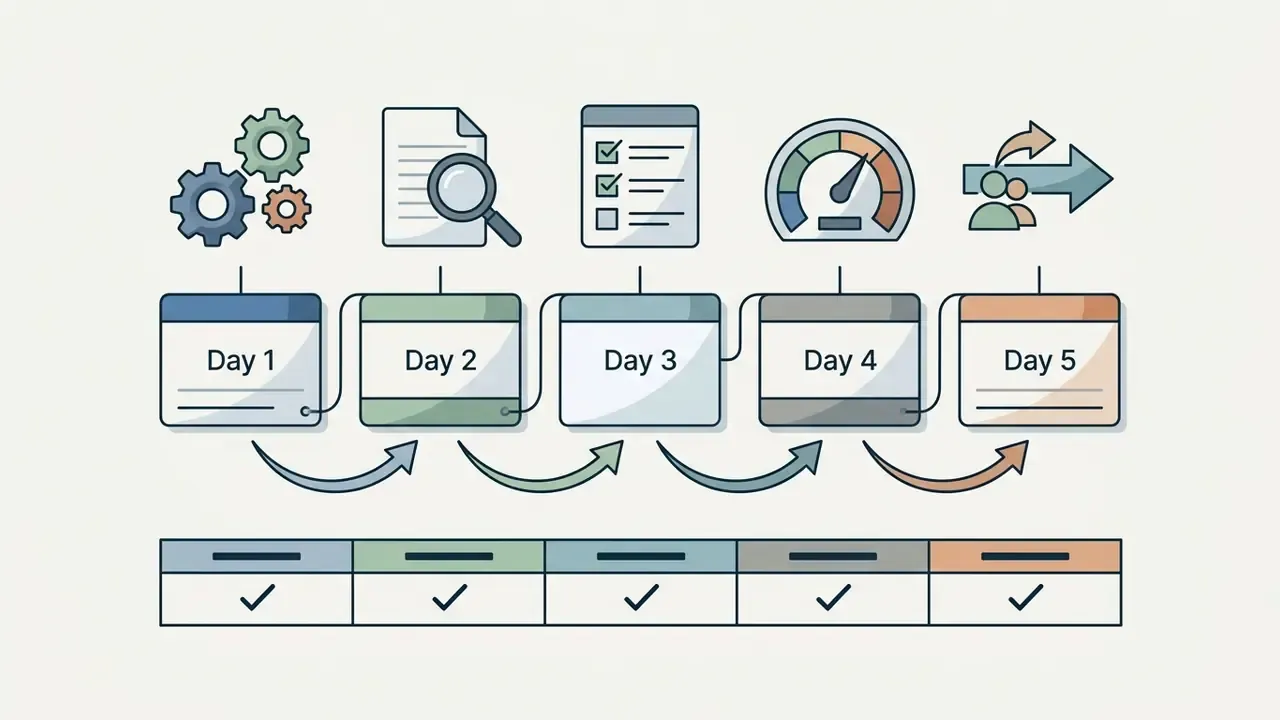
Daily plans break a single class period into precise time blocks: opener, direct instruction, guided practice, independent work, and exit assessment. Weekly plans render a five-day instructional week or class-block sequence with per-day objectives, openers, and closers, so pacing is visible across the week. Unit plans organise learning across multiple weeks, building from subject, grade, duration, standards, and learning goals into a week-by-week thematic map with cumulative evaluation checkpoints. The generation difference is scope, not structure: the same four core blocks repeat at every altitude, but only unit-level prompts force the model to sequence cognitive difficulty over time.
Project, Thematic, and Collaborative Lesson Plans
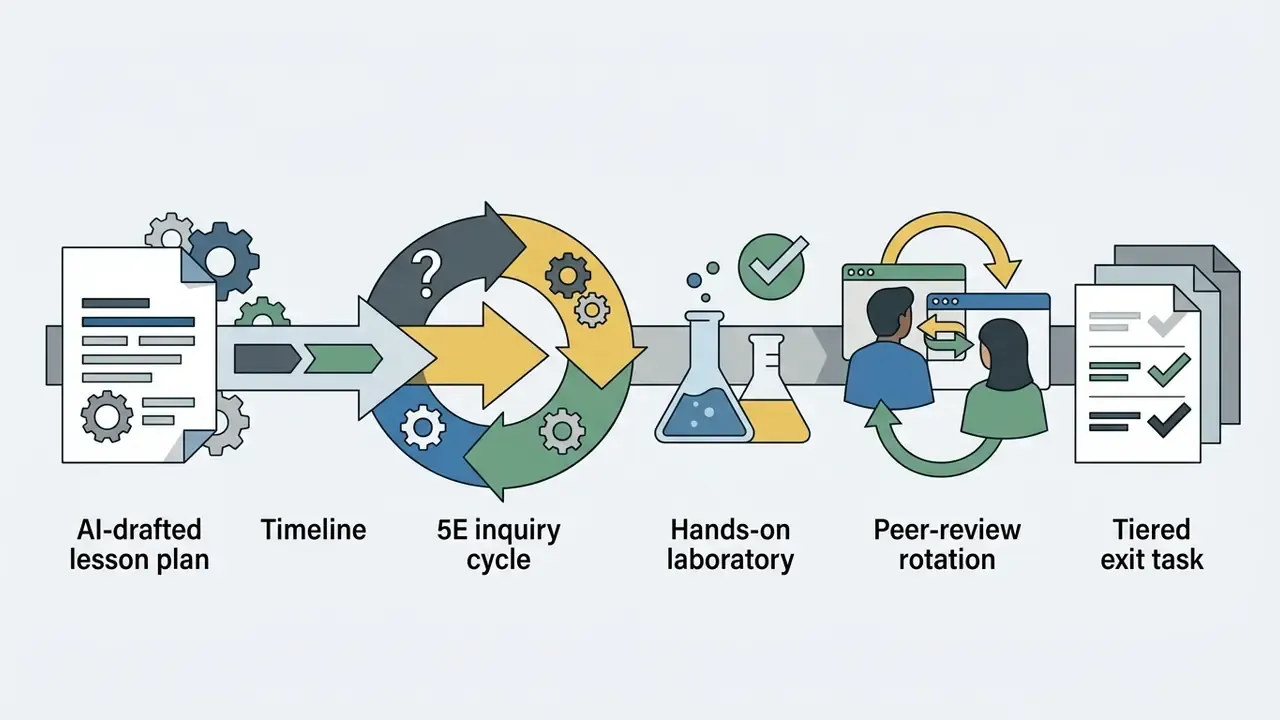
Project-based and thematic plans use AI to design multi-stage student inquiries anchored in real-world scenarios, moving through driving question, scenario, problem statement, staged activities, deliverables, assessment, and reflection. The 5E variant (Engage, Explore, Explain, Elaborate, Evaluate) remains the default for inquiry-based science.
«Custom generators prompted for student agency produced plans with more collaborative tasks and more dialogic exchange.»
Collaborative planning is best framed as teacher and AI co-design: the model drafts, human reviewers check accuracy and pedagogical fit, and the teacher localises the plan for the specific classroom. Teachers developing multimedia collateral for project work can reference practical comparisons of Microsoft AI image generation access, limits, and commercial terms when planning visual aids.
Plans for Substitute Teachers and Back-to-School Readiness
Substitute teacher plans require explicit, step-by-step instructions written for a non-specialist: bell-to-bell timing for each block, where materials are stored, classroom procedures and behaviour expectations, student notes, fallback activities, emergency contacts, who to call for tech support, and an end-of-day feedback section. An ai lesson plan generator app can rapidly assemble complete substitute packages and back-to-school diagnostic orientation units. The latter typically cover enrolment forms, updated health records, portal logins, transportation arrangements, and morning-routine resets, which keeps classroom continuity intact during the first week.
«Pre-service teachers' confidence that ChatGPT could write a detailed substitute plan declined statistically significantly after they analysed AI-generated plans.»
Substitute plans therefore need the heaviest human editing of any format, because the teacher who would normally fill in the gaps is absent by definition. Small courtesy touches help too: some departments append a short thank-you note to the covering staff member, and tools such as an ai thank you note generator handle that in a few seconds.
AI Lesson Plan Generator for Different Grade Levels and Subjects
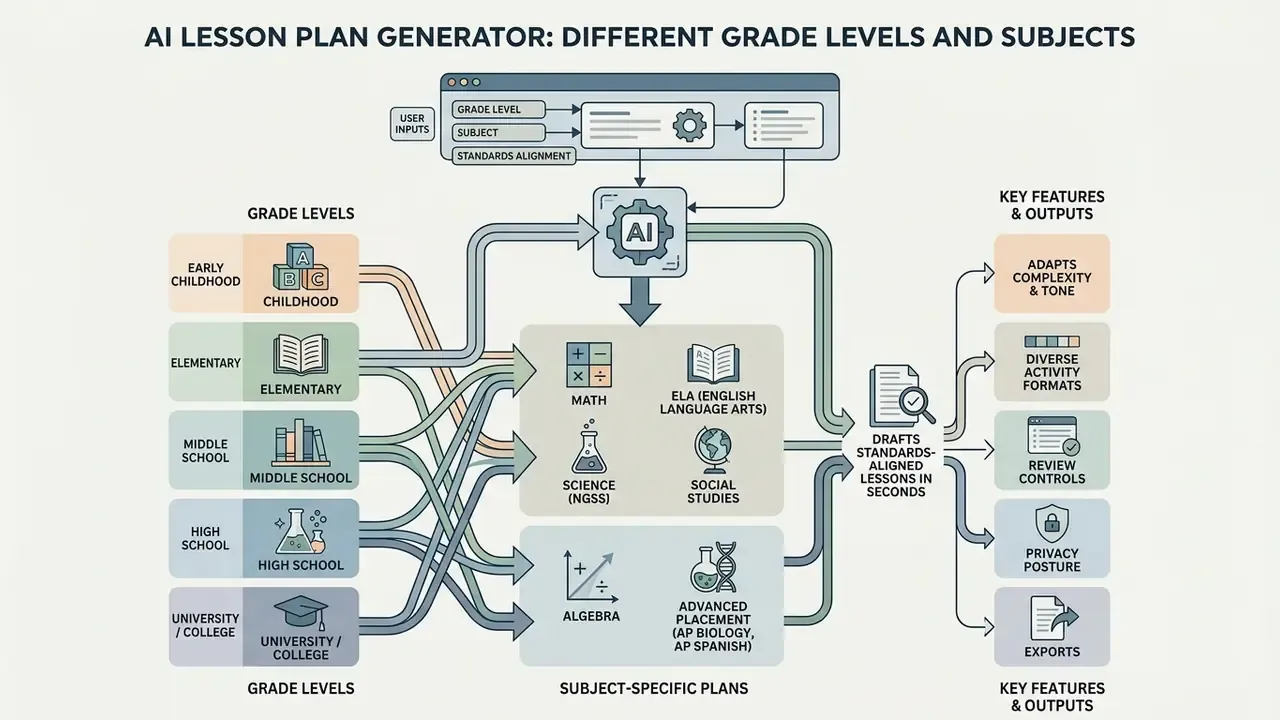
An ai lesson plan generator for teachers adapts instructional complexity, tone, and activity formats across all educational tiers, from early childhood centres to university lecture halls. Tailoring prompts to specific subject domains ensures accurate pedagogical delivery. Grade-level rewriting tools adapt source text by grade, subject, and language across K–12, and leveling tools generate passages, vocabulary, and questions spanning roughly second grade through college level from a topic, URL, pasted text, or PDF. The U.S. Department of Education's report on AI and the future of teaching and learning (2023) endorses this use case while insisting on human control and equity safeguards.
From Pre-K Through College
For Pre-K and early elementary grades, AI generators focus on play-based learning, visual schedules, picture cues, and short physical activity transitions, organised around developmental domains rather than academic periods. Elementary-to-secondary adaptation means simplifying complex directions, adding visual aids, reducing content load, and scaffolding with graphic organisers and guided notes. As target levels progress through middle school, high school, and college, the generated plans shift toward complex text analysis, independent research tasks, advanced domain terminology, and greater sentence complexity in task directions, while still requiring individual modification of materials, supports, and instructional arrangement.
«Studies span grade 1 through university level: ChatGPT generates elementary science plans and university EFL course outlines alike.»
Subject-Specific Plans and Learning Activities
- Elementary Math Generates concrete, pictorial, and abstract (CPA) sequences plus hands-on manipulative exercises.
- English Language Arts (ELA) Builds text-dependent analysis questions, vocabulary study lists, and writing rubrics.
- Science (NGSS) Structures 5E inquiry models and laboratory safety procedures. Science teachers visualising abstract phenomena often supplement 5E cycles with free AI video generation tools.
- History and Social Studies Incorporates primary source analysis, historical timeline comparisons, and structured debate prompts. The Library of Congress publishes teacher-created lesson plans built from primary sources that make excellent verification anchors.
- Algebra Produces worked-example progressions, error-analysis tasks, and multi-representation practice (table, graph, equation).
- Advanced Placement (AP Biology, AP Spanish) Aligns rigorous free-response questions, DBQs, and target-language immersion protocols. Texas Bluebonnet Learning and similar programmes publish parallel English and Spanish instructional materials useful for dual-language calibration.
For interdisciplinary business, economics, or media units, instructors frequently need structured visual collateral as well as text. Comparative overviews such as the guide to AI art generators by quality, control, pricing, and licensing help teachers choose classroom-safe image tools, while communication-heavy tasks benefit from the AI voice generator guide for narration and pronunciation modelling. Vocational and design classes can pair spatial layout exercises with the same evaluation criteria used for any AI media tool: licensing clarity, export quality, and privacy posture.
Beyond K–12: Corporate L&D and Compliance Training
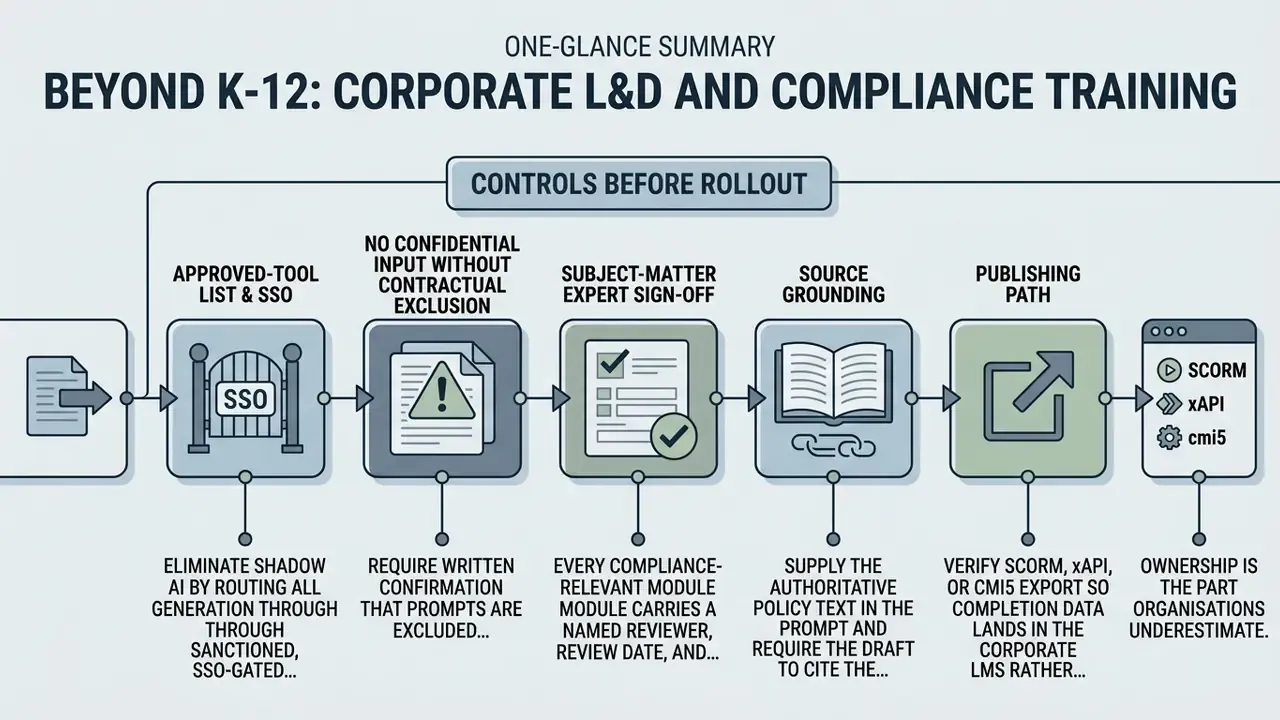
The same generator architecture that drafts a 45-minute science lesson also drafts an onboarding module or a regulatory refresher. That is why L&D and risk functions increasingly evaluate these tools alongside authoring suites.
Where it works well
- Onboarding curricula role-specific learning paths with measurable competencies, practice scenarios, and knowledge checks.
- Compliance refreshers scenario-based modules on topics such as data handling, conduct, and vendor risk, drafted from an approved policy document supplied as context.
- Upskilling tracks multi-week unit plans with pacing tables, mapped to internal competency frameworks the way a teacher maps CCSS codes.
- Localization multilingual output for distributed teams, followed by native-speaker review.
Ready-to-Use AI Lesson Plan Prompt Blueprints
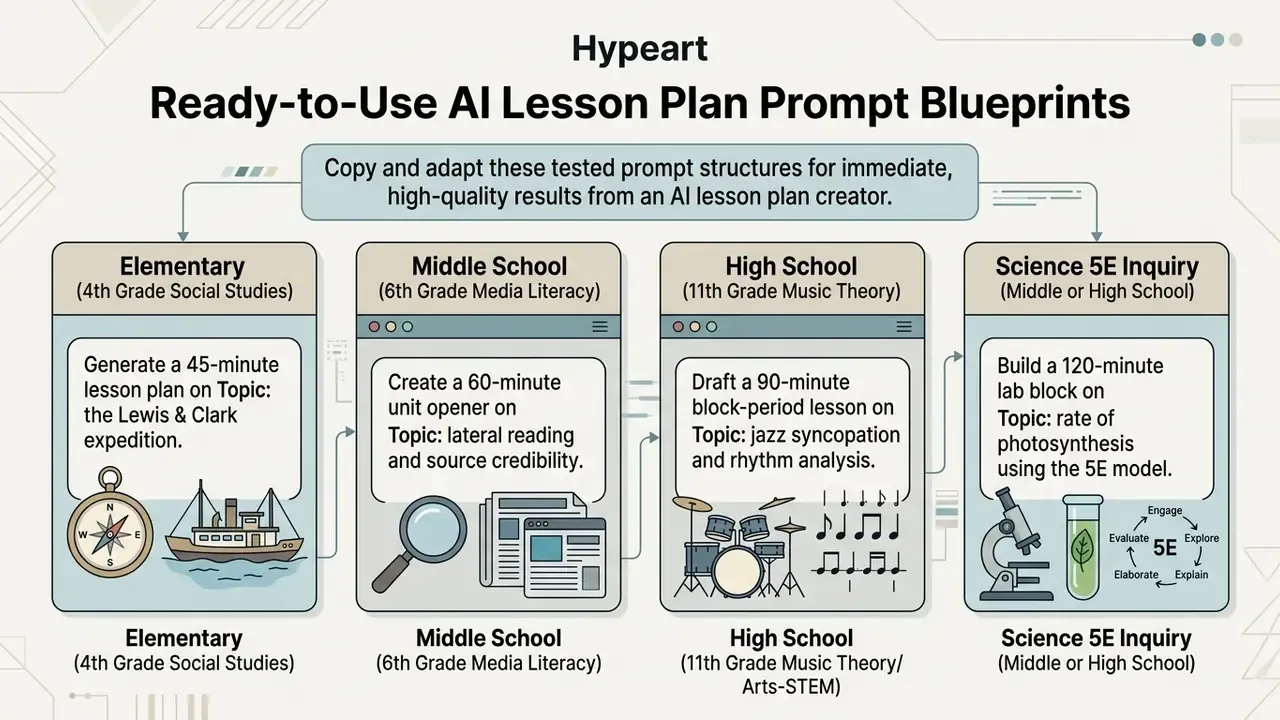
To generate immediate, high-quality results from an ai lesson plan creator, copy and adapt these tested prompt structures. Replace bracketed values, and keep the explicit minute allocations, because they are what prevents over-generation.
1. Elementary (4th Grade Social Studies)
Generate a 45-minute lesson plan on [Topic: the Lewis & Clark expedition]. Include: 1 measurable "I can" objective, a 10-minute warm-up interactive map activity, 15 minutes of guided primary-source analysis with 3 text-dependent questions, 10 minutes of paired discussion, and a 5-minute exit ticket checking for understanding. Label each activity with its Bloom's level. Cite the exact state standard code you are addressing.
2. Middle School (6th Grade Media Literacy)
Create a 60-minute unit opener on [Topic: lateral reading and source credibility]. Requirements: a guided practice session comparing social media posts, websites, and peer-reviewed sources; a 3-tier analytic rubric; alignment to CCSS.ELA-LITERACY.RI.6.8 (quote the standard text); ELL supports with tiered vocabulary; and one extension task for advanced readers. Provide a minute-by-minute pacing table.
3. High School (11th Grade Music Theory / Arts-STEM)
Draft a 90-minute block-period lesson on [Topic: jazz syncopation and rhythm analysis]. Provide direct-instruction timing, listening activities with two real-world musical examples, student composition practice, differentiation for advanced learners and for students without prior notation experience, and a formative peer-assessment checklist with criteria. Flag any factual claim I must verify.
4. Science 5E Inquiry (Middle or High School)
Build a 120-minute lab block on [Topic: rate of photosynthesis] using the 5E model. For each phase (Engage, Explore, Explain, Elaborate, Evaluate) give minutes, teacher moves, student moves, materials, and safety checks. Align to [NGSS code + full standard text]. Include a data table template and two misconception-targeting questions.
5. Substitute Teacher Package
Write a bell-to-bell substitute plan for a [subject/grade] class of [N] students for a [duration]-minute period on [Topic]. Assume the substitute has no subject expertise. Include: exact timing per block, where materials are stored ([describe]), classroom procedures, behaviour expectations, a 10-minute fallback activity, emergency contacts placeholder, and an end-of-day feedback form for the substitute.
6. Differentiation Rewrite (applies to any existing plan)
Here is my existing lesson plan: [paste]. Produce three variants preserving the same central objective: (a) below-grade reading level with visual organiser, (b) on-level, (c) extension with an independent research task. Add ELL language supports and IEP/504 scaffolds. Do not change the assessment's alignment to the objective.
7. Standards Unpacking
Unpack this standard into teachable components: [paste full standard code and text]. Return: domain, cluster, prerequisite skills, 3–6 teachable sub-skills, one student-friendly "I can" statement per sub-skill, and a matching formative check for each.
8. Governance-Safe Corporate Module
Using only the policy text below as the source of truth, draft a 30-minute compliance module for [role]. Include 3 measurable objectives, 2 decision scenarios, a 5-question knowledge check with answer rationales, and a citation to the specific policy clause taught in each section. Flag anything the source text does not cover instead of inferring it. Policy text: [paste].
FAQ About AI Lesson Plan Generators
Do I Need to Sign Up and How Long Does Generation Take?
Most ai lesson plan generator teachers platforms offer instant web access, though saving, customizing, and exporting plans usually requires creating a free user account. Plan generation typically completes within 15 to 60 seconds after prompt parameters are entered, and several vendors state most plans render in under 30 seconds. Registration requirements vary by region and product, and no single universal rule exists. Check whether your district's approved-tool list requires SSO sign-in rather than a personal account.
Are AI-Generated Lesson Plans Factually Accurate?
Not reliably. Independent analyses document systematic weaknesses rather than occasional slips: models over-produce recall-level tasks, omit multicultural perspectives, and misstate historical causation.
«AI chatbots are "not good at history": they offer incorrect facts and fail to provide deep analysis of causes and consequences.» - Stebbins et al., analysis of AI-generated Massachusetts social studies plans, ScienceDirect (2024/2025). https://www.sciencedirect.com Teachers remain the subject-matter experts and must review, verify, and refine all AI-generated instructional materials before introducing them to students. That requirement is echoed by Google's responsible-AI teaching guidance, SREB's K-12 classroom guidance, and state AI policy documents. Disclaimer: This information is general in nature and does not replace professional pedagogical expertise. All AI-generated materials must be verified by a qualified educator before classroom use.
Can I Use AI Lesson Generators for Free?
Yes. Numerous tools offer an ai lesson plan generator free option or complimentary trial credits, and Canva for Education is free for teachers, districts, and administrators. Free options are ideal for drafting daily outlines, while premium plans support school-wide collaboration, unlimited generation, and advanced export.
How Does an AI Lesson Plan Generator Protect Student Data Privacy?
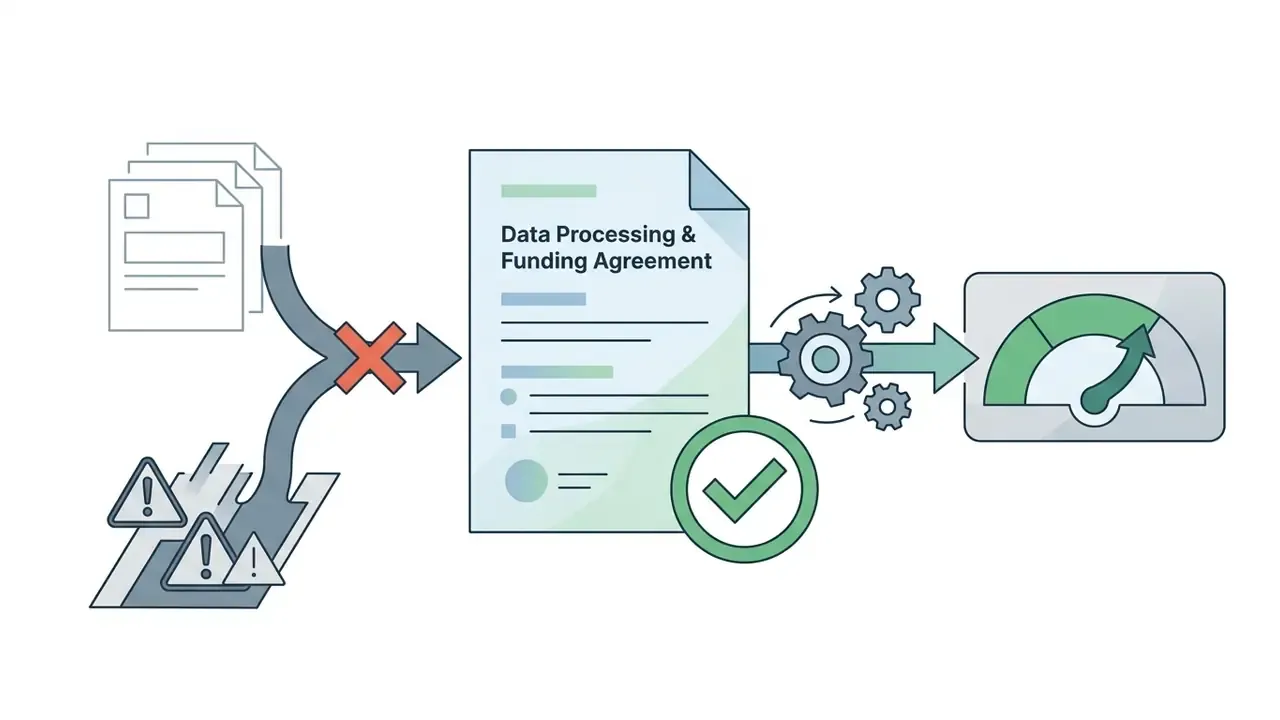
Protection depends entirely on the tier and contract. Educator-focused platforms publish FERPA and COPPA compliance, sign the National Data Privacy Agreement, commit to GDPR, and filter outputs for harmful or biased content. Consumer chatbot tiers may use your input to improve models, so never paste student names, IEP details, or assessment records into them. Before deployment, obtain a written data processing agreement, confirm model-training exclusion and retention periods, require SSO and audit logs, and verify data residency.
Can I Export AI Lesson Plans Directly to Google Docs or Word?
Yes. Most educator-focused generators export to Google Docs and Microsoft Word (.docx) in one click so formatting survives editing. Several also produce Google Slides or PowerPoint decks, clean print-ready PDFs, HTML share links, and SCORM/xAPI/cmi5 packages for Canvas, Schoology, or Google Classroom. Extension-based tools such as Brisk write the plan straight into a Google Doc, and enterprise authoring suites publish directly to an LMS.
Can AI Differentiate a Plan for Different Grade Levels and Student Needs?
Yes, with supervision. Start from one core lesson and request variants by grade band, reading level, or support profile while preserving the central objective. Evidence suggests out-of-the-box differentiation is shallow, since the Islamabad evaluation found teachers judged differentiation insufficient. So specify the supports explicitly: tiered vocabulary, home-language preview and review, graphic organisers, IEP/504 scaffolds, and alternative assessment formats.
Can I Specify Lesson Length, Language, and Standards at the Same Time?
Yes. The strongest prompts combine all three constraints: a duration between 20 and 120 minutes (Microsoft's feature accepts 5 to 180), an output language from the platform's set (20 to 50+ languages on major tools), and the full text plus code of the target standard. Combining constraints in a single prompt produces fewer revision cycles than adding them iteratively.
Can I Turn My Existing Materials Into an AI Lesson Plan?
Yes. Platforms increasingly ingest PDFs, slide decks, pasted text, web pages, YouTube videos, and concept maps, then restructure them into a timed plan. Keep the output in an editable format (Docs, Slides, Markdown) so it can be revised and reused without proprietary lock-in.
Who Is Accountable for an AI-Generated Lesson?
The educator or institution that publishes it. Regulatory and district guidance places oversight squarely with the human: label substantial AI contribution as "AI-assisted," cite sources, verify accuracy before sharing, and record the reviewer and date in an audit trail. Undisclosed AI authorship is treated as academic dishonesty under several state guidance documents.
Appendix A. Superseded Citations and Corrections
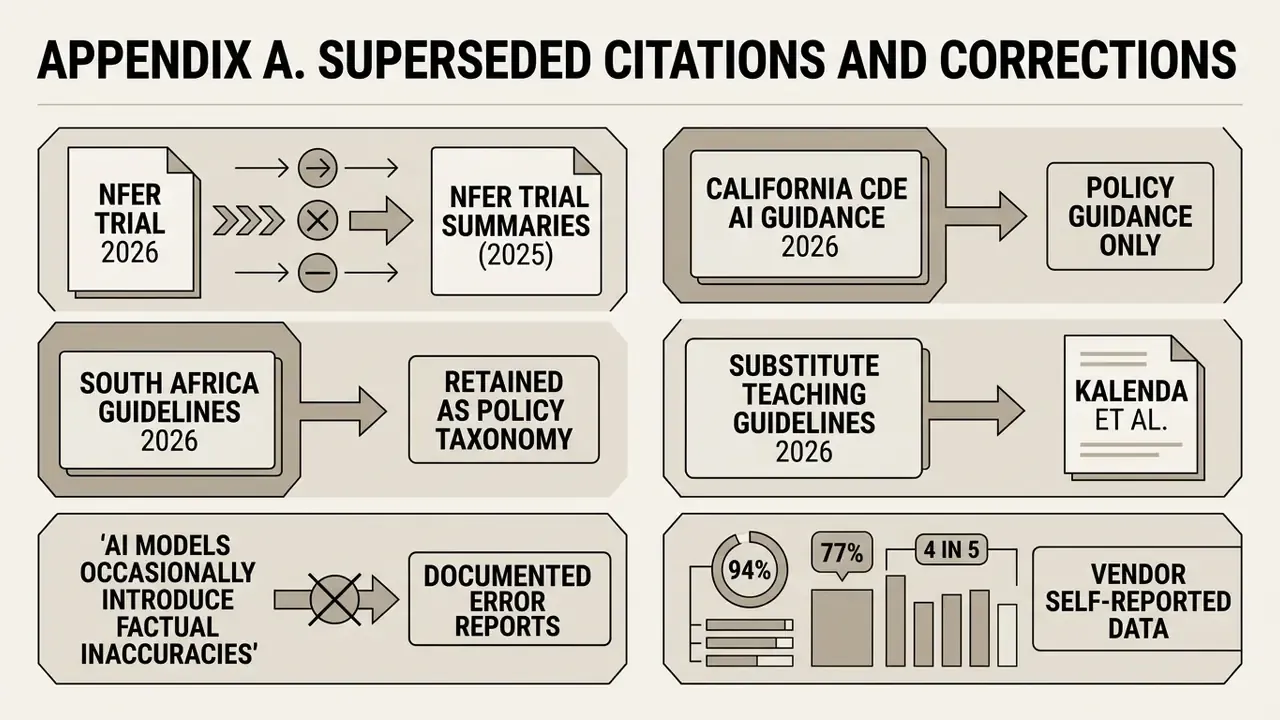
For transparency, the following earlier citations in this guide were corrected during the January 2026 review. The original formulations are retained here; the corrected versions appear in the main text.
- "NFER Teacher Choices Trial, 2026" became NFER Teacher Choices Trial Summaries (2025), with the trial design and measured unit (weekly Year 7/8 science preparation minutes) now stated.
- "California Department of Education AI Guidance, 2026" is now cited as policy guidance only. The quantitative claim about prompt structure and alignment is supported by Lee et al. (2025).
- "South Africa Guidelines for Inclusive Learning, 2026" is retained as a policy taxonomy for adaptation levers. The effectiveness claim is supported by Aslam et al. (2025).
- "Substitute Teaching Standard Guidelines, 2026" was replaced as an effectiveness source by Kalenda et al. (2024). Template structure guidance is retained.
- Generic "AI models can occasionally introduce factual inaccuracies" was replaced with documented error patterns from Stebbins et al. (2024/2025).
- Vendor survey statistics (94%, 77%, 4 in 5) are now explicitly labelled as vendor self-reported data rather than peer-reviewed findings.
Editorial Method and Open Questions
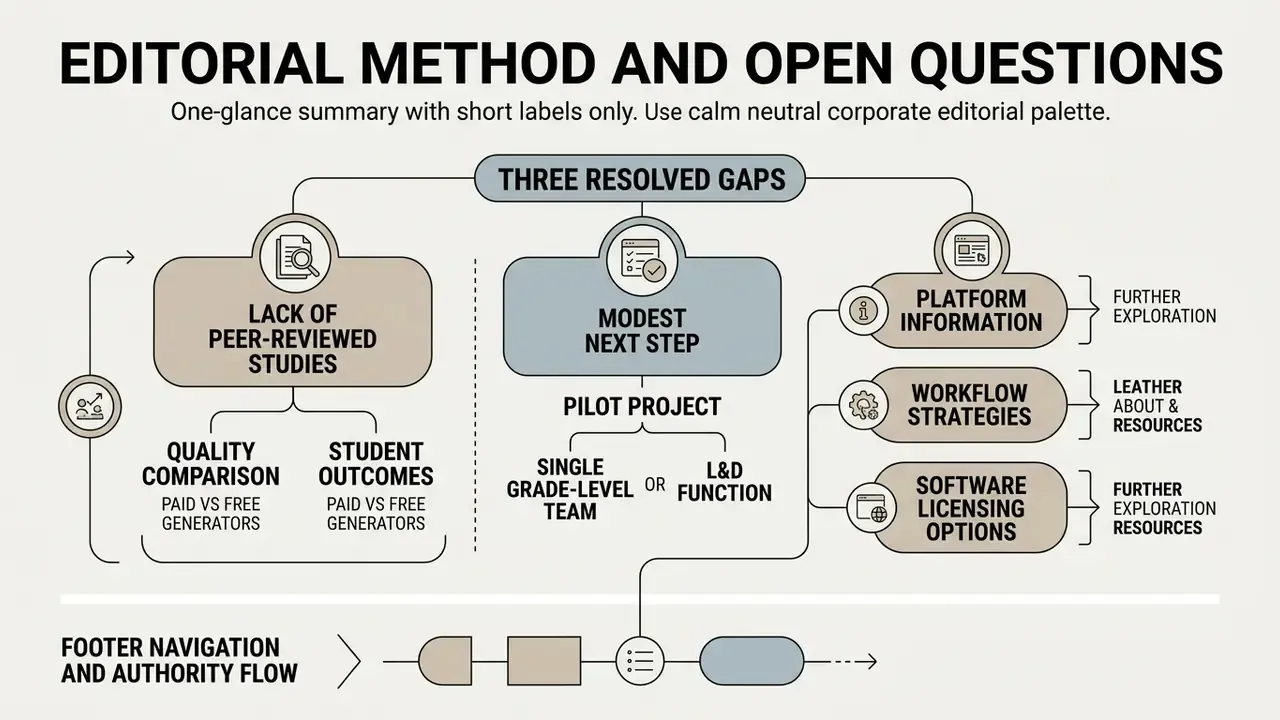
Three gaps remain unresolved, and it would be dishonest to paper over them.
First, no peer-reviewed study yet compares paid and free generators on lesson quality or student outcomes, so every procurement argument for an upgrade is an argument about governance and workflow. Second, the measured time savings cluster around planning minutes, not learning gains. Nobody has demonstrated that faster planning improves achievement. Third, differentiation quality is consistently rated weak by practising teachers, which means the accessibility pass in the validation workflow is doing real work, not ceremonial work.
A safe next step for a district or an L&D function looks modest: pilot with one grade-level team or one role-based curriculum, require the nine-step review, log reviewer time honestly, and compare the result against the 25 to 30 minute independent benchmark before buying seats at scale.