- Supported input formats, from pasted text to PDF and YouTube
- An industry template matrix covering 15+ specialized timeline scenarios
- AI-generated timeline versus static template
- How to create a timeline with AI from text, step by step
- How to write a prompt for an AI timeline generator
- Zero-prompt mode: one-click generation without instructions
- How to edit and customize an AI-generated timeline
- Free AI timeline generators: limits, export, and the shadow AI problem
- How to choose the best AI timeline generator (consumer versus enterprise matrix)
- What to do next: wiring timelines into a governance workflow
- FAQ
- Appendix A: superseded wording and source notes
AI Timeline Generator: Create a Timeline with AI, from Free Online Tools to Governed Audit Chronologies
If you sit in risk, compliance or model governance at a US bank, a timeline is rarely a design exercise. It is evidence. Examiners ask when a model version shipped, who validated it, and what changed between runs. An AI timeline generator can assemble that sequence in minutes. Whether the sequence survives scrutiny depends entirely on the controls you wrap around it.
Author: Marcus Hale, author.
Last reviewed and updated: 2026. Every factual claim below is either linked to a published source or explicitly marked as requiring verification.
30-Second Summary
- What it is An AI timeline generator converts unstructured text (meeting notes, filings, release logs, PDFs, article links, YouTube transcripts) into an ordered, editable visual chronology using NLP and large language models.
- How it works A three-stage pipeline detects temporal expressions (TIMEXes) and events, extracts temporal relations (TLINKs) as a directed graph, then renders a consistent, minimal timeline.
- The hard number Research on interactive timeline authoring reports that automated date extraction is correct in roughly 65% of raw extractions, with about 29% needing edits or deletion and around 6% of events missed entirely. Human review is not optional.
- The main enterprise risk Shadow AI. A "free, no sign-up" generator is excellent for testing parsing accuracy and terrible for confidential project, model-validation, or client data.
- What to demand from a vendor SOC 2 Type II, zero data retention on LLM API calls, traceability back to source sentences, structured audit export (JSON/CSV), SSO/SAML, VPC or on-premise deployment, and model-agnostic architecture.
- Non-negotiable control A named owner signs off the timeline before it reaches an executive committee, auditor, or regulator. The model drafts; a human attests.
1. What Is an AI Timeline Generator and What Timelines It Builds
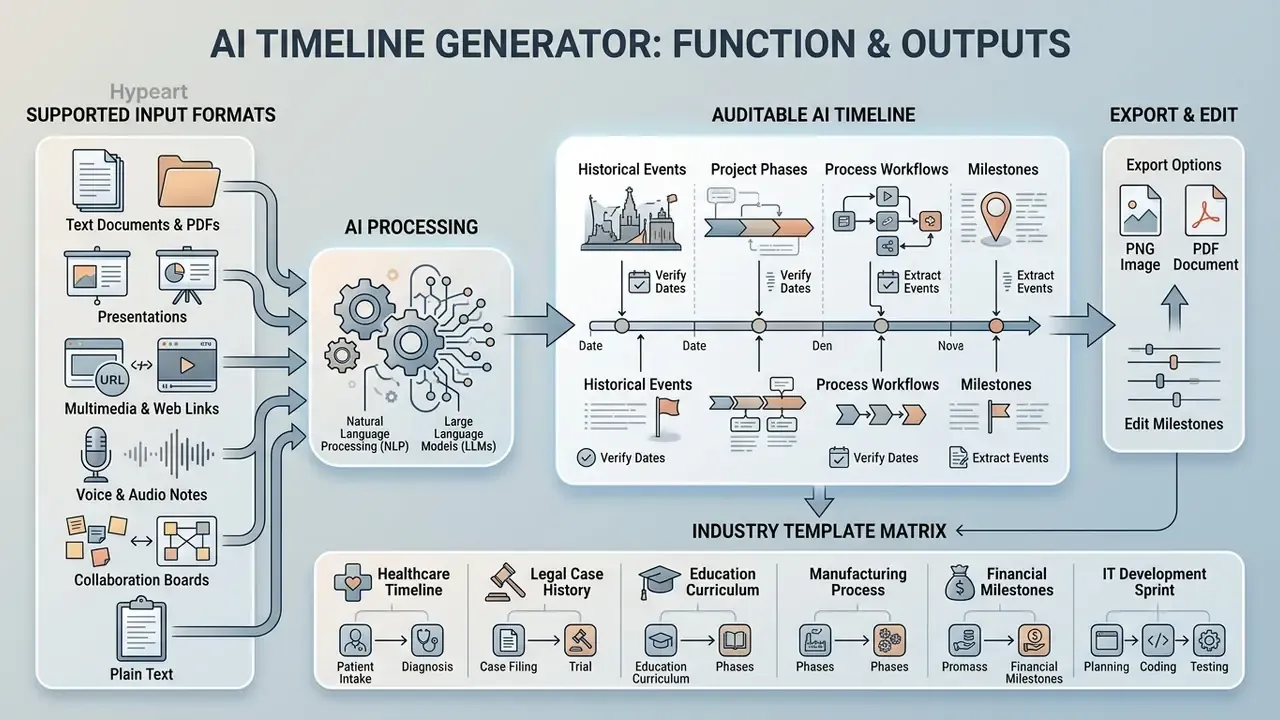
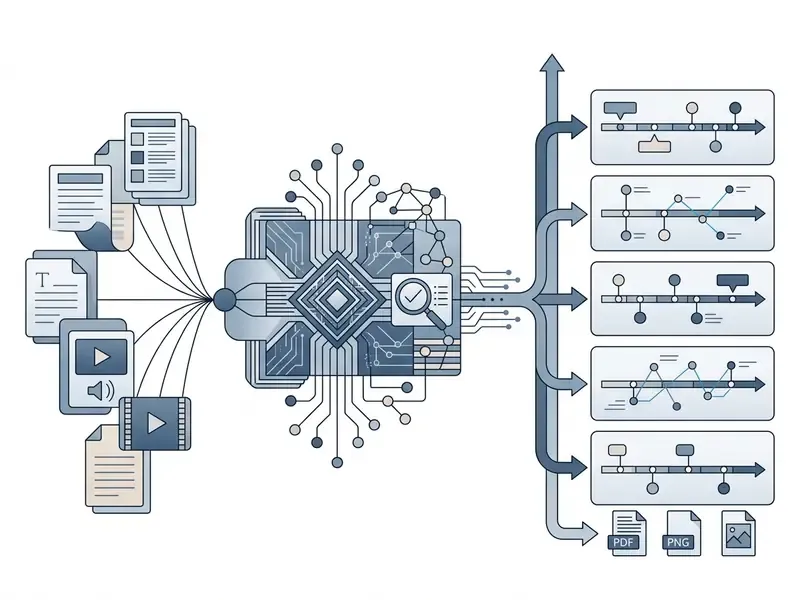
An AI timeline generator is an automated tool that converts unstructured text into ordered, visual chronologies using natural language processing (NLP) and large language models (LLMs). It reads source documents, extracts dates and events, resolves sequence dependencies, and constructs a visual timeline for executive review, legal auditing, or project planning. Some vendors call the same thing an AI timeline maker or an AI timeline creator; the mechanics do not change with the label.
"Explicitly modeling temporal graphs significantly improves event coverage and sequence accuracy over standard text-generation methods."
The temporal extraction pipeline runs in three distinct phases: detecting temporal expressions (TIMEXes) and events, establishing temporal relations (TLINKs) through directed graph structures, and building a consistent visual sequence. Consistency checking happens before rendering. The temporal graph is partitioned, converted into ordering constraints, tested for contradictions, and only then collapsed into a minimum timeline over time points. According to recent reasoning-driven timeline summarization work, modeling those graphs explicitly materially outperforms treating timeline creation as a plain text-generation task.
"TimelineReasoner significantly outperforms existing LLM-based methods on accuracy, coverage, and timeline coherence across open benchmarks."
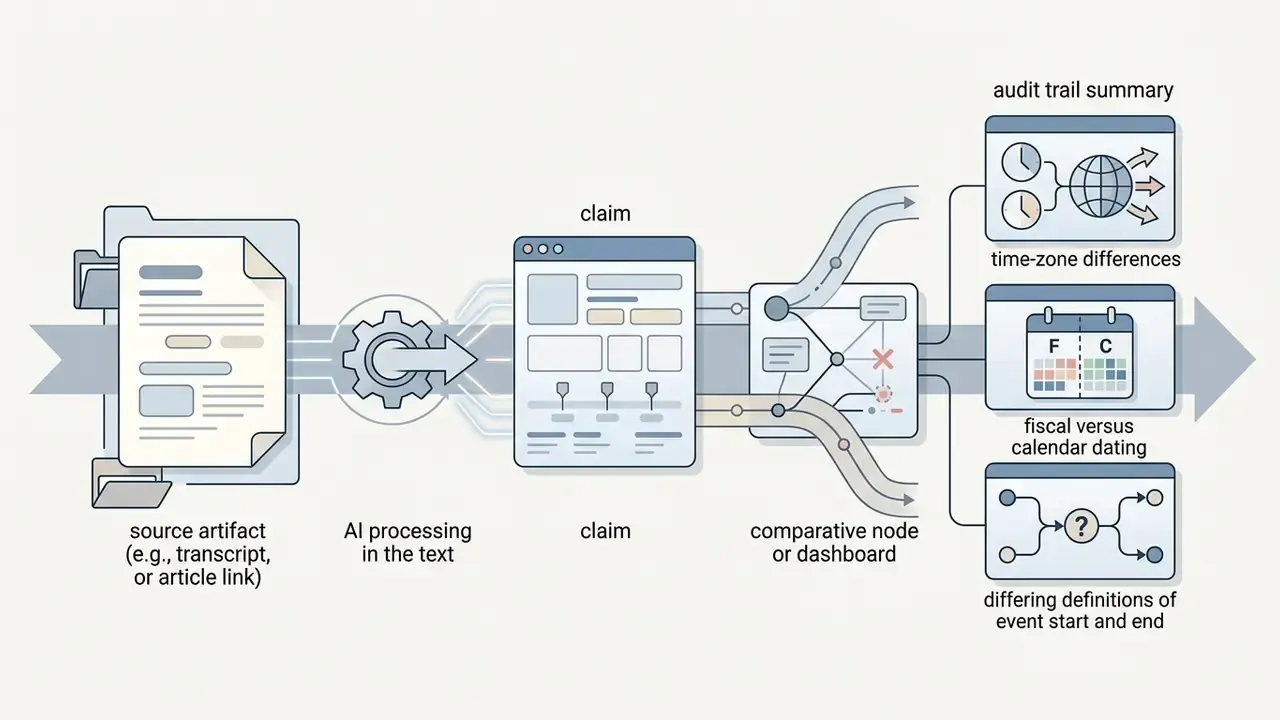
These tools process meeting notes, regulatory filings, case histories, model release logs, and project specifications into a structured timeline without manual layout work. Some implementations skip pairwise relation prediction entirely and predict event start and end points directly. That is the "relative timeline" shortcut typical of LLM-first architectures: faster, yes, but it shifts more verification burden onto the reviewer. Worth knowing before you benchmark two tools against each other and wonder why one is three times quicker.
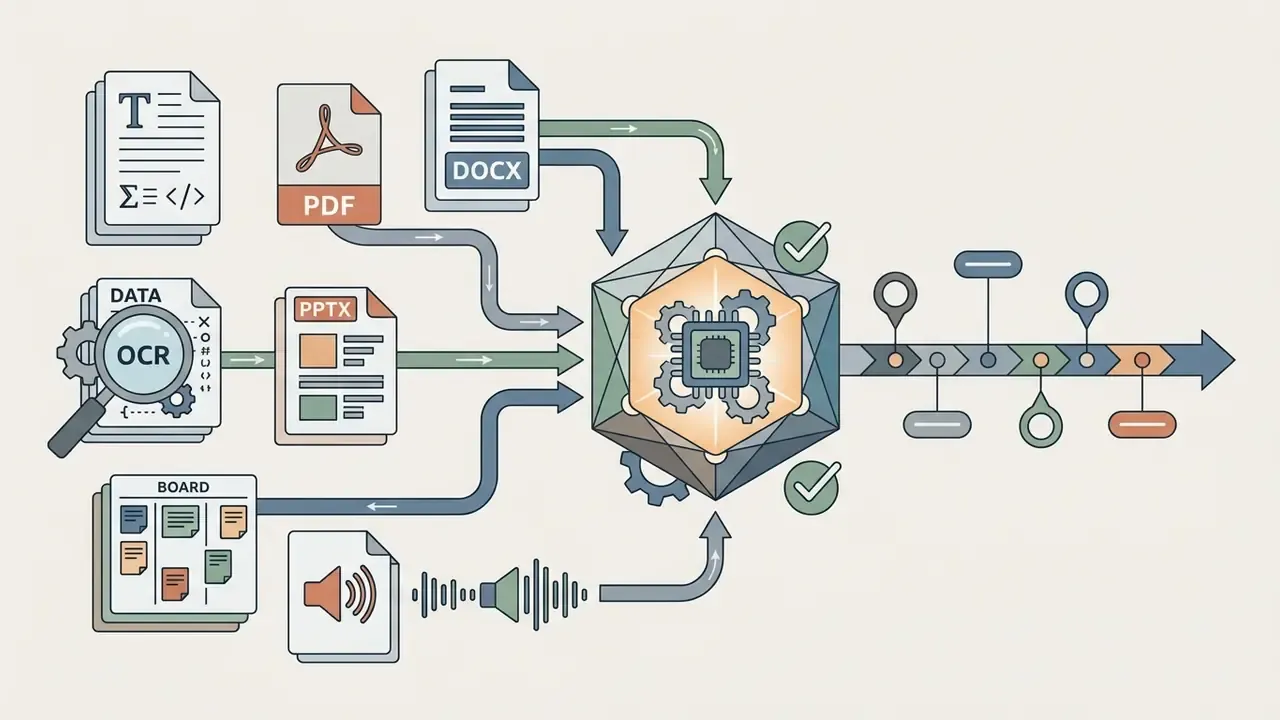
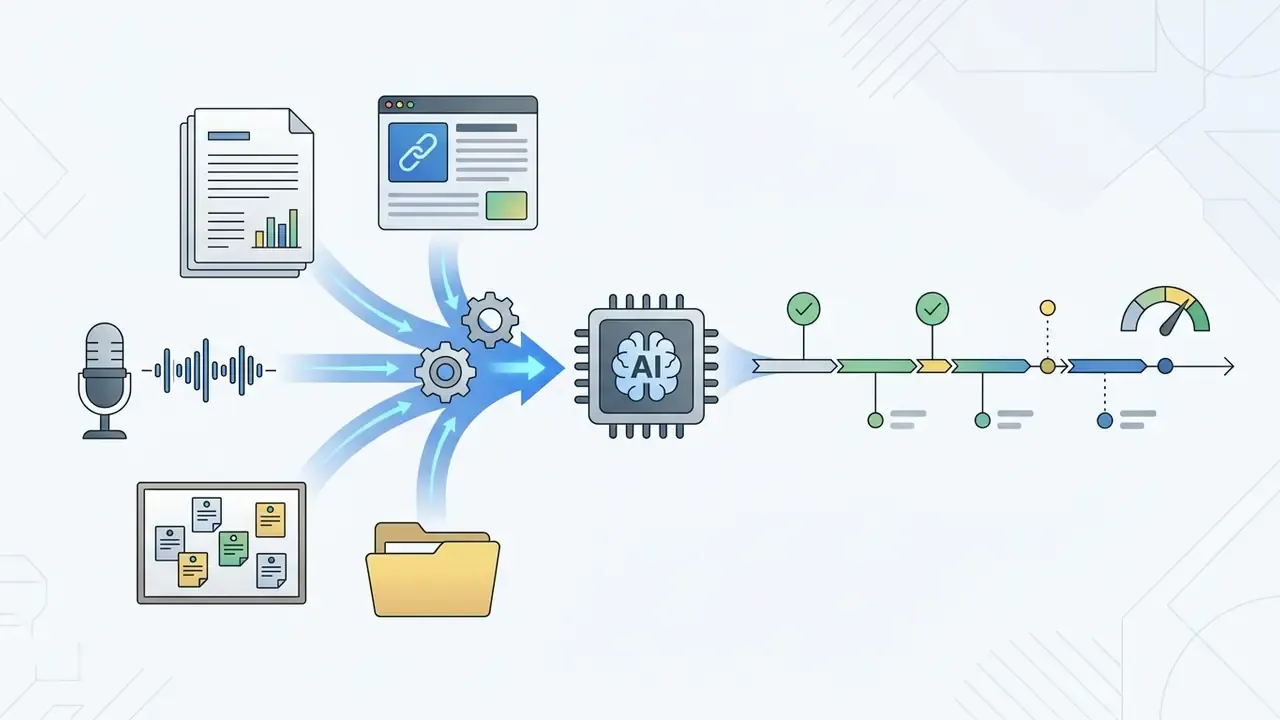
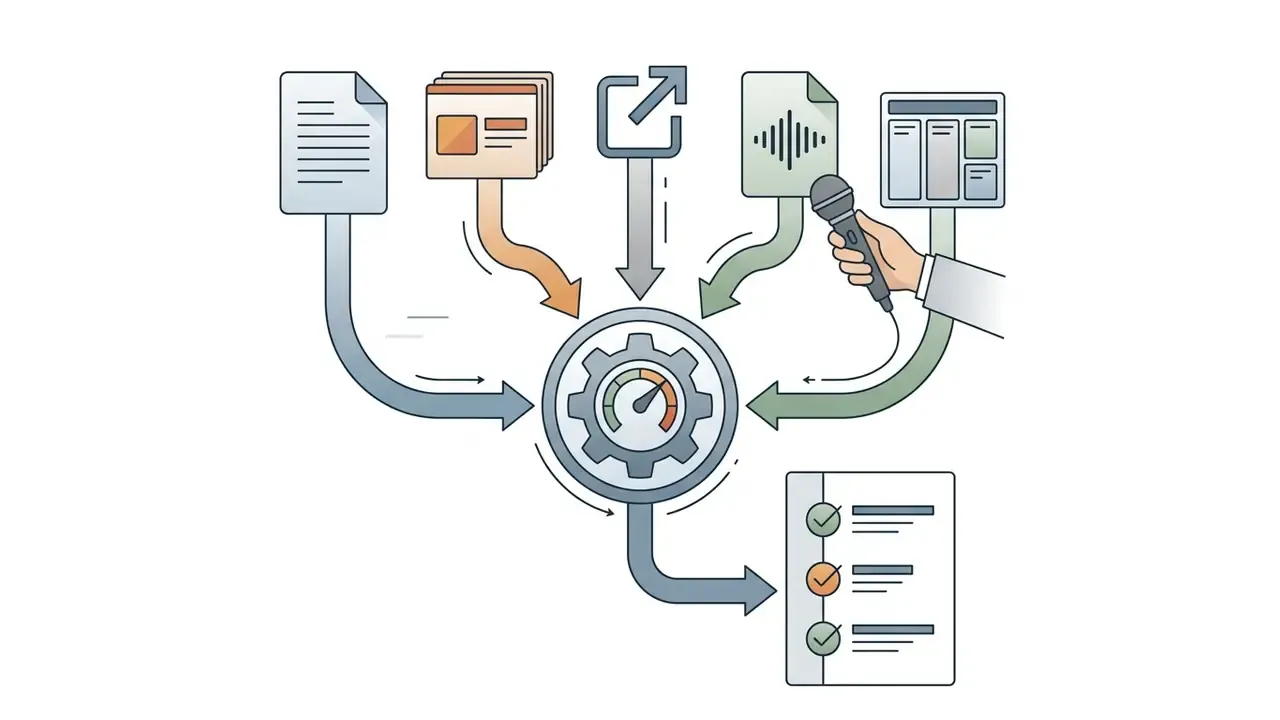
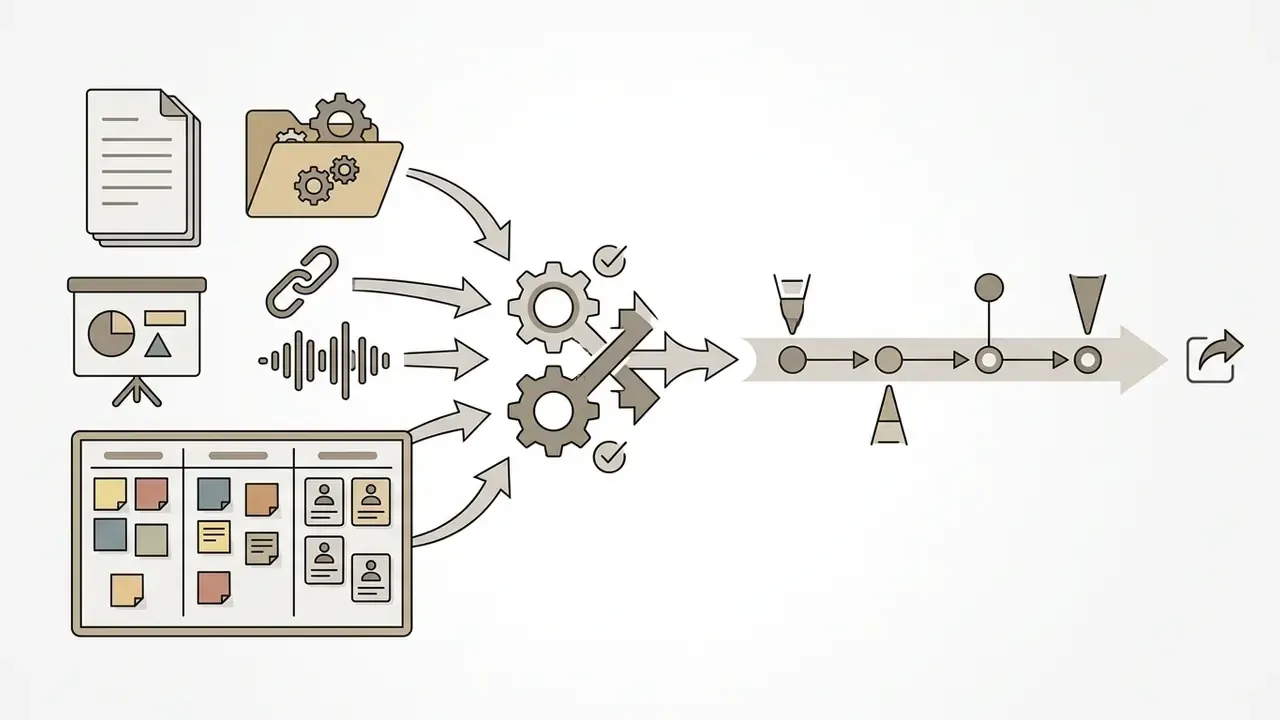
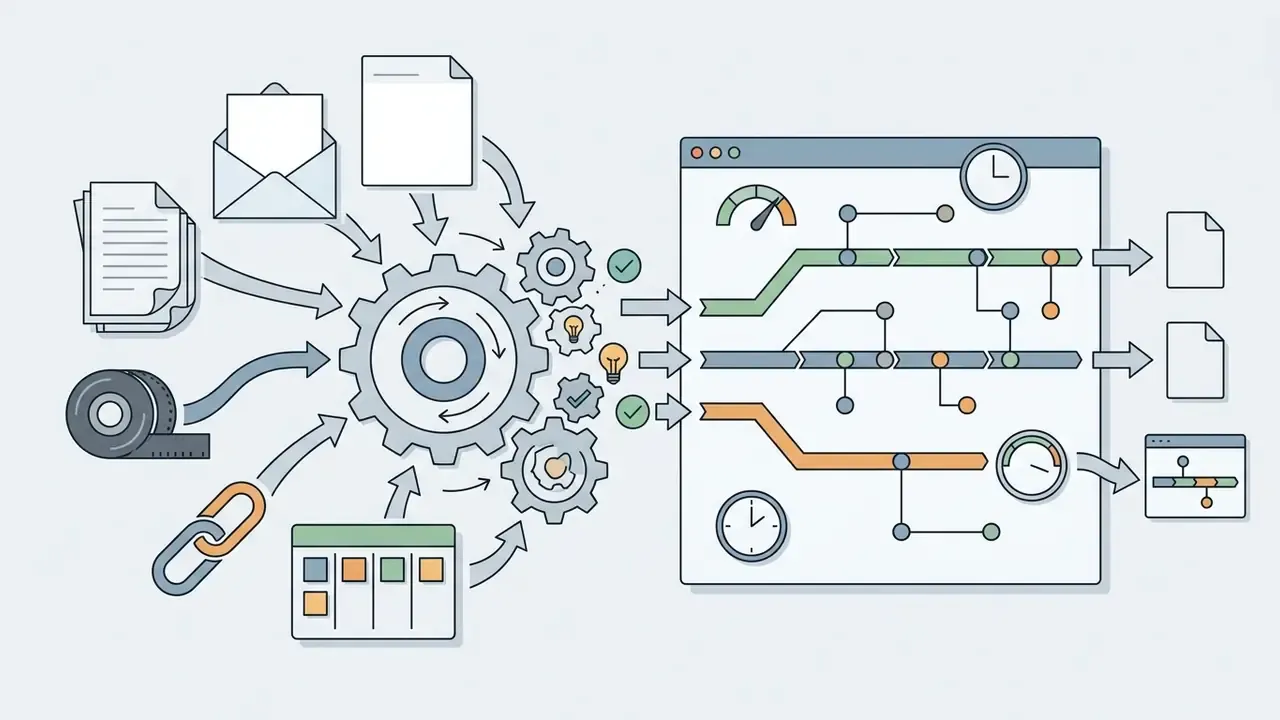
1.1 Supported Input Formats: Text, PDF, DOCX, PPTX, Links, Audio, and Boards
Modern generators are no longer limited to raw pasted text. Before you select a tool, confirm which intake channels it supports, because your chronology usually already lives inside a document rather than in a clean list:
Because LLMs have fixed context windows, long inputs (100-page reports, multi-year filing histories) are segmented into chunks, extracted chunk by chunk, deduplicated, then merged. Ask vendors directly how they handle documents that exceed a single context window, and how they reconcile duplicate events discovered in overlapping chunks. The answer tells you a lot about engineering maturity.
1.2 Timelines for Projects, History, Processes, and Milestones
An AI timeline generator produces specialized visualizations tailored to specific operational contexts and data structures. In project management, the system converts scope documents and status reports into a project timeline with clear start dates, end dates, and key milestones. For historical analysis and regulatory oversight, it organizes complex document sets into chronological event logs, much like tracking case events in an AI Litigation Tracker.
Corporate process roadmaps map multi-stage workflows, such as software deployment cycles or risk remediation plans, by connecting dependencies across dates. Company milestone visualizers pull institutional achievements, product releases, and governance decisions out of raw narrative text. Each output turns messy time-series material into a clear visual format suited to executive presentation and audit verification. Before committing budget, it helps to understand how far unregistered tiers actually go; the freemium mechanics documented for free editors and their export restrictions apply almost identically to timeline tools.
1.3 Industry Template Matrix: Specialized AI Timeline Scenarios
Generic "project timeline" coverage hides an awkward fact: most real requests are narrow. The matrix below maps high-demand niches to the data structure each one needs.
| Domain | Typical timeline | Critical data fields |
|---|---|---|
| Legal and litigation | Case chronology, filing history, enforcement actions (for example, the record reviewed in Thomson Reuters v. ROSS Intelligence) | Exact filing dates, docket numbers, party names, source citation |
| Audit and compliance | Audit timeline, regulatory examination history, remediation plan | Finding date, owner, due date, closure evidence |
| Model risk and AI governance | Model version history, validation and revalidation dates, challenger-model runs | Release date, validator, approval status, artifact link |
| IT and software | Sprint roadmap, release calendar, database migration, incident post-mortem | Start/end, dependency, environment, rollback point |
| Construction | Permits, site prep, excavation, foundation, framing, utilities, finishing, inspection | Phase duration, contractor, inspection date |
| Marketing | Campaign roadmap, launch calendar, media-buy schedule | Content drop, channel, review milestone |
| Medicine and pharma | Patient history chronology, clinical-trial phase map | Encounter date, phase, endpoint, protocol version |
| Education and academia | Biographical chronology, evolution and history timelines, PhD project plan | Event date, era grouping, citation |
| Genealogy | Family chronology across generations | Birth/marriage/death dates, place, record source |
| HR and recruitment | Hiring funnel timeline, onboarding plan, open-enrollment schedule | Stage date, owner, candidate cohort |
| Grants and public funding | Grant milestone schedule, reporting deadlines | Deliverable, reporting period, responsible agency |
| Event management | Hourly run-of-show, wedding timeline, conference agenda | Time slot, location, responsible vendor |
| Product management | Product development roadmap, mobile app build plan, service launch activity plan | Discovery, design, QA, beta, GA dates |
| Corporate storytelling | Company history, career timeline, autobiography, brand evolution | Year, achievement, supporting asset |
| Sports and media | Tournament chronologies (for example, FIFA World Cup editions), season recaps | Date, round, result |
| Content and writing | Novel timeline, script structure, freelancer delivery plan | Chapter or scene order, delivery date |
Every scenario reuses the same milestone-plus-date skeleton. What changes is the mandatory metadata you must force the model to preserve.
1.4 How an AI-Generated Timeline Differs from a Template
2. How to Create a Timeline with AI from Text: Step-by-Step
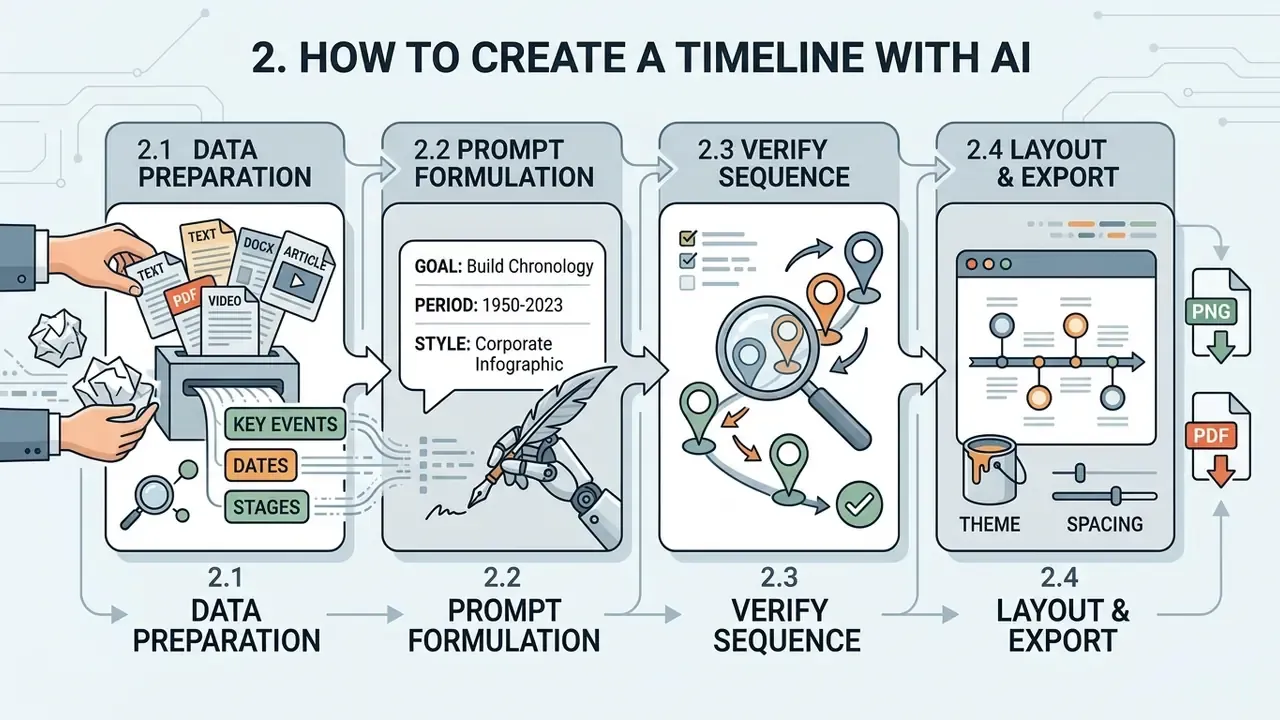
To create a timeline with AI reliably, work through four steps: raw data preparation, prompt formulation, sequence verification, and layout editing. A systematic workflow improves date extraction and cuts chronological hallucinations in the generated output.
2.1 Prepare Text, Dates, Stages, and Key Events
Accurate timeline creation depends on how clean and structured your input is. Before you hand anything to an AI timeline maker, gather meeting minutes, project plans, or case documents that contain explicit dates or relative time markers. Organize raw notes so that key milestones, responsible parties, and primary event descriptions stand out.
Guidelines from the National Institute of Standards and Technology (NIST) stress dataset provenance across information extraction pipelines. NIST's documentation guidance instructs teams to document datasets iteratively across the lifecycle rather than at the end, to record a short human-readable dataset summary, and to log a separate entry for each distinct use of a dataset. The AI Risk Management Framework adds that retaining the provenance of source data and its transformations supports transparency and accountability.
Structured source text reduces ambiguous date interpretations and helps the model identify real project dependencies. When you process complex legal filings, such as those reviewed in Thomson Reuters v. ROSS Intelligence, clean inputs keep temporal alignment precise. For financial reporting, watch for date homonymy: "Q3" as fiscal versus calendar quarter, or a filing date versus a period-end date. Normalize the convention in your input before generation, not after someone questions the chart.
2.2 Formulate a Prompt with Goal, Period, and Required Style
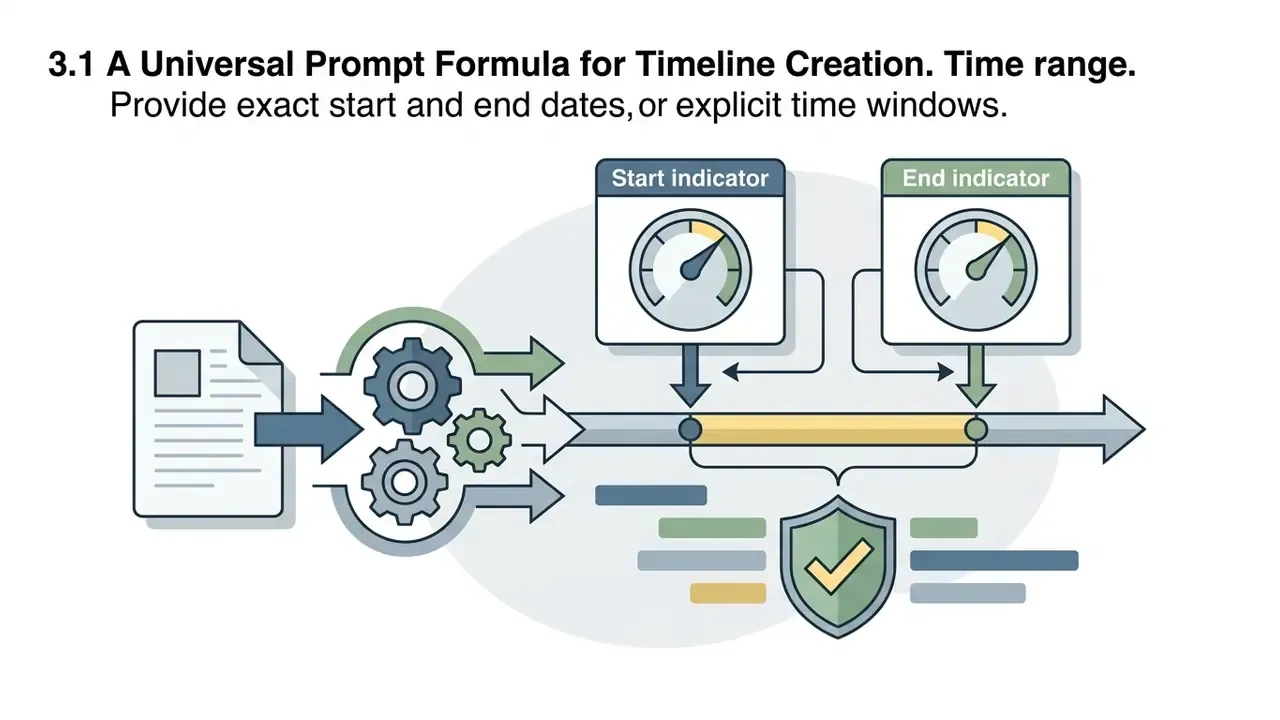
A prompt for an AI timeline generator from text must define the operational goal, time boundaries, target audience, and required visual style. Specify start and end dates, or overall project duration, to establish strict temporal boundaries.
State whether the timeline is intended for executive oversight, technical project teams, or regulatory compliance review. Include visual preferences: clean minimalist themes, horizontal layouts, custom brand color schemes. Explicit instructions about output format and detail density prevent visual clutter and keep the result aligned with corporate reporting standards. One sentence about density often saves a full editing round.
2.3 Verify the Event Order and Refine the Result
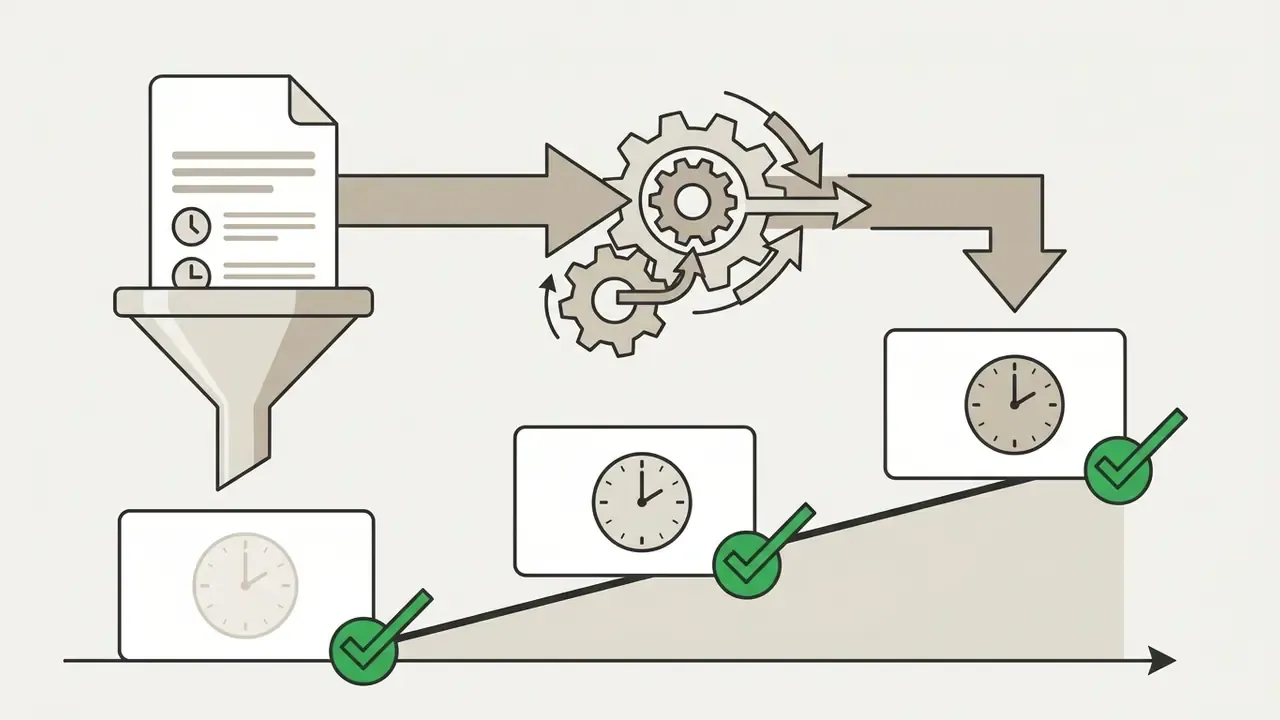
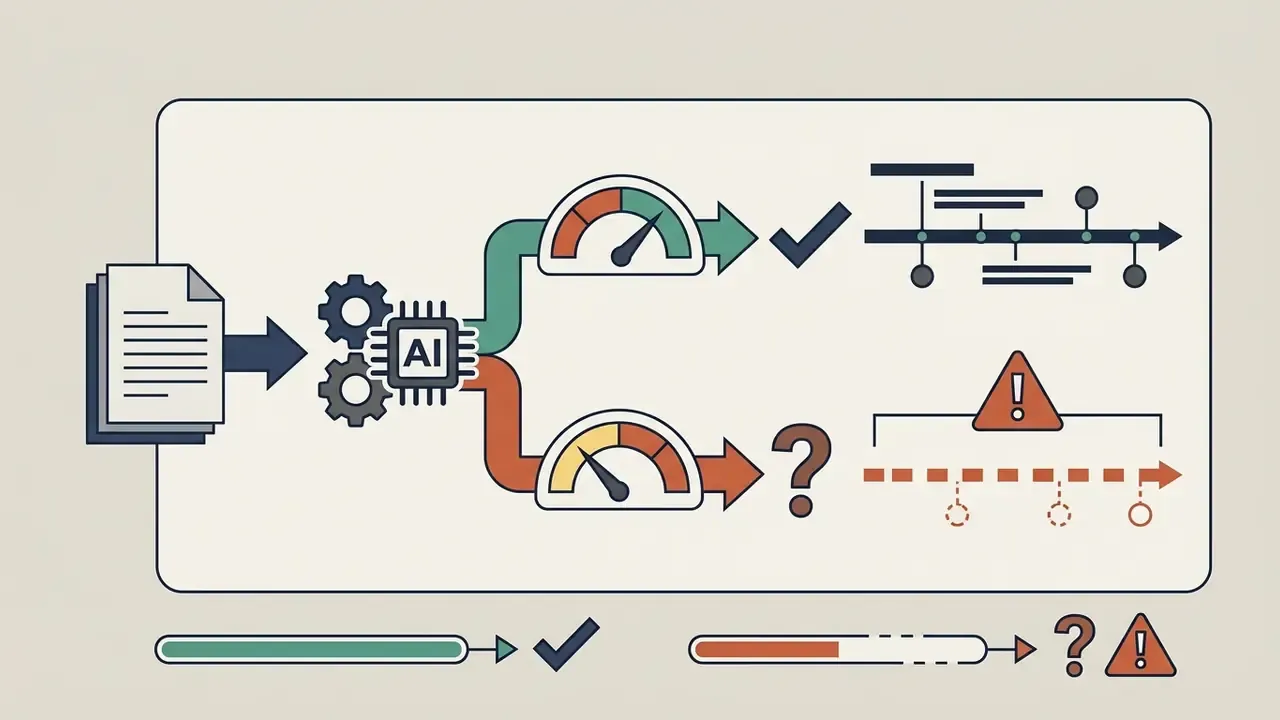
AI-generated timelines require manual review to verify date accuracy, correct sequence logic, and catch missing milestones.
"65% of extracted dates were correct, 29% required editing or deletion, and 6% of relevant events were missed."
Preparing a request for an AI timeline generator
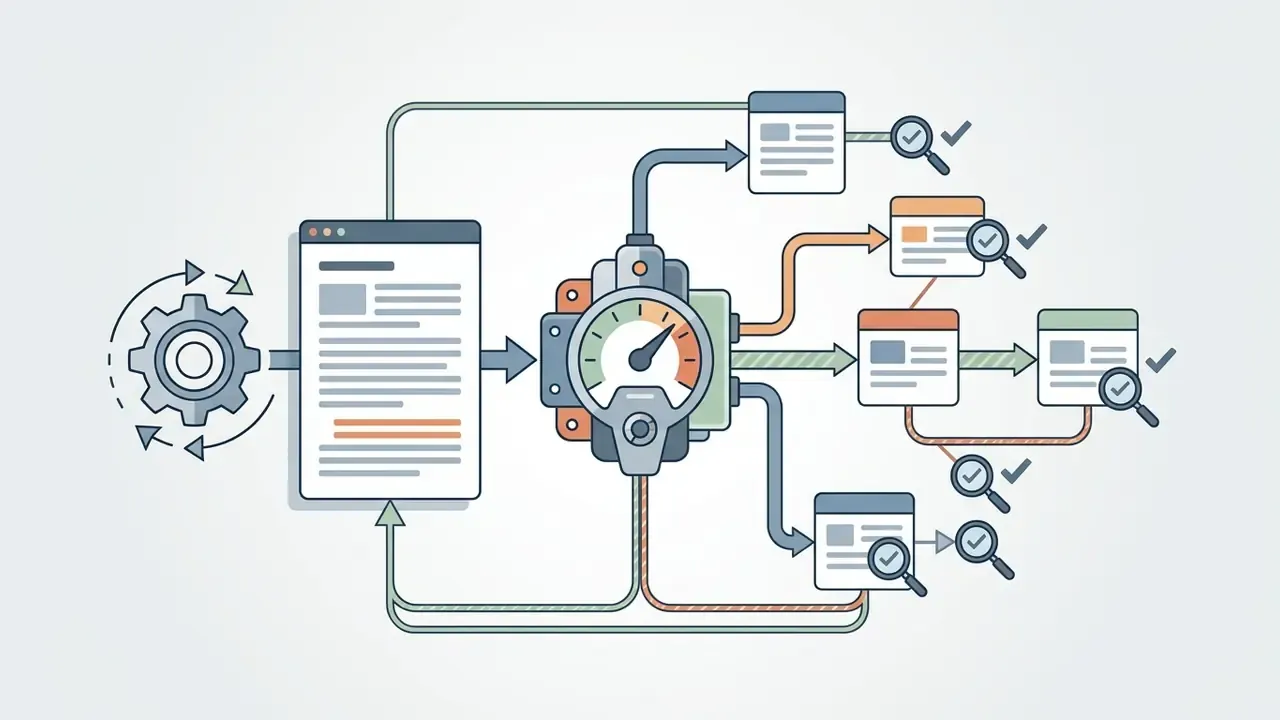
Run an iterative refinement loop, comparing extracted events against primary source artifacts. Delete duplicates, correct misaligned date ranges, add omitted project phases. Confirm that causal dependencies still hold across the whole sequence before you finalize the visual asset. Recent research automates parts of this loop: retrieval-and-reflection architectures filter timeline fragments, detect missing time nodes, rewrite the retrieval question, and re-merge results, while supervision stages flag ambiguous timestamps and under-specified descriptions and repeat extraction until no deficiency remains. Treat those mechanisms as accelerators of review. Never as replacements for it.
Checklist0 / 7
3. How to Write a Prompt for an AI Timeline Generator
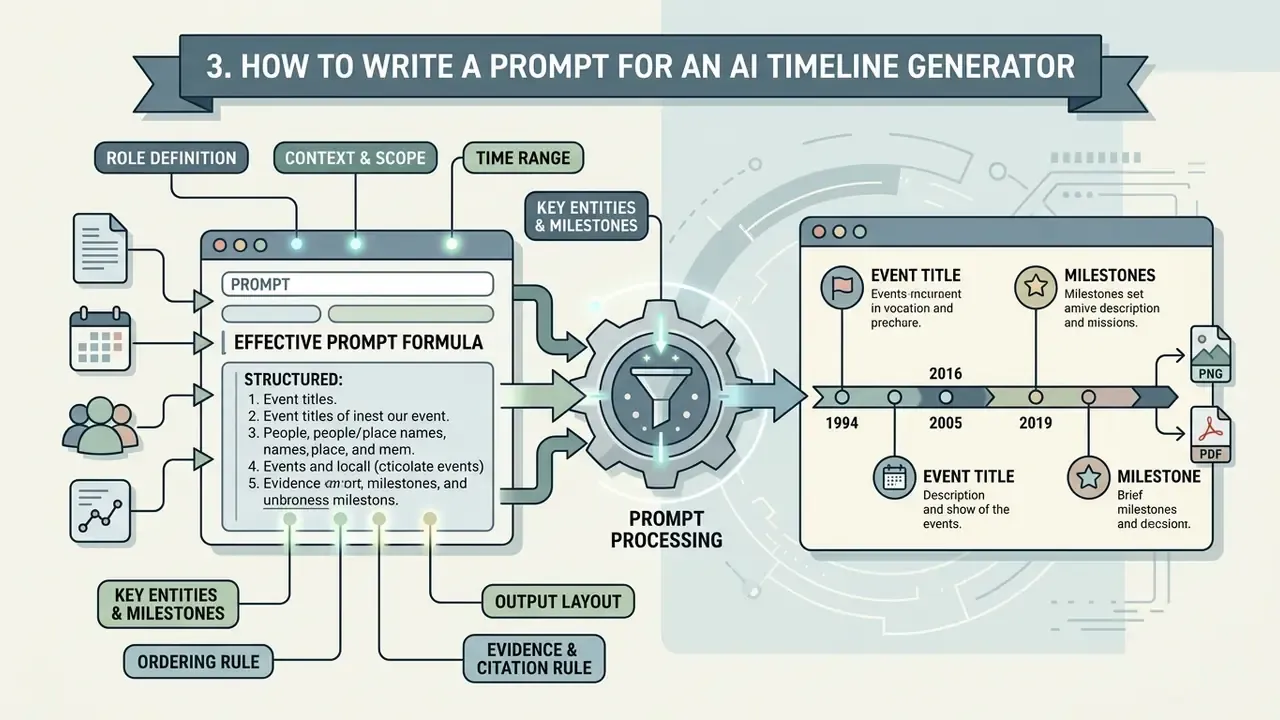
Writing an effective prompt for an AI timeline generator tool means combining specific contextual parameters into one structured instruction. A well-built prompt removes ambiguity, restricts date ranges, and dictates the visual output structure.
The practical implication is direct. Do not rely on the model to infer ordering rules. State them.
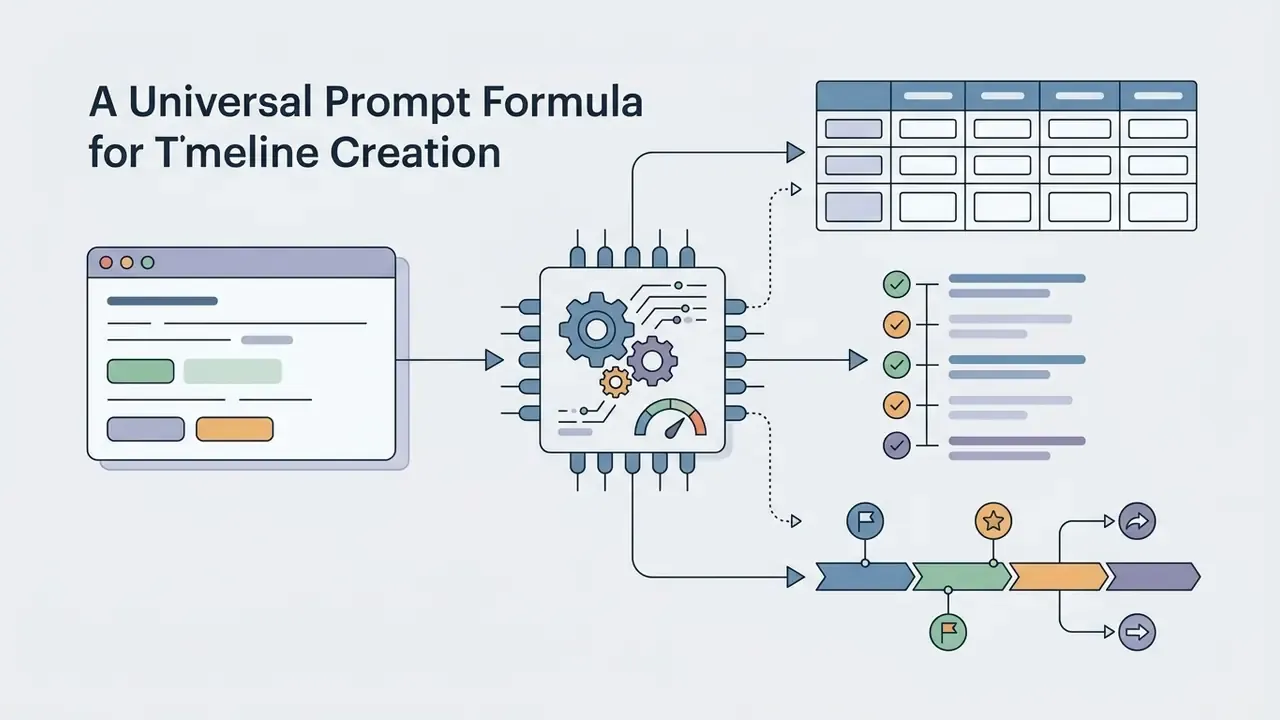
3.1 A Universal Prompt Formula for Timeline Creation
A robust universal formula combines eight structural elements to guide the model:
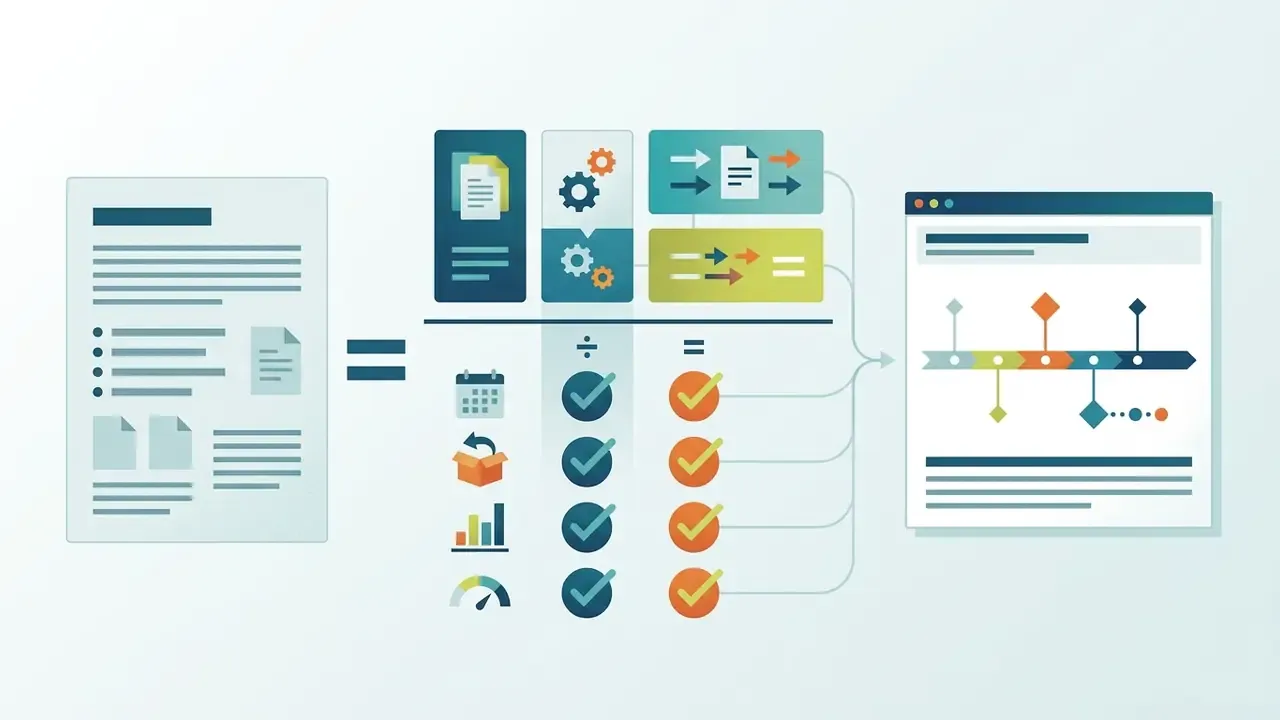
[Role Definition] + [Context & Scope] + [Time Range] + [Key Entities/Milestones] + [Ordering Rule] + [Output Layout] + [Evidence/Citation Rule] + [Ambiguity Handling]
This mirrors the classical prompt anatomy taught in academic prompt-engineering material (instruction, context, input data, output indicator), extended with the two controls that matter most in evidence work: citation and ambiguity handling.
3.2 Prompt Examples for Projects, History, Marketing, Software Launch, and Construction
Prompt formulations have to adapt to the use case. Five tested templates follow.
Project management prompt:
"Act as a senior project manager. Extract a project timeline from the following text covering Q1 to Q4 2026. Group events into Planning, Execution, QA, and Deployment phases. Identify key milestones, start/end dates, and responsible teams. Format the output as a chronological table with columns for Date, Phase, Milestone, and Owner."
Historical analysis prompt:
"Act as a legal historian. Create a historical events timeline from the provided regulatory documents spanning 2020 to 2026. Focus strictly on formal enforcement actions and compliance mandates. Order events chronologically, list exact dates where available, and include a brief 15-word summary for each entry."
Marketing campaign prompt:
"Act as a marketing director. Build a visual campaign roadmap based on the attached launch notes for a 12-week product launch. Divide the timeline into Pre-Launch, Launch Week, and Post-Launch Analysis. Highlight major content drops, media buy dates, and performance review milestones in a clean bulleted chronological sequence."
Software launch prompt:
"Act as a release manager. From the attached release notes, build a month-by-month launch timeline covering Research, Design, Development, QA, Beta, and General Availability. Mark every code-freeze and go-live date, and flag any milestone whose date is only implied rather than stated."
Construction prompt:
"Act as a construction project scheduler. Produce a phase timeline from the attached documents covering permits, site preparation, excavation, foundation, framing, utilities, finishing, and final inspection. Return a table with Phase, Start, End, Duration in weeks, and Responsible contractor."
If you are building marketing or client-facing visuals from these outputs, review the usage terms for generated assets the same way you would when evaluating commercial licensing of AI design generators.
Constraint-based prompting is therefore not a stylistic preference. It measurably improves how faithfully the model respects your scope, date range, and entity filters.
3.3 Zero-Prompt Mode: One-Click Generation Without Writing Instructions
Not everyone wants to author an eight-component prompt, and for many intake tasks it is unnecessary. In Direct Parsing (zero-prompt) mode you paste a meeting transcript, an article, a regulation, or a decision letter into the field and press Generate. The NLP layer splits sentences, detects date expressions, extracts event phrases, classifies them, and orders them chronologically with no extra instruction. Practical guidance:
- Use zero-prompt for
- first-pass exploration, long messy notes, unfamiliar documents, and quick study or reading timelines. It is the fastest way to discover which events exist in a document.
- Switch to structured prompting when
- the timeline will be shown to an executive committee or regulator, must be filtered to a specific entity or date window, requires named owners, or must cite the sentence supporting each date.
- Expect a trade-off
- zero-prompt maximizes recall and speed; explicit prompting maximizes precision, constraint adherence, and citation discipline. Many teams run zero-prompt first, then re-run a constrained prompt over the discovered event list.
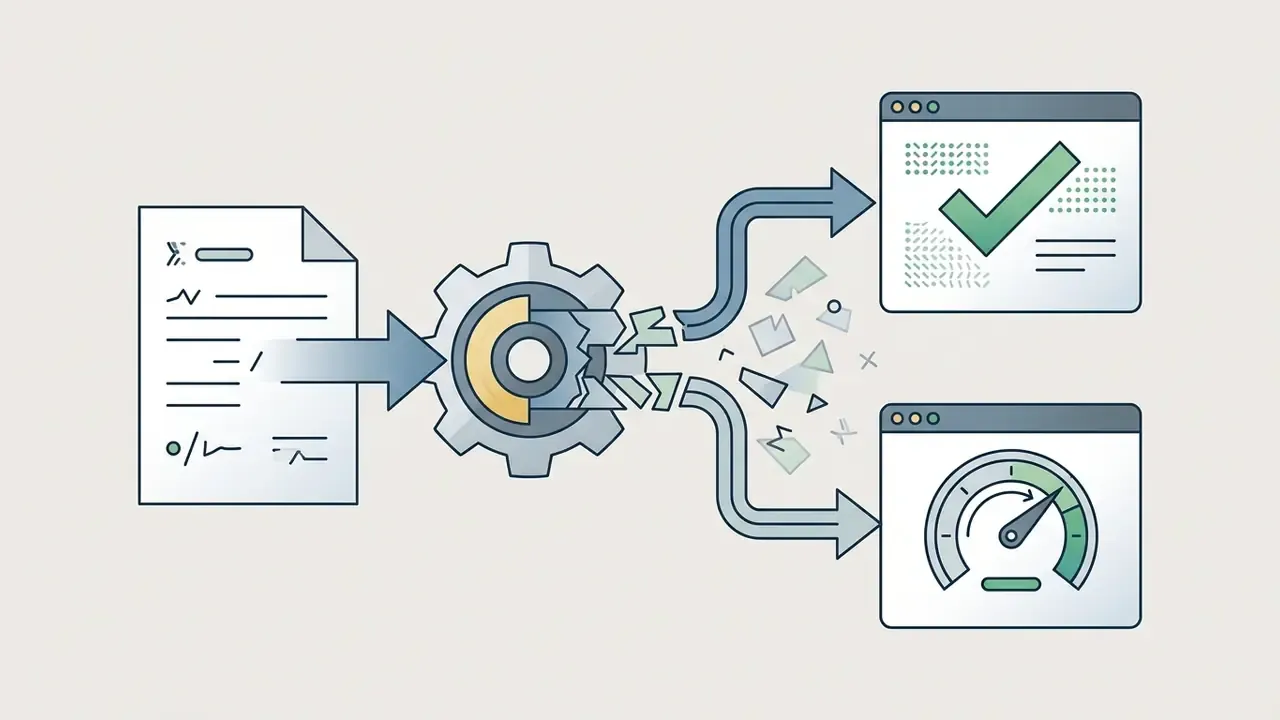
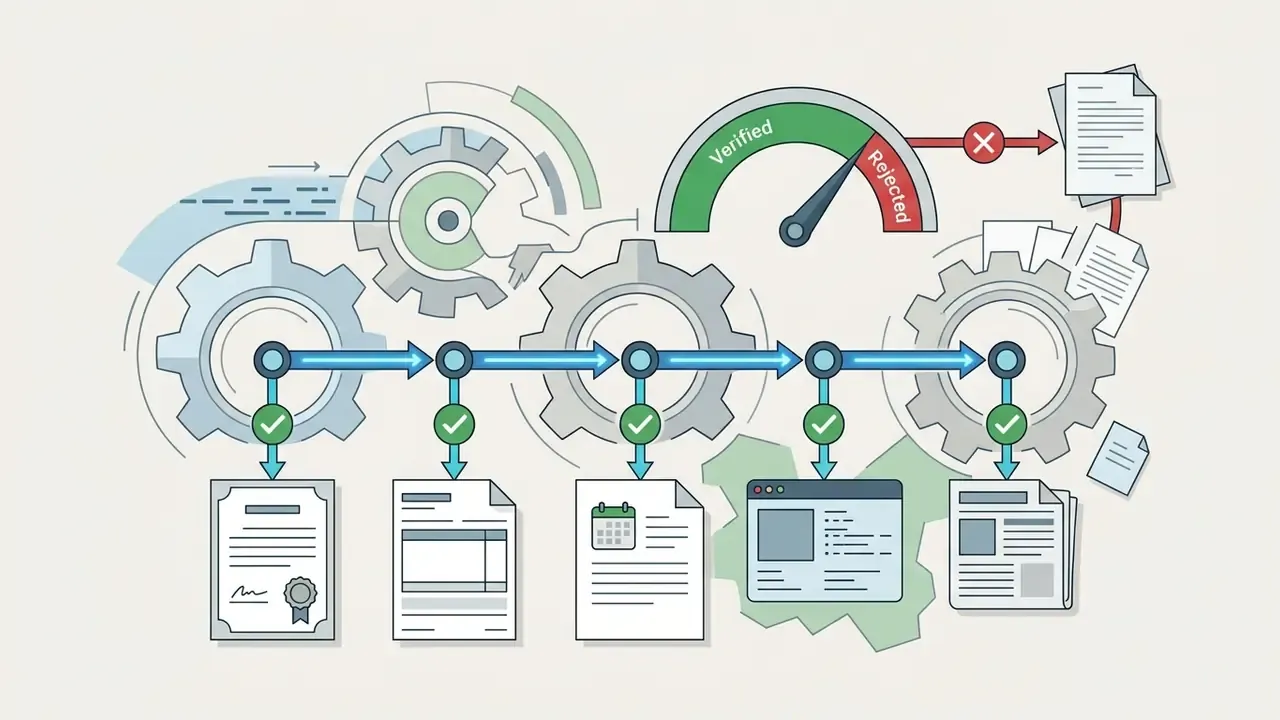
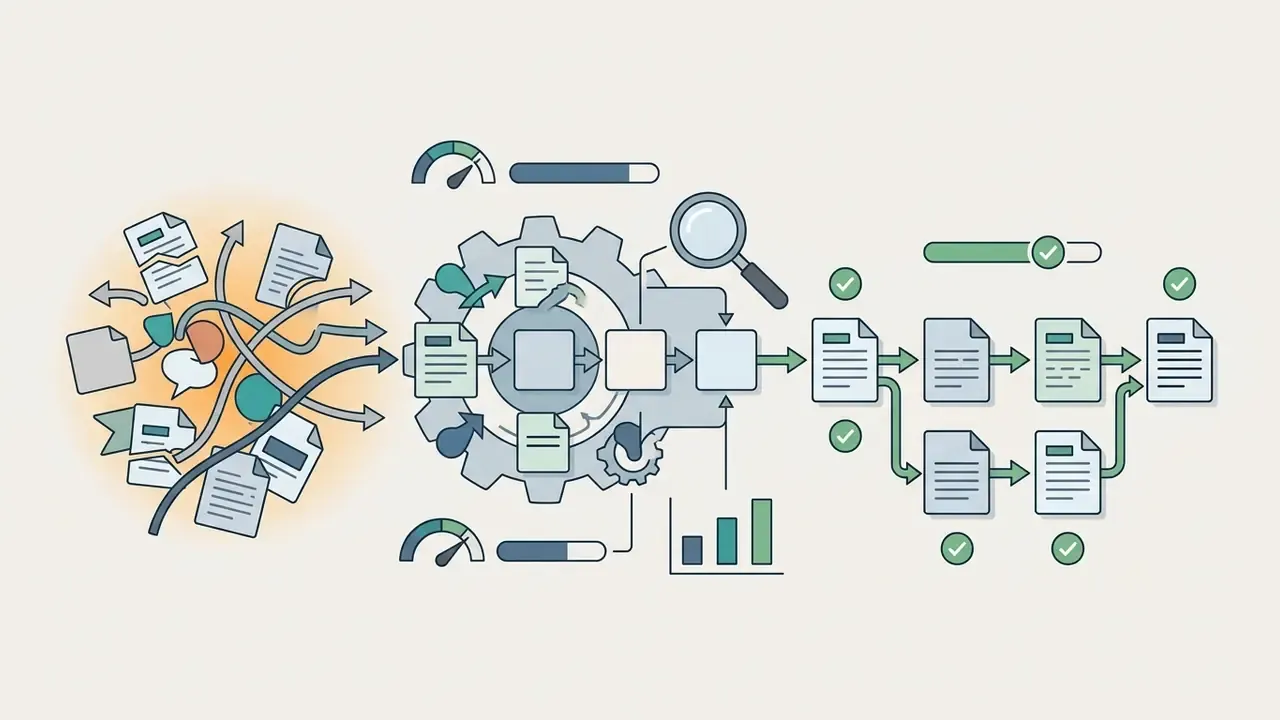
Three-stage verification method:
4. How to Edit and Customize an AI-Generated Timeline
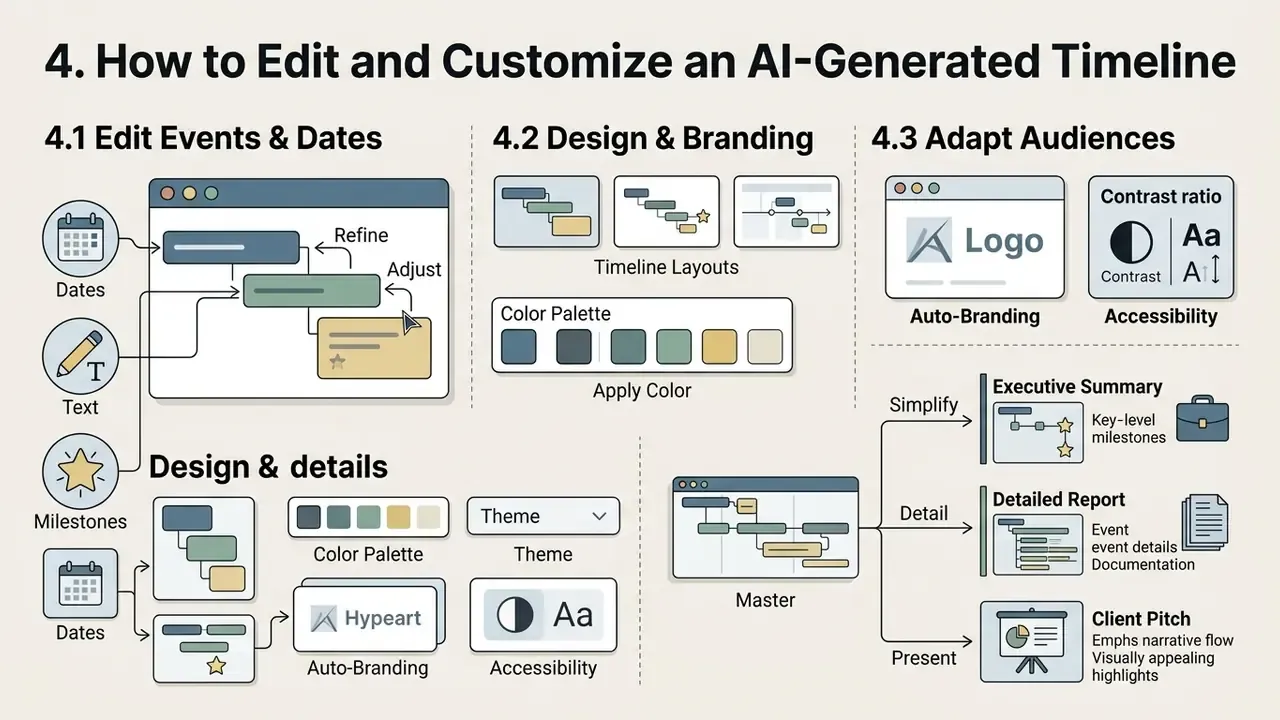
Editing lets you refine event details, adjust visual themes, and reshape the presentation for executive consumption. Customization options keep the professional timeline consistent with corporate branding and readability standards.
4.1 Editing Events, Dates, Text, and Milestones
Manual tools allow precise editing of events, dates, and milestone descriptions after generation. You can drag milestone markers along the axis to update start and end dates, adjust task durations, or reorder sequences. Note one common interface constraint: bars can usually be dragged and resized, while milestones are single-date objects that can be moved but not stretched.
Text settings cover headline titles, expanded descriptions, and milestone labels. Dependency links can be added or deleted to reflect updated workflows, typically by dragging from a predecessor handle to a successor, or through explicit "add predecessor" and "add successor" actions.
That triplet logic is the cleanest mental model for pruning. For each event, ask which stakeholder it matters to and at what time. If no stakeholder needs it, it belongs in the appendix, not on the axis. Systems that support structured marker properties also let you change marker shapes, adjust sizes, and assign activity icons to distinct operational categories.
4.2 Choosing Layout, Color, Theme, and Visual Style
Visual design work comes down to layout structure, color palette, and typography that preserve information hierarchy. Standard layouts include horizontal baselines for brief series (fewer than seven points), vertical structures for dense event lists, and snake layouts for compact multi-row displays. Vertical remains the most-used infographic layout; horizontal timelines usually work best as one component inside a larger visual or a presentation slide.
Design guidance recommends limiting palettes to three to five high-contrast colors: one primary structural color, one accent for critical milestones, and optional secondary colors for event categories. Universal, high-contrast icons improve category recognition without adding noise. For post-generation retouching of exported visuals, such as cropping, contrast, or background replacement, the same capability checklist used for online photo editors applies.
Two further capabilities matter for corporate output:
- Auto-branding (brand kit) These tools pull brand colors, fonts, and logo from your website or brand kit and apply them to the generated timeline in one click, keeping every exported chronology visually consistent across decks and reports.
- Accessibility compliance Prefer tools that check contrast ratios, font readability, and layout order, generate alt text for the timeline graphic, and export WCAG 2.1-conformant PDFs. Accessibility guidance for AI systems also expects plain-language disclosure of what the system does and how it decides, in formats accessible to people with disabilities. Relevant if your timeline is published externally.
4.3 Adapting a Timeline for Different Audiences
Adapting one timeline for several stakeholder groups means adjusting data density, technical language, and visual complexity. For executive leadership, strip the display down to major governance milestones, high-level budgets, and critical delivery dates, and drop granular operational tasks.
For technical project teams, expand the view: task dependencies, sub-milestones, sprint dates, resource assignments. Public-sector design guidance adds a useful rule. When the audience's data literacy is unknown, use well-known chart types and keep no more than two or three concepts in a single visualization. Refer to our general glossary definitions to keep terminology consistent when you label visual assets across internal and external reporting.
For distributed and multinational teams, instant translation of labels, descriptions, and headings into 20+ languages (English, Spanish, Chinese, Hindi, Arabic, Portuguese, Russian, Japanese, French, German, Korean and others) while preserving the underlying temporal structure removes a full round of manual rework. Confirm that translation touches the data layer, not just the rendered image, so dates and ordering are not corrupted.
5. Free AI Timeline Generators: Registration, Limits, and Export
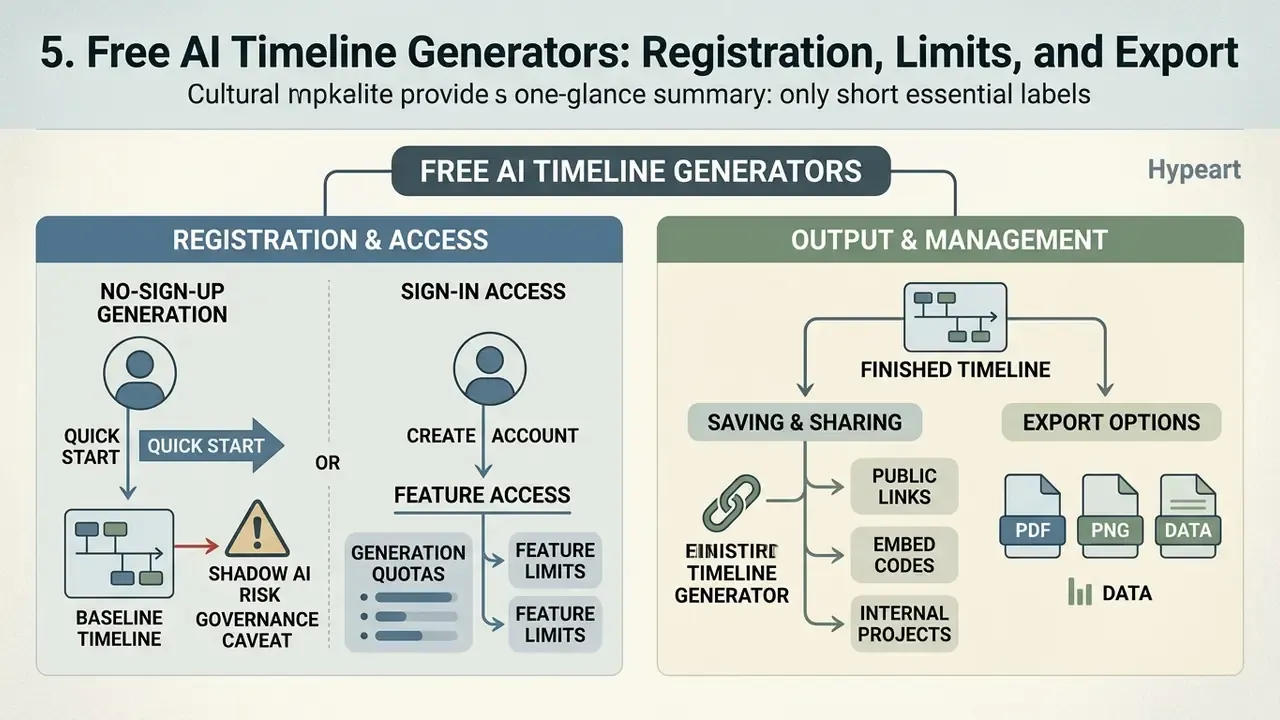
A free AI timeline generator gives you quick baseline creation, inside specific limits on generation quotas, feature access, and export. Understanding freemium structures helps organizations pick tools that match their operational scale. In practice, free access arrives in four shapes: a time-boxed trial (seven days, say), a monthly credit allowance, a lifetime allowance (sometimes a single AI creation that never resets), or an anonymous no-sign-up generator with capped events.
5.1 No-Sign-Up Generation: Where It Helps, and the Shadow AI Risk
Updated. An AI timeline generator free with no sign up lets users paste text and produce a quick visual preview without creating an account. These free online tools are handy for testing text parsing accuracy, evaluating auto-layout quality, and reviewing initial chronological extraction. Exactly the way teams trial free AI video generators with credit caps and watermarks before buying.
Free tiers do restrict the advanced work, though. Unregistered workflows usually prevent saving persistent project files, limit editing, enforce strict event caps (often 10 to 15 events), and stamp watermarks on exported assets. Several vendors let you generate anonymously but require a free account to edit, which quietly pushes the data into an account-bound store.
The governance caveat is the more important one. Pasting proprietary project data, model-validation logs, client records, or regulatory correspondence into a public no-sign-up tool is shadow AI: unsanctioned processing outside your control environment. Official guidance is unambiguous. Confidential or sensitive data should not be entered into publicly accessible generative AI tools, identifying details should be stripped from uploaded documents, and uploaded data may be retained in ways you cannot inspect, delete, or retrieve. Use no-sign-up tiers for synthetic or public test text only. Run real corporate material through an enterprise tier with a contract behind it.
5.2 Saving, Export, and Publishing the Finished Timeline
Export features turn generated timelines into shareable assets across formats. Standard options include high-resolution PNG images for presentations, vector SVG files for scalable design editing, and PDF documents for formal reporting.
Some platforms add vector exports, PowerPoint (PPTX) slides, spreadsheet exports for further analysis, HTML embed code for web publishing, presentation modes, and direct share links for collaborative viewing. Insist on vector SVG where the timeline must scale to poster size or be restyled downstream; tagged PDF is the format for accessible, print-ready reporting. Review the AI Media Commercial-Use Hub to confirm that exported graphics comply with commercial usage terms and enterprise copyright requirements.
| Selection criterion | Free tier (no sign-up) | Free tier (with account) | Paid Pro tier |
|---|---|---|---|
| Generation access | Instant, no sign-up | Registration required | Paid subscription or credits |
| Event limits | Capped (5–10 milestones) | Basic cap (10–25 milestones) | Unlimited |
| Multi-format input | Pasted text only | Text plus single file upload | PDF, DOCX, PPTX, XLSX, URL, YouTube, voice, CSV/JSON |
| Editing capabilities | View and basic text | Date and style editing | Full control (themes, custom CSS) |
| Export formats | Standard PNG (watermarked) | High-quality PNG, PDF | Vector SVG, PPTX, XLSX, HTML embed code |
| Collaboration | None | Direct-link viewing | Real-time co-editing, comments, roles |
| Quota model | Per-session cap | Monthly or lifetime credits | Seat- or credit-based, resets monthly |
| Suitable data | Public or synthetic text only | Low-sensitivity internal text | Contractual tiers for confidential data |
6. How to Choose the Best AI Timeline Generator for Your Task
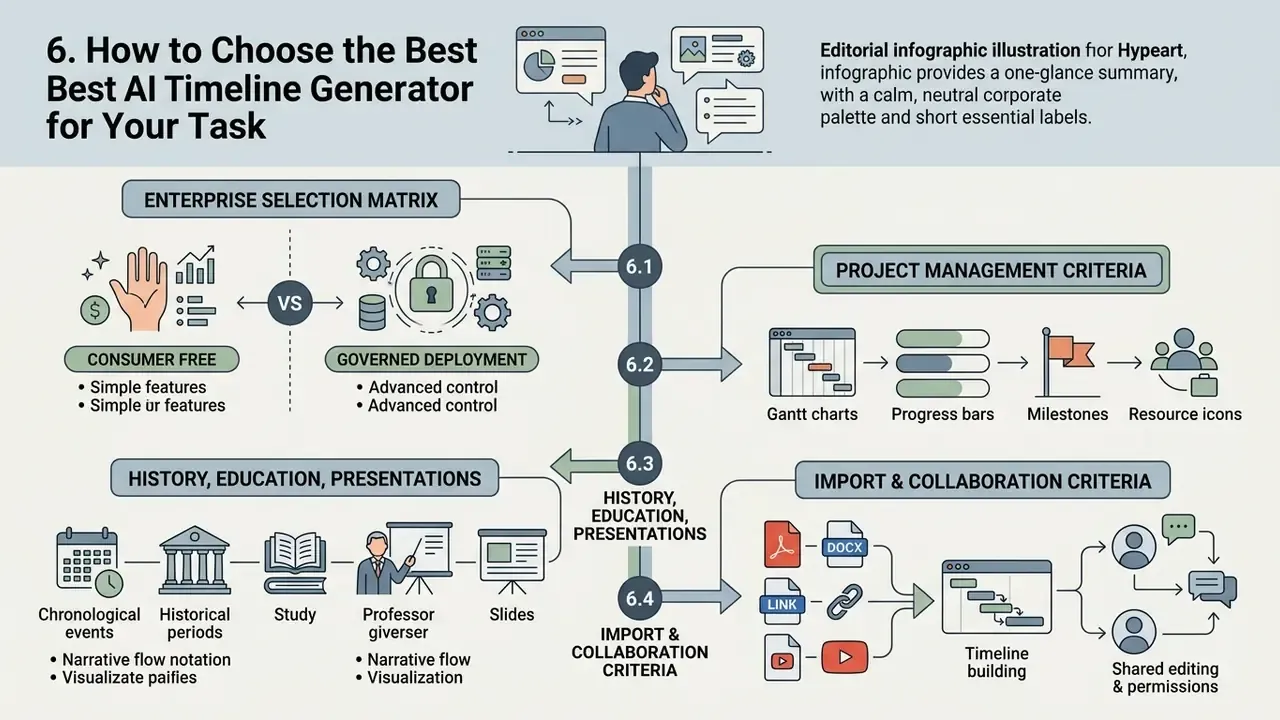
Choosing the best AI timeline generator means testing technical capability against your operational requirements. Core parameters: temporal extraction accuracy, data security, collaboration tools, integration compatibility. Published evaluation work on forensic and legal timeline analysis converges on five criteria worth reusing almost verbatim in an RFP: artifact detection accuracy, narrative coherence, evidence-linkage depth, explainability and traceability, and documentation completeness. Generic timeline-generation research adds a sixth, event coverage measured against a reference timeline. If you are building an internal scorecard, the weighting approach used in our comparison of AI generation tools by quality and price transfers directly.
6.1 Enterprise Selection Matrix: Consumer Free vs. Governed Deployment
Watermarks and CSS themes are irrelevant to a Chief Risk Officer. The matrix below replaces consumer criteria with the controls an enterprise buyer must verify.
| Requirement | Consumer free tier | Enterprise / governed tier |
|---|---|---|
| Security certification | None disclosed | SOC 2 Type II, ISO 27001, GDPR/HIPAA alignment, FedRAMP where applicable |
| Data retention | Input may be retained or reused | Contractual zero data retention on model calls; no training on customer data |
| Deployment model | Public multi-tenant SaaS | VPC-isolated or on-premise deployment options |
| Identity and access | Email or none | SSO/SAML, SCIM provisioning, role-based access, view/comment/edit permissions |
| Traceability | No source linkage | Every date and event links back to the originating sentence, page, or document ID |
| Audit export | PNG image | JSON/CSV/XLSX structured export into GRC and MRM systems |
| Version control | Manual re-download | Immutable version history with timestamps and author attribution |
| Model architecture | Single hidden provider | Model-agnostic, documented model version per generation run |
| Human sign-off | Not supported | Named owner attestation recorded before distribution |
| Regulatory fit | Not designed for it | Evidence chains suitable for model-risk validation expectations (for example, US supervisory guidance on model risk management, SR 11-7 / OCC 2011-12) and documentation practices aligned with the NIST AI RMF |
| Encryption | Unspecified | Encryption in transit and at rest, documented key management |
6.2 Criteria for Project Timelines and Project Management
An AI project timeline generator has to support ongoing governance as well as team execution. Essential capabilities: automated autosave, complete version history (timestamps and author data, so prior states can be restored), progress monitoring indicators, task-tracker integrations, and real-time collaborative editing with visible change attribution.
SAR Case (internal, anonymized, illustrative): during an operational model validation review, a risk management team used an automated timeline parsing tool to process model update logs. The team structured historical release notes into an auditable sequence, cutting manual evidence preparation from roughly 14 hours to 45 minutes while establishing verifiable version tracking across regulatory filings. Methodology note: figures come from a single-team internal measurement (one review cycle, one document corpus), self-reported and not independently audited. Treat them as directional, and benchmark against your own baseline before citing them in a business case.
6.3 Criteria for History Timelines, Education, and Presentations
Tools built for history timelines, academic research, and corporate presentations prioritize visual clarity and display flexibility. Look for printable PDF output (A4 and US Letter, landscape and portrait), print preview, multilingual interface and content support, built-in presentation modes or PowerPoint/HTML export for step-by-step reveal, evenly spaced event markers, and high-contrast theme customization. An AI history timeline generator that cannot print cleanly will annoy every teacher who tries it.
The educational implication is concrete. Generative timelines are strongest as exploration instruments, prompting follow-up questions, and weakest as final authorities. Which is precisely why classroom and research use should pair them with source verification exercises.
6.4 When Data Import and Collaboration Matter Most
Enterprise timeline workflows lean on data import support and multi-user collaboration. Make sure the tool imports structured datasets from CSV, Excel, and JSON so timeline updates can ride on existing data pipelines. Shared workspaces, role-based access controls, and real-time co-editing let cross-functional teams review the same chronology at once.
For frictionless fit into an existing stack, prioritize generators with documented API access and native import from Jira, Trello, Asana, Monday, Notion, Confluence, Google Docs and Google Sheets, Microsoft Excel (CSV/XLSX), SharePoint, Slack, and ServiceNow. Platforms in this category advertise connectivity to hundreds of corporate tools, and that breadth is what keeps a timeline synchronized instead of stale. Two practical import caveats: spreadsheet data often has to be exported to .csv before it will create a database or timeline view, and bulk CSV/Excel upload is frequently gated behind a paid plan. On the output side, confirm support for vectors (SVG/PDF), presentation slides (PPTX), structured audit files (JSON/CSV), and WCAG 2.1-conformant exports for corporate reporting.
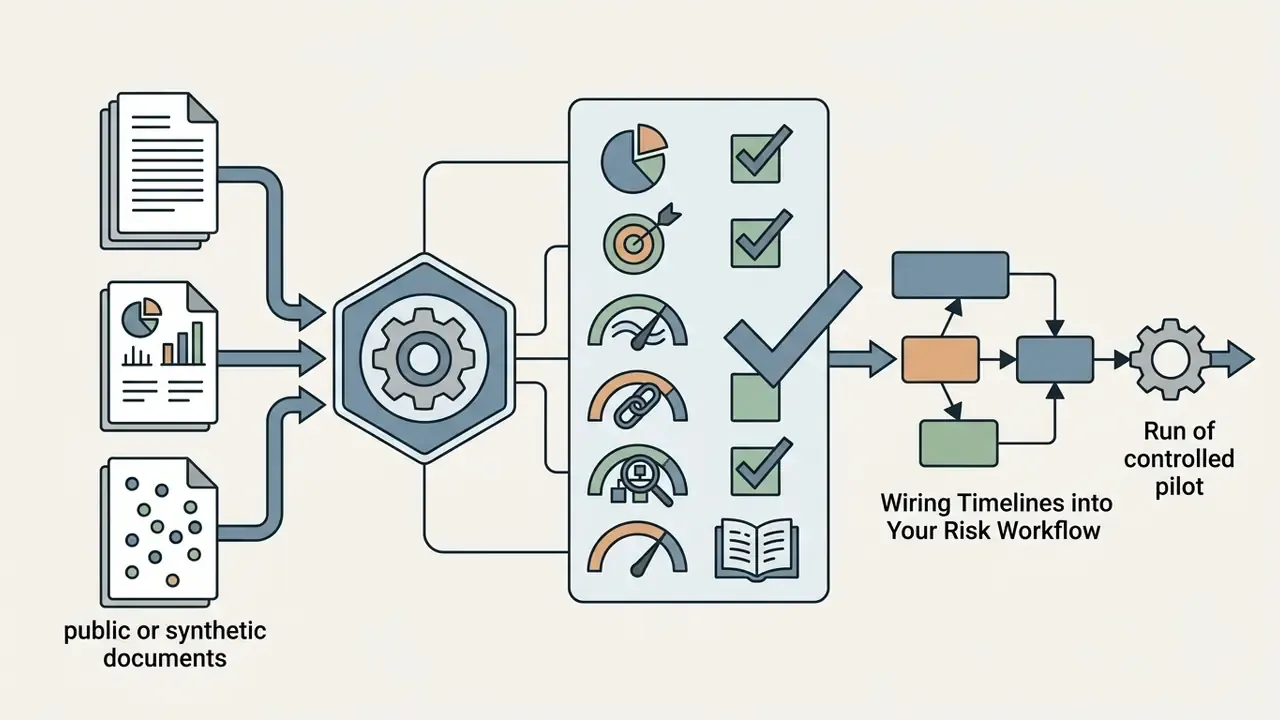
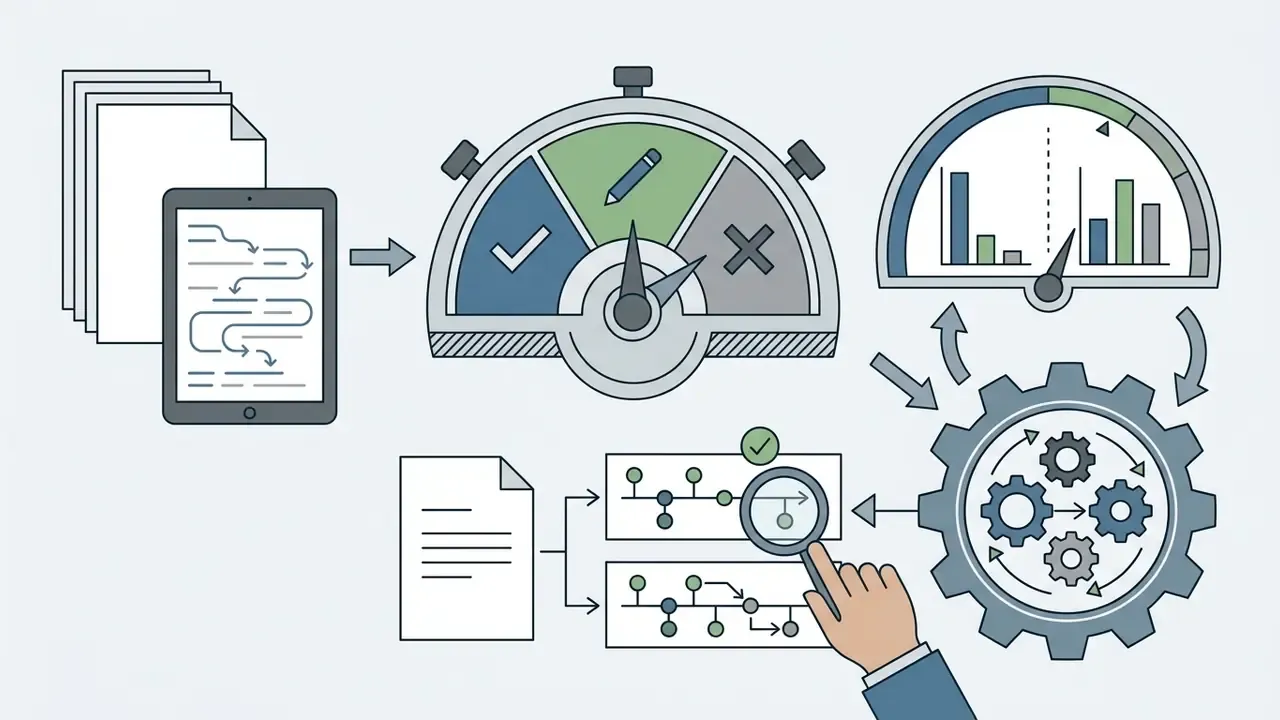
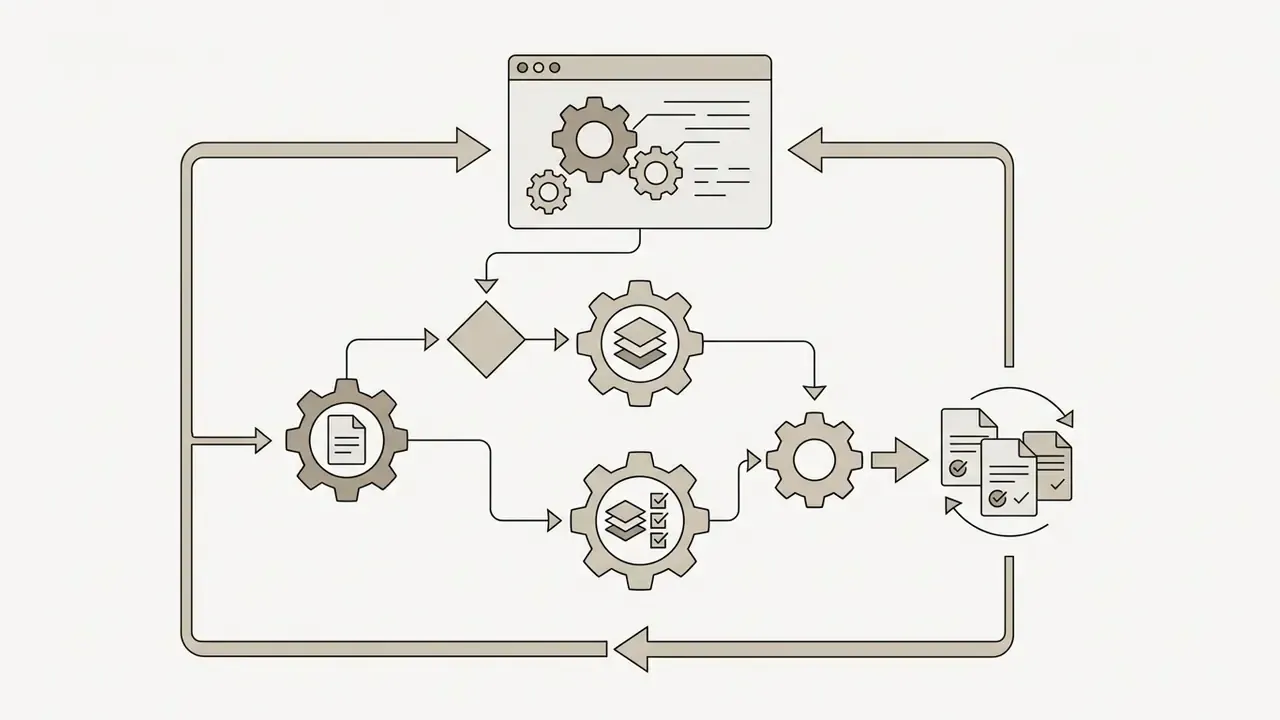
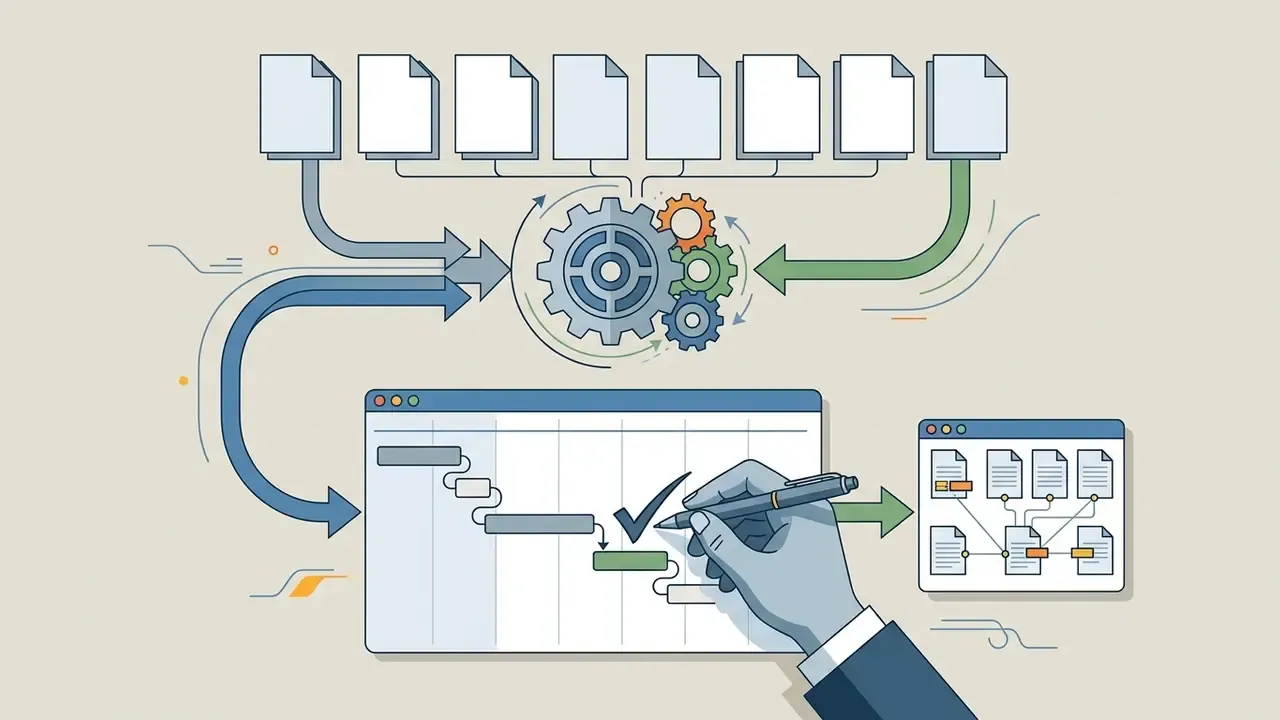
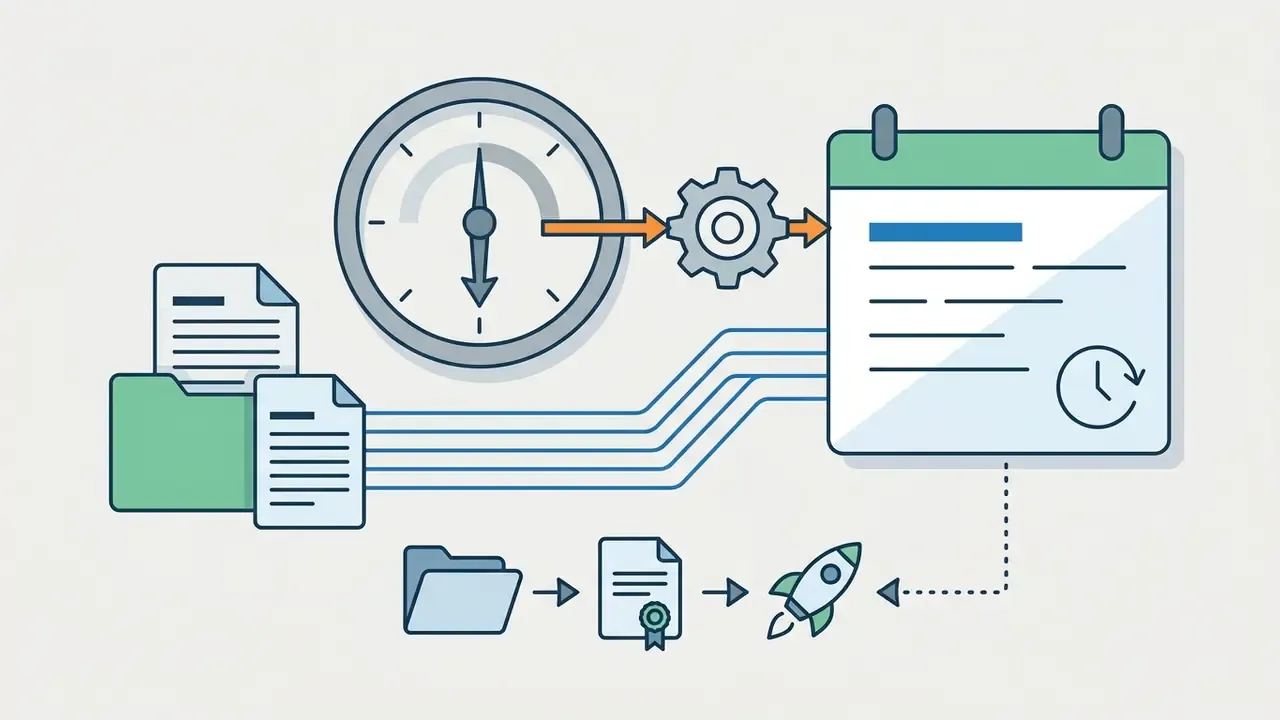
7. What to Do Next: Wiring Timelines into Your Risk Workflow
8. FAQ About AI Timeline Generators
1 Can an AI timeline generator handle long or unstructured text?
Yes. Modern generators process long or messy text through document segmentation, entity extraction, and automated deduplication. Because large language models have context window limits, long files are split into chunks, extracted into timestamped events, then consolidated into one chronological timeline. Low-quality scans, skewed pages, irregular multi-column layouts, or unreadable PDF structures still cause extraction errors, and text without explicit timestamps reduces reconstruction accuracy. Both cases demand manual verification of the output.
2 Is it safe to put project data into an AI timeline tool?
The following is general information and does not replace advice from a qualified information-security professional or legal counsel when you handle confidential corporate data.
Entering proprietary or confidential project data into public, free tools creates real privacy and exposure risk. Public tools may retain submitted text, train models on uploaded content, or leak data through insecure shared links; uploaded material may also be non-deletable and non-retrievable afterwards. Data-protection regulators state that AI systems must process personal data with security appropriate against unauthorized or unlawful processing and accidental loss, and advise against entering personal or sensitive information into publicly available generative AI tools. Use enterprise tools that enforce strict privacy policies, encrypt data in transit and at rest, maintain SOC 2 compliance, and guarantee that customer data is never used for model training.
"GenDFIR combines rule-based AI with large language models to automate the analysis of cyber-incident event timelines in digital forensics." — GenDFIR, IEEE Access (2024). https://ieeexplore.ieee.org/
The same technology that reconstructs an incident timeline from logs can reconstruct your project history from a careless paste. That is the practical reason data-class rules must precede tool adoption.
3 Do I need to write a prompt at all?
No. Zero-prompt (direct parsing) modes accept pasted text, an uploaded file, or a link and build the timeline without instructions, which suits study notes, first-pass review, and exploratory work. Structured prompting stays necessary whenever scope filters, named owners, citation requirements, or regulator-facing precision are involved.
4 How accurate are AI-generated dates, and who is accountable?
Treat automated extraction as a draft. Published interactive-authoring research reports roughly 65% of extracted dates correct, about 29% requiring edits or deletion, and around 6% of events missed. Generative AI can also produce inaccurate or fabricated output, and quality depends on how accurate and current the underlying data is. Accountability therefore stays with the human owner: the model produces a candidate chronology, a named reviewer verifies each date against a primary source, and that reviewer signs off before distribution.
5 Does the tool keep logs, and can I trace each event to its source?
This is a procurement question, not a feature preference. Ask vendors for immutable version history with author and timestamp, per-generation logging of the model and model version used, and sentence-level or page-level source linkage for every extracted date. Without those three, the timeline cannot serve as an evidence chain in audit, litigation support, or model-risk validation.
6 Can I use AI-generated timelines commercially?
Usually yes, though terms vary by vendor and by tier. Watermarks, attribution requirements, and asset-reuse rules all differ. Verify the license before publishing, using the checks outlined in the AI Media Commercial-Use Hub.
7 Who benefits most from AI timeline generators?
Project managers, risk and compliance teams, auditors, legal analysts, researchers, educators, students, event planners, and content creators. Any role that must turn a pile of dated documents into a defensible sequence gains time. Any role that must attest to that sequence gains a structured review artifact rather than a blank canvas.
Appendix A: Superseded Wording and Source Notes
Retained for transparency, so readers can see exactly what changed and why.
- Original heading wording
- "When you can create a timeline for free and without sign up." Reframed to include the shadow AI risk, because anonymous generation is safe for test text and unsafe for corporate data.
- Original claim
- "Operating within a broader decision support framework like Hypeart AI Media Decision Support, automated timeline generation reduces manual formatting effort while maintaining traceable link chains back to source material." Reformulated in section 1.4: the effort-reduction magnitude is workflow-specific and was not supported by measured data.
- Original citation
- "Research on timeline extraction systems, such as TimeLineCurator, indicates that automated date extraction yields correct dates in approximately 65% of raw extractions, with the remaining entries requiring manual editing or deletion." Updated with publication year, the full correct/edited/missed split, and a project URL.
- Original SAR figures
- "reducing manual evidence preparation time from 14 hours to 45 minutes." Retained, with an added methodology note marking the numbers as single-team, self-reported, and not independently audited.
- Sources marked "canonical URL pending verification"
- (TimeSET, CTLS/REACTS, Timeline Assembler, SUnSET, KnowledgeTrail) are cited by title and year from the research brief. Readers who need a verifiable link should search the title in arXiv or ACL Anthology before relying on the figure.
Compliance and Editorial Disclaimer
This article is general information about software categories and workflow design. It is not legal, regulatory, audit, or information-security advice, and it is not a recommendation to process regulated or confidential data in any specific tool. An AI-generated timeline is not a legally binding evidentiary record on its own: it requires human review and a documented sign-off by an accountable owner before submission to auditors, courts, or regulators. Verify vendor security claims (SOC 2, retention, deployment model) contractually, and confirm applicable supervisory expectations with your compliance function.