Last updated: March 2026 · Editorial review: AI Governance and Model Risk desk · Scope: ChatGPT Images (gpt-image-2, Images 2.5), commercial rights, enterprise controls and competitive alternatives.
Executive summary
gpt-image-2 powers built-in ChatGPT generation, alongside the Images 2.0 and Images 2.5 generations documented by OpenAI.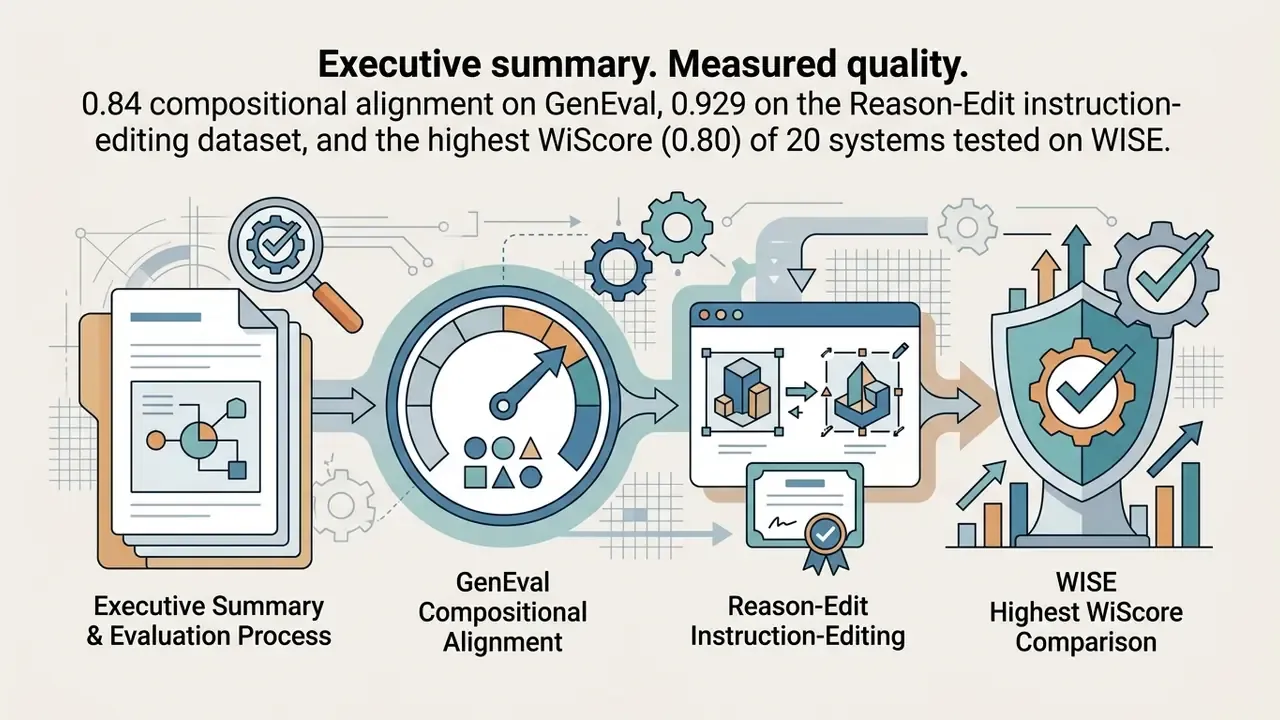
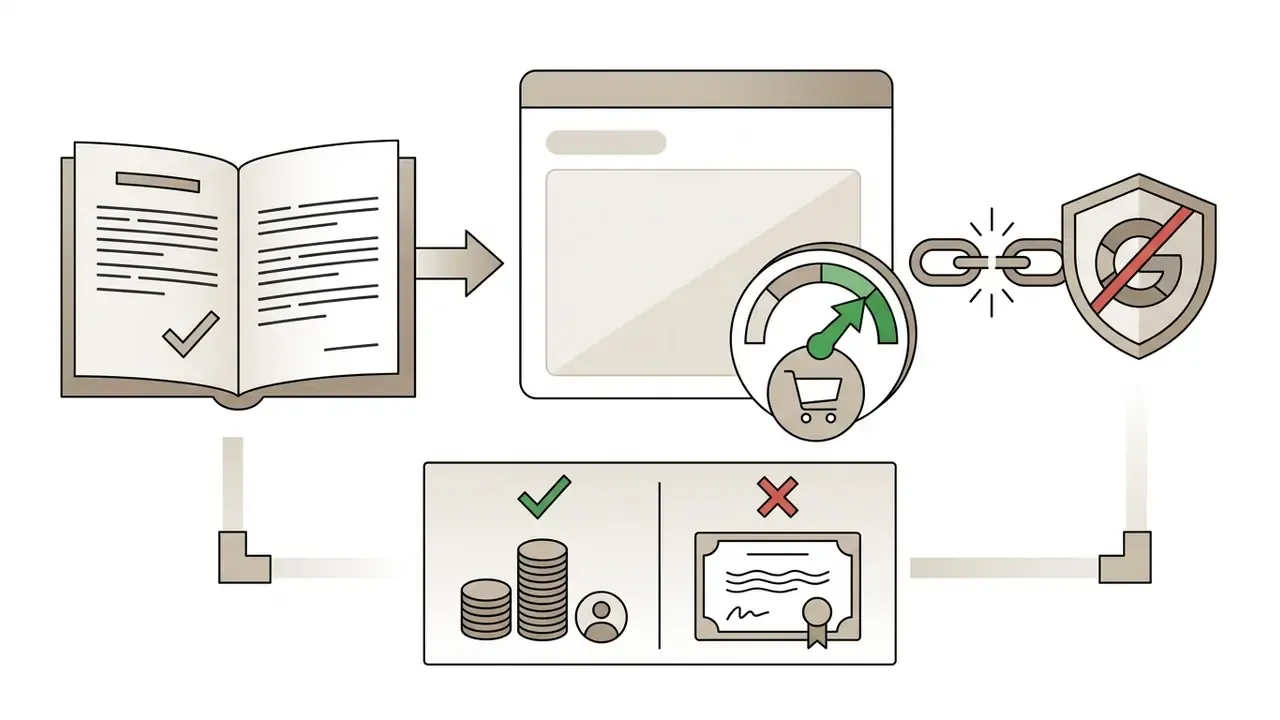
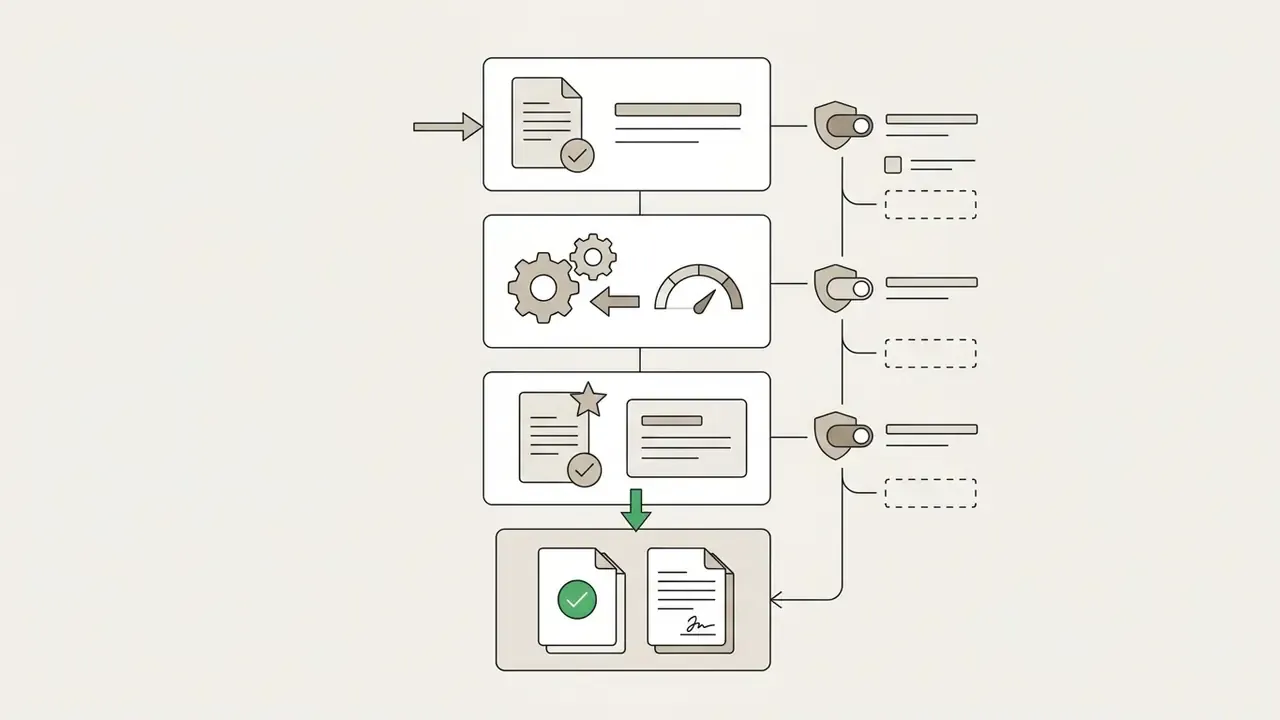
Why an image model belongs in a bank's AI inventory
A question that sounds like a design topic quickly becomes a control topic. Marketing generates a campaign visual. Operations drops a customer document into a chat window to "clean it up". Somebody produces a chart-styled graphic for an investor deck. None of that is exotic, and all of it lands inside regulated territory.
Three exposures repeat across large US banks and mature fintechs. First, retail communications carry approval and recordkeeping duties, so an unlogged AI visual in a promotional banner is a supervision gap, not a creative shortcut. Second, uploaded reference images may contain customer data, which turns a convenience feature into an unapproved data transfer. Third, model inventories built for credit scorecards and AML scenario engines rarely have a row for an image generation model, so nobody owns it.
Supervisory expectations for model risk, most obviously the SR 11-7 tradition of ownership, validation and documentation, do not stop being relevant because the output is a picture rather than a probability of default. Same discipline. Different artefact.
Can ChatGPT generate images now?
Yes. ChatGPT can generate images directly inside its conversational interface, with no external software or third-party plugins. Users enter natural language text prompts to create original visual assets, or upload an existing image and modify it in place.
The capability evolved out of earlier setups that relied on a standalone DALL·E 3 connection. Modern workflows use a native multimodal architecture, the 4o image generation path, powered by underlying models such as gpt-image-2 and ChatGPT Images 2.5. That architecture processes text instructions and image inputs in the same turn. OpenAI also documents an explicit prompt trigger, $imagegen, that invokes the image-generation skill inside a chat turn, alongside the Images entry point in the sidebar and the mobile @Sketch tool.
Benchmark evidence. Independent researchers ran automated evaluation scripts against the ChatGPT web interface, using prompt sets drawn from the GenEval and Reason-Edit datasets. GPT-4o reached a compositional alignment score of 0.84 on GenEval and 0.929 on Reason-Edit for instruction-guided editing.
«GPT-4o reaches 0.84 on GenEval and 0.929 on Reason-Edit, substantially outperforming prior diffusion-based generators on compositional and instruction-following tasks.»
Those numbers matter for one reason. They confirm the platform behaves as an integrated AI image generator, not a prompt-rewriting shell in front of a separate rendering service.
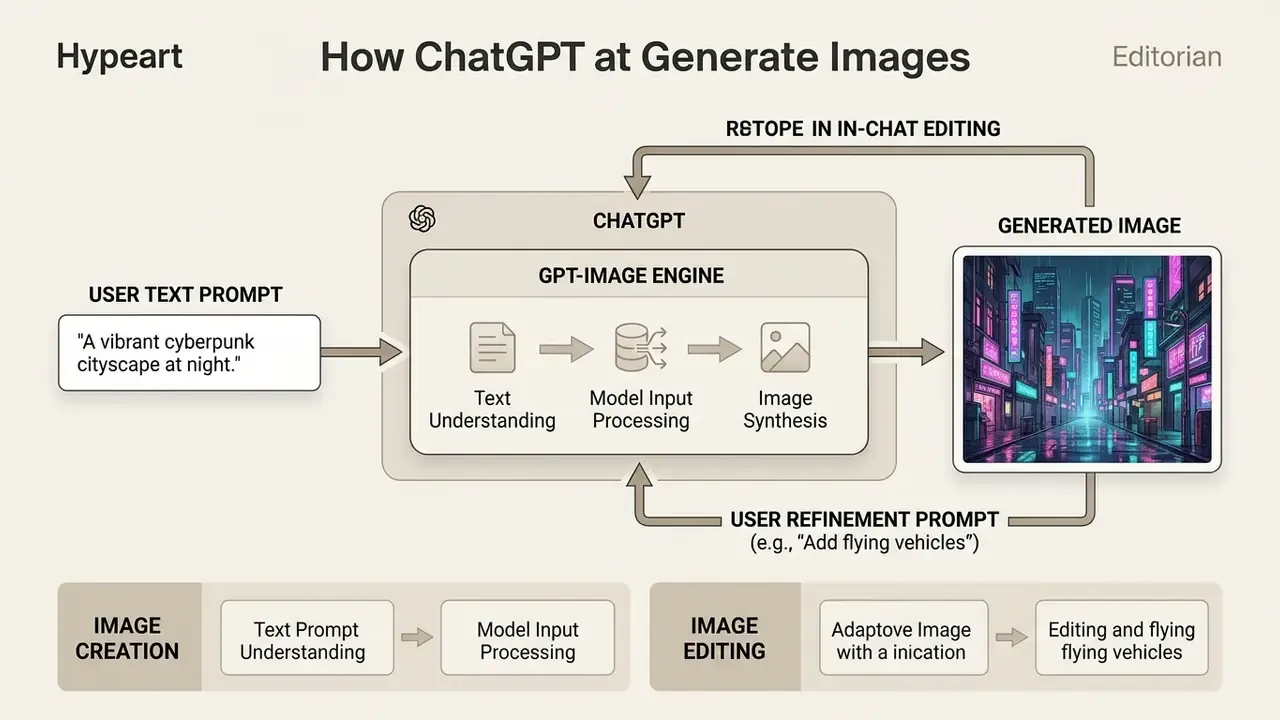
Technically the pipeline runs in four stages. The chat turn is parsed together with any attached reference images. The instruction may then be rewritten internally for safety and detail, with the rewritten text exposed through the revised_prompt field in API responses. The image head decodes the visual, either as a generation from scratch or as an edit applied to a source image plus an optional mask. Finally, the rendered asset and the revised prompt return to the conversation, where both stay editable in later turns.
What image generation model does ChatGPT use?
ChatGPT uses a native multimodal LLM architecture, specifically GPT-4o with an integrated image generation head (gpt-image-2, and the ChatGPT Images 2.5 release), to generate images directly in the chat stream. This replaced the older pipeline where ChatGPT acted only as a prompt rewriter for an external DALL·E engine. OpenAI has since retired the legacy DALL·E GPT inside ChatGPT, effective 30 August 2025, redirecting users to ChatGPT Images for creation and editing.
ChatGPT is the conversational user interface. The underlying image model performs token-level decoding and visual rendering.
«Classifier-based analysis of GPT-4o outputs indicates a diffusion-style decoding head embedded inside a single unified multimodal architecture.»
Latency claim, reframed. OpenAI's product documentation reports that the Images 2.5 release improved fidelity, strengthened reference preservation and lowered latency by up to 50% relative to Images 2.0. Those are vendor-reported performance claims, not independently reproduced measurements. Teams running formal model validation should re-measure end-to-end latency on their own prompt mix before that figure appears in internal risk documentation. A vendor benchmark is a hypothesis until your own harness confirms it.
The unified model accepts multi-turn dialogue. A user can issue an initial prompt, inspect the ai photo or graphic, then request specific adjustments without resetting the conversation. Because context persists, stated brand palettes, subject descriptions and layout constraints stay in force across sequential renders.
Who can use ChatGPT image generation, and is it free?
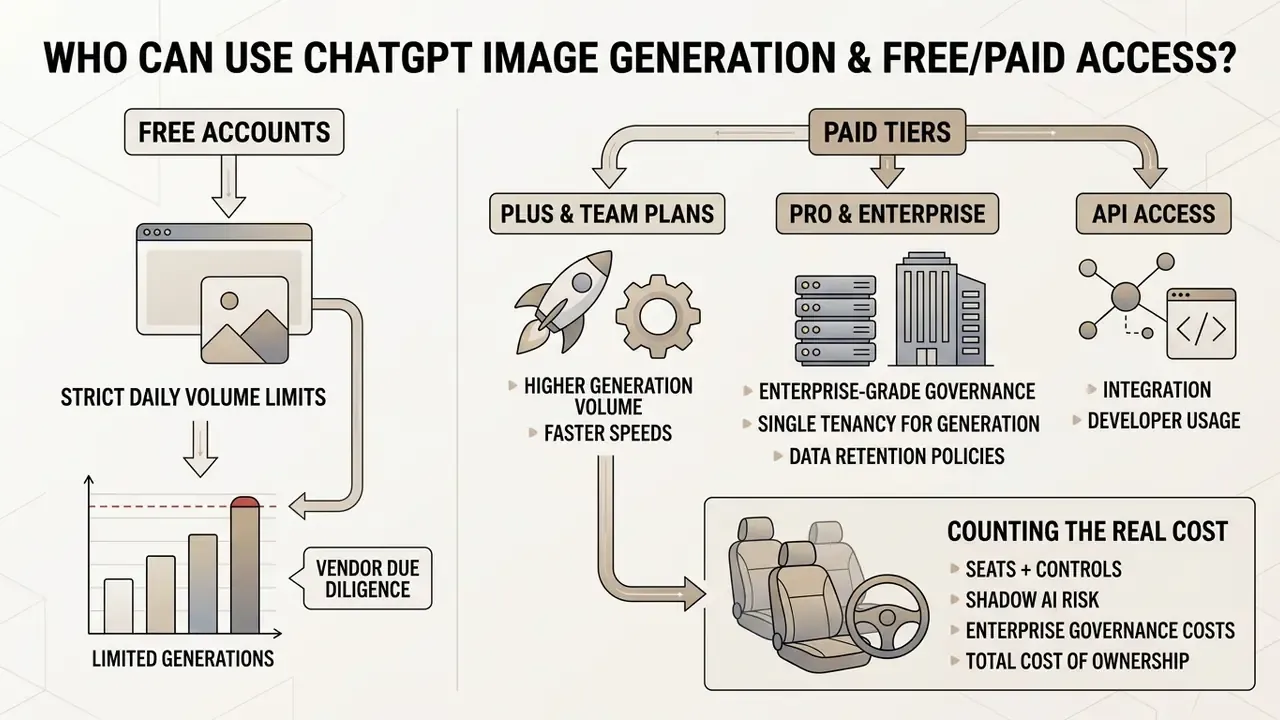
ChatGPT image generation is available on free accounts and on the paid tiers (Plus, Team, Pro, Enterprise), though free access operates under strict daily volume limits. Anyone with an authenticated OpenAI account can generate images in the interface.
Free users get the basic image generation capabilities with restrictive rate limits. Paid subscriptions raise request caps, speed up generation and unlock advanced editing. Organisations weighing broader deployment often compare native ChatGPT tools against third-party aggregators that unify multiple AI models in one place. That decision improves with a structured shortlist of the best AI image generators and a wider review of AI art generator platforms.
Teams that want narrower comparison matrices can consult a specialised chatgpt art generator comparison or a dedicated chatgpt photo editor breakdown.
Free access, paid plans, and generation limits
Free accounts allow up to two images per day through the built-in GPT Image pipeline. Once the allowance is spent, the interface prompts an upgrade or a wait until the limit window resets (OpenAI Help Center, 2026). Teams that need continuous volume on zero budget should also review dedicated free AI image generators and free AI art generator comparisons before committing to a subscription.
Paid plans remove the harsher daily constraints:
Vendor due diligence note. Procurement and model-risk teams regularly meet unverified domains marketing "free ChatGPT image generation". Treat any commercial, licensing or security claim that is not published on the vendor's own legal or documentation pages as unverified. Ask for written confirmation of data handling, retention windows and indemnification before onboarding.
- ChatGPT Plus and Team
- substantially higher allowances, typically subject to dynamic hourly capacity caps at peak.
- ChatGPT Pro and Enterprise
- prioritised processing queues, expanded context windows, administrative and compliance controls.
- API access
- billed per token rather than per seat. OpenAI's published rate card for
gpt-image-1lists $5 per 1M text input tokens, $10 per 1M image input tokens and $40 per 1M image output tokens. Enterprise rate cards list GPT-Image-2.0 at $8 input, $2 cached input and $30 output per 1M tokens.
Counting the real cost: seats plus controls
Seat price is the least interesting number in the business case. The full cost of a governed image workflow usually includes four other lines: workspace administration, the review hours needed before an asset ships, storage of prompt and provenance records in the DAM, and periodic re-validation after model updates.
An illustrative, hypothetical model for a mid-sized marketing function makes the point. Suppose forty seats on a business tier, two hours of compliance review per week across the team, and one re-validation cycle per quarter at roughly eight analyst hours. The licence is a rounding error. The control layer is the budget. Any ROI figure that excludes review time and residual risk is not risk-adjusted, it is optimistic, and boards have started noticing the difference.
Shadow AI, data retention, and enterprise governance
The most under-managed risk in image generation is not output quality. It is unsanctioned usage. When employees produce product mockups, unreleased packaging concepts or customer-facing collateral through personal free accounts, three exposures appear at once: confidential inputs leave the corporate perimeter, no audit trail exists to reconstruct who generated what, and the organisation holds no contractual record of output ownership.
Controls that measurably reduce that exposure:
- Single tenancy for generation. Route all image creation through the corporate workspace (Team, Enterprise, or API keys issued by IT) so prompts, uploads and outputs fall under the organisation's commercial agreement rather than a consumer account.
- Training opt-out and retention terms. Confirm in writing whether inputs and outputs are excluded from model training, and what log-retention window applies. Consumer, business and API surfaces differ materially. Verify current terms in vendor documentation before processing regulated or confidential material.
- Model inventory registration. Add
gpt-image-2andImages 2.5to the inventory with a named owner, an intended-use statement and a validation status, exactly as any credit or AML model would be registered. - Detection of unsanctioned use. Monitor egress to consumer generation endpoints. Require asset provenance (prompt, model ID, timestamp) for any visual entering brand or regulated communications.
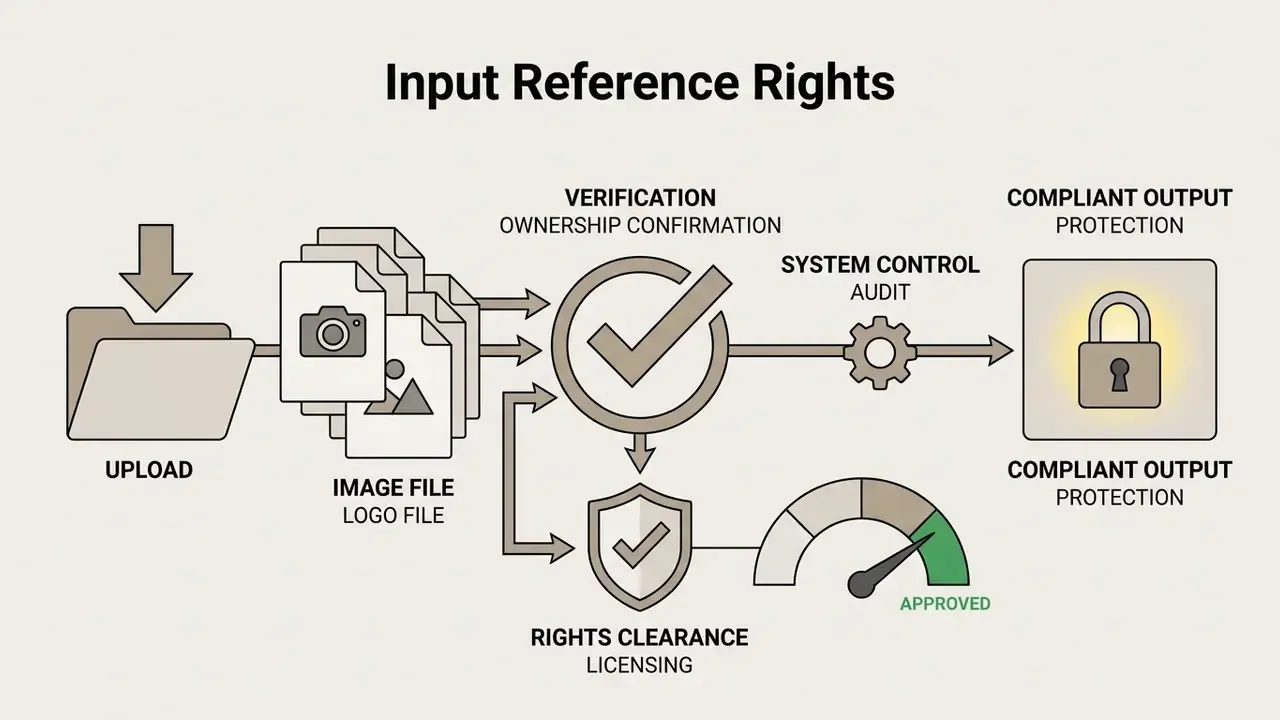
- Provenance metadata. Where downstream tooling supports it, preserve Content Credentials or equivalent metadata so the AI-assisted origin of an asset stays traceable after handoff to agencies or publishers.
One unresolved question deserves honesty: detection of consumer-tier use is imperfect on personal devices, and no control on this list fully closes that gap. Policy plus training still carries part of the load.
ChatGPT versus third-party GPT Image tools
Built-in ChatGPT image generation runs inside OpenAI's own conversational interface. Third-party generator gpt image platforms aggregate access across competing providers. The table below sets out the structural differences, including the governance dimensions that matter most to risk and compliance owners.
| Feature / Dimension | Built-in ChatGPT Interface | Third-Party Multi-Model Aggregators |
|---|---|---|
| Account access | Single OpenAI account (free or paid) | Provider-specific platform tier or API key |
| Available AI models | Native OpenAI stack (gpt-image-2, Images 2.5) | Multiple vendors (OpenAI, Midjourney, Stable Diffusion, Flux) |
| Image editing capabilities | Conversational dialogue, region selection, @Sketch | Canvas masking, layers, node-based workflows |
| Export formats and rights | PNG, WebP download; standard user ownership | Varies by underlying API and provider licence |
| Commercial licence terms | Full user commercial ownership under OpenAI Terms | Tier-dependent; varies across hosted models |
| Data training opt-out | Documented per plan tier; business tiers exclude business data from training by default | Depends on the aggregator and each upstream provider, so verify both layers |
| Security attestations (SOC 2 / ISO 27001) | Published for enterprise tiers; request the current report under NDA | Frequently absent on smaller aggregators; must be requested explicitly |
| Log retention and audit trail | Workspace conversation history plus admin controls on business tiers | Varies widely; some platforms retain prompts indefinitely for tuning |
| Reproducibility evidence | Prompt history preserved in-thread; model version visible | Depends on whether the platform records the routed model and version |
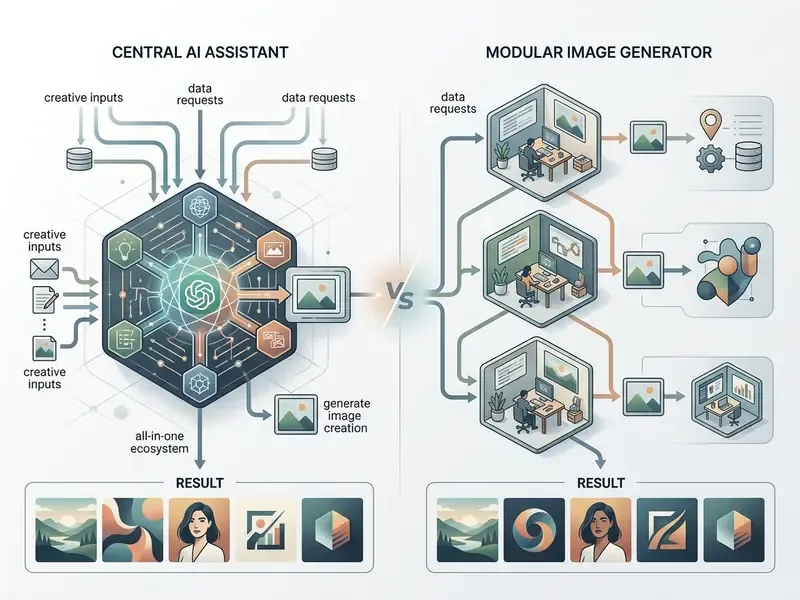
The pattern is consistent. Native ChatGPT gives conversational editing and a single accountable vendor relationship. Multi-model platforms give broader model diversity for specialised production pipelines, at the price of a two-layer governance problem, because the aggregator and each upstream provider impose separate data and licensing terms.
How to generate an image in ChatGPT
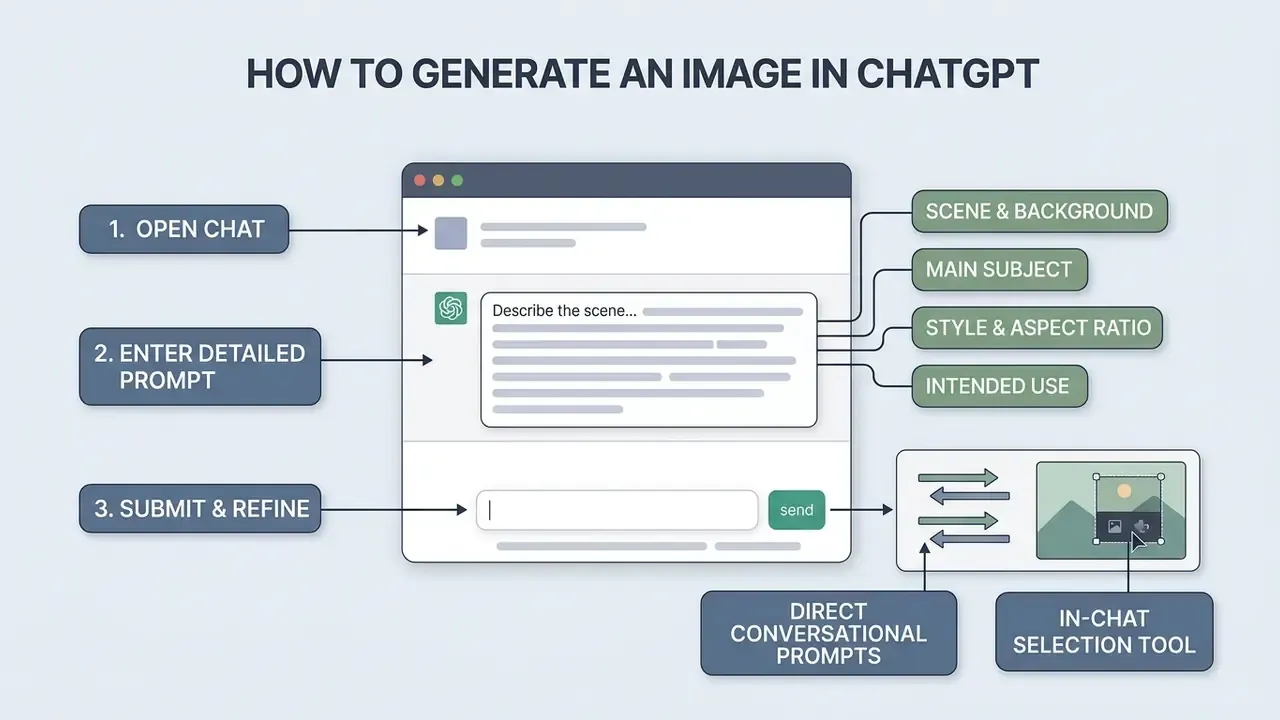
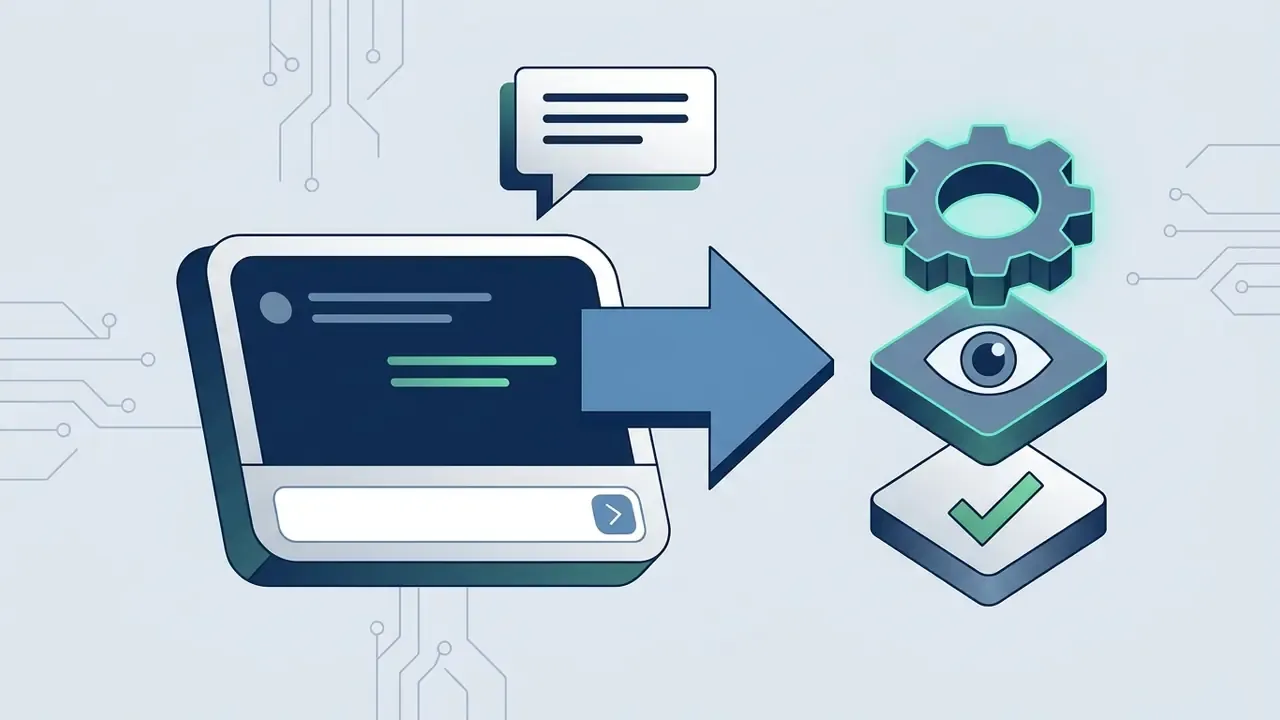
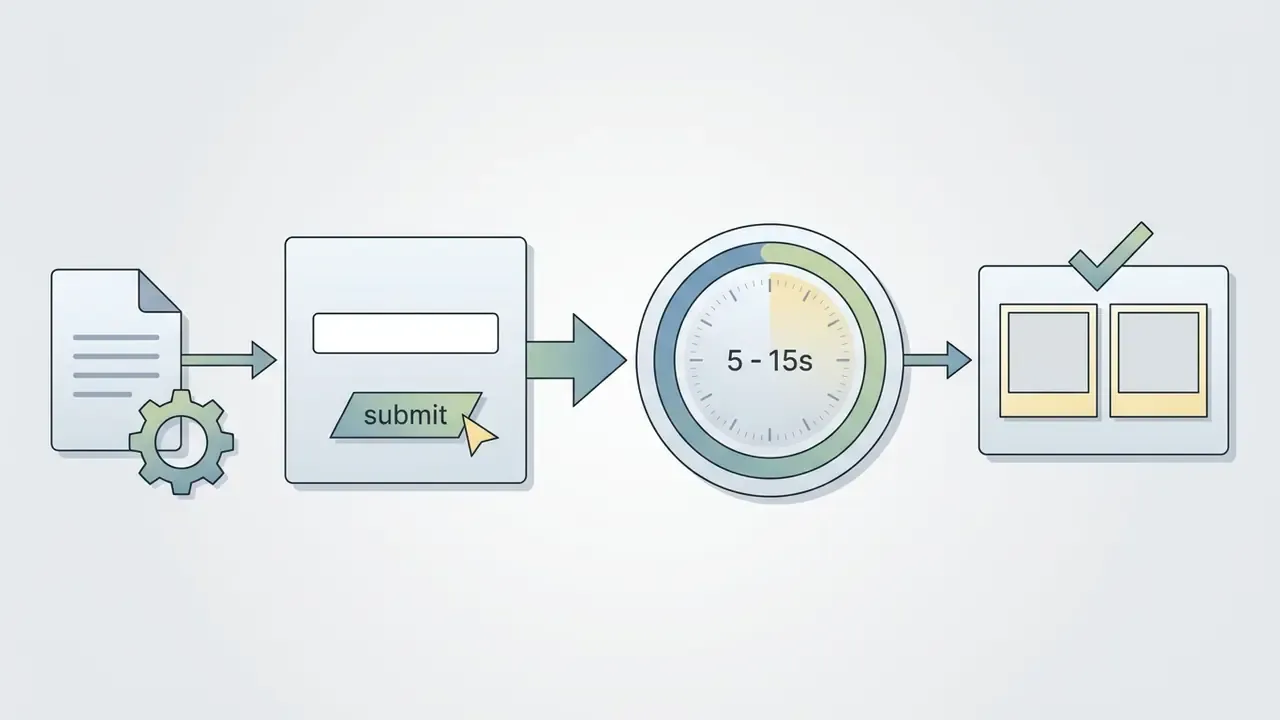
Generating an image in ChatGPT takes three moves: open a chat session, enter a detailed text prompt describing the scene, submit. The system renders a new image directly in the conversation thread.
You can launch the tool from the chat box by selecting Images from the menu, or by including an explicit trigger such as $imagegen, then describing the target visual. To weigh alternative creation routes, review the chatgpt picture generator overview, or check how long does image processing take across operational tiers.
Describe the subject, style, and purpose
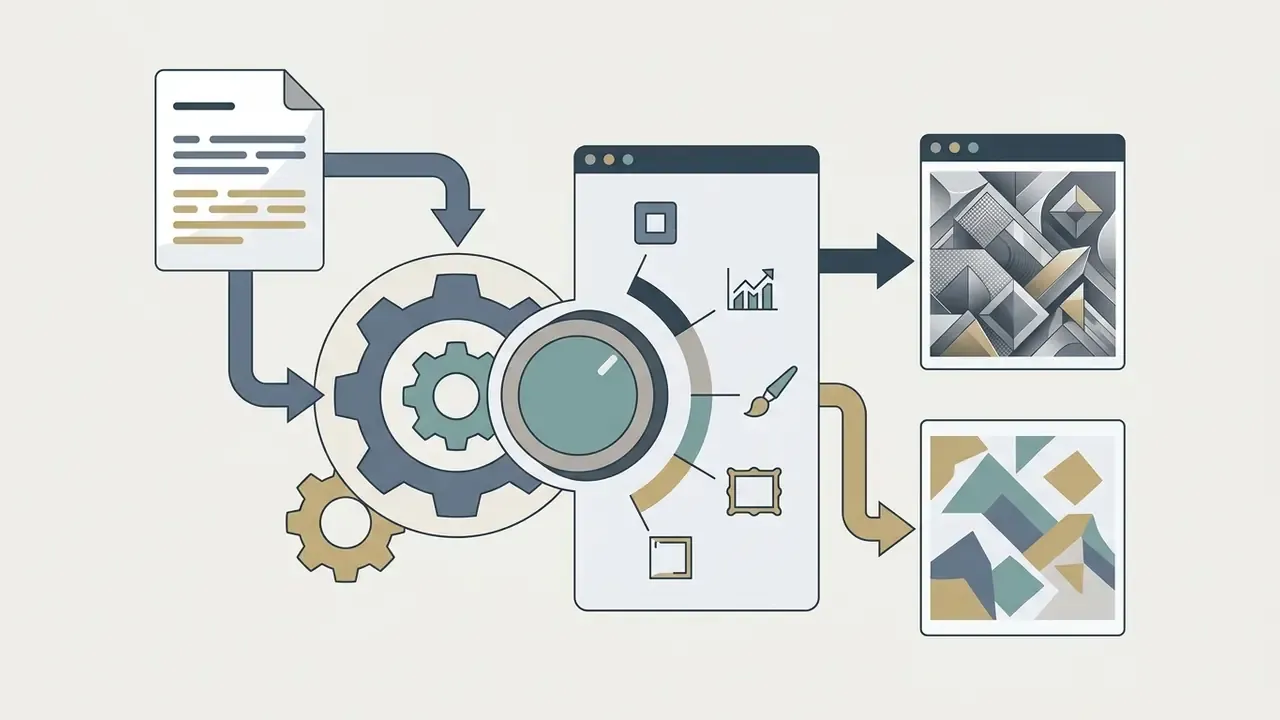
Quality depends on structured text prompts that specify the primary subject, the visual environment, the rendering style and the operational purpose. One to three clear sentences beat ambiguous single-word requests, consistently.
«Iterative prompt refinement using semantic analysis and text-image congruence scoring measurably improves generation accuracy over single-shot prompting.»
Recommended prompt structure:
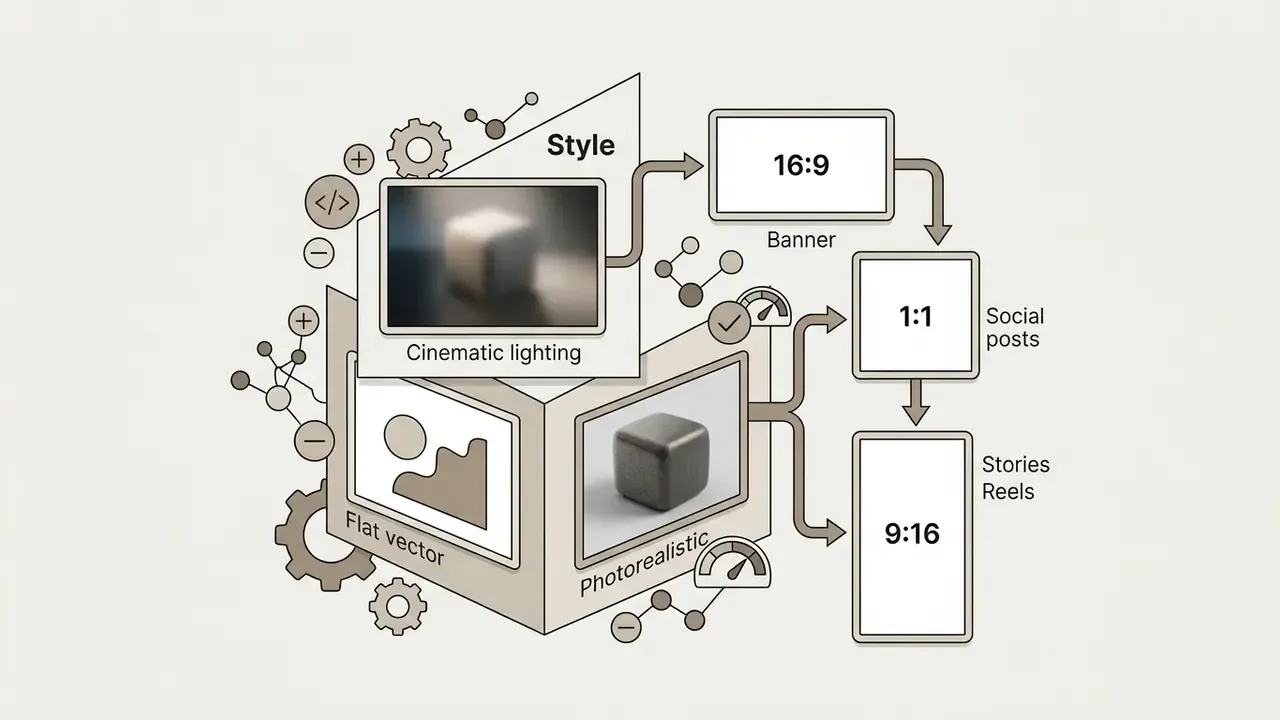
For example: "A minimalist stainless-steel water bottle resting on a dark granite counter, soft studio spotlight from the left, cinematic style, 16:9 aspect ratio." Clear structural boundaries, fewer surprises.
Negative prompting: what to write instead of --no. Unlike Midjourney, ChatGPT supports no explicit negative prompt syntax such as --no blur. State exclusions in natural language instead: "Ensure the scene is in sharp focus without any background motion blur or distorted hands." The same pattern serves brand safety. "Do not include any logos, brand marks, or readable third-party product names" is far more reliable than an implied omission.
| Midjourney-style flag | Natural-language equivalent for ChatGPT |
|---|---|
--no text | "Render the scene with no visible text, captions or signage." |
--no blur | "Keep the entire frame in sharp focus; avoid motion blur." |
--no extra fingers | "Show both hands clearly with exactly five fingers each." |
--no watermark | "Produce a clean image with no watermarks, borders or UI overlays." |
--ar 16:9 | "Compose the image in a 16:9 widescreen aspect ratio." |
Ask ChatGPT to generate and refine the image
After the first request, refine through conversational feedback or targeted region edits. Rather than regenerating the whole frame, specify exact adjustments in the next turn. OpenAI's 2026 documentation states that later edits build on earlier work, so changes accumulate instead of resetting the composition.
Refinement methods include:
- Direct conversational prompts global changes, for example "Change the background lighting to warm sunset tones".
- In-chat selection tool highlight a region and describe the modification, for example "Replace the text on this label with 'Organic Coffee'".
- On-image comments attach a note to a point on the render to scope the edit to that element.
- Mobile sketching use the
@Sketchtool to draw raw outlines that guide layout, then annotate the sketch with subject, colour and style instructions (OpenAI Documentation, 2026).
A practical case shows the multi-turn workflow in context. A creative team needed updated visuals for a fintech promotional banner. They generated a base image from a structured prompt, selected the upper quadrant with the in-chat edit tool, then instructed ChatGPT to insert high-contrast typographic overlays. The targeted change preserved the background composition while updating the required text in a single interaction. Because the asset was destined for a regulated financial promotion, the team routed the render, the full prompt history and the model version through compliance review before scheduling. The AI output was a first draft, never an approved asset.
Review, download, and reuse the result
Generated images can be inspected in the chat, exported to local storage and catalogued for reuse. The interface saves every created visual under the user's Images library tab automatically.
To maintain visual fidelity:
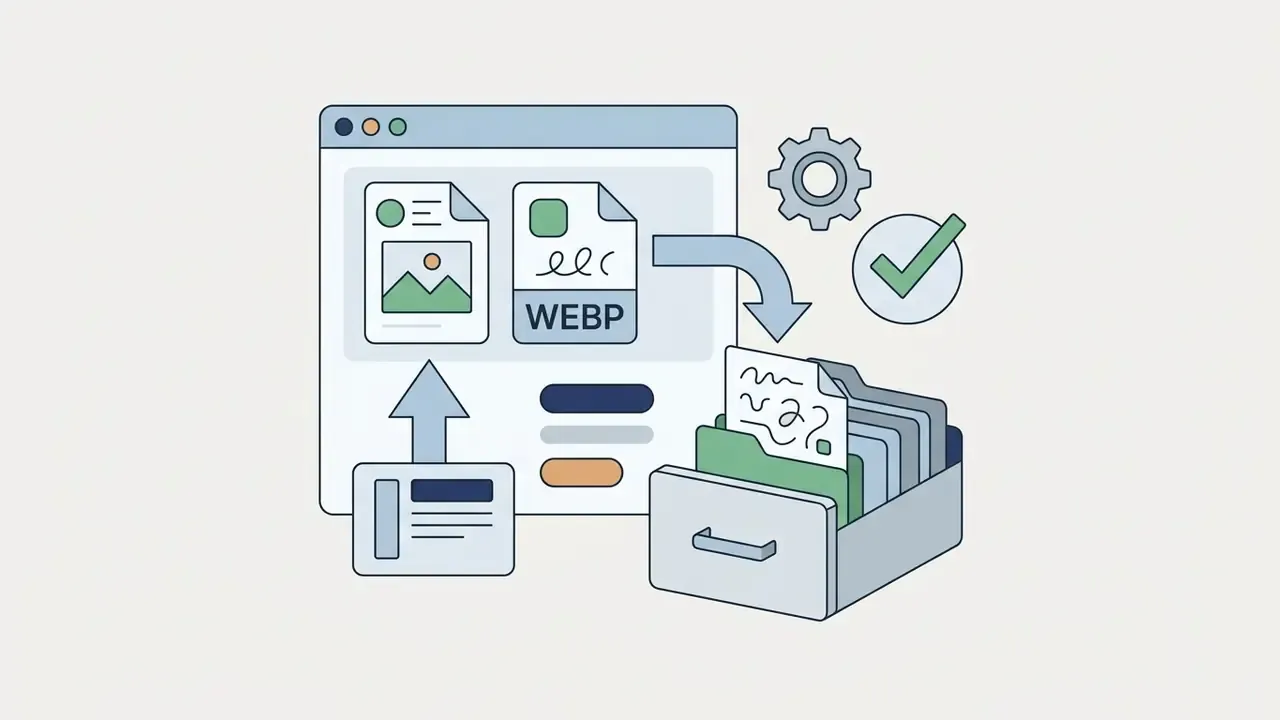
- Export in PNG or WebP when handling transparent backgrounds or vector-style graphics. JPEG carries no alpha channel, and OpenAI's prompting guide explicitly recommends preserving the returned bytes and alpha data during downstream processing. When a render must scale to print or large-format placement, use dedicated AI image upscalers rather than interpolating in a generic editor.
- Avoid storing master files in heavily compressed formats when preparing print or high-resolution web media.
- Save successful prompt text, model parameters and aspect ratios into a reusable prompt library, so visual consistency survives across campaigns. Mature teams store the prompt as a template asset, with its variables, model ID and guardrail settings recorded alongside.
Teams comparing broader design workflows can consult the AI Media Comparison Matrices for enterprise asset management options. Marketing teams working inside template-driven suites may also review the Canva AI generator overview.
Next steps: turning ChatGPT visuals into AI animations
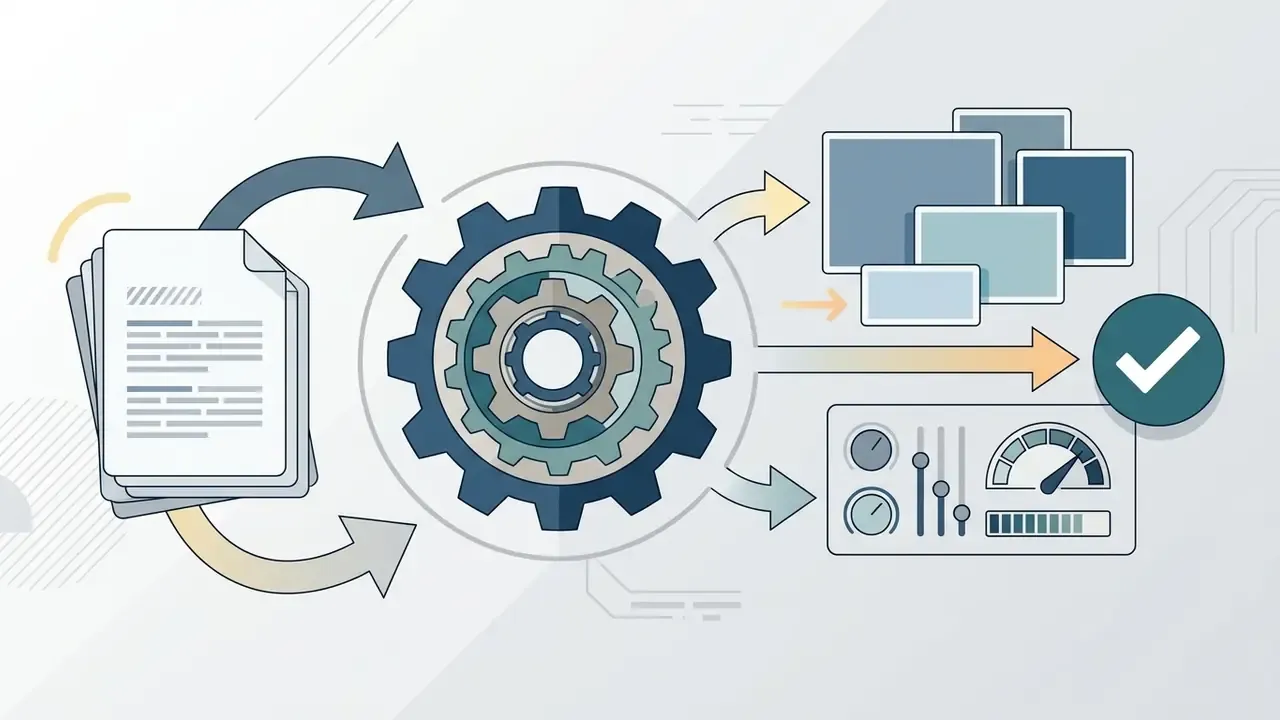
Once an image exists, its lifecycle can extend into motion:
This image, video and audio chain is how single-asset generation becomes a repeatable content pipeline instead of a one-off experiment.
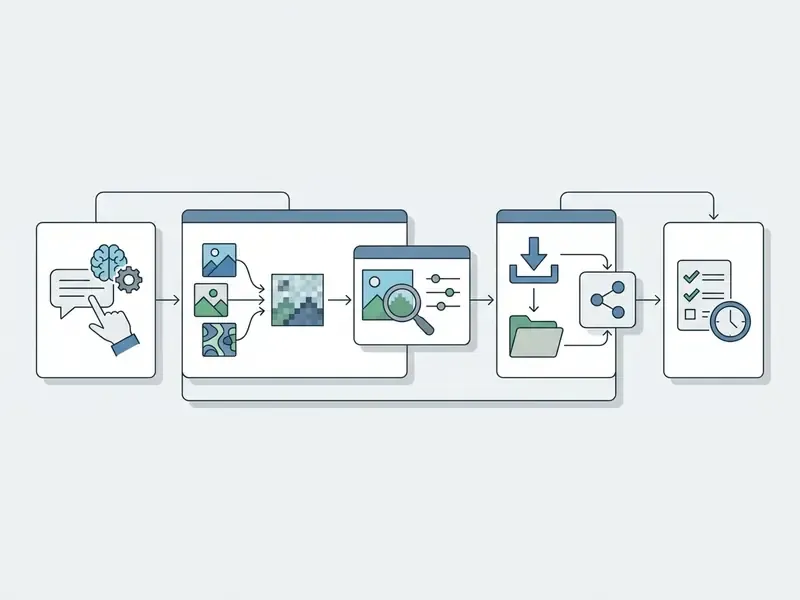
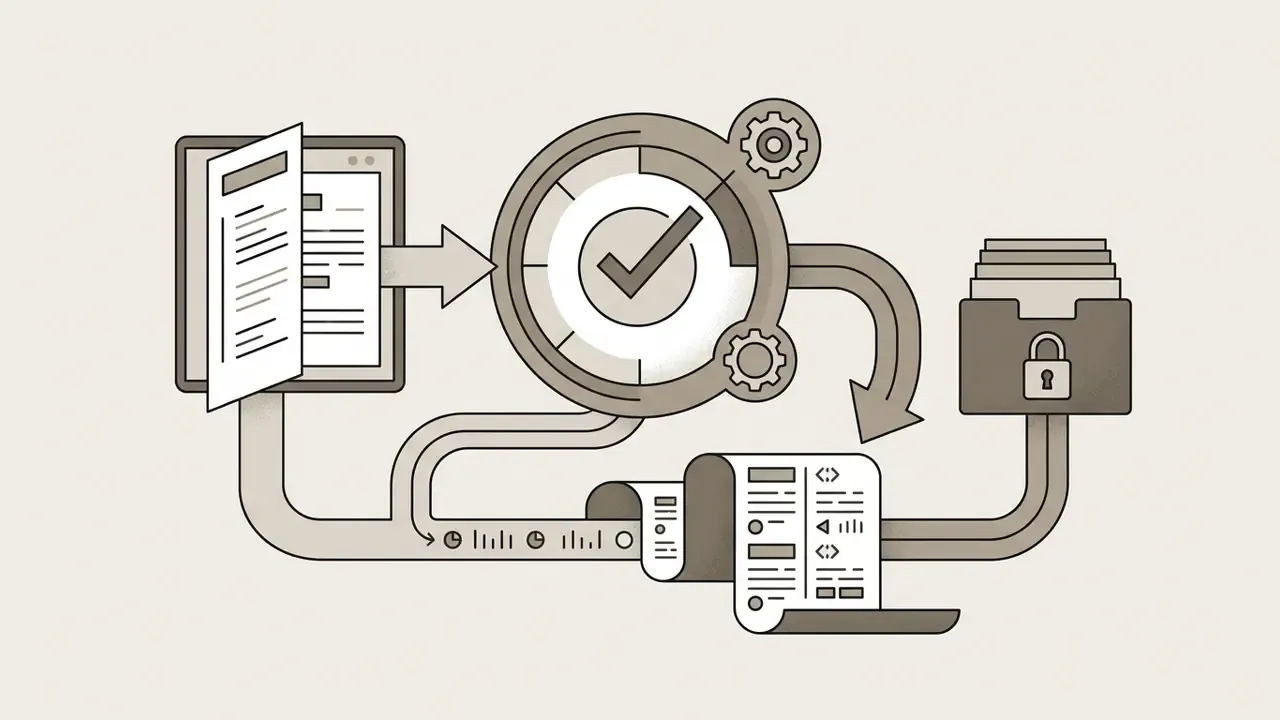
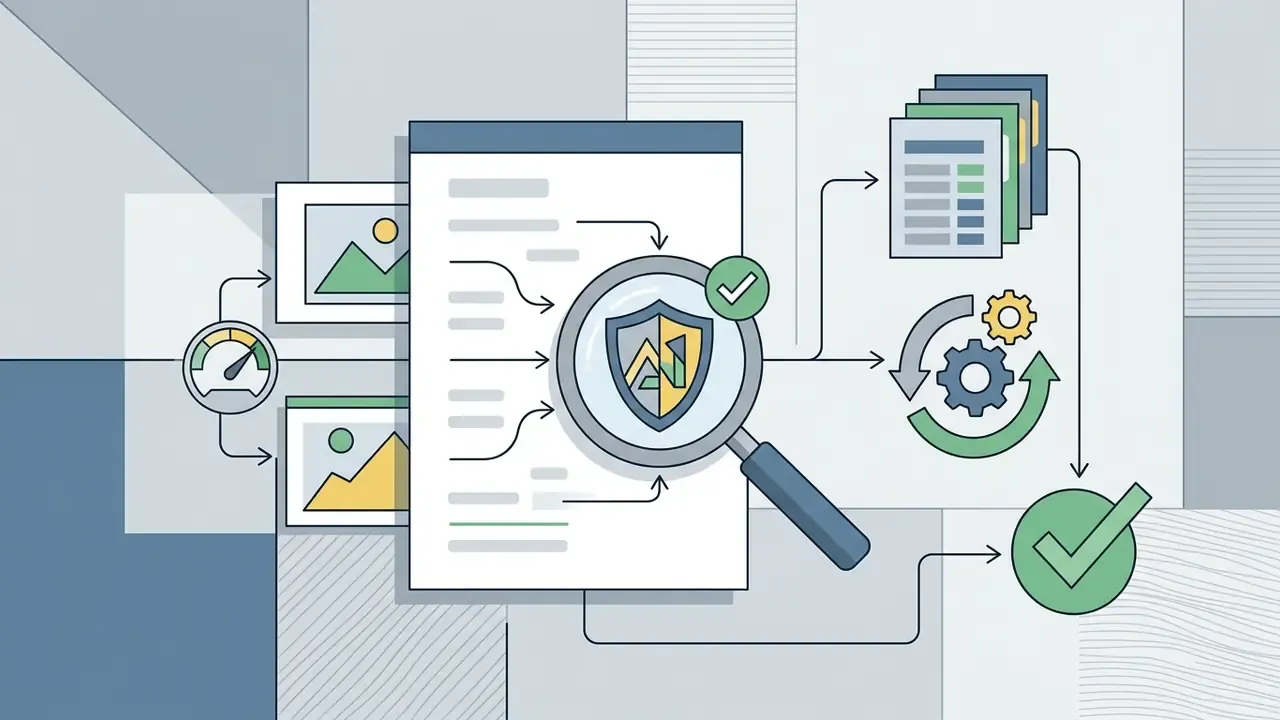
gpt-image-2 or Images 2.5), generation timestamp, reference-image provenance, business justification, and the name of the human reviewer who approved the asset. That record is the minimum reproducible evidence a model-risk or compliance function needs to defend the asset after publication.What images can ChatGPT create and edit?
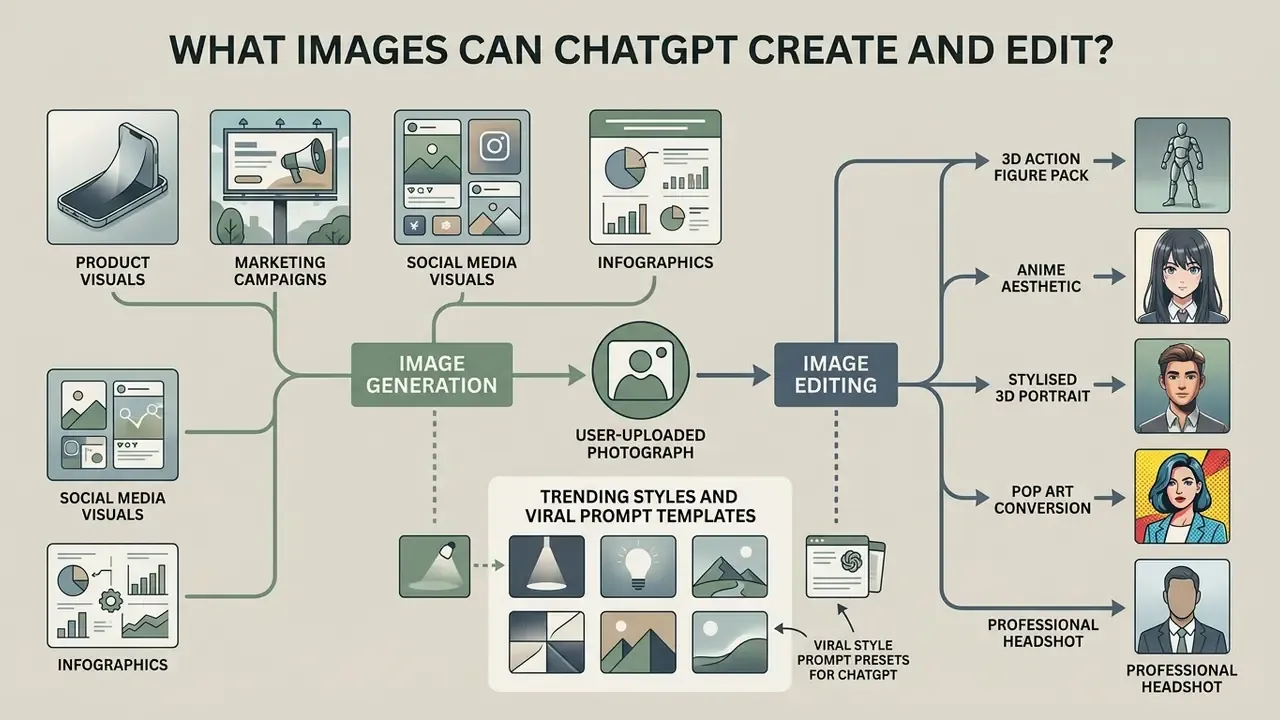
ChatGPT generates and edits a wide range of graphics: marketing campaign banners, product mockups, social media visuals, infographics and user-uploaded photographs. The multimodal engine supports text-to-image synthesis and image-to-image editing in the same thread.
Official documentation indicates that the underlying engine also handles UI placeholders, background textures, vector-style illustrations and multi-frame asset sheets (OpenAI Image Docs, 2026).
Images with text, layouts, and infographics
ChatGPT Images 2.0 and 2.5 improved dense text rendering, so the model can place readable typography directly onto a rendered graphic. That supports simple promotional banners, title covers, labels, data visualisations and structured infographics, with multilingual support and better visual reasoning documented in OpenAI's 2026 release notes.
Benchmark evidence on semantic limits. Spatial layout execution has improved, yet independent evaluation still shows that complex typographic hierarchies and dense non-Latin scripts need human review.
«Across 1,000 prompts spanning 25 subdomains, current text-to-image models rely on shallow word-pixel associations rather than deep semantic understanding.»
For production-grade brand collateral, most operators use ChatGPT for base illustrations or background assets, then add finalised corporate typography in a vector layout application. Kerning, tracking, licensed brand fonts and accessibility contrast ratios remain outside the model's reliable control surface.
Upload and edit existing images with reference images
Users can upload existing photos as structural or stylistic reference images. The workflow resembles conventional AI photo editors, except it is driven by instruction rather than tool selection. ChatGPT can then perform identity-preserving edits: replacing background elements, adjusting colour grading, adding objects while leaving the primary subject untouched. Teams starting from an existing image rather than a text description should also review dedicated image-to-image AI generators and AI outpainting tools for expanding images.
The API endpoint (/images/edits) accepts one or more source images plus an optional mask. Transparent mask areas mark the regions to change, and the prompt must describe the complete target image (OpenAI API Reference, 2026).
Empirical evidence on edit fidelity. Instruction-guided editing still trades edit strength against content preservation.
«Across 15,360 expert judgements on 512 source images, editing models systematically fail to balance edit quality against preservation of original content.»
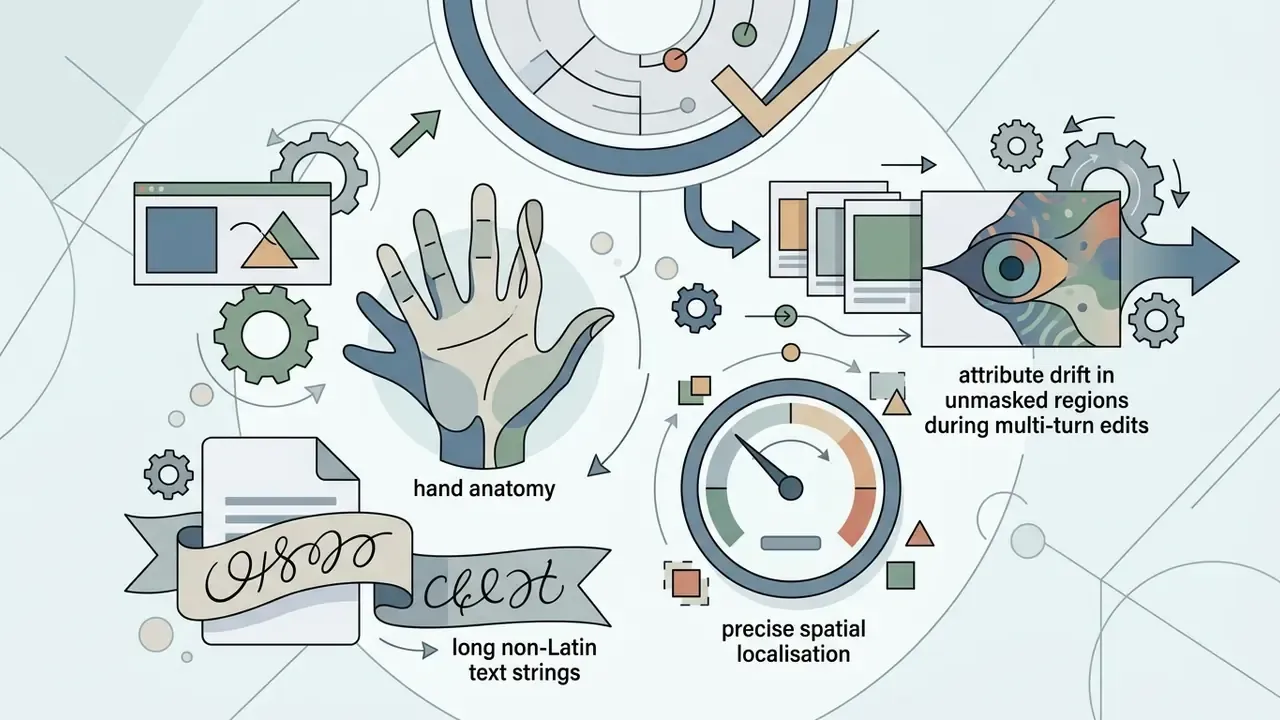
In practice, complex edits introduce subtle attribute drift in unmasked regions. A background swap may quietly alter skin tone, a garment pattern or the geometry of a product label. Small changes, expensive consequences when the label is a regulated disclosure.
Multi-reference prompting framework
Single-image uploads solve retouching. Composite work, putting a specific person, in a specific light, inside a specific environment, needs several references in one turn. ChatGPT accepts multiple attachments per prompt and can blend the subject from one photo with the lighting of a second and the environment of a third:
Instruction prompt structure:
"Combine Image 1 (subject) and Image 2 (background). Apply the cinematic warm lighting from Image 3 to the entire scene. Keep the subject's facial traits identical to Image 1 while placing them inside the café environment of Image 2. Do not alter the logo on the subject's jacket."
Operating rules that materially improve multi-reference results:
- Number the images explicitly and state the role of each. Unlabelled attachments blend unpredictably.
- Name what must not change. Identity, logo geometry and product colour belong in the prompt as invariants, because preservation is the weakest axis in reference-based editing.
- Change one variable per turn. A new background plus new lighting plus a new pose in one instruction is the most common cause of identity drift.
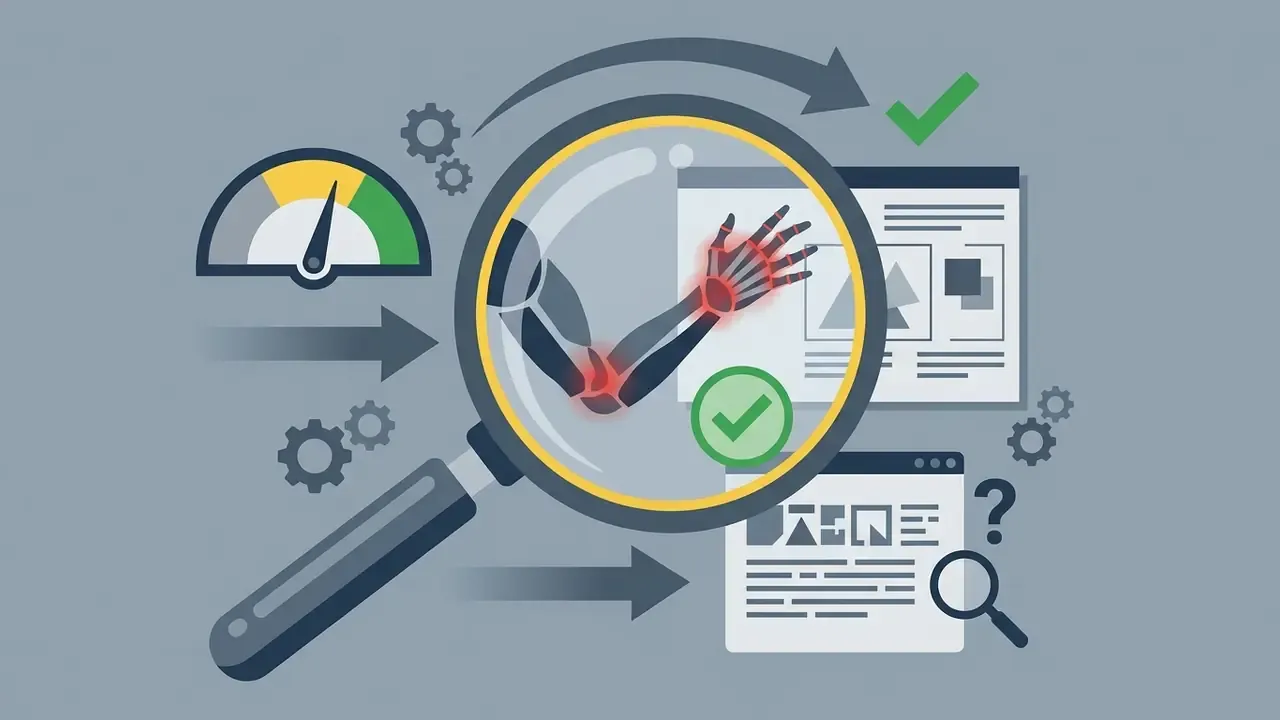
- Verify at 100% zoom. Compare the output against Photo A side by side for facial geometry, hand structure and label text before accepting the render.
Review edited files closely so brand assets stay uncorrupted, and archive both the source references and their licence status alongside the output.
- Photo A (subject)
- the person, product or structural geometry that must be preserved.
- Photo B (style and lighting)
- colour balance, ambient illumination, grain, artistic treatment.
- Photo C (background)
- environment and spatial context.
- Optional photo D (layout)
- a rough composition sketch or wireframe indicating placement.
- Optional photo E (detail)
- a close-up of a texture, logo lockup or material finish to match.
ChatGPT image generator vs DALL·E, Midjourney, and Adobe Firefly
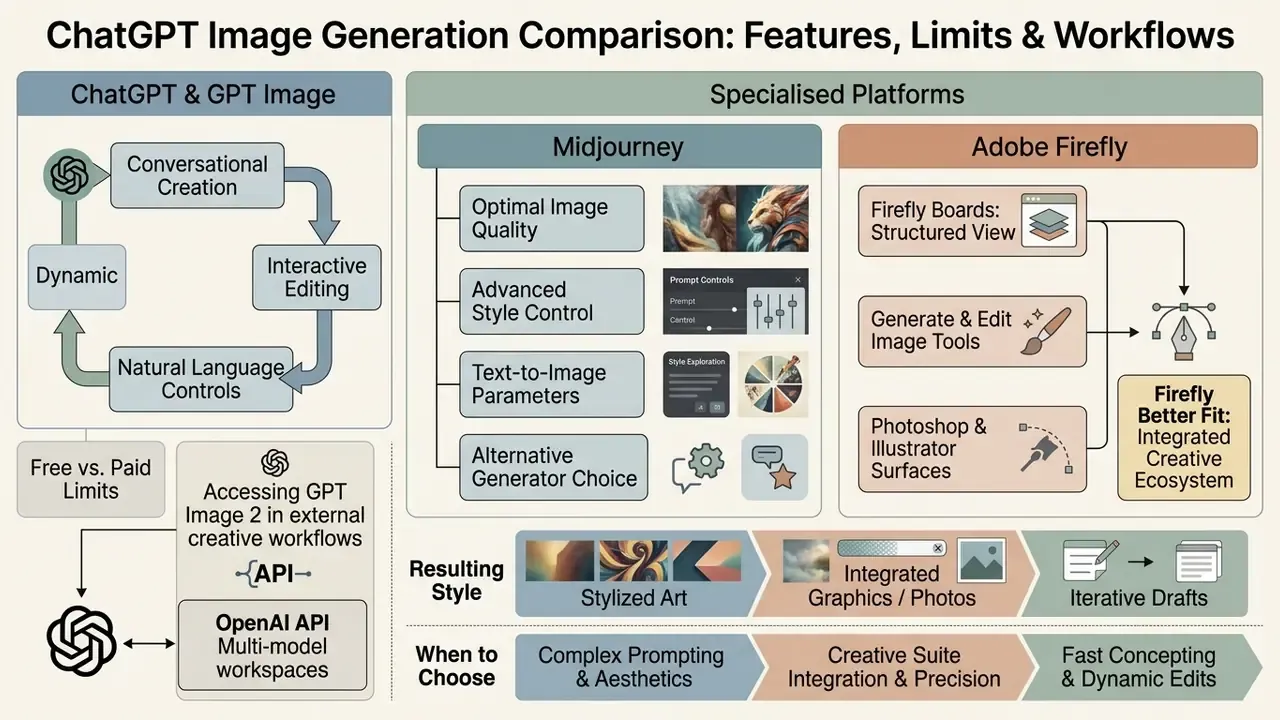
Comparing ChatGPT with specialised platforms such as Midjourney and Adobe Firefly exposes clear operational trade-offs. ChatGPT leads on conversational instruction following and multi-turn editing. Competing engines offer specialised style controls, vector editing or explicit enterprise legal indemnification.
«GPT-4o scored 0.84 on GenEval, well above traditional diffusion models, and achieved the highest WiScore of 0.80 among 20 systems evaluated on WISE.»
To review licensing and commercial usability across media creation platforms, see the curated AI Media Commercial-Use resources, including overviews of the Google AI image generator, the Microsoft AI image generator and Bing AI image creation.
ChatGPT and GPT Image: conversational creation and editing
The main differentiator is the multi-turn conversational interface. Nobody needs to learn syntax flags. Visual outputs get refined through natural language dialogue, and the system may ask a clarifying question before rendering.
Because the underlying LLM maintains context, it remembers previously specified brand guidelines, colour codes and subject descriptions across generation steps (OpenAI API Documentation, 2026). It also inherits language-model world knowledge, which explains why it handles cultural references, idioms and visual metaphors that pure diffusion pipelines often miss.
When Adobe Firefly is a better fit
Adobe Firefly suits corporate environments that need vector graphic generation, non-destructive layer editing inside Photoshop and explicit commercial safety guarantees. Firefly models are trained exclusively on licensed Adobe Stock and public-domain content, which shields enterprise users from a category of copyright infringement claims.
«Adobe attaches Content Credentials metadata to generated assets and trains Firefly exclusively on licensed and public-domain content.»
Adobe further states that enterprise customers' inputs and outputs are excluded from foundation-model training, except for explicitly commissioned custom fine-tuning. Firefly also provides controls for structure references, depth maps, strength sliders, output resolution and vector outputs via AI Vectorizer, none of which exist inside ChatGPT's chat interface. Generative Fill creates a separate generative layer in Photoshop, so the original pixels survive for reversible compositing.
Accessing GPT Image 2 in external creative workflows
The two options are not mutually exclusive. Enterprise creative teams can invoke the same gpt-image-2 model outside ChatGPT:
For model-risk teams the important distinction is contractual, not technical. The model is identical. The data-handling terms, retention windows and indemnification depend entirely on which surface the request travels through.
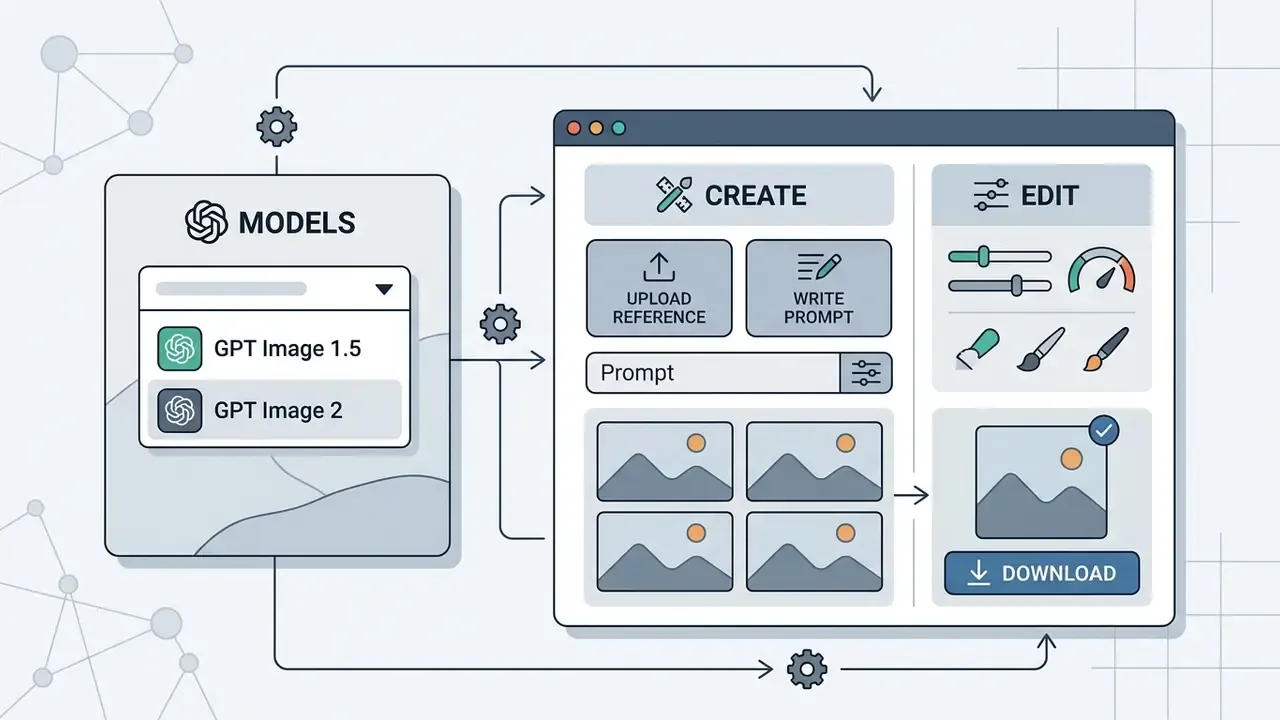
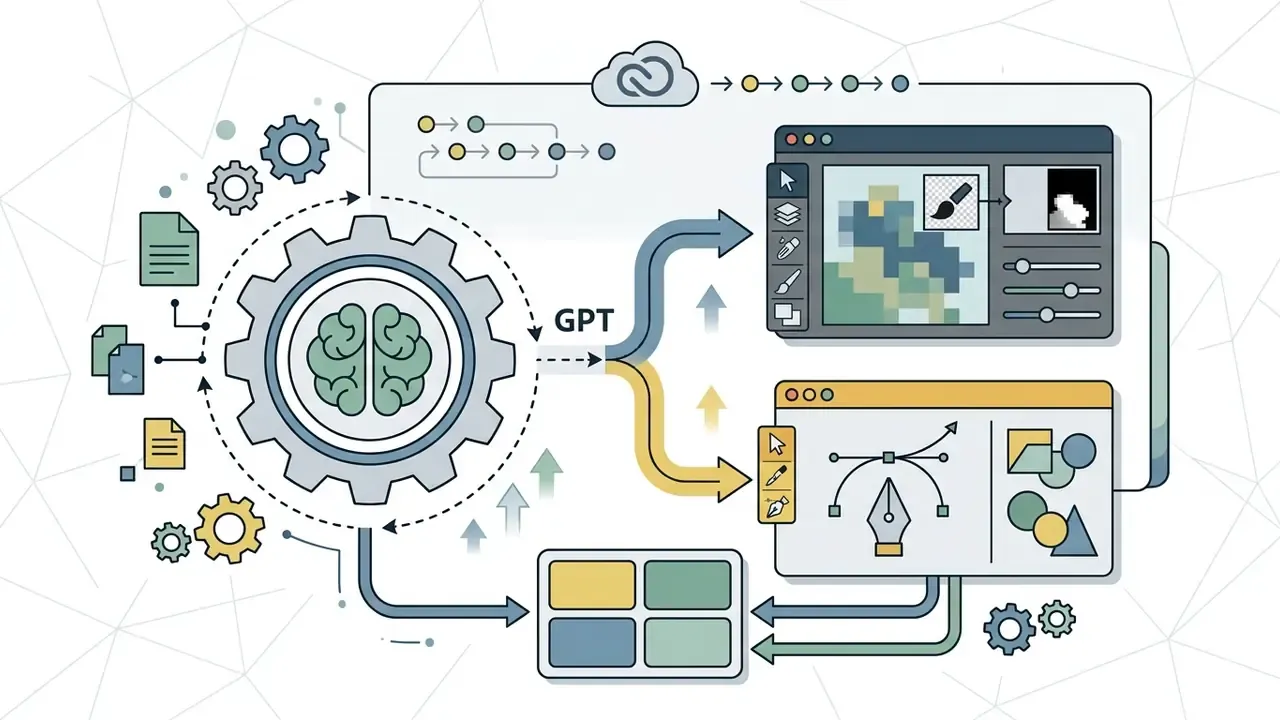
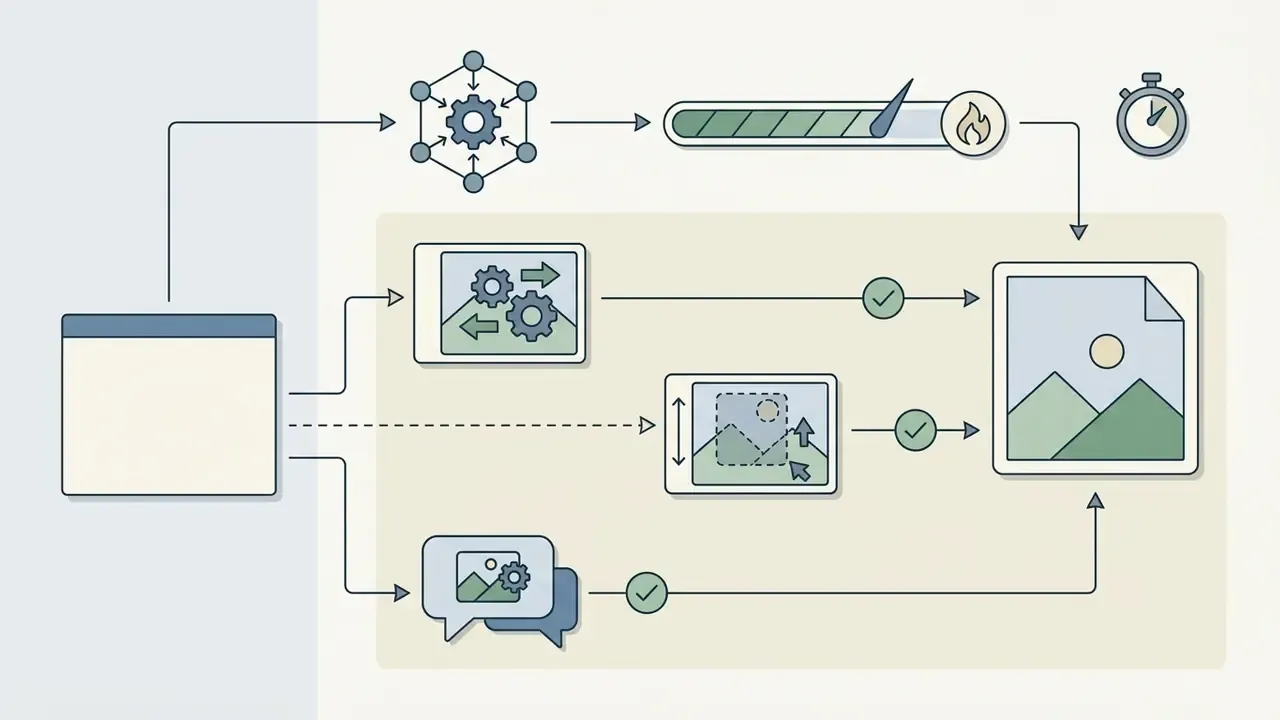
POST /images/generations and POST /images/edits expose generation and masked editing programmatically, with the image-generation tool also available inside the Responses API for conversational flows. OpenAI documents gpt-image-2.5-flare for fast, high-quality generation and gpt-image-2.5-sunburst for precise editing.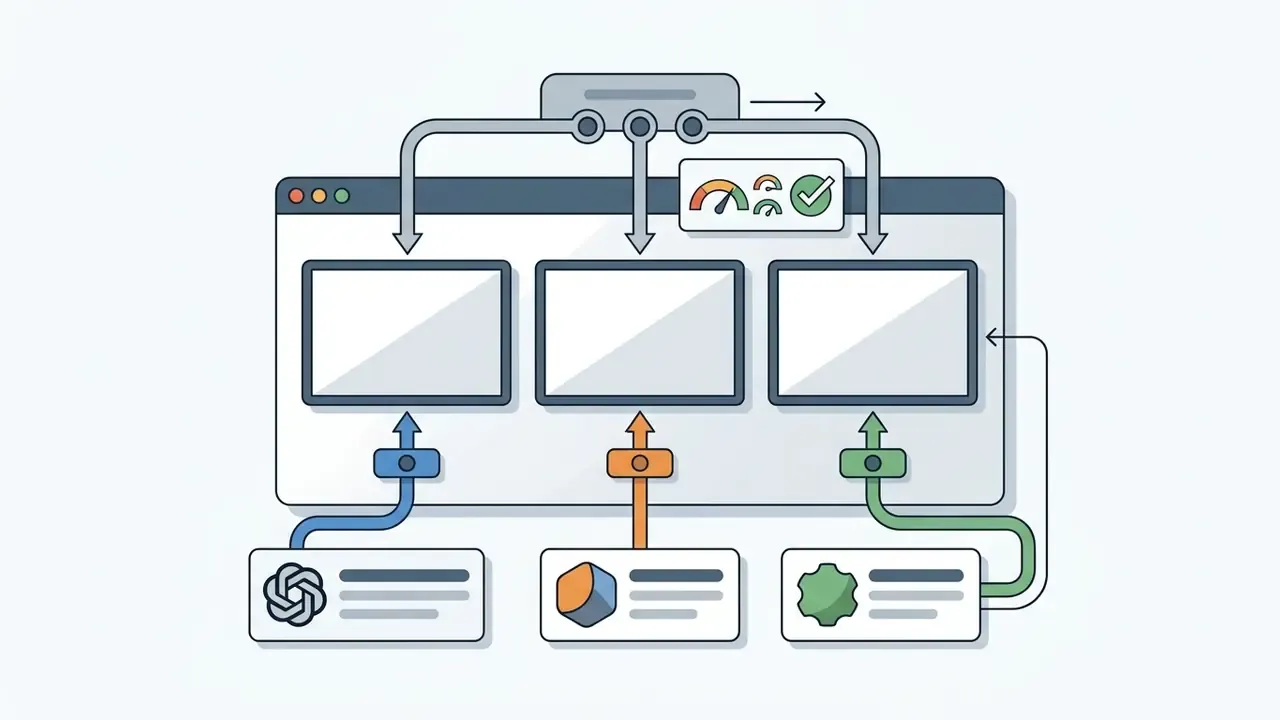
gpt-image-2 against Midjourney and other engines in one interface, which is useful as model-selection evidence, provided the governance caveats above are addressed.When to choose Midjourney or another AI image generator
Midjourney remains preferable for high artistic photorealism, cinematic lighting effects and strict style consistency across a multi-image series. Style Reference (--sref) and Character Reference (--cref) let creators lock visual themes across generations, and Midjourney's documentation states that Style Reference carries colour, medium, texture and lighting from a source image into new outputs. The --stylize parameter runs from 0 to 1000 with a default of 100, giving numeric control over aesthetic intervention that ChatGPT does not expose. Text rendering works by enclosing the desired words in double quotation marks in version 6 and later.
Recent research explains why this matters for series work. Stylistic consistency across an image set is measured as pairwise similarity against a style reference, and "high aesthetic quality" and "complex lighting control" behave as separable objectives rather than one dimension. Where a campaign must repeat a single look across dozens of frames, a documented style-locking mechanism beats prompt reuse.
For head-to-head evaluations, see the detailed midjourney ai image analysis or the direct Midjourney vs ChatGPT comparison matrix.
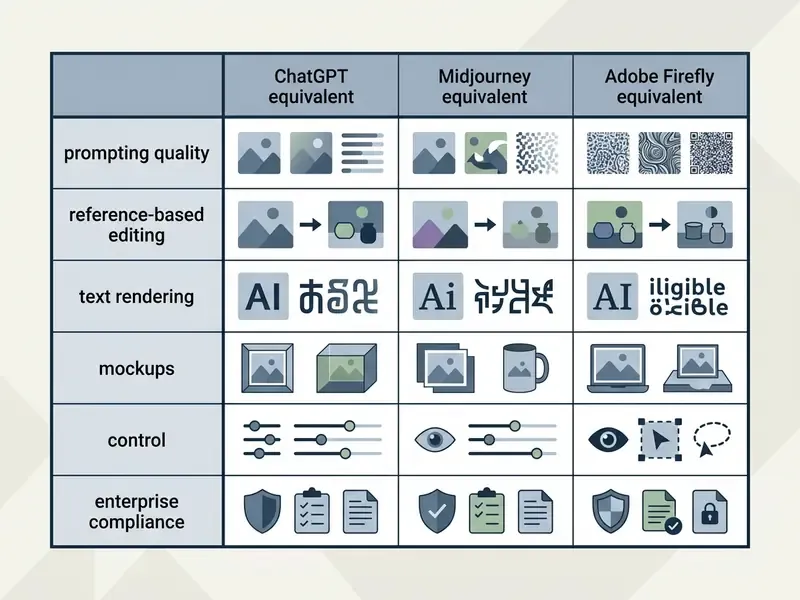
| Evaluation criterion | ChatGPT (gpt-image-2) | Midjourney (v6 / v7) | Adobe Firefly |
|---|---|---|---|
| Prompting interface | Natural language dialogue | Command syntax and parameter flags | UI sliders and text prompts |
| Negative prompting | Natural-language exclusions only | Explicit --no flag | UI-level controls and exclusions |
| In-image text accuracy | High (improved dense rendering) | Moderate (requires quoted text) | High (structured design layout) |
| Style consistency across a series | Moderate (via prompt reuse) | High (via --sref, --cref, --stylize) | High (via object and style references) |
| Reference-based editing | Multi-image blending in chat; masked edits via API | Edit model and image references | Structure and subject references, strength slider |
| Vector and layer editing | Not supported | Not supported | Full support (Photoshop, Illustrator) |
| Commercial IP safeguards | User owns output; no IP guarantee | User ownership on paid tiers | Enterprise legal indemnification |
| Provenance metadata | Not attached by default in chat exports | Not attached by default | Content Credentials attached automatically |
| Training opt-out for business data | Documented on business tiers | Subscription-tier dependent | Enterprise inputs and outputs excluded from foundation training |
| Security attestations | Enterprise attestations available on request | Limited public documentation | Enterprise-grade programme via Adobe |
| Audit trail and log retention | Workspace history plus admin controls | Web gallery history | Creative Cloud asset versioning |
| Best-fit use case | Conversational iteration, in-image text, rapid mockups | Art-directed series, cinematic lighting | Regulated brand production, vector assets |
Limitations of ChatGPT image generation
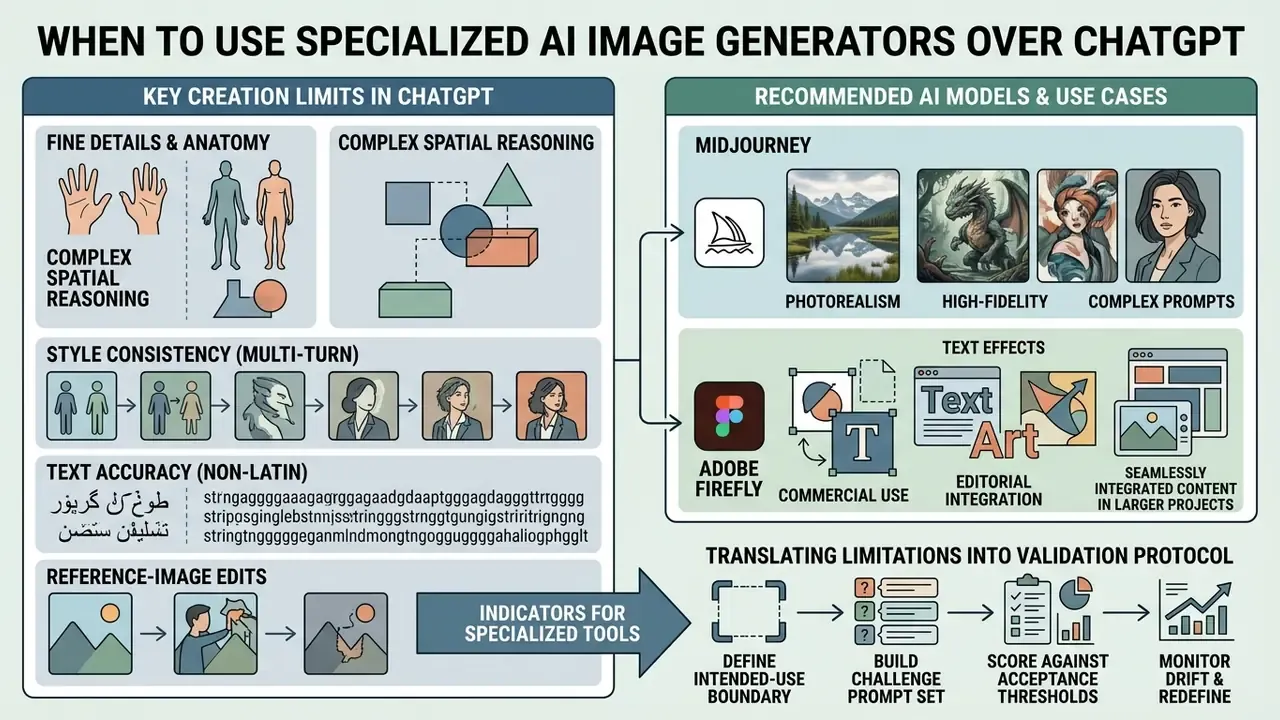
Fine details, anatomy, and complex instructions
Generative decoding heads still struggle with fine human anatomy (fingers, facial symmetry, limb intersections) and with prompts carrying several conditional instructions at once.
Spatial reasoning evidence.
«GPT-4o scored 0.75 on spatial localization versus 0.85 on object counting in GenEval; complex spatial relations remain a weak axis even for leading models.»
«GPT-4o frequently interprets instructions literally and applies knowledge-based constraints inconsistently.» Have we unified image generation and understanding yet? (2025). https://arxiv.org/abs/2504.04078
OpenAI's own documentation adds several caveats: rotated text, panoramic fisheye compositions, precise spatial localisation and complex object counts stay prone to error, non-Latin scripts such as Japanese and Korean are handled less reliably, and uploaded images are resized before analysis, which alters original dimensions. Prompts packing many distinct subjects into one turn are a documented failure mode, and so are small surgical fixes such as correcting a single typo inside a rendered graphic. Cropping errors, unexpected aspect ratios and outright refusals may also appear when prohibited content is detected in the prompt, the reference image or the output.
Style consistency, text accuracy, and reference-image edits
Holding an identical visual style across dozens of independent output files remains hard without explicit style-locking parameters. Research on style-driven generation treats style-content entanglement as the core failure mode, where reference influence leaks subject detail into new renders. In-image text legibility has improved, yet minor spelling errors and unexpected font substitutions still occur in long strings (OpenAI Community Reports, 2025).
«Across 1,200 image-text pairs in I-HallA v1.0, even DALL·E 3 regularly produced visually plausible but factually incorrect imagery.»
When editing uploaded photos, the model may modify unselected background attributes or distort subtle subject features. Multi-reference editing studies penalise exactly that over-editing and identity loss (TIEdit Benchmark, 2026). Check edited files closely before anything reaches a brand channel.
Safety filtering is probabilistic, not absolute:
«The STCA attack bypassed DALL·E 3 guardrails noticeably more often than standard prompts, though 58.4% of harmful requests were still blocked by moderation.»
Translating limitations into a model validation protocol
Compliance and legal verification box
Can you use ChatGPT images commercially?
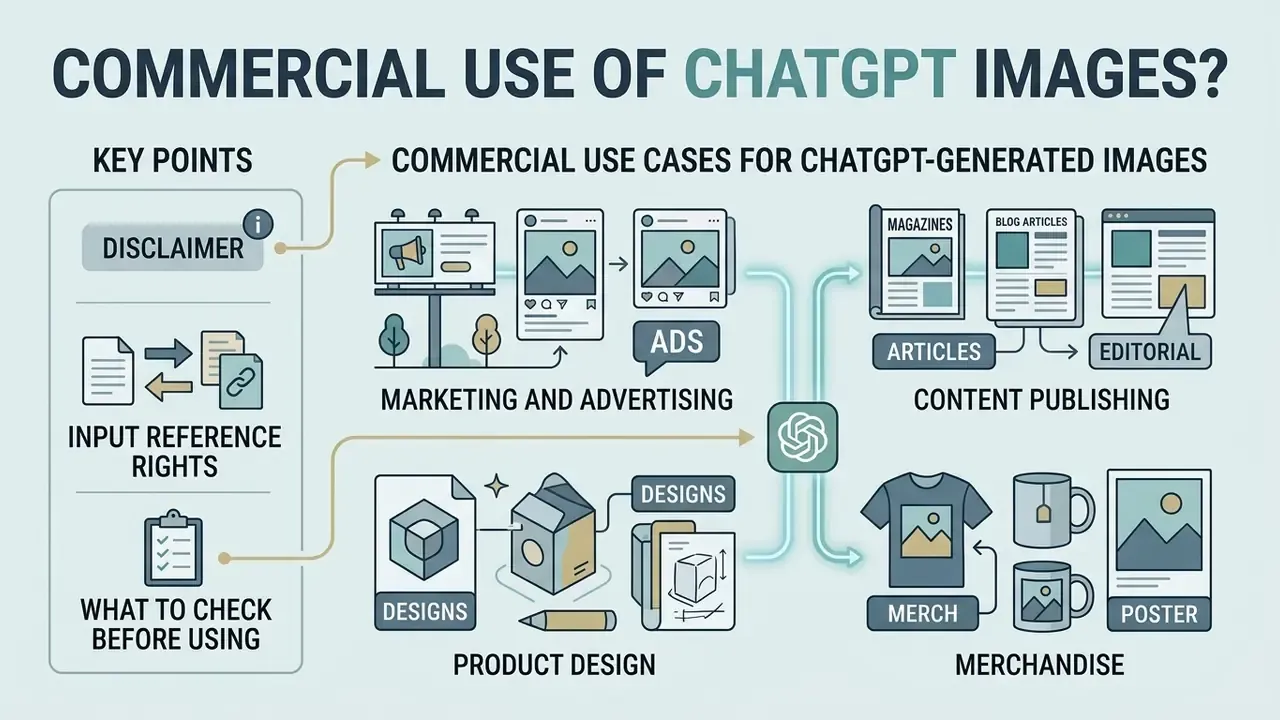
Yes. OpenAI's Terms of Use explicitly allow ChatGPT-generated images in commercial contexts: marketing campaigns, product packaging, editorial publishing, merchandise. It is worth benchmarking that permission against a wider survey of the commercial use of AI image generators. Statutory copyright protection under US law, however, requires human creative involvement.
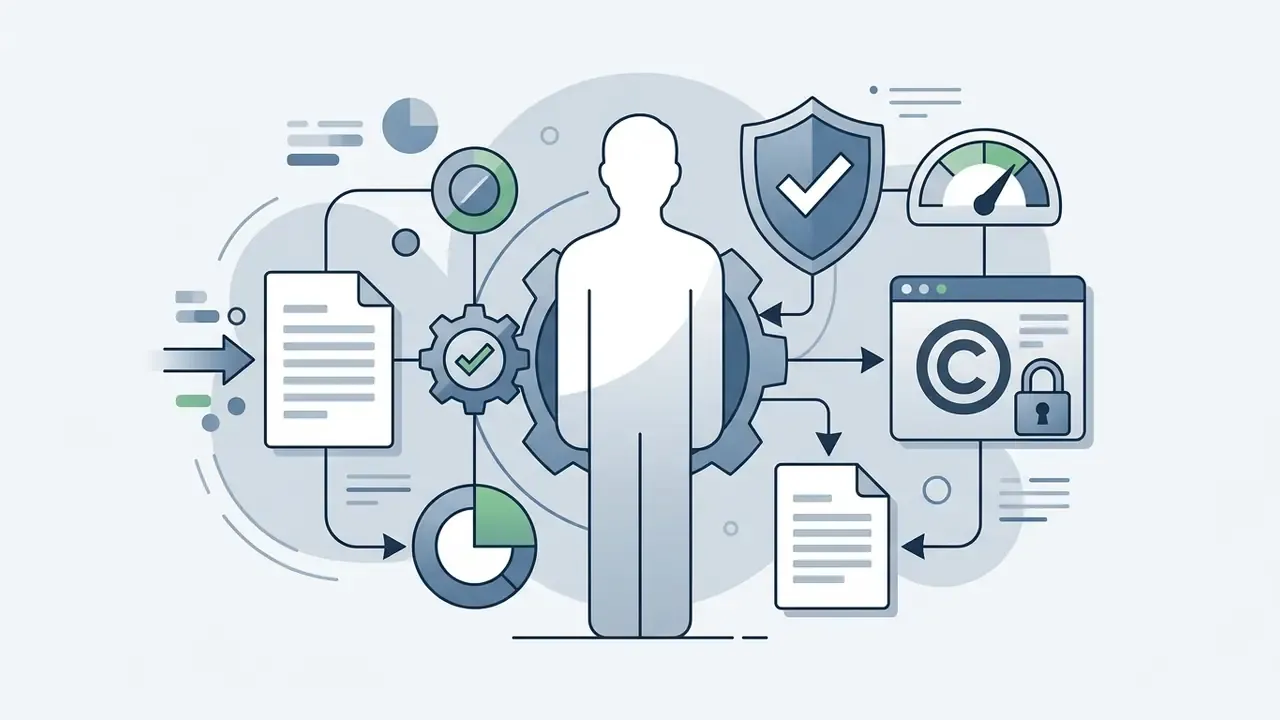
Contractual permission and statutory protection are not the same thing. OpenAI grants usage rights. Federal copyright law does not automatically protect purely AI-generated graphics from being copied by a third party unless substantive human authorship is added.
«Purely AI-generated material is not protected by copyright; protection extends only to human-authored contributions, including meaningful arrangement or modification.»
The practical consequence for brand owners is uncomfortable. An AI-rendered mascot, key visual or packaging illustration may be freely reproduced by a competitor unless human creative input is documented and demonstrable. Where exclusivity matters, treat the AI output as a base layer, record the human compositing and art direction applied on top, and consider trademark registration for marks used in commerce rather than leaning on copyright alone. A stock photo licence, by contrast, gives you a contract with a known counterparty, which is sometimes the cheaper risk position.
Commercial use cases for ChatGPT-generated images
Permissible commercial applications include:
- Marketing and advertising social media graphic drafts, ad concepts, promotional banners, subject to the platform's advertising standards, which cover copy, images and video alike.
- Content publishing article cover illustrations, blog visuals, presentation slide backgrounds.
- Product design rapid concept art, packaging ideas, mood boards, UI wireframe placeholders.
- Merchandise reprinting, selling and merchandising generated images, subject to the Terms and Content Policy.
Organisations must ensure generated assets comply with content safety policies prohibiting misleading, defamatory, sexually explicit or trademark-infringing material. Published institutional guidance on generative AI additionally recommends that AI visuals be manually checked and corrected, or recreated, before use. That positions ChatGPT output as a reviewed draft rather than a finished deliverable.
What to check before publishing or using an image
Before an AI-generated image goes into a public commercial campaign, run a four-point verification check.
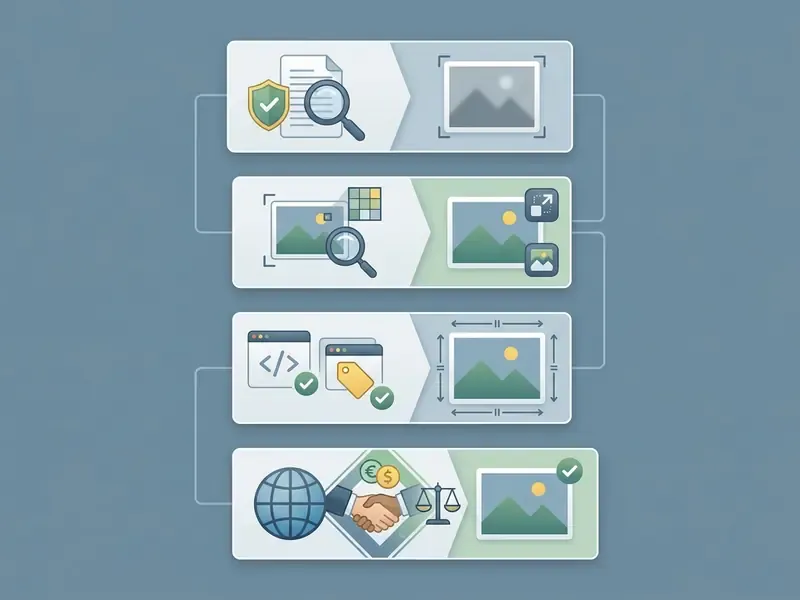
A fifth step is advisable in regulated industries. Attach the audit record from step 7 of the generation checklist, meaning prompt history, model version, reference provenance and reviewer sign-off, to the asset in the DAM system. Approval chains should survive staff turnover. Yours probably will not, unless the evidence lives with the file.
FAQ about ChatGPT image generation
How long does ChatGPT take to generate an image?
On average, 5 to 15 seconds. OpenAI reports that built-in image generations complete roughly three to five times faster than comparable non-image turns, depending on quality and size, and that gpt-image-2.5-flare delivers up to 50% lower latency than Images 2.0. Heavy server traffic or complex multi-turn editing prompts extend processing time.
What image formats and maximum resolutions are supported?
ChatGPT outputs images in PNG (default) or WebP, with JPEG also available via API. Through API access, custom edge dimensions up to 3,840 pixels are supported, edges must be multiples of 16, and total pixel counts must stay within system allocation boundaries (655,360 to 8,294,400 total pixels). Use PNG or WebP whenever transparency must survive, because JPEG carries no alpha channel.
Who owns the copyright to images created in ChatGPT?
Under OpenAI's Terms of Use, users own all output generated by the service, and OpenAI assigns any rights it may hold to the user to the extent permitted by law. Under current US Copyright Office guidance, though, purely AI-generated visuals without human authorship cannot be registered for exclusive copyright protection. Contractual ownership and statutory copyright are two different instruments.
Which image generation model does ChatGPT use by default?
Native multimodal GPT-4o models with integrated image generation engines: gpt-image-2 for built-in chat generation, alongside the Images 2.0 and Images 2.5 releases. The platform moved away from legacy DALL·E 3 configurations in early 2025, and the dedicated DALL·E GPT inside ChatGPT was retired on 30 August 2025.
Can I edit an uploaded photo in ChatGPT without changing the background?
Yes. Upload the existing image, use the in-chat selection tool to highlight the region to edit, and instruct ChatGPT to keep unselected background elements unchanged. Via API, supply a mask where transparent areas mark the editable region. Verify at 100% zoom, because benchmark studies document attribute drift in unmasked areas during complex edits.
Can ChatGPT combine two or more images into one?
Yes. Attach multiple reference images in a single prompt, number them explicitly, and assign each a role: subject, lighting, background, layout. State which attributes must remain unchanged (facial identity, logo geometry, product colour) and change one variable per turn to limit identity drift.
Does ChatGPT support negative prompts like --no?
--no?No. There is no negative-prompt flag syntax. Express exclusions in plain language instead, for example: "Ensure the scene is in sharp focus with no motion blur, no visible text and no third-party logos."
Can I use GPT Image 2 without a ChatGPT subscription?
Yes. GPT Image 1.5 and GPT Image 2 are available as partner models inside Adobe Firefly, Firefly Boards and Photoshop's generative workflows without a separate OpenAI account, and directly through the OpenAI API with your own key. Data-handling and licensing terms differ per surface, so verify them against the plan you actually use.
How do I turn a ChatGPT image into a video?
Export the render as an uncompressed PNG, import it as a first-frame reference into a video generation engine such as Sora, Runway Gen-3 or Luma Dream Machine, then issue motion instructions covering camera movement, subtle subject motion, frame rate and grain. Assemble and add audio in a conventional editor afterwards.
Appendix A: superseded source notes
Retained for transparency about editorial revisions to this article.
- Benchmark citation (earlier version)
- "(GPT-ImgEval, 2025)" cited without URL or methodology. Superseded by the fully referenced GenEval and Reason-Edit passage above, which now states the evaluation method and links to https://arxiv.org/abs/2504.02782.
- Text-rendering citation (earlier version)
- "(WISE Benchmark, 2025)" cited without URL or prompt-set description. Superseded by the 1,000-prompt, 25-subdomain description linked to https://arxiv.org/abs/2503.07265.
- Editing citation (earlier version)
- "(TIEdit Benchmark, 2026; EBench-18K, 2025)" cited without URL or sample size. Superseded by the 15,360-judgement, 512-image description linked to https://arxiv.org/abs/2501.09419.
- Spatial reasoning citation (earlier version)
- "(GenEval Benchmark, 2023; GPT-ImgEval, 2025)" cited without URL. Superseded by the linked GenEval spatial-localisation figures.
- Latency claim (earlier version)
- stated as fact that "the
Images 2.5model update reduced latency by up to 50%". Reframed above as a vendor-reported figure requiring independent re-measurement. - Campaign case citation (earlier version)
- "In commercial testing, marketers leveraged ChatGPT alongside design tools… (Ahrefs, 2025)". Reframed above as a practitioner case report, with the REAL benchmark added as independent evidence on realism limits.
- Vendor reference (earlier version)
- an isolated note that "no verified commercial data exists for unverified domains". Replaced by the generalised vendor due-diligence guidance and the shadow AI governance subsection.