AI image enhancement tools turn low-resolution, noisy, or degraded digital assets into crisp, high-definition visuals using deep learning architectures. Enterprise teams and content creators lean on these platforms to automate upscaling, color correction, noise reduction, document legibility recovery, and old photo restoration. Picking the right one is less about brand loyalty and more about model accuracy, detail preservation, hardware requirements, batch throughput, licensing terms, and data privacy controls.
One caveat before anything else. If your images include customer faces, identity documents, or unreleased product photography, the choice stops being a quality question and becomes a data-transfer question.
Executive Summary
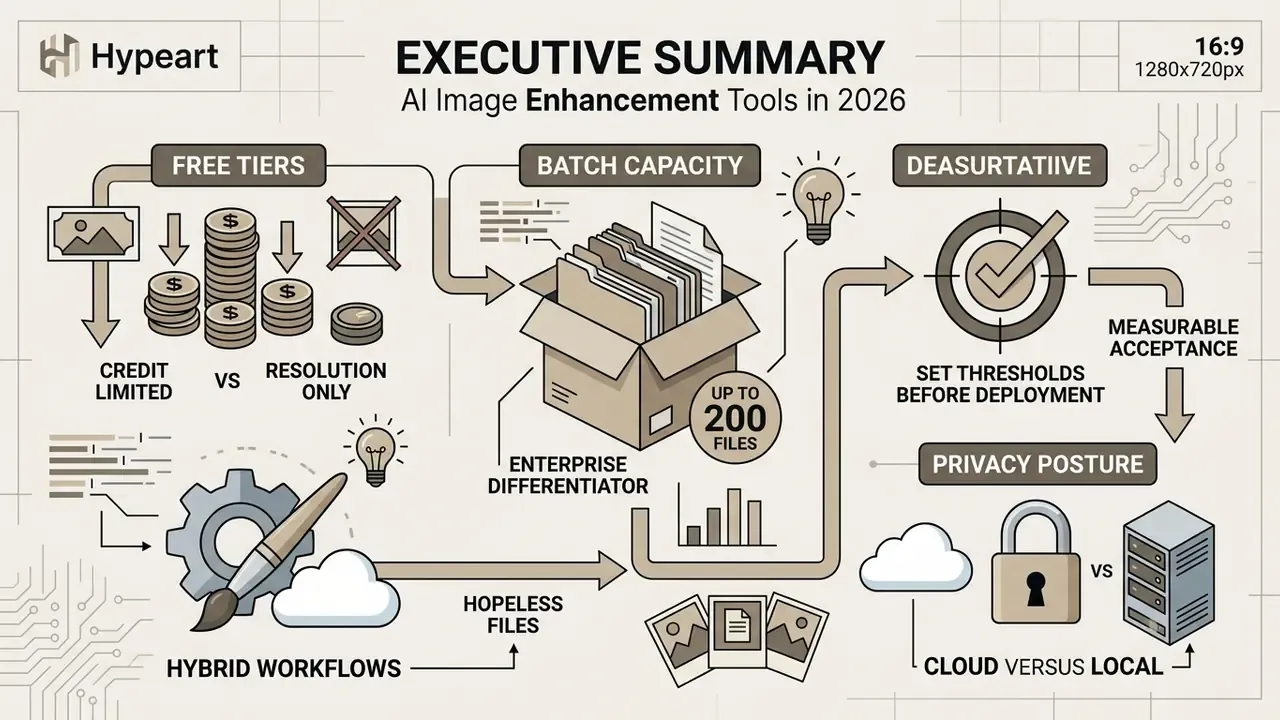
- Match the architecture to the defect, not to the brand. Diffusion-based upscalers synthesize convincing texture for creative and heavily degraded imagery, while CNN and transformer restoration models preserve strict structural fidelity for documents, product catalogs, and evidentiary assets. Diffusion restoration models outperform CNN baselines on perceptual metrics such as LPIPS even when PSNR and SSIM are comparable (International Journal of Computer Vision, 2025).
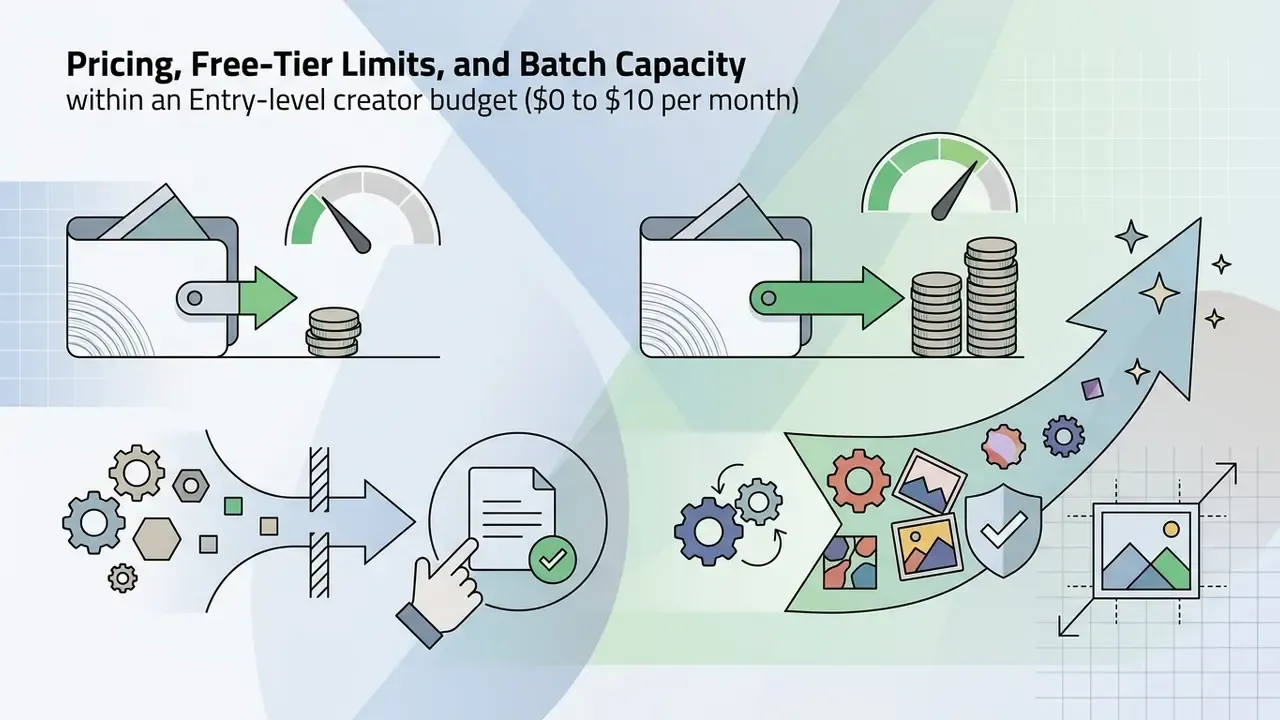
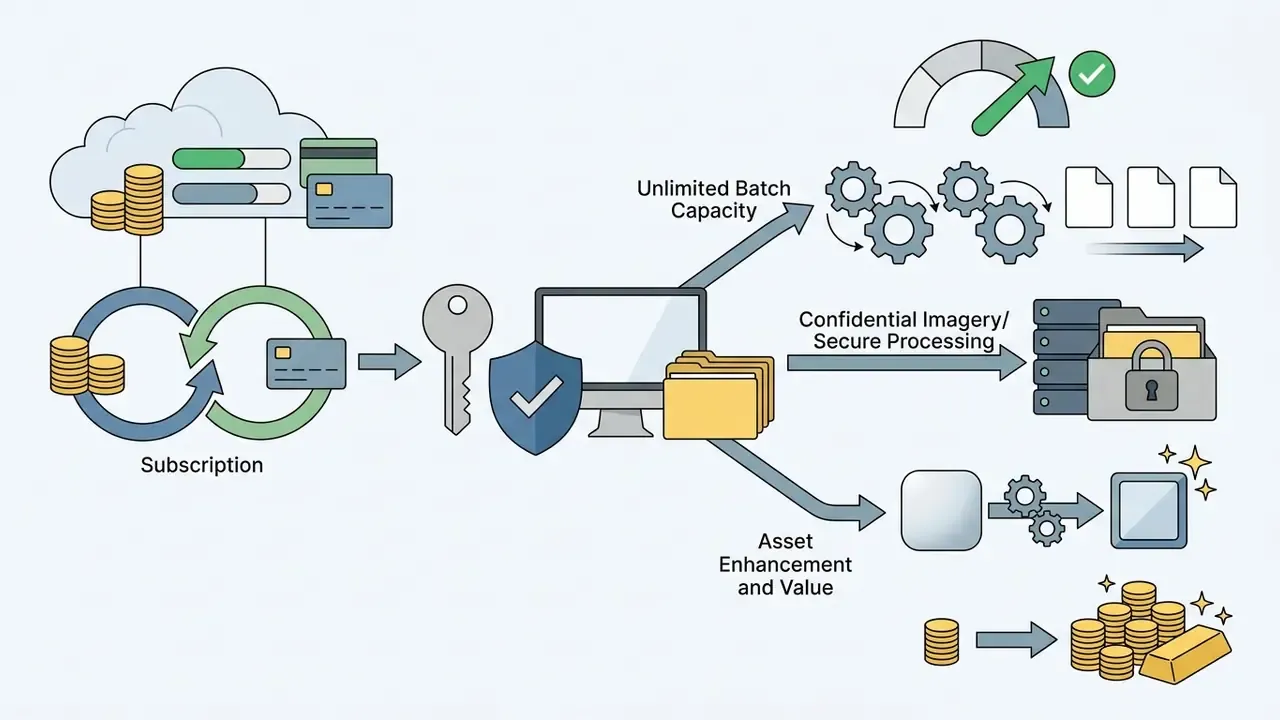
- Free tiers are limited by credits, not only by resolution. Krea AI grants 100 compute units per day on its $0 plan, Fotor's Basic tier ships watermarked exports with one concurrent generation, Claid.AI runs on trial credits, and Aiarty's trial caps exports. Paid entry points start around $8.99 to $9 per month and scale to $105 to $200 per month for high-volume teams.
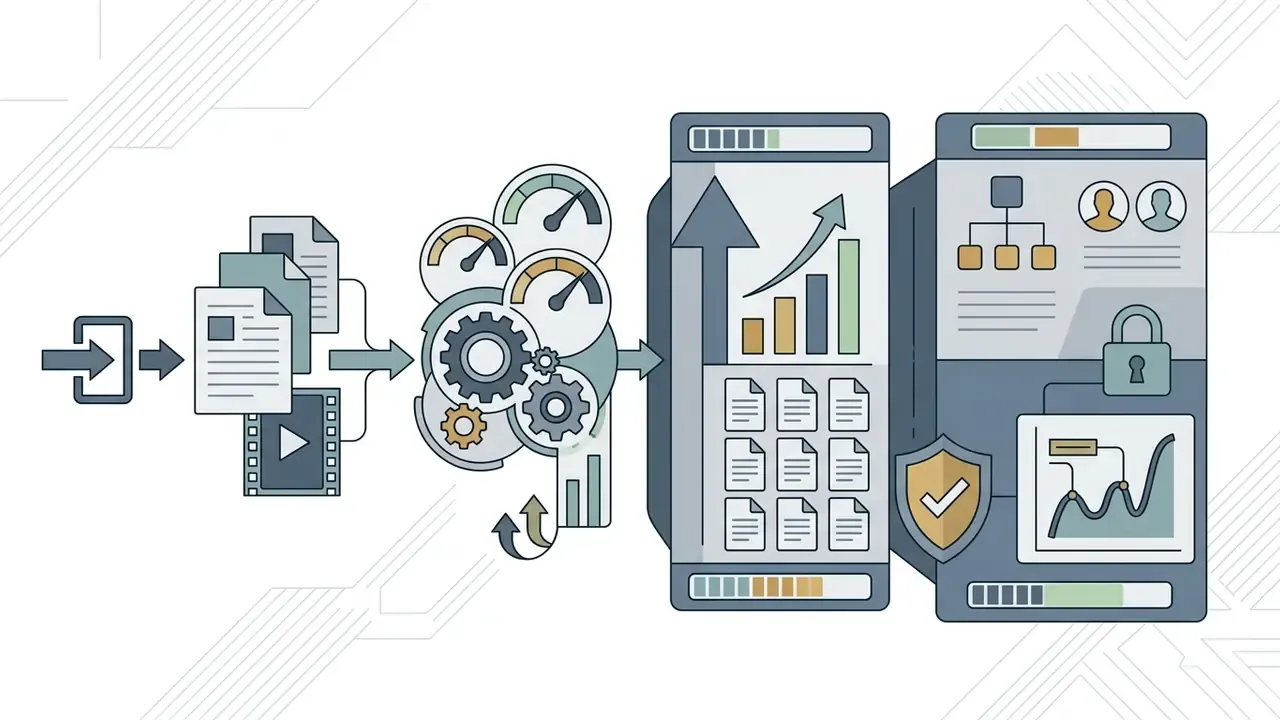
- Batch capacity is the real enterprise differentiator. Artguru processes up to 200 images in a single queue, Fotor Pro tiers handle multi-file batches, Claid.AI batches through a REST API, and desktop tools such as Aiarty and XnConvert are limited only by local hardware.
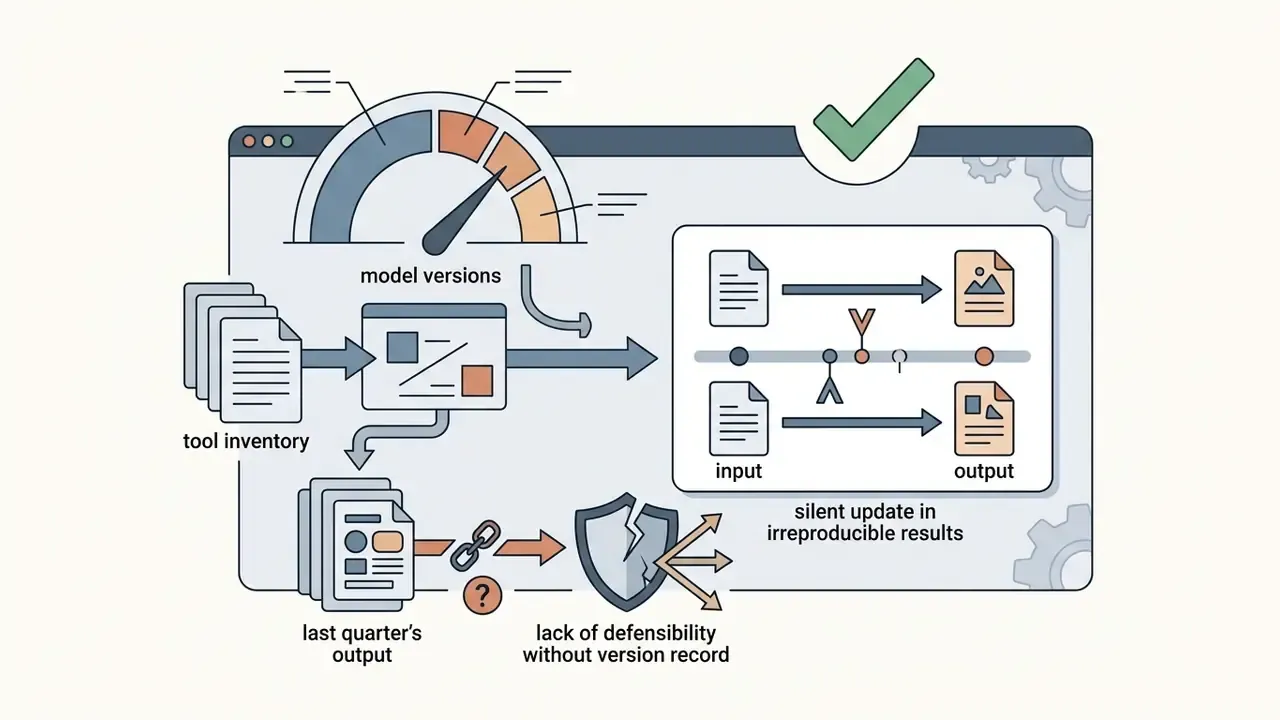
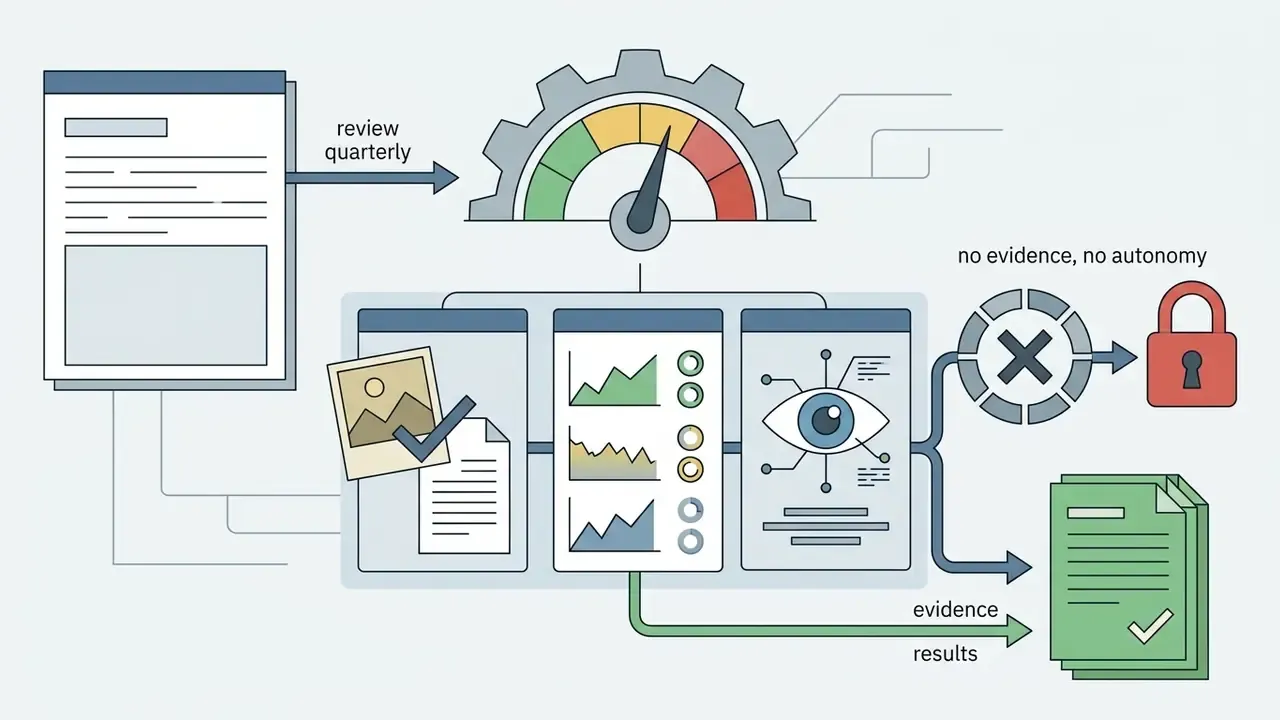
- Set measurable acceptance thresholds before deployment. Define fidelity boundaries with SSIM (target of 0.85 or higher for text-bearing and technical assets), no-reference naturalness scores (NIQE, MUSIQ, CLIPIQA), and LOE, then log settings and model versions to create the audit trail governance teams keep asking for.
- Hybrid workflows still win on hopeless files. Severely damaged prints, missing fragments, and destroyed highlights usually need human retouching ($10 to $25 per image on freelance marketplaces) layered on top of AI preprocessing.
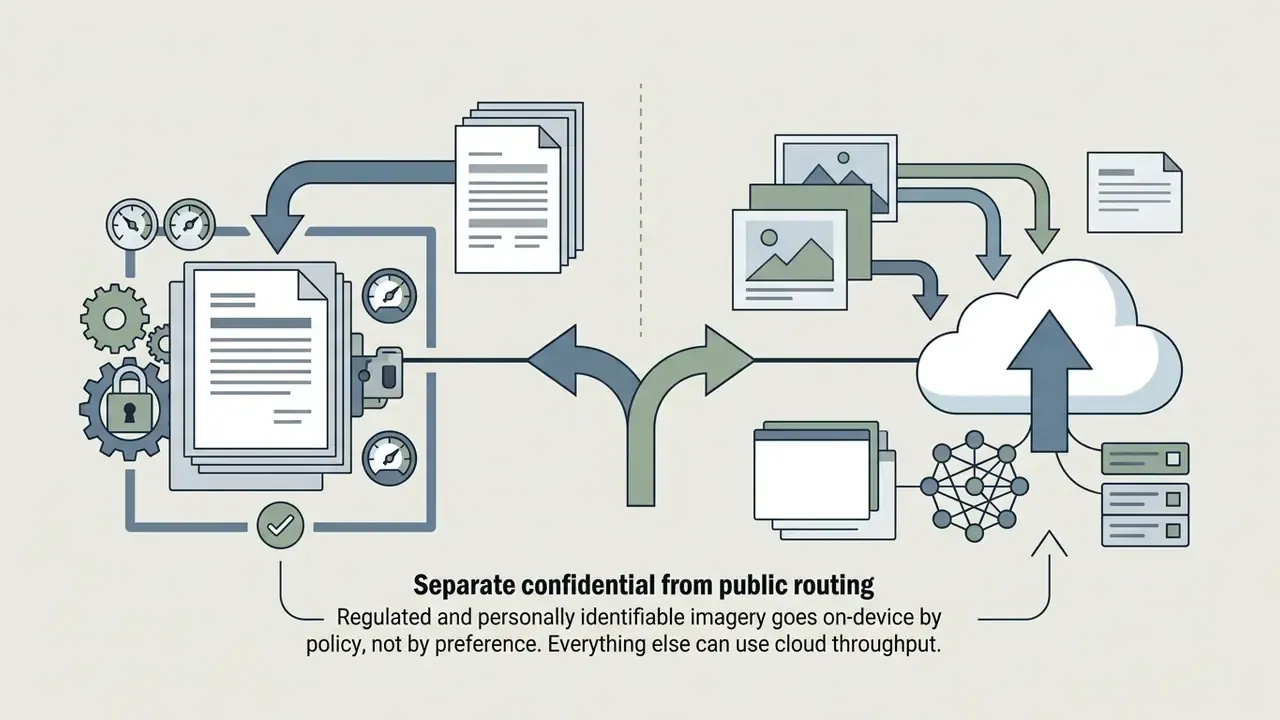
- Privacy posture decides cloud versus local. Cloud enhancers are fastest to adopt; on-device desktop suites (Aiarty, Luminar Neo, HitPaw FotorPea, Upscayl) keep proprietary and personally identifiable imagery off third-party servers entirely.
Who This Comparison Is For
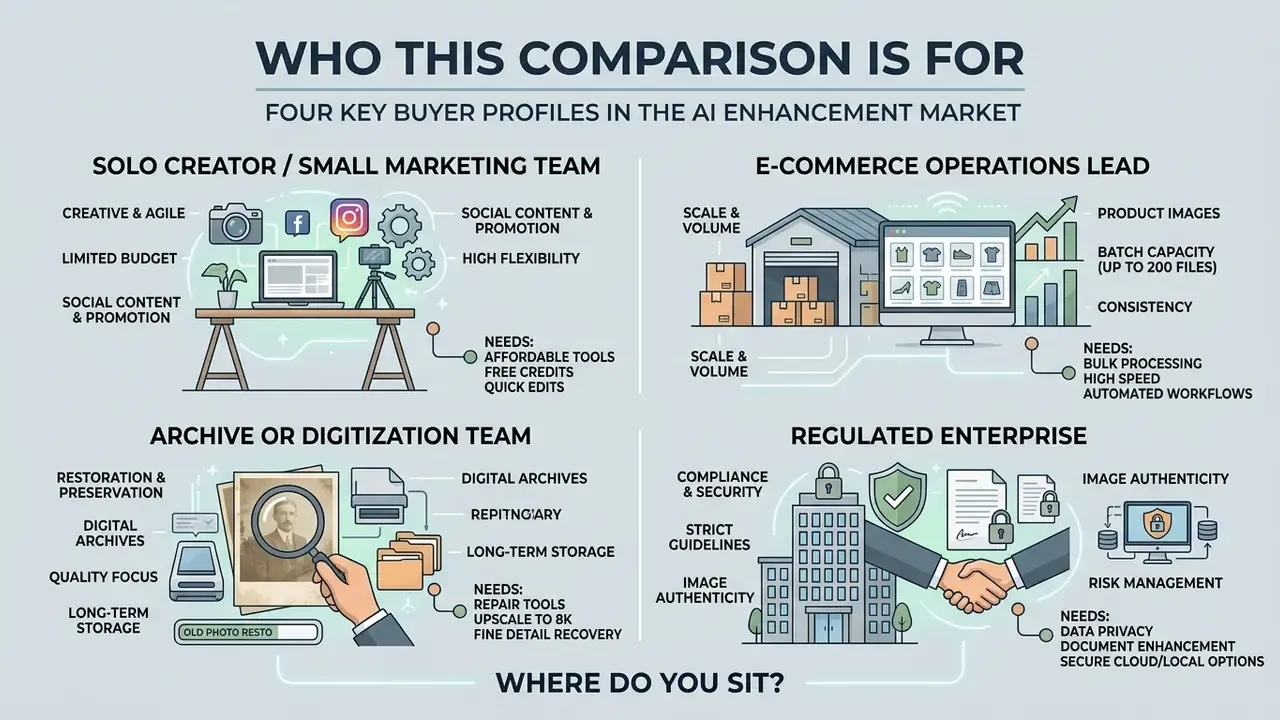
Four buyer profiles keep showing up in reader questions, and they need different answers from the same market.
The solo creator or small marketing team. Volume is low, deadlines are tight, budget is under $20 per month. A browser tool with one-click presets is usually enough, and the main trap is the watermark on free exports.
The e-commerce operations lead. Thousands of SKUs, recurring catalog refreshes, marketplace rules on background color and padding. Here the decision hinges on API throughput, per-image cost at volume, and whether shape, logo, and color codes survive processing untouched.
The archive or digitization team. Faded prints, glass negatives, scanned records, family photos with physical damage. Reproducibility matters more than speed: the same file processed next year should yield the same result, with the original master preserved.
The regulated enterprise. Banks, insurers, and mature fintech companies treat every image pipeline as a data pipeline. They need retention windows in writing, training opt-outs, a model inventory, and a log that an internal auditor can replay. Free tiers rarely clear that bar.
Where do you sit? The answer changes the shortlist more than any feature list does.
Best AI Image Enhancement Tools by Task
Choosing the best AI image enhancer depends on the operational task at hand, whether that means quick web-based photo editing or local desktop batch processing. Modern AI models specialize in targeted degradation recovery, from single-image super-resolution to low-light exposure correction, blind deblurring, and text-edge reconstruction on scanned documents.
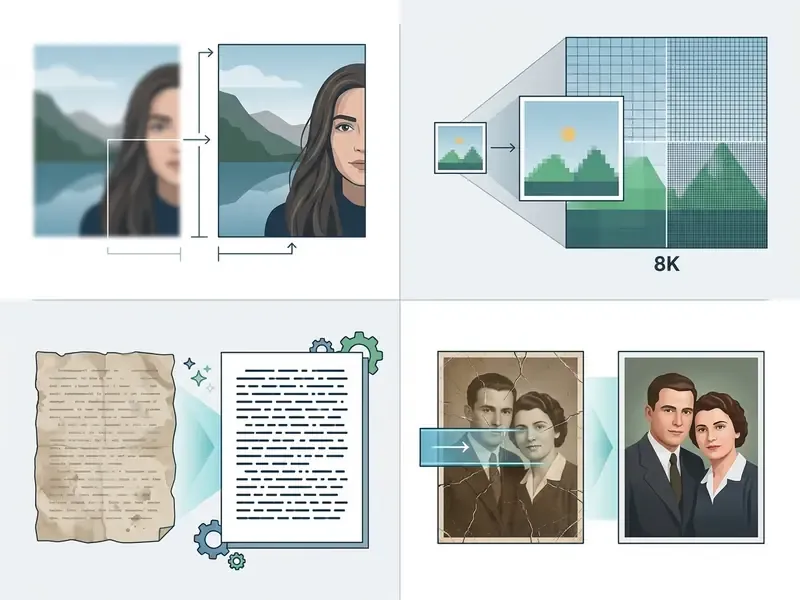
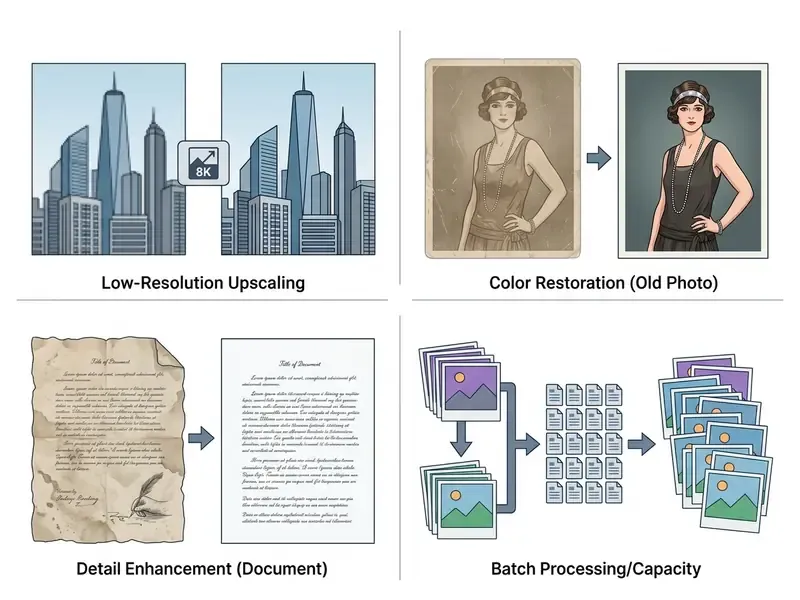
Comparison of AI image enhancement tools by feature, batch capacity, free limits, and workflow model
| Software tool | Primary scenario | Upscaling capacity | Deblur and denoise | Batch capacity | Background removal | Free tier limits | Entry paid price | Data handling and platform |
|---|---|---|---|---|---|---|---|---|
| Fotor | Quick one-click enhancement and basic marketing | 2x free / 4x paid | Automated sharpness and noise cleanup | Multi-file batches on Pro tiers (roughly up to 50 files per queue) | Web background removal | Limited starter credits, 1 concurrent generation, 512 MB storage, watermarked JPG/PNG/PDF exports | Pro about $8.99/mo or $39.99/yr; Pro+ about $19.99/mo or $89.99/yr | Cloud processing; web, mobile, desktop |
| Krea AI | Generative upscaling and creative refining | Up to 16x in-app; marketed output up to 8K to 22K on paid tiers | Generative detail reconstruction | Web queueing and concurrency on paid plans; expanded concurrency on Max | Canvas tools and background removal before enhancing | $0/mo with 100 compute units per day (a handful of enhancements), limited upscaling, watermark on free exports | Basic $9/mo (5,000 units), Pro $35/mo (20,000), Max $105/mo (60,000), Business $200/mo (80,000) | Cloud processing; commercial license from Basic; web-based |
| Adobe Express | Social media assets and content editing | Standard resizing, vector scale, Firefly upscale 2x to 4x | Generative fill, sharpen slider, restoration filters | Enterprise batch background removal; single-asset editing on consumer tiers | Automated one-click background remover | Free account with a limited monthly allocation of Firefly generative credits (commonly about 25); 40 MB upload cap per image | Premium plans bundled with Creative Cloud tiers | Cloud processing with enterprise governance options; web, mobile |
| Claid.AI | E-commerce product visual optimization | Custom upscale targets per catalog spec | Automated texture recovery and light normalization | API and catalog batching at programmatic scale | Guided background removal (transparent, white, custom color, blurred) | Free trial credits only (commonly about 50 operations) | Usage-based subscriptions quoted per volume tier | Cloud REST API; private processing options for commercial catalogs |
| Artguru | Bulk enhancement, documents, portraits, AI art | 4x to 4K standard; dedicated upscaler to 8K | Unblur, denoise, grain removal, text-edge restoration | Up to 200 images per batch; API access for pipelines | Available in the wider editor suite | Free plan for trial enhancements with restricted exports | Subscription tiers plus API pricing | Cloud processing; web, mobile |
| Aiarty Image Enhancer | Low-light restoration and portrait facial recovery | Up to 8x resolution expansion | Deep CNN with DirectML, TensorRT, or CoreML denoise | Unlimited local batches (bounded by GPU and RAM) | No native background isolation | Free trial with export limits (about 5 saved images) | One-off desktop license or annual plan | 100% local processing, no cloud upload; desktop (Windows, Mac) |
| HitPaw FotorPea | Old photo restoration and portrait fixing | Up to 8x AI upscaling | Dedicated face repair models | Desktop queue system across folders | AI object and backdrop remover | Watermarked preview exports | Monthly, annual, and perpetual license options | Local GPU processing; desktop (Windows, Mac), 8 to 24 GB RAM depending on mode |
Best AI for enhancing images for quick one-click fixes
One-click enhancement tools use zero-reference algorithms and automatic white-balance pipelines to balance exposure and color temperature instantly. Fotor and Artguru apply automated tone mapping, gamma correction, and dynamic contrast adjustments without asking you to touch a single slider. Peer-reviewed work on automatic low-light enhancement confirms that such pipelines can raise brightness and preserve detail at the same time, validated with both subjective panels and objective indices (PLoS ONE, 2022. https://doi.org/10.1371/journal.pone.0262478).
«Zero-reference diffusion models improve illumination and suppress noise without paired training data, outperforming competitors on PSNR and SSIM across the LOLv1 and LSRW benchmarks.»
These systems read local luminance histogram variations, lift underexposed areas, and try to leave high-contrast edges alone. A user-friendly interface helps here more than raw model power, because the whole point is improving clarity in seconds. Teams benchmarking rapid adjustments across platforms can also compare AI image upscalers for commercial use to see how one-click presets behave under licensing and volume constraints.
Best AI image upscaler for low-resolution photos and old photos
A dedicated AI image upscaler uses deep generative priors to reconstruct sharp features from low-res sources instead of stretching existing pixels. Topaz Image Upscaler advertises browser-based enlargement up to 8x with automatic detail restoration. Let's Enhance reaches up to 16x and exposes distinct modes: Prime for general images, Gentle for small text and logos, and Old Photo for archival repair. Efficiency-focused benchmarks show the same trend toward high quality at lower latency (NTIRE Efficient Super-Resolution Report, 2024).
«Diffusion-based super-resolution models such as the SD Upscaler reach 21.21 dB PSNR and 0.430 LPIPS, surpassing GAN methods on perceptual similarity to the source.»
For archived photos, staged pipelines separate scratch removal, color histogram matching, and facial feature reconstruction into distinct phases. One pass of "restore everything" almost never produces natural-looking results on compound damage.
«Pik-Fix introduces the first public dataset of real old photos with expert Photoshop-restored references, and significantly outperforms previous state-of-the-art restoration models.»
Archive teams planning recurring digitization projects can align model selection with AI image upscaler commercial workflows so that licensing and reproducibility survive an audit.
Pricing, Free-Tier Limits, and Batch Capacity
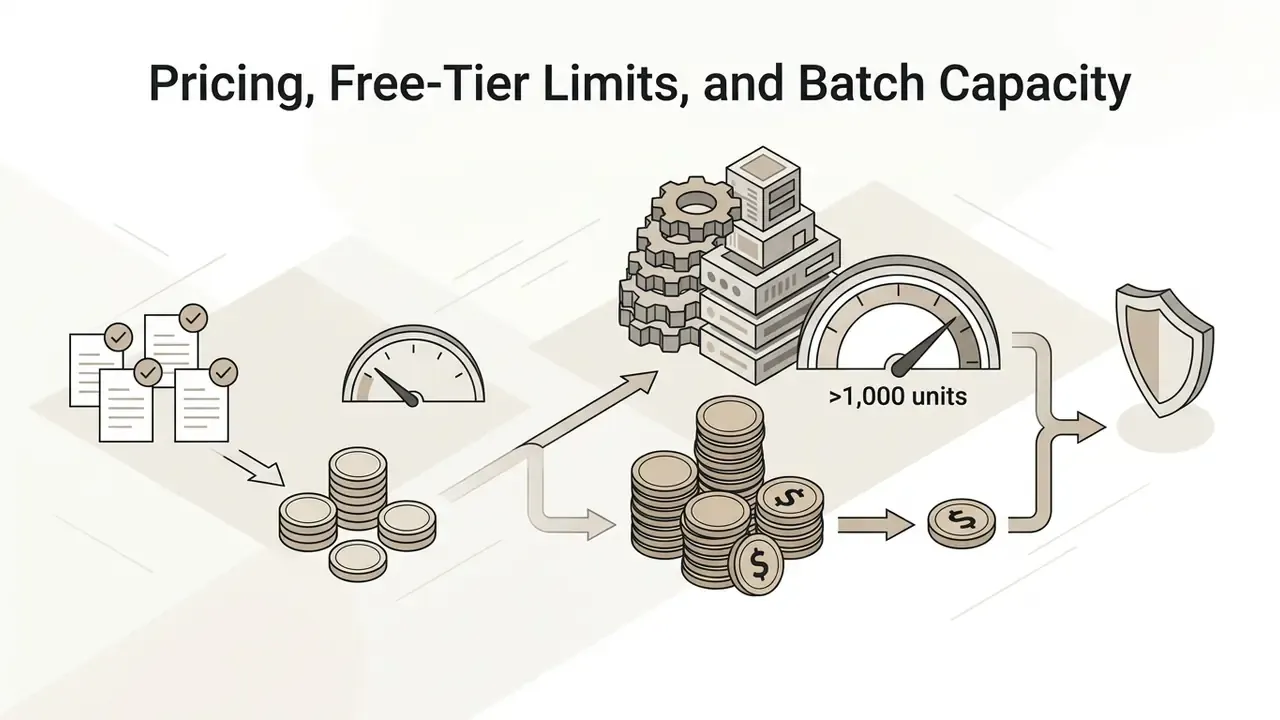
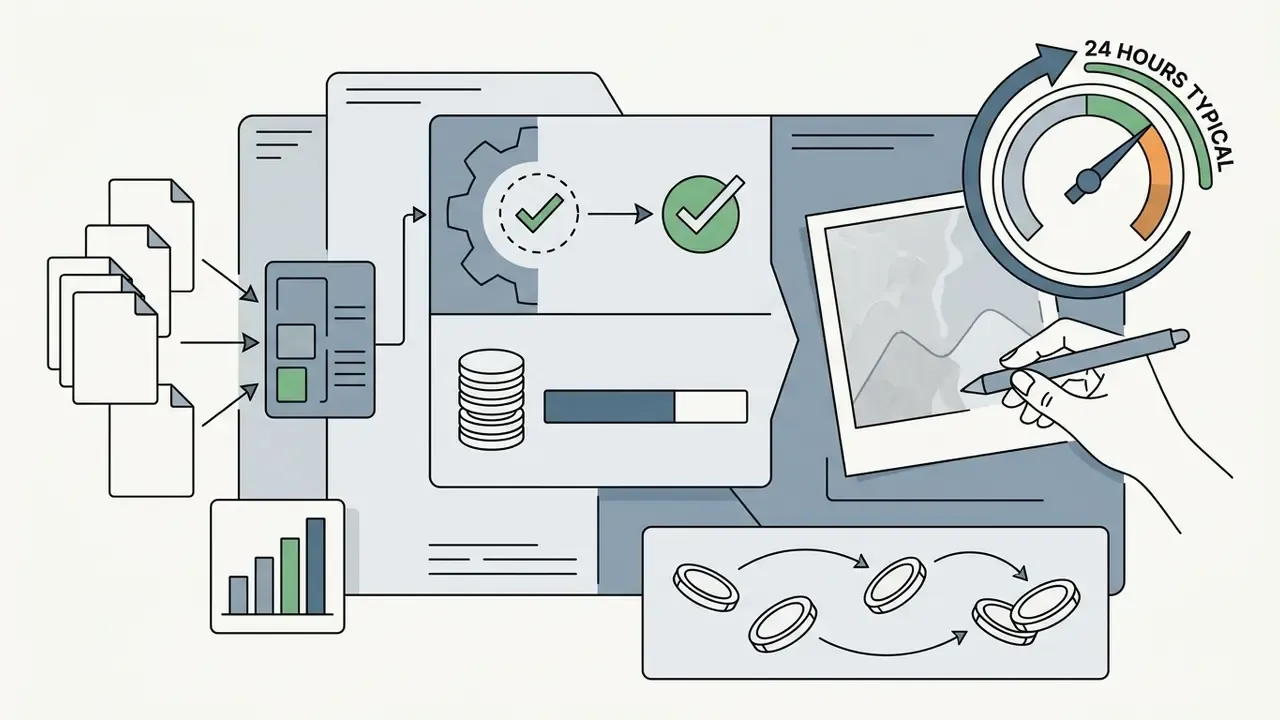
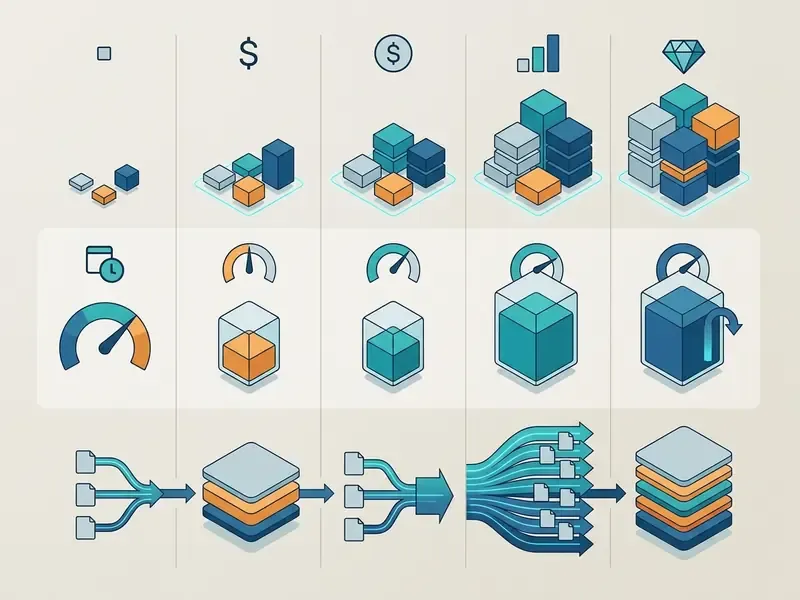
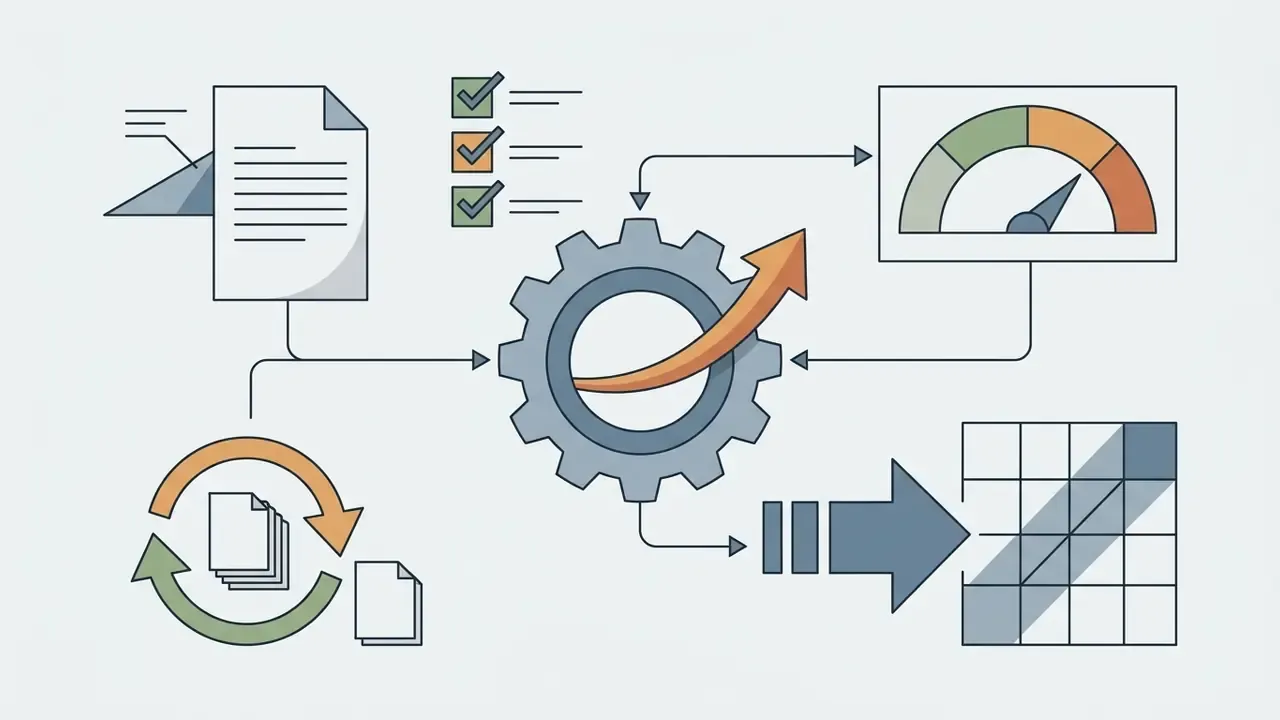
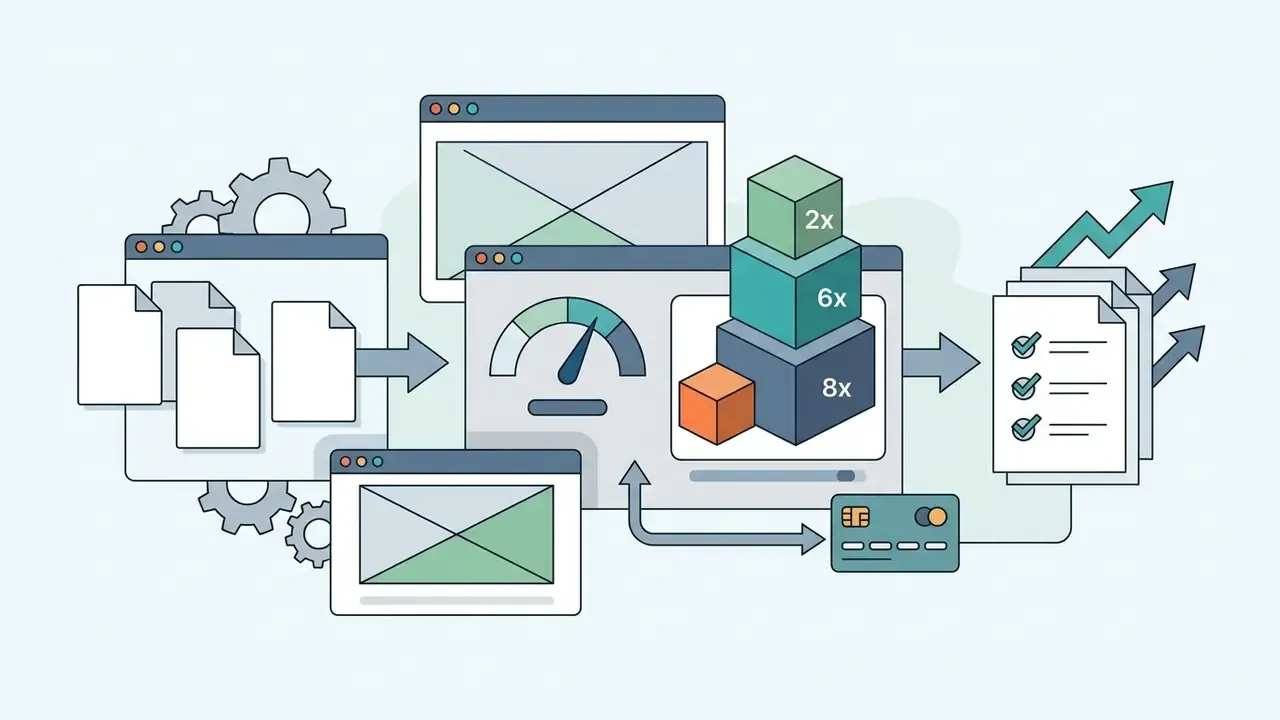
Total cost of ownership for image enhancement is rarely the sticker price. It is the sum of subscription fees, credit burn rate, export restrictions, storage caps, and the labor hours saved per batch. Public-sector and enterprise cost frameworks treat acquisition, operation, support, and disposal as a single figure rather than a license fee (U.S. EPA, Total Cost of Ownership Modeling for Electronics, 2012. https://www.epa.gov/sites/default/files/documents/costofown.pdf).
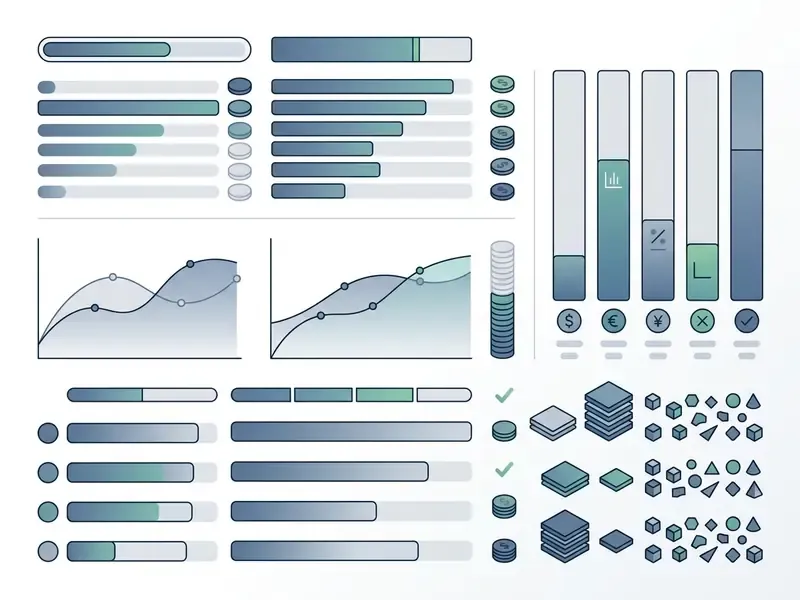
If you model these numbers regularly, browse the hub in our calculators library and reuse the same assumptions across tools instead of rebuilding a spreadsheet per vendor.
A 2024 user study underlines why credit ceilings matter as much as feature lists:
«A survey of 380 users (173 professionals, 207 non-professionals) found AI tools democratize creative work, while quality, cost, and copyright remain the dominant concerns.»
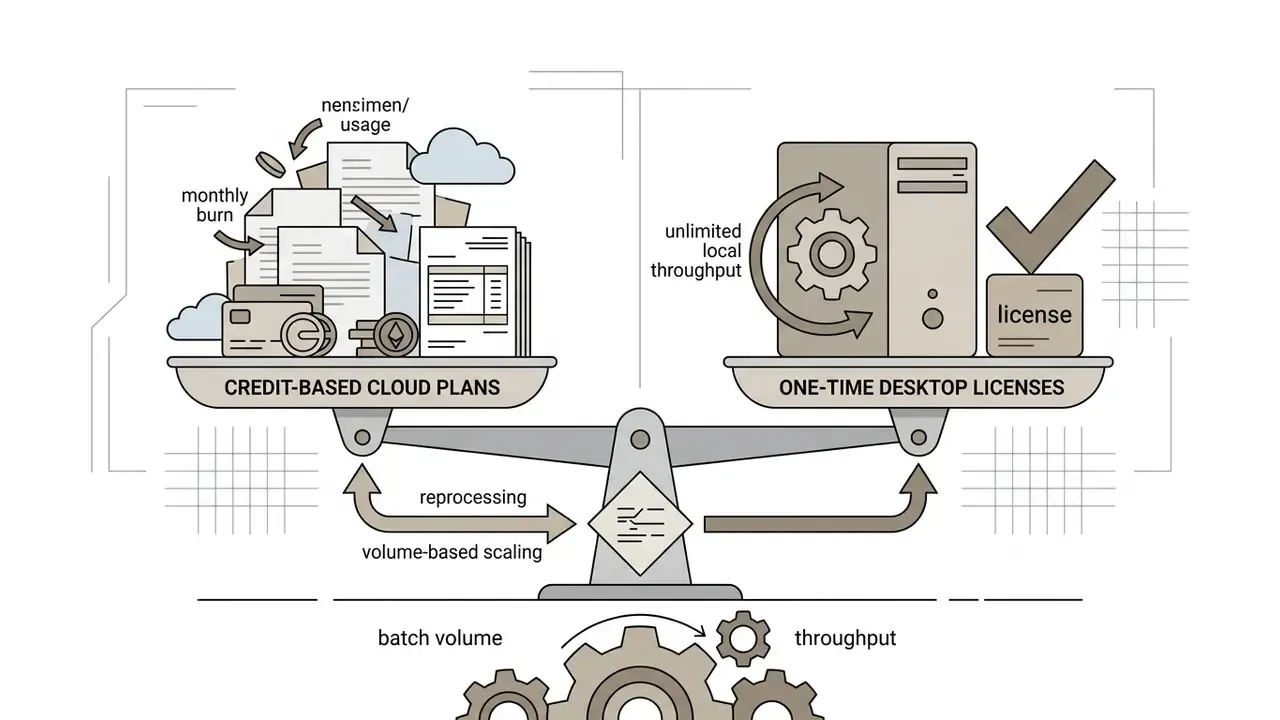
One practical note from our own testing queue: the cost surprise almost never comes from the base plan. It comes from reprocessing. Every rejected batch burns credits twice, so acceptance criteria are a budget control, not just a quality control.
How to Choose AI Image Enhancer Software
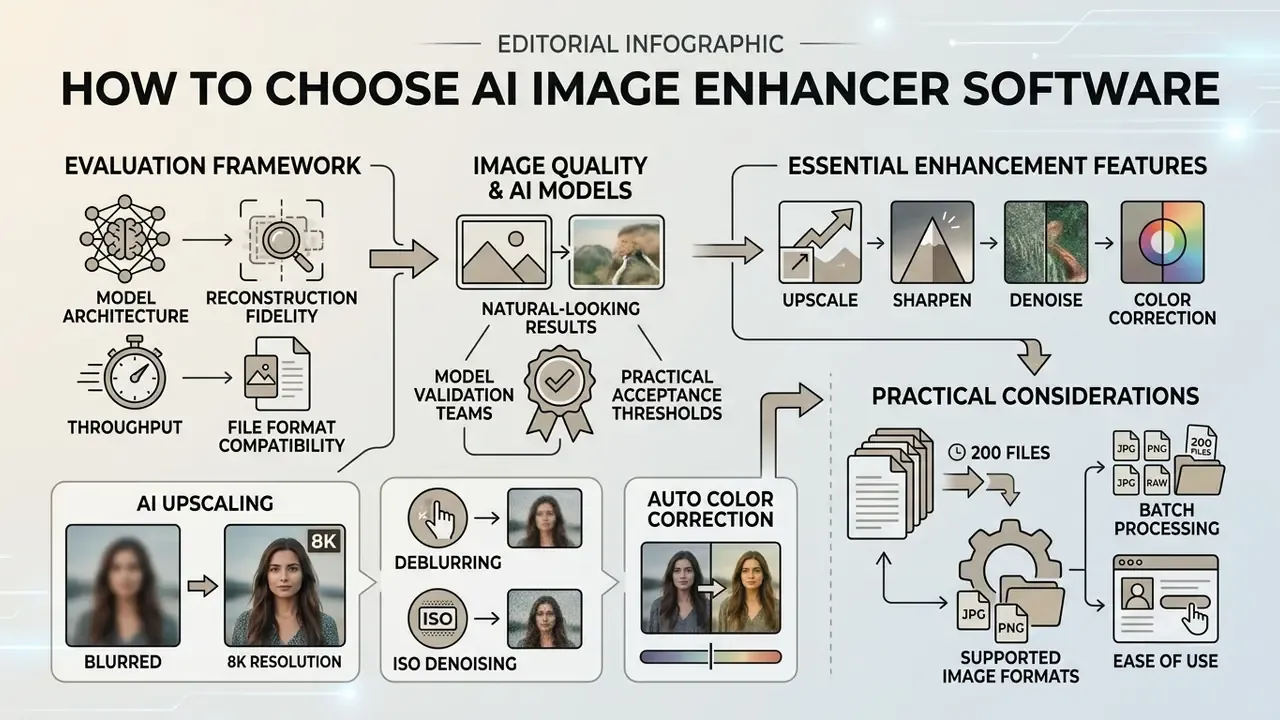
Evaluating AI image enhancer software means assessing model architecture, reconstruction fidelity, throughput, and file format compatibility. The split usually comes down to one question: real-time cloud accessibility, or secure local desktop processing?
Image quality, AI models, and natural-looking results
High-quality enhancement depends on matching the neural architecture to the specific defect. Generative diffusion models excel at synthesizing fine textures in AI art and heavily degraded portraits, yet they can invent hallucinated details when left unconstrained.
«Diffusion models for image restoration achieve higher perceptual quality on LPIPS than CNN methods, even at comparable PSNR and SSIM values.»
Convolutional neural networks and transformer models take the opposite trade-off: tighter structural fidelity, less invention. That makes them the right default for technical documentation, text-heavy graphics, and legal evidence. Validation teams comparing tooling can review how general-purpose AI photo editors for professional workflows expose the controls needed for repeatable output.
Standard quality frameworks verify naturalness with non-reference metrics such as NIQE (Natural Image Quality Evaluator) and LOE (Lightness Order Error), which catch over-sharpening and waxy skin. Biometric quality guidance from NIST's OFIQ framework scores sharpness, compression artifacts, and natural color as separate factors, and that separation is useful even outside biometrics.
«An AU-IQA benchmark of 4,800 AI-enhanced images showed that UGC-oriented IQA models correlate better with human MOS ratings on resolution and distortion.»
Practical acceptance thresholds for model validation teams:
| Asset class | Full-reference target | No-reference check | Hard reject condition |
|---|---|---|---|
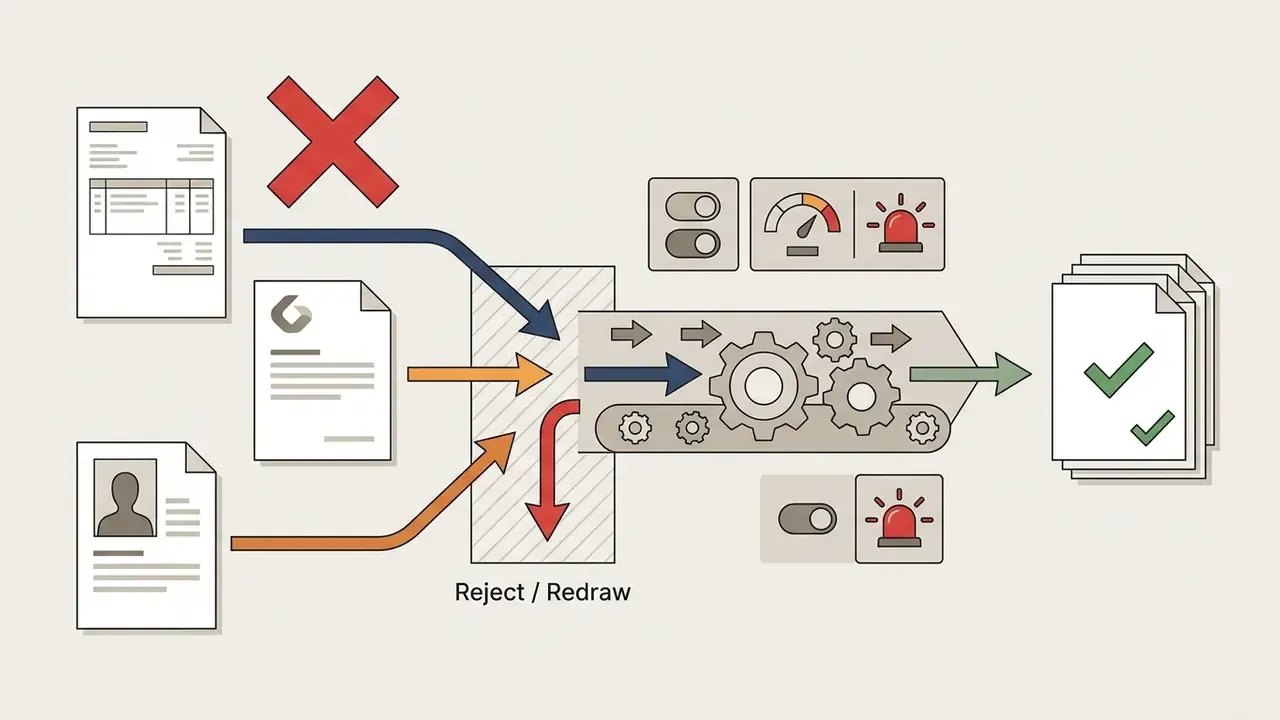
| Text documents, invoices, technical drawings | SSIM of 0.90 or higher versus source geometry | NIQE not worse than source | Any altered character, digit, or stamp |
| Product catalog imagery | SSIM of 0.85 or higher on the product region | MUSIQ or CLIPIQA improvement | Shape, logo, or color-code drift |
| Portraits and archival faces | LPIPS improvement with identity preserved | NIQE plus visual pore check | Identity shift, waxy skin, halo edges |
| Creative and AI-art assets | Perceptual preference over PSNR | NIQE, aesthetic score | Structural artifacts at 100% zoom |
No matching rows Clear one or more filters to restore the matrix.
Essential enhancement features: upscale, sharpen, denoise, and color correction
An end-to-end AI photo enhancer should integrate four processing modules in one pipeline:
- AI upscaling reconstructs high-frequency spatial detail to increase pixel density while preventing pixelation. This is what separates true super resolution from a bicubic stretch.
- Deblurring estimates point spread functions or applies transformer attention layers to reverse motion and focus blur (Restormer: Efficient Transformer for High-Resolution Image Restoration, 2021). Newer surveys report that diffusion-based restoration systematically outperforms CNN baselines on perceptual deblurring metrics (International Journal of Computer Vision, 2025. https://arxiv.org/abs/2401.05774).
- ISO denoising suppresses sensor noise and digital grain in low-light captures without smoothing fine surface detail.
«ReDDit reaches 31.25 dB PSNR and 0.904 SSIM on LOLv2 Real at 0.038 LPIPS, suppressing noise while preserving structural detail.»
- Auto color correction: balances exposure, brightness, contrast, white balance, and chroma saturation across one or several color channels in a single pass. White balance specifically removes color casts by correcting color temperature (MDPI Technologies, 2025. https://www.mdpi.com/2227-7080/13/6/232).
Batch processing, supported image formats, and ease of use
Enterprise visual workflows need real batch processing to handle catalog updates without manual babysitting. XnConvert and Aiarty walk queued directories sequentially and apply preset enhancement parameters across hundreds of inputs. XnConvert's Input, Actions, Output structure also reports per-file progress and failures, which happens to be exactly the log trail a governance reviewer asks for.
Cloud services impose explicit ceilings instead. Artguru accepts up to 200 files per batch, Fotor unlocks multi-file queues on Pro tiers, Krea enables queueing and higher concurrency on paid plans, and Claid.AI batches through its REST API. If you are wiring enhancement into an existing content service, check the AI Media API notes on rate limits and retries before you design the queue.
Professional platforms should accept common raster inputs: JPG, PNG, WebP, TIFF, and camera RAW. XnConvert alone reads more than 500 image formats and writes about 70. For creators juggling multi-platform media workflows, a friendly interface genuinely reduces processing friction; that is not a soft benefit when you handle multiple photos a day. Budget-conscious teams can start with free photo editors with batch processing before committing to paid throughput.
Enterprise Data Security and On-Prem Deployment
Before uploading customer imagery, identity documents, or unreleased product photography, procurement should demand written answers on four points.
- Data retention policy.How long are uploads stored, and are they purged automatically? Some upscalers state that uploads are cleared on a fixed cycle (every 12 hours, for example). Others say nothing, which should be treated as an open risk rather than a neutral fact.
- Model-training opt-out.Confirm contractually that your assets will not be used to train public foundation models. Paid and enterprise tiers frequently offer private or anonymized processing, while free tiers may default to public generations.
- Certification and jurisdiction.Request SOC 2 or ISO 27001 attestations, sub-processor lists, regional processing options, and DPA coverage for GDPR-regulated personal data, facial images included.
- Throughput and rate limits.For API platforms such as Claid.AI, document requests per minute, concurrency caps, retry semantics, and queue behavior so catalog refreshes do not stall at peak hours.
Where any answer is unsatisfactory, local desktop processing removes the transfer entirely. Aiarty runs on Windows 10 x64 1809 or newer, or macOS 13 and above, with 8 GB RAM minimum (16 GB recommended) and optional DirectML, TensorRT, or CoreML acceleration. Luminar Neo lists Windows 10 1909 or newer, or macOS 12 and above, 8 GB RAM, 10 GB free disk, and OpenGL 3.3 or higher. HitPaw FotorPea scales from 8 GB RAM for basic modes to 24 GB RAM with an RTX 3060-class GPU for its heaviest models. Upscayl offers an open-source, fully offline alternative. Mac-first studios building an offline media bench often pair these with free video editing software mac so that both still and moving assets stay on-device.
Audit trail practice: log the source file hash, tool and model version, enhancement mode, slider values, upscale factor, operator, and timestamp for every processed asset. Export a sidecar JSON or CSV next to the enhanced file so any downstream dispute can be reconstructed. The "verifiable audit trail" standard is a workflow artifact, not a vendor feature; no pricing page will give it to you.
AI Tools vs. Professional Freelance Editors: When to Outsource
Detailed Review of the Best AI Image Enhancers
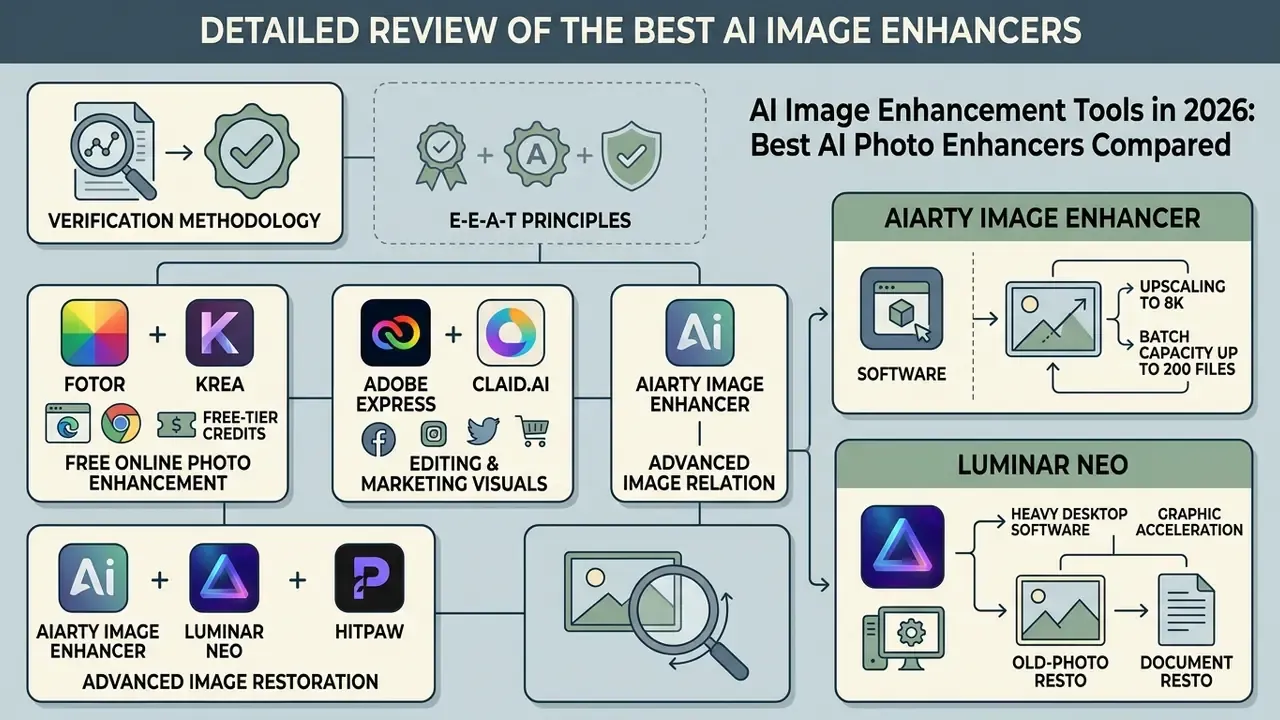
Commercial tools range from browser-based web apps to heavy desktop software accelerated by dedicated graphics hardware. The reviews below look at feature capability, platform deployment, and operational efficiency. If a vendor here does not fit your stack, see the overview in our alternatives index for adjacent options.
E-E-A-T placeholder
/E-E-A-T placeholder
Fotor and Krea for free online photo enhancement
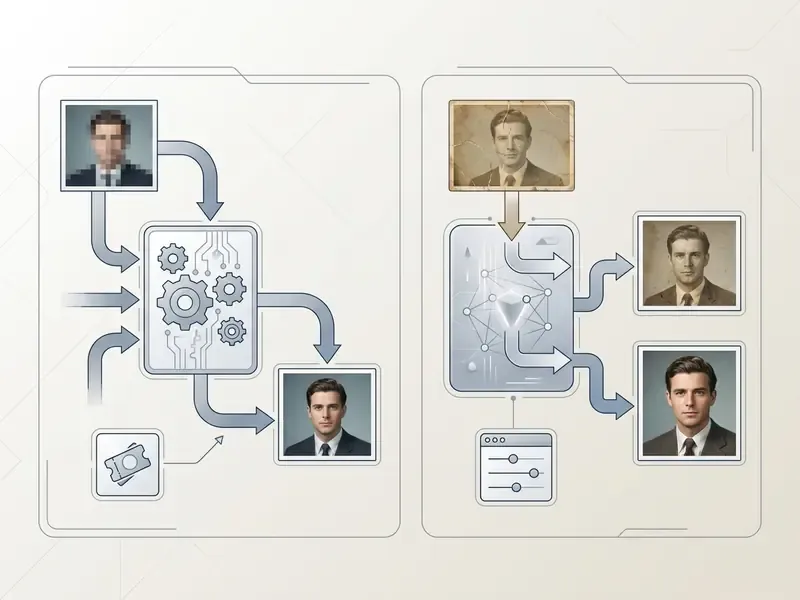
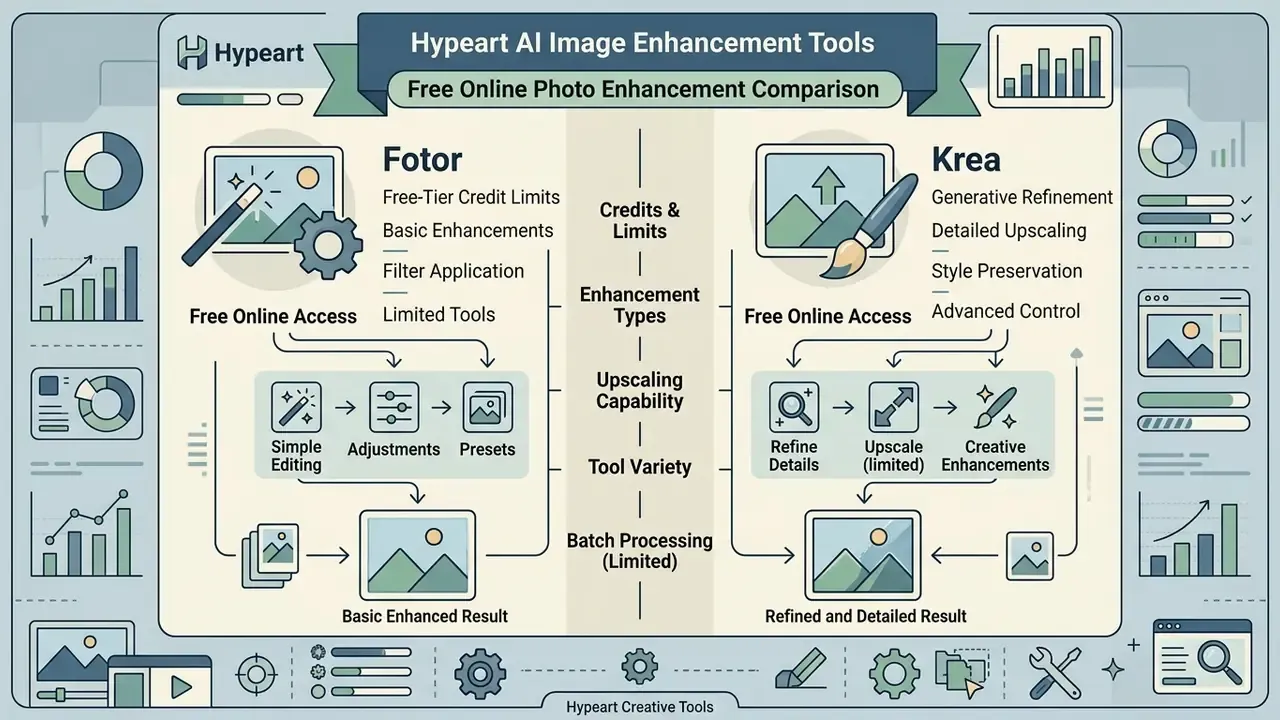
Fotor is the accessible option: an online photo enhancer built for rapid web editing and single-click corrections. The free tier includes standard noise reduction, sharpening filters, and 2x upscaling, though exports carry promotional watermarks until you upgrade. 4x enlargement is paywalled, the free plan permits one concurrent generation, and cloud storage is capped at 512 MB with 30-day creation retention. Pro runs around $8.99 per month (or $39.99 per year) and Pro+ around $19.99 per month (or $89.99 per year), adding credits, batch tools, and larger storage. In practice, typical enhancements complete in roughly 10 to 20 seconds.
Krea AI offers real-time generative upscaling directly in the browser, with no account required for basic enhancement. It runs on credits and lets you scale images up to 16x while controlling generative strength, which is why it is popular for refining synthetic visual media. Free access provides 100 compute units per day with limited upscaling. Basic ($9 per month) introduces a commercial license and higher-resolution upscaling. Pro ($35 per month) and Max ($105 per month) add bulk credit discounts, expanded concurrency, and unlimited relaxed generations. Business ($200 per month) adds up to 50 seats, custom roles, per-member spend limits, and audit logs. Creators comparing zero-cost options can start with free AI photo editors and upgrade once credit burn becomes predictable. Chasing clean exports across media types? The same watermark logic applies to free video editing apps without watermark.
Adobe Express and Claid.AI for editing and marketing visuals
Adobe Express folds generative AI powered by Adobe Firefly into a multi-purpose web editor. You get automated background removal with transparent PNG export, generative object insertion and removal, a sharpen control under Adjustments for out-of-focus or low-resolution images, and instant canvas resizing for TikTok, Instagram, YouTube, and other social media formats. Uploads must be JPEG, JPG, PNG, or WebP under 40 MB, and the free plan includes a limited monthly allocation of generative credits. Adobe Firefly separately documents non-destructive photo restoration for damaged or blurry scans, with JPEG, PNG, TIFF, and PDF support.
Claid.AI is the catalog automation specialist, with enterprise REST APIs and a web interface tuned for e-commerce. Its algorithms handle background removal (transparent, white, custom color, or blurred), guided object preservation, unwanted-object removal with background-matched fill, automated padding, light normalization, and custom upscaling, which keeps visual content consistent across retail marketplaces.
«Background removal improves classification accuracy by up to 5% when simple networks are trained from scratch on the FashionStyle14 dataset.»
Retail teams that also need to synthesize new angles or scenes can evaluate image-to-image AI generators for e-commerce alongside pure enhancement APIs.
Aiarty, Luminar Neo, and HitPaw for advanced image restoration
Desktop suites deliver more raw computational power by using local GPU acceleration through TensorRT, DirectML, or Apple Silicon CoreML APIs:
Operators turning enhanced stills into motion assets often pair these suites with image to video ai tools, and teams that also cut footage in-house tend to standardize on good video editing apps within the same pipeline.
AI Image Enhancement Tools for Common Use Cases
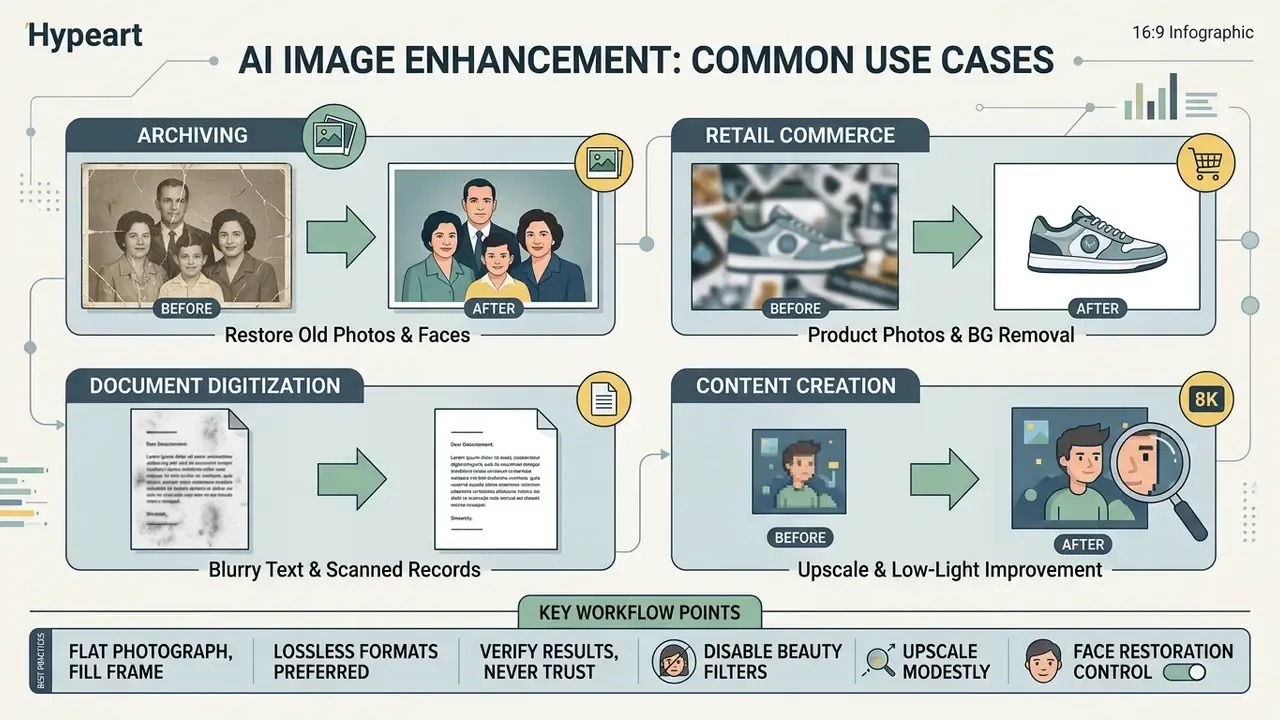
Targeted workflows solve specific production problems across archiving, retail commerce, document digitization, and content creation.
Restore old family photos, faces, and low-light images
Restoring vintage photographs means repairing physical damage while recovering clear facial features. Facial restoration models such as GFP-GAN use pretrained generative priors, combined with a degradation-removal module, facial component loss, and identity-preserving loss, to rebuild sharp eyes, lips, and facial geometry from degraded portrait scans (CVPR, 2021). Diffusion-based successors like DR2 first produce a coarse clean image with a degradation remover, then sharpen details in a second enhancement module (CVPR, 2023). Surveys of deep face restoration split the problem into face denoising, deblurring, super-resolution, and inpainting. That is precisely why one "restore" button rarely fixes compound damage on old family photos.
In low-light scenarios, diffusion-based restoration networks balance exposure across deep shadow regions without adding digital noise. Readers focused on portrait output quality can also review AI photo editors for portrait restoration to see how identity preservation is handled in headshot pipelines. For stylistic finishing, apply colorization or make an image black and white only after structural repair is complete, then sharpen details as the last step.
Improve e-commerce product photos and remove backgrounds
E-commerce pipelines rely on clean, distraction-free product photos to lift conversion. Automated background removal uses semantic segmentation networks to separate the subject from busy backdrops in a second or two. API-driven platforms then normalize lighting, add natural drop shadows, and resize to marketplace catalog specs. Research on object-ID-retentive e-commerce generation shows product identity can be preserved even when the surrounding scene is synthesized (VirtualModel, arXiv, 2024). Merchandising teams needing wider canvases for banners can add AI outpainting tools for product backgrounds to the same chain.
One small observation from catalog work: object removal is where reviewers catch most errors. A removed price tag is fine, a removed safety label is not.
Enhance blurry text documents and scanned records
Restoring unreadable document scans calls for text-edge preservation, not generative fill. Modern enhancers apply contrast thresholding and high-frequency edge isolation to rebuild blurry typography, receipts, invoices, and paper archives without distorting characters or hallucinating letters. Artguru's document mode restores characters sharply while explicitly avoiding unnatural artifacts, and Let's Enhance ships a dedicated Gentle mode for small text and logos.
Practical rules for document work:
- Disable face restoration and beauty filters.They rewrite glyph-shaped structures and can corrupt OCR output.
- Photograph flat, fill the frame.Document-capture guidance recommends the page occupy at least 70% of the image area, with no glare or shadow, before upload.
- Prefer lossless formats.Export to PNG, TIFF, or a lossless PDF profile with downsampling disabled. High-DPI output is what makes archived text searchable.
- Verify, never trust.Diff the OCR text of the original and the enhanced version. Any changed digit, date, or signature invalidates the file for legal or financial use.
- Upscale modestly.2x with strong denoise usually beats 8x generative enlargement on typography, because generative priors invent plausible characters, not true ones.
Enhance AI art, generated images, and images for printing
Synthetic images from Midjourney or Stable Diffusion usually need resolution scaling and artifact cleanup before commercial printing. Readers choosing an upstream image generator can compare the best AI art generators before committing to a print-oriented enhancement chain, and explore the hub in versus for head-to-head model behavior, including our Midjourney image generation evaluation.
Upscaling synthetic art through diffusion super-resolution raises pixel density to meet the standard 300 DPI print requirement. Midjourney's own documentation notes that a default 2048 by 2048 px render prints at roughly 6.8 by 6.8 inches at 300 DPI, and recommends third-party upscalers for larger physical sizes. Stable Diffusion's documented upscaler enlarges by a factor of 4, and print guides suggest generating natively at 512 to 768 px before applying 2x Hires.fix steps.
«Diffusion-based super-resolution surpasses GAN methods on perceptual quality, generating plausible textures when scaling AI art for large-format printing.»
Scaling a base 2048 by 2048 pixel render by 4x yields high-resolution output suitable for large-format displays. Artists working with stylized output can also review Ghibli-style AI image generators to confirm that upscaling preserves the intended illustration aesthetic, and anyone experimenting with lighter creative formats can browse funny ai tools where fidelity standards are, frankly, looser.
How to Enhance an Image With AI Without Losing Natural Details
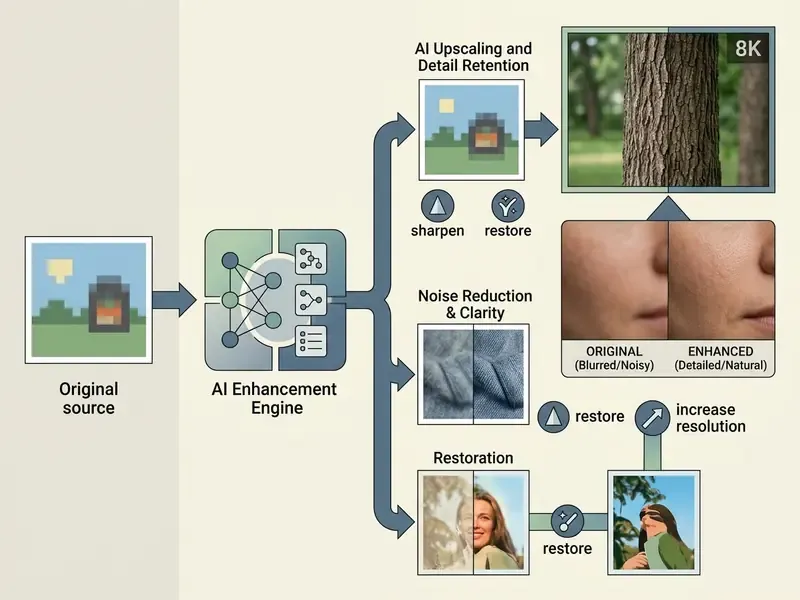
Enhancing photos properly requires a structured workflow. Otherwise you get digital artifacts, waxy skin, and over-sharpened halos. Restrained, incremental adjustments preserve film grain and real surface texture.
Prepare low-quality images before AI enhancement
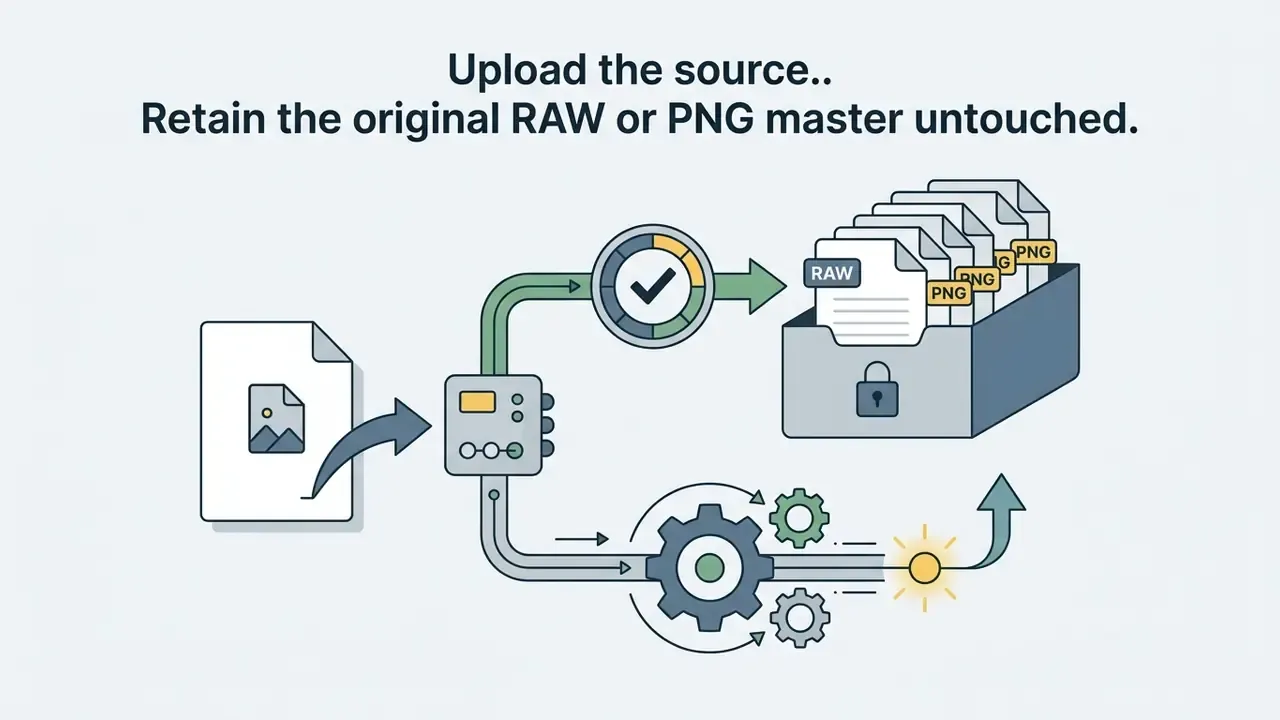
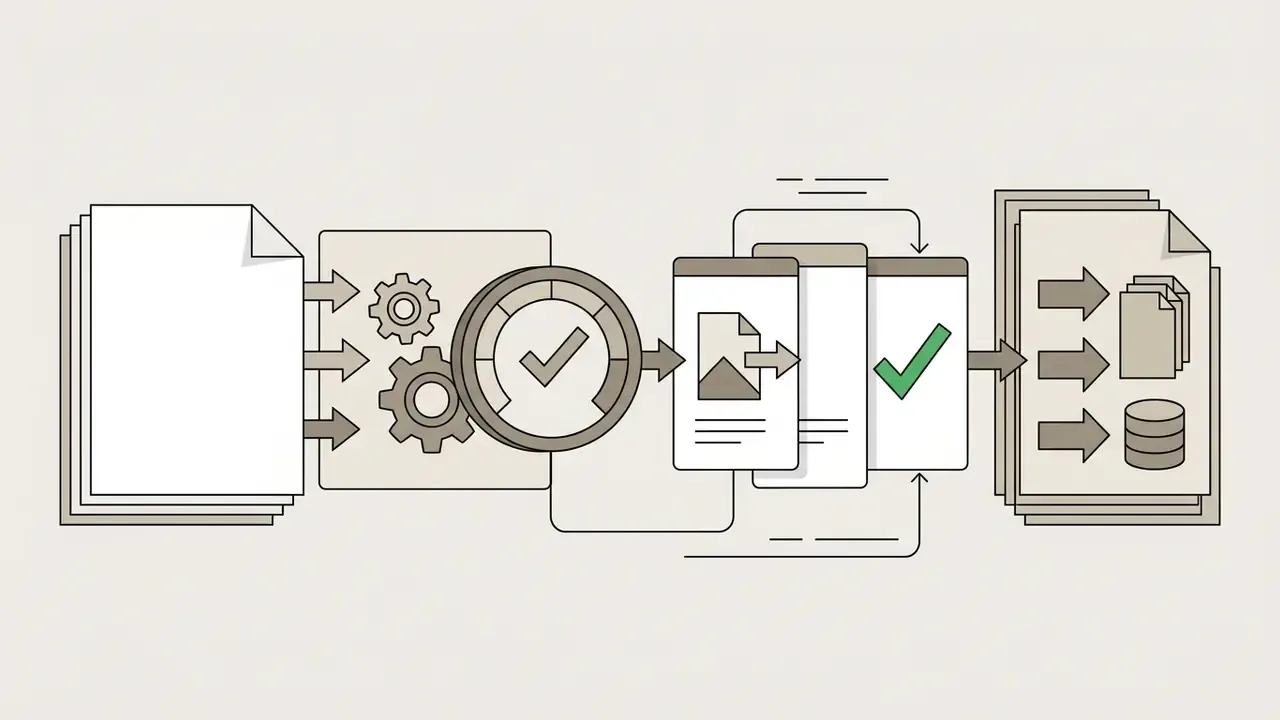
Before processing, crop unnecessary outer borders and correct base exposure. Removing severe lens glare, fixing extreme color casts, and flattening the framing helps the model read true subject geometry instead of environmental distractions. Document-capture guidance recommends a flat subject filling at least 70% of the frame with glare and shadow avoided, and cloud ingestion pipelines accept only specific image formats (commonly PDF, JPEG, PNG, TIFF, BMP, WebP), so convert before submitting. Keep uncompressed master files and work exclusively on copies, since imaging documentation standards require the original to stay unmodified for verification.
Low-res sources deserve one extra check: note the pixel dimensions and image size of the original. If a 300 px web render is your only asset, an 8x enlargement is a generative act, not a restoration.
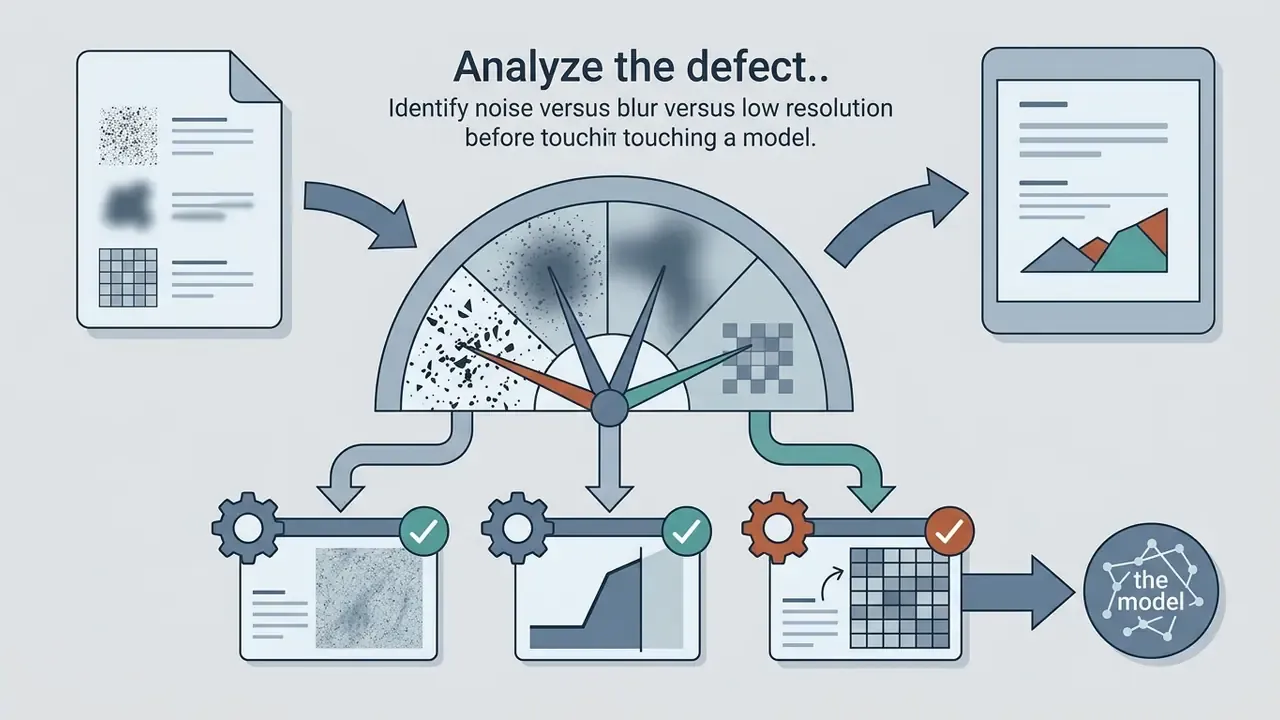
Select the right AI enhancement mode for the image problem
Matching the processing module to the primary defect is what prevents over-processing:
- Low-resolution sources: apply super-resolution models trained on spatial detail reconstruction. Blind SR pipelines model degradation as blur plus downsampling plus noise, sometimes in two stages for harder cases.
- High-ISO night photos: use low-light enhancement algorithms that reduce noise while maintaining edge contrast.
«ZERO-IG performs joint denoising and illumination enhancement without training data, exploiting the internal information of a single low-light image.»
- Blurred motion captures: run deblurring networks to estimate motion kernels before any resolution expansion. Motion blur, focus blur, and compression blur each need different handling.
- Physical scratches and fading: use dedicated photo restoration pipelines that treat surface repair and face unblurring as separate passes.
- Documents and typography: choose text-preserving or "gentle" modes, with face restoration switched off entirely.
Fine-tune and export enhanced images in high quality
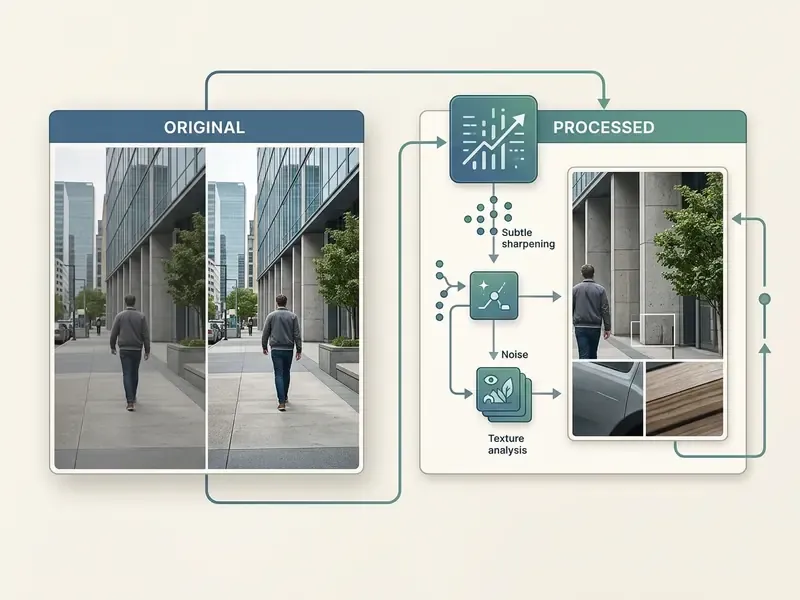
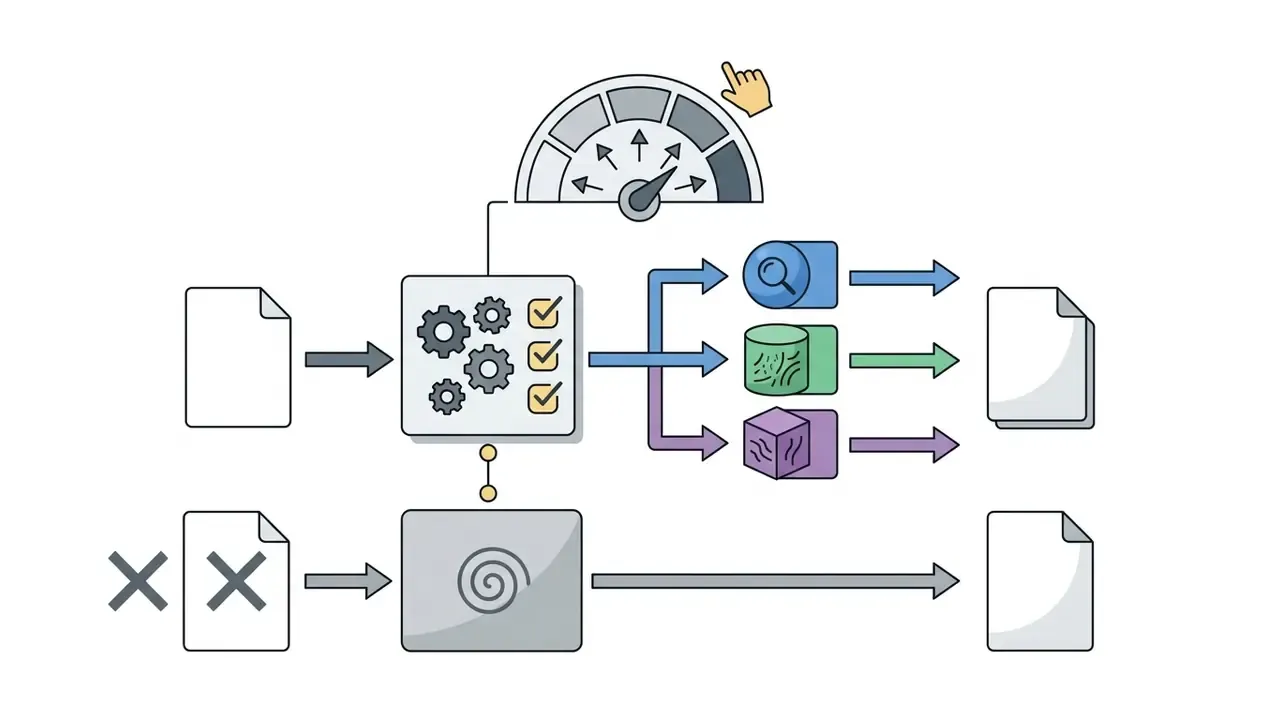
Once the automated pass completes, inspect faces, edge boundaries, and background textures at 100% zoom. Then reduce sharpening or blend back a small percentage of original camera grain to kill the plastic-skin effect. Retouching guidance consistently traces the waxy look to aggressive denoise plus face-detail settings, and recommends masking skin separately before reintroducing subtle grain as the final step. Apply overall output sharpening only after the final size is fixed, using edge-aware, low-intensity settings so hair, text, and high-contrast borders do not develop halos.
Export dimensions optimization. Most commercial enhancers offer two pathways:
- Original dimensions with enhanced detail: keeps existing pixel boundaries while removing noise and sharpening edges. Ideal for web optimization and small file sizes.
- Maximum upscaled output (4K or 8K): expands the pixel grid for high-DPI print reproduction, typically producing files 3x to 5x larger.
Artguru, for example, offers exactly these two download options after processing: the enhanced image at its original dimensions, or the full 4K version. Export finished assets in lossless formats such as PNG or TIFF (or a lossless PDF profile with downsampling disabled) to preserve fidelity for commercial print or digital publishing.
«DQ-495K, a 495,000-image dataset with descriptive quality ratings, enables models to explain artifacts, blur, and color issues in natural language.»
Finally, write the audit record: source hash, model version, mode, parameters, export path, and reviewer sign-off. Boring, yes. It is also the only part of this workflow that will still be useful in an audit two years from now.
Free vs Paid AI Photo Enhancers: Pricing, Limits, and Privacy
What free AI image enhancement tools usually include
Free AI photo enhancement tools cover light, non-commercial tasks:
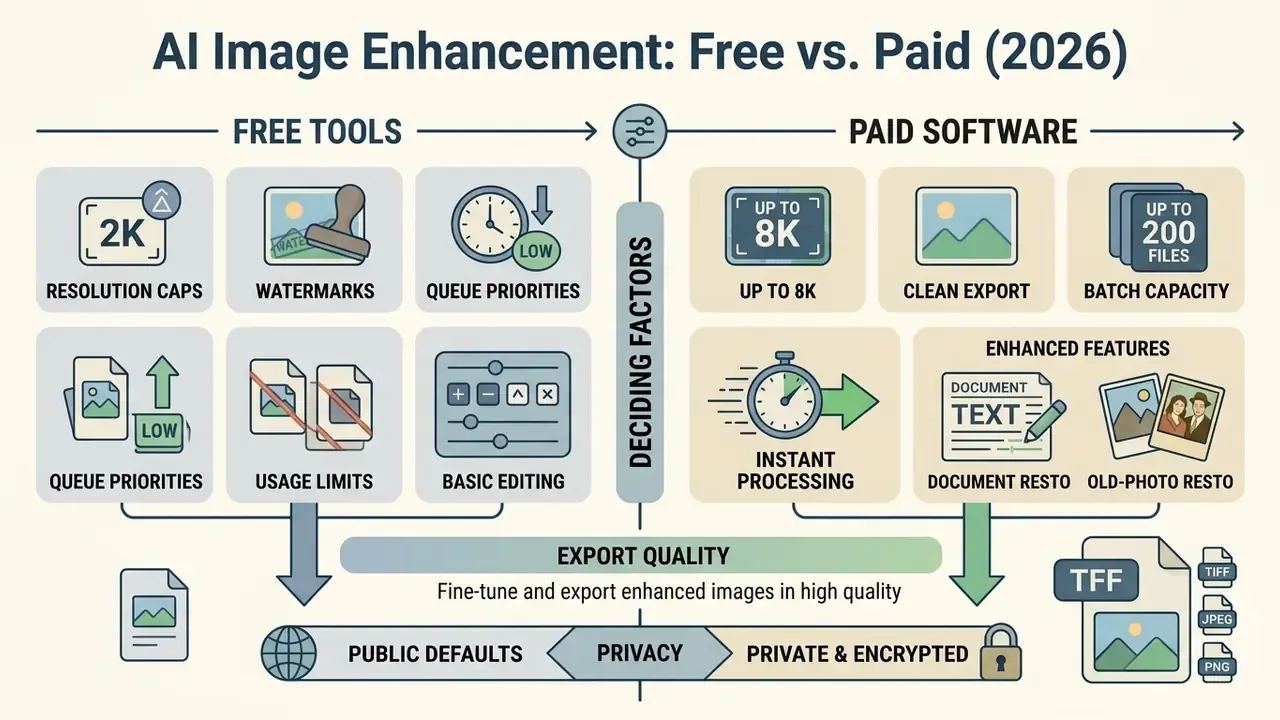
- Resolution caps free upscaling is typically capped at 2x, restricted to a maximum pixel dimension (2048 px, for example), or throttled by daily compute credits rather than a hard resolution ceiling.
- Watermarking web exports frequently carry brand watermarks until you upgrade.
- Queue priorities free cloud tiers get throttled during peak hours; subscribers get priority compute.
- Usage limits access runs on limited daily credits (Krea: 100 compute units per day; ImgUpscaler-style services: a handful of images per week) or trial processing caps (Claid trial credits, Aiarty's roughly 5-image export limit).
- Privacy defaults some platforms keep free-tier generations public by default, with private generation unlocked only on paid plans.
«A survey of 380 users (173 professionals, 207 non-professionals) found AI tools democratize creative work, while quality, cost, and copyright remain the dominant concerns.»
Teams working on low-stakes assets can benchmark capability ceilings with our guide to free photo editors and their export restrictions, or compare zero-cost generation options in the free AI art generator comparison.
When paid AI image enhancer software is worth it
Paid subscriptions or local desktop licenses become necessary when the work demands strict data privacy, high volume, and maximum output quality. Paid platforms lift resolution limits, unlock batch pipelines, grant commercial licenses, and offer private or anonymized cloud processing where uploaded assets stay out of public model training.
The financial case is simple when labor savings exceed license cost. Vendor economic studies report payback in weeks for professional tooling: JetBrains calculates that a $199 first-year license is recovered within weeks at a 16% to 30% productivity gain, and Adobe's Total Economic Impact study for Acrobat DC reports 277% ROI, $1.8 million NPV, and 65 hours saved per Pro user per year. Treat those as vendor-sponsored figures, not independent audits. Applied to imaging, though, the arithmetic holds locally: a single 200-image batch that takes four hours manually and twelve minutes automatically pays for an annual subscription on its own. Organizations comparing licensing structures can review AI image enhancers for commercial workflows and the broader AI Media Commercial-Use rules before standardizing on one vendor.
FAQ: AI Image Enhancement Tools
Can AI make my picture better?
Yes. AI algorithms measurably improve digital photos by reducing sensor noise, increasing spatial resolution, sharpening blurred edges, and balancing exposure. Peer-reviewed benchmarks show that diffusion and transformer-based restoration models raise structural similarity (SSIM) and perceptual quality scores across low-light, low-resolution, and degraded inputs. The honest limit: improvement, not resurrection.
Can I use AI to enhance my images without losing natural details?
Yes, if you keep the settings restrained. To preserve authentic surface detail, avoid aggressive upscaling multipliers, lower denoise parameters, and retain subtle original grain. Task-specific modes rather than generic global filters are what let the model enhance real structures instead of producing waxy skin or over-sharpened halo artifacts.
What is the difference between resizing and AI upscaling?
Traditional resizing stretches the existing pixel grid using linear or bicubic interpolation, which usually produces blurry edges and visible pixelation. AI upscaling uses trained neural networks to predict and reconstruct missing high-frequency detail, generating sharper textures and cleaner edges at higher resolution.
Can AI tools process multiple images at once, and what are the limits?
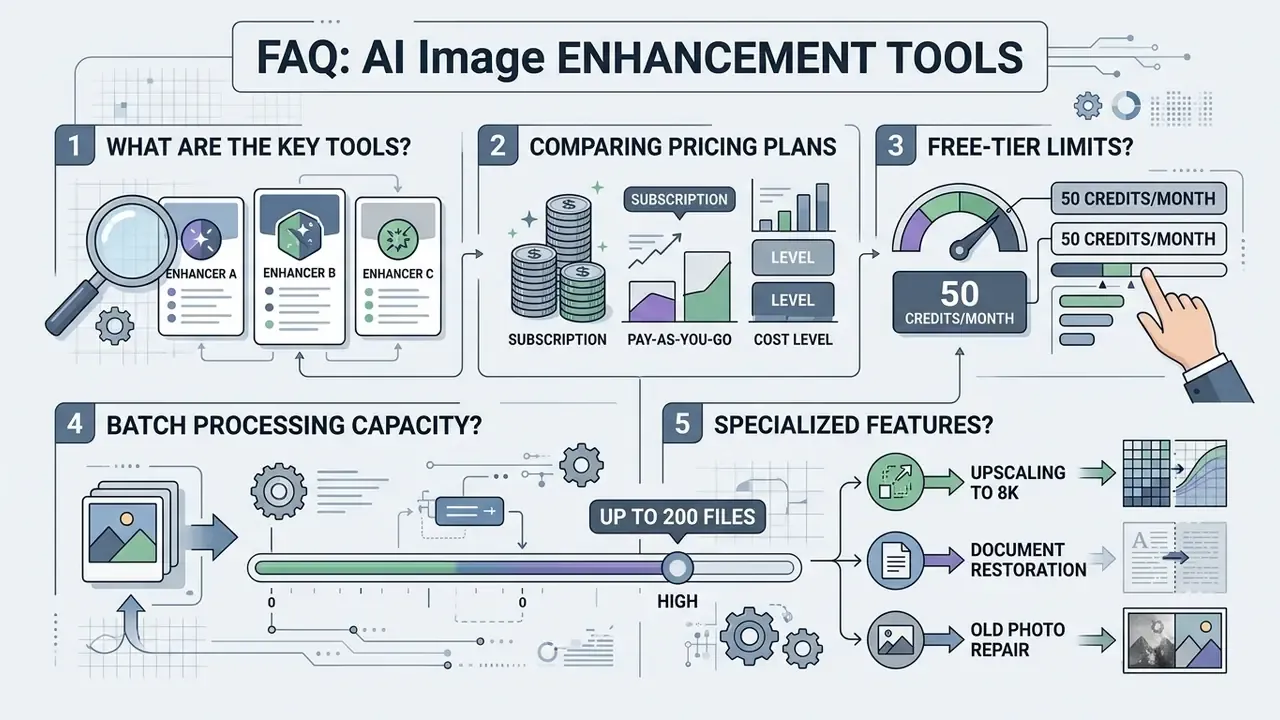
Yes. Many desktop applications and commercial web APIs support batch processing. Cloud limits are explicit: Artguru accepts up to 200 images per batch, Fotor unlocks multi-file queues on Pro tiers, and Krea offers queueing plus expanded concurrency on paid plans. Desktop tools such as XnConvert and Aiarty are bounded only by local CPU, GPU, and RAM, which makes them the practical choice for unlimited folder-level jobs.
How do I avoid a plastic skin effect in AI processing?
The plastic look appears when aggressive denoising and face-restoration models smooth away skin pores and subtle facial contours. Reduce the beauty or smoothing strength, lower the face-restoration slider, mask skin separately from hair and fabric, and blend back a slight percentage of original film grain during final fine-tuning.
Can a heavily blurred photo be fully restored?
Moderate blur from slight camera shake or mild defocus can be sharpened effectively by modern AI deblurring models. Severe motion blur or extreme out-of-focus destruction cannot be authentically recovered, because the optical information was never recorded by the sensor. Blur type matters too: motion blur, focus blur, and compression blur each need a different model.
Will enhanced images have a larger file size, and can I control it?
Usually yes, since enhancement adds high-frequency detail and often multiplies pixel dimensions. Most commercial enhancers provide two download paths: the enhanced image at original dimensions (smaller file, ideal for web) or a maximum upscaled 4K or 8K export (3x to 5x larger, intended for print). Choose the original-dimension export for storage-sensitive catalogs and the upscaled version only for physical reproduction.
Can AI make blurry scanned documents readable?
Often, yes, with the right mode. Text-preserving enhancement uses contrast thresholding and edge isolation to rebuild character shapes, while generative modes risk hallucinating letters. Disable face restoration and beauty filters, keep the upscale factor modest, export to a lossless format, and always compare OCR output before and after to confirm that no digit, date, or signature changed.
Are my uploaded images used to train AI models?
It depends on the tier and the vendor. Several platforms keep free-tier generations public by default and unlock private or anonymized processing only on paid plans, while some upscalers purge uploads on a fixed cycle. For confidential, regulated, or personally identifiable imagery, request the retention policy and training opt-out in writing, or process locally so files never leave the device.
Should I hire a human retoucher instead of using AI?
Use AI for volume, speed, and predictable defects such as noise, mild blur, and low resolution. Hire a freelance retoucher ($10 to $25 per image is typical) for irreplaceable photos with missing fragments, destroyed highlights, or complex compositing needs. The strongest results usually come from a hybrid order: AI denoise and upscale first, human correction second.

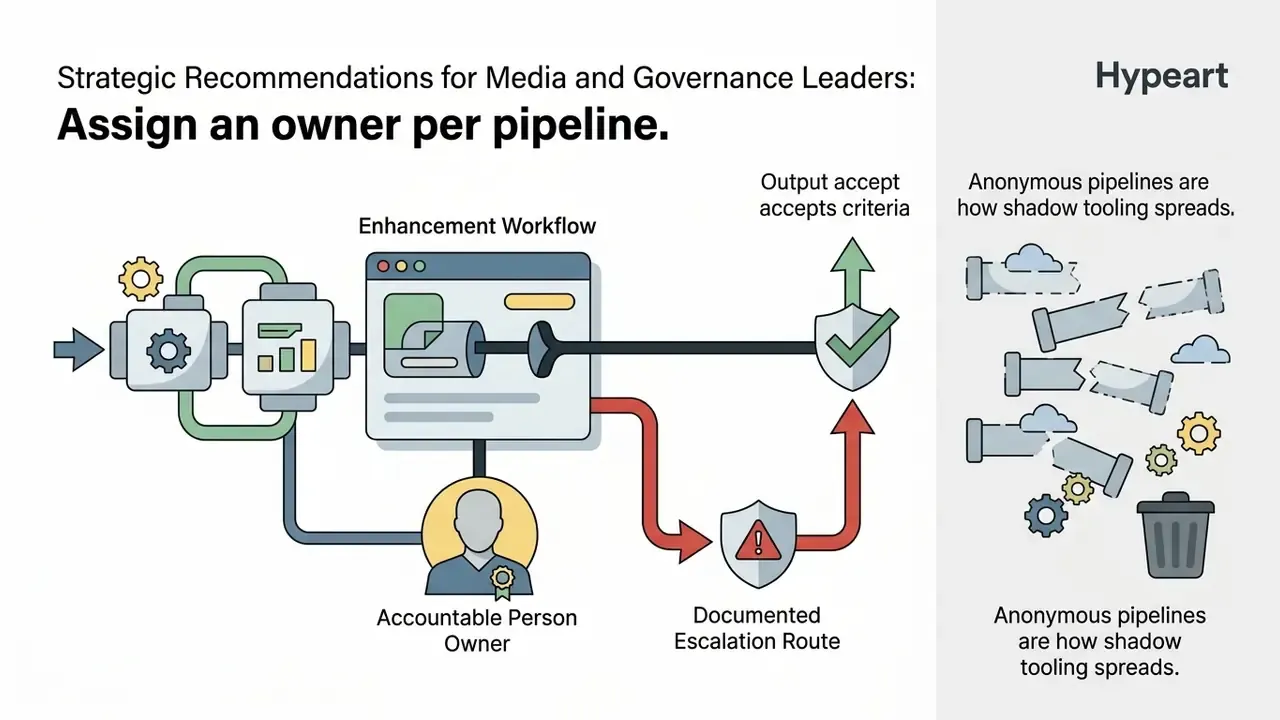
Strategic Recommendations for Media and Governance Leaders
Treat an enhancement pipeline the way you would treat any other production model: with a named owner, an approved scope, and a shutdown path.
Disclaimer: this material is general information and does not replace consultation with an information-security, legal-compliance, or corporate data-governance specialist. Licensing terms, retention policies, and prices change frequently, so confirm current vendor documentation before procurement.
Teams analyzing broader commercial licensing standards across enterprise creative assets can review AI image generator commercial-use rights, and provenance teams can evaluate AI reverse-image-search tools to trace where enhanced assets get republished.
Appendix A: Source Notes and Revised Claims
For transparency, the table below preserves earlier formulations from previous versions of this guide alongside the updated, verifiable statements now used in the main text.
| Earlier formulation | Status | Updated statement used above |
|---|---|---|
| "NTIRE Efficient Super-Resolution Report, 2024" cited without URL or metrics | Retained as context, supplemented | Diffusion SR survey with PSNR 21.21 dB and LPIPS 0.430 figures (arXiv, 2024. https://arxiv.org/abs/2401.00736) |
| "CSCE Fashion Data Study, 2023" cited without URL | Replaced | Up to 5% classification-accuracy gain on FashionStyle14 (CSCE / IEEE, 2023. https://ieeexplore.ieee.org/document/10487233) |
| "IJCV, 2025" cited without URL | Replaced | Diffusion restoration outperforms CNNs on LPIPS at comparable PSNR and SSIM (IJCV, 2025. https://arxiv.org/abs/2401.05774) |
| "NIST OFIQ Guidelines" cited without URL | Retained as framework reference, supplemented | AU-IQA benchmark of 4,800 AI-enhanced images (arXiv, 2025. https://arxiv.org/abs/2501.09150) |
| "University of Manchester Research, 2025" cited without metrics | Replaced | ReDDit: 31.25 dB PSNR, 0.904 SSIM, 0.038 LPIPS on LOLv2 Real (arXiv, 2025. https://arxiv.org/abs/2501.18517) |
| "Claid E-Commerce API Docs, 2026" (vendor doc, no methodology) | Supplemented | Background-removal accuracy study (CSCE / IEEE, 2023) |
| "Midjourney Documentation, 2025" as evidence of print quality | Supplemented | 300 DPI and 2048 px to 6.8 in relationship retained from vendor docs; perceptual quality claim now sourced from the diffusion SR survey (arXiv, 2024) |
| "FormX.ai Processing Guidelines" and "Pict.AI Texture Guidelines" | Reframed as practitioner guidance | Flat capture filling at least 70% of frame, no glare or shadow; lower denoise and face-detail sliders, mask skin, reintroduce grain |
| "CVPR 2024" for ZERO-IG and ReDDit without URL | Replaced | ZERO-IG zero-shot joint denoising and enhancement (CVPR, 2024. https://arxiv.org/abs/2401.12460) |
| "Free upscaling is typically capped at 2x enlargement" | Clarified | Capped at 2x, at a pixel ceiling, or throttled by daily compute credits (Krea's 100 units per day, for example) |
| Vendor ROI figures presented as neutral evidence | Labeled | JetBrains and Adobe TEI numbers now explicitly marked as vendor-sponsored studies |
| Outbound links to unrelated novelty pages | Rebalanced | Retained only where a workflow overlap exists, alongside topic-relevant internal references on enhancement, upscaling, and commercial licensing |