Executive Summary
- An ai email response generator ingests an incoming message (not a blank prompt) and drafts a contextual reply that answers the sender's specific questions while preserving thread continuity.
- Pricing spans $0 free tiers, $7 to $40 per seat per month mid-market assistants, and $30 to $120 per seat per month enterprise suites. Total cost of ownership must include governance, validation, and residual-risk costs, not just time saved.
- Never send PII, credentials, non-public financials, privileged legal communications, or M&A material to a public generative model.
Who This Guide Is For, and What It Will Not Do
This guide is written for the people who sign off on AI in a regulated inbox: risk officers, compliance leads, heads of model risk, and the operations executives who own service-level targets. It assumes you are not asking "can AI write an email?" That is settled. You are asking a narrower question. Who owns the output, and what evidence proves it was reviewed?
What the guide will not do is rank vendors by brand affection. Published prices move, model providers change under the hood, and permission scopes get rewritten between releases. Branded searches (people literally type queries such as "toolsday ai email response generator") usually signal an evaluation of one specific implementation rather than a category question. Treat the criteria here as the constant and the vendor list as the variable.
In contemporary US financial services and corporate operations, managing high-volume email workflows requires balancing operational speed with strict compliance oversight. An ai email response generator serves as a specialized language processing tool designed to evaluate incoming correspondence and generate targeted, context-aware reply drafts. Implemented under structured governance, these tools cut routine administrative effort while holding the line on data privacy, decision ownership, and factual accuracy.
What Is an AI Email Response Generator and When Should You Use It?
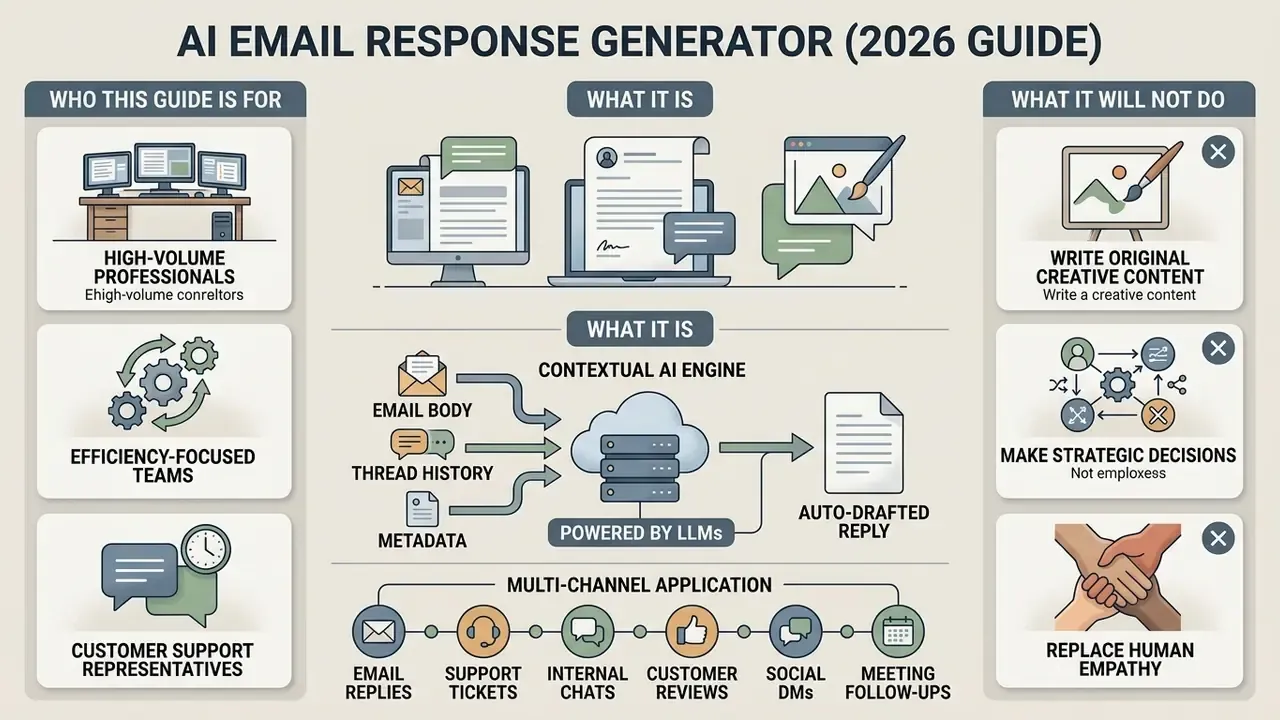
Which Replies AI Drafts Fastest
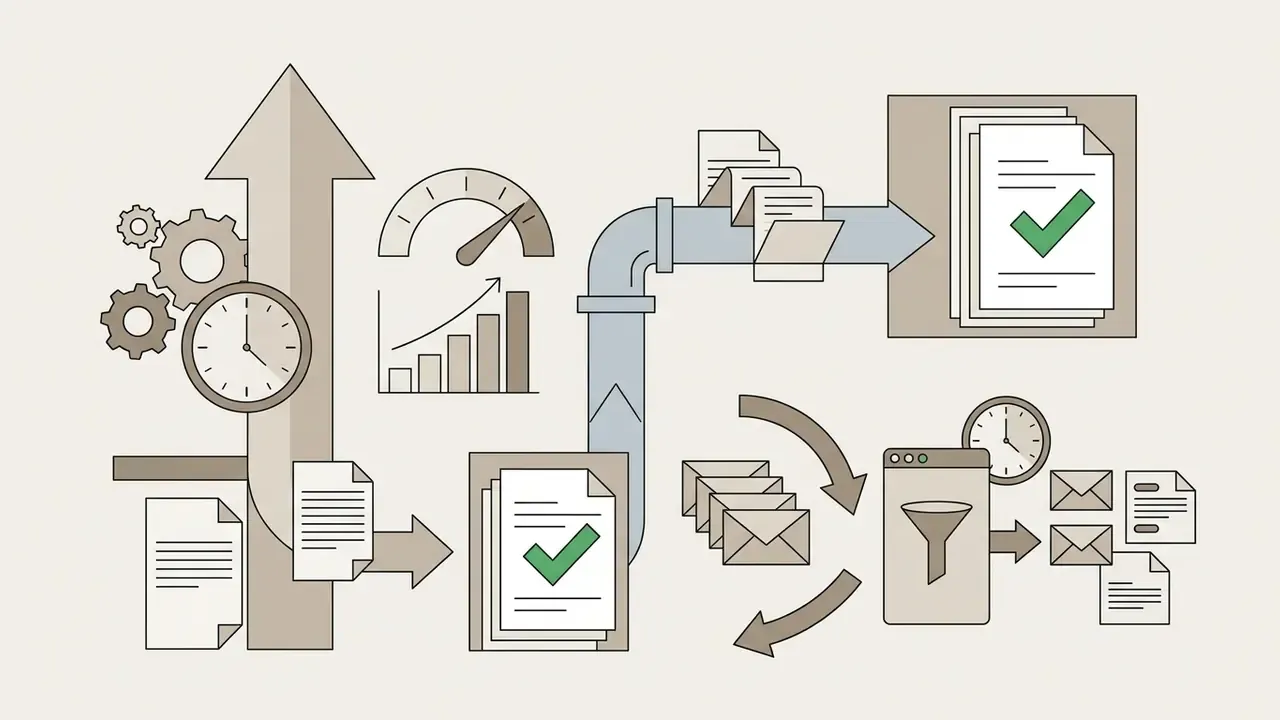
An ai email generator shows its highest ROI on structured, repetitive correspondence where response criteria are already defined. Empirical research on generative AI in workplace settings shows that AI assistance reduces writing and communication task completion times by roughly 40%, with the largest gains among workers handling standard administrative tasks.
"Participants using ChatGPT spent roughly 40% less time on writing tasks and produced output rated 18% higher in quality."
"Employees at a consumer goods company spent 31% less time reading email, roughly 50 minutes saved per week."
By absorbing the initial drafting stage for predictable messages, an ai response email generator frees operational teams to work edge cases and judgment calls. Independent academic work published in 2025 flags a counterweight, though. When recipients suspect machine authorship in relationship-sensitive threads, sender credibility can decline even as throughput rises. Speed gains have to be paired with human personalization.
How a Response Generator Differs from an Outbound AI Email Generator
Both tools produce text with artificial intelligence. They differ fundamentally in input requirements and processing logic, and the difference matters for validation, because an email response generator ai workflow is grounded in a document you did not write.
| Dimension | Outbound AI Email Generator | AI Email Response Generator |
|---|---|---|
| Primary trigger | User intent prompt ("Write a sales pitch") | Received incoming email thread |
| Contextual source | Extracted solely from user instructions | Extracted from sender text, subject line, and thread history |
| Output goal | Create an original outbound message | Resolve specific questions raised by the sender |
| Tone alignment | Inferred from prompt guidelines | Balanced between sender relationship and brand policy |
| Continuity | Standalone composition | Preserves conversational continuity and thread logic |
| Technical requirement | Works without message history | Requires context window, conversation memory, or retrieval from thread archive |
A classic email generator starts from a blank canvas, so the user supplies all background details, recipient characteristics, and goals. An ai reply email generator ingests the received message as its primary dataset instead. It identifies referenced entities, dates, and explicit questions, then drafts a reply that addresses the incoming request without the user retyping context. Functionally, the reply tool carries one extra obligation: it must address every point raised by the sender and mirror the formality or urgency signaled in the original message.
Multi-Channel Application: Beyond Traditional Email
Designed for inbox management, the core processing engine of an AI response generator transfers cleanly to adjacent corporate channels:
- Customer review responses Constructive public replies to Google, Yelp, Trustpilot, or App Store feedback. High-visibility use case, since every future reader sees the reply.
- Internal chat threads Summarizing and responding to complex decision threads in Slack or Microsoft Teams, including the long thread that has been sitting unanswered for two days.
- Support tickets and SMS Consistent, policy-aligned answers inside helpdesk queues and text channels where tone must stay brief but courteous.
- Social comments and DMs Holding a consistent on-brand voice across high-volume public interactions without re-deliberating each response.
- Meeting follow-up drafts Converting notes or transcript summaries into follow-up messages that restate decisions, owners, and deadlines.
The governance implication is easy to miss. Extending an AI response tool across channels multiplies the number of data boundaries you have to defend. Each new connector needs its own permission audit, retention review, and human-review policy. Five channels means five control sets, not one.
How an AI Email Response Generator Works
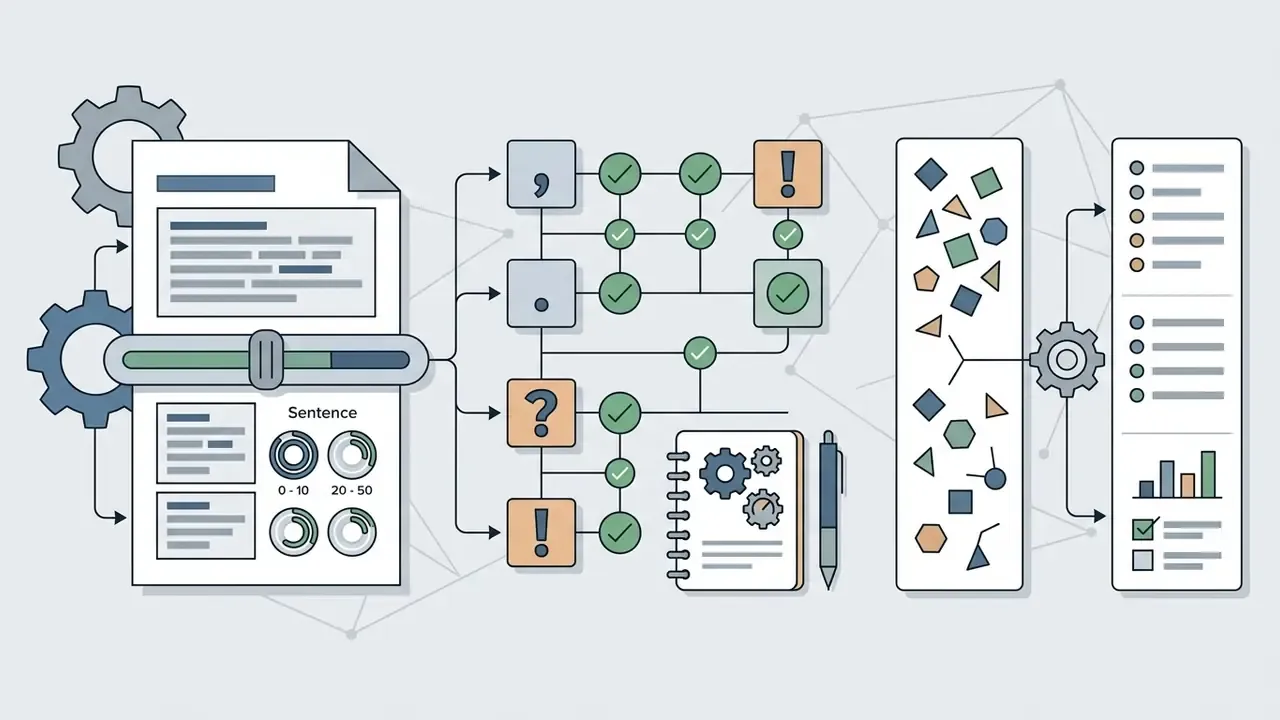
An ai reply generator runs a multi-stage language processing pipeline that converts unstructured text into structured, contextually accurate responses. On receiving an email, the system parses the text to identify key entities, tone, intent, and actionable questions. It then conditions the language model using user-defined prompt parameters, corporate style guides, and explicit response objectives.
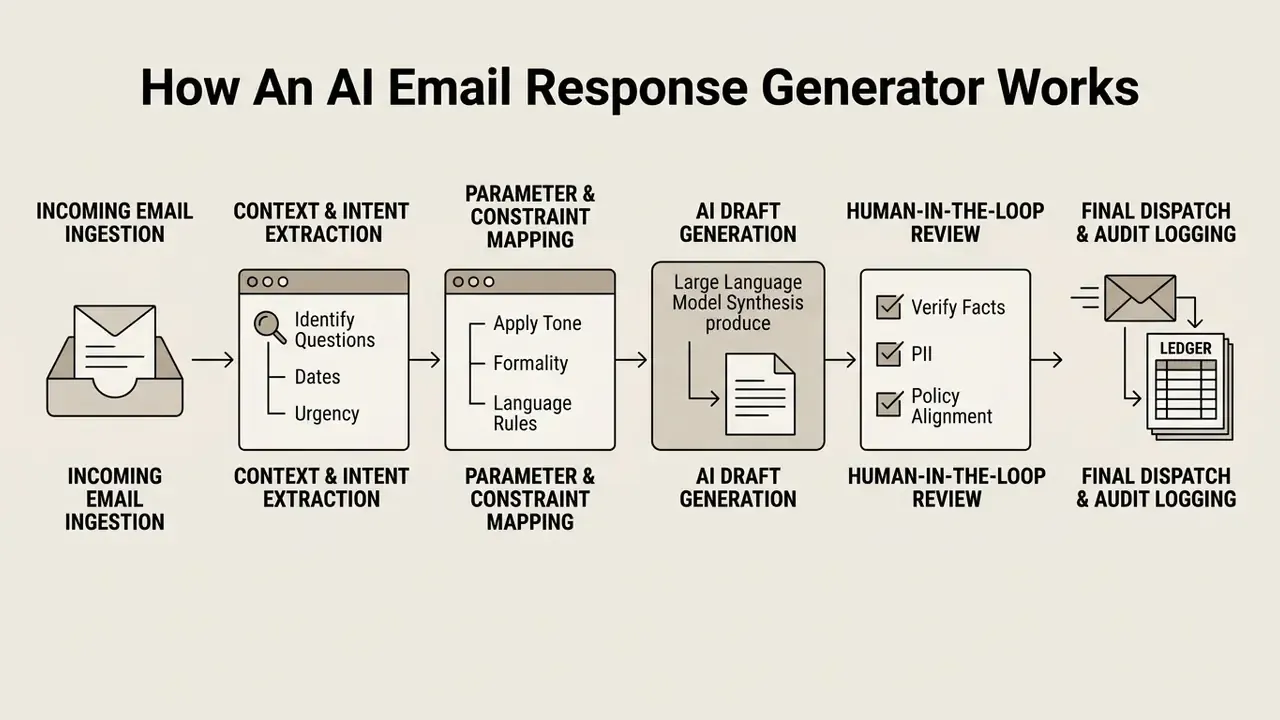
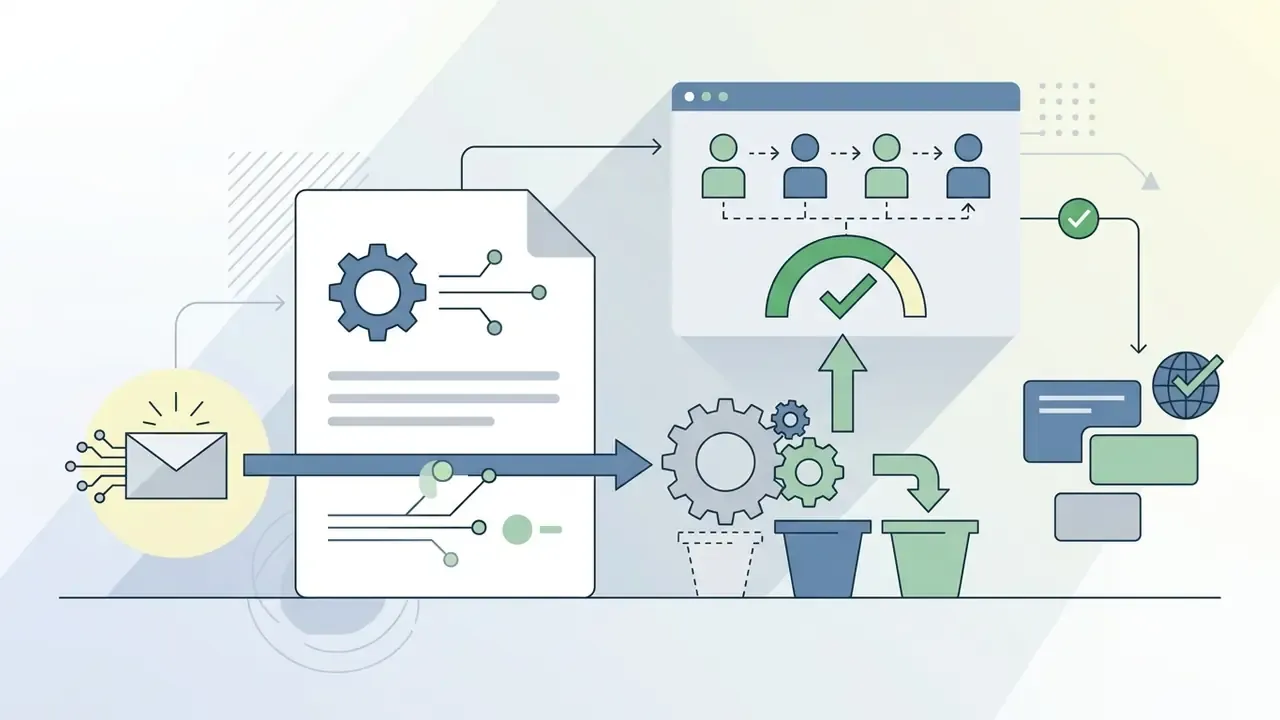
Read as a six-step operational chain, the sequence runs: incoming email → context and goal extraction → parameter and constraint configuration → AI draft generation → human review and correction → approved dispatch (with optional saved draft state). This is what keeps the system from behaving as an unguided autonomous agent. Routing output through a mandatory verification step preserves decision ownership while capturing the speed of machine text synthesis.
What Data to Feed the Generator for an Accurate Reply
The precision of an ai generator email response depends directly on the quality and specificity of the context you supply. According to the National Institute of Standards and Technology (NIST) AI Risk Management Framework, effective AI prompting requires explicit task directives, clear boundary constraints, and grounded source data.
"Effective AI risk management requires explicit task directives, clear constraints, and verifiable grounding data."
To generate a precise, audit-ready reply, the input configuration should include:
Supplying explicit facts stops the underlying model from inventing details or making unauthorized commitments. Grounding the draft in source documents, a policy page, a contract clause, a ticket record, is the single most effective defense against fabricated specifics. Nothing else comes close.
- Received email content
- The full text of the message, plus historical thread context if the interaction involves prior exchanges.
- Primary response goal
- A clear statement of the intended outcome (for example, "Accept the meeting request for Tuesday," "Politely decline the vendor pitch," "Request additional documentation").
- Answers to specific questions
- Direct factual inputs for every question raised in the email (for example, "We can offer a 10% discount," "The deadline is October 15").
- Recipient profile and relationship
- Whether the recipient is an executive, an existing client, a regulator, or an external prospect. Audience definition governs abstraction level, terminology precision, and structure.
- Style, tone, and response format
- Recommended rather than mandatory, but decisive for usability. Specify whether the reply should be bulleted, single-paragraph, or a formal letter.
How to Set Tone, Language, and Length
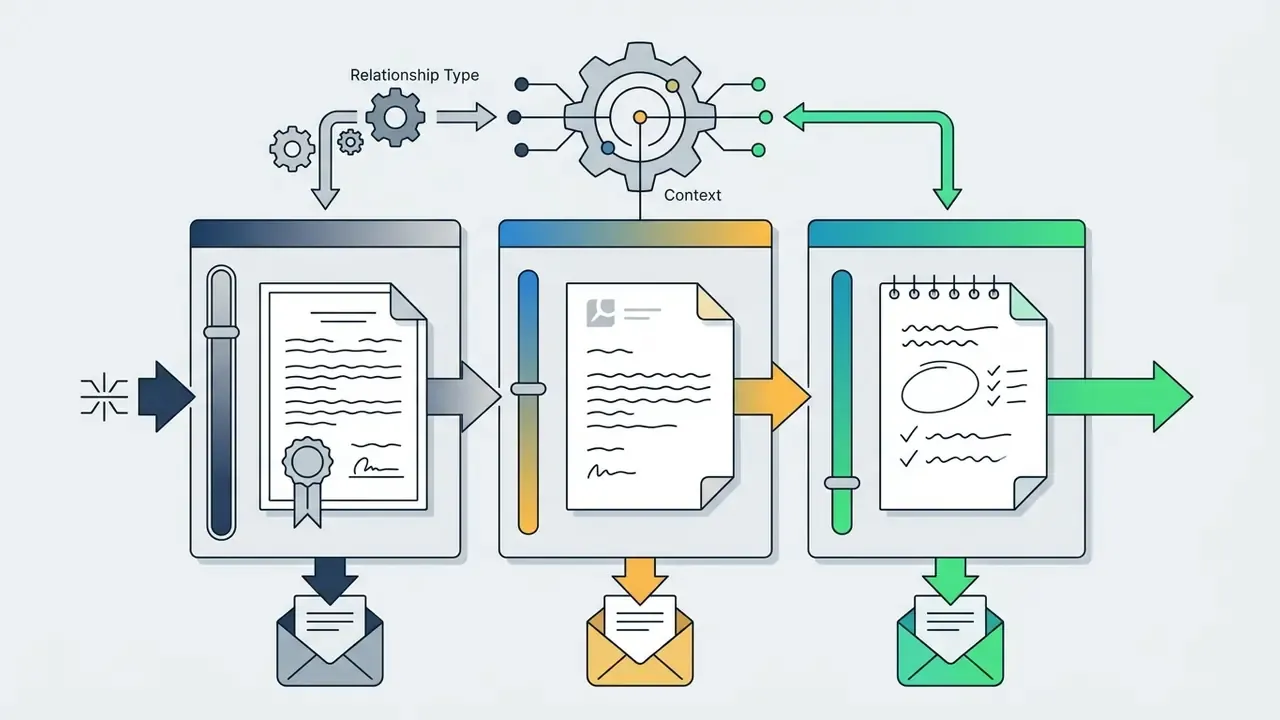
Google's technical-writing guidance for large language models shows the same principle in practice. A prompt can simultaneously specify a "serious and formal" tone, instruct the model to "keep the email short," and dictate structure (opening paragraph, bullet list, closing call to action). Each instruction operates on a different axis.
Standardized AI Response Tone Presets
When configuring your AI email tool, pick a preset that matches the recipient relationship and the nature of the message:
| Tone preset | Target audience | Primary use case | Output characteristics |
|---|---|---|---|
| Formal / Executive | Regulators, board members, enterprise clients | Official notices, legal disclosures, policy updates | Direct, neutral phrasing; zero slang or emojis; complete structural sentences |
| Empathetic / Supportive | Dissatisfied customers, HR enquiries | Complaints, sensitive personal updates | Compassionate language, explicit acknowledgment of feelings, solution-oriented |
| Concise / Action-Oriented | Internal teams, executives | Status updates, quick approvals, scheduling | Bulleted points, max 3 to 4 sentences, clear call to action upfront |
| Collaborative / Friendly | Regular partners, peer colleagues | Project coordination, brainstorming, casual follow-ups | Warm greeting, conversational syntax, supportive closing |
| Persuasive / Sales-Focused | Inbound leads, past prospects | Re-engagement, offer follow-ups, objection handling | Value-focused phrasing, structured social proof, low-friction next step |
| Informative / Educational | Users requesting explanations | Onboarding answers, technical clarifications, documentation pointers | Factual, sequential, definition-first, links to source material |
| Enthusiastic | Community members, event attendees | Launch announcements, congratulations, invitations | Energetic verbs, positive framing, still free of hyperbole claims |
Consumer-grade tools expose lighter presets too: humorous, witty, inspirational, casual, teasing. These have legitimate use in community management and personal correspondence, but policy should disable them on any regulated, financial, or legal channel. Formality is best treated as a graded scale ("professional but human" versus "corporate and stiff") rather than a binary switch, and each grade should sit in the brand voice guide with a worked example beside it.
Data Security and Privacy Standards for AI Email Tools
Granting an AI application access to corporate email introduces material privacy and cybersecurity exposure. Email streams are a primary repository for customer records, financial figures, legal discussions, and strategic plans. Because architecture and vendor selection both depend on the data boundary you can actually defend, resolve security before procurement, not after rollout.
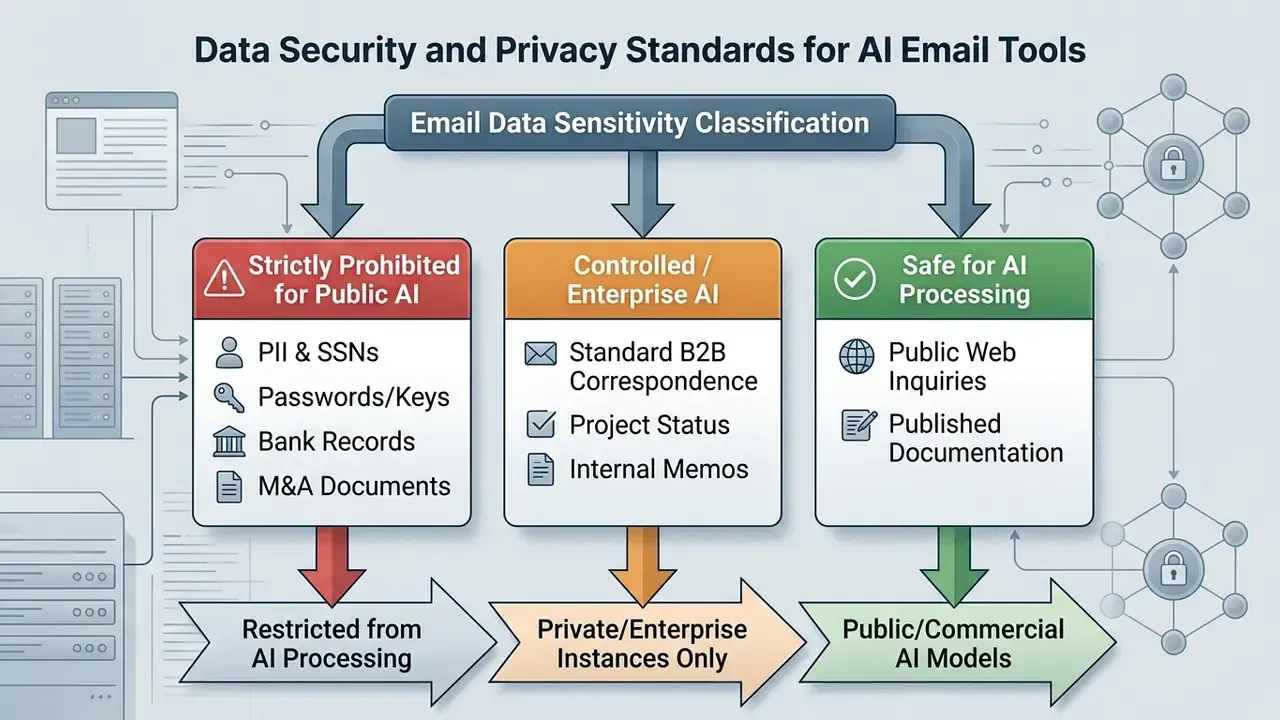
Which Email Data You Must Never Send to an AI Tool
Under frameworks such as GLBA, HIPAA, GDPR, and US state privacy laws, transmitting protected data to an unvetted third-party AI service can constitute a serious compliance violation.
The following categories must never be entered into public AI generators:
- Personally identifiable information (PII) Social Security numbers, driver's license details, home addresses, personal phone numbers, health records.
- Authentication credentials Passwords, API keys, access tokens, security questions.
- Confidential financial metrics Non-public statements, earnings projections, wire transfer details, account numbers.
- Proprietary IP and legal data Source code, trade secrets, unannounced product plans, privileged attorney-client communications.
- Pre-decisional and procurement-sensitive material Draft internal decisions, bid evaluations, vendor scoring sheets, controlled unclassified information (CUI) equivalents.
- M&A and deal documents Term sheets, diligence findings, any material non-public information.
US federal agency guidance is blunt here. Personnel are instructed never to place PII, anonymized individual-level data, for-official-use-only material, or non-public financial disclosures into commercial generative AI tools. NIST SP 800-122 sets the underlying baseline: identify all PII holdings, minimize them, protect confidentiality in transmission.
"Once sensitive data has been entered into publicly available generative AI models, complete removal from system logs may be technically impossible."
NIST SP 800-53 Rev. 5 extends the requirement set to the integration layer. Access control, audit logging, and data-protection safeguards apply to any AI system connected to a mailbox, not just to the mailbox itself.
What to Verify in Access Settings and Terms of Service
Before authorizing any AI email solution, IT security administrators should read the vendor's privacy policy and service level agreement (SLA) for these clauses:
- Model training exemptionThe vendor must explicitly guarantee that customer prompts, email inputs, and generated outputs are not used to train, fine-tune, or improve foundational models.
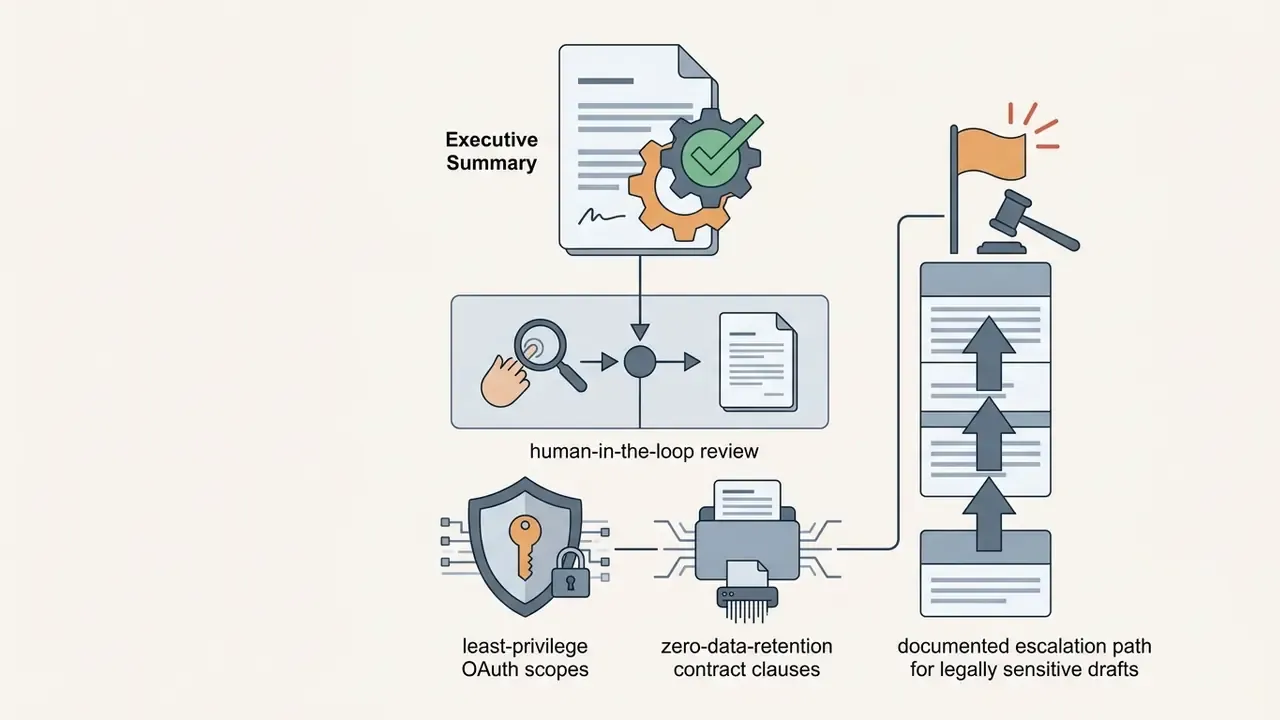
- Data retention limitsPrompt data should be processed in memory and deleted after generation, or held in encrypted logs for no longer than 30 days strictly for security auditing.
- Third-party model routingClarify whether the vendor processes data on self-hosted infrastructure or routes prompts to external providers (OpenAI, Anthropic, AWS Bedrock). If external routing occurs, agreements must cover the entire data supply chain.
- Human review clausesConfirm whether vendor staff or contracted reviewers may read submitted content for quality assurance, and whether that review can be contractually disabled.
- RevocabilityVerify that OAuth grants can be revoked centrally by an administrator, not only by the individual user who authorized the connector.
Illustrative deployment (internal engagement data; figures not independently audited): In a risk management initiative at a mature fintech firm, the compliance team audited email workflows to eliminate shadow AI usage. The firm stood up a centralized AI proxy gateway that sanitizes incoming prompts, stripping account numbers and customer names, before passing requests to an enterprise LLM. That pipeline let finance operators generate compliant account update replies while the data boundary stayed intact.
Governance, Auditability, and MRM Integration
For regulated institutions, the security question does not end at the vendor contract. Model risk management (MRM) and GRC teams need the AI reply workflow to produce evidence they can inspect:
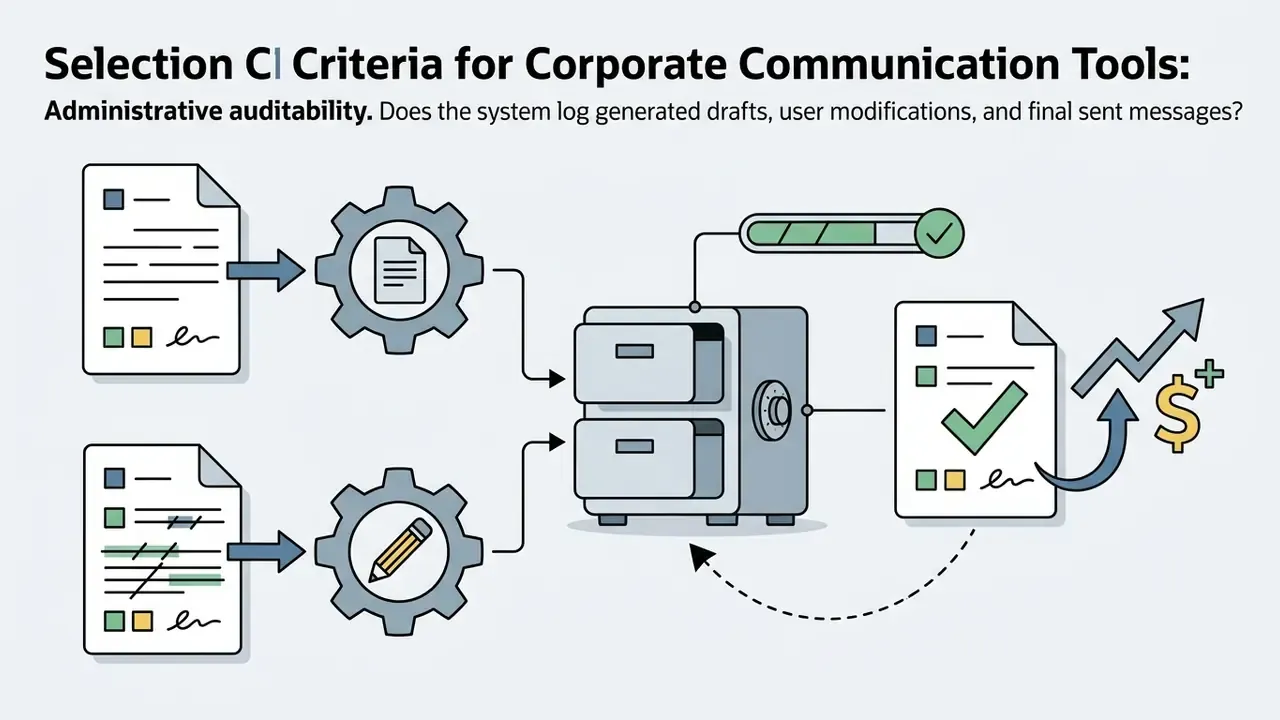
- Draft-level logging Store the prompt, the generated candidate, the human edits, and the final sent version as one linked record.
- Reviewer attribution Capture who reviewed, who approved, and the timestamp of approval. That is the minimum audit trail expected by human-in-the-loop documentation standards.
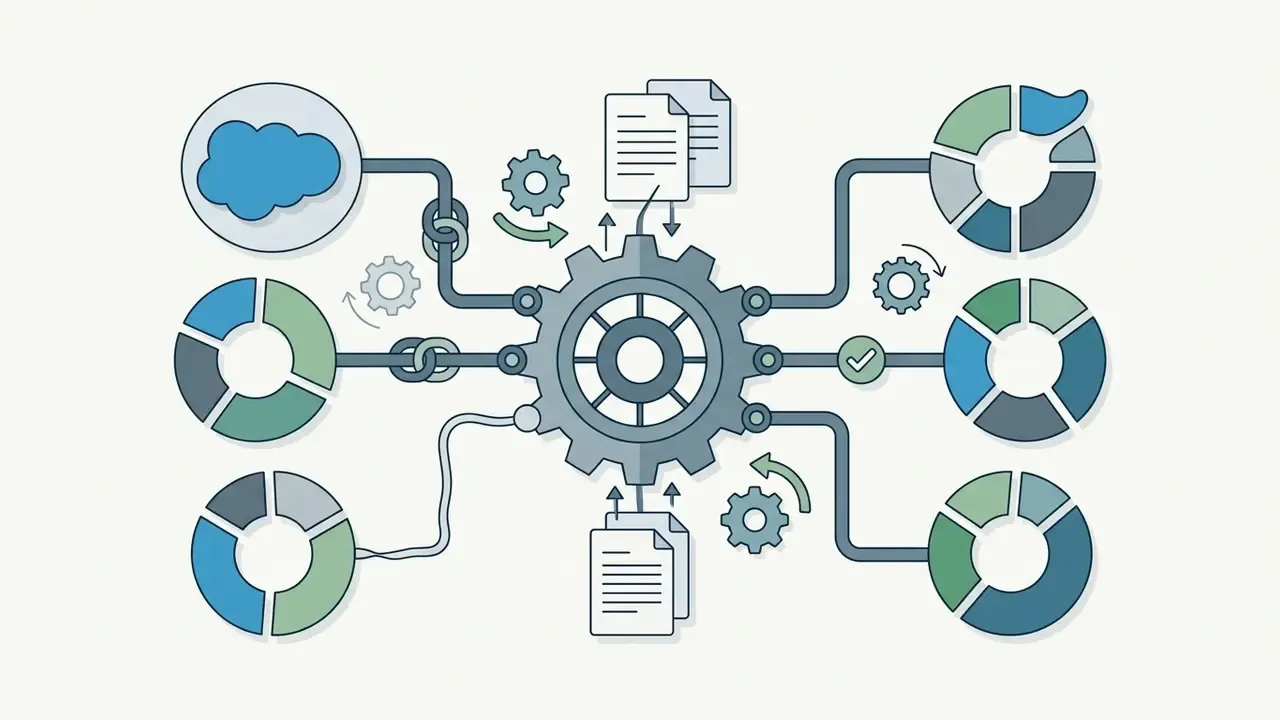
- Export path to GRC platforms Confirm that logs export via API or scheduled feed into the systems your institution already uses for control testing and issue tracking (MetricStream, ServiceNow, Archer), rather than sitting trapped in a vendor dashboard.
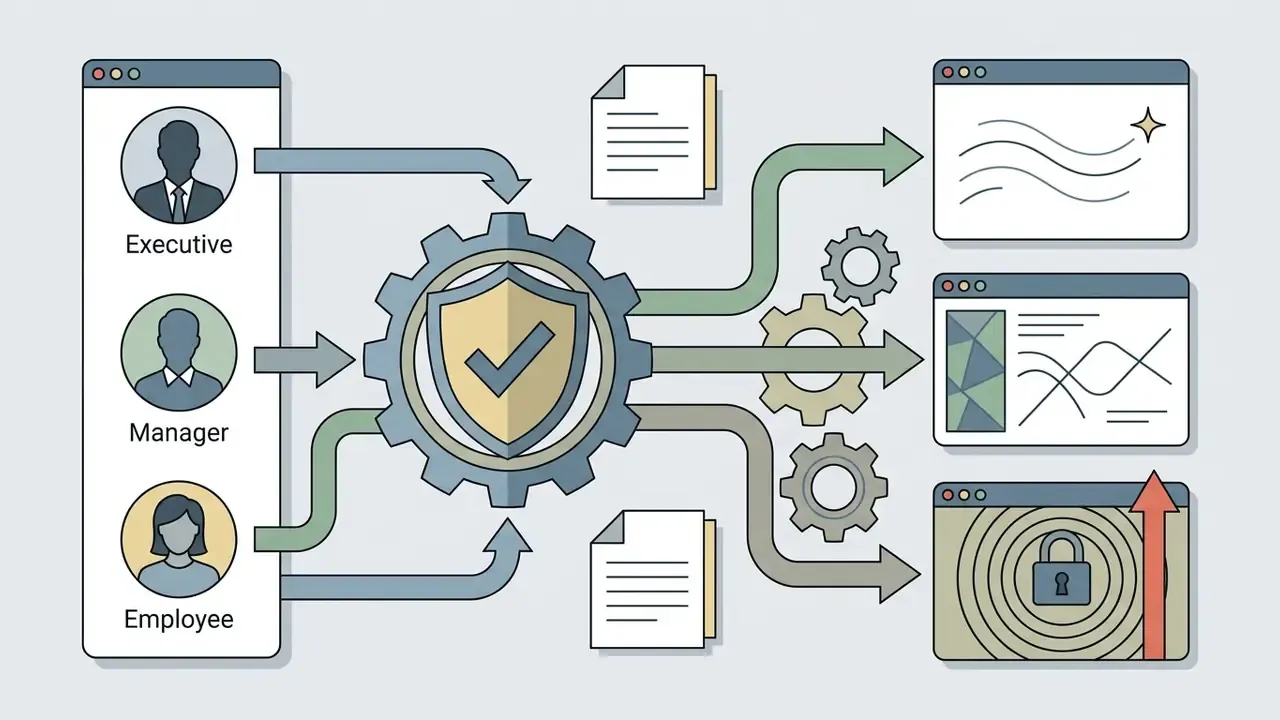
- Policy scoping Communication compliance tooling should apply review policies to AI-assisted messages specifically, with named reviewers and scope defined by user or group.
- Retention alignment AI draft logs must inherit the same retention schedule as the underlying email record. Otherwise the archive becomes its own compliance gap.
When you establish cross-departmental AI governance, extend these rules to every text and asset generation tool employees can reach from a corporate device. The risk is not the category of tool. It is the uncontrolled data path. A marketing team using an ai description generator for product copy sits inside the same policy perimeter as an inbox assistant, and synthetic-media tools such as an ai deepfake generator raise a further impersonation risk that belongs in the same fraud playbook as business email compromise.
To review technical compliance criteria for enterprise automation, administrators can browse the hub for implementation documentation or explore the hub for platform comparisons. Teams that also govern generated media should read the specialized usage guidance: open the hub for regulatory and litigation analysis of AI-generated assets, and the AI Media Commercial-Use parameters cover the licensing side of the same governance program.
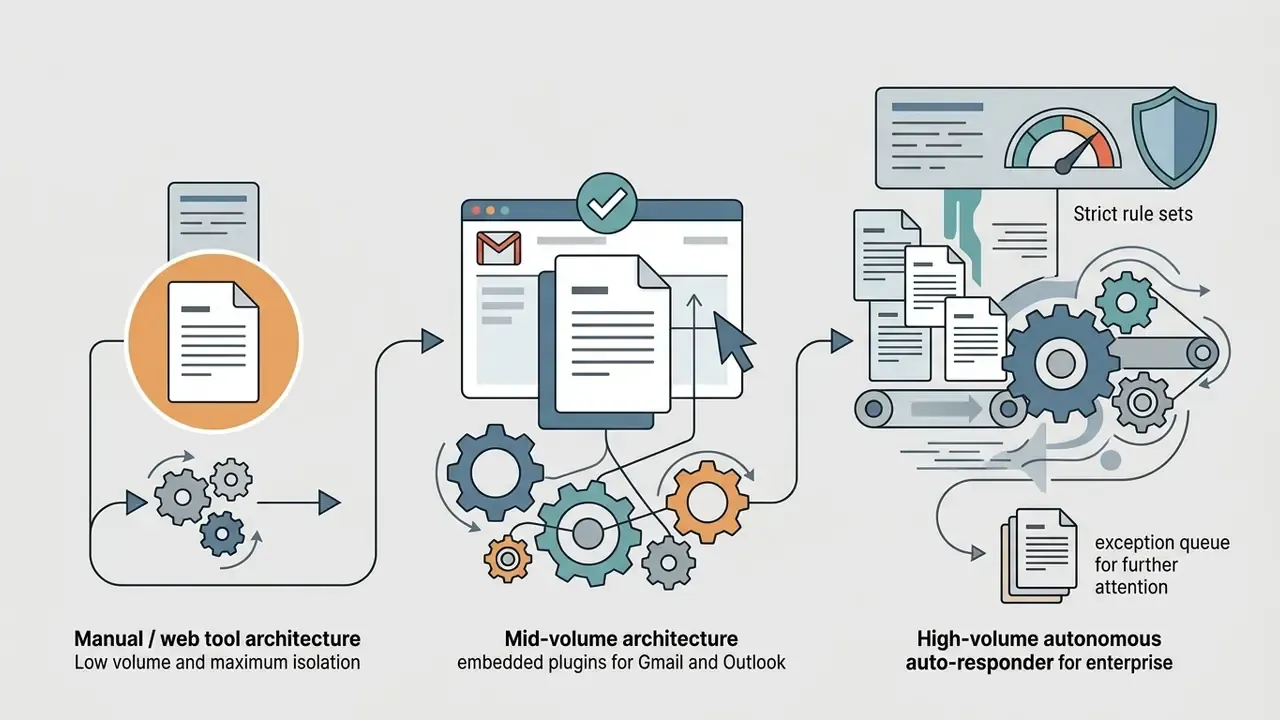
Choosing the Right AI Email Reply Generator: Manual, Embedded, or Autonomous
Organizations evaluating an ai email reply generator must match architecture to message volume, risk appetite, and existing infrastructure. The market splits into three implementation models.
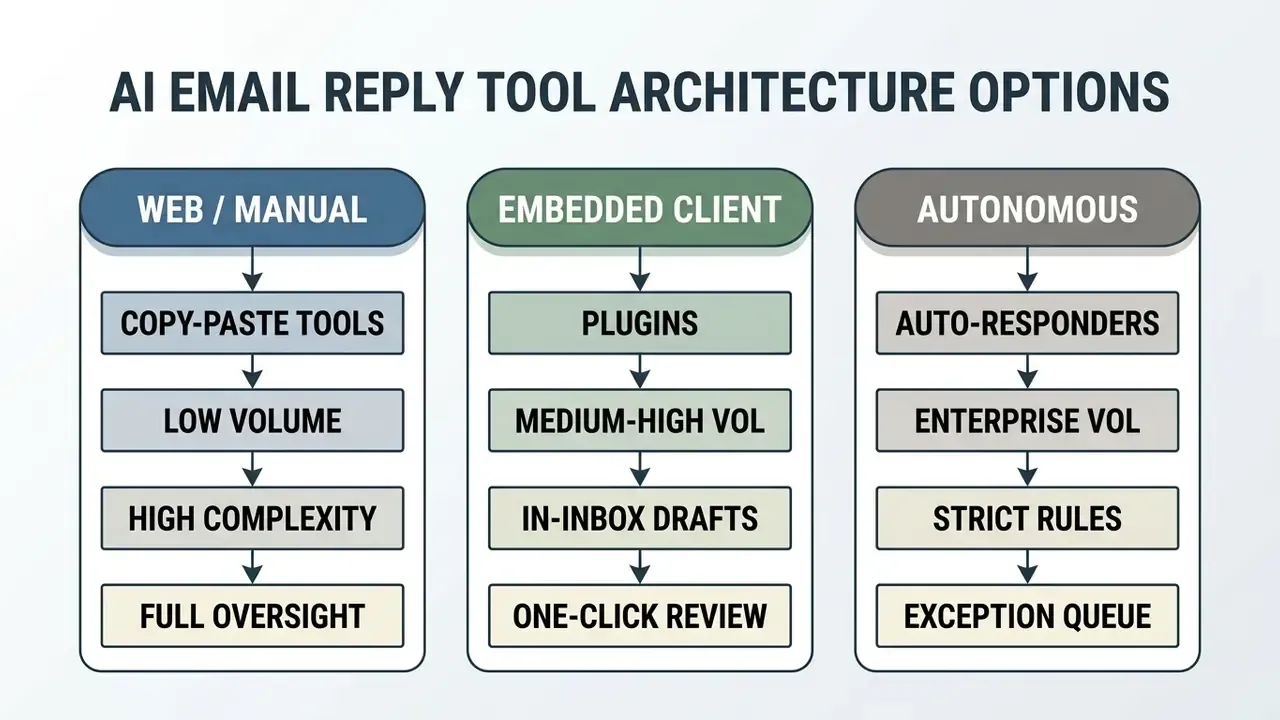
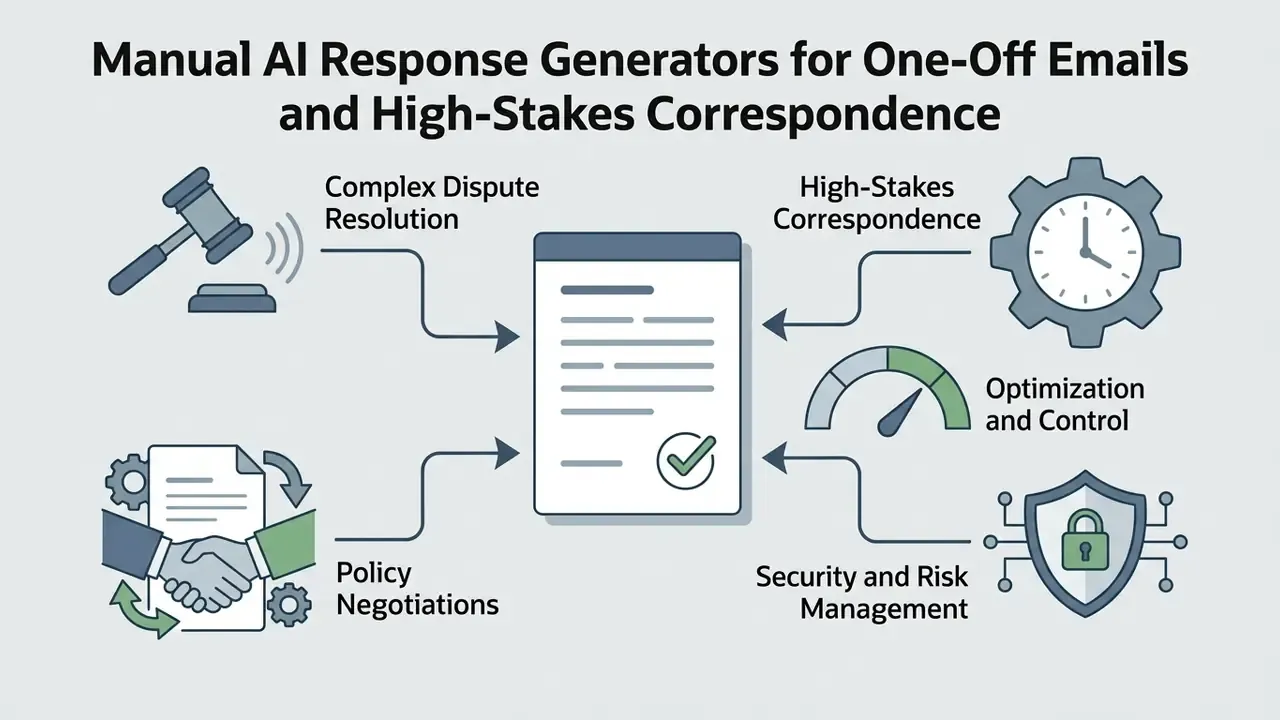
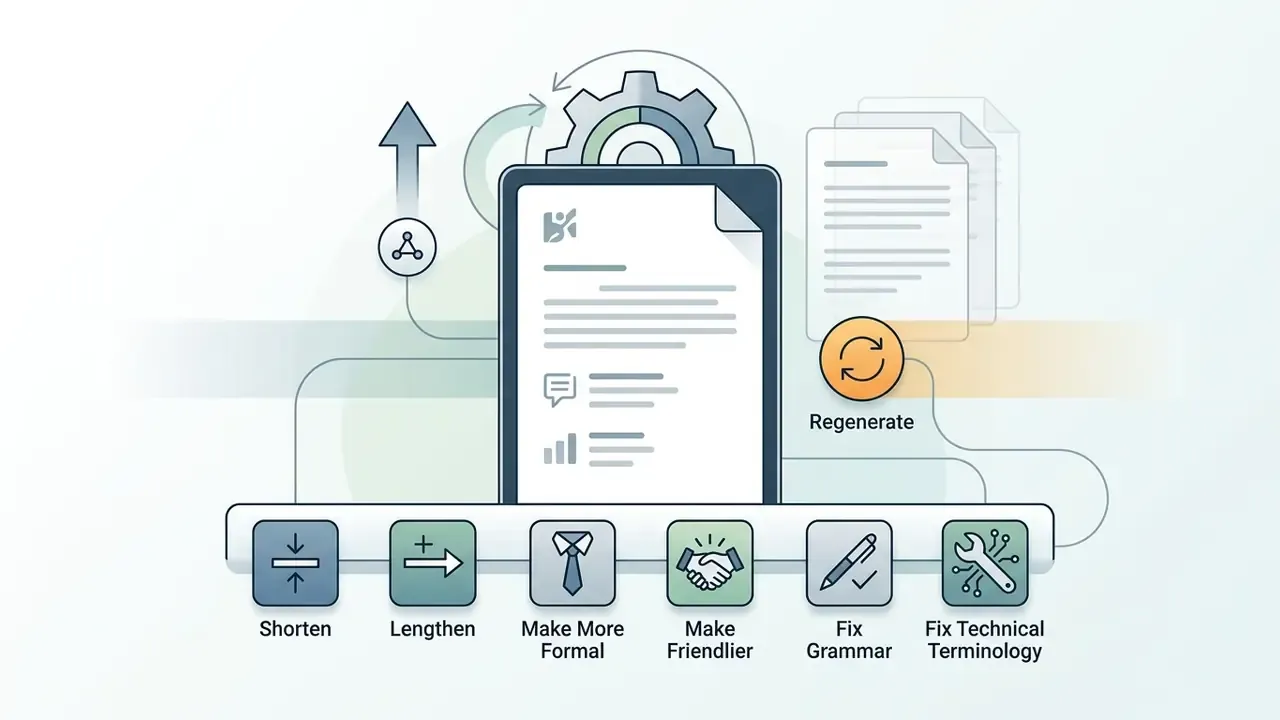
Manual AI Response Generators for One-Off Emails
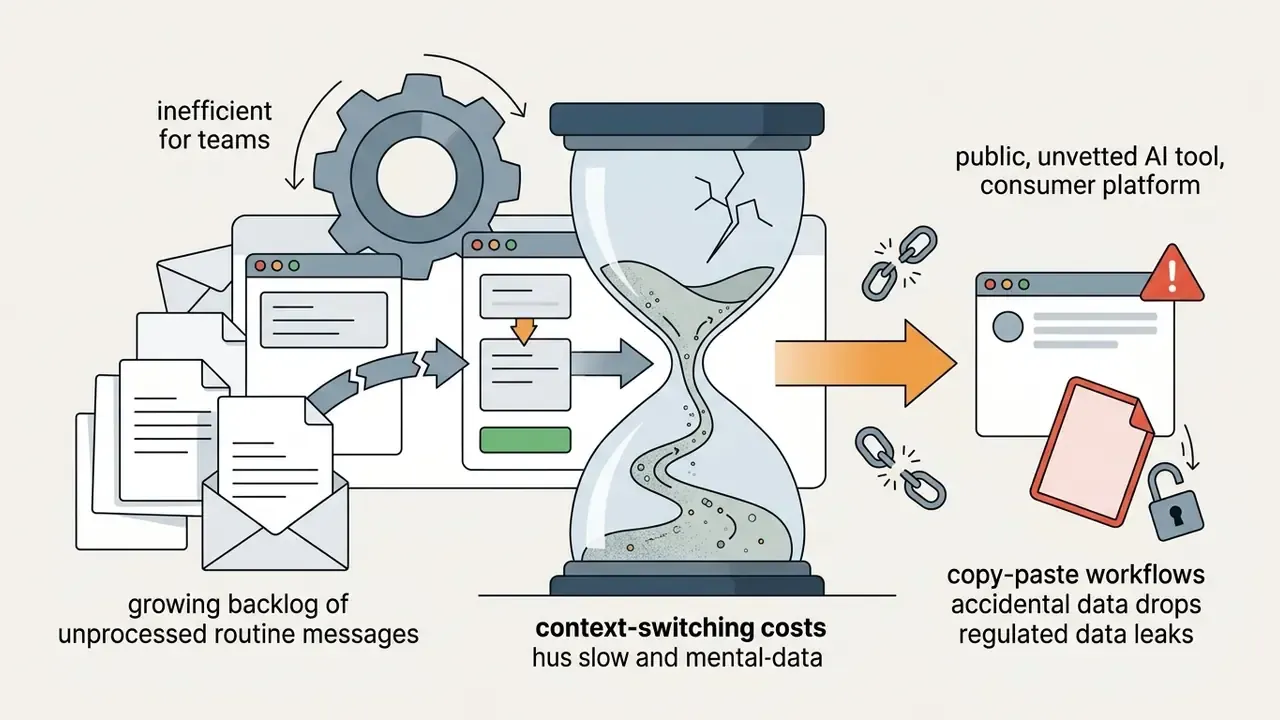
Manual tools run as standalone web applications or sandbox environments. Users copy text from the email client, paste it into the best ai email response generator interface, add directives, and request a draft.
When comparing standalone text utilities against broader enterprise suites, assess every candidate against the same permission, retention, and logging criteria. Do not treat "web tool" as inherently low risk. A tool with zero mailbox access can still be an exfiltration path if the paste buffer is unmanaged.
Embedded and Autonomous AI Assistants for Email Flow
Embedded tools run inside Gmail and Outlook through native integrations or browser extensions. These assistants watch incoming threads in real time and populate proactive draft replies in the compose window.
- Primary use cases High-volume operational inboxes, shared customer support queues, daily workplace coordination.
- Operational mechanics When the user opens an email, the ai assistant shows suggested reply options or a pre-drafted response. The user reviews, edits, sends.
- Governance advantage Removes copy-paste friction while keeping a human operator on final approval.
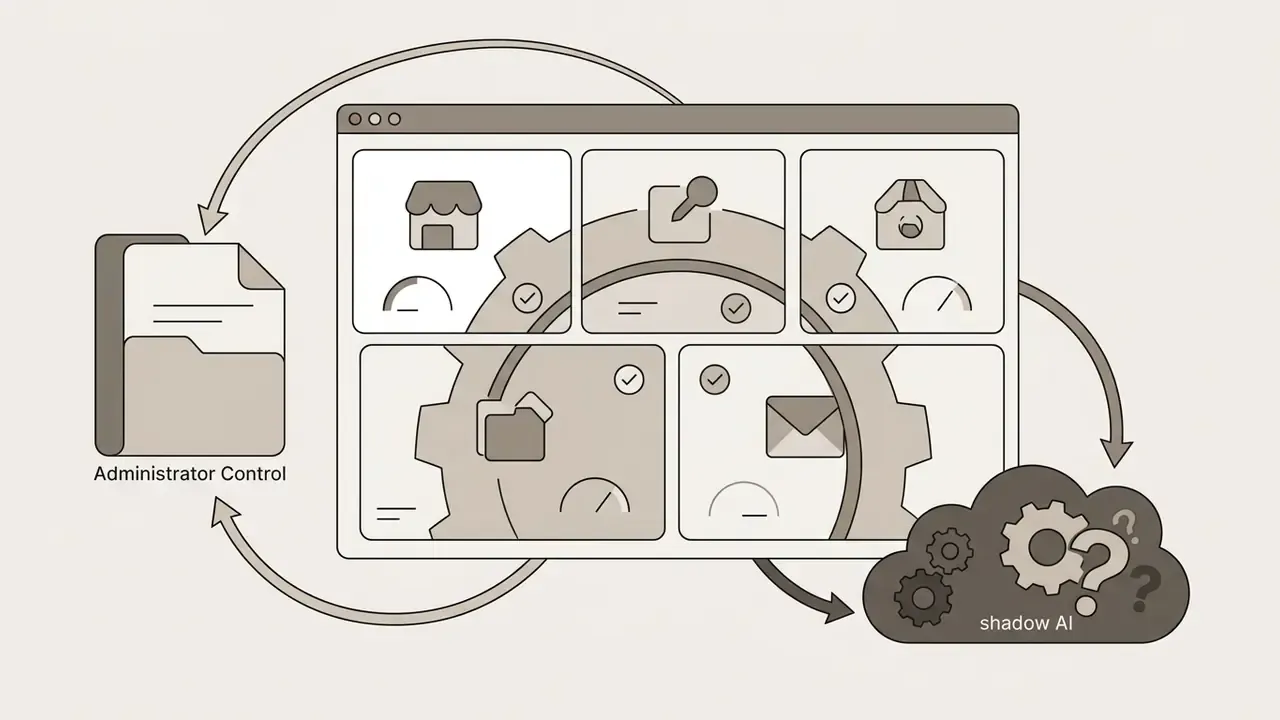
- Limitation Requires granted permissions to mailbox data, which means strict administrative access controls and periodic OAuth audits.
Autonomous auto-responders sit one level further out. They read incoming mail, classify it against rule sets or intent models, and dispatch replies without per-message approval. They fit only narrow, well-bounded categories: out-of-office coverage, acknowledgment receipts, standard status lookups. They must always be paired with an exception queue that routes anything ambiguous, legally sensitive, or low-confidence to a human.
| Architecture | Volume fit | Human review | Mailbox permission | Primary risk |
|---|---|---|---|---|
| Web / manual | Low | Every message | None | Uncontrolled paste of sensitive data |
| Embedded plugin | Medium to high | Every message | Read item (preferred) | Over-scoped OAuth grants |
| Autonomous responder | High | Exceptions only | Read/write mailbox | Unreviewed outbound commitments |
Illustrative deployment (internal engagement data; figures not independently audited): In a deployment for a regional US commercial banking division handling mortgage inquiry processing, an embedded email assistant cut average customer response times from 4.2 hours to 45 minutes. Routing loan status requests through an inline drafting tool with standardized policy guardrails kept disclosure compliance intact while daily thread resolution rose 180%. The figures reflect one business unit over one quarter and should be read as directional, not as a benchmark.
How to Choose the Best AI Email Response Generator by Features and Pricing
Selecting the best ai email reply generator means evaluating platforms across pricing structure, customization depth, platform compatibility, and data security posture.
| Feature / criteria | Free AI tools | Mid-market AI assistants | Enterprise support suites |
|---|---|---|---|
| Typical pricing | $0 free tier | $7 to $40 per seat/mo | $30 to $120 per seat/mo |
| Generation volume | 10 to 50 replies/mo | Unlimited or high quota | Unlimited or high quota |
| Email integration | Web copy-paste only | Native Gmail and Outlook | Custom CRM and mail APIs |
| Brand voice training | Generic presets | Basic style guides | Advanced RAG and history learning |
| Team collaboration | Individual accounts | Shared prompts | Shared inboxes and role access |
| Billing model | Fair-use quota | Flat per seat | Per seat, per resolution, or per managed inbox volume |
| Data privacy | Public LLM training possible | No-training guarantees | Enterprise SOC 2, HIPAA, encryption at rest and in transit |
| Audit logging | None | Limited | Full draft, edit, and send trail |
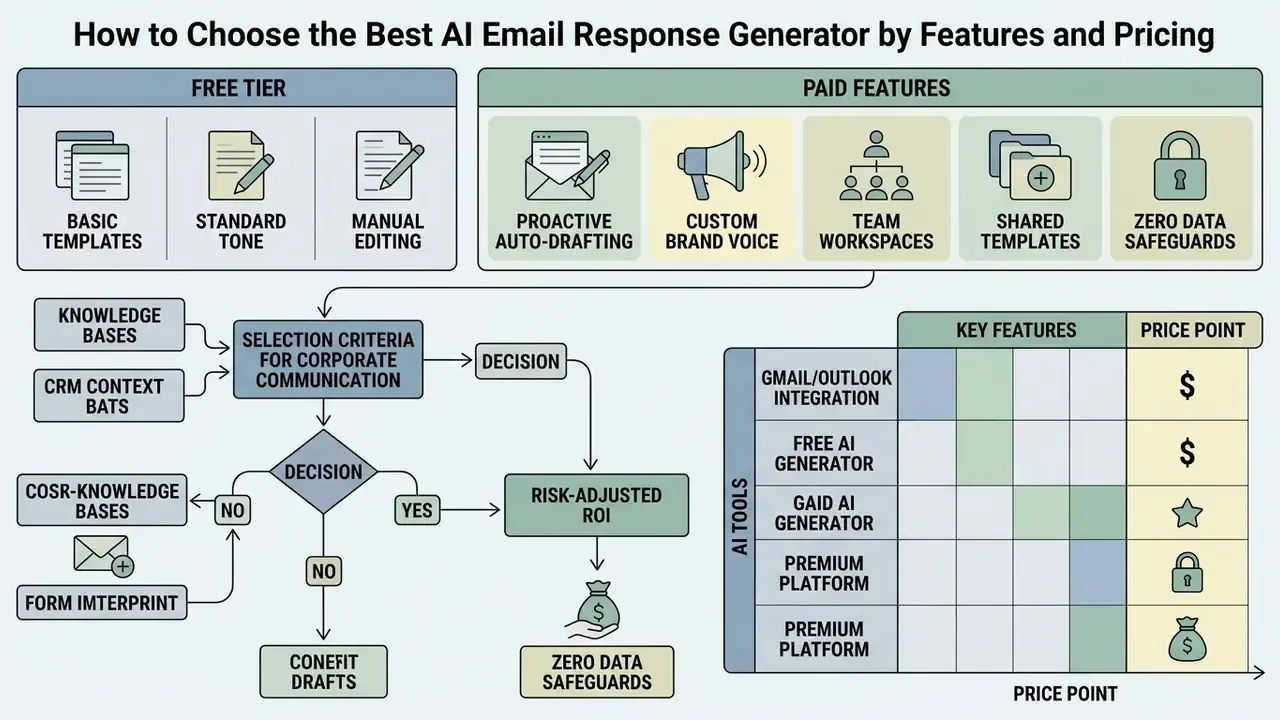
Price comparison across vendors is genuinely unstable. Annual versus monthly billing, seat minimums, promotional pricing, and regional availability all move published figures, and some support suites bill per resolved conversation rather than per user. Price against your own expected message volume, not the headline seat rate.
Organizations projecting long-term operational expense can model licensing scenarios with cost calculators that weigh human-in-the-loop review overhead against direct productivity gains. To evaluate full enterprise plan structures and commercial licensing tiers, see the overview of available management options, or compare options for service and onboarding coverage.
Free AI Email Reply Generators: What the Free Tier Includes
A free ai email response generator or an ai email reply generator free online tool usually serves as an entry point for individual professionals and small teams testing generative technology.
- Core features included: Basic message-to-reply drafting, standard tone options (formal, casual, concise), single-turn text generation. Some tools require no signup at all.
- Common limitations: Strict daily or monthly quotas, mandatory account creation, no native Gmail or Outlook integration, no team workspace, and processing delays at peak. Where a free tier advertises "unlimited" text generation, limits usually still bite on adjacent features such as file upload, voice, or analysis.
- Security consideration: Many free ai email reply generator utilities route prompts through public API endpoints. Vendor documentation in this segment commonly discloses that inputs may be retained for a limited window, frequently cited as up to 30 days, for abuse monitoring before deletion. Retention windows and the identity of the downstream model provider vary by vendor, so verify the current privacy policy before use. Free plans should never touch confidential business data or customer PII, whatever the stated window says. An ai email response generator free of charge is still a third-party processor.
Paid Features Worth Buying in AI Email Tools
Selection Criteria for Corporate Communication Tools
When procuring an AI response platform for enterprise deployment, technology leaders should apply these criteria:
Calculating Risk-Adjusted ROI, Not Just Time Saved
Most vendor ROI math stops at hours recovered. For a regulated institution, that understates cost. A defensible calculation looks like this:
Risk-adjusted ROI = (time-value gains + service-level gains) − (licensing + governance + validation + residual risk cost)
Populate each term explicitly:
- Time-value gains Hours saved per seat per month multiplied by loaded hourly cost. Anchor the estimate on measured internal pilots, not vendor claims. Published research supports roughly 30 to 40% reductions on drafting-heavy tasks.
- Service-level gains Value of faster first-response time: reduced abandonment, lower escalation volume, better retention in service-sensitive segments.
- Licensing Seat fees, per-resolution fees, and API consumption, priced at realistic peak volume rather than average.
- Governance overhead Reviewer time for the human-in-the-loop step, policy maintenance, prompt-library curation, periodic OAuth re-attestation.
- Validation cost Initial model risk assessment, output quality sampling, and recurring revalidation whenever the vendor swaps underlying models.
- Residual risk cost Expected annual loss from misstatement, unauthorized commitment, or data-boundary incidents. Probability times impact, net of controls.
Two practical rules follow. First, a tool that removes ten minutes of drafting but adds five minutes of mandatory review has a much thinner margin than the headline suggests. Second, autonomous send capability changes the residual-risk term dramatically, because an unreviewed outbound commitment can create obligations no productivity gain offsets.
AI Email Response Generators for Gmail and Outlook
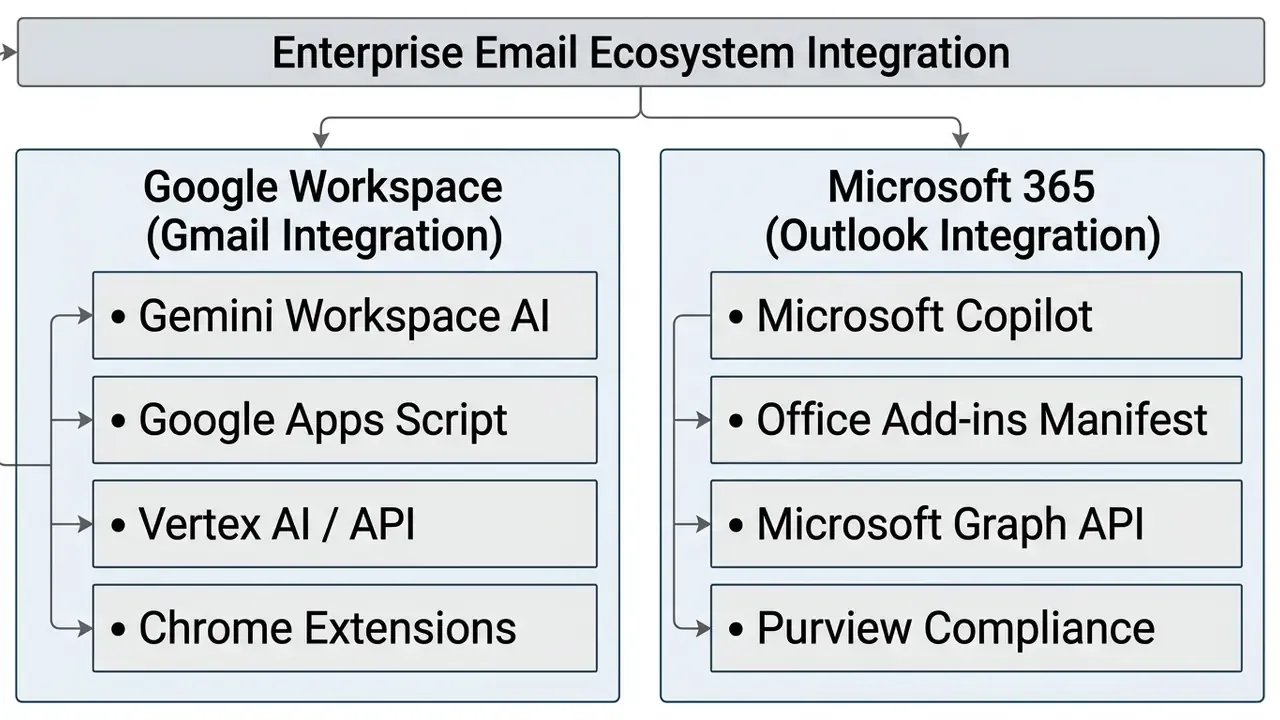
Most corporate email traffic moves through Google Workspace and Microsoft 365. Choosing a tool that integrates cleanly with these ecosystems is what turns a demo into daily use.
How an AI Reply Generator Works in Gmail
A gmail ai reply generator runs either through native Google Workspace AI (Gemini for Workspace) or through third-party Chrome extensions and Workspace add-ons.
- Native Gemini integration Sits directly in the Gmail web and mobile compose UI. Features such as "Help me write" read thread history to suggest contextual replies, summarize long chains, and apply one-click adjustments ("Formalize," "Elaborate," "Shorten"). On mobile, Gemini can create, recreate, edit, polish, and insert drafts, with one caveat: recreating replaces the prior version.
- Smart Reply and Smart Compose Smart Reply offers short, context-derived responses you can accept straight into the draft. Smart Compose runs continuously in the background as the user types.
- Workspace add-ons and APIs Enterprise developers build custom Gmail add-ons with Google Apps Script or Vertex AI endpoints. These read incoming triggers via the Gmail API, process text through controlled internal models, and inject compliant drafts into the user's draft queue, optionally applying Gmail labels for triage.
- Chrome extensions Third-party extensions overlay action buttons inside the Gmail browser interface, offering thread summarization and fast draft generation without leaving the tab. These deserve the closest permission scrutiny, since scopes may include current-message metadata, read-only message content, compose and send rights, or send-on-behalf-of authority.
What to Verify Before Connecting AI to Outlook
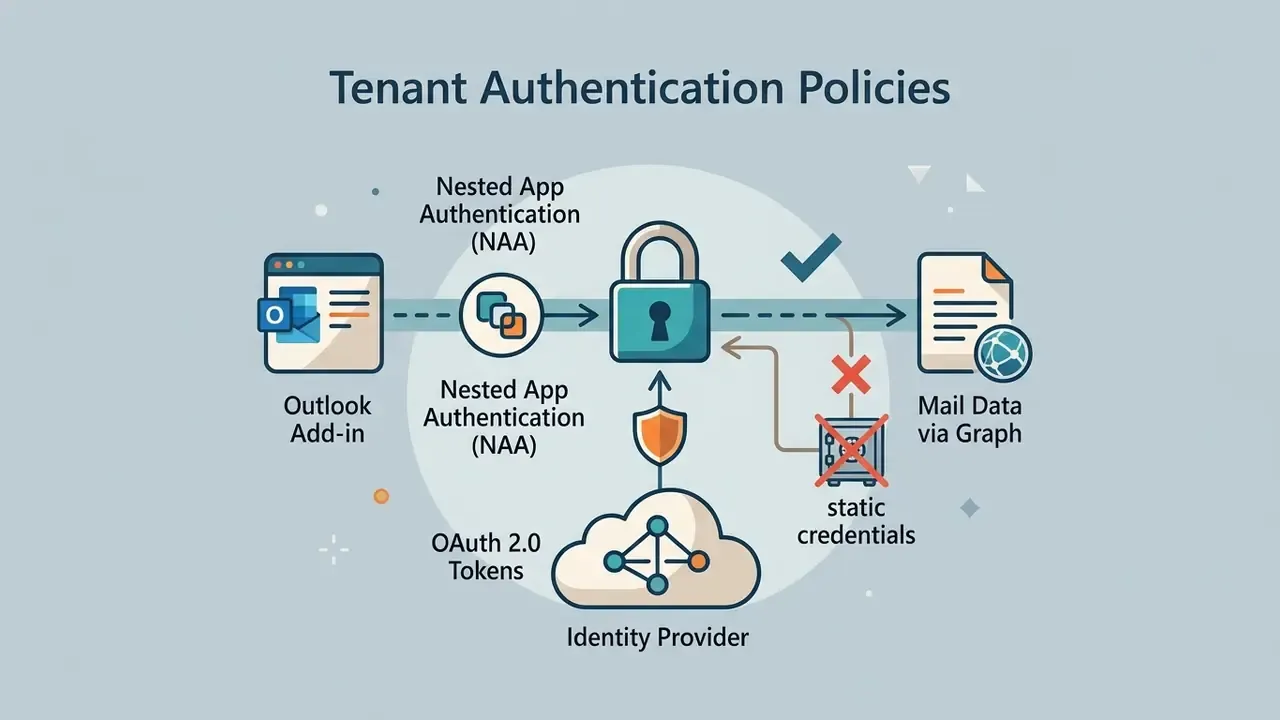
Deploying an ai email response generator for outlook calls for rigorous security vetting before rollout. Unlike lightweight browser extensions, Outlook add-ins interact with enterprise mailboxes through the Microsoft Graph API.
Before granting permission to an Outlook AI add-in, compliance teams should verify:
- Declared permission scopesOutlook add-ins declare one of four manifest levels: restricted, read item, read/write item, or read/write mailbox. The highest level permits creating, reading, and writing items and folders, sending items, and calling Exchange Web Services. Note that even read item exposes PII such as sender and recipient names and addresses on the current message. Least privilege means granting "read item" wherever the workflow allows.
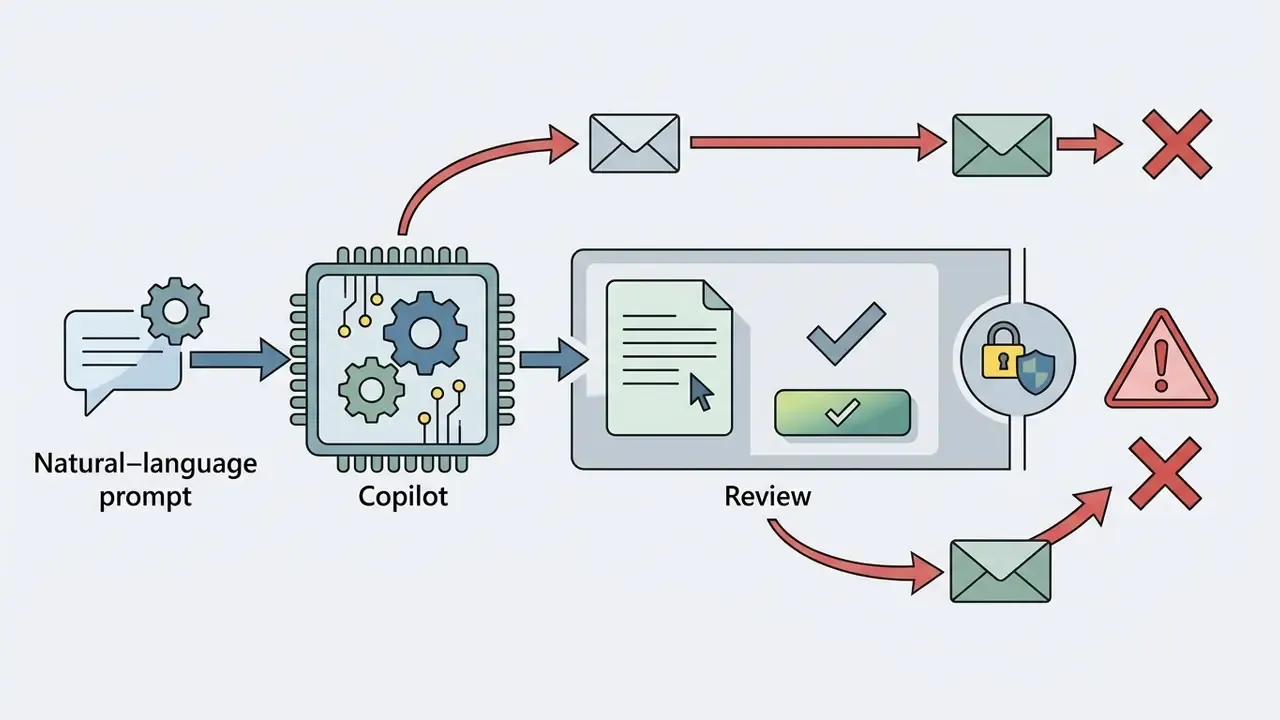
- Microsoft 365 Copilot entitlementsConfirm whether native Copilot integration is active and licensed. Copilot Chat in Outlook without the add-on license is limited to inbox, calendar, and meeting data. The add-on license extends interaction to chats and broader enterprise data. Without a valid entitlement on the signed-in account, Copilot simply will not appear in the app.
Illustrative deployment (internal engagement data; figures not independently audited): During an enterprise technology audit for a US financial analytics firm, the security team reviewed 14 third-party Outlook add-ins that employees had installed. Three unvetted tools held broad mailbox write permissions. The firm revoked those OAuth tokens, deployed native Microsoft Copilot controls with centralized administrative logging, and removed the identified shadow AI connectors from the tenant. The figure describes connectors found in that audit scope, not enterprise-wide residual risk.
How to Get Professional AI-Generated Replies Without Losing Your Personal Voice
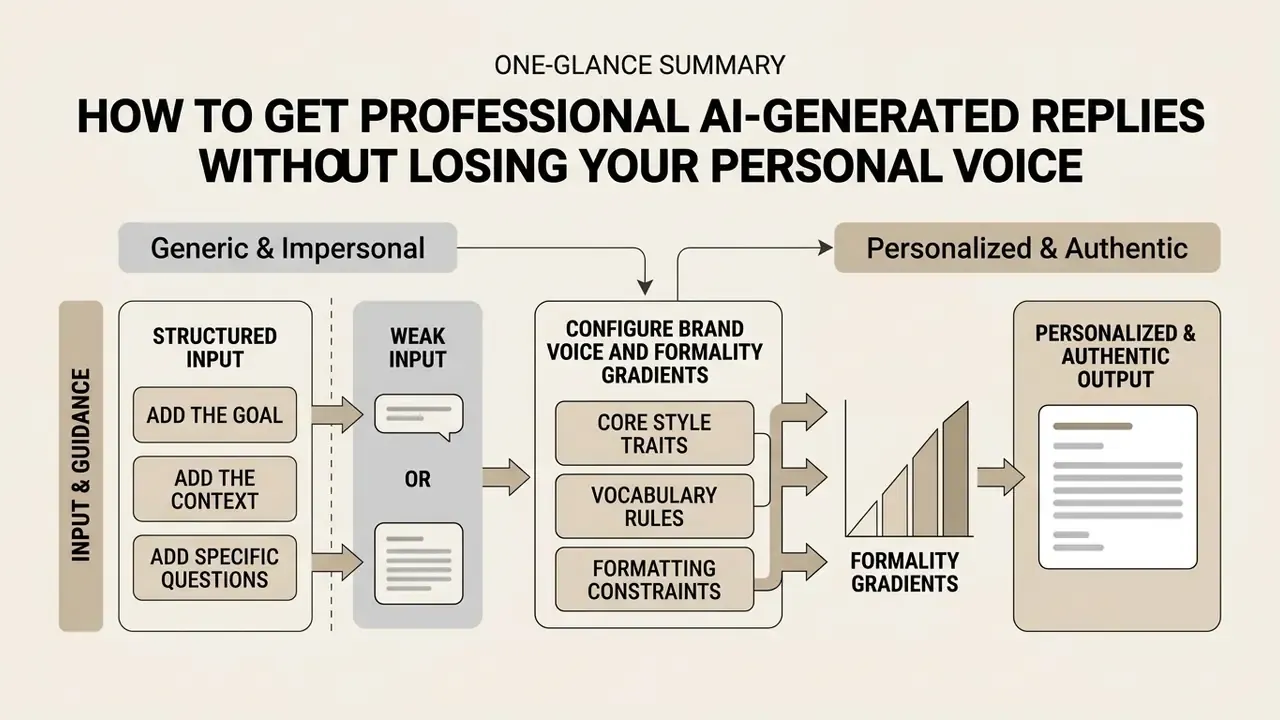
The common failure of generative communication tools is output that reads generic, impersonal, faintly robotic. Keeping an authentic voice and institutional authority takes structured prompting plus real human oversight. Both, not one.
Add the Goal, the Context, and the Specific Questions
Configure Brand Voice and Formality Gradients
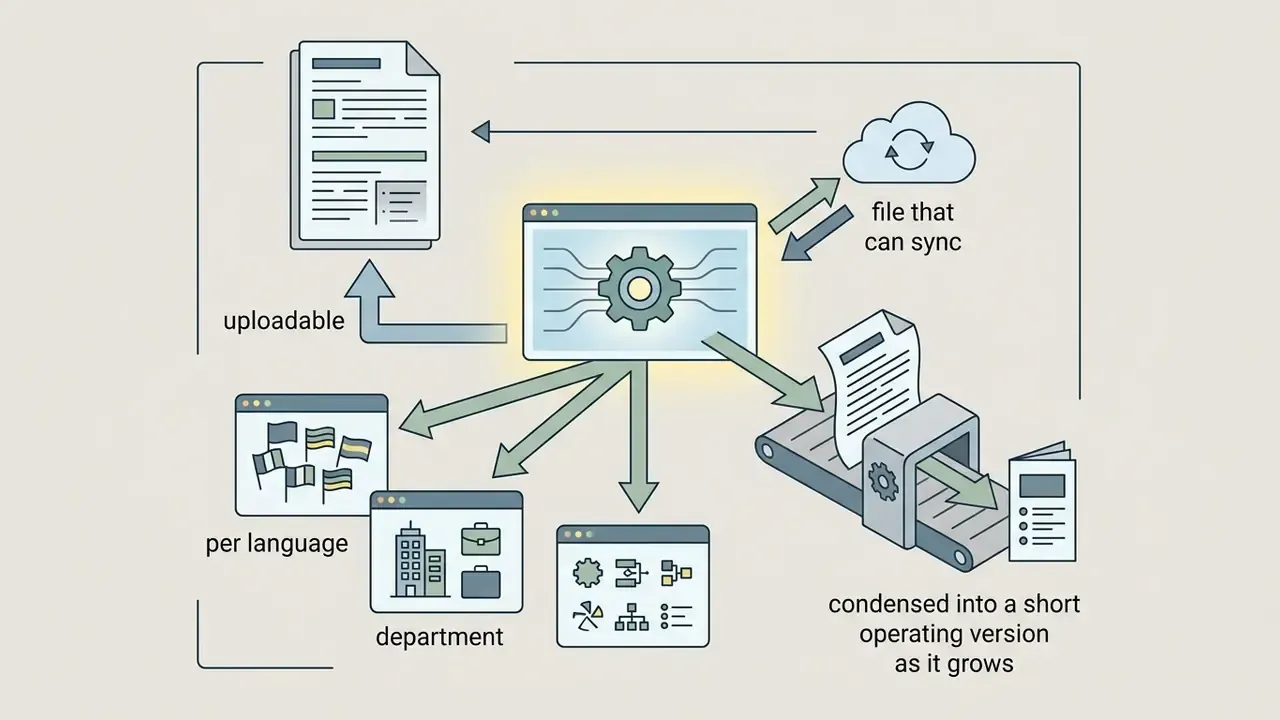
Brand consistency across a team needs written style parameters, not tribal knowledge. Updated: Research on personalized language generation evaluates outputs on naturalness and coherence scales, and consistently finds that constraint-rich configurations, meaning explicit voice principles, banned vocabulary, and annotated writing samples, outperform unconstrained prompting on those dimensions. Personalization benchmarks such as PersonaLens (ACL Findings, 2025) and PERSOBENCH score assistant responses on 1 to 5 naturalness and coherence scales. The specific effect size for "do and don't" rule sets varies by benchmark, so validate per tool rather than quoting a single published figure.
To encode brand voice into an AI email tool, supply:
There is a catch, and it is well documented. Research on consumer perception describes an "AI-authorship effect": when recipients read emotional or relationship-sensitive messages as machine-generated, they report lower trust and lower perceived authenticity.
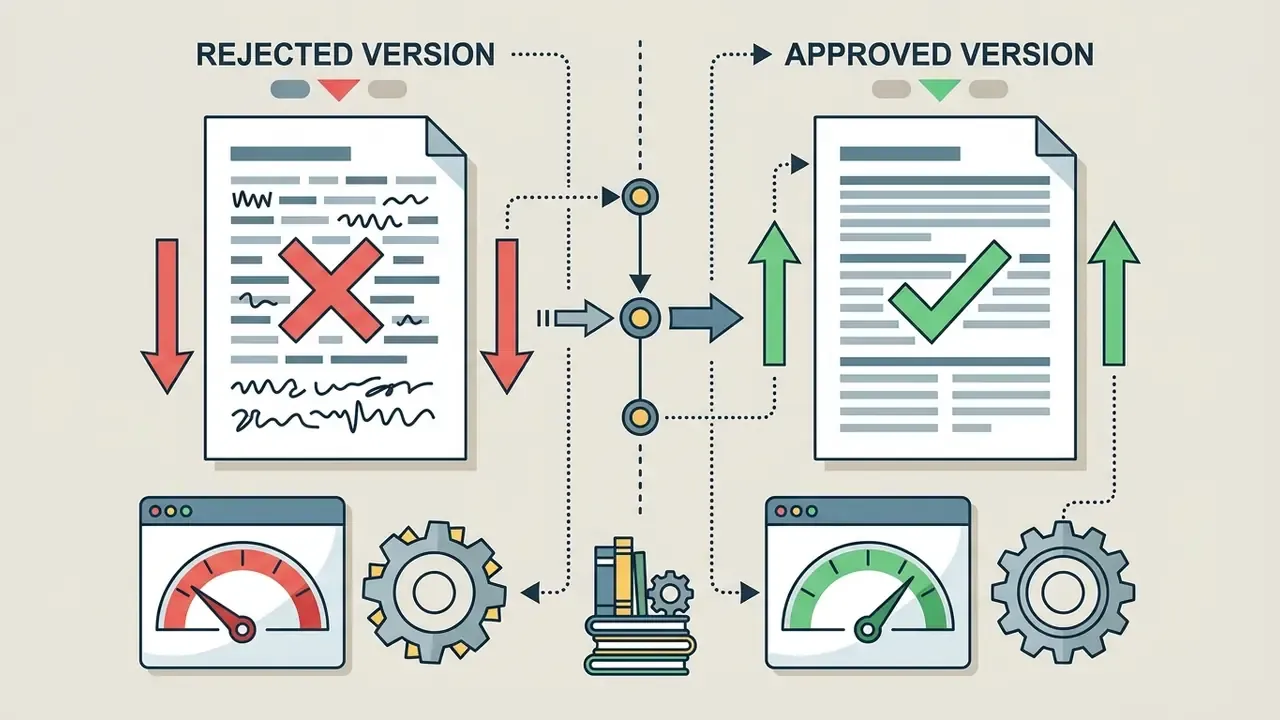
"When consumers believe an emotional message was written by AI, they perceive it as less authentic and are less likely to recommend the brand."
So use AI to draft structure and facts, and let the human add the relational nuance: the one specific detail that proves a person actually read the message.
Ready-to-Use AI Reply Templates for Challenging Scenarios
Below are field-tested templates produced with structured prompts for common high-stakes situations. Replace bracketed fields and verify every fact before sending.
1. Declining a Vendor Pitch or Partnership Proposal
2. Responding to an Escalated Customer Complaint
3. Rejecting a Project Deadline Extension Request
4. Responding to a Rejection You Received
5. Replying to a Critical Public Review
6. Meeting Follow-Up With Decisions and Owners
Verify Every AI Email Response Before Sending
Even advanced models produce occasional factual hallucinations, tone misreads, or quiet omissions. Hallucinations are best understood as plausible but incorrect output, exactly the failure mode that survives a casual read and then propagates into contracts, tickets, and downstream documents. A mandatory human-in-the-loop protocol is non-negotiable for business communications.
Public-sector human-in-the-loop documentation standards require organizations to define what must be reviewed, who is authorized to review, and who holds final approval accountability, with a review log capturing reviewer identity and reviewed content. Regulatory review toolkits add a second requirement: standardized checklists, so review quality does not depend on individual diligence on a busy Friday.
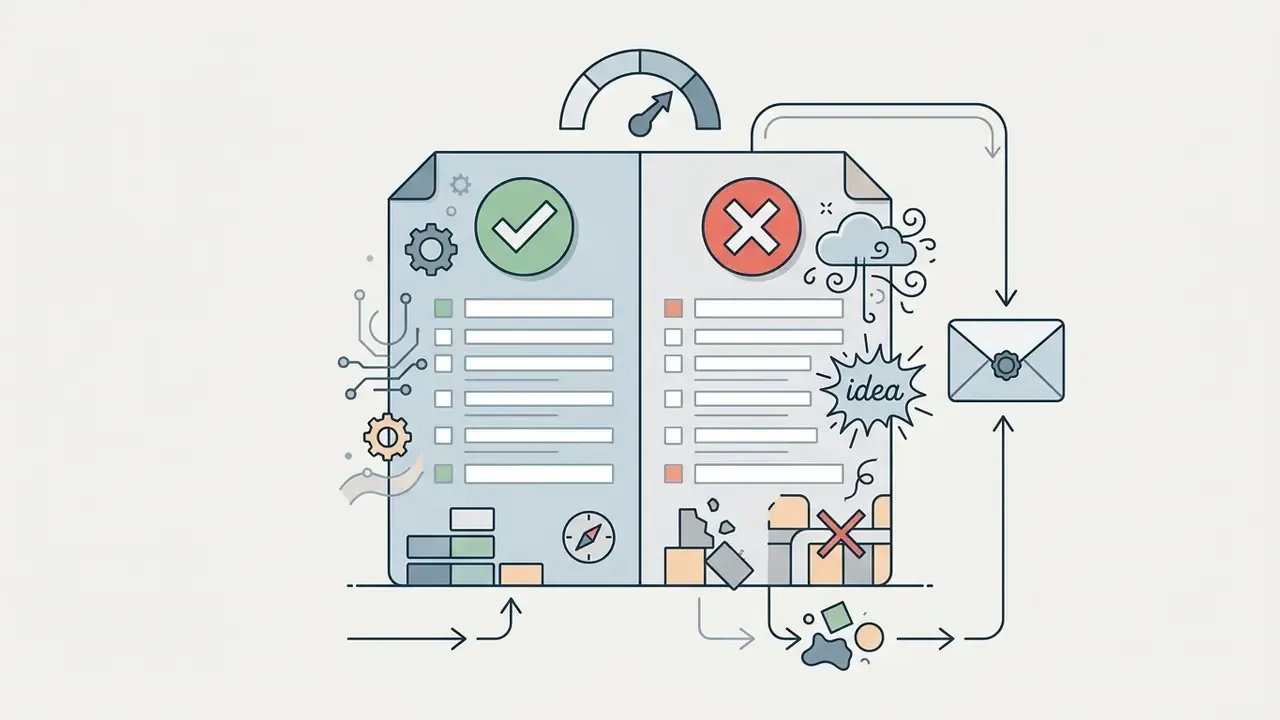
Pre-send verification checklist:
Escalation Matrix: Where to Route a Borderline Draft
Reviewers need a decision rule, not a judgment call. Define the routing table before rollout and publish it next to the tool.
| Draft trigger | Action | Escalate to | Target turnaround |
|---|---|---|---|
| Routine factual answer, all facts verified from source | Send after checklist | Sender (self-approve) | Immediate |
| Discount, credit, refund, or fee waiver above threshold | Hold | Line manager or commercial approver | Same business day |
| Contractual language, indemnity, liability, or termination wording | Hold | Legal counsel | 1 business day |
| Regulatory, disclosure, or supervisory correspondence | Hold | Compliance officer | 1 business day |
| Customer PII correction, data-subject request, or breach mention | Hold | Privacy or DPO | Same business day |
| Complaint likely to escalate publicly or to a regulator | Hold | Complaints lead plus Comms | Same business day |
| Model output contradicts source document | Discard draft, write manually | Sender; log as model incident | Immediate |
| Low-confidence classification in an autonomous queue | Route to exception queue | Human agent | Per SLA |
Two governance notes. Log every escalation as an event, so the pattern becomes visible to model risk management. And treat repeated escalations of the same type as a prompt-library defect rather than an individual reviewer problem.
FAQ: Common Questions About AI Email Response Generators
Is a free AI email response generator safe for business emails?
Generally, no, not for business mail containing proprietary or sensitive information. Vendor policies in this segment vary widely. Some state that inputs are not shared with other users. Others disclose that prompts are forwarded to a third-party model provider and may be retained for a limited period, commonly cited as up to 30 days, for abuse detection before deletion. For business communications, use paid enterprise plans or native Workspace and Microsoft 365 integrations that offer explicit zero-data-retention guarantees and SOC 2 compliance. Always read the current privacy policy of the specific tool instead of assuming a category-wide standard.
Can the recipient tell if an email reply was generated by AI?
If a human reviews, edits, and personalizes the draft, the recipient usually cannot tell. Unedited raw output is another story: overly formal structure, repetitive transitions, generic opening lines, no specific relational context. Separately, some model providers have disclosed invisible statistical watermarking in generated text, meaning machine-detectable traces can persist even when nothing is visible to a human reader. Watermarking implementation differs by provider and model version, so verify against current vendor technical documentation before relying on it either way.
How does an AI email response tool handle different languages?
Modern tools are natively multilingual and can process inbound messages in dozens of languages. Receive an email in Spanish, German, or Japanese, and the email reply generator ai can analyze the message, translate the core intent for the user, and draft a response in the sender's language with regional formal conventions. Accuracy is configuration-dependent, though, not automatic. Vendor guidance in customer-service platforms converges on four controls: explicit language routing, terminology glossaries with locale settings, fallback or escalation rules for low-confidence cases, and native-speaker quality assurance on real threads before launch.
What is the best way to start using AI for email management?
Start phased, with a human in the loop. Deploy the tool first for low-risk internal administrative mail or routine customer inquiries using pre-approved prompt templates. Require employees to review every draft for factual accuracy, numbers, dates, and tone before sending. Publish the escalation matrix on day one, so reviewers know where to route sensitive drafts before they meet the first hard case. As prompt precision and team familiarity improve, widen the scope.
Does an AI reply generator work for Slack, reviews, and text messages too?
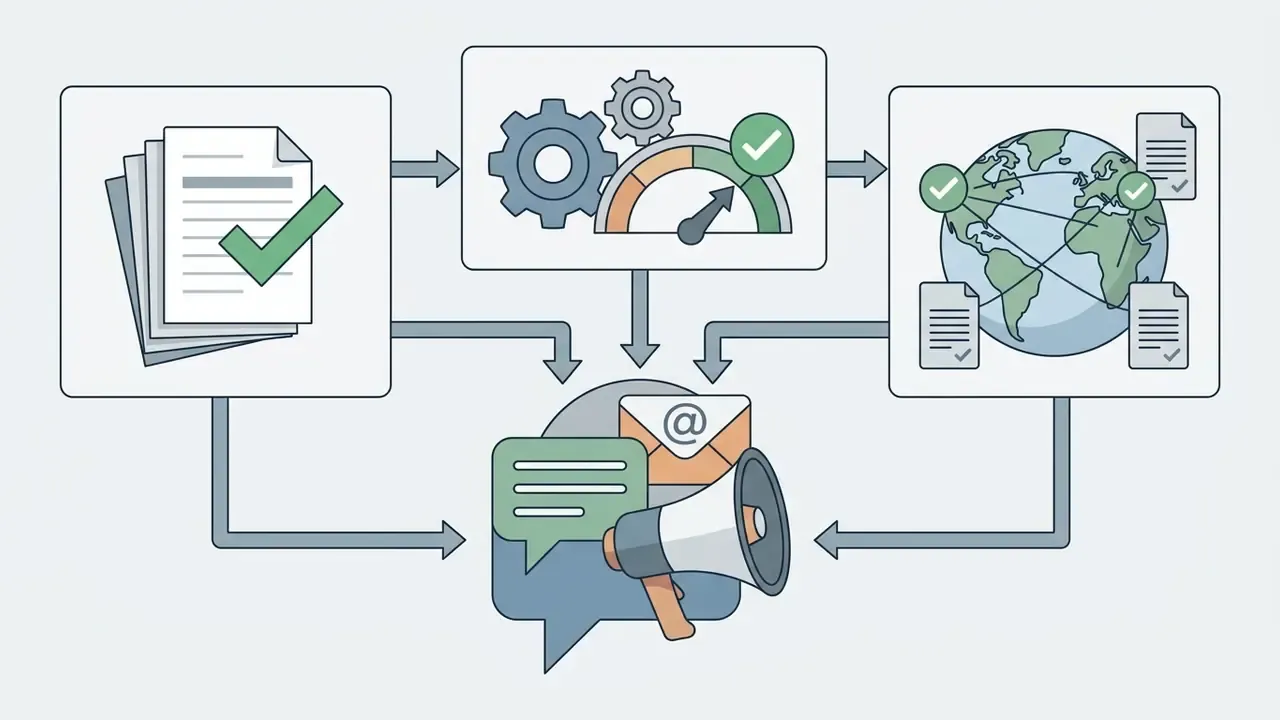
Yes. The underlying mechanism, parse an inbound message, extract intent, apply tone constraints, generate a reply, is channel-agnostic. Teams apply it routinely to Google and Yelp review responses, Slack and Teams decision threads, support tickets, SMS, and meeting follow-ups. The governance requirement does not change. Each additional connector needs its own permission review, retention check, and human-review rule.
How do we measure whether the tool is actually paying for itself?
Measure a baseline before rollout: average first-response time, replies handled per agent per day, reopen or escalation rate, and reviewer minutes per message. After rollout, recompute the same four metrics and subtract licensing, governance, validation, and residual-risk costs from the gains. A tool that improves response time while raising the reopen rate is shifting work downstream, not removing it.
Who should own the AI email workflow inside the institution?
One named accountable owner, ideally in operations or service delivery, with model risk and compliance as challenge functions. The owner maintains the prompt library, approves scope changes, and signs the annual attestation that connectors, permissions, and retention settings still match policy. Shared ownership sounds collaborative. In practice it produces unpatched OAuth grants and an audit finding.
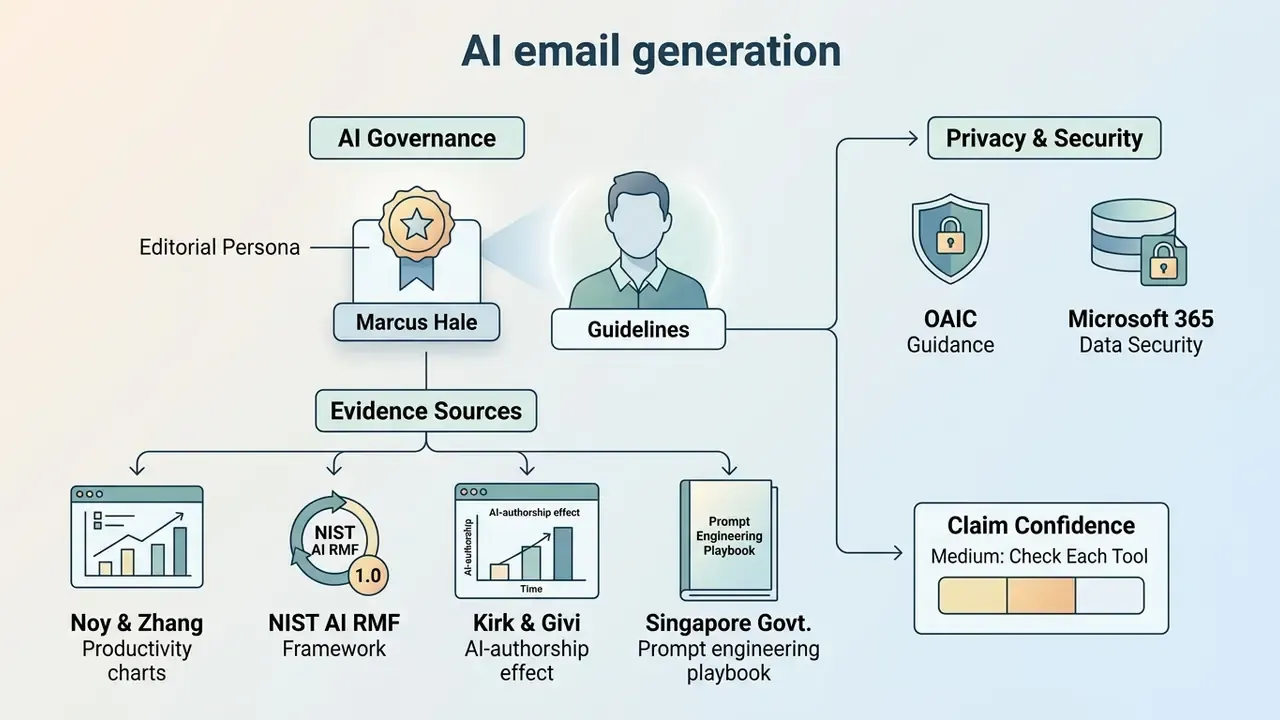
Appendix A: Source Verification and Editorial Notes
This appendix documents the provenance and confidence level of claims in the body of the article, in line with our editorial standard of separating peer-reviewed evidence, official documentation, and internal engagement data.
Author disclosure: Marcus Hale is the author.
- Noy & Zhang, Experimental Evidence on the Productivity Effects of Generative Artificial Intelligence, Science (2023). https://www.science.org/doi/10.1126/science.adh2586
- NIST AI Risk Management Framework (AI RMF 1.0), NIST AI 100-1 (2023). https://doi.org/10.6028/NIST.AI.100-1
- Office of the Australian Information Commissioner, Guidance on Privacy and the Use of Commercially Available AI Products (2024). https://www.oaic.gov.au/privacy/privacy-guidance-for-organisations-and-government-agencies/guidance-on-ai-and-privacy
- Microsoft Learn, Data, Privacy, and Security for Microsoft 365 Copilot. https://learn.microsoft.com/en-us/copilot/microsoft-365/microsoft-365-copilot-privacy
- Kirk & Givi, The AI-Authorship Effect, Journal of Business Research (2025). https://doi.org/10.1016/j.jbusres.2025.115203
- Singapore Government Developer Portal, Prompt Engineering Playbook. https://www.developer.tech.gov.sg/products/categories/devops/prompt-engineering-playbook
Claims requiring per-tool verification (medium confidence, flagged in text):
- Effect sizes for constraint-based brand voice configuration come from personalization benchmarks (PersonaLens, ACL Findings 2025; PERSOBENCH) that score naturalness and coherence on 1 to 5 scales. No single published percentage transfers across tools, so validate on your own message corpus.
- Retention windows for free-tier AI utilities are vendor-specific. The commonly cited 30-day abuse-monitoring window reflects several published vendor policies but is not a universal standard and changes without notice.
- Statistical watermarking of generated text has been disclosed by at least one major model provider for specific model versions. Coverage varies by provider, model, and release date. Verify against current technical documentation before assuming presence or absence.
Internal engagement data (directional, not independently audited):
- Regional US commercial banking mortgage-inquiry deployment (response time 4.2 hours to 45 minutes; 180% increase in daily thread resolution). Single business unit, one quarter.
- US financial analytics firm Outlook add-in audit (14 add-ins reviewed, 3 with broad mailbox write permissions revoked). The remediation figure applies to connectors identified within the audit scope, not to enterprise-wide residual risk.
- Fintech AI proxy gateway implementation for prompt sanitization. Descriptive; no quantified outcome claimed.
Superseded formulations retained for transparency: earlier drafts of this article attributed the productivity, watermarking, and free-tier retention claims without URLs or direct quotations, and described the Outlook audit outcome as a "100% reduction in shadow AI risk." Those formulations have been replaced above with sourced quotations and scope-limited phrasing.
For complete technical documentation, governance guidelines, and tool comparisons across our enterprise software index, explore the hub.
Peer-reviewed and official sources (high confidence)
- Microsoft WorkLab, *AI Data Drop
- New Data on How Copilot Impacts Email, Meetings, and Documents* (2024). https://www.microsoft.com/en-us/worklab/ai-data-drop-new-data-on-how-copilot-impacts-email-meetings-and-documents