Why should a risk leader care about a spreadsheet tool at all? Because in most US banks, the last mile of a decision still runs through a workbook.
Executive summary for CFOs, CROs, and Heads of Model Risk
- Speed. One structured prompt returns a multi-tab
.xlsxworkbook with headers, data types, formulas, and charts in under two minutes, replacing manual grid assembly. - Accuracy ceiling. Independent benchmarks show current LLMs remain imperfect at tabular reasoning. GPT-4 reaches only 65.43% on basic structural table understanding tasks, and multi-step Excel operations frequently fail in zero-shot mode.
- Mandatory controls. Treat every generated workbook as a draft. Require deterministic recalculation, total-sum reconciliation, formula range auditing, and a named human owner before executive or regulatory use.
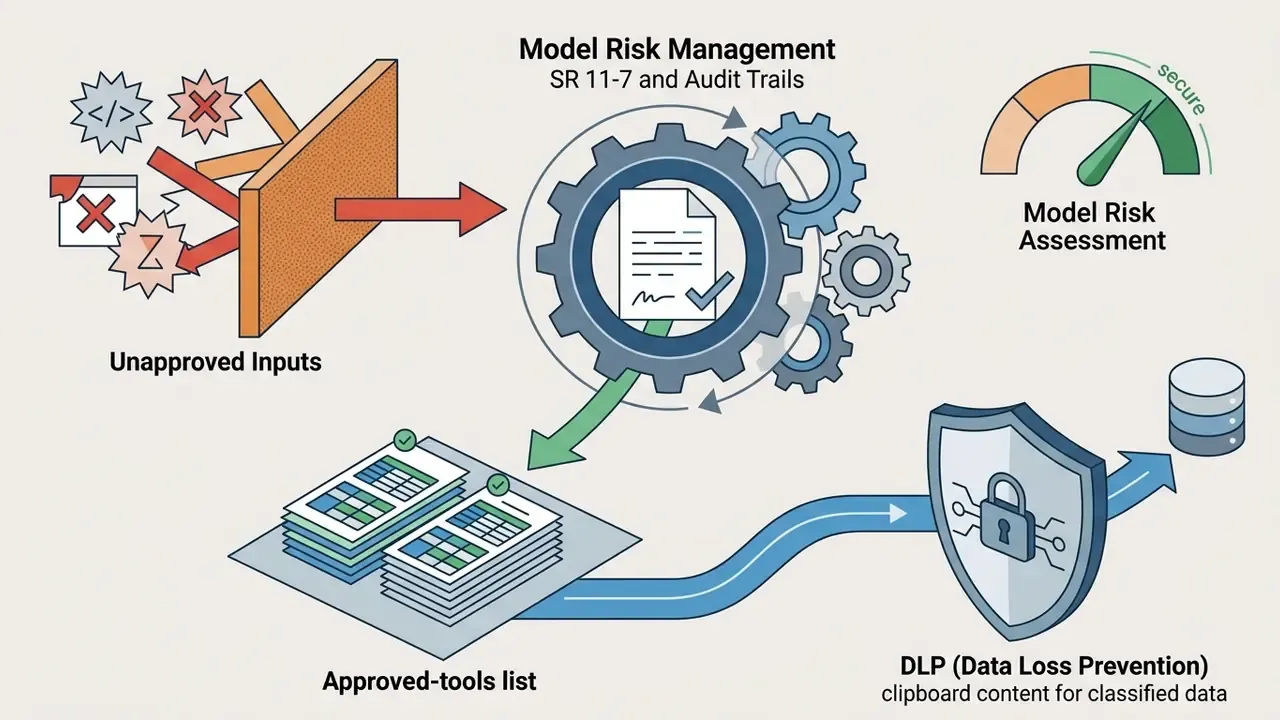
- Governance. Register recurring AI-generated calculators in the model inventory, capture prompt-and-output lineage, and enforce DLP rules against unapproved add-ins and shadow AI.
- Cost reality. True cost equals license fee plus formula audit overhead plus residual risk exposure. Free tiers are for evaluation only. Enterprise tiers add zero data retention, SSO, RBAC, and audit logs.
How to read this guide. The first three sections cover mechanics: what these tools generate, how to prompt them, and what they do with formulas and charts. The middle sections cover unstructured input, model risk governance, and template scenarios by function. The last sections handle tool selection, pricing, pre-upload data hygiene, and open questions. Skim the governance section first if your job is approval rather than production.
What an AI Spreadsheet Generator Is and Which Tasks It Solves
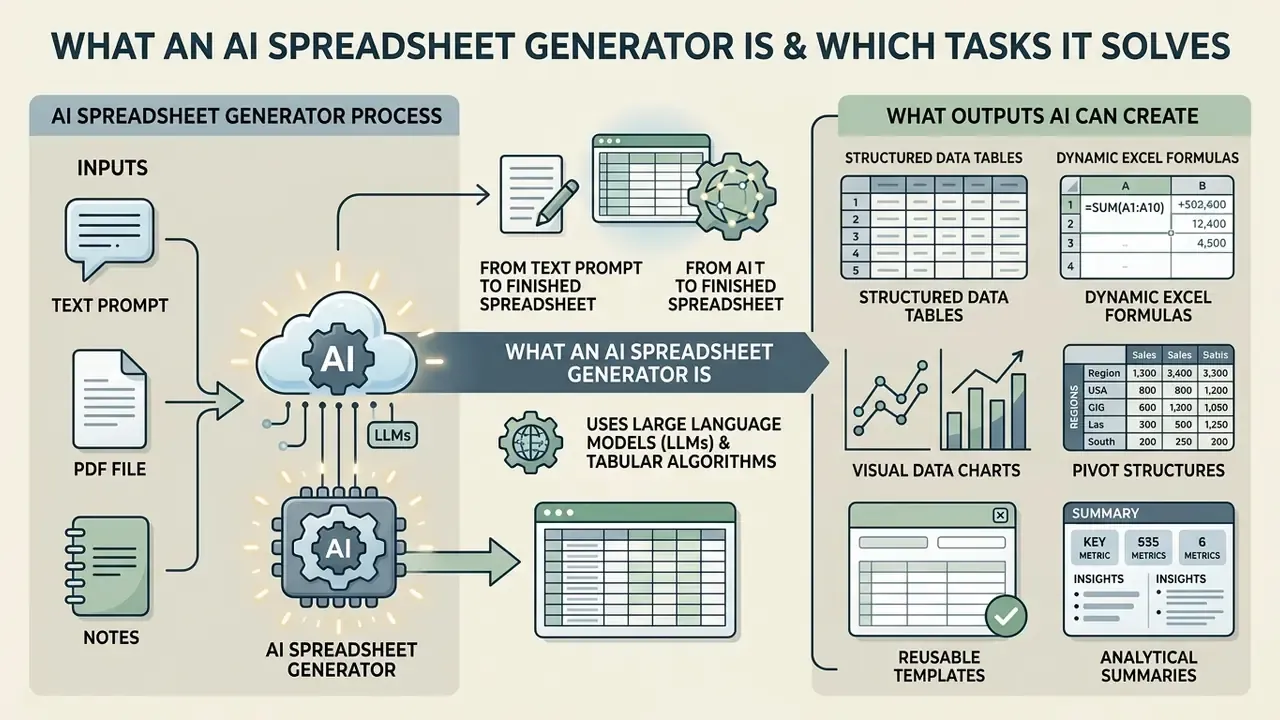
An ai spreadsheet generator is a software application powered by large language models (LLMs) or specialized tabular algorithms that constructs, formats, and populates electronic spreadsheets from text prompts or unstructured files. By removing cell-by-cell data entry, an ai sheet generator attacks familiar bottlenecks in accounting, model risk oversight, regulatory compliance, and project portfolio management.
The 2026 market splits into three functional categories. First, in-sheet AI functions such as =AI() and =Gemini() in Google Sheets, or the grid-level Copilot function in Excel. Second, workbook copilots and side panels that operate inside an existing file. Third, prompt-to-file generators that return a downloadable .xlsx from a single text request. Each category carries a different control profile. Mixing them without policy creates uncontrolled duplication of financial logic across departments, which is exactly how two versions of "the" revenue model appear in one board pack.
Manual spreadsheet creation introduces structural inconsistencies, broken formula dependencies, and unverified inputs. Deploying ai for spreadsheet creation provides automated data layout generation, text-to-table extraction, formula syntax checking, and multi-tab reporting schemas. That controlled automation lets quantitative teams, finance leaders, and operational managers spend their hours on risk assessment rather than typing, and on interpretation rather than assembly. The data analysis work moves up a level.
In institutional environments, shadow AI is the sharper risk. Employees paste unencrypted corporate data into public LLM wrappers, and nobody logs it. Mature platforms answer with enterprise controls: encryption, role-based access, retention terms in writing, and transparent formula lineage. Teams standardizing terminology across digital transformation programs often anchor definitions in the AI Media Glossary so that "model", "agent", and "assistant" mean the same thing in every memo.
From Text Prompt to Finished Spreadsheet
Converting a natural language prompt into a structured ai create spreadsheet output requires a pipeline that parses intent, identifies entity relationships, defines column schemas, and generates valid rows and formulas. When a user asks an ai create a spreadsheet for me, the system pushes the prompt text through a model trained on tabular syntax to determine field headers, numeric formats, and calculation logic.
Research on text-to-table generation indicates that general-purpose language models perform best when prompts specify exact field names, cell boundaries, and output expectations. According to Wu et al. (2024), Text-to-Table Generation with Large Language Models, zero-shot table generation often suffers from schema bias, while few-shot prompting with explicit column names measurably improves structural alignment. The model builds candidate excel spreadsheets by mapping textual intent to delimited rows and structural grids, then renders the file.
«In zero-shot mode ChatGPT reaches SacreBLEU 77.58 and ROUGE-L 86.11 on text-to-table generation, yet complex numerical aggregation remains a failure mode.»
The practical implication for finance is direct. Structural generation (headers, column order, data types) is close to production-ready. Any aggregation, ratio, or cross-tab arithmetic must be re-derived deterministically inside the spreadsheet engine, not trusted from model output text. Write that rule on the wall.
What Outputs AI Can Create
Modern tools for tabular generation produce far more than static grids. Using an ai excel sheet creator, enterprise users receive formatted workbooks ready for analysis:
- Structured data tables. Auto-generated columns and rows with defined types: dates, currencies, integers, string categories.
- Dynamic Excel formulas. Function chains from basic aggregation (
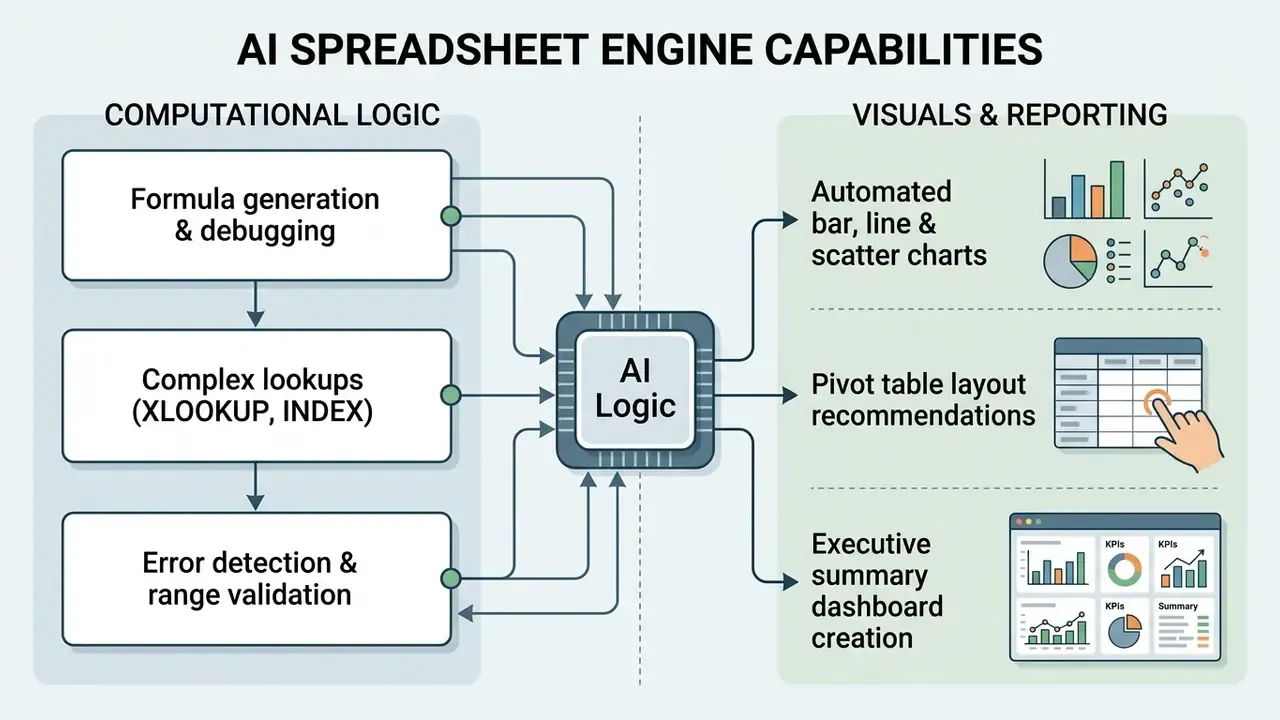
SUM,AVERAGE) to lookups (XLOOKUP,INDEX/MATCH), conditional aggregation (SUMIFS,COUNTIFS), date logic (WORKDAY,EOMONTH), and logical branching (IFS). - Visual data charts. Bar graphs, scatter plots, line charts, and trendlines paired with generated analytical commentary.
- Pivot structures. Suggested and pre-built pivot layouts for multi-dimensional summarization of large datasets.
- Reusable templates. Standardized template layouts for recurring work: P&L reporting, unit economics tracking, project milestones.
- Analytical summaries. Summary blocks flagging variance, key drivers, and anomalies across multi-sheet workbooks.
Example of a Generated Workbook: Headcount Plan and Budget
| Department | Role | Level | Start month | Loaded cost (USD/year) | Status |
|---|---|---|---|---|---|
| Engineering | Backend Engineer | Senior | 2026-09-01 | $186,000 | Open |
| Sales | Account Executive | Mid | 2026-10-15 | $148,000 | Planned |
| Marketing | Growth Manager | Senior | 2026-11-01 | $172,000 | Filled |
| Finance | FP&A Analyst | Mid | 2027-01-10 | $132,000 | Planned |
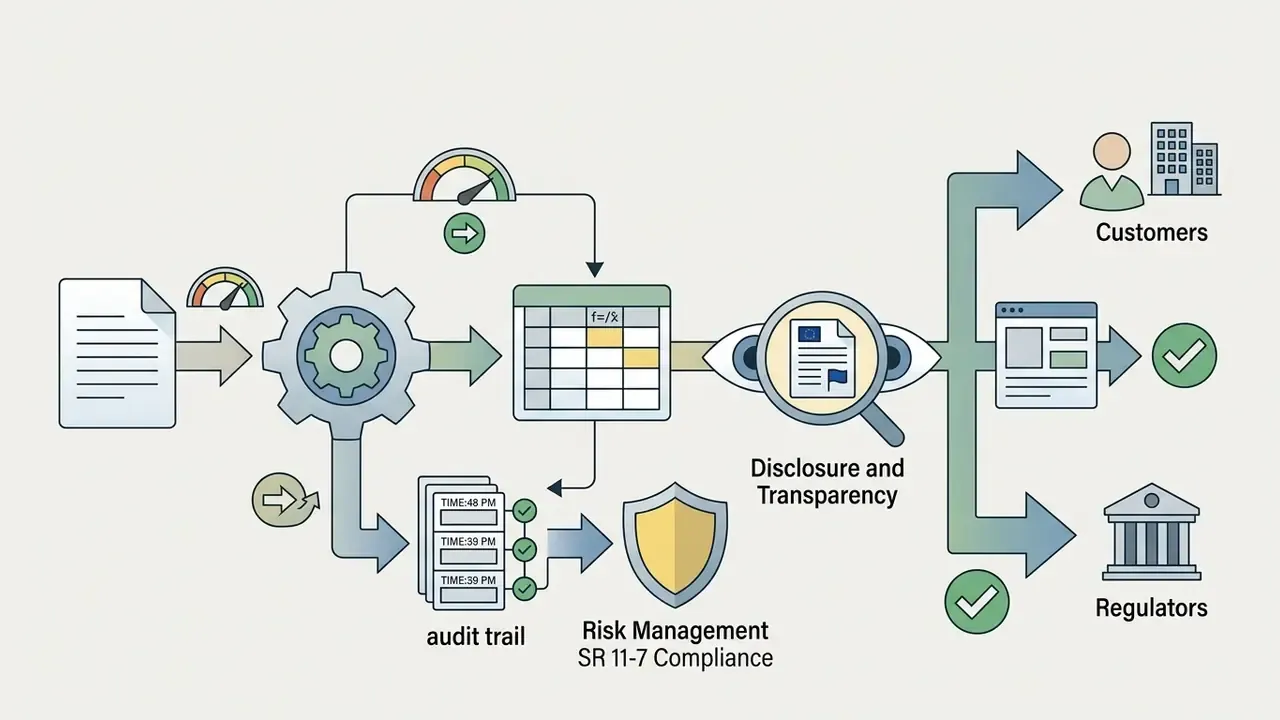
That is the level a mature prompt should return on the first pass. A detail tab with typed columns and validated dropdown statuses, plus a summary tab whose numbers come from live formulas, not from the model writing static totals into cells. The difference matters at audit time: a hard-coded total cannot be traced, recalculated, or challenged.
How to Create an Excel Sheet with AI: Step-by-Step Process
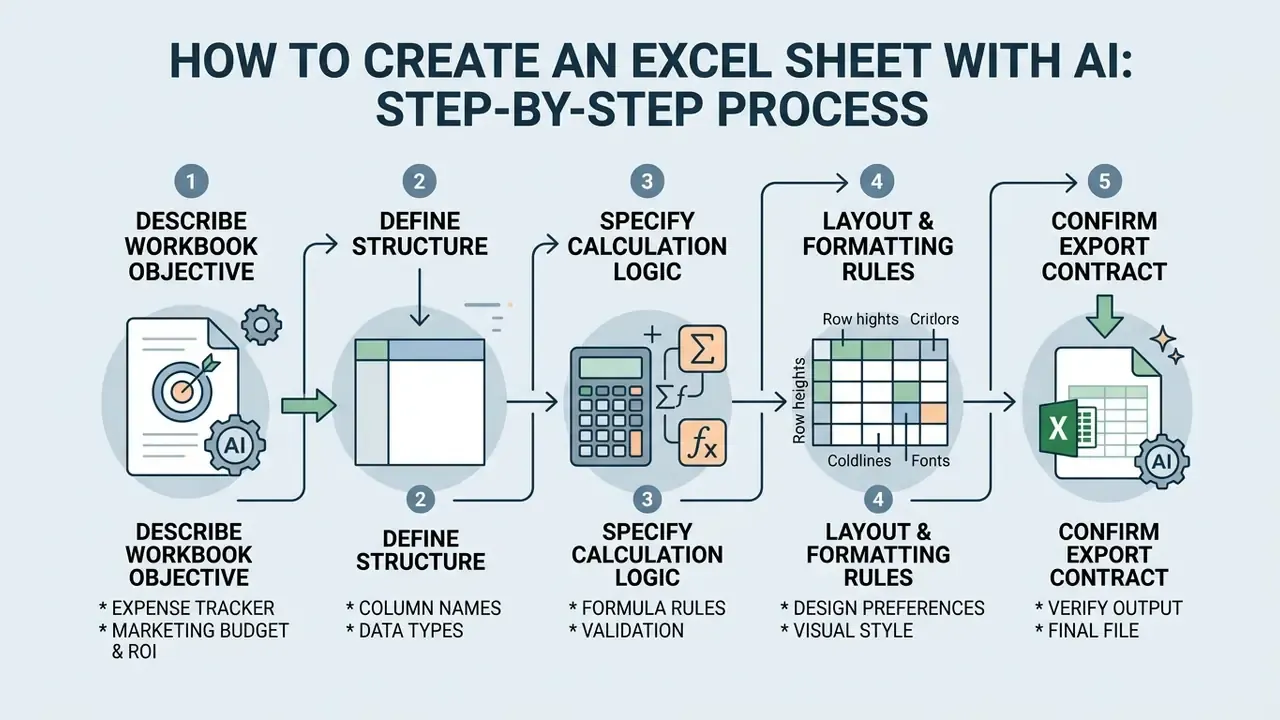
Building an enterprise-ready spreadsheet with an ai excel creator needs method, not vibes. Open-ended prompts return generic grids. Explicit parameters return workbooks you can actually reconcile.
Consider an illustrative deployment at a financial services firm evaluating credit portfolio risk. Analysts had to consolidate quarterly loss metrics across several business units. Using an ai create excel sheet approach, the team defined exact field schemas and required lookup logic in the initial prompt. The tool returned a standardized 12-tab workbook in seconds, with variance formulas and consistent visual layouts. Participants reported a meaningful drop in preliminary template assembly time while enforcing regulatory field naming conventions across regional reporting units. (Composite, directional example. Treat the magnitude as a hypothesis to measure in your own environment, not as a benchmarked result.)
Describe the Table Structure, Data, and Required Columns
The prompt is the input that determines output quality in any ai excel generator. Describe the target workbook precisely, and avoid broad requests:
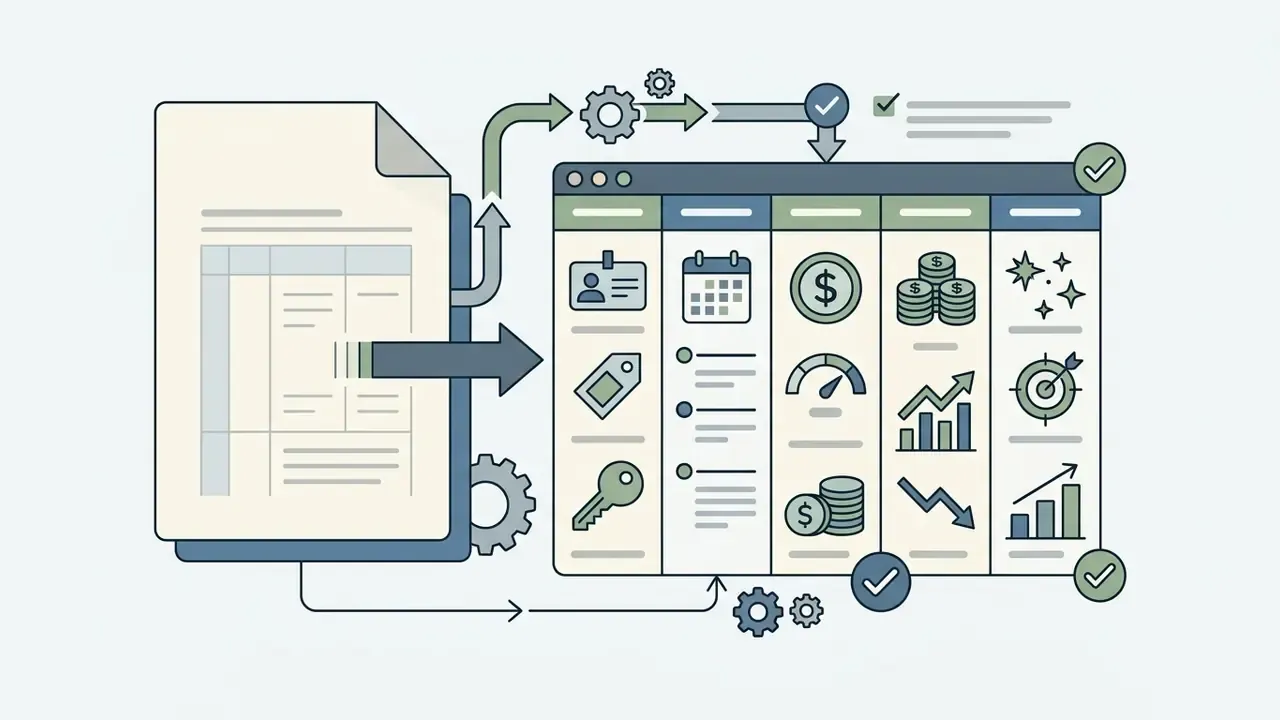
Campaign_ID [Text], Launch_Date [YYYY-MM-DD], Budget_USD [Currency], Actual_Spend [Currency], Leads_Generated [Integer]. Field-schema conventions require a unique name, an explicit type, and a separate format declaration for numeric and date fields.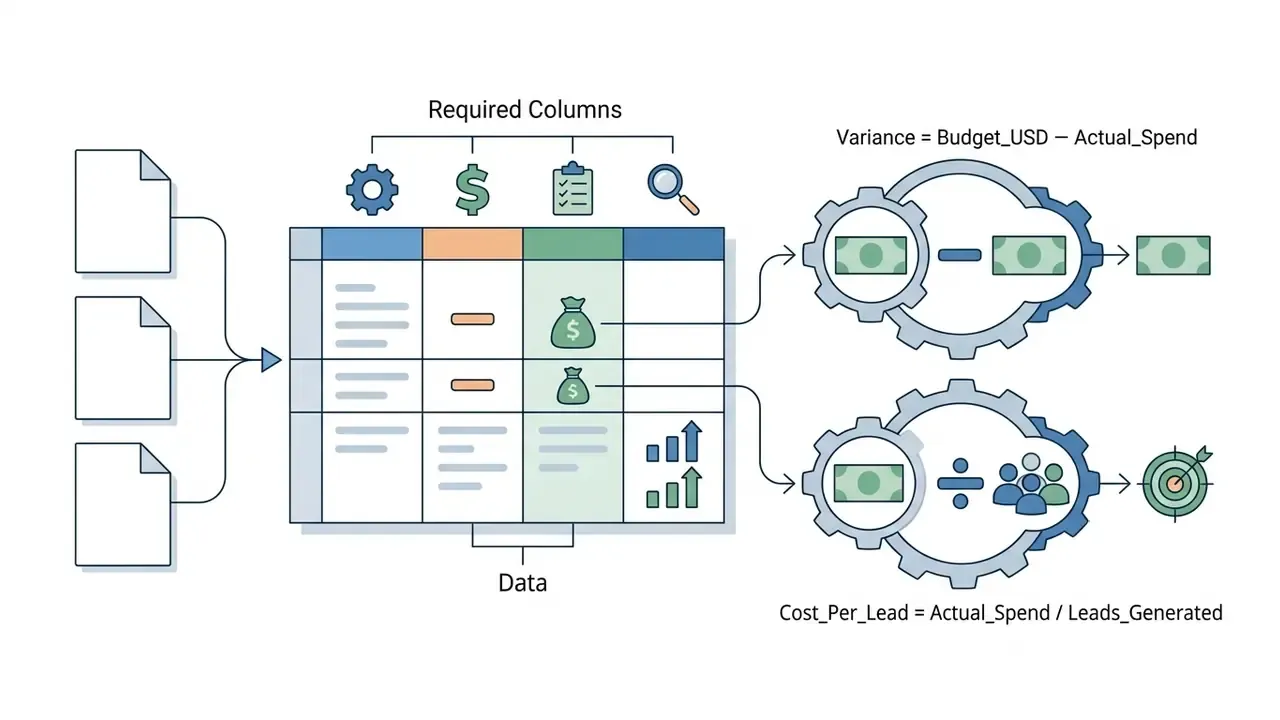
Variance = Budget_USD - Actual_Spend; Cost_Per_Lead = Actual_Spend / Leads_Generated.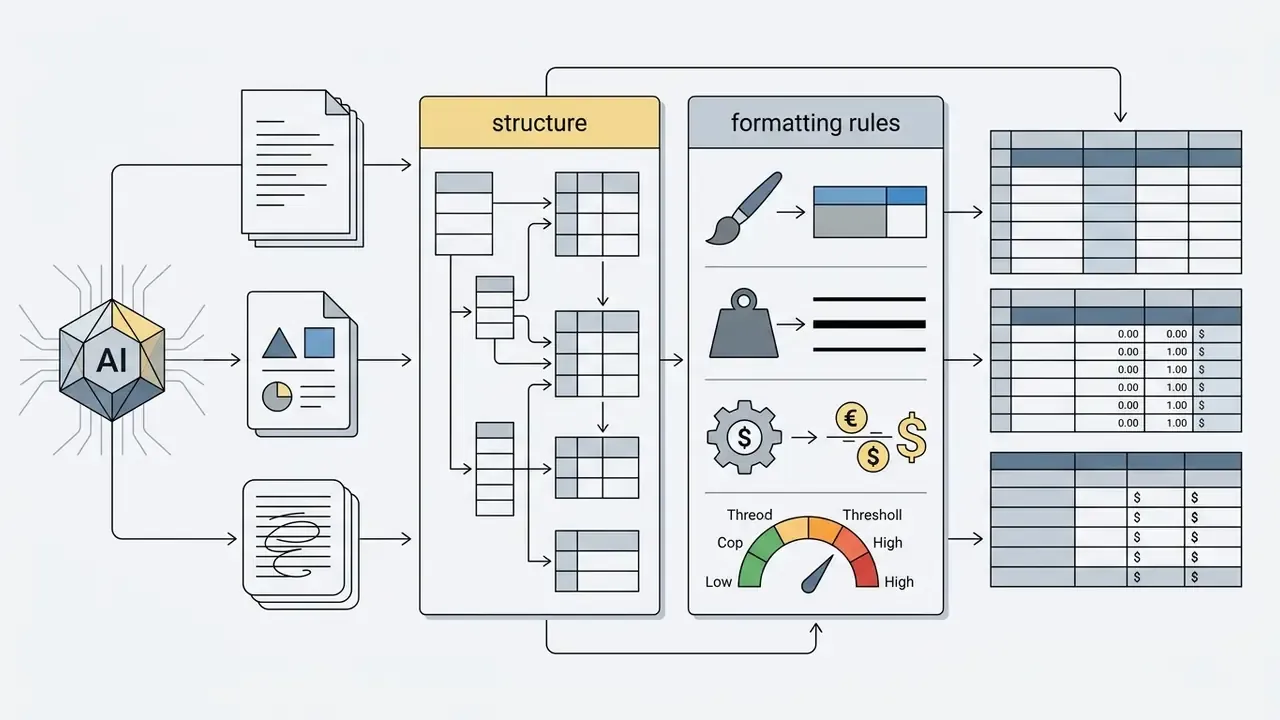
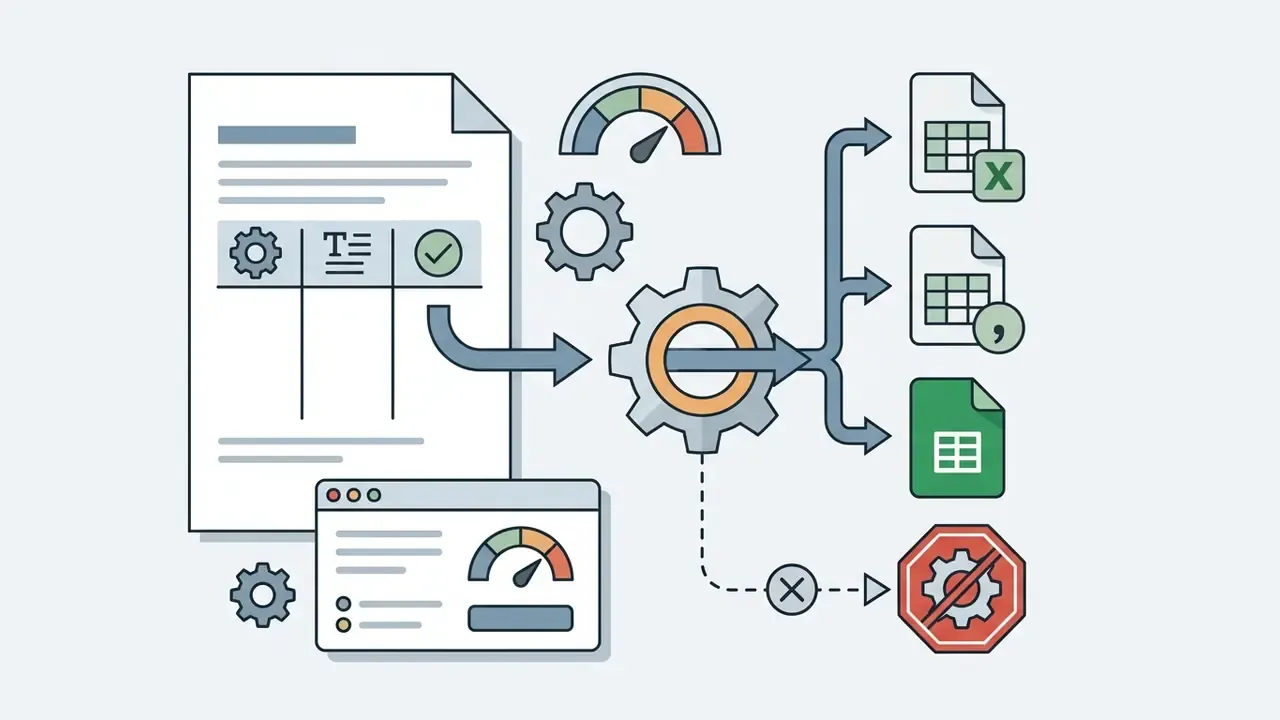
.xlsx, .csv, or a native Google Sheets file, and state whether macros are prohibited.Copy-Paste Prompt Templates
Get the First Draft and Refine the Spreadsheet in Chat
Once the ai excel sheet generator processes the prompt and yields a draft, use interactive chat to refine the structure. The conversational interface adjusts formatting, inserts columns, edits formula references, and produces targeted summary charts.
Per technical documentation for Microsoft Copilot in Excel (2026) and Google Workspace Gemini for Sheets (2026), sidebar chats support real-time workbook manipulation: calculated columns, layout reordering, row insertion and deletion, and syntax troubleshooting. If a formula returns an unexpected value, ask the assistant to explain its calculation path and reapply corrected ranges across all rows. Teams building custom conversational automation around these workflows can borrow patterns from an ai chatbot maker evaluation, since prompt routing and permission scoping problems are nearly identical.
Iterative Prompting: Building Complexity Step by Step
The first generation is a skeleton. Evolve it with follow-up commands instead of regenerating from zero:
- Add calculations "Insert a column 'Share of total budget' to the right of 'Actual spend' and divide each row by the grand total, formatted as a percentage."
- Restructure sheets "Move department-level summary data to a new first tab named 'Dashboard' and keep row-level detail on the 'Data' tab, linked by formulas."
- Conditional formatting "Highlight cells in the 'Variance' column red where the value is below 0 and green where it is greater than or equal to 0."
- Date formats "Convert all dates in the 'Launch_Date' column to DD-MMM-YYYY."
- Validation "Turn the 'Status' column into a dropdown limited to Open, Planned, Filled, and flag any blank owner cells."
- Audit request "List every formula you created, the ranges it references, and any assumption you inferred that I did not specify."
That last command is the most valuable one in a regulated shop. It converts an opaque generation into a reviewable change log, and it regularly surfaces invented rules the requester never approved.
Download the Excel File or Open the Table in Google Sheets
After validating layout and calculations, export. Modern tools support direct download as an excel file (.xlsx) or native cloud handoff to google sheets.
On export to an excel file, the system preserves cell formulas, conditional formatting, merged headers, and data validation rules. Microsoft documents that the .xlsx format retains worksheet and chart data plus formatting but cannot store VBA macro code, a real constraint for legacy models built around macros. For cloud-native workflows relying on excel google sheets interoperability, you can move the file into Google Drive and keep standard formula behaviour. Watch one detail: Google-native functions such as IMPORTRANGE do not survive a round trip into Excel. Enterprise teams that publish recurring report packs usually automate the handoff with a custom api integration that pushes AI-generated tabular data straight into governed cloud storage.
What an AI Excel Generator Can Do with Formulas, Tables, and Charts
An ai excel generator spans computational logic, layout design, visual graphics, and preliminary predictive data analysis. Knowing the categories lets you extract utility while keeping oversight proportionate to materiality.
Generating and Validating Excel Formulas
Writing, checking, and explaining complex excel formulas is the fastest payback from any ai excel sheet maker. Ask in plain English, receive syntax fitted to the workbook grid.
Capability is not reliability. Research by Simon Thorne (EuSpRIG 2023 / 2024), AI Generated Spreadsheets and Trustworthiness Frameworks, notes that LLMs handle simple formulas well but frequently produce plausible yet mathematically invalid output when prompts lack range context or business constraints. Thorne documents cases where ChatGPT returns syntactically valid but logically wrong formulas, including references to non-existent ranges and hallucinated Excel functions. So formula validation protocols are not optional in a bank. They are the price of entry.

XLOOKUP, SUMIFS, INDEX/MATCH, WORKDAY, and nested IF statements. Microsoft documents XLOOKUP as the preferred lookup because it searches in any direction and returns exact matches by default, unlike VLOOKUP with its brittle column-index dependency.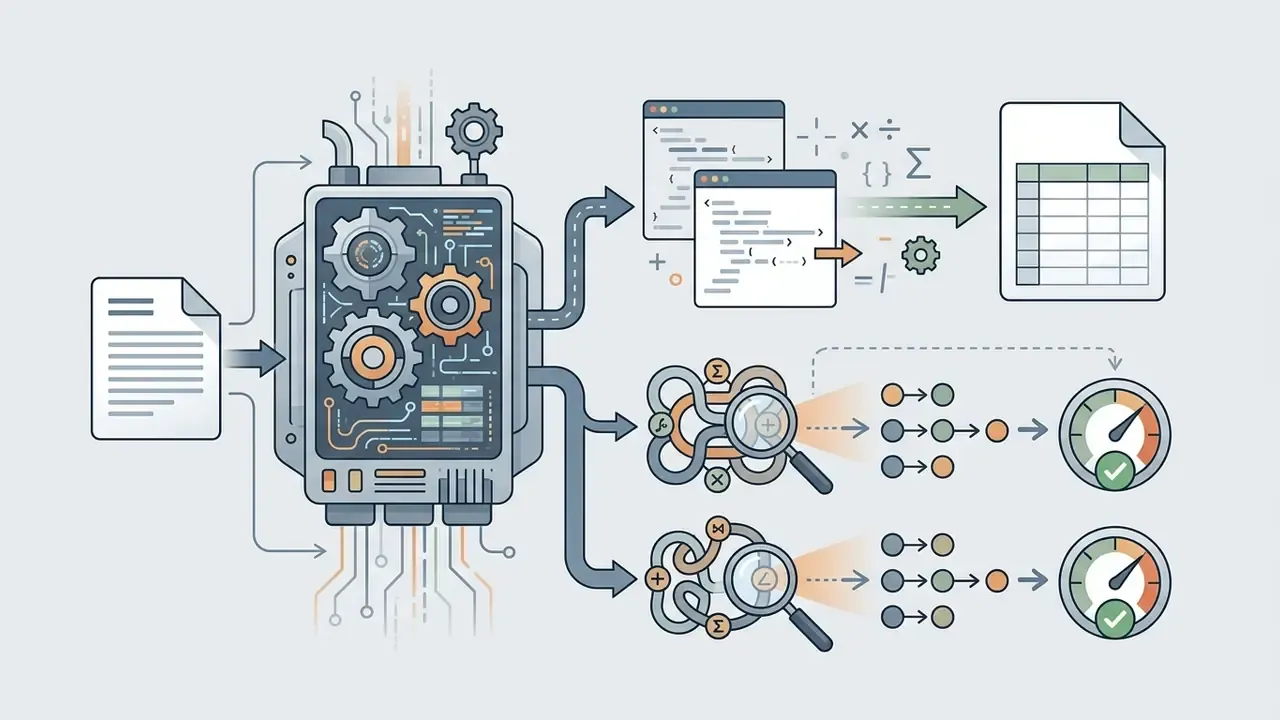
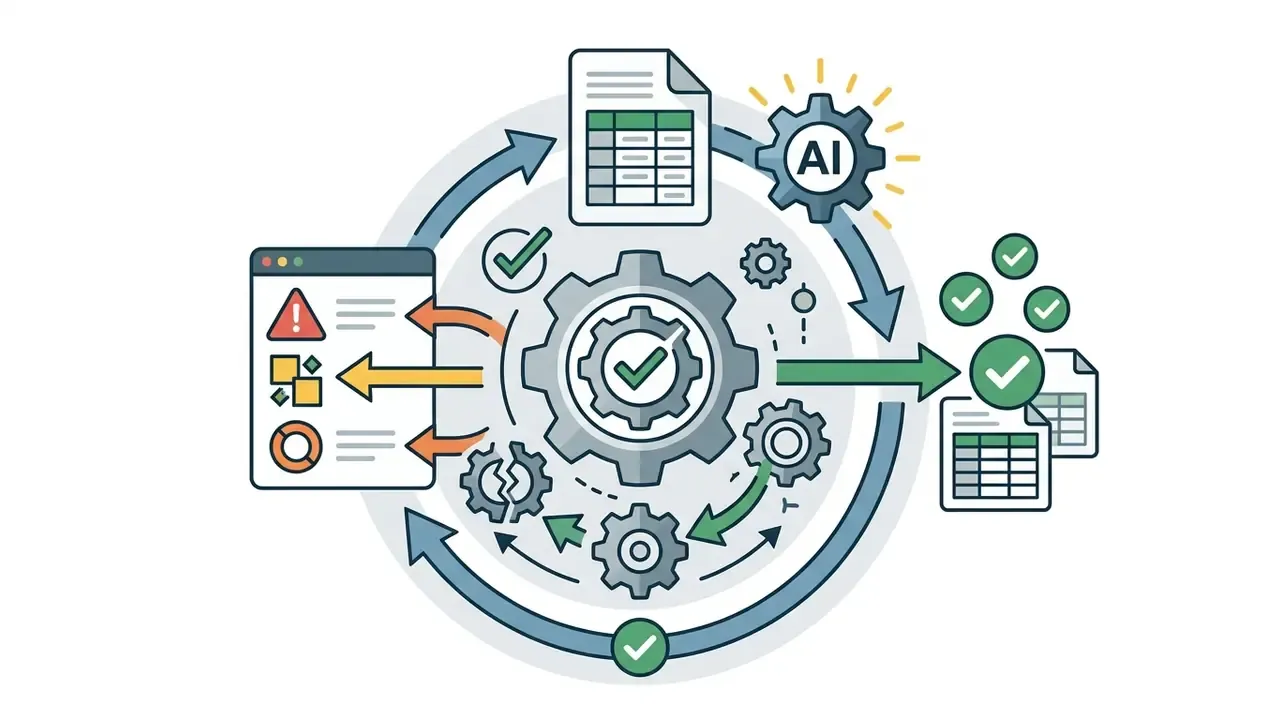
#REF!, #VALUE!, #N/A, circular references, along with corrected alternatives.«Even GPT-4 reaches at most 65.43% accuracy on basic structural table understanding tasks; HTML input outperforms CSV/TSV by 6.76 percentage points.»
That benchmark is the strongest available argument for a two-layer workflow: let the model draft, let the spreadsheet engine compute. Worth noting, recommendation systems trained specifically on spreadsheet structure outperform general chat models on this task by a clear margin.
«Auto-Formula, evaluated on over 2,000 real enterprise spreadsheet formulas, outperforms heuristic recommendation baselines using contrastive learning over table structure.»
Creating Charts, Tables, and Templates for Recurring Tasks
Beyond cell-level math, an ai excel table generator automates presentation and template assembly. The system reads data distributions and proposes fitting visual formats:
- Automated visual charts. Clustered bar charts, trend lines, scatter plots, and pie charts derived from underlying row data.
- Dynamic pivot tables. Multi-dimensional datasets summarized into aggregated pivot tables that surface performance indicators. Microsoft documents Copilot in Excel creating and editing charts, PivotTables, and dashboards from a description; Google documents Gemini in Sheets turning raw ranges into scatter, bar, and pie charts.
- Standardized workbooks. An ai excel template generator layout for monthly, quarterly, or annual reporting duties, including named ranges, assumption blocks, and locked calculation tabs.
When standardizing reporting packs across departments, procurement and analytics leads usually benchmark capability against license economics side by side in the AI Media Comparison Matrices before committing a recurring workflow to one vendor. Single-vendor dependency on a monthly close process is a concentration risk, not just a purchasing preference.
Creating Spreadsheets from Text, Documents, and Unstructured Data
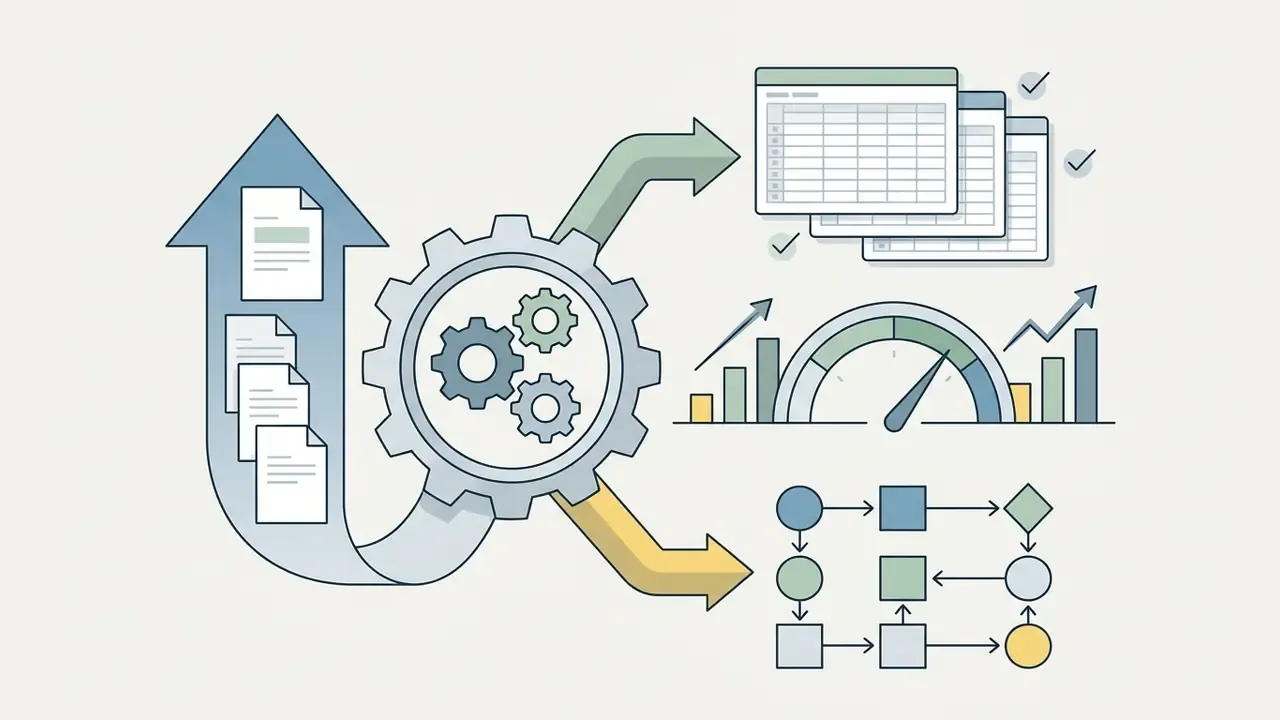
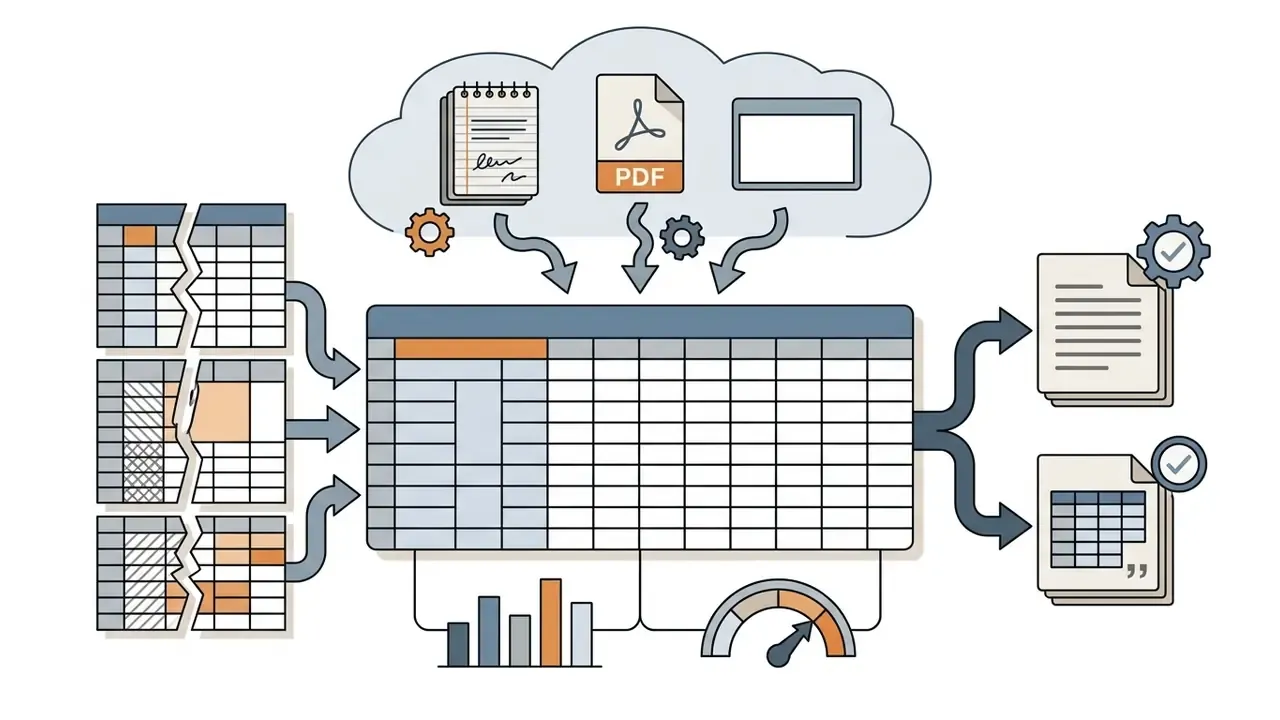
The hard part of enterprise financial data work is rarely arithmetic. It is conversion: PDF invoices, scanned contracts, call transcripts, and email chains becoming clean excel spreadsheets. An ai data sheet creator combines Optical Character Recognition (OCR) with transformer-based language parsing to automate that transformation. Teams testing extraction accuracy across document types often begin with automated unstructured data processing and OCR tooling before choosing a spreadsheet-generation layer on top.
«AutoDCWorkflow generates data-cleaning workflows without model fine-tuning, systematically resolving duplicates, missing values, and inconsistent formats in tabular datasets.»
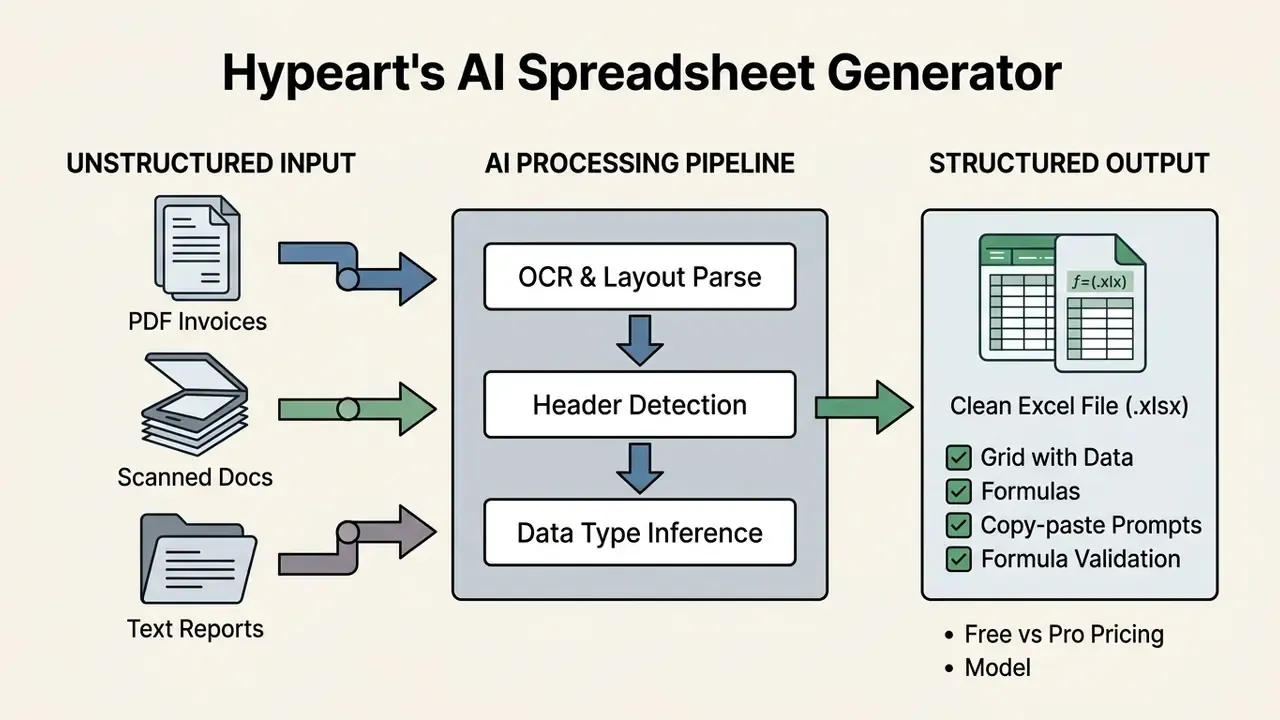
Conversion Scenarios: From Meeting Notes to Word and CSV
An ai excel spreadsheet generator accepts almost any unstructured input:
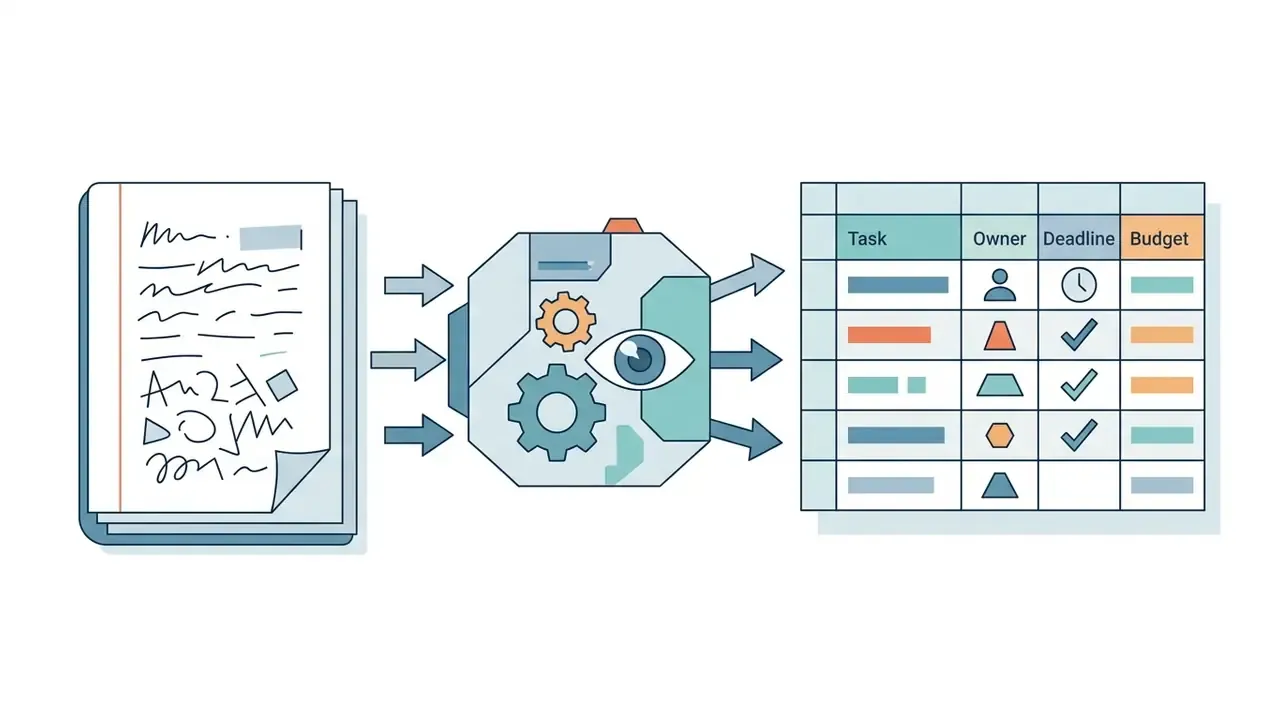
Task, Owner, Deadline, and Budget columns.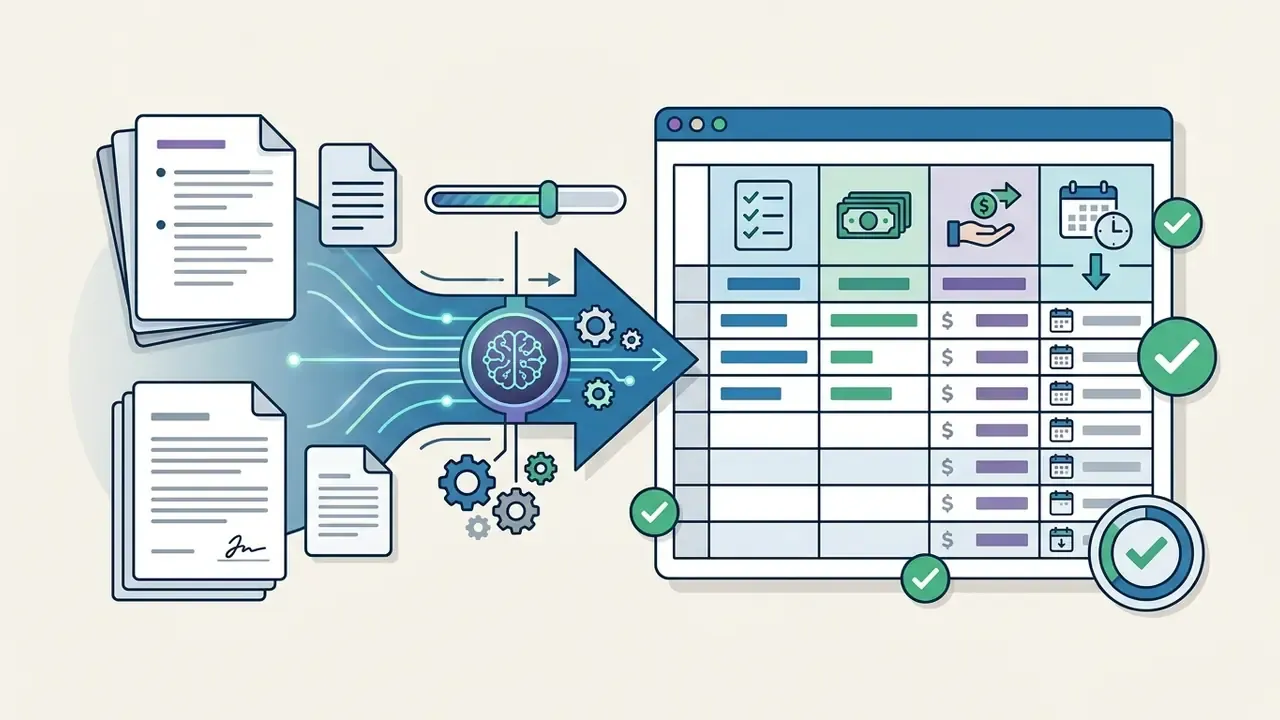
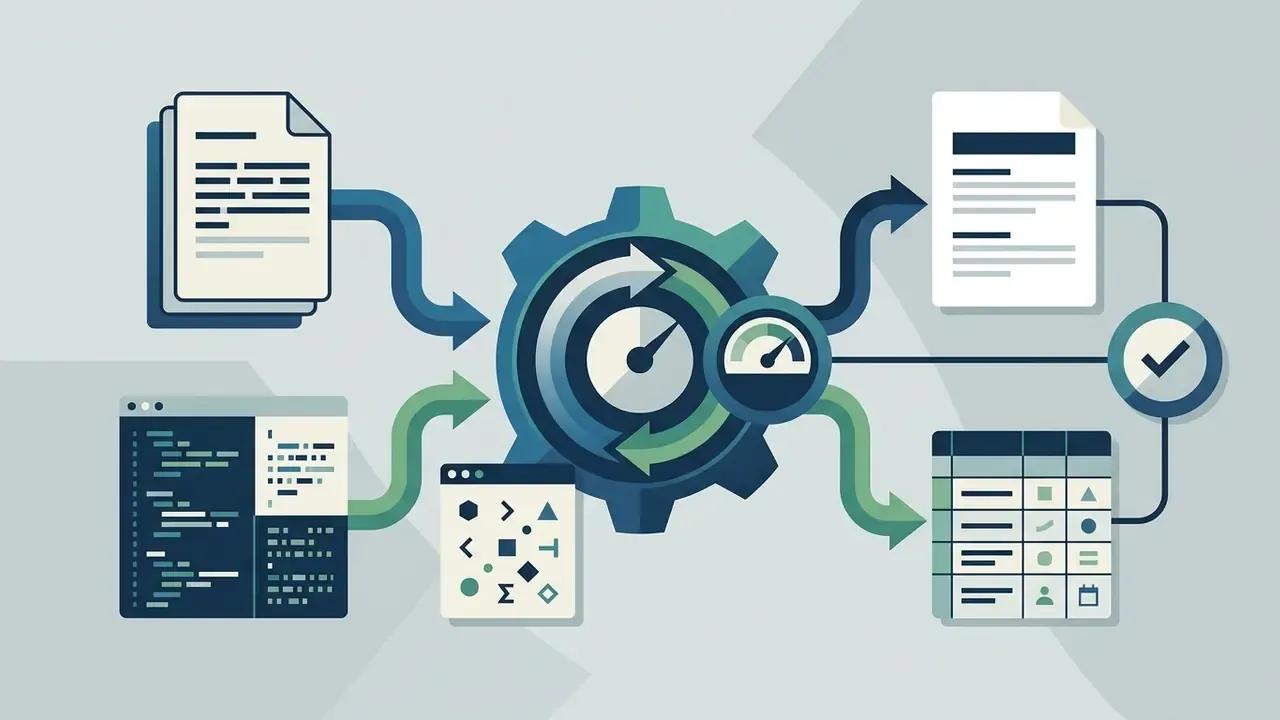
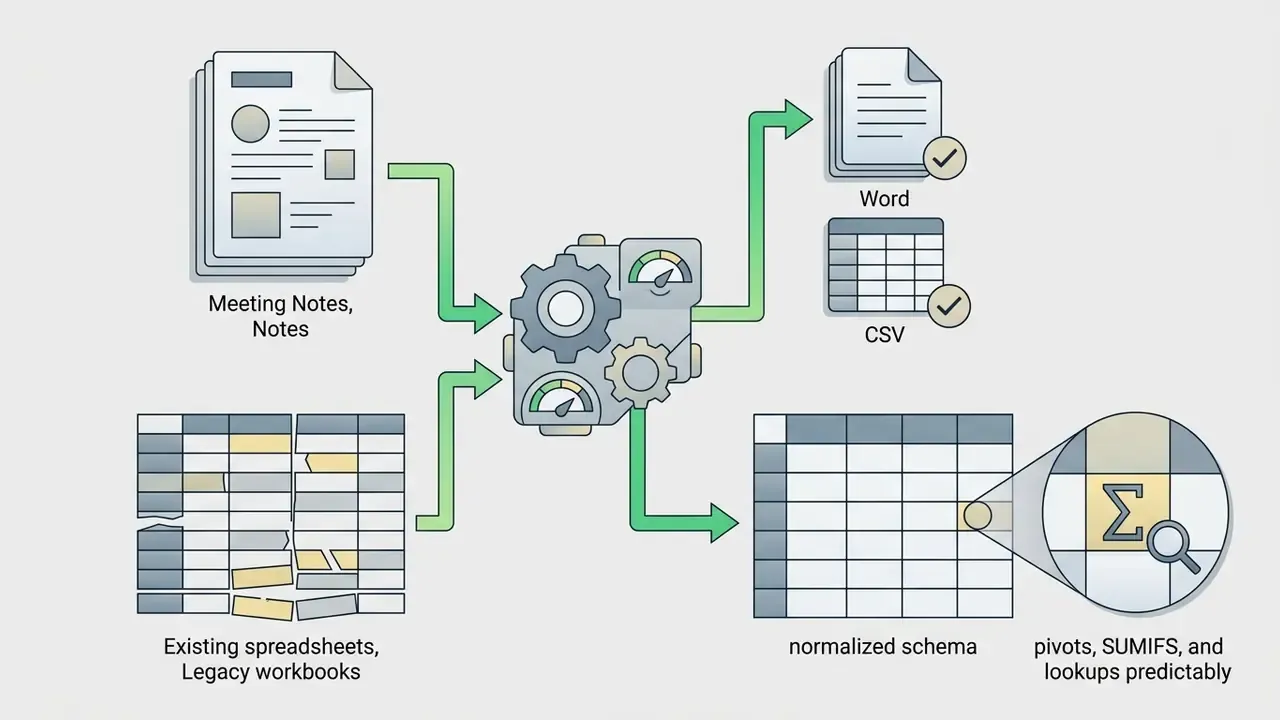
SUMIFS, and lookups behave predictably instead of silently skipping rows.How AI Detects Headers, Data Types, and Column Structure
«Table-specialized LLMs trained on office scenarios show a consistent advantage over general-purpose models on table querying, updating, and merging operations.»
When AI Output Requires Manual Review
Model Risk Management: Fitting AI Spreadsheets into SR 11-7 and Audit Trails
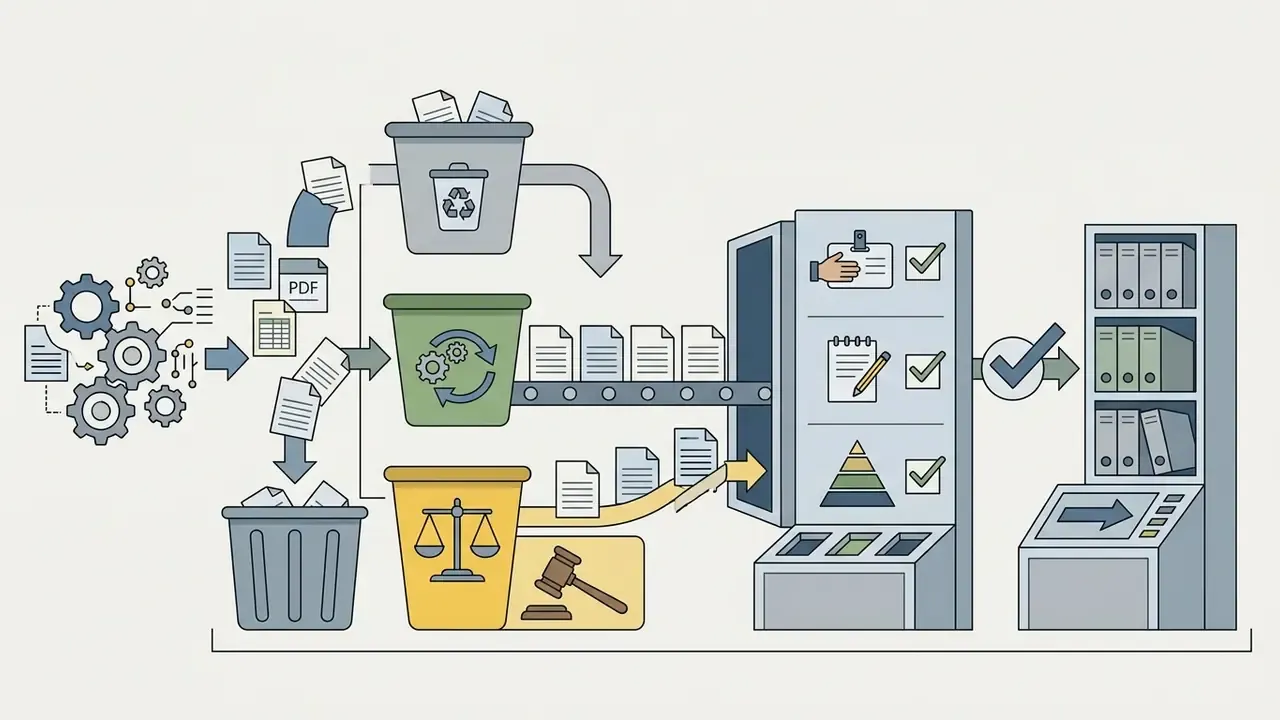
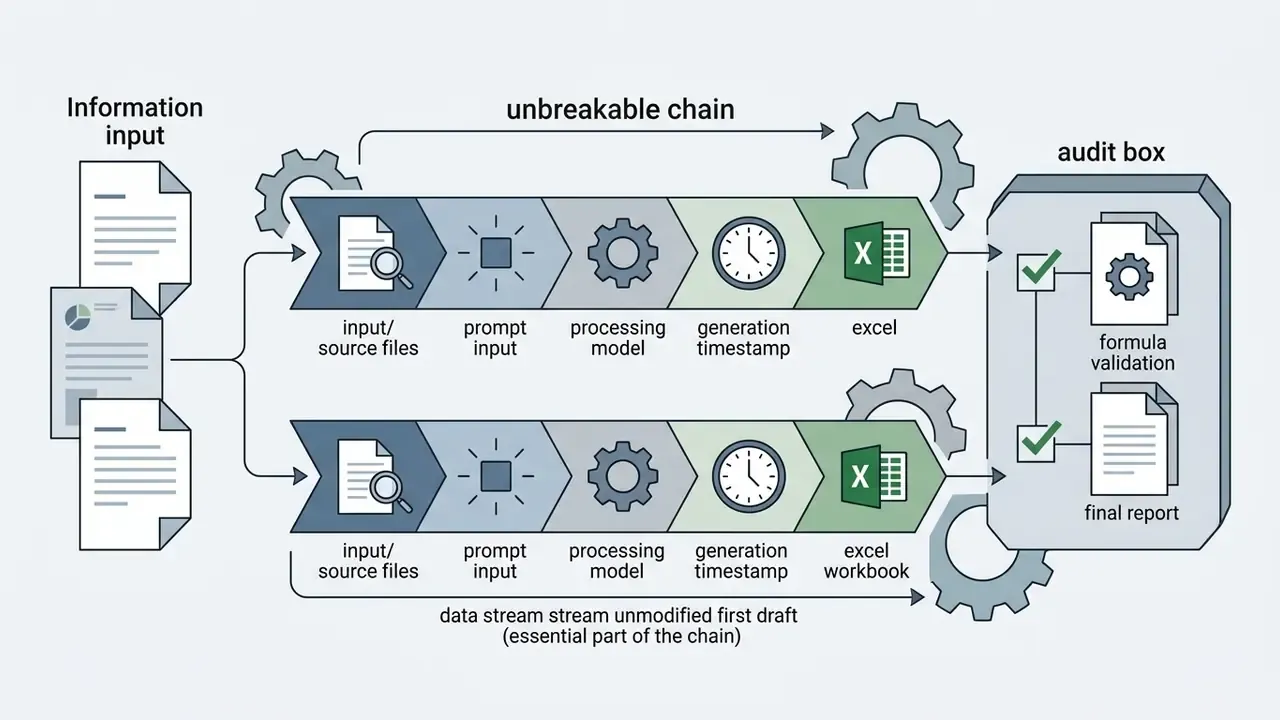
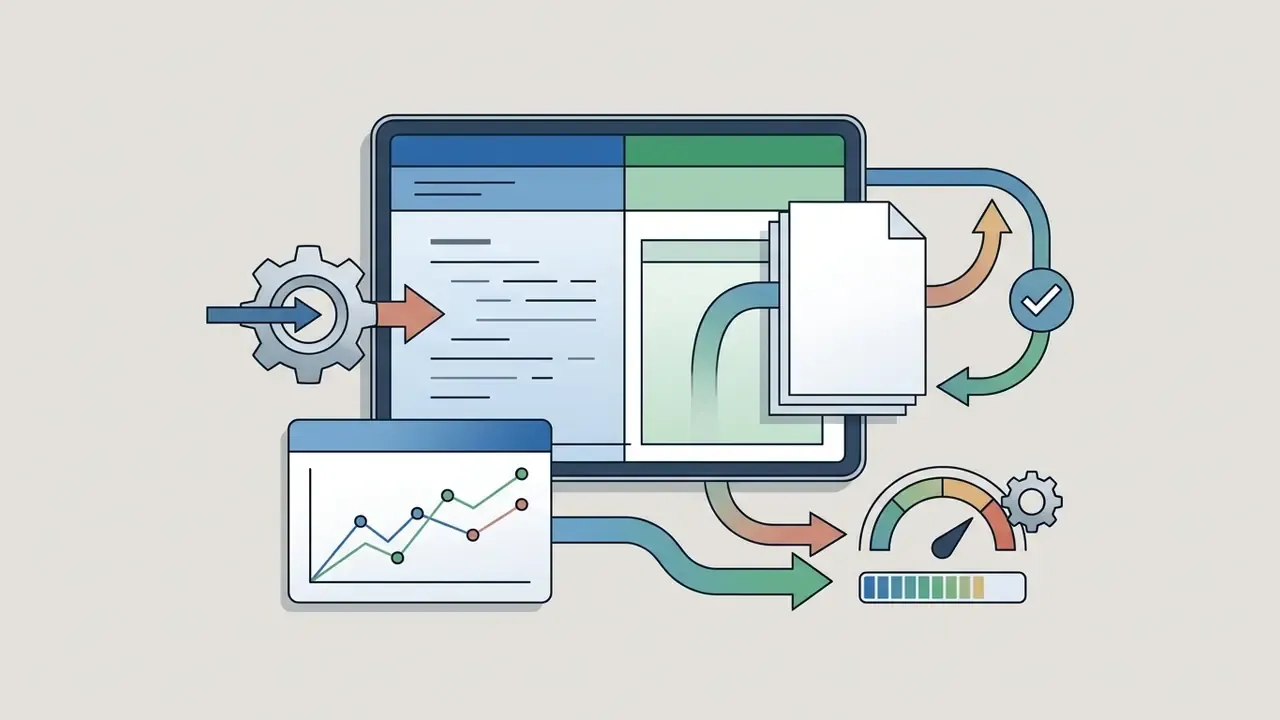
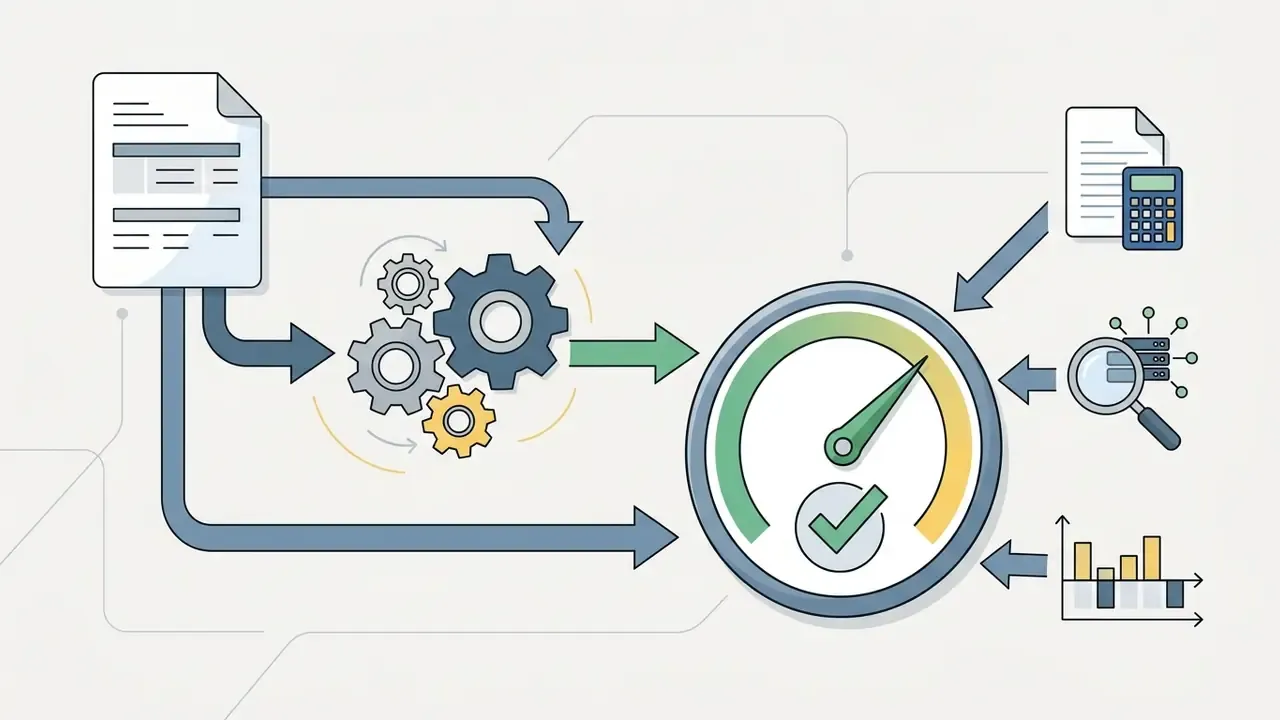
For US banks and regulated institutions, an AI-generated spreadsheet is not only a productivity artifact. Once it informs a decision, it behaves like a model component. Supervisory expectations under Federal Reserve SR 11-7 / OCC Bulletin 2011-12 (Supervisory Guidance on Model Risk Management) call for identification, documentation, validation, and ongoing monitoring of models used in decision-making, whether they live in a quant platform or in a workbook on somebody's desktop.
Model risk disclaimer for generated files. Embed a standing note on the first tab: "Generated with AI assistance on [date] using [tool/version]. Draft only. Not validated for external reporting until signed off by [owner]." One line, and an unvalidated draft stops migrating silently into a board pack. For legal exposure tracking related to AI-generated work products, the AI Litigation and Case Timelines tracker is a useful standing reference for compliance counsel.
One unresolved question deserves an honest answer: nobody has a settled convention for how much validation a low-materiality AI workbook needs. Most institutions are calibrating by trial. Document your threshold, then revisit it after two quarters of evidence.

Which Excel Templates and Spreadsheets You Can Generate with AI
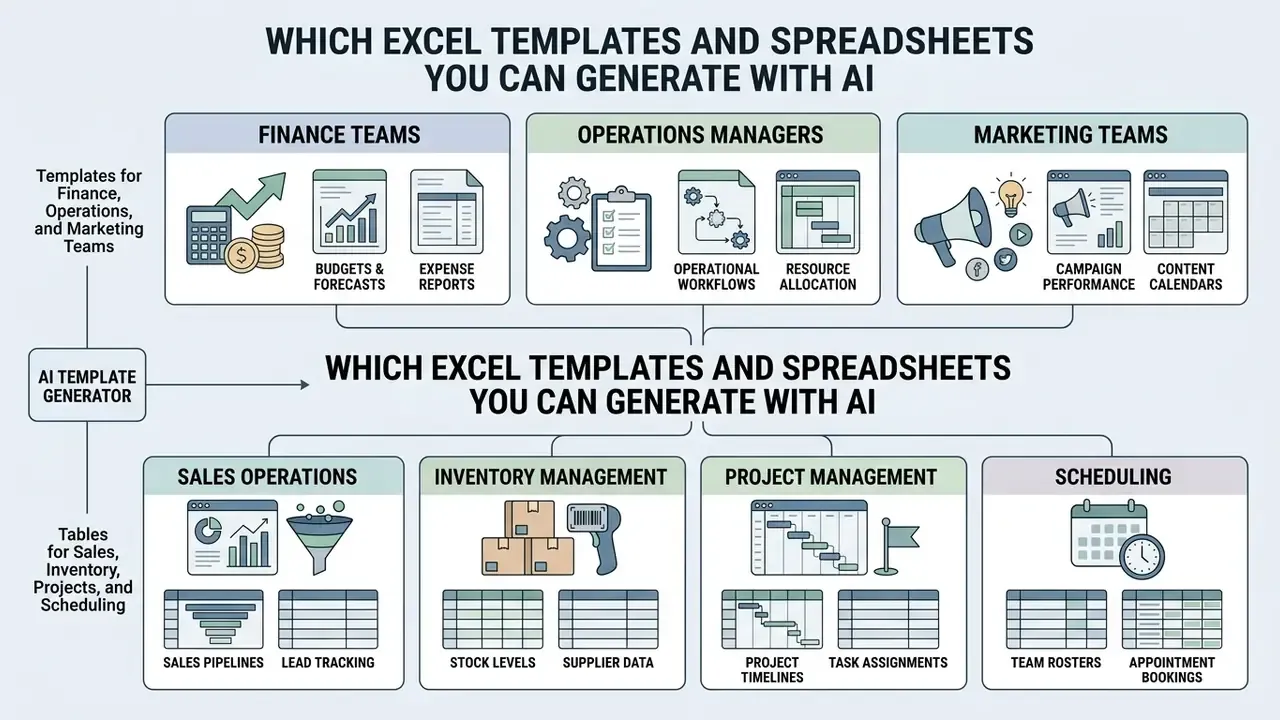
Organizations use an ai excel template generator across functions to build scalable operational scaffolding. Here are the standard corporate scenarios where automated generation moves fastest.
Templates for Finance, Operations, and Marketing Teams
Governance, accounting, and growth teams run either an ai excel template generator free tier or a paid engine to deploy standardized analytical workbooks:
- Finance teams. Profit and loss statements, cash flow forecasts, unit economics models (CAC, LTV, ARPPU), variance analysis packs, audit report scaffolds, burn rate projections.
- Operations managers. Supply chain inventory tracking, logistics vendor scorecards, workforce planning grids, capacity planning workbooks.
- Marketing teams. Multi-channel ad spend trackers, campaign ROI calculators, media plans, acquisition channel dashboards.
For quick sizing of ROI or license spend before a workbook exists at all, the AI Media Calculators hub can shorten the first internal conversation.
Tables for Sales, Inventory, Projects, and Scheduling
Operational units lean on custom tabular templates generated from natural language to structure daily tracking:
- Sales operations. Lead management tables, pipeline forecasting models, commission calculators, lead-scoring matrices, representative performance grids.
- Inventory management. SKU-level monitoring, automated reorder point calculations, supplier detail fields, warehouse optimization logs.
- Project management. Work Breakdown Structure grids, milestone data sources for Gantt views, dependency mapping, resource allocation schedules.
- HR and employee scheduling. Shift planning, availability and coverage matrices, hiring pipeline trackers, interview scorecards, PTO balance audit sheets.
| Business task / scenario | Prompt input example | AI generated Excel template | Required formulas and visuals |
|---|---|---|---|
| SaaS unit economics | "Create a unit economics sheet with monthly cohorts, CAC, LTV, churn rate, and gross margin." | Multi-tab SaaS financial model with CAC and LTV breakdown tabs. | SUMIFS, AVERAGE, LTV/CAC ratios, line charts for monthly retention trends. |
| Inventory optimization | "Build an inventory log with SKU, stock on hand, minimum reorder point, unit cost, and reorder trigger." | Inventory control workbook with visual stock status alerts. | IF logic (IF(Stock < Min, "Reorder", "OK")), conditional red and green fills. |
| Project milestone tracking | "Generate a project schedule table with tasks, owner, start date, duration days, end date, and completion %." | WBS project tracker ready for Gantt visualization. | WORKDAY functions, completion percentages, stacked horizontal bar chart setup. |
| Ad campaign ROI analysis | "Construct a marketing ad spend tracker across Google, LinkedIn, and Meta with cost-per-lead and total ROI." | Marketing channel performance dashboard with spend vs revenue metrics. | SUM, spend-per-lead formulas, channel contribution pie charts, summary cards. |
| Vendor invoice reconciliation | "Extract line items from these 12 PDF invoices into one sheet with vendor, invoice no., date, net, VAT, gross, PO reference." | Normalized AP reconciliation sheet with one row per line item. | XLOOKUP against the PO register, SUMIFS by vendor, exception flags for unmatched POs. |
Read the table as a fit test. If your task appears in it, an ai excel spreadsheet maker will likely save real hours. If your task depends on macro logic or cross-workbook links, expect friction.
How to Choose an AI Spreadsheet Tool for Excel and Google Sheets
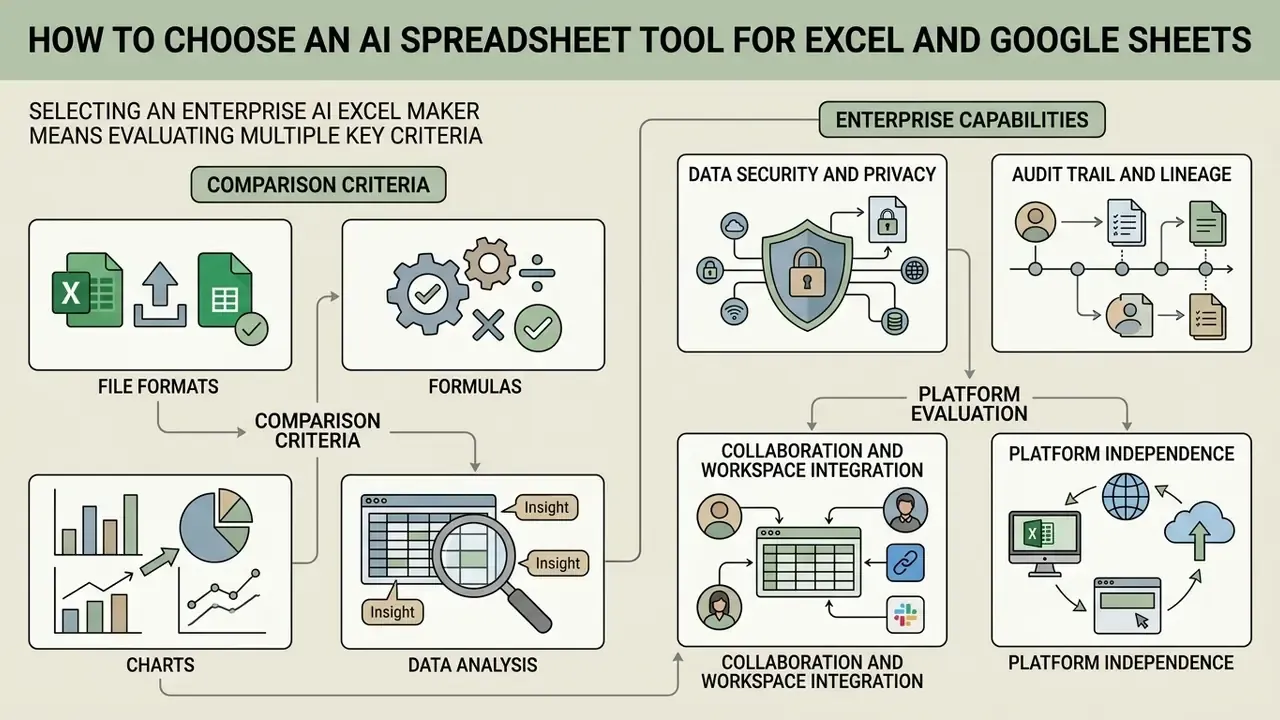
Selecting an enterprise ai excel maker means evaluating model capability, data security architecture, platform support, audit trail depth, and total cost of ownership. Whatever you deploy has to sit inside existing IT governance and compliance policy, not beside it.
Comparison Criteria: File Formats, Formulas, Charts, and Data Analysis
When assessing an ai generator for excel, procurement officers and model risk managers should inspect eight technical criteria:
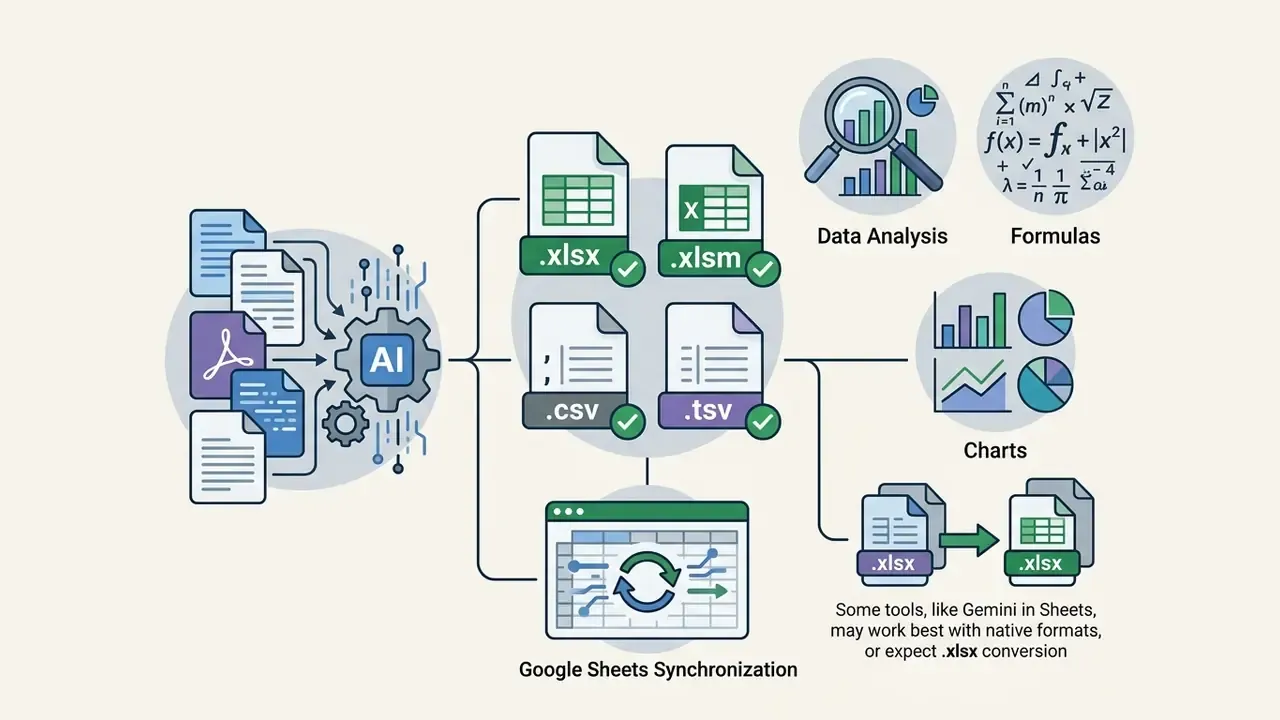
.xlsx, .xlsm, .csv, .tsv, plus direct sync with google sheets. Note that Gemini in Sheets works best with native Sheets files and expects .xlsx conversion.
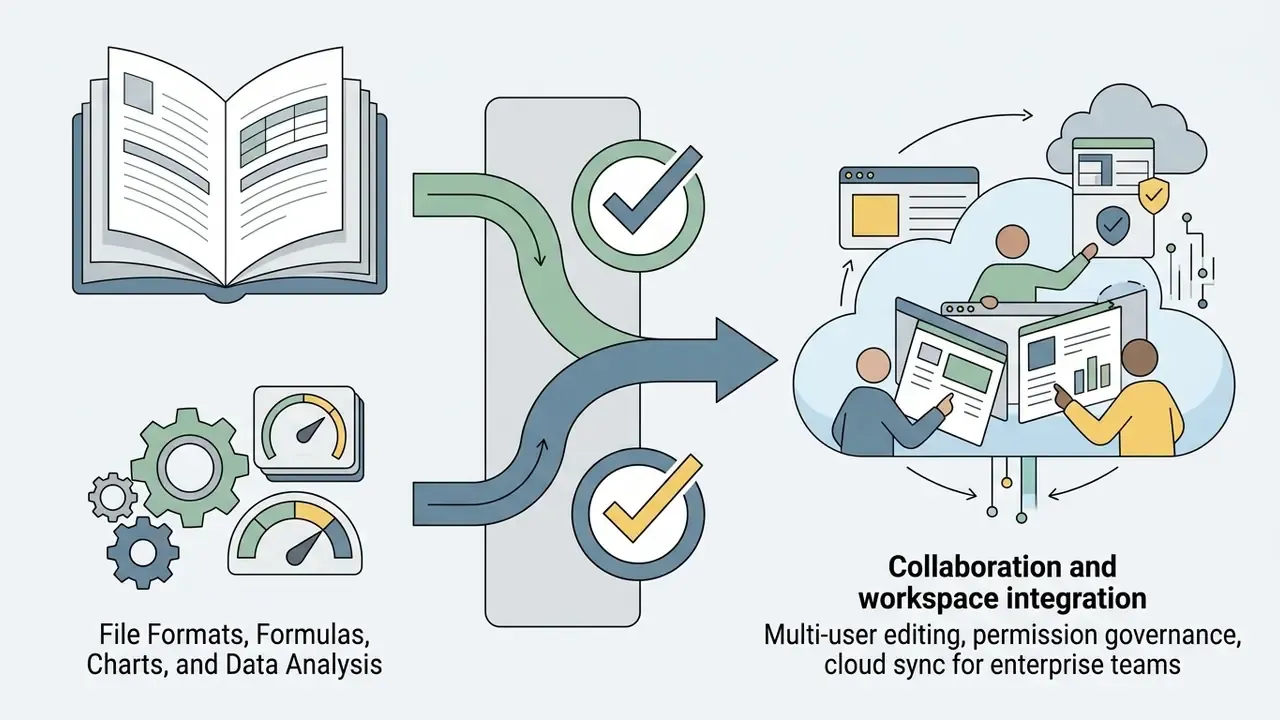
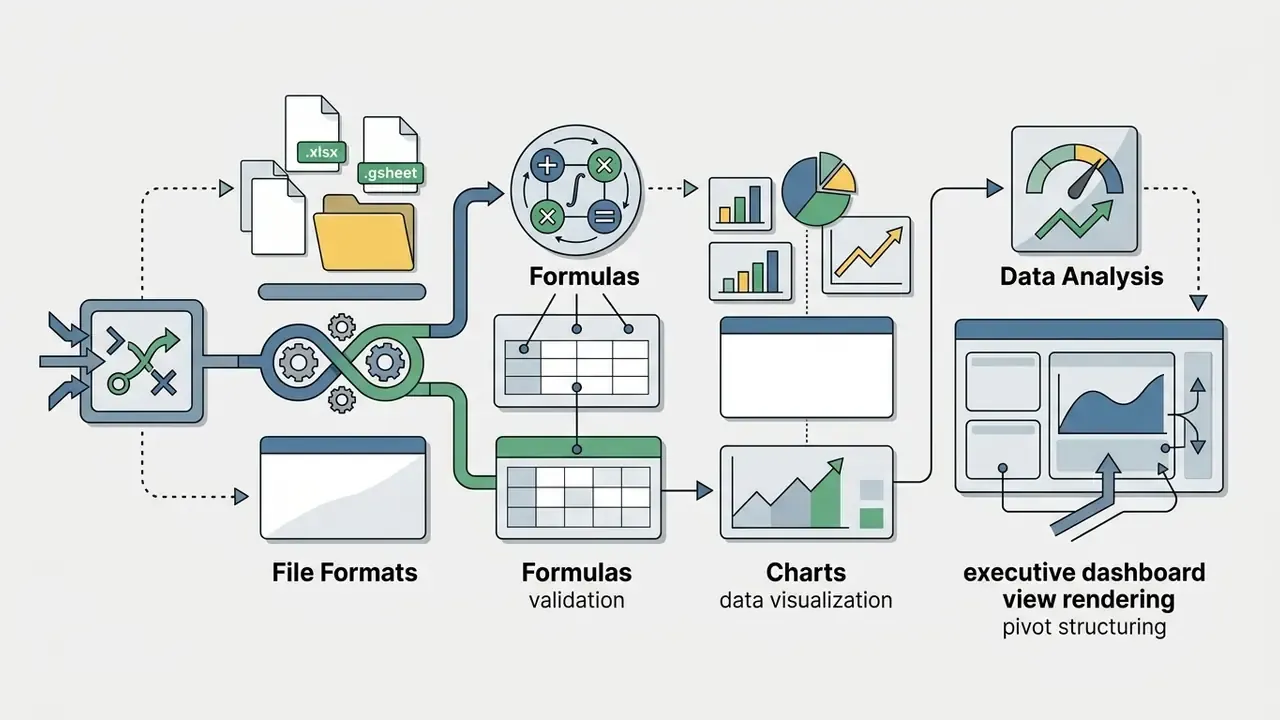
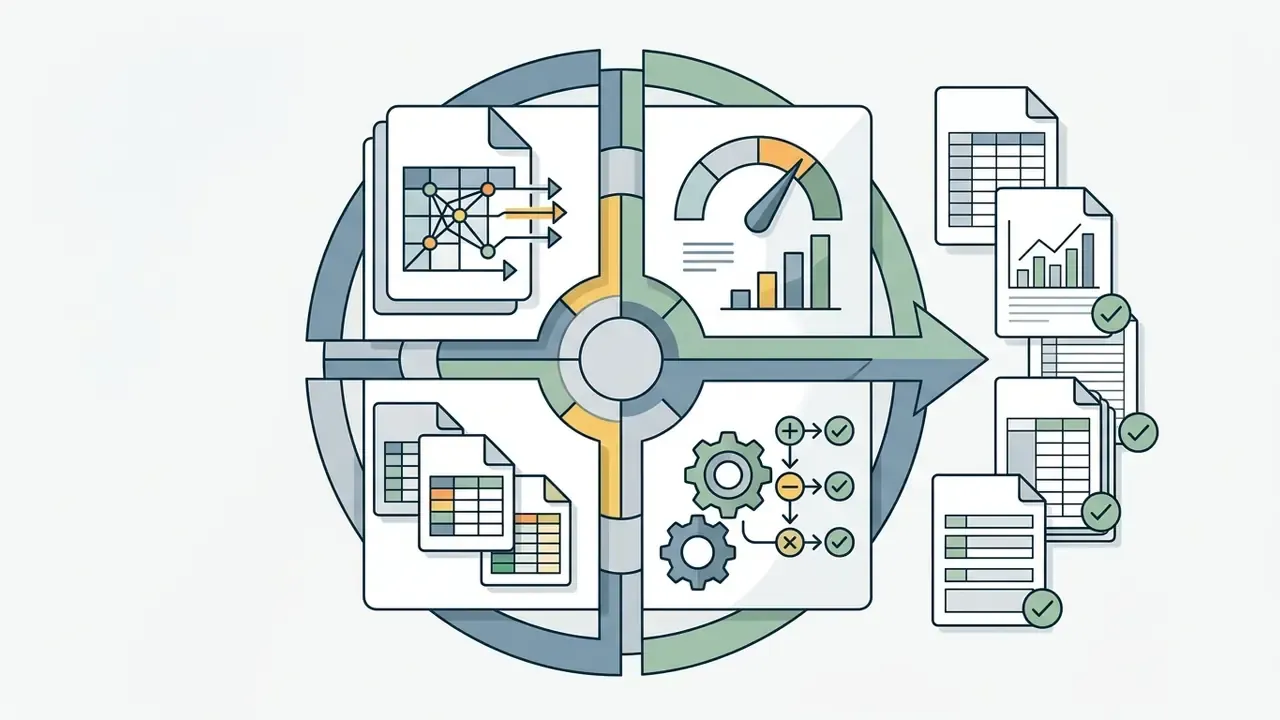
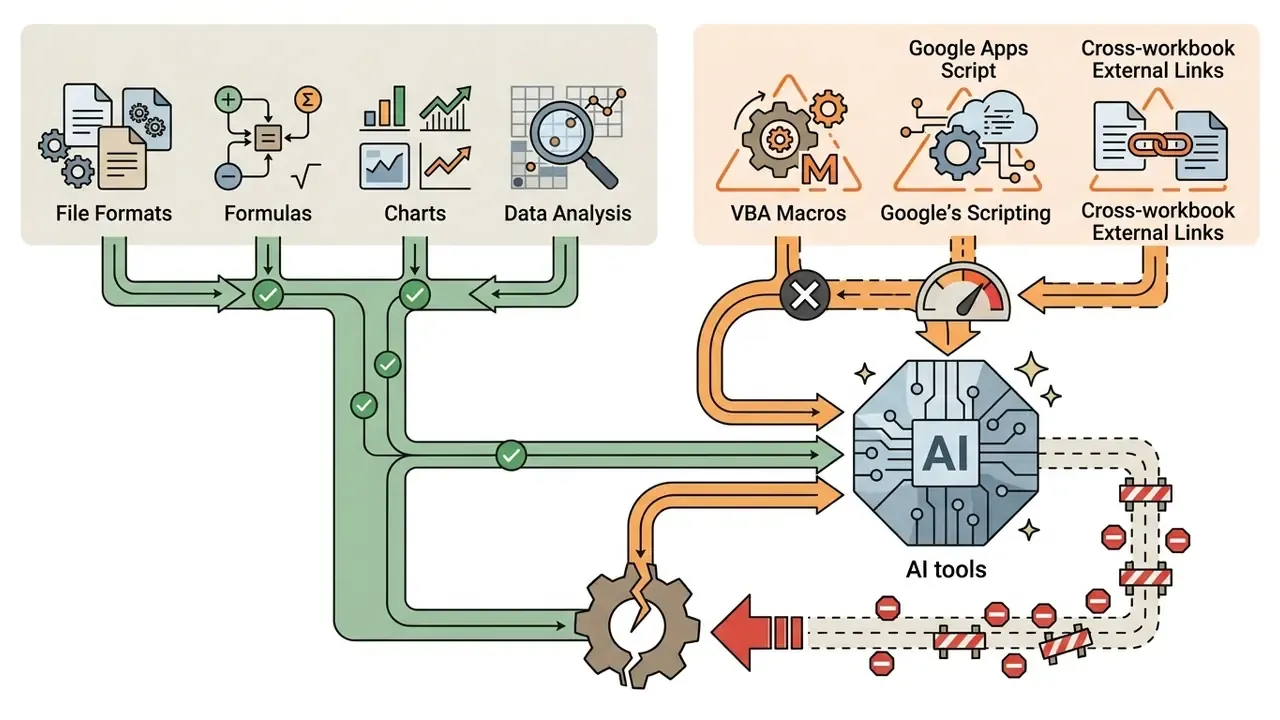
«A study of Microsoft Copilot users in Excel found the dominant obstacle is prompt formulation: imprecise requests lead to incorrect or irrelevant outputs.»
That finding reframes procurement. Prompt-engineering enablement and an internal prompt library belong in the cost model, not in the "nice to have" column.
When You Need an AI Excel Maker vs a Template Generator
Choosing between a specialized ai excel sheet maker working inside live sheets and a standalone template generator producing downloadable .xlsx files depends on context:
- Use a standalone template generator for fresh structures, rapid prototypes, and standardized blank forms for new processes.
- Use an in-workbook AI Excel maker when you must operate inside established workbooks with historical data, existing macro code, custom brand styles, or intricate multi-tab links that must survive intact.
For deeper cost and feature comparison during vendor selection, the AI Media Pricing Guides collect the current picture in one place.
| Feature / capability | Standalone AI template generator | In-workbook AI spreadsheet assistant | Enterprise AI governance engine |
|---|---|---|---|
| Primary workflow | Generates new .xlsx or CSV files from text prompts. | Edits active cells inside Excel or Google Sheets sidebars. | Audits, secures, and tracks model usage across enterprise workbooks. |
| Existing file integration | Low; typically creates blank new workbooks. | High; inspects and modifies existing ranges. | High; monitors cell edits, formula changes, access logs. |
| Formula and logic auditing | Basic syntax check during creation. | Real-time formula explanation and chat debugging. | Full audit trail, lineage tracking, compliance checks. |
| Macro / VBA handling | Not supported (.xlsx cannot store VBA). | Limited; usually preserves but does not author macro logic. | Policy enforcement and inventory flagging for macro-bearing files. |
| Target user base | Individual contributors, small teams, fast prototyping. | Financial analysts, operations managers, data planners. | CROs, model risk officers, CCOs, enterprise IT. |
| Deployment complexity | Browser, instant download. | Office 365 add-in or Google Workspace extension. | Enterprise SSO, API access, SOC 2 cloud host. |
AI Excel Generator Free and Paid Plans: What to Check Before Use
What Free Plans Typically Include
Free plans of the ai excel sheet generator free variety give you enough for trial evaluation and light personal use. Limits are tight and change often, so verify each figure on the vendor page before relying on it:
- Query and generation limits. Usually a small monthly or daily allowance. Publicly documented examples in this category range from roughly 4 tool uses per 12 hours to 10 chat messages and about 25 AI actions per month.
- File upload caps. External file uploads for extraction are often restricted to small sizes, frequently around 5 MB, and a limited number of files per session.
- Processing limits. Free tiers commonly cap code-execution time, for example a five-minute timeout, which constrains large-dataset analysis rather than formula complexity as such.
- Basic formula scope. Basic calculation generation is available; advanced data wrangling, automated chart generation, connector syncs, and macro script synthesis are usually withheld.
- Export. Some free tiers permit
.xlsx, CSV, and PDF export; others watermark or block downloads outright.
A note on search behaviour: queries for an ai excel sheet generator (free) almost always end up on evaluation-grade products. Fine for a pilot. Not fine for a monthly close.
What to Compare in Pro Plans for Recurring Work and Teams
Teams that need daily operational support move to Pro or Business tiers. Paid plans unlock capability designed for continuous corporate usage:
- Expanded generation and priority processing.Higher usage ceilings, for example up to about 1,000 AI operations monthly in workspace-seat models, lower query latency, and premium latency or uptime SLAs at enterprise API tiers.
- Advanced data analysis.Python and R execution sandboxes, multi-tab financial consolidation, larger context windows for long files, automated pivot and chart generation.
- Data privacy guarantees.Zero data retention agreements, custom retention policies, SSO, SCIM provisioning, role-based access control, encryption in transit and at rest, and default exclusion from LLM training sets.
- Team management.Centralized billing, shared template libraries, usage analytics, audit log tracking for compliance oversight.
Total Cost of Ownership: Beyond the License Fee
In a regulated environment, license price is the smallest line item. Model the whole figure:
- Formula audit overhead. Reviewer hours × number of workbooks × audit hours per workbook. A workbook that takes two minutes to generate can take forty minutes to validate. That asymmetry decides your business case.
- Validation and documentation. Effective-challenge work, inventory registration, evidence retention for material tools.
- Residual risk exposure. Expected cost of an undetected error reaching a decision, priced by materiality tier.
- Verified time savings. Measure with a controlled pilot, same task, AI-assisted versus manual. Vendor claims of "90% faster" or "10x less spreadsheet work" are marketing figures without independent benchmarking.
E-E-A-T pricing verification block (last verified August 2026). Commercial pricing schedules and feature limits for AI spreadsheet tools change frequently, and several vendors publish inconsistent figures across their own pages. Verify current rates directly with the vendor before procurement. Representative baselines observed in this segment:
- GPTExcel / AI Excel Bot. Free basic plan ($0); paid tiers publicly listed from roughly $2.99 to $12.60 per month, with one vendor page showing a higher $19.9 per month packaging.
- Formula Bot (Better Analyst) / Rows AI. Starter and Plus tiers from about $6.00 to $18.00 per user per month; Unlimited and Pro tiers from about $29.00 to $79.00 per month plus per-seat fees.
- Microsoft 365 Copilot. Enterprise add-on commonly listed from $18.00 to $30.00 per user per month depending on packaging, with mandatory Microsoft 365 commercial licensing.
Verification sources: vendor official pricing pages (Microsoft 365, Rows, GPTExcel, Formula Bot / Better Analyst) and vendor documentation, checked at time of publication. Confirm before purchase.
For deployment troubleshooting and technical assistance during rollout, the AI Media Support and Troubleshooting portal covers the common integration failures.
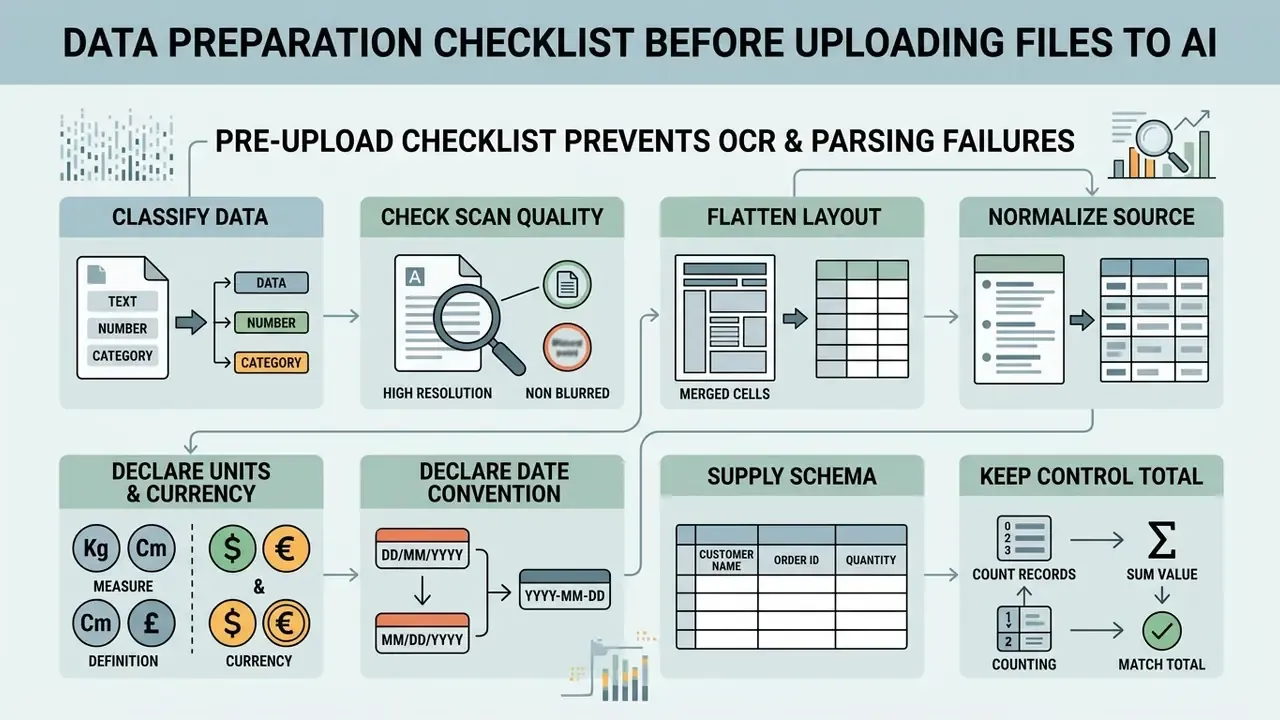
Data Preparation Checklist Before Uploading Files to AI
FAQ: Common Questions About AI Spreadsheet Generators
Can an AI-generated Excel file be opened in other spreadsheet applications?
Yes. Files produced as standard .xlsx or .csv can be opened, edited, and saved across Microsoft Excel, Google Sheets, Apple Numbers, and LibreOffice Calc. Standard formulas such as SUM, AVERAGE, VLOOKUP, and XLOOKUP keep full functionality. Proprietary features do not travel: Google-native =IMPORTRANGE(), Excel VBA macros, and platform-specific AI sidebars stay behind. LibreOffice Calc also converts certain Excel functions to Calc equivalents, for example CEILING to CEILING.XCL, so verify round-trip fidelity on material models.
How do AI spreadsheet generators protect confidential corporate data?
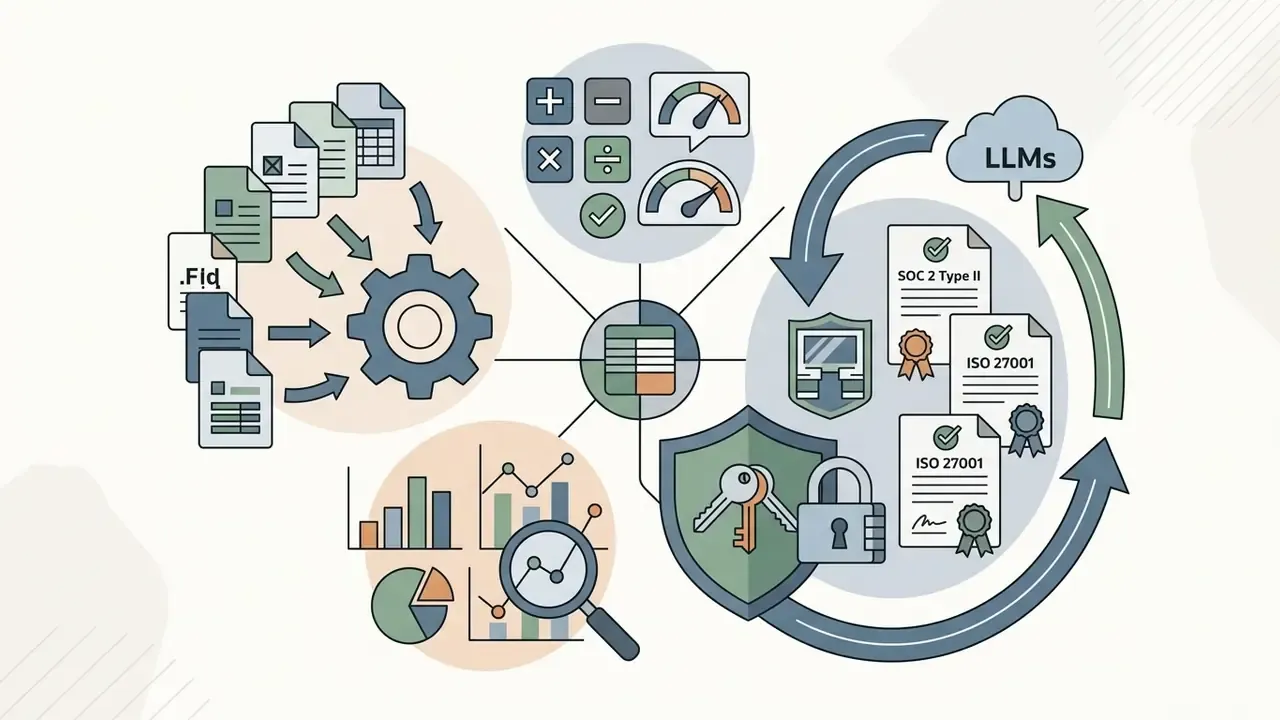
Enterprise-grade tools implement zero data retention, encryption in transit and at rest (AES-256), SOC 2 Type II certification, and ISO 27001 compliance, often with SSO, SCIM, BYOK, and custom retention policies. Under enterprise agreements, provider terms typically state that customer prompts and uploaded financial spreadsheets are not used to train public models. Read the contract language and the retention window rather than the marketing page, and restrict usage to tools your security and privacy team has authorized.
Can AI recognize unstructured tables from images and PDF files?
Yes. Modern tools combine OCR with vision-language parsing to read PDFs, scanned receipts, and image files. The engine detects visual borders, extracts header titles, aligns rows across page breaks, handles merged cells, and exports an editable workbook. Always reconcile the extraction against a pre-recorded control total, because OCR failures are silent by nature.
Do AI Excel generators support languages other than English?
Yes. Major tabular engines process prompts in over 20 languages, including Spanish, German, French, Japanese, and Mandarin. You can prompt in one language and request column headers, cell descriptions, and summary reports in another. Some add-ins can also be told to respond in the workbook's current interface language.
What should I do if a generated AI formula returns an error or an incorrect result?
Copy the formula back into the chat window together with sample cell values and the expected result. Ask for a step-by-step breakdown and a syntax correction. The engine re-evaluates range boundaries, identifies missing parameters, and returns updated syntax. Then run a deterministic check anyway. A corrected formula that is still logically wrong looks perfectly valid on screen.
Can AI tools handle VBA macros, Apps Script, and linked workbooks?
Only partially. The .xlsx format cannot store VBA at all, so prompt-to-file generators produce macro-free workbooks. In-workbook assistants usually preserve existing macros but are unreliable at authoring or refactoring them. External links across multiple heavy workbooks are the weakest area: models frequently rewrite or flatten cross-file references. For legacy models with macro logic and inter-workbook dependencies, confine AI use to isolated tabs under manual review.
Does using an AI spreadsheet generator create a regulated model?
It can. If the output informs a credit, pricing, capital, or reporting decision, the workbook falls within model risk governance under SR 11-7 and OCC 2011-12 expectations, and it must be inventoried, documented, validated, and monitored. Throwaway drafts do not need the same treatment, though the classification decision itself should be written down.
Final Assessment and Implementation Recommendations
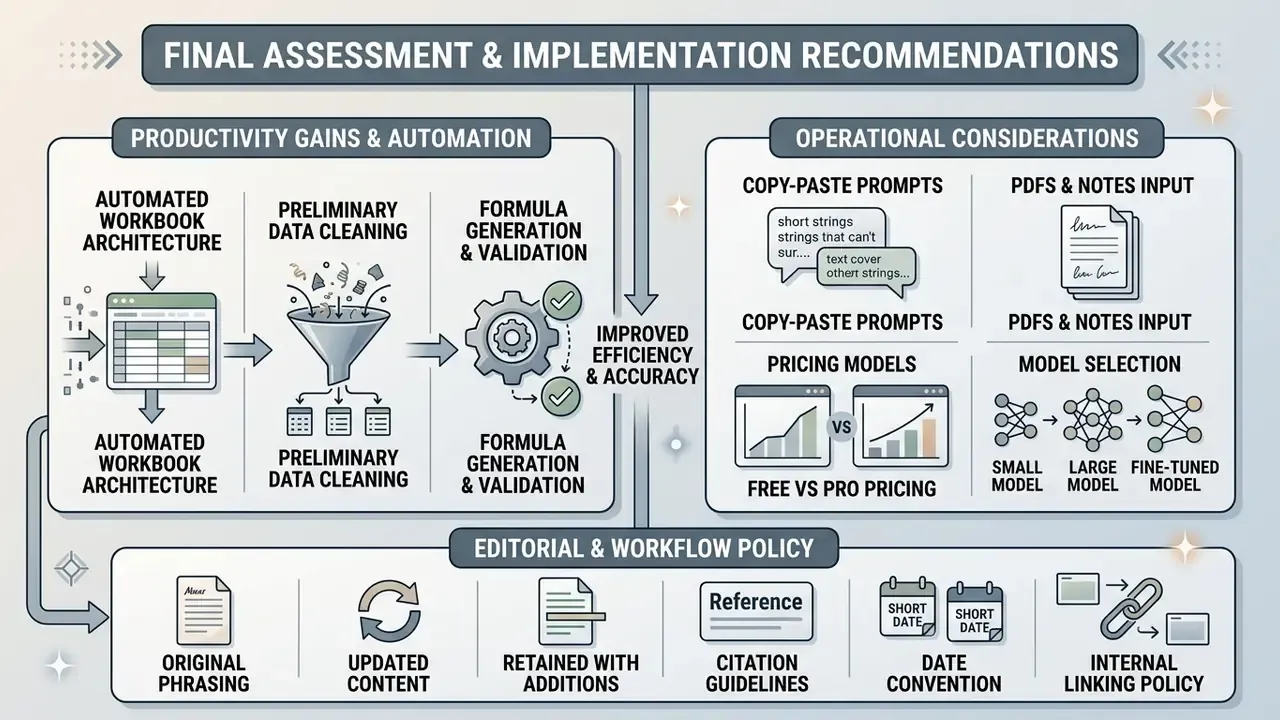
Integrating an ai spreadsheet generator into corporate operations delivers documented productivity gains by automating workbook architecture, preliminary data cleaning, formula drafting, and reporting layouts. Structural generation is genuinely production-grade now. Headers, typed columns, validation dropdowns, and multi-tab layouts arrive correct far more often than not. Numerical reasoning has not reached the same maturity, and independent benchmarks say so plainly.
The operating rule follows from that asymmetry: let the model build the structure, and let the spreadsheet engine do the math. Treat every AI-generated spreadsheet as a preliminary draft. Enforce formula verification, range auditing, deterministic recalculation, lineage capture, and named human ownership before any workbook reaches a production financial system. Pair each rollout with a prompt library, an approved-tools list, DLP enforcement against shadow AI, and a documented triage rule for when a workbook enters the model inventory.
A safe next step, if you are starting cold: pick one recurring reporting pack, run it twice this quarter, once manually and once with an ai generator excel workflow, and measure both the time saved and the validation hours consumed. Two data points from your own environment beat any vendor deck.
For broader commercial applications of generative AI across media, image creation, and workflow automation, the AI Media Commercial-Use Hub is the wider entry point, and the AI Media Glossary keeps the vocabulary consistent across teams.