Choosing the best ai art generator in 2026 means balancing five things at once: generative fidelity, prompt adherence, precise editing control, data-security posture, and legal safety. Market estimates put AI image generation tools at roughly $0.51 billion in 2026, growing at a 17.4% CAGR toward about $1.75 billion by 2034. Money that size attracts noise. So enterprise teams and creative professionals should judge software on repeatable workflow integration, not on the prettiest demo reel.
Executive Summary
For decision-makers who want the verdict before the detail:
- Best overall: GPT Image 2.5, for prompt adherence, embedded text rendering, and conversational editing. Available on the ChatGPT free tier (rate-limited), ChatGPT Go at $8/month, and ChatGPT Plus at $20/month.
- Safest for regulated industries: Adobe Firefly, trained on licensed Adobe Stock plus expired-copyright public domain content, with contractual IP indemnification on qualifying enterprise plans.
- Best editing and identity consistency: Nano Banana Pro (Gemini image family, model identifier
gemini-image-2), which accepts up to 14 reference images in a single request. - Best artistic style: Midjourney V6. Best photorealism and developer control: Flux 2 Pro (ControlNet, IP-Adapter, LoRA fine-tuning).
- Best genuinely usable free tiers: Freepik AI (40 images/day, no watermark) and Playground AI (1,000 credits/day, negative prompts). Canva AI free stops at 50 lifetime credits.
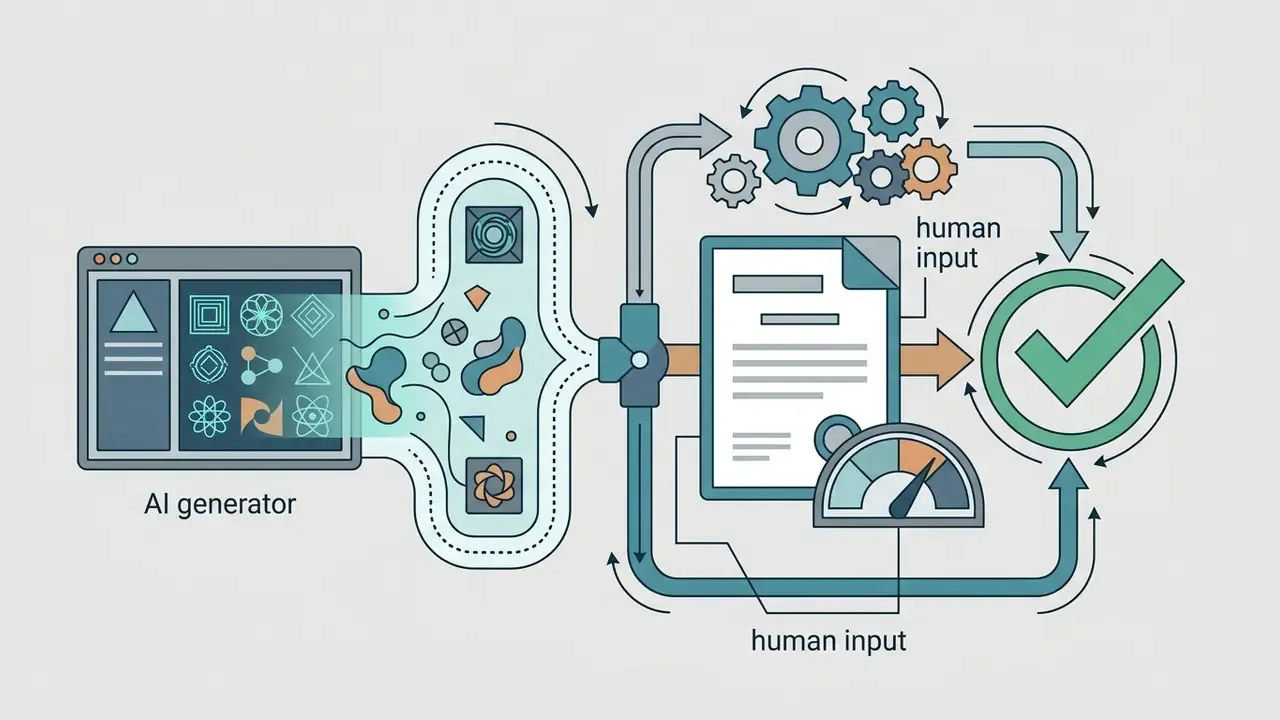
- Compliance floor: purely machine-generated output is not registrable in the United States without documented human creative control. Every commercial asset therefore needs an audit trail of prompts, seeds, reference inputs and human edits.
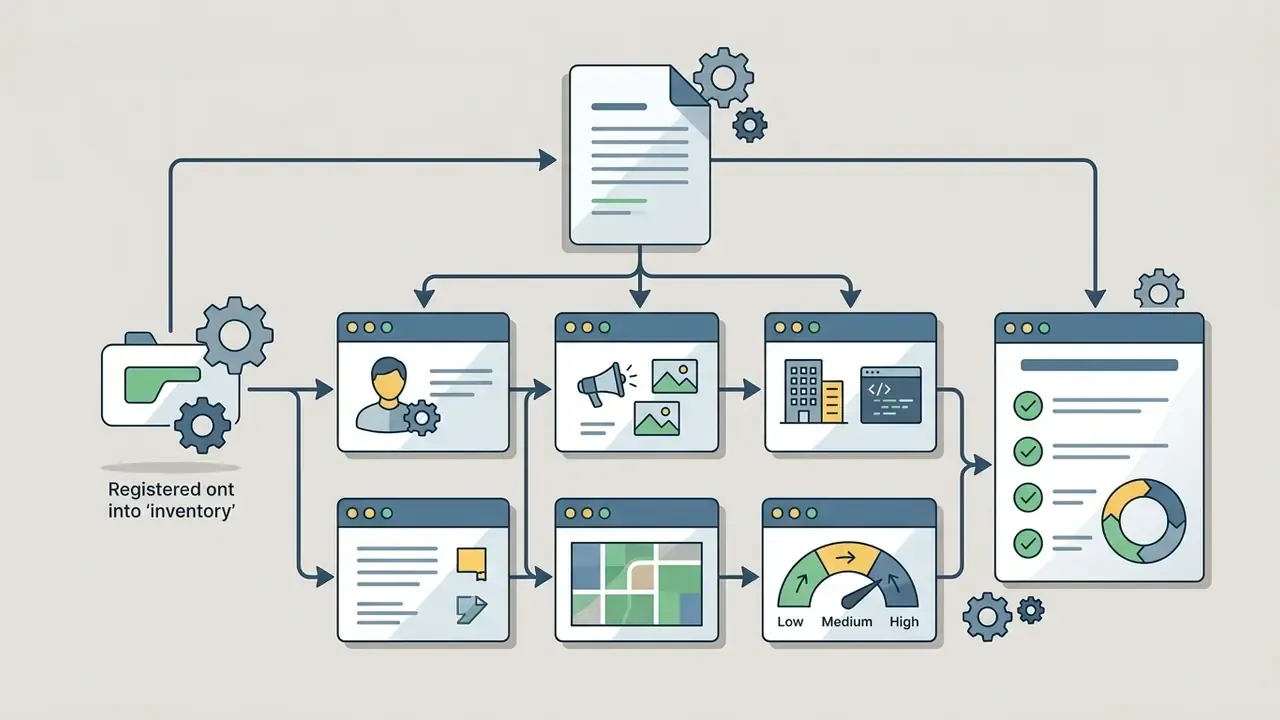
- Governance floor: free consumer web interfaces are the main Shadow AI vector inside banks and fintech. Institutional deployments require enterprise agreements with documented retention terms, opt-out from model training, SOC 2 Type II or ISO 27001 evidence, and a place in the model inventory.
Who this guide is for. Two groups, honestly. Creative and marketing teams picking a daily driver, and the risk, compliance and security reviewers who have to sign the purchase off. The two groups rarely read the same column of a comparison table, which is why security and provenance get their own sections below rather than a footnote.
Best AI Art Generators at a Glance
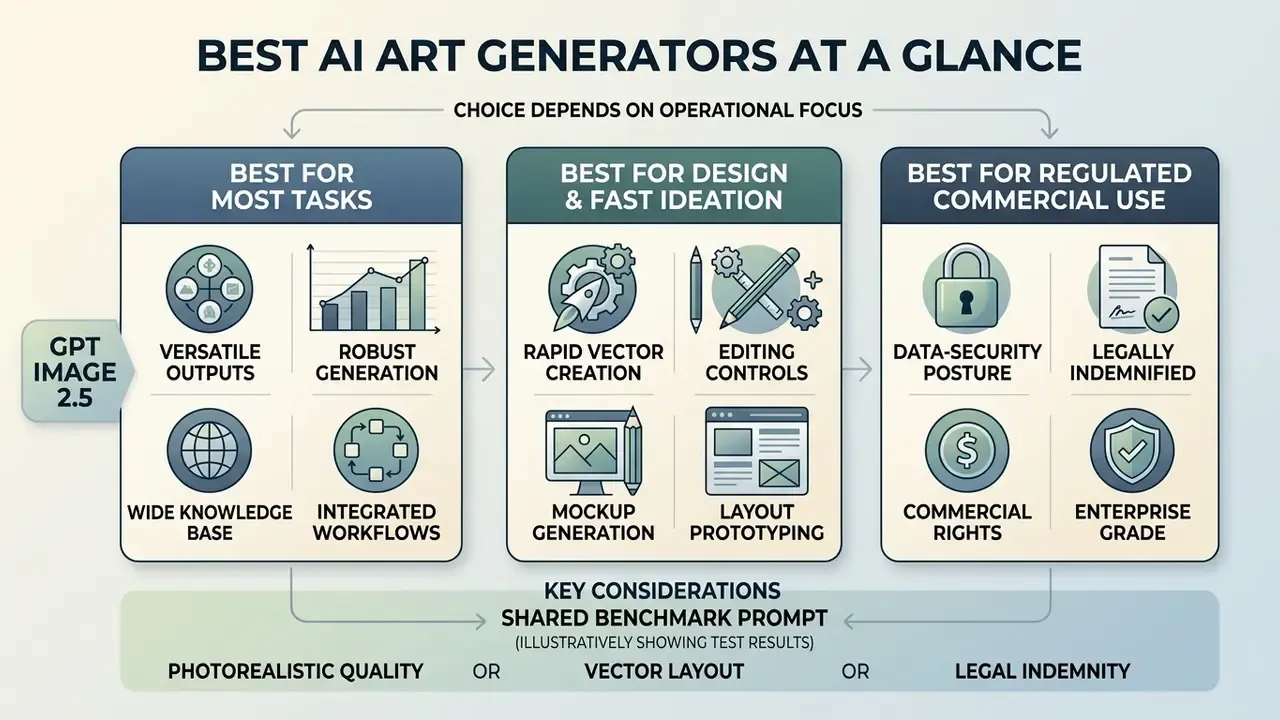
The best ai art generator for any deployment depends on operational focus: photorealistic render quality, rapid vector layout design, or legally indemnified commercial output. Modern workflows separate generative speed from post-generation control. Platform selection is therefore a trade between raw visual output and granular editing capability, and the winner shifts with the brief.
«Human preferences span four dimensions, aesthetics, semantic alignment, detail quality and overall score, and no single dimension is sufficient alone.»
That multi-dimensional framing explains why a single "winner" rarely survives contact with a real production brief. A model that wins on aesthetics can lose on semantic alignment. A model that renders flawless typography can under-deliver on texture detail. Pick per task, not per brand loyalty.
| Tool / Platform | Primary Best Use Case | Skill Level | Free Access Tier | Key Editing Tools | Commercial Rights | Supported Image Models |
|---|---|---|---|---|---|---|
| GPT Image 2.5 | General creative generation, complex prompts, layout text | Beginner to Advanced | Limited free daily access via ChatGPT web interface | Conversational inpainting, reference index edits, outpainting | Included on paid tiers; non-exclusive; granted to prompt creator | GPT Image 2.5, OpenAI Diffusion series |
| Adobe Firefly | Graphic design, Creative Cloud asset workflows, branding | Beginner to Professional | Free plan with daily generative credits (25 monthly credits on free web accounts) | Generative Fill, Generative Expand, Structure Reference, Vector Re-color | Commercially safe; contractual IP indemnification on qualifying enterprise plans | Adobe Firefly Image 3, custom Firefly models, partner models (Google, OpenAI, Kling) |
| Nano Banana Pro | Multi-reference consistency, character design, identity preservation | Intermediate to Advanced | Free tier via Google Labs / Gemini app quotas (up to ~20 images/day on basic app tier) | Multi-image reference blending (up to 14 refs), regional editing | Subject to platform terms; commercial export allowed | Google Gemini Image 2 (gemini-image-2), Nano Banana architecture |
| Midjourney V6 | Artistic illustrations, fantasy art, cinematic concept art | Intermediate | Paid subscription required (occasional trial promos) | Pan, Zoom, Vary Region (inpainting), Style Tuner | Included for paying members | Midjourney proprietary model family |
| Flux 2 Pro | High-fidelity photorealism, interior architecture, product photography | Advanced / Developer | API pay-per-use; hosted free demos on open hubs | ControlNet conditioning, IP-Adapter, LoRA fine-tuning | Full commercial ownership for generated outputs | Flux 2 Pro, Flux Schnell, custom open weights |
| Freepik AI | Volume social and marketing assets on a budget | Beginner | 40 free images per day, no watermark | Style, colour, lighting and framing presets, upscaling | Permitted under Freepik licence terms | Multiple hosted models (Flux, Imagen-class, Mystic) |
| Playground AI | Designer-grade control, negative prompting, model switching | Intermediate to Advanced | 1,000 credits/day on free tier | Negative prompts, model selection, inpainting, canvas editing | Commercial use allowed on generated outputs | SDXL, Flux, partner model endpoints |
No matching rows Clear one or more filters to restore the matrix.
To evaluate these platforms systematically, teams should see the overview on standardized performance metrics before locking in a stack.
Best AI Art Generator for Most Tasks
GPT Image 2.5 is the ai art generator best suited to general-purpose work, thanks to strong text prompt alignment, integrated typography rendering, and a conversational editing interface. It turns complex, multi-clause instructions into structured compositions without demanding specialized parameter syntax. No flags, no arcane suffixes.
For general users and creative teams it balances visual coherence with plain usability. The strongest quantitative evidence for that balance comes from preference-model benchmarks rather than vendor demos.
«HPS v2 is trained on 798,090 pairwise human annotations and correlates with real user preference better than CLIPScore or ImageReward.»
GPT Image 2.5 performs well across those preference dimensions in practice, partly because users can make fine-tuned revisions through simple chat prompts instead of restarting generation from scratch. Single-shot benchmark scores tend to understate that advantage. The model also documents structured prompting with indexed reference roles, so a face, a product geometry or a transparent asset survives several edit rounds intact. When teams need to compare broader generative stacks, reviewing dedicated AI Media Comparison Matrices helps establish accurate baselines, and side-by-side scoring of leading AI image generators clarifies where quality-per-dollar actually lands.
Pricing transparency matters for procurement. GPT Image is reachable on the ChatGPT free tier with hard daily limits, on ChatGPT Go at $8/month, and on ChatGPT Plus at $20/month, with API billing charged per image by resolution. Readers weighing the chat interface against a dedicated image creator can review ChatGPT image generation in direct comparison, or scan the wider field of best ai for image generation options.
Best Tools for Design, Artwork and Fast Ideation
Specialized artistic workflows reward tools tuned to a niche more than they reward one all-in-one model. Adobe Firefly leads graphic design and product mockups because it lives inside Creative Cloud applications such as Photoshop and Illustrator. Midjourney remains the benchmark for artistic results, stylized concept art, and high-contrast digital illustrations. Canva Magic Studio accelerates social media production with pre-formatted layout templates, and doubles as one of the more forgiving best ai art makers for non-designers. For e-commerce product visuals and interior renders, Flux 2 Pro and Google Imagen-class models are the usual photorealism picks.
One illustrative example. In a hypothetical institutional marketing exercise, a team needed 50 localized social assets inside a 48-hour window. Pairing Canva's background removal with Firefly's Generative Fill, they published all 50 on schedule and kept brand consistency intact while cutting third-party stock licensing spend. An internal estimate of a 65% reduction in stock spend came from a single engagement, was never audited, and should be read as directional rather than benchmark data. Savings depend on baseline stock contracts, localisation volume and review cycles. For organizations evaluating broader suites, checking best ai art tools provides a structured benchmark for style fidelity, while budget-constrained teams can shortlist free AI art generators before committing to a seat licence.
How to Choose the Best AI Art Generator
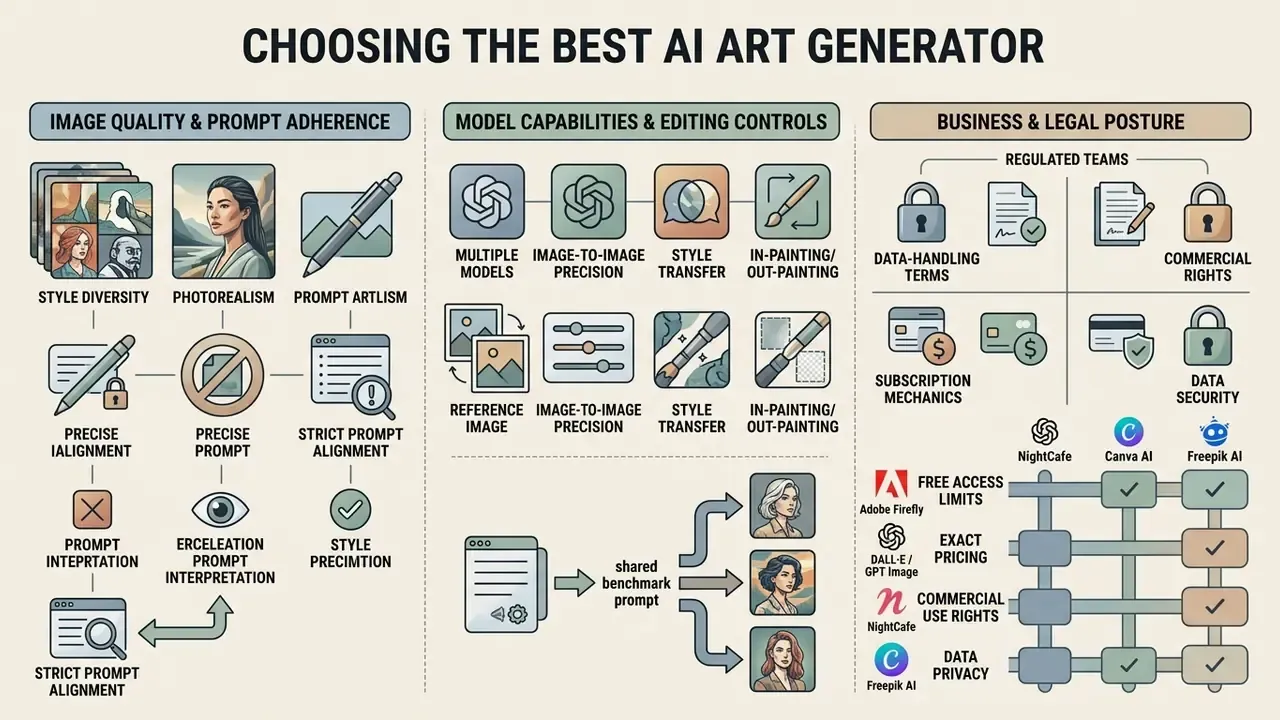
Selecting the best ai art generation software means evaluating prompt adherence metrics, reference conditioning precision, subscription mechanics, data-handling terms, and legal indemnification structures. Decision-makers must look past first impressions and audit how an ai art generator website handles data security, intellectual property, and image quality stability under varied guidance scales. The same discipline applies to the long tail of best ai art generation websites that resell hosted endpoints under their own branding.
Public standards work is converging on similar criteria. NIST's AI Risk Management Framework (1.0) treats provenance, metadata persistence and watermarking trade-offs as generative-AI risk controls. The NIST GenAI pilot evaluation plan for image generators frames measurement around prompt adherence, image fidelity and artifact detection. NIST AI 100-4 goes further, specifying PSNR, NCC and SSIM as concrete measures of watermark robustness and visual distortion. Useful, when you have to prove that a provenance marker survived your export pipeline.
Image Quality and Prompt Adherence
Quality evaluation requires separating visual aesthetics from semantic prompt adherence. Research published in the Imagen 3 evaluation framework shows that text-image alignment measures how accurately prompt details appear in output, independent of lighting flaws (Google DeepMind, 2024).
Standardized frameworks such as Human Preference Score v2 (HPS v2) measure preference across hundreds of thousands of annotated pairs (HPS v2 Benchmark, 2023). High scores, though, sometimes come from classifier-free guidance (CFG) scale bias, where models push colour saturation at the expense of structural integrity. Enterprise buyers weighing ai art generator recommendations should test with complex, multi-object prompts rather than trusting hyper-saturated sample galleries.
«Raising the CFG scale increases colour saturation and preference metrics while simultaneously degrading the structural integrity of the image.»
Benchmark suites such as ICE-Bench (ICCV 2025) formalise the split, scoring aesthetic quality, imaging quality, prompt following, source consistency, reference consistency and controllability as separate axes. Prompt following is measured through CLIP similarity and VQA-style question answering, not a single aggregate "quality" number.
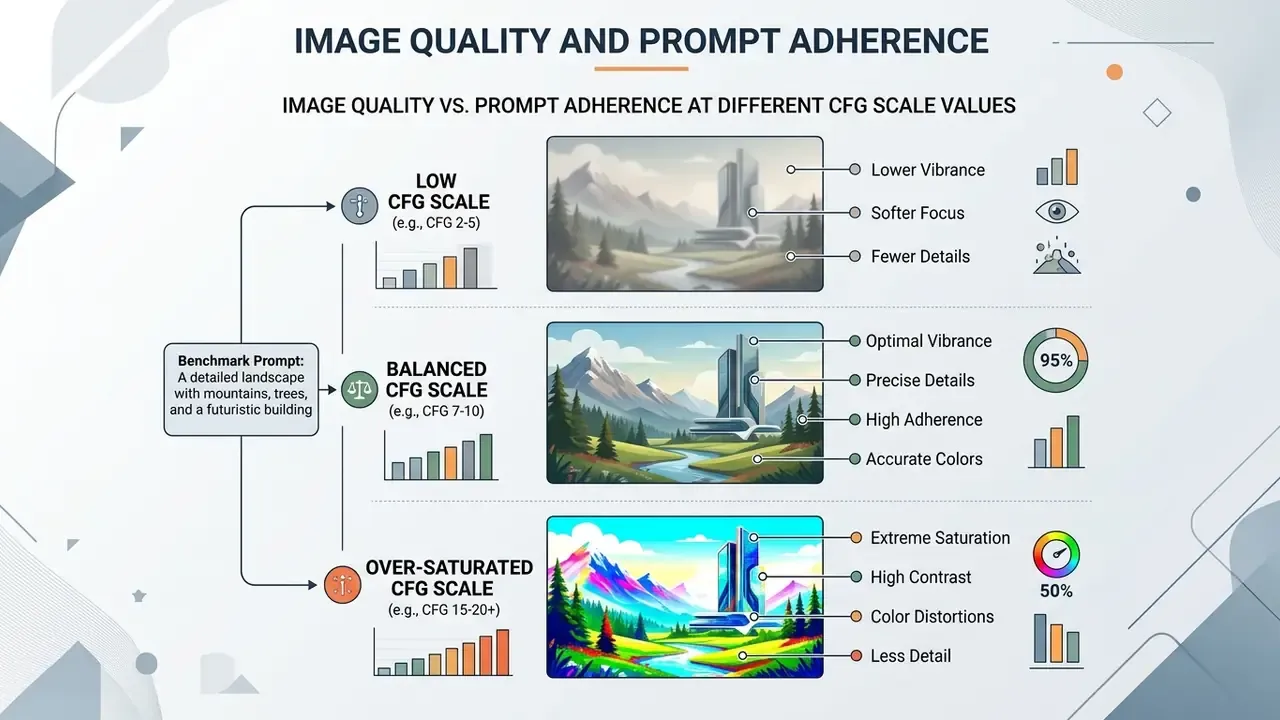
Image Models, Reference Images and Editing Control
Modern generative pipelines lean on precise image conditioning: reference images, ControlNet structural masking, IP-Adapter style transfer. Instead of relying on text alone, professional creators supply visual inputs that guide spatial composition, pose and colour palette. Teams that work mostly from existing visuals should study dedicated image-to-image generators before committing to a text-only workflow.
ControlNet provides spatial conditioning by locking structural outlines. IP-Adapter injects visual features through dedicated cross-attention layers without touching the core text model; the original UNet and text cross-attention stay frozen, which is exactly why the two stack cleanly. ControlNet for structure, IP-Adapter for appearance. Advanced models such as Nano Banana accept up to 14 reference images in one request, letting users isolate subject identity from background changes. Google's own guidance frames the prompt as [Reference images] + [Relationship instruction] + [New scenario]: the prompt describes what changes, the references specify what must stay identical.
When expanding existing compositions, teams using inpainting and outpainting can compare options for background expansion, and review specialised AI outpainting tools for expanding images to ensure seamless pixel blending at banner and billboard ratios.
Free Access, Pricing and Commercial Use
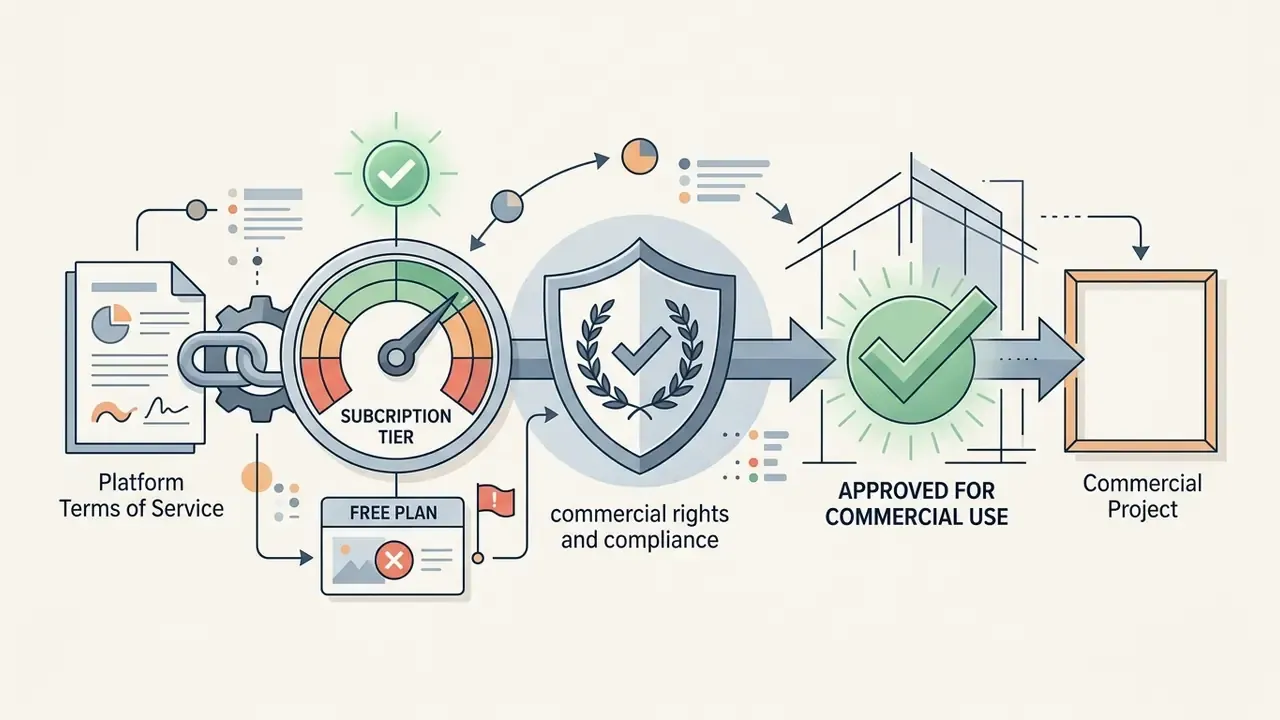
Evaluating best ai art generator tools requires auditing credit replenishment schedules, resolution caps, export watermarks, and commercial licensing terms. Free plans frequently introduce bottlenecks that make them unfit for enterprise deployment. Before standardising on any plan, compare how vendors license AI image generators for commercial use, and model the per-asset cost with the compare options calculators rather than eyeballing a monthly fee.
- Adobe Firefly Free daily generative credits on registration (25 monthly generative credits on the free web plan). Commercial use is permitted across output tiers, with indemnification options for enterprise account holders (Adobe Legal FAQs, 2024). Adobe also states it does not train Firefly on Creative Cloud subscribers' personal content, with enterprise custom models as a customer-supplied exception.
- OpenAI DALL·E / GPT Image Free access via ChatGPT free tier daily limits; ChatGPT Go $8/month, ChatGPT Plus $20/month; API usage billed per image by resolution. Commercial ownership rights go to the prompt creator, and OpenAI's help documentation confirms free-tier credits carry the same usage rights as paid credits (OpenAI Terms of Use, 2025).
- NightCafe Free daily credit top-ups without card entry. Commercial usage is permitted on free and paid tiers, provided underlying reference assets do not infringe third-party copyrights (NightCafe Terms, 2026).
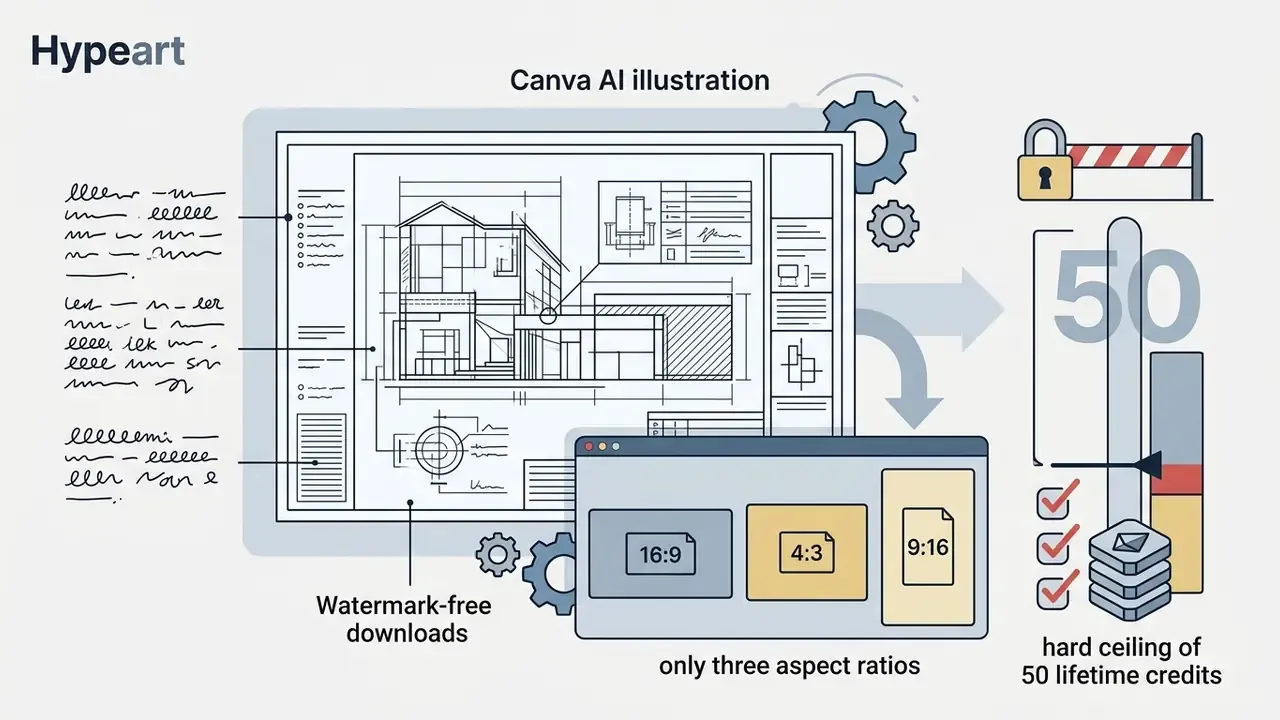
- Canva AI 50 lifetime credits on the free plan; Canva Pro at $14.99/month unlocks 500 monthly text-to-image credits. Downloads are watermark-free, but aspect ratios are limited to portrait, square and landscape. A detailed feature and licensing breakdown sits in the Canva AI Generator overview.
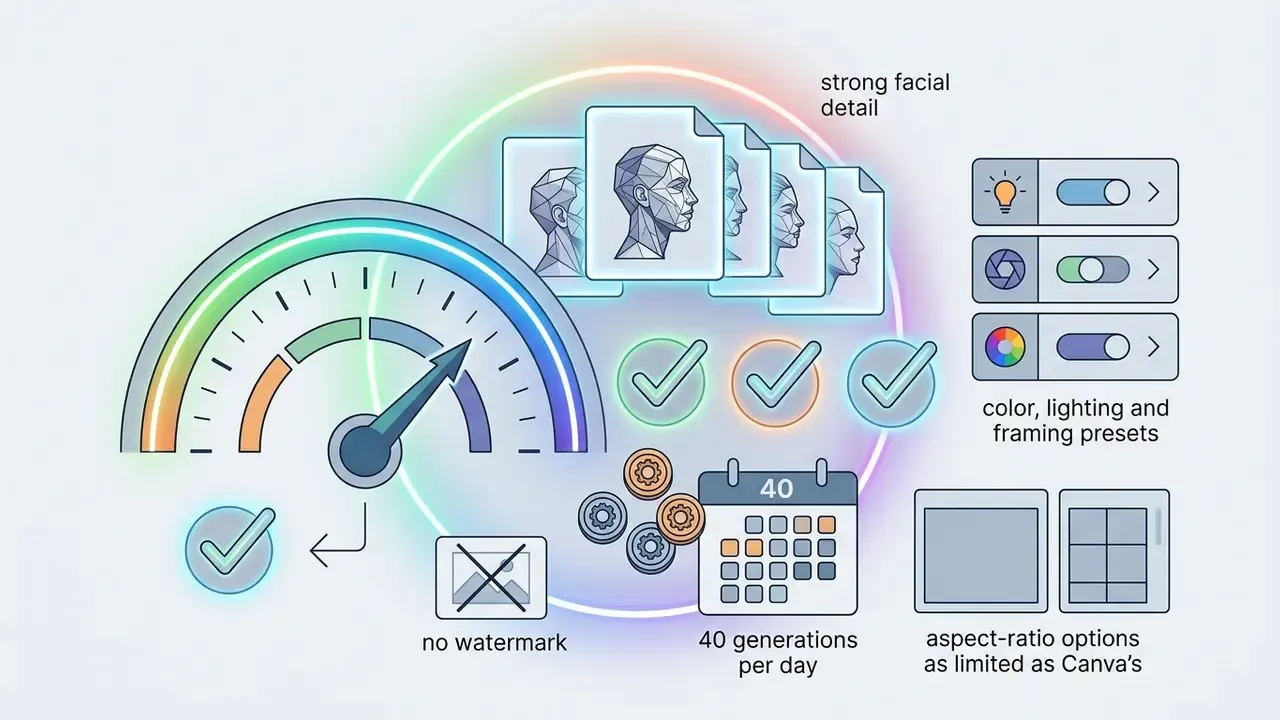
- Freepik AI 40 free AI images per day, no watermark on download; paid upgrade at roughly $24/month (or $144/year) for higher resolution and larger credit pools.
- Playground AI 1,000 credits/day on the free tier with negative-prompt support and multiple selectable models; certain premium model endpoints are metered separately.
- Google ImageFX / Gemini Daily allowances through Google Labs and the Gemini app (roughly 20 images/day on the basic app tier), with SynthID watermarking embedded. The newest image endpoints on the API side publish no free tier. See the Google AI Image Generator overview for access requirements.
Enterprise Data Security and Shadow AI Risk
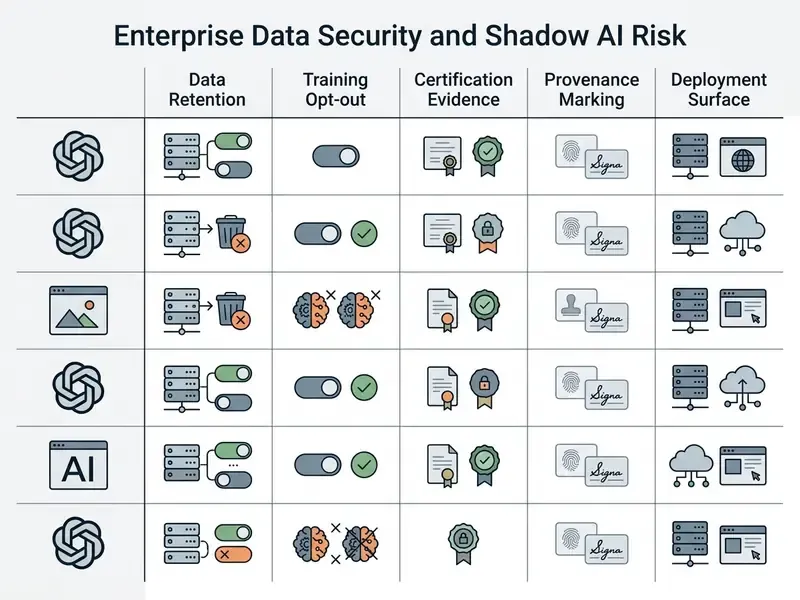
Before a bank approves any generative art tool, the security review outranks the aesthetics review. Marketing teams routinely paste unreleased product names, campaign calendars, customer photography and occasionally personally identifiable information into consumer web interfaces. That is the classic Shadow AI exposure pattern, and it usually starts with good intentions and a deadline.
| Control question | What to demand in writing | Why it matters |
|---|---|---|
| Prompt and output retention | Documented retention window; Zero Data Retention (ZDR) addendum where available on enterprise API tiers | Prompts often embed unreleased product and campaign data |
| Training opt-out | Contractual statement that customer content is excluded from model training | Prevents inadvertent disclosure through future model outputs |
| Certification evidence | Current SOC 2 Type II report and/or ISO 27001 certificate, plus subprocessor list | Standard third-party risk requirement in banking vendor onboarding |
| Encryption | TLS in transit, encryption at rest, documented key management | Baseline control for regulated data environments |
| Deployment surface | Enterprise API or tenant-scoped workspace rather than consumer web/mobile login | Consumer surfaces rarely inherit enterprise DLP or SSO policy |
| Identity and access | SSO/SAML, SCIM provisioning, role separation between generation and publication | Enables revocation and least-privilege control |
| Provenance marking | C2PA Content Credentials or equivalent watermark that survives export | Supports transparency obligations and internal authenticity checks |
| IP indemnification | Named indemnity, covered claim types, and stated liability cap | Determines who absorbs an infringement claim |
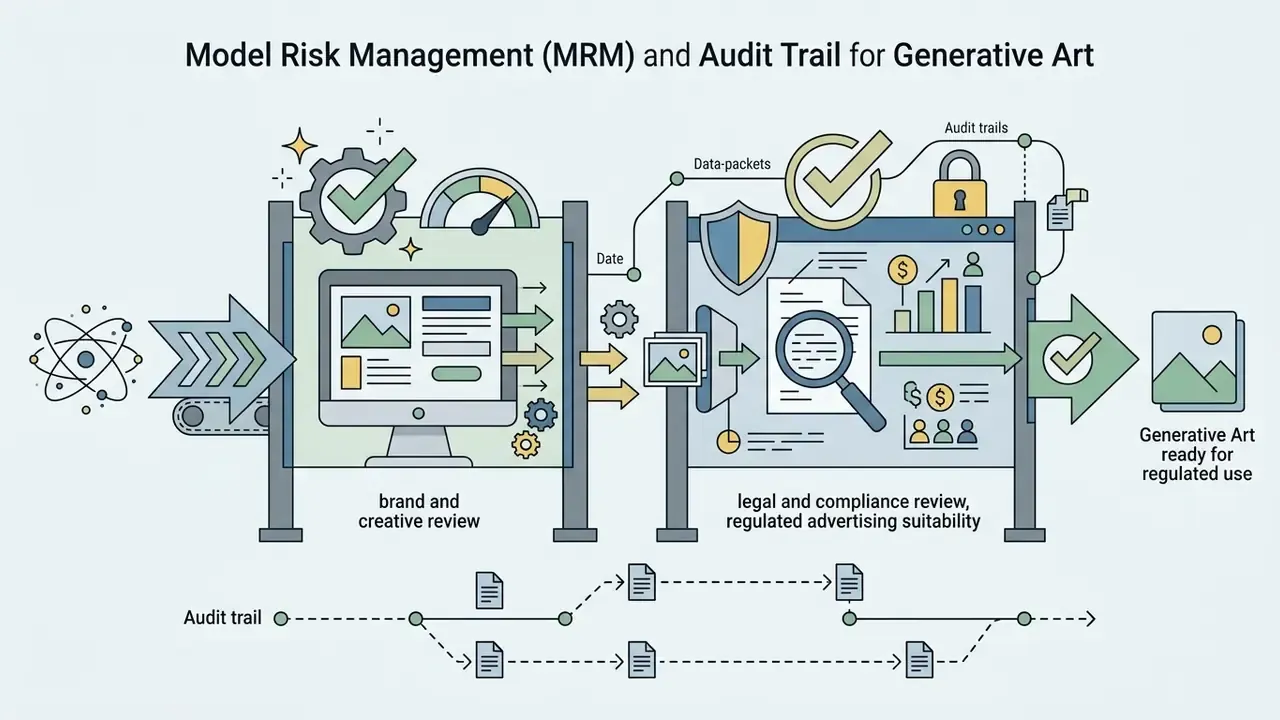
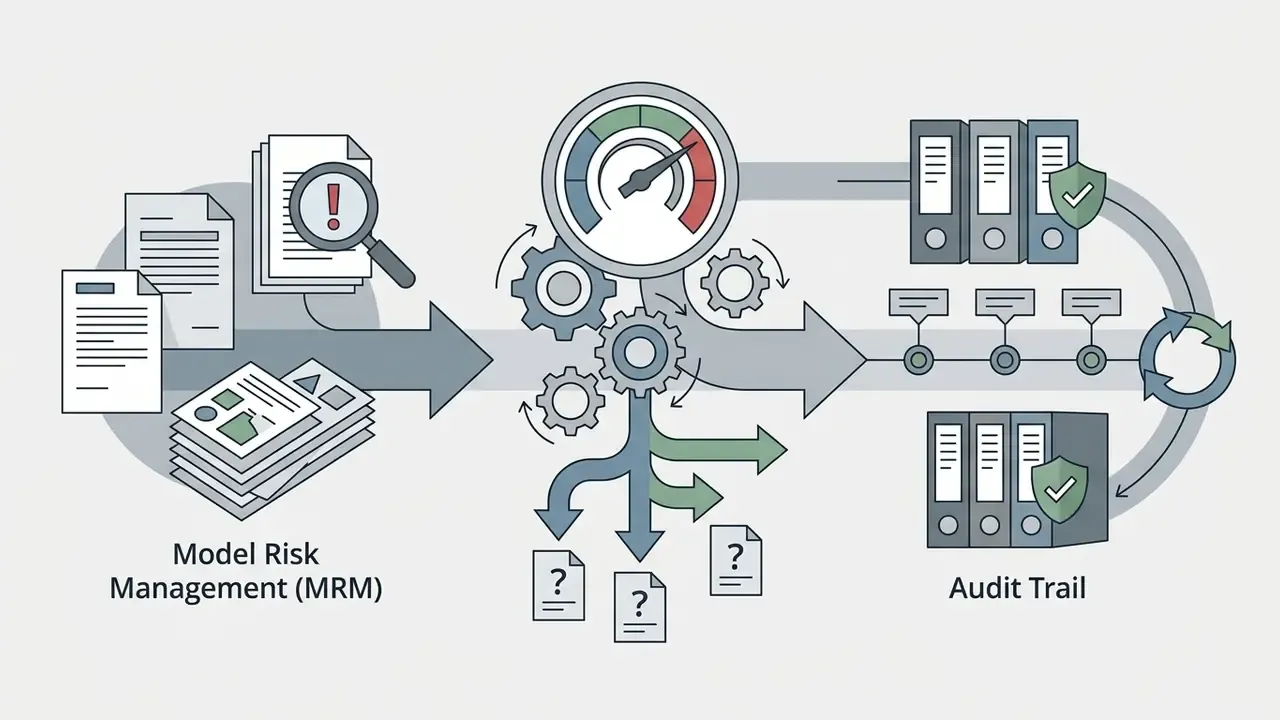
Model Risk Management (MRM) and Audit Trail for Generative Art
Institutions operating under model risk management expectations, including the SR 11-7 supervisory framework and NIST AI RMF alignment, cannot treat an image generator as a design toy. Even when the model makes no credit or pricing decision, it produces externally published artefacts. That makes reputational and conduct risk the live exposure, not model accuracy.
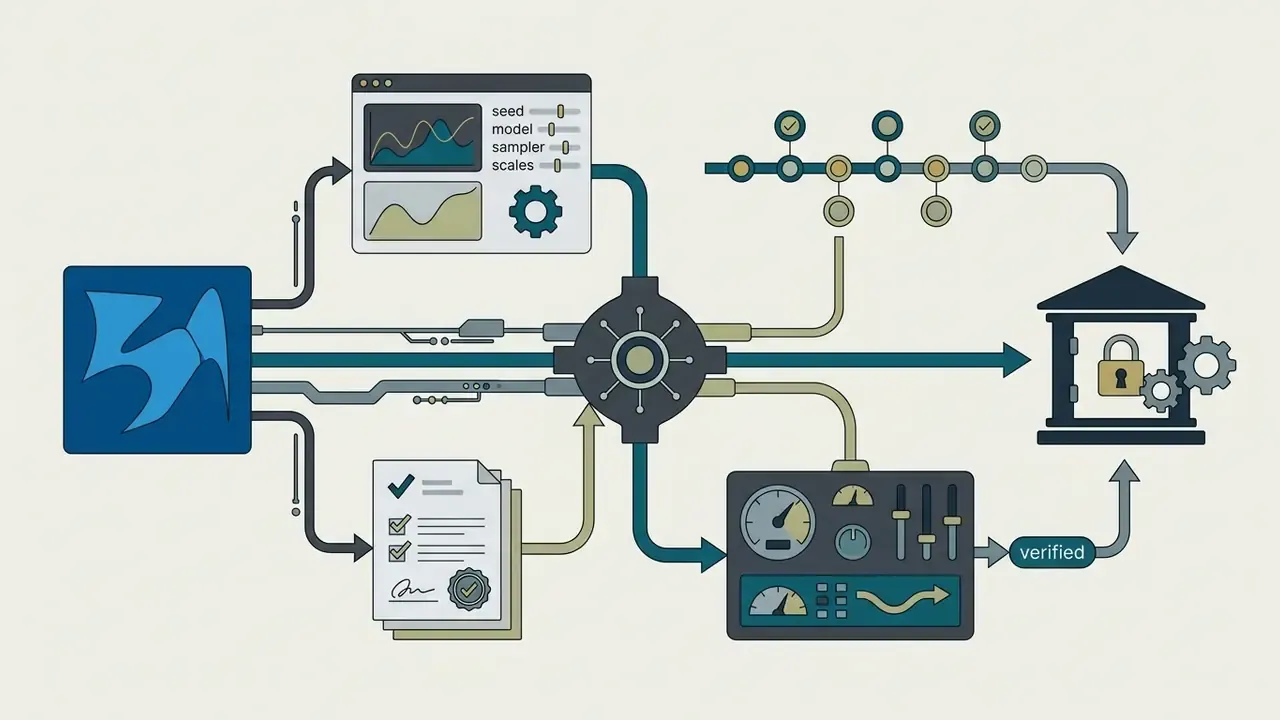
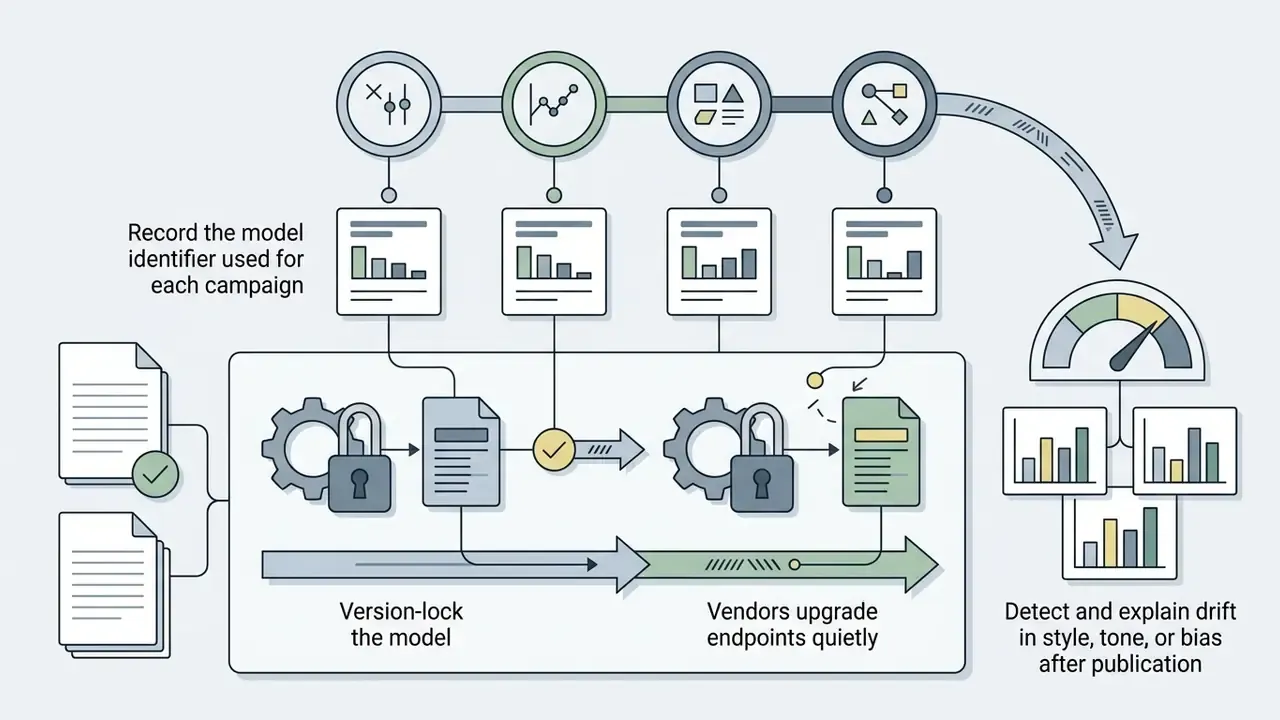
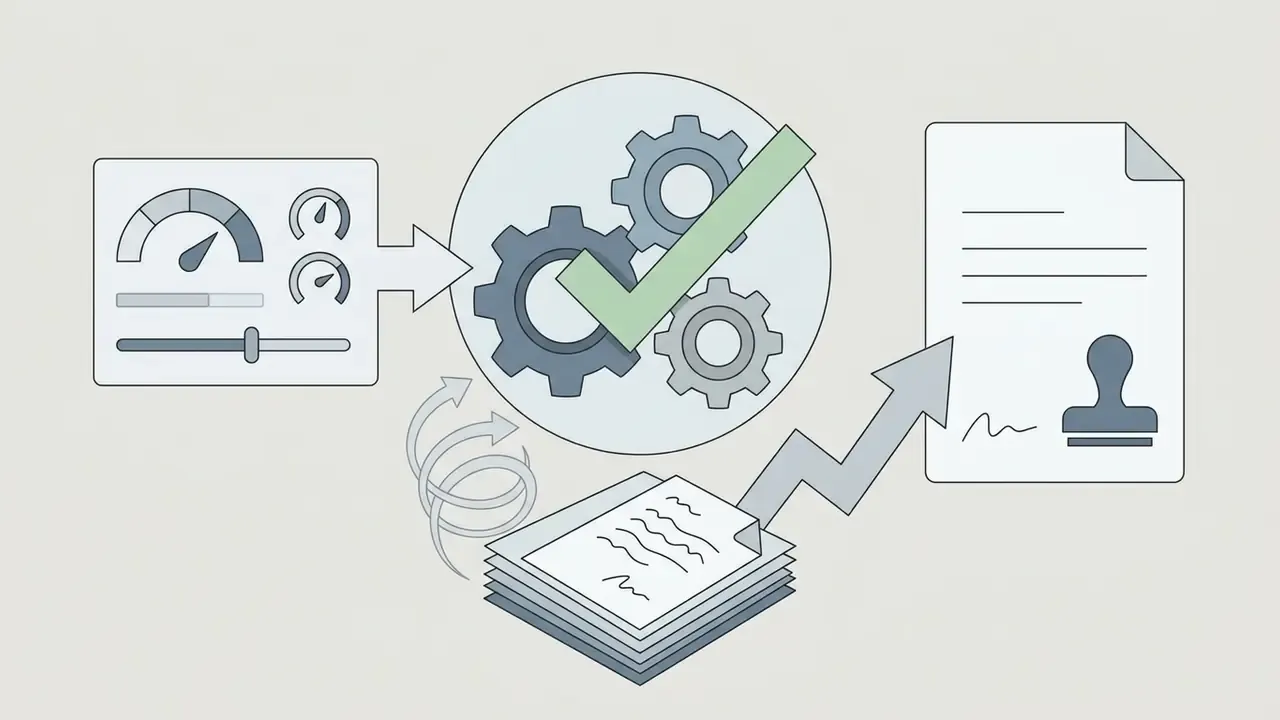
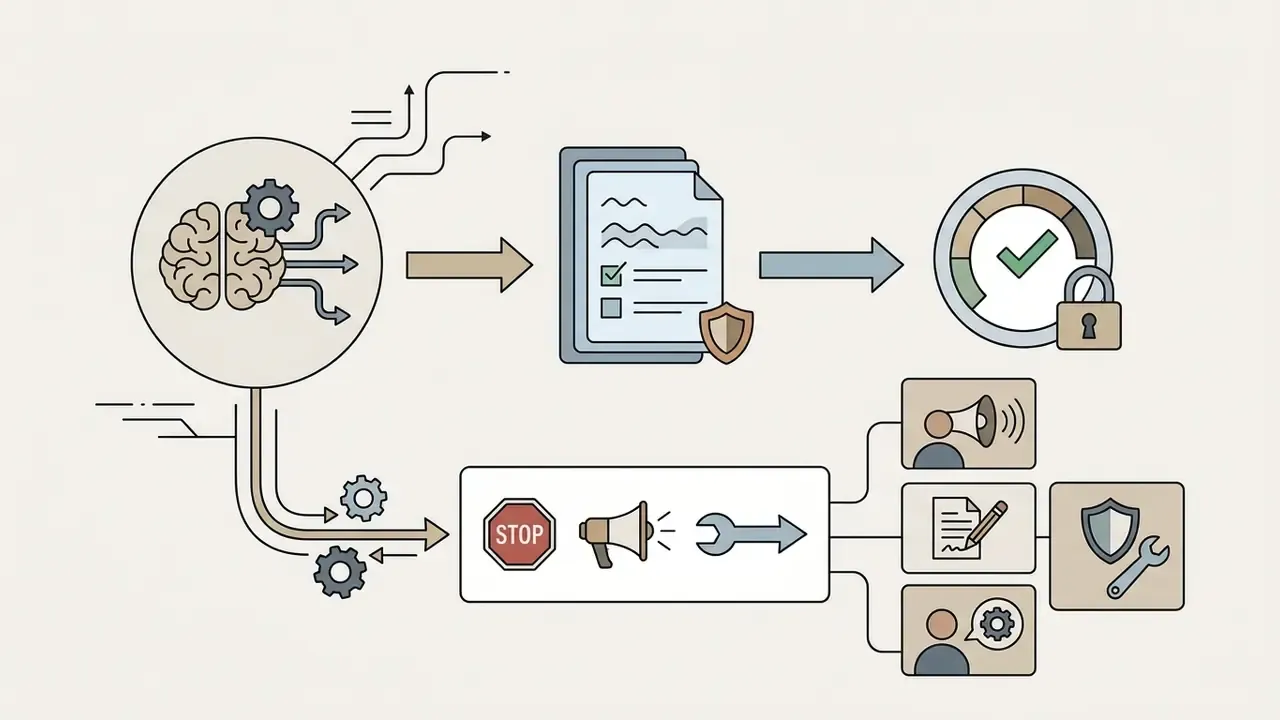
A workable pipeline for inventorying generative art tools:
Best AI Art Generator Tools: Detailed Recommendations
Selecting the best ai art generator software for specialized production means evaluating platform architecture, editing flexibility, and system integration. The tools below are the top-performing platforms across commercial, prompt-driven, and multi-model operational categories, and each one is the best ai art creator for a different kind of brief.
Adobe Firefly: For Graphic Design and Creative Cloud
Adobe Firefly is the primary choice for graphic design professionals who need commercially safe generative assets inside Creative Cloud. Firefly models are trained exclusively on licensed Adobe Stock images and public domain content whose copyright has expired, which insulates business workflows from third-party copyright claims. Adobe states it compensates Adobe Stock contributors for training use, and that Firefly-generated work meeting submission guidelines is itself eligible for Adobe Stock submission.
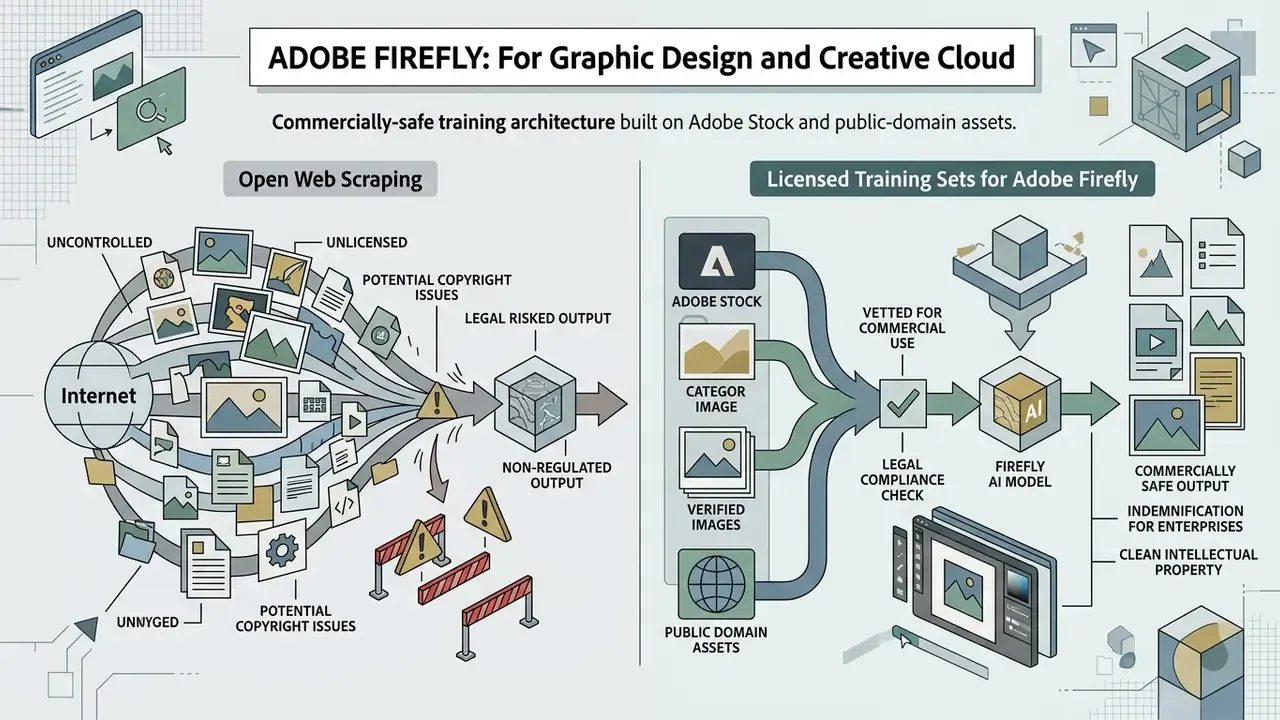
Inside Photoshop and Illustrator, Firefly powers Generative Fill, Generative Expand, and Vector Re-color. For enterprise creative pipelines, Adobe provides contractual IP indemnification against direct claims of patent, copyright, trademark, publicity or privacy infringement for Firefly outputs on qualifying plans. For banks, insurers and healthcare marketers, that single clause is the differentiator. Firefly accepts JPG, PNG and WebP uploads and exports at a maximum of 2000 × 2000 pixels, so print-scale work still needs an external upscaling pass.
Organizations building scalable visual workflows can explore the hub for API integrations that automate asset processing. Teams weighing licensed-data safety against raw artistic range should compare Midjourney image generation head-to-head with Firefly.
GPT Image and Nano Banana: For Generation and Image-Prompt Work
Multi-Model AI Art Platforms: For Style Experimentation
Multi-model best ai art platforms let creative teams test one text prompt across several underlying image models, including Stable Diffusion XL, Flux 2, Ideogram, Seedream and community LoRAs, inside a single workspace.
Platforms such as OpenArt, Leonardo.Ai, NightCafe and Runware offer unified API and web interfaces, so users switch generators dynamically without re-integrating separate code bases. The approach suits style experimentation: an artist can select the precise diffusion architecture a composition needs, including niche aesthetics such as Ghibli-style AI image generators. Credit economics vary a lot. OpenArt's Starter tier, for example, bundles 4,000 credits per month with commercial rights attached to paid usage. To see how motion workflows intersect with static art platforms, users can view the guide on generative video tools or compare AI video generators directly.
Automating generation in B2B pipelines. For volume content production, static web interfaces lose to API plus iPaaS orchestration (Zapier, Make, or an internal gateway). A representative scenario: a Google Forms submission or a new HubSpot deal record triggers an automation that passes the product description into the GPT Image or Runware API. The generated banner is written back to the CRM record, posted to the account manager's Slack channel, and archived in the DAM with prompt, seed and model version attached as metadata. The same pattern supports batch localisation, one master prompt, fifteen locale variants, one approval queue. Because these connections push business data into a third-party model endpoint, they belong inside the enterprise API tier with retention terms reviewed, never on a personal consumer login.
Community and daily challenges. If the goal is inspiration and feedback rather than throughput, hobby-oriented best ai art sites take a different route. NightCafe, founded in 2019 and used by upwards of 30 million creators, runs official daily AI art challenges (thousands of entries and hundreds of thousands of votes per round), daily free credit drops, creation streaks that some users have sustained for over three years, shared chat rooms for collaborative prompting, and open galleries where prompts are published next to the images. For learning prompt craft quickly, reading other people's published prompts often beats reading documentation.
Best Free AI Art Generators Online
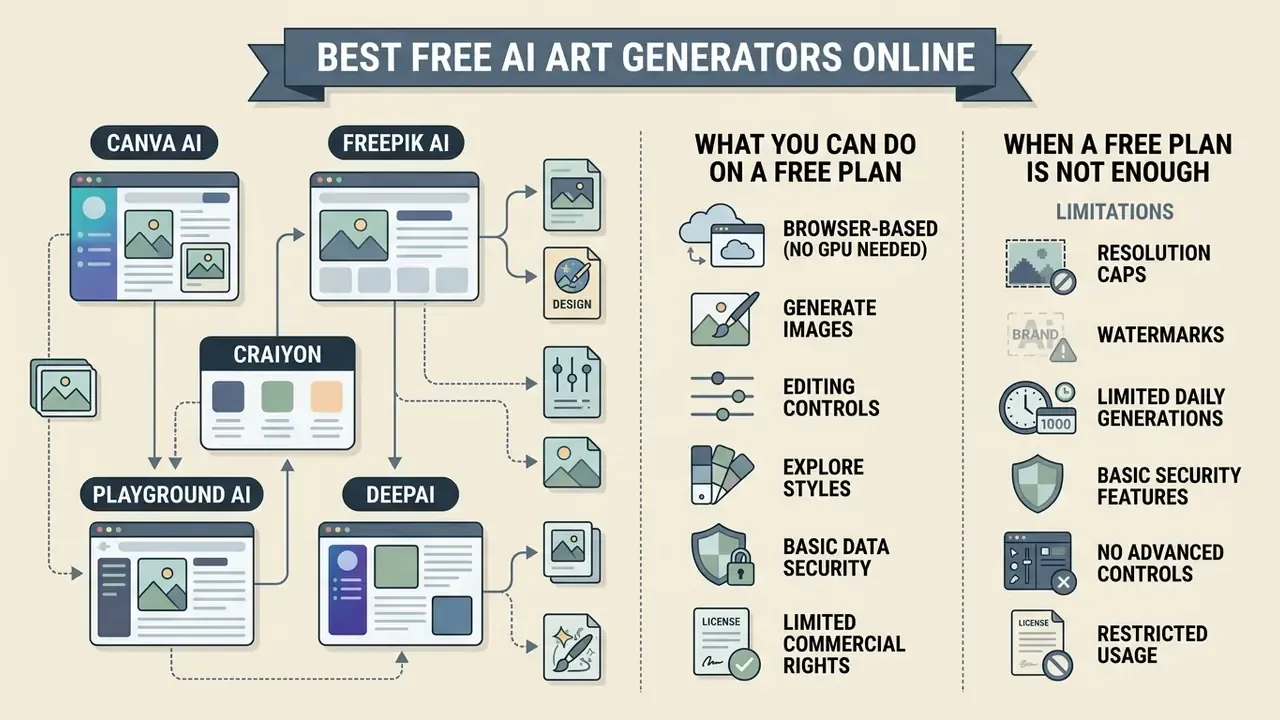
Finding the best ai art generator online means evaluating browser-based platforms that deliver a functional generation tier without local GPU infrastructure or a mandatory subscription. Plenty of them exist. Few of them are generous.
Single benchmark prompt test. To compare detail accuracy and stylisation on equal terms, we ran the free tiers of several popular generators through one identical prompt:
A cinematic photograph of an engineer in a neon-lit workshop, analyzing a holographic blueprint, 85mm lens, shallow depth of field, dramatic shadows
| Platform | Free Generation Limit | Max Free Resolution | Watermark Status | Export Formats | Commercial Rights on Free Tier | Notable Specifics |
|---|---|---|---|---|---|---|
| Canva AI | 50 lifetime credits (Free); 500 credits/month on Canva Pro at $14.99/mo | 1024×1024 px | None | PNG, JPG, PDF | Permitted under Canva license terms | Only 3 aspect ratios; direct drop-in to Canva layouts |
| Freepik AI | 40 images/day | Up to 2000×2000 px | None | PNG, JPG | Permitted under Freepik license terms | Style, colour, lighting and framing presets; paid tier ~$24/mo |
| Playground AI | 1,000 credits/day | 1024×1024 px | None | PNG | Commercial use allowed | Negative prompts; switch between multiple models |
| Adobe Firefly Web | 25 monthly generative credits (free account) | 2000×2000 px | Invisible Content Credentials metadata | PNG, JPG | Permitted | Licensed-data training; indemnity on enterprise plans |
| Google ImageFX | Daily allowance via Google Labs (about 20/day on basic Gemini app tier) | 1024×1024 px | SynthID digital watermark embedded | PNG | Personal use / educational | Newest API image endpoints publish no free tier |
| Pixlr AI | 20 complimentary images upon registration (plus 250-credit trial) | 1024×1024 px | None | JPG, PNG | Personal use | Integrated raster editor for post-processing |
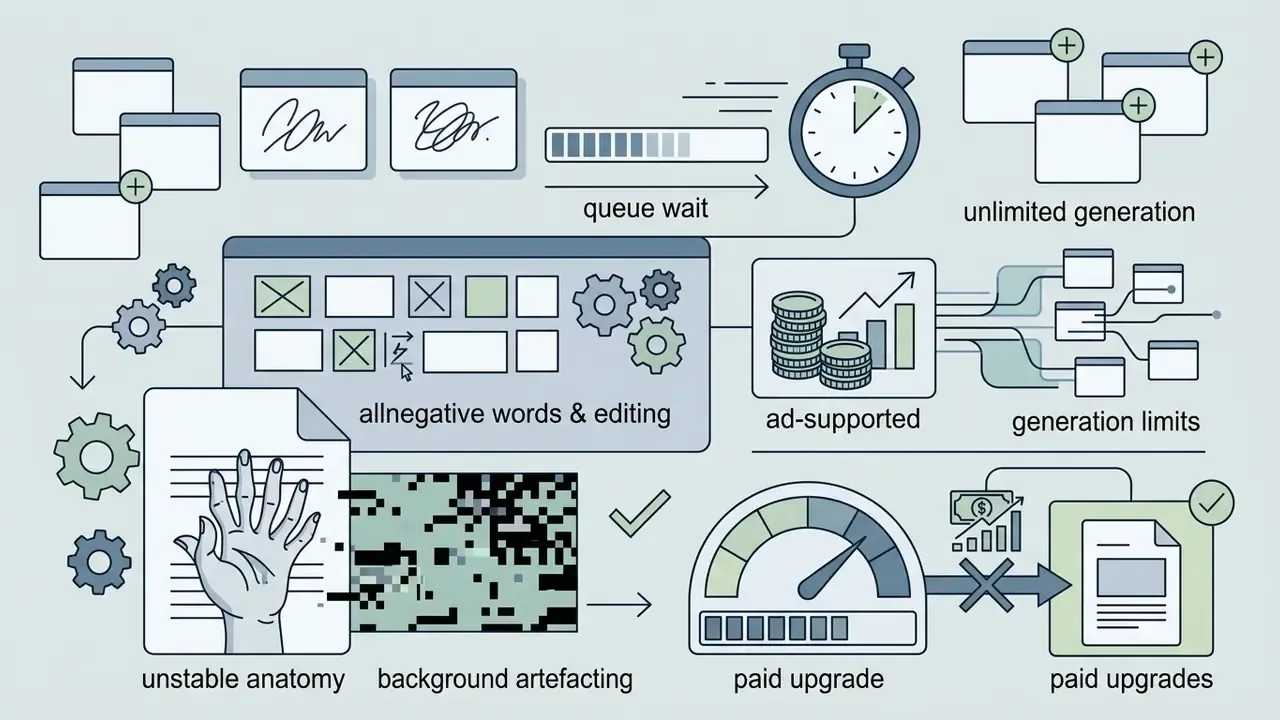
| Craiyon | Unlimited web generations (ad-supported) | Standard web render | Visible Craiyon watermark | JPG | Non-commercial only | Negative words supported; about 1 minute queue |
| NightCafe | Daily free credit drops plus community rewards | Model-dependent | None on standard exports | PNG, JPG | Permitted, subject to rights in reference assets | Widest model catalogue; daily challenges |
No matching rows Clear one or more filters to restore the matrix.
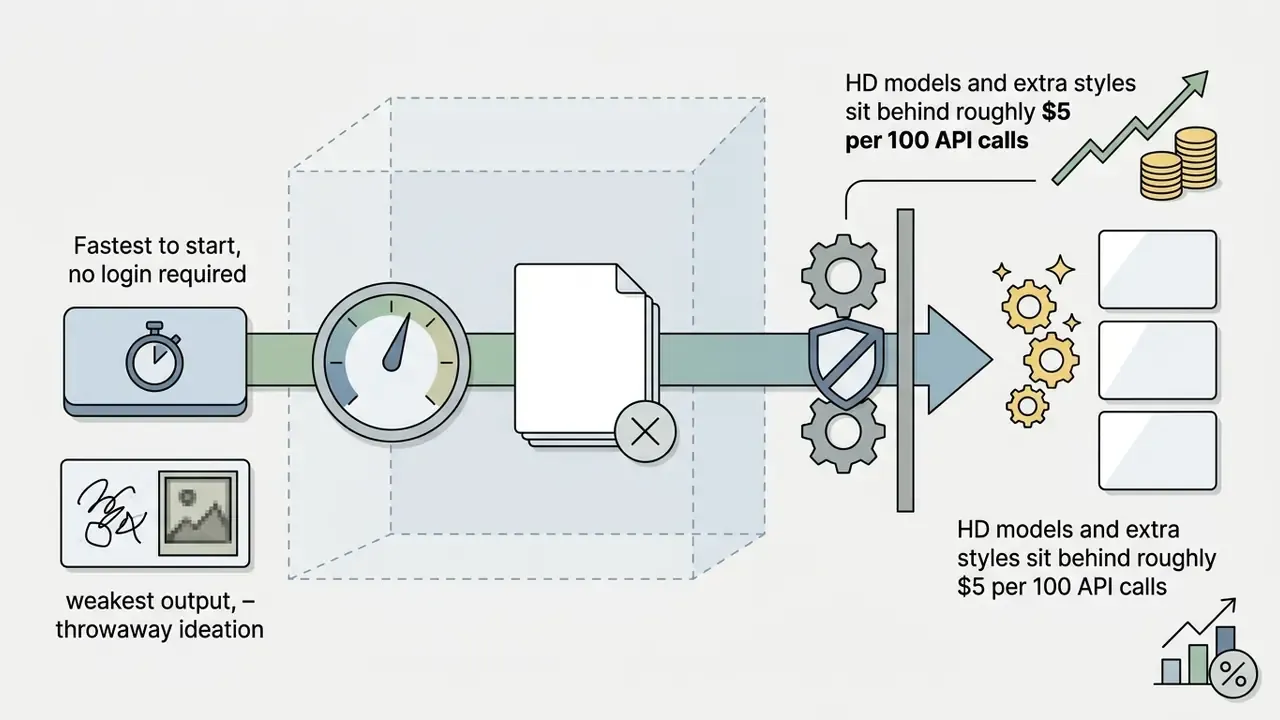
Readers who want to skip account creation entirely can shortlist no-sign-up AI image generators that generate directly in the browser.
What You Can Do on a Free Plan
Free tiers on the better best ai art program options let users generate social media concepts, draft initial layouts, and test basic text prompts. Browser platforms remove setup barriers, so beginners can try image generation on ordinary hardware without touching a GPU driver.
On most free tiers, users get a daily allocation of credits sufficient for prototyping small visual ideas. Canva AI drops generated visuals straight into larger design layouts, and Pixlr pairs generation with a conventional AI photo editor for cleanup. Users needing profile imagery can check specialized AI headshot generators for professional output.
A realistic read on free-tier capacity in 2026: consumer app plans hand out daily quotas in the tens of images, while the newest API image endpoints from the very same vendors frequently publish no free tier at all. Plan for the app quota while you are ideating. Budget for metered API calls the moment you automate.
When a Free AI Art Generator Is Not Enough
Free ai art generator tools stop being enough when production demands high-resolution exports, batch processing, advanced ControlNet editing, or guaranteed commercial indemnification. A free plan may not clear a single one of those bars.
Operational bottlenecks on free plans:
- Resolution capsoutputs are frequently limited to 1024×1024 pixels, so print or large-format display needs external upscaling.
- Rate limits and throttlingrequests get deprioritized at peak, producing queue delays or API rate-limit errors once RPM, RPD or TPM quotas are exhausted.
- Watermarking and metadatafree exports often embed visible logos or metadata restrictions that block commercial deployment.
- Restricted model accessfine-tuned models, reference image conditioning and granular inpainting sit behind paid subscriptions, and gated features simply suspend when a credit cap is hit, deadline or no deadline.
- No indemnification or enterprise data termsfree surfaces rarely offer ZDR addenda, SSO, audit logging or contractual IP cover.
«A benchmark of seven models for generating images accompanying easy-to-read texts found none ready for large-scale use without human oversight.»
When production demand outgrows the free tier, teams should compare options across paid enterprise licensing structures, and weigh the remaining free AI image generators against the cost of a seat licence.
Best AI Art Generator for Beginners: How to Start Creating Images
The best ai art generator for beginners pairs an intuitive web interface with structured prompt suggestions and direct visual editing. No prior graphic design experience required, no programming either. Getting started takes about ten minutes.
- Select an accessible platform.Choose a browser-based tool such as GPT Image, Adobe Firefly, Freepik or Canva AI that needs no local installation.
- Construct the core text prompt.Draft a structured description defining primary subject, background setting, visual medium, lighting, and camera angle.
- Apply style and composition presets.Use interface dropdowns to select artistic styles (oil painting, vector graphic, photorealistic) instead of overloading the text prompt.
- Attach reference images, optionally.Upload a pose or composition reference when a specific spatial layout matters.
- Add a negative prompt where supported.Exclude the artefacts you already know this model produces.
- Generate initial variants.Produce three or four variations to see how the model reads your parameters.
- Refine via inpainting or chat revisions.Use brush mask editing or conversational follow-ups to correct minor artifacts.
- Export and save assets.Download in PNG or JPG, keep embedded Content Credentials or metadata tags intact, and log the prompt, seed and model version alongside the file.
How to Write a Text Prompt for AI Generated Art
Effective prompting is structured phrasing, not keyword stacking. Vendor documentation converges on a consistent sequence: [Subject] + [Setting/Context] + [Medium/Style] + [Lighting/Color] + [Composition/Framing] + [Constraints]. OpenAI's image prompting guide recommends a fixed order with short labelled segments or line breaks for complex requests, and names framing, viewpoint, perspective, lighting and negative-space placement as explicit composition controls. Microsoft's image prompt engineering documentation frames the same idea as context-specific, task-oriented, step-broken prompts supported by examples and a defined output format. Google orders it slightly differently, subject first, then background and context, then style. So treat the sequence as a convention worth keeping stable, not a law.
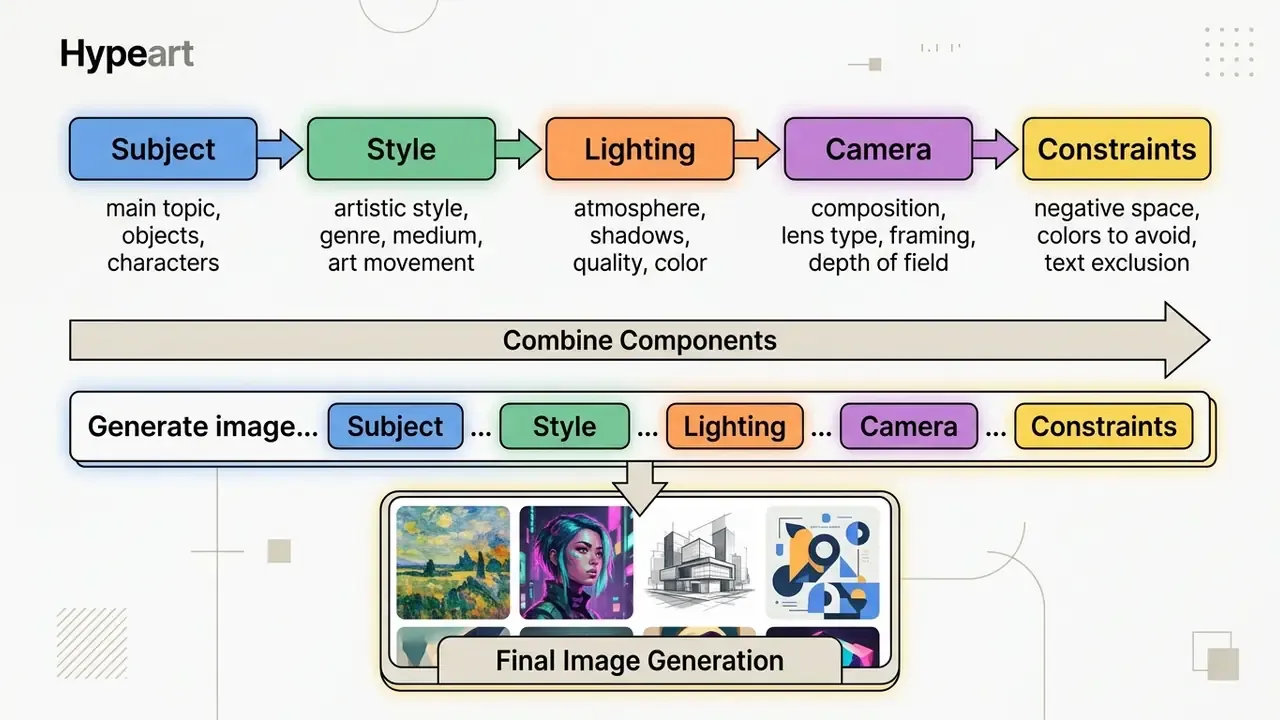
For example, a prompt written as "A studio product photograph of a matte black ceramic coffee mug, centered on a minimalist light-oak wooden table, soft morning window light from the left, shallow depth of field, 85mm lens perspective, no reflections, no watermarks" gives clear constraints that steer diffusion models toward clean, usable assets.
«A personalised prompt-rewriting model trained on 300,000+ queries from 3,115 users consistently improved alignment between images and author intent.»
Using negative prompts. In advanced tools (Playground AI, Stable Diffusion, Flux, Craiyon) you can declare explicitly what the model must exclude.
- Negative prompt formula
[anatomical defects] + [visual clutter] + [quality limits]. - Example
deformed fingers, extra limbs, blurry text, oversaturated background, ugly, low-resolution, duplicate subject, watermark, jpeg artifacts. - Practical rule add negatives one category at a time. Stack twenty exclusions at once and you flatten the composition as much as you remove defects.
Educators looking for classroom-ready workflows can explore best ai content generators built for educational visuals, while designers building brand systems will find adjacent tooling in AI logo generators.
How to Improve Generated Images After the First Pass
Iterative refinement beats regeneration. Targeted inpainting, selective upscaling and reference guidance fix what a second roll of the dice usually will not.
«A PromptCharm user study found iterative refinement through a multimodal interface produced images rated higher on aesthetics than single-shot generation.»
Commercial Use and Ethics of AI Generated Images
Deploying AI-generated assets in marketing, advertising or product packaging requires checking copyright standards, vendor licence agreements, and disclosure mandates. In that order, ideally before the campaign is booked.
What to Check Before Using AI Art in a Commercial Project
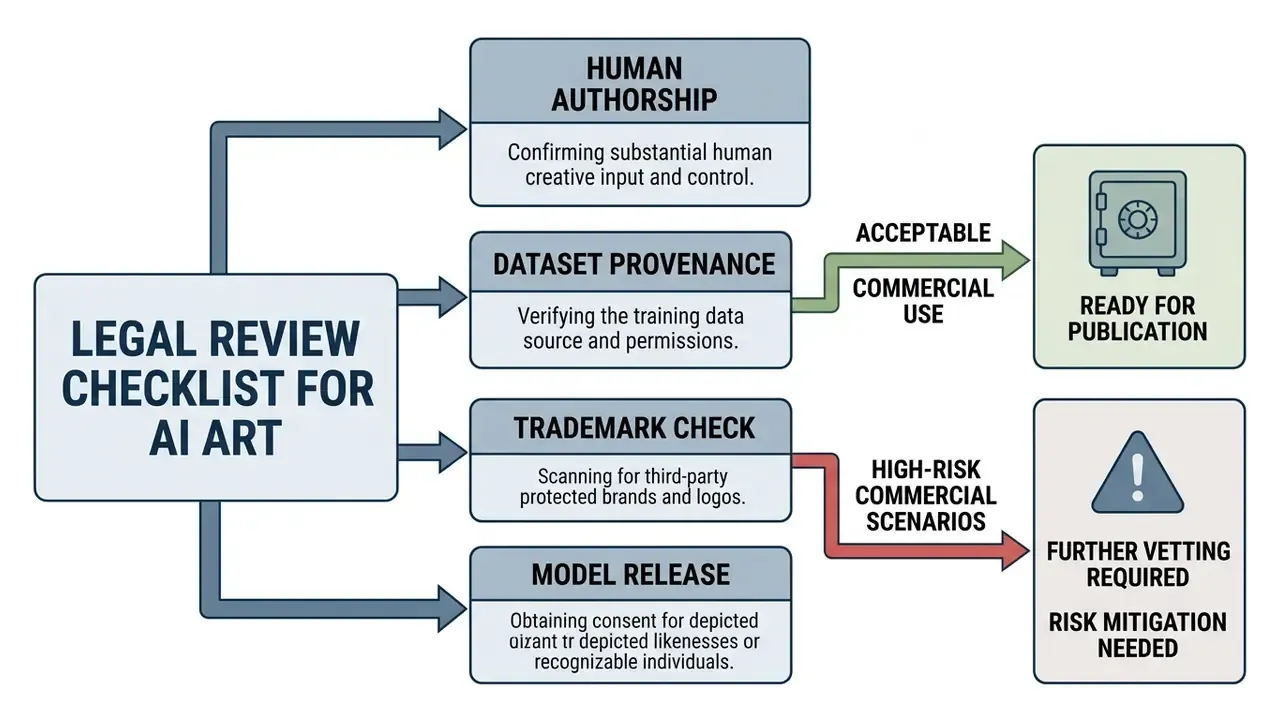
Before publishing AI-generated artwork in commercial campaigns, legal and design teams should verify these compliance boundaries:
«Models such as Stable Diffusion and DALL·E 2 systematically generate men for prompts like "a photo of a software developer", reproducing gender stereotypes in training data.»
«A survey of 459 artists found that the majority believe creators should be required to disclose which works were used to train AI models.» Foregrounding Artist Opinions, Jiang et al. (2023). https://arxiv.org/abs/2310.00071
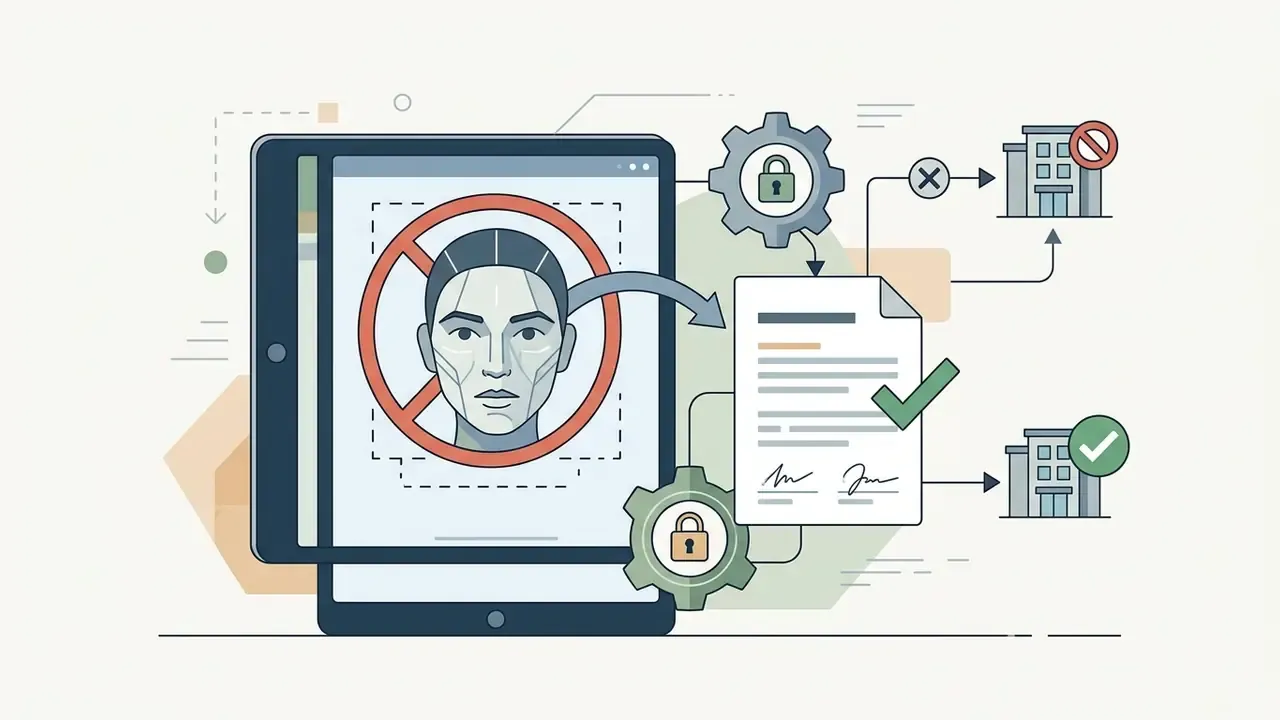
An illustrative scenario: a corporate design team wants to run an international ad campaign on AI-generated background illustrations. By choosing Adobe Firefly, which uses licensed training data and offers enterprise indemnification, and by documenting human retouching in Photoshop with layered working files and an edit log, the team clears its legal review and ships across US and European markets. Teams assembling that retouching stage can review professional AI photo editors and, for banner and billboard ratios, specialised AI image expansion tools for business use.
How to Reduce Risk When Publishing AI Generated Artwork
To limit legal, regulatory and brand risk when you publish AI art:
- Maintain audit trails. Save original prompt text, negative prompts, seed values, model version, reference input files and edit logs to demonstrate human creative control. This doubles as your MRM evidence pack, which is why it is worth automating rather than leaving to a designer's folder habits.
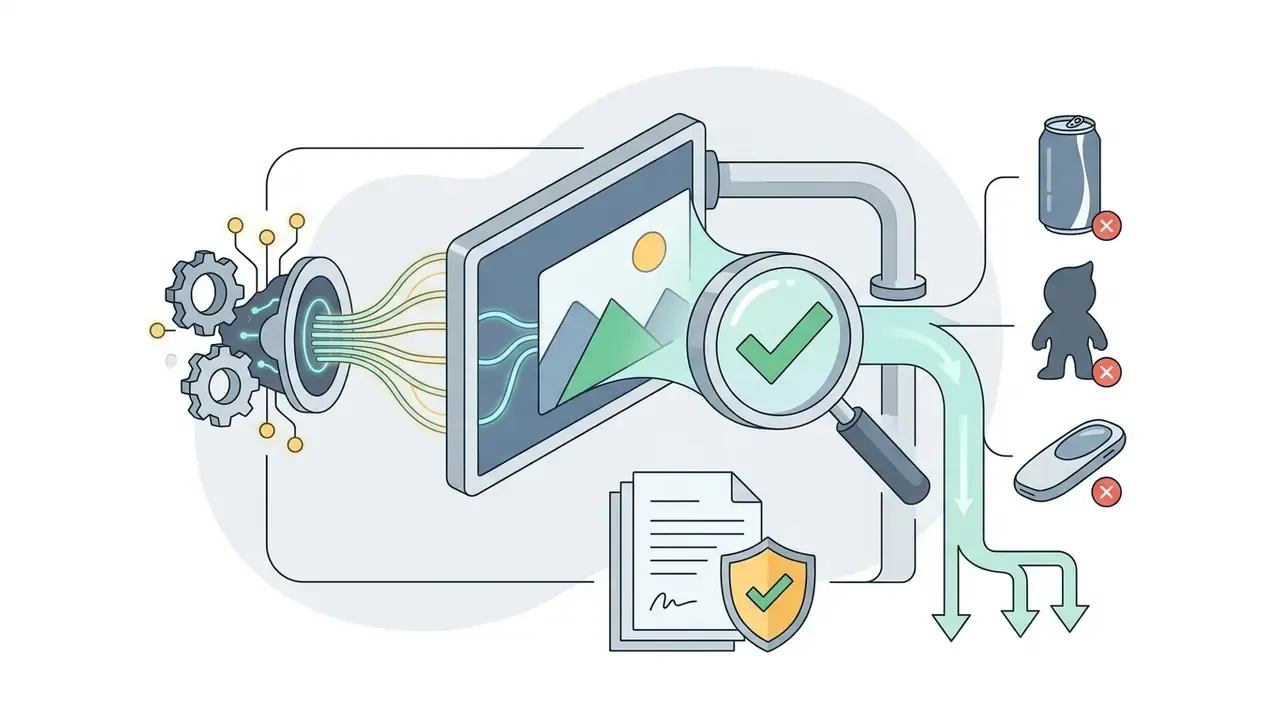
- Use commercially safe models. Prioritize platforms trained on licensed image catalogues, Adobe Stock or public domain repositories, over unvetted web-scraped datasets.
- Integrate Content Credentials (C2PA). Preserve digital watermarks and cryptographic provenance metadata embedded by tools like Firefly or Google ImageFX (SynthID), and re-check that the marker survives your export and CDN pipeline. Marketing pipelines strip metadata more often than anyone expects.
«The ARIA dataset of 140,000+ images shows both humans and automated detectors struggle to distinguish AI art from real photographs in social media and news contexts.»
Approval Checklist: Generative AI Art Tools in Regulated Organizations
Copy this into your vendor onboarding template:
Checklist0 / 16
Limitations and open questions. Three things remain genuinely unsettled. First, indemnity scope varies by plan and rarely covers downstream edits, so nobody should read it as blanket cover. Second, provenance marking is not standardised across export pipelines, and robustness metrics are still maturing. Third, evaluation benchmarks measure preference, not brand fit, which means internal human review stays mandatory for now.
FAQ About the Best AI Art Generators
What is an AI art generator and how does it create images?
An ai art generator is software powered by deep learning models, primarily diffusion architectures or autoregressive transformers, that turns text prompts or image inputs into new visual artwork. The system processes the input prompt through a language model, producing mathematical embeddings that steer an iterative denoising process. Starting from random Gaussian noise, the model builds pixels over multiple steps until the output matches the prompt's semantic meaning. Autoregressive models work differently, predicting the image in chunks from what has already been generated, which is why they are often slower per image yet stronger at rendering legible text. That is the short answer to how does a generator work under the hood; the longer answer fills a textbook.
«ArtConstellation, 6,000 WikiArt works and 3,200 AI images, shows AI art clusters differently from human art on composition principles and emotional impact.» ArtConstellation Dataset, Cetinic et al. (2023). https://arxiv.org/abs/2308.00906
Do you need graphic design skills for AI art generation?
Professional design skills are not strictly required to generate images with a modern best ai art maker, since simple text prompts let beginners produce compelling artwork on day one. Foundational knowledge helps a lot, though: composition, colour theory, lighting setups, visual hierarchy. Those skills required for evaluating an output are the same ones that improve the prompt. Education guidance makes the point from the other direction, arguing that learners need enough domain literacy to analyse an artwork before they can direct one. Advanced workflows also call for post-processing ability in an image editor, to fix artifacts, refine layouts and prepare assets for print or digital export.
Can you use AI art generators on a phone and in the browser?
Yes. Most leading platforms run as web applications in standard desktop and mobile browsers on iOS and Android. ChatGPT (GPT Image), Canva, NightCafe and Adobe Firefly offer native mobile apps or installable home-screen experiences with responsive interfaces for generation on phones and tablets. Mobile availability is gated by OS version and app-store distribution. Runway, for instance, requires Android 8.0 or later, or iOS 15.0 or later, whereas the web version only needs a browser. Mobile apps suit quick generation and social sharing; desktop browsers remain better for complex editing, ControlNet masking and high-resolution work.
Which free AI art generator gives the most usable output?
On our single benchmark prompt, Freepik AI produced the strongest free result with a genuinely usable quota: 40 images per day, watermark-free. Playground AI offered the most control through model selection and negative prompts at 1,000 credits per day. Canva AI is the right pick only if you already design inside Canva, because the free plan stops permanently at 50 credits. Craiyon wins when volume matters more than quality, and only then.
Is AI-generated art copyrightable?
Not on its own. U.S. Copyright Office guidance requires human authorship, so AI-generated expressive elements are excluded from registration and must be disclosed when they exceed a de minimis contribution. What is protectable is your human contribution: arrangement, selection, retouching, compositing. Which is precisely why an audit trail of prompts, seeds and layered edits is the practical prerequisite for any copyright claim. Jurisdictions differ, and a decision in one market does not transfer to another.
What should a bank's compliance team ask before approving an AI art tool?
Retention window, training opt-out, certification evidence (SOC 2 Type II or ISO 27001), encryption and key management, SSO and SCIM support, provenance marking, indemnification scope with a stated liability cap, and whether the deployment surface is an enterprise workspace rather than a consumer login. Then confirm the tool is registered in the model inventory and that every published asset carries reproducible generation metadata. If any answer arrives verbally, it does not count.