Last updated: February 2026 · Reviewed for licensing and governance accuracy against official vendor pricing pages, help centers, and peer-reviewed benchmark literature.
For a bank or a mature fintech, that gap is not a marketing annoyance. It is a control problem: an unlicensed clip on a public channel is a compliance event, not a creative misstep.
Executive Summary for Risk, Compliance, and Marketing Leaders
Best Free AI Video Generators Compared
| Platform | Text-to-Video | Image-to-Video | AI Avatar | AI Voice | Free Access Model | Watermark Policy | Max Free Export Resolution | Commercial Use Rights on Free Tier |
|---|---|---|---|---|---|---|---|---|
| Adobe Firefly | Yes | Yes | No | No | Daily resetting credit allotment | Yes (Content Credentials metadata) | 1080p / 4K (model dependent) | Yes (commercial safety focus) |
| Kling AI | Yes | Yes | No | No | 66 daily credits (~2 short clips) | Yes | 360p to 720p (5-sec max clip) | No (personal / non-commercial only) |
| InVideo AI | Yes | No | Yes | Yes | 4 exports per week (720p cap) | Yes (hard-coded logo) | 720p | No |
| Canva | Yes | Yes | Yes (app integrations) | Yes | 50 lifetime media credits | No (select apps) | 1080p | Yes (subject to asset rights) |
| HeyGen | Yes | Yes | Yes | Yes | 3 free videos per month | Yes | 720p | No |
| EaseMate AI | Yes | Yes | Limited | Yes | Daily login credits | Yes | 720p | No |
| Runway | Yes | Yes | No | Limited | 125 one-time credits (no refresh) | Yes | 720p | No (restricted under free terms) |
| Luma Dream Machine | Yes | Yes | No | No | Monthly free generation allowance | Yes | 720p | No (paid tiers for commercial) |
| Pika | Yes | Yes | No | No | 80 monthly credits | Yes | 480p | No |
| Google Flow / Vids (Veo 3.1) | Yes | Yes | Limited (Vids) | Yes (Vids) | 50 daily credits (Flow) / 10 generations per month (Vids) | SynthID marking | 720p to 1080p | Conditional (Workspace terms) |
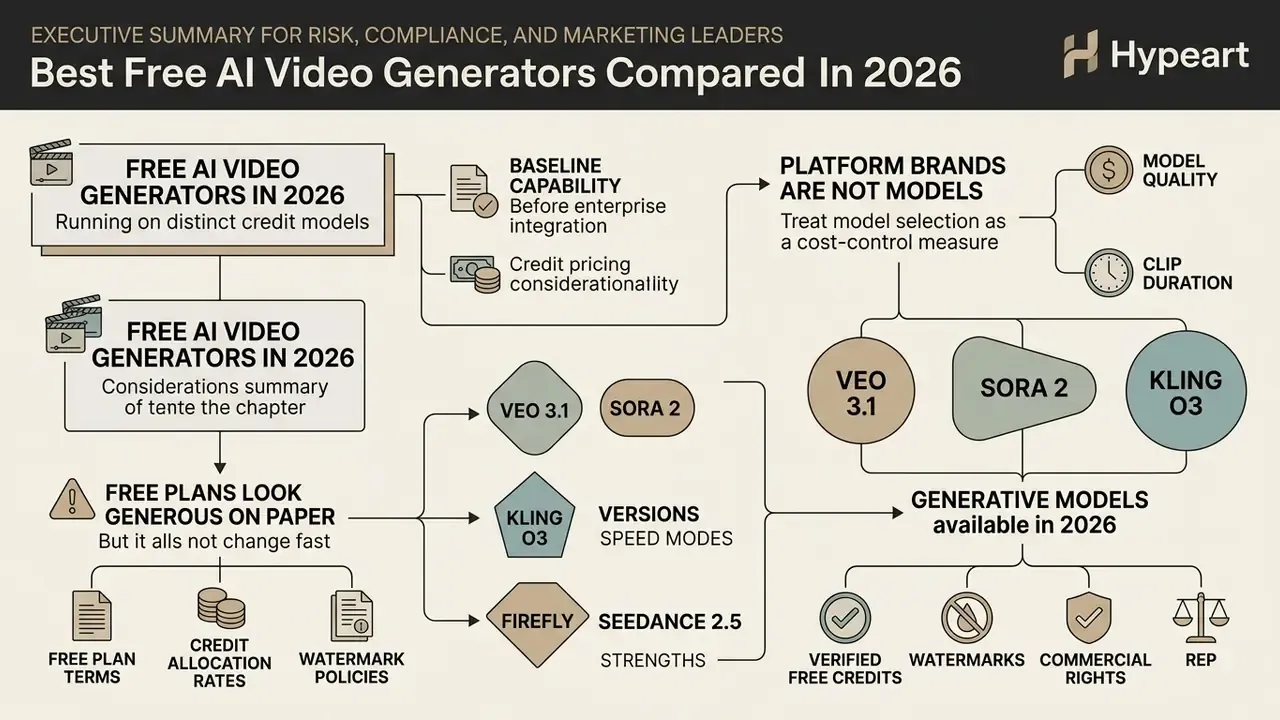
Generation models available in 2026: versions, speed modes, and strengths
Platform brands are not models. The same interface may route your text prompt to a dozen different diffusion backbones with different physics fidelity, audio support, and per-second credit cost. The table below maps the current generation of AI video models exposed through free and freemium interfaces.
| Model (Vendor) | Native Resolution | Max Single Shot | Distinguishing Capability | Typical Free Access Route |
|---|---|---|---|---|
| Google Veo 3.1 | 1080p native | 8 s | High temporal consistency, native audio-visual synchronization | Google Flow daily credits |
| Google Veo 3.1 Fast | 720p to 1080p | 8 s | Latency-optimized draft mode, cheaper per second | Flow / Vids free generations |
| OpenAI Sora 2 | 1080p | ~10 s | Complex physical simulation, multi-shot camera tracking | Limited free/trial access via partner apps |
| OpenAI Sora 2 Pro | Up to 1080p+ | ~10 to 15 s | Highest compositionality, prompt-edit on existing video | Paid tiers (free access claims unverified) |
| ByteDance Seedance 2.5 | 720p free / 1080p paid | 5 to 10 s | Fast motion and cinematic character action | Daily credit grant, watermark-free exports |
| Seedance 2.0 | 720p | 5 s | Stable baseline for social clips | Registration-based credits |
| Kling O3 / Kling V3 (3.0 Omni) | 1080p | Up to 15 s | Multi-prompt continuity, storyboard control, native audio, text/image/video references | 66 daily credits |
| Runway Gen-3 / Gen-4.5 | 720p free | 5 to 10 s | Motion brush, camera control, extend-clip workflows | 125 one-time credits (Gen-4.5 costs 12 credits per second) |
| Adobe Firefly Video Model | Up to 4K export | 5 s | Commercially indemnified training data, Content Credentials | Daily free generations |
| Luma Dream Machine | 720p free | 5 s | Smooth keyframe interpolation between two stills | Monthly free allowance |
| PixVerse / Pika / MiniMax / Vidu | 480p to 720p | 5 s | Stylized animation and anime presets | Monthly credits |
Because credit pricing scales with model quality and clip duration, treat model selection as a cost-control decision. Draft with fast modes (Veo 3.1 Fast, Seedance 2.0), then re-render only approved shots on premium engines. Developers budgeting API-level spend should review the technical cost breakdown in our Google Veo AI video generator implementation guide, and compare credit economics against PixVerse AI credits and pricing.
What "Free" Means in an AI Video Generator
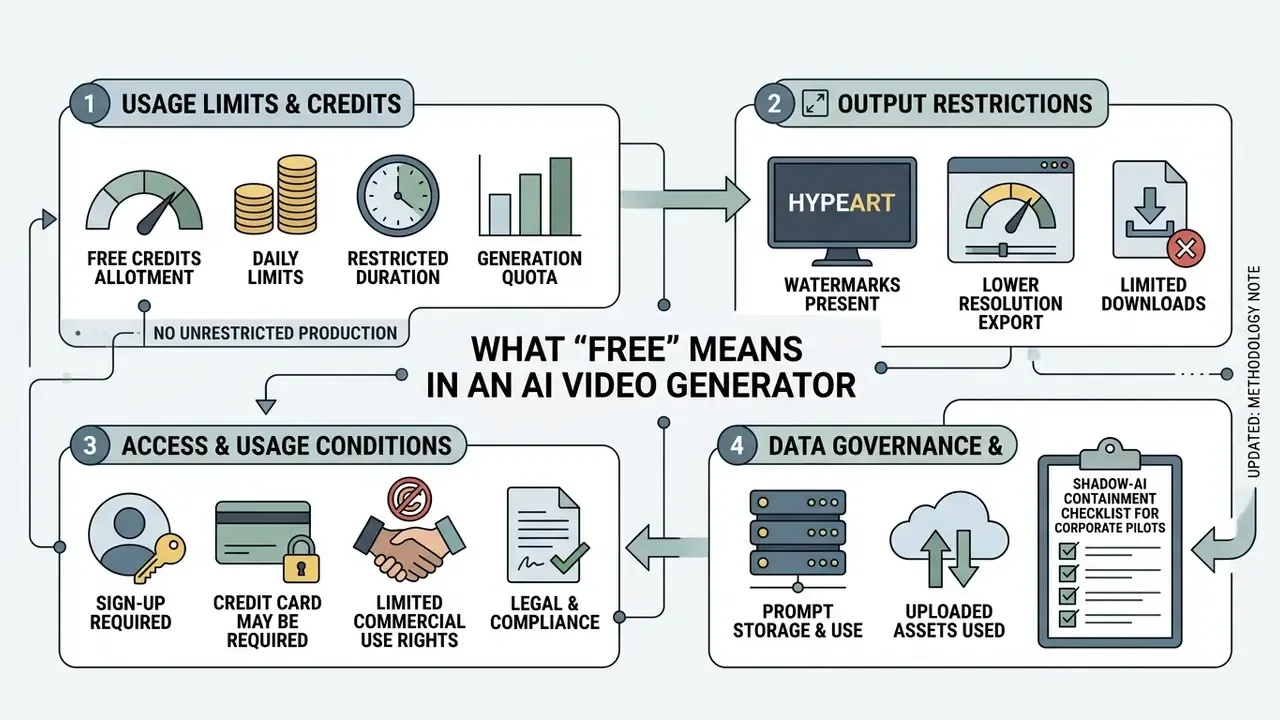
A free tier in generative video almost universally signals a restricted trial grant or a daily credit allotment, not unrestricted, watermark-free production. Our reference guide to free AI video generators breaks down how credit accounting, queue priority, and export rules interact across vendors.
Free credits, generation limits, and "unlimited" claims
Watermarks, download quality, and export restrictions
Free export restrictions typically enforce 480p to 720p resolution ceilings, mandatory brand watermarks, and weekly download caps.
Unpaid tiers are built for evaluation, not final distribution. Kapwing's free tier caps exports at 720p with a 1-minute timeline limit and a persistent bottom-right watermark. InVideo AI restricts free users to four 720p exports per week, each carrying a visible platform logo; its Business tier unlocks 1080p without watermark, and Unlimited adds 4K. Google Flow and Google Vids exports carry SynthID provenance marking even when they look visually clean. To unlock 1080p or 4K watermark-free downloads, and to publish genuinely professional videos, users must move to paid commercial subscriptions.
To review benchmarked visual quality across top tools, see our analysis of top ai video platforms. If your distribution pipeline needs strict file-size targets for an LMS or an ad platform, our guide to video compressors explains quality-loss tradeoffs at each bitrate, and our published benchmarks track how those tradeoffs shift by codec.
Sign-up, credit card, and commercial use conditions
Most free AI video tools permit account registration with no credit card required, yet commercial use rights for AI-generated content on free outputs are flatly prohibited by several platforms and explicitly granted by others.
Data governance: what free tiers do with your prompts and uploads
Free-tier data handling is the most frequently skipped step in tool selection, and the most consequential one for regulated organizations. Uploading a product roadmap slide, an unreleased campaign asset, or a customer photograph into a consumer web interface can constitute an unapproved third-party data transfer. Several vendors reserve broader training rights on free plans than on enterprise contracts.
Use the matrix below as an intake template before any pilot. Complete it from the vendor's own privacy policy, data-processing addendum, and trust center, not from marketing pages, and attach the completed sheet to your shadow-AI register.
| Audit Criterion | What to Confirm in Writing | Why It Matters | Free-Tier Red Flag |
|---|---|---|---|
| Training on user input | Whether prompts, uploaded images, and rendered outputs are used to train or fine-tune base models | Determines whether proprietary material leaves your control irreversibly | Training opt-out available only on paid or enterprise plans |
| Opt-out mechanism | Account-level toggle vs. support-ticket request vs. none | Governs enforceability of internal policy | "Contact us" with no self-service control |
| Data retention window | Days until prompts, assets, and renders are deleted; whether deletion is verifiable | Required for records-retention and deletion requests | Indefinite retention or silence on the question |
| Sub-processors & region | Which model providers process the input and in which jurisdiction | Cross-border transfer and vendor-concentration exposure | Undisclosed model routing to third-party APIs |
| Security attestations | SOC 2 Type II, ISO/IEC 27001, penetration-test summaries | Baseline third-party risk requirement | Attestations scoped to enterprise tier only |
| Identity controls | SSO/SAML, MFA, role-based access, audit logging | Free web logins bypass IAM and leave no corporate audit trail | Consumer email sign-up with no SSO |
| Output provenance | Content Credentials (C2PA), SynthID, or embedded metadata | Needed for synthetic-content disclosure obligations | No provenance signal on free exports |
| Commercial licence | Explicit grant of commercial rights on free output | Prevents downstream takedown and rework | Non-commercial-only licence (see §5) |
No matching rows Clear one or more filters to restore the matrix.
Shadow-AI containment checklist for corporate pilots
- Run pilots inside a sandbox tenant with synthetic or already-public assets only. Never live customer data, unreleased pricing, or regulated documentation.
- Require SSO-backed accounts for any tool that leaves the pilot stage; block consumer sign-up domains at the proxy for tools that never graduate.
- Log every generation with prompt text, model version, timestamp, and requesting user so the activity is reconstructable.
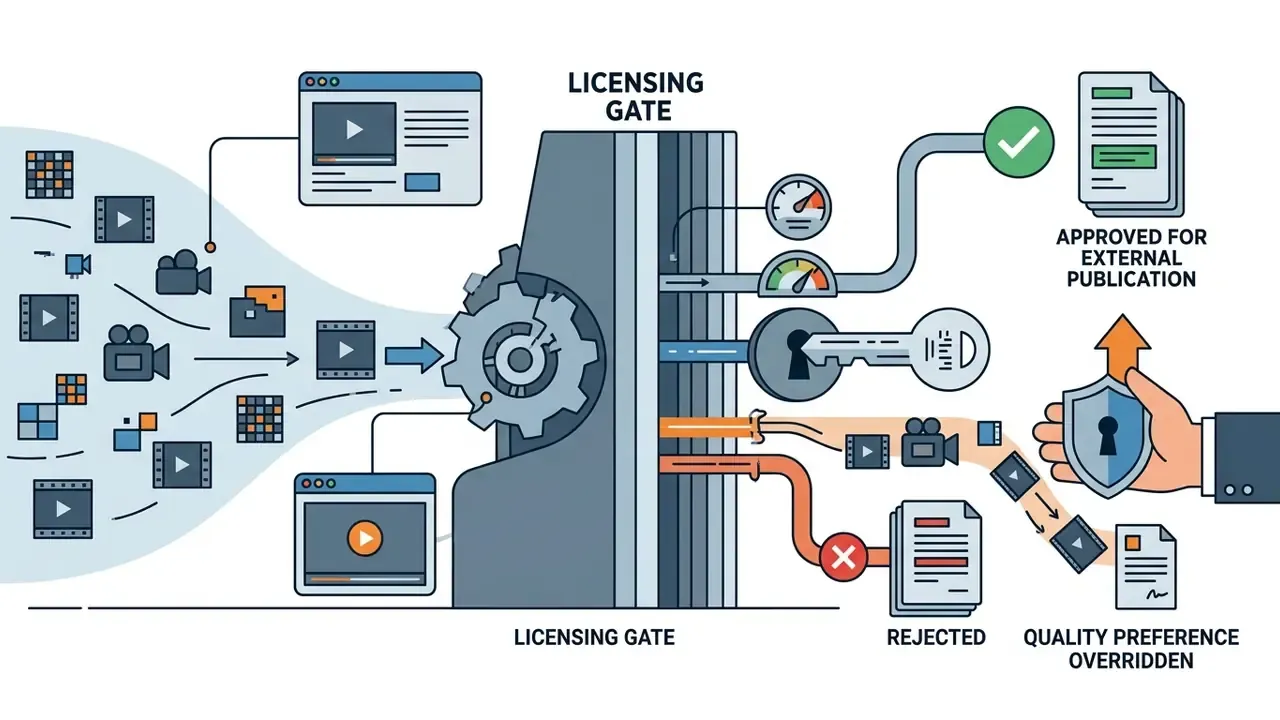
- Classify output as "externally published synthetic media" and route it through the same review gate as paid advertising creative.
- Re-audit the privacy matrix quarterly. Free-tier terms change faster than enterprise contracts, sometimes within a single quarter.
Best Free AI Tools by Input Modality
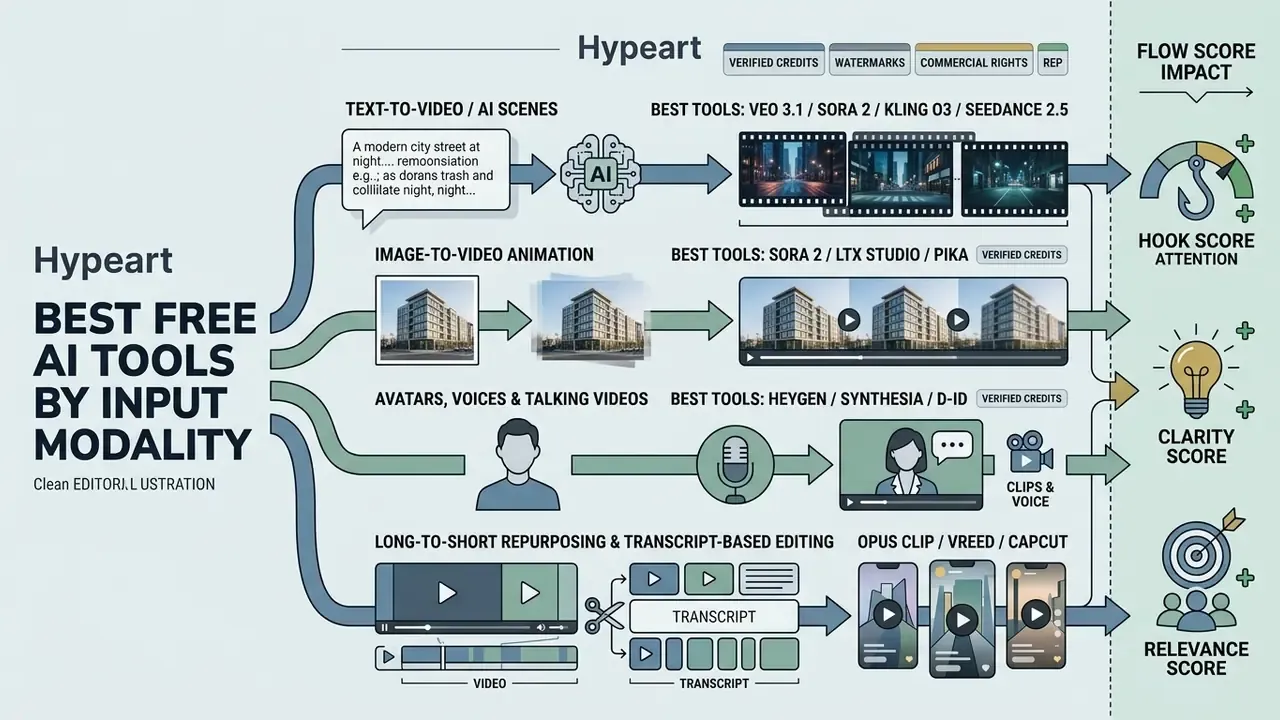
Best tools for text-to-video and AI-generated scenes
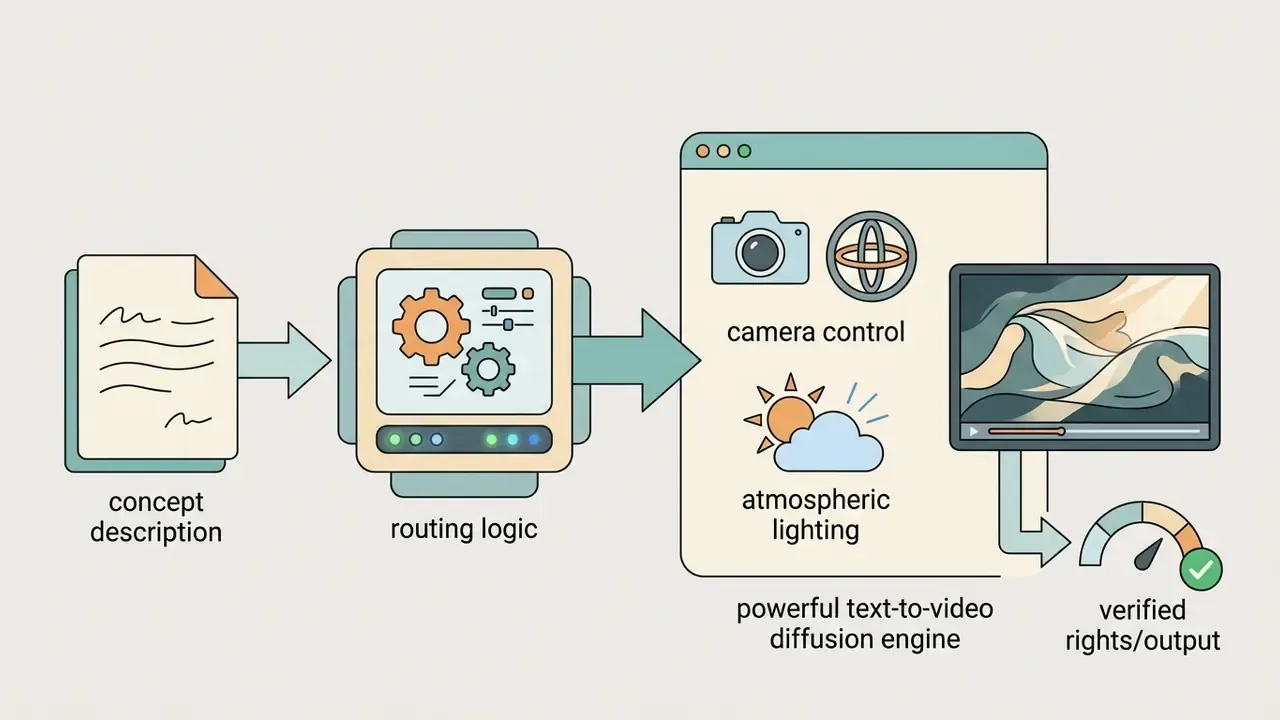
The most reliable text-to-video tools turn a structured text prompt into dynamic scenes using generative diffusion models such as Veo 3.1, Sora 2, Firefly Video, and Runway Gen-3/Gen-4.5.
When you evaluate a text to video generator, balance visual quality against prompt fidelity. Academic benchmarks such as T2VBench (1,600+ temporally rich prompts across 16 temporal dimensions) and EvalCrafter (visual quality, text-video alignment, motion quality, temporal consistency) score models on dynamics and instruction alignment, while T2V-CompBench adds 1,400 compositional prompts covering spatial relationships, action binding, and object interaction.
"Most video generators achieve less than 20% of compositional changes described in prompts, revealing a severe gap between current capabilities and desired behaviour."
TC-Bench tests whether a model can execute a described change over time: an object appearing, a state transforming, two entities combining, rather than simply rendering a static-looking scene in motion. The practical consequence is uncomfortable. A tool can produce beautiful frames and still ignore your second and third instruction. So segment multi-step narratives into separate prompts and stitch them, instead of expecting one clip to obey a whole paragraph.
Raw quality gaps between backbones are also measurable in aggregate metrics:
"Make-A-Video reaches FVD 81.25 on UCF-101, far ahead of VideoGen at 345 and Matten at 210.61, showing wide quality dispersion across diffusion architectures."
Best tools for image-to-video animation
Image-to-video animation tools generate fluid motion from a static reference image, preserving the original appearance while applying directional movement.
In benchmark evaluations like AIGCBench (Fan et al., 2024), proprietary models such as Pika and Runway Gen-2/Gen-3 reached first-frame Structural Similarity Index (SSIM) scores above 0.800 and CLIP similarity scores above 0.930.
"Pika and Gen-2 reach DOVER scores of 0.715 and 0.775 against 0.518 for VideoCrafter, confirming proprietary advantages in perceptual video quality."
AIGCBench also reports that Gen-2 preserved the original input image most faithfully among compared systems, with SVD and Pika close behind, while motion is scored separately using optical-flow measures. Research frameworks push both axes further: ConsistI2V adds first-frame spatiotemporal attention and low-frequency noise initialization, with human evaluators preferring it 53.62% of the time on appearance consistency and 37.04% on motion consistency; Cinemo (CVPR 2025) splits the task into motion-residual learning, abrupt-motion suppression, and explicit motion-degree control; Animate Anyone (CVPR 2024) drives character animation from a reference image plus a pose guider. For a deeper category reference, see our guide to image-to-video AI tools and adjacent animation maker tools.
For creators animating graphic designs or photography, starting from an ai image generator input gives tight control over character appearance, brand colors, and scene layout before motion generation begins. Runway's own prompting guidance is direct about this: the source image acts as the first frame, supplying composition, lighting, and style, and blur or malformed hands and faces will amplify during motion synthesis. Teams that want one workspace for both stages tend to shortlist whatever counts as the best free ai image and video generator in their stack, since round-tripping between vendors doubles the review burden.
Best AI video makers for avatars, voices, and talking videos
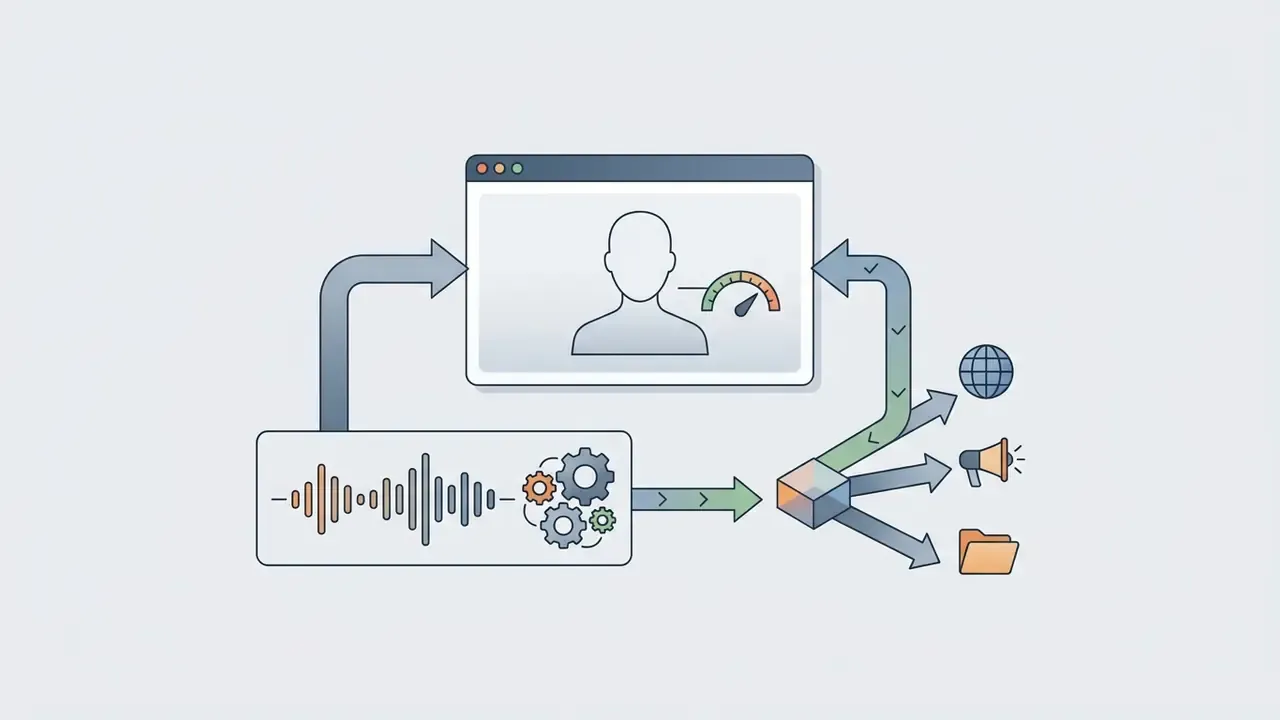
Specialized AI video makers pair photorealistic avatars with synthesized voices to produce automated presentation and talking-head videos.
Platforms like HeyGen, Synthesia, ElevenLabs, Microsoft Azure AI Speech Avatar, and Tencent Cloud Avatar Customization convert raw text scripts into synchronized video presentations. These tools combine neural speech synthesis with facial landmark alignment to hold realistic lip-syncing. ElevenLabs documents reusable avatars that pair with any cloned voice, HeyGen separates avatar rendering from its voice-cloning service, and Azure AI Speech converts text directly into photorealistic speaking video. Voice quality, language coverage, and licensing differ sharply across engines, so our reference on AI voice generators compares them on commercial-licensing terms. If your shortlist is really "best free ai video generator with voice," that licensing column matters more than timbre.
In enterprise settings, an ai avatar generator removes the need for physical studio recording when you build internal training modules or customer support walkthroughs. One caution for banks: avatars that resemble real employees or executives raise consent and impersonation questions, so treat "ai video generator real people" workflows as a separate approval class with written releases. To see how presentation decks become narrated video assets, review our detailed guide to record powerpoint presentation with audio and video.
AI long-to-short repurposing and transcript-based editing
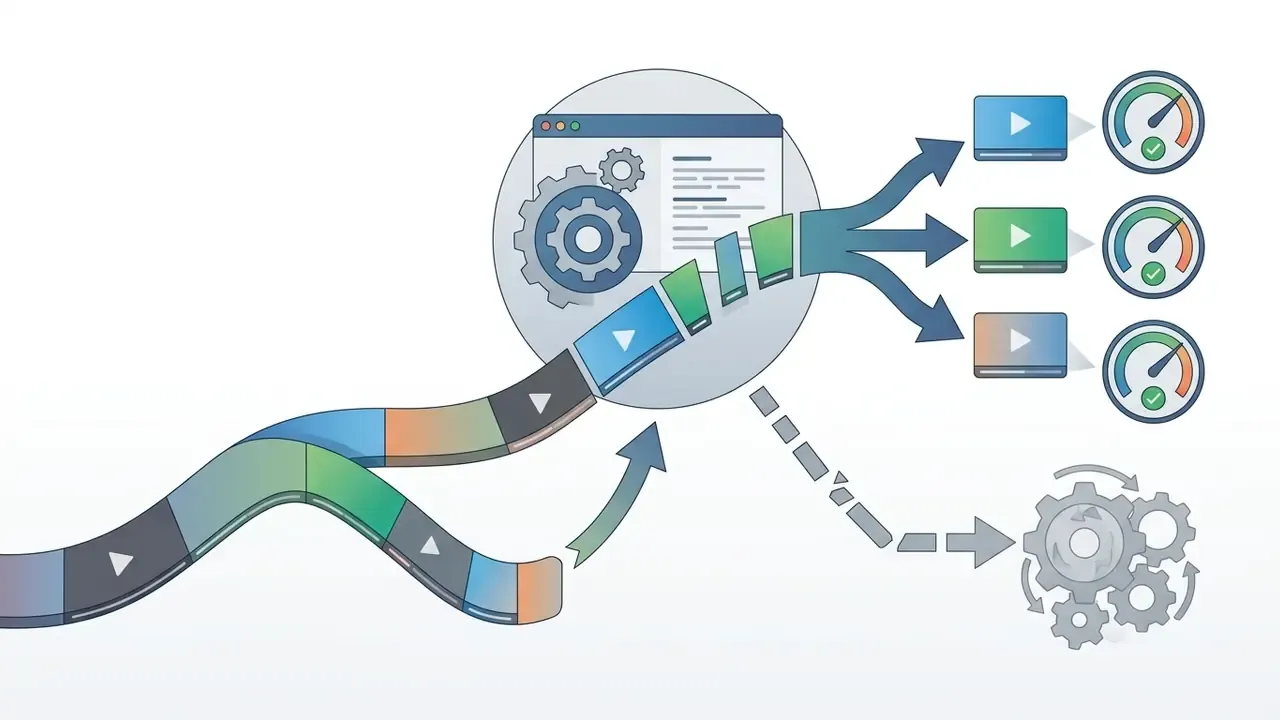
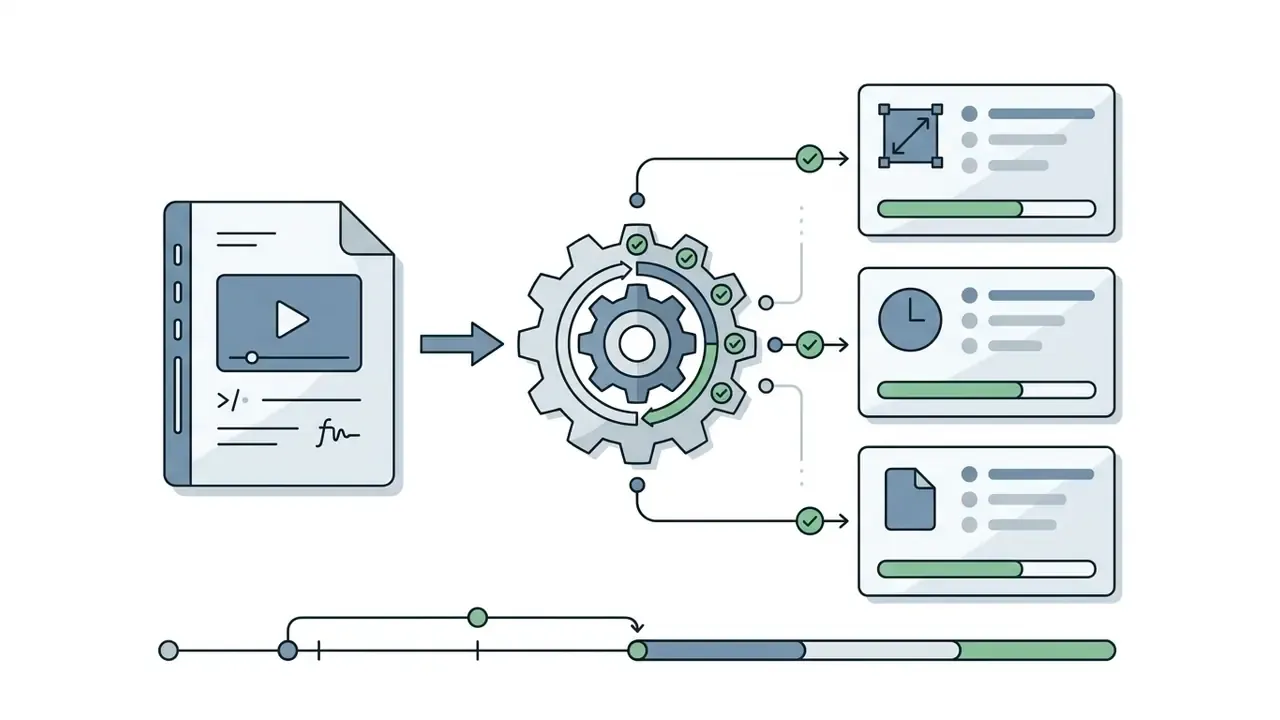
Beyond generating scenes from scratch, modern ai clip generator engines analyze long-form source files, including webinars, podcasts, keynotes, analyst calls, and all-hands recordings, to extract distributable short clips. These platforms use natural language processing to transcribe audio, remove filler words ("um," "ah"), strip dead silence, and rank segments using algorithmic virality indicators:
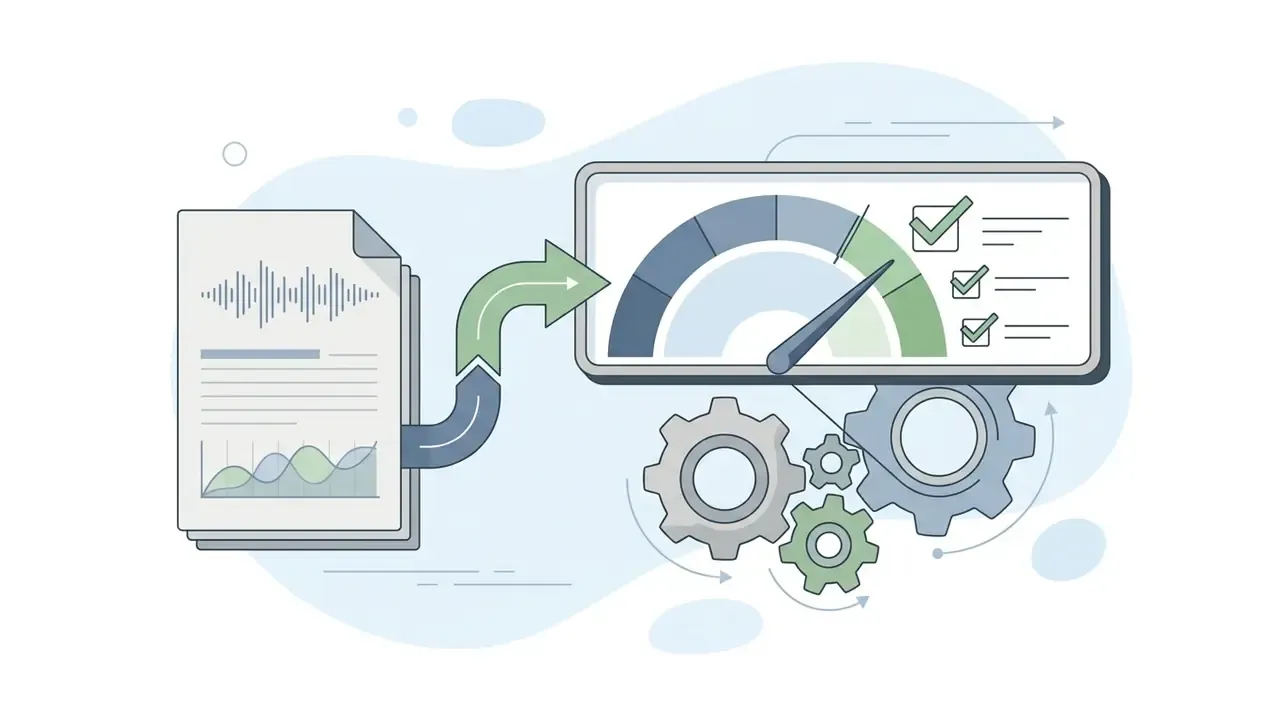
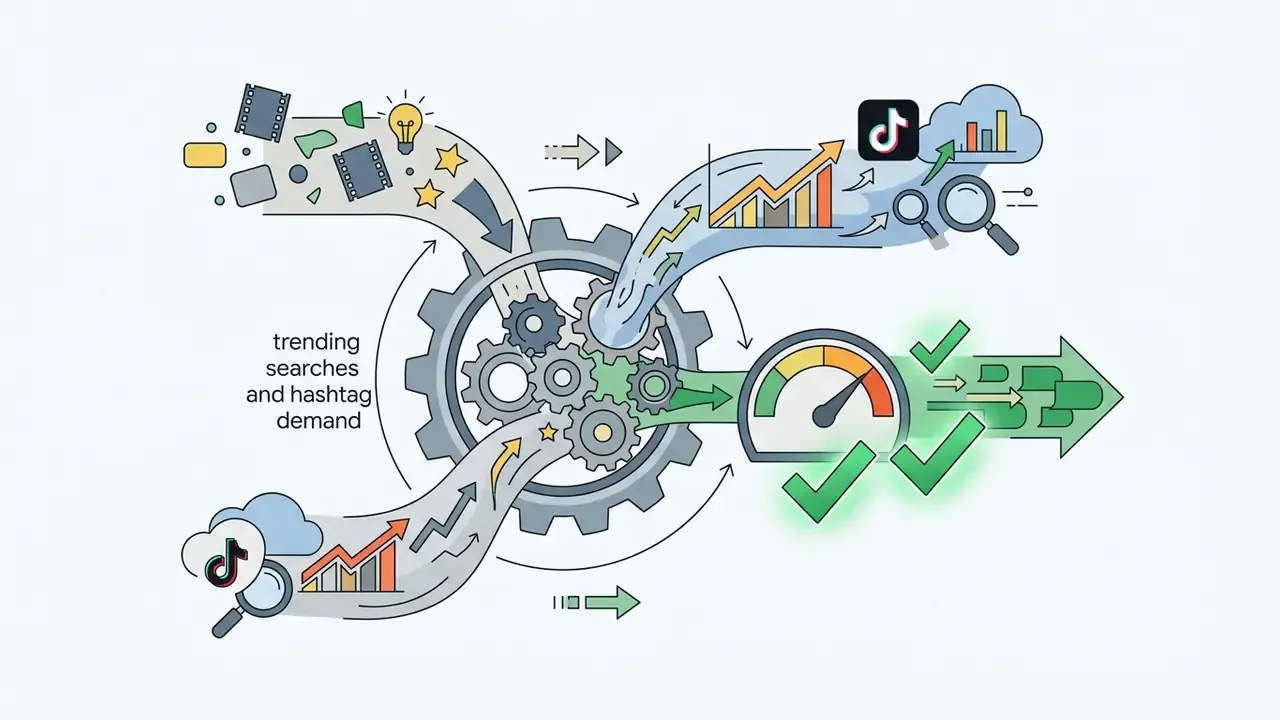
Leading implementations score each candidate clip out of 10 on these four dimensions. The editorial decision still belongs to the operator; the score is triage, not approval.
Workflow for video repurposing
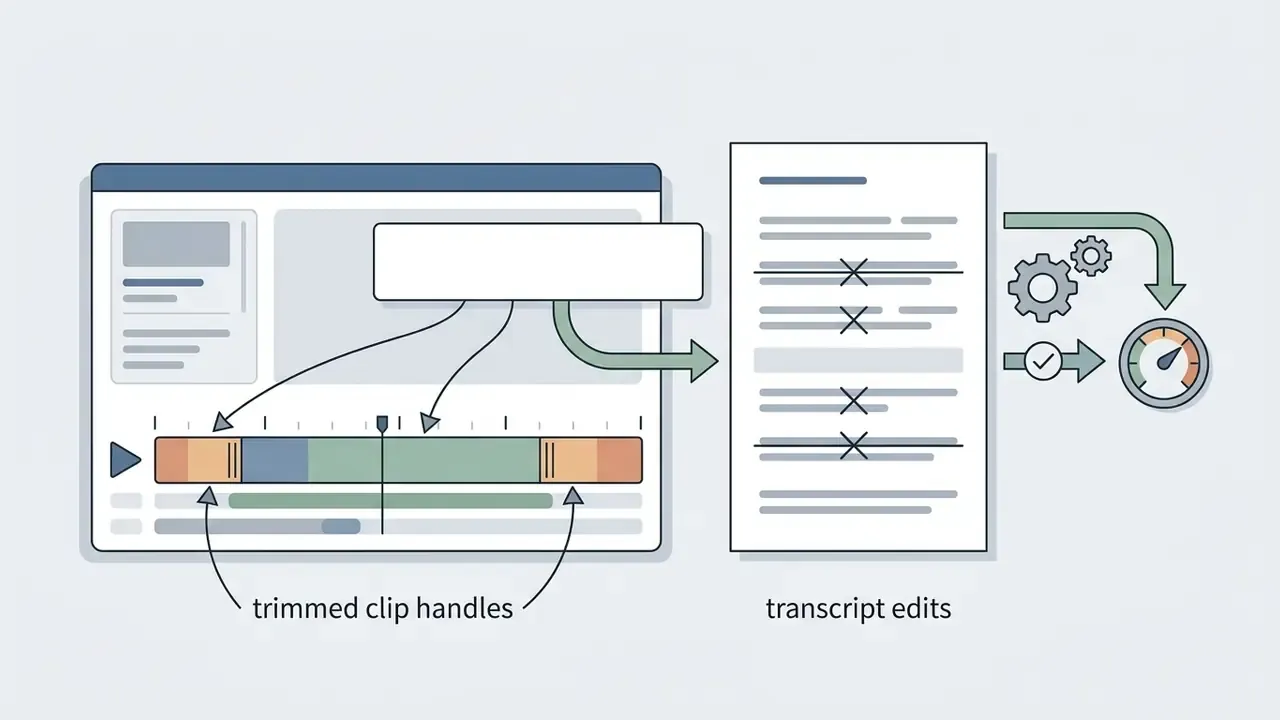
For webinar-to-clip pipelines, end-to-end turnaround of 5 to 10 minutes per batch is realistic once caption styling and brand assets are preset. Transcript-based editing is also the fastest correction path for compliance edits: deleting a sentence from text removes the corresponding frames, which makes redaction auditable. That single property is why the best free ai clip generator for a regulated team is often the one with the cleanest transcript UI, not the flashiest effects. Creators finishing these clips for YouTube distribution can follow our YouTube video editor workflow guide, then post-process exports with free video editing software.
Autonomous AI video agents and multi-scene continuity
To bridge the gap between 5-second generative bursts and long-form storytelling of up to 10 minutes, creators increasingly use LLM-powered video agents built on frameworks such as Claude or GPT-class models. An AI video agent automates the end-to-end production loop:
- Automated storyboarding breaks a long prompt, script, or uploaded PDF into discrete visual scenes, each with its own camera-direction instruction.
- Asset casting and voice assignment selects a consistent avatar, assigns a synthetic voice profile, and generates matching background soundscapes across all scenes.
- Batch rendering and dynamic revision renders scenes asynchronously across specialized diffusion models, then adjusts transition keyframes on conversational feedback such as "make Scene 3 lighting match Scene 2."
This is how "10-minute AI video" claims actually get satisfied. Renderforest, for example, advertises free-plan videos up to 12 minutes while noting that individual AI scenes run 4 to 10 seconds; the length comes from assembly, not from a single inference call. Google Vids supports project containers up to 30 minutes for the same reason.
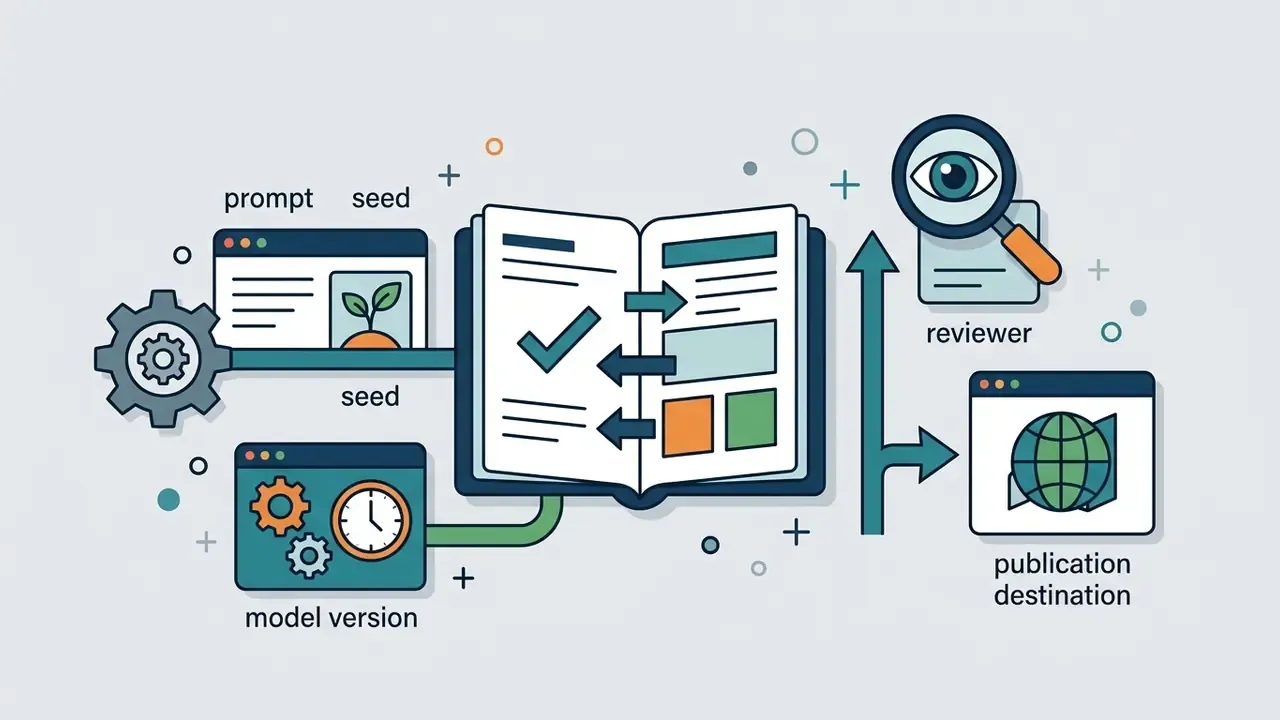
Agentic orchestration reduces manual stitching, but it multiplies the audit surface. Each scene carries its own prompt, seed, and model version, and all of them belong in your generation log (see §22). Governance language here matters: an agent is a digital worker with a named owner, an approved role, access limits, an escalation path, and a shutdown mechanism. No evidence, no autonomy.
Editing features for a finished video without editing skills
Modern ai video editor products combine natural language prompt editing, transcript trimming, and element replacement, so you can refine raw outputs without timeline editing experience.
Tools like Google Vids, OpenAI Sora, and Adobe Firefly Boards let users edit existing video clips through conversational prompts. Google's Gemini API documents multi-turn conversational editing including element replacement and perspective changes. Sora's video API can modify an existing video by sending a prompt plus a video reference, reusing the original structure rather than regenerating from scratch. Adobe's help center confirms that Firefly videos can be refined with text prompts to remove elements, change backgrounds, or enhance detail. Instead of manipulating keyframes by hand, you type instructions such as "change background lighting to sunset" or "remove background object." Transcript-based editors sync text edits with video cuts automatically, which means no formal video editing skills are required to assemble a presentable project.
To explore web-based creation suites with built-in audio mixing, check our review of a video maker online, and scan adjacent products in our alternatives directory when a shortlisted vendor fails your licensing gate.
How to Choose the Best Free AI Video Generator for Your Goal
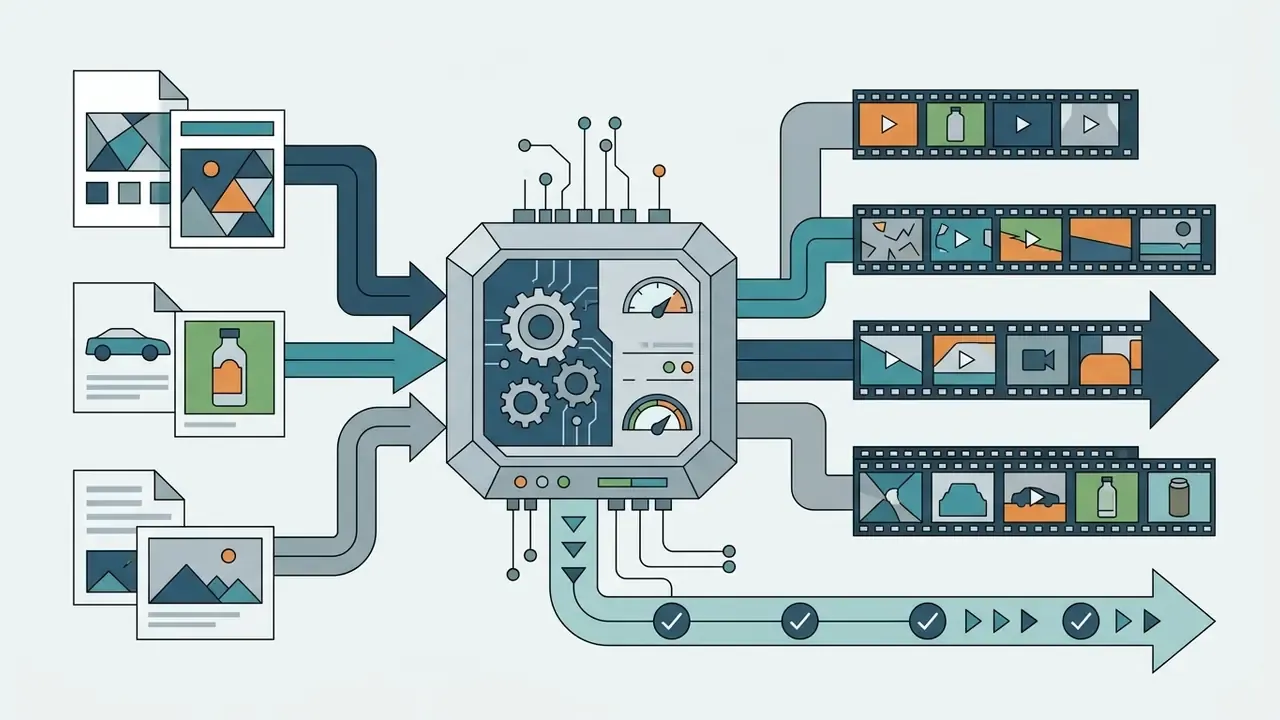
Selecting the right AI video generator means aligning input modalities (text prompt, source image, voice track, or long recording) with performance targets such as temporal consistency, provenance marking, and commercial licensing needs.
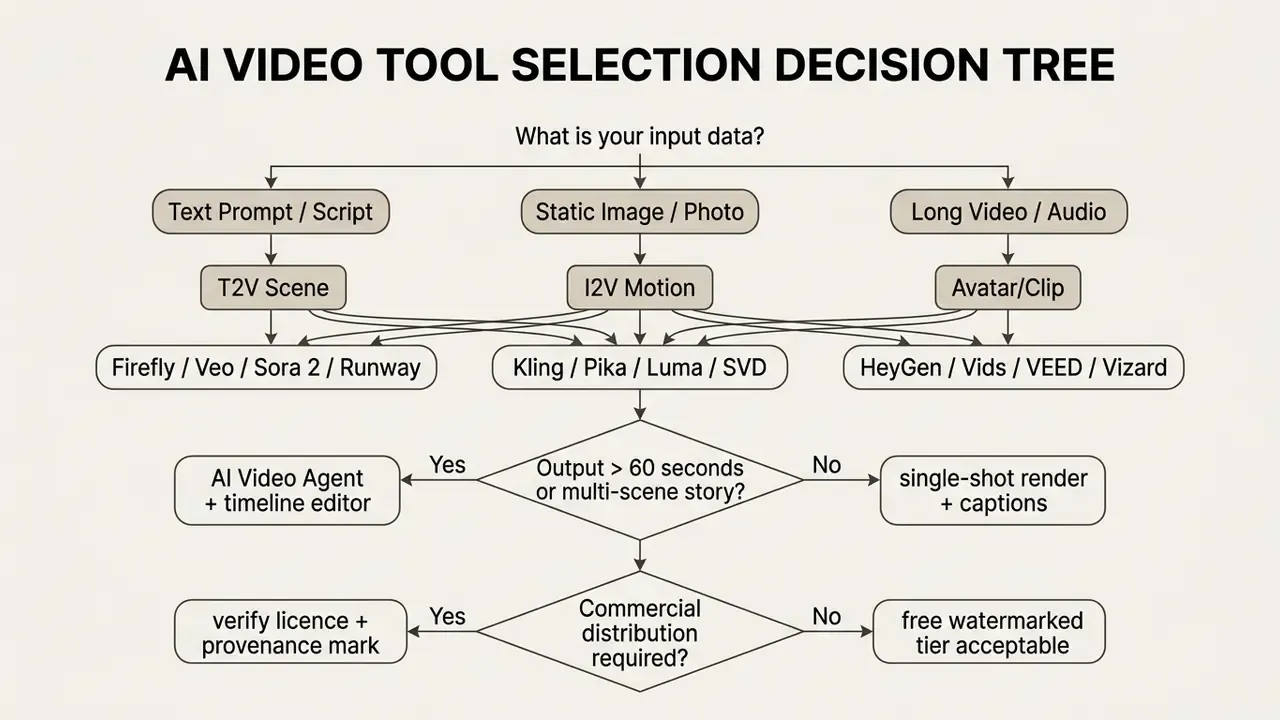
Rough cost planning for a mixed pipeline is easier with a per-asset model; open the hub if you want estimator inputs rather than spreadsheet guesswork.
Text prompt, script, or image: choose the right starting format
Choosing between a simple text prompt, a structured script, or a source image depends on whether visual composition or dynamic scene sequence takes priority.
When prompting multimodal models like Google Gemini or Veo, placing reference images before descriptive ai text improves character alignment. Google's own guidance notes that for single-image prompts, image-first ordering often performs better, and that multiple reference images can be supplied in one request (PNG, JPEG, WEBP, HEIC, HEIF). Short text prompts should follow a clear structure: camera angle, primary subject, specific action, environmental context, lighting style. For complex scripts, breaking narration into distinct scenes prevents visual overlap during generation, and adding few-shot examples stabilizes tone across scenes.
Creators who want tighter keyframe control often build input frames in a standalone what s the best ai image generator tool before applying video animation, or compare quota-limited options in our roundup of the best free AI image generator.
AI video models, realism, and character consistency
Evaluating AI video models for character consistency means checking 3D spatial stability and face-preservation scores across consecutive frames.
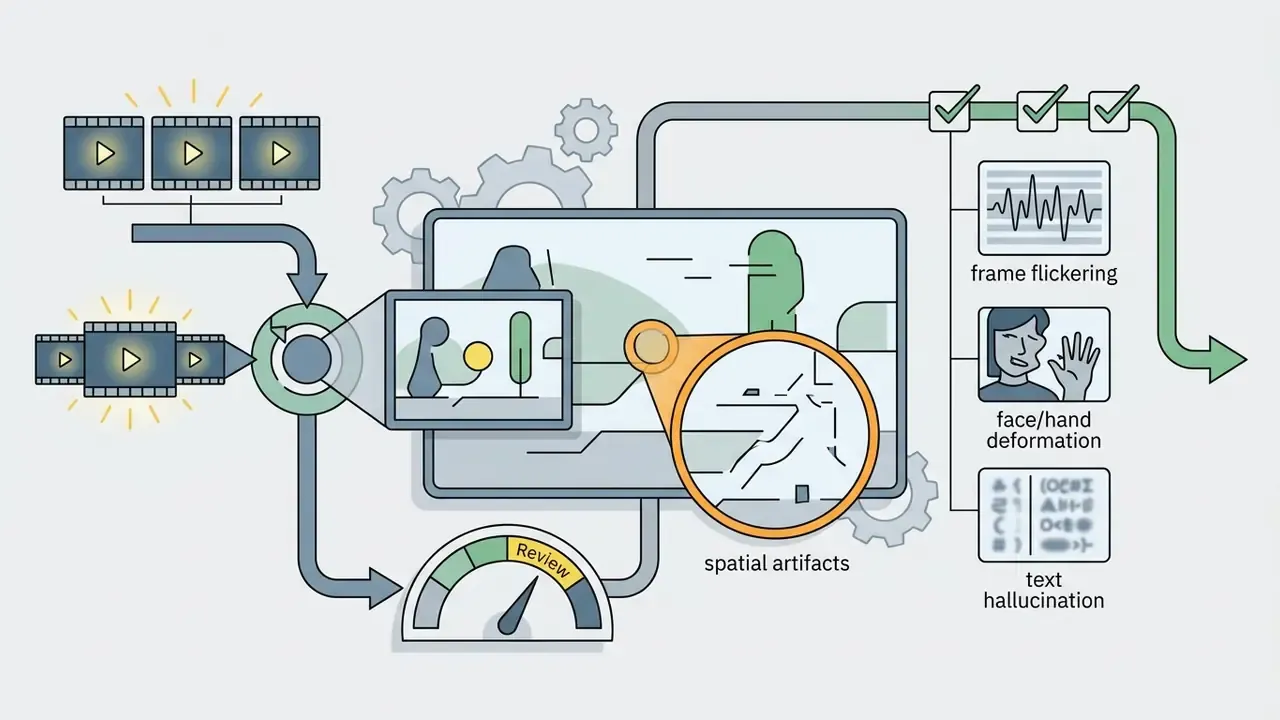
Holding identical character features across multiple scenes remains a primary technical challenge. Research presented at IJCAI 2025 reported face-consistency scores near 99.6 in its own benchmark table for a specialized consistency-oriented architecture. That figure describes constrained experimental conditions rather than general-purpose production behavior, and it should be read as a laboratory ceiling pending independent replication. Independent multi-dimensional benchmarks give a more sober picture:
An ICCV 2025 study states the residual gap plainly: current video diffusion models already produce photorealistic frames, yet they still fail to simulate a fully consistent 3D world across time and viewpoint. General text-to-video models therefore keep showing subtle facial drift or anatomical artifacts during complex movement. Testing multiple ai models against standardized benchmarks lets teams pick engines tuned for human realism versus stylized motion. Our side-by-side review of leading AI video generators maps those tradeoffs to pricing tiers, and head-to-head matchups sit in our versus library, which you can browse the hub to explore.
How to Generate a Free AI Video Step by Step
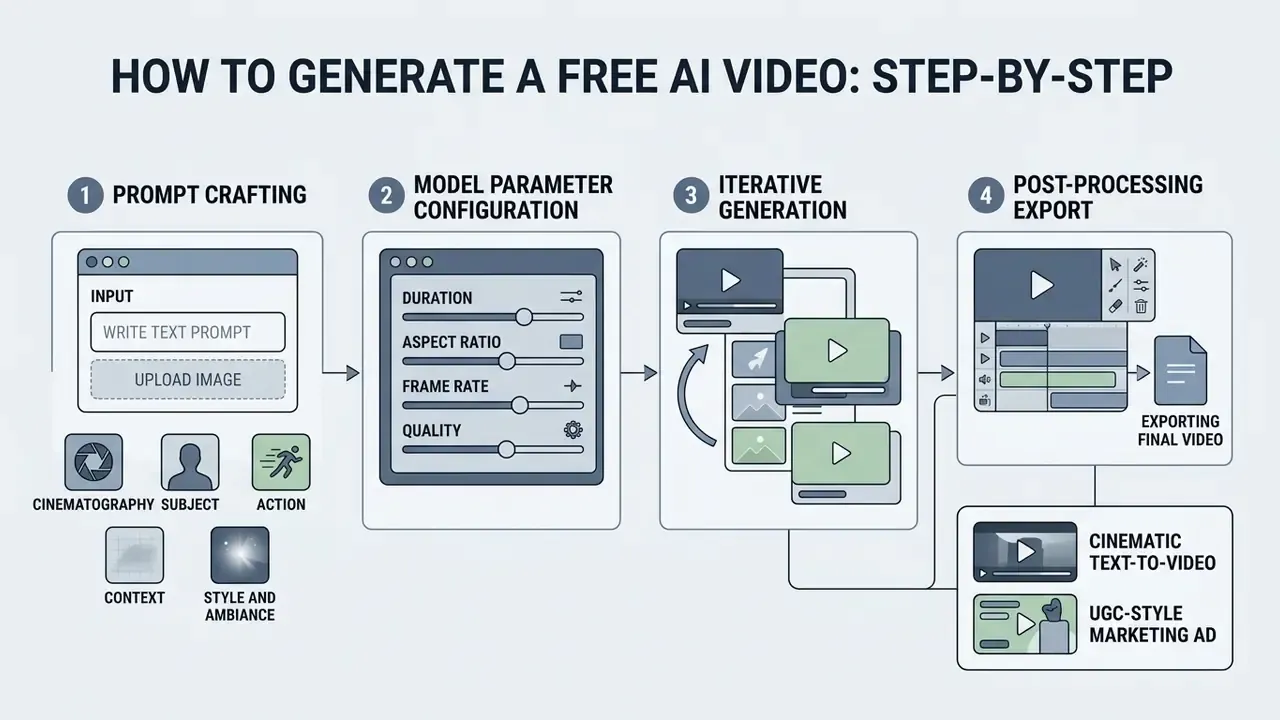
Generating a usable free AI video runs through four stages: prompt crafting, model parameter configuration, iterative generation, and post-processing export. This walkthrough targets first-time operators. Governance and validation steps for regulated teams follow in §22.
Write a text prompt or upload an image
Effective video prompting follows a structured formula covering cinematography, subject, action, context, and stylistic ambiance, the same five-part structure Google publishes for Veo 3.1.
- Cinematographyspecify camera position and movement (e.g., "Drone shot, slow pan right, 35mm lens").
- Subjectdefine the primary entity clearly (e.g., "A female corporate executive in a navy blazer").
- Actionstate the specific motion taking place (e.g., "Walking through a modern glass office hallway while reviewing a tablet").
- Contextdescribe the setting and environmental background (e.g., "Bright morning sunlight filtering through high-rise windows").
- Style and ambianceset visual tone and color grading (e.g., "Photorealistic, cinematic lighting, corporate aesthetic, subtle lens flare").
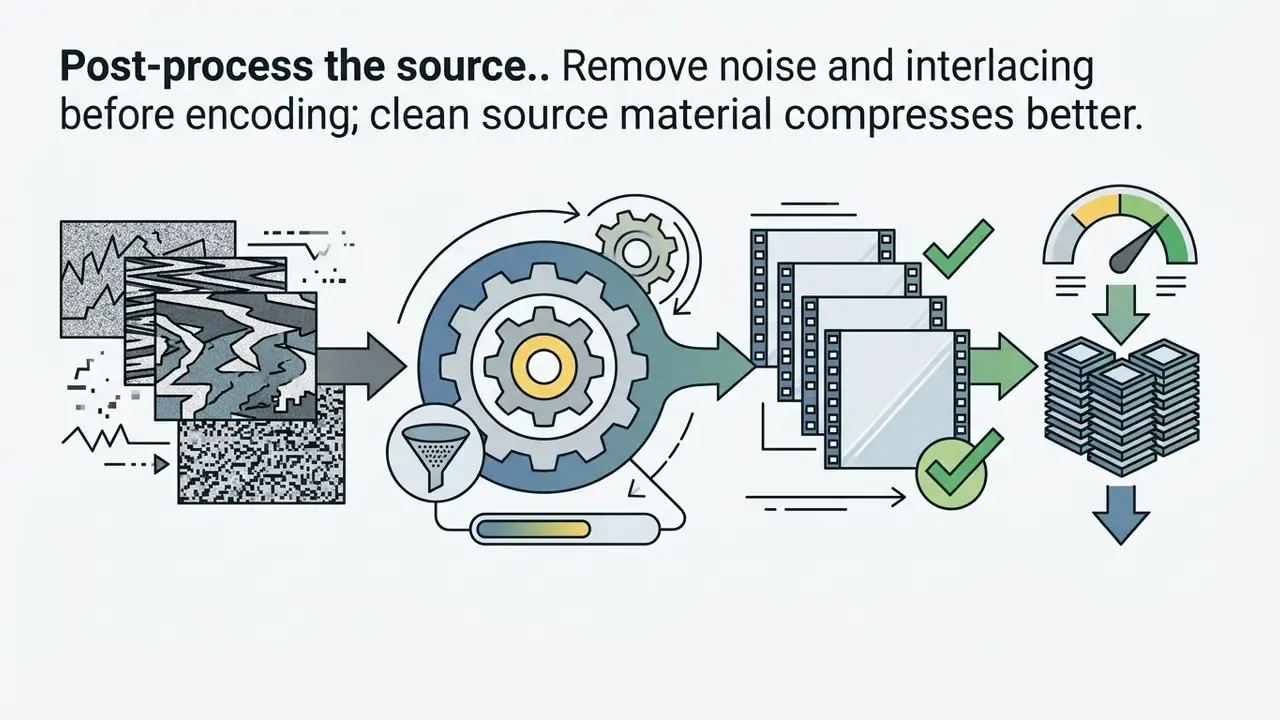
Add negative constraints where the model supports them. Describing what should not appear reduces hallucinated props and text artifacts. For an image-to-video pipeline, upload a clean 1080p source frame with no visual noise, because source defects expand during motion generation.
Ready-to-use master prompt templates
Copy a template, replace the bracketed variables, keep the field order. Reordering camera and subject blocks measurably changes adherence on several engines.
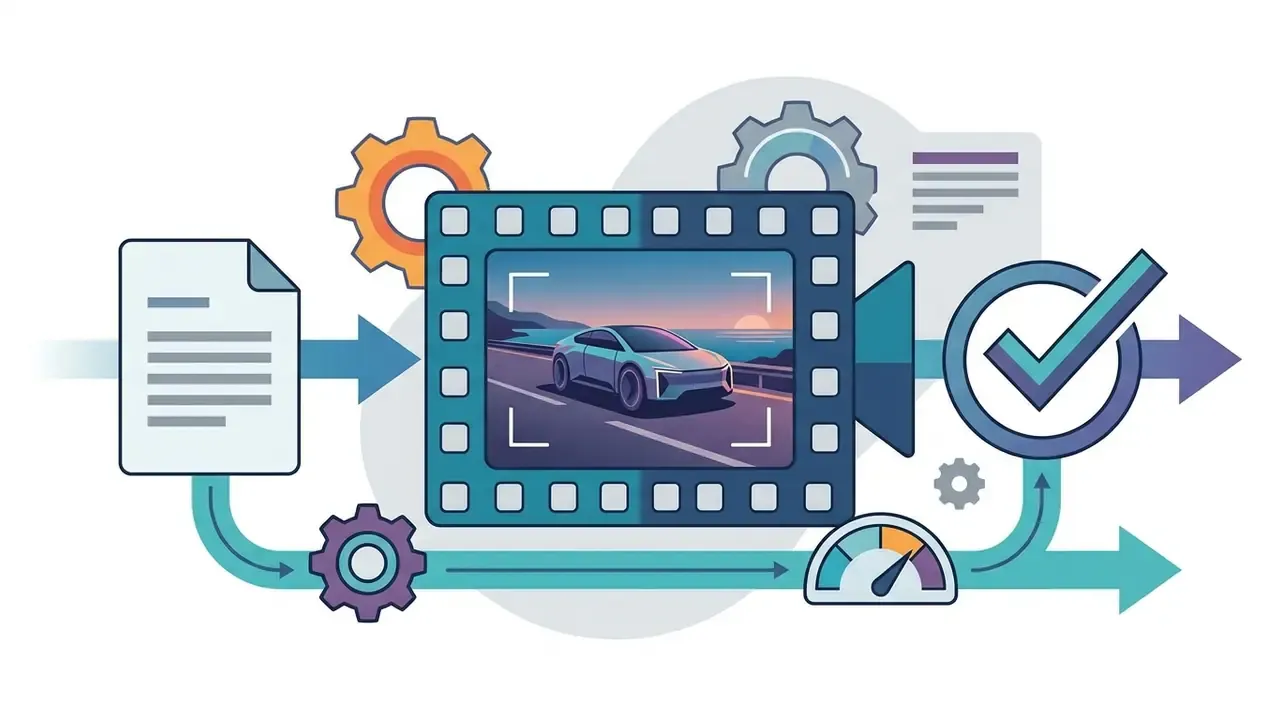
[Camera Movement: slow tracking shot, 50mm lens] + [Subject: futuristic electric vehicle driving along a coastal highway at twilight] + [Lighting: volumetric neon reflections, soft ambient dusk] + [Style: photorealistic 8K, cinematic depth of field]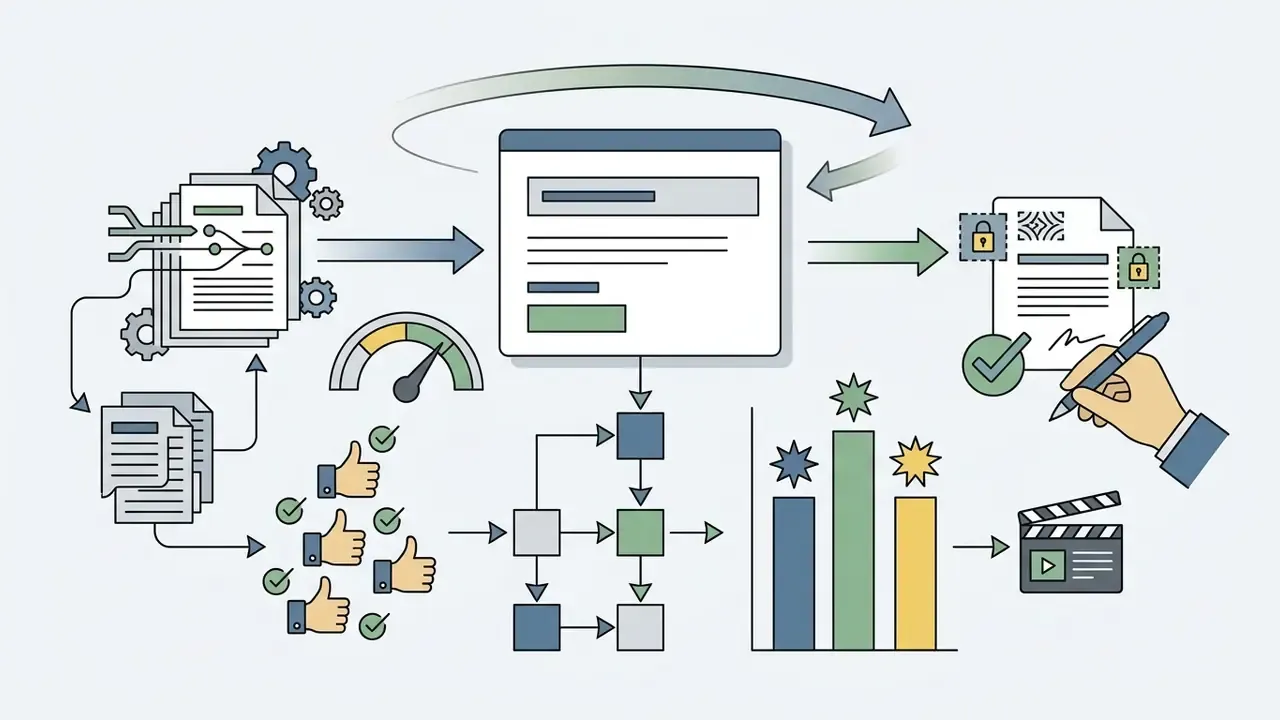
[Subject: close-up of a smiling creator holding a skincare bottle] + [Action: pointing to product features with dynamic hand gestures] + [Environment: sunlit modern bathroom background] + [Aesthetic: clean user-generated content look, natural lighting, handheld feel]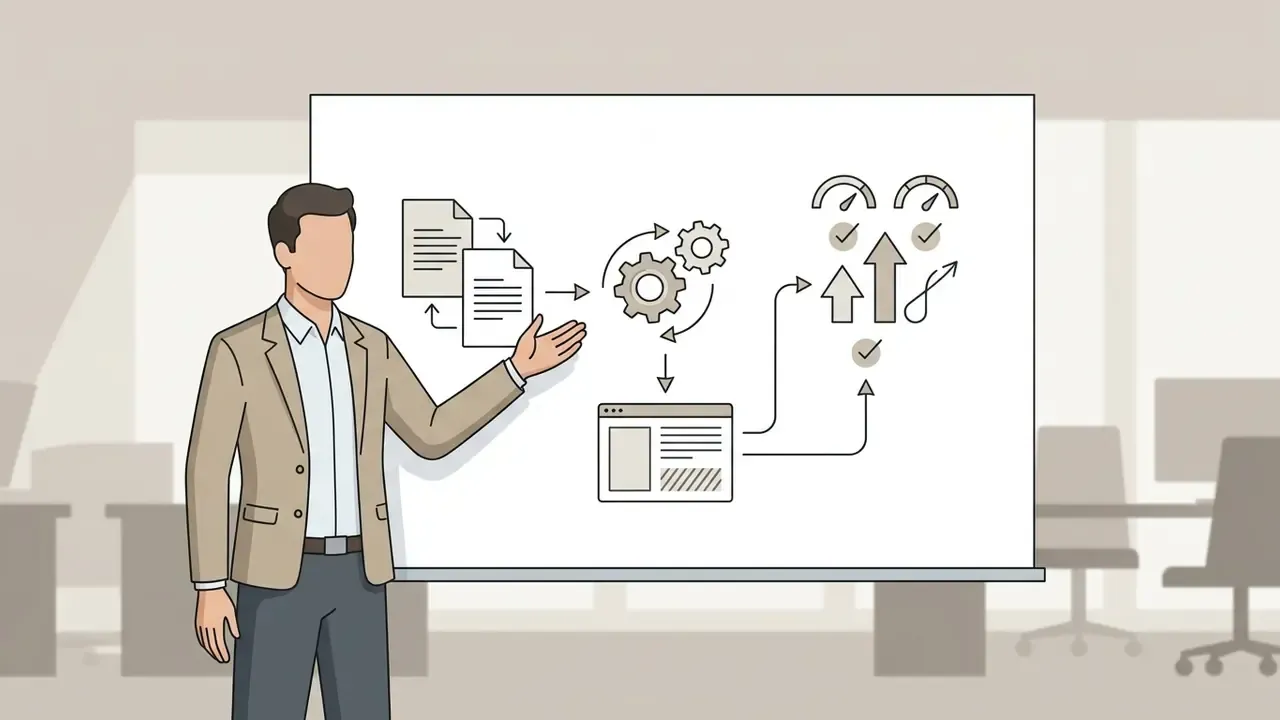
[Camera: static medium shot, eye level] + [Subject: presenter in business-casual attire beside a clean whiteboard] + [Action: gesturing to a simple three-step diagram] + [Context: neutral office background, no on-screen text] + [Style: corporate documentary, soft key light]
[Camera: 360-degree orbit, macro lens] + [Subject: matte-black wireless headphones on a reflective surface] + [Lighting: studio softbox, controlled specular highlights] + [Style: high-key commercial product render, seamless loop]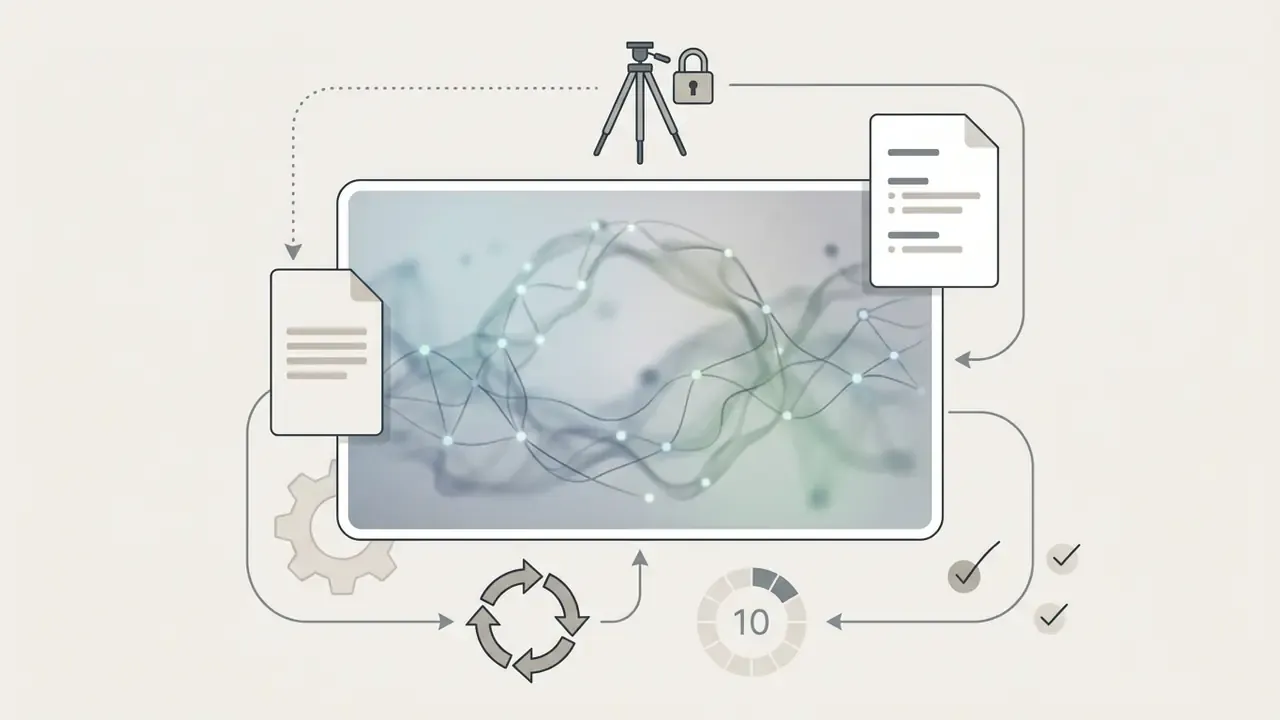
[Camera: locked off, no movement] + [Subject: abstract soft-focus data mesh drifting slowly] + [Lighting: low-contrast brand palette] + [Constraint: seamless loop, no text, no human figures, 10 seconds]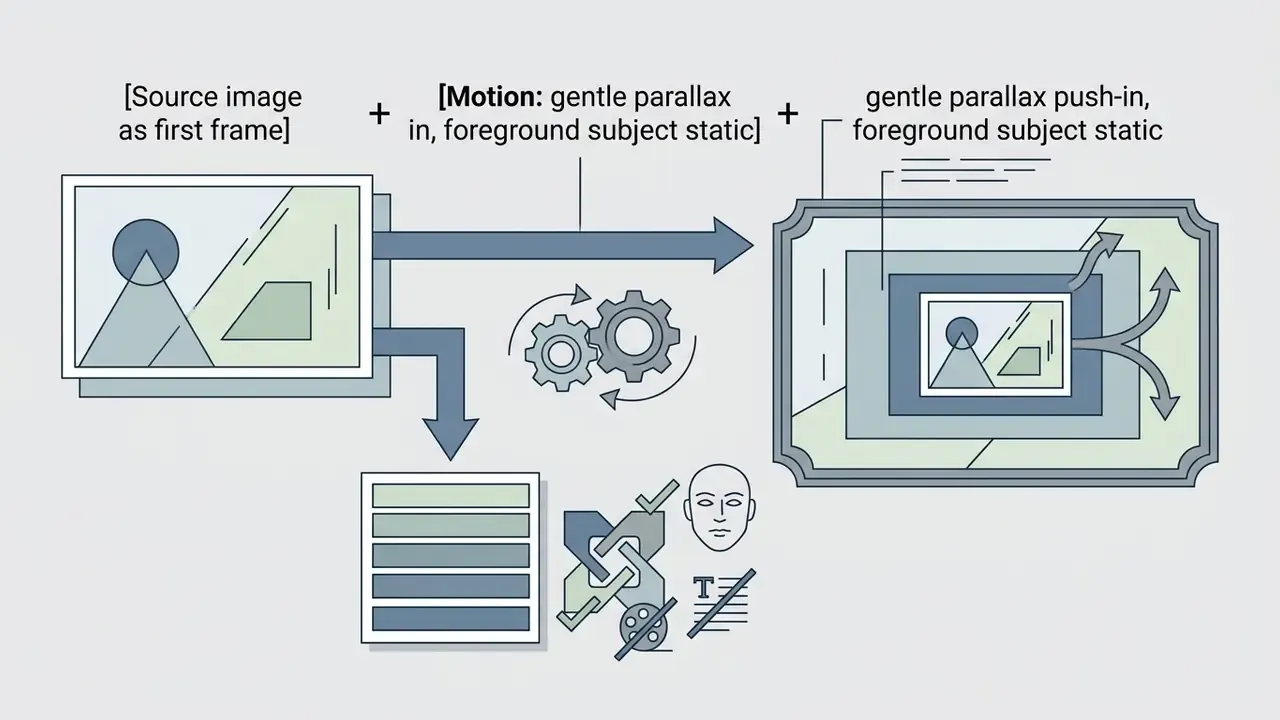
[Source image as first frame] + [Motion: gentle parallax push-in, foreground subject static] + [Duration: 5 seconds] + [Constraint: preserve facial features, no camera roll, no added text]Set the AI model, style, voice, and background music
Generate, edit, export, and publish the video
Finalizing an AI video means auditing raw clips for flickering, running prompt-based adjustments, selecting H.264 MP4 export profiles, and matching aspect ratios to each social media destination.
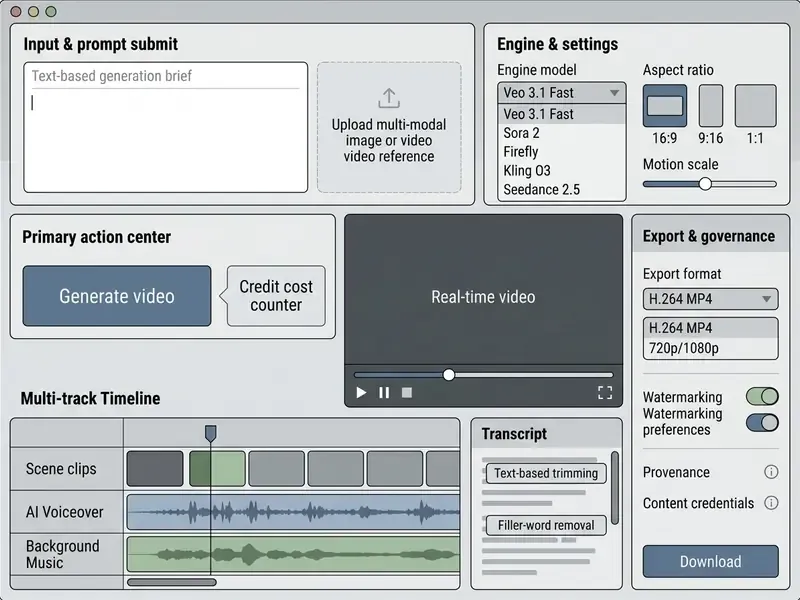
Accessibility note for the screenshot equivalent: alt text should read "best free ai video generator interface with prompt, model selection, timeline and export panels," and the six zones above serve as the text duplicate of the annotated image.

Best Free AI Video Tools by Use Case
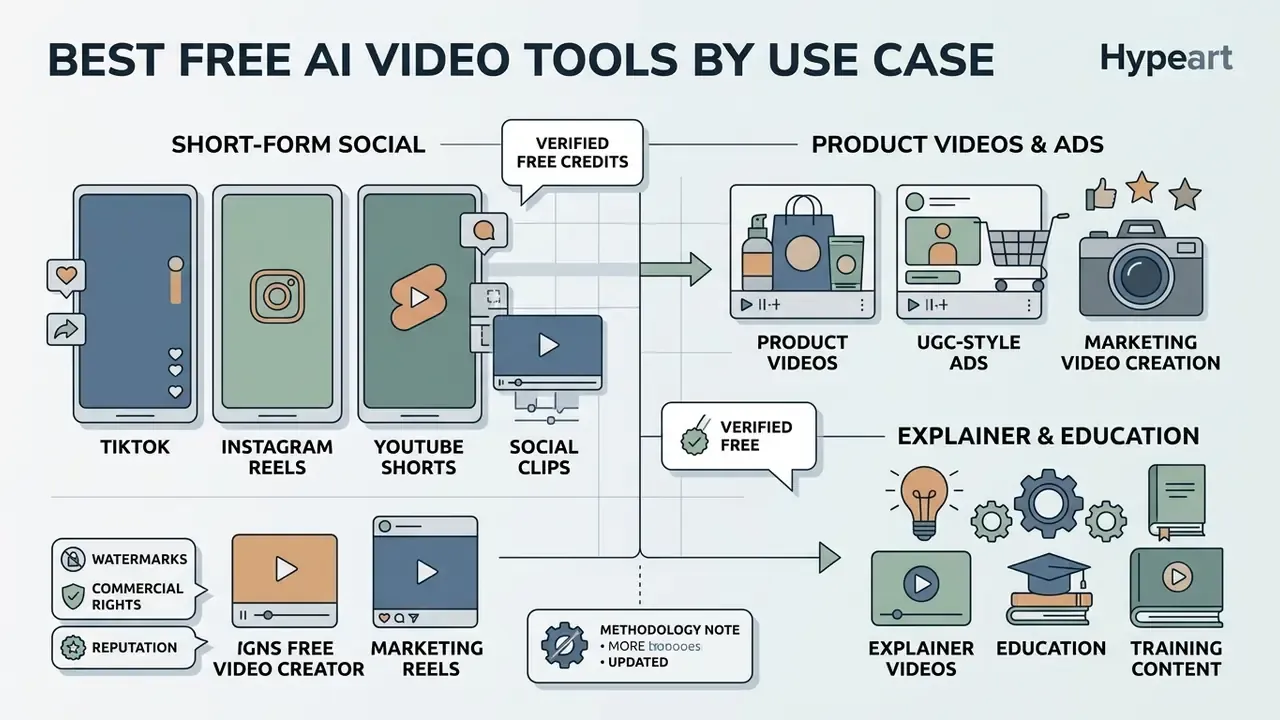
Matching AI video tools to enterprise and creator scenarios depends on target platform aspect ratios, audience engagement goals, and regulatory labeling requirements.
Product videos, UGC-style ads, and marketing video creation
Explainer videos, education, and training content
Explainer and corporate training videos are synthesized by feeding slide decks, PDFs, or policy documents into avatar-led script generators.
Enterprise learning platforms accept internal training documentation and auto-generate structured video modules with multi-lingual avatars: upload a policy PDF or DOCX, auto-build a script, create scenes, add voiceover and avatars, then export MP4 or embed in an LMS. Synthesia's free presentation maker accepts prompts, URLs, PowerPoint, PDF, and DOCX with up to 10 minutes of monthly video. Vendors such as Leadde AI target HR, compliance, and legal teams converting standardized policy documents into intranet training. TechSmith's guidance for training video frames the discipline correctly: use real subject-matter expertise, understand the audience, preserve authenticity, and require human review before release.
When you deploy synthetic training video content, compliance officers must check alignment with international labeling regulations. The European Union AI Act (2024) requires providers of systems generating synthetic audio, image, video, or text to mark outputs in machine-readable form and make them recognizable as artificially generated. China's Measures for Labelling AI-generated Synthetic Content, in force since March 2025, require both explicit visible labels and embedded metadata labels, with obligations extending to platforms and end users.
"A benchmark of 6 million videos from 10 generators confirms AI-generated content forms a statistically separable distribution amenable to automated detection."
Detectability cuts both ways. It supports enforcement of disclosure rules, and it means undisclosed synthetic corporate content stays discoverable by regulators, journalists, and counterparties long after publication.
Model Risk Management, Validation, and Audit Trail for Generative Video
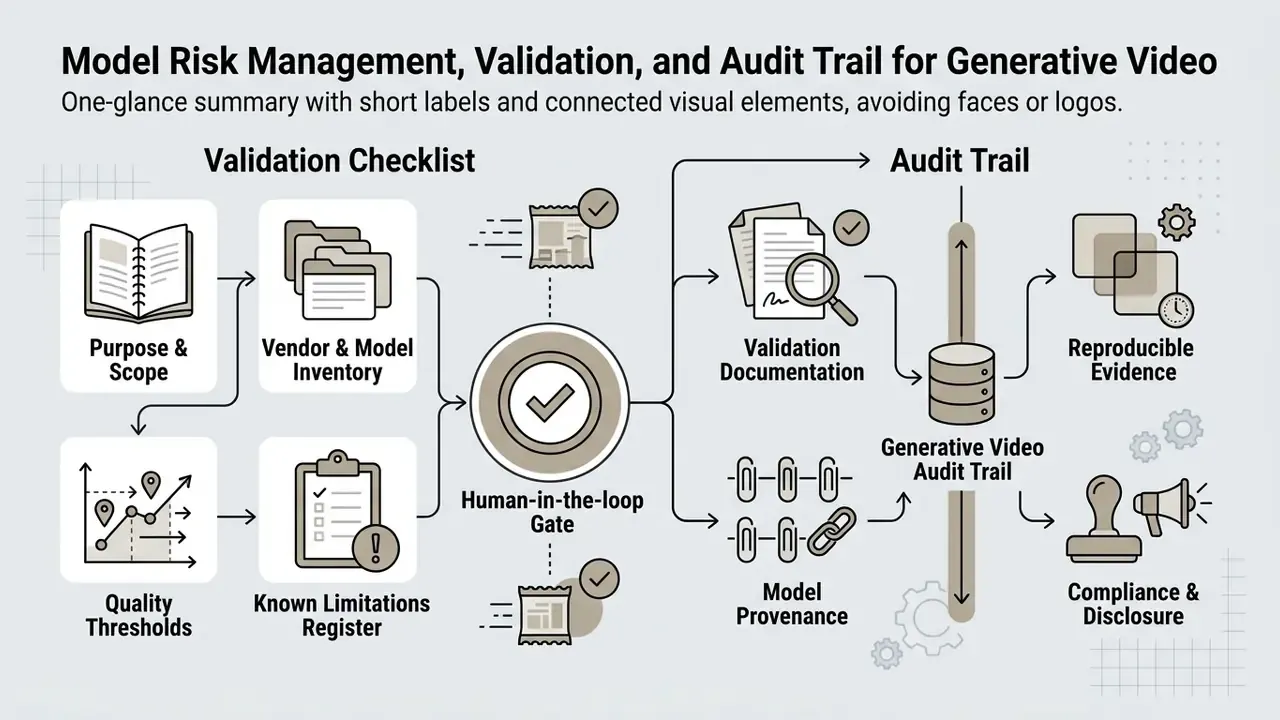
Generative video sits awkwardly inside existing model-risk frameworks. It is not a predictive model with a loss curve, yet it produces externally published output carrying reputational, advertising-compliance, and intellectual-property exposure. Firms already operating under SR 11-7 and OCC 2011-12 expectations for model development, implementation, and use can extend those principles to generative media without inventing a parallel regime. Documented purpose, independent review, ongoing monitoring, reproducibility: all of it transfers.
Validation checklist before production use
- Purpose and scope documentation. Record intended use cases, prohibited use cases (no customer-facing financial claims, no simulated executives), and the approval owner, consistent with NIST's 2026 public-facing AI documentation templates.
- Vendor and model inventory. Log each model version routed through the interface (Veo 3.1, Sora 2, Kling O3, Seedance 2.5), its provider, and its processing jurisdiction. A model swap behind an unchanged UI is a silent change-management event.
- Quality acceptance thresholds. Define measurable pass criteria drawn from benchmark dimensions: subject consistency, motion smoothness, flicker, text-video alignment, and first-frame fidelity for image-conditioned output. VBench, EvalCrafter, TC-Bench, and AIGCBench supply the vocabulary.
- Known-limitation register. Document the sub-20% temporal-compositionality finding, 3D-consistency gaps, and facial drift, so reviewers know what to look for instead of relying on general impressions.
- Human-in-the-loop gate. Require named reviewer sign-off for factual accuracy, advertising compliance, accessibility (captions), and brand conformity before publication.
- Reproducible audit evidence. Store prompt text, negative prompts, seed value, model and model-version identifier, generation timestamp, requesting user, output hash, and review decision. Without the seed and version, an output cannot be reproduced for a supervisor, and the record fails basic evidentiary standards.
- Provenance and disclosure. Confirm Content Credentials (C2PA), SynthID, or equivalent metadata survives your export and distribution chain, and attach visible disclosure where the EU AI Act or China's labeling measures require it.
- Data-handling attestation. Attach the completed privacy matrix from §6, including training opt-out status for the specific tier in use.
- Ongoing monitoring. Re-test acceptance thresholds after each vendor model upgrade and re-verify licensing terms quarterly.
- Total cost of control. Model the true cost per published asset: credit or subscription spend, plus reviewer hours, plus rework rate on rejected renders. Free-tier tooling shifts cost from licence fees to human review, and pilots that ignore this line item systematically overstate savings.
This framework is general guidance and does not constitute legal, regulatory, or audit advice. Align implementation with your institution's own model-risk policy and consult qualified counsel on disclosure obligations in each operating jurisdiction.
Limitations, Open Questions, and a Safe Next Step
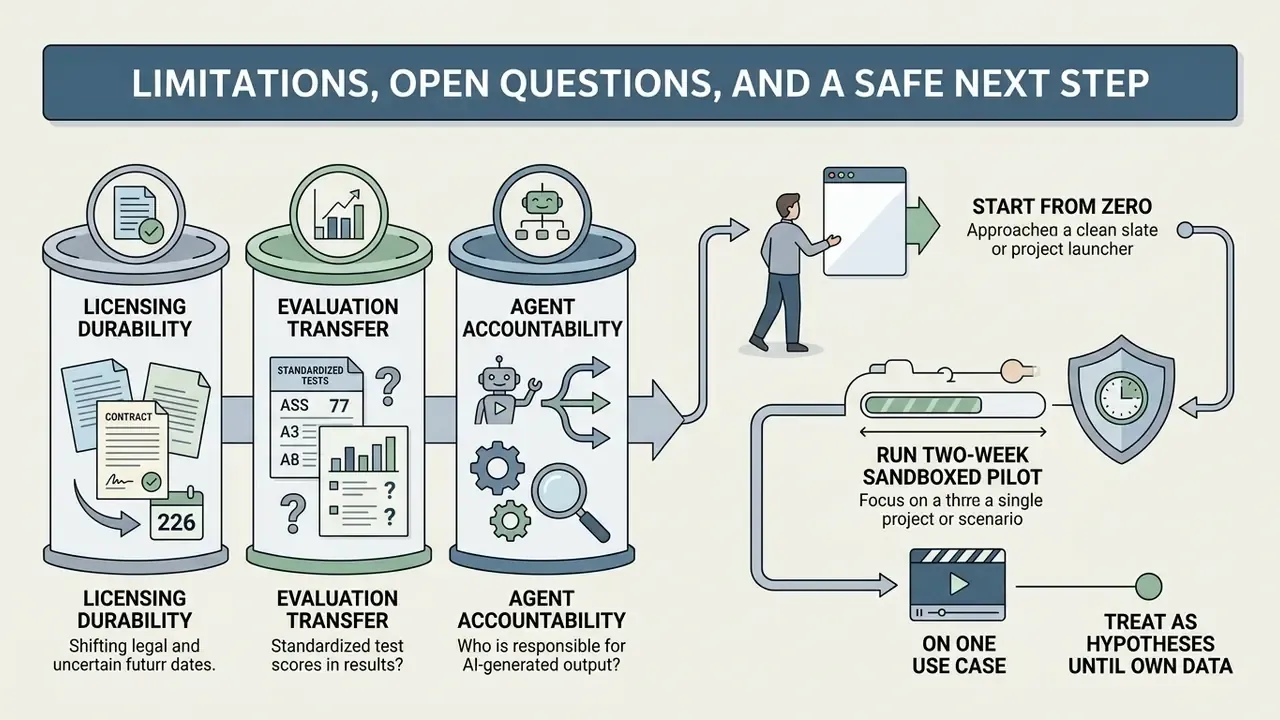
Three things in this guide remain genuinely unsettled, and pretending otherwise would be dishonest.
Licensing durability. Several vendors that grant commercial rights on free output today did not last year. A grant you verified in February 2026 is evidence about February 2026, nothing more. Re-verification belongs on a calendar, not in someone's memory.
Evaluation transfer. Academic benchmarks measure model behavior on research prompts. They do not measure how your brand kit, your safe-zone rules, and your reviewer's tolerance interact. Expect your internal acceptance rate to diverge from published scores, sometimes sharply.
Agent accountability. Multi-scene agents move faster than most approval workflows. Ownership, escalation, and shutdown authority for an orchestration agent are policy questions, and the tooling does not answer them for you.
A safe next step, if you are starting from zero: run a two-week sandboxed pilot on one use case, with synthetic assets, one named owner, and a completed §6 privacy matrix. Measure latency, rework rate, and reviewer minutes per published asset. Then decide. Nothing about free-tier generative video requires a fast commitment.
All audience and workflow assumptions in this guide should be treated as hypotheses until your own analytics, interviews, or customer research confirm them.
FAQ: Free AI Video Generators
Recurring technical, operational, and licensing questions about extended video generation, voice translation, watermark policy, transcription quality, and collaborative editing.
Can a free AI video generator create long videos?
Single-shot free AI video generation is capped at roughly 5 to 10 seconds per clip. Videos beyond 10 minutes require assembling multiple AI scenes inside project editors, or delegating assembly to an AI video agent.
Tools like Google Vids support project containers up to 30 minutes, and Renderforest advertises free videos up to 12 minutes, yet individual generative text-to-video prompts yield clips between 2 and 10 seconds. Renderforest's own documentation notes that its AI scenes run 4 to 10 seconds. Building a long-form explainer on a free account therefore means generating sequential scenes, arranging them on an editing timeline, and stitching them under a continuous voiceover track, or using the agentic workflow described in §12 to automate storyboarding, casting, and revision.
Can AI video tools translate videos into other languages?
Automated AI video translator pipelines combine speech recognition, neural translation, voice cloning, and neural lip-syncing to dub videos across languages.
HeyGen Video Translator supports dubbing across 175+ languages, with up to 10 simultaneous target languages, matched voice characteristics, lip sync, and expression transfer. Research systems describe the same chain: transcription, disfluency cleanup, terminology discovery, text translation, TTS, and isochronous lip-sync alignment to the original footage. Face-Dubbing++ demonstrates voice-preserving, lip-synchronous translation that retains the original speaker's timbre in the target language. Dedicated lip-sync APIs accept a video plus target-language audio and return re-rendered mouth movements as a separate job. For regulated disclosures, translated audio needs the same review as the source script, since a mistranslated compliance line is still a compliance line.
Can multiple creators edit an AI-generated video in real time?
Real-time multiplayer editing exists in platforms like Canva, Captions, and VEED, which allow concurrent project edits and scene commenting.
Canva's AI video editor documents real time collaboration with comments and per-scene action assignment. Captions ships a live Co-Editor where both editors see each other's changes as they happen. VEED supports shared workspaces with invited collaborators. HeyGen, by contrast, allows multiple content creators in a shared draft but restricts editing to one active user at a time to prevent state conflicts during rendering, a design difference worth checking before you plan a multi-editor production schedule.
Can AI remove watermarks from generated videos automatically?
Third-party AI watermark removers exist, but applying them to free-tier output frequently violates the platform's Terms of Service and voids whatever commercial usage rights you might otherwise have held. The watermark is the licence boundary, not a cosmetic defect.
For commercial distribution, pick one of three compliant routes: upgrade to a paid tier that grants clean exports, use a free tier that explicitly permits watermark free commercial output (Seedance and ZSky AI document this), or use Adobe Firefly, where exports carry Content Credentials provenance metadata instead of an obscuring visual mark. Note that provenance metadata such as Content Credentials or SynthID is not a watermark to be stripped. Removing it can undermine compliance with synthetic-content disclosure requirements.
How accurate is AI transcription for repurposing long recordings?
Transcript quality determines clip quality, because every downstream step (semantic search, filler-word removal, caption rendering, scoring) reads from the transcript rather than from the audio. Accuracy depends on input conditions more than on the vendor. Single-speaker recordings with a headset microphone and minimal cross-talk transcribe far more reliably than multi-speaker conference-room audio with overlapping speech.
Practical mitigations: supply the highest-quality source file available rather than a compressed re-upload, label speakers before running semantic search, add domain-specific terminology to a custom dictionary where supported, and always proofread captions covering product names, figures, or regulated disclosures. Clip engines need spoken dialogue to find engaging moments, so silent b-roll and music-only footage are not viable inputs for automated repurposing.
Do free AI video generators train on my uploads?
It depends entirely on the vendor and the tier, and free tiers commonly reserve broader rights than enterprise contracts. Treat the answer as unknown until you locate it in the vendor's privacy policy or data-processing addendum, then use the audit matrix in §6 to record training use, opt-out mechanism, retention window, sub-processors, and security attestations. Until that record exists, restrict pilots to synthetic or already-public assets.