«No evidence, no autonomy: when deploying AI-generated software in enterprise environments, governance and auditable risk bounds must precede automated execution.»
Executive Summary for risk and technology leaders
- Generation is fast; correctness is not.The strongest measured tool combination on multi-file web application benchmarks reaches only 27.8% functional test-case accuracy. Treat every generated artifact as an unvalidated draft, never a release candidate.
- Category choice determines your control surface.Prompt-driven full-stack builders, visual no-code platforms, and enterprise low-code suites differ radically in data isolation, source-code export, and identity integration. Those three variables decide whether an app can ever enter a regulated production estate.
- Shadow AI is the primary institutional risk, not code quality.Employees pasting customer data, credit policies, or internal schemas into consumer-tier generators create uncontrolled third-party processing long before any code review happens.
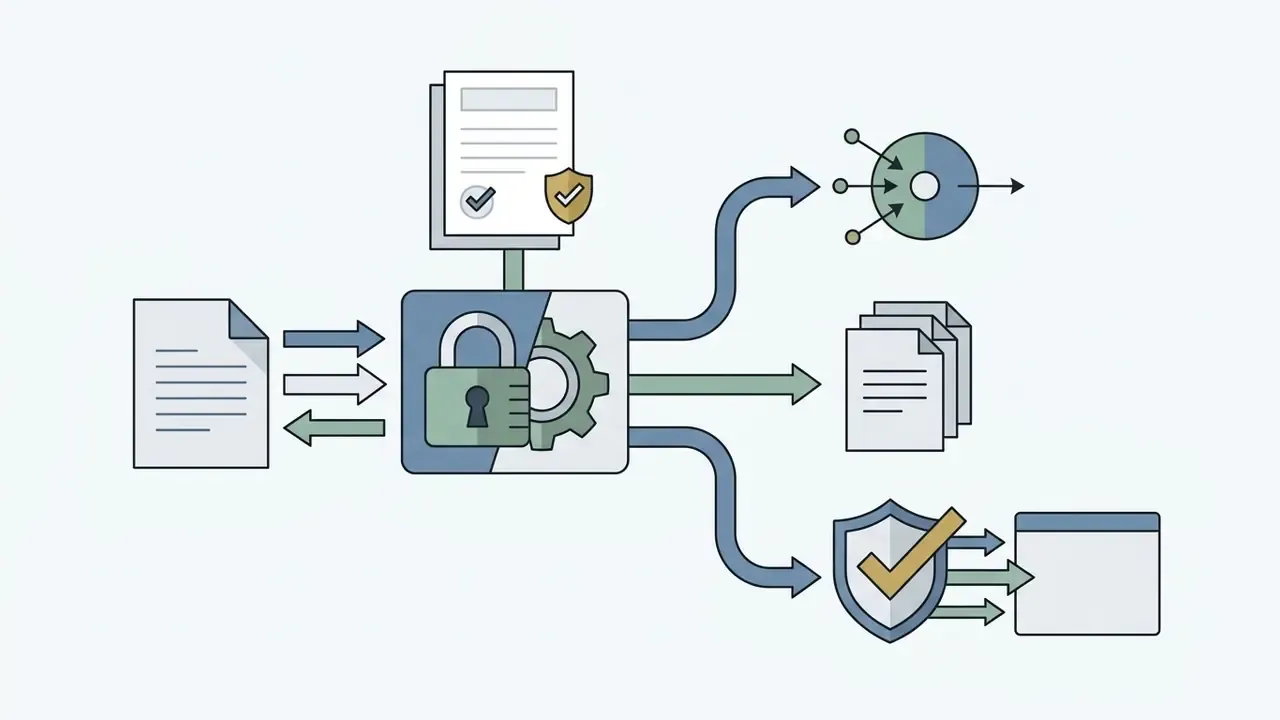
- Audit evidence must be designed in, not reconstructed later.Prompt lineage, model and version pinning, generated-code commits, and security-gate results form the package that supervisory review and internal audit will request.
- Budget for risk-adjusted total cost of ownership, not subscriptions.A $20 to $50 monthly seat price is a rounding error next to independent validation, refactoring, SecOps monitoring, and architectural remediation.
Key terms used in this guide
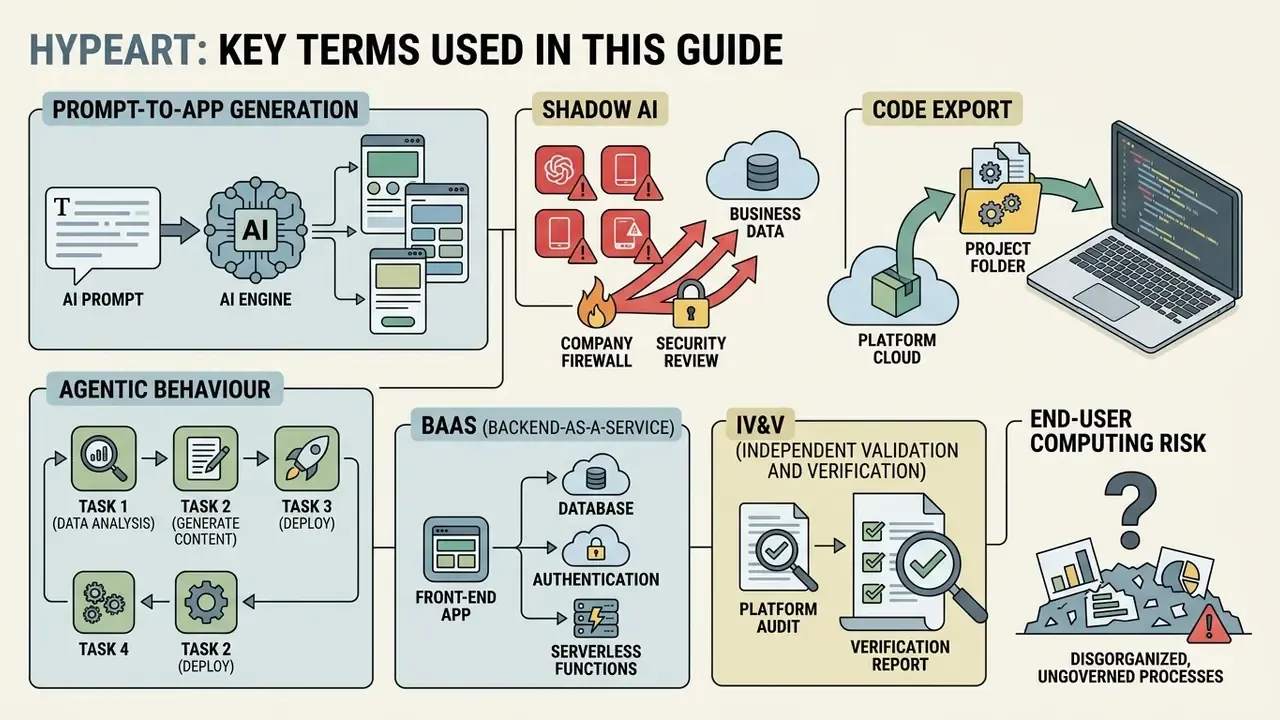
Before the mechanics, a short vocabulary. Definitions matter here, because procurement and audit will argue over them later.
- Prompt-to-app generation. A text description produces front-end code, a database schema, authentication, and backend logic in one pass. The output is a scaffold, not a product.
- Agentic behaviour. The generated application, or the generator itself, can take actions: calling APIs, writing records, sending messages. Action changes the risk class entirely.
- Shadow AI. Unsanctioned use of AI tools with business data, outside procurement, security review, and inventory.
- Code export. The ability to take complete front-end and backend artifacts off the platform in standard formats. Without it, migration equals rebuild.
- BaaS (Backend-as-a-Service). A hosted database, authentication, and storage layer, for example Supabase or Firebase, wired into the generated app.
- IV&V (independent validation and verification). Review by someone who did not author the prompt. This is the single control that separates a governed generated app from a lucky one.
- End-user computing risk. The historical spreadsheet problem, now with a code generator attached. Same failure mode, faster distribution.
Keep this list nearby. Most disputes about AI-built software turn out to be definitional.
What Is an AI App Generator and What Applications Does It Build
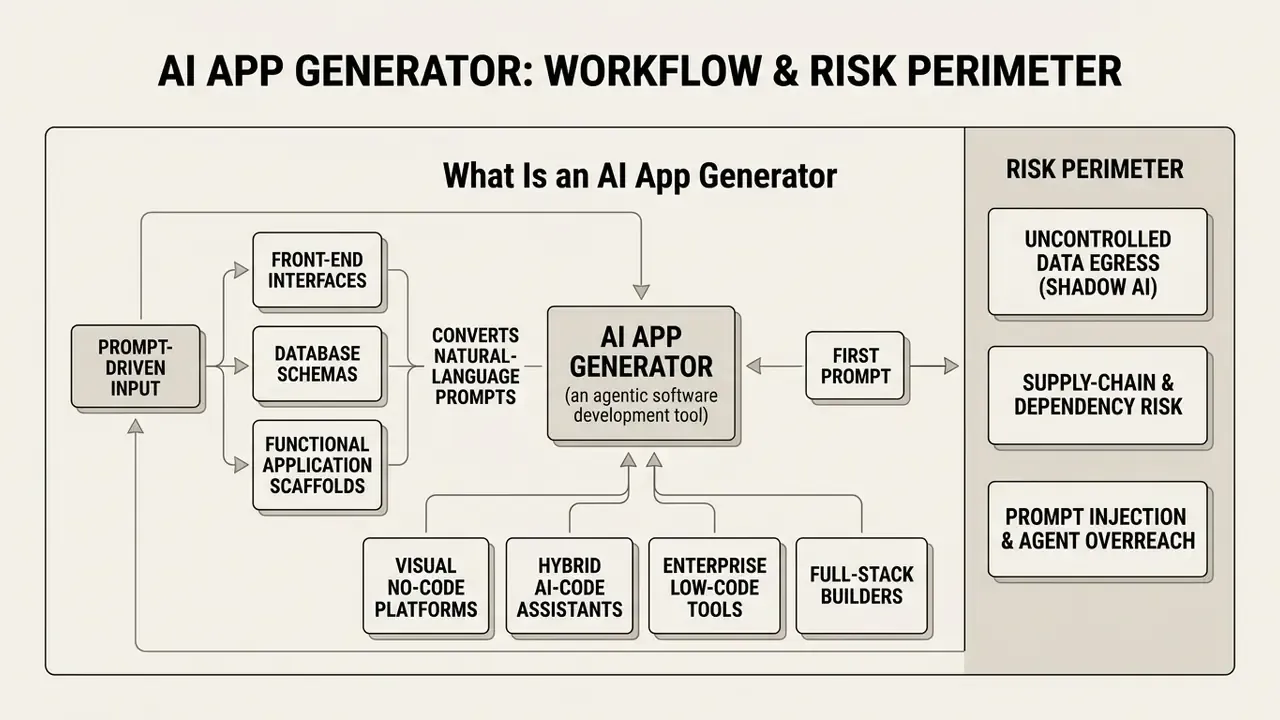
An ai app generator is an agentic software development tool that converts natural-language prompts into functional application scaffolds: front-end interfaces, database schemas, authentication flows, and backend logic. These systems synthesize software architecture automatically, letting an operator launch a working app without writing manual code.
Modern platforms operate as prompt-driven environments. Instead of arranging visual components by hand, users describe business requirements in a text prompt. According to the WebCoderBench benchmark (Liu et al., 2026), generative engines analyze user requirements across multi-modal inputs to construct structured application components. Output ranges from a basic administrative dashboard to a complex multi-file web tool.
Benchmark evidence sets a realistic expectation for that output quality:
«The best tool-and-model combination, Bolt.diy on DeepSeek-R1, reaches only 27.8% accuracy on functional test cases for multi-file websites.»
Twenty-seven point eight percent. Read that number twice before approving a production pilot.
Different tool categories serve distinct operational scopes:
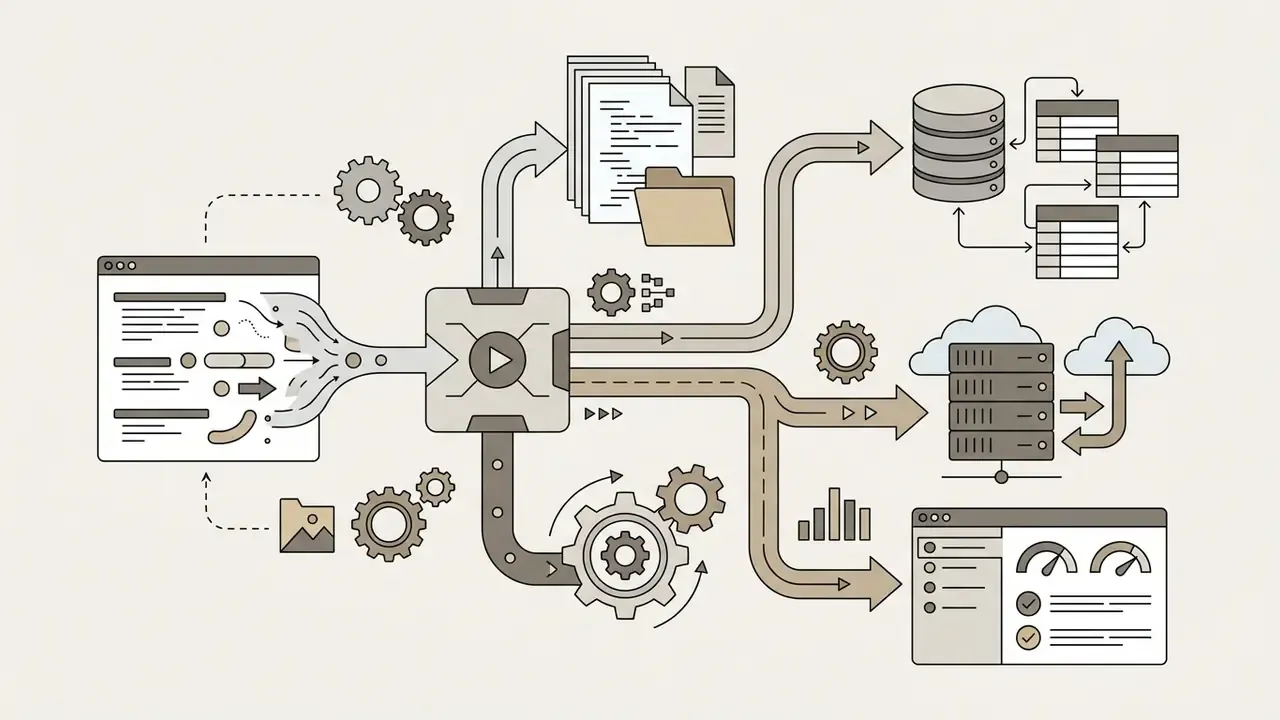
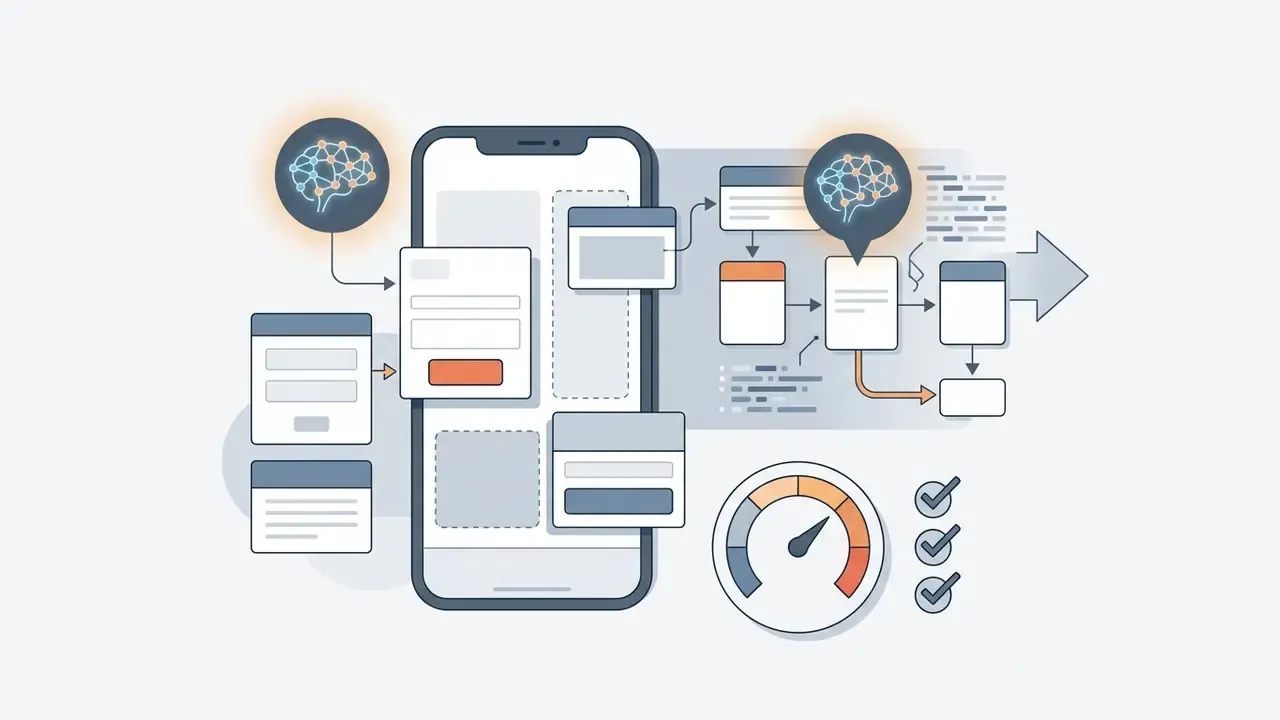
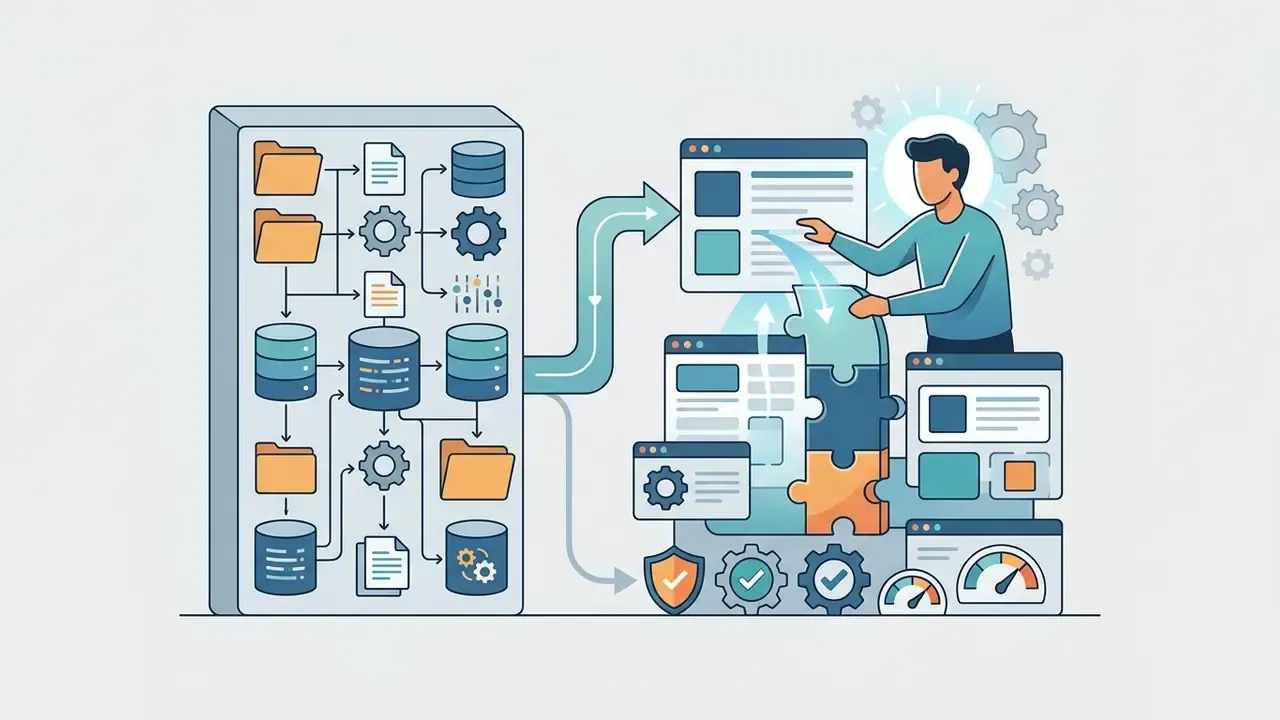
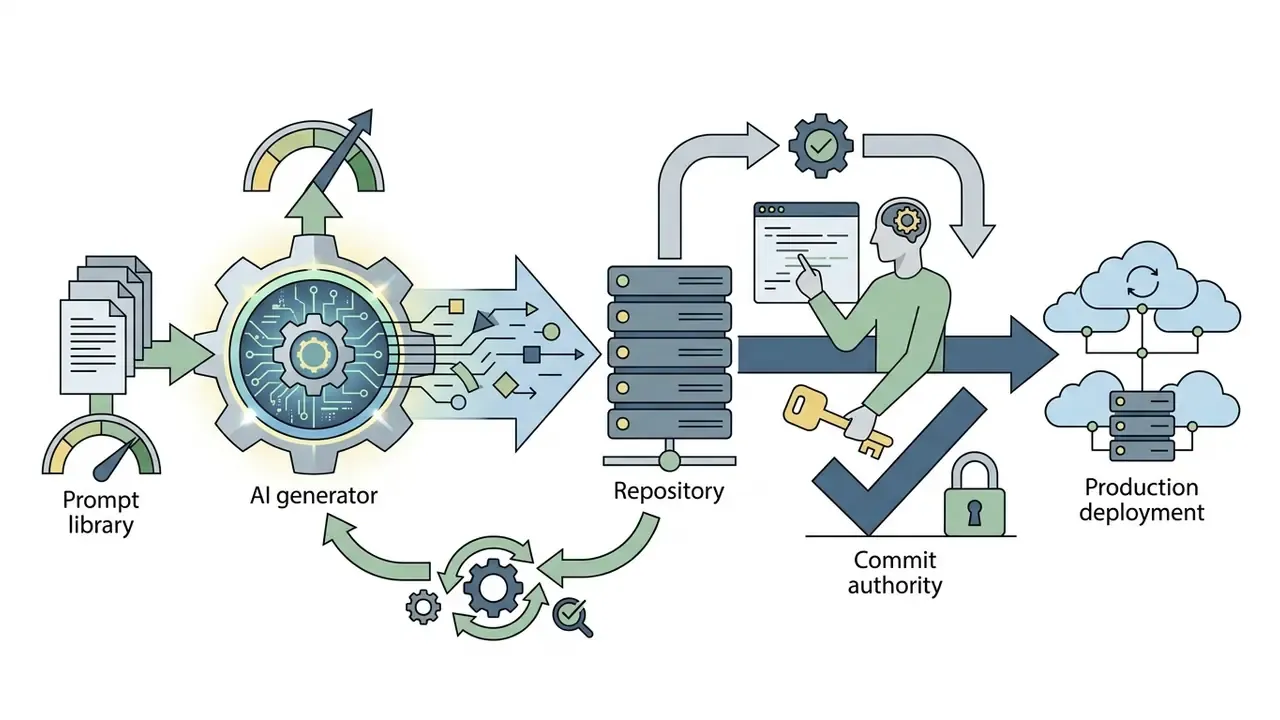
An ai application generator lets non-technical business leaders evaluate prototypes in hours. Yet empirical testing in WebGen-Bench shows that while visual layouts generate reliably, functional test-case accuracy across multi-file applications often sits below 40%. Continuous verification is essential before any generated software touches production workflows.
Platform choice also has a measurable human-factors dimension:
«In head-to-head comparisons, Firebase Studio wins on interactive usability in 42.5% of cases, Bolt in 31.7%, Replit in 26%.»
Framing the risk perimeter before the first prompt
Because these tools are reachable through any browser, the governance question arrives before the engineering question. Scope three risk classes explicitly at the start of any evaluation:
- Uncontrolled data egress (Shadow AI).A business analyst who describes "our credit exception workflow with these fields and these thresholds" to a consumer-tier generator has already disclosed internal control logic to a third-party processor.
- Supply-chain and dependency risk.Generated projects pull third-party JavaScript packages, container images, and SDKs that procurement and security never assessed.
- Prompt injection and agent overreach.When a generated application embeds an agent with tool access, untrusted content can steer that agent into unintended actions.
A concrete benchmark makes the third risk tangible:
«Agents can unintentionally perform risky actions, such as purchases or data leakage, when explicit constraints are absent.»
Web Apps, Mobile Apps, and Applications for Android and iOS
Browser-based web applications can be generated and deployed instantly with no external distribution gate. Native mobile app builds for Android and iOS require platform-specific compilation, code signing, and store compliance. An ai app generator for android or iOS therefore has to navigate two separate developer ecosystems and their policy frameworks.
Web applications run inside standard browser runtimes. They bypass app store review, which makes them the fastest target for any ai app builder. Operators can publish to cloud hosting within minutes and update through continuous deployment pipelines.
Mobile deployment introduces strict platform boundaries:
- iOS applications Must be compiled with current SDKs, signed with Apple-issued certificates, and submitted through App Store Connect or TestFlight. Builds uploaded to App Store Connect must be produced with a current Xcode and iOS SDK release, and Apple requires every application to be signed with an Apple certificate before installation or submission [Apple Developer Guidelines, 2026].
- Android applications Require packaging as an Android App Bundle (AAB), compiled binaries, and signed release keys submitted to the Google Play Console. The bundle holds compiled code and resources, while APK generation and final signing are deferred to Google Play [Google Play Console Documentation, 2026].
One practical note on terminology, since it trips up procurement conversations: teams searching for an ai apk generator almost always need an AAB pipeline instead. Direct APK output still exists for sideloading and internal enterprise distribution, but Google Play has required the bundle format for new apps since 2021. If a vendor promises an APK and nothing else, ask how the Play submission actually works.
Native binaries versus WebView wrappers and PWAs
This distinction decides whether your generated project can exist in an app store at all.
When targeting mobile stores, confirm that your generator outputs native platform binaries (Kotlin .aab for Google Play Target SDK 35+, Swift .ipa for iOS 16+) rather than WebView wrappers. Native binaries are required to access device hardware such as camera, Bluetooth, and secure enclave, to support offline execution, and to pass Apple App Store Guideline 4.2 on minimum functionality.
Most prompt-to-app platforms in the current market emit mobile-responsive web applications. Users can pin those to a home screen for a native-like experience, but they are not store-distributable binaries. Platforms that compile native output, for example store-publishing builders and Flutter-source generators, trade code portability for distribution readiness. Free tiers marketed as an ai android app maker free option usually stop exactly at that boundary: you get a responsive web build, and signing plus store submission sit behind a paid plan.
Store submission checklist for generated mobile builds:
| Requirement | Google Play | Apple App Store |
|---|---|---|
| Package format | Android App Bundle (.aab) | Signed archive (.ipa) |
| SDK target | Target SDK 35+ | Current iOS SDK, iOS 16+ runtime support |
| Signing | Upload key plus Play App Signing | Apple-issued distribution certificate and provisioning profile |
| Push infrastructure | Firebase Cloud Messaging (FCM) | Apple Push Notification service (APNs) |
| Review access | Test credentials, policy declarations | Active demo account or fully featured demo mode |
| Release notes | Feature and data-safety declarations | Specific description of every new feature in Notes for Review |
| Rejection triggers | Policy violations, broken flows | Guideline 4.2 minimum functionality, bugs, mismatched claims |
An illustrative case: a financial services team evaluated a prompt-driven generator to build an internal risk-tracking dashboard. The team enforced strict data boundary rules, bound the schema to Supabase access controls, and validated data outputs before release. Prototype lead time fell from roughly four weeks to three days while auditability held.
Evidence note. That four-weeks-to-three-days figure is an internal engagement observation, not a published benchmark. Readers who need citable numbers should reference the independently documented scaffolding measurements instead:
«Average prototype build time fell from 6 hours to 1 hour; 60 to 80% of the application structure is generated automatically.»
From Idea and Prompt to a Working Product
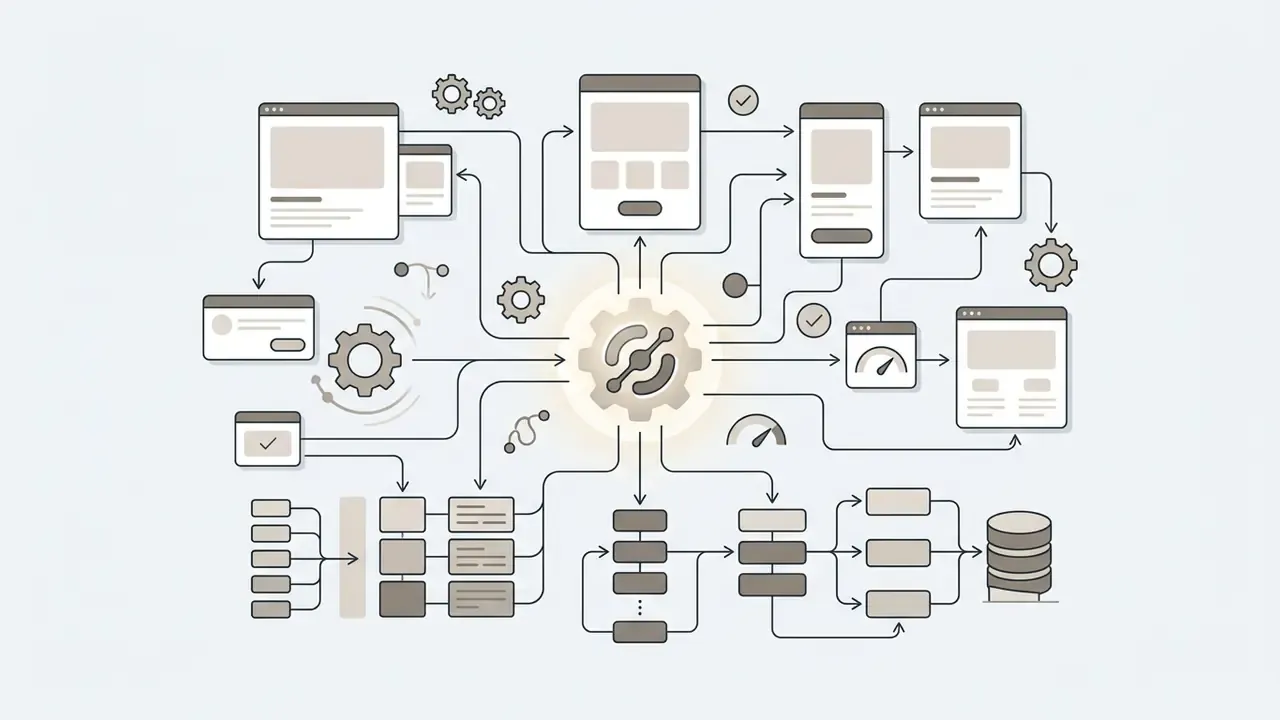
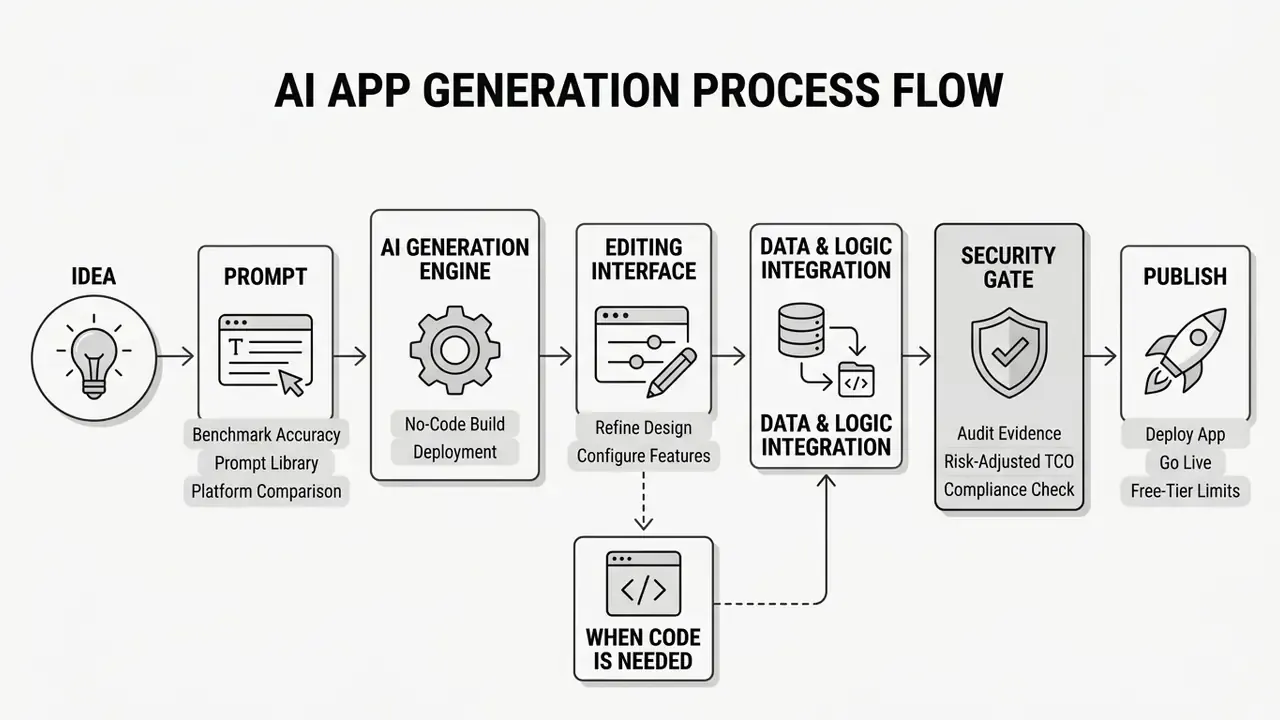
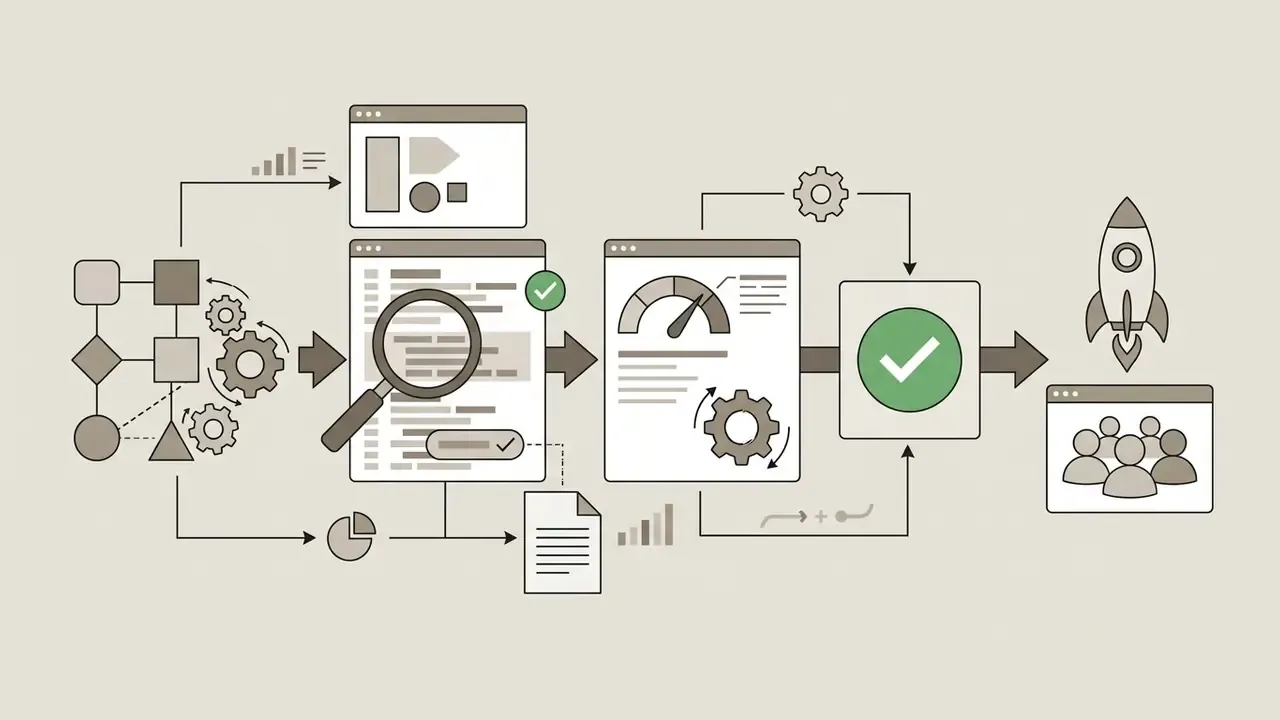
Turning an application concept into a working app follows a structured lifecycle: prompt specification, full-stack scaffolding, visual refinement, database integration, security gating, and operational release.
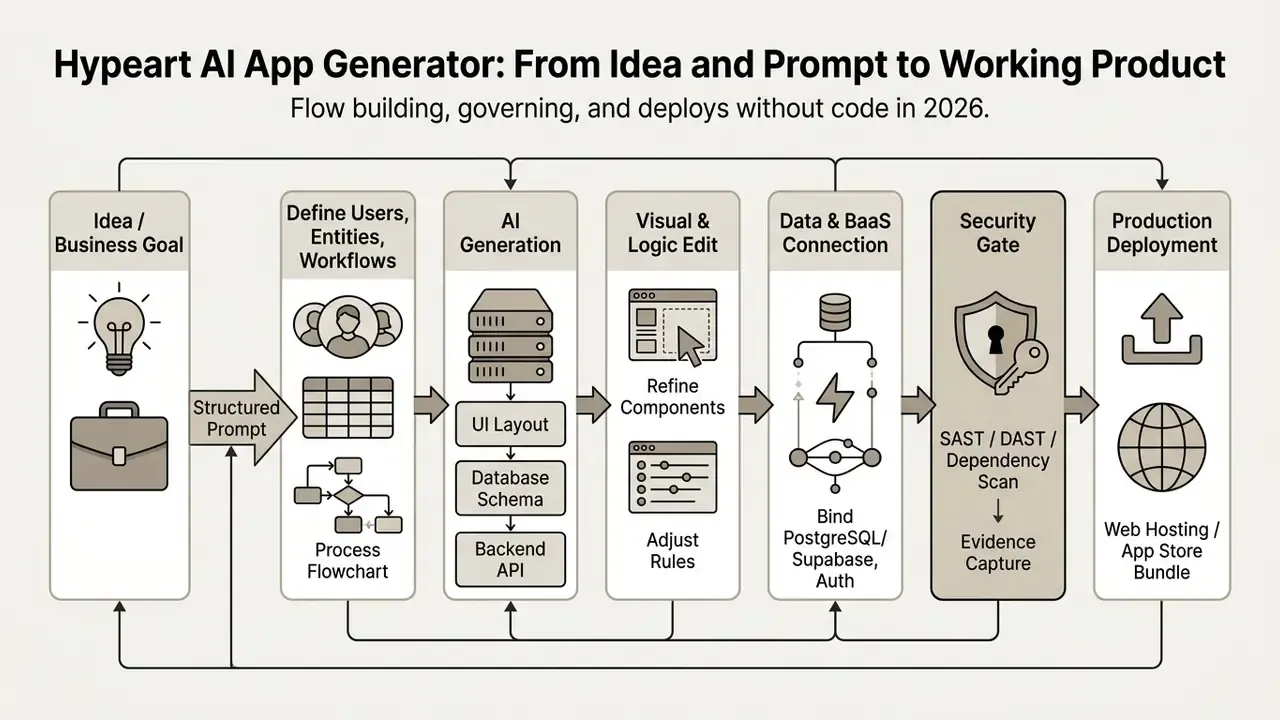
Public frameworks describe the same shape in governance language rather than product language. NIST AI RMF 1.0 organizes the lifecycle around govern, map, measure, and manage functions, while cloud vendors formalize a promotion path of development to staging or pre-production to production, with go/no-go thresholds before publication.
How to Build an App With AI Without Coding: Step-by-Step Process
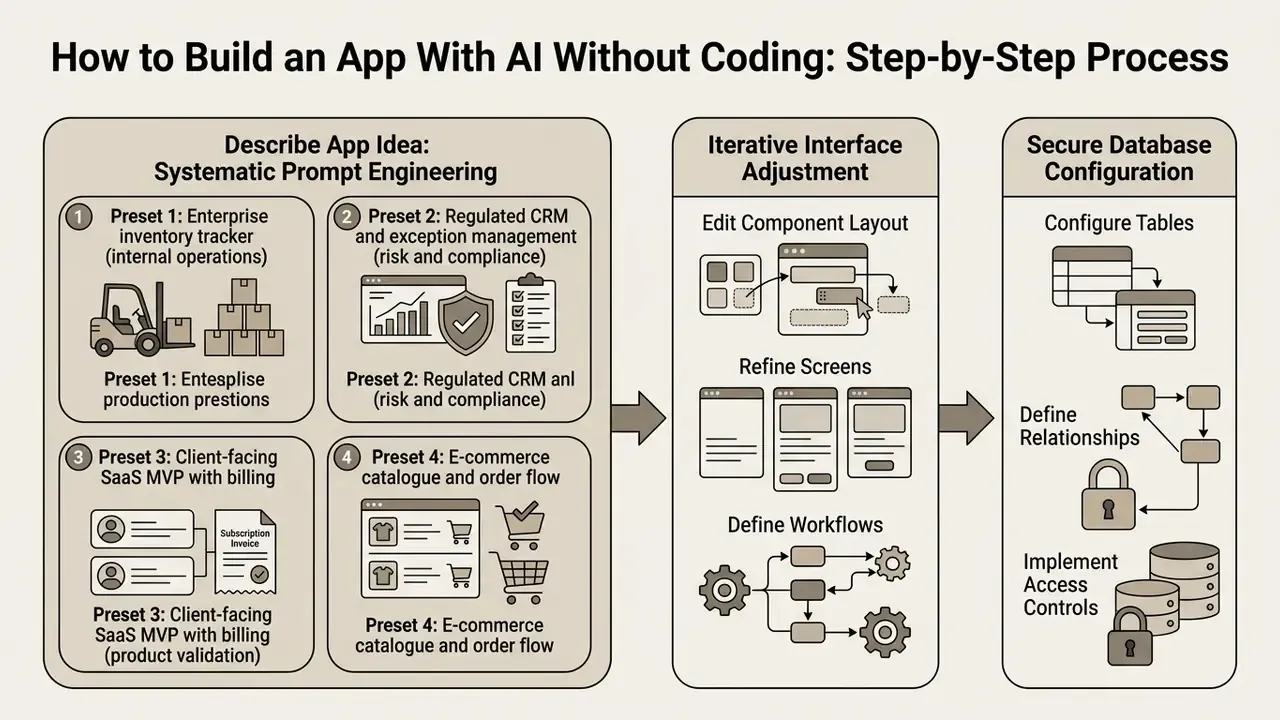
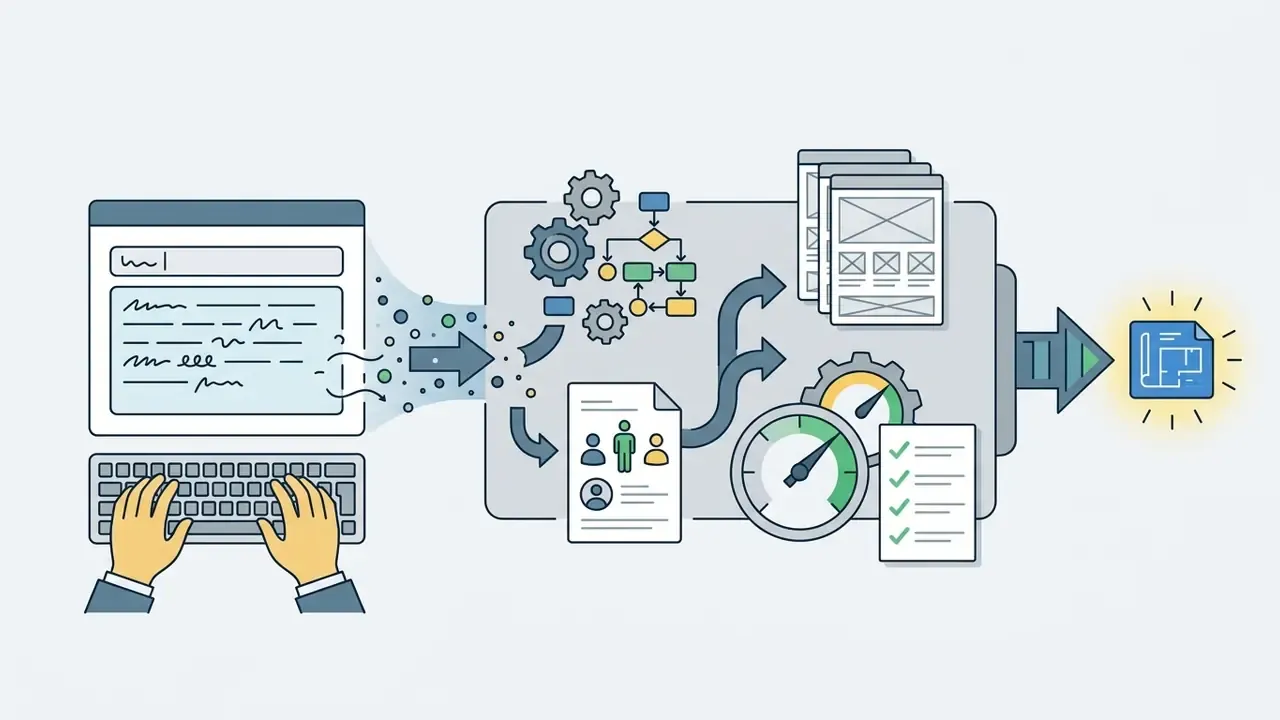
Creating an app with ai without software engineering experience requires systematic prompt engineering, iterative interface adjustment, secure database configuration, and controlled deployment testing. Done in that order, an operator can ai create an app while keeping visibility over the architecture.
Modern no code development replaces manual syntax with natural-language instruction and visual configuration. When an operator uses an ai app maker free no coding platform, the generative engine interprets functional requirements and produces standard artifacts: HTML, CSS, JavaScript, or Flutter code.
Research from the Knack AI App Builder Benchmark indicates AI-assisted scaffolding cuts initial prototype time by roughly 70%, reducing manual configuration steps from about 25 to under 10:
«Average prototype build time fell from 6 hours to 1 hour; 60 to 80% of the application structure is generated automatically.»
Non-technical users still need a disciplined workflow to prevent structural errors and unhandled exceptions. And note the honest boundary of the no coding promise: you can reach a working prototype without writing a line of syntax, but hardening, performance tuning, and edge-case correction frequently need either a developer or a code-export platform. Read "no code" as "no code to start," not "no code ever."
Describe Your App Idea in a Prompt
«LLM4FaaS automatically builds and deploys code in 71.47% of cases, outperforming a non-FaaS baseline (43.48%) and existing LLM platforms (14.55%).»
Clear constraints keep the generated code app inside organizational standards. Where a claim about reduced hallucination is needed for an internal policy document, label it a hypothesis requiring your own measurement rather than an established figure. I would rather write "unverified" in a policy than defend a borrowed number in front of an examiner.
Prompt library: four production-shaped presets
Preset 1 — Enterprise inventory tracker (internal operations)
Preset 2 — Regulated CRM and exception management (risk and compliance)
Act as a senior enterprise architect for a regulated financial institution. Build an internal exception-management CRM. Roles: Analyst (create, edit own records), Reviewer (approve/reject), Auditor (read-only, full history). Entities: Cases (case_id, client_ref, exception_type, severity, opened_at, sla_due, status), Decisions (case_id, actor, decision, rationale_text, decided_at), Attachments, Audit_Trail (immutable append-only). UI: queue view with SLA countdown, case detail with decision panel, auditor timeline view. Logic: no record may change status without a rationale of at least 120 characters; Auditor role may never write; all state transitions append to Audit_Trail. Do not store raw personal identifiers, reference clients by pseudonymised client_ref only. Provide a schema migration file and a seed script with synthetic data.
Preset 3 — Client-facing SaaS MVP with billing (product validation)
Preset 4 — E-commerce catalogue and order flow
Each preset follows the same discipline: role, entities with explicit field names, screen inventory, permission rules, non-negotiable constraints. The final line of every prompt should name what the generator must not do. That single sentence prevents most scope drift.
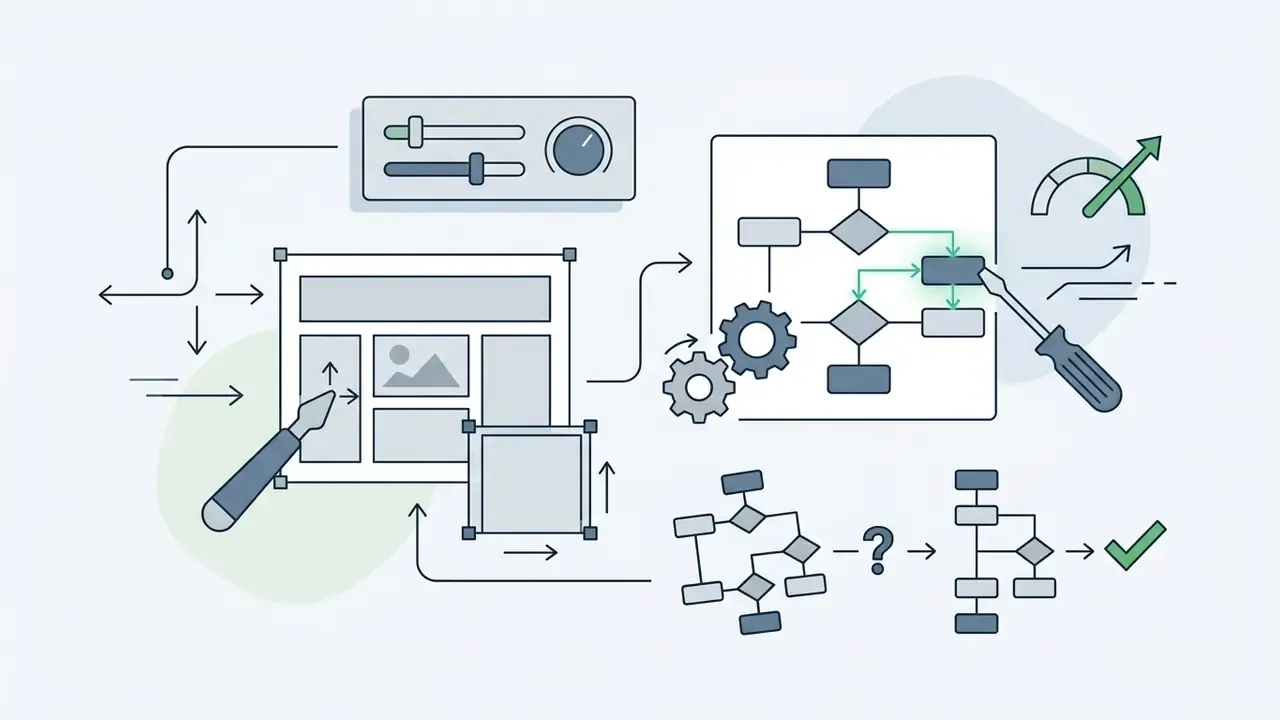
Edit the Design, Screens, and Workflows
Post-generation editing lets operators adjust interfaces, component layouts, and multi-step workflows through visual drag-and-drop tools or follow-up prompts.
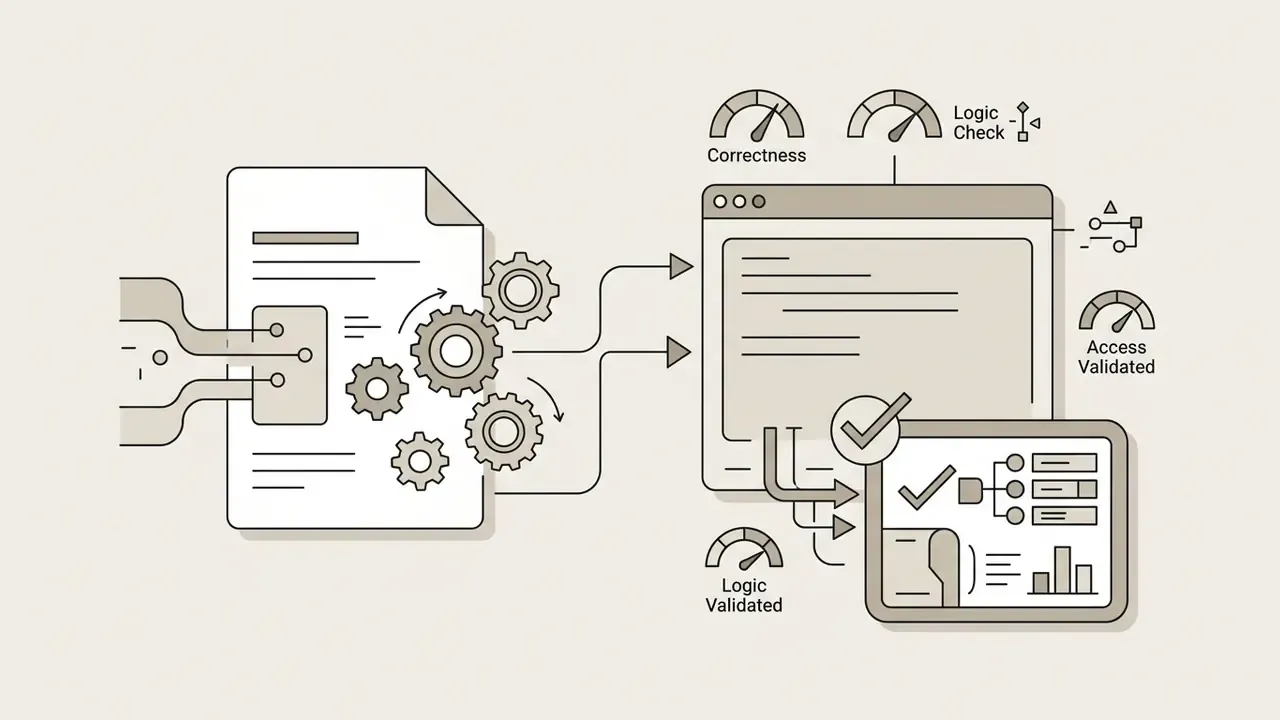
Generative tools routinely assemble screens that look right and behave wrong.
«MiniAppEval shows correlation of r>0.85 with human ratings, yet dynamic application metrics consistently lag behind static ones.»
In plain terms: static layout generation aligns well with human judgement, while dynamic interaction logic stays the primary failure point in AI-generated software.
Use visual editing modes for three critical adjustments:
Modern editing surfaces fall into three control layers documented in the research literature: pre-generation control through prompt structure, mid-generation control through constrained regeneration, and post-generation control through direct object- and layer-level edits plus localized inpainting of a specific region. Enterprise teams should assume the third layer consumes most of their time.
Internal stakeholder walkthroughs also need artefacts, not just screens. A quick deck built with a canva ai presentation generator, or a short explainer produced through canva ai video tooling, often does more for approval than another demo link. Keep those assets outside the application's trust boundary.
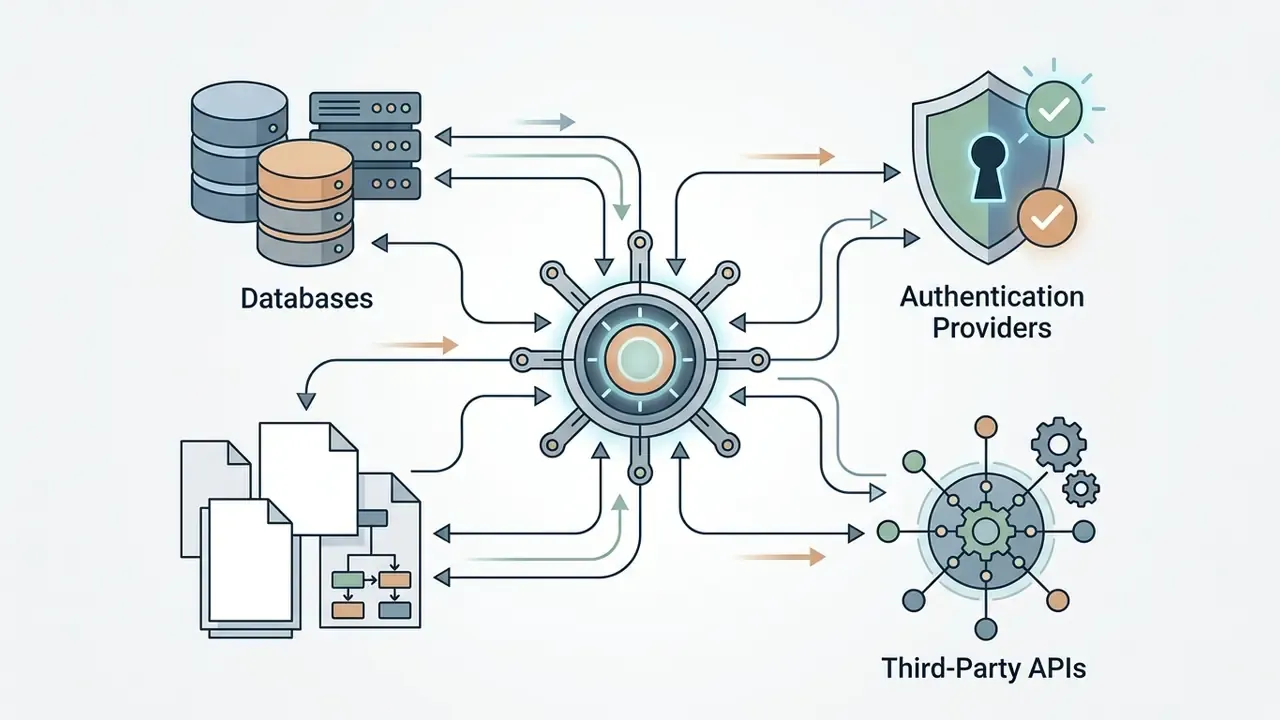
Connect Data and Backend, Then Publish the Application
Connecting a persistent database, configuring Backend-as-a-Service, and publishing the application establishes operational availability for end users.
To move beyond a static visual prototype, bind the generated front-end to a secure backend:
- Database connection Connect PostgreSQL or Supabase instances using connection strings held in a secrets manager, never in generated source files.
- Authentication setup Implement OAuth 2.0 or enterprise identity providers for user access. Cloud-native applications should enforce granular application-level authorization rather than relying on network position [NIST SP 800-207A, 2025].
- Authorization at the data source Evaluate entitlements where the data lives, through row-level security policies and access grants, so a compromised front-end cannot widen its own scope.
- Hosting deployment Execute single-click deployment to cloud infrastructure such as Vercel, AWS, or Azure App Service, or promote through your existing CI/CD chain when the generated code is exported to a corporate repository.
Checklist0 / 10
What Features an AI App Builder Can Add to an Application
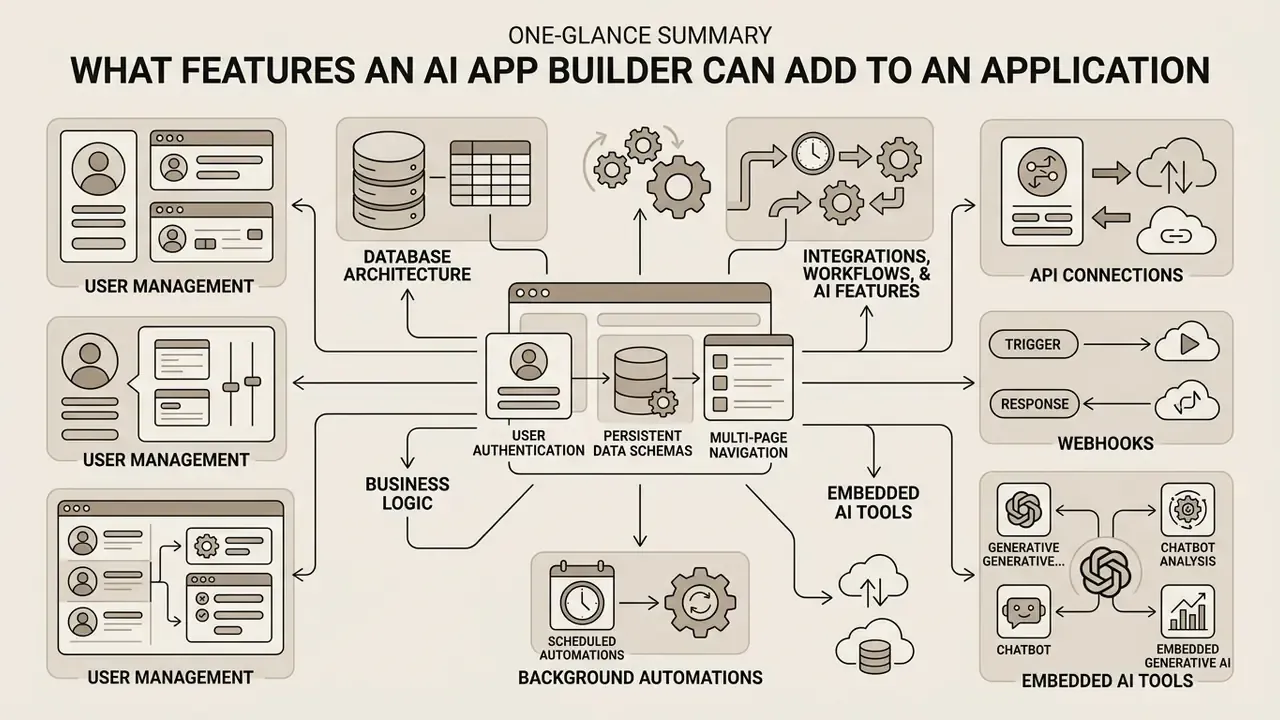
A modern ai app creator can add multi-page navigation, persistent data schemas, user authentication, external API connections, background automations, and embedded generative capabilities. Those features turn an interface mockup into a production-capable tool.
When evaluating an ai apps generator, enterprise teams must separate cosmetic interface generation from genuine functional capability. Advanced builders assemble full-stack architectures that connect front-end components directly to cloud databases and serverless function layers.
Research into low-code enterprise tools shows automated feature integration cuts development overhead materially:
«Professional developers save 50% of app-creation time; three-year cumulative ROI reaches 206%.»
Every integrated component, though, introduces an operational dependency that requires validation, and each dependency expands the third-party risk register. That cost rarely appears in the business case.
Users, Data, and Business Logic
Managing users, storing data securely, and executing business rules require structured backend architecture and role-based access control.
An app builder must keep a clean separation between presentation and data storage:
- User management Integration with enterprise identity providers delivers single sign-on and identity verification. Apply conditional access, privileged-role elevation, and periodic access reviews to generated applications like any other estate asset.
- Database architecture Automatic generation of relational schemas, including tables, foreign keys, and indexes, enforces data integrity. Review generated indexes against real query patterns before launch, since the generator guesses at access frequency.
- Business logic Server-side validation prevents invalid entry and enforces operational constraints. Client-side validation alone is decorative.
In cloud-native environments, access control policies should be evaluated at the data source to prevent unauthorized exposure [AWS Generative AI Security Reference Architecture, 2025].
Integrations, Workflows, and AI Features
Connecting external services via REST APIs, handling asynchronous webhooks, and embedding model inference expands what the application can do.
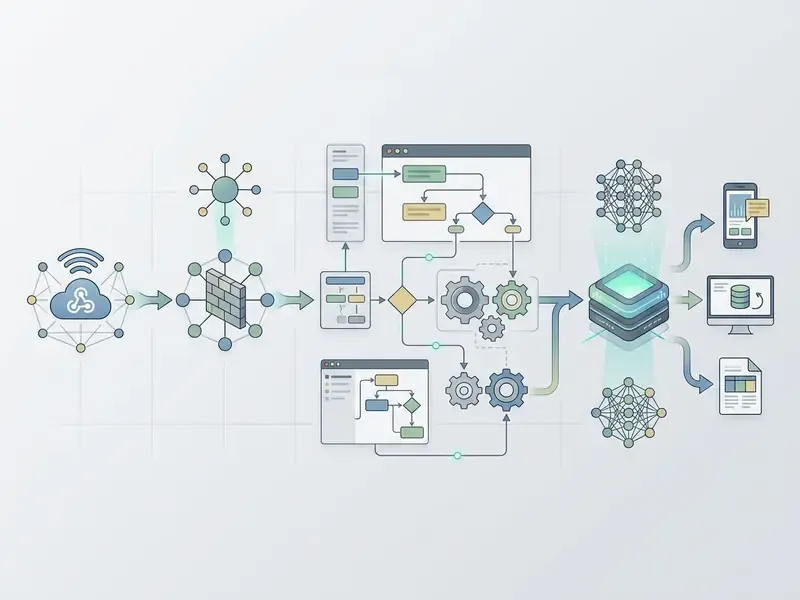
Modern generators support several integration patterns:
Register every integration point in the application inventory with its data classification, retention behaviour, and the contractual terms governing the processor. If you cannot name the processor, you do not control the data.
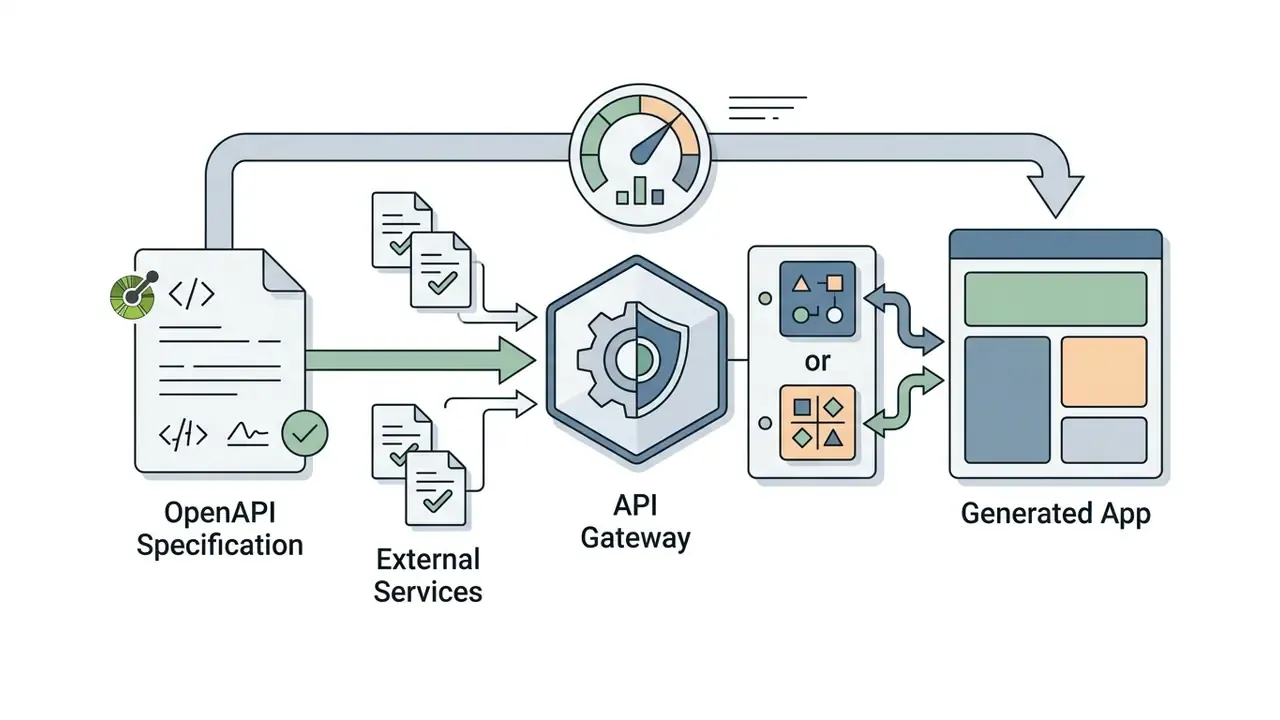
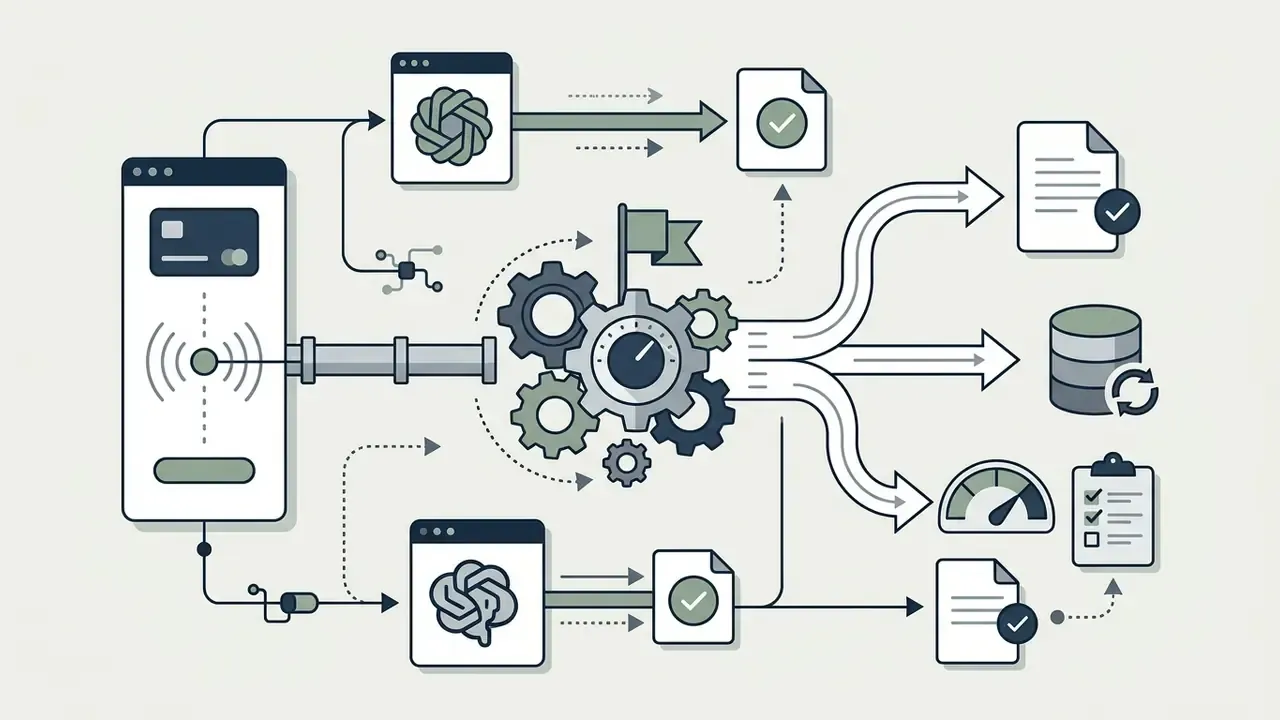
webhooks as incoming callbacks the API consumer may implement, while major model providers push completion events for batch, background, and fine-tuning jobs to a customer endpoint instead of requiring polling [OpenAPI v3.2.0 Specification, 2025].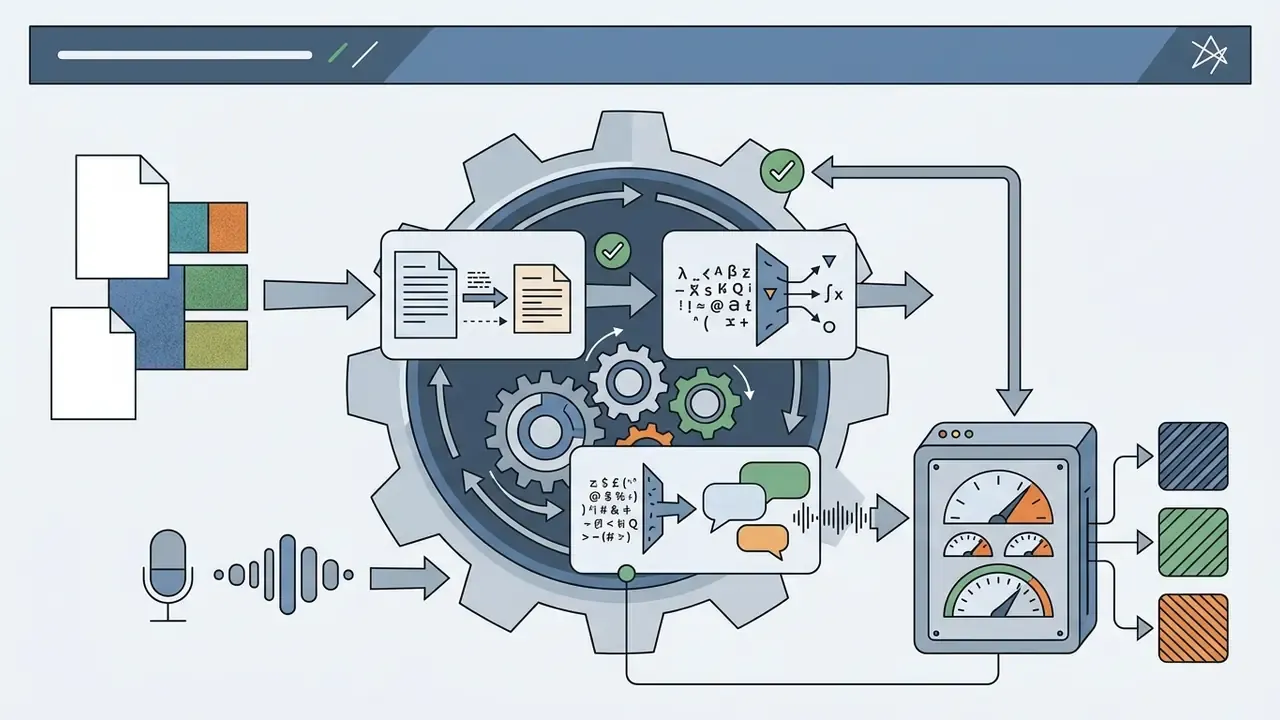
Editing and Evolving the Application After Generation
Iterative maintenance, feature expansion, and source code export prevent platform lock-in and support long-term evolution.
An ai create app workflow must not trap software inside a proprietary black box. Leading platforms support two-way synchronization with version control systems such as GitHub, so developers can move between visual editing and a traditional IDE [Google AI Studio Documentation, 2026].
Key maintenance mechanisms:
- Code export. Downloading complete source packages, for example React, TypeScript, or Flutter, for external hosting. Some platforms provide ZIP archives, others continuous Git synchronization.
- Incremental prompts. Adding screens or modifying database logic through follow-up natural-language requests inside the same workspace, so the generator updates the existing app instead of restarting it.
- Manual refactoring. Editing generated source directly to tune performance or fix edge-case bugs.
Export is a control, not a convenience. Without portable artifacts there is no way to place generated software under corporate change management, run your own scanners against it, or migrate off a vendor whose terms change mid-contract.
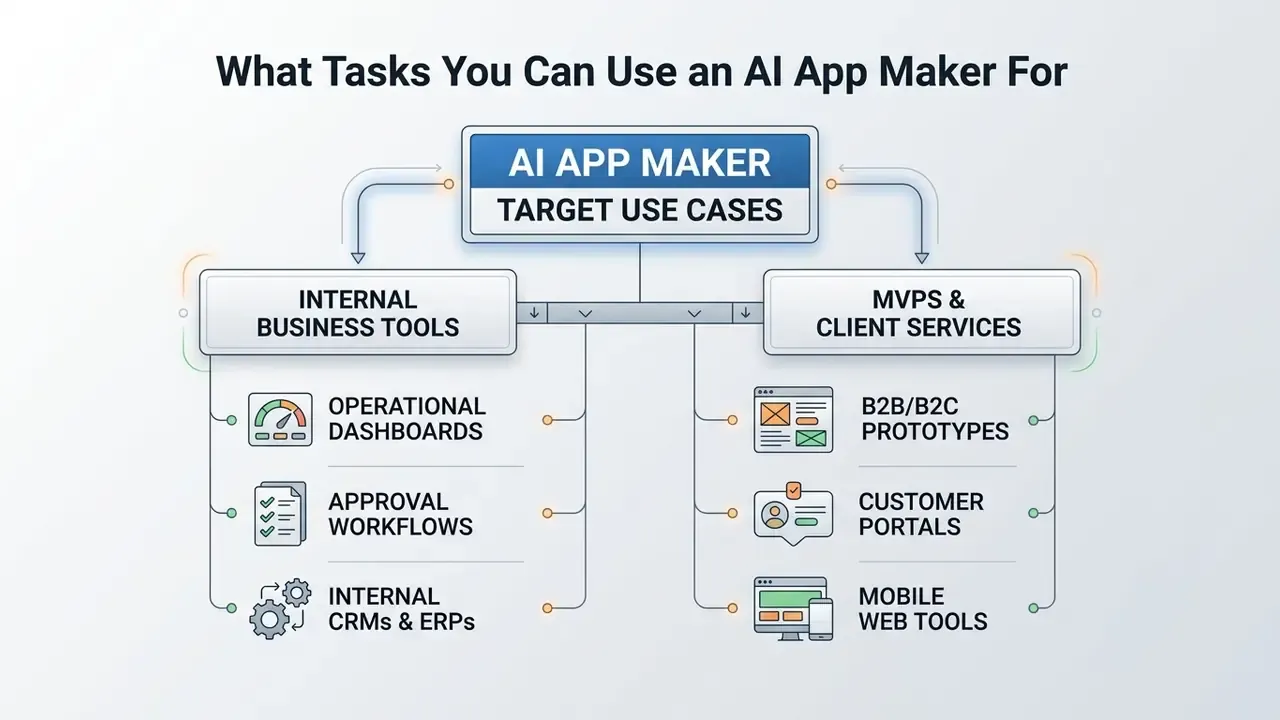
What Tasks You Can Use an AI App Maker For
An ai app maker suits internal business tools, operational dashboards, automated workflow portals, and rapid minimum viable products. Matching project scope to platform capability prevents expensive architecture failures.
Organizations use an ai application maker to remove manual processes and shorten delivery queues. By automating routine UI and backend scaffolding, business units resolve operational bottlenecks without waiting on a central IT release train. Teams whose products depend on heavy visual asset production can also review this canva photo editor walkthrough when planning the content pipeline that will feed the application.
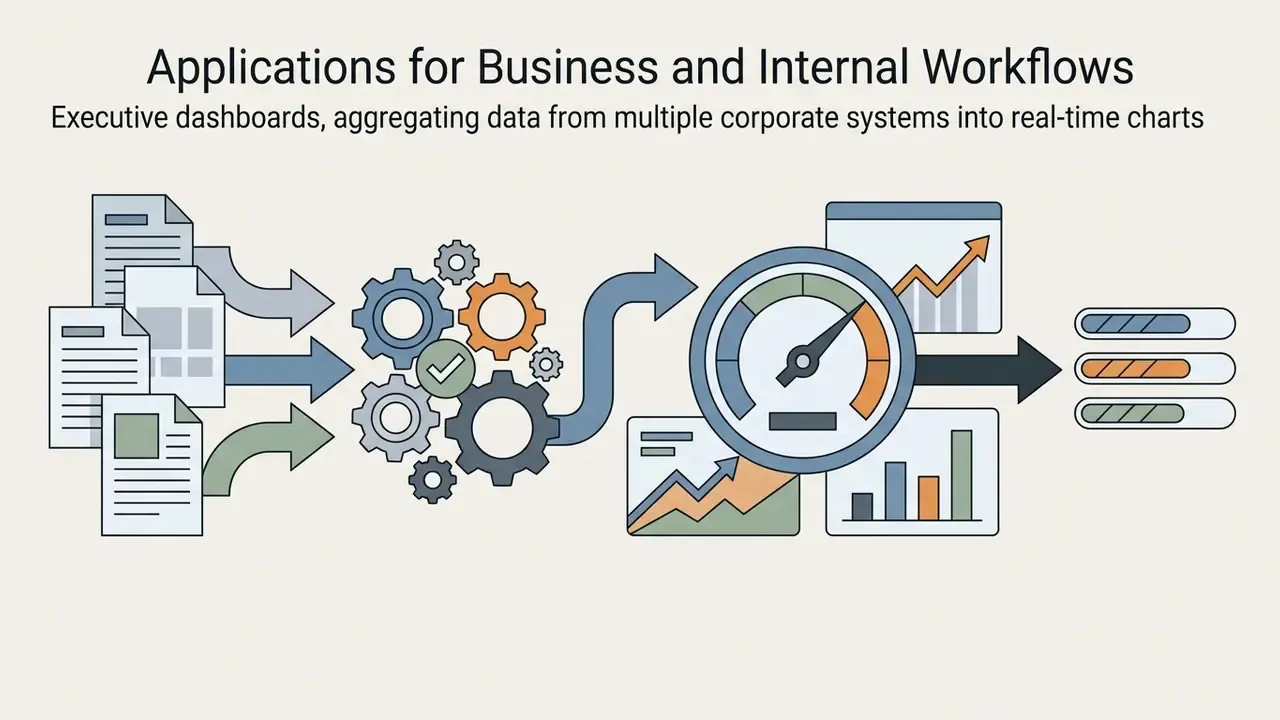
Applications for Business and Internal Workflows
Internal business tools, such as inventory trackers, HR approval systems, and executive dashboards, represent the highest-value scenario for no-code AI tools.
Business operations still lean on fragmented spreadsheets and email approvals. An ai applications generator can digest operational requirements and output structured internal tools:
Industrial evaluation shows internal tools built via AI scaffolding achieve substantial build-time savings against manual visual construction:
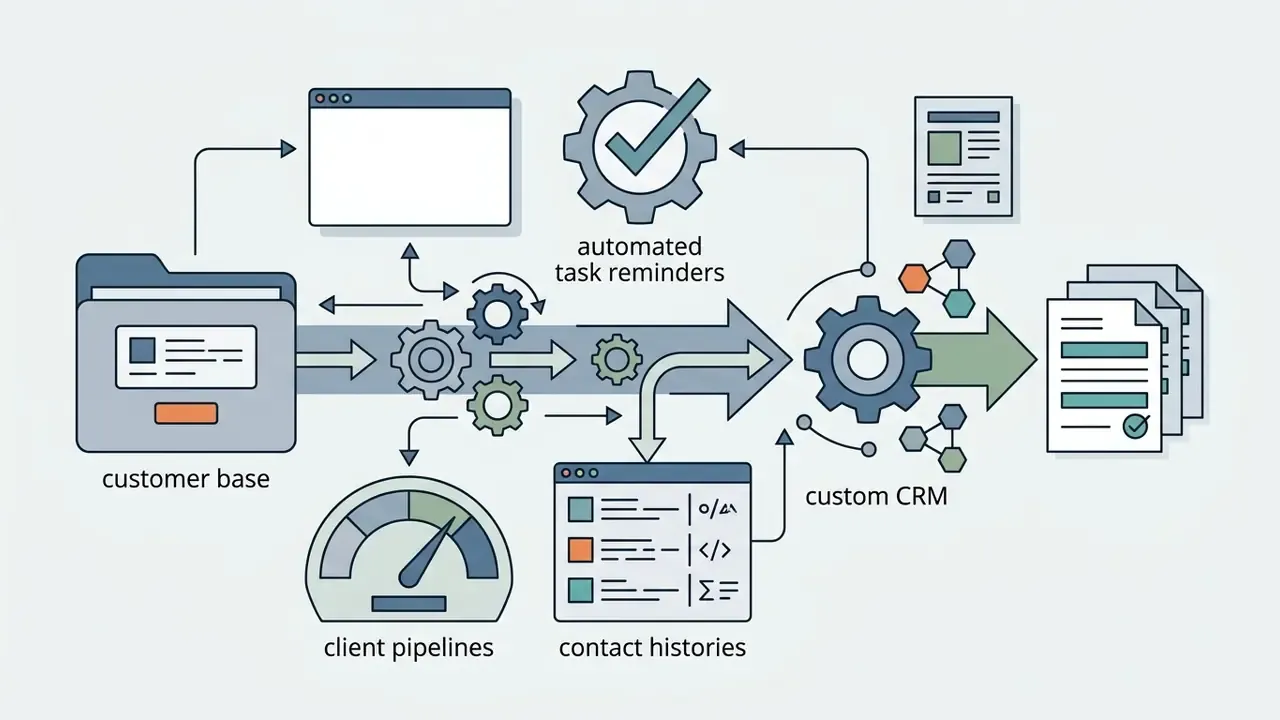
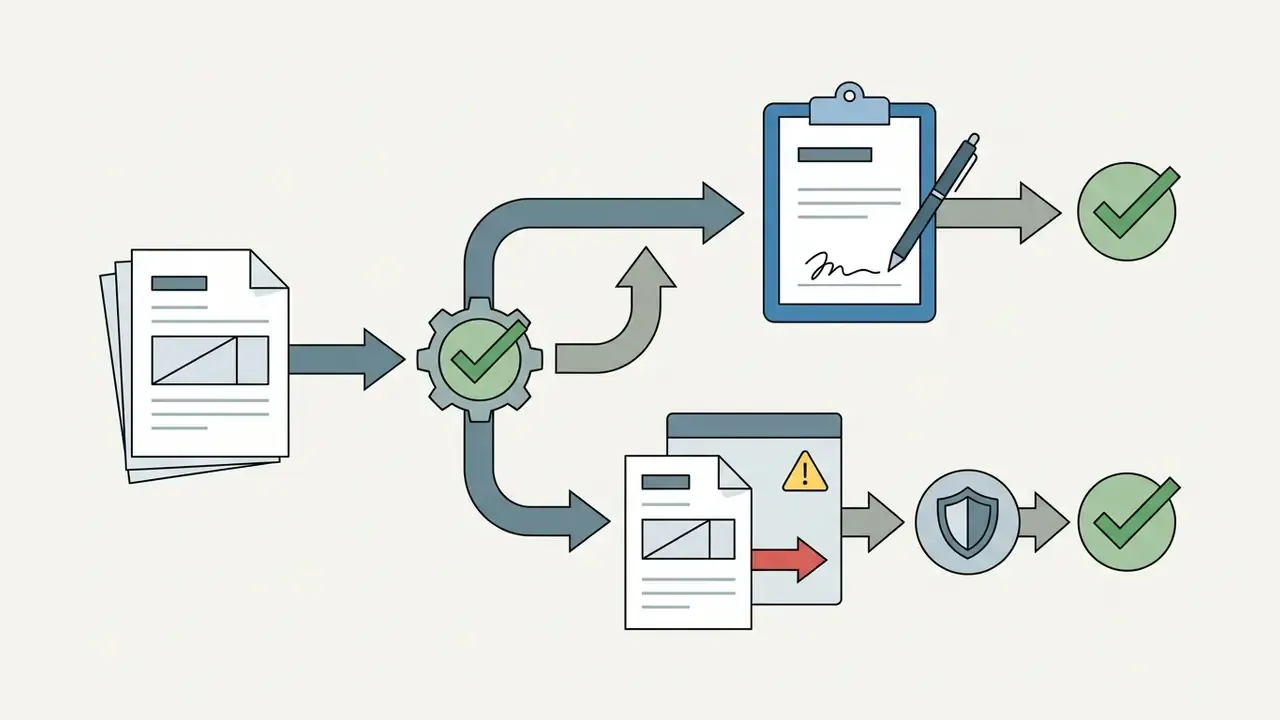
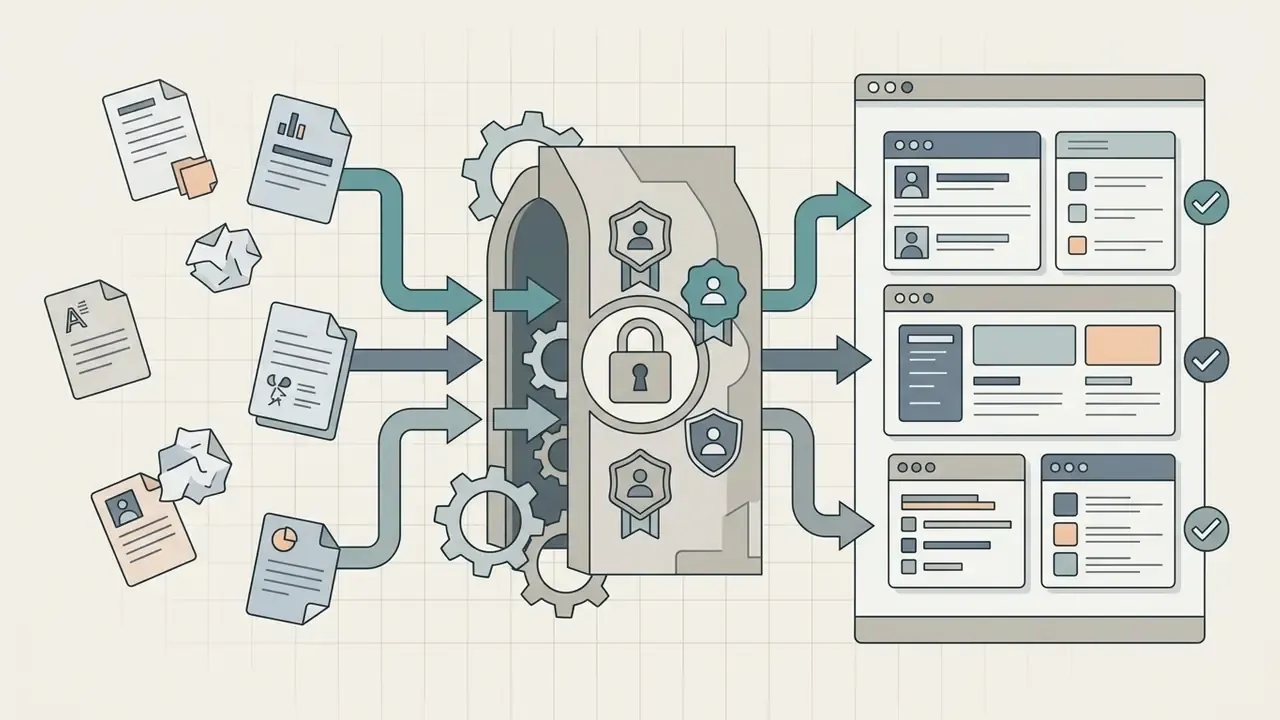
«Client-portal case: manual build took 6 hours, 25 steps, 4 errors; AI build took 1.2 hours, 9 steps, 0 schema errors.»
Read that comparison carefully. The saving is real, and it was measured on an internal client portal, not on a core transaction system. Internal tools are the correct entry point precisely because their blast radius is contained and their data classification is usually lower.
MVPs, Client Products, and Mobile Apps
Founders and product teams use AI generators to build testable MVPs, client-facing web portals, and responsive mobile experiences for market validation.
Before committing serious engineering capital to a product hypothesis, teams use an ai apps maker to produce a functional prototype. Real users then interact with it, producing empirical usage data instead of opinions. Academic work on in-situ AI prototyping describes the same pattern: designers create mobile AI prototypes quickly, testers experience them in the field, and revisions happen in real time.
An illustrative case: a fintech risk unit evaluated an AI-generated customer intake portal. The deployment team required human-in-the-loop validation for every risk-scoring rule and sandboxed all external API connections. That configuration prevented miscalculated credit limit exposure while reducing front-end lead times materially.
Evidence note. An earlier draft of this section quoted a 65% front-end lead-time reduction. That figure is an engagement observation without a published source and should not be cited as an industry number. The closest independently documented anchors are the Knack benchmark above (6 hours to 1.2 hours on a client portal) and the Forrester TEI finding of 50% developer time saved on an enterprise low-code platform. Use those when a defensible number is required.
For client-facing products, teams often pair the generated application with brand and media tooling. Onboarding sequences need a logo mark and consistent imagery, which is where the design-suite references above earn their place. Generate assets, review them, commit the approved files, and keep the generation tooling outside the app's trust boundary.
AI App Generator Free: What You Get at No Cost and What You Pay For
Free tiers on ai app generator free platforms let operators prototype and test without upfront capital. Production hosting, custom domains, high compute volumes, and code export sit behind paid subscriptions.
Navigating platform pricing means understanding freemium mechanics. Most vendors structure free tiers around daily or monthly credit allowances and restrict advanced infrastructure until a paid threshold is crossed.
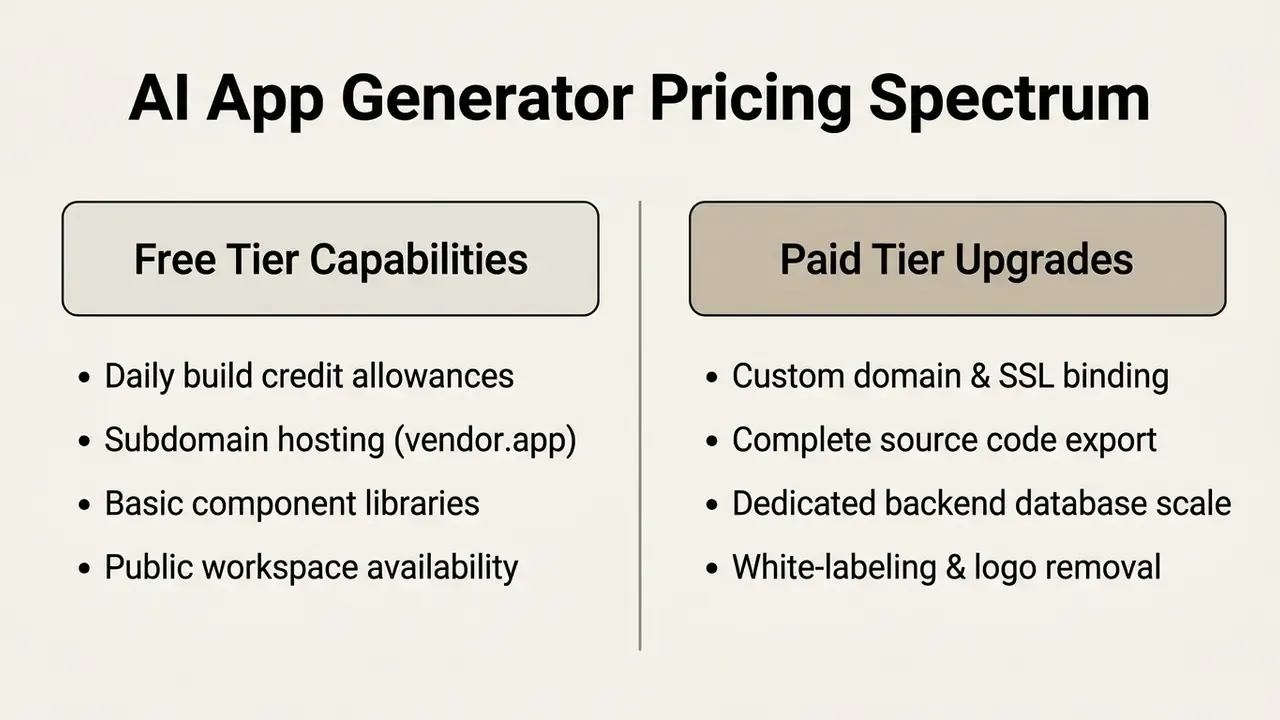
For an institutional reader, free tiers matter for one reason above all: they are the exact channel through which unsanctioned experimentation enters the organization. Pricing literacy is a control topic, not only a procurement topic.
What a Free AI App Creator Typically Includes
A free ai app creator tier usually offers basic text-to-code generation, hosted subdomains, community support, and a sandbox database.
On an ai app generator free no code plan, users meet specific operational parameters:
«Lovable Free provides 5 daily credits (up to 30 per month) and 20 cloud credits; Bolt Free provides 300,000 tokens per day and 1 million per month.»
- Generation credits
- Typically 5 to 30 building prompts per day, or token allowances around 300K per day, depending on vendor accounting.
- Hosting boundaries
- Applications run on platform subdomains, for example
app.lovable.apporproject.bolt.host. - Watermarking
- Generated interfaces often display vendor branding until a paid plan removes it.
- Export gating
- Full source export, GitHub integration, and custom domains are commonly reserved for paid tiers. Some platforms release front-end code only and never expose backend definitions.
Anyone comparing an ai app generator for free with an ai app creator for free offer will find the same pattern: ai app creation free means unlimited experimentation and limited ownership. Those allocations are enough to test whether an ai app creator free platform can handle your architectural requirements before committing budget. They are not enough for regulated production, because free tiers rarely include contractual data-processing terms, tenancy isolation, or audit-ready logging. Searching for an ai app generator free online is fine for learning; it is not a procurement route.
How to Compare Pricing Before Publishing an Application
Evaluating total cost of ownership before publishing requires analysing subscription baselines, metered token rates, hosting fees, and store commissions.
To avoid budget overruns when moving a free build into commercial production, calculate expenses across five categories:
| Cost Category | Free Tier Standard | Paid Production Standard | Enterprise Benchmark |
|---|---|---|---|
| Subscription base | $0 / month | $16 to $50 / month | Custom quote ($300+ / mo) |
| Compute and tokens | Capped daily limits | 1M to 10M tokens / month | Dedicated capacity |
| Domain and hosting | Vendor subdomain | Custom domain plus SSL | Isolated cloud infrastructure / VPC |
| Code export | Restricted or locked | Full ZIP / GitHub sync | Enterprise repo integration |
| Store commission | Not applicable (web only) | 15 to 30% of in-app revenue | Negotiated or alternative distribution (as low as 5% in the EU) |
Risk-adjusted total cost of ownership
Subscription pricing is the smallest line in an institutional build. Model the full figure explicitly, and if you want to sanity-check the arithmetic, our calculators cover the infrastructure side.
Baseline TCO = builder subscription (seats × monthly rate) + BaaS or database service + hosting and runtime + custom domain and certificates + (monthly active users × average LLM API token cost) + store commission on in-app revenue.
Risk-adjusted TCO = baseline TCO
+ independent validation and verification effort
+ security testing (SAST, DAST, dependency review) and remediation
+ manual refactoring of generated business logic
+ continuous monitoring and incident response for agentic components
+ compliance and audit evidence collection
+ expected exit or migration cost if the vendor is not code-portable
Two benchmarks help anchor the infrastructure side. Government platform pricing has been published with a median customer cost around $5,000 per year for a hosted, database-inclusive environment, and public-sector rate cards list shared SQL hosting at roughly $303 per database instance. Both figures show how fast free-tier economics evaporate once a real backend exists. On distribution, Apple's current EU terms set commissions at 26% via Apple in-app purchase, 15% for eligible small-business and subscription cases, 20% where alternative in-app payment processing is used, and 5% for alternative marketplace or web distribution.
The decisive number is not the subscription. It is the exit cost. A platform without code export converts every future architectural decision into a renegotiation. For plan-level detail across tooling categories, browse the hub of current pricing structures.
How to Choose the Best AI App Builder for Your Task
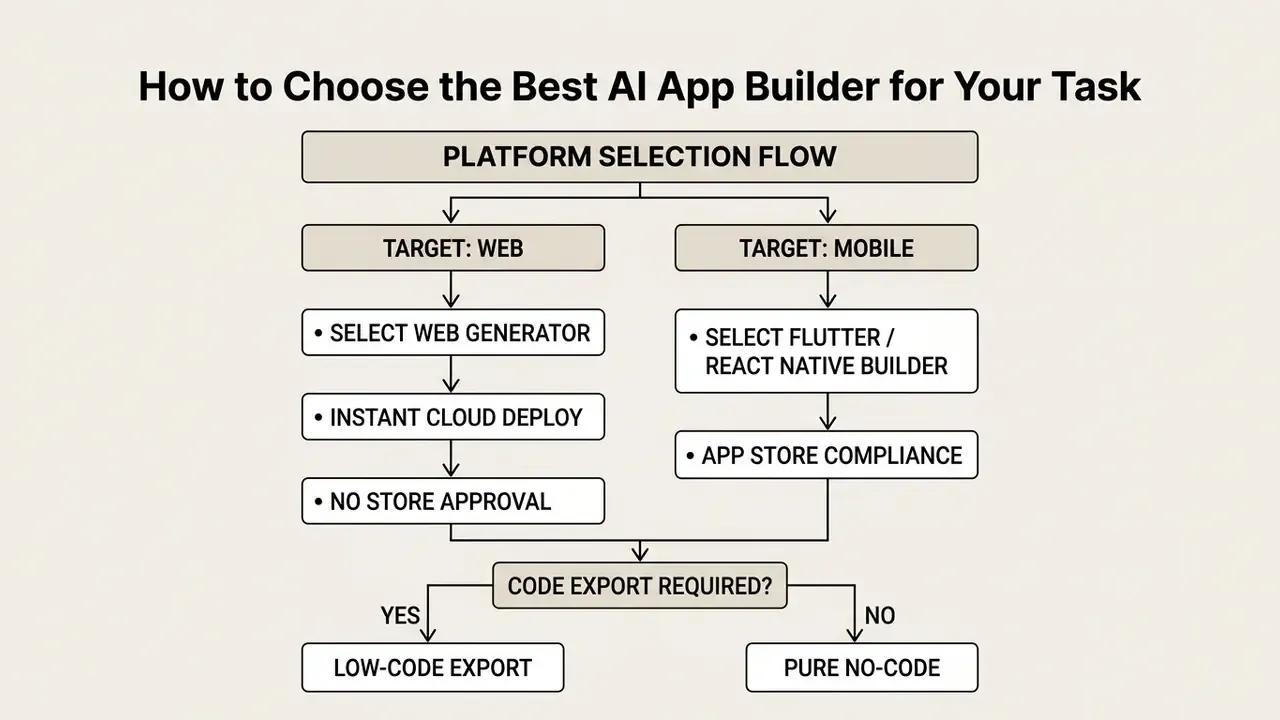
Selecting the best ai app builder means evaluating target deployment platforms, source code export, backend flexibility, security and compliance posture, and vendor lock-in risk.
No single ai app maker online fits every need. Enterprise teams should use a structured decision framework instead of headline marketing claims. Published selection frameworks converge on a three-pillar weighting, roughly business alignment 40%, technical viability 35%, and operational readiness 25%, followed by a pilot in which every candidate builds the same representative workflow before a decision is made. Same workflow, same reviewers, same evidence requirements. Otherwise you are comparing demos.
Choosing Between Web, Android, and iOS Applications
Targeting the browser minimizes deployment friction. Native mobile execution becomes necessary when the app needs device hardware or store presence.
- Web platforms Best for internal tools, SaaS dashboards, and fast market testing. Web apps update instantly with no store review. W3C guidance confirms WCAG 2.2 applies across web content, mobile web apps, and hybrid apps, so accessibility obligations follow you regardless of runtime [W3C Mobile Accessibility Guidance, 2025].
- Mobile platforms Essential for offline execution, background location, push notifications, or native sensor integration. Mobile apps additionally require device- and OS-specific security vetting, risk analysis, and encrypted transport [NIST SP 800-163r1 Mobile Security Standards, 2026].
- Regional distribution nuance Apple's EU terms permit alternative marketplace and website distribution only on EU devices running iOS 17.4 or 17.5 and later, which changes both compliance scope and commission structure.
If your application depends on rich media pipelines, compare options across rendering and delivery tooling before deciding whether media processing belongs inside the app or behind an API.
No-Code Builder or Access to Code
Pure no-code platforms maximize speed for non-technical users. Code-export low-code tools give you source ownership and reduce lock-in.
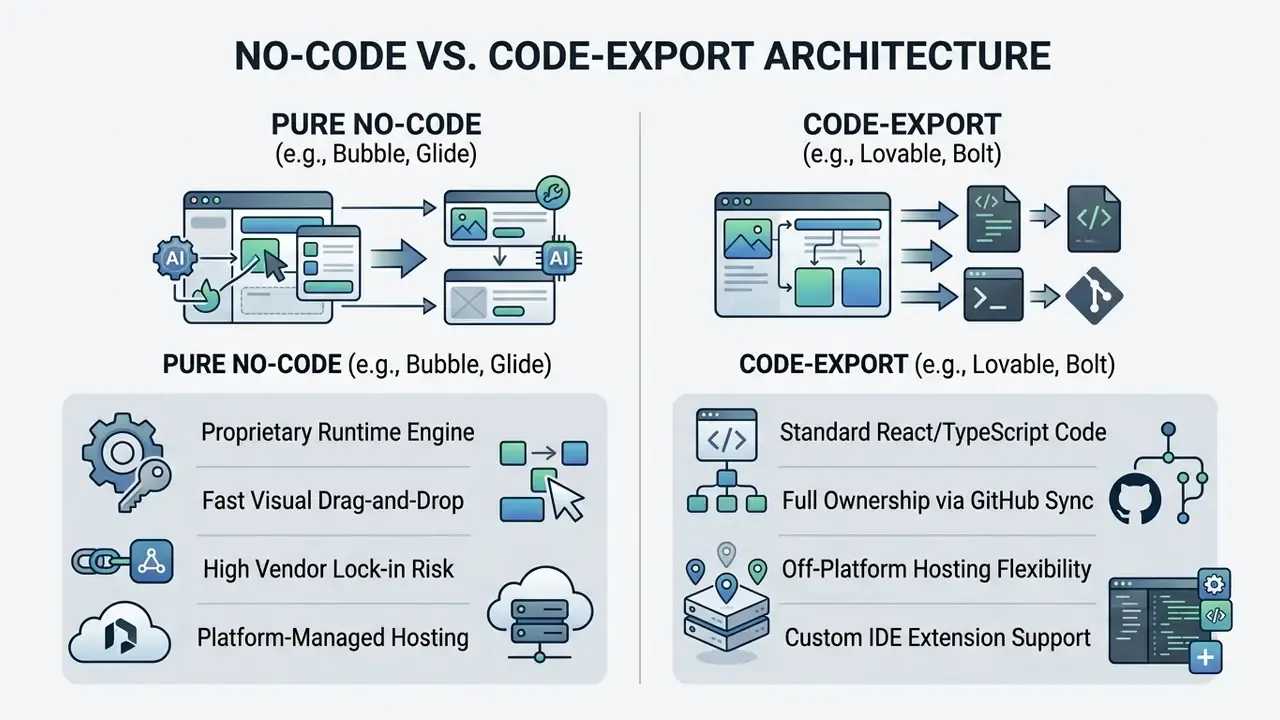
Export mechanics differ meaningfully between vendors. Some release a full project ZIP. Some offer two-way Git synchronization. Some expose front-end code while retaining backend definitions. Some offer no meaningful export at all, which means migration equals rebuild. Confirm the mechanism in writing before selection, because "you own your code" and "you can download your code" are not the same commitment. Licensing terms deserve the same scrutiny: browse the hub on commercial usage rights before you ship anything revenue-generating.
Comparison Criteria for AI App Builders
| Evaluation Criterion | Core Operational Focus | Verification Metric |
|---|---|---|
| UI and UX quality | Visual harmony, responsiveness, accessibility, graceful failure handling | WCAG 2.2 compliance score |
| Backend flexibility | Schema customization, BaaS portability, provider abstraction | SQL export support |
| Integrations | API gateway capability, webhook support | OpenAPI 3.2 compatibility |
| Pricing and lock-in | Transparent billing, code exit options, contract term length | ZIP or Git export availability |
| Security and compliance | Data isolation, identity provider integration | SOC 2 and GDPR readiness |
Platform comparison matrix: output, export, and distribution
| Platform | Output Type | Code Export | DB and Auth Included | Native iOS/Android | Starting Price |
|---|---|---|---|---|---|
| Lovable.dev | React / Vite web app | Yes (GitHub or ZIP) | Supabase integration | No (web only) | $20 to $25/mo |
| Bolt.new | Node full-stack web | Yes (ZIP or StackBlitz) | Built-in or custom | No (web only) | $20/mo |
| Base44 | Full-stack web app | Partial (front-end; GitHub on Builder tier) | Yes (built-in auth and DB) | No (mobile-responsive web) | $16/mo (annual) |
| Appy Pie | Native binary (AAB/IPA) | No (hosted) | Yes (built-in) | Yes (Kotlin / Swift) | $16/mo |
| Replit Agent | Full-stack cloud app | Yes (Git repo) | Yes (PostgreSQL, secrets) | Mobile web / PWA | $25/mo |
| FlutterFlow | Flutter source code | Yes (Dart code) | Firebase or Supabase | Yes (native build) | $39/mo |
| v0 by Vercel | React / Next.js web app | Yes | Bring your own | No (web only) | ~$5 free credit, then paid |
| Microsoft Power Apps | Model-driven or canvas enterprise app | Platform-managed solutions | Dataverse plus Entra ID | Wrapped mobile client | Enterprise licensing |
Where each option wins: prompt-driven web builders (Lovable, Bolt, v0) suit fast web prototypes with portable code; store-publishing builders trade code portability for signed native binaries, backend, and push out of the box; Replit suits developers who want an agent inside a real cloud IDE; FlutterFlow suits teams needing genuine Flutter source for cross-platform builds; enterprise low-code suites win when identity, data governance, and licensing already live inside your Microsoft estate. For feature-level breakdowns beyond this grid, explore the hub of technical comparisons.
Institutional selection criteria beyond the feature grid
| Institutional criterion | What to verify | Evidence to request |
|---|---|---|
| Data isolation | Dedicated tenancy, VPC or private networking, or on-premises option | Architecture diagram, network boundary description |
| Model training exclusion | Contractual guarantee that prompts and code are not used for training | Data processing agreement clause |
| LLM provider neutrality | Ability to switch or self-select the underlying model | Model selection setting, abstraction layer documentation |
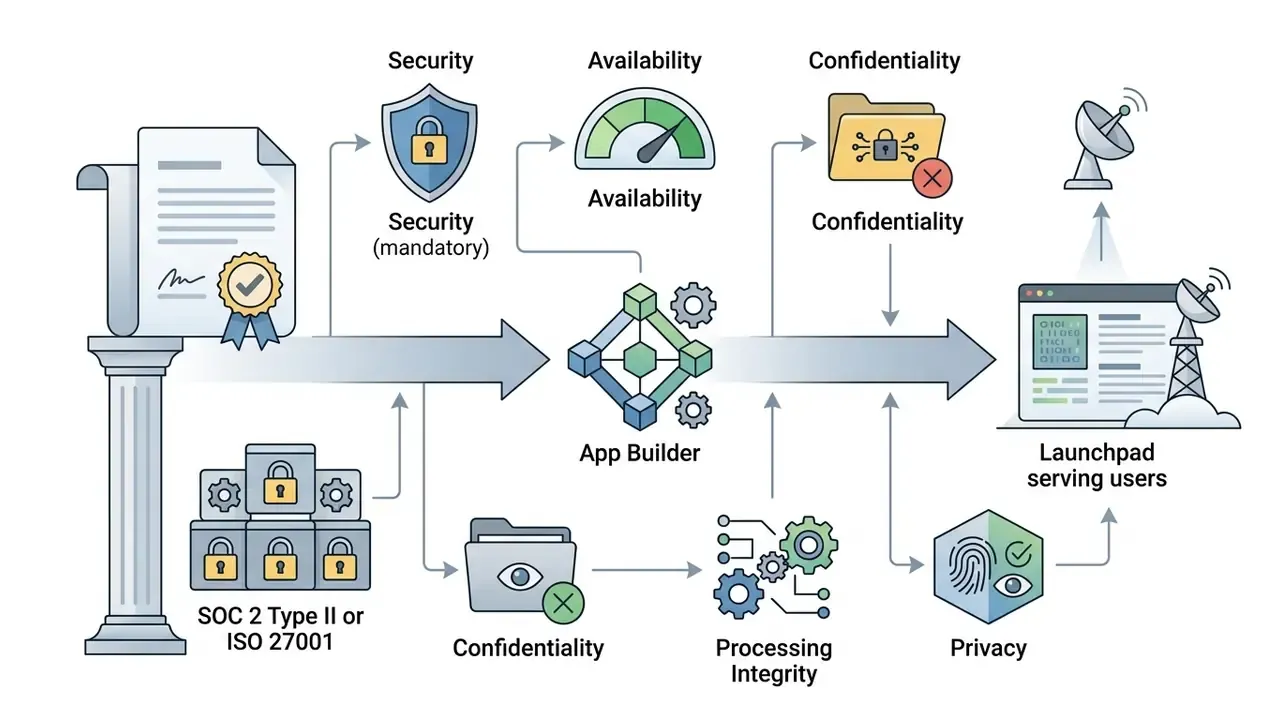
| Certification posture | SOC 2 Type II, ISO 27001, ISO/IEC 42001 for AI management systems | Current report and scope, not a trust-page badge |
| Full source export | Complete front-end and backend definitions in standard formats | Exported artifact from a pilot project |
| Audit logging | Immutable logs of prompts, generations, deployments, and access | Sample export, retention period, API for GRC ingestion |
| Residency | Region pinning for data at rest and in transit | Region list and contractual commitment |
| Exit plan | Documented migration path and cost if the contract ends | Written offboarding procedure |
On intellectual property exposure and disputed training data, see the overview of current commercial licensing questions before signing.
Enterprise Readiness: Is an AI App Generator Suitable for Commercial Use?
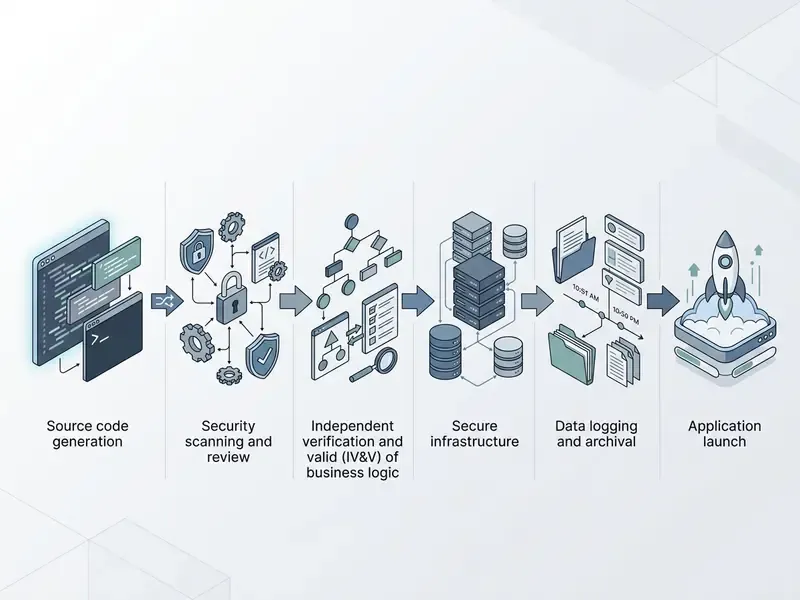
An ai app generator is suitable for commercial deployment only when paired with production security controls, compliance oversight, automated error handling, and human risk ownership.
Operating software in commercial financial environments means meeting strict standards. According to the NIST AI Risk Management Framework (AI RMF 1.0), generative software systems must be actively monitored across govern, map, measure, and manage functions [NIST AI RMF, 2024]. The 2024 Generative AI Profile adds deployment approval thresholds and explicit go/no-go policies by lifecycle stage. Public-sector guidance is blunter still: the UK Government generative AI framework states that generated code is inherently insecure and must not reach production without code review.
The agentic dimension deserves separate attention, because a generated app that can act is a different risk object than one that can only display:
«Agents can unintentionally perform risky actions, such as purchases or data leakage, when explicit constraints are absent.»
Explicit boundary. AI-generated code should not connect directly to core banking, ledger, payment-authorization, or other critical systems of record without completing your institution's full model risk management and change management cycle, including independent validation and documented sign-off.
Shadow AI Control, Audit Evidence, and Model Risk Alignment
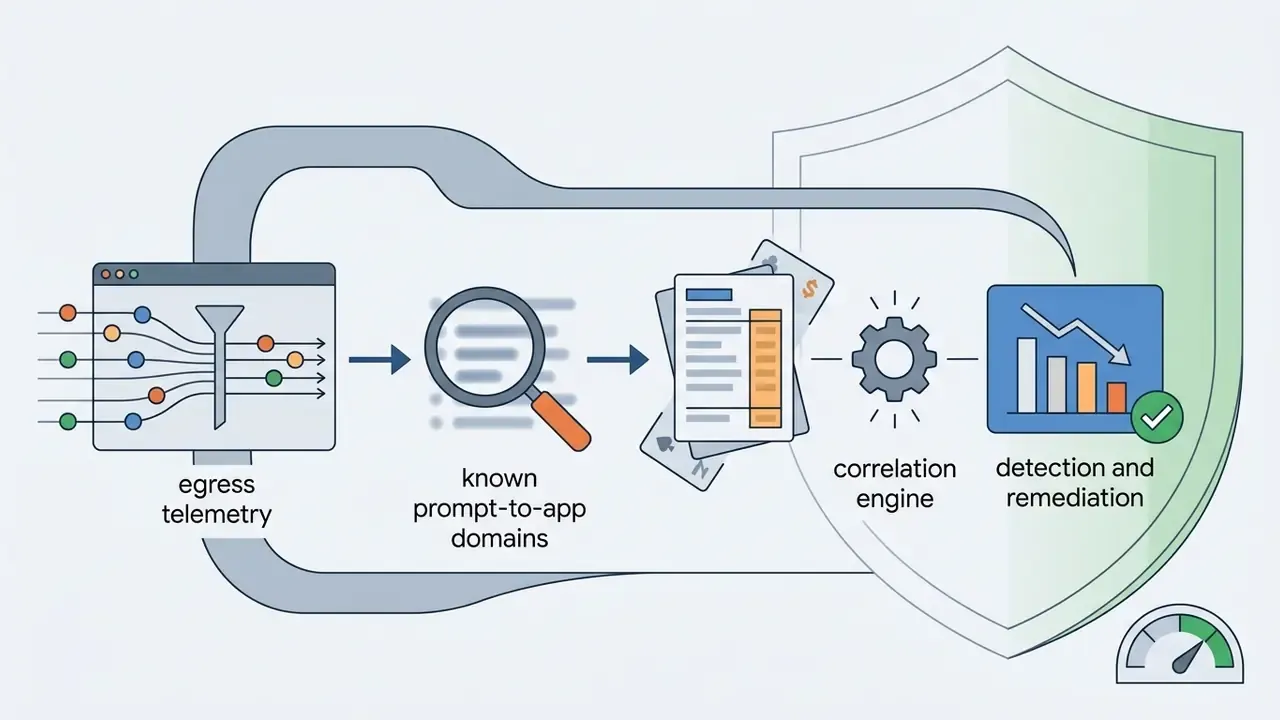
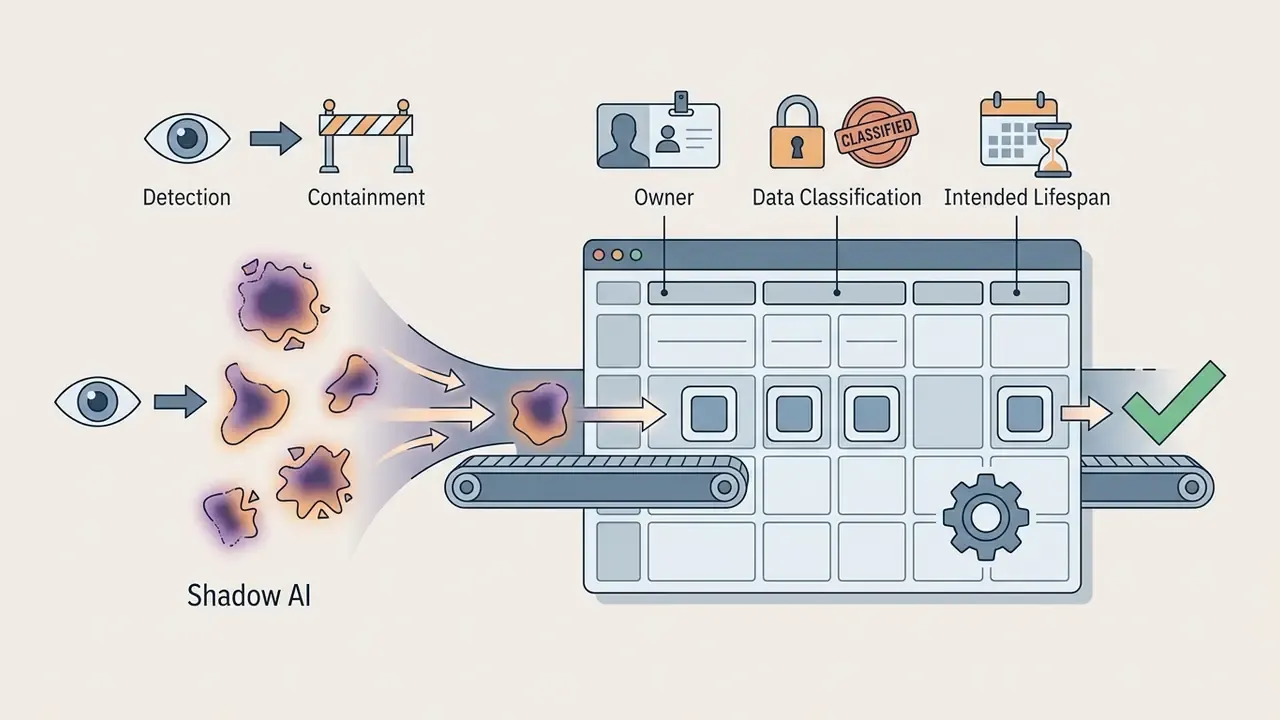
Shadow AI: detection and containment
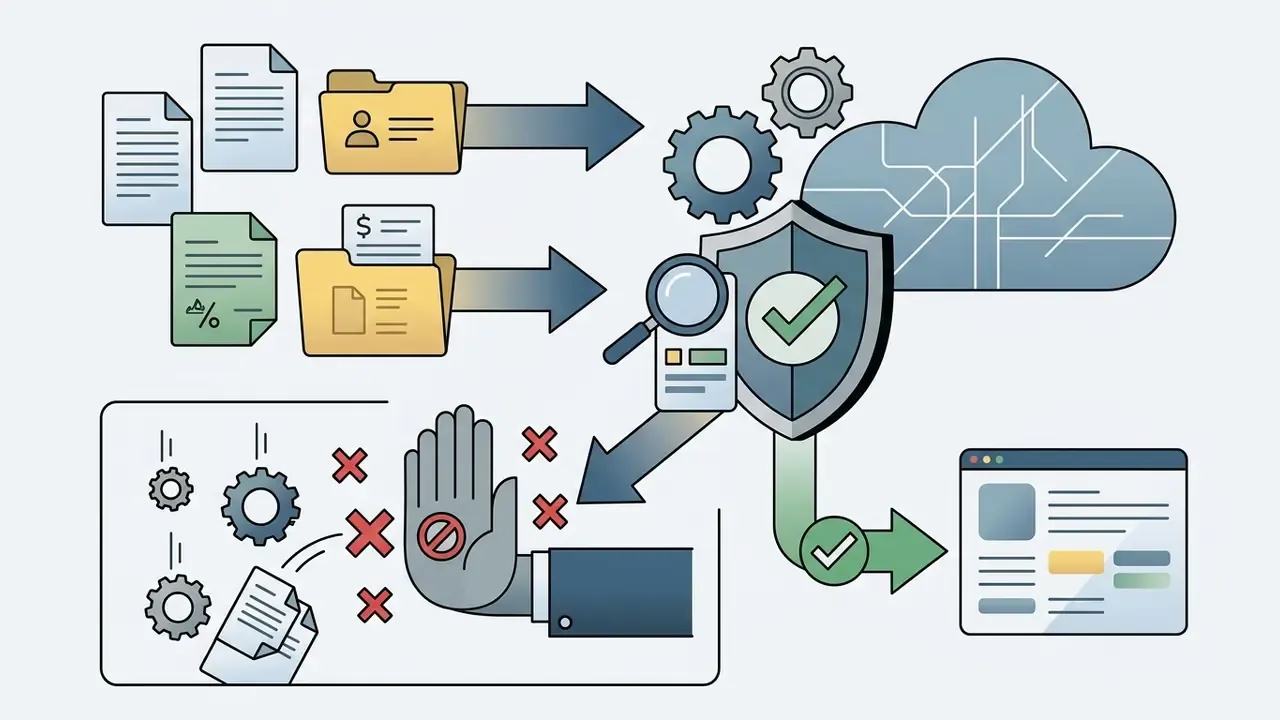
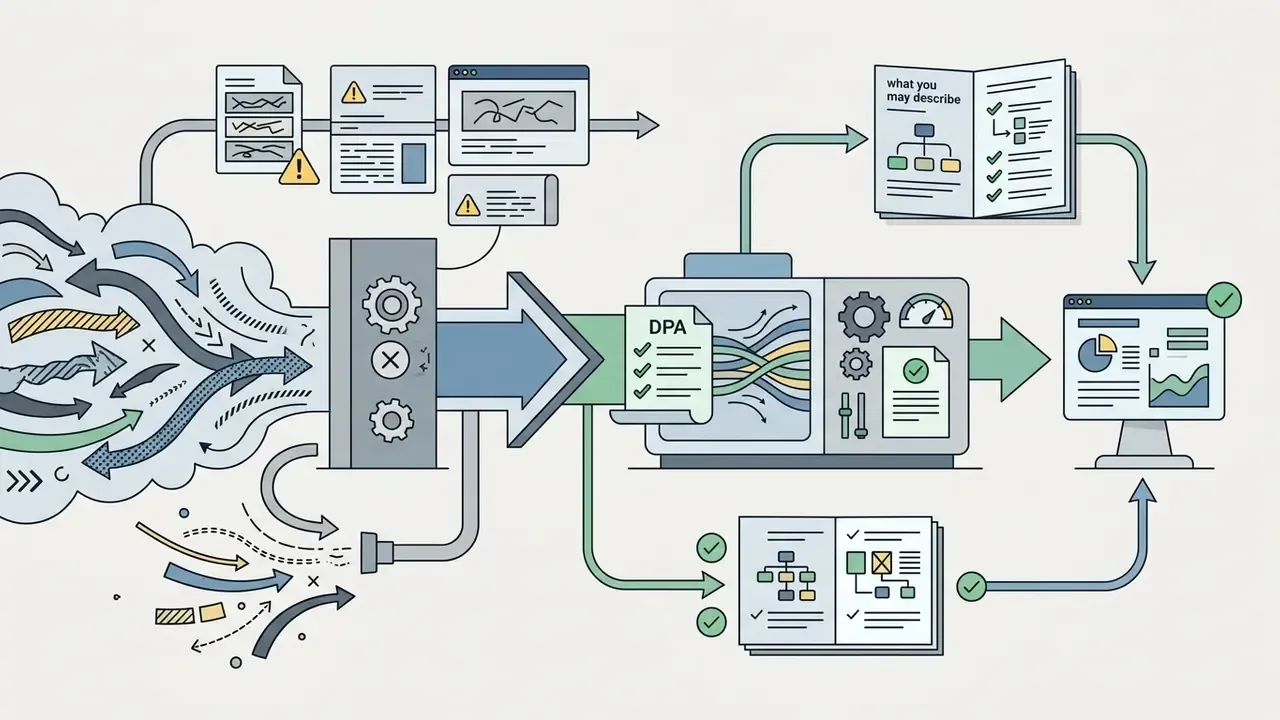
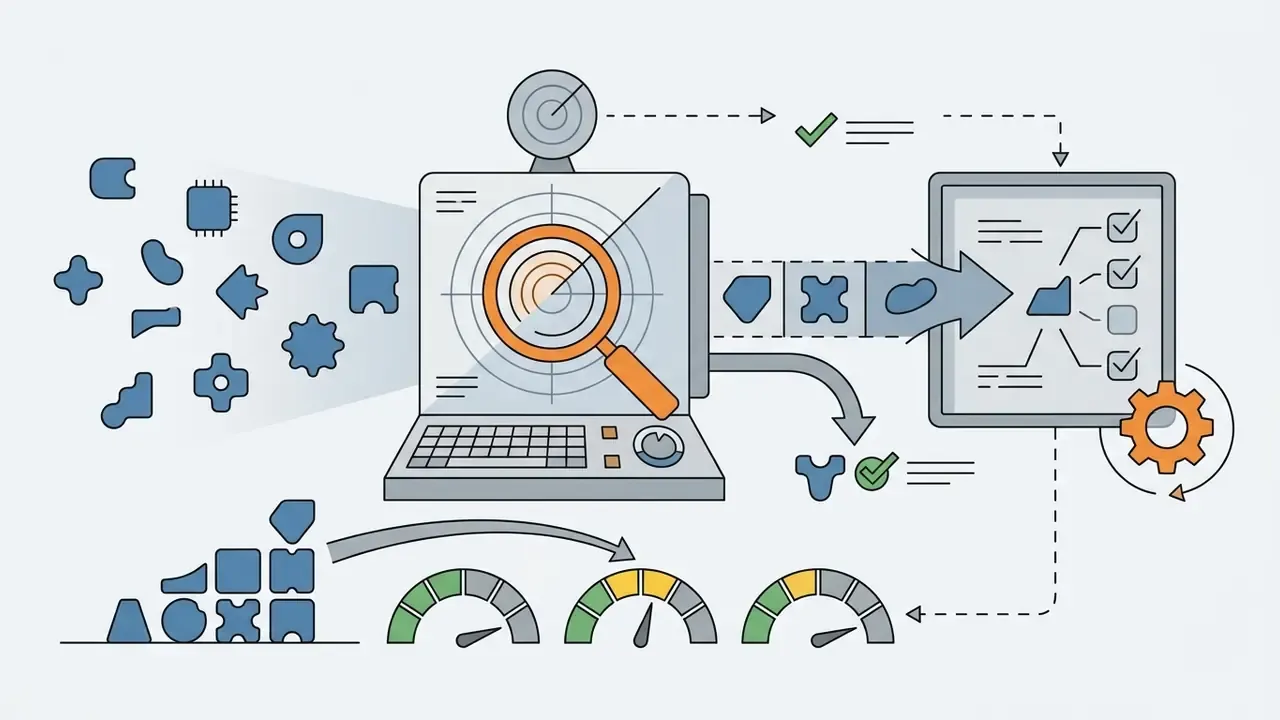
Unsanctioned use of public generators is the fastest-moving risk in this category, because it needs no procurement, no budget code, and no IT ticket. A workable containment sequence:
Audit evidence and prompt lineage
The principle in the epigraph, no evidence no autonomy, is operationalized through an evidence package captured at build time rather than reconstructed at audit time.
| Evidence artifact | What is captured | Retention rationale |
|---|---|---|
| Prompt lineage | Every prompt and follow-up instruction, versioned with author and timestamp | Demonstrates how requirements became logic |
| Model pinning | Provider, model name, version, and configuration per generation | Reproducibility of a given output |
| Generated-code commits | Each generation committed to a corporate repository with an immutable hash | Ties running code to a specific instruction set |
| Security gate results | SAST, DAST, dependency and SBOM outputs plus triage decisions | Shows pre-release control execution |
| Review record | Independent reviewer identity, findings, and sign-off | Establishes segregation of duties |
| Approval record | Go or no-go decision against defined thresholds | Links deployment to authority |
| Deployment record | Environment, timestamp, release artifact, rollback plan | Supports incident reconstruction |
| Monitoring evidence | Alerts, drift observations, post-deployment issues | Demonstrates ongoing management |
Integrate this package with existing GRC tooling rather than storing it inside the builder platform, so the evidence survives a vendor change. Where the generator cannot emit prompt logs and version identifiers via API, treat that gap as a disqualifier for regulated use cases. It is a hard line, and it saves months of retrofitting.
Alignment with model risk and management-system standards
Generated applications frequently embed decision logic: scoring, thresholds, eligibility rules. That is exactly what model risk management frameworks exist to govern.
- Classify the artifact. Decide whether the generated logic is a model, a tool, or an end-user computing application under your internal taxonomy. Classification determines validation depth.
- Apply supervisory expectations. US banking guidance on model risk management (Federal Reserve SR 11-7 and OCC 2011-12) expects conceptual soundness review, ongoing monitoring, and outcomes analysis. Those expectations apply to logic authored by a generator exactly as they apply to logic authored by a quant.
- Preserve independence. The person who wrote the prompt cannot validate the output. Independent validation is the control that distinguishes a governed generated app from an ungoverned one.
- Adopt an AI management system. ISO/IEC 42001 offers a management-system structure for AI governance that maps cleanly onto existing ISO 27001 processes.
- Respect architecture and operations expectations. FFIEC architecture, infrastructure, and operations guidance applies to generated applications like any other hosted workload: change management, resilience, capacity, third-party oversight.
Where KYC, AML alerting, or credit decisioning logic is involved, treat the generated app as an in-scope component of that control chain, not as a convenience layer around it. False negatives in an alert queue are a supervisory issue whether a quant or a generator wrote the rule.
RACI for generated application logic
| Activity | Prompt author / business unit | Engineering owner | Independent validation | Security | Accountable executive (CRO/CIO) | Vendor |
|---|---|---|---|---|---|---|
| Define requirements and constraints | R | C | I | C | A | n/a |
| Generate and iterate on the app | R | C | n/a | I | A | Platform provider |
| Code review and refactoring | C | R | I | C | A | n/a |
| Security testing and remediation | I | C | I | R | A | I |
| Business-logic validation | C | C | R | I | A | n/a |
| Deployment approval | I | C | C | C | R/A | n/a |
| Post-deployment monitoring | C | R | I | C | A | I |
| Incident response and rollback | I | R | I | C | A | C |
| Evidence retention | C | R | C | C | A | I |
R = responsible, A = accountable, C = consulted, I = informed. The critical row is deployment approval: accountability for a generated app's failures sits with a named executive inside the institution, never with the platform vendor.
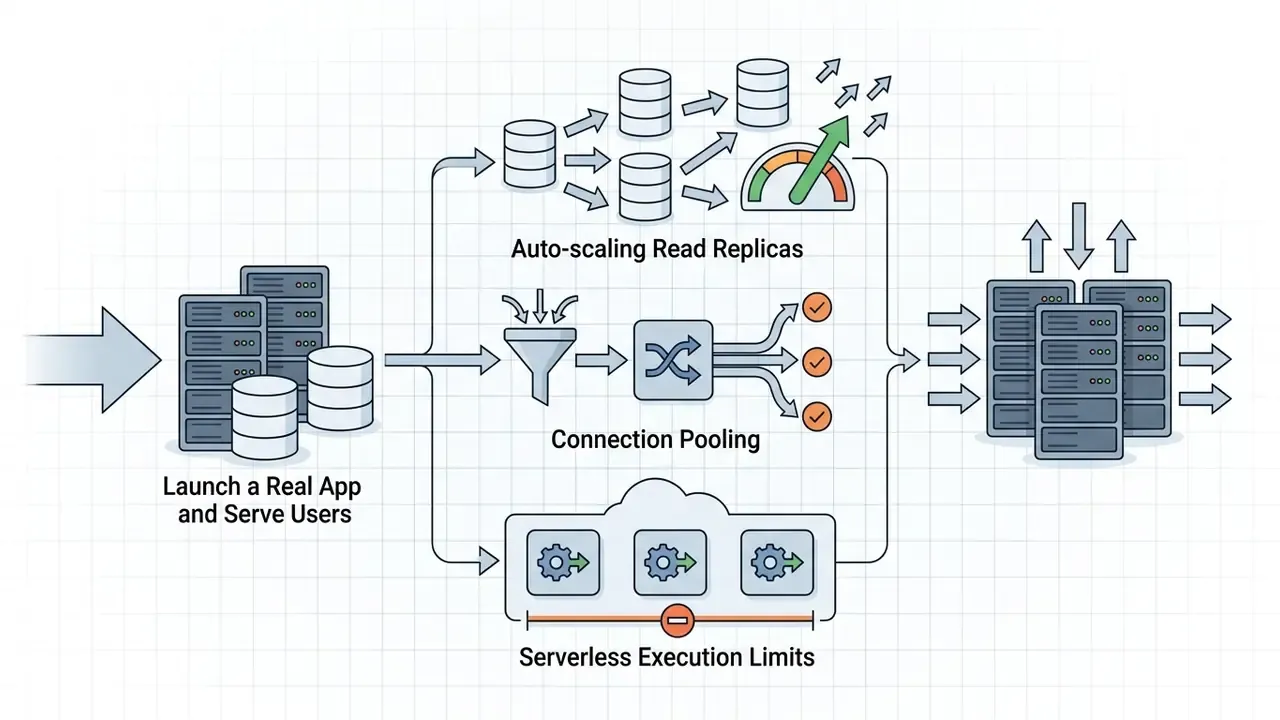
What You Need to Launch a Real App and Serve Users
Launching a real commercial application with live users requires enterprise authentication, database connection pooling, continuous uptime monitoring, and regulatory data protection.
Before exposing a generated application to external traffic, complete four mandatory hardening procedures:
A fifth step belongs alongside these for institutional deployments: operational observability. Versioning, automated CI/CD, deep observability, and multi-layer testing are documented pre-production requirements for generative AI applications. They are also what makes an incident explainable after the fact, which is usually the harder conversation.
Limitations of AI App Generators and Cases Where You Need Code
Traditional custom development remains necessary when applications need sub-100ms execution, proprietary algorithms, custom cryptographic routines, or strict reproducible auditability.
Generative tools face defined architectural limits:
- High concurrency. Thousands of simultaneous real-time transactions require hand-optimized queries and custom indexing.
- Complex business logic. Intricate accounting calculations and multi-system legacy integrations exceed what natural-language generation currently handles.
- Low latency. Real-time media streaming, high-frequency trading, and hardware-level signal processing demand low-level programming.
- Cryptography and key management. Custom cryptographic routines and HSM-backed key handling should never be scaffolded from a prompt. Not once.
- Long-horizon extensibility. When the roadmap beyond six months is unpredictable, generated scaffolds accumulate architectural debt faster than they save build time.
Stability of automated repair is itself a limit:
«AppEval records Pass@1 ranging from 22% to 90.5% when repairing mobile applications, depending on the agent, indicating instability in automated generation.»
Systematic review evidence on low-code and no-code governance reaches the same conclusion from the control side, reporting recurring data exposure, weak access controls, injection risks, insecure integrations, and missing audit trails as the dominant failure modes.
Decision rule. Move from generator to conventional engineering when any of these holds: the application processes regulated personal or transaction data at scale; a single incorrect calculation creates financial or regulatory loss; latency budgets fall below 100ms; the integration surface includes core systems of record; or auditors require reproducible lineage the platform cannot emit.
When requirements exceed visual generator capabilities, move to traditional software engineering. For specialized media automation workflows, teams can evaluate our AI Media API documentation to integrate scalable generation pipelines into an existing stack.
FAQ
Is an AI app generator different from a no-code app builder?
Yes. A no-code builder assembles applications from visual blocks you place by hand. An ai app generator produces the interface, data schema, authentication, and logic from a text description, then lets you refine visually or through follow-up prompts. Hybrid AI-code tools write into a real repository, keeping a human in control of commits.
Can I really build a working app from one prompt?
For common patterns, dashboards, CRMs, booking flows, catalogues, portals, a single well-structured prompt usually produces a working preview quickly. Unusual workflows need several iterations, and benchmark data shows multi-file functional accuracy remains the weak point. Plan for verification, not one-shot success.
Who owns the code an AI generator produces?
Ownership is a contract question, not a technical one. Verify two clauses before selection: whether you receive complete source artifacts, front-end and backend, in standard formats, and whether your prompts and generated code are excluded from vendor model training. Platforms without export mean migration equals rebuild.
Who is liable if generated business logic produces a wrong result?
Internally, accountability sits with the named executive owner of the application and the independent validation function that approved it. Not the prompt author, and not the vendor. Vendor contracts typically limit liability sharply, which is exactly why independent validation and evidence retention are non-negotiable.
Can generated apps be published to Google Play and the App Store?
Only if the platform emits signed native binaries: an Android App Bundle for Google Play, a signed archive for the App Store, meeting current SDK and functionality guidelines. Most prompt-to-app tools produce mobile-responsive web applications instead, which users can pin to a home screen but cannot install from a store.
What happens to my data when I describe an internal process to a public generator?
It becomes third-party processing. That is the mechanism of Shadow AI: disclosure happens at prompt time, before any code review. Route experimentation through one sanctioned tool with a data-processing agreement, and apply DLP controls to everything else.
Are free tiers safe for a proof of concept with real data?
No. Free tiers rarely include contractual processing terms, tenancy isolation, or audit-grade logging. Use synthetic or fully pseudonymised data for proofs of concept, then move to a contracted tier before production data touches the platform.
How do I evidence a generated application for internal audit?
Capture prompt lineage, model and version identifiers, generated-code commit hashes, security gate results, independent review sign-off, deployment records, and monitoring output. Store that package in your GRC system, not in the builder.
Where do AI app generators clearly pay off?
Internal tools with a contained blast radius: dashboards, approval routing, inspection trackers, inventory tools, client portals. Independent benchmarks report prototype build time falling from around six hours to roughly one, with 60 to 80% of app structure generated automatically, while enterprise low-code measurement reports 50% developer time savings and 206% three-year ROI.
When should we stop using a generator entirely?
When latency budgets drop below 100ms, when the app must write to a core system of record, when custom cryptography is required, or when regulators need reproducible lineage the platform cannot emit.
A safe next step
If you are evaluating this category now, the least risky opening move is narrow. Pick one internal workflow with low data classification, define the prompt as a written specification, run the build through your existing security gates, and require independent validation before anyone outside the team sees it. Then measure two things: time saved, and control cost incurred. If the second exceeds the first, you have learned something useful for a fraction of the price of a failed production rollout.
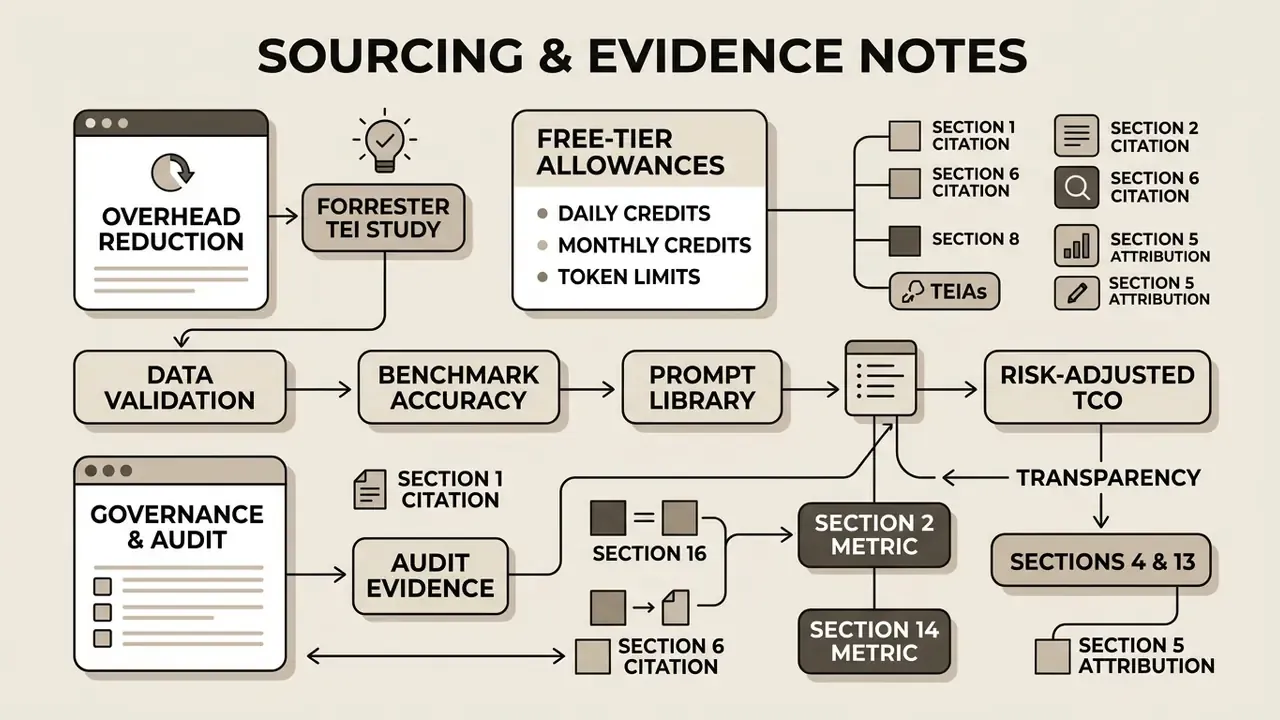
Appendix A — Sourcing and evidence notes
Hub Navigation
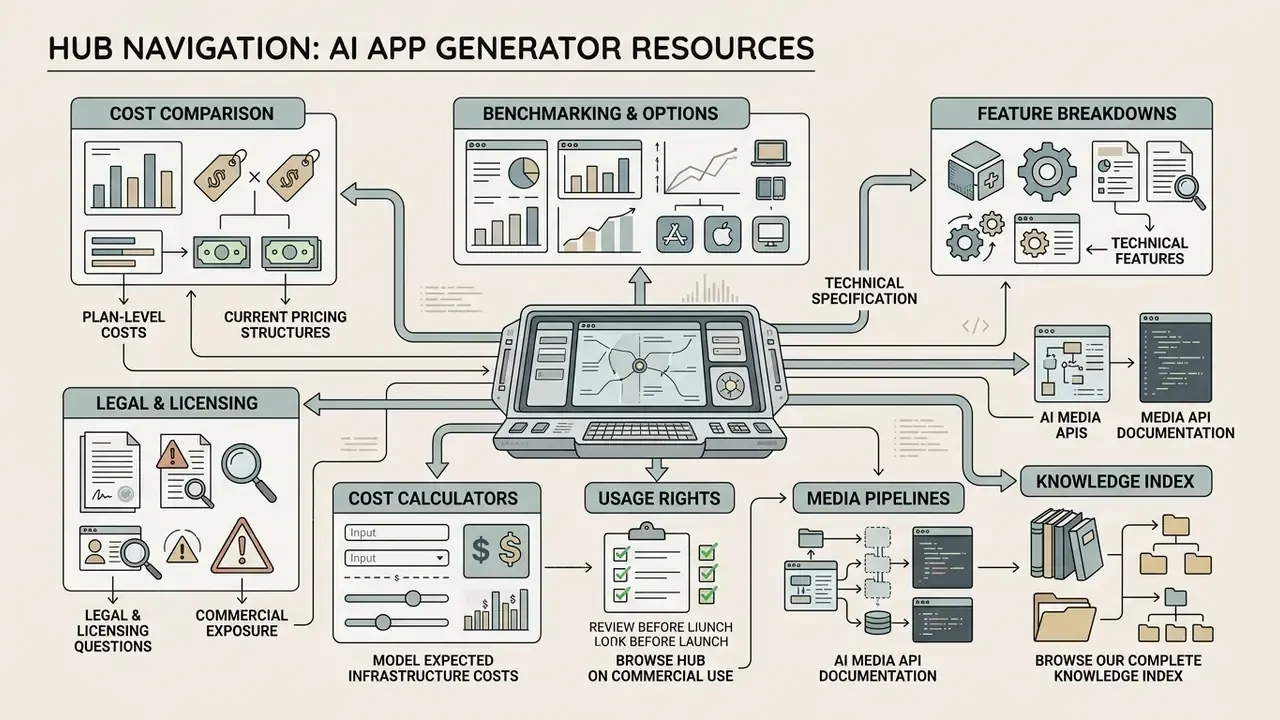
To review comprehensive software tool evaluations, use our centralized resources:
- Compare plan-level costs across tooling categories and browse the hub for current pricing structures.
- Review detailed software benchmarking and compare options across platforms.
- Access technical feature breakdowns and explore the hub of comparisons.
- Consult legal and licensing questions and see the overview on commercial exposure.
- Model expected infrastructure costs with our interactive calculators.
- Review usage rights before launch and browse the hub on commercial use.
- Integrate scalable media pipelines through our AI Media API documentation.
- To browse our complete knowledge index and taxonomy, explore the hub.