Visualizing complex business logic and operational workflows requires speed, clarity, and precision. An ai flowchart generator transforms unstructured text prompts, technical specifications, and procedural documents into structured, editable process diagrams on a digital canvas. This guide examines how financial institutions, technology teams, and enterprise operators can use an ai based flowchart maker to convert raw process descriptions into auditable visual assets, without loosening governance standards.
Last updated: 2026. Reviewed for pricing accuracy, security standards, and current AI-agent integration methods.
On this page: what an AI flowchart generator does, every supported input method (text, templates, PDFs, Visio files, sketches, live data), a copy-ready prompt library, the step-by-step generation workflow, a verification checklist, enterprise use cases, selection criteria and security, pricing, plus FAQ.
What Is an AI Flowchart Generator and When Should You Use One?
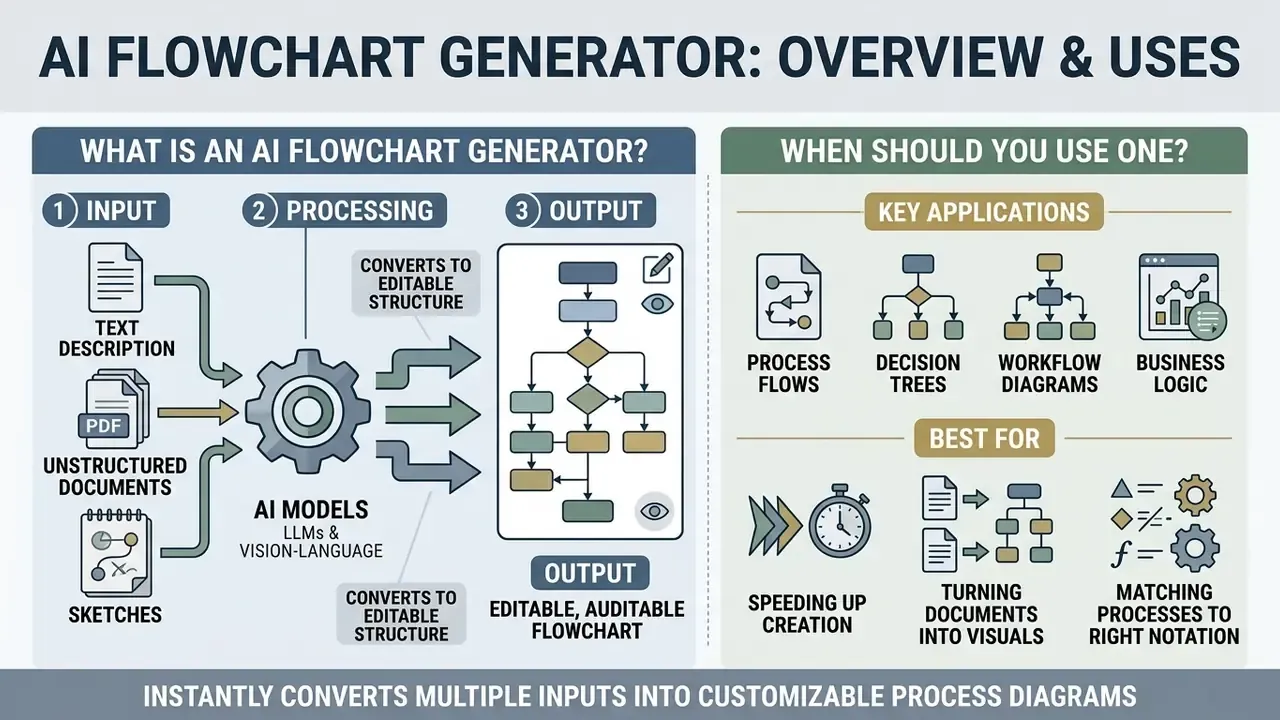
An ai flowchart generator is a software application that uses large language models and vision-language architectures to convert textual descriptions, unstructured documents, or logic specifications into structured visual diagrams. You should reach for an ai flowchart tool when documenting operational workflows, standard operating procedures, KYC and AML review paths, customer onboarding journeys, or system architectures that need rapid drafting and constant iteration.
Traditional diagramming software relies on manual shape placement, connector routing, and text entry. Slow work. In contrast, an ai flowchart maker ingests plain language prompts or source files, parses sequential relationships and decision logic, then renders a formatted diagram automatically. That conversion cuts the time needed to draft an initial process map, while the resulting diagrams stay fully editable for human validation. The distinction matters: a flowchart is a controlled artifact, not a generated illustration.
From a Text Description to an Editable Flowchart
An ai create flowchart system converts plain language descriptions into structured intermediate code that renders directly onto a visual canvas. The underlying architecture parses input text to identify distinct procedural steps, conditional decision triggers, and execution branches, assigning an appropriate graphical shape to each element.
As technical research on diagram construction systems shows, language models translate natural language prompts into machine-readable encodings such as mxGraph XML, PlantUML, or Mermaid code. Those intermediate encodings keep the generated diagram dynamic instead of collapsing it into a flat raster image.
«Diagram generation systems translate textual descriptions into machine-readable formats, mxGraph XML, PlantUML, or Mermaid, preserving full editability of the result.»
Operators can therefore rename nodes, adjust connection paths, or restructure workflow branches on an interactive canvas without redrawing anything. And because the underlying representation is text-based code, the same diagram can be version-controlled inside a Git repository alongside the system it documents. For a bank, that single property, diff-able documentation, is often worth more than the drawing speed.
Process Flows, Decision Trees, and Workflow Diagrams
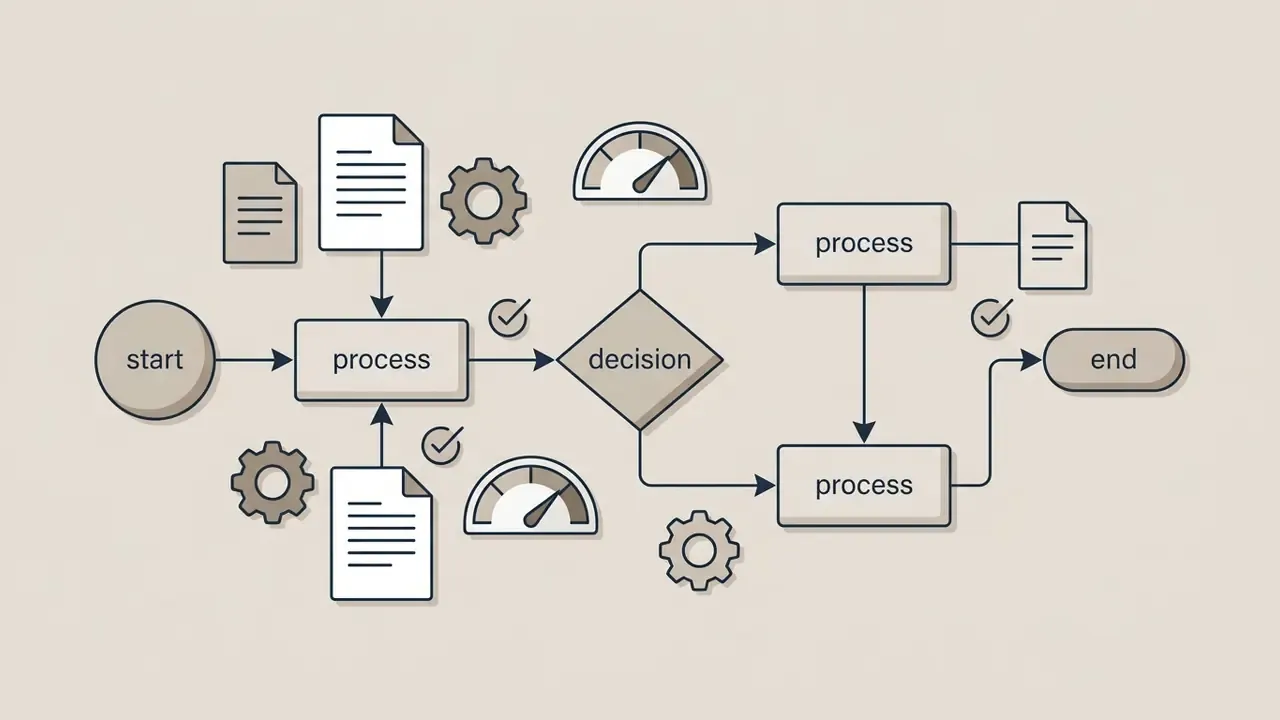
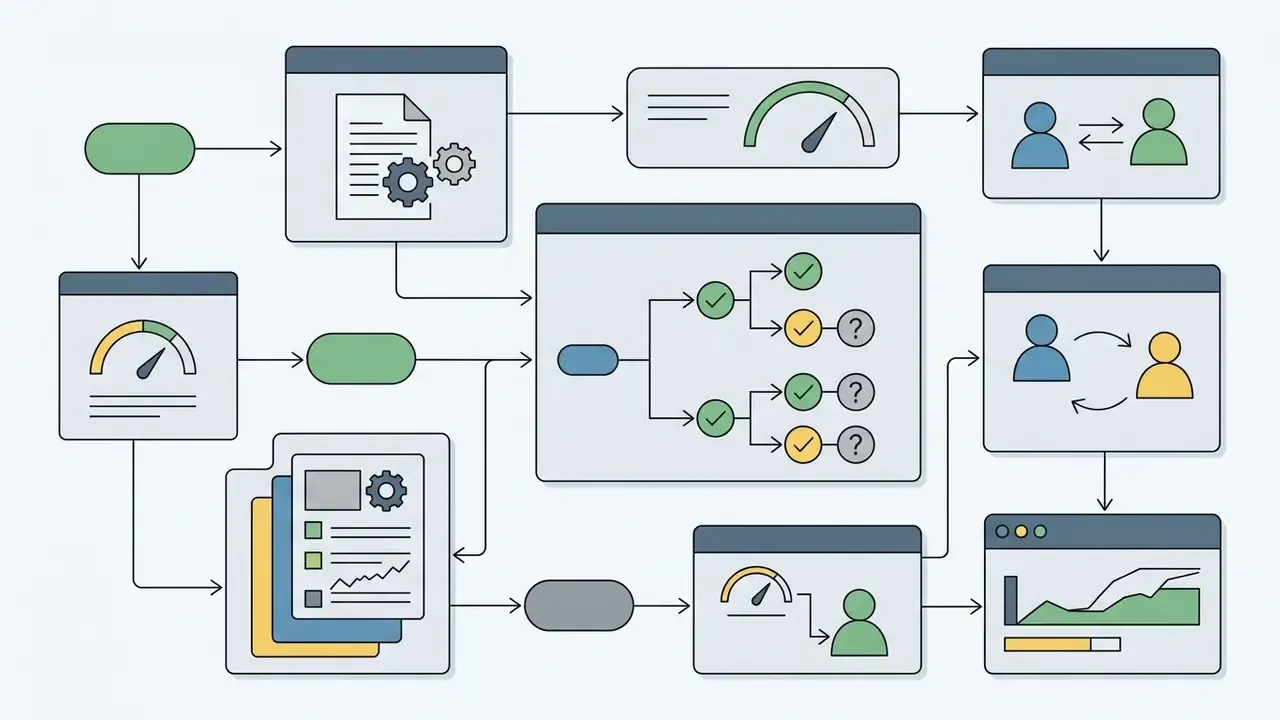
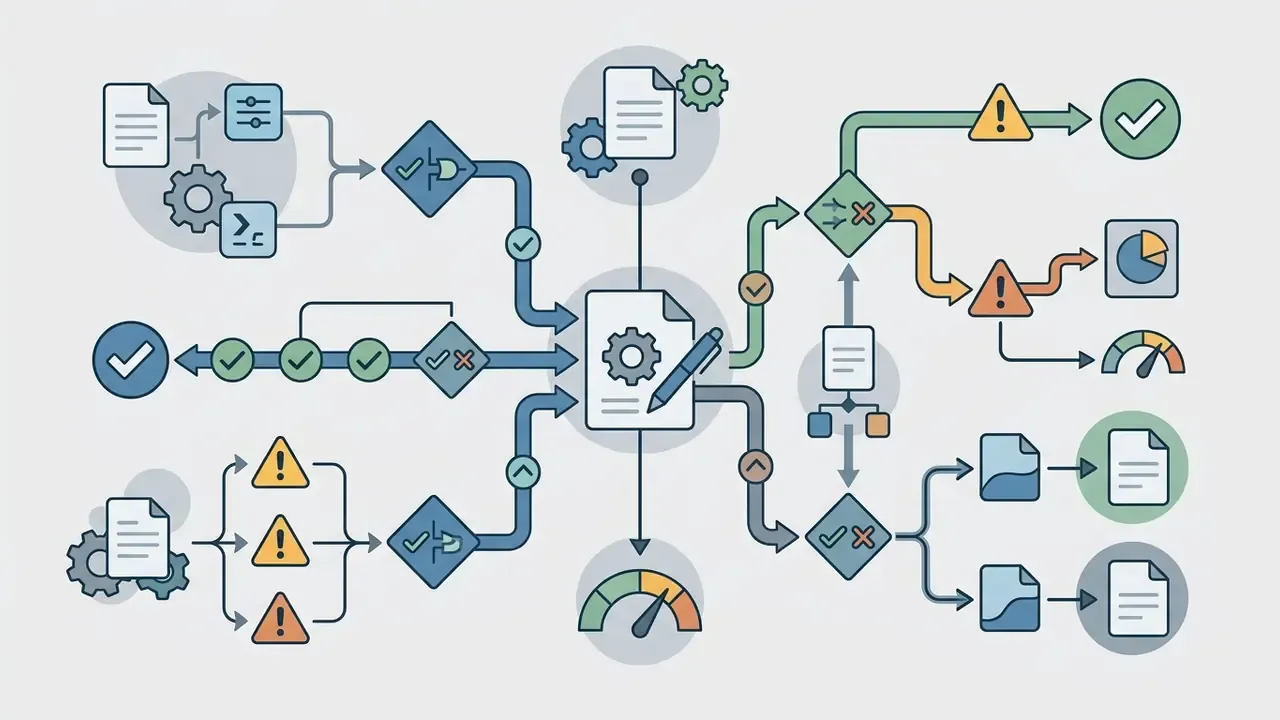
Modern AI diagramming platforms support several visual modeling formats, each tuned to a specific operational requirement. Knowing the structural differences helps teams pick the right format before anyone starts typing:
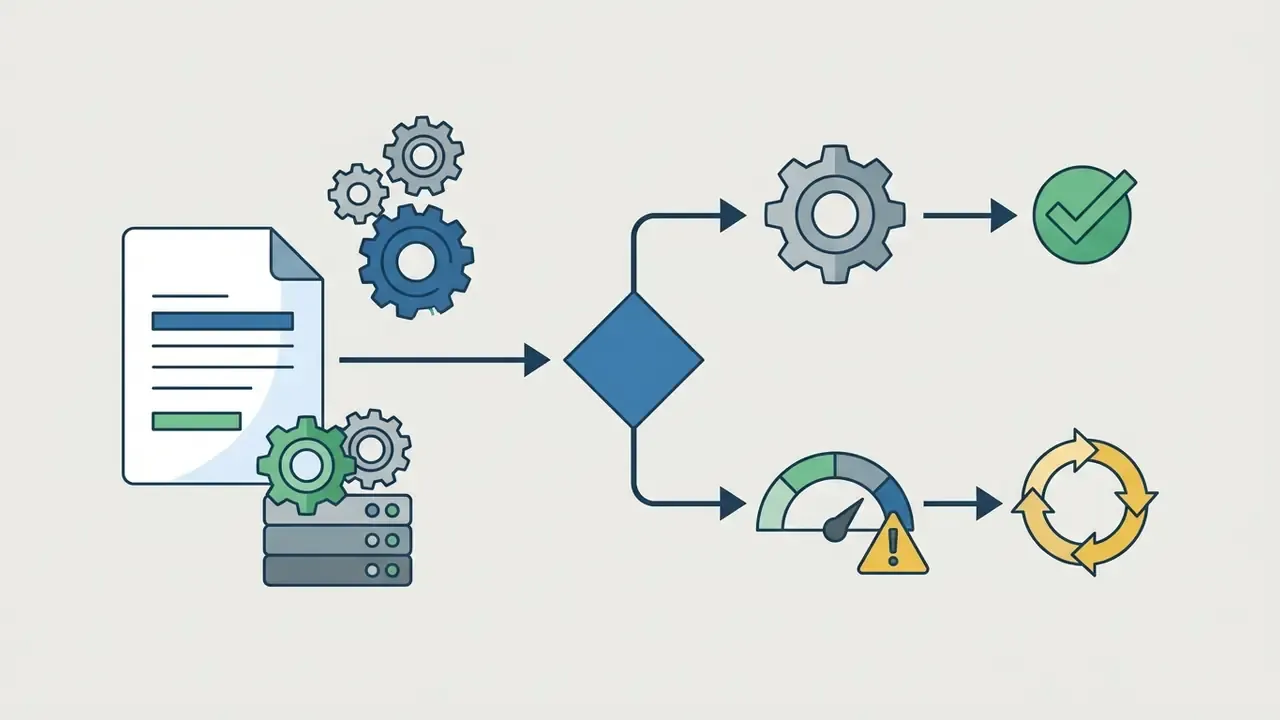
Matching a Process Type to the Right Notation
Choosing notation before writing the prompt materially improves output accuracy, because each syntax encodes different structural primitives. Ask the model for a swimlane map when you mean a swimlane map.
| Process Type | Recommended Notation | Why It Fits | Typical Export |
|---|---|---|---|
| Simple sequential SOP | Flowchart (Mermaid flowchart TD) | Lightweight, readable, code-versionable | Mermaid, SVG |
| Cross-functional approval chain | BPMN with swimlanes | Encodes lanes, roles, gateways, and events | BPMN XML, PDF, .vsdx |
| Conditional pricing or eligibility rules | Decision tree | Explicit branch probability and outcome nodes | SVG, PNG |
| API call order and system handshakes | UML sequence diagram | Preserves actors, messages, and time ordering | PlantUML, SVG |
| Data entities behind a workflow | ER diagram | Models cardinality and relational constraints | Mermaid ER, PDF |
| CI/CD release pipeline | Flowchart with stage groupings | Shows gates, rollbacks, and parallel branches | Mermaid, PNG |
A credit-policy example makes the point concrete. If you describe an eligibility rule set as a plain sequential flow, the engine tends to flatten thresholds into a single node. Ask for a decision tree, and every threshold becomes an inspectable branch, which is exactly what a validator wants to sample.
Ways to Start: Text Prompts, Templates, Images, and Documents
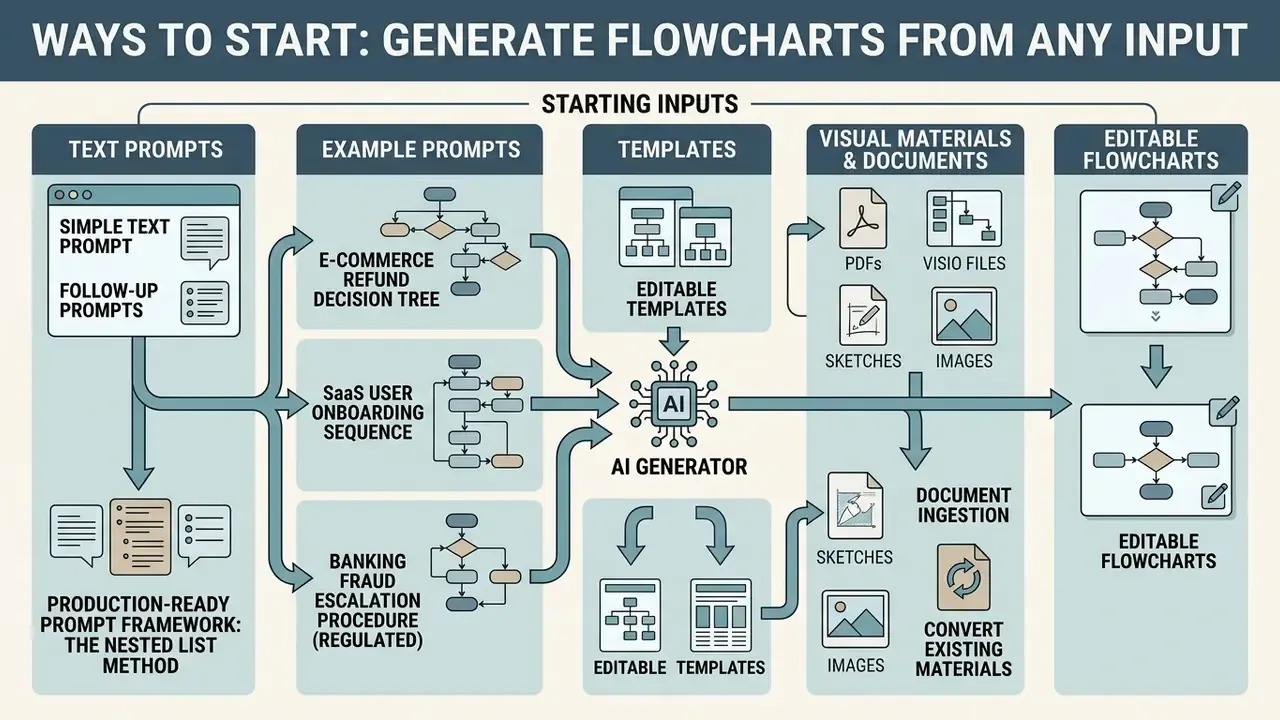
Flexible input options let teams generate diagrams whatever shape their process knowledge is in today. An ai flowchart generator from text normally supports several channels at once: plain prompts, structural templates, raster images, uploaded documents, legacy vector files, and live spreadsheet data.
Generate a Flowchart From Text and Follow-Up Prompts
The most direct route to ai create flowchart from text is entering a natural language description into the application interface. If the first output misses something, you issue follow-up instructions to refine specific segments rather than starting over.
Iterative prompting allows targeted structural edits without regenerating the whole picture. Instruct the model to "add a compliance review step before final payment authorization" and only the relevant decision node changes, preserving the existing layout and connector network. Vendors describe this as surgical editing: the engine applies a diff to the diagram model instead of rebuilding it, which protects the manual layout work you already paid for in analyst hours.
Production-Ready Prompt Framework: The Nested List Method
For maximum accuracy when converting text to diagrams, structure your prompt as a nested hierarchical list. LLM parsers map nested indentation directly onto decision branches and parent-child node relationships. That is why a nested list beats a flowing paragraph for anything with branches.
Example Prompt 1: E-Commerce Refund Decision Tree
Example Prompt 2: SaaS User Onboarding Sequence
Example Prompt 3: Banking Fraud Escalation Procedure (Regulated Environment)
Three structural rules make prompts like these reliable across engines. Name the start node explicitly. Name every decision node with the exact condition being evaluated. Name every end node, or the parser will happily invent terminal states of its own. Where it applies, declare natural groupings too, system boundaries, phases, or organizational lanes, so the layout engine clusters nodes correctly instead of guessing.
Use Templates or Convert Existing Visual Materials
When no written description exists, specialized ai flowchart creation tools accept structural templates, uploaded PDFs, legacy diagram files, spreadsheets, or hand-drawn images as source material:
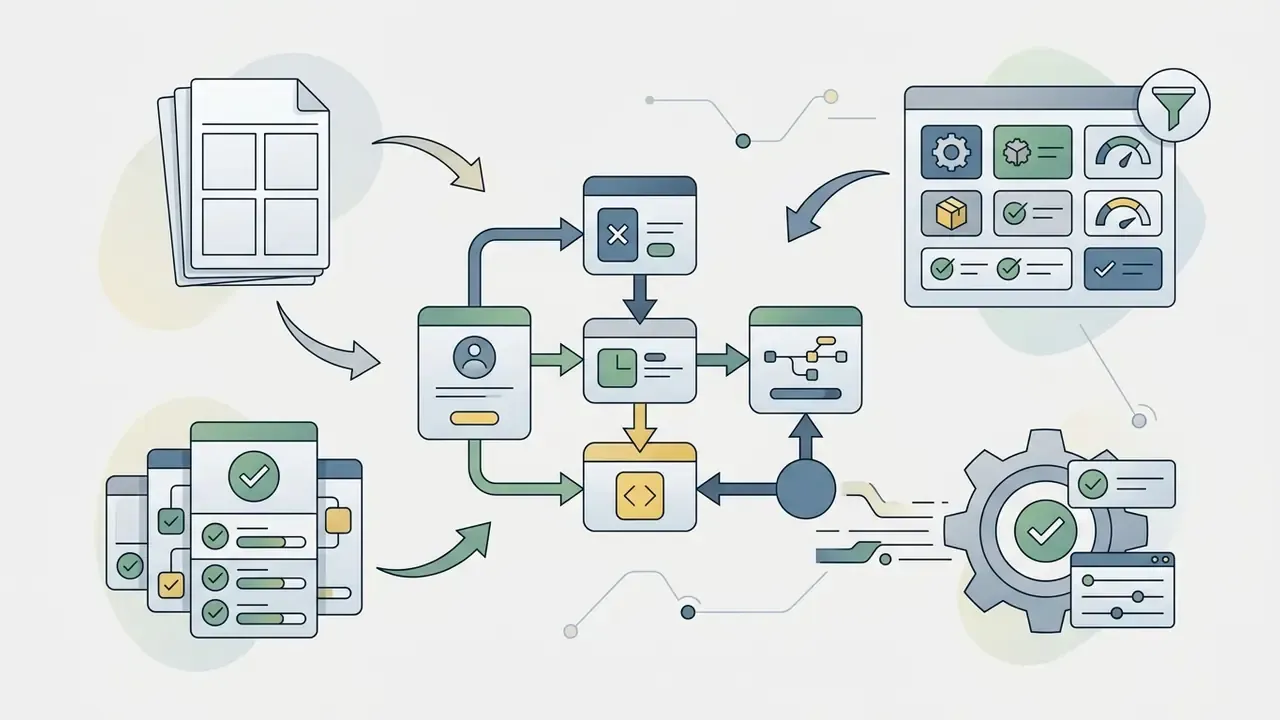
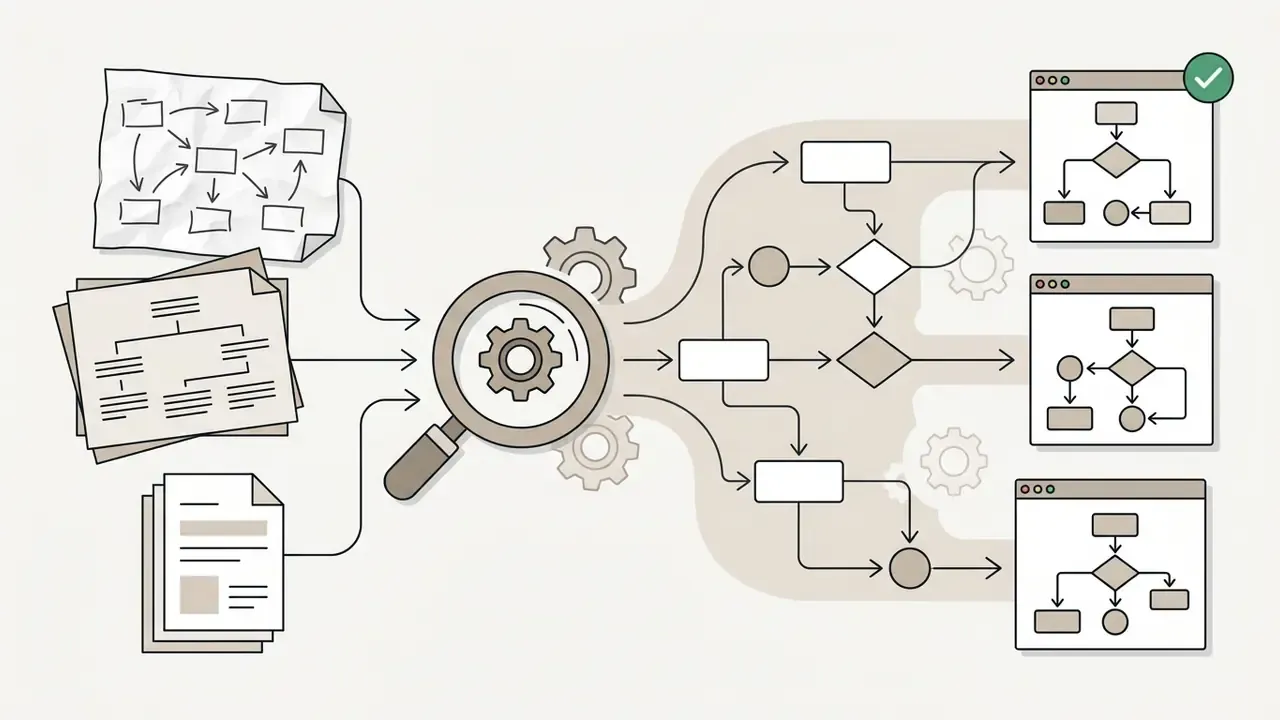
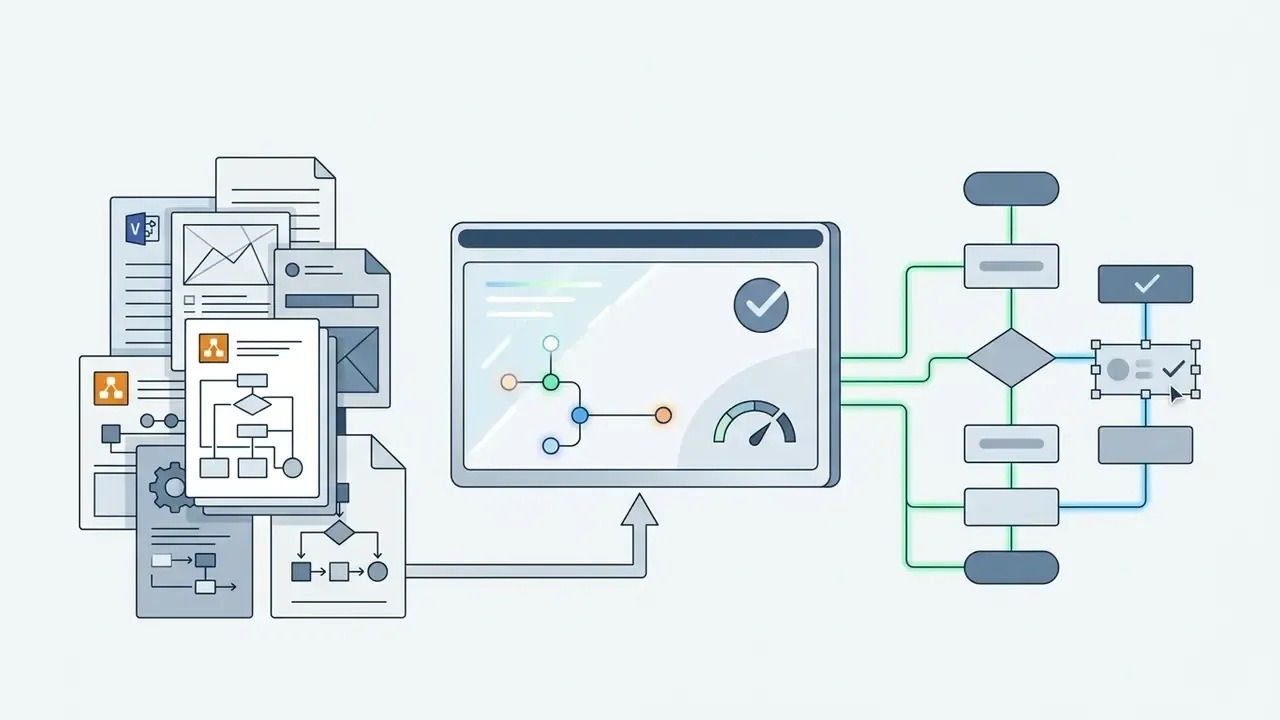
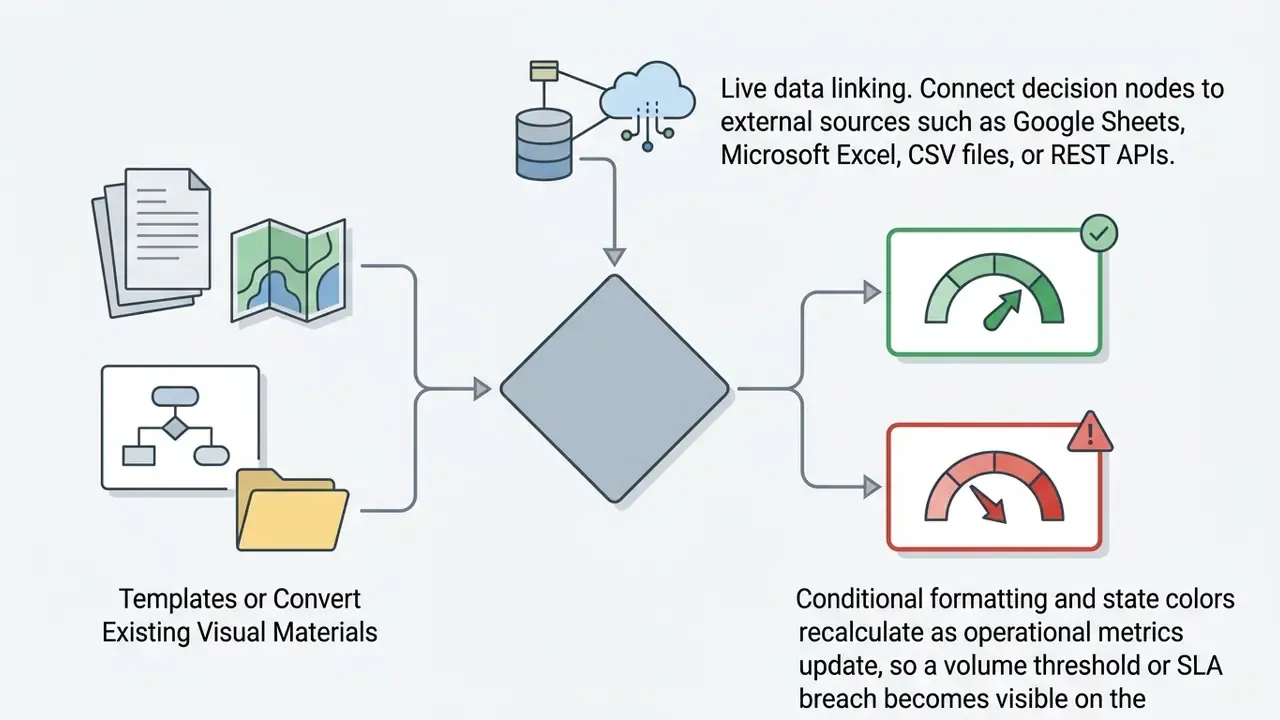
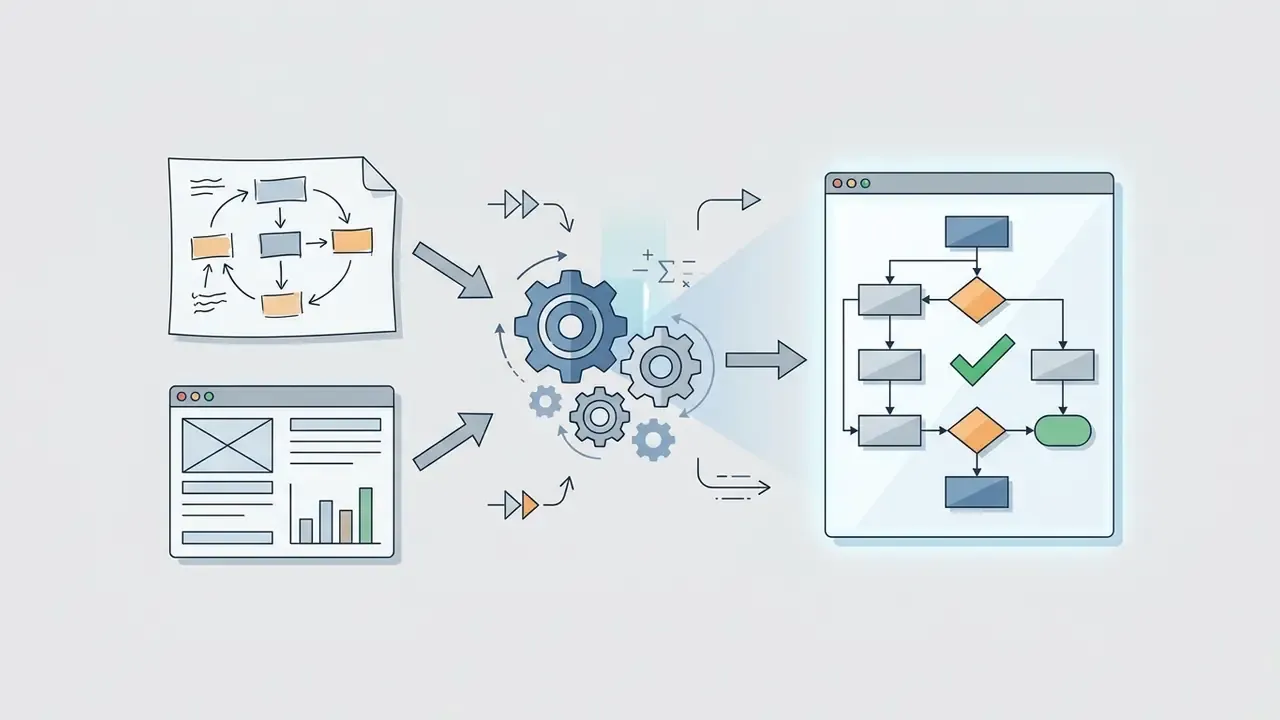
«Flowchart2Mermaid converts uploaded flowchart images into Mermaid.js code, supporting visual editing, direct code modification, and natural-language commands.»
«Draw with Thought reconstructs diagrams from raster images into editable mxGraph XML through two-stage chain-of-thought reasoning across eight multimodal models.» Draw with Thought: Reconstructing Scientific Diagrams into Editable mxGraph XML, arXiv (2024 to 2025). arxiv.org
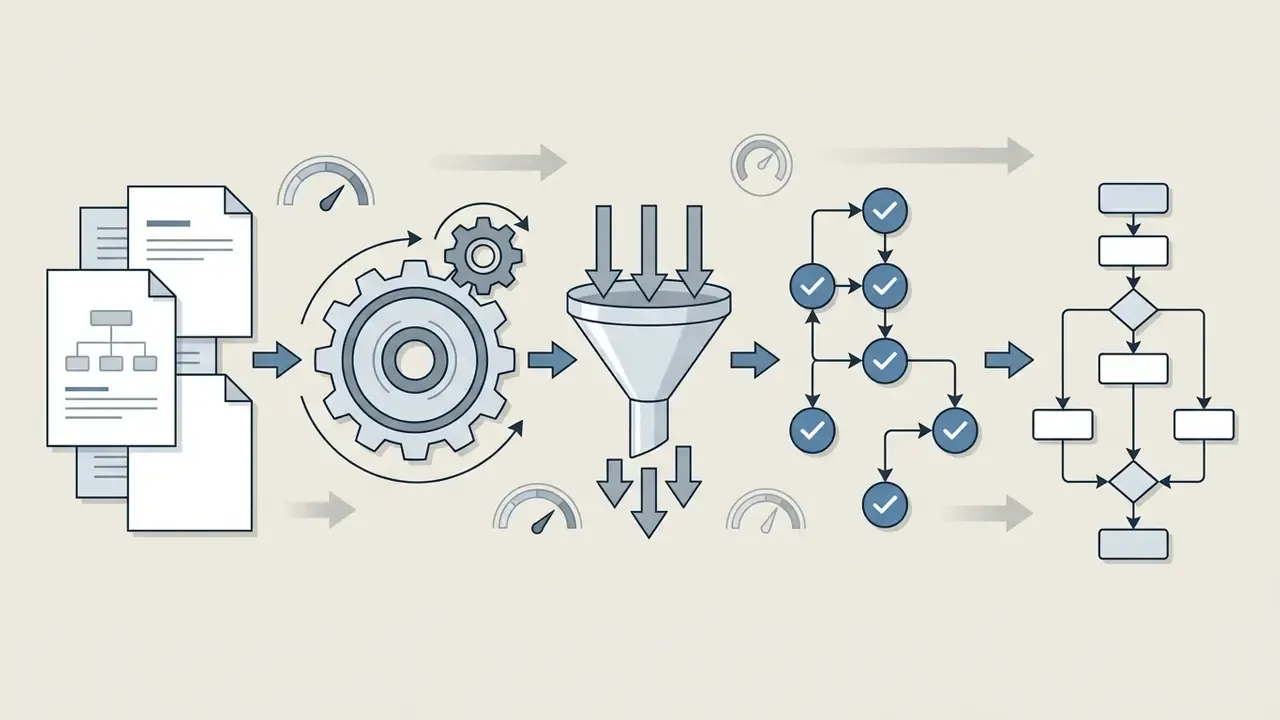
Research on multimodal diagram reconstruction shows that vision-language models can extract node relationships from static raster images fairly reliably, producing synchronized code representations that stay editable. Scan quality still governs the outcome, though: skew, low brightness, and paper discoloration all degrade extraction. Standardize on high-resolution capture before ingestion and you avoid most of the cleanup.
How to Create a Flowchart With AI Step by Step
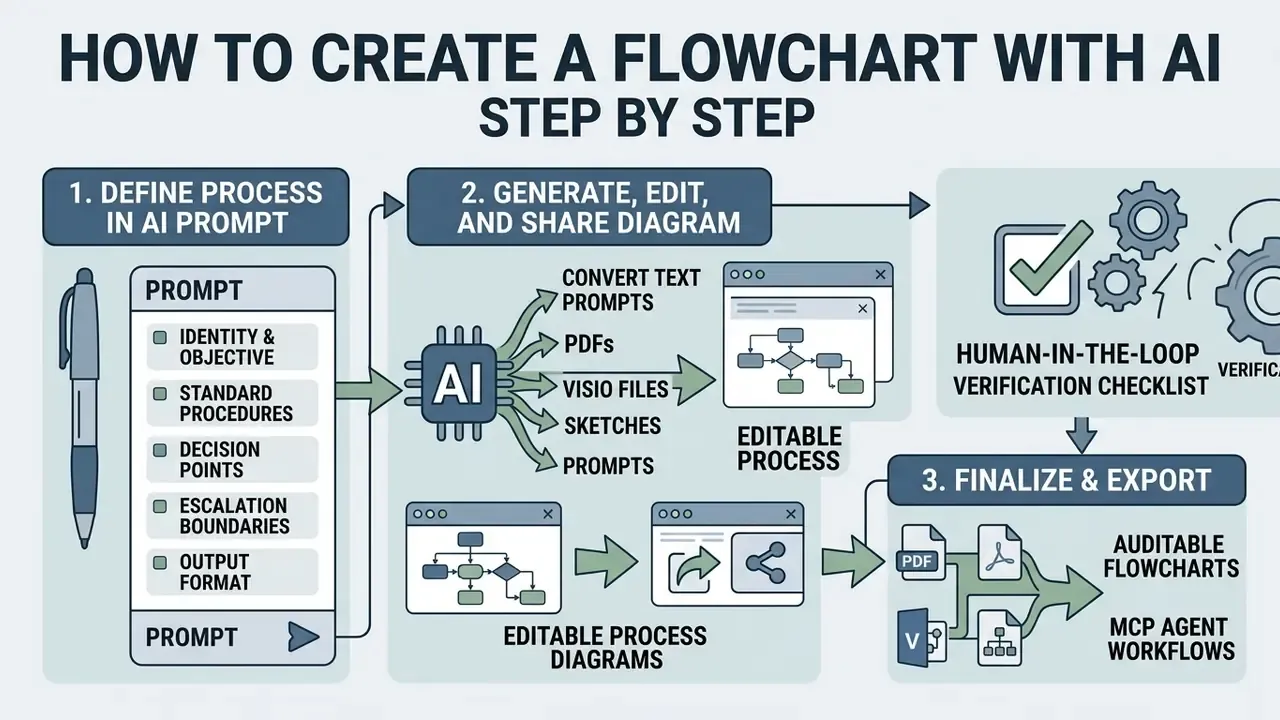
Creating a process diagram with artificial intelligence follows a four-stage lifecycle: scope the input prompt, run automated generation, refine structure on the canvas, export the finished asset. Simple enough to teach in an afternoon.
Describe the Process in a Clear AI Prompt
An ai flowchart generator from text prompt needs precise, structured input to produce an accurate diagram. Good prompts define the operational boundary, name the actors, list actions in order, and state conditional criteria explicitly.
Enterprise prompting frameworks recommend splitting the description into clear functional sections:
- Identity and objectiveDefine the process (for example, "Map the commercial loan origination process").
- Standard proceduresEnumerate primary execution steps in chronological order.
- Decision pointsDetail the conditions that trigger branching (for example, "If credit score is below 680, route to manual underwriting").
- Escalation boundariesSpecify terminal states, approval thresholds, and error handling paths.
- Output formatState the target notation and export expectation (for example, "Return a Mermaid
flowchart TDwith swimlane subgraphs").
A practical shortcut for long-form policy: rather than composing a prompt from scratch, paste excerpts from an existing requirements document, a call transcript, or a knowledge-base article, and tell the model to restate the flow as a nested list before drawing anything. That intermediate list becomes the review artifact your subject-matter expert signs. Cheaper to correct a list than a rendered diagram, in my experience.
Human-in-the-Loop Verification Checklist
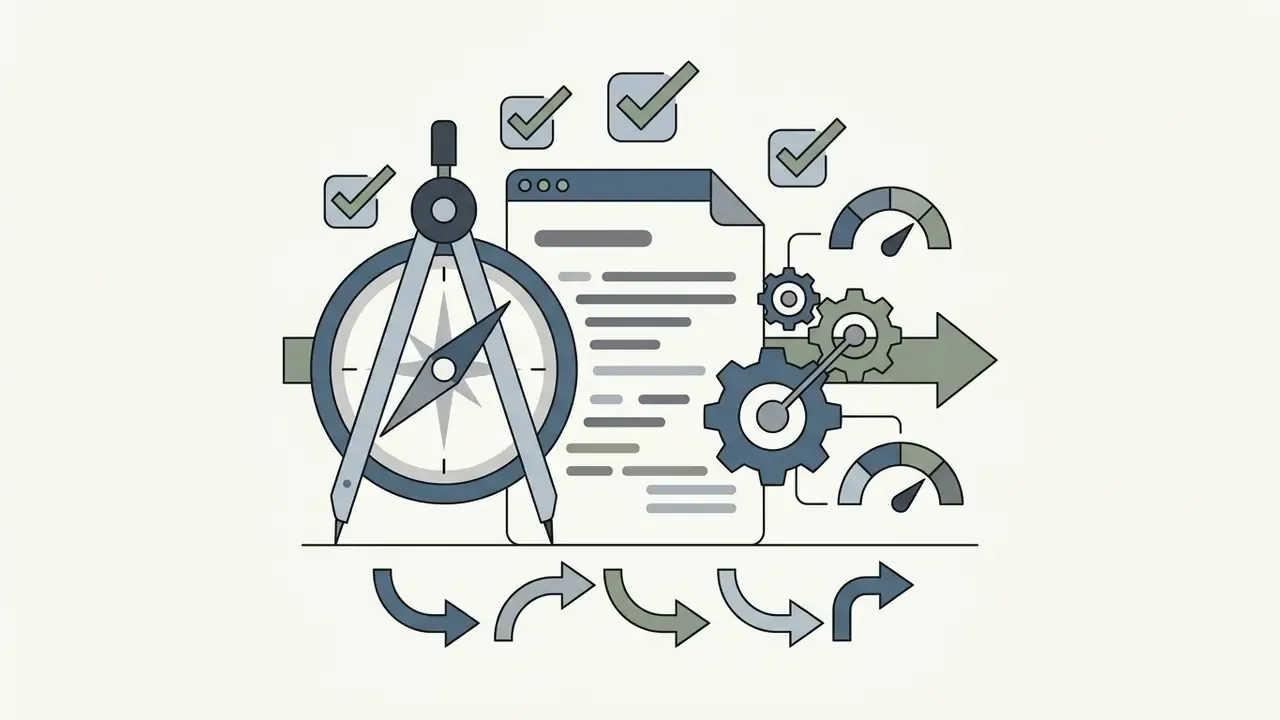
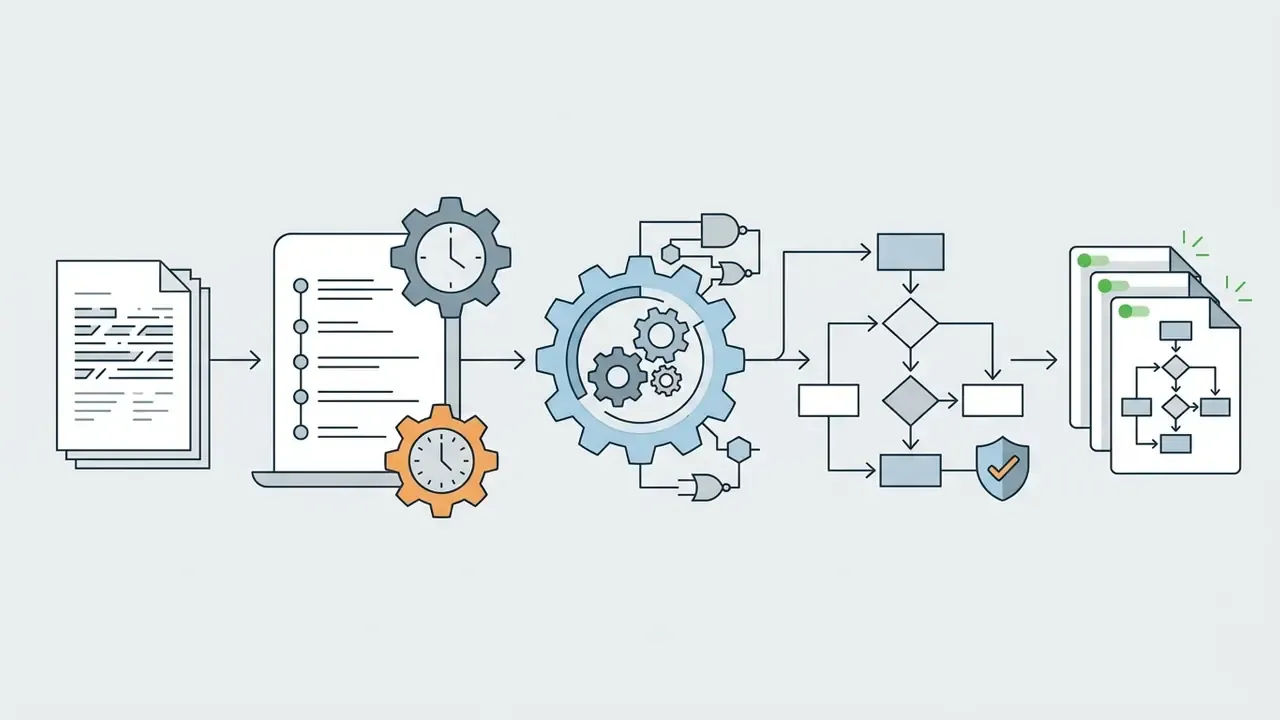
Before an AI-generated diagram enters an audit file, a training pack, or a regulator submission, a subject-matter expert should confirm each of the following:
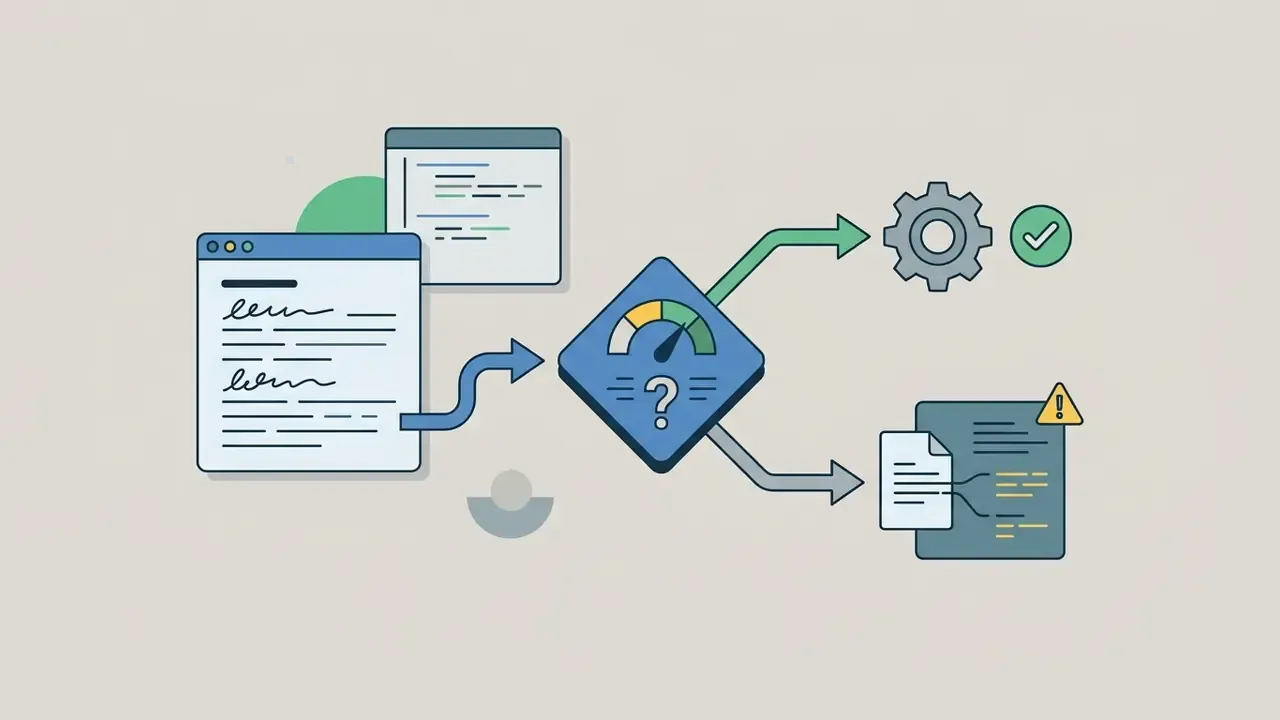
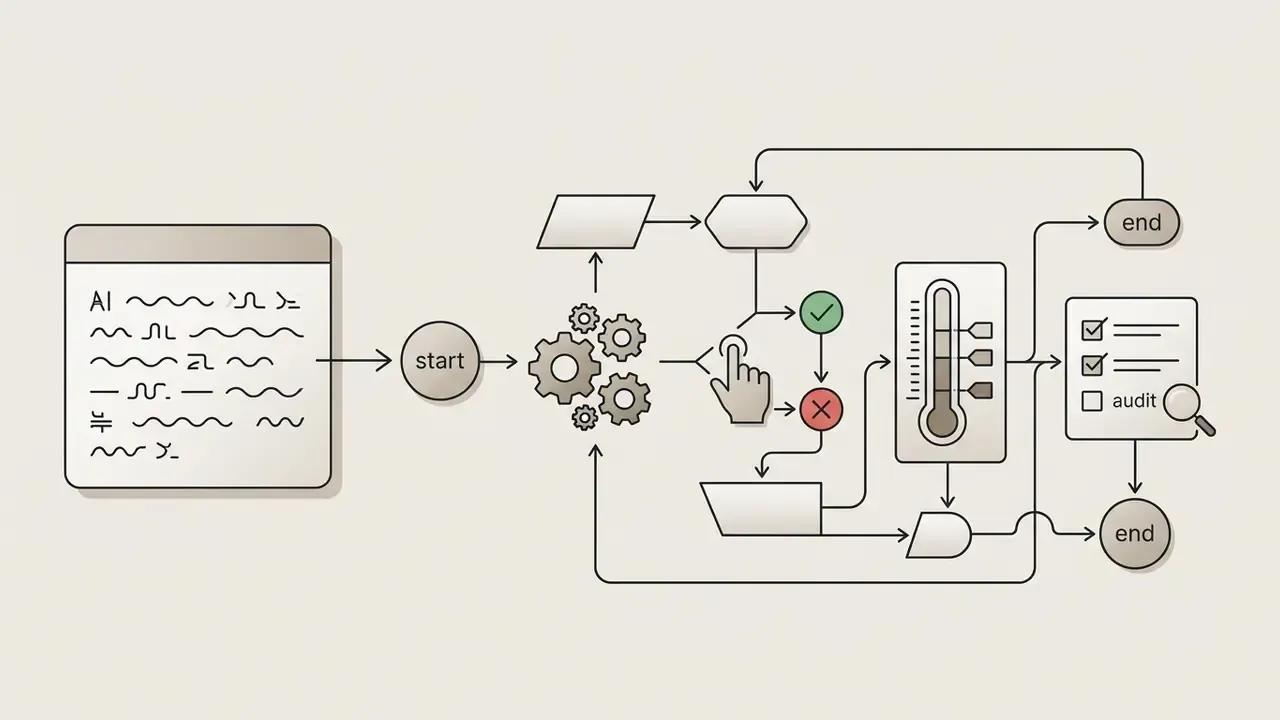
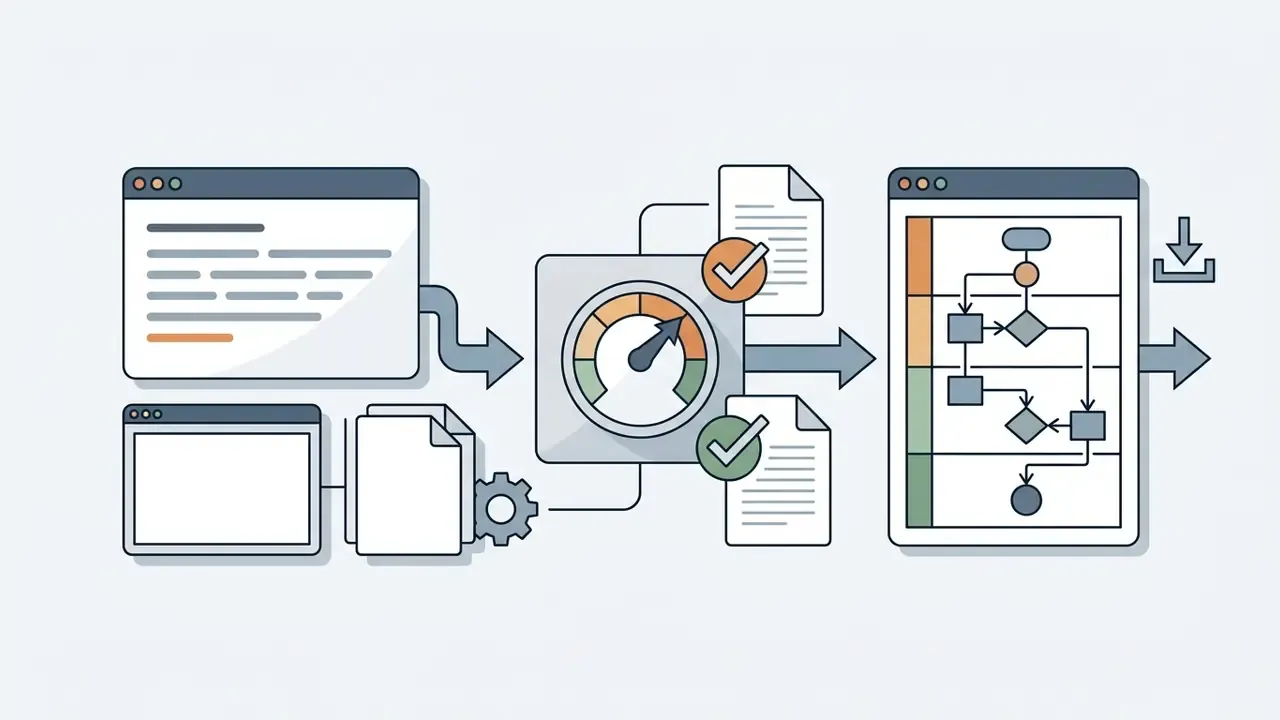
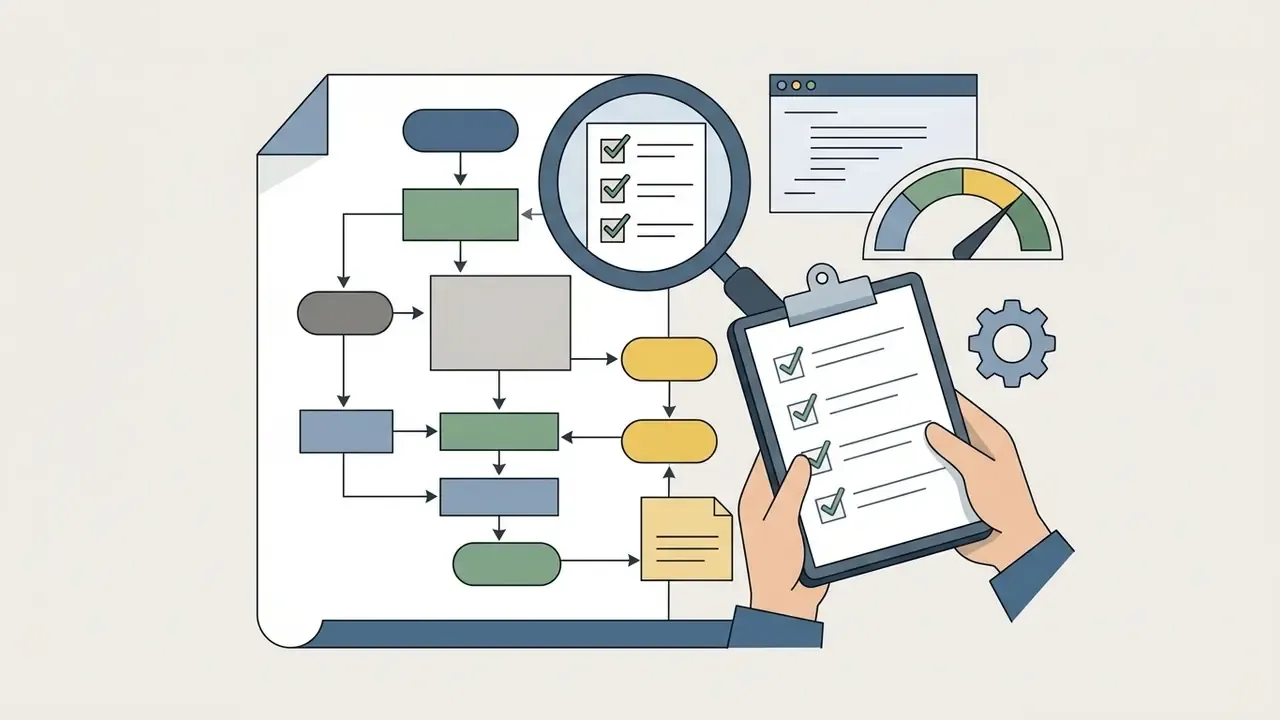
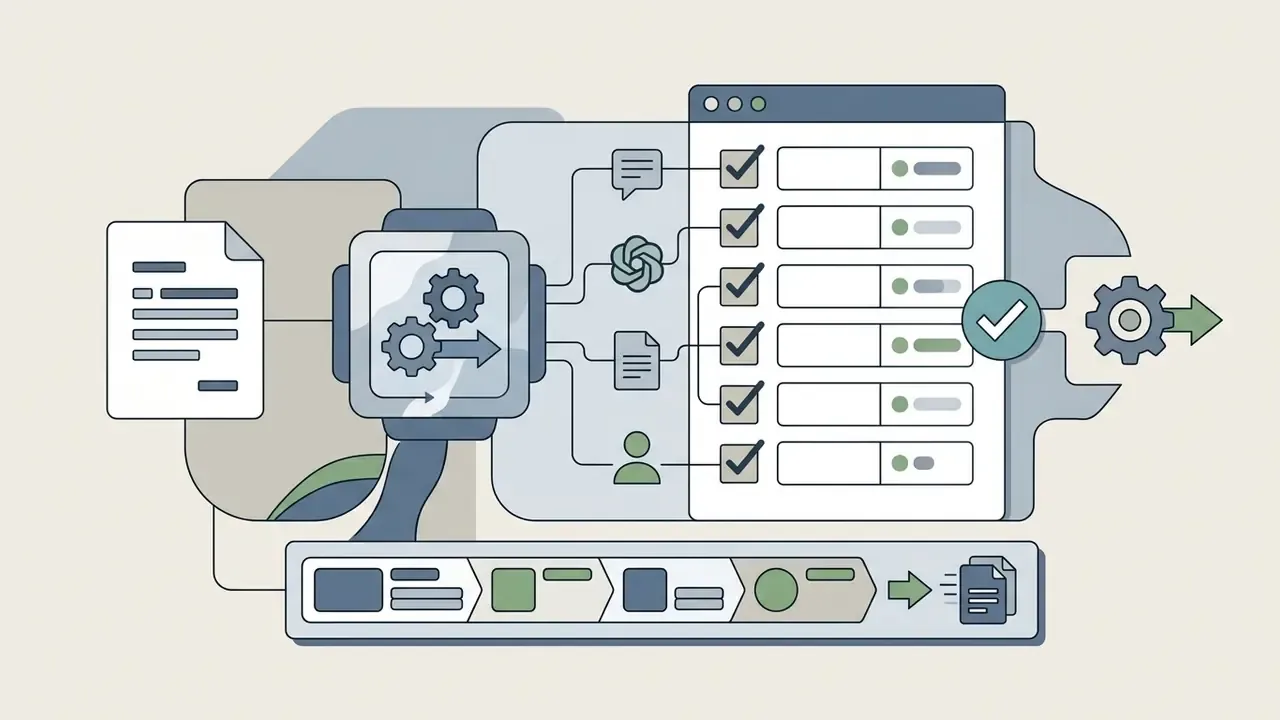
«A systematic review of 64 studies (2023 to 2025) documents recurring AI generation failures: hallucinated elements, semantic inaccuracies, and sensitivity to prompt phrasing.»
One caveat worth stating plainly: this checklist reduces error, it does not eliminate it. Reviewer fatigue on a fifty-node diagram is real, which is the strongest argument for decomposition rather than heroic single-page maps.
Common Use Cases for AI-Generated Flowcharts
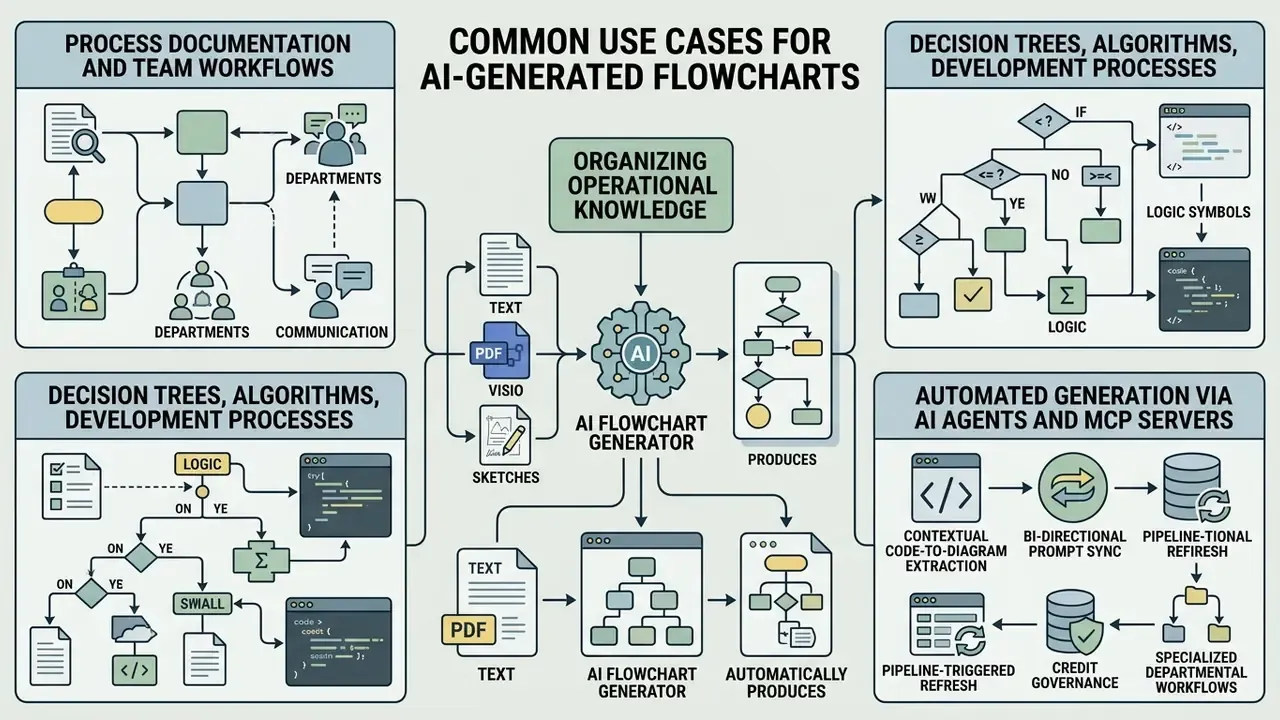
Organizing operational knowledge through automated visual mapping improves cross-departmental communication and shortens compliance review cycles. An ai create process flow solution applies across several business domains, some more sensitive than others.
Process Documentation and Team Workflows
«An AI assistant helps process modelers draft process diagrams faster and keep notation consistent, though final validation remains with human experts.»
For adjacent resources on media creation, licensing, and enterprise design tooling, teams can review our comparison of leading AI generation platforms and their commercial licensing terms, or see the overview of the wider comparison library.
Decision Trees, Algorithms, and Development Processes
In software engineering and model governance, technical teams use an ai flow chart generator to visualize algorithms, API integration sequences, and deployment pipelines.
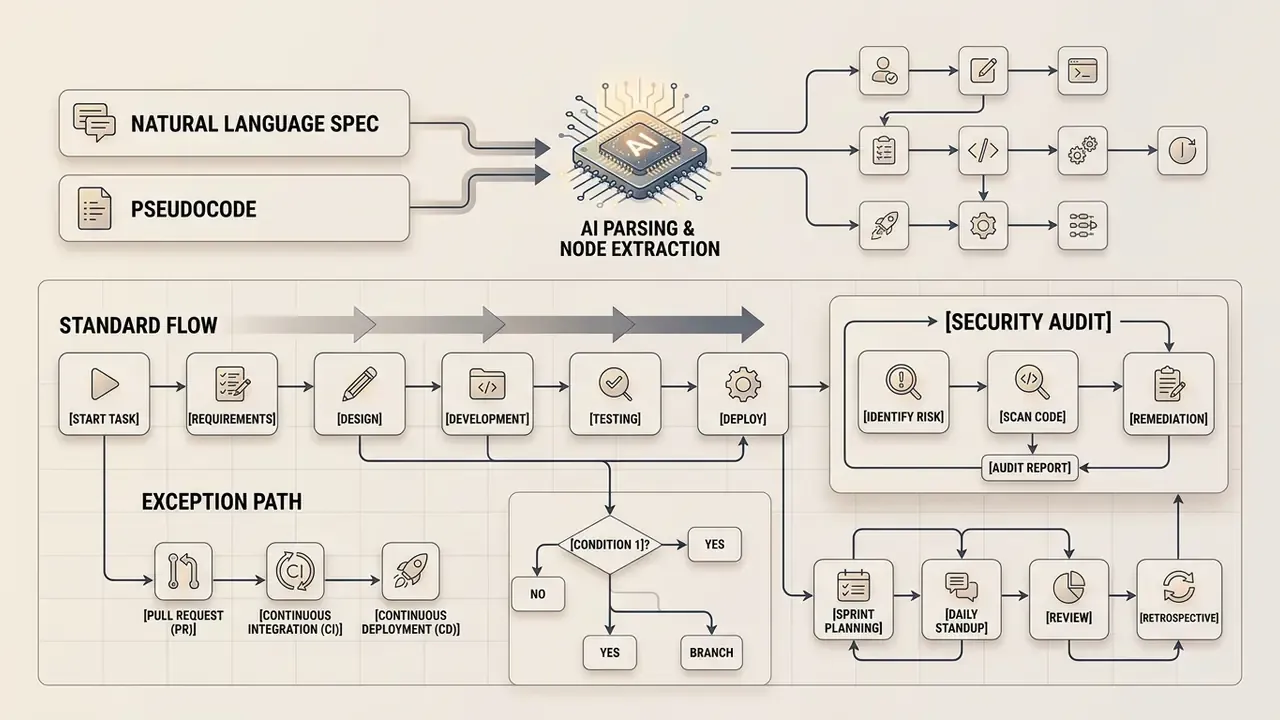
Teams map system behavior by turning pseudo-code or system logs into formal decision trees. Documented pipeline architectures explain why this matters: a baseline release flow spans pull-request validation, linting, build, unit tests, artifact handling, staging deployment, manual intervention gates, and production release. That chain is painful to communicate in prose and trivial to audit as a diagram.
«Across 16 evaluated LLMs, process-model generation quality varied substantially; Claude-3.5-Sonnet performed best, and model quality correlated positively with handling of erroneous input.»
Automated Generation via AI Agents and MCP Servers
Technical teams increasingly automate documentation inside their development environments using the Model Context Protocol (MCP), an open interface that lets an AI client call external tools directly. By connecting a diagramming tool's MCP server to clients such as Claude Desktop, Cursor IDE, VS Code, or ChatGPT, developers can generate, search, read, update, and export system flowcharts programmatically, with no window switching and no manual export step.
- Contextual code-to-diagram extraction
- An agent parses repository code, extracts execution logic, and issues an MCP tool call to regenerate the Mermaid or vector diagram.
- Bi-directional prompt sync
- Changing the workflow architecture in natural language inside Cursor updates the live cloud flowchart, keeping code and architecture documentation in parity.
- Pipeline-triggered refresh
- An agent invoked from CI can rebuild architecture diagrams on every merge, so published documentation never lags the deployed system.
- Credit governance
- MCP access is usually metered against the same AI credit allowance as manual generation, which turns agent-driven documentation into a budget line rather than an unlimited resource.
Here the governance question sharpens. An agent that rewrites documentation on every merge is a digital worker: it needs a named owner, an approved scope, access limits, an escalation path, an audit trail, and a shutdown switch. Without those six, you have automation without accountability. Teams evaluating programmatic access patterns and per-call cost models can review our developer implementation guide covering API access, quotas, and cost structures, and see the overview of available endpoints.
Specialized Departmental Workflows
How to Choose an AI Flowchart Maker
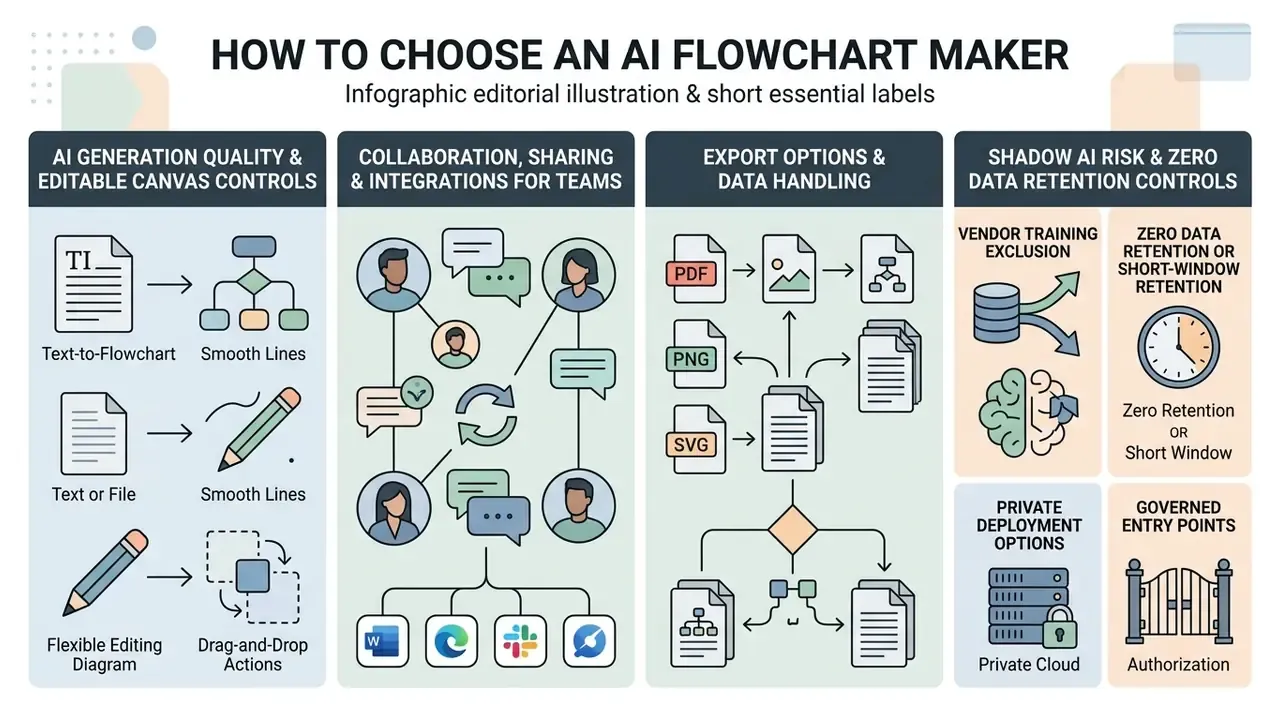
Selecting an ai based flowchart maker means testing functional parameters against your data security and collaboration requirements, not against a feature list. Teams comparing an ai flowchart creator online should assess canvas flexibility, integration depth, and administrative controls in that order.
One more criterion deserves weight in regulated environments: independence from a single AI platform. If the vendor's diagram engine is welded to one model provider, your documentation pipeline inherits that provider's outages, price changes, and policy shifts. Ask which models sit behind generation, whether they can be swapped, and whether the export format survives a vendor change. A due-diligence question set of four items usually settles it: model dependency, export portability, retention terms, and contractual training exclusion.
| Selection Criterion | Free / Basic Tools | Enterprise AI Flowchart Makers | Evaluation Focus |
|---|---|---|---|
| Generation Engine | Single-shot text-to-diagram parsing | Multi-stage prompt and document ingestion | Accuracy of extracted decision logic |
| Canvas Control | Static image export or basic shape moving | Interactive vector editing and auto-layout | Precision of manual connector routing |
| Input Formats | Text prompt only | Text, PDF, DOCX, images, .vsdx, Gliffy, Draw.io, live sheets | Migration path off legacy platforms |
| Templates | Limited standard library | Customizable corporate design systems | Reusability across business units |
| Collaboration | Link sharing or static file export | Real-time co-editing and role permissions | Version history and audit trails |
| Integrations | Minimal standalone options | Native Notion, Confluence, Jira, Slack, MCP server | Synchronization with knowledge bases |
| Data Security | Public cloud processing | SOC 2 Type II, ISO 27001, RBAC, zero data retention | Protection of sensitive operational data |
Disclaimer: this information is general in nature and does not replace consultation with a qualified specialist. Organizations in regulated financial, healthcare, or public-sector environments should obtain an independent compliance assessment before pointing any AI diagramming tool at confidential process documentation.
AI Generation Quality and Editable Canvas Controls
The core capability of an ai flowchart generator online sits in its layout optimization algorithms. Automatic layout engines must space elements sensibly, align decision branches, and clear overlapping connectors. Vendor documentation usually distinguishes two behaviors: AI optimization of an existing composition (adjusting spacing, alignment, hierarchy, responsiveness) versus automatic adaptation of content into a preset template layout. The first gives finer control on complex process maps; the second is faster for standard diagrams.
Fine-grained canvas controls let operators fix visual hierarchy after generation. Tools with intelligent layout optimization recalculate connector paths when nodes move, which keeps a forty-node fraud map legible instead of turning it into spaghetti.
Collaboration, Sharing, and Integrations for Teams
Enterprise process modeling needs real collaboration, not file attachments. Team members should co-edit diagrams simultaneously, leave inline comments and @mentions, and keep revision history with the ability to revert. Collaborator colors and access levels, view versus edit, decide who can alter a governed process asset. That distinction is a control, not a convenience.
Integration with Confluence, Notion, Jira, and Slack keeps process flowcharts synchronized with live project documentation, including automatic work-item previews and channel notifications. To review detailed feature matrices across enterprise creative tools, consult our side-by-side platform comparison of free and paid generation tiers.
Export Options and Data Handling
A professional ai flow chart creator must support standard vector and code exports: SVG, PDF, PNG, Markdown, .vsdx, and open diagram code such as Mermaid syntax.
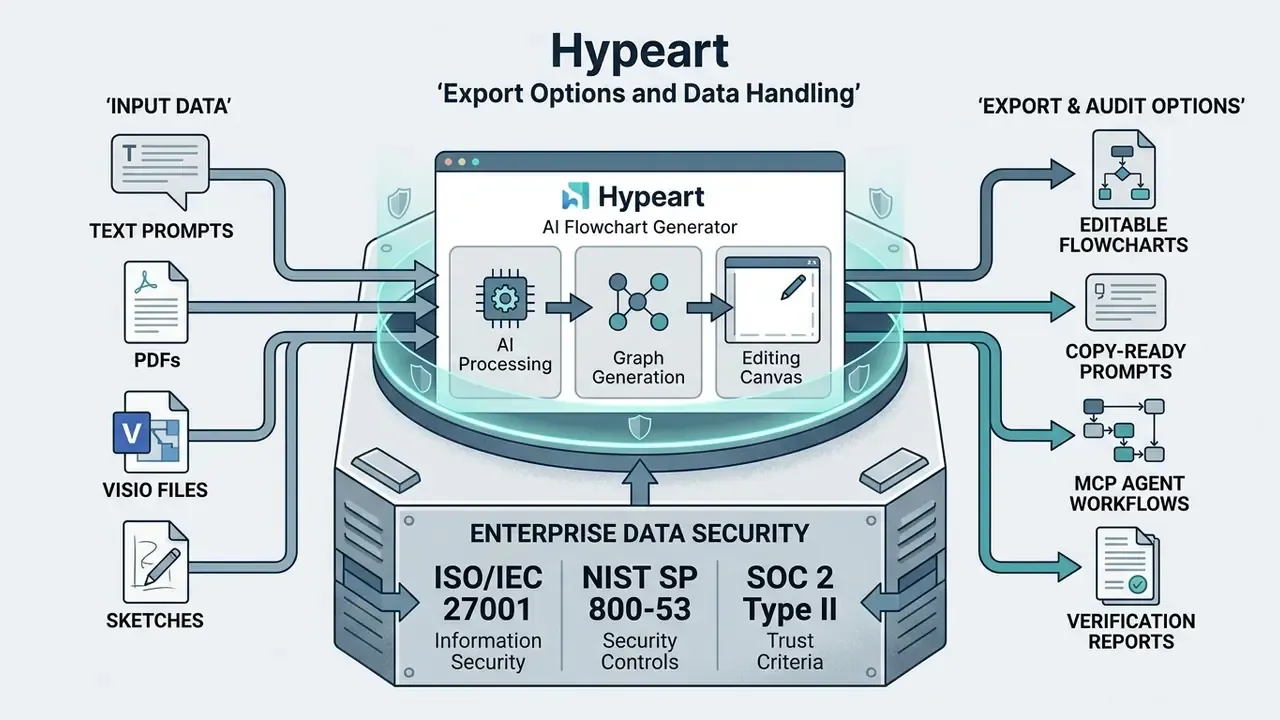
Data processing must align with corporate risk management policy. Systems handling sensitive business procedures need strict encryption, role-based access control, and alignment with frameworks such as ISO/IEC 27001:2022, ISO/IEC 27002:2022, ISO/IEC 27701:2019 for privacy information management, and NIST SP 800-53 Rev. 5. For long-term retention, preservation guidance favors open, well-documented, non-encrypted formats with lossless compression. That is a direct argument for storing diagrams as Mermaid or PlantUML source alongside the rendered exports.
Shadow AI Risk and Zero Data Retention Controls
The most common failure mode in regulated organizations is not model inaccuracy. It is uncontrolled tool usage. When an analyst pastes an internal fraud procedure, a credit policy, or a customer escalation script into a public free-tier diagram generator, confidential process detail leaves the perimeter with no contract, no retention limit, and no audit record. That is Shadow AI, and it converts a productivity shortcut into a reportable data incident.
Four controls materially reduce the exposure:
- Vendor training exclusion
- Require written confirmation that neither the vendor nor its downstream model providers use customer content for training. Several platforms state this plainly; treat silence as a negative answer.
- Zero data retention or short-window retention
- Prefer processing modes where prompt and document content is not persisted after generation, or is purged within a contractually fixed window.
- Private deployment options
- For the most sensitive documentation, evaluate on-premise deployment, private-cloud tenancy, or customer-managed encryption keys (BYOK) instead of shared multi-tenant processing.
- Governed entry points
- Combine SSO/SAML enforcement, SCIM provisioning, and role-based access control so the sanctioned tool is easier to reach than an unsanctioned browser tab, plus DLP rules that block policy documents from unapproved domains.
Governance frameworks reinforce the same logic. Published AI risk-management guidance organizes controls across the full lifecycle, governing, mapping, measuring, and managing, and specifically calls for provenance tracking of inputs and metadata together with documentation of provenance limitations. Applied to diagramming, that means logging which document produced which diagram, and who approved it. Nothing more exotic than that.
Free AI Flowchart Generator Plans and Paid Upgrade Considerations
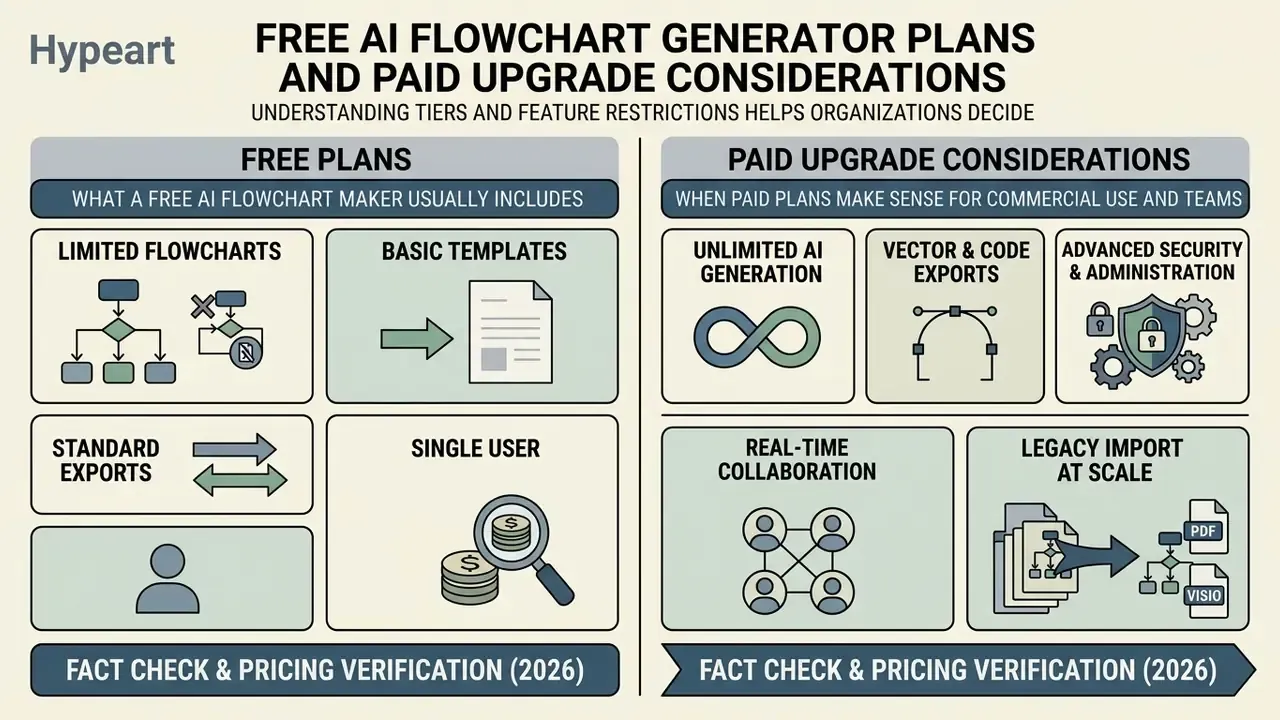
Understanding tiers and feature restrictions helps organizations decide between an ai flowchart creator free starting point and commercial enterprise licensing. Volume is usually the deciding variable, not features.
Fact Check and Pricing Verification (2026):
What a Free AI Flowchart Maker Usually Includes
An ai flowchart generator free option typically suits individual testing and lightweight drafting. These tiers generally give you standard flowchart templates, basic text-to-diagram generation, and standard image exports (PNG or PDF). Some tools even allow the first two or three diagrams with no sign-up, which is handy for a quick evaluation and risky for anything confidential.
That said, an ai flowchart generator free online tier usually enforces hard limits: monthly generation caps and credit ceilings that mirror other free AI tool tiers (ranging from one request per day to roughly 50 diagrams per month), restricted canvas element quotas, file-count limits, watermarked output, and no technical support. Searches for an ai flowchart generator from text free or an ai flow chart creator free almost always land in that band. Map your actual monthly diagram volume against the caps before committing, because credit exhaustion mid-project is the single most common upgrade trigger.
When Paid Plans Make Sense for Commercial Use and Teams
Paid subscriptions start to pay for themselves once process modeling spreads across multiple teams. Commercial plans unlock the operational pieces that matter:
- Unlimited AI generation Removes credit caps, supporting continuous modeling and agent-driven regeneration.
- Vector and code exports SVG, PDF, .vsdx, and Mermaid code for technical documentation, plus API and export access.
- Advanced security and administration SSO, SAML authentication, SCIM provisioning, BYOK encryption, centralized access governance.
- Real-time collaboration Concurrent multi-user editing, granular permissions, audit logging.
- Legacy import at scale Bulk migration of Visio, Gliffy, and Draw.io archives, usually gated behind team or enterprise tiers.
- Programmatic access API and MCP server availability for automated documentation pipelines, generally restricted to Starter, Business, and Enterprise plans.
Organizations comparing subscription economics across adjacent tooling can review our analysis of feature limits, export restrictions, and paid upgrade triggers in free-tier software, and check licensing terms in the AI Media Commercial-Use Hub.
AI Flowchart Generator FAQ
How Complex Can an AI-Generated Flowchart Be?
An ai flowchart generator app can build moderately complex diagrams with dozens of steps and multiple decision branches. Push further, into hundreds of interconnected variables, and you strain both the layout engine and the model's comprehension. Updated: Empirical evaluations on flowchart comprehension benchmarks quantify the ceiling.
«GPT-4o scores 56.63 out of 100 on multi-dimensional flowchart comprehension tasks; the strongest open-source model, Phi-3-Vision, reaches 49.97.» FlowCE: First Multi-Dimensional Evaluation of Flowchart Comprehension for Multimodal Large Language Models, arXiv (2024). arxiv.org So complex AI-generated flowcharts need human review before they touch a regulated process. The practical mitigation is decomposition: generate a parent map of five to nine phases, then generate each phase as a child diagram, and link them. Every individual diagram then stays inside the range where the layout engine and the human reviewer both remain reliable.
Can AI Create a Flowchart From Uploaded Documents?
Yes. Modern ai flow generator tools parse uploaded PDF manuals, Word documents, PPT decks, and high-resolution images to extract operational logic and build editable flowcharts. Scanned PDFs work where the platform layers OCR ahead of structure extraction. Optical character recognition accuracy depends heavily on input quality.
«No single evaluated model outperforms the others across all flowchart understanding tasks.» FlowLearn: A Dataset for Flowchart Understanding (3,858 scientific and 10,000 simulated flowcharts), arXiv (2024 to 2025). arxiv.org Published scanning guidance recommends at least 300 dpi for standard text, rising to 400 to 600 dpi for small type, and notes that recognized text can never be more accurate than what was recorded on the page. Skew, low brightness, and paper discoloration all degrade node extraction, so a poor scan should be re-captured rather than patched downstream.
Can I Import Existing Visio or Gliffy Files Into an AI Flow Chart Maker?
Yes. Enterprise-tier tools import Microsoft Visio (.vsdx), Gliffy, Draw.io, and OmniGraffle files. Once imported, natural language prompts can restructure nodes, update layouts, expand decision paths, or re-label swimlanes, which makes an ai flow chart maker a migration route rather than a parallel system. Confirm in the vendor's own documentation whether import is available on your tier, since bulk migration is frequently gated behind team or enterprise plans.
How Do AI Flowchart Generators Integrate With AI Agents Like Claude or Cursor?
Leading platforms expose Model Context Protocol servers. That lets clients such as Cursor IDE, Claude Desktop, VS Code, and ChatGPT generate, search, inspect, update, and export flowcharts straight from source code or developer prompts, without manual export steps. MCP usage is normally metered against your plan's AI credit allowance, and API availability is often limited to paid tiers, so budget agent-driven documentation as a recurring consumption cost rather than a one-time setup.
Can You Save, Reuse, and Access Flowcharts Later?
Yes. An ai flowchart diagram generator lets operators save finished diagrams as cloud-hosted interactive assets, store them as reusable master templates, or export them as open code in Mermaid or PlantUML. Enterprise practice adds a document-management layer: templates in a governed SharePoint or OneDrive library, folder-level permissions controlling who can instantiate them, and PDF renders published for read-only distribution. Keeping diagrams in standardized, human-readable code prevents vendor lock-in and lets process documentation live in the same repositories as the systems it describes, with preservation metadata attached. For legal and intellectual property considerations around AI-generated assets, consult our guide to commercial-use rights and licensing for AI outputs, or view the guide on current disputes.
Do Free AI Flowchart Generators Own the Diagrams I Create?
Terms vary by vendor and must be read per tier. Some platforms state clearly that generated content belongs to the user; others reserve broader rights on free plans, apply watermarks, or restrict commercial redistribution. For any diagram destined for a client deliverable, a regulatory filing, or a published training pack, get three points confirmed in writing: ownership of the output, whether your inputs feed model training, and whether commercial use is permitted on your specific plan.
Limitations and Open Questions
A few things remain genuinely unsettled, and pretending otherwise would be dishonest.
Benchmark scores measure comprehension of flowcharts, not fidelity to a bank's internal policy. There is no published, independent benchmark for "did the diagram preserve every control threshold in a 40-page AML procedure." Until one exists, human validation is the control, not a formality.
Second, cost. Most ROI models for AI documentation count analyst hours saved and stop there. They omit reviewer time, provenance logging, tool administration, and the residual risk of an unreviewed diagram entering an audit file. Risk-adjusted ROI looks thinner than the vendor slide, though usually still positive for high-volume documentation.
Third, agentic refresh. Pipeline-triggered regeneration keeps documentation current, but it also means a diagram can change without a human in the loop. Whether that is acceptable depends on the artifact. Architecture diagrams, probably yes. Control procedures cited in an exam response, probably no. Draw that line explicitly in policy rather than discovering it during an examination.
Summary and Next Steps
An ai flowchart generator gives you a structured way to convert unstructured business text into auditable, editable process diagrams. Pair automated prompt parsing with real canvas controls and human sign-off, and documentation stops being the bottleneck.
To put controlled AI diagramming in place: For further documentation, process templates, and platform resources, explore the hub of AI tool guides, pricing breakdowns, and commercial-use terms.
General disclaimer: this article is informational and does not constitute legal, compliance, financial, or security advice. Verify all regulatory obligations, vendor contractual terms, and model risk requirements with qualified specialists before deploying AI-generated documentation in regulated processes. Audience assumptions in this guide remain hypotheses until validated by analytics, interviews, CRM data, or verified customer research.
- Define input standards: Establish prompt templates, ideally nested lists, that specify sequence, decision triggers, thresholds, and escalation boundaries.
- Establish verification protocols: Require subject-matter experts to validate every AI-generated logic map against the node-completeness and threshold-fidelity checklist above.
- Standardize export formats: Use open vector and code encodings (SVG, Mermaid, PlantUML) for long-term portability.
- Close the Shadow AI gap: Sanction one governed tool with SSO, RBAC, and confirmed training exclusion, then make it the path of least resistance for every team.
- Align with governance frameworks: Keep data processing consistent with corporate security standards, provenance logging, and privacy policy.
- Plan the migration: Inventory legacy Visio, Gliffy, and Draw.io files, then convert them in prioritized batches so historical process knowledge enters the same governed pipeline.
- Name the owner: Assign one accountable owner per diagram family, with a defined escalation path and a documented way to switch agent-driven regeneration off.