What this guide covers
Structured self-presentation reduces social friction. It also speeds up integration into a community, whether that community is forty gamers or four thousand professionals. Standardizing introduction templates gives users clear boundaries, keeps sensitive data out of public channels, and lifts engagement without weakening account or community security. That is the practical rationale behind every template on this page.
A discord intro template is a pre-formatted block of text containing designated fields, such as intro name, bio, pronouns, and interests, that users copy and paste into a Discord server introduction channel or user profile. Using an intro discord template streamlines member onboarding, clarifies channel expectations, and establishes consistent social framing across casual servers and enterprise ecosystems alike.



Discord Intro Templates to Copy and Paste
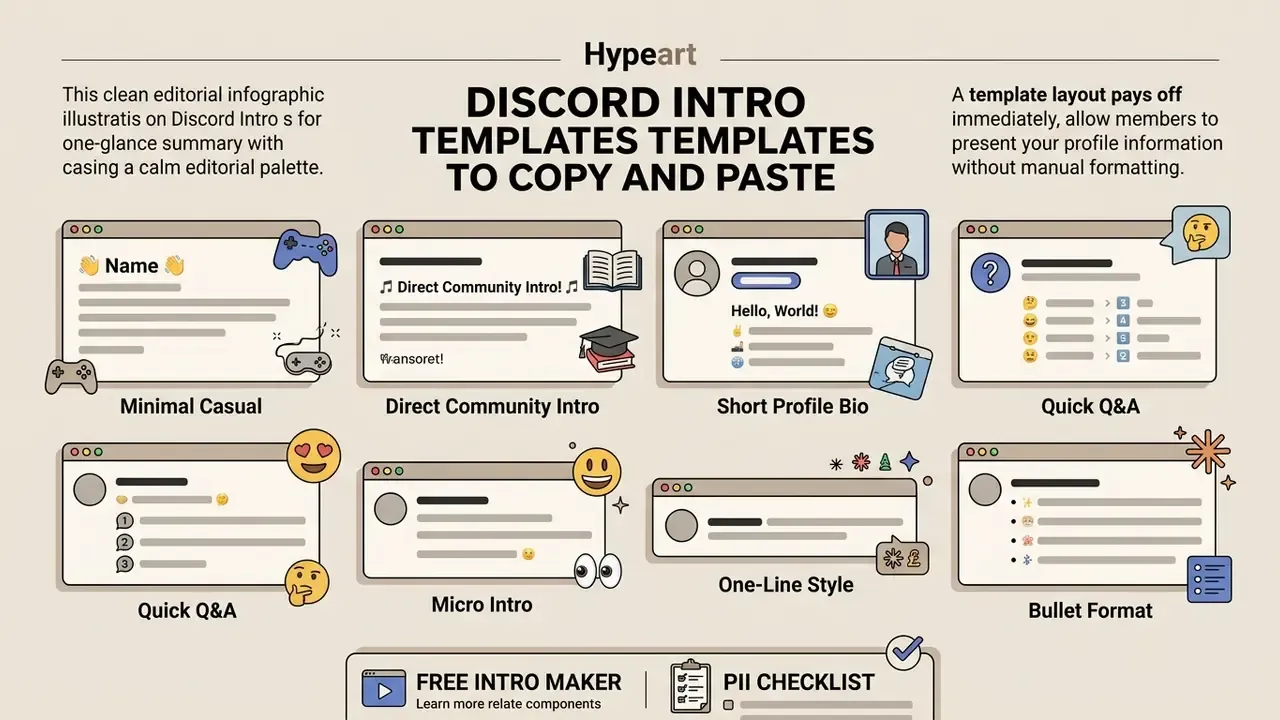
A discord intro template copy and paste layout pays off immediately: members present their profile information without fighting manual formatting. Standardized introduction templates also tend to raise first-contact response rates, because structured messages lower cognitive load for readers and signal topic alignment in the first two lines.
Note on that citation: the original phrasing referenced the study without its methodology. The factorial design and the reply-count dependent variable are what make the finding checkable and worth applying. In plain terms: a template that names your topic alignment is measurably more likely to get answered than a bare "hi".
| Category | Primary Purpose | Typical Text Style | Recommended Emojis and Symbols | Example Copy-and-Paste Elements |
|---|---|---|---|---|
| Simple | Quick identification and rapid onboarding for general communities. | Short sentences, plain text, minimal formatting, high readability. | 0–2 neutral indicators (e.g., 📍, 💬); low density to avoid distraction. | Name/nickname, general timezone, primary topic interest, reason for joining. |
| Aesthetic | Stylized self-expression for creative and common-bond communities. | Decorative Unicode frames, custom dividers, stylized header text. | Soft, visually coherent sets (e.g., ✧, ♡, ☾, ୨୧); consistent valence. | Styled intro name, pronouns, current obsessions, aesthetic interests, fun fact, Strawpage/Carrd link. |
| Gaming | Team matchmaking, squad recruitment, and skill alignment. | Rigid field structures, concise labels, platform-specific terminology. | Game icons and status tags (e.g., 🎮, 🛡️, 🏆, 📍); one per line. | Platform, primary games, main role/class, rank, play schedule, voice chat availability. |
| Professional | Networking, corporate operations, and technical collaboration. | Formal or semi-formal tone, complete sentences, focus on competence. | Sparse or zero emojis; at most 1 subtle marker (e.g., 💼). | Job title/role, tech stack, industry focus, current projects, networking objectives. |
| Study / Academic | Peer accountability, exam prep, subject-matched study partners. | Labeled fields, concrete subject and deadline data. | 📚, 🏫, 📖, 💡, ⏰; one per line. | Field of study, academic year, current focus, timezone, study-partner preference. |
| Roleplay | Establishing in-character narrative identity and campaign lore. | Character sheet formatting, third-person or in-character voice, OOC/IC split. | Genre-matched symbols (e.g., ⚔️, 🎭, 🎲, 🧿); atmospheric framing. | Character name, species/class, alignment, short backstory summary, RP boundaries, DNI list. |
Simple Discord Intro Templates
A simple intro template discord format leans on clean line breaks and basic text, with no complex Unicode styling at all. Minimalist designs maximize device compatibility and screen-reader accessibility while delivering the core identification details in a few seconds of reading. Plain alphanumeric characters are the only text form guaranteed to be announced correctly by assistive technology, which is why accessibility guidance keeps favoring standard typography over decorative substitutes. (Reading-time figures for intro cards are indicative rather than measured. Treat them as a design goal, not a benchmark.)
Below are seven copy-ready simple discord intro templates:
Template 1: Minimal Casual
Hello! I'm [Name/Nickname].
• Location/Timezone: [City or Timezone]
• Interests: [Interest 1], [Interest 2]
• Joined for: [Reason/Topic]
Glad to be here. Feel free to say hi!
Template 2: Direct Community Intro
Hey everyone, I'm [Name]. I found this server through [Source/Link].
Currently focused on: [Topic/Hobby 1] and [Topic/Hobby 2].
Looking forward to chatting in [Channel Name]!
Template 3: Short Profile Bio
Name: [Name/Nickname]
Pronouns: [Pronouns]
Focus: [Primary Interest or Work]
Goal: [What you hope to learn or share]
Template 4: Quick Q&A
I'm [Name], new to the server!
• Day job/Study: [Field]
• Favorite pastime: [Hobby]
• Ask me about: [Specialized Topic]
Template 5: Micro Intro
Hi, [Name] here. Interested in [Topic A] and [Topic B]. Excited to meet others working on similar projects!
Template 6: One-Line Style
hi everyone! i'm [Name], [minor/adult], [pronouns] from [country/timezone].

i'm into [interest 1], [interest 2] and [interest 3]. happy to be here 💙
Template 7: Bullet Format
name: [your name]
age: [minor / adult]
pronouns: [your pronouns]
from: [country or timezone]
here for: [what brought you to this server]
interests: [interest 1] · [interest 2] · [interest 3]
dms: [open / closed / ask first]
Aesthetic, Gaming and Roleplay Intro Templates
Specialized intro template layouts use decorative characters, field-specific emoji indicators, and atmospheric phrasing to reinforce a community's identity. If you also want to refresh the profile picture sitting next to your intro, our overview of AI headshot generators for profile pictures covers portrait quality, privacy, and licensing before you upload anything.
Practical takeaway: friendship-driven servers reward personality detail (obsessions, fun facts, likes and dislikes), while topic-driven servers reward shared skill markers (rank, stack, subject, role). Two different jobs, two different field lists.
Template 8: Aesthetic Star & Moon Frame
╭───────・ 。゚☆: *.☽ .* :☆゚.───────╮
           ✧・゚[YOUR NAME HERE] ゚・✧
╰───────・ 。゚☆: *.☽ .* :☆゚.───────╯
 ✎ Pronouns: [They/Them, She/Her, He/Him]
 ✎ Age / Age Range: [Minor / Adult]
 ✎ Current Obsession: [Topic/Media]
 ✎ Likes: ✧ [Like 1] ✧ [Like 2] ✧ [Like 3]
 ✎ Dislikes: ✦ [Dislike 1] ✦ [Dislike 2]
 ✎ Strawpage / Carrd: [Link]
 ✎ DMs: [Open / Closed / Ask First]
─── ・ 。゚☆: *.☽ .* :☆゚. ───
Template 9: Soft Cloud Aesthetic
‧₊˚ ☁️ ‧₊˚ about me ‧₊˚ ☁️ ‧₊˚
╰┈➤ name ﹒ [your name or nickname]
╰┈➤ age ﹒ [minor / adult]
╰┈➤ pronouns ﹒ [your pronouns]
╰┈➤ timezone ﹒ [your timezone]
╰┈➤ likes ﹒ [thing 1] ﹒ [thing 2] ﹒ [thing 3]
╰┈➤ dislikes ﹒ [thing 1] ﹒ [thing 2]
╰┈➤ hobbies ﹒ [hobby 1] ﹒ [hobby 2]
╰┈➤ links ﹒ [Strawpage / Carrd / portfolio]
╰┈➤ dms ﹒ [open / closed]
‧₊˚ ☁️ glad to be here! ☁️ ‧₊˚
Template 10: Aesthetic Flower Box (Soft Style)
꒰ 🌸 ꒱ ── INTRO ── ꒰ 🌸 ꒱
━━━━━━━━━━━━━━━
🌸 Name: [Name]
🌸 Pronouns: [Pronouns]
🌸 Age: [Minor / Adult]
🌸 Timezone: [Timezone]
🌸 Obsessions: [Interest 1] ‧ [Interest 2]
🌸 Fun fact: [Something memorable]
🌸 Socials / Strawpage: [Link]
🌸 DMs: [Open / Closed / Ask first]
━━━━━━━━━━━━━━━
꒰ happy to be here! ꒱
Template 11: Sparkle Header
✧˖°. ꒰ INTRO ꒱ .°˖✧
⟡ name ⟡ [your name]
⟡ age ⟡ [minor / adult]
⟡ pronouns ⟡ [your pronouns]
⟡ timezone ⟡ [your timezone]
⟡ likes ⟡ [like 1] · [like 2] · [like 3]
⟡ hobbies ⟡ [hobby 1] · [hobby 2]
⟡ currently ⟡ [watching / reading / playing: what?]
⟡ dms ⟡ [open or closed]
✧˖°. see you around! .°˖✧
Template 12: Minimal Dot Aesthetic
· ˚ ₊ intro ₊ ˚ ·
name · [name]
age · [minor / adult]
pronouns · [pronouns]
location · [country or region]
interests · [interest 1] / [interest 2] / [interest 3]
hobbies · [hobby 1] / [hobby 2]
dms · [open or closed]
· ˚ ₊ nice to meet you ₊ ˚ ·
Template 13: Gaming Squad Card
🎮 GAMER CARD: [GamerTag / Name]
━━━━━━━━━━━━━━━━━━━━━━━━━━
📍 Region / Server: [NA / EU / ASIA]
🛡️ Main Game(s): [Game 1], [Game 2]
🏆 Rank / Skill Level: [Info]
⚔️ Main Class / Role: [DPS / Support / Tank]
🎧 Voice Chat: [Discord VC / Mute Only]
⏰ Usual Playtime: [Schedule / Timezone]
━━━━━━━━━━━━━━━━━━━━━━━━━━
Template 14: Classic Gaming Intro
hi, i'm [Name]! gamer and [creator / streamer / viewer]
🎮 mains: [game 1], [game 2]
💻 platform: [PC / console / Twitch / YouTube]
🌍 timezone: [timezone]
🕹️ play style: [casual / competitive / co-op]
💬 dms: [open / closed]
hit me up for [game name] anytime!
Template 15: Short Gaming Line
name: [name] | age: [minor/adult] | timezone: [timezone]
platform: [platform] | games: [game 1] · [game 2]
looking for: [teammates / friends / someone to grind with]
vc: [yes / no] | dms: [open / closed]
Template 16: Roleplay Character Dossier
🎭 CHARACTER DOSSIER
══════════════════════════
• Name: [Character Name]
• Species / Class: [Info]
• Alignment: [e.g., Chaotic Good]
• Age: [Years]
• Backstory Summary: [1–2 sentences describing history]
• RP Style: [Literate / Semi-Lit / Script]
• Boundaries / DNI: [Content Limits]
══════════════════════════
Template 17: OOC vs IC Split (Roleplay Servers)
╔══════════════════╗
  OOC (Out of Character)
╚══════════════════╝
• Player Name: [Name]
• Pronouns: [Pronouns] | Timezone: [EST / UTC]
• Age: [18+ / minor]
• RP Style: [casual / semi-lit / literate]
• DMs: [open / closed / rp only]
╔══════════════════╗
  IC (In Character Dossier)
╚══════════════════╝
• Name: [Character Name]
• Class / Role: [Mage / Rogue / Original]
• Alignment: [Neutral]
• Personality: [3 traits]
• Hook for other players: [what brings your character into scenes]
• Hard limits / DNI: [content boundaries]
Template 18: Fandom Server Intro
✦ hi there! i'm [Name] ✦
fandoms: [fandom 1] · [fandom 2] · [fandom 3]
fave characters: [character 1] · [character 2]
ships: [optional]
rp: [yes / no / depends]
timezone: [timezone]
dms: [open / closed / for rp only]
fun fact: [something about your fandom history]
Specialized Community & Role-Specific Templates
Study groups, freelancer networks, and technical servers ask for different fields than social servers do. Discord's community onboarding lets admins map answers to channels and roles, so specific, labeled fields pull double duty: they read well to humans and map cleanly to automation.
Template 19: Study & Academic Server
📚 STUDENT PROFILE: [Name/Nickname]
━━━━━━━━━━━━━━━━━━━━━━━━━━
🏫 Field / Major: [Subject / Degree]
🎓 Academic Year: [e.g., Sophomore / Year 3]
⏰ Timezone: [Timezone]
📖 Current Focus: [Exam / Thesis / Subject]
💡 Looking for: [Study Partner / Group / Accountability]
💬 DMs: [Open / Closed / Ask First]
━━━━━━━━━━━━━━━━━━━━━━━━━━
Template 20: Freelancer & Creator Network
💼 CREATOR DOSSIER
==================================
• Name / Brand: [Name or Handle]
• Discipline: [Design / Dev / Writing / Video]
• Tech Stack / Tools: [Tool 1], [Tool 2], [Tool 3]
• Portfolio / Link: [URL, Carrd or Strawpage]
• Current Status: [Open for Commissions / Collabs / Networking]
• Rates & Availability: [Public / DM for details]
• DMs: [Open for Business]
==================================
Template 21: Developer, Data & AI Engineering Server
🧠 ENGINEER PROFILE
==================================
• Handle: [Name / GitHub username]
• Role: [ML Engineer / Data Scientist / Backend Dev]
• Stack: [Python, PyTorch, TypeScript, ...]
• Models / Frameworks I work with: [list]
• Repos & profiles: [GitHub / Hugging Face / GitLab]
• Currently building: [project in one line]
• Looking for: [code review / collab / hiring / mentoring]
• Timezone & sync hours: [UTC±X, hours]
• DMs: [open / ask first]
==================================
Template 22: Professional Community (Paragraph Style)
Hello everyone! I'm [Name], based in [city/country]. I work in [field/industry] and joined this server to [reason].
Background: [1–2 sentences about your experience]
Currently: [what you are working on or studying right now]
Interests: [professional interest 1], [professional interest 2]
Looking forward to connecting with everyone here.
Template 23: Executive & Practitioner Intro
💼 EXECUTIVE & PRACTITIONER INTRO
==================================
• Full Name / Title: [Name], [Current Role]
• Organization / Industry: [Company Name or Field]
• Primary Expertise: [Core Skill 1], [Core Skill 2]
• Focus Areas: [Topic A], [Topic B]
• Networking Goal: [Seeking Collaboration / Hiring / Peer Review]
• Preferred Contact: [Discord DM / LinkedIn / Email]
==================================
Template 24: Competitive Gaming Guild Dossier
⚔️ GUILD ROSTER INTRO
==================================
• Handle / Discord ID: [Tag]
• Primary Platform: [PC / Console]
• Main Game & Rank: [Game] / [Current Rank]
• Primary Role / Spec: [Main Class]
• Availability: [Hours/Days in UTC]
• Competitive History: [Past Guilds / Tournaments]
==================================
«Emoji use in instructor messages affected perceived expertise, trustworthiness, and learner motivation.»
That finding is exactly why the professional, engineering, and study templates above stay emoji-light. One marker per line reads as friendly competence. Dense decoration in a work or academic context can shift perceived expertise in the wrong direction, which is a strange price to pay for sparkles.
What to Put in a Discord Intro
A good Discord intro balances three things: core identity data, clear social boundaries, and an explicit link to the server's topic. Skip the context and other members have to guess your background. Overshare and you hand strangers a privacy problem.
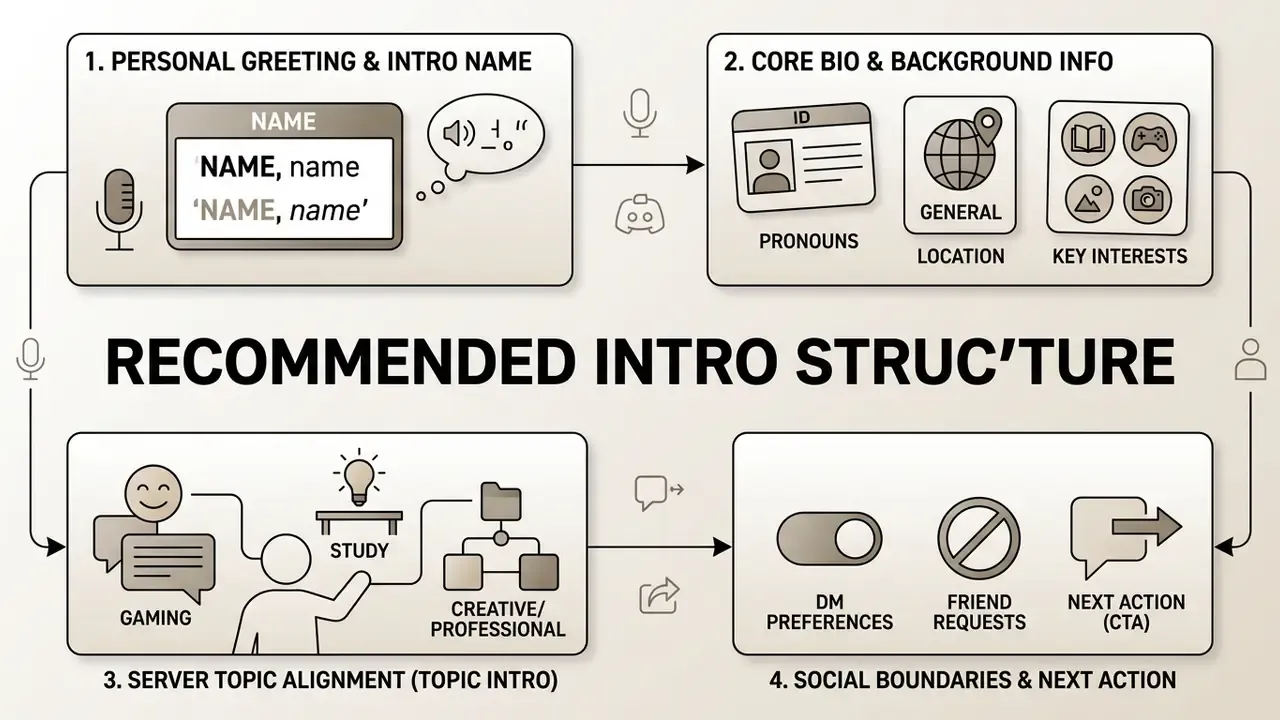
Intro Name, Bio and Basic Info
Your intro name is your primary identifier inside the server. Pair your display name or preferred nickname with a concise bio that outlines your core identity, main interests, and general availability, without disclosing sensitive personally identifiable information (PII).
Key structural components:
- Intro Name & Pronouns state your primary moniker and gender identity markers so nobody misgenders you in the first thread.
- Basic Info & Location specify your general region or timezone (EST, UTC+2) rather than an exact address.
- Likes and Dislikes list 2–4 primary affinities (technology, retro gaming) and any hard limits (unsolicited DMs, self-promotion).
- External Links a single Strawpage, Carrd, or portfolio URL is the accepted way to share an extended profile without pasting five separate handles.
- Topic Alignment say plainly why you joined, so established members have something concrete to answer.
Data-minimization guidance (this replaces an earlier unsourced "41% reduction" claim): when you standardize intro fields for a workspace, corporate, or paid community server, the defensible pattern is data minimization, not a headline percentage. Publish a fixed field list. Mark optional fields explicitly. Forbid free-text fields that invite identity documents or contact details. Route anything sensitive, such as invoices, contracts, or HR matters, to a private ticket channel rather than a public intro. Discord's Community Guidelines already prohibit sharing another person's personally identifiable information without consent, which makes a curated field list a moderation tool as much as a design choice.
Practical PII boundary for public intros:
| Safe to publish | Publish with care | Never publish |
|---|---|---|
| Nickname or handle | First name | Full legal name in high-risk communities |
| "Minor" / "Adult" | Age range | Exact date of birth |
| Region or timezone (EST, UTC+2) | Country | Street address, city plus school combination |
| Field of study or industry | Employer sector | Employee ID, badge photos, internal tool screenshots |
| One curated link (Strawpage/Carrd/portfolio) | Public social handles | Phone number, personal email, private invite links |
Emojis and Symbols for Discord Introduction Text
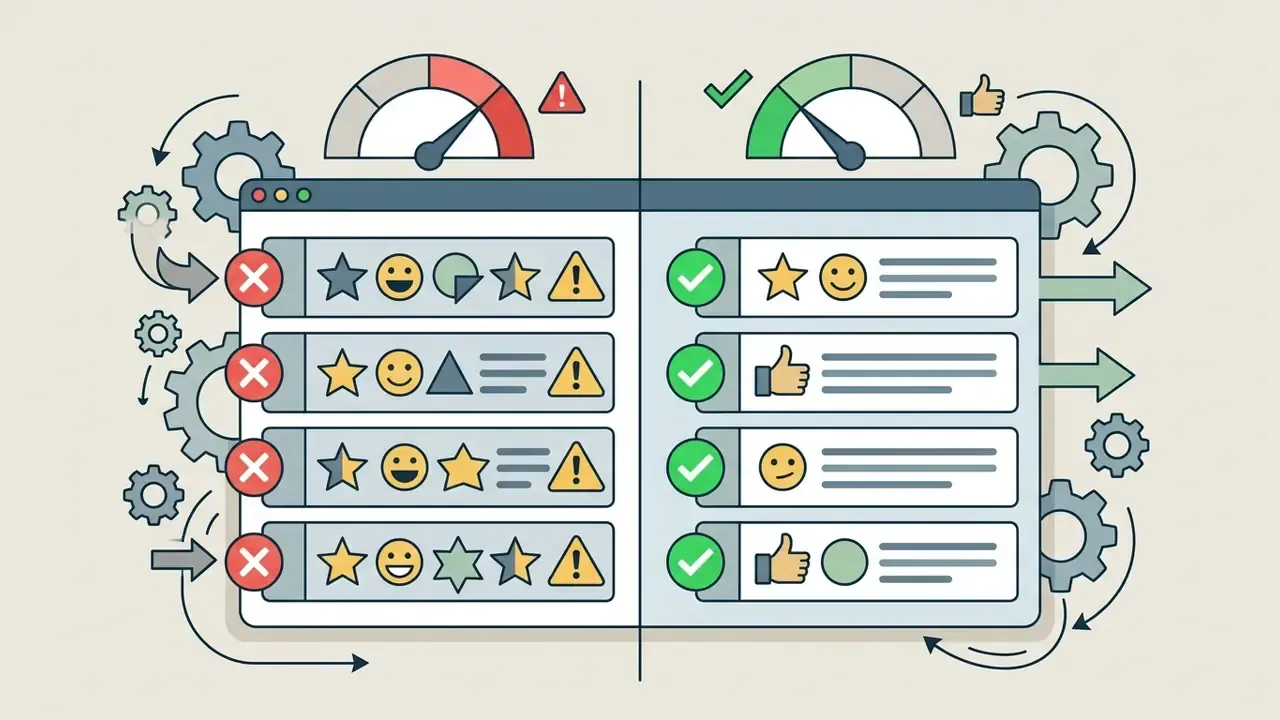
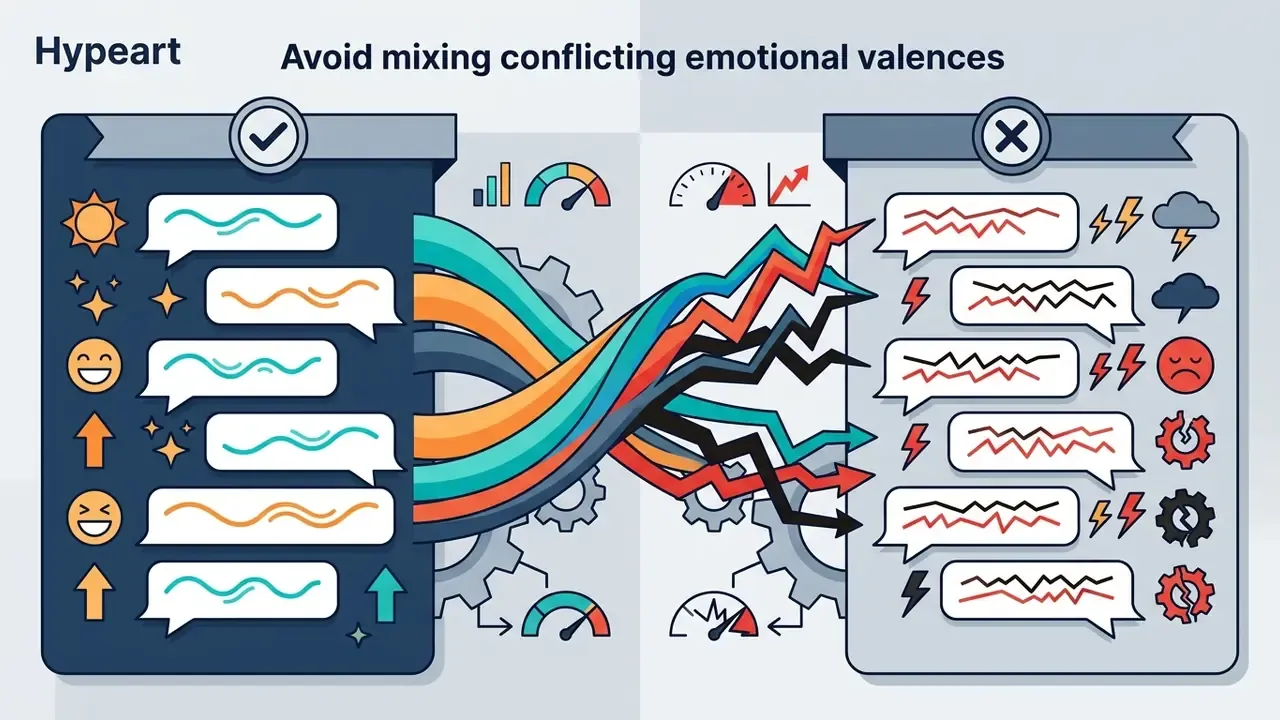
Emojis and Unicode symbols improve visual scannability and carry emotional signal in a medium that has no tone of voice.
«Emojis shifted the emotional valence of messages and influenced how well the accompanying text was remembered, depending on the sign–content combination.»
There is a ceiling, though, and nonverbal communication research found it:
«In the first online experiment (N = 188), excessive emoji use lowered interpersonal evaluations, mirroring the effect of overly intense nonverbal cues in face-to-face interaction.»
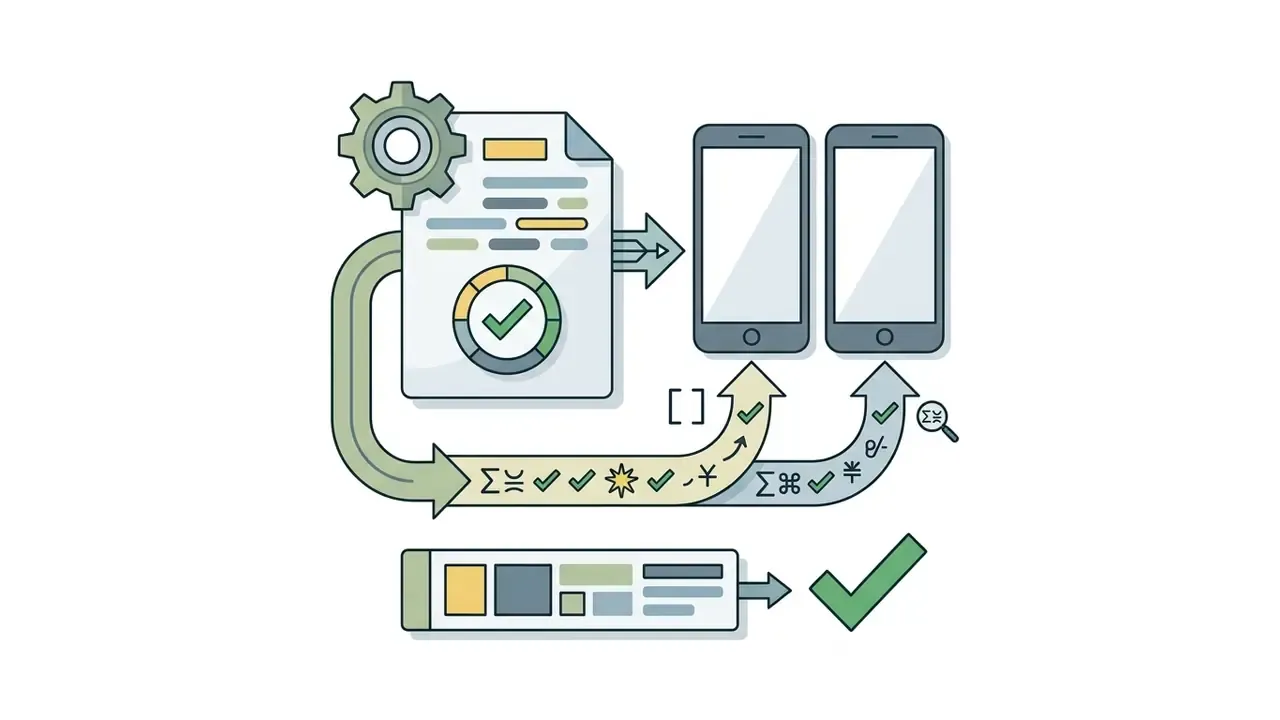
To keep readability across desktop, iOS, and Android clients:
Copy-and-Paste Aesthetic Symbols & Kaomoji Vault
Everything below is plain Unicode: tap or select, copy, paste directly into an intro, bio, channel name, or message.
Decorative Headers & Dividers
────୨ৎ──── · ✦•┈๑⋅⋯ ⋯⋅๑┈•✦ · 。゚•┈୨♡୧┈• 。゚ · ⫘⫘⫘⫘⫘⫘ · ═══ ⋆★⋆ ═══ · ─── ⋆⋅☆⋅⋆ ─── · ∘₊✧──────✧₊∘ · ꒷꒦꒷꒦꒷꒦꒷꒦ · · · ─ ·✶· ─ · · · -ˋˏ✄┈┈┈┈ · ╰┈➤ · ──── ୨୧ ──── · ⋆ ˚。⋆୨ ʚɞ ୧⋆ ˚。⋆ · ༝༚༝༚ · ﹌﹌﹌﹌﹌
Box & Frame Characters (Unicode Box Drawing, U+2500–U+257F)
─ │ ┌ ┐ └ ┘ ├ ┤ ┬ ┴ ┼ · ═ ║ ╔ ╗ ╚ ╝ · arc corners ╭ ╮ ╰ ╯ · ⌞ ⌝ · 「 」 · ꒰ ꒱ · ╔══════════════════╗
Aesthetic Kaomoji Faces
૮₍ ´ ꒳ ₎ა·(˶ˆᗜˆ˵)·(๑ > ᴗ < ๑)·≽^•⩊•^≼·ദ്ദി ˉ͈̀꒳ˉ͈́ )✧·໒꒰ྀིっ˕ -。꒱ྀི১·⸜(。˃ ᵕ ˂ )⸝♡·૮꒰ ˶• ༝ •˶꒱ა ♡·(ᴗ͈ˬᴗ͈)ꕤ.゚·٩(ˊᗜˋ*)و·ᓚᘏᗢ·/ᐠ - ˕ -マ·ฅ^•ﻌ•^ฅ·(˶ᵔ ᵕ ᵔ˶)·૮ ˙Ⱉ˙ ა·(╥﹏╥)·(¬_¬")·₍ᐢ. ̫.ᐢ₎·(ᵕ—ᴗ—)·◝(ᵔᗜᵔ)◜`
Popular Aesthetic Sets
- Coquette / Soft
୨୧𐙚ᡣ𐭩🩰🕯️🪞🦢🎀🌸♡˚ ༘ ೀ⋆。˚˖⁺‧₊˚♡˚₊‧⁺˖ - Gothic / Cyber
𓆩☠︎︎𓆪⛓️🖤🕸️🦇⚔️⛧𖤐♱⛧°. ⋆༺♱༻⋆. °⛧.⋆♱༒︎ - Gamer / Tech
🎮👾🕹️🎧🏆⚡︎💻▄︻デ══━一↻ ◁ || ▷ ↺🎮✮ ⋆˚。𖦹 ⋆。°✩👾 - Celestial / Space
✩₊˚.⋆☾⋆⁺₊✧☾⋆。 𖦹 °✩🪐🌘⋆˖⁺‧₊☽◯☾₊‧⁺˖⋆༄˖°.🚀.ೃ࿔*:・☆彡 - Nature / Cottagecore
🌱🍄🌷🍃𓆉𖡼𖤣𖥧𖡼𓋼𖤣𖥧𓋼𓍊˚˖𓍢ִ໋🌷͙֒❀˖°𓇢𓆸 - Ocean / Aquatic
🌊🦈🐚🪼🫧𓆝 𓆟 𓆞🌊✮ ⋆ 🦈。 * ⋆。°‧ 𓆝 𓆟 𓆞 ·。 - Music / Audio
𝄞♫⋆。♪ ₊˚♬ ゚.✩♬ ₊˚.🎧⋆☾⋆⁺₊✧♯♩ᴺᴼᵂ ᴾᴸᴬᵞᴵᴺᴳ♫♬♪ - Hearts & Ornaments
𓆩♡𓆪𓊆ྀི❤︎𓊇ྀིﮩ٨ـﮩﮩ٨ـ♡ﮩ٨ـﮩﮩ٨ـ‹𝟹❥˚₊· ͟͟͞͞➳❥♡︎༺☆༻♡︎𓆩ꨄ︎𓆪ཐི ྐ❤︎ ཋྀ - Header Name Plates
⋆˚࿔ 𝐧𝐚𝐦𝐞 𝜗𝜚˚⋆·「 ✦ 𝐍𝐚𝐦𝐞 ✦ 」·° „ ★ ᥒᥲmᥱ 🎀·𐔌 . ⋮ name .ᐟ ֹ ₊ ꒱·‧₊˚✧[text]✧˚₊‧·˗ˏˋ ★ text ★ ˎˊ˗ - Small Accents
.𖥔 ݁ ˖⊹⟡✮⋆˙๋࣭ ⭑⸝⸝ᶻ 𝗓 𐰁ᝰ.ᐟ꩜ .ᐟ⟢༘⋆✧˖°.
Compatibility note: these are decorative characters, not fonts. If a symbol shows up as an empty box on someone's phone, the device font simply lacks that glyph. Replace it instead of assuming everyone sees what you see.
How to Make a Discord Intro with a Template or Generator
To build a tailored profile presentation with a discord intro maker or text generator, work through the assembly steps in order: If your intro will sit next to paid assets, banners, or generated art, our AI Media Pricing Guides explain how tool tiers and export limits usually work before you commit to a subscription.
- Select a base template.Pick a structural layout (Simple, Aesthetic, Gaming, Study, Freelancer, Professional, or Roleplay) that matches the server's culture. Read three existing intros in the channel first and match their length and tone.
- Define core fields.Insert your intro name, pronouns, general location, likes, dislikes, main interests, and one external link if the server allows links at all.
- Apply Unicode text styling.Optional. Convert header text with an external discord intro generator to produce stylized fonts (Script, Monospace, Small Caps). Public generators typically expose around a dozen themes (Kawaii, Goth, Floral, Anime, Space, Minimal, Angelic, Dreamy) and a similar number of Unicode font styles.
- Incorporate visual dividers.Add structural Unicode symbols plus 1–2 context-appropriate emojis per line.
- Audit display and Markdown.Preview the formatted text in a private draft channel, or a personal test server, to verify line breaks, quote blocks, and bold tags on both desktop and mobile.
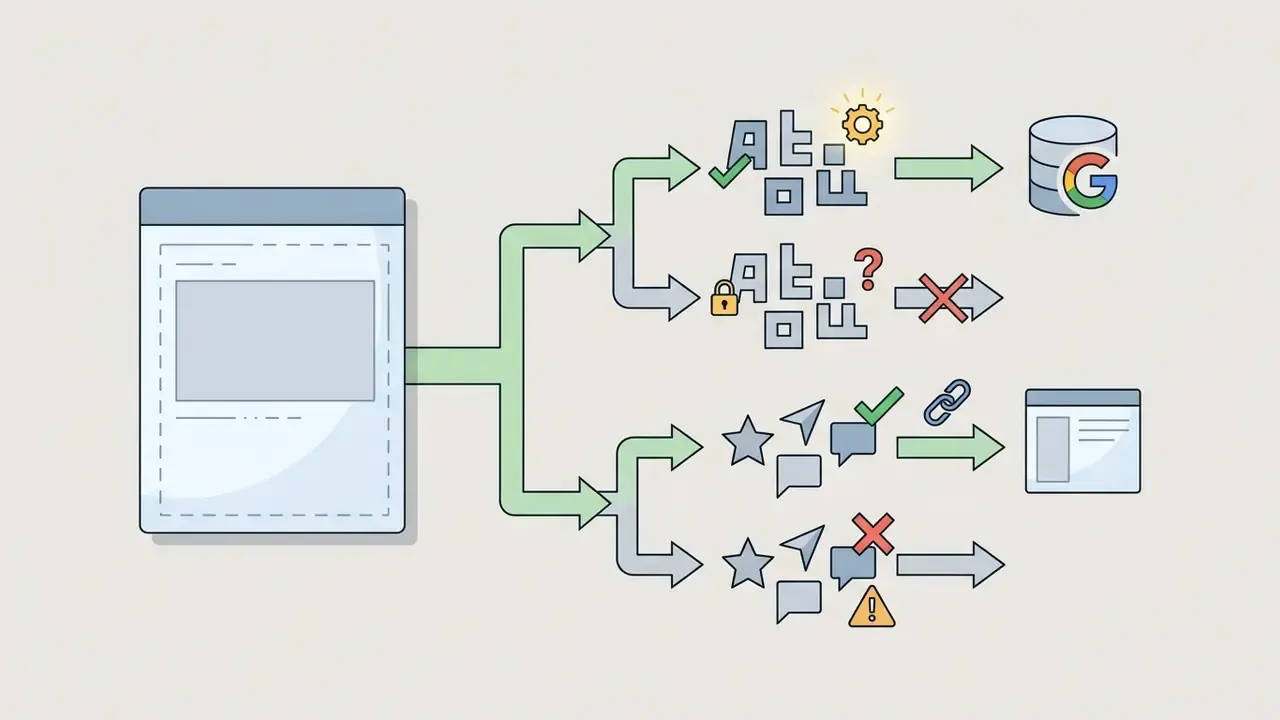
- Respect field limits.Discord's "About Me" accepts up to 190 characters (many designers stay under roughly 170 so decorative characters do not truncate mid-frame), and custom status is capped at 128. Per-server profiles share the same 190-character allowance.
- Copy and paste into Discord.Paste the finished block straight into the server's designated
#introductionsor#welcomechannel.
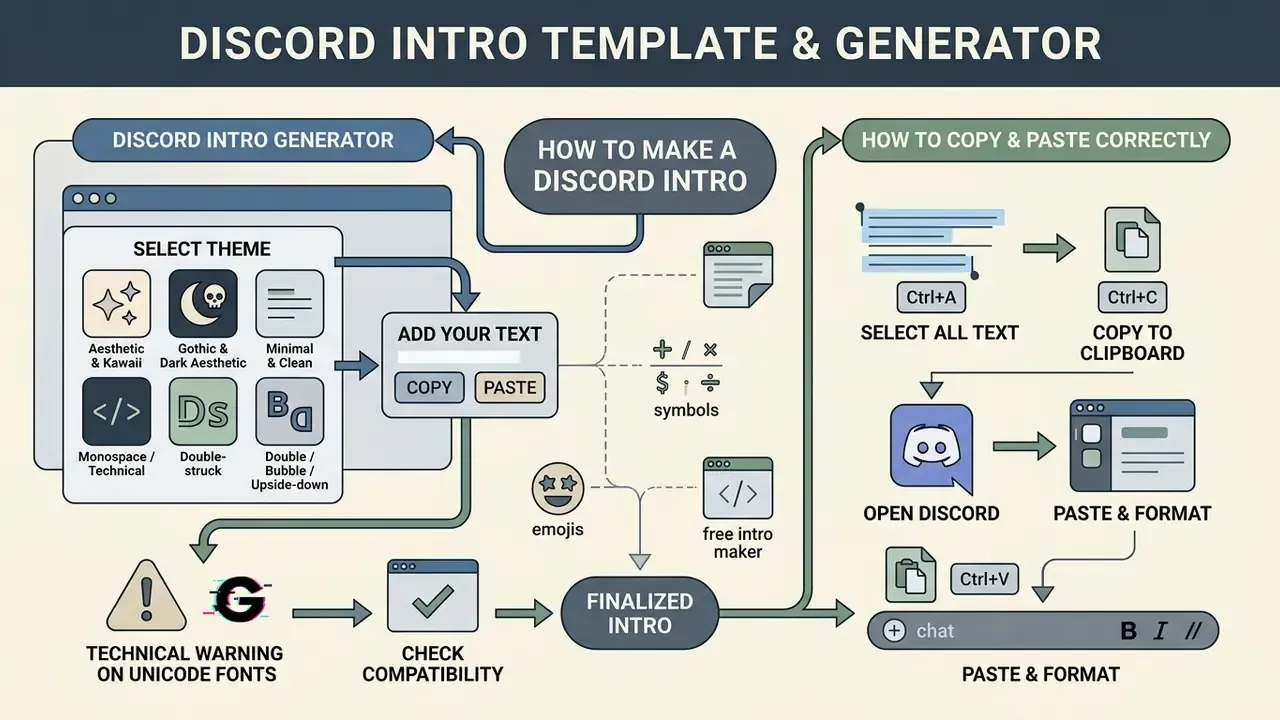
Discord Intro Generator: Choosing a Theme and Text Style
A discord intro generator converts standard ASCII text into stylized Unicode characters or pre-packaged aesthetic frames. When you choose a visual style, weigh aesthetic differentiation against client-side readability. If you also plan to build a matching banner or avatar, our comparison of free AI image generators for visual assets covers output quality, watermarks, and usage limits.
Common generator themes and font conversions:
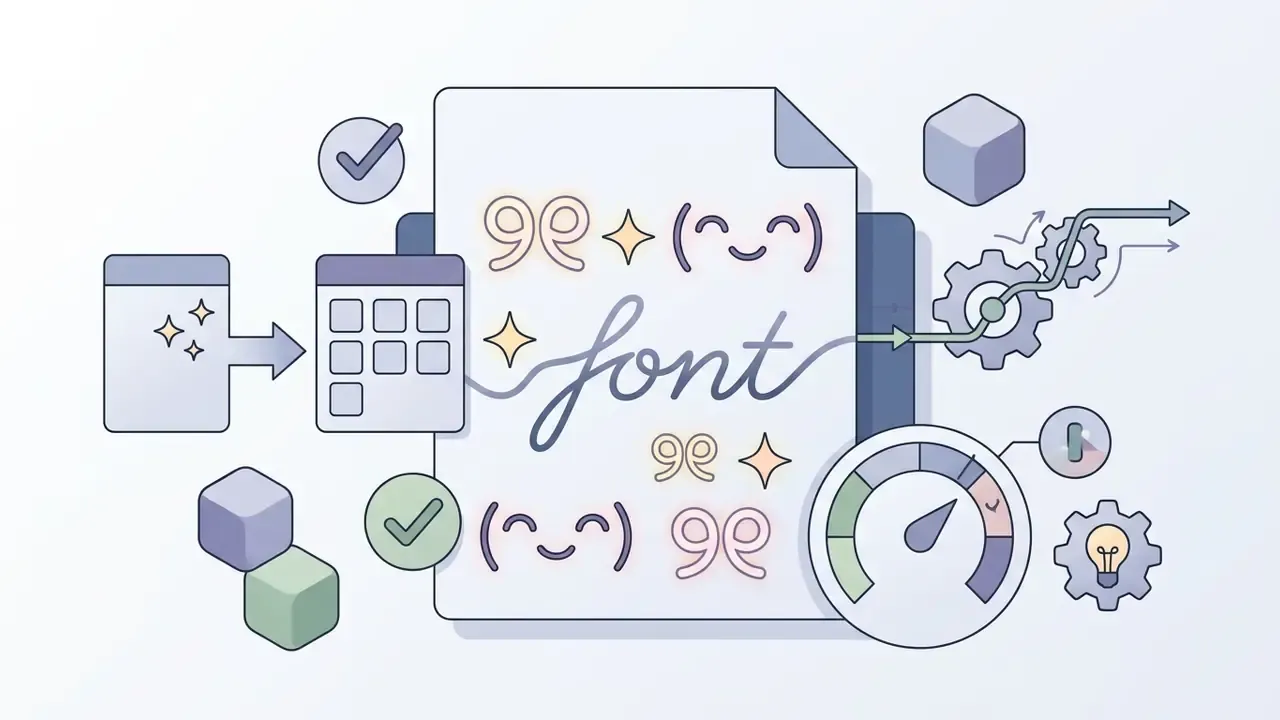
୨୧, ✧), gentle kaomoji (( •̀ᴗ•́ )), script fonts.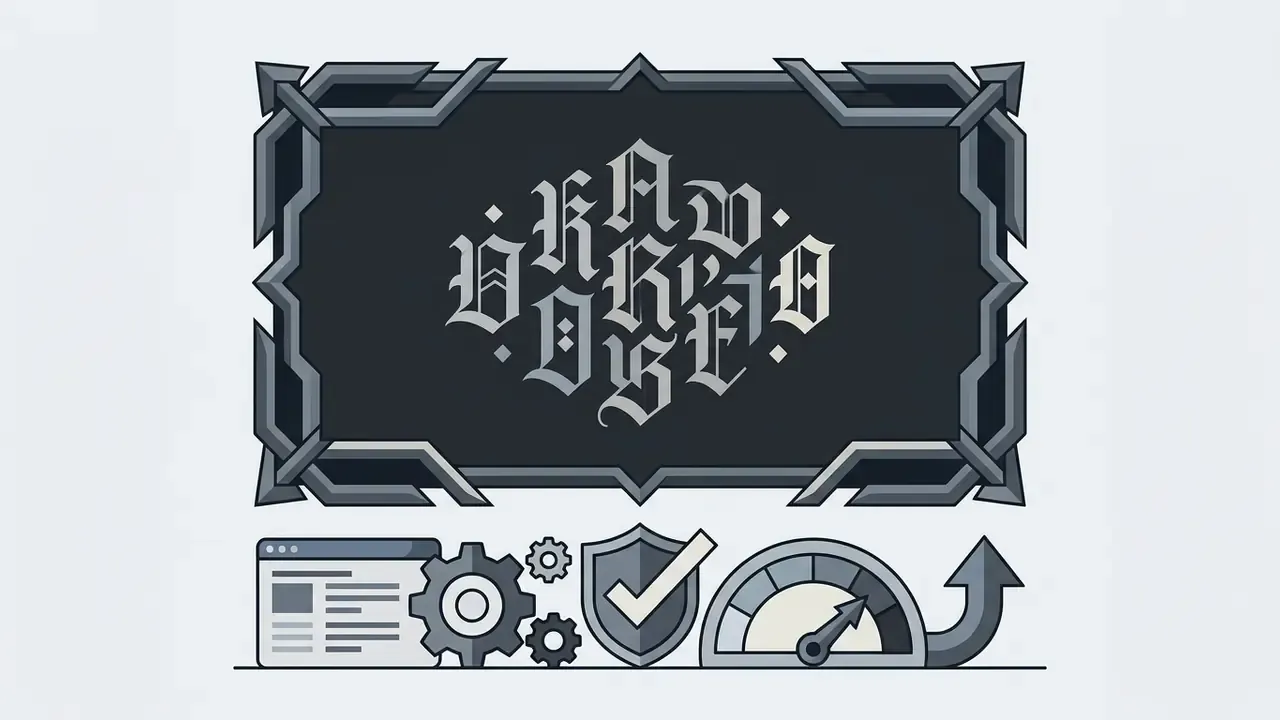
𝔡𝔞𝔯𝔨𝔫𝔢𝔰𝔰 𝔴𝔦𝔱𝔥𝔦𝔫) and angular border frames, a common choice for gaming bios.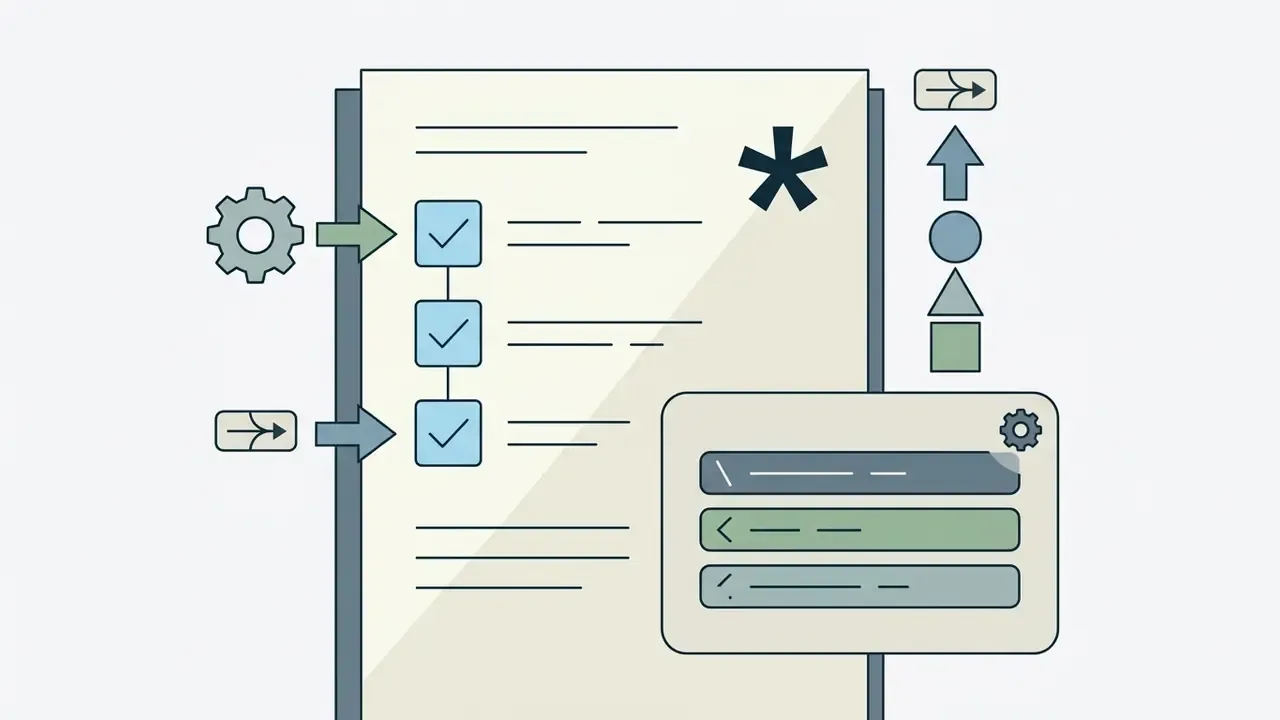
**text**), bulleted lists, code blocks (`text`).
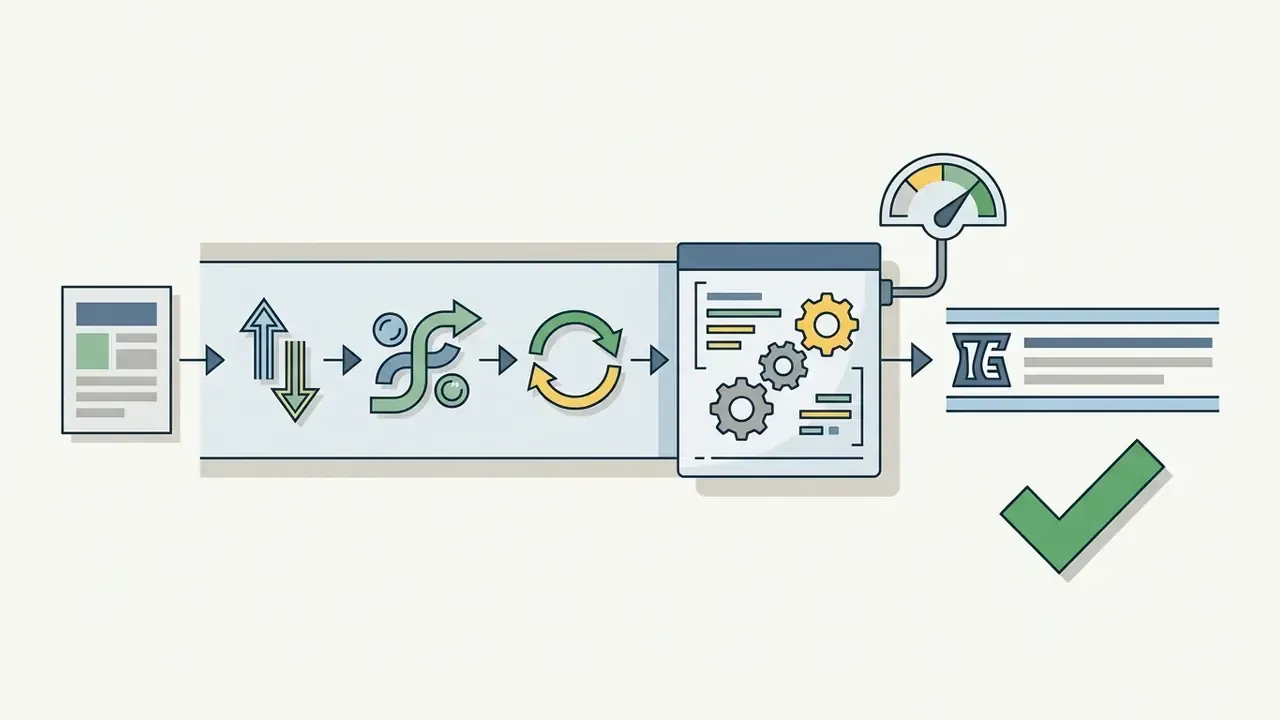
«Across three laboratory experiments, animated emojis increased perceived emotional support and positive attitudes, except when the topic was sensitive.»
Applied to intros: animated custom emoji work well in celebratory or welcoming lines. Keep static, neutral markers on fields dealing with boundaries, DNI lists, or moderation notices.
Discord's 2026 profile stack also shapes your styling choices. The August 11, 2026 changelog added formatting tools to desktop bio editing, introduced private profiles, and put profile frames in the Shop. Server profiles support a custom name, icon, banner, description, games, and traits, and traits can carry an emoji. Your text intro should complement those native fields, not duplicate them.
How to Copy and Paste a Discord Intro Correctly
When you run a discord intro template copy and paste action, unformatted pasting can break Discord Markdown or fire off mention notifications you never intended.
«The presence of emojis significantly increased clarity of sender intent (b = 0.89, SE = 0.11, p < .001) while also amplifying discomfort when the content was ambiguous.»
That dual effect is a formatting argument as much as a social one. An emoji that survives the paste intact clarifies your tone. A broken glyph, or an accidentally bolded line, makes ambiguous content read worse.
Technical rules that keep the text clean:
```
Your formatted intro text here
```
If a paste keeps breaking and you cannot see why, our AI Media Support and Troubleshooting notes cover the usual suspects: invisible characters, stray formatting from web editors, and client-specific rendering gaps.
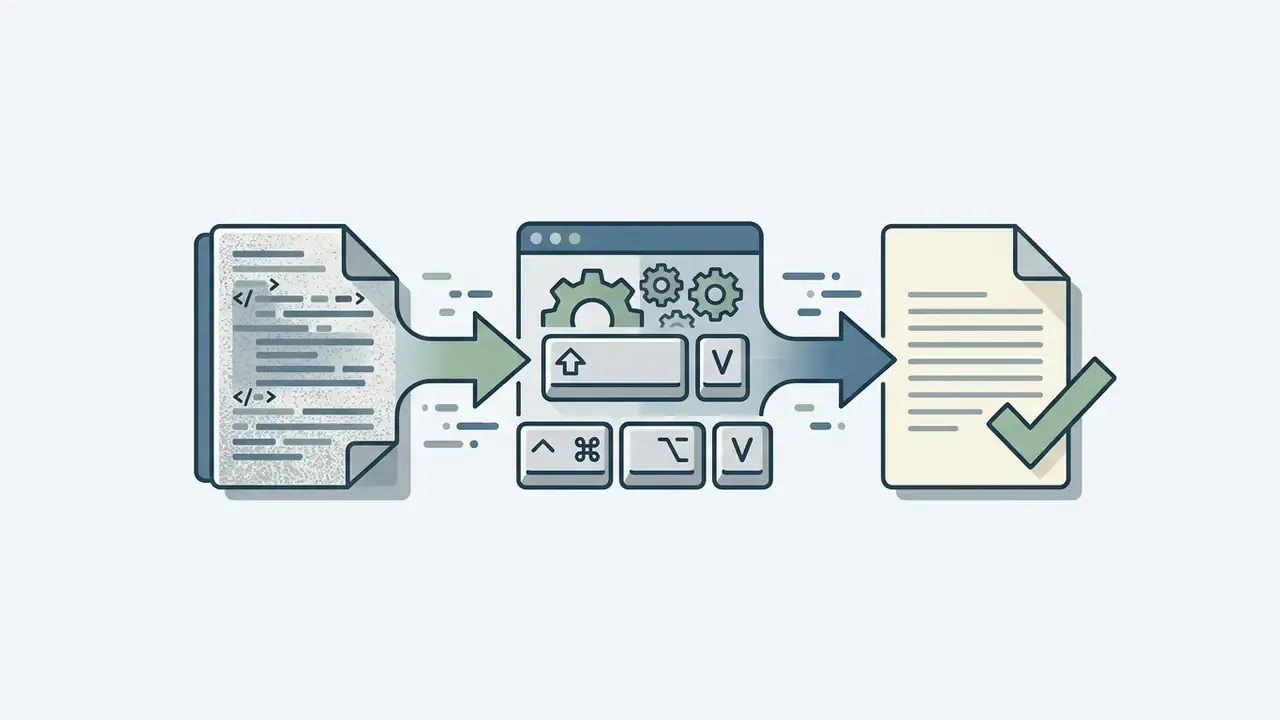
Ctrl + Shift + V (Windows) or Cmd + Option + Shift + V (Mac) to strip hidden HTML background formatting.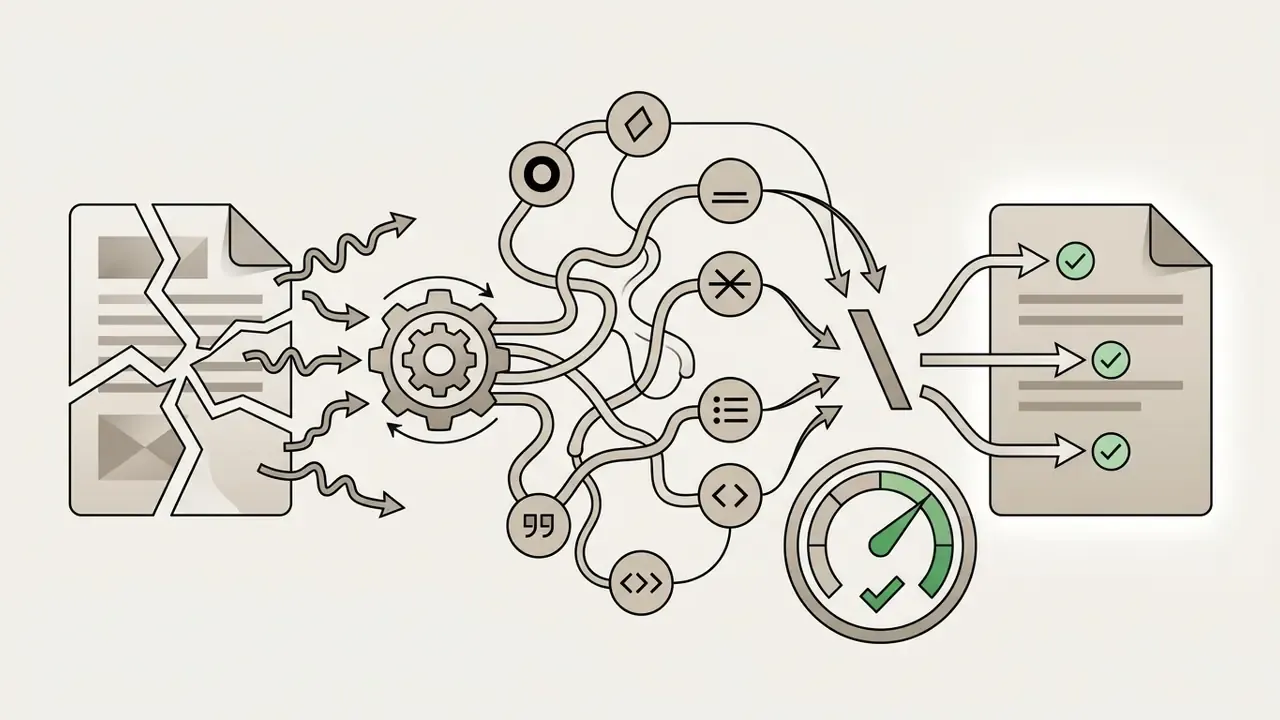
**bold**, *italic*, __underline__, ~~strikethrough~~, block quotes, lists, inline code, and code blocks, so any of those characters in your intro will be interpreted. Put a backslash (\) directly before an asterisk, underscore, or tilde to render it literally. Backslash escaping is the documented method.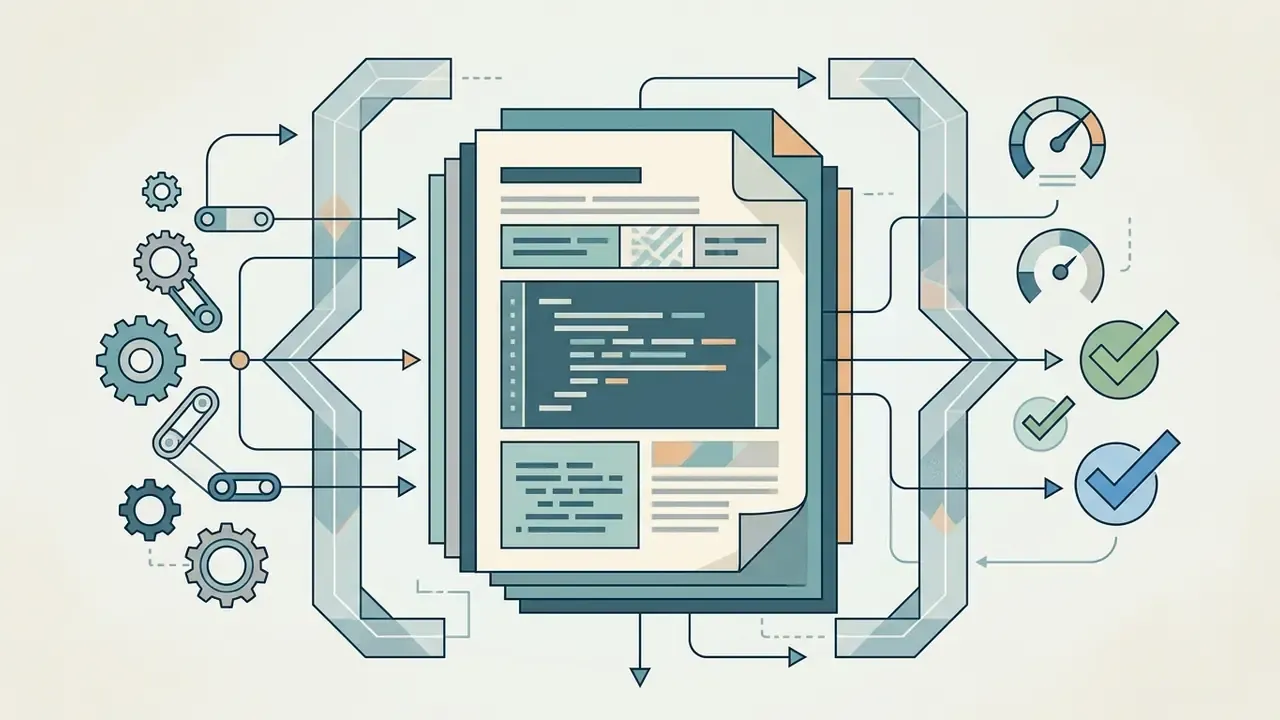
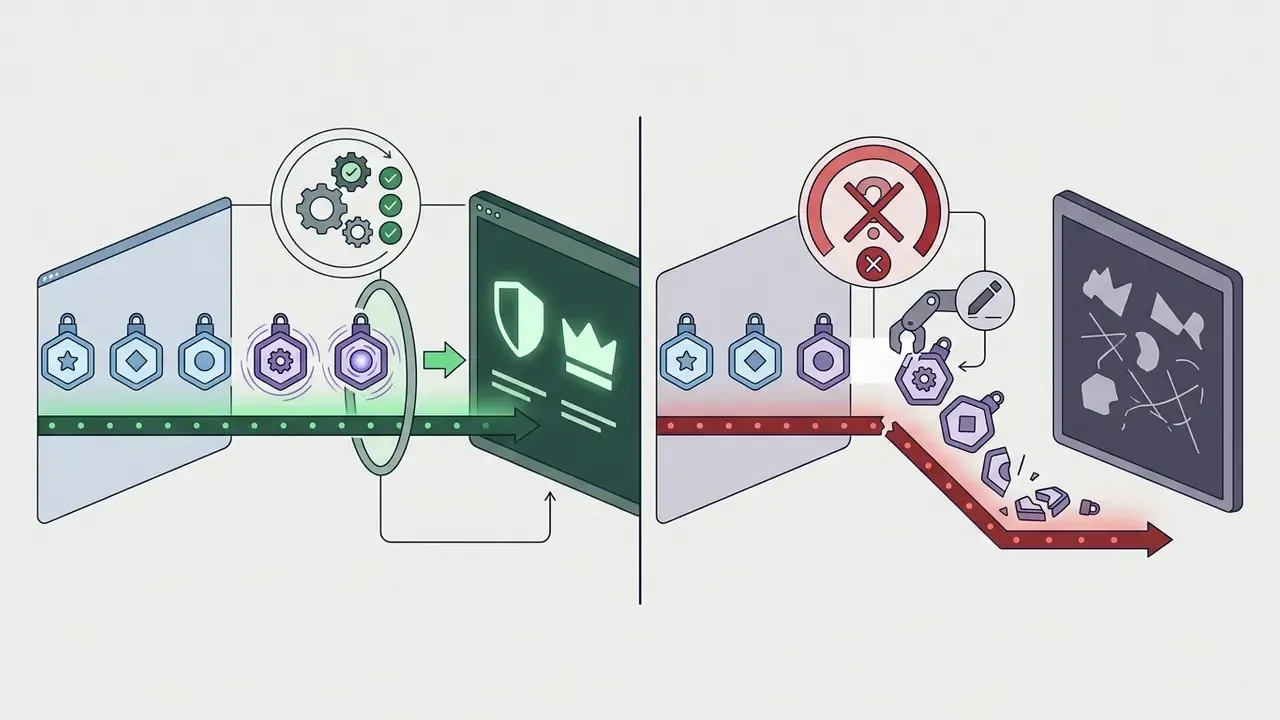
<:name:id>, or <a:name:id> for animated. Edit the ID or add a space and the render collapses into visible raw text.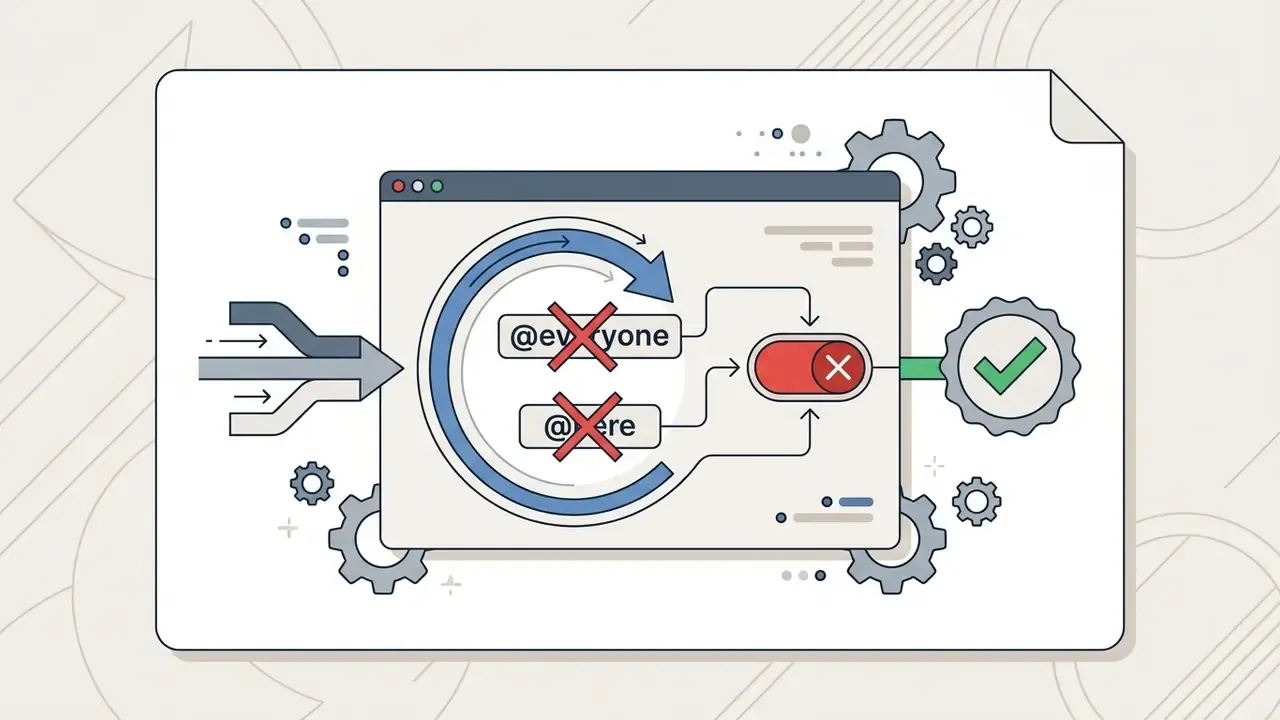
@everyone or @here in a self-introduction. Not once.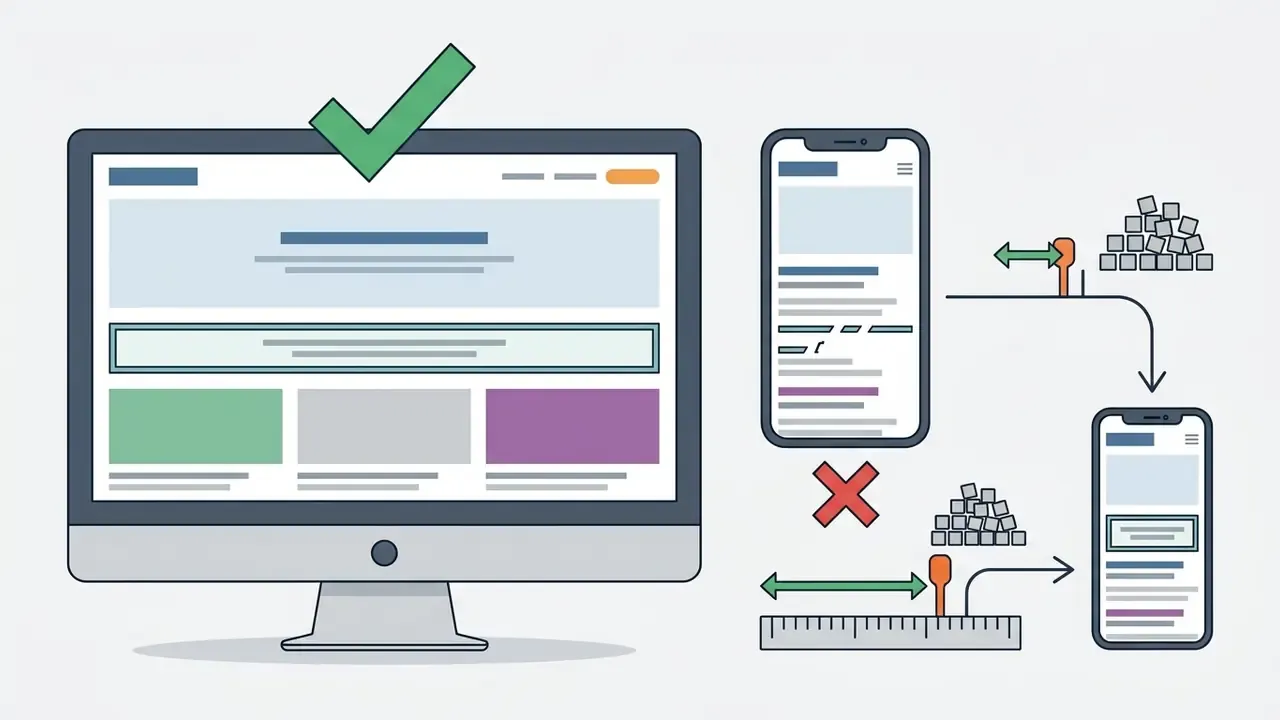
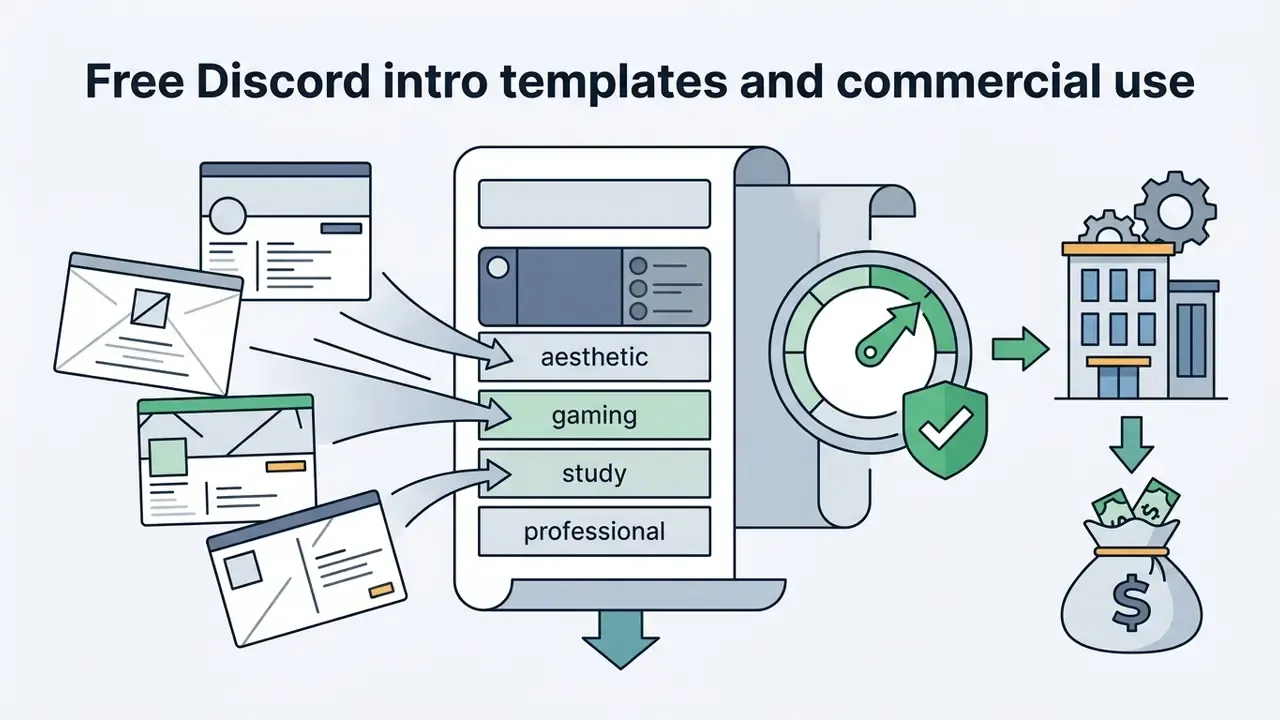
Free Discord Intro Templates and Commercial Use
Using a free discord intro template you found online is fine for a personal profile. Commercial deployment is a different question, and it turns on licensing terms and intellectual property rights rather than on the download price.
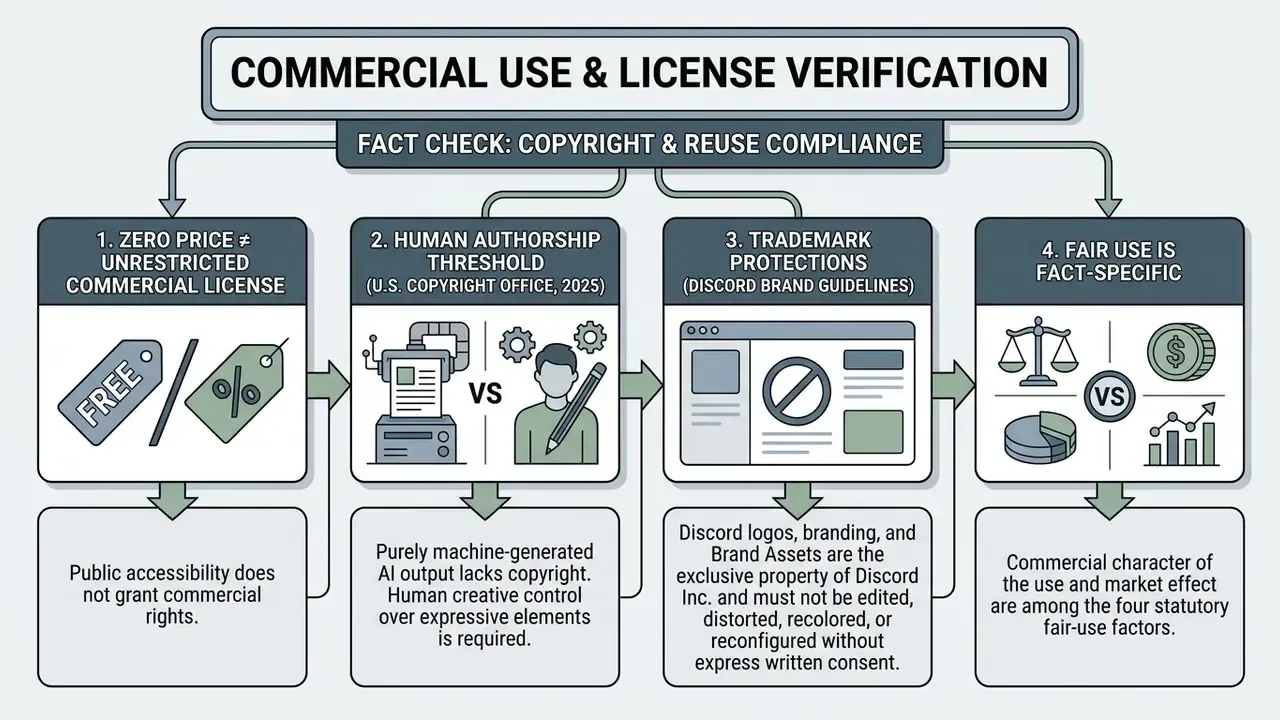
What "Free" Means for Intro Templates and Generators
"Free" in template repositories carries at least four distinct meanings:
- Free personal use: the author lets individuals copy, edit, and paste the template into personal Discord accounts without payment. That is a permission scope, not a transfer of rights.
- Freemium tool access: the generator offers basic layout functions at zero cost but locks premium font sets, bot integration, or advanced styling behind a subscription. The same tiering logic shows up across content tooling, and AI image generators with commercial licensing are a useful worked example before you assume a free tier clears business use.
- Open license / Creative Commons: the creator grants specific rights (CC-BY, CC0) allowing modification, redistribution, and commercial use, often with an attribution requirement.
- "Free" as freedom, not price: in the free-software tradition, "free" describes the liberty to use, study, modify, and redistribute, not the absence of a fee. Some open licenses are royalty-free only "unless stated otherwise", so read the license text rather than the download button.
Document-style licenses deserve a footnote of their own. The W3C Document License, a well-known example, permits redistribution for any purpose only if you retain the original URL, copyright notice, and status statement. Attribution obligations can survive even where commercial reuse is allowed.
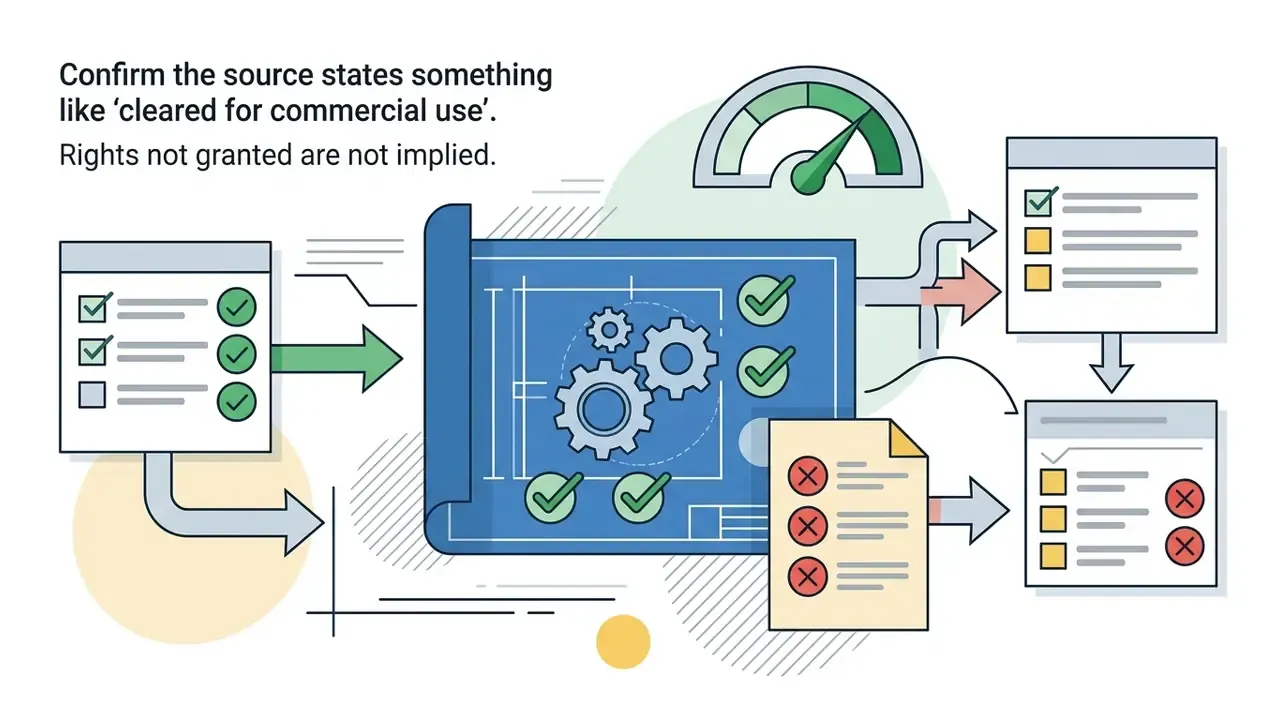
What to Check Before Using a Template Commercially
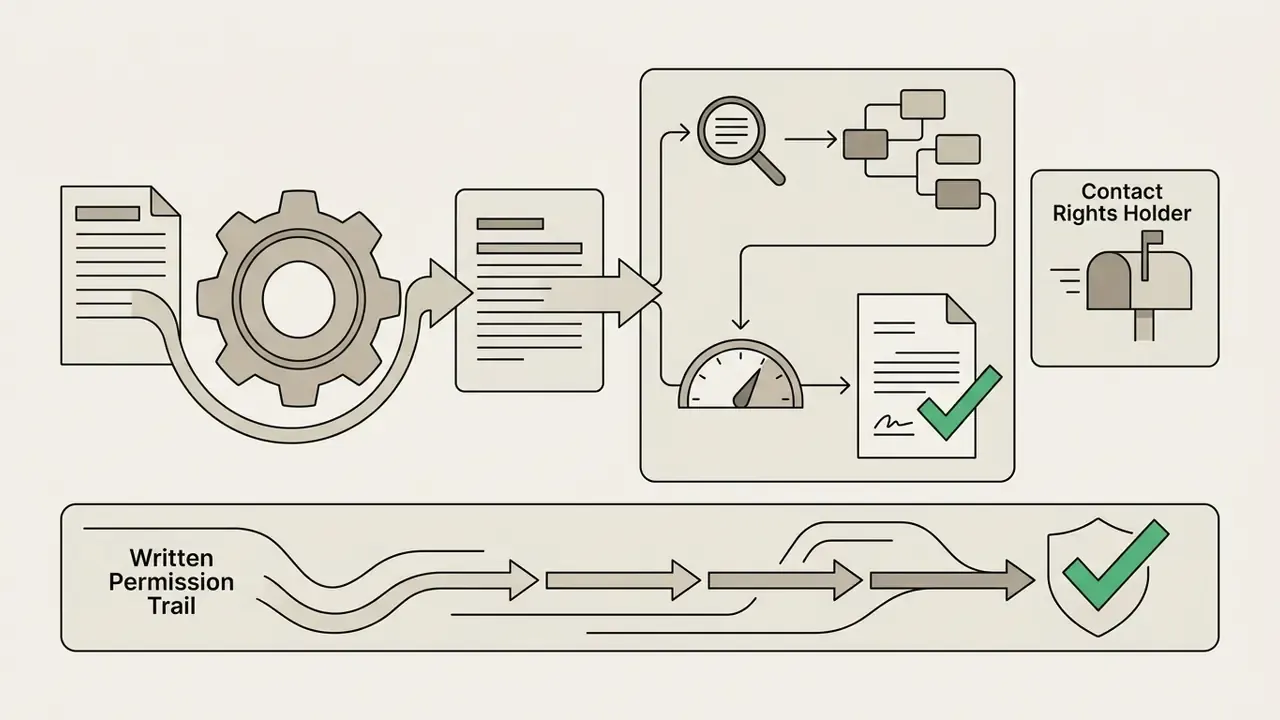
Before you drop a discord intro template, character graphic, or text layout into a commercial community server, a paid membership group, or a corporate marketing workflow, verify the following:
Self-disclosure risk belongs on this checklist too, because members of monetized communities routinely overshare:
«The more frequently participants disclosed information about themselves on social media, the less risky they perceived their own online activity to be.»
For paid or corporate servers, that habituation effect is the whole argument for a fixed intro field list. The people most comfortable posting details are usually the last to notice the exposure. Wider commercial context sits in the AI Media Commercial-Use Hub.
Discord Server Intro Template for Community and Profile Introductions
A discord server intro template does two jobs at once: it guides individual member self-presentations and it structures the official welcome announcements admins broadcast. Discord's support documentation notes that the system messages channel can be designated as the welcome channel for new-member messages, which turns the intro into a proper entry point instead of an afterthought.
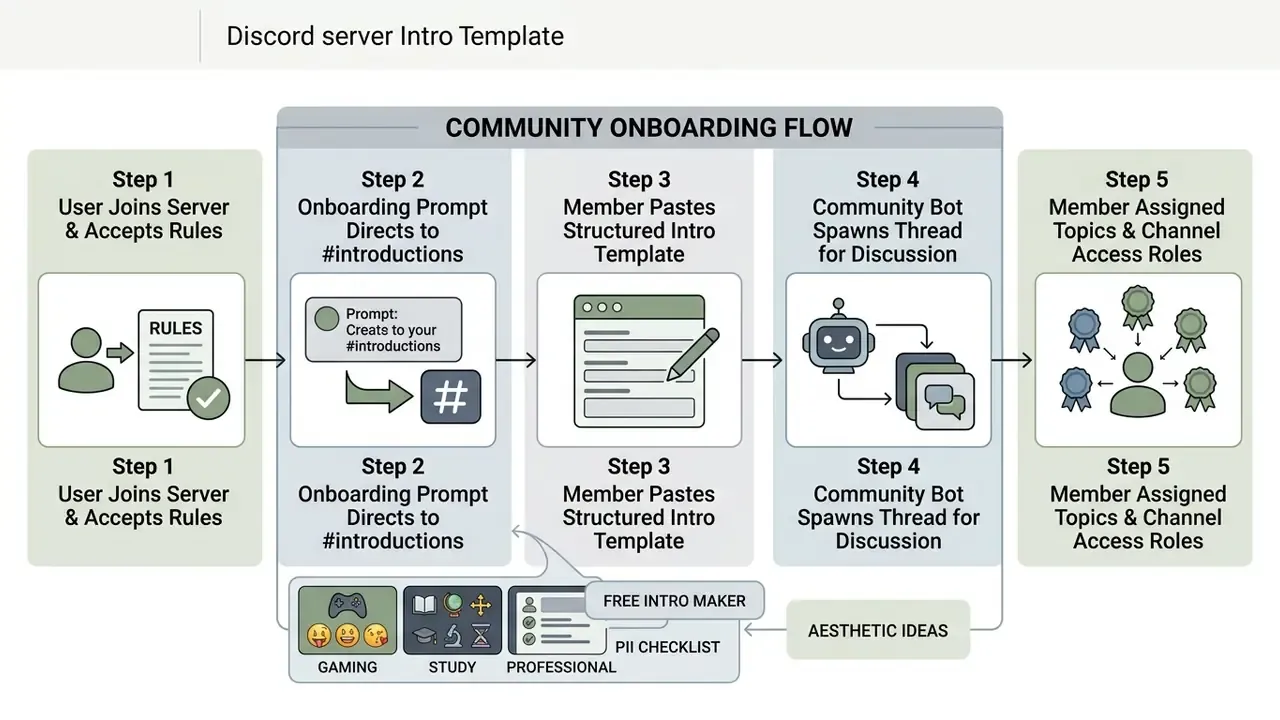
An effective admin-side welcome message follows four beats in order: greet the member by name or mention, explain the community in one sentence, give exactly one next step, and say where to ask for help. Two or three lines with a single call to action beat a wall of instructions, and Discord's onboarding guidance explicitly allows tagging the member, asking a question, or pasting an introduction template into that welcome.
Onboarding Automation: Templates, Roles and Bots
Community onboarding in Discord lets admins create custom questions whose answers map directly to channels and roles. Discord's own examples show that some questions can be deferred and surfaced later in the "Channels & Roles" tab instead of gating the join flow. Pair that native feature with a bot for the reactive part:
Typical automation pattern
| Stage | Native Discord feature | Bot-side action (MEE6 / Dyno / Carl-bot) |
|---|---|---|
| Join | Rules screening + verification level | Log join, apply a temporary "Unverified" role |
| Onboarding questions | Customization questions mapped to channels/roles | (none needed) |
| Intro posted | #introductions set as system/welcome channel | Reaction-role or keyword trigger grants topic roles |
| Discussion | Auto-thread on new intro messages | Auto-create a thread per intro so replies stay tidy |
| Follow-up | Channels & Roles tab for deferred questions | Scheduled nudge if no intro posted within X days |
Keep only the roles that actually change access or content. Every extra decorative role adds friction without adding capability. Discord's setup guidance for professional and work servers puts the same emphasis on roles, permissions, verification levels, and periodic member and activity review. If you are sizing a paid bot tier against member volume, our calculators help you sanity-check the monthly cost before you commit.
Moderator and staff onboarding is structurally different from member onboarding. Discord's moderator guidance recommends server-specific handbooks covering staff rules, conduct expectations, punishment outlines, and a training timetable. A widely used staff application format asks for three parts: a short manifesto, a list of channels the applicant is active in, and a written scenario task that tests moderation judgment.
Self Introduction Templates for Discord Servers
Community managers should pin standardized self introduction templates in onboarding channels. Clear text prompts reduce user uncertainty and, over time, build a sense of shared ownership.
A note on that source: an earlier version of this page dated it to 2026. The year has been removed pending verification of the published edition, so treat the finding as directional rather than time-stamped.
Template 25: Community Member Self-Intro
👋 WELCOME TO [SERVER NAME]!
────────────────────────────
• Name / Nickname:
• Pronouns:
• How you found us:
• Primary interests in [Server Subject]:
• Current project or goal:
• Favorite tool / game / resource:
• Link (optional): [Strawpage / Carrd / portfolio]
────────────────────────────
💬 Drop your intro above, and our community bot will create a personal welcome thread below!
Template 26: Paragraph Style Self-Intro
Hey everyone! My name is [Name] and I go by [pronouns]. I'm [minor/adult] and based in [country/timezone]. I found this server through [how you found it] and joined because [reason]. Outside of Discord, I spend most of my time [hobby 1] and [hobby 2]. I'm really passionate about [interest] and always happy to talk about it. My DMs are [open/closed]. Looking forward to getting to know everyone!
Template 27: Casual Self Intro
hey!! i'm [Name], [minor/adult], [pronouns] 🌙
a little about me:
• really into [interest 1] and [interest 2]
• currently [watching / reading / playing]: [what]
• timezone [timezone], most active [morning / afternoon / evening]
• [introvert / extrovert], so bear with me while i warm up
dms are [open / closed]. excited to be here!! ☁️
Template 28: Emoji-Light Self Introduction
Introduction: [Your Name]
About me: [2–3 sentences about who you are]
Interests: [interest 1] · [interest 2] · [interest 3]
Hobbies: [hobby 1] · [hobby 2]
Timezone: [timezone]
What I'm looking for: [connection / advice / community / collab]
DMs: [open or closed]
Professional and Gaming Server Introduction Formats
How to Make Your Discord Intro Stand Out
- Be specific, not vague. "I like music" gives nobody an opening. "I listen to hyperpop and indie folk, currently obsessed with [artist]" gives a stranger a reason to reply.
- Add one conversation starter. End with a question, a recommendation request, or a favorite game. A single hook outperforms five facts.
- Match the server's register. Read a few existing intros and mirror their length, formatting, and emoji density before you post.
- Delete fields that do not apply. Templates are starting points, not forms. Empty placeholders read as unfinished.
- Mix, do not clone. Combine dividers from one template with the field list of another, so the result reads as yours rather than as a paste.
Editor's note (Marcus Hale, author): the governance habit that transfers cleanly from regulated environments to community servers is a fixed, documented field list with a named owner. It is unglamorous, and it is the thing that keeps sensitive data out of public channels.
Pre-Post Checklist: Privacy, Accessibility, Formatting
Run this before you press Enter.
Checklist0 / 19
Next step: copy the template that matches your server type, paste it into a private channel, run this checklist against it, then post it in #introductions. Save the edited version in a notes app. You will reuse it every time you join a new server.
FAQ: Discord Intro Templates
How do I copy and paste a Discord intro template on mobile?
On iOS or Android, tap and hold the template text until the context menu appears, then choose Copy Text. Open your server's #introductions channel, tap the text field, select Paste, replace the placeholder fields with your own details, and send. Check the preview first: decorative frames wider than about 30 characters tend to wrap awkwardly on phone screens.
Will using custom fonts in my Discord intro make it unreadable?
For some readers, yes. Many stylized fonts from third-party converters use mathematical Unicode symbols rather than standard ASCII text. Screen readers cannot interpret those symbols as words, and older mobile devices may show them as empty boxes. Keep vital information such as your intro name, pronouns, and boundaries in standard text, and reserve decorative fonts for one header line.
Can I use a Discord intro generator for commercial communities?
You can, provided the generator and its font styles permit commercial reuse. Check the tool's terms of service, confirm that embedded fonts or icons are licensed for commercial exploitation, and make sure you are not breaching Discord's official Brand Guidelines on trademarked logos and assets.
Can I link my Strawpage or Carrd in a Discord intro?
Yes. Discord's "About Me" and message fields accept links, and a single Strawpage, Carrd, or portfolio URL is the tidiest way to share an extended profile without pasting several handles. Three cautions: check the server's self-promotion rules first, remember that a linked page may reveal a legal name or location you did not intend to publish, and note that some servers auto-moderate external links from new accounts. If your link page is monetized, treat it as commercial content and confirm the assets on it are properly licensed.
How many characters can a Discord "About Me" bio hold?
Discord documents a 190-character limit for "About Me" on both global and per-server profiles, and 128 characters for a custom status. Decorative Unicode frames eat characters fast, so many designers aim for roughly 170 characters of content to stop the layout truncating mid-frame.
What should a study server or freelancer intro include that a social intro does not?
Study intros should carry field of study, academic year, current focus (exam, thesis, module), timezone, and the kind of accountability you want. Freelancer and creator intros should carry discipline, tool stack, a portfolio link, and current availability. Both benefit from low emoji density: research on emoji in instructional communication found that emoji use shifts perceived expertise and trustworthiness, so one marker per field is the safe ceiling in professional and academic contexts.
Do I need to fill in every field of a template?
No. Templates are starting points, not forms. Delete any field that does not apply rather than leaving a bracketed placeholder behind. An intro with four completed fields reads better than one with nine, three of which still say [Interest 2].
Conclusion
A structured discord intro template simplifies onboarding, protects user privacy, and lifts engagement across casual, gaming, study, freelance, and enterprise Discord environments. Pick the template that matches your server type. Keep essential text in standard characters for accessibility. Cap your emoji density, respect Discord's field limits, run the PII checklist before posting, and verify licensing terms before any commercial deployment. Do those six things and a copy-paste intro stops being filler and starts doing real work: getting you replies.