Digital visual assets usually need cleanup before they can move through modern enterprise workflows. An automated ai remove text from image pipeline lets creators and asset managers erase unwanted words, price tags, timestamps and logos while keeping the structural integrity of the background layer.
Last updated: editorial refresh covering 2024-2026 research, format support and enterprise governance criteria.
What Is an AI Text Remover from Image?
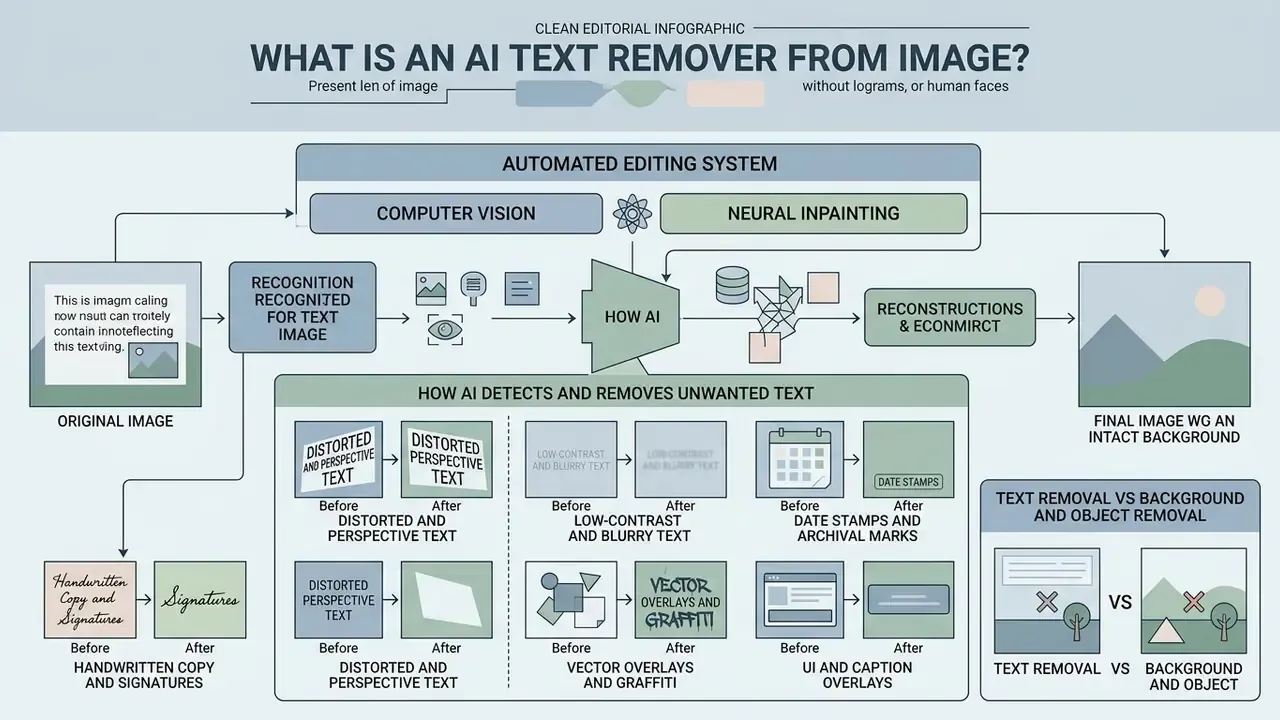
An ai text remover from image is an automated editing system that uses computer vision to detect target typography, then neural inpainting to reconstruct the background behind it. Unlike manual pixel editing, an ai powered ai image text remover isolates letterforms without damaging neighboring visual textures or degrading the master file. Buyers comparing categories of editing software can review how general-purpose AI photo editors differ from single-purpose erasers built around mask generation.
How AI Detects and Removes Unwanted Text
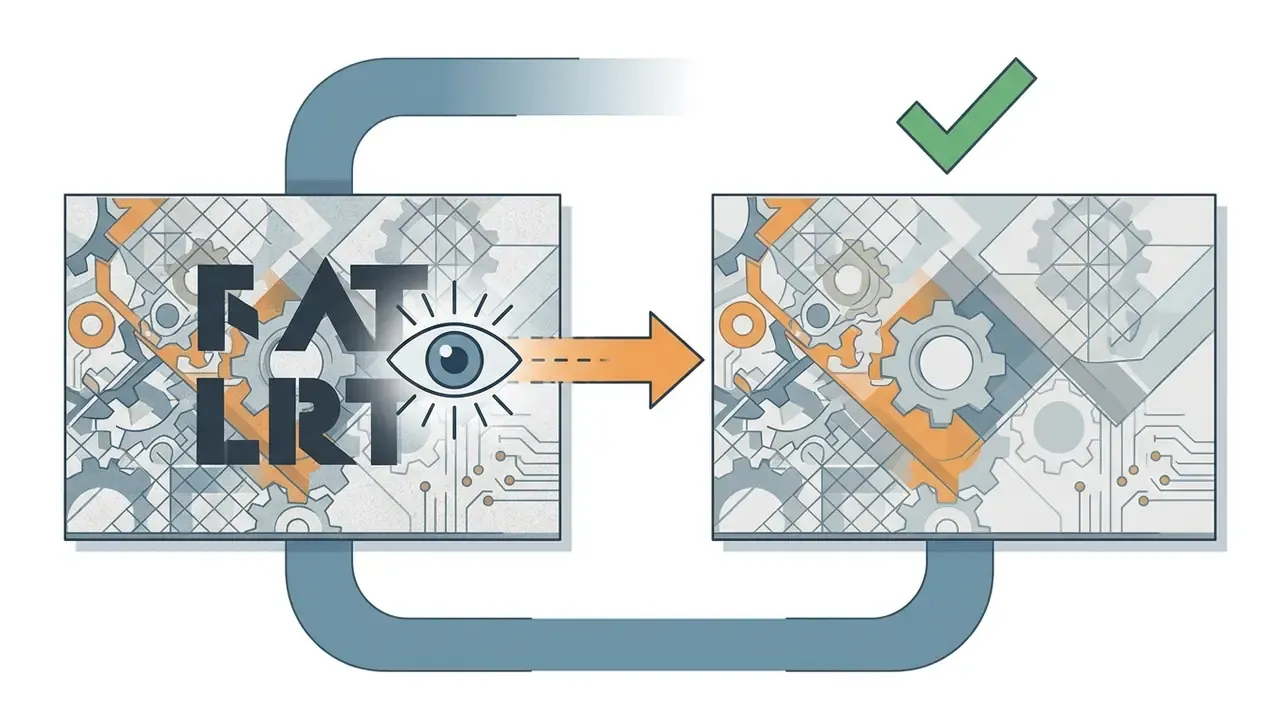
An ai tool remove text from image works through a two-stage pipeline: automated text region localization, then generative background synthesis. In the first phase, optical character recognition (OCR) and stroke-segmentation models automatically detect character boundaries and build a precise binary mask over the target letters. Readers who need the inverse operation, extracting copy rather than erasing it, can compare dedicated image-to-text tools. Once the mask exists, the inpainting engine reads the surrounding pixels to erase unwanted text and rebuild the underlying colors, textures and lighting gradients.
«Two-stage architectures with gated attention and region-of-interest generation reconstruct background structure more faithfully than simple blur or clone tools.»
By weighing global context against local pixel values, the algorithm predicts the missing detail so the cleaned image keeps a natural look instead of a smudge where the caption used to sit.
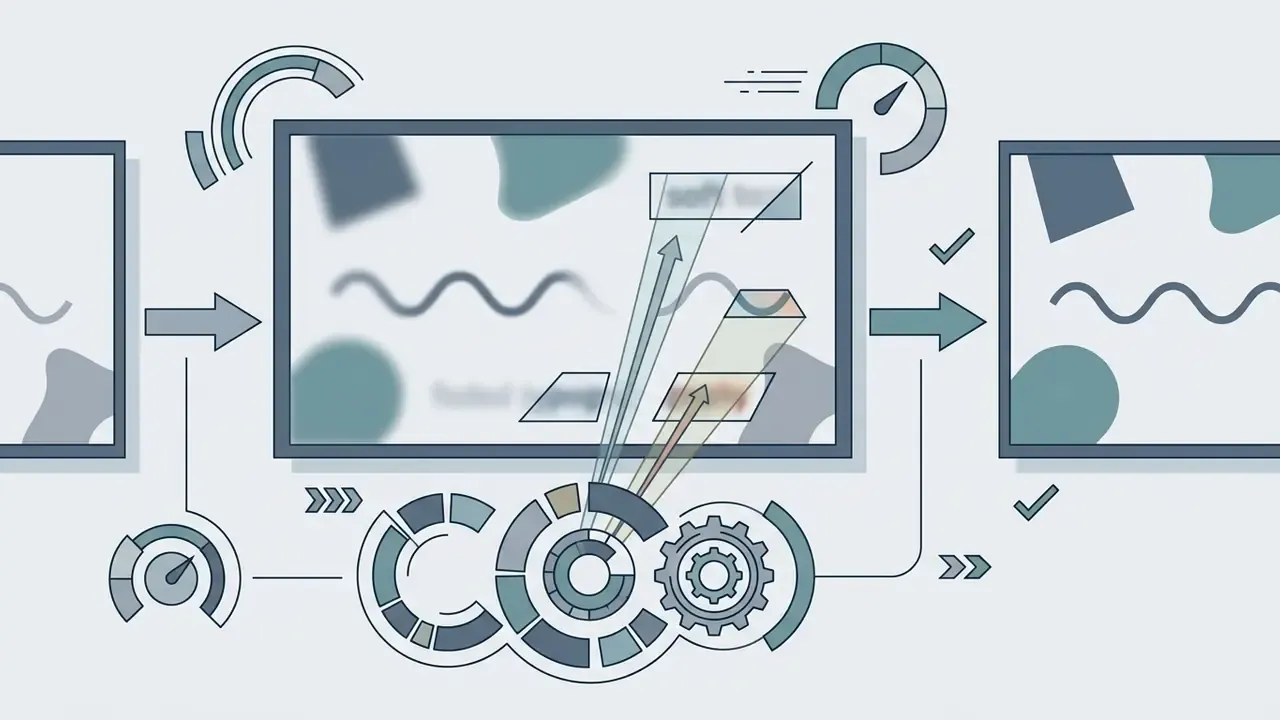
Modern neural text-erasing pipelines handle a wide spectrum of typography:
That last category is the one most teams underestimate. Screenshot chrome sits on flat UI panels, so the fill is easy, but the text is often anti-aliased at tiny sizes, which makes the mask fiddly.


Text Removal vs Background and Object Removal
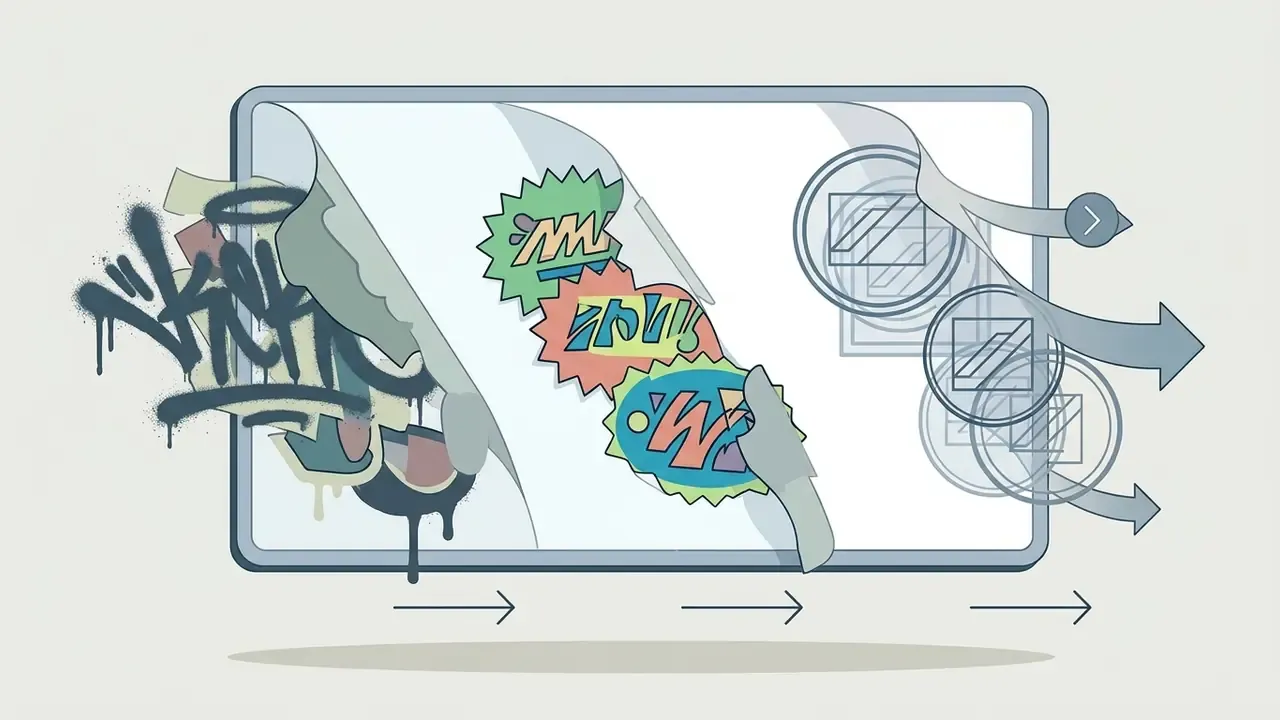
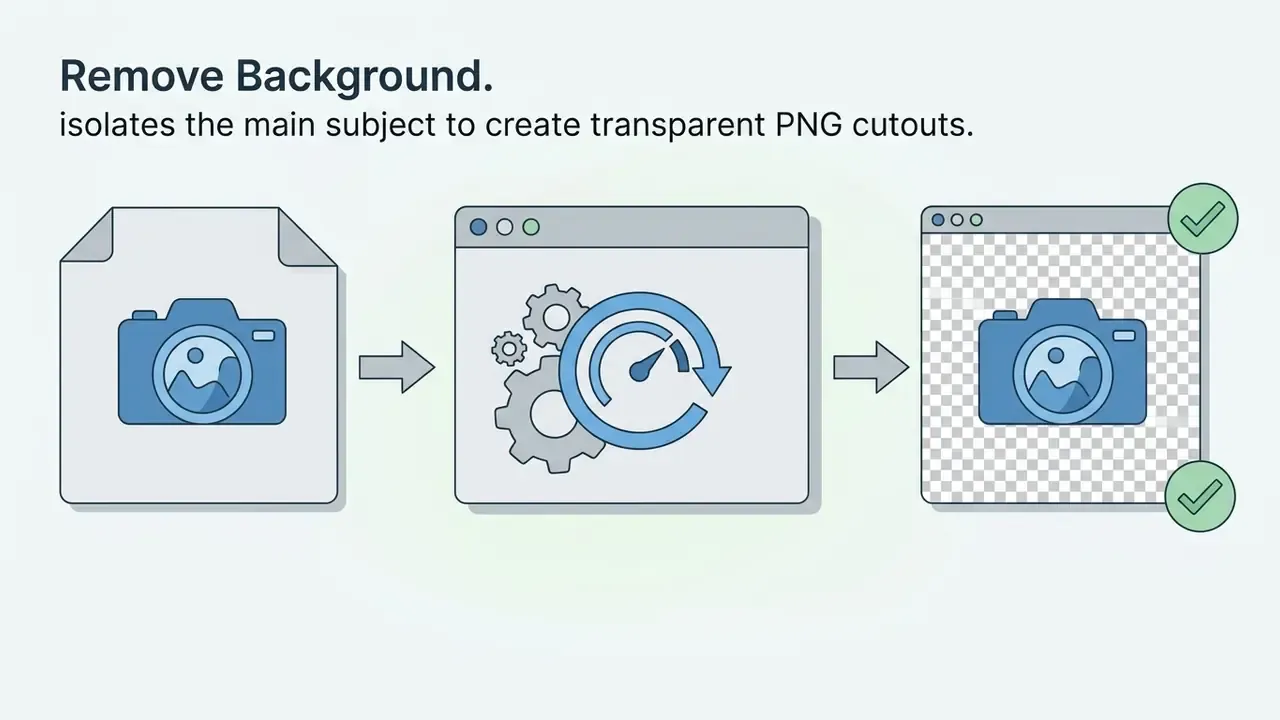
Specialized text removal isolates typography and reconstructs the covered surface. A background remover does something structurally different: it isolates a foreground subject by deleting the backdrop entirely. General object removal targets distinct items such as cars or secondary people, while an ai text remover from image focuses on high-contrast, vector-like glyphs layered over continuous textures. Some tools also market an ai remove letters from image mode for single-character fixes, which is really the same masking logic at a smaller scale.
Understanding these distinctions keeps digital asset teams from reaching for the wrong toolchain. Platforms like Hypeart AI Media show how separate generation and editing models handle specialized asset processing tasks.
When to Use AI to Remove Text from an Image
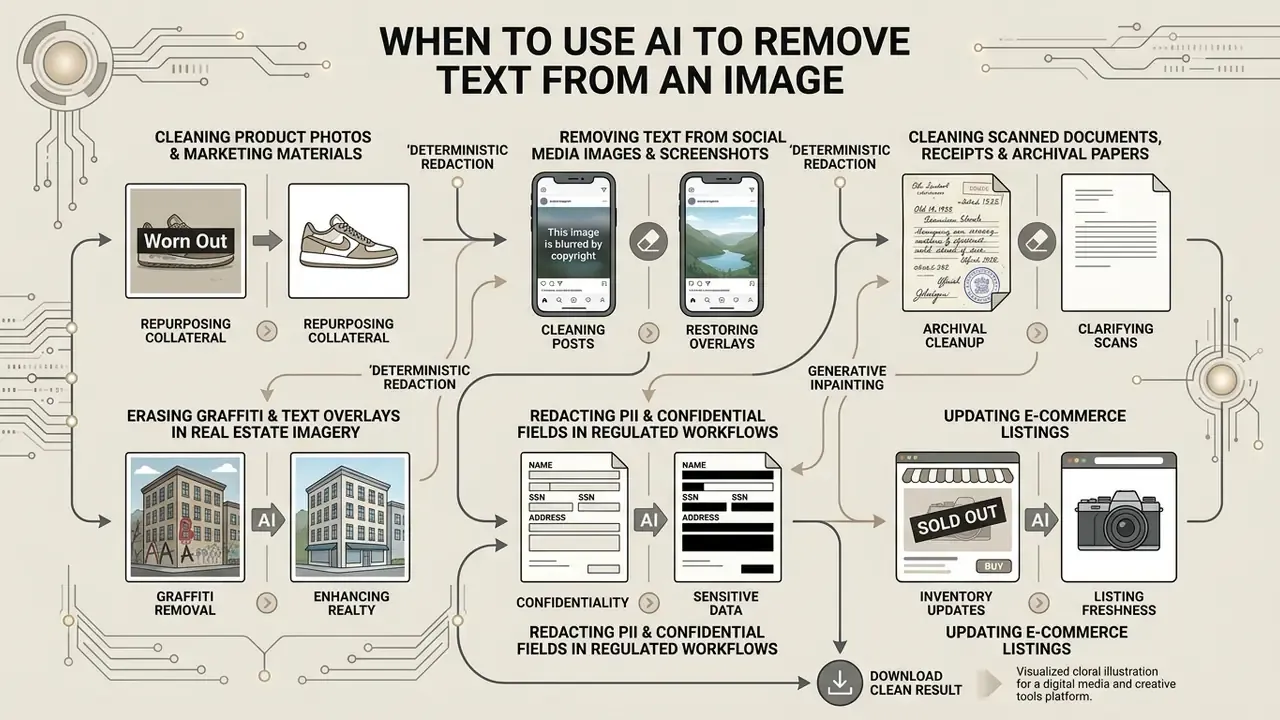
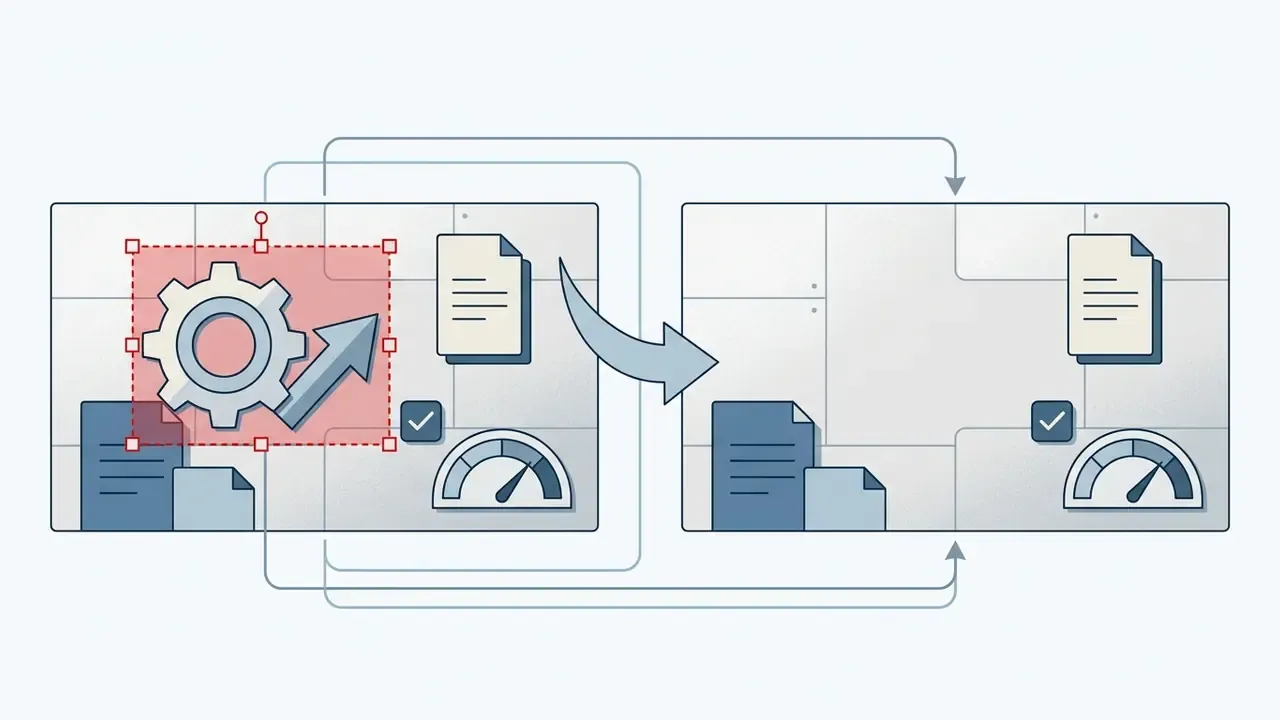
Organizations use ai to remove text from image files when repurposing marketing collateral, updating e-commerce listings, redacting sensitive fields on scanned paperwork, and clearing metadata overlays from digital assets. A remove text from image ai tool lets teams remove text from picture ai renders without booking an expensive re-shoot or a redesign cycle.
Cleaning Product Photos and Marketing Materials
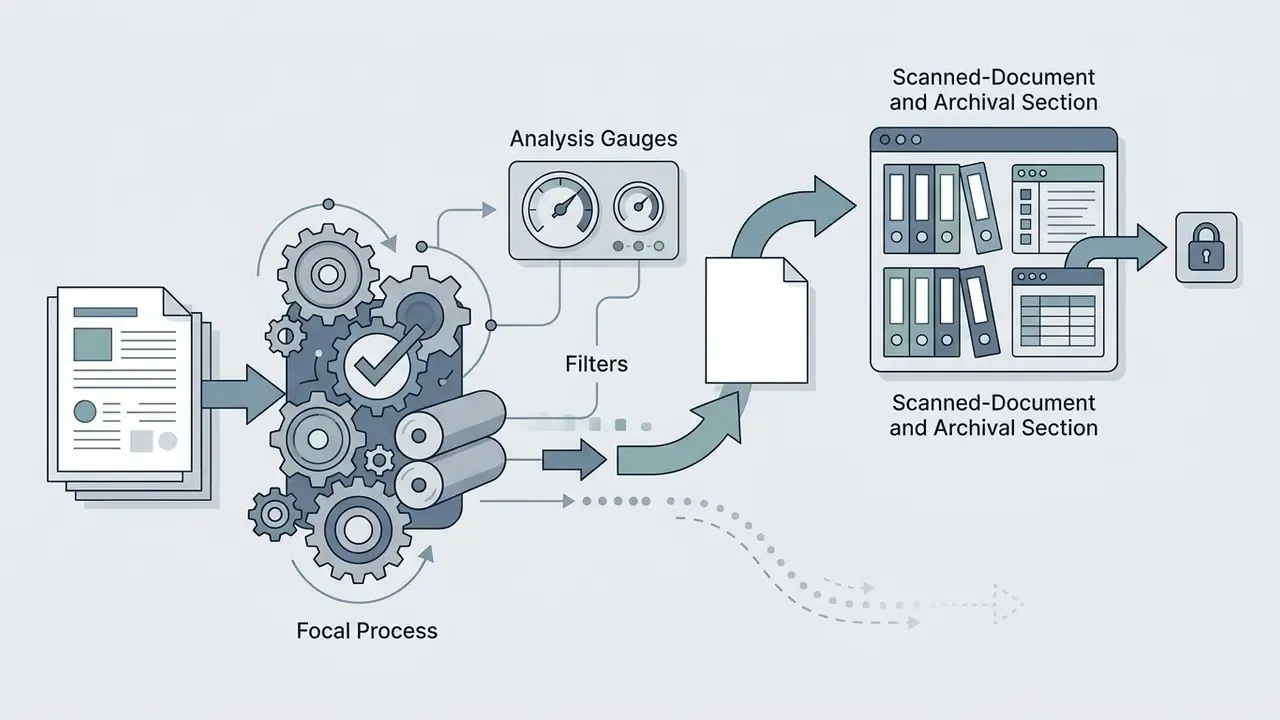
Cleaning Scanned Documents, Receipts and Archival Papers
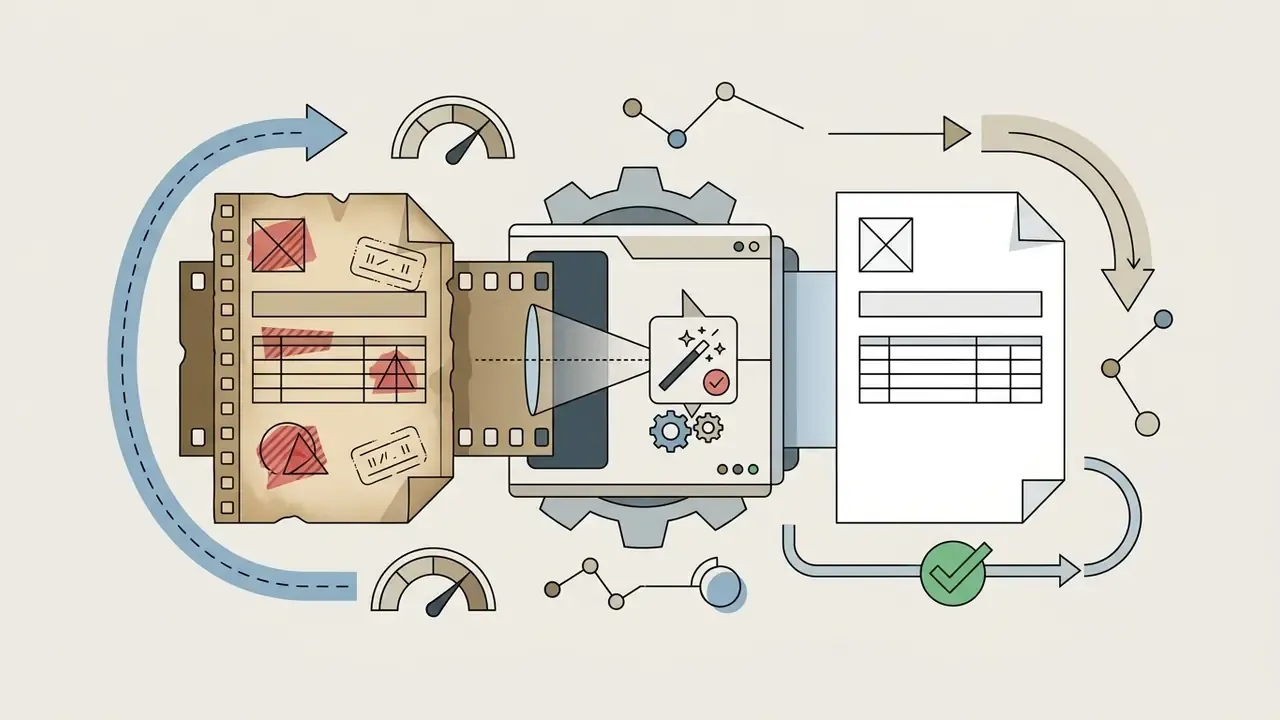
Scanned contracts, invoices, administrative forms and sales receipts often keep background annotations, archival stamps, courier markings or handwritten notes that were never meant to survive into the digital record. An AI text remover separates overlay ink from the paper texture underneath, which restores legibility for archival indexing, OCR re-processing and records management.
Typical patterns here: stripping a legacy watermark band from a scanned contract page, clearing a promotional footer from a digitized receipt before expense filing, and removing pencil annotations that break automated field extraction. Federal digitization guidance is blunt about the limits of this work. Post-capture processing should stay minimally invasive, master preservation files should not be retouched, and blemish or artifact removal belongs on derivative copies only (FADGI, Technical Guidelines for Digitizing Cultural Heritage Materials, 2023. https://www.digitizationguidelines.gov/). In practice, archives keep an untouched master scan and run text removal on an access derivative, with a documented processing note attached.
Erasing Graffiti and Text Overlays in Real Estate Imagery
Architectural and property listing photos often carry distracting wall graffiti, street signage, agency riders or promotional banners. Automated background synthesis erases the scribbles and wall typography while reconstructing brickwork, render texture, mortar lines and exterior lighting gradients. For a listing portfolio, this restores a neutral read of façade condition, window lines and landscaping without commissioning a reshoot, and the same image stays reusable across seasonal campaigns.
Redacting PII and Confidential Fields in Regulated Workflows
Financial services, insurance, healthcare administration and legal operations all handle visual documents containing account numbers, national identifiers, signatures, addresses and card data. Two operations get confused here constantly, and the difference decides your compliance posture:
- Deterministic redaction replaces the target region with an opaque, non-reversible fill (a solid block or flattened raster). This is the correct choice for regulated PII and PHI. The removed data must be unrecoverable, and the visual result should make it obvious that content was withheld.
- Generative inpainting synthesizes plausible background pixels where the text used to be. The result is cosmetically seamless, and precisely because it is seamless, it can hide the fact that a document was altered at all.
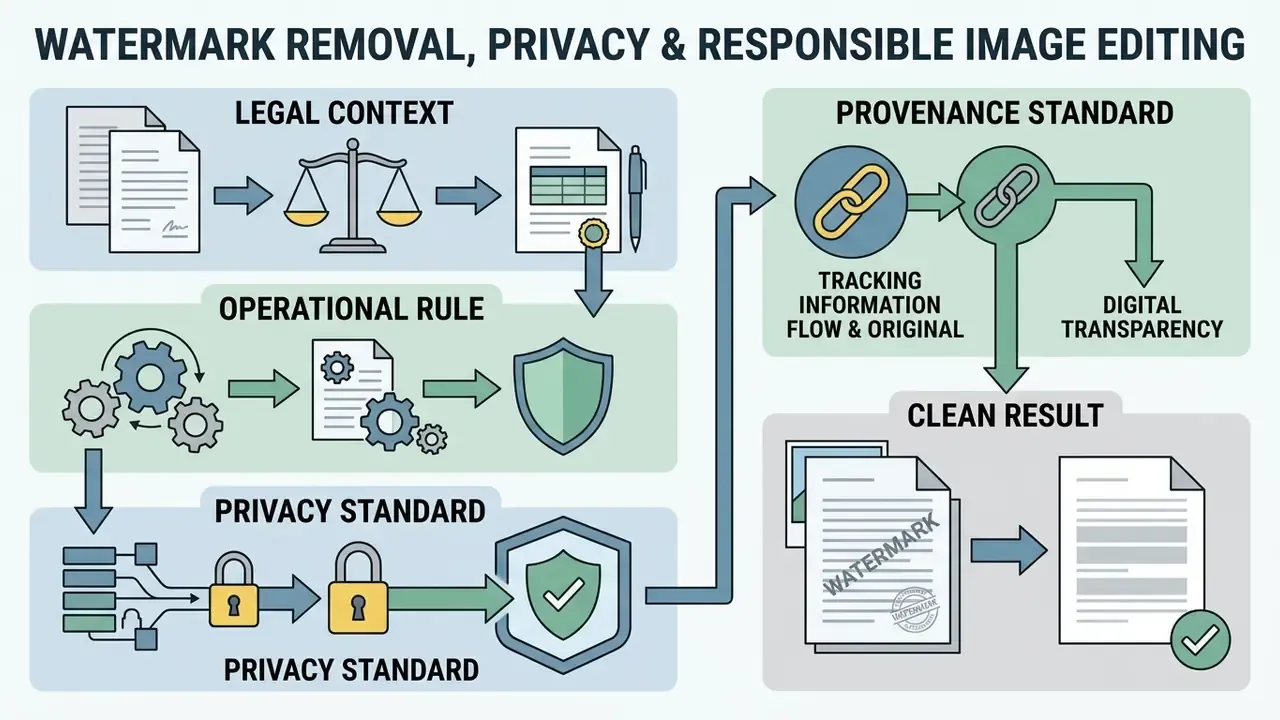
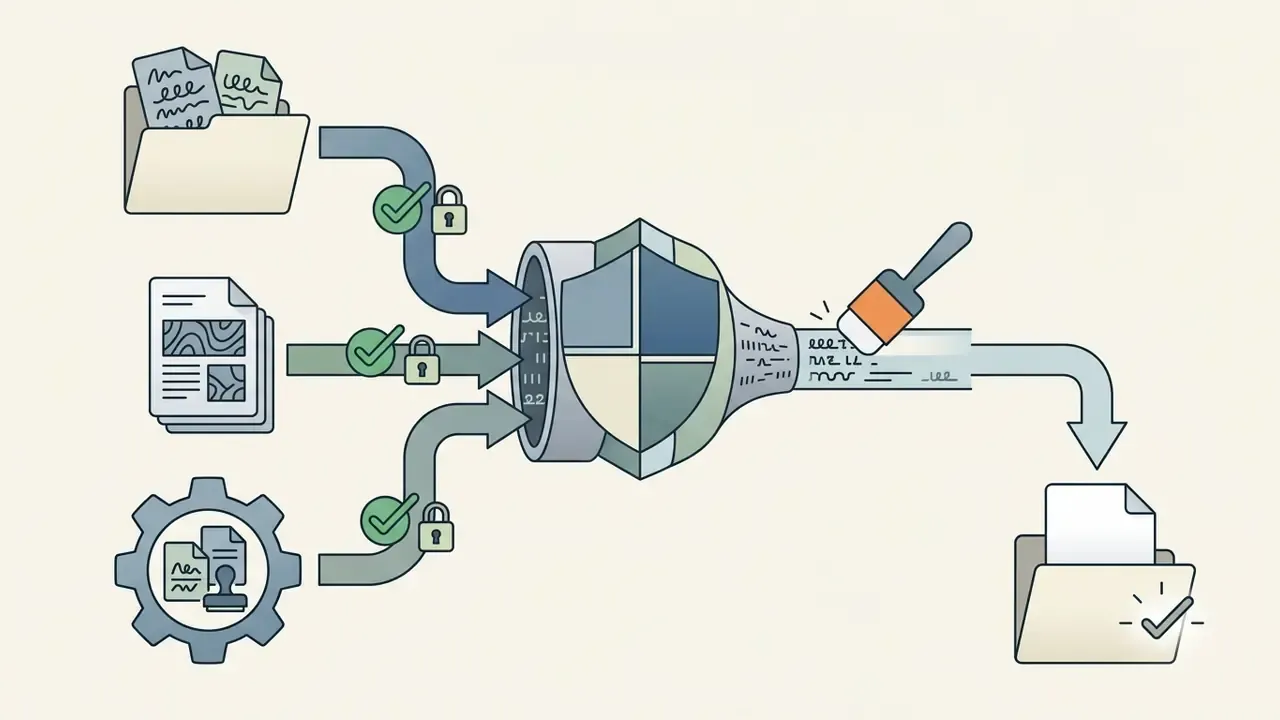
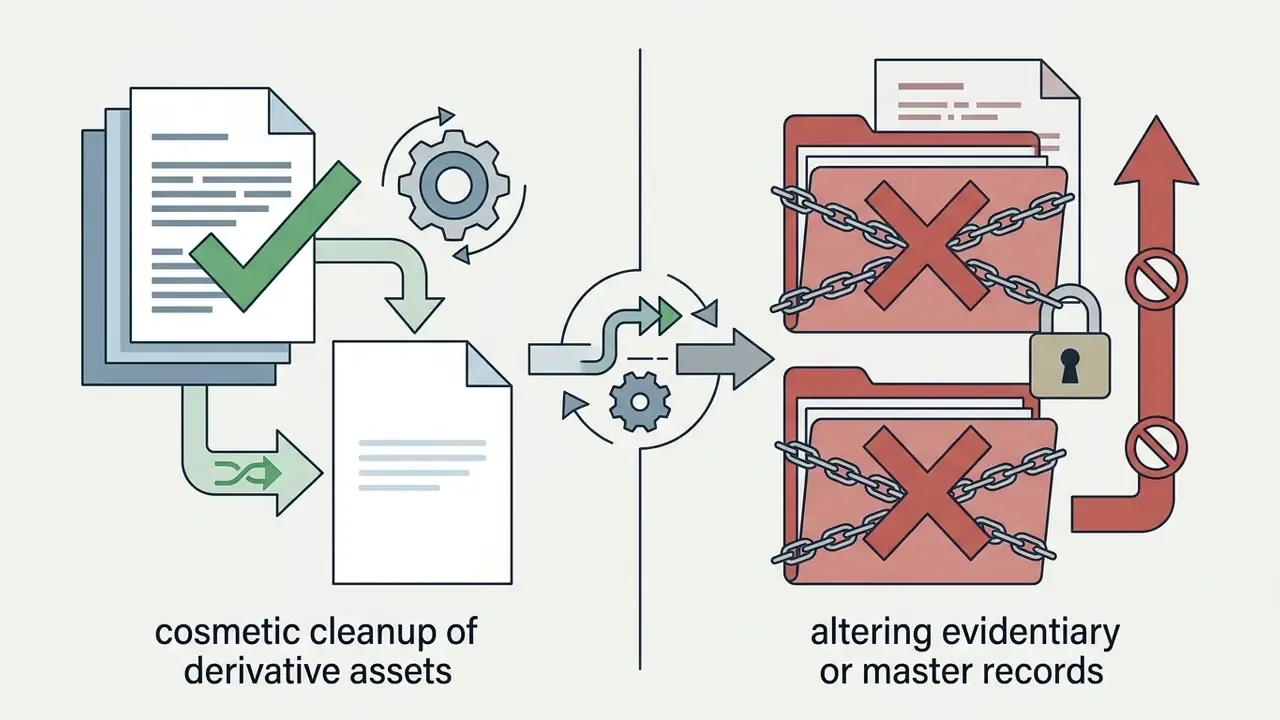
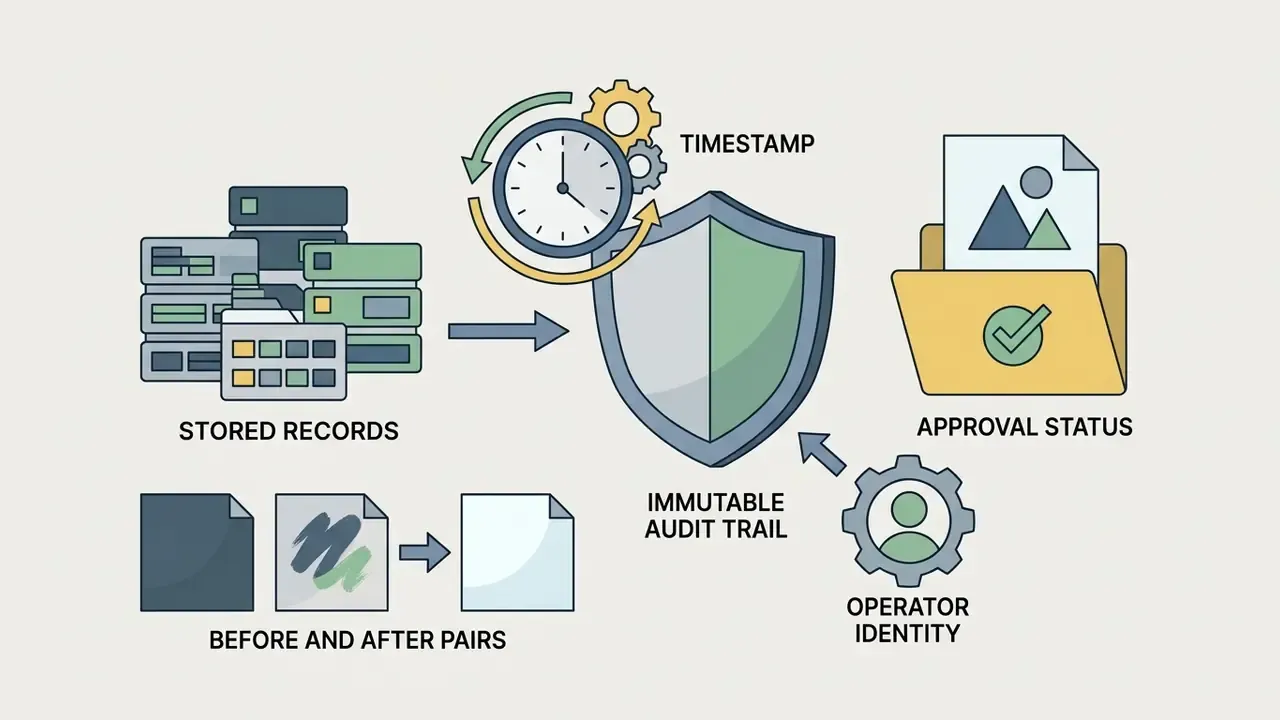
Operational rule: use generative text removal for cosmetic and marketing cleanup; use deterministic redaction plus metadata sanitization for regulated records. Adobe's own redaction guidance stresses that visible text removal must be paired with separate sanitization of hidden layers, such as metadata, embedded objects and OCR text layers, because deleting visible glyphs does not delete a searchable text layer underneath. Any document pipeline that mixes both approaches should log which method was applied to which region, with the operator's name attached.
Watermark Removal, Privacy and Responsible Image Editing
«Diffusion-based attacks removed invisible watermarks with 95.7% success while keeping visual degradation minimal.»
«Pixel-level invisible watermarks across four distinct schemes are provably removable by generative models with preserved image quality.» Zhao et al., Invisible Image Watermarks Are Provably Removable Using Generative AI (2023). https://arxiv.org/abs/2306.01953
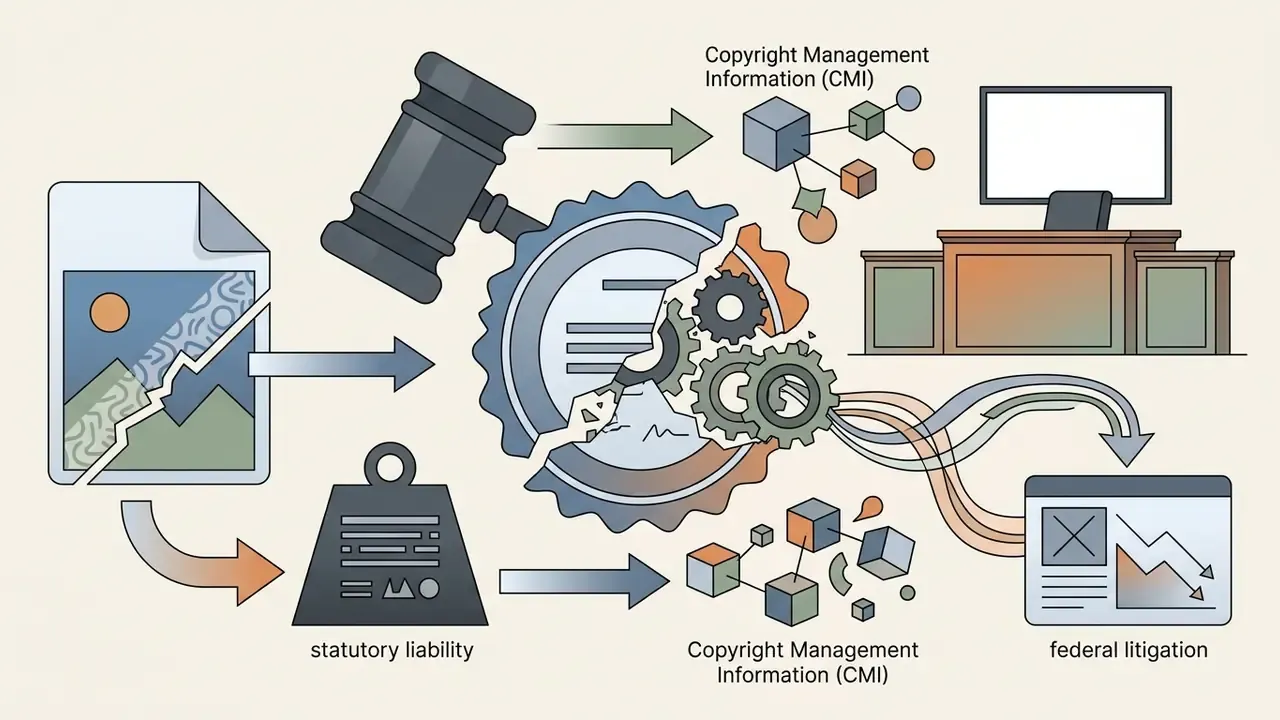
The implication is uncomfortable, and worth saying plainly: watermarking is not a durable technical control over redistribution. Rights holders need contractual and detection layers on top, and editors need a documented authorization trail before running removal on third-party assets. Teams working the other direction, screening incoming media for synthetic origin, can evaluate AI image detectors.
Organizations assessing risk frameworks for digital media management can compare options covering copyright compliance and asset governance.
Enterprise Security, Governance and Model Validation
Consumer text removers optimize for one metric: how fast a single image looks clean. Enterprise buyers, meaning CROs, heads of model risk, AI governance leads and finance transformation owners, need a different evidence set before an inpainting model touches business documents.
Security and data-handling checklist
- Deployment topology browser-only SaaS, private VPC deployment, or on-premises inference. Regulated document pipelines usually require one of the latter two.
- Data retention explicit zero-retention or short-TTL cache purge, confirmed contractually, not just in marketing copy.
- Training exclusion a written commitment that customer images are never used to train or fine-tune models.
- Certifications SOC 2 Type II, ISO/IEC 27001, plus sector overlays (GLBA, HIPAA, GDPR/UK GDPR) where they apply.
- Encryption TLS in transit, encryption at rest, and clarity on who owns key management.
- Access control SSO/SCIM, role separation between requester and approver, per-project isolation.
- Shadow AI containment blocking uncontrolled uploads of confidential scans to free consumer endpoints is usually the single highest-impact control, simply because a "free online text remover" is one browser tab away from every employee.
Model risk management for generative inpainting
Generative fills invent pixels. That is the point of the technology and also its core risk: an inpainting model can hallucinate plausible-but-wrong background content, reconstruct a partially covered digit, or quietly smooth away a tamper indicator. Institutions that already validate models under supervisory model-risk expectations (for example the Federal Reserve and OCC framework commonly referenced as SR 11-7 / OCC 2011-12, alongside the NIST AI Risk Management Framework) can extend those controls here without inventing a new regime:
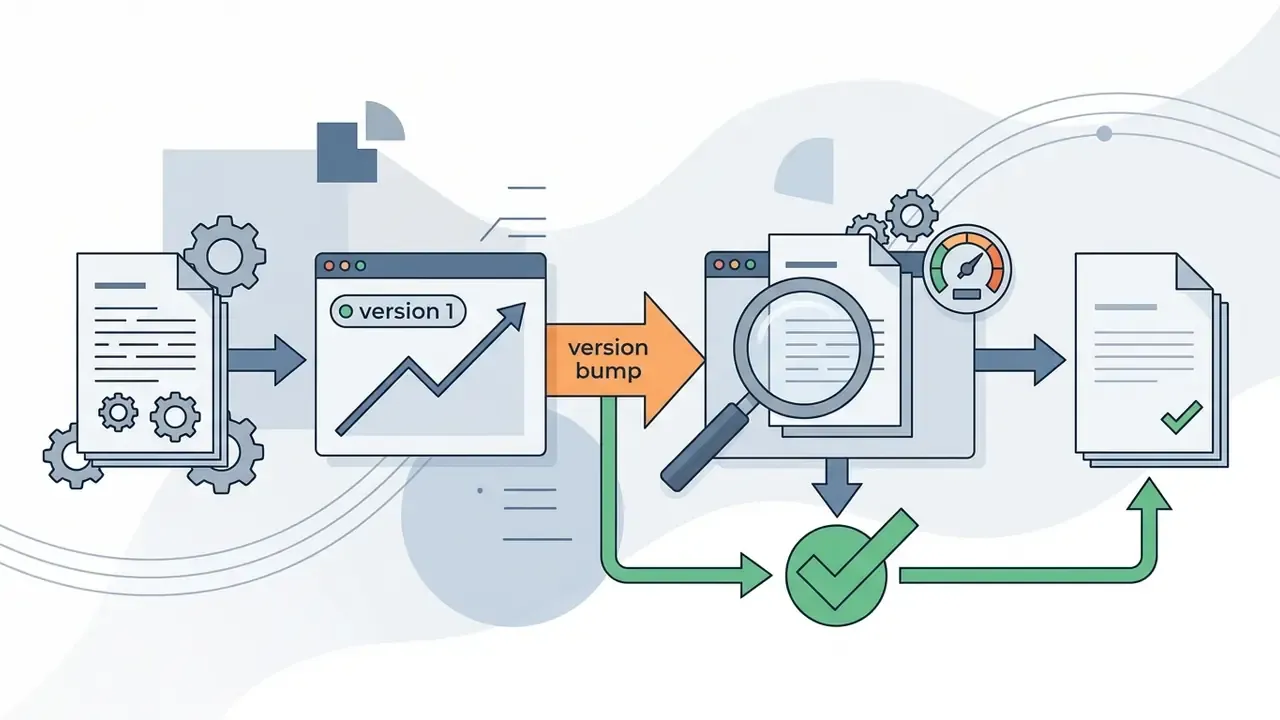
One clarification, since the wording above can read too softly: item 6 is the control most often skipped. Vendors ship model updates continuously, and a fill that passed validation in 2025 may behave differently in 2026 on the same mask.
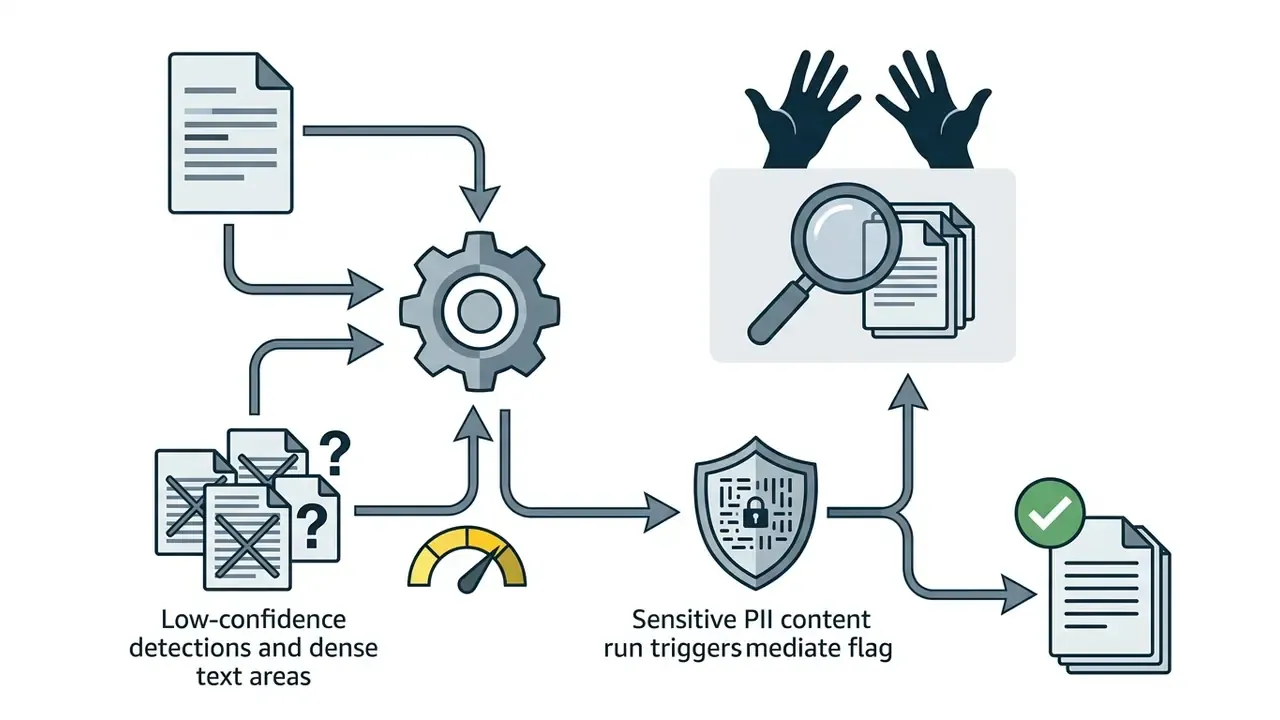
Integration architecture. High-volume pipelines rarely touch the browser UI. A production pattern looks like this: object storage (S3 or Blob) ingest, then a queue, then a REST API call carrying mask parameters or an auto-detection flag, then a returned confidence score, then conditional routing to auto-approve or human review, then write-back of the cleaned derivative plus a processing log. At that scale, batch endpoints and documented rate limits matter far more than one-click convenience. Published tool latencies in this category range from sub-second API responses to roughly a minute per complex image, so throughput planning should assume the slow end.

How to Choose the Best AI Tool to Remove Text from Image
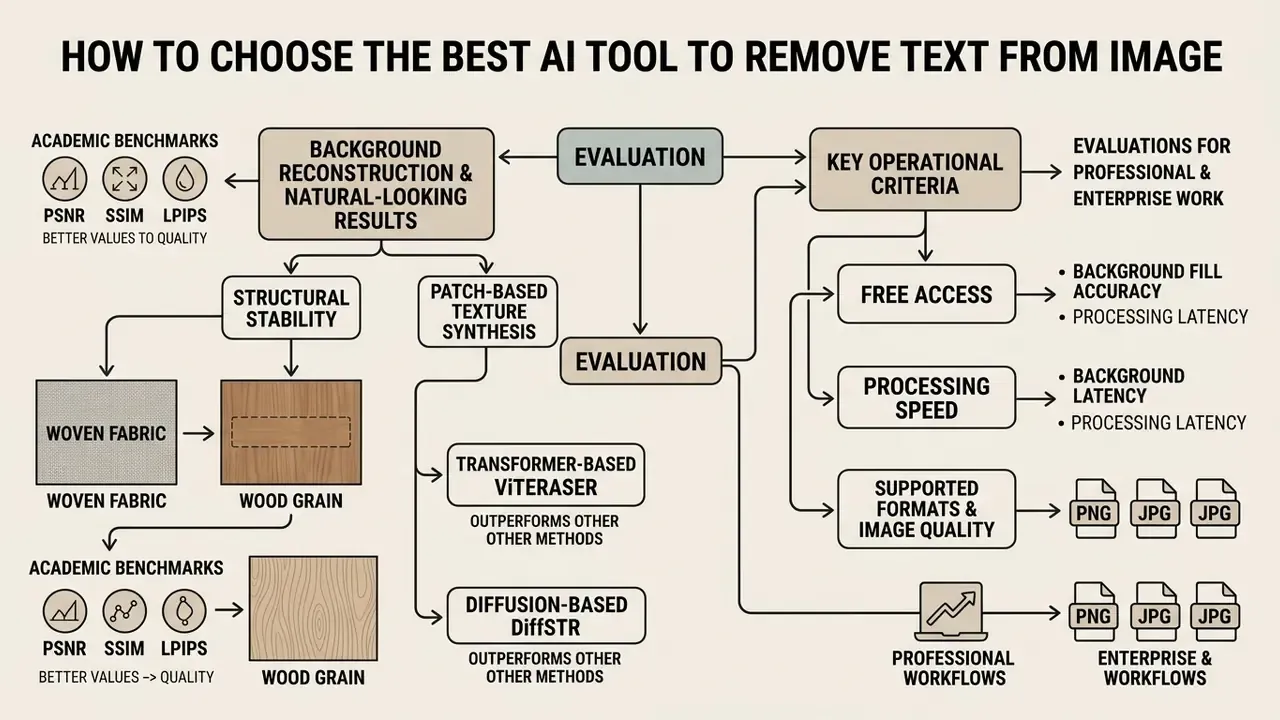
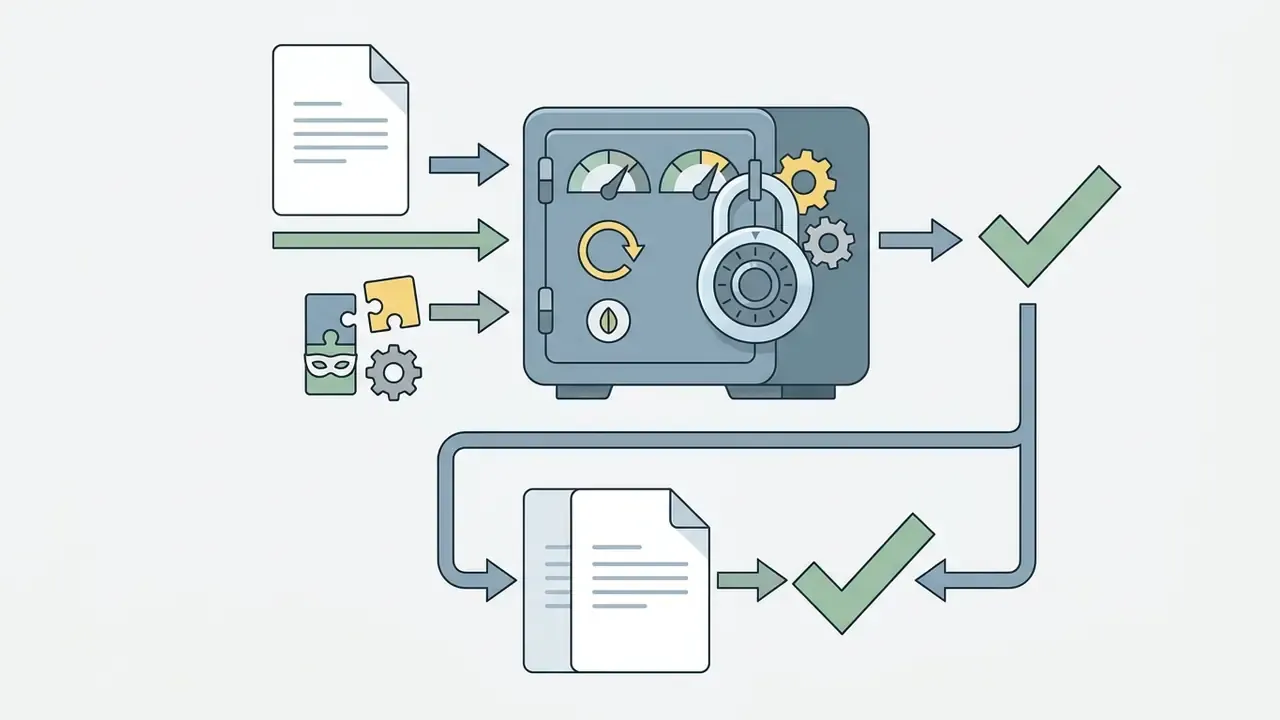
Choosing the best ai to remove text from image work means evaluating background fill accuracy, processing latency, supported file formats (png jpg and friends), and export resolution controls. A strong ai remove text from image tool balances one click automated detection against granular manual refinement brushes, and for business deployment, against a verifiable security posture.
Key operational criteria for evaluating AI text removal tools in professional and enterprise workflows
| Selection criterion | Technical metric | Operational impact |
|---|---|---|
| Background reconstruction quality | PSNR / SSIM / LPIPS | Keeps a natural look without smudging or color bleeding on complex gradients. |
| Format and resolution support | Lossless PNG / JPG / JPEG / WebP / BMP | Preserves master image quality without forced downsampling on export. |
| Processing speed | Latency (sub-second to 60s) | Sets throughput for bulk marketing asset processing. |
| Refinement tools | Brush, box select and bounding box controls | Allows post removal adjustments that clear residual letter artifacts. |
| Free access and tier limits | Daily credits / free tier | Enables risk-free evaluation before scaling a commercial workflow. |
| Batch and API throughput | Requests per minute, batch size, queue support | Decides whether the tool can serve catalog-scale or document-scale pipelines. |
| Security and compliance posture | SOC 2 Type II, ISO 27001, zero-retention, VPC or on-prem | Decides whether confidential or regulated imagery may be processed at all. |
| Auditability and reproducibility | Model version, seed, mask log, before/after retention | Supports model-risk validation, internal audit and dispute resolution. |
| Pricing transparency | Stated credits vs "unlimited free" claims | Prevents surprise metering; some tools advertise "free" while capping daily images. |
No matching rows Clear one or more filters to restore the matrix.
Teams weighing several creative platforms can consult an AI Media Comparison to analyze model speeds, credit pricing and export limits, or review the wider field of best AI image generators when generation and editing sit in the same workflow.
Background Reconstruction and Natural-Looking Results
A convincing natural look after text removal depends on structure propagation and patch-based texture synthesis. Modern architectures read spatial dependencies across the whole frame and rebuild patterned backgrounds, rather than dropping a Gaussian blur over the hole and hoping nobody zooms in.
That structural stability is what prevents visible artifacts on detailed surfaces: woven fabric, wood grain, printed packaging patterns, architectural brick.
Free Access, Speed, Formats and Image Quality
Reliable web utilities let you remove text from image ai free across standard web formats, including PNG, JPG, JPEG, WebP and BMP, finishing in a few seconds. Professional platforms preserve the input image quality, so exported files keep their original resolution instead of quietly shrinking.
Be precise about what "free" means in practice. Some services promise unlimited free usage in body copy, while the interface enforces a small daily image allowance and then charges premium credits per image. Others grant one-time credits, or exclude API access from free plans entirely. Anyone searching for remove text from image online free ai should test the cap before building a process on it. For preservation-grade work, follow the digitization logic: keep the highest-resolution original un-rescaled, export lossless PNG for master derivatives, and reserve compressed JPG for web access copies.
How to Remove Text from Image Using AI in 3 Steps
Learning how to remove text from image using ai comes down to a short online sequence: just upload the asset, select the target typography, then download the sanitized file. Modern web platforms run this online, with no local install and no GPU on your desk.

Step 1: Upload an Image Online
Upload your PNG, JPG, JPEG, WebP or BMP file by drag-and-drop, folder selection, or paste it straight from the clipboard with Ctrl + V (⌘ + V on macOS). That last path is handy when you are working from a fresh screenshot and never save it to disk at all. Starting from a high-resolution master gives the neural fill more context and cleaner reconstruction. For scanned paperwork, rasterize the page first; if the PDF still holds a selectable text layer, use redaction or PDF editing instead of image inpainting, because the removable data lives in the layer, not the pixels.
Step 2: Select or Describe the Text to Erase
Pick between Auto Detection Mode, tuned for standard printed fonts and clear captions, and Manual Erase for stylized, curved or partially occluded typography. For manual refinement, use a freehand Brush Tool on organic shapes and irregular graffiti, or a Box Select Tool to isolate rectangular blocks such as price stickers, subtitle bars and date stamps with clean edges. Tight selection boundaries stop the algorithm from rewriting adjacent scene detail that you wanted to keep.
Practical masking guidance: hug the glyph strokes first, then expand only if edges, folds, borders or ruled lines look distorted. Several disconnected regions can be masked in one pass, and the engine will erase text across all of them in a single inpainting run.
Users interested in prompt-driven visual editing can also see how an ai image generator handles image-to-image synthesis.
Step 3: Review, Refine and Download the Cleaned Image
Inspect the preview at 100-200% zoom for residual halos or color smudges, and look specifically for banding, tiling repetition and color casts along the old text boundary. If small artifacts survive, apply minor brush corrections, then hit download to save the finished cleaned image. When the cleaned asset has to be reused at a larger size, AI image upscalers can restore resolution without reintroducing compression artifacts.
How to Get Cleaner AI Text Removal Results
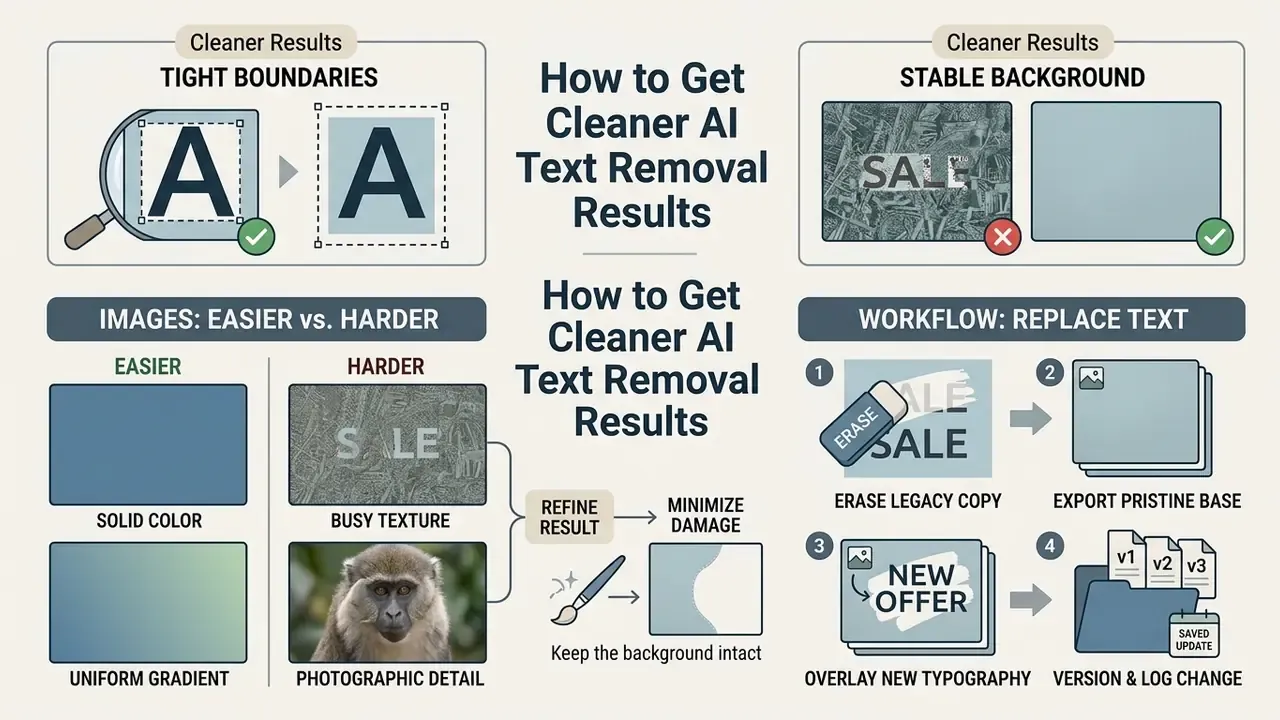
Getting clean text erasure is mostly about two habits: align selection boundaries tightly around the characters, and choose source images with stable background texture. High-contrast lettering on a smooth, non-patterned surface gives the most convincing reconstruction, every time.
Images That Are Easier or Harder to Clean
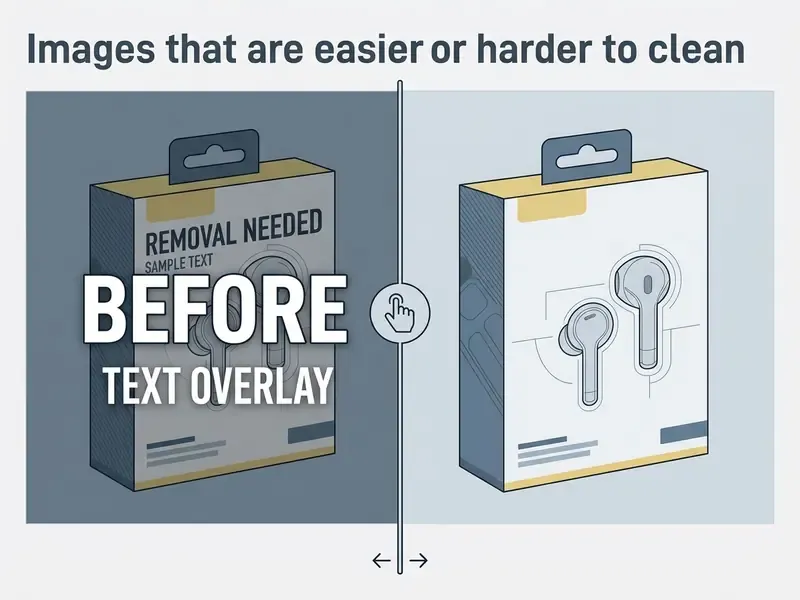
Flat surfaces, solid color blocks and soft gradients are ideal conditions for any ai tools to remove text from images pipeline. Text sitting on complex geometric patterns, human faces or high-frequency textures is the opposite case, and usually needs careful multi-pass processing.
Denoising and restoration literature ranks difficulty in a consistent order: perceptually flat regions fill easiest, boundaries and edges are harder, fine texture detail is hardest to preserve. Composite graphics that mix shading, decorative strokes and junctions, such as rough sketches, annotated blueprints and layered posters, are the most failure-prone category of all. Tight masking standards are the cheapest insurance against distorting neighboring pixels.
Refine the Result Without Damaging the Background
How to Remove and Replace Text for Layout Updates
Verified Enterprise Workflows and User Experiences
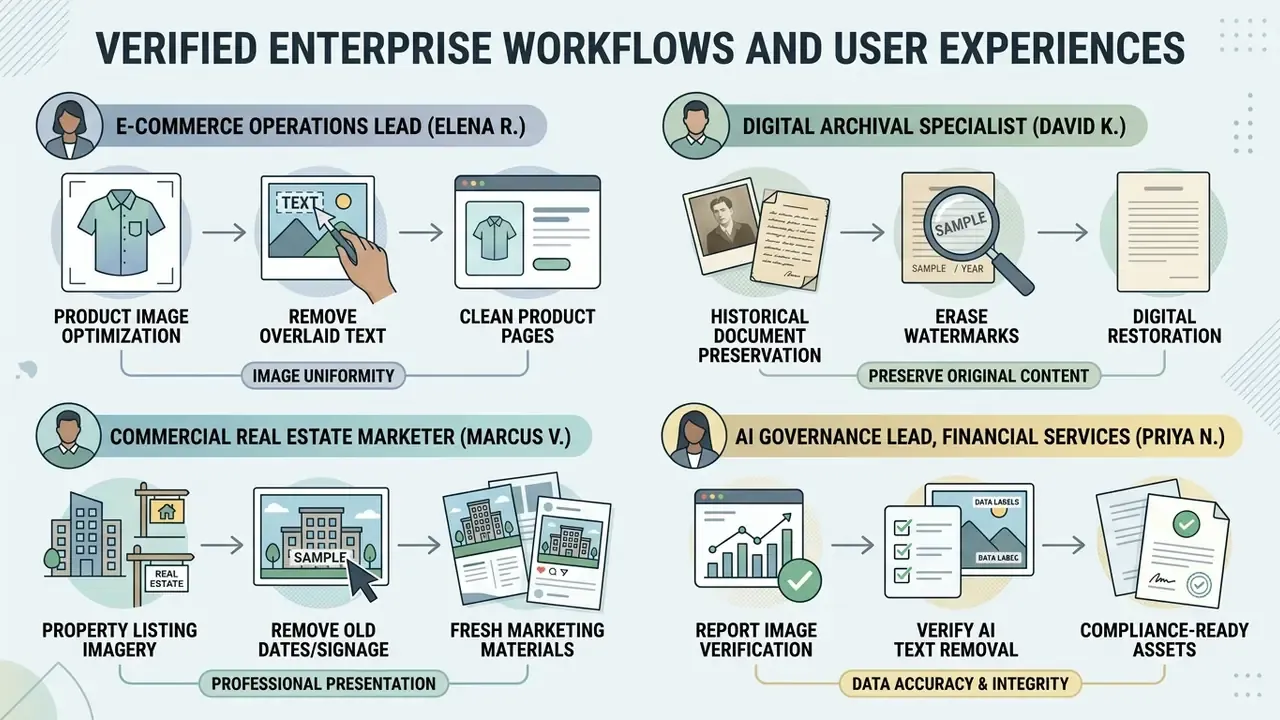
These accounts are illustrative practitioner feedback, not audited case studies.
Limitations and Open Questions
A short note on what this article cannot settle. Vendor-published fidelity metrics are rarely comparable, because benchmarks, mask definitions and test sets differ. There is no widely adopted standard for logging a generative edit inside a document management system, which means audit evidence remains a bespoke build in most institutions. Detection of inpainted regions is an active research area, so assume that today's forensic tooling will improve, and that edits made now may be detectable later. And the legal treatment of generative removal on third-party assets is still developing in U.S. courts. When evidence is thin, the conservative position holds: cosmetic edits on derivatives, deterministic redaction on records.
Frequently Asked Questions (FAQ) About AI Remove Text from Image
Can AI Remove Multiple Text Areas from One Image?
Yes. Modern ai tools to remove text from images detect and erase multiple disconnected regions in one go. The detection module builds a multi-region binary mask, and the neural engine reconstructs every targeted area in a single inpainting pass. Comparative work on e-commerce imagery found that mask definition itself has a significant effect on removal quality, and that Fourier-convolution inpainting can beat diffusion approaches on both speed and accuracy. In other words, precise multi-region masking matters more than raw model size.
Does AI Work with Curved, Rotated or Perspective Text?
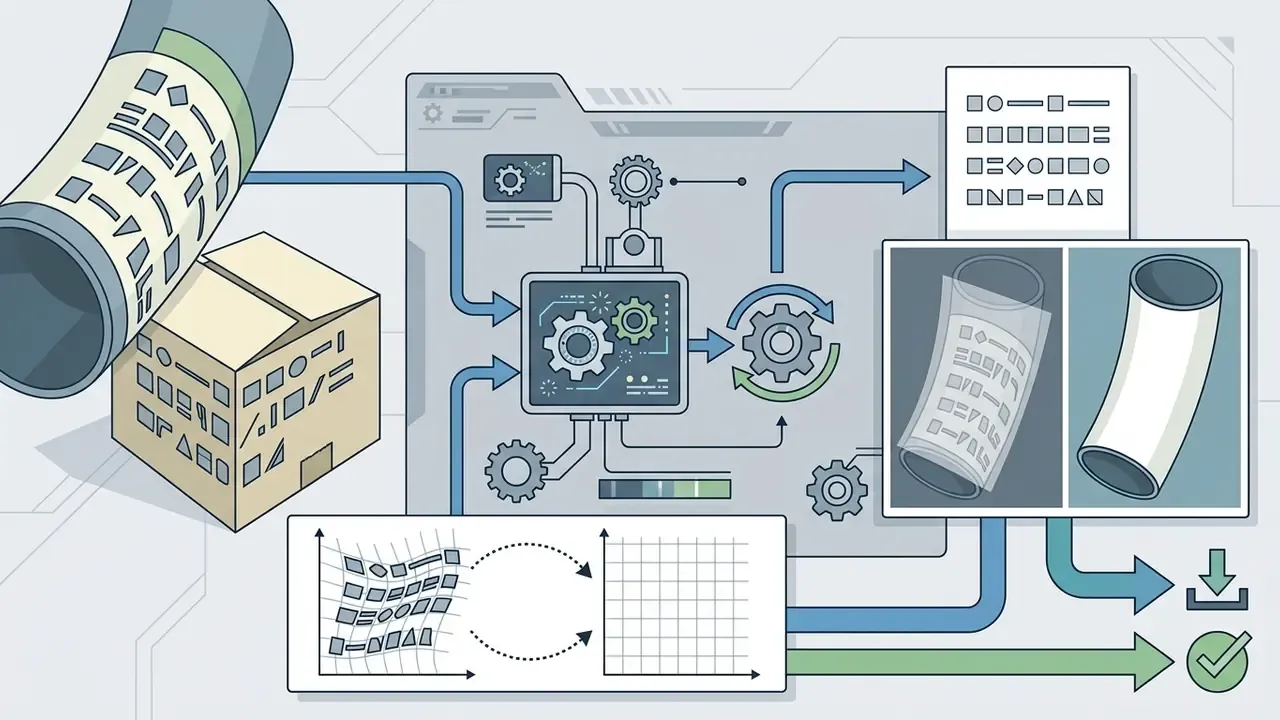
It does. Spatial transformer networks and multi-angle character recognition let the pipeline handle curved, rotated and perspective-distorted glyphs. Preprocessing normalizes non-horizontal typography before mask generation, which is why the restored texture lines up instead of warping.
«STELLAR, evaluated on the STIPLAR dataset covering Korean, Arabic and Japanese, improved text-style preservation by 2.2% over baseline models.» STELLAR: Scene Text Editing for Low-Resource Languages (2024). https://arxiv.org/abs/2402.11434 Document-processing vendors report the same directional effect: auto-crop and straightening preprocessing raises extraction accuracy on skewed and curved page text, compared with running raw OCR on an unrectified scan.
Will Removing Text Reduce Image Quality?
Not if the pipeline is set up properly. Quality loss comes from three avoidable sources: forced downsampling on export, repeated lossy JPEG re-saves, and over-aggressive mask expansion that swaps real texture for synthesized fill. Export lossless PNG for masters, avoid re-compressing the same file across editing rounds, and keep masks tight to the strokes.
Can I Use an Online Text Remover on Mobile Devices?
Yes. An online text remover runs in mobile web browsers on iOS and Android. Touch-optimized controls let you highlight unwanted text, process the file in the cloud, and download the cleaned visual straight to device storage. The browser route needs no installation and behaves the same on iPhone, iPad, Android phones and desktop, which makes it fine for occasional edits. For volume work, a native app or a direct API call is better: native capture paths can retain full camera resolution without the recompression some browser upload widgets apply, and they support queued batch processing. One caveat borrowed from the document-tooling world: several products keep compliance-grade redaction desktop-only even when basic text editing exists on mobile. Verify which operations actually run on the handset before you build a mobile-first process around them.
Is It Safe to Upload Confidential or Personal Images?
That depends on the provider's terms, not on the technology. Before uploading anything with personal data, customer identifiers or contractual content, confirm retention policy, training-exclusion commitments, encryption, certification status, and whether a private deployment exists. For regulated records, prefer deterministic redaction plus metadata sanitization over generative fills, and never route confidential scans through unvetted free consumer endpoints.
Can I Continue Editing the Image After Text Removal?
Yes. Once remove text from images ai processing finishes, the export behaves as an ordinary raster file. You can crop, color grade, replace the background, or layer new typography over it in standard design software, and post removal adjustments carry no special restriction. Widening the canvas afterwards is common too; AI outpainting tools extend the reconstructed background into new aspect ratios for different placements.
«TextSculpt-Bench evaluates hybrid tasks, erasing existing text and then inserting new copy while preserving background integrity, across roughly two million image pairs.» TextSculptor, TextSculpt-Data/Bench (2024). https://arxiv.org/abs/2403.09250 Related creation and editing tools worth a look:
- For registration-free generation workflows, test an ai image generator.
- For enterprise background synthesis after cleanup, evaluate our AI Background Generator.
- For low-resolution asset restoration, try the AI Image Upscaler.
A Safe Next Step
If you are evaluating this category in 2026, start small and reversible. Pick one non-regulated asset class, such as marketing collateral or listing photos, run 50 images through the tool, and log model version, mask parameters and reviewer for each one. Then compare output fidelity against your own reference set rather than vendor claims. Only after that evidence exists should the pipeline move anywhere near customer documents.
To explore broader commercial licensing frameworks and enterprise media deployment rules, view the guide on asset usage compliance.
Appendix A: Editorial Source Revision Log
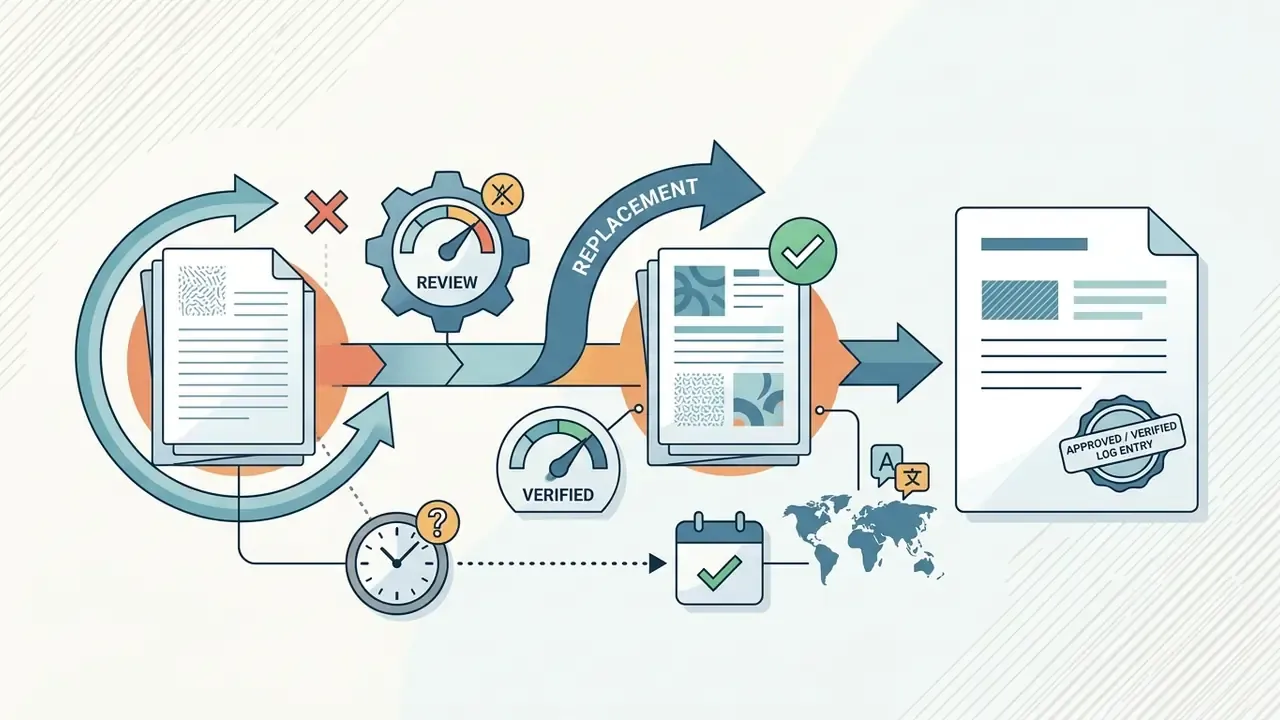
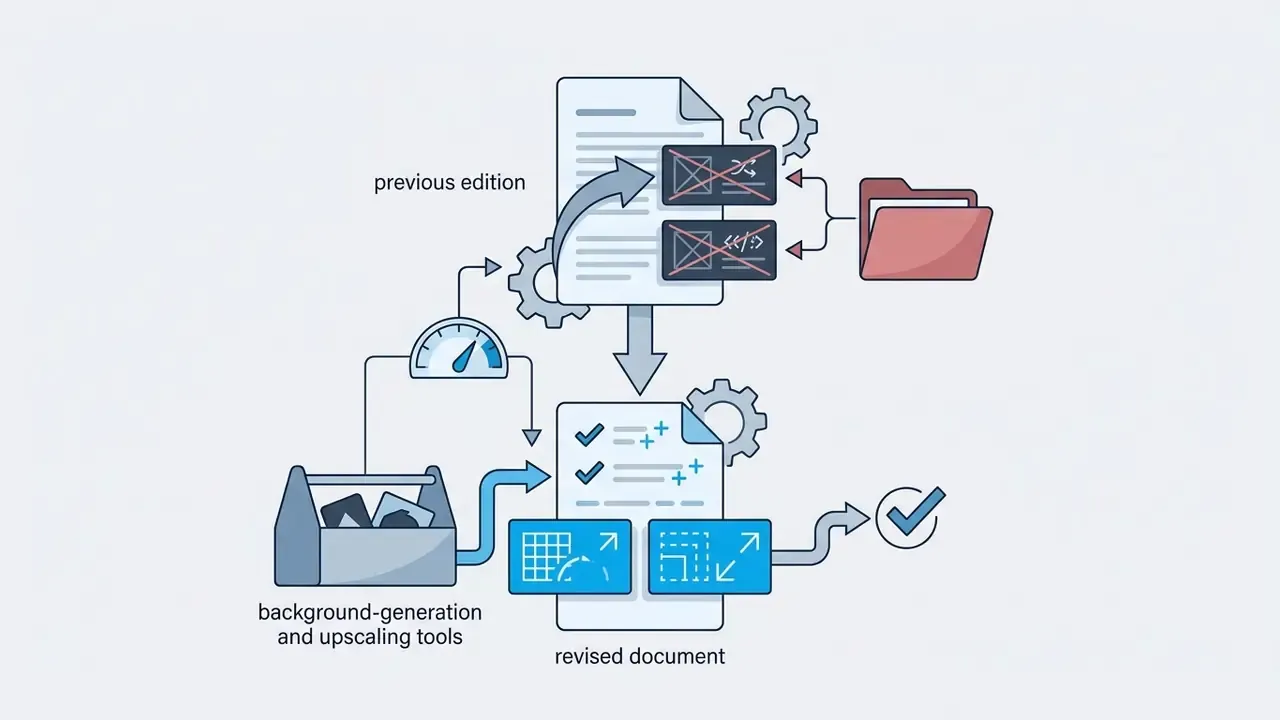
Retained for transparency. The references below appeared in the previous edition and were reviewed during this update. Each was verified, replaced with a directly citable primary source, or relocated to the section where it actually applies.