Why does a governance-minded reader care about a consumer-grade photo tool? Because the same free browser utility that fixes a blurry holiday snapshot is, in many organizations, quietly processing deposit checks and ID scans. That is the real subject of this guide.
Executive Summary
- What it does Neural enhancement suppresses sensor noise, removes mild blur, corrects exposure, sharpens text strokes, restores damaged prints, and upscales resolution by 2x, 4x, HD, 4K, or 8K (with 22K available only on industrial GPU tiers).
- What it cannot do Deblurring is a mathematically ill-posed inverse problem. When source detail was never recorded, models generate plausible texture instead of recovering facts, which is why forensic, medical, and legal workflows require independent verification of every output.
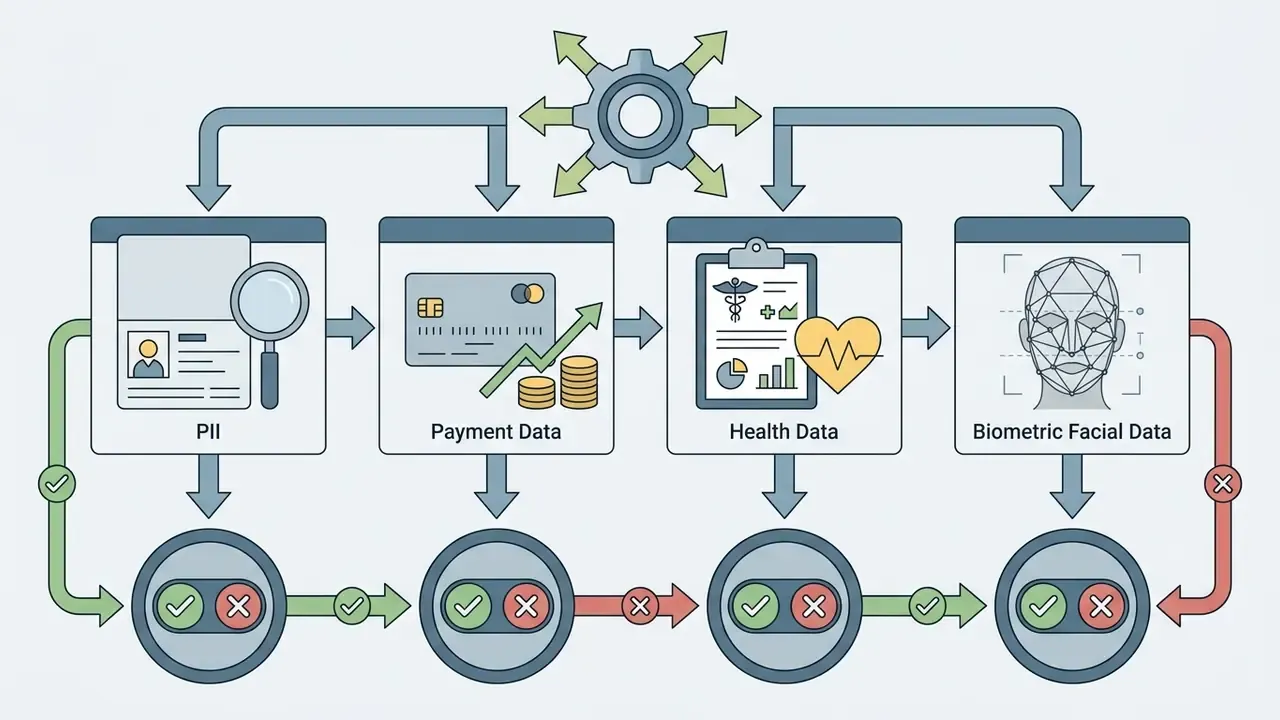
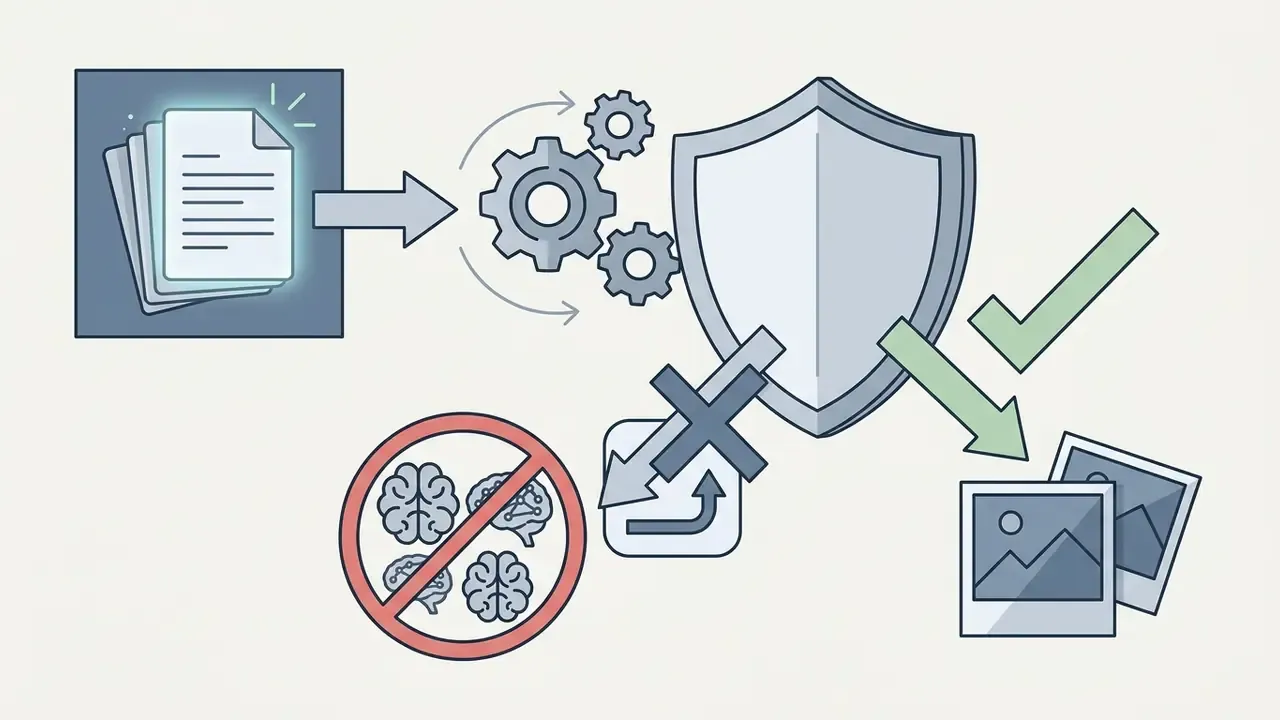
- Security first Uploading customer documents, ID scans, or deposit checks into public free web tools creates a Shadow AI exposure for PII, GLBA, and SOC 2 obligations. Enterprise deployment requires zero-data-retention terms, a signed DPA, and documented audit trails.
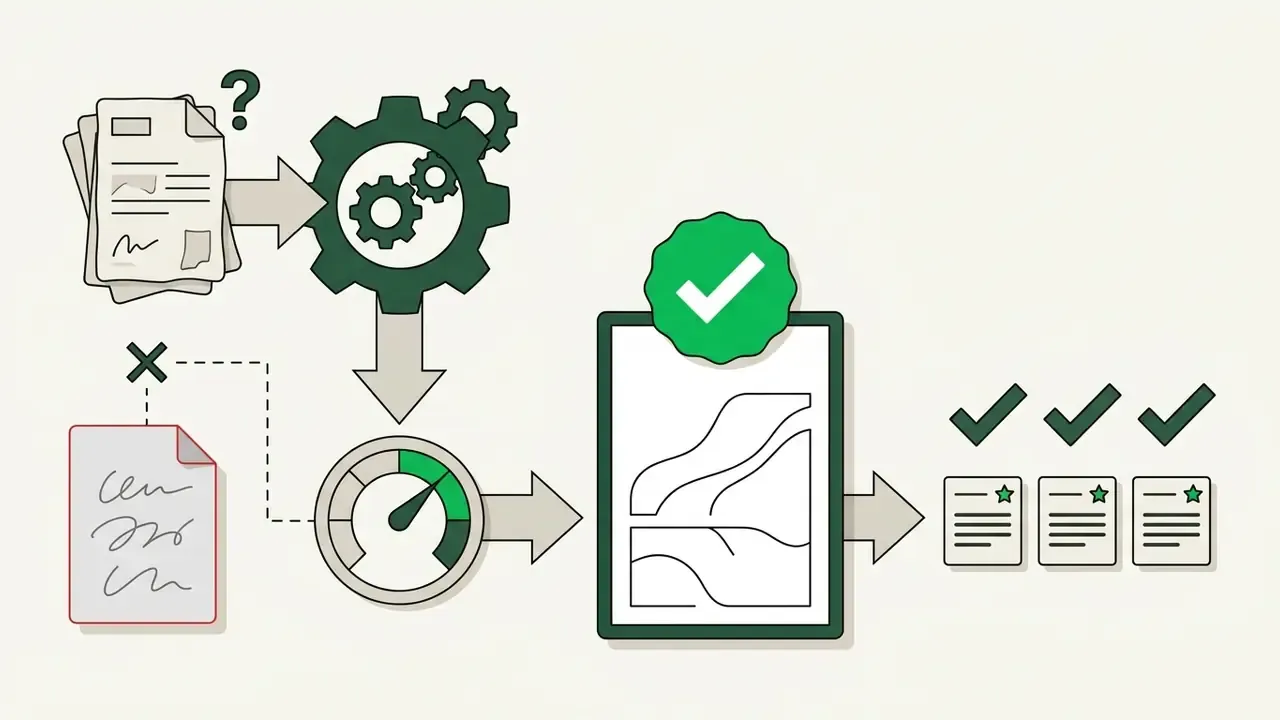
- Validation Accept outputs only after a full-reference metric review (PSNR, SSIM, LPIPS), a 100–200% pixel zoom audit, and a text-legibility check for hallucinated character strokes.
- Practical limits to compare before buying watermark policy, daily credit quota, batch queue size (typically 20 to 50 images at once), maximum export resolution, supported formats (HEIC/HEIF/PDF included), and commercial licensing scope.
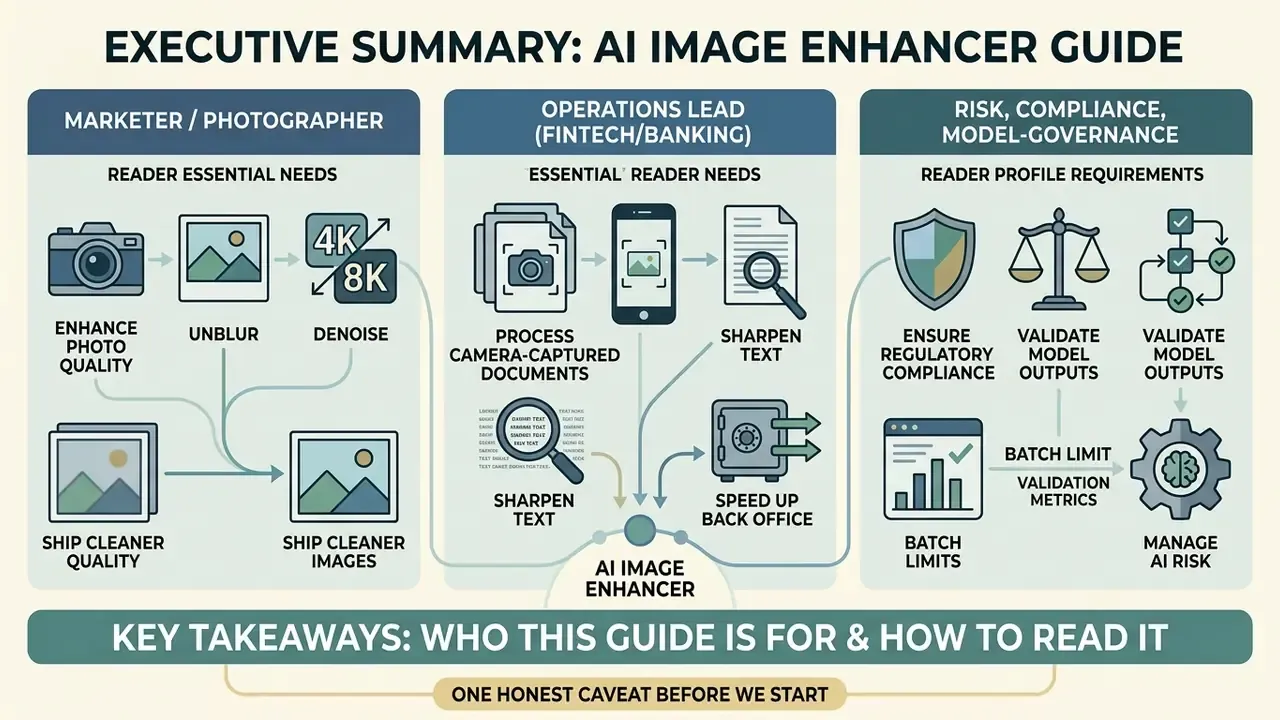
Who This Guide Is For and How to Read It
Three reader profiles show up in this topic, and they need different things from the same tool.
The first is a marketer or photographer who simply wants to ai enhance photo quality free and ship a cleaner asset before a deadline. For that job, sections on modes, steps, and free-tier limits are enough.
The second is an operations lead in a bank or fintech back office, handling camera-captured documents at volume. That reader should start with the Shadow AI section and the document workflow rules, then treat the quality metrics as acceptance gates rather than nice-to-haves.
The third is a risk, compliance, or model-governance owner. Your question is narrower: who approved this tool, what does it retain, what evidence survives the processing pass, and what happens when a reconstructed digit reaches a downstream decision? Read the control table, the validation framework, and the limitations section. Skip the rest with a clear conscience.
One honest caveat before we start. Vendor claims in this category drift faster than documentation, so every number below should be re-checked against the current terms page before procurement.
What an AI Image Enhancer Does to Improve Photo Quality
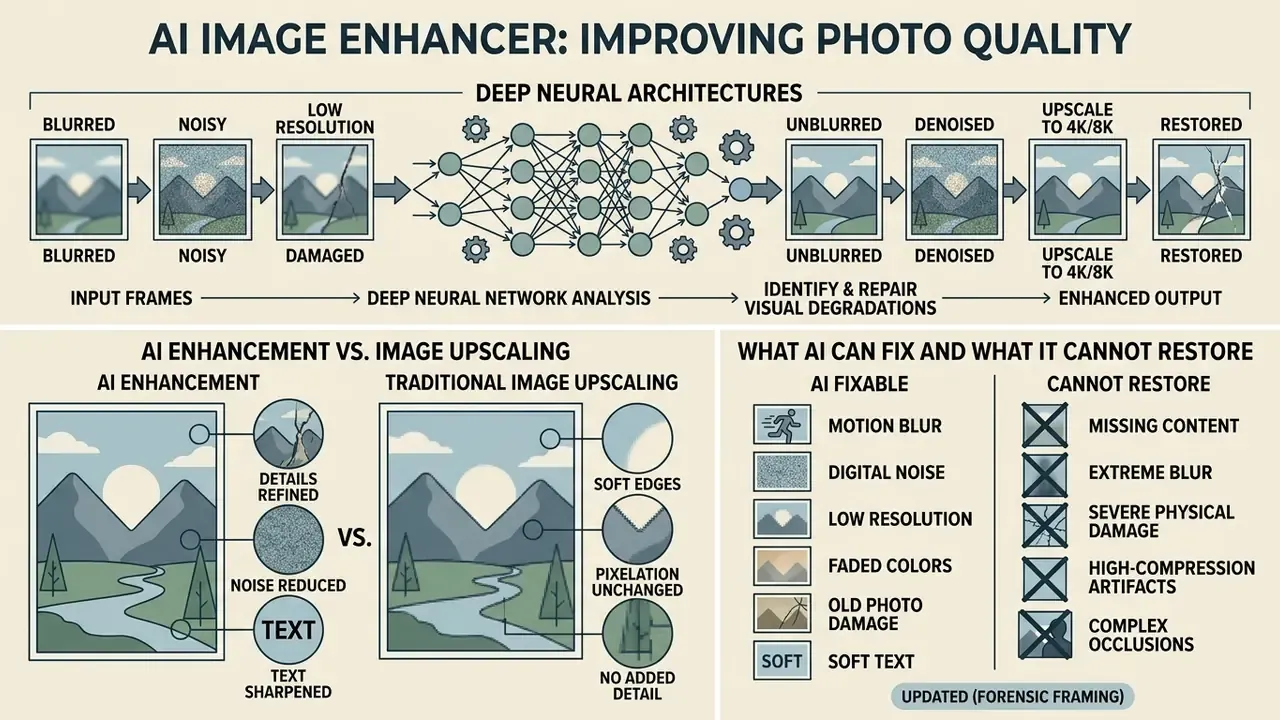
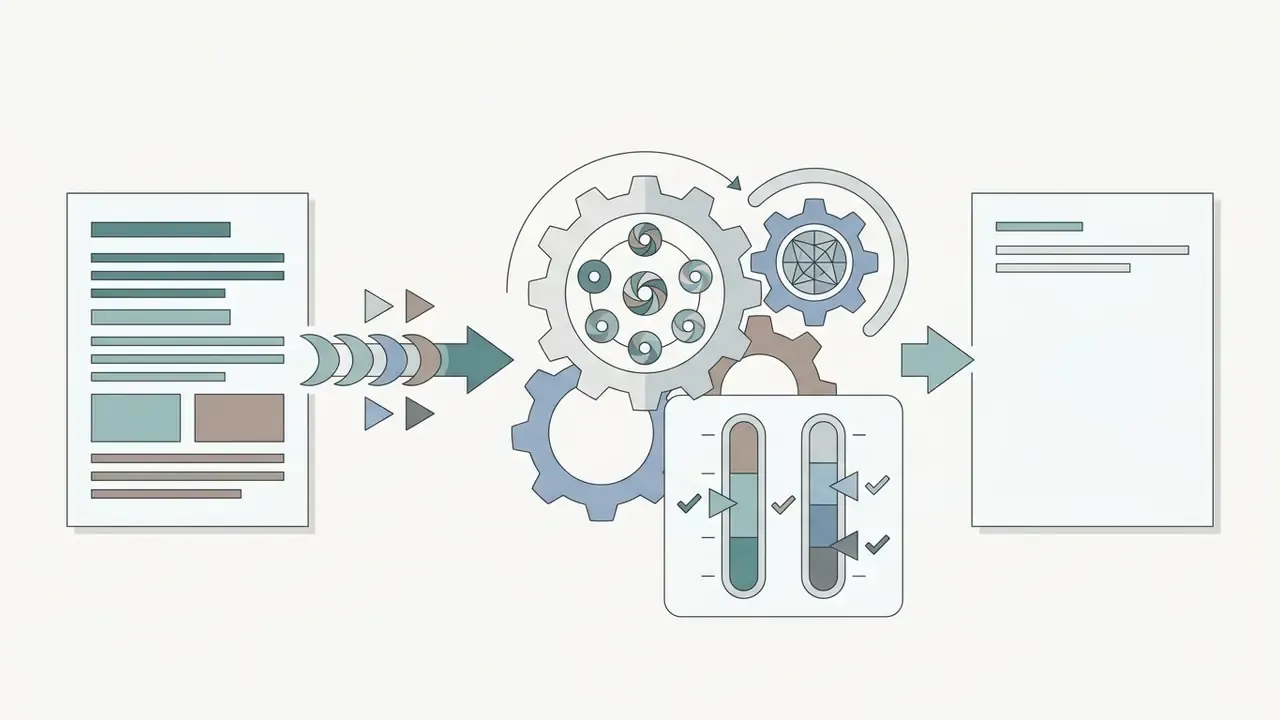
An ai image enhancer improves overall image quality by running input frames through deep neural architectures trained to identify and repair specific visual degradations. Unlike traditional statistical filters, these advanced AI algorithms evaluate local contrast, frequency distribution, and visual structures to improve image quality while preserving natural details.
«User-generated-content-oriented quality models show the strongest correlation with human judgments when evaluating AI-enhanced images.»
Visual assets captured under suboptimal conditions often suffer from low contrast, sensor grain, or lens compression. Modern enhancement models analyze structural components across spatial channels to calculate missing visual information. A user can ai enhance photo quality free by submitting degraded files to web pipelines that execute automated enhancement within seconds, usually in a single click.
Worth naming the trade-off early: speed comes from the model deciding, on your behalf, what the missing pixels probably looked like. That is fine for a product thumbnail. It is not fine for an account number.
For institutional audit environments, verifying automated output remains essential. Organizations evaluating synthetic post-processing models can open the hub to review governance standards for enterprise media adoption.
AI Enhancement vs. Image Upscaling
Image upscaling increases spatial pixel dimensions using spatial interpolation or generative super-resolution, whereas AI enhancement reconstructs fine surface detail, suppresses sensor noise, and balances lighting. Standard upscaling increases total resolution without evaluating whether underlying pixel data contains compression defects or defocus blur.
Deep super-resolution models like CANet (RealCSR benchmark, 2024) infer missing edge structures to generate higher resolution predictions from low-resolution sources.
«CANet consistently outperforms continuous super-resolution methods in PSNR and visual detail on real-world degraded images.»
What AI Can Fix and What It Cannot Restore
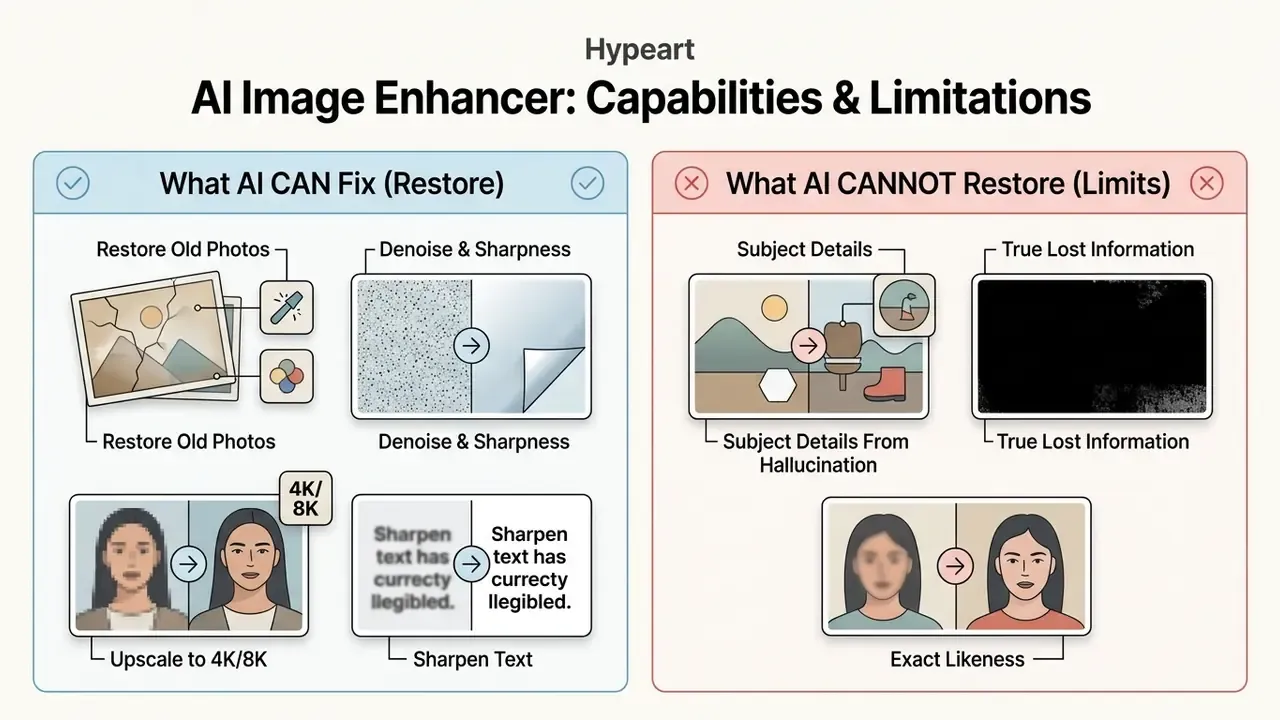
Neural restoration models effectively suppress sensor noise, sharpen mild defocus blur, and balance severe shadow clipping when baseline structural data exists in the source file. However, algorithms cannot reliably reconstruct destroyed content or sub-pixel details that were never recorded during sensor acquisition.
When working with a heavily blurred image or severely corrupted file, generative models interpolate plausible replacement textures rather than retrieving historical facts.
«Deblurring is mathematically ill-posed: many sharp images can produce a nearly identical blurred observation, so restoration always relies on prior assumptions.»
Updated (forensic framing): Current forensic guidance treats generative enhancement as high-risk for identification work. Reference material circulated through the NIST-hosted OSAC channel (January 2026) notes that generative "increased resolution" processing can improve the appearance of an image while adding artificial pixel information, and that the final facial-identification decision must be made on the original unedited image rather than the AI-produced version. The same guidance points practitioners to ASTM E2825, ASTM E3445-24, and FISWG image-processing guides as the baseline standards. Neural networks can fix blurry artifacts and remove grain, but severe spatial distortion requires synthetic estimation rather than true signal recovery.
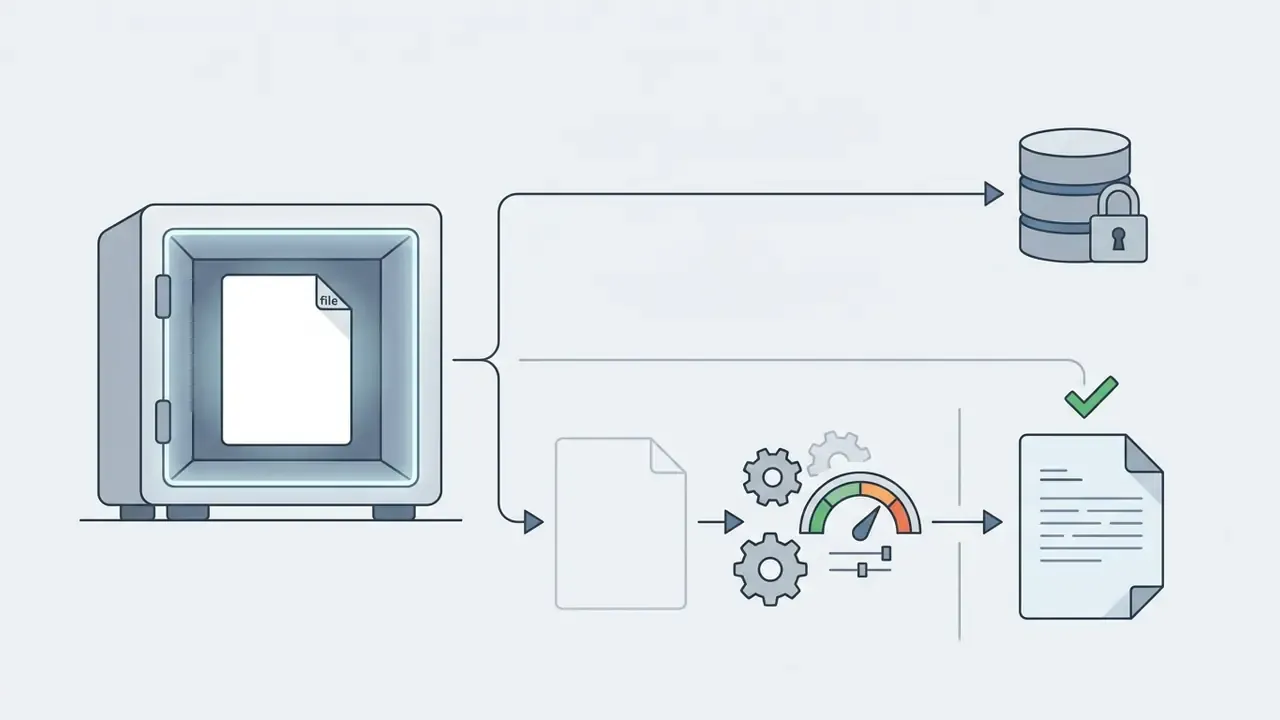
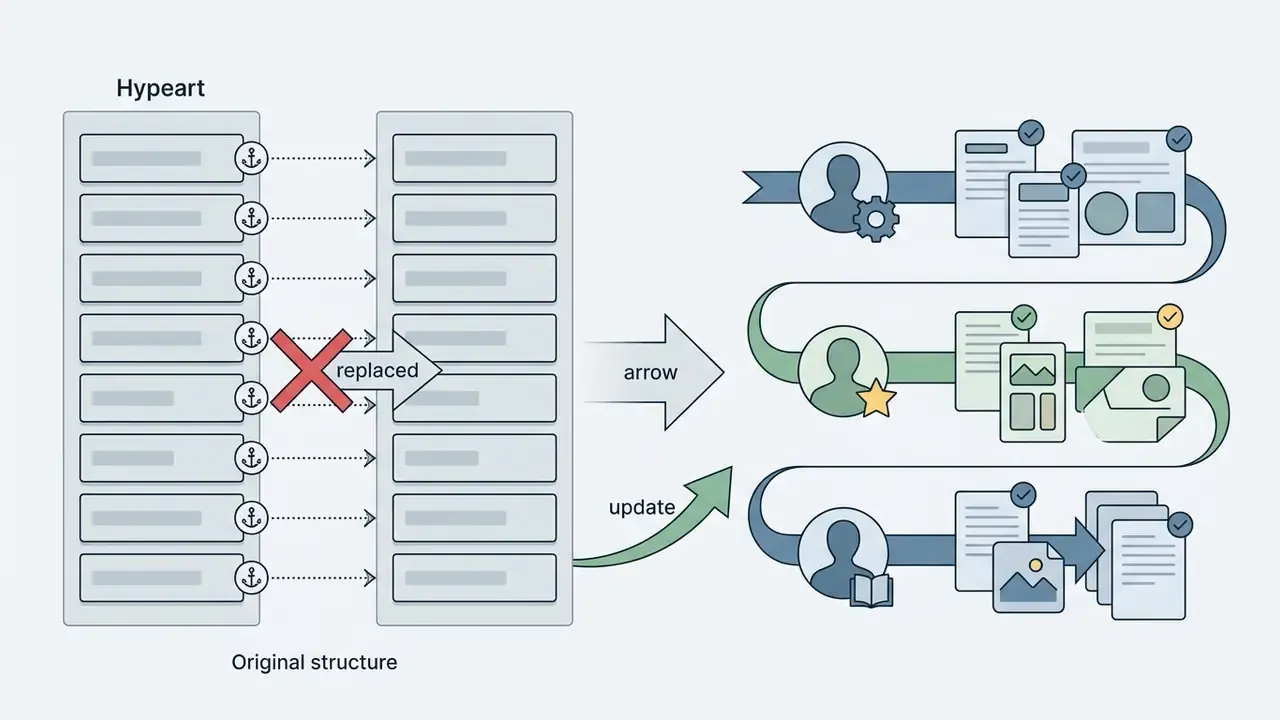
For regulated organizations, the operational consequence is procedural rather than technical: retain the untouched original as the system of record, store the enhanced derivative as a separate annotated artifact, and log the model version, parameters, and operator identity for every processing pass. That chain of custody is what converts an enhancement step into defensible audit evidence.
Put bluntly, the failure mode is not ugliness. It is confidence. A hallucinated edge looks sharper than the honest blur it replaced.
Disclaimer: This information is general in nature and does not replace professional consultation. Using AI enhancement in forensic, medical, or legal contexts requires independent verification of results against the original unedited source.
Shadow AI, Data Security, and Privacy-Preserving Deployment
| Control Dimension | Public Free Web Tool | Approved Enterprise Deployment |
|---|---|---|
| Data retention | Often unspecified or "temporary" | Contractual zero-data-retention, documented deletion windows |
| Model training on inputs | Frequently permitted by terms | Explicitly prohibited in the DPA |
| Certifications | Rarely published | SOC 2 Type II, ISO/IEC 27001, GLBA-aligned safeguards |
| Processing location | Unknown or multi-region | Contractually pinned region or on-premise / VPC inference |
| Logging | None exposed to the customer | Immutable audit logs: user, timestamp, model version, parameters |
| Access model | Anonymous upload | SSO, role-based permissions, per-team spend and scope limits |
Organizations that publish a sanctioned tool and an explicit "never upload these asset classes" list reduce leakage far more effectively than blanket prohibition, because the underlying operational need does not disappear when the tool is blocked. Blocking a domain moves the work to a personal phone. That is a worse outcome, not a better one.
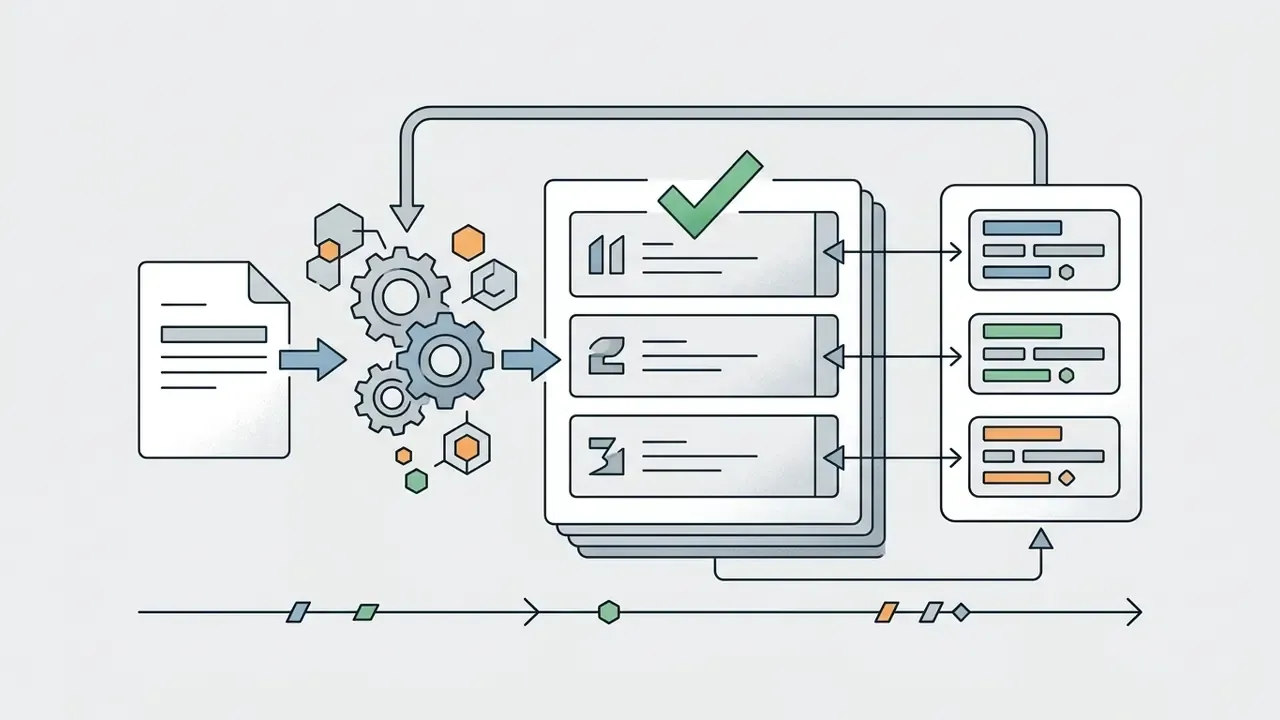
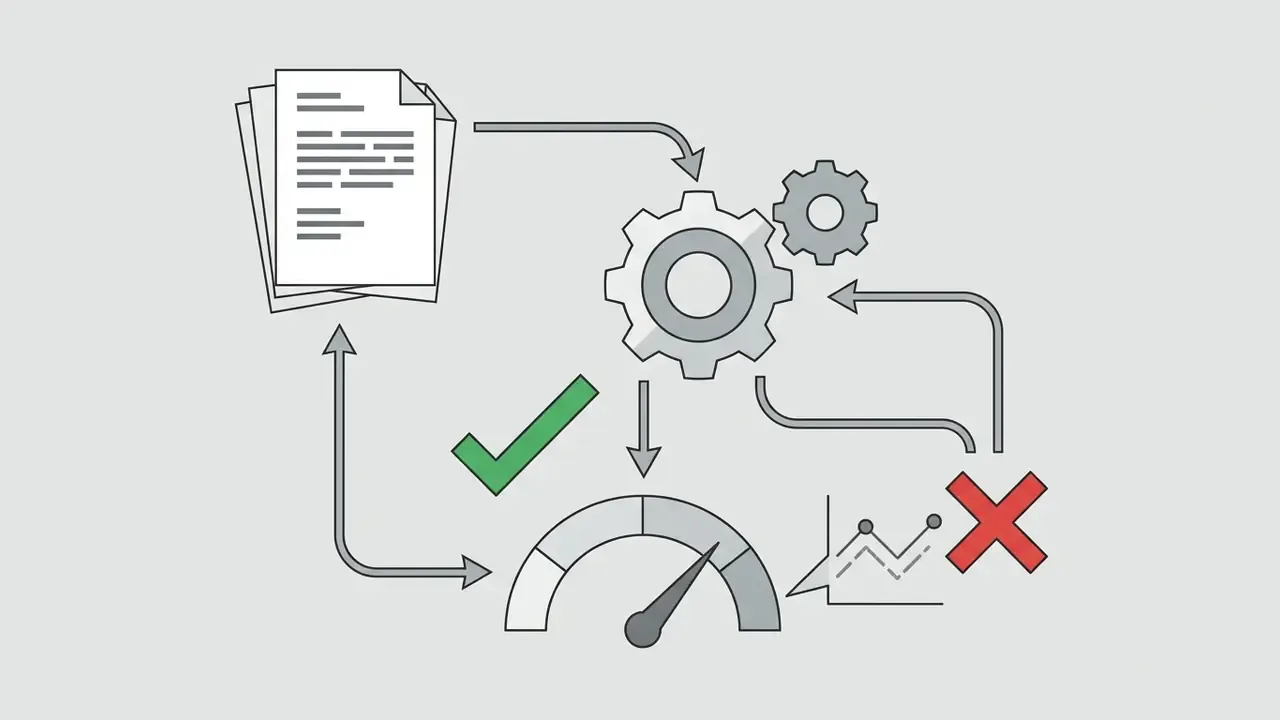
Suggested integration pattern. A defensible document pipeline separates enhancement from decisioning: ingestion, then format normalization (HEIC or PDF to lossless raster), then the noise and blur filter, then a metric validation gate with PSNR, SSIM and LPIPS thresholds, then human review for exceptions, and finally storage of the original plus the annotated derivative. Enhancement sits before the validation gate, never after it.
One ownership note, since this is where pilots usually stall. The enhancement service needs a named owner, an approved scope of asset classes, an escalation path for rejected files, and a documented shutdown procedure. No evidence, no autonomy.





AI Photo Enhancement Features for Different Image Problems
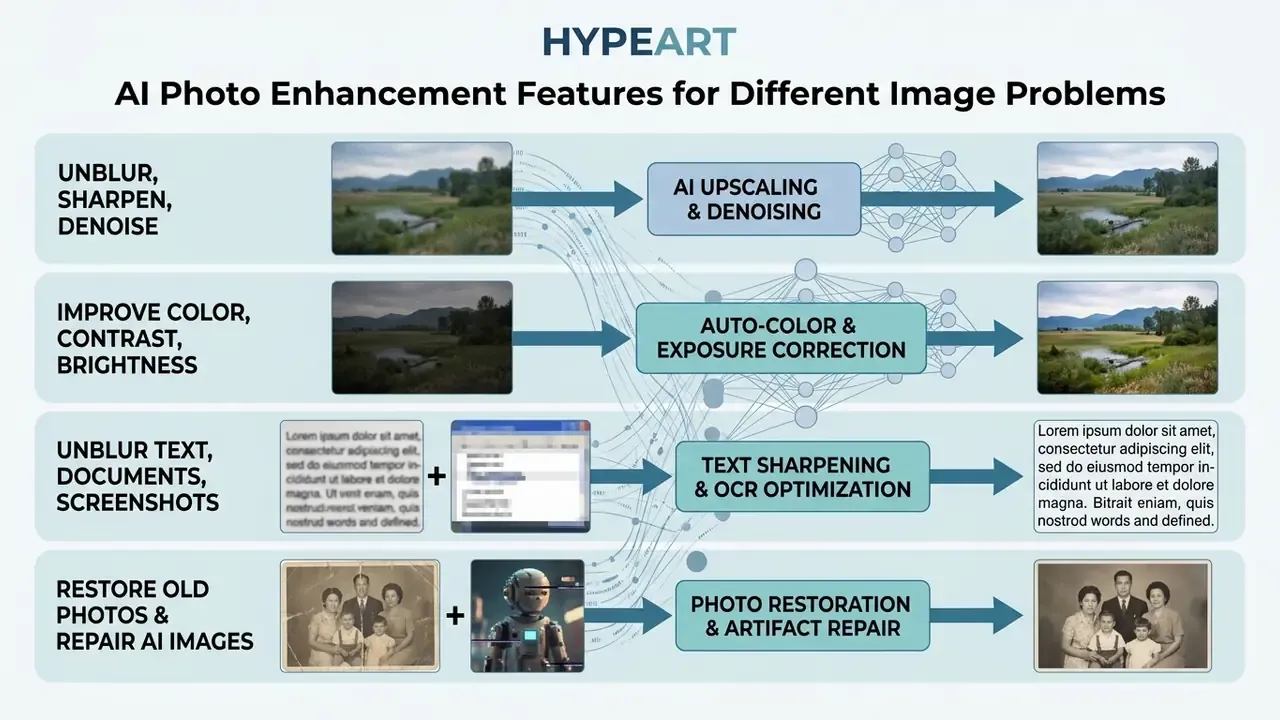
Targeted AI photo enhancement pipelines route visual assets through specific deep learning modules tailored to discrete source defects. Isolating distinct degradation types prevents over-processing and maintains realistic object textures across complex image sets.
Unblur, Sharpen, and Denoise Low-Quality Photos
Integrated deblurring and denoising modules utilize residual networks to decouple background sensor noise from high-frequency structural edges. Systems such as DECENT (Wiley, 2023) apply spatiotemporal correlation priors to isolate additive noise without rounding off fine edge transitions.
When processing low quality images or blurry photos, learned shrinkage functions estimate the degradation kernel to unblur image files cleanly.
«AdaRes preserves 27 radiomic features while removing noise at three levels, improving classification for both CNNs and radiologists.»
Updated: In that peer-reviewed ultrasound evaluation, adaptive residual denoising improved downstream diagnostic classification precisely because grain suppression did not erase critical diagnostic structures. The reported diagnostic AUC gain (0.494 to 0.702 in the cited benchmark context) illustrates that measurable task performance, not visual smoothness, is the correct acceptance criterion. Applying an ai image filler or a targeted sharpener allows users to restore lost details and improve clarity across degraded visual assets.
Classical methods remain relevant for artifact control: residual deconvolution and gain-controlled deconvolution were introduced specifically to suppress ringing while restoring sharpness, and regularized similarity-based restoration limits halo formation around high-contrast edges. Modern pipelines inherit these constraints as loss terms rather than discarding them.
A small field observation. When a team complains that an enhancer "makes faces look plastic," the cause is usually a denoise slider pushed past the point where pore-level texture survives. Lower the strength, run two mild passes, compare at 200%.
Improve Color, Contrast, Brightness, and Exposure
Low-light neural enhancers utilize bi-branch attention networks to decouple spatial exposure correction into independent color-balancing and detail-enhancement pathways. Modern architectures like LLFormer (AAAI 2023) leverage axis-based self-attention to process high-resolution assets efficiently.
«LLFormer outperforms existing methods on a UHD dataset and public benchmarks, and preprocessing with it improves face-detection accuracy in low light.»
Dark images suffer from compressed dynamic range and hidden chromatic noise. Multi-stage networks compute dynamic illumination adjustments to revive colors naturally while suppressing amplified shadow grain. Automated color correction tools balance highlight clipping and mid-tone contrast without manual color grading, which is why a dark image enhancement pass often beats hand-tuned curves on volume work. Research on multi-scale exposure correction formalizes the task as two sub-problems, color enhancement and detail enhancement, while region-specific filter models apply separate adjustments to shadows, midtones, and highlights instead of a single global curve.
Dedicated photo colorizer modules belong to the same family: they infer plausible chroma for monochrome input, which is useful for presentation and misleading for evidence.
Unblur Text, Scanned Documents, and Screenshots
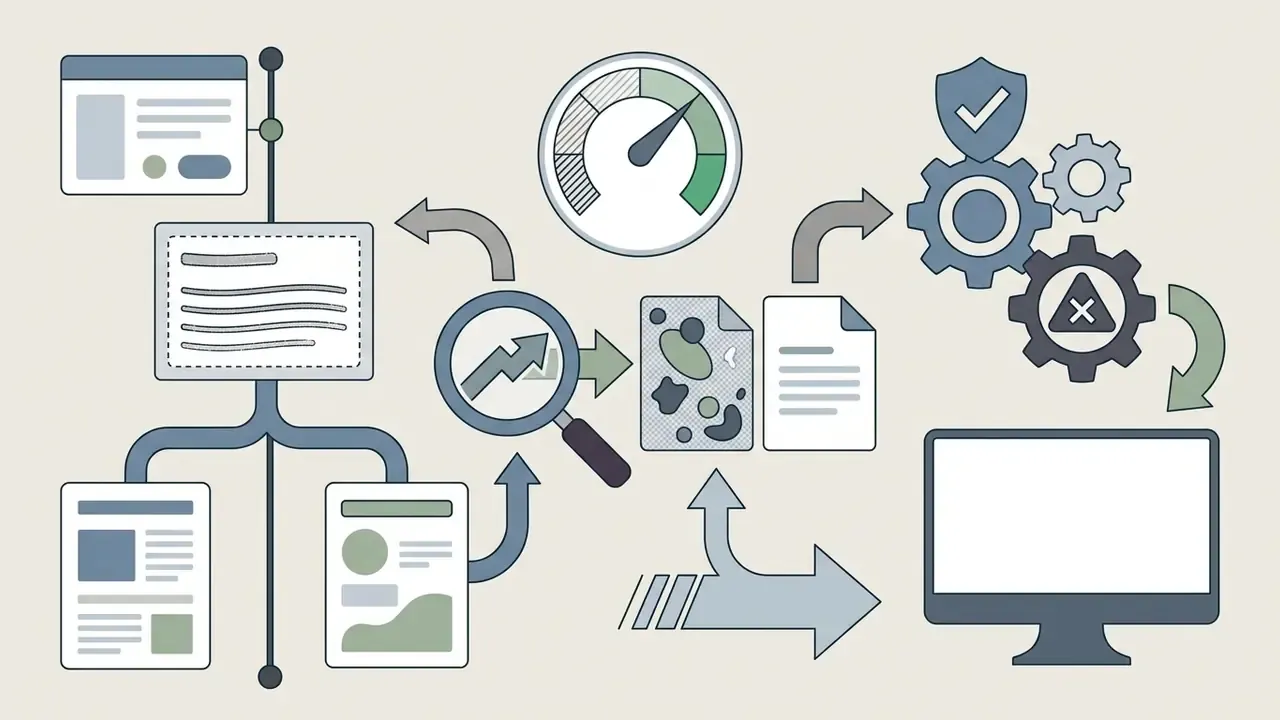
Optical character resolution often fails when processing low-DPI document scans, compressed mobile screenshots, or distant product packaging labels. AI image enhancers apply high-frequency boundary reconstruction to sharpen character stroke paths without introducing synthetic visual noise. Adaptive text sharpening helps users restore legibility across damaged invoices, receipts, archived historical records, handwritten notes, and blurry product labels.
Text enhancement demands a stricter acceptance standard than portrait or landscape work, because a hallucinated stroke changes meaning rather than aesthetics. Scene-text research links compression artifacts directly to reduced readability, which is why small-text regions must be evaluated separately from the global image score. Practical rules for document workflows:
- Normalize scans to 400 DPI or higher before enhancement where the source permits; archival imaging guidance treats 400 DPI as a working minimum and 600 DPI as archival or large-format.
- Export to a lossless container so character edges are not re-softened by secondary JPEG compression.
- Compare every ambiguous digit and glyph against the original at 200% zoom; never accept a numeric field that was reconstructed rather than resolved.
- Score residual defects on a simple rubric (blur, shadow, bleed-through, background texture) and reject files that remain below threshold instead of re-running aggressive sharpening.
Restore Old Photos and Repair AI-Generated Images
Restoration pipelines process historical family photos by detecting physical surface defects, reducing paper texture grain, and balancing aged monochrome contrast. Generative diffusion models like FreeEnhance (2024) apply structured noise steps to smooth synthetic artifacts without altering underlying composition.
«FreeEnhance surpasses the commercial Magnific AI service in human preference on the HPDv2 benchmark while preserving content without model fine-tuning.»
Modern photo repair pipelines combine noise suppression with deep scratch removal and intelligent colorization. Convolutional networks detect physical surface abrasions, creases, dust, stains, and paper tears on scanned historical photos, filling gaps via structural inpainting. AI photo colorizers infer historical chromatic balance to turn monochrome black-and-white archives into realistic, natural-toned photographs, and internal-detail-preserving diffusion approaches published in 2025 and 2026 explicitly protect structural and textural information while suppressing degradation.
Archival practice imposes a boundary here that consumer tools ignore. U.S. digitization guidance permits sharpening a master image only to approximate the original and disallows color or tone restoration on master files; restored and colorized versions must therefore be stored as derivatives alongside the untouched master. Household cleaning of fragile prints before scanning is discouraged, since heat, water, and solvents cause permanent damage. Fragile heirlooms belong with a trained conservator, not with a hairdryer.
When managing generated media assets, synthetic outputs frequently exhibit boundary warping or over-smoothed surface textures. Applying a targeted enhancement pass restores natural skin pore distribution and corrects visual distortions produced by early-stage diffusion generators; dedicated AI photo editors provide adjacent cleanup utilities for these repairs. Published 2024 work on artifact classification for Midjourney and DALL·E-3 outputs confirms that generator artifacts are a distinct post-processing problem, separate from classical photo restoration. Creators working with composite portraits can evaluate dedicated tools for ai image face consistency across multi-frame edits.
How to Enhance an Image Online in Three Steps
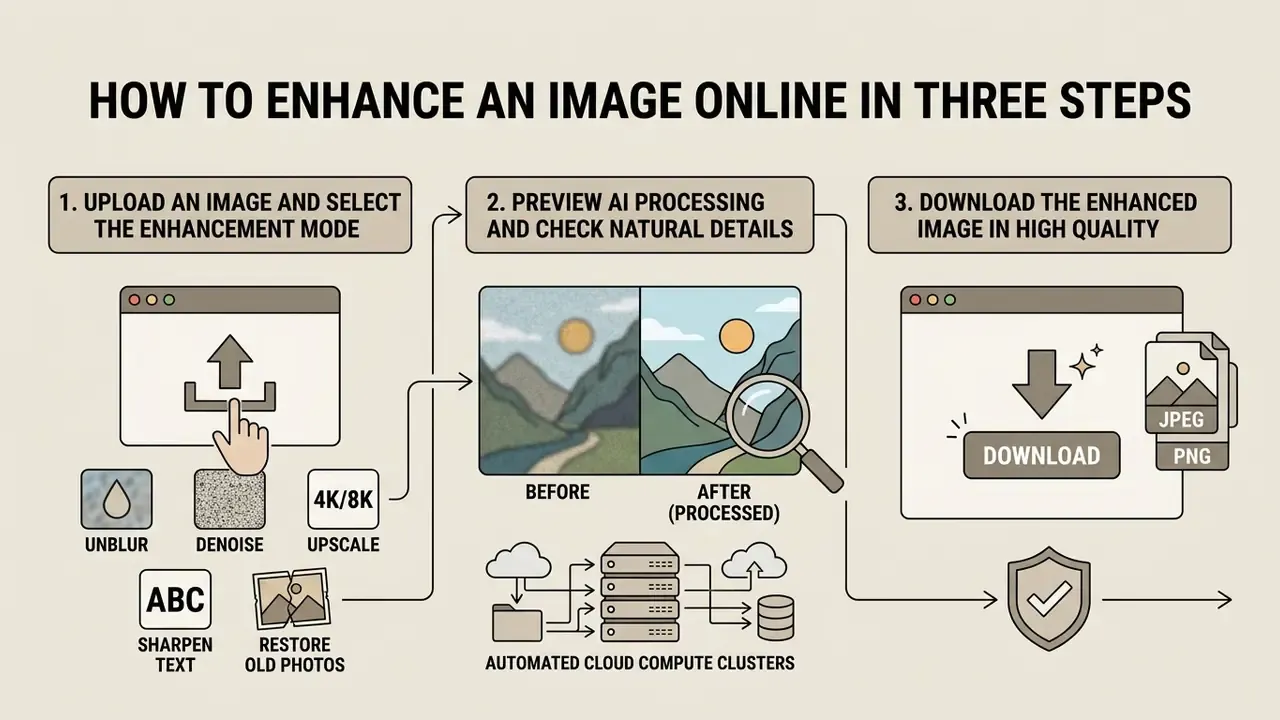
Cloud-based visual processing allows users to ai enhance image online free through a browser interface backed by automated compute clusters. Processing requires three straightforward interaction steps, and no professional design skill is needed for any of them.
Upload an Image and Select the Enhancement Mode
The user initiates the process by dragging an uncompressed or compressed media file into the web browser interface. Accepted inputs typically include JPG, JPEG, PNG, WebP, HEIC, HEIF, and single-page PDF scans, which matters for iPhone users whose camera roll stores HEIC by default. The client application reads the source file dimensions, color profile, and structural degradation profile before recommending an enhancement mode.
Selecting the appropriate processing module, such as super-resolution upscaling, low-light recovery, noise reduction, restoration, or text sharpening, ensures the model applies the correct mathematical loss function. Vendor implementations expose these as explicit modes: desktop restoration modules separate raw denoise, RGB denoise, and 2x or 4x upscaling, while hosted APIs expose named flavors for photo, denoiser, and high-fidelity enhancement. Modern platforms support high-speed web uploads for immediate cloud queuing.
If you are unsure which mode fits, run the mildest one first. Reversing an over-processed export is impossible; you can always escalate strength on a second pass.
Preview AI Processing and Check Natural Details
Once background neural processing completes, the interface renders a high-resolution preview split-screen for side-by-side verification. The operator must inspect critical visual regions, including readable text, face geometry, and sharp contrast borders.
A systematic audit during preview prevents the deployment of over-sharpened images containing digital ringing artifacts. Evaluating fine skin pores and geometric line continuity ensures the model performed natural enhancement rather than synthetic hallucination. A three-part preview checklist works across asset types: text must be sharp and readable without invented glyphs; faces must show fine detail, natural color balance, open visible eyes, and unoccluded mouth geometry; edges must show no residual motion blur, halo, or compression blockiness.
Preview is the cheapest control in the whole pipeline. It is also the one most often skipped when a batch is late.
Download the Enhanced Image in High Quality
Following preview confirmation, the user selects the target file format and initiates the export sequence. The system packages the processed pixel array into a high-resolution asset ready for commercial deployment or digital archiving.
Exporting to lossless formats such as PNG or WebP-lossless preserves fine reconstructed textures without introducing secondary compression artifacts. PNG is lossless by design with full alpha support, while WebP can be encoded either lossy or lossless depending on the export flag, and that distinction determines whether reconstructed micro-texture survives the download. Users can ai enhance my photo free and export print-ready assets instantly; for print, align the export DPI with the destination (300 DPI for standard print, 600 DPI for archival or large-format work). Check final image resolution one last time before the file enters a catalog or a records system.
When to Use an AI Image Enhancer
Automated image enhancement supports commercial, archival, creative, and back-office document workflows where manual retouching is bottlenecked by labor constraints or time limits.
Product Images and E-commerce Photos
Commercial catalog management across platforms like Amazon, eBay, and Shopify relies on uniform, high-clarity visuals optimized for product detail pages and mobile thumbnails, which builds buyer trust and minimizes product return rates. Published e-commerce research reports that clarity, multiple views, and zoom capability have a strong positive effect on satisfaction and purchase confidence, while low-quality imagery creates uncertainty. A 2026 Russian-language analysis of visual credibility in e-commerce (CyberLeninka) associated professional product imagery with a 15–18% reduction in return volume through more accurate customer expectations. That figure should be read as directional rather than universal. A 2026 experimental study on fresh-food listings found the opposite effect for highly stylized aesthetic imagery, where low-aesthetic photos scored higher on trust (M = 4.63 vs 4.01), because shoppers read polished visuals as less representative of the physical product.
«Enhancing brightness, color and contrast through JCRNet improves object detection metrics in saliency detection tasks compared with 21 competing methods.»
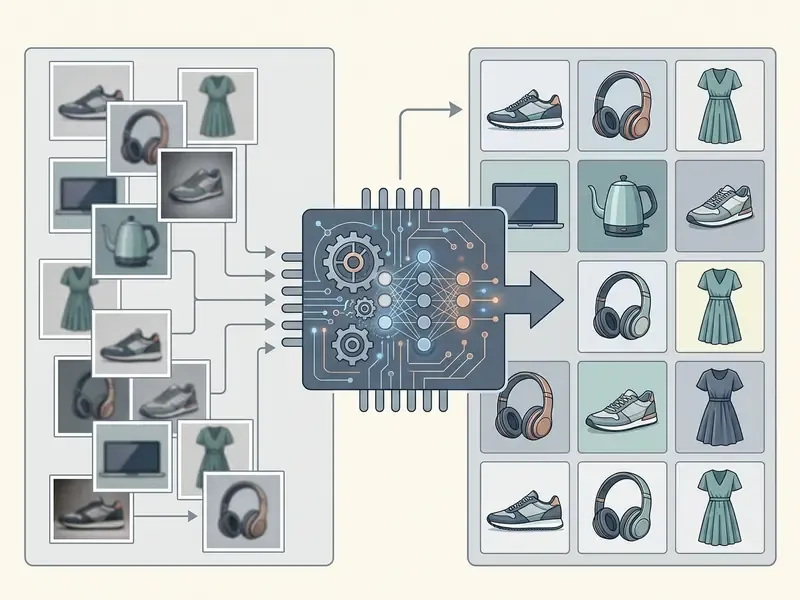
Applying automated enhancement tools to e-commerce inventories ensures that product materials present sharp edge boundary separation. Teams benchmarking AI image enhancers for commercial workloads should test on their own catalog sample rather than vendor demo files. Brands expanding asset boundaries for custom display layouts can utilize an ai image extender to generate extra canvas area around core product framing, or compare dedicated AI outpainting tools when backgrounds must be widened for banner placements.
Business Documents, KYC Scans, and Financial Records
Old Family Photos, Historical Images, and AI Art
Archival institutions and family archivists utilize neural enhancement to preserve historical records and degraded photographic prints. Processing dark scans through transformer-based low-light models increases document legibility and restores faded monochrome tones, while scratch-removal and colorization passes recover prints damaged by creasing, silvering, or water exposure. Old family photos are usually the most emotionally loaded input a person will ever feed into one of these tools, which is a decent argument for keeping the scan of record untouched.
Digital artists also leverage neural enhancement as a post-processing layer for synthetic artwork. Refining raw diffusion outputs through an ai image fusion workflow balances tone mapping while sharpening fine line details across digital render files, and the same pipeline stabilizes anime frames, 3D renders, and vector-adjacent illustration where identity, pose, and composition must survive the cleanup unchanged.
How to Choose a Free AI Image Enhancer
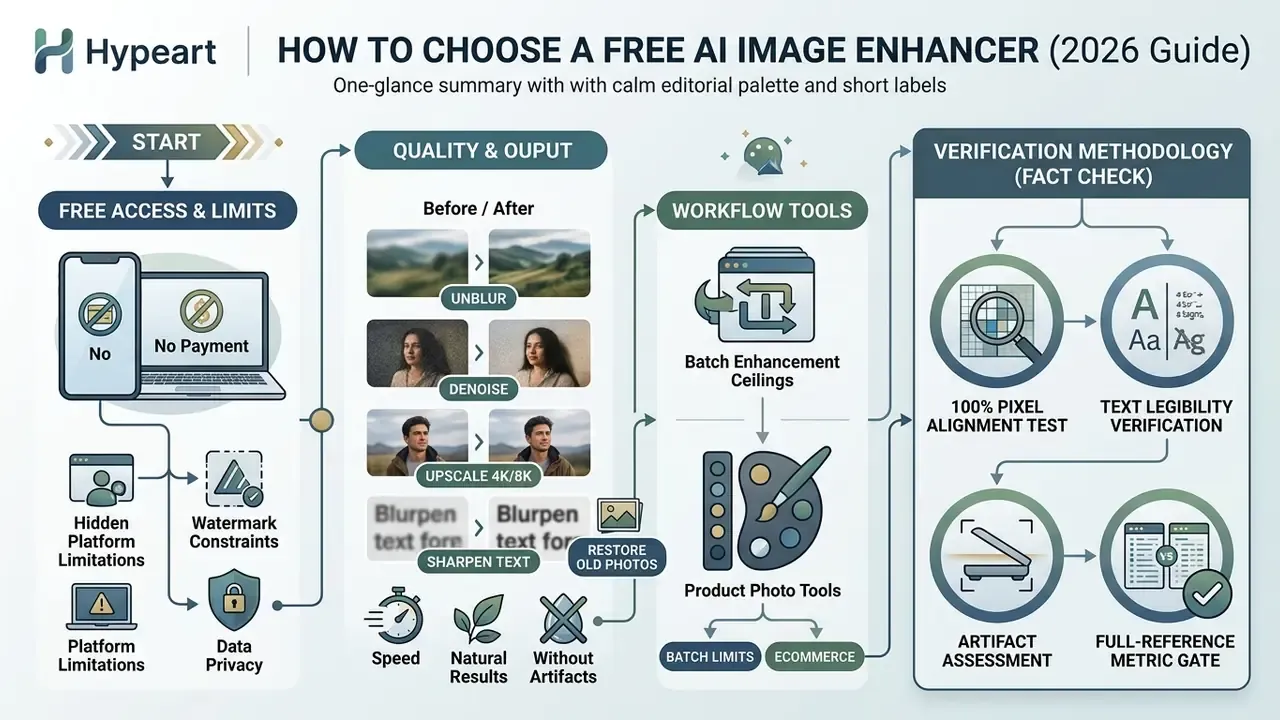
Selecting an online ai photo enhancer free requires evaluating model output quality against hidden platform limitations, watermark constraints, batch ceilings, and data privacy policies.
Free Access, Watermarks, and Download Conditions
Free online tools vary widely in their export terms and feature accessibility. Many commercial platforms grant limited daily processing credits but embed visible branding overlays on free tier exports.
Free usage tiers typically grant limited daily compute credits, commonly in the range of 5 to 10 free daily exports, or a fixed daily allowance that does not roll over. While some basic tools deliver watermark-free PNG downloads for personal use, commercial rights and full 4K or 8K export scale often require account registration or subscription units; extreme scales such as 22K sit behind paid industrial GPU tiers. Reported conditions also drift between vendor documentation and third-party reviews, so verify the current terms page rather than trusting a roundup. One enhancer's free tier grants 10 credits with watermarked exports and a 20-image batch ceiling, another advertises watermark-free free exports with sub-three-second processing, and desktop-local options can be genuinely unlimited because compute runs on the user's own GPU.
Evaluating platform terms prior to bulk processing ensures that downloaded outputs meet professional licensing needs without requiring unexpected paid upgrades. Reviewing the complete AI Media Glossary helps managers evaluate feature terms and licensing parameters across distinct web services, while the guide to free photo editors and the reference on AI photo editors break down export restrictions, privacy handling, and paid-upgrade triggers in more detail.
Quality, Speed, and Natural Results Without Artifacts
High-performing neural enhancers strike an optimal balance between processing speed and structural accuracy. Models built on efficient architectures like AGDN (CVPRW 2024) deliver state-of-the-art super-resolution while minimizing computational latency.
«AGDN-S ranked first in FLOPs and second in parameter count at the NTIRE 2024 Efficient SR Challenge, delivering state-of-the-art quality at minimal computational cost.»
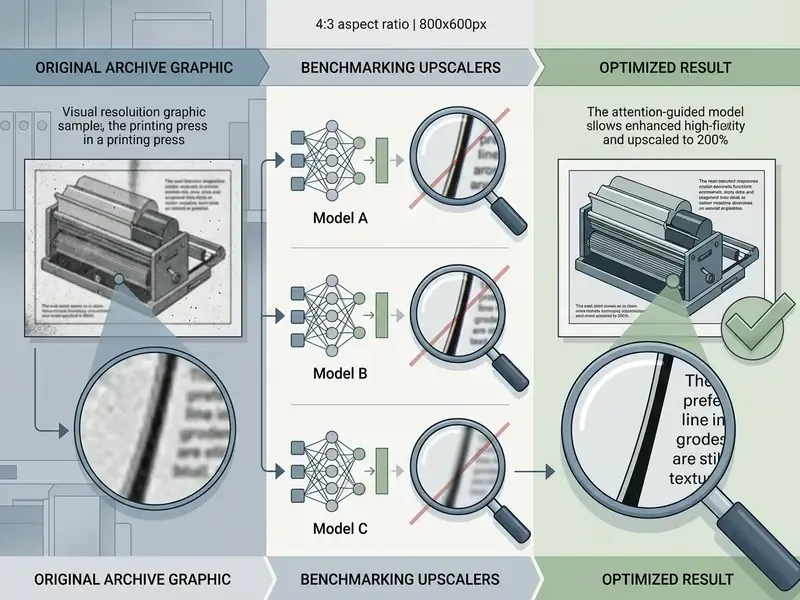
Operators should test sample files at 100% zoom to verify that fine textures, such as hair or fabric, remain sharp without turning into smooth, plastic-like surfaces. A structured comparison of AI upscalers is the fastest way to shortlist candidates before running an internal benchmark. Useful quality dimensions to record per candidate: end-to-end latency, texture acutance and texture SFR (ISO 19567) for skin and fabric retention, and explicit residual-blur or ringing scores, since SSIM alone does not isolate texture loss. Reported throughput varies enormously by workflow. Background removal benchmarks land near 0.5 to 1.5 seconds, while maximum-quality enhancement passes in some services have been reported at up to 45 minutes per file.
Batch Enhancement and Tools for Product Photos
| Feature / Criteria | Free AI Enhancer (Basic) | Professional AI Enhancer | Enterprise API Integration |
|---|---|---|---|
| Export Watermarks | Common on free tiers | Watermark-free paid options | Complete branding control |
| Processing Speed | 5–15 seconds per file | 1–3 seconds per file | Sub-second batch throughput |
| Max Output Resolution | Limited (e.g., 2048px / 2x) | Full native / 4x / 4K / 8K | Uncapped (up to 22K on GPU tiers) |
| Batch Capabilities | 2–20 files per job | Up to 50 concurrent files | Unlimited API queuing |
| Supported Inputs | JPG, PNG, WebP | Plus HEIC, HEIF, single-page PDF | Plus TIFF, RAW, multi-page PDF |
| Background Tools | Manual selection required | One click auto isolation | Automated segmentation API |
| Data Handling | Terms often unspecified | Account-level privacy settings | DPA, zero-retention, audit logs |
| Commercial License | Personal use only in many cases | Included with subscription | Custom terms and SLA |
Table note: performance figures reflect comparative benchmarks of public cloud enhancement APIs in 2026. In plain terms, free tiers fit single personal photos, professional tiers fit recurring product photo batches, and only the API tier supports regulated document volume with contractual data handling. Verify current vendor terms before procurement, since free-tier limits change frequently.
Verification Methodology for AI Image Enhancement (Fact Check Framework)
Limitations, Open Questions, and a Safe Next Step
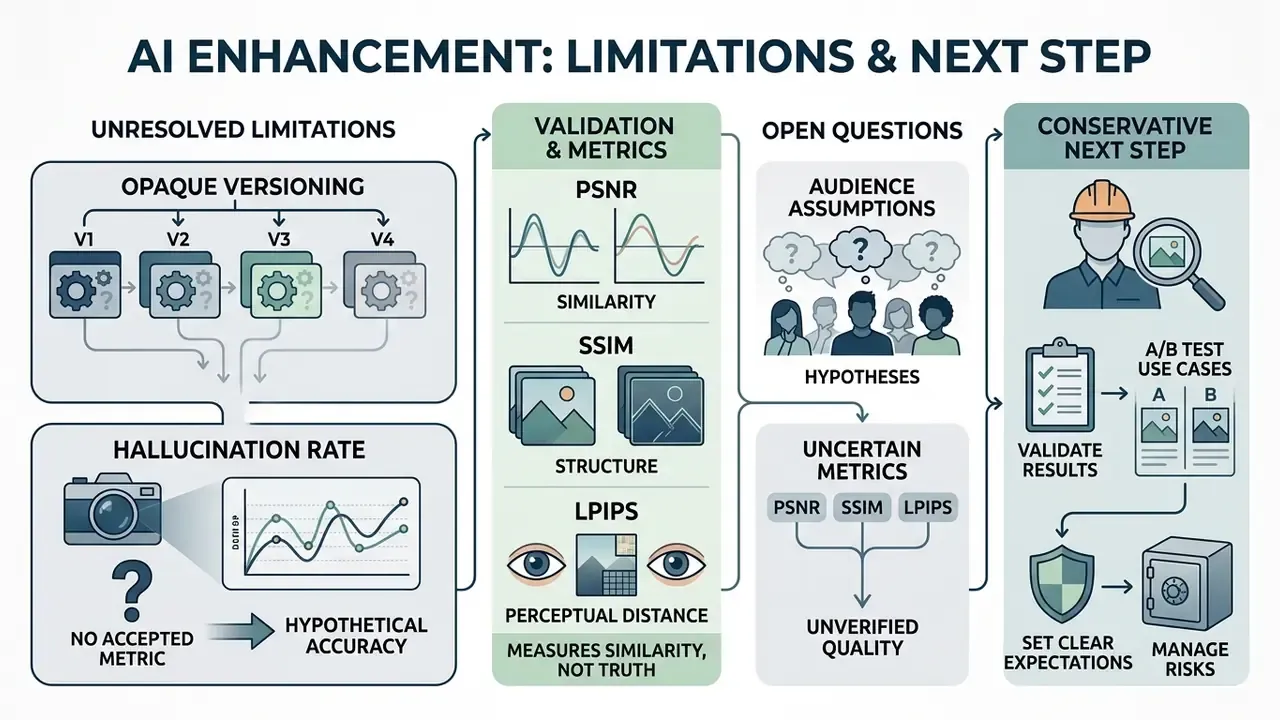
Some things in this category are simply unresolved, and pretending otherwise would be worse than admitting it.
Opaque model versioning. Most hosted enhancers ship silent model updates. A validated threshold from last quarter may no longer describe today's output, which is why version pinning and change notification belong in the contract rather than in an assumption.
No accepted metric for "hallucination rate." PSNR, SSIM and LPIPS measure similarity and perceptual distance. None of them answer the question a reviewer actually asks: how often did the model invent a legible character that was not in the source? Until a standard exists, internal task metrics such as OCR field accuracy have to carry that weight.
Audience assumptions remain hypotheses. The reader profiles, pain points, and purchase criteria described in this guide should be treated as working hypotheses until confirmed by analytics, interviews, CRM data, or verified customer research. Directional e-commerce figures deserve the same caution, as the contradictory fresh-food trust study demonstrates.
A conservative next step. Pick one low-risk asset class, such as internal marketing photography with no personal data. Run a 50-file benchmark on your own material, record the metric and artifact results, document retention and licensing terms in writing, then decide whether the pipeline earns a second asset class. Small scope, real evidence, reversible commitment.
AI Image Enhancer FAQ
Do I Need to Install Software to Use an AI Photo Enhancer?
No. Cloud-based ai enhance image online platforms process visual assets on remote GPU server clusters accessible directly through standard web browsers. Modern HTML5 applications stream input images to cloud infrastructure, removing local hardware processing requirements. Users on desktop computers or mobile devices can enhance image files without installing local software or native browser extensions, so any device with a current browser is supported. The architectural reason is straightforward: the browser handles input capture and client-side validation, while inference executes on provider infrastructure. Note the trade-off. No installation means the file leaves the device, which is exactly the condition that makes upload policy a security question rather than a convenience question.
Which Image Formats Can I Upload?
Most web-based AI tools accept standard raster and document formats, including JPG, JPEG, PNG, WebP, HEIC, HEIF, and single-page PDF files, with file size limits typically ranging from 10MB to 50MB per upload. HEIC and HEIF support matters specifically for iPhone captures, which are stored in that container by default. Uploading uncompressed PNG assets yields superior results compared to lossy JPEG files, since neural models can process raw pixel structures without interference from existing compression artifacts. Lossy inputs may cause algorithms to mistake blocky JPEG compression squares for valid edge structures. NIST testing on compressed facial images has documented measurable recognition-performance impact tied to compression level, which is a useful proxy for how much information lossy input removes before the model even starts.
Can an AI Image Enhancer Remove a Watermark?
An ai image enhancer focuses on noise reduction, exposure correction, and edge sharpening, whereas removing ownership overlays requires dedicated object inpainting or watermark remover tools. The three tool classes are technically and legally distinct: enhancement edits pixel quality, background removal performs foreground and background matting, and watermark removal strips rights-identifying information. Removing copyright management information or trademark overlays without authorization presents explicit legal risks under digital copyright laws. Organizations managing content rights should review legal frameworks around media modifications and potential litigation risks before altering protected assets. Disclaimer: This information is general in nature and does not constitute legal advice. Removing copyright marks without the rightsholder's permission may violate intellectual-property law.
Can Enhanced Images Be Used as Forensic or Audit Evidence?
Not as a primary identification source. Current forensic guidance directs practitioners to base the final facial-identification decision on the original unedited image, treating the generative output as an interpretation that may contain artificial pixel information. Enhanced derivatives can support review, triage, and legibility, provided the untouched original is retained and the processing chain is logged.
How Do We Validate a Visual Enhancement Model Under a Model Risk Framework?
Treat it like any other model. Document intended use and known limitations, define quantitative acceptance thresholds (PSNR, SSIM, LPIPS plus a task metric such as OCR accuracy), test on a representative held-out sample rather than vendor demos, record artifact failure modes, and schedule periodic revalidation whenever the vendor changes model versions. Because most hosted enhancers are opaque, version pinning and change notification should be contractual requirements, not assumptions.
Who Owns the Output, and Can Uploaded Files Train the Vendor's Model?
This is determined entirely by the vendor's terms. Some free tiers grant personal-use rights only and reserve broad processing permissions; paid and enterprise tiers commonly include a commercial license, prohibit training on customer content, and specify retention windows. Before any production use, obtain written confirmation of commercial licensing scope, training exclusion, retention period, and processing region.
How Do We Detect Tampering or Deepfake Manipulation in Submitted Images?
Enhancement and manipulation detection are separate disciplines. An enhancement pass can mask the very compression and noise signatures that forensic detectors rely on, so tamper analysis must run on the original file before any cleanup. Keep the two pipelines strictly ordered: authenticity analysis first, enhancement second, and never re-submit an enhanced derivative for authenticity scoring.
Why Do Two Images Produce Very Different Enhancement Quality?
Outcome depends on how much recoverable information survives in the source. Resolution, blur severity, compression history, lighting, occlusion, and the extent of physical damage all constrain the result. Mildly soft focus and clean-but-dark exposures improve reliably. Heavy motion blur and missed focus often degrade further, with invented edges appearing where the model had no signal to work from.
Additional Workflows and Governance Links
To explore additional automated production pipelines, team leads can open the hub to review detailed implementation guides across multimedia asset workflows.
Appendix A: Revision Notes and Source Verification
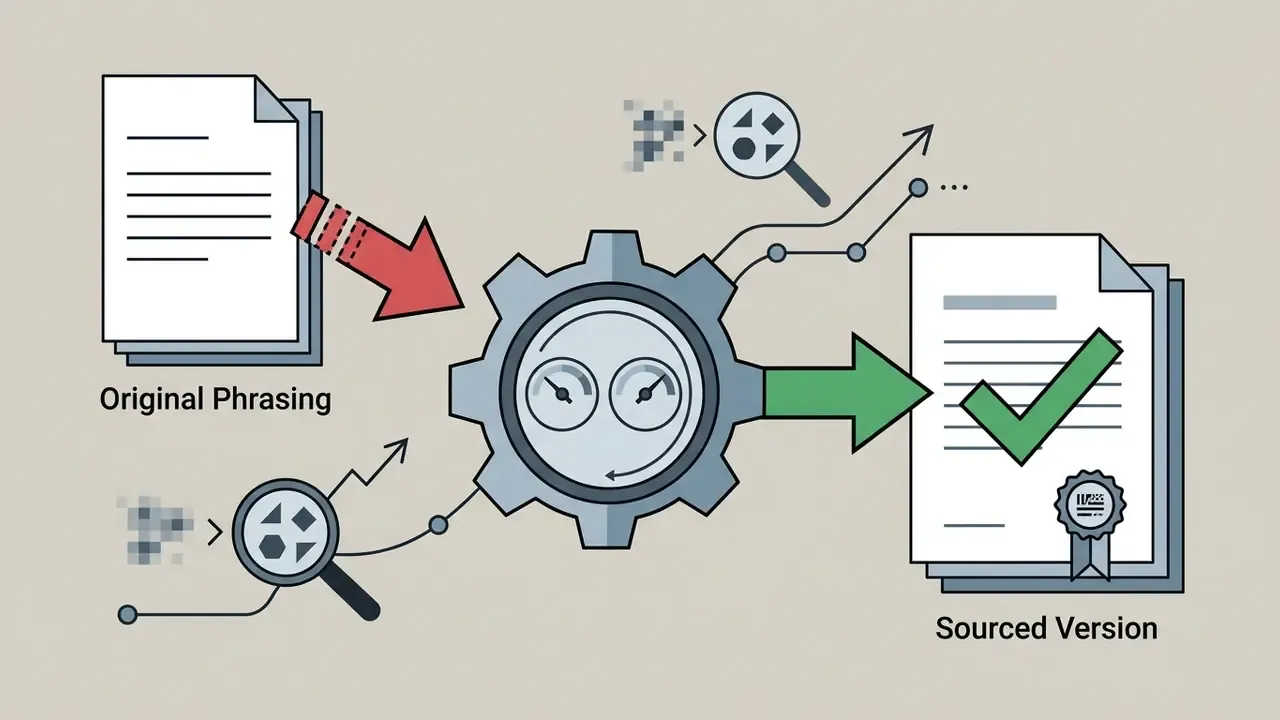
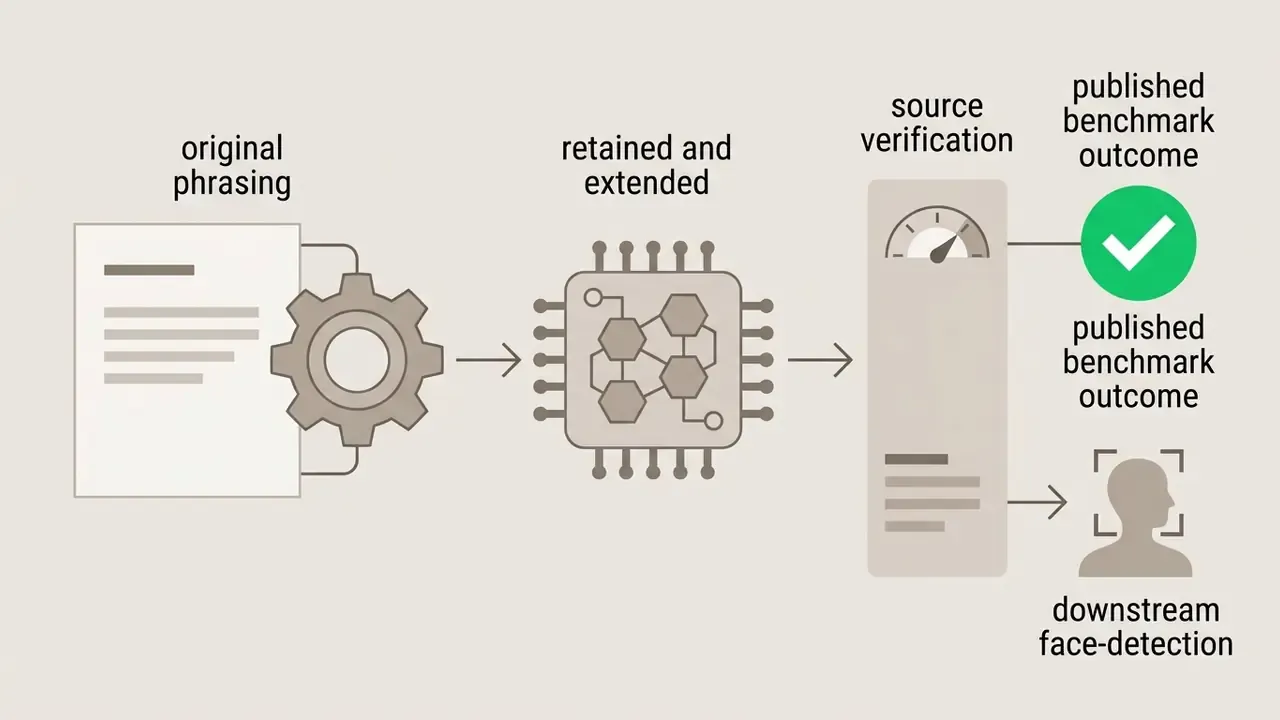
This appendix preserves earlier phrasing that has been superseded in the main text, together with the verification reason, so that readers comparing versions can trace every change.
For commercial licensing, batch throughput and enterprise data-handling comparisons across image tooling categories, open the hub.



Social Media, Brand Marketing, and Photography
Digital marketing campaigns require high-resolution visual content optimized for fast mobile rendering across Instagram Feed, Stories and Reels, TikTok covers, Facebook posts, and YouTube thumbnails. Modern content operations process user-generated photography through automated filters to maintain consistent brand aesthetic standards across social media channels.