Last reviewed and updated: January 2026. Prepared for document operations, model risk, and finance transformation teams evaluating optical recognition and Vision-Language Model pipelines.
Executive Summary
What This Guide Helps You Decide
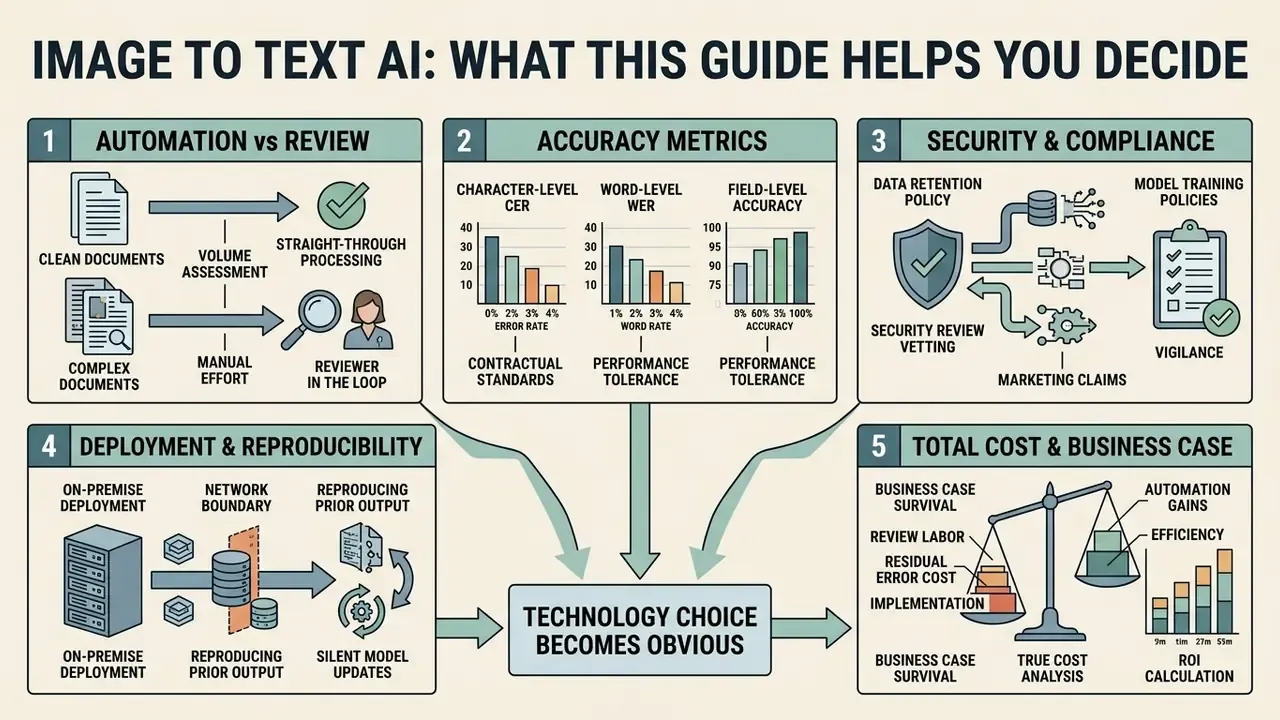
This is not a feature tour. It is a decision aid built around the questions that stall document-automation programs during second-line review.
- Which document classes can move to straight-through processing, and which must keep a reviewer in the loop?
- What accuracy metric belongs in the contract: character-level CER, word-level WER, or field-level accuracy on critical data?
- Does the vendor's retention and training policy survive your own security review, or only its marketing page?
- Can the model run inside your network boundary, and can you reproduce last quarter's output after a silent model update?
- How much of the business case survives once review labour and residual error cost are priced in?
Answer those five, and the technology choice usually becomes obvious. Skip them, and the pilot lives forever.
What Is Image to Text AI and Why You Need an AI Image Reader
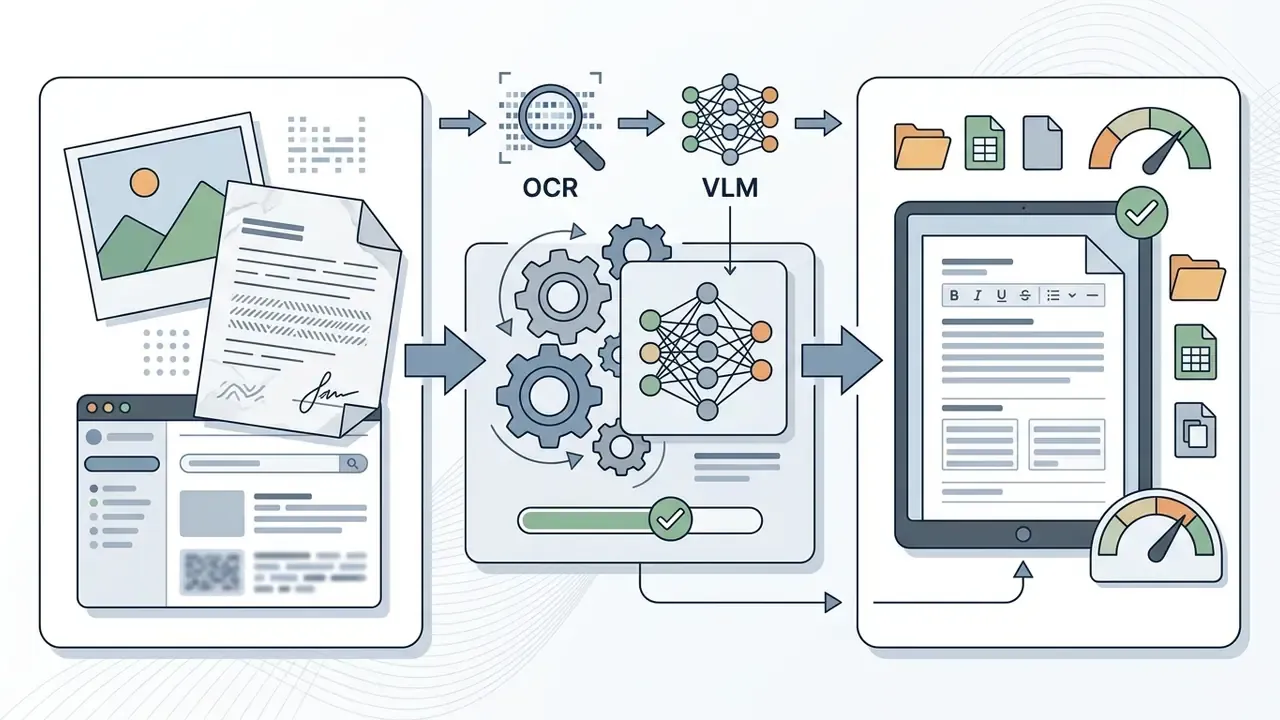
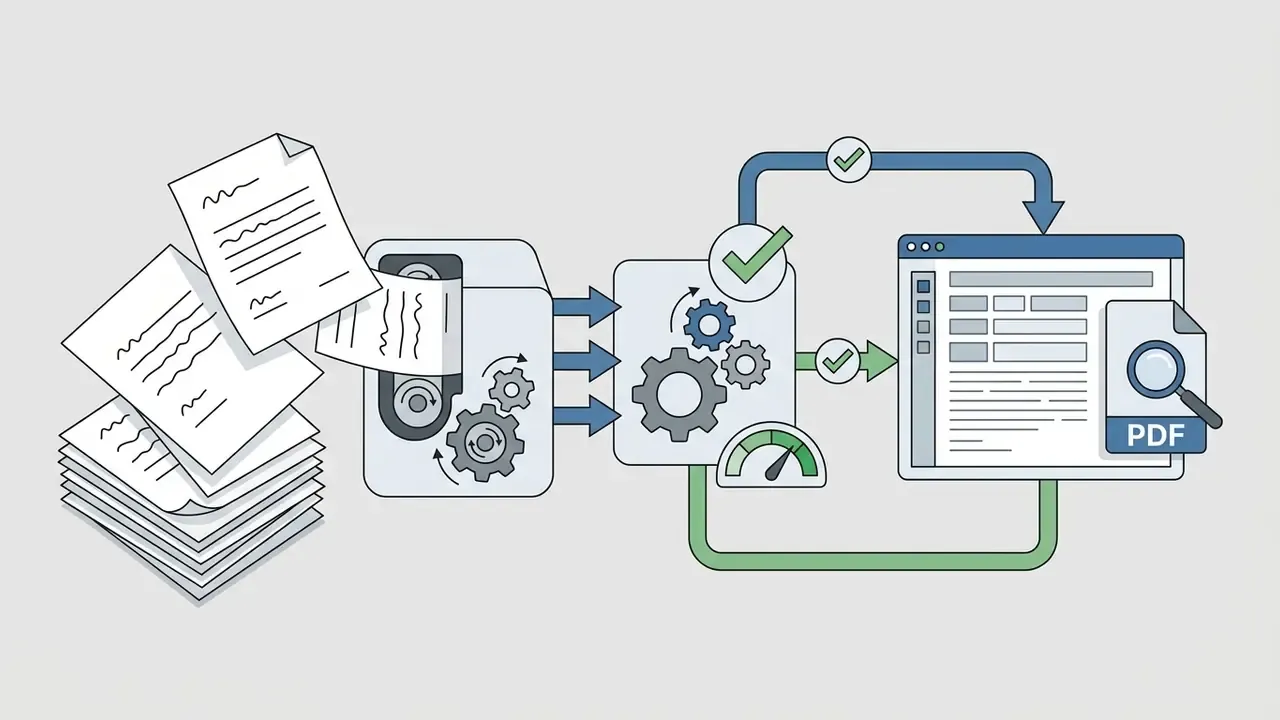
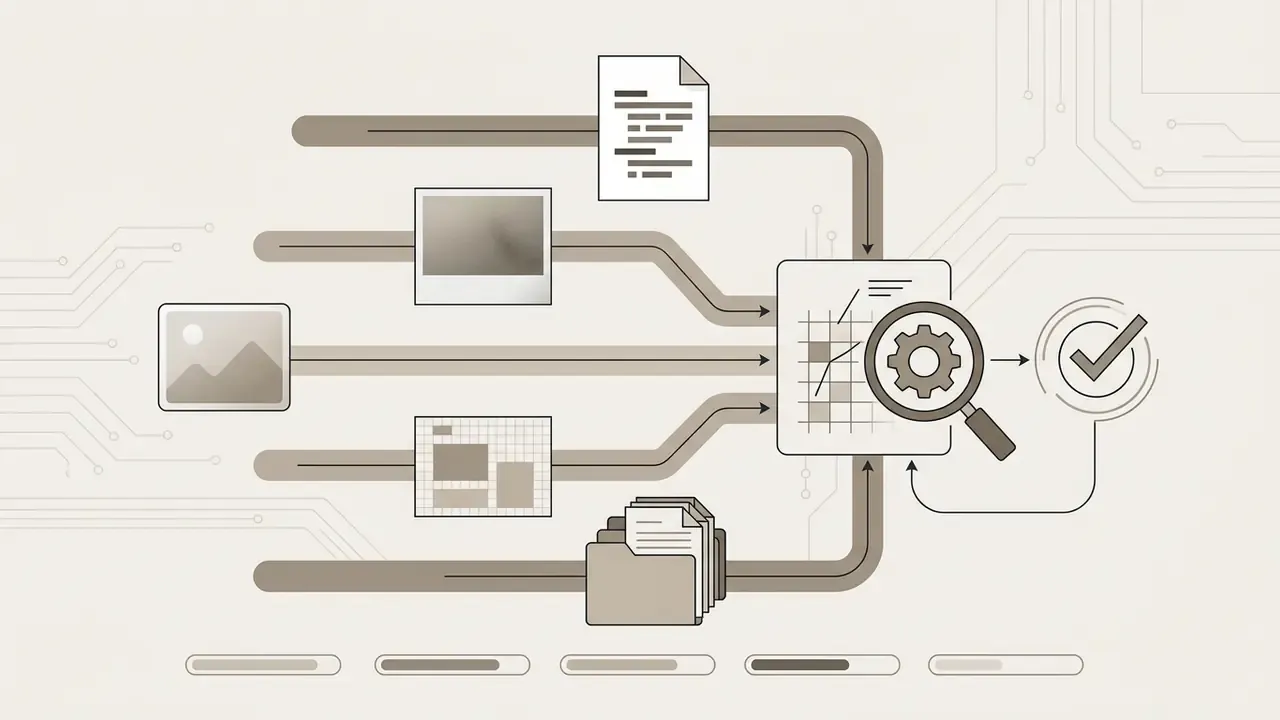
Image to text AI refers to software systems that automatically detect, extract, and translate visual text embedded in digital images, physical scans, and screenshots into machine-readable, editable text. An ai image reader (also searched as ai image text reader or ai image reader to text) bridges static pixel data and searchable digital databases, letting users copy, edit, analyze, and archive document content in seconds. The job description never changes: pixels in, verified characters out.
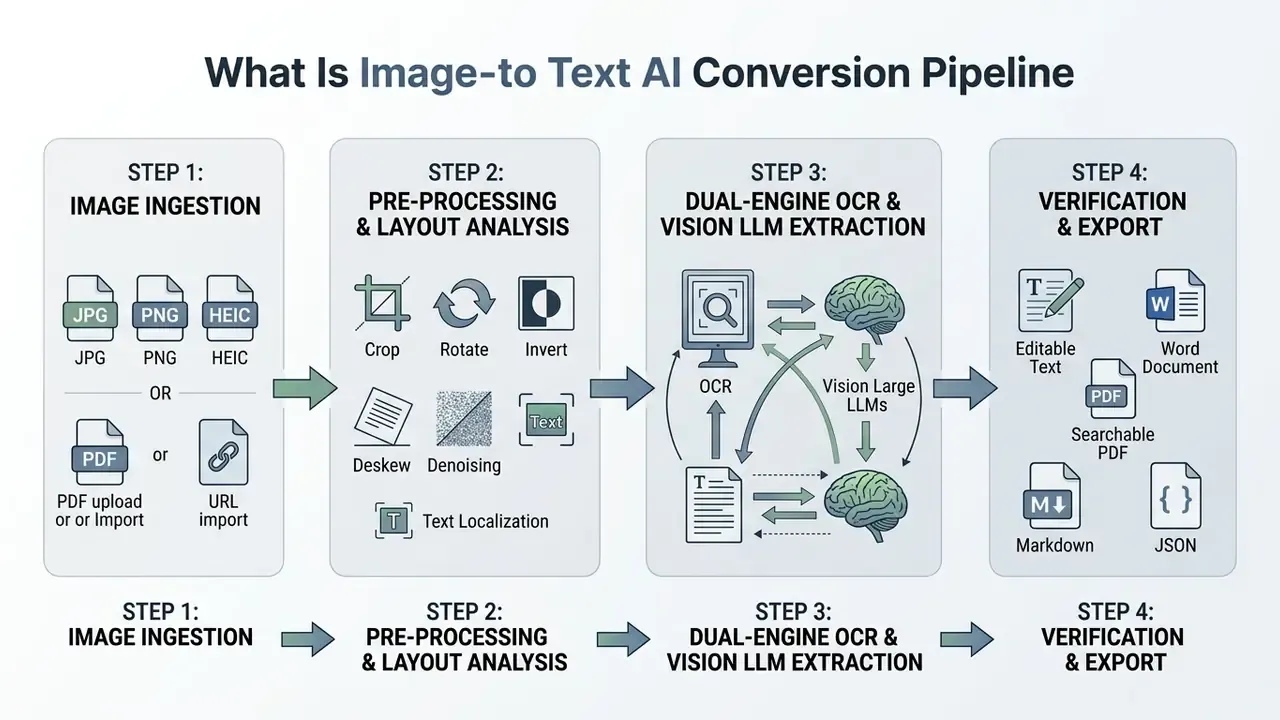
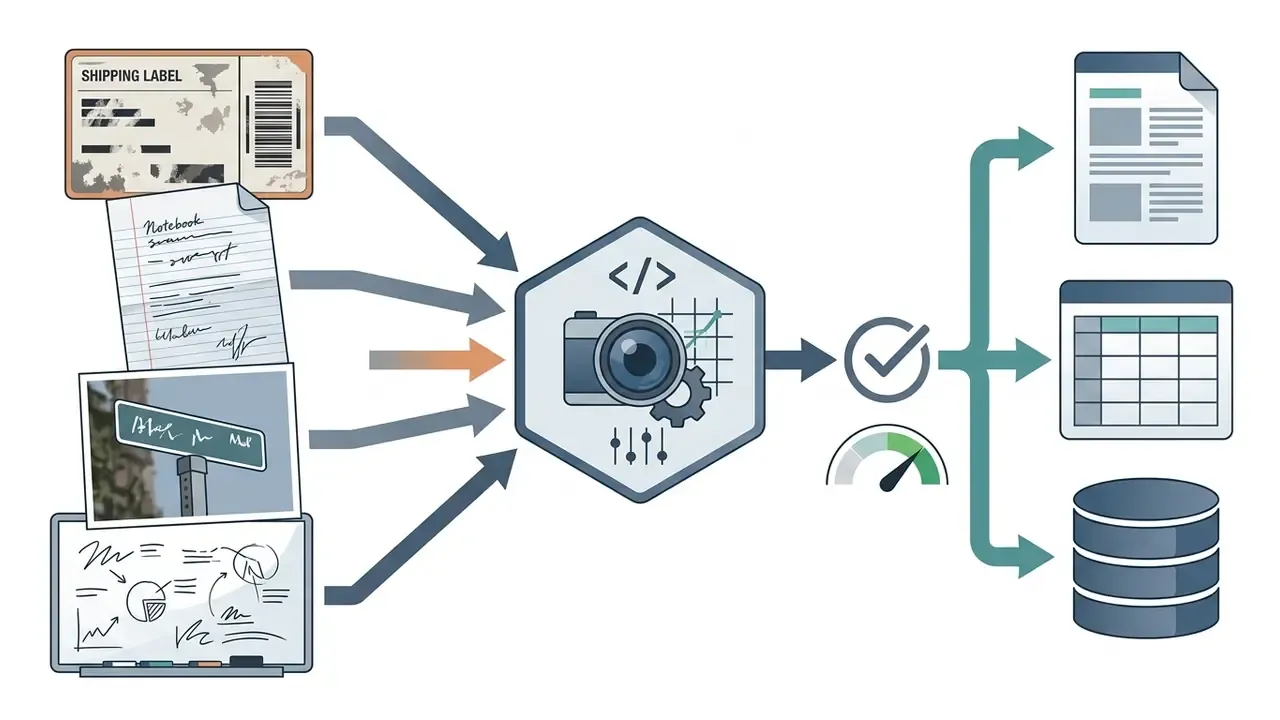
Modern ai image to text tools rely on visual recognition pipelines that handle a wide range of media types:
When an organization deploys an ai image text reader, it eliminates manual re-typing, lowers processing cost per document, and makes unstructured image archives searchable. Teams comparing vendors can review the wider category of image-to-text tools for commercial use before committing to a single provider.
OCR Technology and Advanced AI: How Text Is Recognized on Images
Modern character recognition combines traditional ocr technology with advanced ai models to convert visual shapes into structured text strings. Classical OCR detects pixel contrast and matches character geometries against fixed font templates. Modern Vision-Language Models analyze context, syntax, and spatial layout at the same time.
That headline number matters for governance. The best available general-purpose model still misreads roughly one in six evaluated items across multilingual, layout-diverse material. Straight-through automation without confidence gating is therefore inappropriate for financial postings, payment instructions, or identity fields. Not "risky". Inappropriate.
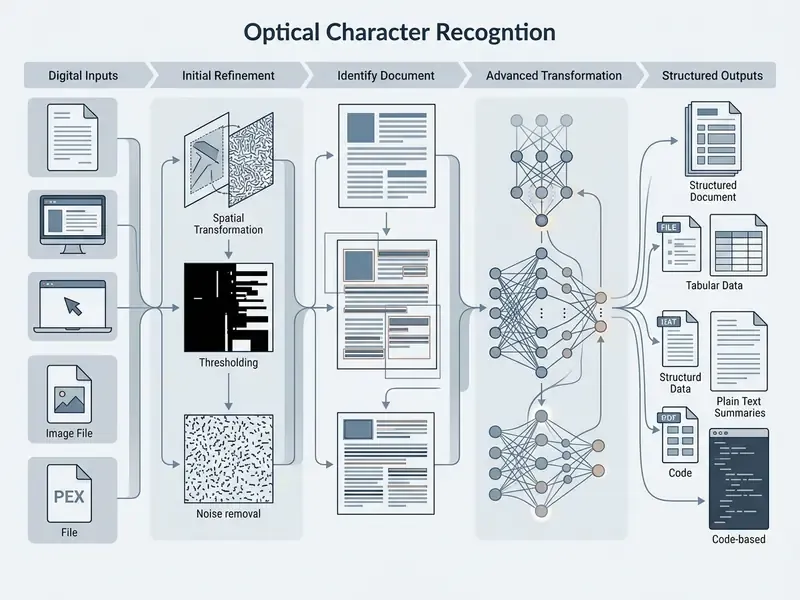
Two architectural patterns dominate production stacks. In OCR-first pipelines, an off-the-shelf engine performs text localization and recognition, then a language model handles post-correction, entity tagging, and document-level reasoning. In OCR-free pipelines, a multimodal model reads the raster image directly and generates text without an explicit character-segmentation stage. OCRBench (Science China Information Sciences, 2024) formalized this split by evaluating 29 OCR-related datasets covering text recognition, scene-text VQA, document VQA, key information extraction, and handwritten mathematical expression recognition.
Post-correction is not cosmetic. Large-scale corpus work quantifies the gain:
By pairing optical character detection with deep learning architectures, an ai for image to text workflow preserves character context, interprets specialized symbols correctly, and turns raster graphics into usable editable text.
What Images Can Be Converted to Text
Virtually any visual file containing readable characters can be processed by an ai generator image to text system. Standard inputs include jpg png files, TIFF scans, WebP web images, Apple HEIC captures, and digital PDF documents.
To hold extraction accuracy at a workable level, input files must satisfy baseline resolution and framing criteria:
- Resolution and DPI: Scanned documents perform best at 300 to 400 DPI, with 600 DPI reserved for dense STEM notation or tightly formatted pages. Digital screenshots need clear pixel boundaries and text that stays legible at 100% zoom.
- Corruption tolerance: Robustness testing shows which distortions hurt most.
«Text recognition degrades most severely under blur and snow-type corruptions among the evaluated perturbations.»
- File size and image size constraints: Limits are vendor-specific rather than universal. Published documentation indicates Google Cloud Search OCR accepts up to 10 MB for images and 30 MB for PDF; Google Cloud Vision documents up to 20 MB and 75,000,000 pixels per image, with 1024×768 recommended for text detection; Microsoft's OCR service accepts files under 500 MB on standard tiers (4 MB on the free tier) with dimensions from 50×50 px to 10,000×10,000 px and up to 2,000 pages for PDF or TIFF; ABBYY documents 30 MB and 32,512×32,512 px; Yandex Vision OCR documents 10 MB and 20 megapixels. Always validate the specific tier in the vendor's current service documentation before you design ingestion limits.
- Batch ingestion: Processing a multiple image queue lets institutions ingest hundreds of pages at once instead of converting single files by hand. Some APIs accept only one image per call, which forces repeated invocations for batch work.
How AI Image to Text Differs From Traditional OCR
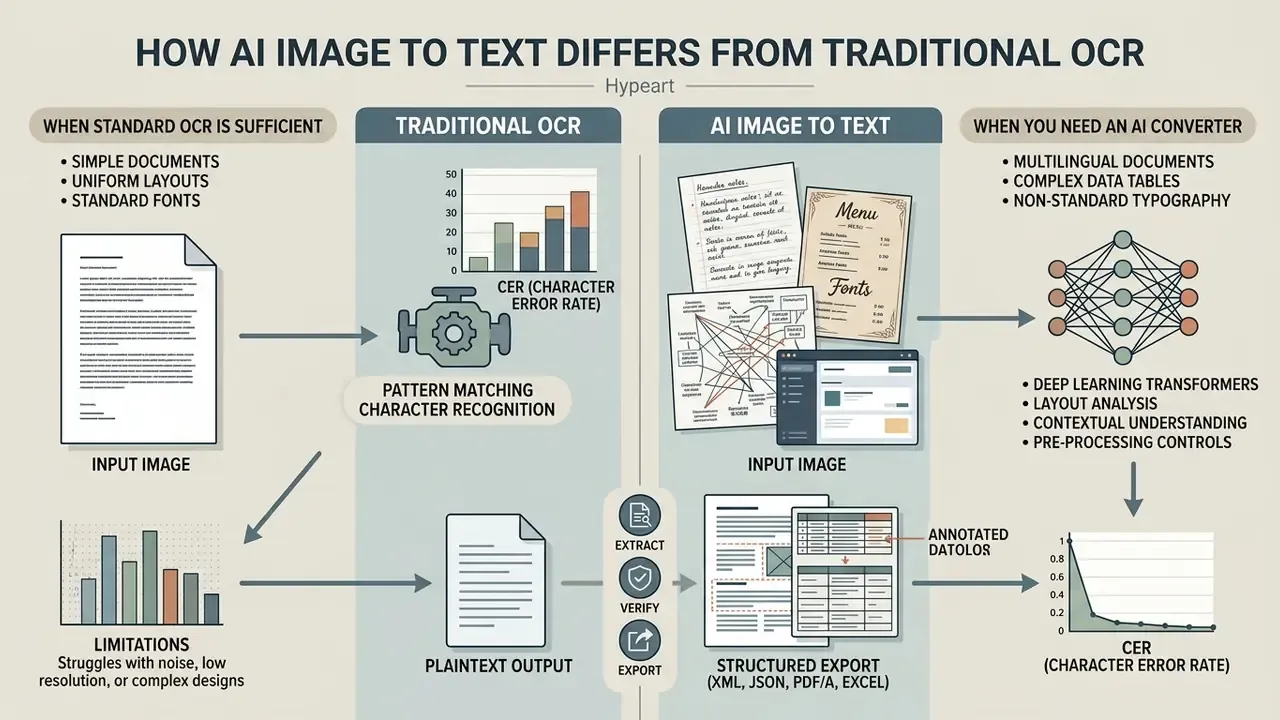
AI image to text systems surpass traditional OCR by using deep learning transformers to infer missing characters, interpret complex layouts, and read context instead of relying on rigid pixel matching. Legacy OCR engines demand pristine, high-contrast inputs. Modern converters still extract usable text from degraded scans, blurry images, and non-standard typography.
The advantage is real but bounded, and procurement teams should price in the residual error rate:
| Feature / Metric | Traditional OCR (e.g., Tesseract Engine) | Advanced AI Image to Text (VLM Pipeline) |
|---|---|---|
| Primary mechanism | Pattern matching, connected-component analysis, rule-based segmentation, LSTM classifiers | Multimodal Vision Transformers and attention-based language decoding |
| Tolerance for low quality | Poor; fails on motion blur, shadows, and low DPI | High; contextual inference fills broken character gaps |
| Printed text CER (clean 300 DPI) | Typically low single-digit CER on clean, standard fonts | Comparable or better, with stronger recovery on compression noise |
| Handwritten text CER | Severely limited; usable only on standardized hand-printed boxes | GPT-4o-mini reached 1.71% CER and 3.34% WER on the IAM dataset |
| Layout preservation | Loses column hierarchy and table structures | Retains headers, multi-column flow, and nested tables |
| Language and script handling | Requires manual switching between language packs | Automated multi-script detection and code-switching |
| Low-resource languages | Higher CER and WER measured for Sinhala and Tamil with Tesseract and EasyOCR | Commercial systems such as Surya and Document AI outperformed open engines on the same scripts |
| Determinism and auditability | Deterministic; identical input yields identical output | Generative; may hallucinate plausible characters that were never present |
| Compute requirements | Extremely lightweight; runs locally on CPU | Higher compute overhead; needs GPU or cloud API |
When Standard OCR Is Sufficient
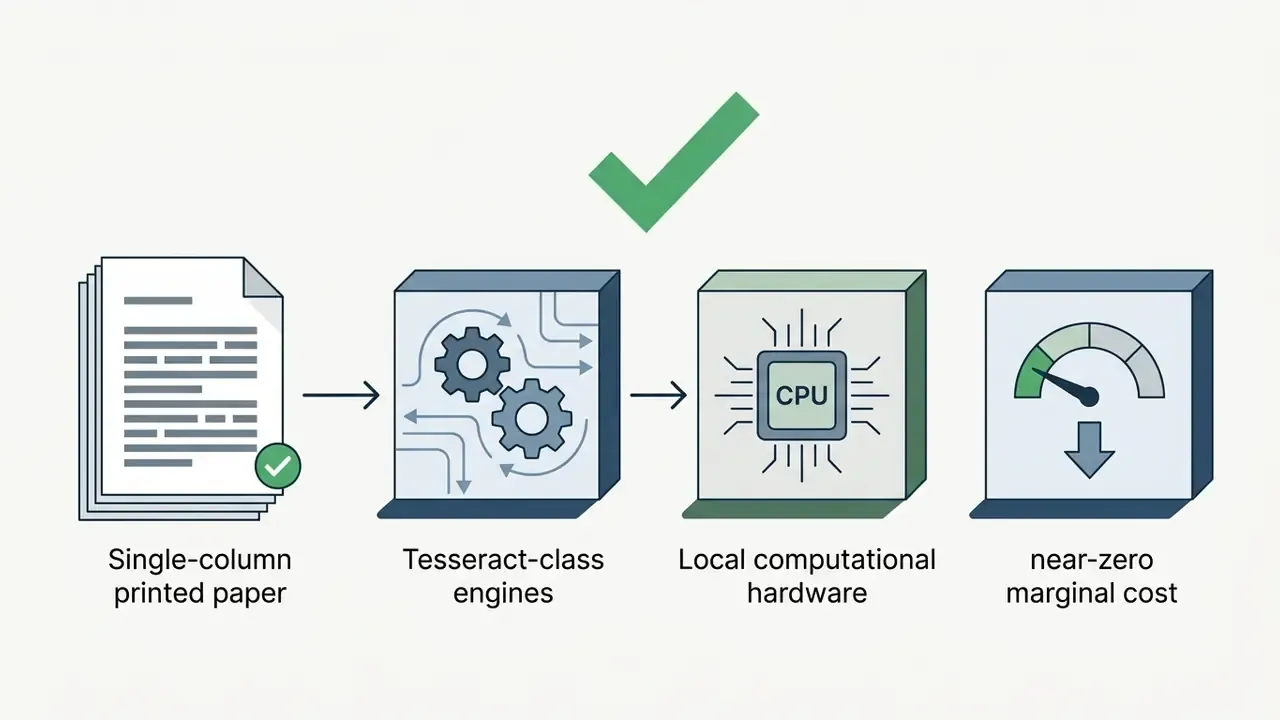
Standard OCR remains the right choice for straightforward, structured document conversion where source files are clean, high-contrast, and standardized.
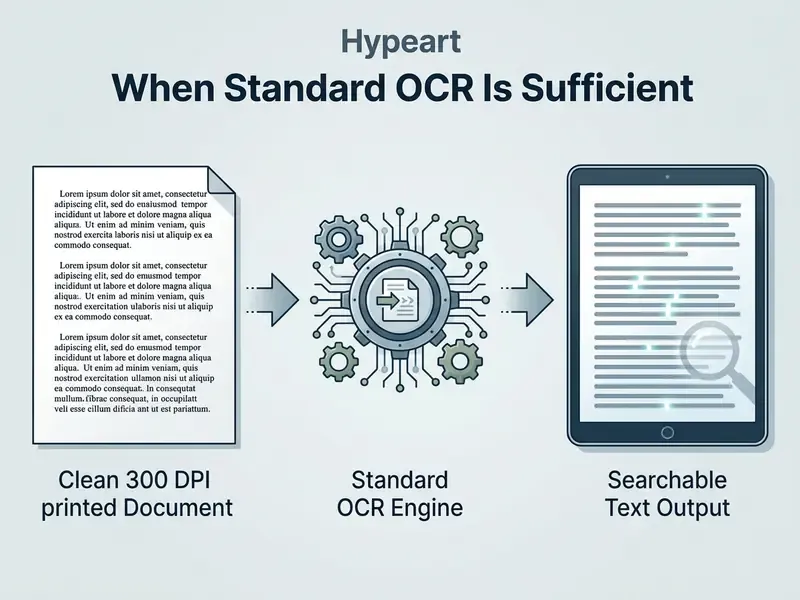
Engines like Tesseract deliver near-instant extraction with zero API cost on flat printed jpg png files or single-column legal scans. Tesseract's documented pipeline, covering preprocessing, page segmentation, recognition, and post-processing with selectable engine and page-segmentation modes, is predictable and inspectable. Model risk functions value that more than they value a leaderboard position. Where raw output falls short, a correction layer closes much of the gap:
When the objective is simple extract text work on standardized fonts without complex tables, classical OCR is the cost-effective, deterministic answer. NIST's OCR guidelines for forms and print quality remain the formal reference point for character sets, positioning, and readability tolerances in paper-based capture.
When You Need an AI Image to Text Converter
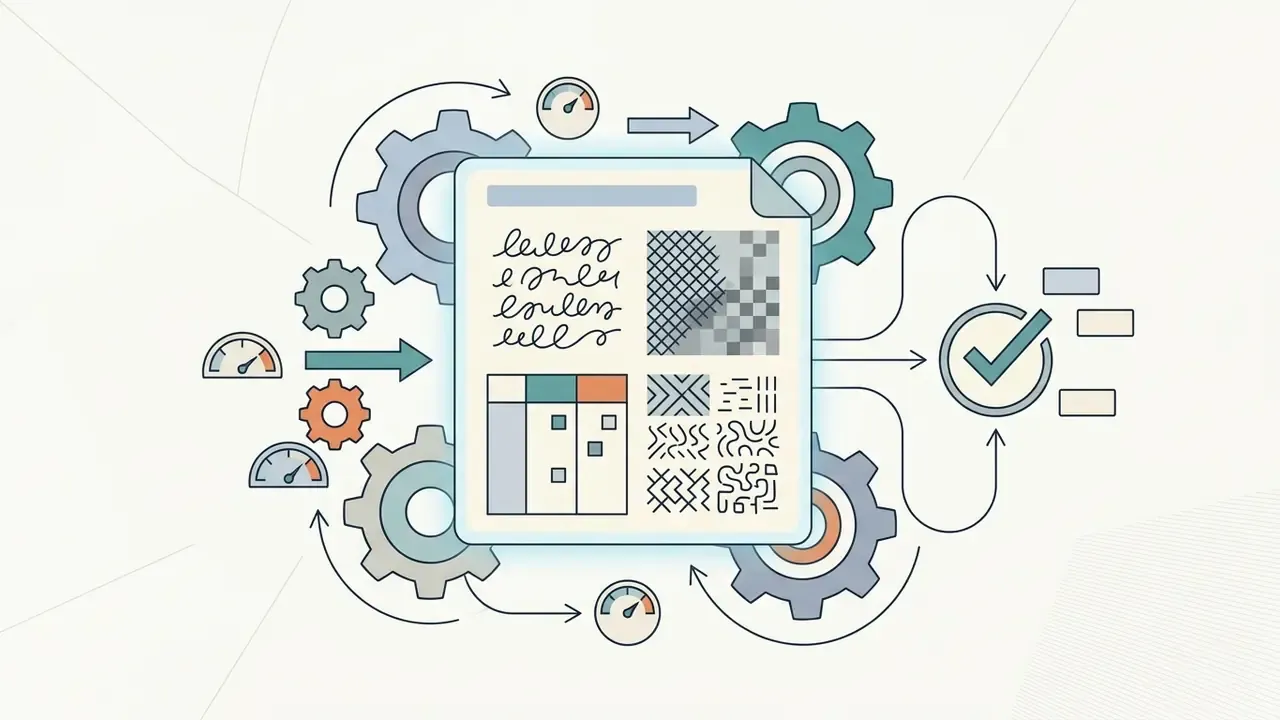
An ai image to text converter becomes necessary once you hit real-world document noise: non-standard layouts, cursive handwriting, or complex multi-column structures.
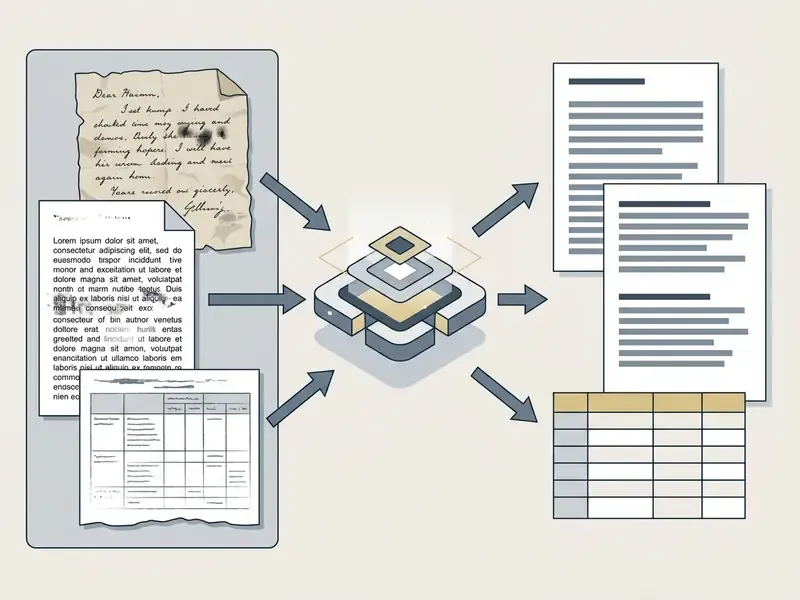
Advanced multimodal pipelines resolve the extraction failures that stall document queues:
- Blurry images and shadows: Contextual transformers infer obscured letters from surrounding sentence grammar.
- Handwritten notes and annotations: Deep learning networks decode non-uniform stroke connections.
«OmniHandwritingOCR spans 77,570 annotated images; accuracy collapses on multi-line formulas, and generative models hallucinate characters that never existed.»
- Multilingual documents: Neural engines perform automatic code-switching across mixed-script pages in a single pass. ISO 24620-5:2024 formalizes methodology for recognizing personal data written as free text across agglutinating, inflectional, and isolating languages, which is directly relevant to cross-border KYC files.
- Complex data tables: Integrated layout parsers reconstruct nested financial grids into structured spreadsheets or a word document. Readers evaluating vendors can compare image-to-text tools for commercial use against their own document mix.
- Non-standard typography: ISO/IEC 30116:2016 defines measurement and evaluation for OCR-B character strings and notes that the methodology extends to other OCR fonts, giving you a basis for testing decorative or proprietary typefaces.
To evaluate tool categories across design and generation workflows, you can also compare options for media processing platforms.
Selecting an AI Image to Text Converter for Business and Enterprise Use
Choosing an enterprise ai image to text converter means balancing extraction accuracy against data security, API integration, deployment topology, and compliance controls. Accuracy is the easiest of those to measure and the least likely to kill the deal.
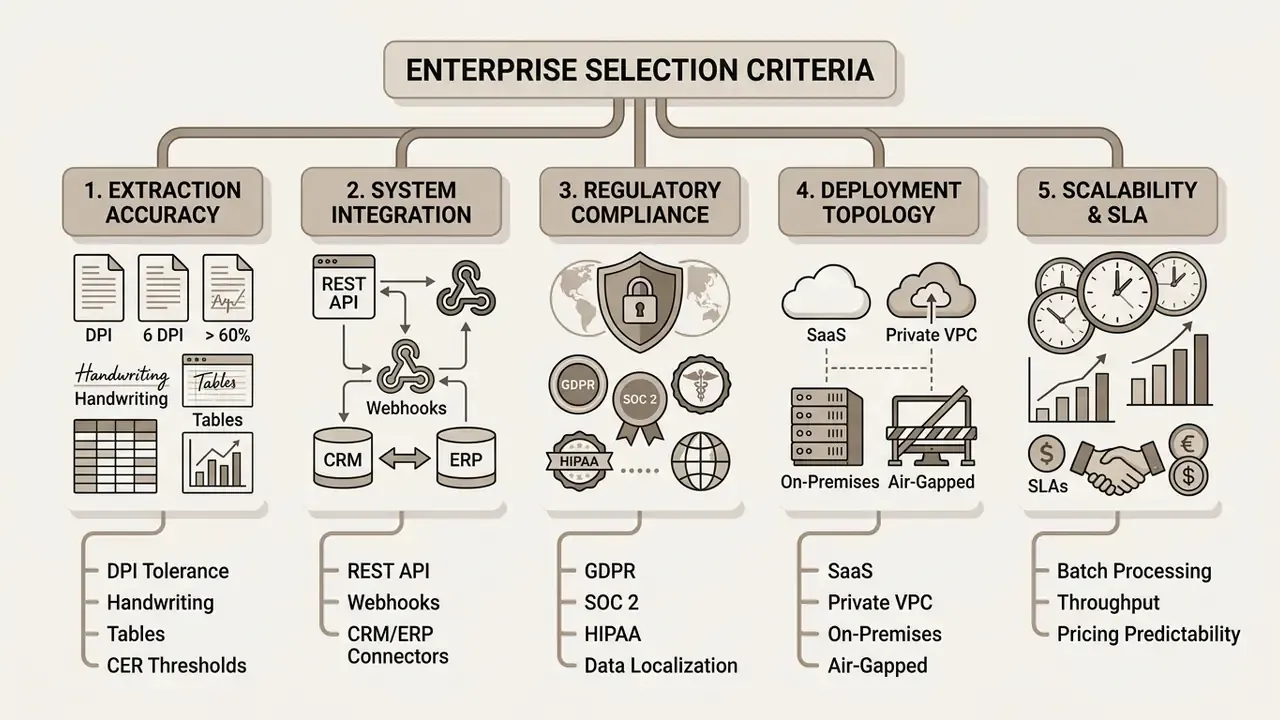
Public-sector and financial procurement documents frequently set a hard accuracy floor. Tenders for AI-OCR systems have specified 97% to 99% document accuracy, with separate scoring for table handling, handwriting support, and integration track record. Vendor guidance is equally blunt that recognition is not perfect: Microsoft's responsible-use documentation for OCR instructs buyers to test with real production data before deployment and to design error identification and response paths, because no model achieves 100% accuracy.
Enterprise Features for Document Workflows
Large organizations need capabilities that go well beyond single-file web uploads, and these are the ai tools features worth testing in a paid pilot:
- REST API and webhooks: Direct programmatic integration with ERP, CRM, and internal document management systems. Vendor documentation in this category advertises REST plus JSON connectors built for ERP and CRM ingestion, with webhook callbacks for asynchronous completion.
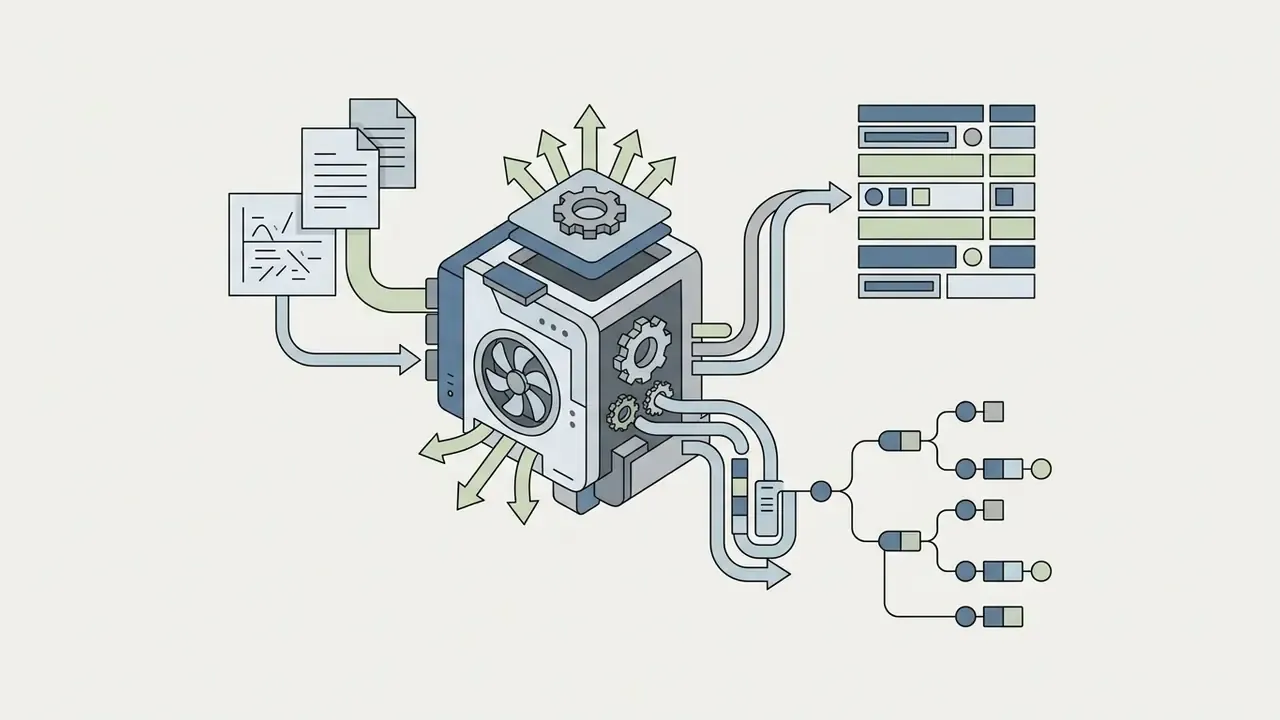
- Structure preservation: Automatic reconstruction of layouts, section headers, footers, and multi-column tables, with tables, charts, numbering, and headers preserved across PDF, DOCX, PPTX, XLSX, XML, TXT, and CSV.
«Infinity-Parser, trained on 400,000 annotated documents with reinforcement-learning layout optimization, sets a new state of the art on OmniDocBench and FinTabNet.»
- Batch ingestion pipelines: The ability to queue thousands of pages concurrently, with auto-crop and auto-split for multi-item or multi-page inputs.
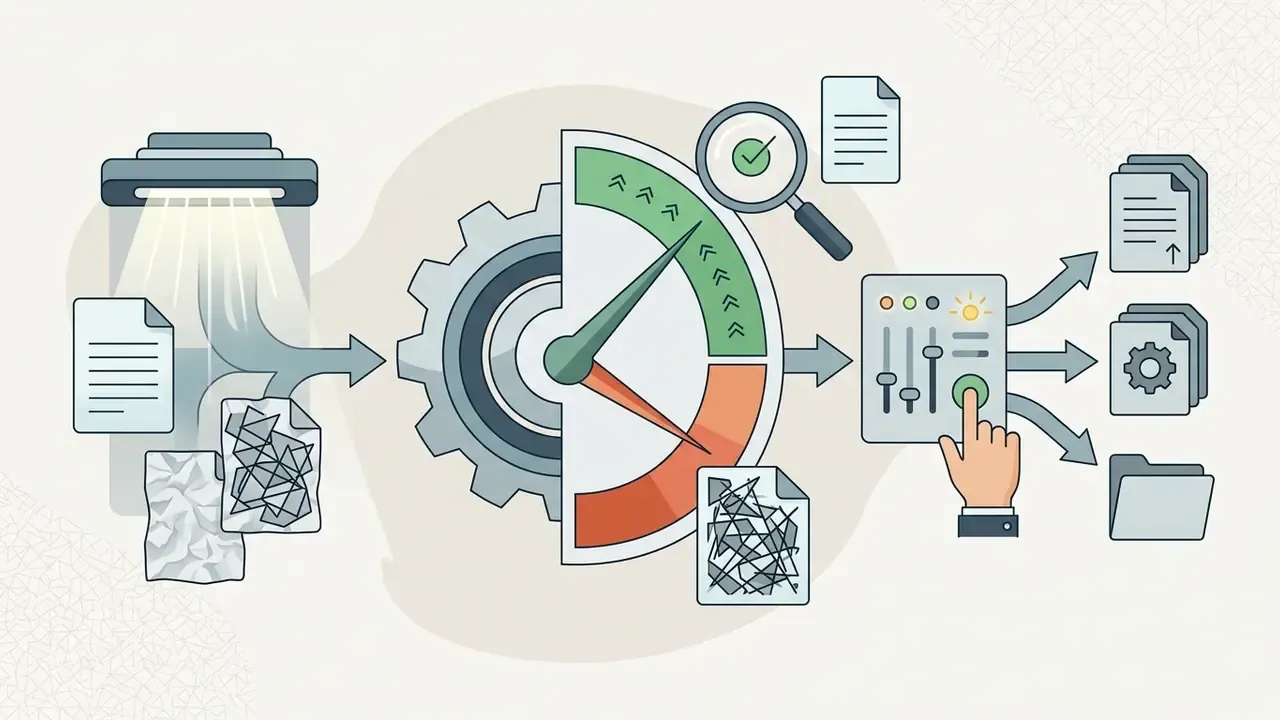
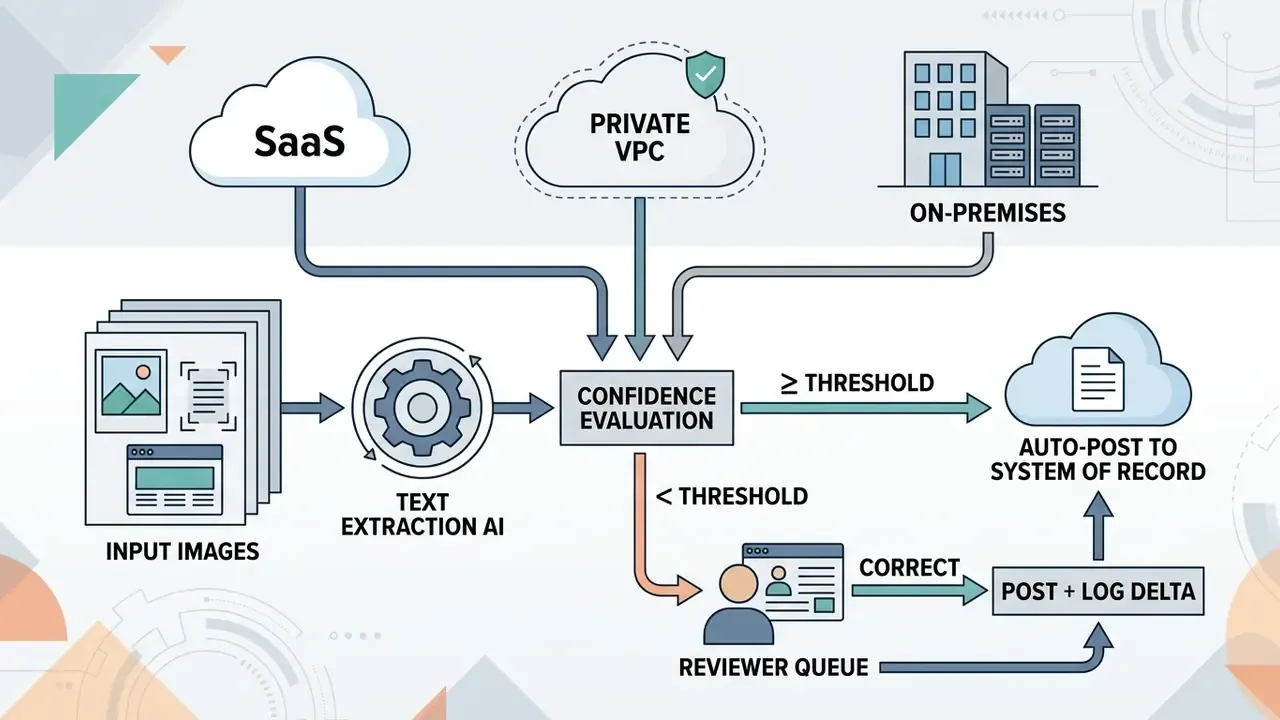
- Confidence scoring and field-level routing: Exposed per-character and per-field confidence values, so low-certainty extractions divert to human review instead of flowing into downstream ledgers.
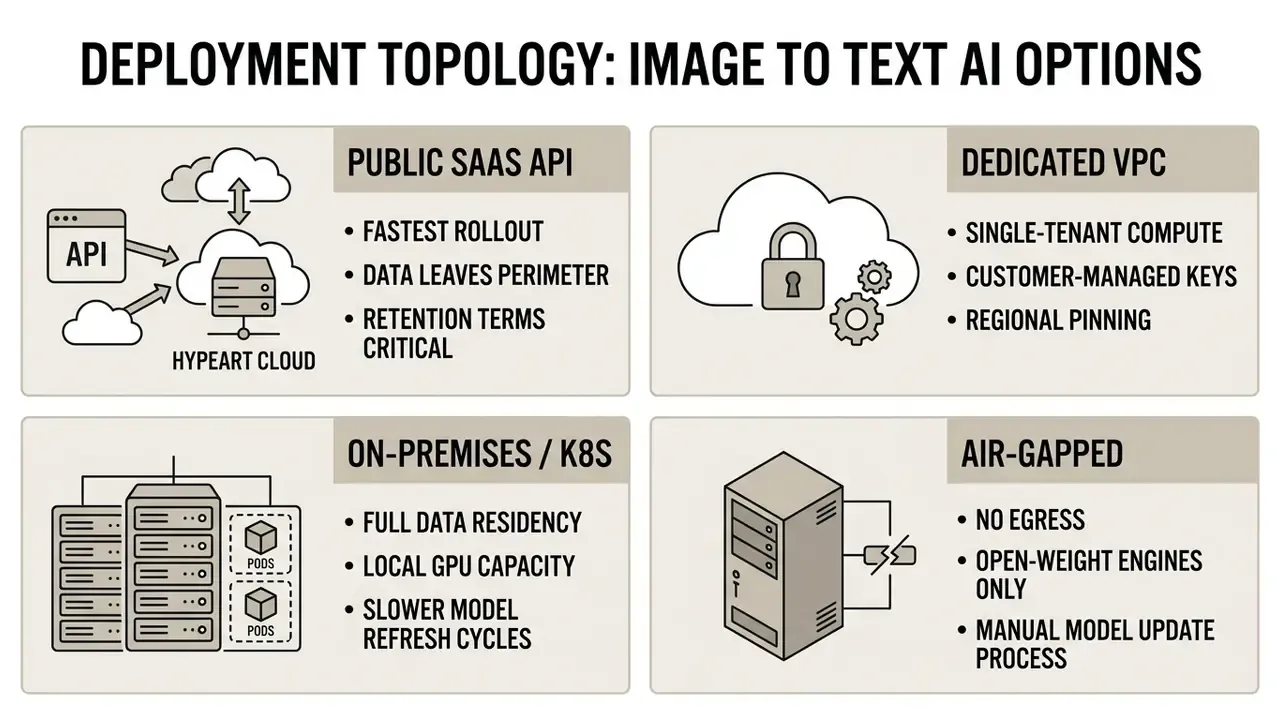
Deployment Topology: SaaS, Private VPC, and On-Premises
For banks, insurers, and healthcare operators, deployment topology is often a stricter constraint than accuracy.
Human-in-the-Loop Verification and Confidence Thresholds
Data Security, Confidentiality, and Access Controls
| Evaluation Parameter | Basic Free Online Tool | Commercial Enterprise API |
|---|---|---|
| Max file limit | 1 MB to 10 MB per file (e.g., 1 MB free API and 5 MB web on OCR.space) | 20 MB to 500 MB depending on tier and vendor |
| Page limits | Often 3 to 10 pages per free conversion | Up to 2,000 pages per PDF or TIFF on major cloud OCR services |
| Batch processing | Single file or a handful of images | Asynchronous queues; DeepSeek OCR documents zip archives up to 200 pages per request |
| API availability | None (web UI only) | REST, Python, Node.js SDKs, webhooks |
| Data privacy | Images may be temporarily cached | Contractual zero-retention terms, CMEK, regional pinning |
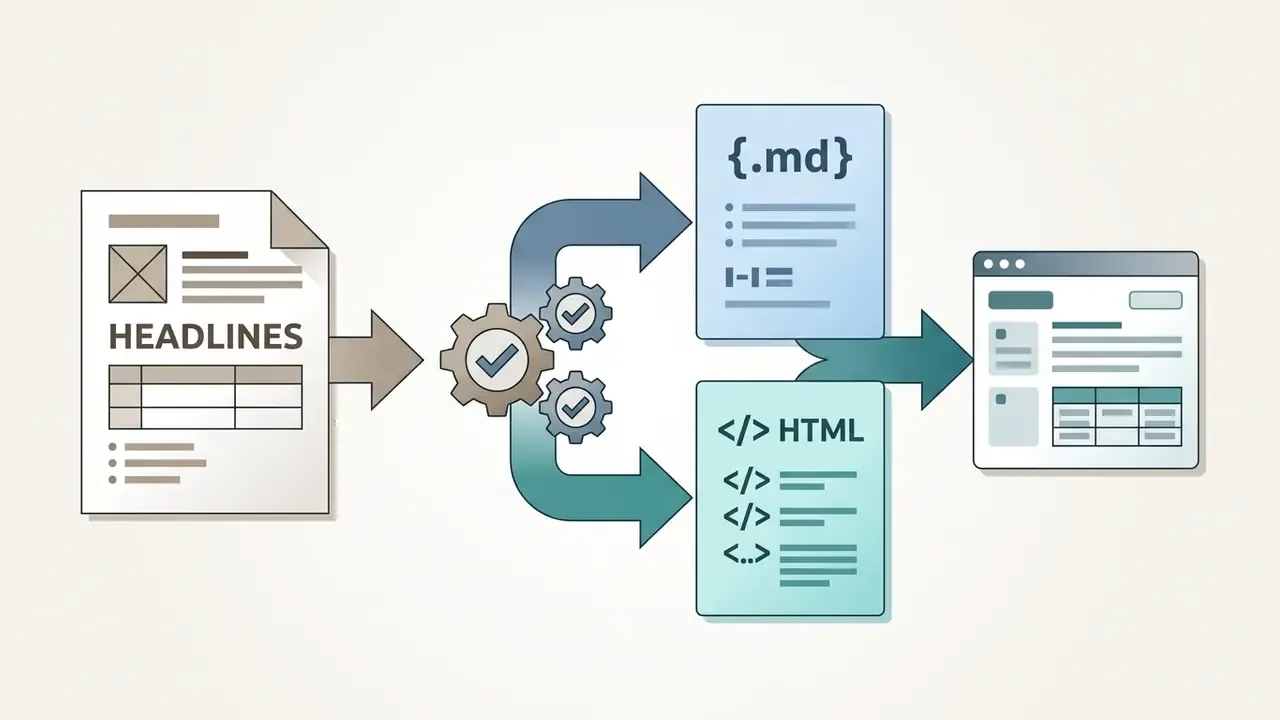
| Table and layout export | Plain TXT output | DOCX, searchable PDF, Markdown, HTML, JSON, CSV |
| Deployment options | Public cloud only | SaaS, dedicated VPC, on-premises, air-gapped |
| Compliance tier | Unverified, consumer grade | SOC 2 Type II, ISO 27001, ISO/IEC 42001, GDPR processor terms |
For broader software evaluation, teams can explore the hub for technical guides, review licensing and pricing guidance for online photo editors used alongside capture workflows, or examine AI reverse-image-search tools when document provenance has to be traced.
How to Convert Image to Text Using AI: Step-by-Step Process
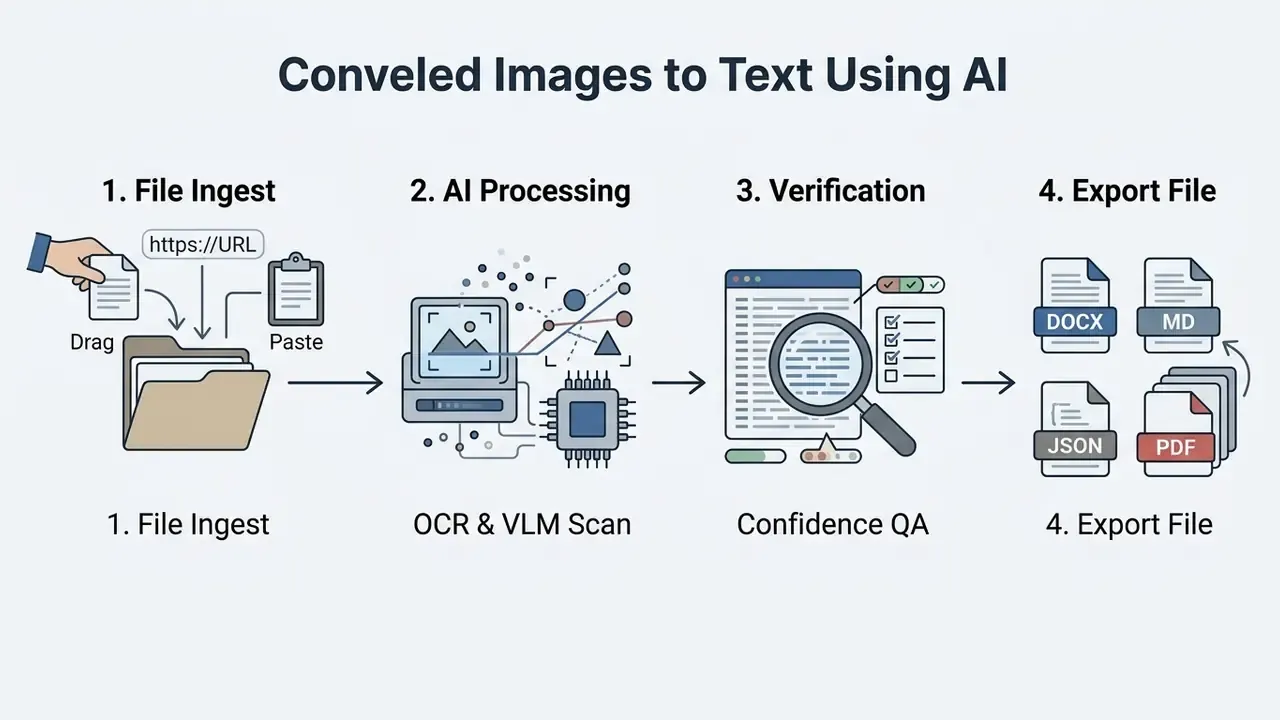
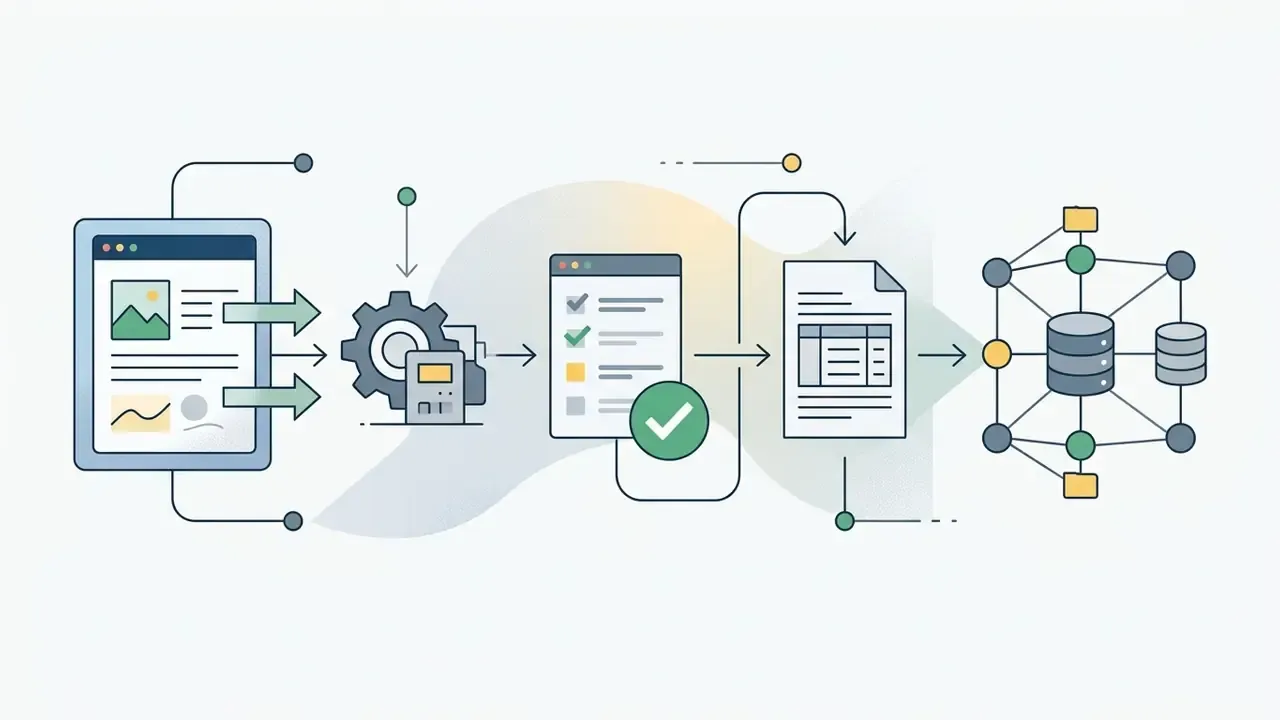
Turning visual media into text with an online tool follows a four-step algorithm: file upload, automated analysis, manual accuracy verification, and structured export. Skipping step three is where most incidents start.
Uploading Photos, Scans, or Screenshots
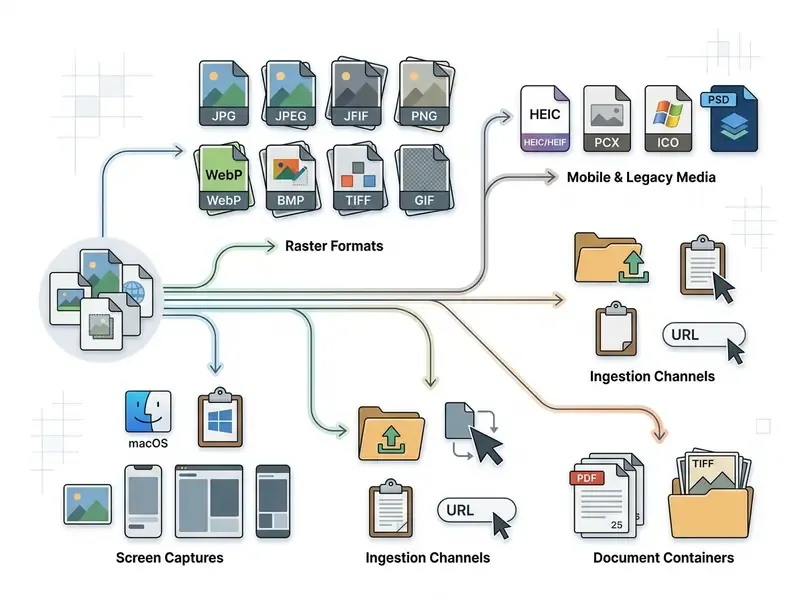
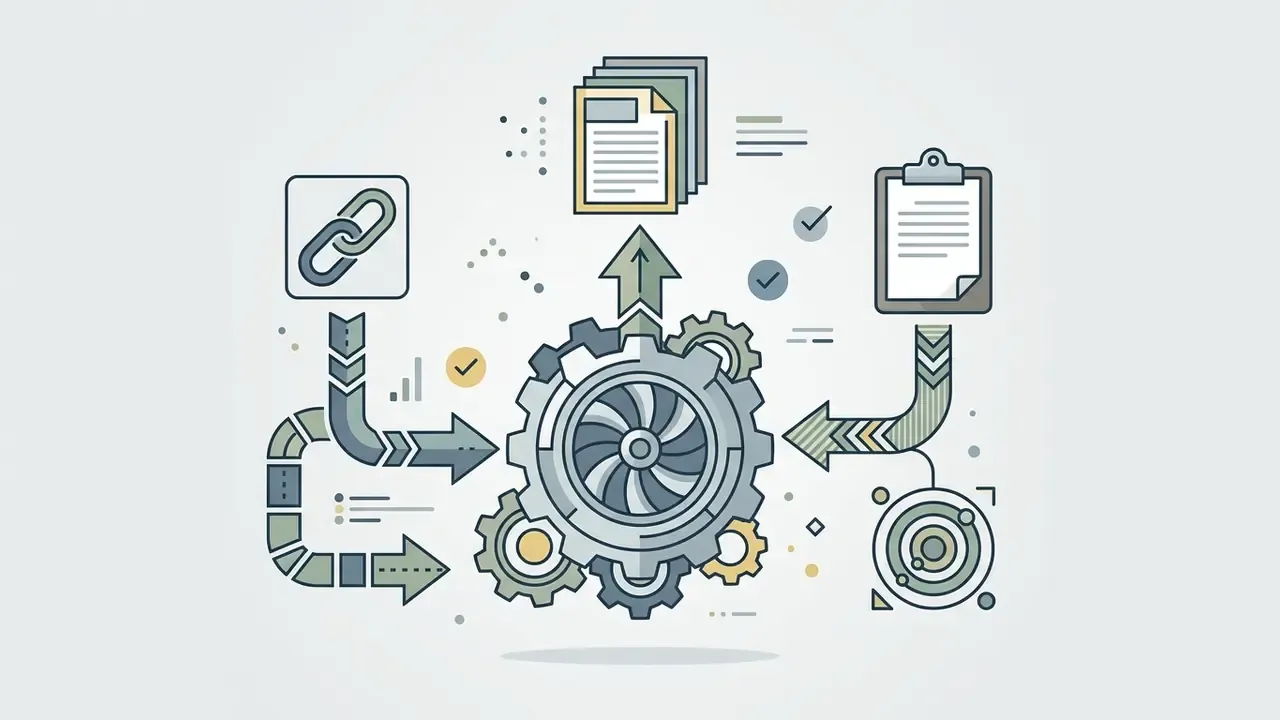
To begin, open the ai image to text converter interface and select the source file. Most cloud engines let you drag and drop online image files, paste screen captures straight from the clipboard, import a file by pasting an image URL, or select a multiple image batch from local storage.
During ingestion, check that the file meets system requirements:
- Supported formats JPG, JPEG, JFIF, PNG, BMP, GIF, TIFF, WebP, HEIC, and PDF.
- Resolution checklist Confirm the target text stays legible at 100% zoom without extreme pixelation.
- Batch queuing When uploading multi-page scans, verify that file ordering matches the intended reading sequence.
- Per-request rules Some APIs accept exactly one file per request, so multi-page receipts must be split, processed, and merged afterwards.
Essential Pre-Processing Controls Before OCR Processing
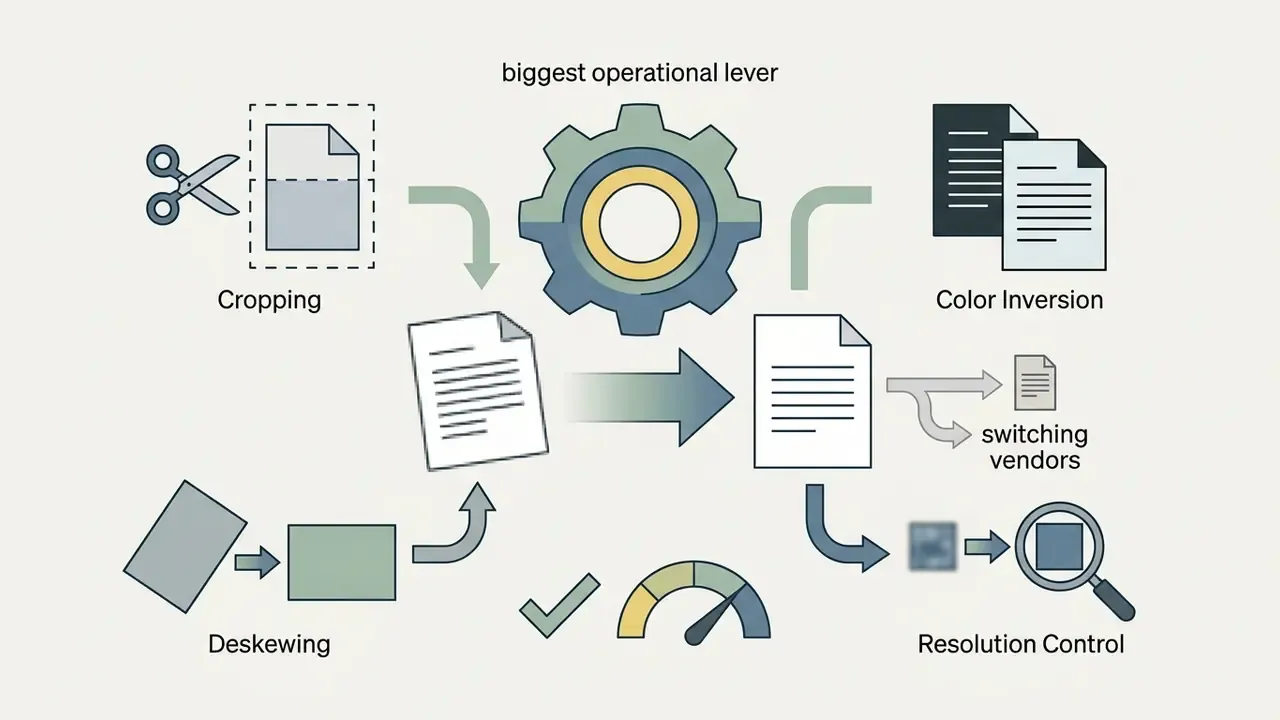
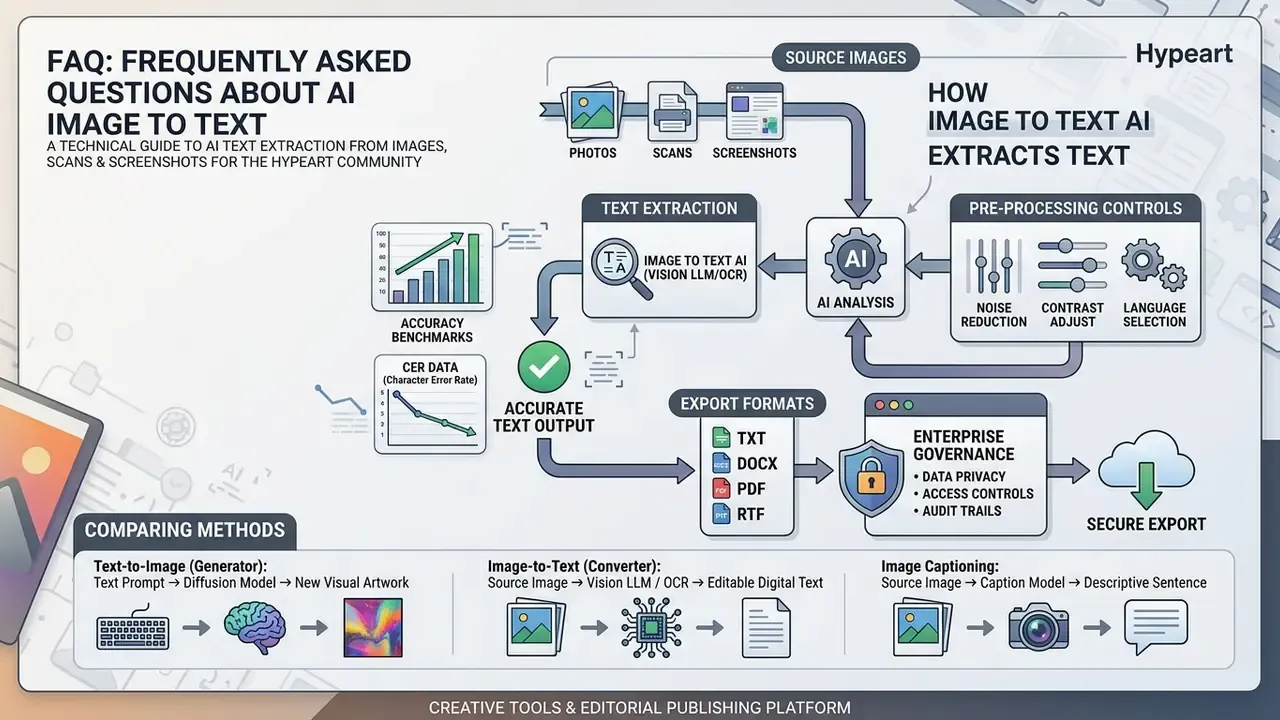
Basic image editing before extraction buys more accuracy than most model upgrades. You do not need a specialist tool; any competent image editor handles the following four steps:
- Target area croppingTrim unnecessary UI elements, margins, and background noise. Isolating a single paragraph, an invoice total block, or one data column reduces latency and removes target confusion. Typical cases: one paragraph from a screenshot, a single newspaper column, a specific section of a receipt, or one question from an exam sheet.
- Color and contrast inversionFor white-on-black text, dark-mode screenshots, neon flyers, or stylized invitations, toggle inversion so the engine sees dark characters on a clean white background. Inverted palettes are one of the most common silent failure modes in consumer OCR.
- Rotational and skew alignmentRotate upside-down or sideways images in 90-degree increments, and flip horizontally or vertically where a scan was mirrored. Straightening lines to the horizontal plane prevents line-segmentation errors during layout parsing.
- Noise and background cleanupRemove watermarks, patterned surfaces, and shadow gradients so glyph strokes stand out from the substrate.
Targeted Data Extraction (Agent Mode)
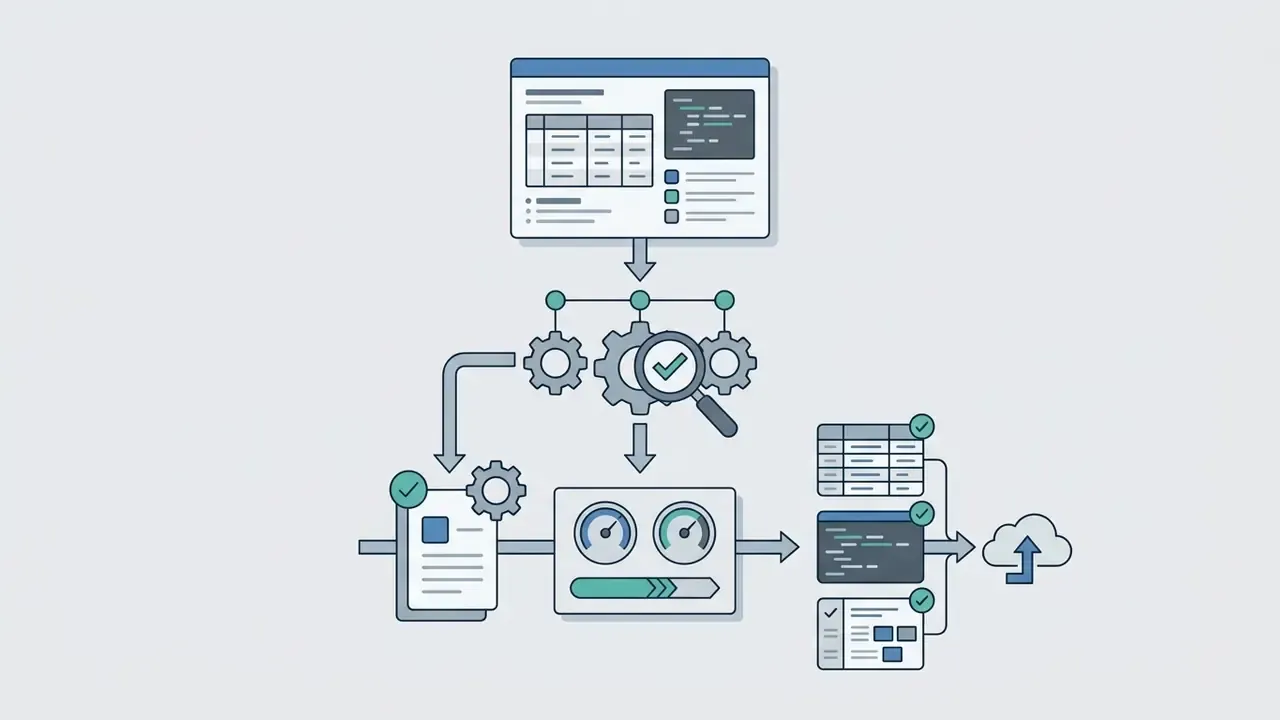
Advanced ai image to text systems do more than dump raw text. With entity extraction rules, you isolate specific data points from structured or semi-structured images without writing regular expressions:
- Contact information Email addresses, phone numbers with country codes and separators, and physical addresses pulled from business cards, banners, or signature blocks.
- Financial metrics Currency values, line-item totals, invoice numbers, and payment dates from scanned receipts, remittance advices, and bank statements.
- Dates and identifiers Dozens of date formats, including ISO, DD/MM/YYYY, and "January 5th 2024", plus integers, decimals, and negative values used in reconciliation.
- Technical indicators IPv4 and IPv6 addresses, web URLs, and system error codes from IT screenshots and incident tickets.
- Workflow Run extraction on the OCR output, choose the entity mode you need, and execute. No regex, no scripting, and each mode returns a clean, deduplicated list ready for ingestion.
This agent layer is what turns an ai image transcriber from a copy-paste convenience into a pipeline component, because the output arrives pre-structured instead of as one undifferentiated block.
Verifying, Editing, and Exporting Recognized Text
Once the engine finishes character extraction in one click, the platform shows the output beside the original file in a split-screen review window.
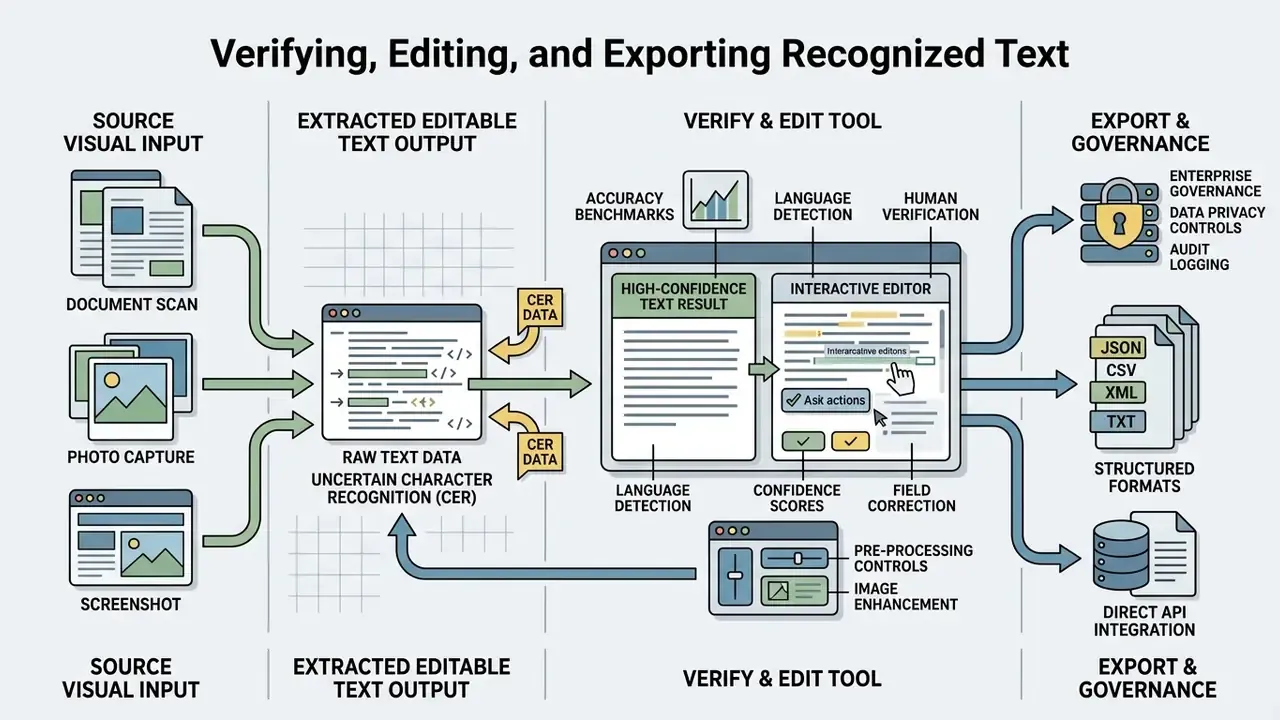
Review the highlighted low-confidence characters and fix the small stuff. Proofreading interfaces in mature OCR suites flag suspect words and let the operator replace single instances or apply a change globally before export. After validation, copy the result with the ai copy text from image function, or export the file into the format your downstream system expects.
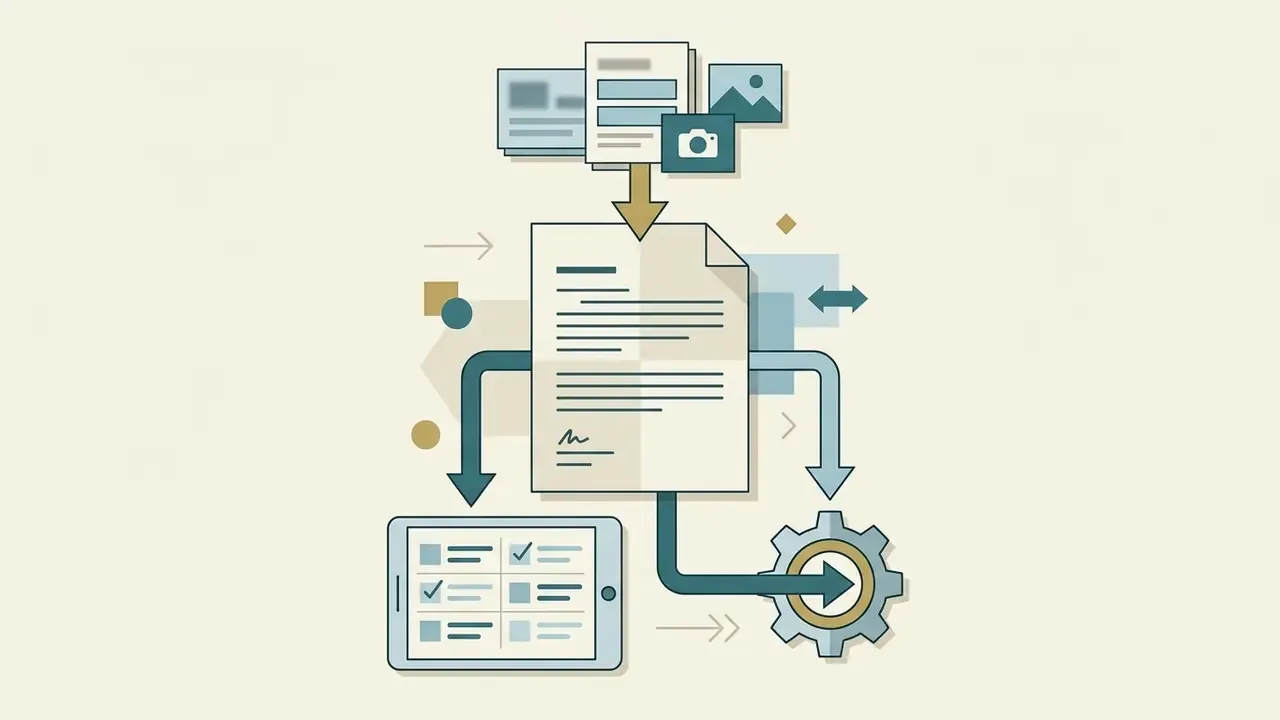
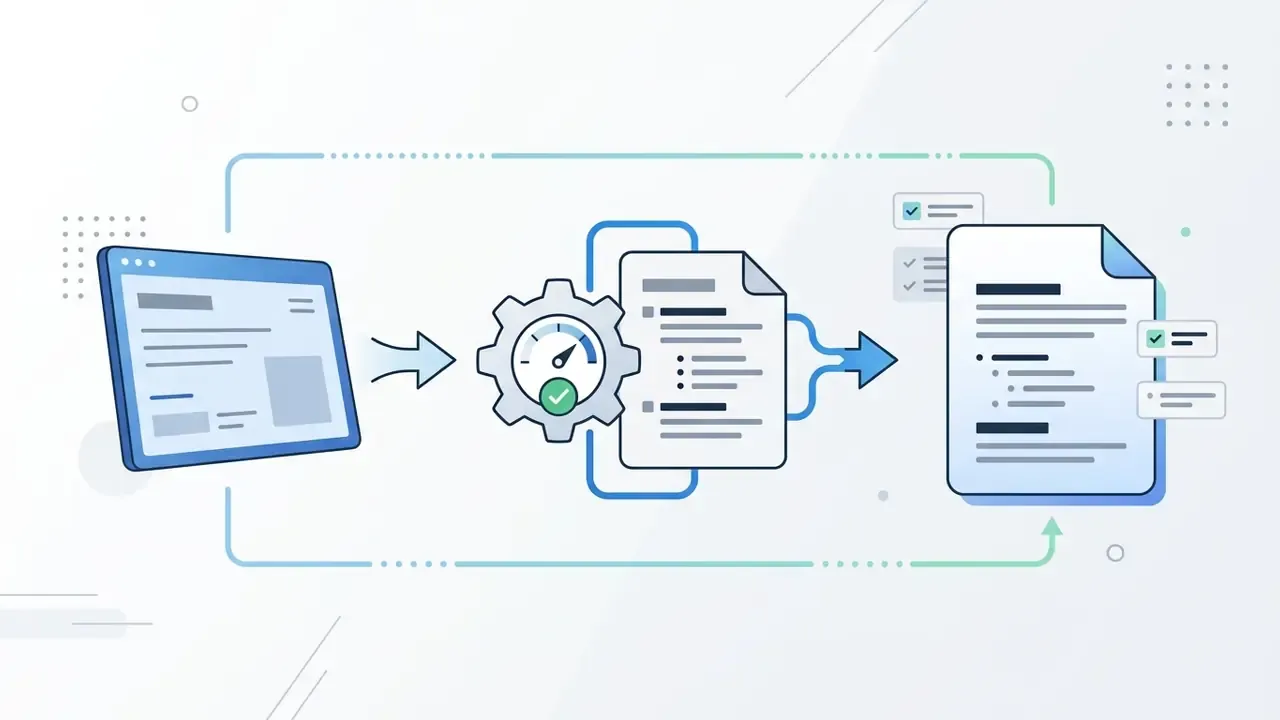
Multi-format export options
Supported Formats and Image Types for AI Image to Text
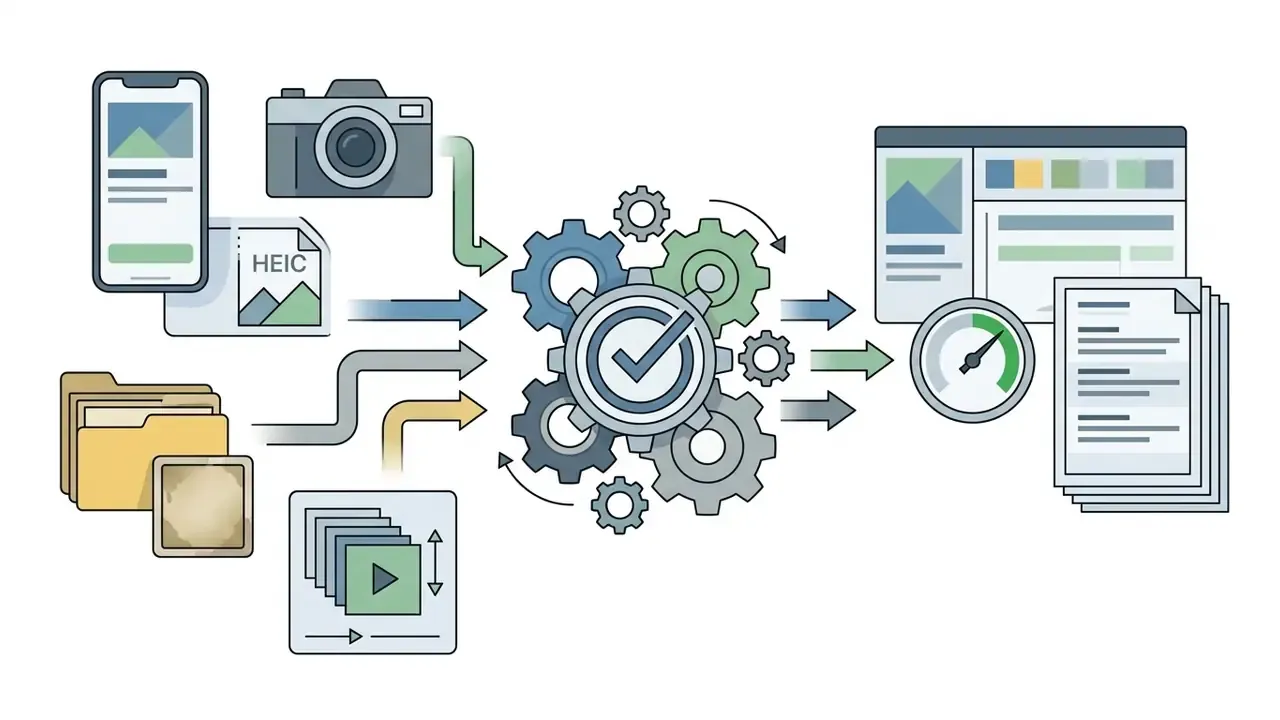
Modern ai images to text platforms accept a wide range of mainstream raster graphics, mobile media containers, and document bundles. Knowing the file specifications protects both processing speed and recognition accuracy.
JPG, JPEG, PNG, and Screenshots
Compression type influences extraction accuracy more than buyers expect. Lossless formats such as PNG preserve crisp pixel boundaries around letter shapes, which makes PNG the default for digital screenshots and code captures.
Lossy JPG and JPEG compression, by contrast, introduces visual noise near letter curves, a direct consequence of discrete cosine transform quantization at high-contrast glyph edges. High-quality JPEG photographs still perform well. Heavily compressed ones degrade character precision. For screenshots, the governing variable is not the extension alone: geometry, glare, shadow, and effective resolution matter more than the container format.
Processing Multiple Images and File Size Limits
Enterprise workflows routinely handle multi-page packages that require automated batch processing.
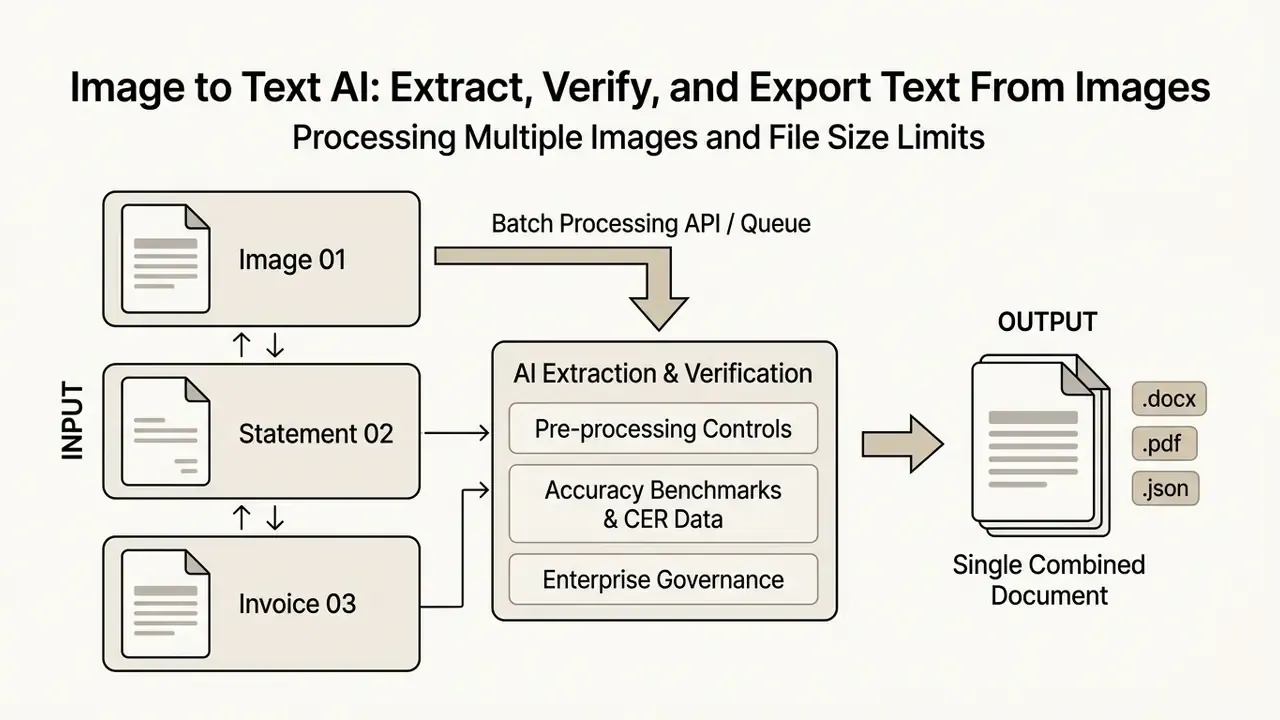
- Single file upload caps: Free web tiers commonly enforce a 1 MB to 10 MB per-file limit. Documented enterprise limits vary widely by vendor, from 10 MB for images and 30 MB for PDF on Google Cloud Search to under 500 MB on Microsoft's standard OCR tier. Treat published figures as tier-specific, not industry-wide.
- Batch constraints: Web interfaces typically allow a small queue per submission, while dedicated APIs support asynchronous jobs with far higher throughput. Several platforms process one image per call and require repeated invocations to emulate batch behavior.
«DeepSeek OCR supports batch mode: zip archives of up to 200 pages per request with automatic language detection.»
- Throughput planning: Size concurrency against the vendor's rate limits rather than nominal file size caps. Queue depth, not file size, is usually the bottleneck during month-end document bursts.
Key Factors Affecting the Accuracy of AI Extract Text From Image
Character extraction precision depends on input clarity, spatial geometry, background contrast, font uniformity, and linguistic complexity.
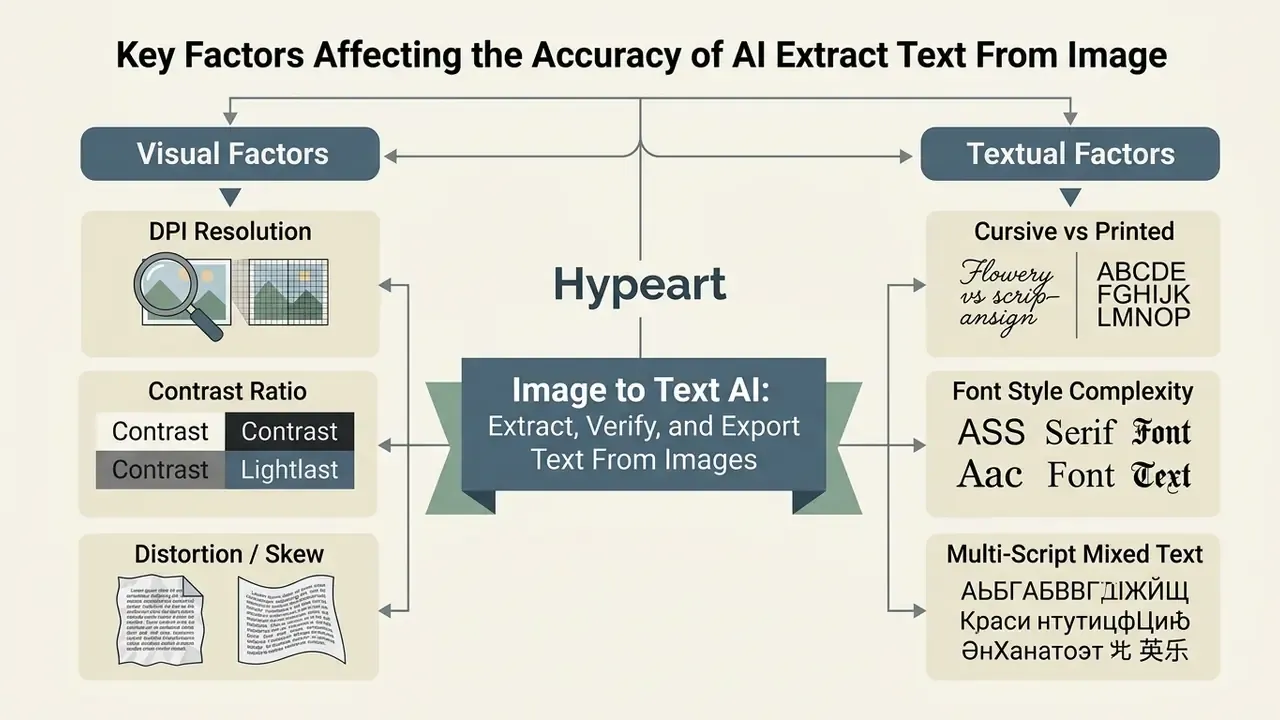
Image quality is the single largest determinant of OCR performance. Low contrast, noise, skew, discoloration, and blur cut recognition accuracy, while cleanup, filtering, and zoning improve it. Documented resolution guidance converges on 300 DPI as the baseline for normal documents, with 400 to 600 DPI for small fonts or intricate scripts. Font properties compound the effect: small point sizes, typewriter or proprietary faces, inconsistent typography, multi-column pages, and busy backgrounds all lower output quality.
Low Resolution, Blurry Images, and Complex Backgrounds
Low resolution and motion blur reduce contrast between glyphs and background pixels. When text falls below roughly 12 pixels per character height, classical OCR error rates rise sharply, and specialized research treats low-resolution text as a distinct failure mode rather than a gradient of the same problem.
To restore degraded files before extraction, technical teams apply targeted controls:
Handwritten Notes, Unusual Fonts, and Multilingual Documents
Recognizing handwriting requires deep learning architectures trained on variable stroke patterns. Modern vision transformers achieve low error rates on modern English handwriting, but accuracy degrades on historical scripts and dense mathematical expressions.
NIST's guideline for optical character recognition forms notes that handprinted characters carry unique layout and spacing requirements. That is why form design, including comb fields, constrained boxes, and adequate character pitch, still materially affects downstream accuracy in insurance and lending intake.
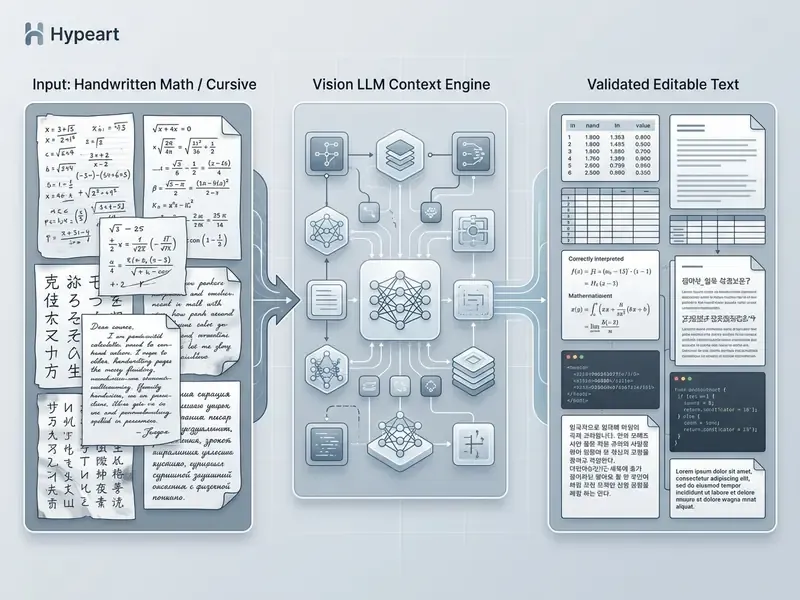
Decorative typography and complex multilingual passages demand equally robust models. Leading multi-script systems recognize mixed-language text across dozens of scripts at once, with no manual re-configuration.
«PaddleOCR supports 50 languages in a single model, including Chinese, English, Japanese, and 46 Latin-script languages, without model switching.»
Source: PaddleOCR Release Notes.
Vendor documentation for recent commercial OCR models advertises far broader coverage still, including handwriting, forms, and embedded images across roughly 170 languages in 10 language groups. Coverage claims and measured per-script accuracy are different metrics, though, and should be validated on your own document sample. Evidence for ornamental or display typography remains thinner than for handwriting and multilingual print.
================================================================================
E-E-A-T FACT CHECK & TECHNICAL VERIFICATION: VISION MODEL CAPABILITIES
================================================================================
1. Language Coverage: Cloud platforms (Google Cloud Vision, AWS Textract) document
   support for large printed-language sets; Google lists Jpan, Kore and Latn as
   supported handwriting scripts, with Beng, Cyrl, Deva, Grek, Hani and vi
   marked experimental.
2. Handwriting Accuracy: Benchmarks show top models reach CER near 1.7% on clean
   modern English handwriting, while CER rises sharply on dense math formulas and
   historical scripts.
3. Data Retention Policies: AWS Textract retains asynchronous outputs for 7 days in
   encrypted storage by default; Google Cloud Vision processes online requests in
   memory and states it does not use content to train Cloud Vision features.
4. Benchmark Limitation: Public OCR benchmarks measure accuracy only; they do not
   assess security, retention, or compliance posture.
================================================================================
Practical Applications: Finance, Operations, Education, and Media
An ai image to text generator (or ai image transcriber) works as a productivity layer across corporate, academic, and media environments.
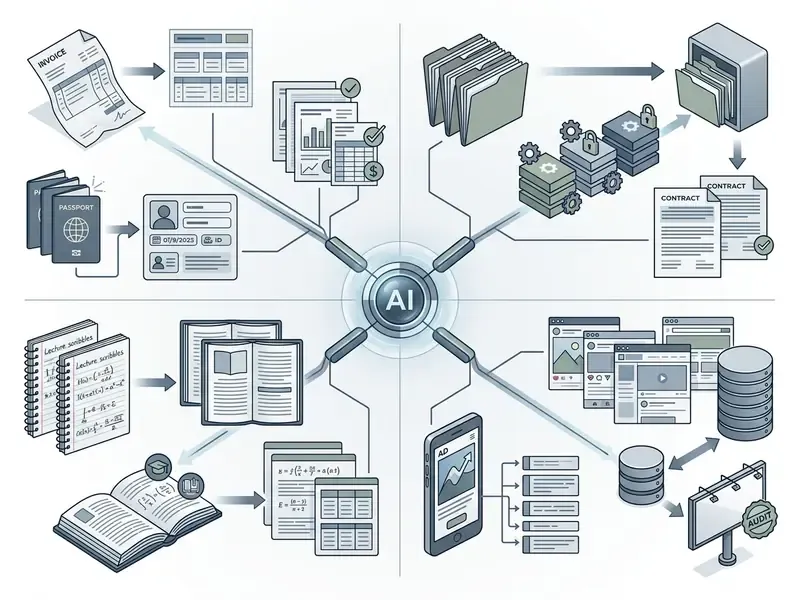
Banking, Invoicing, and KYC Document Processing
Financial operations generate the highest-value extraction workloads, because every manual keystroke carries both cost and control risk:
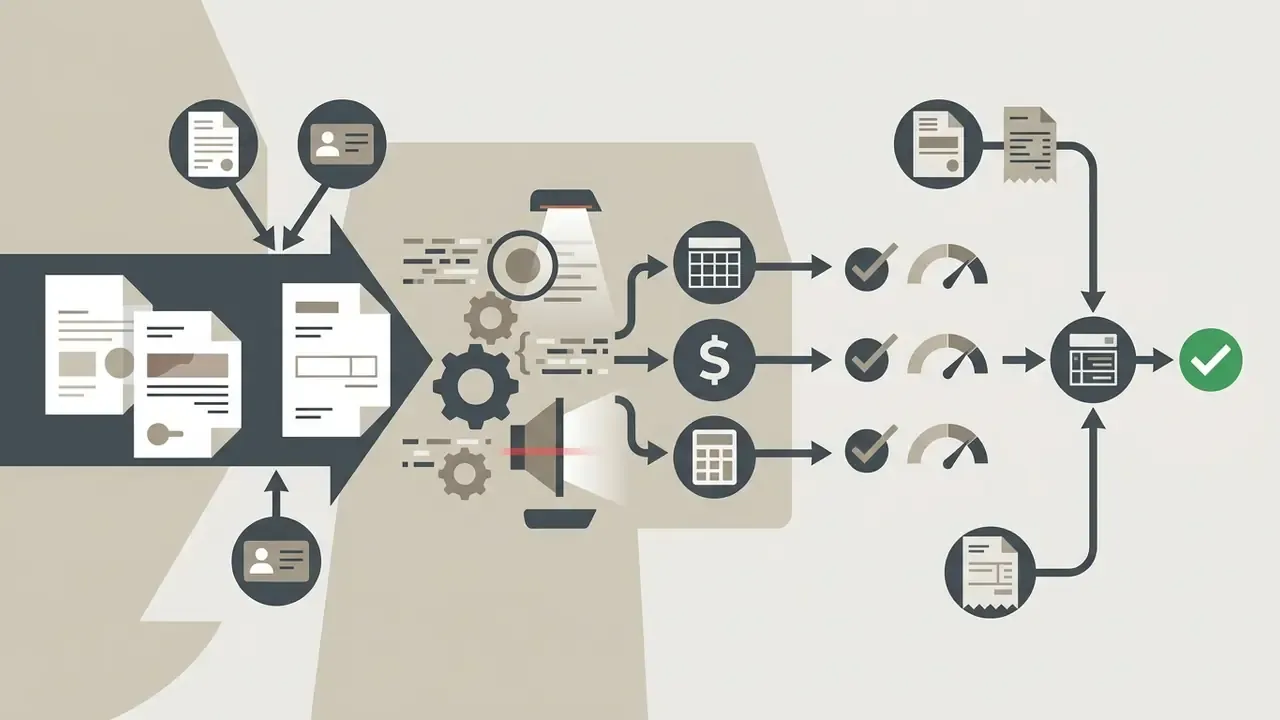
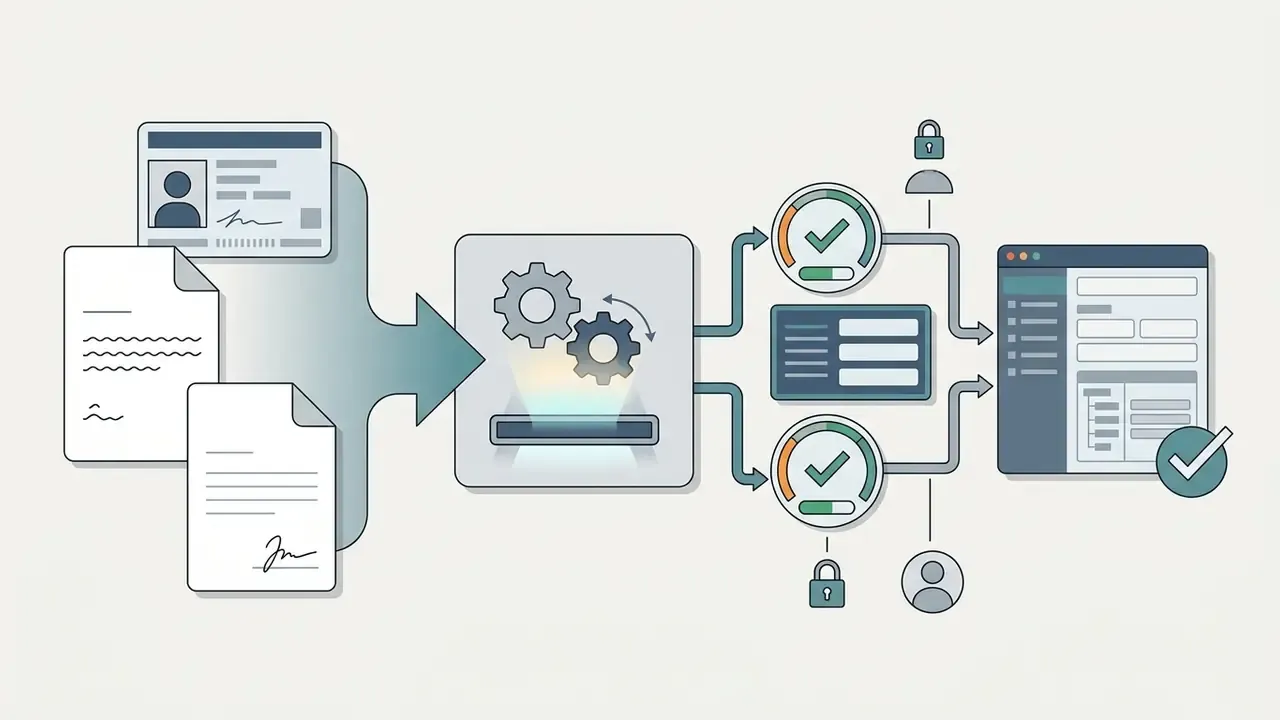
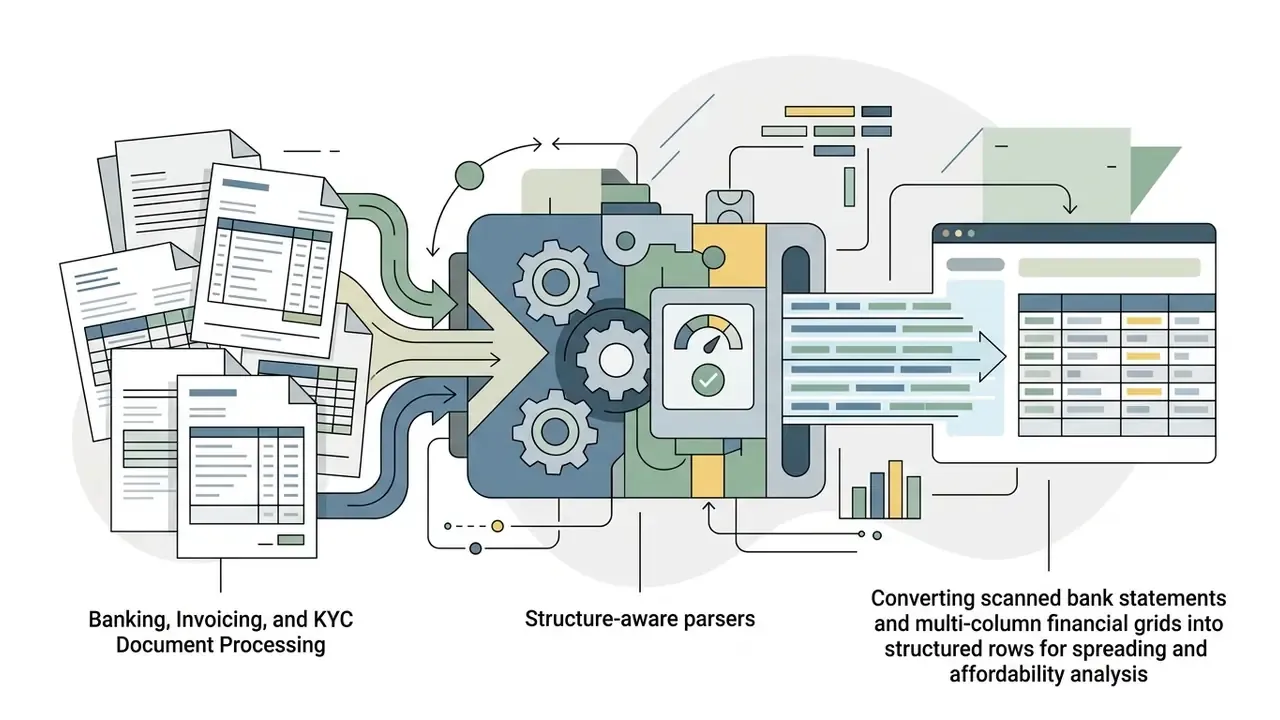
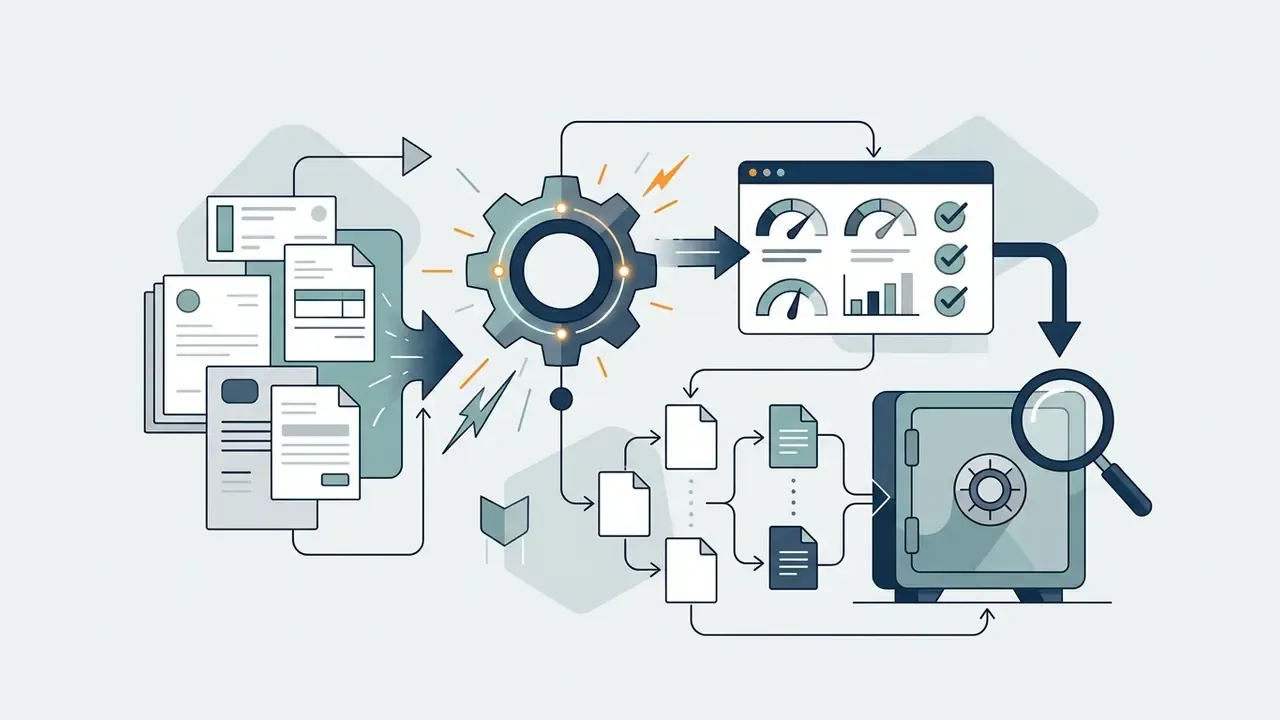
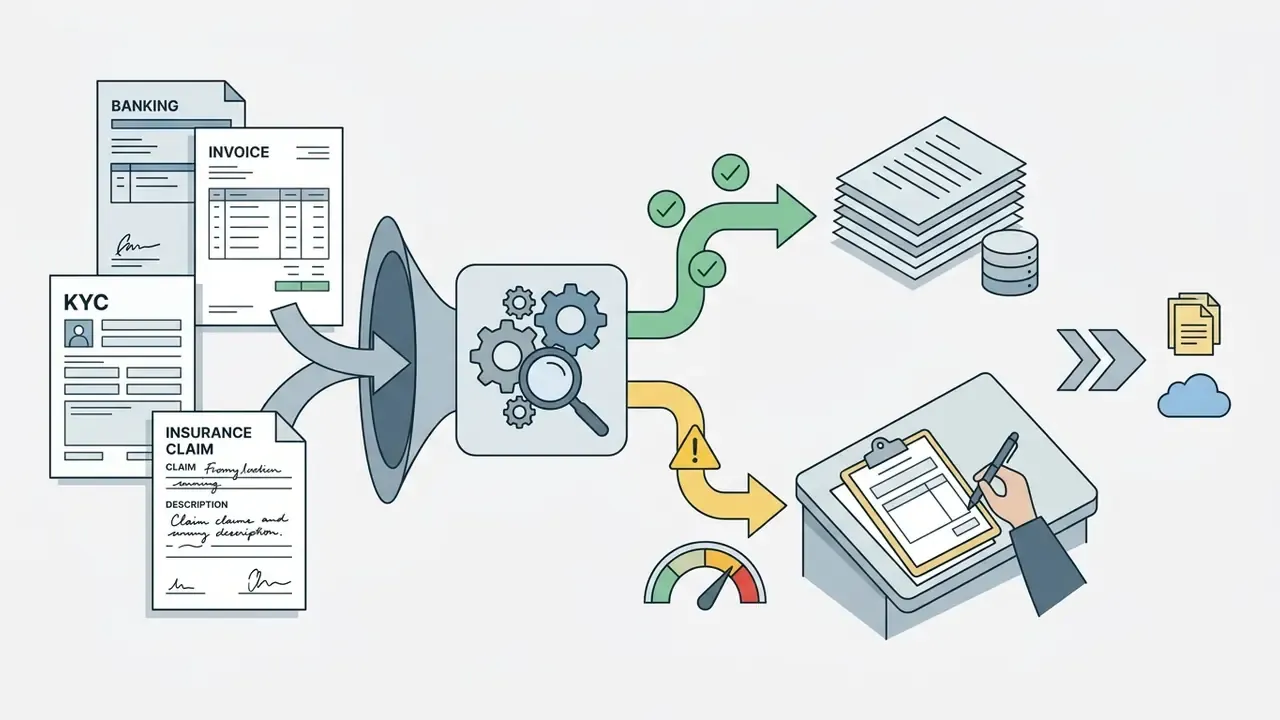
An illustrative operating pattern, based on typical document-operations design rather than one published study: an intake queue of mixed printed and handwritten forms is triaged by layout type, cropped to the data region, deskewed, and normalized to 300 DPI. Printed pages go to a deterministic OCR engine with post-correction. Handwritten and irregular pages go to a VLM pipeline. Critical fields below the confidence threshold flow to a reviewer queue, and every correction is logged as a delta for drift monitoring and future fine-tuning. Any published throughput or error-rate figure should be re-measured on your own corpus before it becomes a business case input.
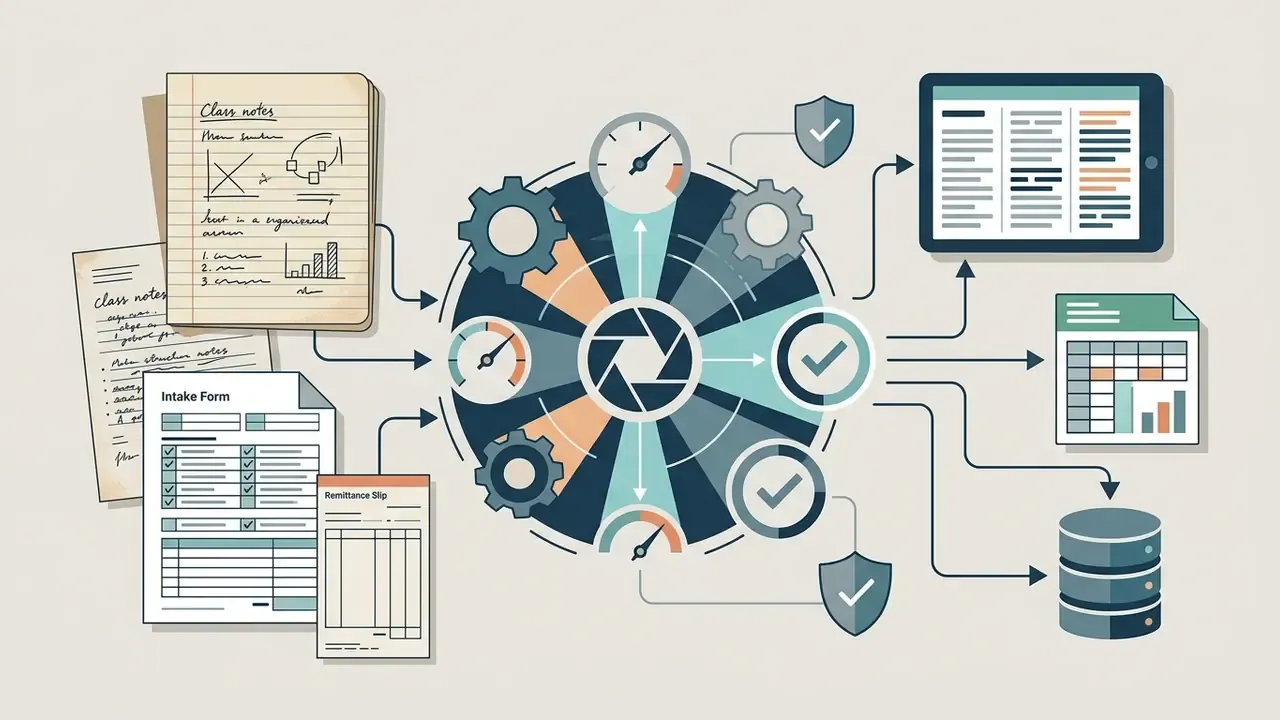
Documents, Class Notes, and Academic Materials
Students, educators, and researchers use ai create text from image software to turn physical study materials into digital ones:
- Digitizing class notes Converting handwritten whiteboard photos and paper notebook pages into editable summaries.
- Archiving scanned textbooks Processing library scans into searchable PDFs or Word documents.
- Extracting tables Converting printed data grids directly into editable spreadsheet files.
- Assessment workflows Processing handwritten exam booklets and answer sheets, then exporting to Word, Markdown, or plain text for marking and feedback.
Archive digitization. In a representative archival scenario, a team converting a large volume of historical manuscript pages through a standard OCR pipeline observed materially elevated word error rates on marginal annotations, driven by faded ink, non-standard scripts, and skew. Migrating to a hybrid pipeline, with deskew and contrast normalization first, deterministic OCR for printed body text, a Vision-Language Model for annotations, then post-correction, substantially reduced character error rates and enabled automated export into structured digital collections. The direction of the improvement is consistent with published post-correction results (CER down 7.71%, WER down 18.82% on historical text). The specific figures for any given archive depend on script, substrate condition, and capture settings, so measure locally rather than assume.
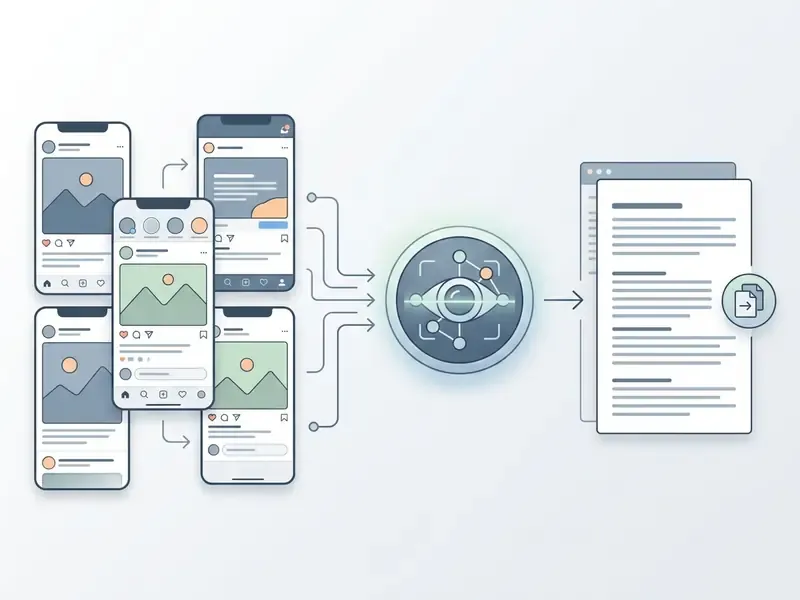
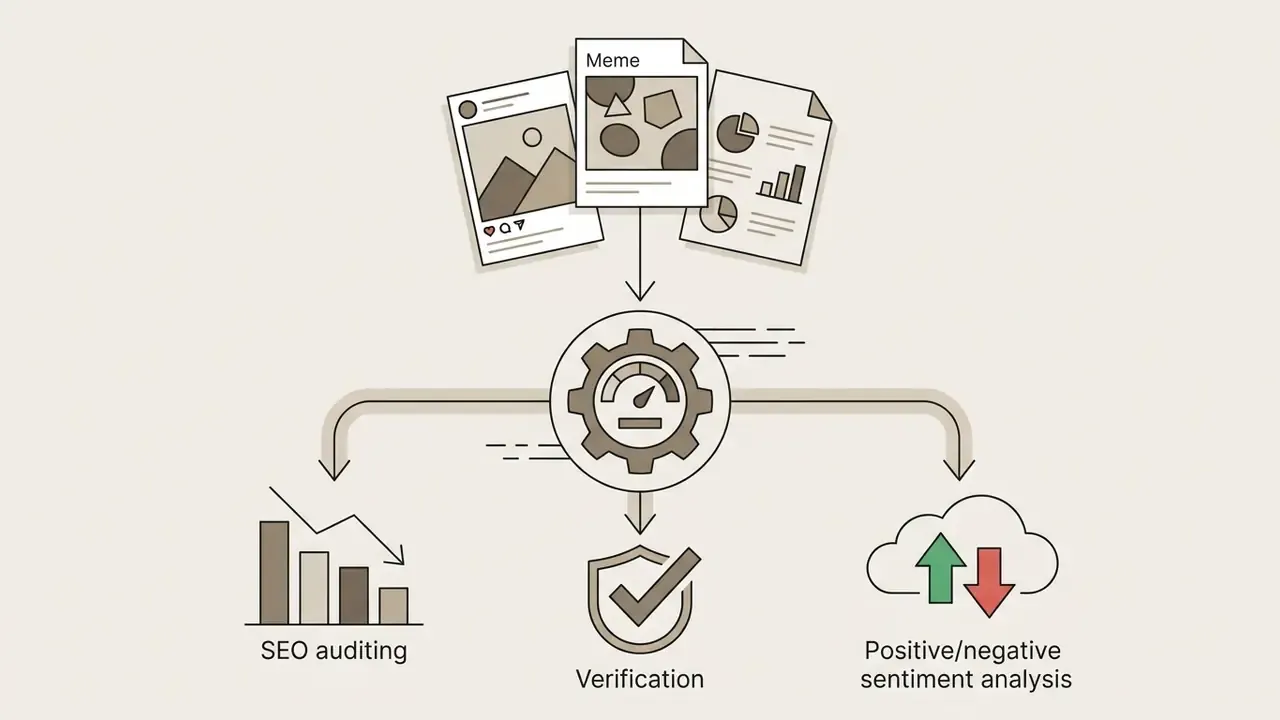
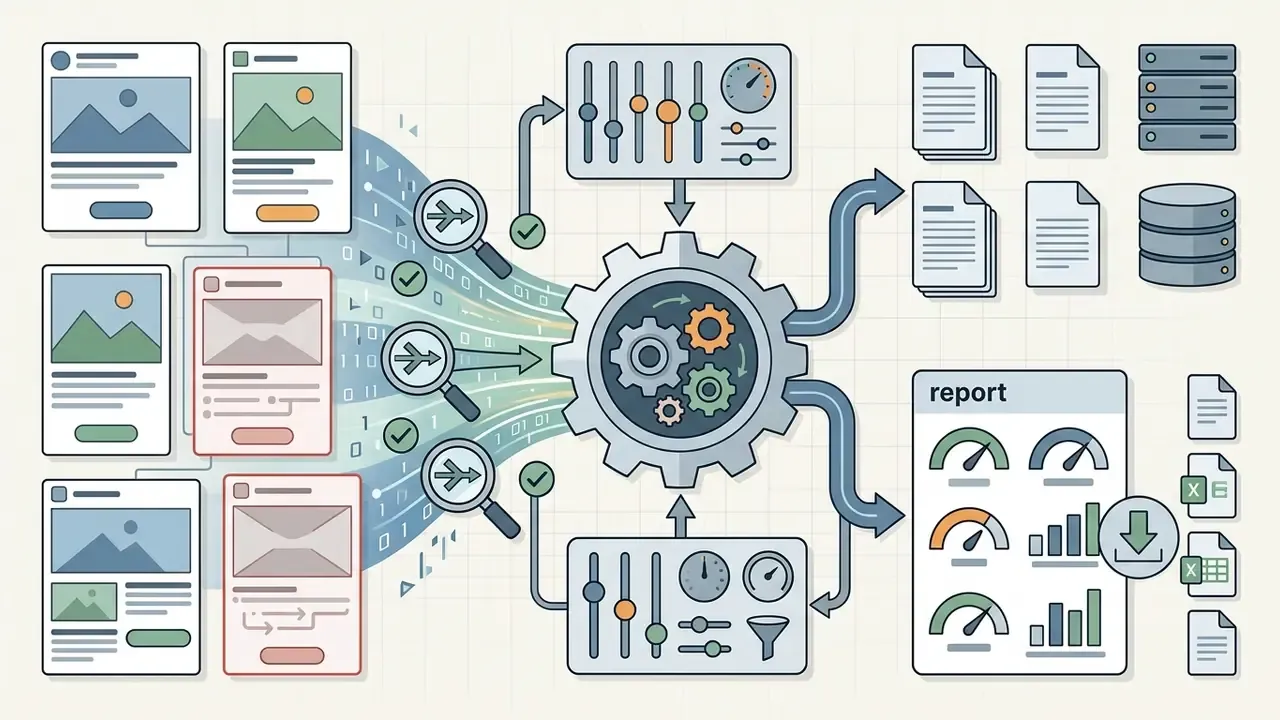
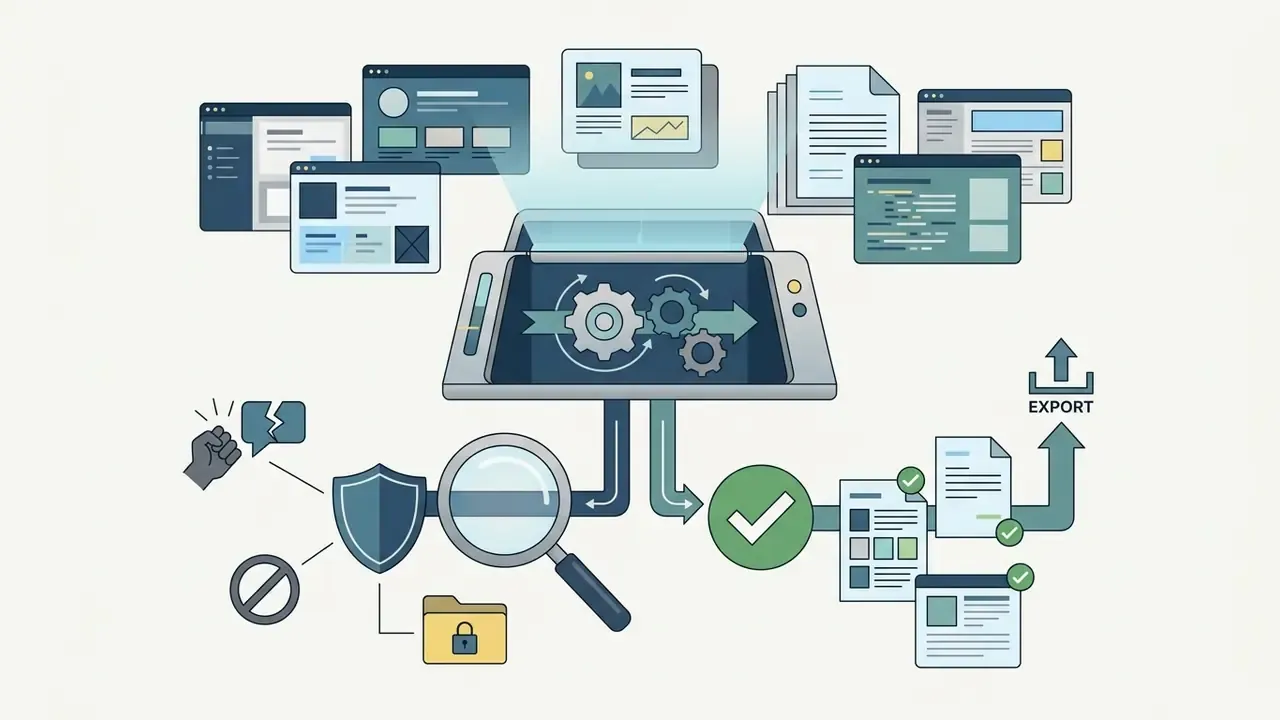
Screenshots and Text From Social Media
Digital marketers, brand safety teams, and content moderators use ai generate text from image utilities to analyze visual web content:
Creators working across media can explore AI Media Workflows to streamline production automation, review AI photo editors for visual content workflows where extracted copy feeds back into creative assets, or consult guidance on YouTube video editing workflows when on-screen text has to be transcribed for captions and descriptions.
Free AI Image to Text: Capabilities and Limitations
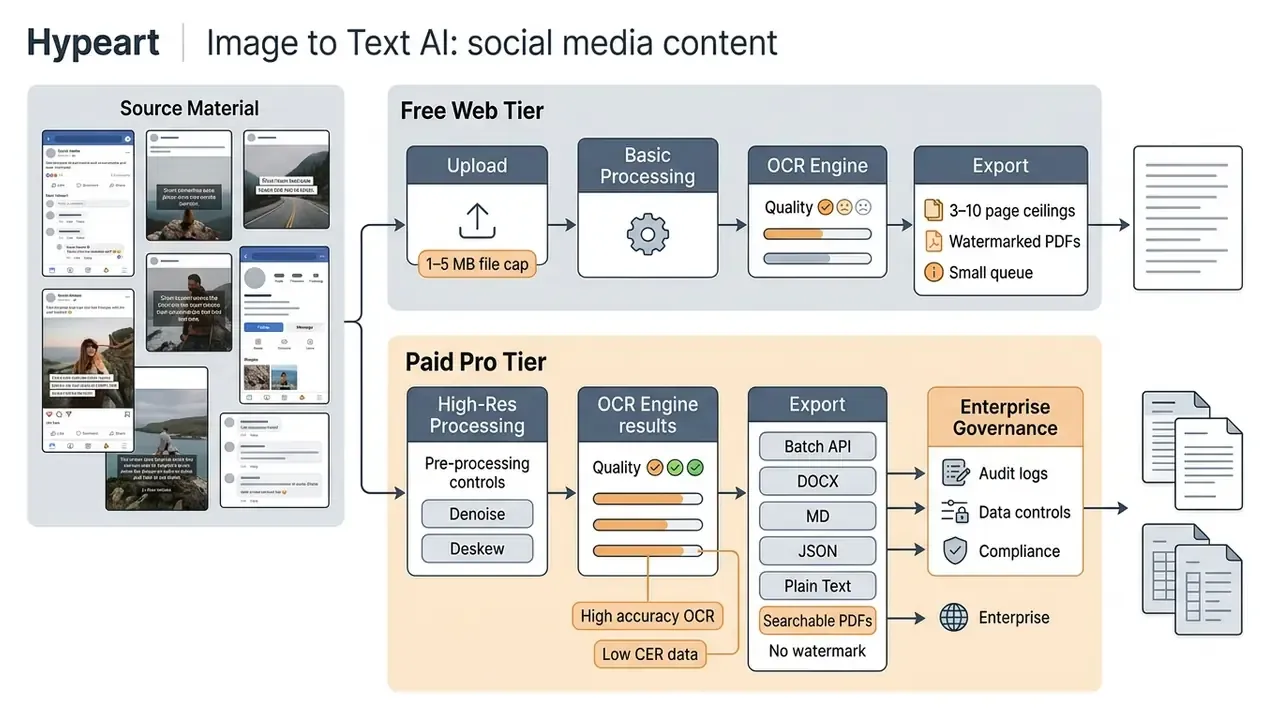
- Page and file size caps: Platforms offering an ai image to text generator free typically cap uploads in the 1 MB to 5 MB range, or restrict multi-page PDFs to a handful of pages per conversion. Published examples include a 1 MB per-image limit with 3 PDF pages on a free online OCR API tier and 5 MB web uploads, plus a free desktop tier capped at 10 pages per OCR job.
- Accuracy gap on low-resource scripts: Free ai and open engines are not uniformly competitive across languages.
«Tesseract and EasyOCR showed markedly higher CER and WER on Sinhala and Tamil than commercial systems Surya and Document AI.»
Teams mapping free-tier constraints across adjacent categories can review guidance on free photo editors and their export restrictions for a comparable freemium-limit pattern.
Open Questions and Limitations
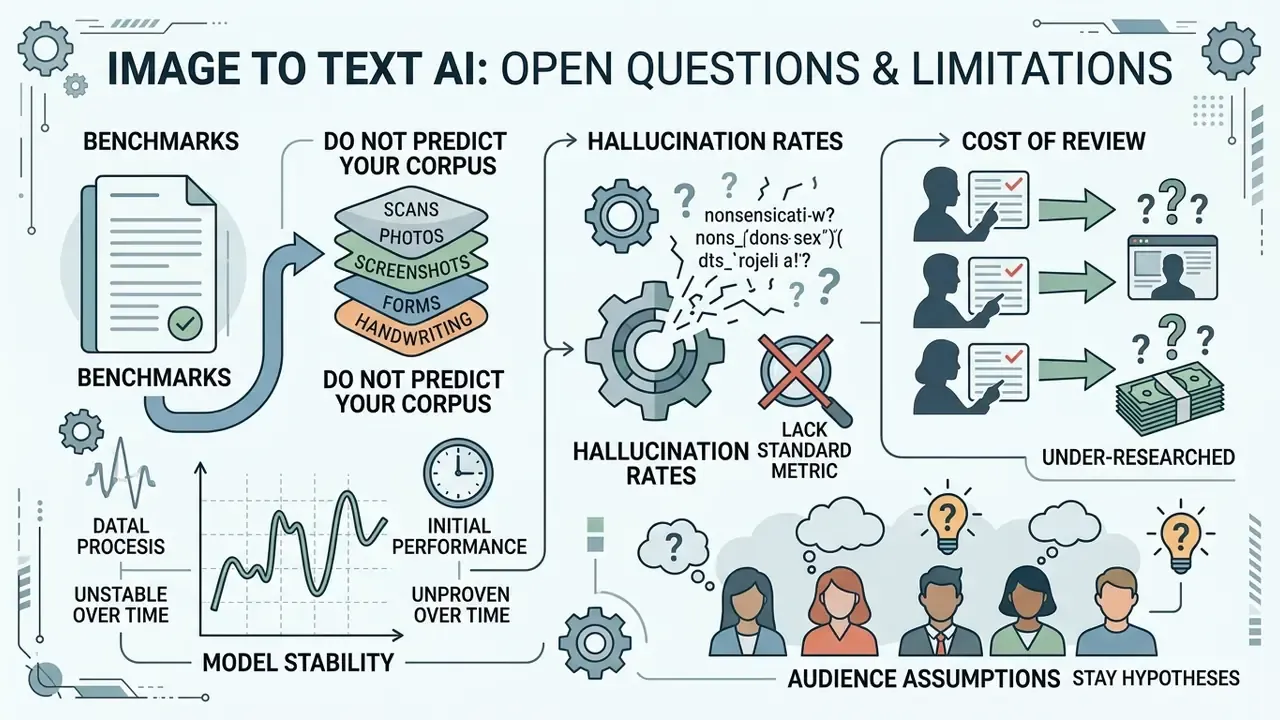
Honest procurement needs a list of what the evidence does not yet settle. Mine looks like this:
- Benchmarks do not predict your corpus. DocAtlas, OCRBench v2, and OmniDocBench use curated material. Your remittance advices, faxed loan documents, and phone-camera captures of ID cards are messier, and published scores will overstate performance on them.
- Model stability is unproven over time. API-hosted VLMs change weights without notice. There is little public evidence on how much field-level accuracy drifts between vendor releases, which is precisely what SR 11-7 style change control expects you to document.
- Hallucination rates lack a standard metric. We can measure CER and WER. We cannot yet cite a widely accepted rate for invented-but-plausible field values in financial documents, so deterministic cross-checks remain the only reliable defense.
- Cost of review is under-researched. Straight-through processing rates vary enormously by document class, and almost no vendor publishes them by class. Treat any ROI claim without a review-cost line as incomplete.
- Audience assumptions stay hypotheses. Statements about what CROs and model risk leads prioritize should be labeled as hypotheses until supported by analytics, interviews, CRM data, or verified customer research.
FAQ: Frequently Asked Questions About AI Image to Text
Are AI image generators and AI image to text converters the same tool?
No. They run in opposite directions. AI image generators take text prompts and synthesize new artwork, which is how teams generate stunning campaign assets and other stunning visuals from a written brief. An ai image to text converter does the reverse: it analyzes existing visual media and extracts readable, machine-encoded characters. The same split applies to motion: an ai video generator builds an ai video clip from a prompt, while a transcription pipeline reads what is already on screen. Whether you call the first category an image generator, a generator image tool, or an ai image generator, none of them read documents.
A third, adjacent category, image captioning, produces a natural-language description of image content rather than a transcription of the characters present. That is why captioning output must never be used as an evidentiary transcript.
Can AI extract text from low-quality or blurry photos?
Usually, yes. Modern multimodal converters use visual context transformers to reconstruct missing letters from blurry photos, though severe motion blur or resolution below roughly 12 pixels per letter pushes error rates up quickly. Robustness studies identify blur as one of the most damaging corruption types for text recognition. Upscaling with AI image upscalers, or using joint super-resolution-plus-recognition models, beats running recognition on the raw degraded file.
Is it safe to upload confidential business documents to online converters?
Only if the provider guarantees zero data retention and enterprise-grade encryption, backed by a written processor agreement. Free public converters frequently lack contractual retention limits, and published vendor policies differ sharply. Some cloud OCR services process online requests in memory and state that content is not used to train their features. Others retain asynchronous output for a defined window, seven days by default in one major service, unless a customer-controlled storage bucket is specified. Because public OCR benchmarks do not evaluate security at all, the only reliable basis for this decision is the vendor's contractual and technical documentation, verified by your own security review. For regulated data, prefer private VPC or on-premises deployment.
What is the best file format for high OCR accuracy?
PNG wins for digital screenshots thanks to lossless pixel compression. For physical scans, 300 DPI uncompressed TIFF or high-quality PDF scans deliver the best recognition accuracy. HEIC captures from iOS devices are increasingly supported natively; where they are not, convert to PNG rather than to a heavily compressed JPEG.
How do I extract only specific data, such as emails, totals, or dates?
Use agent-mode entity extraction instead of post-processing the full text dump. Run recognition, select the target entity type (numbers, dates, emails, phone numbers, URLs, IP addresses, currency amounts), and execute. The output arrives as a deduplicated list you can export to CSV or JSON for direct ingestion, with no regular expressions to maintain.
Can the AI hallucinate text that was not in the image?
Yes, and this is the part that should keep second-line reviewers awake. Generative Vision-Language Models can produce plausible characters or field values absent from the source, a failure mode explicitly documented in handwriting benchmark analysis. It is the core reason deterministic cross-checks, covering totals arithmetic, check digits, and date-range plausibility, must sit downstream of any generative extraction step used in financial or legal contexts.
What accuracy should I require in a vendor contract?
Anchor the requirement to your own document sample, not to vendor marketing. Public procurement precedents in this category have specified 97% to 99% document-level accuracy, with separate scoring for table reconstruction, handwriting support, and integration experience. Define the metric explicitly, whether character-level CER, word-level WER, or field-level accuracy on critical fields, because the same system can look excellent on one metric and unacceptable on another.
How does an ai convert image to text workflow fit existing model risk governance?
Register it in the model inventory like any other model. Document the purpose, owner, input data classes, validation evidence, confidence thresholds, and escalation path. Map lifecycle controls to the NIST AI Risk Management Framework, and management-system controls to ISO/IEC 42001. Then re-validate after each vendor model update, because reproducibility is the first thing you lose on a hosted API.
Enterprise Implementation Checklist
Checklist0 / 13
A safe next step, if you are early: run one document class through a labelled 200-page sample, measure field-level accuracy and straight-through rate, and present cost per accepted document. That single artifact usually settles more internal debate than a vendor demo ever will.
Appendix A: Input Quality Reference Table
| Input Condition | Typical Symptom | Recommended Control | Expected Effect |
|---|---|---|---|
| Below 300 DPI scan | Merged or broken glyphs | Rescan at 300 to 400 DPI; upscale if rescan is impossible | Restores stroke separation for segmentation |
| Small or dense typography | Character substitution errors | Capture at 400 to 600 DPI | Improves recognition of intricate scripts and notation |
| Skewed or rotated page | Lines bleed across baselines | Deskew; rotate in 90° increments; flip if mirrored | Prevents line-segmentation failure |
| Dark-mode or inverted palette | Empty or garbled output | Toggle color inversion | Presents dark glyphs on a light substrate |
| Patterned or textured background | Random inserted characters | Background removal; selective filtering | Isolates glyph strokes from substrate noise |
| Motion blur | Widespread substitutions | Recapture; super-resolution-plus-recognition pipeline | Blur ranks among the most damaging corruption types |
| Cluttered screenshot with UI chrome | Menu labels mixed into body text | Crop to the target region | Reduces latency and target confusion |
| Multi-column layout | Reading order scrambled | Layout-aware parser; column zoning | Preserves logical reading sequence |
| Handwritten annotation | High WER on margins | Route to VLM pipeline plus post-correction | Post-correction reduced historical WER by 18.82% |
| Mixed-script document | Wrong language model applied | Use a multi-script model with auto-detection | Single-model coverage across dozens of scripts |
Appendix B: Total Cost of Ownership Model
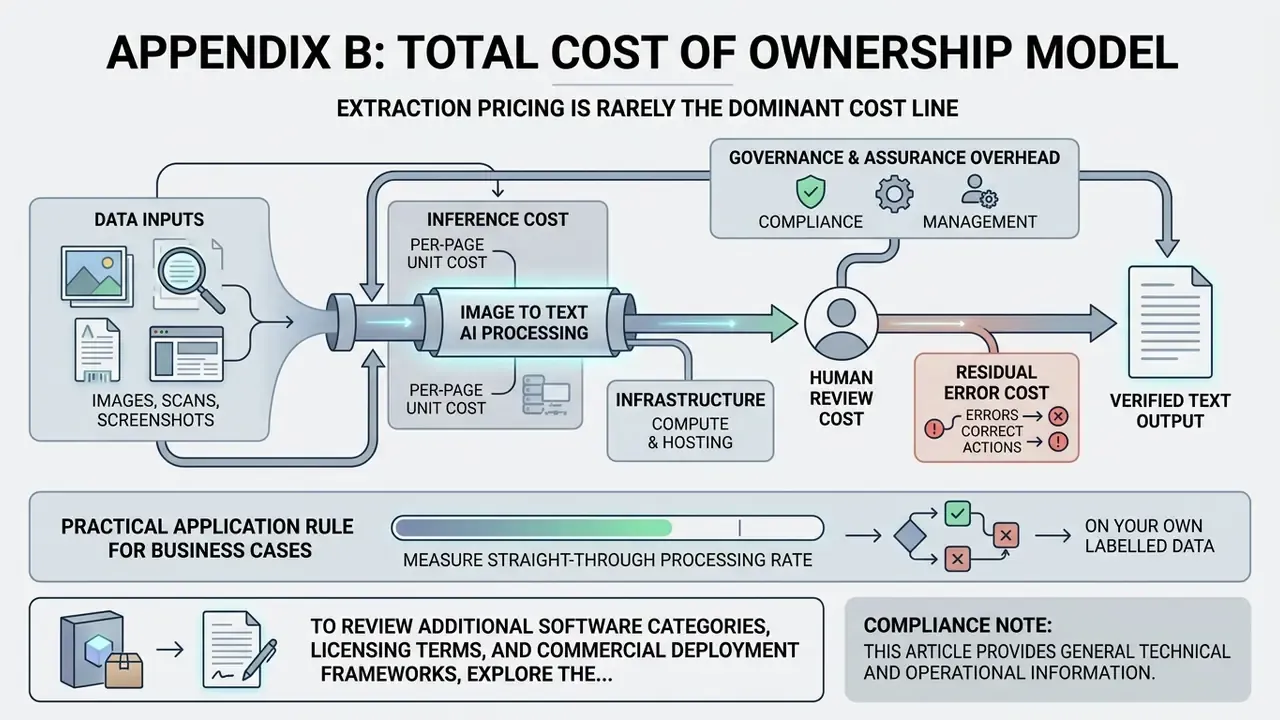
Extraction pricing is rarely the dominant cost line. Model TCO across five components:
- Per-page or per-unit inference cost. Published cloud OCR pricing is metered per unit or per 1,000 units, with volume tiers reducing marginal cost at scale. Open-source engines shift this cost to compute you operate.
- Compute and hosting. VLM pipelines need GPU capacity or API spend; deterministic OCR runs on CPU. On-premises deployment trades variable API cost for fixed infrastructure and MLOps headcount.
- Human review cost. The dominant variable in regulated workflows. Cost equals documents multiplied by the share falling below the confidence threshold, multiplied by minutes per review, multiplied by the loaded reviewer rate. Lowering the threshold cuts this line but raises residual error risk, so model both.
- Residual error cost. Estimate the expected cost of undetected errors: rework, incorrect payments, remediation, and regulatory findings. A one-percentage-point accuracy difference on critical fields can outweigh the entire inference budget at high volume.
- Governance and assurance overhead. Validation documentation, periodic re-benchmarking after vendor model updates, DPIA maintenance, and vendor security reassessment.
A practical rule for business cases: measure the straight-through processing rate on your own labelled sample at your chosen confidence threshold, then compute cost per accepted document rather than cost per API call. Two vendors with identical list pricing can diverge sharply once review effort and residual risk are priced in. Teams building comparative cases can also review category-level pricing and licensing guides for adjacent AI tooling to align budgeting assumptions.
To review additional software categories, licensing terms, and commercial deployment frameworks, explore the hub, or browse the hub for regulatory updates.
Compliance note: this article provides general technical and operational information. It does not constitute legal, regulatory, or information-security advice. Validate GDPR, sectoral, and local data-protection obligations, plus any model risk management requirements applicable to your institution, with qualified counsel and your internal security function before deploying automated document extraction on regulated data.