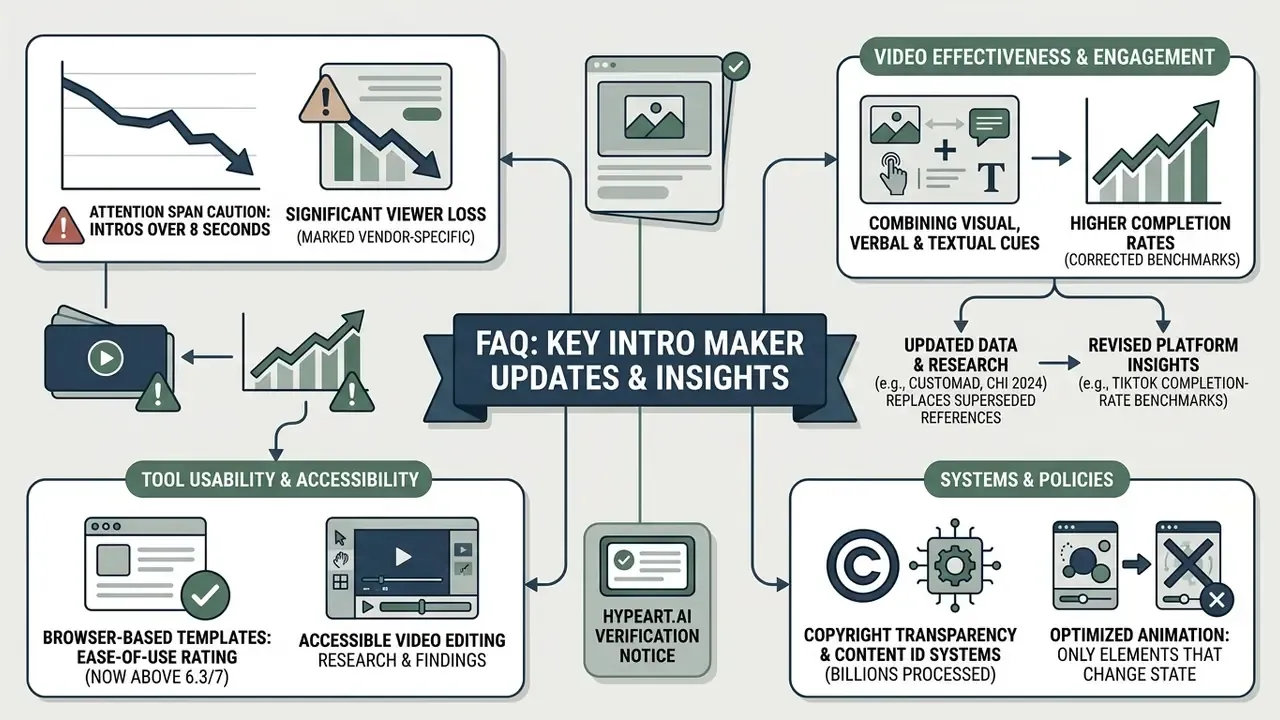
"A video intro is a digital ambassador for your channel brand. Without clear governance over duration, asset licensing, and audience retention impact, even the sleekest visual opener risks driving viewers away in the first five seconds."
By combining customizable video templates, text overlays, logo reveals, audio tracks, voiceover recording, and automated cloud rendering engines, a modern intro maker streamlines video post-production. Launching a new YouTube channel? Standardizing corporate video communications, publishing an executive briefing series, or building short-form promotional content? The video intro tool you pick affects audience engagement, brand recognition, and channel monetization compliance more than most teams expect.
Key Takeaways
In this guide: what an intro maker is · choosing between online, app, desktop, and AI tools · data security and Shadow AI · step-by-step creation workflow · what makes an effective YouTube intro · free plans, pricing, and commercial use · corporate selection checklist · FAQ · appendices
What an Intro Maker Is and Which Videos Need an Intro Clip
The same analysis reports completion rates close to 62% for combined openers versus single-modality title cards. Treat the figures as directional. The sample was small and synthetically constructed (13 videos), so the direction of the effect is more reliable than the exact percentage.
Platform analytics reinforce the point structurally. YouTube Help defines "intro" inside audience retention reporting as the share of viewers still watching after the first 30 seconds, which means the opener is not a cosmetic layer. It is a metric input. A 2026 study in Interactive Learning Environments analysing 124 STEM videos on YouTube concluded that fixed, repetitive introductions reduced attention and should be avoided when they add no informational value.
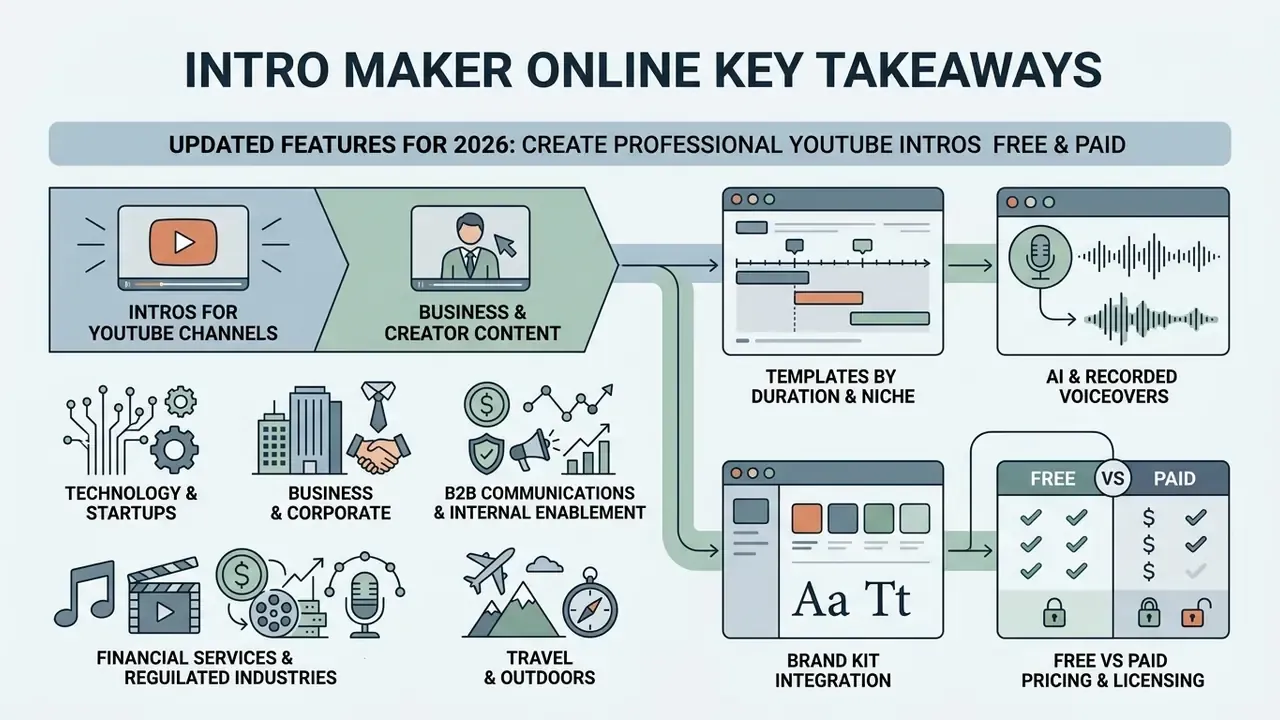
Intros for YouTube Channels, Business, and Creator Content
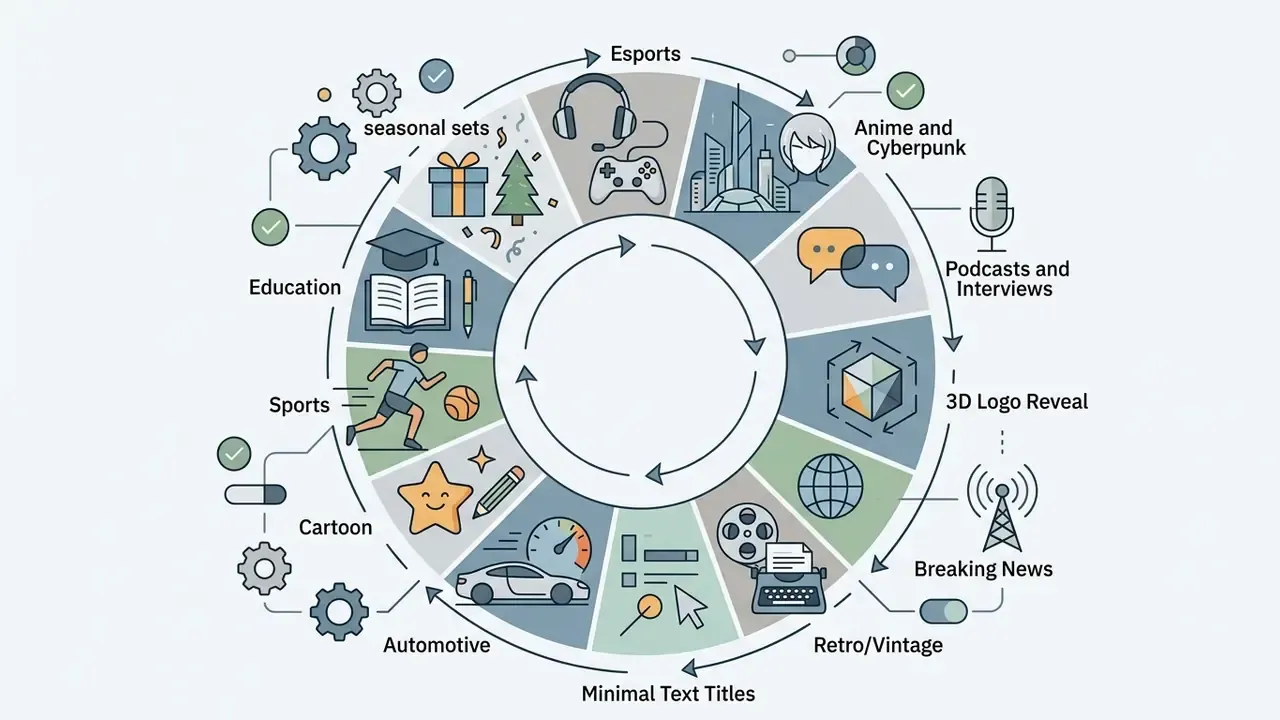
Different publishing formats need different opening strategies, tuned to audience expectations and retention dynamics. A dedicated youtube intro maker provides niche-specific templates for creators, commercial brands, and media organizations across several primary categories:
- Technology & Startups Clean, minimalist openers with sleek tech graphics, modern typography, and fast logo solves that signal technical authority.
- Business & Corporate Professional title cards with high-contrast logos, corporate color schemes, and subtle audio stings designed for executive communications and webinars.
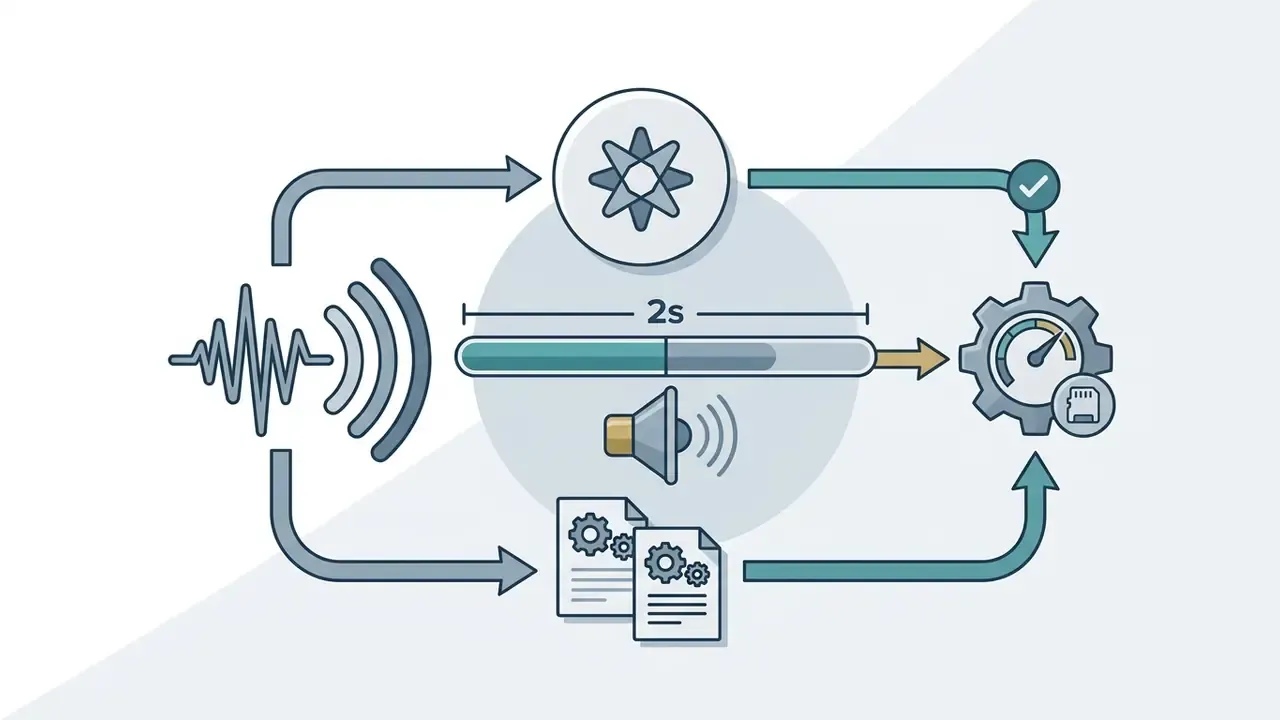
- Financial Services & Regulated Industries Restrained title cards for quarterly result summaries, risk-committee briefings, investor updates, and internal compliance training. Typically a static logo lockup, a one-line topic label, and a 2-second audio signature, with no decorative motion that could distract from disclosure text.
- B2B Communications & Internal Enablement Standardized openers for onboarding modules, product-release notes, and analyst walkthroughs, where a locked Brand Kit stops individual teams from improvising visual identity.
- Music & Entertainment Dynamic, high-bpm animated openers with rhythmic transitions, energetic typography, and bold visual filters.
- Travel & Outdoors Kinetic visual montages with aerial footage overlays, ambient soundscapes, and sweeping text animation.
- Sports & Fitness Fast-paced, high-contrast visual openers emphasizing motion, bold typography, and pulse-pounding audio effects.
- Automotive & Illustrated Niches Specialized catalogs cover a car intro maker style (engine-rev audio, chrome logo sweeps) and cartoon intro maker style (hand-drawn frames, playful bounce easing) for hobby and family channels.
For a specialized creator intro, matching visual pacing to audience intent is essential. Wistia's 2024 State of Video Report indicates that viewers consuming instructional or business content tolerate structured opening titles, provided the intro transitions into value delivery within 5 seconds.
There is, however, no universal "correct" hook length across formats:
The practical takeaway: calibrate the verbal component of your opener to the content genre, and keep the branded visual component short regardless of genre.
Animated Intro Video, Logo Intro, and Text-Only Title Cards
Video openers generally fall into three structural formats, based on visual complexity and branding priorities:
- Animated intro videoFull-motion sequences incorporating dynamic visual backgrounds, particle effects, kinetic typography, and synchronized sound effects. This format delivers maximum visual impact for gaming, entertainment, and high-energy channels, and it is what most people mean when they search for an animated video intro maker.
- Logo introA focused visual reveal centering on the brand emblem or channel mark, supported by subtle background motion, lighting sweeps, or a signature audio motif. Logo reveals build recognition without distracting from the upcoming topic. Template catalogs treat this as the single largest opener class: Placeit alone tags over 1,150 logo-animation intro templates, which is why "best logo intro maker" is such a common query.
- Text-only title cardsClean title slides with animated text, channel names, or topic headlines on minimalist or blurred video backgrounds. Preferred by news, educational, commentary, and corporate-reporting publishers, text-only openers establish topic clarity in under 3 seconds.
Data from an electroencephalography (EEG) study in Computers in Human Behavior (2023) shows that animated brand logos elicit stronger initial attention signals than static imagery, when the motion aligns with brand identity.
In other words, congruence, not intensity, is the design variable. Overly chaotic animation creates cognitive overload, which makes balanced design critical across all three formats.
How to Choose the Best Intro Maker: Online Service, App, or AI Tool
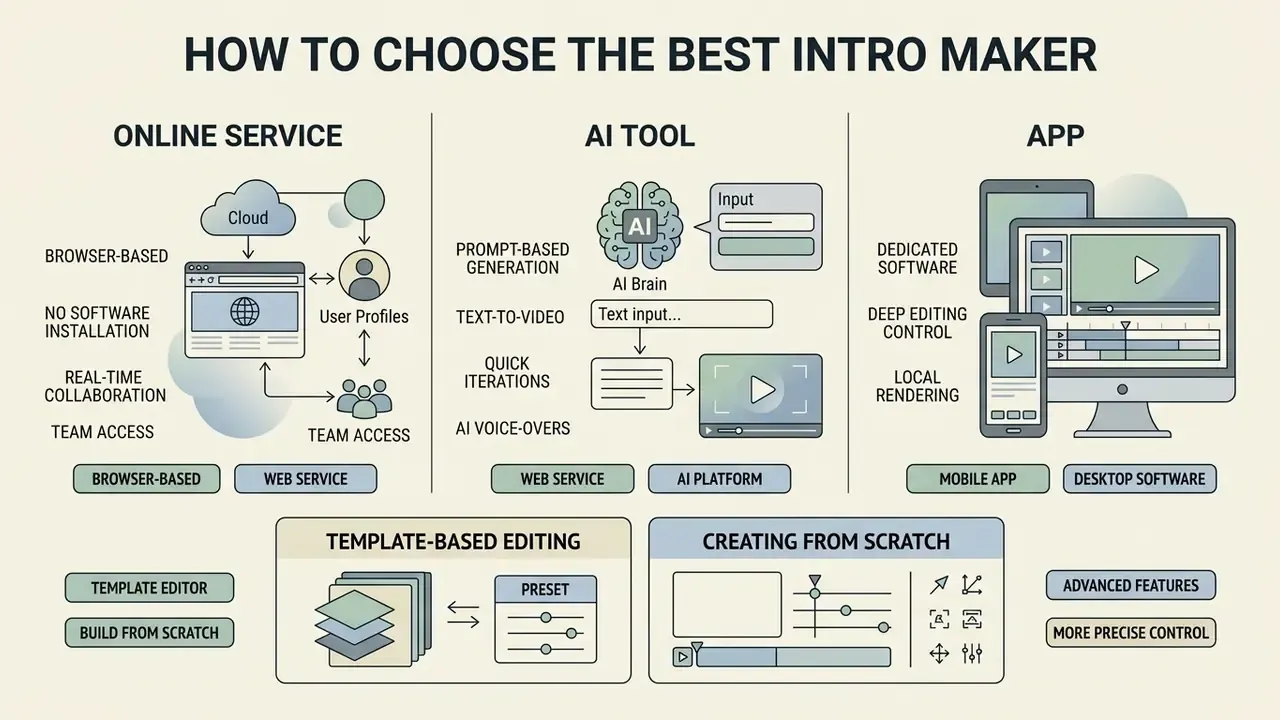
Selecting the best intro maker means weighing workflow speed, editing control, platform accessibility, collaboration needs, and budget. Creators can choose between browser-based online tools, mobile applications (the "best intro maker app" category), traditional desktop video editors, or prompt-driven ai video intro maker tools.
The optimal choice depends on your priority: zero-install convenience, on-the-go social editing, frame-by-frame animation control, or rapid AI draft generation. Side-by-side scoring tables for adjacent tool categories live in our AI Media Comparison Matrices.
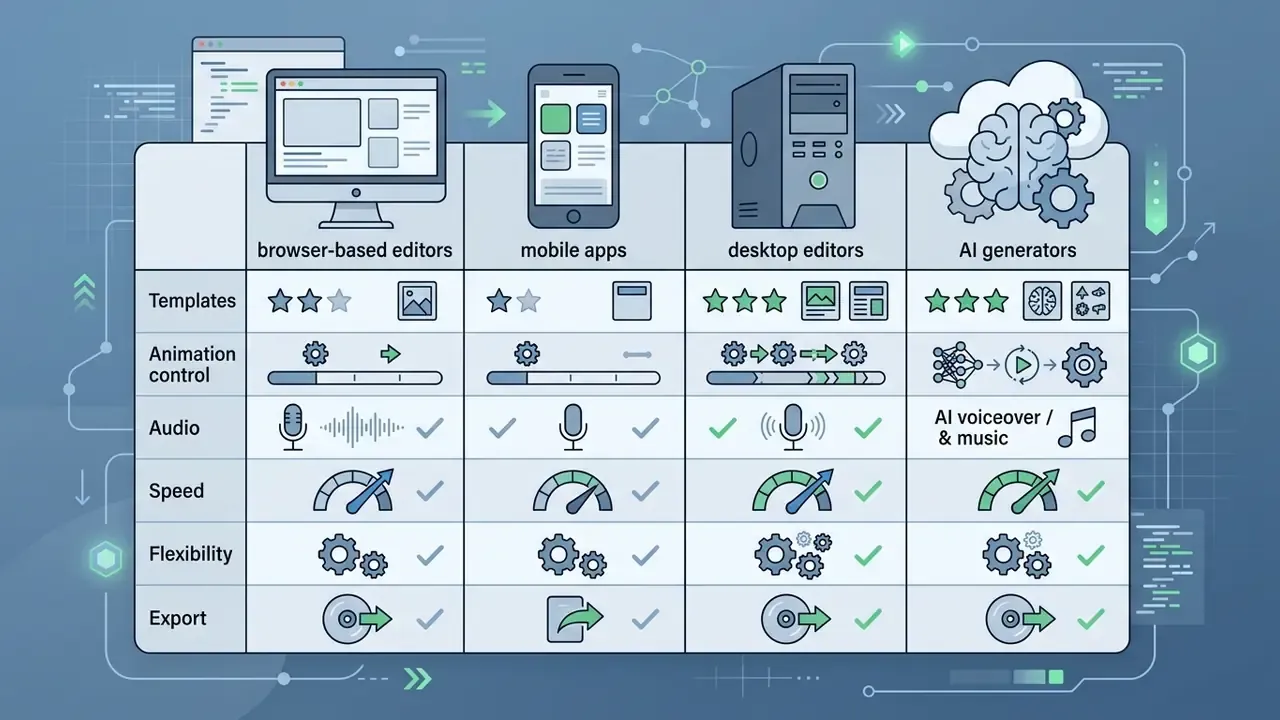
Comparison of Intro Creation Tool Architectures (2026)
| Criteria | Browser-Based Online Intro Maker | Mobile Intro Maker App | Desktop Video Editor | AI Intro Generator |
|---|---|---|---|---|
| Templates & Assets | Extensive cloud libraries; pre-built lower-thirds & branding presets. | Optimized for vertical short-form formats (9:16) & fast social distribution. | Requires external asset packs or manual plug-in installation. | Generates dynamic scenes & layouts from text prompts & brand kits. |
| Animation Control | Preset motion trajectories; customizable text/logo parameters. | Simplified one-tap filters & motion effects. | Full keyframe manipulation, 3D compositing, & custom particle systems. | Automated AI motion generation; parameter-driven style controls. |
| Audio Integration | Integrated royalty-free music libraries, in-browser microphone recording & basic AI voiceover tools. | Local soundtrack sync & direct social audio overlays. | Multi-track audio mixing, spectral editing, & custom VST plug-ins. | Automated script-to-voiceover synthesis & AI audio alignment. |
| Collaboration | Real-time co-editing, comments & approval via share link. | Limited; usually export-and-send workflows. | Project-file handoff or version-control systems. | Shared cloud projects; prompt/version history. |
| Creation Speed | Fast (3–5 minutes from template selection to export). | Very fast (1–3 minutes on mobile devices). | Slower (requires manual keyframing & timeline rendering). | Ultra-fast (under 60 seconds draft rendering from text prompt). |
| Editing Flexibility | Moderate; bound by cloud template zone rules & layout slots. | Low-to-moderate; optimized for rapid trimming & text overlays. | Maximum; unrestricted control over every frame, layer, & effect. | Variable; prompt-dependent with iterative refinement options. |
| Export Options | Cloud rendering; direct MP4/GIF download up to 4K resolution. | Direct native sharing to TikTok, YouTube Shorts, & Instagram. | Local hardware rendering; custom codecs, bitrates, & container formats. | Cloud export with automated aspect-ratio reframing. |
| Data Governance Fit | Depends on vendor certifications; brand assets stored in vendor cloud. | Mobile OS permissions; consumer-grade terms. | Highest control; assets never leave managed endpoints. | Highest scrutiny required; prompts & uploads may be retained. |
Table 1: Technical and operational comparison across the four primary intro maker software categories.
If you want a head-to-head view of specific generative platforms before committing budget, compare feature sets and export limits across free AI video generators and review model-level capabilities in the Google Veo implementation guide.
Browser-Based Video Intro Maker With No Software Installation
A browser-based cool intro maker lets you create online intro video files without installing heavy desktop software or eating local GPU memory. Modern web editors lean on cloud rendering pipelines, shifting video compilation to remote servers while delivering real-time previews inside Microsoft Edge, Google Chrome, or Apple Safari.
According to technical specifications from platforms like Adobe Express and Clipchamp, browser editors allow users to upload brand logos, customize animated typography, apply color palettes, and export finished MP4 files in 1080p or 4K resolution. Clipchamp explicitly states that no downloads are required and runs in Edge and Chrome; Canva confirms in-browser editing with MP4 or GIF export. This cloud architecture removes local hardware bottlenecks, so render times stay short even on low-spec laptops or Chromebooks. W3C's cloud-browsing work documents the same principle, noting that offloading rendering to a remote device reduces both page load and computation time on the client.
Real-time collaboration. Modern browser editors support simultaneous multi-user work. You can send a share link to colleagues, a client, or a compliance reviewer so they co-edit, adjust copy, approve the logo lockup, and leave comments inside the same project. No exporting intermediate files, no emailing renders, no duplicate versions floating around. For regulated teams this doubles as an audit trail: comments and version history stay attached to the project instead of living in inboxes.
AI Intro Maker: Prompt-Based Generation and Follow-Up Editing
Generative video ai tools turn text prompts, uploaded brand kits, or script outlines into complete video openers within seconds. Advanced platforms use foundation models, such as Runway Gen-3 Alpha or HeyGen Video Agent APIs, to synthesize motion graphics, select visual themes, and generate synchronized synthetic voiceovers automatically. HeyGen's own documentation describes creating avatar-led videos from a single text prompt, with the agent selecting avatar, voice, and style and rendering in minutes. Document-to-video services such as Visla, Wondercraft, and AI Studios accept PDF, DOCX, or PPTX inputs and return an editable video draft with narration.
A typical AI workflow begins with a descriptive prompt, for example: "Create a futuristic 5-second tech channel intro with a glowing neon logo reveal and subtle bass drop." The engine generates scene layouts, motion paths, and audio tracks. Creators then fine-tune generated assets in a timeline editor, adjusting text placement, rewriting voiceover scripts, or swapping background visuals before publication. Some catalogs also expose "script to video" as a template filter, so you can paste a two-line opener script and receive a matching animated title sequence. Rate limits, credit costs, and integration notes for these engines are collected in our AI Media API Guides.
Template Editor or Building an Intro From Scratch
Choosing between a pre-designed template and building from scratch is a trade between speed and visual uniqueness:
- Template-Based Editing: Using pre-made video intro templates is the fastest route to a polished opener. Templates guarantee sane typography hierarchy and motion balance without graphic design expertise. Updated (evidence detail): user-satisfaction data now supports the preference for template-led tools among non-specialists.
Data Security, Shadow AI, and Rights to AI-Generated Footage
How to Create an Intro Video Online: Step-by-Step Process
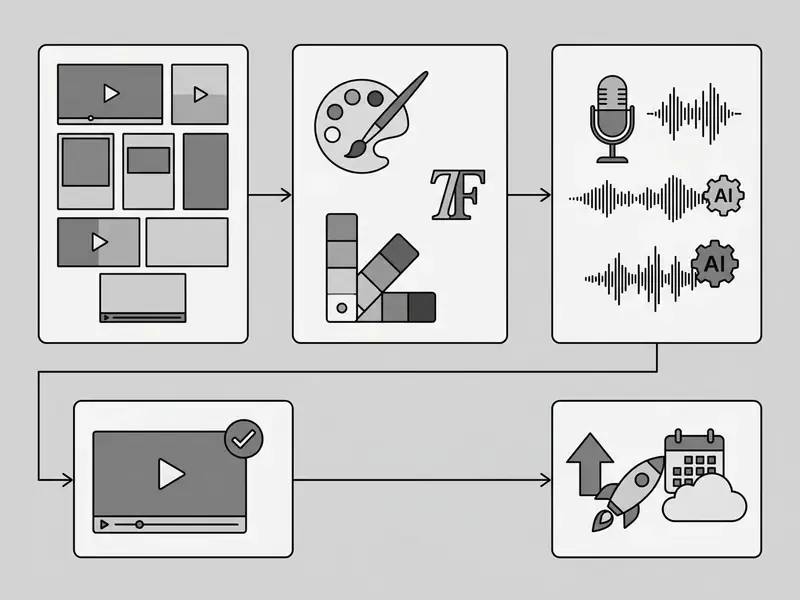
Creating a professional video opener online follows a structured workflow. Standardize the preparation and editing stages and you can make intros efficiently, usually in 3 to 5 minutes from template selection to export.
- Select Intro TemplateBrowse category-specific template libraries (Gaming, Business, Tech, Beauty, Podcast, Esports) and select a layout matching your channel aesthetic.
- Customize Brand Kit ElementsUpload your high-resolution PNG or SVG logo, apply channel color hex codes, and configure custom brand fonts.
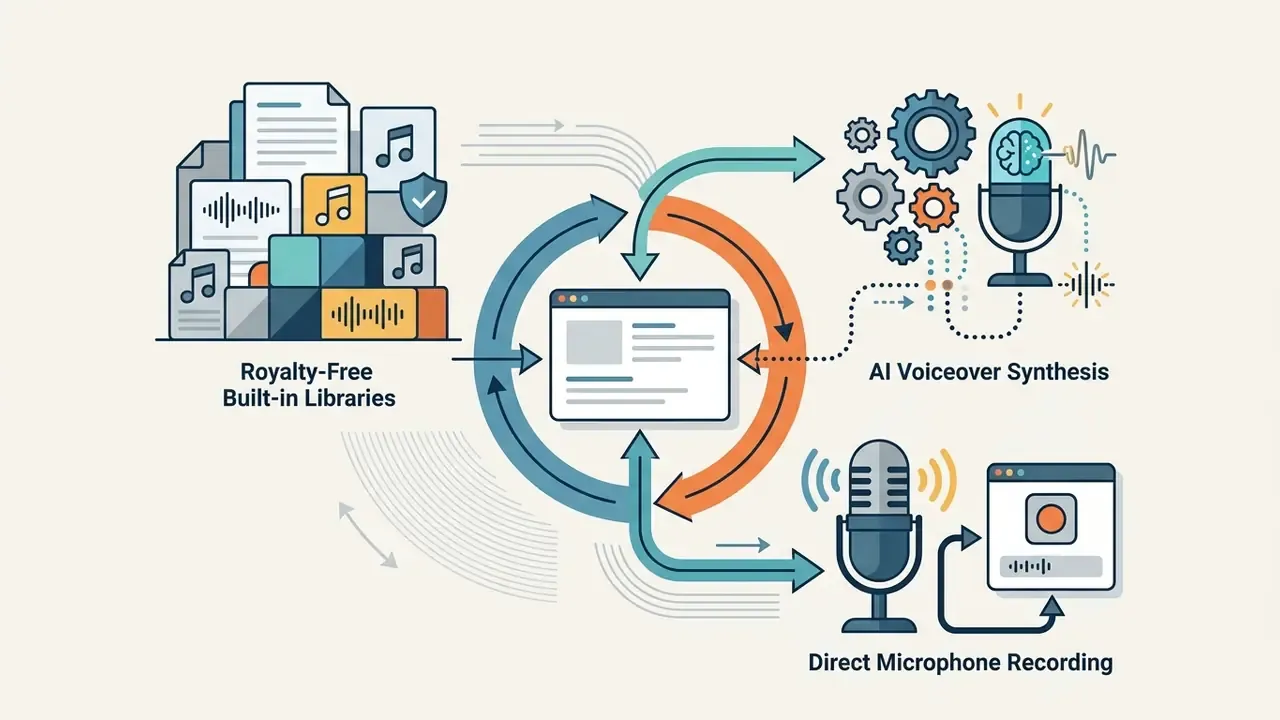
- Record Voiceover or Add MusicPick a royalty-free track from the built-in library, upload your own audio, record narration directly through your microphone in the browser, or generate an AI voiceover from a script.
- Preview & Perform Final Quality CheckPlay back the timeline at full resolution to verify text legibility, visual contrast, safe-zone placement, and audio timing.
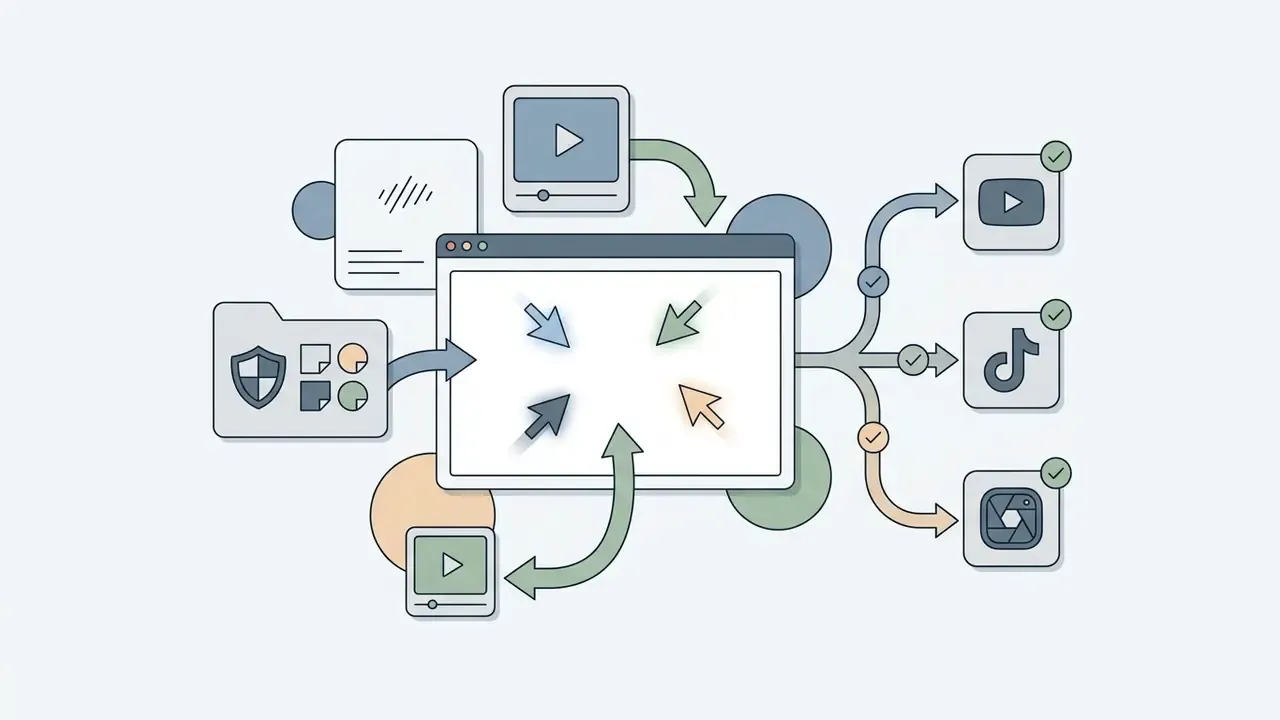
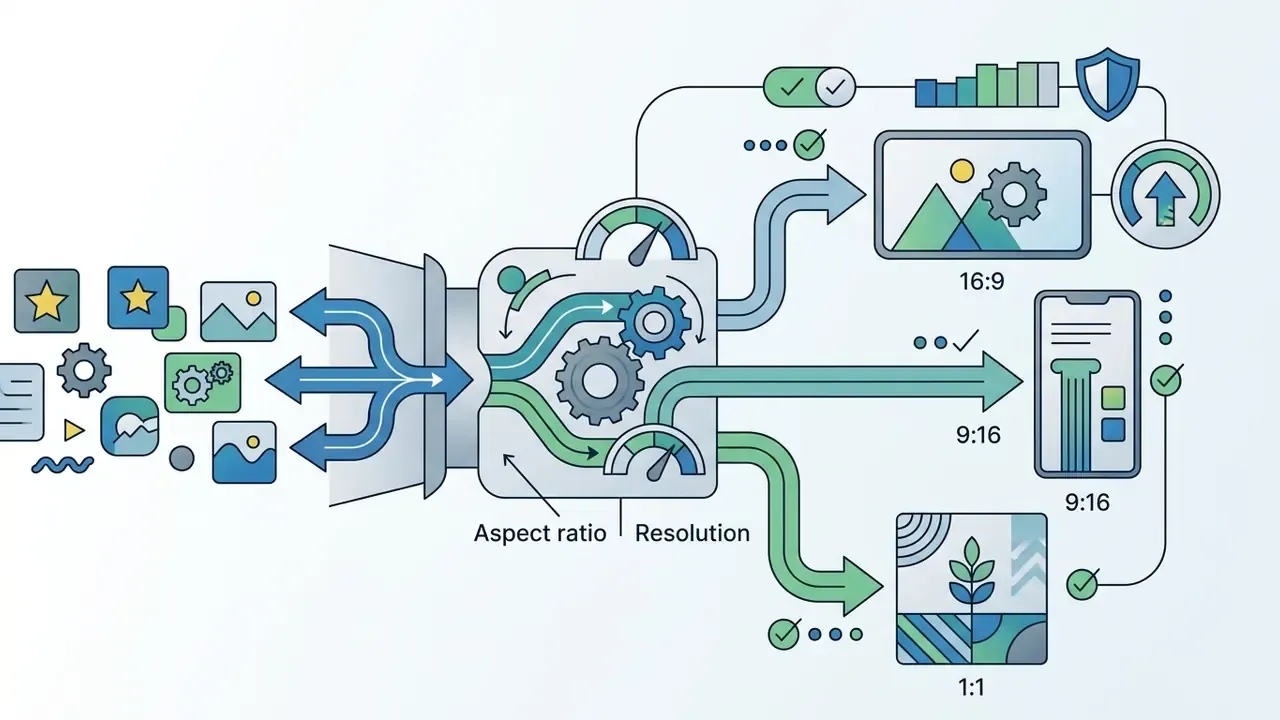
- Render, Resize & DistributeExport the finalized intro in 1080p or 4K MP4 format, apply automated aspect-ratio resizing for cross-platform distribution, share the project link for approval, or schedule publication.
Choose Video Intro Templates That Match Your Channel Topic
The template you pick sets the visual tone for the whole channel. Leading platform catalogs sort video templates into distinct thematic groups:
- Gaming High-energy neon graphics, glitch effects, 3D metallic logo resolves, and fast-paced sound design. This is the single largest catalog segment (Placeit tags over 400 gaming intro templates).
- Beauty & Glamour Soft lighting transitions, elegant serif typography, pastel color palettes, and smooth motion sweeps.
- News & Commentary Bold lower-thirds, breaking-news banner styling, authoritative red-and-white color schemes, and clean typography.
- Slideshow & Vlogs Photo-frame transitions, organic brush strokes, ambient background music, and subtle text animation.
Use the catalog filters instead of scrolling. Serious template libraries expose technical search parameters. Use them and selection time drops from twenty minutes to two:
When evaluating templates, check that the underlying motion structure leaves your channel title and tagline clearly visible within the first two seconds. If they arrive at second four, the template is working against you.
Customize Text, Logo, Image, and Brand Elements
Brand customization turns a generic template into an identifiable channel signature. To keep visual authority, follow established typography and logo application standards:
When importing assets into an online editor:
- Upload logos with transparent backgrounds in high-resolution PNG or SVG vector formats.
- Maintain a minimum logo clear-space zone equal to twice the height of the primary typography mark, in line with digital design standards such as ISO/IEC TS 20071-25:2017. Published corporate brandbooks apply the same logic numerically: a common rule sets clear space at 2x the height of the letter "M" and a minimum logo width of 1.25 inches or 90 pixels.
- Ensure on-screen text meets a minimum contrast ratio of 4.5:1 against video background elements for small text (3:1 for large text), following U.S. Digital.gov accessibility standards. Note that text forming part of a logo has no minimum contrast requirement under those guidelines.
- Position logos within safe display zones so nothing gets cropped across mobile screen aspect ratios. Watermark-style channel logos should appear within the first 10 seconds and sit in a top corner inside the safe area.
- Place slogans with fixed alignment. Brandbook practice often anchors the tagline beneath the final letter of the wordmark with a defined offset, and sets a larger minimum reproduction size for the logo-plus-slogan lockup than for the logo alone (for example 50 mm versus 40 mm).
One channel-wide Brand Kit (Intro + Outro + Banner). Do not stop at the intro. Save your palette (HEX codes), vector logo, and licensed fonts into the platform's Brand Kit profile. Then you can apply the same identity in one click to end screens and outros, subscribe bumpers, lower-thirds, and your YouTube channel banner. That consistency layer is what turns individual videos into a recognizable channel. Enterprise workflows can lock these parameters, so distributed teams edit copy but never alter the identity system.
Add Music, Voiceovers, Animation, and Effects
Sequencing visual changes instead of triggering multiple simultaneous animations prevents disorientation and improves comprehension for all audiences. If your opener needs genuinely custom motion paths rather than preset trajectories, review the specialized tooling in our guide to animation makers.
What an Effective YouTube Intro Should Look Like
An effective animated video intro balances visual branding against strict retention dynamics. In digital video publishing, the opener must establish brand identity without delaying viewer access to the actual topic.
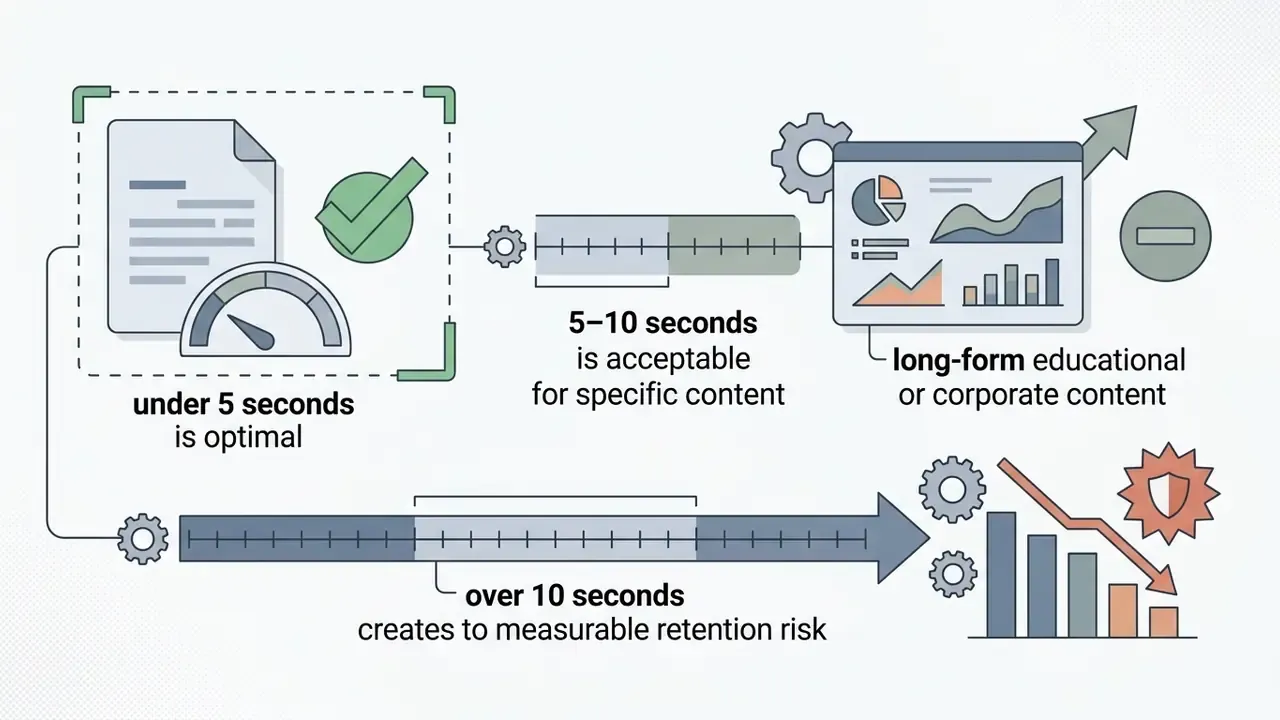
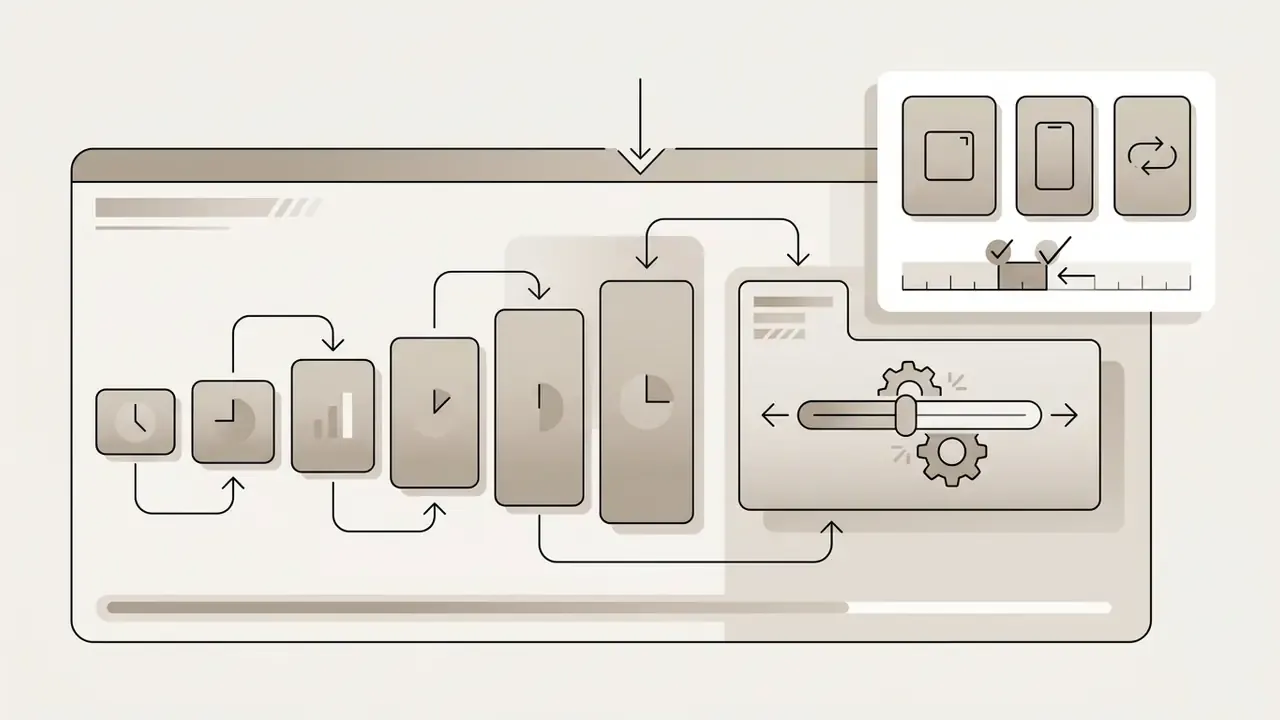
Intro Duration: Under 5 Seconds, 5–10 Seconds, or Longer
Duration is the single most critical technical parameter when designing a best video intro. According to platform retention data and digital video benchmarks:
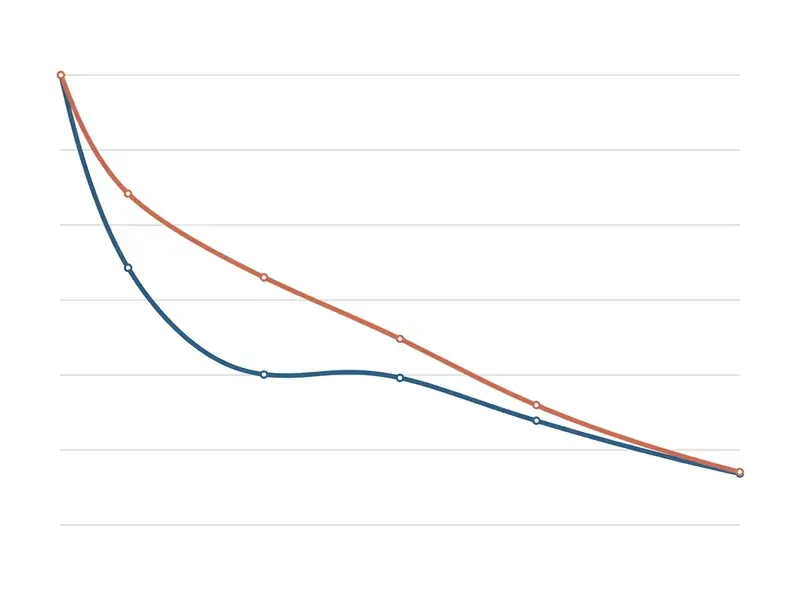
- Under 5 Seconds (Optimal): Intros lasting 1 to 5 seconds deliver immediate brand cues while minimizing drop-off. Updated (date corrected): industry analysis from Go Viral (2024–2025) indicates that short-form platforms lose up to 60% of viewers in the first 3 seconds, so keeping intros under 5 seconds protects critical early engagement.
- 5 to 10 Seconds (Borderline) Intros in the 5–10 second range work for long-form educational, documentary, or corporate webinar content where viewers arrive with high topic intent. Retention-analytics checkers report that intros exceeding 8 seconds lose roughly 23% of viewers before the main content starts, classifying under 8 seconds as optimal, 8–15 seconds as borderline, and 15+ seconds as too long. Data caveat: this 23% figure originates from vendor-side retention tooling (2026) rather than peer-reviewed research. Treat it as directional and validate against your own YouTube Studio retention curve at the 30-second marker.
- Over 10 Seconds (High Risk) Openers past 10 seconds carry severe retention risk across general entertainment and lifestyle channels, and frequently prompt viewers to skip forward or leave. Peer-reviewed analysis of educational YouTube content reaches a compatible conclusion: fixed introductions that add no informational value depress attention and should be avoided.
Rule of thumb by format: swipe-first platforms (Shorts, Reels, TikTok) need no separate branded intro at all, or a 1–3 second logo flash integrated into the first shot; long-form YouTube tolerates a 1–5 second brand cue; corporate and instructional long-form can stretch to 8 seconds maximum, with the promised value reached inside the first 30 seconds.
How to Make the Logo and Text Recognizable
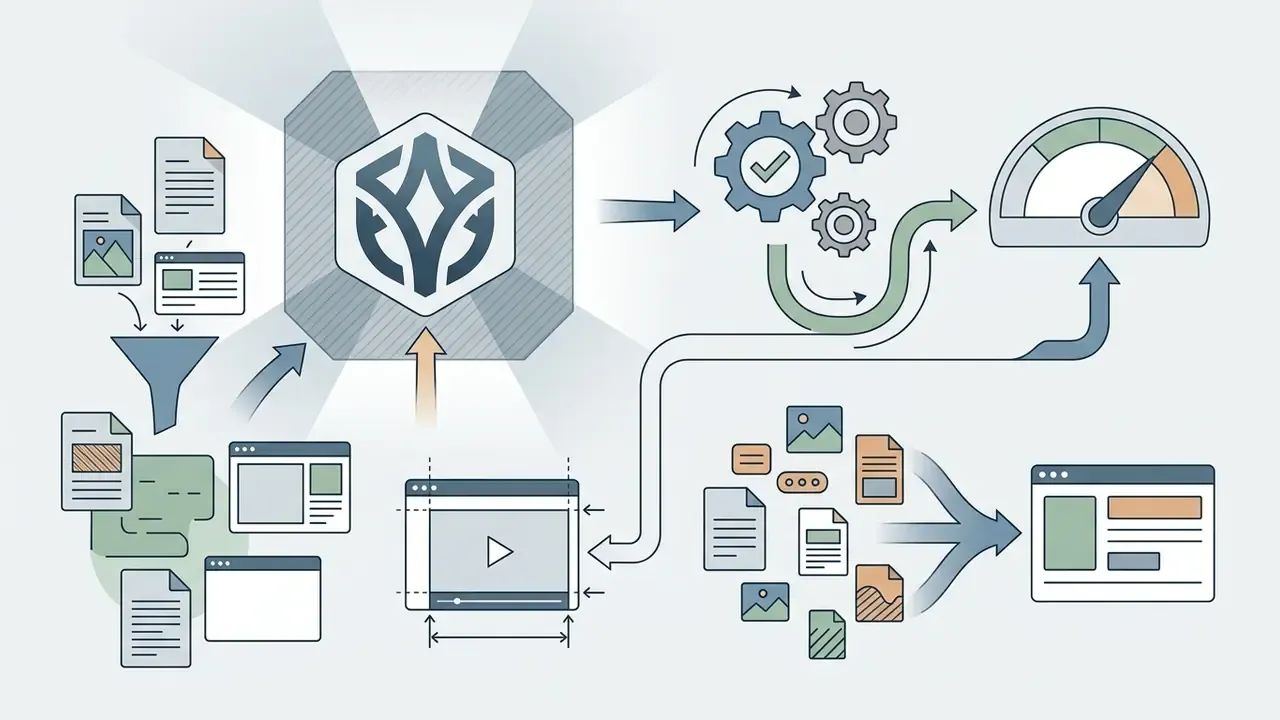
To maximize brand recall in a brief opening sequence, design choices must support instant legibility. Research published in the Journal of Consumer Sciences (2024) shows that repeated exposure to combined visual and audio logo stings measurably improves recall.
The effect is dose-dependent, which is the argument for using one identical opener across an entire series instead of redesigning it per video.
To optimize logo intro recognizability:
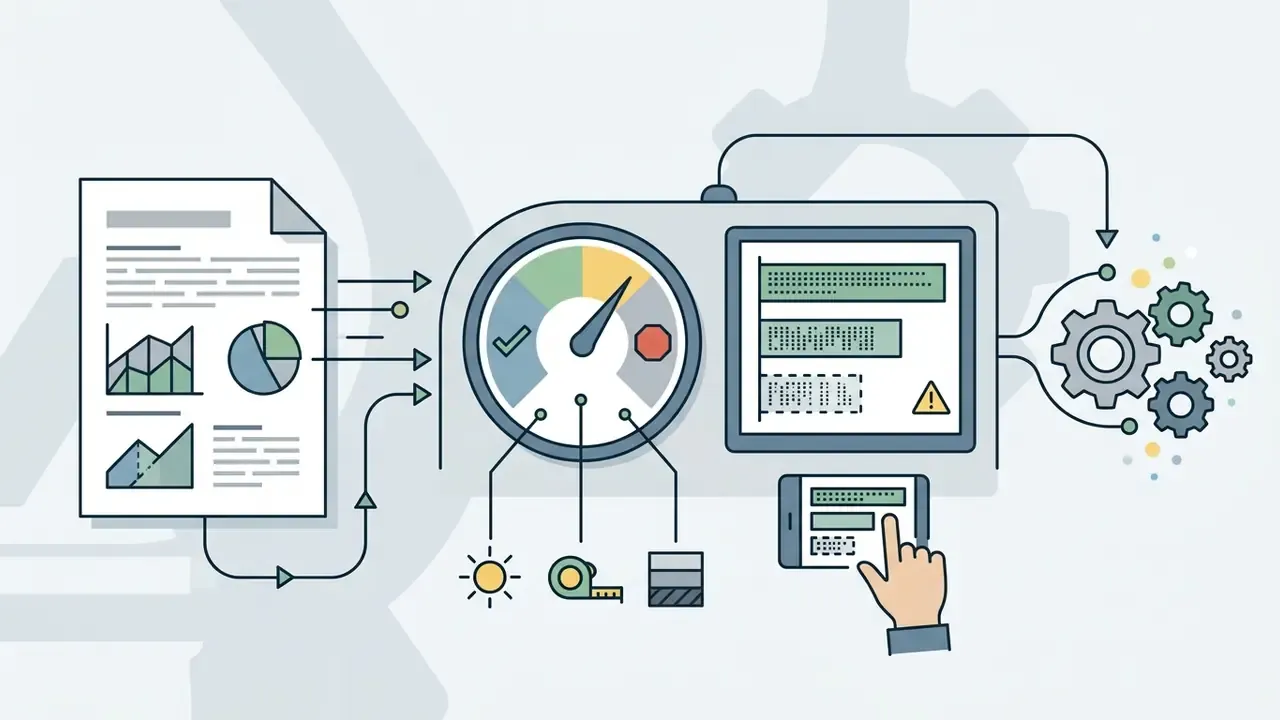
Animation and Effects Without Overloading the Clip
Motion graphics add polish to an animation intro maker project, but excessive visual noise weakens branding clarity. Updated (reformulated for accuracy): visualization and accessibility guidance converges on four controls. Animate only elements that actually change state. Stage sequential changes instead of firing them simultaneously. Keep motion slow enough to track. Give viewers pause or replay control where animation carries information. Microsoft's visualization guidance is frequently cited for the "avoid unnecessary motion / animate only what changes" principle, and a 2026 peer-reviewed guideline paper reaches the same conclusion about limiting concurrent changes; the underlying design rule is well established even where a single canonical citation is not.
To keep visual balance:
- Limit motion to two simultaneous graphic layers (for example, a background light sweep plus a scaling logo reveal).
- Avoid heavy distortion filters that wreck text readability on phone screens.
- Ensure transition animations complete smoothly within 1.5 seconds, leaving the final brand composition static and legible for the rest of the intro.
- Avoid strobing, rapid flashing, or high-frequency flicker in the opening frames. That is an accessibility requirement as much as a comfort one.
Free Intro Maker, Pricing Tiers, and Commercial Use
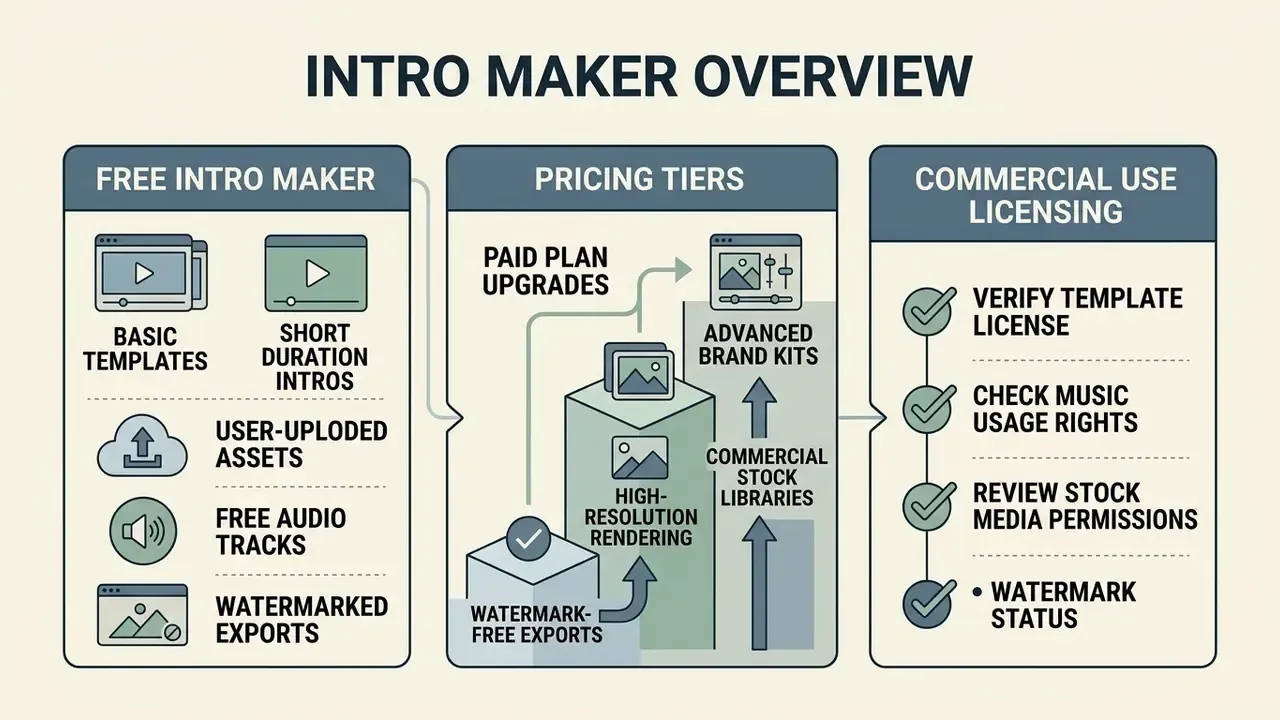
Licensing information here is general in nature. Platform terms change; always check the current license agreement on the vendor's own site before publishing monetized content, and consult qualified counsel for commercial or regulated use cases.
Understanding licensing terms, subscription tiers, and commercial publishing rights is essential when choosing an animated intro maker free platform. Using unlicensed stock media or watermarked assets inside monetized YouTube content can trigger copyright claims or account penalties. Cross-vendor cost breakdowns are maintained in our AI Media Pricing Guides, and per-render cost modelling sits in the AI Media Calculators.
What a Free Video Intro Maker Usually Includes
Free tiers let you test editing interfaces and evaluate template designs before spending anything. If you want to benchmark those limits across generative tools specifically, compare quotas and watermark rules for free AI video generators. Typical animated intro maker online free capabilities include:
- Access to a basic library of free video templates and static graphic overlays.
- Standard definition video rendering (720p resolution).
- Basic drag-and-drop text editing, font selection, and color customization.
- Cloud preview playback and temporary project draft storage.
Free tiers usually restrict the interesting features, though. Expect mandatory brand watermarks, capped 1080p/4K exports, and prohibitions on commercial use of included audio tracks. Documented examples: Renderforest states that free-plan exports are for personal, non-commercial use only and carry a watermark; the "Intro Maker: video intro outro" app watermarks free-mode output and gates premium templates and advanced animations behind Pro; Canva watermarks Pro content for free accounts until a one-time license or subscription is purchased. Similar free-tier boundaries for adjacent asset work are catalogued in our guide to free photo editors.
When You Need a Paid Plan
Upgrading to a paid subscription, or buying per-video export licenses, becomes necessary once you publish professional or monetized content. Paid commercial plans unlock operational capabilities that matter:
Free vs. Paid Capability Matrix for Intro Makers (2026)
| Capability | Free tier | Paid / licensed tier |
|---|---|---|
| Watermark | Usually forced on export | Watermark-free MP4 download |
| Max resolution | Commonly 720p | 1080p Full HD and 4K UHD at up to 60 fps |
| Template library | Basic subset | Full premium catalog, bundles, 4K templates |
| Music & SFX | Limited, often non-commercial | Royalty-free commercial library; some "popular music" still excluded from commercial use |
| Stock footage & fonts | Restricted or preview-only | Rights-cleared stock video, icons, premium fonts |
| Brand Kit | Rarely available | Saved logos, fonts, palettes; one-tap application across intro, outro, banner |
| Collaboration | Single user | Share-link co-editing, comments, team seats |
| Scheduling | Manual download only | Built-in content scheduler for YouTube and social platforms |
| Commercial license | Typically personal use only | Commercial license covering export, ads, and client work |
Table 2: Functional division between free and premium intro software tiers.
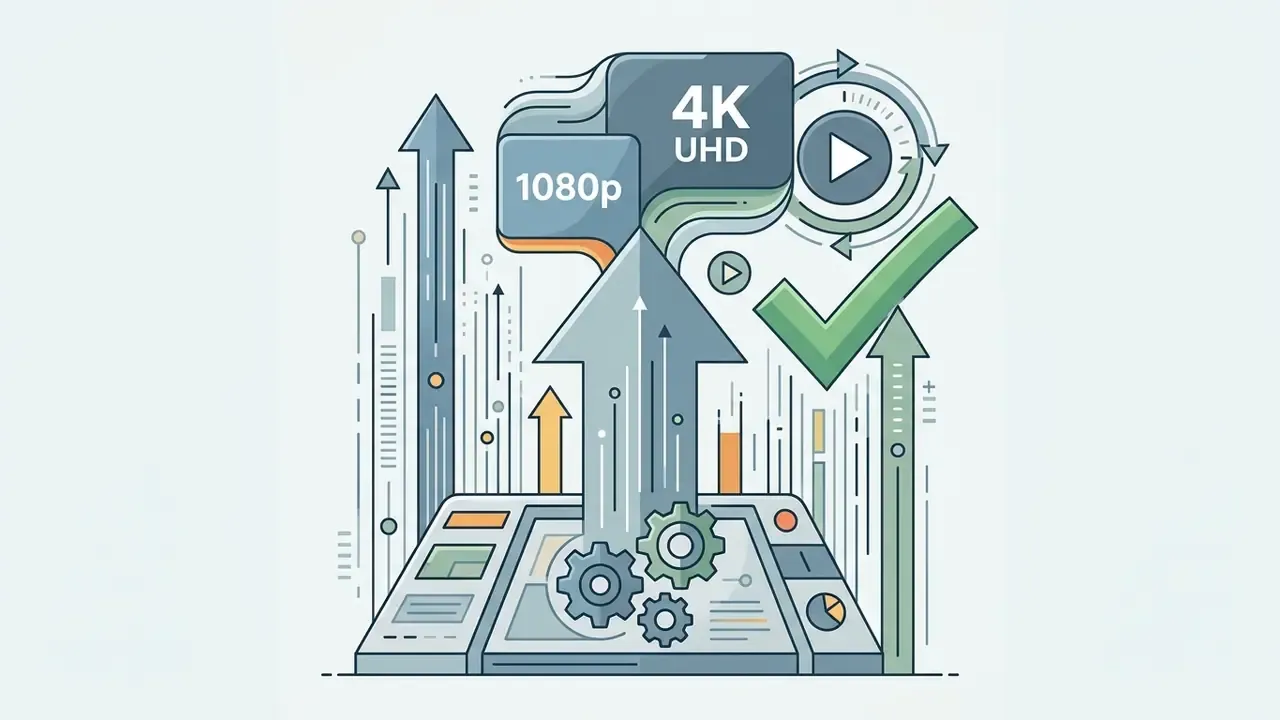
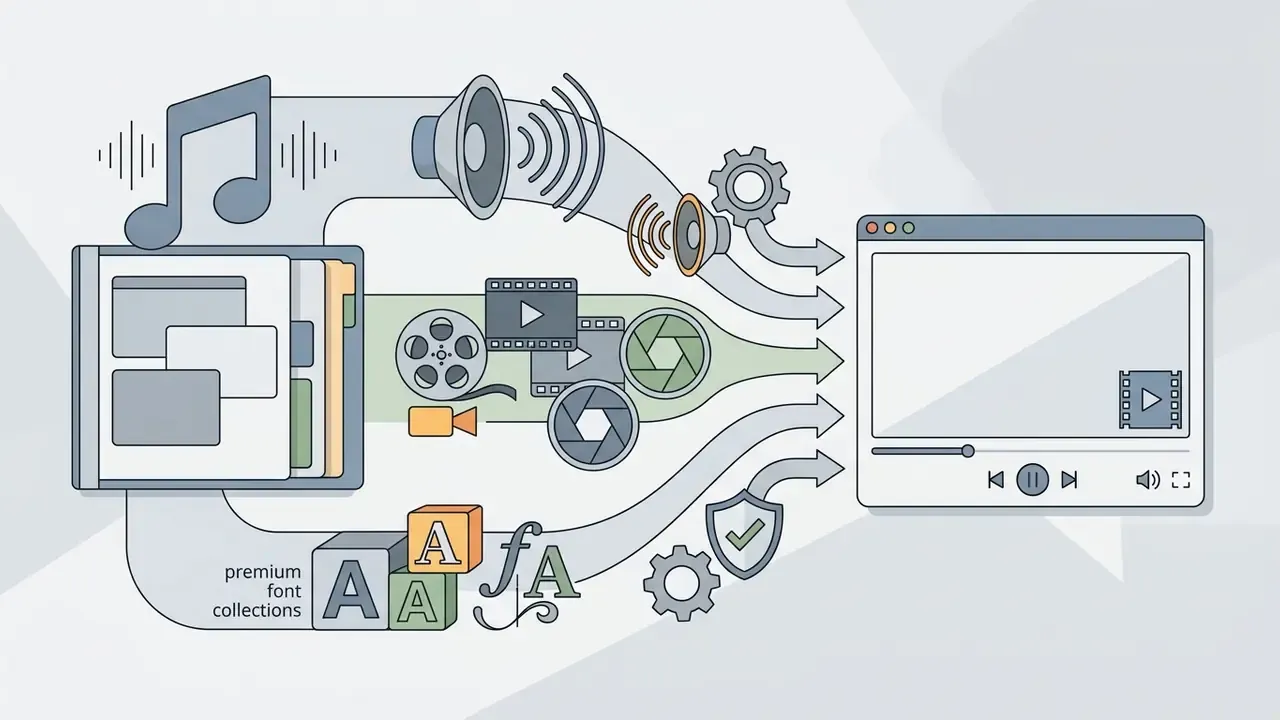
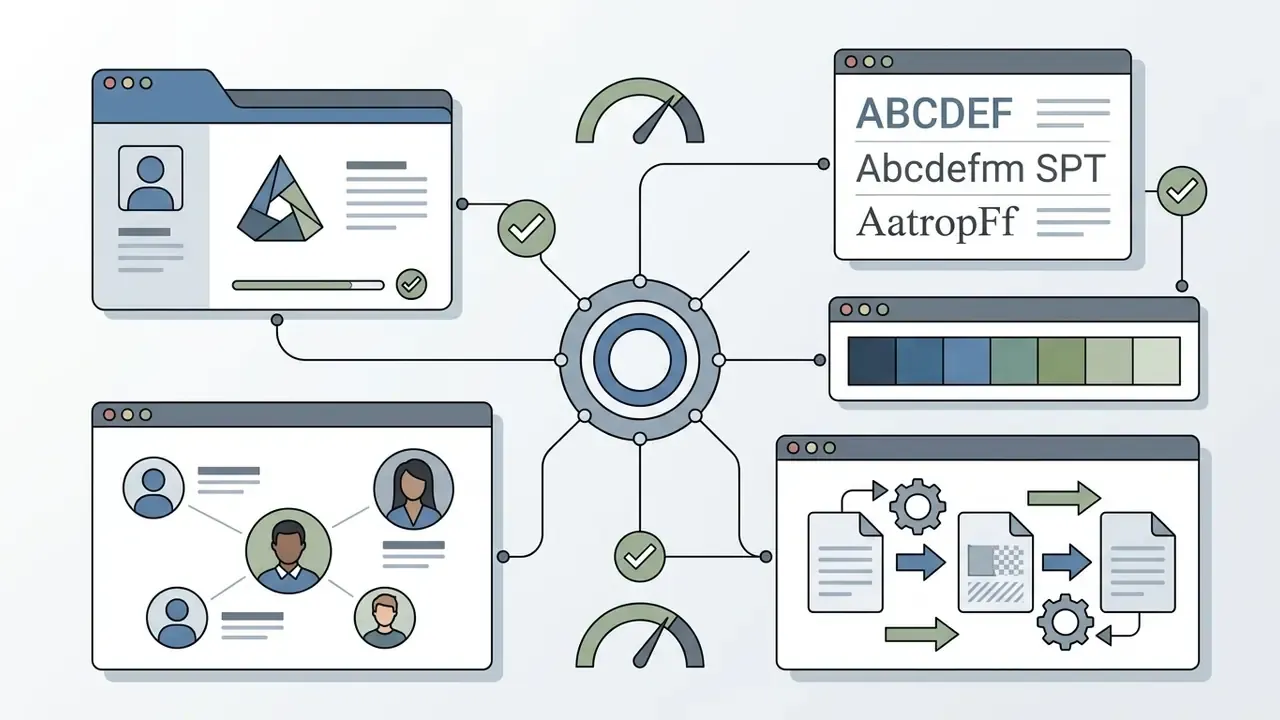
Pricing models fall into two broad categories: monthly or annual subscriptions ranging from roughly $9.99 to $19.99 per month, and single-export pay-per-render pricing from about $3.00 to $29.99 per video. Verified 2026 reference points include Adobe Express Premium from $9.99/month, CapCut Pro at $19.99/month or $179.99/year, Intro Maker at $12/month with additional renders at $3 (720p), $6 (1080p), and $9 (4K60), and Introbrand's per-video licensing at $19.99 (720p), $29.99 (1080p), and $49.99 (4K) with music and a commercial license included per export. Some app-store intro tools also sell lifetime unlocks between $1.99 and $13.99. If a paid plan is not yet justified, evaluate the no-cost route first in our comparison of free video editing software.
What to Check Before Using an Intro in Monetized Videos
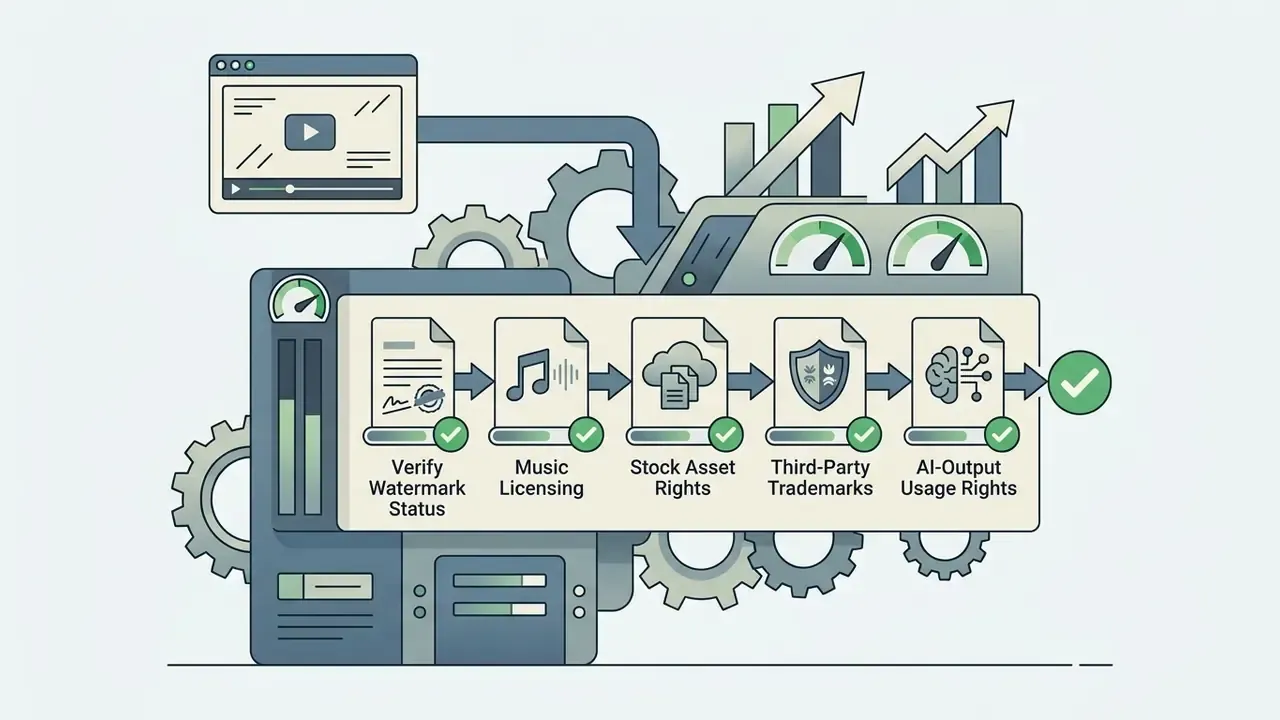
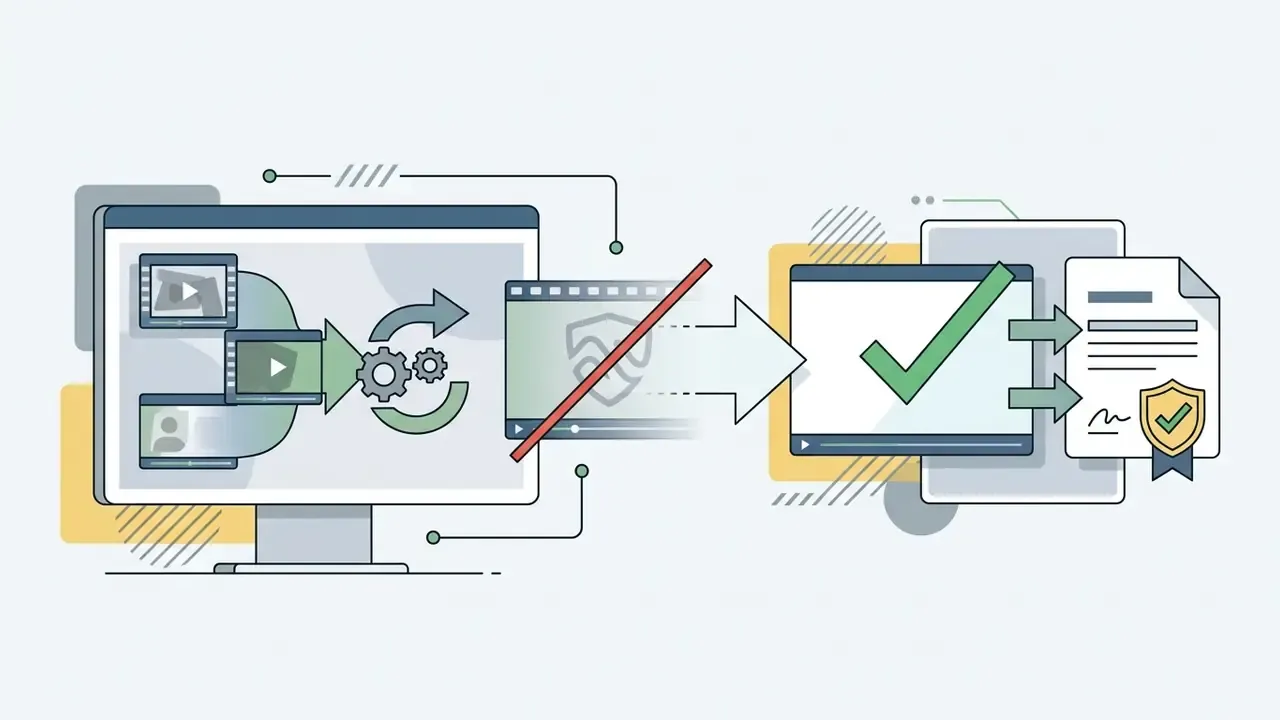
Using non-exclusive stock audio without proper license documentation can hand your ad revenue to a rights holder. Note the distinction YouTube itself draws: a Content ID claim is not the same as a copyright strike. A claim can block, monetize, or track the video, while strikes sit on a separate enforcement track. Licensed library music can still be matched if the asset is registered as a reference file, so keep your license receipts and, where offered, submit a whitelisting request.
- Stock Asset Rights
- Verify that stock background clips or embedded photography permit commercial re-use and resale distribution. Terms differ materially by vendor: Placeit permits use across platforms and resale of downloaded assets, Adobe Stock replaces watermarked previews with unwatermarked assets at the highest available resolution once licensed, and Canva prohibits its "Popular Music" catalog for any commercial purpose including advertising.
- Third-Party Trademarks
- Confirm that custom templates do not embed protected third-party brand elements, font files, or proprietary graphics without written authorization. YouTube's own brand assets are additionally restricted by Google's API branding guidelines and channel-naming conventions.
Corporate Selection Checklist: Approving an Intro Tool for a Regulated Organization
For risk, compliance, and communications leads standardizing video branding across an enterprise, the tool decision is a control decision. Use this checklist alongside Table 1:
- Data residency and retentionWhere are uploaded brand assets stored, for how long, and can retention be configured or deleted on request?
- Model-training opt-outDoes the vendor exclude your uploads and prompts from model training by default, or only on a paid tier?
- Security attestationsAre SOC 2 Type II, ISO 27001, or equivalent reports available under NDA? Is there a documented incident-response commitment?
- Contractual rights to outputDoes the license grant commercial and advertising rights, including for AI-generated frames and synthetic voices, with indemnification?
- Access controlDoes the platform support SSO, role-based permissions, locked Brand Kits, and seat revocation on offboarding?
- Audit trailAre edits, comments, approvals, and export events logged and exportable for review?
- Accessibility conformanceDoes exported output support caption tracks, and do templates meet 4.5:1 text contrast and no-flicker requirements?
- ContinuityCan projects and rendered masters be exported in open formats (MP4/H.264) so vendor loss does not strand the asset library? File-size and bitrate management for archival masters is covered in our guide to video compressors.
- Vendor existence and standingConfirm registration, a contactable legal entity, and a resolving domain before onboarding. See the verification example in the Shadow AI section above.
One more soft signal worth logging: how quickly the vendor answers a written question about data retention. Slow, vague answers at the sales stage rarely improve after the contract is signed.
FAQ: Common Questions About Intro Makers
Can I make an intro without video editing skills?
Yes. Modern online intro tools are built for non-technical creators with zero video editing experience. Browser-based platforms rely on ready-made templates, drag-and-drop controls, and automated AI assistance. You select a template, replace placeholder text with your channel name, upload a logo, and export the rendered file without touching a keyframe. Academic work on no-code platforms describes exactly this pattern: complexity is hidden inside reusable components and intuitive interfaces, so the entry threshold no longer requires specialist production skills.
Do I need to download software to create an intro?
No. Browser-based intro creators run entirely online inside standard web browsers like Chrome, Edge, or Safari. Timeline rendering, video processing, and file compilation happen on remote cloud servers, so you can edit and export a finished created intro from any internet-connected device, including low-specification laptops and Chromebooks, because the heavy computation is offloaded from your CPU and GPU.
How long should a YouTube intro be?
Keep it under 5 seconds for general YouTube content, and 1–3 seconds (or none at all) for Shorts, Reels, and TikTok. Long-form educational, documentary, or corporate content can support 5–8 seconds provided the promised value arrives within the first 30 seconds, the point where YouTube's retention reporting measures the "intro" metric.
Are older tools like a 2018 intro maker still worth using?
Usually not, at least not for monetized channels. The 2018 intro maker and anymator intro maker style queries still surface legacy desktop utilities and abandoned web apps, and many of them export at 720p only, ship unclear music licenses, or no longer render at all. If you find an old template pack you like, rebuild the concept in a current editor so your video intro made today carries proper commercial rights and 1080p or 4K output.
Can I record my own voiceover instead of using an AI voice?
Yes. Most current browser editors include a microphone recording tool inside the same project, so you record, trim, and re-record narration without switching applications, then layer it over the music bed and align it to the logo reveal. AI narration is still faster when you need identical delivery across an episode series or several languages.
Can several people work on the same intro?
Yes. Cloud editors support real-time co-editing: send a share link and invite teammates, clients, or reviewers to edit, comment, and approve inside the same project simultaneously. That removes file round-trips and keeps a single version of record, which is practically useful when brand, legal, and compliance all need to sign off before publication.
Will my exported intro have a watermark?
Depends on the tier. Free plans commonly stamp a vendor watermark and cap exports at 720p; paid plans and per-export licenses deliver clean watermark-free MP4 files up to 4K. Always run a test export before committing to a platform for a monetized channel.
Is an intro maker suitable for videos in multiple languages?
Yes. Modern intro platforms support multi-language video creation. You can insert custom text overlays in non-Latin scripts, upload specialized font files, or use integrated AI translation. Advanced AI intro generators offer synthetic voiceover narration across 50+ languages, which lets creators localize openers for international YouTube audiences; language coverage and licensing terms for those voices are compared in our guide to AI voice generators. Localization quality has improved measurably on the caption side as well:
"The latest models (Ursa, Whisper) achieve subtitle accuracy of 99.1–99.9% on the NER metric, exceeding the 98% acceptability threshold." (Romero-Fresco & Fresno, Linguistica Antverpiensia, analysis of ~17,000 subtitles, 2023. https://lans-tts.uantwerpen.be)
For reference, the European Commission's eTranslation service covers all 24 EU languages plus Arabic, Chinese, Icelandic, Japanese, Norwegian, Russian, Turkish, and Ukrainian, while commercial document translators advertise from 100 to 280+ languages. Enough coverage for most channel localization programs, though on-screen text still needs a manual layout review after translation. French-language searches such as "créer intro video online" hit the same tooling, only the interface language changes.
Appendix A: Superseded Formulations (Change Log)