About the author: Marcus Hale is the author. The focus here is narrow but practical: how creative tooling decisions collide with information security, performance budgets, and intellectual property review. Reviewed and updated for 2026.
Executive Summary
- Encoding drives cost GIF is an 8-bit indexed format with lossless LZW compression, so canvas dimensions, frame count, and palette depth, not a "quality slider", control file weight. Cutting width from 480 px to 240 px removes roughly 69 percent of file size; dropping the palette from 256 to 128 colors removes another 20 to 30 percent.
- Timing has hard limits Frame delay is stored in hundredths of a second. Values below 2 (20 ms) are overridden by mainstream browsers, and 10 to 15 frames per second remains the practical sweet spot for perceived smoothness.
- Governance matters more than features Client-side (in-browser) rendering keeps source media on the device. Server-side and generative-AI pipelines transmit assets to third-party infrastructure and belong in a Shadow AI review queue.
- Rights follow the source, not the format Free tools rarely grant rights over uploaded footage, stock photography, or fonts, and purely AI-generated frames carry no automatic copyright protection in the United States.
- Publishing constraints are platform-specific Discord accepts 20 MB attachments on free accounts, Slack custom emoji cap at 128×128 px and 128 KB, email campaigns should stay under 200 KB, and Facebook re-encodes uploads into video loops.
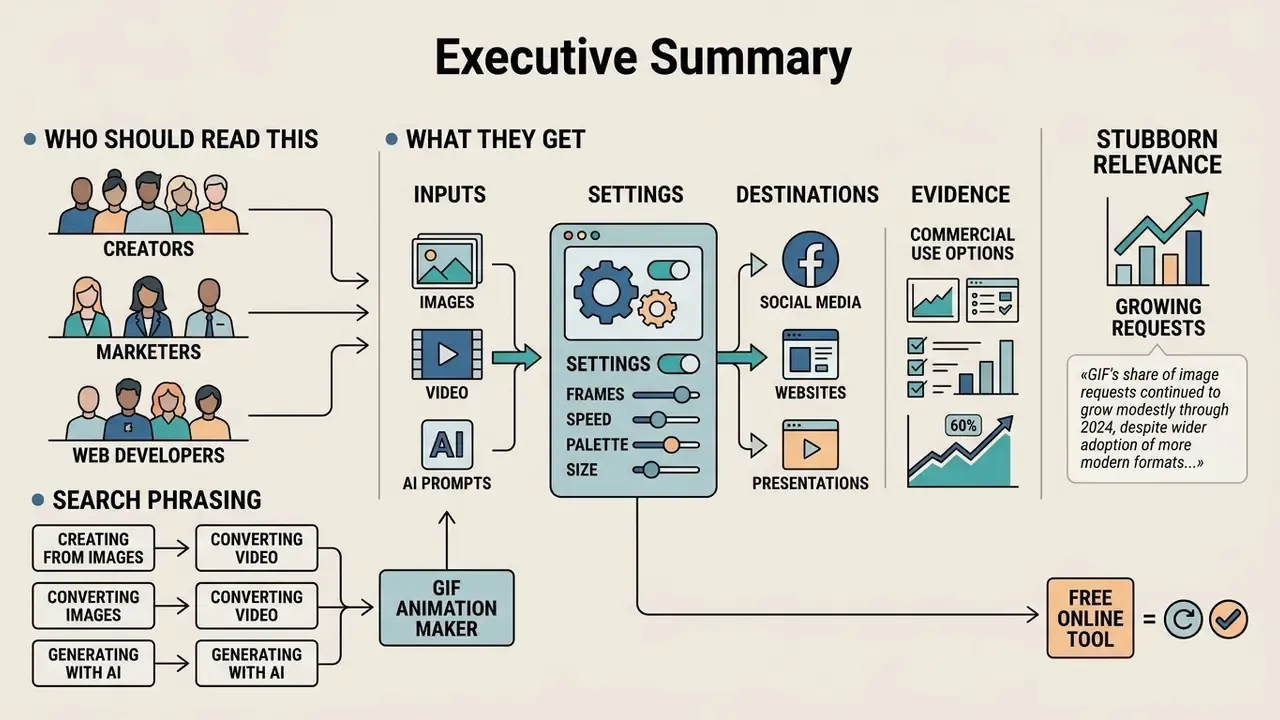
Who Should Read This, and What They Get
Three groups keep landing on this question for different reasons. Marketing and enablement teams want a looping asset that renders everywhere. Web performance owners want to know what a 4 MB banner does to mobile render time. Security, GRC, and model-risk reviewers want to know where the pixels went.
This guide answers all three in the same vocabulary: inputs, settings, destinations, and evidence. Every threshold below is sourced or explicitly labeled as an internal, unverified observation. Where the public record is thin, that is stated plainly rather than smoothed over.
One note on search phrasing before the mechanics. Queries such as animation gif maker, animation maker gif, gif animation generator, cartoon gif maker, and the German-language variants gif animation erstellen online and gif animation online erstellen all resolve to the same browser workflow. Different words, one pipeline.
An online gif animation maker processes media assets into standard looping image sequences. Modern browser-based tools accept still photos, short video clips, or text prompts to produce lightweight web graphics. Understanding encoding mechanics helps digital teams optimize file size, preserve visual clarity, and maintain cross-platform compatibility.
The format also remains stubbornly relevant. Despite the spread of more efficient containers such as WebP and AVIF, GIF's share of total web image volume grew by roughly one percentage point between 2022 and 2024. Not the trajectory most people would predict for a 1989 specification.
What a GIF Animation Maker Can Create
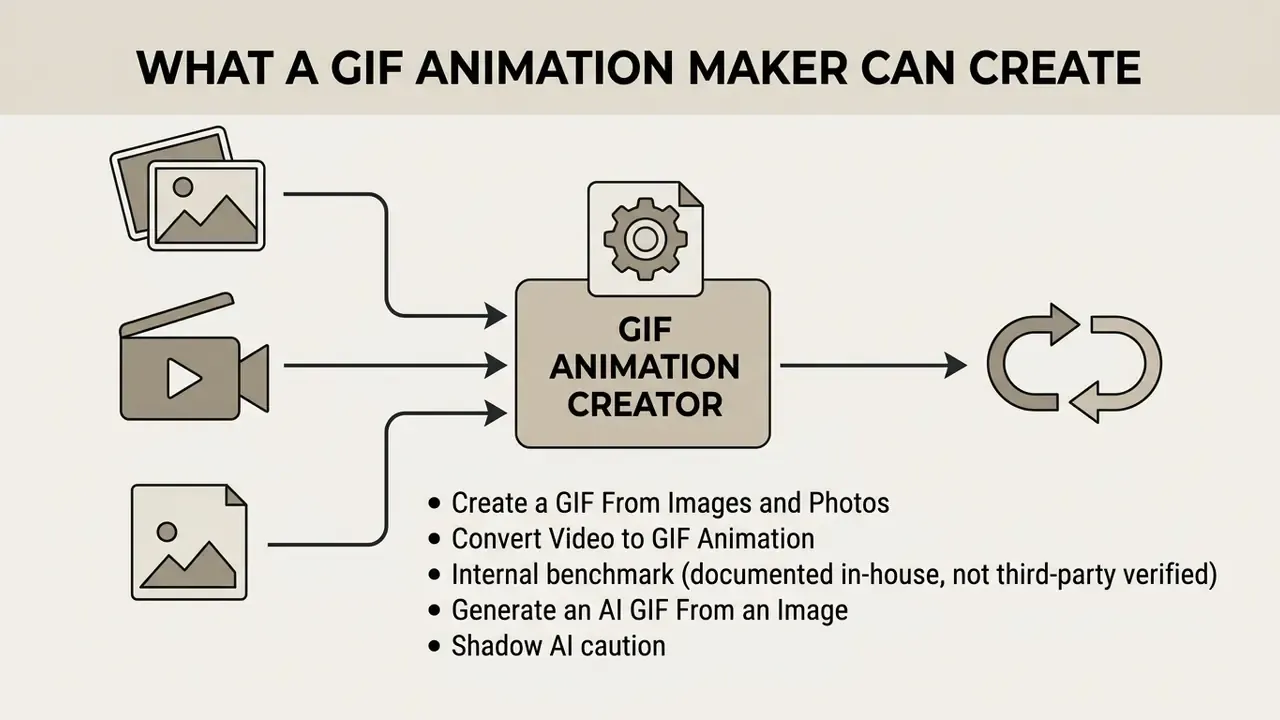
A gif animation creator generates looping graphics from static picture sequences, video clips, or generative prompts. Modern web tools transform these inputs into single indexed-color files that play automatically across browsers, with no plugin, player, or embed script involved.
Create a GIF From Images and Photos
To create a gif from an image collection, the editor compiles discrete picture files into sequential animation frames. Modern online GIF generators support a broad spectrum of static and raster containers, including PNG, JPEG, WebP, AVIF, HEIC, BMP, TIFF, and pixel-art sources such as Aseprite files. Advanced tools also accept bulk ZIP archives containing pre-sorted image sequences, or existing animated GIF, APNG, and animated WebP files, automatically splitting them into individual editable frames while preserving the original delay metadata. Whichever container arrives, the tool converts it into an 8-bit indexed color stream before encoding.
According to the W3C GIF89a Specification, each frame in an animated sequence stores an individual display delay measured in hundredths of a second. Image-based creation works best for slideshows, step-by-step tutorials, and simple cartoon animations, which is why a cartoon gif maker and a photo slideshow tool are usually the same engine with different presets. Lower frame rates between 8 and 12 frames per second maintain readable pacing without generating unnecessarily large files. Reducing palette complexity across still photos minimizes encoding overhead and keeps overall bandwidth consumption low.
Canvas width, however, remains the single largest lever on output weight.
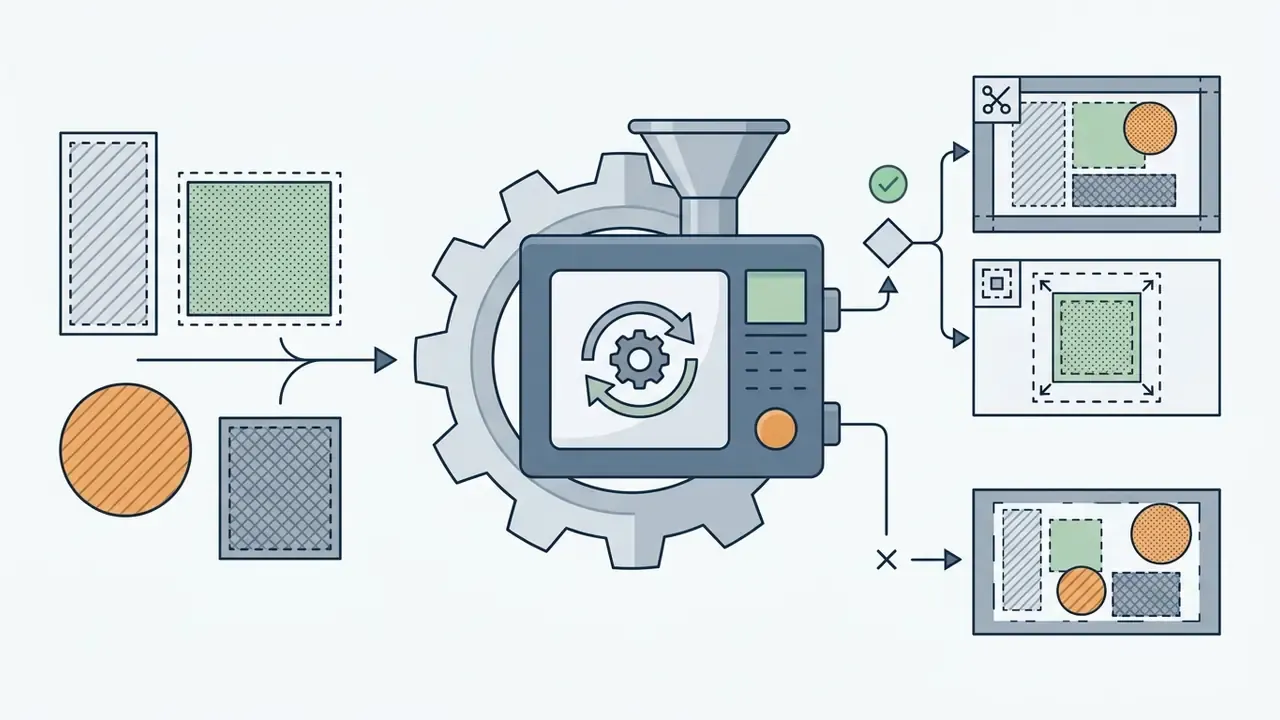
Practical note: when you upload images of mismatched dimensions, most editors force an alignment decision. Tools either resize and crop every frame down to the smallest common dimensions, or let creators pick an anchor point (top-left, center) and enter manual top and left pixel offsets per frame. Deciding this before upload prevents visible jitter along frame boundaries. Teams that want to model the size and bandwidth trade-off numerically before rendering can use the AI Media Calculators rather than guessing at a palette depth.
Convert Video to GIF Animation
A video to gif converter extracts temporal footage from MP4, MOV, or WebM video clips to create short looping animations. The conversion engine samples source video frames at specified time intervals and builds a single indexed graphic file. Broad-format converters additionally decode AVI, WMV, FLV, MPEG, 3GP, and OGG containers, transcoding them to an intermediate frame sequence before quantization.
Practical encoding tests show that sampling source video at 10 to 15 frames per second provides fluid motion while controlling file growth. High-resolution source clips should be scaled down during extraction rather than after rendering. That ordering matters more than it sounds.
Frame-rate selection follows the same logic. Motion perception saturates well before file size does.
Internal benchmark (documented in-house, not third-party verified): a digital marketing team tried to publish a 10-second 4K video banner directly as a GIF on an internal portal. The resulting file exceeded 18 MB and, in the team's own page-speed measurements, degraded mobile render time by roughly a factor of three. By sampling the footage at 12 frames per second, capping width at 640 pixels, and applying a 128-color global palette, the file dropped to 620 KB while preserving perceived motion quality. Teams that need to shrink the source clip before conversion can pair the workflow with dedicated video compressors.
Duration ceilings also matter. Many converters scale their maximum accepted clip length inversely with frame rate, for example 60 seconds at 5 fps but only 30 seconds at 10 fps, precisely because total frame count, not runtime, determines processing load.
Generate an AI GIF From an Image
An ai gif creator from image tool uses generative diffusion models to synthesize motion from a single static photograph. The underlying neural network predicts plausible movement trajectories and generates intermediate animation frames.
Peer-reviewed motion-diffusion work published through 2024 and 2025 reports the same pattern: image-to-video priors preserve structural appearance consistency while applying camera panning, parallax, or character movement, and quality is measured through consistency and smoothness metrics rather than vendor adjectives. Output quality still depends heavily on input quality. Vendors recommend 1080p minimum (4K ideal), even lighting, and clear foreground and background separation.
Once the AI model generates the synthetic frame sequence, the platform encodes the output into a standard GIF container. This approach lets creators turn static portraits or product photos into dynamic marketing graphics without manual frame-by-frame editing. Readers comparing the wider ecosystem of image-to-video AI tools will find that duration limits, credit systems, and watermark policies vary far more than raw motion quality. Adjacent generators such as pollo ai video illustrate the same credit-based economics, and the side-by-side AI Media Comparison Matrices make those differences easier to defend in a procurement memo.
Some specialized generators skip diffusion entirely and apply deterministic 3D and 2.5D transforms to a single upload: 360-degree spins, rotating cubes, photo cubes, parallax scrolling, flipbook effects, or shader-based glitch filters. These template-driven engines typically expose frame count (1 to 150), speed (1 to 50 fps), zoom, transparency, and filter stacks. They are the fastest route to rotating logos, Slack emotes, and icon animations.
<table>
  <caption>Comparison of GIF Creation Workflows: Images, Video, and AI Generation</caption>
  <thead>
    <tr>
      <th>Creation Workflow</th>
      <th>Primary Input Formats</th>
      <th>Key Customization Options</th>
      <th>Common Business Use Cases</th>
      <th>Output File Constraints</th>
    </tr>
  </thead>
  <tbody>
    <tr>
      <td>Image Sequence</td>
      <td>PNG, JPEG, WebP, AVIF, HEIC, BMP, TIFF, Aseprite, ZIP archives, APNG</td>
      <td>Frame order, per-frame delay, crossfade, canvas dimensions, alignment offsets, loop count</td>
      <td>Product slideshows, step-by-step UI guides, pixel art, simple vector graphics</td>
      <td>File size scales directly with frame count; optimal palette size is 64 to 128 colors, maximum 256.</td>
    </tr>
    <tr>
      <td>Video Conversion</td>
      <td>MP4, MOV, WebM, AVI, WMV, FLV, MPEG, 3GP</td>
      <td>Clip trimming, frame sampling rate (FPS), spatial cropping, dithering, reverse and ping-pong modes</td>
      <td>Feature demos, social media reaction clips, promotional banners</td>
      <td>File size scales with duration; recommended clip length under 3 to 5 seconds; frame delay floor of 2/100 s.</td>
    </tr>
    <tr>
      <td>AI Generation</td>
      <td>Text prompt, static photo (1080p minimum recommended)</td>
      <td>Motion trajectory, camera speed, diffusion style, frame count, 3D transform presets, filters</td>
      <td>Creative marketing visuals, conceptual animations, rotating logos and emotes</td>
      <td>Generates dynamic motion vectors; requires downscaling, palette optimization, and data-handling review before deployment.</td>
    </tr>
  </tbody>
</table>
Creating graphics from static image sequences relies on discrete frames, where moderate frame delays and a limited total picture count manage final file weight. Converting video clips requires trimming duration under five seconds and extracting frames at 10 to 15 FPS to prevent excessive file sizes. AI-generated animations synthesize fluid motion from still inputs, but the resulting render must still pass through standard palette compression and spatial scaling before web publication.
<table>
  <caption>Comparison of GIF Creation Workflows: Images, Video, and AI Generation</caption>
  <thead>
    <tr>
      <th>Creation Workflow</th>
      <th>Primary Input Formats</th>
      <th>Key Customization Options</th>
      <th>Common Business Use Cases</th>
      <th>Output File Constraints</th>
    </tr>
  </thead>
  <tbody>
    <tr>
      <td>Image Sequence</td>
      <td>PNG, JPEG, WebP, AVIF, HEIC, BMP, TIFF, Aseprite, ZIP archives, APNG</td>
      <td>Frame order, per-frame delay, crossfade, canvas dimensions, alignment offsets, loop count</td>
      <td>Product slideshows, step-by-step UI guides, pixel art, simple vector graphics</td>
      <td>File size scales directly with frame count; optimal palette size is 64 to 128 colors, maximum 256.</td>
    </tr>
    <tr>
      <td>Video Conversion</td>
      <td>MP4, MOV, WebM, AVI, WMV, FLV, MPEG, 3GP</td>
      <td>Clip trimming, frame sampling rate (FPS), spatial cropping, dithering, reverse and ping-pong modes</td>
      <td>Feature demos, social media reaction clips, promotional banners</td>
      <td>File size scales with duration; recommended clip length under 3 to 5 seconds; frame delay floor of 2/100 s.</td>
    </tr>
    <tr>
      <td>AI Generation</td>
      <td>Text prompt, static photo (1080p minimum recommended)</td>
      <td>Motion trajectory, camera speed, diffusion style, frame count, 3D transform presets, filters</td>
      <td>Creative marketing visuals, conceptual animations, rotating logos and emotes</td>
      <td>Generates dynamic motion vectors; requires downscaling, palette optimization, and data-handling review before deployment.</td>
    </tr>
  </tbody>
</table>
Creating graphics from static image sequences relies on discrete frames, where moderate frame delays and a limited total picture count manage final file weight. Converting video clips requires trimming duration under five seconds and extracting frames at 10 to 15 FPS to prevent excessive file sizes. AI-generated animations synthesize fluid motion from still inputs, but the resulting render must still pass through standard palette compression and spatial scaling before web publication.
How to Create GIF Animation Online
To create gif animation online, users upload media files, configure frame timings, apply optional text overlays, and render the final graphic. Web-based platforms process these steps directly inside the browser or through cloud rendering pipelines. The difference between those two paths is invisible in the interface and decisive in a security review.
Upload Images or Video and Arrange Frames
The initial step in an online gif maker workflow requires importing media assets and establishing frame sequence order. Web interfaces provide drag-and-drop file upload zones with immediate visual thumbnail previews, plus a visible click-to-upload fallback and instant validation of file type and size before submission.
Import sources extend beyond local storage. Direct API connectors for Google Drive and Google Photos let teams pull large source clips without loading them into browser memory first, and URL-paste fields accept hosted video from public video platforms. Both routes reduce the risk of tab crashes on multi-gigabyte footage. Engineering teams automating this ingestion step at scale will find the request patterns documented in the AI Media API Guides.
When converting video clips, users select precise start and end trim points to isolate the intended motion sequence. Guidance from platform documentation indicates that keeping total frame counts below 100 yields the most stable browser playback and processing speeds. Fewer than 200 frames generally works; fewer than 100 works noticeably better. Drag-and-drop timeline tools let creators reorder static frames, duplicate specific moments, or remove redundant images before rendering. Most editors default to alphabetical filename sorting, or preserve original order when an existing animation is split, with optional sorts by layer order, layer name, or visual grid position.
Customize, Generate, and Download the GIF File
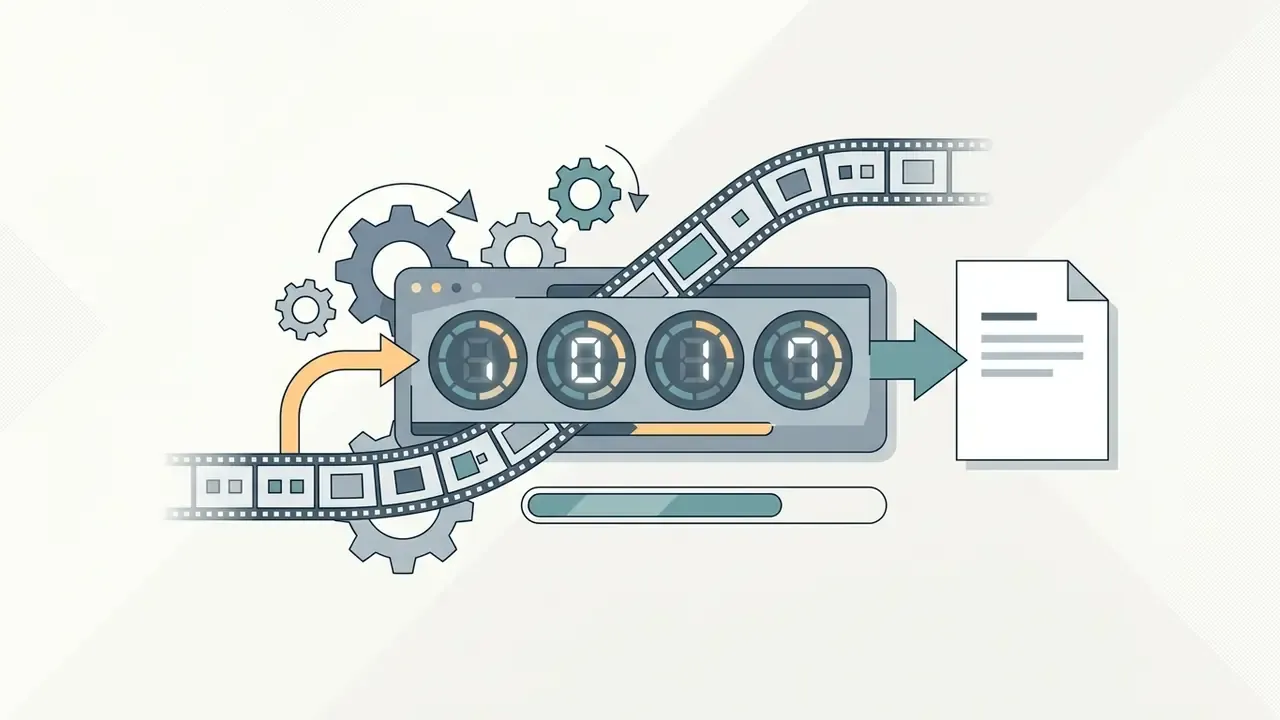
After arranging media assets, the editor configures timing parameters, adds captions, generates the graphic stream, and exports the finished file. The rendering engine applies palette quantization and LZW lossless compression across all active frames.
Text captions and watermark overlays are burned directly into frame pixel data during final encoding. Documented vendor workflows, for example the Watermark.ws GIF pipeline, describe reading the animation frame by frame, stamping every frame, and re-exporting with timing intact. That is vendor documentation rather than peer-reviewed measurement, and no independent benchmark of the approach was available at publication. Watermark appearance controls in comparable tooling expose opacity, rotation, scale, and anchor position, which matter when a legally required disclosure must remain legible at 128 px. Once processing finishes, the platform generates a direct download link for the completed file.
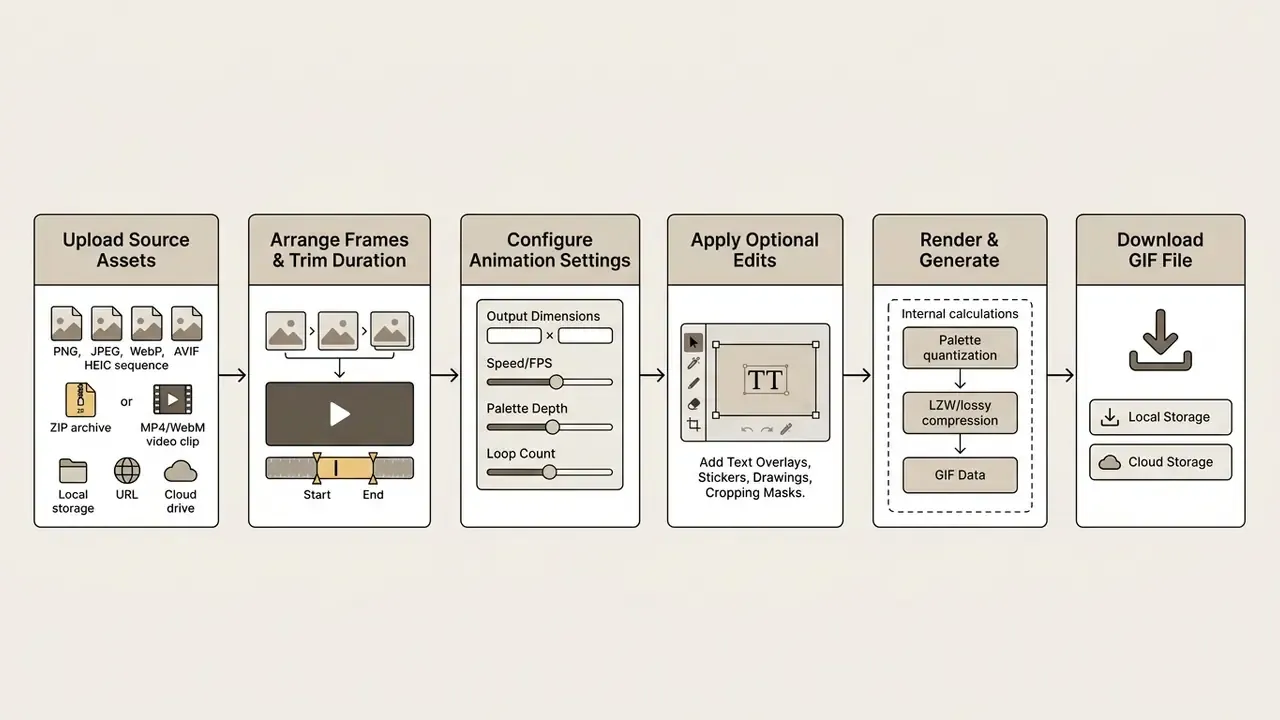
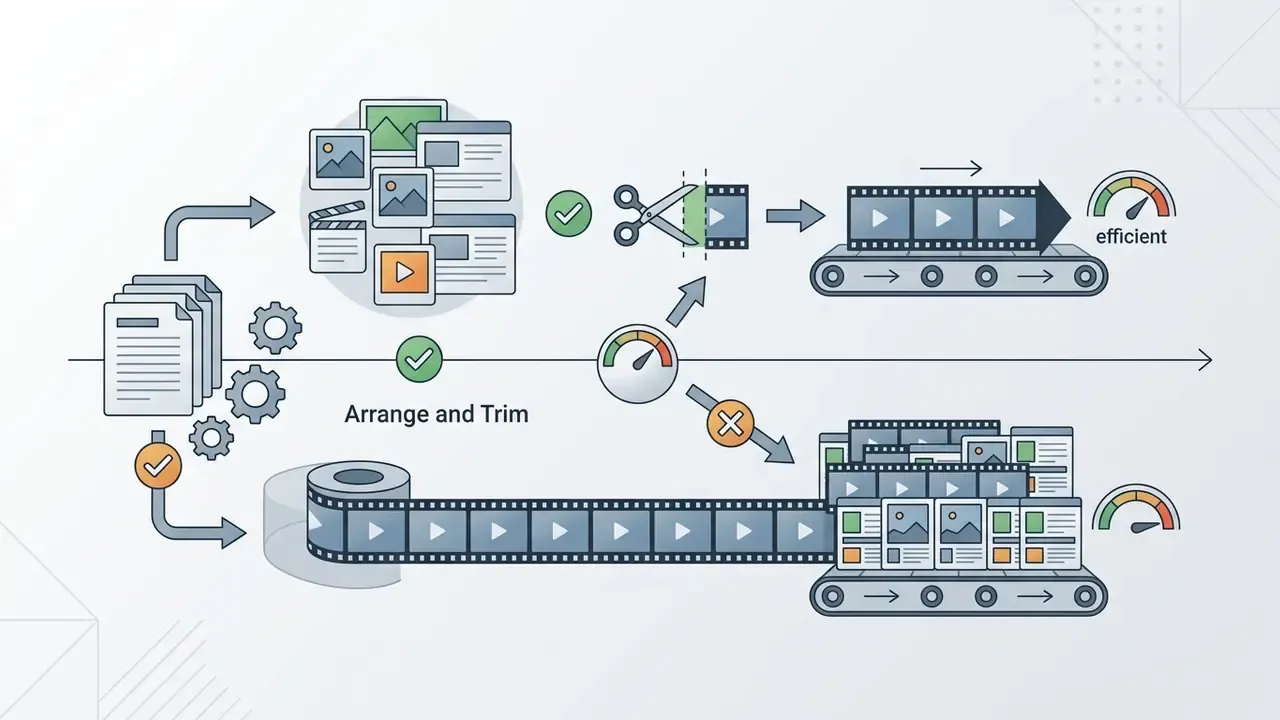
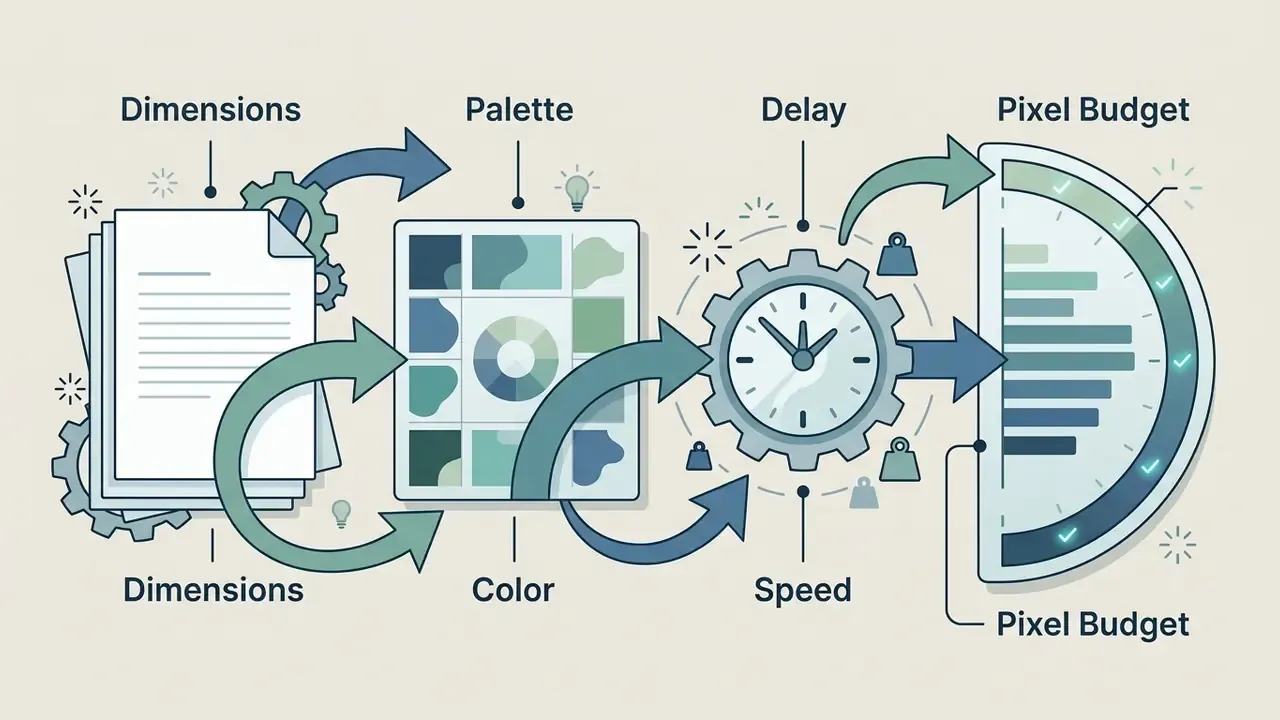
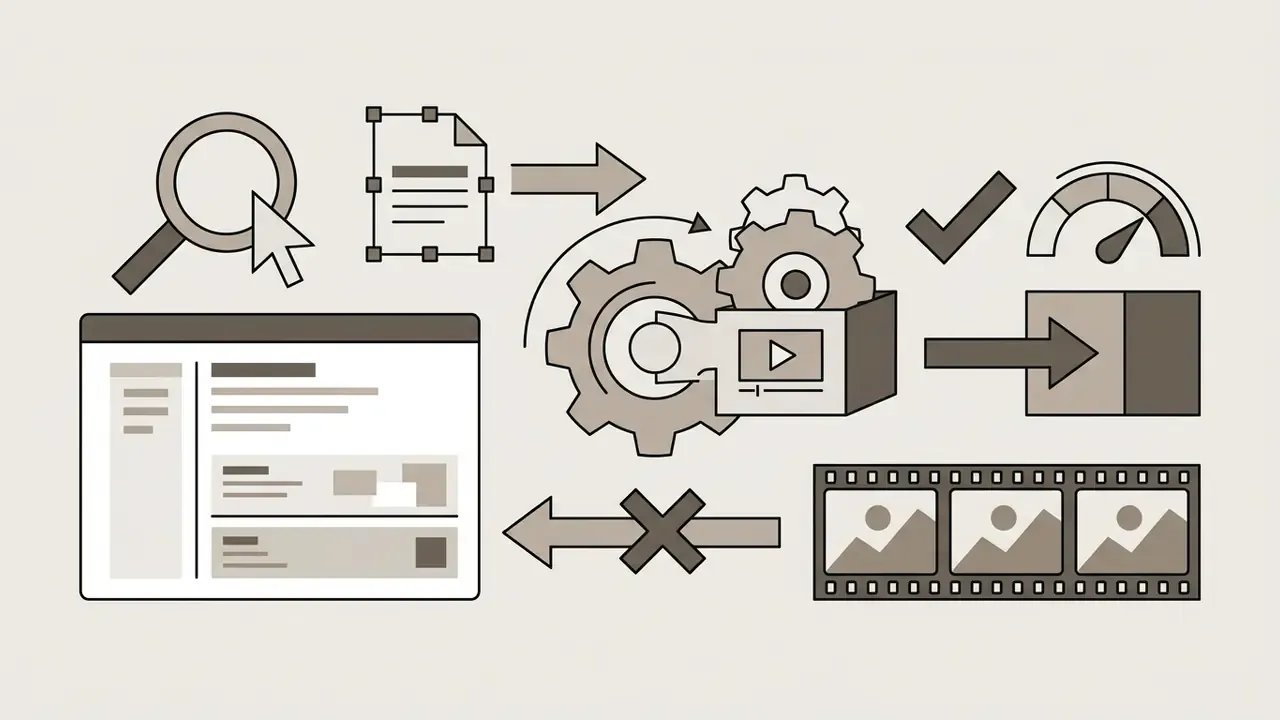
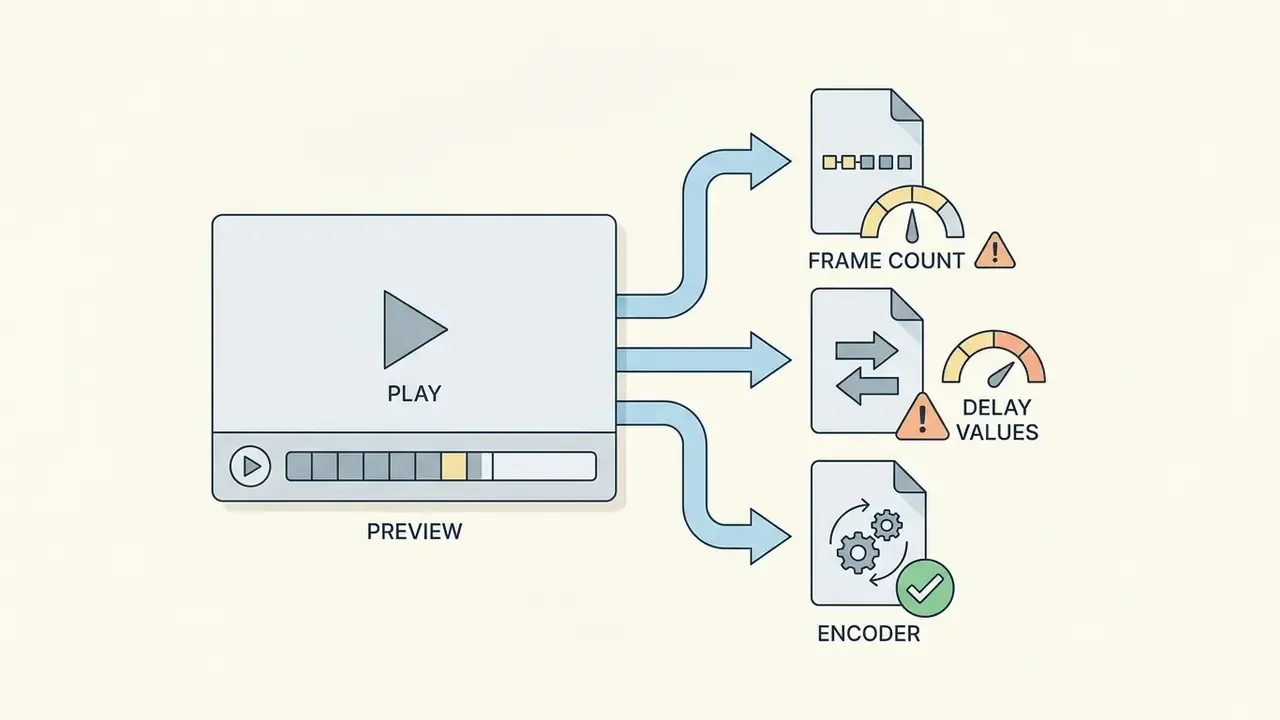
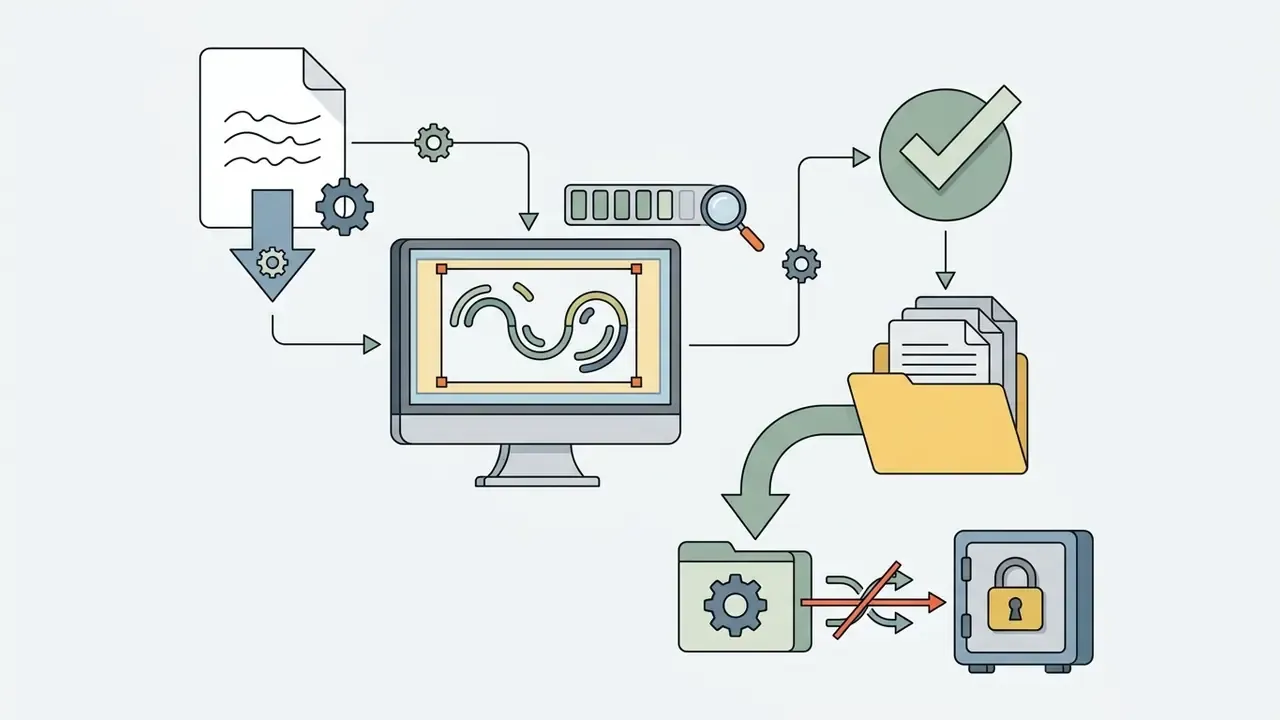
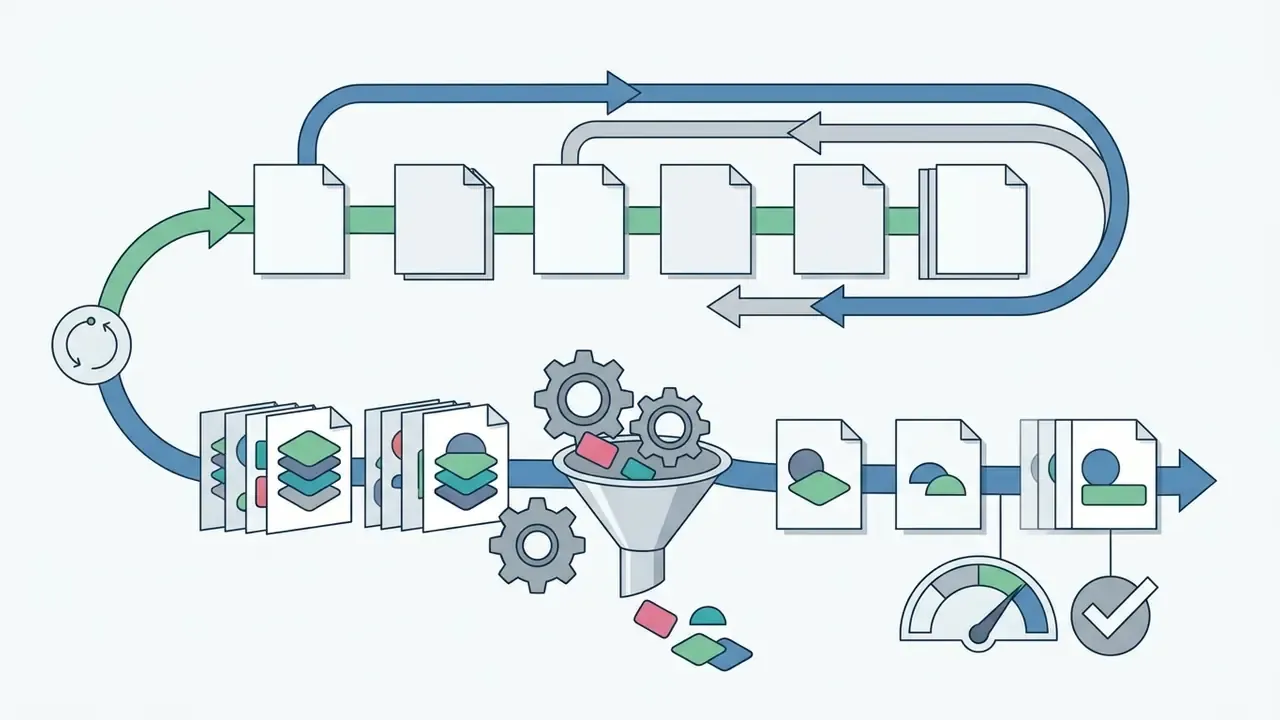
Notes on the six steps that the diagram cannot show:
Edit Existing GIFs and Add Text
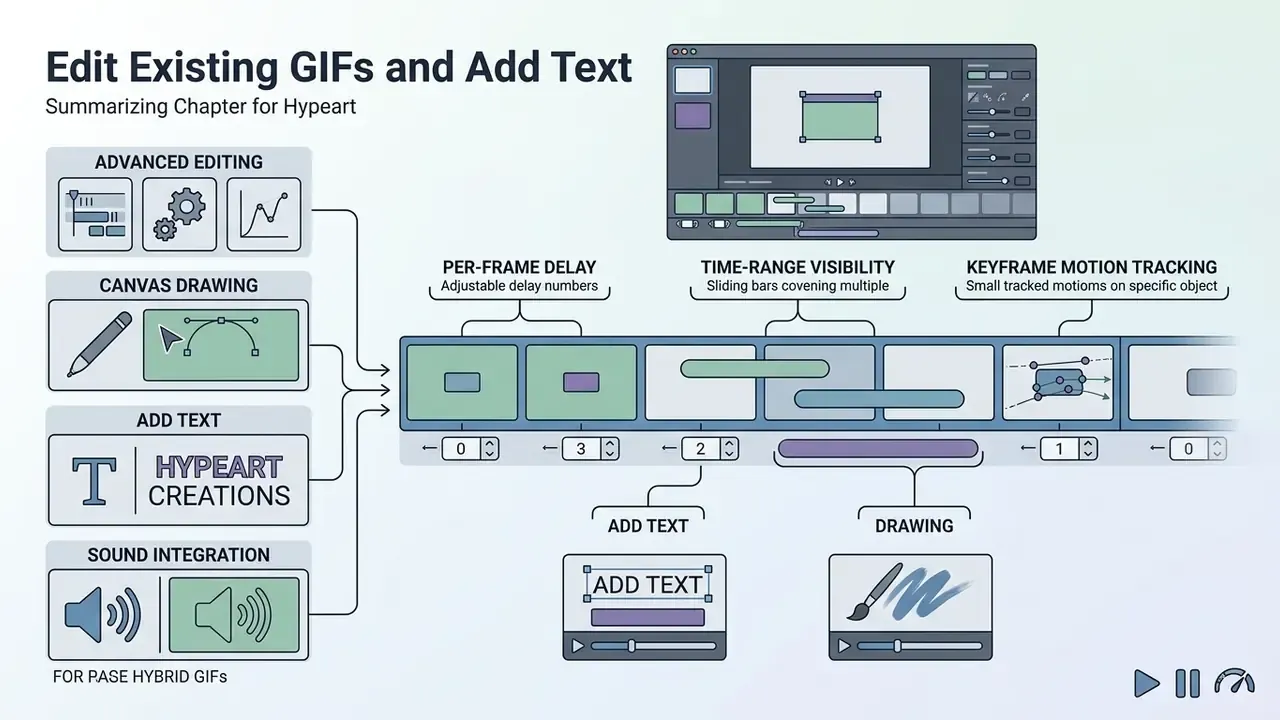
Editing existing gifs lets creators modify pre-compiled graphics without building animations from scratch. Browser editors break existing files down into constituent image frames for cropping, speed adjustment, and captioning.
Importing an existing graphic into a gif editor decompresses its LZW stream into individual frame layers, much as AI photo editors expose per-layer controls for still images. Users can crop canvas borders, remove redundant frames, or apply visual color filters like grayscale or sepia, along with sharpen, blur, posterize, invert, mirror, and motion-blur passes.
Adding text captions requires rasterizing font vectors into frame pixel matrices during re-encoding. To avoid visual quality degradation, editors should preserve original color tables whenever possible. According to research from Alibaba Lifetips, removing duplicate frames from static animation segments reduces overall file weight while maintaining correct playback timing.
Advanced Editing: Motion Tracking, Canvas Drawing, and Sound
Advanced web editors expand static captioning by providing temporal and spatial controls:
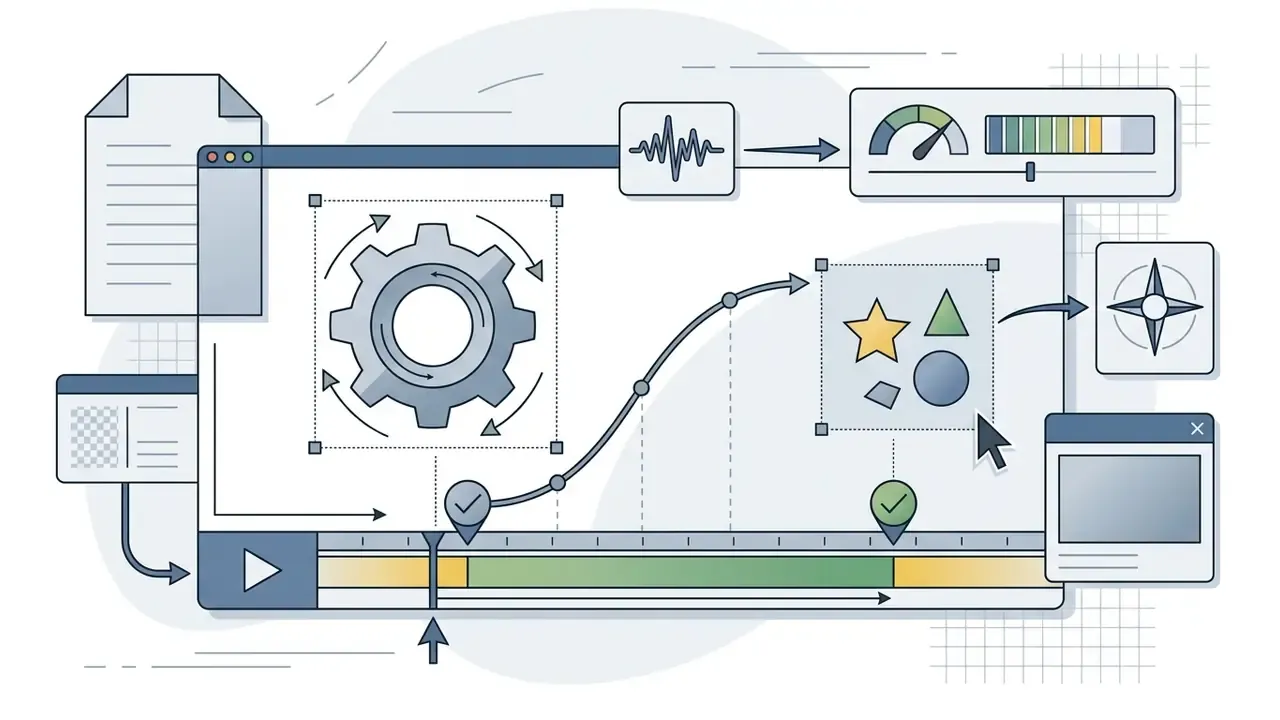
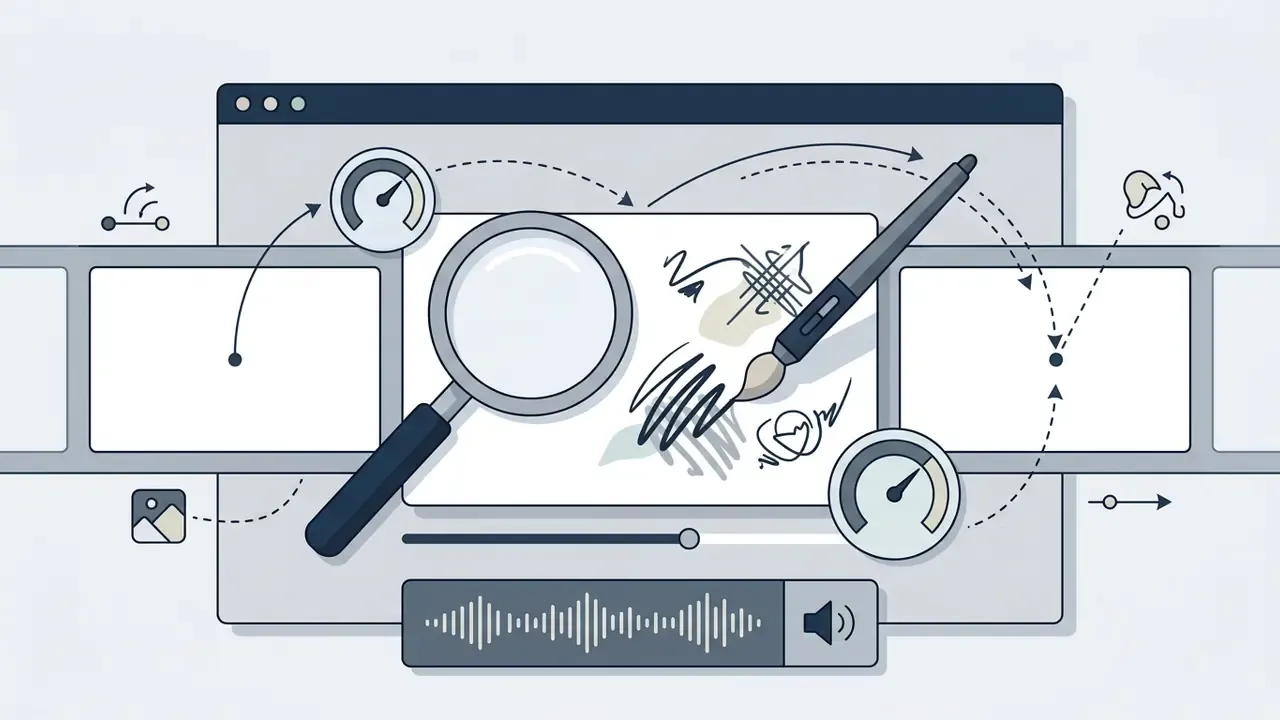
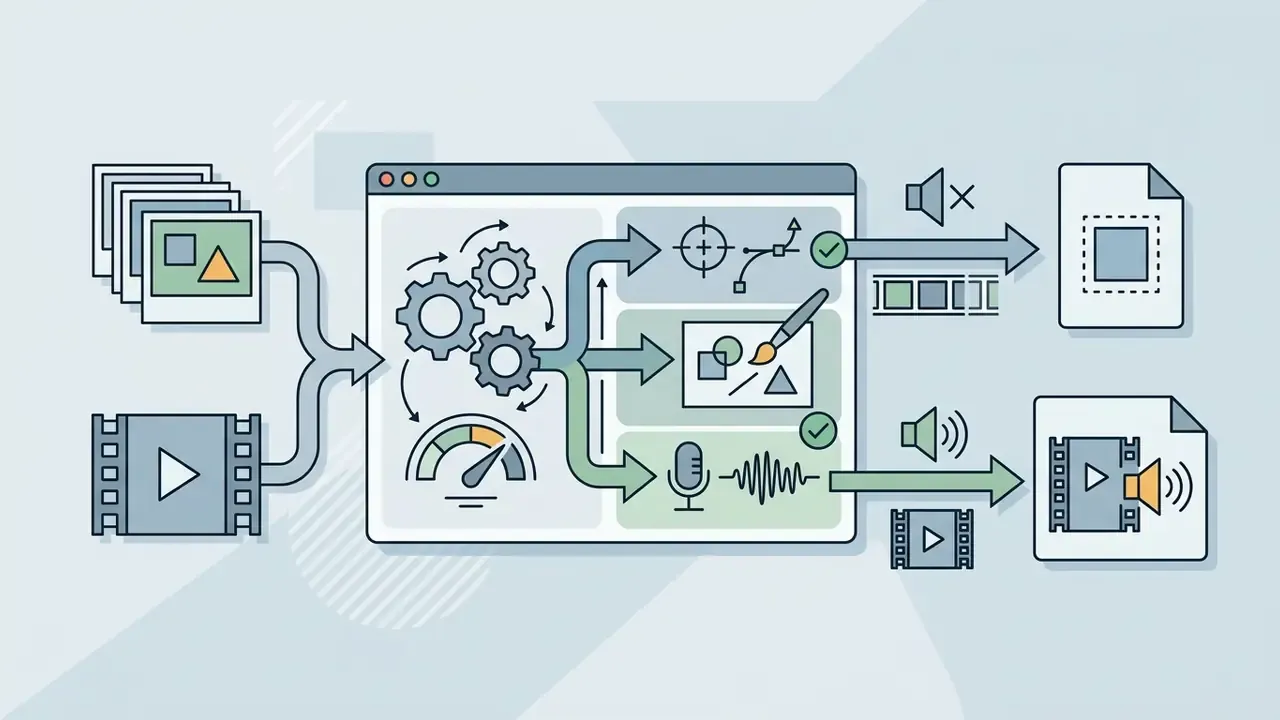
.gif always discards the audio.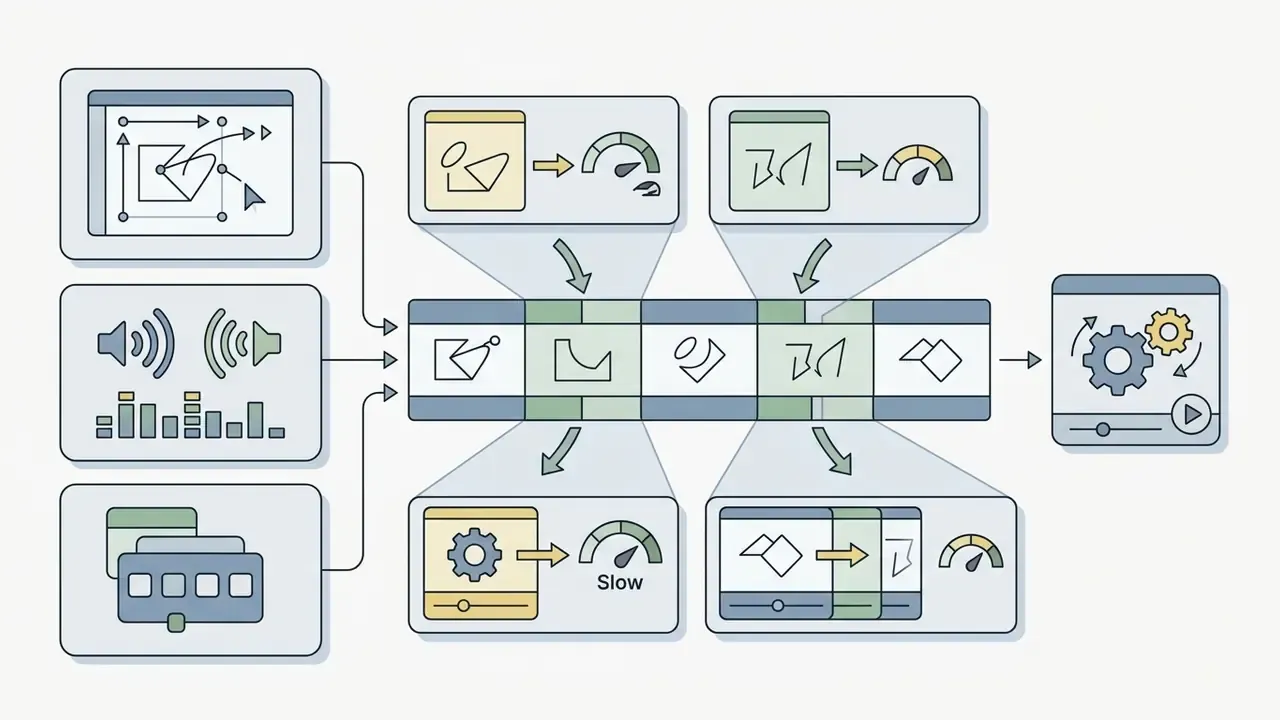
GIF Animation Settings for Quality, Speed, and Size
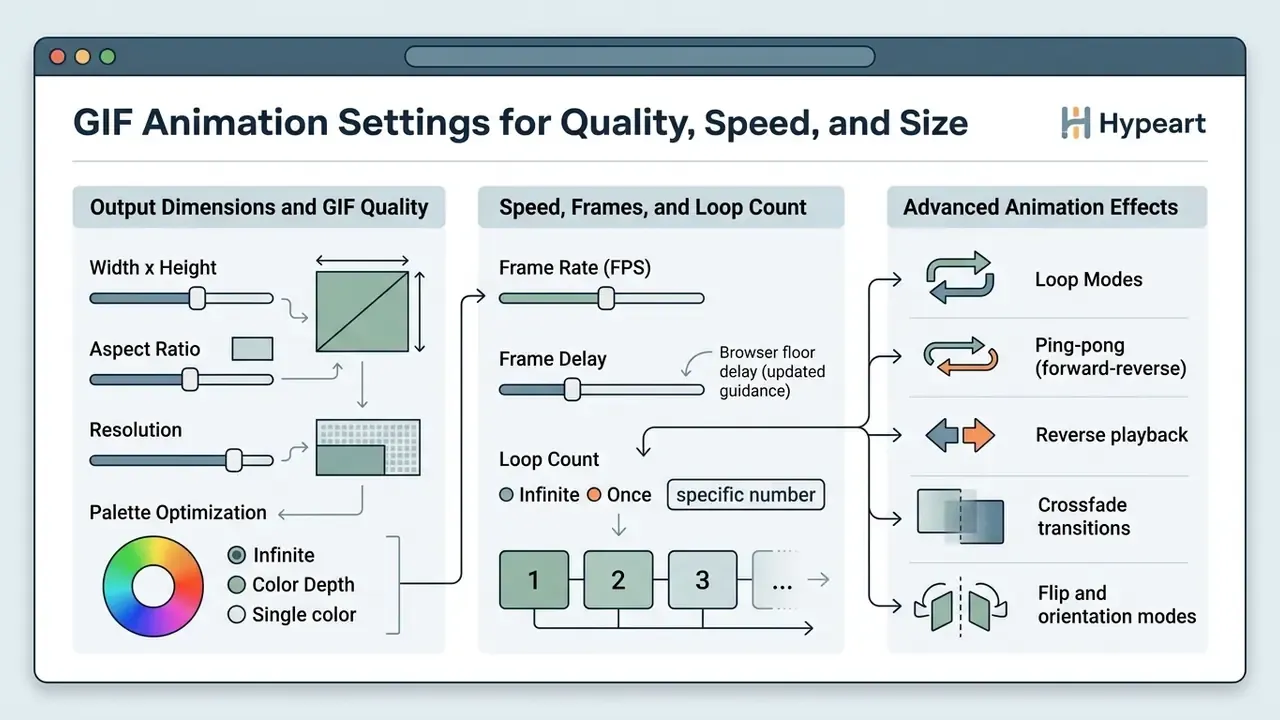
Proper animation settings balance visual clarity, playback smoothness, and total file size. Key configurable parameters include canvas dimensions, color palette depth, playback frame rate, and loop count.
Choose Output Dimensions and GIF Quality
Output dimensions establish the pixel width and height of the graphic canvas, directly driving total uncompressed frame data. Because pixel count scales quadratically with linear dimensions, reducing width dramatically lowers total file weight. Halving both width and height leaves roughly a quarter of the original data.
Empirical benchmark data from WhatTheGif shows that cutting canvas width from 480 pixels to 240 pixels reduces camera footage GIF file size by 69 percent. Web performance recommendations attributed to Google Web Fundamentals suggest maintaining display widths between 320 and 640 pixels for inline web graphics.
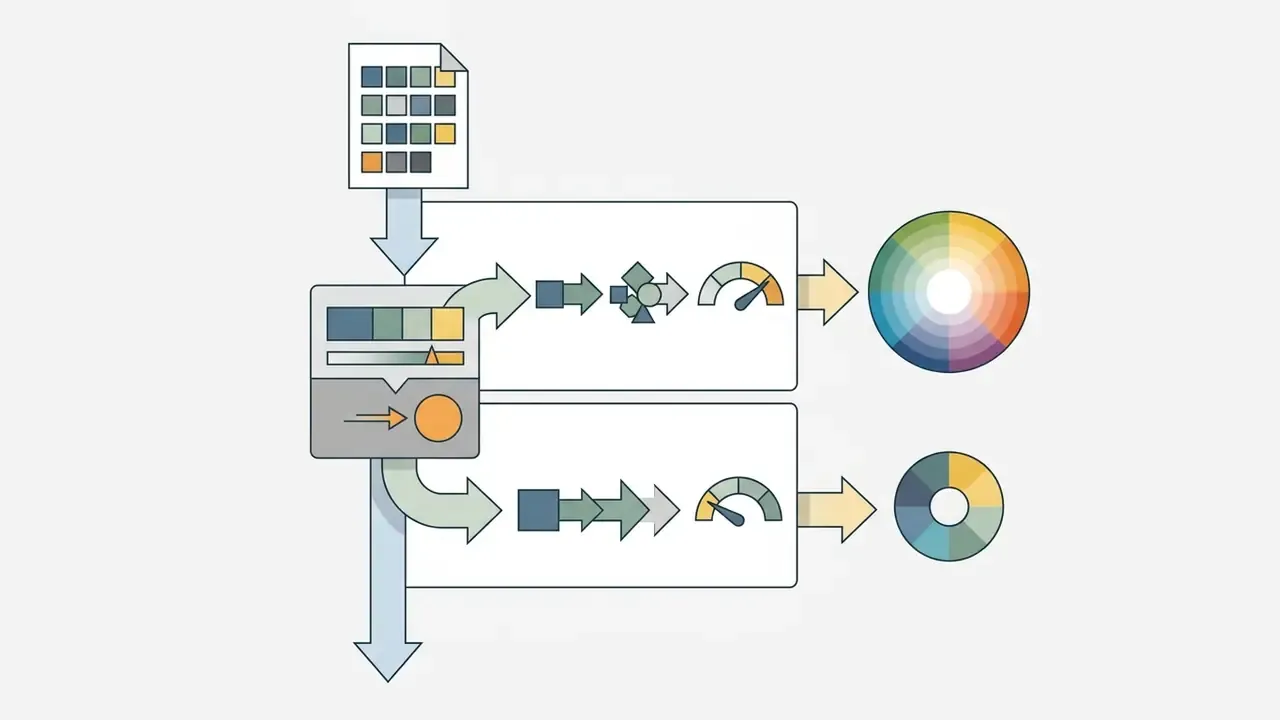
Reducing global color palettes from 256 to 128 colors typically yields a 20 to 30 percent reduction in byte weight with minimal perceived loss in visual quality. Dropping to 64 colors can save 20 to 40 percent, at the cost of visible banding in photographic gradients. Dithering smooths those gradients but adds pixel noise that resists LZW compression, so flat-color graphics and pixel art should be encoded with dithering disabled. A single global color palette shared across all frames reduces flicker between frames and sometimes improves apparent quality, at the cost of slightly longer generation time.
Note the format's own ceilings. GIF supports a maximum of 256 colors per frame, uses lossless LZW compression, and permits canvas dimensions up to 65,535 × 65,535 pixels, although many browser tools cap uploads at 1920 × 1920 px and resize larger inputs automatically.
Adjust Speed, Frames, and Loop Count
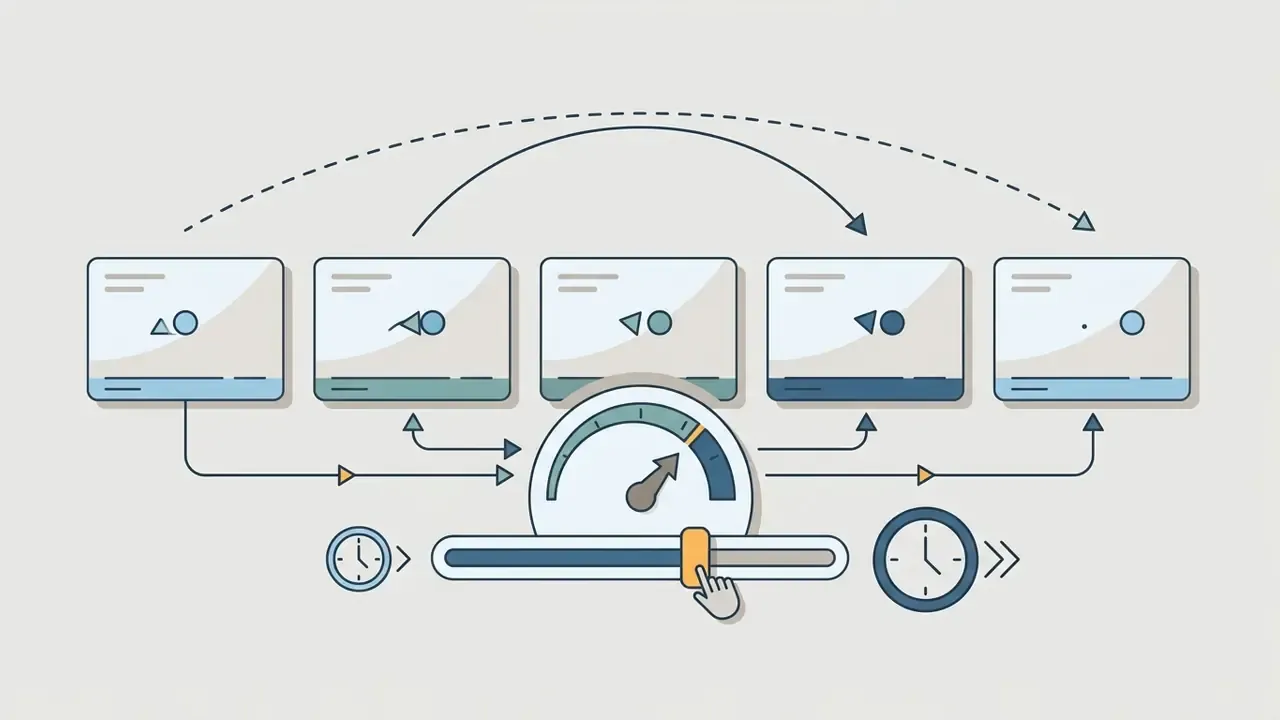
Playback speed depends on individual frame delay values, which are recorded in hundredths of a second within the file metadata. Frame rate determines how many distinct image frames display during each second of playback.
A frame delay of 10 hundredths of a second produces an effective playback rate of 10 frames per second. Research from the Nielsen Norman Group shows that users perceive motion as continuous when frame delays stay below 100 milliseconds.
«Nielsen Norman Group (2024) confirms that frame delays under 100 ms are perceived as continuous motion, equivalent to 10 fps». Giftomp4.net, "Best GIF Settings for Web". https://giftomp4.net/best-gif-settings-for-web
Browser floor delay (updated guidance). When configuring custom frame delays, creators must avoid values below 2 hundredths of a second (20 milliseconds, a 50 fps ceiling). Mainstream web browsers, including Chrome, Firefox, and Safari, enforce a mandatory delay floor. Any value under 0.02 seconds is ignored and rounded up to a slower default, frequently 10 hundredths of a second, producing unintended playback lag that looks like an encoding fault but is a rendering rule. Because delay granularity is fixed at 1/100 second, high frame rates are also not exactly representable, so encoders round to the nearest hundredth.
Setting loop count to zero creates an infinite repeat loop, whereas a specific integer value restricts playback to a fixed number of cycles. Loop count changes only playback behavior; it does not alter the stored frame payload or file size. Creators comparing GIF against timeline-based alternatives should also review dedicated animation makers, which export the same motion as MP4, WebP, or Lottie.
Frame budget guidance from long-standing technical documentation holds that at least 10 frames per animation cycle are usually required for smooth motion, while 5 frames per cycle can be acceptable for physically larger canvases where file size must stay low.
Advanced Animation Effects: Loop Modes and Transitions
To optimize visual transitions without inflating frame count, modern editors offer specific animation algorithms:
- Ping-pong (forverse) mode plays the frame sequence forward and then in reverse. This eliminates the abrupt visual jump at the loop boundary, creating seamless motion for slow-motion clips and short video loops where the first and last frames do not match.
- Reverse playback renders the sequence back-to-front, a one-click way to turn a "pour" into a "fill" or to build comedic reaction loops.
- Crossfade transitions generate intermediate alpha-blended frames between static photos. A higher generated frame count and shorter fader delay produce smoother slideshow gradients, but total frame count, and file weight, scale rapidly, so the two values must be tuned together.
- Flip and orientation modes horizontal or vertical mirroring and rotation applied uniformly across all frames, typically used to correct phone-captured source footage.
- Multi-tier lossy compression beyond standard LZW lossless optimization, lossy GIF compression selectively discards minor color variations across consecutive frames. Graduated levels, from basic through aggressive presets, can reduce weight by up to roughly 50 percent with limited visual degradation. Aggressive optimization is also the most common cause of downstream CMS upload failures, as noted in the troubleshooting section below.
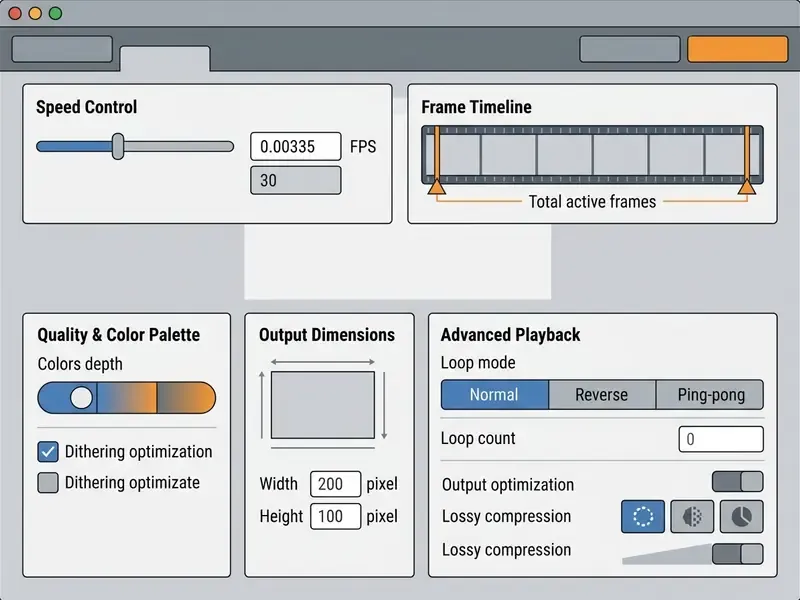
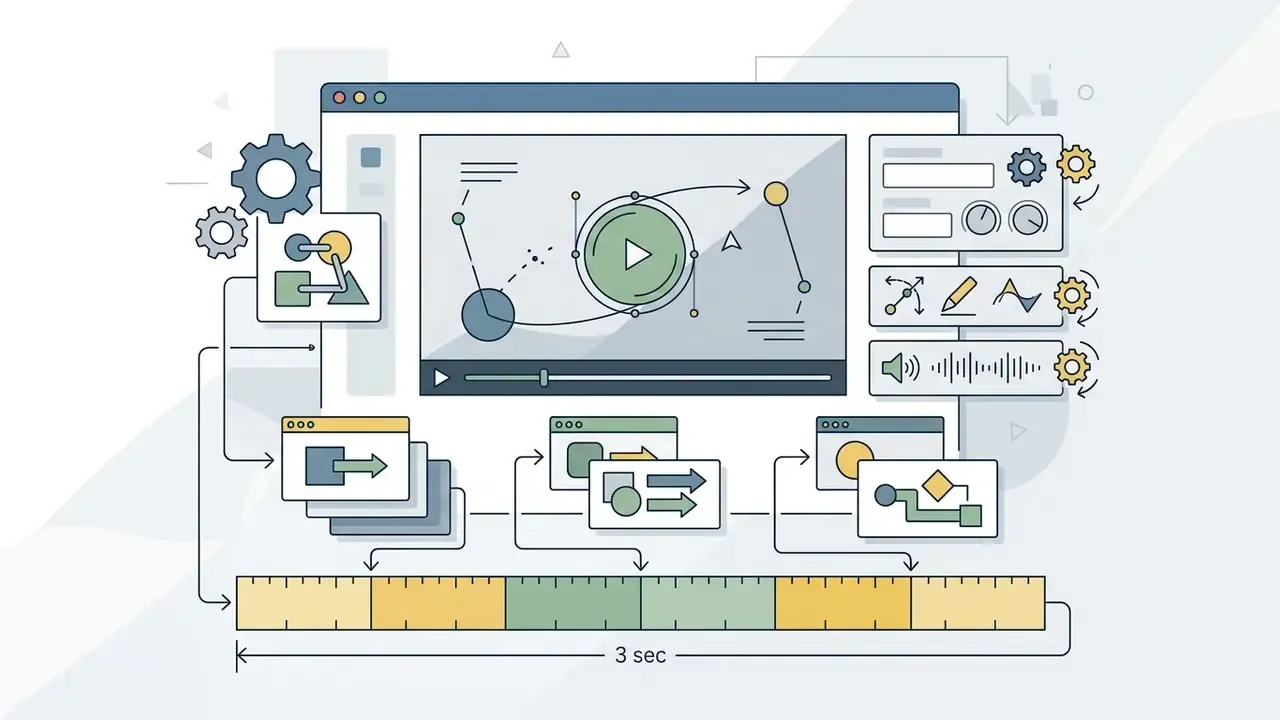
Interface controls govern output performance across six primary operational settings:
Free GIF Maker, No Sign Up, and Commercial Use
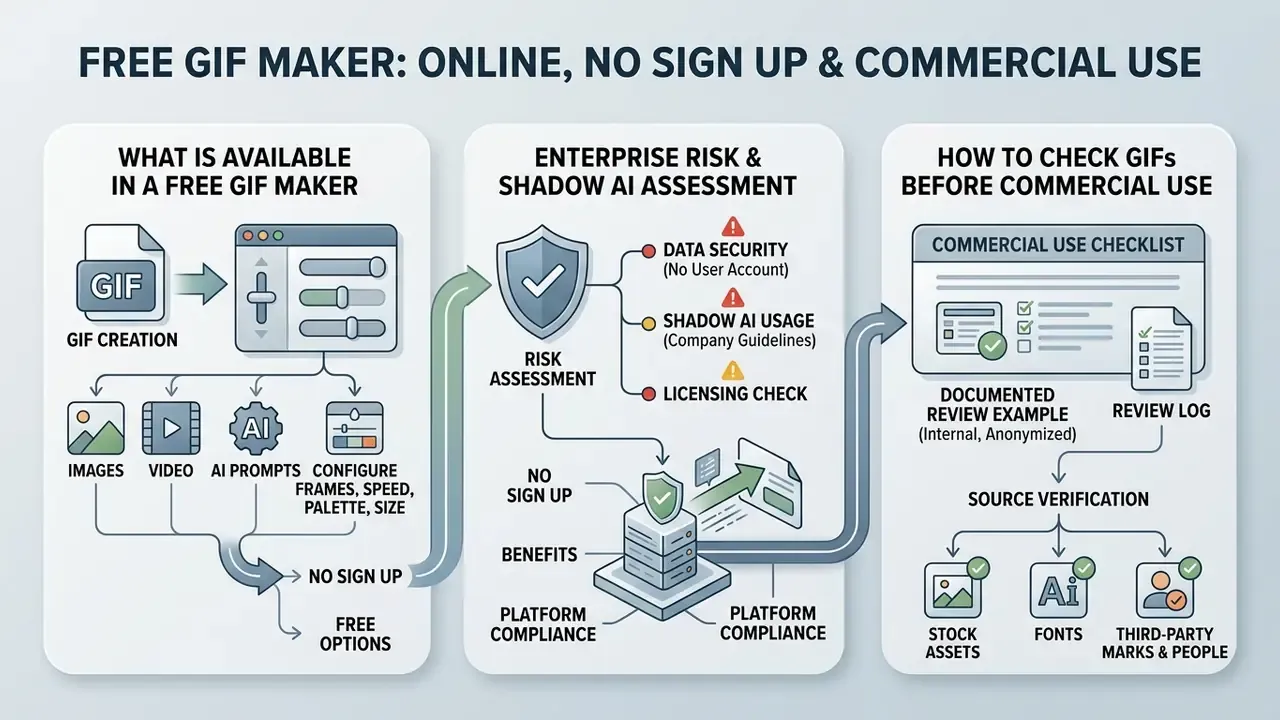
A free gif maker no sign up platform lets users create animated graphics without registering an account or paying a subscription. Commercial deployment, though, requires verifying underlying image ownership, platform terms, and output licensing rules.
What Is Available in a Free GIF Maker
A free gif animation maker typically provides fundamental creation tools directly inside a browser session. Core features include image uploading, video trimming, frame reordering, speed adjustment, and basic text overlays. That covers most internal and social use cases without a single form field.
Free utilities such as Ezgif and Gifmake offer browser-based encoding without requiring account registration or applying forced brand watermarks. Certain free services enforce functional constraints, such as maximum file upload limits between 8 MB and 20 MB, or capping frame counts at 250 frames per graphic. Others invert the model: some ad-supported editors stamp a brand watermark on free output and remove it only on a paid tier, while also capping maximum frames (for example 160 on free versus 1,600 on paid) and maximum dimensions (360 × 360 px on free tiers). Before committing a team to one vendor, the tier breakdowns collected in the AI Media Pricing Guides are worth a five-minute scan.
Destination limits are just as binding as tool limits.
Web tools that process files locally in client memory avoid server upload delays and protect basic data privacy during production. Teams evaluating no-cost tooling more broadly can apply the same criteria used for free photo editors: export restrictions, watermark policy, and where the pixels are actually processed.
Enterprise Risk and Shadow AI Assessment
Because GIF tooling sits outside most procurement processes, it is a classic Shadow AI vector. An employee can move confidential product footage to an unvetted endpoint in two clicks. No ticket, no approval, no record. The matrix below gives InfoSec and GRC reviewers a fast triage model.
<table>
  <caption>Vendor Triage Matrix for Online GIF Tooling: Processing Model, Risk, and Approved Data Class</caption>
  <thead>
    <tr>
      <th>Processing Model</th>
      <th>Where Media Is Processed</th>
      <th>Primary Risk</th>
      <th>Reviewer Checks</th>
      <th>Approved Data Class</th>
    </tr>
  </thead>
  <tbody>
    <tr>
      <td>Client-side (in-browser WASM/Canvas)</td>
      <td>Local device memory only; no upload</td>
      <td>Low: residual risk is browser extensions and local cache</td>
      <td>Verify no network calls carry media payloads; confirm vendor claim in DevTools network tab</td>
      <td>Internal and confidential assets (subject to endpoint policy)</td>
    </tr>
    <tr>
      <td>Server-side rendering (upload, transcode, download)</td>
      <td>Vendor infrastructure; temporary file storage</td>
      <td>Medium: retention window, log exposure, shared temp URLs</td>
      <td>Retention period, deletion SLA, public-link defaults, subprocessor list, region of processing</td>
      <td>Public or already-published assets</td>
    </tr>
    <tr>
      <td>Generative AI (prompt or image to animation)</td>
      <td>Third-party model API, often multi-region</td>
      <td>High: prompt and image retention, training reuse, output rights uncertainty</td>
      <td>Training opt-out, prompt logging policy, human-authorship documentation, output indemnity</td>
      <td>Non-confidential creative material only</td>
    </tr>
    <tr>
      <td>Community platform with public gallery</td>
      <td>Vendor infrastructure plus public index</td>
      <td>Critical: accidental publication by default privacy setting</td>
      <td>Default visibility state, "private" toggle behavior, watermark and attribution terms</td>
      <td>Marketing assets cleared for public release</td>
    </tr>
  </tbody>
</table>
Three practices reduce residual risk quickly: prefer client-side tools for anything unreleased; require an explicit "private" selection before any upload to a community platform; and keep a short approved-vendor list so staff are not improvising under deadline. The third one does most of the work, in practice, because deadline pressure is what creates shadow tooling in the first place.
Because GIF tooling sits outside most procurement processes, it is a classic Shadow AI vector. An employee can move confidential product footage to an unvetted endpoint in two clicks. No ticket, no approval, no record. The matrix below gives InfoSec and GRC reviewers a fast triage model.
<table>
  <caption>Vendor Triage Matrix for Online GIF Tooling: Processing Model, Risk, and Approved Data Class</caption>
  <thead>
    <tr>
      <th>Processing Model</th>
      <th>Where Media Is Processed</th>
      <th>Primary Risk</th>
      <th>Reviewer Checks</th>
      <th>Approved Data Class</th>
    </tr>
  </thead>
  <tbody>
    <tr>
      <td>Client-side (in-browser WASM/Canvas)</td>
      <td>Local device memory only; no upload</td>
      <td>Low: residual risk is browser extensions and local cache</td>
      <td>Verify no network calls carry media payloads; confirm vendor claim in DevTools network tab</td>
      <td>Internal and confidential assets (subject to endpoint policy)</td>
    </tr>
    <tr>
      <td>Server-side rendering (upload, transcode, download)</td>
      <td>Vendor infrastructure; temporary file storage</td>
      <td>Medium: retention window, log exposure, shared temp URLs</td>
      <td>Retention period, deletion SLA, public-link defaults, subprocessor list, region of processing</td>
      <td>Public or already-published assets</td>
    </tr>
    <tr>
      <td>Generative AI (prompt or image to animation)</td>
      <td>Third-party model API, often multi-region</td>
      <td>High: prompt and image retention, training reuse, output rights uncertainty</td>
      <td>Training opt-out, prompt logging policy, human-authorship documentation, output indemnity</td>
      <td>Non-confidential creative material only</td>
    </tr>
    <tr>
      <td>Community platform with public gallery</td>
      <td>Vendor infrastructure plus public index</td>
      <td>Critical: accidental publication by default privacy setting</td>
      <td>Default visibility state, "private" toggle behavior, watermark and attribution terms</td>
      <td>Marketing assets cleared for public release</td>
    </tr>
  </tbody>
</table>
Three practices reduce residual risk quickly: prefer client-side tools for anything unreleased; require an explicit "private" selection before any upload to a community platform; and keep a short approved-vendor list so staff are not improvising under deadline. The third one does most of the work, in practice, because deadline pressure is what creates shadow tooling in the first place.
How to Check GIFs Before Commercial Use
Deploying generated graphics in commercial campaigns requires clearing intellectual property rights for every media asset used in production. Using a free gif maker does not grant copyright ownership over third-party video frames or copyrighted stock photography.
According to guidelines published by the U.S. Copyright Office, synthetic material generated purely by AI systems lacks federal copyright protection unless significant human creative control is demonstrated.
«Applications registering works that contain AI-generated material must explicitly disclose and disclaim the non-human-authored portions». U.S. Copyright Office, AI guidance (2026). https://www.copyright.gov/ai/
Fact Check & Terms Verification:
Where to Use and Share Animated GIFs
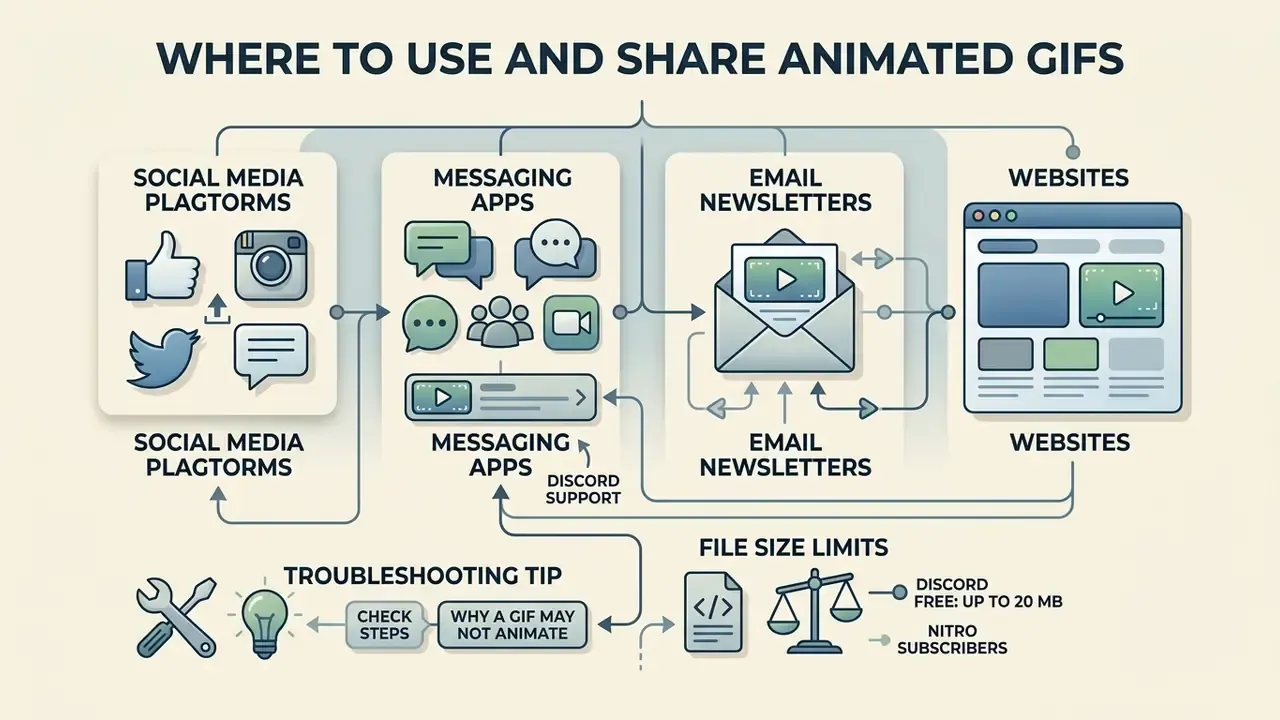
Exported graphics serve as engaging visual assets across messaging channels, social media platforms, email newsletters, and websites. Understanding platform-specific media specifications keeps playback consistent after publishing.
Messaging environments like Discord accept image attachments up to 20 MB on free accounts, playing animated files directly within chat threads.
Email marketing campaigns perform best when embedded graphics stay under 200 KB, which keeps mobile load times short. Teams preparing source footage before conversion often start in free video editing software to trim and stabilize the clip, then hand only the final three seconds to the GIF encoder.
<table>
  <caption>Platform Media Specifications and File Constraints for Animated GIFs</caption>
  <thead>
    <tr>
      <th>Publishing Platform</th>
      <th>Maximum Upload File Size</th>
      <th>Recommended Dimensions</th>
      <th>Playback & Encoding Behavior</th>
    </tr>
  </thead>
  <tbody>
    <tr>
      <td>Discord (Free Tier)</td>
      <td>20 MB max file size (500 MB with Nitro)</td>
      <td>320 px to 640 px width</td>
      <td>Plays inline automatically if file size stays under attachment limit.</td>
    </tr>
    <tr>
      <td>Slack Custom Emoji</td>
      <td>128 KB max file size</td>
      <td>Exactly 128x128 pixels</td>
      <td>Hard-coded size ceiling; requires aggressive frame and color reduction.</td>
    </tr>
    <tr>
      <td>Email Marketing</td>
      <td>200 KB recommended max</td>
      <td>480 px to 600 px width</td>
      <td>Ensures rapid mobile render speeds and avoids deliverability penalties; first frame must carry the message for clients that block animation.</td>
    </tr>
    <tr>
      <td>Facebook Feed</td>
      <td>Varies by posting method</td>
      <td>640x360 pixels; keep both sides above 200 px</td>
      <td>Converts direct uploads into MP4 video streams; small GIFs frequently render static.</td>
    </tr>
    <tr>
      <td>Telegram</td>
      <td>Server-side conversion applies</td>
      <td>320 px to 640 px width</td>
      <td>Uploaded .gif files are automatically converted to soundless MPEG-4 (H.264) video.</td>
    </tr>
  </tbody>
</table>
Note on X (formerly Twitter): no current official primary documentation of GIF upload size and dimension rules was verifiable at the time of writing. Teams should test with a low-stakes asset before scheduling a campaign rather than trusting secondhand figures.
Email marketing campaigns perform best when embedded graphics stay under 200 KB, which keeps mobile load times short. Teams preparing source footage before conversion often start in free video editing software to trim and stabilize the clip, then hand only the final three seconds to the GIF encoder.
<table>
  <caption>Platform Media Specifications and File Constraints for Animated GIFs</caption>
  <thead>
    <tr>
      <th>Publishing Platform</th>
      <th>Maximum Upload File Size</th>
      <th>Recommended Dimensions</th>
      <th>Playback & Encoding Behavior</th>
    </tr>
  </thead>
  <tbody>
    <tr>
      <td>Discord (Free Tier)</td>
      <td>20 MB max file size (500 MB with Nitro)</td>
      <td>320 px to 640 px width</td>
      <td>Plays inline automatically if file size stays under attachment limit.</td>
    </tr>
    <tr>
      <td>Slack Custom Emoji</td>
      <td>128 KB max file size</td>
      <td>Exactly 128x128 pixels</td>
      <td>Hard-coded size ceiling; requires aggressive frame and color reduction.</td>
    </tr>
    <tr>
      <td>Email Marketing</td>
      <td>200 KB recommended max</td>
      <td>480 px to 600 px width</td>
      <td>Ensures rapid mobile render speeds and avoids deliverability penalties; first frame must carry the message for clients that block animation.</td>
    </tr>
    <tr>
      <td>Facebook Feed</td>
      <td>Varies by posting method</td>
      <td>640x360 pixels; keep both sides above 200 px</td>
      <td>Converts direct uploads into MP4 video streams; small GIFs frequently render static.</td>
    </tr>
    <tr>
      <td>Telegram</td>
      <td>Server-side conversion applies</td>
      <td>320 px to 640 px width</td>
      <td>Uploaded .gif files are automatically converted to soundless MPEG-4 (H.264) video.</td>
    </tr>
  </tbody>
</table>
Note on X (formerly Twitter): no current official primary documentation of GIF upload size and dimension rules was verifiable at the time of writing. Teams should test with a low-stakes asset before scheduling a campaign rather than trusting secondhand figures.
Why a GIF May Not Animate After Uploading
An animated graphic stops playing when a hosting platform re-encodes the file into a static image or an incompatible video container. This happens when uploaded assets violate platform file size ceilings or frame dimension limits.
Official documentation from the Discord Support Center confirms that files exceeding attachment limits are rejected or converted to static preview thumbnails (https://support.discord.com/hc/en-us/articles/file-attachments). Social networks like Facebook frequently convert uploaded graphics into MP4 or WebM video loops to conserve network bandwidth, one reason it pays to keep both width and height above 200 pixels, since very small GIFs are the most likely to render as stills. When automated server pipelines strip animation metadata or frame delay headers during image compression, the graphic displays only its initial frame. Where bandwidth is the binding constraint, shrinking the master clip with video compressors before conversion is more effective than fighting the platform's encoder.
Common platform-specific bugs and proven fixes include:
- Shopify upload errors: Shopify's media engine often misinterprets heavily optimized LZW or lossy GIFs as corrupted files. Switch the tool's export setting from advanced or aggressive optimization to basic optimization. File size increases, but compatibility across CMS platforms and desktop programs improves markedly.
- Mobile app download failures (Instagram, Facebook): in-app webviews inside social apps frequently block direct blob or GIF file downloads, and the save button appears to do nothing at all. Copy the page URL, reopen it in a standalone browser such as Safari or Chrome, then download normally.
- Cloud storage integration: when importing source assets, direct API connectors for Google Drive or Google Photos bypass local memory limits, enabling multi-gigabyte clip processing without browser crashes on low-RAM devices.
- Frame extraction failures in downstream tools: if another program cannot split your GIF back into frames, the cause is usually inter-frame delta optimization. Re-export with basic optimization and a single global palette.
- Intermittent social autoplay: some networks decide per-post whether to animate. Re-triggering the share dialog, or hosting the file and posting a link instead of an upload, often restores playback.
Longer-tail failure modes, including CDN cache behavior and CMS-side re-encoding, are collected in AI Media Support and Troubleshooting.
Pre-Flight Checklist Before Publishing
Run this list before any GIF leaves the production environment:
Checklist0 / 13
Frequently Asked Questions (FAQ)
Which input formats can an online GIF maker accept?
Mainstream tools handle PNG, JPEG, WebP, AVIF, HEIC, BMP, TIFF, GIF, APNG, and Aseprite files, plus ZIP archives of image sequences, and video containers including MP4, MOV, WebM, AVI, WMV, and MPEG. Many editors also convert whatever additional formats the host browser can decode, such as SVG.
Why did my GIF slow down after I set a very fast speed?
Because frame delays below 2 hundredths of a second are ignored by Chrome, Firefox, and Safari, which substitute a slower default. Set 0.02 s as your practical floor.
Can a GIF have sound?
Not as a GIF. The GIF89a specification has no audio channel. Platforms that appear to offer "GIFs with sound" are serving an MP4 or WebM video with a toggleable audio track. Download it as a .gif and the audio disappears.
Is a free, no-signup GIF maker safe for confidential material?
Only if rendering happens entirely in the browser. Verify that no media payload leaves the device, and route server-side or generative-AI tools through the Shadow AI triage matrix above before using them on unreleased assets.
Do I own a GIF made with a free tool?
You own whatever rights you brought to it, plus your own creative contribution. The tool's terms determine whether the vendor claims anything over the output; copyright in the underlying footage, photos, and fonts stays with their owners. Purely AI-generated frames receive no automatic U.S. copyright protection.
How do I make a GIF loop without a visible jump?
Use ping-pong (forverse) mode so the sequence plays forward and then backward, or trim the clip so the first and last frames are visually near-identical.
What is the fastest way to halve a GIF's size?
Reduce canvas width. Because pixel count scales quadratically, cutting width from 480 to 240 pixels removes roughly 69 percent of the file, far more than any palette or delay change.
Does loop count affect file size?
No. Loop count is a playback instruction stored in a metadata extension. It does not change the frame data.
Can I generate a GIF from images without installing software?
Yes. A browser-based gif animation generator can generate a GIF from images entirely client-side, using Canvas or WebAssembly encoders, so nothing is installed and nothing is uploaded. That is also the configuration most likely to pass a data-handling review.
What to Do Next
- Re-encode your three highest-traffic animated assets at target display width with a 128-color palette, then measure the page-speed delta.
- Add the Shadow AI triage matrix to your vendor intake questionnaire so GIF and animation tooling is reviewed like any other data processor.
- Adopt the pre-flight checklist as a required step in your content approval workflow, and archive licenses alongside each exported file.
Small steps. Reversible ones, which is the point.
Reference terminology used throughout this guide is defined in the AI Media Glossary.