Why should a bank care about a picture tool? Because the picture is published under your brand.
Last reviewed and updated: February 2026.
Executive Summary: What Risk and Governance Leaders Need to Know in 30 Seconds
This section condenses the operational, legal, and financial conclusions of the full guide for CROs, Chief Compliance Officers, and Heads of Model Risk who need a decision basis before reading the technical chapters.
- Four distinct entry points, four different risk profiles. Gemini Apps and Google Labs ImageFX are consumer surfaces. Google Workspace, including the newer Google Pics editor at
pics.new, is the managed productivity surface. Google Cloud Vertex AI is the only surface designed for contractual enterprise governance, IAM-controlled access, and audit logging. - Commercial use is permitted, ownership is not guaranteed. Google does not claim ownership of original user outputs under its Terms of Service, but the U.S. Copyright Office (2025/2026) will not register purely machine-generated visuals lacking substantial human authorship. Commercial deployment is allowed. Exclusivity is not.
- Preview products are a hard stop. Google Cloud Generative AI Preview Products terms prohibit commercial or production deployment unless Google permits it in writing. Any bank-facing campaign built on a preview model is a policy violation by default.
- Provenance is built in. Every image carries an invisible SynthID watermark, which supports downstream deepfake defence, brand-integrity audits, and disclosure obligations.
- Unit economics are predictable. Vertex AI image generation is billed per output image (roughly $0.030 per standard Imagen 3 image, with text token input billed separately at about $0.0001 per 1K input tokens). A per-campaign cost model is therefore easy to build and easy to defend in a budget review.
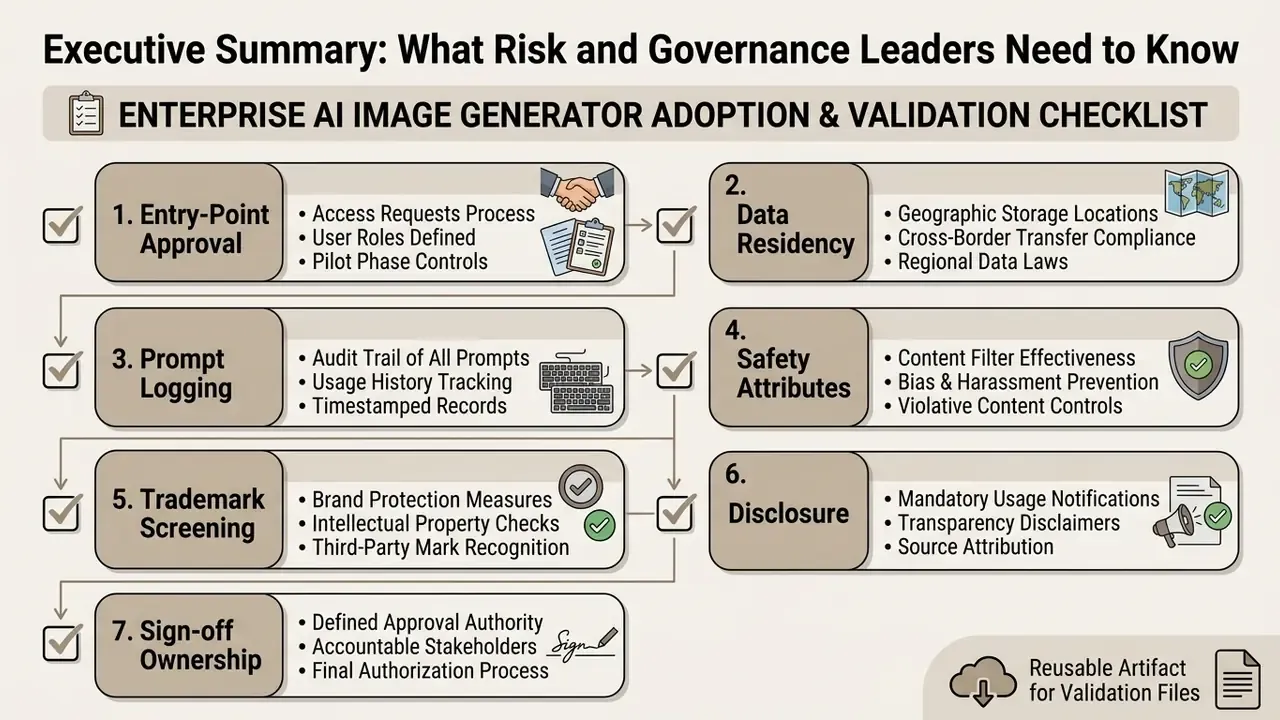
- The control layer, not the model, is the bottleneck. Model risk teams should budget for prompt and seed logging, safety-attribute retention, trademark screening, and human review gates aligned to Federal Reserve SR 11-7, OCC 2011-12, the NIST AI Risk Management Framework 1.0, and, for cross-border institutions, the EU AI Act transparency obligations.
What is Google AI Image Generator and Where is It Available
Google provides AI-driven image generation across multiple product entry points rather than through a single standalone app. You can generate visual assets via Gemini Apps, Google Labs ImageFX, Google Cloud Vertex AI, and Google Workspace integrations.
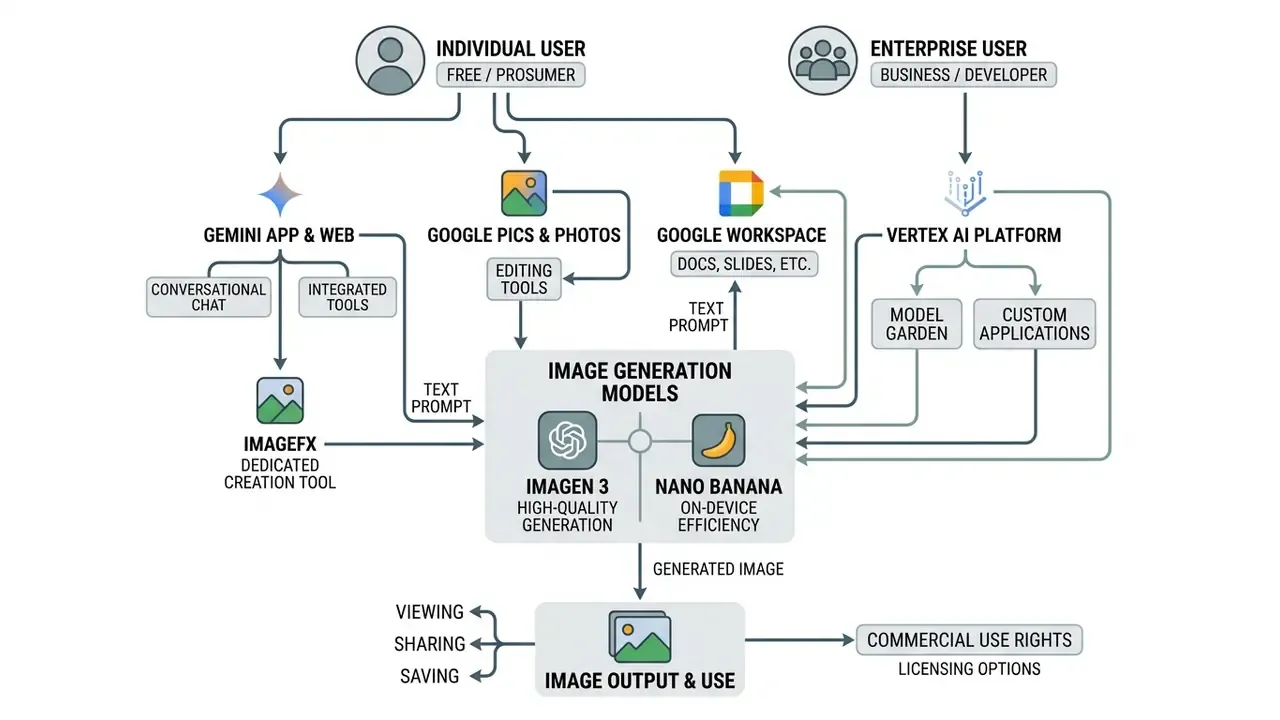
Google Workspace also introduces Google Pics (accessible via pics.new), an integrated visual editor built on the Nano Banana model family. It enables in-app generation and refinement inside Google Docs, Slides, and Drive, so teams stop copying, pasting, and switching tabs between a generator and the document where the asset will actually live. Google positions Pics both as a standalone product and as an embedded Workspace capability, with Docs and Slides supported first and Drive following in later rollout waves.
Terminology matters for procurement and model inventory records. Imagen 3 is the flagship text-to-image generation family exposed through Gemini Apps, ImageFX, and Vertex AI endpoints such as imagen-3.0-generate-001. Nano Banana (surfaced in developer documentation as gemini-2.5-flash-image, with a higher-tier Nano Banana Pro variant) is the conversational generation and editing model used in Google Pics and in Gemini's in-canvas editing flows. It is also the model that third-party platforms such as Adobe Firefly and Pixlr now expose through their own model selectors. For model risk inventories, register the two families separately. They carry different capability envelopes, different editing behaviour, and different quota structures.
One more inventory note, small but awkward if missed: the same Google account can hold approved Workspace access and unapproved consumer access at once. Access mapping has to be per surface, not per person.
Bard AI Images and Image Generation across Google Services
Google evolved its generative image ecosystem from early experimental features in Bard into the current Gemini, Imagen 3, and Nano Banana workflows. Does Google have an AI image generator? Yes. Image generation runs across the product ecosystem, powered by the Imagen 3 family and the Nano Banana editing family.
When users originally searched for bard ai images or bard text to image, they were reaching early iterations powered by Imagen 2, launched in English on 1 February 2024 alongside the first release of ImageFX in Google Labs. In August 2024, Google upgraded consumer and enterprise interfaces to Imagen 3, moved the core branding from Bard to Gemini, and expanded availability across all supported languages. ImageFX shifted to Imagen 3 in the same window and reached more than 100 countries by December 2024. Today, entering a text prompt into Gemini Apps invokes backend image models directly inside the conversational interface, while standalone environments like ImageFX keep dedicated creative prompt controls.
"Imagen 3 sets a new state of the art across prompt alignment, aesthetic quality, output diversity, robustness on difficult prompts, and artifact reduction."
One lifecycle caveat deserves a line in every model inventory. Google's developer documentation states that legacy Imagen model endpoints are deprecated with a scheduled shutdown on 17 August 2026, and recommends migration toward the newer Nano Banana generation line. Treat that date as a hard dependency milestone in any multi-year creative-automation roadmap, not as a footnote.
What Business and Creative Tasks Google AI Image Generator Solves
A google ai image generator lets teams produce concept art, social media collateral, visual presentations, and ad creatives from structured text descriptions. Organizations use these ai tools to accelerate creative iteration and cut manual production overhead. Teams that want a wider market view before standardising on one vendor can benchmark the field of AI image generators against their own approval workflow requirements.
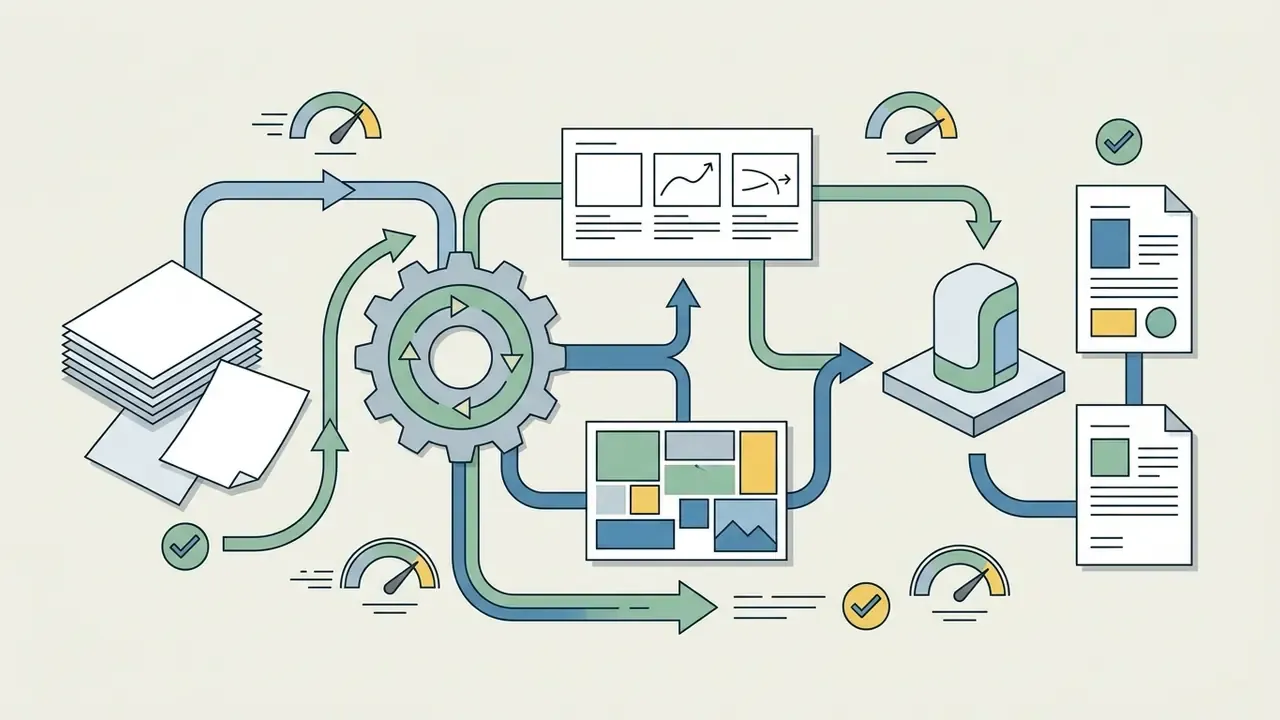
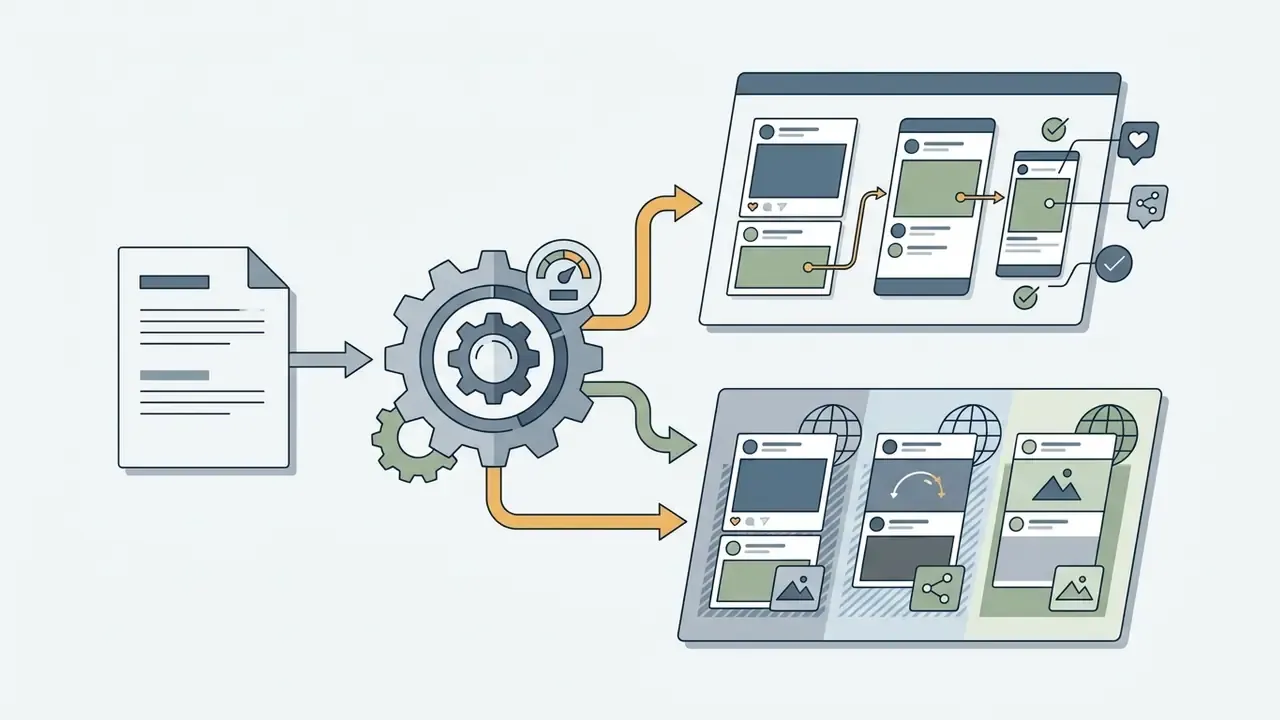
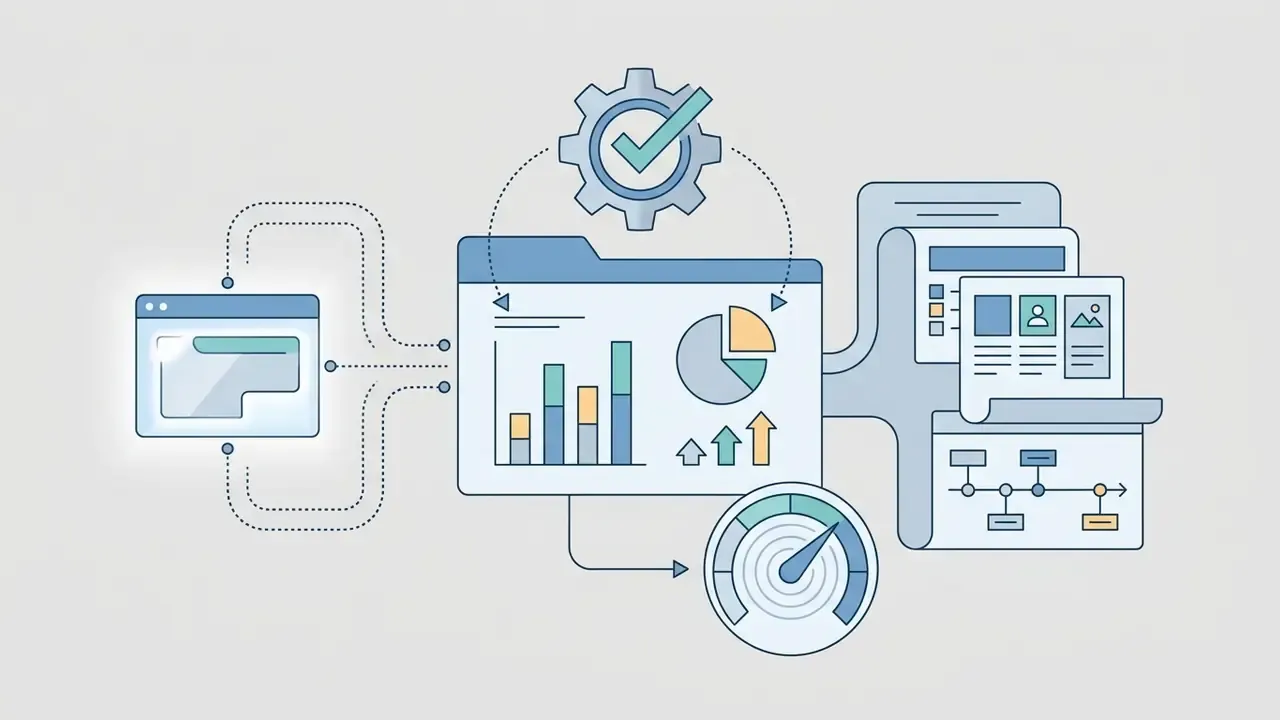
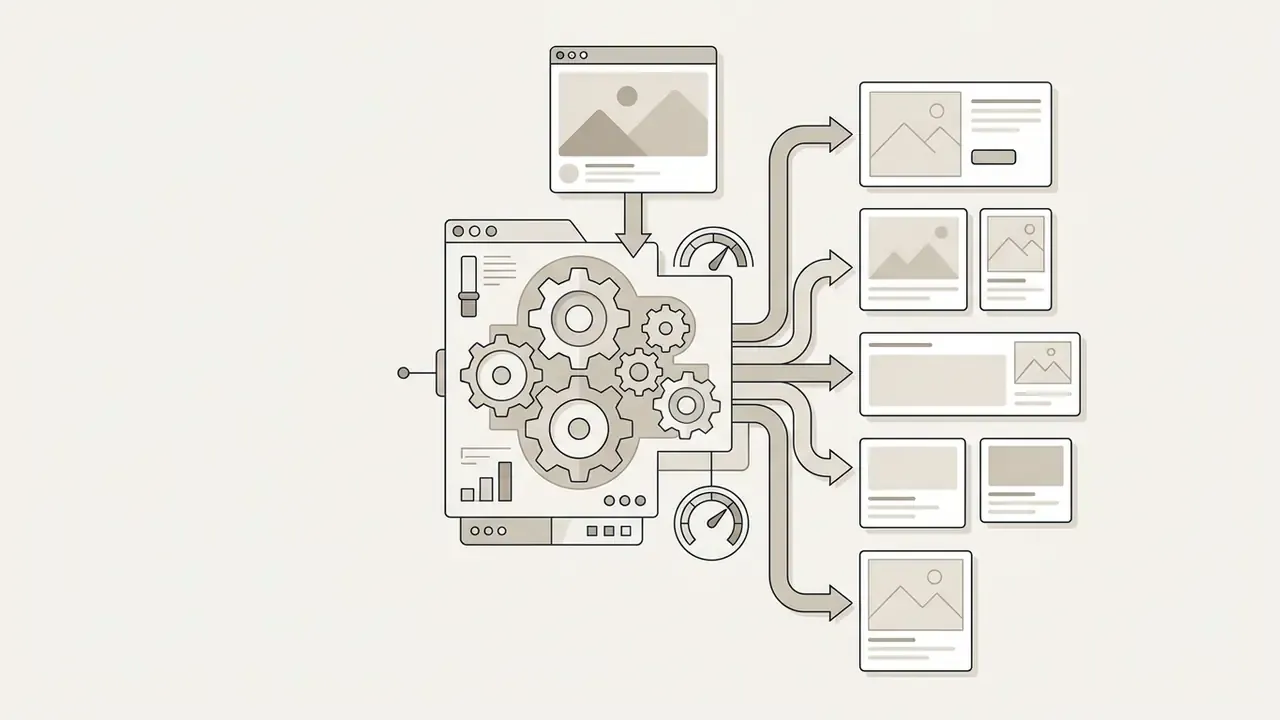
"Even the strongest models still fail when rendering dense text, tables, and multi-line captions inside images."
That limitation has a direct operational consequence. Any infographic carrying regulatory figures, disclosure language, or multi-line legal captions must be checked character by character by a human before publication, and ideally assembled with real vector text layers rather than rendered pixels. APR rendered as "12.40%" instead of "12.49%" is not a design defect. It is a consumer-disclosure problem.
Here is an illustrative composite from a model risk assessment at a regional financial institution. An internal marketing team had begun publishing synthetic promotional banners created through unvetted consumer tools. The response was ordinary and unglamorous: an inventory audit, centralized access through enterprise Google Workspace accounts, and mandatory digital asset tagging. Updated: in the twelve weeks after that controlled onboarding, internal tooling telemetry showed a substantial decline in unapproved consumer-tool usage, and every retained asset became traceable to a named requester, an approved surface, and a prompt record. The engagement-level percentage reported in the internal review reflects one client environment and should not be read as an industry benchmark. Measure your own baseline before and after onboarding, then argue about the number.
Can You Use Google AI Image Generator for Free
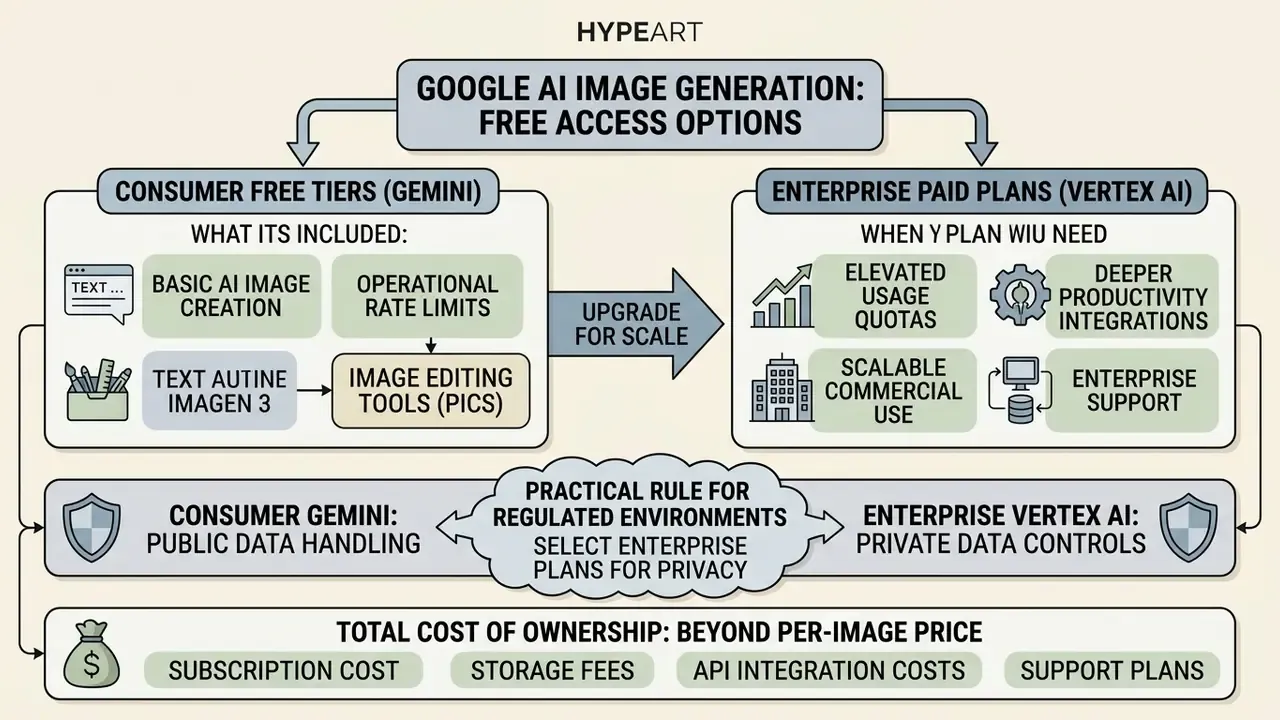
Google provides free access tiers with operational rate limits alongside paid enterprise subscriptions that offer elevated usage quotas and deeper productivity integrations.
What is Included in Free Access to AI Image Generation
You can generate images for free through Gemini Apps and Google Labs ImageFX with a standard Google account. Does Google have a free AI image generator? Yes, free access exists, though daily generation caps, regional availability rules, and service quotas apply. Google's own image-generation page says plainly that limits apply and availability varies by account and region.
Free users can generate ai images by submitting natural language prompts. Every output produced through free consumer endpoints carries an imperceptible SynthID digital watermark for provenance tracking. Teams that need to validate third-party or inbound assets can pair this with AI image detectors as a second verification layer.
"SynthID embeds imperceptible pixel-level watermarks into every Imagen 3 and Veo image; the mark is detectable by a verification API yet invisible to the human eye."
Free tiers deliver genuinely high-quality images. What they do not deliver: enterprise management controls, contractual indemnification, or elevated API rate limits. For a bank that distinction decides the policy. Free-tier generation is acceptable for internal ideation and never acceptable for customer-facing production assets.
When You Need a Paid Plan for Image Generation
Enterprise teams need paid subscriptions, such as Google One AI Premium or Google Workspace AI add-ons, once visual production scales across organizational workflows. Paid tiers unlock higher quality rendering, expanded context windows, and integrated editing features across Google Docs, Slides, and Vids. Google's Workspace documentation also describes an AI Expanded Access tier that raises access to advanced image and video generation, with Nano Banana Pro generation allowances published per tier.
| Feature Category | Free Access (Gemini Apps / ImageFX) | Paid Tier (Google One AI Premium / Workspace) | Enterprise API (Vertex AI) |
|---|---|---|---|
| Usage limits | Standard daily quotas (up to 100 images/24h) | Elevated limits (up to 1,000 images/24h) | Pay-as-you-go billing (about $0.030 per generated image for Imagen 3 Standard; about $0.0001 per 1K input text tokens) |
| Primary model | Imagen 3 / Standard | Imagen 3 / Nano Banana Pro | imagen-3.0-generate-001 / gemini-2.5-flash-image (Nano Banana) |
| Batch output per prompt | Grid of up to 4 variations | Grid of up to 4 variations | Configurable sampleCount / numberOfImages = 1 to 4 |
| Output resolution options | Standard (about 1K) | 1K / 2K depending on model and tier | 1K / 2K (model-dependent), deterministic seed support |
| Workspace integration | None | Direct integration (Slides, Docs, Vids, Google Pics) | Custom API / SDK integration |
| Digital watermarking | Embedded SynthID watermark | Embedded SynthID watermark | Configurable or enforced SynthID |
| Commercial rights | Personal and educational use terms; no exclusivity granted | Subject to Workspace Service Terms | Enterprise indemnification coverage under Google Cloud Terms of Service |
"Imagen 3 Fast delivers roughly 40% lower latency than Imagen 2 while producing brighter images with higher contrast."
Latency matters commercially because high-volume variant production for performance advertising is throughput-bound, not idea-bound. Teams comparing options at the entry level can also review free AI image generators to see exactly where free quotas break down before committing to a paid tier. To assess subscription requirements for your own workflows, compare options across commercial AI licensing models.
Data Governance and Privacy: Consumer Gemini vs Enterprise Vertex AI
| Governance Control | Consumer Gemini Apps / ImageFX (Free) | Google Workspace (Paid / AI Add-on) | Vertex AI (Enterprise) |
|---|---|---|---|
| Prompts used to improve consumer models | Possible under consumer terms; human review of conversations may apply | Governed by Workspace Service Terms, separate from consumer terms | Governed by Google Cloud data processing terms for enterprise customers |
| Customer data isolation | Not designed for tenant isolation | Tenant-scoped within the Workspace domain | Project- and IAM-scoped, with organisational policy controls |
| Identity, SSO, and role-based access | Individual Google accounts | Domain SSO, admin console policy enforcement | Cloud IAM roles, service accounts, least-privilege bindings |
| Audit logging of generation events | Not available to administrators | Workspace admin audit logs | Cloud Audit Logs (admin activity and data access) |
| Network perimeter controls | None | Limited to Workspace controls | VPC Service Controls, Private Service Connect |
| PII handling controls | User discretion only | Admin policy plus DLP options | Cloud DLP integration and de-identification pipelines |
| Compliance certifications | Consumer-grade | Workspace compliance programme | Google Cloud compliance programme (SOC 1/2/3, ISO 27001/27017/27018, sector attestations) |
| Contractual indemnification | Not offered | Per Workspace terms | Generative AI indemnification under Google Cloud terms |
Practical rule for regulated environments. Ideation may happen on consumer surfaces with synthetic, non-confidential prompts only. Anything touching customer data, unreleased product terms, pricing, or confidential imagery runs inside Vertex AI behind VPC Service Controls, with prompts screened by DLP before submission. Confirm the current text of Google Cloud's Service Specific Terms and generative AI terms with your own counsel before onboarding, since those documents get revised more often than most policy manuals do.
Total Cost of Ownership: Beyond the Per-Image Price
The API price is the smallest line item in a regulated deployment. A defensible budget model looks like this:
TCO = (Images × API unit price)
    + (Variants discarded × API unit price)
    + Human review hours × loaded hourly cost
    + Compliance audit and validation effort (initial + annual re-validation)
    + Trademark / likeness screening cost
    + Risk reserve (expected remediation and takedown cost)
Worked illustration. A campaign requiring 400 delivered images, generated at a 4:1 variant-to-delivery ratio (1,600 generations) at about $0.030 each, costs roughly $48 in inference. Add 40 hours of creative and compliance review, one validation memo, and a screening pass, and the true unit economics are dominated by human control cost. Which is exactly why centralising generation on one auditable surface saves more than shaving cents off the model price ever will.
Worth a caveat: the risk reserve line is the hardest to estimate honestly, because takedown and remediation costs are rare and lumpy. Most institutions we have reviewed either omit it or guess. Both choices distort ROI.
Can You Use Google AI Images for Commercial Purposes
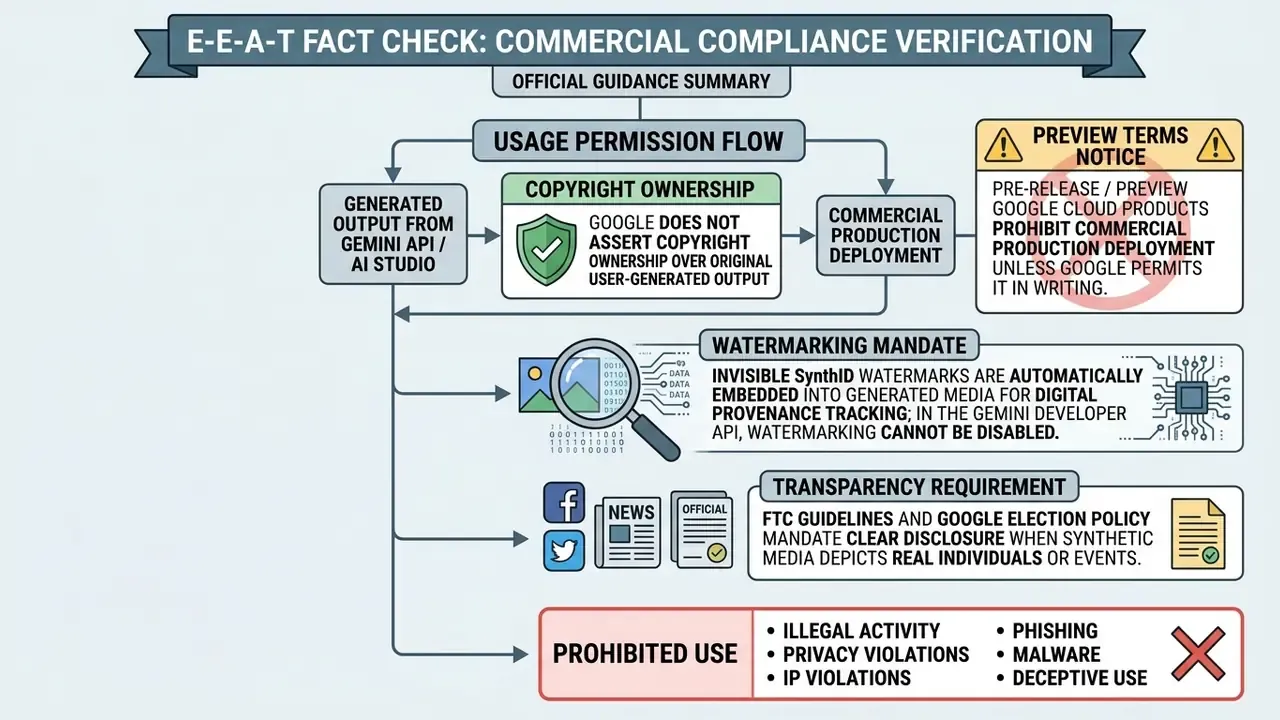
Putting synthetic visual assets into marketing, advertising, or public relations means reading Google's Terms of Service carefully and mapping them onto applicable intellectual property frameworks.
What to Verify Before Commercial Deployment
Before publishing ai generated images google assets across commercial channels, governance teams should audit four compliance layers:
- Product tier terms. Confirm whether generation happened under production APIs, for example Vertex AI general availability, or inside restricted preview environments. Preview outputs are for evaluation and testing only.
- Prohibited use policies. Ensure content does not breach Google's Generative AI Prohibited Use Policy on sensitive personal data or deceptive practices.
- Human authorship standards. According to the U.S. Copyright Office (2025/2026), purely AI-generated visual outputs without substantial human creative input do not receive federal copyright registration. Document the human contribution, meaning art direction, composition decisions, selection, and post-editing, if you intend to assert any protectable interest.
- Model training provenance. Unlike Adobe Firefly, which trains its base image models on licensed Adobe Stock imagery and public-domain content, Google Imagen 3 relies on broad web-scale datasets filtered through safety and quality algorithms. So even with enterprise indemnification under Vertex AI terms, independent trademark and trade-dress checks remain your job before advertising assets go live.
"PhyBench shows that every tested model, Gemini included, routinely violates physical common sense; stating physical constraints explicitly in the prompt partially mitigates the problem."
For financial marketing, physically implausible imagery is more than an aesthetic flaw. A card held at an impossible angle, a reflection that contradicts the light source, a hand with anatomically wrong geometry: each one undermines trust in the institution and invites social-media amplification of the error. Screenshots travel faster than corrections.
Generative AI Indemnification and Contractual Protection
Building an Audit Trail for Model Risk Management (SR 11-7 / NIST AI RMF)
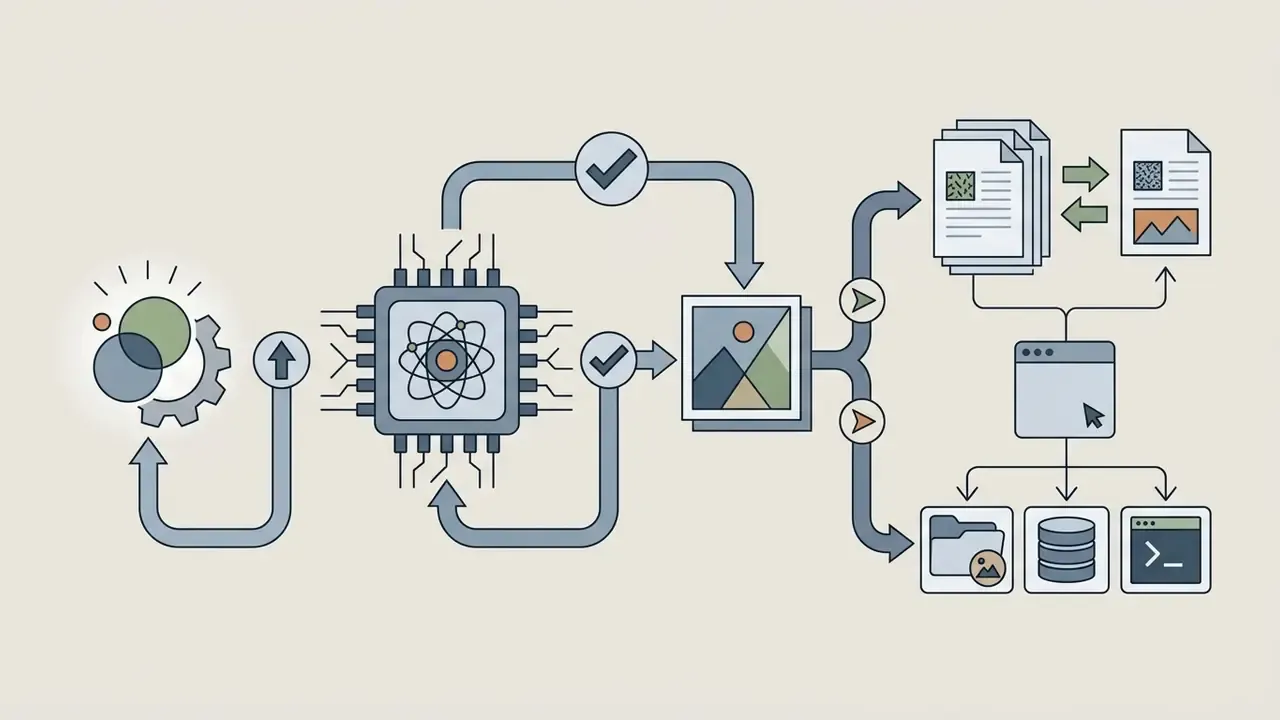
Validation teams in banking cannot sign off on a creative tool with no reproducible record. The artifact set below makes generative image workflows auditable in a way that maps to Federal Reserve SR 11-7, OCC 2011-12, and the NIST AI Risk Management Framework 1.0 functions (Govern, Map, Measure, Manage). For institutions operating in the EU, add the EU AI Act transparency and synthetic-content labelling obligations to the same register.
Honest limitation: reproduction is imperfect. Even with a fixed seed, provider-side model updates can change output, which is why the stored hash and the retained file matter more than the promise of reproducibility.
Building an Audit Trail for Model Risk Management (SR 11-7 / NIST AI RMF)
Record the request context
requester identity, business purpose, publication channel, and the approving business owner.
Persist the exact prompt and any negative prompt
verbatim text, including prompt-enhancement settings (enhancePrompt), because a rewritten prompt is not the prompt the user typed.
Capture model identity and version
model ID (for example imagen-3.0-generate-001 or gemini-2.5-flash-image), region, and API surface.
Capture determinism parameters
seed, sampleCount / numberOfImages, imageSize, and aspect ratio, so a validator can attempt reproduction.
Store safety attributes and returned error codes
including IMAGE_SAFETY or IMAGE_PROHIBITED_CONTENT events and the filter configuration at generation time.
Hash and store the output
retain a cryptographic hash of the delivered file plus the SynthID verification result, so later disputes tie back to a specific artifact.
Log the human review decision
reviewer name, checklist version, trademark and likeness screening outcome, disclosure applied (yes or no), and timestamp.
Define an escalation protocol
who gets notified when a generation attempt trips a safety filter, what happens when a published asset is challenged externally, and what the takedown service-level agreement is.
Re-validate periodically
treat model version changes and the 17 August 2026 legacy Imagen shutdown as triggers for re-testing the control set, not as background noise.
Capabilities of Google AI Image Generator: Text, Style, and References
Google's image models turn complex natural language prompts into high-fidelity outputs while keeping fairly precise structural and stylistic control.
Creating AI Images from Text Prompts
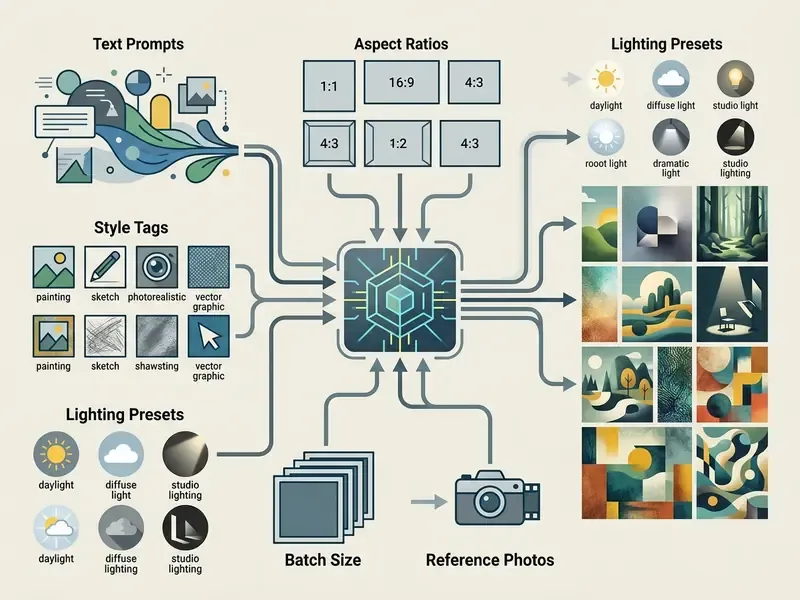
An ai image generator from text google processes descriptive prose by parsing subjects, environmental context, lighting conditions, and camera angles. Instead of rewarding disconnected keywords, Imagen 3 interprets full natural language sentences. Google's own guidance is explicit: describe the scene, do not list keywords.
- Subject definition specify the primary entity, whether object, person, or scene layout.
- Context and background describe the environment, architectural setting, or background depth.
- Lighting and mood detail illumination sources, such as ambient sunlight, studio key lights, or dramatic shadow.
- Exclusions (negative prompt) where the model supports it, state what must be omitted directly rather than writing "no" or "don't." Support is version-dependent. Several Imagen 3 variants accept a
negativePromptparameter, while newer generation endpoints list negative prompting as unsupported.
Controlling Style, Format, and Aspect Ratio
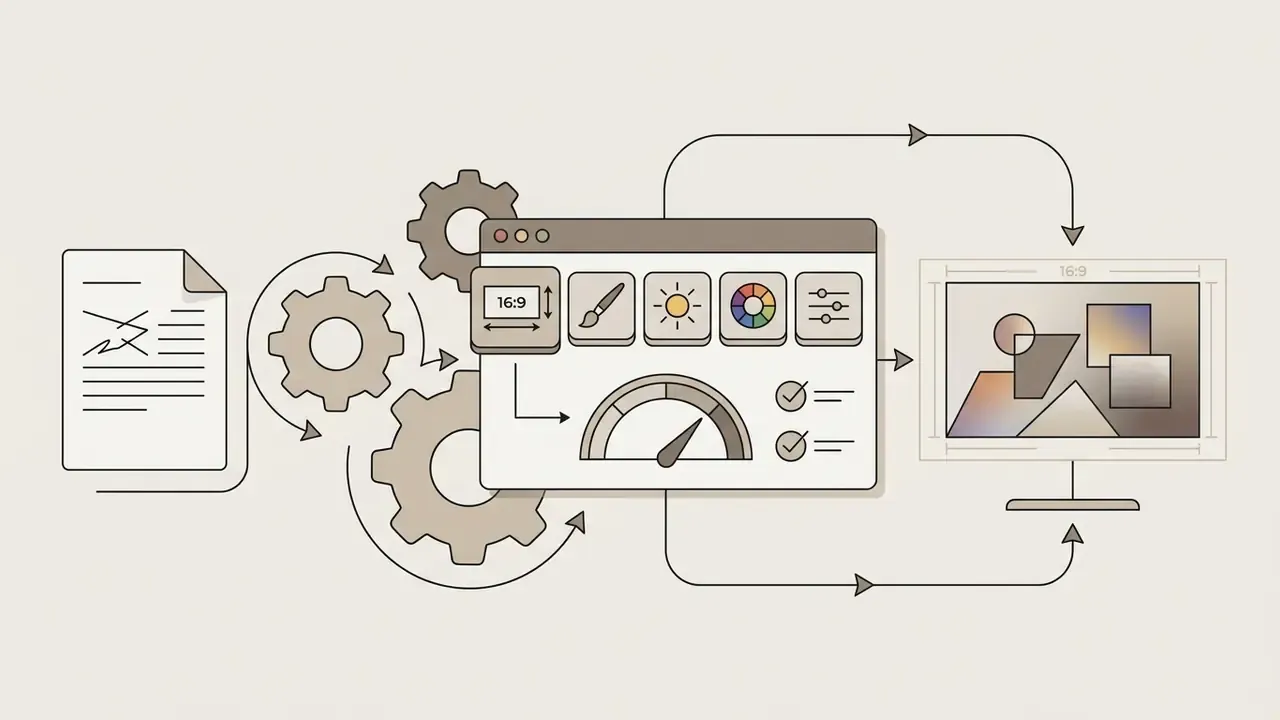
You can configure visual attributes through prompt parameters or interface controls to match channel formats. Supported aspect ratios include 1:1 square, 4:3 landscape, 16:9 widescreen, 3:4 portrait, and 9:16 vertical, with newer model versions documenting additional ratios such as 3:2, 2:3, 4:5, 5:4, and 21:9.
- Aspect ratio selection pick output dimensions tuned for mobile content (9:16), photography and media layouts (4:3), or presentation decks (16:9).
- Framing and composition presets close-up, wide angle, macro, high angle (shot from above), low angle (shot from below), shallow or narrow depth of field, and blurry background (bokeh).
- Lighting control studio light, dramatic chiaroscuro, golden hour, backlight, direct sunlight, and volumetric fog lighting.
- Colour palette toning warm vintage, cool cinematic, muted pastel, high-contrast vibrant, and monochrome black and white.
- Artistic styles photorealistic photography, cinematic, analog film, and oil painting, through digital art, comic book, fantasy art, neon punk, pixel art, low poly, origami, line art, craft clay, isometric, and 3D render, out to vector art.
- Batch output control generate 1 to 4 parallel variations per prompt batch in Gemini Apps, ImageFX, and Google Pics. The API exposes the same control through
sampleCount/numberOfImages, and deterministic reruns are possible viaseed. - Reference image guidance feed a reference image to steer compositional balance, colour palettes, and subject positioning. Google recommends supplying a reference whose dimensions already match the intended output ratio.
"Instruct-Imagen uses multi-modal instructions for precise control over style and reference imagery, matching the performance of task-specific specialist models."
Teams building repeatable brand pipelines should study image-to-image generation patterns, because reference-conditioned generation is what makes output consistent across a campaign rather than merely attractive in isolation. Consistency is the auditable property. Beauty is not.
If your team needs precise prompt-based modifications, explore an ai image editor to streamline iterative adjustments.
How to Create an Image with Google AI Image Generator
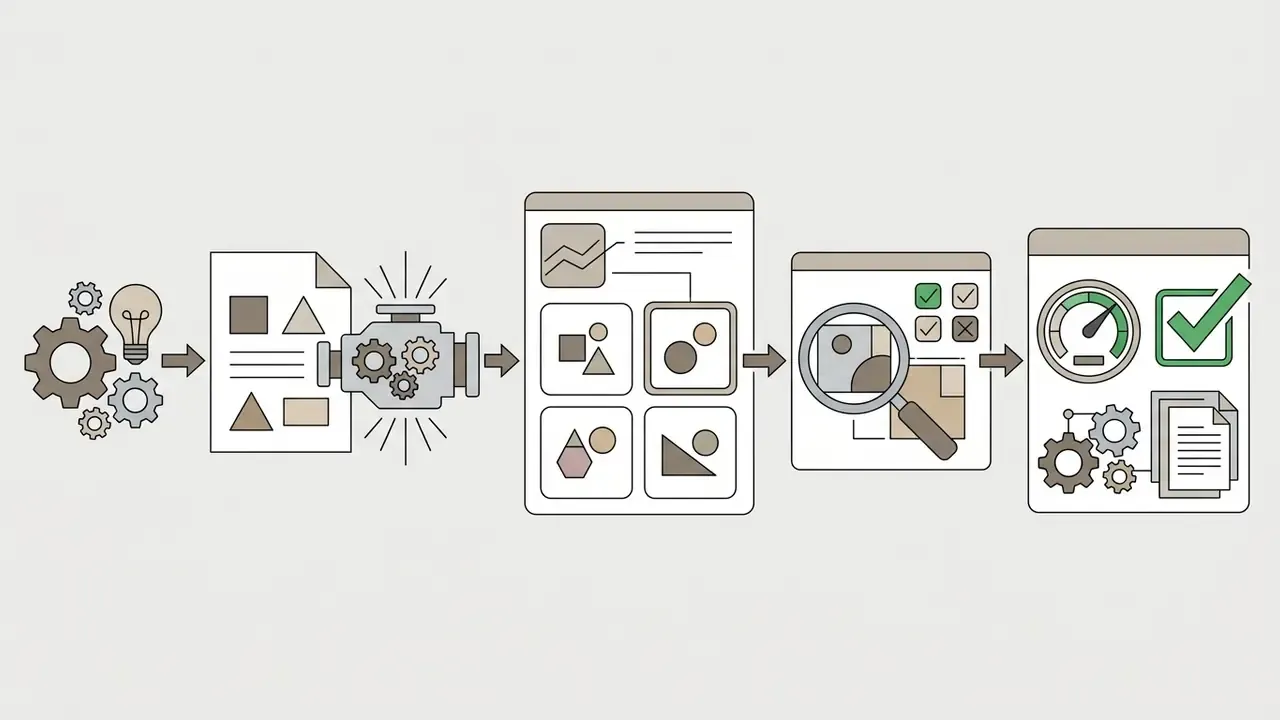
Generating synthetic visual assets calls for a structured workflow, moving from conceptual intent to a verified file export with a name on it.
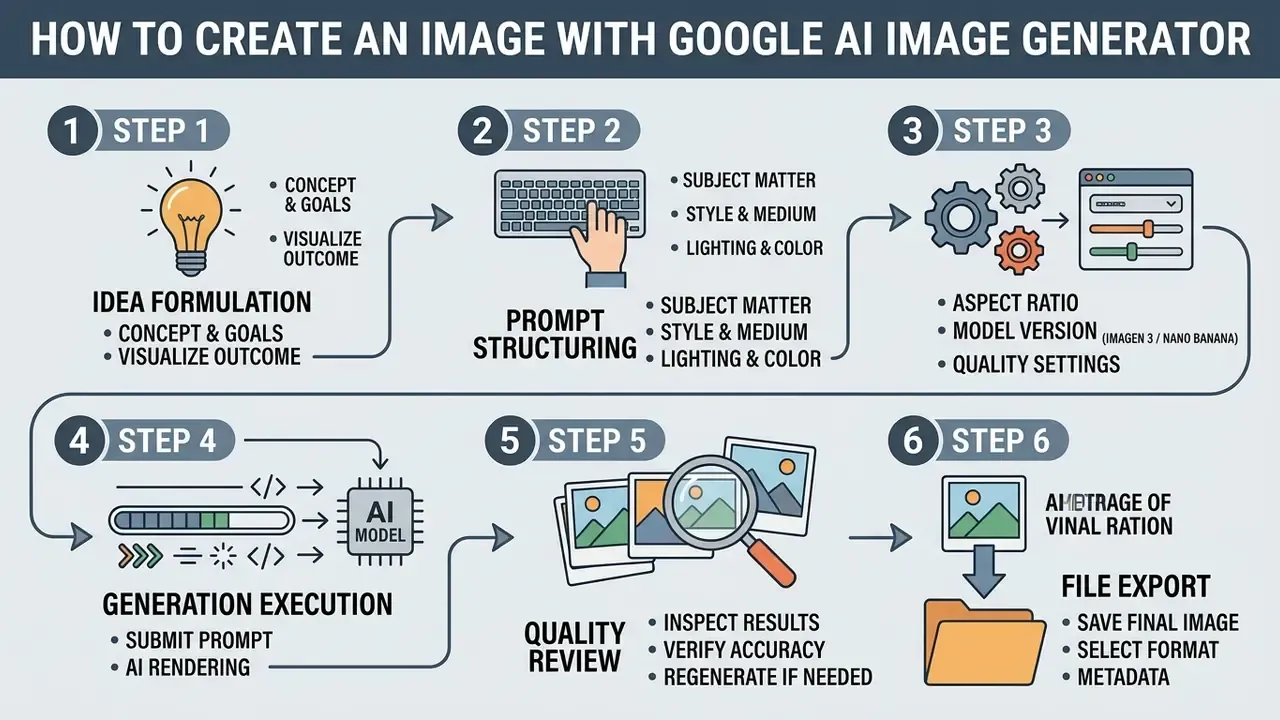
Step-by-Step Scenario: From Idea to First AI-Generated Image
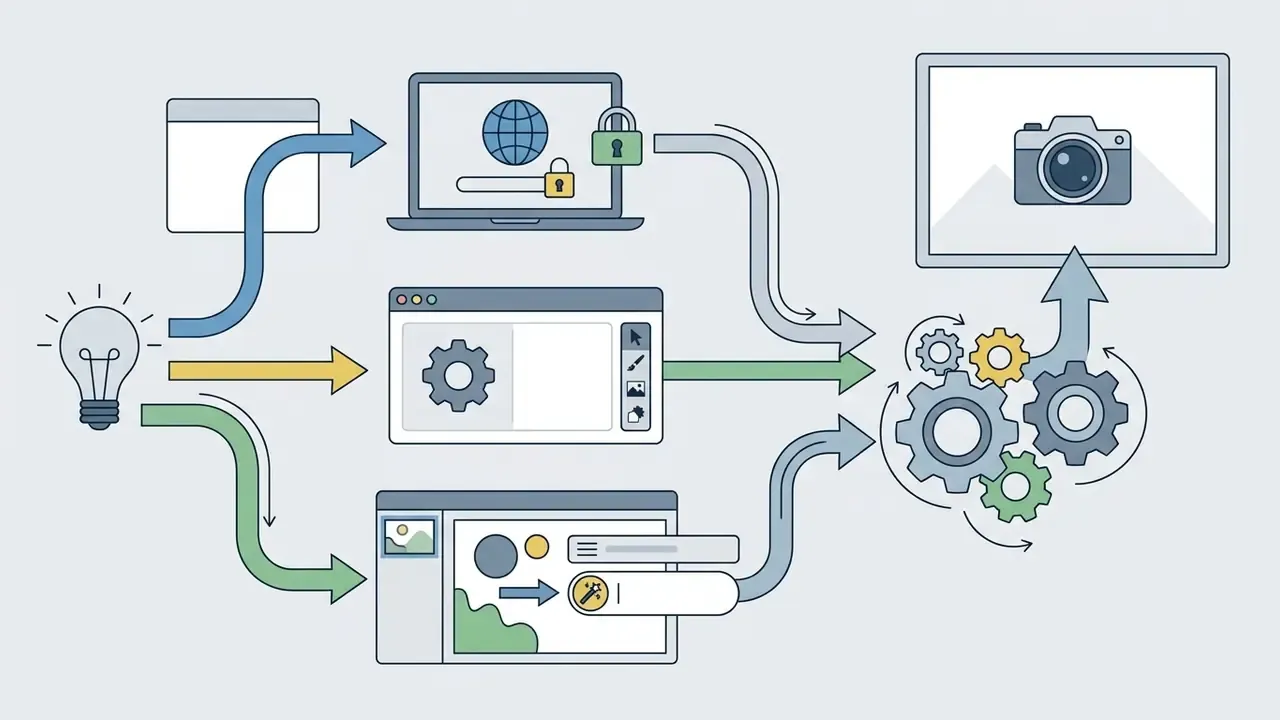
gemini.google.com, open ImageFX at labs.google, or launch the Workspace editor at pics.new. Inside Google Slides, the equivalent path is Insert → Image → Help me create an image, or the Ask Gemini prompt bar.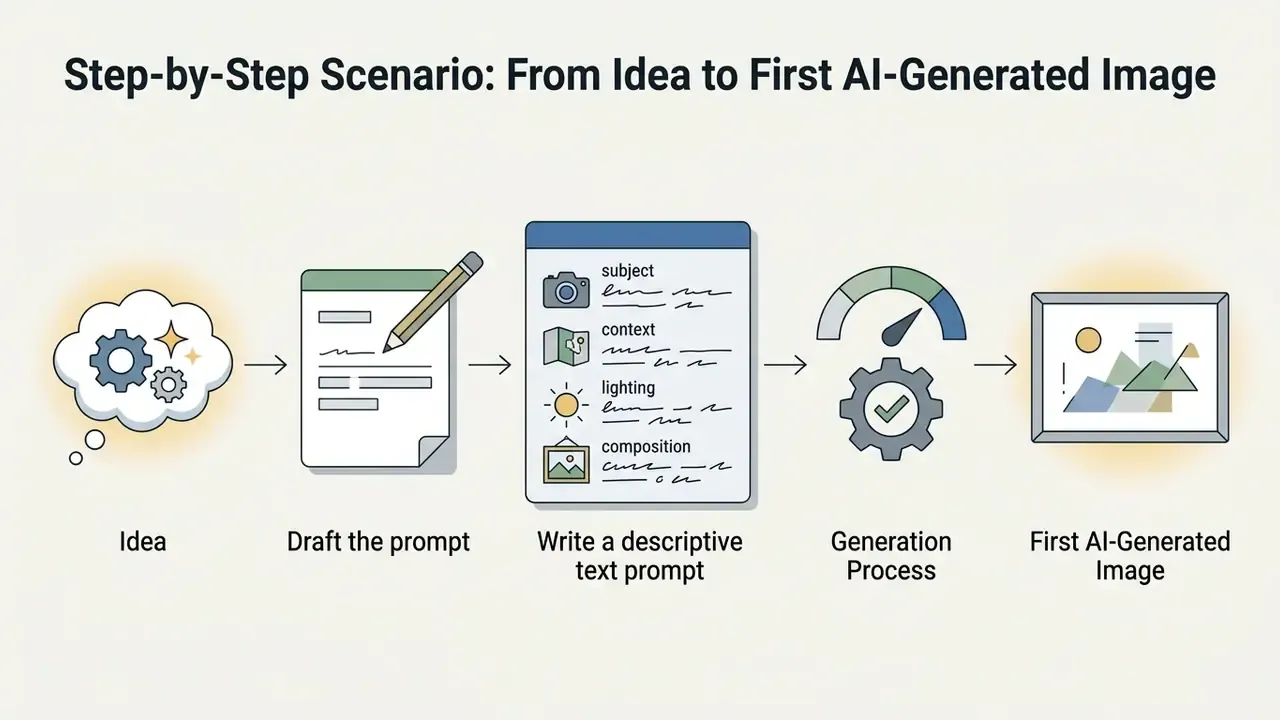

save(location) method for programmatic export into governed storage buckets.How to Refine Results Using Editing Tools
When the first outputs miss, built-in editing tools let you make targeted changes without regenerating the whole frame. Imagen 3 supports mask-based inpainting to insert or remove objects and outpainting to expand canvas boundaries, while Google Pics adds a more granular Nano Banana editing layer.
- Inpainting (in-canvas edits) highlight regions to replace objects or update text elements.
- Outpainting and canvas expansion extend the frame to produce additional aspect ratios from a single approved hero image.
- Background replacement isolate foreground subjects and swap environments using extracted masks.
- Object segmentation select specific elements inside a synthetic image and alter them through contextual text comments on that region, running several targeted edits at once without disturbing background consistency.
- In-image text editing and translation modify or translate embedded text labels inside generated graphics while preserving original font typography, layout, and background geometry. Particularly valuable when localizing one master creative across markets.
- Real-time team co-creation share a Pics canvas so multiple users edit the same image and iterate on prompts simultaneously inside Google Docs and Slides, with changes visible to collaborators.
- Multiple generations per prompt Pics returns several options from a single prompt, so reviewers select rather than re-prompt from scratch.
- Resolution enhancement use an ai image enhancer 4k to lift spatial resolution for print or high-density displays.
One control caveat for regulated teams: collaborative editing distributes authorship. If three people touch a canvas, your audit record needs the final approver, not just the last editor.
How to Write Prompts for High-Quality AI-Generated Images
Effective prompt engineering runs on structured, concrete description. Vague aesthetic modifiers produce vague results.
"High-fidelity generative output is the direct result of precise prompt architecture. Ambiguity in text input creates variance in model interpretation." AI Prompt Engineering Guidelines, Google Cloud (2026)
Core Elements of a Precise Text Prompt
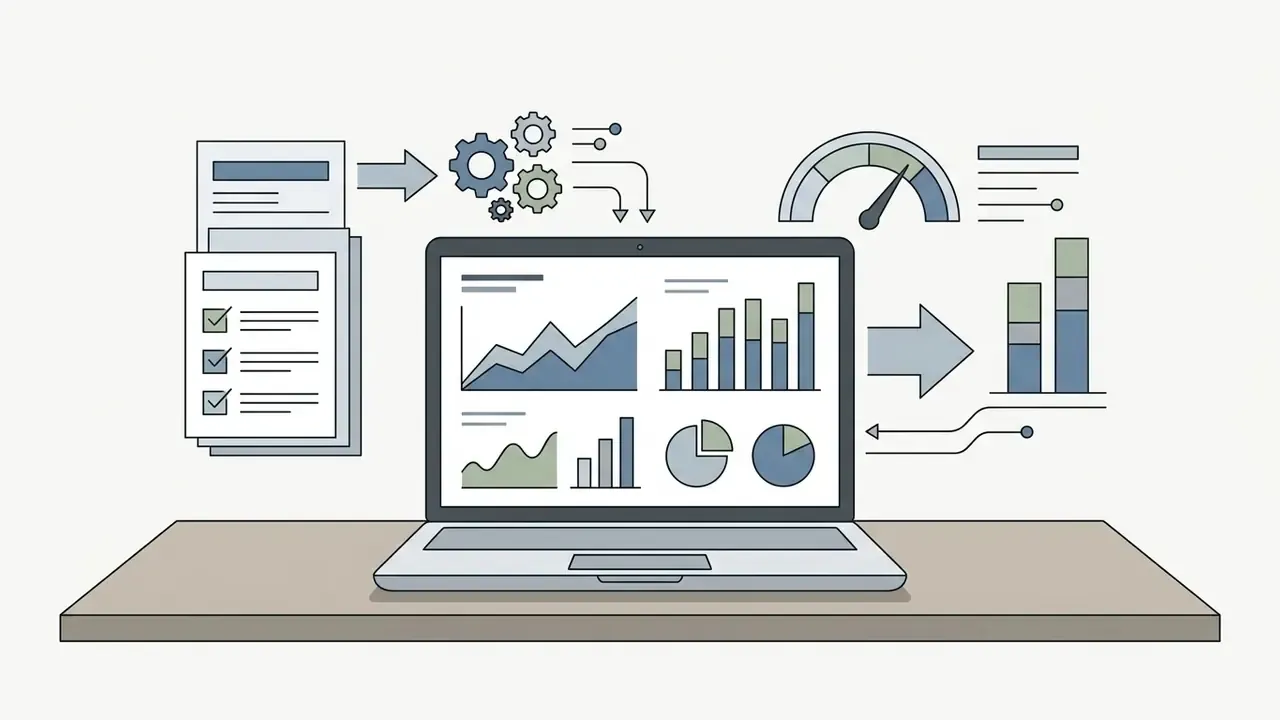
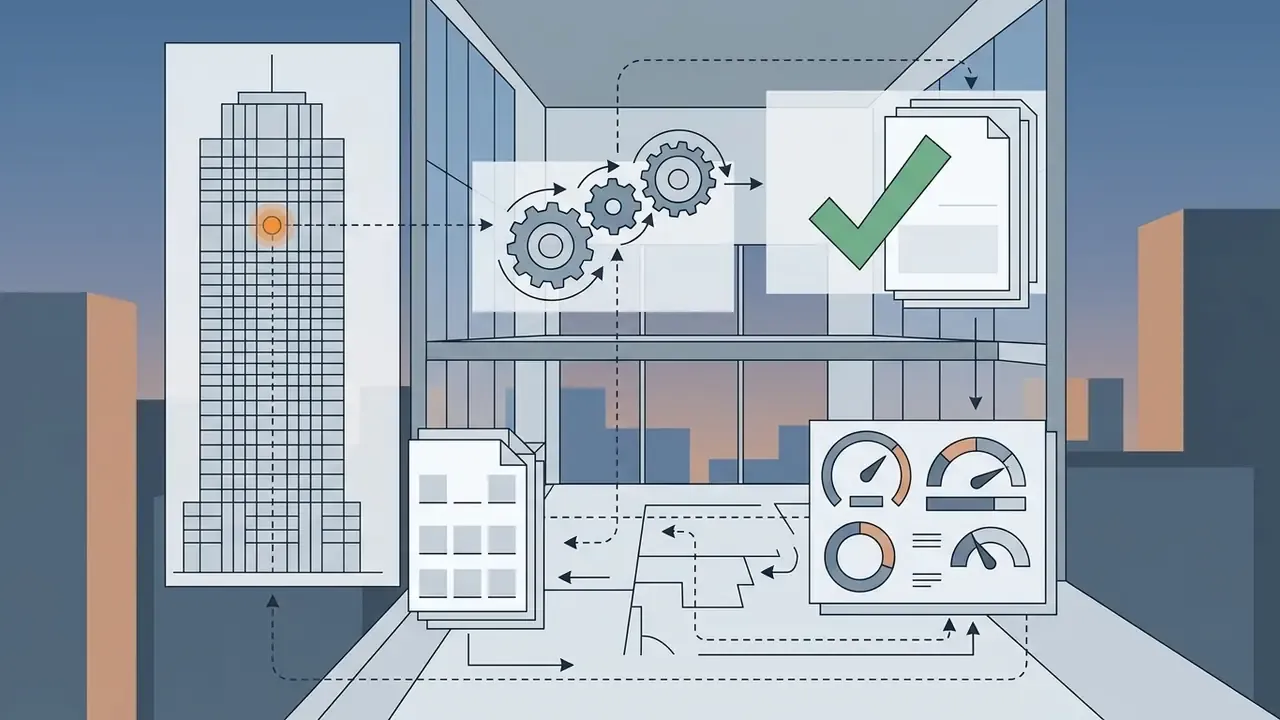
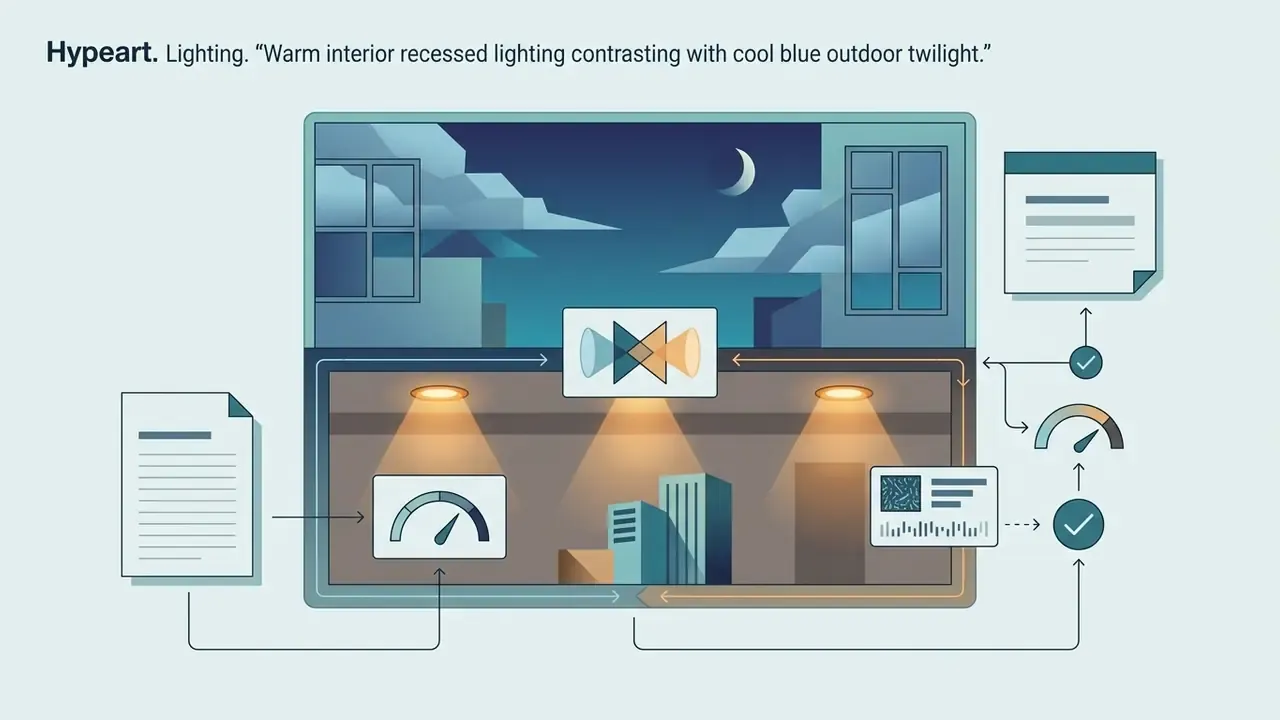
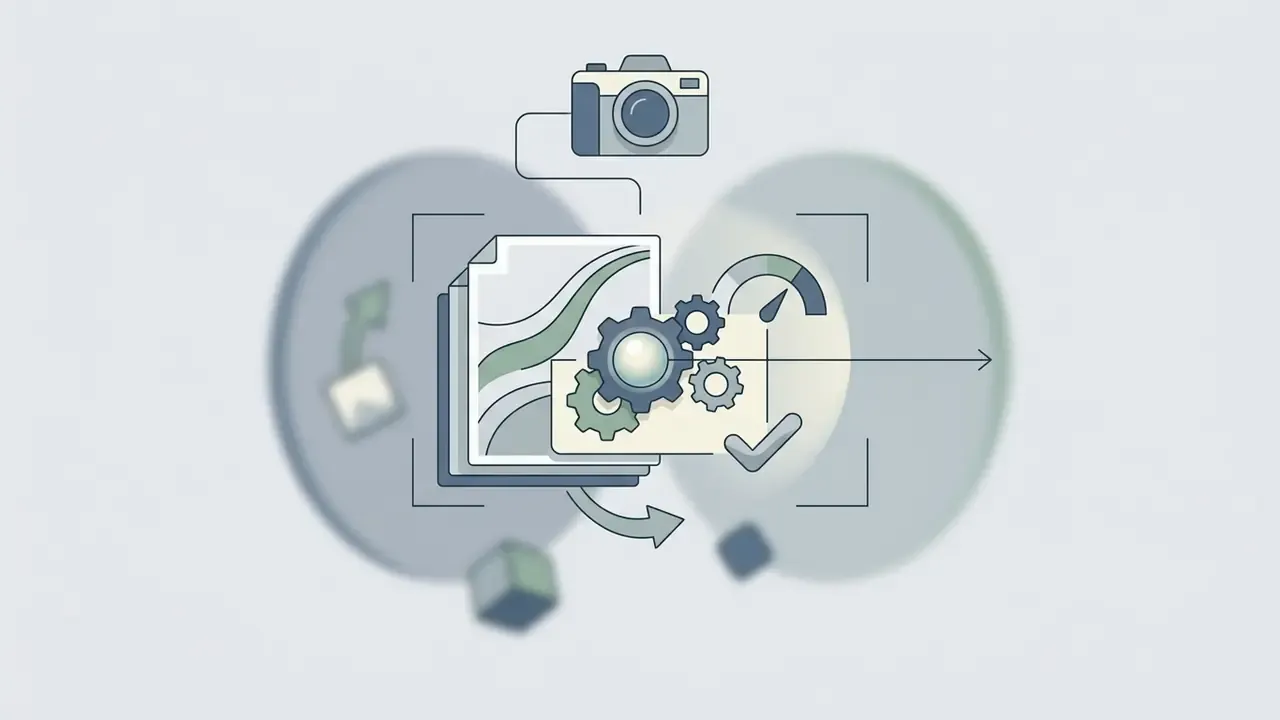
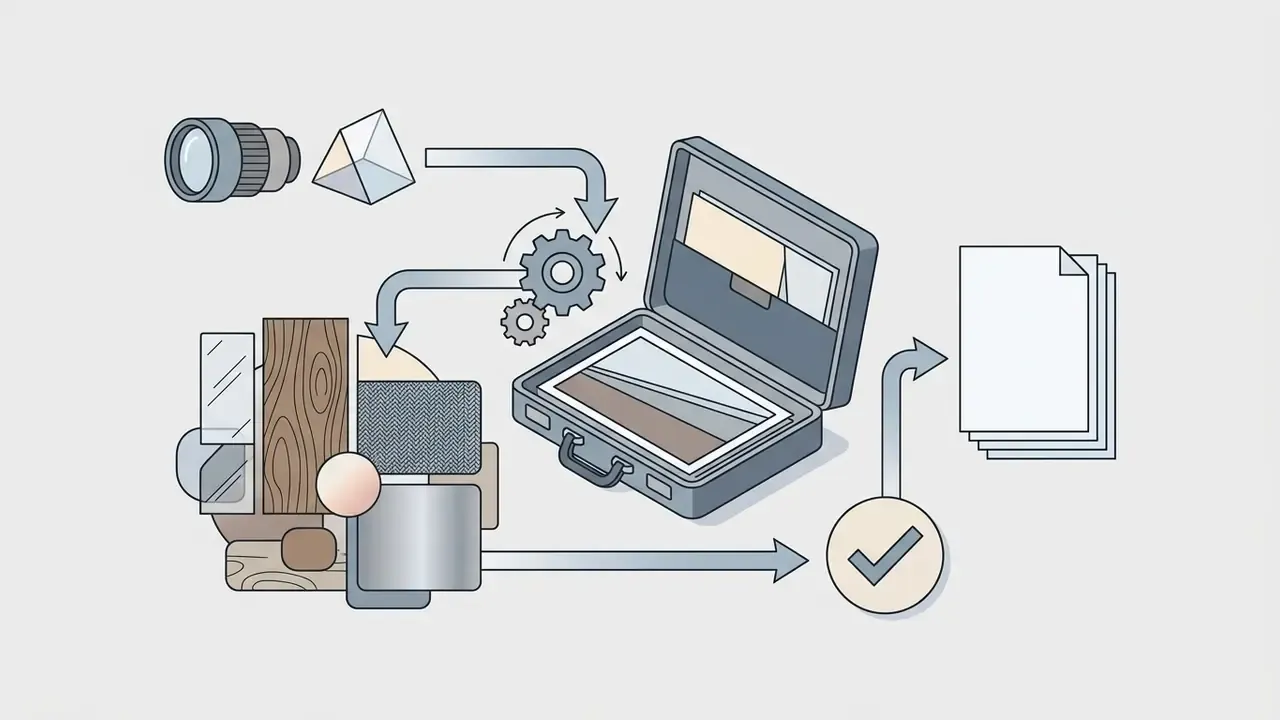
To produce stunning ai visual outputs consistently, structure text prompts using six descriptive building blocks:
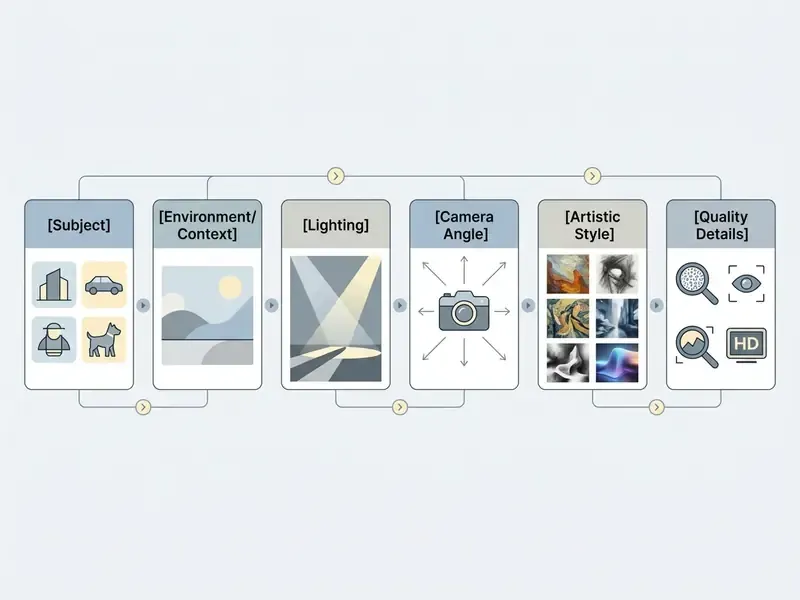
Google's own prompt guidance adds two useful constraints. Keep on-image text extremely short, roughly 25 characters or fewer, and avoid stacking more than two or three distinct phrases, since over-loaded prompts produce cluttered compositions. Eye catching is a by-product of restraint here, not of density.

Iterative Prompt Refinement and Result Improvement
When a generation falls short, change one prompt variable at a time rather than rewriting everything. Tempting, yes, but a full rewrite destroys your ability to attribute the improvement.
"The Maestro system demonstrated that automated prompt iteration driven by multimodal LLMs substantially improves image quality compared with the original request."
How to Choose Between Google AI Image Generator and Other AI Art Generators
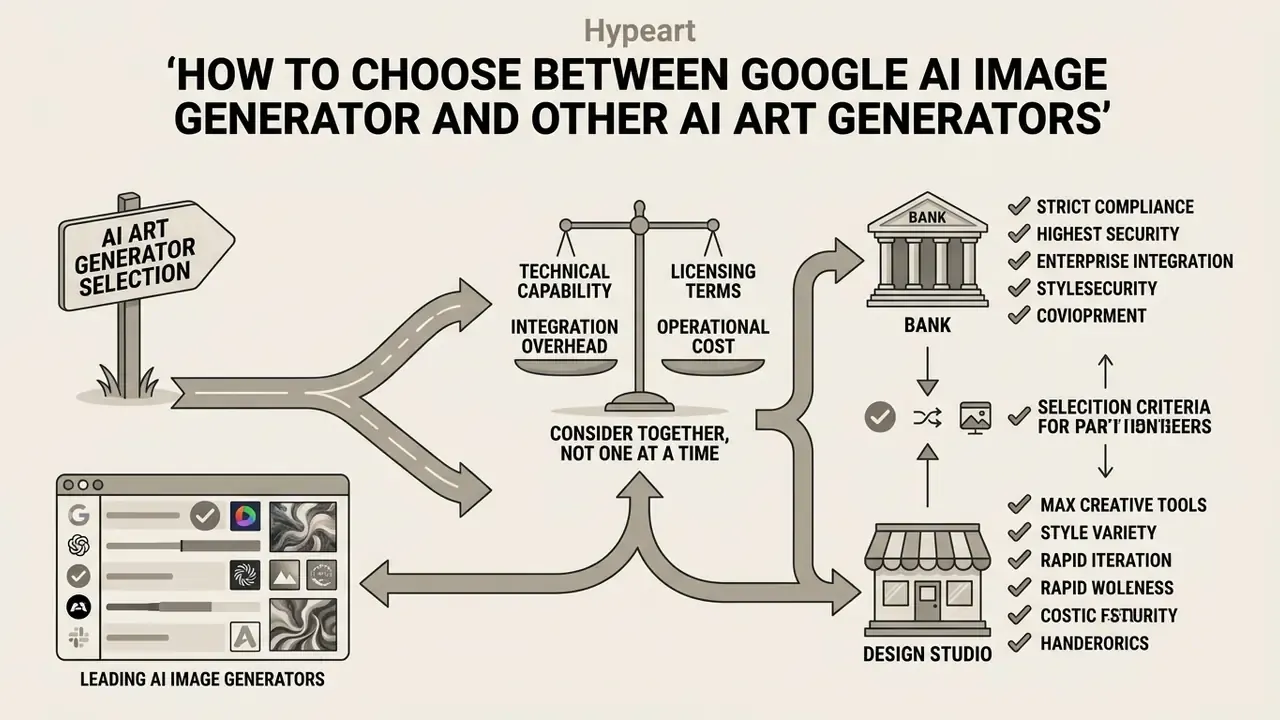
Choosing the right ai art generator means comparing technical capability, integration overhead, licensing terms, and operational cost together, not one at a time. Readers weighing a specific head-to-head can review Midjourney image generation against Google's enterprise stack in detail.
| Evaluation Metric | Google AI (Imagen 3 / Nano Banana) | Midjourney (v6) | DALL-E 3 (OpenAI) | Stable Diffusion (SDXL / Flux) |
|---|---|---|---|---|
| Strengths | Enterprise security, Workspace and Pics integration, text rendering, indemnification | Artistic aesthetics, high detail, active community | Prompt accuracy, simple ChatGPT interface | Open weights, custom fine-tuning, local execution |
| Text rendering | High accuracy (Imagen 3), in-image text editing and translation via Pics | Moderate accuracy | High accuracy | Variable, often needs control nets |
| Indicative unit price | About $0.030 per image (Vertex AI, Imagen 3 Standard) | Plans from $10 per month | About $0.04 standard, $0.08 HD per image (API) | Compute cost only for self-hosting |
| Commercial rights | Permitted under GA terms; preview products excluded | Allowed on paid plans; higher tier required above $1M revenue | Allowed under API terms | Open licence; commercial terms depend on the model weights |
| Training data provenance | Web-scale data with safety filtering | Not publicly itemised | Not publicly itemised | Varies by checkpoint |
| Provenance tracking | Built-in SynthID watermark | None embedded by default | C2PA metadata | Optional extensions |
| Enterprise indemnification | Yes, under Google Cloud terms for covered services | Not equivalent | Enterprise agreements vary | Customer-owned risk |
| Primary interface | Vertex API / Gemini / Workspace / pics.new | Discord / web app | ChatGPT / OpenAI API | Open API / ComfyUI / Automatic1111 |
"PhyBench evaluated DALL·E 2, DALL·E 3, Midjourney, Gemini, and Stable Diffusion XL: all models violate physical common sense, though closed models perform better in several categories."
Selection criteria for a bank rarely match the criteria in a design studio. Independence from a single AI platform, integration with your MRM and GRC stack, and reproducible audit evidence usually outrank raw aesthetic preference. That ordering is a governance choice, and it should be written down rather than assumed.
For a broader functional comparison across the category, see our analysis of leading AI image generators. To evaluate alternative editing capabilities, review our guide on ai image editor no restrictions or explore the hub.
FAQ: Frequently Asked Questions About Google AI Image Generator
Can You Create Photorealistic AI Images in Google?
Yes. The ai photo generator google capabilities powered by Imagen 3 produce photorealistic assets with advanced lighting, natural skin texture, and reduced visual artifacts.
"Imagen 3 is a latent diffusion model trained for detailed prompt adherence, photorealism, and artifact reduction; human preference evaluations confirm it outperforms previous versions." Imagen 3 Technical Report, Google DeepMind (2024). https://arxiv.org/abs/2408.13359
Google Cloud's product documentation describes Imagen 3 as generating lifelike images with far fewer distracting artifacts than earlier generations. True photo fidelity still depends on prompt specifics: camera lenses, natural lighting conditions, realistic environment context. Note that Google's public materials describe photorealism qualitatively. There is no published photo-versus-generation study quantifying texture naturalness or anatomical accuracy, so human review of hands, eyes, reflections, and typography stays mandatory before publication. Readers can also compare fidelity against ChatGPT image generation using the same prompt set.
Which Language Should You Use for Text Prompts?
Google AI image models accept prompts in dozens of languages, including English, Spanish, Japanese, German, and Russian.
"Imagen 3 supports multilingual prompts, yet Google's documentation confirms that English delivers the strongest prompt alignment and level of detail." Imagen 3 on Vertex AI: Enterprise Blog, Google Cloud (2024). https://cloud.google.com/blog/products/ai-machine-learning/imagen-3-on-vertex-ai
Updated: the recommendation to draft complex prompts in English is supported by Google's own model documentation, which lists English-only prompt support for certain Imagen endpoints in the Gemini API, and by multilingual prompting research showing that English or selectively translated prompts generally match or outperform native-language prompts, with the largest gains in lower-resource languages (Beyond English: The Impact of Prompt Translation Strategies across Languages and Tasks in Multilingual LLMs, arXiv, 2026, https://arxiv.org/html/2502.09331). For non-English inputs, an automated selective translation step before submission tends to improve output for specialized technical terminology, while brand names and proper nouns stay untranslated.
Does Google Train Its Models on My Prompts?
It depends entirely on the surface. Consumer Gemini Apps operate under consumer terms, which may include human review of conversations and service-improvement use. Workspace usage falls under Workspace Service Terms. Enterprise usage on Vertex AI is governed by Google Cloud's data processing terms, designed for customer data isolation within your own project and region. For any workflow touching client data, confidential product information, or personally identifiable information, route generation through Vertex AI with DLP screening and VPC Service Controls, then confirm the current terms text with counsel.
How Does SynthID Help With Deepfake and Reputational Risk?
SynthID embeds an imperceptible, edit-resistant watermark into generated media, detectable through Google's verification tooling. For a financial institution that serves three purposes. It lets brand-protection teams confirm whether a circulating asset came from the approved pipeline. It supports transparency claims to regulators and platforms. And it complements metadata-based provenance standards such as C2PA when assets pass through third-party editors that strip metadata. Watermarking is enforced and cannot be disabled in the Gemini Developer API, while some Google Cloud paths expose it as a configurable enforcement setting.
What is Nano Banana, and Is It the Same as Imagen 3?
Different models, different roles. Imagen 3 is the flagship text-to-image family used for high-fidelity synthesis. Nano banana (gemini-2.5-flash-image, plus a Pro variant) is the conversational generation and editing model behind Google Pics, in-canvas Workspace edits, and object-level work such as segmentation and in-image text translation. Third-party platforms including Adobe Firefly and Pixlr now expose Nano Banana through their model selectors, which means an asset generated "in Firefly" may still be a Google model output. That detail matters when you reconstruct provenance during an audit.
Can Free-Tier Images Be Used Commercially?
Google's Terms of Service do not claim ownership of original user-generated output, so commercial use is generally permitted under the applicable product terms. Two qualifications are critical. Google grants you no exclusivity and no copyright protection over the output, and preview or experimental products carry an explicit prohibition on commercial and production use. Competing services claiming generated output is "public domain with no owner" overstate the legal position. The defensible formulation: purely AI-generated visuals without substantial human creative input do not receive federal copyright registration in the United States.
How Many Variations Does One Prompt Produce?
By default, Gemini Apps, ImageFX, and Google Pics return a grid of up to four variations per prompt, so reviewers select rather than re-prompt. On the API, the same behaviour is controlled explicitly through sampleCount / numberOfImages in the range of 1 to 4. Reruns can be made deterministic by fixing the seed value, which is also the parameter that makes generation reproducible for validation purposes.
What Should the First 90 Days of Controlled Adoption Look Like?
A workable sequence, offered as a hypothesis to test against your own environment rather than a prescription. Days 1 to 30: inventory every surface in use, including shadow usage, and name an owner for each. Days 31 to 60: stand up the approved surface, enable logging, write the prompt and review checklist, and run a pilot campaign end to end. Days 61 to 90: validate the control set, produce one audit-ready evidence pack, and set the re-validation trigger list. If a step slips, the honest response is to delay publication, not to waive the gate.
Additional Enterprise Workflow Resources
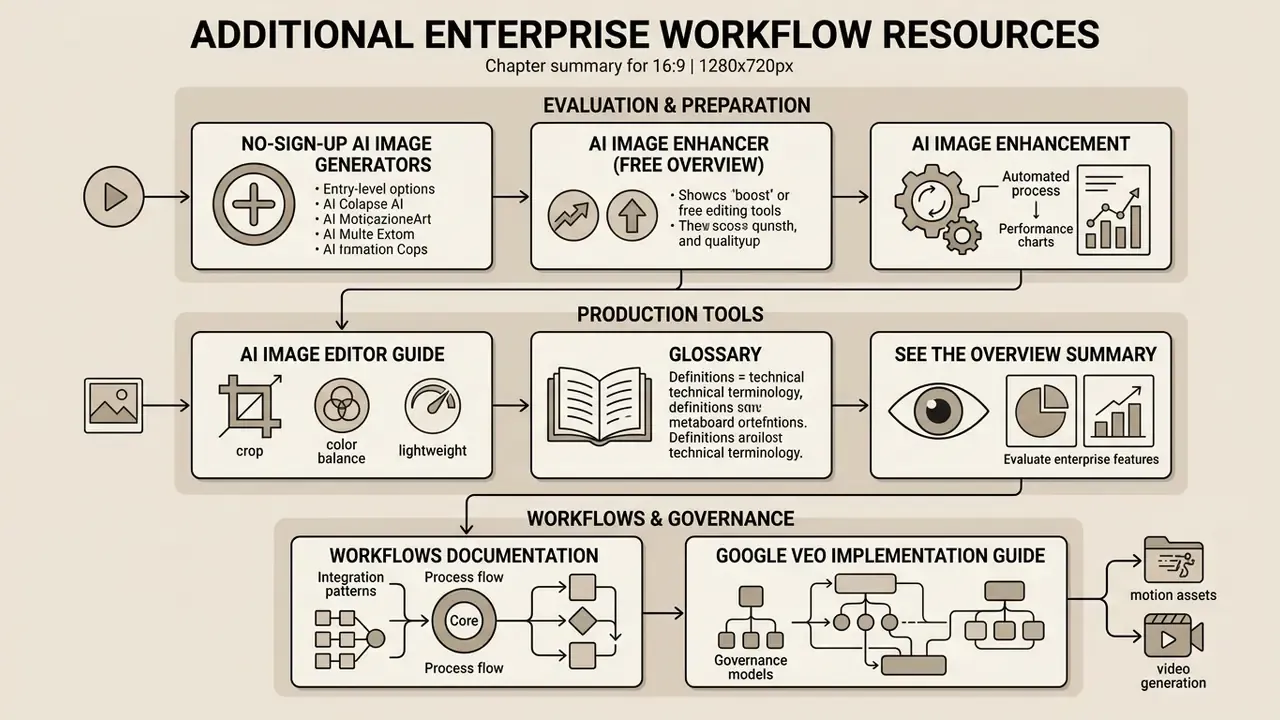
To keep improving your visual creation stack, review our technical guides across related categories:
- Compare entry-level options in our overview of no-sign-up AI image generators.
- Evaluate free editing tools in our ai image enhancer free overview.
- Review automated enhancement tools in our ai image enhancement section.
- Explore lightweight photo tools via our ai image editor guide.
- Analyze technical terminology in the comprehensive glossary section.
- Compare enterprise platform features in our see the overview summary.
- Examine production integration patterns in our workflows documentation.
- Extend the same governance model to motion assets with our Google Veo video generation implementation guide.
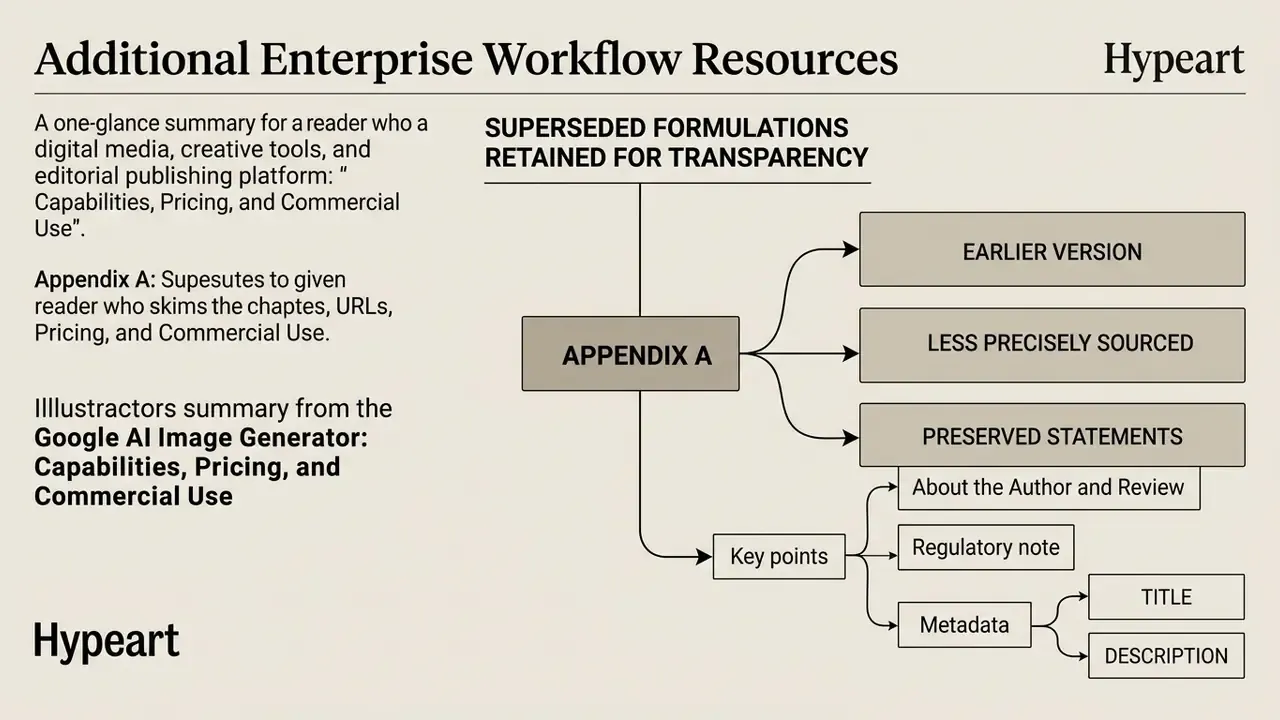
Appendix A: Superseded Formulations Retained for Transparency
Metadata
TITLE: Google AI Image Generator: Capabilities, Pricing, and Commercial Use
DESCRIPTION: Learn how the Google AI image generator works: create images from text prompts with Imagen 3 and Nano Banana, use Google Pics editing tools, compare free vs paid plans and Vertex AI pricing, and manage commercial use, indemnification, and audit risks.