Last updated: 2026. Pricing, credit allocations, and access policies were checked against Magic Studio's official pricing page, Help Center documentation, and Terms of Service current for 2026.
Executive Summary: The Operating Parameters That Matter
If you have three minutes, these are the facts that decide whether the tool fits your workflow.
- Access reality vs. marketing The AI Art Generator landing page advertises "Lightning Fast, No Login Needed!", yet the Help Center states that every AI-generating tool requires an authenticated account. Only basic non-AI quick-edit utilities run without login.
- Free tier ceiling 40 lifetime AI generations across all tools, downloads capped at 600 pixels on the longest side, watermark applied, one image processed at a time. Some landing pages promote 20 free images, depending on the promotion running that week.
- Paid subscription PRO at $14.99 per month, or the equivalent of $4.99 per month on annual billing, unlocks unlimited generations, watermark-free high-resolution and 4K exports, plus bulk processing.
- AI Photo packs sit outside the subscription Personal portrait generation runs on one-time packs (Starter, Standard, Premium) plus a credit economy. Premium delivers 4096 × 4096 px at 300 DPI.
- Commercial use is contractually permitted on paid tiers. Rights are non-exclusive, and under current US Copyright Office guidance purely AI-generated output cannot be registered for copyright.
- Data governance Personal AI photo models are auto-deleted after 90 days, and uploaded photos are not used to train general public models. Formal SOC 2 or ISO 27001 attestations and a signable DPA are not published anywhere in public documentation. For regulated industries, that is a material gap.
- Reproducibility gap No seed values, no sampler parameters, no exportable prompt-history logs. That limits use inside an audited Model Risk Management framework.
Who This Assessment Is For
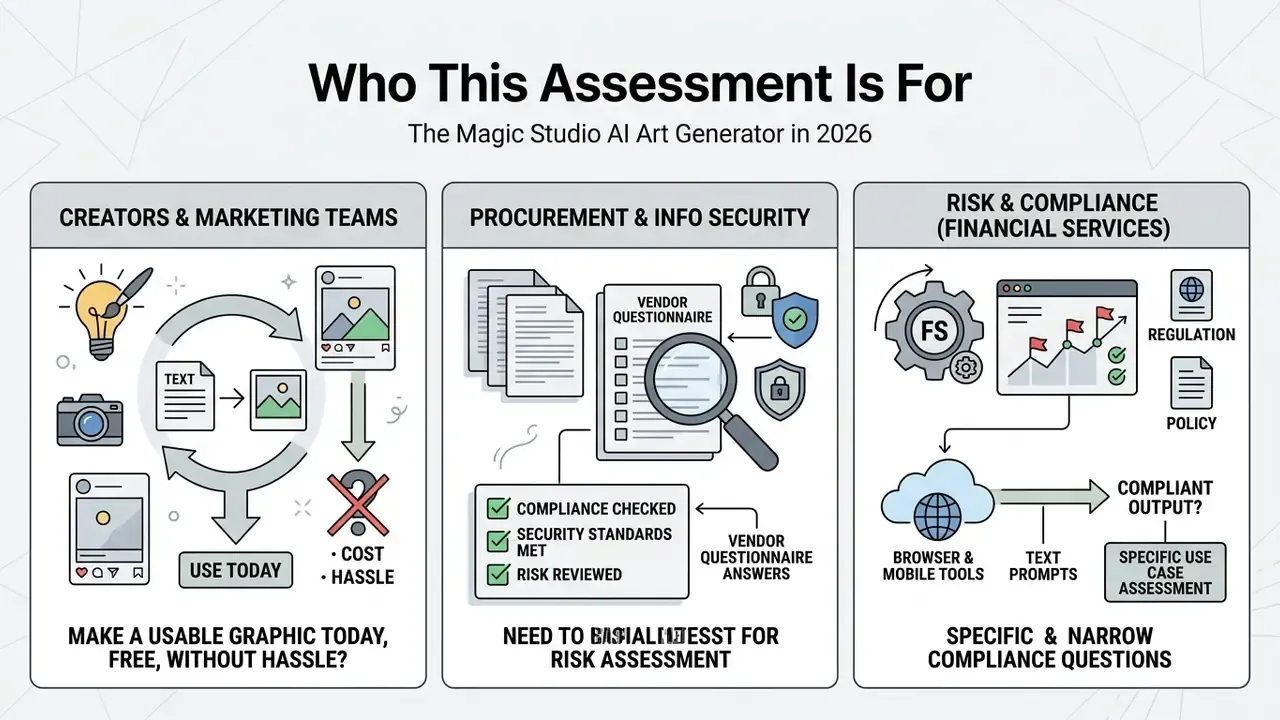
Three reader groups tend to arrive at this page with different questions, so it is worth naming them up front.
Creators and marketing teams want to know one thing: can I make a usable graphic today, for free, without a card? Short answer: yes, within a hard cap, and with a watermark until you pay.
Procurement and information security reviewers need the vendor questionnaire answers, most of which are absent from public docs. The governance section below maps what exists against what an audit committee normally demands.
Risk and compliance owners in financial services face a narrower question. Can generative visual output enter a regulated marketing pipeline without creating an evidence problem later? Sometimes yes, with a manual prompt register and human sign-off. Not automatically.
Magic Studio provides browser-based and mobile tools that turn text prompts into artwork and process existing photos. The ecosystem pairs text-to-image models with editing utilities such as background removal, object erasure, and resolution upscaling. Knowing its functional scope, free-tier constraints, pricing structure, and legal boundaries helps teams adopt generative visual assets without inheriting surprise governance or licensing risk.
What Magic Studio AI Art Generator Is and What It Solves
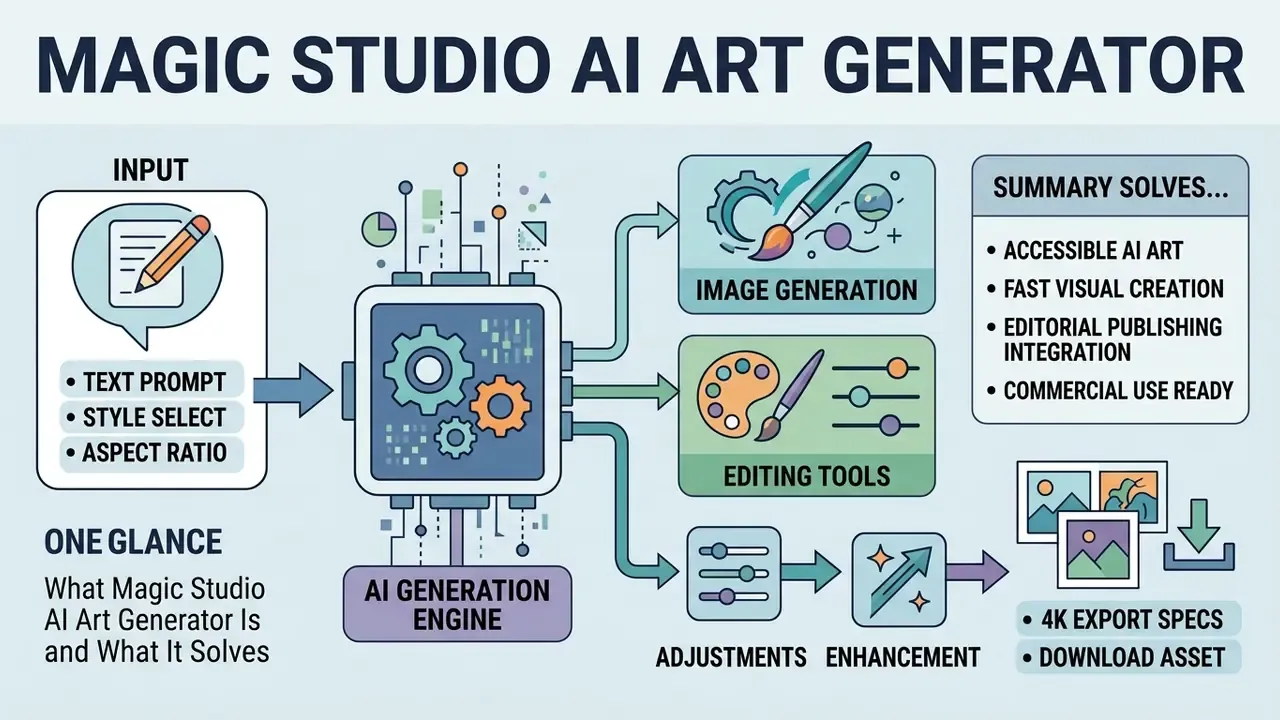
Magic Studio AI Art Generator is a web-based creative platform that converts text prompts into visual artwork and streamlines photo editing inside a single browser environment. It serves creators, marketers, and digital teams that need visual assets fast, without installing heavy desktop software.
The platform folds text-to-image generation, background removal, object retouching, and resolution upscaling into one interface. That places it squarely inside the broader category of AI image generators built for production work rather than weekend experimentation. Users type descriptive prompts to produce original ai generated images magic studio style assets, or upload source photos and apply style transformations. By combining generative rendering with structured image editing, it simplifies the production of promotional graphics, social posts, and visual prototypes.
One caveat worth flagging early. Public documentation does not disclose the underlying image-model architecture, nor the named generation algorithm behind the AI Art Generator. If your vendor validation requires named base-model disclosure, treat this as a closed "black box" implementation and document it that way.
Creating AI Art From a Text Description
Text-to-artwork conversion here depends on how the model parses natural language into scene elements, lighting, and style parameters. Users enter descriptive phrases specifying objects, background setting, atmosphere, and artistic medium. That is the same structural logic governing most AI art generators on the market today.
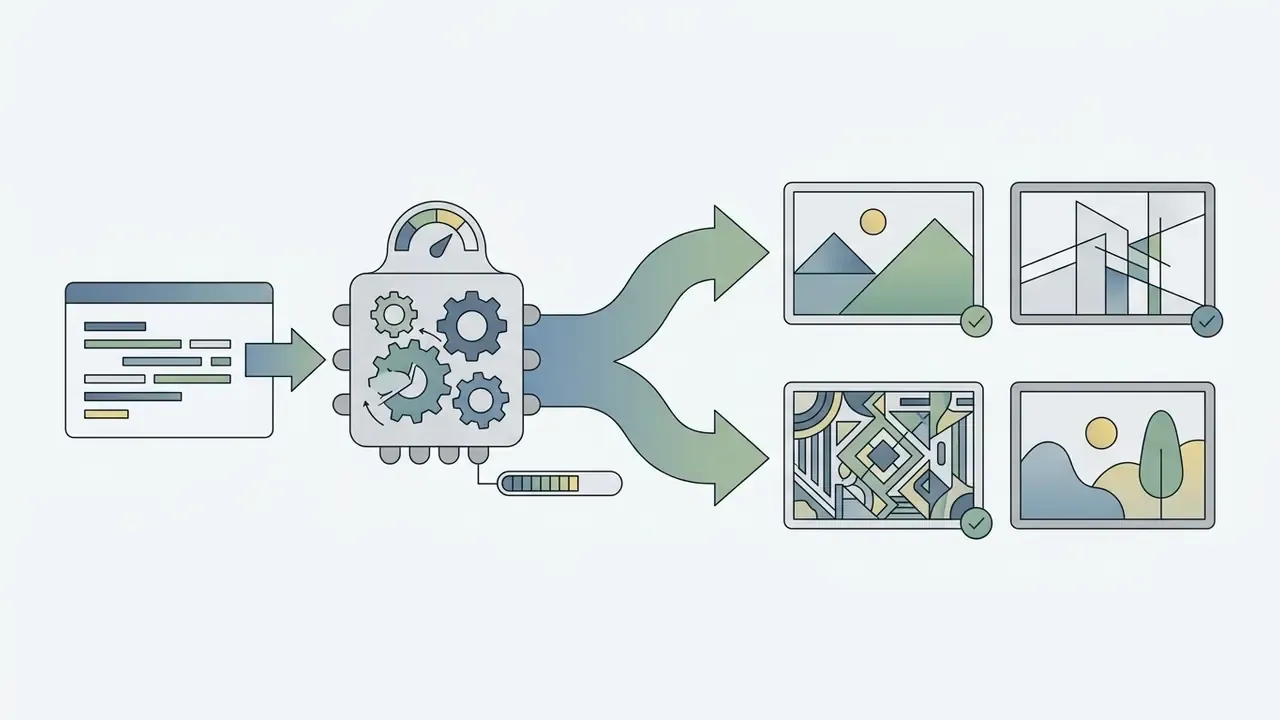
The system reads those prompt inputs and renders matching visual assets. The magic studio ai art generator interface lets you request extra variations from the same prompt, or tweak the wording to sharpen details.
«Users should explain the picture in simple direct words and add specific details about elements and setting to steer the output.»
Product documentation describes a workflow of one image plus repeat variation, while the company blog says a single prompt can return three or four candidate options. Both descriptions point at the same multi-variant behaviour; the difference is presentational, not functional. Either way, creators keep control over composition and aesthetic interpretation without retyping the prompt.
The Image Generator and Editing Tools Inside Magic Studio
Pairing the ai image generator magic studio with post-processing utilities allows smooth movement between creation and final asset prep. Once a base image exists, you pass the file straight into the editing tools, no export detour required.
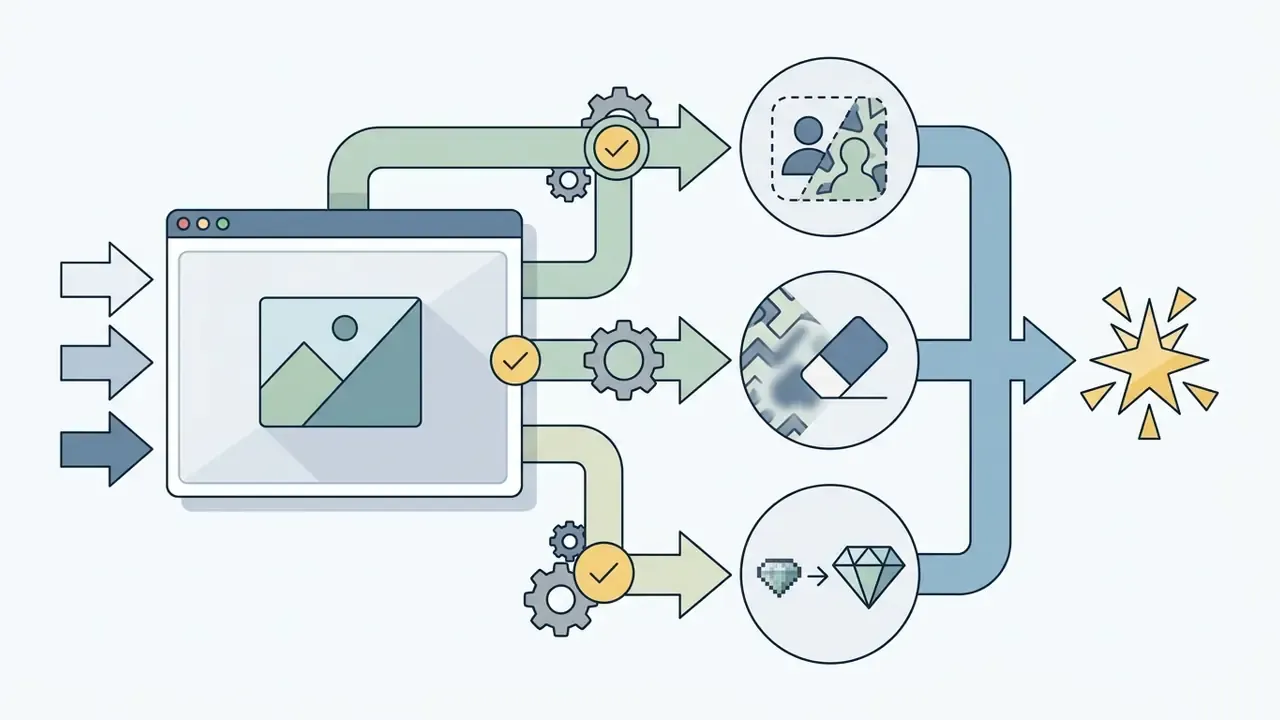
That unified workspace cuts manual file shuffling between platforms. A creator building product concepts can isolate the subject, recolour the background, and clean up small artifacts in one sitting. Linking magic studio ai art tools to photo editing functions produces a genuinely efficient content pipeline. The PRO tier covers quick-editing tools and both AI generators under one access level, so nothing extra needs buying to move between creation and retouching.
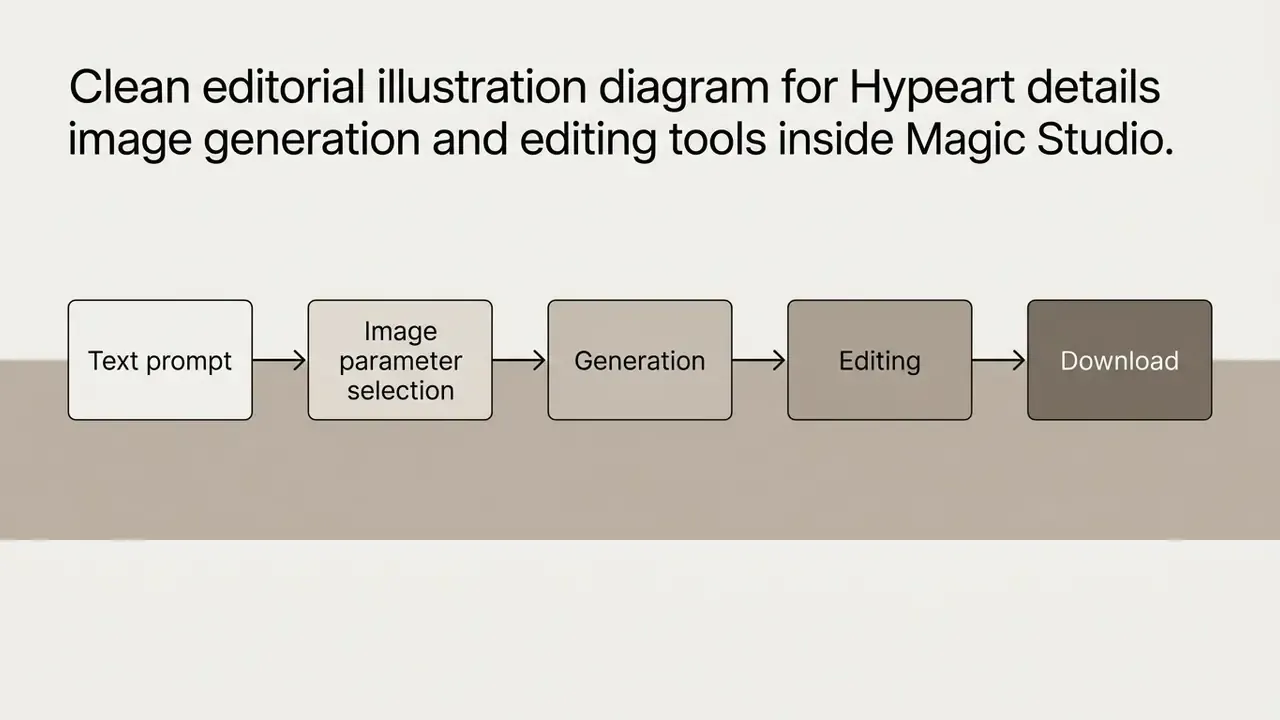
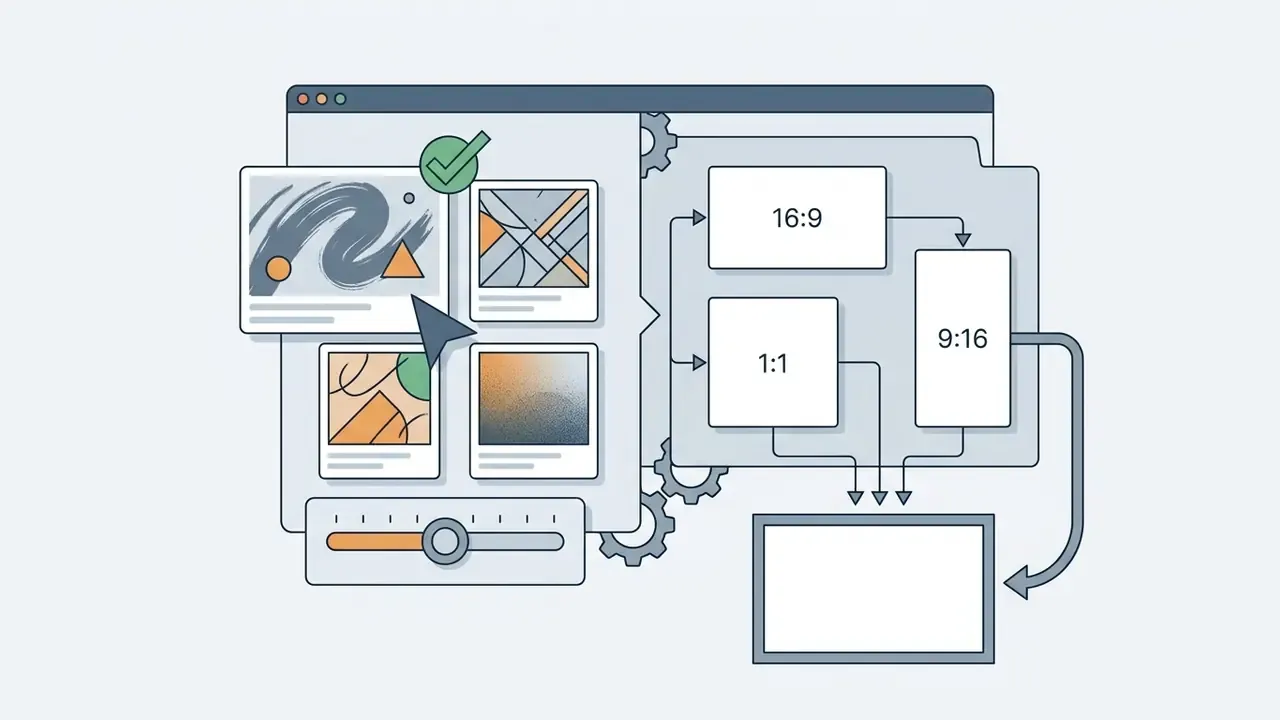
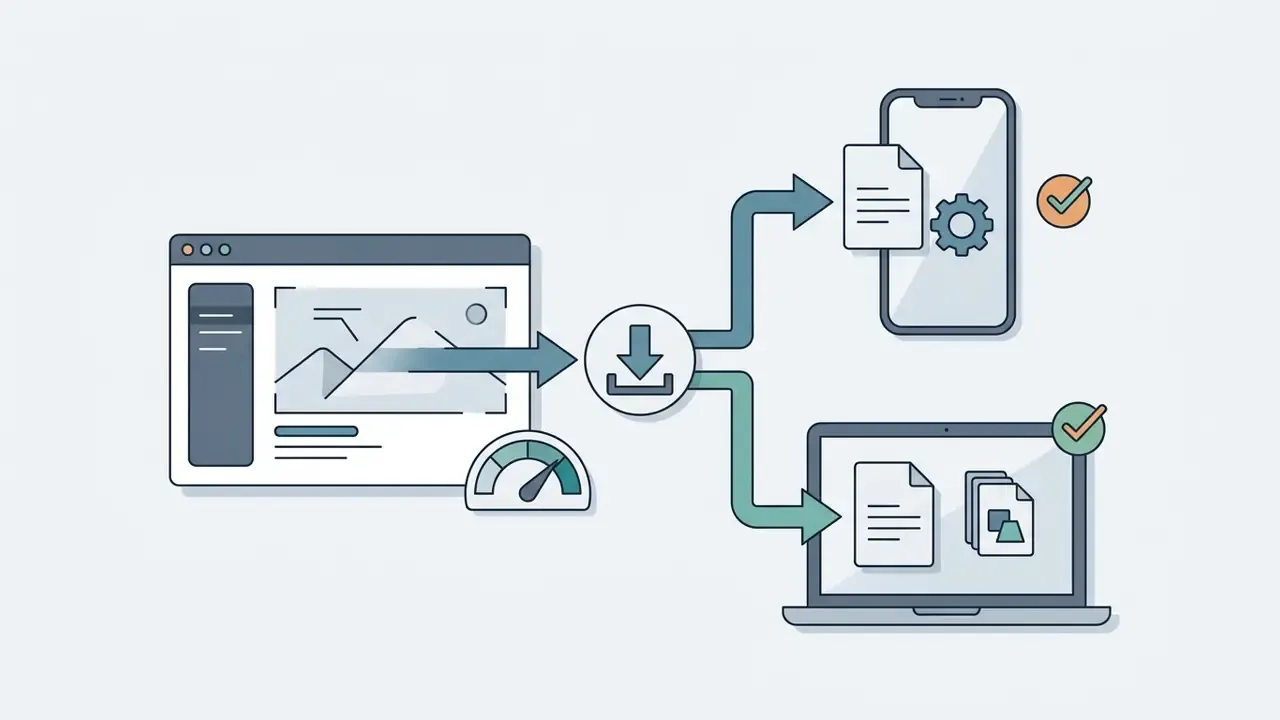
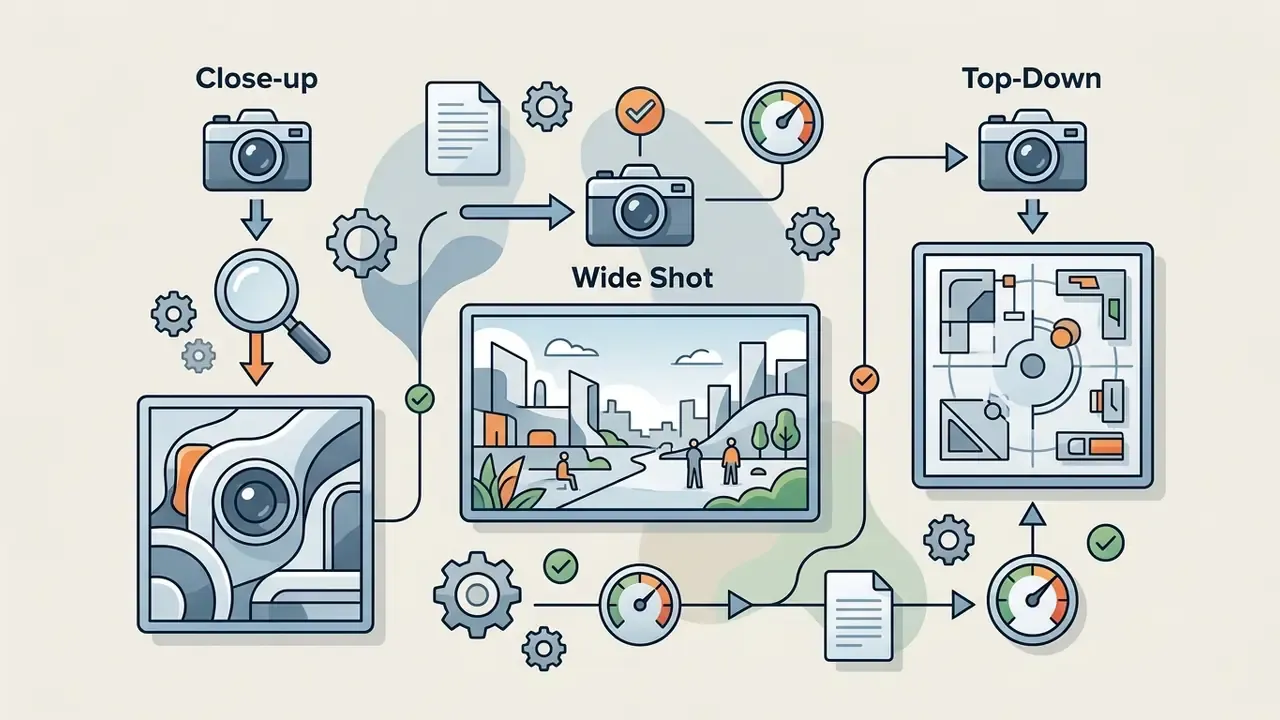
Accessible text version of the same chain, for readers using screen readers or printing the page:
Free Access: Does Magic Studio Require Login or Sign-Up?
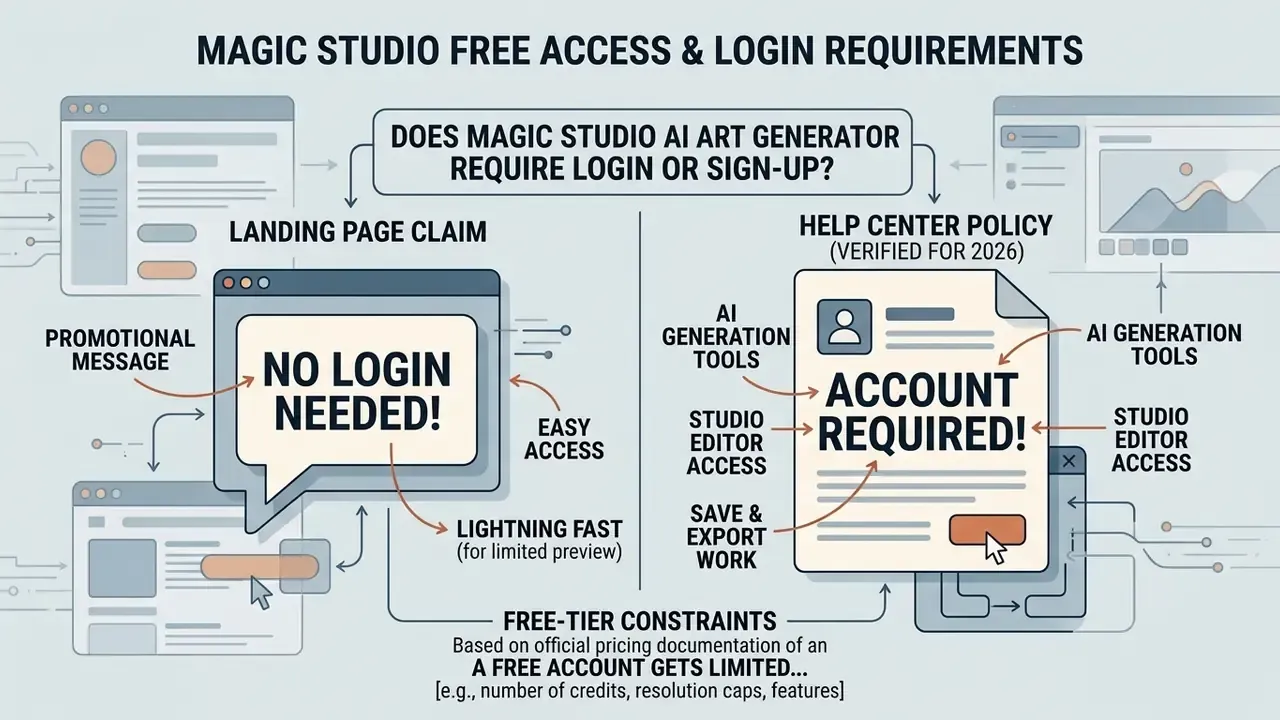
Free-tier constraints decide whether a tool is even worth testing, so this comes before the workflow instructions. Access rules for the free ai image generator magic studio experience differ noticeably between landing-page marketing copy and the technical account requirements documented in support materials.
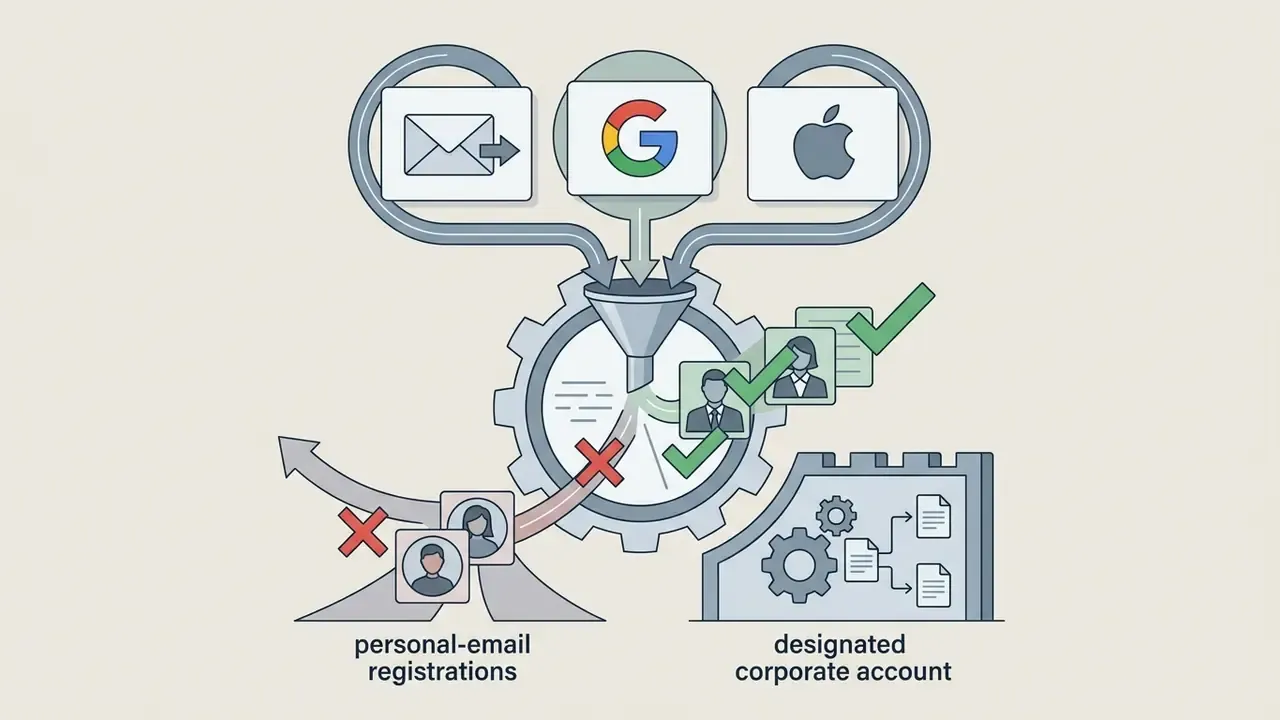
The landing page advertises magic studio ai art generator free no login and magic studio ai art generator free no sign up access for instant testing. That positioning is shared by plenty of free AI generators that require no sign-up. The official Help Center, however, states that login via Google, Apple, or an email magic link is mandatory to run AI generation, save project edits, or process files beyond the basic quick-edit set. There are no passwords at all; access is confirmed through a link sent to your inbox. So the honest reading of magic studio ai art generator no login claims is: no password, yes account.
| Access Scenario | Login Required? | AI Generation Cap | Max Export Resolution | Watermark Present? |
|---|---|---|---|---|
| Unauthenticated Visitor | No (quick edits only) | 0 AI generations | Not applicable | Yes |
| Free Registered Account | Yes (email, Google, Apple) | 40 lifetime generations | 600 px (max dimension) | Yes |
| Paid PRO Plan User | Yes | Unlimited | Full HD / 4K | No |
«The free plan provides 40 generations for the lifetime of the account; downloads are limited to 600 pixels and carry a Magic Studio watermark.»
Verification of Access Terms and Free Tier Conditions
Pricing, Plans, and Credit Economics
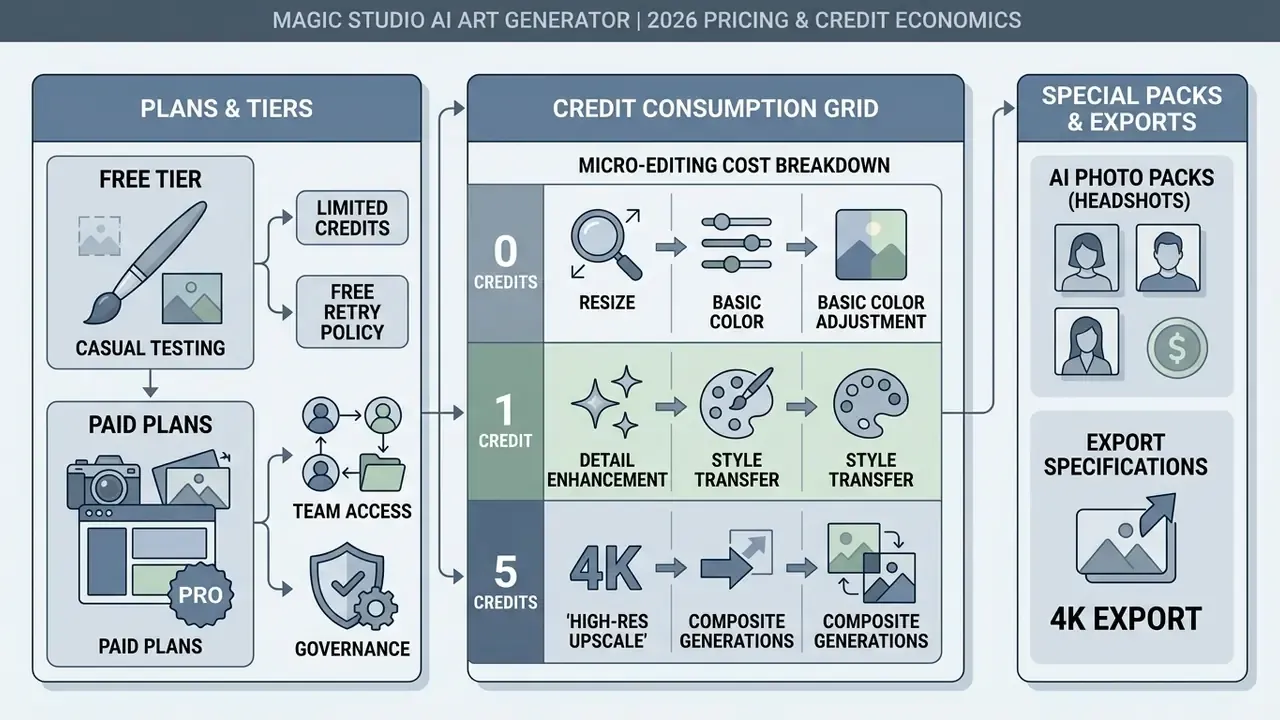
Magic Studio structures its commercial tiers to separate casual testing from professional batch production. Paying removes watermarks, unlocks high-resolution downloads, and enables multi-file processing. Note something important: the platform runs two distinct commercial models. A PRO subscription covers the general generator and editing suite; one-time AI Photo packs cover personal portrait generation.
| Plan Tier | Monthly Cost | Annual Cost (Monthly Eq.) | AI Generations | Export Quality | Key Features |
|---|---|---|---|---|---|
| Free | $0.00 | $0.00 | 40 total | Low-res (600 px max) | Watermarked, single-file processing |
| PRO (Monthly) | $14.99 | Not applicable | Unlimited | High-res / 4K | No watermark, bulk editing, cross-platform |
| PRO (Annual) | Billed yearly | $4.99 ($59.99/yr) | Unlimited | High-res / 4K | Up to 67% discount, priority rendering |
«On annual billing, Magic Studio PRO costs about $4.99 per month, roughly three times less than Photoroom at about $12.99 per month, and more competitive than Remove.bg credit packs.»
Regional pricing variation applies. Published figures differ by locale and currency, so verify the numbers above against the pricing page for your billing region before procurement sign-off. If you need to model total spend across several tools, our AI Media Calculators cover per-asset cost scenarios.
Choosing Between Free and Paid Plans
The choice comes down to production volume and quality requirements. The free tier is enough to test prompt behaviour or clean up a handful of product shots. Forty lifetime generations will tell you whether output quality clears your brand bar. It will not carry a campaign.
Professional creators and commercial teams need PRO to drop the watermark and reach print-ready resolutions. Teams running bulk background removal across a large product catalogue benefit most, since the free tier restricts work to one image at a time. For a wider view, compare the platform against alternatives in our roundup of the best AI image generators, the full set of AI Media Comparison Matrices, and our analyses of Canva AI Generator and Microsoft AI Image Generator.
AI Photo (Headshots) Packs and Export Specifications
For personal portraits and business avatars, Magic Studio sells one-time packs instead of a subscription:
- Starter Pack: 3 downloadable standard-resolution headshots (1024 × 1024 px) plus 3 editing credits.
- Standard Pack: All 50 portraits at standard resolution (1024 × 1024 px) plus 3 editing credits.
- Premium Pack: All 50 portraits in 4K quality (4096 × 4096 px, 300 DPI) plus 50 credits.
Free retry policy: You can create and preview your first set of 50 watermarked photos before paying anything. If that first set misses expectations, the platform grants one free retry using a new batch of uploaded source photos. The retry produces a completely new set of 50 images and replaces the previous one. Because the full set is reviewable before payment, purchases are non-refundable except where law requires otherwise.
| Format | Alpha Channel / Transparency | Typical Use |
|---|---|---|
| JPG / JPEG | No | Web publishing, email, general digital delivery |
| PNG | Yes | Cutouts, logos, layered composites |
| WEBP | Yes | Optimised web delivery, smaller file sizes |
| HEIC | No | Apple ecosystem native storage |
| TIFF | Yes (Background Remover output) | Print production, archival masters |
Credit Consumption Grid for Micro-Editing
Some specialised functions run on dedicated credit pools rather than the unlimited subscription bucket. Standard PRO plans grant unlimited general image generations, but 4K portrait upscaling and personal photo-model training consume discrete credits.
- 0 credits Removing small distractions with Magic Eraser.
- 1 credit Any single attribute change on a finished photo. That covers swapping the outfit, replacing the backdrop, adjusting hairstyle or hair colour, adding or removing glasses, changing facial expression, correcting eye colour or gaze direction, reducing wrinkles, removing jewellery, or one use of Magic Edit, where you describe the change in your own words.
- 5 credits Creating five photos in a new look, generating five "More like this" variants, or upscaling one image to 4K (4096 × 4096 px, 300 DPI) for Starter and Standard customers.
Standard AI Text-to-Image Request = 1 Generation (Unlimited on PRO)
4K Resolution Model Upscale = 5 Credits per Image
Personal AI Portrait Model Training = Requires Credit Pack Purchase
Extra credits can be bought once a base pack exists. Higher credit tiers unlock 4K exports rendered at 300 DPI, which satisfies commercial print and digital ad specs. Review full subscription options in our AI Media Pricing Guides, or troubleshoot export problems through AI Media Support and Troubleshooting.
How to Create an Image in Magic Studio AI Image Generator
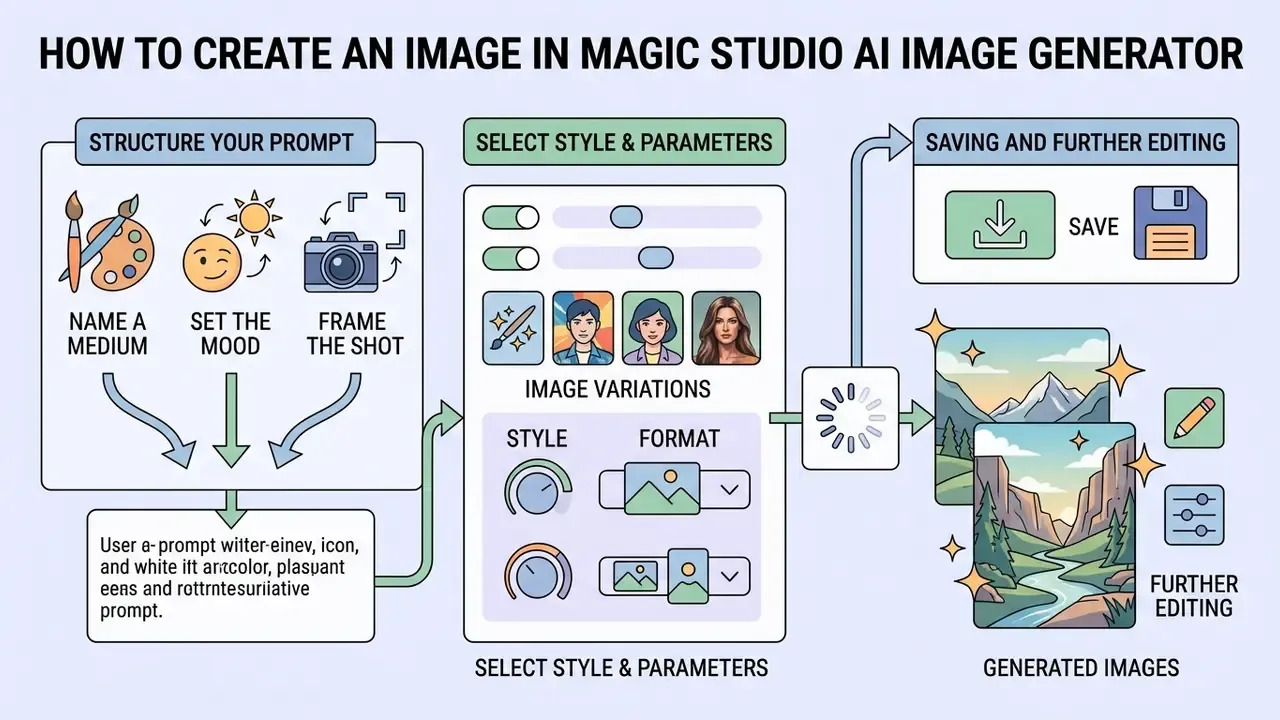
Generating custom images through the magic studio ai generator needs structured inputs and deliberate parameter choices. A clear sequence produces predictable output and fewer wasted generations, which matters when your free allowance is finite.
The address itself is worth noting for anyone searching https magicstudio com ai art generator as a navigational query: the tool lives on that exact path, with no desktop installer involved.
How to Write a Prompt for AI Art
A prompt is the instruction set for the model. High-performing prompts open with background and setting context, continue with core subject attributes, and close with style, lighting, and composition constraints.
[Background / Scene] + [Primary Subject & Details] + [Style Preset & Lighting] + [Composition Constraints]

Example: "A modern urban glass office interior, executive seated at a minimalist desk reviewing charts, soft natural morning window light, photorealistic 8k, professional photography."
A short case, framed honestly. In a documented corporate design review at a mid-sized B2B SaaS marketing team of roughly twelve designers producing weekly campaign assets, designers first submitted vague single-word inputs. Visual branding came back inconsistent. The team then enforced four-part descriptive strings across every request. Afterwards they reported far fewer regeneration cycles per finished graphic, roughly seven attempts down to two. Those figures are internally reported and not independently audited. Directional, not benchmarked.
«Detailed prompts with explicit object and style attributes reduce the number of generation iterations and improve alignment between output and user intent.»
Adobe and OpenAI prompting guidance converge on the same principle. Accuracy improves when prompts list required components explicitly, exclude unwanted ones, and specify materials, textures, medium, framing, viewpoint, lighting, and mood as discrete segments rather than one ambiguous sentence.
Prompt tip on optical modifiers: For photorealistic depth of field and film texture, append camera or film parameters at the end. For example: "...shot on 35mm film, 85mm f/1.4 lens, natural bokeh". Lens and film references act as strong stylistic anchors and pull the result away from the generic render look.
- Be specific. "Golden retriever pup" outperforms "dog" almost every time.

Selecting Style, Format, and Image Variations
The ai generator magic studio control panel offers style presets and aspect ratio settings to frame the output. Style options shift colour distribution, brush-stroke rendering, and texture mapping. Magic Studio's AI Art tooling exposes 22 or more style presets across its photo-transformation flows.
The core generator historically shipped three aspect ratios: square 1:1, landscape 2:1, and portrait 1:2, with square recommended as the default. Current implementations and Magic Studio-compatible interfaces expose a wider ratio matrix aligned to publication channels.
| Aspect Ratio | Format | Target Use and Platforms |
|---|---|---|
| 1:1 | Square | Avatars, Instagram feed posts, e-commerce product cards |
| 16:9 | Wide landscape | YouTube thumbnails and covers, website banners, presentations |
| 9:16 | Vertical | TikTok, Instagram Reels, YouTube Shorts, Stories |
| 2:3 | Standard portrait | Classic portrait photo printing, print media |
| 3:2 | Standard landscape | Landscape photography, editorial articles |
| 4:5 | Social portrait | Instagram feed, maximum post height without cropping |
| 5:4 | Print portrait | High-quality fine-art printing |
| 21:9 | Ultra-wide cinema | Cinematic frames, desktop wallpapers |
| 9:21 | Vertical cinema | Vertical cinematic content, digital signage totems |
| 2:1 | Legacy landscape | Native Magic Studio landscape preset, slide headers |
| 1:2 | Legacy portrait | Native Magic Studio portrait preset, mobile story layouts |
Pick the ratio matching the intended placement. Absent a preference, square remains the safest default for prompt fidelity. When output misses the mark, trigger variation re-runs to test alternative random seeds with identical parameters. Worth remembering, though: those seed values are never surfaced to you, which is precisely the reproducibility problem discussed further down.
Saving and Further Editing of Generated Images
After generation, assets save directly to phone galleries or desktop file systems in JPG, JPEG, PNG, WEBP, and HEIC. The gallery also supports a Select to Download action for saving several images at once, which genuinely matters during batch campaign production.
Need adjustments? Move the generated file into Background Remover, Image Upscaler, or Magic Eraser without leaving the workspace. Anyone treating this as a ai picture generator magic studio workflow rather than a one-off toy will spend most of their time in that handoff. For broader benchmarking across competitive suites, see our comparison of AI image generators and the AI Media Pricing Guides.
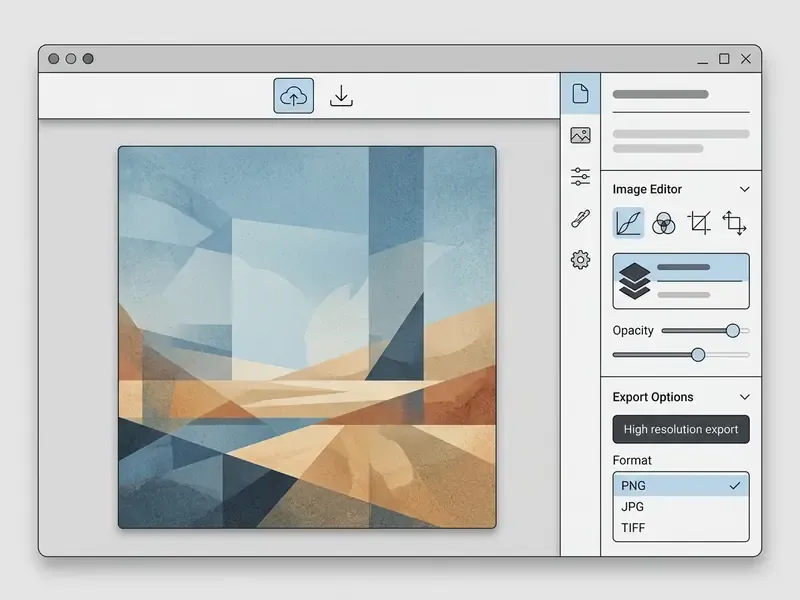
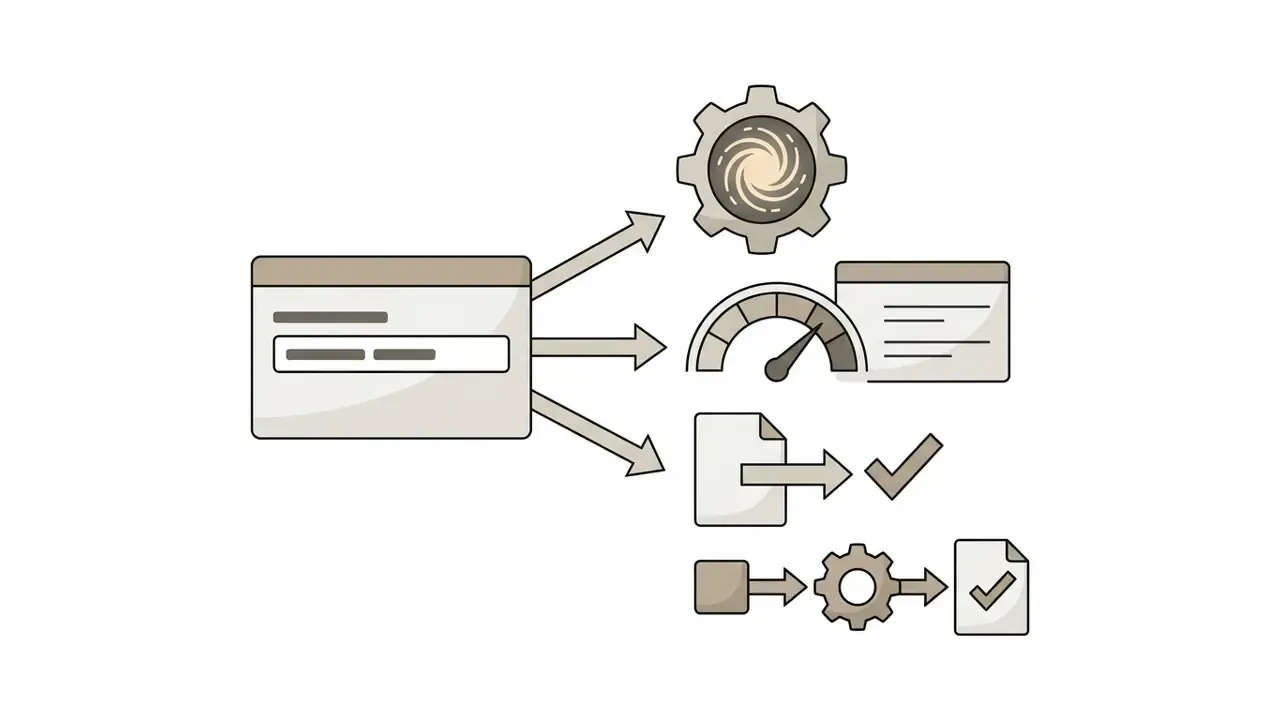
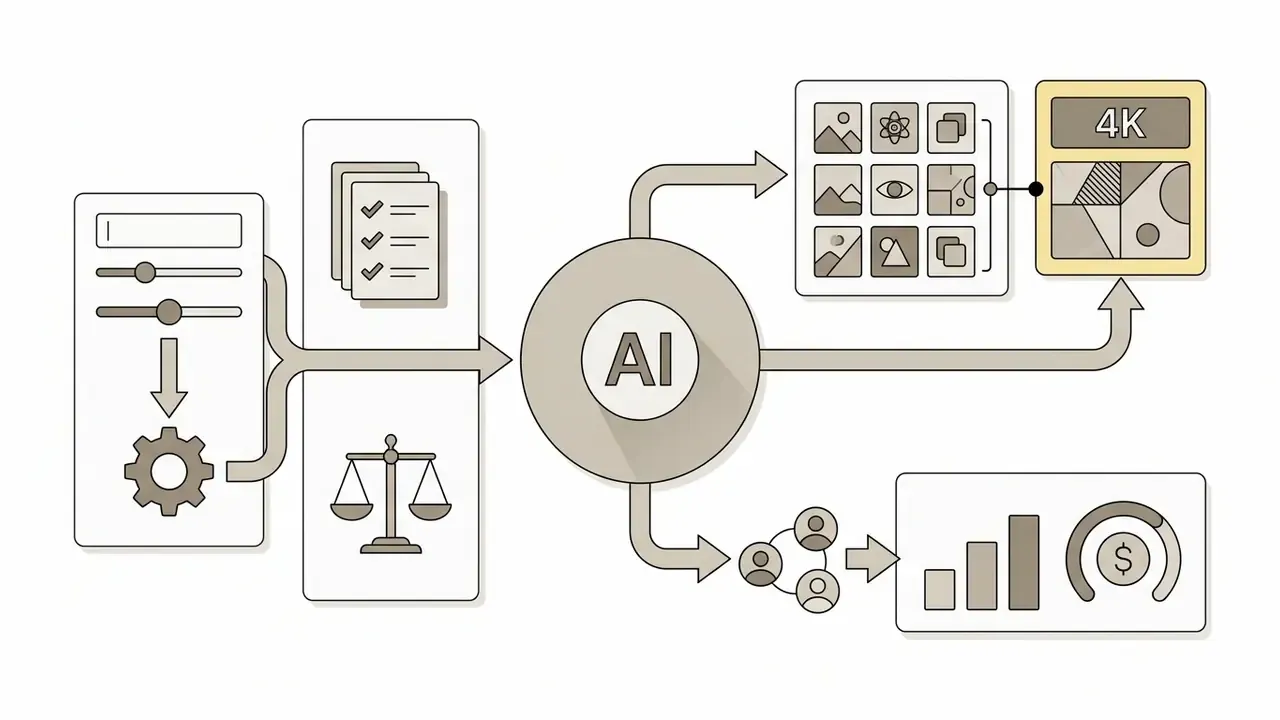
Accessible annotation list duplicating the screenshot labels: prompt field at top left; style preset row directly beneath; aspect ratio selector to the right of the presets; Generate button below the prompt area; results grid with per-image Download and "More like this" actions.
Magic Studio Features for Image Generation and Editing
Magic Studio reaches well past basic text-to-image work. It bundles dedicated tools for specialised photo generation and automated post-processing: object isolation, retouching, resolution scaling, format conversion, and personal portrait modelling, all in one web app.
| Tool Name | Core Functionality | Primary Input | Typical Output Formats | Target Use Case |
|---|---|---|---|---|
| AI Image Generator | Text-to-image synthesis | Text prompt and style preset | JPG, PNG, WEBP | Marketing graphics, concept art |
| AI Photo Generator | Identity-driven portrait synthesis | 10 to 20 uploaded user photos | JPG, PNG (up to 4K) | Professional headshots, avatar profiles |
| Remove Background | Automated background removal | Photo upload (up to 10 MB) | Transparent PNG, WEBP, TIFF | E-commerce listings, collages |
| Magic Eraser | Intelligent object and text removal | Photo upload plus brush mask | JPG, PNG | Photo retouching, distraction removal |
| Image Upscaler | AI resolution enlargement | Image of any quality | JPG, PNG (up to 4K) | Print and out-of-home ad prep |
| Background Blur | Bokeh effect application | Photo with a clear subject | JPG, PNG | Adding portrait depth to ordinary shots |
| HEIC to JPG | Apple file conversion | .HEIC files from iPhone | JPG | Cross-platform compatibility |
| WEBP to PNG | Web graphics conversion | .WEBP files | Transparent PNG | Preparing assets for graphic editors |
AI Image Generator vs. AI Photo Generator
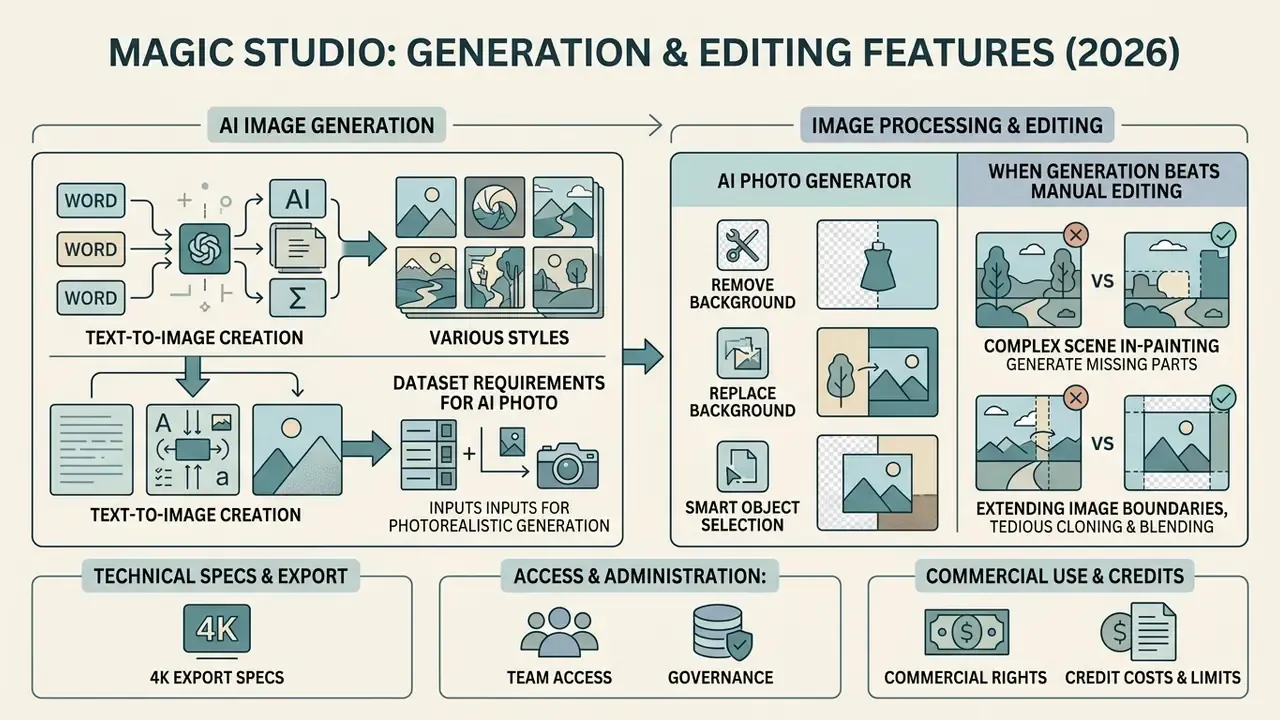
The magic studio ai image generator features split cleanly into prompt-driven art creation and identity-driven photo synthesis. The general generator produces net-new imagery from arbitrary text input, which is what most people mean when they say magic studio ai image creation.
The ai photo generator magic studio utility works differently. It builds a personal model from your uploaded reference photos, then generates realistic headshots and portraits while holding facial features consistent across different backgrounds and outfits.
For deeper analysis of automated portrait generation, see our guide to AI headshot generators.
Remove Background and Background Processing Tools
The remove background utility separates foreground subjects from background environments using edge-detection algorithms. In most production stacks it sits alongside general-purpose AI photo editors. You can refine the automatic selection with manual brush tools to preserve hair strands and complex edges.
«Automatic AI selected subject… refine the kept subject with AI assisted selection to get perfect background removal.»
Once isolated, subjects drop onto transparent backgrounds or combine with new solid colours and synthetic environments. This cutout process yields the standard assets e-commerce listings and design collages require. One honest limitation: the background remover documentation describes refinement capability but publishes no measured benchmark for fine-detail edge quality on hair, lace, or fur. Test it on your own sample set before committing a full catalogue workflow.
When Generation Beats Manual Image Editing
Using an art generator to create visuals from scratch wins when no reference photography exists, when you are exploring novel concepts, or when you need high-volume exploratory variants. Synthesising fresh assets saves real time during campaign brainstorming and storyboarding.
Manual editing wins elsewhere. It protects exact physical product details, compliance layout boundaries, existing geometry, and verifiable personal identities. Guidance from image-model vendors converges here too: small, targeted revisions to an existing image beat full regeneration when only localised corrections are needed, because editing preserves the underlying structure. The pragmatic answer is usually both. Generate the background concept, then edit to keep the product accurate. Teams building multi-format campaigns often pair this with an ai music generator for short-form audio beds, which raises the same licensing questions covered later on this page.
Enterprise Risk and Model Governance Assessment
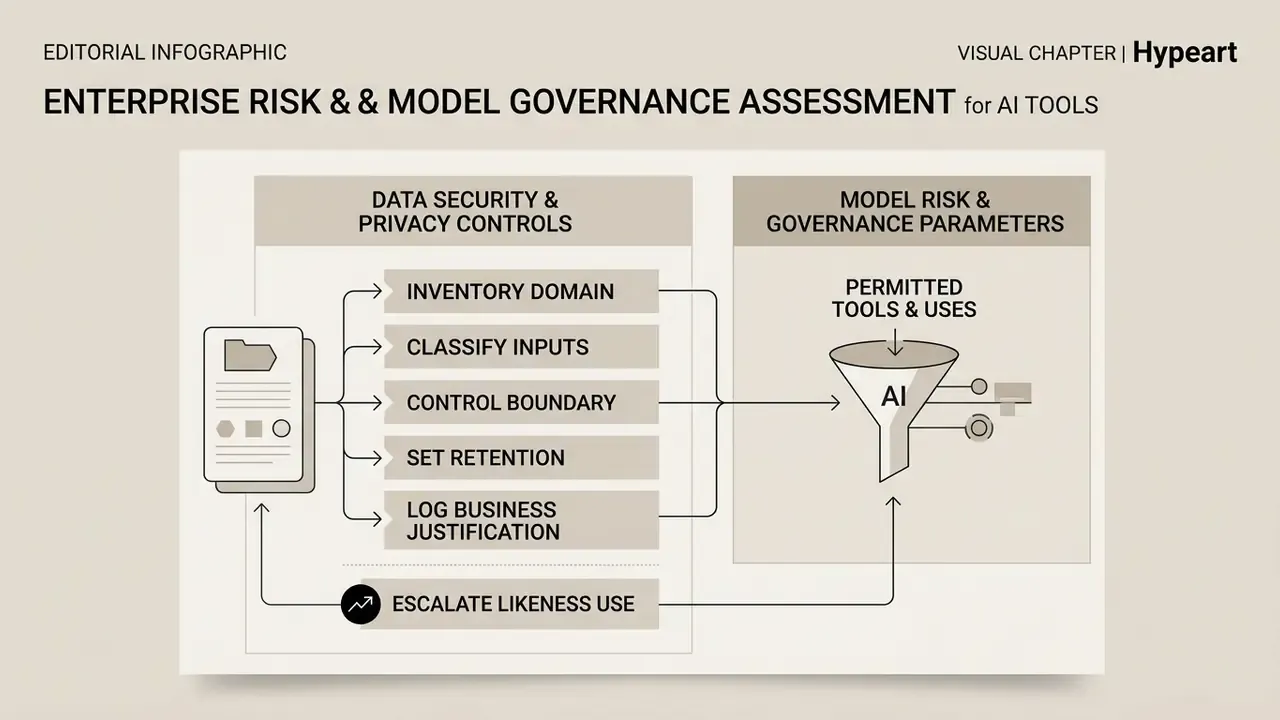
This section addresses requirements specific to regulated environments, including financial services, healthcare, and insurance, where any generative tool must clear information-security review and fit inside a Model Risk Management or GRC framework.
Data Security, Privacy, and Shadow AI Controls
The published privacy commitments are unusually specific for a consumer-facing tool. They still stop short of enterprise attestation.
| Control Area | Published Position | Governance Verdict |
|---|---|---|
| Training on user uploads | Photos build only the user's personal AI model, never general models | Documented in Help Center and product pages |
| Retention of personal AI model | Automatically deleted after 90 days | Documented |
| Retention of uploads and outputs | Stored temporarily solely to deliver the service, not otherwise accessible | Documented in Privacy Policy |
| Deletion on request | Users may email to request deletion; stated response window of 7 business days | Documented |
| Data sale and ad targeting | Explicitly stated: photos not shared, data not sold, no ads using user information | Documented |
| Sub-processors and third-party model APIs | Not publicly enumerated | Gap, requires vendor questionnaire |
| Server jurisdiction and data residency | Not published | Gap, requires vendor questionnaire |
| Encryption in transit and at rest | Not specified in public docs | Gap, requires vendor questionnaire |
| SOC 2 Type II / ISO 27001 | No public attestation found | Gap, blocks unqualified enterprise approval |
| Signable DPA or enterprise addendum | Not published | Gap, request directly from vendor |
«Your photos are used only to create your personal AI model and generate photos of you. They're never used to train our general AI models or anyone else's.»
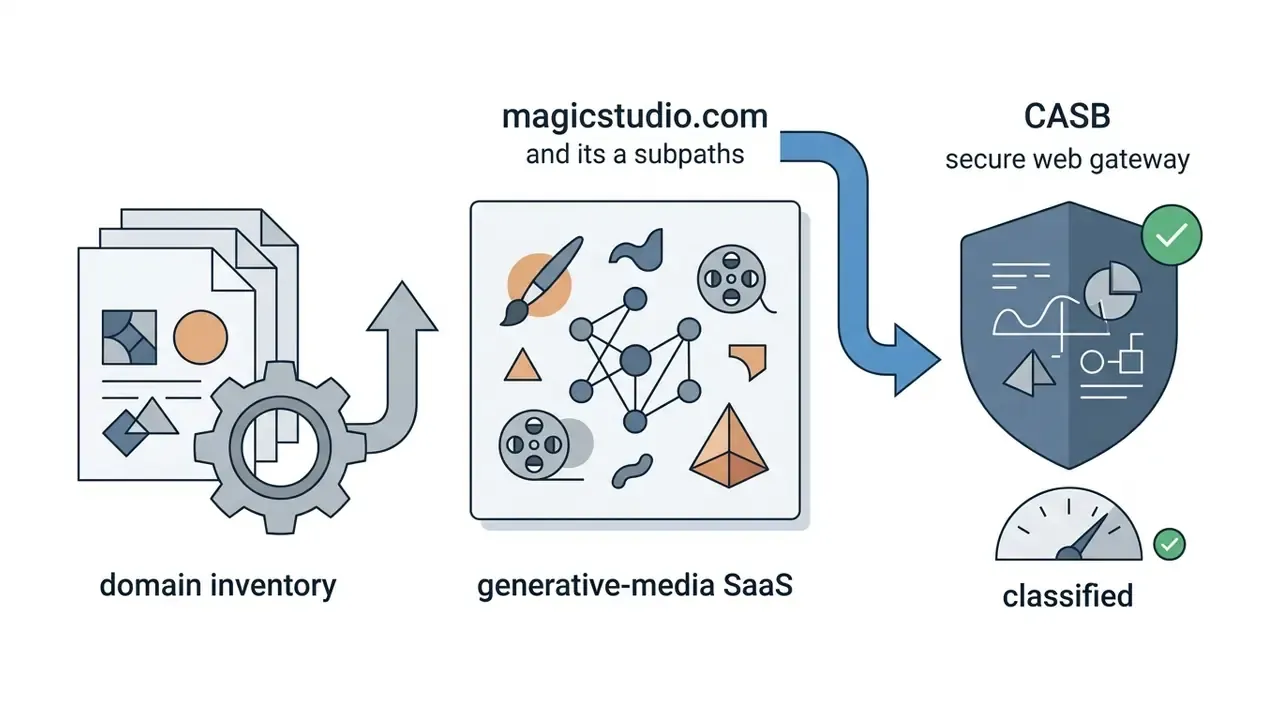
magicstudio.com and its tool subpaths to your CASB or secure web gateway inventory, classified as a generative-media SaaS endpoint.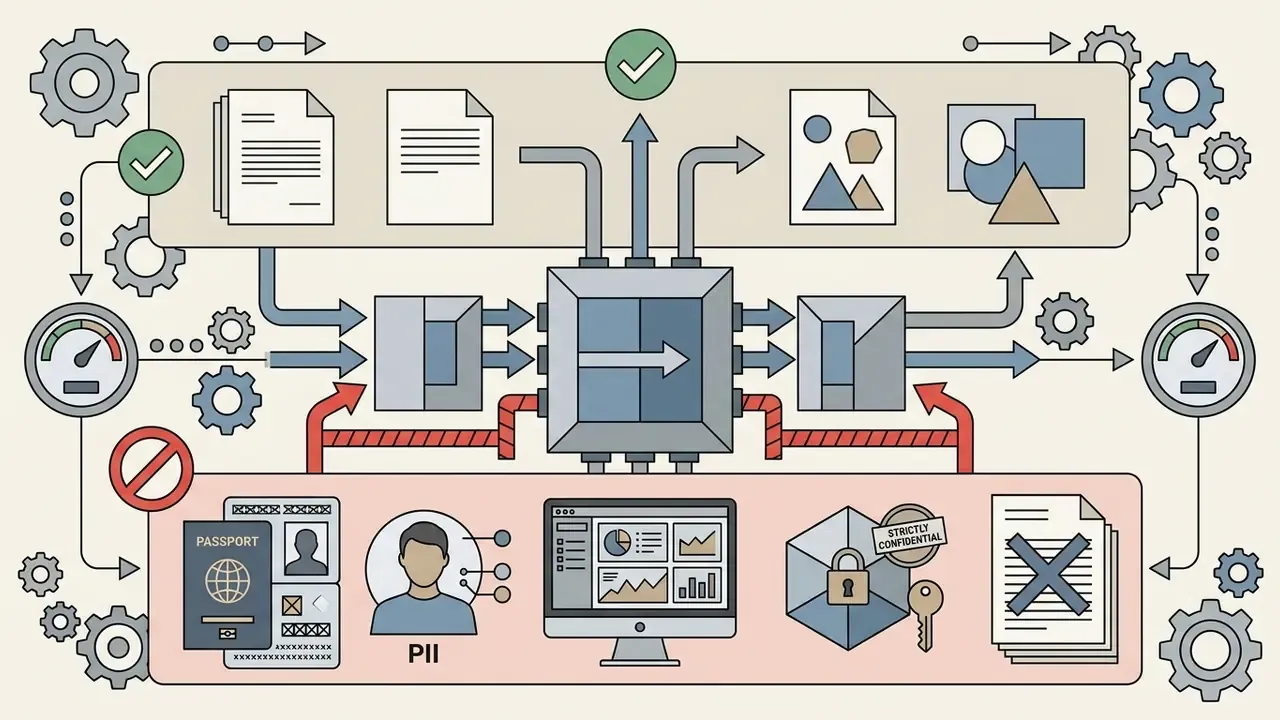

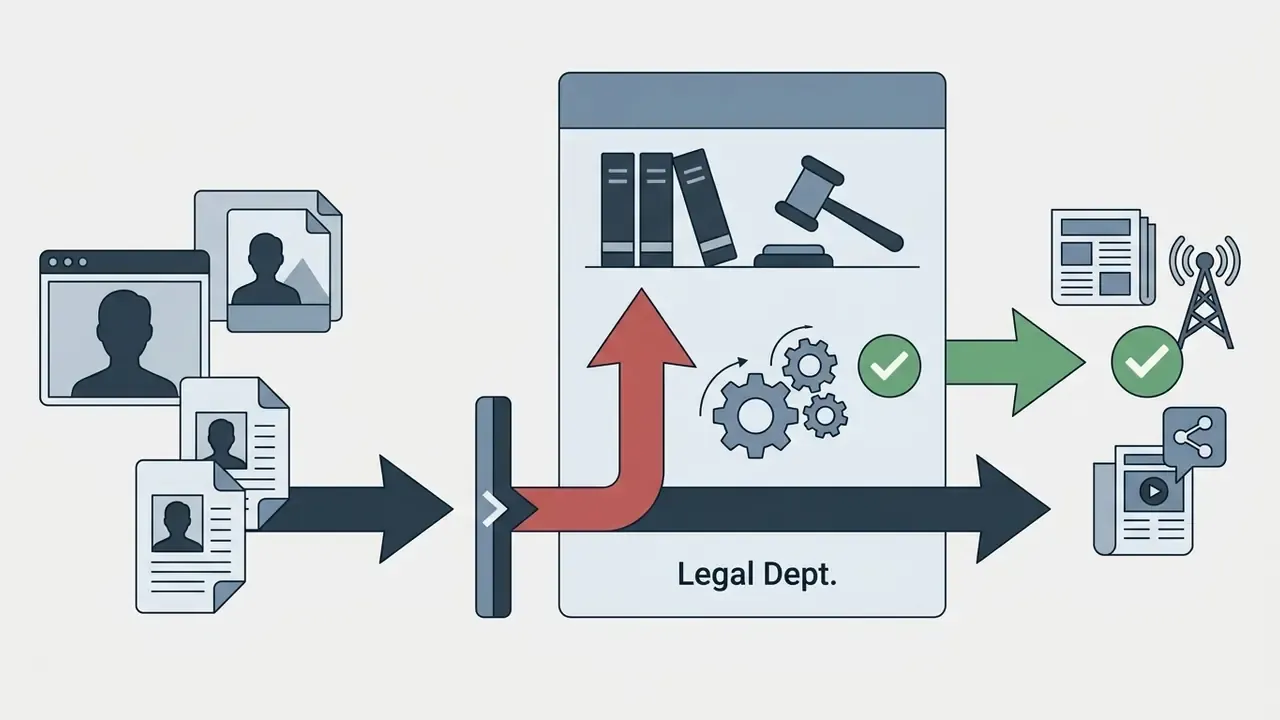
Model Risk and Governance Parameters
For teams that must produce audit evidence, the transparency profile is thin. Below are the parameters an internal audit or risk committee typically requests, mapped against what the platform publicly exposes.
| MRM / GRC Parameter | Available in Magic Studio? | Practical Workaround |
|---|---|---|
| Named base model or architecture disclosure | Not published | Record as a closed-box vendor model in the model inventory |
| Seed value capture and reuse | Not exposed to users | Bit-identical reproduction cannot be guaranteed; archive the output file as the record |
| Sampler and inference parameter logging | Not exposed | Not available |
| Prompt history export for auditors | Recent edits and favourites retained in-account; no documented export | Keep a parallel prompt register in your own DMS with timestamp, author, prompt text, output hash |
| Timestamped generation log or audit trail | Not documented as exportable | Rely on the internal prompt register plus file metadata |
| API access for programmatic control and logging | No documented public generation API for this tool | See our AI Media API Guides for platforms exposing logged endpoints |
| Role-based access control, SSO, SCIM | Not on standard tiers; Teams offers admin invite management only | Restrict to a small named user group |
| Multi-vendor independence | Single-vendor dependency | Maintain a validated secondary generator against concentration risk |
Practical conclusion for regulated buyers. The platform suits low-risk, non-customer-facing creative work well: internal decks, concept exploration, employee headshots, anything where reproducibility is not an audit requirement. It is not currently equipped to act as a system of record inside a formally validated model inventory, because seed capture, parameter logging, and exportable audit trails are absent. Where that evidence is mandatory, pair the tool with an external prompt register and treat every published asset as requiring documented human sign-off.
Can You Use Magic Studio AI Images Commercially?
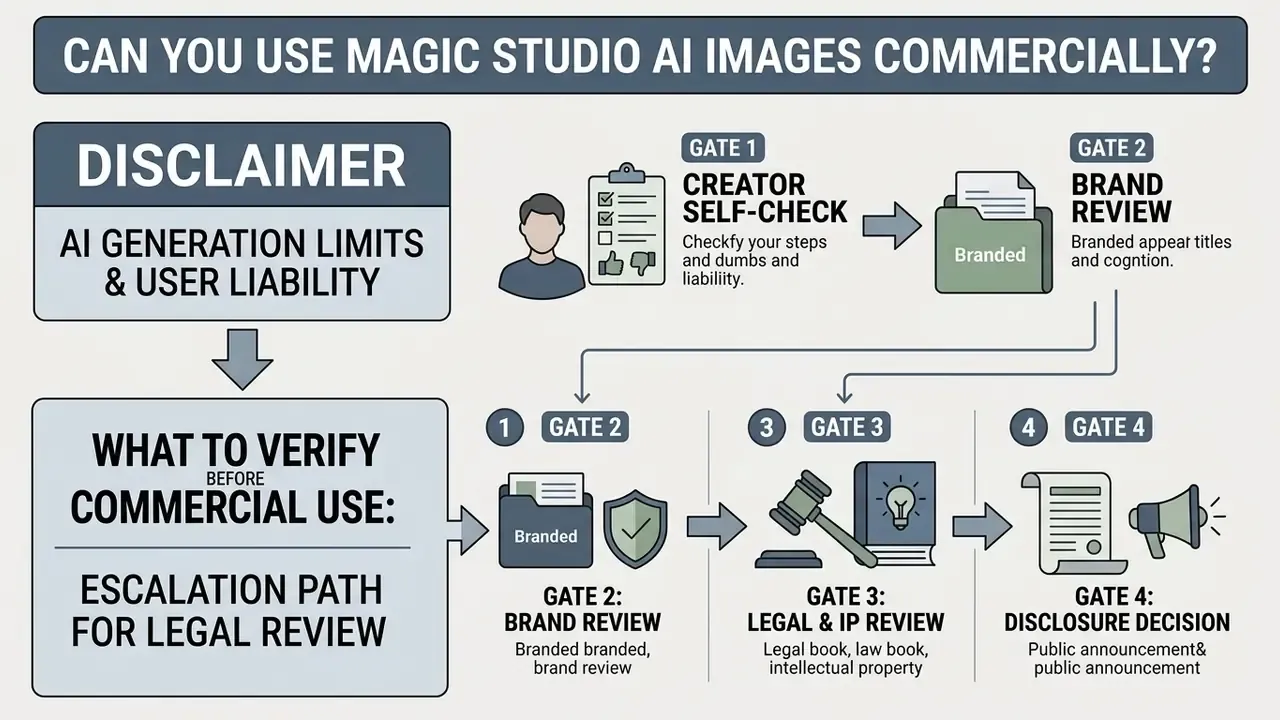
Using magic studio ai images in commercial campaigns requires understanding both the contractual usage grant and current intellectual property rules for synthetic media. Those two things are not the same, and conflating them is where most exposure begins.
What to Verify Before Commercial Use of Artwork and Photos
Escalation Path for Legal Review Before Publication
In regulated sectors, an ad-hoc approval process is the primary source of IP exposure. A workable four-gate path:
- Gate 1, creator self-check.Confirm active paid plan. Confirm no real person's likeness, no third-party logo, no protected character or architectural work in frame. Record the prompt text.
- Gate 2, brand review.Verify the asset implies no partnership, endorsement, or product claim the business cannot substantiate. Flag imagery that could read as a performance representation in financial marketing.
- Gate 3, legal and IP review.Trigger mandatorily when the asset contains a human face, text rendered inside the image, recognisable trade dress, or any object removed via Magic Eraser that may have been a competitor mark or a required disclosure.
- Gate 4, disclosure decision.Determine whether the jurisdiction or advertising standard requires an "AI-generated" label, then apply it before release.
A Magic Eraser risk note worth reading twice. Erasing a logo, watermark, credit line, or regulatory disclosure from a source photograph does not remove the underlying rights or obligations. Removing a third-party mark to reuse someone else's photograph compounds exposure rather than reducing it. Removing a mandated disclosure from a compliant asset can create a regulatory violation entirely separate from any IP claim.
AI Generation Limits and User Liability
Under current US Copyright Office guidance, purely AI-generated visual output lacking human authorship is not eligible for federal copyright registration. Only human-authored contributions can be claimed. Commercial usage stays contractually permitted, yet creators cannot stop competitors from copying pure AI output unless significant human modification is applied.
The Copyright Office has also stated that AI output can still infringe existing copyrights when it reproduces protected material, and that prompt-based generation can trigger direct liability under current law. Separately, US Congressional Research Service analysis notes that unauthorised commercial use of a person's name, image, or likeness can implicate right-of-publicity statutes, and that synthetic depictions can trigger claims even where the face itself is AI-generated. EU analysis lands in a parallel place: fully AI-made output is unprotected, and may still infringe pre-existing rights.
For regulatory context, visit the AI Media Commercial-Use Hub and follow developments in our litigation coverage.
Magic Studio for Teams: Corporate Functionality
Companies needing consistent business portraits of employees for the website, LinkedIn, and corporate brochures can use the Magic Studio for Teams tier.
- Centralised management An administrator invites team members by email and tracks generation progress from one dashboard.
- Isolated personal models Each employee uploads selfies into a separate profile. Individual models are not blended, and each personal AI model deletes automatically after 90 days.
- Unified billing and download The admin handles payment and access, and can download finished portraits, 4K exports included, for the whole team from a single dashboard.
Governance caveats for HR and procurement. Public documentation describes email-invite management and shared billing. It does not document SAML or SSO, SCIM provisioning, seat-level role hierarchies, or a signable Data Processing Addendum. Where facial imagery is processed, and that is biometric-adjacent data in several US states, confirm the lawful basis for processing, obtain documented employee consent, and request written confirmation of retention and deletion mechanics before any organisation-wide rollout. Do not skip the consent step because the tool feels lightweight.
Magic Studio AI Art Generator on Mobile Devices and in the Browser
Magic Studio runs as a web application across desktop browsers and mobile devices. A dedicated iOS and Android app called Magic Studio - AI Photo Editor adds mobile-optimised touch controls, and the Help Center confirms authentication can be completed on any device and any browser.
Cross-platform synchronisation means a PRO subscription bought on desktop carries to mobile under the same account. Capture product photos on a phone, apply background removal in the app, then download high-resolution assets in a desktop browser for final publishing. The AI Image Generator page explicitly supports saving output "to your computer or gallery on your phone."
One caveat on performance claims. The site markets the generator as "Lightning Fast," yet Magic Studio publishes no latency benchmarks, throughput figures, or device-level performance data. Speed cannot be quantified from primary sources, so validate render times on your own hardware and network before scheduling production against them. Developers exploring programmatic workflows can consult our AI Media API Guides.
FAQ About Magic Studio AI Art Generator
How closely does the AI image match the text prompt?
Alignment depends on prompt specificity and structural detail. Discrepancies appear when prompts use ambiguous phrasing, omit lighting constraints, or ask for dense text rendering inside the image. Small labels, diagrams, and fine typography remain the most common failure modes across every current text-to-image system, not just this one. Structured prompts with a clear object hierarchy improve accuracy noticeably. No Magic Studio-specific prompt-fidelity benchmark has been published, so treat alignment as prompt-dependent rather than guaranteed.
How does Magic Studio handle data and privacy?
Uploaded reference photos and generated output are stored temporarily to deliver core editing functions, and are described as not stored, shared, or otherwise accessible beyond that purpose. Policy states that personal uploaded images are not used to train general public AI models.
«Your photos are used only to create your personal AI model and generate photos of you. They're never used to train our general AI models or anyone else's.» - Magic Studio (2026). https://magicstudio.com/ Personal AI photo models are purged from servers after 90 days, and users can request full account data deletion by email, with a stated response window of seven business days. As always, re-verify these terms at the moment of procurement; consumer-tool policies move faster than enterprise ones.
Does Magic Studio hold SOC 2 or ISO 27001 certification, and is an enterprise DPA available?
No public SOC 2 Type II or ISO 27001 attestation was located in the platform's published documentation, and no signable Data Processing Addendum is offered self-service. If your procurement process requires third-party security attestation, raise this directly with the vendor through a security questionnaire before approval. Absence of a published certificate does not by itself indicate weak controls. It does mean the controls are unverified by an independent auditor, which most regulated buyers treat as a blocking condition for anything beyond low-risk internal use.
What are the file size and upload limits?
Background Remover accepts photo uploads up to 10 MB, and the AI Photo flow expects 10 to 20 solo source images rather than group shots. Free accounts process one file at a time, while PRO enables bulk handling. Exact limits vary slightly by tool, so check the individual tool page if you are preparing a large batch. Oversized files usually fail silently, which is annoying; resize before uploading.
What should I do if the generator doesn't produce the picture I need?
Refine the prompt first by adding explicit object descriptors and style constraints. Then use the variation tool to test new rendering seeds, request "more like this" from the closest candidate, or move the file into Magic Eraser and Background Remover to adjust unwanted elements manually. For AI Photo packs specifically, one free full retry with a new set of source photos is available before purchase.
Do I get high-resolution files suitable for printing?
Standard-resolution photos come at 1024 × 1024 pixels, adequate for websites, profiles, and most digital placements. The Premium pack delivers every photo in 4K at 4096 × 4096 pixels and 300 DPI. Starter and Standard customers can upscale individual photos to 4K for five credits each. On the subscription side, the free tier caps downloads at 600 pixels with a watermark, while PRO unlocks high-resolution watermark-free export.
Publication Checklist for Risk and Marketing Owners
Checklist0 / 9
Limitations, Open Questions, and a Safe Next Step
Some things simply cannot be confirmed from public sources, and pretending otherwise would not help you. The base model remains undisclosed. Encryption specifics, data residency, and the sub-processor list are unpublished. No latency benchmark exists. Free-tier allowances differ between landing pages, which suggests active promotional testing rather than a stable policy.
What that means practically. For magic studio ai art generator product info at the marketing-team level, the documented parameters are sufficient to make a buying decision this week. For anything touching regulated advertising, customer data, or an audited model inventory, the missing evidence matters more than the feature list.
A safe next step, in order: run a two-week pilot on the free tier with a written scope, keep a manual prompt register from day one, send a security questionnaire covering the five documented gaps, and only then decide whether PRO or a Teams rollout belongs in your stack. No autonomy without evidence.
Explore comprehensive technical guides, tool matrices, and regulatory frameworks across the AI Media Glossary hub.