About the editorial perspective: this comparison is written for the buying committee that actually signs AI contracts. Chief Risk Officers, Heads of Model Risk Management, AI governance leads, procurement officers, and CFOs in regulated industries (US banking, insurance, fintech, healthcare). The series behind this guide focuses on model risk management, third-party technology risk, and the translation of AI governance frameworks (NIST AI RMF, OMB M-25-21, Fed SR 11-7 / OCC 2011-12) into practical procurement controls. Where regulatory or vendor-specific claims appear, primary documentation is cited so risk and legal teams can verify terms independently.
Last updated: August 19, 2026.
Executive Summary: Key Takeaways for Risk and Procurement Leaders
For readers who need the decision in ninety seconds:
Suggested reading path for CROs and Heads of Model Risk: read this summary, then jump to the evaluation criteria in section [4], the pricing and risk-adjusted ROI mechanics in section [6], the agentic AI controls in section [7], and the proof-of-concept protocol in sections [18] to [21]. Return to the platform catalog in sections [8] to [17.2] once your evaluation rubric is fixed. Fix the rubric first. Vendors will happily fix it for you otherwise.
Executive Summary: Key Takeaways for Risk and Procurement Leaders
The commercial/personal boundary is a data-governance boundary, not a feature boundary.
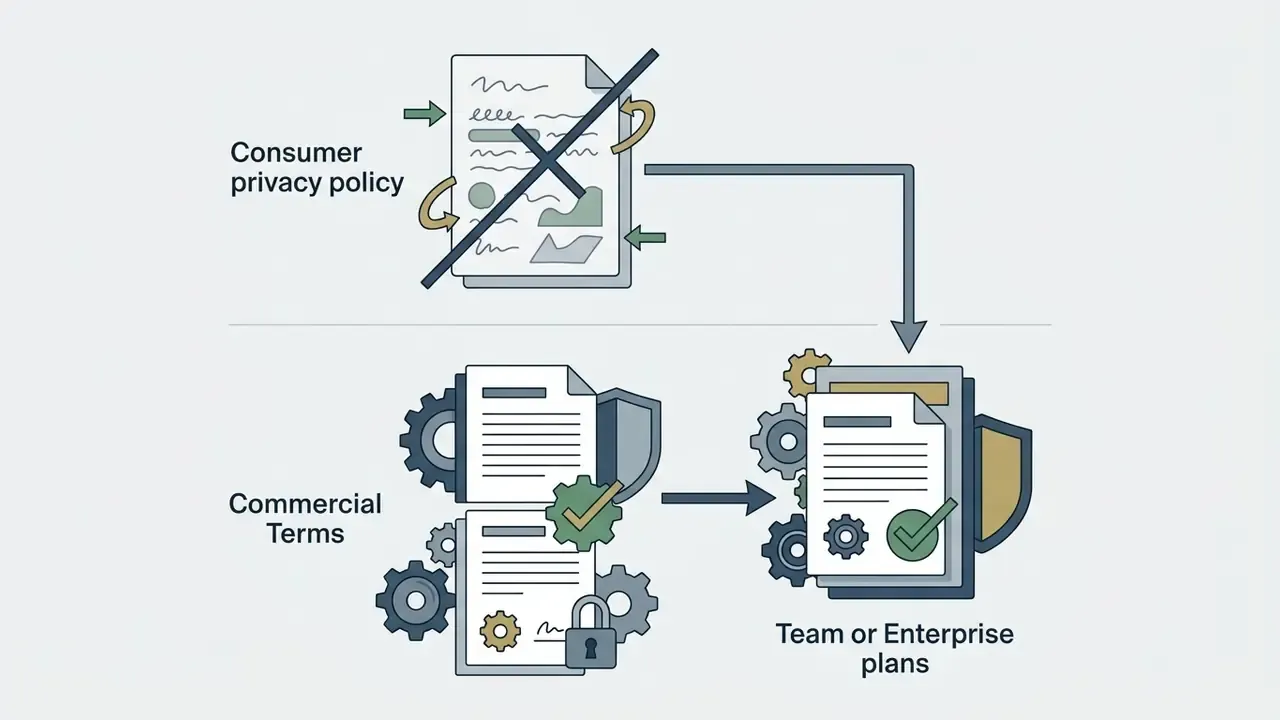
Commercial tiers exist to deliver Zero Data Retention (ZDR), SAML SSO, RBAC, SCIM provisioning, immutable audit logs, and contractual IP assignment. Consumer tiers deliver none of these reliably.
Enterprise adoption is no longer optional but is still ROI-gated.
Weekly generative AI use in organizations nearly doubled between 2023 and 2024, yet enterprises remain in a "prove the ROI" phase, funding narrow, measurable use cases before broad license expansion.
Productivity gains are real but boundary-dependent.
The BCG/Harvard field study found 25.1% faster completion and +40% quality inside the model's capability frontier, plus a 19-percentage-point accuracy drop outside it. Task boundary mapping is a control, not a nicety.
Regulated buyers must map AI tools into existing MRM frameworks.
In US banking, Fed SR 11-7 and OCC 2011-12 govern model risk management. Generative AI tools must be classified (tool vs. model vs. model input), inventoried, and validated proportionally to risk.
Agentic AI changes the risk profile.
Autonomous agents acting through APIs and Model Context Protocol (MCP) servers introduce non-deterministic behavior, privilege-escalation risk, and unclear liability allocation. Autonomy limits, guardrails, escalation paths, and kill switches are mandatory before production.
Price is not cost.
Headline per-seat pricing hides prerequisite base licenses (Microsoft 365 E3/E5), minimum seat commitments (frequently 150+ seats), token overages, and compliance overhead. Model total cost of ownership (TCO) and risk-adjusted ROI, not sticker price.
IP indemnification is a differentiator.
Adobe Firefly offers contractual IP indemnification on eligible enterprise plans. Midjourney allows commercial use on paid tiers without comparable indemnity. Copyright protection itself requires documented human authorship.
Governance tooling is now its own software category.
Dedicated AI governance and risk-registry platforms replace spreadsheet-based AI inventories with automated risk scoring and audit-ready evidence packages.
How This Guide Is Organized
- Foundations [1] Defining Commercial Use · [2] Licenses and Rights · [3] Company Data and Access Controls
- Evaluation Framework [4] Evaluation Criteria and MRM Alignment · [5] Features and Output Quality · [6] Pricing, TCO, and Risk-Adjusted ROI · [7] Integrations, MCP, and Agentic AI Controls
- Category Comparison [8] Tools by Business Task · [9] Chatbots and Research · [10] Writing and Marketing · [11] Creative Media · [12] Automation and Workspace
- Platform Reviews [13] Review Methodology · [14] ChatGPT, Claude, Gemini, Perplexity · [15] Jasper, Copy.ai, Notion AI · [16] Adobe Firefly, Canva, Descript · [17] Zapier, monday AI, Agents · [17.1] Developer and Agentic IDEs · [17.2] AI Governance and Risk Registry Platforms
- Procurement Protocol [18] Pre-Procurement Testing · [19] Process Selection · [20] Quality and Human Approval · [21] Scaling Readiness · [22] Final Checklist · FAQ · Appendix A
Defining AI Tools for Commercial Use
Commercial-use AI tools are enterprise-grade applications built to execute, augment, or automate business workflows under administrative control. Unlike consumer or experimental products, a commercial AI tool separates employee accounts from personal usage, restricts model training on private inputs, and provides unified workspace management. That is the whole distinction in one sentence.
«Weekly generative AI use inside organizations nearly doubled, from 37% in 2023 to 72% in 2024, and 78% of executives reported a high likelihood of integrating AI into business functions.»
That adoption curve is exactly why the commercial/personal split now carries legal weight. Volume of use converts informal experimentation into systemic exposure.
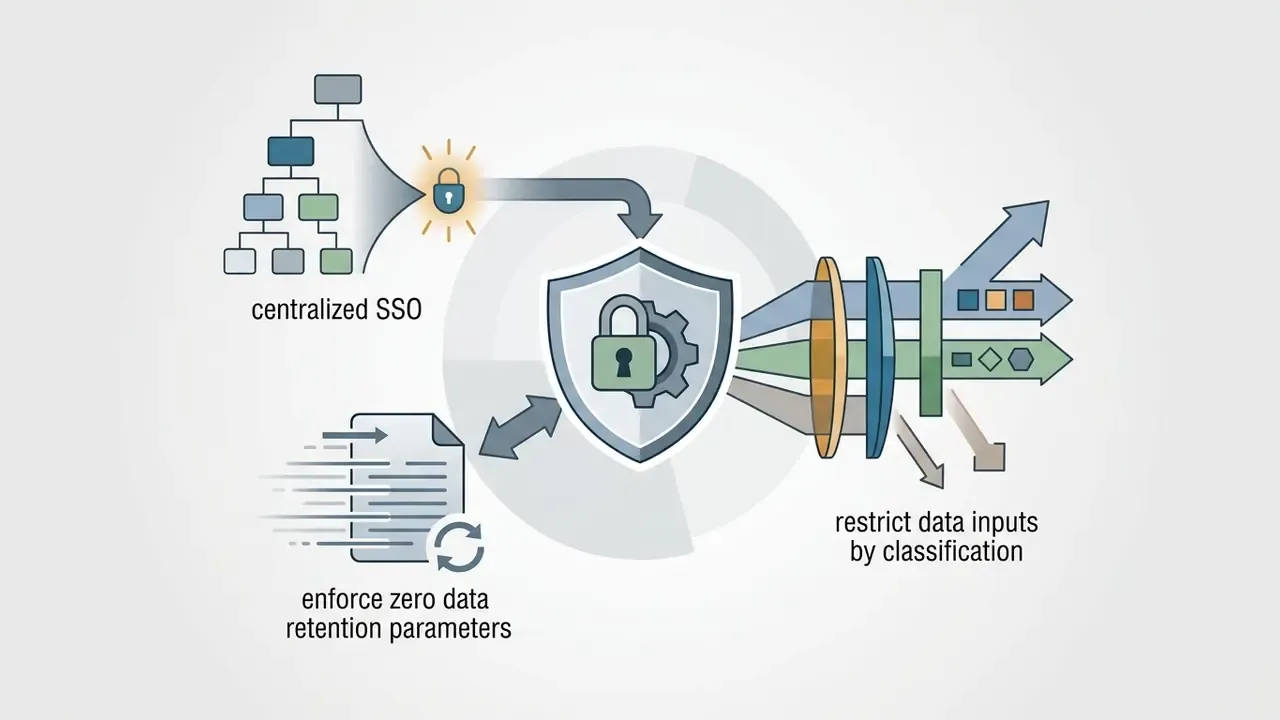
US regulatory frameworks and institutional risk standards separate personal experimentation from commercial adoption on two axes: data governance and accountability. Guidance from federal authorities such as the Centers for Medicare & Medicaid Services (CMS) explicitly prohibits entering personally identifiable information (PII) or sensitive operational data into unvetted public tools. Department of Homeland Security policy goes further, requiring separate organizational accounts for approved commercial generative AI tools and banning personal accounts for government business entirely. Commercial platforms answer this with zero data retention (ZDR) agreements, Single Sign-On (SSO), Role-Based Access Control (RBAC), and detailed audit logs.
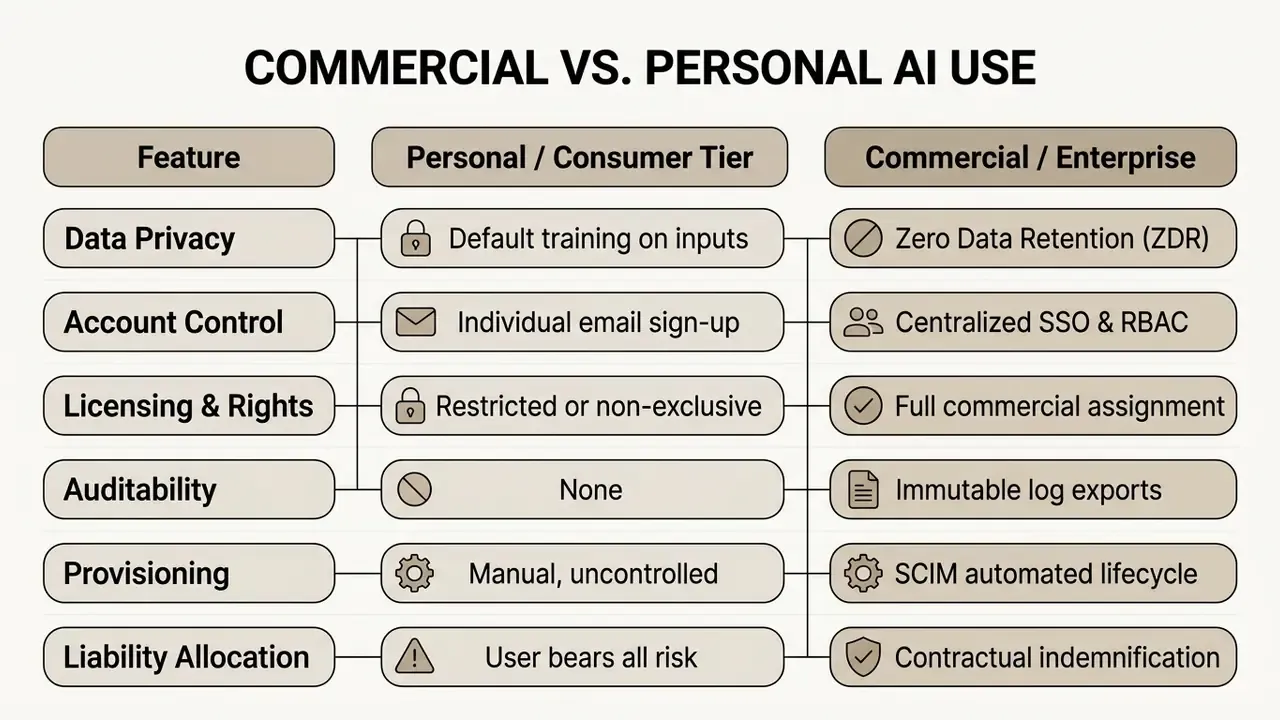
When running a commercial-use ai tools comparison, treat every AI application as a digital asset that requires risk tiering. Deploying an ungoverned tool creates shadow AI liabilities, intellectual property exposure, and potential regulatory non-compliance. Mature financial institutions mandate that every deployed AI tool has an assigned business owner, defined operational limits, an audit trail, and an immediate kill switch. Four attributes. No exceptions for "just a pilot".
«Commercial AI deployment requires transparency, accountability, and user-control mechanisms; synergy with existing data-protection regimes is mandatory.»
Model Risk Management Context for US Banks and Financial Institutions
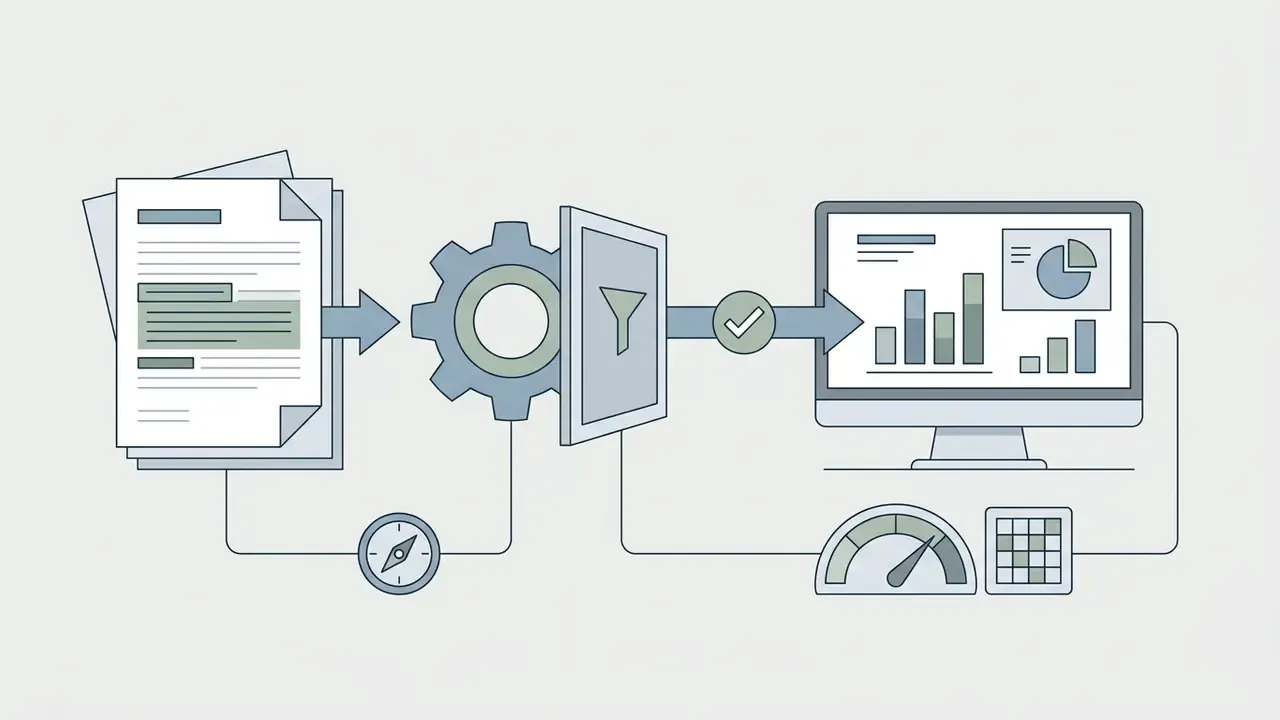
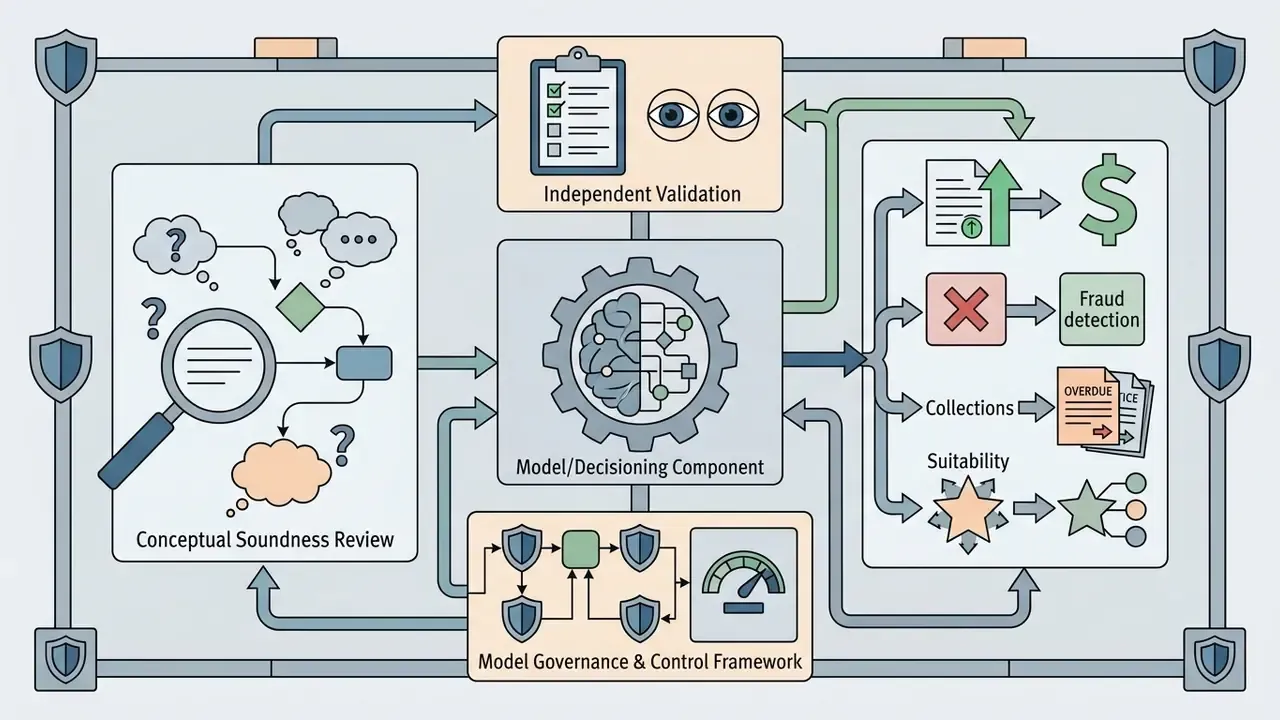
For federally supervised US institutions, the governance conversation does not start with NIST. It starts with existing model risk management (MRM) doctrine. Federal Reserve SR 11-7 and its OCC counterpart OCC Bulletin 2011-12 set the supervisory expectation that models used in business decision-making be inventoried, documented, independently validated, and monitored in proportion to risk and materiality. Commercial AI tools do not escape that perimeter simply because they arrive as SaaS subscriptions with a monthly invoice.
Practically, risk teams must make an explicit classification decision for each commercial AI tool:
- Productivity tool (out of MRM scope, in scope for information security and third-party risk): the AI drafts text, summarizes meetings, or generates internal media, and a human owns every downstream decision. Controls: acceptable-use policy, data classification limits, SSO/RBAC, logging.
Explainability expectations compound this. Consumer Financial Protection Bureau circulars have consistently emphasized that adverse-action notices must state specific, accurate reasons regardless of the complexity of the underlying technology. "The model is a black box" is not a defensible position for a supervised institution. Third-party AI tooling should therefore be selected partly on its ability to produce evidence: prompt and output logs, version identifiers, retrieval sources, and human-approval records that survive an examination cycle.
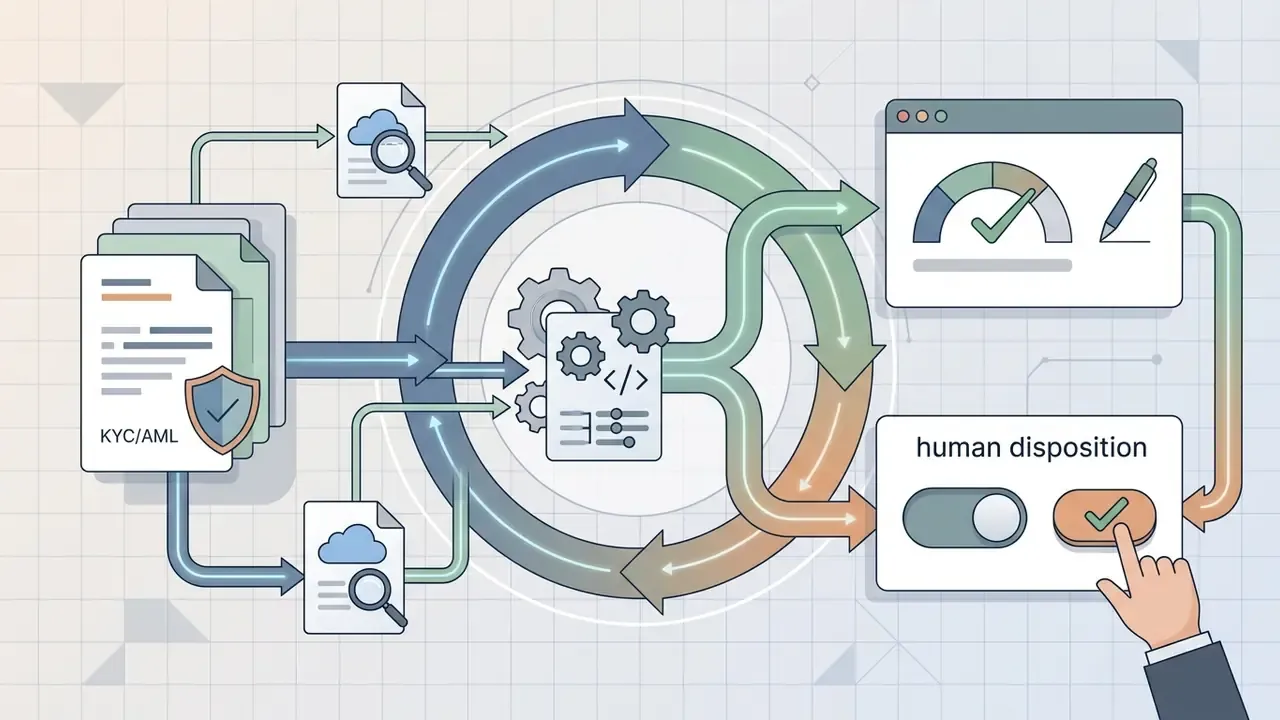
One practical tip for governance teams. Connect the AI inventory to the systems the second line already uses. Feeding the AI asset registry into an enterprise GRC platform (ServiceNow, Archer, or equivalent), rather than maintaining a parallel spreadsheet, is the fastest route to defensible shadow-AI discovery and to reconciling AI assets against the existing model inventory. KYC and AML teams benefit first here, because their tooling touches customer data and lands in examinations early.
Licenses and Rights to AI-Generated Content
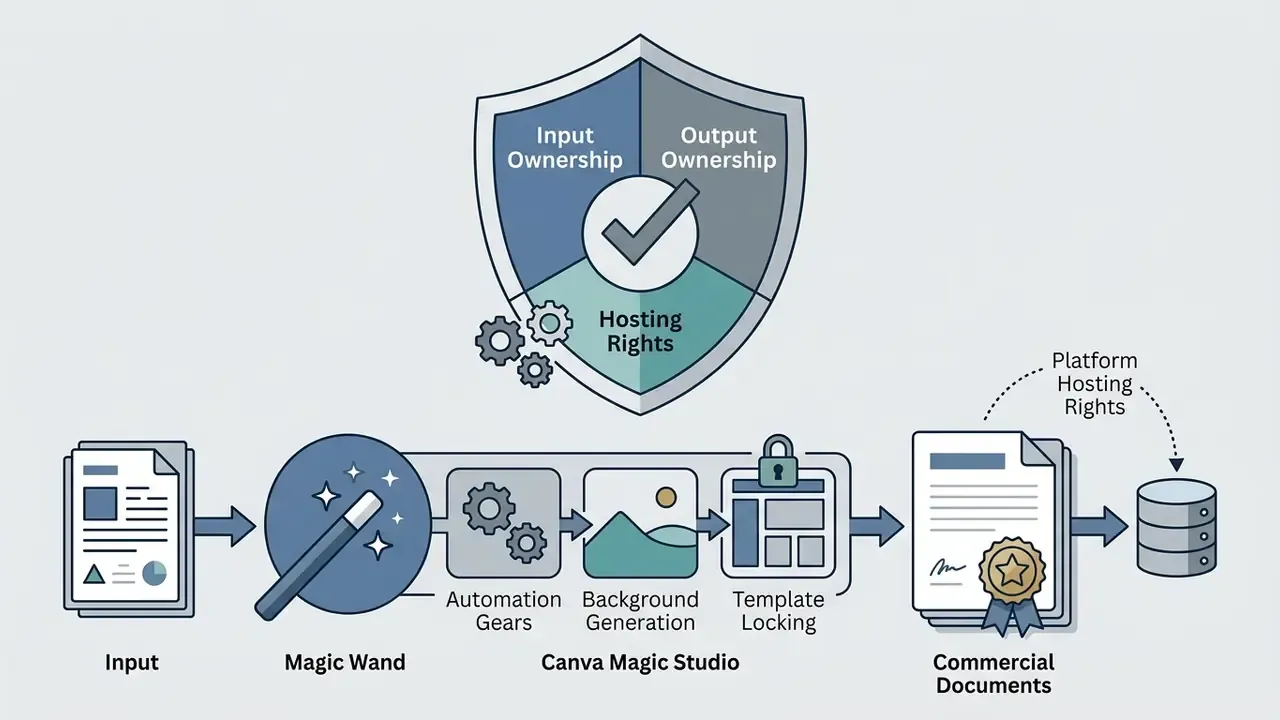
Commercial rights to AI-generated output depend on vendor terms of service and applicable intellectual property law. Major providers, including OpenAI and Canva, state in their commercial terms that users retain ownership rights to input data and receive assigned rights to generated outputs. OpenAI's Terms of Use state that users retain rights in Input and own Output, with OpenAI assigning its rights in Output to the user. Canva's AI Product Terms state that users own both Input and Output and that Canva claims no copyright ownership over them. These contractual grants remain conditioned on user compliance with applicable laws and third-party rights.
Recent legal analyses, including research in the Journal of Intellectual Property Law & Practice (JIPLP), stress that fully autonomous outputs lacking meaningful human contribution may fail to qualify for copyright protection under US and EU frameworks.
«The JIPLP four-step test establishes that works produced by fully autonomous systems without meaningful human contribution cannot qualify as copyright subject matter under EU principles.»
«In March 2023 the USCO formally confirmed that fully autonomously generated AI works without identifiable human authorship are not eligible for copyright protection.»
So a business using generative AI for marketing, software engineering, or media production must document the human creative contribution and the review process. In practice that means retaining prompt histories, iteration records, and editorial change logs as evidence of authorship. Pleasant coincidence: the same discipline that supports an audit trail also supports a copyright claim.
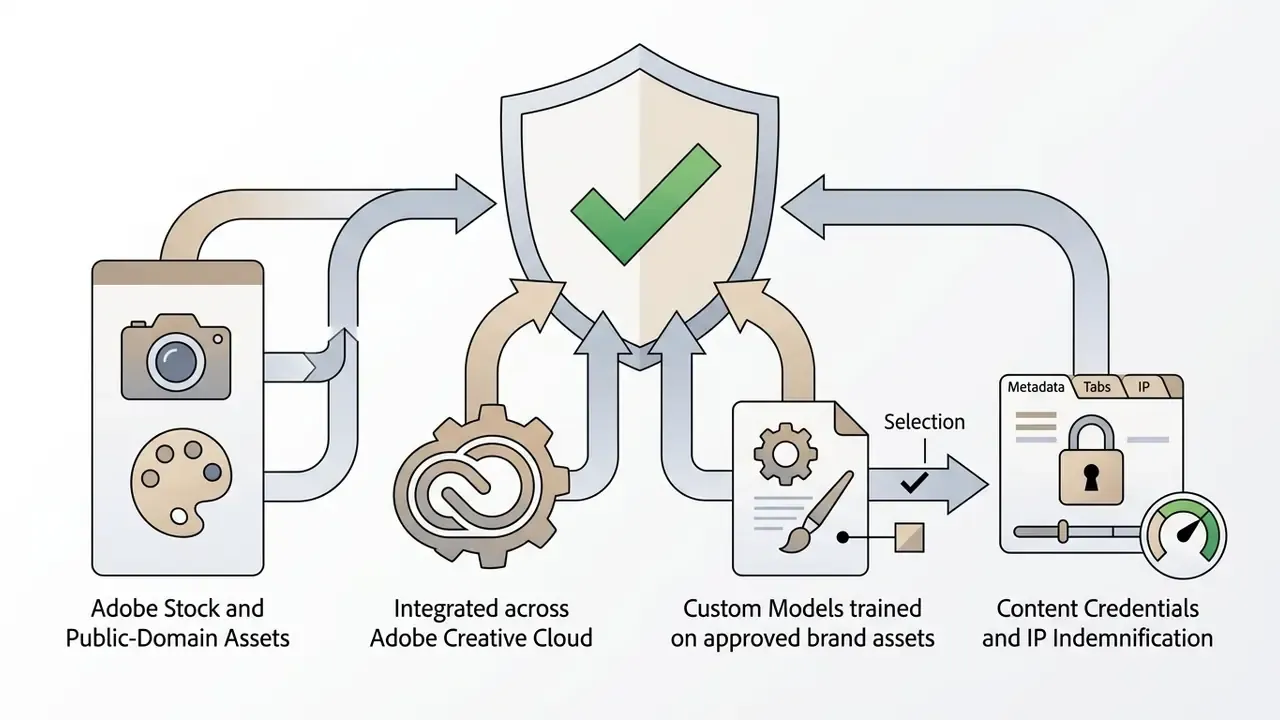
To mitigate IP risk, verify whether vendors offer indemnification clauses on commercial tiers. Adobe Firefly provides contractual IP indemnification for enterprise customers, backed by training datasets sourced exclusively from licensed or public-domain media. Adobe's Generative AI Product Specific Terms limit that indemnification to named eligible plans (Creative Cloud for teams and enterprise, plus specific editions) and to select outputs, which is exactly the kind of scoping clause legal review must confirm rather than assume. Midjourney, by contrast, permits commercial use on paid plans, requires higher tiers for businesses above $1,000,000 in annual revenue, and grants itself a broad, perpetual license to reproduce and sublicense user prompts and generated assets, without comparable indemnity language. Teams comparing AI image generators for commercial use should treat indemnification scope, training-data provenance, and vendor re-use rights as three separate questions. They usually get bundled into one slide. They should not be.
Contracts must be audited periodically to confirm that generated content can be commercialized, transferred to clients, or registered as proprietary assets without exposure. Because enterprise master service agreements are individually negotiated, headline marketing language and executed contract language frequently diverge. The executed MSA, not the product page, is the governing artifact.
Company Data, Access Controls, and Team Workspaces
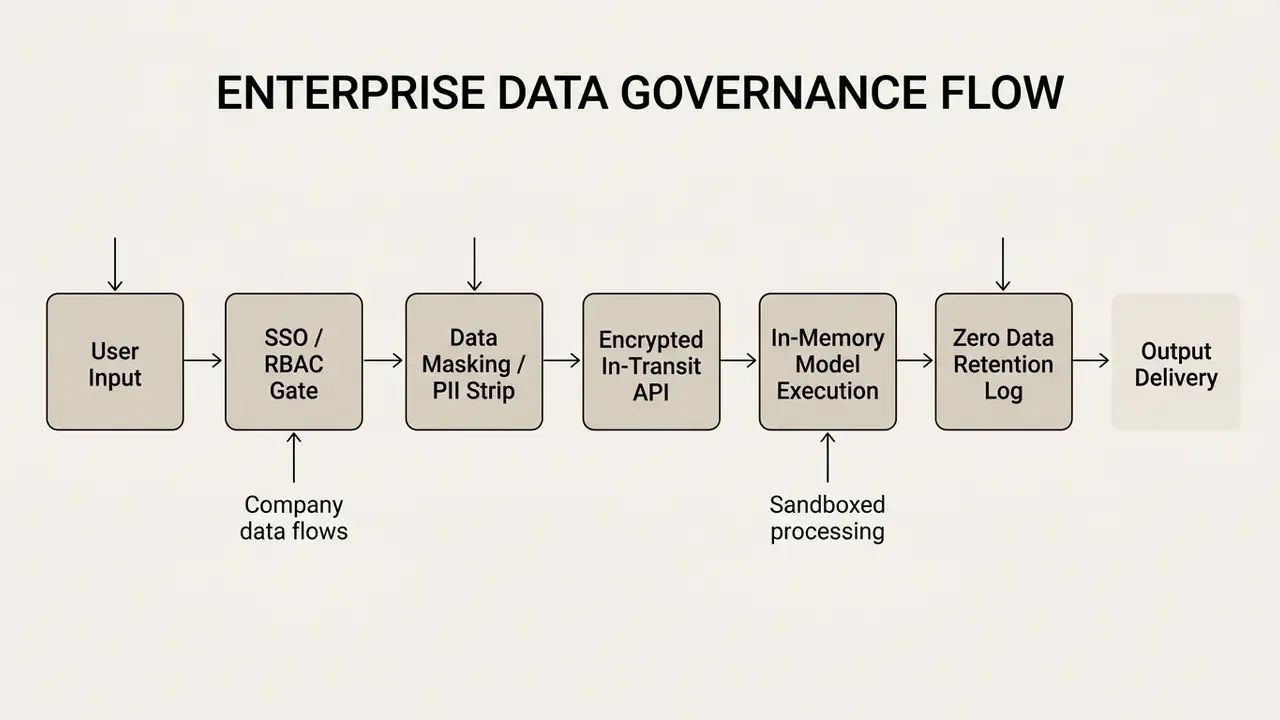
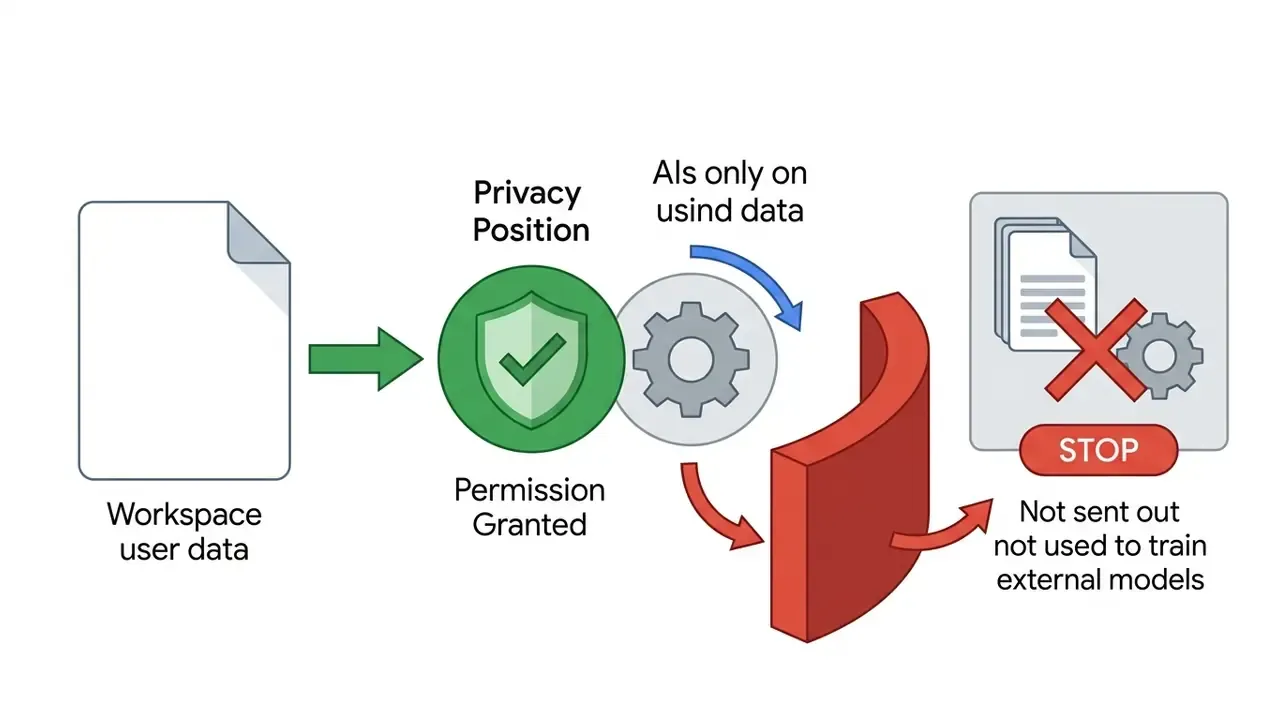
Enterprise security requires isolation of company data, granular permission structures, and full control over model training behavior. Top-tier platforms process customer data in-memory and exclude it from baseline model training. Vendor ZDR documentation typically specifies in-memory processing, discard after extraction, and exclusion from model training or improvement, sometimes with automatic deletion windows (for example, 24-hour auto-delete for API-submitted data). Standard compliance baselines for commercial AI deployment include SOC 2 Type II certification, ISO/IEC 27001 alignment, the ISO/IEC 42001 AI management standard, and compliance with privacy regimes such as GDPR and CCPA.
«Introducing organizational guardrails reduced interaction entropy by 35%, halved hallucinations, and raised audit-trail completeness from 53% to 96%.»
In a mature enterprise workspace, access is managed through SAML-based SSO and RBAC matrices that limit data exposure to authorized roles. Dedicated tenancy architectures prevent cross-tenant leakage and enforce retention windows for system logs. Automated redaction engines can strip confidential customer numbers or internal identifiers before prompts reach external model APIs. Additional controls worth requesting in a vendor security review: customer-managed encryption keys (CMEK), IP allowlisting, tenant restrictions, region-pinned inference (for example, US-only processing), and programmatic compliance or audit APIs.
«A field experiment with 5,172 support agents found an AI assistant increased issues resolved per hour by 15%, with the largest gains among less-experienced workers.»
Fact Check & Verification Protocol:
Evaluation Criteria for Commercial-Use AI Tools
An objective comparison rests on six operational dimensions: output functionality, total cost of ownership (TCO), native integration depth, administrative security, team collaboration features, and legal risk allocation. Aligning tool capability with actual business requirements prevents over-provisioning and makes risk-adjusted return measurable rather than rhetorical.
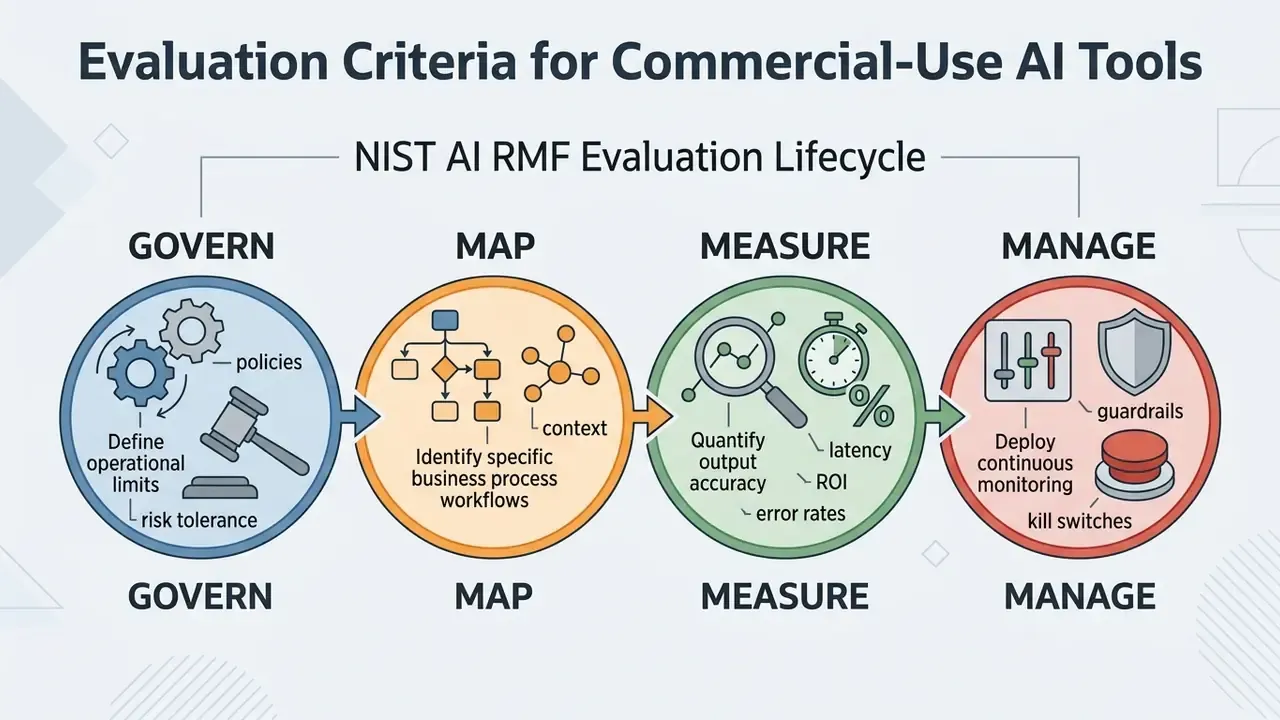
According to the NIST AI Risk Management Framework (AI RMF 1.0), organizations should evaluate AI software through a structured governance cycle: Govern, Map, Measure, Manage.
«NIST AI RMF 1.0 defines a four-function management cycle, Govern, Map, Measure, Manage, as the basis for assessing technical reliability, explainability, and accuracy of AI systems.»
Evaluating an AI application means measuring technical reliability, explainability, and task accuracy alongside organizational metrics such as cycle-time reduction and error mitigation. NIST's 2024 Generative AI Profile extends the base framework with GenAI-specific controls, including acceptable-use policy requirements that address illegal or prohibited use.
Mapping NIST AI RMF Functions to SR 11-7 Validation Activities
Regulated institutions rarely need a second, parallel governance program. The efficient move is to map NIST functions onto MRM activities the second line already performs under SR 11-7 and OCC 2011-12:
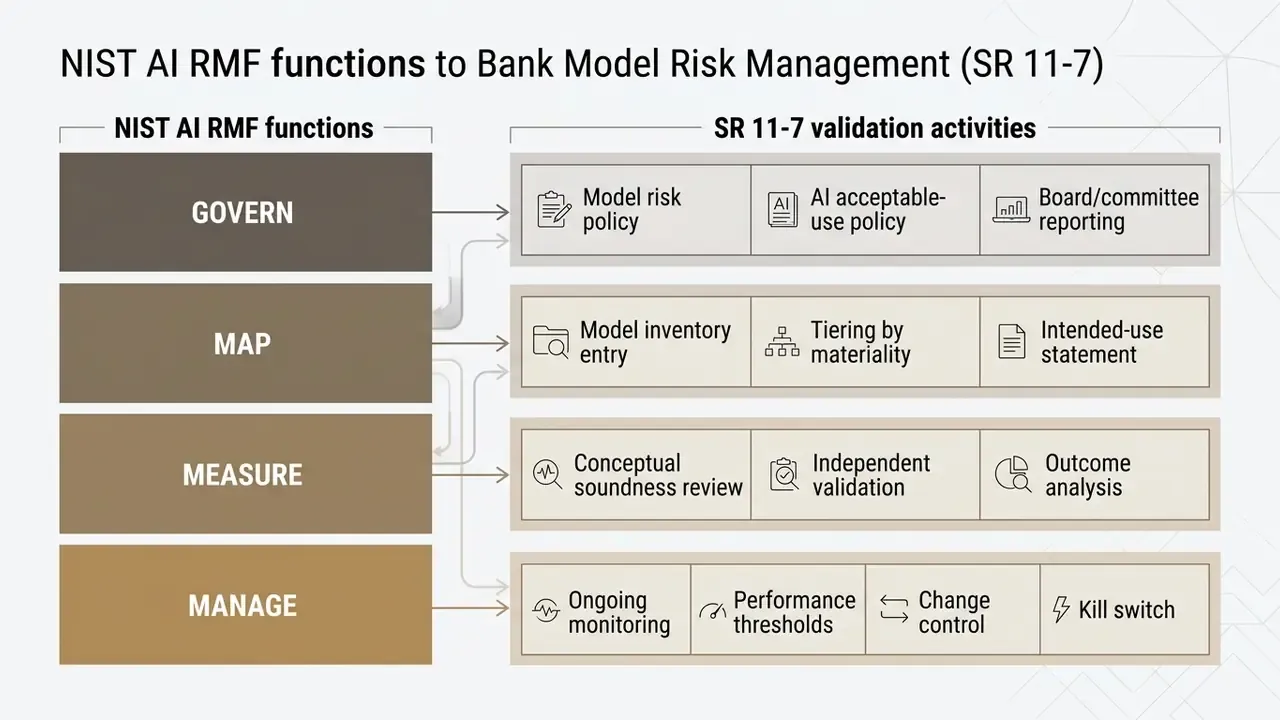
Two extra expectations apply to purchased AI. First, third-party model documentation: vendors must supply enough information for effective validation, or the institution compensates with expanded outcome analysis and benchmarking. Second, use-limitation enforcement: documented boundaries on approved use cases, enforced technically through workspace configuration rather than by policy memo alone. A memo does not stop a curious analyst. A permission model does.
To protect data integrity, procurement teams should review vendor reliability metrics against independent benchmarks instead of unverified marketing claims. Verification tooling belongs in the same conversation. For content-authenticity workflows, teams increasingly pair generation platforms with AI image detectors and provenance metadata such as Content Credentials. A rigorous commercial-use ai tools comparison guide relies on reproducible testing metrics, documented API throughput rates, and explicit service level agreements (SLAs).
Features and Output Quality for Work Tasks
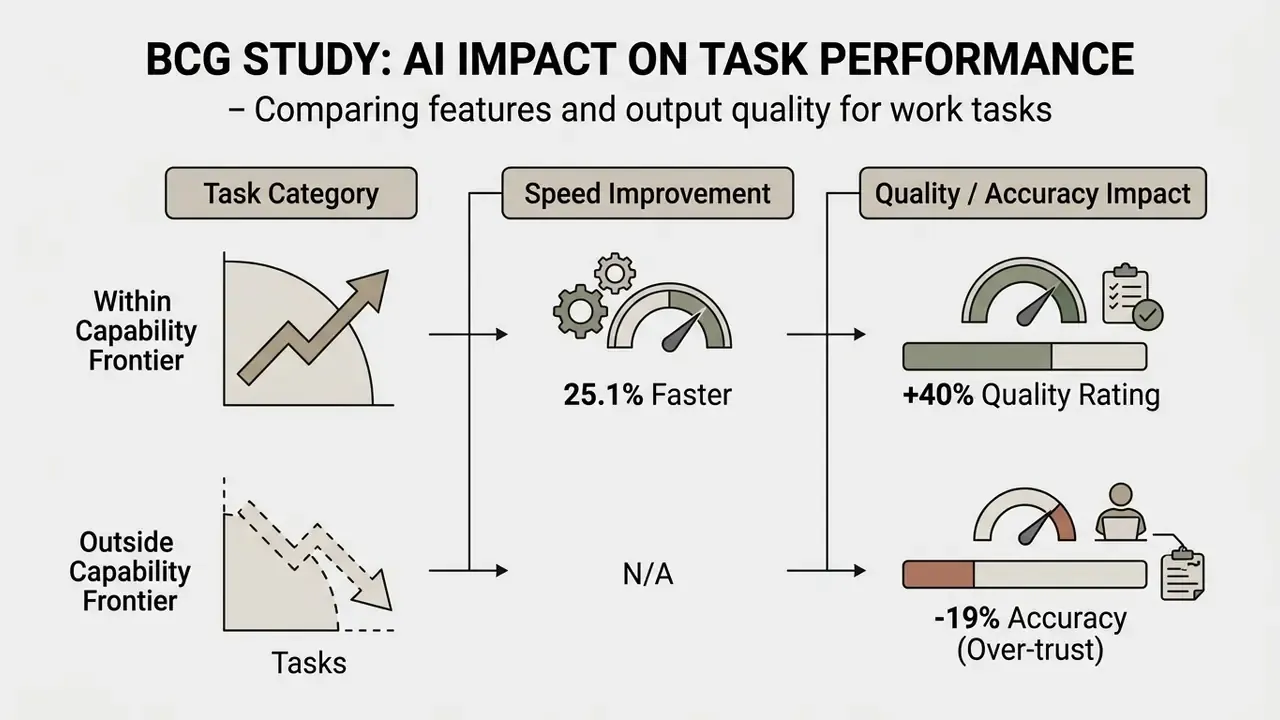
Output quality must be judged on task-specific accuracy, reasoning capability, and adherence to professional standards across writing, coding, data analysis, and media production. Updated: empirical research shows that generative AI delivers substantial gains on structured tasks inside the model's capability scope, and can degrade performance on out-of-scope tasks. That effect is quantified directly in the BCG/Harvard field experiment described below (Dell'Acqua et al., Navigating the Jagged Technological Frontier, BCG/Harvard Business School, 2023. https://www.hbs.edu/ris/Publication%20Files/24-013_d9b45b68-9e74-42d6-a1c6-c72fb70c7282.pdf). The original unattributed formulation is preserved in Appendix A.
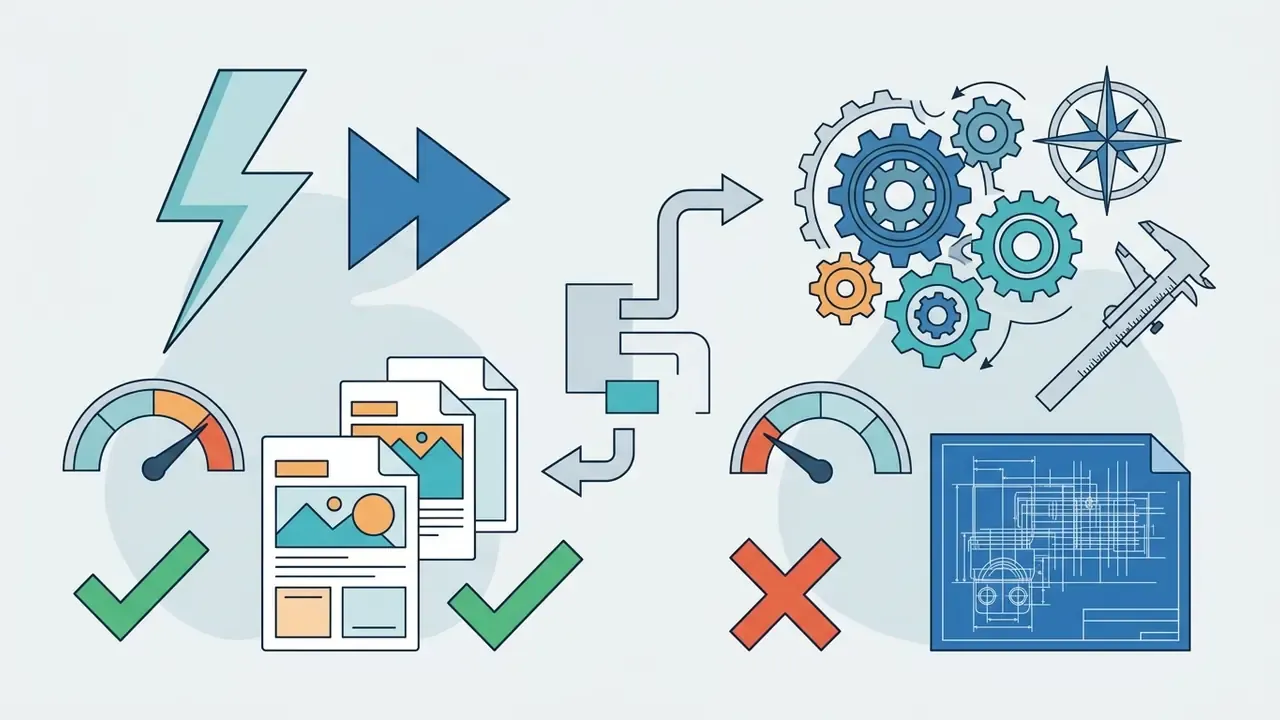
In a landmark field study by Boston Consulting Group (BCG) and Harvard Business School involving 758 consultants, users equipped with GPT-4 completed tasks within the capability frontier 25.1% faster and achieved output quality ratings 40% higher than control groups. On tasks deliberately chosen to sit outside the model's capability frontier, AI-assisted participants were 19 percentage points less likely to produce correct answers. Over-trust, quantified. That is why task boundary mapping and human oversight are controls rather than suggestions.
«Consultants using GPT-4 completed 12.2% more tasks, worked 25.1% faster, and produced quality rated 40% higher; on tasks outside the technological frontier, AI reduced accuracy by 19 percentage points.»
«Each year of model progress reduced task completion time by roughly 8%; AI use raised baseline earnings per minute by 81.3% relative to the control group.»
Evaluating technical tasks requires dedicated benchmarks:
- Coding: assessed via functional test pass rates (pass@k), BLEU, and CodeBLEU scores.
- Text and marketing: evaluated with human rubric scoring across factual accuracy, tone consistency, and structural coherence. For visual campaign assets, comparative testing of AI art generators for marketing should apply the same rubric discipline used for copy: brand adherence, factual correctness of claims, and reusability of the asset.
- Data analysis: measured by execution precision, exploratory data analysis (EDA) completeness, and visual output accuracy. Peer-reviewed rubrics typically score five categories, namely code accuracy, statistical accuracy, EDA quality, visualization quality, and interpretation depth, on a 1 to 5 scale across roughly fourteen sub-criteria.
- Image and media: quantified with FID, Inception Score, PSNR, and SSIM, supplemented by human review for brand safety.
- Text generation reliability: NIST's 2024 GenAI Pilot Study demonstrates repeatable text-generation metrics including AUC, Brier score, equal error rate, and threshold-based rates. Useful when a bank's validation team must produce quantitative evidence instead of qualitative impressions.
One caution on commercial-use ai tools comparison features: a long feature list rarely predicts fit. A short, checkable accuracy test on your own documents predicts it much better.
Pricing: Costs, Limits, and Value for Teams
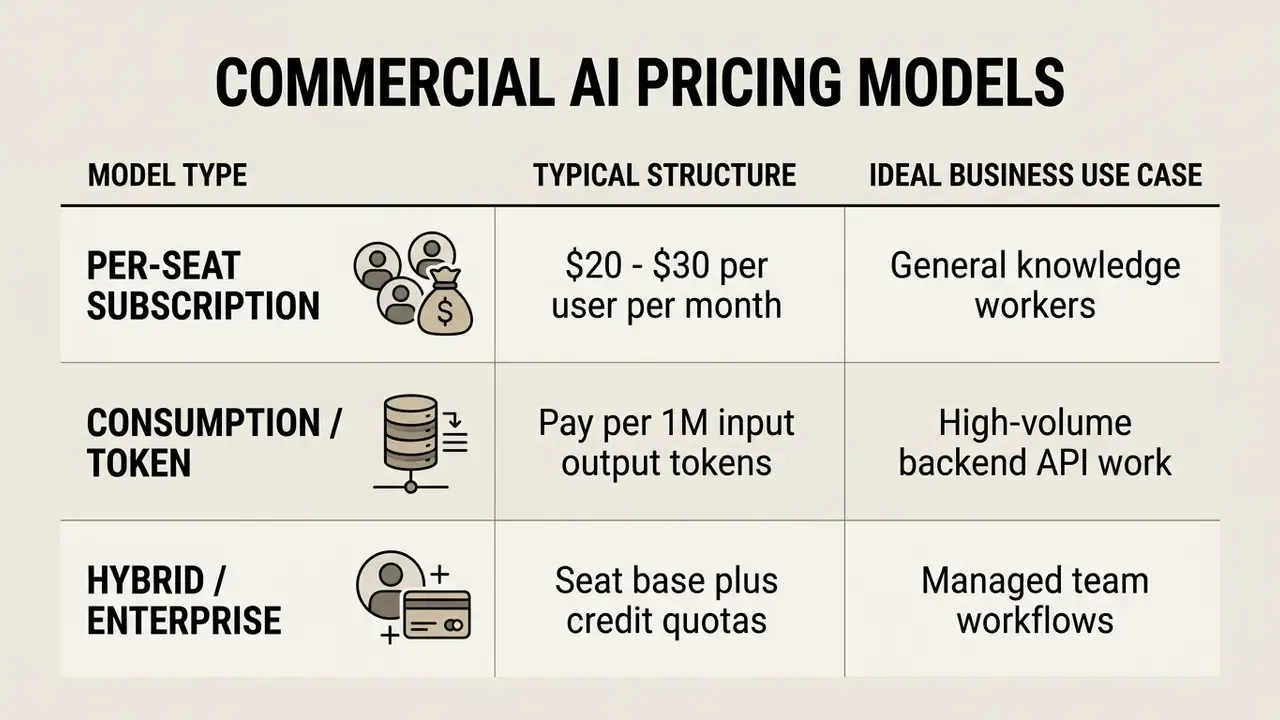
Commercial AI pricing follows three broad models: fixed per-user monthly subscriptions, consumption-based token or credit pricing, and custom enterprise contracts. Choosing a tier requires weighing total active seats against projected API volume, otherwise scaling costs surface later as a surprise line item.
«Organizations remain in a "prove the ROI" phase, concentrating on measurable scenarios, data analysis and contract drafting, before scaling licenses.»
Teams that need a zero-cost baseline, for example when questioning whether an AI media subscription is justified at all, should benchmark against unpaid alternatives such as free video editing software before committing to per-seat spend.
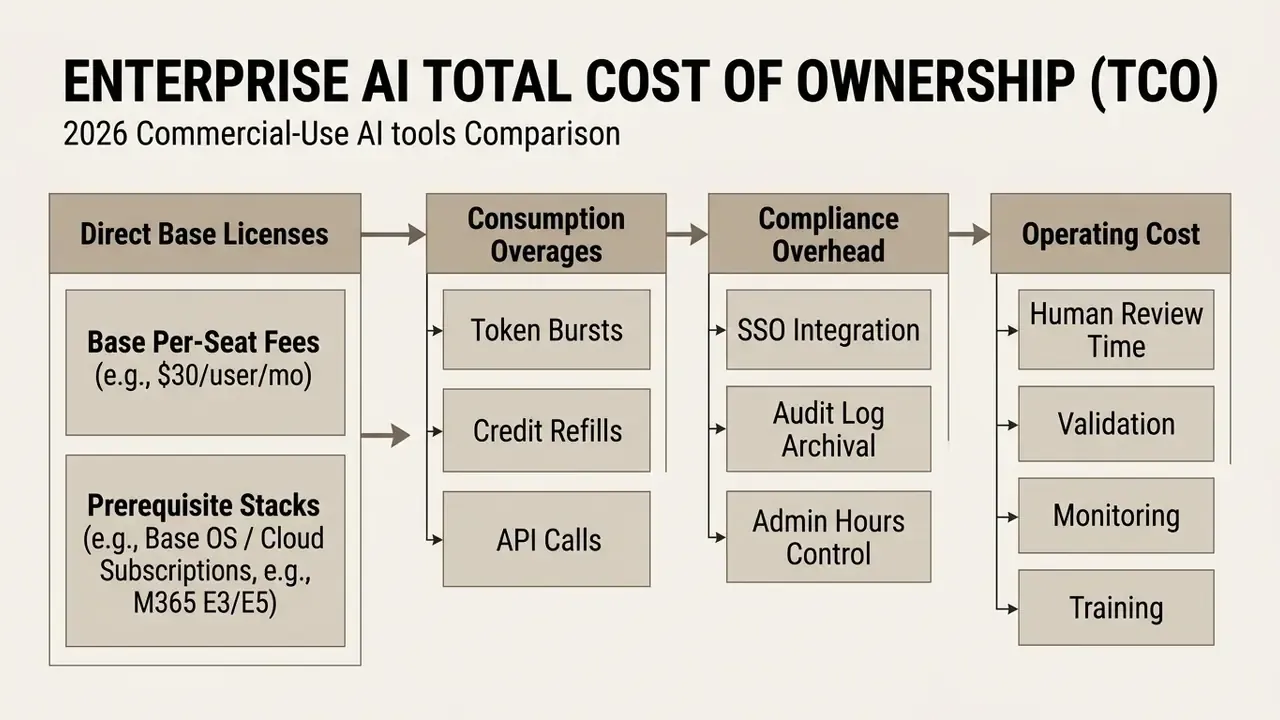
Enterprise plans routinely introduce indirect licensing overhead:

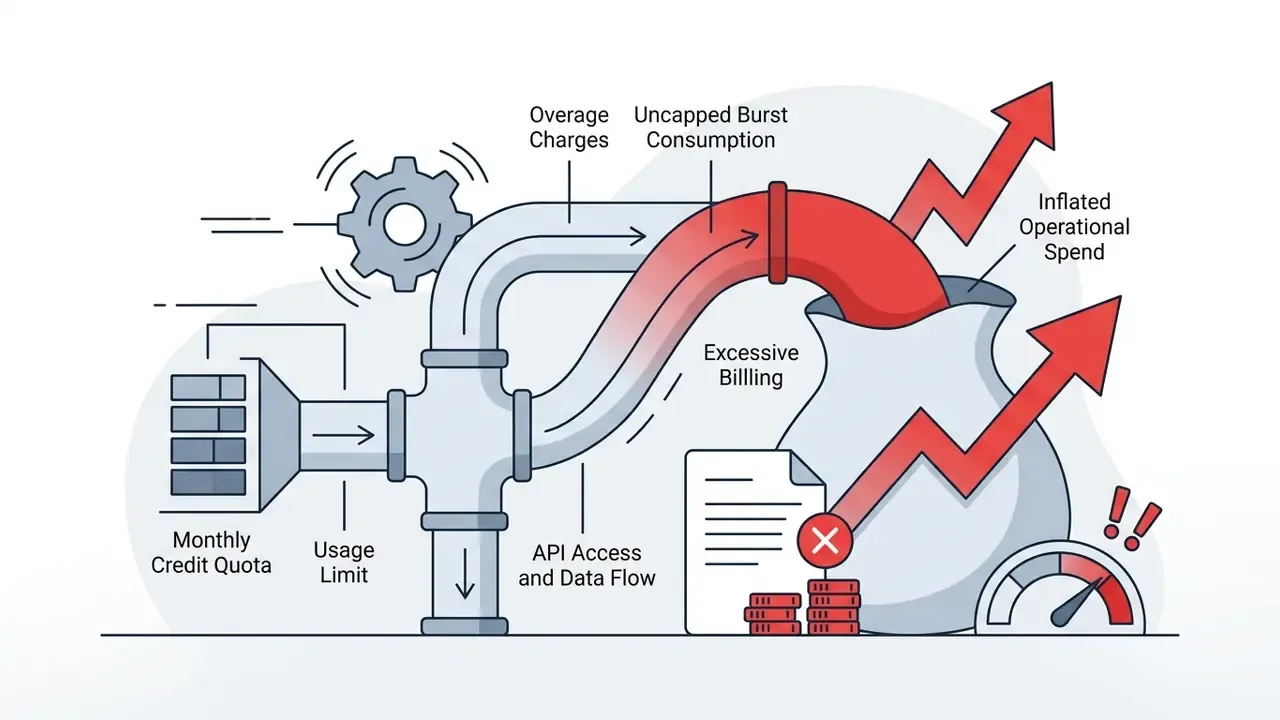
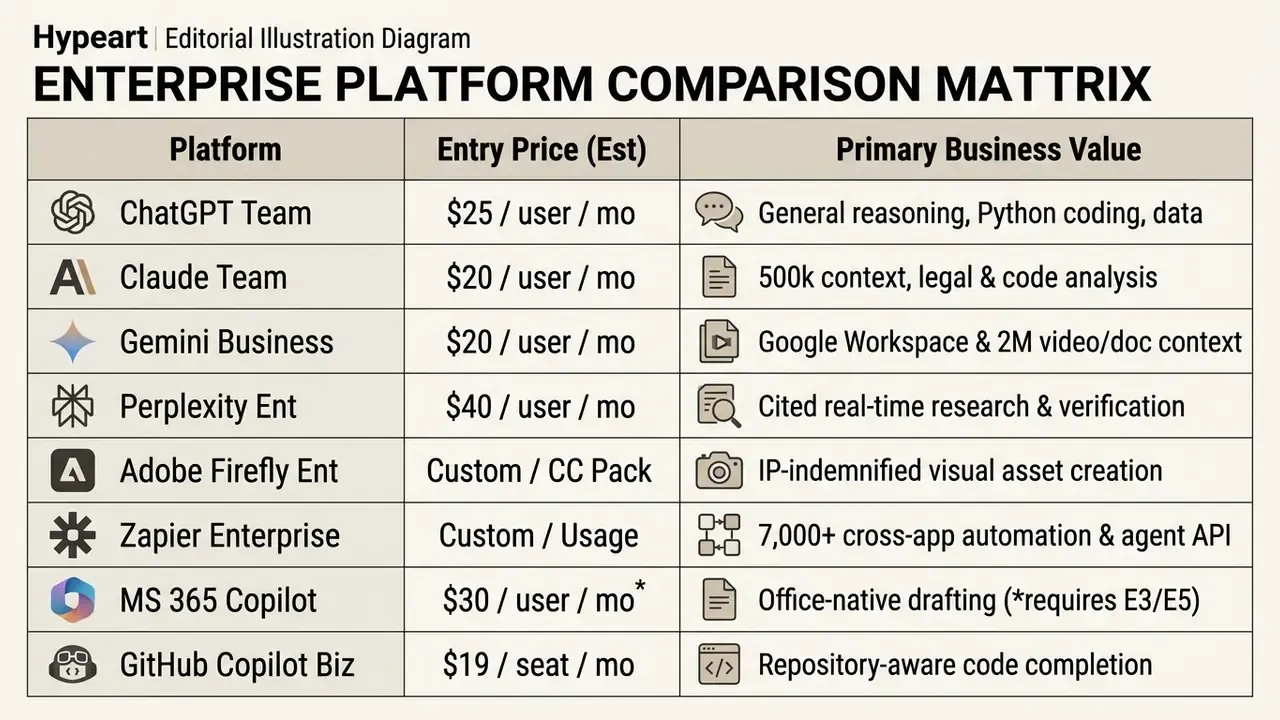
Published benchmarks are useful anchors. Token-based API pricing bills separately for input, cached input, and output. Gemini's developer API additionally bills context-caching storage. GitHub Copilot Business at $19 per granted seat per month, versus Enterprise at $39 per granted seat per month, scales linearly with headcount regardless of actual usage intensity.
Risk-Adjusted ROI: A Formula for Regulated Buyers
Standard ROI overstates AI value because it ignores the cost of the controls that make the tool acceptable to a regulator. A defensible formulation:
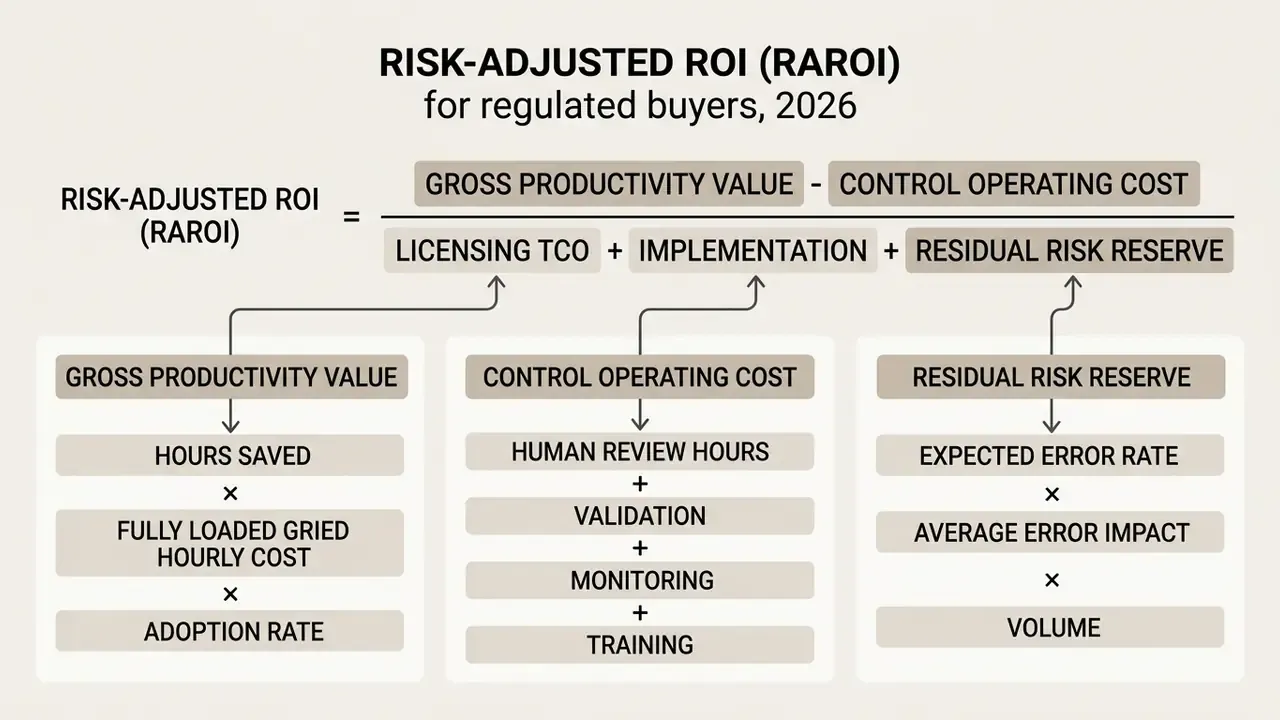
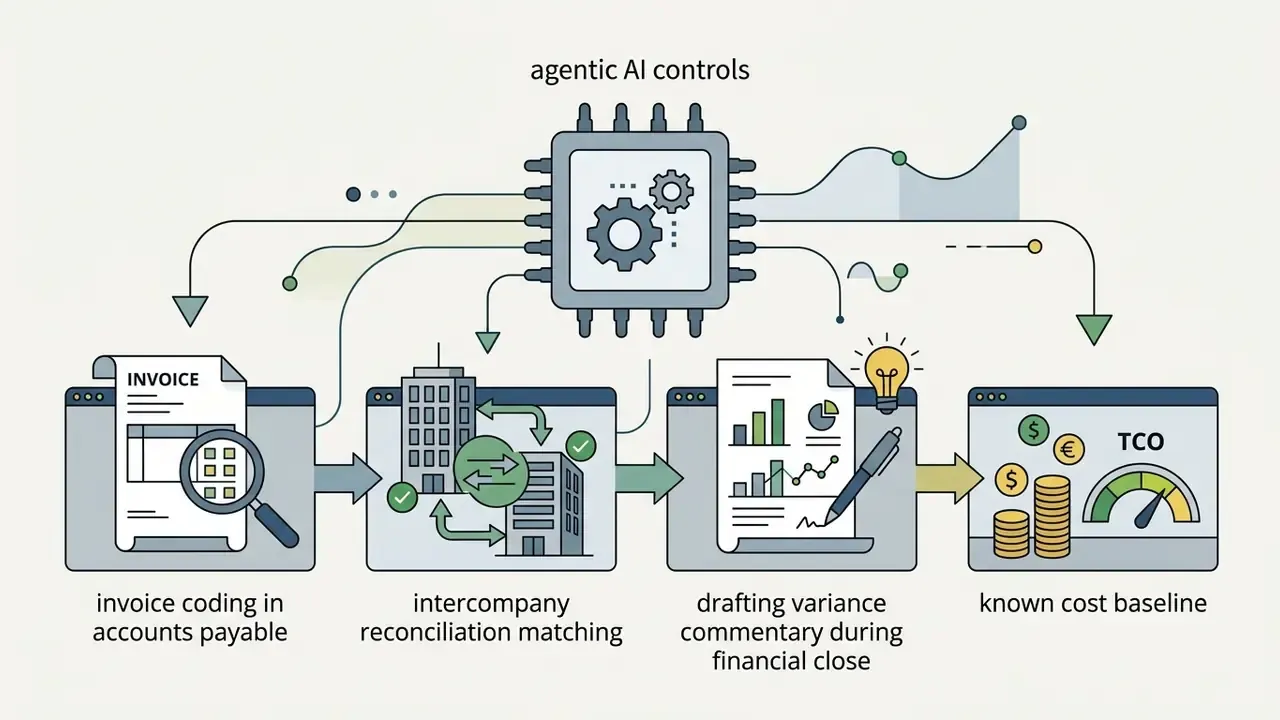
Worked example, accounts payable invoice coding (back-office finance). A shared services team processes 12,000 invoices per month at 6 minutes each, so 1,200 hours. An AI extraction and coding assistant cuts handling to 3.5 minutes on the 80% of invoices matching standard templates, saving roughly 400 hours monthly. At a fully loaded $45/hour, gross value is about $18,000/month. Human review of AI-coded invoices at 30 seconds each adds 80 hours, or $3,600. Licensing plus platform integration amortizes to $4,500/month. Assuming a 1.5% residual mis-coding rate on reviewed output, with an average downstream correction cost of $40 across 9,600 AI-handled invoices, the residual risk reserve is roughly $5,760/month. RAROI = ($18,000 − $3,600) / ($4,500 + $5,760) ≈ 1.40, which is $1.40 of net value per dollar of cost and reserved risk. Apply the same arithmetic to financial close reconciliation or contract term extraction. The CFO gets a defensible number, and the CRO sees the control burden explicitly rather than as an unfunded assumption.
A mid-sized financial technology firm deployed an AI coding assistant across 200 developers on flat-rate individual licenses with no centralized oversight. Token limits and inconsistent seat usage produced unexpected monthly overruns. Moving to a managed GitHub Copilot Business tier ($19/seat/month) with centralized allocation stabilized licensing costs while keeping developer access controls intact.
Integrations, Automation, and Stack Compatibility
Enterprise AI tools must fit existing technology stacks through REST or GraphQL APIs, native connectors, webhooks, or Model Context Protocol (MCP) servers. Isolated point solutions create workflow friction, force manual data transfers, and raise operational risk.
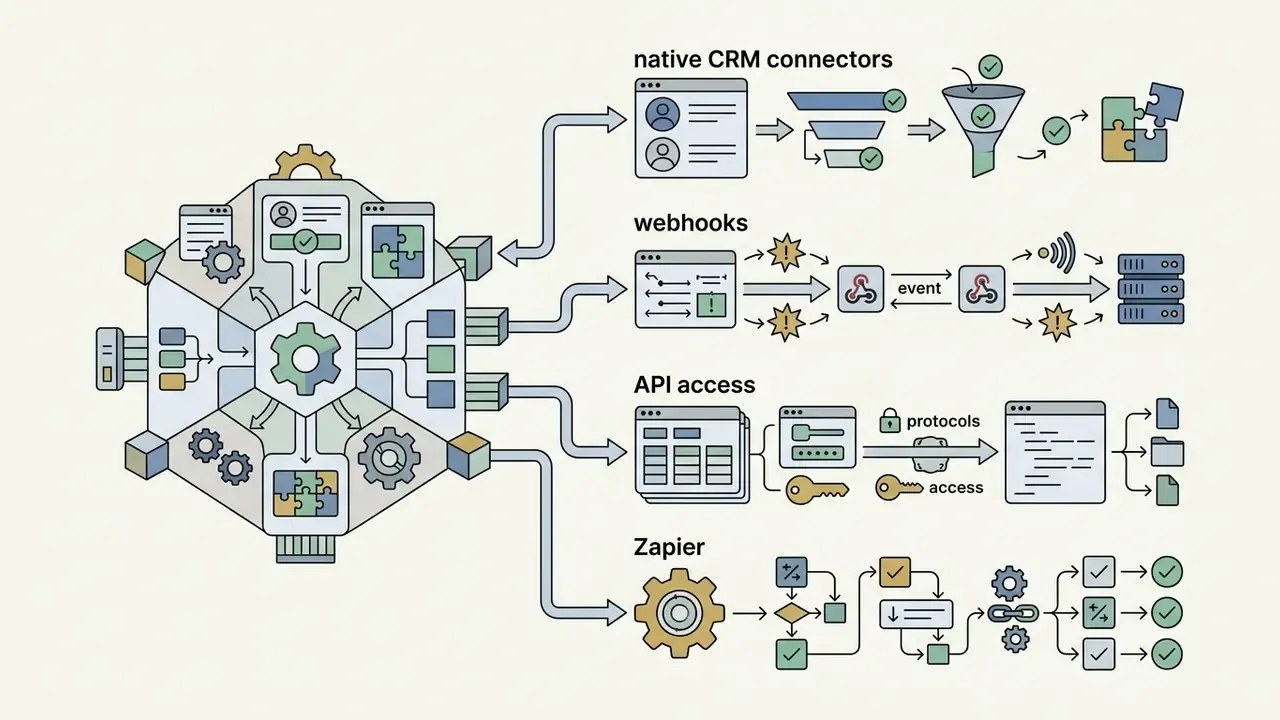
Modern integration architectures rely on four connection layers:
- Native platform connectors: direct integrations into core applications such as Slack, Microsoft Teams, Google Workspace, Salesforce, HubSpot, and Jira.
«A two-week controlled experiment with 126 ZoomInfo engineers found GitHub Copilot suggestions accepted 33% of the time, mean satisfaction of 8.0/10, and self-reported productivity gain of 7.6/10.»
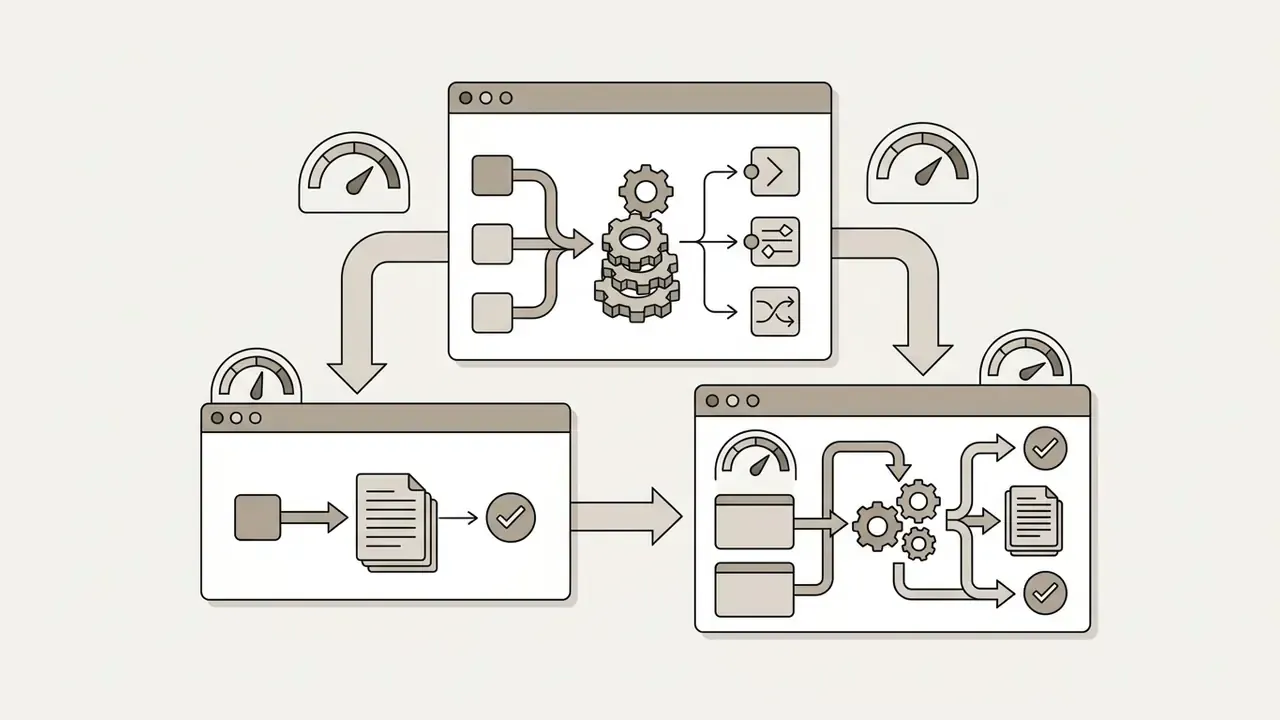
- Workflow orchestration engines: middleware such as Zapier or Make that links disparate systems through automated trigger-action events. These engines increasingly orchestrate media pipelines too, routing briefs into AI video generators and returning rendered assets into asset-management systems without manual handoffs.
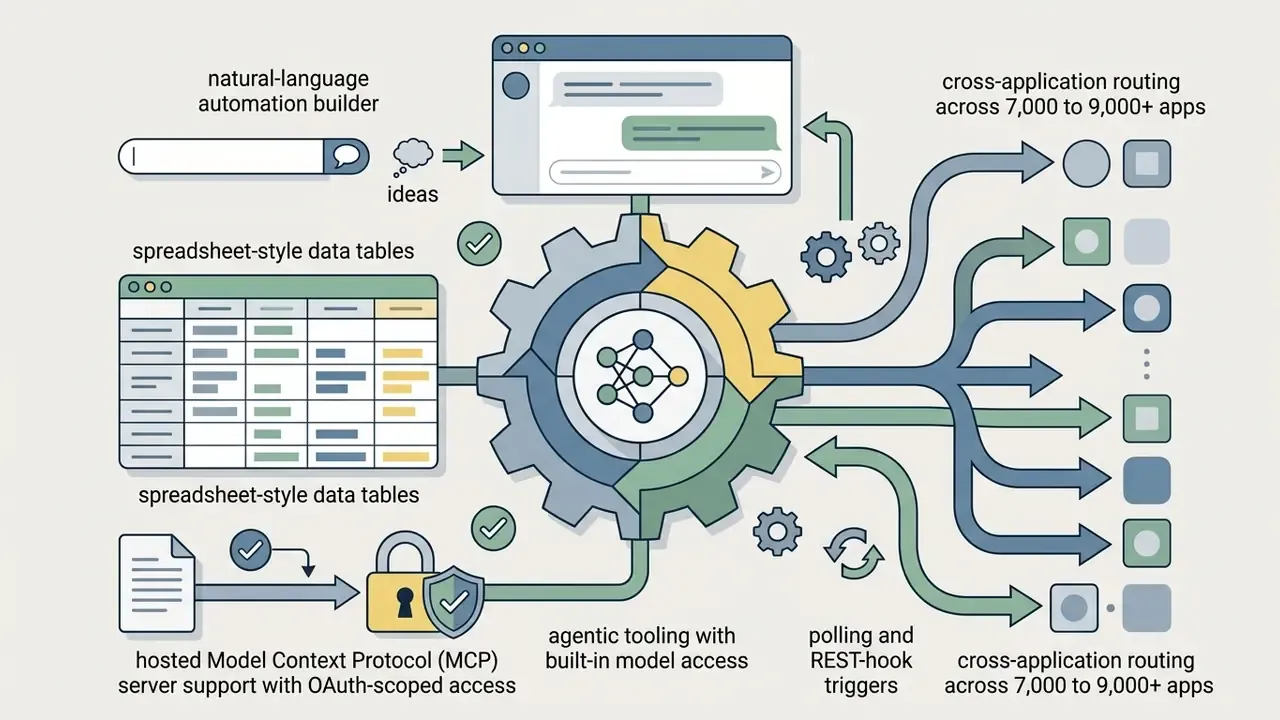
- Secure API interfaces: direct REST or GraphQL endpoints letting internal software route prompts and retrieve structured JSON. Trigger design matters operationally: polling triggers usually check on 1 to 15 minute intervals, while REST-hook triggers execute on webhook delivery for near-instant automation.
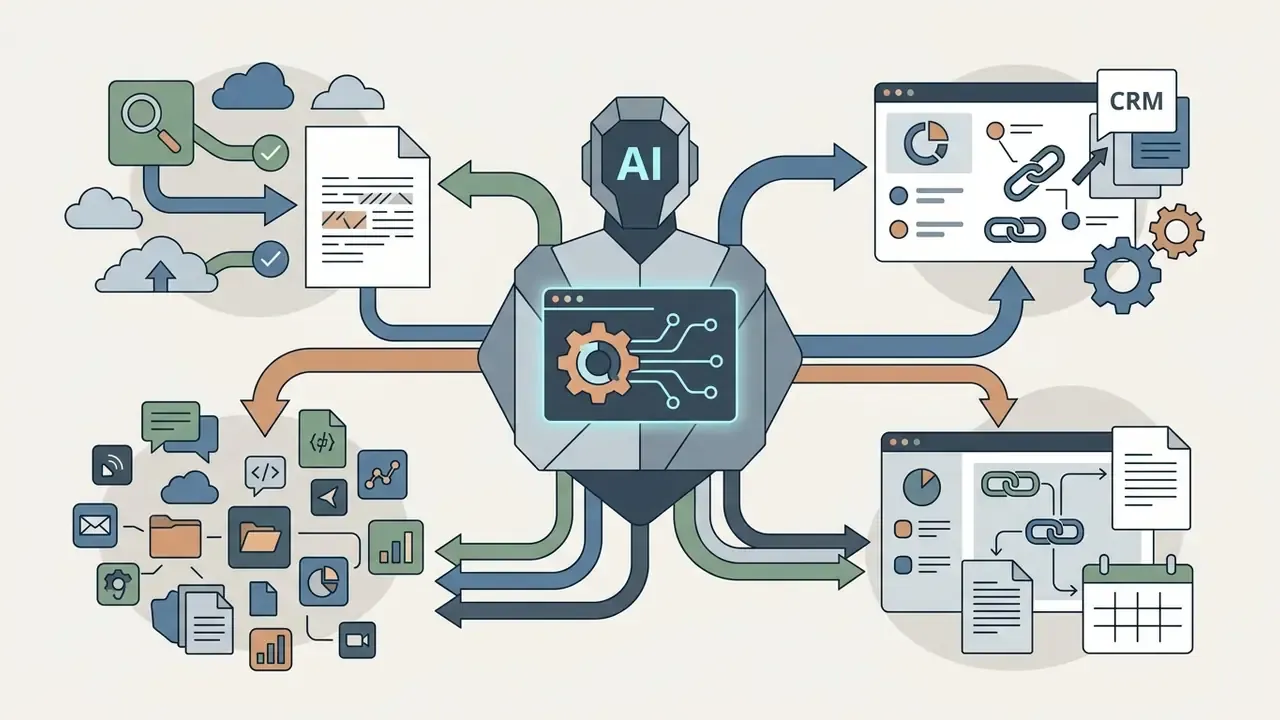
- Context protocol servers: standardized interfaces (for example MCP) that let AI agents query external databases, code bases, and CRM repositories under authentication.
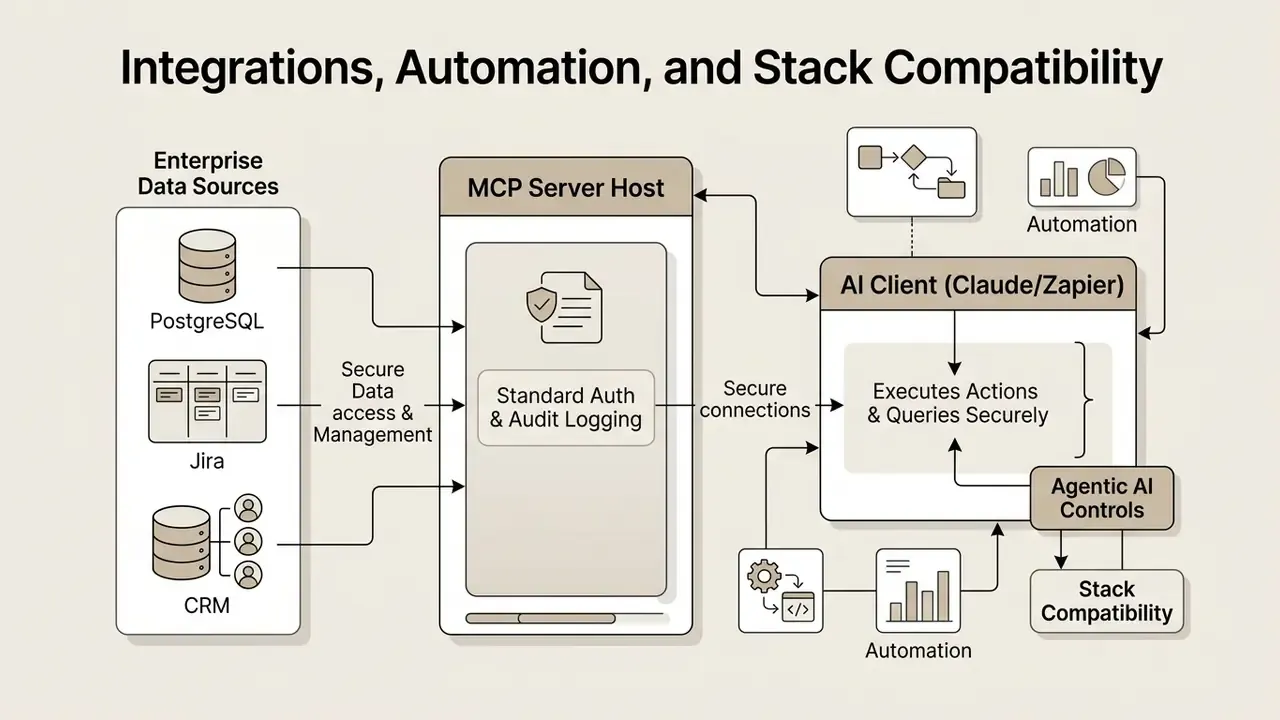
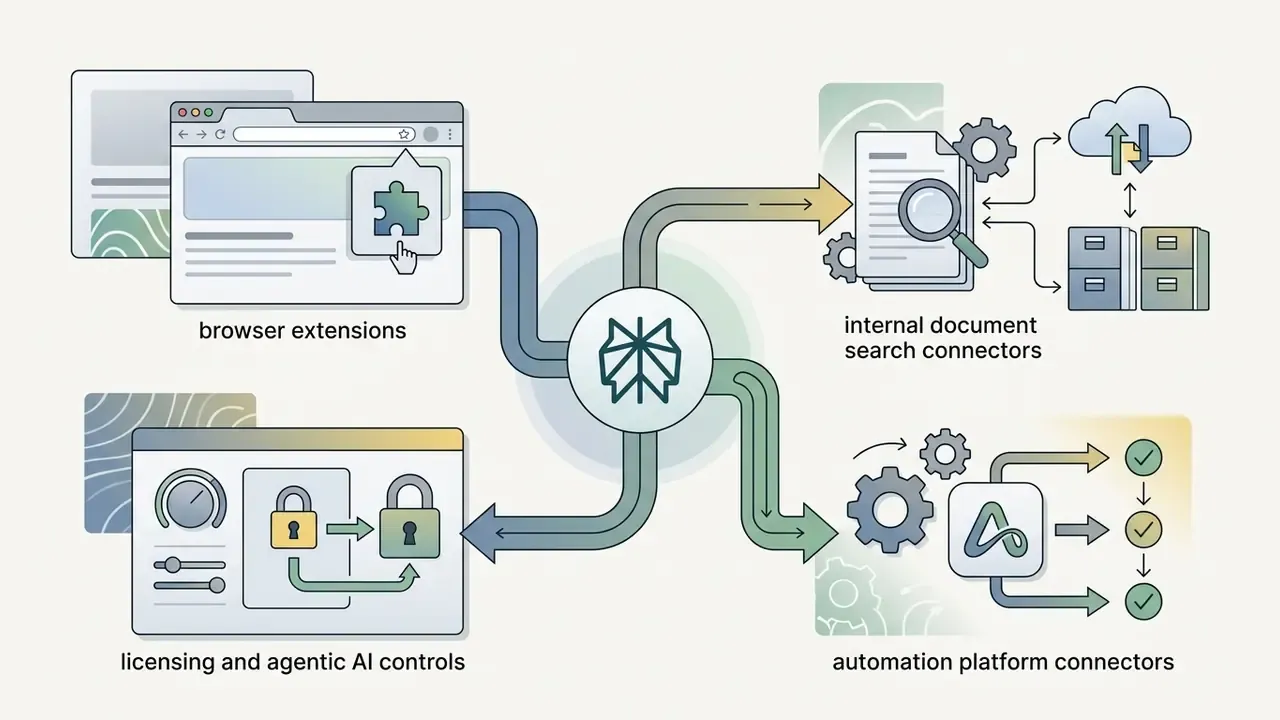
MCP servers remove the "context switching tax", the operational latency lost when staff copy and paste prompts, files, and briefs across isolated model tabs, re-explaining the same context to each system. Unified client workspaces (Claude Desktop, Zapier's hosted MCP access, or Slack's MCP server, which reached general availability alongside its Real-Time Search API) can query corporate SQL databases and internal APIs in real time without exposing raw database credentials to the model provider. Two governance consequences follow. First, MCP concentrates access, so the MCP host becomes a high-value control point requiring OAuth-scoped tokens, least-privilege tool registration, and full call logging. Second, because one client can now reach many systems, the blast radius of a mis-scoped agent grows accordingly.
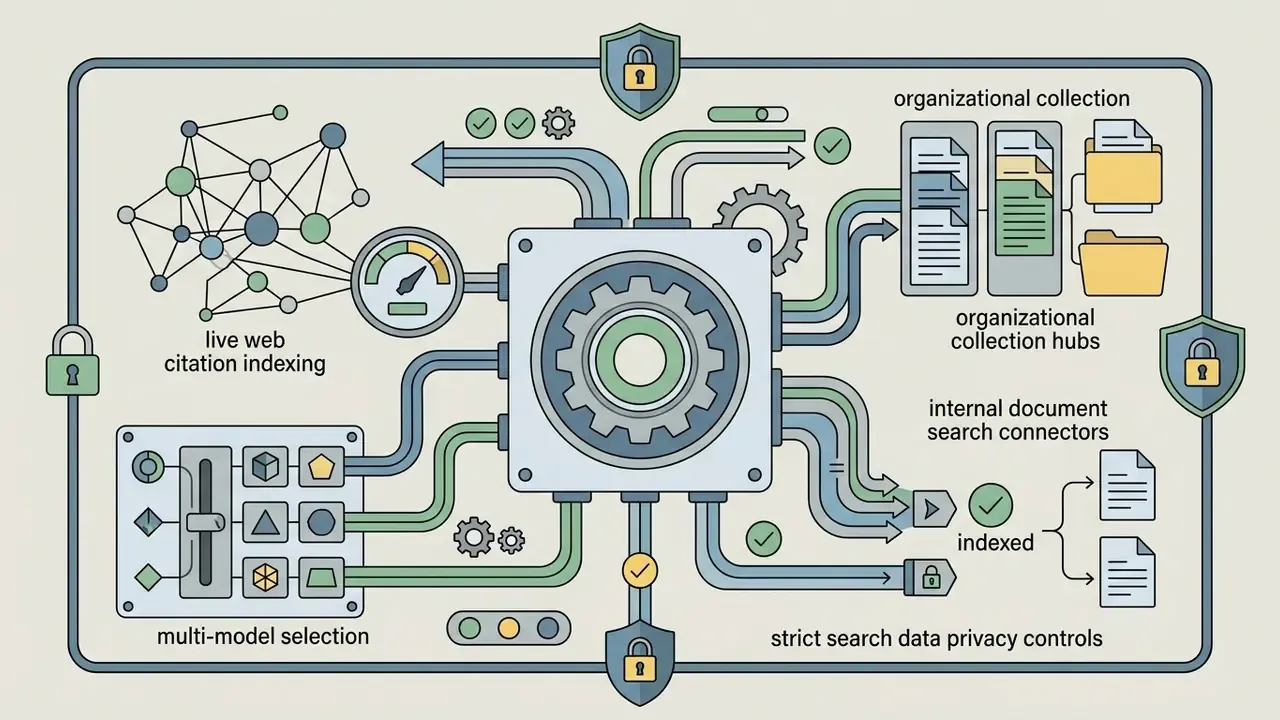
A related market response to the same problem is the multi-model workspace: one window where several frontier models (ChatGPT, Claude, Gemini, others) work over persistent project context, files, and history. For governance teams this class of tool is attractive because it centralizes prompt logging and file handling. It is also risky, because it aggregates data across multiple third-party model providers. Evaluate any such workspace on its sub-processor list, per-model retention terms, and whether ZDR commitments flow through to every backing model, not just the headline one.
Agentic AI Risk Controls: Bounding Non-Deterministic Systems
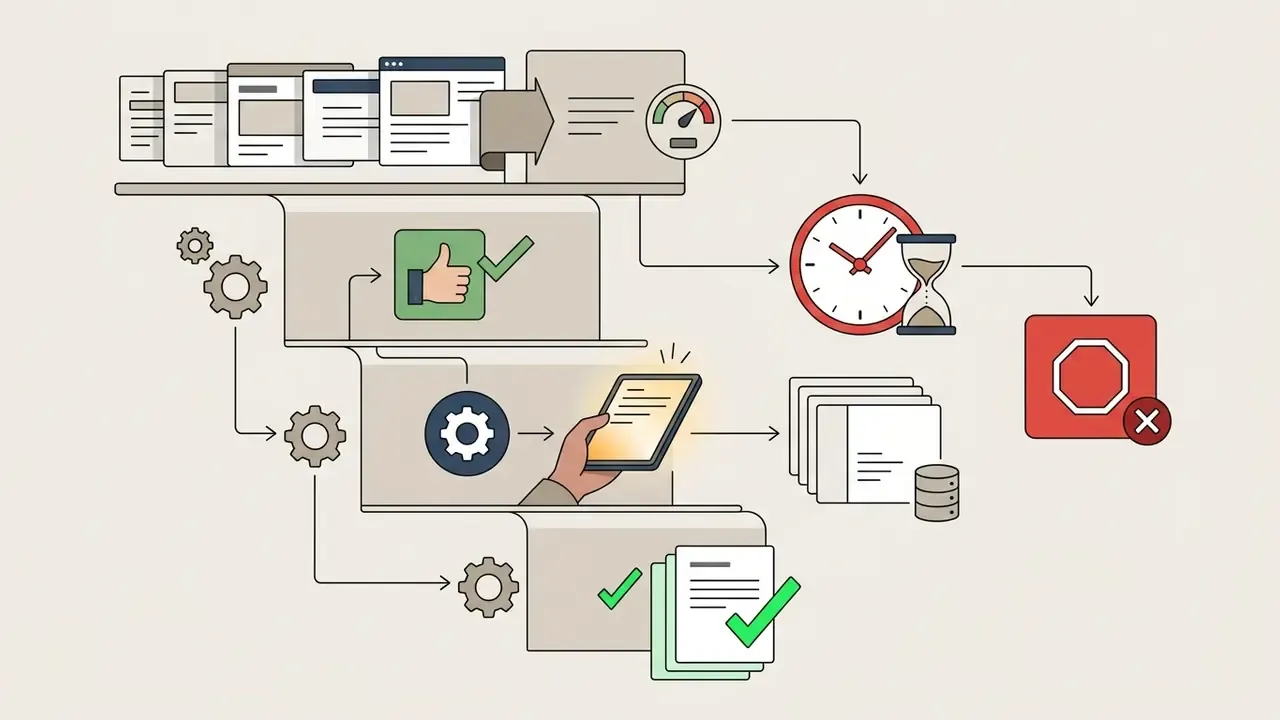
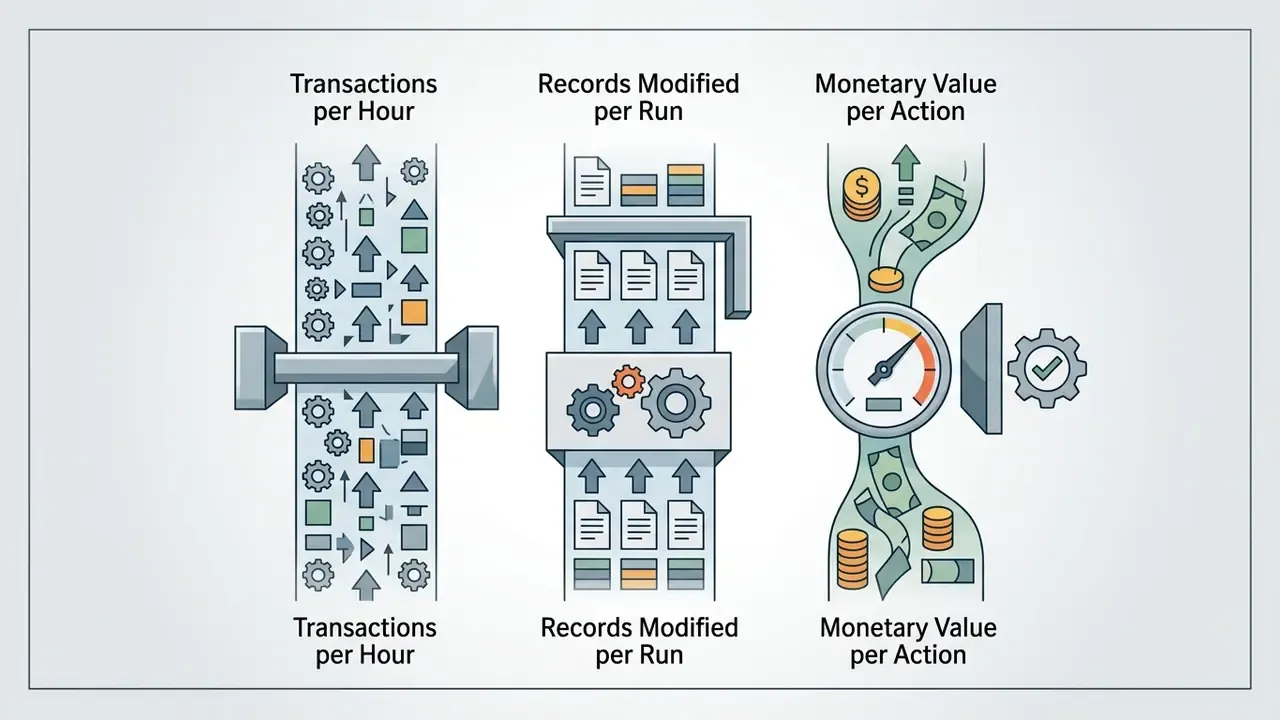
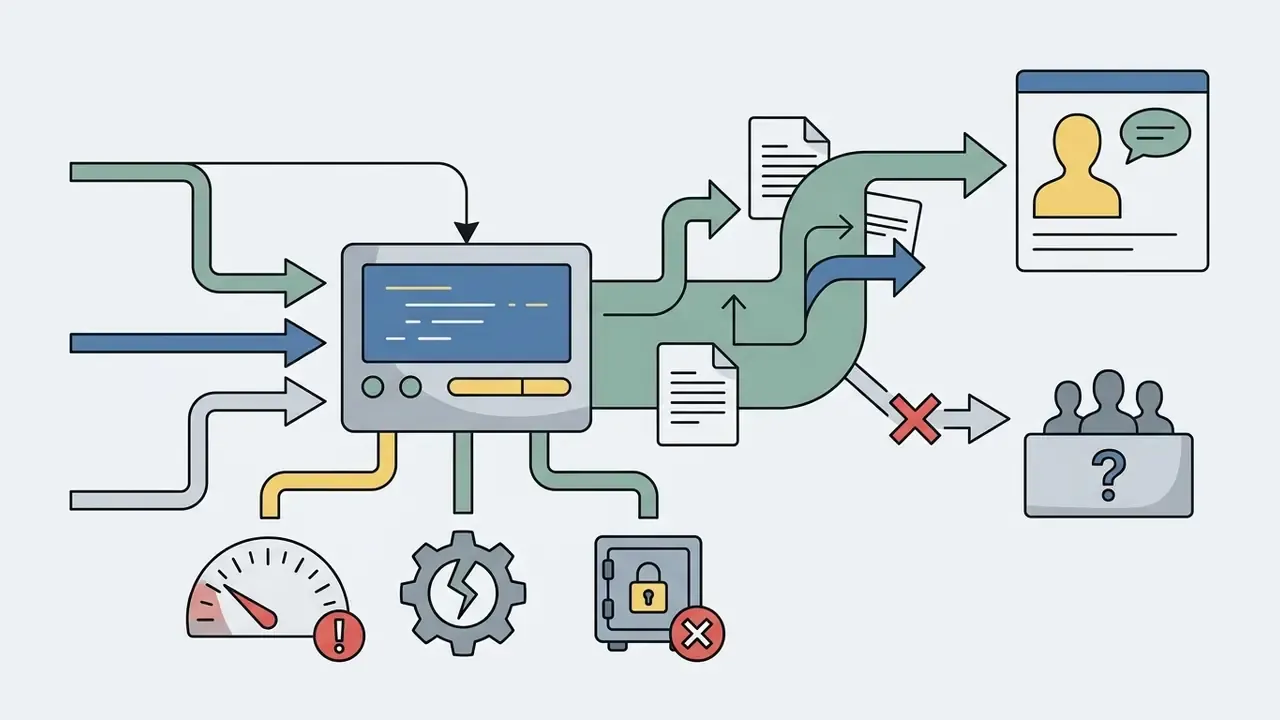
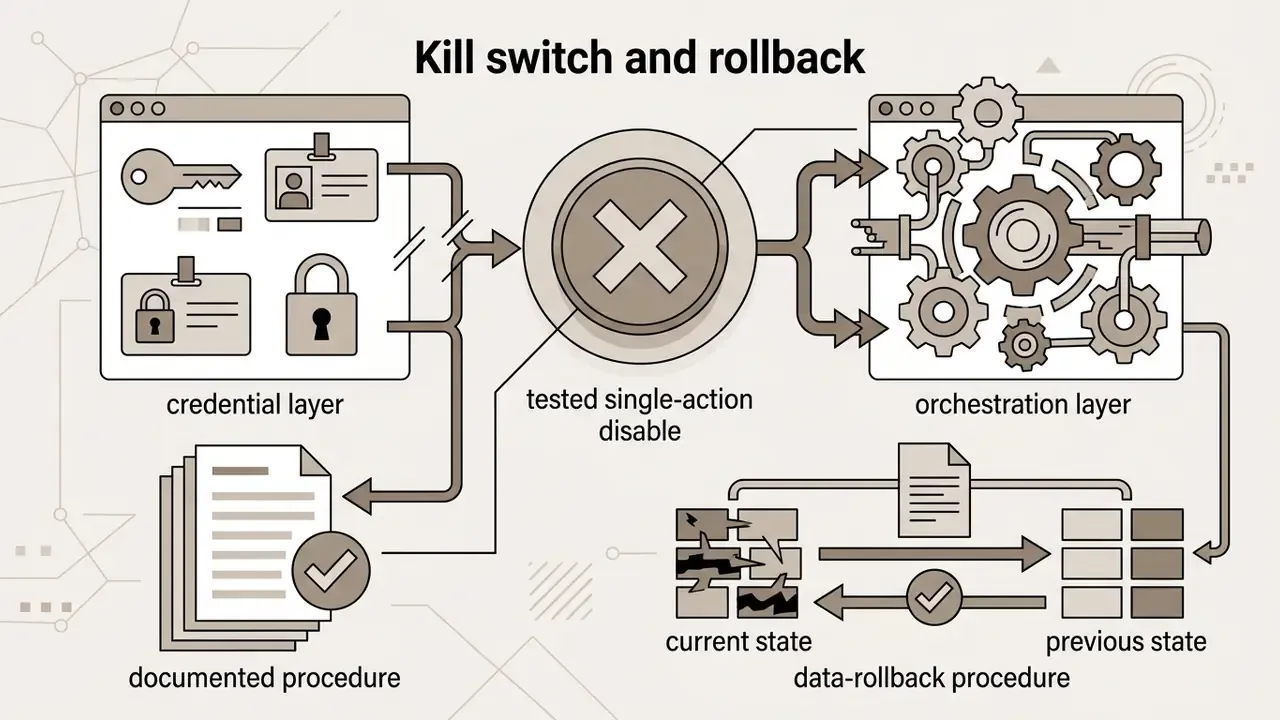
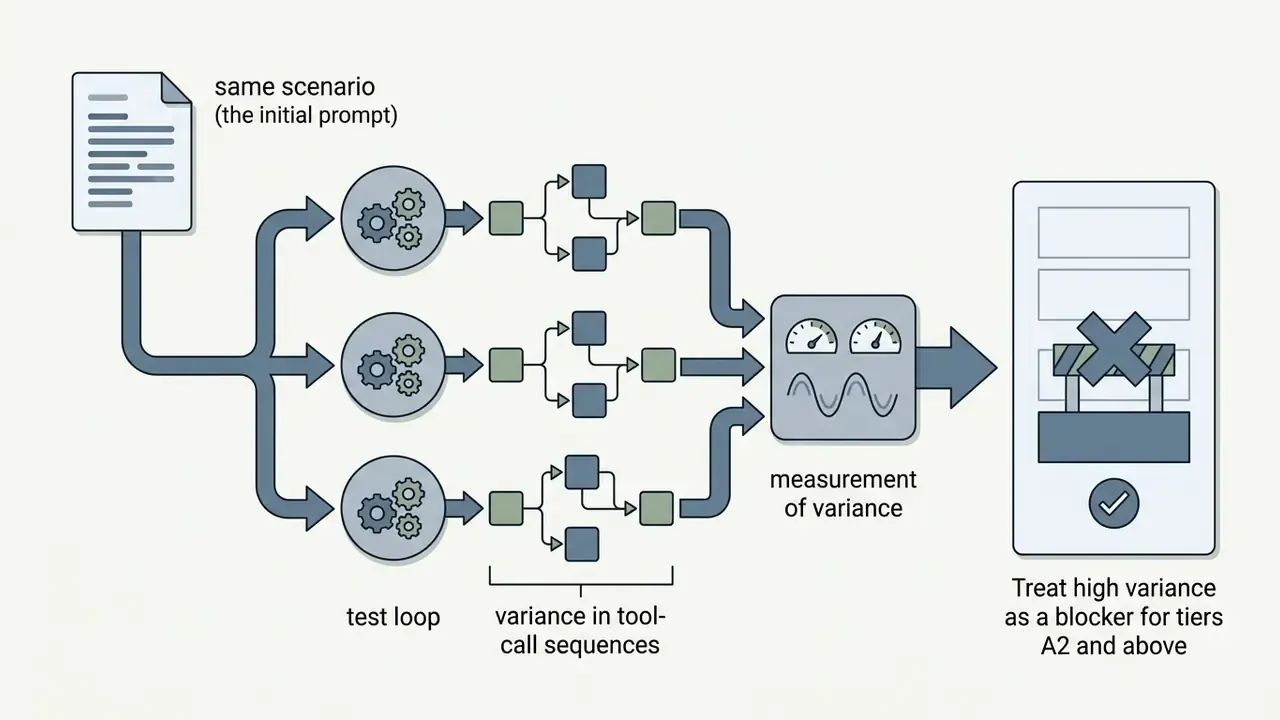
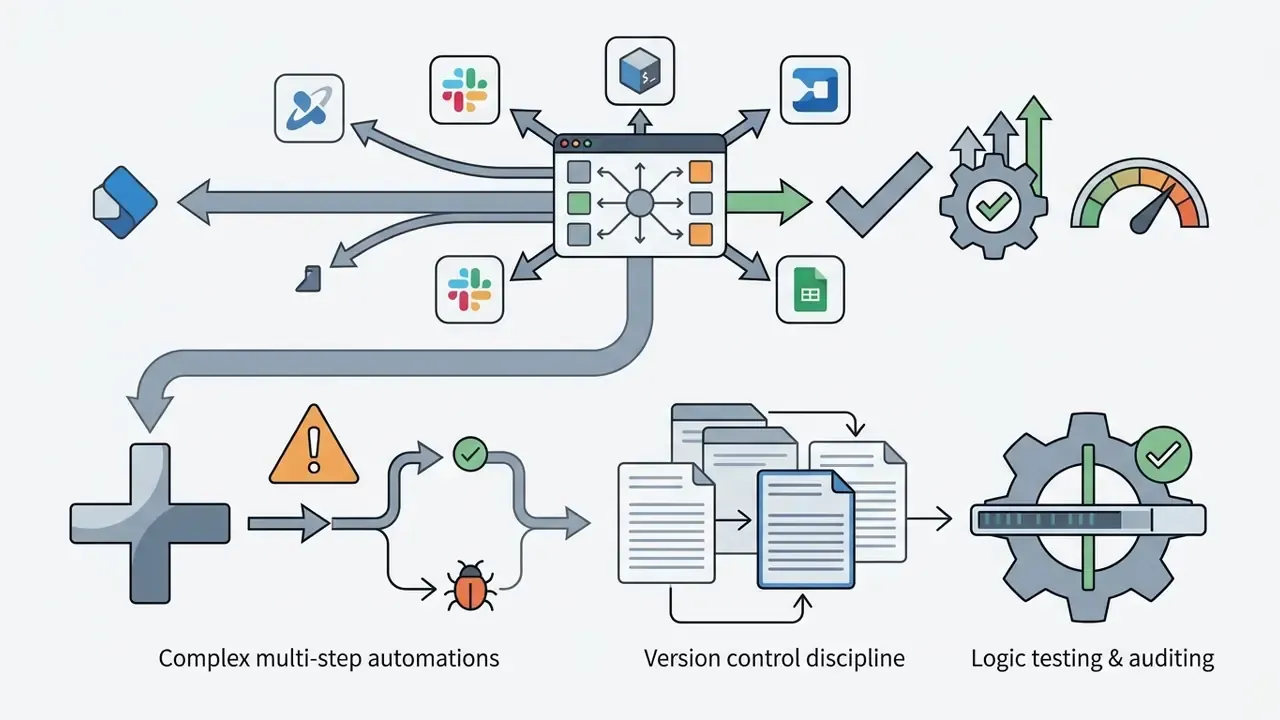
Agentic tools do not merely draft. They act. That converts model error from a content-quality issue into an operational-loss event. Non-determinism means the same instruction may produce different tool-call sequences on different runs, which breaks the repeatability assumption underlying traditional change control. Before any agent touches production systems, define the following:
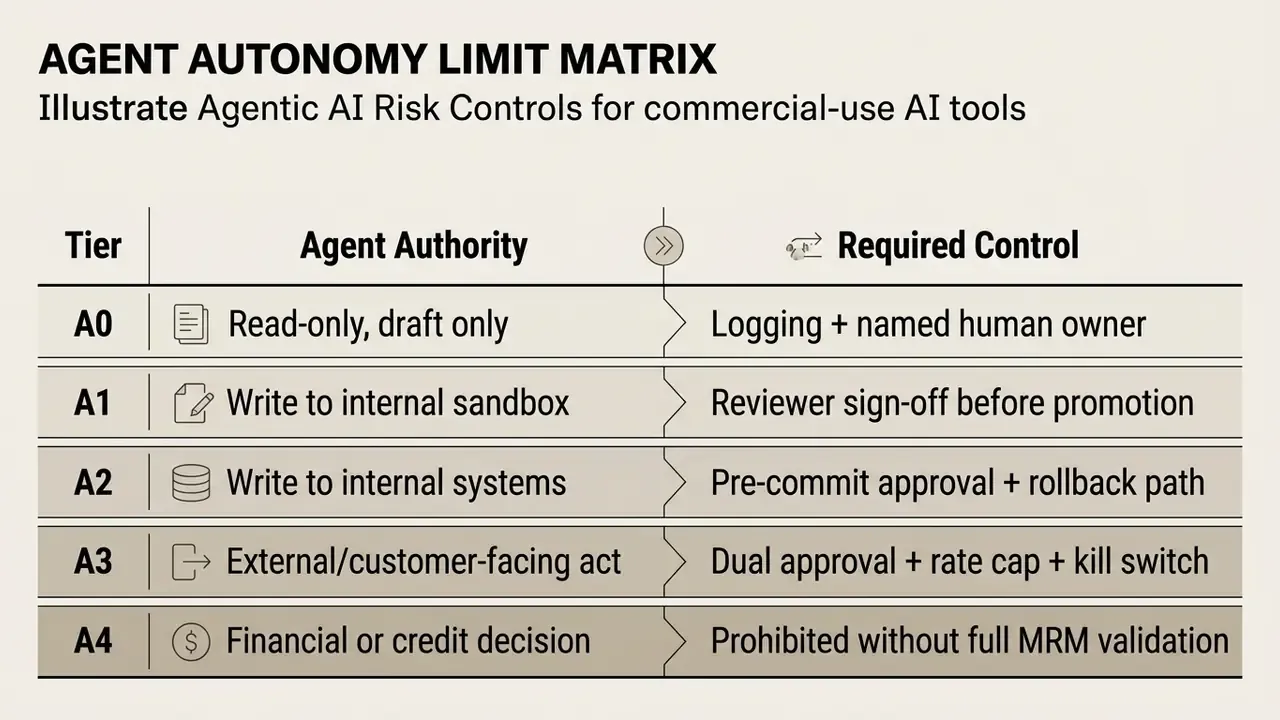
Minimum control set for agentic deployment:
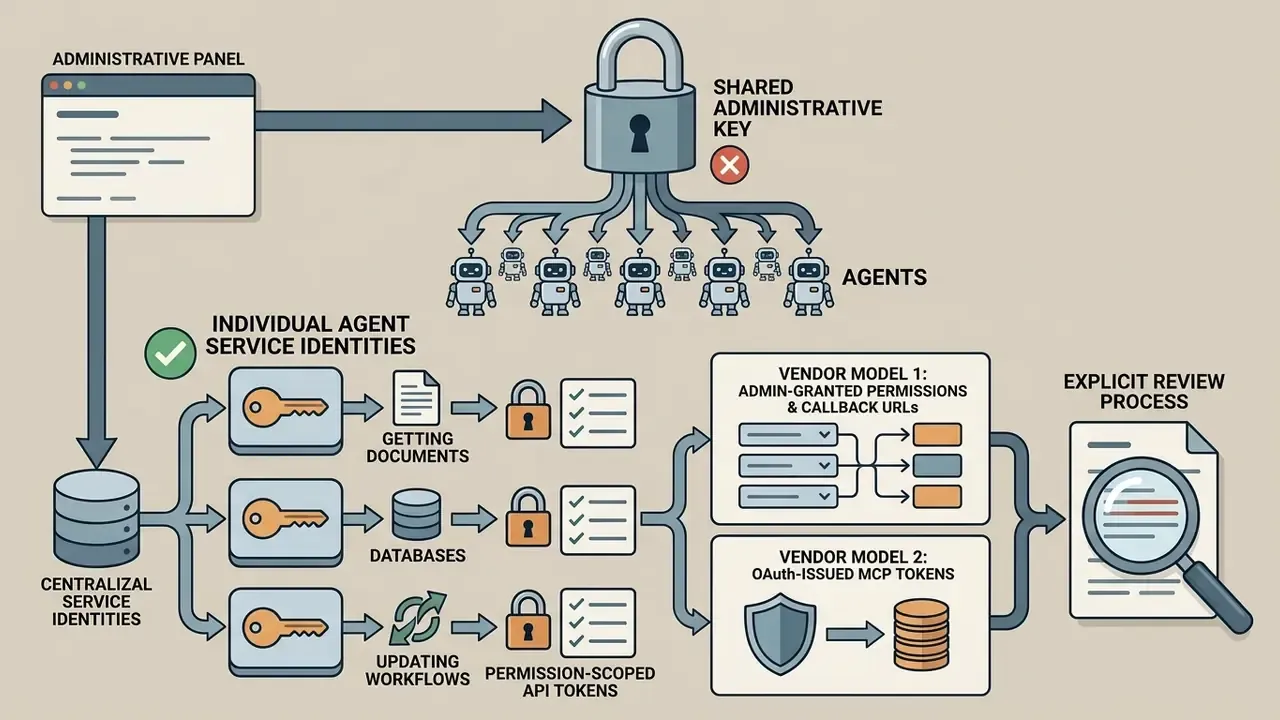
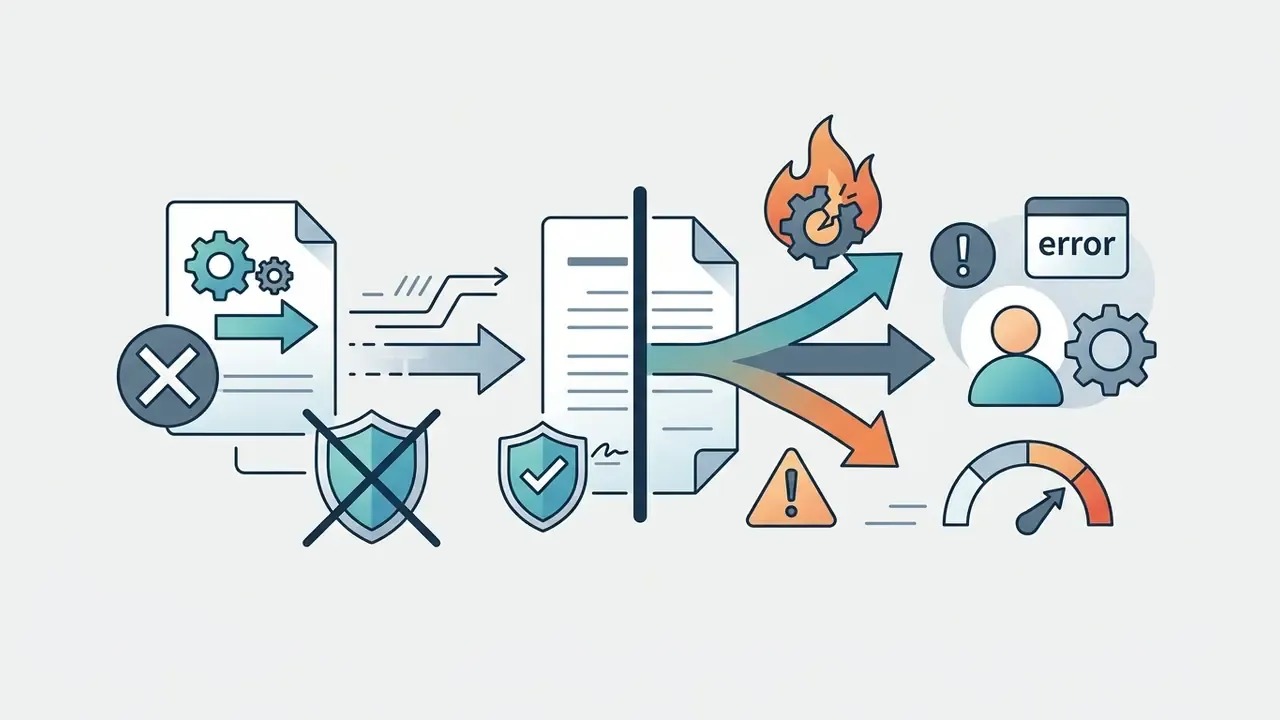
Who owns the outcome when the agent acts alone at 3 a.m.? If the answer is a team name rather than a person, the control set is incomplete. Selecting tools with deep ecosystem compatibility ensures automated execution happens inside governed corporate environments, with centralized monitoring and administrative oversight.
| Evaluation Criterion | Commercial Requirement | Business Impact | Key Verification Metric |
|---|---|---|---|
| Functionality & Quality | Task-aligned models with high context accuracy | Reduces manual rework and accelerates task completion | Pass@k, rubric accuracy, processing latency |
| Pricing & Cost Structure | Transparent per-seat or token-based billing | Prevents cost overruns during organizational scaling | TCO, RAROI, seat commitments, overage rates |
| Commercial Licensing | Complete copyright assignment, IP indemnification | Protects generated assets from infringement claims | Vendor TOS, legal indemnity terms |
| Integration & API Scope | REST APIs, native connectors, Webhooks, MCP | Enables end-to-end automation without manual transfers | Connector catalog, API uptime SLAs |
| Data Security & Privacy | SOC 2 Type II, ISO 27001/42001, Zero Data Retention | Ensures regulatory compliance and data protection | Audit reports, ZDR contractual commitments |
| Team Management | SAML SSO, RBAC, SCIM, domain verification, audit logs | Prevents unauthorized access and shadow AI | Admin dashboard controls, audit exports |
| Agentic Safety | Autonomy tiers, approval gates, kill switch | Contains non-deterministic operational risk | Variance testing, escalation logs |
Comparing Top AI Tools by Business Task
Selecting the best ai tools means matching software categories to actual operational workflows. Broad foundation platforms excel at general reasoning and research. Specialized domain tools bring tailored interfaces, contextual memory, and automated campaign flows.
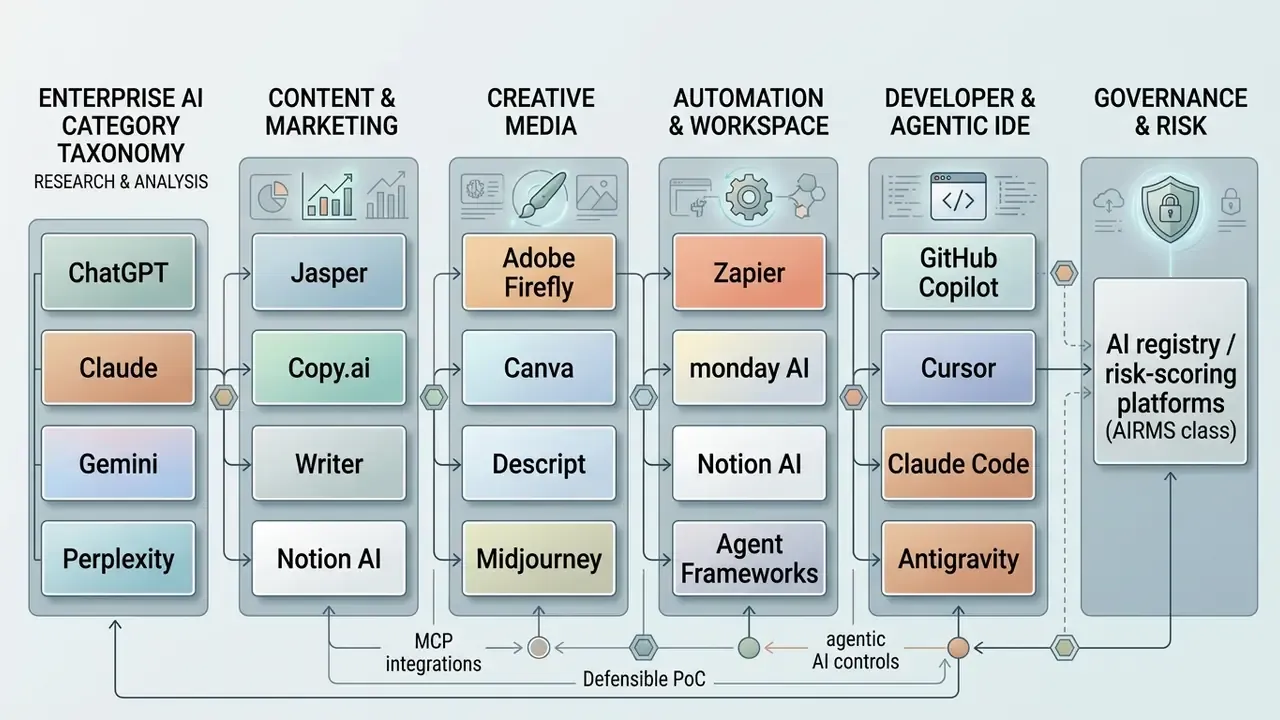
Categorizing by operational scope helps procurement leaders retire redundant subscriptions, standardize data controls, and extend automation across marketing, sales, customer support, and software engineering. It also makes the shadow-AI conversation less awkward, because every category has an approved option.
AI Chatbots, Research, and Data Analysis
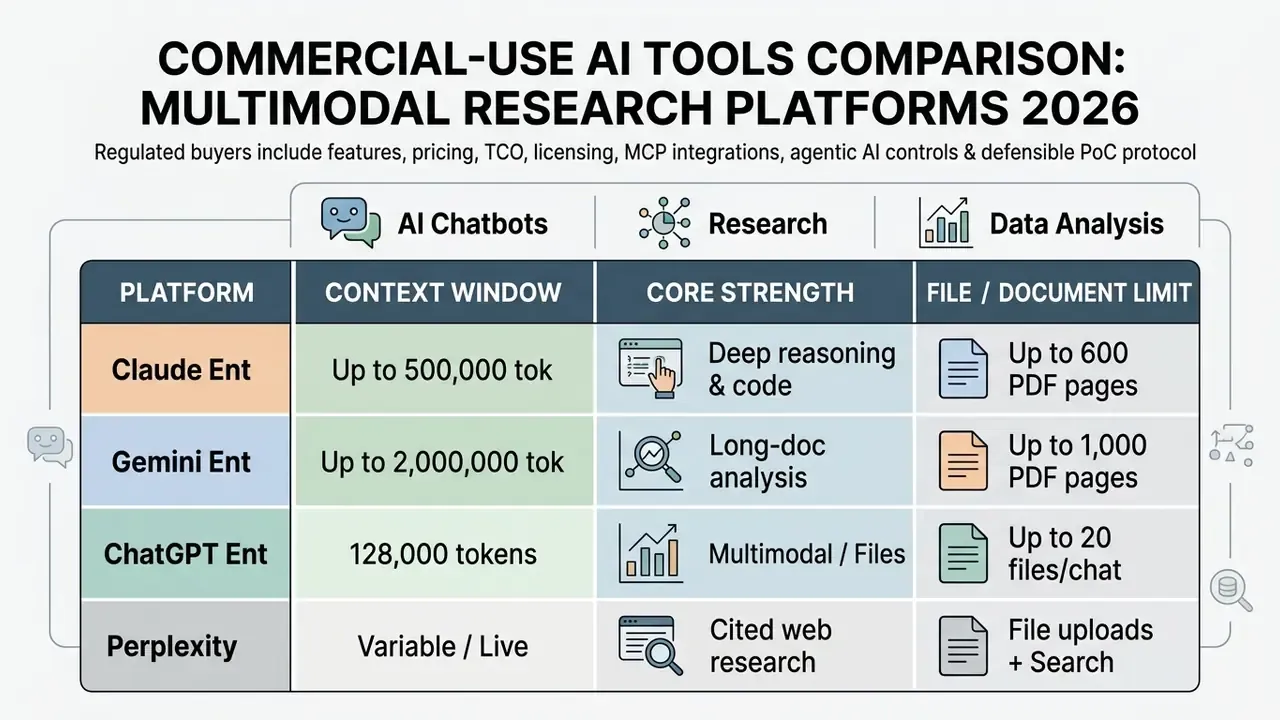
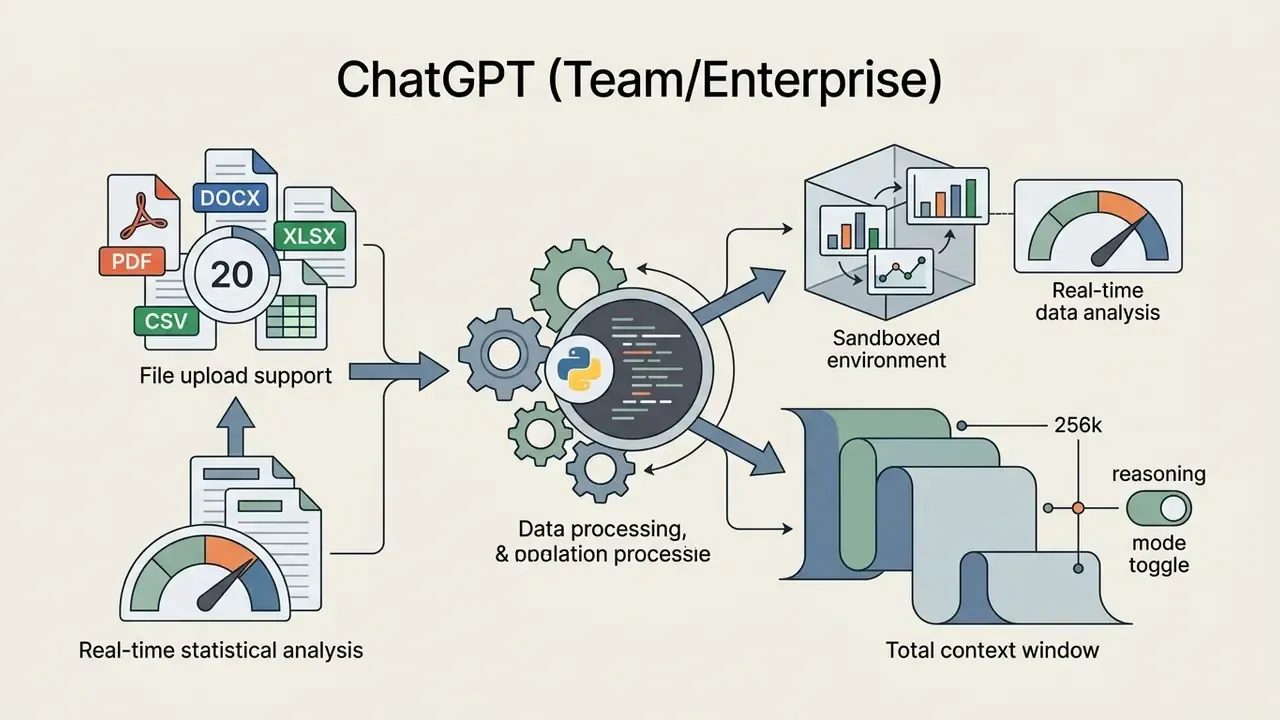
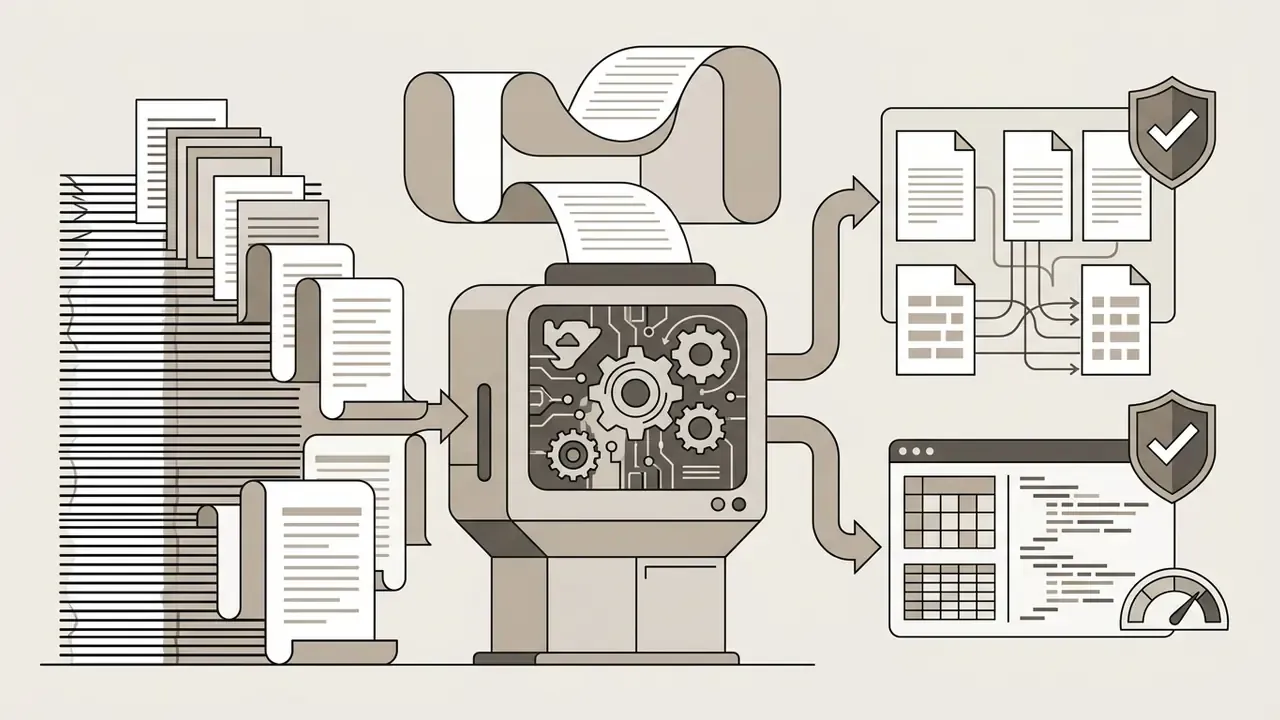
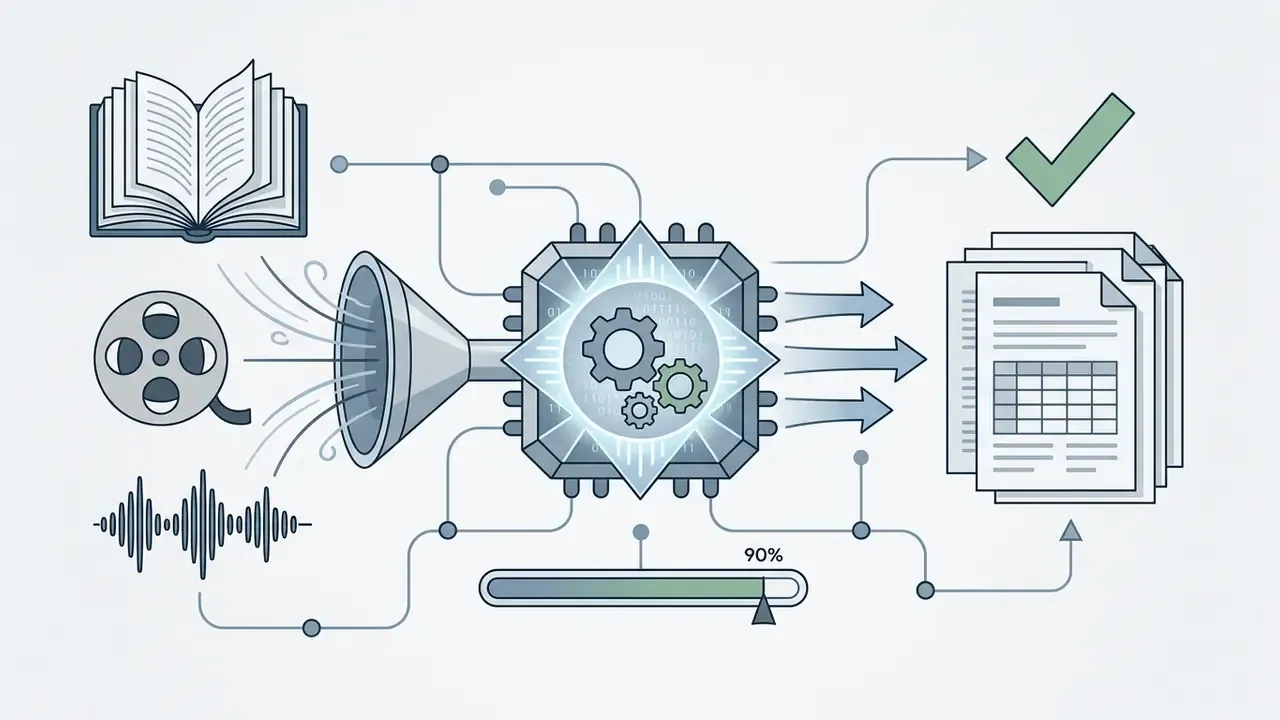
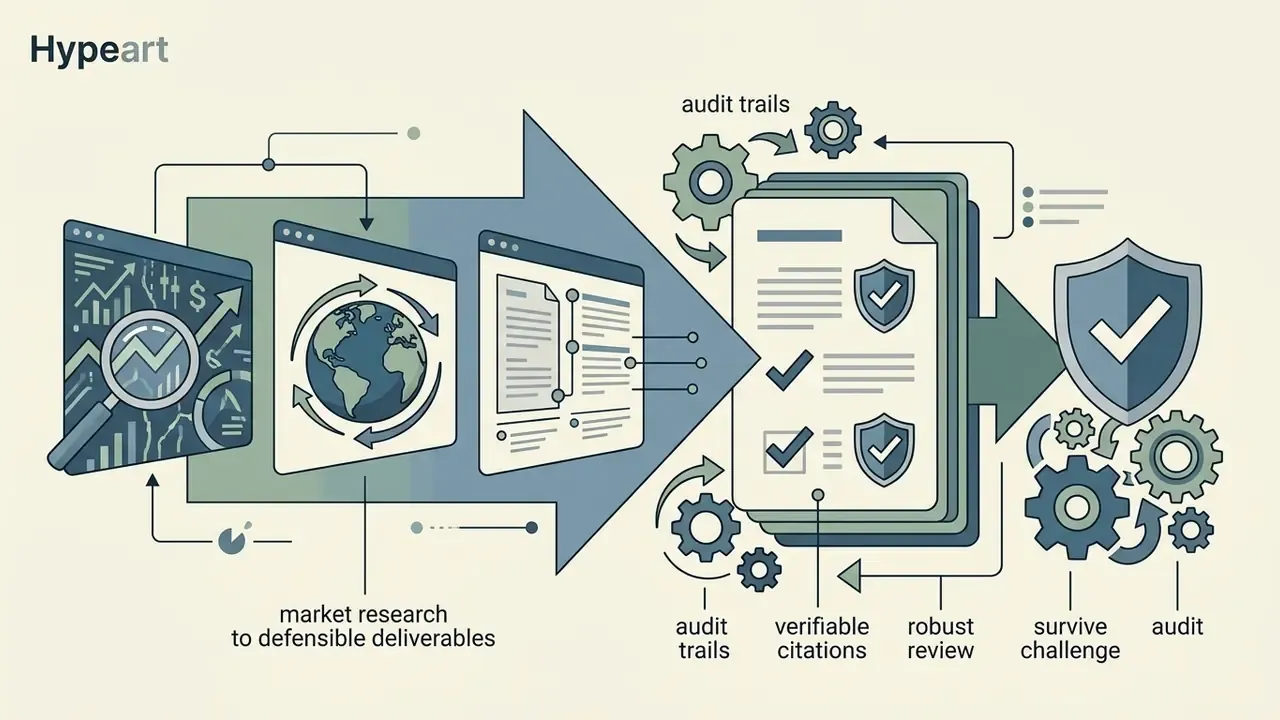
Multimodal chatbots and deep research engines act as core analytical assistants for knowledge workers. ChatGPT (OpenAI), Claude (Anthropic), Gemini (Google), and Perplexity Enterprise differ in context window capacity, document handling limits, and live search capability.
AI for Writing, Content, and Marketing Campaigns
Specialized writing platforms, including Jasper, Copy.ai, and Writer, extend a standard LLM interface with brand style guides, audience personas, multi-channel campaign builders, and central asset repositories.
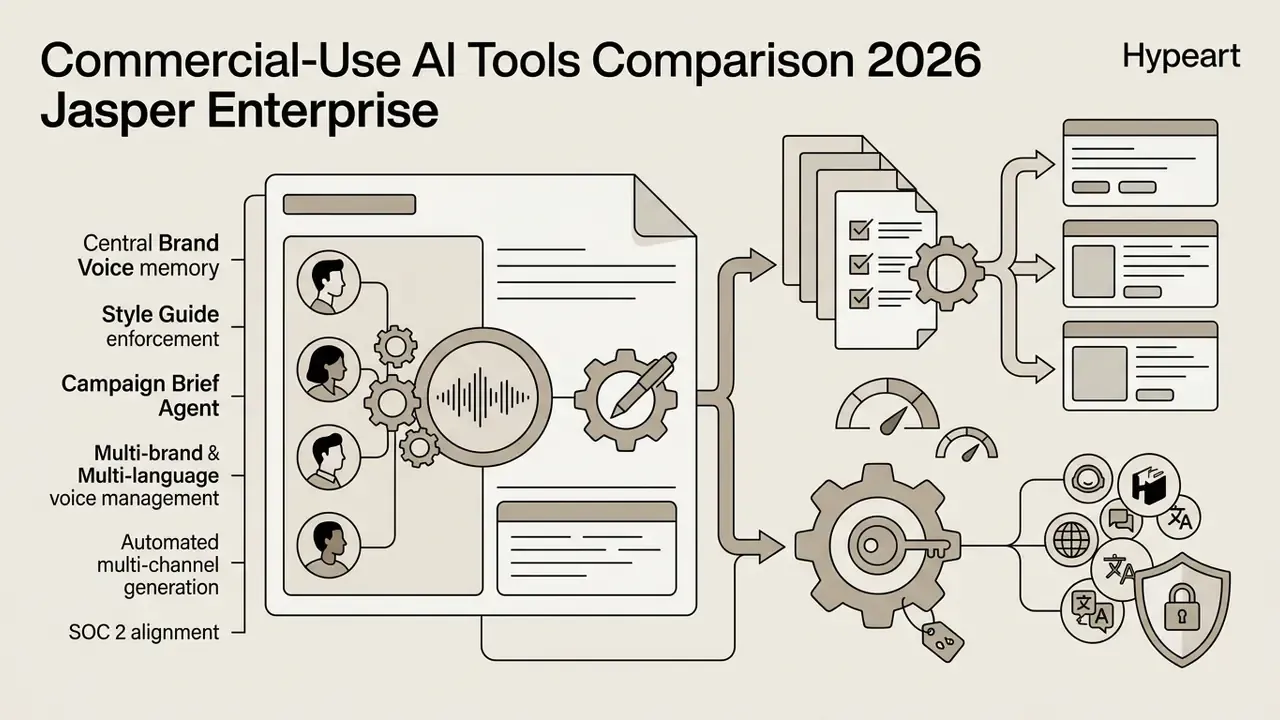
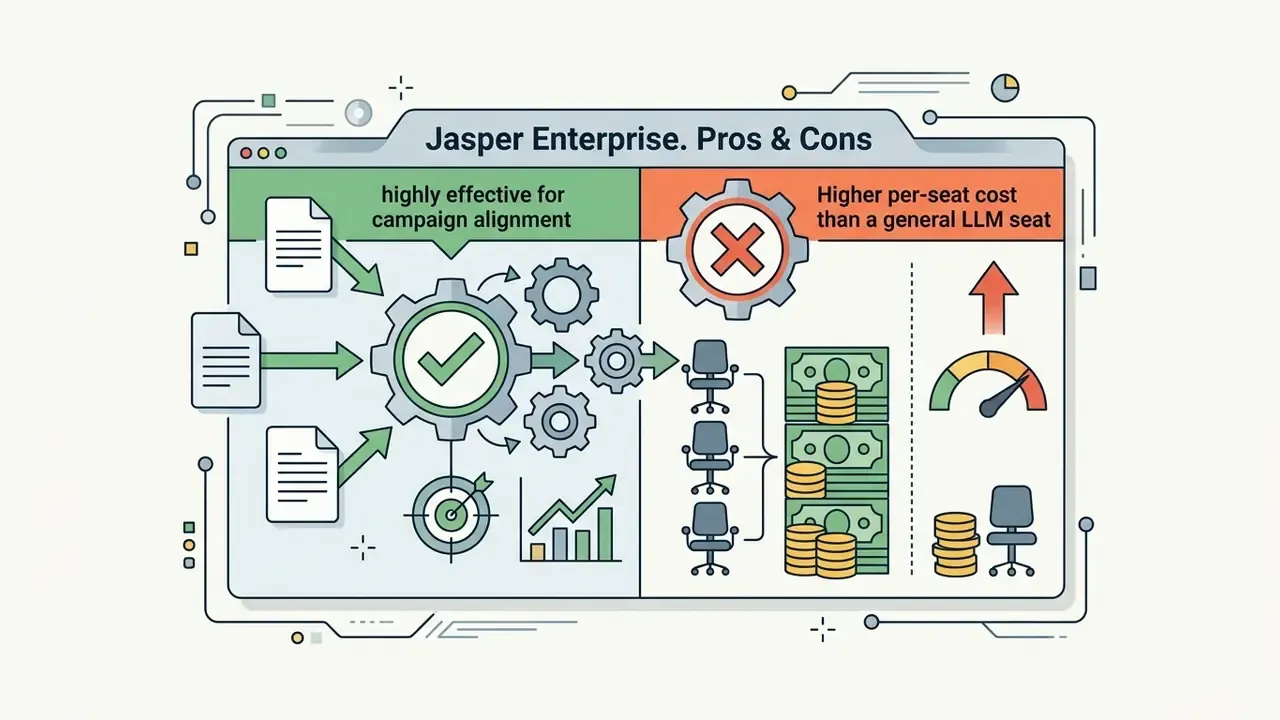
Unlike a general chat interface, Jasper lets marketing teams upload brand voice guides, buyer profiles, and visual standards into a central Knowledge Base. It combines Brand Voice memory with Tone and Style controls, plus a Campaign Brief Agent that drafts a full campaign brief from Brand Voice, Style Guide, Audiences, Visual Guidelines, and Knowledge Base inputs. Those constraints then apply across automated multi-asset flows: blog posts, email sequences, social posts.
«AI-driven marketing campaigns produced statistically significant increases in engagement, loyalty, and purchase intention compared with traditional approaches.»
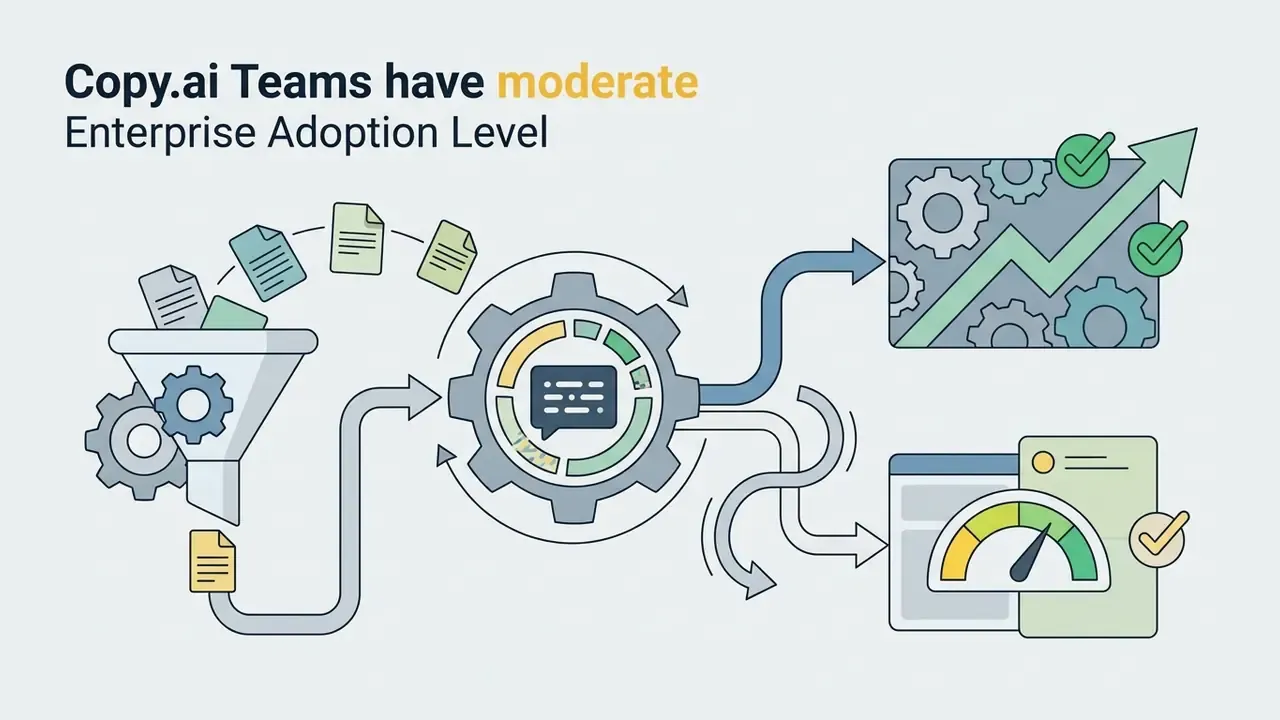
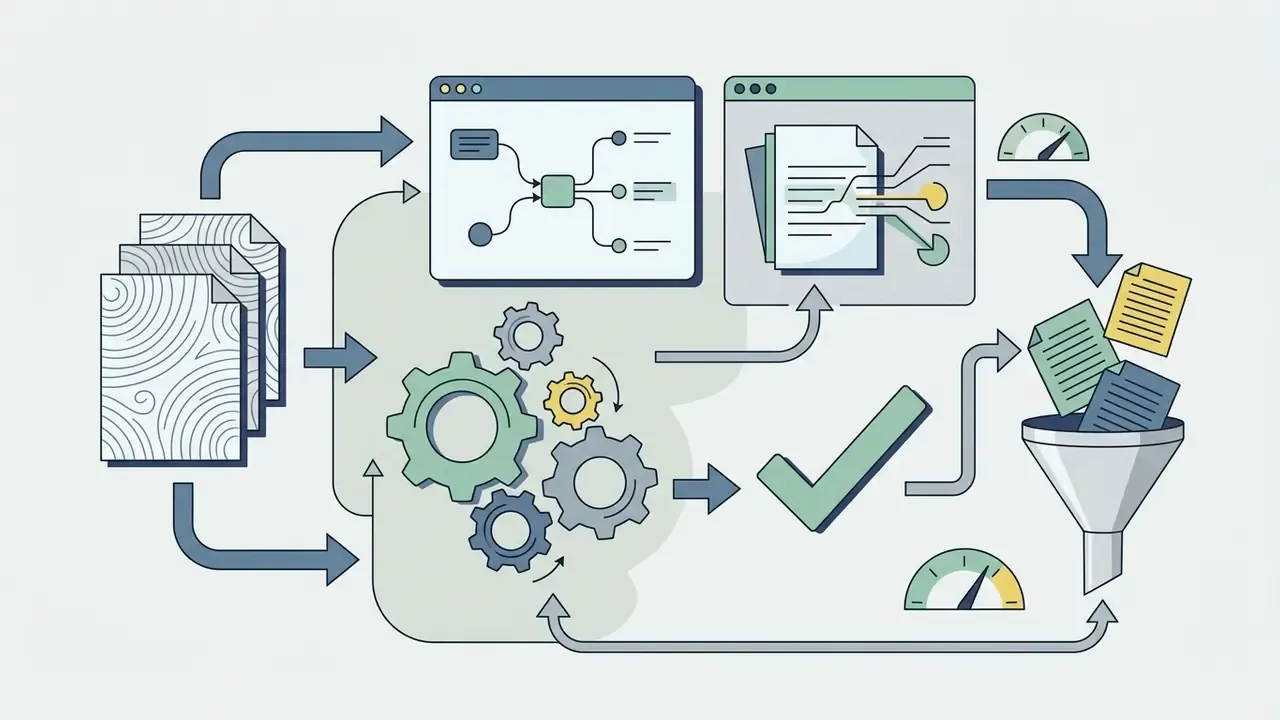
Copy.ai provides automated workflow canvases that connect web scraping, drafting, and SEO optimization into repeatable pipelines, and trains brand voice from uploaded or pasted on-brand samples that writers select at generation time. Design-adjacent generation usually sits in the same workflow. Teams pair copy platforms with the Canva AI Generator so approved text and on-brand layouts come from the same brief.
When comparing content platforms, check whether the software includes plagiarism checks, real-time SEO scoring, and multi-language brand enforcement for distributed teams. And note the honest caveat practitioners keep repeating: many "AI writing tools" are thin interfaces over the same foundation models. The defensible reason to pay for a specialized platform is workflow, meaning brand memory, campaign structure, approval routing, and asset organization, rather than raw model quality.
AI for Image, Video, Voice, and Creative Production
Creative media tools enable rapid visual prototyping, automated video editing, and synthetic voice creation. They also require strict vetting on commercial copyright safety and asset licensing.
«JIPLP's 2025 analysis confirms that fully autonomously generated images without identifiable human contribution are not protected by copyright in either the US or the EU.»
How Model Risk and Compliance should qualify creative AI tools. Marketing and media platforms rarely enter MRM scope as models, yet they carry three exposures a risk function still signs off on: (a) IP exposure, covering training-data provenance, indemnification scope, and vendor re-use licenses; (b) brand and conduct exposure, meaning whether generated claims, disclosures, or imagery could be unfair or deceptive in a regulated product context; and (c) data exposure, meaning whether customer imagery, voice, or documents leave for a third-party generator. A short qualification memo per creative tool, covering those three axes plus the human-approval gate before publication, is usually enough. It also keeps creative velocity intact, which matters more than governance teams sometimes admit.
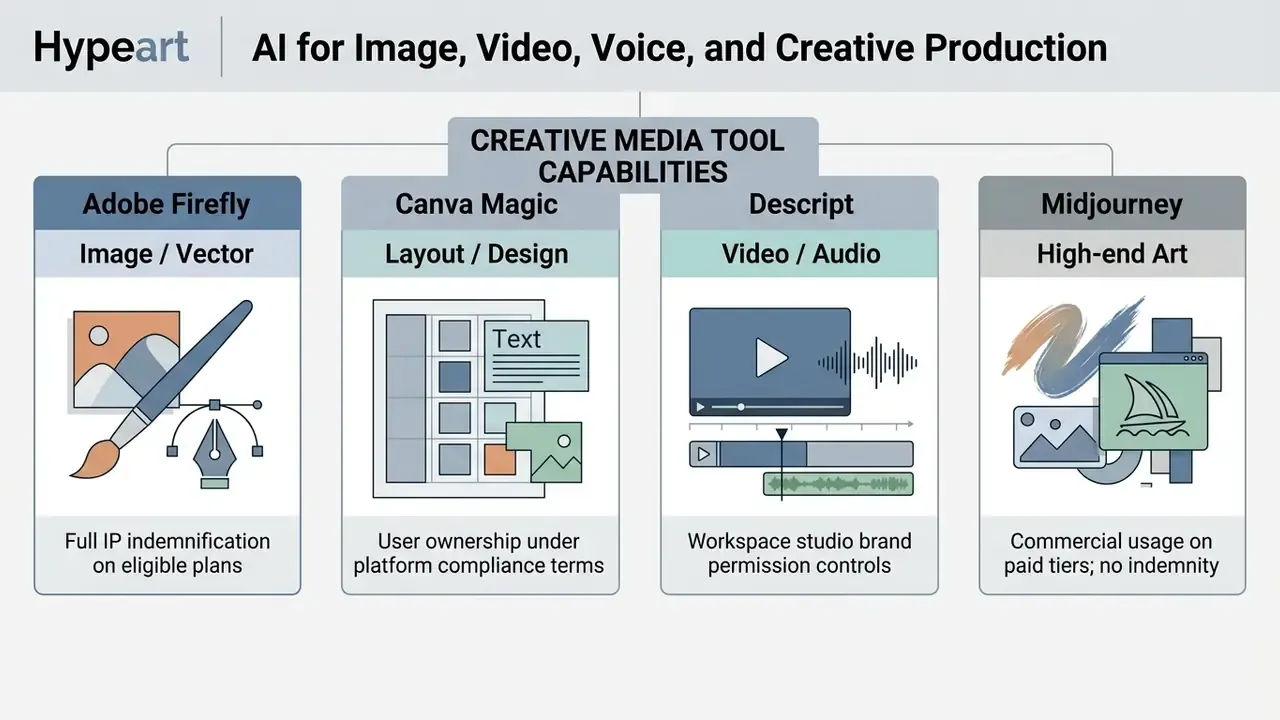
Teams standardizing on a single vendor should first benchmark commercial AI image generators against their own brand-safety and indemnification requirements, not against a sample gallery.
AI for Automation, Project Management, and Workspace
Automation and project workspace tools embed AI into daily coordination, automating meeting transcription, task assignment, and cross-application data routing.
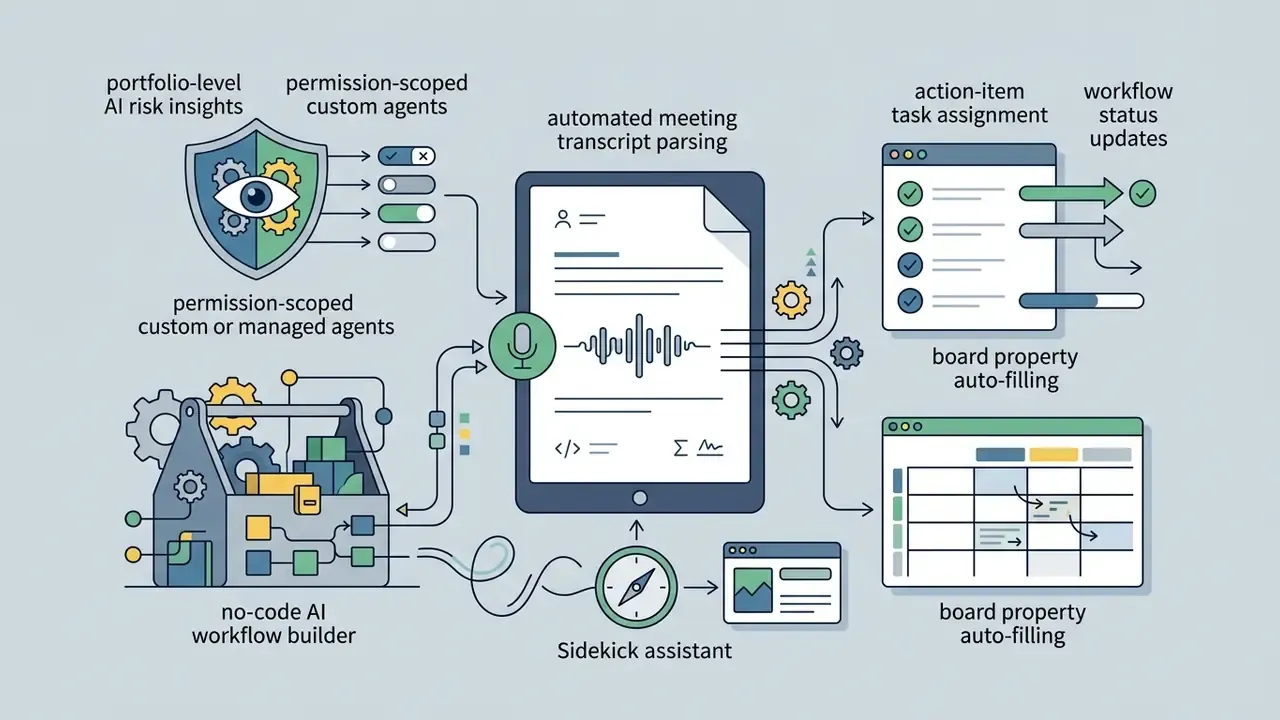
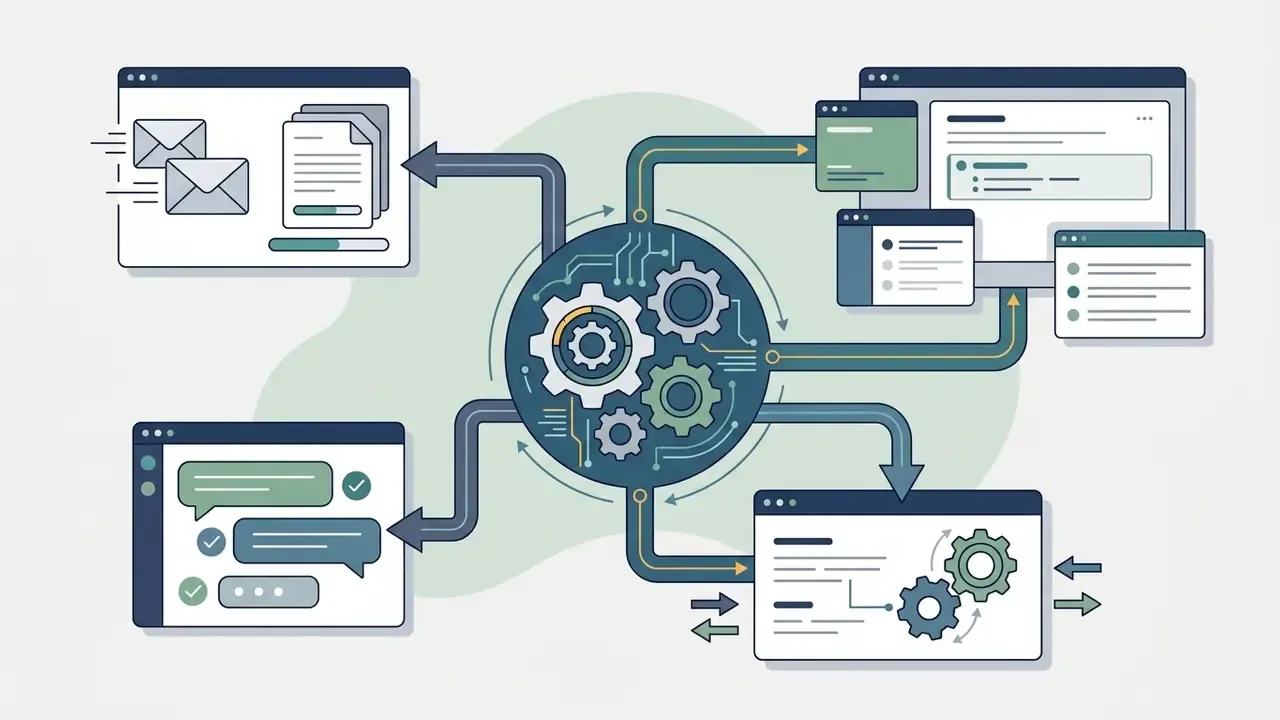
- Zapier AI: connects over 7,000 web applications (9,000 or more in current platform documentation), using AI logic to parse incoming emails, generate structured lead entries, and trigger follow-up sequences across external CRMs. Zapier's own AI layer adds a natural-language automation builder, built-in model access without customer-supplied API keys, structured data tables, and governed MCP access for AI assistants.
«A randomized experiment at Taobao with 647 employees found agentic AI shortened chat duration while preserving repeat-contact rates and customer ratings.»
For detailed functional intersections across categories, consult the commercial use ai tools matrix for scenario-based platform mapping.
| Business Task Scenario | Primary AI Category | Recommended Platforms | Key Selection Drivers |
|---|---|---|---|
| Research & Document Analysis | Multimodal LLMs / Search | ChatGPT, Claude, Gemini, Perplexity | Large context windows, cited source discovery, native file processing |
| Content & Marketing Campaigns | Brand-Aware Writing AI | Jasper, Copy.ai, Writer, Notion AI | Central brand voice memory, multi-asset generation, campaign briefs |
| Design & Visual Asset Creation | Commercial Image Generative AI | Adobe Firefly, Canva Magic Studio | IP indemnification, brand template locking, vector support |
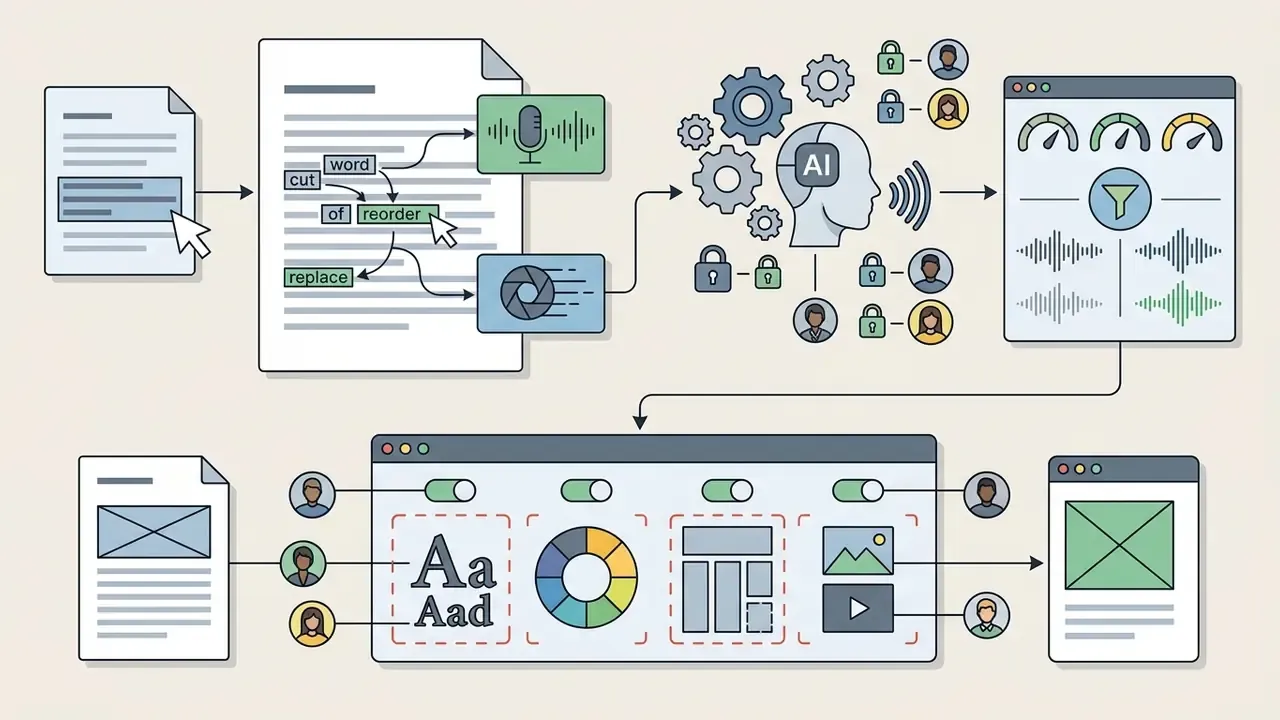
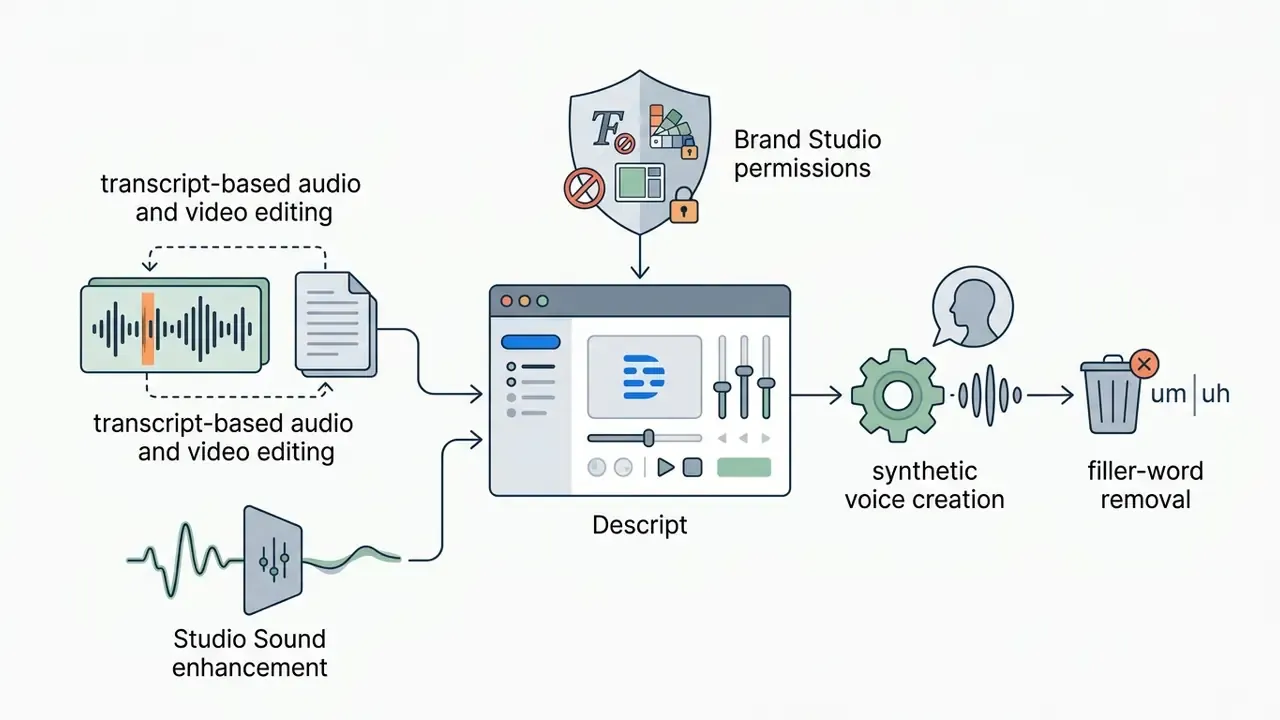
| Video & Voice Production | AI Media Editors | Descript, Synthesia, Google Veo | Transcript-based editing, voice cloning security, localized video render |
| Workflow & Task Automation | AI Integration & Agents | Zapier, monday AI, Autonomous Agents | Cross-app webhook triggers, MCP protocol support, role permissions |
| Software Development | Developer Copilots & Agentic IDEs | GitHub Copilot, Cursor, Claude Code, Antigravity | Pass@k accuracy, repository context indexing, IDE integration |
| AI Governance & Compliance | AI Risk Management Software | AI registry / risk-scoring platforms | Asset inventory, automated risk tiering, audit-ready exports |
Reading the matrix: the category decides the control set, and the platform decides the implementation detail. Pick the category before the brand.
Reviews of Leading Commercial AI Platforms
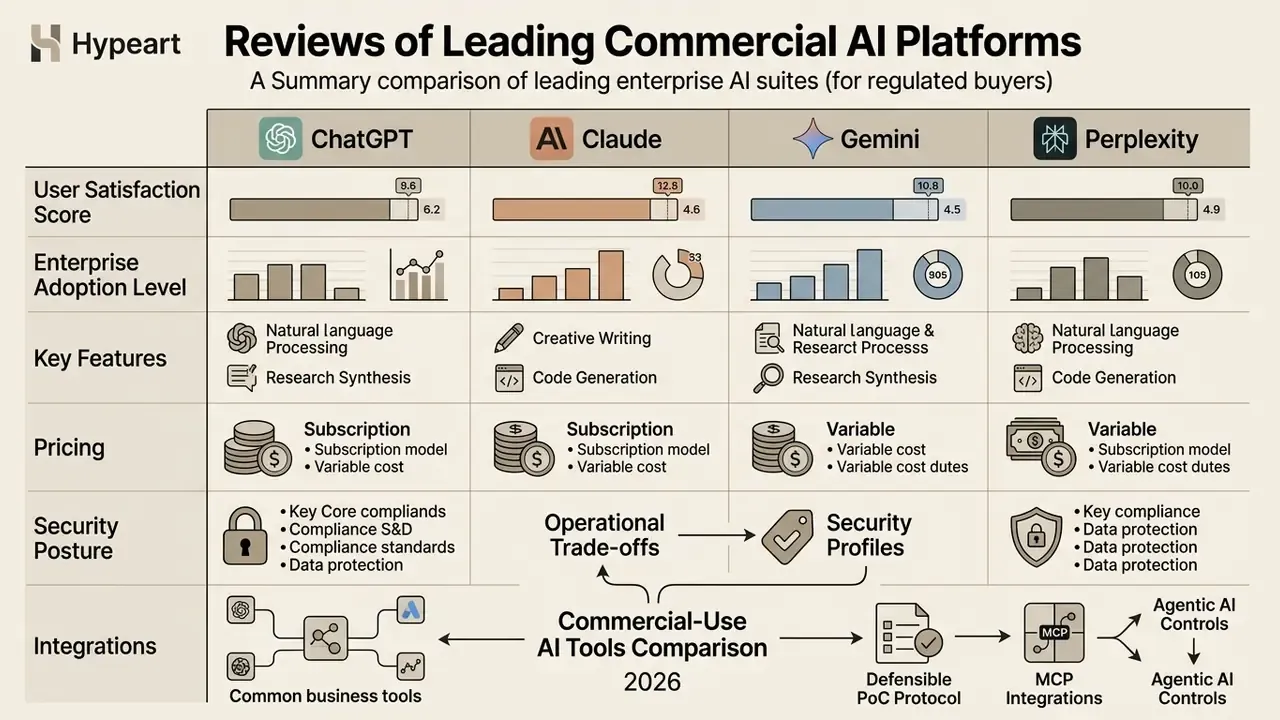
Choosing an enterprise suite means analyzing operational trade-offs, pricing structures, and security profiles side by side. A useful commercial-use ai tools comparison reviews analysis balances technical capability against administrative effort and compliance overhead.
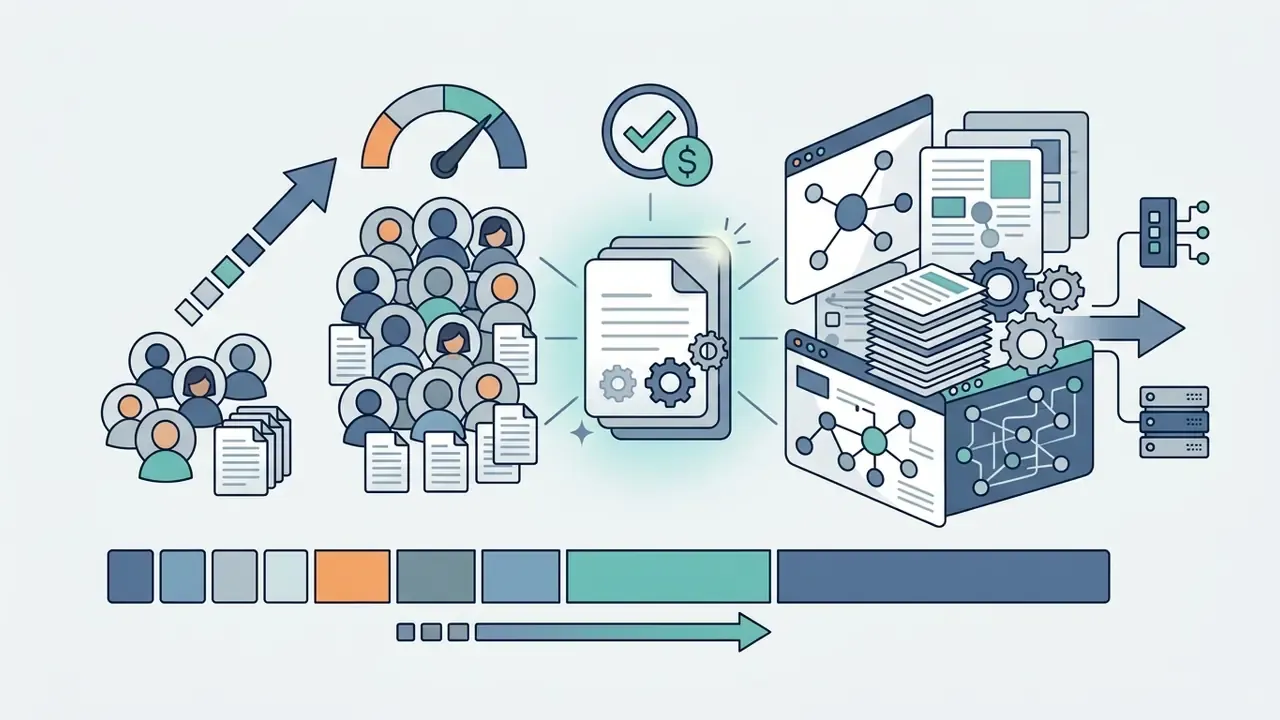
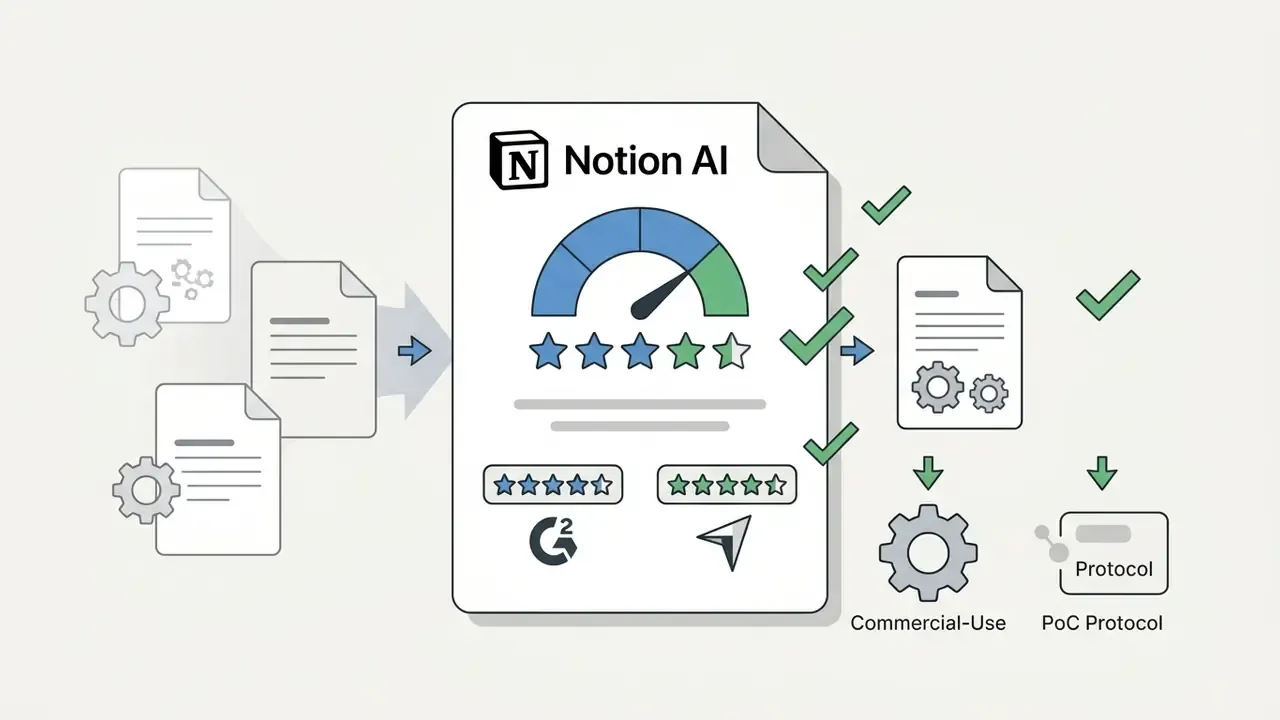
On the user-satisfaction scores below. Each platform card includes an aggregated user rating drawn from public business-software review platforms (primarily G2 and Capterra) as an indicator of practitioner sentiment and adoption breadth. These aggregates move continuously as review volume grows, so re-verify them at the point of purchase. They are a triangulation signal, not a substitute for a structured proof of concept. Enterprise adoption levels below are qualitative assessments of deployment breadth in large organizations.
ChatGPT, Claude, Gemini, and Perplexity for Research and Reasoning
ChatGPT (OpenAI)

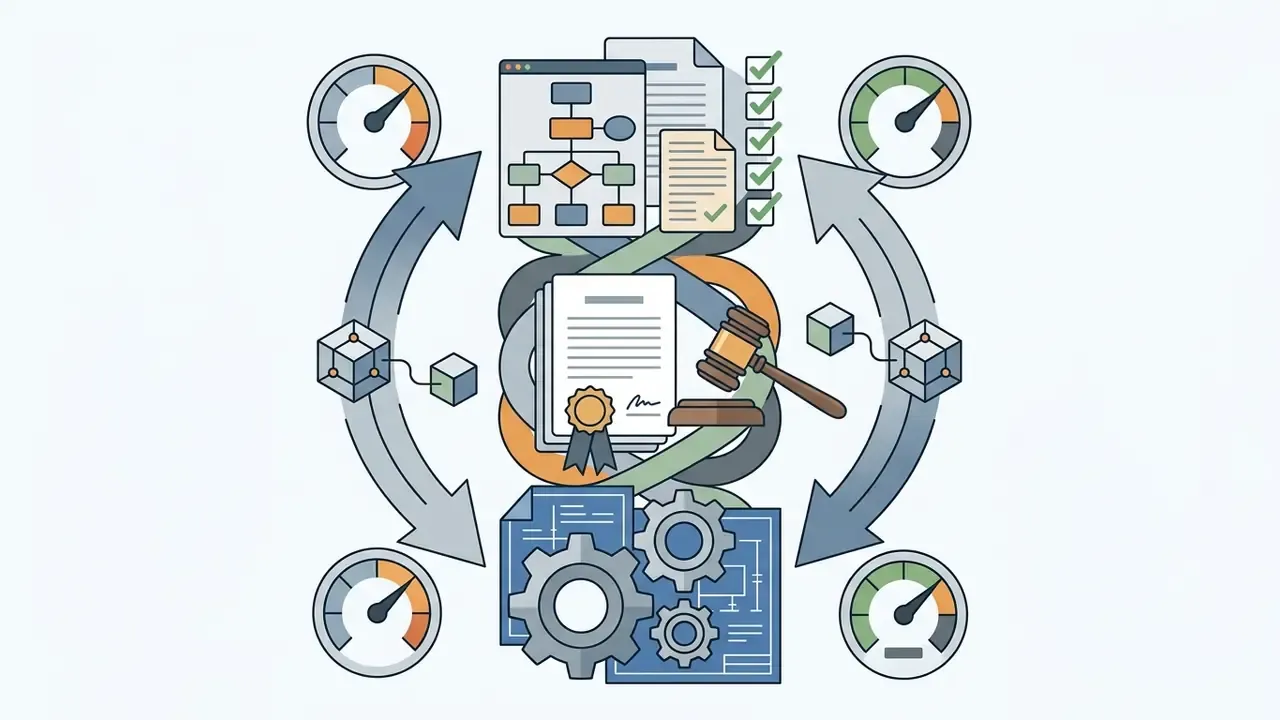
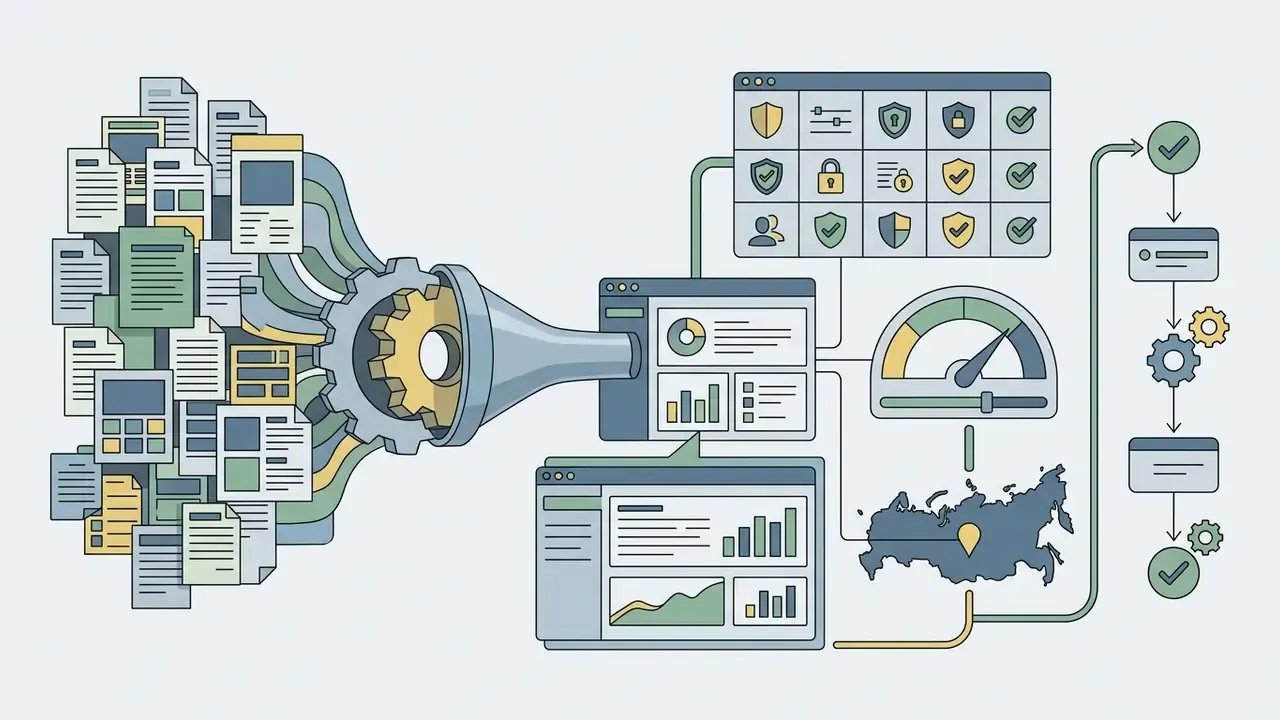
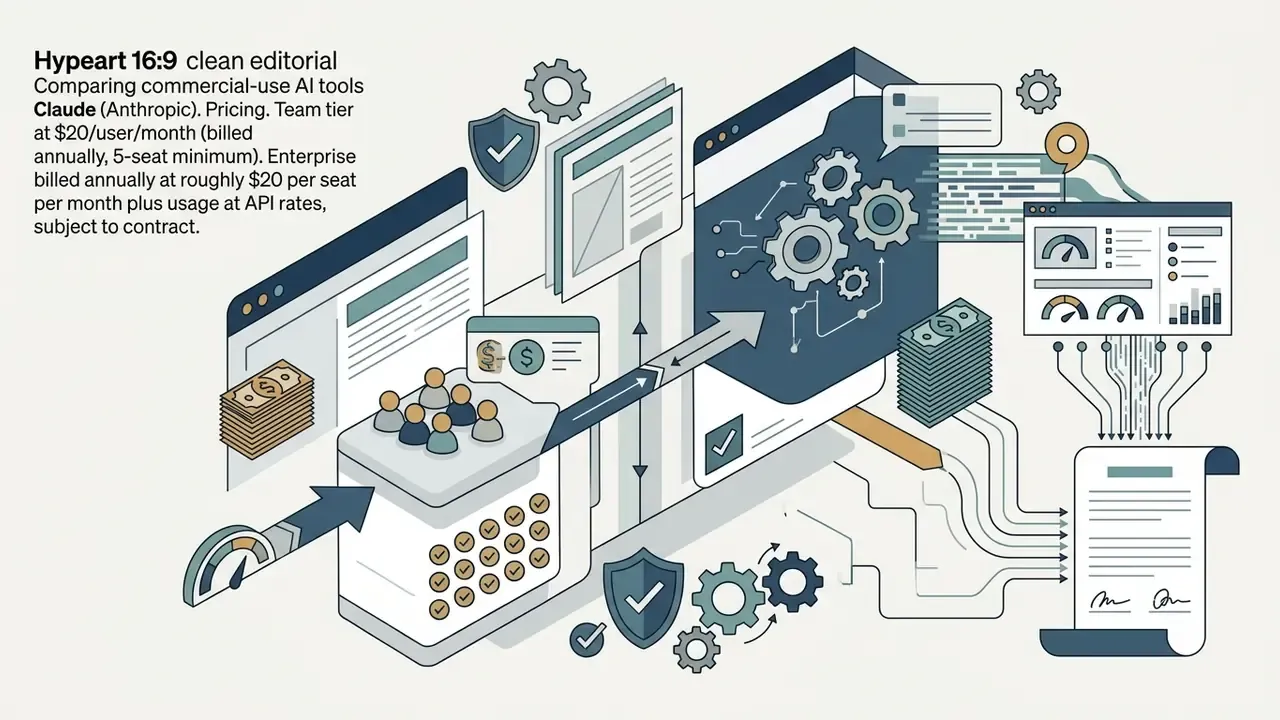
Claude (Anthropic)
Engineering leaders should weigh vendor-reported gains against longitudinal evidence:
«A longitudinal study at NAV IT across 703 repositories over two years found no statistically significant increase in commit activity after Copilot rollout, although developers reported subjective productivity gains.»
The practical reading: developer satisfaction is a reliable early signal, commit-level throughput is not. Which is why pilot KPIs should measure cycle time and defect rates rather than raw activity counts.
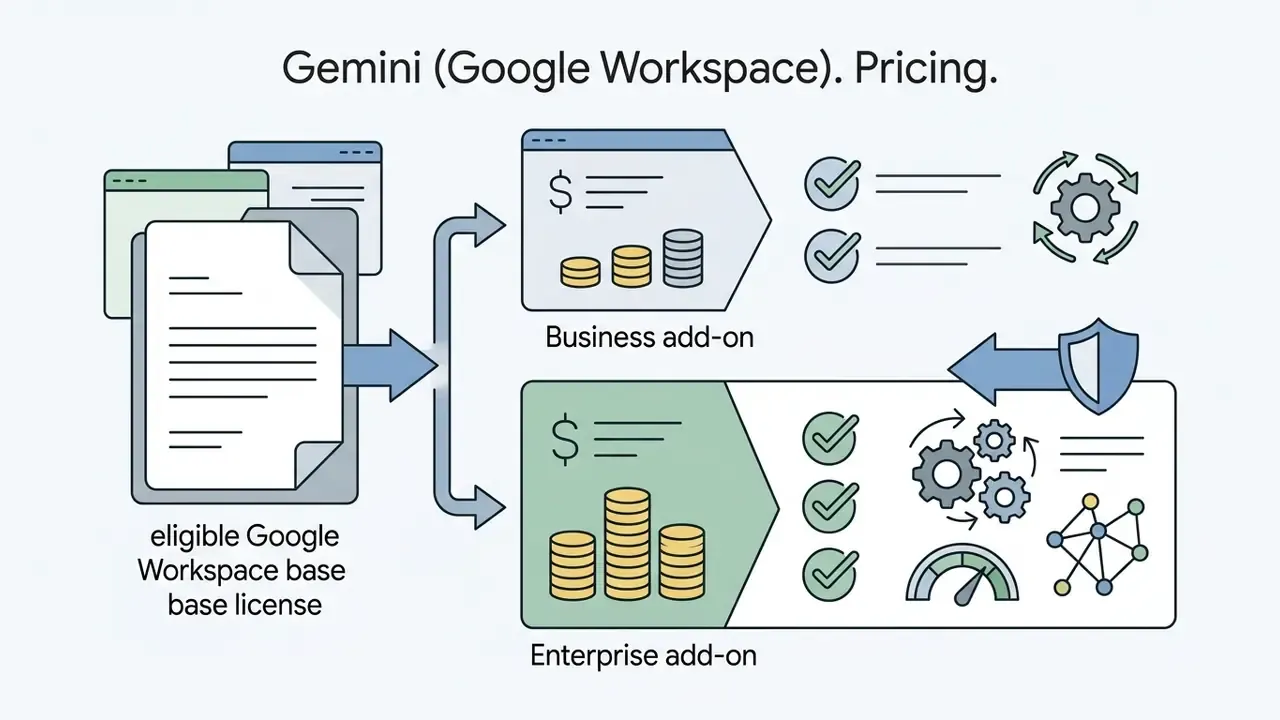
Gemini (Google Workspace)
Perplexity Enterprise
Jasper, Copy.ai, and Notion AI for Content and Knowledge Management
Jasper Enterprise
Copy.ai Teams
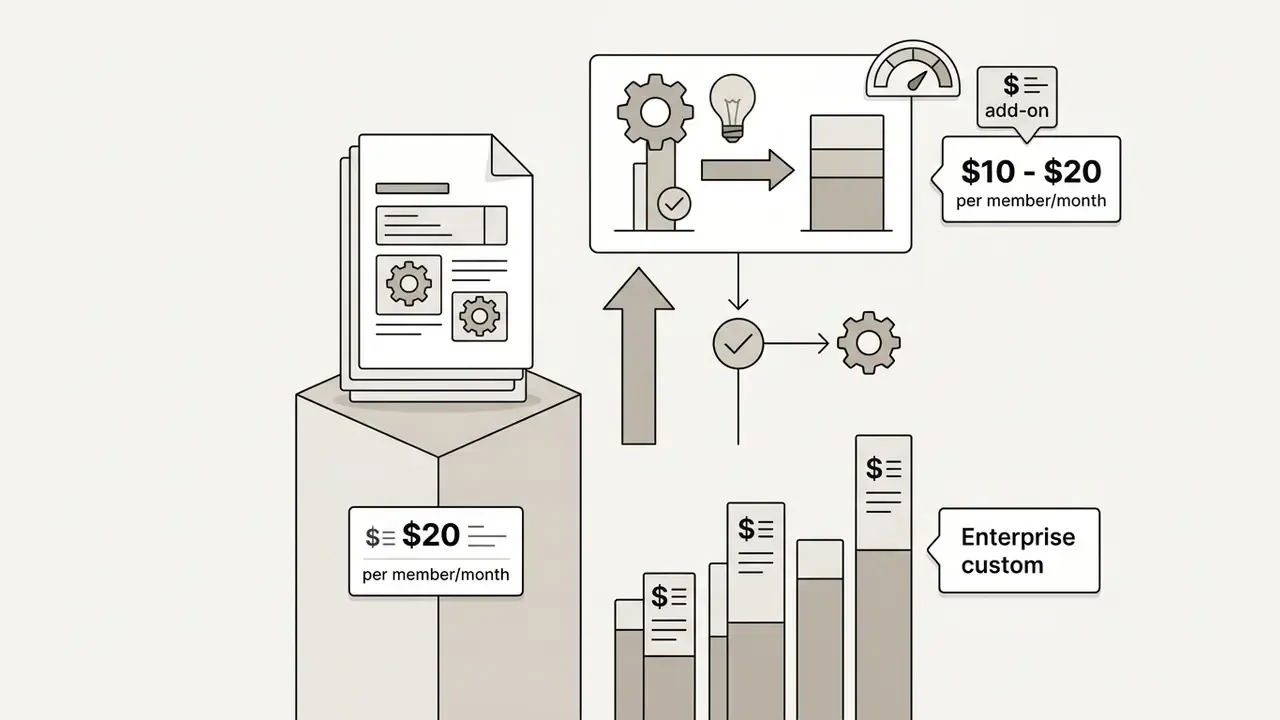

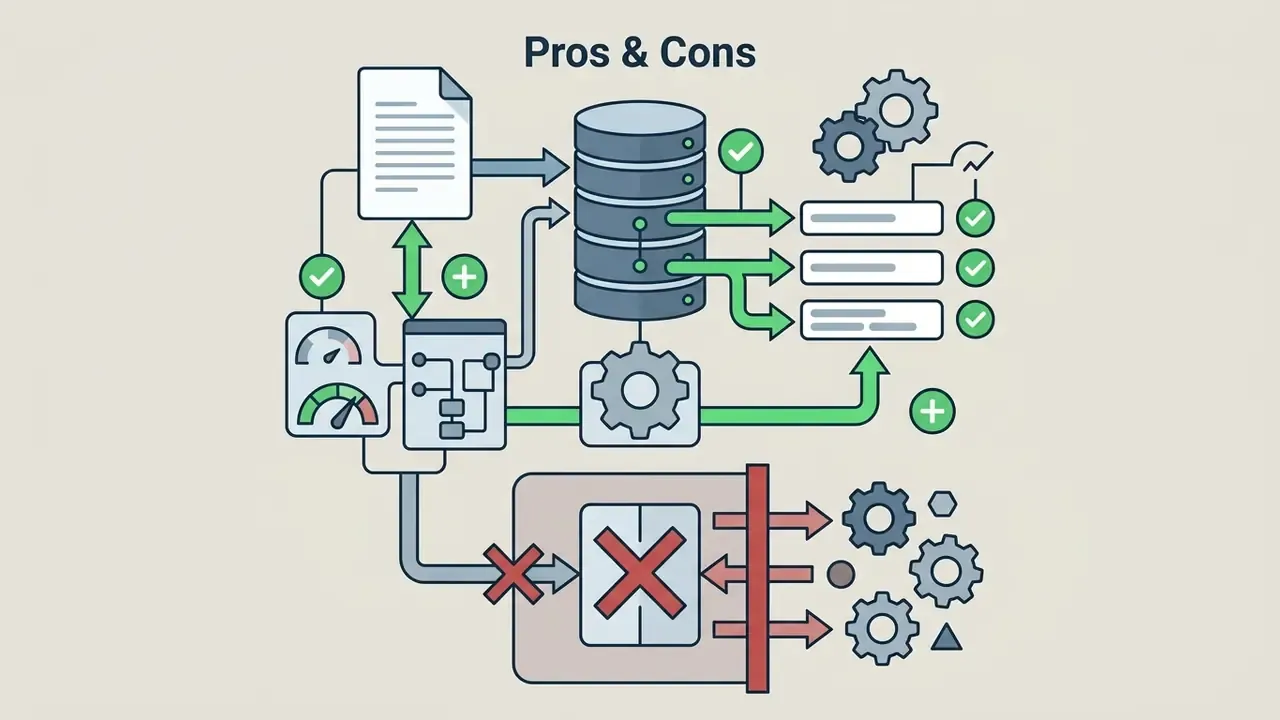
Notion AI
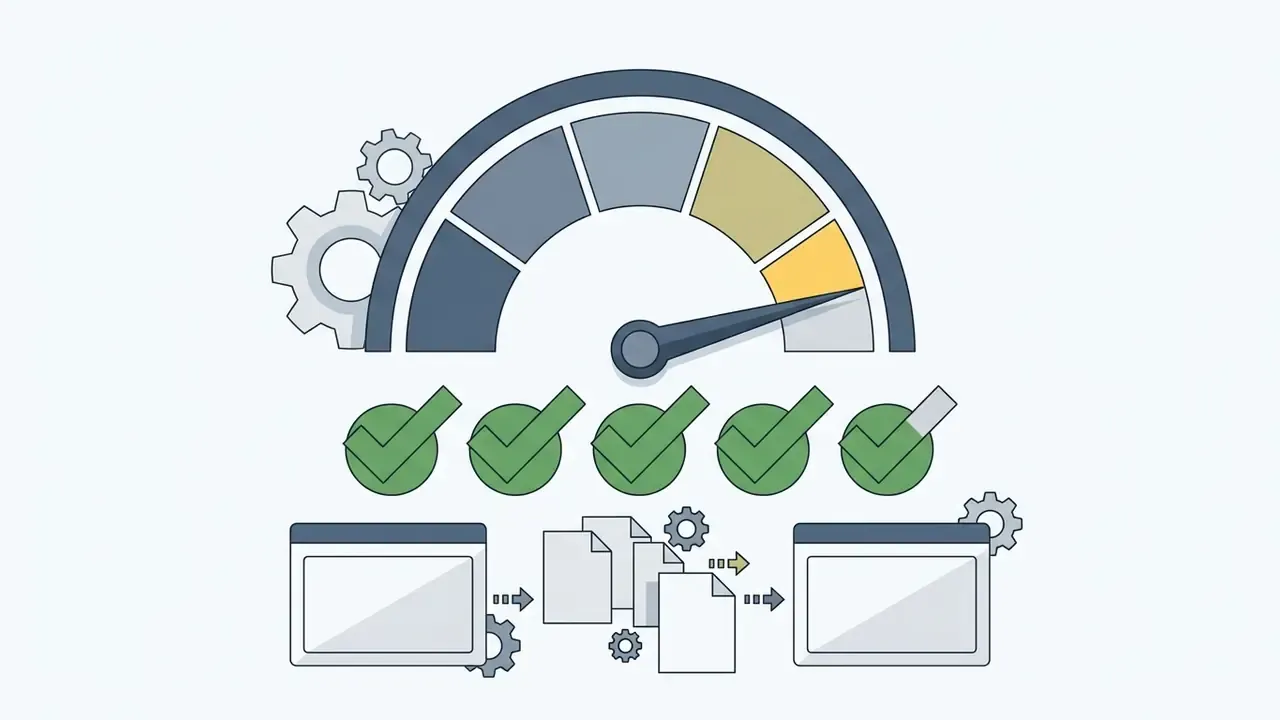
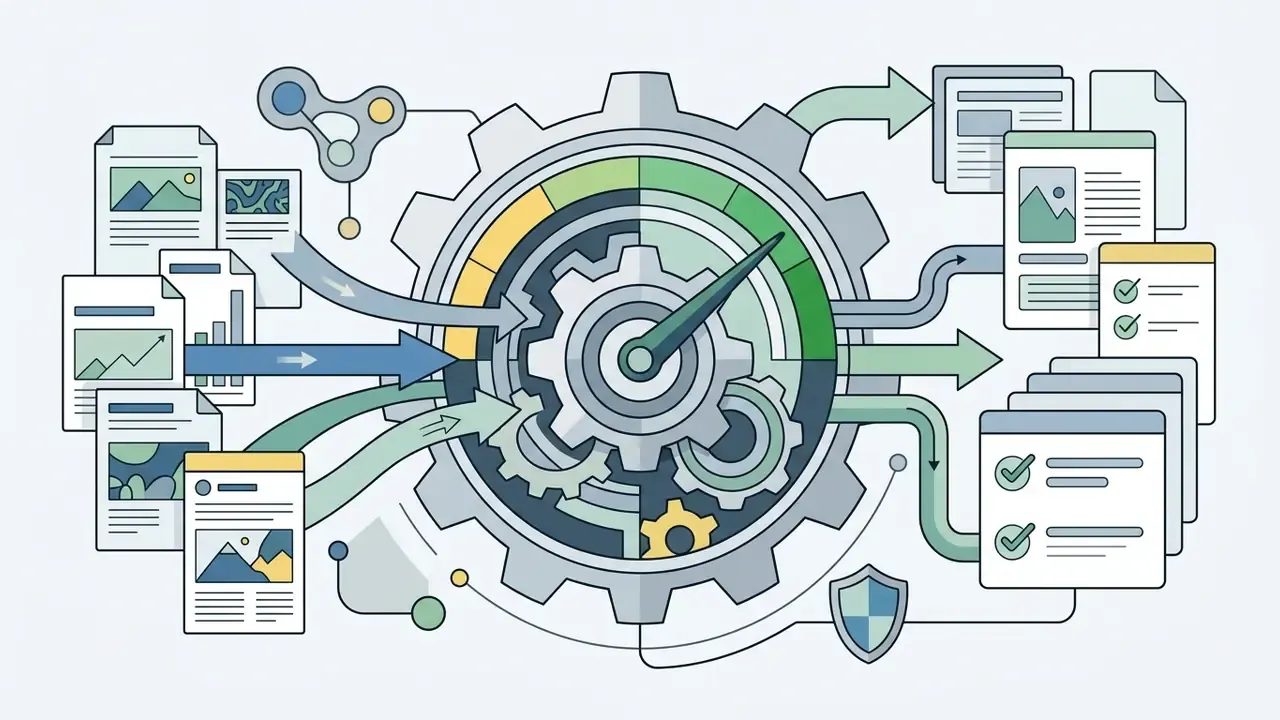
Adobe Firefly, Canva Magic Studio, and Descript for Creative Content
Adobe Firefly
- User Satisfaction Score: ~4.4/5 aggregated across public review platforms
- Enterprise Adoption Level: high in brand, creative, and regulated-marketing functions
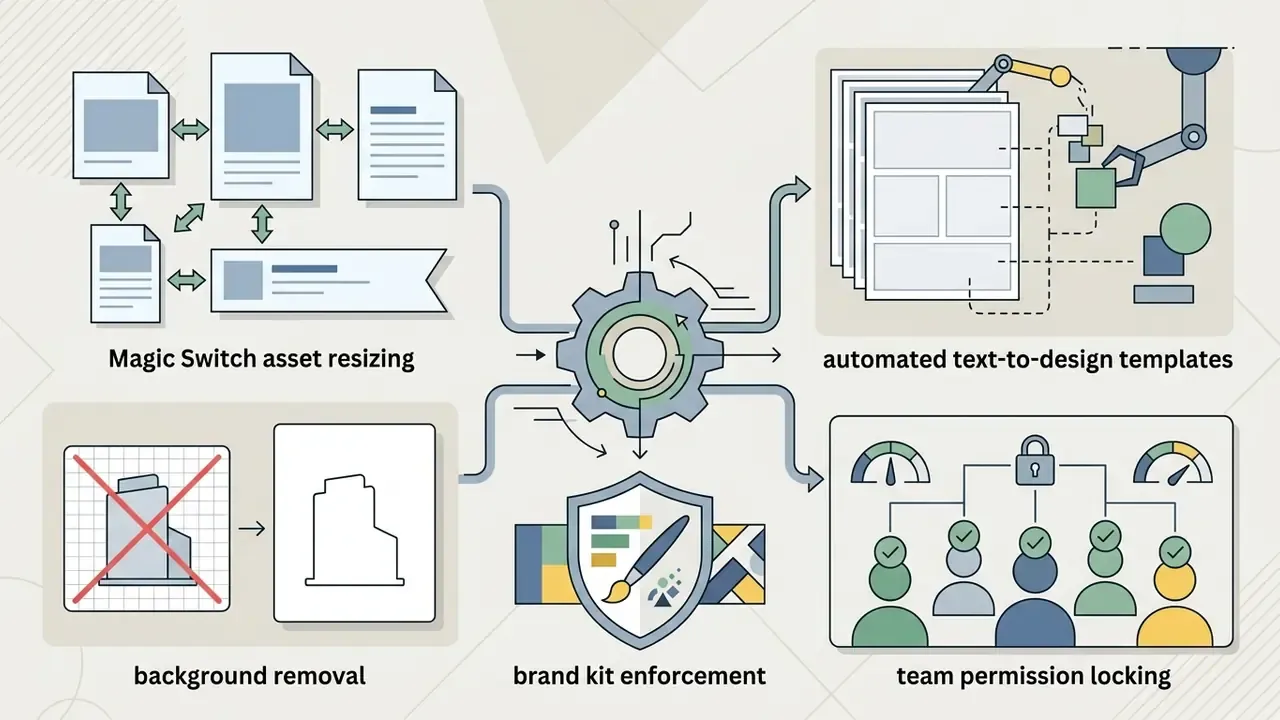
- Key Features: Generative Fill, Generative Expand, Generative Recolor, text-to-vector, text effects, custom trained enterprise models, Content Credentials metadata tracking, template locking, bulk create, and contractual IP indemnification on eligible plans.
- Pricing: standalone plans from roughly $9.99/month for individuals; enterprise access included in Creative Cloud Enterprise packages or standalone enterprise credit licenses.
- Integrations: deep native embedding across Photoshop, Illustrator, Express, InDesign, Lightroom, and Adobe Stock.
- Pros & Cons: the reference point for commercial legal safety and professional workflows, with provenance-focused content credentials. Subscription-heavy for small teams, and it assumes creative suite familiarity.
Teams weighing artistic ceiling against legal safety should compare Midjourney image generation against Firefly explicitly on indemnification and vendor re-use rights, not only on output aesthetics.
Canva Magic Studio
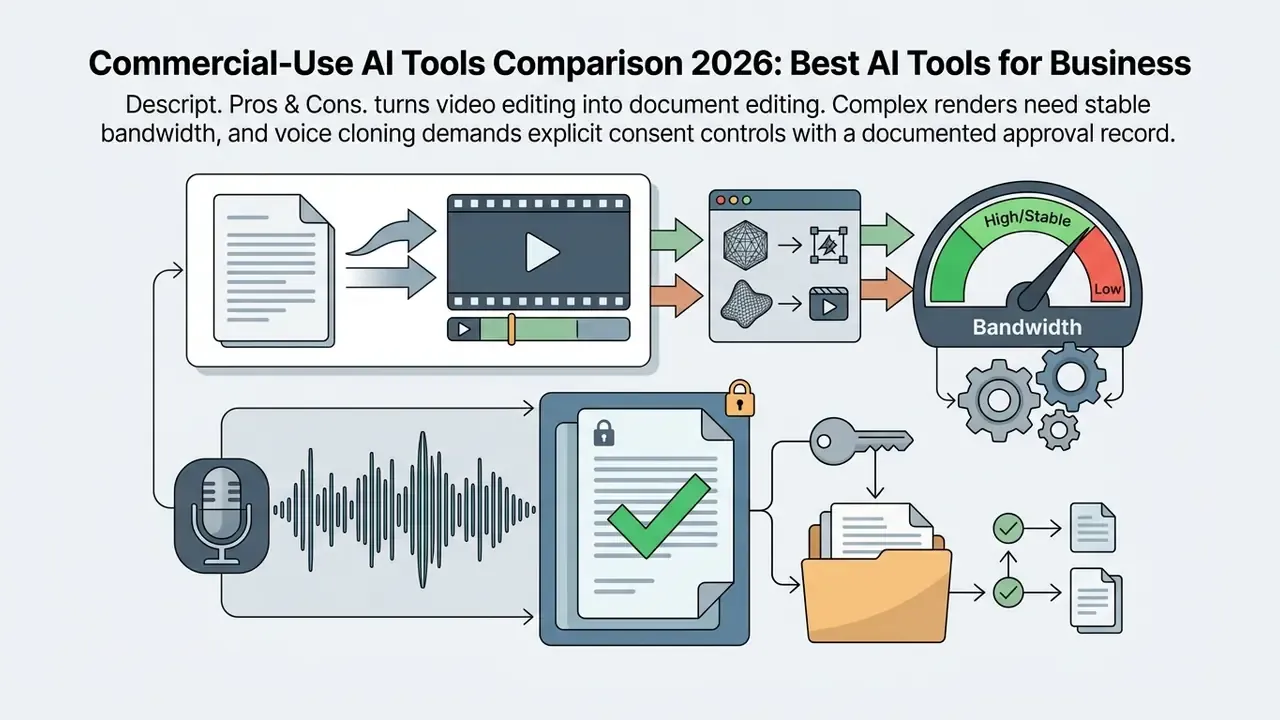
Descript
Zapier, monday AI Workspace, and AI Agents for Process Automation
Zapier Central & AI Interfaces
«Seven field experiments on a large cross-border commerce platform recorded sales increases of up to 16.3% in a pre-sales service chatbot and 2 to 3% in search and product descriptions.»
monday AI Workspace
Developer AI Environments and Autonomous Coding Agents
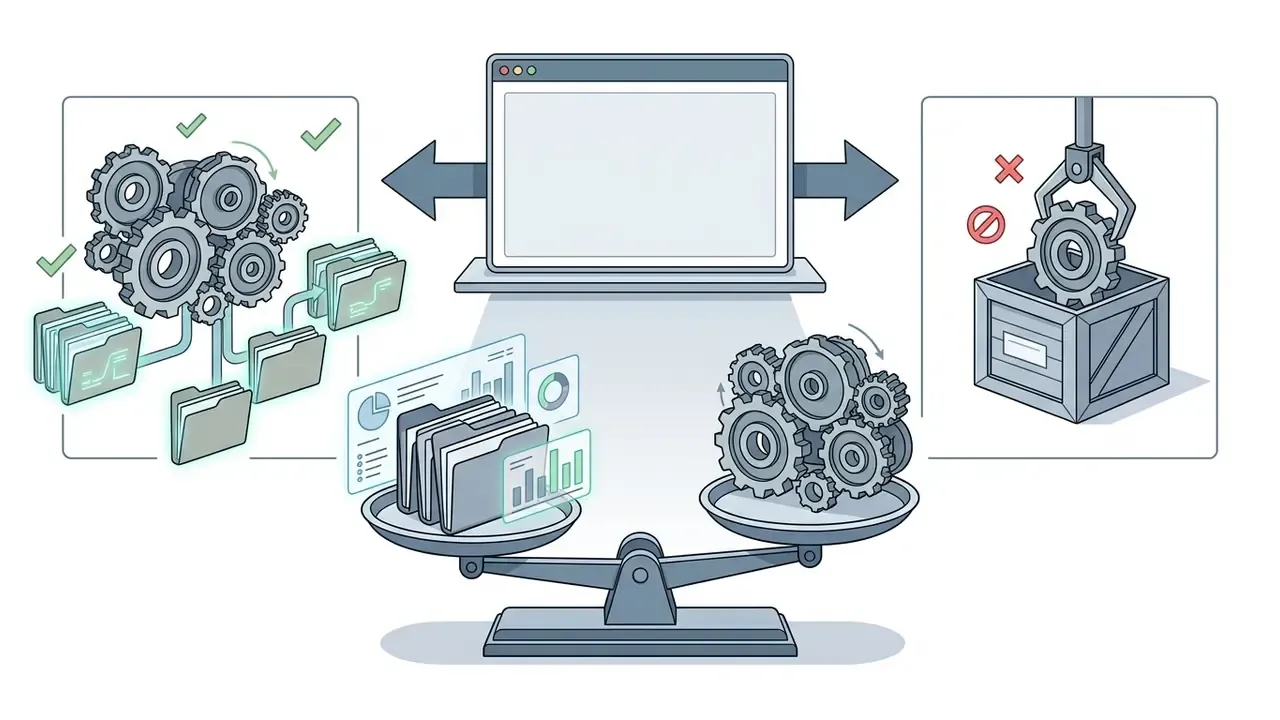
Standard chat interfaces lack full repository context and real-time execution bounds. Enterprise engineering teams therefore deploy dedicated agentic IDEs that write, test, and refactor code inside isolated environments. This category sits between a copilot and an autonomous system, so it needs both engineering and security review.
- GitHub Copilot (Business / Enterprise) repository-aware completion and chat, with Business at $19 per granted seat per month and Enterprise at $39 per granted seat per month, each including fixed monthly AI-credit allowances. Controlled deployments report suggestion acceptance near 33% and high developer satisfaction, while longitudinal repository studies show commit-volume metrics alone do not capture the benefit.
- Cursor (Pro / Enterprise) a VS Code derived IDE supporting multi-model selection across frontier providers, with agentic composer workflows for automated multi-file edits, local project indexing, and GitHub integration. Practitioners commonly split work between fast in-IDE agents for frontend tasks and terminal-native agents for backend refactors. Free plan available; Pro from roughly $20/month.
- Claude Code (CLI / IDE integration) a terminal-native agent that executes multi-step refactoring pipelines and issue resolution against local git repositories, often run inside Cursor or another host IDE. Available on higher Claude subscription tiers, with usage-based limits.
- Google Antigravity IDE an agent-first development environment built around autonomous coding agents that plan, write, execute in an embedded browser, and validate results with reduced step-by-step supervision. Currently free in public preview via Google Labs, alongside free experimentation surfaces such as Google AI Studio.
- Replit and cloud app builders useful when the deliverable needs hosting, databases, and deployment rather than local code generation only.
Governance requirements specific to agentic IDEs. These tools read source code and can execute commands, which puts them inside secure-development and third-party-risk policy. Minimum controls: repository-scoped access rather than organization-wide tokens; explicit exclusion of secrets, key material, and regulated data from indexing; mandatory human code review before merge regardless of agent confidence; provenance tagging of AI-assisted commits for later audit; license-compliance scanning on generated code; and enforced branch protection so no agent pushes directly to protected branches. For institutions under SR 11-7, code generated for a model implementation stays subject to the same implementation-testing and change-control requirements as hand-written code. The agent inherits no validation credit.
AI Governance and Risk Registry Platforms (AIRMS Class)
How to Test an AI Tool Before Team Procurement
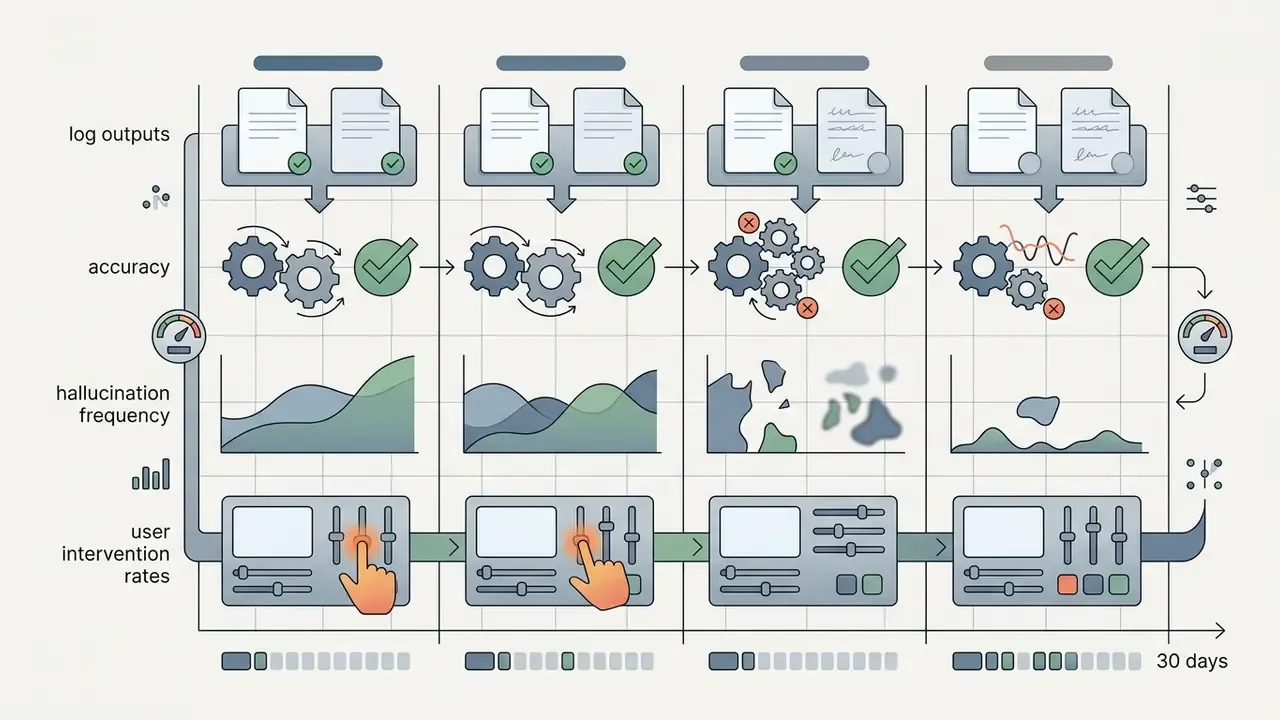
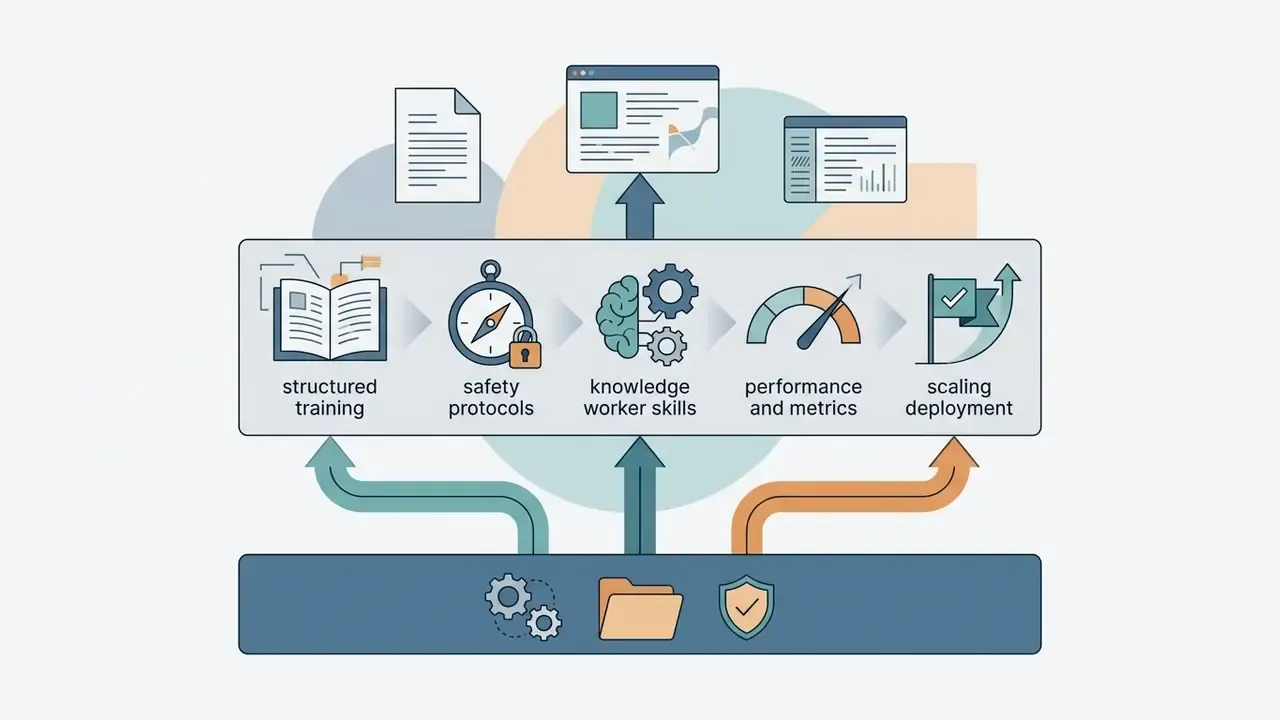
Before committing to a multi-year contract, run a structured Proof of Concept (PoC). A time-bound pilot prevents premature capital expenditure and produces empirical evidence on productivity, quality accuracy, and security compliance.
US Office of Management and Budget guidance (M-25-21) frames enterprise AI deployment as a bounded evaluation protocol: limit pilot duration, assign central executive oversight, establish baseline quality benchmarks, and enforce human approval controls before authorizing production rollout.
«OMB M-25-21 requires AI pilots to be limited in scale and duration, certified by central AI leadership, and subject to pre-deployment testing with mitigation plans reflecting real-world outcomes.»
The same memorandum permits alternative test methods when source code, model weights, or training data are unavailable: query the service and observe outputs, or supply evaluation data to the vendor and collect results. That pattern applies directly to third-party SaaS AI where inspection rights are limited. UK government guidance adds a complementary sequencing point: PoC planning should begin before procurement and be written into the sourcing strategy and tender documents, so evaluation criteria are contractual rather than improvised.
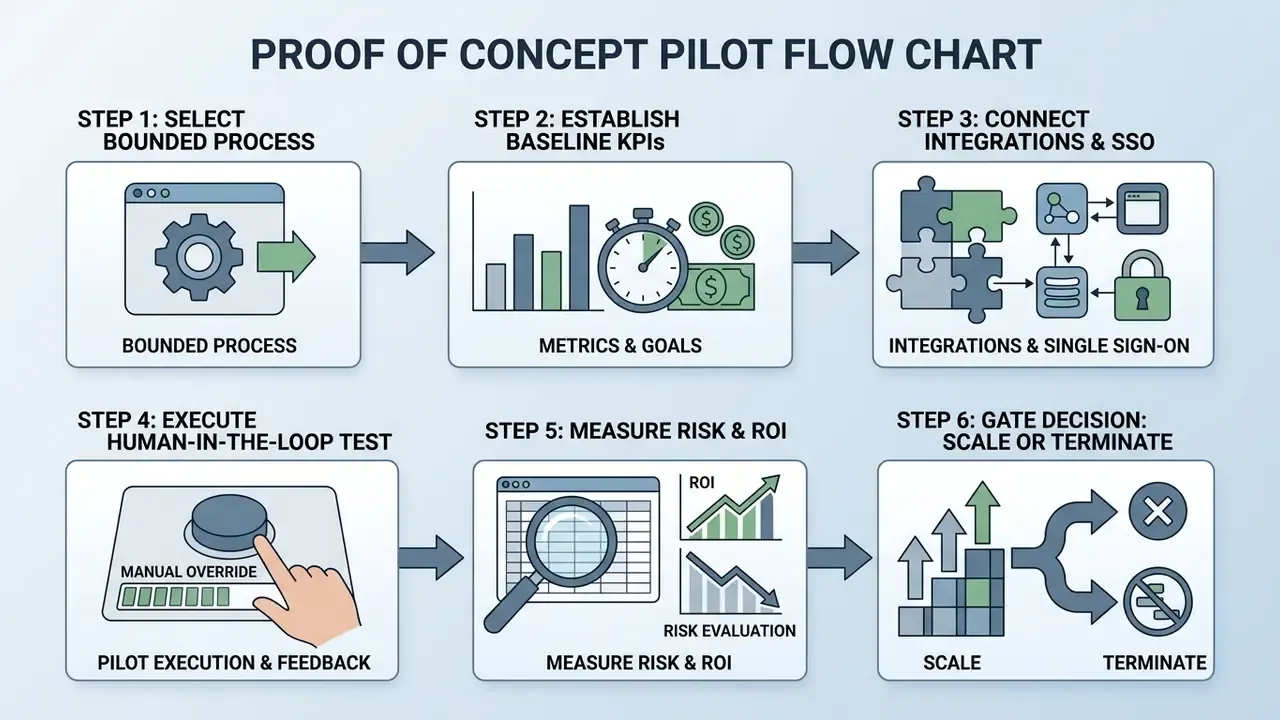
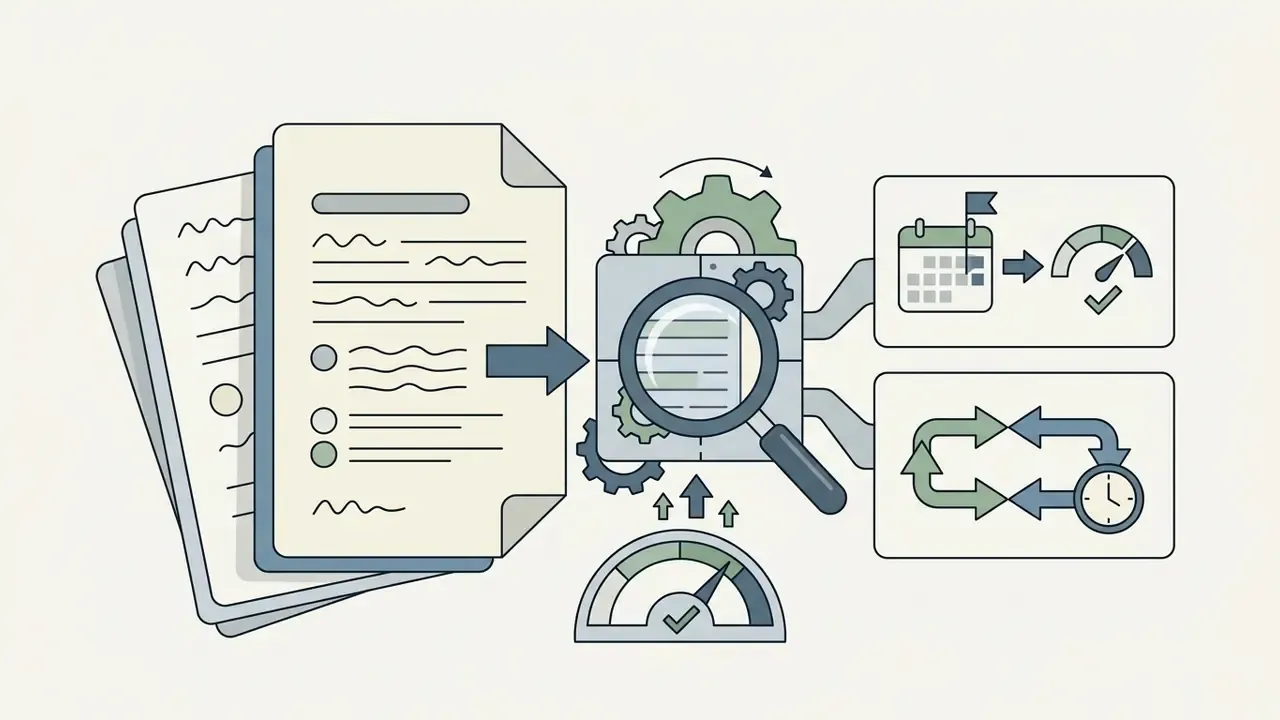
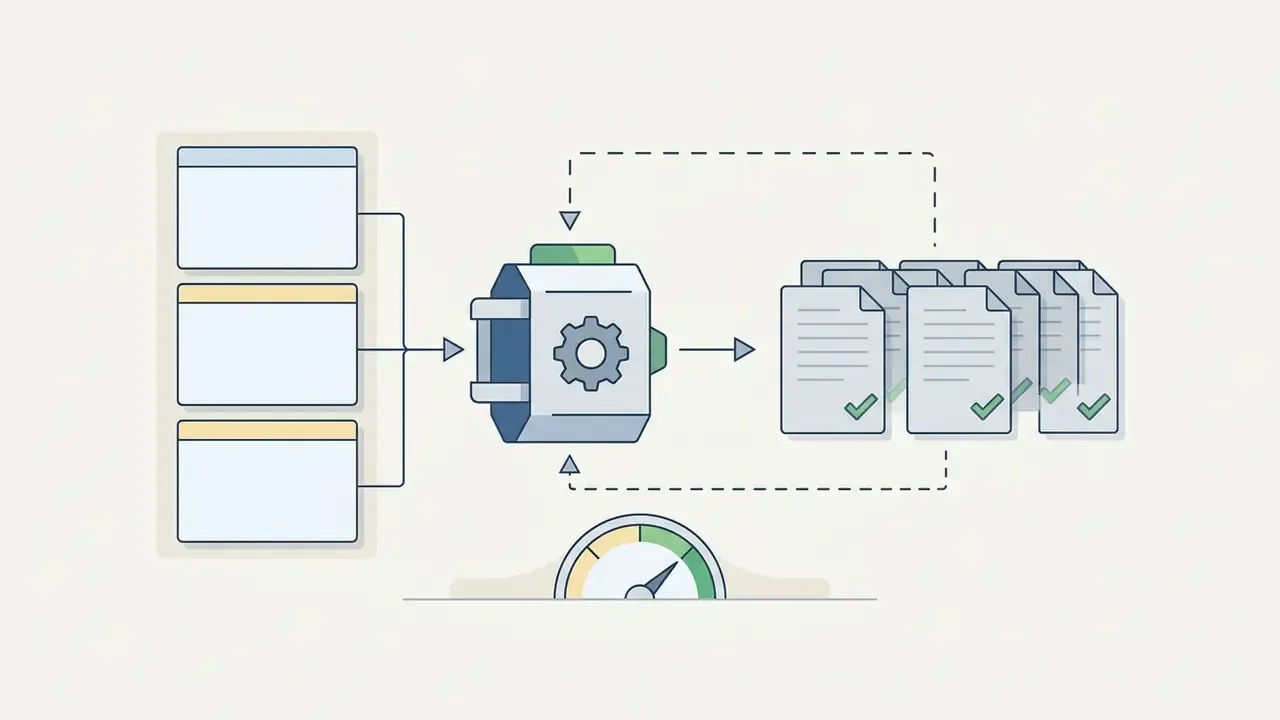
Diagram alt-text for publication: commercial-use ai tools comparison pilot flow, six sequential steps from bounded process selection to the executive scale decision.
A practical implementation guide runs six sequential steps:
International guidance converges on the same shape from different angles. Singapore's PDPC companion framework recommends sandboxed test-bedding before full governance structures exist. Japan's METI AI Guidelines for Business require a mechanism mandating human judgment linked to privacy and information-security controls. US Department of War guidance specifies that high-impact actions must not execute autonomously without prior human approval.
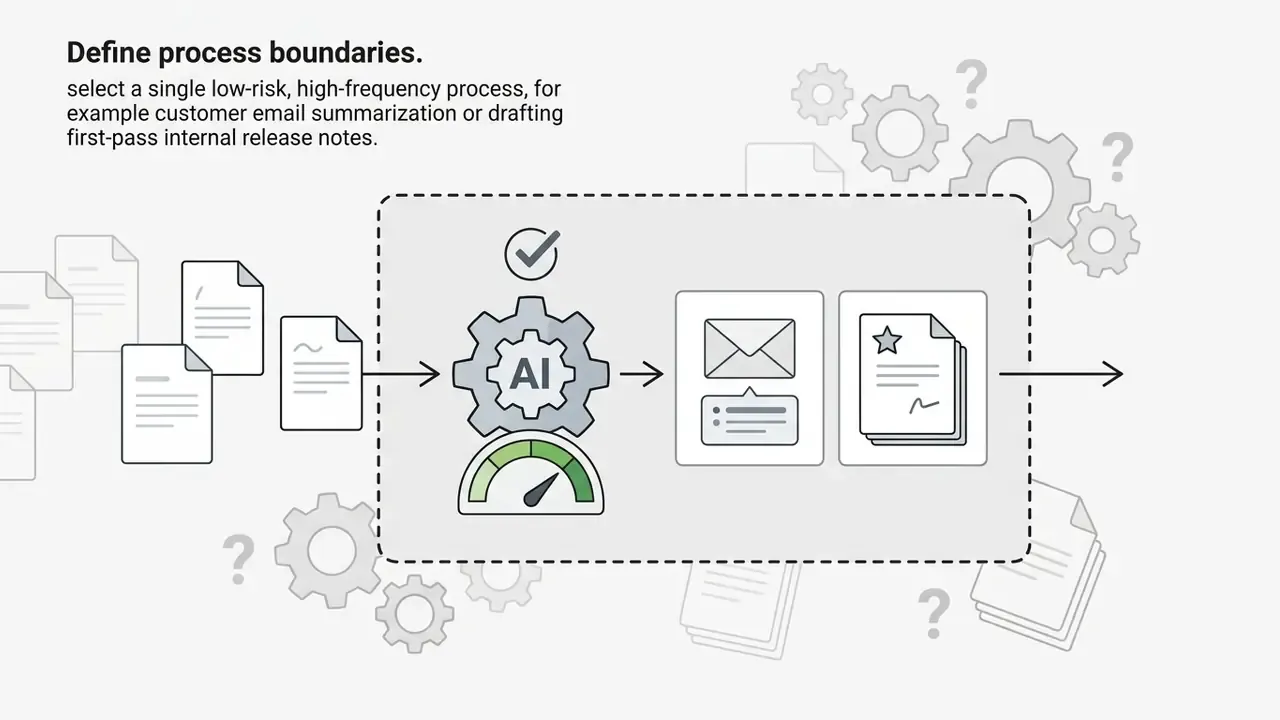
Select One Process with a Clear Measurable Outcome
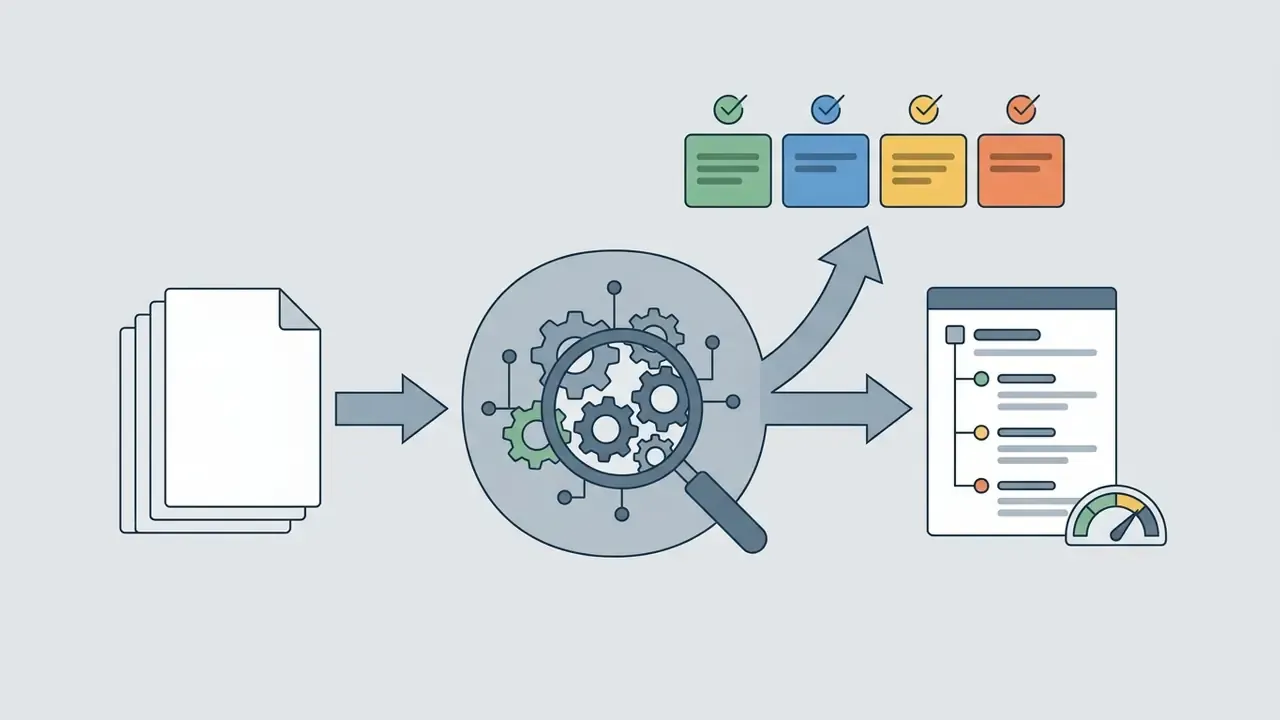
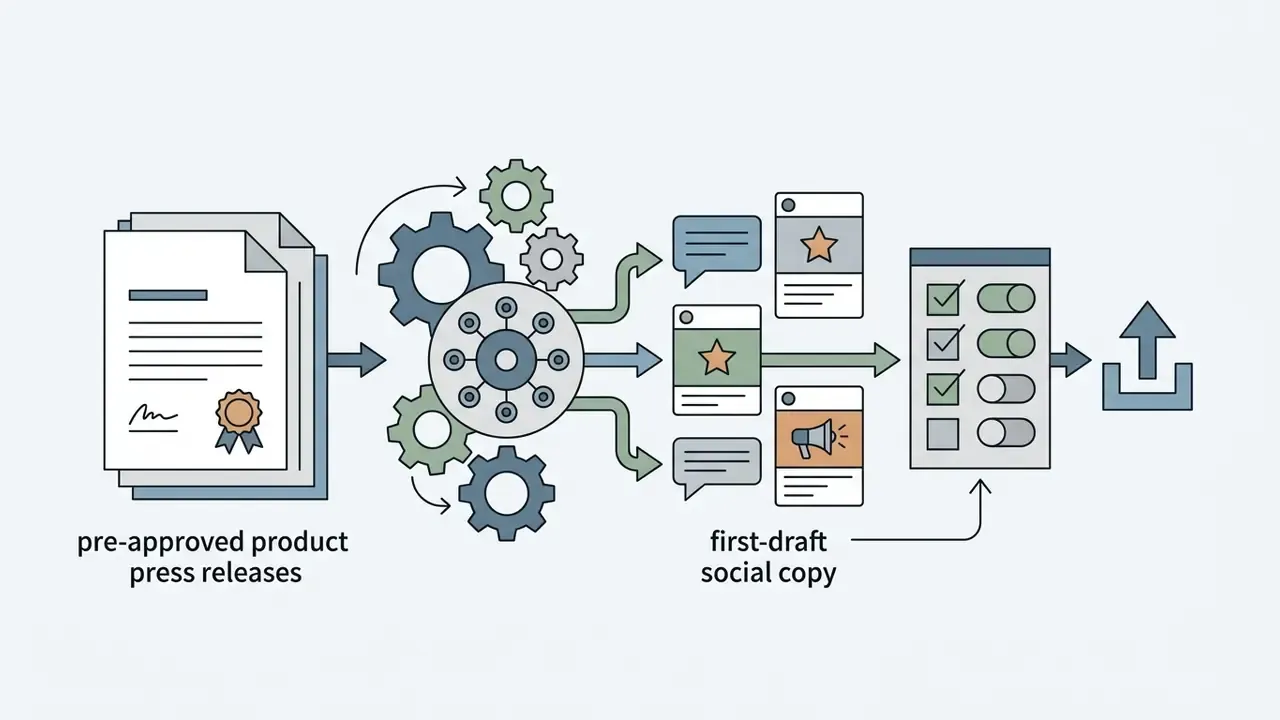
Pilots should target narrow, measurable workflows rather than vague transformation goals.
«A large pre-registered online experiment in the UK found ChatGPT increased productivity across all tasks, with the strongest effects on complex and less ambiguous assignments.»
The implication for pilot design is slightly counterintuitive. Do not pick the easiest process. Pick a complex but well-specified one, where the correct answer is checkable and the current cost is already known.
High-priority pilot candidates:

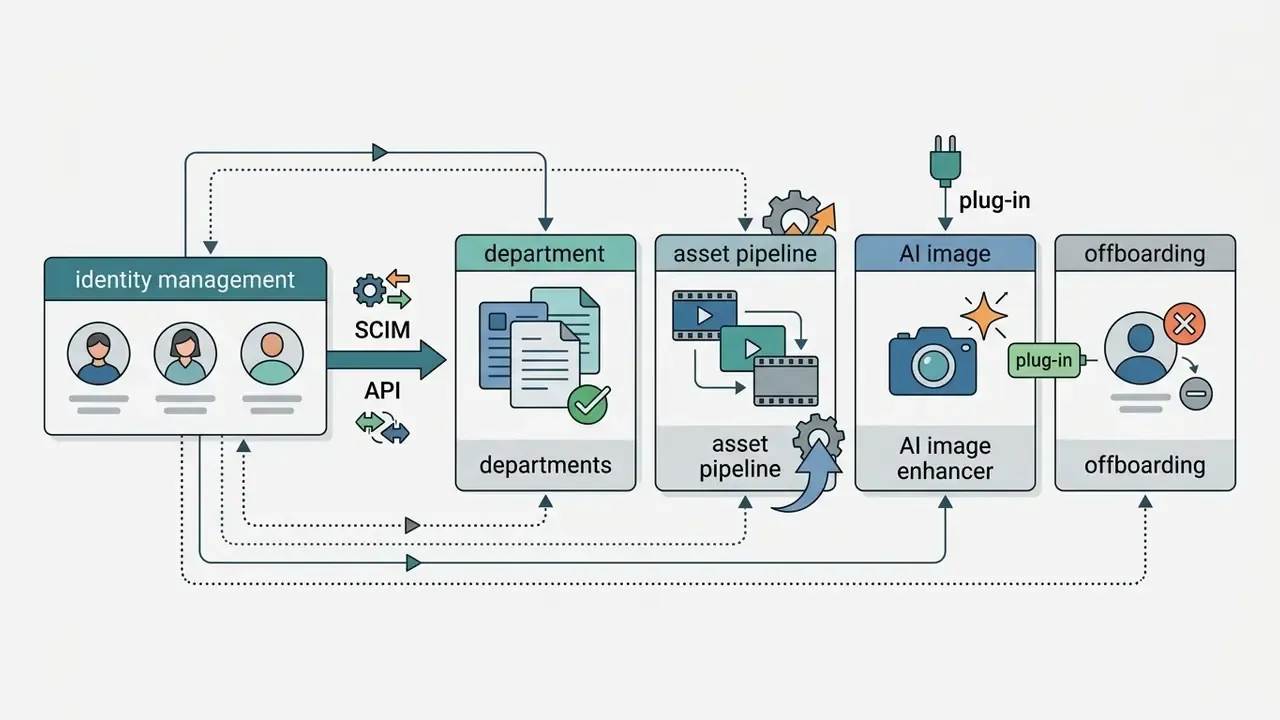
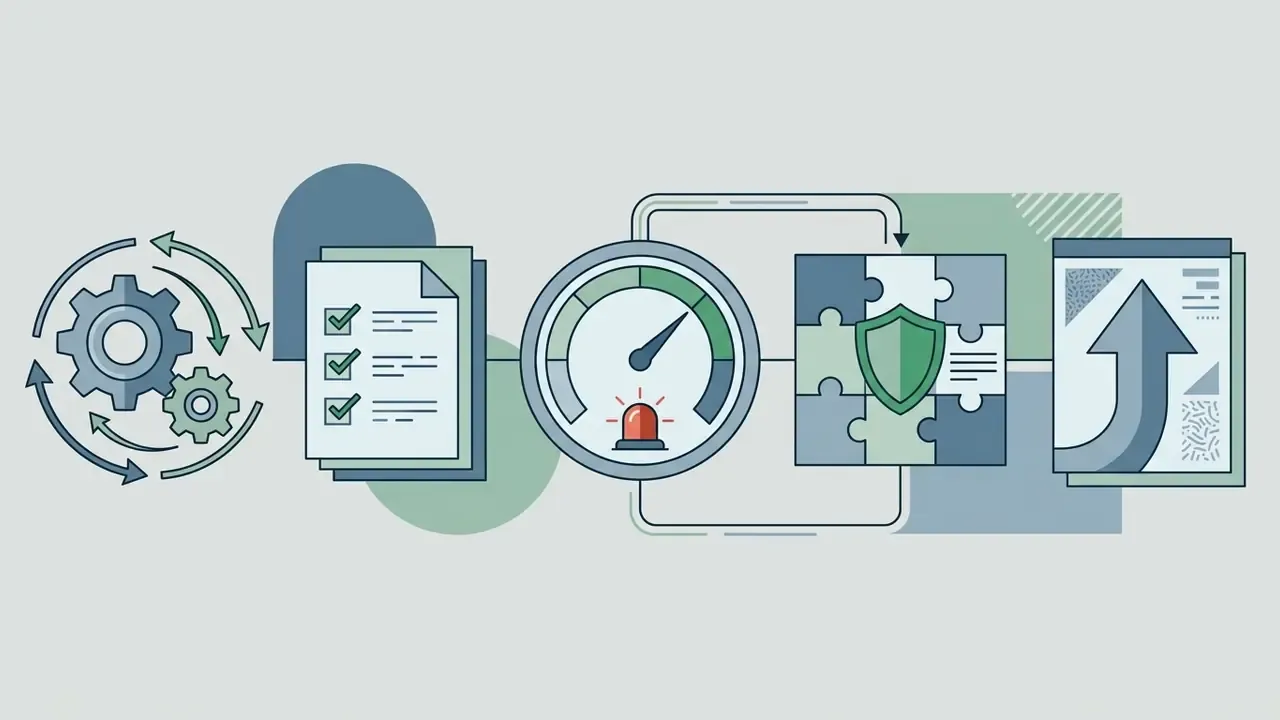
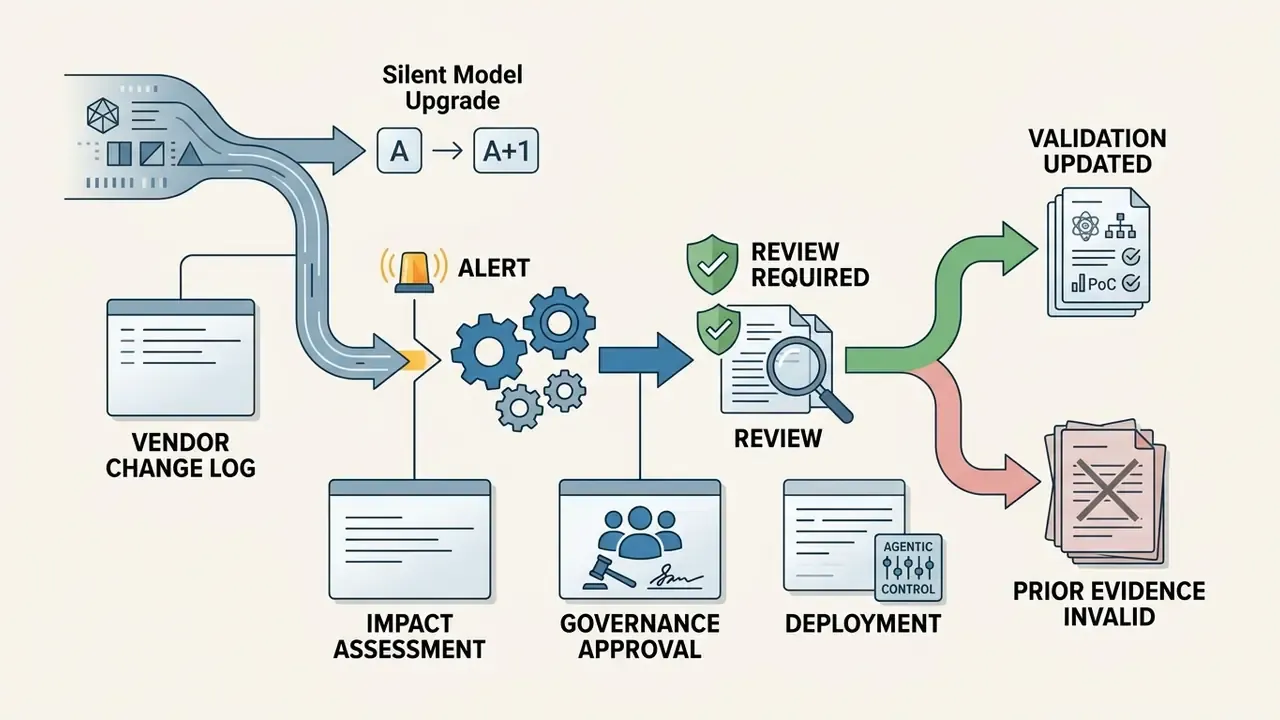
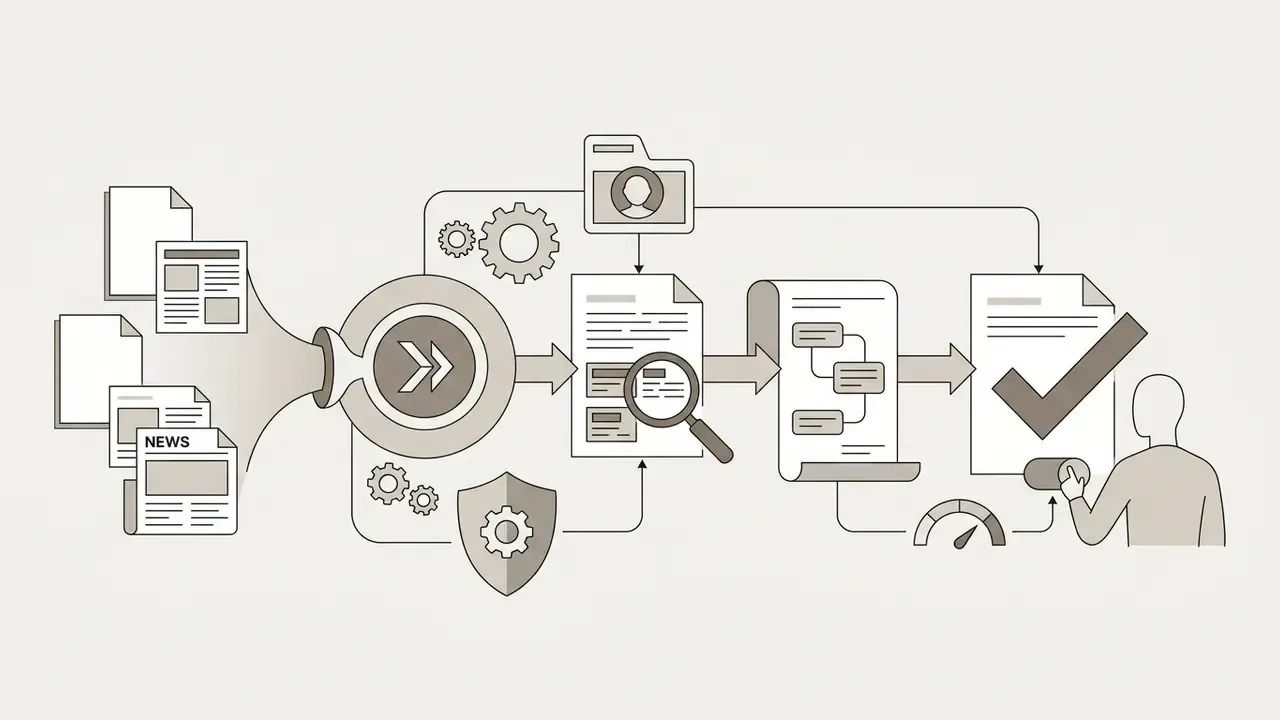
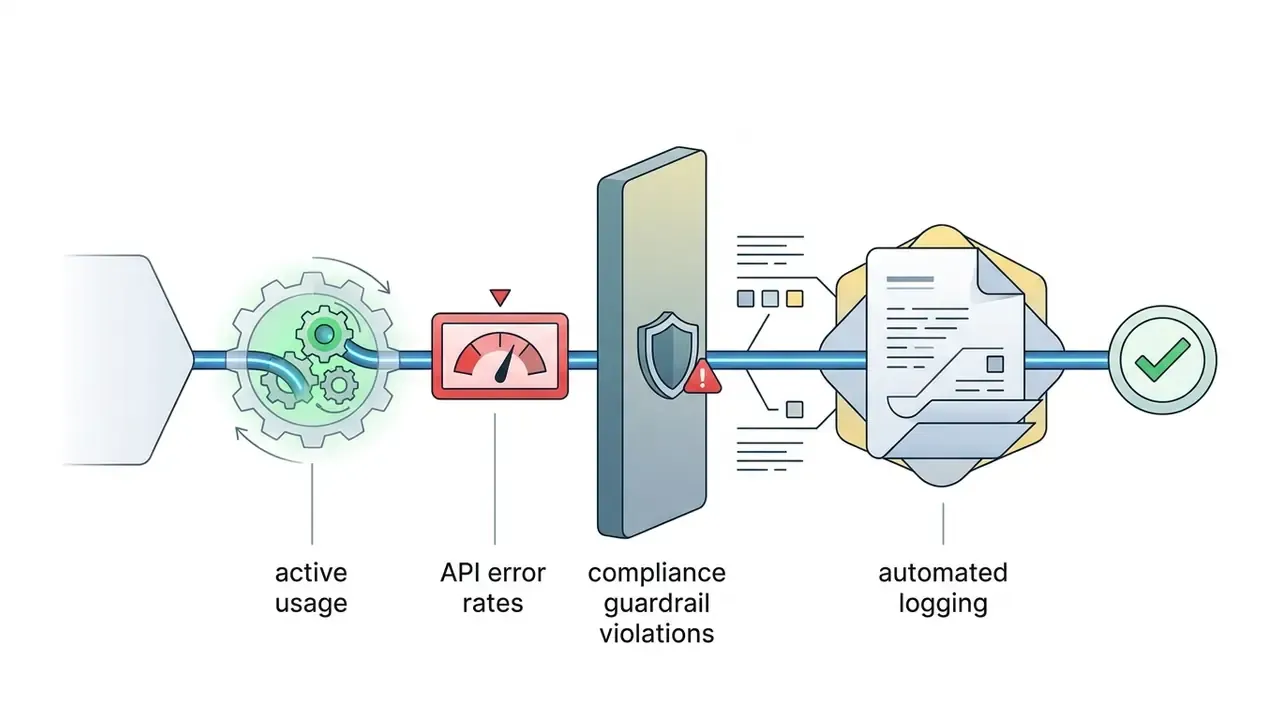
Selection criteria drawn from federal AI playbooks are worth applying explicitly: problem size, mission or business impact, data quality and quantity, implementation effort, and scalability potential. Define and baseline KPIs before the pilot starts. Named metrics in official guidance include performance, accuracy, adoption rate, user experience and sentiment, hours saved, and error reduction. A bounded process gives you clean pre-pilot data, which makes cycle-time reduction and cost savings calculable rather than anecdotal.
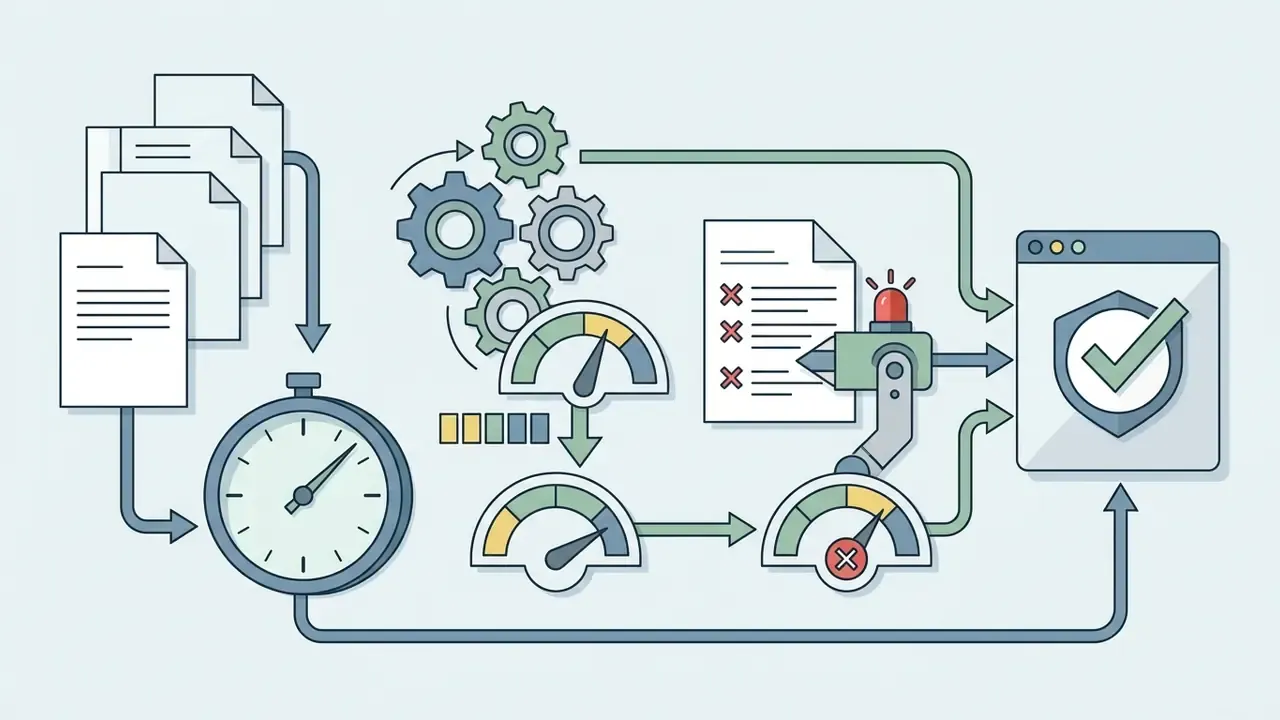
Verify Quality, Human Approval, and Repeatability
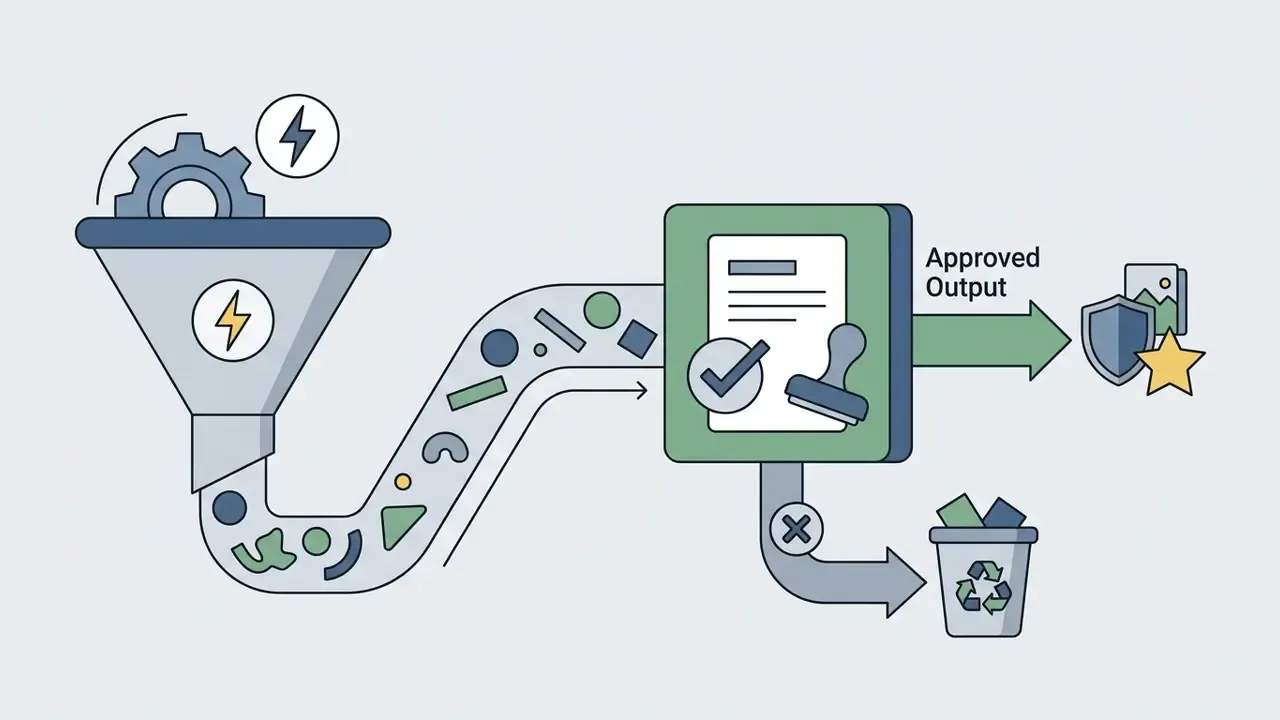
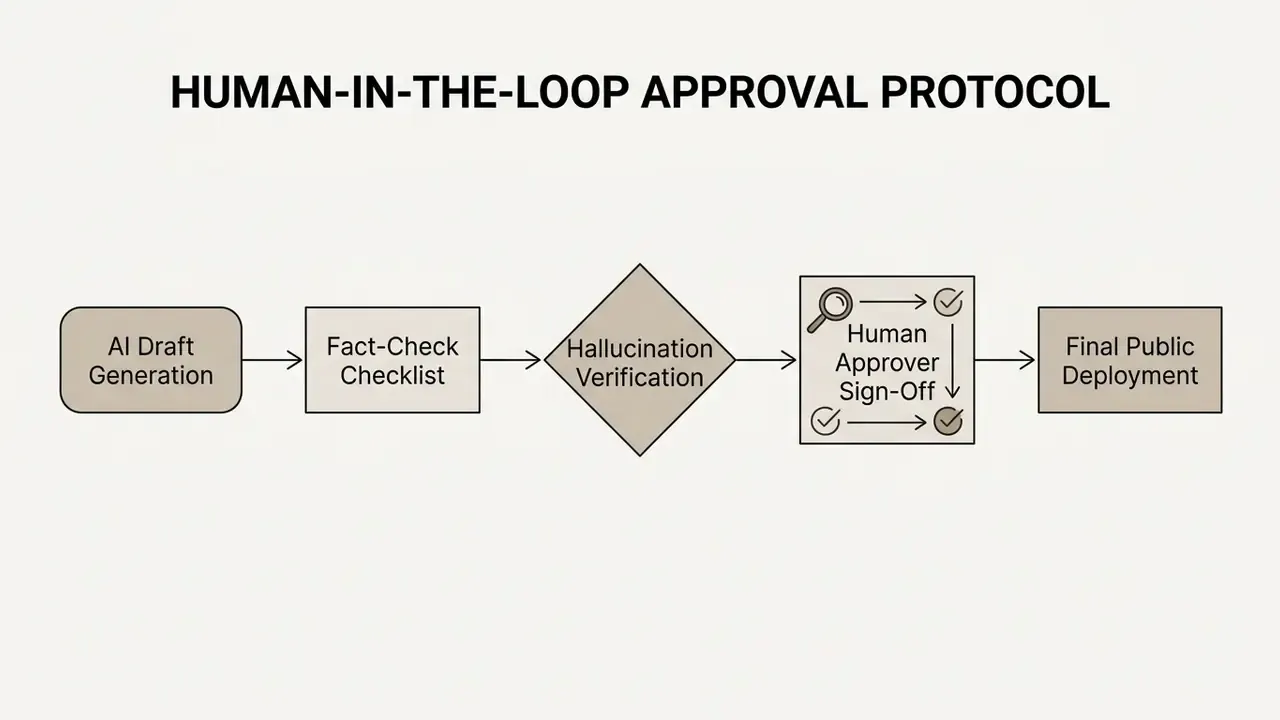
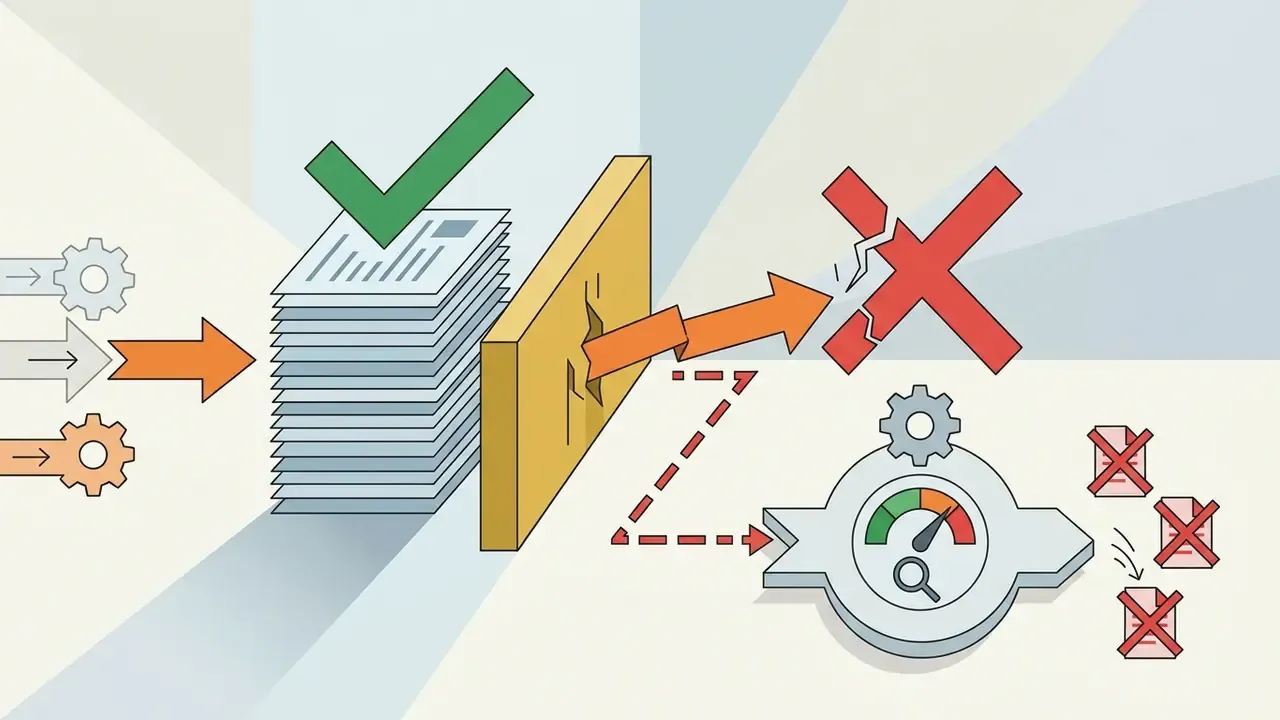
Sustained output quality requires human-in-the-loop (HITL) review protocols embedded in the workflow itself. Autonomous decision-making without oversight exposes the institution to factual hallucinations, reputational damage, and legal liability.
«The Alibaba experiment showed that fully autonomous AI handling without oversight lowered customer ratings in several configurations; human intervention compensated for the agent's technical limitations.»
Evaluate Integrations and Readiness to Scale
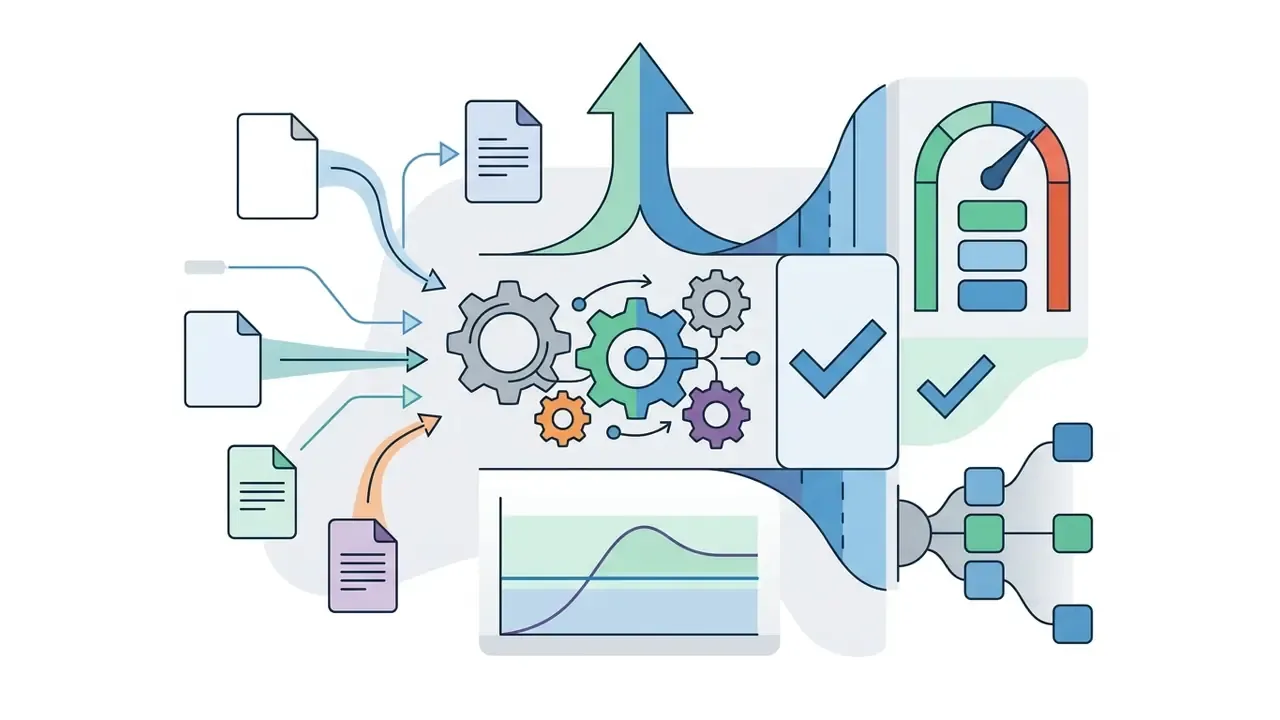
Scaling across business units means assessing infrastructure resilience, API rate limits, and organizational change-management readiness. In that order, usually.
«A difference-in-differences study found no significant effect of AI chatbots on earnings or hours worked two years after adoption, ruling out effects larger than 2%.»
That macro result is not an argument against adoption. It is an argument against assuming tool availability equals realized value. Scaling decisions should rest on your own measured process metrics, not on sector-level expectations.
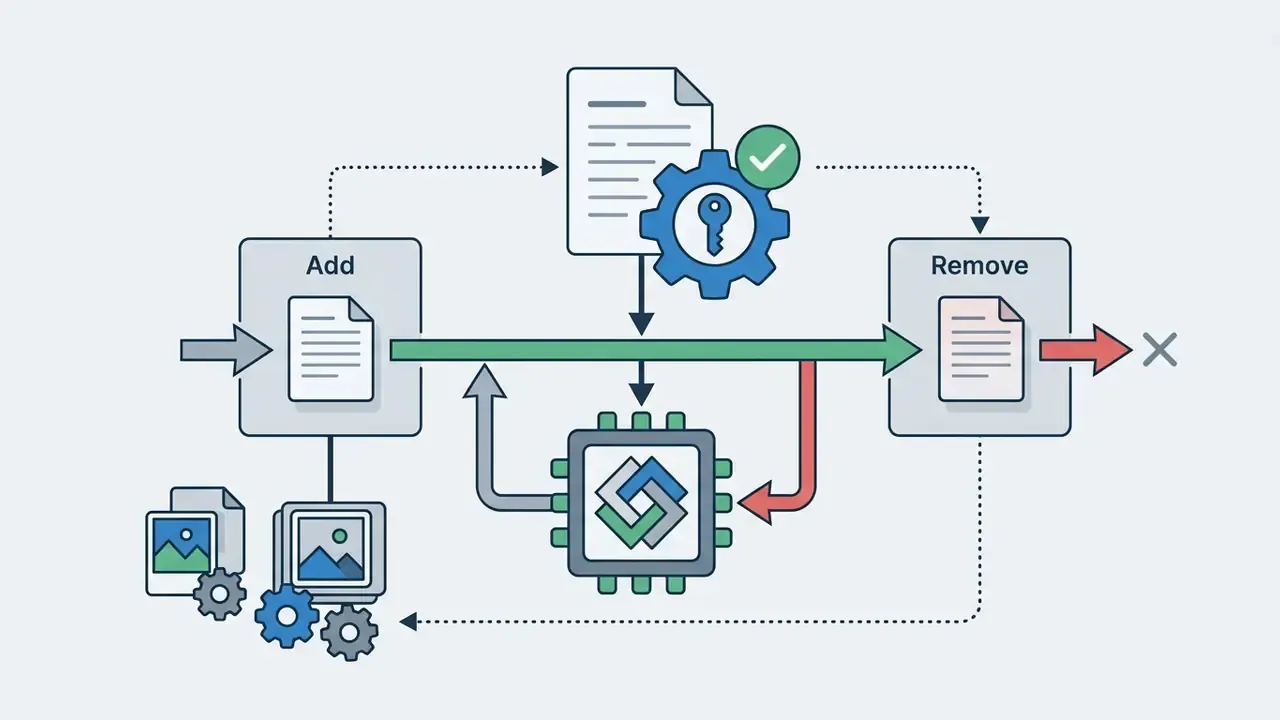
Key technical readiness criteria:
Final Checklist: Selecting the Right AI Tool for Your Business
To close a commercial-use ai tools comparison best options evaluation, procurement officers and technology leaders should complete this qualification checklist before signing.
Checklist0 / 11
A safe next step, if the list looks daunting: run one bounded pilot on one checkable process, with one named owner, for thirty days. Then decide.
FAQ: Commercial-Use AI Tools for Regulated Buyers
What legally separates "commercial use" from "personal use" of an AI tool?
The dividing line is governance, not the task. Commercial use implies an organizational account governed by SSO and RBAC, contractual data-handling terms (typically zero data retention), auditable logs, and assigned ownership of outputs. Federal guidance in the US prohibits personal accounts for official work and bars sensitive data from unvetted public platforms, which is why account separation is the first control to implement.
Do we own the content our team generates with AI?
Major vendors assign output rights to the customer, conditioned on lawful use. Ownership under the contract is separate from copyrightability. The USCO confirmed in March 2023 that works without identifiable human authorship are not eligible for copyright protection, and JIPLP's four-step analysis reaches the same conclusion under EU principles. Document human contribution if you intend to assert rights over AI generated assets.
Is a generative AI assistant a "model" under SR 11-7?
It depends on use. A drafting assistant with full human ownership of the decision is generally a productivity tool subject to information security and third-party risk controls. Once output feeds a quantitative process or influences customer outcomes such as credit, pricing, or fraud disposition, it enters model risk scope and requires inventory entry, tiering, validation, and ongoing monitoring proportionate to materiality.
What is the Model Context Protocol (MCP), and why does it matter for risk teams?
MCP is a standardized interface that lets AI clients query enterprise data sources and invoke tools through an authenticated server host with centralized logging. It removes copy-paste context switching and avoids exposing raw credentials to model providers. It also concentrates access, which makes the MCP host a high-value control point requiring least-privilege tool registration and full call auditing.
How should we budget for AI beyond the license fee?
Model four additional cost layers: prerequisite platform licenses (for example Microsoft 365 E3/E5 for Copilot), consumption overages on tokens or credits, compliance overhead (SSO integration, log archival, administration), and control operating cost (human review, validation, monitoring, training). Then compute risk-adjusted ROI, which subtracts control cost from gross value and adds a residual risk reserve to the denominator.
Can autonomous agents be deployed in a regulated institution?
Yes, within bounded tiers. Read-only and sandboxed agents are straightforward with logging and named ownership. Agents writing to internal systems need pre-commit approval and rollback paths. Customer-facing actions need dual approval, rate caps, and a kill switch. Financial or credit decisions should not be autonomous without full model validation. Non-determinism testing, meaning repeated scenarios with measured variance, should gate promotion between tiers.
Which single AI tool should a small team start with?
For general knowledge work, one frontier assistant with team-tier governance (ChatGPT Team, Claude Team, or Gemini Business, depending on your existing productivity suite) covers the majority of use cases. Add specialized platforms only where the workflow justifies a second subscription, meaning brand memory, campaign structure, repository context, or indemnified media. Consolidating on one governed platform beats accumulating five ungoverned ones.
How often should this comparison be re-run?
At least annually, and immediately after any vendor model version change, pricing change, or security attestation lapse. Enterprise terms move faster than most procurement calendars.
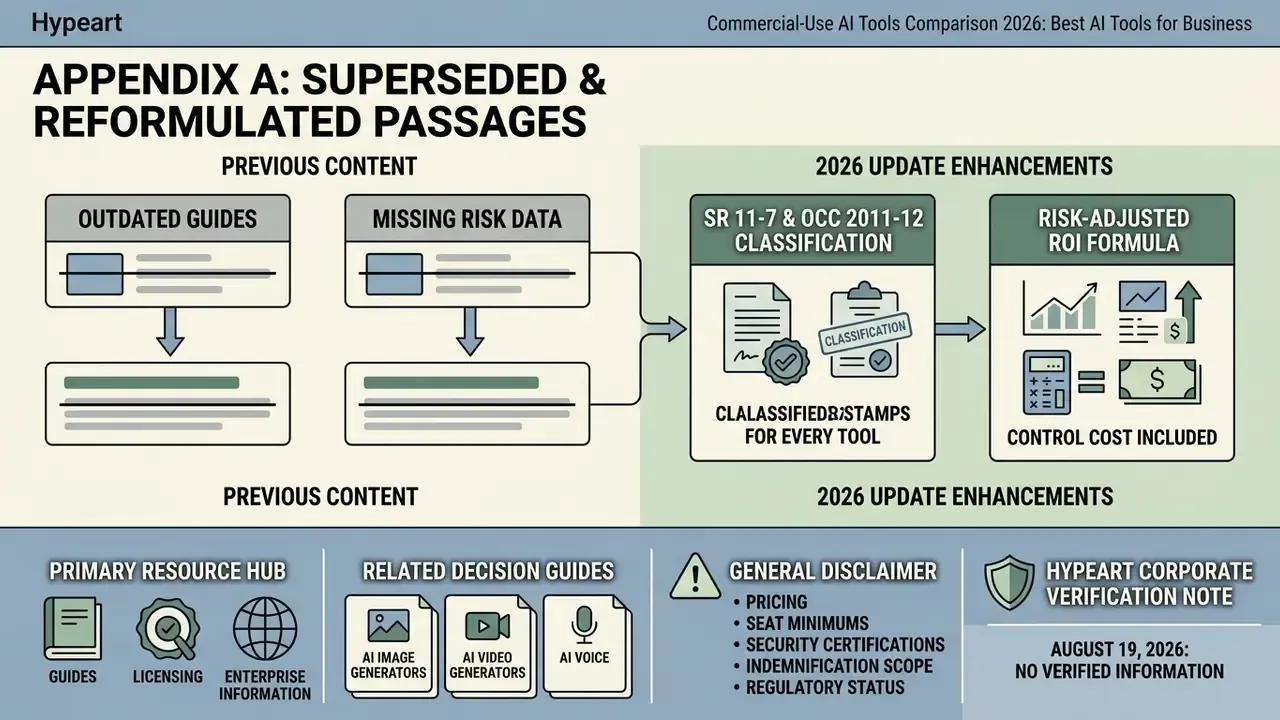
Appendix A: Superseded and Reformulated Passages
Retained for transparency and version traceability. The main text carries the updated formulations.
- Original section [3] case framing"A regional banking institution identified high volumes of unmonitored employee prompts containing customer financial histories across public chat tools. The compliance team replaced individual consumer logins with an enterprise AI platform featuring SOC 2 Type II compliance, Okta SSO, and automated PII masking. Within ninety days, unapproved external AI calls dropped to zero, and internal audit logging reached 100% compliance across all active business units." Reason for reformulation: the case was presented without attribution. The main text now frames it as an illustrative remediation pattern with internally measurable targets.
- Original section [5] opening claim"Empirical research demonstrates that generative AI tools deliver substantial performance gains when applied to structured tasks within the model's capability scope, but can degrade performance when applied to out-of-scope tasks." Reason for revision: the claim required explicit attribution, now provided via Dell'Acqua et al., BCG/Harvard (2023).
- Original section [2] USCO formulation"The US Copyright Office (USCO) reaffirmed that copyright protection requires identifiable human authorship." Reason for replacement: lacked date and specificity. The main text now cites the March 2023 guidance position.
What Changed in This 2026 Update
- Added the SR 11-7 and OCC 2011-12 classification decision for every purchased AI tool, including the model input category that buyers most often miss.
- Added the risk-adjusted ROI formula with a worked accounts payable example, so control cost appears in the denominator rather than in a footnote.
- Expanded the agentic AI section with an autonomy limit matrix, non-determinism testing, and liability allocation language for contracts.
- Added the AI governance and risk registry (AIRMS) category, plus the requirement to reconcile any registry against the existing model inventory.
- Re-verified pricing anchors, seat minimums, and indemnification scoping language, and moved unattributed claims into Appendix A with sourced replacements in the main text.