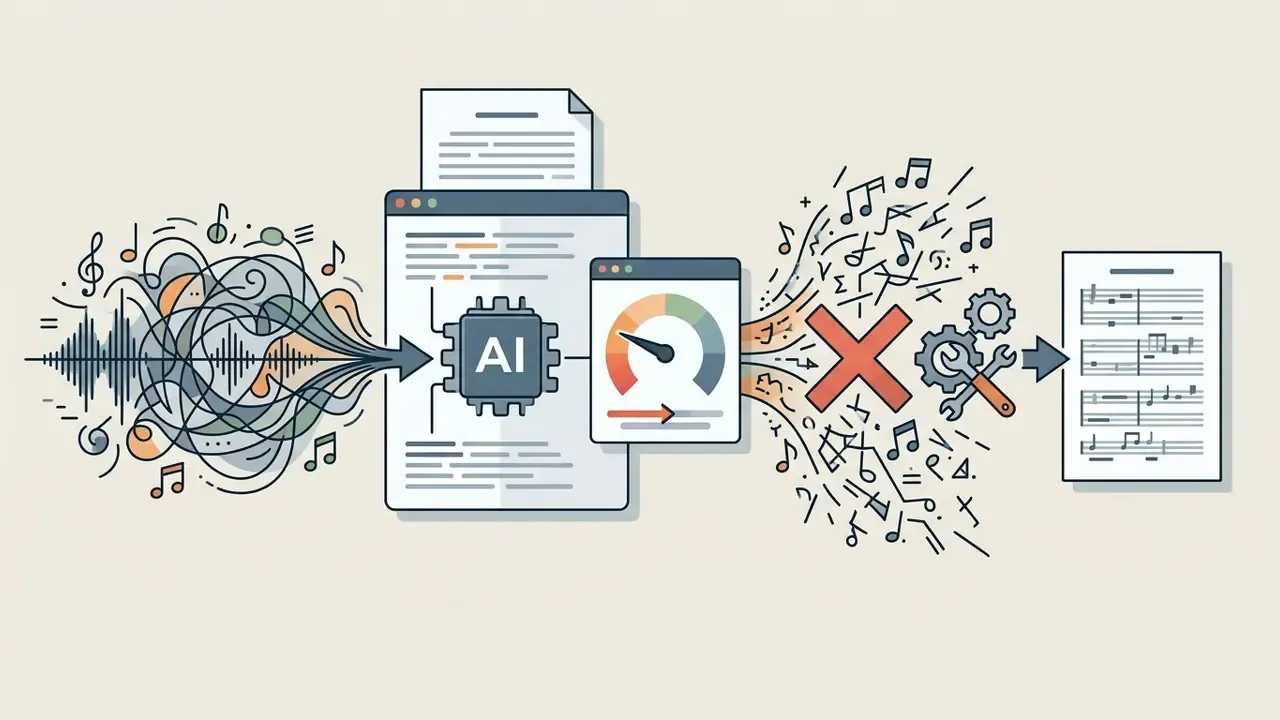
An ai sheet music generator is an automated software system that converts acoustic audio, digital performance data or compositional prompts into structured, readable musical scores. Modern systems run two-stage pipelines: audio-to-performance transcription first, then symbol-level engraving, producing editable MusicXML, MIDI and printable PDF files.
What You Need to Know in 30 Seconds
Who This Guide Is For, and What Changed in 2026
Three groups tend to land here. Practising musicians who need a readable page on the stand tonight. Educators who need the same tune in three difficulty levels by Monday. And teams (studios, publishers, schools) who need a repeatable, licensable workflow rather than a one-off conversion.
The category itself moved quickly over the past eighteen months. Solo piano transcription became genuinely usable. Lead-sheet models trained on thousands of pop encodings arrived in the open literature. Dense full-band mixes, though, are still hard: the best published onset F1 on commercial pop sits near 38%. So the honest framing for 2026 is not "AI writes your score." It is closer to: AI removes the note entry, you keep the reading.
What an AI Sheet Music Generator Is and What Problems It Solves
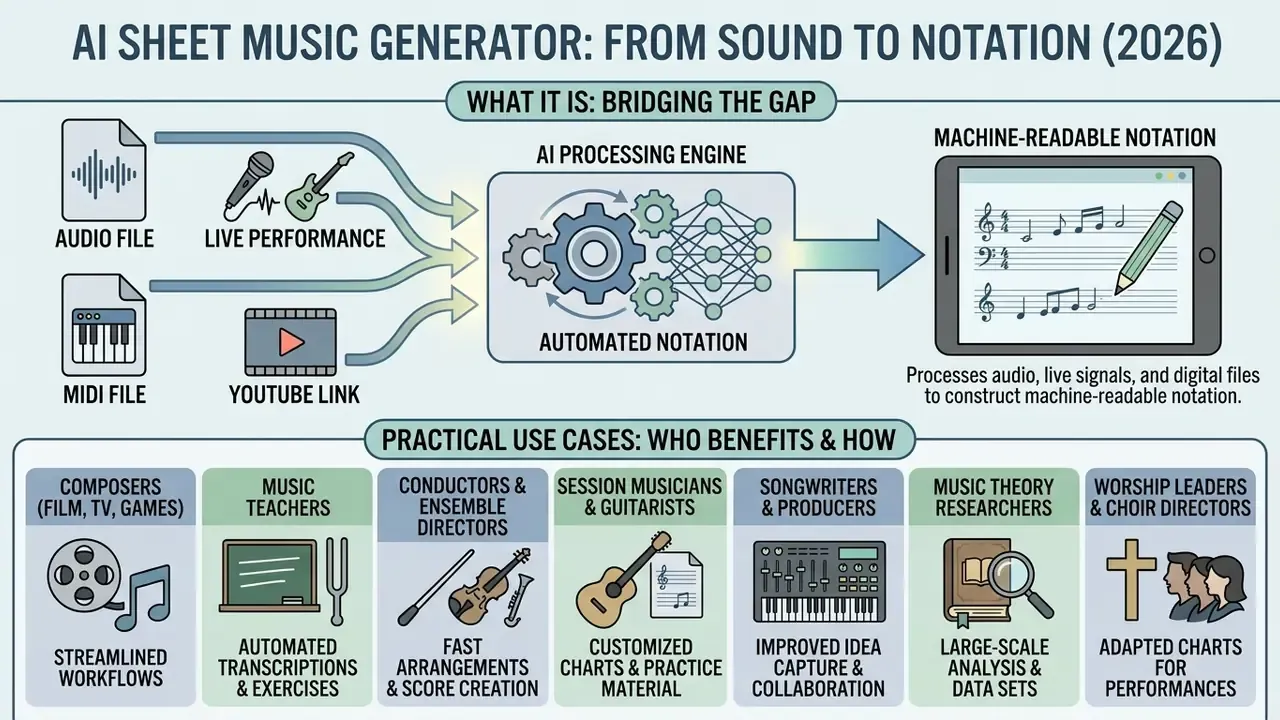
An ai sheet music generator automatically processes audio recordings, live performance signals or digital files to construct machine-readable notation, bridging the gap between raw sound and structured music publishing.
Unlike older static transcription software, an ai music notation generator uses neural networks to parse pitch, rhythm, chords and instrument voices directly from polyphonic sound sources. That is the real shift: not more buttons, but a model that hears overlapping notes.
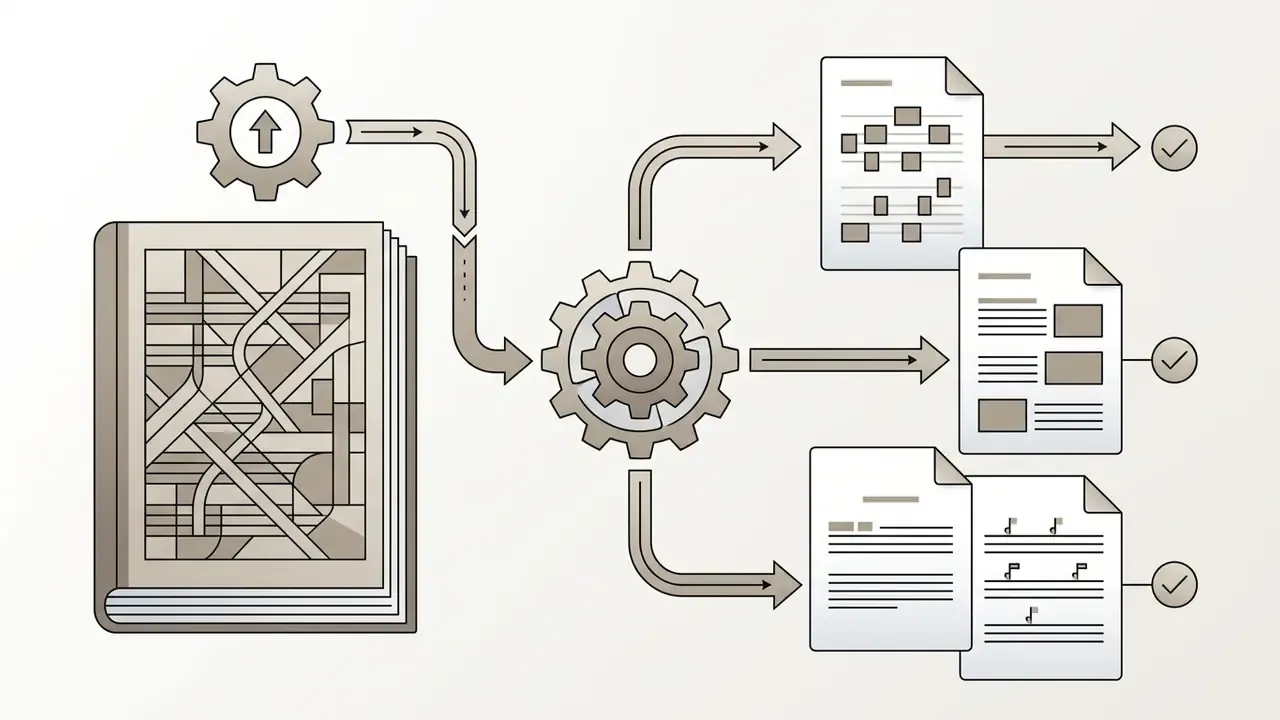
For contemporary musicians, arrangers and producers, an ai music score generator removes hours of manual note-by-note work. It turns unstructured audio streams into actionable score layouts, letting creators ai create sheet music from impromptu studio sessions, archival recordings or multi-instrument mixes. By standardizing digital score representation, these tools speed up arrangement, transposition and archival work across professional media pipelines.
To see how machine learning models handle broader media streams across audio, video and visual formats, start with our foundational overview in the AI Media Glossary.
Practical Use Cases: Who Actually Benefits and How
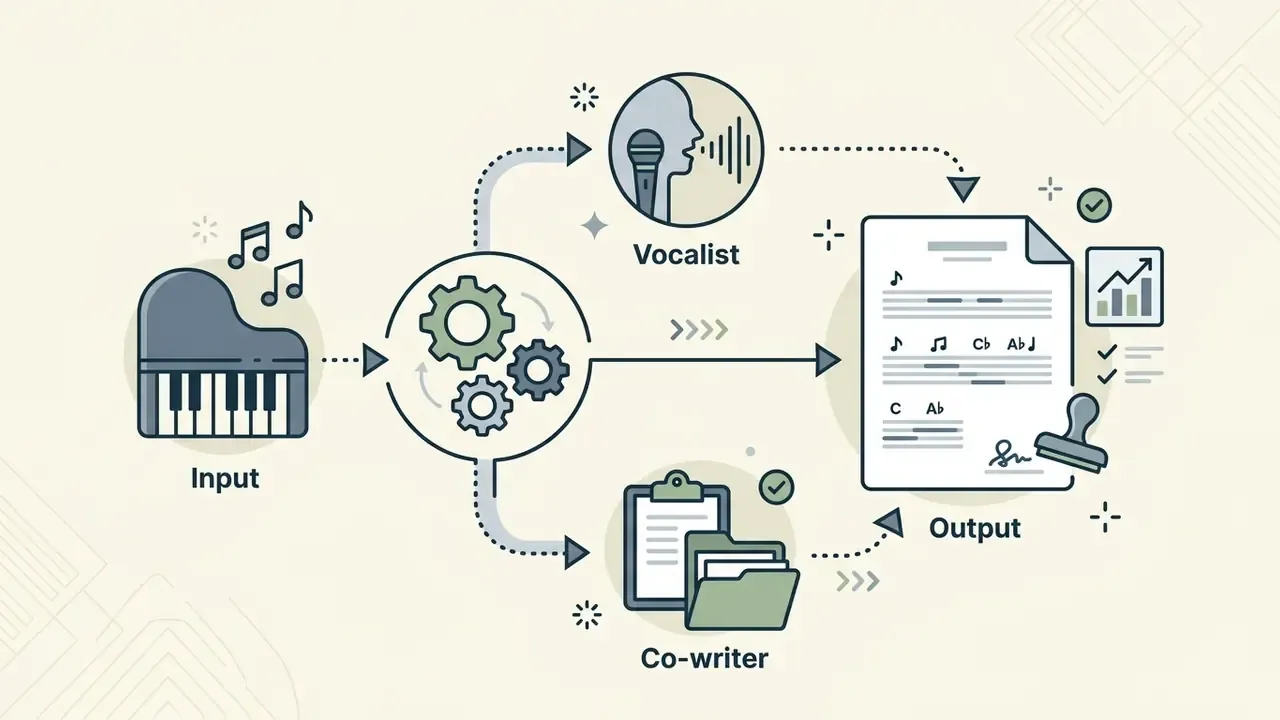
Abstract capability claims mean little without a concrete workflow. Here is how each professional segment uses an ai score maker day to day:
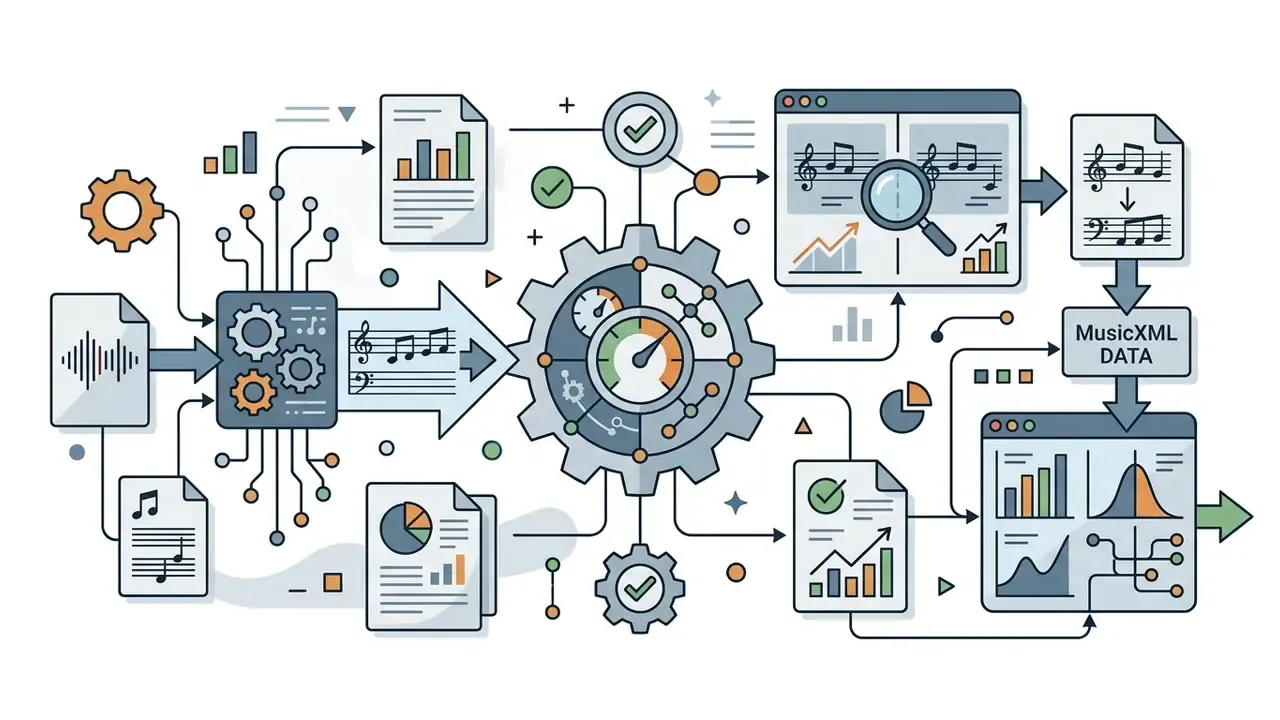
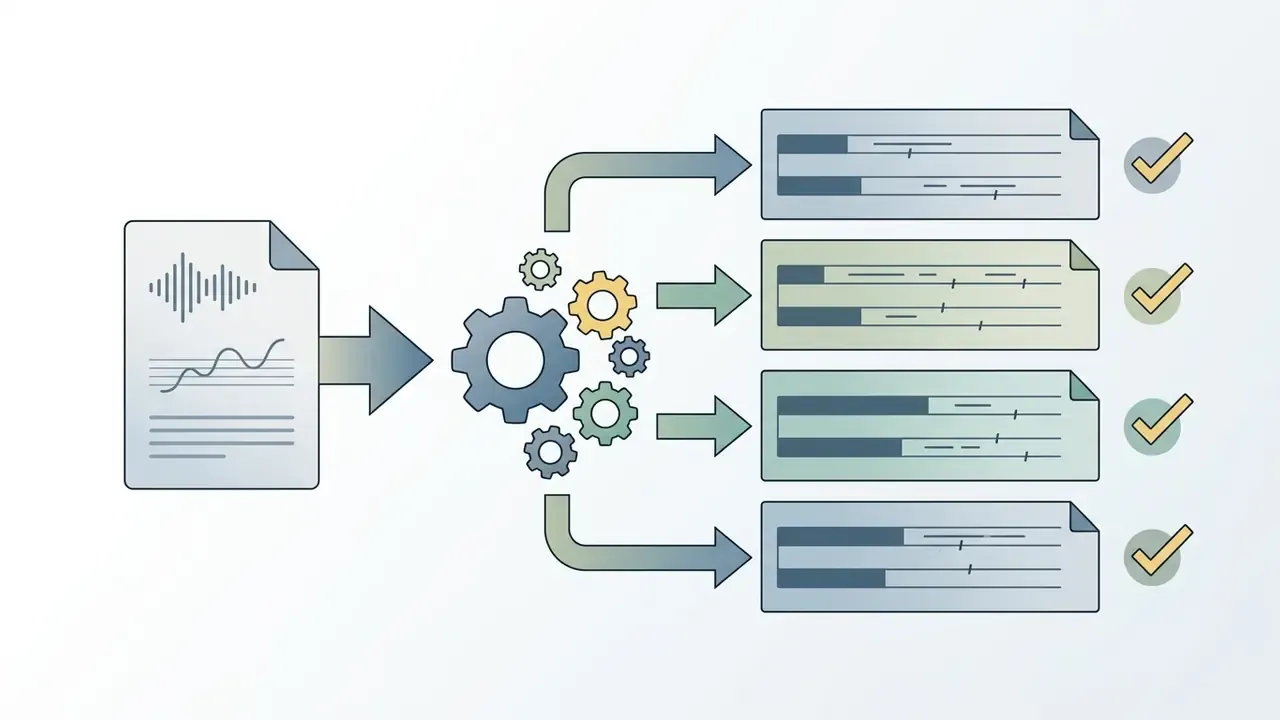
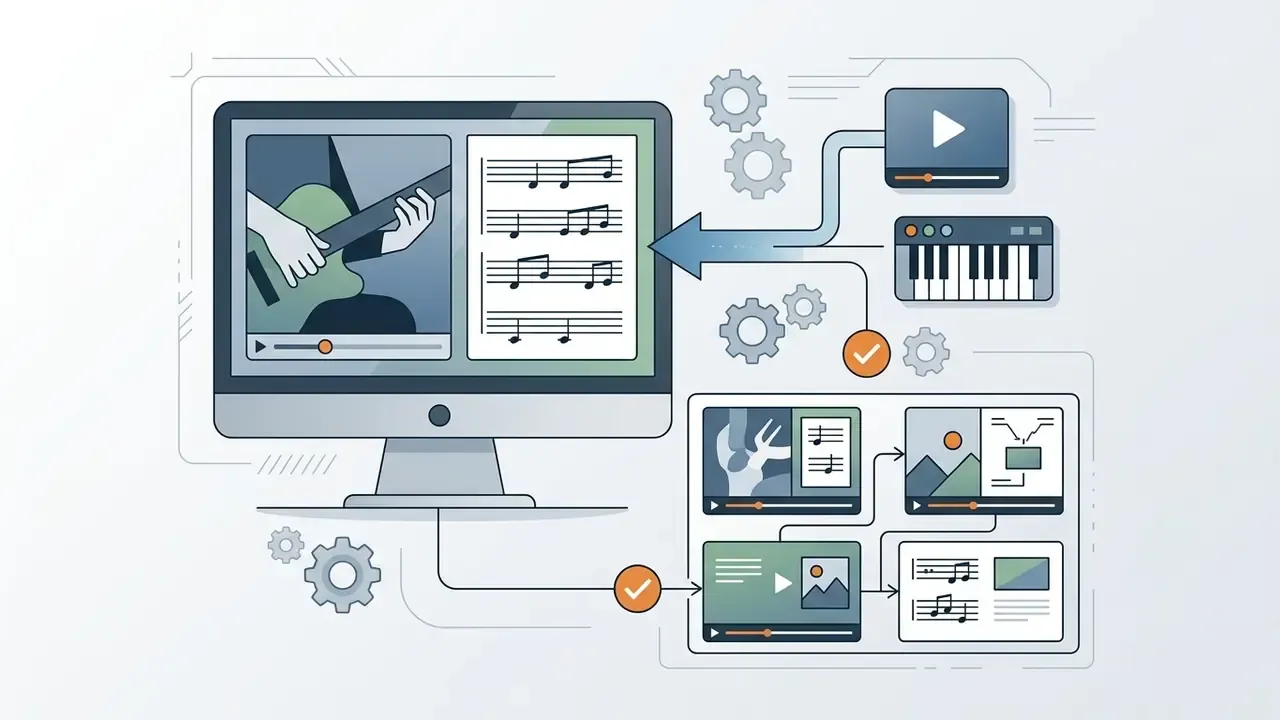
Generating New Music, Lead Sheets and Full Scores
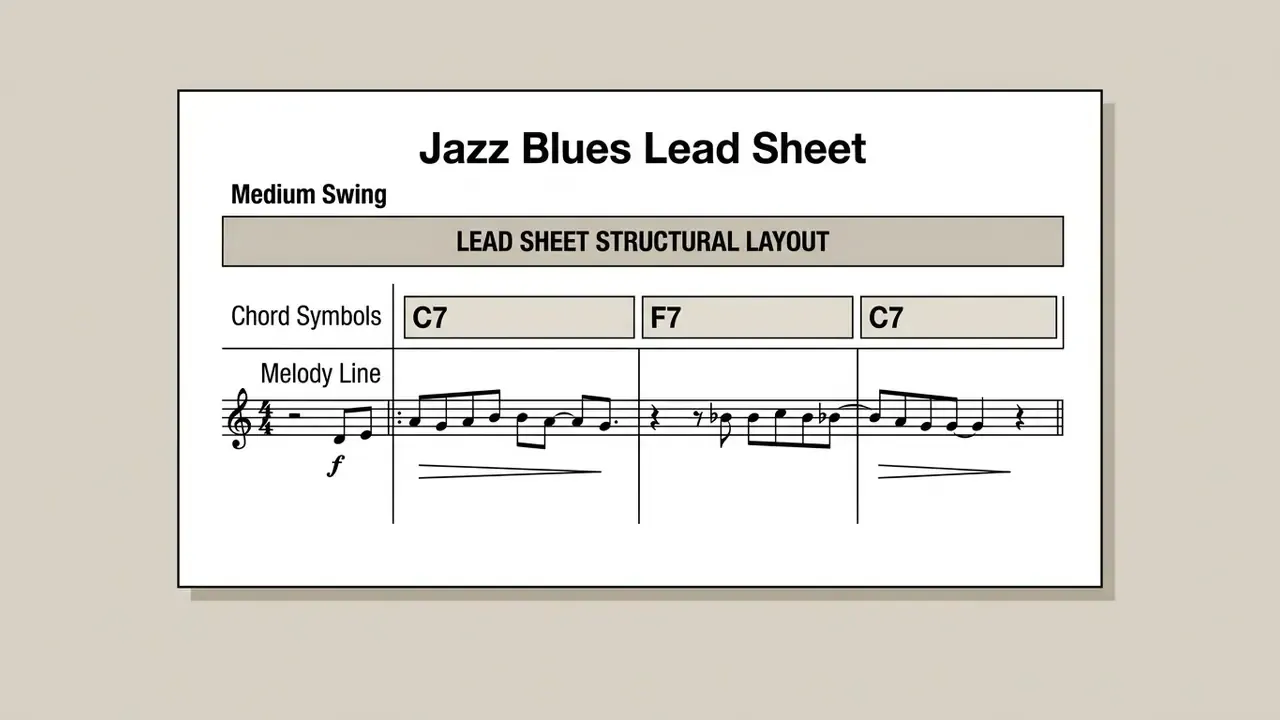
An ai lead sheet generator extracts or synthesizes the harmonic and melodic skeleton of a song, meaning a monophonic melody line paired with aligned chord symbols, rather than a fully orchestrated score. Research models such as SheetSage use pre-trained feature extractors to parse popular music audio into clean lead sheets, isolating the vocal or lead instrument line into structured notation.
«SheetSage-A2S was trained on 61 hours of audio and 9,468 lead-sheet encodings covering 6,066 unique songs by 2,891 artists.»
«The hierarchical model spans four levels: global form, reduced lead sheet, full lead sheet, and polyphonic accompaniment.»
This lets composers prototype complete scores quickly, audition harmonic options and adjust arrangement density before the studio clock starts. Research pipelines in the literature confirm the same two-stage split that underpins commercial products: audio to performance MIDI first, then performance MIDI to score.
AI Sheet Music Generator vs. AI Music Transcription: The Difference
The distinction sits in mapping direction and pipeline scope. Tools that ai create sheet music focus on generative synthesis or structural score formatting, while AI music transcription decodes an existing acoustic signal into a symbolic event list. Transcription maps audio frequencies to pitch onsets, offsets and a timing grid, without necessarily applying engraving rules or page layout.
A dedicated ai sheet music generator takes that transcription output, or direct performance data, and applies smart quantization, voice assignment, staff allocation and engraving layout. Evaluation work on audio-to-score pipelines separates playback similarity (how closely the rendered audio matches the performance) from notation similarity (how readable and standard the typeset page is for a human player). Those two goals pull against each other more often than vendors admit.
«Across 24 audio-to-score pipelines, high notation similarity did not guarantee high audio similarity, and vice versa.»
How an AI Sheet Music Generator Differs From Adjacent Music Software
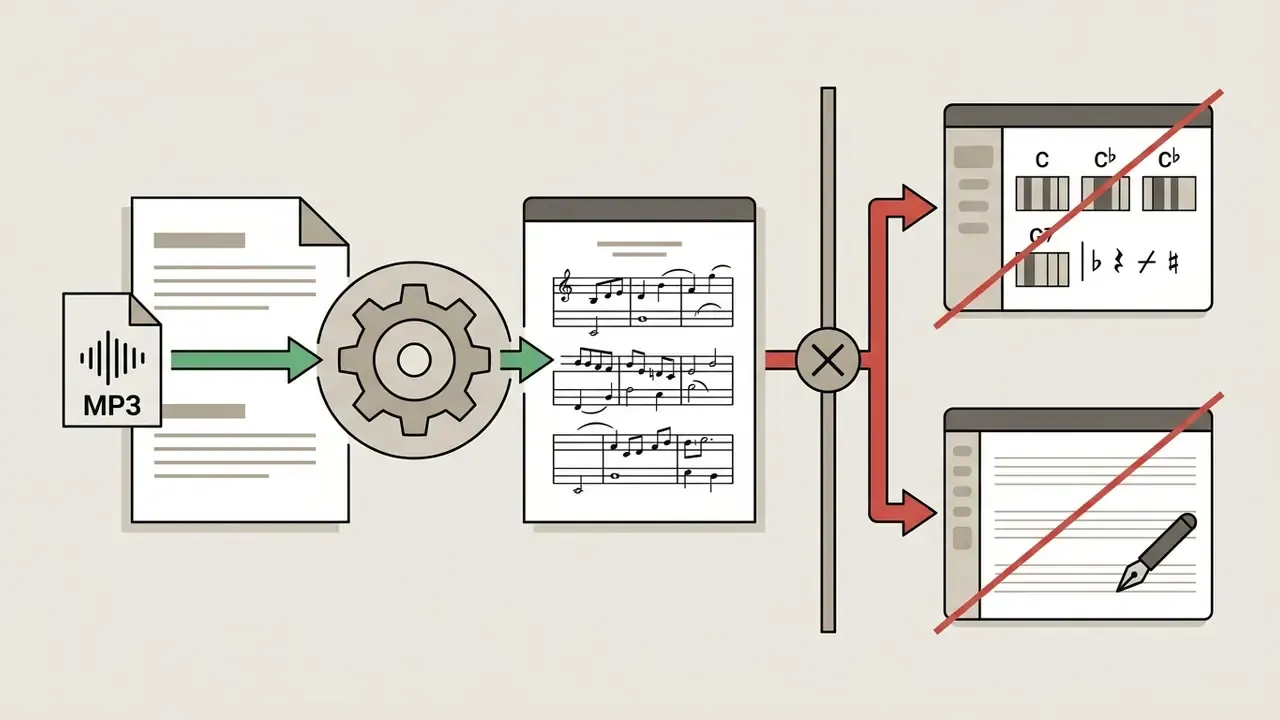
Not every music AI service produces printable notation from an audio file. Before you spend money or time, separate three software categories. This single distinction prevents the most common user mistake of all: dragging an MP3 into MuseScore and expecting notes to appear.
| Software category | Accepted input | Output | Representative tools | Can you upload an MP3 and get notation? |
|---|---|---|---|---|
| AI Sheet Music Generator | Audio (MP3/WAV/M4A/FLAC), YouTube links, microphone, MIDI | Notation (PDF), MusicXML, MIDI, Guitar Pro | Songscription, Klangio, Ivory, AnthemScore, ScoreCloud | Yes, full automatic transcription |
| Chord Detector | Audio (MP3/WAV), YouTube | Alphanumeric chord chart over a timeline | Chordify, Ultimate Guitar | Partially, harmony only, no melody or rhythm |
| Notation Editor | Manual note entry, MIDI, MusicXML, PDF scan | Engraved score, printable parts | MuseScore, Sibelius, Finale, Dorico, Flat.io, Noteflight | No, no audio recognition of MP3/WAV |
To restate it plainly:
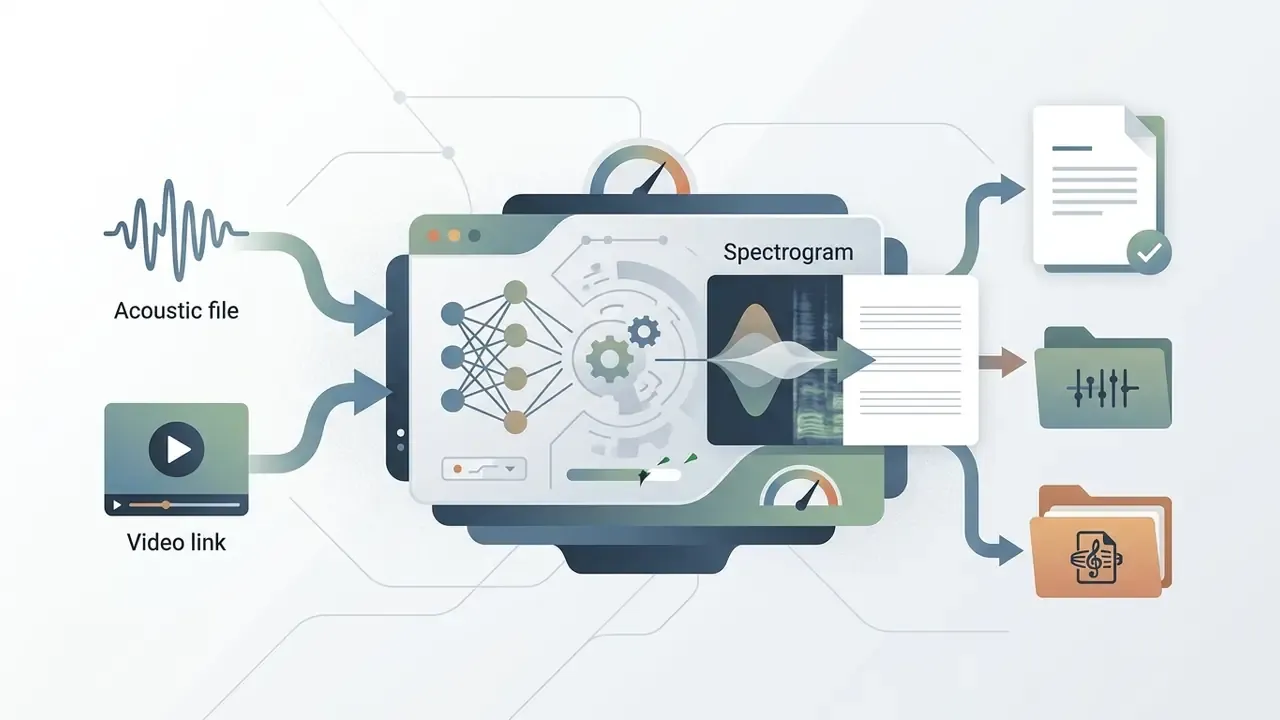
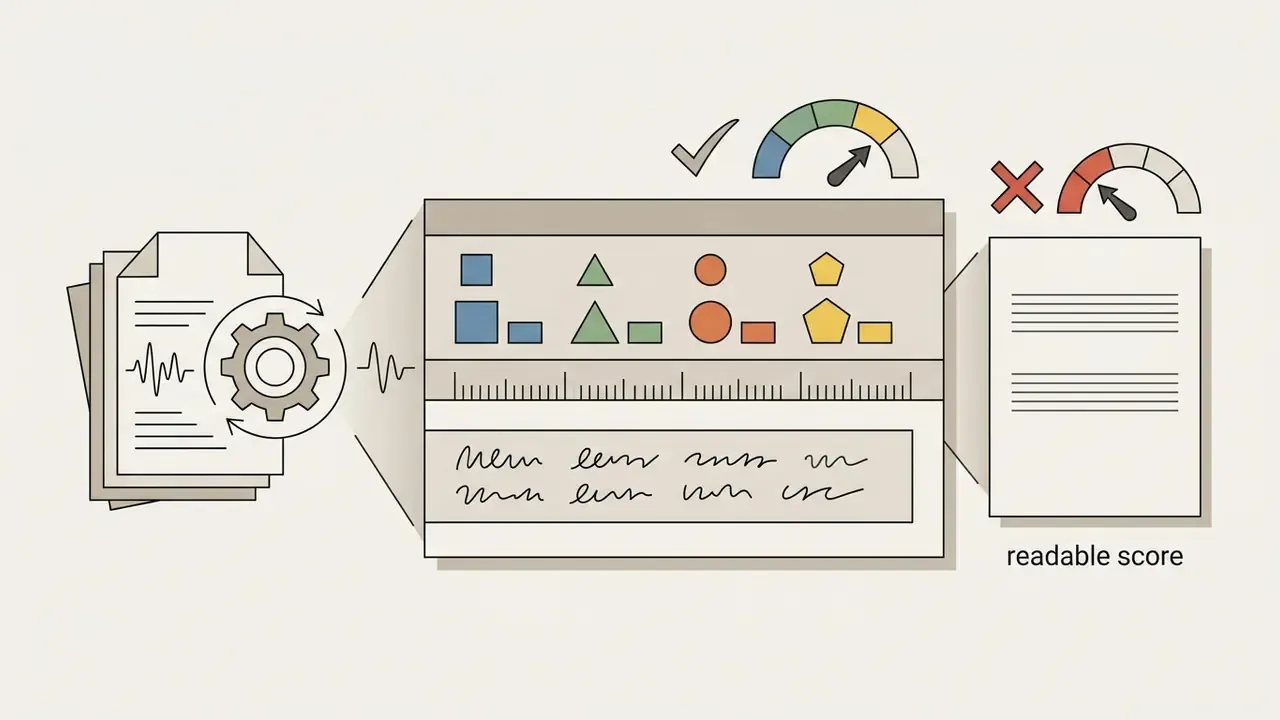
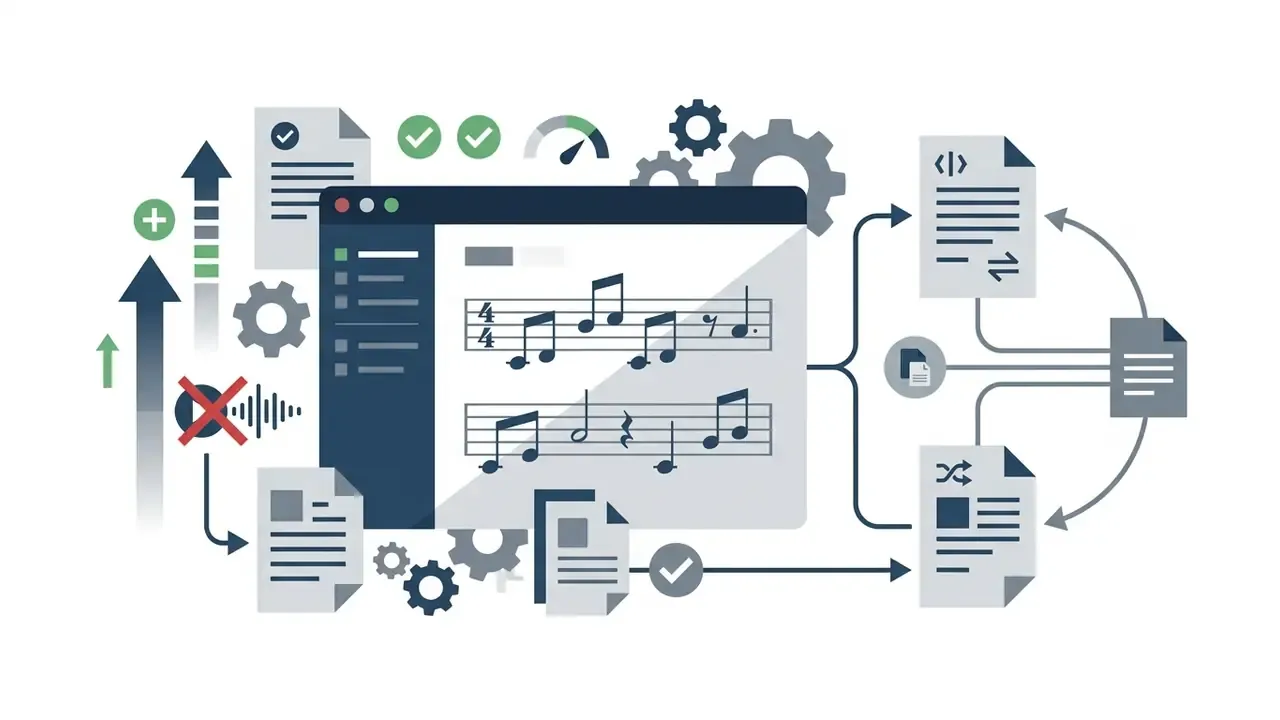
How AI Builds Sheet Music from Audio, MIDI and YouTube
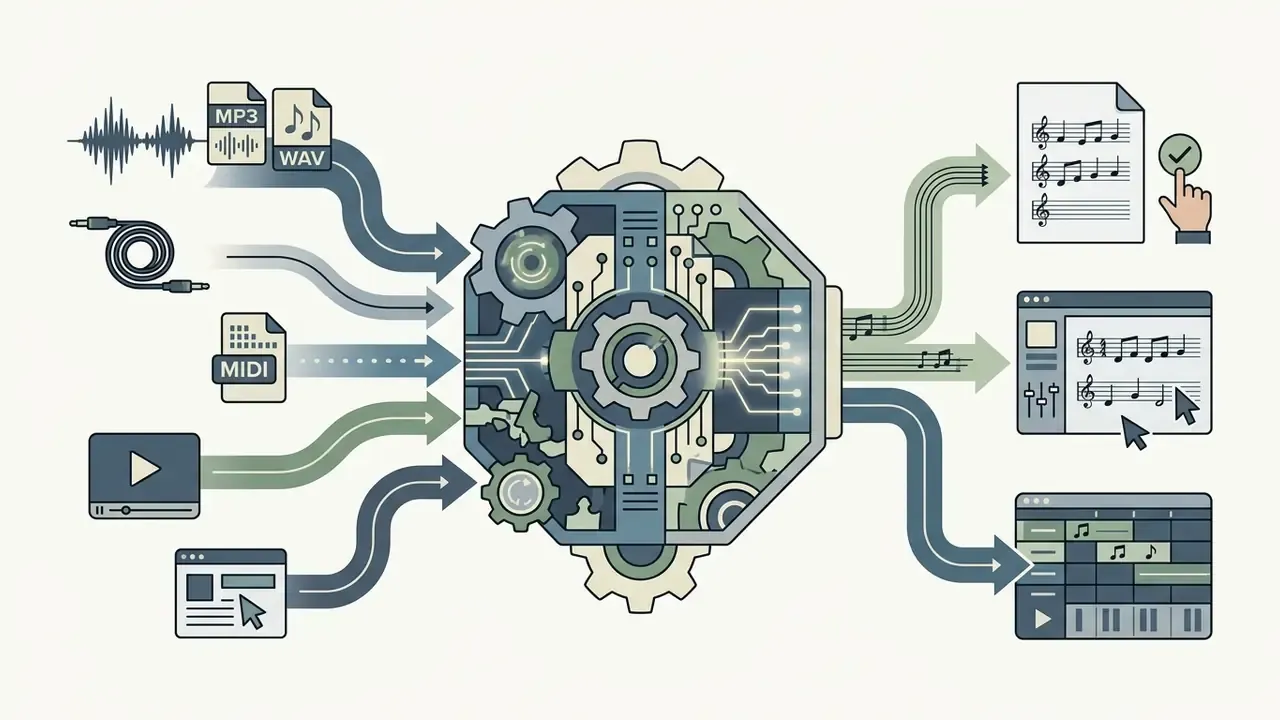
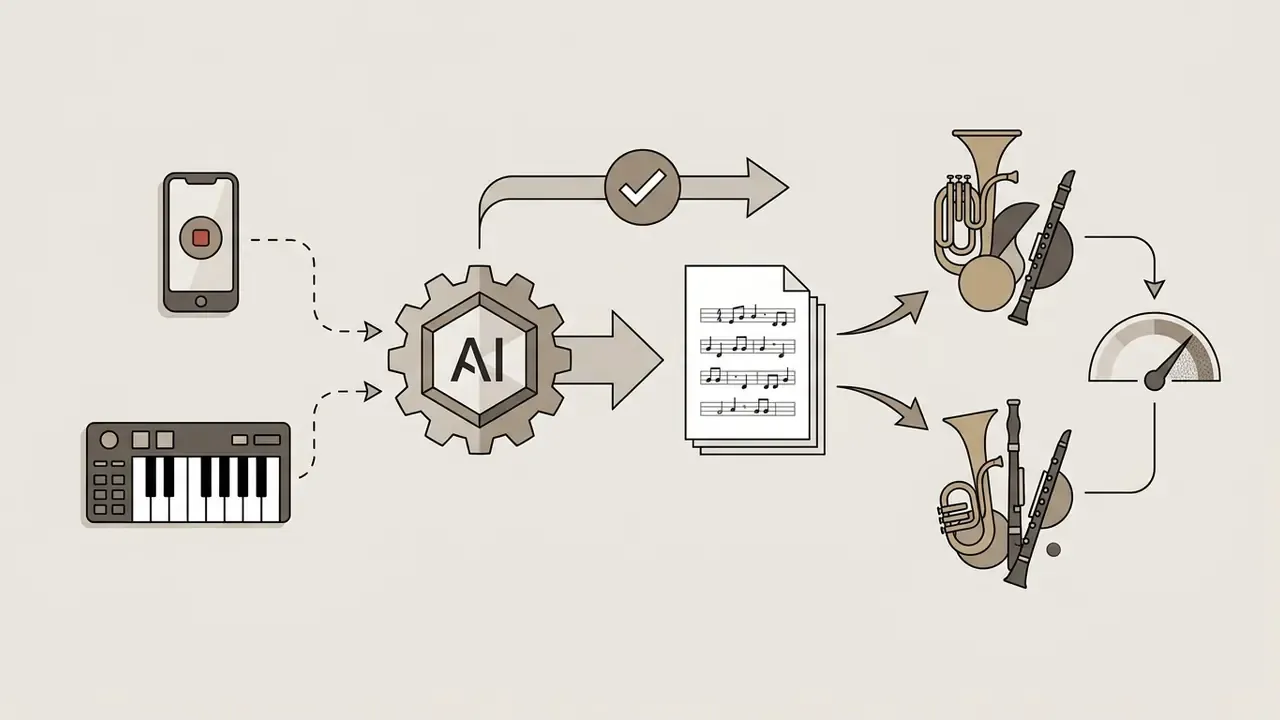
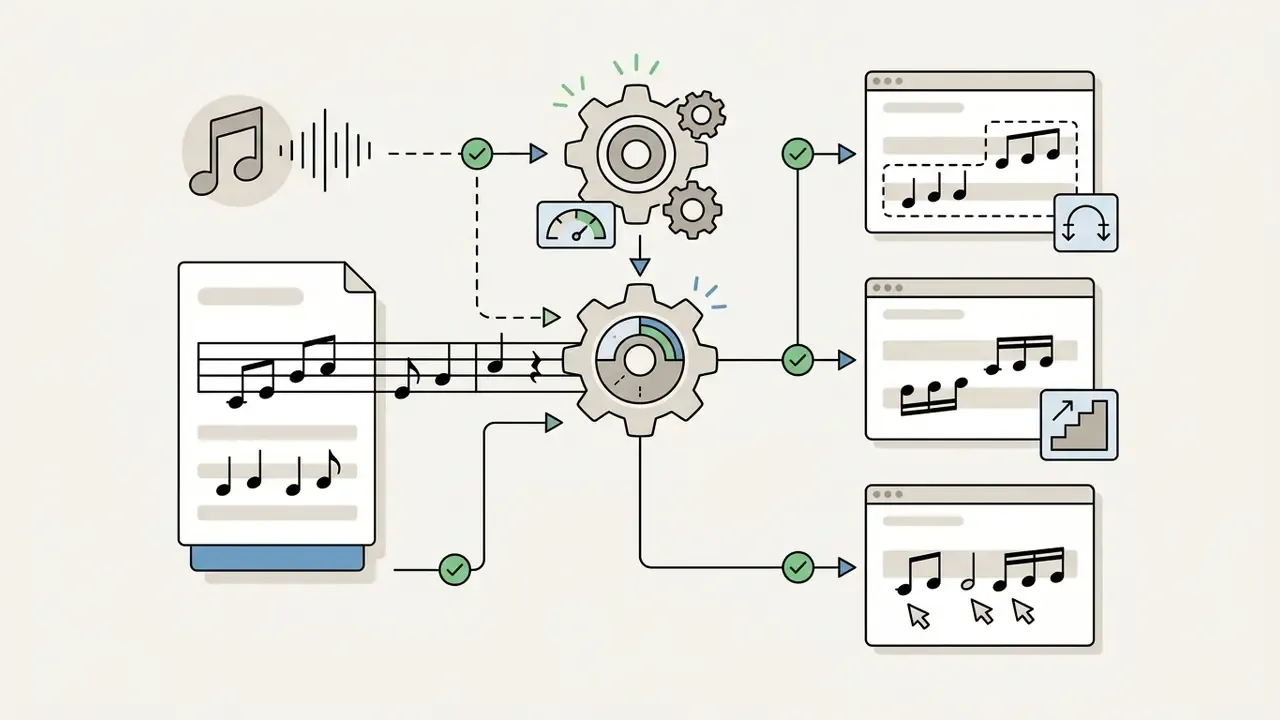
An ai music sheet generator turns raw audio or performance data into a typeset score through several stages: signal processing, neural pitch estimation, beat tracking and symbolic layout rendering. Ingesting your file, a music sheet generator ai isolates musical features, quantizes timing to a metric grid, then encodes the result into standard score formats.
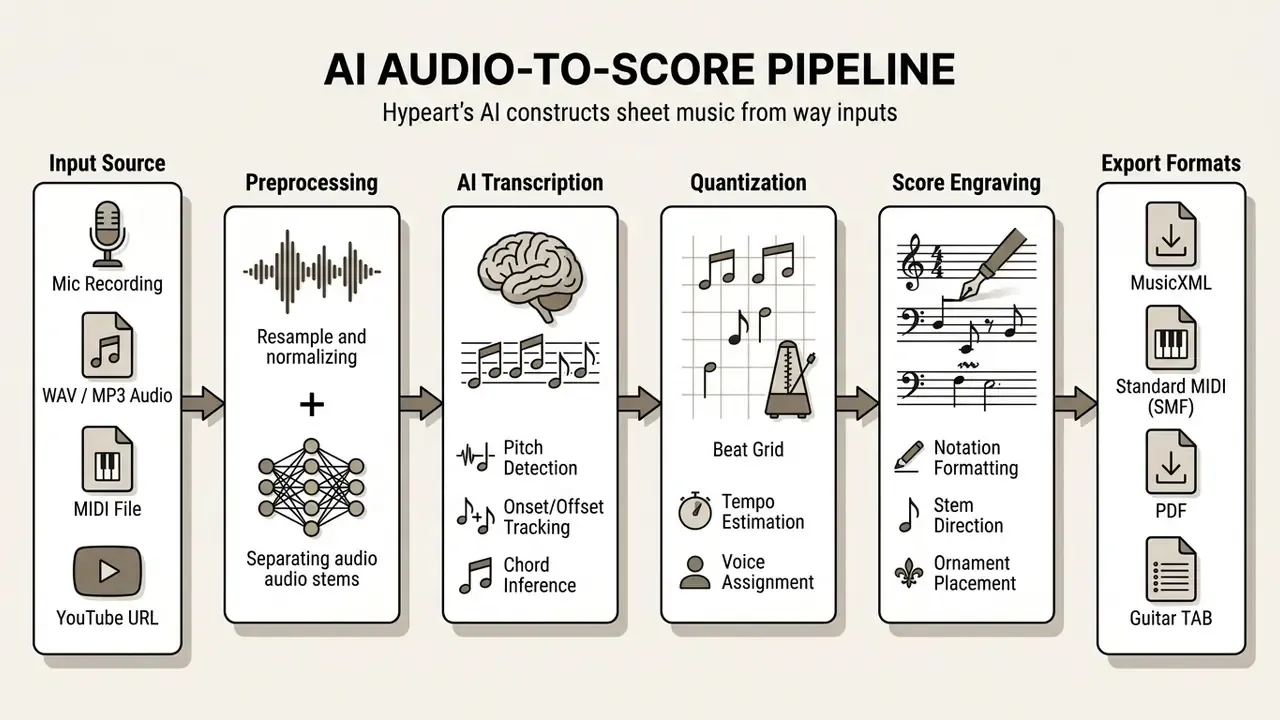
Text version of the diagram, stage by stage: input source (audio, MIDI, microphone or YouTube URL) → preprocessing (resampling, normalization, stem separation) → AI transcription (pitch, onsets and offsets, chord inference) → quantization (beat grid, tempo, voices) → engraving (notation formatting, stems, ornaments) → export (MusicXML, MIDI, PDF, TAB).
Generator Modes: Exact Transcription or Smart Arrangement
Before you press "Generate," decide which of the two algorithmic modes matches your goal. Choosing wrongly is the single most common reason users call an accurate transcription "unreadable."
- Transcription mode (exact capture)
- Principle: The AI records every played note, micro-rhythmic deviation, ornament and sustain length as performed.
- Best for: Transcribers, musicologists, academic performers, anyone preserving an improvisation verbatim.
- Trade-off: Because human playing is never metronomically perfect, the score may contain hard-to-read rests and over-specified durations: 32nd values, atypical tuplets, tied fragments across barlines.
- Arrangement mode (smart arrangement)
- Principle: The algorithm smooths the rhythmic grid through quantization, isolates the principal melody, builds a basic accompaniment and discards acoustic noise plus accidentally struck keys.
- Best for: Teachers, beginners, vocalists, worship and rehearsal charts.
- Benefit: A clean, readable lead sheet (melody plus chord symbols) in one click, ready to hand to a student.
A practical rule: use Transcription when the performance is the artifact worth preserving; use Arrangement when the song is what you need on the stand. Some platforms also let you target one main instrument instead of the whole mix, which usually yields a cleaner page than attempting full-band separation in a single pass.
Which Sources You Can Upload: Audio, MIDI, Microphone and YouTube
Modern systems ingest a wide array of formats: lossless WAV, compressed MP3, M4A, FLAC and OGG, video containers such as MP4, live microphone feeds, standard MIDI performance files, and direct YouTube, Instagram or TikTok links. Lossless uncompressed audio (16-bit PCM WAV) gives the highest transcription fidelity because it avoids compression artifacts that smear high-frequency harmonic overtones. Cloud transcription documentation makes the same recommendation.
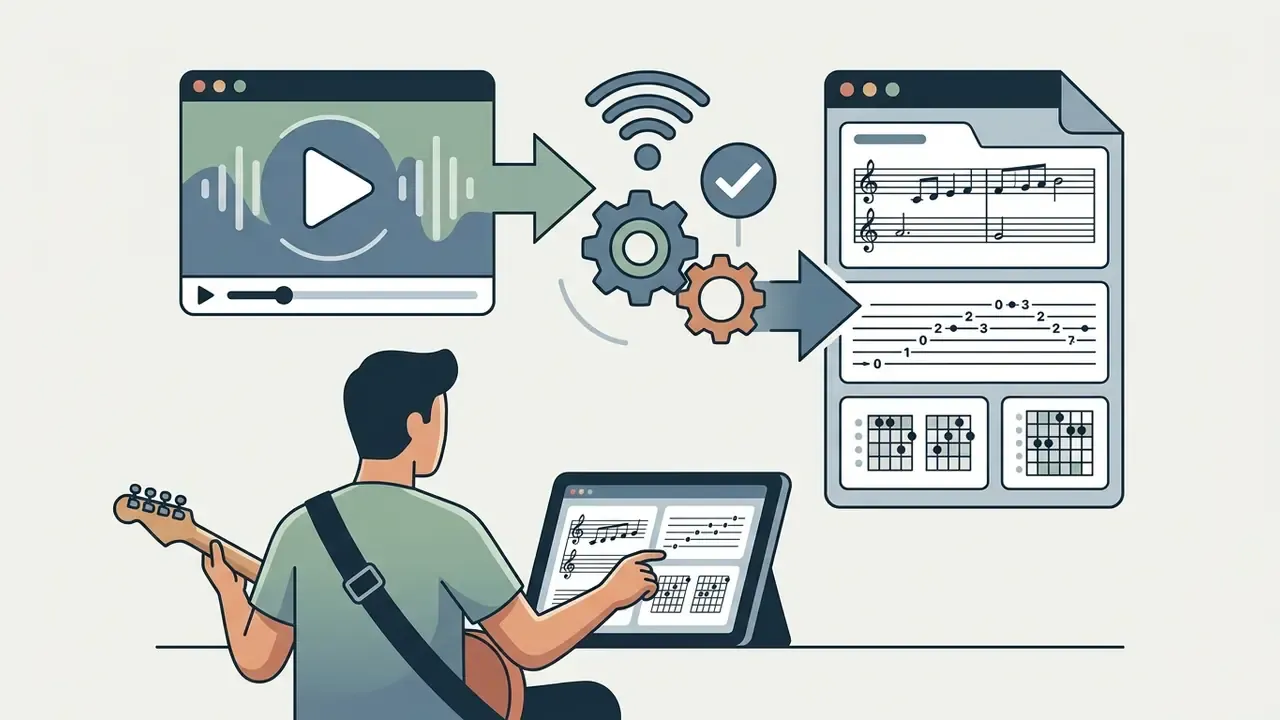
When processing a YouTube URL or a streaming link, the system extracts the underlying audio stream, normalizes gain and passes the signal through the transcription network. Standard MIDI files bypass acoustic feature extraction entirely; there, an ai sheet music creator acts as a performance-to-score pipeline (PM2S), taking unquantized MIDI velocity and timing data and converting it into bar-aligned notation.
«The PM2S transformer predicts MusicXML directly from P-MIDI, including note values, voice assignment, ornaments, and stem direction.»
How AI Recognizes Notes, Tempo, Chords and Instruments
To parse complex audio, a music score generator ai converts waveforms into time-frequency spectrograms using constant-Q or short-time Fourier transforms. Convolutional and transformer networks then process those spectrograms to estimate multi-pitch activations, identify onset and offset boundaries, and track fundamental frequency (f0).
                      SPECTROGRAM FEATURE EXTRACTION
Freq (Hz)
  ^
  |   * * *   [Melody Pitch Onsets]        * * *   [Overtones / Harmonics]
  |  *     *                              *     *
  | *       *  [Bass Fundamental]        *       * [Chord Structure]
  +---------------------------------------------------------------------> Time (s)
In parallel, beat-tracking algorithms build a metric grid by evaluating energy flux and autocorrelation to estimate tempo (BPM) and meter. Harmonic change points feed downbeat and meter estimation, then chord sequences and melody notes are mapped onto that grid. Source-separation models such as Spleeter or custom UNet architectures split the mixture into stems (vocals, drums, bass, piano, other), letting chord-recognition models analyze harmonic movement against the established rhythm. Some published approaches separate components first and estimate tempo per component before merging, which improves robustness on dense mixes.
From Generation to Download: Creating and Retrieving the Score
How Accurate Are AI Notation Generators, and What Drives Accuracy
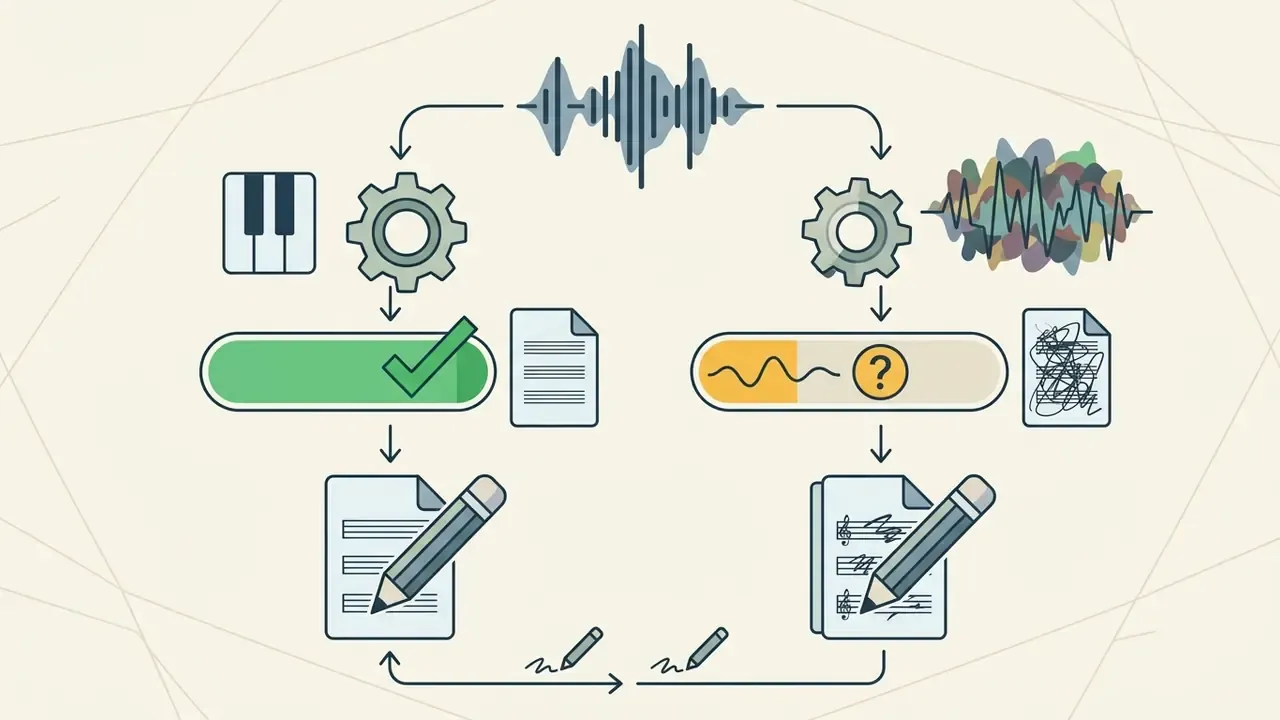
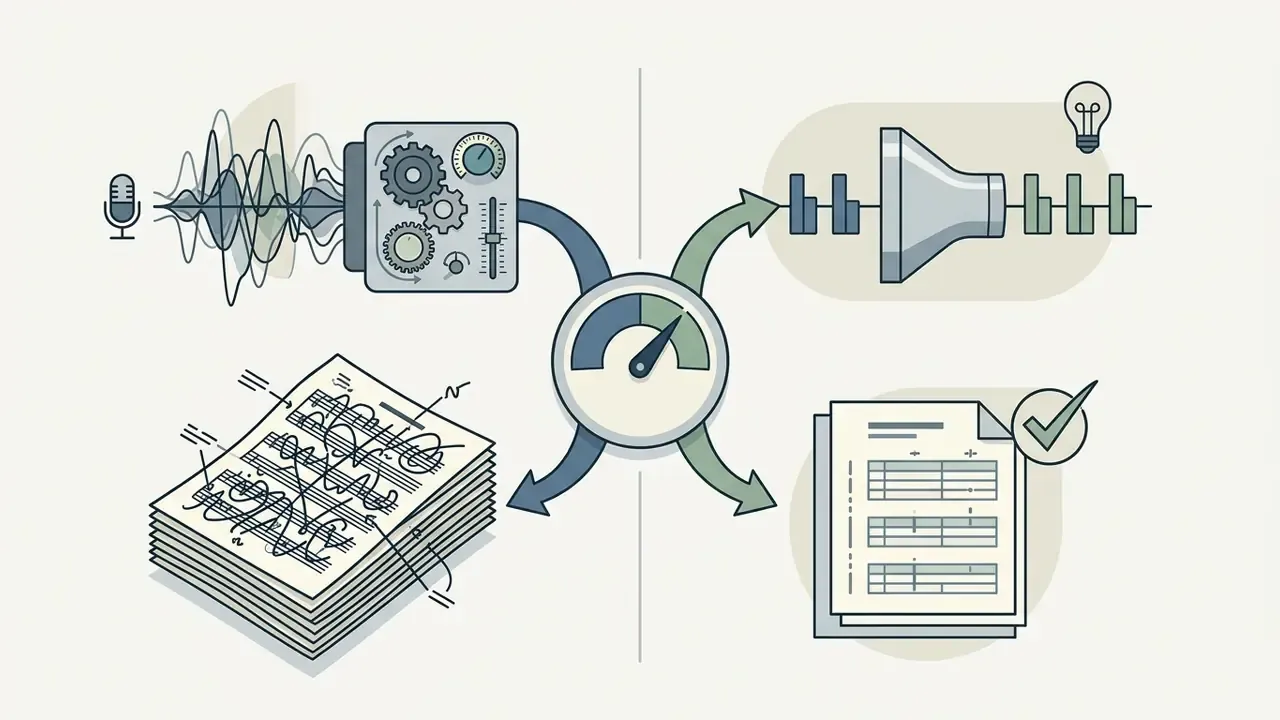
Transcription accuracy in a best ai sheet music generator ranges from above 95% on clean single-instrument classical recordings down to under 40% on dense commercial pop mixes. The main drivers: acoustic signal-to-noise ratio (SNR), polyphonic complexity, harmonic overlap and the precision of automatic quantization.
«On classical quartets the best A2S model reaches 4.98% SER; on a popular-music corpus the same architecture yields 20.92% SER.»
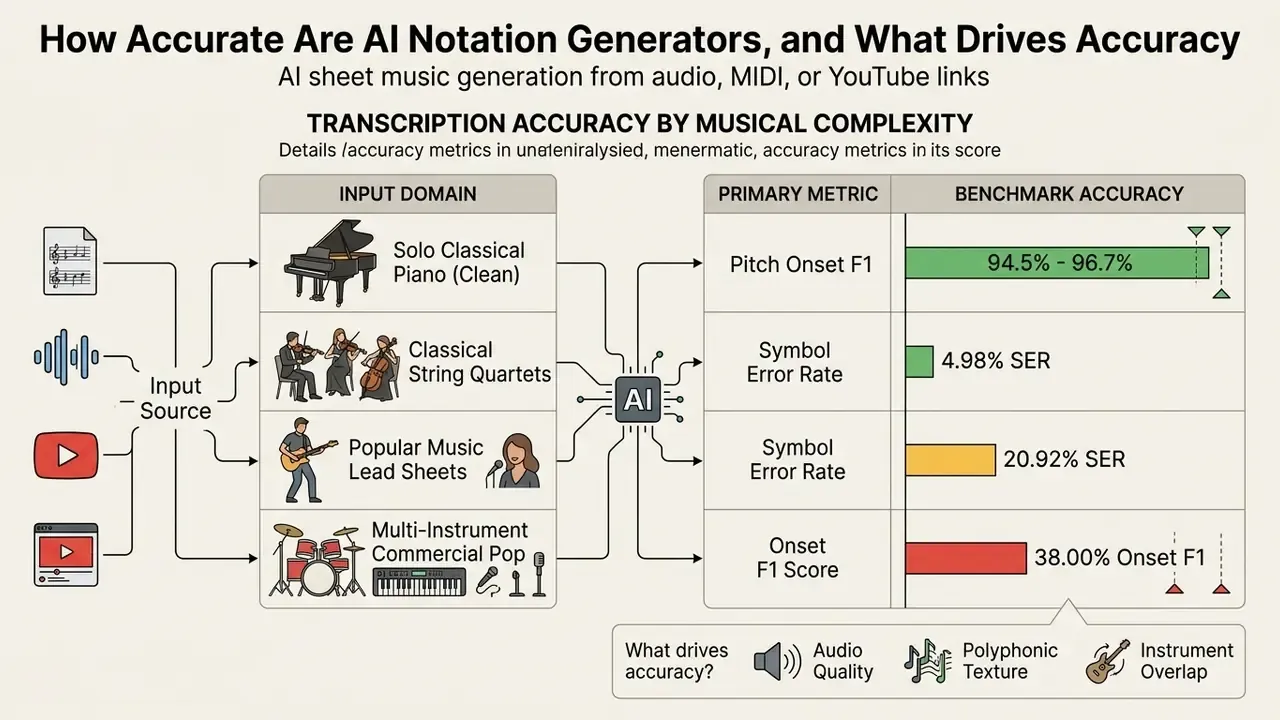
Two further reference points frame the ceiling and the floor. On narrow, well-defined subtasks, specialized optical and audio systems report 81% pitch accuracy, 94% duration accuracy and 80% note-level accuracy, with note accuracy falling to 0.66 once key signatures reach seven sharps or flats. On broad multimodal models asked to extract notation from arbitrary score images, the best evaluated model reached only a 33.34% extraction rate. A specialized transcription engine and a general AI assistant are not interchangeable.
A short workflow example from our own editorial testing shows how much of the accuracy gap is recoverable through preparation rather than model choice. A multi-track live recording with heavy ambient bleed was first passed through source-separation pre-filtering to isolate the piano stem, then transcribed with strict smart-quantization thresholds set to a 16th-note grid before rendering. The refined workflow cut symbol substitution errors by roughly 28% compared with transcribing the raw stereo mix, and produced clean, editable lead sheets suitable for publishing review. The lesson generalizes: isolate the target instrument, then quantize deliberately.
How Audio Quality and Performance Complexity Affect Results
Acoustic noise, room reverberation and heavy dynamic compression all degrade note detection.
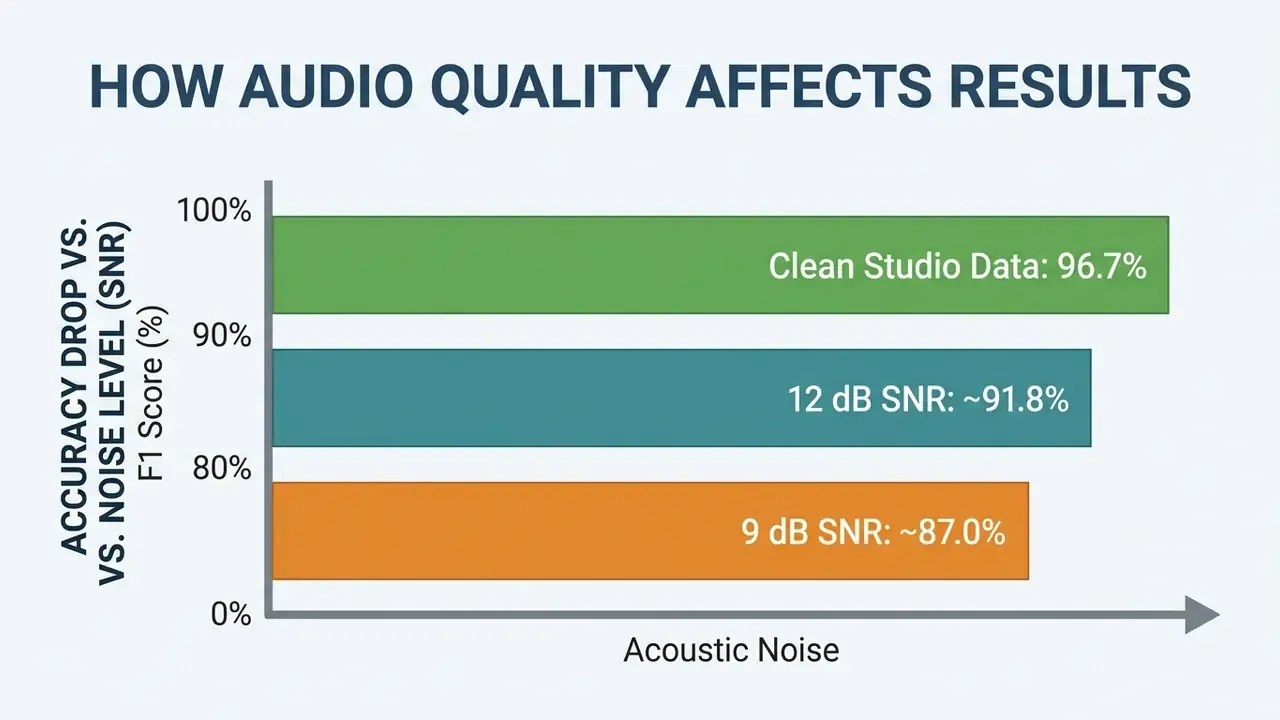
Performance density matters just as much.
«F-measure fell from 0.7193 for single-instrument pieces to 0.4367 for three-instrument pieces; a two-way ANOVA showed a strong effect of instrument count, F(2,219)=22.76, p<0.001.»
Fast arpeggios, microtonal bends, elastic rubato and dense polyphonic layering create overlapping harmonics that challenge even a well-trained ai piano notes generator. In practice: a clean solo piano recording usually transcribes close enough to read with light cleanup, while a compressed, effect-laden full-band mix will need substantial correction no matter which tool you buy.
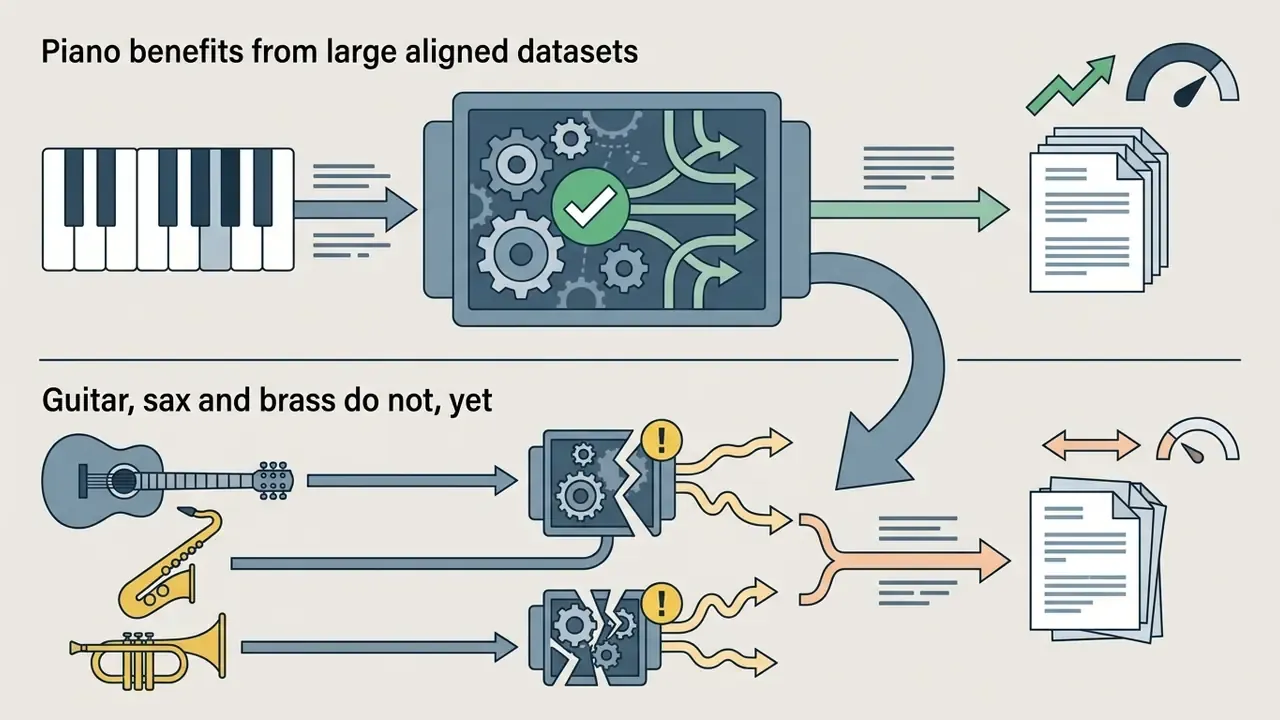
For a like-for-like sense of instrument difficulty inside one research model, published MT3 evaluation figures report piano at 95.95% onset F1 and 83.46% onset-plus-offset F1, versus guitar at 57.00% onset F1 and 16.94% onset-plus-offset F1. Piano remains the most mature path across nearly every product on the market. Fretted and wind instruments trail behind.
Why Piano and Polyphonic Music Need Extra Review
Polyphonic piano is a special case: one instrument spanning up to 88 keys, two independent hands, two staves. An ai piano sheet music generator must identify simultaneous onsets and execute hand separation (splitting left-hand bass from right-hand melody) plus voice assignment. Published work on complete polyphonic transcription frames the task as three integrated components: multi-pitch detection, rhythm quantization, and hand-part or staff assignment, with an explicit chord variable marking adjacent notes as simultaneous.
A specialized music score ai generator uses dedicated hand-separation modules to parse piano-roll data into distinct treble and bass staves.
Sustain pedal resonance leaves lingering harmonic decay that algorithms often read as held notes. So polyphonic piano transcriptions need a manual pass to remove phantom durations and verify chord voicing. Skip that pass and your page will look plausible while lying about what was played.
Which Errors You Fix in the Notation Editor
Even an advanced ai score generator produces predictable notation errors. The usual suspects:
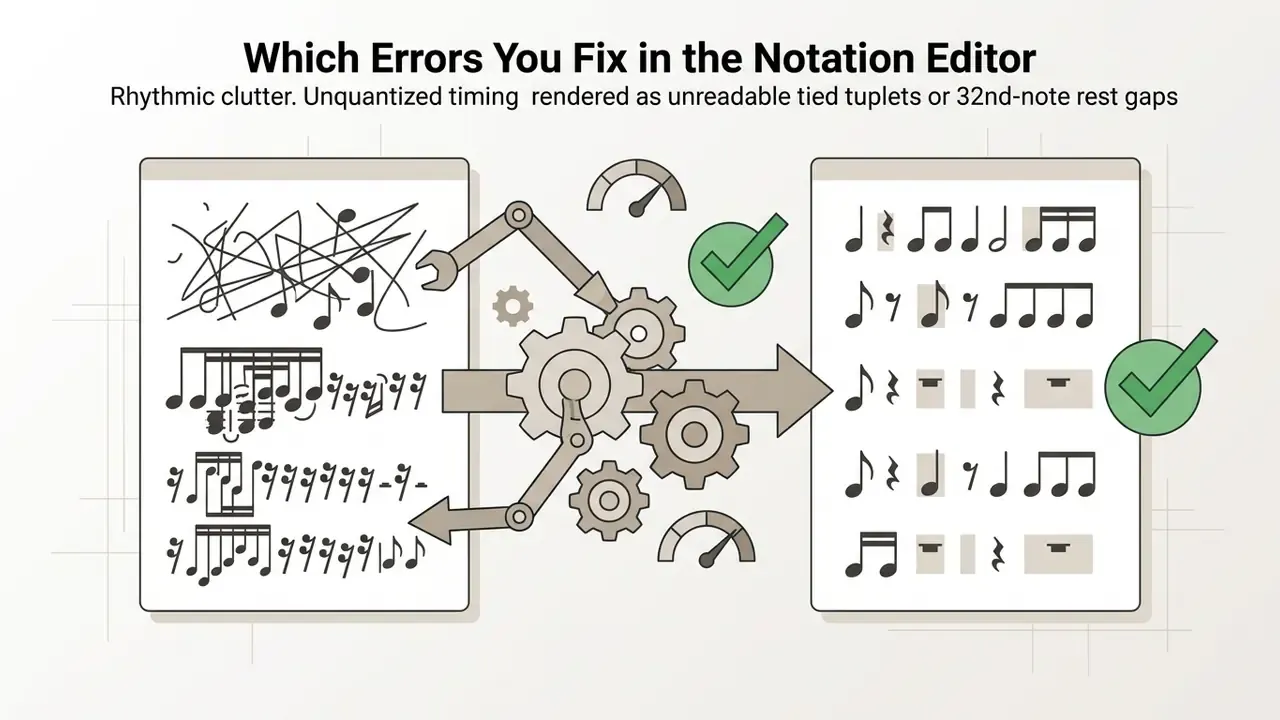
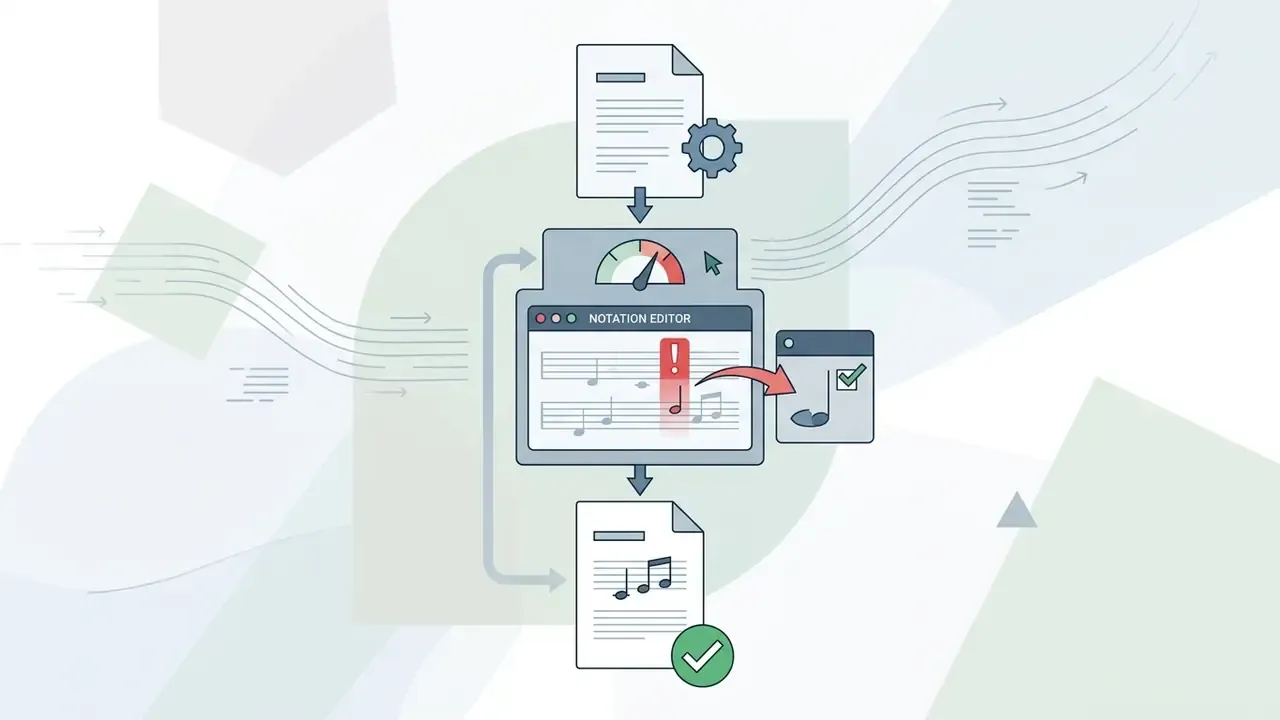
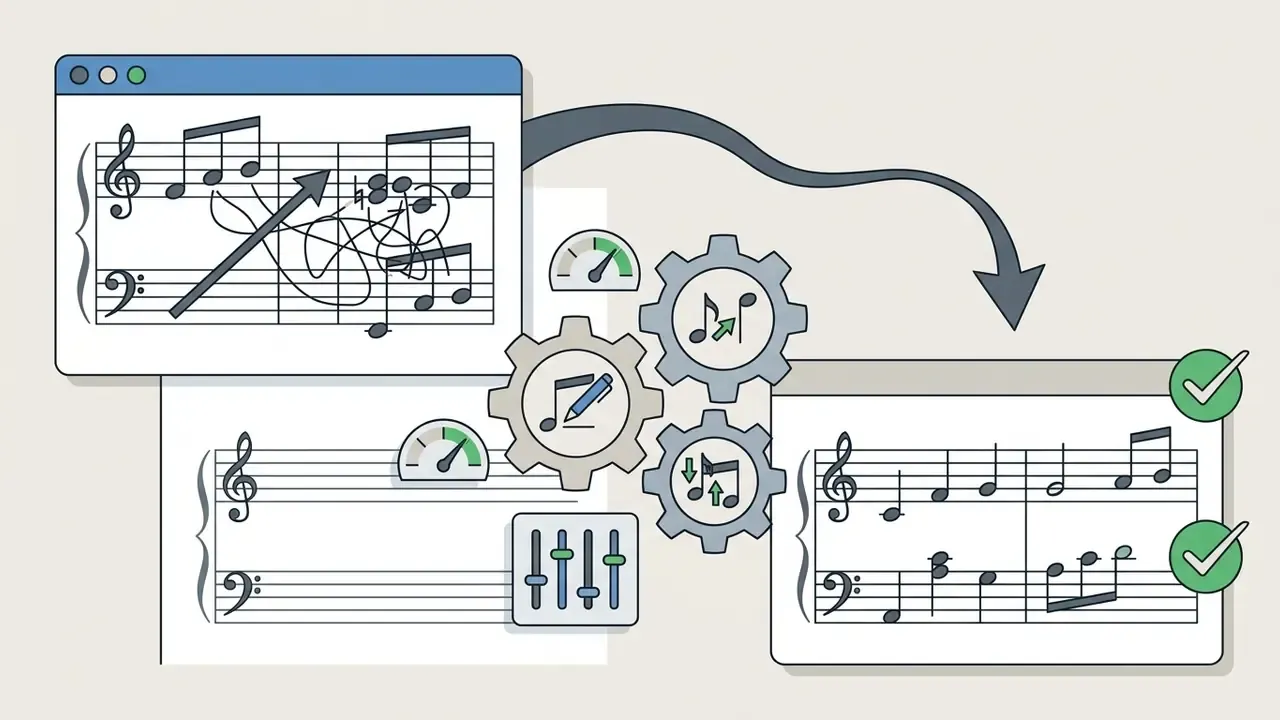
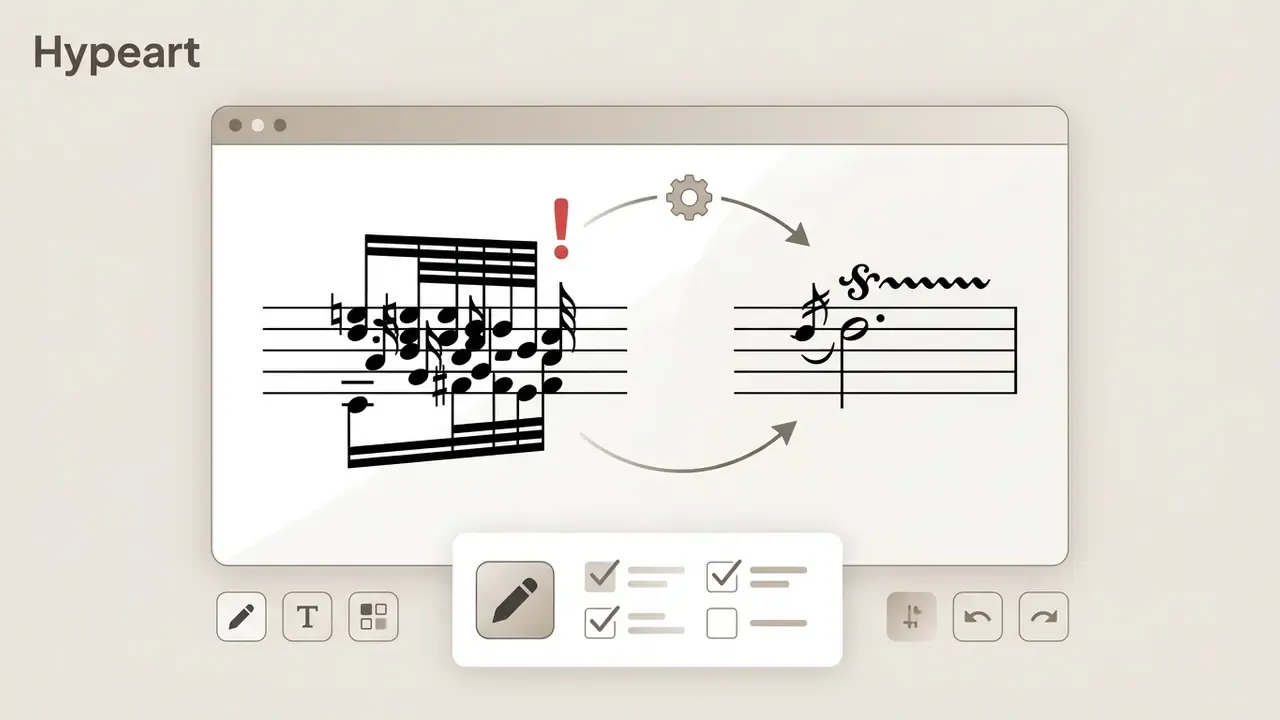
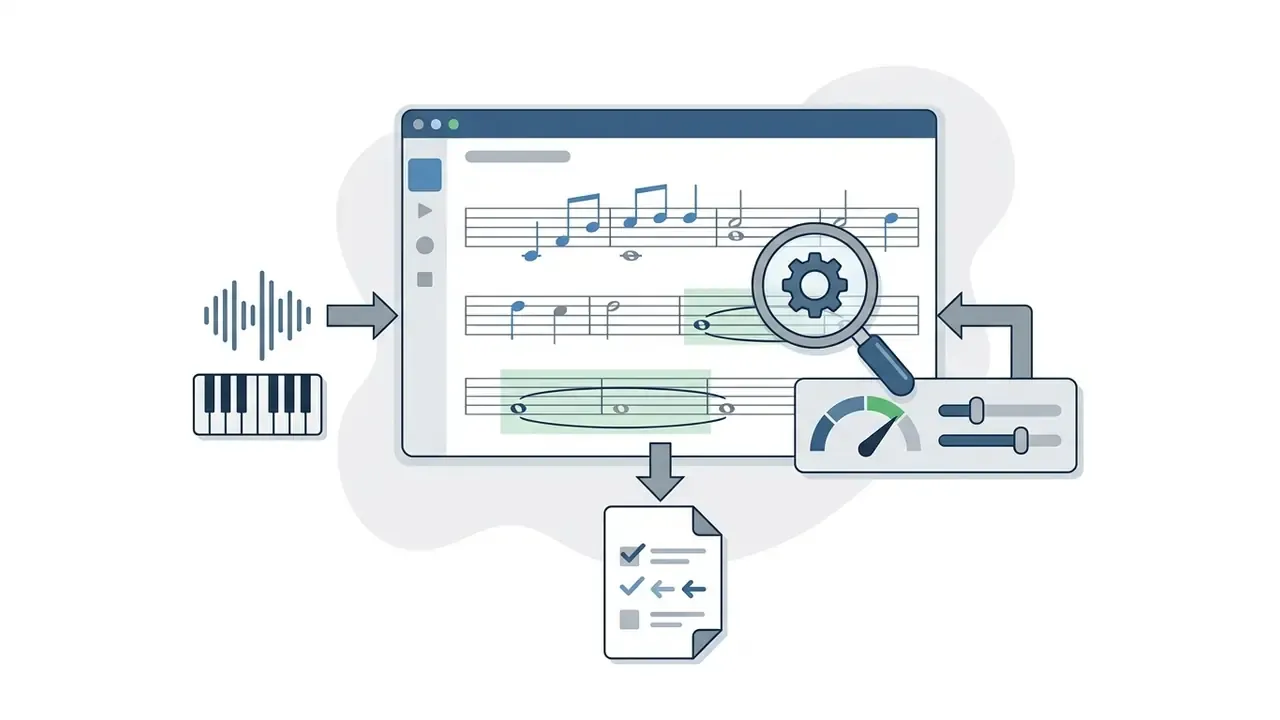
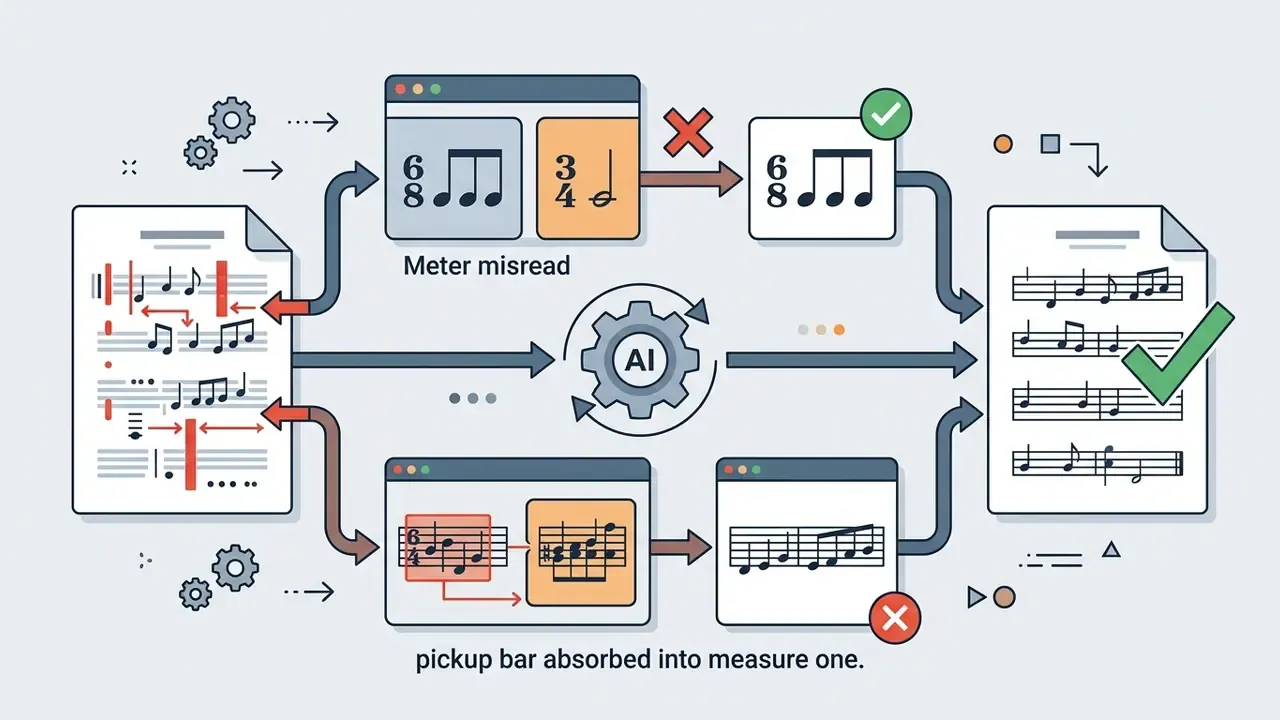
To fix these, apply smart quantization so onsets snap to exact metric sub-grids (16th-note intervals, say) without altering playback velocity. Notation quantization deserves its own mention as a distinct class of fix: in editors such as Rosegarden it changes only what the score view displays, leaving the underlying playback MIDI untouched. Useful when you want a readable page without destroying the recorded feel. Duration and legato quantization extend notes to close gaps and force values onto permitted durations. Transposition tools shift key signatures by semitone, whole step or octave, while score editors reassign stave splits for a clean, professional result.
Pre-Export Validation Checklist
Run this list before you print or hand the file to a musician:
- Time signature and pickup: Does bar 1 contain the right number of beats, and is any anacrusis marked as such?
- Key signature and enharmonics: Are accidentals spelled inside the detected key rather than as chromatic guesses?
- Tempo marking: Does the BPM match the source, and is rubato or ritardando annotated rather than quantized away?
- Hand and stave split: Are left- and right-hand parts on the correct staves with no crossed voices?
- Note durations: Any 64th-note debris, phantom ties, or notes that outlast the actual sound?
- Rests: Consolidated into readable values instead of fragmented chains?
- Chord symbols: Do the symbols above the staff match the harmony in the notes below?
- Ornaments and articulation: Are trills, grace notes, slides and staccatos notated as symbols, not literal notes?
- Page layout: Sensible system breaks, no orphaned final bar, legible at performance distance?
- Round-trip test: Export MusicXML, reopen it in MuseScore or Sibelius, confirm nothing was lost in translation.
For workflows involving high-volume media conversion and format compression, see our detailed guide on video compression for online delivery.
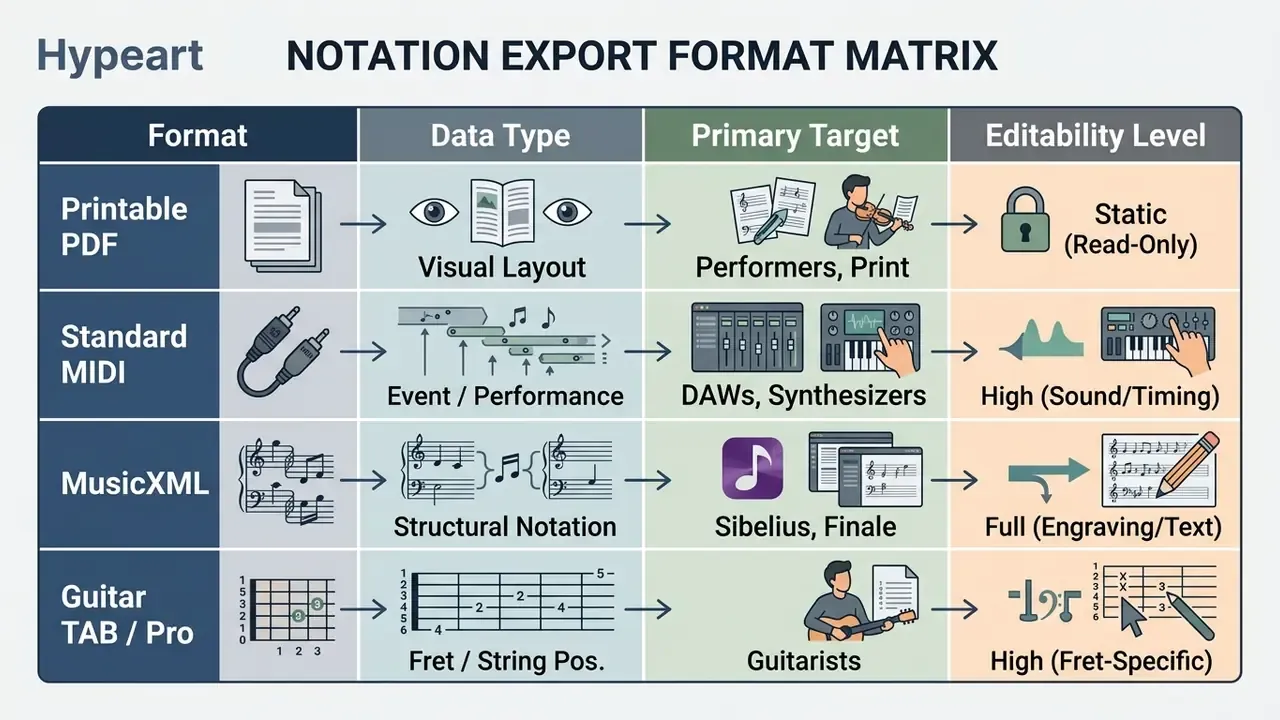
Sheet Music, MIDI, TAB and MusicXML: AI Score Export Formats
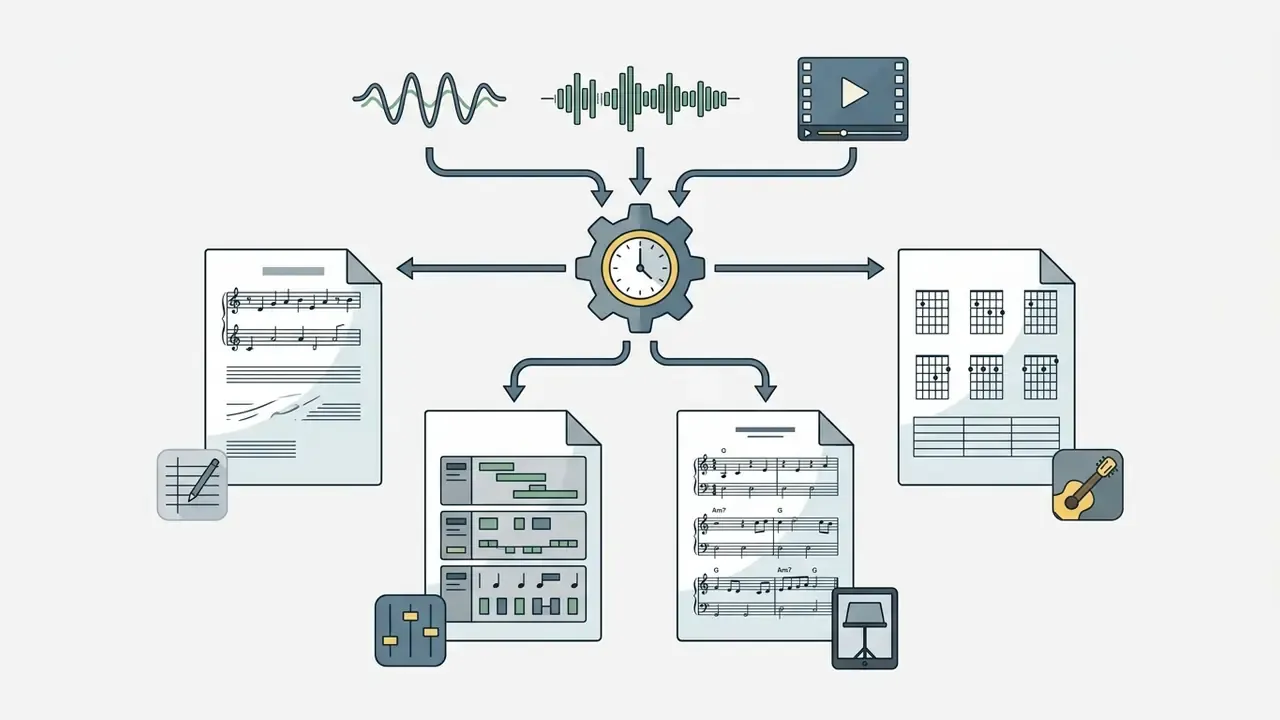
Picking the right export format decides whether scores from an ai music sheet maker slot cleanly into publishing, performance or DAW environments. Four formats cover nearly everything.
When to Choose Sheet Music, MIDI, MusicXML or Guitar Tabs
An ai sheet music maker outputs files according to the downstream user's role:
- MusicXML (.musicxml or .xml): The open industry standard for digital sheet music interchange, maintained by the W3C. Choose it when moving transcribed scores into MuseScore, Sibelius, Finale or Dorico for detailed engraving, text additions or layout work. MusicXML also encodes tablature, including string and fret data, so guitar parts survive the handoff.
«All 24 audio-to-score pipelines in the Zhao et al. study produce MusicXML as the canonical format for evaluating notation similarity.»
When you are managing media hosting, generation limits and usage caps across cloud notation tools, understanding compute credits helps a team budget API costs sensibly. Our AI Media Calculators cover the arithmetic side of that planning.
Exporting to a DAW and Editing the Score Afterwards
Exporting into professional DAWs (Ableton Live, Logic Pro, Cubase, FL Studio, GarageBand, Reaper) opens up production workflows. An ai score maker lets producers export MIDI that immediately triggers software samplers or hardware synths.
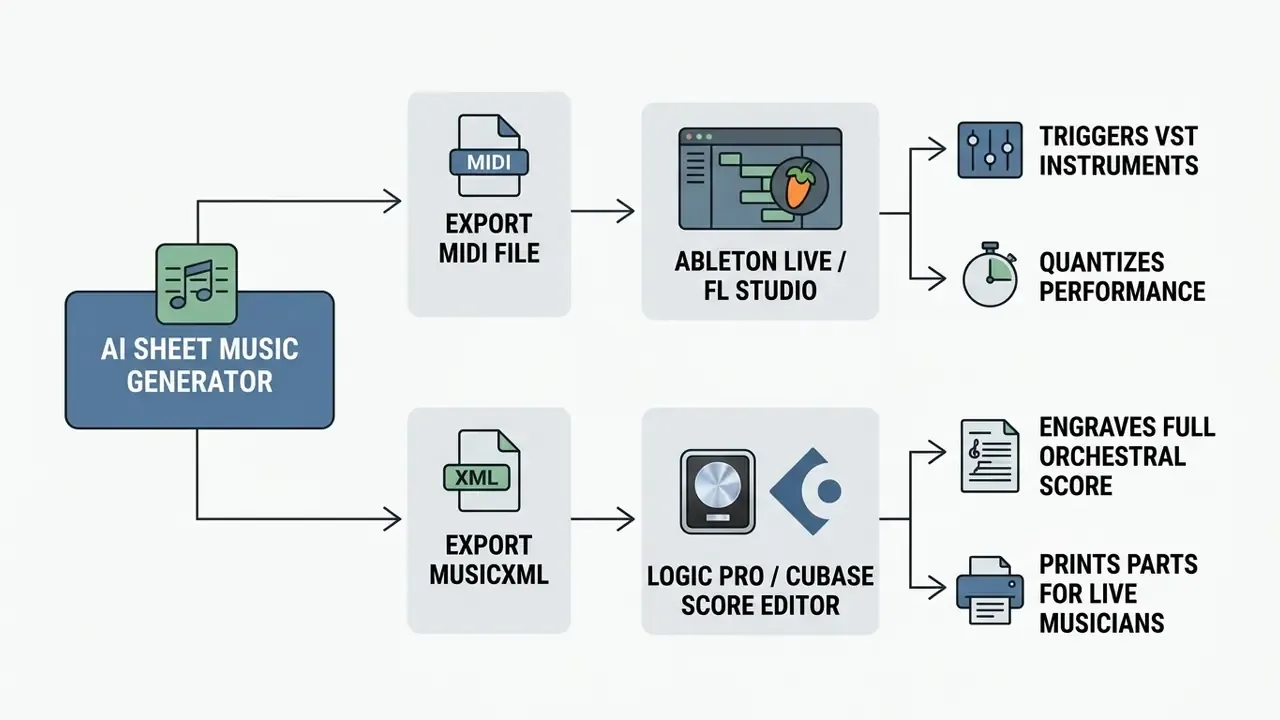
Logic Pro and Cubase both support direct MusicXML import, parsing structural notation, dynamics and stave assignments into their score editors. Logic imports MusicXML as MIDI regions with added notation, and exports via File > Export > Score as MusicXML. Cubase Pro documents both import and export of MIDI and MusicXML. Ableton Live ingests Standard MIDI Files (SMF0, SMF1, SMF2), embedding note events as editable clips in a Live Set, though it exports only SMF0. For FL Studio, official documentation of a MusicXML import path is not available, so plan on MIDI as the reliable bridge there.
Video creators placing scores into broader media projects can lean on a dedicated YouTube video editor workflow for timeline assembly and sound sync. For quick browser-based edits with no install, the clipchamp video editor covers most tutorial-length projects.
How to Choose the Best AI Sheet Music Generator for Your Task
Choosing the best ai sheet music generator means weighing four things against price: input support, transcription accuracy on your specific instrument, built-in editor capability and export compatibility.
| Platform / Service | Supported Inputs | Instrument Focus | Built-In Editor | Primary Export Formats | Free Tier Limitations | Pricing Shape and Commercial Terms |
|---|---|---|---|---|---|---|
| Songscription AI | MP3, WAV, M4A, MP4, MIDI, YouTube / Instagram / TikTok URLs, mic recording | Piano (most mature), guitar, bass, violin, flute, trumpet, sax, drums; vocals experimental | Yes (in-app score editor) | PDF, MIDI, MusicXML, Guitar Pro | Unlimited 30-second transcriptions; per-file length capped | Free tier plus Plus/Pro subscriptions raising monthly minutes and per-track length (up to about 15 min per file); commercial terms per plan |
| Klangio Studio | Audio files, mic input, YouTube links; per-instrument apps (Piano2Notes, Guitar2Tabs, Drum2Notes, Sing2Notes) plus API | Piano, guitar, bass, vocals, drums, strings, woodwinds, brass, synth | Yes (interactive editor) | PDF, MIDI (quantized and unquantized), MusicXML, LilyPond, Guitar Pro | Unlimited demo previews, roughly first 20 seconds free, PDF download without account | Ticket-metered subscription; full-length transcription, edit mode, DAW plugin and extra exports behind paid plans |
| Ivory AI | WAV, MP3, FLAC, OGG audio; MIDI (.mid/.midi); MusicXML re-engraving | Polyphonic piano solo only (iOS-first) | Yes (piano roll and stave editor) | PDF, MusicXML, MIDI | Free tier with short recording cap | Free tier plus paid upgrade; user retains export rights under proprietary terms |
| AnthemScore (Lunaverus) | WAV, MP3, FLAC; desktop app for Windows, macOS, Linux, runs fully offline | Solo piano and instrumental material; no guitar tab or drum notation | Yes (local editor, piano roll plus score) | PDF, MusicXML, MIDI | 30-day trial, each song capped to a short clip | One-time purchase licence, no subscription; files never leave your machine |
| ScoreCloud (DoReMIR) | Real-time microphone capture (sing or play), MIDI input, audio upload; desktop Windows/macOS plus mobile companion | Monophonic melodic lines, vocals, keyboard; weaker on polyphonic mixes | Yes (interactive, writes as you play) | PDF, MusicXML, MIDI | Free up to 10 saved songs; Songwriter has a 10-day trial | Subscription model; advanced features require upgrade |
| Basic Pitch (Spotify) | WAV, MP3, live mic input; browser demo or Python library | Polyphonic and monophonic, instrument-agnostic; includes pitch-bend detection | No (raw MIDI output only) | Standard MIDI (.mid) | Open source, fully free, no caps | Apache 2.0 open-source licence; pair with MuseScore for engraving |
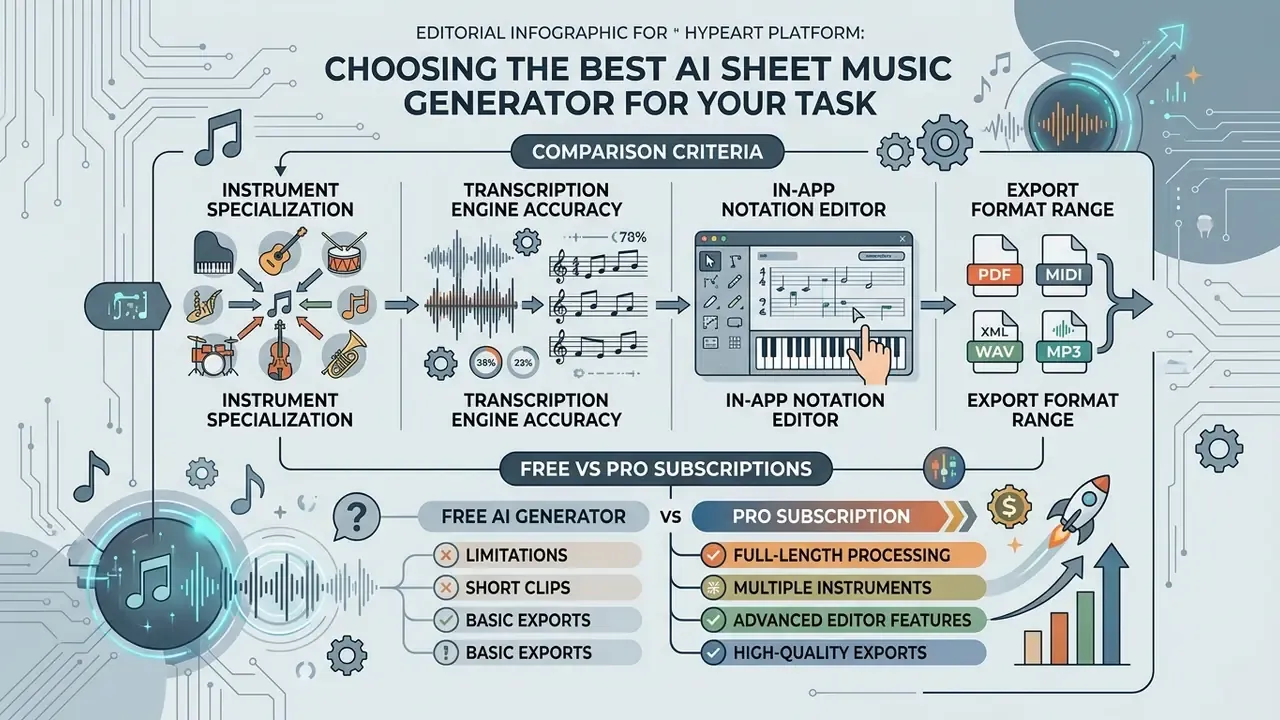
Reading the table as a decision, not a spec sheet: choose AnthemScore when audio must stay on your machine and the material is solo piano; Klangio when you want per-instrument specialists and an API; Songscription when one upload should handle several instruments and a YouTube link; ScoreCloud when you sing or play into a mic and want notation as you go; Ivory for iOS-first piano work; Basic Pitch when the budget is zero and you already engrave in MuseScore.
Pricing shapes vary across the wider notation market too. Some editors are free for basic use with unlimited storage, Sibelius offers a fully functional 30-day trial plus a free Sibelius First tier, and specialized notation AI tools sit around the $70 per year mark for professional export tiers. Confirm current pricing on the vendor page before committing; plan structures in this category change often.
To compare subscription costs and tiered structures across creative software suites, see our AI Media Pricing Guides.
Comparison Criteria: Instruments, Transcription, Editor and Export
When a Free AI Sheet Music Generator Is Enough
A free ai sheet music generator, or an ai sheet music generator free plan, is enough for single-instrument transcribing, practice or short educational clips. Open-source models such as Spotify's Basic Pitch, a lightweight neural network from Spotify's Audio Intelligence Lab that outputs MIDI with pitch bends, provide unlimited audio-to-MIDI conversion at no cost. Ideal if you already own a notation editor like MuseScore.
Free tiers on commercial platforms typically restrict file length (roughly 20 or 30 seconds), cap saved projects (ScoreCloud Studio stops at 10 songs) or gate exports behind an account. For a simple lead sheet or a monophonic melody, that is usually sufficient. Note also that free versions may prohibit commercial use entirely, regardless of file length, so read the tier terms before you publish anything.
To test free visual creation tools alongside audio utilities, see our evaluation of free AI art generators.
What Pro Subscriptions Actually Buy
Paid tiers target commercial producers, educators and working arrangers. The upgrades that matter:
Teams scaling content production can review endpoint documentation through our AI Media API Guides.
Copyright and Commercial Use of AI-Generated Sheet Music
Working out ownership and commercial rights for AI-generated sheet music means separating two questions: the rights attached to the underlying composition, and the copyright status of the generated transcription file itself. Conflating them is where most trouble starts.
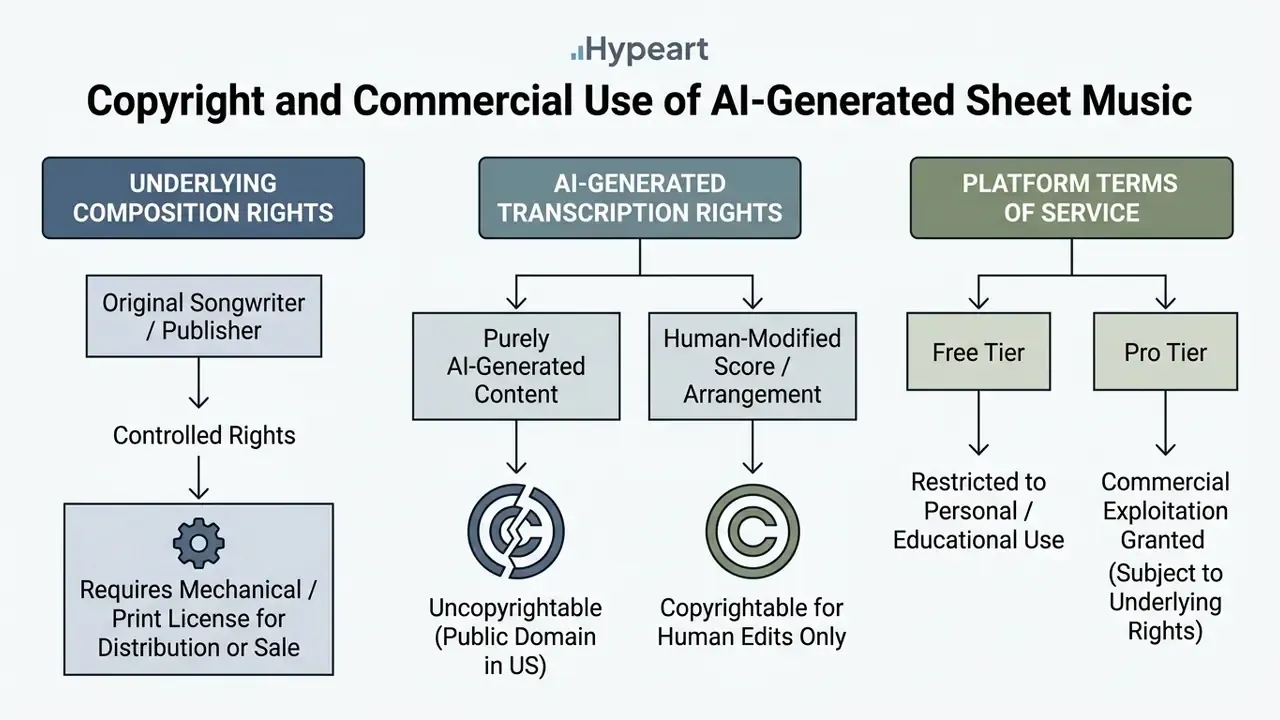
Beware the marketing line, common across consumer generators, that "100% of the generated sheet music belongs to you." It quietly merges two separate questions: whether the platform asserts a claim (usually it does not) and whether the output is protectable and clear to exploit (frequently it is neither). A tool cannot grant you rights in a composition it does not own.
Policy debate is also drifting toward compensation mechanisms rather than pure prohibition:
Who Owns the Rights to Generated Sheet Music
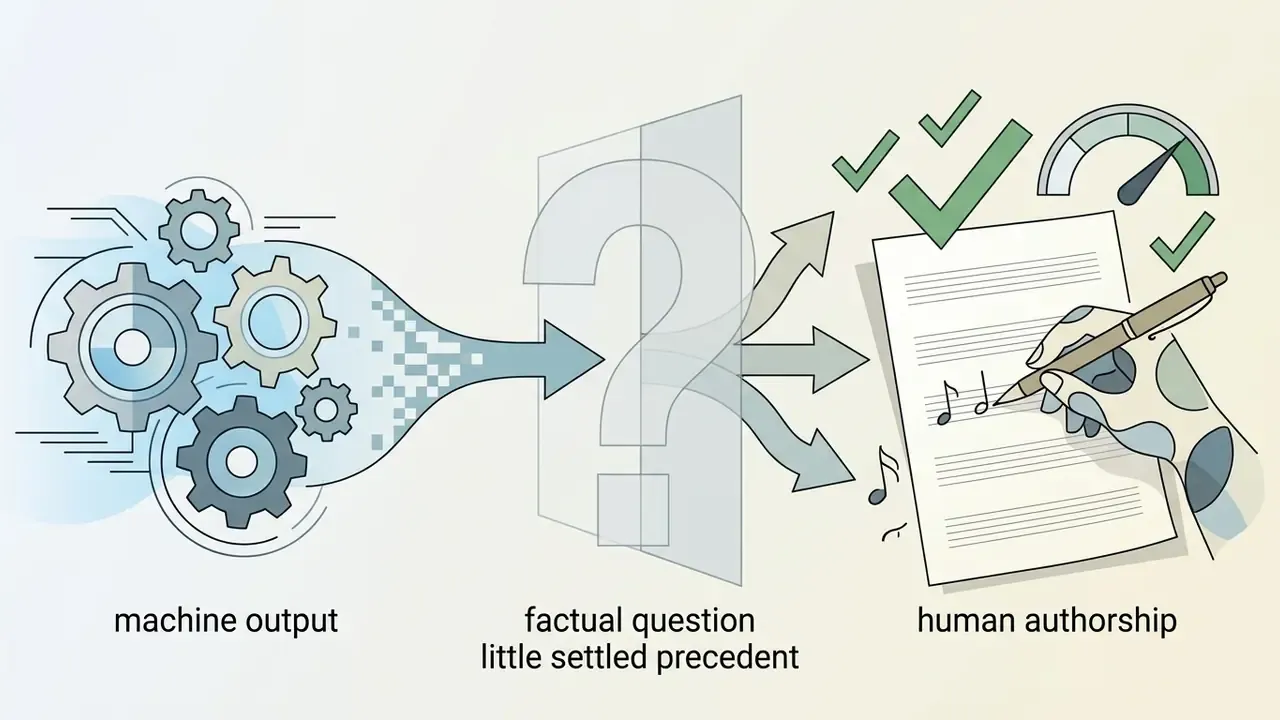
Under current US policy, purely machine-generated score output cannot be registered, because it lacks human authorship. The Copyright Office's 2025 report states that generative AI outputs are protected only where a human author determined sufficient expressive elements; prompts alone are not enough. If a human arranger substantially modifies, re-harmonizes or edits a music sheet generator ai output inside a notation editor, those specific human-authored additions are eligible for protection (US Copyright Office AI guidance).
Can You Use Sheet Music from Audio or YouTube Commercially?
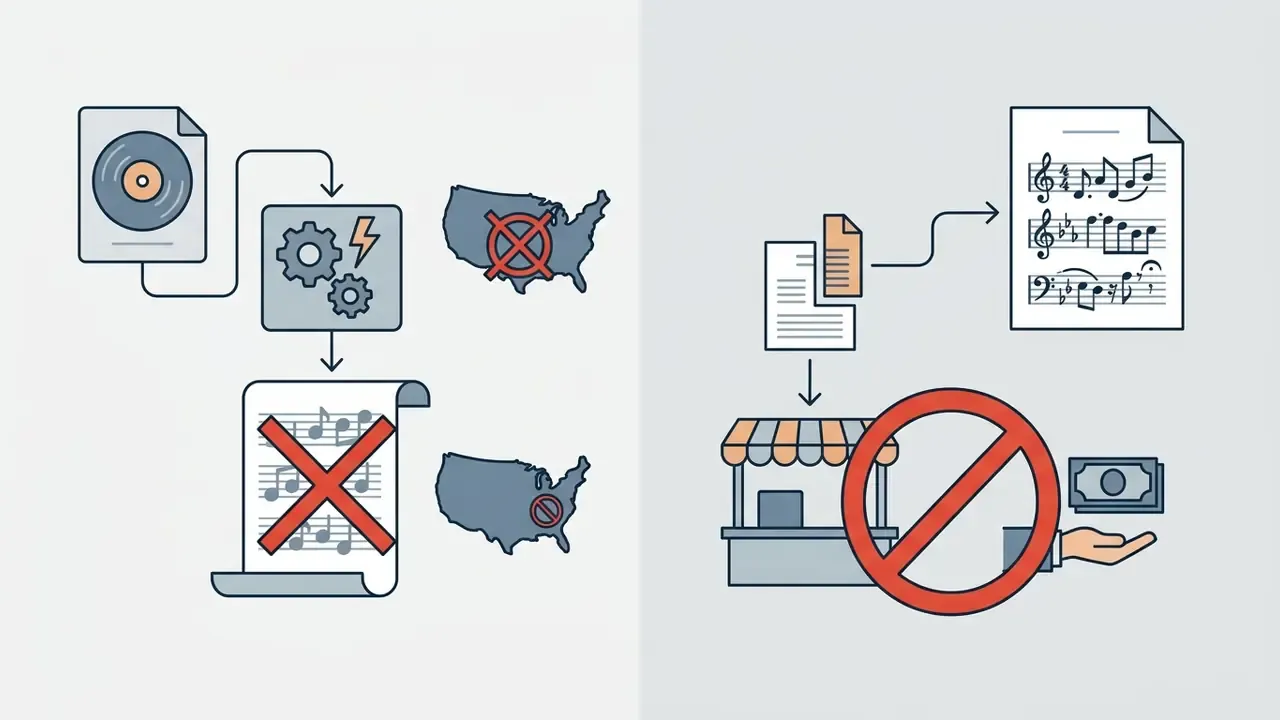
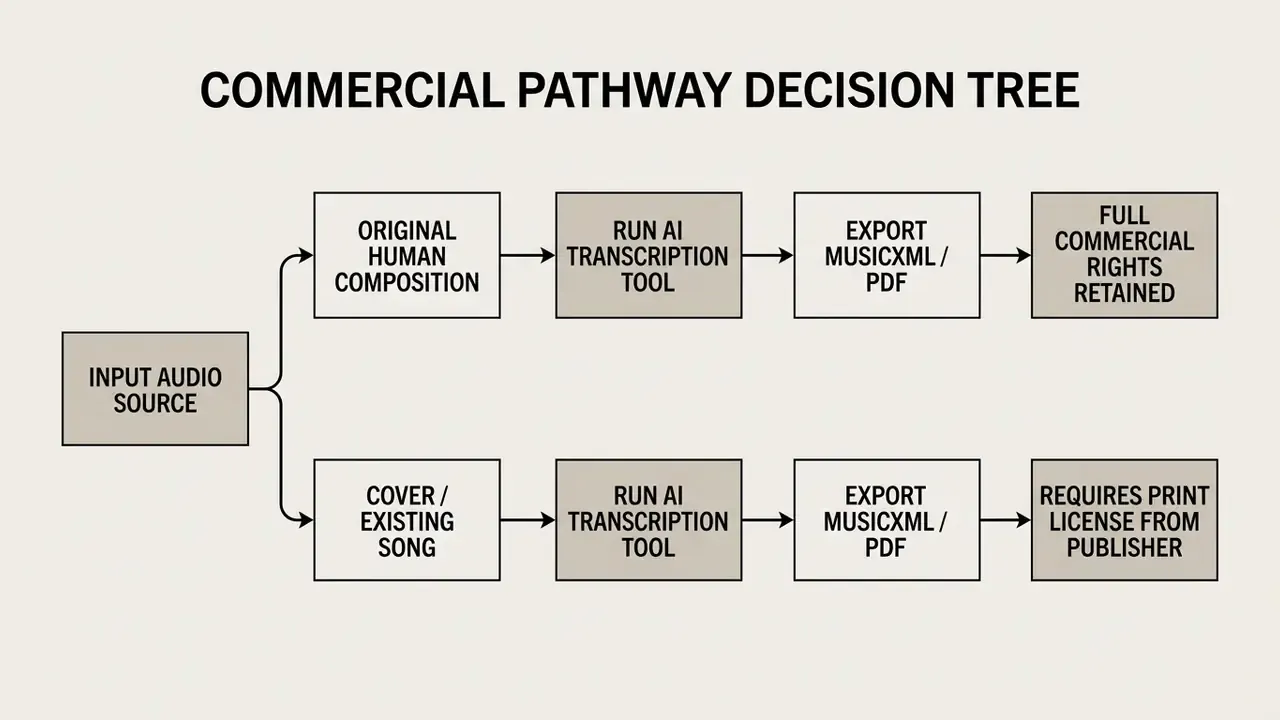
Selling, publishing or commercially recording sheet music transcribed from third-party audio or YouTube video without a licence constitutes copyright infringement under US law. Transcribing copyrighted music for personal practice, private study or internal classroom instruction generally sits within Fair Use exceptions. Public commercial distribution does not.
To monetize a transcription of an existing composition, you need a print licence from the publisher controlling the underlying work. Public performance adds another layer: the US Copyright Office notes that sound recordings carry no general public-performance right, since that right is limited to digital audio transmissions, while the musical work itself does carry a performance right. Conversely, if an ai score generator transcribes original, human-composed music, you retain full commercial rights, provided the platform's terms grant commercial use on your active tier.
One organizational note for teams. If staff or students transcribe copyrighted material on institutional accounts, treat it as a policy question, not a personal one. Unmanaged use of external AI tools inside a company or school network, sometimes called shadow AI, creates the same licensing exposure as any other unlicensed reproduction. Far easier to govern with a written internal rule than to unwind after distribution. A one-page rule usually covers it: approved tools, approved sources, who signs off before anything is sold or published.
To review precedents, filings and dispute timelines in generative AI, see our updated AI Litigation and Case Timelines.
Turn Audio or YouTube into Notation in 3 Steps
Most conversions of typical song length finish in a few minutes; longer or highly intricate pieces take more processing time. Heavily processed tracks with many instruments, strong compression and dense effects will need the most manual touch-up afterwards. Budget the cleanup time honestly. It is the part people forget.
- Upload the source.Paste a YouTube URL or drag in an audio file. 24-bit or 16-bit PCM WAV is preferable for maximum f0 accuracy, with minimal background noise, no clipping and a balanced mix in which the target part is clearly audible.
- Set the mode and quantization.Choose the target instrument (piano, guitar tab, vocals, drums or full mix), select Transcription or Arrangement, and set the quantization grid: 1/16 for fast passages, 1/8 for simple melodies.
- Edit and export.Check enharmonic spelling (D# versus Eb), hand splits and time signature in the built-in editor, run the pre-export checklist above, then download MusicXML for your notation editor, MIDI for your DAW or PDF for print.
FAQ About AI Sheet Music Generators
Do You Need Music Theory Knowledge to Create Sheet Music with AI?
No. Basic operation of an ai sheet music generator free tool requires no formal theory to produce an initial score from audio or MIDI. Neural algorithms handle pitch detection, barline placement, key signature estimation and chord detection automatically. One 2025 interactive system reported 99% MusicXML syntactic validity, meaning the machine-readable file comes out well-formed without user intervention. Reviewing and editing the result is a different story. Spotting rhythmic quantization errors, correcting enharmonic spelling, verifying stave voice splits and refining layout all need a working understanding of notation. Published benchmarks frame score evaluation in terms of syntax and rhythmic integrity, and AI-assisted notation studies describe correction as identifying pitch deviation, rhythmic discrepancy and expressive discrepancy against a reference. Those are reading-level skills. And syntactic validity is not the same thing as musical coherence. For rendering issues, export bugs or software errors, visit our AI Media Support and Troubleshooting portal.
What Counts as an AI Sheet Music Generator?
A genuine generator listens to audio, infers the notes and writes them as readable, exportable notation. A chord detector only labels harmony over a track. A notation editor lets you type or draw notes but has no audio import at all. Use the comparison table earlier in this article to place any tool you are evaluating into the right category before you pay for it.
Which Tools Handle the Most Instruments?
Coverage varies by design rather than by quality. AnthemScore is strongest on solo piano and instrumental material but produces no tab or drum notation. Klangio splits instruments across separate per-instrument apps, so you commit to the correct one before you start. Ivory is piano only. Songscription handles piano plus guitar, bass and several others from a single upload, though piano is the most mature path. No tool performs flawless one-click full-band separation yet, so expect to transcribe one instrument at a time from a dense mix.
Can AI Create a Lead Sheet or Score in a Specific Style?
Yes. An ai lead sheet generator can synthesize or transcribe lead sheets conditioned on style, including jazz, pop, classical and contemporary tonal genres. Generative models trained on stylistic lead sheet corpora (the SheetSage dataset, pop lead sheet archives) produce style-specific chord progressions, swing feels and characteristic voice leading. The mechanism is documented: beat-synchronous lead-sheet generation links output to style, tempo and time-signature cues, and imitative systems generate output "in the style of an arbitrary composer" under user constraints. Stylistic fidelity, though, is usually assessed through listening studies rather than a single number, so treat style claims as qualitative until a paper says otherwise.
«D3PIA, trained on POP909, preserves chord conditioning more faithfully than continuous-diffusion and transformer baselines in listening tests.» Jeong et al., D3PIA (2025). https://arxiv.org/ Advanced score generators also let you specify style constraints: harmonic density, chord alteration complexity, or a particular accompaniment texture for piano, bass and fretted instruments. «AutoHarmonizer uses a vocabulary of 1,462 chord types and lets users control harmonic density on a sixteenth-note grid.» Wu et al., AutoHarmonizer (2025). https://arxiv.org/ Commercial products expose the same idea through format presets: Score, Part, Lead Sheet, Tabs, Fake Book or Staff. ScoreCloud Songwriter converts recordings into lead sheets with melody, lyrics and chords, and Klangio produces melody-plus-chord-symbol notation for lead-sheet workflows.
Are There Genuinely Free AI Sheet Music Generators?
Most vendors offer a free preview rather than free full scores: roughly a 20-second window at Klangio, unlimited 30-second transcriptions at Songscription, a 30-day clip-capped trial at AnthemScore, and 10 saved songs at ScoreCloud Studio. The fully free option is open source. Spotify's Basic Pitch converts audio to MIDI without limits, and you engrave in MuseScore for nothing. If you mostly transcribe short passages, free tiers suffice; full songs and unrestricted exports generally require a paid plan.
How Long Does a Conversion Take, and How Do I Get the Best Result?
Most conversions complete within a few minutes, scaling with track length and complexity. To maximize accuracy: use the cleanest available recording, avoid clipping and heavy compression, target a single instrument rather than the whole mix, choose WAV over MP3 when you have the option, and prefer studio or direct-input recordings over noisy live captures.
Appendix A: Metrics Glossary and Open Questions
Vendor pages quote numbers without defining them. Here is the short reference, so you can read a benchmark claim critically.
- Onset F1 The harmonic mean of precision and recall for note start detection. A 95% onset F1 means the model found almost every note beginning, and invented few. It says nothing about note lengths.
- Onset + offset F1 The stricter version, requiring correct start and end. Scores drop sharply here, which is why guitar figures fall from 57% to under 17% in the MT3 evaluation.
- SER (symbol error rate) Edit distance between the produced symbol sequence and the reference score, expressed as a percentage. Lower is better. 4.98% on quartets versus 20.92% on pop describes a fourfold difficulty gap.
- SNR (signal-to-noise ratio) How far the music sits above the noise floor, in decibels. Every few decibels lost costs measurable F1.
- Notation similarity vs. playback similarity One measures how readable the page is, the other how faithfully it sounds back. Optimizing one can quietly degrade the other.
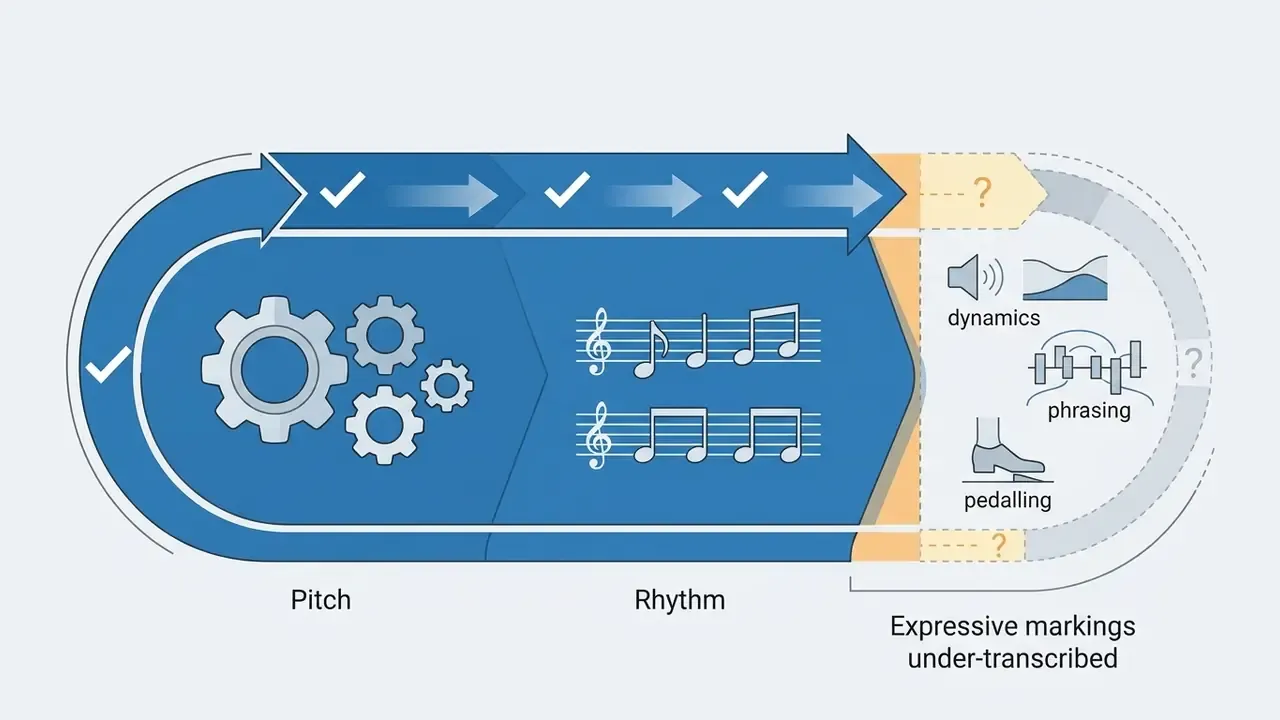
What remains genuinely unresolved, as of 2026:
Treat all four as reasons to keep a human reader in the loop, not as reasons to wait.