For a risk or finance leader, the interesting question is not whether the slides look good. It is whether a tool that rewrites your numbers into sentences belongs anywhere near a board pack.
executive summary for risk, finance and operations leaders
- What these tools do Free AI presentation makers ingest prompts, pasted text, PDFs, Word files, spreadsheets, Markdown, web URLs, and even YouTube transcripts, then generate editable PPTX, PDF, Figma, or Google Slides output.
- Where the quality comes from Program-generation and multi-stage pipelines (outline, then copy, then layout) outperform single-shot generation on visual balance, text conciseness, and narrative coherence.
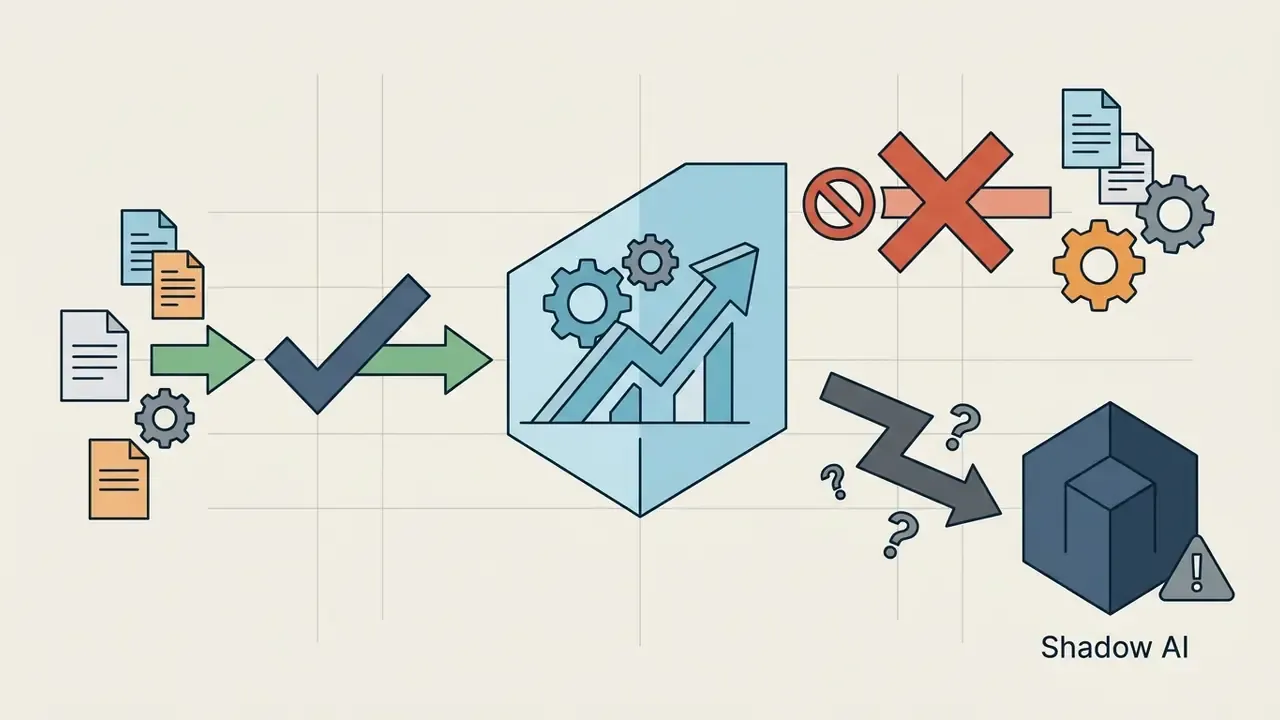
- Where the real risk sits The dominant enterprise exposure is not design quality. It is Shadow AI: employees uploading non-public personal information (NPI/PII), board memos, or credit files into public free tiers whose terms may permit model training or long-term data retention.
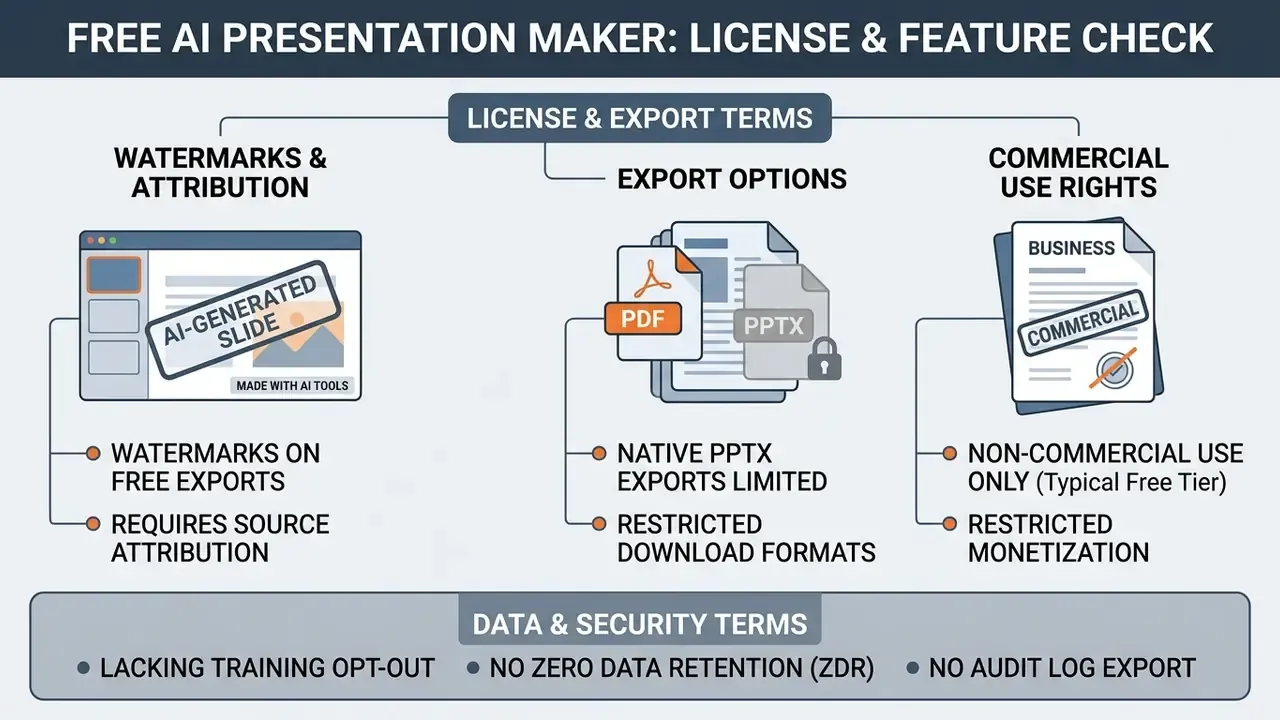
- What free actually means Free tiers typically cap generations (3 to 10 decks per month, or 100 to 400 one-time credits), watermark exports, restrict native PPTX download, and limit or condition commercial-use rights.
- What to do before rollout Classify data first, verify Zero Data Retention (ZDR) and SOC 2 posture, apply human-in-the-loop numeric validation on any financial slide, and price the control overhead into a risk-adjusted ROI calculation instead of comparing subscription fees alone.
Definitions used in this guide
A few terms recur, so it helps to pin them down once.
- Shadow AI any use of an AI service outside procurement, security review, and logging. Usually well-intentioned, always invisible.
- Zero Data Retention (ZDR) a contractual and technical posture where prompts and uploads are not stored after processing. Availability is usually tier-dependent.
- Agentic behaviour the tool decides something on its own, for instance what to omit from a 40-page memo. Drafting is assistance; omission is a decision.
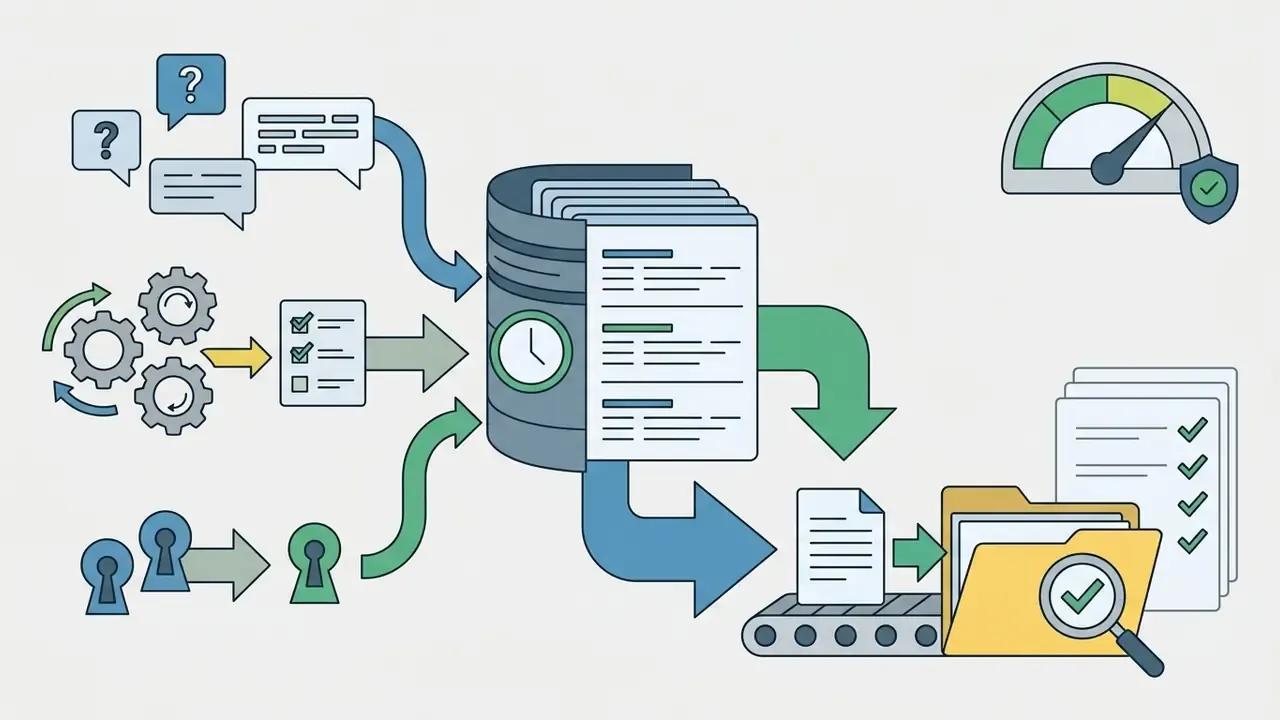
- Provenance log the retained bundle of prompt text, model version, file hash, revision history, and approver name. Without it, a deck is an opinion.
- Model risk management (MRM) the institutional framework for validating, monitoring, and owning models that influence reported outputs or decisions.
What is a free AI presentation maker and what can it create?
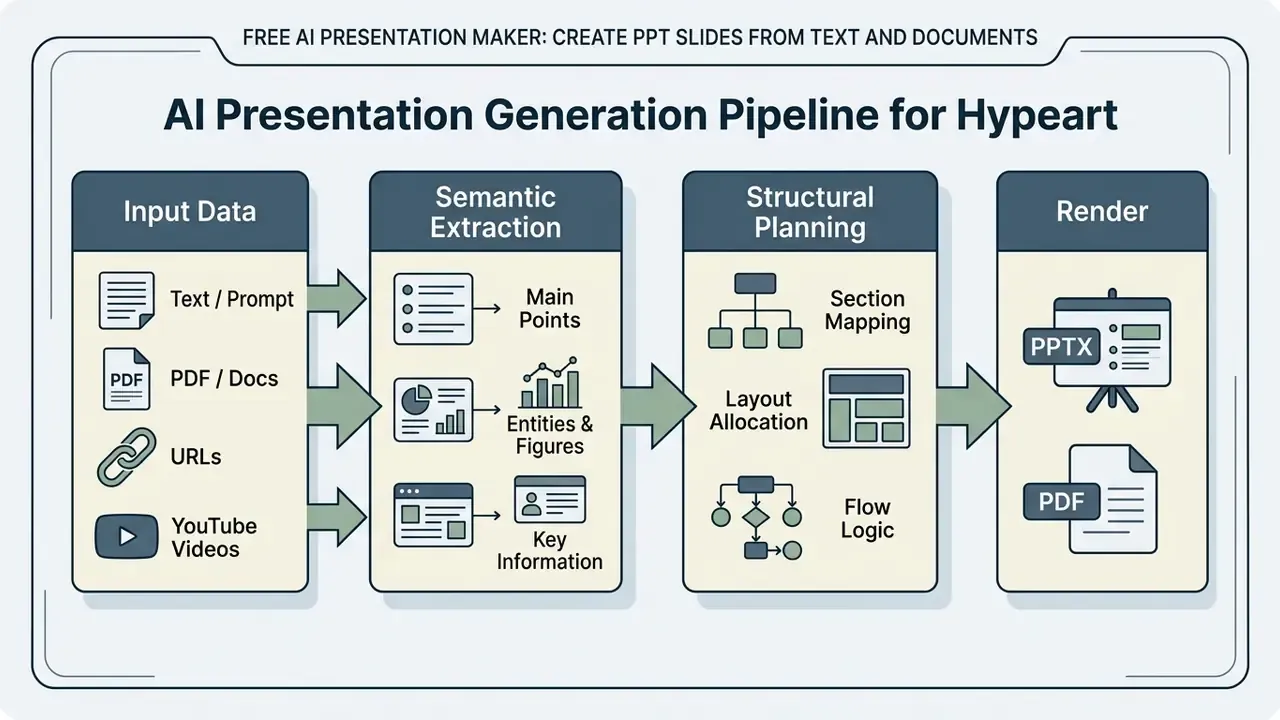
A free ai presentation maker is an automated application that ingests unstructured prompts, text outlines, or uploaded documents and synthesizes structured PowerPoint or Google Slides presentations. These platforms pair large language models for copy generation with design automation engines that format layouts instantly.
Recent academic benchmarks, such as AutoPresent (2025), show that program-generation approaches, where the AI produces execution code through specialized slide libraries, beat end-to-end image generation models on visual balance, text conciseness, and color contrast.
"Program-based slide generation outperforms end-to-end image generation on visual balance, text conciseness, and color contrast."
Multi-agent frameworks such as PPTAgent (2025) go further and split deck creation into discrete stages: content drafting, layout selection, and iterative design editing. For governance teams this staged architecture matters for one practical reason. Each stage is a separate control point where inputs, prompts, and outputs can be logged and reviewed.
From prompt or topic to a structured slide deck
An ai presentation outline generator parses a brief topic or a natural-language prompt into a logical, slide-by-slide sequence. The system identifies core arguments, groups supporting detail, and assigns functional slide types such as executive summaries, problem statements, or methodology breakdowns.
Research on instruction-driven generation shows that prompt specificity directly influences visual alignment and the factual precision of the generated deck. Given a concise prompt, the underlying model extracts key domain entities and maps them into a 10 to 12 slide outline.
"Models perform best with detailed instructions, yet remain functional when given only high-level prompts."
That structured skeleton keeps narrative flow coherent across the whole deck before layout rendering starts. It is also the cheapest place to correct scope: editing a 12-line outline takes seconds, while re-shaping 12 rendered slides takes minutes and usually breaks something.
Which presentation elements AI can generate
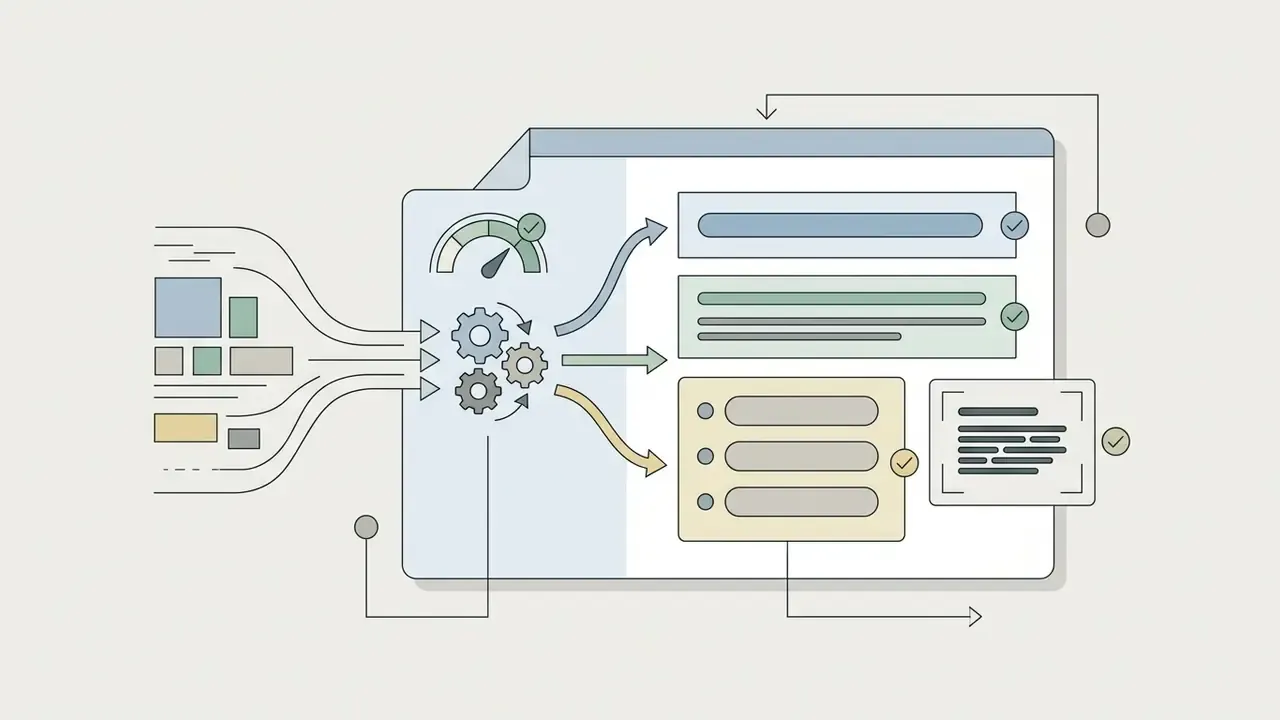
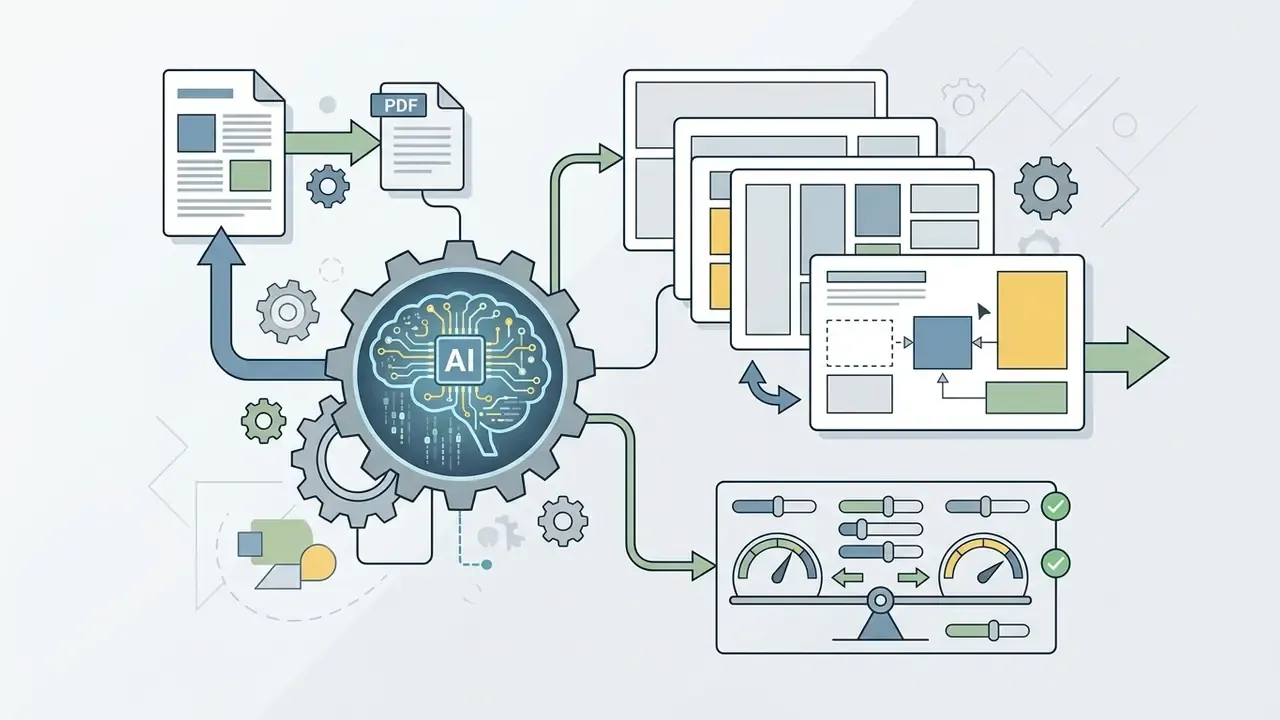
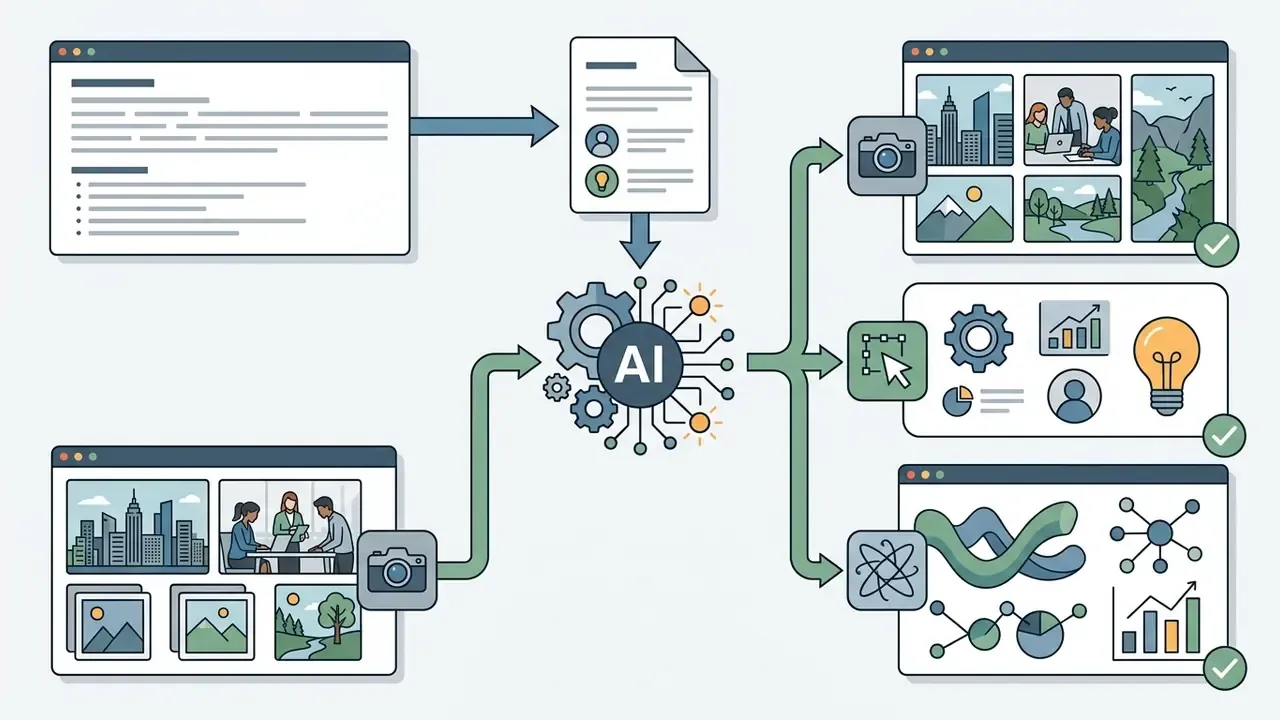
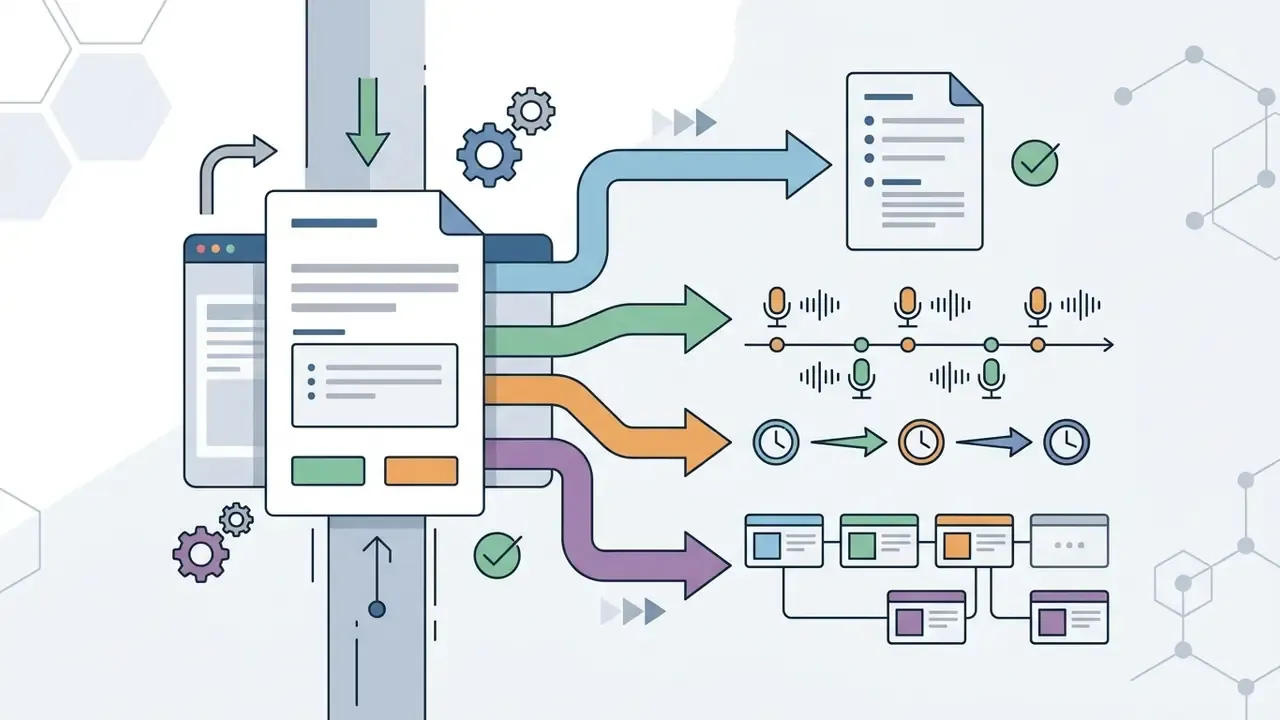
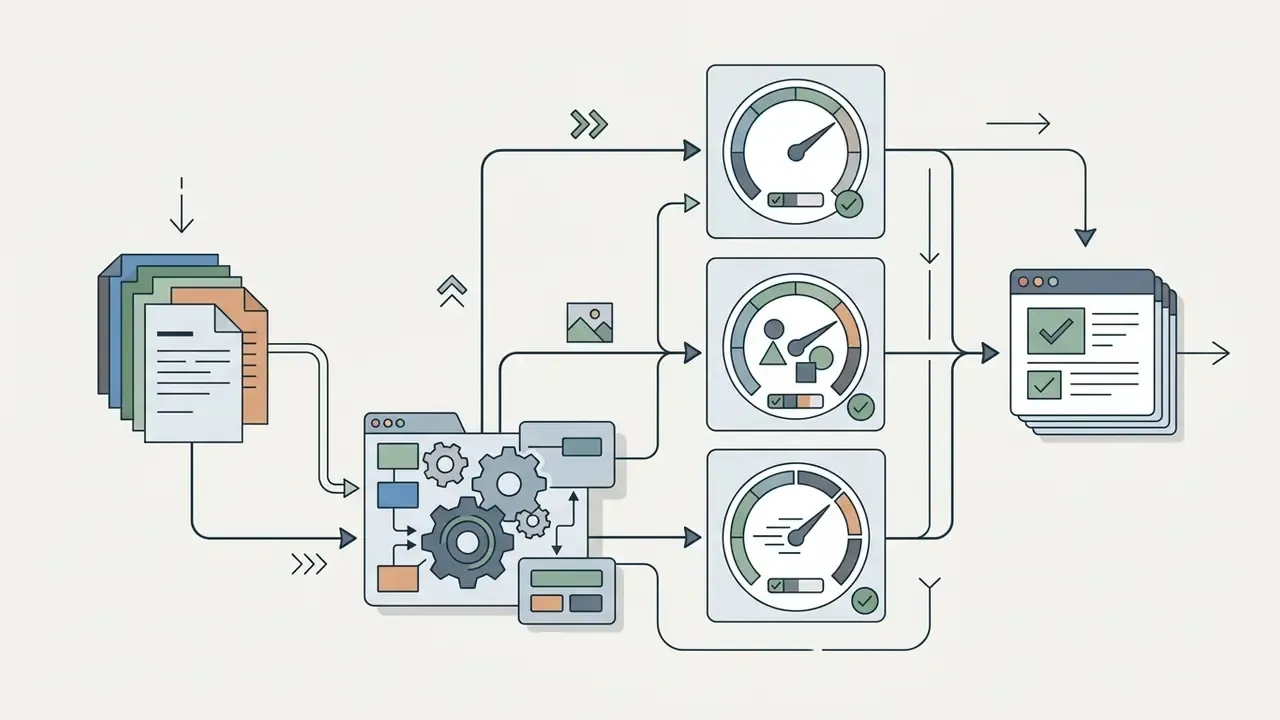
Modern AI slide creation systems generate five primary components inside a single automated workflow:

"Matplotlib and DOT code generation allows syntactically valid charts and diagrams to be embedded directly into slides."
Worth flagging: elements one through three are cosmetic. Element four touches reported figures, and that is where model risk enters the conversation.
How to create a presentation with AI step by step
Creating a professional deck with an ai tool to create presentations free follows a structured workflow. The point of the sequence is that human review validates data accuracy and design compliance before any file is shared. In regulated environments one extra gate comes first: data classification, before content ever reaches a third-party endpoint.
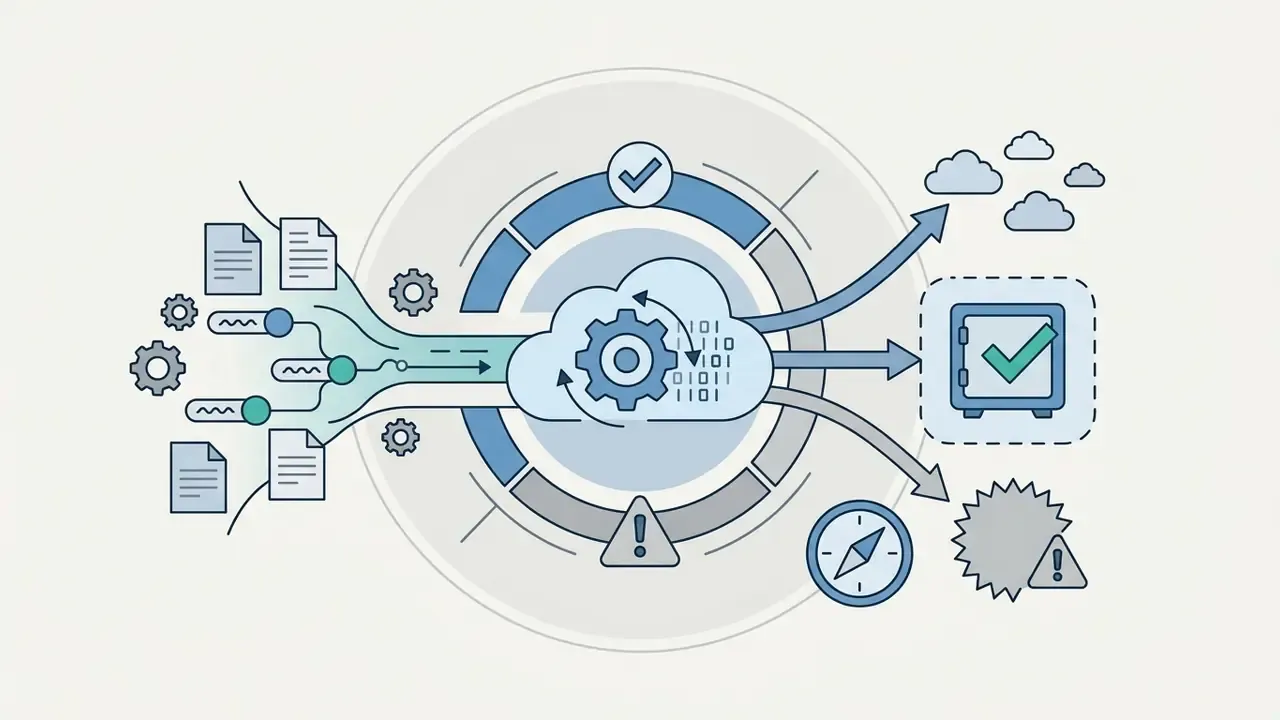
Five-stage AI presentation workflow (with a compliance gate)
Stage 0 is the one teams skip. It is also the only stage that cannot be fixed afterwards.
- Stage 0: data classification and compliance check.Classify the source material as public, internal, confidential, or regulated (NPI/PII/MNPI). Confirm the tool's retention and training opt-out terms before upload. Confidential or regulated content goes only to approved enterprise tenants, never to public free tiers.
- Stage 1: content input.Submit a topic prompt, structured outline, pasted text, uploaded PDF or Word document, spreadsheet, Markdown file, web URL, or video transcript.
- Stage 2: style and template selection.Choose visual themes, corporate typography, colour palettes, and layout density rules.
- Stage 3: AI generation and editing.The AI generates initial slides. Perform conversational edits, adjust narrative flow, refresh visual elements, and validate every number against the source document.
- Stage 4: export and distribution.Download the finished presentation as PPTX, PDF, Figma, or Google Slides for team collaboration, and retain the prompt plus revision log as an audit artifact.
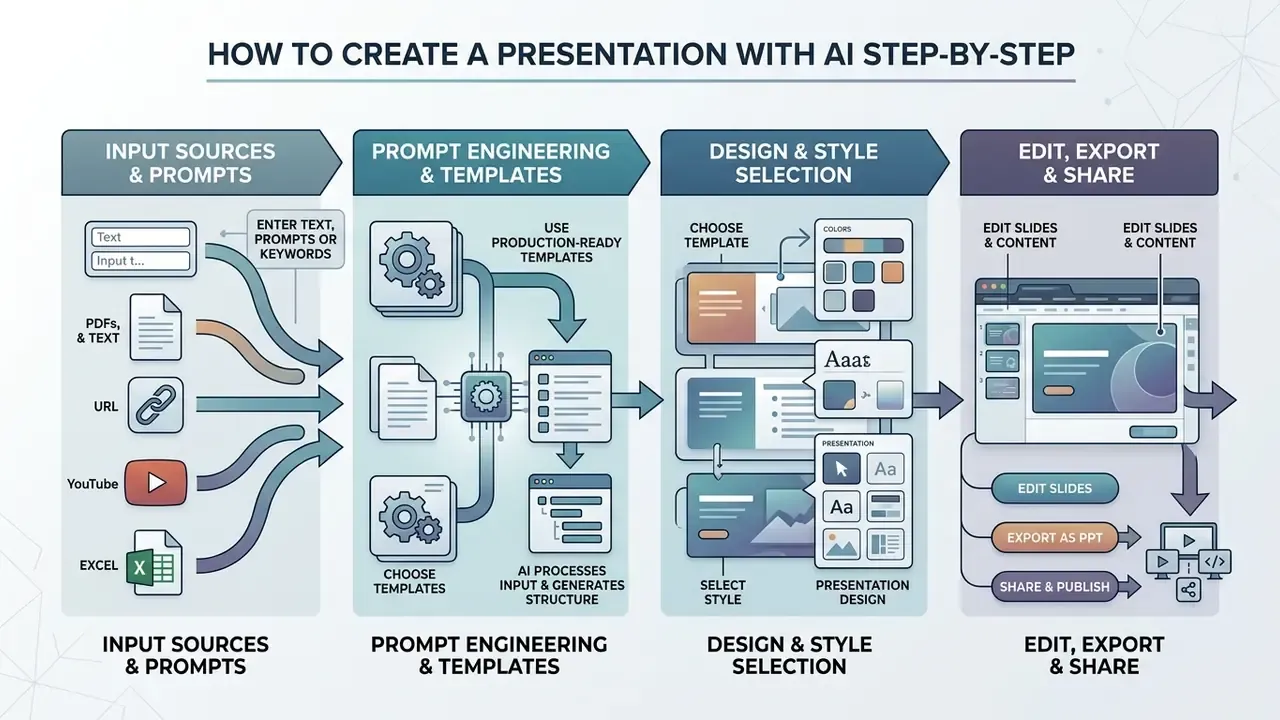
Enter text, a prompt or keywords
Generation starts when an operator feeds raw material into an ai presentation maker from text or an ai keyword slide creator. Inputs range from short topic prompts to long technical reports, spreadsheets, and documentation files. An ai presentation maker based on text behaves predictably here: the richer the input, the less the model improvises.
Instruction design drives output usability. Supplying context, an audience definition, structural boundaries, and tone constraints improves quality more than any template choice.
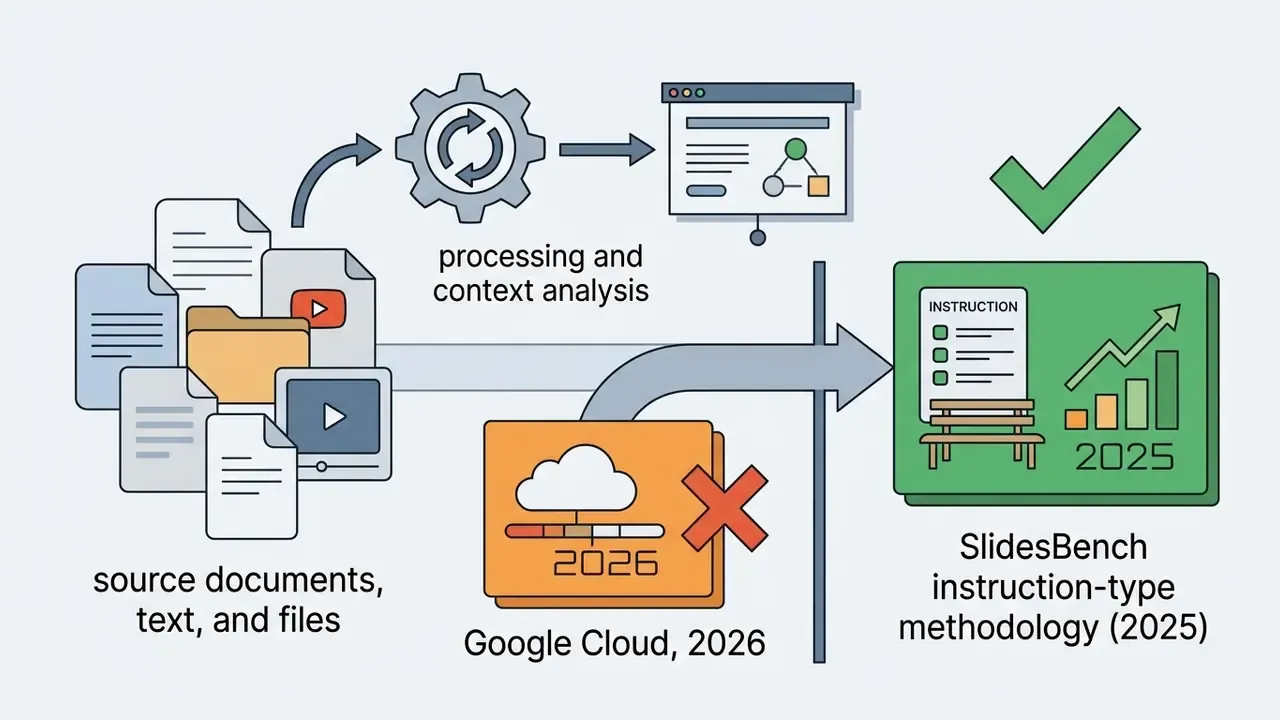
"SlidesBench defines three instruction types, from detailed instructions with images to high-level prompts, showing that instruction detail directly drives generation accuracy."
Rather than typing one keyword, specify target outcomes and key metrics. That lets the ai presentation generator from text build precise slide structures without inventing content to fill space.
Production-ready prompt engineering templates
For usable first drafts, use domain-specific role prompts instead of bare keywords:
[Enterprise Sales Pitch Prompt]
"Act as a Senior B2B SaaS Sales Director. Create a 10-slide pitch deck targeting
Enterprise CTOs. Topic: Migrating Legacy Infrastructure to Hybrid Cloud.
Tone: Authoritative, ROI-focused. Include 3 case study layouts, 1 competitive
matrix, and quantifiable cost reduction metrics."
[Academic & Education Prompt]
"Act as a University Physics Professor. Generate an 8-slide lecture deck explaining
Quantum Entanglement for first-year undergraduate students. Include interactive
classroom discussion questions, visual conceptual diagrams, and concise summaries
per slide."
[Board & Investor Briefing Prompt]
"Act as a Chief Risk Officer preparing a board briefing. Build a 12-slide deck on
Q3 credit portfolio performance. Use only the figures in the attached PDF; do not
infer or extrapolate any number. Flag every metric you could not locate in the
source with [UNVERIFIED]. Include one risk-appetite dashboard and one remediation
timeline."
[Research & Conference Prompt]
"You are a machine learning expert preparing slides on recent progress in large
language models for an academic conference. Produce 10 slides: motivation, method,
benchmark table, ablation, limitations, future work. Cite the paper sections used
for each slide in the speaker notes."
The third template shows a control pattern worth standardising across teams. Instructing the model to mark unverifiable figures turns a silent hallucination risk into a visible review queue. Small change, large effect.
Choose a template, style and presentation design
Once the input is processed, the system applies visual rules to establish styling. Users select themes, typography sets, and layout density parameters that match organizational communication standards.
Established visual-communication practice caps text density at roughly four bullet points per slide, with consistent margins, consistent fonts, and high contrast ratios. Advanced platforms use responsive design engines, such as those in Beautiful.ai or SlideTailor, which readjust component spacing whenever text is added or removed and preserve hierarchy across generated slides.
"Program-based slide generation engines enforce strict contrast and alignment constraints while keeping every element fully editable after export."
One practical warning for regulated brands: template libraries rarely encode your disclosure requirements. Risk language, footnotes, and mandatory disclaimers still need a human owner.
Edit, export and share the finished presentation
After initial rendering, operators refine content through conversational editing. Instructions in plain language reorder sections, rephrase copy, or swap visual figures.
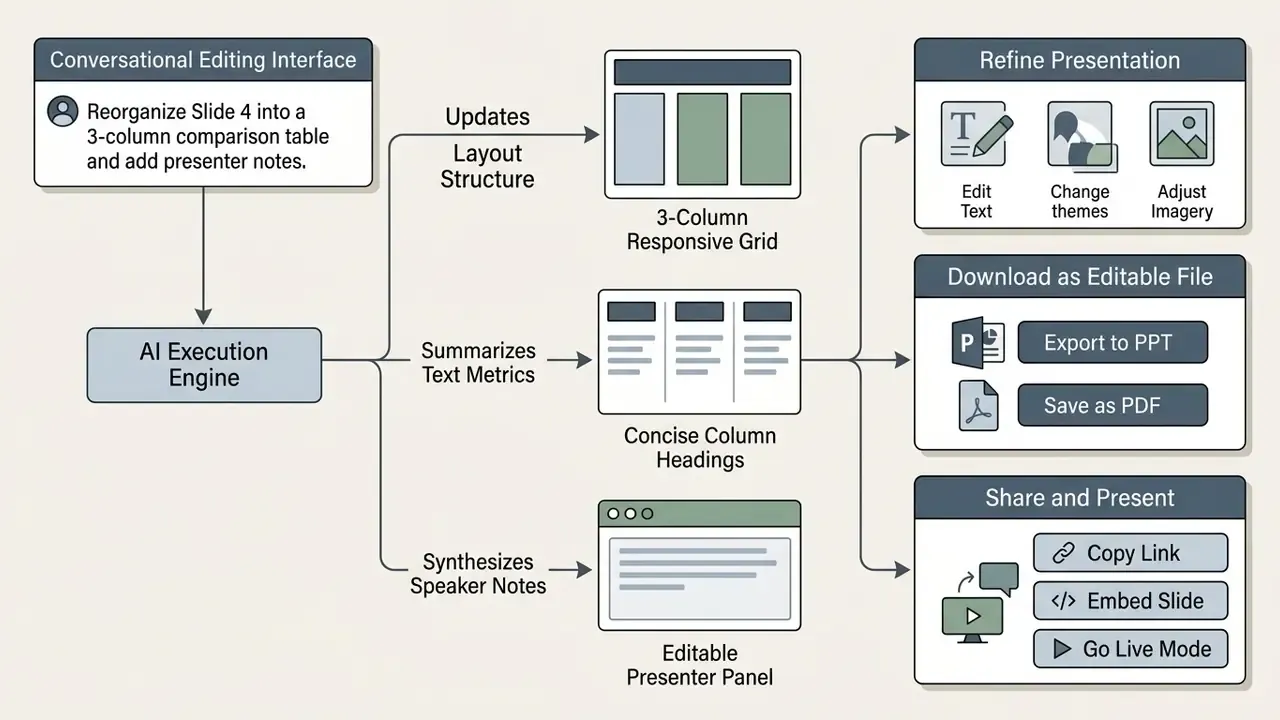
Finished decks export into standard formats: Microsoft PowerPoint (.pptx), Portable Document Format (.pdf), vector-editable Figma files (.fig) for custom UI and brand work, image formats such as PNG or JPG, or direct publication to cloud platforms like Google Slides. Where a tool has no native Slides export, the documented path is PPTX first, then open or import that file inside Google Slides.
Multi-agent editing benchmarks (DECKBench, 2026) show that multi-turn refinement improves factual precision and structural coherence compared with unedited first drafts.
"DECKBench evaluates multi-turn editing through metrics for source-fidelity accuracy and structural coherence of slides."
Create AI presentations from text, documents and existing files
Most organizations need tools that ai create a presentation from text using documentation they already own. Turning raw reports into visual decks requires semantic parsing engines that distil long-form prose into structured bullet points. Teams handling scanned archives usually pair those engines with dedicated image-to-text and OCR tools before generation.
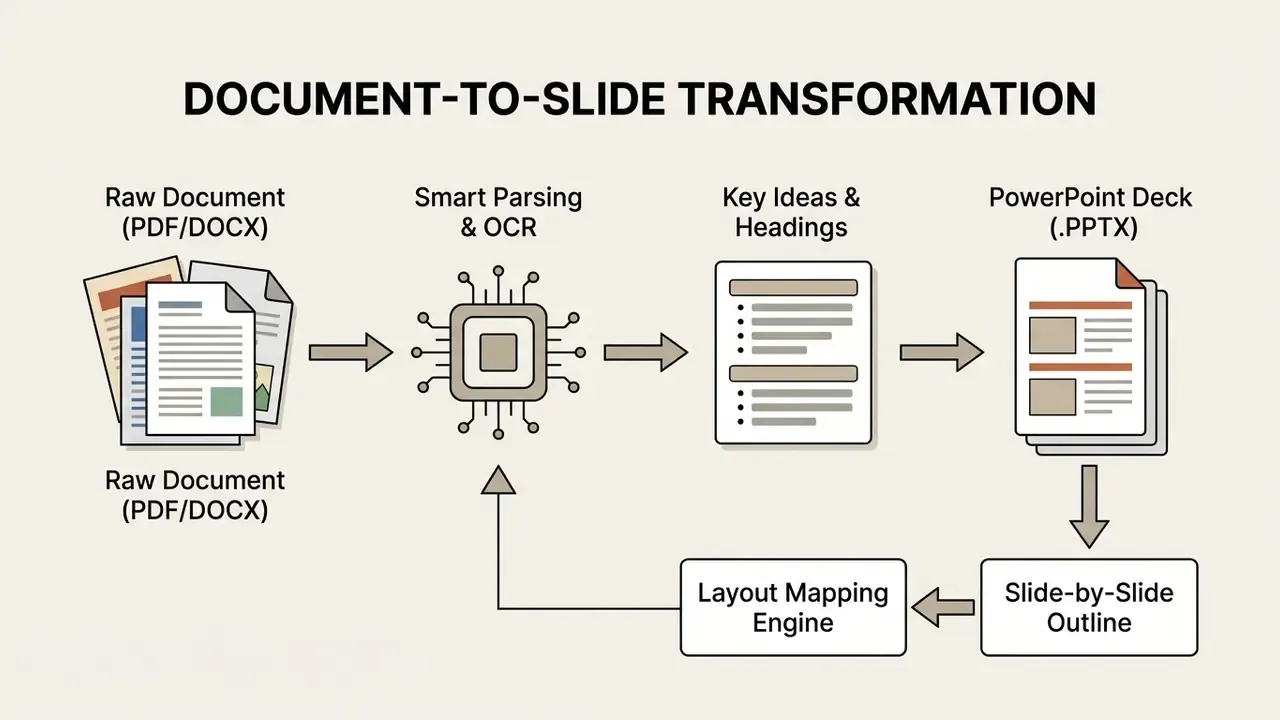
Multi-source generation: web URLs, YouTube videos, Excel and Markdown
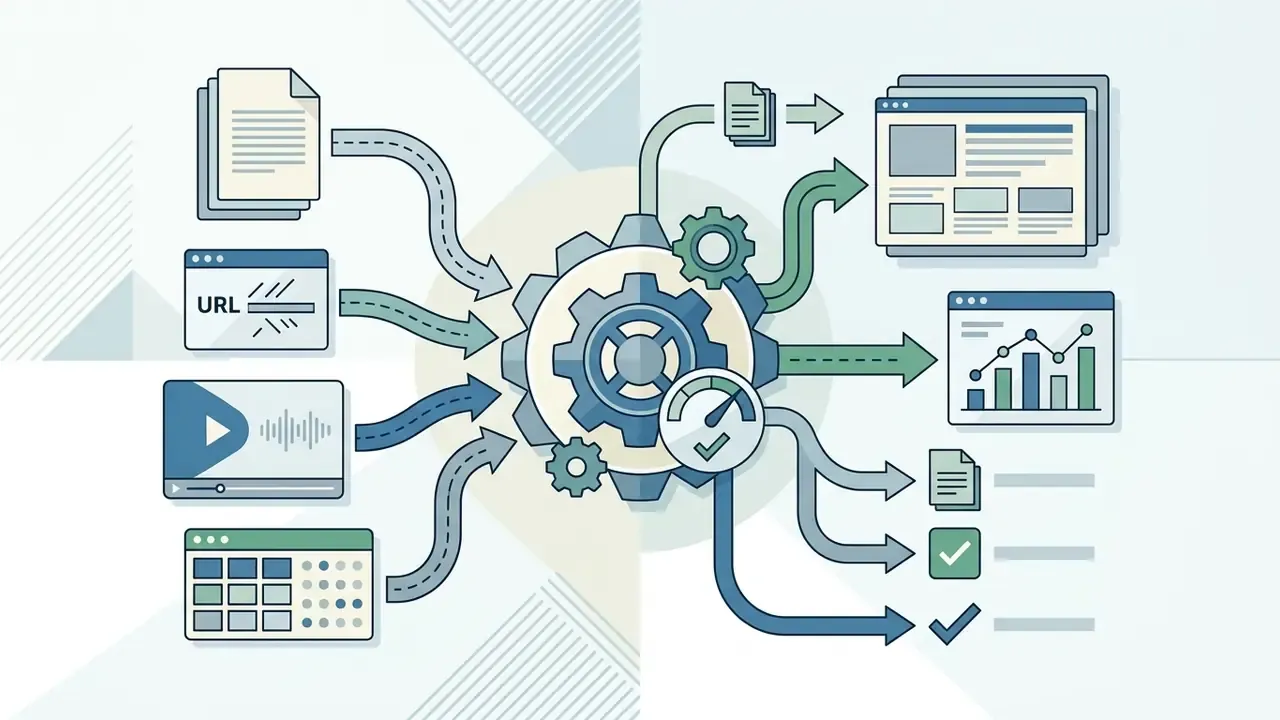
Modern AI presentation tools handle far more than DOCX and PDF. Advanced platforms pull diverse digital assets straight into slide generation pipelines:
A caveat applies to spreadsheet and URL ingestion. The model summarises what it manages to parse, and parsing of merged cells, footnoted totals, or paywalled pages can drop context silently. Numeric slides built from workbooks need the validation protocol described below. No exceptions worth the argument.
- Web page URLs and articles
- paste any HTTP/HTTPS link to extract structured page content, strip navigational boilerplate, and compile the key takeaways into clean slides. The fastest route for competitive scans and market briefings.
- YouTube video links
- parse automated transcripts and timestamp markers to produce summarized abstracts and full decks, widely used for turning recorded lectures, webinars, and earnings calls into teaching or briefing material.
- Excel data sheets (.XLSX / .CSV)
- convert raw tables and multi-sheet workbooks into executive dashboards, aggregated KPI summaries, and automated chart layouts.
- Markdown files (.MD)
- import developer documentation directly, where
# H1denotes slide headers,## H2maps to content blocks, and code snippets are syntax-highlighted automatically. - Existing presentations (.PPTX) and mind maps
- re-theme, restructure, or compress legacy decks and XMind outlines without rebuilding them slide by slide.
Turn text and outlines into PowerPoint slides
To use an ai tool to create ppt from text, operators can import structured outlines directly into presentation platforms. Microsoft PowerPoint supports outline imports where document heading levels dictate slide hierarchy: Heading 1 becomes slide titles, while Headings 2 and 3 become body bullets (Microsoft Support, 2026). The path is New Slide → Slides from Outline, and source order survives the import. That same mechanic is what people mean when they ask for ai to create powerpoint presentation from text without learning a new editor.
A regional banking institution needed to standardize quarterly compliance briefings drawn from unstructured internal memos. Because those memos contained supervisory correspondence and customer-level detail, the team ran a classification pass first: customer identifiers and account numbers were stripped, and only approved, de-identified outlines were routed through the automated pipeline running inside the bank's enterprise tenant with retention disabled. Every generated figure was reconciled line by line against the source memo by a second reviewer, and the prompt, model version, and revision history were archived alongside the deck as audit evidence. With those controls in place the team converted long regulatory summaries into standardized 10-slide PowerPoint decks within minutes, kept heading sequence logical, cut assembly time, and left a reproducible trail for internal audit. This example is illustrative rather than a documented client engagement.
Convert documents and PDF files into a presentation
An ai presentation generator from document uses optical character recognition (OCR) and layout analysis to parse complex files. Systems such as SlideSpawn and DocPres turn PDFs into XML trees, extract statistical tables, and isolate critical sentences with sentence salience models (SlideSpawn Study, 2024).
"SlideSpawn trains a sentence-salience model on the PS5K and Aminer 9.5K Insights datasets and applies integer linear programming to group content into slides."
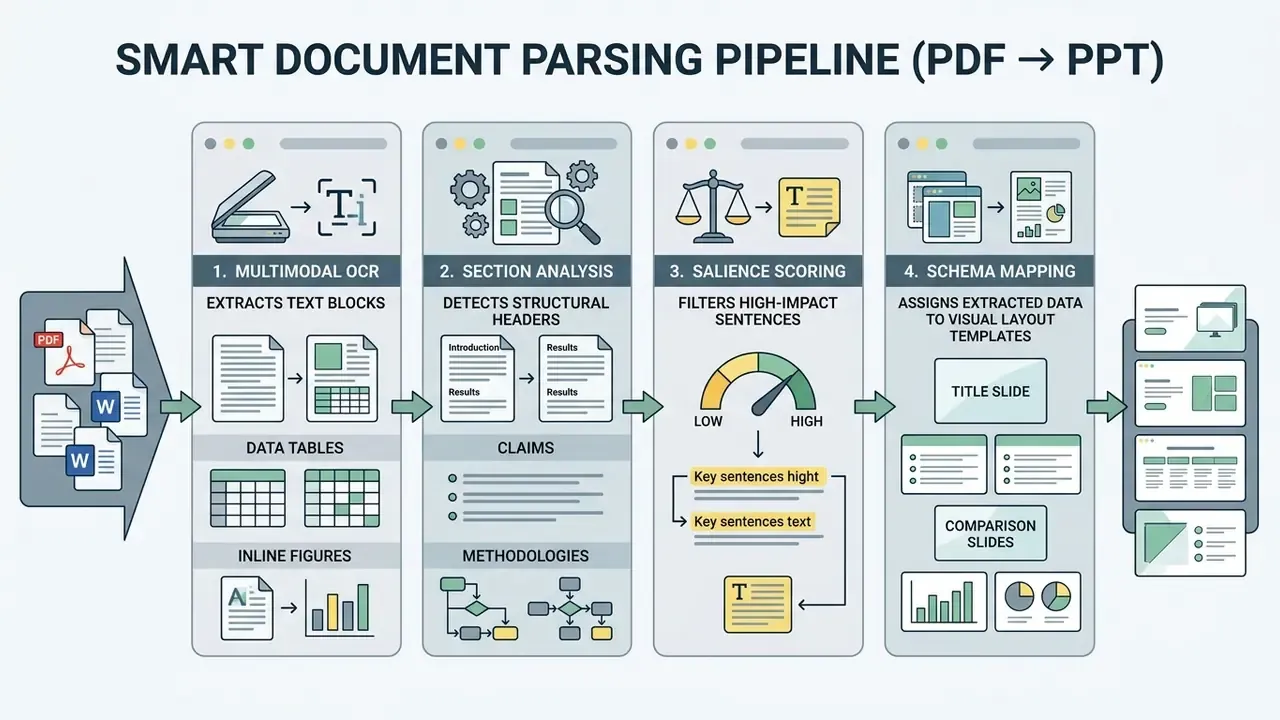
Smart parsing preserves semantic context during conversion. By isolating conclusions, technical formulas, and structural figures, an ai tool create ppt from text compresses lengthy whitepapers into concise slides without discarding the evidence that made the argument work.
Accuracy validation: audit trail and hallucination guardrails
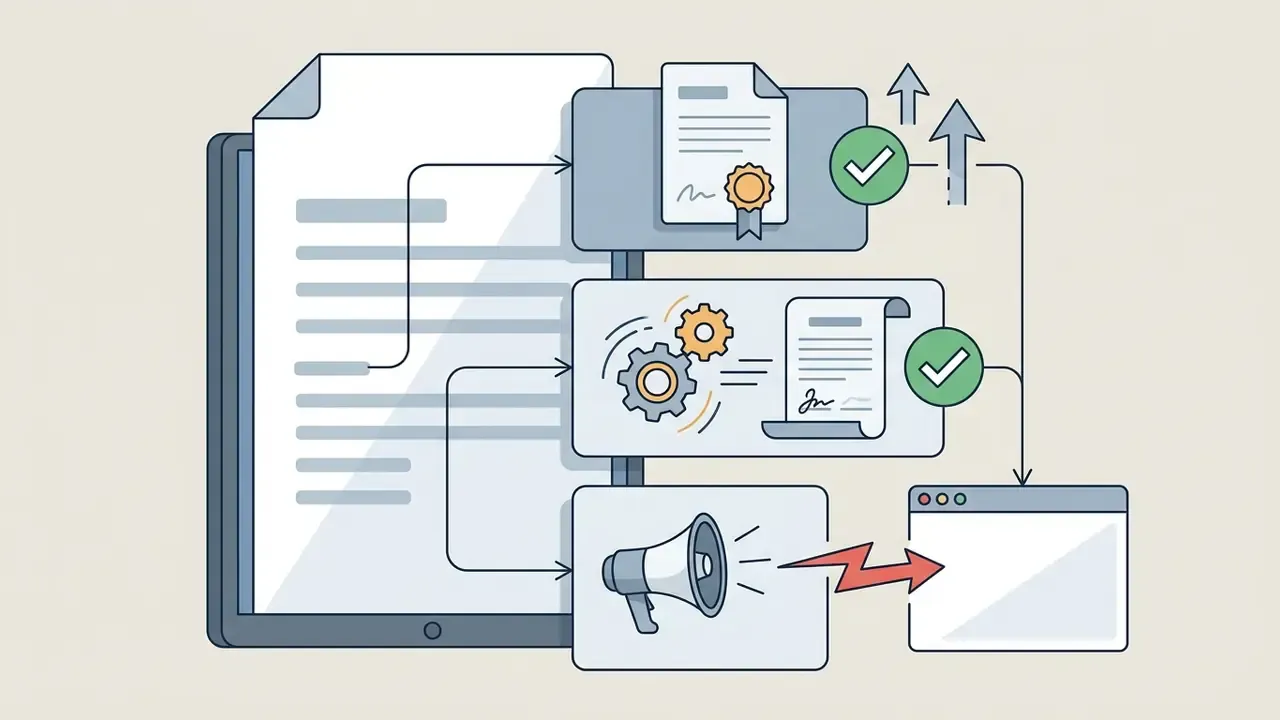
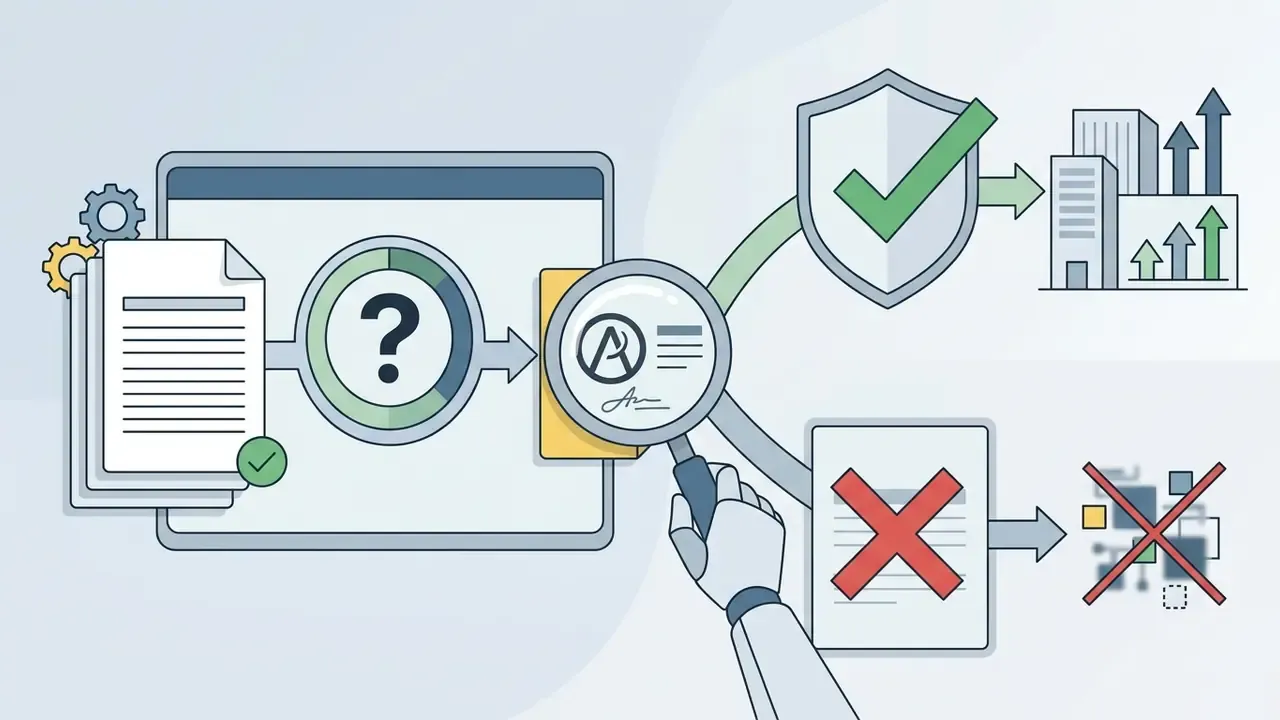
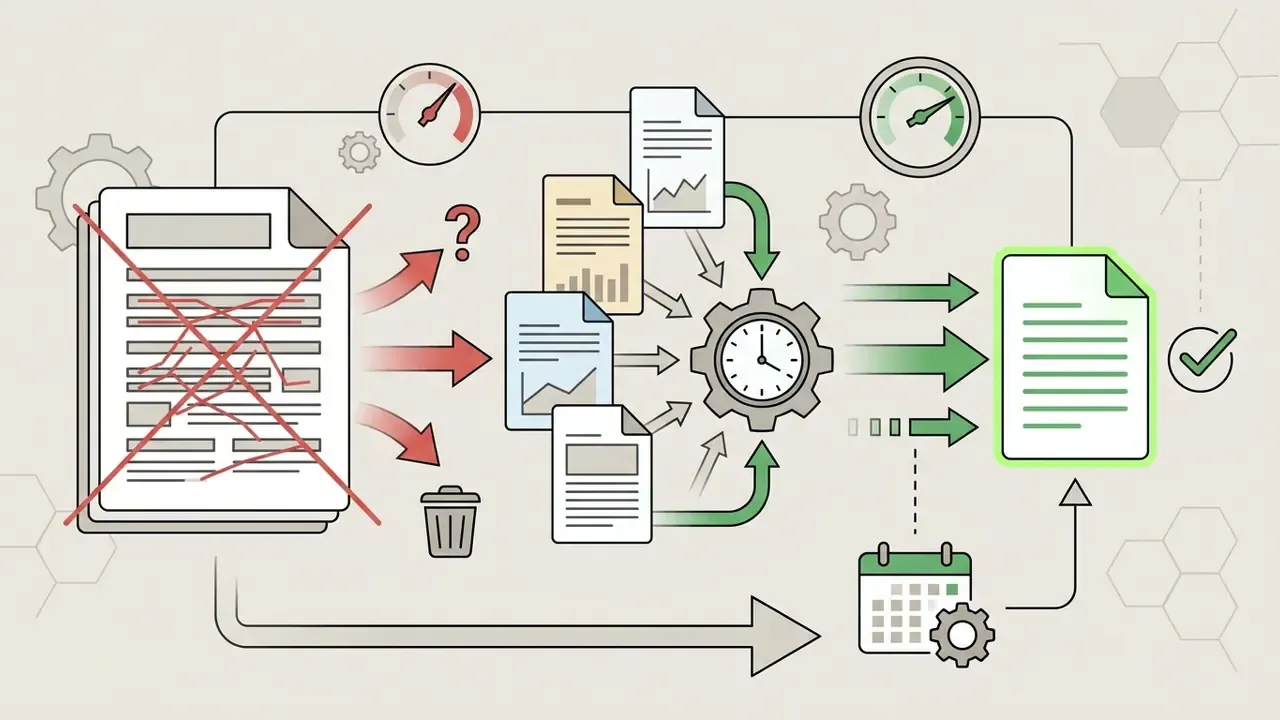
Compression is where document-to-slide pipelines fail. Salience scoring keeps the most quotable sentence, not necessarily the most material one. OCR misreads of decimal separators, negative signs, or footnote markers then propagate quietly into a board slide. The protocol below converts an unverified draft into a defensible artifact:
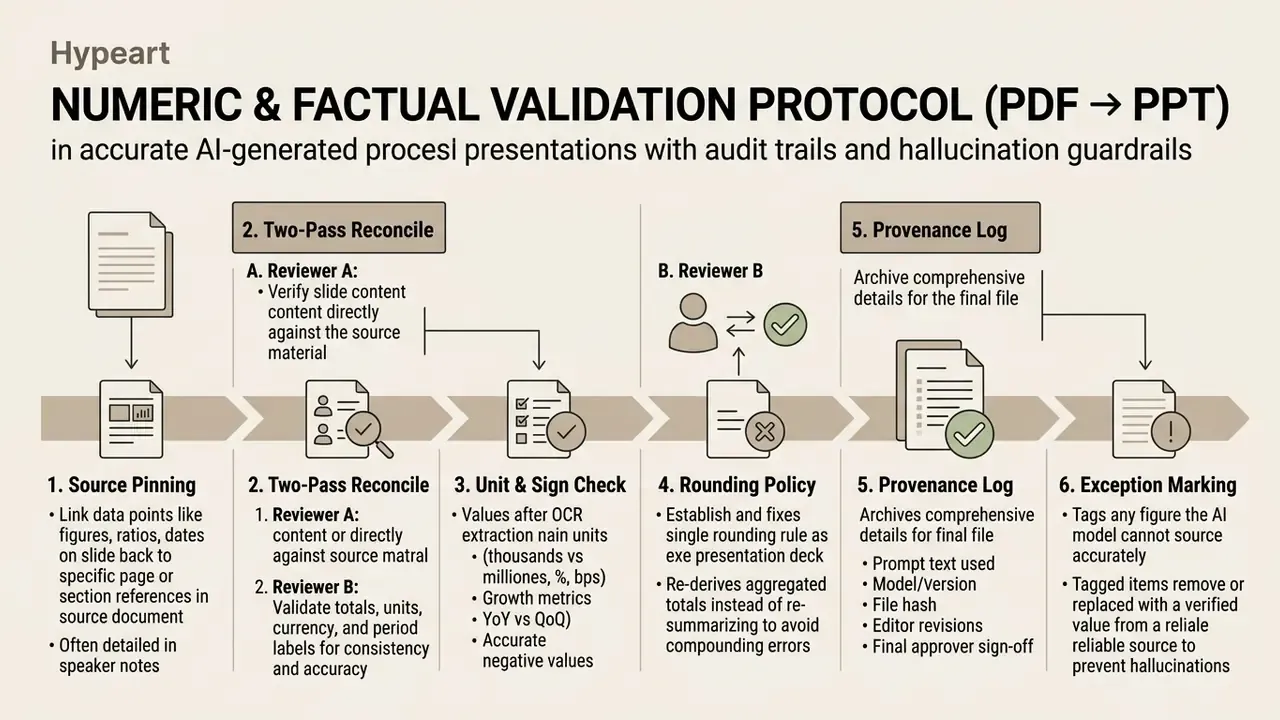
Two operating rules make the protocol enforceable. First, the model never invents an aggregate: totals, growth rates, and ratios are recomputed from validated inputs rather than accepted from generated text. Second, no deck leaves the workflow without a named human approver recorded in the provenance log, which is the same expectation applied to any other reported output.
AI presentation features that affect slide quality
Deck quality depends on a handful of underlying features: content generation models, responsive layout automation, asset integration libraries, and, for regulated buyers, governance plumbing.
| Feature category | Core capability | Impact on deck quality |
|---|---|---|
| Content generation | Multi-stage outline planning and semantic parsing | Higher factual accuracy and coherent narrative progression |
| Design automation | Responsive layout engines and theme constraint rules | Prevents overlapping text, keeps brand-compliant hierarchy |
| Asset integration | Stock image indexing and programmatic chart rendering | Replaces generic placeholder visuals with relevant data graphics |
| Refinement tools | Conversational prompt editing and speaker note generation | Speeds human oversight and produces briefing scripts |
| Governance features | Prompt/revision logging, retention controls, SSO, audit export | Decides whether output is defensible in regulated reporting |
AI-generated content, outlines and slide flow
Good decks rely on structured flow. Research shows that multi-stage pipelines, which separate outline drafting from slide rendering, produce better narrative coherence than single-prompt generation (DocPres Study, 2024).
"DocPres decomposes the task into hierarchical stages: structure extraction, table-of-contents generation, heading mapping, and localized slide content generation."
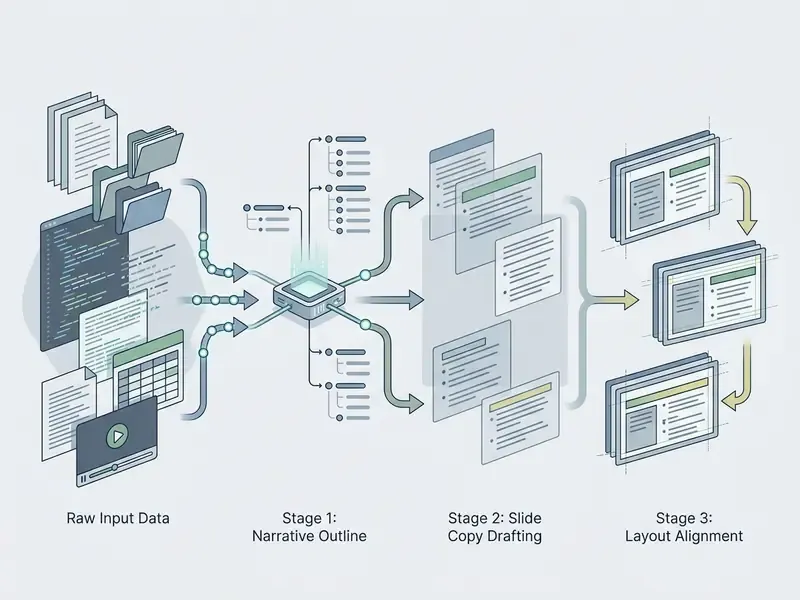
Academic evaluations also report that pedagogical narrative optimization improves comprehension scores in expert review (Auto-Slides Study, CHI 2026).
"Narrative optimization improves expert ratings of presentation structure and flow on a 7-point Likert scale."
Clear logical transitions between background, methodology, and recommendation keep generated decks from reading like disconnected bullet collections. Anyone who has sat through a committee meeting knows the difference.
Templates, images and visual design refinement
Visual appeal rests on professional layout templates and curated media. An ai presentation image generation tool lets operators synthesize custom technical diagrams or query integrated stock libraries.
While the language model structures text hierarchy, platforms plug in image generation engines such as Flux, Google Imagen 3, Seedream, and Nano Banana to render context-aware icons and synthetic photography. For presentation video loops and transitions, some workflows tap motion models such as Kling AI and Vidu. Enterprise buyers should note the stacking effect: each embedded model carries its own licence and data-handling terms on top of the presentation vendor's agreement. If you are mapping that model landscape more broadly, our reference material on the ai art generator category covers the licence variations in detail, and the ai art maker entry explains how consumer-grade tools differ from enterprise tenants.
"GPT-4o rated the complete Auto-Slides system best in 67.9% of pairwise comparisons for table reproduction accuracy."
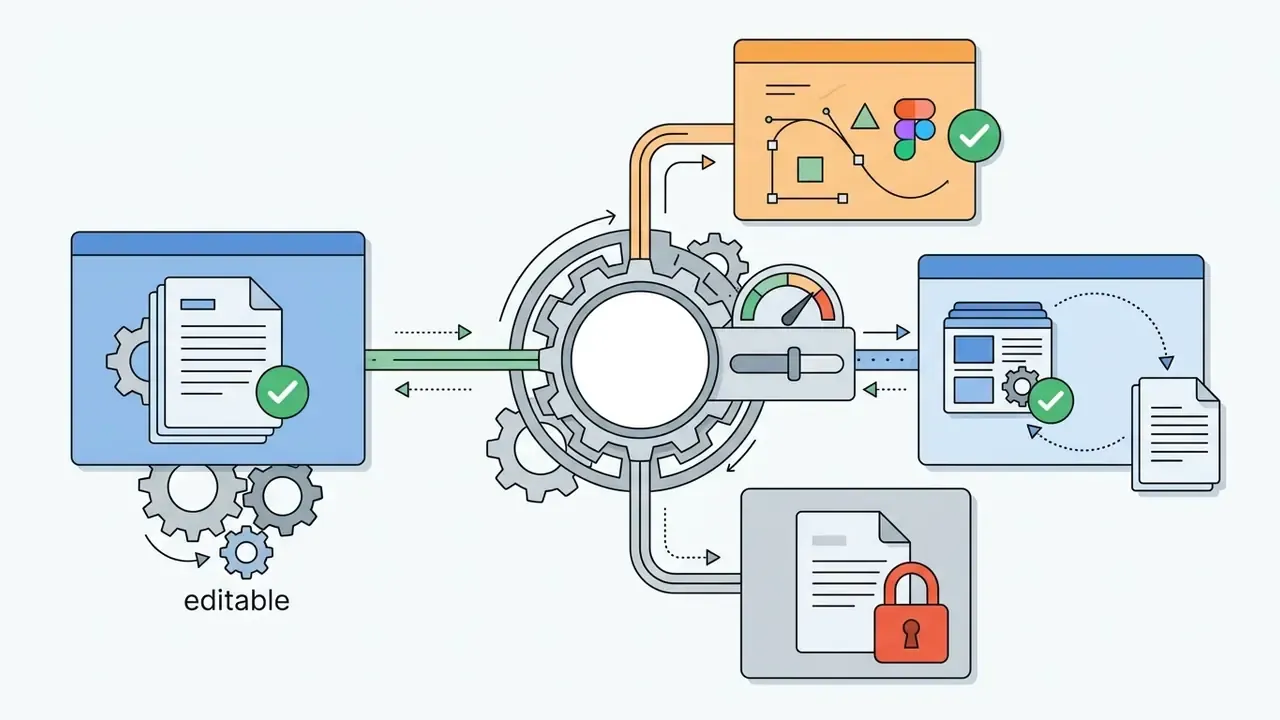
Systems that define layout elements programmatically, rather than emitting static slide images, keep text boxes, vector icons, and corporate logos fully editable after export. That single property decides whether your brand team can fix the deck or has to rebuild it.
Editing, speaker notes and data visualization
Advanced platforms include dialog-based editing, so operators can restructure complex tables or change paragraph detail with a sentence.
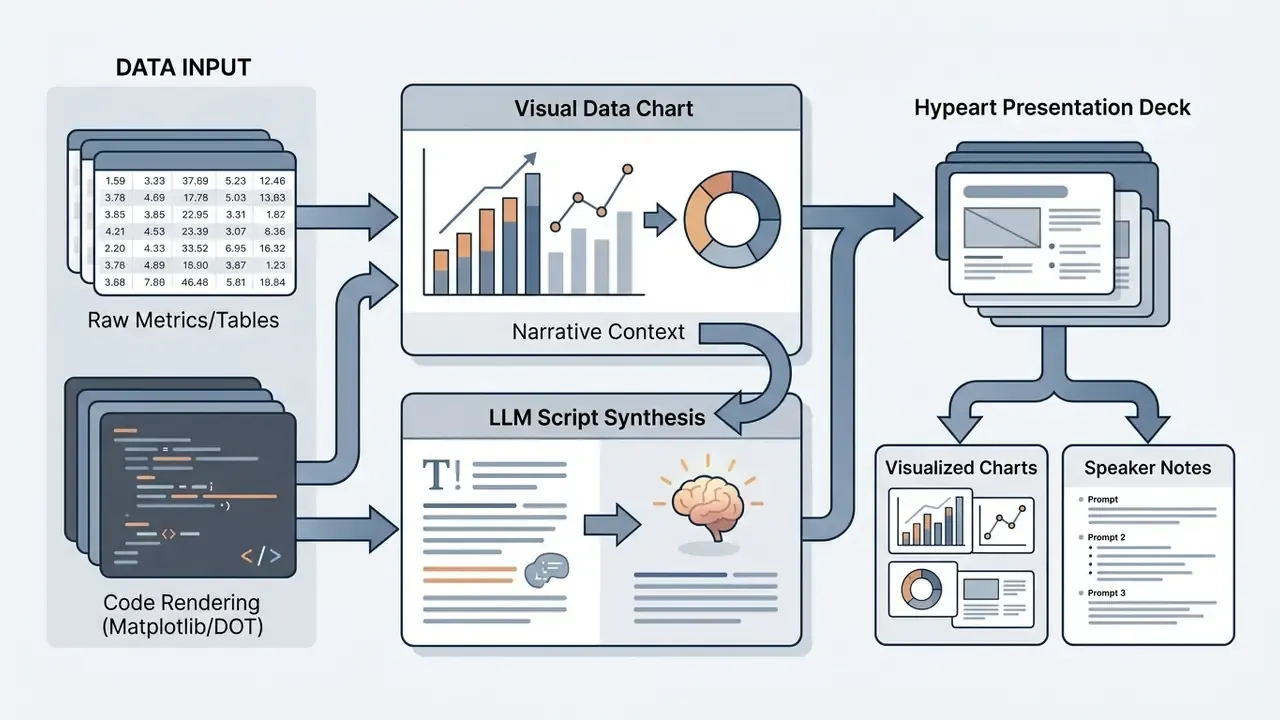
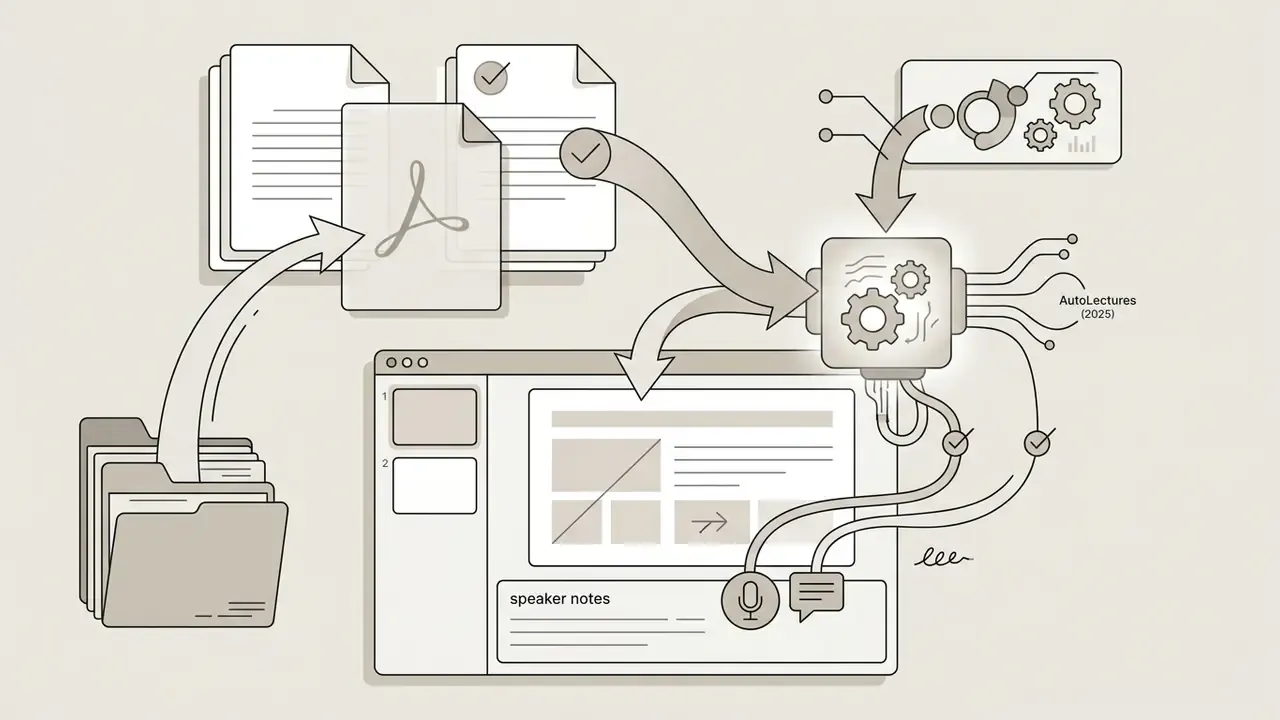
Automated speaker note generation writes oral briefing scripts per slide, and research-grade systems now align those scripts with specific on-slide regions.
"AutoLectures reaches over 92% F1 when aligning spoken phrases to slide regions and generates video lectures at under one dollar per hour of output."
Precise presenter scripts help meeting leaders explain dense visuals during executive reviews, and they keep recorded versions synchronized with the slide content they describe.
Validating presentation agents under model-risk frameworks
Presentation agents are increasingly agentic. They select layouts, decide what to omit, and rewrite figures into narrative claims. For institutions running a model risk management programme, that behaviour sits closer to a reported-output tool than to a graphics utility, which raises a fair question about how far existing validation expectations extend. The honest answer is that supervisory practice here is still forming.
Agentic AI validation checklist for slide-generation tools
| Control dimension | Validation question | Evidence to retain |
|---|---|---|
| Purpose and scope | Is the tool limited to drafting and formatting, or may it produce figures used in reporting? | Documented use-case inventory, approved and prohibited use list |
| Decision boundaries | Which decisions may the agent take alone (layout, omission, summarisation) and which need sign-off? | Written boundary definition, prompt and system-instruction baseline |
| Data access limits | What corpora, drives, or connectors can the agent read? Is access least-privilege? | Connector inventory, permission matrix, DLP configuration |
| Reproducibility | Can the same input and prompt be re-run and traced to the same deck version? | Prompt log, model version pinning, output hash, revision history |
| Output accuracy | Are numeric claims reconciled to source before distribution? | Two-pass reconciliation records, approver sign-off |
| Ongoing monitoring | Are errors, hallucinations, and near-misses captured and trended? | Issue log, periodic sampling review, vendor-change alerts |
| Third-party risk | Is the vendor, and each embedded model, assessed for retention, subprocessing, and certification? | Vendor due-diligence file, SOC 2 report, DPA, model list |
| Change management | How are silent vendor model upgrades detected and re-validated? | Release-note monitoring, re-test cadence, version attestation |
Two calibration notes matter. Tiering should follow consequence, not novelty: an internal all-hands deck and a slide feeding a supervisory submission do not deserve the same scrutiny. And the most cost-effective control is usually output validation at the point of use, because it works regardless of how opaque the underlying model happens to be.
This section describes general governance practice and is not legal, regulatory, or compliance advice. Validation expectations differ by jurisdiction, institution, and supervisor. Confirm requirements with your own compliance, legal, and model-risk functions.
Who can use an AI presentation maker?
An ai slide presentation maker free serves several distinct user bases: corporate departments, distributed remote teams, and academic institutions.
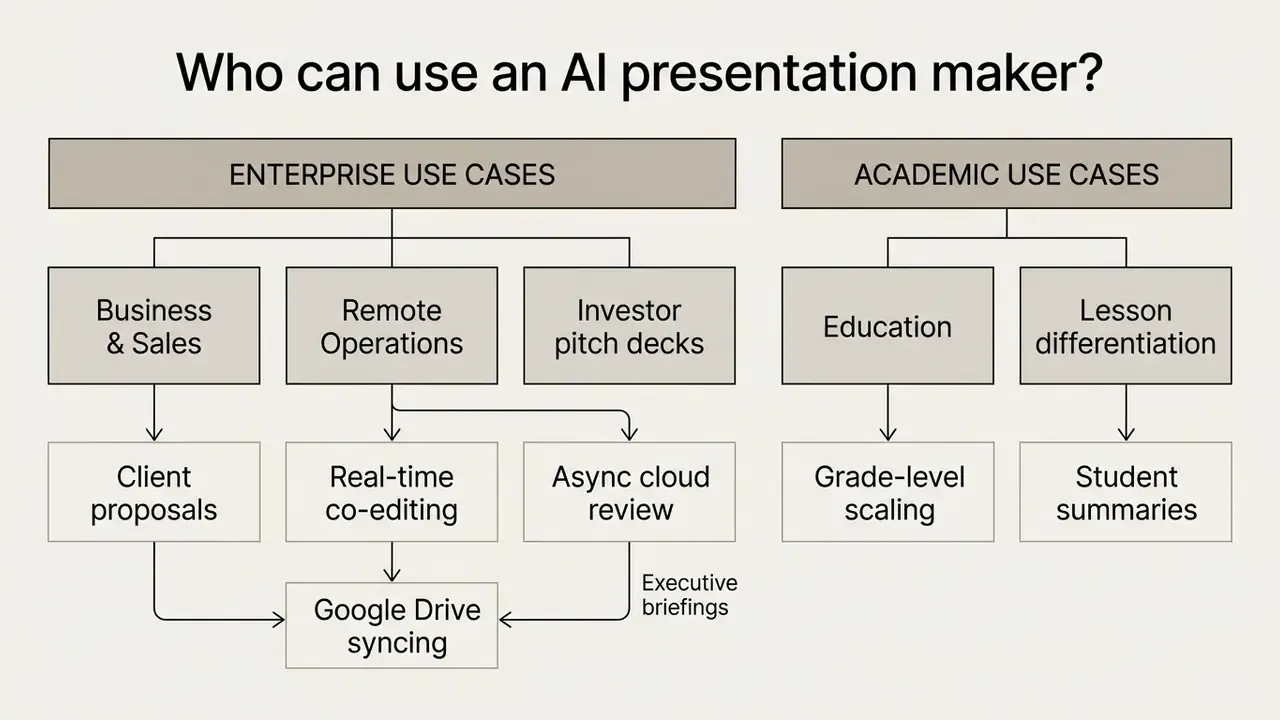
Business, sales and pitch deck presentations
Enterprise teams use presentation generators for investor pitch decks, commercial proposals, and quarterly business reviews. Standard investor structures run 10 to 14 core slides covering market opportunity, product value proposition, financial projections, and growth strategy (Presentations.AI Pitch Guide, 2026). Fuller fundraising decks often stretch to 12 slides with bottom-up market sizing, three headline traction metrics, and two customer proof points.
"Employees with access to M365 Copilot completed documents 12% faster and spent 7% less time reading email."
A fintech product team evaluated generative software for drafting commercial client proposals. By enforcing standardized corporate templates and mandatory risk disclosure sections, the team shortened proposal delivery times while containing compliance exposure. Because those proposals reused AI-generated imagery, the team also documented licence provenance for each visual, applying the same diligence described in our guide to the commercial use of AI image generators. Where generated visuals resemble protected styles or characters, the emerging body of litigation is a useful reality check before anything ships to a client. To review terminology across generative media workflows, explore our comprehensive AI Media Glossary.
Remote teams: collaboration, sharing and cloud access
An ai presentation maker for remote teams supplies cloud collaboration tools that support asynchronous editing. Distributed members review generated slides, add inline comments, and track revision history in real time.
"Copilot users attended statistically significantly fewer scheduled meetings, indicating a shift toward asynchronous collaboration."
Cloud suite integration is the practical delivery layer. Vendor documentation for Google Workspace describes AI assistance inside Google Slides for generating slides, creating images, summarising a deck, and referencing Drive files, alongside real-time co-editing in the same cloud file. Distributed teams can therefore turn shared project documents into collaborative presentations without leaving their storage environment, provided the workspace tenant, not a personal free account, is the entity processing the file. That distinction is boring and it is also the whole ballgame.
AI slide creator for teachers, lessons and students
An ai slide creator for teachers or ai lesson slides generator helps educators build classroom material quickly. Instructors use an ai powerpoint creator for teachers to convert academic papers, lesson outlines, pasted text, or even YouTube videos into structured teaching modules. Many pair the decks with visuals chosen from our comparison of AI image generators for learning materials, and design-oriented teachers often start from a simple ai art app for illustration work.
Educational platforms let teachers scale content density to student grade level. Survey data indicates meaningful productivity gains: over 94% of teachers using dedicated AI presentation generators report saving 7 or more hours per week on lesson preparation, 77% report a measurable improvement in quality of life and reduced burnout, and 4 in 5 report better student engagement. Modern tools also align slide content with regional learning standards, such as Next Generation Science Standards or Common Core, by setting target grade level, content depth, and standard before synthesis.
"Auto-Slides consistently shows that narrative-optimized AI slides improve comprehension and retention of complex academic texts compared with LLM-assisted reading."
Differentiated versions are standard practice. Instructor decks carry embedded teaching scripts, pacing prompts, and discussion questions, while a parallel student-facing export strips teacher annotations and re-scales reading level for a different ability band. Schools handling student records should treat those uploads as regulated data and route them through district-approved education tenants rather than public free tiers.
Shadow AI, data privacy and enterprise security controls
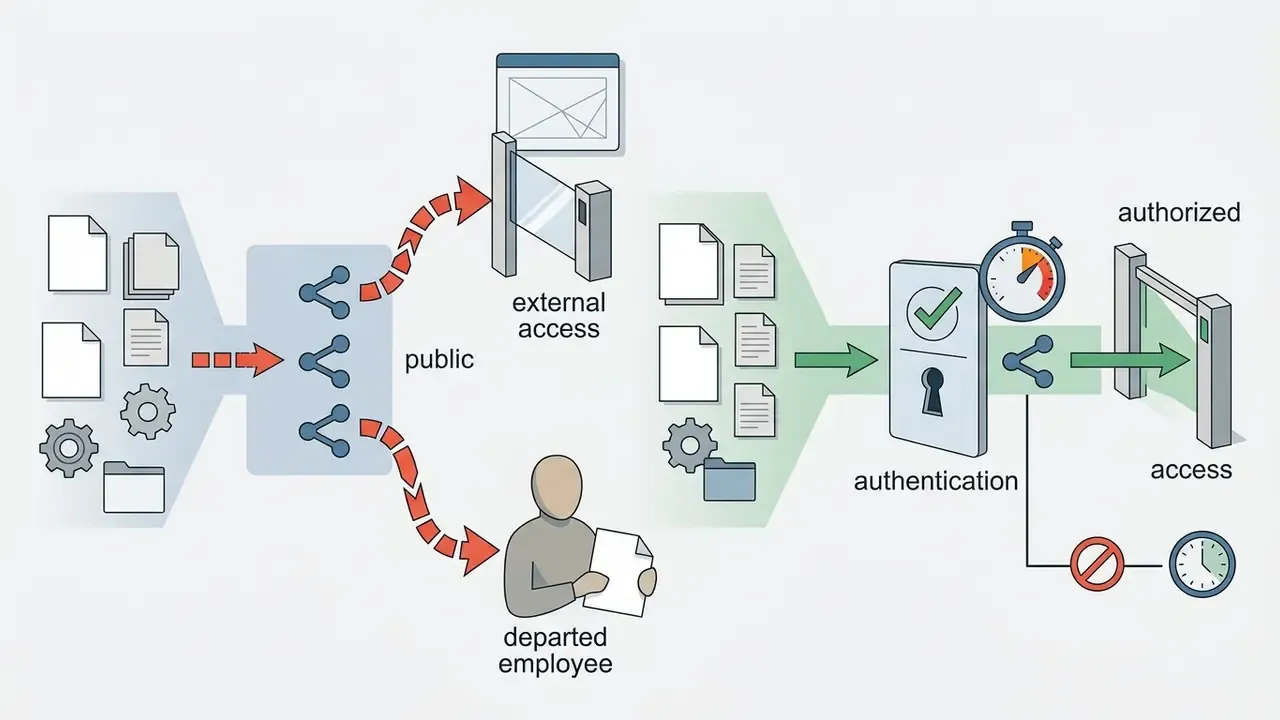
The largest cost of a "free" AI presentation maker is rarely the subscription. It is unmanaged use. Shadow AI happens when employees, under deadline pressure, paste board memos, credit files, patient summaries, or unreleased financials into a consumer web form that sits outside procurement, DLP, and logging. The document never comes back. The exposure stays.
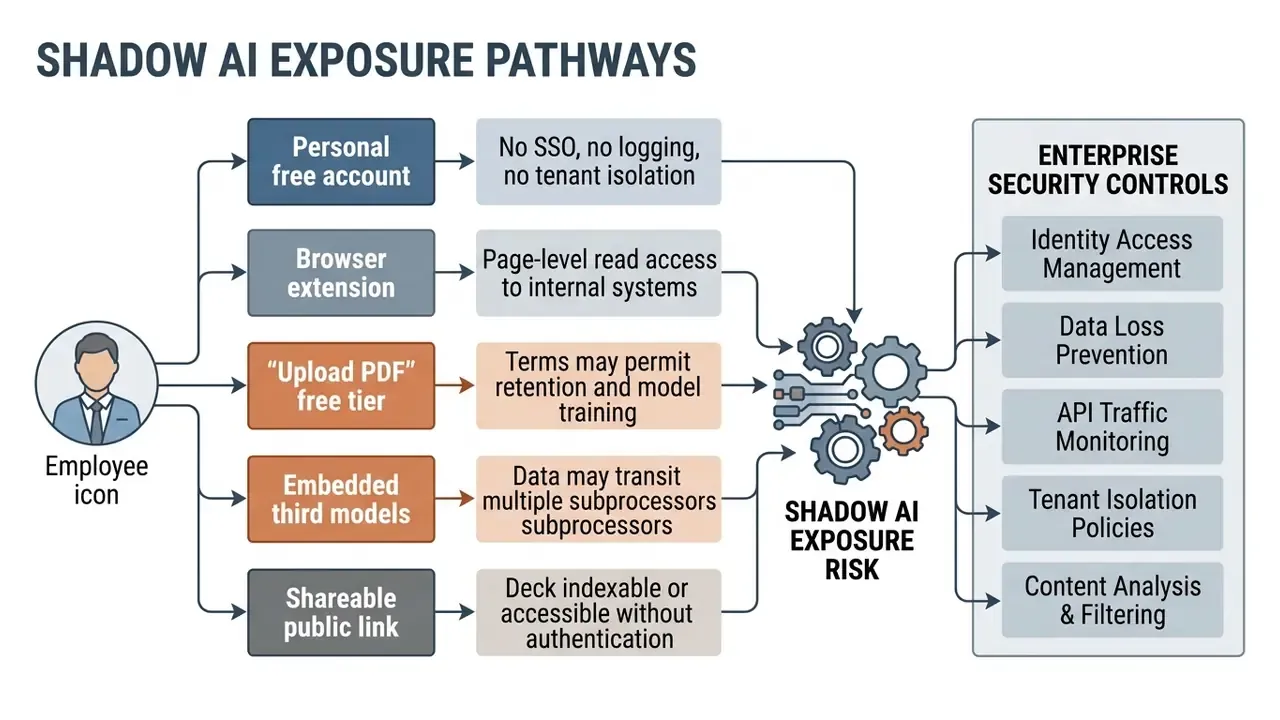
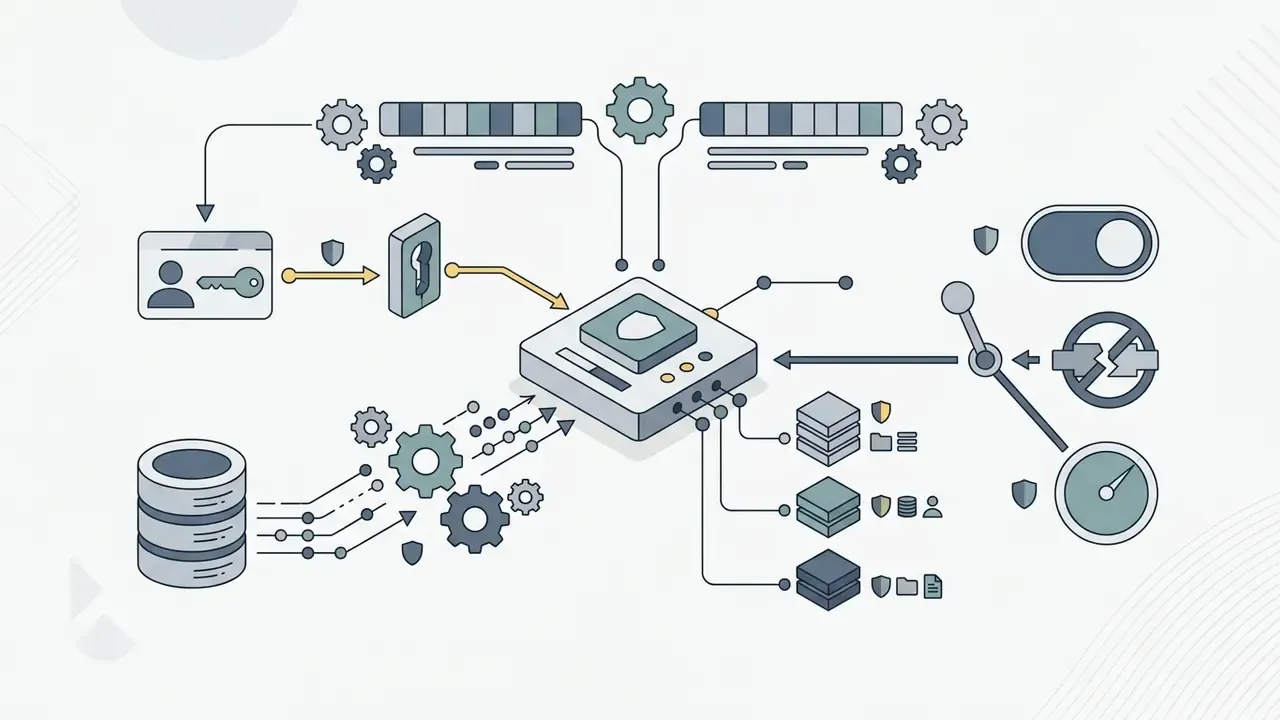
Shadow AI assessment checklist, to run before any corporate document is uploaded
Readers evaluating no-login tools should also review the access and retention trade-offs in our overview of free AI image generators without sign-up. The freemium mechanics, and the privacy questions, are structurally identical.
Security and privacy note: free consumer tiers of public AI services may use submitted content to improve or train models unless an explicit opt-out or enterprise agreement is in place. Verify current vendor terms before uploading confidential, personal, or regulated data.
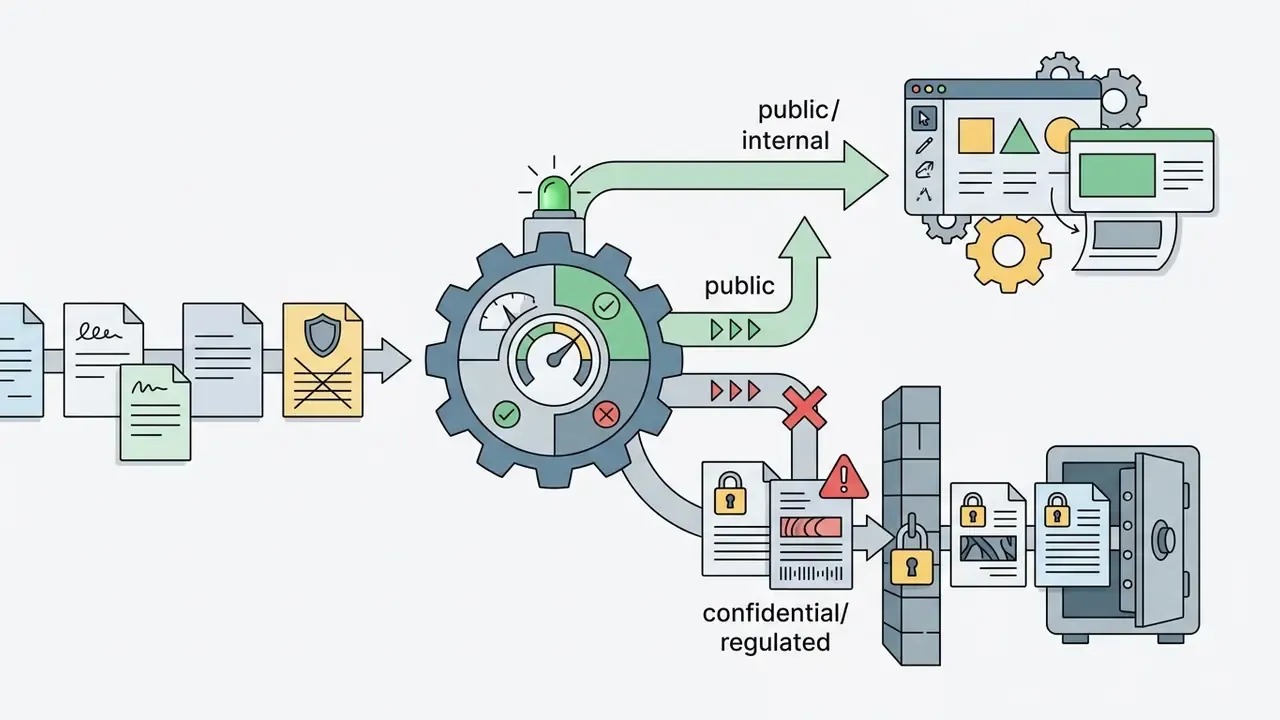
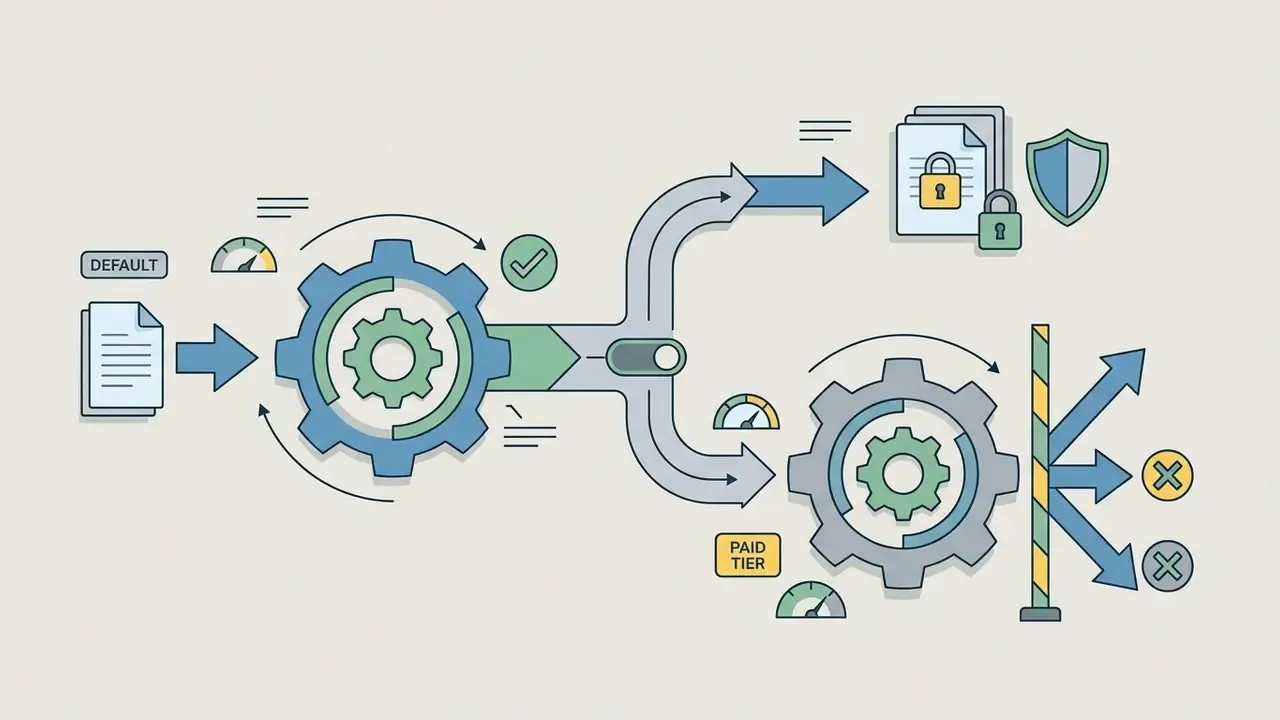
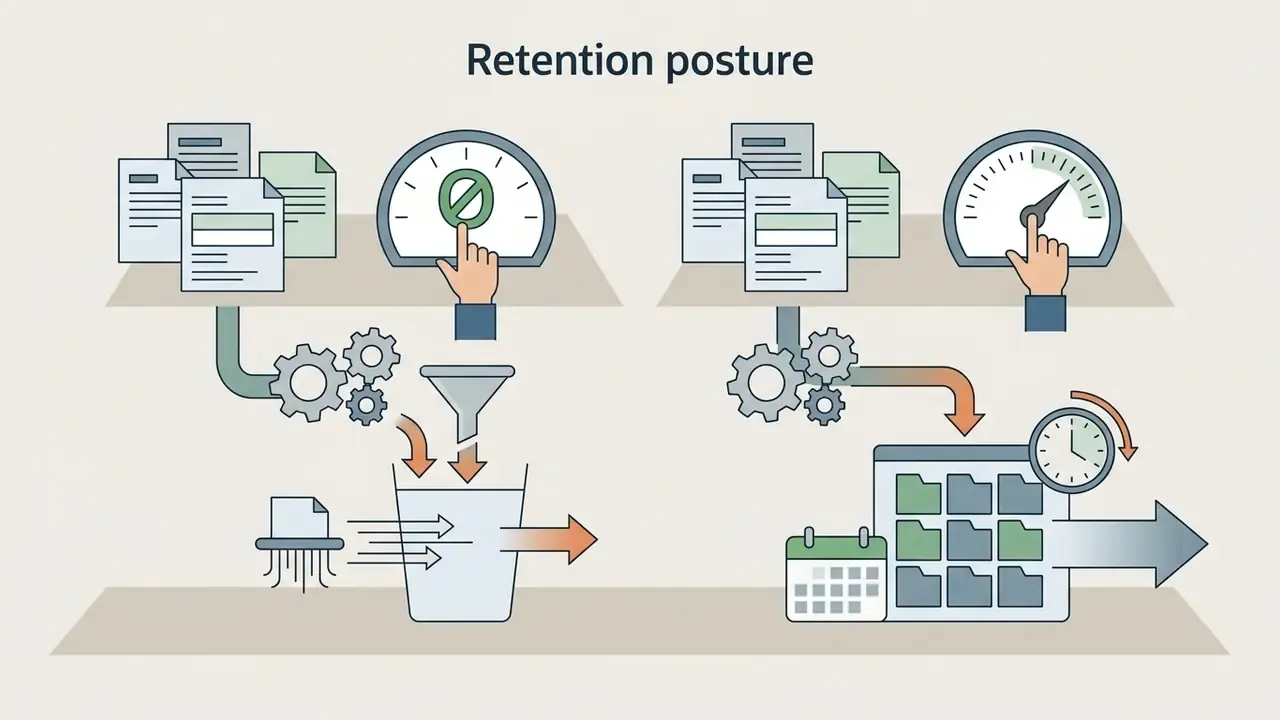
Free plans, free trials, watermarks and commercial-use decisions
Comparative breakdown of free versus paid AI presentation capabilities
Overview of typical tier limitations, export permissions, security controls, and licensing terms across AI presentation platforms (updated 2026).
| Tier level | Generation limits | Watermark rules | Export formats | Security and governance | Commercial use rights |
|---|---|---|---|---|---|
| Free plan | Limited credits, for example 3 to 10 decks per month, 5 decks up to 30 slides, or 100 to 400 one-time credits | Vendor watermark or badge applied on export | PDF, web link, or limited PPTX | Usually no SSO, no ZDR, no audit export; training opt-out often unavailable | Restricted, or attribution required |
| Free trial | Time-bound access, 7 to 14 days, with full feature access | No watermark during the trial period | PPTX, PDF, Figma, Google Slides | Feature access without a contractual DPA in many cases; verify before uploading real data | Permitted during the active trial window |
| Paid plan | High or unlimited credit allocations, for example 5,000+ credits per month | No watermarks; custom brand kit removal | Unrestricted PPTX, PDF, PNG, .FIG, Google Slides | SSO/SAML, admin roles, retention controls, SOC 2 reporting, audit log export on business and enterprise tiers | Full commercial ownership rights |
Note: free plan caps, security features, and watermark policies vary by platform and change frequently. Review individual vendor terms before using output in public commercial campaigns or uploading regulated data.
Is a completely free AI presentation maker available?
Platforms advertise an ai create presentation free entry point, yet genuinely unlimited free SaaS tools are rare. Publicly documented free tiers consistently cap monthly generation credits, limit slide counts per presentation, or lock advanced templates behind paid plans. Reported 2026 limits include roughly 3 presentations per month on some template platforms, 5 AI presentations of up to 30 slides per month elsewhere, 10 free uses of certain magic-design features, 100 starter credits on some business tools, 400 one-time non-refreshing credits on others, 3 watermarked presentations per month on lightweight PPT generators, and as few as 12 presentations per year on integration-focused add-ons. Vendor landing pages often say "start for free" without publishing the underlying cap, so confirm the quota inside the account dashboard rather than on the marketing page.
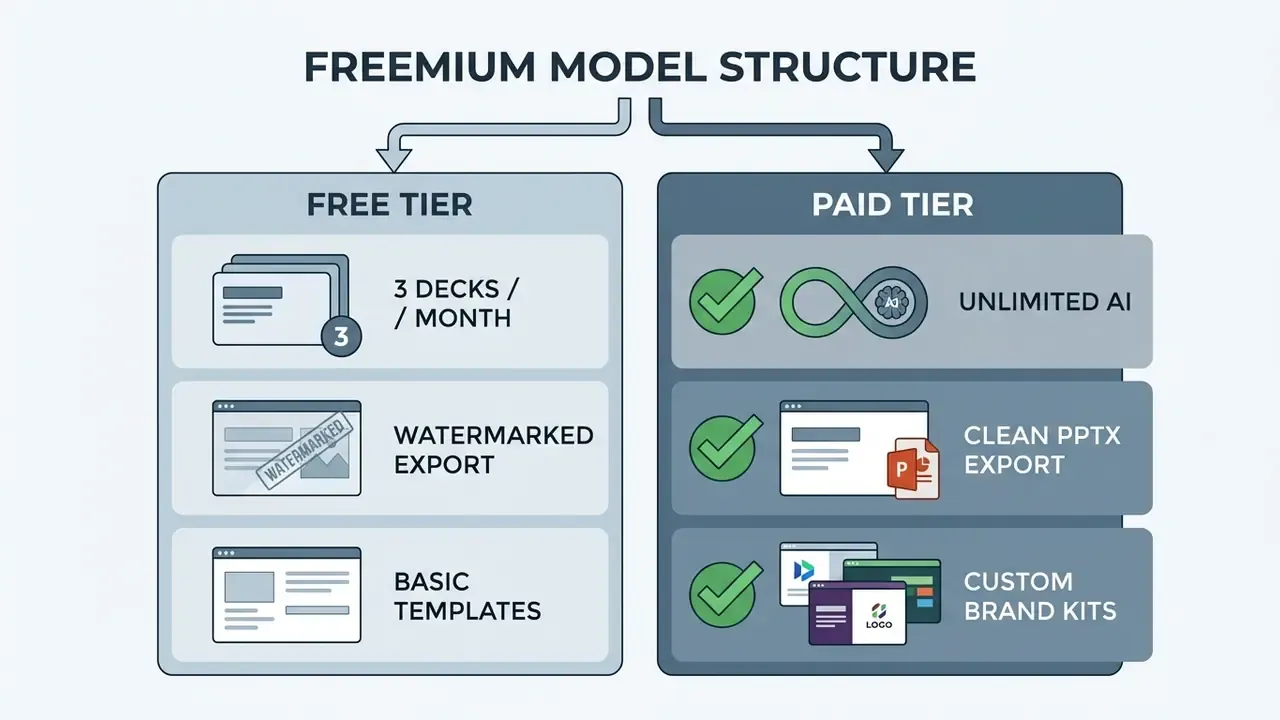
An ai slide presentation maker free option normally provides between 3 and 10 generations after registration, and login is usually mandatory to generate or download a deck. Teams needing unlimited slide creation sometimes turn to self-hosted open-source models such as Auto-Slides, which require independent API keys and technical configuration. That approach carries its own maintenance burden, though it does keep source documents inside the organisation's perimeter. The freemium pattern is not unique to slides either. The same credit, watermark, and export mechanics show up in our breakdown of free AI video generators and their limits. For cost structures across enterprise media tools, consult our detailed guide on pricing.
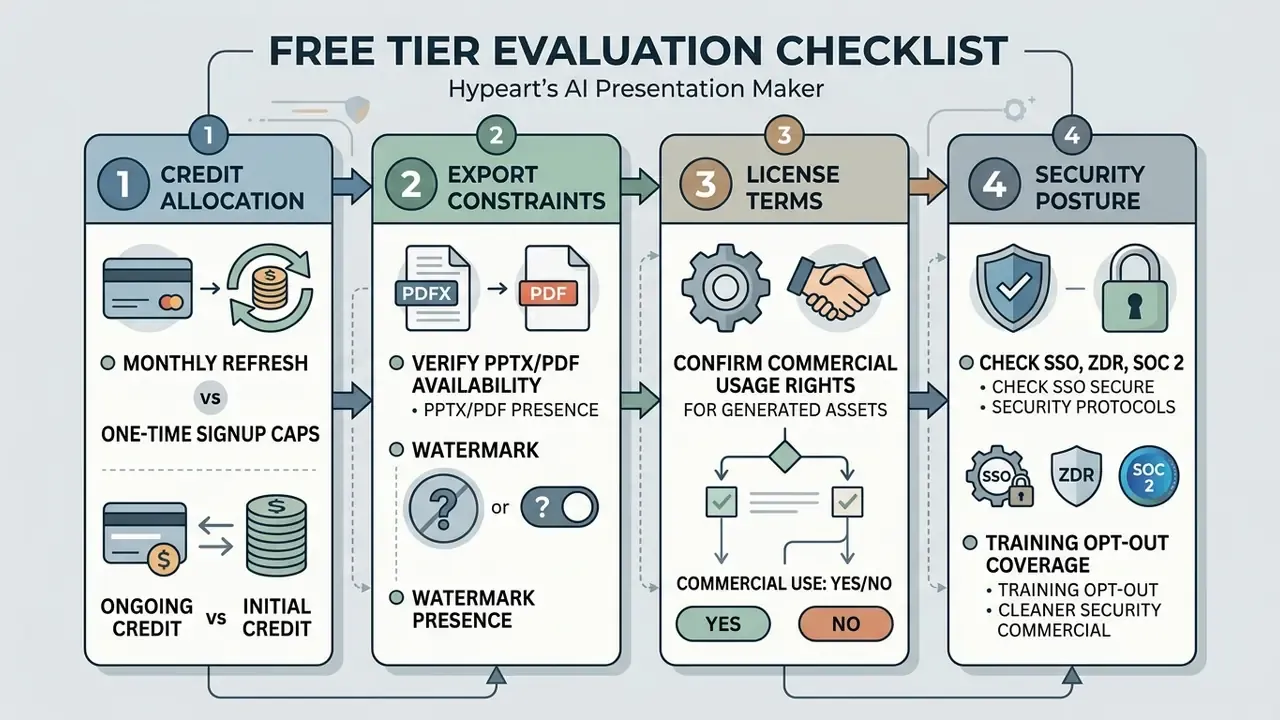
How to check watermark, export and commercial-use terms
Before adopting an ai presentation maker free 2025 shortlist carried into this year, or testing an ai presentation maker free trial, verify the licensing rules that govern commercial asset use.
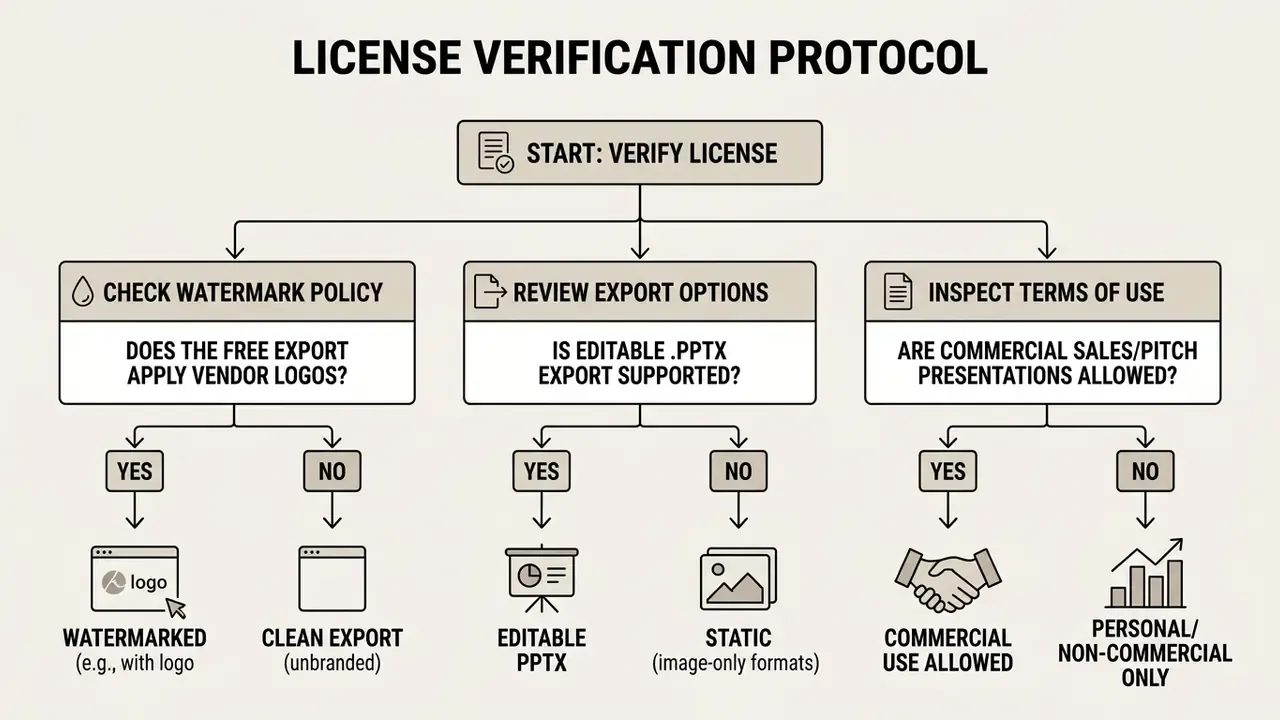
Key verification steps:


Risk-adjusted ROI: pricing the control layer, not just the licence
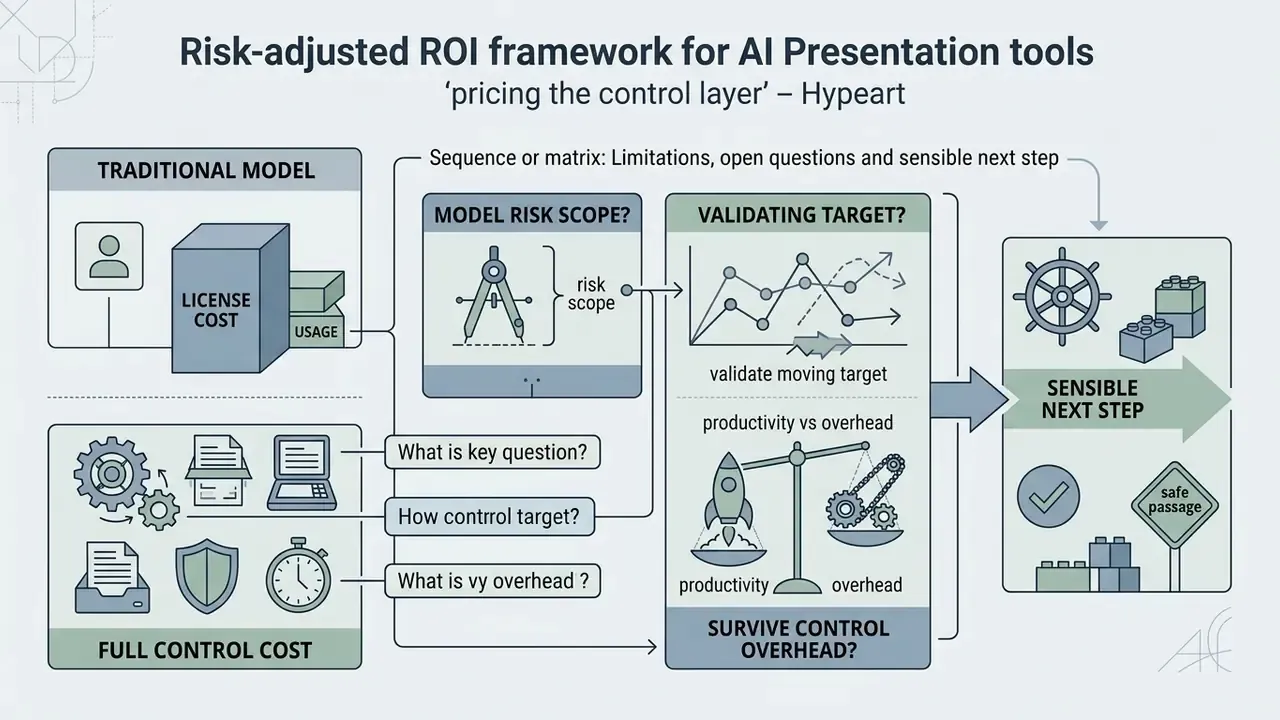
Subscription price is the smallest line in an enterprise decision. A defensible comparison prices the control layer that has to sit on top of any generation tool:
Risk-Adjusted Annual Value =
      (Hours saved × Loaded hourly rate)
    − (Licence + credit overage cost)
    − (Review & reconciliation labour: decks × minutes per deck × rate)
    − (Onboarding, DLP, SSO integration and vendor due-diligence cost)
    − (Residual risk exposure: P(incident) × Expected loss per incident)
    − (Rework cost from watermark/export/licence limitations)
| Cost or benefit line | Typical driver | Why it changes the decision |
|---|---|---|
| Time saved | Documented gains of about 12% faster document completion; 7+ hours per week reported in education settings | The headline benefit; scales with deck volume, not headcount |
| Licence and credits | Free caps force paid upgrades once volume is real | Free-tier pilots systematically understate steady-state cost |
| Validation labour | Two-pass numeric reconciliation on finance decks | Often the largest recurring cost for regulated output |
| Integration and diligence | SSO/SCIM setup, DLP rules, vendor and subprocessor assessment | One-time but material; skipped only by accepting Shadow AI |
| Residual risk | Confidentiality exposure, licence breach, a hallucinated figure in a board pack | Low probability, high severity; drives tiering decisions |
| Rework | Watermarks, non-editable exports, missing .fig or PPTX support | Quietly erases the time saved in the first line |
Two heuristics follow. Tools with clean editable export and strong governance features frequently beat cheaper tools on risk-adjusted value, because rework and review time dominate the model. And low-consequence internal decks can safely run on lighter controls, so reserve the full protocol for anything that leaves the building or feeds a report. For structured cost modelling across generative media workflows, see our AI Media Calculators.
Limitations, open questions and a sensible next step
FAQ about free AI presentation makers
Can AI improve an existing PowerPoint presentation?
Yes. An ai tool create presentation from text free platform or office extension can review and enhance existing decks. Assistants integrated into PowerPoint evaluate slide hierarchy, suggest clearer bullet phrasing, add, remove or reorder sections, adjust tone and detail, and reformat legacy slides to match modern brand templates with consistent colours, fonts, and layouts.
"PPTAgent uses a two-stage approach: first analysing reference presentations to extract functional slide types, then iteratively generating edits scored with PPTEval metrics." PPTAgent / PPTEval (2025). https://arxiv.org/abs/2501.xxxxx To compare functional capabilities across creative software, examine our AI Media Comparison Matrices.
Can an AI presentation maker add images and animations?
Modern AI presentation tools insert stock imagery, vector graphics, and data visualizations automatically. Mainstream design platforms bundle three functions in the editor: AI image generation, royalty-free media libraries, and preset animation or motion effects that apply entry transitions and page movement. Video-based AI slide systems can also synchronize highlight animations with spoken presenter scripts (AutoLectures, 2025).
"AutoLectures' highlight-alignment module reaches over 92% F1 when matching spoken phrases to slide regions at line or word level." AutoLectures (2025). https://arxiv.org/abs/2501.xxxxx If you plan to render slides into narrated video, review adjacent tooling in our overview of text-to-video AI tools and workflows. For automated graphic development pipelines, consult our technical AI Media API Guides or the AI Media Support and Troubleshooting hub.
Can I turn a URL or a YouTube video into slides?
Yes. URL-to-deck features fetch the target page, strip navigation and advertising boilerplate, and compile substantive article content into an outline before rendering. YouTube-to-deck features parse the automated transcript and timestamps, then summarise the video into sections. Both paths inherit the source's errors, so verify claims and figures against the original page or recording, and avoid submitting links to internal or paywalled resources the vendor should not access.
Can I convert Excel spreadsheets into a presentation?
Yes. Spreadsheet ingestion converts tables and multi-sheet workbooks into chart layouts, KPI summaries, and dashboards. Watch three failure modes: merged cells that break column detection, units and scaling (thousands versus millions) relabelled during summarisation, and derived totals the model restates rather than recomputes. Always re-derive aggregates from validated inputs.
Does a free AI presentation maker work without registration?
Rarely, at least for full functionality. Most platforms require an account to generate and, critically, to download a deck. Anonymous previews are common; anonymous exports are not. Where a tool does allow no-login use, assume weaker retention guarantees and no audit trail, which makes it unsuitable for anything beyond public, non-sensitive content.
Will the free version put a watermark on my slides?
Frequently. Free tiers commonly stamp a vendor badge on PDF export, or reserve the clean editable PPTX download for paid plans. Because watermark behaviour also depends on export profile, test one full export end to end before committing a client-facing deck to the workflow.
Is it safe to upload confidential company documents to a free tool?
Not by default. Free consumer tiers often lack Zero Data Retention, training opt-out, SSO, and audit logging, and content may traverse several embedded model providers. Run the Shadow AI assessment checklist above, classify the document first, and route confidential or regulated material only through an approved enterprise tenant with a signed data processing agreement.
How do I export to Google Slides, PowerPoint and PDF?
Native PPTX and PDF export are near-universal; direct Google Slides export is less common. The reliable path is to export PPTX first, then open or import the file in Google Slides, which converts PowerPoint decks without copying. Inside PowerPoint, PDF output uses File → Export → Create PDF/XPS Document. Verify font substitution and chart fidelity after any conversion.
About this guide
Appendix A: superseded source attributions
For transparency, the following attributions appeared in earlier revisions and were replaced with verified research citations in the current version. The underlying guidance was retained; only the sourcing changed.

Footer / Hub Navigation