«No evidence, no autonomy. When evaluating automated video generation platforms for enterprise communication and content marketing, teams must pair production speed with strict governance over asset licensing, brand consistency, and measurable performance.»
Why should a compliance or communications lead at a bank care about a marketing tool? Because the ingest path matters. Any system that accepts an uploaded PDF becomes, in practice, a channel for regulated content leaving your perimeter.
Last updated: February 2026. Reviewed for pricing accuracy, licensing scope, and enterprise governance criteria.
Executive Summary: Key Takeaways for Decision-Makers
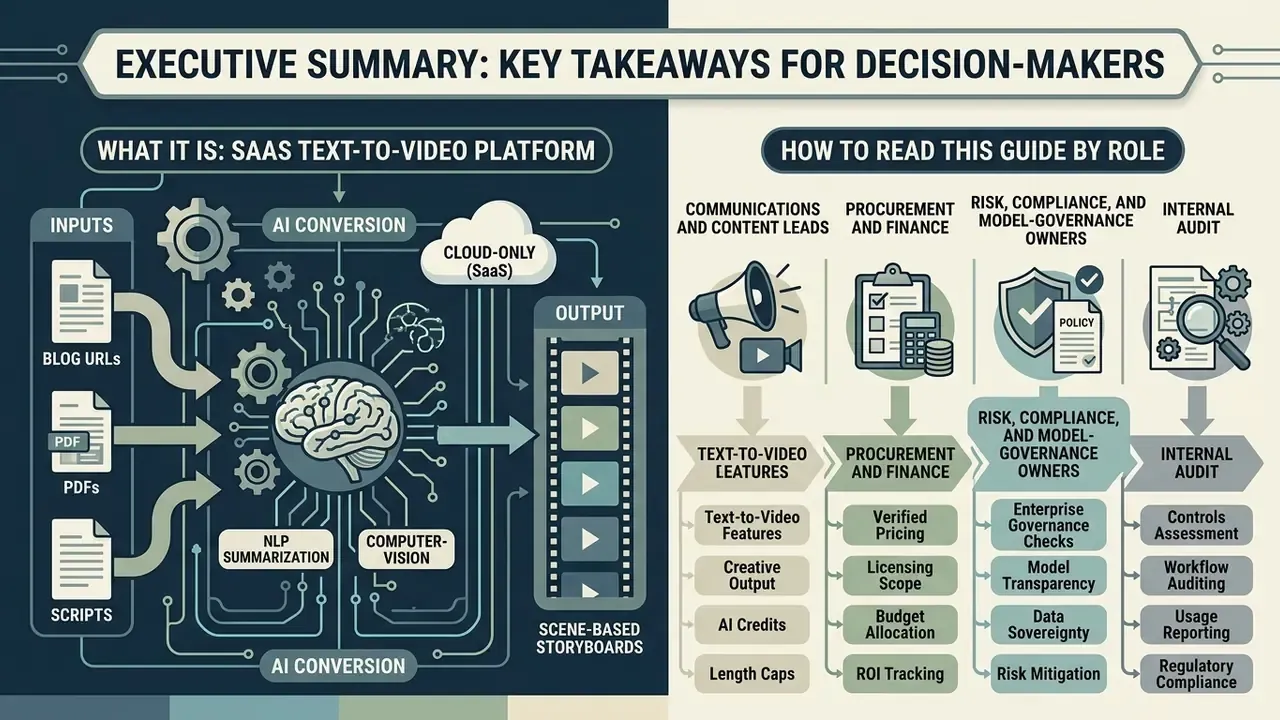
- What it is: A cloud-only (SaaS) text-to-video platform that converts blog URLs, PDFs, and pasted scripts into scene-based storyboards using NLP summarization and computer-vision media matching.
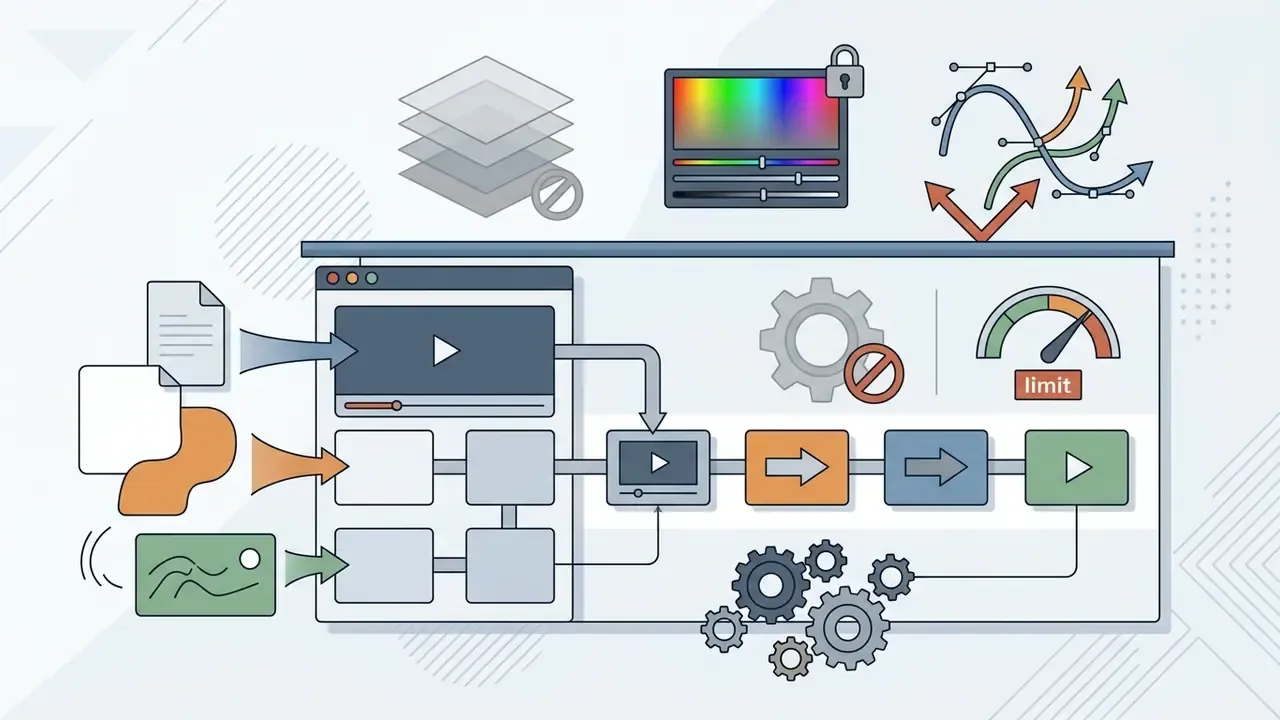
- Who it fits: B2B content marketing, corporate communications, and education teams producing high-volume short-form video without dedicated editors. It is not built for cinematic VFX, multi-layer compositing, or frame-accurate color grading.
- Verified 2026 pricing: Free ($0), Basic ($19/mo billed yearly), Starter ($59/mo billed yearly), Pro ($149/mo billed yearly), Team (custom quote), per the official Lumen5 pricing page.
- Hard limits to model in your business case: the Free tier caps output at 5 videos per month, 720p, 2-minute maximum length, with a Lumen5-branded outro. Paid plans lift duration to a 10-minute maximum and allocate monthly AI credits (Basic 3,500 / Starter 12,000 / Pro 36,000 / Team custom).
- Documented ROI: vendor case studies report production time falling from a full day to roughly 20 minutes per video (CMS law firm), an eightfold time reduction (NC State University), and 551 videos produced in a single year (Swiss Re).
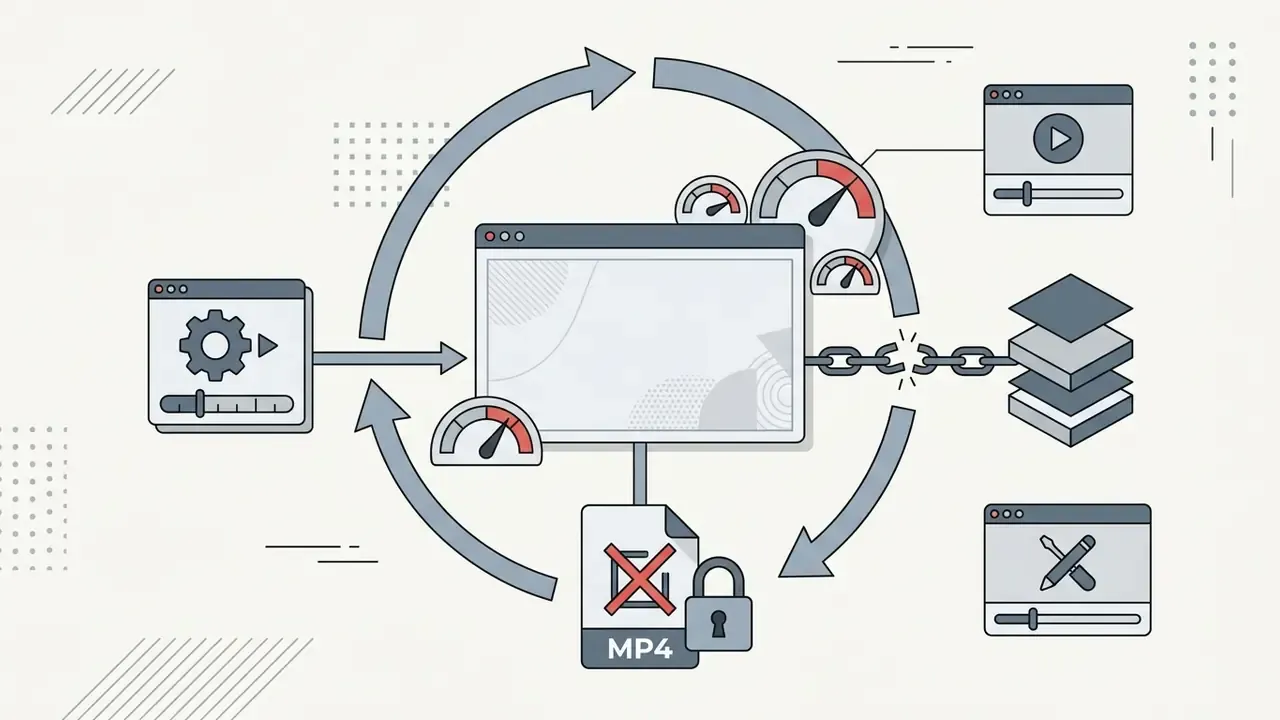
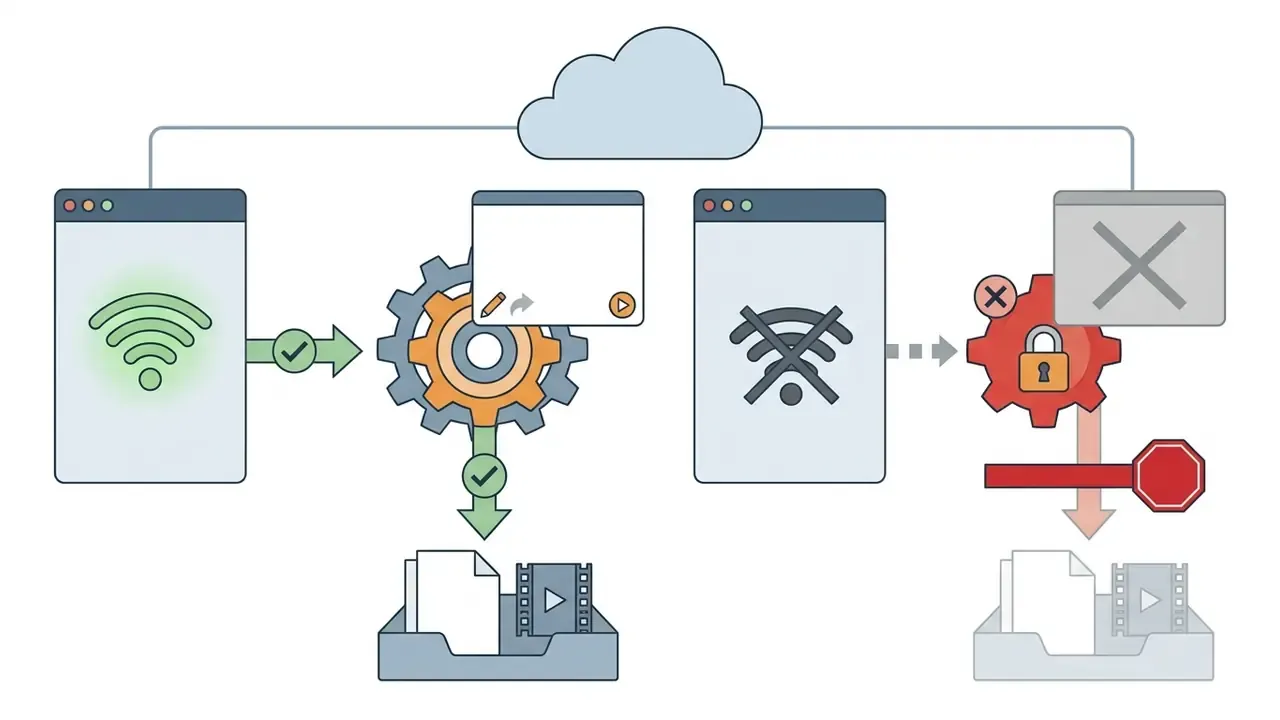
- Primary governance risks: editorial-only stock assets cannot be used in promotional advertising; there is no public API; and rendered MP4 files cannot be re-edited outside the original cloud project. Security certifications, model-training policies, and IP indemnification terms must be confirmed directly with the vendor under NDA or in the Master Services Agreement.
How to Read This Guide by Role
Different buyers stop reading at different points, so here is the short routing map.
- Communications and content leads need sections on capabilities, video types, and the step-by-step workflow. That is where output quality and speed live.
- Procurement and finance should start at the 2026 pricing ladder and the credit allocations, then check the annual versus monthly billing note.
- Risk, compliance, and model-governance owners should jump straight to the due-diligence checklist. Two questions decide viability: is customer content used for model training, and who indemnifies you if a matched stock clip triggers an IP claim?
- Internal audit will care about one thing above all: whether an approved render can be traced back to an approver, with a timestamp.
That last point is worth stating plainly. Speed without an audit trail is not efficiency, it is deferred risk.
What Is Lumen5 AI Video Maker and What Tasks Is It Designed For
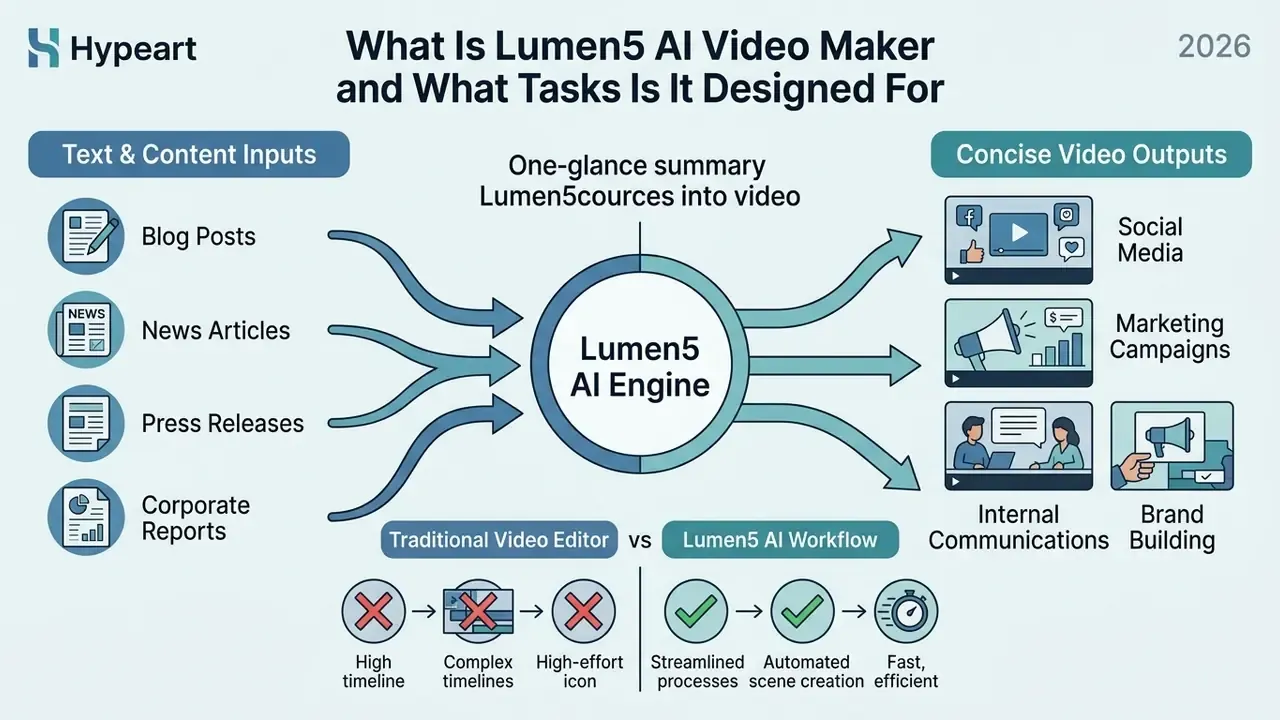
Lumen5 functions as an AI video creation platform built to convert long-form text, such as blog posts, news articles, press releases, and corporate reports, into concise video formats. The service addresses the key operational bottleneck in content marketing: generating consistent, high-volume video content without expanding dedicated video production staff. Rather than acting as a frame-by-frame timeline editor, the lumen5 ai video maker automates visual composition, script summarization, and initial media selection.
How Lumen5 Converts Text and Content into Video
The platform ingests text through a website URL, a document upload, or direct text input, then applies Natural Language Processing (NLP), a set of techniques for parsing and summarizing human language, to break the narrative into logical scenes. Computer vision algorithms then analyze the extracted concepts and match each scene with relevant background footage, photos, and background audio from a stock library.
According to Lumen5's own help documentation, NLP is used to summarize an article into a video-ready storyboard, after which computer vision pairs each scene with relevant photos, videos, and music. The exact model architecture behind this matching layer is not publicly disclosed by the vendor, so treat it as a documented capability rather than an audited technical specification.
«AI systems based on NLP parse press releases, extract key information, and generate dynamic video content, improving audience perception and engagement.»
Users review the generated storyboard draft, adjust text overlays, re-order scenes, and apply corporate brand styling before rendering the final asset. Source ingestion has practical boundaries. The URL importer can only reach publicly accessible pages, so password-protected blogs, Google Docs, and cloud-storage links must be exported to PDF or pasted as raw text first. Minor detail, but it derails a first pilot more often than anything else.
How an AI Video Creator Differs from a Traditional Video Editor
An AI video creator automates storyboarding and asset pairing based on text inputs, whereas a traditional video editor relies on manual placement of media clips along a time-coded track. Timeline editing software provides precise control over frame cuts, color grading, multi-track audio mixing, and visual effects, but it requires technical training and significant labor hours.
«AI tools substantially lower logistical and financial barriers, allowing a single user to create professional-looking video materials without a large production team.»
Lumen5 is built for speed and accessibility, letting non-technical teams turn existing articles into social media clips in minutes instead of hours. The trade-off is explicit: automation replaces granularity. Where a timeline editor exposes keyframes, razor cuts, and layered compositing, the lumen5 ai video editor exposes scenes, blocks, and brand kits. Teams that want both usually keep a desktop suite such as movavi video editor for precision work and reserve lumen5 ai video creation for volume.
Capabilities of the Lumen5 AI Video Generator
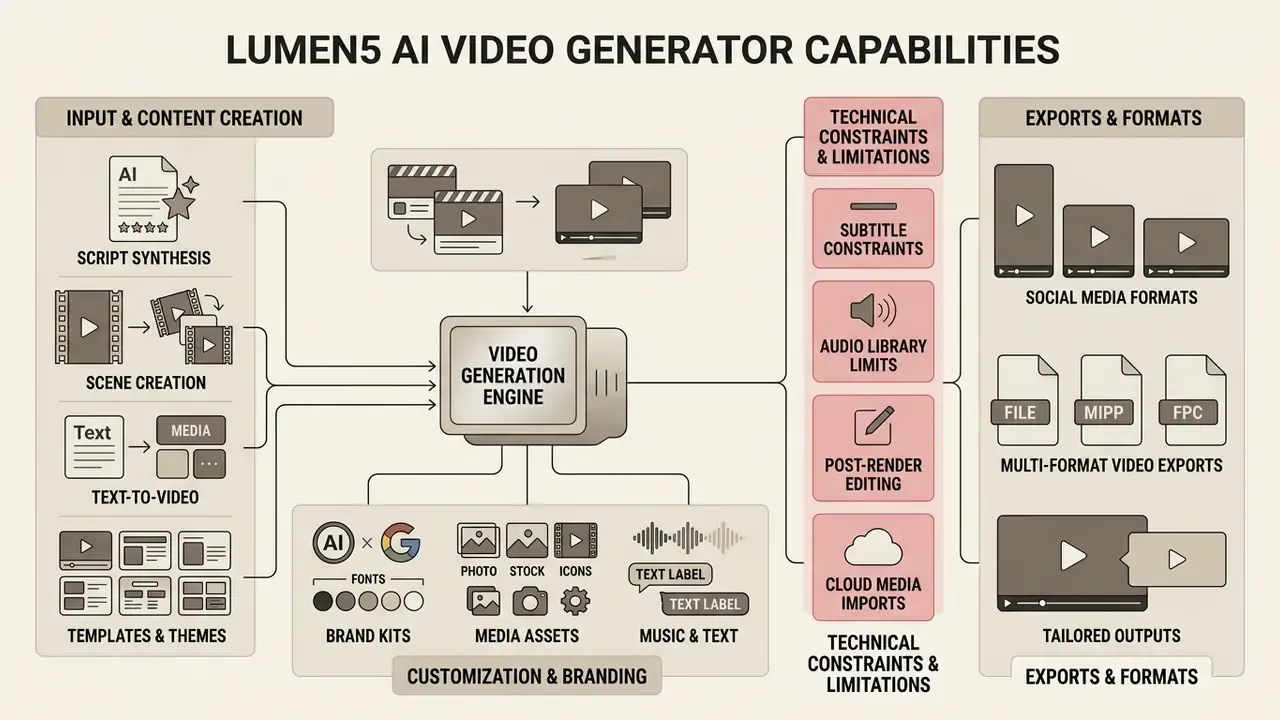
The lumen5 ai video generator features automated script synthesis, dynamic scene creation, customizable brand kits, and multi-format video exports tailored for modern distribution channels. The system integrates automated text summarization with stock media matching to simplify the visual creation pipeline and standardize text-to-video generation across distributed marketing teams.
Table: Core capabilities of the Lumen5 AI video generator platform
| Feature | Operational role in AI video creation |
|---|---|
| AI Script Composer and text import | Parses URLs, PDFs, or pasted text to extract key themes and generate structured scene-by-scene storyboards automatically. |
| Automated scene matching | Uses computer vision to pair scene concepts with stock video clips, photos, and background music tracks. |
| Template and theme library | Provides pre-designed visual layouts with built-in typography, lower-third overlays, and aspect ratio conversion (16:9, 1:1, 9:16). |
| Brand kit management | Applies corporate color palettes, custom font files (TTF), brand logos, and watermarks across all video scenes automatically. |
| AI voiceover and subtitles | Generates synthetic voiceovers in multiple languages (1,000+ voices on paid tiers) and builds automated, speech-synchronized animated captions. |
| AI avatars and talking heads | Generates synthetic video presenters that read scripts alongside text overlays, removing the need for on-camera talent. |
| Drag-and-drop scene editor | Allows manual adjustments to text overlays, clip cropping, scene timing, asset swapping, and custom media uploads. |
| Cloud media imports | Supports direct import of proprietary source files through Google Drive and Dropbox integrations. |
| AI video translation and localization | Enables multi-language output (35+ languages per official documentation) for global internal communications. |
Video Generation from Text and Script
The lumen5 ai video generator uses an AI Script Composer to digest written materials and draft an initial video outline. Users import articles via public web links or upload documents directly into the editor interface. The engine identifies core sentences, ignores filler copy, and maps key statements onto visual slides to create an editable storyboard. Teams that prefer full fidelity over summarization can disable compression and force the composer to build one scene per sentence, which is the safer default for regulatory or disclosure copy where paraphrasing is unacceptable.
Alongside text-to-speech voiceovers, Lumen5 supports AI-generated talking heads and virtual presenters, so teams can deliver human-like presentations without hiring on-camera talent. For regulated industries, pair this capability with a disclosure policy: synthetic presenters in customer-facing communications may require an explicit AI-generated content label depending on jurisdiction. Track how those obligations evolve through our AI Litigation and Case Timelines.
Media, Music, Texts, and Assets for Video Customization
Technical Constraints and Editing Limitations
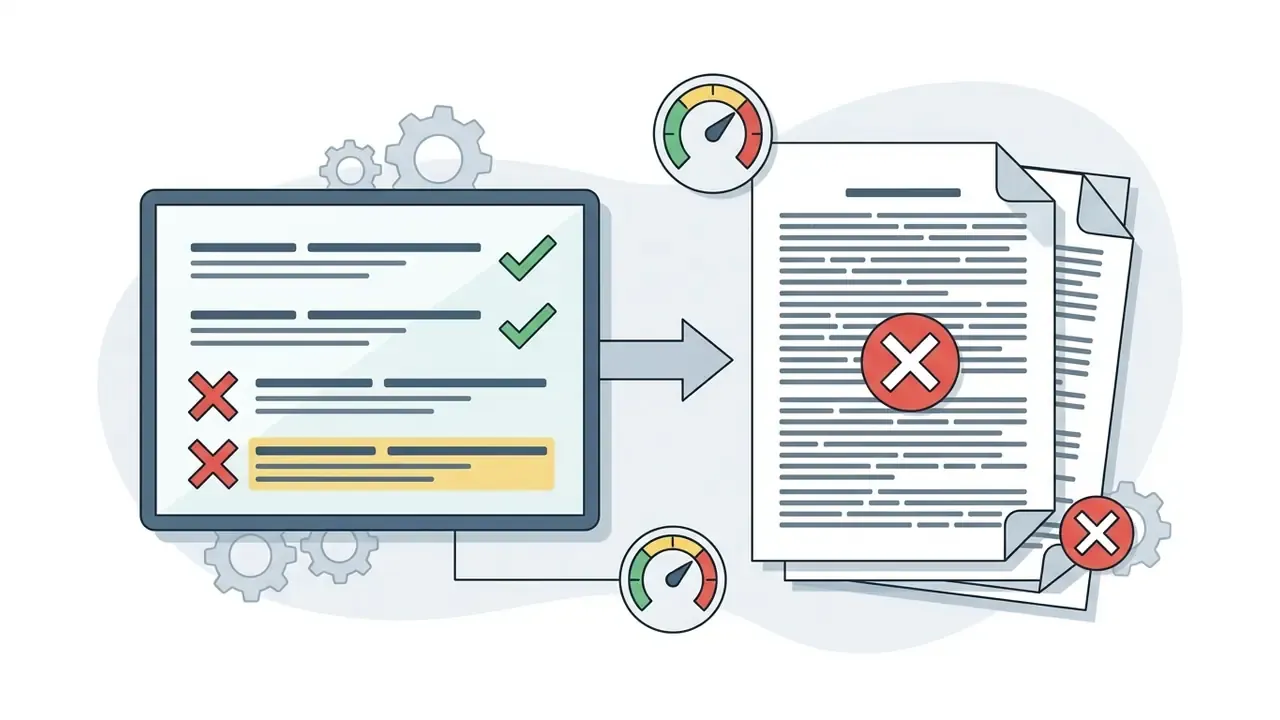
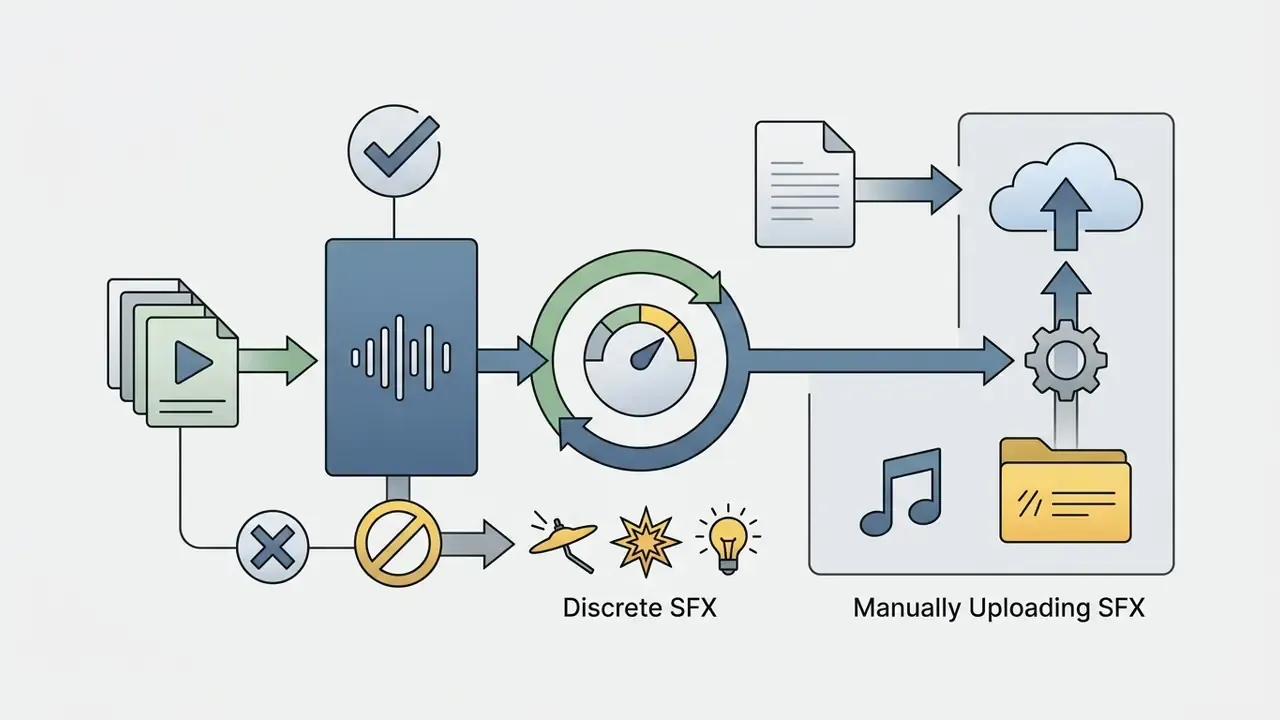
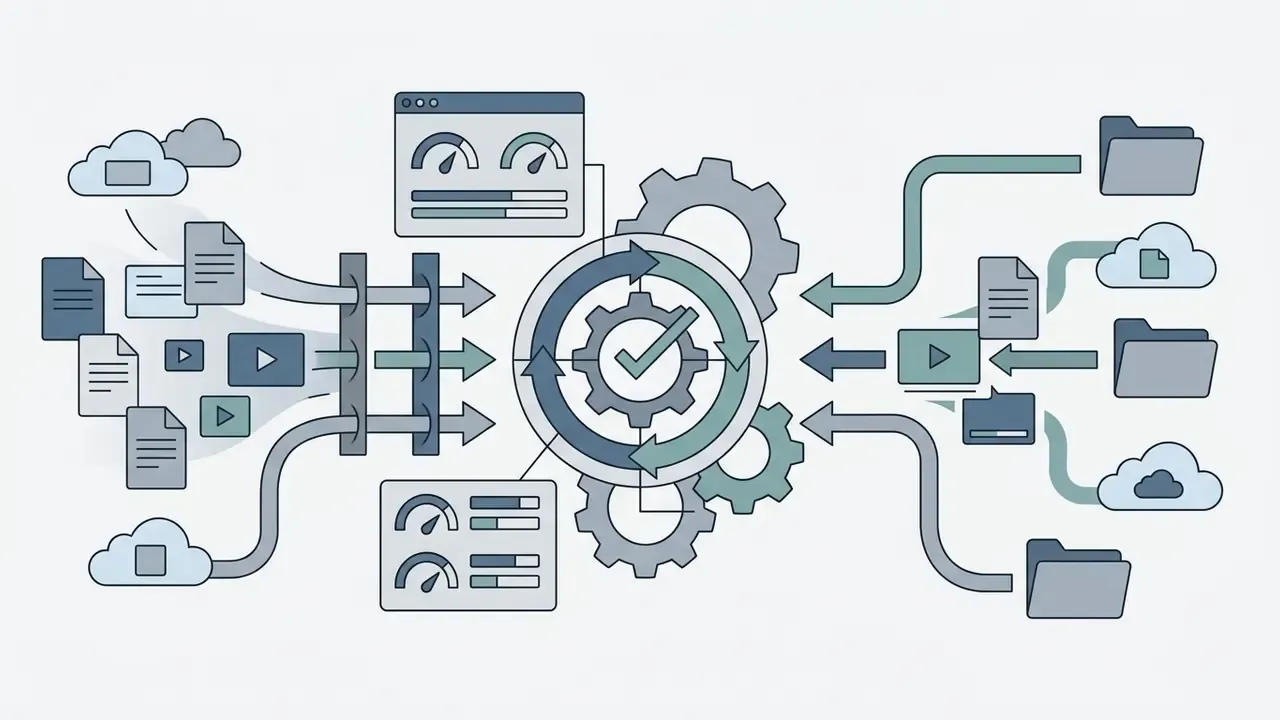
Automation efficiency comes with concrete platform boundaries. Model them before rollout, not after the first campaign stalls.

What Types of Videos Can Be Created in Lumen5
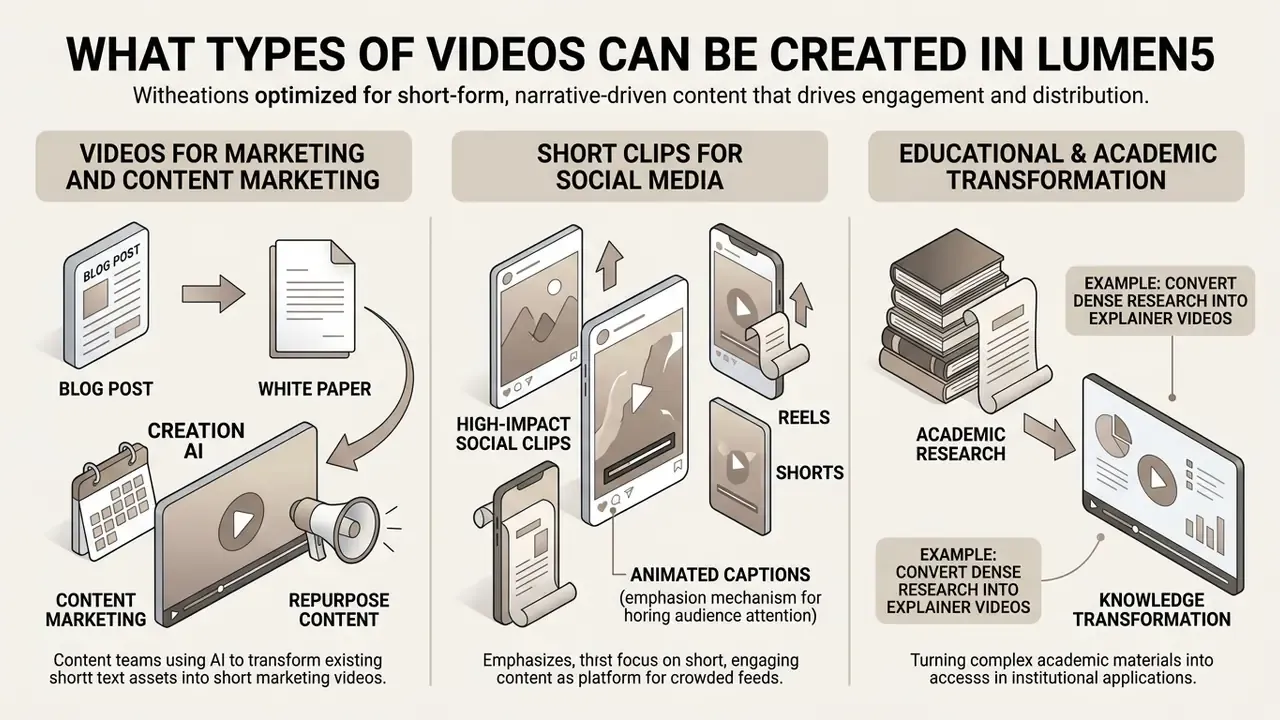
Lumen5 is optimized for short-form, narrative-driven video content designed to drive audience engagement and distribution across corporate channels. The platform excels at transforming static text into digestible visual summaries that fit modern digital consumption habits: product demos, internal announcements, event teasers, research infographics, podcast highlight clips, educational tutorials, and localized training modules.
Videos for Marketing and Content Marketing
Content marketing teams use lumen5 video creation ai workflows to repurpose blog posts, white papers, and research reports into teaser videos for digital campaigns. According to the Lumen5 customer case study on the CMS law firm (vendor case study), the international firm replaced manual editing in Adobe Premiere with Lumen5 and cut production time from a full day to 20 minutes per video. That shift lifted output from fewer than 10 videos per year to nearly 30 per month, contributing to a 14% increase in generated leads and 47% growth in LinkedIn followers.
«After switching to Lumen5, the CMS law firm cut production time from a full working day to 20 minutes and scaled output from fewer than 10 to roughly 29 videos per month.»
Enterprise Security, Data Privacy, and Governance Controls
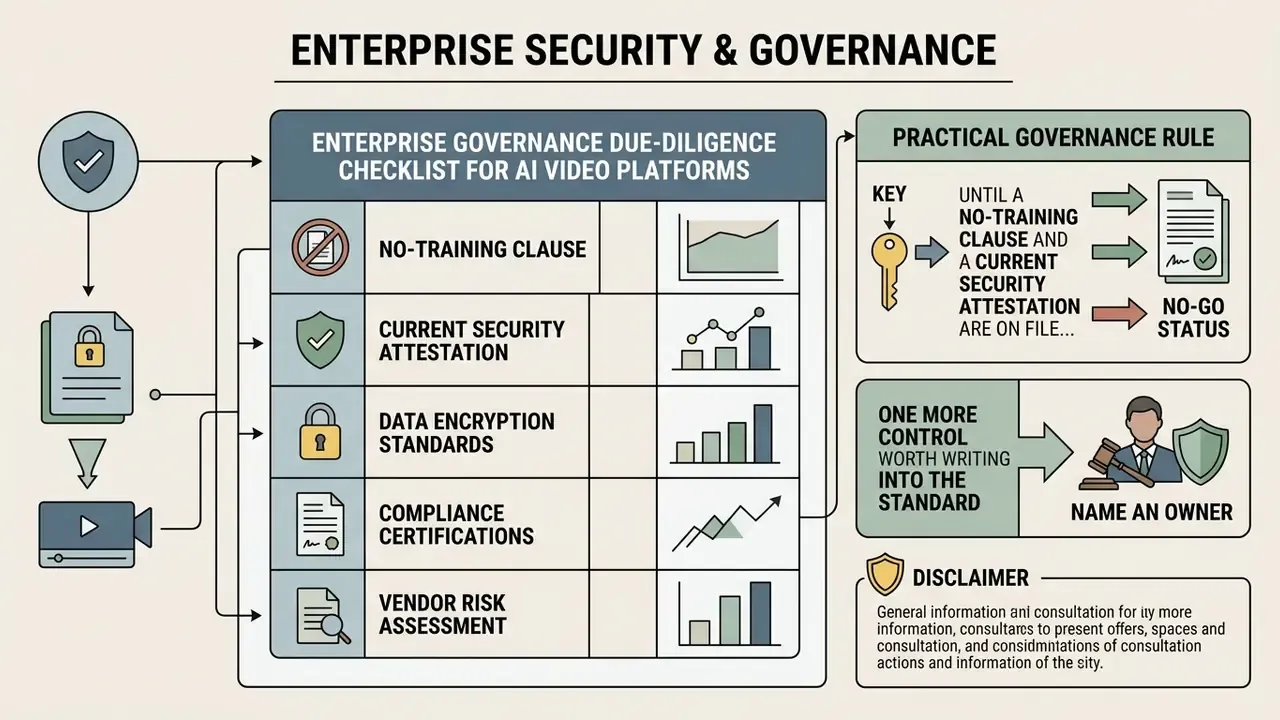
For risk, compliance, and model-governance owners, the decisive question is not feature parity but data handling. Because the lumen5 ai video maker ingests source documents, which in banking, insurance, or healthcare contexts may include unpublished reports or regulated customer data, the following controls must be confirmed in writing before any pilot moves beyond public marketing content.
Table: Enterprise governance due-diligence checklist for AI video platforms
| Control area | What to verify | Status in public documentation |
|---|---|---|
| Security certifications | SOC 2 Type II, ISO/IEC 27001 scope and audit date | Not published in the vendor help center. Request the current audit report and bridge letter directly. |
| Model training on customer data | Whether uploaded scripts, PDFs, and media train shared or third-party models; opt-out mechanics | Not addressed in public docs. Require an explicit no-training clause in the contract. |
| Data residency and retention | Hosting region, retention window for drafts and rendered files, deletion SLA | Not published. Confirm in the DPA. Note that rendered projects persist in the cloud dashboard by design. |
| Identity and access | SSO/SAML, MFA enforcement, role-based permissions | Single sign-on, team management, role permissions, and video approval are listed as Team/Enterprise-tier capabilities. |
| Content approval workflow | Pre-publication review gates and an audit trail of who approved which render | Video approval is available on Team tiers. Audit-log depth requires vendor confirmation. |
| IP indemnification | Vendor coverage for copyright or IP claims arising from AI-generated scripts and matched stock media | Not published. Negotiate indemnity scope in the MSA, especially for paid advertising use. |
| GDPR / CCPA alignment | Data Processing Agreement, sub-processor list, cross-border transfer mechanism | Request the current DPA and sub-processor register from the vendor. |
| Shadow-AI containment | Whether staff can self-serve on the free tier with a corporate email and upload internal documents | The Free plan requires no payment details, which makes it trivially accessible. Block or license centrally. |
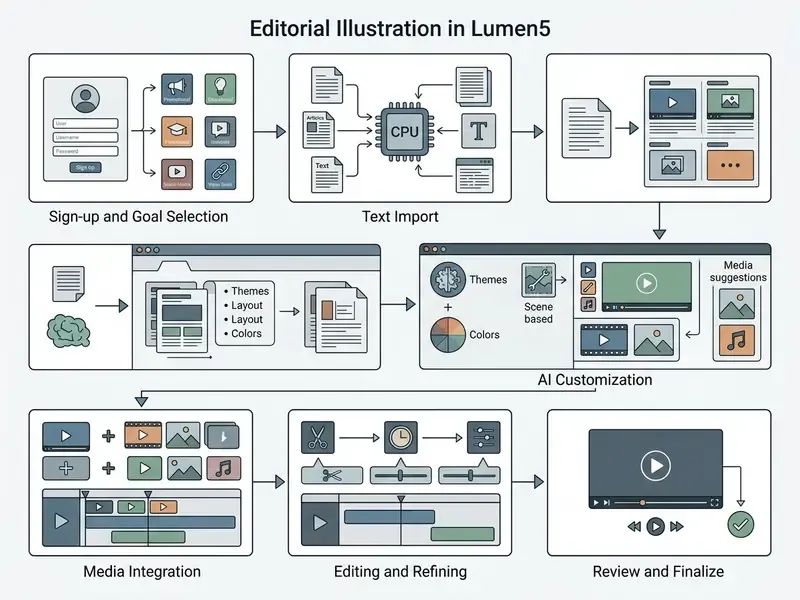
How to Create a Video in Lumen5: Step-by-Step Process
Creating a video in Lumen5 follows a linear, browser-based process that moves the user from raw text input to final media export.