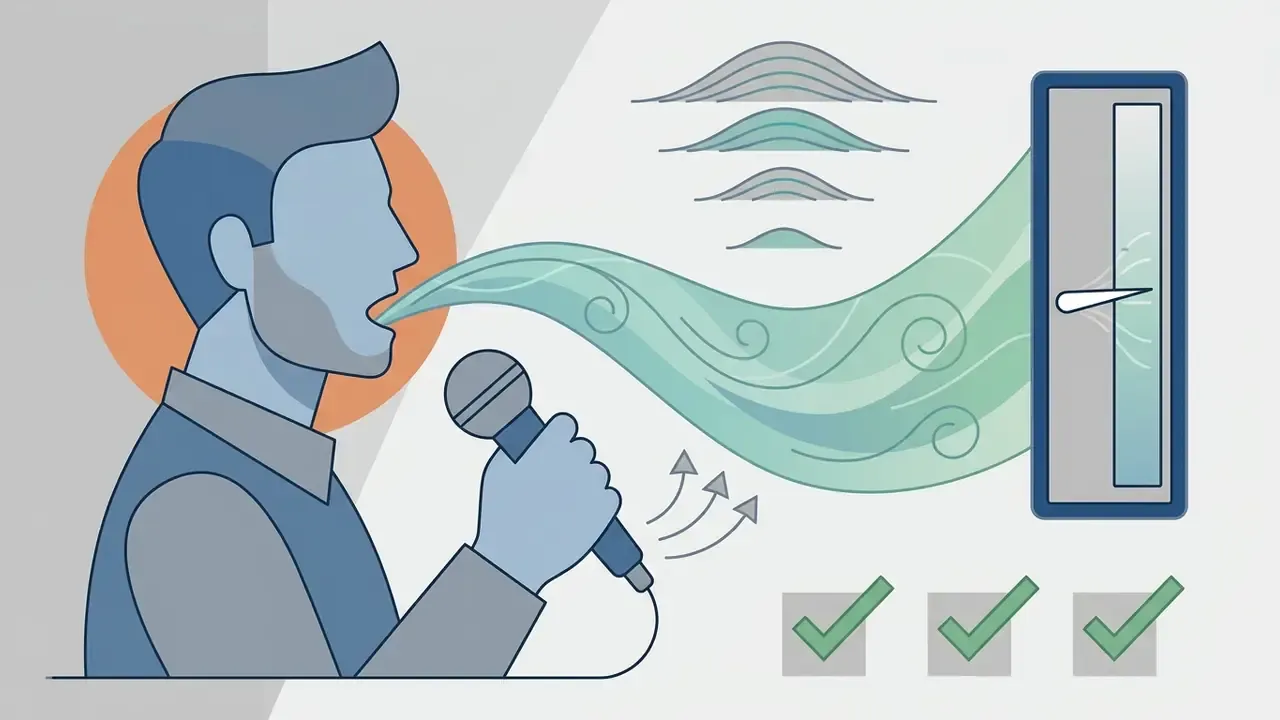
Suno AI Song Generator is a generative artificial intelligence platform built to produce complete music tracks automatically: vocals, lyrics and full arrangement, all from a text description. The service returns finished compositions several minutes long without demanding knowledge of music theory, instrumental skill, or experience with a digital audio workstation (DAW).
That sounds like a creative story. It is also a governance story, because the free tier is one sign-in away from any employee's browser.
«Autonomy of AI in media production demands a rigorous evidence base and managed risk. We treat generative models as digital assistants with clearly defined access boundaries, an audit trail, and transparent usage rights.»
Executive summary
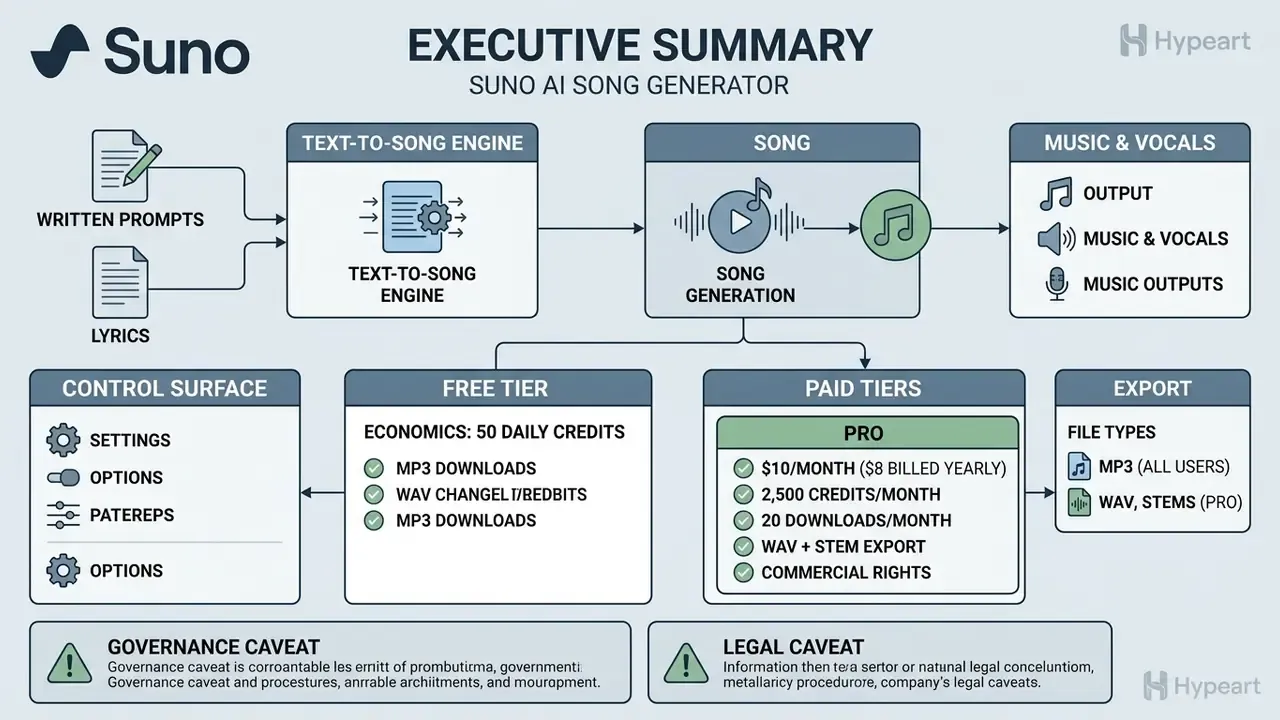
- What it is. A text-to-song engine. One prompt returns a complete, produced track with vocals in under a minute, and each run produces two variants for A/B comparison.
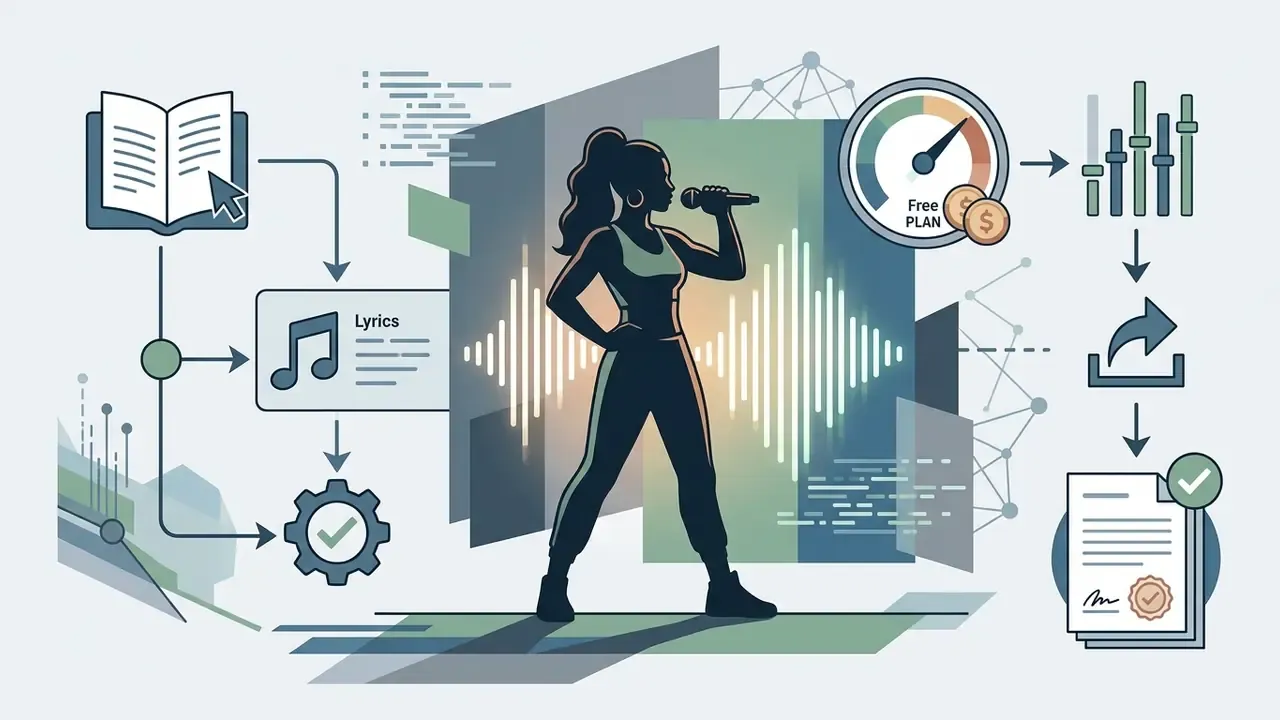
- Free tier economics. Free Plan = $0, 50 credits refreshed daily, no credit card required. One generation costs 10 credits and returns 2 tracks, so the free ceiling is 5 runs = 10 finished songs per 24 hours.
- Paid tiers. Pro $10/month ($8 billed yearly, 2,500 credits/month, 20 downloads/month, WAV plus stem separation). Premier $30/month ($24 billed yearly, 10,000 credits/month, 60 downloads/month, Suno Studio, MIDI export, Persona Voices).
- Commercial rights. Granted only for output generated and officially downloaded while a paid plan is active. A later upgrade does not retroactively license songs made on the free tier.
- Control surface. Simple Mode prompts, Custom Mode lyrics with
[Verse]and[Chorus]tags, plus granular controls: Style and Weirdness sliders, Exclusions, Vocal Gender, Persona Voices, Inspo. - Export. MP3 for all users, WAV and up to 12 time-aligned stems on Pro, MIDI and multitrack Studio export on Premier, plus MP4 lyric or visualiser video for short-form platforms.
- Governance caveat. Suno's Terms grant the platform a broad licence to use prompts and outputs to operate, improve and promote the service. Treat prompts and uploaded audio as non-confidential.
- Legal caveat. GEMA v Suno (Munich Regional Court, 2026) found that training-data memorisation surfaced in outputs. "Copyright free" is marketing language, not a legal status.
What this guide verifies, and what it leaves open
Three questions drive most searches for an AI song creator, and they deserve separate answers.
Can you make usable music for nothing? Yes, within a daily credit budget, and with no payment details on file. Can you sell what you made? Only under the narrow download condition described below. Can you safely run this inside a regulated organisation? Partly, and only with an approved-tool policy, because prompt text leaves your perimeter.
What stays uncertain: Suno publishes no definitive supported-language list, no hard track-duration cap, and its own pricing page and third-party summaries disagree on free-tier download allowances. Where sources conflict, this guide flags the conflict instead of quietly choosing the friendlier number.
What Suno AI Song Generator is and who it fits
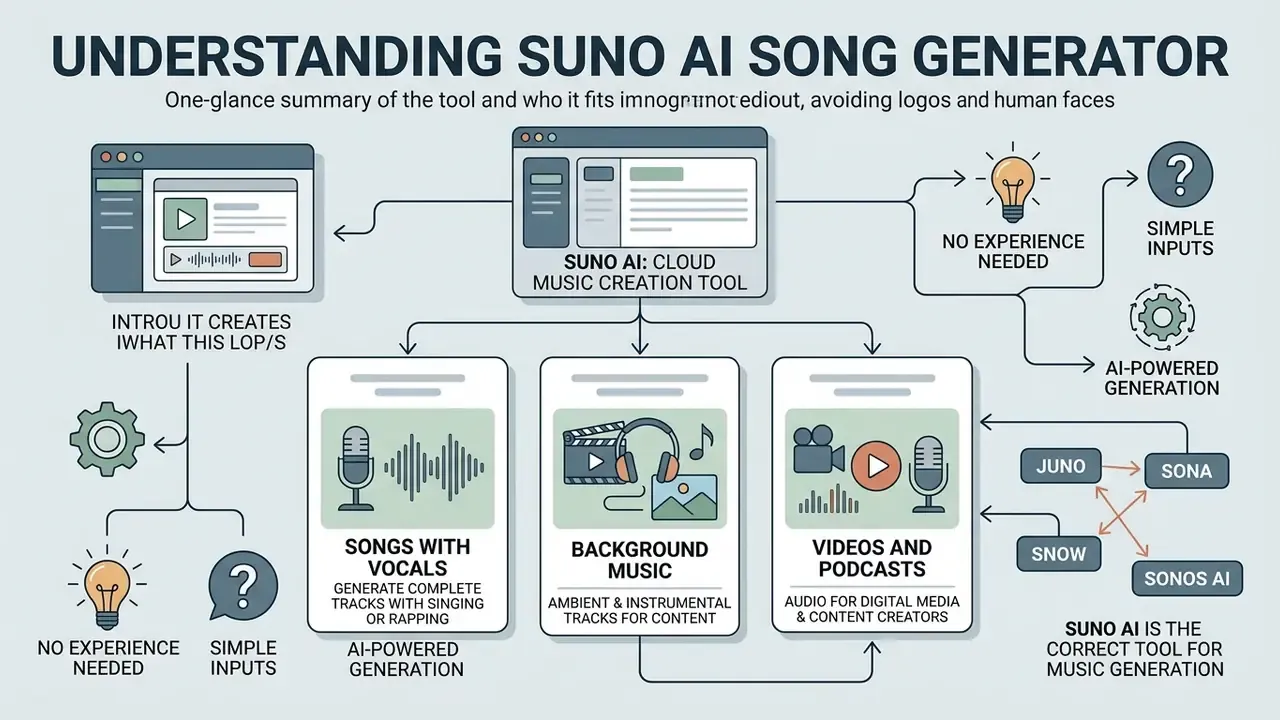
Suno AI Song Generator is a cloud tool for AI music creation. It turns text descriptions (a text prompt) or user-written lyrics into finished compositions with vocals and instrumentation. The service targets content creators, podcast authors, marketers and hobbyists who need unique audio material without the slow stages of traditional music production.
According to the corpus study by Casini et al. (2025), users apply platforms like Suno across the full audio-content cycle: from background beds to humorous and thematic songs.
«Users apply Suno to love, humour, political themes and personal projects, with a clear dominance of content-creator scenarios.»
Platform scale confirms the mass shift toward automated music. The engineering case study behind Suno's generation pipeline reports that the decisive factor was latency, not only model quality:
«Cutting generation latency from 90 to 20 seconds increased user retention by 34% and enabled 4.2 million tracks per day.»
Generation is not limited to the web interface. Suno ships official mobile apps for iOS and Android, both ranked as top-10 music apps in their stores with 363k+ and 653k+ reviews respectively. Third-party developers can embed generation into bots, editors and internal tools through an integration API.
What songs and tracks the Suno AI music generator creates
The generator produces complete songs with solo or duet vocals, a clear verse and chorus structure, and clean instrumental recordings. The platform covers a wide genre range: pop, rock, hip hop, lo fi, electronic music, jazz, reggae, phonk, metal and cinematic scores.
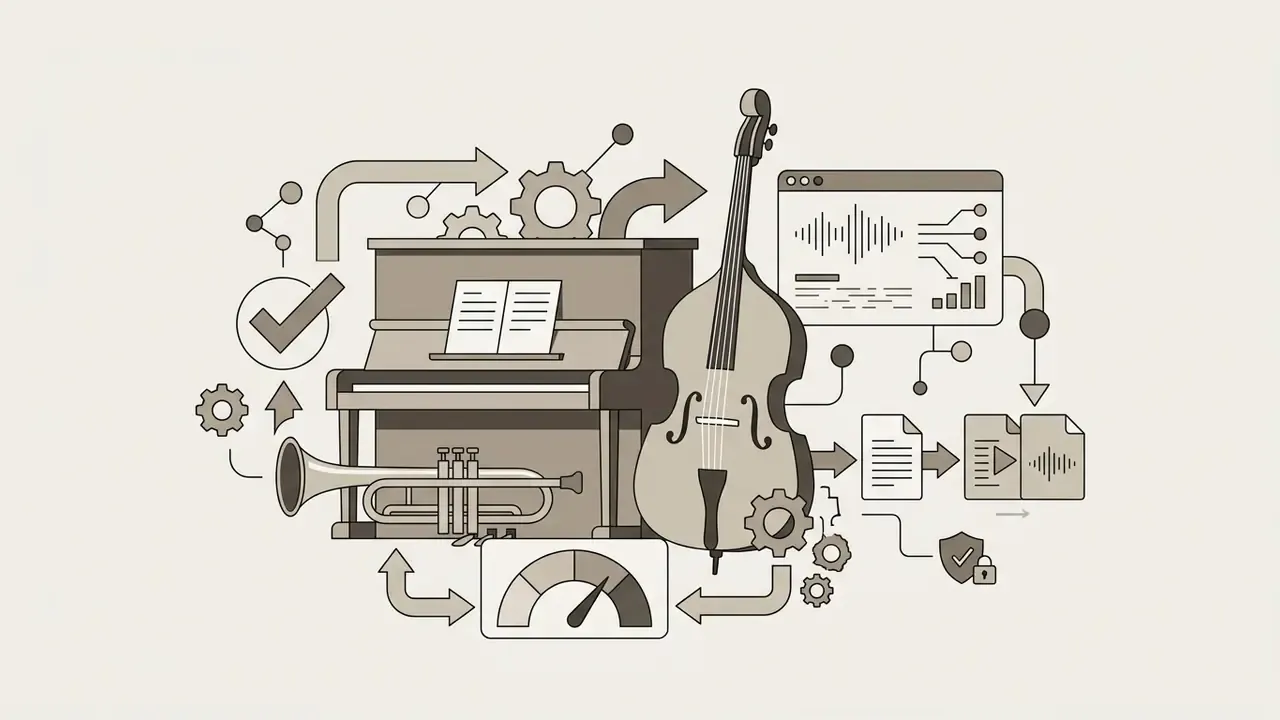
The system synthesises more than the vocal line. It assembles the whole arrangement, combining the rhythm section, harmonic instruments and sound effects into a single stereo file.
«Suno synthesises vocal parts with realistic prosody, timbre and emotional colouring, responding adequately to affective prompt descriptors.»
Do you need musical experience to work with Suno AI
Working with this music generator requires no music literacy, no instrumental skill and no DAW mixing experience. Type a simple text description of mood, tempo and genre, or paste ready-made song lyrics. That is the whole barrier to entry.
The one-minute path through Simple Mode is the lowest-friction entry point on the market: sign in, describe the vibe, press Create, get a song instantly. Creators who pair music with moving images usually combine it with AI video generators, so audio and visuals are produced in the same sitting.
Name confusion: juno, sona, snow and sonos ai music generator
Entity confusion is real, and it costs people time. Search logs are full of near-misses: juno ai music generator, sona ai music maker, sona ai song generator, sona ai song maker, snow ai music generator, sonos ai music generator, sonos ai song generator.
None of those are the product described here. Sonos makes speakers. Juno is a long-standing dance-music record store and a separate software synthesiser lineage. "Sona" and "snow" are phonetic spellings of the same word people heard in a video. The tool itself is spelled Suno, lives at suno.com, and is also reachable through the app suno ai create flow in the mobile apps. If a colleague forwards you a link that is not on suno.com, treat it as an unverified mirror rather than the official service.
Who Suno AI fits best
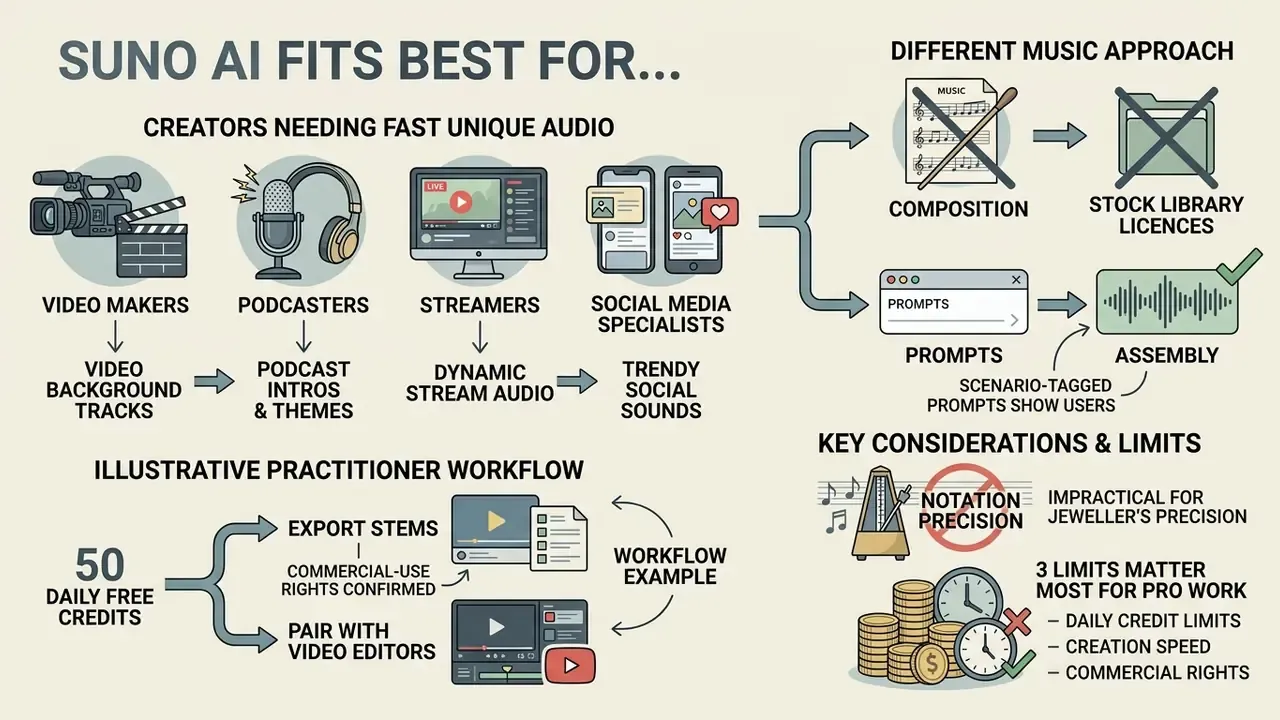
Suno AI suits video makers, podcasters, streamers and social-media specialists who need unique audio accompaniment fast, without paying for stock-library licences.
Scenario-tagged prompts show who actually uses the tool:
«Prompts specifying a use case, "for TikTok", "for YouTube", "for a podcast", form separate clusters in prompt space, confirming the dominance of content creators.»
«Reducing generation latency to ~20 seconds shifted user behaviour from "submit and forget" to "create and iterate", increasing retention by 34%.»
When a different approach to music production is better
Suno is impractical in projects that demand jeweller's precision in notation, specific live-vocal phrasing, or complex academic mixing. There, classic production with session musicians and DAW work still wins.
Three limits matter most for professional work. Output arrives as a finished stereo mix unless stems are extracted on a paid plan. There is no note-level or per-syllable editing. Non-standard song forms, exact bar counts, keys and tempos are not reliably steerable from a prompt alone.
A fourth limit is subtler: repeatability. Two runs of the same prompt are siblings, not twins, so a brand that needs an identical sonic signature across a campaign should lock a Persona Voice or keep a single approved master rather than regenerating on demand.
For pure speech content, use a dedicated AI voice generator. For provenance checks on published assets, use an ai generator checker.
How to use Suno AI Music Generator: creating a song step by step
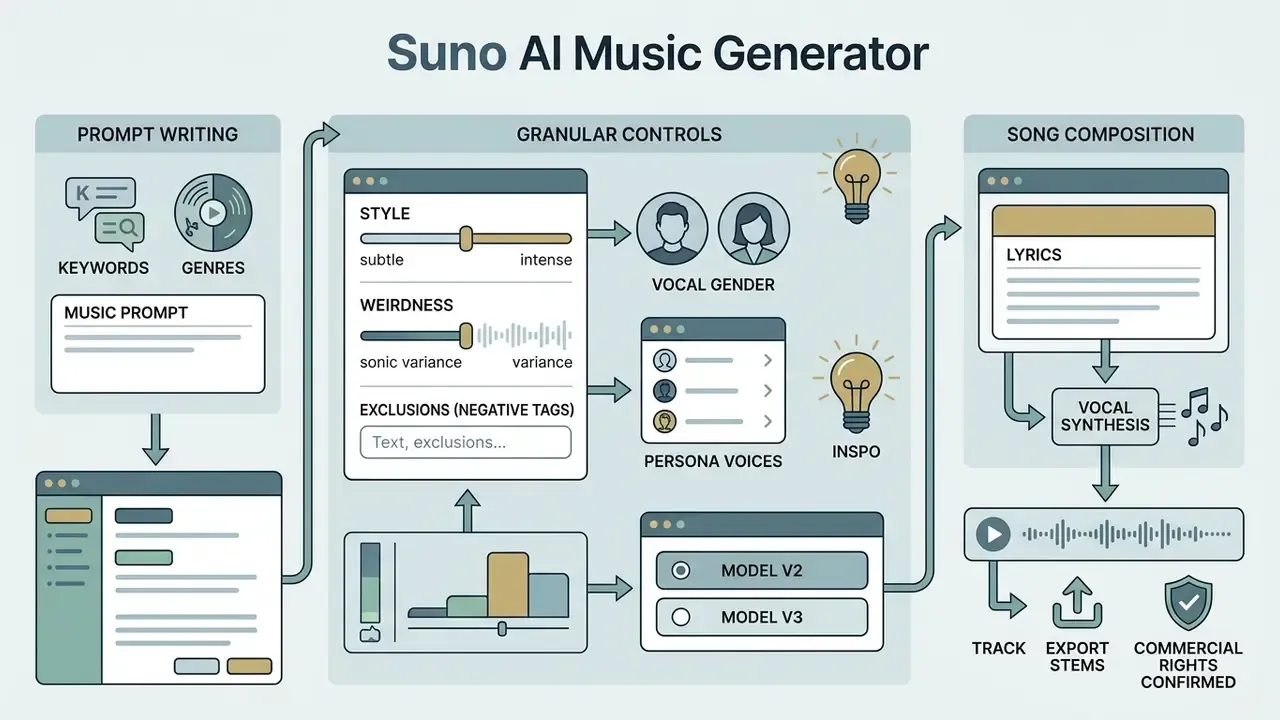
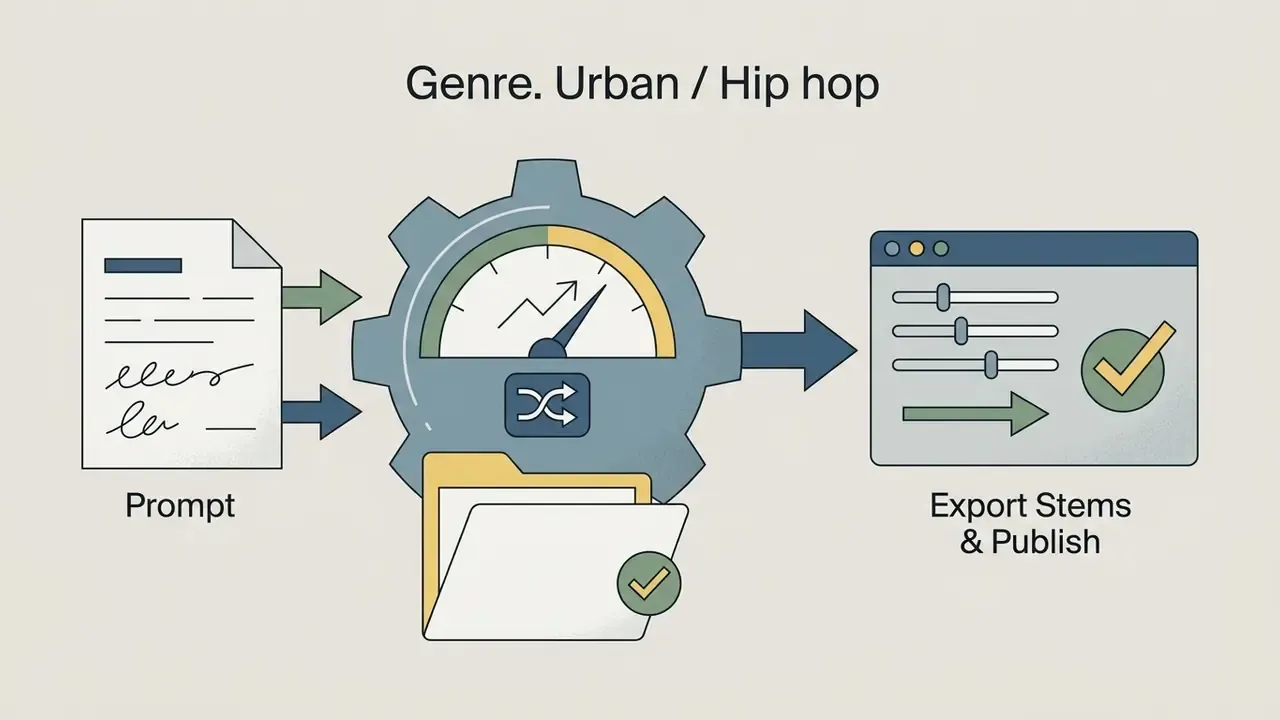
Creating a song in Suno means four things: sign in, formulate a text query or add lyrics, launch generation, export the audio file. The whole process runs through the official website suno.com, or through the mobile app on iOS and Android.
You launch generation in one click. The algorithm then creates two track variants in parallel, ready for listening, editing or publication.
- Semantic markup rules for the block: render as an ordered list; each step holds a bold action label plus one explanatory sentence; every step result must be readable as text in the DOM.
- Step 1. Sign in: go to suno.com or open the Suno create screen in the app and log in via Google, Apple, Microsoft, Discord or Facebook.
- Step 2. Pick a mode: open the "Create" tab, then choose "Simple Mode" for a quick description or "Custom/Advanced Mode" to work with lyrics.
- Step 3. Enter the description: specify genre, mood, tempo and instruments in the text prompt field, or paste your own lyrics.
- Step 4. Generate: press "Create" to launch the algorithm, which prepares two unique versions of the track.
- Step 5. Review and export: listen in the player, pick the stronger variant, download the MP3 or WAV file, or press share to publish.
How to write a prompt for AI music generation
An effective text prompt for Suno follows one pattern: genre + tempo/BPM + key instruments + mood. Stacking abstract emotions lowers accuracy, so specific musical terminology beats adjectives. Write tempo as an explicit BPM number rather than "fast" or "slow", and keep instrumentation to two to six concrete nouns.
Research shows that narrow subgenres, for example 90s synth-pop or chillhop, produce a more predictable acoustic profile than broad categories such as pop or rock.
«Prompts with specific genre labels differ statistically significantly in acoustic profile from prompts without genre, although system priors partially override user instructions.»
Know the ceiling of prompt control before you over-specify:
«When instruments are described in detail, Suno often adds extra parts or shifts the mix balance. Genre and affective descriptors carry more weight than individual instruments.»
Granular creation controls. Beyond the prompt field, the current interface exposes fine-grained steering parameters that most guides skip:
- Style and Weirdness sliders. Style (style weight) governs how strictly the model follows genre canon. Weirdness regulates experimentation and departure from standard harmony. Low weirdness plus high style weight yields conventional, predictable output; the inverse yields unusual harmonic and timbral choices.
- Exclusions (negative tags). A field for elements the algorithm must keep out of the arrangement, for example
no drums, no acoustic guitar, no scream, no autotune. This is the fastest fix when the model keeps inserting an instrument nobody asked for. - Vocal Gender and Persona Voices. Explicit selection of vocal gender (Male / Female / Duet), plus Persona Voices on Premier, which keeps a consistent singer identity across different tracks. Essential for album-style projects and branded audio.
- Inspo. A button that auto-suggests adjacent stylistic tags from the context you already entered. Useful for discovering subgenre vocabulary you did not know existed.
- Model selection. Choosing between available model versions (including v5.5) changes vocal realism, arrangement density and adherence to long-form structure.
How to add lyrics and create a song with vocals
To build a song around your own text, switch to Custom Mode and paste the lyrics into the "Lyrics" field. Structure is controlled with tags in square brackets: [Intro], [Verse 1], [Verse 2], [Pre-Chorus], [Chorus], [Bridge], [Outro]. Repeated [Chorus] blocks are treated as the recurring hook, and [Bridge] is handled as a late-song contrast section before the final chorus.
The model synthesises the vocal line in line with that markup, shaping melody and rhythm around the verse and chorus structure. One caveat is worth planning for:
«Suno respects line breaks and rhymes, but sometimes adjusts syllable counts or inserts filler words, fitting the text to internal melodic templates.»
Practical consequence: write lyrics in even syllable counts per line, and avoid long unbroken sentences when the printed text and the sung text must match exactly.
How to choose style, genre and mood for Suno AI music
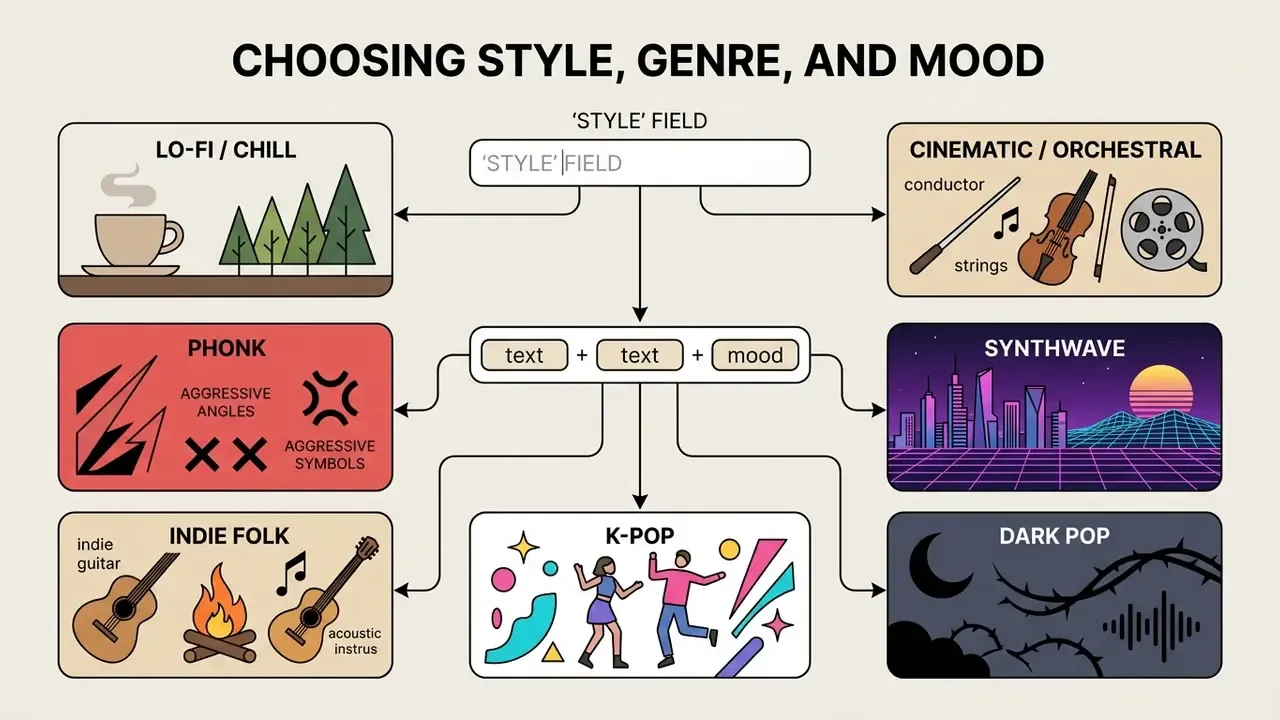
Sound design in Suno is configured by combining text descriptors in the "Style" field, where you specify musical styles, eras, vocal characteristics and mix types. There is no fixed drop-down genre list. The algorithm interprets natural language, so genre here works as a bundle of musical traits rather than a menu item.
To create unique, distinctive sound, combine subgenres with technical descriptions of the audio itself: vinyl crackle, acoustic guitar, punchy drums, gated reverb drums, female ethereal vocals.
Prompts for different genres and moods
For stable results, start from these tested prompt structures:
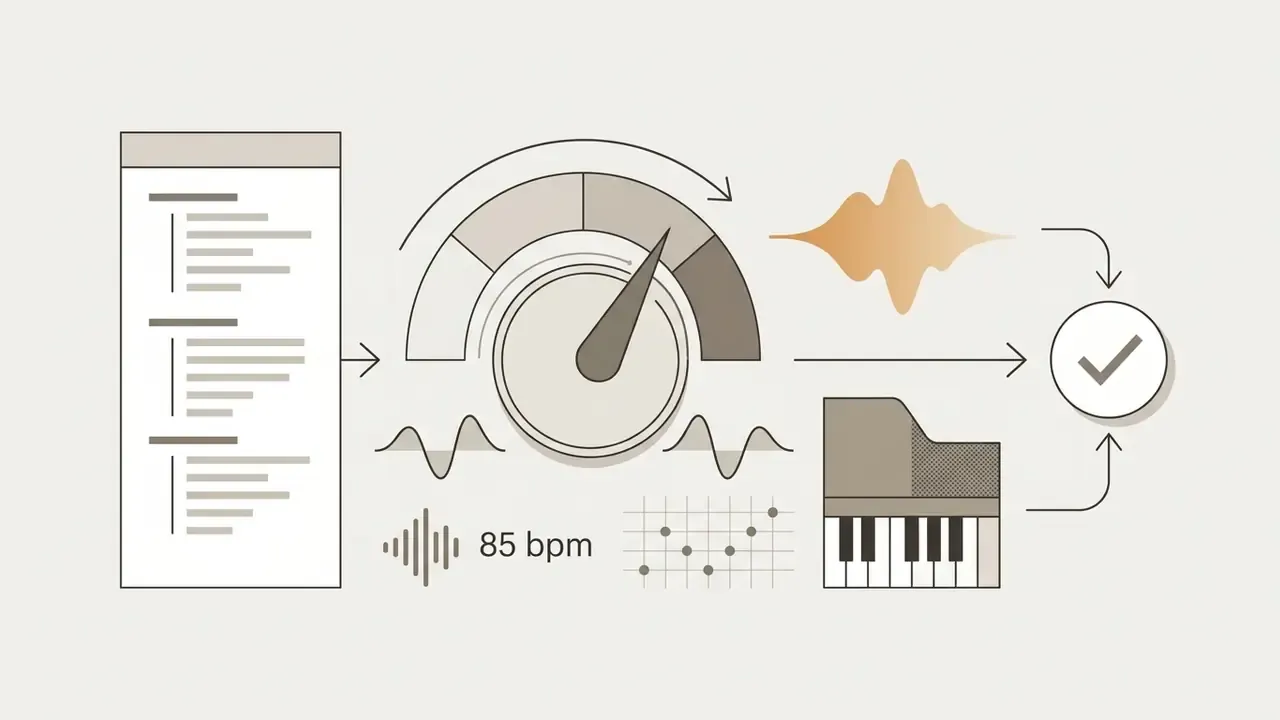
lo fi hip hop, 85 bpm, warm electric piano, vinyl crackle, relaxed chill mood, soft bass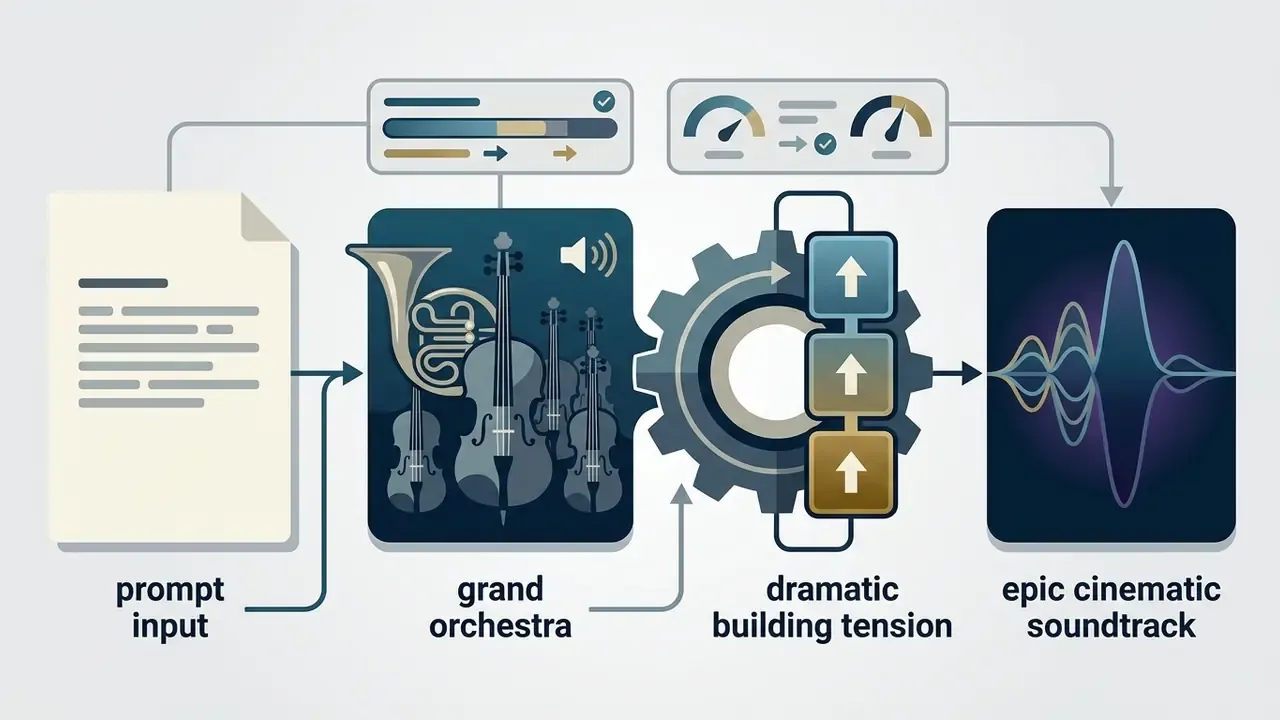
epic cinematic soundtrack, slow tempo, heavy brass, soaring strings, dramatic building tension
drift phonk, 130 bpm, aggressive cowbell synth, distorted bass, dark moody atmosphere
80s synthwave, 110 bpm, analog arpeggiated synths, gated reverb drums, nostalgic retro vibe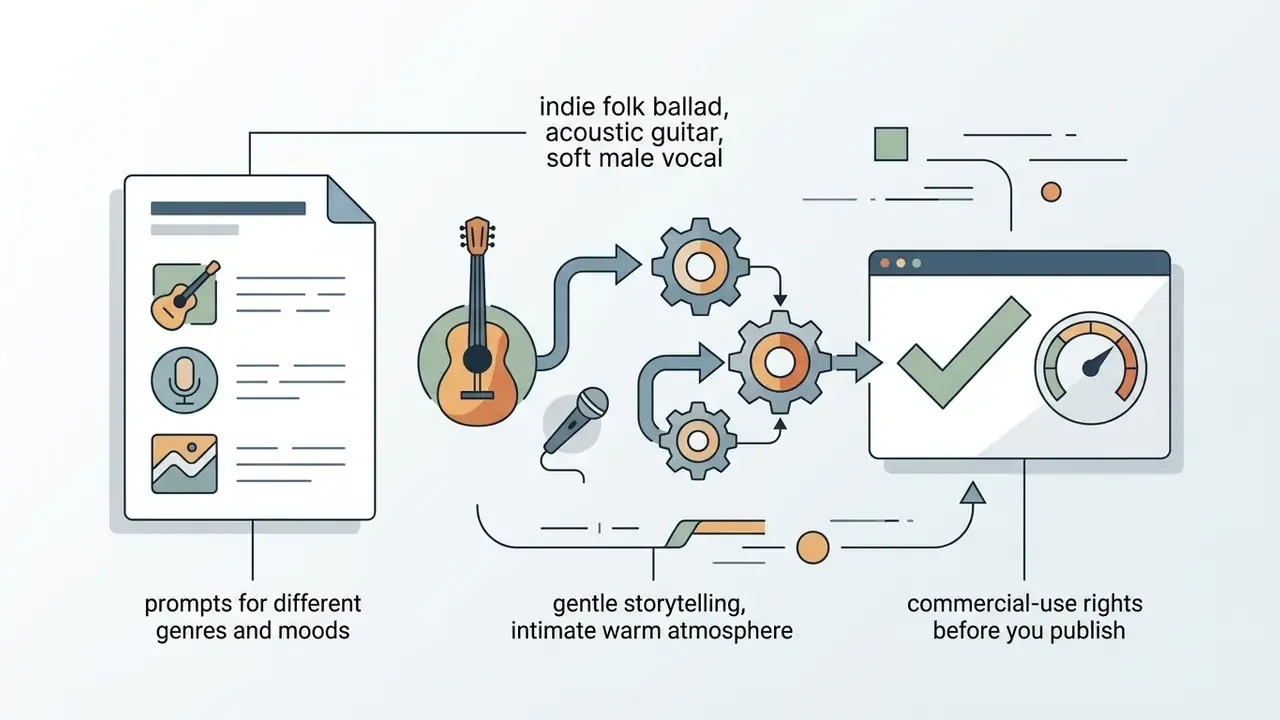
indie folk ballad, acoustic guitar, soft male vocal, gentle storytelling, intimate warm atmosphere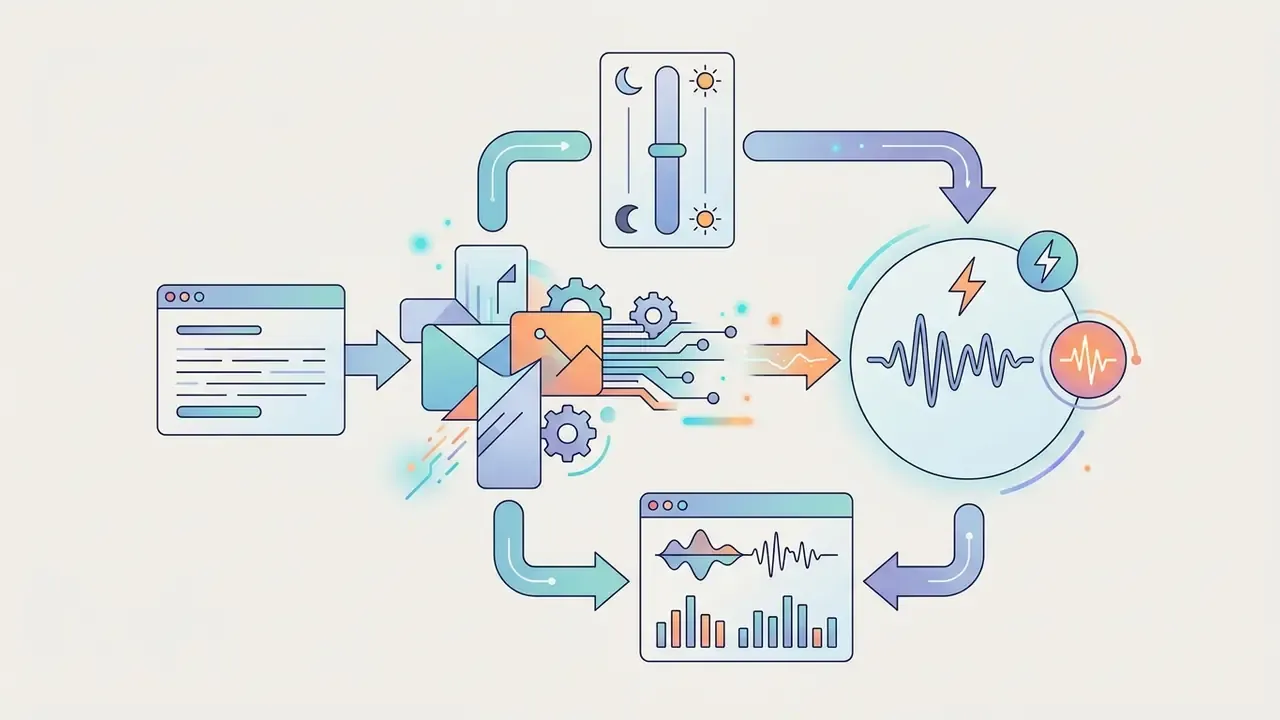
bright k-pop dance, 125 bpm, catchy synth hook, upbeat energetic mood, polished studio mix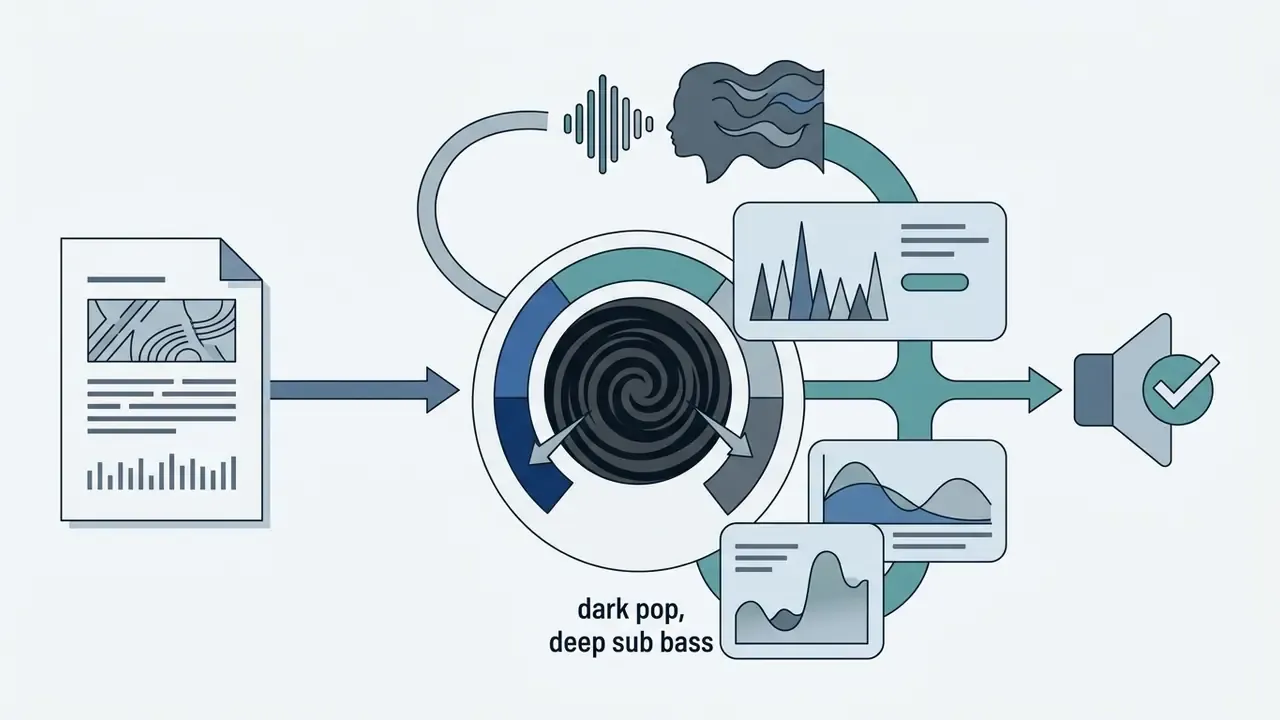
dark pop, electronic beat, deep sub bass, haunting female vocal, mysterious atmospheric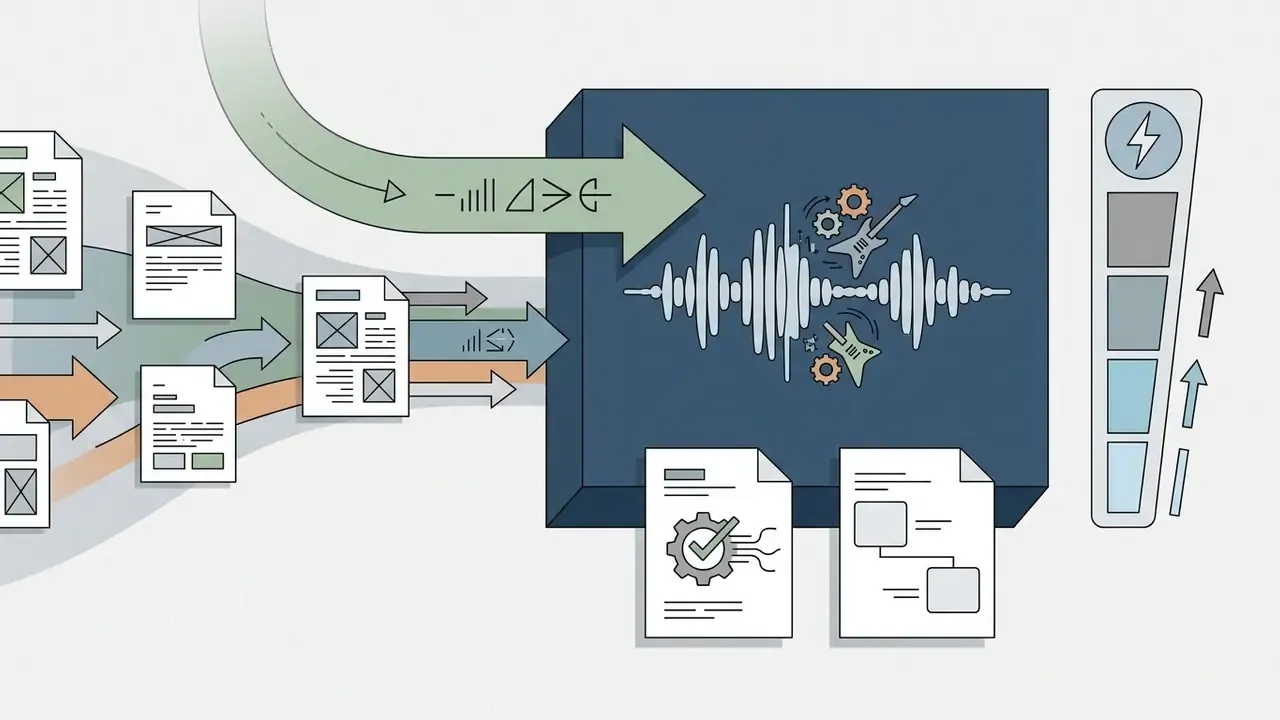
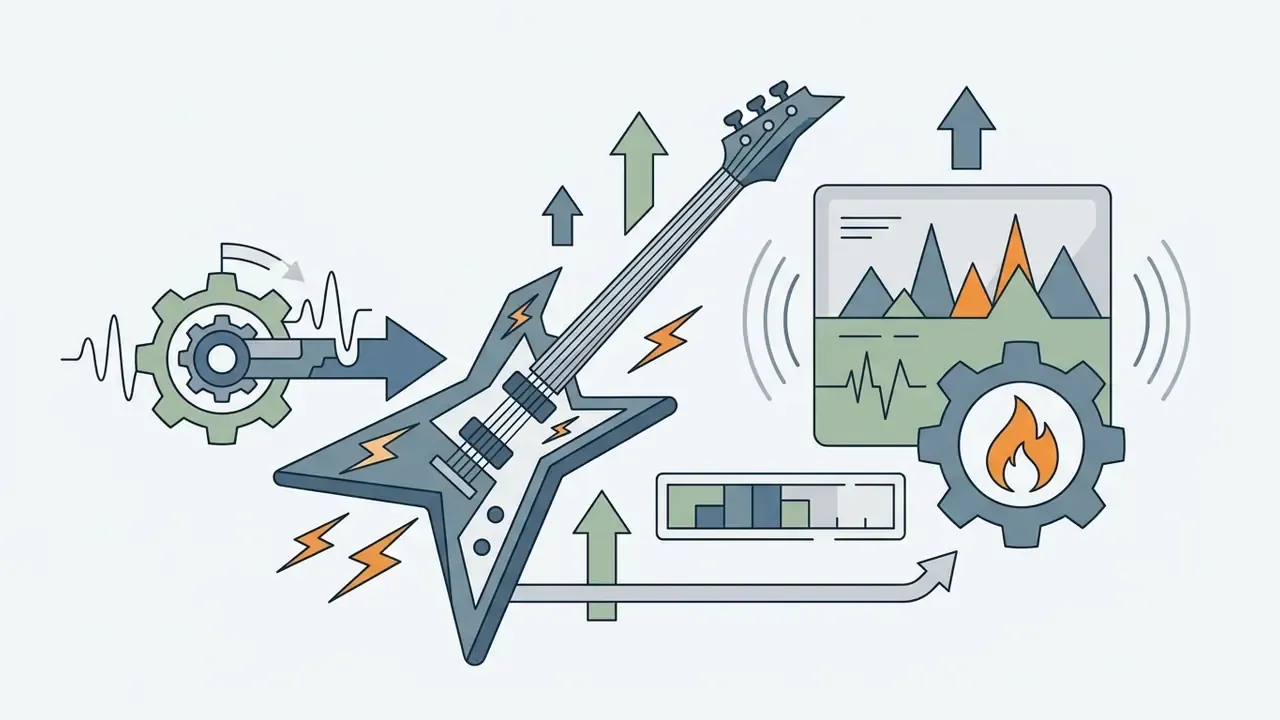
90s grunge rock, driving drums, distorted electric guitars, raw energetic male vocal, rebellious moodHow to improve the result after the first generation
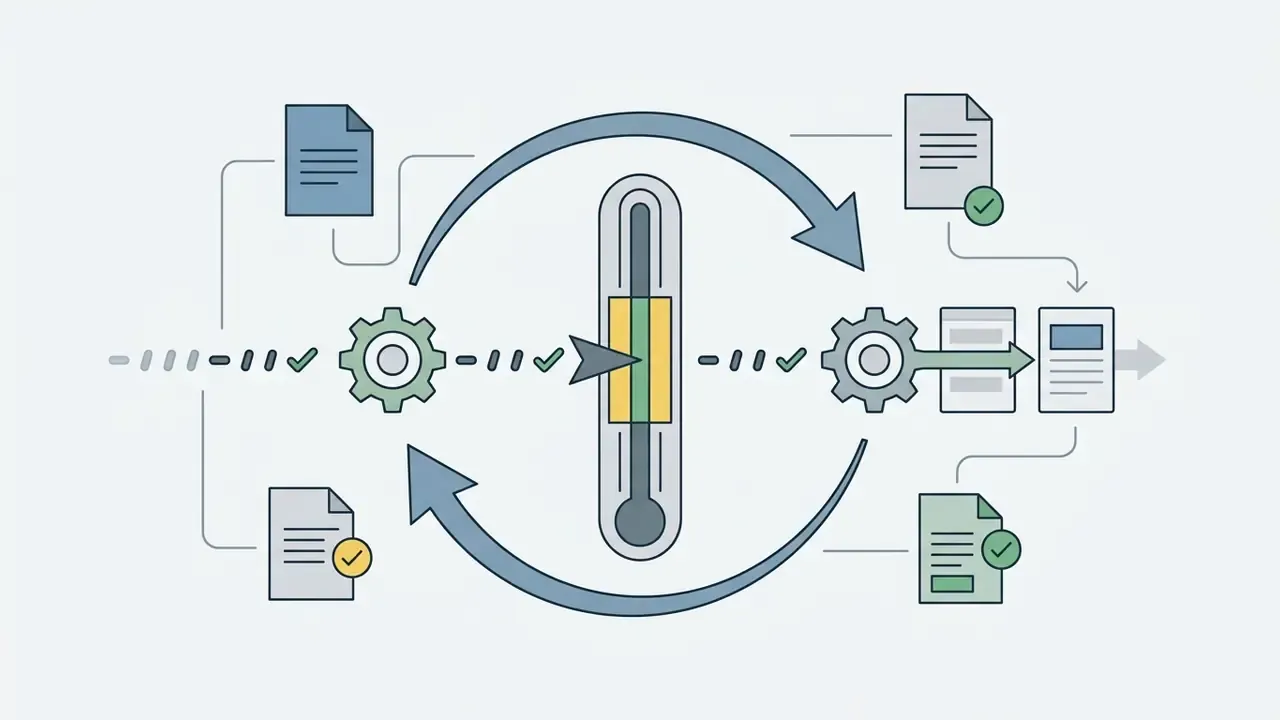
If the first generation misses your intent, resist the urge to rewrite the prompt from scratch. Change one parameter at a time: adjust the tempo, swap one instrument, add a single exclusion. Keep a short "preserve list" of elements that must stay identical. This mirrors the documented iteration loop for generative tools: define what changes and what stays, feed the previous output into the next edit, then compare variations.
Comparing several generated songs lets you choose the strongest arrangement, which you can then refine with Extend, Remix, Cover or section replacement. Two or three disciplined passes usually beat ten random ones. That is the whole trick.
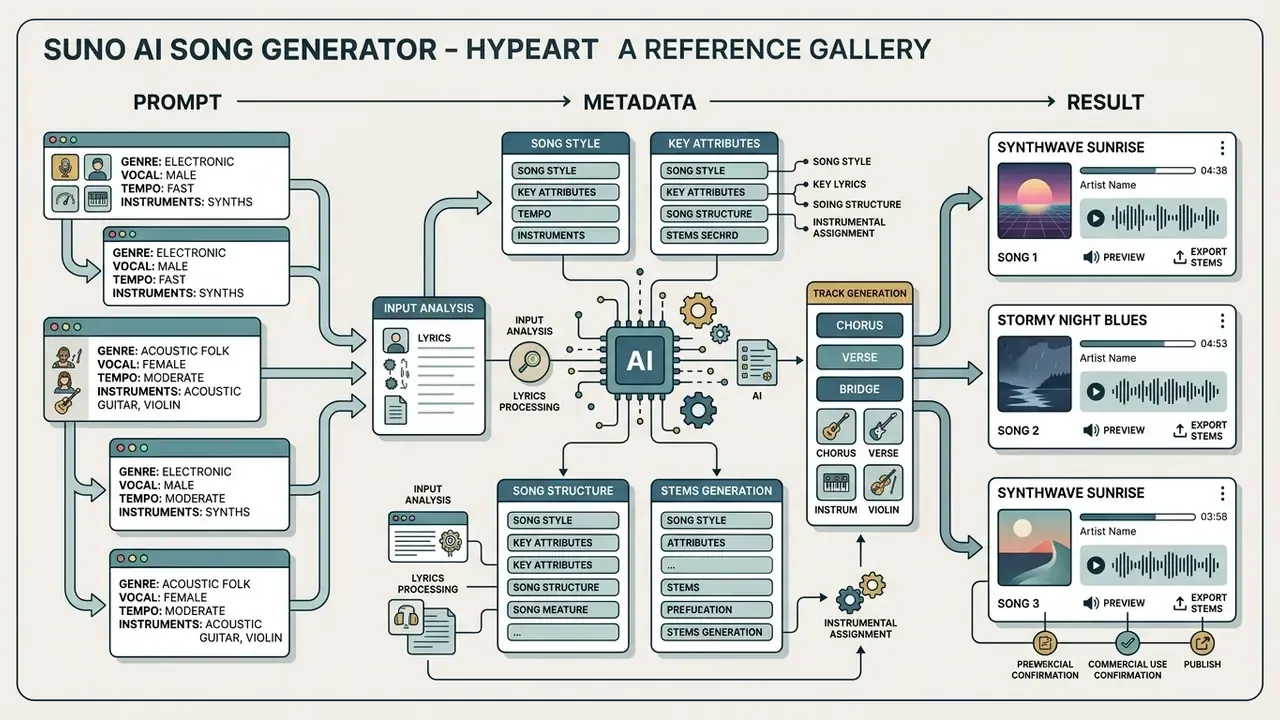
Reference gallery: prompt, metadata, result
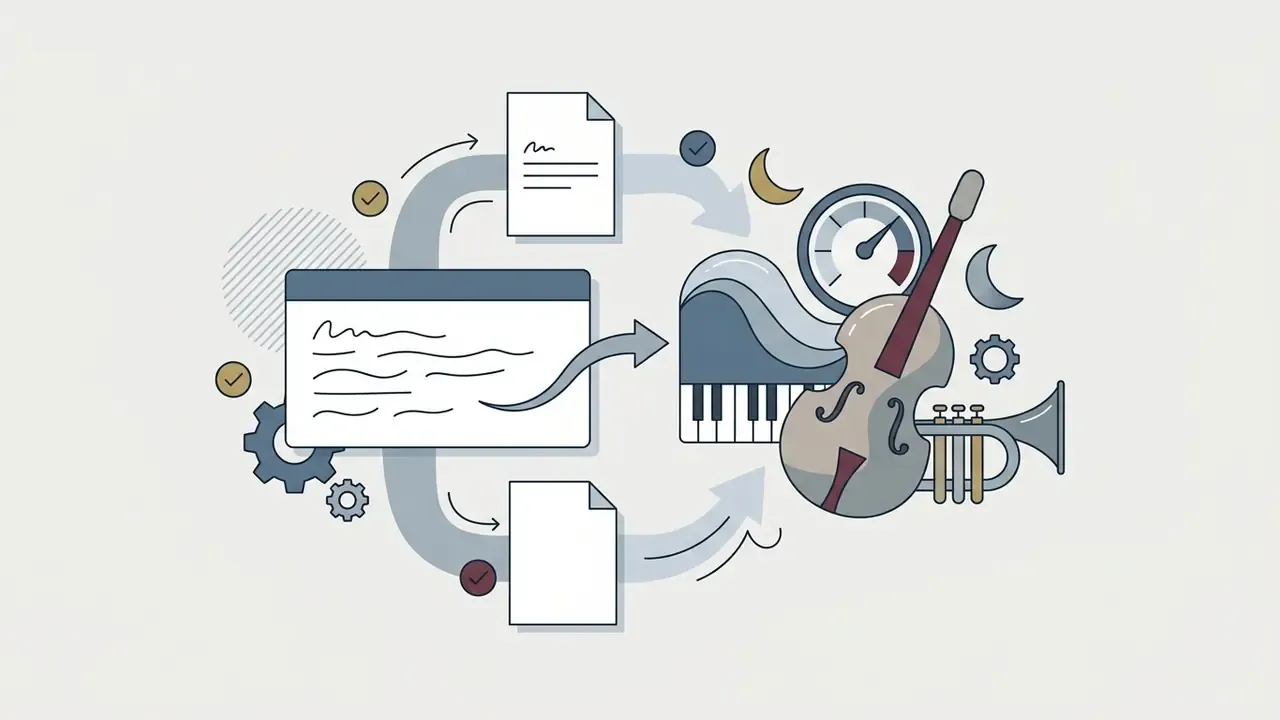
The fastest way to internalise prompt structure is to read finished tracks backwards, from the resulting ensemble to the words that produced it. The cards below show how prompt, tempo, vocal type and final instrumentation connect.
Track: "Neon Pulse"
- Genre Synthwave / Retrowave
- Vocal Female singer (ethereal)
- Tempo 115 to 120 BPM
- Instruments Analog synths, gated reverb drums, bassline
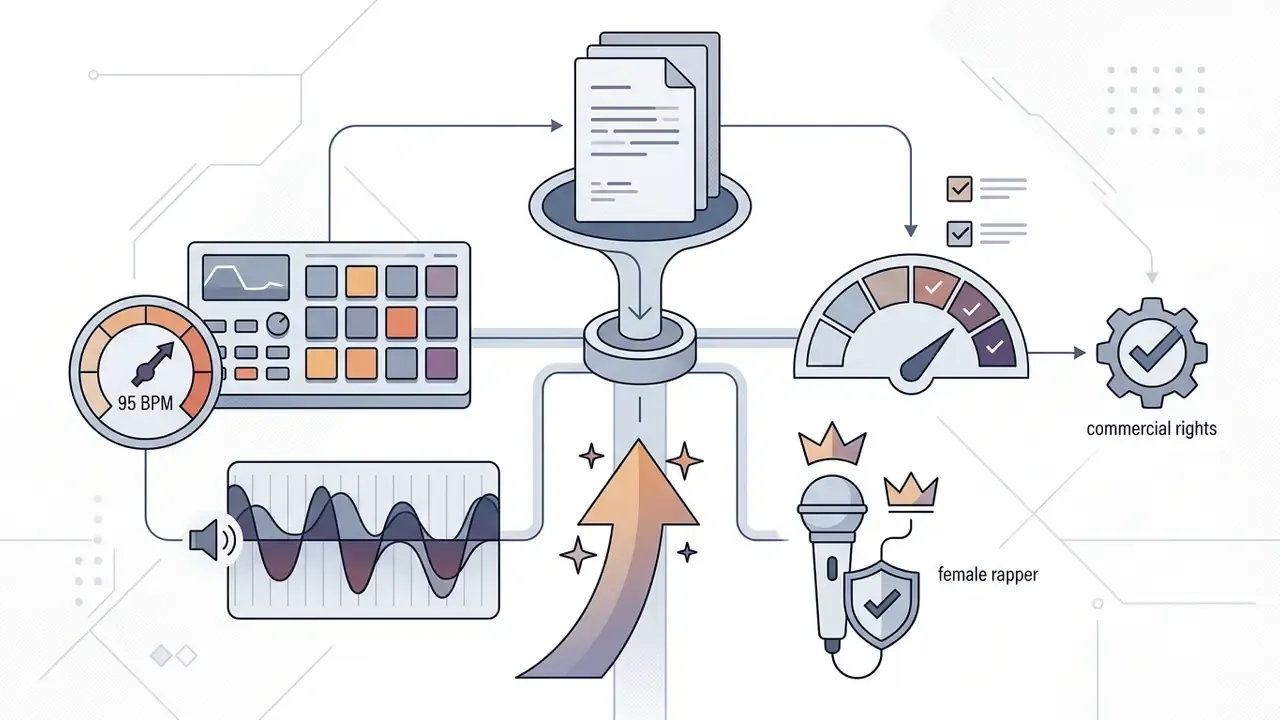
- Prompt 80s synthwave, female ethereal vocal, 118 bpm, analog arpeggiated synths, gated reverb drums, retro night vibe
Track: "Wildflowers in the Wind"
- Genre Country / Folk country
- Vocal Female singer (gentle)
- Tempo 80 to 90 BPM
- Instruments Acoustic guitar, violin, soft harmonica
- Prompt folk country, gentle female vocal, 85 bpm, acoustic guitar, violin, soft harmonica, warm nostalgic storytelling
Track: "Velvet Nights"
Track: "City Queen"
Track: "Burning Roads"

Track: "We'll Find Our Way" (duet)



Suno AI capabilities: sound quality, vocals and creative control
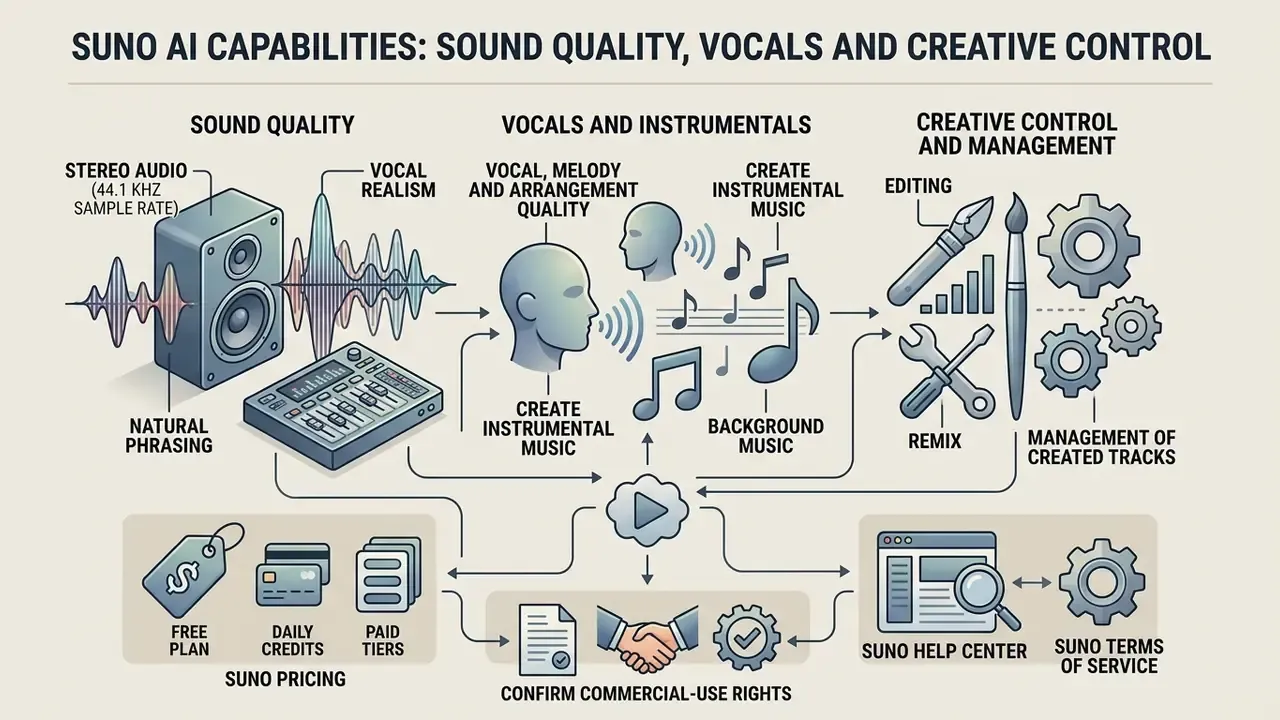
The platform generates stereo audio at a 44.1 kHz sample rate, with a high level of vocal realism and natural phrasing. Direct control over individual notes or exact pitch stays limited to the text description and the generation parameters above: style weight, weirdness, exclusions, vocal gender, model version. That is parameter-level control, not note-level editing.
Independent evaluations place current output at convincing consumer to demo level rather than fully mastered professional quality. Reviewers report natural breath sounds and phrasing, alongside occasional compression sheen, hiss or smeared transients in dense arrangements, and quality drift in complex multi-voice material beyond roughly two minutes. High fidelity, yes. Fully mastered, not always.
Vocal, melody and arrangement quality in generated songs
Synthesised vocals convey dynamic nuance, breath and emotional colour, and they respond appropriately to the selected genre. In standard pop and rock structures the harmonies fall into place naturally. In complex jazz or classical forms the model tends to simplify chord progressions, thin out voice leading, and default to safer cadences.
«Suno handles pop and electronic arrangements well, but simplifies harmonies in complex jazz and classical forms, and does not guarantee precise prompt adherence when instrumentation is specified in detail.»
Comparative testing adds a second finding. The acoustic characteristics of AI tracks flatten genre differences, forming a universal "average" sound:
«An MIR-feature classifier distinguishes AI tracks from human ones with near-perfect accuracy: Suno compresses acoustic differences between genres without compressing within-genre variance.»
Practically, genre identity must be pushed harder than you expect. Narrow subgenre tags, era markers, explicit exclusions and higher style weight are what pull a track away from the platform's default centre of gravity. It also pays to audition the final 10 to 15 seconds of every take. Tail-end artefacts and stray audio residue are the most common defect, and the cleanest fix is trimming and re-fading the outro in a DAW or video editor rather than regenerating the whole song.
Creating instrumental music and background music
To generate instrumental beds, switch on the "Instrumental" toggle or remove any mention of vocals from the prompt. Such tracks work well as beds under narration in clips and podcasts.
Suno builds autonomous instrumental compositions that set rhythm and mood independently of a video timeline. It is a music generator, not a scene-conditioned scoring engine, so duration is controlled through Extend and editing rather than a frame-accurate timecode input. Research on video-conditioned background music generation shows the alternative approach, with chord, melody and accompaniment stages conditioned on visual features. Different technical direction, different trade-offs.
Teams producing large volumes of visual content usually run this step alongside text-to-video AI tools, so the bed and the footage answer the same brief.
Editing, remix and management of created tracks
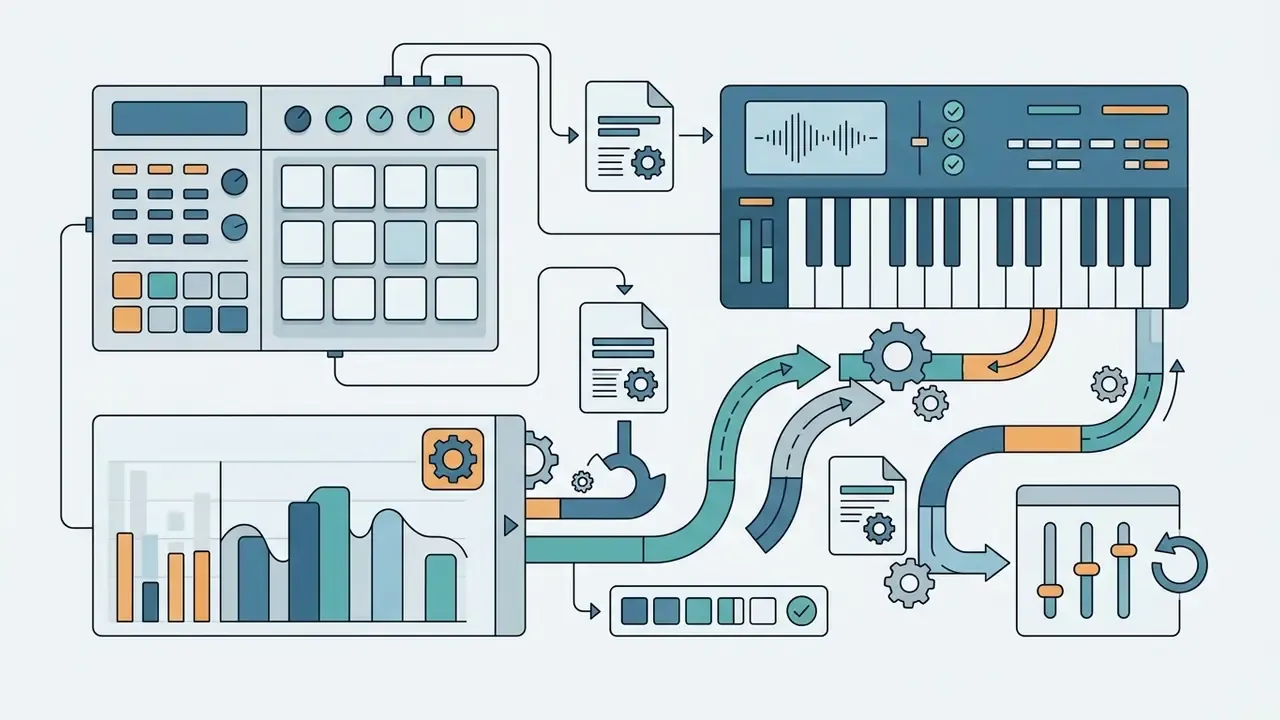
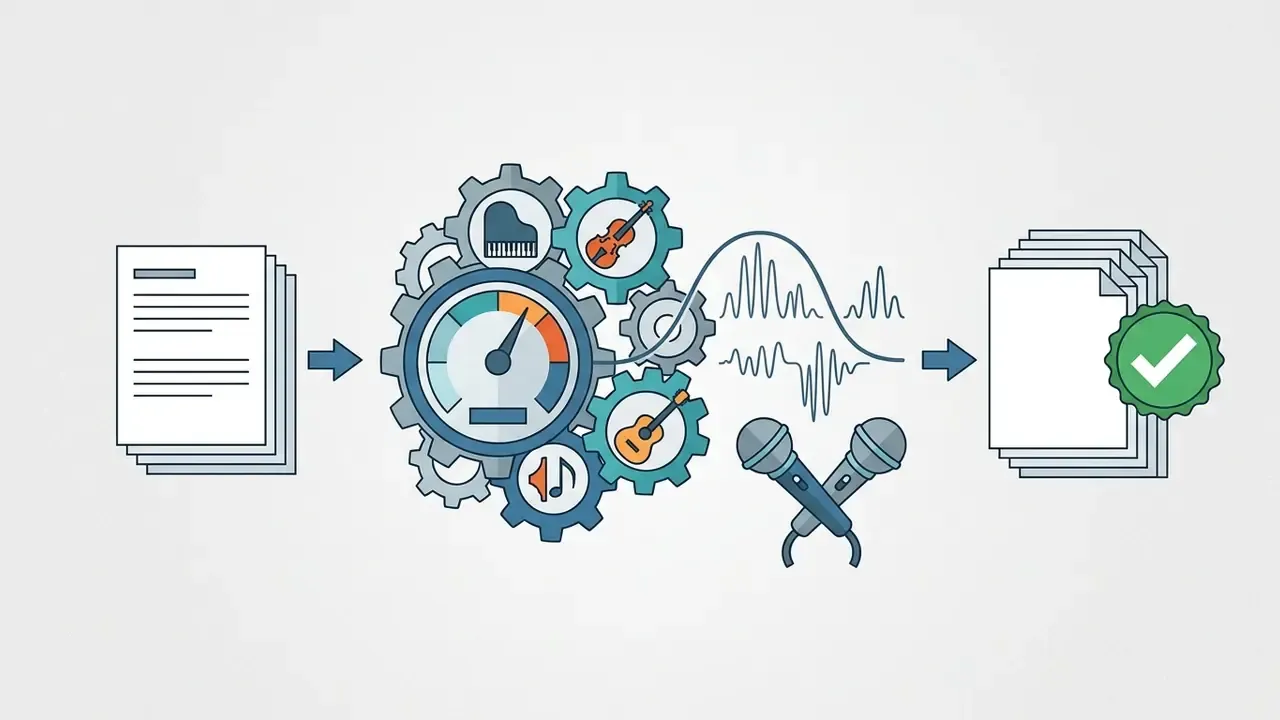
The built-in Suno Studio editor provides tools for fine adjustment: splitting a composition into isolated stems, replacing individual sections, reordering sections on a timeline, warp markers, time-signature editing and MIDI export.
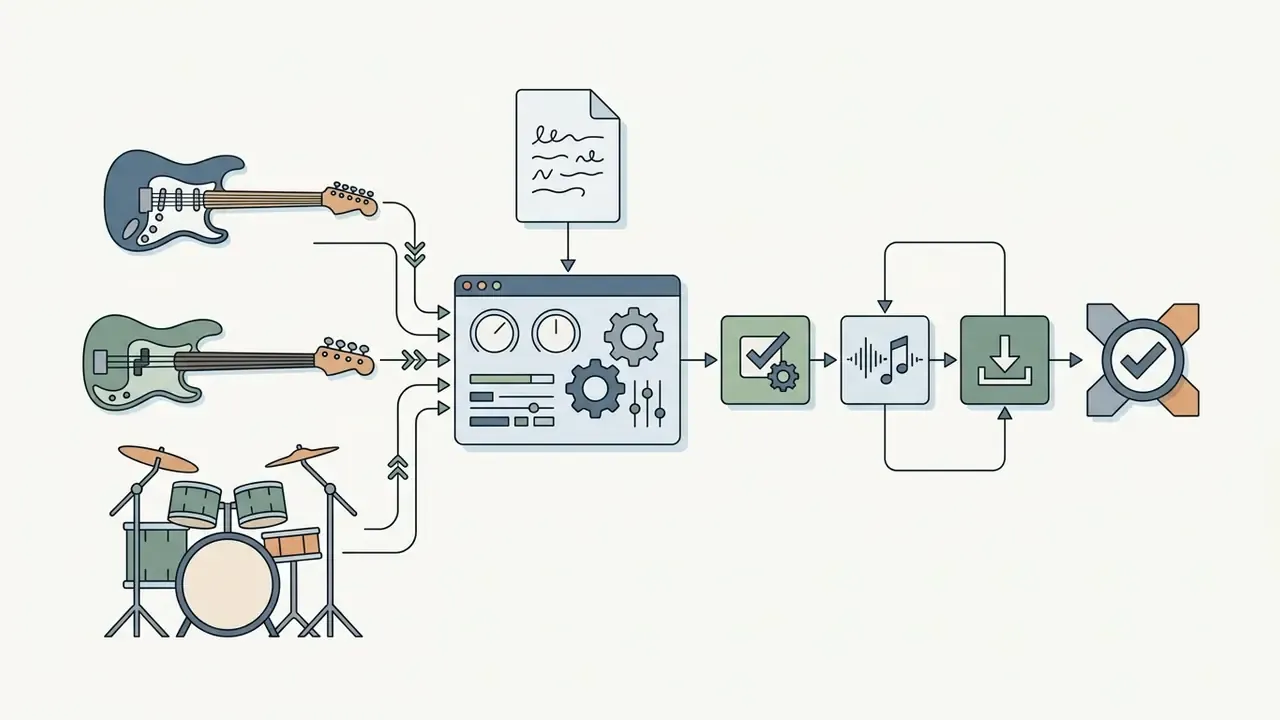
Stem separation exports up to 12 time-aligned WAV files (vocals, bass, drums, keys, guitar and more) for further mixing in professional DAWs such as Ableton Live or Logic Pro. Studio also supports uploading or recording your own audio, rewriting lyrics, and splitting or moving clips on the timeline before you export isolated multitracks or the full song.
Suno AI for free: free plan, credits and paid tiers
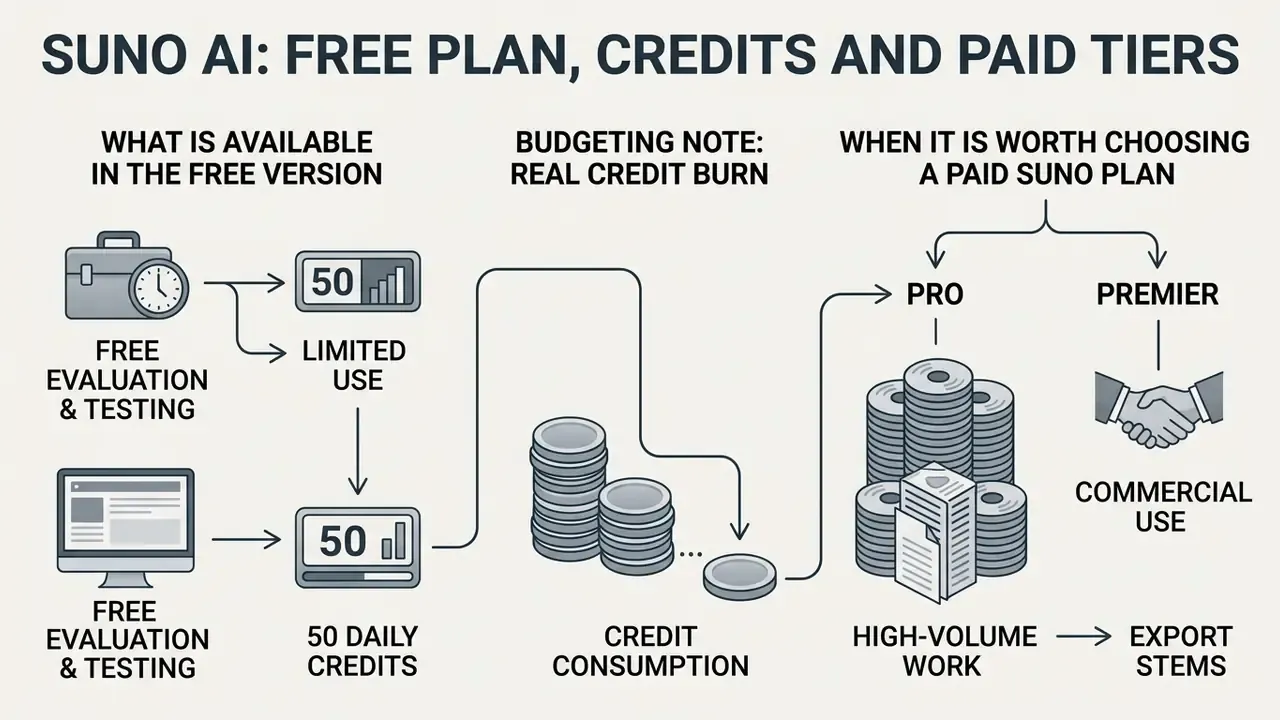
The platform offers a free tier for evaluation and testing, plus Pro and Premier subscriptions for commercial use and high-volume work. Free access asks for no credit card, but it limits export and restricts how the music may be used.
Rights follow the download event, not the subscription alone:
Cost and resource planning can be modelled with the tools in the AI Media Calculators section.
- Semantic markup rules for the block: a single data table with a visible caption, a header row and a body section; note the verification date beneath the table and link the official pricing page in that note.
Comparison of Suno AI subscription plans (checked February 2026; verify against the official pricing page before purchase)
| Parameter / Plan | Free Plan | Pro Plan | Premier Plan |
|---|---|---|---|
| Price (per month) | $0 | $10 ($8 billed yearly) | $30 ($24 billed yearly) |
| Credit refresh | 50 credits daily | 2,500 credits per month | 10,000 credits per month |
| Songs per credit pool | 5 runs = 10 songs / day | up to ~500 songs / month | up to ~2,000 songs / month |
| Credit card required | Not required | Required | Required |
| Commercial rights | None (personal use only) | Granted for songs generated and downloaded while subscribed | Granted for songs generated and downloaded while subscribed |
| Download formats | MP3 (limited allocation) | MP3, WAV, MP4 (20 downloads/mo) | MP3, WAV, MIDI, MP4 (60 downloads/mo) |
| Generation queue | Shared queue | Priority queue, up to 10 songs at once | Priority queue, up to 10 songs at once |
| Additional features | Standard features, audio upload up to 8 min | Extract Stems (up to 12 WAV stems), Song Editor, add-on credits | Suno Studio, multitrack editor, MIDI export, Persona Voices, early access |
What is available in the free version of Suno AI
The Free Plan includes 50 daily credits. Each generation consumes 10 credits and creates 2 unique versions of the track in parallel. The free ceiling is therefore up to 5 runs, that is 10 finished compositions, every 24 hours. You can test any genre or language without entering payment details, and upload audio up to 8 minutes long.
The main restrictions: no commercial rights, a shared position in the generation queue, no stem separation, no official WAV download. One documented inconsistency deserves a flag. Suno's pricing page lists no monthly song downloads on the free tier, while a 2026 pricing update describes a small lifetime download allowance for free accounts. Treat the pricing page and the Terms of Service as the controlling sources.
Budgeting note (real credit burn). The theoretical maximum of 10 songs per pool rarely equals 10 usable songs. Or rather, it almost never does. A realistic finished-track cycle looks like this: first run (10 credits, 2 variants), then one prompt correction run (10 credits), then one Extend or section replacement (additional credits). Plan for roughly 20 to 30 credits per publishable track, which works out to about 80 to 120 finished tracks per month on Pro and 330 to 500 on Premier. Well below the headline song counts, and the figure you should use for cost-per-asset modelling against stock-library pricing.
When it is worth choosing a paid Suno plan
Upgrading becomes necessary when you regularly produce content for monetised channels, commercial clients or streaming platforms. Paid tiers unlock batch downloads, expanded editing in Suno Studio, stem separation, add-on credit purchases and the full transfer of commercial usage rights.
The trigger list is short. You exceed 50 credits per day. You need commercial rights. You need WAV, stems or MIDI. You need more than the free download allocation. Or you need priority queueing for deadline work.
To compare functionality with alternative media-generation services, review the AI Media Comparison Matrices, the specialised AI Media Pricing Guides, and our roundup of the best free AI video generators for adjacent production budgets.
Commercial use, licensing, copyright and data privacy for Suno AI music
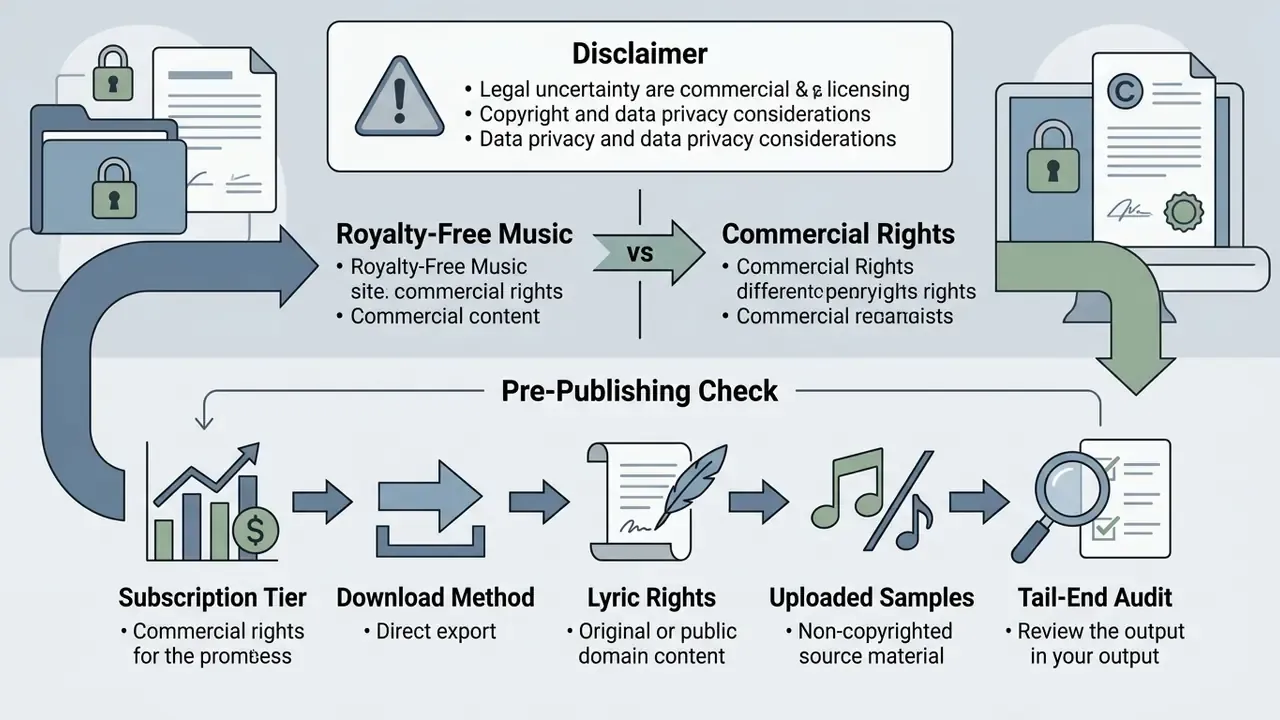
Using Suno music for commercial purposes (advertising, monetised YouTube, Spotify, Apple Music, client projects) is permitted only for tracks generated and officially downloaded during an active paid subscription.
Under Suno's Terms of Service, music created on the free tier remains subject to platform ownership and is allowed exclusively for non-commercial personal use.
The difference between royalty-free music and commercial rights
Royalty free means no obligation to pay recurring per-use royalties for each play or impression once the track is licensed. It does not mean the work is free of copyright.
A commercial license from Suno is contractual permission from the platform to use the generated audio file in commercial products and monetised content without paying royalties to the platform. Ownership and licence are separate concepts: a paid subscriber may hold full commercial rights without automatically holding copyright authorship in the classical sense.
«Calling Suno tracks "copyright-free" is legally incorrect: courts have found that models "memorise" training works and reproduce them in their outputs.»
What to check before publishing an AI song in a commercial project
«Participants were more likely to find copyright infringement when a work was attributed to AI rather than a human, even with identical content.»
Detailed case law on AI content is collected in the litigation section, media-usage norms in the AI Media Commercial-Use Hub, and the adjacent rules for visual assets in our guide to commercial use of AI images.
Data privacy, retention and model training
For corporate users this is the decisive section, and it is routinely missing from Suno reviews. Suno's Terms of Service grant the company a worldwide, non-exclusive, royalty-free, sublicensable licence to use, reproduce, modify and display both outputs and prompts in order to operate, improve and promote the service. In governance language: prompt text, pasted lyrics and uploaded audio should be treated as disclosed to a third party, not as confidential input.
Practical controls for teams:
- Do not paste confidential material into prompts. Unreleased campaign copy, client names under NDA, internal product code names and unpublished brand slogans have no business in the Style or Lyrics fields.
- Check visibility settings per track. By default, generations may appear in the public feed. Paid plans allow switching generations to private in account settings. Set this before the first generation of a client project, not after.
- Treat uploads as the highest-risk input. Uploaded audio carries both a rights obligation and a disclosure consideration. Use only material you own outright and are willing to have processed.
- Keep an audit trail. Record, per track: the plan active at generation, the generation date, the prompt used, the download date and the file format. That is the evidence set you will need if a licence or provenance question arises later.
- Define an approved-tool policy. Because the free tier is one sign-in away, unmanaged use is the realistic shadow-AI exposure here. Assets created on personal free accounts cannot be licensed commercially, even retroactively, and an unowned asset in a paid campaign is a slow-burning problem.
FAQ about Suno AI Song Generator
Which languages does Suno AI support for song lyrics?
Suno generates and interprets lyrics in dozens of languages, including English, Spanish, German, French, Chinese and Russian. The algorithm adapts vocal phonetics and intonation to the selected language. Note that Suno's official help pages do not publish a definitive supported-language list, so results in low-resource languages vary.
What is the maximum length of a single generated track?
An initial generation typically returns segments of two to four minutes. With "Extend" you can keep building the structure and reach compositions of arbitrary length. Suno publishes no hard duration cap, but reviewers report quality drift in dense, multi-voice material past roughly two minutes, so long-form work benefits from section-by-section extension.
How many credits does one song actually cost?
One generation costs 10 credits and returns two variants. A realistic publishable track, meaning first run plus one corrected run plus one Extend, consumes roughly 20 to 30 credits. Use that figure, not the headline song count, when you compare Suno with stock-music licensing costs.
Who owns the copyright to the created music?
On free accounts, rights remain with the platform and output is for personal, non-commercial use. For paid subscribers, Suno grants rights to commercially use and dispose of files generated and downloaded during the subscription period. Those rights persist after cancellation for tracks already downloaded.
Are the created songs confidential?
Not by default. Generations may be visible in the public feed, and Suno's Terms allow the company to use prompts and outputs to operate, improve and promote the service. Paid users can switch generation visibility to private in account settings, but the licence over submitted prompts and outputs still applies. Do not enter confidential business information.
Can I export individual tracks (stems) for mixing?
Yes. Pro and Premier include Extract Stems, which splits a finished track into separate vocal and instrumental files, or exports up to 12 time-aligned WAV multitracks for Ableton Live, Logic Pro or any other DAW. Premier adds MIDI export and the Suno Studio multitrack editor.
Can I upload my own audio or hummed melody?
Yes. Audio upload supports files up to 8 minutes, which can seed a full generated track. Useful for turning a voice memo or a guitar sketch into a produced arrangement. You must hold exclusive rights to whatever you upload.
Can I export a video version for TikTok or Reels?
Yes. Alongside MP3 and WAV, Suno can output an MP4 with a waveform visualiser and synchronised lyric captions, which removes a separate editing step for short-form publishing.
Is there a mobile app and an API?
Yes. Official iOS and Android apps are available, both top-10 music apps in their stores, and an integration API lets developers embed generation into bots, editors and internal tools.
What do the Weirdness and Style sliders actually change?
Style (style weight) controls how strictly the output follows genre convention. Weirdness controls how far the model departs from standard harmonic and structural patterns. Move one slider at a time; changing both at once makes it impossible to attribute the difference in the result.
Is Suno the best AI music generator for business use?
It depends on what you are optimising. For speed, breadth of music styles and price per finished asset, it is among the strongest options available. For frame-accurate scoring, note-level editing or fully auditable training provenance, it is not sufficient on its own, and the open litigation record is a reason to keep a documented fallback.
Appendix A: editorial source log and corrections
For transparency and verifiability, this version records the citation changes made during editorial review. Updated: February 2026.
| Claim in earlier version | Status | Action taken |
|---|---|---|
| Accessibility framing attributed to a third-party accessibility review | Not verifiable within our source set | Replaced with Suno's own documented sub-minute prompt-to-song workflow (https://suno.com) |
| Lyric-to-vocal behaviour attributed to Hong et al. (2024) | Source describes a different architecture (Melodist), not Suno | Replaced with Cros Vila et al. (2024), a direct study of Suno |
| Vocal-artefact reduction in v5.5 attributed to a wiki-style report | Source not verifiable | Replaced with The Algorithmic Flattening of Sound (2026) and aggregated independent reviews |
| Comparison with a video-to-soundtrack product | Comparison not verifiable in our source set | Reframed as a description of Suno's prompt-first design versus video-conditioned research systems |
| "50 credits ≈ 10 generations at 5 credits each" | Arithmetically incorrect | Corrected: 10 credits per generation, 2 tracks per generation, 5 runs = 10 songs/day |
| Agency case-study metrics | Self-reported, not independently audited | Retained with explicit attribution and an audit caveat, supported by the Agix latency and retention finding |
Reference list used in this article: Casini et al. (2025), corpus analysis of Suno and Udio; Cros Vila et al. (2024), hermeneutic study of Suno; Agix Engineering Case Study (2024); The Algorithmic Flattening of Sound (2026), audit of Suno and Lyria 3; Fox et al. (2025), legal bias toward AI-attributed content; GEMA v Suno, Munich Regional Court (2026); Suno Pricing; Suno Help Center; Suno Terms of Service.
Where official Suno pages and third-party summaries disagree, most often on free-tier download allowances and on which plan unlocks audio upload, we treat the pricing page and Terms of Service as controlling, and we flag the discrepancy in the relevant section rather than silently picking one figure.
Editorial note on the author. Marcus Hale, author. No biography, client, employer or regulatory authority should be inferred from the quotations above. Any framework or example attributed to