Executive Summary
What "Free AI Video Generator No Watermark" Really Means
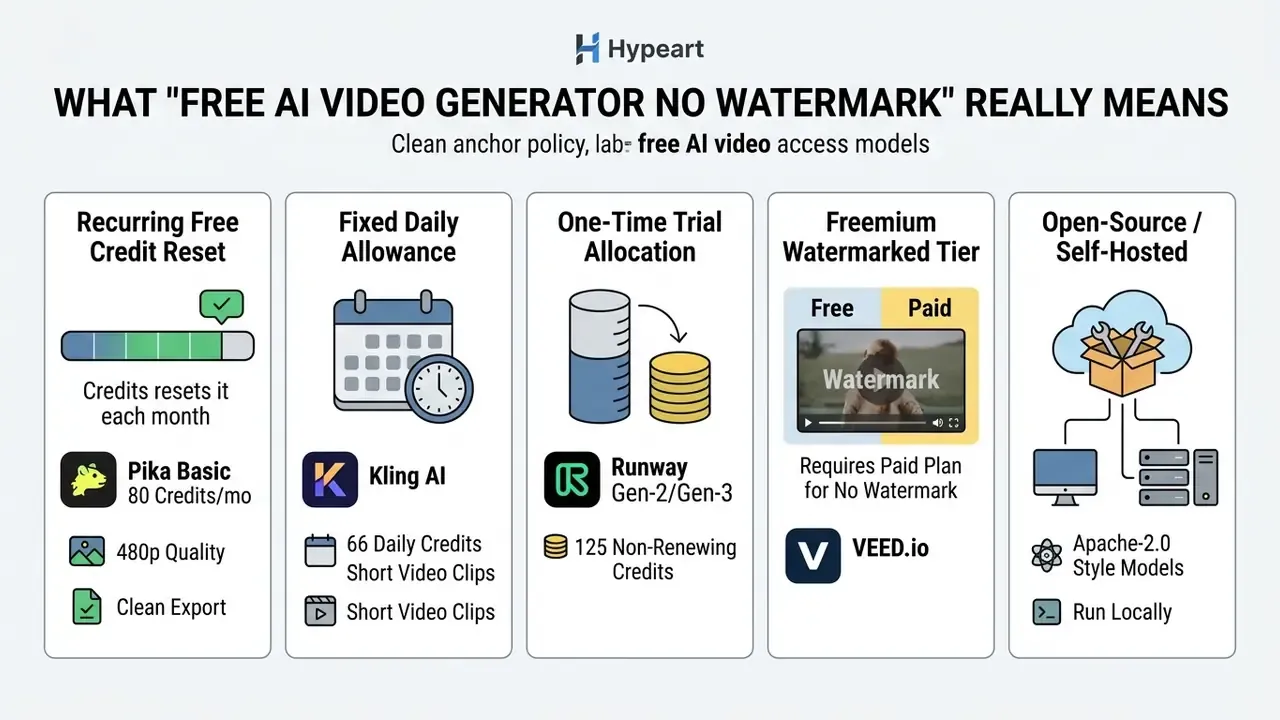
A free AI video generator with no watermark is software that exports video files without visible platform logos or branding, under varying credit quotas, feature caps or trial restrictions. Users searching for a free ai text to video generator no watermark usually run into three distinct business models: fully free tiers with recurring credit allocations, time-limited trial credits, and freemium plans that reserve watermark removal for paying subscribers.
«Platforms rarely offer unlimited generation: free tiers are built on quotas, trial credits, or watermarks instead of payment.»
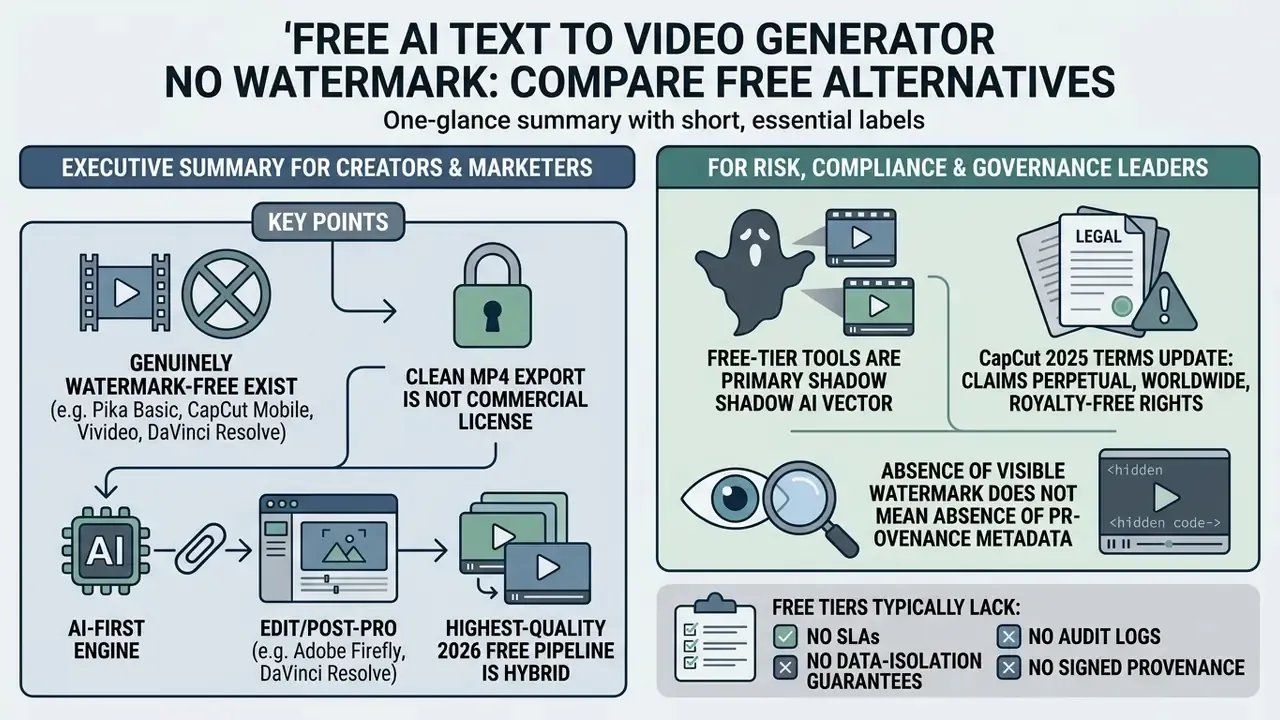
To judge these options properly, you have to separate three things: visible canvas watermarks, embedded metadata such as C2PA content credentials, and contract terms. A tool may hand you a clean MP4 and still restrict commercial rights in its terms of service. Same file. Very different exposure.
Free plans, trial credits and unlimited generations
Free AI video creation options differ mainly in how they meter usage and model access. Truly unconstrained ai video generator free no watermark unlimited rendering is rare, because GPU inference costs real money on every render.
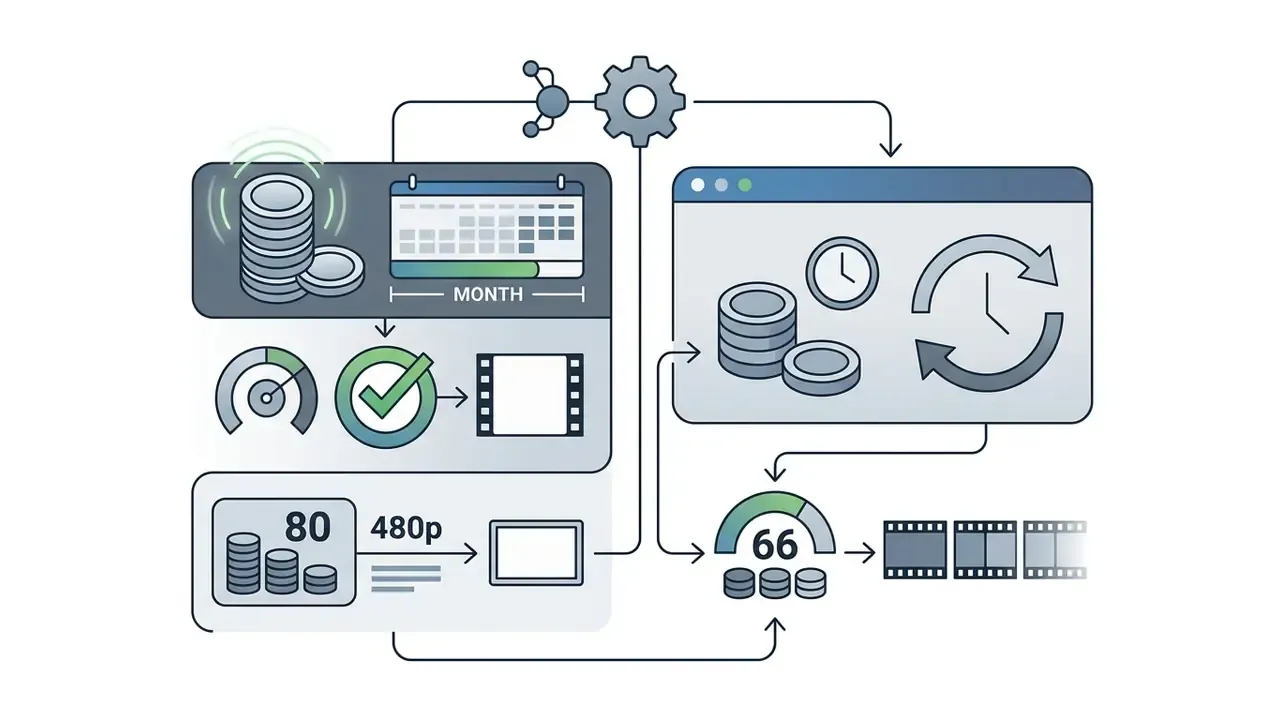
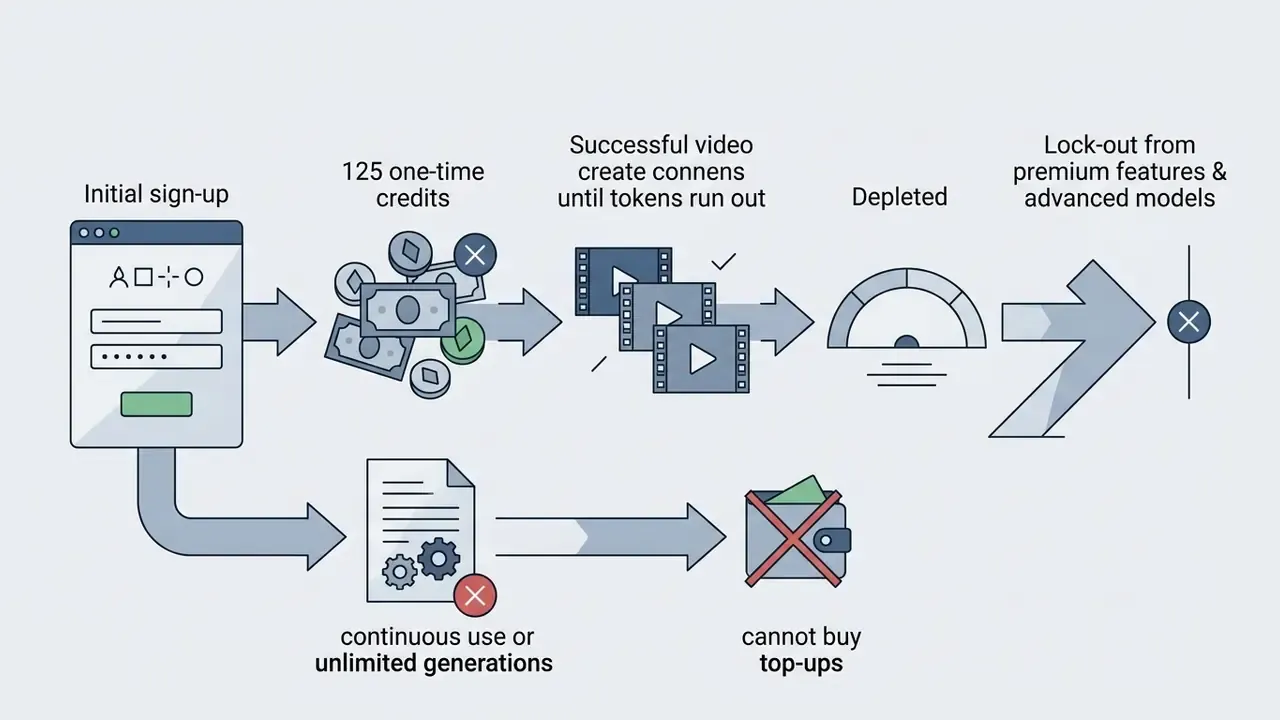

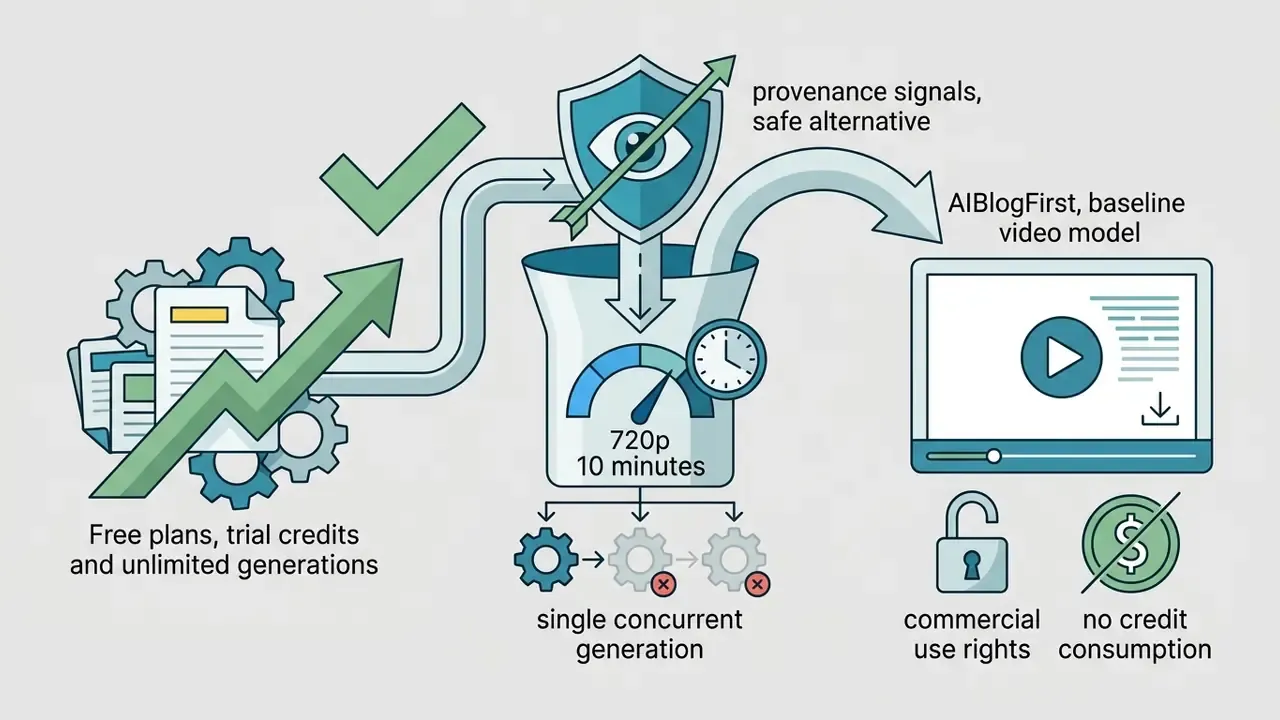
A practical reading of "unlimited": across the sources audited for this guide, the only category repeatedly described as fully free and free of platform branding is open-source, self-hosted generation. That route trades licence clarity for GPU cost, setup effort and zero vendor support. Worth it for some teams. Painful for most marketing departments.
One more nuance that trips people up. Queries like "ai video generator free no watermark 2025" and "ai video generator free no watermark 2024" still rank pages written against plan mechanics that have since changed twice. Credit maths from an eighteen-month-old roundup is not evidence; it is archaeology.
Watermark-free export and commercial use rights
Exporting a clip without a visible platform logo does not grant monetisation or advertising rights. Platforms routinely separate watermark removal from commercial licensing.
Canva's Content License Agreement allows both Free and Pro content in social media and advertising projects, provided users respect account-level scope rules (Canva, 2023, https://www.canva.com/policies/content-license-agreement-2023-03-06/). Canva also states that free users hit watermarks when they use premium Pro elements, which clear only on licence purchase or subscription upgrade (Canva Licensing Explained, 2026, https://www.canva.com/licensing-explained/). For a deeper breakdown of that ecosystem, see our analysis of Canva AI generator features, pricing and commercial licensing.
«The only way to export a project without a watermark is to have a paid subscription», meaning Lite, Pro or Enterprise.
Enterprise terms can pull in the opposite direction and grant the platform very broad permissions. On 12 June 2025, CapCut updated its Terms of Service to claim a perpetual, worldwide, royalty-free and irrevocable licence to modify, reproduce, distribute and commercialise any user-uploaded content, draft assets and client materials included.
«The licence extends to unpublished drafts and client materials, including the user's name, likeness and voice, without additional permission.»
So creators producing commercial assets need to read the licence, not the export dialog. Our AI Media Commercial-Use Hub collects those terms by platform. Free-tier CapCut carries a second constraint worth flagging: commercial application is restricted, and monetised YouTube content or paid client work technically requires a paid subscription (Independent Guide on CapCut Safety and Pricing, 2026).
Fact check and terms verification (mid-2026 audit):
Visible watermarks versus C2PA content credentials and audit trails
"No watermark" is a visual claim. It is not a provenance claim. Three layers can coexist inside the same exported MP4.
| Layer | What it is | Visible? | Survives re-encoding? | Governance relevance |
|---|---|---|---|---|
| Platform brand overlay | Burned-in logo or end-card | Yes | Yes (pixel-level) | Brand presentation only |
| Invisible watermark | Statistical signal embedded in frames | No | Often, by design | Synthetic-content detection |
| C2PA Content Credentials | Cryptographically signed manifest of origin and edits | No (metadata) | Only if the toolchain preserves it | Disclosure, lineage, audit trail |
The NSA report Strengthening Multimedia Integrity in the Generative AI Era (2025) describes C2PA Durable Content Credentials as a watermark tied to provenance plus a fingerprint that allows retrieval of those credentials even after redistribution. NIST AI 100-4, Reducing Risks Posed by Synthetic Content (2024), goes further and specifies that provenance mechanisms should stay robust to compression, filtering and cropping. Which is, awkwardly, exactly what a "clean export" workflow does to a file.
Two governance consequences follow.
- Removing a logo does not discharge a disclosure duty.Guidance such as the Government of Canada's Guide on the use of generative AI (2024) recommends watermarking to help audiences identify AI-generated content, while the Australian Government's AI technical standard (2026) notes that some outputs, an AI-generated team logo for instance, need no marking at all. Jurisdictional transparency rules, including EU AI Act transparency obligations for synthetic media, attach to disclosure, not to the presence of a vendor badge.
- Free tiers rarely emit an audit trail.If a regulated organisation cannot produce a signed manifest showing which model, prompt and operator produced a published asset, the control gap belongs to the organisation, not the vendor. Re-encoding through a consumer editor commonly strips metadata. Teams that need lineage should export with credential-preserving tools and log prompt, model version, seed and operator in a separate register.
Shadow AI, PII and free-tier data risk
Free video generators are attractive precisely because they need no procurement, no card and no approval. That is also what makes them a Shadow AI channel. A marketing analyst pasting an unreleased product script, a training team uploading internal footage of staff, an agency dropping client raw files into a consumer endpoint: none of that shows up in a watermark check.
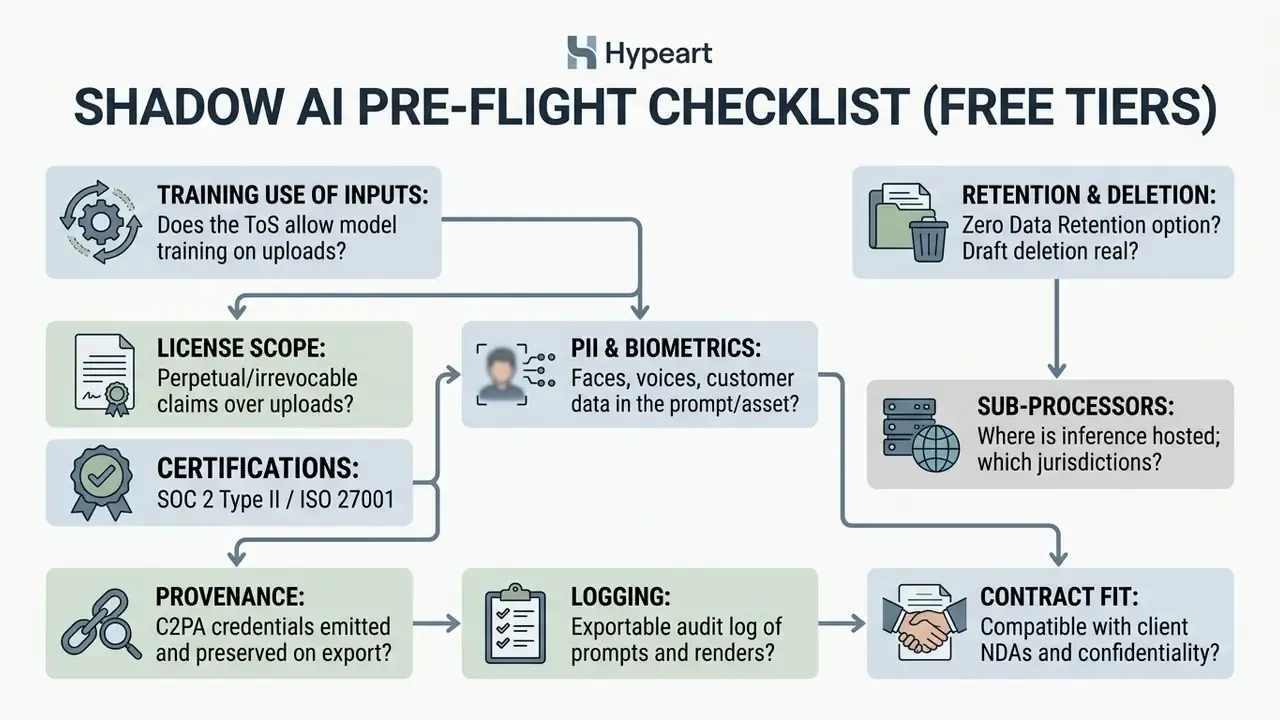
Rule of thumb: if an asset would fail a "could this plausibly appear in a competitor's training corpus?" test, it does not belong in a free consumer generator. Use synthetic stand-in scripts and licence-cleared stock for experimentation. Reserve identifiable people, unreleased products and customer data for contracted environments.
Free tier versus enterprise controls
| Control dimension | Typical free tier | Contracted / enterprise platform |
|---|---|---|
| Data used for model training | Often permitted by ToS | Contractually excluded; ZDR options |
| Retention of drafts | Indefinite; licence may survive deletion | Defined retention windows, deletion SLAs |
| Licence over uploads | Broad, perpetual claims possible | Customer retains ownership; narrow service licence |
| Audit logging | None, or user-visible history only | Exportable logs, SSO, role-based access |
| Provenance signing | Inconsistent; stripped on re-encode | C2PA signing and preservation in pipeline |
| Availability | Best-effort, no SLA | Contractual uptime and support tiers |
| Certifications | Rarely surfaced | SOC 2, ISO 27001, DPA, sub-processor list |
| Commercial rights | Restricted or ambiguous | Explicit, documented, sometimes indemnified |
Cost framing for approval committees. The total cost of a free tool is never zero. Model it as Control Cost + Residual Risk. Control Cost covers manual review, legal reading of the ToS, provenance logging, and re-creation of assets that cannot be cleared. Residual Risk covers confidentiality exposure, takedown and rework probability, and disclosure failures. A licence fee that removes training-on-inputs and adds audit logging often costs less than the manual controls required to make a free tier defensible. I have yet to see that arithmetic go the other way for regulated communications.
How We Compare Free AI Video Generators Without Watermarks
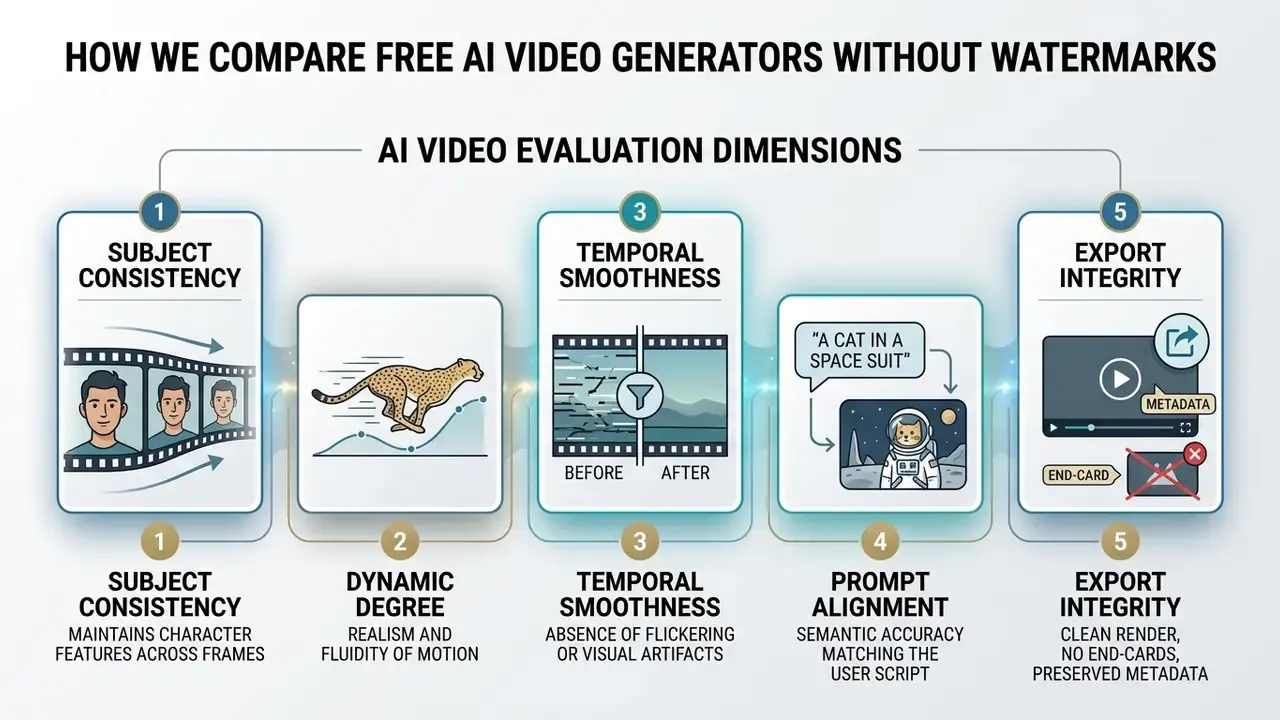
Comparing free AI video creation software means reading objective performance metrics rather than landing-page adjectives. Independent benchmarks score tools on structural consistency, prompt adherence, visual fidelity, temporal smoothness and export control. This section doubles as the evaluation methodology behind every recommendation that follows.
Quality, video models and generation controls
Academic benchmarks measure text-to-video capability along structured axes. VBench (CVPR 2024) decomposes video quality into 16 dimensions, including subject identity consistency, background stability, temporal flickering, dynamic degree and imaging quality.
«VBench uses roughly 100 text prompts per each of its 16 dimensions, with open evaluation code and human-preference annotations.»
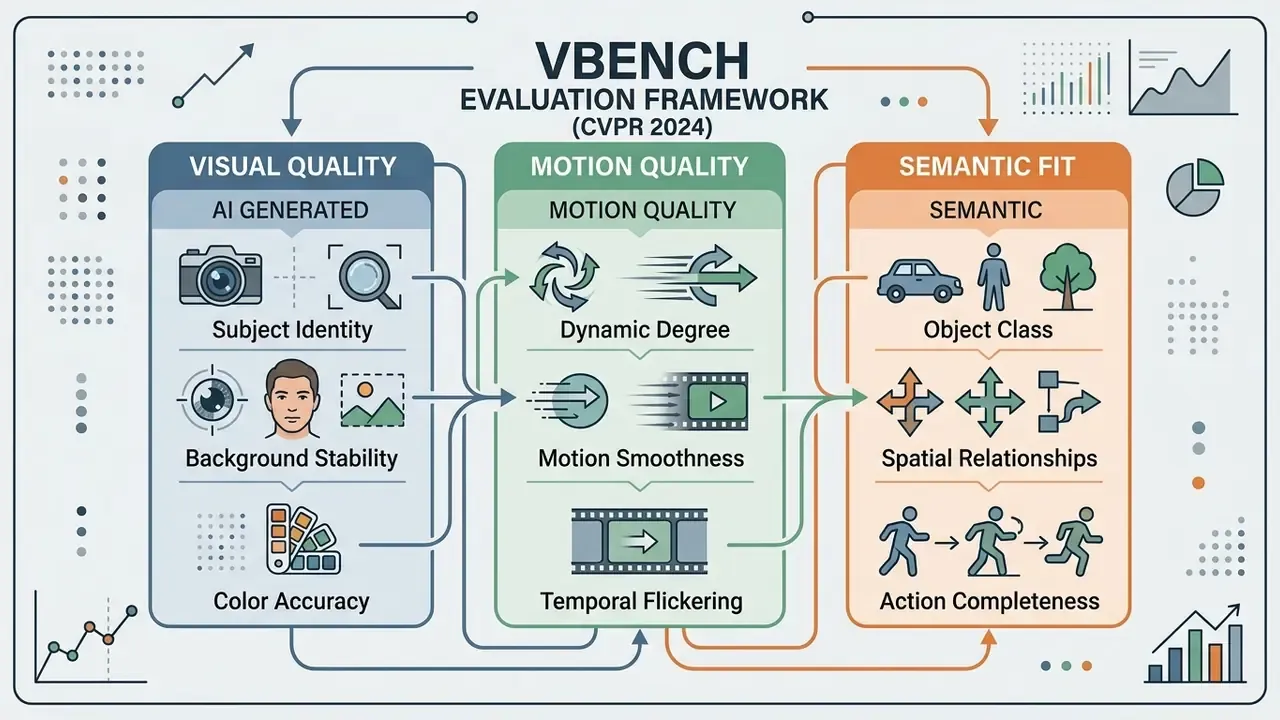
GAIA (NeurIPS 2024) evaluates action quality across 9,180 AI-generated videos from 18 models. Its finding is blunt: modern closed-source models reach high subject fidelity yet still stumble on complex action completeness and object interaction.
«GAIA collected 971,244 human ratings from 54 annotators across three axes: subject quality, action completeness, and interaction with the environment.»
Complementary frameworks sharpen the picture. EvalCrafter (CVPR 2024) standardises four comparison axes, visual quality, motion quality, temporal consistency and text-to-video alignment, while AIGCBench adds control-video alignment for image- and video-conditioned generation. Together they explain why a model that looks stunning in a still frame can still fail a ten-second product demo. Static aesthetics and action completeness are measured separately, and they diverge.
Advanced leading AI video generators offer distinct generation capabilities:
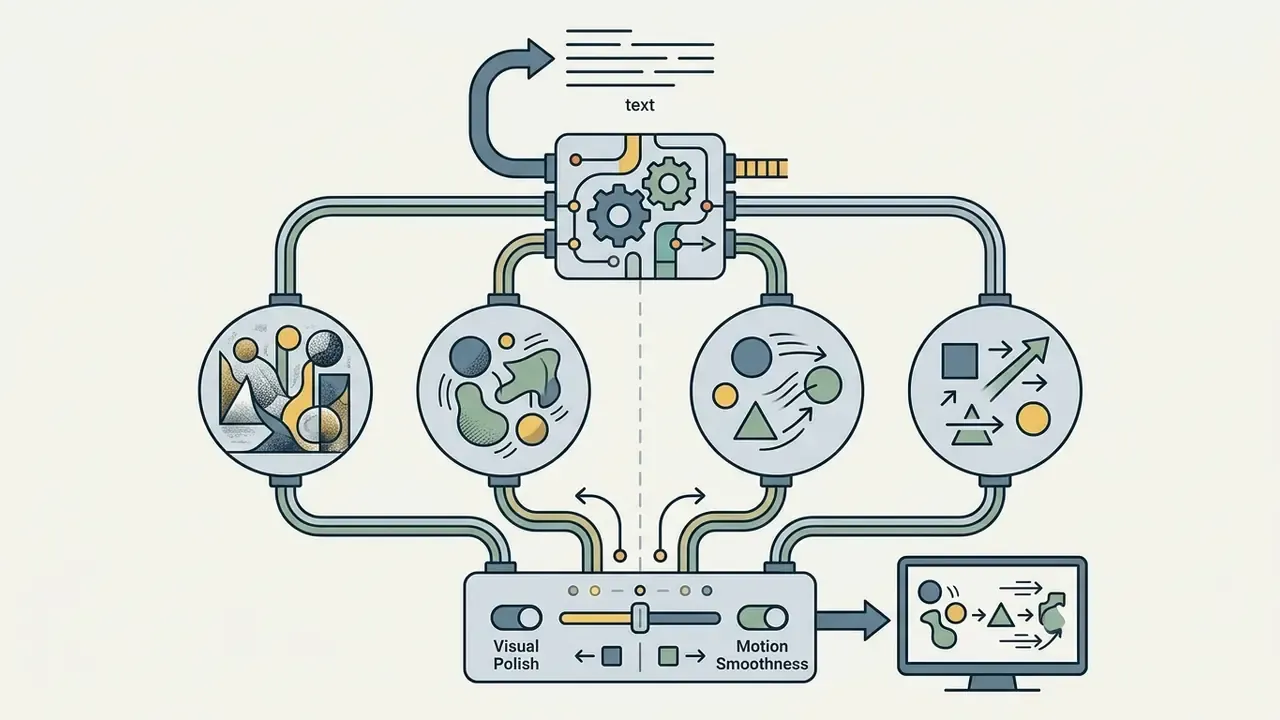
Critical free-tier caveat. When a platform advertises "30+ models", check which engine the free credit allocation actually calls. Free quotas are commonly routed to the cheapest fast variant, a Lite or Fast tier, while flagship engines such as Sora 2 Pro or full-quality Veo 3.1 stay behind payment. This is the single most common gap between marketing copy and rendered output.
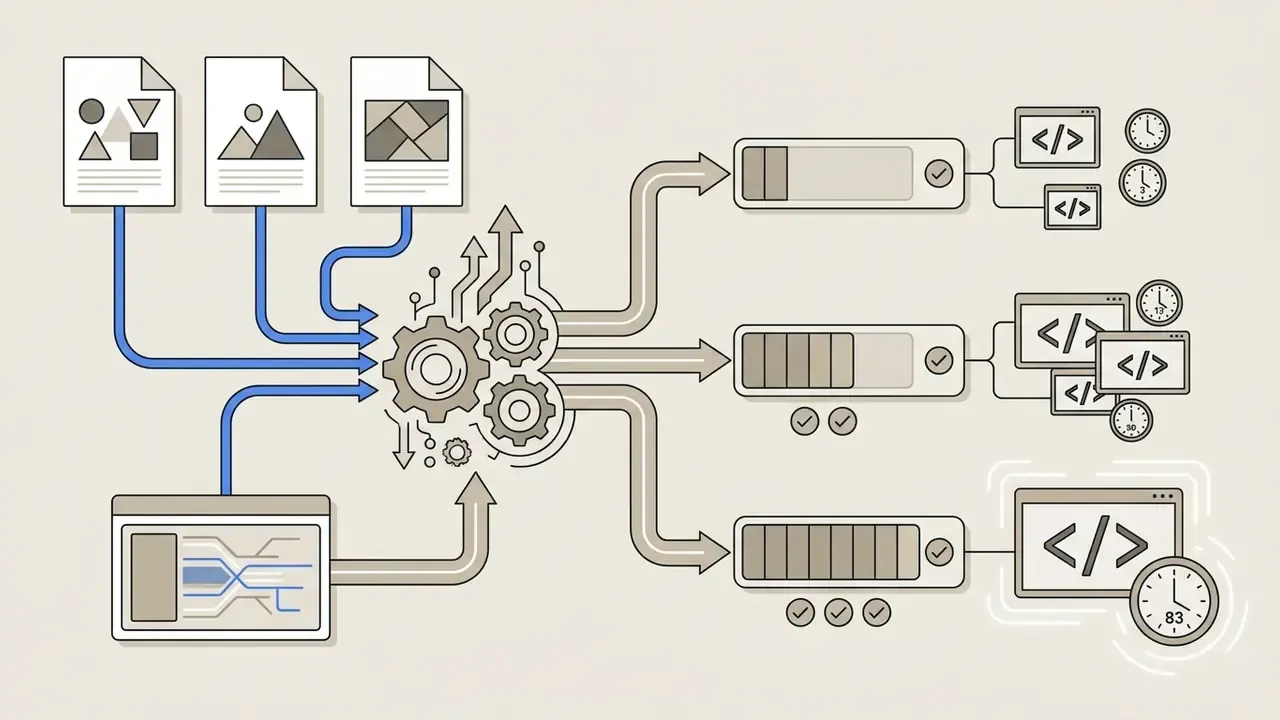
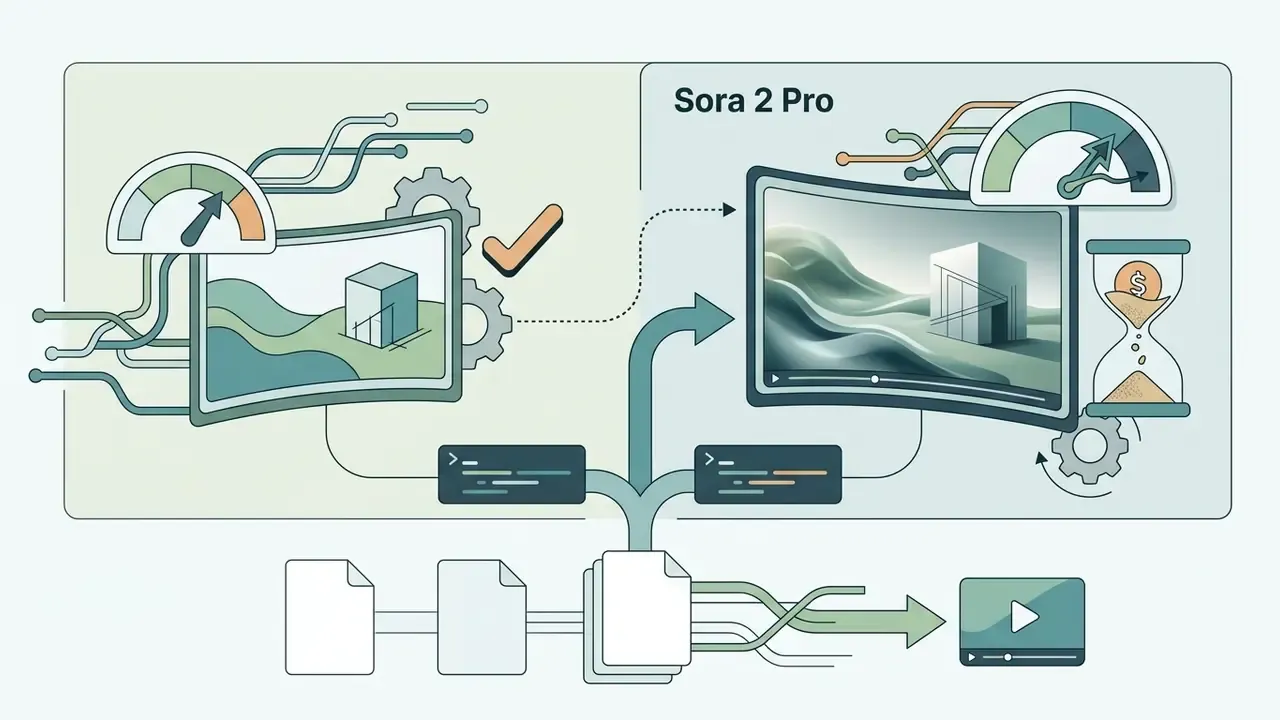
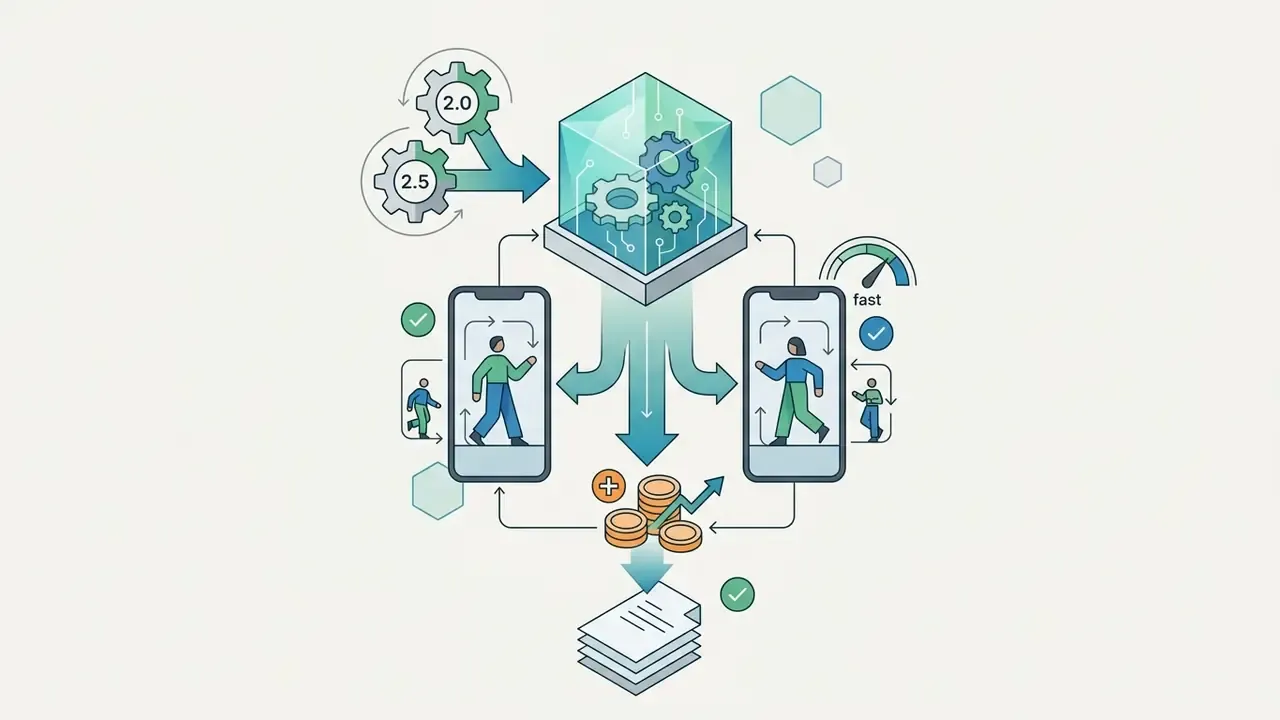
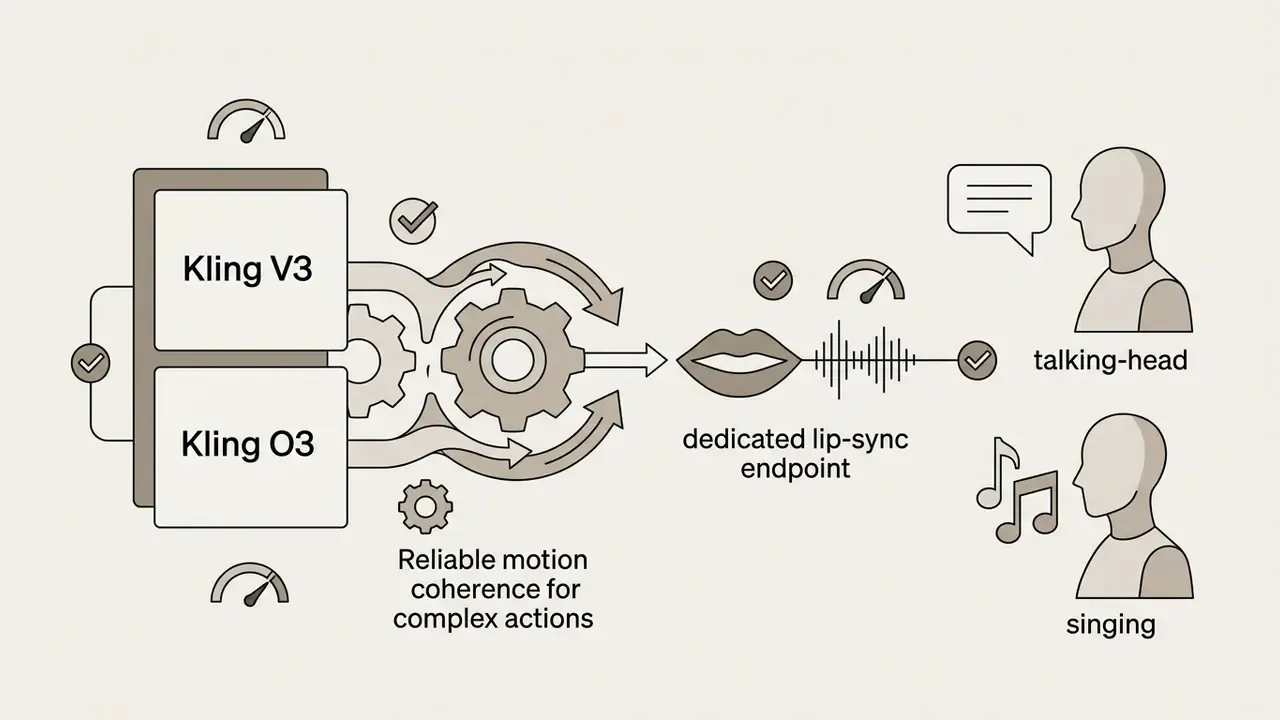
/v1/videos/lip-sync) for talking-head and singing workflows.
Export settings, formats and social-media readiness
Social-media readiness needs flexible aspect ratio control, quick rendering and standard container compatibility. Those same criteria separate genuinely usable free video editing and animation tools from demo-only software.
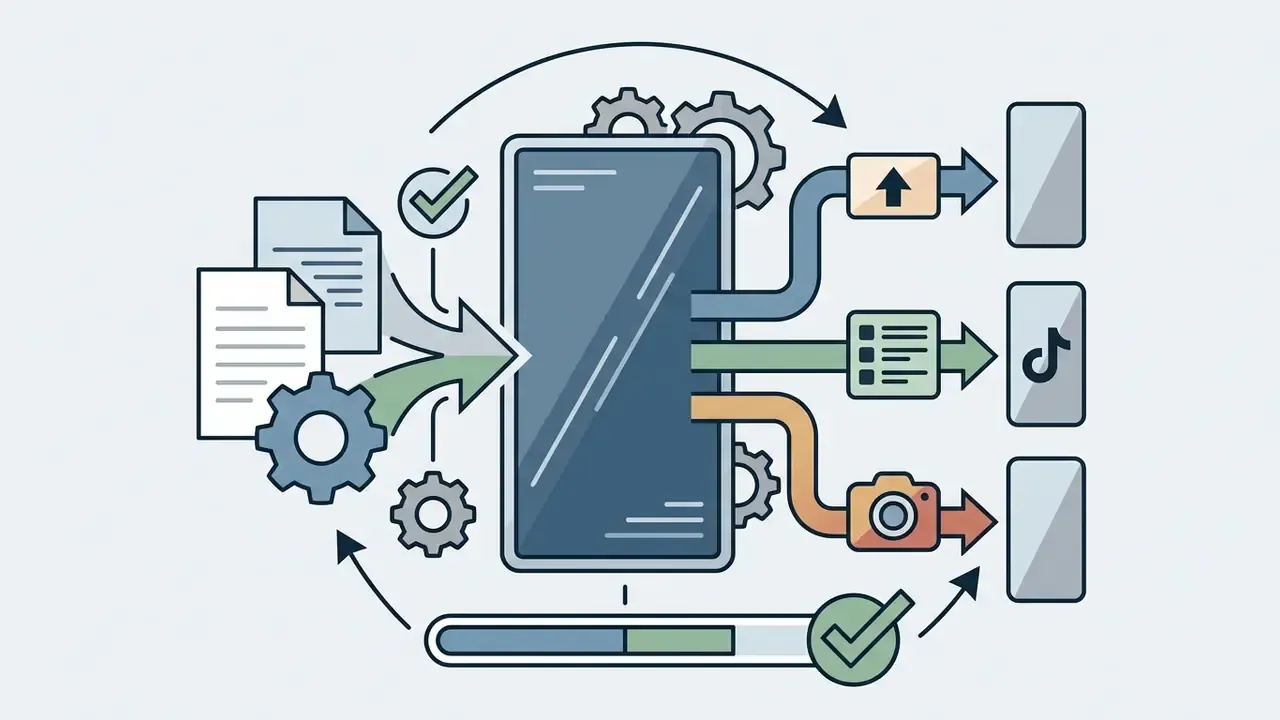
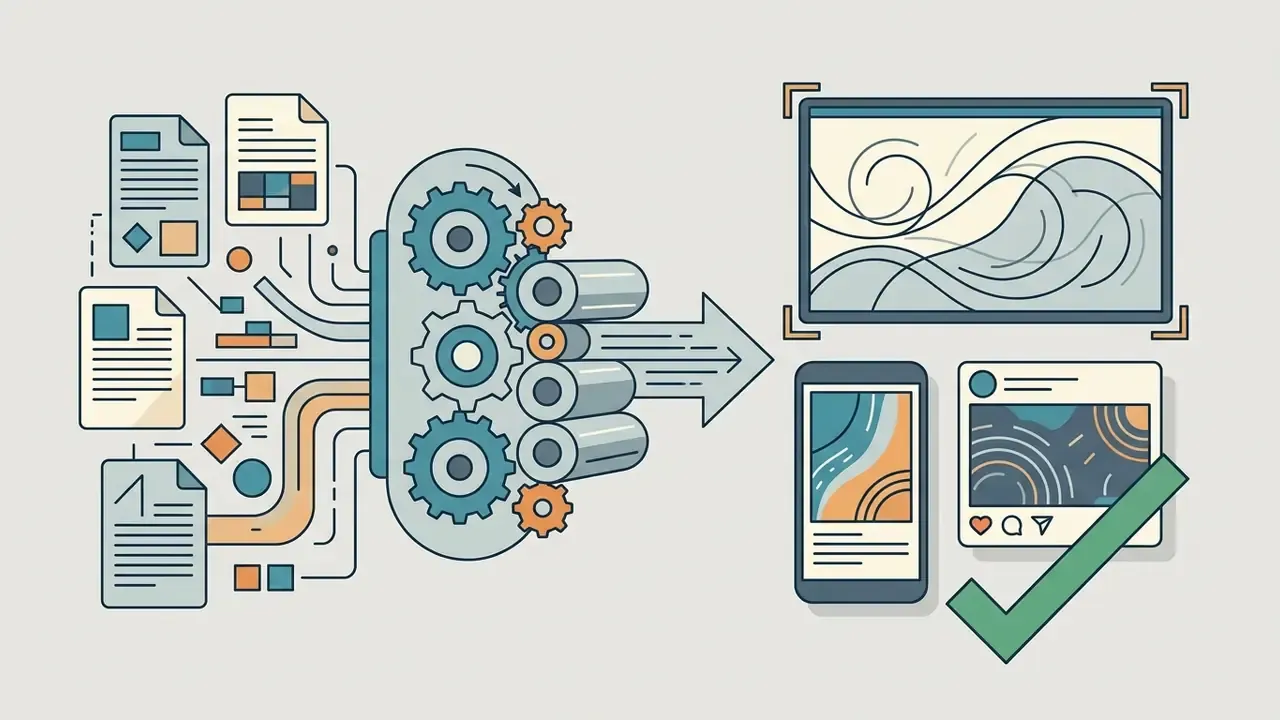
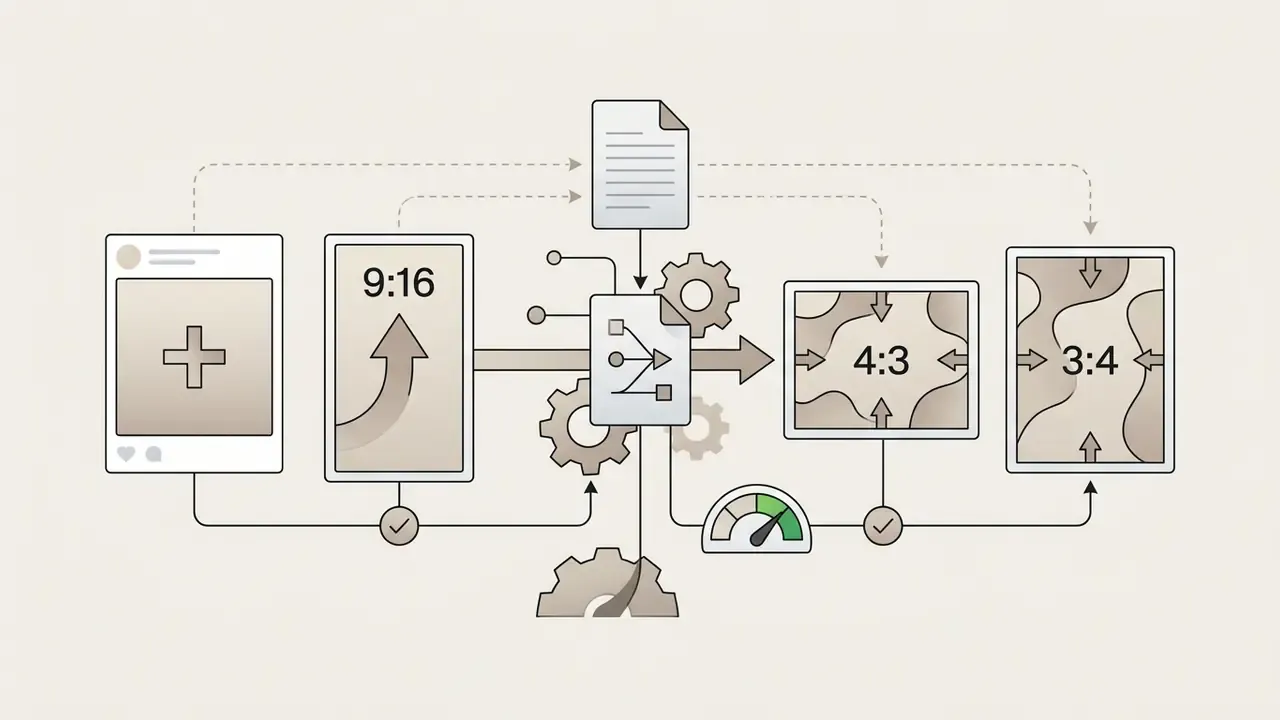
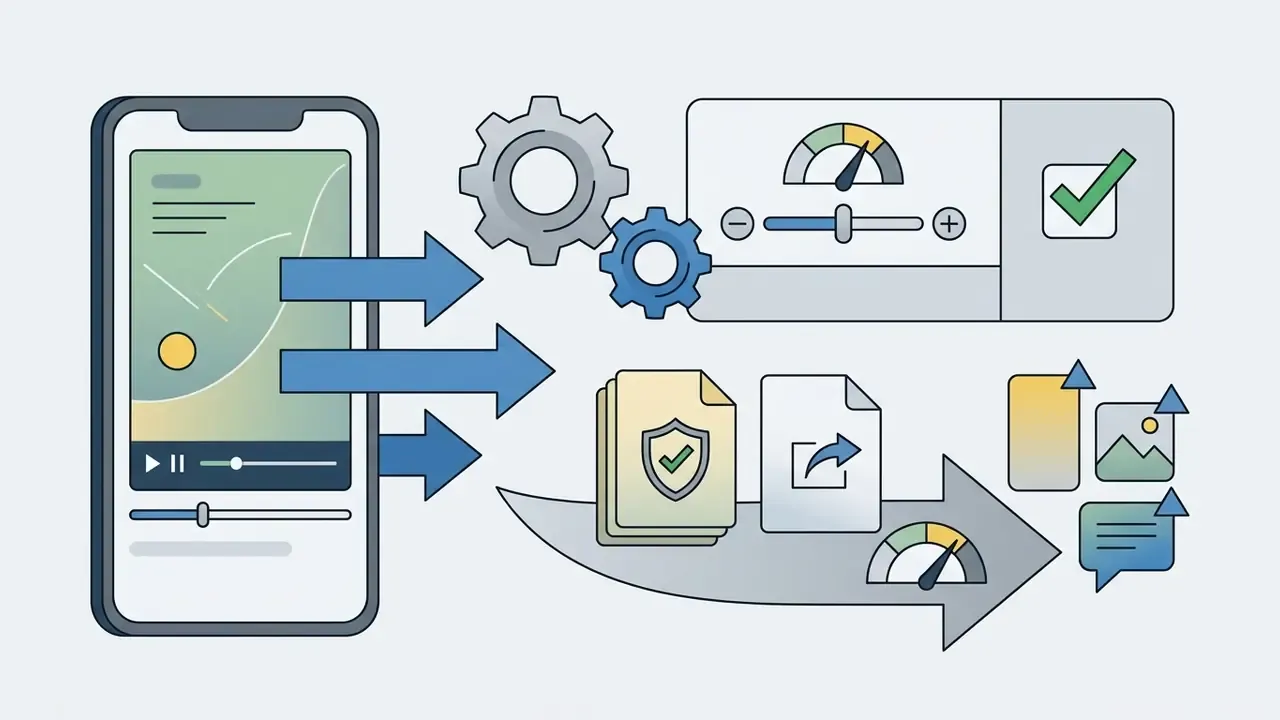
«For short vertical social clips, the standard H.264/MP4 container balances file size against quality under platform streaming compression.»
| Tool | Free tier watermark | Generation limits | Max clip duration | Available AI models | Audio / voiceover sync | Aspect ratios and quality | Commercial rights | Account required |
|---|---|---|---|---|---|---|---|---|
| Vivideo | No (clean exports on free plan; test-render before client work) | Recurring free access (Pro = 30 credits/wk, about 10 videos; Max = 100 credits, about 33 videos) | Up to 10 min via multi-scene stitching, not single-pass render | Sora 2 Pro, Veo 3.1, Kling V3, Seedance 2.5, Wan 2.7 (30+ models) | Yes (native AI voices, voice cloning, music) | 16:9, 9:16, 1:1 (up to 4K claimed) | Claimed ("100% yours"; legal terms opaque) | Yes (no credit card needed) |
| CapCut (Mobile) | No on mobile app; web and desktop watermarked | Feature and cloud storage limits; per-model caps (30s Seedance 2.5, 12s Sora 2, 8s Veo 3 Fast) | Short-form, timeline dependent | Proprietary ByteDance AI effects, templates, Seedance integrations | Yes (text-to-speech, auto-captions) | 9:16, 16:9, 1:1 (1080p free; 4K Pro) | Restricted on free tier; broad ToS licence over uploads | Yes |
| DaVinci Resolve | No (clean export in standard free workflows) | Unlimited local rendering | Unlimited timeline duration | Local non-generative FX (external AI import) | Manual (Fairlight import, mixing, EQ) | Any format up to Ultra HD 3840x2160 at 60fps | Allowed for standard free tools | No registration for the offline app |
| Clipchamp | No default platform mark (user custom mark only) | Unlimited standard video edits | Unlimited timeline duration | Microsoft AI text-to-speech and auto-subtitles | Yes (Microsoft AI TTS, noise and silence removal) | 16:9, 9:16, 1:1 (1080p HD free) | Governed by Microsoft terms | Yes (Microsoft Account) |
| VEED.io | Yes (visible VEED.IO watermark on free tier) | Limited export minutes per month; AI credits per plan | Short clip limits | Proprietary AI text-to-video, Fabric, avatars, third-party model playground | Yes (voice clones, avatars, auto-subtitles) | 16:9, 9:16 (720p free) | Restricted on free tier | Yes |
| Canva (Free) | No, unless Pro assets or effects are used | Unlimited basic edits; limited premium AI generations | Timeline dependent | Basic text-to-image and text-to-video, Magic tools | Partial (stock music, limited TTS) | 16:9, 9:16, 1:1 (1080p free) | Permitted within Content License Agreement scope | Yes |
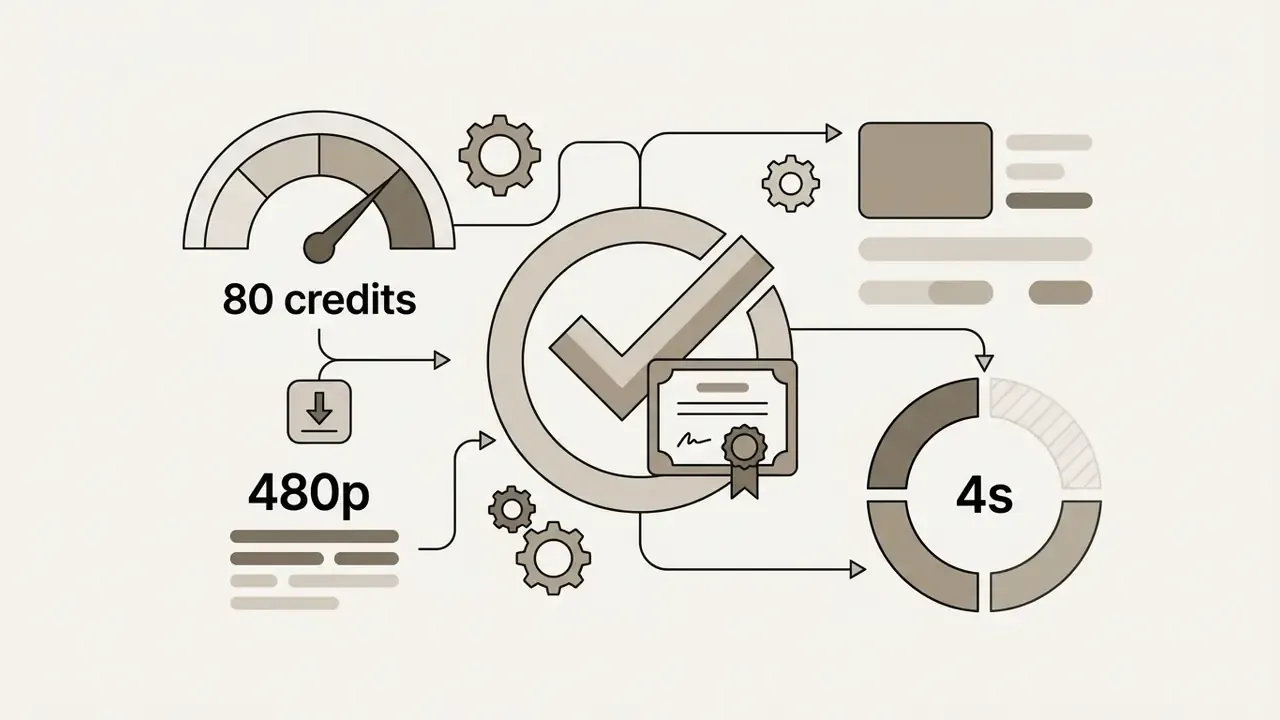
| Pika (Basic) | No (clean downloads on free tier) | About 80 video credits per month | About 4s clips (480p model access) | Pika 2.5 at 480p on free tier | Limited (add audio in post) | 16:9, 9:16 (480p free) | Commercial use listed as allowed on free tier | Yes |
Read in plain text: only Pika Basic and CapCut Mobile are verified clean-and-free against primary sources, Vivideo is clean but contested in its own documentation, VEED is watermarked on every free export, and DaVinci Resolve plus Clipchamp are editors rather than generators. Any tool marked "claimed" needs your own throwaway render before a client deliverable depends on it.
Best Free AI Video Generator Alternatives With No Watermark
Picking a free ai video generator no watermark alternative depends on one prior question: do you need an AI-first generation engine, a timeline-based editor, or a professional post-production suite? Working through a structured free AI video generators comparison helps content teams move off restrictive software without trading one constraint for another.
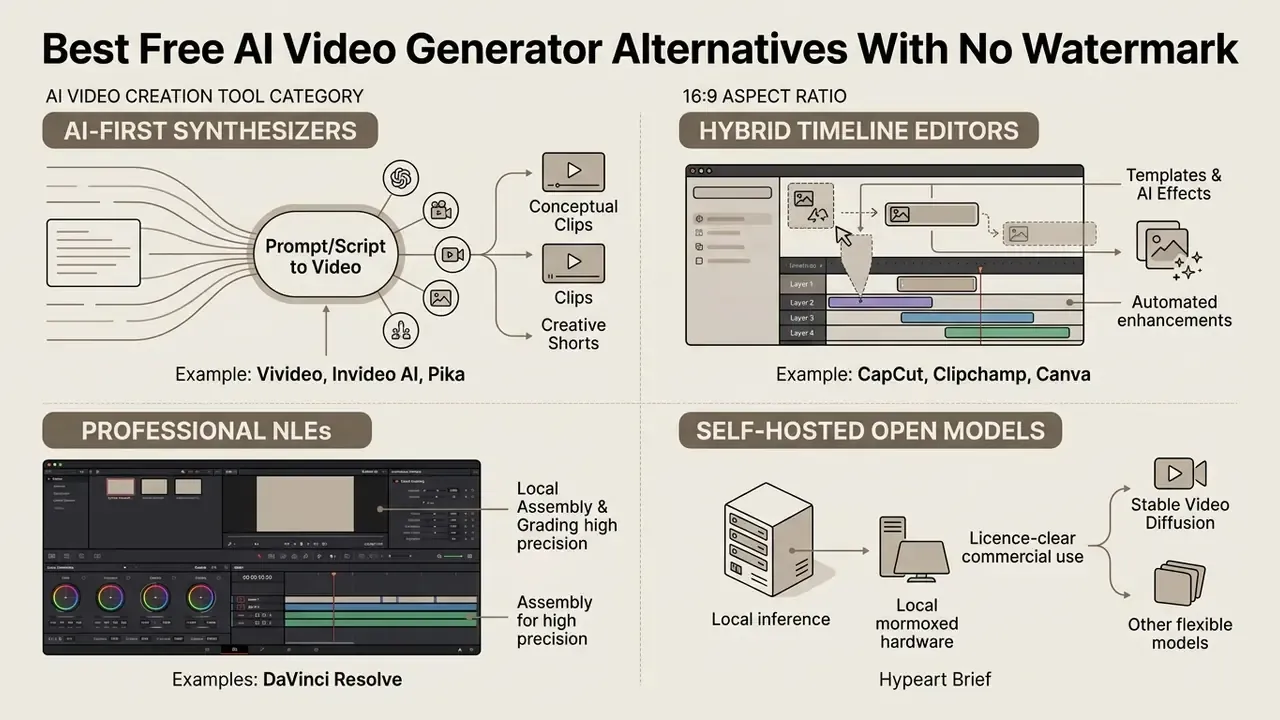
AI-first tools for text-to-video and image-to-video
AI-first platforms turn natural-language scripts or static images into finished clips without a manual timeline.
- Vivideo: Synthesises video from text or image prompts with no brand watermark burned into free exports. It behaves as an orchestration studio: access to multiple generation models (Veo 3.1, Sora 2, Kling V3, Seedance 2.5, Wan 2.7 among them), realistic AI avatars, synthetic voiceover, voice cloning, and automatic brand kits built from a submitted URL.
«Pro is 30 credits per week (about 10 videos), Max is 100 credits (about 33 videos); the free tier is positioned as permanent rather than a trial.»
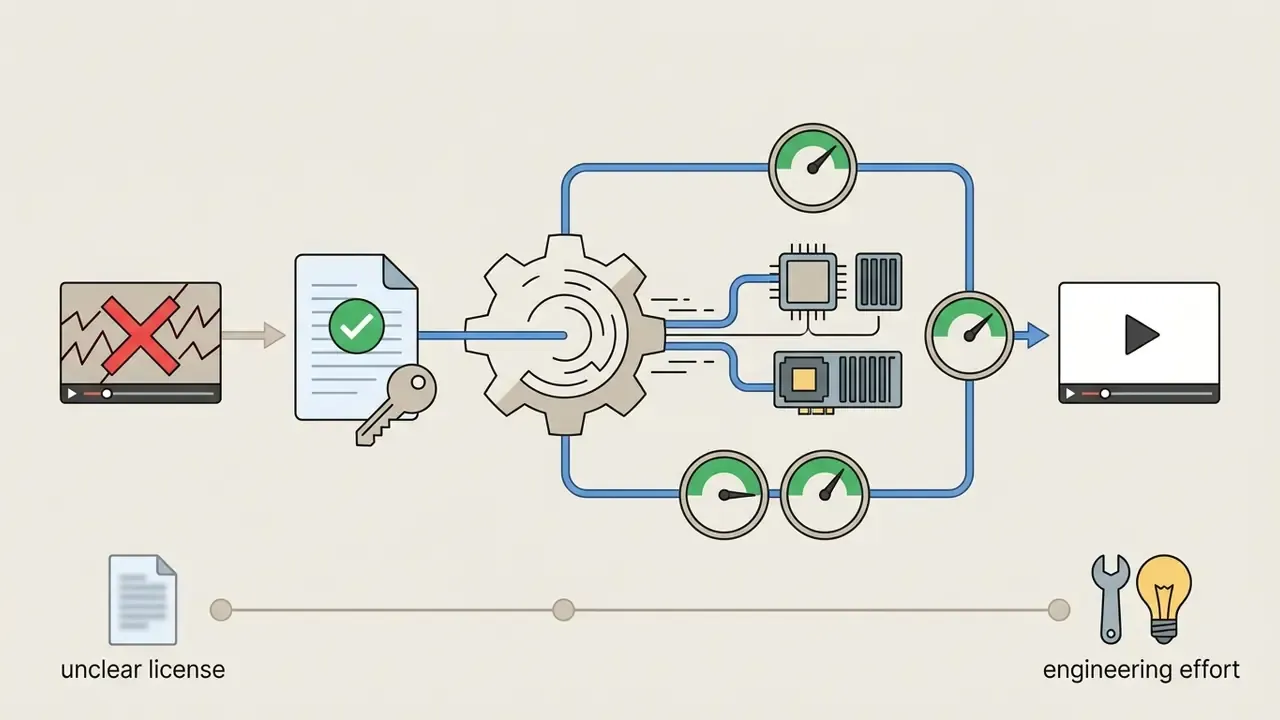
An honest note on the "100% free ai video generator no watermark" framing you will see in ad copy: in this cohort only self-hosted inference and Pika Basic hold up under a terms review, and Pika only within its 480p, four-second envelope.
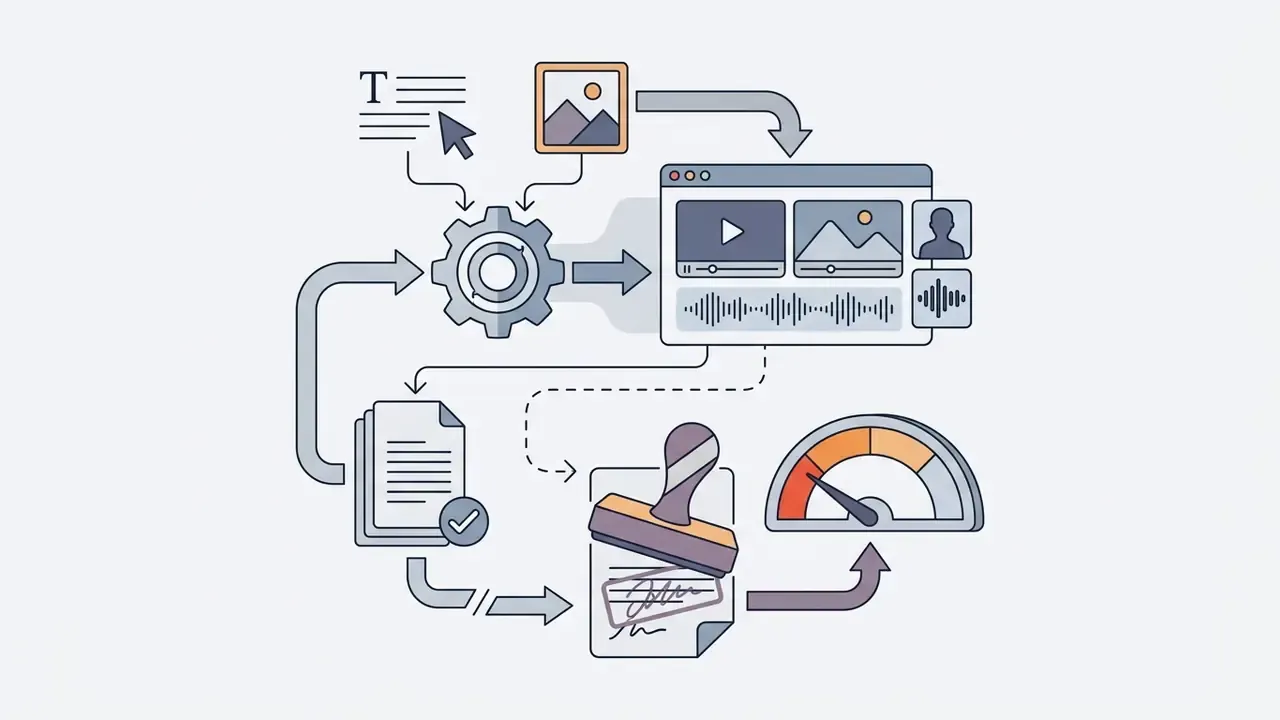
Editors with AI video creation features
Hybrid editors combine timeline control with generative features. Good fit for social content, product cutdowns and internal communications.
- CapCut: AI-powered templates, automatic background removal, auto-captions and script-to-video. The mobile app permits watermark-free exports on standard edits, but creators must dodge Pro-tier templates to avoid watermark triggers or export paywalls. Before exporting, run CapCut's "Pro-marked item" check to confirm no premium asset is embedded.
«The CapCut free tier restricts commercial use: monetised YouTube content and client projects technically require a paid subscription.»
- Clipchamp: Built into Windows, Microsoft Clipchamp gives a clean 1080p export path with no forced platform watermarking. Free features include AI voiceovers, auto-generated subtitles, background noise suppression and silence removal. Those four capabilities are exactly what pushes creators onto paid plans elsewhere, so this is the strongest free ai video creation tool free no watermark option for an editing-led workflow.
- Canva (Free): Drag-and-drop video timeline, social templates, basic text-to-image and text-to-video tools, and one-click resize into platform-specific formats. Free exports stay unbranded unless premium Pro stock or Pro AI effects enter the design.
DaVinci Resolve for watermark-free post-production
DaVinci Resolve (free version) is a full post-production environment: editing, colour grading, visual effects in Fusion, audio mixing in Fairlight. Blackmagic Design gives the core software away, supports virtually all 8-bit formats, and exports up to Ultra HD 3840x2160 at 60 fps with no embedded watermark (Blackmagic Design DaVinci Resolve Technical Manual, 2024).
«The audited source corpus contains no quantitative data on DaVinci Resolve's role in AI-video post-production; this is a limitation of the evidence base.»
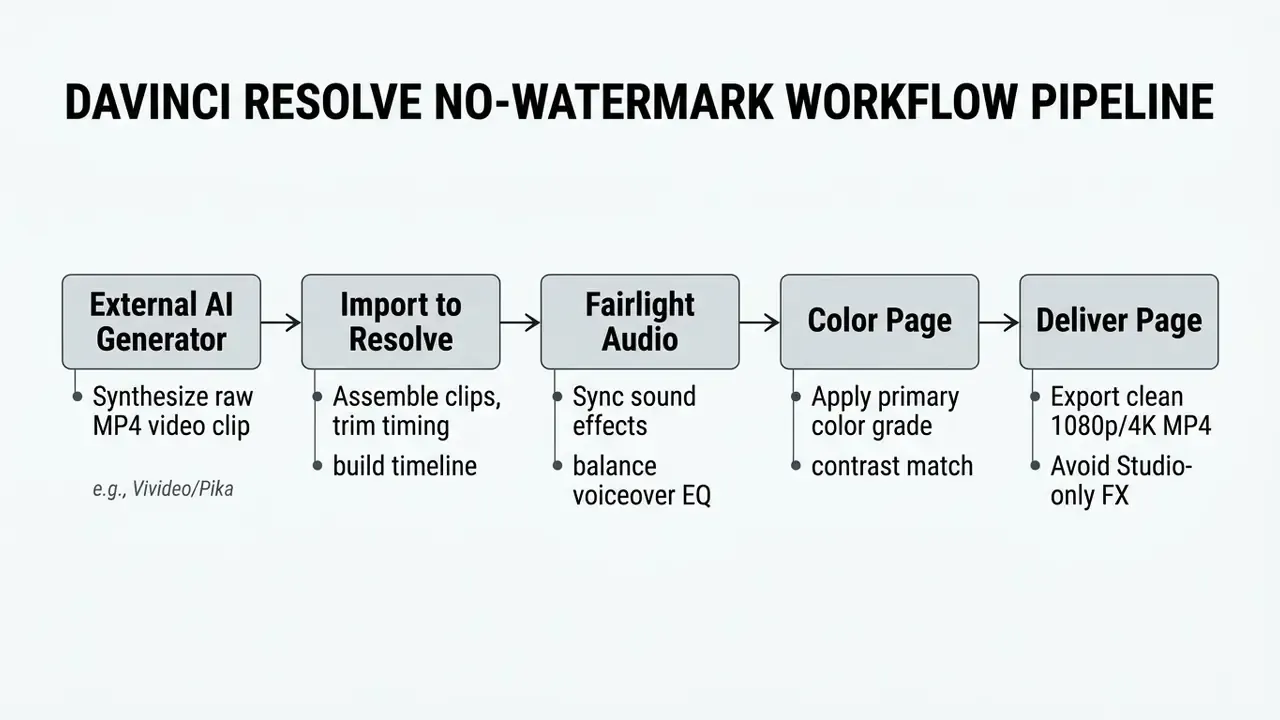
Watermarks appear in Resolve only when a user applies Studio-exclusive features: certain Neural Engine noise reduction tools, the Speech Generator model, or proprietary FX plugins. Pull the triggering Studio plugin and clean export returns immediately. That makes Resolve an excellent finishing room for raw AI clips destined for commercial use. And because it runs locally, it is the only tool in this comparison that keeps sensitive footage off third-party inference endpoints. For regulated teams, that single property often decides the stack.
For a broader evaluation of media platforms, see the overview of available tools.
Table: AI video creation tool selection by primary use case
| Tool | Text prompt generation | Image animation | Social media shorts | Product ads | Music videos | Corporate / training | Professional post-production |
|---|---|---|---|---|---|---|---|
| Vivideo | Optimal | Optimal | Good | Moderate | Good | Good | Limited |
| CapCut | Moderate | Good | Optimal | Good | Moderate | Limited (ToS risk) | Limited |
| DaVinci Resolve | None (external) | None (external) | Moderate | Good | Good | Optimal (local data) | Optimal |
| Clipchamp | Limited | Limited | Good | Moderate | Limited | Good | Moderate |
| Canva (Free) | Limited | Limited | Optimal | Good | Limited | Good | Limited |
| VEED.io | Good | Good | Good (watermarked) | Moderate | Limited | Good | Limited |
| Pika (Basic) | Good | Good | Moderate (4s clips) | Limited | Moderate | Limited | None (external) |
In words: Vivideo and Pika for raw generation, CapCut and Canva for fast social output, Clipchamp for clean Windows-native assembly, Resolve for finishing and for anything confidential. VEED earns a place only if you will pay for export.
Choose a Watermark-Free AI Video Tool by Your Use Case
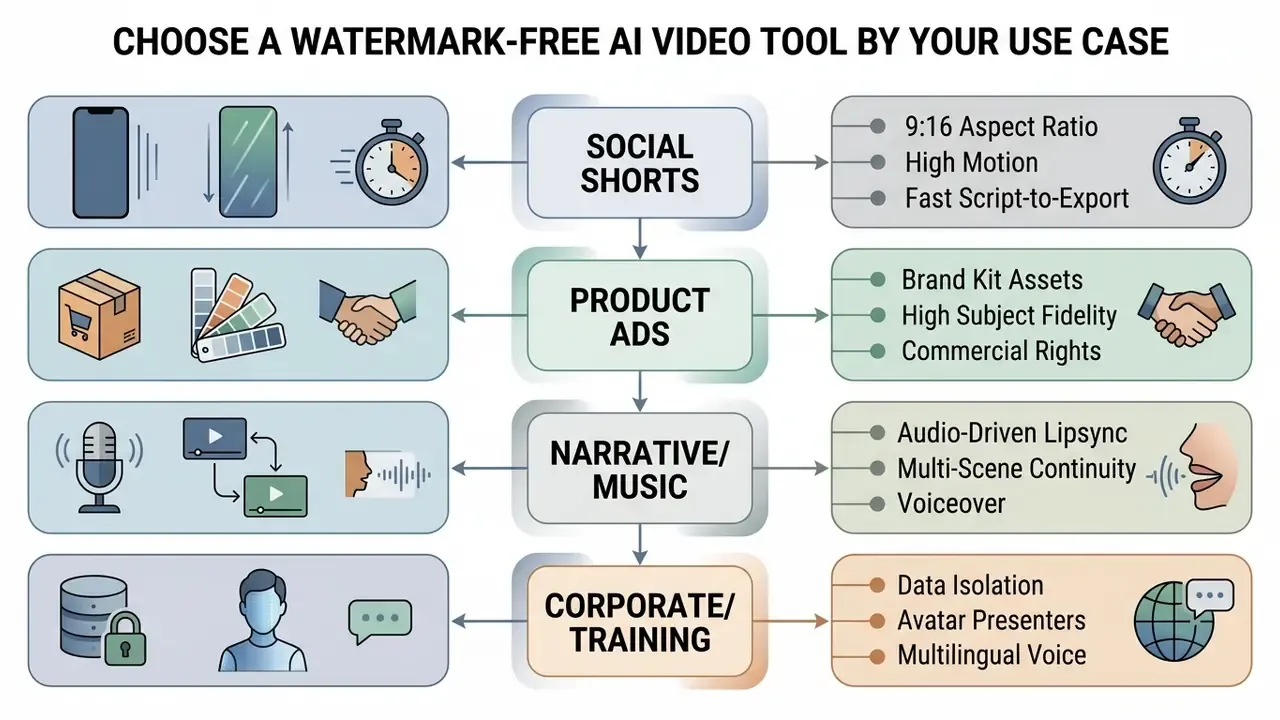
Different video categories demand different capabilities. Choosing a free ai video generator without watermark depends on whether the project needs rapid vertical formatting, strict brand asset control, audio-driven lipsync, or internal-communications privacy.
TikTok, Instagram Reels and YouTube Shorts
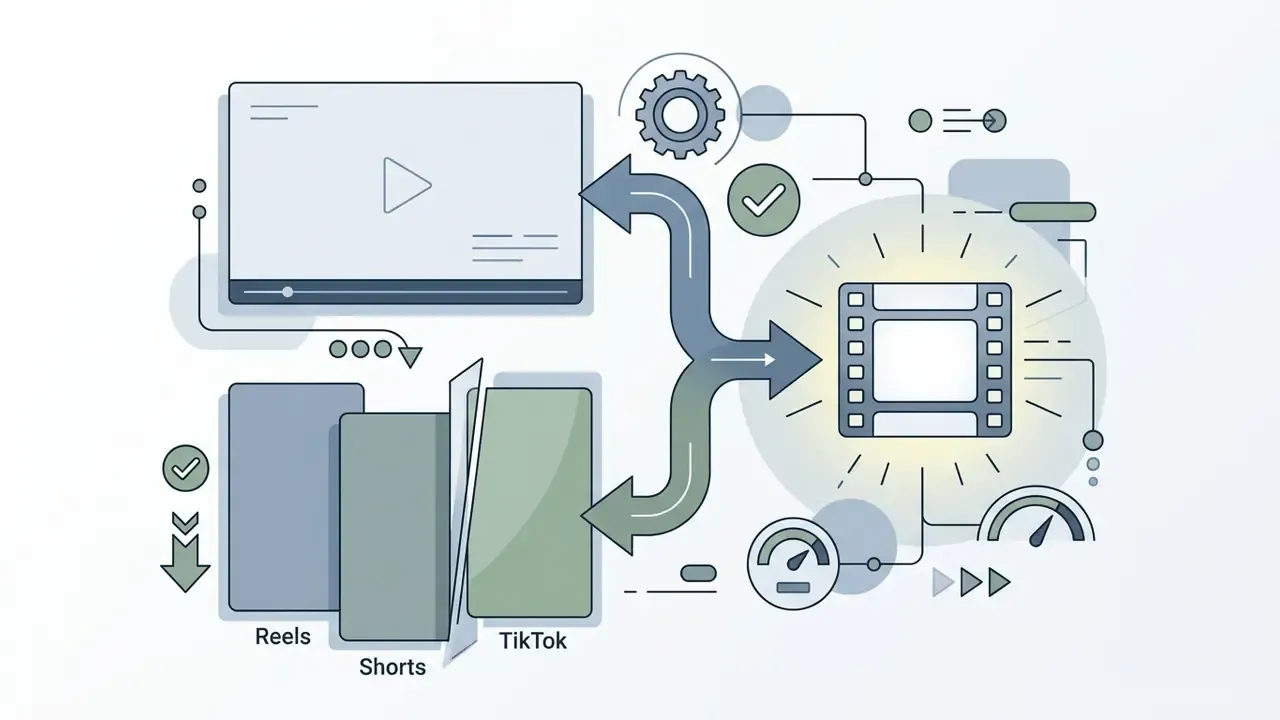
Short-form vertical work rewards tools that make aspect ratio and prompt execution fast. Anyone using an ai short video generator free without watermark should build on 9:16 vertical templates at 1080x1920, keeping subjects inside mobile safe zones so captions and platform UI do not cover the action.
CapCut Mobile and Vivideo both turn a simple text prompt into an engaging video formatted for TikTok or Instagram Reels. Render at 30 fps with a bitrate between 8 and 12 Mbps and exports stay quick without visible compression mush. A small habit that saves reshoots: preview on an actual phone, not a desktop monitor.
«BenchUFO evaluates 1,291 user-focused topics with 10 prompts each; for weak topics, cosine similarity for baseline models falls to 0.236-0.316.»
That gap explains why niche trend content fails so often. Models align well with generic prompts and poorly with the specific, user-driven subjects that actually travel. Compensate with reference images, tighter motion descriptions and template-based starts.
Viral mechanics worth templating. The formats pulling engagement in 2026 are motion transformations rather than static scenes: AI dance loops, AI kiss and hug clips, AI fight short films, face-swap memes, muscle-growth or age-progression morphs, and photo-to-Reels animations of existing stills. Most are image-to-video jobs seeded with one strong reference frame. An ai video clip generator free no watermark is enough here, since each beat runs four to eight seconds.
Ready-to-use micro-prompts:
For a structured view of free options in this category, see our free AI video generator options comparison.
- Viral motion hook
Dynamic character face-morphing animation, high-energy camera push-in, fast-paced background movement, highly detailed, octane render, 9:16 vertical.- AI dance loop
Full-body subject from reference image dancing a rhythmic hip-hop routine, stable identity, neon city backdrop, 30fps smooth motion, seamless loop, 9:16.- Cinematic fight beat
Two stylised warriors clashing in slow motion, sparks and dust particles, handheld camera shake, dramatic rim lighting, 9:16 vertical, 8 seconds.- Photo-to-Reels animation
Animate the uploaded portrait with subtle head turn, hair movement and parallax background drift, cinematic depth of field, no distortion of facial features.
Product videos, video ads and marketing content
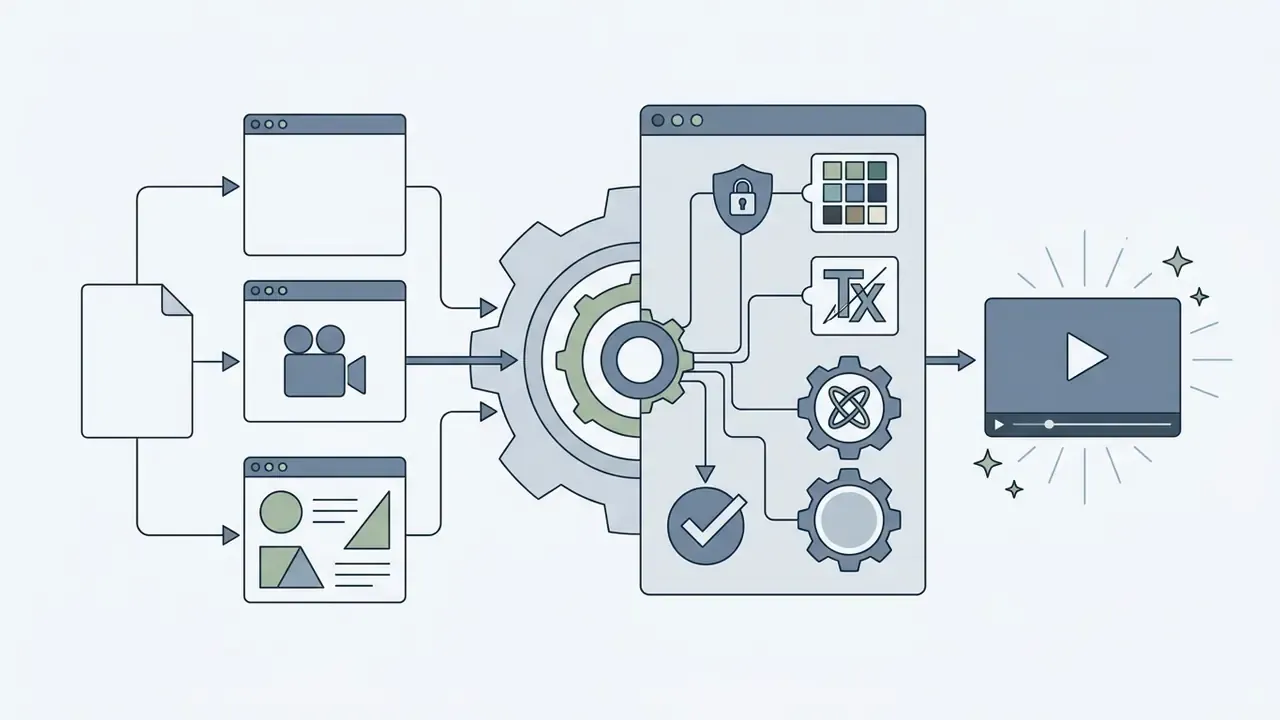
Marketing needs precise visual representation and verified clearance. An ai product video generator free without watermark or an ai video ad maker free without watermark lets small businesses ship promotional clips without licensing entanglements, provided the terms genuinely permit it.
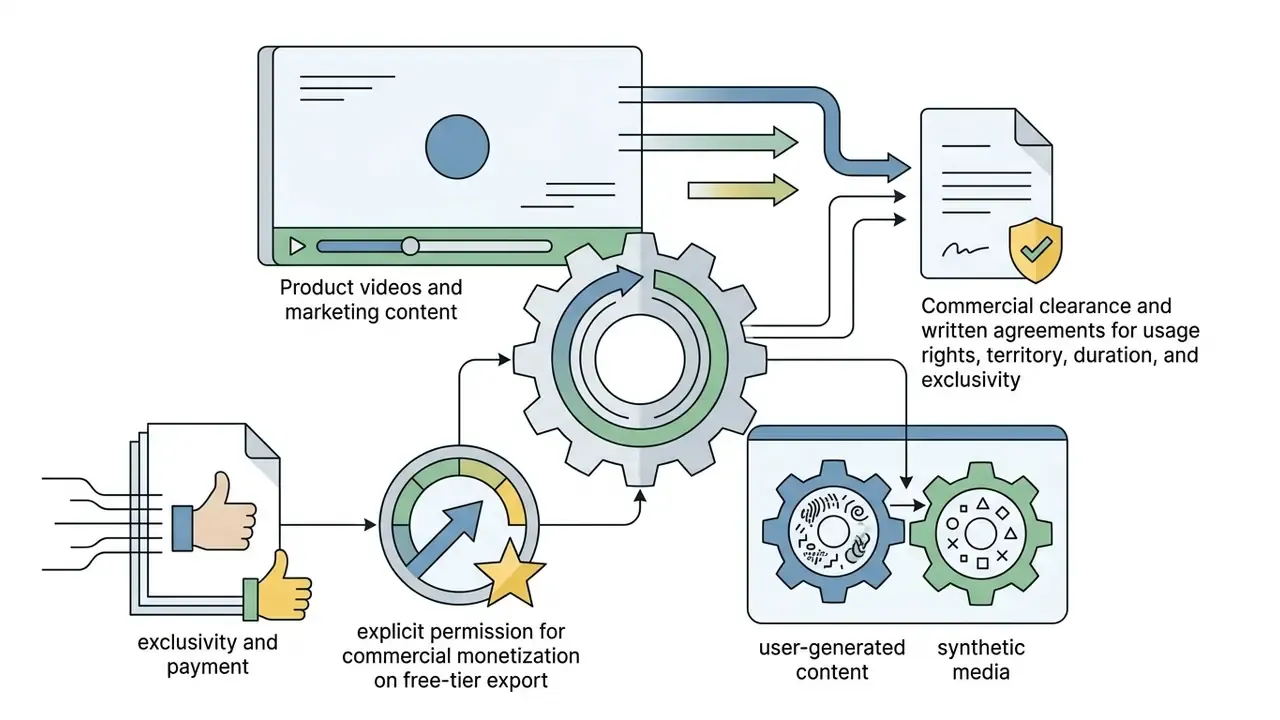
«T2VWorldBench tests 10 models across 1,200 prompts; even the strongest systems score around 0.68 on quality, realism and consistency.»
E-commerce prompt templates:
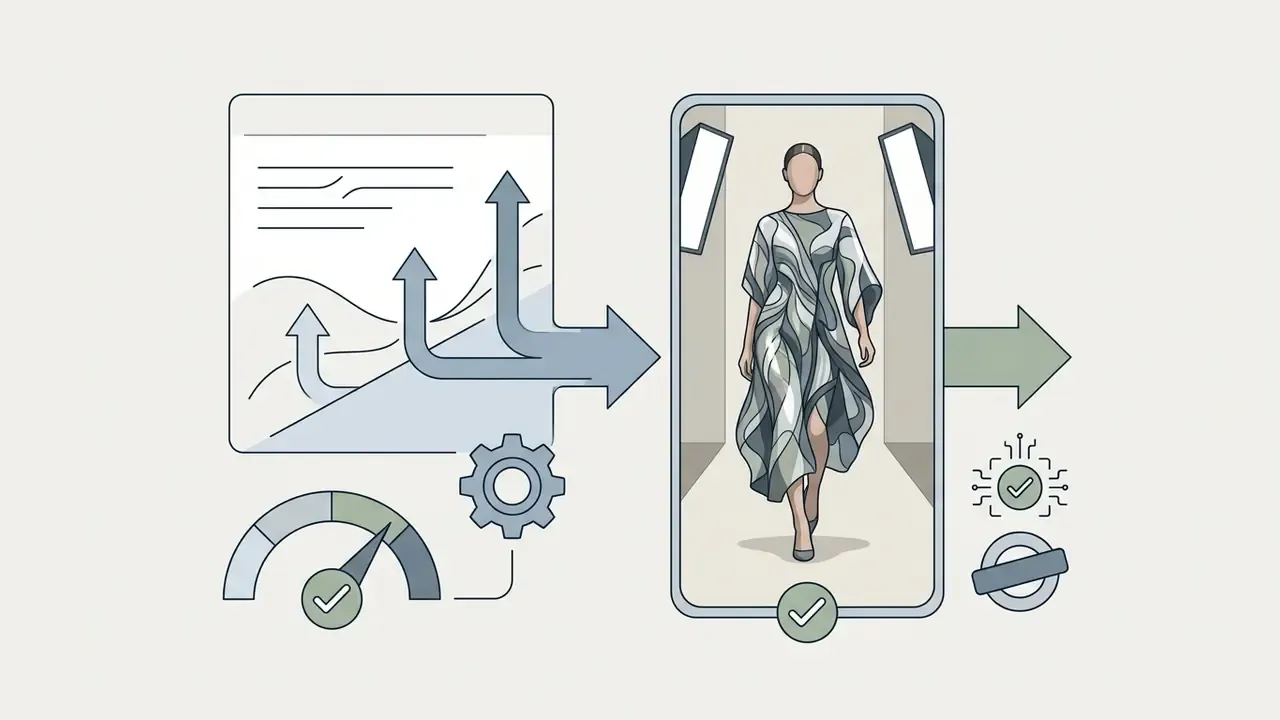
Photorealistic 3D fashion model walking a studio runway wearing [uploaded product asset], softbox studio lighting, neutral backdrop, smooth 60fps motion, 8k detail, 9:16 vertical.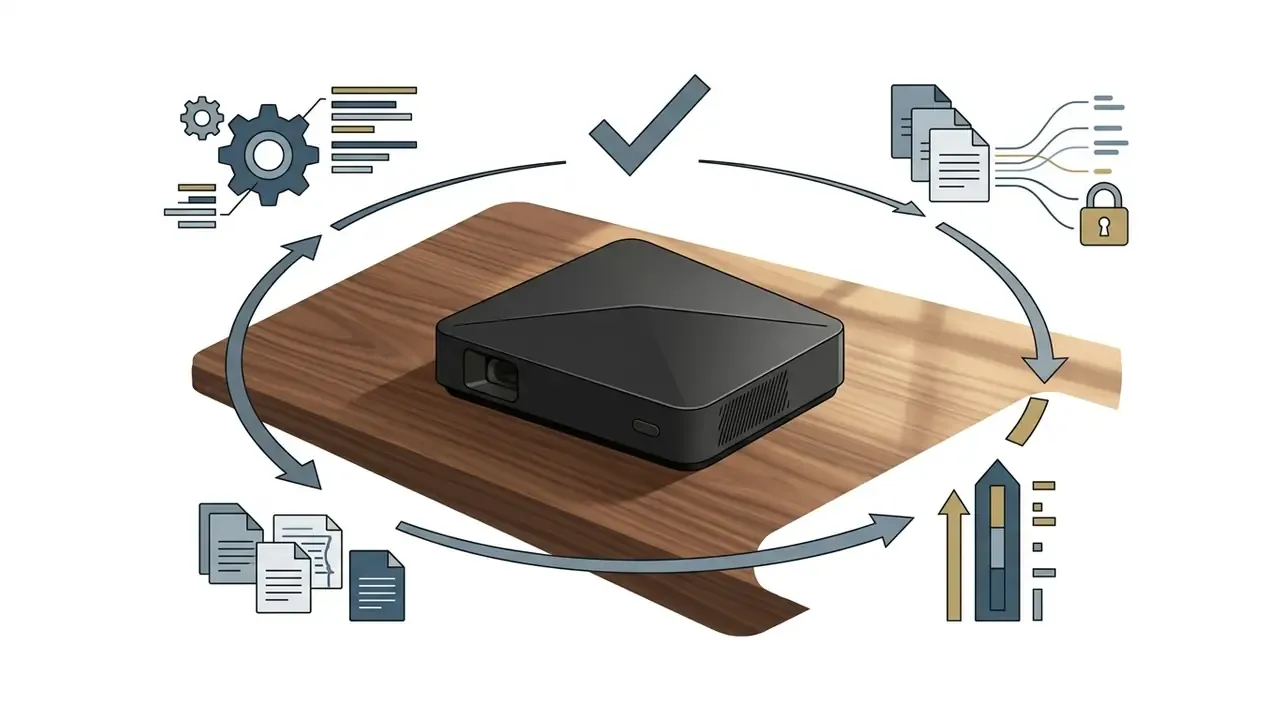
Matte-black consumer device on a walnut surface, slow 360-degree orbital camera move, shallow depth of field, warm window light, photorealistic, 16:9.
Product rotating on a seamless white infinite background, even shadowless lighting, no text overlays, 4-second loop, 1:1 square.Music videos, story videos and educational content
Narrative and music-led content lives or dies on audio synchronisation.
- Audio-driven models Native multimodal models such as Google Veo 3.1 generate 8-second clips with synchronised native audio straight from text (Google Cloud AI Studio Docs, 2026).
- Lip-sync and voiceovers Specialised endpoints, Kling API's
/v1/videos/lip-sync, Pixelcut's talking-head workflows, LTX audio-to-video, Meta AI's speech sync tools, make static portraits or avatars speak or sing against an uploaded MP3 or WAV. - Educational stories Platforms that convert multi-scene scripts, whether marketed as an ai story video generator free without watermark or an ai music video generator free no watermark, help instructors split complex topics into sequential scenes with synthetic narration. Compare narration engines in our guide to AI voice generators for narration, including language coverage and commercial licensing.
«ChronoMagic-Bench evaluates temporal coherence on 1,649 video-text pairs, exposing where models lose sequence during long transformations.»
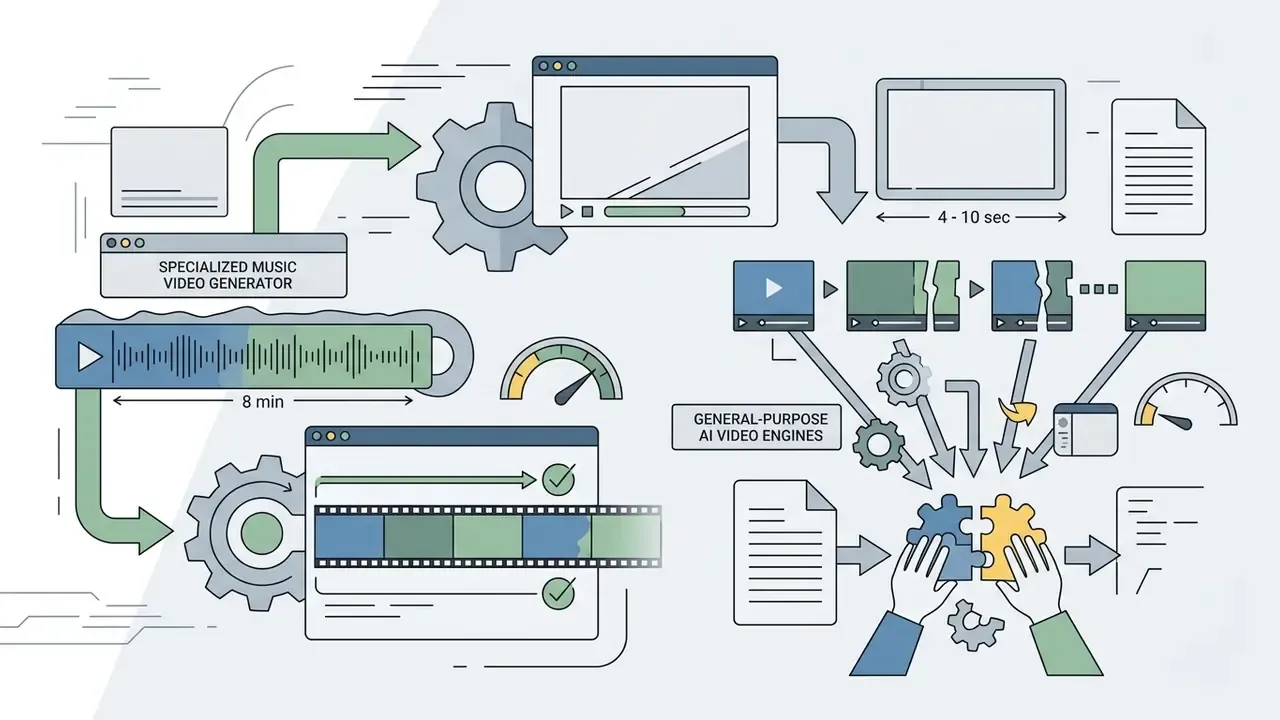
Audio-to-video generation pipeline (custom MP3/WAV tracks)
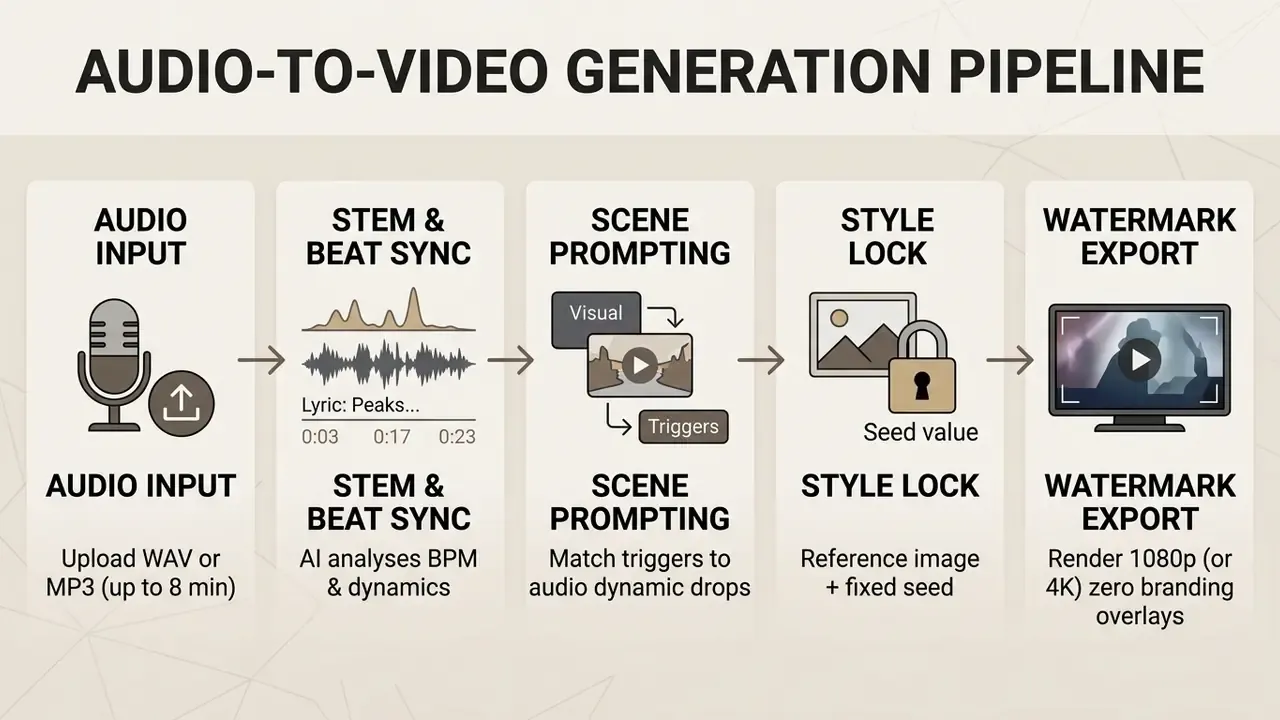
To build a watermark-free music video from your own track, upload an MP3 or WAV to a platform with native audio processing (Somio-style music-video generators, Vivideo, or Kling's lip-sync endpoint). Practical rules:
For more on budget-conscious production tooling, read our notes on Cheaper AI Video software.
Corporate communications, onboarding and internal training
The engines powering social trends are increasingly used for internal video: policy explainers, onboarding modules, release notes, multilingual compliance refreshers. The requirements look nothing like TikTok work.
- Avatar presenters over stock footage. Prompt-generated presenters with multilingual voice output turn a policy document into a narrated module without booking a studio. Documented workflows report compressing a three-week, four-person production into a single day for one instructor. Impressive, though the sample is anecdotal rather than measured.
- Script discipline. Internal video is a controlled communication. Draft the script in the system of record, get sign-off, then generate. Never let the model author substantive policy language.
- Data placement. Do not upload internal recordings with identifiable staff, customer data or unreleased financial information to consumer free tiers. Generate neutral visuals in the cloud and assemble sensitive material locally in DaVinci Resolve.
- Retention and provenance. Log model, version, prompt and approver for every published asset. Where disclosure is expected, mark AI-generated presenters on screen instead of trusting metadata that re-encoding may strip.
- Publishing consistency. Standardise export at 1080p H.264 and route it through a documented YouTube video editing workflow or an internal LMS specification, so playback quality is predictable across devices.
How to Create a Free AI Text-to-Video Without a Watermark
Getting a high-quality clip out of a text prompt, with no branding attached, follows a fairly short workflow.
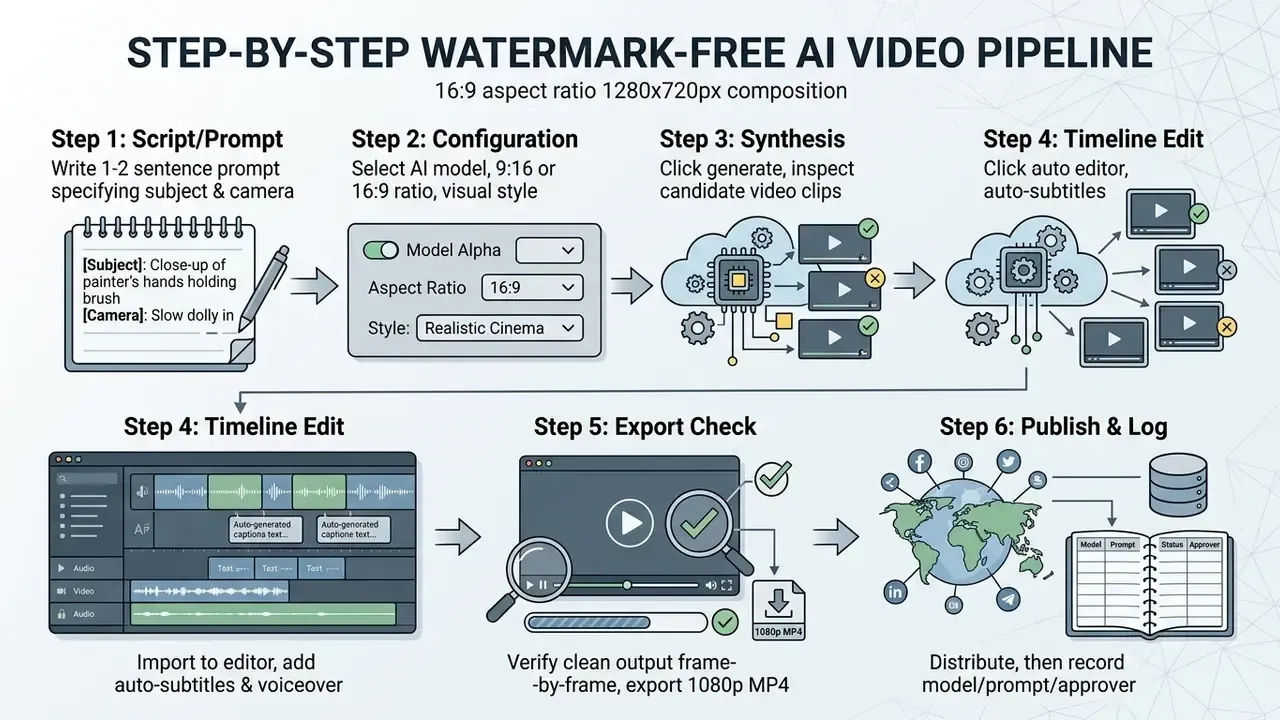
Write a text prompt or convert a script into video
To get usable output from ai text to video free no watermark tools, structure the prompt descriptively. Effective prompts name the primary subject, the setting, the action, the camera movement and the visual style, all inside one or two clear sentences. Runway's prompting guidance is explicit: a workable text-to-video prompt needs at least two essentials, a visual description and a motion description, and detail should be added one element at a time rather than all at once.
«VBench builds about 100 prompts per each of its 16 dimensions, explicitly specifying subject, action and style, which is evidence that structured prompting measurably improves alignment.»
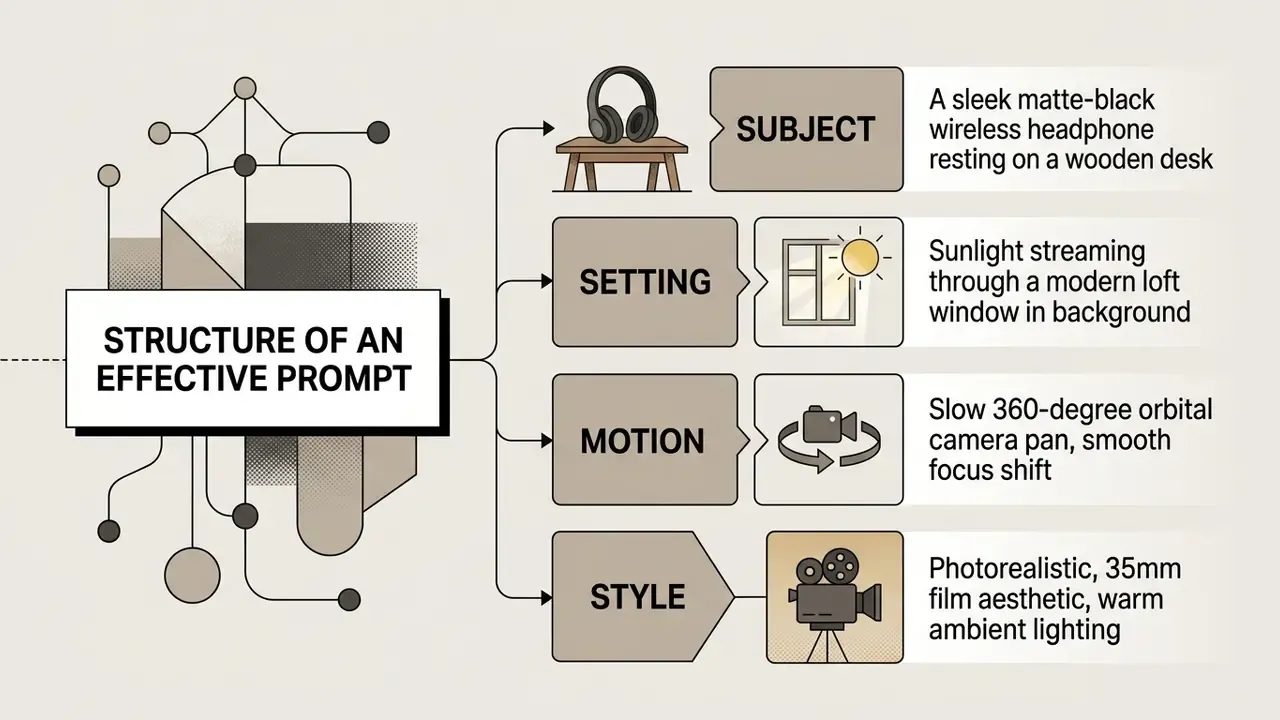
Use positive phrasing ("empty street at dawn") rather than negative instructions ("no people"), because most engines weight described elements rather than excluded ones. Before you burn credits, review our AI video generator capabilities breakdown for engine limits.
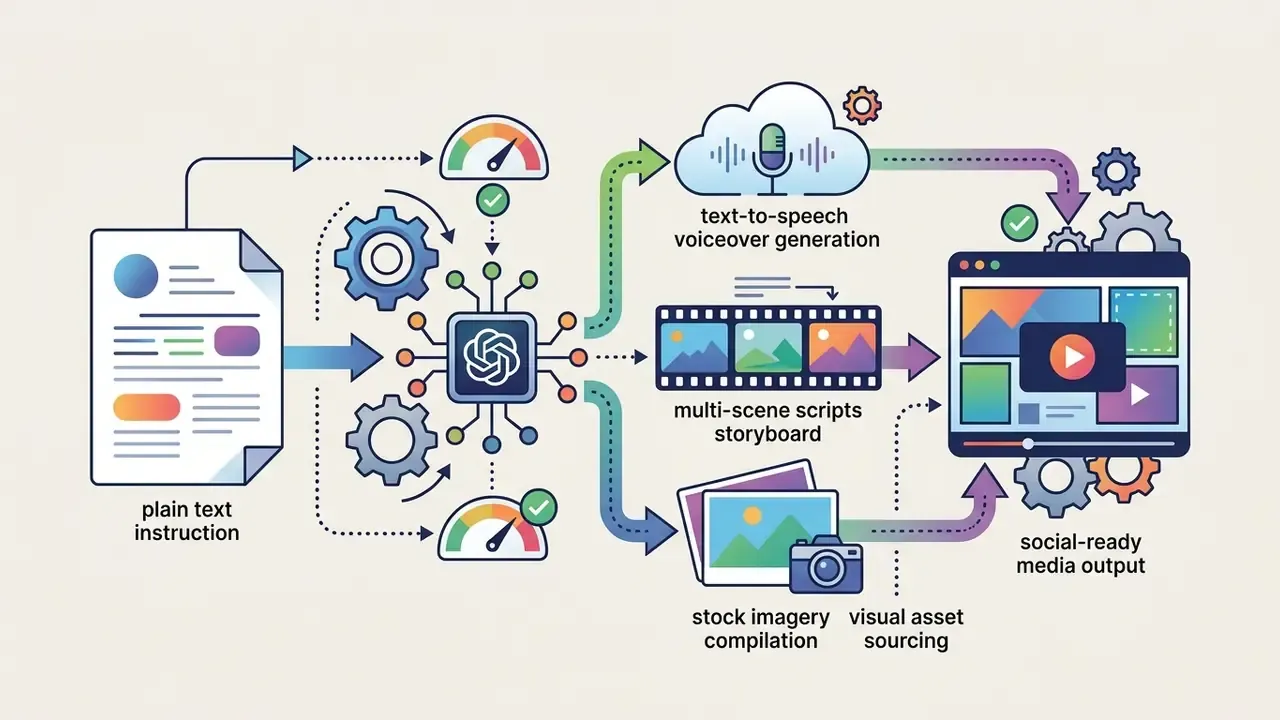
When converting a full script, break the narrative into distinct four-second beats:
Automated agentic workflows. Some platforms now delegate that decomposition to internal LLM agents; Claude-driven orchestration is one documented implementation. Instead of hand-prompting four-second blocks, the agent ingests a long prompt, script, blog post or PDF, plans a multi-scene storyboard, writes individual shot prompts, assigns visual-consistency tags across scenes, casts synthetic avatars and voices, renders each beat, stitches the outputs into a single video of up to 10 minutes without watermarks, then accepts revision requests in the same chat. Two caveats matter. A ten-minute result is multi-scene stitching, not one continuous diffusion pass. And every regenerated scene consumes credits, so agentic long-form drains a free quota fast.
From a governance angle, that is also the point where a video tool starts behaving like an autonomous agent: it plans, calls models and produces published output. Give it an owner, a scope and a log, the same way you would for any other digital worker.
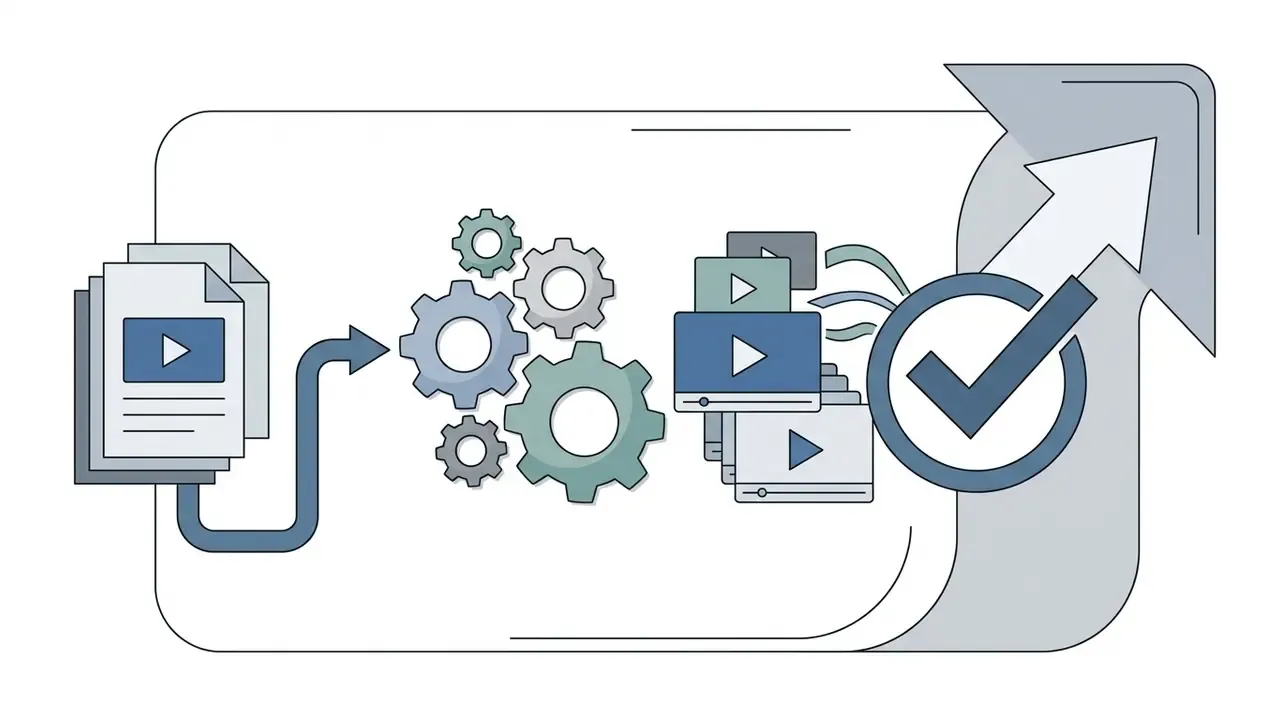
Select a model, style, voice and aspect ratio
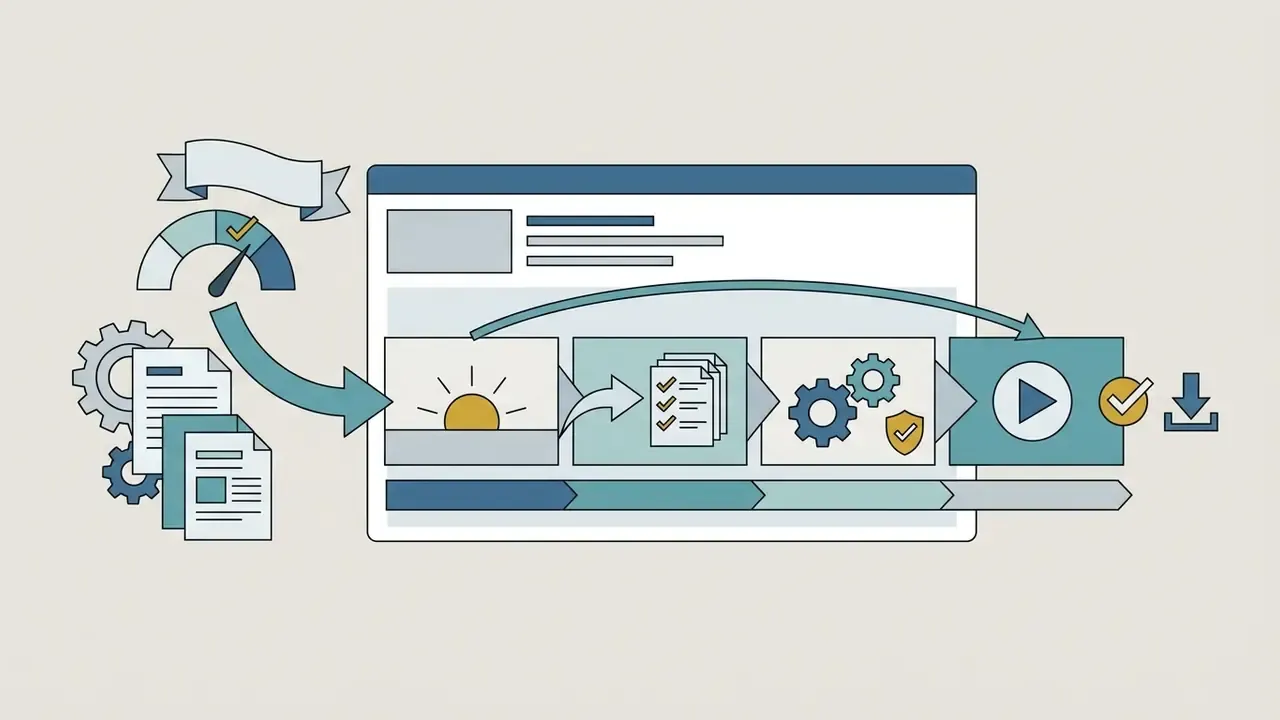
Before triggering synthesis, set the generation parameters. Recraft-style prompt panels expose these as separate controls, model, style, reference image, aspect ratio, and treating them as separate decisions wastes far fewer credits.
- Model selection Pick a lightweight model for drafting (Veo 3.1 Lite or Fast, Seedance 2.0), or a high-fidelity engine (Sora 2 Pro, Veo 3.1, Wan 2.7) when fine detail or complex physics matters.
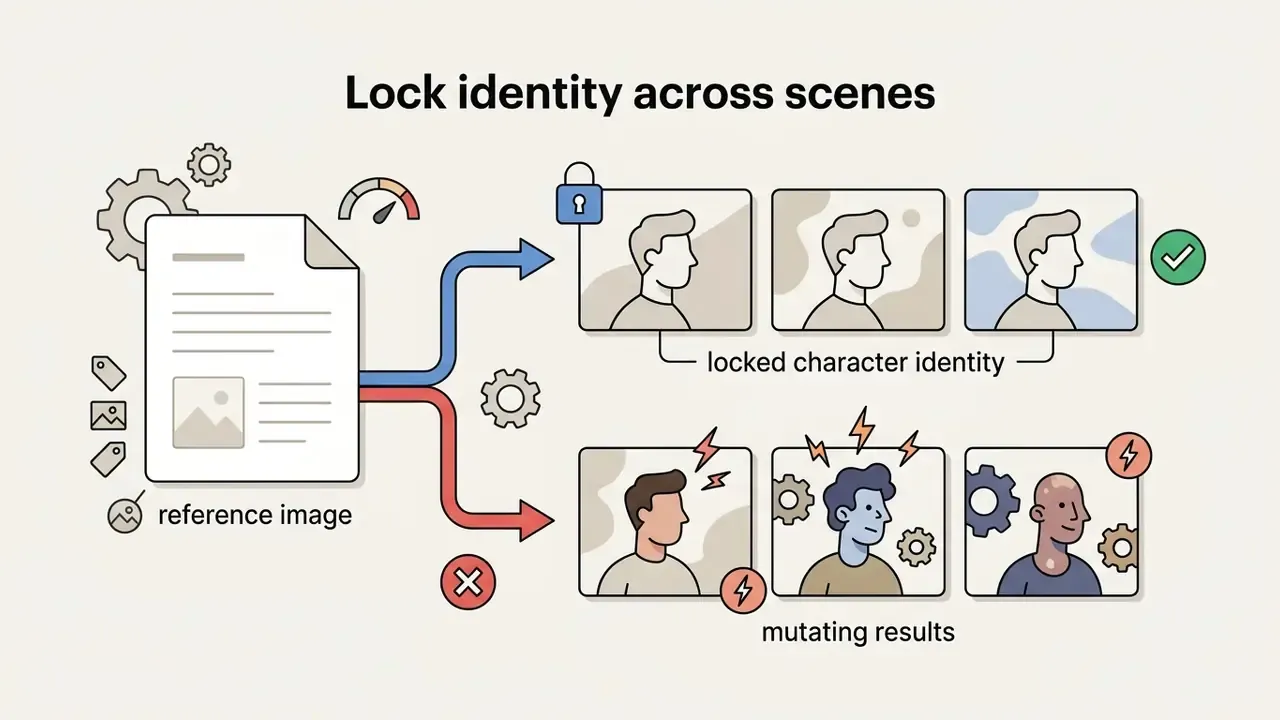
- Reference images Attach up to 3 style references where supported, to hold character appearance or background aesthetics steady across generations.
- Aspect ratio setup Choose
9:16for mobile vertical shorts or16:9for widescreen publishing. Veo-family models constrain output to those two. - Duration and audio Decide up front whether audio comes natively with the clip (Veo 3.1) or gets added later through a voice engine or lip-sync endpoint. Retrofitting audio to a finished cut costs more time than planning it.
- Voiceover and avatars Set synthetic voice tone, language accent and pacing before the final render, not after.
Generate, edit and export the final video
Parameters locked? Click generate and review what comes back.
- Review clipsInspect for temporal flickering, warped background objects and unnatural subject motion. Reject rather than repair. Regeneration is almost always cheaper than masking artifacts.
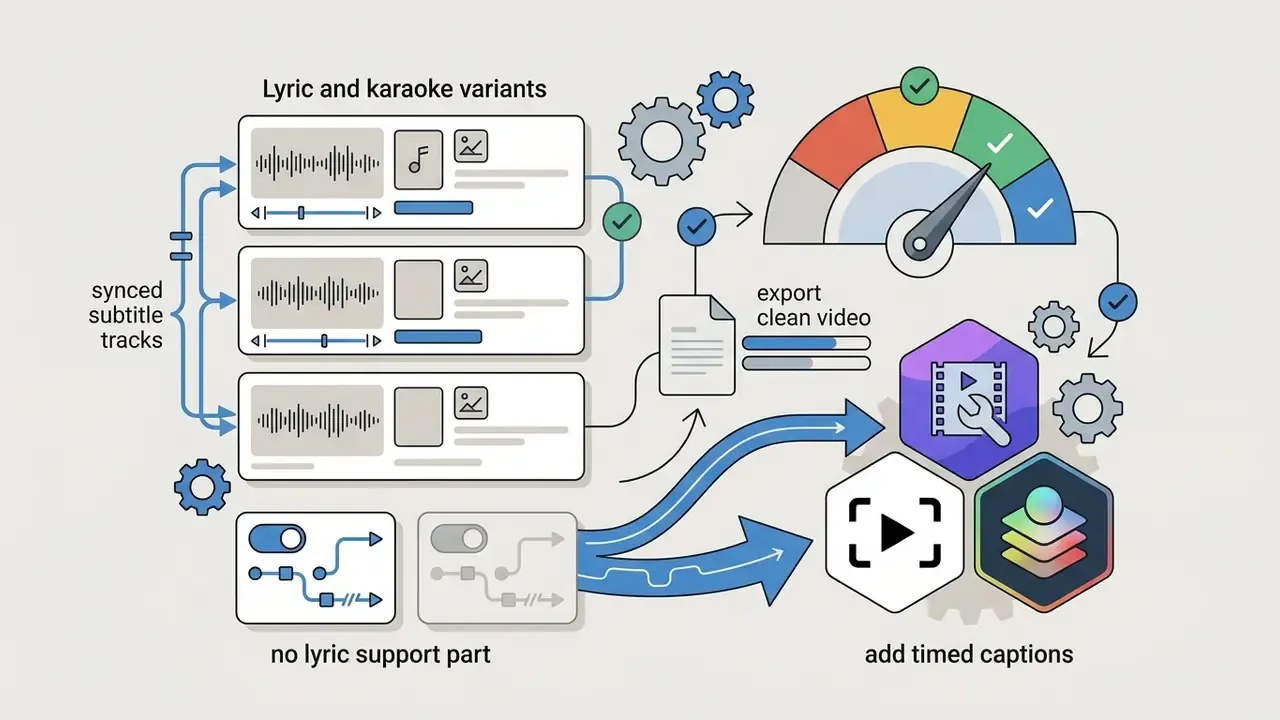
- Timeline assemblyImport the selected MP4s into an editor (Clipchamp, CapCut Mobile or DaVinci Resolve) to overlay subtitles, balance audio or add music. Text-based editing and auto-transcription, including caption translation across dozens of languages in professional NLEs, make the subtitle pass quick.
- Watermark inspectionPreview the render frame by frame, paying particular attention to the final three seconds, to confirm no automated end-card or corner logo was appended. Check the first frame too; some templates stamp an intro bug that nobody notices until publication.
- HD exportRender in 1080p using H.264 MP4 at 8 to 12 Mbps.
- Provenance and logRecord the generating model, its version, the prompt and the operator. If your organisation requires disclosure, apply an on-screen AI notice, because metadata alone may not survive platform transcoding.
For more on editing-side options, see our dedicated guide to a free ai video editor no watermark.
When to Switch From Your Current AI Video Generator
Creators and organisations usually switch AI video software after hitting export watermarks, compute limits or restrictive licence terms. Testing candidates against open benchmarks tells you whether an upgrade or a full switch is warranted.
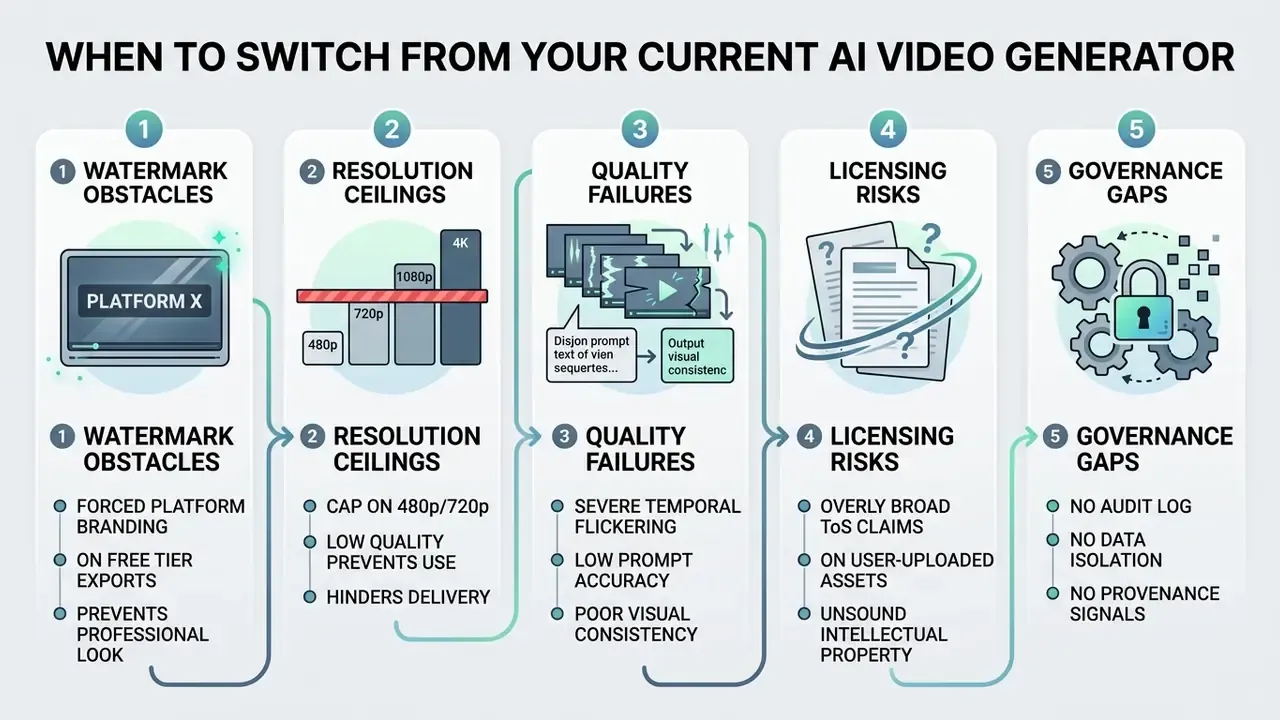
Switch because of watermarks, limits or export restrictions
A visible watermark undercuts the professional presentation of marketing clips, client deliverables and monetised YouTube videos. If your current tool stamps free exports, as VEED.io's free plan does, moving to platforms with unbranded free output (Vivideo, Pika Basic, CapCut Mobile) is an immediate quality upgrade and costs nothing.
«All exports from free accounts include a visible VEED.IO watermark; clean export requires a paid plan.»
Resolution caps bite in a similar way. Forced 480p rendering obscures small text and fine texture, which kills product demos. When credit quotas evaporate mid-project or resolution limits block clean HD delivery, move to the best free AI video generators with higher ceilings. For flexible options, check our resource on free ai video solutions. Teams searching specifically for ai video creation tools without watermark should shortlist on export integrity first and features second.
Switch because your content needs a different workflow
Requirements shift as projects mature. Simple text-to-video tools often lack what a real production pipeline needs:
- Synthetic avatars and lipsync. Moving from abstract motion clips to presenter-led training video requires avatar engines and speech alignment.
- Music and audio ingestion. If the roadmap includes music videos, lyric cuts or karaoke assets, a generator without MP3 or WAV upload and beat analysis will force a change whatever its visual quality.
- Multi-model testing. A single model breeds visual monotony. An orchestration studio lets you match engine to motion style and subject.
- Scene-level revision. Mature pipelines regenerate one shot without re-rendering the whole video, and treat captions, transitions and colour as a separate post layer.
- Licensing and ownership concerns. Broad contractual claims, such as CapCut's June 2025 ToS update asserting perpetual global rights over uploads, can collide with corporate client NDAs. That pushes enterprise teams toward privacy-compliant, self-hosted or commercially clear platforms.
«The ByteDance licence applies even to deleted drafts and may conflict with client NDAs.»
- Governance and audit requirements. Where AI outputs enter regulated communications, expectations drawn from model-risk and AI-risk frameworks (NIST AI RMF; NIST AI 100-4 on synthetic-content provenance; supervisory model-risk guidance such as SR 11-7 and OCC 2011-12) push toward platforms that can evidence inputs, versions, approvals and provenance. Free tiers rarely can, and pretending otherwise is how a marketing convenience becomes an audit finding.
Standardised author testing protocol:
To compare alternatives on something other than vibes, run this evaluation.
- Fixed evaluation prompt: "A 10-second vertical 9:16 video of a person unboxing a smartphone on a wooden table, smooth camera motion, realistic lighting."
- Fixed parameter baseline: Aspect ratio
9:16, target resolution1080p, length 8 to 10 seconds, a single generation per tool, prompt enhancement disabled.
- Scoring criteria: Rate visual fidelity (1-10), motion smoothness (1-10), prompt adherence (1-10), generation runtime in seconds, and record any visible watermark or forced end-card on export.
- Provenance check: Inspect the exported file's metadata for C2PA credentials or invisible watermark disclosures, and note whether they survive a re-encode.
- Terms check: Record, per tool, whether the free tier permits commercial use and whether uploads may be used for model training.
Evaluation case study (illustrative, composite). A digital agency assessed three AI video tools for client short-form ad campaigns. Early testing on web-based free tiers surfaced forced platform end-cards and a hard 720p ceiling. Running the protocol above, the team found that pairing Vivideo's raw clip generation with DaVinci Resolve's timeline delivered 1080p watermark-free vertical assets while cutting overall rendering cost. The second finding mattered more than picture quality: one candidate's terms permitted training on uploaded client footage, which conflicted with the agency's confidentiality clauses. That tool was disqualified despite the highest visual fidelity score. ToS review belongs inside the test protocol, not after it.
For enterprise compliance detail, consult our guide on Enterprise-Ready AI Media Alternatives.
FAQ About Free AI Video Generators Without Watermarks
Can a free AI video generator create videos from a reference image?
Yes. Several free generators support image-to-video from an uploaded reference. Vivideo lists image-to-video on its free tier, letting users animate a photo without a visible watermark, and Google Veo 3.1 accepts up to 3 reference images to guide style and subject consistency. Free tiers do impose limits on image-driven generation, though: clip lengths capped between 4 and 8 seconds, output restricted to 480p or 720p, or a watermark on the result. Runway's free Gen-4 outputs, for example, are reported as watermarked and limited to 5 to 10 seconds.
Can AI-generated videos be edited after generation?
Yes. AI-generated files, normally MP4, edit like any other footage. Import raw clips into a non-linear editor such as CapCut, Clipchamp or DaVinci Resolve to adjust colour, trim timing, add automatic subtitles, layer music or drop in a synthetic voiceover. External editing also lets you patch minor artifacts, add brand assets, and combine several short clips into a longer narrative without spending more generation credits. That last point is the practical reason an ai clip generator no watermark plus a free editor beats a single all-in-one tool on cost.
«AIGVQA-DB contains 36,576 AI videos from 15 models with about 370,000 expert ratings; closed-source models lead on static quality and smoothness.» Source: AIGV-Assessor / AIGVQA-DB, 2024-2026. That distribution matches everyday editing experience: raw clips look fine frame by frame and fall apart in motion, so post-production time pays off more in cut rhythm, speed ramps and transitions than in frame retouching.
Can I upload my own music or voice track?
Yes, on platforms with native audio ingestion. Music-video generators commonly accept MP3 and WAV and render visuals matched to audio length, up to roughly 8 minutes in documented implementations. Lip-sync APIs, Kling's /v1/videos/lip-sync among them, and speech-sync tools animate a still portrait or avatar against an uploaded track. General-purpose text-to-video engines that cap at 4 to 10 seconds require you to generate clips first, then align them to the track by hand in an editor.
Is "unlimited free generation" real?
Rarely, and seldom for long. Unlimited offers in the audited sources are either time-boxed trials with single-job concurrency, or self-hosted open-source models where you supply the GPU. Everything else meters by credits, resolution, duration or concurrent renders. Treat a "100 free ai video generator without watermark" headline as a prompt to read the pricing table, not as a finding.
Does a watermark-free export mean the video is untraceable?
No. Avoiding a visible logo does not remove invisible watermarks or C2PA Content Credentials, and provenance systems are explicitly designed to survive compression, filtering and cropping. Treat "no watermark" as a presentation property. Disclosure is a separate obligation with its own rules.
Can I use free-tier AI video for monetised or client work?
Only where the terms say so. Pika's Basic plan lists commercial use on the free tier. CapCut's free tier restricts commercial application. VEED requires payment for any clean export at all. Verify on the vendor's current pricing and terms page before you invoice a client, and keep a dated screenshot of those terms with the project file. That screenshot is cheap insurance.
Is it safe to upload internal company material to a free generator?
Assume not, unless the terms explicitly exclude training on your inputs and offer a retention control. Broad licences over uploads, indefinite retention of deleted drafts, and no audit logging make consumer free tiers unsuitable for confidential, personal or client-restricted material. Run the Shadow AI pre-flight checklist above, and keep sensitive footage inside local tools such as DaVinci Resolve.
How are 10-minute AI videos produced if models cap at 8 seconds?
Through multi-scene stitching, not one continuous render. An agent or an operator plans a storyboard, generates each beat separately, holds identity with reference images and consistency tags, then concatenates the scenes. Expect continuity drift at scene boundaries, and budget credits for regenerating individual shots.
Do mobile apps behave differently from web versions?
Often, yes, and that difference decides whether you get a clean file. CapCut is the clearest case: the mobile app exports without branding on standard edits while web and desktop historically required an upgrade. So an ai video generator app free no watermark search may lead you to a genuinely clean route on a phone and a paywalled one on the same vendor's website. Test both surfaces before standardising a team workflow.
Strategic Summary and Next Steps
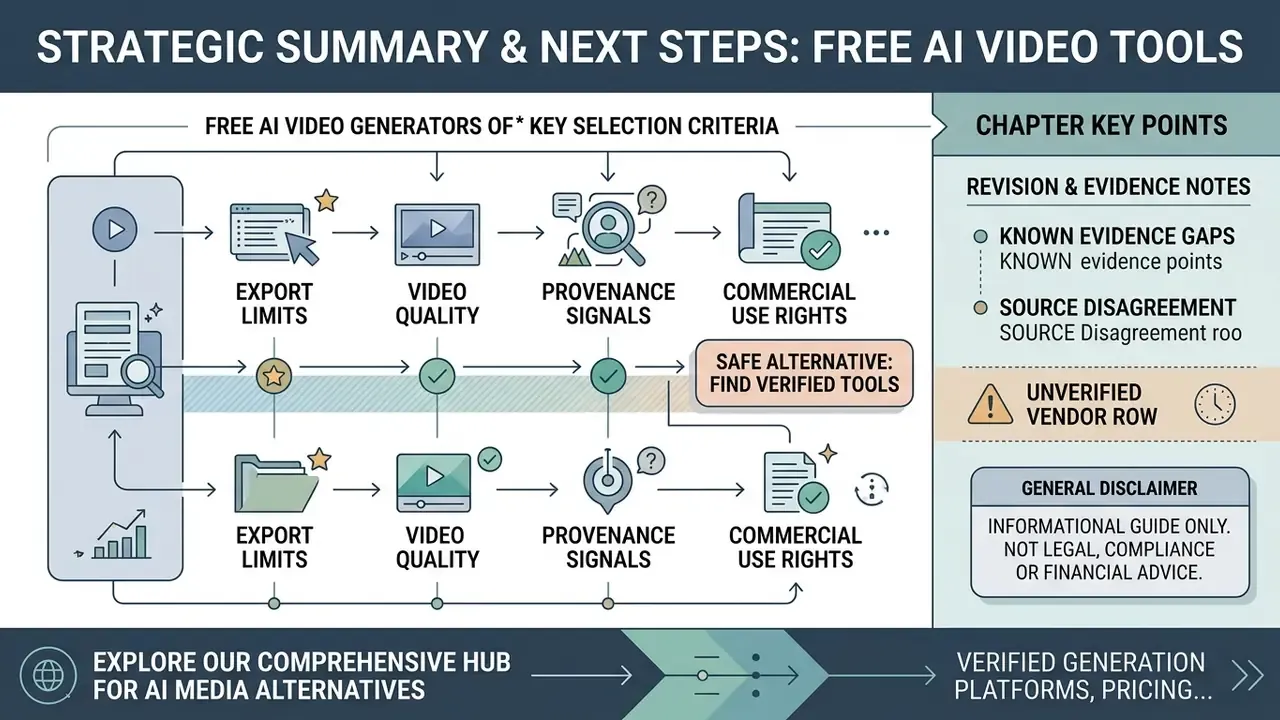
Free AI text-to-video work comes down to balancing export quality, rendering quotas and commercial rights, the three variables covered in our free AI video generator guide. Platforms market "unlimited" access; actual generation depends on recurring credit allowances, resolution caps and device-specific export rules. For organisations, a fourth variable outranks the other three: whether the tool's data handling and provenance behaviour can be evidenced to a reviewer. Everything else is negotiable. That one is not.
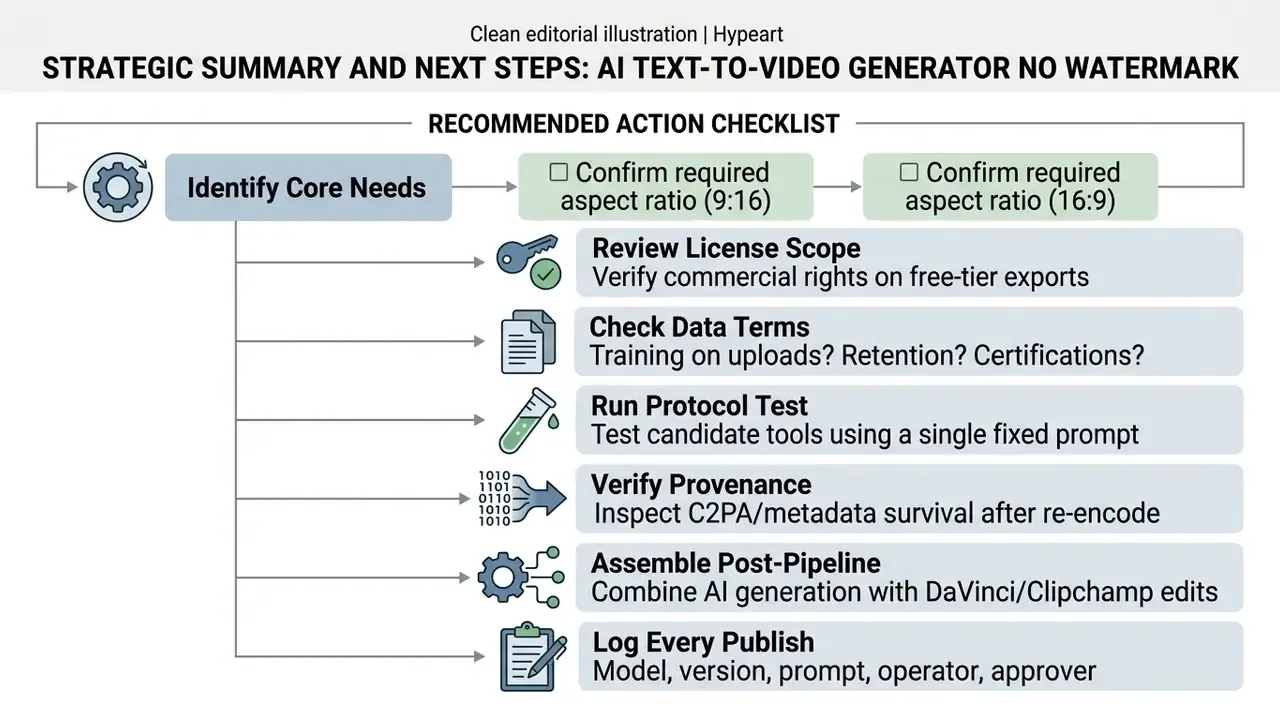
To stand up a watermark-free pipeline, in order:
To review further software alternatives, see our directory of free ai video generator no watermark tools, or view the guide on media pricing models. For head-to-head engine comparisons, view the guide covering leading generation models side by side, or browse our curated Commercial-Use AI Tool index.
Appendix A: Revision and Evidence Notes