Last updated: 2026. Free-tier terms, credit allocations and watermark policies change without vendor notice. Every platform limit below was checked against publicly available 2026 documentation at the time of writing. Re-check the vendor's own pricing and terms page before you commit a campaign, a client deliverable or an internal training asset to any tool listed here.
What You Actually Get for Free in 2026
- Genuinely watermark-free free tiers exist, but they are narrow. Pika's free Basic plan (80 monthly credits) allows watermark-free downloads. Rewind.ai exports clean video with no account. CapCut exports standard projects without a watermark. Runway's free tier keeps a bottom-right tricolor watermark, and Sora's watermark-free download is limited to ChatGPT Pro under text-only, no-public-figure, no-character conditions.
- "No watermark" is a visual setting, not a license. Most free tiers grant personal or non-commercial rights only. Invisible provenance metadata (C2PA Content Credentials) can persist inside a visually clean MP4.
- Single-pass clips are short. Free renders usually cap at 3-10 seconds, 480p to 720p. Ten-minute videos come from agentic chaining of many short scenes, never from one generation.
- No-login tools trade quotas for anonymity. Magic Hour discloses 3 generations per day, 3 seconds each, 480p, with a watermark. Creen AI and Vidnoz advertise no-sign-up access with undisclosed throttling.
- Audio, avatars, voice cloning and captions are now table stakes. Seedance 2.5 renders native synchronized audio. Multi-model hubs bundle lip-sync, voice cloning in 30+ languages and auto-subtitles at zero cost.
How to read the rest of this guide: the first half answers "what is actually free and under what conditions", the middle half is operational (upload, prompt, render, stitch), and the last third is governance, upgrade triggers and unresolved questions. If you only have five minutes, read the access-model table below and the eight-point upload checklist near the end. Those two blocks prevent most of the expensive mistakes.
What "Free AI Video Generator No Watermark" Really Includes
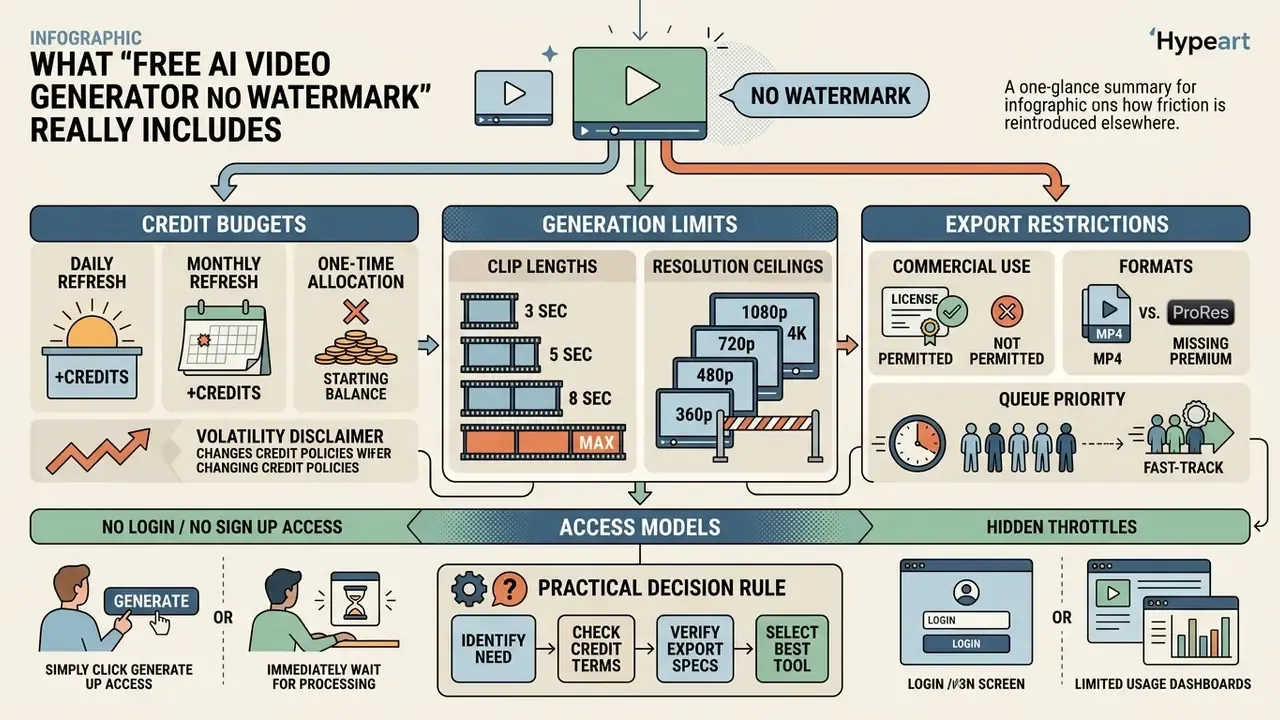
Free AI video generators that offer clean exports strip the visual logo, then reintroduce friction somewhere else: resolution ceilings, strict clip lengths, credit budgets. Most platforms deliberately decouple visual branding removal from data lineage, metadata persistence and the underlying commercial licensing rights. Those are three separate contracts wearing one marketing phrase.
Table: free tier access models and export conditions (verified against 2026 documentation)
| Access Model | Watermark Status | Account Requirement | Credit Allocation | Export Resolution | Commercial License Rights |
|---|---|---|---|---|---|
| Permanent free tier | No visible watermark | Sign in required | Monthly refresh (for example 80 credits) | 480p to 720p maximum | Non-commercial by default |
| Anonymous web tool | No visible watermark | No login, no sign up | Daily caps (for example 3 clips per day) | 480p standard | Restricted or unspecified |
| Free trial model | Watermark applied | Sign up required | One-time credits (for example 125 credits) | 720p maximum | Upgrade required for commercial rights |
The table sorts three access patterns that recur across generative video tools. Permanent free tiers need an account so the vendor can meter monthly credits, and they deliver watermark-free clips at reduced resolution. Anonymous tools drop registration entirely but squeeze daily output down to a handful of very short clips. Trial-based platforms hand you a one-time generation balance and usually keep the brand watermark until a paid plan is selected.
One nuance the marketing pages rarely state: watermark policy and sharing policy can diverge. Pika permits watermark-free downloads on its free plan while still stamping videos shared through its own social feed. So test the exact download path you intend to use in production, not the preview player. I learned that one the annoying way.
Free Credits, Generation Limits, and Export Restrictions
Free AI video generators ration server time through credit budgets that reset daily or monthly. Kling AI allocates 66 daily credits, roughly two 720p clips. Pika provides 80 monthly credits for short exports. Runway supplies 125 one-time credits with no monthly refresh at all. Anyone sizing budget headroom can review the broader landscape of free AI video generators before locking a production schedule to a single vendor.
Three credit architectures dominate, and they are not directly comparable:
- Daily refresh(Kling AI, Magic Hour): a small allowance resets every 24 hours. Good for steady low-volume publishing, useless for batch production.
- Monthly refresh(Pika Basic, Adobe Firefly's daily allotment variant): a larger pool arrives once per cycle. Good for campaign bursts, painful when exhaustion lands mid-month.
- One-time allocation(Runway free): credits never replenish. Effectively an extended demo rather than a free tier.
Export limits on free tiers cap clip duration at 3-10 seconds with near-total consistency. Output resolution stops at 480p or 720p, and Full HD or 4K rendering sits behind payment. Standard processing queues prioritize paid traffic, so non-paying users see variable waits. Public reports describe free-queue waits measured in minutes rather than near-instant returns. Plan around that if a render sits on a publishing deadline.
When weighing multi-model options, creators frequently compare credit efficiency across platforms to squeeze the most finished seconds out of a monthly pool.
No Watermark Does Not Always Mean Unrestricted Use
Exporting a video without a visible logo grants you no commercial rights whatsoever. Platform terms routinely restrict free-tier output to personal, educational or non-commercial testing. The pixel-clean file and the license live in different documents.
Under modern provenance standards, invisible metadata persists even when visual overlays are omitted. Frequency-domain and deep-learning watermarks stay embedded inside pixel structures for tracking purposes, and benchmark work now quantifies how durable they actually are.
«In the absence of attacks, FNR and FPR of modern video watermarking methods approach zero; however, white-box attacks fully break the protection.»
The practical reading for a governance team: a clean-looking export is not an anonymous export. C2PA 2.4 defines a c2pa.metadata assertion that carries standard metadata inside a tamper-evident manifest, and IPTC has confirmed that C2PA supports video metadata fields from version 1.2 onward. Provenance and visual branding are two independent layers, and only one of them is visible to your marketing reviewer.
To review usage rights across generative platforms more broadly, team managers should see the overview on commercial licensing.
Best Free AI Video Generators Without Watermarks: What to Compare
Choosing an AI video platform means measuring motion stability, camera control, prompt adherence and credit consumption. A structured side-by-side review of the leading AI video generators shortens the evaluation cycle considerably. Testing these parameters early prevents friction when a pilot moves into production.
Benchmark literature suggests four measurable axes instead of vague "quality": motion quality (rationality, amplitude, smoothness, temporal stability), temporal consistency (identity and texture persistence), prompt alignment (simple and compositional prompt adherence), and controllability (keyframes, camera vectors, reference images).
Table: comparative evaluation matrix of free AI video generation tiers (2026 verification)
| Platform / Tool | Generation Modes | Watermark Policy (Free) | Sign-Up Requirement | Supported Aspect Ratios | Commercial Use Granted |
|---|---|---|---|---|---|
| Pika (Basic) | Text and image-to-video | No watermark on basic exports | Required (80 credits/mo) | 16:9, 9:16, 1:1 | No (personal use only) |
| Rewind.ai | Text and image-to-video | No watermark | No account required | 16:9, 9:16, 1:1 | Yes (commercial models) |
| Magic Hour | Image-to-video | Watermark applied on free | No sign up required | 16:9, 9:16 | No |
| Runway (Free) | Text and image-to-video | Watermark applied | Required (125 static credits) | 16:9, 9:16, 4:3, 21:9 | No (upgrade required) |
| CapCut (Free) | Template, image-to-video, editor | No watermark on standard exports | Required | 16:9, 9:16, 1:1, 4:5 | Conditional (template-dependent) |
| Adobe Firefly | Text and image-to-video | No visible watermark, provenance metadata applied | Required (daily allotment) | 16:9, 9:16, 1:1 | Yes (commercially safe model) |
| Kapwing (Free) | Text, image, script, PDF-to-video | Watermark applied on free exports | Required | 1:1, 9:16, 16:9, 4:5, 5:4, 3:4, 4:3, 2:3, 21:9 | Monetization permitted on paid tiers |
Quick Decision Matrix: Which Tool for Which Job
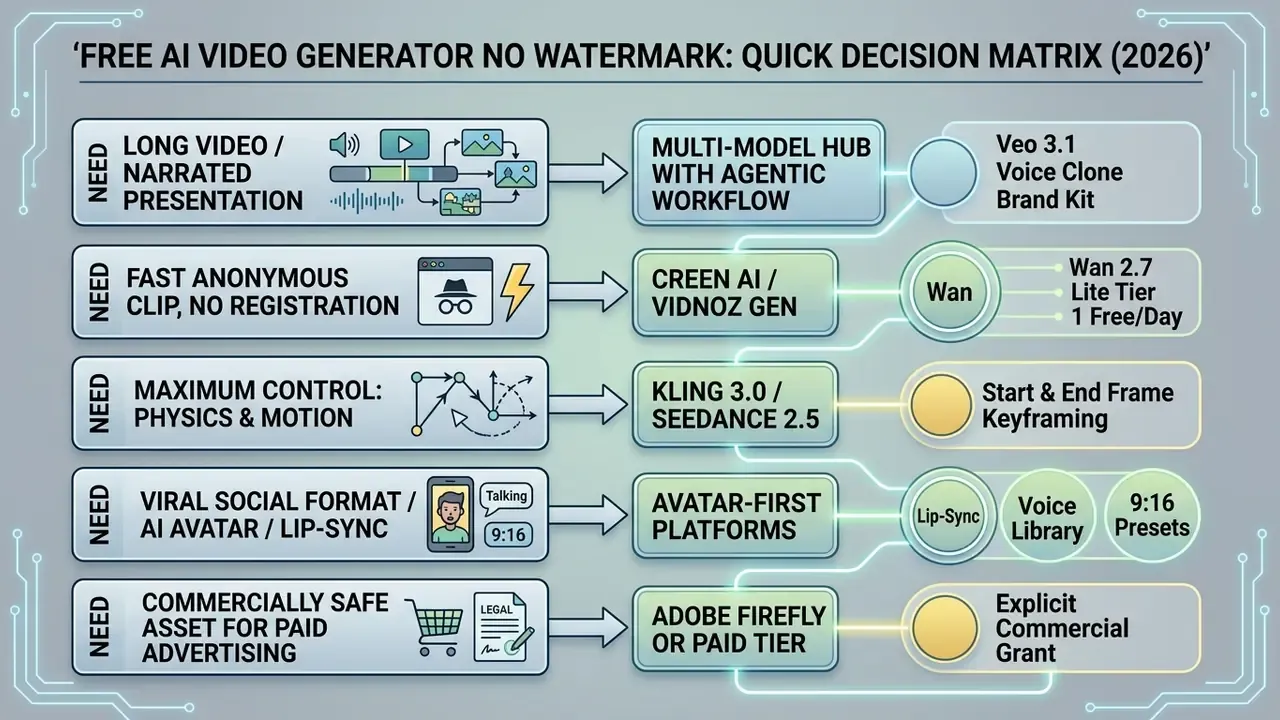
Image-to-Video vs Text-to-Video Generators
Image-to-video models use an input photograph as a structural anchor, constraining facial geometry and scene layout across subsequent frames. A deeper primer on image-to-video AI tools covers the conditioning mechanics in detail. Academic evaluation confirms that image conditioning yields higher temporal predictability than text-only generation.
«AIGCBench defines 11 metrics across four dimensions: alignment with the control video, motion effects, temporal consistency, and video quality.»
Text-to-video tools build motion frames purely from natural language. A companion guide to text-to-video AI tools explains prompt-only pipelines end to end. Text prompting buys stylistic freedom, but compositional benchmarks show text-only pipelines suffer higher rates of attribute misbinding and object morphing.
«T2V-CompBench evaluated 23 models on 1,400 prompts and found that different metrics outperform each other across different compositionality categories.»
The architectural reason is straightforward. Text-image-to-video systems learn the conditional distribution of a video given both an image and a text prompt, a narrower condition than text alone, and therefore a more predictable output. In API terms: text-to-video needs only a prompt field, while image-to-video activates when prompt plus image_url are supplied and the image becomes the first frame.
Teams picking specialized editing tools often assess free video editing software no watermark to post-process raw text-to-video renders.
AI Video Models Available in One Platform (2026 Catalog)
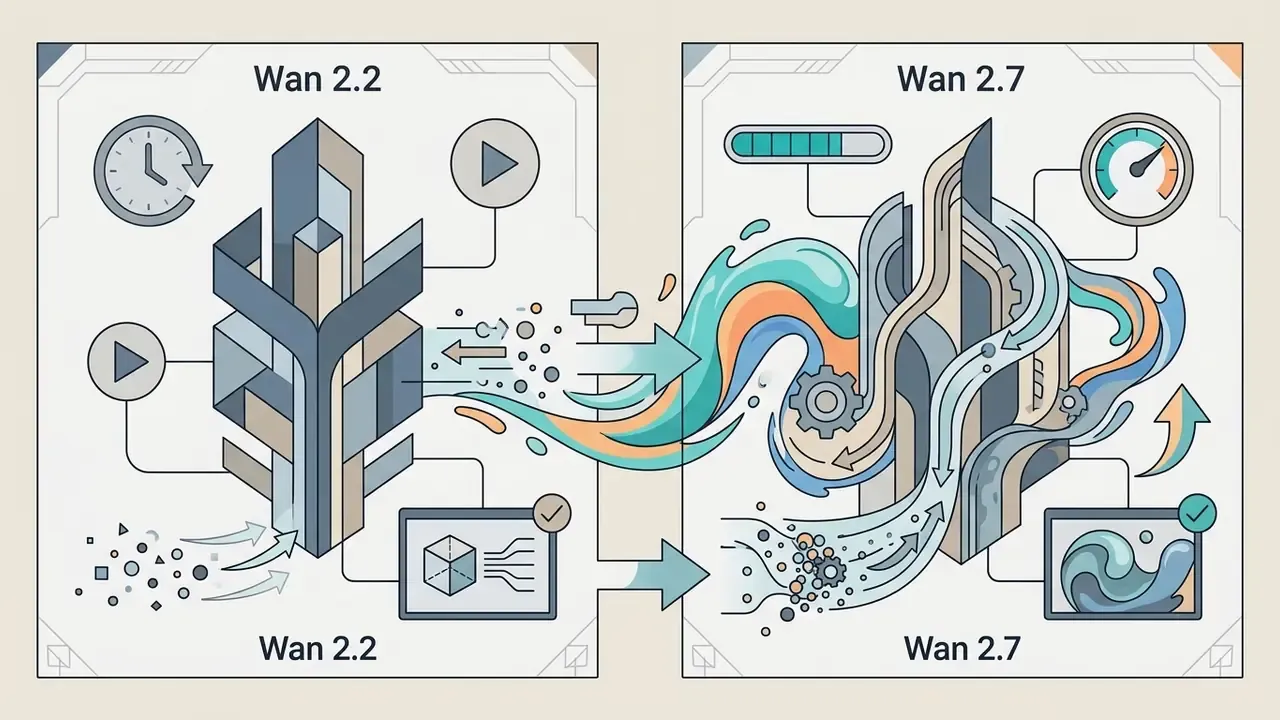
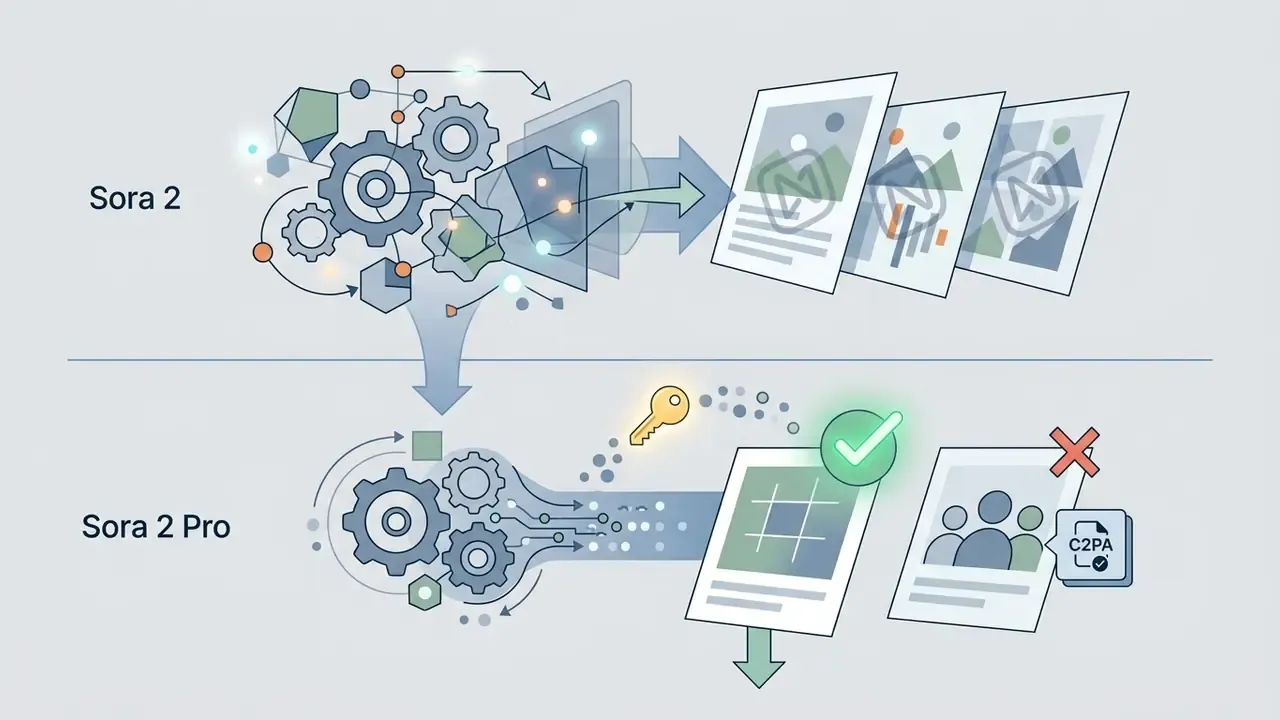
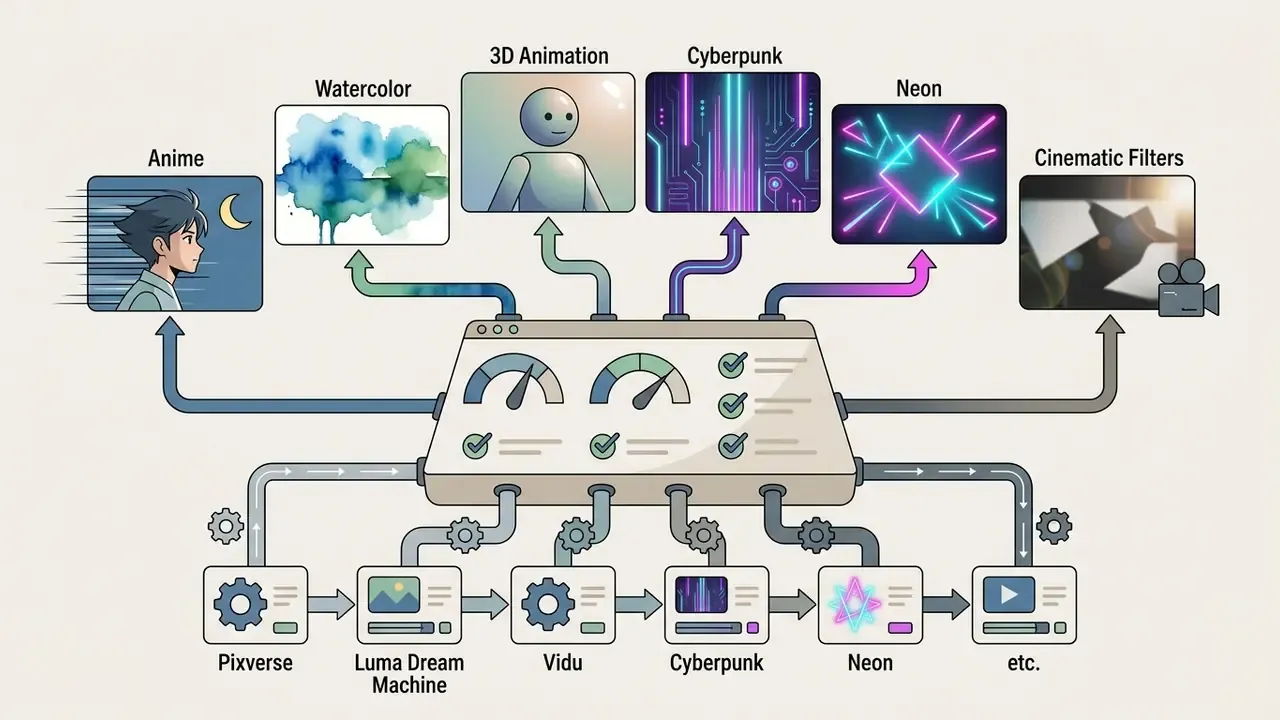
Aggregator platforms expose multiple underlying video architectures inside one workspace. Higgsfield and Renderforest surface premier video models on flexible balances, and the major hubs now advertise 30+ models under a single subscription: Google, OpenAI, Kling, ByteDance, Alibaba, xAI, PixVerse, Lightricks, Luma AI, Pika, MiniMax, Tencent, Vidu and Moonvalley engines side by side.
Available foundational architectures include:

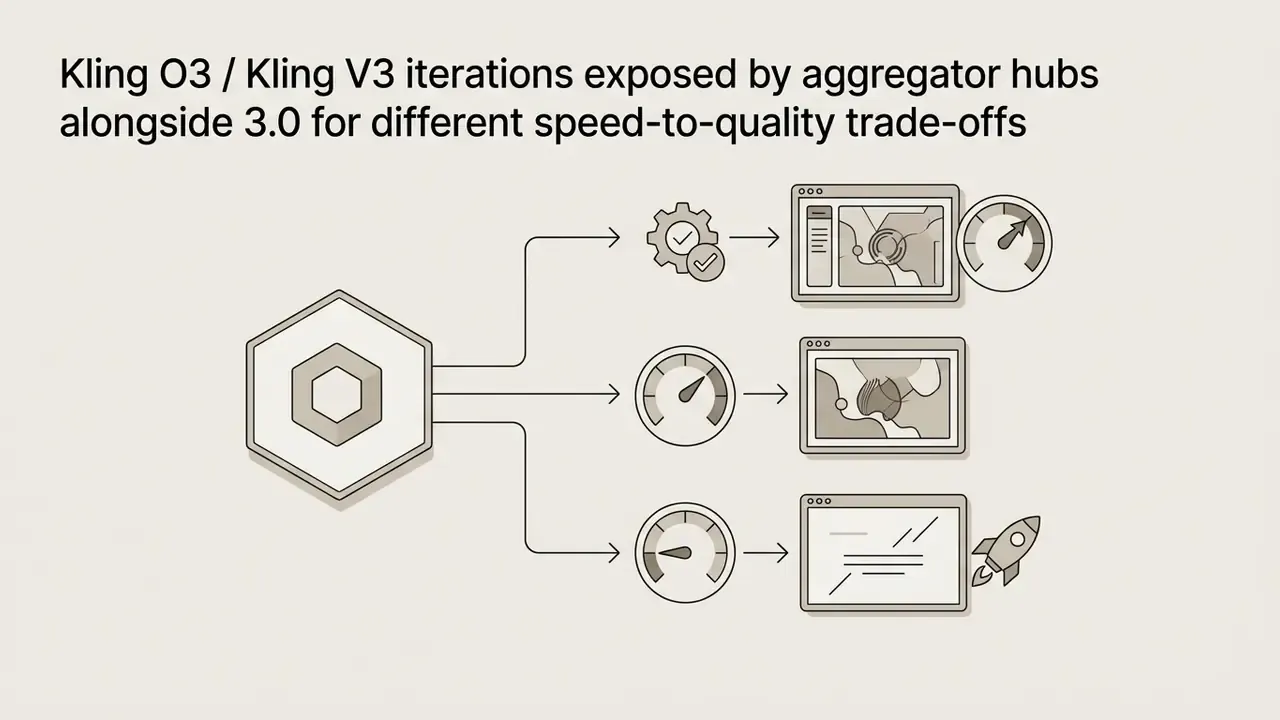
Which Features Matter for Free Video Creation
High-performing video generators prioritize motion stability and keyframe control over filter presets. The broader landscape of video-editing tools gives useful context for how these map onto conventional post-production. The core features required for professional output:
- Aspect ratio presetsnative support for widescreen (16:9), vertical short-form (9:16) and square (1:1).
- Keyframe anchoringexplicit start frame and end frame parameters to guide the transformation trajectory.
- Frame rate stabilityconsistent 24 fps or 30 fps output to prevent motion jitter and facial distortion.
- Prompt enhancementa built-in rewriter that expands a terse instruction into a structured camera-plus-subject description, which measurably reduces failed generations on free credits.
- Reference image slotssupport for multiple reference images (up to 50 on Seedance-class models) to lock character identity across separate scenes.
- Native audio togglea generation-time switch for ambient sound and synchronized dialogue, which removes an entire post-production pass.
Creators who work mobile-first frequently compare free video editing apps like capcut for fast assembly on a phone.
Fact check and term verification (2026):
How to Create an AI Image-to-Video Free Without Login
Turning a photo into video without an account comes down to four moves: upload the source picture, describe movement in natural language, set frame proportions, run the render. The workflow below matches the documented sequence on no-sign-up tools (Creen AI, Vidnoz Gen, Vidou AI, Magic Hour) and on account-based pipelines such as Adobe Firefly.
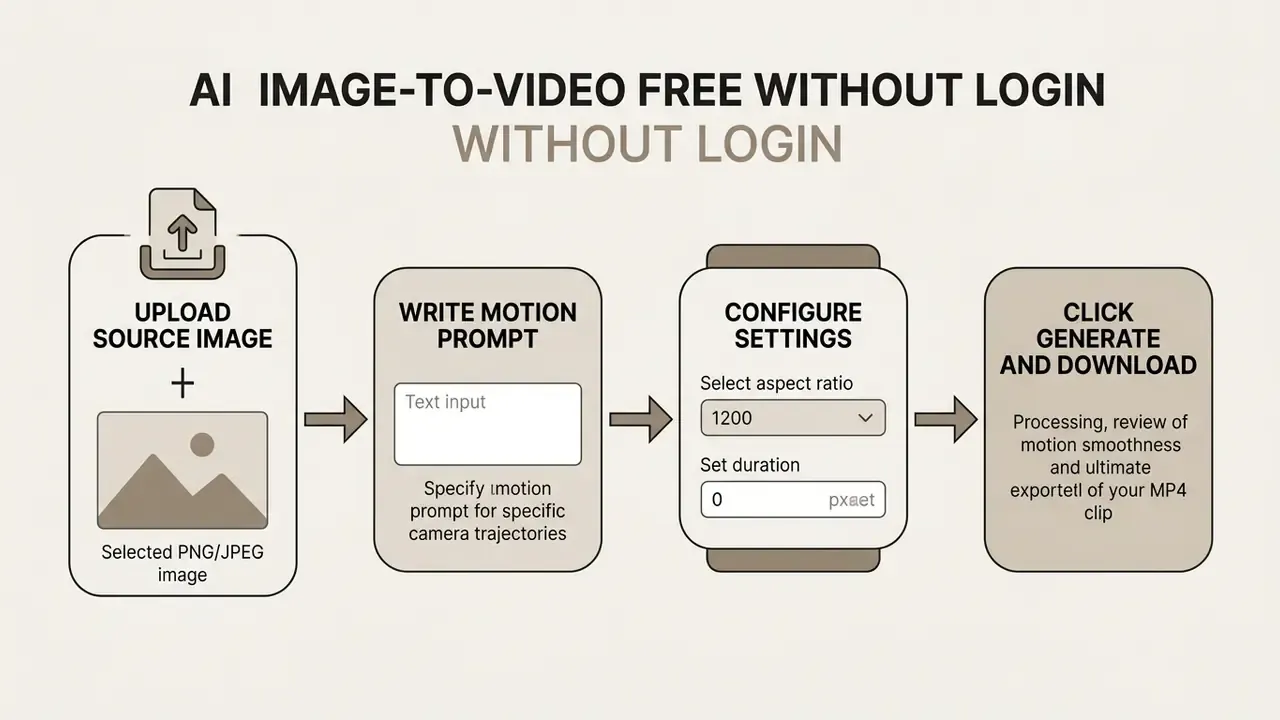
Upload an AI Image or Photo as the Start Frame
The input photograph is the primary visual anchor for the generation model. For usable results, source images need a clear subject silhouette, minimal background compression noise and a short-edge resolution of at least 1024 pixels. Some APIs technically accept a short edge above 300 px, but quality-oriented guidance converges on 1024 px minimum, with 1080p preferred when the deliverable is HD.
Three preparation rules separate a usable render from a wasted credit:
- One dominant subject. A readable silhouette lets the model segment foreground from background reliably. Group shots and cluttered scenes invite morphing.
- Headroom in the direction of motion. If you want a pan right or a forward push, leave empty space on that side so the model has plausible territory to reveal.
- Clean pixels. Avoid heavy JPEG compression, upscaling noise, tiny illegible text, malformed hands and visible composite seams. Artifacts in the start frame propagate and amplify across every later frame.
Cluttered photos and low-resolution renders lead to subject morphing and background warping. High-contrast images with well-defined subject boundaries produce the most stable motion trajectories. Simple, but it decides most of the outcome.
Write a Text Prompt for Motion and Video Animation
Prompts for image-to-video should describe physical movement and camera direction, not scene elements already visible in the picture.
The second prompt fails because it re-describes static content the model can already see, spending the instruction budget on appearance instead of motion. Treat the prompt as three separable fields, mirroring how declarative animation specifications such as W3C SVG's animateMotion and animateTransform split path from transformation:
- Effective motion prompt "Slow tracking shot moving forward, character turns head slowly to the left, ambient background lights flickering softly."
- Ineffective motion prompt "A portrait of a man standing in a city street at night wearing a leather jacket."
- Camera path pan left or right, tilt up or down, dolly in or out, orbit, static lock-off.
- Subject action turns head, raises hand, hair moves in wind, fabric settles.
- Style and atmosphere film grain, anamorphic flare, stable ambient lighting, color grade.
Separating camera trajectory from subject action prevents erratic motion jumps between generated frames. Where a platform offers "Prompt Enhance" or a preset library, use it on your first attempt with an unfamiliar model. It costs nothing and it visibly raises the hit rate on a limited credit budget.
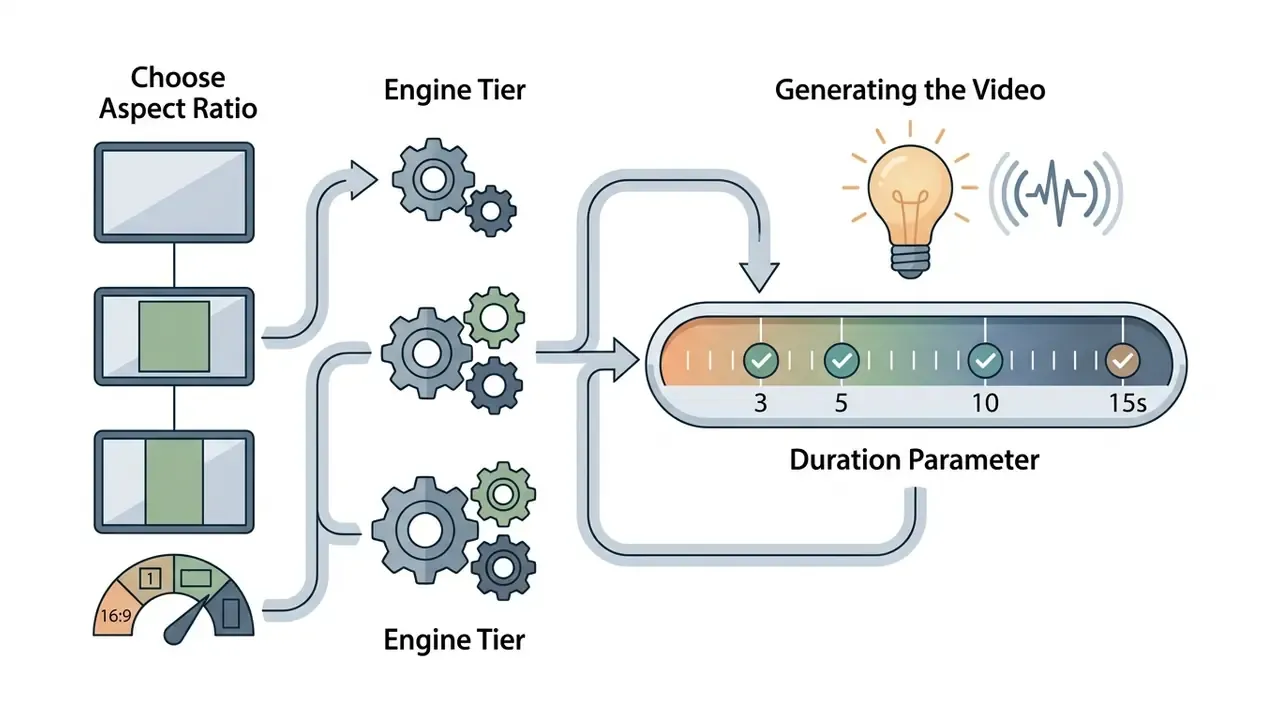
Choose Aspect Ratio, Engine Tier, and Generate the Video
Before rendering, pick an aspect ratio that matches the distribution target. Widescreen 16:9 suits desktop displays and long-form platforms; vertical 9:16 is built for mobile feeds.
Technical export specification:
- Processing tiers (rendering engines):
- Lite or Fast: instant drafts with clean but simple motion, 30-60 second render, 480p or 720p.
- Turbo or Enhanced: fluid motion with natural transitions, fine for social publishing.
- Ultra or Premium: high-quality output with precise movement control, 1080p.
- Max or Ultimate: most lifelike results, detailed textures, cinematic light, noise filtering, 1080p or 4K export.
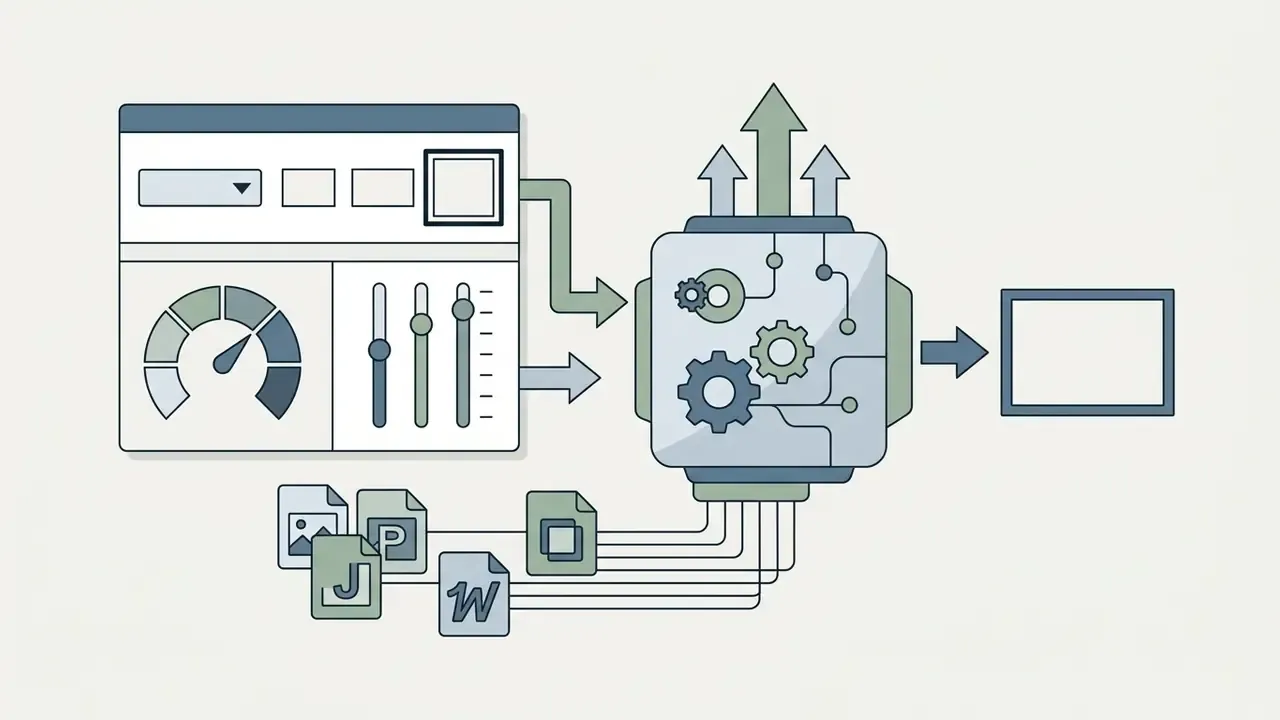
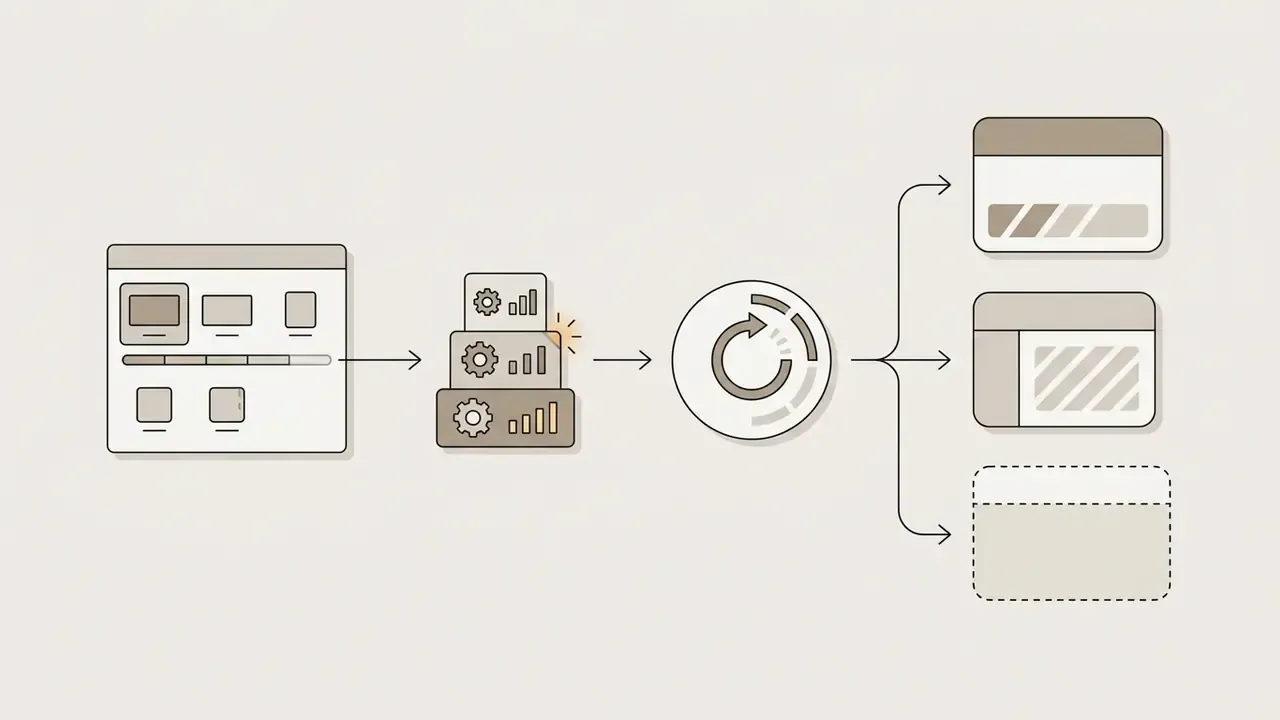
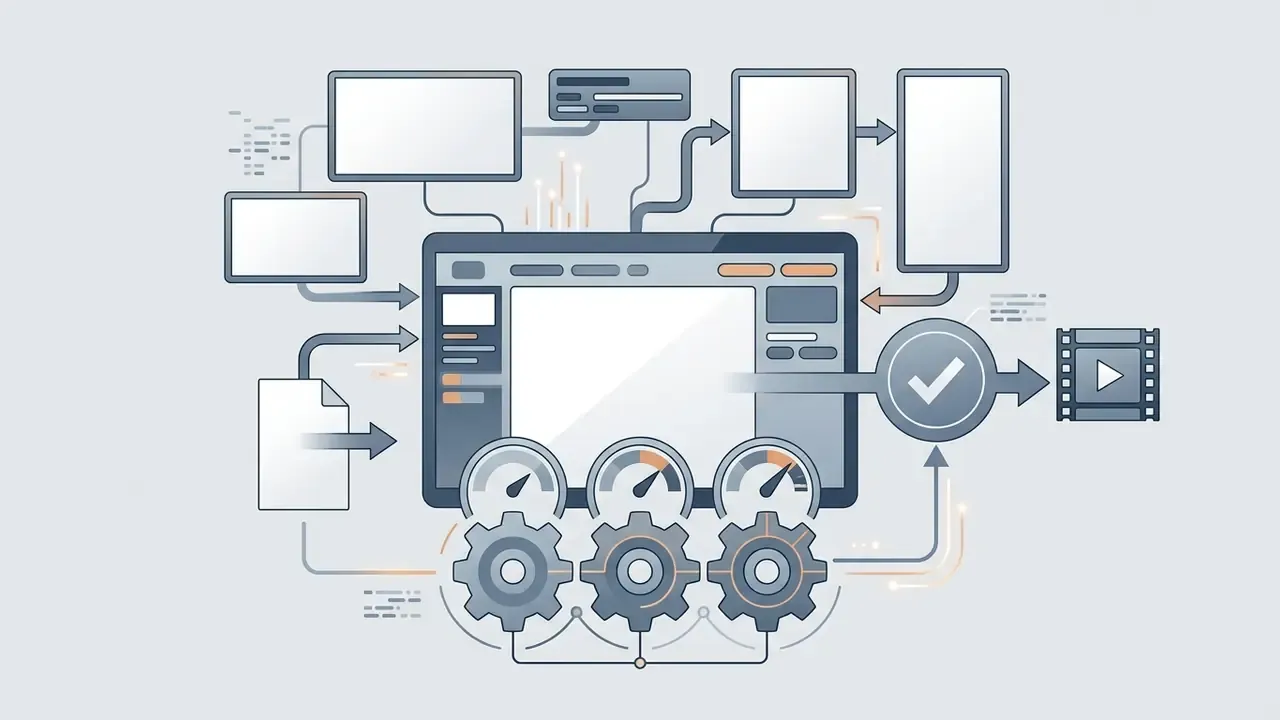
Clicking generate pushes the request into a rendering queue. Free browser-based generators typically finish 3-to-5 second renders in 30 to 120 seconds depending on congestion. A Lite-tier draft pass before committing credits to an Ultra render is the single most effective way to stretch a free allowance. One cheap draft, then one good render.
How to Get High-Quality AI Generated Videos From Images
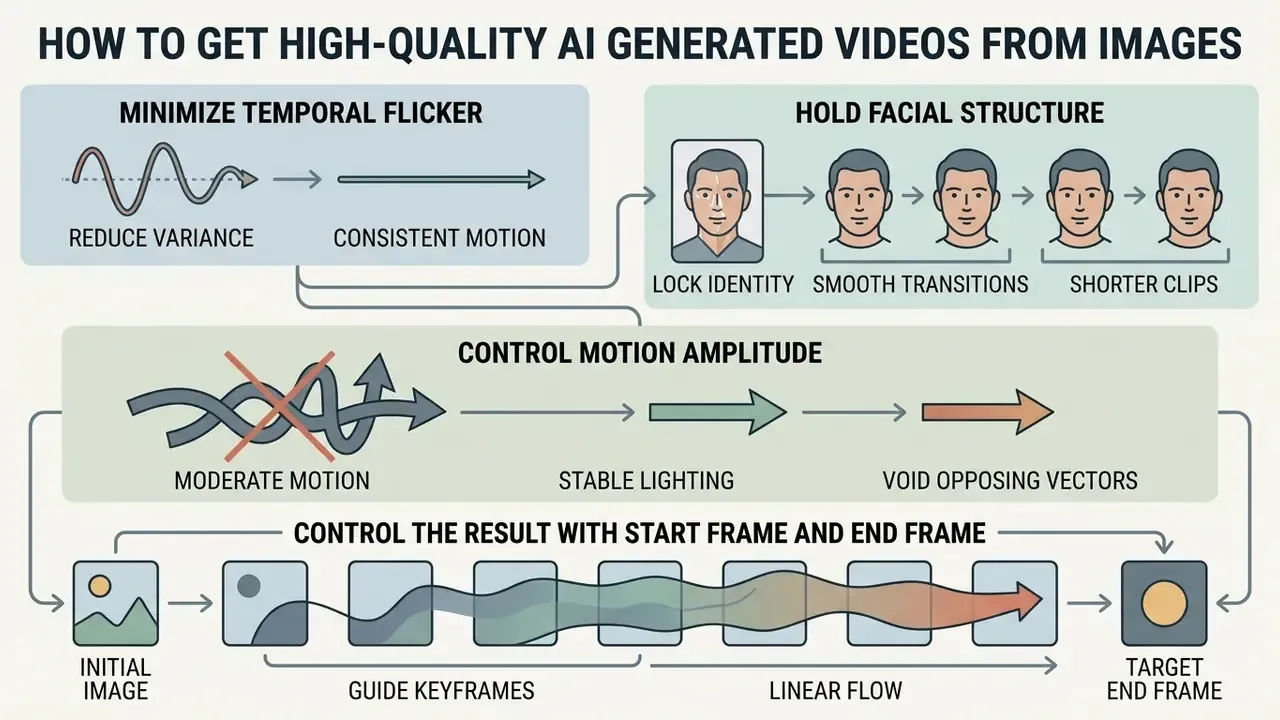
Getting high-quality AI generated videos out of static images is mostly about minimizing temporal flicker, holding facial structure and controlling motion amplitude. Technical quality tracks closely with frame interpolation parameters and prompt constraints.
Keep Motion Smooth and the Subject Consistent
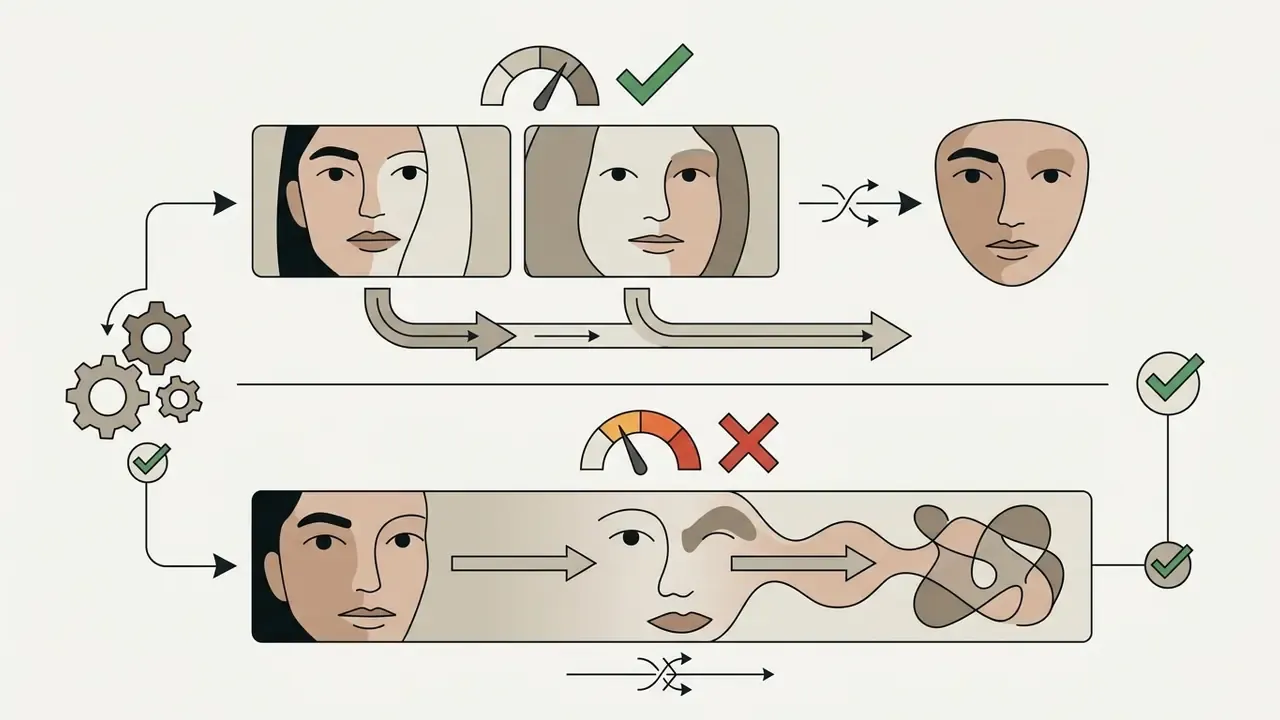
Temporal consistency describes the model's ability to hold subject identity, lighting and texture across consecutive frames. Benchmark research shows subject drift appears when motion prompts exceed the structural tolerance of the initial frame.
«VBench++ expands evaluation to 16 quality dimensions, including subject identity inconsistency, motion smoothness and temporal flickering.»
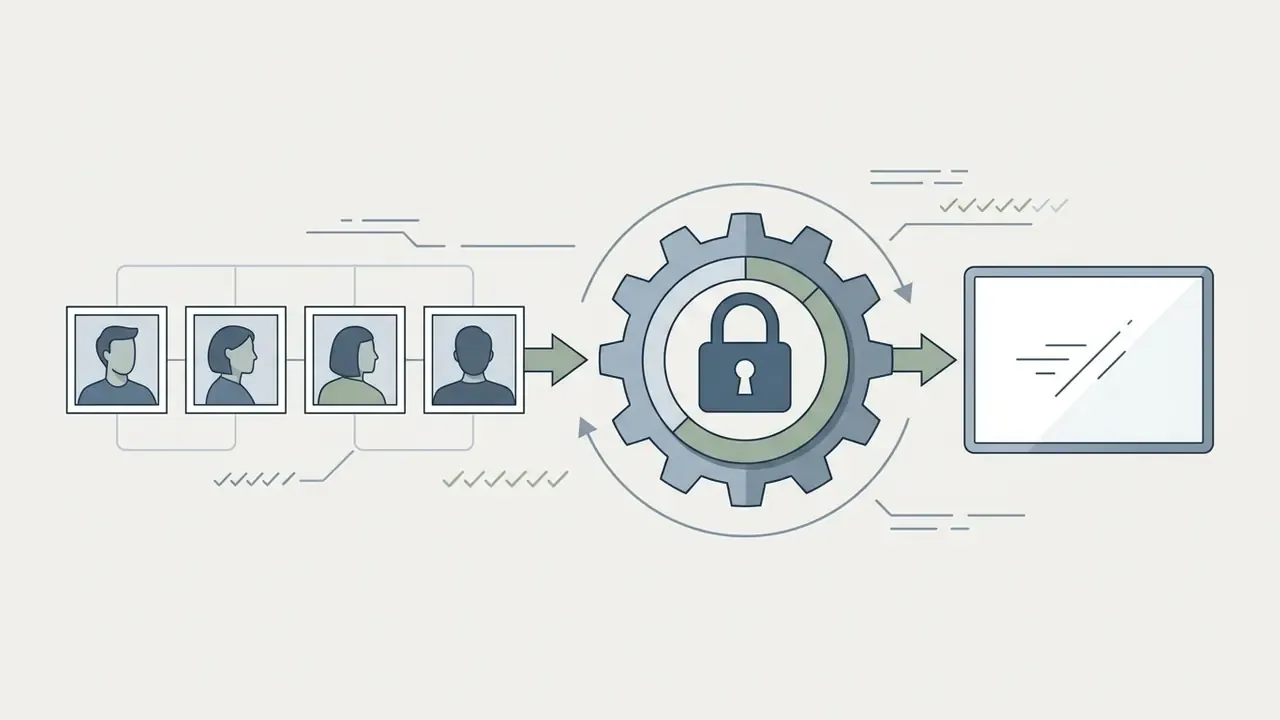
Research on human animation converges on four mechanisms that reduce jitter and face morphing: confidence-aware pose guidance, temporal smoothing with progressive latent fusion, previous-frame conditioning at inference time, and explicit identity-consistency losses. Free consumer tools do not expose these knobs. You can, however, approximate their effect through prompt discipline.
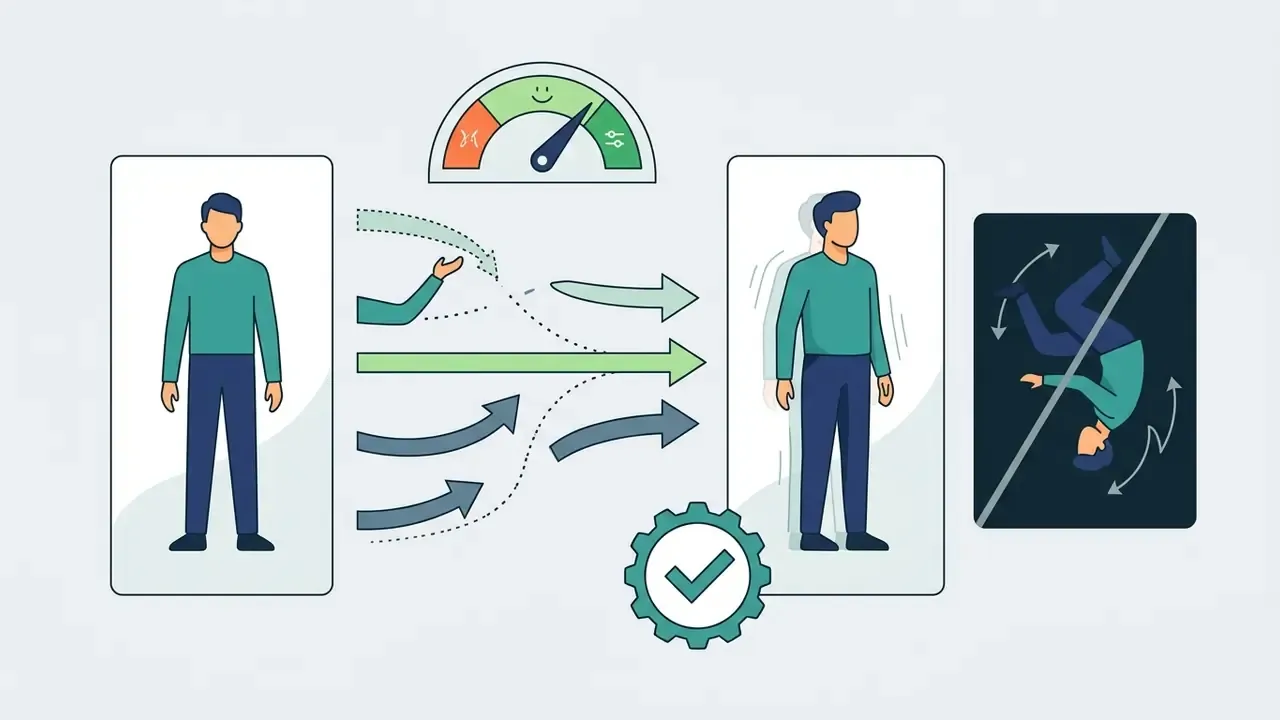
To keep motion stable:
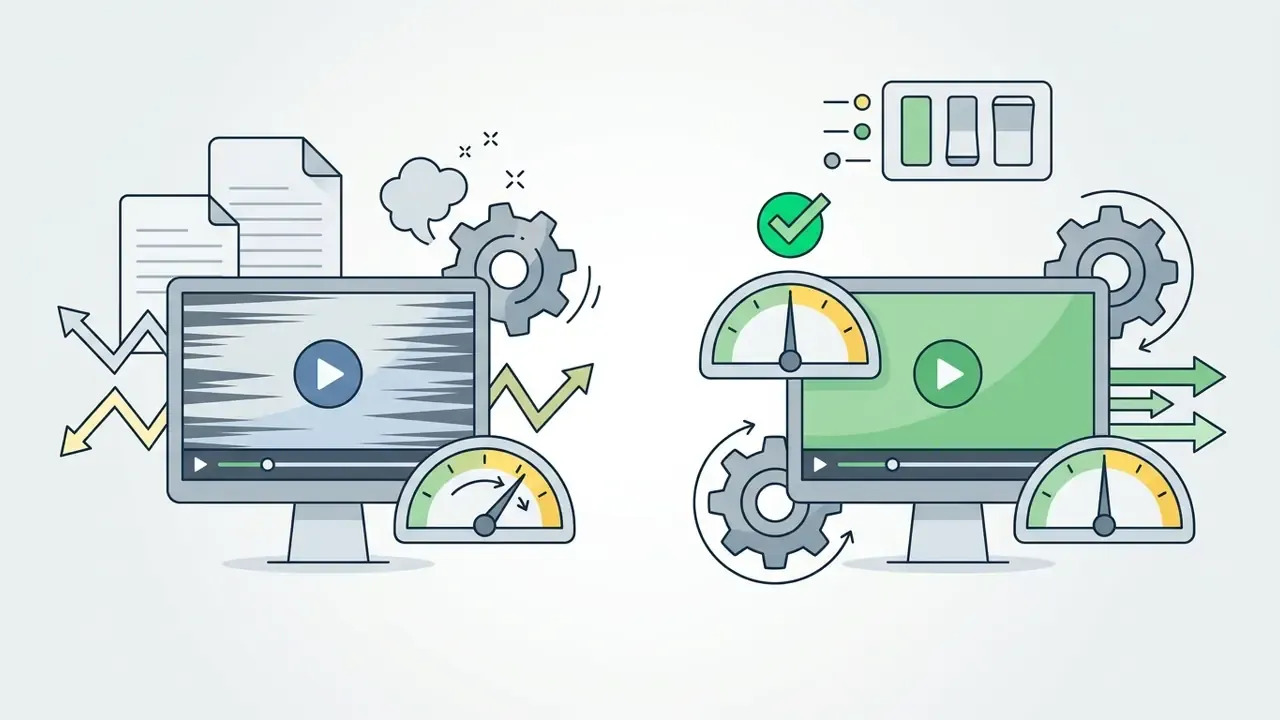
A side-by-side review of free AI video generators makes motion-quality differences between engines easier to judge before you spend limited credits.

Control the Result With Start Frame and End Frame
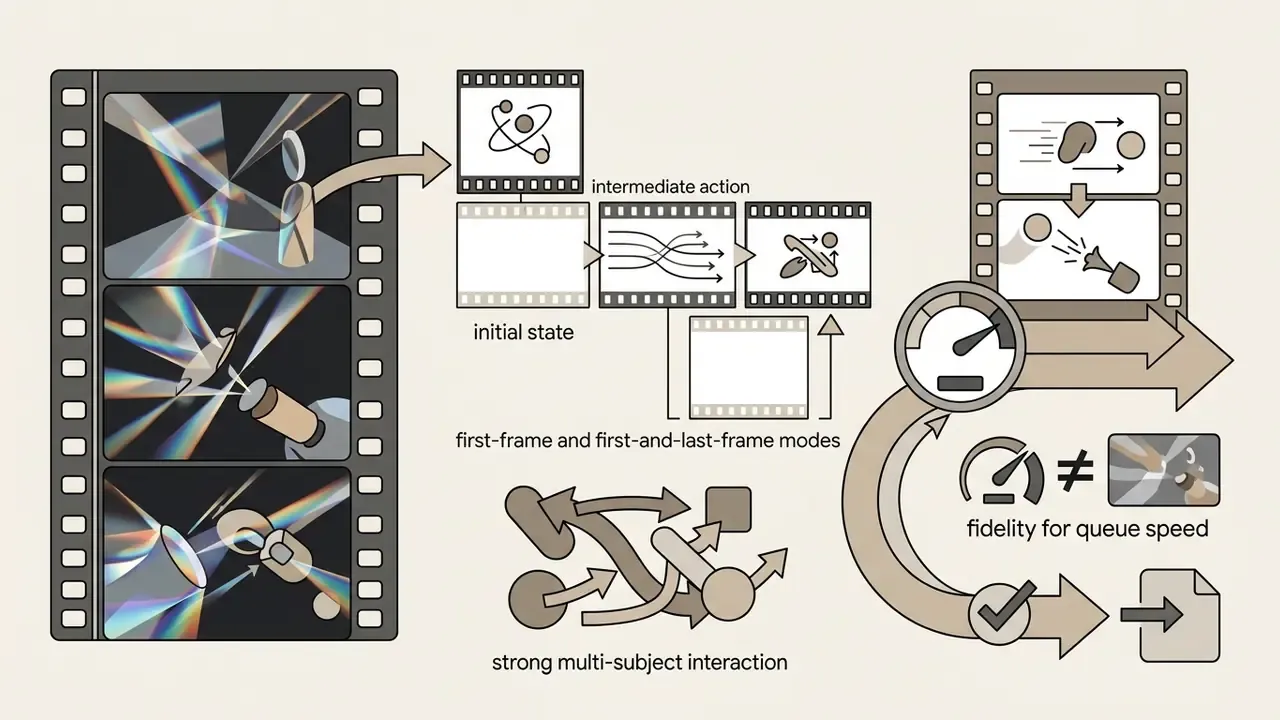
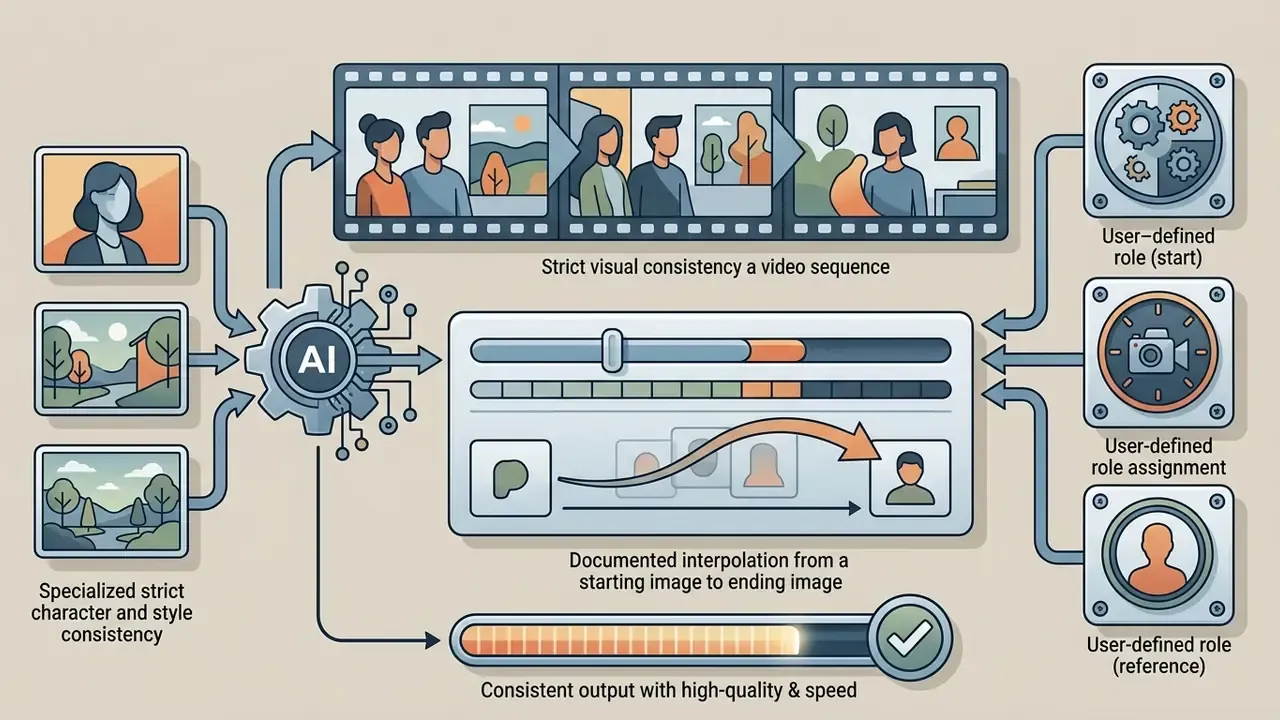
Two-frame keyframing gives you precise control over transitions by anchoring both the beginning and the end of the clip.
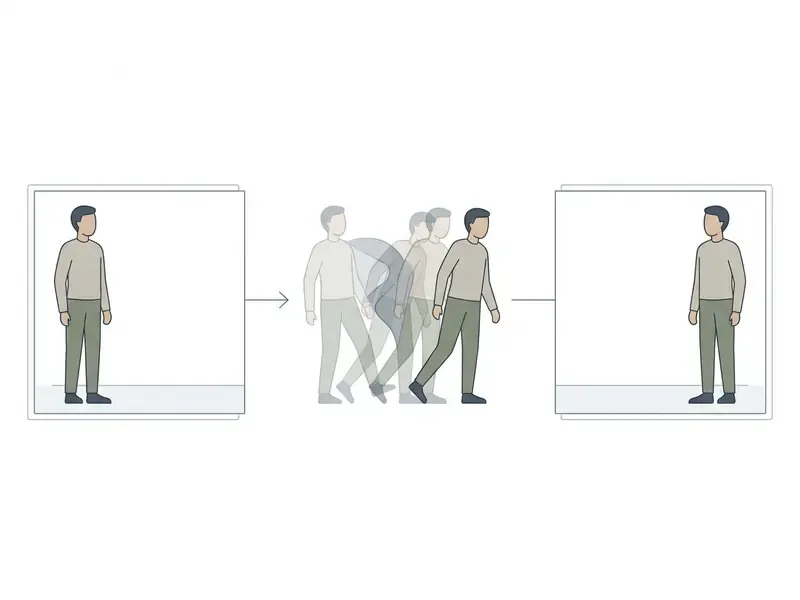
With a start frame and an end frame supplied, the model calculates a plausible path between the two points. That prevents random background invention and produces exact narrative transitions without manual timeline work afterwards.
Vendor naming differs, mechanics do not. Luma exposes video.start_frame and video.end_frame, the latter valid only for type: "video". Google Cloud lists "First frame image to video" and "First and last frames to video" as distinct supported modes. Gemini Omni documents interpolation from a starting image to an ending image with each input explicitly assignable as start, final or reference.
Two practical constraints recur across implementations. The two frames should share the same aspect ratio and comparable resolution, and the visual distance between them must be plausible within the clip duration. Ask for a 3-second interpolation between two unrelated scenes and you get a morph, not a cut.
Use Cases for Watermark-Free AI Video Creation
Watermark-free AI video gives you clean assets for digital marketing, fast-turnaround social publishing and rapid prototyping. It also shifts the detection landscape, which matters for anyone publishing at scale under disclosure obligations.
«RobustSora found a 2-8 percentage point drop in detector accuracy when watermarks were removed from AI videos.»
Multi-Scene Continuity and Agentic Workflows for Long-Form Videos (Up to 10 Minutes)
Marketing pages promising "AI generated videos up to 10 minutes, not 10 seconds" deserve a careful reading. No current diffusion video model renders ten minutes in a single pass. Single-pass ceilings in 2026 sit at roughly 4-15 seconds for Kling-class models and up to 30 seconds for Seedance 2.0 and 2.5. Long-form output comes from chaining, and understanding the chain is exactly what lets you reproduce it on a free tier.
Modern multi-model aggregators deploy LLM-driven agents (Claude-powered storyboard planners are the most commonly advertised implementation) to bypass temporal limits through a four-stage loop:
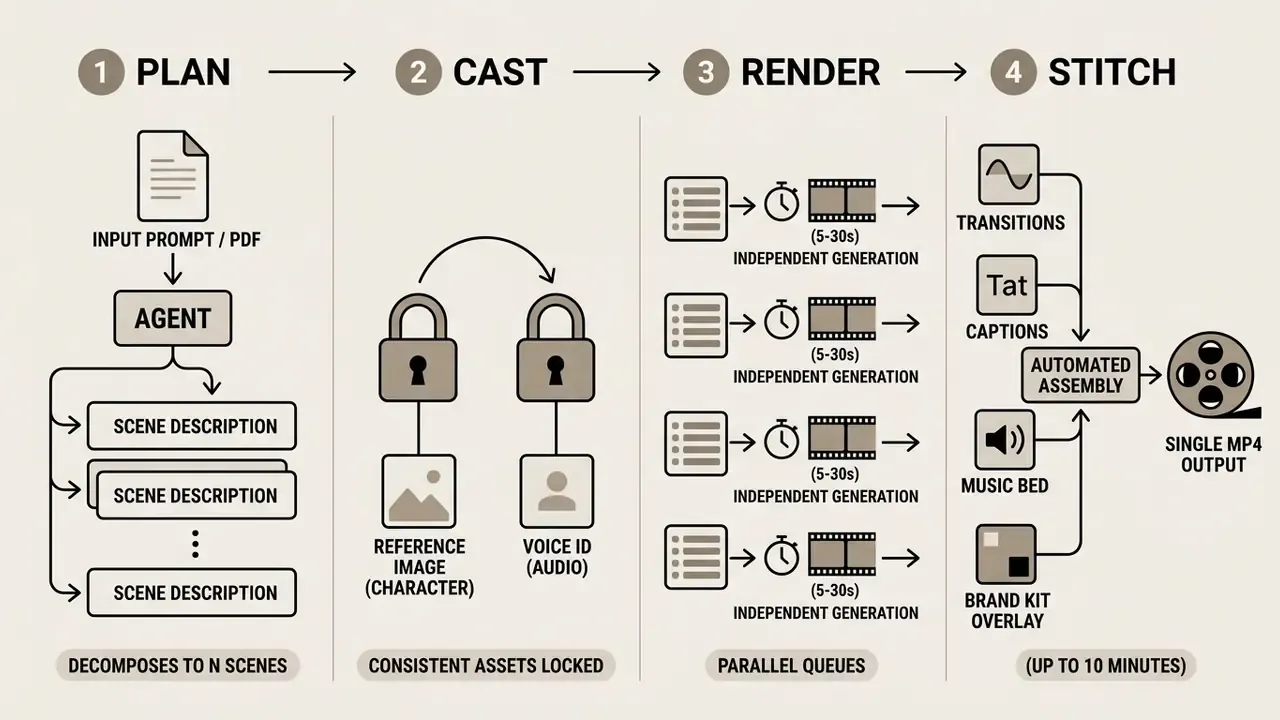
By chaining scene prompts, generating consistent visual assets and stitching renders with automated transitions, creators produce cohesive explainer, tutorial, ad and full social-episode videos up to ten minutes with no visible watermark. The accepted inputs have broadened well past plain prompts: a pasted script, a blog post, a tweet, a product description or an uploaded PDF can all seed a storyboard.
How to replicate this manually on free credits: write the script first and split it into 5-second beats. Render each beat with the same reference image set to preserve identity. Export every clip at the same aspect ratio and frame rate. Assemble in any free video editing software with cross-dissolves at the seams. For most explainer use cases the result is indistinguishable from an "agentic" render. It just costs your time instead of a subscription.
Continuity checklist for chained scenes:
- Reuse the end frame of scene N as the start frame of scene N+1 wherever the narrative is continuous.
- Keep one lighting description string constant across every prompt in the sequence.
- Lock the aspect ratio and processing tier before the first render. Mixing tiers produces visible texture shifts at the cuts.
- Maintain a single character reference set. Re-generating the "same" person from a fresh prompt guarantees a mismatch.
Native Audio Synchronization, AI Avatars, and Voice Cloning
Watermark-free video creation has moved past silent MP4 clips. Browser pipelines now integrate zero-cost audio layers:
- Native audio generation and lip-sync.Multi-modal engines such as Seedance 2.5 and Seedance 2.0 render ambient sound effects and synchronized dialogue in the same pass as the visuals, matching mouth geometry to an uploaded or generated voice track. A "Generate Audio" toggle replaces an entire sound-design pass.
- Digital twins and avatar generation.Zero-shot facial reenactment converts a static portrait, or a short selfie clip, into a talking presenter. Avatar libraries on the larger platforms run into the thousands of pre-cleared presenters with varied features, hairstyles and accessories, which sidesteps consent issues entirely for internal training content.
- Auto-captions and multilingual voice cloning.Localized audio in 30+ languages (some course-oriented platforms advertise 50+) with dynamic on-screen subtitles, which measurably lifts retention on sound-off TikTok and Reels feeds. Voice options split three ways: clone your own from a short sample, design a synthetic voice, or select from a multilingual library tagged by use case such as narration, social, ads, cinematic or corporate.
- Brand kits.Logo, color palette and fonts auto-extracted from a URL and applied across every scene. That consistency is what makes chained long-form output look like one video rather than ten.
Teams building the voiceover layer separately should review the guide to AI voice generators for licensing and quality trade-offs across providers.
Product, Marketing, Commerce, Education and Real Estate Content
E-commerce brands use image-to-video tools to convert flat product photos into dynamic spin-around clips and promo teasers. Animating stills cuts the number of studio shoots per SKU and gives paid-social teams more creative variants to test. Note that engagement-lift figures quoted by vendors are marketing claims, not independently verified measurements, so treat them as directional and validate against your own A/B data.
Niche scenarios with concrete configurations:
AI Avatars, Face Swap, and Photo Animation: Consent and Legal Boundaries
Animating still portraits with synthetic voice audio makes training modules and presentation clips fast to produce. Modern avatar pipelines sync lip movement to a supplied audio file while holding natural head motion. This is also the point where a purely technical workflow picks up identity-law exposure, so the consent question has to be settled before the first render, not after publication.
Because identity protection laws are strict, synthetic media projects involving deepfakes or face swapping require written consent documentation under frameworks like the SDAIA Deepfakes Guidelines, which mandate written consent before using a person's image, video or audio in synthetic media, and require consent records to be retained for audit.
Parallel jurisdictional guidance draws the same boundary from other angles. Australia's eSafety guidance states that non-consensual nude or sexual deepfakes are illegal and that sharing or on-sharing them constitutes image-based abuse. Hong Kong's PCPD toolkit for schools advises limiting publication of high-resolution close-up portraits precisely to reduce deepfake exposure. For education and presentation use, the safe default is a pre-cleared library avatar, or a documented-consent digital twin of a willing presenter.
Shadow AI and Data-Privacy Checklist Before You Upload
Anonymous, no-login generators are attractive precisely because they remove friction. That same friction removal is what makes them a Shadow AI risk inside a regulated organization. Run this checklist before any employee uploads a file to a free generator.
| # | Check | Why it matters | Red flag |
|---|---|---|---|
| 1 | Is there a published retention period for uploads? | Determines whether customer imagery persists on third-party infrastructure. | No retention statement anywhere in the ToS or FAQ. |
| 2 | Is there a documented training opt-out? | Uploads may otherwise become training data for future model versions. | Silence, or opt-out available only on paid tiers. |
| 3 | Does the ToS grant the vendor a broad content license? | A perpetual, sublicensable license to your uploads is incompatible with confidential material. | "Irrevocable, worldwide, sublicensable" language. |
| 4 | Does the free tier grant commercial rights in writing? | Absence of an explicit grant means personal use only, whatever the watermark status. | Marketing page says "commercial use" but the ToS does not. |
| 5 | Is provenance metadata (C2PA) written into exports? | Required for EU AI Act Article 50 machine-readable marking from 2 August 2026. | Unknown or undocumented. Assume yes and plan disclosure accordingly. |
| 6 | Is SSO, audit logging or private deployment available? | Needed before any team-wide rollout in a regulated environment. | Consumer-only auth, no admin console. |
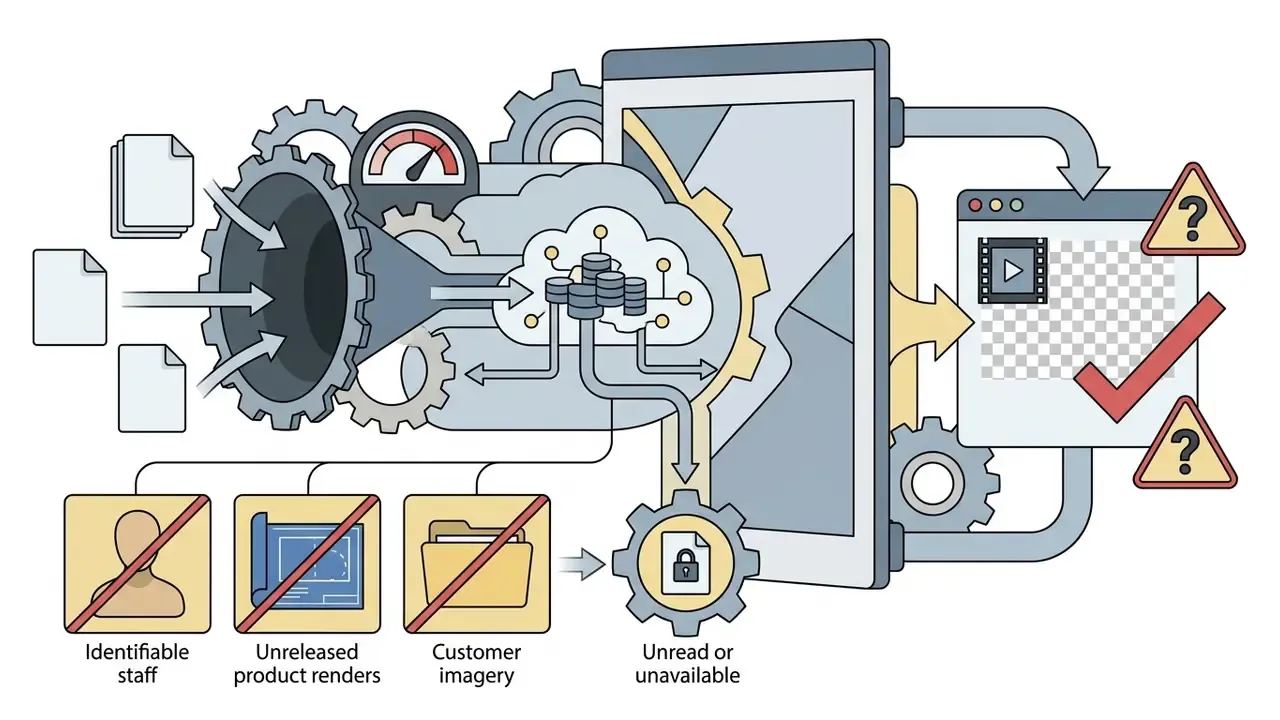
| 7 | Is the uploaded subject identifiable? | Triggers consent-documentation requirements under deepfake frameworks. | Staff photos, customer faces, minors. |
| 8 | Would a breach of this file be reportable? | Sets the hard boundary for what may leave the corporate perimeter. | Unreleased product renders, PII, contract scans. |
Governance rule of thumb: anonymous generators belong in the "public data only" bucket. Anything touching customers, staff identity, unreleased products or regulated disclosures belongs in a tier with a contract, a retention policy and an audit trail. One named owner per tool, one approved use case, one escalation path. No evidence, no autonomy.
When to Switch to an Alternative AI Video Generator
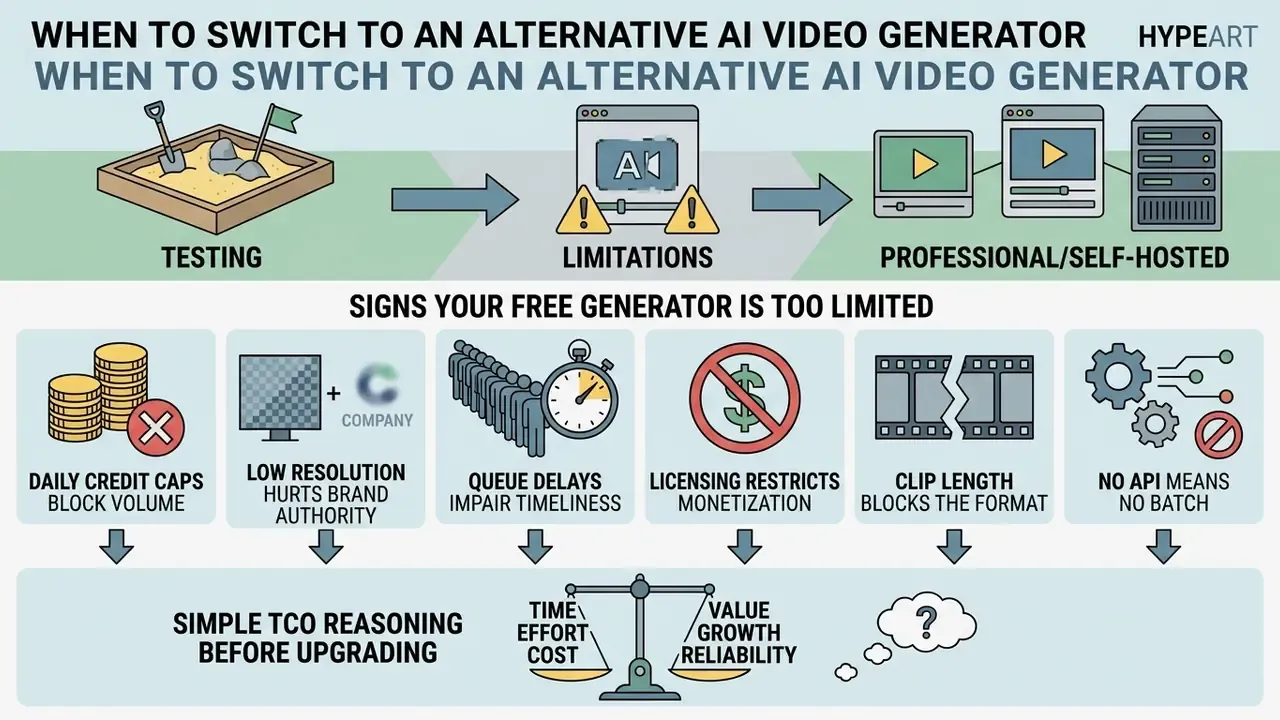
Free AI video generators make excellent sandboxes for testing, but operational limits eventually force a move to professional or self-hosted alternatives. A structured overview of AI video generators helps frame that comparison against current market options.
Signs Your Free Generator Is Too Limited
A free video generator has outgrown its usefulness in your workflow when:
- Daily credit caps block volume. Rendering quotas run dry before the content schedule is filled. Free tiers commonly cap output at 3-10 videos per day or month.
- Low resolution hurts brand authority. 480p or 720p exports look soft on desktop advertising placements.
- Queue delays impair timeliness. Long waits prevent rapid response to real-time trends, since free traffic is routinely deprioritized behind paid.
- Licensing restricts monetization. Free tier terms prohibit using generated assets in paid advertising campaigns.
- Clip length blocks the format. A 3-10 second single-pass ceiling forces manual stitching for anything longer than a hook.
- No API means no batch. Catalog-scale work across hundreds of SKUs is impossible through a browser UI.
Simple TCO Reasoning Before Upgrading
Compare the fully loaded cost of the free path against a subscription instead of comparing $0 to a price tag:
Free-path cost  = (hours of manual stitching + re-render attempts) x blended hourly rate
                + risk-review hours for licensing/provenance
                + cost of delayed publication
Paid-path cost  = subscription (or API per-second rate x monthly seconds)
                + onboarding hours
When the free-path figure exceeds the subscription for two consecutive months, the upgrade has already paid for itself. Quota models are not directly comparable across vendors, since daily credits, monthly credits and tier caps behave differently, so normalize everything to finished publishable seconds per month before deciding. That single metric settles most internal arguments.
Features to Prioritize When Choosing an Alternative
When evaluating paid platforms or advanced alternatives, prioritize features that scale production volume and protect data:
- Commercial rights ownershipunconditional commercial licensing for all exported media assets, stated in the terms rather than the marketing copy.
- Advanced model selectionaccess to premier engines (Kling 3.0, Seedance 2.5, Veo 3.1, Sora 2 Pro, Wan 2.7) under one subscription instead of one account per model.
«T2VSafetyBench showed that no single model outperforms the others across all safety aspects; there is a trade-off between usability and protection.»
To evaluate head-to-head feature breakdowns across leading platforms, teams can explore the AI Media Versus hub. For full tool pricing and subscription options, users can browse the hub.
FAQ About Free AI Video Generators With No Watermark
Can Watermark-Free AI Generated Videos Be Used for Commercial Use?
Commercial rights depend on the platform's terms of service, never on the presence or absence of a visual watermark. Plenty of free tools export watermark-free videos under non-commercial or personal-use licenses. The same pattern is documented across generative imagery, where commercial licensing rights are granted by contract rather than by file properties. Using free-tier exports in paid advertising or commercial products without a commercial license violates platform terms. Verify the specific licensing agreement before deploying generated media commercially. Two further distinctions matter. First, authorship and licensing are separate questions: even where AI-generated output lacks human-authored copyright protection, your right to use the file commercially flows from the platform license, not from possession of the MP4. Second, U.S. Copyright Office guidance requires applicants to disclose AI-generated material and describe the human author's contribution when registering a work containing AI content.
«EU AI Act obliges providers to mark AI-generated content in a machine-readable format; the obligations take effect on 2 August 2026.» EU AI Act Questions and Answers, European Commission (2025). https://digital-strategy.ec.europa.eu/en/faqs/eu-ai-act-questions-and-answers This information is general in nature and does not substitute for professional advice on licensing and commercial use of AI-generated content.
Is It Safe to Upload Corporate or Customer Images to an Anonymous AI Video Generator?
Generally no, unless the vendor publishes a retention period, a training opt-out and a narrow content license. Vendor FAQs vary widely. Some state that uploads are not stored in the cloud and are deleted on a regular cycle; others say nothing about retention at all. Absent an explicit statement, treat an anonymous generator as a public destination. Use the eight-point checklist above, restrict anonymous tools to non-sensitive public imagery, and route anything involving customer data, unreleased products, contracts or identifiable staff through a contracted tier with audit logging.
How Long Can a Free AI Video Actually Be?
Single-pass free renders usually land at 3-10 seconds. Some engines reach 15 seconds, and Seedance-class models reach 30 seconds on higher-quality routes. Anything longer, including the widely advertised "up to 10 minutes", is produced by chaining multiple short renders and stitching them, manually or through an LLM-driven agent. No free tier in 2026 produces ten minutes of coherent video in one generation.
Can ChatGPT Make AI Videos?
ChatGPT itself does not render video files. It produces text, tables, code, JSON and structured data, and it can write your scene-by-scene script and prompt set. The render has to happen in a dedicated video model such as Sora, Veo, Kling, Seedance or Wan. Using ChatGPT as the storyboard planner and a video model as the renderer is, in effect, the manual version of the agentic workflow described above.
Can I Turn a JPG into an MP4 for Free?
Yes. Free image-to-video tools accept JPG, JPEG, PNG and WEBP inputs, commonly up to 20 MB, and export MP4 with H.264 video and AAC audio, the container supported by effectively every social platform. For the sharpest result, supply a source image at or above the resolution of your target output rather than upscaling after generation.
Do I Need Editing Experience?
No. The minimum viable workflow is upload, motion prompt, aspect ratio, generate, download. Editing skill becomes relevant at exactly two points: stitching chained scenes for long-form output, and adding overlays, captions or a music bed. Both are achievable in free browser editors, with no editing skills beyond drag and drop.
Which Resolution Should My Source Image Be?
At least 1024 px on the short edge, and ideally at or above your target video resolution, so a 1080p source for a 1080p export. Some APIs technically accept a 300 px short edge, but low-resolution inputs remain the single most common cause of morphing, background warping and soft textures in the finished clip.
Methodology, Corrections Log and Open Questions
Still unresolved, and worth saying plainly. Three gaps remain in the public evidence base. First, no independent audit confirms which free tiers write C2PA manifests into every export path, so provenance behavior has to be tested per tool rather than assumed. Second, vendor-published duration and resolution ceilings contradict each other between official pages and reseller endpoints, which makes vendor-to-vendor comparison unreliable without hands-on testing. Third, retention practices at anonymous generators are largely undocumented, and silence is not evidence of deletion.
Re-verification cadence. Treat any free-tier figure in this guide as valid for roughly one quarter. A short monthly check of the pricing page, the terms page and one test export per tool you actually rely on is enough to catch most silent policy changes before they reach a published asset.
Social Media, Shorts, and Viral Video Formats
Short-form video algorithms reward visual retention in the opening seconds of playback. Empirical hook research analyzing the first three seconds of short-form video identified five recurring hook archetypes, with fast-cut, CTA-heavy and community-humor openings among the strongest engagement predictors. A useful proxy, though platform ranking mechanics themselves are not publicly documented, so hard vendor data stays scarce here. Vertical 9:16 clips at 1080x1920 let creators build engaging hooks with no production equipment at all.
Viral format playbook, with settings:
Publishers often adapt content across multiple networks using a dedicated free ai video generator 2025 framework to hold a posting cadence.