«Evaluating a generative video engine requires the same rigor as any production model: documented data lineage, access control, reproducible benchmarks, and audit trails. Autonomy without verifiable controls creates unquantifiable operational risk.»
Converting static visual assets into dynamic media has moved from an experimental graphics pipeline into a standard component of digital content strategy. Understanding how legacy platforms like Runway Gen-2 handled image-to-video generation, and where modern architectures such as Gen-4.5, Kling 3.0, and Seedance 2.5 have overtaken them, matters for any organization that needs to optimize creative workflows while controlling technical debt, vendor risk, and compliance exposure.
One practical signal worth noting: a large share of traffic still arrives through legacy queries such as "runway ai video generation 2025" or "runway gen 2 video generation link". The intent is current; the product behind it is not.
Executive Summary for Decision-Makers
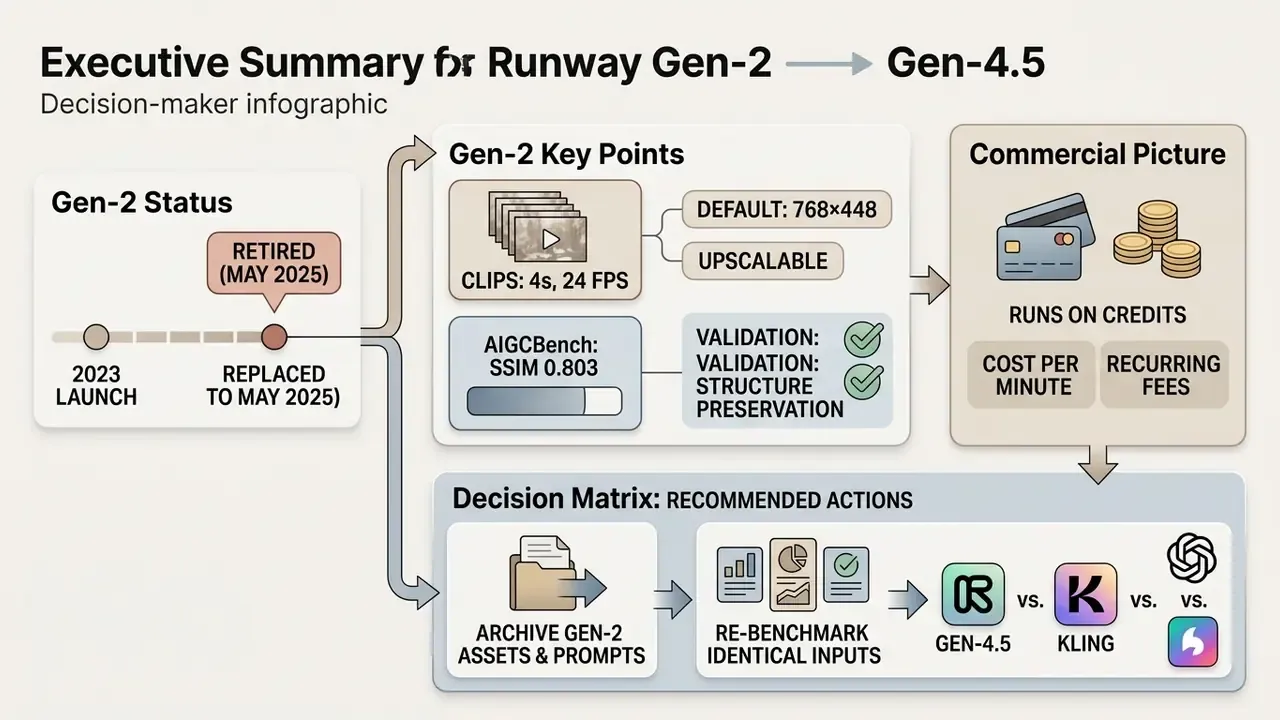
- Status: Gen-2 (launched publicly in 2023) is retired. Any live reference to Gen-2 endpoints or model IDs in your codebase is a shadow or legacy AI finding that should be logged and remediated.
- Capability gap: Gen-2 produced 4-second, 24 FPS clips at 768×448 by default (upscalable to 1536×896; later updates raised image-to-video output to 2816×1536). Current models produce 10 to 30 second clips at 1080p or 4K with native audio.
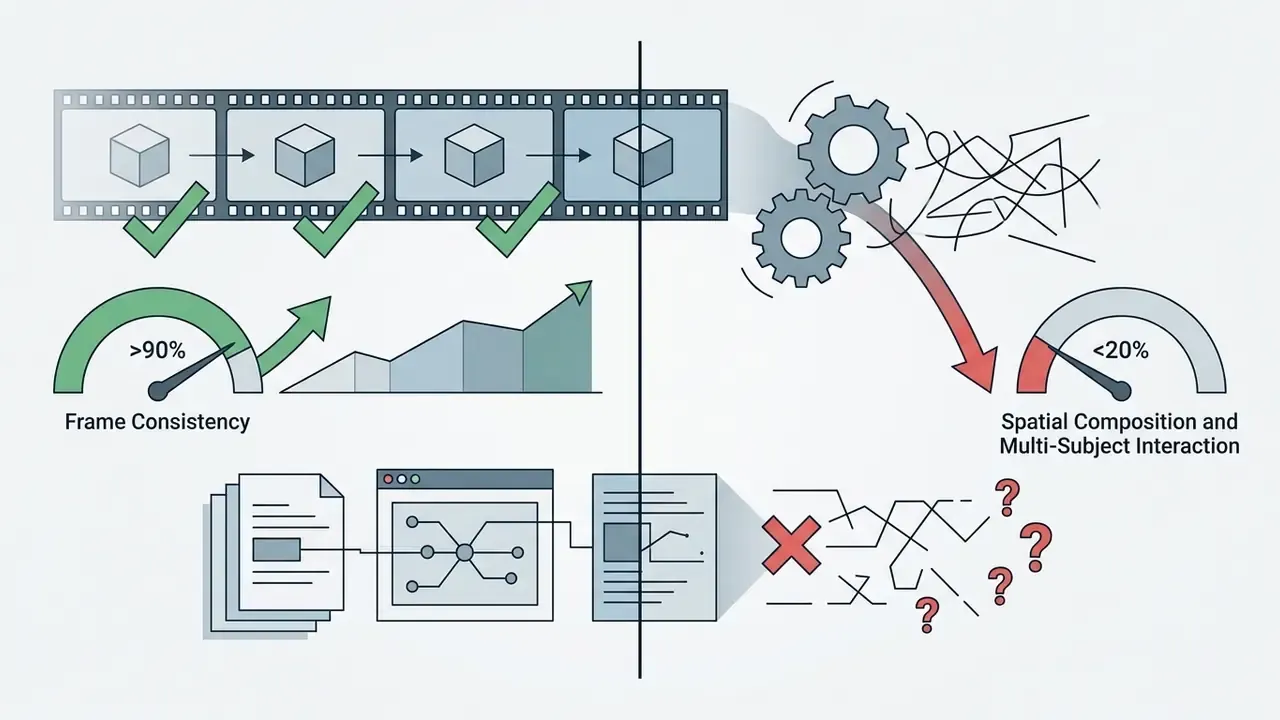
- Validation evidence: Gen-2 preserved input structure very well (AIGCBench: SSIM 0.803, image-to-video similarity 0.939) but collapsed on multi-subject spatial reasoning (VBench++: 18.89%).
- Commercial picture: Runway runs on credits. Free (125 one-time credits), Standard $12, Pro $28, Max $76 per user per month, with modern models consuming 5 to 12 credits per second of video.
- Recommended action: archive Gen-2 assets and prompts, re-benchmark on identical inputs across Gen-4.5, Kling 3.0, and Seedance 2.5 using the five VBench-2.0 dimensions, and gate adoption behind an enterprise checklist (SOC 2 Type II, ISO/IEC 27001:2022, IP indemnity, data-training opt-out, SSO and RBAC, retention policy).
What This Guide Covers
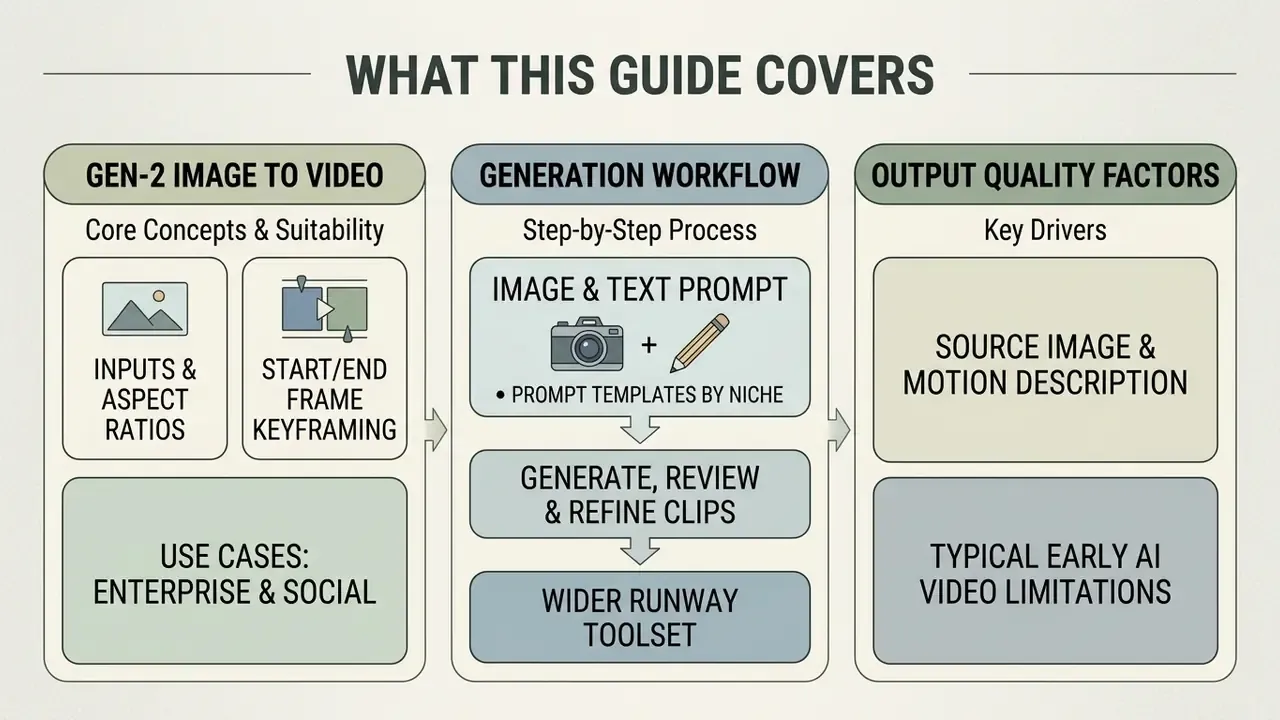
- What Runway Gen-2 image-to-video is and what it suits
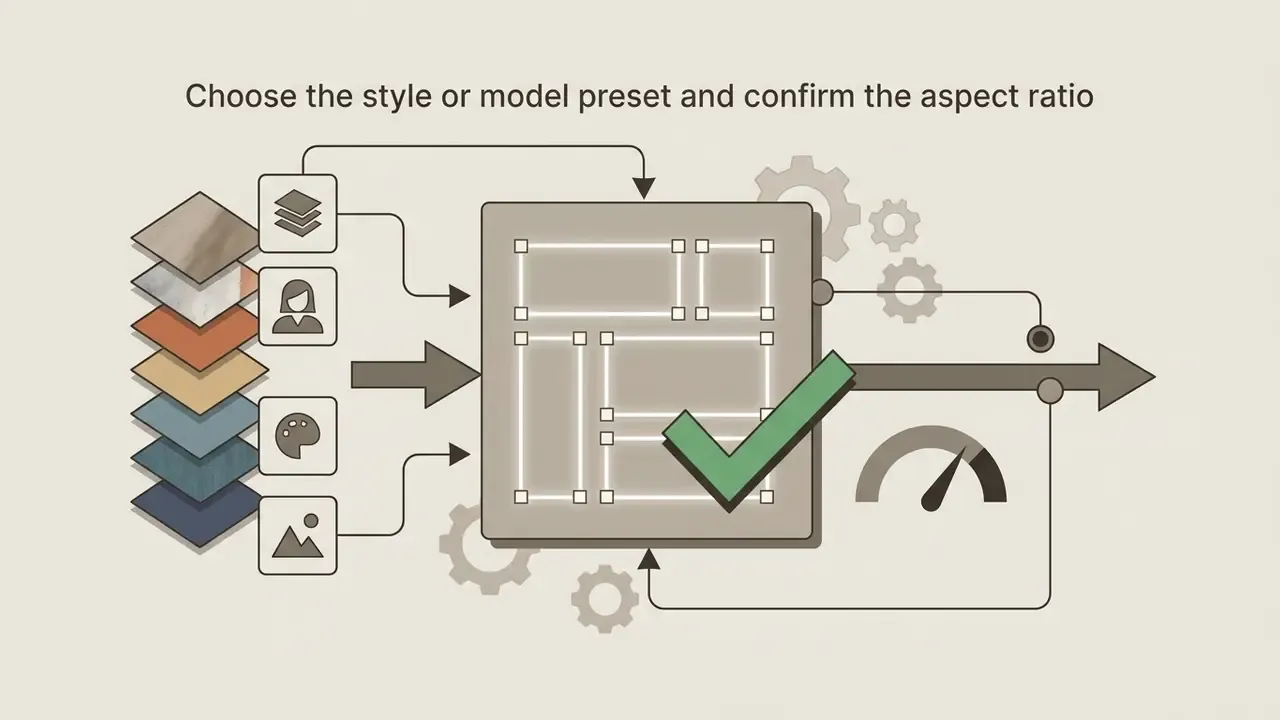
- Supported inputs, aspect ratios, and start/end frame keyframing
- Use cases: from enterprise communications to social assets
- How to generate a video from an image, step by step
- Preparing the image and writing the text prompt, with prompt templates by niche
- Generating, reviewing, and refining clips, plus the wider Runway toolset
- What drives output quality
- The role of the source image and the motion description
- Typical limitations of early AI video models
- Free plan, pricing, and total cost of ownership
- Why alternatives are worth considering
- When to pick a newer Runway model
- When to switch to another AI video generator, with capability and compliance matrices
- Enterprise compliance and AI governance criteria
- How to migrate off Gen-2 without downtime
- What to preserve before switching, plus a shadow AI audit
- How to compare models on identical inputs: validation framework and MRM checklist
- FAQ
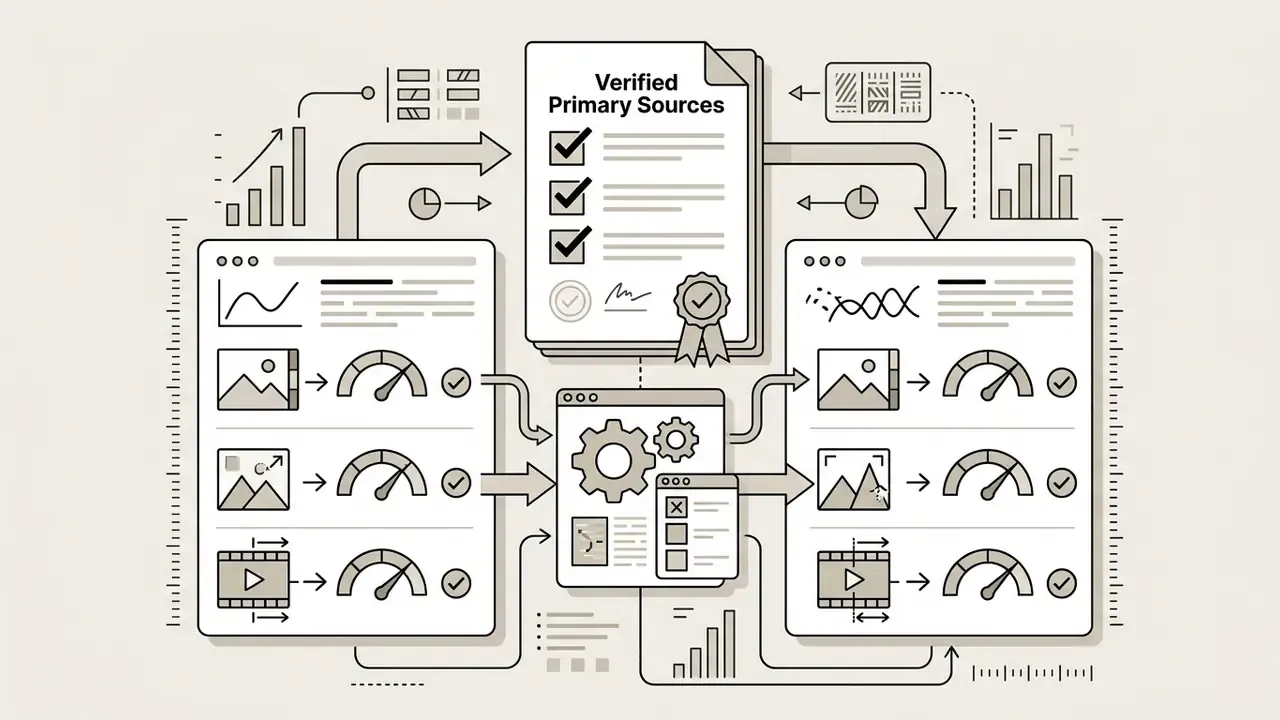
- Verified primary sources
- Appendix A: editorial history and corrected statements
What Is Runway Gen-2 Image to Video and What Tasks Does It Suit?
Runway Gen-2 Image to Video is a multimodal generative AI video model built to convert static reference images into short video clips through diffusion mechanisms. Published by Runway AI, Inc. in February 2023 and rolled out publicly in mid-2023, this video generation model let users anchor scene composition, lighting, and subject identity using an initial visual asset, then control movement through descriptive text prompts or motion settings.
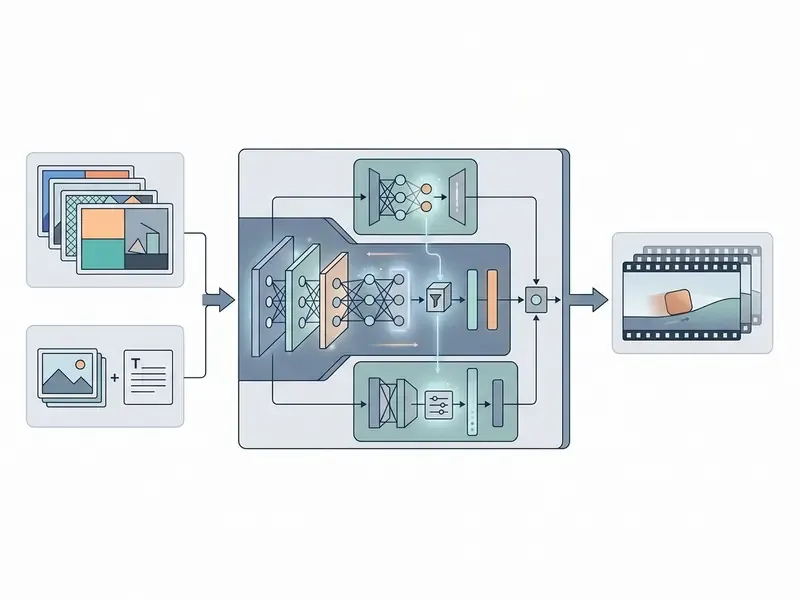
The system operated as a multimodal diffusion pipeline trained on roughly 240 million images and 6.4 million video clips.
«Runway's paper described Gen-2 as a diffusion model trained on 240 million images and 6.4 million video clips.»
By conditioning the denoising process on an uploaded reference image, the model predicted frame-to-frame motion vectors without needing a pre-existing video source. That design made runway gen 2 image to video workflows effective for turning static graphics into dynamic video clips for social media, promotional assets, and first-pass concept storyboards. Readers who want the broader category context can review our guide to image-to-video AI tools before committing to a single vendor.
The Eight Functional Modes of the Gen-2 Model
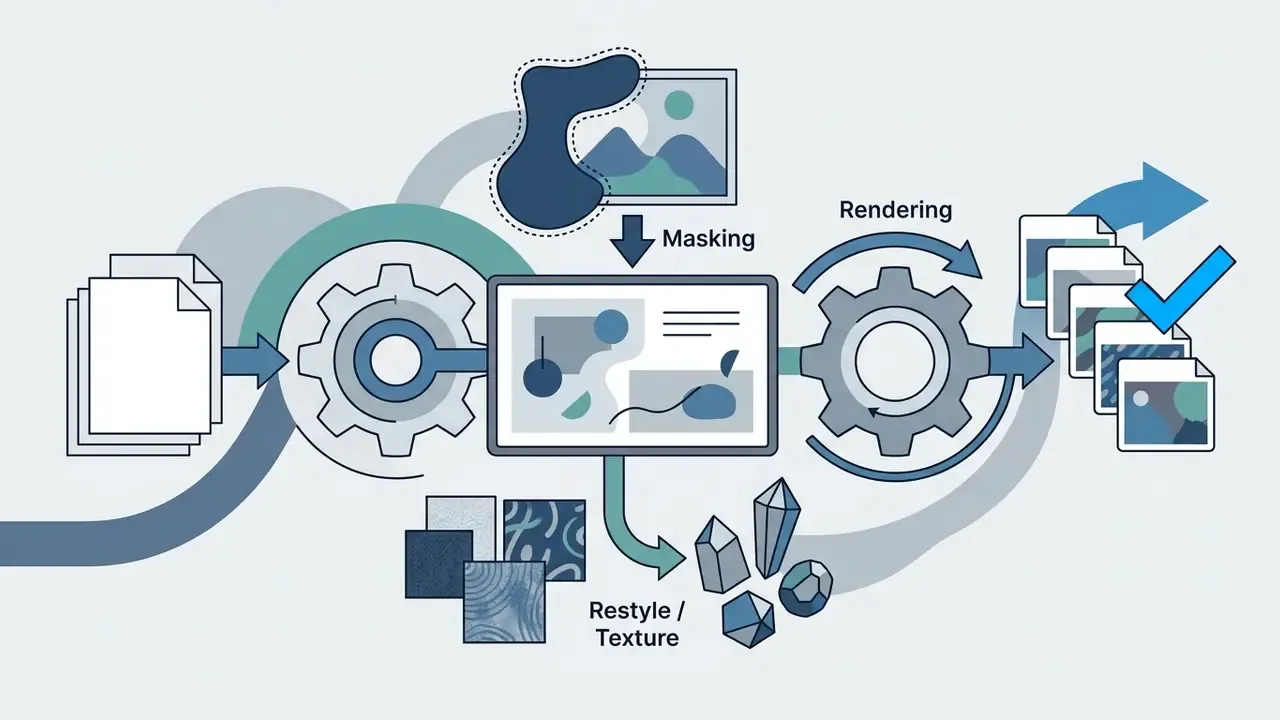
Runway Research documented Gen-2 not as a single feature but as a suite of eight generation modes. The full list matters for migration audits, because each mode maps to a different replacement capability in modern models:
- Text to Videosynthesizing a scene from a text prompt alone, with no visual reference.
- Text + Image to Videodriving the motion of a source frame with a text prompt, the canonical image-to-video mode.
- Image to Video (Variations Mode)animating an image with no text input, relying on the model's internal depth and motion priors.
- Stylizationtransferring the style of a reference image or prompt onto every frame of an existing video.
- Storyboardturning static 2D mockups, sketches, and layouts into fully stylized animated renders.
- Maskapplying generative effects selectively to isolated regions of the frame (inpainting) while leaving the rest unchanged.
- Renderconverting untextured 3D renders (clay renders) into realistic output by applying an input image or prompt.
- Customizationfine-tuning the model on a user dataset of characters or products for higher-fidelity, brand-consistent results.
In Runway's own user studies, Gen-2 outputs were preferred over Stable Diffusion 1.5 in 73.53% of image-to-image comparisons and over Text2Live in 88.24% of video-to-video comparisons. A useful historical baseline when you re-benchmark a replacement engine, though hardly a modern quality bar.
What Input Data Runway Gen-2 Supported
Runway Gen-2 accepted text-only prompts up to 320 characters, a single static image input, or a joint configuration combining a reference image with a motion-focused text prompt. When an image asset was uploaded, the generated video automatically matched the aspect ratio of the input file, supporting standard ratios such as 16:9, 9:16, 1:1, 4:3, 3:4, and 21:9. Transparent PNG files were flattened against a solid black background during ingestion, which forced creators to think about background composition before starting video creation. Accepted uploads were standard raster formats (JPG, JPEG, PNG, WEBP), and outputs rendered at 24 FPS in 4-second blocks.
Keyframe interpolation mode (First Frame / Last Frame):
Beyond single-image generation, Gen-2-class and Gen-4-class platforms support loading two anchor frames: a Start Frame (the opening state of the scene) and an End Frame (the closing composition). The model then builds the vector displacement of objects and transforms geometry between those two states.
Preparation rule: both frames must share an identical aspect ratio (16:9, 9:16, and so on) and identical resolution. If lighting differs between the two frames, the diffusion engine generates a gradual light transition rather than a hard cut, which is why exposure-matched pairs produce the cleanest interpolations. Kling 3.0 exposes the same concept as "first-frame animation" and "first-and-last-frame transition", and Seedance 2.5 exposes it through its first/last-frame image-to-video endpoint. So prompt and keyframe assets migrate across platforms with minimal rework.
Image to Video Use Cases
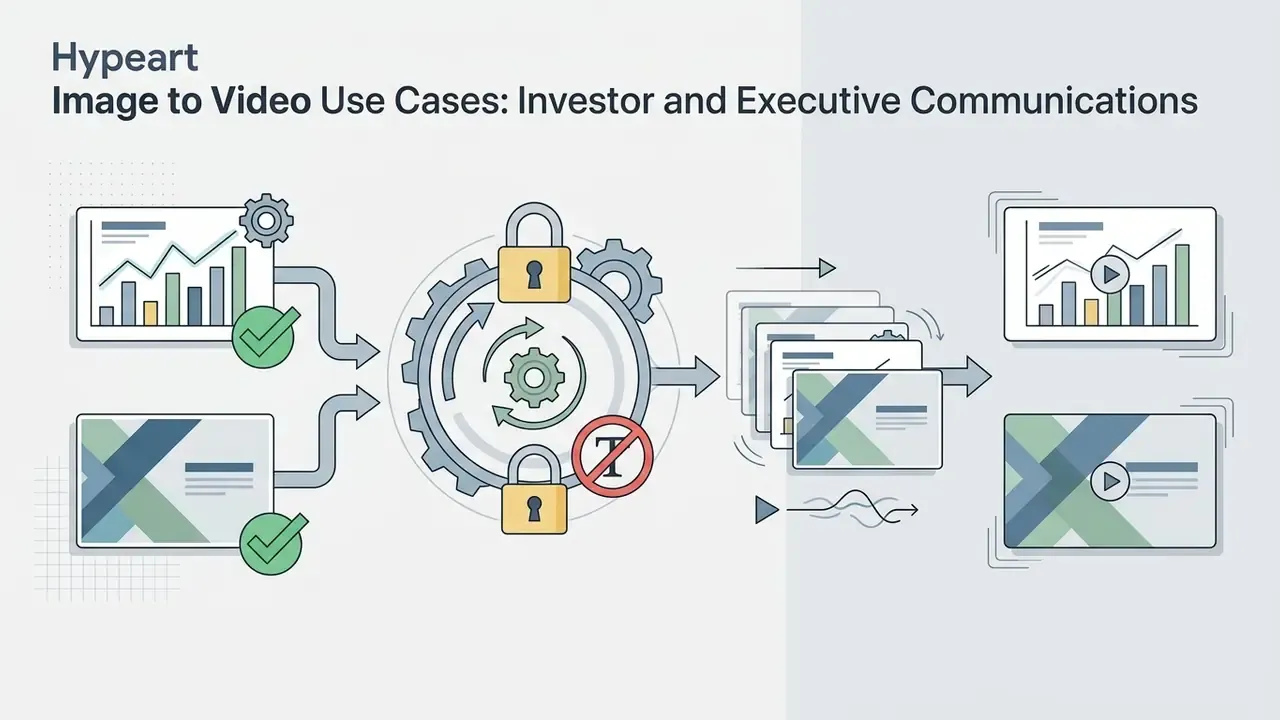
The primary use cases for Runway Gen-2 Image to Video sat in short-form visual content where subject structure must stay tied to a pre-approved visual reference. In regulated organizations that constraint is a feature, not a limitation: locking generation to an approved brand frame narrows the surface for off-message or non-compliant output.
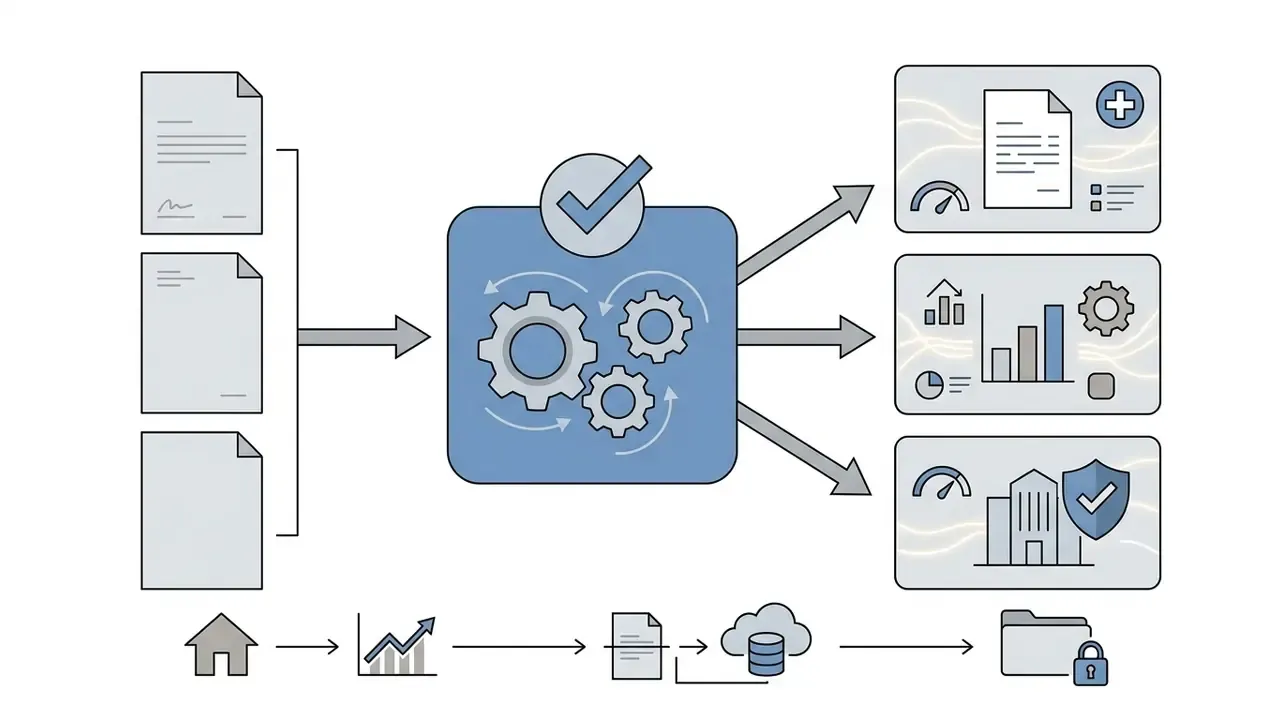
Enterprise and regulated-industry scenarios:

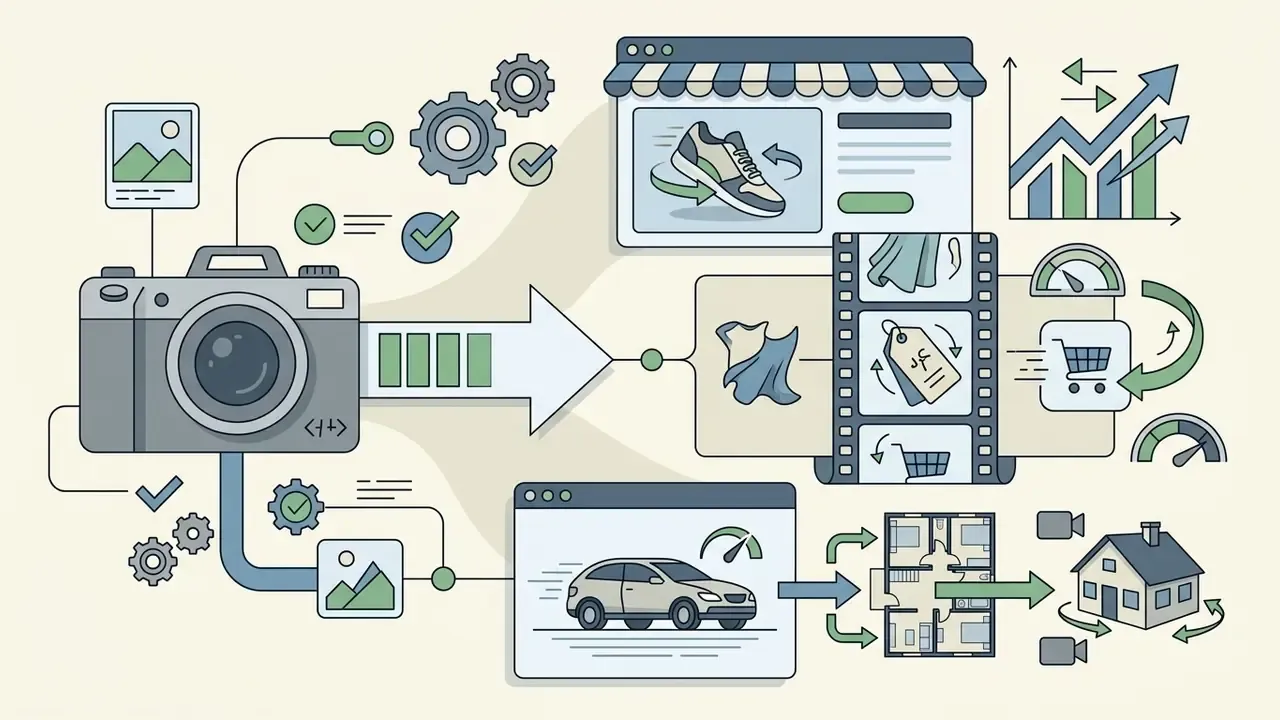
Creator and social scenarios:

How to Create a Video From an Image in Runway Gen-2
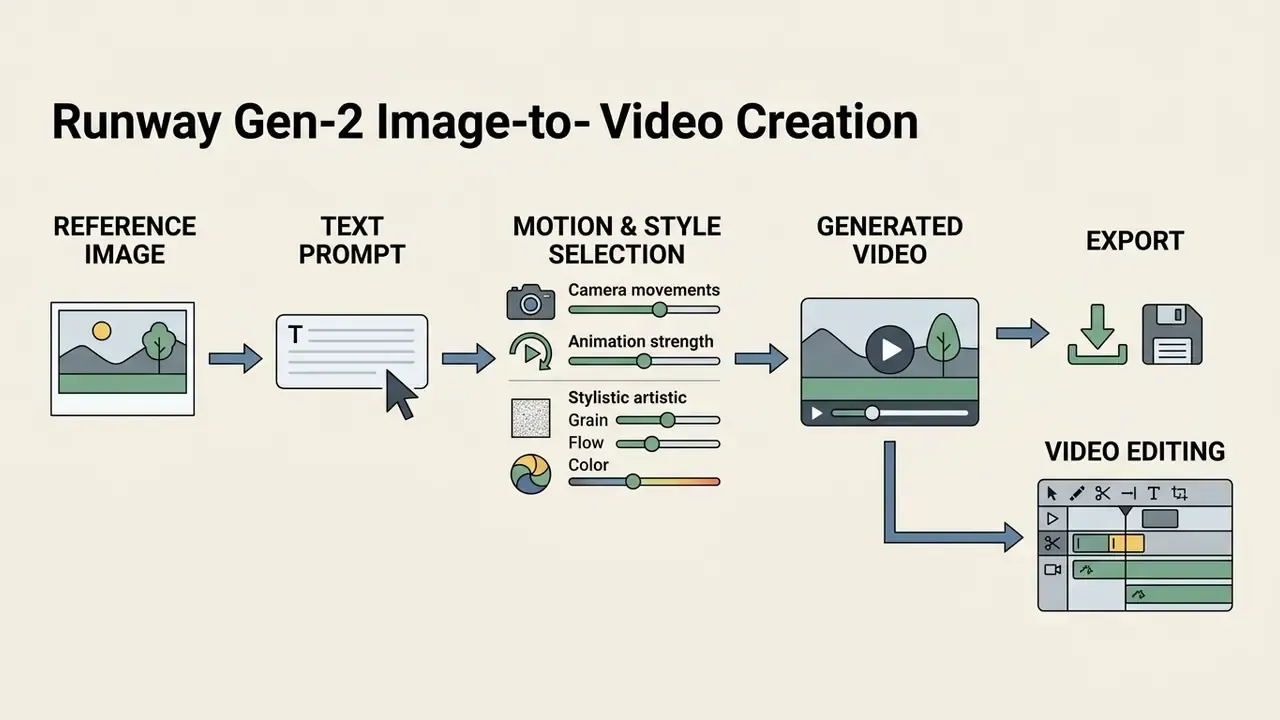
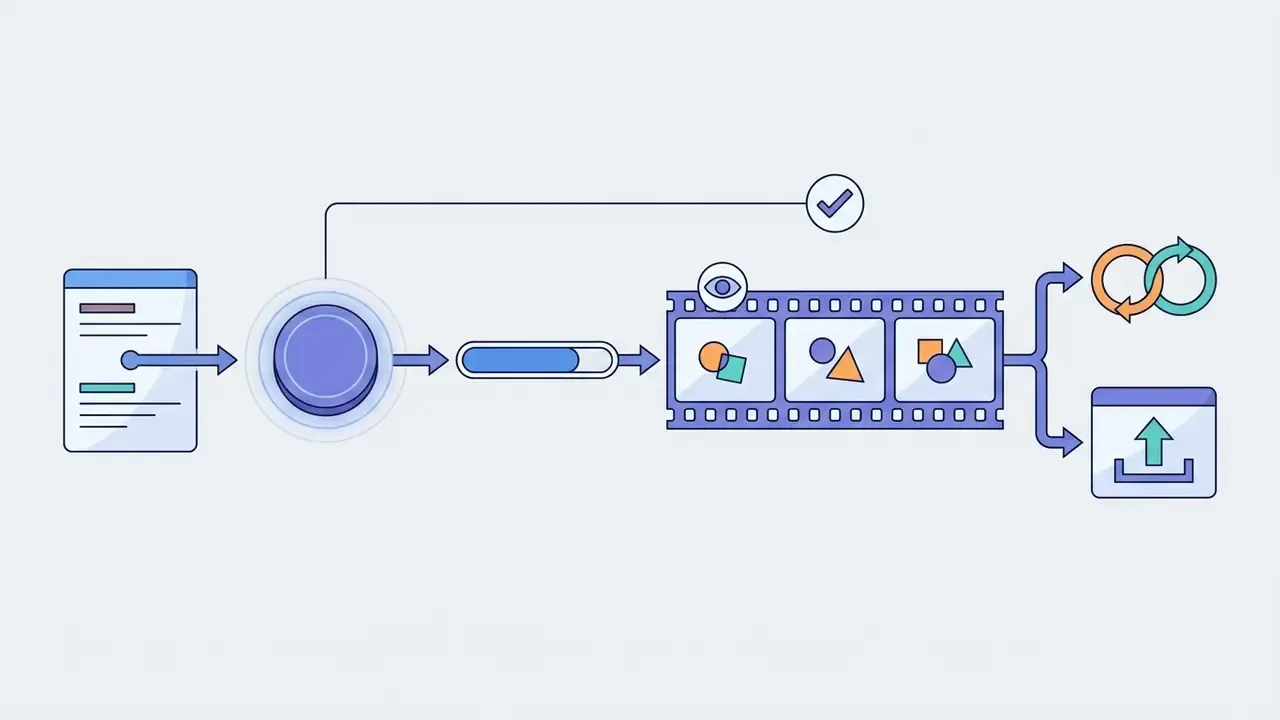
Creating a video from a static image in Runway Gen-2 meant opening the web platform or the official API endpoint, uploading a high-resolution reference image, specifying motion parameters through text or interface controls, and generating a 4-second clip. The process converted visual inputs into temporal frame sequences through a controlled diffusion pass. The same sequence of operations applies to current Runway models, which is exactly why the workflow below still works as a migration template.
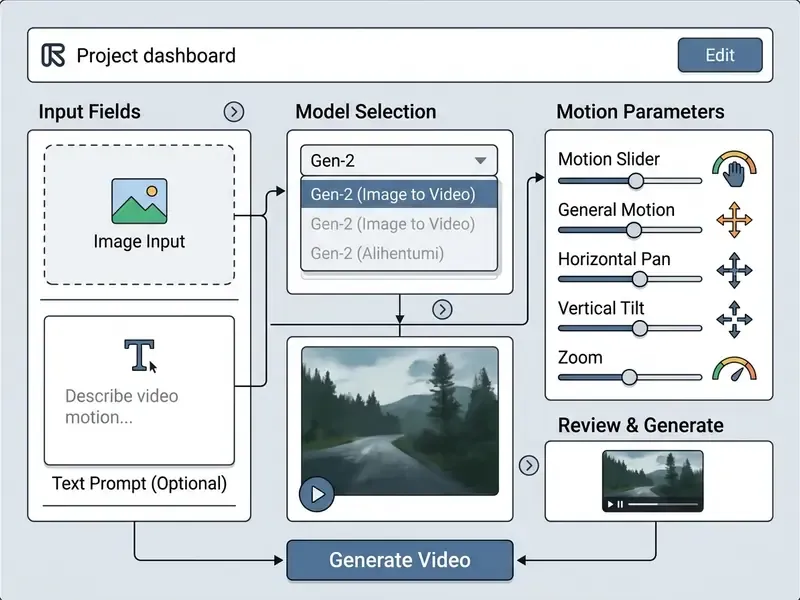
To execute a basic image-to-video generation:
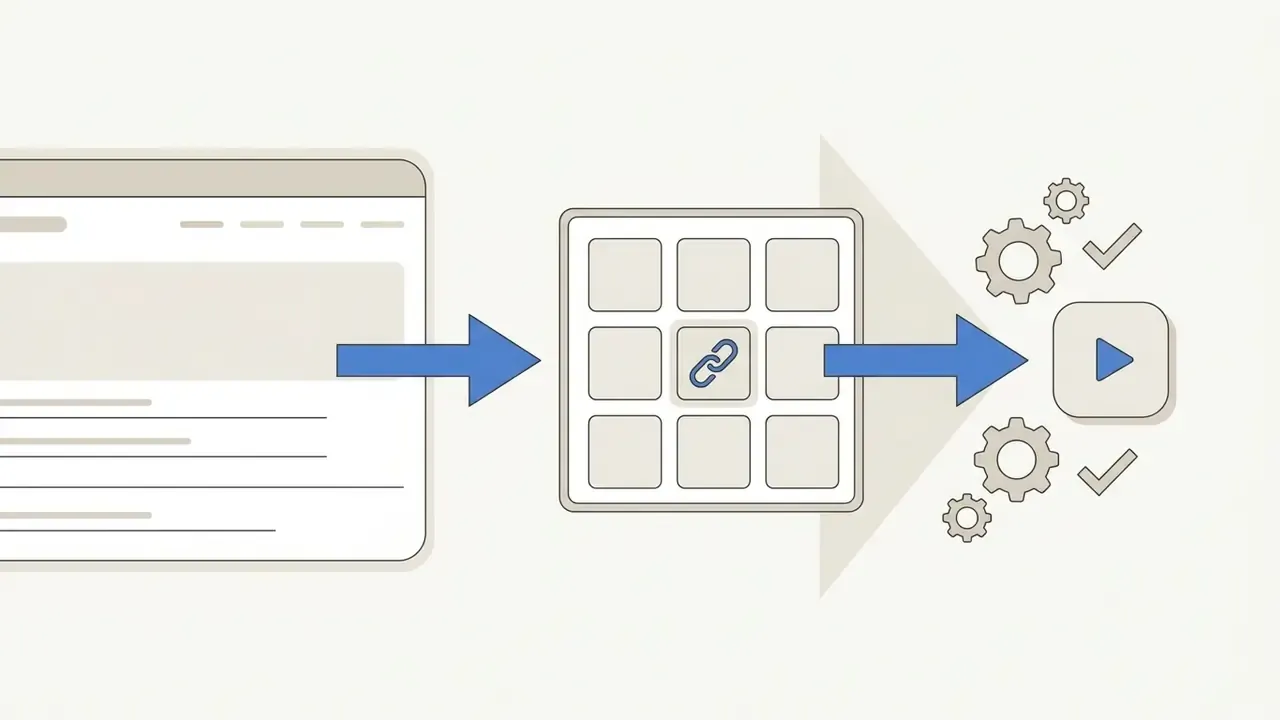
runway gen 2 ai video generation link inside the application dashboard.
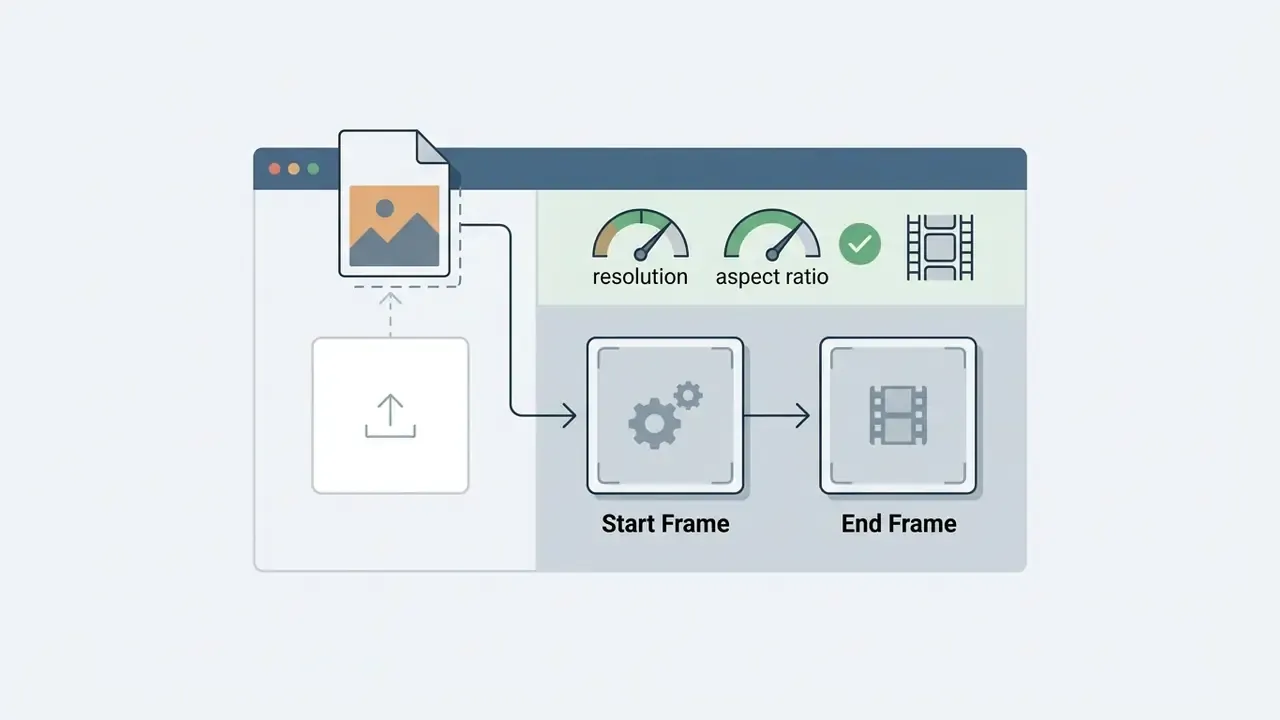
runway gen 2 image input field. For two-frame interpolation, populate Start Frame first and then End Frame, confirming that both files share resolution and aspect ratio.

Preparing the Image and the Text Prompt
Optimizing input assets means selecting reference images with clear subject definition, high contrast, and minimal visual noise, because the diffusion model leans on edge boundaries to hold spatial structure. Text prompts paired with reference images should not restate visual attributes already present in the frame. Instead, the prompt should focus strictly on dynamic action, for example "slow camera zoom in, water rippling softly, flags waving in the wind".
«Gen-2 achieved the highest motion-quality score (~56.4) among the five video models evaluated when prompts were explicit and non-conflicting.»
Runway's own prompting guidance points the same way: separate visual description from motion description, name one clear camera move and one clear subject action per shot, and strip out ambiguous or conflicting cues as soon as motion starts to drift. To inspect broader tools across the market, teams can review AI Media Alternatives to benchmark workflow efficiency, and budget-constrained teams can cross-check our roundup of free AI video generators.
Prompt constructor templates by business niche
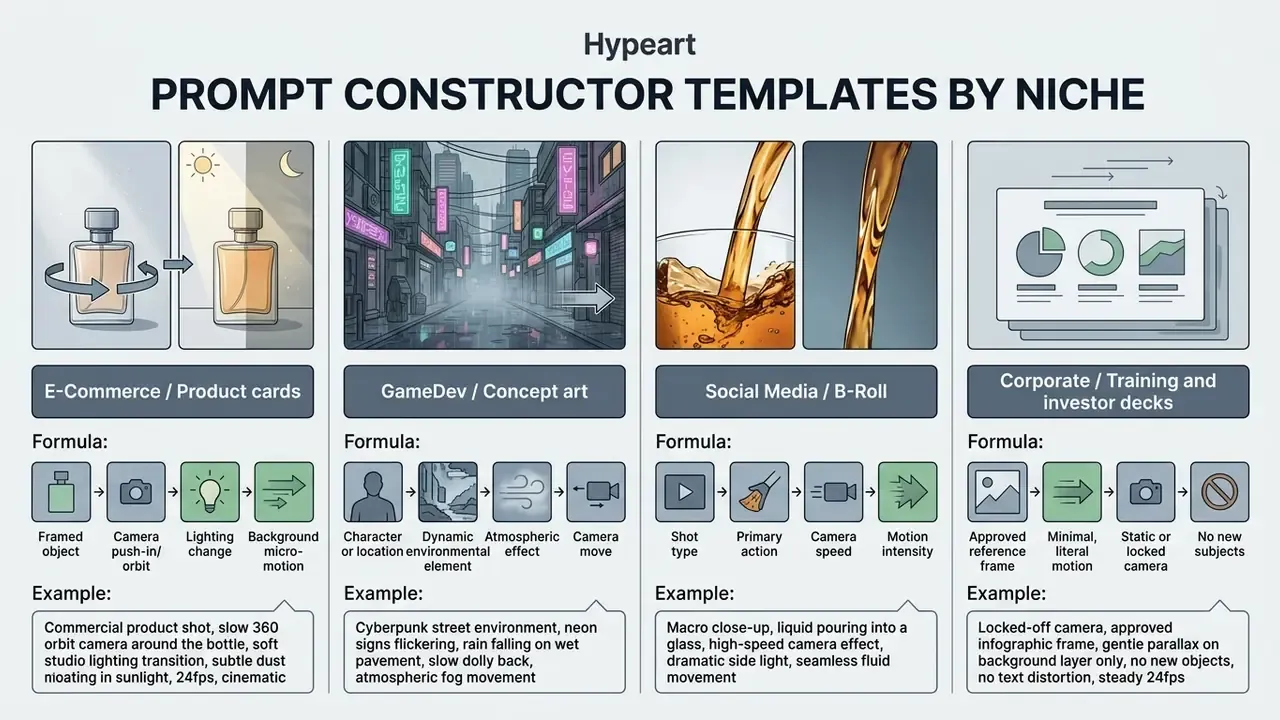
The fourth template exists for a governance reason. The fewer degrees of freedom you grant the model, the smaller the review burden, and the lower the risk of hallucinated text, logos, or faces surfacing inside a regulated asset.
Generating, Reviewing, and Refining Video Clips
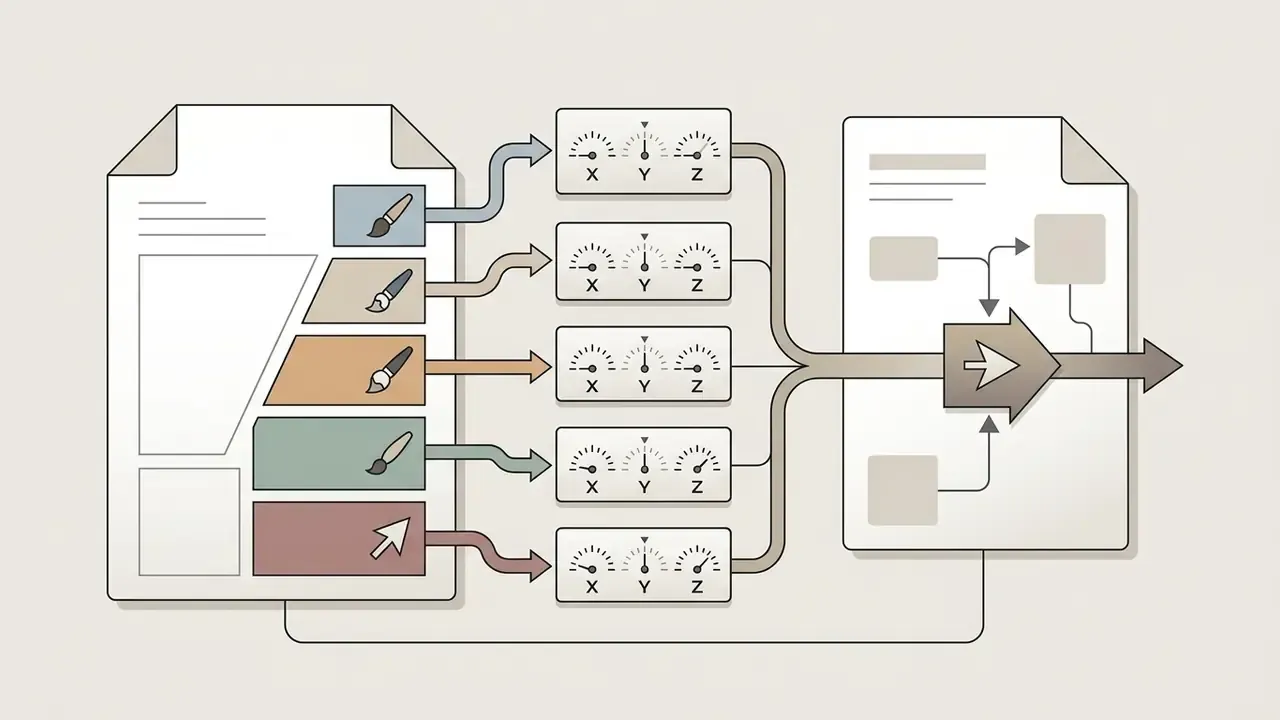
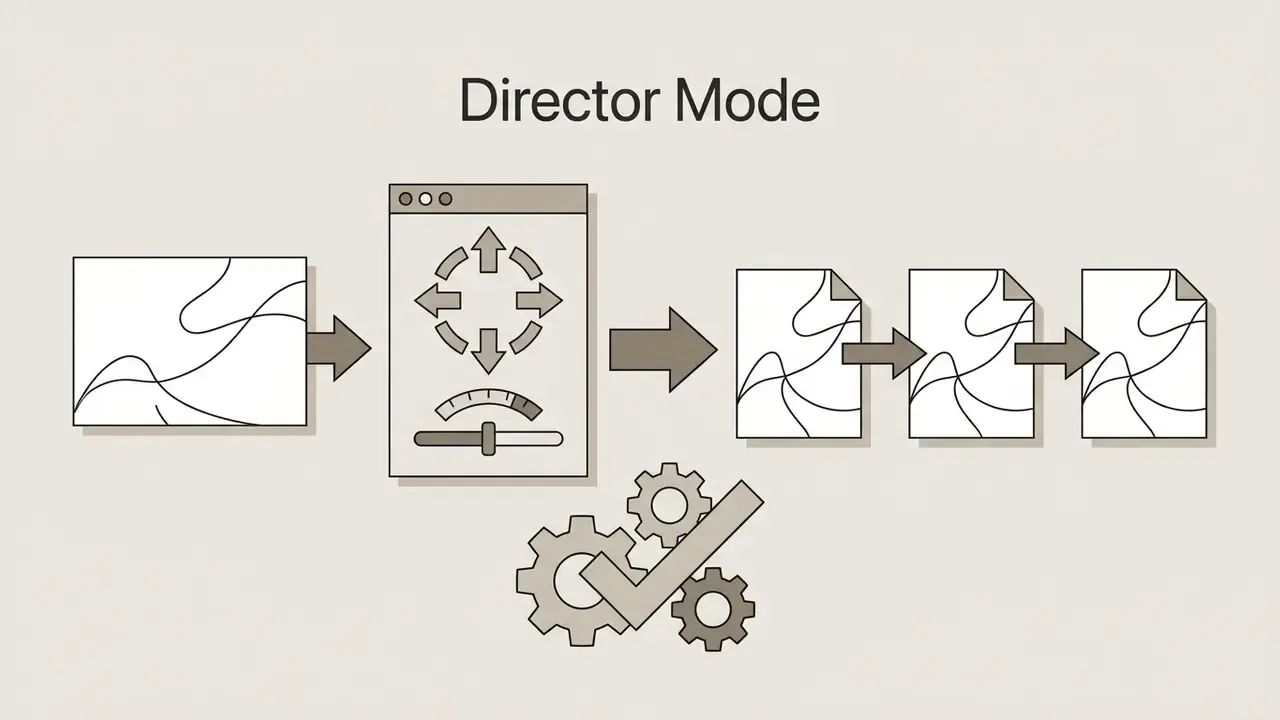
Once rendering finishes, review the generated short clip frame by frame to catch temporal artifacts, physics distortions, or unwanted morphing. If subject motion looks unstable, creators can refine outputs with internal tools such as the Motion Brush, which allows painting specific image regions to restrict motion vectors to designated x, y, or z axes with intensity scales from −10 to +10. To evaluate cost structures for scaling video editing pipelines, organizations can compare options across service tiers.
Additional tooling in the Runway ecosystem:
Practice note (updated). A digital media team evaluating automated visual pipelines set up a standardized model review. By testing identical product renderings across multiple prompt configurations, they observed that explicitly specifying camera direction and speed produced visibly fewer temporal flicker events than open-ended text inputs. The effect held across the test set, but it was never measured against a quantified control metric, so treat the improvement as qualitative until it is re-measured with a defined artifact-count methodology. The resulting clips went straight into test promotional campaigns without manual frame repairs. (The earlier, unsourced quantitative phrasing of this observation is preserved in Appendix A.)
<MULTIMEDIA>
- Type: Annotated screenshot
- Description: AI video generator interface with marked zones for the image input upload, the text prompt field, the video generation trigger, and video clip export.
- Purpose: Helps users locate interface elements and reduces first-run errors.
- Semantic layout rules: The image must carry alt text containing "runway gen 2 image input"; duplicate all annotations as an accessible text list beneath the image.
What Affects Runway Gen-2 Video Quality
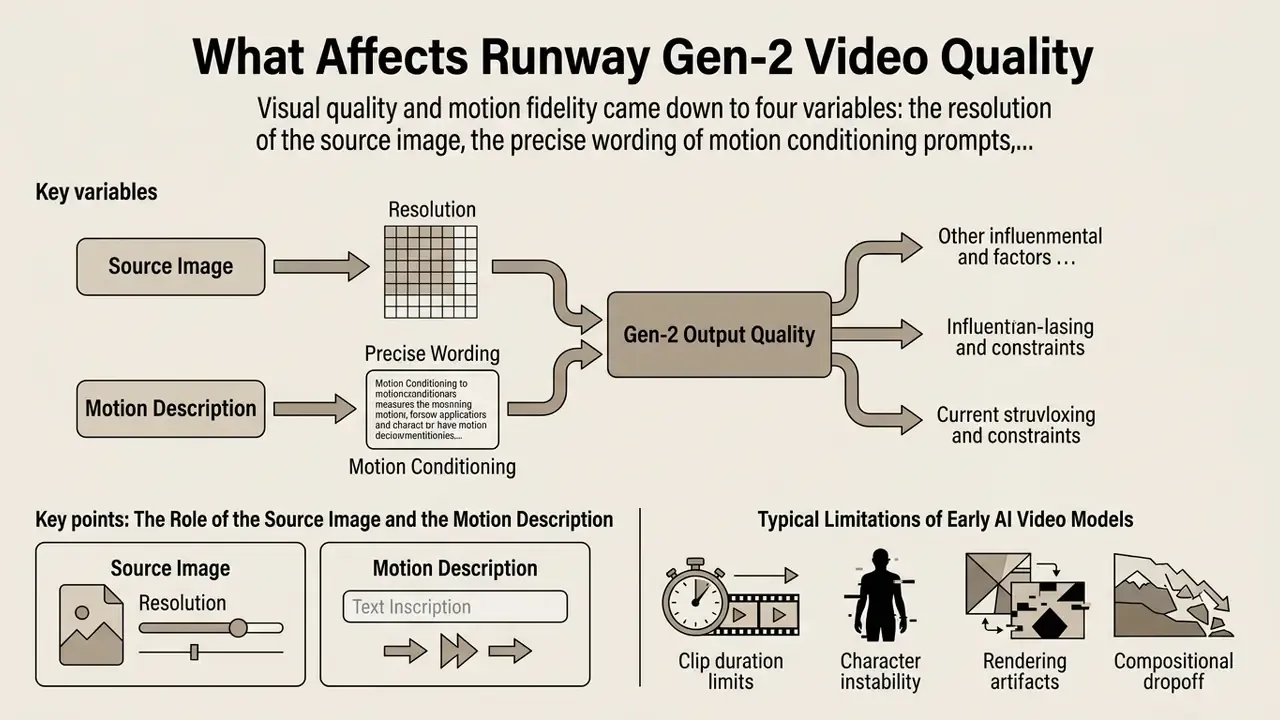
Visual quality and motion fidelity in Runway Gen-2 outputs came down to four variables: the resolution of the source image, the precise wording of motion conditioning prompts, the intrinsic spatial limits of the generation model, and the rendering frame rate. Because generative video engines synthesize new frames from learned probability distributions, vague inputs directly raise the defect rate. No ambiguity budget, in other words.
The Role of the Source Image and the Motion Description
Empirical testing across academic benchmarks confirms that the initial visual asset acts as the primary structural anchor for image-to-video models. In the AIGCBench evaluation suite (2024), Runway Gen-2 achieved a first-frame Structural Similarity Index (SSIM) of 0.803 and an image-to-generated-video similarity score of 0.939, which indicates strong structural preservation of the input reference.
«AIGCBench evaluated 3,928 image–text pairs across 11 metrics; Gen-2 showed the highest input-frame fidelity among the tested models.»
When text descriptions conflict with the visual composition of the image, though, the diffusion process can produce severe edge tearing and texture corruption. Contemporary artifact research reaches the same conclusion from the opposite direction: recurrent defect classes in text-to-video output, including texture corruption, object deformation, flicker, motion discontinuity, and implausible camera movement, cluster around prompts that imply motion the reference frame cannot physically support. In short: the image governs structure, the prompt governs change, and the two must not argue.
Typical Limitations of Early AI Video Models
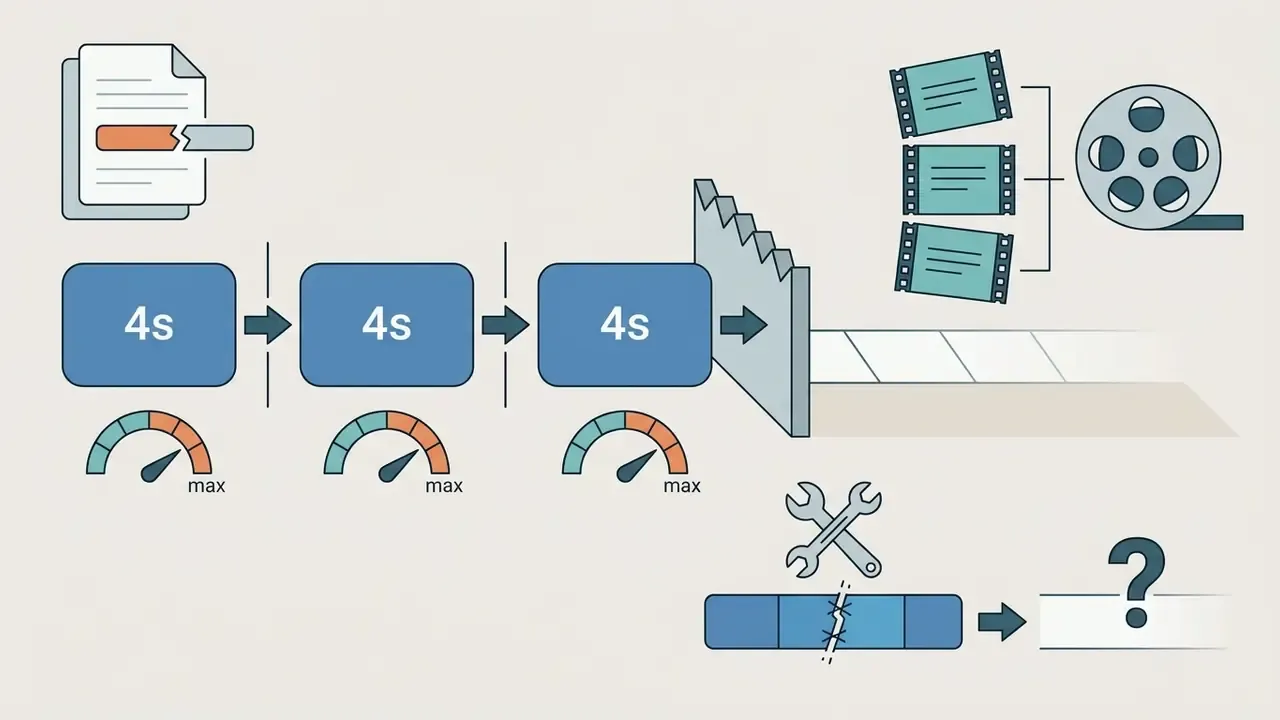
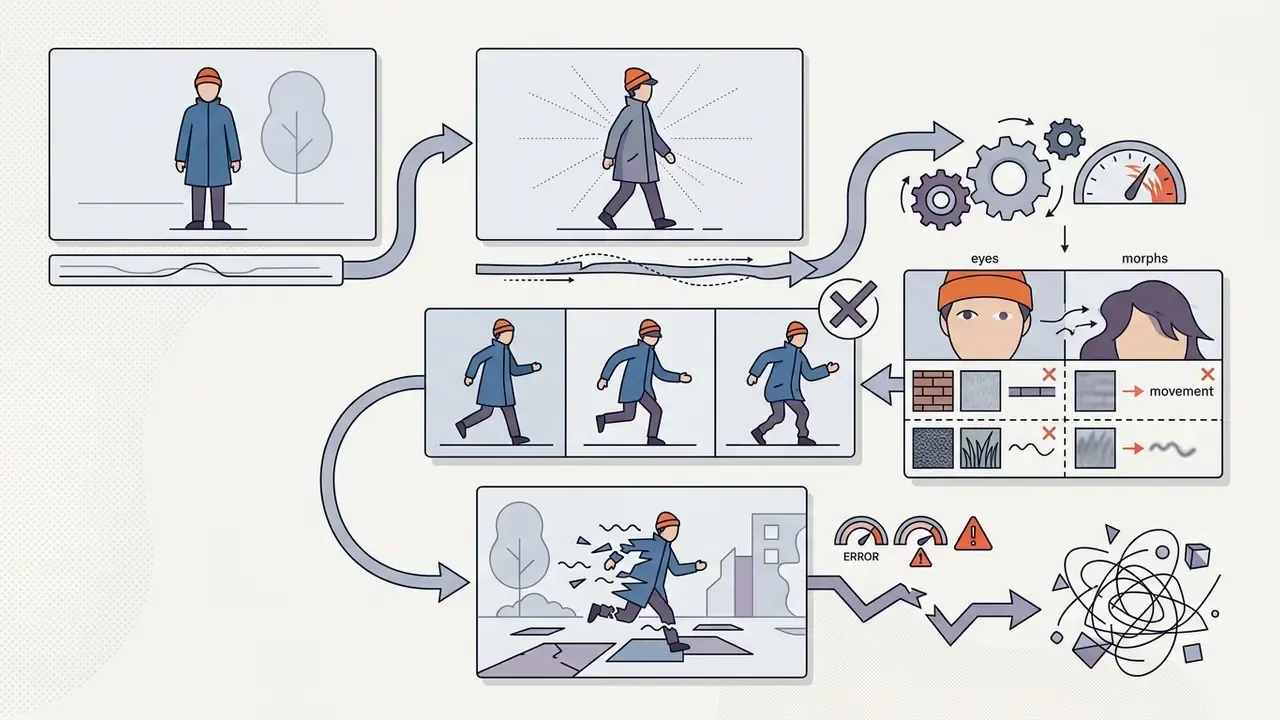
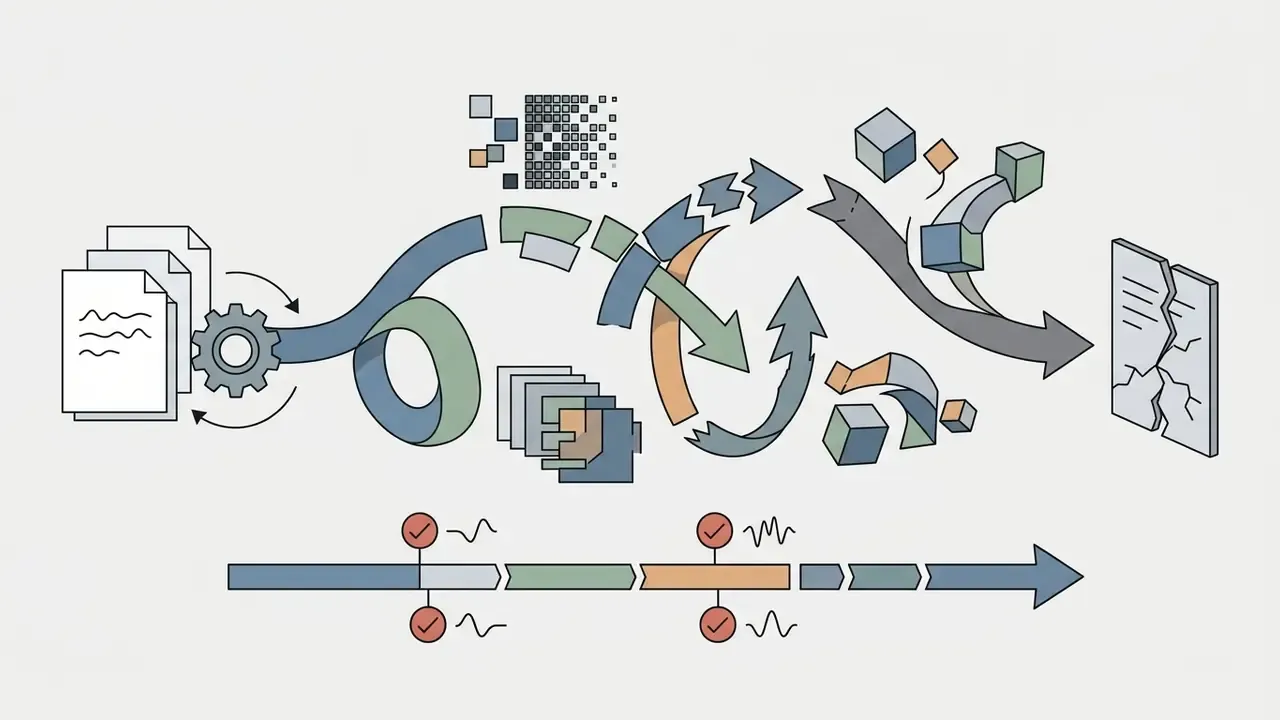
Early AI video generation models, Gen-2 included, carried constraints inherent to mid-2023 diffusion architectures:
Runway Gen-2 Free Plan and Pricing for Video Generation
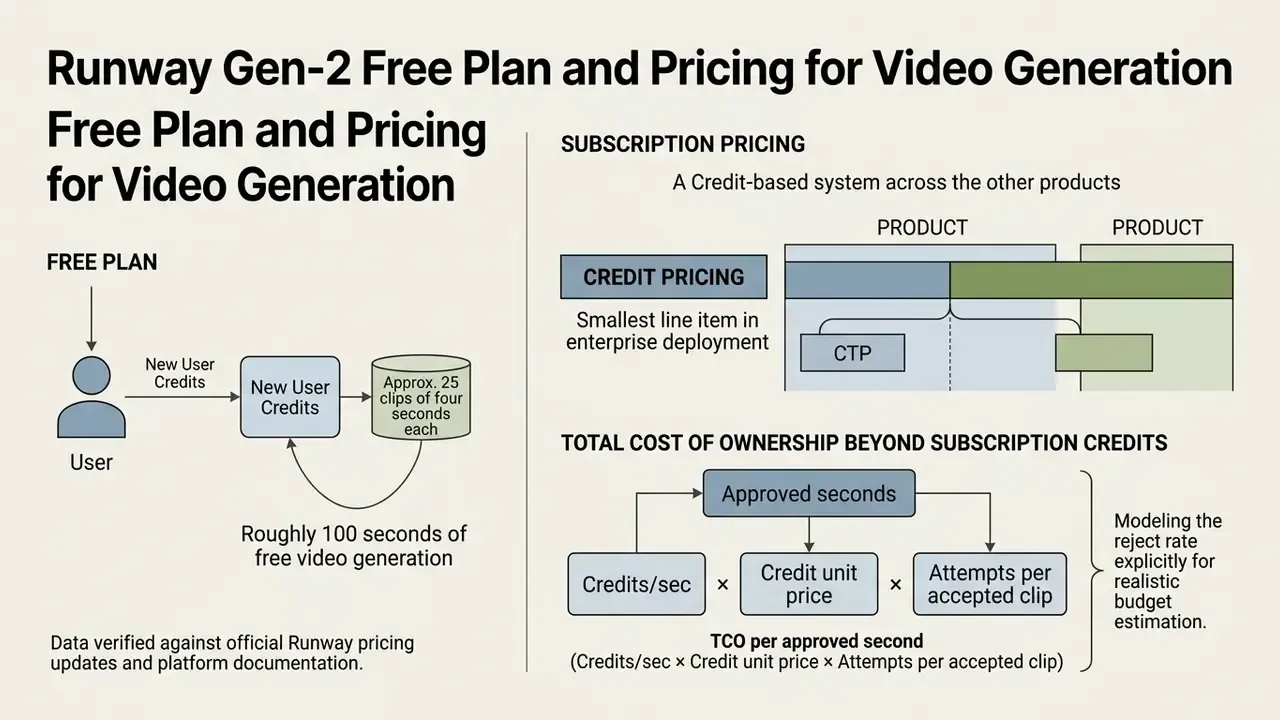
Runway operates on a credit-based subscription structure across its product suite. Historically, the platform offered a free tier with a one-time allocation of 125 credits, equivalent to roughly 100 seconds of standard video generation, so new users could explore the AI tools without a recurring fee. Queries like "runway gen 2 free plan 2025 video generation" and "runway gen 2 free tier 2025 image generation" still circulate, but the credits now apply to current models, not to Gen-2.
Standard, Pro, and Max plans expand monthly credit caps, unlock higher export resolutions, and remove watermarks.
Pricing and access information is provided for reference and reflects data available at the time of verification. Confirm current prices and model availability on Runway's official site before budgeting.
| Tier Name | Monthly Cost (USD) | Included Credits | Key Features & Constraints |
|---|---|---|---|
| Free | $0 | 125 (one-time) | 720p export, watermarked outputs, restricted concurrency, non-renewing. |
| Standard | $12 / user | 625 / month | 1080p export, no watermarks, unlocks upscale options, expanded asset storage. |
| Pro | $28 / user | 2,250 / month | All Standard features, higher priority queue, custom generation settings. |
| Max | $76 / user | 15,000 / month | High-volume generation, maximum concurrency, enterprise storage access. |
Data verified against official Runway pricing updates and platform documentation. Credit consumption varies by model version: modern flagship models consume between 5 credits per second (Gen-4 Turbo, Gen-3 Alpha Turbo) and 12 credits per second (Gen-4, Gen-4.5), while third-party models routed through Runway can cost considerably more per second. Buyers benchmarking vendors side by side can consult our AI video generator comparison, and teams working under hard budget ceilings can start with a free AI video generator before committing to a seat-based plan.
Total Cost of Ownership Beyond Subscription Credits
Credit price is the smallest line item in an enterprise deployment. A defensible TCO model for one second of approved, publishable video should aggregate five cost layers:
TCO per approved second =
  (Credits/sec × Credit unit price × Attempts per accepted clip)      ← direct generation cost
+ (Review minutes × Reviewer hourly rate / 60)                        ← human QA / frame audit
+ (Legal & brand clearance hours per asset batch / seconds delivered) ← IP and compliance review
+ (Post-production labor: stitching, upscaling, audio, subtitles)     ← finishing
+ (Amortized governance cost: vendor assessment, DPIA, logging)       ← control overhead
| Cost driver | Typical hidden effect | Control lever |
|---|---|---|
| Reject rate (attempts per accepted clip) | Multiplies direct cost 2 to 5 times | Prompt templates, locked keyframes, seed reuse |
| Manual frame QA | Often exceeds credit cost | Artifact checklist, sampling instead of 100% review |
| Clip-length ceiling | Stitching labor for long-form | Choose models with 10 to 30 second single-pass output |
| Legal clearance | Batch-level, not per-second | Generate only from pre-cleared reference assets |
| Vendor assessment | One-off per vendor, recurring per renewal | Reuse a standard due-diligence questionnaire |
Modeling the reject rate explicitly is what separates a realistic budget from a credit-price estimate. A 12 credits per second model with a 2:1 acceptance ratio is cheaper per delivered second than a 5 credits per second model with a 6:1 ratio. Finance leads tend to find that arithmetic more persuasive than any feature list.
<MULTIMEDIA>
- Type: Pricing and access conditions table
- Description: Comparison of the free plan and paid tiers: image input capability, text to video, video generation limits, export options, and access to Runway models.
- Purpose: Closes the commercial intent of comparing cost and limitations before onboarding.
- Semantic layout rules: Use a real table with caption, header, and body rows; show the verification date and a link to the primary source alongside it; do not use a screenshot of a table.
Why It Is Worth Considering Alternatives to Runway Gen-2
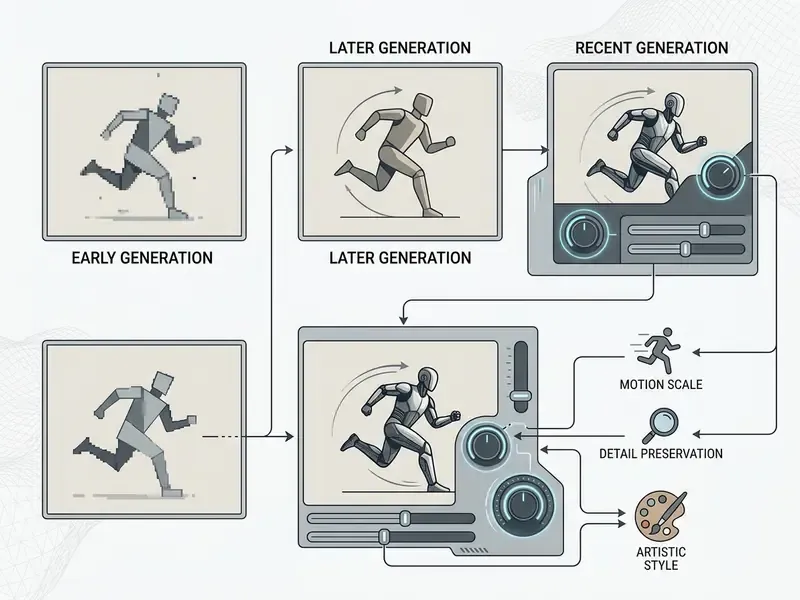
Considering alternative AI video generation tools is not optional here, because Runway Gen-2 is a legacy, deprecated model replaced by more capable architectures. Modern generative video platforms deliver improved physical realism, precise camera control, longer generation durations, and native multimodal reference inputs that cut production overhead.
When to Choose a Newer Runway Model
Moving to current flagship Runway models such as Gen-3 Alpha Turbo, Gen-4, or Gen-4.5 makes sense when the work stays entirely inside the Runway ecosystem. The billing relationship, asset library, permissions model, and security posture stay unchanged, which shortens internal approval cycles considerably.
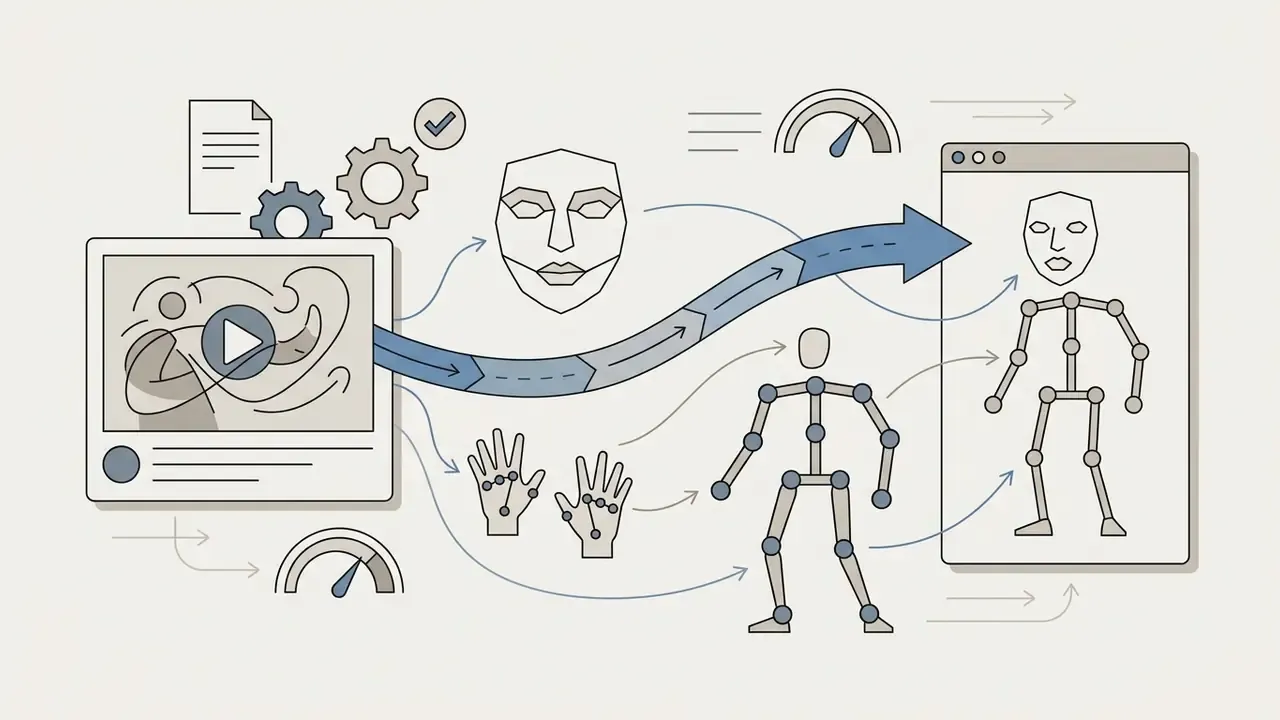
Key advances in the newer models include:


When It Is Better to Switch to a Different AI Video Generator
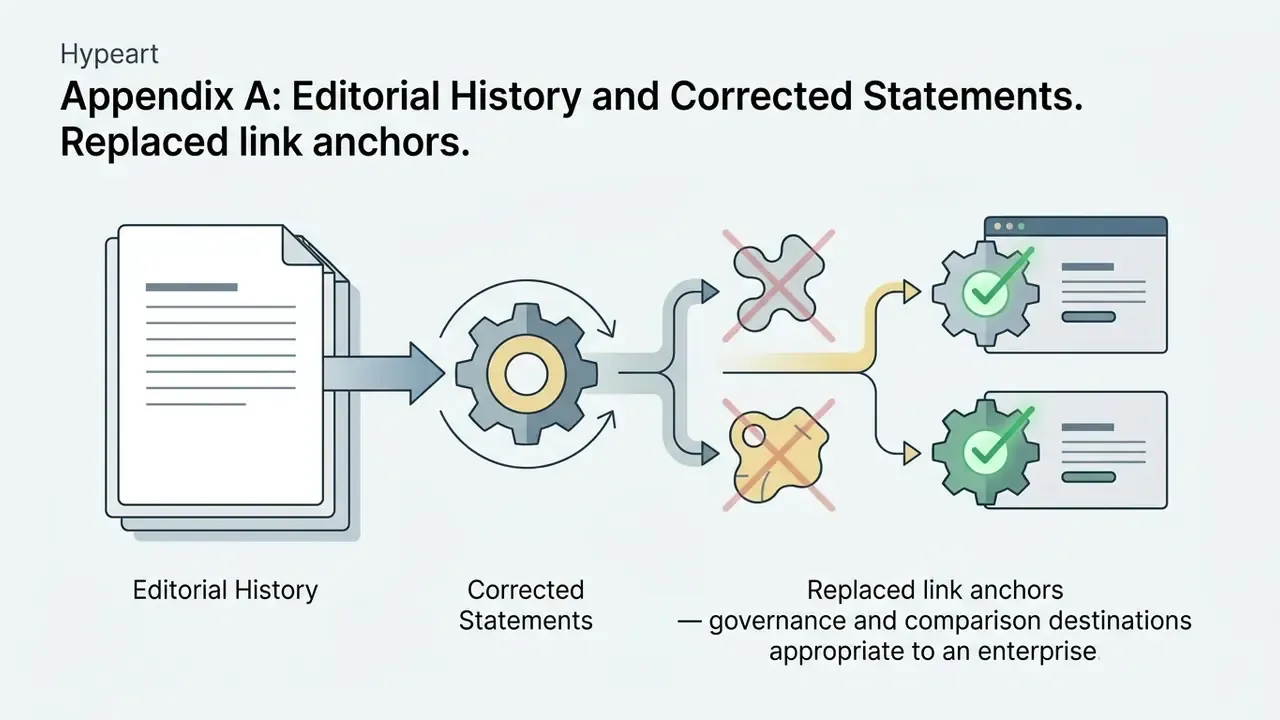
Switching to alternative platforms, such as Kuaishou's Kling 3.0 or ByteDance's Seedance 2.5, is the stronger option when project requirements sit outside Runway's core feature set: 30-second single-pass output, synchronized native audio, 4K delivery, or dozens of reference assets per generation. Teams can evaluate enterprise ready ai media tools for SOC 2-aligned corporate infrastructure, explore Cheaper AI Video Tool Alternatives for budget optimization, or review AI Media Commercial-Use criteria before onboarding a new vendor. (The original, less relevant anchor wording for this paragraph is retained in Appendix A.)
Capability matrix
| Model / Feature | Runway Gen-2 (Legacy) | Runway Gen-4.5 (Current) | Kling 3.0 | Seedance 2.5 |
|---|---|---|---|---|
| Max clip duration | 4 seconds | 10 seconds | 10 seconds | 30 seconds (single pass) |
| Max resolution | 768×448 default / 1536×896 upscale (later 2816×1536) | 1080p / 4K | 4K HD | 720p / 1080p |
| Native audio | No | Optional / extended | Yes (synced) | Yes (joint audio-video) |
| Multi-reference input | Single image | Image + prompt | First/last frame | Up to 50 reference assets |
| Control features | Motion Brush (basic) | Camera / motion controls | Element binding | Shot Planner / Track Move |
Extended market matrix (status, audio, and positioning)
| Platform / Model | Status and commercial access | Max duration | Resolution | Native audio | Principal strength |
|---|---|---|---|---|---|
| Runway Gen-2 (legacy) | Retired (May 11, 2025) | 4 sec | 1536×896 (upscaled) | No | Historical baseline benchmark |
| Runway Gen-4.5 | Subscription / API | 10 sec | 1080p / 4K | Yes (extended) | Complex physics and world understanding |
| Kling 3.0 | Subscription / Kuaishou ecosystem | 10 sec | 4K HD | Yes (synced) | Element binding and motion control |
| Seedance 2.5 | Subscription / ByteDance API, BytePlus ModelArk | 30 sec (single pass) | 720p / 1080p | Yes (joint audio-video) | Multi-reference input, up to 50 assets |
| Google Veo | Embedded in Flow / Gemini API / Vertex AI | 10+ sec | 1080p / 4K | Yes (dialogue, ambience) | Google ecosystem integration |
| OpenAI Sora | Product discontinued / access restricted | 10 sec | 1080p | Yes | Physical process simulation |
Developers planning API-level integration with Google's stack can start from our Google Veo implementation guide.
«LanDiff (5B parameters) scores 85.43 on VBench T2V, outperforming Sora, Kling, and HunyuanVideo on multiple objects (86.69%) and spatial relationships (73.74%).»
That figure works as a ceiling reference. It shows how far multi-subject spatial competence has moved since Gen-2's 18.89%, and it hands procurement a concrete threshold to test candidates against.
<MULTIMEDIA>
- Type: Comparison table
- Description: Side-by-side view of Runway Gen-2, current Runway models, Kling 3.0, and Seedance 2.5 across image-to-video, text-to-video, consistent characters, camera controls, video editing, and access conditions.
- Purpose: Helps the reader choose a platform and decide on switching without reading many separate reviews.
- Semantic layout rules: Use a real table with caption, header, and body rows; describe every parameter in text and attach a verification date to all model claims.
Enterprise Compliance and Governance Criteria for Generative Video
Capability alone does not qualify a video engine for production use in a bank, an insurer, or a listed company. The criteria below belong in the selection matrix right next to resolution and duration.
| Compliance dimension | What to verify | Why it matters |
|---|---|---|
| Security attestation | SOC 2 Type II report, ISO/IEC 27001:2022 certificate scope and validity dates | Evidence for third-party risk assessment; scope may exclude newly launched models |
| Data-training opt-out | Whether inputs and outputs may be used to train the vendor's models, and whether opt-out is contractual or plan-gated | Runway's Terms of Use state inputs and outputs may be used to train and improve AI models, a material clause for confidential assets |
| IP indemnification | Whether the vendor indemnifies the customer against third-party copyright claims arising from outputs, plus caps and conditions | Determines who absorbs litigation exposure for generated frames |
| Ownership and commercial rights | Ownership of uploads and outputs; permitted commercial use | Runway states users retain ownership of uploaded and generated content and does not restrict commercial use, subject to the agreement |
| Access control | SSO (SAML/OIDC), SCIM provisioning, role-based access, seat-level audit | Prevents shadow accounts and orphaned access after offboarding |
| Audit logging | Prompt, asset, model version, and seed captured per generation; log export | Required for reproducibility and for regulatory examination |
| Data residency and retention | Storage regions, retention windows, deletion SLAs | Cross-border transfer and records-retention obligations |
| Deployment model | Multi-tenant SaaS versus private cloud or VPC options | Determines acceptability for confidential or client data |
| Model lifecycle policy | Deprecation notice periods and version pinning | The Gen-2 retirement is the exact failure mode to contract against |
| Usage policy constraints | Bans on impersonation, unauthorized use of a person's likeness or voice, privacy violations, imitation of living artists | Defines the boundary of acceptable internal use |
No matching rows Clear one or more filters to restore the matrix.
Mapping these items onto an existing control framework is reasonably direct. Security and data handling map to ISO/IEC 27001 and ISO/IEC 42001 controls. Model performance, validation, and monitoring map to the NIST AI RMF functions (Govern, Map, Measure, Manage). And any model whose output influences customer-facing communications should be registered in the model inventory maintained under model-risk guidance such as SR 11-7. Who signs off on that registration? Name the person before the first campaign ships, not after.
This section is general information and does not constitute legal, security, or compliance advice. Validate contractual terms with qualified counsel and your information-security function.
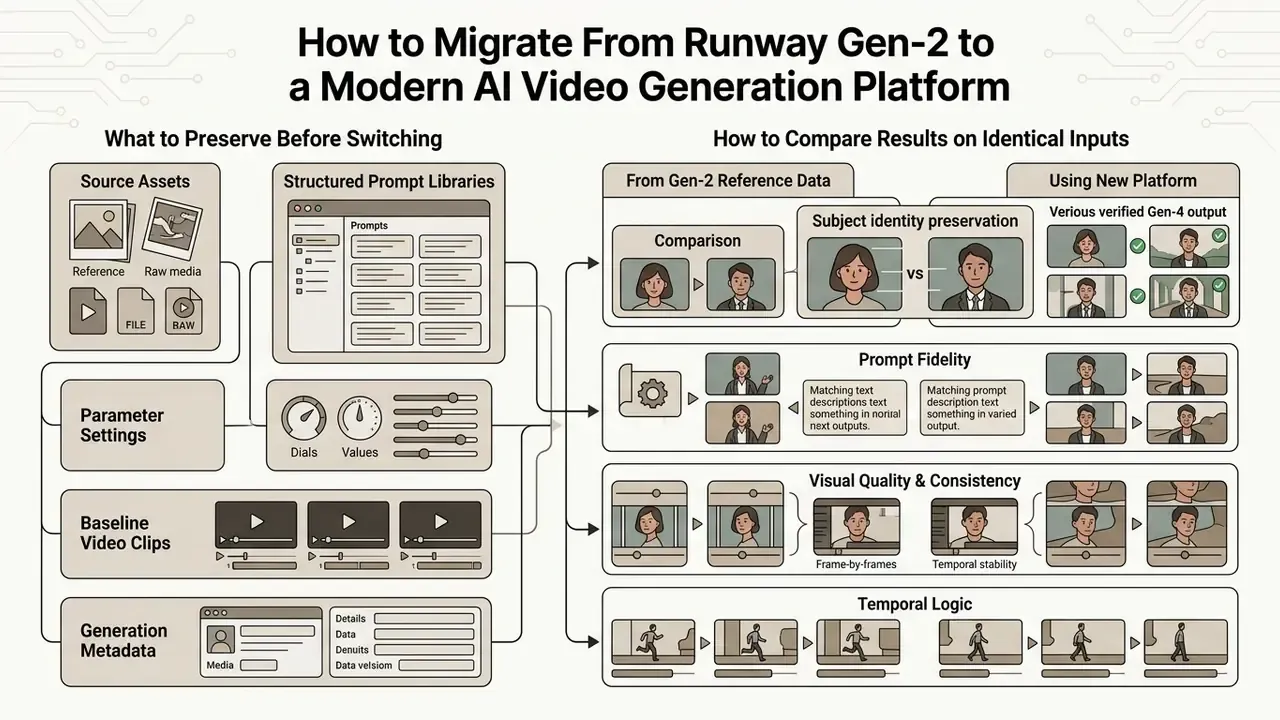
How to Migrate From Runway Gen-2 to a Modern AI Video Generation Platform
Migrating creative pipelines off legacy Gen-2 tooling onto a modern AI video generation platform requires four things: auditing existing prompt libraries, standardizing reference image parameters, updating API integration code, and running side-by-side benchmark tests on identical source assets.
In practice, a zero-downtime migration has four stages:
- Inventory.Enumerate every surface that calls Gen-2: web workflows, scheduled jobs, internal tools, and direct API clients. Requests carrying retired model identifiers now fail outright rather than degrading gracefully.
- Remap model IDs.Route calls to the documented current targets: Gen-4.5 for maximum quality, Gen-4 Turbo for fastest throughput, and Aleph 2.0 where Gen-4 Aleph was previously used. Runway's model router and the
image_to_video,text_to_video, andvideo_to_videoendpoints are the current integration points. - Move credentials and billing controls.Provision an organization, an API key, and a credit allocation; store secrets in environment variables or a managed secret store before switching any traffic.
- Shadow-run and cut over.Run both paths against the same inputs, compare on fixed metrics, then flip traffic. Budget for feature-parity gaps, most notably the absence of Motion Brush in newer models, where prompt-level motion specification replaces painted regions.
What to Preserve Before Switching
Before deprecating legacy workflows, creative engineering teams should export and archive:
Organizations refining their media asset workflows can consult an AI Media Comparison to evaluate feature coverage across suites, pick a downstream editor in our guide to video editing tools, and standardize delivery specs with a video compressor for storage and distribution efficiency.
Shadow and legacy AI detection checklist
- Search source repositories and CI configuration for the strings
gen-2,gen2, and legacy model identifiers. - Filter egress logs and API gateway records for calls to
/v1/image_to_videocarrying retired model parameters, and for traffic toapi.dev.runwayml.comfrom unregistered services. - Reconcile the SaaS expense ledger against the approved vendor list to surface individually purchased seats.
- Cross-check the model inventory against observed network traffic. Anything present in traffic but absent from the inventory is a finding.
- Record each finding with owner, business purpose, data sensitivity, and remediation date.
How to Compare Results on Identical Inputs
For an objective model evaluation, build a standardized testing harness. Submit an identical source image and a verbatim text prompt across each candidate system (Runway Gen-4.5, Kling 3.0, Seedance 2.5), generating one output per prompt and model pair so the test set stays fully controlled. Published comparative methodologies usually fix the prompt set, for example 48 prompts across four systems, or fix repetitions per condition, such as ten generations per configuration, to measure batch consistency.
Evaluate outputs across five core dimensions defined in modern benchmarks like VBench-2.0:
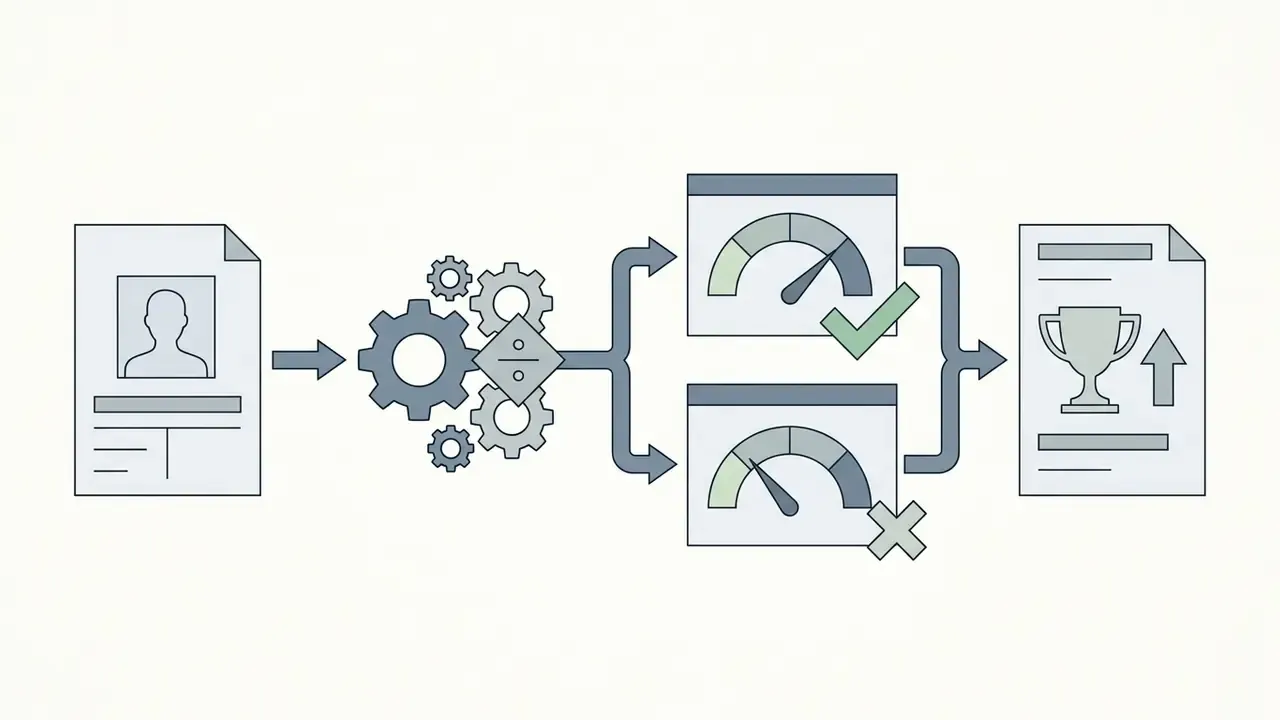

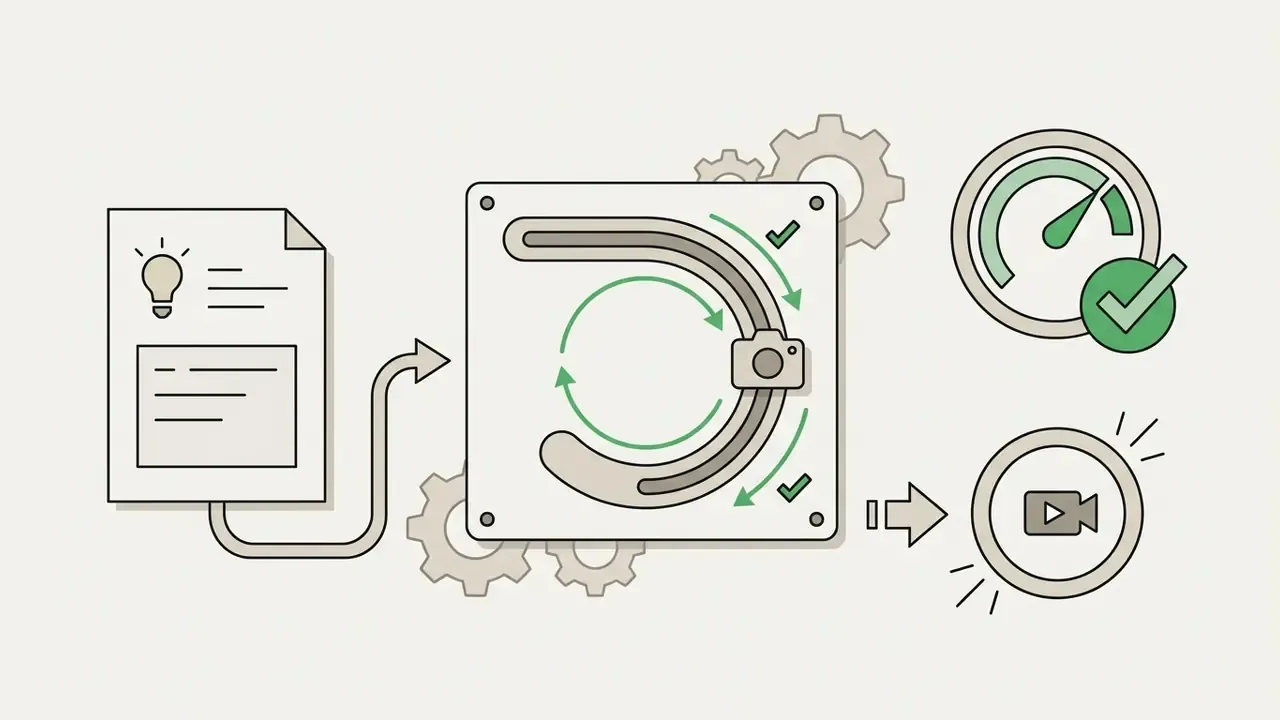

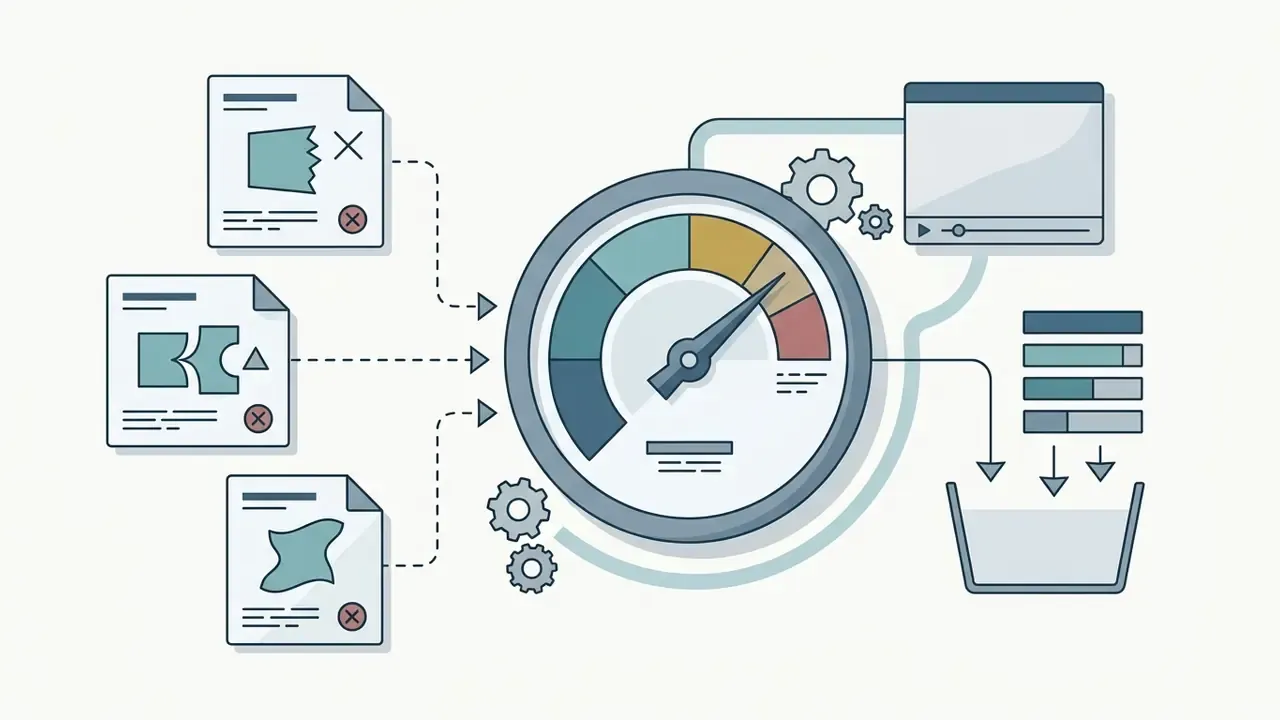
«VBench-2.0 defines five dimensions: Human Fidelity, Controllability, Creativity, Physics and Commonsense, each decomposed into concrete sub-abilities.»
Model risk management acceptance checklist for generative video
| Control area | Acceptance evidence | Pass condition (example) |
|---|---|---|
| Data lineage | Every published asset traced to an approved reference image | 100% of assets traceable |
| Structural fidelity | First-frame SSIM against the reference image | ≥ 0.80 on the internal test set |
| Temporal stability | Artifact count per 10 seconds by a fixed rubric | Below the agreed defect threshold |
| Prompt adherence | Independent reviewer confirms requested camera move and action | ≥ 90% of test clips |
| Reproducibility | Same prompt, seed, and model version reproduce comparable output | Documented and re-testable |
| Access control | SSO enforced, roles assigned, offboarding verified | No standing shared credentials |
| Audit trail | Prompt, model version, operator, timestamp logged and exportable | Complete for the sample period |
| Vendor posture | Current SOC 2 Type II and ISO 27001 scope reviewed | Within validity dates |
| Residual risk | Documented sign-off by the accountable owner | Recorded with review date |
FAQ About Runway Gen-2 Image to Video
- Type: Source list
- Description: Add the official Runway pages covering video generation, Runway models, and pricing, plus documentation for the selected alternative AI video models.
- Purpose: Raises authority and lets the reader independently verify feature availability, links, and access conditions.
Are Runway and Runway ML the Same Platform?
Yes. Runway and Runway ML refer to the same organization and the same software platform. The company was founded as Runway AI, Inc. in 2018 in New York, initially using the web domain runwayml.com. Earlier media coverage and technical documentation often called the service "RunwayML", but the official brand identity has been simplified to Runway, positioned as an applied AI research company building products on top of real-world intelligence models.
How to Find Official Access to the AI Video Generator
Official access to Runway's video generation models and developer tools runs exclusively through:
- Web application: official login via
runwayml.com. - Developer portal: API keys and management via
dev.runwayml.com. - API documentation: integration specifications at
docs.dev.runwayml.com. - Base API endpoint:
https://api.dev.runwayml.com/v1/image_to_video. Any third-party page advertising a "runway gen 2 ai video generator link" or a "runway gen 2 text to video ai tool" sits outside that list and should be treated as unverified. Developers seeking specialized API endpoints for custom software integrations can review AI Video API Alternatives or explore the hub for comprehensive technical documentation.
Is It Safe to Upload Images and Video Clips?
Uploading visual assets to Runway is covered by standard enterprise security protocols. According to Runway's official security and privacy documentation:
- Privacy by default: uploaded images, prompts, and generated video clips are set to private and are not accessible to other users unless explicitly shared.
- Data security: the platform maintains SOC 2 Type II compliance and ISO/IEC 27001:2022 certification, with data encryption in transit and at rest.
- Commercial rights: users retain ownership of uploaded content and are granted commercial usage rights to generated outputs, subject to Runway's Terms of Service and Usage Policies.
- Caveat to review: Runway's Terms of Use state that inputs and outputs may be used to train and improve AI models. Confirm the applicable opt-out or enterprise terms before uploading confidential or client-identifiable material. This information is general in nature and does not replace advice from a qualified legal or information-security professional. Businesses assessing compliant media deployment can examine guidelines for deploying a Commercial-Use AI Tool, review the commercial-use terms for AI image generators that often feed video pipelines, and consult AI Media Versus Comparisons to inform purchasing decisions.
Is There a Mobile App for Working With Runway's Video Generators?
Yes. Runway provides an official iOS application that lets users run image-to-video generations and manage projects from mobile devices, which is handy for reviewing renders away from a desktop workstation. Mobile access should still fall under the same access-control policy as the web app: device management, SSO enforcement where available, and no credential sharing.
Can a Team Collaborate on Video Clips Together?
Yes. The platform supports team workspaces. An account owner can invite editors, allocate shared generation credits, and give joint access to the archive of reference assets and finished clips, with several contributors working on the same project. For governance purposes, define role assignments before inviting members, review the member list on a fixed cadence, and confirm that departures trigger removal from the workspace.
Can I Still Use Gen-2 Anywhere?
Not through Runway's own surfaces. Some third-party sites market a "Runway AI video generator" that in practice routes requests to current Runway models, or to other engines entirely, so a "Gen-2" label on a reseller interface is not evidence that the original model is running. If output reproducibility matters, pin the model version in the API request and record it in the generation log.
What Replaces Motion Brush in Newer Models?
Runway states that newer flagship models do not include Motion Brush and rely instead on improved prompt adherence and camera controls. The practical substitute is a disciplined prompt structure, one clear subject action and one clear camera move with explicit direction and speed, combined with keyframe interpolation (Start Frame and End Frame) to constrain where the scene begins and ends.
Verified Primary Sources and Official Documentation

runway.com/research/gen-2
docs.dev.runwayml.com
help.runwayml.com
help.runwayml.com
runway.com/terms-of-use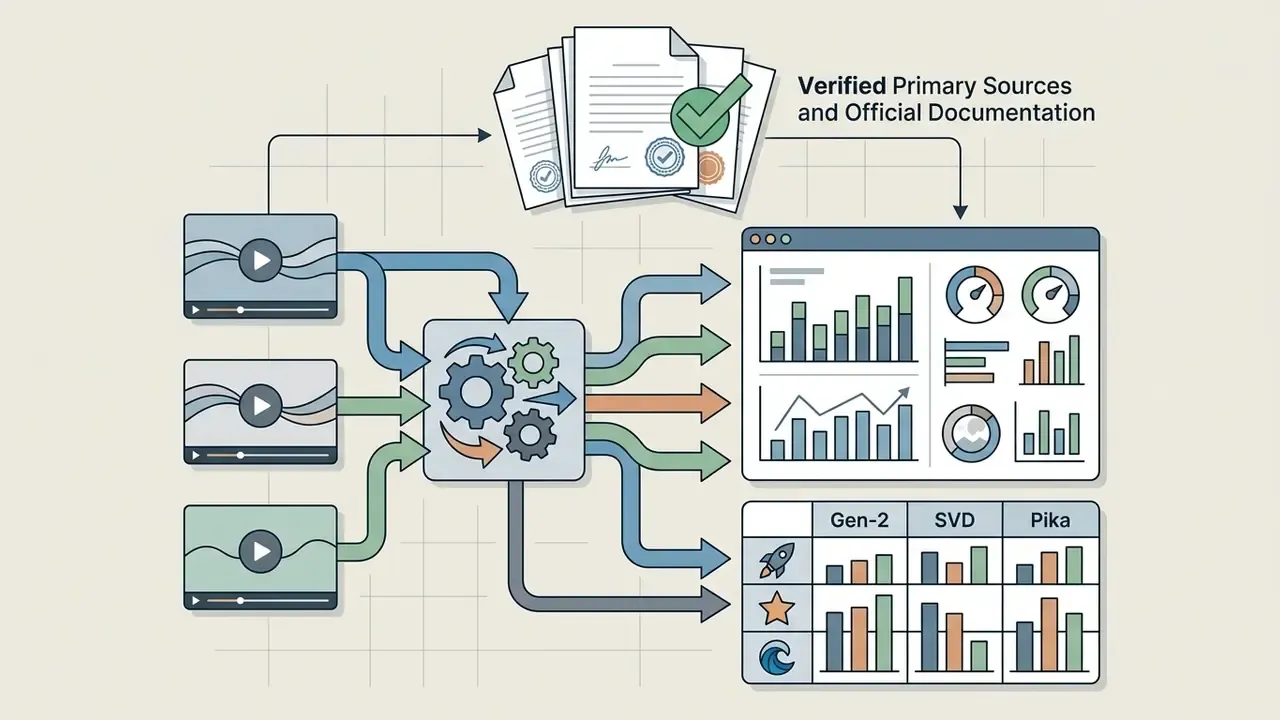

Limitations, Open Questions, and a Safe Next Step
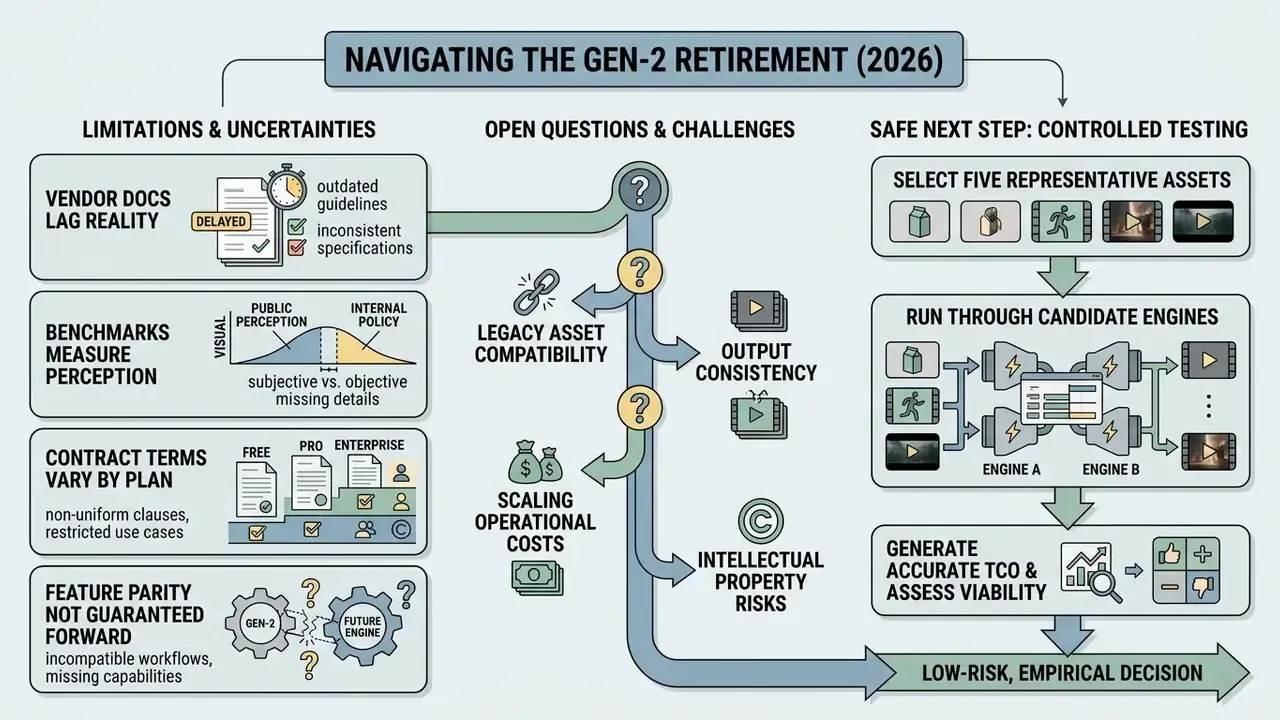
Some of this picture is still moving, and pretending otherwise would be misleading.
- Vendor documentation lags reality. Pages describing retired models still carry recent update stamps. Treat the live model selector and the API changelog as the only authoritative sources for availability.
- Benchmarks measure perception, not policy. VBench-2.0 dimensions tell you whether a clip looks right. They say nothing about whether the asset is clearable for publication in a regulated context.
- Contract terms vary by plan. Data-training opt-out, indemnity, and residency options often differ between self-serve and enterprise agreements, so public documentation is a starting point rather than a conclusion.
- Feature parity is not guaranteed forward. Motion Brush disappeared in newer flagship models. Assume any control you depend on today may be replaced, and prefer prompt-level and keyframe-level controls that survive version changes.
A low-risk next step: pick five representative assets, run them through two candidate engines under identical prompts and seeds, and produce one validation page per model using the structure above. Small test set, real evidence, no procurement commitment. If the results hold, expand the pilot; if they do not, you have learned that for the price of a few hundred credits.
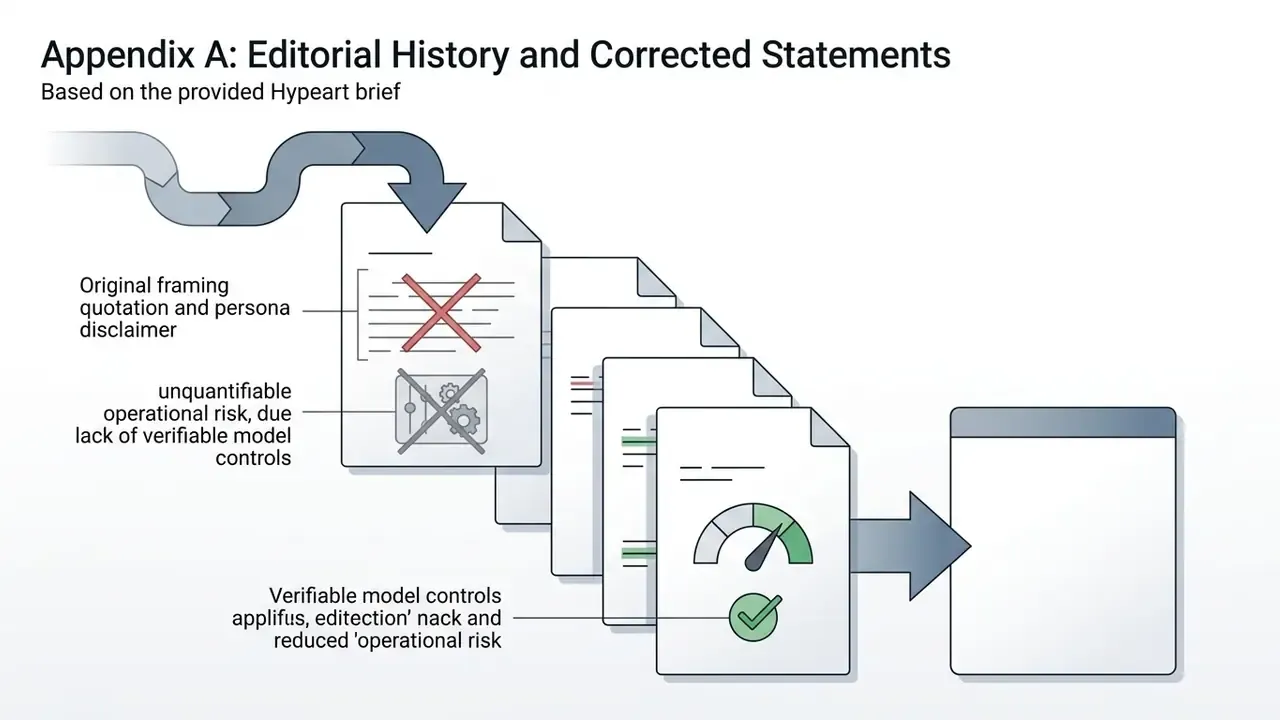
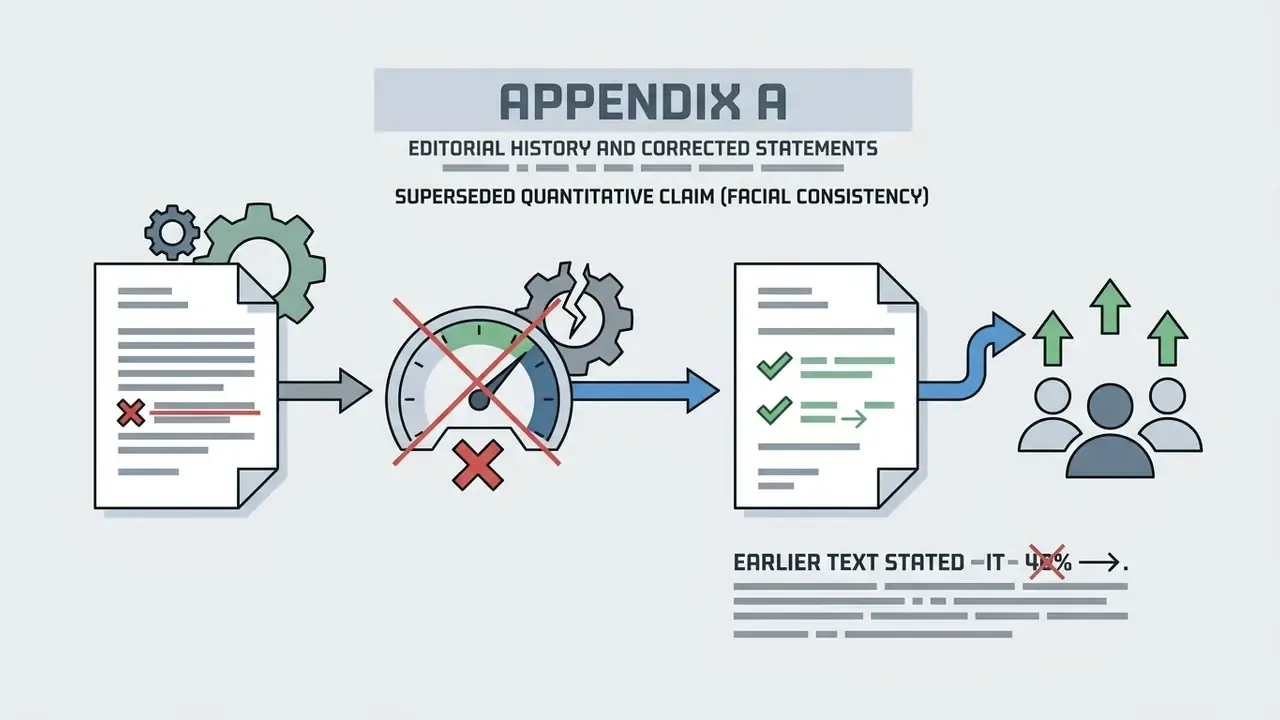
Appendix A: Editorial History and Corrected Statements
Retained for transparency, in line with our correction policy. The statements below appeared in earlier versions of this article and have been superseded in the main text.