Last updated: 2026. Reviewed for pricing, licensing and audio-engineering accuracy.
The 60-second version
- An AI producer tag is a 0.8 to 3 second synthesized audio signature generated from text by a neural TTS engine, then processed with reverb, delay, pitch shift and filters.
- Speed and cost: AI generation takes 30 to 60 seconds and costs $0 to $0.39 per tag, versus 24 to 72 hours and $15 to $50+ for a studio announcer session.
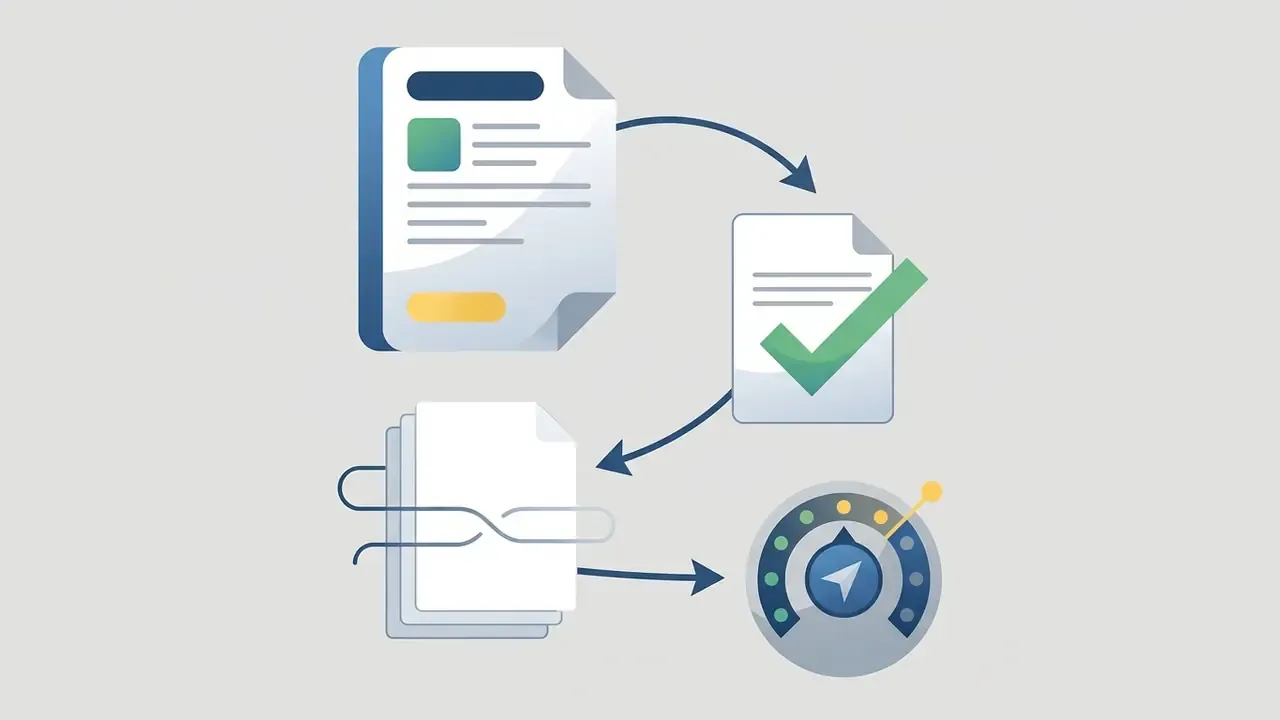
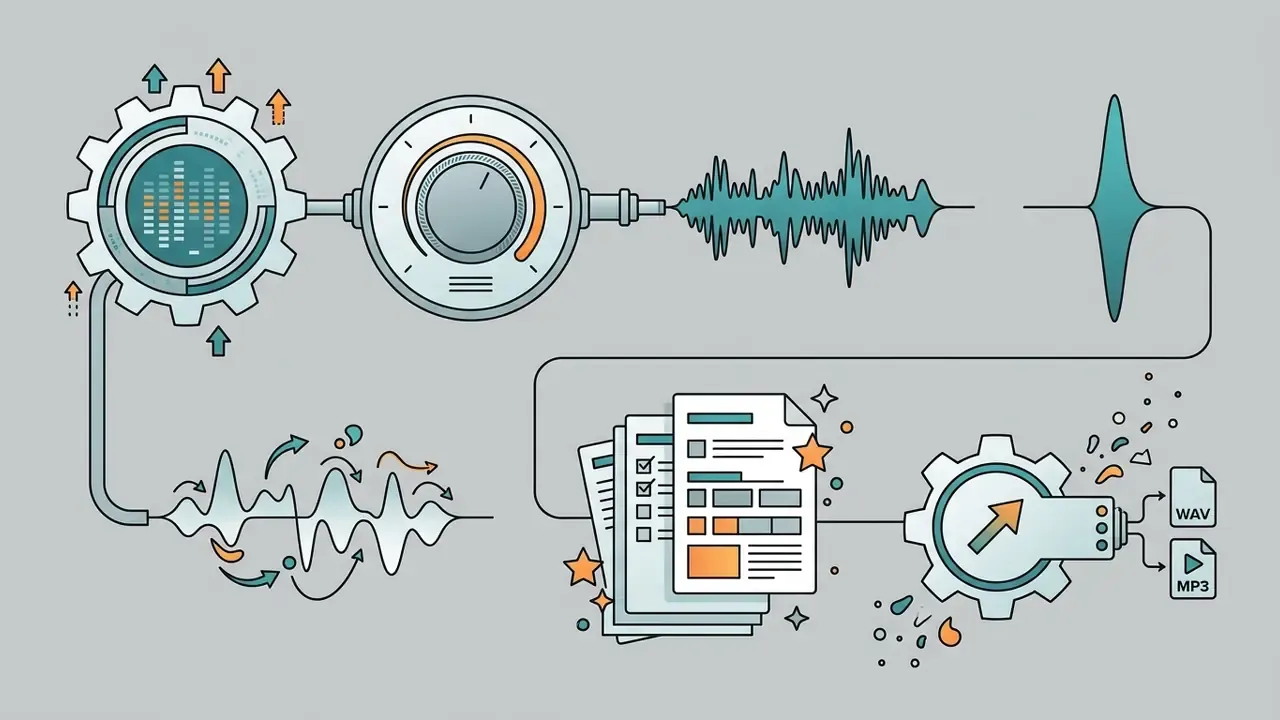
- The workflow has 4 steps: enter your producer name, pick an ai voice, apply the FX chain, then preview and export (WAV 24-bit or 32-bit float for the DAW, MP3 320 kbps for demos).
- Free tiers: typically cap you at 10 to 30 generations per day, MP3 128 kbps export and non-commercial rights; paid packs unlock lossless WAV, dry/wet stems and royalty-free commercial licensing.
- Legal reality: synthesized timbre is generally not protected by classic copyright, but unauthorized digital replicas of real people are restricted by the ELVIS Act (2024), the U.S. Copyright Office Digital Replicas Report (2024) and the EU AI Act (2026).
- Best practice: build a family of tags (Intro, Pre-Drop, Beat Switch, Watermark) instead of a single file, and keep the frequency niche between 1 kHz and 3 kHz free for the vocal.
Who gets the most out of this guide
Three groups, mostly. Beatmakers selling non-exclusive licences on marketplaces, who need a watermark that survives a preview file. Independent artists producing their own records, who want one recognisable stamp instead of six random voices. And content teams (podcasts, YouTube, DJ mixes) that need a legally clean audio signature with documentation attached.
If you only remember one thing: the tag is cheap, the licence is the expensive part.
What an AI producer tag is and why a beatmaker needs one
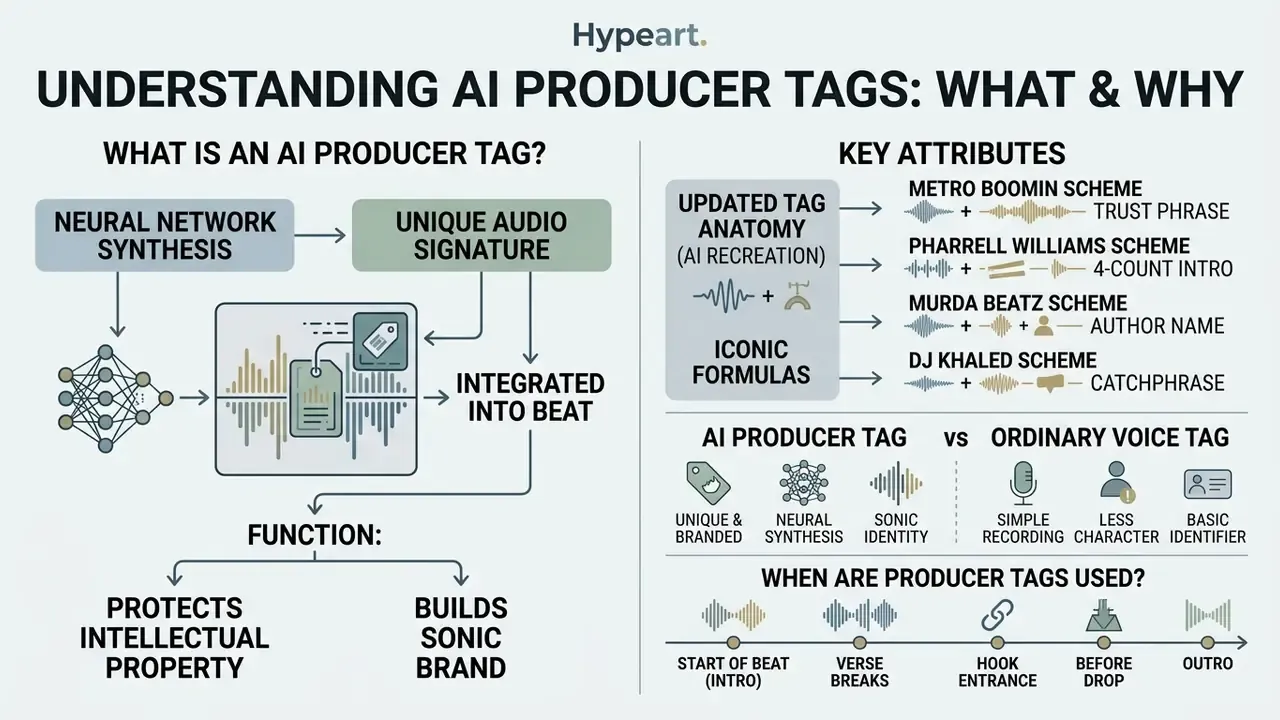
An AI producer tag is a neural-network-synthesized audio signature integrated into a beat to protect intellectual property and build the author's sonic brand. A producer tag is not merely a digital watermark. It is a core element of sonic branding that turns a stage name (producer name) into a memorable phonic brand.
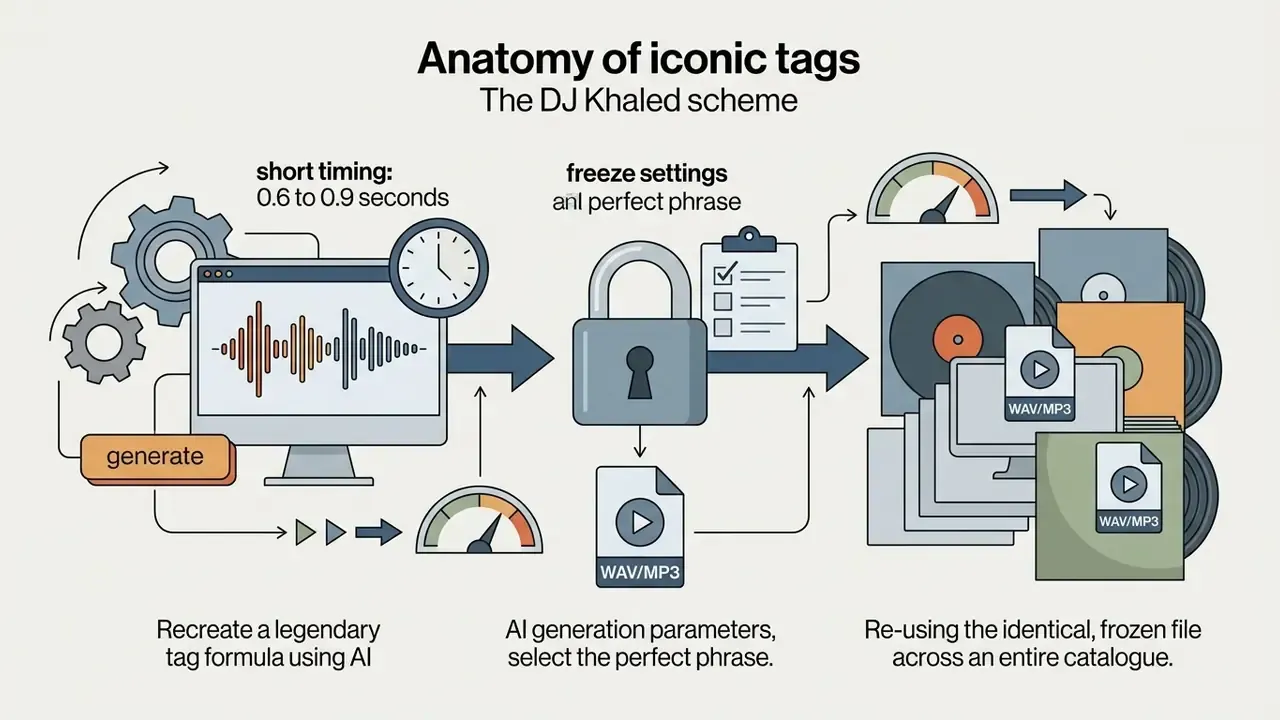
Anatomy of iconic tags: how AI recreates legendary formulas
To make an ai producer tag memorable, model it on the structures used by industry leaders. Legendary examples such as Metro Boomin's "If young Metro don't trust you…" or DJ Khaled's "We the best music!" worked because they combined a recognizable narrative hook with a fixed rhythmic position in the arrangement. Both properties are reproducible with a generator.
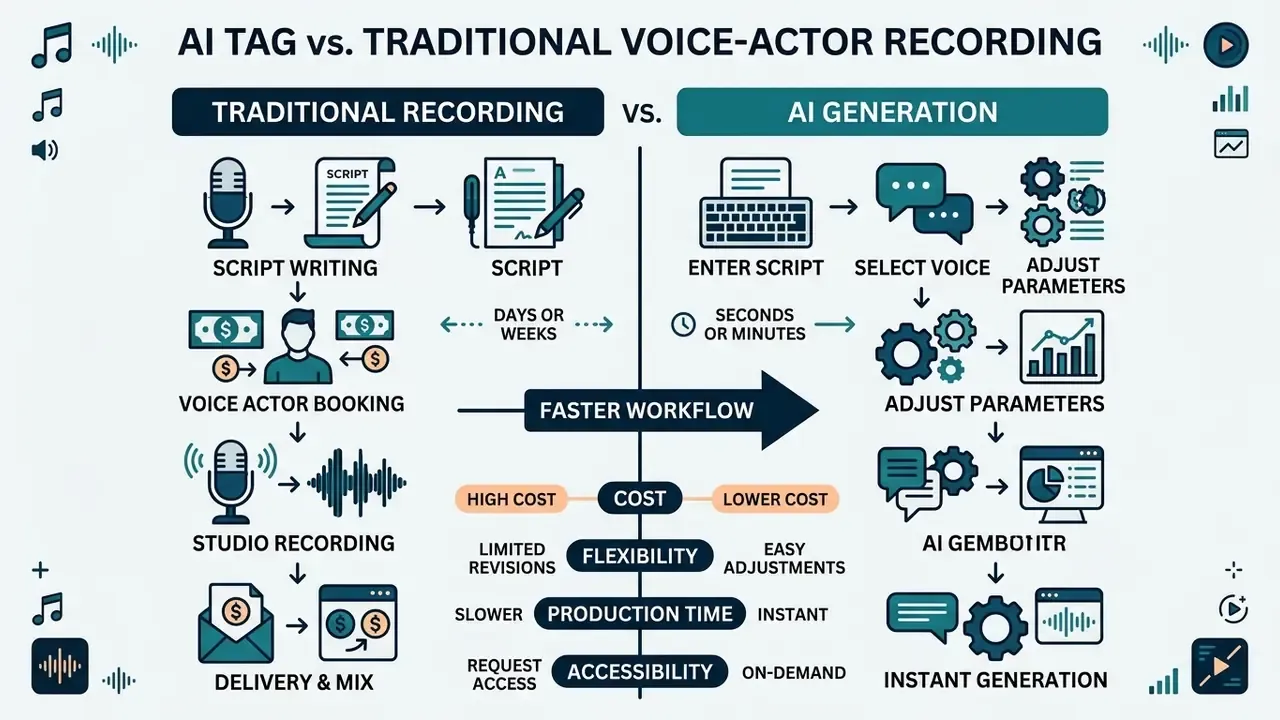
How an AI beat tag differs from an ordinary voice tag
An AI beat tag differs from a classic voice tag in production speed, minimal generation cost and unlimited flexibility in shaping the tag voice timbre. Recording a traditional tag in a studio requires finding a voice talent, agreeing terms, recording and mixing: 24 to 72 hours and $15 to $50+ for a short session. An ai beat tag generator, by contrast, delivers a mix-ready audio file in 30 to 60 seconds at minimal cost.
An ai producer tag removes the need for the beatmaker to record their own voice, offering dozens of neural models instead (male, female, robotic, whispering). A dedicated ai beat tag maker usually goes one step further and aligns the phrase to your project BPM. If you want to compare engines, voice quality tiers and licence types before committing, start with our guide to AI voice generators.
Experts still warn that a synthetic voice needs precise prosody tuning: intonation, rhythm, stress. Updated with methodology: the VoiceMOS Challenge 2023 (arXiv) brought together 10 teams from 7 countries to automatically predict Mean Opinion Score for synthesized speech, and results showed that the diversity of training data critically determines how reliably synthesis quality can be assessed. In practice this means naturalness and the absence of audible artefacts are the decisive factors for a producer tag voice to sound professional and sit organically in the mix.
Timbre choice is not cosmetic, either:
When producer tags are used in music and content
Producers deploy producer tags when publishing demo versions of beats, when selling commercial licences, and when producing content for social platforms and video hosting. Placing ai music tag generator stamps at the top of the intro or right before the drop protects demo tracks from unauthorized downloading and use in unlicensed projects.
On marketplaces, beat sales are built on file separation: the streamable preview carries a recurring tag, while the buyer of a non-exclusive or exclusive licence receives clean WAV stems. BeatStars' own help documentation confirms that voice tags on preview files are standard practice, and that producers control whether exclusive files ship untagged. Beyond beat sales, audio tags are widely used in podcasts, YouTube videos, radio shows and DJ sets. When designing complex content, authors often consult specialised knowledge hubs such as the AI Media Glossary to lock down terminology and asset formats.
Reference sound cards (audio examples)
| Reference card | Text | Voice model | FX chain | What you should hear |
|---|---|---|---|---|
| Example 1, Trap Whisper Tag | "Hype Beats On The Track" | Male whisper, close mic | Dry signal + micro-delay (18 ms), high-pass 200 Hz | Intimate, breathy, almost mono; sits in front of the 808 without masking it |
| Example 2, Robotic Sci-Fi Tag | "System Activated" | Neutral male, mid register | Vocoder + pitch shift −2 semitones, plate reverb 25% | Metallic, formant-flattened, wide stereo tail for EDM intros |
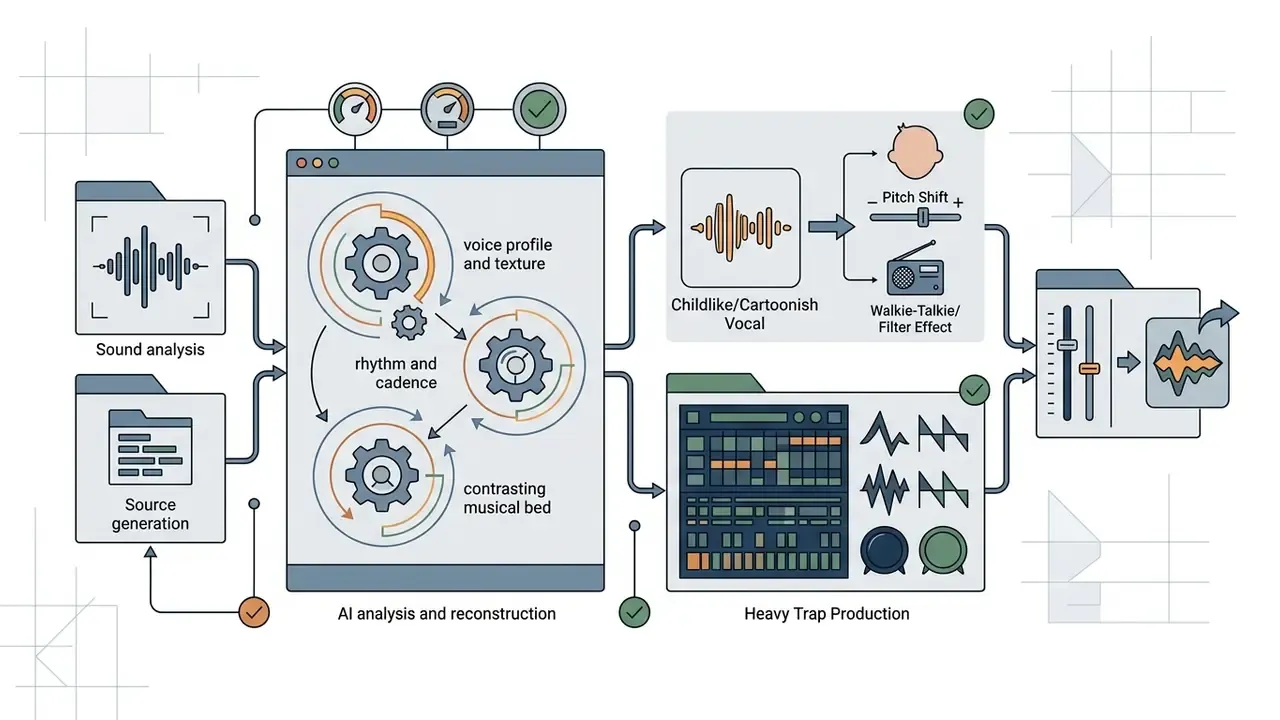
| Example 3, Kawaii Lo-Fi Tag | "[Name]-senpai!" | High female | Pitch +3, formant shift, bright plate reverb | Light, cartoonish, cuts through vinyl noise and tape saturation |
How producer tag generator AI works
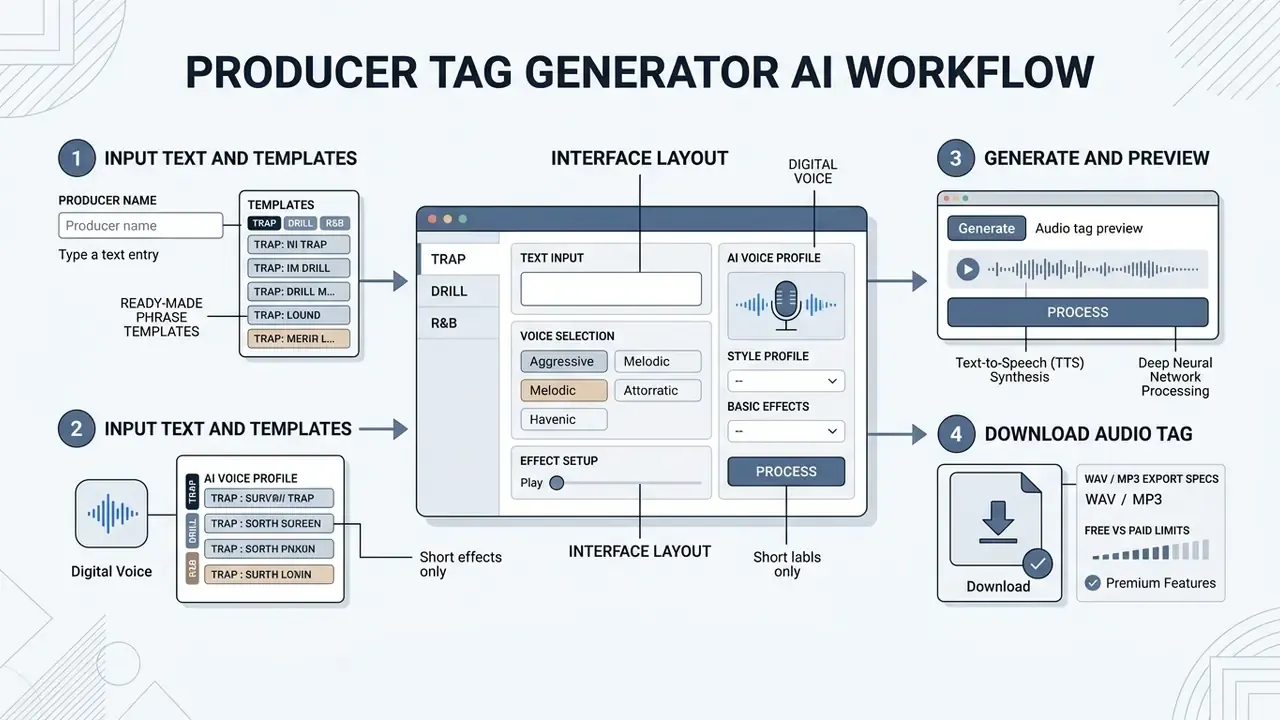
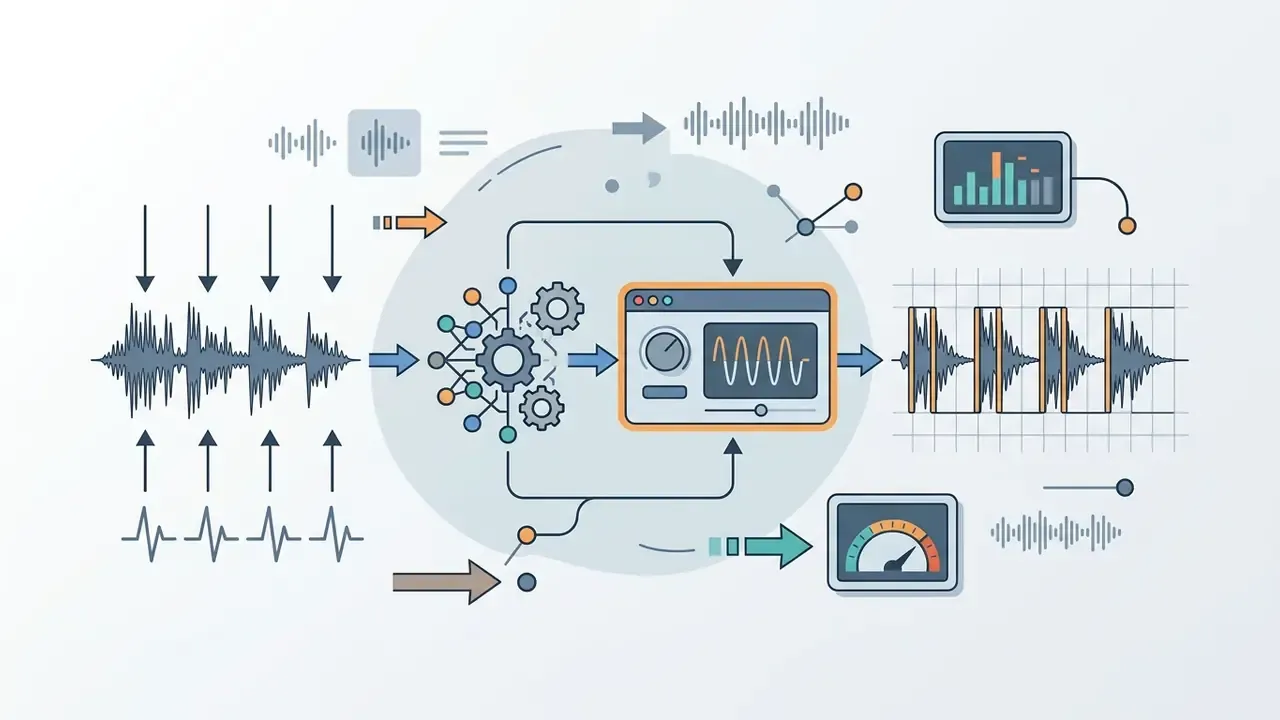
A modern producer tag generator ai operates on text-to-speech (TTS) synthesis built on deep neural networks, followed by algorithmic signal processing. To create producer tag ai, the user types a phrase, selects a voice model, tunes the audio effects and launches synthesis.
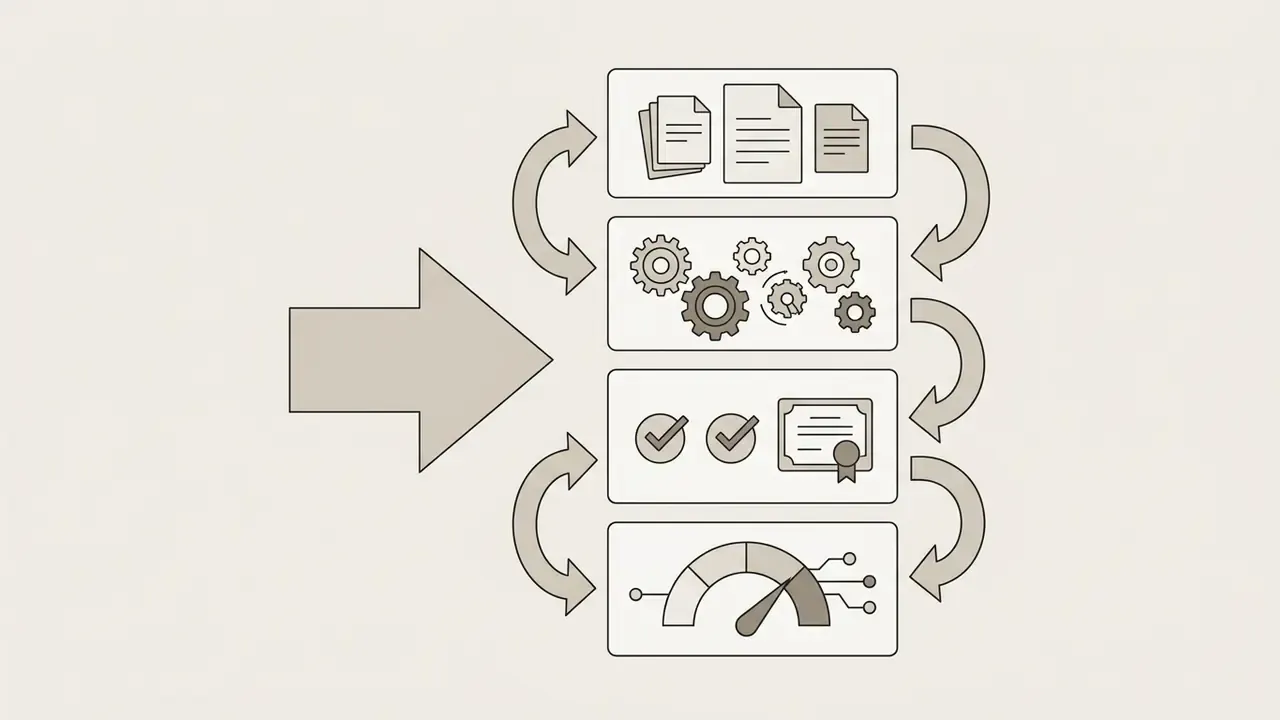
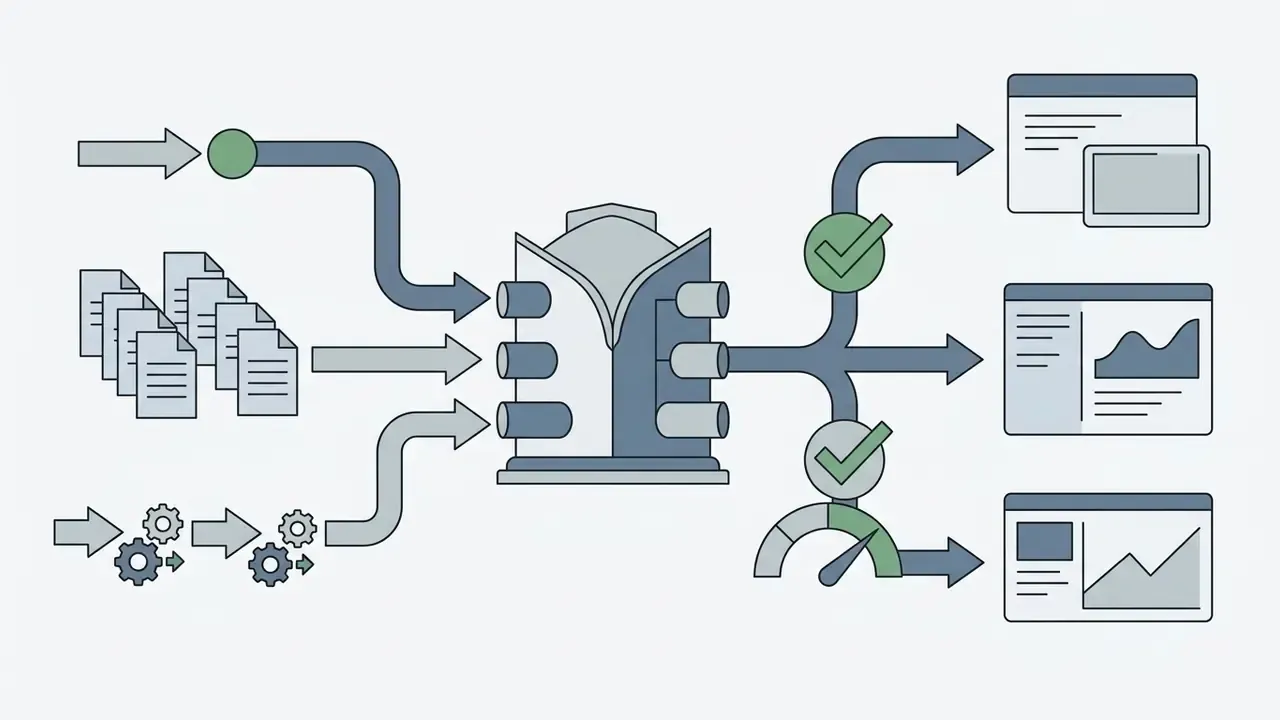
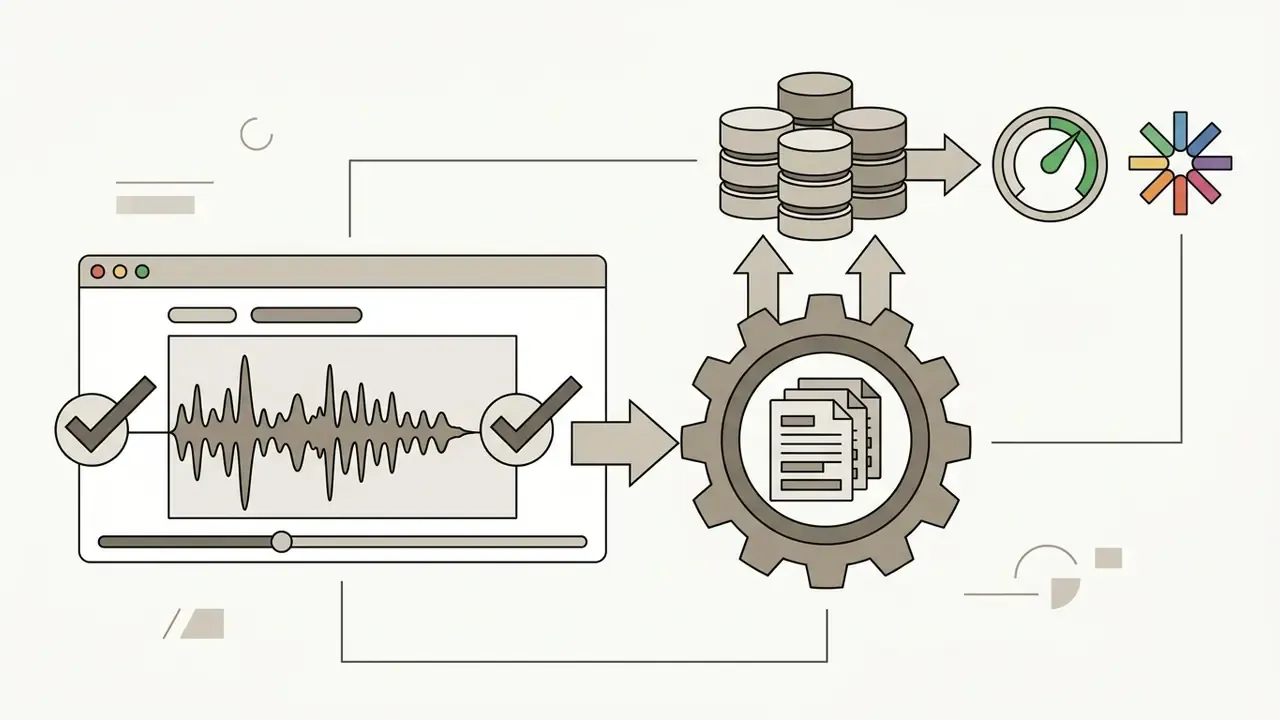
The process inside an ai producer tag creator consists of four sequential steps that carry you from idea to finished master file. Technically, an ai voice generator for producer tag takes the input characters, builds a phonemic map of the text, generates a voice spectrogram through a neural vocoder and applies spatial effects: reverb, delay, filtering. Profiled tools such as a producer tag generator ai voice let you change pitch and speech speed in one click, so the phrasing locks into the BPM grid of the future track.
Automation, however, is not a substitute for taste:
That 20% figure is the practical argument for manual post-processing. The generator gives you a clean phonetic take; the emotional weight of the tag is still created by your pitch, saturation and timing decisions in the DAW.
Enter your producer name or the text of the future tag
The foundation of a tag is the producer's stage name (producer name) or a short slang slogan. For the phrase to sound rhythmic and stick, keep the text maximally concise, 1 to 4 words (for example, "Mustard on the beat, hoe" or "808 Mafia").
When typing text into a create producer tag ai tool, account for phonetics. For unusual aliases, use a transcription or spell the word the way it should be pronounced. Updated (rephrased for accuracy): general speech-intelligibility engineering practice, reflected in national and ISO-derived acoustic standards, treats masking as a direct loss of phonetic clarity. When effect energy overlaps the consonant band, syllables stop being recognised. Practically, aim for a speech-to-background margin of roughly 10 dB at the listener's position for the tag to remain intelligible, and build the source text from crisp consonants and open vowels rather than clustered sibilants.
Ready-made phrase templates for AI generation, by genre
For a professional result, use proven phrase-construction formulas:
| Genre / Style | Phrase template (prompt) | Voice and FX settings in the AI |
|---|---|---|
| Classic Trap / Hip-Hop | Prod by [Name], Who made this? [Name]!, [Name] on the beat, hoe | Male Deep Voice, Pitch −2, Reverb 30%, sub-bass boost |
| Drill / Aggressive | [Name] went crazy on this, Warning: [Name] inside, Look what [Name] did | Whispering male, distortion/saturator, heavy stereo delay |
| Anime / Kawaii / Lo-Fi | [Name]-senpai!, Sugoi, [Name]!, Notice me, [Name] | High female pitch +3, formant shift, bright plate reverb |
| R&B / Soul / Minimal | Sounds by [Name], Just [Name], A [Name] production | Soft female breath, low-pass filter (cut at 4 kHz), long reverb decay |
| Boom Bap / Lo-Fi radio | You're listening to a [Name] exclusive, [Name] production | Dry announcer voice, telephone bandpass, vinyl noise layer −18 dB |
| EDM / Festival | [Name]!, Turn it up, [Name], Let's go | Vocoder / ring modulator, wide stereo widening, 1/8 ping-pong delay |
Interface layout: what a generator screen usually offers
Most services expose the same control set, only the labels move around. Here is the typical panel, described as text rather than a screenshot, with sensible defaults for a trap tag:
| Control | Options you will see | Practical default |
|---|---|---|
| Tag text | Free field, often capped at 30 to 200 characters | Prod by [Name], up to 4 words |
| AI voice | Deep Male, Neutral Male, High Female, Whisper, Robotic | Deep Male |
| Accent | US Southern, British, New York, Jamaican and similar | US Southern |
| Language and emotion | Language list plus delivery presets (Hype, Calm, Angry) | English + Hype |
| Duration | Short 1 to 2 s, Medium 3 to 4 s, Long 5 to 8 s | Short |
| Pitch | −12 to +12 semitones | −2 semitones |
| Speed | 0.5x to 1.5x | 0.95x |
| FX | Reverb, Delay, Vocoder, Stutter, Telephone, Distortion | Reverb 30% + Delay 1/8 |
| Export | WAV 24-bit, WAV 32-bit float, MP3 320 | WAV 24-bit, dry and wet stems |
Choose an AI voice, style and effects
After entering the text, the user selects a suitable ai voice neural model and defines the character of the tag voice. Timbre choice directly shapes how listeners read the producer's style: a sultry female voice signals sensuality and glamour, while a deep bass male voice underlines trap aggression.
Modern synthesis systems expose granular control over audio spatial processing. The standard built-in effects are:
- Pitch Shift: moving the tonality up ("chipmunk" effect) or down ("chopped and screwed" effect).
- Reverb & Delay: creating spatial echo and decaying repeats so the tag integrates into the mix.
- Telephonic / Radio Filter: cutting highs and lows to imitate a walkie-talkie or vintage radio receiver.
- Vocoder / Ring Modulator: giving the voice a robotic, metallic character.
- Stutter / Granular: slicing the first syllable into 1/16 repeats, the classic four-count intro trick.
When mixing complex media projects, producers also benefit from cross-referencing the AI Media Comparison Matrices to select the right software processing tools. If you want to model the cost of a full asset line before you buy credits, the AI Media Calculators are the faster route.
Generate, preview and download the audio tag
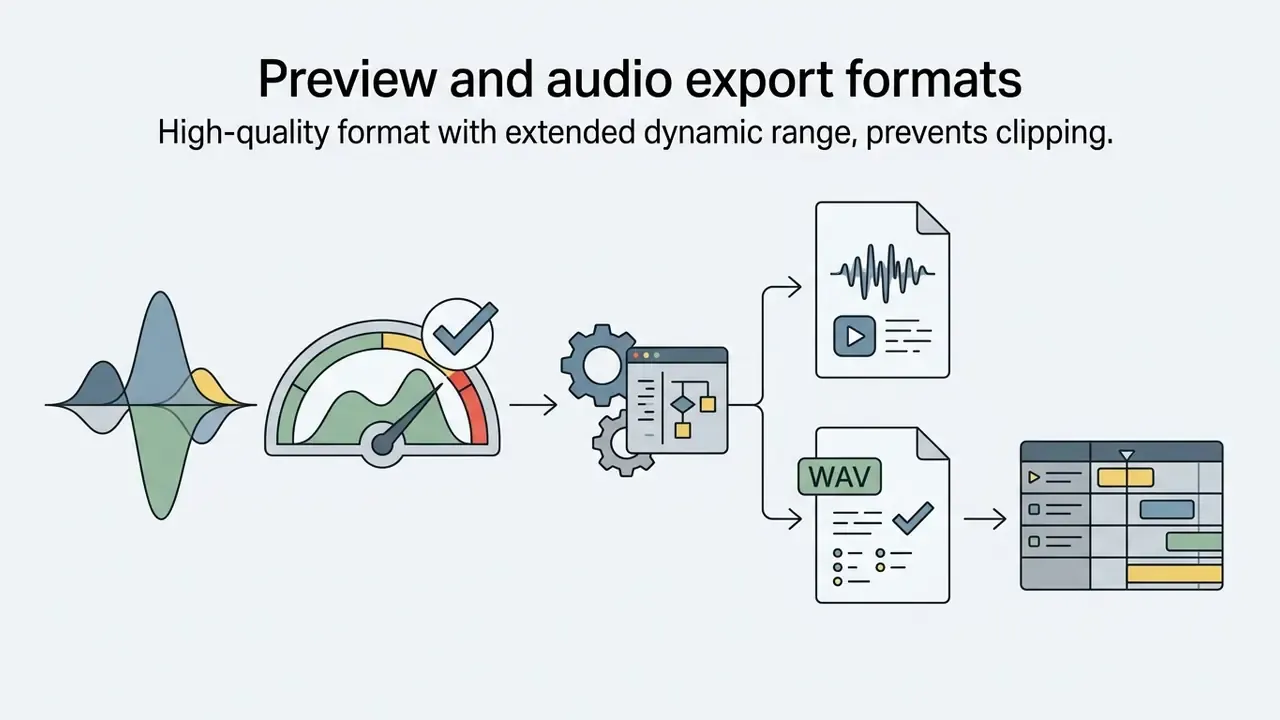
At the final stage the user presses generate, and the algorithm renders a ready audio fragment for preview in 2 to 5 seconds. The preview module lets you judge tag legibility and correct the effect settings before credits are spent or the file is exported.
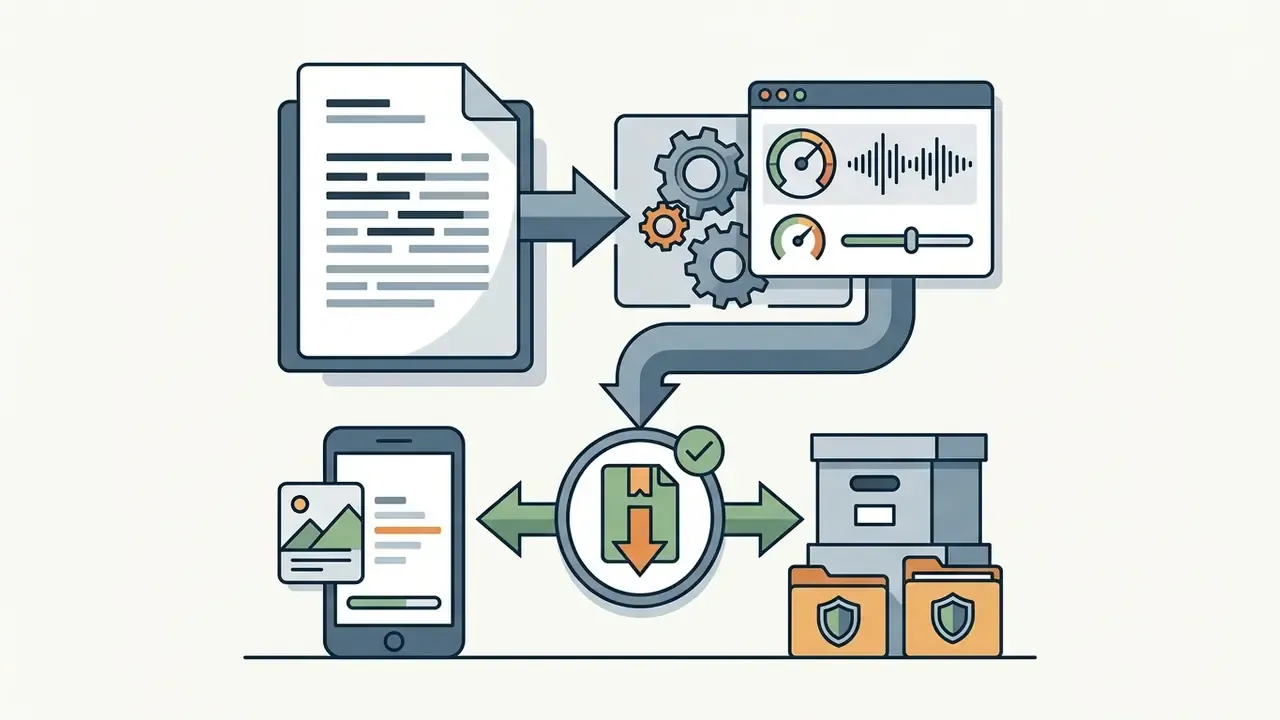
Once approved, the file downloads in high quality. The professional standard for subsequent mixing in a DAW (FL Studio, Ableton Live, Logic Pro) is WAV export at 24-bit and 44.1 kHz or 48 kHz, without hard dynamic compression, keeping the dry and wet signal un-normalized. For quick review or demo publication, MP3 320 kbps is also available.
- Text input: type your alias (producer name) or a short phrase, 1 to 3 words.
- Voice selection: choose the base ai voice model (timbre, language, accent).
- Effect setup: set pitch, spatial processing (reverb/delay) and filters.
- Generation and export: press generate, evaluate the preview and download the WAV or MP3 file.
If a render arrives clipped or silent, the fix is nearly always the export setting rather than the model. Our AI Media Support and Troubleshooting notes cover the recurring cases.
What matters in an AI producer tag maker
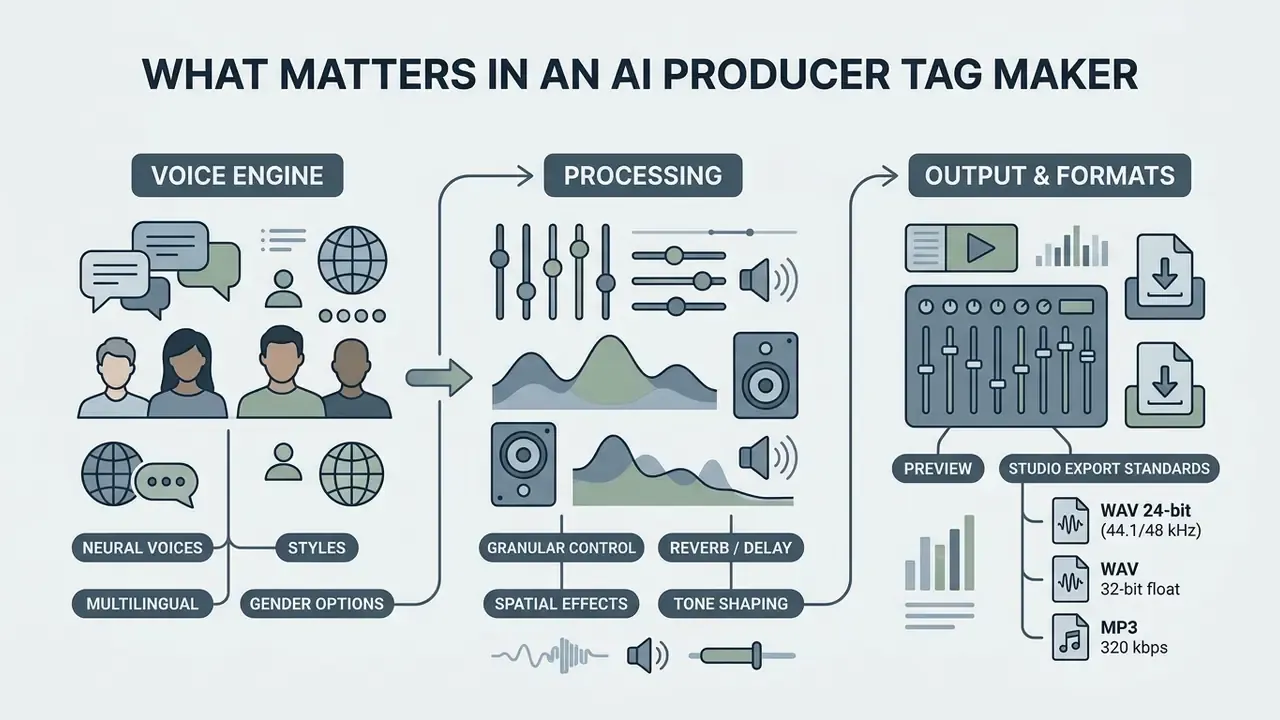
A quality ai producer tag maker needs a broad library of neural voices, granular spatial-processing controllers and support for studio export standards. Choosing a specialised platform such as an ai producer tag voice generator comes down to how precisely the tool lets you adapt prosody and phonics to a specific genre.
For a producer, control over micro-variation is decisive. General-purpose tools (ordinary TTS generators) often deliver flat announcer reading, whereas a specialised ai tag maker ships with presets optimised for musical stingers, drops and intros. Updated (attribution corrected): the blind test by Stephen Arnold Music & SoundOut (2024) showed that human compositions outperform AI on emotional accuracy (78% vs 74% appeal), which underlines how important manual refinement of AI tags remains. Professional tools for audio processing are what let you shape a recognisable timbral fingerprint, but the emotional payload is still finished by hand.
Voices, styles and language variants of the tag voice
A wide selection of ai voice models and tag ai voice accents lets a producer experiment with image without hiring vocalists. In 2025 and 2026, leading platforms offered anywhere from 20 to 100+ neural voice variations spanning age groups, languages and stylistic deliveries, from relaxed "chill" to shouted "hype".
Accent control is a critical part of building a phonic identity. English with a Jamaican, British or New York accent gives the tag a distinct subcultural flavour. In latest-generation synthesis systems (Google Cloud TTS, ElevenLabs) accents are triggered through style prompts independently of the base text language. Google's documentation cites 30 prebuilt voices, 70+ language and regional options and 200+ audio tags, which dramatically expands the variability of producer tags.
In other words, prosody is not decoration: the alignment between delivery and context is what converts a synthetic voice into a brand asset. Producers building a full identity, sonic plus visual, often pair voice work with AI logo generators to keep the audio and graphic signature consistent.
Effect setup and sound control
Precise parametric control of the signal inside an ai producer tag includes local tempo management (time-stretching), envelope accentuation and harmonic distortion. Applying a vocoder or vintage-radio filters instantly separates the producer tag voice from the lead vocal in a track. A well-built producer tag ai maker also stores your parameter set, so the second release does not drift away from the first.
For studio-grade results it is essential to be able to download the dry signal, without effects, in parallel with the processed wet version. This lets the mixing engineer automate reverb and panning directly in the DAW. Note that Ableton's own stem-export guidance recommends rendering with Normalize and Convert-to-Mono switched off and using 32-bit depth. The same discipline applies to tag stems.
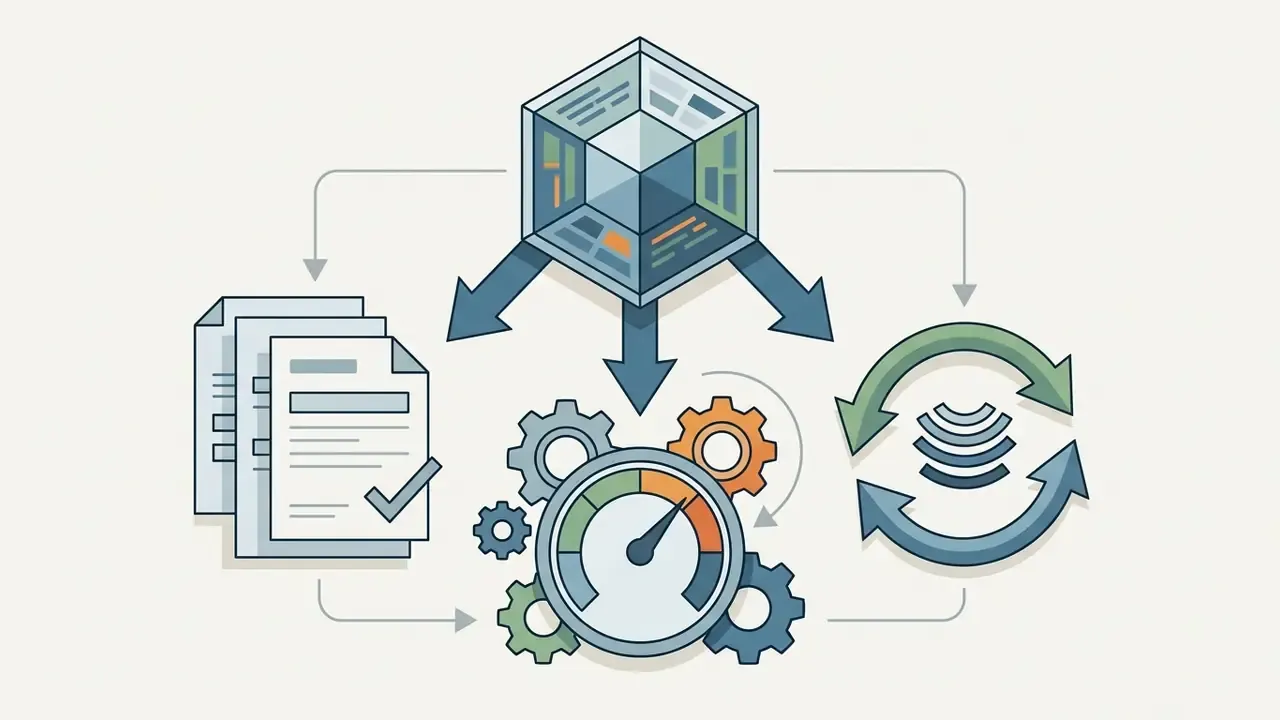
Protection technology is evolving in parallel with generation:
When preparing complex processing scenarios, content authors regularly consult specialised databases, turning to the AI Media Commercial-Use Hub to evaluate legal and technical standards. Studios automating batch renders across a catalogue will also want the AI Media API Guides, since manual generation stops scaling around the fiftieth beat.
Preview and audio export formats
The preview module in a producer tag generator must play back instantly, without latency or quality loss. Inter-buffer clipping in some services can distort signal perception, so quality platforms render previews at no less than a 44.1 kHz sample rate.
Industry export standards are strict:
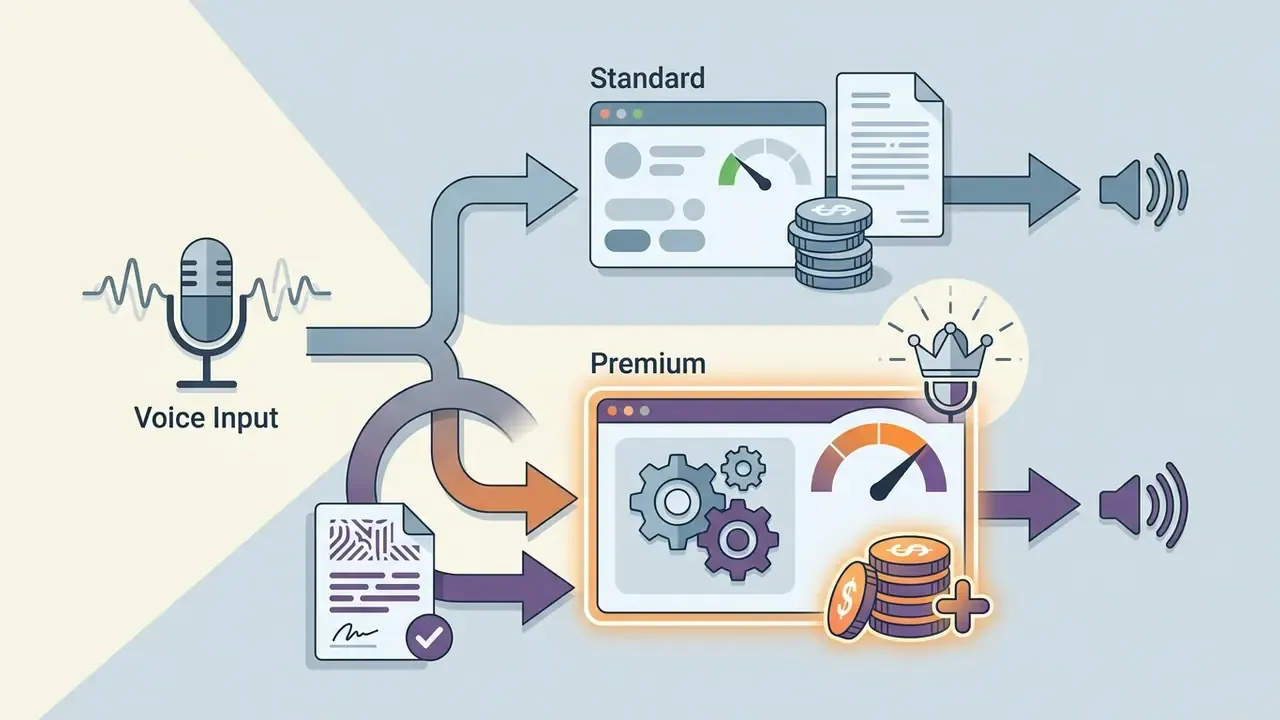
| Parameter / Feature | Free tier | Premium tier (Pro / Paid) | Value for the beatmaker |
|---|---|---|---|
| AI voice selection | Basic set (1 to 5 standard models) | Extended set (50+ Pro models, accents) | Keeps your brand off generic templates |
| Audio export format | MP3 (128 to 192 kbps) | Lossless WAV (24-bit or 32-bit float) | Critical for studio mixing in a DAW |
| Commercial licence | Personal / demo use | Full commercial royalty-free rights | Required to sell beats on BeatStars |
| Effect controls (FX) | Basic reverb / delay | Full controller: pitch, vocoder, stutter | Lets you fit the tag into a dense mix |
| Dry / Wet handling | Compressed wet signal only | Separate dry and wet stems | Full freedom during mastering |
| Voice cloning | Usually unavailable | Custom voice model from your own sample | Maximum legal safety and uniqueness |
Free AI producer tag generator: what you get and where the limits are
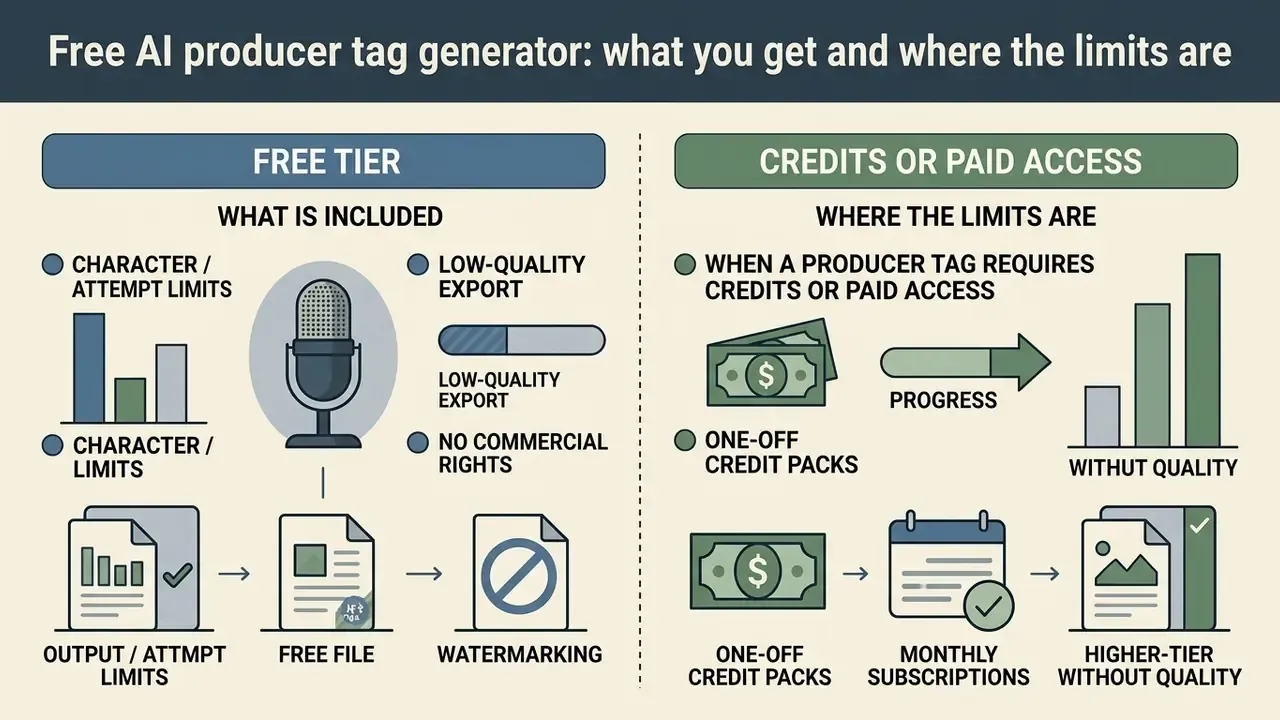
Users can access an ai producer tag generator free as a trial tier or a basic free allowance, but such plans carry technical and commercial restrictions. Understanding the terms on which a free ai producer tag generator is offered helps you identify the moment you need paid credit packs.
In most cases a producer tag generator ai free is meant for testing functionality: checking how the network pronounces a specific alias and judging the quality of built-in effects. For commercial releases, services usually require a paid subscription or a one-off credit pack that lifts restrictions on rights and export.
What is included in a free producer tag generator
The free tier of an ai producer tag maker free normally includes a limited number of daily generations, from 3 to 30 attempts, and access to a standard set of synthetic voices without deep prosody control.
Key characteristics of free use in an ai producer tag voice generator free:
- Character or attempt limitscaps of 30 to 50 characters per request, or a fixed daily allowance (for example, 10 generations per day for guests and 30 per day for registered free accounts on TagMyBeat).
- Low-quality exportdownloads restricted to MP3 at 128 kbps.
- No commercial rightsgenerated tags may be used only in non-commercial demos or personal podcasts.
- WatermarkingUpdated. In some cases a service overlays an audible watermark on the background of a free-generated file, or restricts the free tier to a single voice model. Note that policies diverge here: SpeechGen states its free tier carries no watermark and grants the first 1,000 characters free, while other tools use daily caps instead of watermarks. Always check the specific service before you build a brand on a free file.
When a producer tag requires credits or paid access
Buying premium access or credit packs in free producer tag generators becomes necessary once a producer moves into commercial distribution. Paid access unlocks 24-bit WAV export, provides separate dry and wet audio tracks and removes limits on the number of variations. Even a free producer account can carry you through the testing phase; it rarely survives the first paid licence.
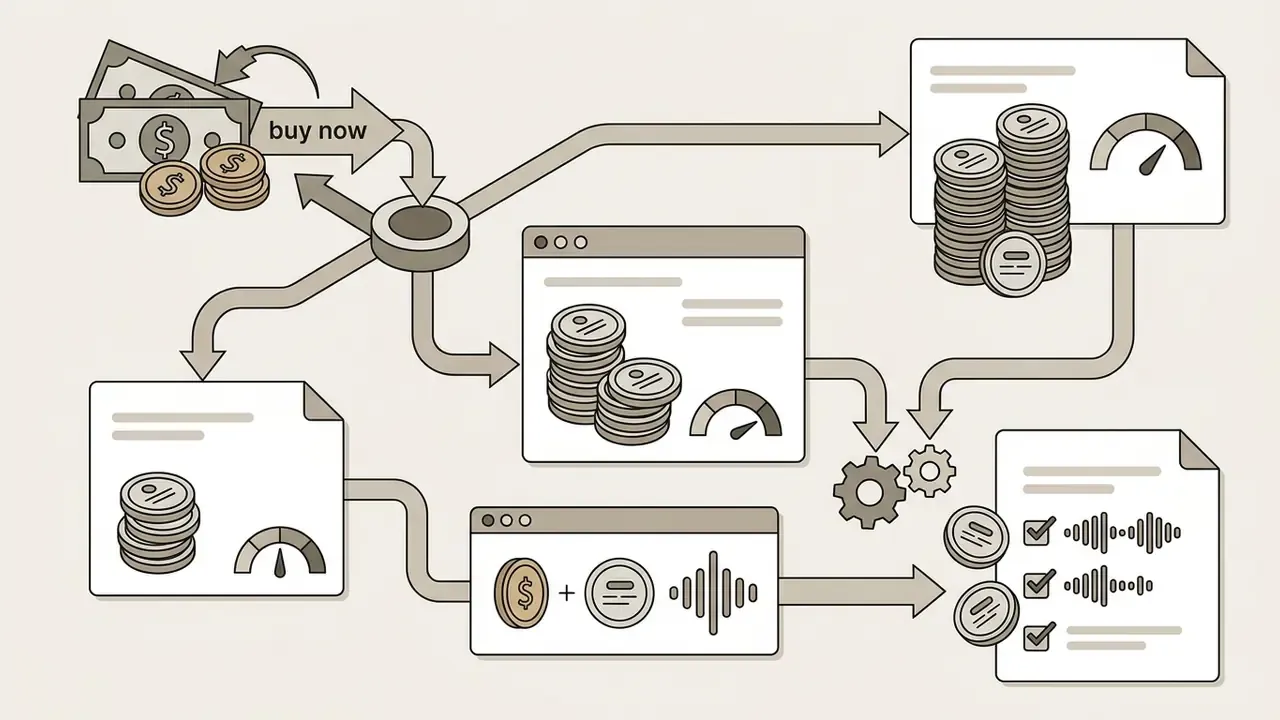
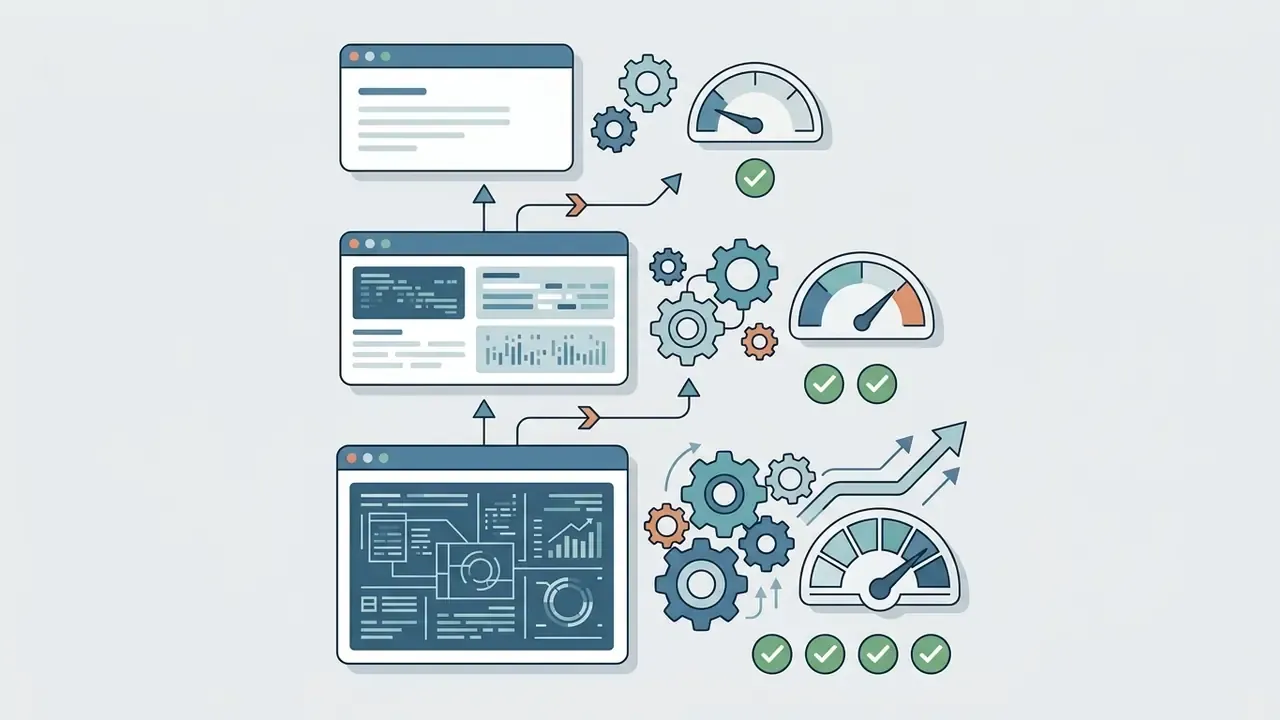
The financial models of audio-tag generation services in 2026 fall into three categories:
E-E-A-T Fact Check: verification of service terms for 2026
Can you use AI producer tags in commercial music?
A generated ai producer tag may be used in commercial music sold on marketplaces or published on streaming services such as Spotify and Apple Music, but only if you hold the corresponding commercial licence from the AI platform's developer. Possessing the file does not automatically grant rights to commercially exploit the synthesized voice.
The legal cleanliness of producer tags is defined by the service's end-user licence agreement (EULA). The principal legal risk of 2025 and 2026 relates not to mixing but to potential infringement of publicity and personality rights of real people, if the neural model was trained on protected voice data without written consent from the rights holder.
Rights to generated audio and the producer tag voice
Rights to generated audio and a synthesized producer tag voice depend on the data the ai voice model was trained on. According to reports from the U.S. Copyright Office (Digital Replicas Report, 2024), voice timbre by itself is not protected by classic copyright. Creating digital replicas of real people without permission, however, carries civil and criminal liability.
If a platform provides its own original voice library and the agreement explicitly states "Royalty-Free Commercial Use," the producer may monetise tracks carrying that tag. If the tool relies on cloned voices of known artists or public figures, publishing such a track to streaming will trigger immediate takedown on a complaint from the distributor or rights holder. Spotify's 2025 AI protections permit vocal impersonation only where the impersonated artist has authorized it; Apple Music has no separate public AI policy and enforces compliance through distributor rights clearance.
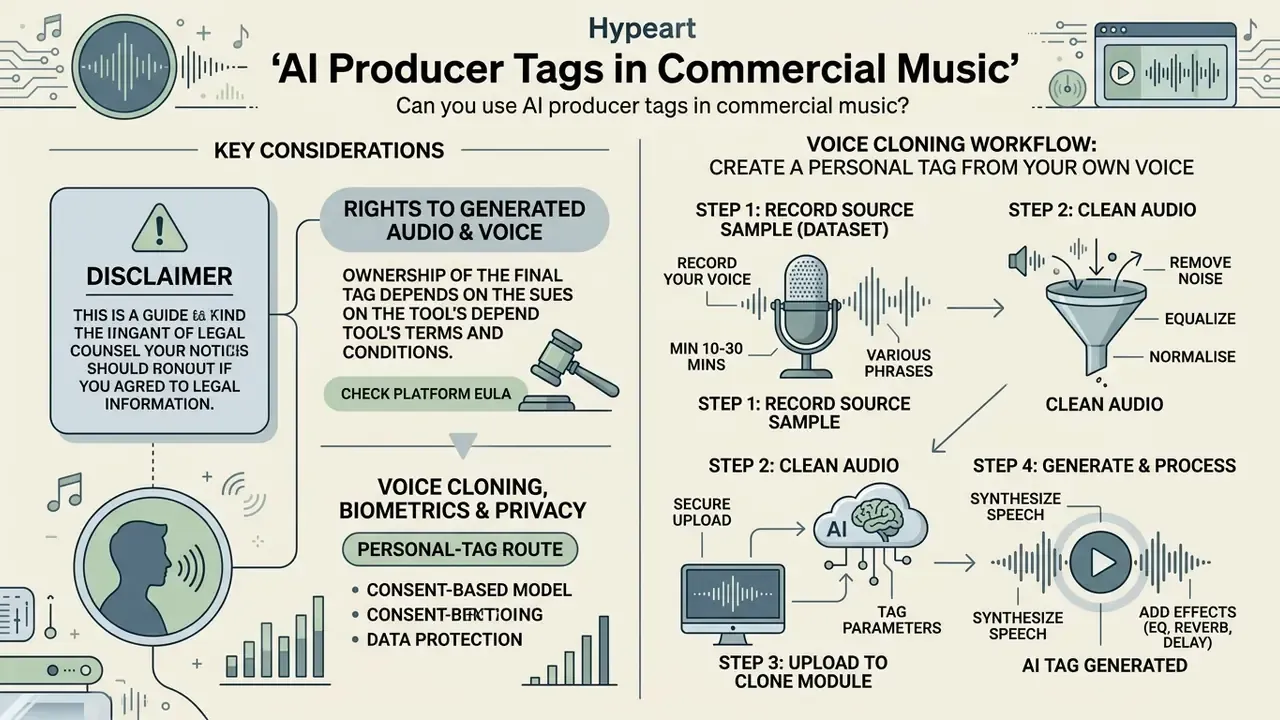
Voice cloning, biometrics and privacy: the personal-tag route
Cloning your own voice is the cleanest legal path to a unique tag. It is also the point where data-protection questions appear, which is why it belongs in the legal section rather than a footnote.
Instruction: how to create an AI tag from your own voice in 4 steps
If you would rather not use stock neural models, build your own digital clone (Custom Voice Model):
- Record the source sample (dataset)capture 30 to 60 seconds of your speech on any studio or condenser microphone. Say 5 to 10 variants of your alias with different intonation: whisper, shout, plain delivery.
- Clean the audioremove background noise and room reflections with a noise gate; record at a distance of 10 to 15 cm off-axis to avoid plosives and flutter echo. Save the file as WAV 24-bit / 44.1 kHz (mono).
- Upload to the Voice Clone moduleload the sample into the generator (for example, TagMyBeat, ElevenLabs or Inworld AI), name the voice, add style tags, select the Clean Speech category and start model training, usually 1 to 2 minutes.
- Generate and processtype any new text and the network will speak it in your timbre. Apply pitch shift and reverb to reach a studio-grade sound.
Using your own voice model through an ai voice generator for producer tag gives you strong legal footing, because the rights to the source voice belong to you. It also lets you generate unlimited new phrases and slogans in your individual timbre without booking studio time.
Privacy caveat. A voice sample is biometric data. Before uploading, check the service's Privacy Policy and Data Retention terms: whether samples are used to train shared models, how long they are stored, and whether you can request deletion. U.S. regulators frame the issue the same way. The FTC's voice-cloning work identifies three control points (prevention and authentication, real-time detection, post-use evaluation), while the FCC's 2024 declaratory ruling classifies AI-generated voices as "artificial or prerecorded" under the TCPA. For enterprise or label workflows, prefer vendors offering on-request deletion and no-training-on-customer-data clauses.
Watermarking your cloned output is not a universal shield, either:
What to check before releasing a beat or music content
Before embedding the tag into a final mix and putting the beat on sale, the producer should run a combined legal and technical check.
EULA and commercial-rights checklist:
- Confirm the commercial licencemake sure your plan on the generator platform includes distribution rights (Commercial Redistribution Rights). For a broader view of licence wording across generative tools, see our breakdown of the commercial use of AI tools.
- No cloning of real peopleverify that the chosen ai voice model is not an unauthorized clone of an existing performer or announcer.
- No mandatory royalties (royalty-free)confirm the terms do not require percentage royalties on music sales, that is, no recurring royalty obligation.
- Compliance with distributor rulesensure the audio file does not violate platform policy. Spotify's rules for 2025 and 2026, for example, strictly prohibit unauthorized vocal impersonation.
- Machine-readable AI disclosureunder Article 50 of the EU AI Act, providers must mark AI-generated or manipulated content in a machine-readable, detectable form. Check whether your service embeds such metadata (for example, C2PA Content Credentials) and whether your contract forbids stripping it.
- Keep supporting documentsstore payment receipts and screenshots of the service's licence terms as of the generation date, to present to digital distributors in case of dispute.
For dispute resolution or analysis of judicial precedent in AI content, producers are advised to study the materials in AI Litigation and Case Timelines.
How to choose an AI voice for your producer tag
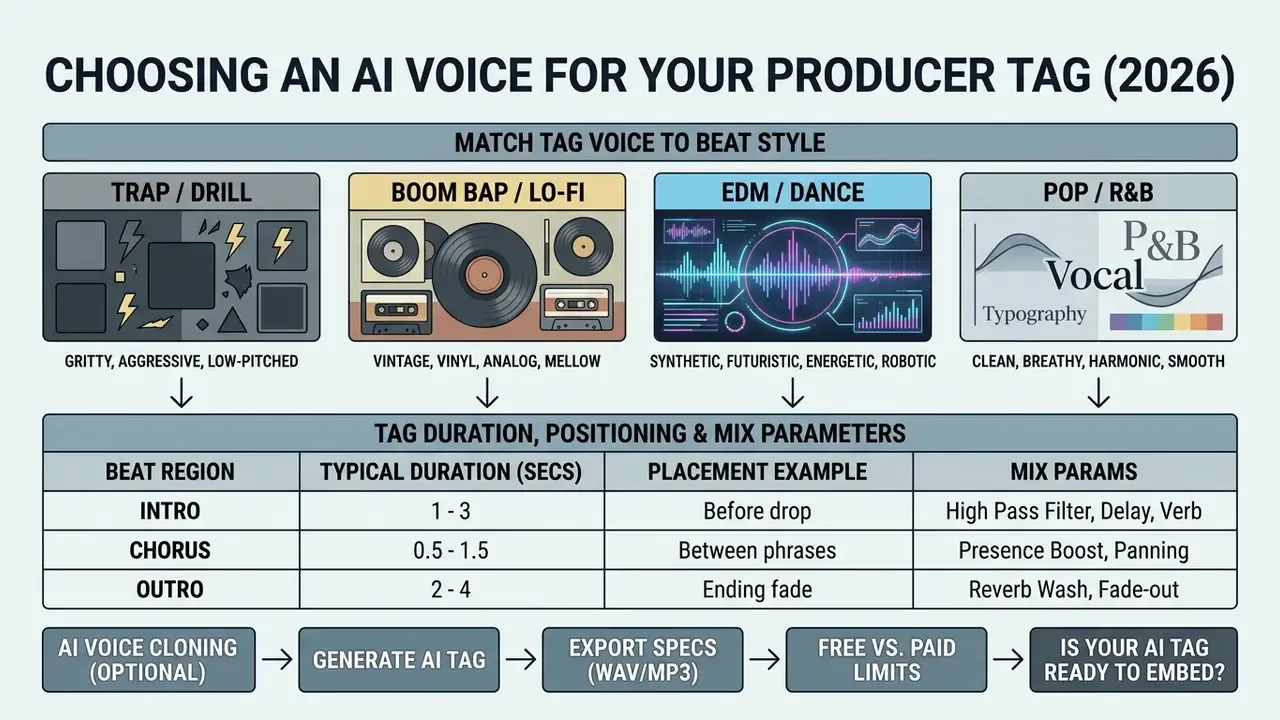
A successful ai voice choice makes a producer tag instantly recognisable and prevents semantic and acoustic dissonance between tag and arrangement. The stamp should harmonise with the genre, avoid masking key intro elements and be fully comprehensible on first listen.
When selecting an ai voice generator producer tag, the producer must balance two parameters: originality of the phonic image and clarity of producer name pronunciation. Dense guitar or synth arrangements require sharp, contrasting tag ai voice timbres, while minimalist rhythm sections tolerate soft speech or deep whispers. A producer tag ai voice generator with an audition mode saves credits here, since you can compare four timbres before rendering any of them.
Match the tag voice to your beat style
Every genre has developed its own aesthetic canon for how a producer tag voice should sound. The wrong delivery can reduce a beat's appeal to the target artist.
Timbre recommendations by genre:
- Trap / Drill aggressive, low delivery, slang exclamations, strong downward pitch shift, vocoder or a piercing whisper with dense stereo delay.
- Boom Bap / Lo-Fi dry, maximally natural announcer voice, evoking 90s vinyl samples or classic radio broadcast.
- EDM / Dance synthetic, robotic timbre processed with vocoder or ring modulation, or a bright female vocal with a prominent top register.
- Pop / R&B clean, velvety, soft female or male voice with careful reverb, signalling professionalism and commercial polish.
Timbre choice is measurable in brand terms, not just taste:
When working on release artwork and visual accompaniment, beatmakers frequently reach for adjacent AI tools. See our review of AI art generators for cover artwork, and, if a stylised painterly cover is the goal, the notes on sea art ai.
Keep the producer name short and intelligible
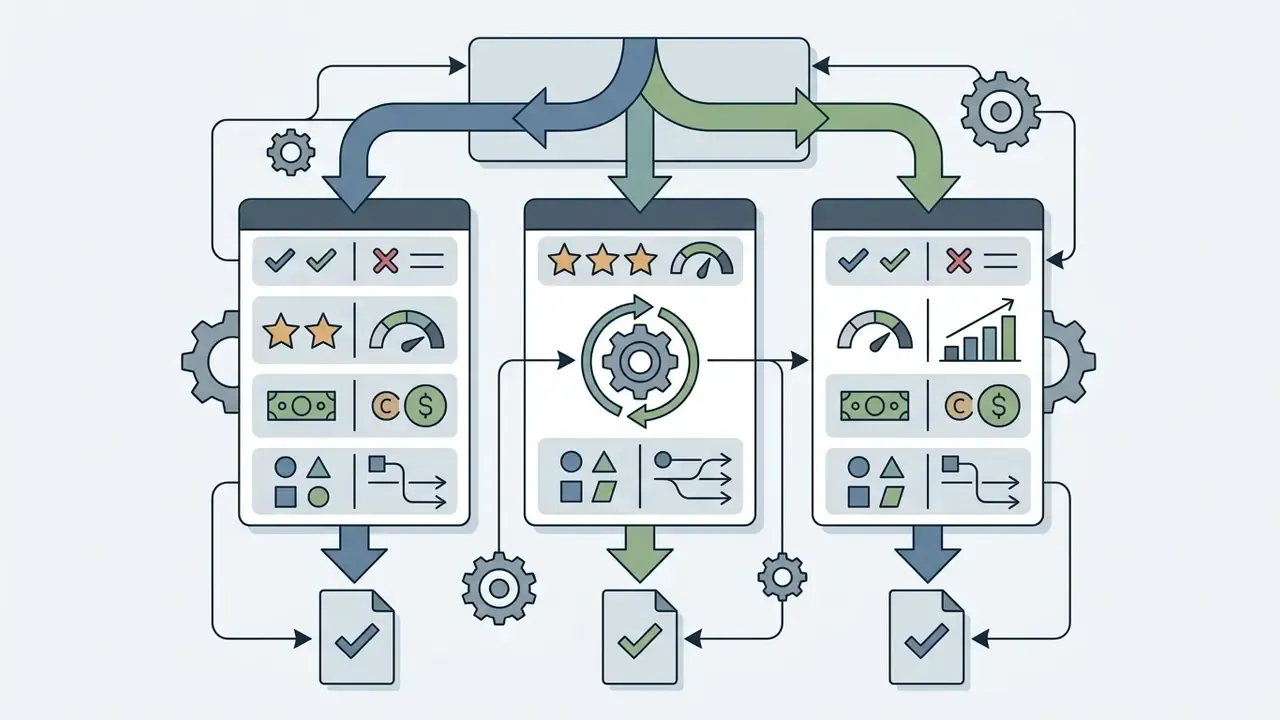
Table: tag duration, positioning and mix parameters
| Tag type | Duration | Placement in the track | Purpose and processing |
|---|---|---|---|
| Intro Tag (full) | 2.0 to 3.5 s | First 4 or 8 bars of the intro, before the drop | Builds the brand. Maximum spatial processing (reverb decay 2.5 s, ping-pong delay). |
| Pre-Drop / Cut Tag | 0.5 to 1.2 s | One bar or the 4th beat before the drop | Creates a sharp accent. Reverb muted, pitch-down and hard compression applied. |
| Beat Switch Tag | 1.0 to 1.5 s | At the seam of a BPM or pattern change | Signals a change of atmosphere. Tape stop, reverse reverb or flanger. |
| Watermark Tag (demo) | 1.5 to 2.0 s | Repeated every 16 or 32 bars across the track | Protects against unauthorized downloading. Level at −6 dB relative to the mix, telephone FX filter. |
| Outro Tag | 1.5 to 3.0 s | Final 2 to 4 bars, over the fade | Closes the brand loop. Low-pass sweep, long reverb tail, optional half-speed pitch. |
is your AI tag ready to embed in the beat?
Checklist0 / 8
Limitations and open questions
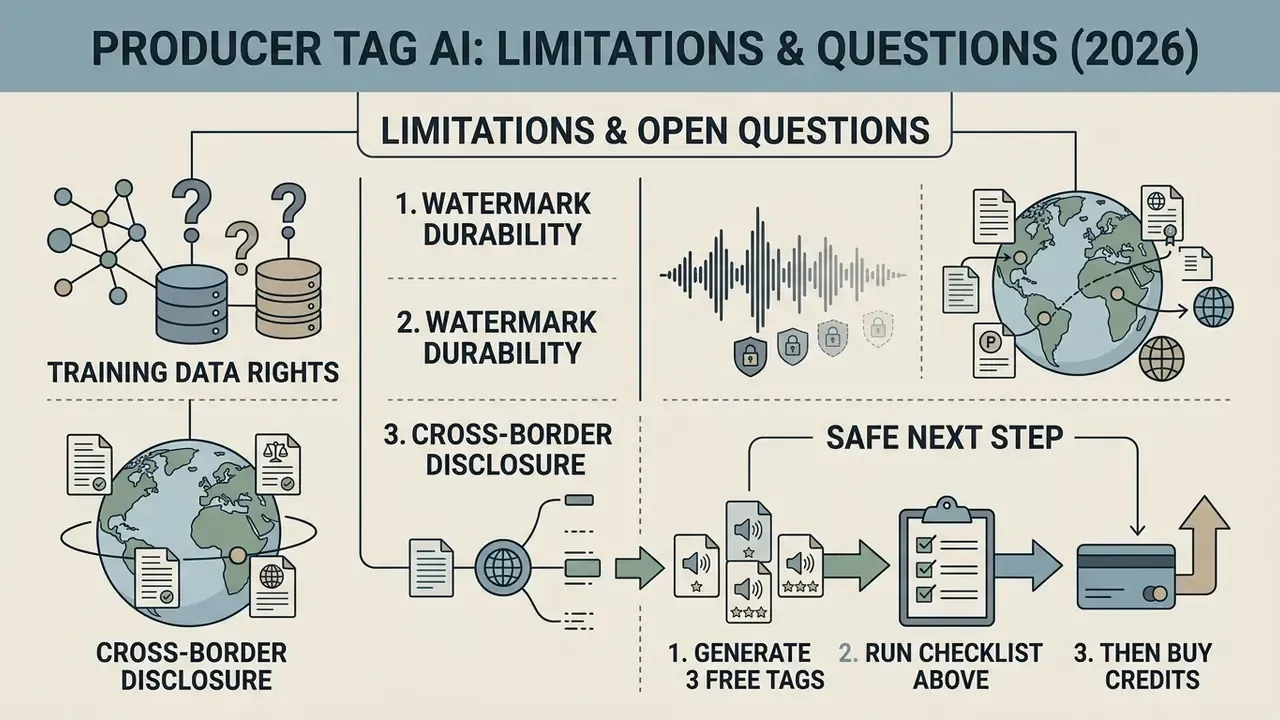
Honest framing helps more than a sales pitch. Three areas remain unsettled as of 2026.
Rights on training data. Most vendors describe their libraries as proprietary, yet few publish an auditable provenance trail. Until that changes, your evidence file (receipt, licence text, generation date) is your real protection, not the vendor's marketing page.
Watermark durability. AudioMarkBench (NeurIPS, 2024) found removal vulnerabilities that vary by voice and language. So treat inaudible marks as a supporting control, not a guarantee.
Cross-border disclosure. Article 50 of the EU AI Act requires machine-readable marking of AI-generated content, and U.S. state rules diverge. If you distribute globally, expect the compliance surface to shift again during 2026. Verify before each release cycle, not once a year.
A safe next step: generate three candidate tags on a free tier, run the checklist above, then buy credits only for the variant that survives it.
FAQ about AI producer tag generators
This section collects expert answers to the most frequent technical and practical questions from beatmakers choosing a producer tag maker ai for daily work.
Can I create a producer tag with my own voice?
Yes. Creating a producer tag from your own voice is possible with voice-cloning technology inside advanced AI platforms: you upload a short recording, 30 seconds to 2 minutes, and the network builds a personal digital voice model. The full four-step preparation workflow, from recording the dataset and cleaning the audio to training the model and processing the result, plus the biometric-privacy caveats, is covered above in the section on voice cloning, biometrics and privacy.
Can I make several variants of the same producer tag?
Yes, and professional practice is to generate several functional variations of one tag depending on context inside the track. An ai prod tag maker lets you build a whole asset line for a single project. The standard producer-tag variation set:
- Intro Tag: full version of the phrase with maximum spatial processing for the track opening.
- Short / Drop Tag: an ultra-short stinger of 1 to 2 syllables, just the name or an exclamation, placed immediately before the breakdown or the drop.
- Outro Tag: a slowed or filtered version for the composition's final fade.
- Beat Switch Tag: a mid-length variant marking a tempo or pattern change. A practical production tip: many engines expose bracketed structure tags (
[Intro],[Outro],intro-short,outro-long), where "short" is documented as roughly 0 to 10 seconds. So you can produce a whole family by changing only the section label and the length qualifier while keeping the voice model fixed.
Which tool should I choose: an AI tag maker or a voice generator?
The choice between a narrowly specialised ai tag maker and a universal voice generator such as ElevenLabs depends on the depth of control you need and your audio experience. A specialised producer tag ai generator is designed exclusively for musicians: it ships with built-in pitch, vocoder and spatial-effect presets plus automatic rhythmic alignment. A universal speech voice generator delivers higher synthesis naturalness and the widest accent selection, and ElevenLabs v3, for instance, supports inline audio tags for emotion, delivery and non-verbal cues. The trade-off is manual processing and mixing in your DAW afterwards. A hybrid habit works well in practice: draft with a tag maker ai, then re-render the winning phrase in a premium engine with producer tag maker ai voice controls for the final master.
How long should a producer tag be?
The consensus across engineering practice and vendor presets is 0.8 to 3 seconds. Generator interfaces typically offer three brackets, Short (1 to 2 s), Medium (3 to 4 s) and Long (5 to 8 s), where Long is intended for cinematic intros or radio-style drops rather than beat tags. For a marketplace preview watermark, stay at the low end and repeat the tag every 16 to 32 bars instead of extending its duration.
Do AI producer tags actually deter beat theft?
Partially. An audible tag repeated through a preview file makes the stem commercially unusable without a licence, which is its main deterrent function. Inaudible protection is a separate layer: research such as Distingusic (IEEE SMC, 2024) embeds imperceptible watermarks via SVD and DWT, while AudioMarkBench (NeurIPS, 2024) shows such marks remain reliable in the absence of deliberate removal attacks. Treat the audible tag as branding plus friction, and keep the clean master with timestamped documentation as your actual authorship evidence.
Related AI tools worth pairing with your tag workflow
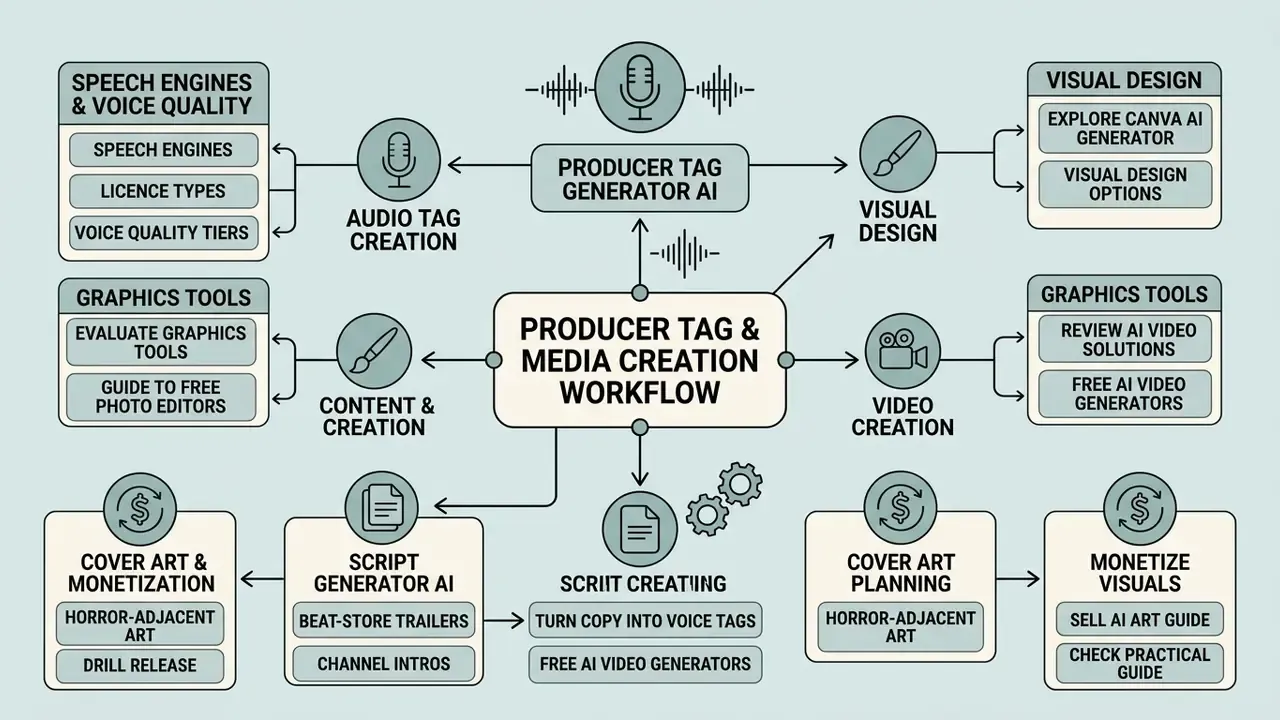
Producers and media creators regularly combine audio tools with graphic and text generation services. To explore adjacent AI solutions, use our guides:
- Explore visual design and image generation options in the Canva AI Generator overview.
- Evaluate graphics tools in our guide to free photo editors.
- Review video creation solutions in our comparison of free AI video generators.
- Compare speech engines, licence types and voice quality tiers in the AI voice generator guide.
- Write beat-store trailers or channel intros faster with a script generator ai, then turn the finished copy into a clip using script to video ai.
- Planning horror-adjacent cover art for a drill release? The notes on scary ai images cover prompt structure and platform limits.
- Before monetising visual assets alongside beats, read the practical guide on how to sell ai art, and check the content-policy boundaries described in the rule 34 ai generator entry, since adult-content restrictions differ sharply between marketplaces.
Appendix A: editorial notes on corrected fragments
Hub Navigation