Executive Summary for Decision-Makers
| Question | Short answer |
|---|---|
| What is it? | An all-in-one generative platform (images, video, avatars, custom model training) plus a social creator community, operated by SUNRISEAI PTE. LTD. (Singapore). |
| Who is it for? | Casual creators, illustrators, marketing teams, and short-video production units; also a fast prototyping sandbox for enterprise design teams. |
| Can you use output commercially? | Yes in principle. The official FAQ assigns IP in generated outputs to the user, but only under a paid tier, and only if the specific checkpoint or LoRA license permits it. |
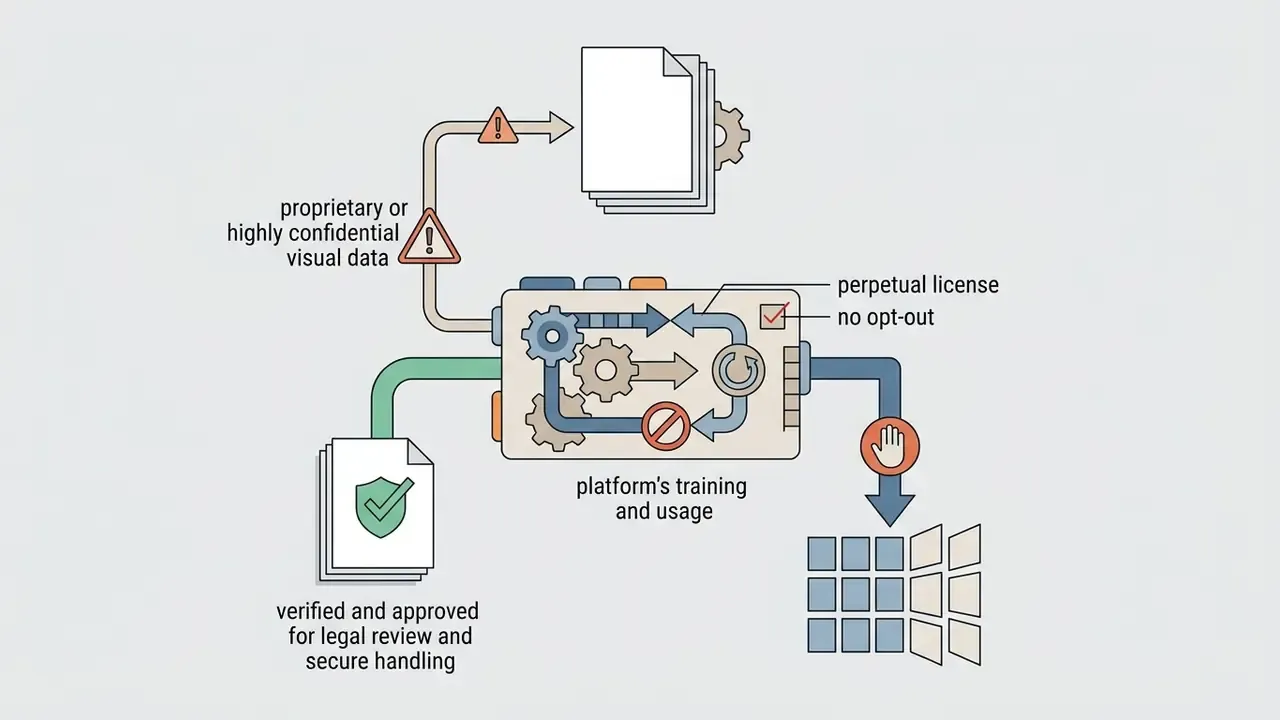
| Biggest governance risk | The Terms of Service grant SeaArt a worldwide, perpetual, royalty-free, sublicensable license over uploaded and generated content; independent audits rate disclosure quality poorly (VerifyWise: D-grade / 35). |
| Auditability for regulated teams | Partial. Seeds, checkpoints, samplers, and prompts are reproducible in-session, but there is no documented SSO/SAML, SOC 2 attestation, opt-out from model training, or GRC/MRM connector in public materials. |
| Cost anchor | Free tier ≈ 130–150 daily Stamina (≈20–25 standard images). Paid tiers run roughly $4.99 to $149.99 per month. A standard image costs 6 credits; a standard video costs 30 credits. |
| Verdict for banks and other regulated environments | Suitable for non-confidential marketing prototyping under an explicit Shadow AI policy. Not suitable for proprietary, customer, or identity-bearing visual data without a negotiated enterprise agreement. |
What SeaArt AI Is and Which Tasks the Platform Fits
SeaArt AI is an all-in-one generative creation platform and digital community. Users produce static artwork, dynamic video clips, synthetic avatars, and custom-trained models inside a single workspace. It runs on the web and through mobile apps, which makes it accessible for individual creators and useful as a rapid prototyping engine for enterprise design teams testing generative workflows.
«SeaArt counts more than 50 million registered users generating over 20 million images and 500,000 videos daily.»
A quick note on naming, because it affects how teams find the product in inventory reviews. The service is written as SeaArt AI, but search logs and internal tickets are full of variants: sea art ai, seaart ai, sea ai art, art sea ai, ai sea art, and occasional slips such as se art ai, sae art ai, or sea arr ai. They all resolve to the same platform. If you maintain an AI-tool register, list the variants as aliases; otherwise a shadow-AI scan will miss half the usage.
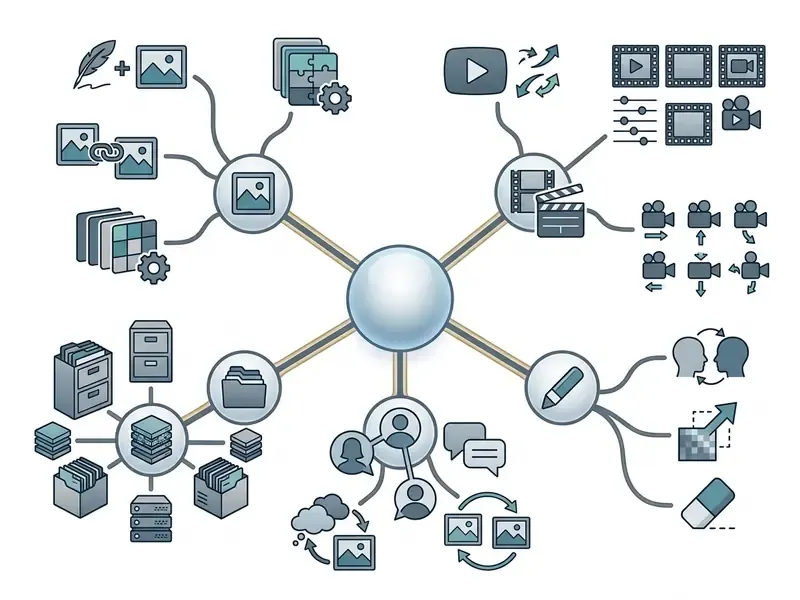
Image, Video, and Creative Content Generation
Who Benefits Most from SeaArt AI
Four groups dominate real usage: casual creators, digital illustrators, marketing teams, and short-video production units. Beginners lean on one-click presets and community templates, which flatten the learning curve of diffusion architecture. Designers and marketers use the ai art generator sea art community publishes as a draft engine for thumbnails, social assets, and e-commerce product shots, skipping most manual retouching. Newcomers who first need category-level context can start with our primer on AI art generators.
SeaArt's own documentation reinforces the positioning. The SeaArt Academy states "No experience needed" and starts from fundamentals, while the AI Agents page claims complete beginners can build marketing posters and product mockups by describing a vision in plain language. Is that realistic? Partly. Plain-language prompting gets you a usable draft; brand-grade consistency still needs parameter discipline.
For teams building specialized creative pipelines, comparing SeaArt against dedicated animation tools, such as a minecraft animation maker for block-based visual assets or specialized voice tooling, helps set clear functional boundaries. A broader survey of adjacent categories sits in our guide to animation makers.
Can SeaArt AI Images Be Used Commercially? Legal, IP, and Privacy Risk First
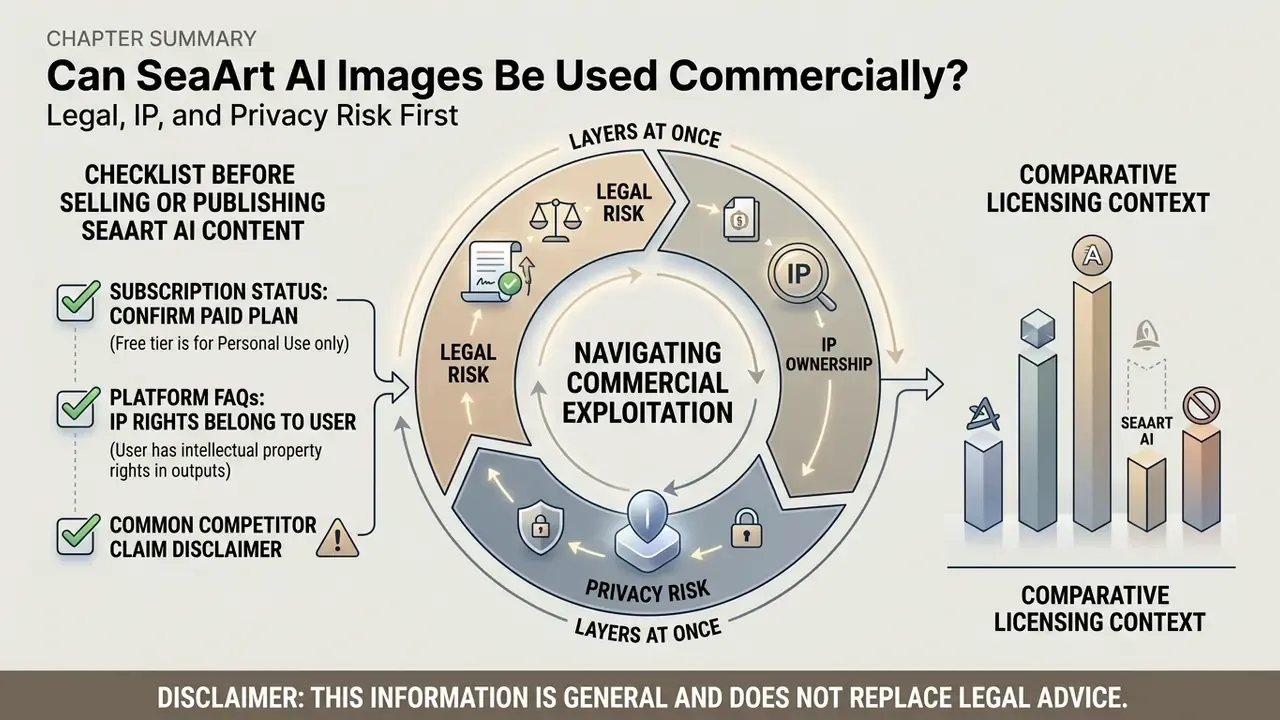
Commercial exploitation of SeaArt output means navigating three layers at once: the platform's Terms of Service, the rights attached to your subscription tier, and the license on the specific third-party model. A failed privacy or licensing test invalidates every downstream cost calculation, so this section deliberately precedes pricing and feature depth.
Comparative licensing context across platforms is summarized in our overview of the commercial use of AI image generators.
Official platform FAQs state that intellectual property rights in generated outputs belong to the user, and that commercial use is not explicitly prohibited.
«Intellectual property rights in the content you generate belong to you; we do not prohibit commercial use of your works.»
Independent trust audits point the other way on disclosure quality.
«VerifyWise assigns SeaArt a D grade (35/100), citing "weak disclosure": a perpetual content license with no opt-out from model training.»
«SeaArt's license is broad enough to cover model training, yet no explicit disclosure of that practice or an opt-out mechanism is provided.» Source: AIFoxx Trust Report, Star Cluster Pte. Ltd. (2026). https://aifoxx.com
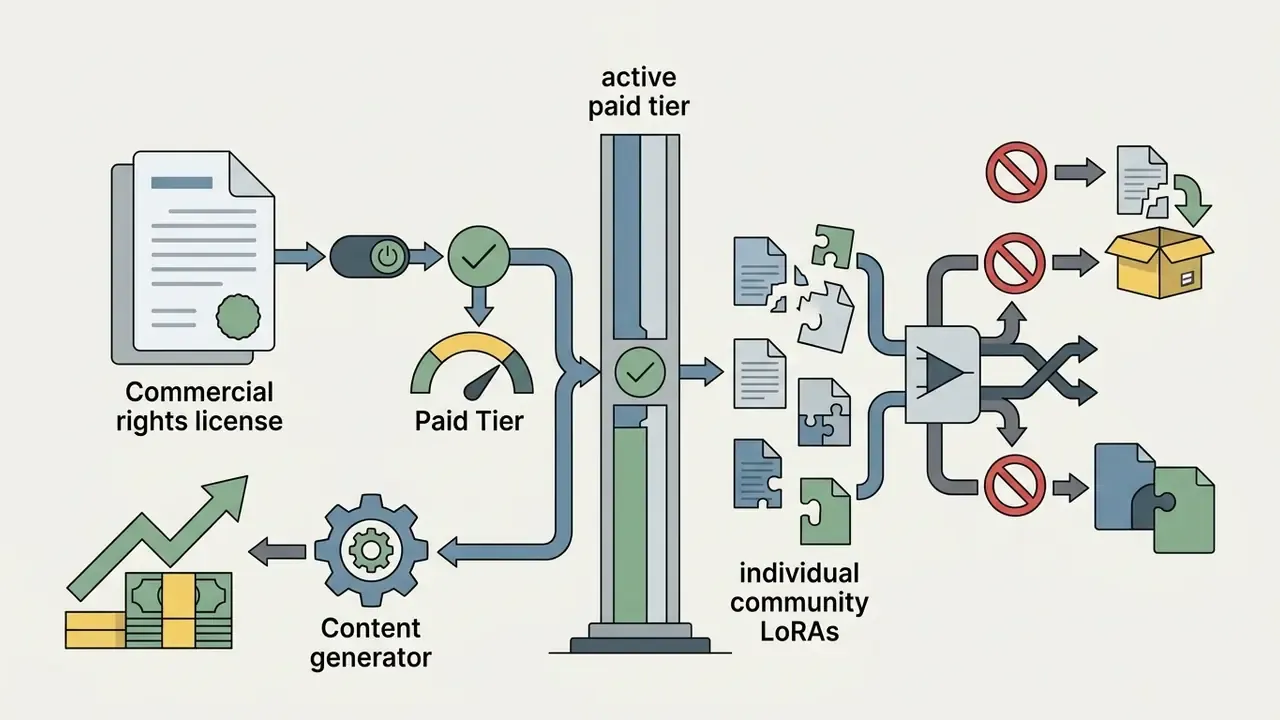
Concretely: SeaArt's legal terms grant the platform a worldwide, perpetual, royalty-free, sublicensable license to host, display, and create derivative works from all uploaded and generated content. The content policy separately prohibits uploading images of people without consent, uploading assets without appropriate usage rights, misleading users about AI involvement, and generating images of public figures. Free-tier usage is generally restricted to non-commercial evaluation, while explicit commercial licensing rights attach to paid subscription tiers.
On a common competitor claim. Several third-party pages assert that free SeaArt output can be used "for commercial projects" without qualification. That framing is unsafe. The TOS ties commercial rights to paid tiers and to the license on each underlying checkpoint or LoRA. Treat the permissive version as marketing copy, not a licensing position, and do not paste it into a business case.
Where visual assets become entangled in copyright disputes or platform enforcement, operators should track precedents via the AI Litigation and Case Timelines resource. For a broader evaluation of commercial licensing terms across generative services, consult our AI Media Commercial-Use Hub.
Enterprise Governance, Model Risk, and Auditability
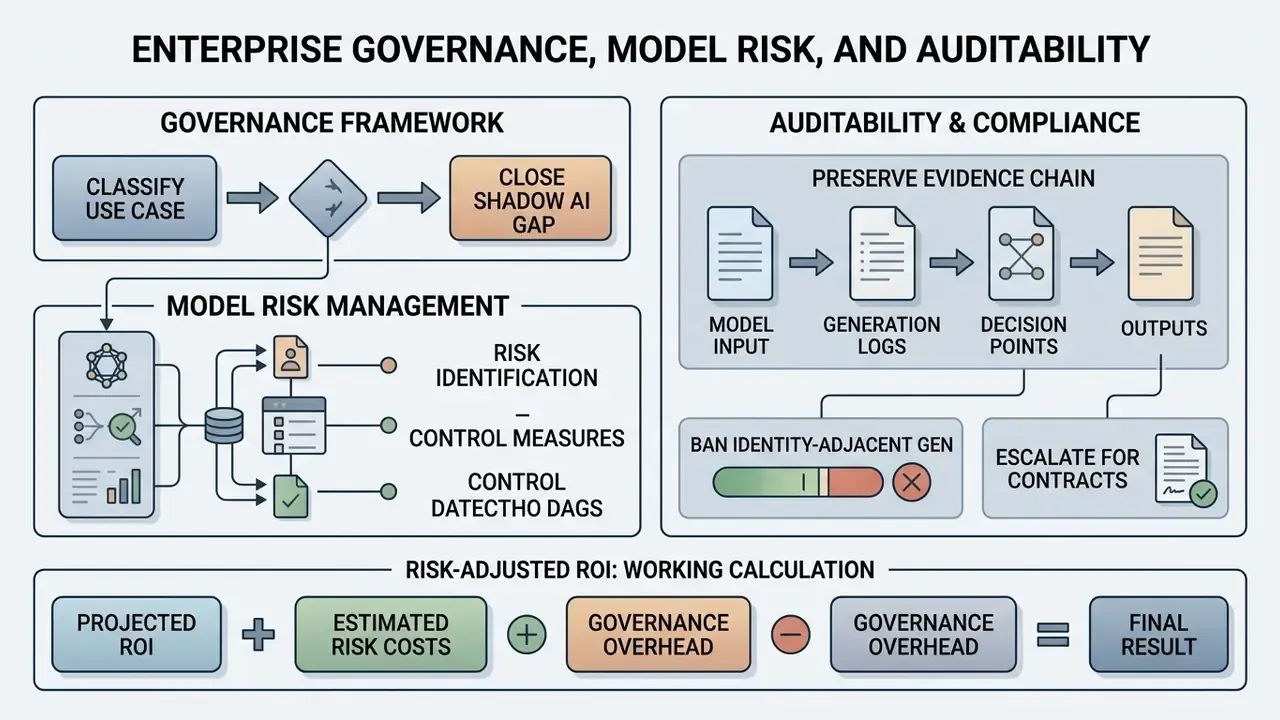
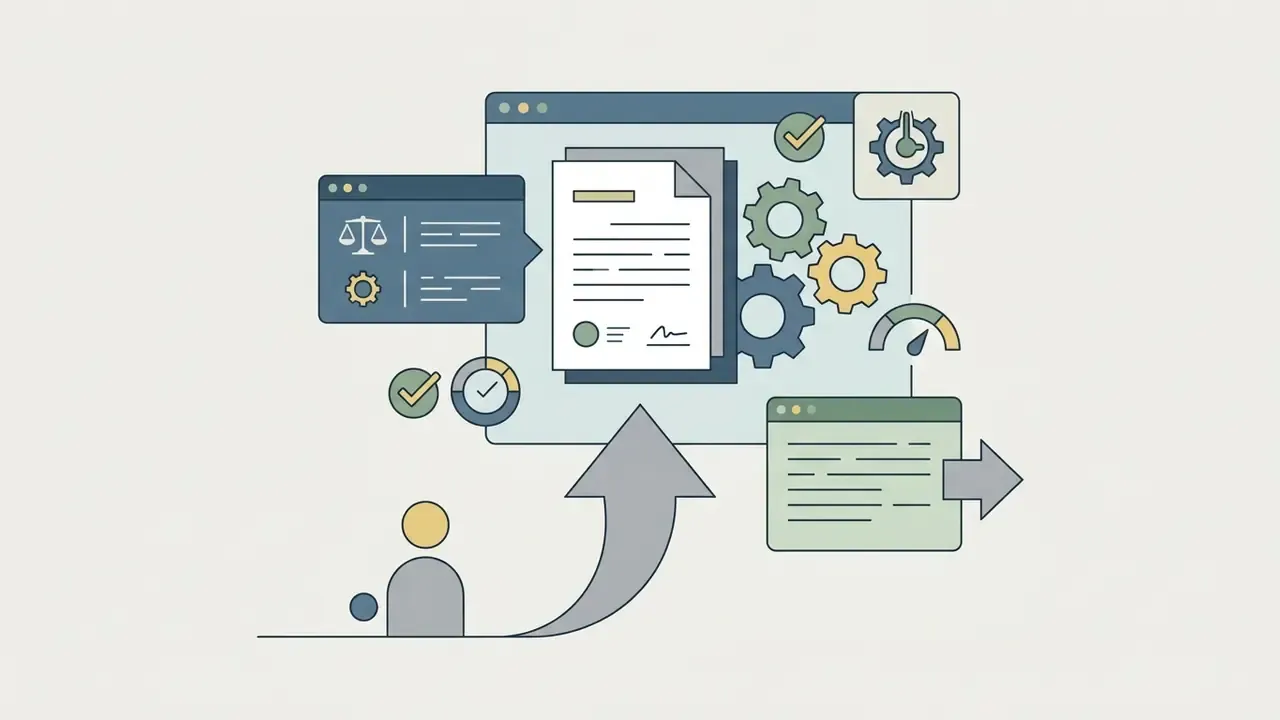
For Chief Risk Officers, Heads of Model Risk, and AI governance leads, product capability is secondary to evidence. The table maps SeaArt AI against the control expectations normally applied to third-party generative tooling in regulated environments. Statuses reflect what public materials document as of the 2026 review cycle. Absence of documentation is recorded as not documented, not as a proven failure.
| Control domain | Requirement | SeaArt AI status (public evidence) | Residual risk |
|---|---|---|---|
| Identity & access | SSO / SAML, SCIM provisioning, role-based access | Not documented | High: account sprawl, no central de-provisioning |
| Data residency & retention | Configurable retention, regional hosting, deletion SLAs | Not documented; TOS license is perpetual | High |
| Model-training opt-out | Contractual exclusion of customer data from training | Not documented; flagged by VerifyWise and AIFoxx | High |
| Certifications | SOC 2 Type II, ISO/IEC 27001, GDPR DPA | Not published in reviewed materials | High |
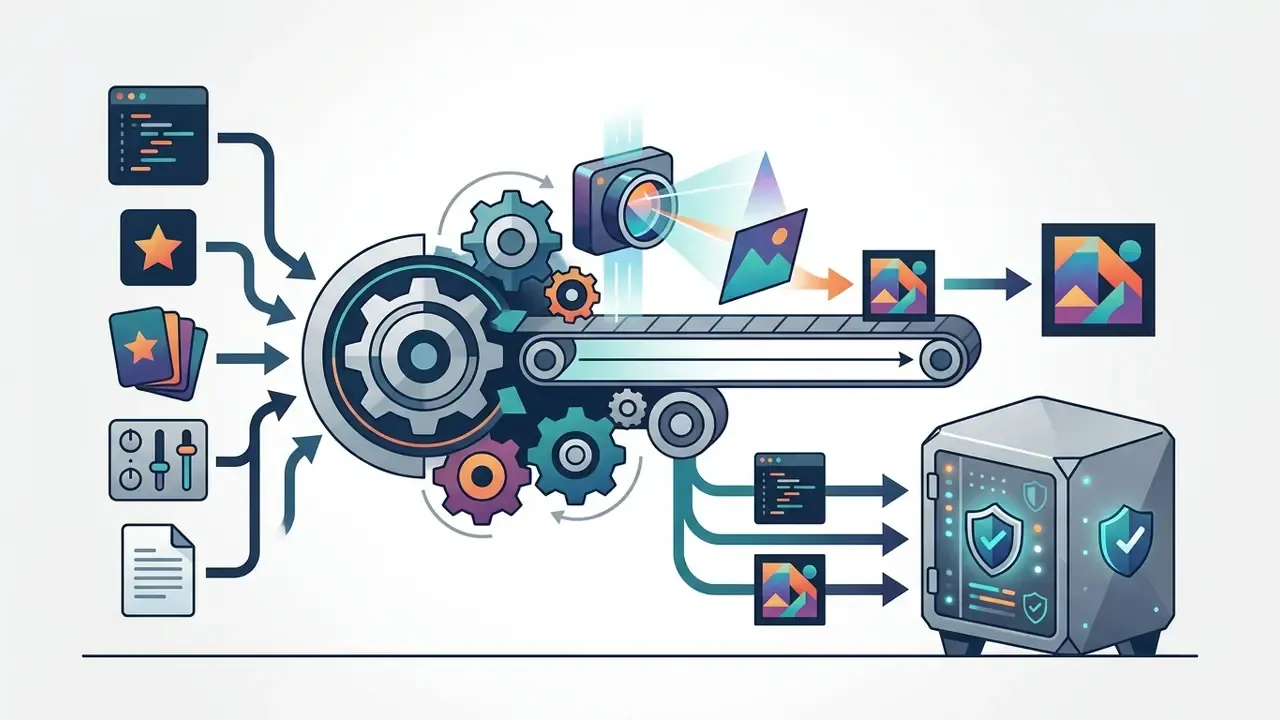
| Reproducibility | Fixed seed, checkpoint hash, sampler, steps, CFG recorded per generation | Supported in-product (seed, model, sampler, steps, CFG are user-set and visible) | Low to medium |
| Audit trail / export | Immutable prompt-and-parameter log exportable for archiving | Partial: generation history exists in-account; no documented bulk metadata export or immutability guarantee | Medium to high |
| GRC / MRM integration | API hooks into internal model inventory and risk registers | Not documented as a native connector | High |
| Content controls | Prohibited-use enforcement, watermarking, brand-safety filters | Content policy exists; watermark removal is a paid feature | Medium |
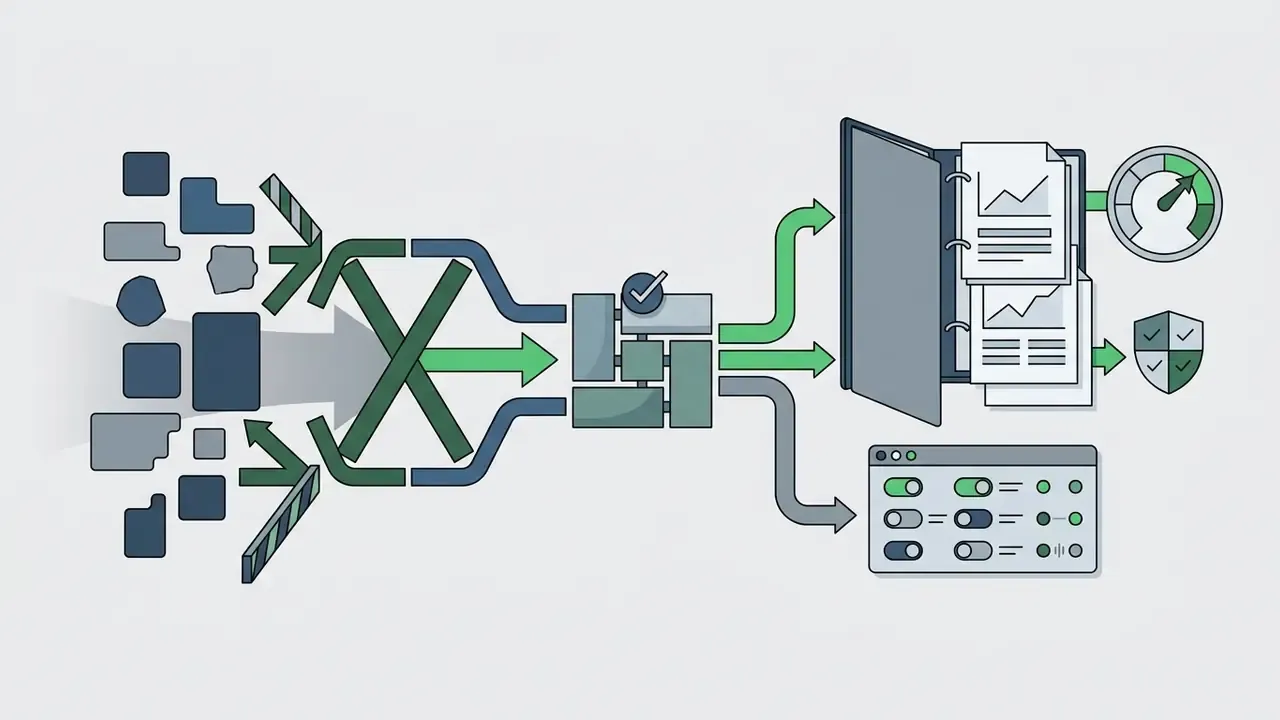
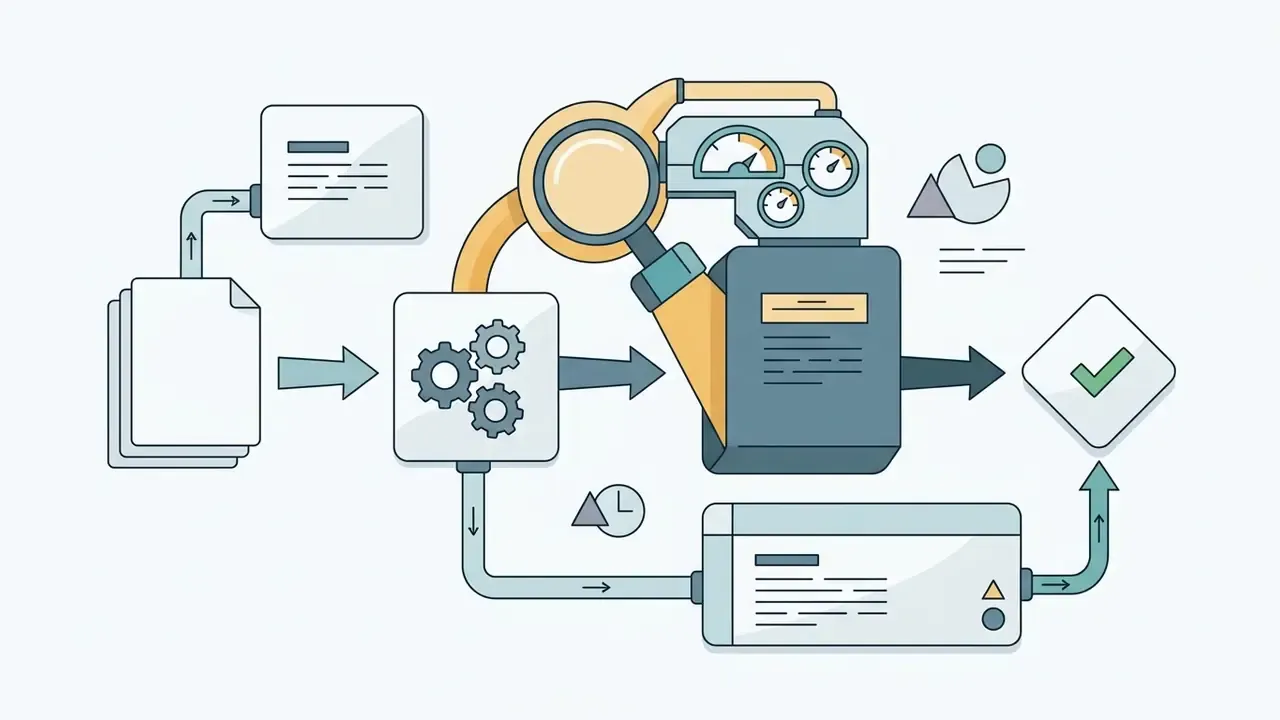
Practical governance stance. Reproducibility is strong, attestation is weak. That combination argues for controlled admission rather than blanket blocking:
One more control that teams tend to skip: name an owner. A generative tool without a named business owner, an approved role description, and a documented shutdown path is not governed. It is tolerated. Those are different things, and only one of them survives an examination.
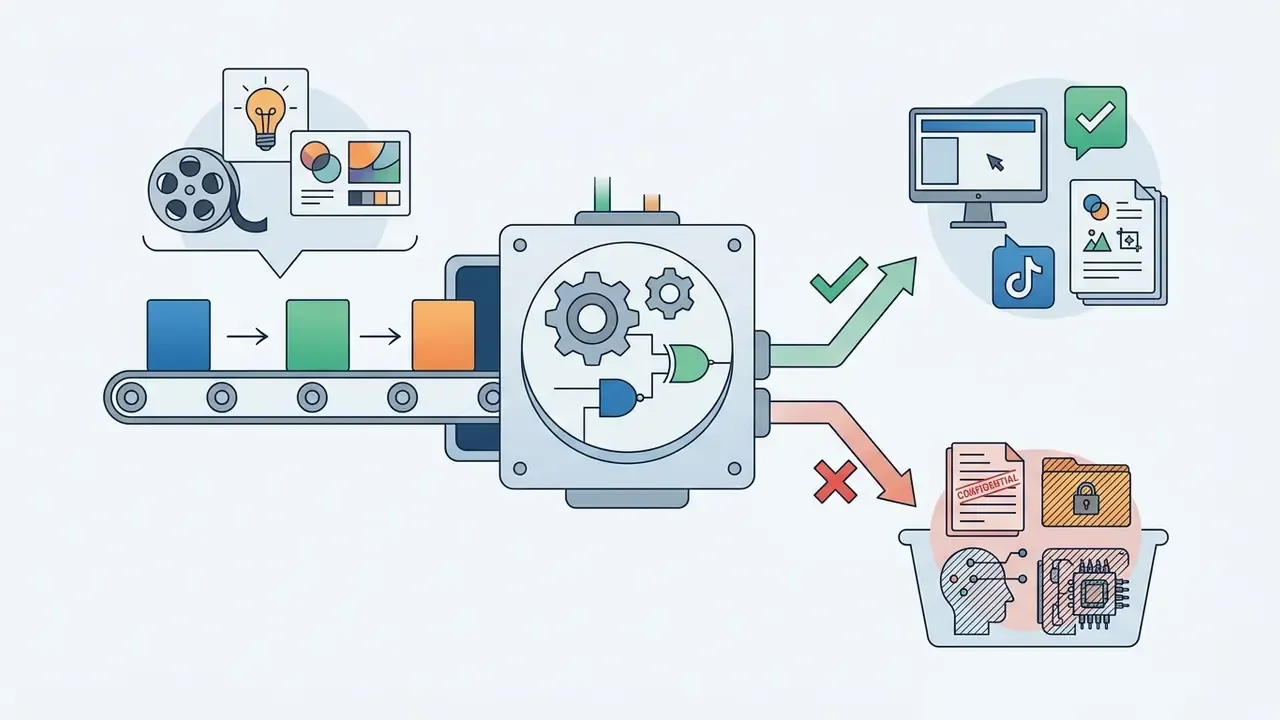

Risk-Adjusted ROI: a Working Calculation
Subscription price is rarely the dominant cost line in a regulated environment. A defensible unit-economics model adds review labour and a risk reserve:
Risk-adjusted cost per approved asset = (Subscription ÷ approved assets per month) + (Legal or brand review minutes × loaded hourly rate ÷ 60) + Risk reserve per asset
Worked illustration for a marketing team on the Professional tier (hypothetical figures, not a client case):
| Component | Assumption | Monthly value |
|---|---|---|
| Subscription | Professional, about $29.99 per month | $29.99 |
| Output volume | ~4,000 daily Stamina ÷ 6 credits ≈ 600+ images/day capacity; 200 assets actually approved | 200 assets |
| Platform cost per asset | $29.99 ÷ 200 | ~$0.15 |
| Licence + brand review | 6 minutes per asset at a $60/hour loaded rate | $6.00 per asset |
| Risk reserve | Provision for takedown or rework on ~2% of assets at $150 remediation | $3.00 per asset |
| Risk-adjusted cost per asset | ≈ $9.15 |
The signal is unambiguous. The generative licence accounts for under 2% of true cost, while human verification dominates. Any business case built on subscription price alone will overstate savings by roughly an order of magnitude. Teams modelling this at scale can cross-check assumptions with our AI Media Calculators.
Core SeaArt AI Features: Image Generator, Video, and AI Tools
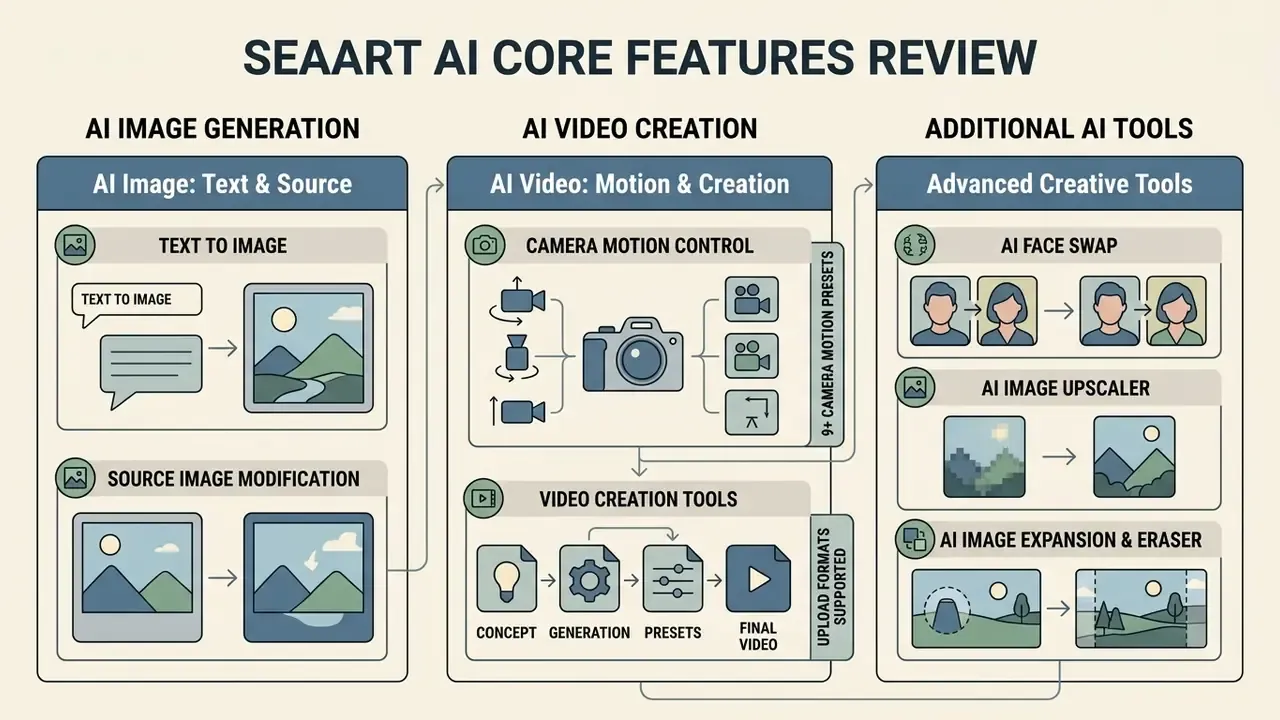
SeaArt AI consolidates its capabilities into three modules: an advanced ai image generator seaart suite, an AI Video engine, and a set of single-purpose utility tools.
| Module | Core functionality | Supported engines / models | Input formats | Output formats |
|---|---|---|---|---|
| AI Image | Text-to-Image, Image-to-Image, Inpainting, Partial Repaint | Stable Diffusion, SDXL, Flux, custom checkpoints, LoRA, ControlNet | JPG, PNG, JPEG, WebP | PNG, JPG, WebP |
| AI Video | Text-to-Video, Image-to-Video, Motion Reference, Audio Sync | Wan2.1 (14B / 480P / 720P), Seedance 2.5, MiniMax H3 | JPG, PNG, WebP, MP4 | MP4, GIF |
| AI Tools | Face Swap, Upscaling, Background Eraser, Expansion, Restore Faces | 4x-UltraSharp, facial feature extraction, context-aware inpainting | JPG, PNG, JPEG, WebP | High-resolution visuals (PNG/JPG) |
«SeaArt's library integrates over 980,000 models, from anime and 3D to digital art and oil painting, covering all major diffusion architectures.»
AI Image: Text Generation and Working from a Source Image
The sea art ai image generator runs on diffusion pipelines that read structured prompts alongside image-based conditioning. In text-to-image mode, the tool parses syntax weights such as (keyword:factor), with an officially recommended weight range of 0.5 to 1.5, to emphasise specific visual elements. In image-to-image mode, you upload a base visual and set denoising strength, typically 0.4 to 0.8, to control how far the result drifts from the original structure. Teams benchmarking this workflow against paid alternatives can review our roundup of image-to-image generators.
Accepted upload formats for I2I and the utility tools are JPG, PNG, JPEG, and WebP, which covers nearly every standard design-team export. Layered PSD and vector SVG sources must be flattened first, a small detail that trips up brand teams on their first batch.
For teams integrating external asset pipelines or comparative tools, specialized solutions such as a momo ai photo generator offer useful reference points on character consistency and facial preservation.
AI Video and Video Creation Tools
The sea ai generator video module turns text descriptions or still frames into animated sequences. Official documentation identifies Wan2.1-14B for text-to-video tasks, with Wan2.1-14B-480P and Wan2.1-14B-720P variants for image-to-video, supporting 480p and 720p output tiers. The 2026 roster adds Seedance 2.5 for cinematic one-take sequences with native audio sync and precise local redraw, plus MiniMax H3 for unified multimodal control across text, image, video, and audio in one pass. Standard clip length in the workflow engine caps at 8 seconds per pass, although marketing landing pages cite up to 15 seconds for specific 2K stereo rendering modes.
«Roughly 500,000 videos are created daily on the platform; the Wan2.1-14B integration delivers output in 480p and 720p.»
Additional AI Tools and Effects
Beyond primary generation, SeaArt AI bundles utilities for post-processing and refinement:
- AI Face Swap replaces facial identities in photos and videos while trying to preserve ambient lighting, skin texture, and expression. In regulated sectors this is the single highest-risk tool in the suite and should be policy-restricted, not merely discouraged.
- AI Image Upscaler applies super-resolution algorithms, including 4x-UltraSharp, which raises resolution 4× and prioritizes edge and detail sharpness, to increase pixel density, clear compression noise, and sharpen edges without altering composition. Alternative engines appear in our guide to AI image upscalers.
- AI Expansion & Eraser extends canvas boundaries beyond the original ratio or removes unwanted background objects through context-aware inpainting. Cross-platform equivalents are covered in our overview of AI outpainting tools.
- Restore Faces & Partial Repaint targeted correction nodes for facial artifacts and localized redraws, handy for rescuing an otherwise usable composition without a full re-generation.
- Style Transfer & Makeup Filters multi-style transfer with adjustable intensity, exposed mainly through the mobile and localized app surfaces.
How to Use SeaArt AI to Create an Image
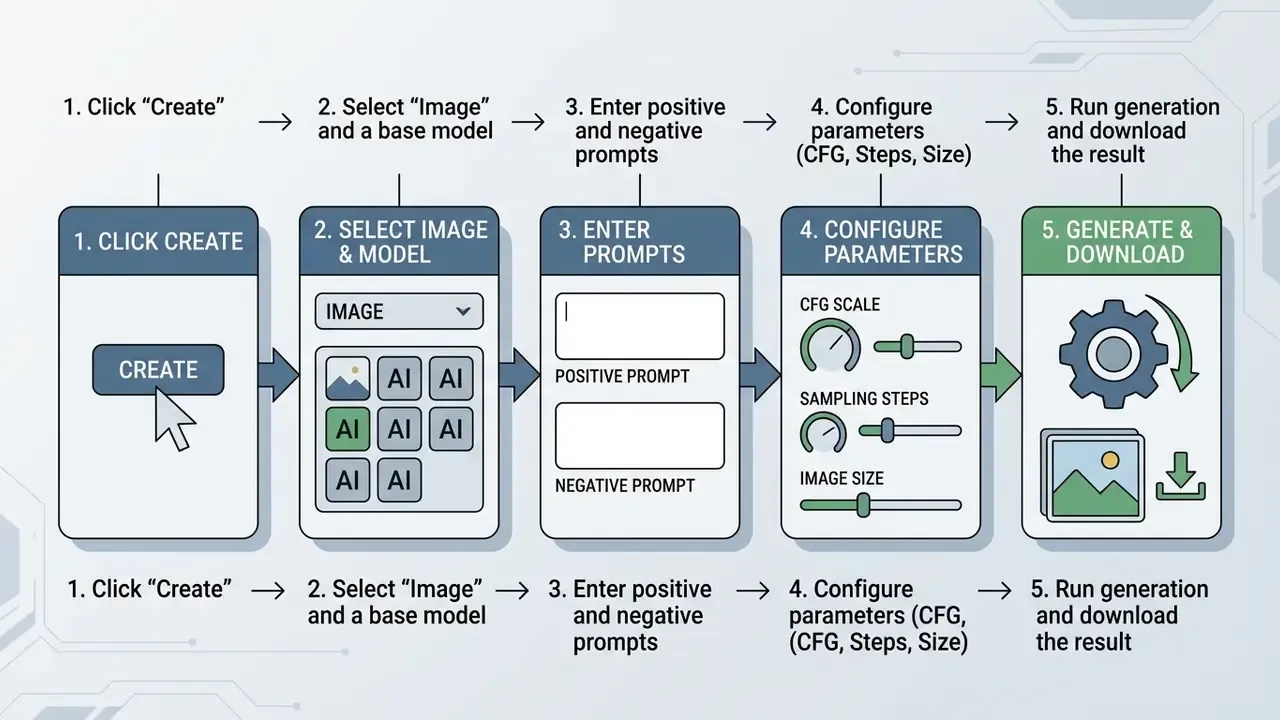
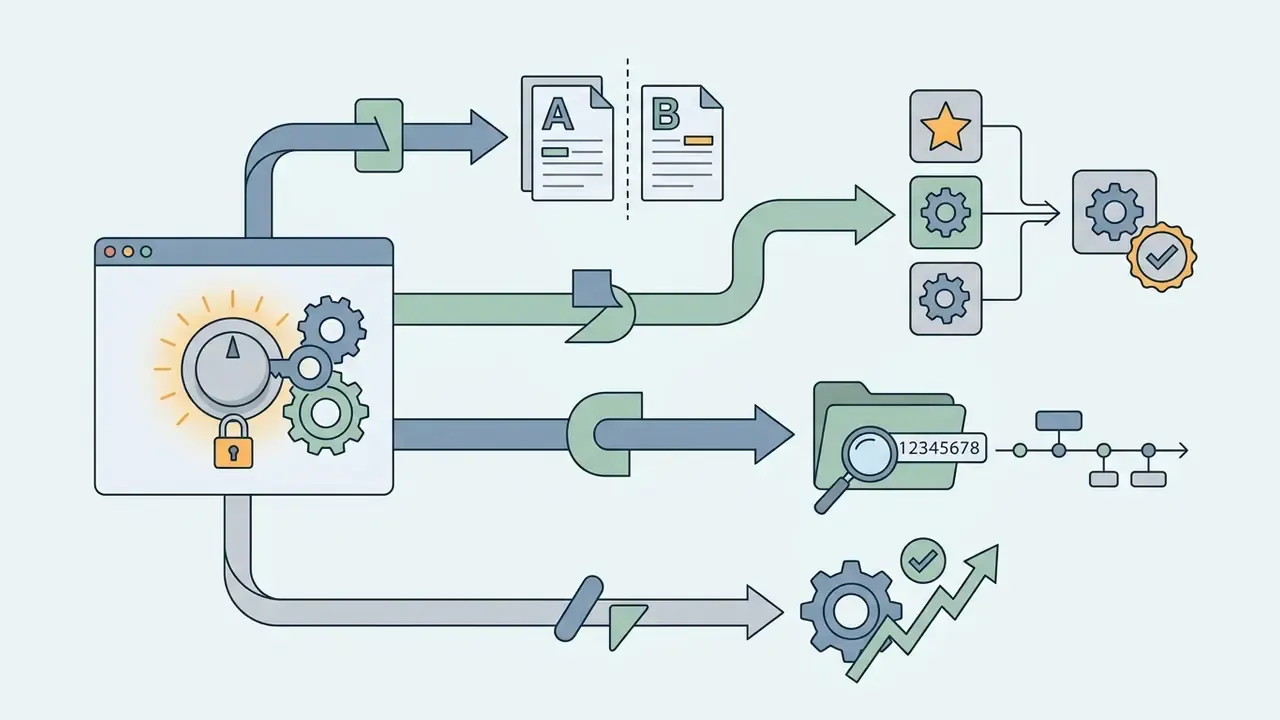
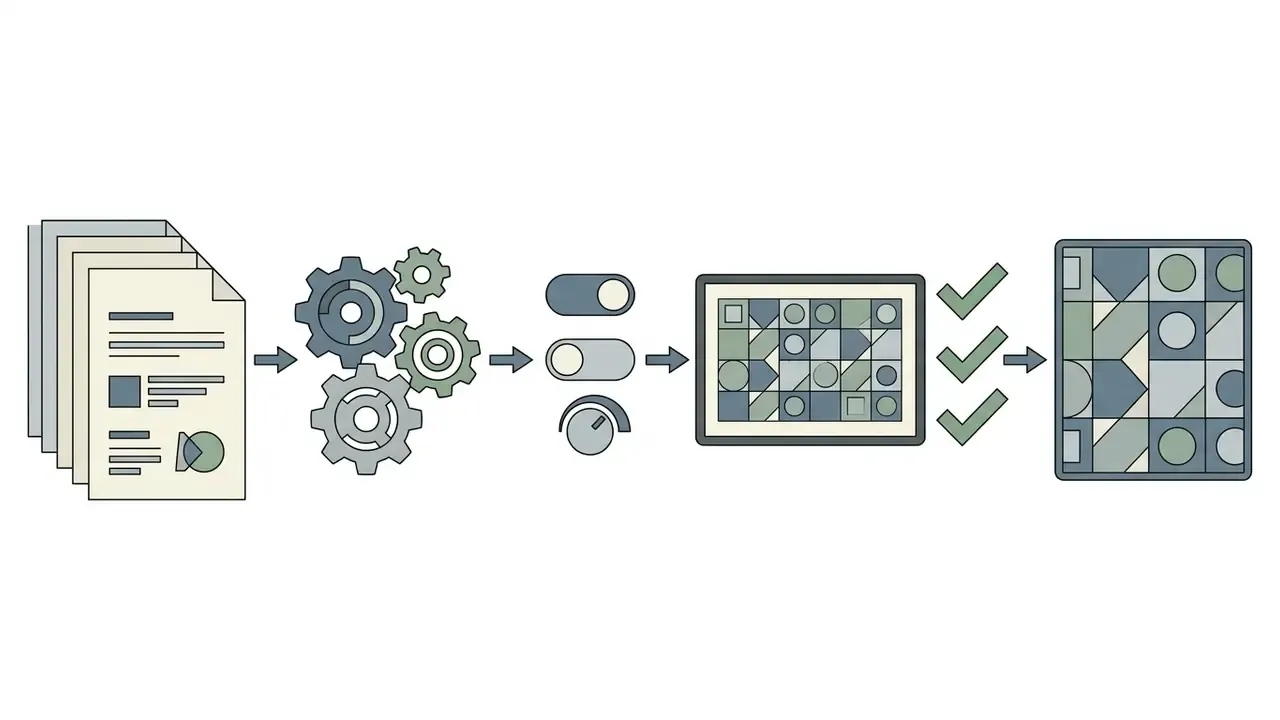
A generation task follows a short four-step sequence in the web or mobile workspace: Create → select Image or Video → choose a model → enter a prompt → Generate.
Choosing a Model, Style, and Generation Settings
To get high-fidelity output from the sea art ai generator:
- Open the main interface and click Create.
- Select the base checkpoint (for example, SDXL for photorealism, Illustrious for digital illustration, or one of the Anime series). Beginners weighing zero-cost options can compare free AI image generators before settling on a stack.
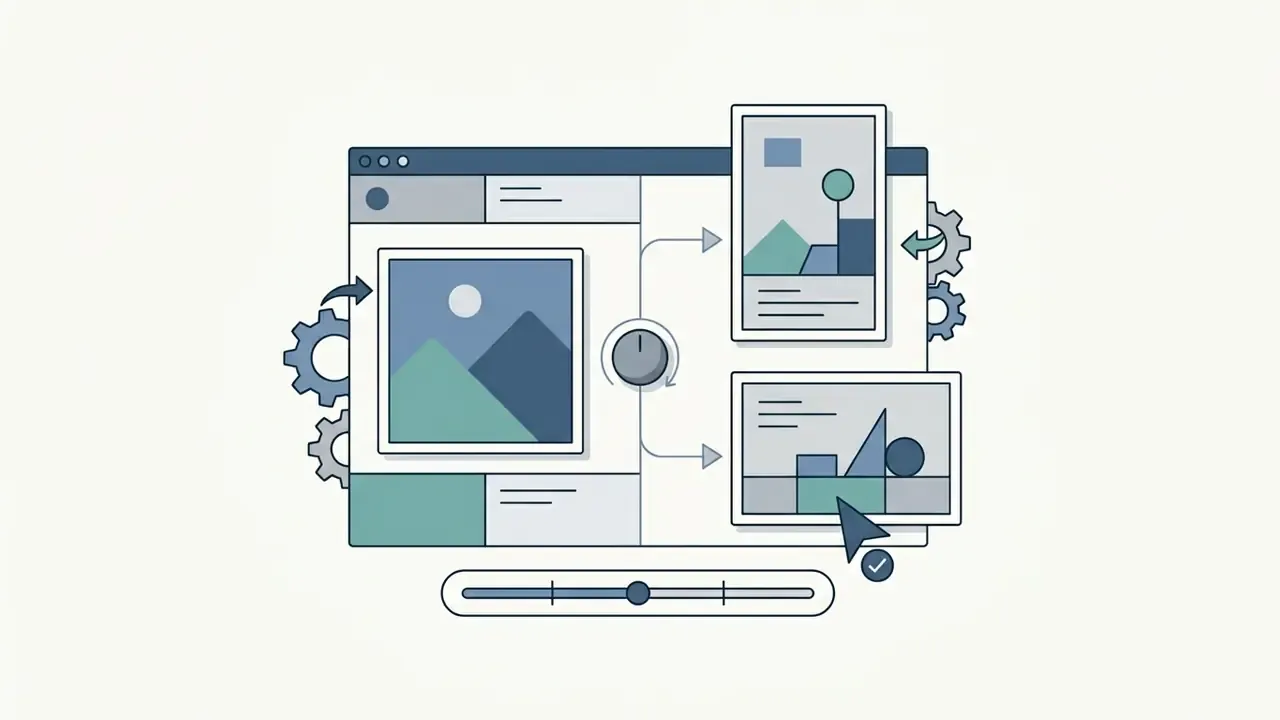
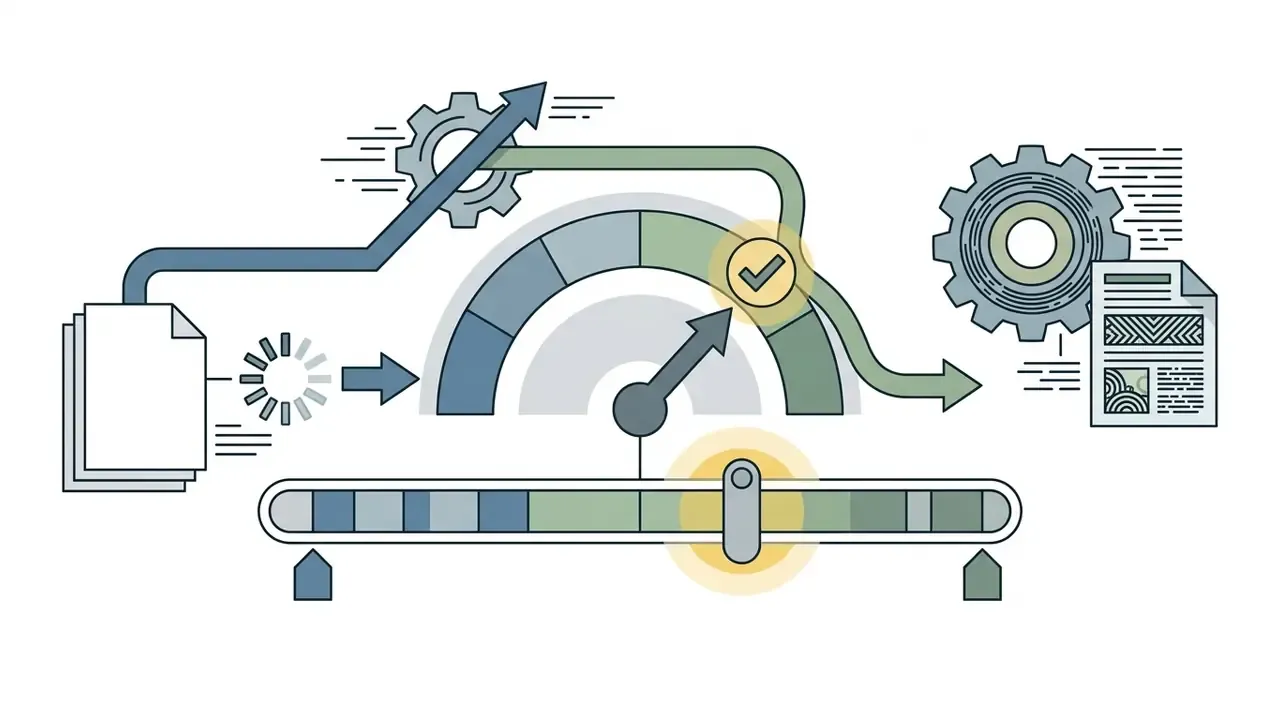
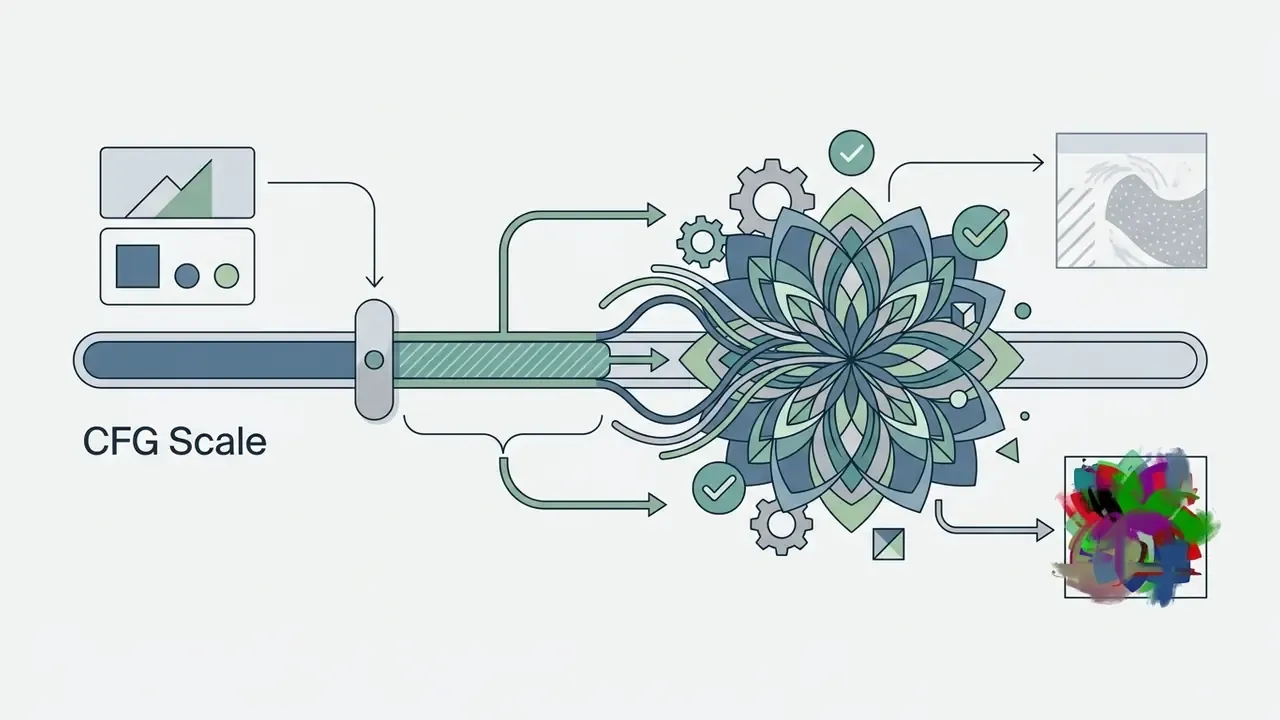
- Configure advanced parameters in the settings panel:
SeaArt auto-selects sensible CFG and step defaults per checkpoint, and individual model cards publish their own recommended resolution ranges, sampler, steps, and CFG values. Overriding those without reading the card is the most common cause of a disappointing first result. I have watched that mistake burn a whole afternoon of credits.
How to Write a Prompt for a More Precise Result
Good prompts order descriptive tags by priority, then push exclusions into the negative field. Plain negatives such as "no" or "without" are frequently misread by diffusion models; unwanted features belong in the dedicated Negative Prompt section.
«Research on diffusion models confirms that detailed prompts specifying composition, lighting, and style produce results markedly closer to user intent.»
Recommended positive prompt structure:
[Subject Count] + [Main Subject & Series] + [Characteristic Tags] + [Pose & Action] + [Background & Setting] + [Lighting & Composition] + [Art Style] + [Quality Anchors (e.g., masterpiece, highly detailed)]
Recommended negative prompt baseline:
worst quality, low quality, lowres, distorted faces, extra limbs, blurry, bad anatomy, bad hands, missing fingers
For video prompting, SeaArt's own guide recommends a four-part structure, Subject + Action + Camera + Light and Atmosphere, which pairs naturally with the camera-motion presets listed above.
When building stylized gaming assets, niche formats such as a minecraft pixel art generator or a minecraft parkour video workflow clarify tag ordering and composition constraints.
Models, Styles, and Image Quality in SeaArt AI
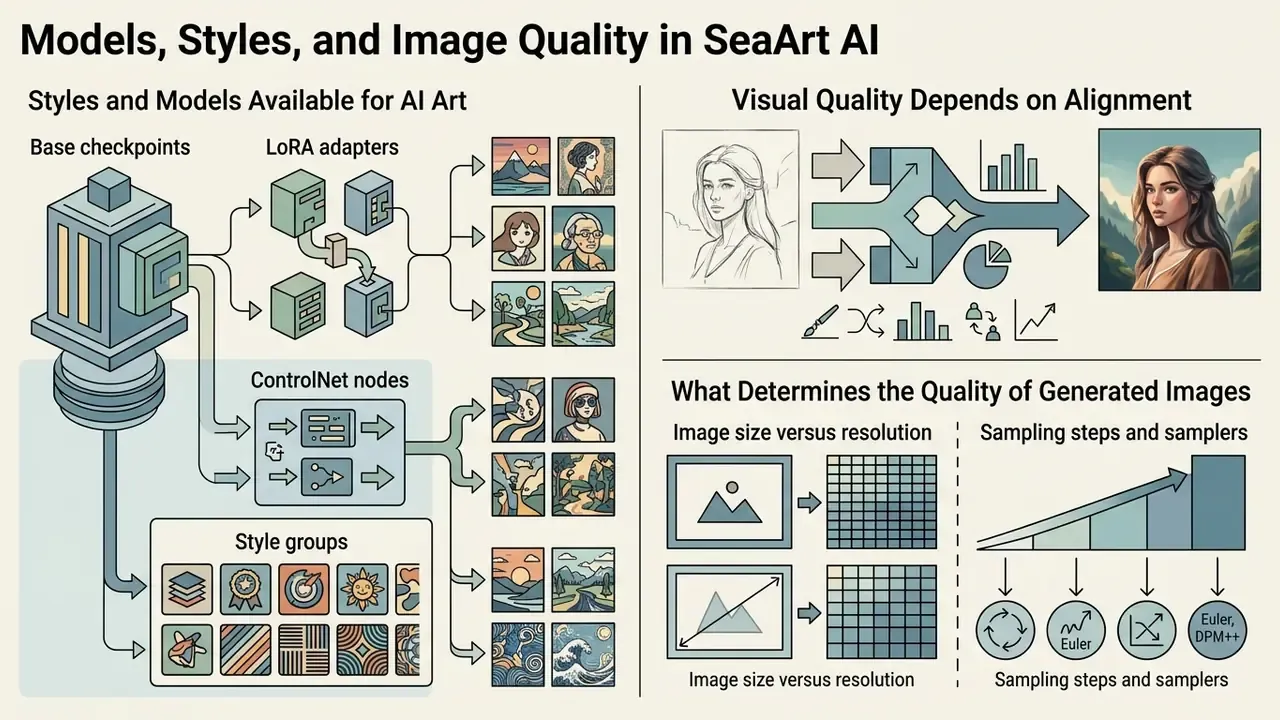
Visual quality depends on alignment between the checkpoint, the fine-tuning adapters (LoRAs), and inference parameters. Cross-platform quality benchmarks are collected in our comparison of the best AI art generators.
Which Styles and Models Are Available for AI Art
Attributed figure. SeaArt AI provides access to a model ecosystem documented at over 980,000 community-contributed and hosted assets per the official Google Play listing (2026), while the model catalog page separately cites 700k+ AI image models. The discrepancy reflects different counting scopes, all assets versus image checkpoints, rather than a contradiction. The catalog includes:
- Base checkpoints photorealistic engines, SDXL variants, Flux family models, and dedicated anime checkpoints.
- LoRA adapters Low-Rank Adaptation models that stack up to 5 at once in a single workflow to control character likeness, clothing style, or a distinct artistic movement.
- ControlNet nodes conditioning modules that enforce structure from uploaded depth maps, pose skeletons, or line drawings.
- Style groups SDXL for realism, the Anime Series for 2D work, and the Illustrious Series for painterly illustration, each with "Explore Related" reference images on the model card.
«SeaArt provides access to Stable Diffusion and Flux model families, many of which are also available through other web interfaces or local installations.»
That portability cuts both ways. Output style is rarely locked to SeaArt, which lowers switching cost. It also means the platform's differentiation lives in catalog breadth, training tools, and community remixing rather than proprietary model quality.
What Determines the Quality of Generated Images
Detail and artifact control come down to a handful of technical choices:
- Image size versus resolution generating at extremely high initial resolution pushes diffusion models toward double heads and extra limbs, because oversized canvases get misread as stitched images. SeaArt's own documentation warns about this. Generate at native model resolution, then upscale.
- Sampling steps and samplers modern samplers such as
DPM++ 2M Karrasconverge stably within 20 to 25 steps. Above 50 steps you mostly buy credit consumption. Where output shows structural errors, a moderate step increase is the first lever to pull. - CFG tuning above 12.0 you force literal prompt compliance and get unnatural saturation plus visual noise; too low and prompt adherence collapses.
- Denoise / redraw scale in workflow nodes, denoise near 0.7 with 40 steps is a common reference configuration for I2I refinement passes.
- LoRA weights and CLIP layer over-weighted LoRA stacks are the most frequent cause of melted faces and broken anatomy. Reduce weights before you raise steps, not after.
Is SeaArt AI Free or Paid? Tiers, Limits, and Subscriptions
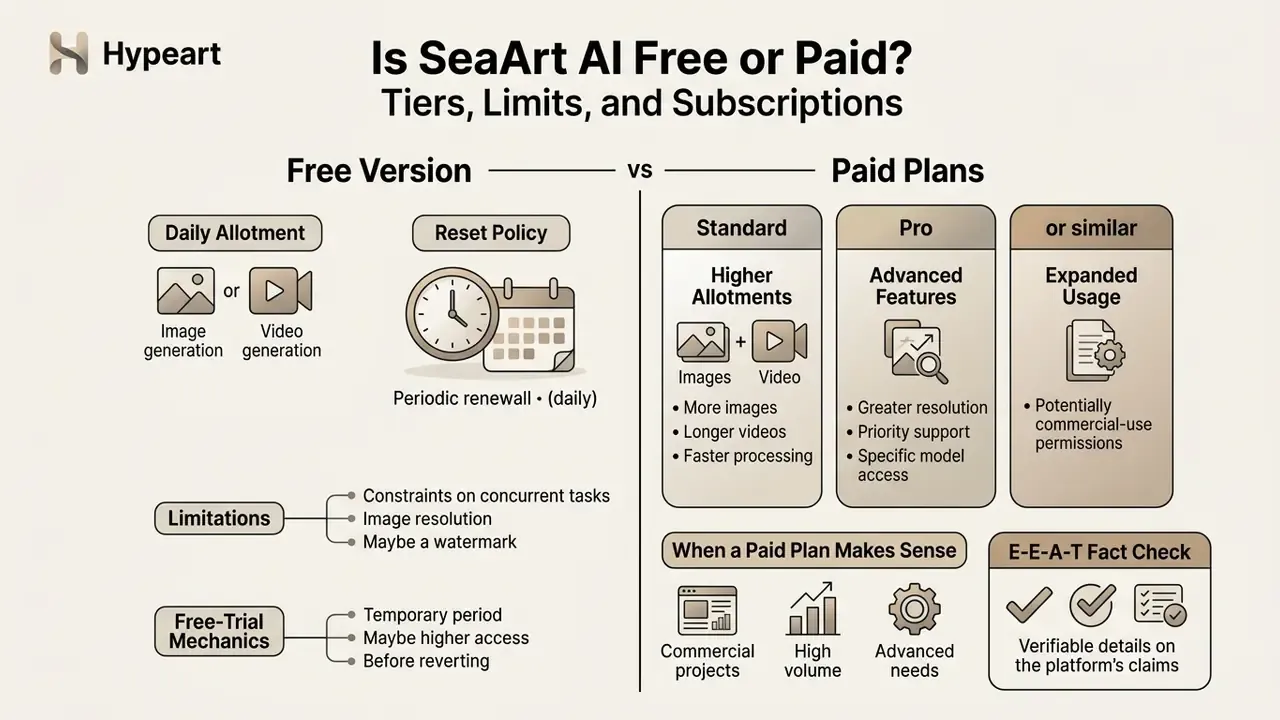
SeaArt AI runs a freemium model built on two currencies: daily renewing energy (Stamina) and purchased Credits.
| Plan tier | Indicative monthly cost | Daily credit / Stamina allotment | Concurrent tasks | Priority queue | Commercial rights |
|---|---|---|---|---|---|
| Free Tier | $0.00 | ~130–150 Stamina / day | 2 tasks | Standard / throttled | Restricted / non-commercial |
| Beginner | ~$4.99 / month | ~300 daily Stamina | Expanded | Fast queue | Tier dependent |
| Standard | ~$11.99 / month | ~1,800 daily Stamina | Expanded | High priority | Standard license |
| Professional | ~$29.99 / month | ~4,000 daily Stamina | Maximum | High priority | Commercial rights granted |
| Master | ~$149.99 / month | ~12,000 daily Stamina | Maximum | Top priority | Full commercial license |
«The iOS App Store lists: Beginner Plan, $4.99/month; Standard Plan, $11.99/month or $119.99/year; credit packs from $1.99 to $39.99.»
What the Free SeaArt AI Version Includes
The free tier exists for casual experimentation. Anyone asking is sea art ai free will find that basic generation works without a credit card, a low-friction entry point comparable to other no-sign-up AI image generators, though SeaArt does require an account. Search variants like sea art ai free or ai image generator free seaart all land on the same freemium page.
To evaluate overall software spend across generative toolsets, teams can consult our AI Media Pricing guidelines, plus the broader landscape of zero-cost editing tools in our guide to free photo editors.
When a Paid Plan Makes Sense
Upgrading becomes necessary when operational demand exceeds the free ceiling:
- High-volume generation: large batches of marketing collateral or storyboards need higher daily Stamina; paid tiers also unlock batch generation of up to 8 images per run.
- Advanced video production: high-resolution video modes, full motion and camera controls, and switching between specialized models such as Wan2.1 all sit behind premium access. Before upgrading, benchmark against free AI video generators and our comparison of free AI video tools by duration and watermark limits.
- Queue priority: removing processing delays for time-sensitive commercial work.
- Custom model training: server resources for training dedicated LoRA adapters, with training priority.
- Watermark removal and commercial licensing: both are gated behind paid tiers, and the second one is the reason most business teams upgrade at all.
For technical teams wiring image generation into enterprise apps, our AI Media API Guides help with cost and throughput forecasting.
SeaArt AI App and Community: Mobile Access, Model Sharing, and Prompt Galleries
SeaArt AI operates a social creative ecosystem that links the browser workspace with mobile apps, enabling cross-device generation and workflow sharing. The community layer is not decorative. SeaArt's workflow documentation states that published works "will be displayed on the community homepage and gain exposure," which turns the feed into an internal distribution channel backed by likes, comments, followers, challenges, and one-click remixing. The official model page invites users to "Upload Your Model and Share It with the World," confirming that model sharing, not just output sharing, is a first-class function.
For a governance reader, that same social layer is a leak vector. A designer who publishes a concept board built from an unreleased product render has just distributed it publicly, with a perpetual platform licence attached. Default publishing behaviour deserves a line in your policy.
Capabilities of the SeaArt Mobile App
The native app, shipped on iOS and Android and searched as seaart ai art generator app, brings the core workspace to phones. The most requested seaart ai art generator app features break down as follows:
Mobile suits short-video creators and quick iteration. Complex multi-node workflows, the ComfyUI-style canvas setups, still belong on desktop web, which SeaArt's own documentation treats as the primary surface. Users hitting setup issues or generation errors on mobile can consult our AI Media Support and Troubleshooting hub.
SeaArt AI Compared with Alternative AI Generators
Choosing an engine for a visual production pipeline gets easier when you put SeaArt next to the platforms it is usually shortlisted against.
| Criterion | SeaArt AI | Leonardo AI | Hailuo AI (MiniMax) | Midjourney v6 |
|---|---|---|---|---|
| Base models | SDXL, Flux, Wan2.1, Seedance 2.5, MiniMax H3 | Phoenix, SDXL | MiniMax proprietary | Midjourney v6 |
| Free allowance | ~130–150 Stamina / day (no card required) | ~150 tokens / day | Limited demo access | None |
| Custom LoRA support | Up to 5 stacked in one workflow; own LoRA training available | Up to 2 models | Not supported | Not supported |
| Video generation | T2V, I2V, 9 camera-motion presets, audio sync | Motion tool (limited) | Strong physical realism | Limited gif-style panning |
| Face swap & utilities | Built in by default | Requires separate tokens | Not available | Via third-party Discord bots |
| Custom model training | Available | Available | Not available | Not available |
| Community remixing | Public gallery, one-click remix, model uploads | Community feed | Minimal | Discord-centric |
| Governance documentation | Weak (D-grade, VerifyWise) | Partial | Limited English documentation | Limited |
Competing coverage frames the field more loosely. One review notes that "SeaArt AI competes with some of the biggest AI-powered art platforms, including Leonardo AI, Hailuo AI, and Deep Dream Generator," crediting SeaArt for interface simplicity and processing speed. Our reading is narrower: the sea ai art generator wins on catalog breadth, video-motion control, and cost per generation, and loses on enterprise attestation and licensing clarity. Additional head-to-head material sits in our evaluations of Midjourney image generation versus competing tools and ChatGPT image generation versus alternatives.
FAQ: Frequently Asked Questions About SeaArt AI
Is SeaArt AI completely free to use?
The free tier grants roughly 130 to 150 Stamina credits daily with no credit card required, which supports around 20 to 25 standard images per day. Advanced models, priority queues, watermark removal, and commercial rights all require a paid subscription. Readers exploring animation-adjacent workflows can also review image-to-video AI tools.
How do I fix bad hands and distorted faces in SeaArt AI?
Set sampling steps to at least 25, keep CFG scale between 6.0 and 8.0, and include quality anchors such as (masterpiece, best quality:1.2) in the positive prompt. Add exclusions like bad hands, extra fingers, distorted limbs to the Negative Prompt field, dial back over-weighted LoRAs, then run the final output through the AI Image Upscaler or the Restore Faces node.
Can I legally sell images generated on SeaArt AI?
Commercial rights depend on your subscription tier and on the licence of the specific model or LoRA used. Paid plans generally include commercial rights, provided the underlying model licence permits commercial exploitation and your input assets do not infringe third-party trademarks or copyrights. Treat free-tier output as evaluation-only.
Which image formats can I upload to SeaArt AI?
Image-to-image, face swap, upscaling, and eraser tools accept JPG, PNG, JPEG, and WebP. The video module additionally accepts still images in JPG, PNG, and WebP, plus MP4 for motion-reference workflows. Outputs arrive as PNG, JPG, or WebP for images and MP4 or GIF for video.
Does SeaArt AI support audio and video synchronization (Audio Sync)?
Yes. With Seedance 2.5 and MiniMax H3, the platform can align lip movement and generated footage with an uploaded audio file or voice track, and MiniMax H3 is documented as producing native stereo 2K video up to 15 seconds. Teams pairing this with synthetic narration can review our guide to AI voice generators.
Can I automate publishing of generated videos to social networks?
Not natively. SeaArt AI does not provide auto-posting. To schedule clips on TikTok or YouTube, export the finished MP4 files into a third-party automation service (for example, Vadoo AI) or into an editing and publishing pipeline. Our YouTube video editor workflow guide covers the handoff, and large exports can be prepared with a video compressor.
How long is a SeaArt AI video clip?
The Flow 2.0 guide fixes standard clips at 8 seconds per generation pass, while the homepage advertises native stereo 2K video up to 15 seconds for specific model modes. The gap reflects different product modules rather than an error. Confirm the cap inside the specific model card before you plan a storyboard.
Is SeaArt AI safe for corporate or regulated use?
Only under restriction. Public materials do not document SSO/SAML, SOC 2 attestation, data-residency controls, or an opt-out from model training, and independent audits flag the perpetual content licence. Use it for non-confidential creative work under an explicit Shadow AI policy, and negotiate directly with the rights holder for anything beyond that.
Does SeaArt AI have a mobile app?
Yes. Native apps ship for iOS and Android with text-to-image, image-to-video, LoRA and ControlNet access, face swap, background removal, and community remixing. Complex multi-node workflows remain better suited to the browser version.
What evidence should we archive for each published asset?
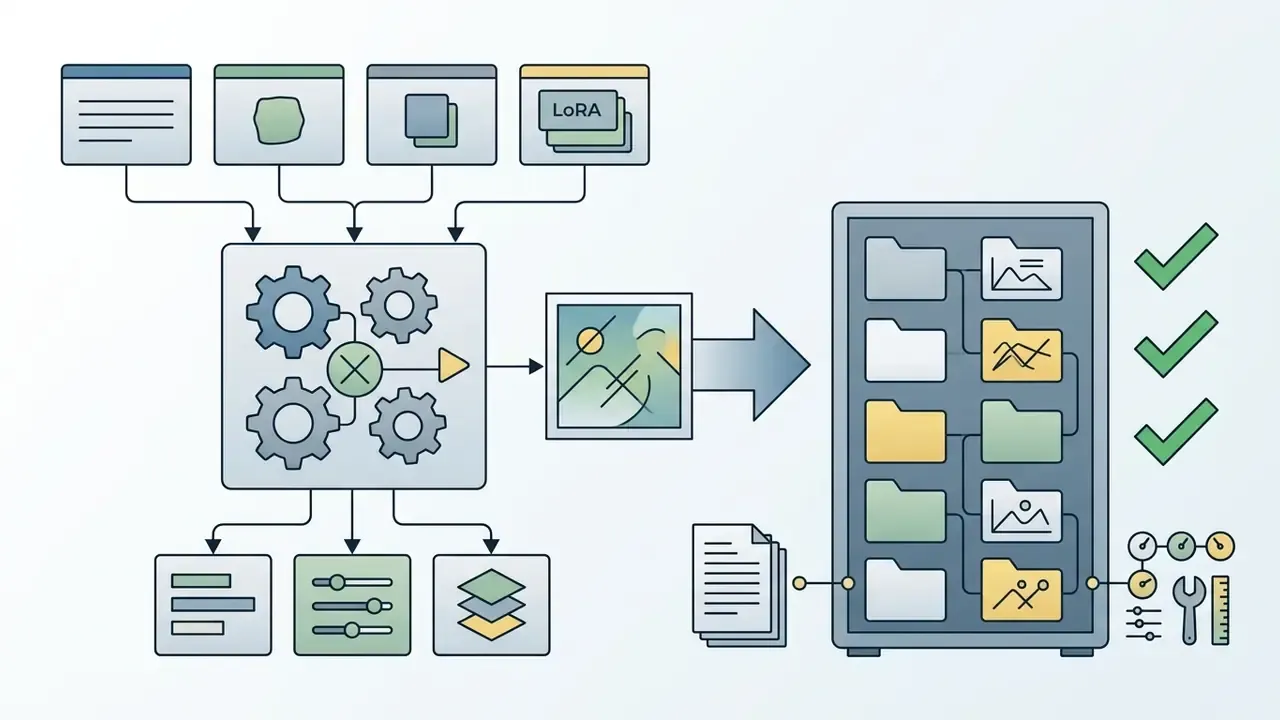
At minimum: prompt, negative prompt, seed, checkpoint name and version, LoRA stack with weights, sampler, steps, CFG, plus the reviewer's name and approval date. Store that record next to the final file. Without it, you cannot reconstruct how an image was made, and reconstruction is exactly what an examiner or opposing counsel will ask for.
Conclusion, Limitations, and a Safe Next Step
SeaArt AI is a versatile, community-driven generative platform that makes multimodal image and video creation approachable for beginners and useful for experienced creators. Strengths: a library cited at over 980,000 models, advanced LoRA stacking and ControlNet conditioning, nine cinematic camera-motion presets across Seedance 2.5 and MiniMax H3, daily free credits, and capable mobile apps. Readers weighing zero-cost options first can compare free AI art generators before subscribing.
«In 2024 SeaArt recorded 7.7× user growth and 5.5× revenue growth; ARR approached $50 million with more than 30 million monthly active users.»
Development and legal stewardship sit with SUNRISEAI PTE. LTD., registered in Singapore. Corporate contracts, data-processing agreements, and compliance questionnaires should therefore go to SUNRISEAI PTE. LTD. as the rights holder, not to regional resellers or app-store intermediaries.
Trade-offs that risk-conscious operators need to price in:
Open questions we cannot close from public sources. Whether customer content is excluded from training by contract. Whether enterprise identity federation exists in any form. Whether prompt-and-parameter metadata can be exported in bulk for archiving. Until those answers arrive in writing, any statement about fitness for regulated use stays a hypothesis.
A safe next step. Run a bounded 30-day pilot on non-confidential creative only, with managed accounts, a named business owner, a mandatory evidence log, and a hard ban on identity-adjacent generation. Measure the risk-adjusted cost per approved asset, not the subscription line. If the numbers hold and the vendor answers the open questions in writing, escalate to a negotiated agreement. If they do not, you have lost a month and roughly thirty dollars, which is a cheap way to learn something real.
Appendix A: Source Wording, Revisions, and Open Data Gaps
Retained for transparency, per editorial policy on traceable revisions.
| Original wording | Status | Revised treatment |
|---|---|---|
| "the system processes tens of millions of image tasks and hundreds of thousands of video generation requests daily" | Replaced, unattributed | Substituted with quantified figures attributed to TechBullion (2024–2025): ~20M images and ~500K videos daily. |
| "SeaArt AI claims access to a vast model ecosystem comprising over 980,000 community-contributed and hosted assets" | Replaced, hedged with "claims" | Attributed directly to the official Google Play listing (2026); catalog-scope discrepancy with the 700k+ model page explained. |
| "reduced creative turn-around time by 65% while keeping production costs within budget limits" | Reformulated, unaudited metric | Restated as a self-reported, directional operational improvement, with the added compliance gate described. |
| "VerifyWise AI App Trust Index, which assigns SeaArt a D-grade/35 rating" | Kept and strengthened | Direct quotation with score and the specific disclosure gap (no training opt-out) added. |
| "Free-tier usage is generally restricted to non-commercial evaluation" | Kept, verified as the safer reading | Competing claims that free output is commercially usable are explicitly marked as unreliable marketing copy. |
Open data gaps requiring vendor confirmation: SOC 2 and ISO 27001 status; availability of SSO/SAML and SCIM; contractual training opt-out; data-residency options; retention and deletion SLAs; bulk export of prompt-and-parameter metadata; existence of any GRC or MRM connector. Conclusions about suitability in banking and other regulated contexts remain hypotheses until these items are confirmed in writing by SUNRISEAI PTE. LTD.