An online video downloader YouTube workflow lets you parse media links directly in a web browser, pick between MP4 video or MP3 audio streams, choose a resolution tier up to 4K, and store eligible files for offline viewing. Sounds trivial. It isn't. Evaluating these web-based utilities properly means looking at server-side parsing architecture, adaptive stream extraction (DASH/HLS), container compatibility, and the security exposure each service creates for the person clicking the download button.
«Evaluating media conversion tools requires looking beyond immediate speed and convenience to examine server-side stream demuxing, transport layer security, and data handling policies.»
Quick Answers Before You Start
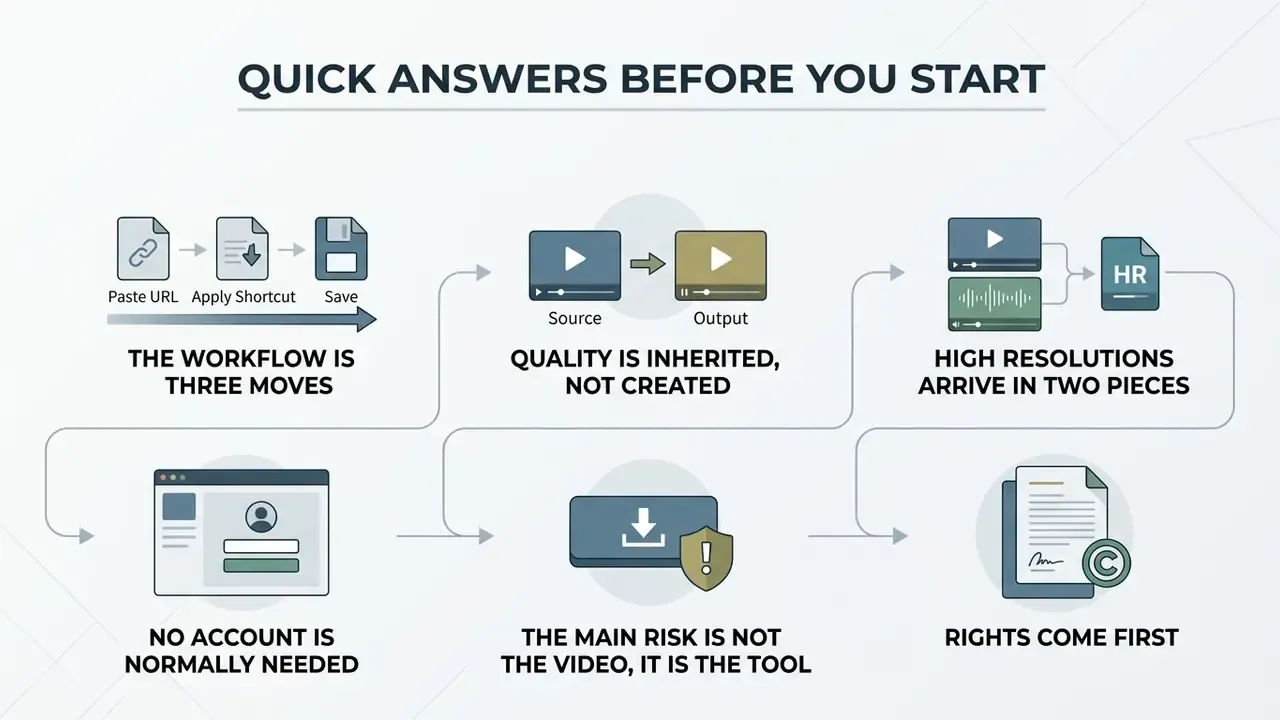
A few things worth knowing up front, because they save most of the trial and error later.
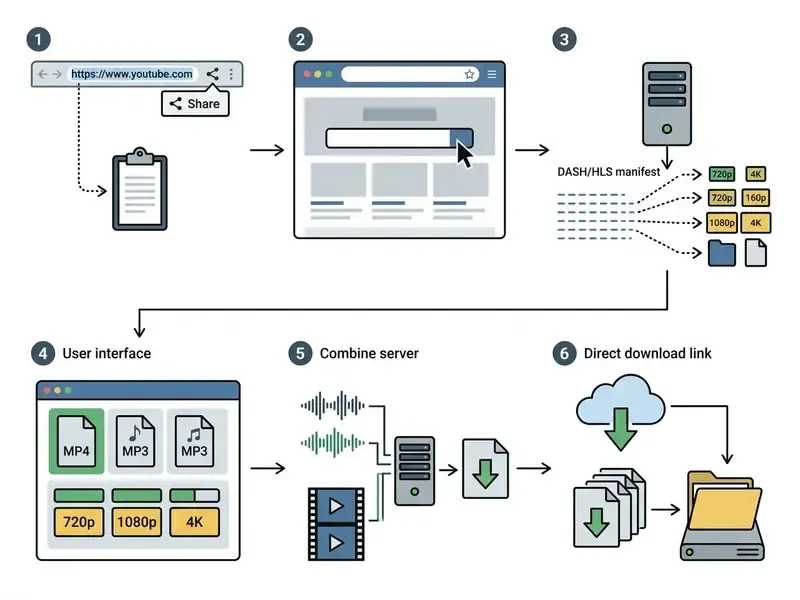
- The workflow is three moves. Simply copy the video URL, paste it into the search box of the downloader online, then choose a format and quality option before you save the file.
- Quality is inherited, not created. A 4K option only appears when the creator uploaded a 2160p master. Anything else labelled 4K is an upscale.
- High resolutions arrive in two pieces. YouTube delivers 1440p and 2160p as video-only tracks, so something has to mux the matching audio stream back in.
- No account is normally needed. Standard free online services run a single-session retrieval without registration, which also keeps credentials off third-party portals.
- The main risk is not the video, it is the tool. Browser extensions and bundled download helpers have a documented history of data exfiltration and code execution flaws.
- Rights come first. YouTube's Terms allow downloading only where the platform offers it, where you hold the rights, or where you have permission.
Keep those six points in mind and the rest of this guide is mostly detail.
How to Download YouTube Videos Online: Step-by-Step Guide
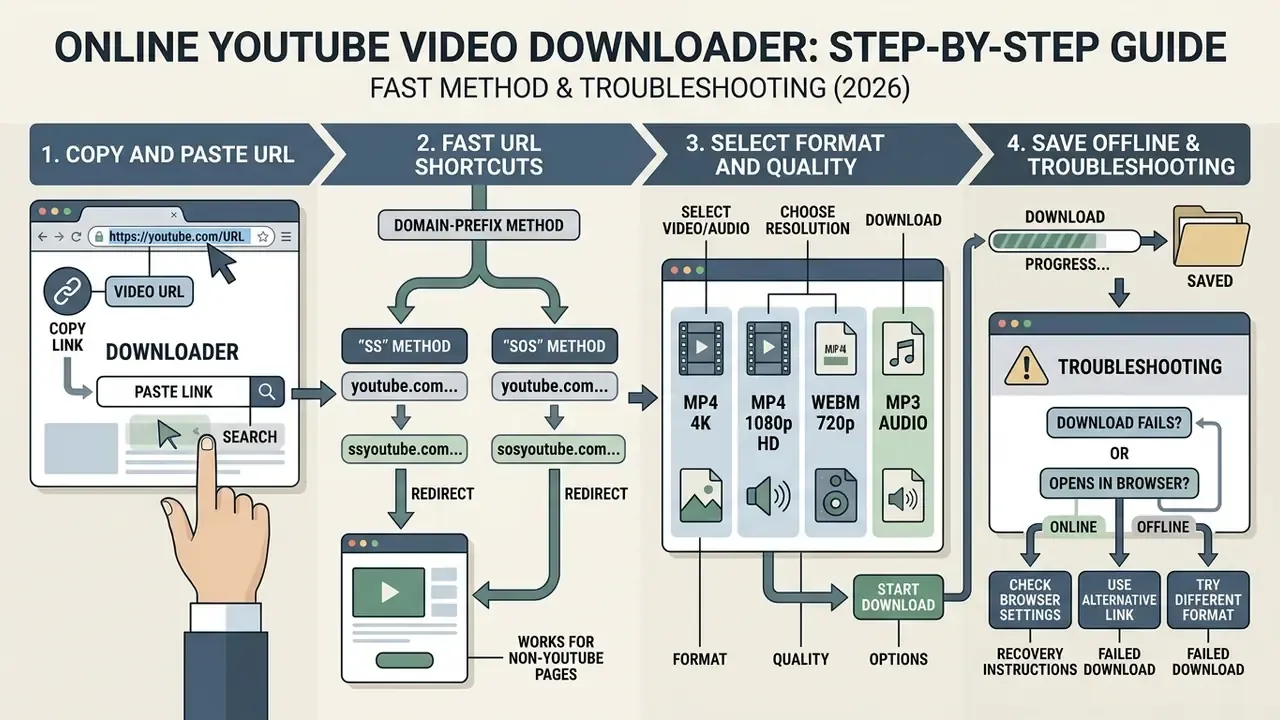
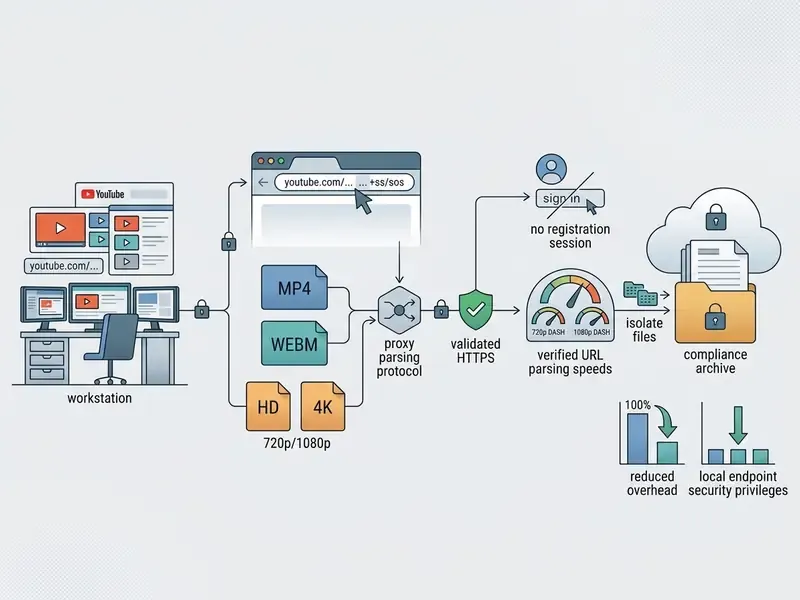
Downloading a YouTube video online involves copying the source video URL, pasting it into the downloader search box, selecting the preferred output format and quality option, and executing the download. This browser-based workflow operates across desktop and mobile environments without requiring local application installation, which is exactly why it survives on locked-down corporate laptops where nothing new can be installed.
Executing a direct web download requires four standard steps: For complex media editing tasks, creators often use a dedicated youtube video cutter to refine clip boundaries before final archiving. Those comparing post-processing suites can review free video editing software before committing to an archive pipeline.
- Locate and copy the target URLOpen the target video in your browser or application and copy the URL string.
- Submit the link to the downloader toolPaste the copied URL into the central search box of the web downloader service.
- Configure output parametersSelect the container format (MP4 for video, MP3 for audio) and the resolution tier (720p, 1080p, or 4K).
- Initiate transferClick the primary download button to start downloading and save the resulting file directly to your device storage.
Copy the Video Link and Paste It into the Search Box
Start by copying the exact video link from your browser address bar or the application share menu, then paste it into the service search box. That's the whole trick.
On desktop browsers, highlight the URL in the address bar (it contains youtube.com/watch) and copy it to the clipboard. On iOS or Android, tap the Share button below the player and select Copy link (YouTube Help, Share videos). Return to the web downloader interface, click inside the input field, and paste the video link to trigger manifest analysis. A stable internet connection matters more than device speed here, since the parsing happens remotely.
One small habit worth adopting: strip tracking parameters after the video ID. A clean youtube.com/watch?v=VIDEO_ID string parses more reliably than a link carrying si= and timestamp fragments.
When you are structuring metadata for your own uploads rather than archiving someone else's, a youtube video description generator keeps titles and descriptions aligned with search indexing. Channel branding sits in the same production bucket, which is where a youtube pfp maker fits.
Fast Method: Downloading via URL Substitution (SS and SOS Shortcuts)
Want to skip the homepage entirely? Address-bar modifiers do it in one keystroke.
- Original URL:
https://www.youtube.com/watch?v=VIDEO_ID - Modified URL:
https://www.ssyoutube.com/watch?v=VIDEO_ID - Original URL:
https://youtube.com/watch?v=VIDEO_ID - Modified URL:
https://sosyoutube.com/watch?v=VIDEO_ID
- The "SS" method (SSYouTube)Insert the letters
ssinto the URL before the wordyoutube. - The "SOS" method (SOSYouTube)Add the
sosprefix immediately beforeyoutube. - Domain-prefix method for non-YouTube pagesPrepending a downloader domain (for example
sfrom.net/orsavefrom.net/) to any page URL instructs the proxy to scan the page DOM for embedded media objects and return direct links for every detected representation.
Press Enter and the browser redirects to the downloader interface with the manifest already parsed, so only format and quality selection remain. Treat these redirect domains with the same caution as any third-party proxy: verify the HTTPS certificate, refuse browser-notification prompts, and never approve an extension installation that a redirect page tries to trigger. That last prompt is the one that causes real damage.
Select Video Format, Quality, and Start the Download
Choosing the right video format and resolution tier decides output file size, audio-visual fidelity, and playback compatibility on the device you actually use.
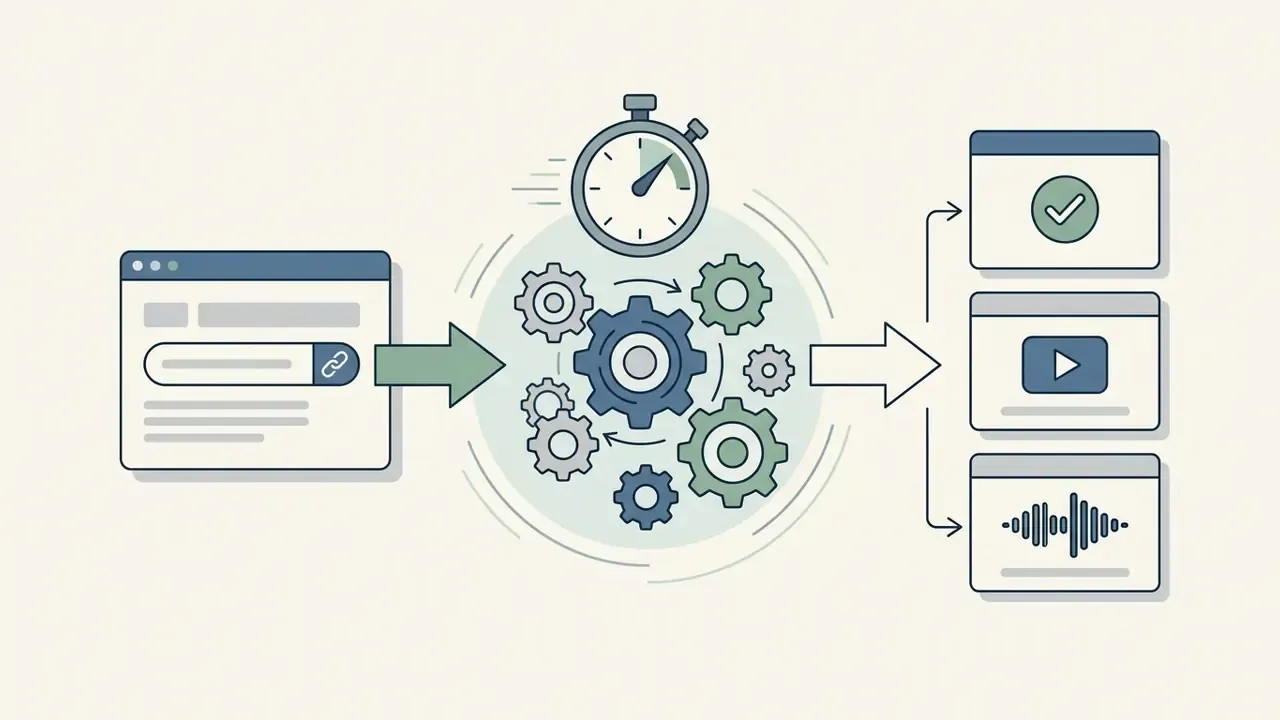
After URL parsing completes, the web service displays the available quality options. Users pick MP4 for visual playback or MP3 audio formats for sound extraction, then select a target resolution such as 720p HD, 1080p Full HD, or 4K resolution, and click the download button to start downloading the processed file. On a decent connection a one-click downloader returns a 1080p link in a few seconds; a fast download is mostly a function of how quickly the proxy resolves the manifest, not how big the file is.
Troubleshooting: When the Download Fails or Opens in the Browser
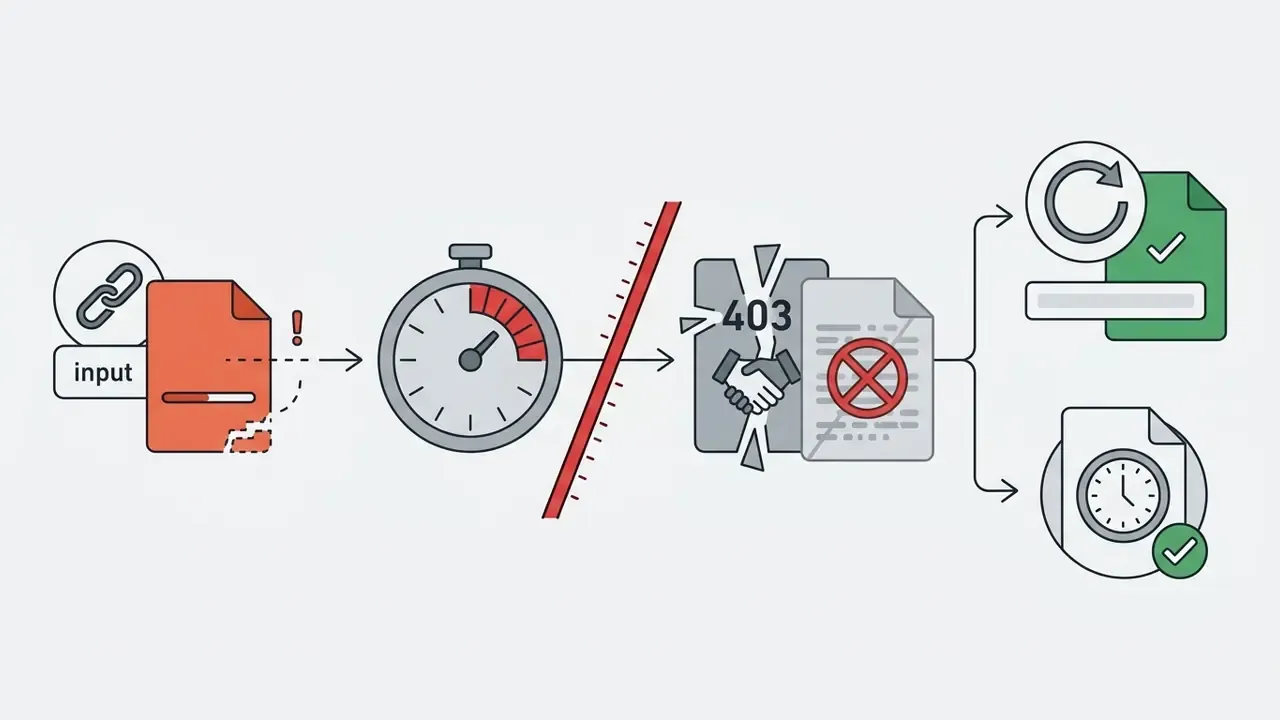
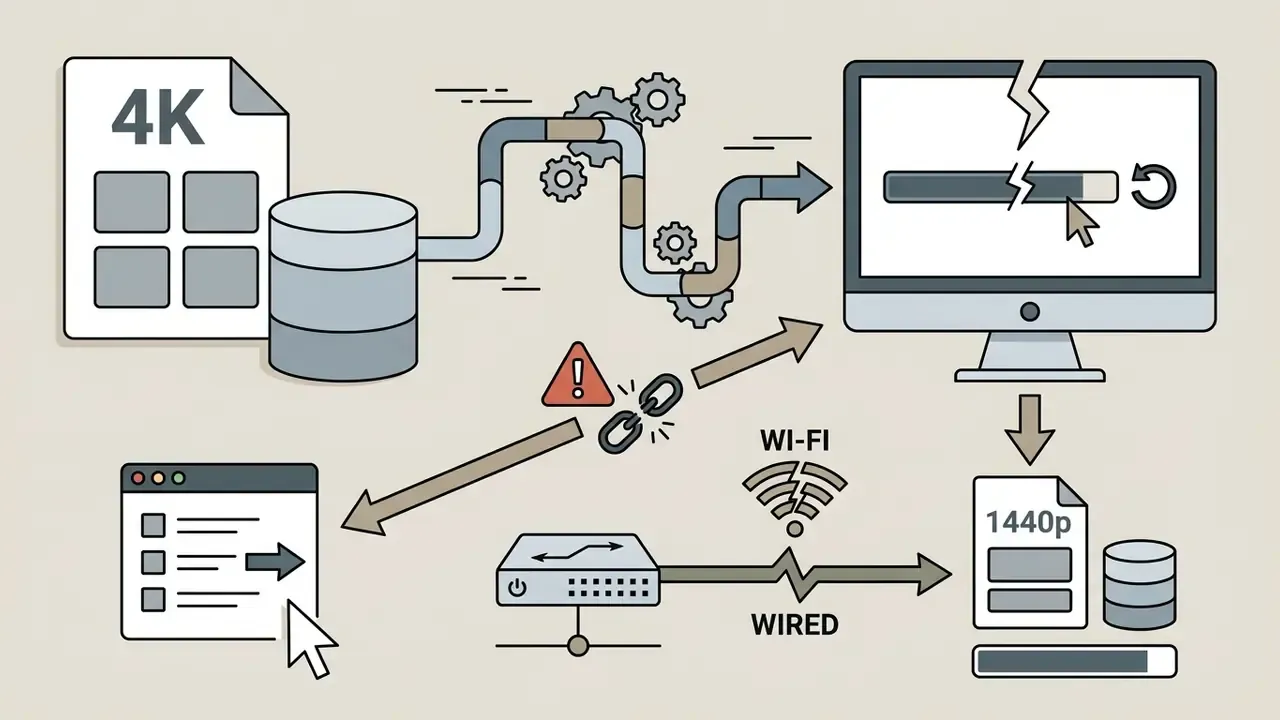
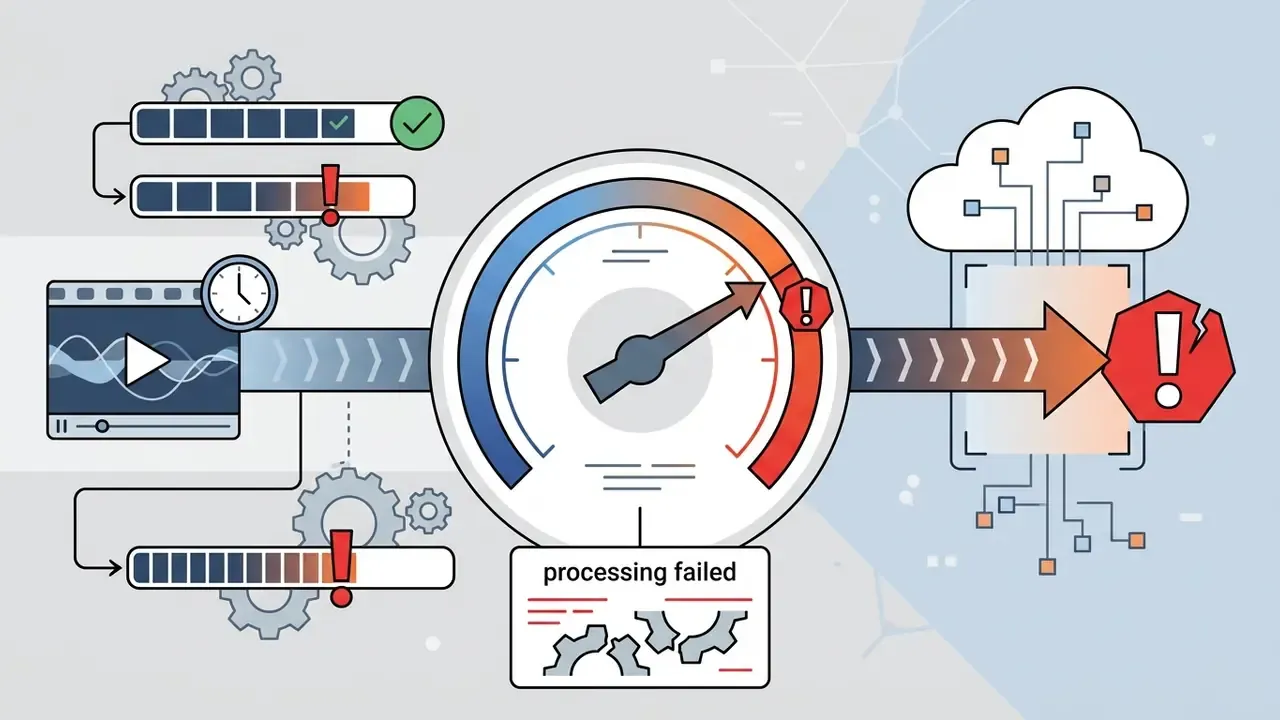
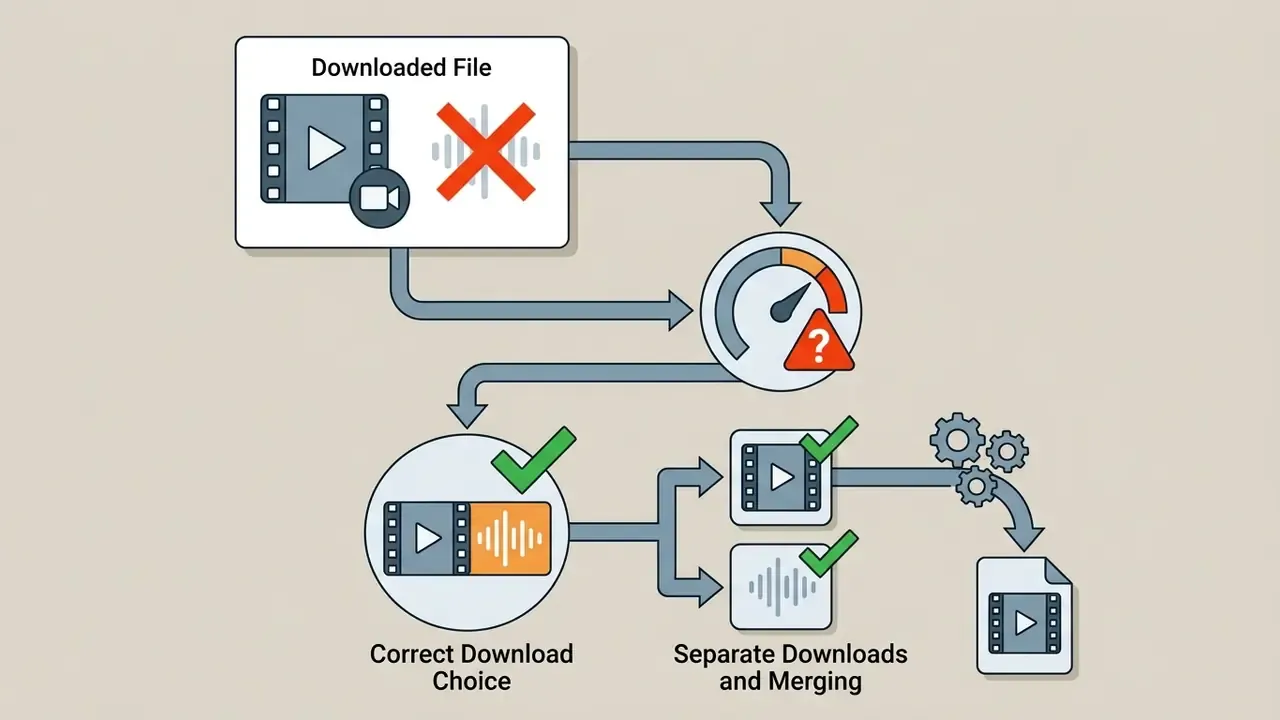
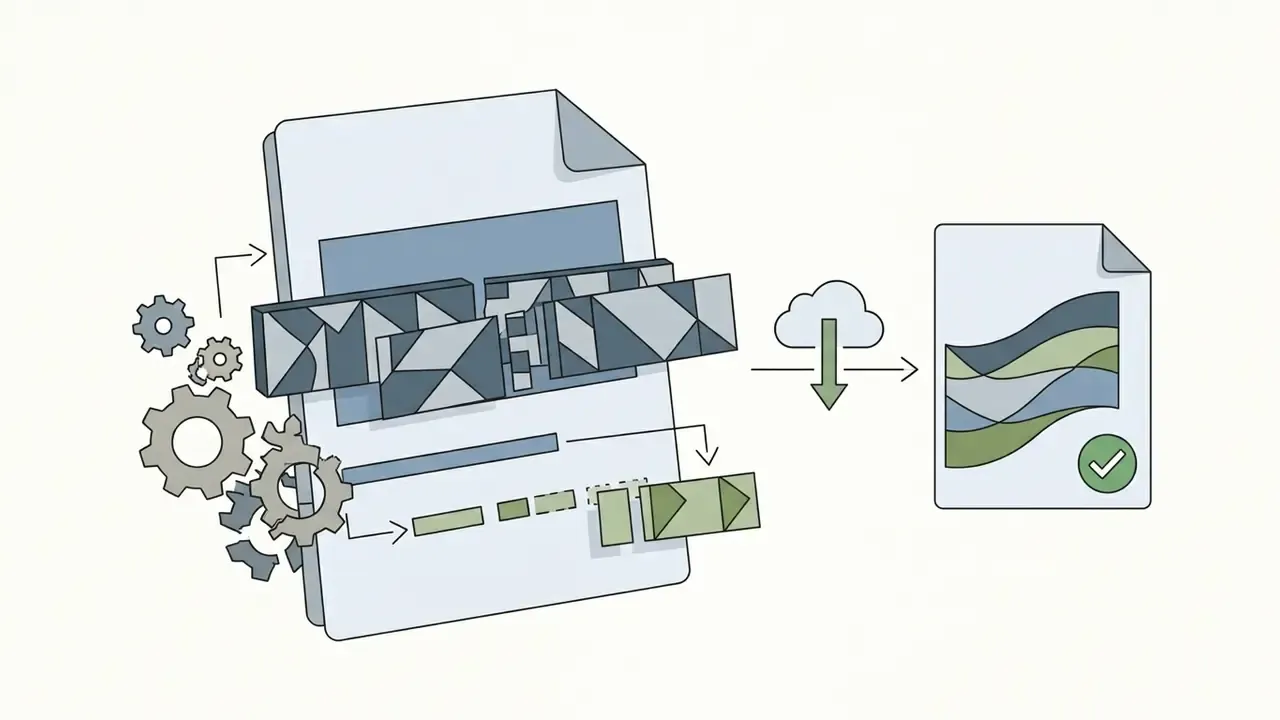
Other failure modes, and what actually fixes them:
How to Batch Download YouTube Playlists and Channel Archives
Downloading entire YouTube playlists means processing multi-video array manifests instead of a single entry:
- Copy the playlist linkMake sure the URL carries the playlist parameter (
youtube.com/playlist?list=PLAYLIST_ID), not only awatch?v=identifier. - Parse the array manifestPaste the link into the downloader. The service retrieves the array structure and displays individual episode checkboxes.
- Select batch parametersChoose a unified resolution tier (for example 1080p MP4) or batch audio extraction (320 kbps MP3).
- Execute archive retrievalClick Download All to trigger sequential zip-archived or multi-threaded browser transfers.
Channel archives follow the same pattern when the service accepts a channel URL. Expect throttling on large collections, though. Sequential retrieval is safer than parallel threads, because aggressive concurrency triggers rate limiting and leaves you with half-written files that look fine until playback.
Fast download sequence for desktop and mobile
Checklist0 / 6
What an Online Video Downloader YouTube Is and How the Service Works
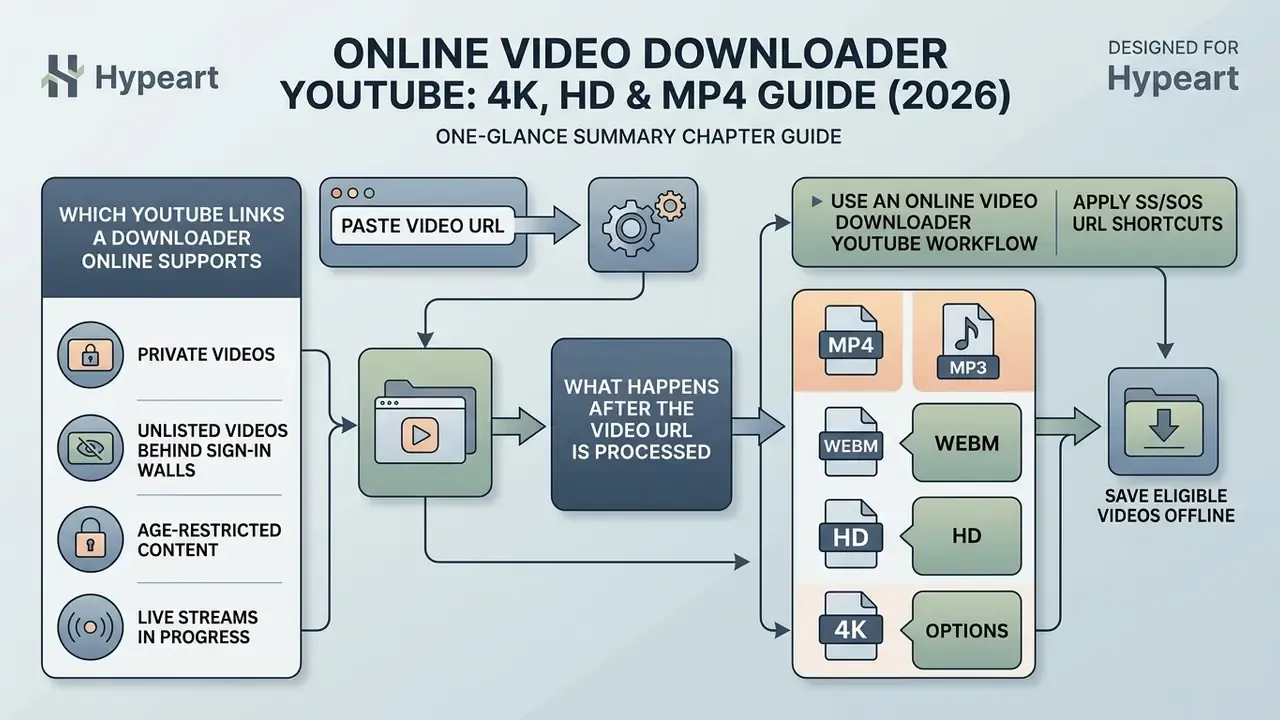
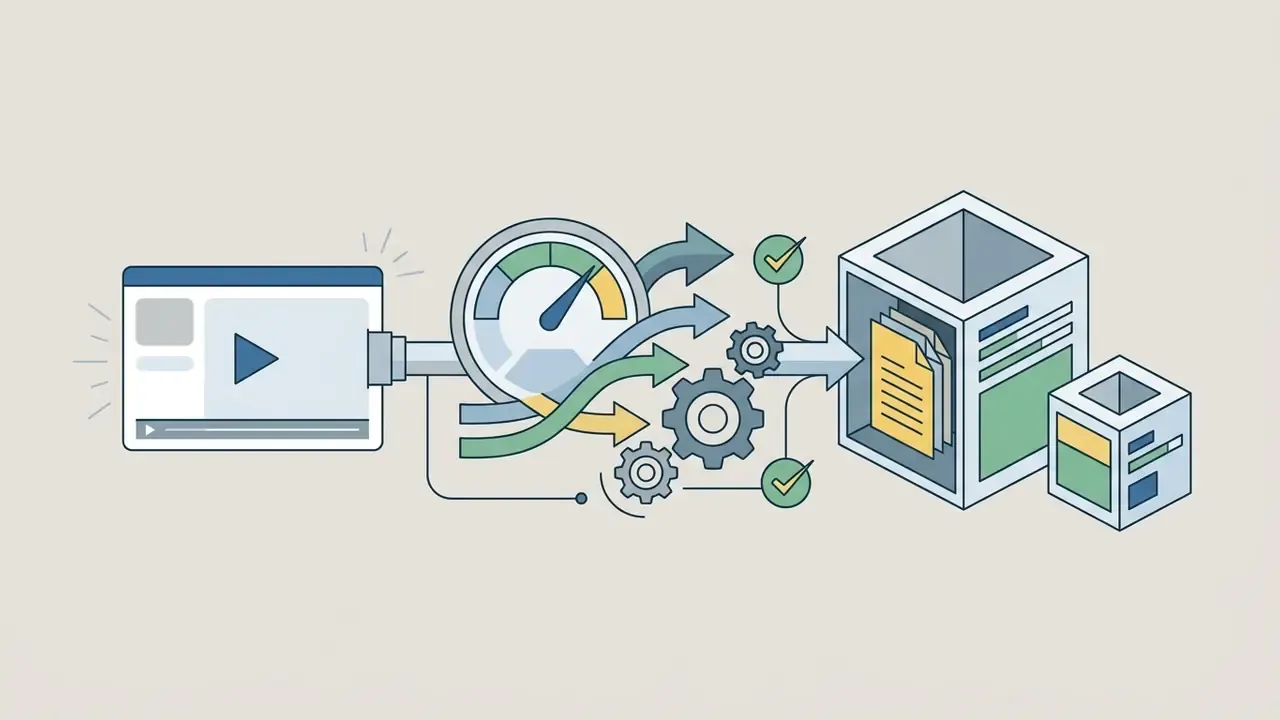
An online video downloader YouTube service is a browser-accessible web utility that parses public video URLs, retrieves media manifests, and hands back downloadable files without any local software installation. The web-based proxy fetches the target page, reads manifest metadata, demuxes media streams, and presents direct download links for local storage.
Web-based downloaders work by executing server-side requests against target video pages. When a user submits a valid media URL, the proxy server queries the platform's manifest file, either Dynamic Adaptive Streaming over HTTP (DASH) or HTTP Live Streaming (HLS), to identify available video bitrates, audio tracks, and container variants. Manifests are machine-readable descriptors: HLS uses master and media playlists, while DASH uses a hierarchical MPD that enumerates representations, codecs, segment templates, and byte ranges. According to technical documentation on media demuxing (FFmpeg Project, 2026), the system opens the input source via avformat_open_input(), isolates individual stream packets, and demuxes audio and video streams. The server then either redirects the client to a direct stream location or muxes video and audio elementary streams into a single container for browser download.
«The TSAC algorithm maintains mean relative bitrate error below 2% and delivers a 13 to 20% QoE improvement over discrete ABR algorithms.»
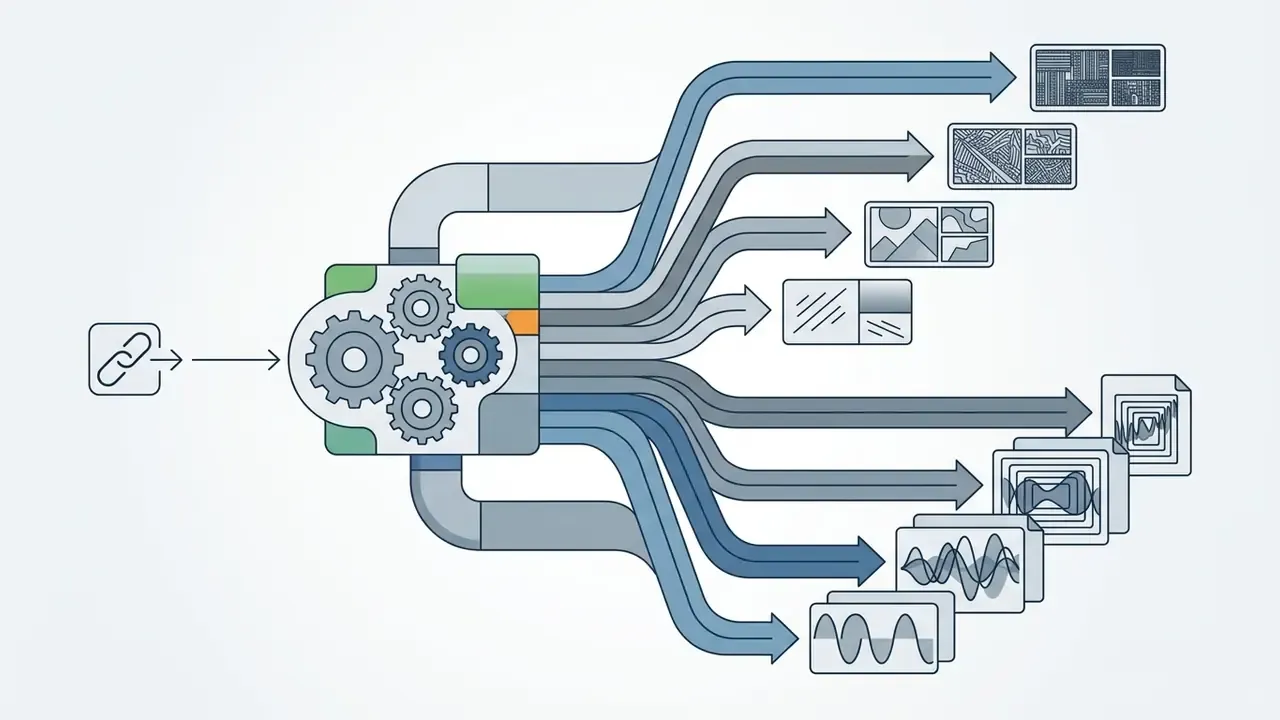
That multi-tier representation ladder is precisely what a downloader inspects. The same manifest that lets a player switch bitrates mid-playback lets a proxy enumerate every downloadable variant, from a 480p SD rendition up to a 2160p video-only track. No magic, just structured metadata read in a different order.
For organizational teams managing compliance across media channels, our AI Media Workflows hub collects systemic oversight models for digital asset management. Creators handling post-download production can compare approaches to YouTube video editing.
Which YouTube Links a Downloader Online Supports
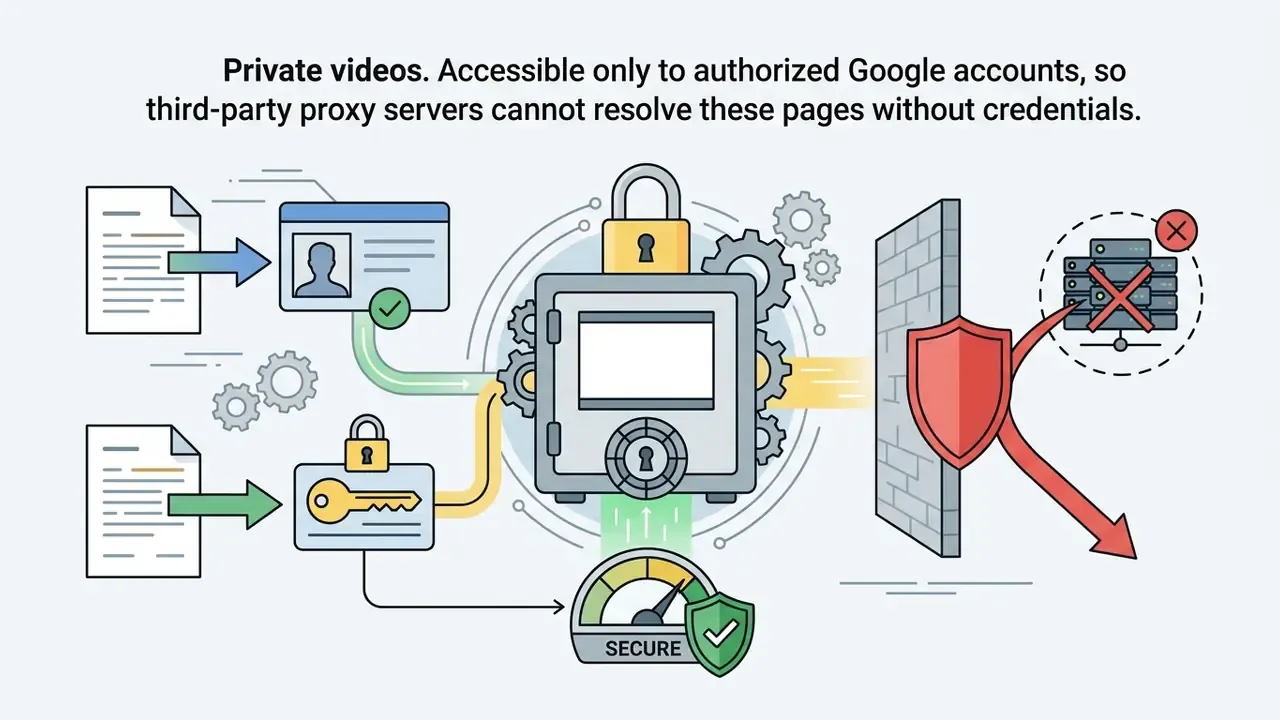
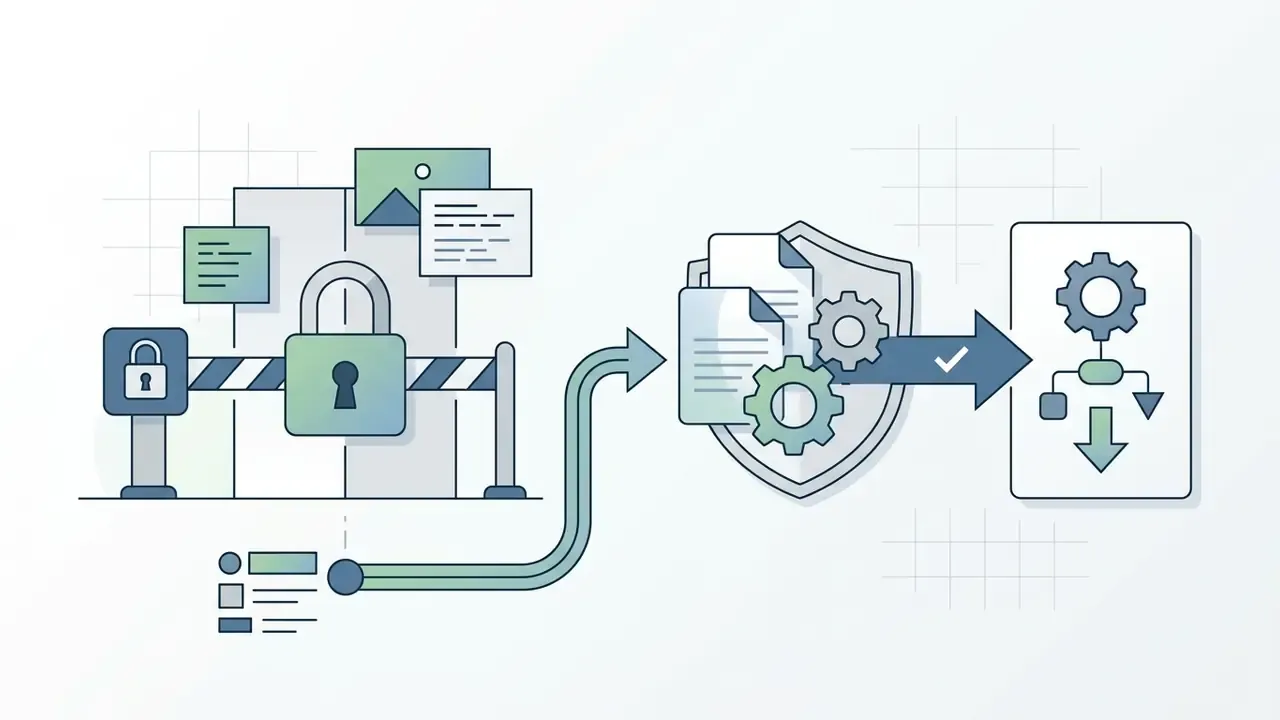
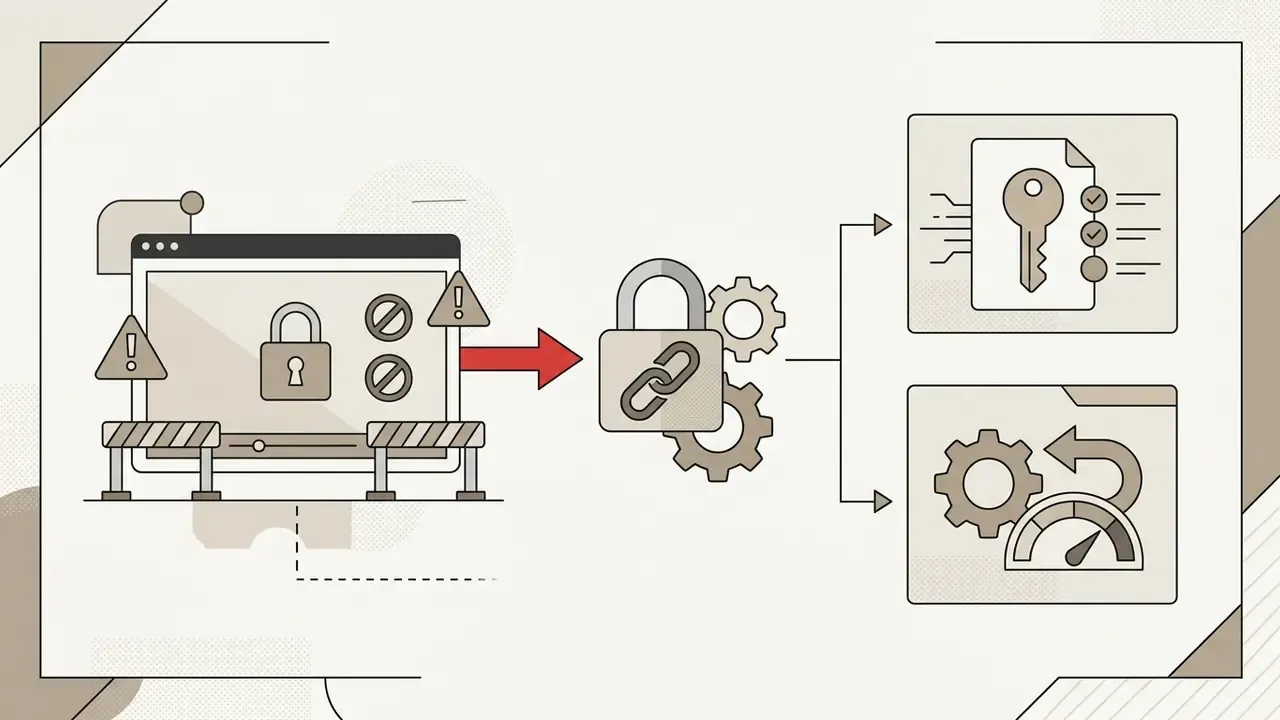
Online video downloader tools support standard public URL formats, while private, restricted, or session-gated links stay out of reach because of platform access controls. Coverage is not guaranteed by any published specification. Each service implements its own URL pattern matcher, so the practical test is whether the parser resolves your pattern into a manifest request. Documented empirical coverage data across services is not publicly available, and the patterns below reflect the URL formats YouTube itself documents.
Supported link types include:
- Standard watch links:
youtube.com/watch?v=VIDEO_ID - Shortened URLs:
youtu.be/VIDEO_ID - Shorts links:
youtube.com/shorts/VIDEO_ID - Public playlist links:
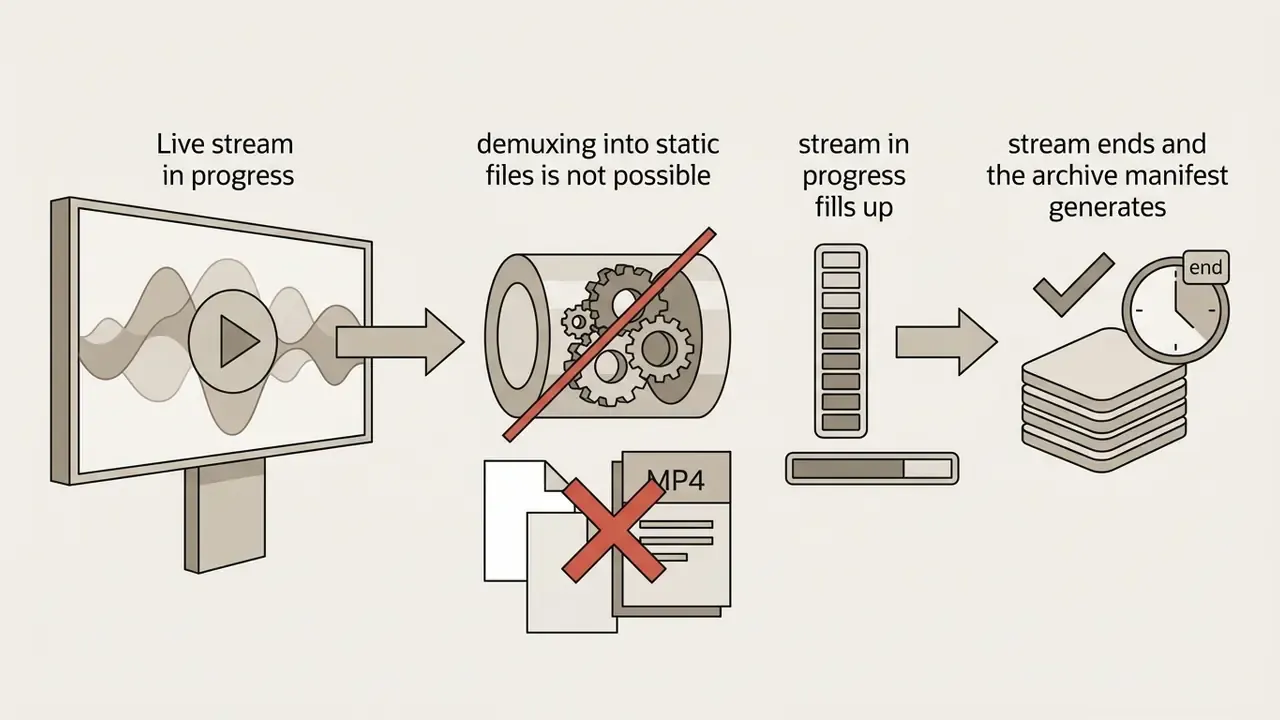
youtube.com/playlist?list=PLAYLIST_IDor the combinedwatch?v=…&list=…form - Completed live-stream archives, once the static manifest has been generated
Unsupported link types include:
Because age-gated and private content cannot be resolved by a public proxy, users get pushed toward browser extensions that promise to bypass the restriction. That is the highest-risk category in this whole ecosystem, and the research is blunt about it.
«The Arcanum study analyzed 113,099 Chrome extensions and found 3,028 (2.68%) exfiltrating sensitive user data off-device.»
What Happens After the Video URL Is Processed
After URL processing, the downloader converts manifest data into actionable stream targets, which enables direct file downloads through browser response headers.
Once the server parses the media manifest, it generates direct download links pointing to specific stream representations. If the chosen output needs separate audio and video tracks combined, as high-definition DASH streams do, the backend muxer interleaves packets into one unified file structure. FFmpeg documentation defines muxers as components that accept encoded packets, interleave multiple elementary streams, and write the resulting byte stream to a file or a pipe. The service then prompts the client browser with an HTTP payload response, so the user can click the download button, trigger the native file-saving workflow, and save videos directly to local storage.
Formats for Downloading YouTube Videos: MP4, MP3, and Other Options
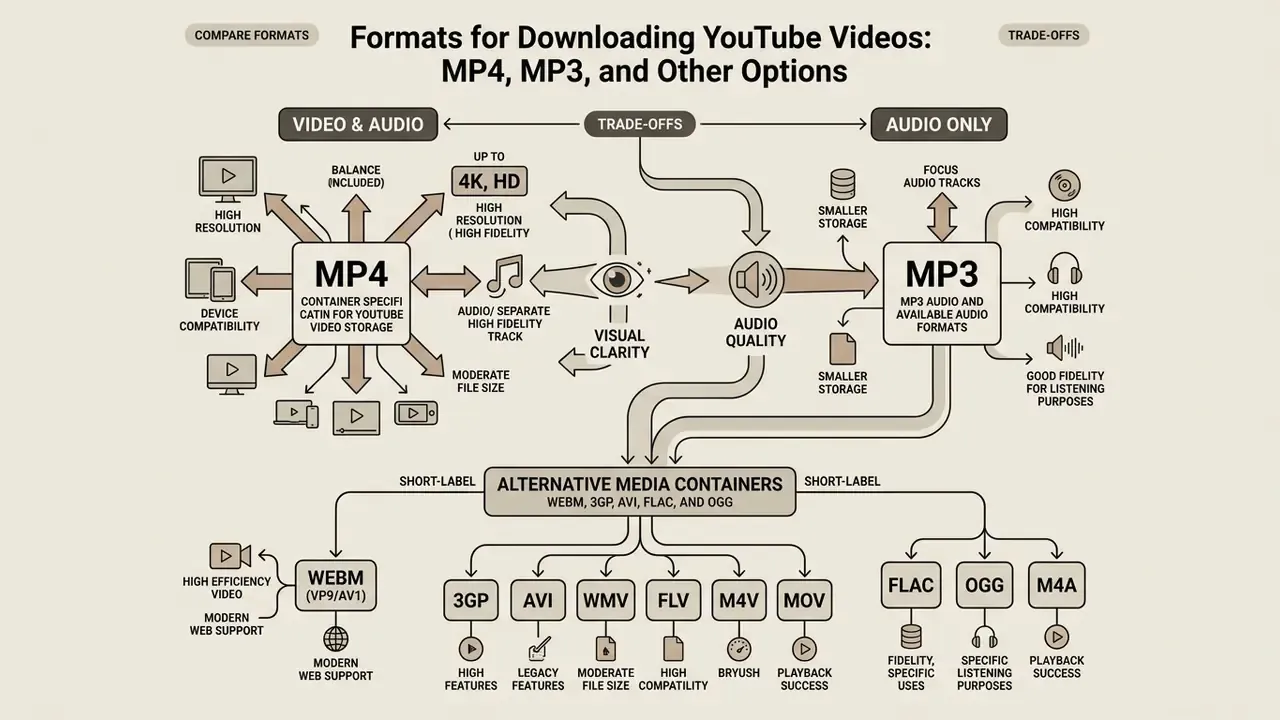
Picking a media format is a trade between visual transparency, audio fidelity, storage consumption, and device playback capability. MP4 is the universal container for video streams, while MP3 and AAC handle efficient audio-only extraction.
Container choice depends on the offline viewing scenario you have in mind. The standard ISO container MP4 gives you maximum hardware-accelerated playback across operating systems, while audio extraction relies on demuxing or transcoding source audio streams into standalone MP3 or M4A files. Teams producing rather than archiving material often pair these workflows with free AI video generators for original assets, and a matching youtube pfp keeps the channel visually consistent.
For broader browser-based download options, analyzing a youtube video downloader or checking a web-optimized youtube video downloader helps clarify which platform features matter to you.
MP4 Container Specification for YouTube Video Storage
MP4 (ISO/IEC 14496-14) is the industry-standard multimedia container for offline viewing, with universal cross-platform compatibility and efficient video codec encapsulation.
MP4 containers wrap H.264 (AVC), HEVC, or AV1 video streams alongside AAC audio tracks, and ISO/IEC 14496-14:2020 defines the format as a derivative of the ISO Base Media File Format (ISO, 2020 edition). According to technical hardware specifications (LG webOS TV AV Format Spec, 2026), MP4 containers with H.264 support playback up to 1920x1080 at 60 frames per second with bitrates up to 40 Mbps. Apple's HLS Authoring Specifications set target bitrates of 3750 kbps for 720p and 5800 kbps for 1080p 16:9 AVC streams (Apple Developer, 2026). This container structure is what keeps hardware decoding smooth on mobile devices, desktop PCs, and smart TVs alike.
«The SD-NDASH method improves resulting video quality by up to 30% compared with existing adaptive streaming methods.»
MP3 Audio and Available Audio Formats
Converting video to audio produces standalone sound files, with MP3 and AAC (M4A) as the primary output options.
Audio stream extraction can preserve original bitrates or convert source tracks to a target between 64 kbps and 320 kbps. The ISO/IEC 13818-7 standard documents that Advanced Audio Coding (AAC) achieves higher fidelity than MPEG-1 Layer 3 (MP3) at equivalent bitrates, describing quality as indistinguishable from the source at 320 kbit/s for five full-bandwidth channels ( (https://www.iso.org/standard/43345.html)). Comparative codec research reports that AAC reaches Layer-3-equivalent quality at roughly 70% of the bitrate, which is why a 96 kbps AAC stereo stream is usually positioned against a 128 kbps MP3 stereo target.
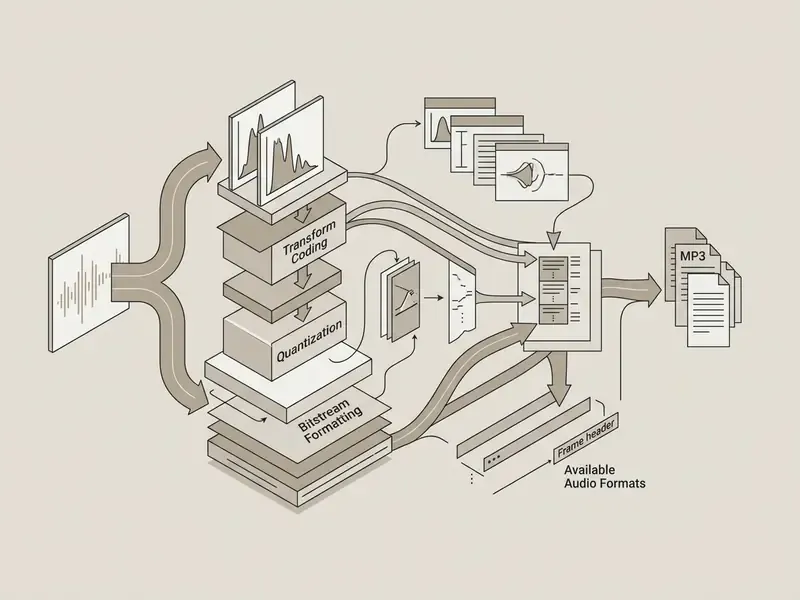
Alternative Media Containers: WEBM, 3GP, AVI, FLAC, and OGG
MP4 and MP3 remain the defaults, but some use cases justify alternatives:
- WEBM (VP9/AV1) Open, royalty-free container optimized for web playback, with better compression ratios at equivalent visual quality. YouTube documents WebM among its supported formats.
- 3GP Legacy low-bitrate container designed for mobile devices with constrained storage and basic display hardware.
- AVI / WMV / FLV / M4V / MOV Legacy or editor-oriented containers that still help with older non-linear editing suites and archival ingest pipelines.
- FLAC / OGG / M4A Lossless and open audio containers suited to wrapping high-fidelity musical source material when the goal is preservation rather than portability.
Support varies by service. Most web tools expose MP4, WEBM, MP3, and M4A natively, while AVI, WMV, and FLV outputs almost always imply a server-side transcode, which means an extra generation of loss. Avoid those for anything you intend to keep.
How to Choose HD, Full HD, and 4K Quality for YouTube Videos
Selecting an output resolution means balancing visual clarity against storage overhead, bandwidth requirements, and source availability. High-definition options run from 720p HD and 1080p Full HD up to 3840x2160 4K resolution.
Resolution selection depends on the source video the creator uploaded. 720p and 1080p are standard across modern media, while 4K quality options need extra processing because of the platform's stream separation model. YouTube's own quality labels map 720p and 1080p to HD, 1440p to 2K, and 2160p to 4K.
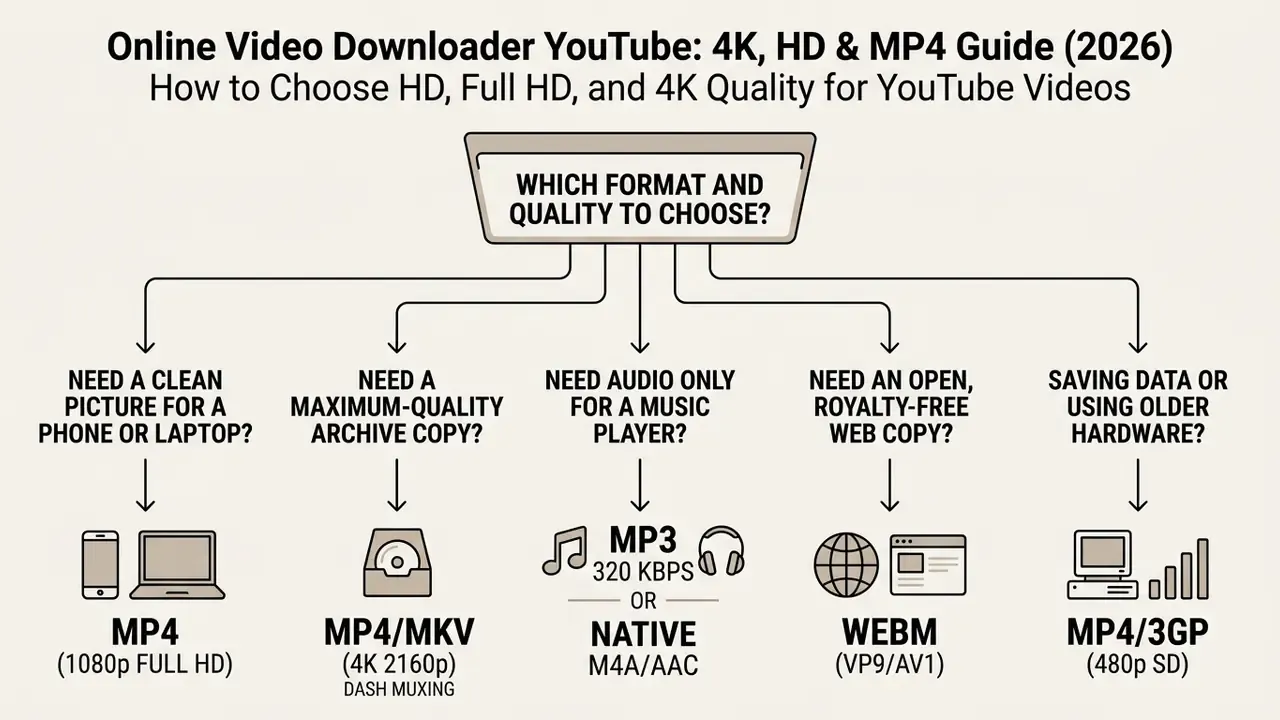
When 4K Resolution Downloads Are Available
4K resolution (2160p) downloading is available only when the original creator uploaded a 3840x2160 source video, and it requires server-side multiplexing of adaptive DASH streams.
YouTube delivers high-resolution media (1440p 2K and 2160p 4K) via Dynamic Adaptive Streaming over HTTP (DASH), which separates video-only streams from audio-only streams (TubePull, 2026).
«The A3C-based GRAAB algorithm achieves significantly higher average QoE than state-of-the-art ABR algorithms when tested on 5G network traces.»
To hand you a playable 4K file, an online video downloader YouTube service has to retrieve the standalone 2160p video track plus the matching audio stream, then run a server-side muxing process to merge them into one MP4 or MKV output. Some tools skip that step and deliver two artifacts instead, video.mp4 and audio.m4a, which you then merge locally. If the source was uploaded at 1080p maximum, the 4K selection either disappears or is an artificial upscale wearing a 2160p label.
HD and Full HD: Matching Quality to File Size
HD (720p) and Full HD (1080p) offer the most workable trade-off between rendering detail, storage footprint, and network transfer speed.
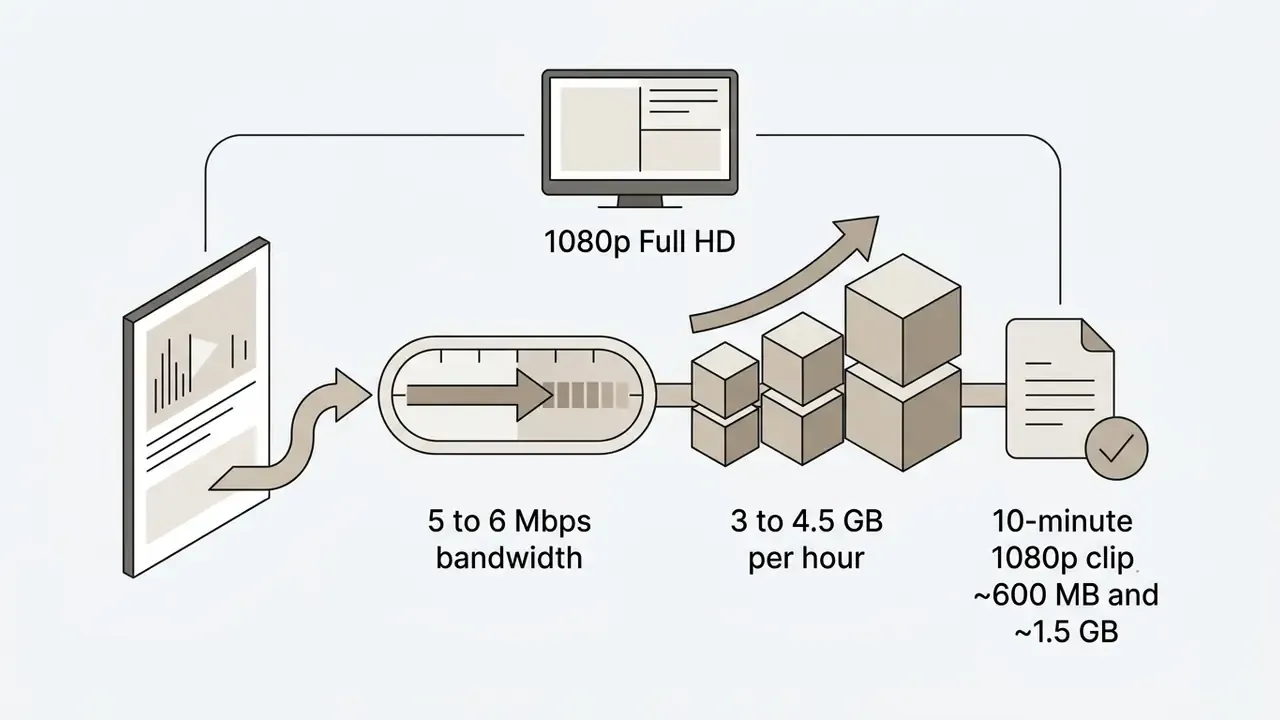
Updated (approximate planning figures, not vendor-certified measurements): data volume scales predictably across resolution tiers, but the exact output depends on codec, frame rate, and encoder complexity. Treat the numbers below as capacity-planning ranges, not fixed values.
| Video Quality Tier | Pixel Resolution | Typical Bitrate | Est. Size (10-Min Clip) | Device Compatibility | Recommended Usage |
|---|---|---|---|---|---|
| SD (480p) | 720×480 / 720×576 | 1.5 – 2.5 Mbps | ~150 – 250 MB | Legacy mobile, all platforms | Low-bandwidth mobile storage |
| HD (720p) | 1280×720 | 2.5 – 8.0 Mbps | ~600 – 850 MB | Universal (iOS, Android, PC, Mac) | General offline viewing |
| Full HD (1080p) | 1920×1080 | 4.5 – 15.0 Mbps | ~600 MB – 1.5 GB | Modern smartphones, PCs, tablets | High-clarity desktop displays |
| 2K (1440p) | 2560×1440 | 9.0 – 18.0 Mbps | ~1.2 – 2.0 GB | High-DPI laptops, tablets | Detail-critical review copies |
| 4K (2160p) | 3840×2160 | 14.0 – 35.0 Mbps | ~2.7 GB | 4K displays, high-spec hardware | Archival and large-screen playback |
When the tier you want exceeds available storage, applying video compression after download preserves most of the viewing quality at a fraction of the footprint. Teams pricing media processing infrastructure use asset management calculators to estimate transfer bandwidth demand before they commit to a tier.
Downloading YouTube Videos on Mac, PC, and Mobile Devices
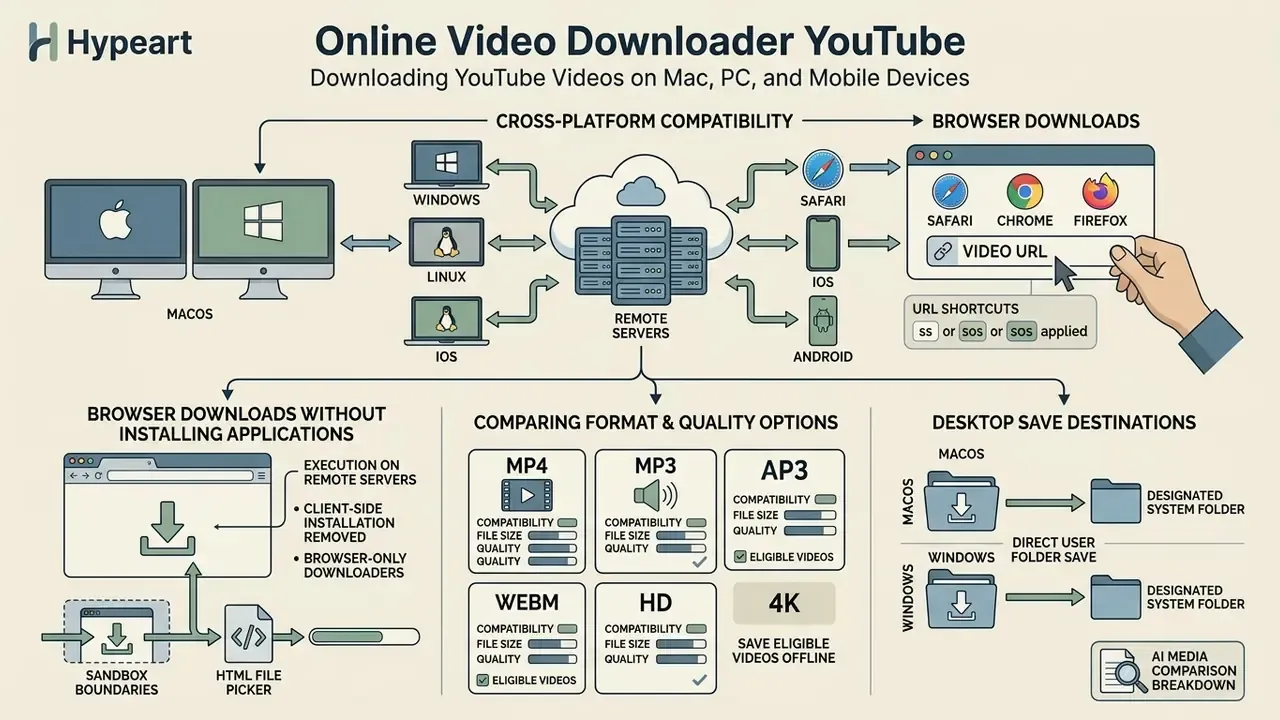
Web-based downloaders keep cross-platform compatibility across macOS, Windows, Linux, iOS, and Android by running inside modern browsers such as Safari, Chrome, and Firefox. Nothing to install, which is half the appeal.
Because execution happens on remote servers, browser downloads remove client-side installation requirements entirely. Operating system file controls still govern how downloaded files get written to local storage, and vendor compatibility claims deserve a second look: browser extension policies restrict what a Safari extension may do compared with a Chromium-based equivalent, so "works everywhere" often means "works differently everywhere".
Browser Downloads Without Installing Applications
Browser-only downloaders operate within sandbox boundaries, using native HTML file pickers and download managers to store media.
On macOS and Windows desktops, browser downloads save straight into designated user system folders with no peripheral setup, which is what makes "download youtube video mac online" a genuinely one-step, free online operation rather than an install project. On iPhone and iPad, transfers flow through the native Safari download manager into the Files application. Apple developer discussions note that copying media files directly into the Files app preserves original file structures and avoids unnecessary photo-gallery re-compression (Apple Developer, HLS authoring reference). Android devices handle web downloads through standard HTML file input controls (input type=file, filtered by the accept attribute) and write files into internal storage directories. Older iOS releases limited browser file selection to image and video sources only, which is why legacy guides still describe iPhone downloads as photo-library operations rather than Files-app ones. Worth ignoring those guides now.
To weigh media tool architectures against competing platforms, review our AI Media Comparison breakdown.
How to Choose the Best Online YouTube Video Downloader
Choosing a reliable online downloader comes down to four things: processing speed, resolution support, security posture, and how honestly the service discloses its legal position. Users assembling a full production stack often evaluate a downloader next to the best free video editing software, because retrieval and post-processing are really one workflow, not two.
Service Criteria: Formats, Quality, Speed, and Compatibility
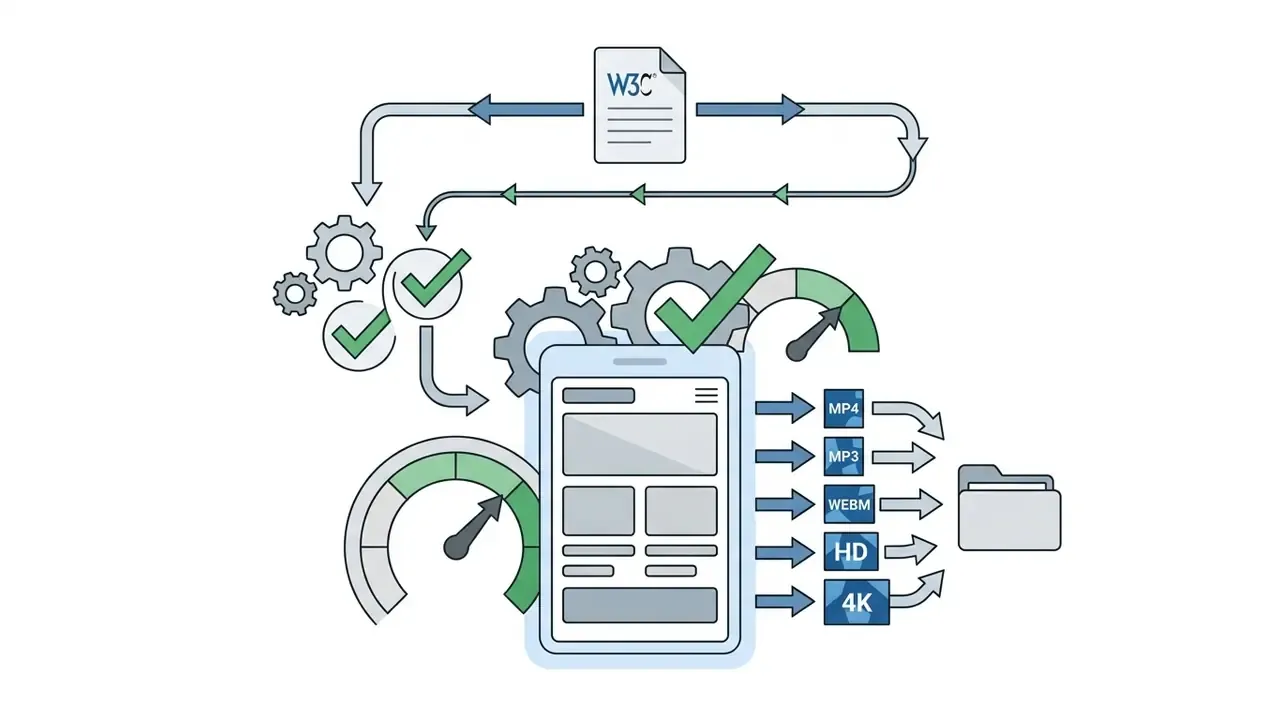
The metrics that actually separate a usable youtube downloader tool from a landing page full of ads are stream extraction latency, format range, safety posture, and interface clarity. Measurement discipline matters here: ISO/IEC 27004 frames security and performance as outcomes that have to be monitored by measurement, and NIST usability guidance defines usability as effectiveness, efficiency, and satisfaction inside a specific context of use.
That case is instructive precisely because the vulnerable component shipped inside a security-branded browser. Bundled download helpers expand the attack surface of the browser itself, so an external web service opened in a disposable tab is frequently the lower-risk architecture. Counterintuitive, but the CVE record supports it.
Developers building customized extraction pipelines can consult our technical AI Media API Guides for programmatic video integration patterns.
Safe Usage, Enterprise Controls, and Rights to YouTube Content
Safe media use rests on three checks: copyright permission, terms of service compliance, and the security posture of whatever tool you install locally.
Browser extension downloaders carry documented cybersecurity risk. Research from Georgia Tech (the Arcanum study) analyzed 113,099 Chrome extensions and found that 3,028 of them (2.68%) exfiltrated sensitive browser data off-device, affecting up to 144 million users (Xie et al., USENIX Security 2024). Further work from the University of Michigan (the ExtPrivA study) identified 1,290 inconsistent data flows across 820 extensions with more than 84.6 million users (Bui et al., IEEE S&P 2023).
«CVE-2023-35934 documents a cookie leak in yt-dlp on HTTP redirects to third-party hosts, fixed in release 2023.07.06.»
«About 15% of more than 7,000 examined sites store passwords and sensitive data in plain HTML source accessible to browser extensions.» University of Wisconsin–Madison (2023). https://news.wisc.edu/from-to-ezacces-your-browser-extension-could-grab-your-password-and-sensitive-info/
Cybersecurity investigations also show that piracy-oriented distribution portals carry elevated malware exposure: torrent-based piracy users face roughly 16.66 times and streaming-piracy users roughly 21.66 times the baseline rate of cyber infection (Coalition Against Piracy / Creative Content Australia submission to the U.S. PTO, 2023). Published CVE records from 2025 and 2026 add another angle: server-side conversion endpoints that parse untrusted input have exposed SSRF, arbitrary file write, and remote code execution paths. That is the practical reason an enterprise should treat any converter as an untrusted third-party processor, with an owner, an access limit, and a review date.
Enterprise control checklist: restricting uncertified converters
| Control layer | Action | Expected outcome |
|---|---|---|
| Browser policy | Enforce extension allowlisting via managed browser policy; block sideloaded CRX/XPI packages | Removes the Arcanum/ExtPrivA class of data-exfiltration risk |
| Network / secure web gateway | Categorize and block known converter and redirect domains (including ss* and sos* shortcut hosts) for managed endpoints | Prevents shadow-IT uploads of internal URLs to third-party proxies |
| DLP inspection | Inspect outbound POST bodies for internal hostnames, session tokens, and signed URLs submitted to conversion endpoints | Detects credential and link leakage before transmission |
| CASB sanctioning | Publish one sanctioned retrieval path (Premium offline, YouTube Studio export, or an approved internal service) | Gives staff a compliant alternative, which reduces bypass attempts |
| Endpoint hardening | Deny local installation of CLI downloaders outside a reviewed software catalogue; pin approved versions | Avoids known issues such as the pre-2023.07.06 yt-dlp cookie leak |
| Audit logging | Log and review converter-domain requests monthly against acceptable-use policy | Creates an evidence trail for compliance review |
Official retrieval paths remain the safest baseline. YouTube Premium enables in-product offline downloads in supported browsers and in the mobile app where the service is available, and creators can export their own uploads through YouTube Studio → Content → menu → Download, which returns an MP4 at 720p or 360p depending on file size. Less exciting than a one-click downloader. Also far easier to defend in an audit.
For corporate teams evaluating commercial asset licensing, our guide on AI Media Commercial-Use outlines copyright and rights-management frameworks, and teams assessing generative assets can review commercial use of AI image generators.
Legal and trustworthiness fact-check:
YouTube's Terms of Service explicitly prohibit downloading, copying, or distributing platform content unless YouTube itself displays a download link, you hold prior written permission from rights holders, or applicable law permits the use (YouTube Terms of Service). The Terms also prohibit circumventing security-related features and automated access by robots, botnets, or scrapers outside limited conditions. United States Copyright Office guidance clarifies that unauthorized downloading of copyrighted material infringes the exclusive reproduction and distribution rights under Title 17, with civil statutory damages up to $30,000 per work, or $150,000 for willful infringement (U.S. Copyright Office Fair Use FAQ). Fair use covers limited portions used for commentary, criticism, news reporting, or scholarship. It is not a blanket personal-use exemption.
«Section 1201 of the DMCA prohibits third parties from circumventing technological protection measures on copyrighted works or trafficking in circumvention tools.» An Empirical Study of the DMCA's Anti-Circumvention Provisions, SSRN (2023). https://papers.ssrn.com/sol3/papers.cfm?abstract_id=4343160
FAQ: Frequently Asked Questions About Online YouTube Downloaders
The practical questions that come up most often deal with file locations, session security, subtitles, duration limits, and account requirements.
Where to Find Downloaded Files After a Download
Downloaded files land in the default download location your operating system and browser settings designate.
- Windows 10/11: Files save automatically to
C:\Users\[Username]\Downloads. - macOS: Files route to the
Downloadsfolder, reachable from Finder or the Dock. - Android: Files store in internal storage under
Internal storage/Download, visible through the File Manager app. - iOS (iPhone/iPad): Files save inside the native Files app, in the Downloads directory. Once located, they are ready for trimming or re-encoding in standard video editors. For empirical testing across browser conversion tools, see our AI Media Benchmarks and Review Proof resource hub.
Is Registration Required for a Free Online Downloader?
Standard free online downloader services do not require account registration for basic video downloads, and most are completely free at the tier that matters. Updated: anonymous processing is technically feasible because a single-session file retrieval can be served straight from a URL or a short-lived session token, so no identity assurance step is architecturally necessary. Note that this reflects the observed design of public services rather than a measured industry survey. NIST identity guidelines define authentication as proving possession of an authenticator bound to a subscriber account, and treat assurance levels as separate requirements that add credential lifecycle, recovery, and federation overhead (NIST SP 800-63-4). Skipping account creation also protects privacy, because there is no credential sitting on a third-party conversion portal waiting to be breached.
Can I Download YouTube Video Subtitles and Closed Captions (CC)?
Usually not in the same file. Standard web-based downloaders demux raw media streams, video and audio, and typically do not embed soft subtitles into the output MP4 container. To keep captions, use a dedicated subtitle extractor that writes separate .srt or .vtt files, then load the sidecar alongside the video in a player such as VLC, or burn it in during editing. Hard-coded captions that are part of the video image always survive, because they are pixels rather than a text track.
Is There a Maximum Video Length or File Duration Limit?
Most cloud proxy downloaders apply a processing timeout to rendering, which in practice caps output at around 240 minutes (4 hours) per file. Inside that window, long-form content such as podcasts, music mixes, interviews, and lectures usually comes down in one piece. Multi-hour live stream archives that exceed the limit need desktop CLI utilities such as yt-dlp with resumable transfers, since browser sessions tend to drop the HTTP connection before muxing finishes.
Why Does 4K Appear for Some Videos and Not Others?
Because the quality ceiling is inherited from the upload. If the creator published a 1080p master, no service can manufacture a genuine 2160p file, and any "4K" option in that case is an upscale. When a real 2160p representation exists, it arrives as a video-only DASH track, so the downloader has to fetch the matching audio stream and mux both into one container before the file plays properly.
Is It Legal to Download YouTube Videos for Personal Use?
Only under specific conditions. It is permitted when YouTube itself provides the download feature (Premium offline viewing), when you are the rights holder, when the content carries Creative Commons terms that allow reproduction, or when you have prior written permission. Personal convenience on its own is not a recognized exemption, and U.S. fair use applies narrowly to limited portions used for commentary, criticism, news reporting, or scholarship.
Appendix A: Source Corrections and Verification Notes
For transparency, the following claims from earlier revisions of this guide were corrected or withdrawn after source verification:
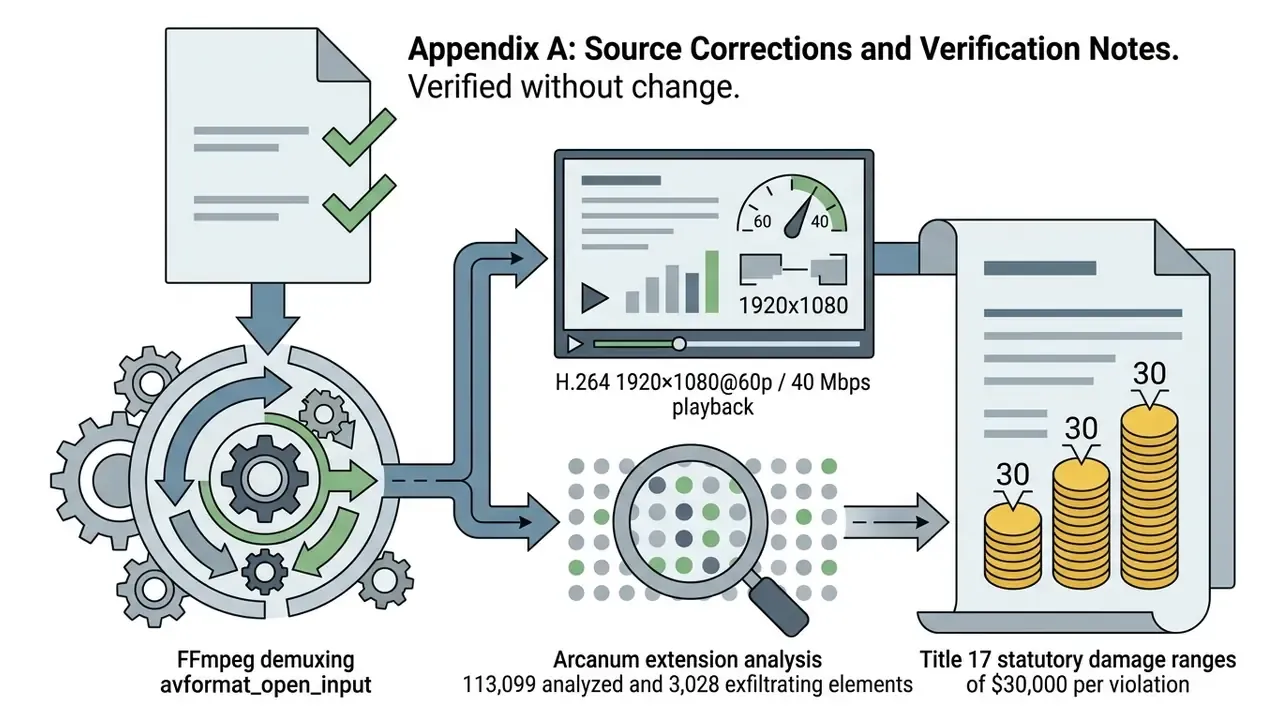
avformat_open_input() demuxing description, the H.264 1920×1080@60p / 40 Mbps playback specification, the Arcanum extension findings (113,099 analyzed, 3,028 exfiltrating), and the Title 17 statutory damage ranges ($30,000 per work; $150,000 for willful infringement) were each confirmed against primary documentation.