That distinction sounds small. In practice it decides whether a tool helps you or quietly embarrasses you from the pulpit.
Executive Summary
- What it is software that converts a passage, topic, or series idea into outlines, manuscripts, notes, youth messages, small-group guides, and sermon series planner schedules.
- What the data says 87% of surveyed U.S. Protestant pastors have used AI in ministry, but only 12% generate full manuscripts; two-thirds use it for research and outline structuring, saving an average of 2.3 hours of background study per sermon.
- The hard rule from church bodies (2025–2026) AI may assist preparation; the preacher retains full theological responsibility, must disclose substantial AI contribution where policy requires, and must never enter confidential pastoral data into public AI platforms.
- What this guide adds 8 copy-paste prompt templates, a denominational and liturgical-calendar adaptation guide, a 10-tool comparison with pros, cons, and security criteria, a governance and Shadow-AI checklist, and a pre-pulpit verification list.
Editorial note on quotations: all expert statements in this article are attributed to verifiable institutional documents published in 2025–2026. We do not publish synthetic or composite quotations attributed to individuals. Readers who value the classic homiletical framing of technology as a servant of preaching can consult Dr. Timothy Keller's published works on preaching and communication (Preaching: Communicating Faith in an Age of Skepticism), which remain the interpretive background for the principles summarized below. The operative guidance here, though, comes from current denominational and seminary policy.
«Ministers retain full responsibility for all content, including theological accuracy; confidential pastoral information must never be entered into public AI platforms.» — Virginia Theological Seminary / Vancouver School of Theology, Guidance for Ministers and Scholars on the Use of Generative AI (2026)
«Responsibility for the ethical use of AI begins with developers and operators, but is also shared by those who use them.» — Vatican Press, Note on Artificial Intelligence, N. 250128b (2025). https://press.vatican.va/
«AI-generated content should be an aid in, not a substitute for, the hard work of exegesis and preparation.» — Anglican Diocese of Sydney, Christian Ethics, Ministry and Artificial Intelligence (2026)
Who This Guide Is For, and What Changed in 2026
Three groups tend to land here. Solo pastors who lose Tuesday mornings to background reading. Multi-staff teaching teams that need shared archives and a review step. And church administrators who have to answer a harder question: which tools are approved, and what happens to the text staff paste into them?
Two things shifted during 2025 and 2026. First, adoption stopped being experimental; weekly use is now the norm rather than the exception among surveyed pastors. Second, denominations and seminaries published actual policy. Some permit AI-assisted sermon preparation with disclosure. At least one diocesan policy prohibits AI-generated sermon content outright. So the practical question is no longer «does this work?» but «what is allowed here, and who signs off?»
Everything below is organized around that pairing: capability first, then control.
What Is an AI Sermon Generator?
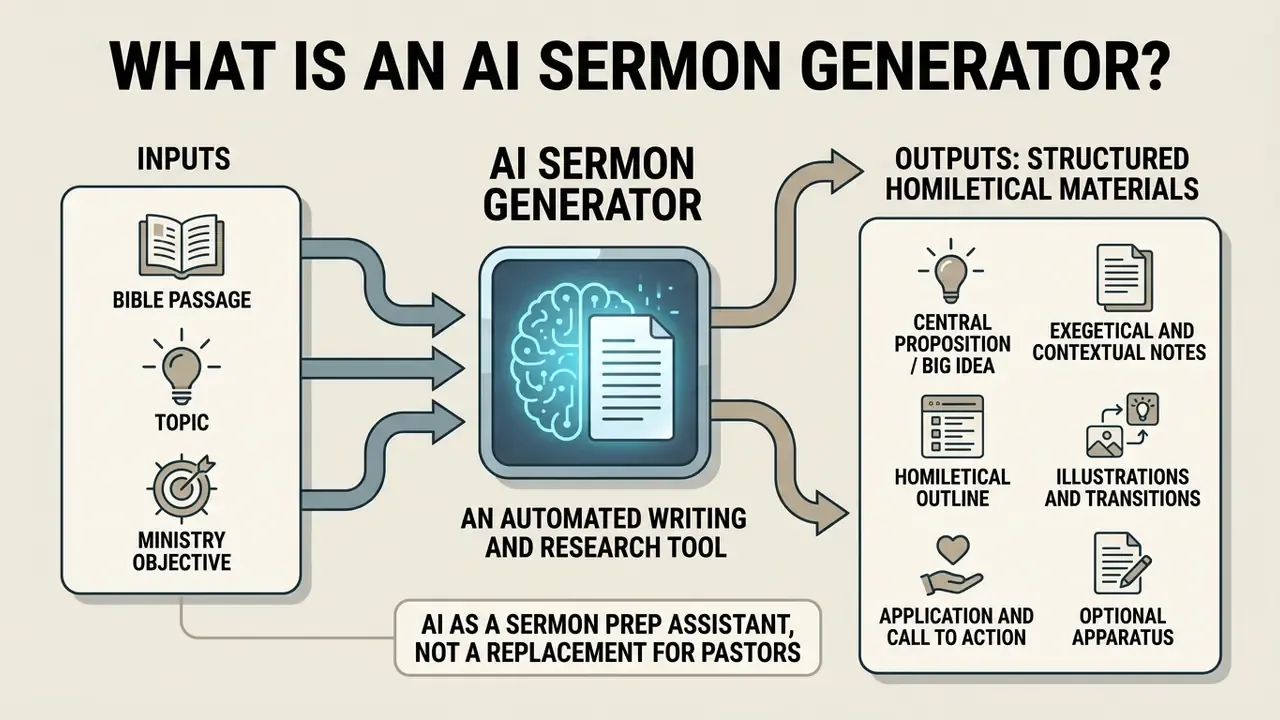
An ai sermon generator is an automated writing and research tool that accepts a Bible passage, topic, or ministry objective and outputs structured homiletical materials: outlines, central claims, commentary summaries. Tools in this category range from dedicated applications like the OpenBible AI Sermon Outline Generator, Pulpit AI, and Sermonary to general-purpose large language models. All of them target the same bottleneck, the opening phase of sermon preparation.
Adoption is no longer marginal. Survey data compiled from 442 U.S. Protestant pastors indicates that 87% of clergy have engaged with AI tools in ministry, with 50% using them specifically for idea generation and 36% for researching biblical context.
«87% of pastors have used AI tools in ministry; 50% use them for idea generation and 36% for studying biblical context.»
By handling routine structural organization and textual aggregation, a sermon ai generator reduces early prep friction. The reclaimed hours usually go where they should: direct pastoral care, hospital visits, personal study.
AI as a sermon prep assistant, not a replacement for pastors
An AI sermon prep tool functions as a digital assistant for research and drafting, not an autonomous substitute for pastoral leadership. A sermon generator ai can synthesize commentary cross-references or format bullet points quickly. It has no lived experience, no spiritual discernment, and no relational awareness of the family sitting in the third row.
A qualitative study of six Church of Sweden clergy working with large language models found that unrefined AI outputs frequently lack rhetorical depth and pastoral nuance. More interesting: clergy simultaneously over-estimate and under-estimate what the model can do, because the conversational surface feels human.
«Clergy both underestimate and overestimate LLM capability because of the models' human-like conversational style, which leads to insufficient specification of homiletical context.»
Ministry leaders therefore keep primary authority over exegesis and preaching. Technology serves the sermon preparation process; it does not supply the voice. Andrews University's 2025 ministry paper puts the pastoral risk plainly: pastoral work is "deeply personal and relational," and AI must not become "a substitute for such vital human interaction."
What an AI-generated sermon draft can include
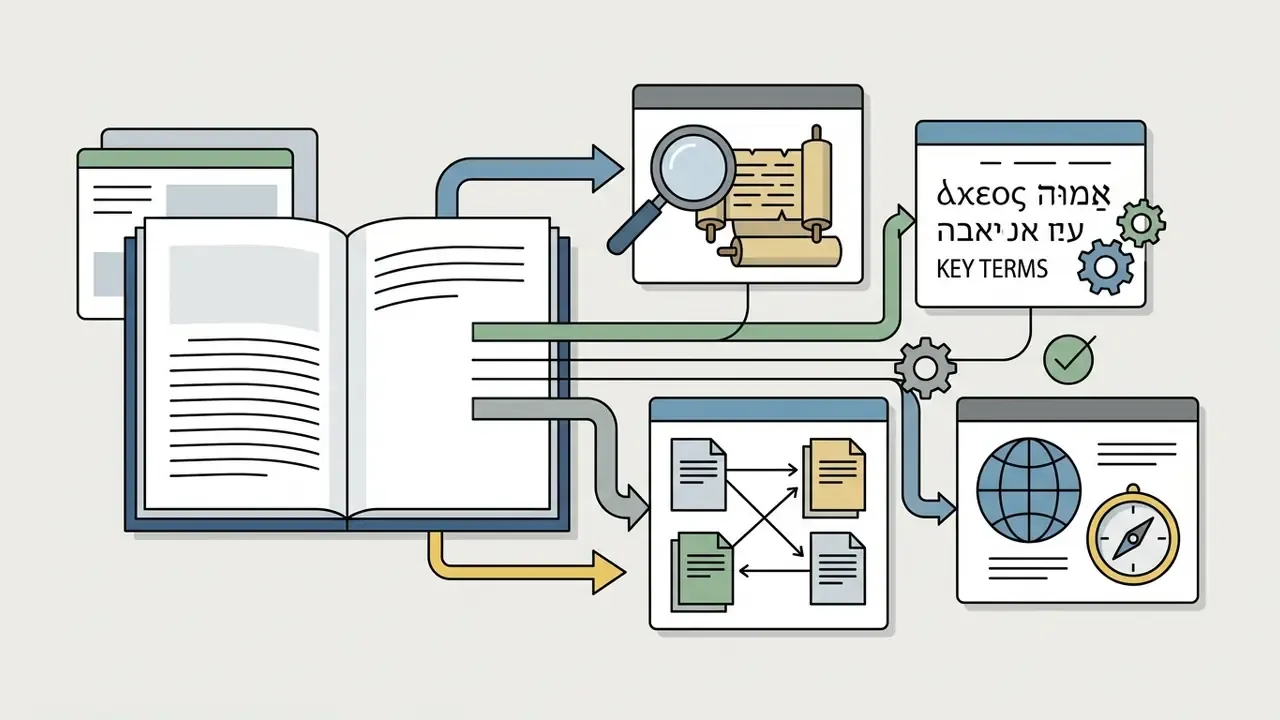
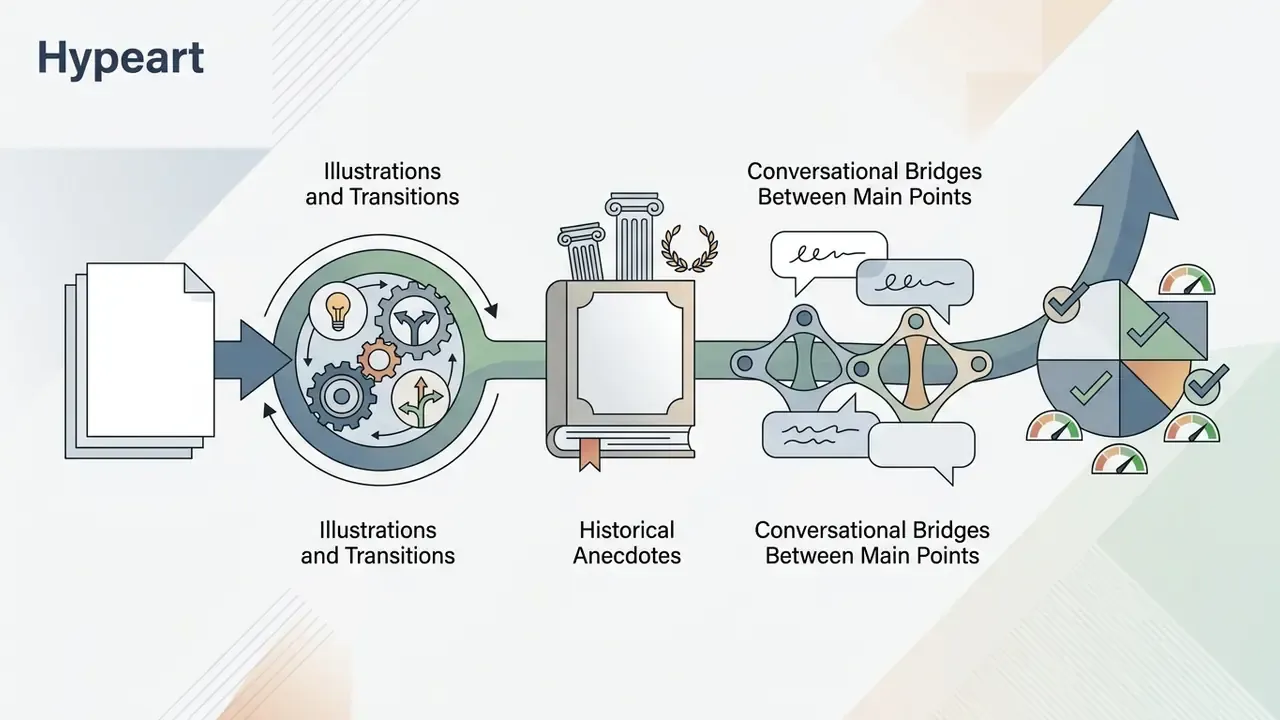
An AI-generated sermon draft typically includes a clear thesis or big idea, contextual commentary background, a multi-point sermon outline, suggested illustrations, transitions, and practical application steps. A grounded-theory analysis of 27 machine-generated evangelistic sermons found that a general-purpose model can structure theologically complete messages covering sin, repentance, and faith, while still requiring human exegetical control at every step.
«ChatGPT can structure and generate complete evangelistic sermons that meet basic evangelical standards, including the themes of sin, repentance, and faith.»
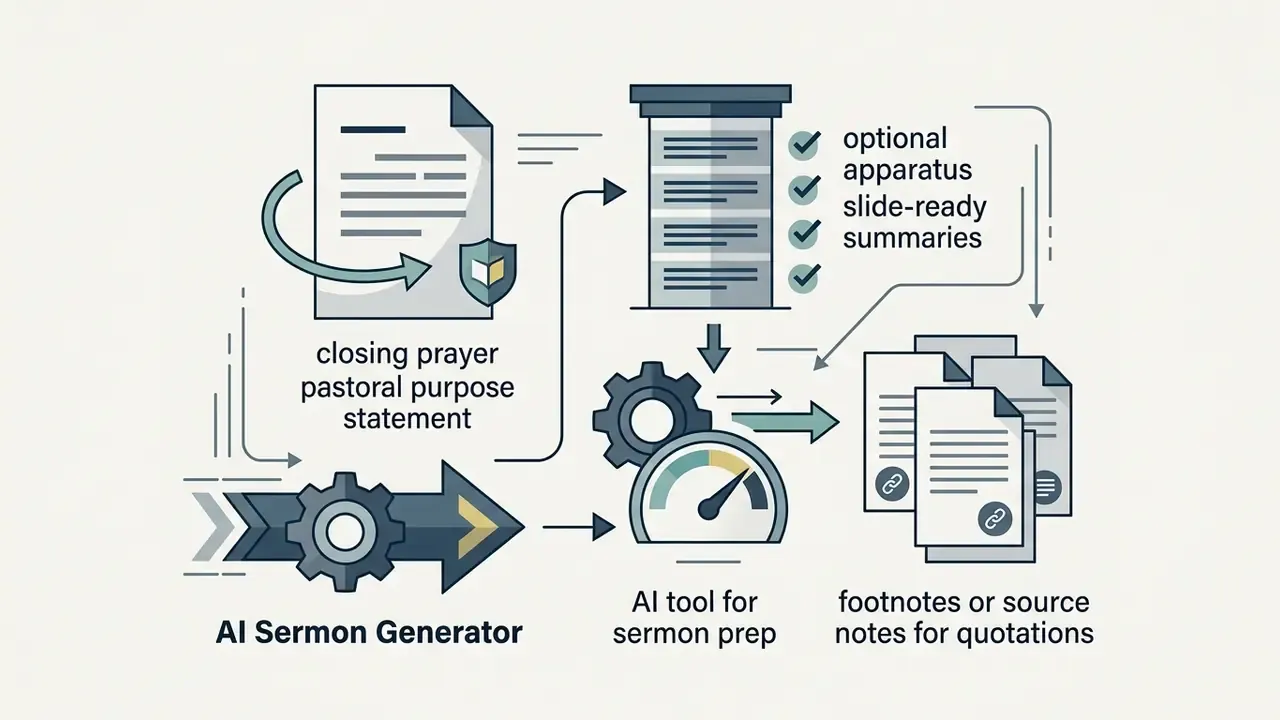
Depending on the input prompt and tool configuration, a sermon maker ai can yield the following core structural elements:
One caution worth stating early. A draft that looks finished is the most dangerous output in this category, because polish reads as authority.

What Can an AI Sermon Generator Create?
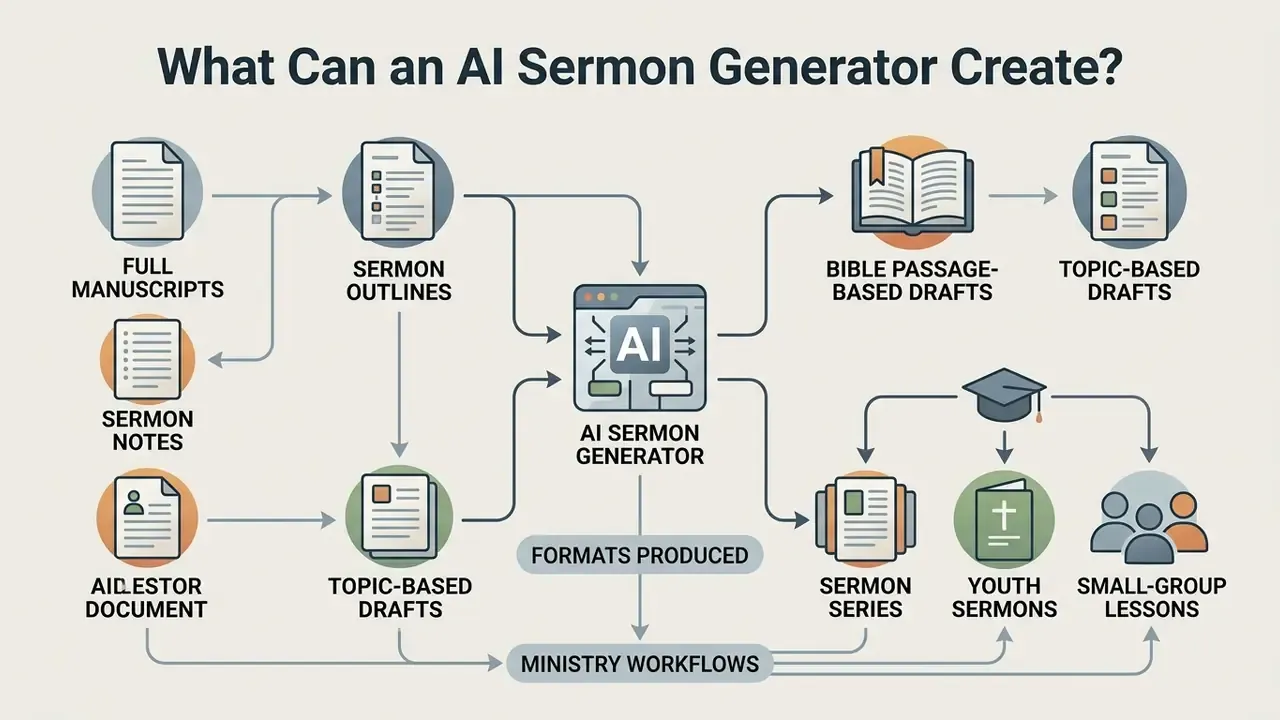
An ai sermon outline generator can produce a wide range of pastoral and educational formats, from brief structural skeletons to comprehensive teaching guides for different ministry departments. Given the target context, a sermon ai generator adapts structural complexity, vocabulary level, and tone.
Sermon outlines, full manuscripts, and sermon notes
Sermon outlines give a high-level blueprint: main points, cross-references, key transitions. Ideal for preachers who deliver flexibly rather than verbatim, and commonly formatted as a single page for a 35 to 40 minute message. Full manuscripts present word-for-word prose for the entire message, useful when exact phrasing, tight timing, or archival publication matters. Reduced sermon notes extract the memory anchors and Scripture quotes from a manuscript and give the speaker quick visual cues on the pulpit; anything the preacher does not need in front of them gets cut.
Pastoral practice strongly favors the outline path over full automation.
«Only 12% of AI-using pastors generate full sermon manuscripts, while 67% use AI for background research and outline structuring.»
Bible passage-based and topic-based sermon drafts
Passage-based (expository) drafts derive their central claim and structure directly from historical-grammatical exegesis of a single biblical passage, working from one bounded "unit of thought." Topic-based (topical) drafts start with a subject such as anxiety, stewardship, or forgiveness, then gather supporting texts across Scripture into a thematic message. Either way, the tool has to establish a unifying big idea that governs the logical flow. Without that anchor, the output drifts into pleasant generality.
When preparing media-rich visual slides or sermon graphics from those notes, church teams frequently pair text generation with AI outpainting tools for expanding images so a vertical stock photo becomes a clean 16:9 stage background without stretching faces sideways.
Sermon series, youth sermons, and small-group lessons
Beyond a single Sunday message, a free ai sermon generator can outline multi-week sermon series by breaking a book of the Bible or a broad theme into weekly sub-topics with consistent thematic continuity. For youth ministry, the system adjusts language complexity, adds youth-oriented scenarios, and surfaces relatable applications. The Fuller Youth Institute describes exactly this use: first-draft outlines and theme ideas from the tool, local stories and final adaptation from the leader. For small groups, the generator converts sermon points into discussion guides with open-ended reflection questions, leadership prompts, and devotional takeaways.
Kids ministry teams often need companion visuals rather than more text, and a cartoon picture maker covers most of that need without a design hire.
Formats produced by AI sermon generator tools in ministry workflows
| Format type | Primary objective | Input requirements | Generated output features |
|---|---|---|---|
| Sermon outline | Provide a clear structural framework for preaching | Scripture passage or central topic, preferred point structure | Hierarchical points, verse anchors, cross-references, transition prompts |
| Full manuscript | Generate complete verbatim text for delivery or transcript editing | Passage or topic, audience profile, tone settings, target word count | Complete introduction, expanded exposition, detailed illustrations, conclusion |
| Sermon notes | Provide visual delivery cues for the pulpit | Full manuscript or extended outline draft | Condensed bullets, bold key phrases, quote blocks, timing reminders |
| Youth sermon | Engage student audiences with age-appropriate teaching | Passage or topic, student age range, tone settings | Relatable metaphors, simplified theological terms, interactive questions |
| Small group guide | Facilitate post-sermon group discussion and reflection | Sermon manuscript, main points, or recording transcript | Icebreaker questions, passage re-reading prompts, application queries |
| Series planner | Map out multi-week preaching schedules | Overarching book or theme, series duration (4 to 6 weeks) | Weekly titles, target passages, weekly big ideas, series arc summary |
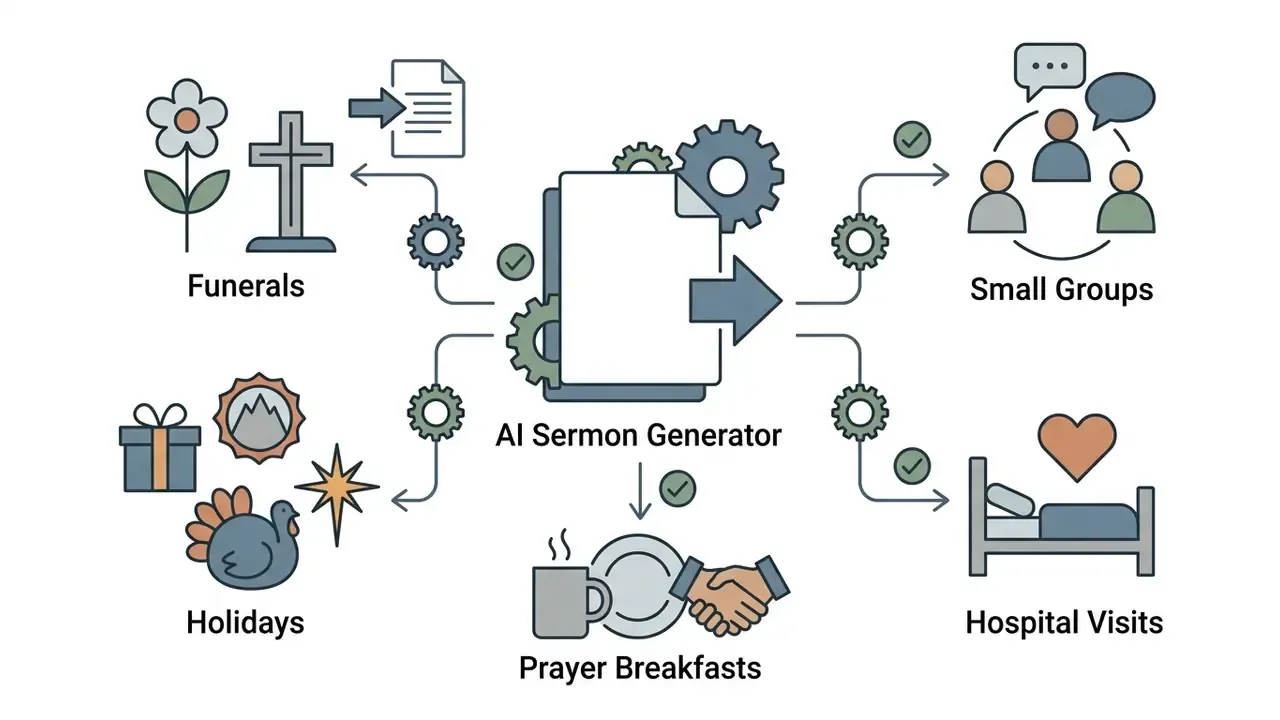
| Occasional address | Serve funerals, weddings, holidays, civic and prayer-breakfast events | Occasion type, relationship details, tone, time limit | Opening reading, pastoral framing, one or two movements, benediction options |
| Repurposed media | Extend one sermon into devotionals, emails, and clips | Sermon audio, video, or transcript upload | Summaries, devotional series, newsletter recap, social captions, slide text |
Read the table as a menu, not a mandate. Most churches use two or three rows and ignore the rest.
Specialized Service Scenarios: Funerals, Holidays, and Prayer Breakfasts
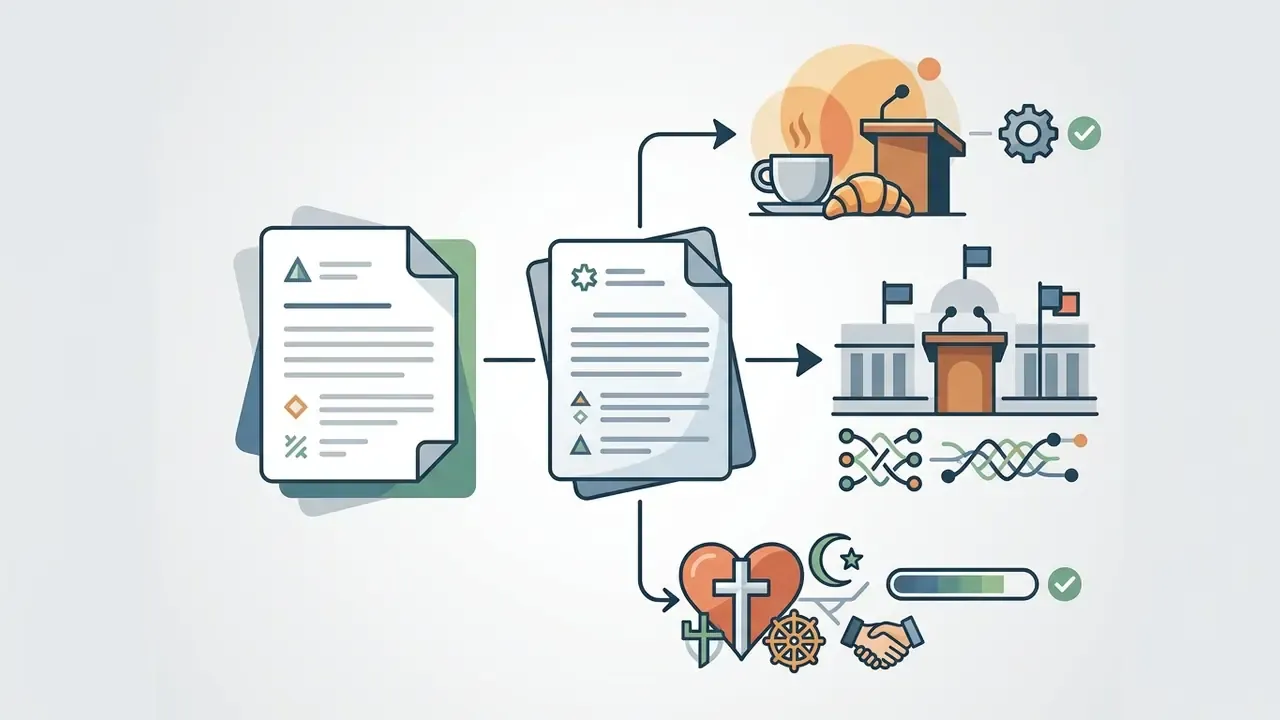
Sunday morning is only one of many speaking contexts a minister covers in a year. A well-configured sermon prep tool adapts structure, length, and register to each occasion:
For churches recording these services, the audio and video pipeline matters as much as the text. Teams building an archive often compare AI voice generators for narration and dubbing for accessibility versions, use a YouTube video editing workflow to publish sermon replays with chapters and captions, and check what current models can and cannot do in our notes on chatgpt video generation capabilities before promising a promo clip to the worship team.
How to Use an AI Sermon Generator Step by Step
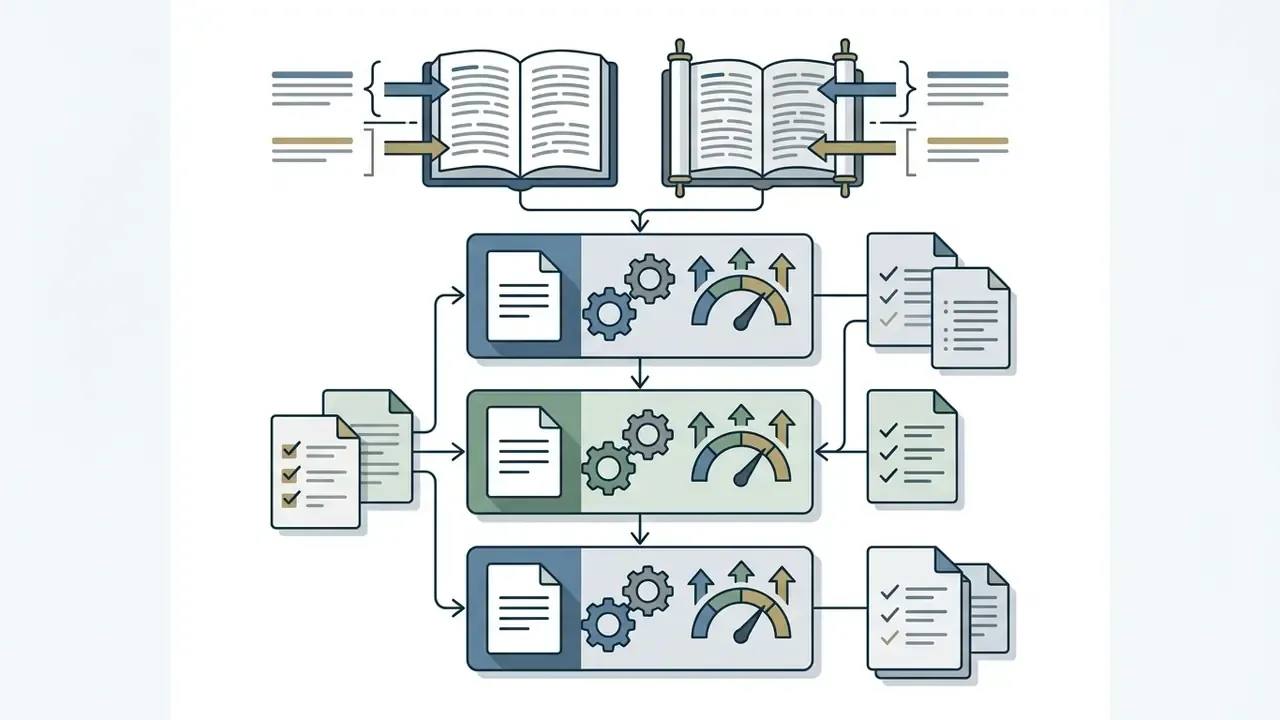
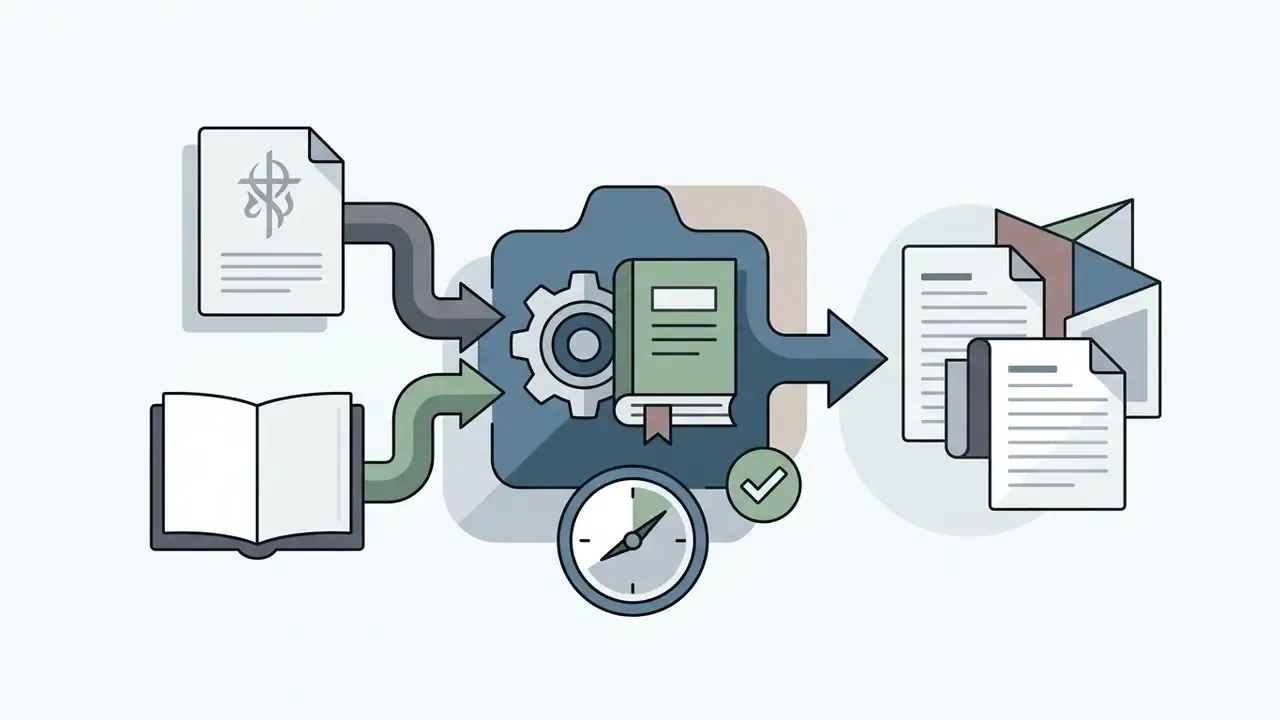
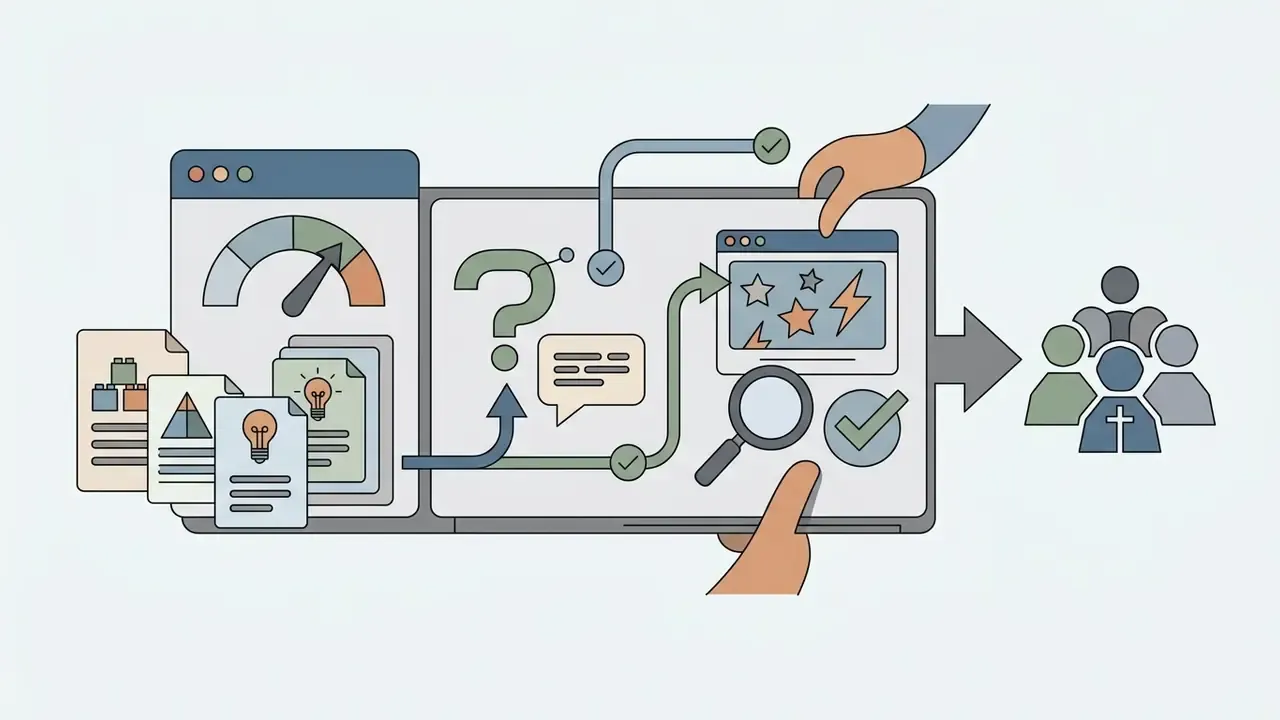
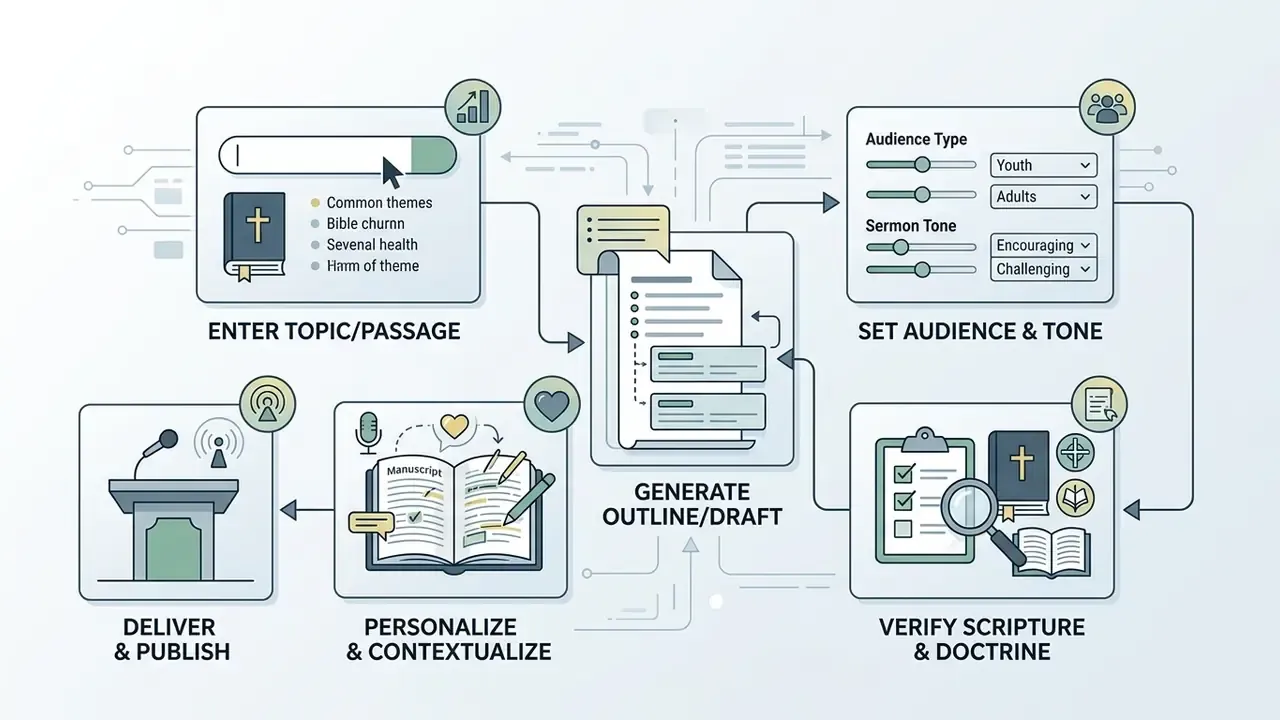
To get real value from a sermon generator ai, follow a structured workflow that balances speed with human oversight. A systematic process keeps generated drafts tethered to Scripture and aligned with local church doctrine.
«Pastors who use AI for sermon research save an average of 2.3 hours of background study per sermon.»
Process flow, in text form:
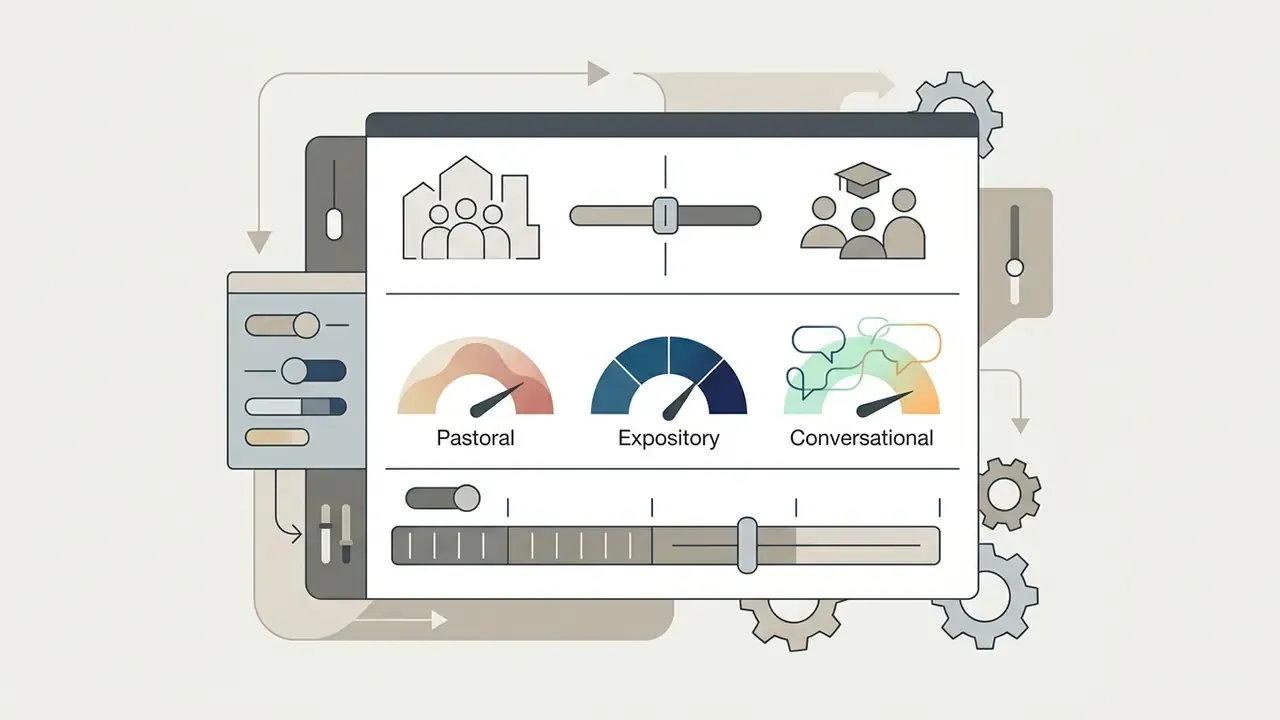
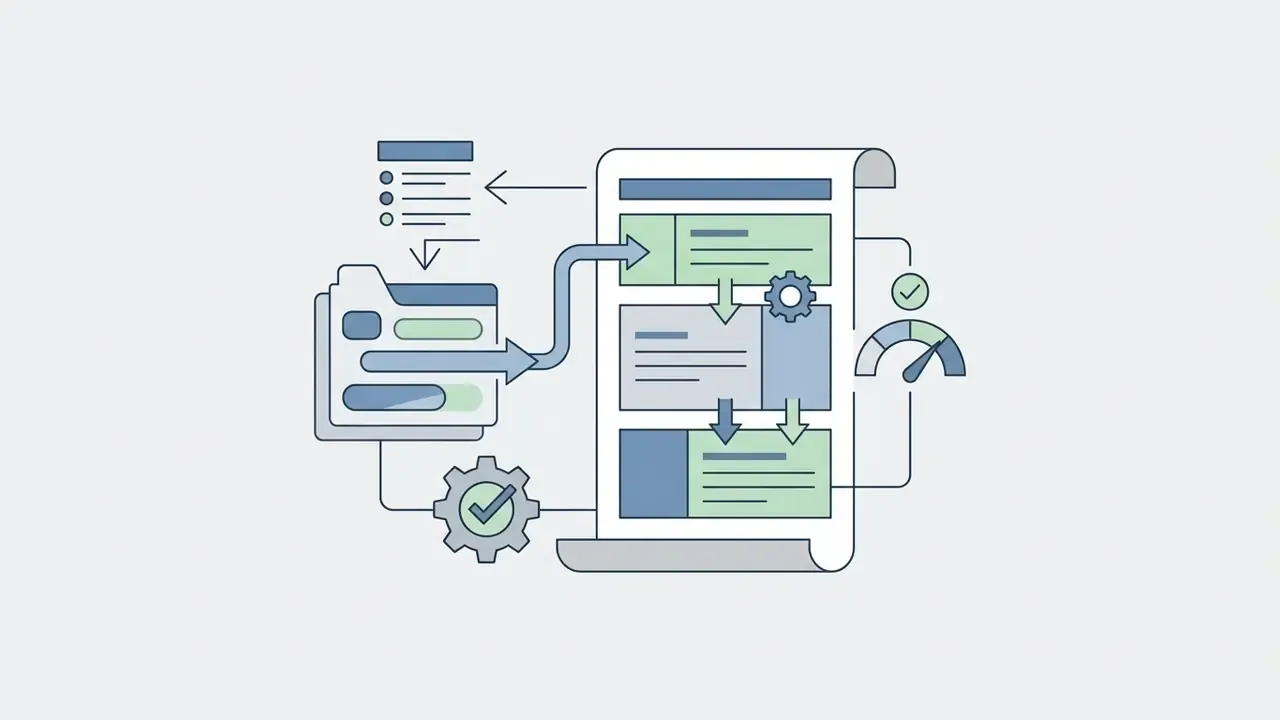
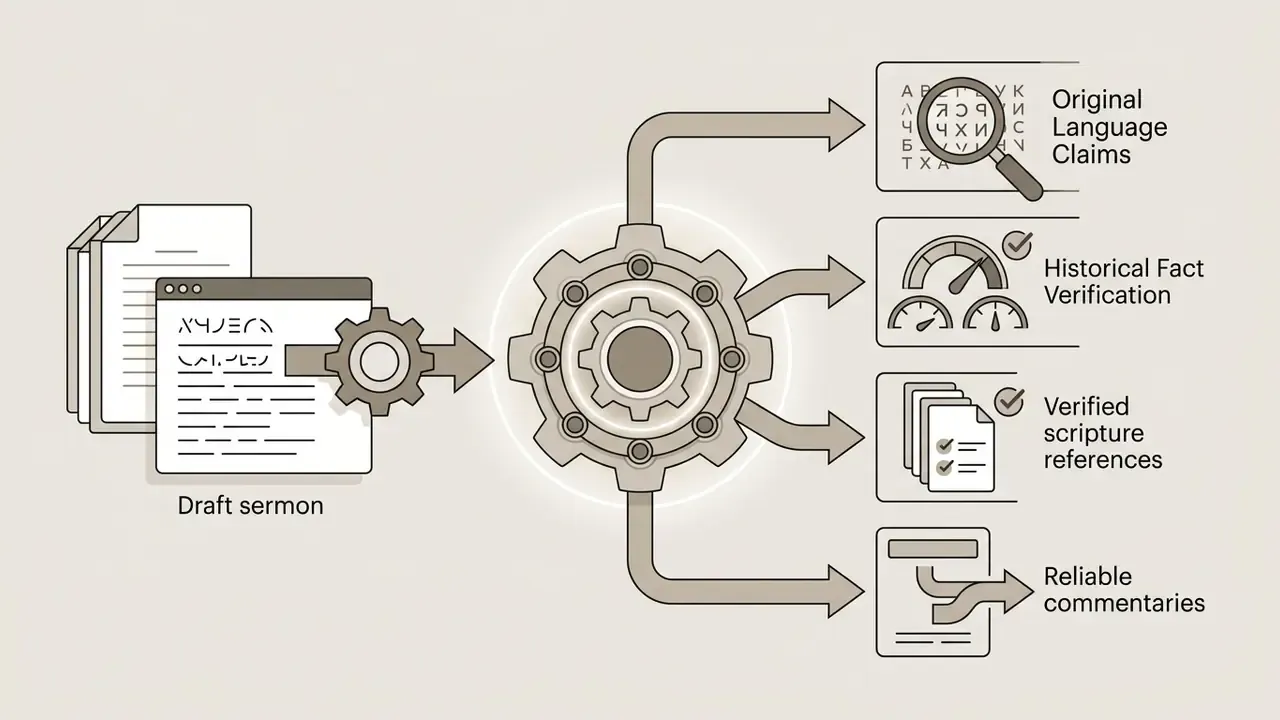
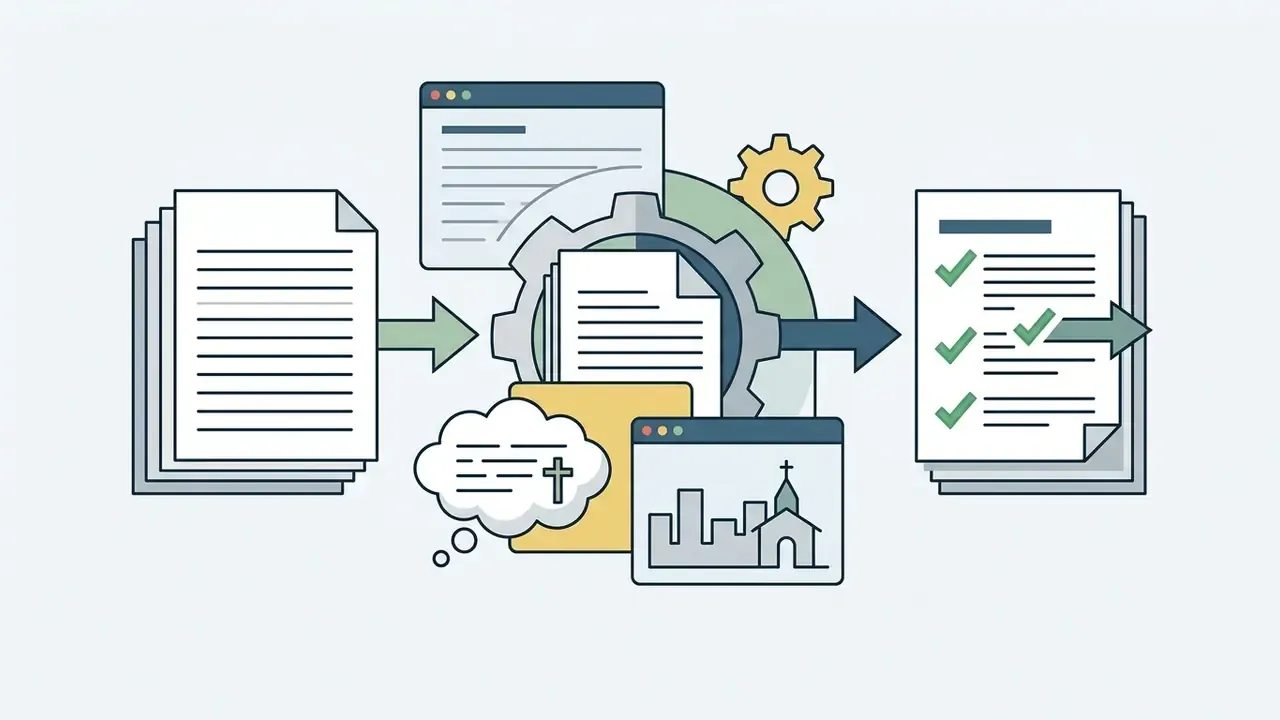
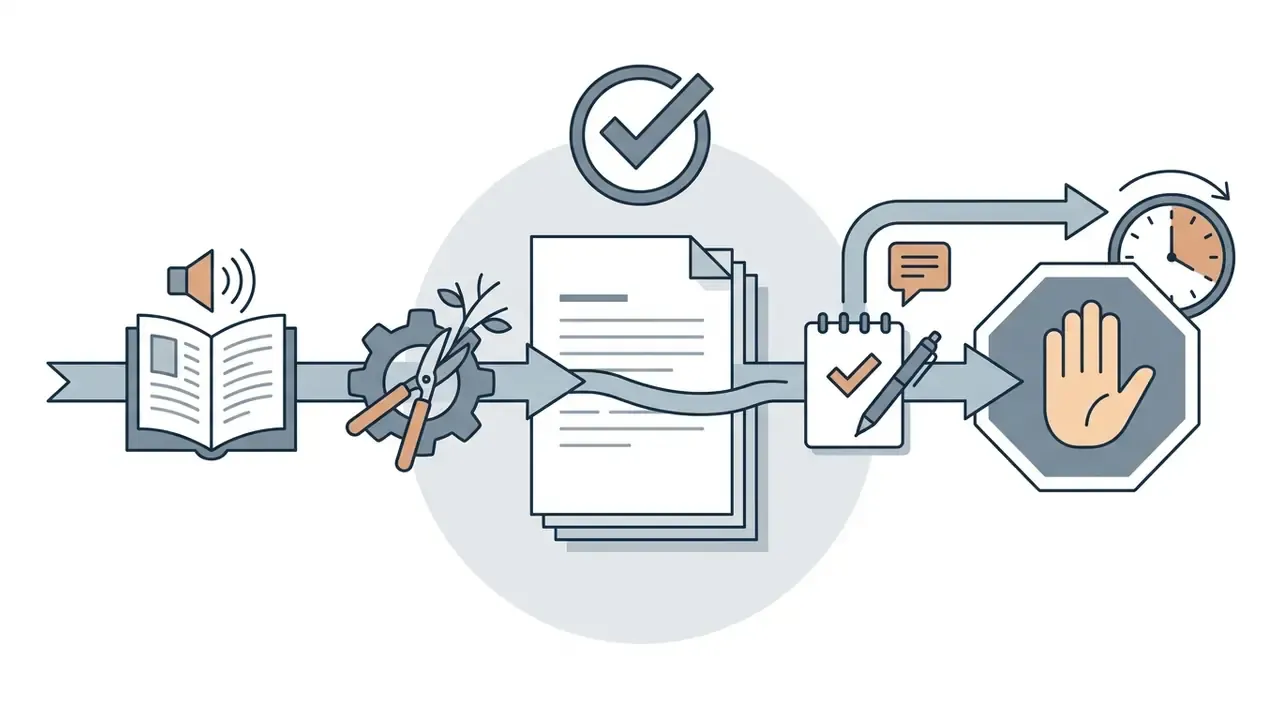
Enter a sermon topic, Bible passage, or sermon series idea
Begin with a clearly bounded passage or a specific topic. Instead of "give me a sermon on faith," enter precise constraints: "Generate an expository sermon outline on James 1:2–8 focusing on perseverance during trials." Delimiting the input keeps the AI from producing generic platitudes and keeps the resulting sermon preparation material tethered to the biblical text.
Standard prompt engineering practice reinforces this: put the instruction first, then separate the source context with explicit delimiters (###, triple quotes, or labeled fields for Passage, Theme, Series idea) so the model never confuses your instruction with the text being interpreted.
Choose audience, tone, length, and preaching style
Generate, review, and personalize the sermon draft
After triggering generation, read the output as a critic, not a recipient. In church communication projects, a common pattern shows up immediately: the structural movements are solid, the anecdotes are cardboard. Swap those placeholders for authentic local testimony and pastoral warmth returns within a paragraph or two. Then fix the weak transitions, sharpen the central claim, and make sure the finished message sounds like you.
For regeneration, treat the second attempt as a controlled style-transfer task, not a lottery. Keep the verified content fixed and change only the stylistic instruction: "rewrite movement 2 in my preaching voice, shorter sentences, one concrete image, no abstractions." Research on author-style emulation recommends a four-part prompt (task, instructions, output indicator, and a sample of the author's own text) so the model mirrors an individual voice rather than a generic register.
«Ensembles of diverse evaluation metrics outperform single metrics for reliable assessment of style-personalized text generation.»
Practically, check a regenerated draft against three anchors at once: your own past manuscripts, the passage's exegetical idea, and a read-aloud test. The read-aloud test catches more than either of the other two.
Prompt Library: 8 Copy-Paste Templates
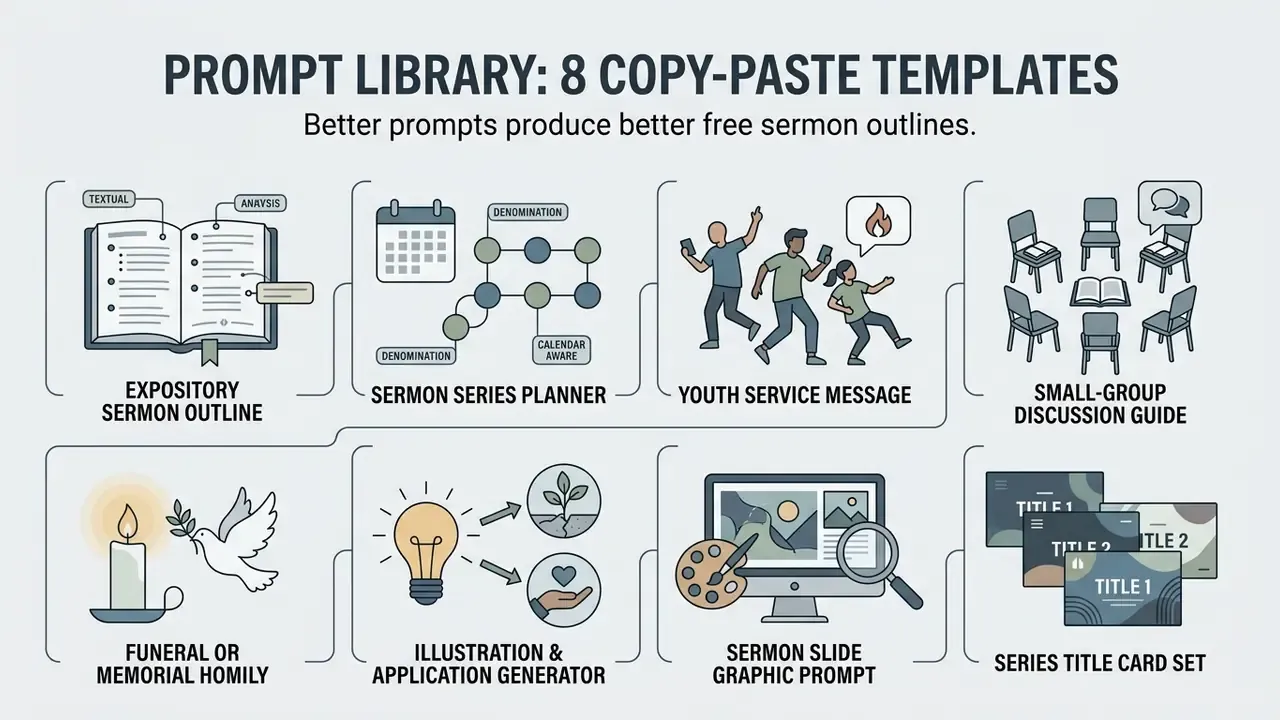
Better prompts produce better free sermon outlines. Replace the bracketed fields and paste these into ChatGPT, Claude, Gemini, or any dedicated ai sermon outline generator with a free-text input.
1. Expository sermon outline
[PROMPT TEMPLATE: EXPOSITORY SERMON OUTLINE]
"Act as a homiletics professor in the [Reformed evangelical / Wesleyan / Lutheran] tradition.
Create a 3-point expository sermon outline on Passage: [e.g., Romans 8:1-4].
Target Audience: [e.g., young adults, 25-35, mixed biblical literacy].
Bible Translation: [e.g., ESV].
Runtime: [e.g., 30 minutes].
Include: (1) exegetical idea in one sentence; (2) homiletical big idea in one memorable
sentence; (3) three points, each anchored to an explicit verse range with sub-points;
(4) two pastoral illustrations, one contemporary and one historical; (5) three concrete,
attainable weekly applications; (6) transition sentences between points;
(7) a list of every Scripture reference you used, so I can verify each one.
Do not invent quotations, statistics, or historical anecdotes. If you are unsure of a
source, label it [UNVERIFIED]."
2. Sermon series planner (denomination and calendar aware)
[PROMPT TEMPLATE: SERMON SERIES PLANNER]
"You are helping me plan a preaching series for my church.
Denomination: [e.g., Southern Baptist / PCA / ELCA / Assemblies of God / Anglican].
Series length: [e.g., 5 weeks]. Start date: [date].
Bible translation: [e.g., NIV]. Approach: [textual/expository OR topical].
Book or theme: [e.g., Philippians OR 'anxiety and trust'].
Church calendar context: [e.g., Advent, Lent, Easter season, back-to-school, stewardship month].
Local context to weave in: [e.g., new building campaign, local school year, community event].
Output a week-by-week table with: week number, date, sermon title, primary passage,
supporting passages, one-sentence big idea, application focus, and one suggested
series-title graphic concept.
Ensure all theology aligns with my denomination's confessional standards; flag any point
where traditions differ so I can decide."
3. Youth service message
[PROMPT TEMPLATE: YOUTH SERMON]
"Draft a 15-minute youth message on [Passage/topic] for students aged [13-17].
Reading level: grade 7. Tone: conversational, warm, non-condescending.
Structure: hook question -> one story -> passage read-aloud -> 2 main points ->
one challenge for the week -> closing prayer.
Include 4 discussion questions for small-group breakout after the talk.
Avoid dated slang, avoid shaming language, and avoid any illustration that requires me to
claim a personal experience I did not have."
4. Small-group discussion guide from a sermon
[PROMPT TEMPLATE: SMALL GROUP GUIDE]
"Here is my sermon manuscript / transcript: '''[PASTE TEXT]'''
Convert it into a 45-minute small-group guide with: one icebreaker, the key passage to
re-read aloud, three observation questions (what does the text say), three interpretation
questions (what does it mean), four application questions (what do we do), one prayer
prompt, and a one-paragraph leader note on the most likely point of confusion."
5. Funeral or memorial homily framework
[PROMPT TEMPLATE: FUNERAL HOMILY FRAMEWORK]
"Create a 10-minute funeral homily framework based on [Psalm 23 / John 11:17-27 /
1 Thessalonians 4:13-18].
Situation: [e.g., long illness / sudden loss / elderly believer / mixed-faith family].
Tone: comforting, honest about grief, hope-centered without minimizing loss.
Provide: opening Scripture reading, two short movements, two blank placeholders labeled
[PERSONAL MEMORY] and [FAMILY DETAIL] for me to fill in, a committal sentence, and a
benediction option. Do not fabricate biographical details."
6. Illustration and application generator
[PROMPT TEMPLATE: ILLUSTRATIONS & APPLICATION]
"For the big idea '[insert big idea]', propose six illustration options:
2 everyday/domestic, 2 vocational, 1 historical (with source I can verify), 1 nature-based.
For each, give a 3-sentence version and note the audience it fits best.
Then give three applications phrased as specific, attainable steps with a time and a
trigger (e.g., 'each morning before coffee, pray Psalm 23 for your family for five minutes').
No vague instructions such as 'pray more' or 'trust God more'."
7. Sermon slide graphic prompt (image models)
[PROMPT TEMPLATE: SERMON SLIDE GRAPHIC]
"Generate a wide 16:9 minimalist background image representing the concept of
'Peace in the Storm' (Mark 4:35-41). Cinematic lighting, subtle oceanic textures,
dramatic dark blue and gold color palette, high resolution, negative space on the left
third for text overlay, no text, no human faces, no religious symbols."
8. Series title card set
[PROMPT TEMPLATE: SERIES TITLE CARD SET]
"Produce three graphic concepts for a [5]-week series titled '[series title]'.
For each concept describe: color palette (hex codes), typography style, primary visual
metaphor, and a ready-to-use image prompt for a text-to-image model.
Deliver in 16:9 (screens), 1:1 (social), and 9:16 (stories) framing notes."
Before running image prompts at volume, verify licensing and output limits. Our guides to free AI art generators and their watermark and licensing limits and to animation makers for motion backgrounds explain which free tiers permit church-wide public display, which is not the same thing as personal use.
Adapting AI Outlines to Denominational Theology and the Church Calendar
Generic models default to a broad, lowest-common-denominator evangelicalism. If your confession matters, and it does, state it in the prompt and audit the output against it.
| Tradition | Add to your prompt | Common AI failure to watch for |
|---|---|---|
| Reformed / Presbyterian | "Assume Westminster Standards; covenantal framing; monergistic view of regeneration." | Semi-Pelagian application language ("invite Jesus in and you're saved by your decision") |
| Baptist | "Assume believer's baptism, congregational polity, no sacramental regeneration." | Baptismal-regeneration phrasing; infant baptism illustrations |
| Lutheran | "Distinguish Law and Gospel explicitly; sacramental realism; Christ-centered, not moralistic." | Moralizing conclusions; collapsing the Law and Gospel distinction |
| Wesleyan / Arminian / Methodist | "Assume prevenient grace, resistible grace, holiness and sanctification emphasis." | Deterministic election language |
| Pentecostal / Charismatic | "Include continuationist framing of spiritual gifts and the work of the Spirit." | Cessationist assumptions in application steps |
| Anglican / Episcopal / Catholic | "Follow the Revised Common Lectionary or Roman Lectionary readings for [date]; homily length 8 to 12 minutes; tie to the collect and Eucharist." | Ignoring the appointed readings; over-long free-text structure |
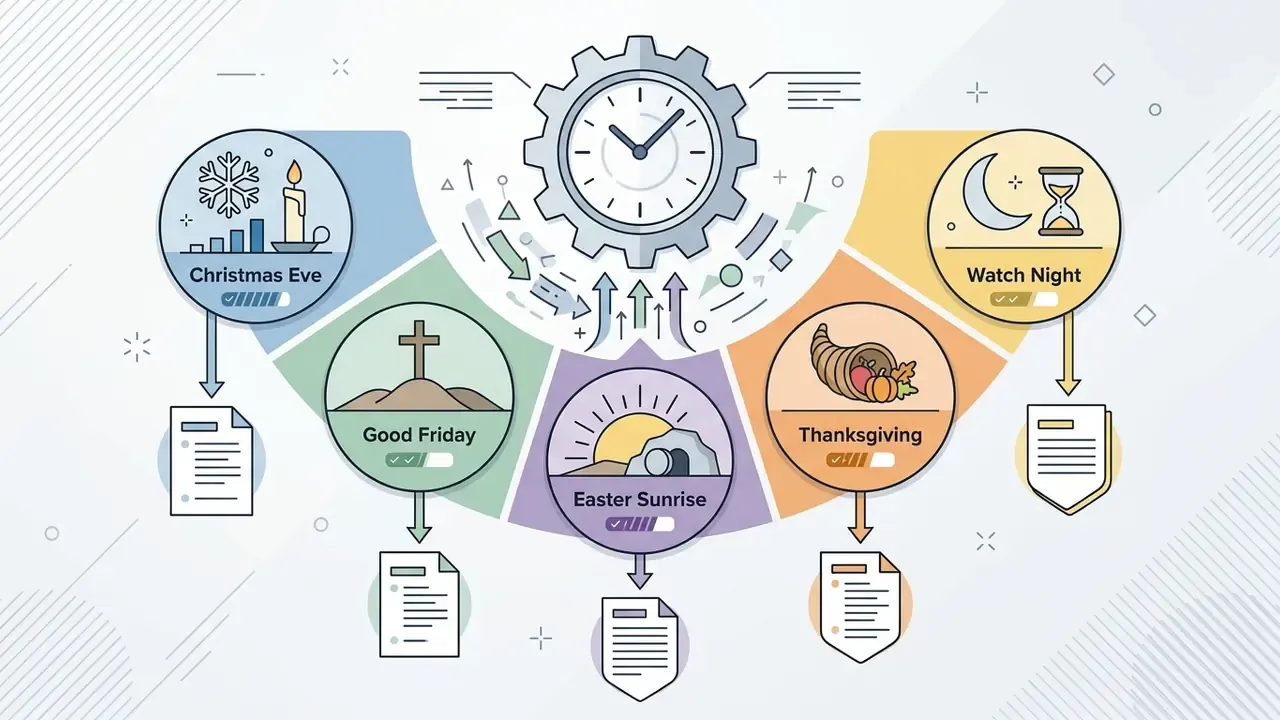
Liturgical calendar prompts. Name the season explicitly: Advent (expectation, four-week arc, prophetic texts), Lent (repentance, 40-day arc, penitential tone), Holy Week and Easter (passion narrative, resurrection witness), Pentecost (Spirit and mission), Ordinary Time (book-by-book exposition). Ask the model to confirm that the assigned lectionary passages actually match the date you supplied, then verify that answer yourself. Models routinely misalign lectionary years A, B, and C, and they do it confidently.
Policy check before you publish. Denominational positions genuinely diverge. The World Council of Churches (2025) permits generative AI in sermon preparation, pastoral correspondence, and liturgy while noting that worship content may require acknowledgment of AI assistance. The United Reformed Church (2026) lists sermon outlines among AI-assisted content requiring transparency. The Episcopal Diocese of the Central Gulf Coast (June 2026) prohibits AI as a replacement in sermons, theological writing, and pastoral care, while permitting non-generative digital editing of audio, video, photos, and graphics. Read your own body's policy before adopting any tool. It takes fifteen minutes and settles most arguments in advance.
How to Get Better AI Sermon Outlines and Drafts
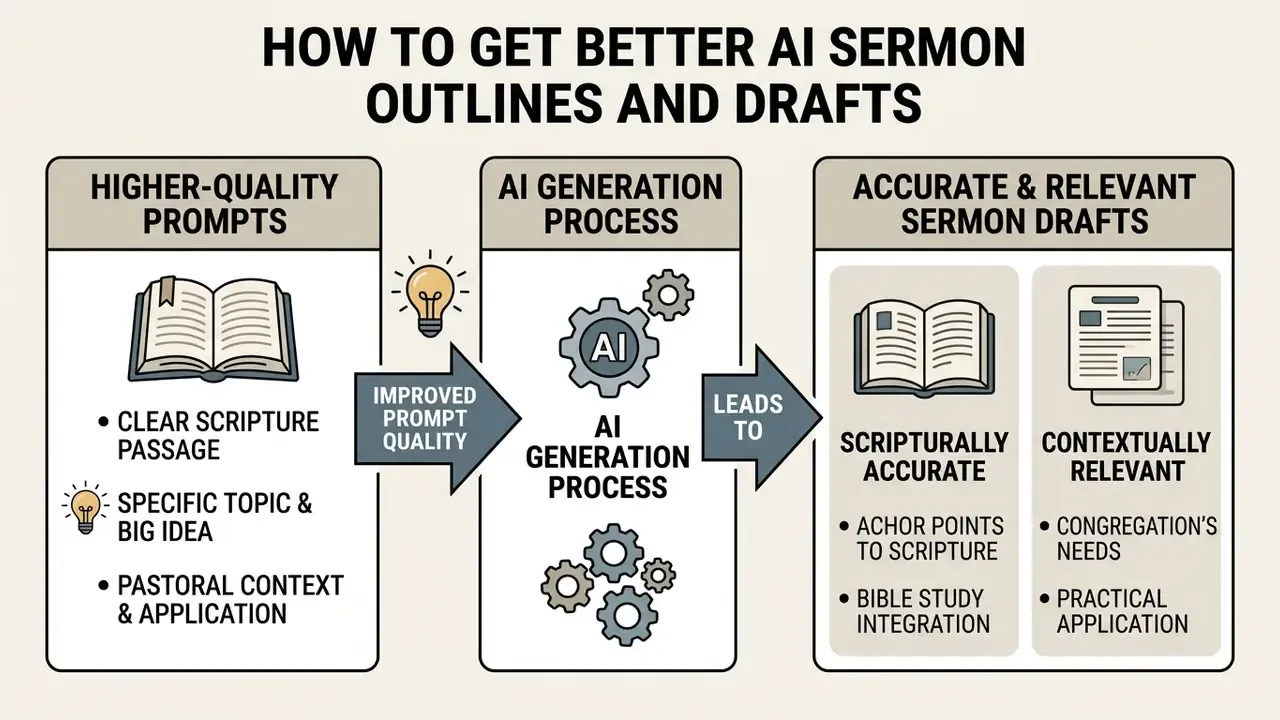
Higher-quality prompts directly produce more accurate, contextually relevant sermon created drafts. To get the most from a free ai sermon outline generator, use prompting techniques grounded in homiletical structure and textual verification.
Start with a clear passage, topic, and big idea
Quality output depends on well-defined input. Formulate a preliminary "exegetical idea" by answering two questions: What is the author talking about? (subject) and What is the author saying about it? (complement). Then condense that into a single memorable "homiletical big idea" that is accurate, clear, brief, and relatable. Studying Psalm 23, for instance, defining the central claim as "The Lord's active guardianship transforms our perception of present hardship" gives the generator a firm anchor and prevents fragmented or tangential point structures.
Constrained topical taxonomies also improve specificity. OpenBible's outline generator narrows outputs by limiting inputs to five passages and roughly 160 curated themes, which produces tighter, verse-anchored propositions than open-ended prompts (OpenBible Labs, 2023). https://www.openbible.info/labs/
Anchor every sermon point to Scripture and Bible study
Every major movement in the generated outline should point to a specific verse range in the primary text. A disciplined rule: always be able to show which verse produced the point. Build the outline from the passage first, then bring in cross-references to support or expand a point, never to replace the passage's own meaning. Check every parallel the tool surfaces against a concordance or cross-reference tool, and confirm that the referenced verse addresses the same subject in its own literary context rather than sharing a surface keyword. Keyword collisions are the single most common defect in machine-generated cross-reference lists.
Add pastoral context and practical application for the congregation
Generic suggestions must be enriched with real pastoral application. Effective behavioral communication pairs one primary message with clear, attainable steps. The WHO's strategic communications guidance stresses that each action step must be achievable for the actual audience; the IFRC's message-development guidance adds that every message should be contextualized in the audience's own language and should always explain why a behavior is asked. So replace "pray more this week" with "set a five-minute timer each morning to pray through Psalm 23 for your family."
Pastors in the AlignedAI survey report the same pattern from the field: AI-generated illustrations are treated as placeholders and systematically replaced with congregational and personal experience before delivery. Local need shapes the final message, and no model knows your local need.
Free vs Paid AI Sermon Generator Tools: 10 Platforms Compared
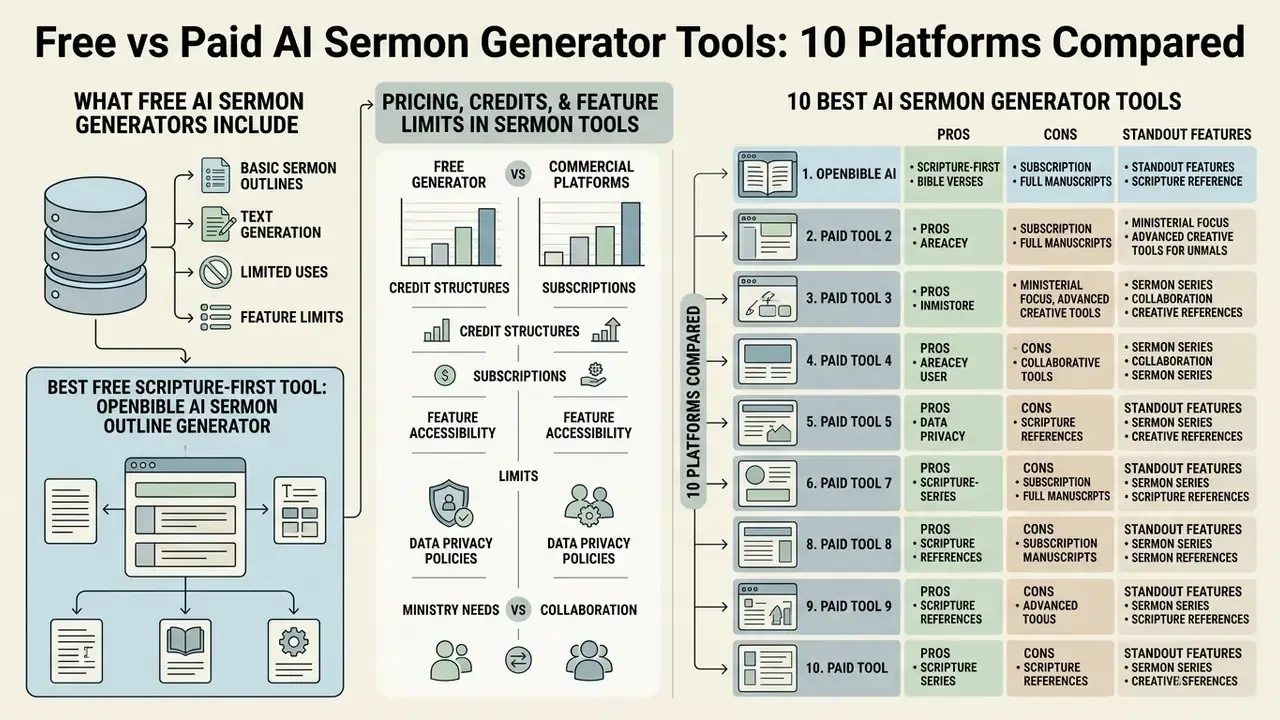
Comparing a free sermon ai generator against commercial platforms means weighing feature limits, credit structures, data privacy policies, collaboration needs, and ministry alignment. The functional gap between free tiers and paid subscriptions is wider than the price gap suggests.
«41% of church leaders cite lack of expertise as a barrier to AI adoption, and 26% cite ethical concerns including bias and loss of the human element.»
Separate reporting on church-leader sentiment records the two dominant fears explicitly: 51% were "very concerned" about plagiarism and message integrity, 49% about losing authenticity. Which is why the governance section below matters at least as much as the feature list.
What a free AI sermon generator usually includes
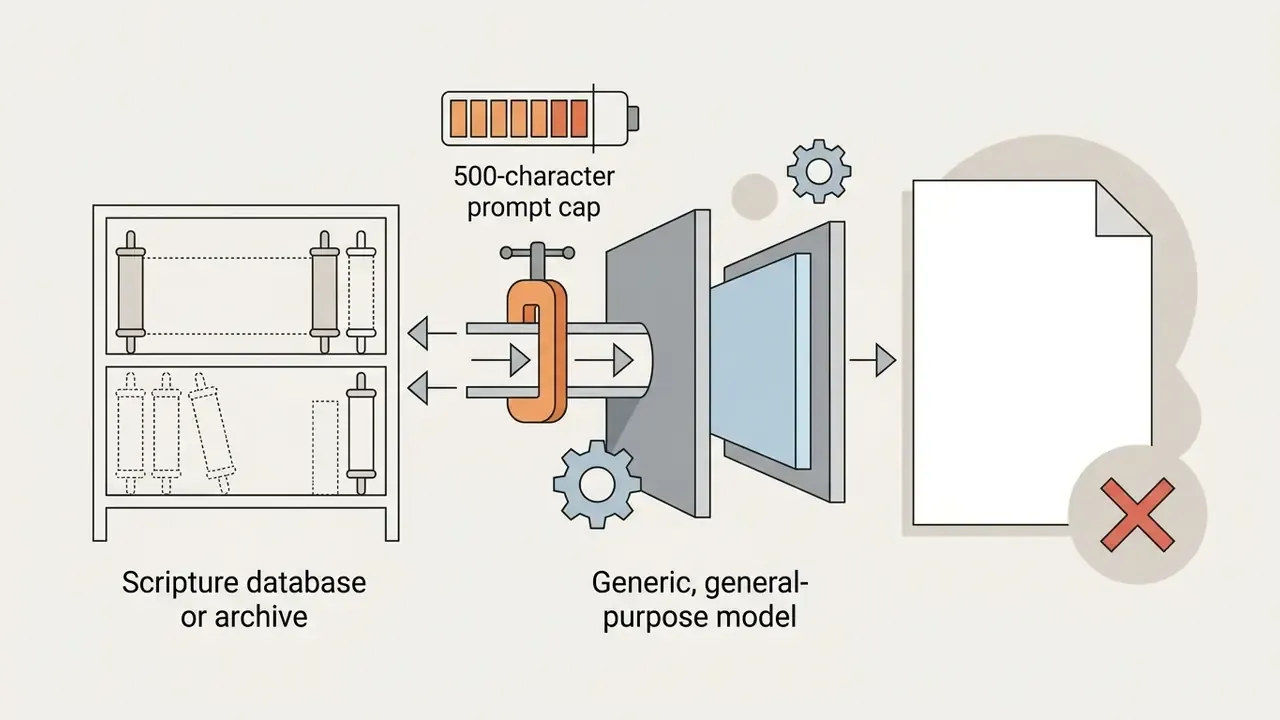
A free ai sermon generator generally provides basic outline generation, single-passage queries, and standard template output, with hard usage caps rather than time limits. Documented free tiers in 2026 include SermonSpark's 500 credits per month; SermonOutline.ai's 10 free outlines with no credit card; iPreach.ai's "forever free" 3 sermons and 3 children's stories per month; ChurchContentAI's 2 free sermons with basic templates; and Jotform's free tier with a 500-character custom prompt cap.
sermon ai generator free options work fine for basic brainstorming. Their limits are predictable: prompt-length caps, no denominational filters, no disclosure of the underlying model, and thin customization or export controls.
Pricing, credits, and feature limits in sermon generator tools
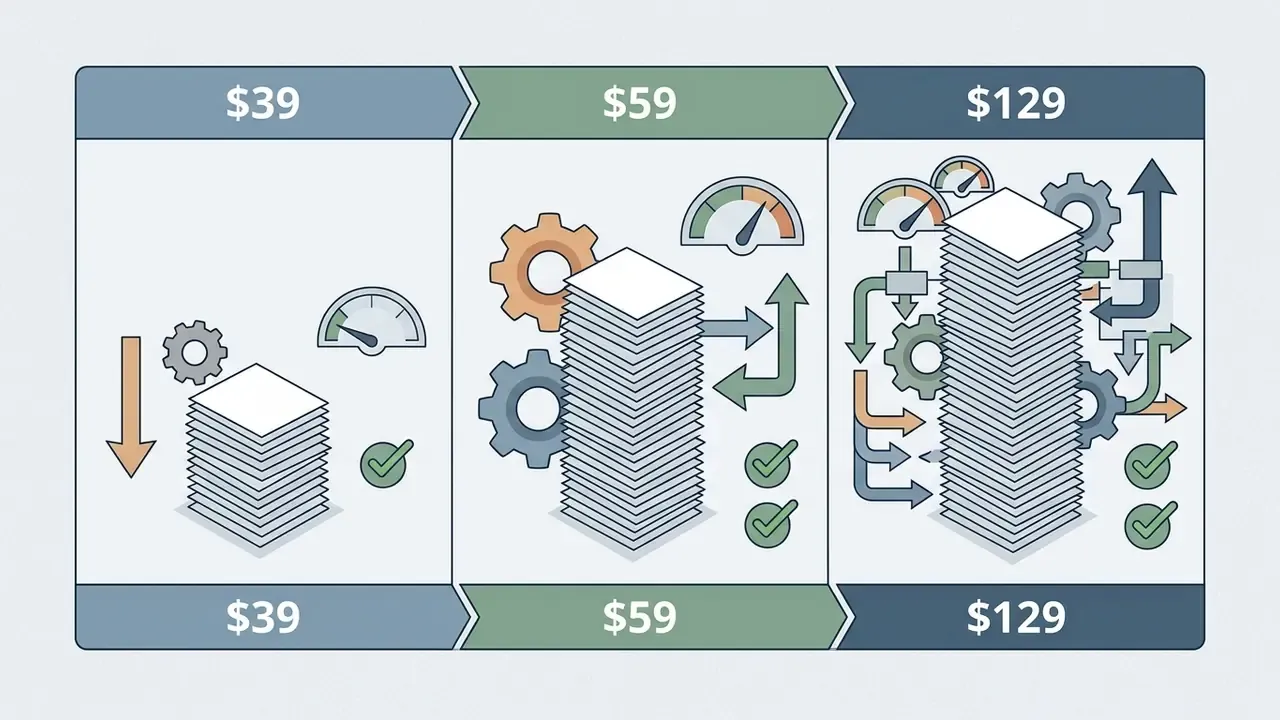
Paid platforms run on monthly or annual subscriptions with recurring credit pools. SermonSpark Premium costs roughly $7.95 per month for about 3,000 credits. Pulpit AI ranges from $39 to $129 per month for full sermon-to-media repurposing. Sermonary starts around $49 per month with commentary integration. SermonWise AI Pro runs $19.95 per month or $199.50 per year. Ministry Brands Equip sells monthly credit pools of 300, 700, 1,600, and 3,000 credits, with a Basic tier at $39 per month. Premium tiers unlock stronger language models, longer outputs, export options (Word, PDF, PowerPoint, Google Docs), multi-language translation, sermon archives, and team collaboration.
One budgeting note that vendors rarely highlight: credits are consumed per action, not per finished sermon. Three regenerations and an illustration pass can cost four times what the headline math implies.
The 10 best AI sermon generator tools: pros, cons, and standout features
1. OpenBible AI Sermon Outline Generator, best free Scripture-first outlines
- Price: free (no account required). Free tier: unlimited web use.
- Pros: direct multi-passage input (up to 5 references), ~160 thematic filters, strong verse anchoring, no credit system.
- Cons: no manuscript export, no archive, no collaboration, English only.
- Standout feature: thesis-statement generation tied directly to entered references.
2. SermonSpark, best for collaborative sermon editing
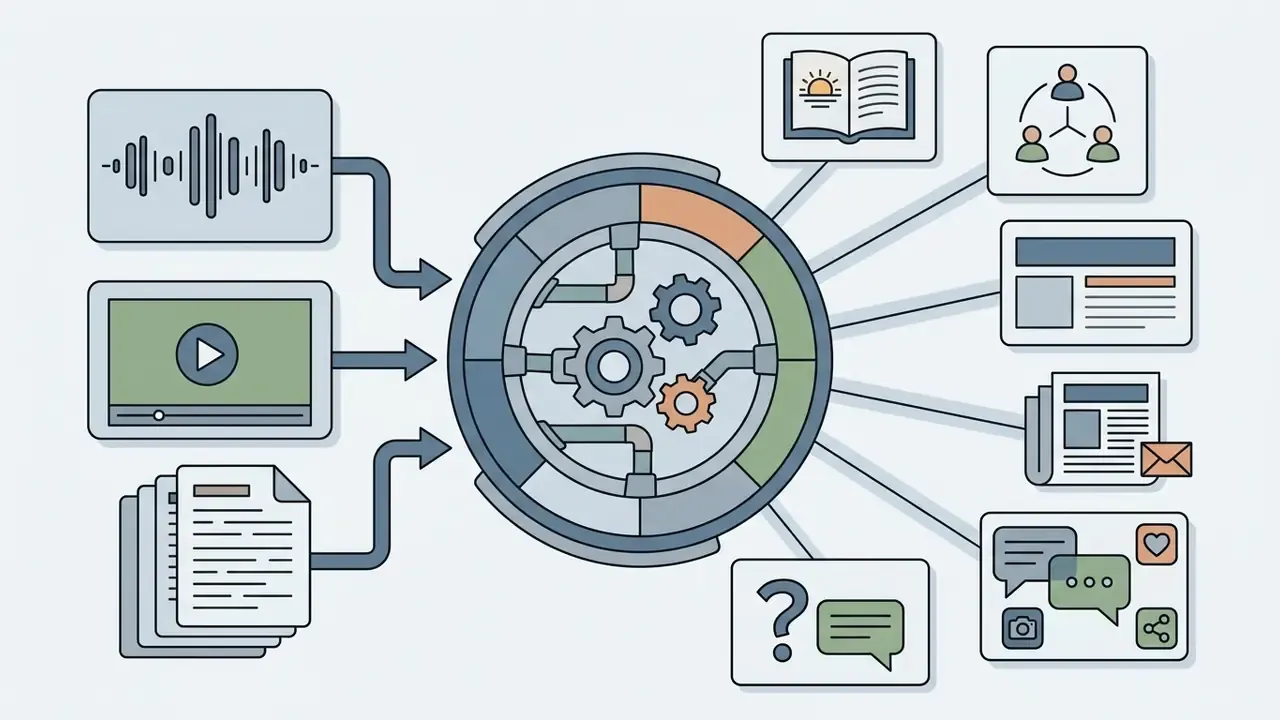
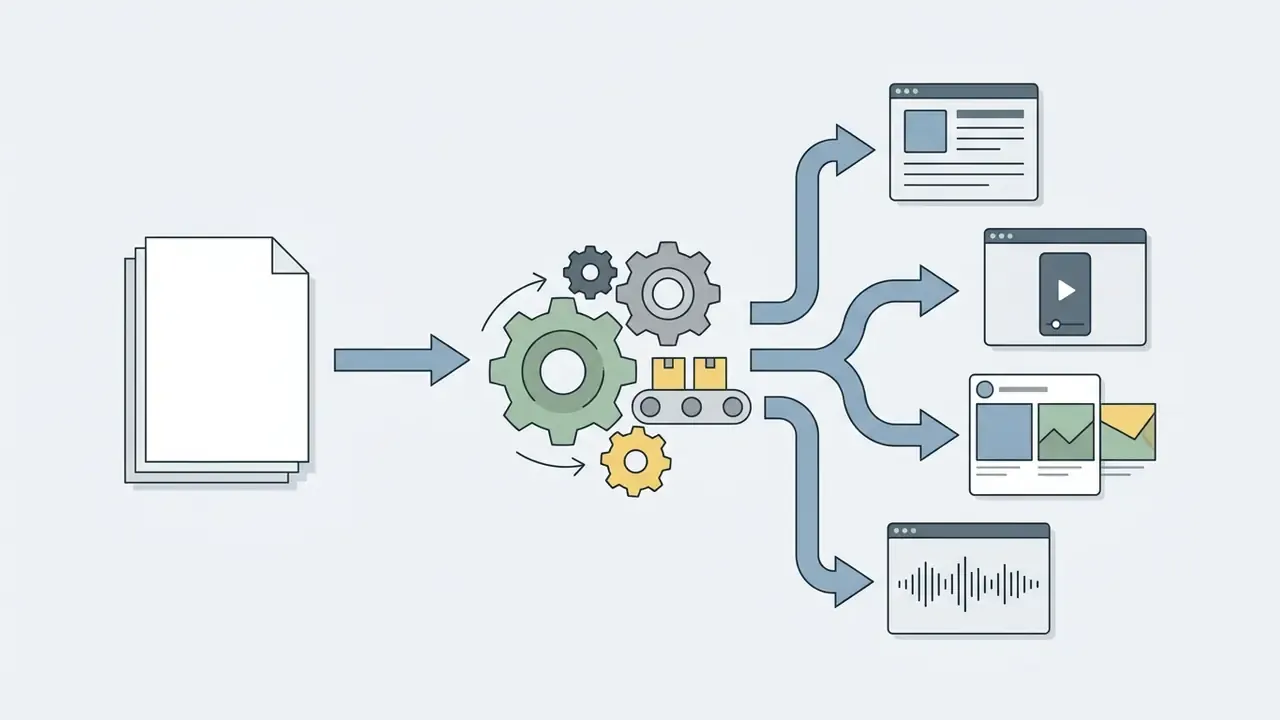
3. Pulpit AI, best for turning one sermon into a month of content
4. Sermonary, best for integrated commentary research
- Price
- from ~$49 per month; Sermonary+ bundle around $899 per year with library access.
- Pros
- structured sermon editor, trusted commentaries and cross-references inside the drafting canvas, inspiration prompts, timing tools.
- Cons
- highest cost among the drafting-focused tools; heavier interface for occasional preachers.
- Standout feature
- commentary and cross-reference lookup without leaving the editor.
5. SermonAI, best deep research library
- Price
- from $29 per month or ~$245 per year (some listings show a lower $15 per month tier); 7-day trial.
- Pros
- 500+ reference books, 4 Bible translations, Greek and Hebrew interlinear, 58 commentaries, Strong's, lexicon, Bible atlas, research assistant, roughly 10 languages.
- Cons
- pricing varies by source and tier naming; research depth can overwhelm first-time users.
- Standout feature
- original-language interlinear alongside AI suggestions.
6. Sermon Outline AI (SermonOutline.ai), best for detailed free outlines
7. Sermonly, best for archives and sermon planning calendars

8. Easy-Peasy.AI, best for customizable sermon templates
9. Jotform AI Sermon Generator, best for multilingual quick drafts
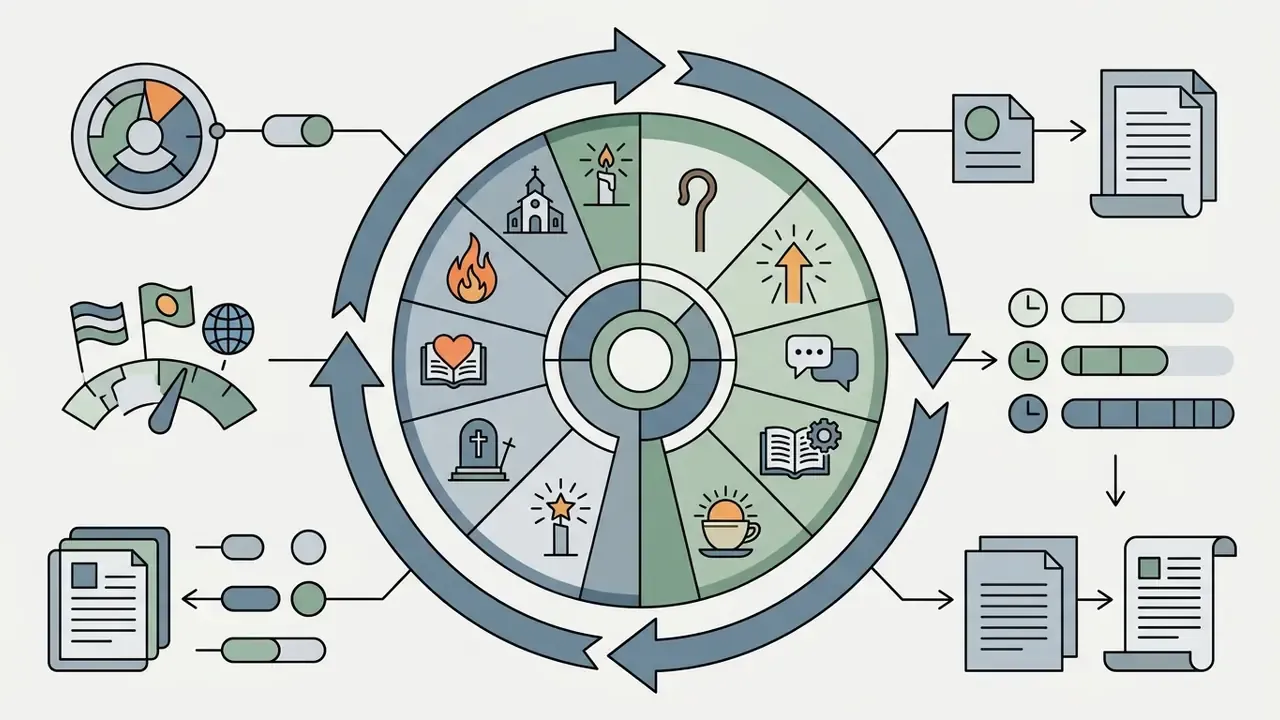
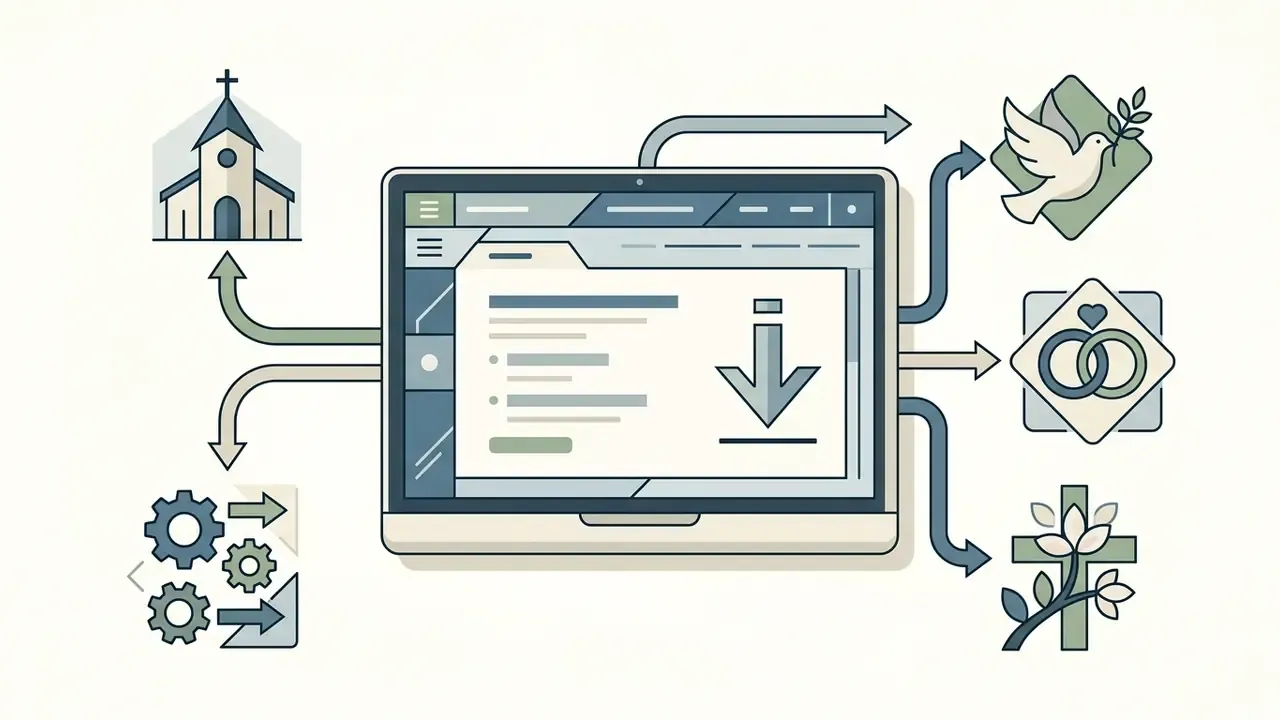
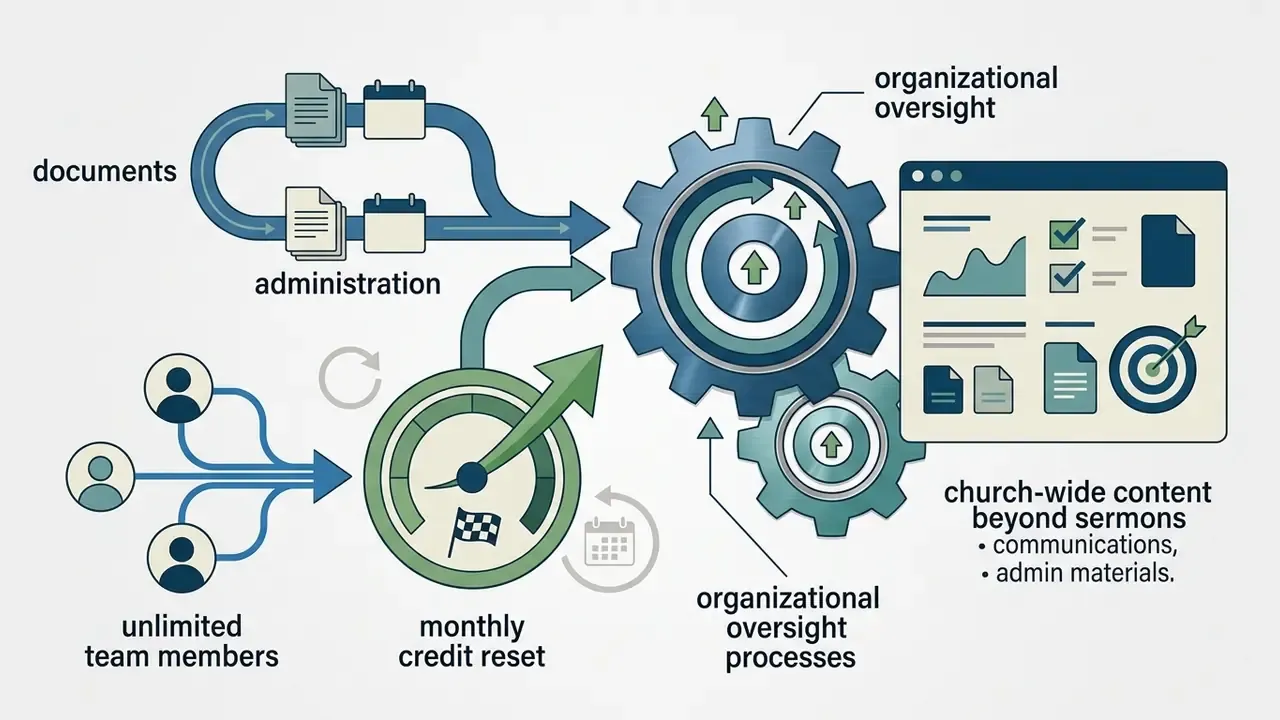
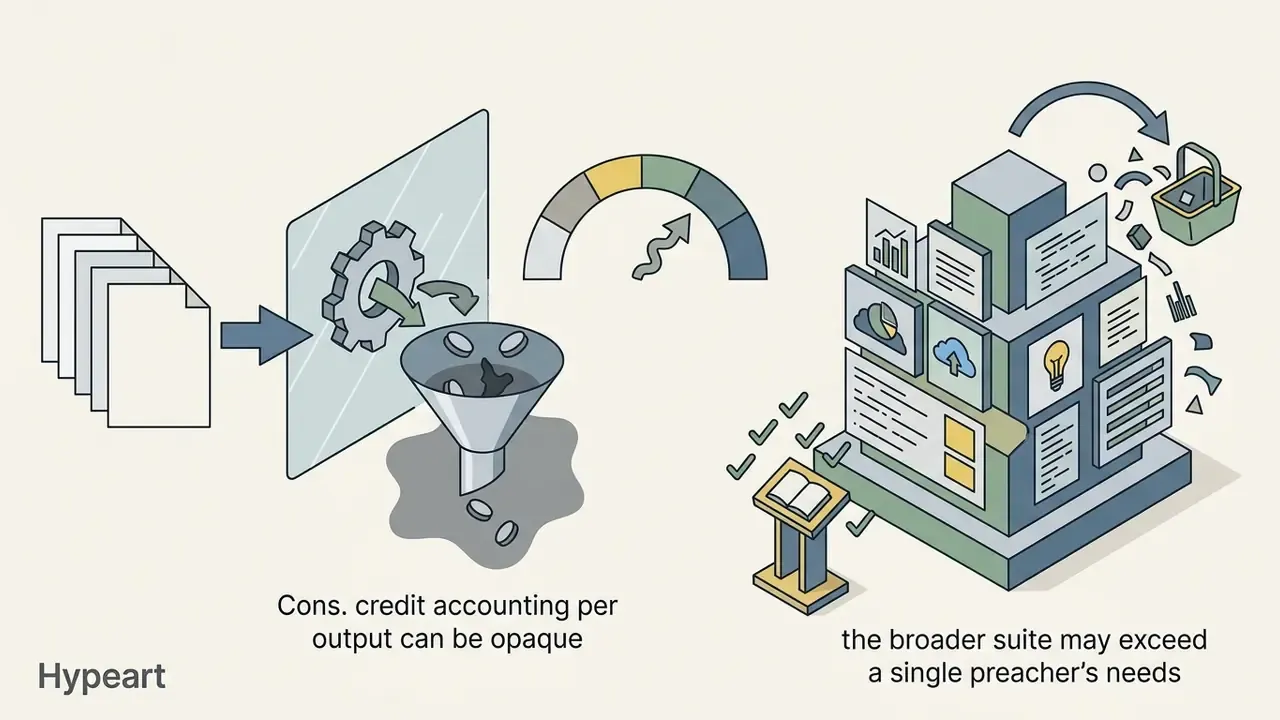
10. Ministry Brands Equip, best for whole-team church deployment
Also worth testing: iPreach.ai (forever-free 3 sermons per month plus remixable community templates), SermonWise AI ($19.95 per month Pro with longer outlines and Word or Google Docs export), MinisterioAI (Essential, Pro, and Pro Plus credit tiers with a Bible-study mode and Spanish-first interface), and ChurchContentAI (50 sermons per month on Basic). Several tools reviewed elsewhere advertise sermon delivery practice tools (timed rehearsal, pacing feedback) from about $5 per month billed annually with a 14-day trial, a genuinely useful add-on for new preachers.
How to choose the best AI sermon generator for your ministry
Selecting the best ai sermon generator depends on church size, technical requirements, confidentiality exposure, and production goals. Small teams that want structural outline help can start free or near-free. Mid-size churches with several preachers benefit most from collaborative editors and shared archives. Larger churches producing multi-channel content (transcripts, devotionals, social clips) get real leverage from dedicated repurposing platforms. Any institution touching sensitive pastoral material needs data-isolated, enterprise, or locally hosted deployment. No exceptions there.
Practical selection criteria, in order of weight for most churches:
- Task fitoutline-first, manuscript-first, or repurposing-first?
- Scripture handlingtranslations, interlinear, commentary sourcing, verse anchoring.
- Data handlingis your input used for model training? Where is it stored? Can you delete it?
- Human review workflowapproval steps, versioning, exportable audit trail.
- Collaborationseats, comments, roles, archive search.
- Total cost of ownershipcredits consumed per real sermon, not the headline price.
- Exit riskcan you export everything if you cancel?
When assessing digital tool budgets, church administrators can consult the AI Media Pricing Guides and use the financial modeling frameworks in AI Media Calculators to project software costs with something better than guesswork. Churches with no media budget at all can start with free AI image generation options and their licensing limits plus the free tiers listed in the comparison of free AI video generators.
Comparison of free and paid AI sermon generator platforms (2026 data)
| Platform / tool | Pricing model | Free tier / trial | Scripture & input features | Credits / usage limits | Collaboration & export | Key strengths and constraints |
|---|---|---|---|---|---|---|
| OpenBible Sermon Generator | Free (web) | Unlimited free use | Up to 5 Bible passages, ~160 thematic filters | No user credit caps | None, copy-paste only | Excellent free thesis and outline generator; no full manuscript export |
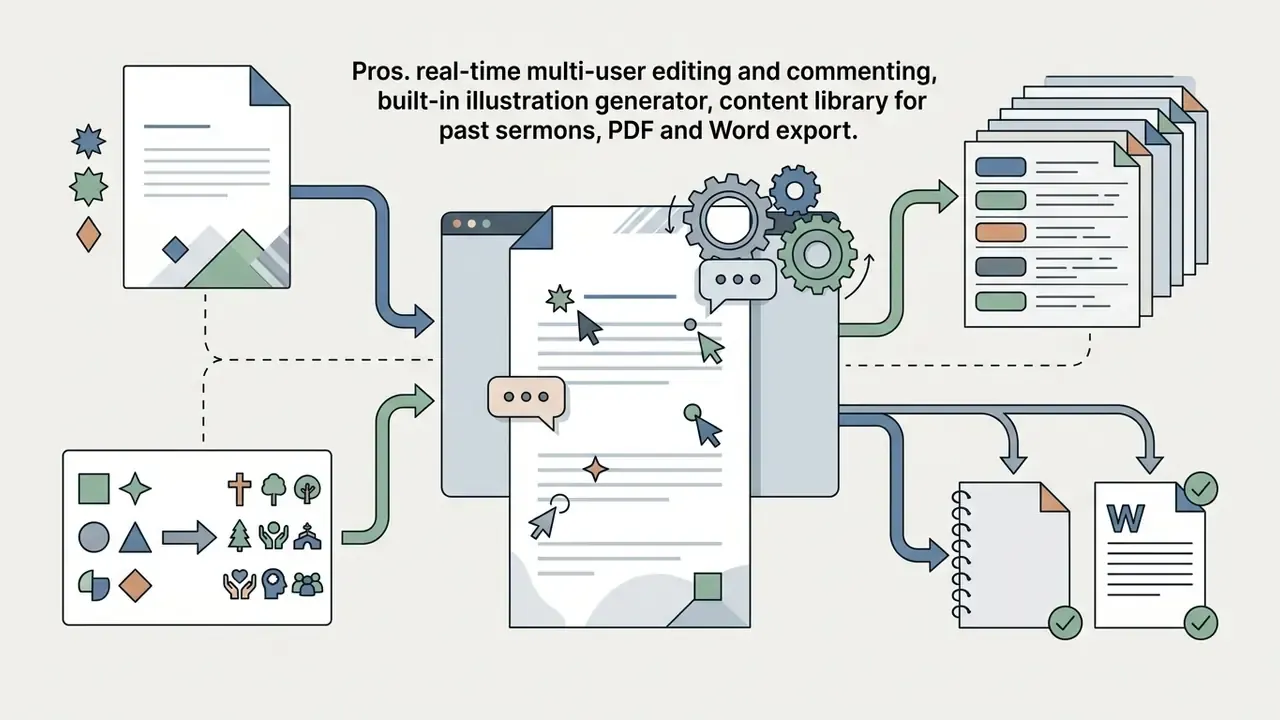
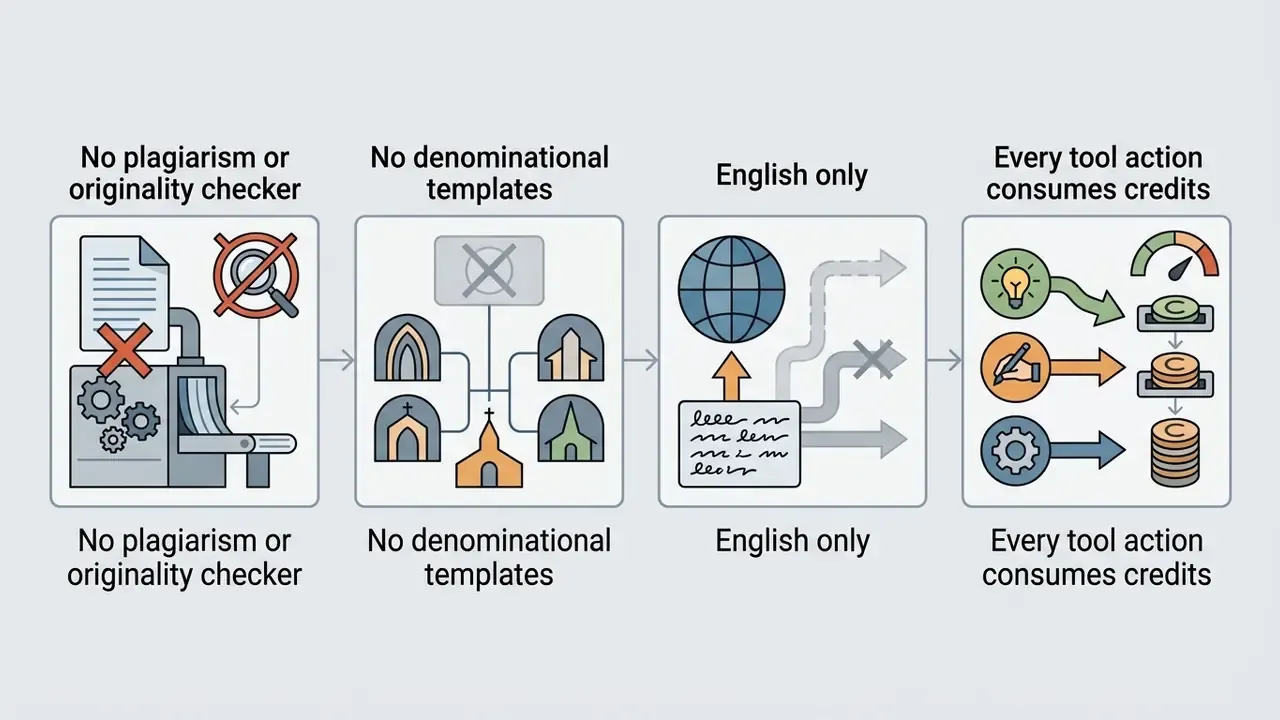
| SermonSpark | Freemium ($7.95/mo Premium) | 500 credits/mo free | Topic and passage inputs, brainstorm modules | ~3,000 credits/mo paid | Real-time co-editing; PDF, Word | Fast generation; credits spent per action; English only; no plagiarism check |
| Pulpit AI | Paid ($39 to $129/mo) | No permanent free tier | Full sermon transcript, audio, or video upload | Tiered monthly processing limits | Multi-format content export | Turns one sermon into devotionals, group guides, social posts; premium pricing |
| Sermonary | Paid (~$49/mo; +$899/yr bundle) | Trial available | Passage exegesis, commentary integrations | Unlimited in-platform drafting | Editor and team plans; PDF, print | Commentary access inside the editor; higher cost entry point |
| SermonAI | Paid ($29/mo or ~$245/yr) | 7-day trial | 500+ books, 4 translations, Greek/Hebrew interlinear, 58 commentaries | Plan-based generation limits | Doc export; ~10 languages | Deepest research stack; pricing inconsistent across sources |
| Sermon Outline AI | Freemium (from ~$7.50/mo annual) | 10 free outlines | Scripture, title, main point, translation hints | Free cap, then unlimited on paid | Archive, invites, PDF, Word | Clean 3-point outlines, copyright-free output; fixed structure |
| Sermonly | Paid ($19.99/mo; ~$9.99 annual) | 7-day trial | Topic or passage entry with attached research files | Plan-based | Team review; limited export formats | Preaching calendar and searchable archive; no delivery practice tools |
| Easy-Peasy.AI | Freemium (from ~$8/mo annual) | Free plan available | Template-driven topic and scripture input | Plan-based word or credit limits | In-app editing; multi-format export | Best template flexibility and multi-language; no archive; shallow theology in raw drafts |
| Jotform AI Sermon Generator | Freemium (paid from ~$34/mo) | Free tier available | Custom text prompts, tone, length, occasion filters | 500-character prompt cap on free tier | Copy and regenerate; multi-language | Widest occasion coverage; generic AI base; no Scripture database |
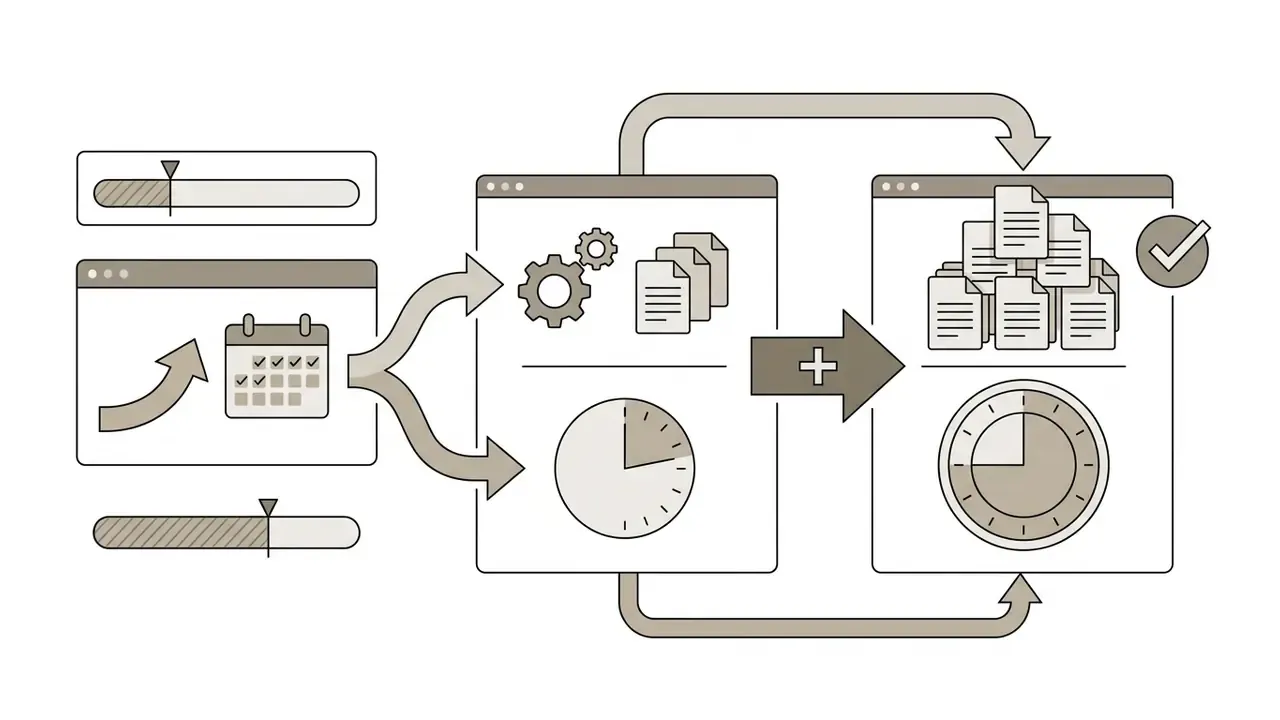
| Ministry Brands Equip | Paid (Basic $39/mo) | 14-day trial | Church-wide content prompts including sermons | 300 / 700 / 1,600 / 3,000 credits, monthly reset | Unlimited team members | Best for whole-staff rollout; credit accounting per output |
Governance, Data Privacy, and Shadow AI in Church Teams
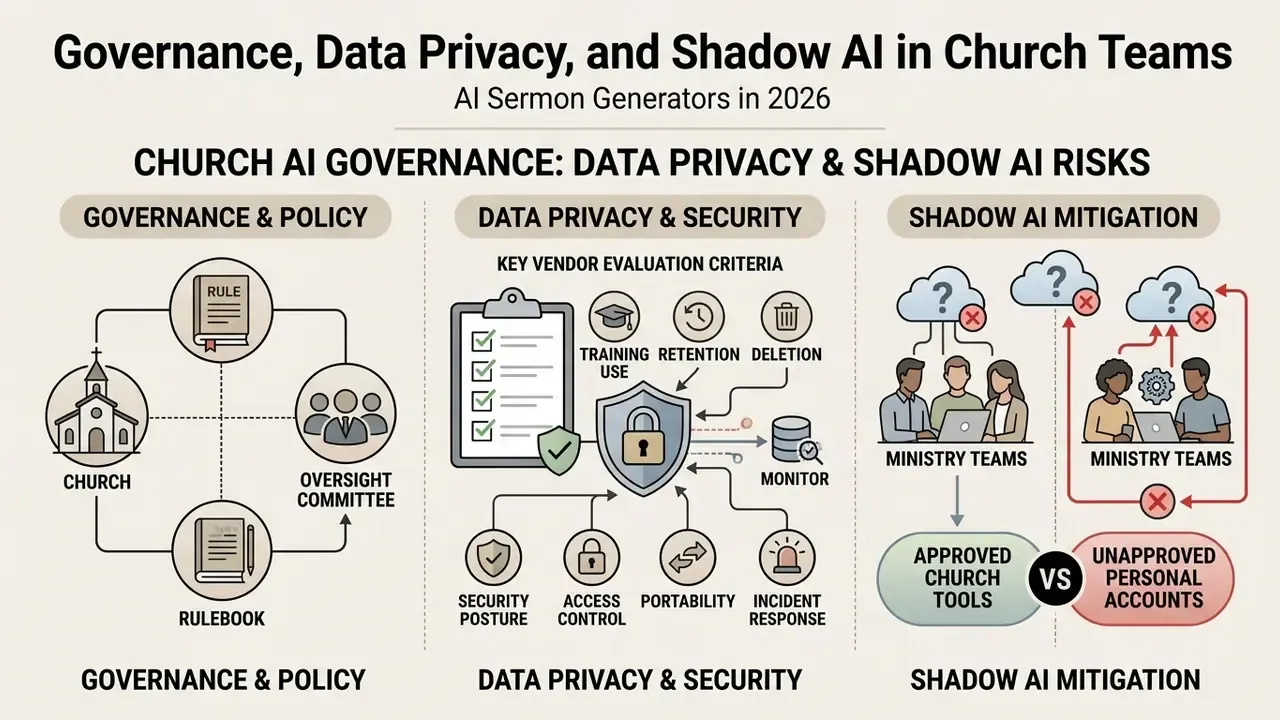
Most sermon-tool guides stop at features. But any organization, a church included, that lets staff paste text into third-party models has created a data-processing relationship. Usually an unmanaged one. Treat it accordingly.
1. Vendor and terms-of-service checklist
Before a tool touches ministry content, answer these in writing:
- Training use does the vendor use your prompts and outputs to train models? Is there an opt-out, and is it on by default?
- Retention and deletion how long are prompts stored? Can an administrator delete an account's history?
- Sub-processors which underlying model provider (OpenAI, Anthropic, Google, self-hosted) receives the text, and in which jurisdiction?
- Security posture does the vendor publish SOC 2 Type II, ISO 27001, or an equivalent attestation? Is data encrypted in transit and at rest?
- Access control SSO, role-based permissions, seat revocation when staff leave.
- Portability full export of sermons and archives on cancellation.
- Incident response a written notification commitment if the vendor is breached.
2. Data classification for ministry content
| Class | Examples | Allowed in public AI tools? |
|---|---|---|
| Public | Published sermon text, service times, public bulletins | Yes |
| Internal | Draft outlines, series plans, staff notes | Yes, with vendor terms reviewed |
| Confidential | Counseling notes, confession content, hospital visits, discipline cases, minors' information, giving records | Never. Use no AI, or an isolated or self-hosted system under written policy |
Church guidance is unambiguous on the bottom row: confidential pastoral information must never be entered into public AI platforms, and sensitive work requires data-isolated or locally hosted systems. If a staff member has to ask whether something belongs in that row, it does.
3. Human-in-the-loop roles and approval gates
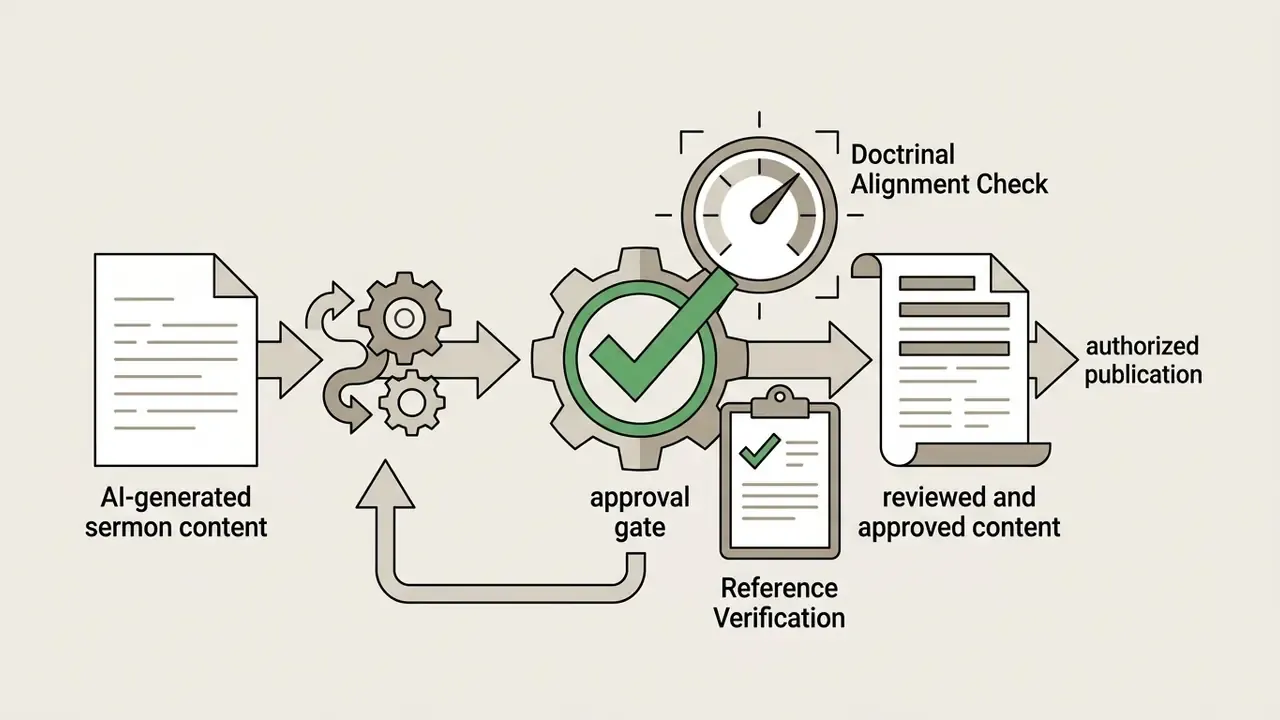
Borrowing the discipline of institutional model-risk management (the logic behind supervisory frameworks such as SR 11-7 in regulated industries), define roles rather than relying on goodwill:
Four names on one page. That is the whole framework, and it is enough for most churches.
4. Auditability and disclosure
Keep a lightweight log: tool used, date, prompt summary, what was AI-generated versus human-written, who reviewed it, and the final approver. Two reasons. Denominational transparency requirements, since several 2025–2026 policies require acknowledgment when AI meaningfully contributed to worship or published content. And defensibility, if authorship is ever questioned publicly. A disclosure formula borrowed from cultural-institution guidance works in ministry too: "developed with the support of [tool]" or "written based on a first draft generated by [tool]."
«AI-generated first drafts can be improved upon by a person and must be labeled as 'developed with the support of [tool]'.»
«Users must double-check AI-generated materials, verify references, and ensure correctness before acceptance.» — Hong Kong, Generative AI Technical and Application Guideline (2025)
5. Preventing Shadow AI
Shadow AI appears when volunteers and staff quietly use consumer tools with church data. Counter it with three cheap moves: publish a one-page approved-tools list, provide at least one sanctioned free tool so nobody is pushed toward unvetted ones, and run a 30-minute annual training covering the confidential-data rule and the disclosure rule.
Where staff need media tools rather than text tools, point them to vetted options such as our comparisons of AI art generators and ChatGPT-based image generation versus alternatives rather than random web uploaders that harvest whatever gets dropped into them. Volunteers who experiment with conversational products should also understand how a character ai filter works, since safety layers differ sharply between platforms and matter in any youth-facing context.
Responsible Use of AI for Sermon Preparation
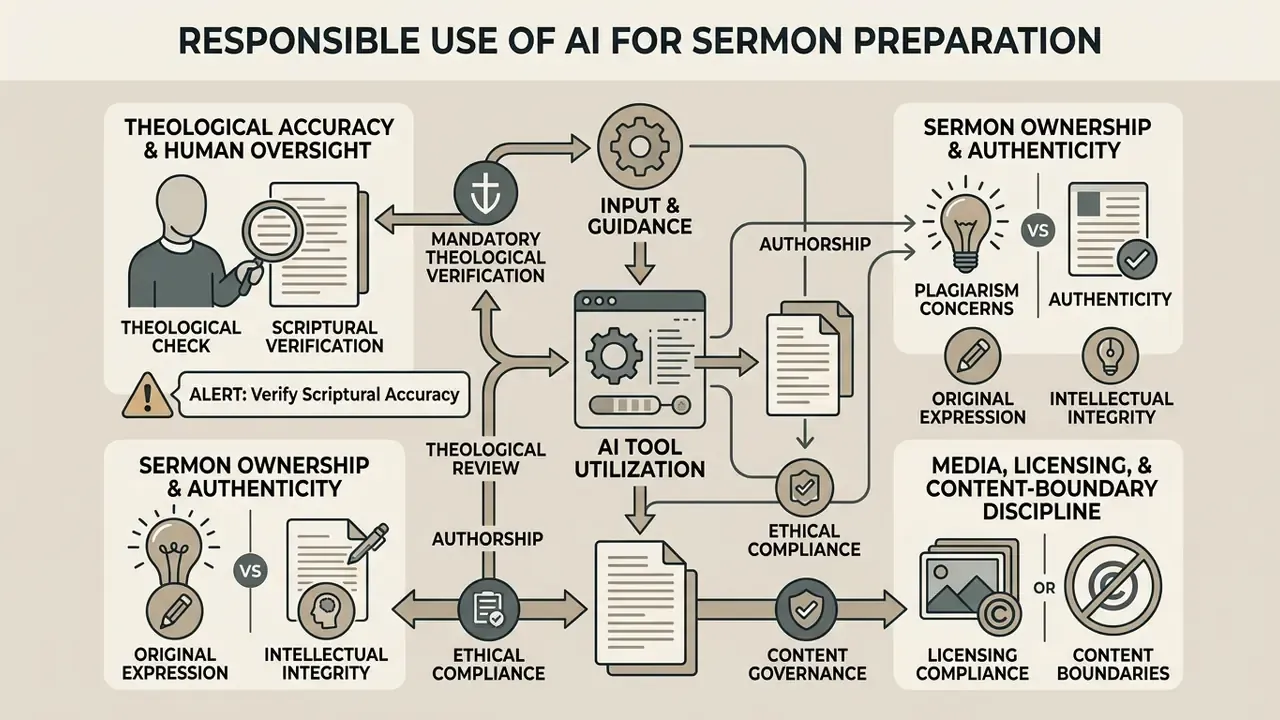
Ethical and theological integrity governs everything above. Prominent church bodies, including the Vatican (2025 Note on AI), Virginia Theological Seminary and the Vancouver School of Theology (2026 guidance), Dallas Theological Seminary (2025 statement), the Archdiocese of Seattle (2026 policy), the Presbytery of Baltimore (2026 guidelines), the Brentwood Statement on Artificial Intelligence and Christian Leadership (2026), and the Evangelical Lutheran Church, converge on one point: AI can assist research and administrative prep, and ministers bear full personal and spiritual accountability for everything taught from the pulpit.
Theological accuracy and human oversight
Generative language models operate on probabilistic pattern matching, not spiritual understanding. That makes them prone to factual errors, incorrect cross-references, and theological hallucinations that read beautifully. Institutional guidance converges on three requirements: all AI-generated content must be reviewed and approved by a human before publication or use in decisions (Archdiocese of Seattle, 2026); information gathered using AI must be fact-checked before it reaches public communications or work products (Presbytery of Baltimore, Artificial Intelligence Guidelines, 2026); and ministers retain full responsibility for theological accuracy (Virginia Theological Seminary, 2026). A 2026 journal review of AI in sermon preparation lists the recurring failure modes explicitly (theological inaccuracy, loss of spiritual inspiration, plagiarism risk, reduced pastoral sensitivity) and concludes that AI is a supplementary tool only.
Field practice matches the policy:
«None of the clergy accepted AI content uncritically; all acted as critical evaluators, using theological training to filter suggestions.»
⚠️ ALERT: Mandatory theological and scriptural verification
Sermon ownership, authenticity, and plagiarism concerns
Passing off an unedited AI manuscript as personal spiritual reflection damages congregational trust and raises real plagiarism and authenticity questions. Scholarship on AI provenance in religious communication argues that perceived authenticity depends less on the text than on whether its provenance is disclosed. Trust falls when AI authorship is concealed and holds up reasonably well when AI is presented transparently as a research and drafting aid.
«Generative systems can blur authorship and responsibility for sermon content when used without clear pastoral attribution.»
A 2024 study on AI use in sermons goes further, holding that preaching ChatGPT-generated text, in whole or in part, should not be permitted without substantive human authorship. So pastors keep their own voice, rooted in prayer, pastoral relationships, and diligent study. Vendors say much the same thing, bluntly: SermonOutline.ai's own FAQ tells preachers that if they came "for an AI sermon to blindly preach," they are in the wrong place, because nobody should fully trust AI for quotations or historical claims.
Media, licensing, and content-boundary discipline
When sermon content extends into church communication or outreach, the same standards apply to media as to text: data security, content review, licensing hygiene. Before a generated image, voice-over, or motion background reaches a Sunday screen, confirm three things. The license permits public display and any donation-linked use. The output contains no unlicensed third-party marks or recognizable faces. A human has reviewed it for appropriateness in worship.
Practical starting points for that review include our overview of commercial-use terms for AI image expansion and background generation and the licensing notes in the free AI art generator comparison. Teams producing sermon recap videos can check compression and delivery specs in the video compressor guide and retouching limits in the photo editor guide. Where accessibility versions or translated audio are needed, review consent and voice-cloning restrictions first in the AI voice generator guide.
In every creative and administrative application, human oversight preserves ethical boundaries, protects confidential data, and keeps public trust intact. For legal standards on digital content ownership and AI assets, ministry teams can consult resources in the litigation section, browse the AI Media Commercial-Use Hub, and reach general administrative help through AI Media Support.
Pre-Pulpit Verification Checklist
Run this before the message leaves your desk. Ten minutes here prevents a public correction later.
Checklist0 / 17
FAQ
Is it wrong to use an AI sermon generator?
Current denominational guidance generally permits AI for research, structuring, and drafting, while prohibiting it as a substitute for exegesis, pastoral care, and spiritual authority. Some bodies additionally require disclosure. At least one 2026 diocesan policy prohibits AI-generated sermon content outright. Check your own policy first, not last.
Do I need to tell my congregation I used AI?
If AI substantially generated, structured, or drafted significant portions of what you say or publish, disclosure is the safer practice, and increasingly the expected one. Incidental use, like grammar checking or formatting, generally does not require disclosure under published guidance.
How long should a sermon series be?
There is no universal answer. Four to six weeks is the common range, long enough for depth, short enough to hold attention through a holiday or a school break. A sermon series planner lets you set the week count against your church calendar and see the collisions early.
Can I use the generated text without citation?
Some vendors state that their outputs are not copyrighted by another preacher and require no citation. That is a copyright statement, not an ethics statement. Authenticity still requires that what you preach be genuinely reworked, verified, and owned by you.
What if I don't like the result?
Regenerate with tighter constraints instead of resubmitting the same prompt. Add the passage boundary, the exact big idea, the audience, the tradition, and a sample of your own writing for voice matching. Vague input in, vague sermon out.
Can AI produce sermon graphics and slides too?
Yes. Use the slide and series-title prompts above, then verify licensing for public display. Motion backgrounds and simple animated lower-thirds can be produced with tools covered in our animation maker guide.
Which free tool should a solo pastor start with?
Start with a free Scripture-anchored outline tool (OpenBible, or SermonOutline.ai's free outlines) plus a general model for illustration brainstorming. Add a paid tool only when a specific bottleneck, such as archive, collaboration, or repurposing, is costing you measurable hours.
Conclusion and Recommended Next Steps
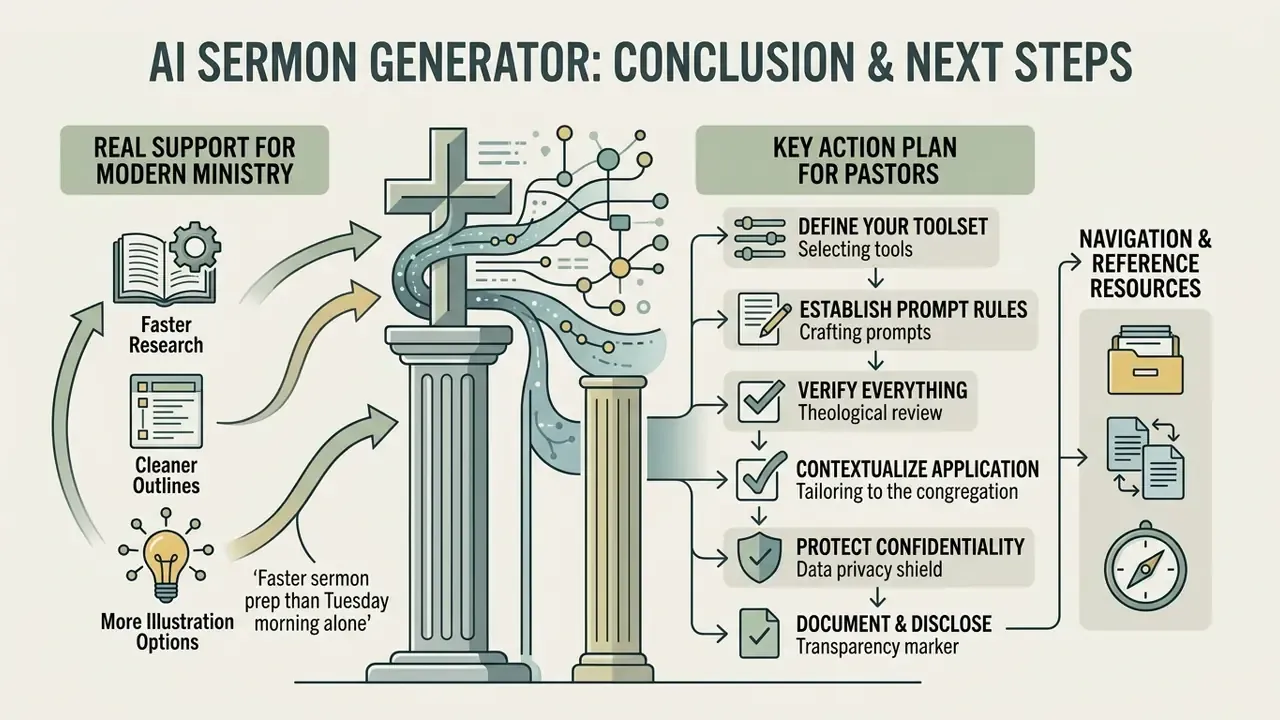
An ai sermon generator offers real support for modern ministry: faster background research, cleaner structural outlines, more illustration options than a Tuesday morning alone would produce. Adoption keeps climbing. Survey reporting indicates 61% of pastors now use AI weekly or daily, up from 43% the previous year, with roughly a quarter using it every day (State of AI in the Church Survey Report, 2025, ChurchTechToday. https://churchtechtoday.com/articles/state-of-ai-in-the-church-survey-results/).
Efficiency, though, stays subordinate to pastoral responsibility. Used as an administrative assistant rather than a spiritual surrogate, and wrapped in a simple governance layer of data classification, human review, and disclosure, these tools free up hours without loosening the grip on prayer, sound exegesis, and authentic pastoral care. That trade is worth making. The reverse trade never is.
Key action plan for pastors
- Define your toolsetstart with free research tools like the OpenBible generator or free credit tiers to test outline workflows, then add one paid tool against a measured bottleneck.
- Establish prompt rulesalways supply specific passage boundaries, explicit big ideas, denominational framing, and audience settings. Use the eight templates above as your standing library.
- Verify everythingcheck every Scripture citation, quotation, historical reference, and commentary note against trusted study tools before delivery.
- Contextualize the applicationreplace generic illustrations with personal insight and local church testimony, and make every action step specific and attainable.
- Protect confidentialitykeep sensitive counseling details and congregational data out of public AI prompts. Classify your data before you classify your tools.
- Document and disclosekeep a lightweight log of tool, prompt, review, and approval, and disclose substantial AI contribution according to your denomination's policy.