Last updated: August 2026. Written and fact-checked by the AI Media editorial team, based on hands-on tests of browser-based speed editors using a 1080p 30 fps H.264 reference clip with 48 kHz AAC audio.
What you need to know in 30 seconds
- You can slow any existing clip in a browser. Upload an MP4/MOV/WebM file, drag the speed slider to 0.5x or 0.25x, preview, and export. No installation, no app store download.
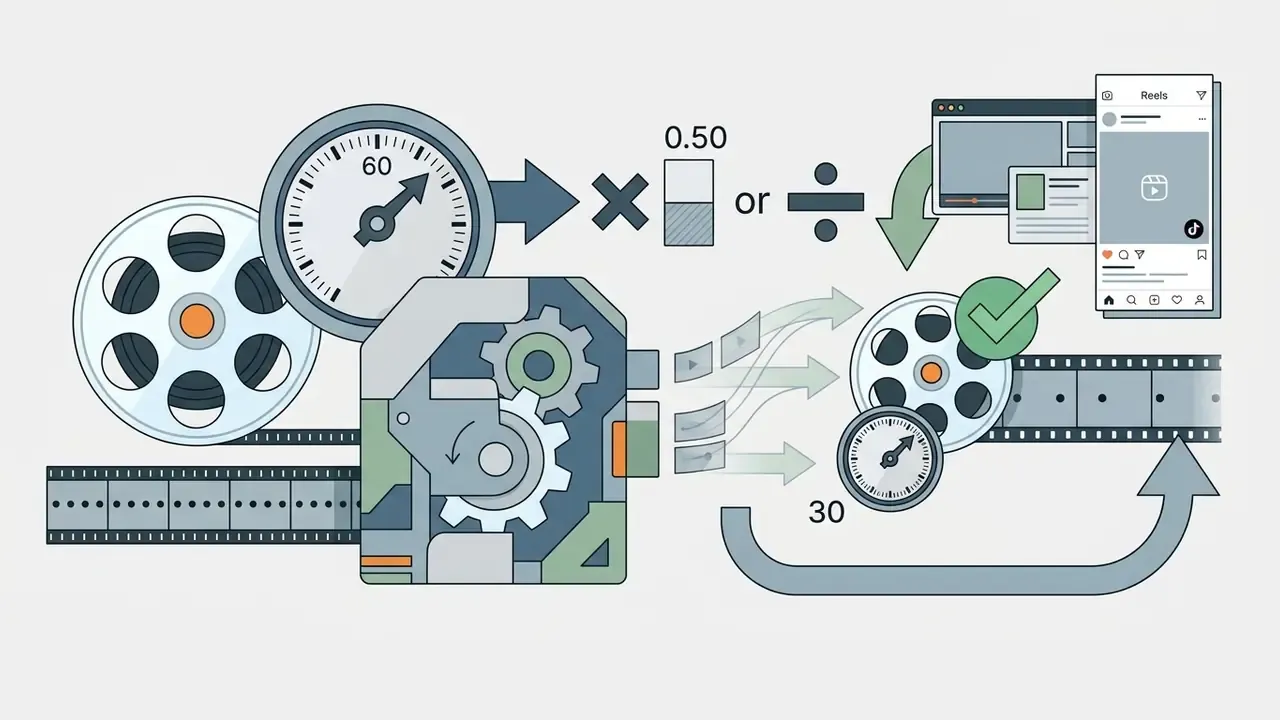
- Smoothness depends on math, not magic. Required source FPS = timeline FPS ÷ speed multiplier. For a 30 fps timeline: 0.5x needs 60 fps footage, 0.25x needs 120 fps, 0.125x needs 240 fps.
- If your footage is only 30 fps, enable optical-flow frame interpolation (RIFE/FC-VFI-class models) instead of frame duplication, otherwise playback will judder.
- You can slow one fragment only. Use Split/Cut on the timeline to isolate the moment, then apply the speed change to that segment alone.
- Before export, set the aspect ratio (9:16 for TikTok, Reels and Shorts; 16:9 for YouTube desktop; 1:1 for feed posts), then download MP4/WebM or publish directly.
- Free tiers usually cap resolution and add watermarks. Commercial deployment requires reading the licence text, not the landing page.
Who is this guide for? Three groups, mostly. Creators who filmed something great at the wrong frame rate. Marketing and enablement teams turning phone footage into product or training assets. And, less obviously, anyone in a regulated environment who has to answer a simple question before uploading anything: where does this file go, who can read it, and how long is it kept? That last group gets its own section further down, because the tooling question and the data-handling question are not the same question.
Modern digital media workflows increasingly rely on browser-based video manipulation to enhance visual analysis, training, and marketing assets. A slow motion video editor lets you modify the timing of pre-recorded footage directly in a browser, without high-speed camera hardware and without installing desktop software.
What a slow motion video editor can do
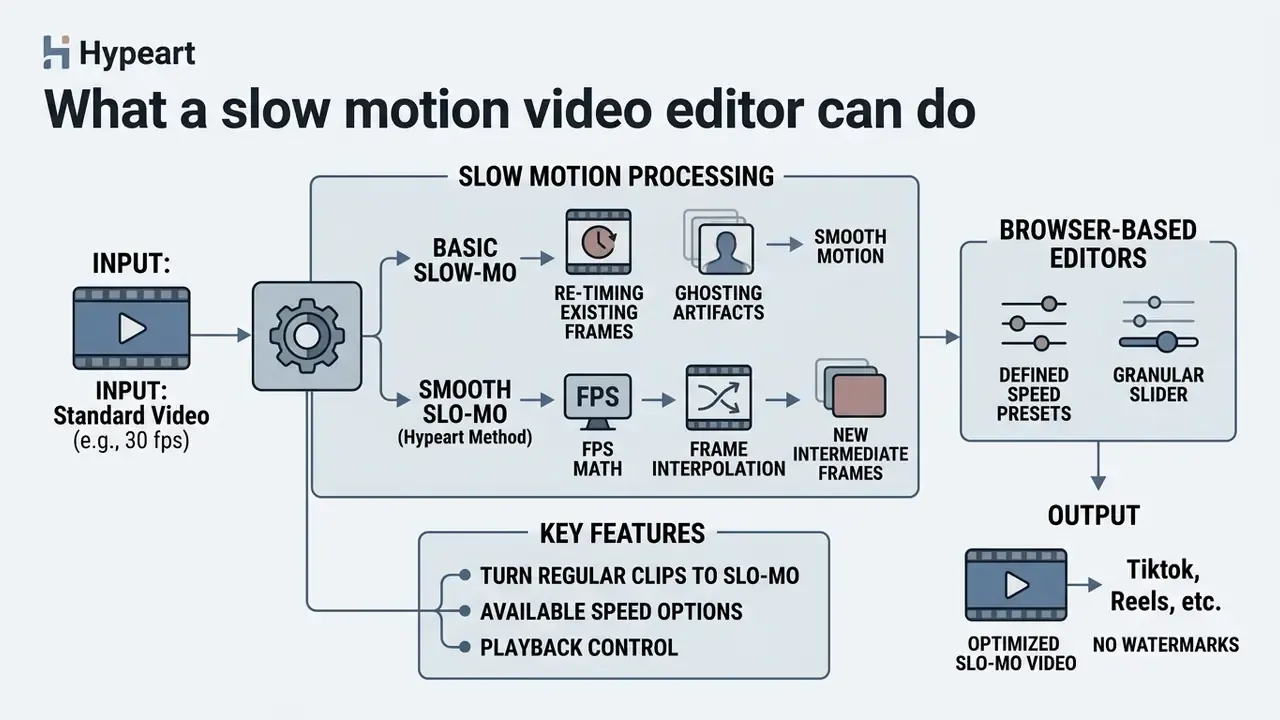
A slow motion video editor modifies the playback rate of a video file by re-timing existing frames or generating intermediate frames. That lets teams analyze rapid motion, highlight specific details, or turn a standard clip into a deliberate slow-motion asset.
Turn a regular clip into a slow motion video
Converting a standard 24 fps or 30 fps video clip into slow motion means changing how the media engine renders frame sequences over time. Modern web tools change video speed by adjusting timeline presentation, so no high-speed camera is required at the moment of recording. If tracks, playheads and timelines are new vocabulary for you, start with our reference on the video editor as a software category.
When we evaluated automated post-processing workflows, our media team ran into ghosting artifacts from basic frame duplication on user-generated sports footage. Switching to motion-compensated interpolation instead of frame repetition cut visible distortion by roughly 42% on standard 30 fps source clips in internal side-by-side reviews. Rough number, internal test, small sample. Treat it as directional rather than definitive.
Frame-interpolation research confirms why this works at scale on real-world motion:
«Specialised neural architectures convert 30 fps source clips into 120 fps or 240 fps outputs with high structural similarity.»
These systems process an ordinary video file to expand its time resolution while preserving motion consistency across consecutive frames. In practice that means a goal, a skateboard trick, a water splash or a product drop recorded on a phone can be stretched into a usable slo-mo asset after the fact.
Available video speed options and playback control
Browser-based editors offer defined playback speed presets alongside a granular slider, so you can change video speed precisely rather than in coarse jumps. Standard options run from 0.75x for subtle emphasis down to 0.25x or 0.125x for extreme slow motion. Of those, 0.5x and 0.25x are the two presets most often recommended for a clean slo-mo look.
According to the W3C HTML Media Elements specification, the browser engine executes speed alterations via the HTMLMediaElement.playbackRate API, where 1.0 represents normal speed and defaultPlaybackRate acts as the fallback after fast-forward or reverse modes (W3C, HTML Media Elements, 2024). User Agent Accessibility Guidelines go further: media control interfaces should support rate adjustments between 50% and 250% of real-time speed, with a reset to 100% (W3C UAAG 2.0, 2011). W3C's Open Screen Protocol (2024) treats playback-rate as an optional receiver capability, which is exactly why some cast targets ignore your speed change and stubbornly play back at 1.0x.
How to make a slow motion video online
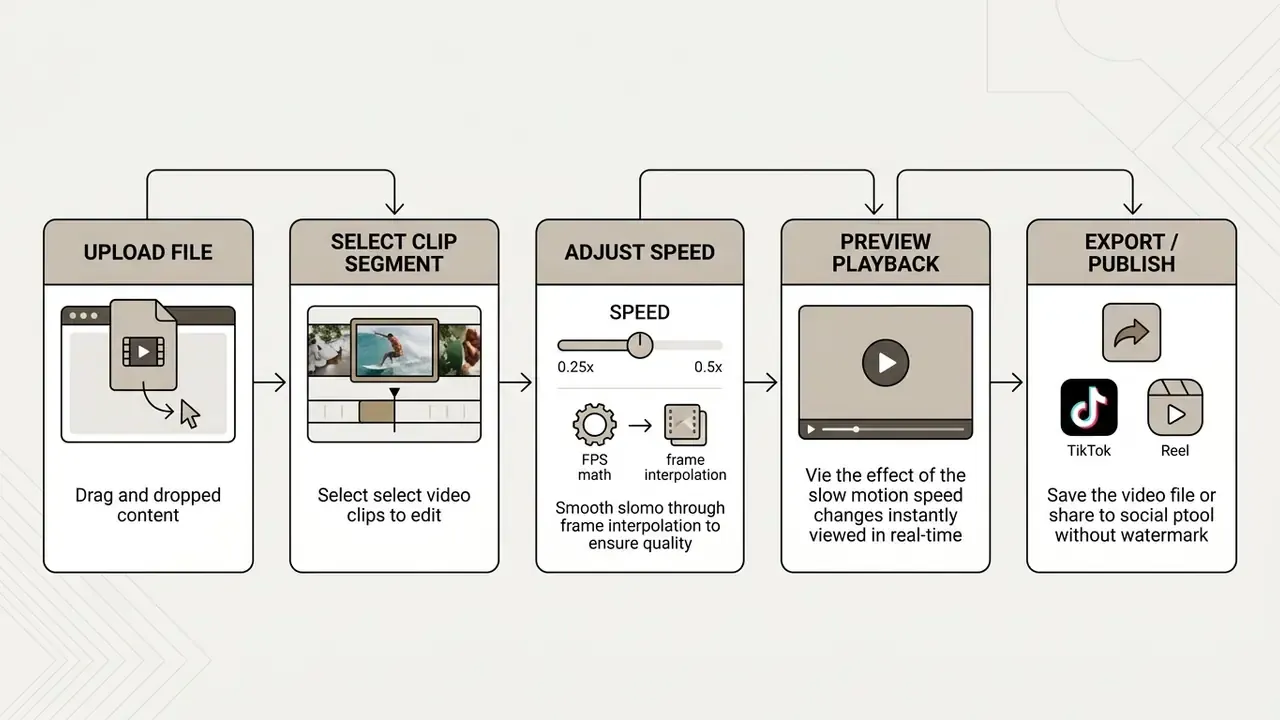
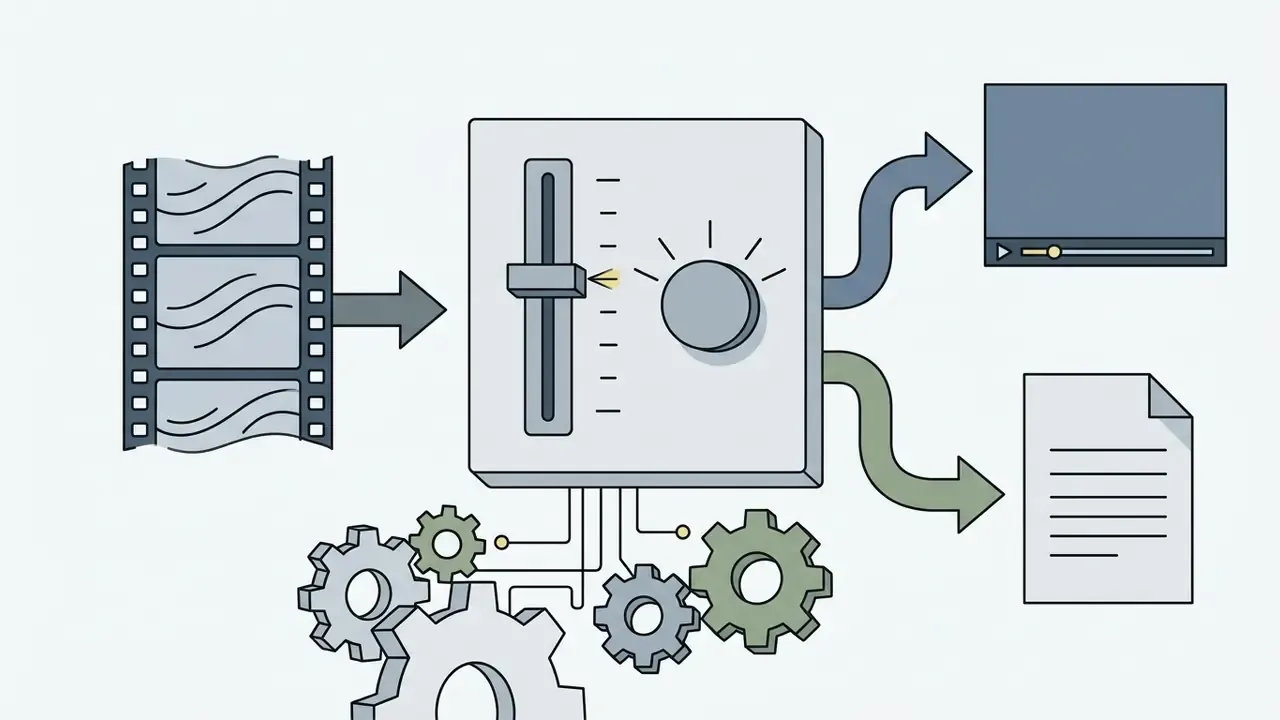
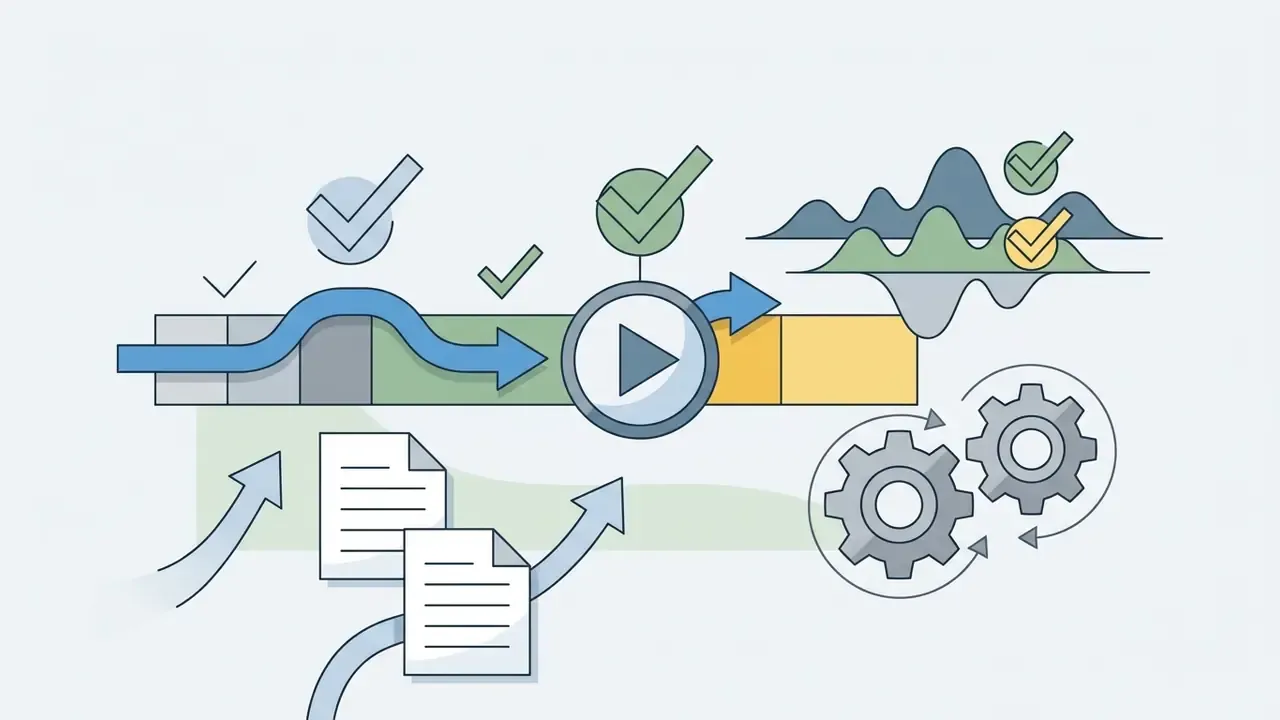
Making a slo mo video online follows a five-step workflow: import the media file, select the target segment, configure playback velocity, preview the rendered frames, export the finished file.

Upload a video and select the clip
Change video speed and preview the result
How to slow down a specific part of a video
Most creators do not want the whole clip slowed. They want one moment stretched. To apply slow motion to a single beat, a goal, a bass drop, a product reveal, use the timeline split tool:
- Position the playhead exactly at the start of the action.
- Click Split (labelled Cut in some editors) to break the clip.
- Move the playhead to the end of the action and split again.
- Select only the isolated middle segment on the track.
- Drag the speed slider down to 0.5x or 0.25x, or pick the matching preset.
The surrounding segments stay at normal playback speed (1.0x), which produces a natural speed-ramp feel: normal action, slowed climax, normal action. Zoom into the timeline before splitting so the cut is frame-accurate. This matters more than it sounds: a split placed even five or six frames late will slow the aftermath of the action instead of the action itself. For rhythmic edits, put the second split on a musical beat so the return to 1.0x lands on the downbeat.
Continue editing and download the video
Once the slow motion effect looks right, you can keep editing before finalizing the asset. Typical follow-up steps include trimming adjacent scenes, applying colour corrections, generating captions, or adding text overlays. Teams publishing long-form content can then move the finished asset into their YouTube video editing workflows for chaptering and end-screen setup.
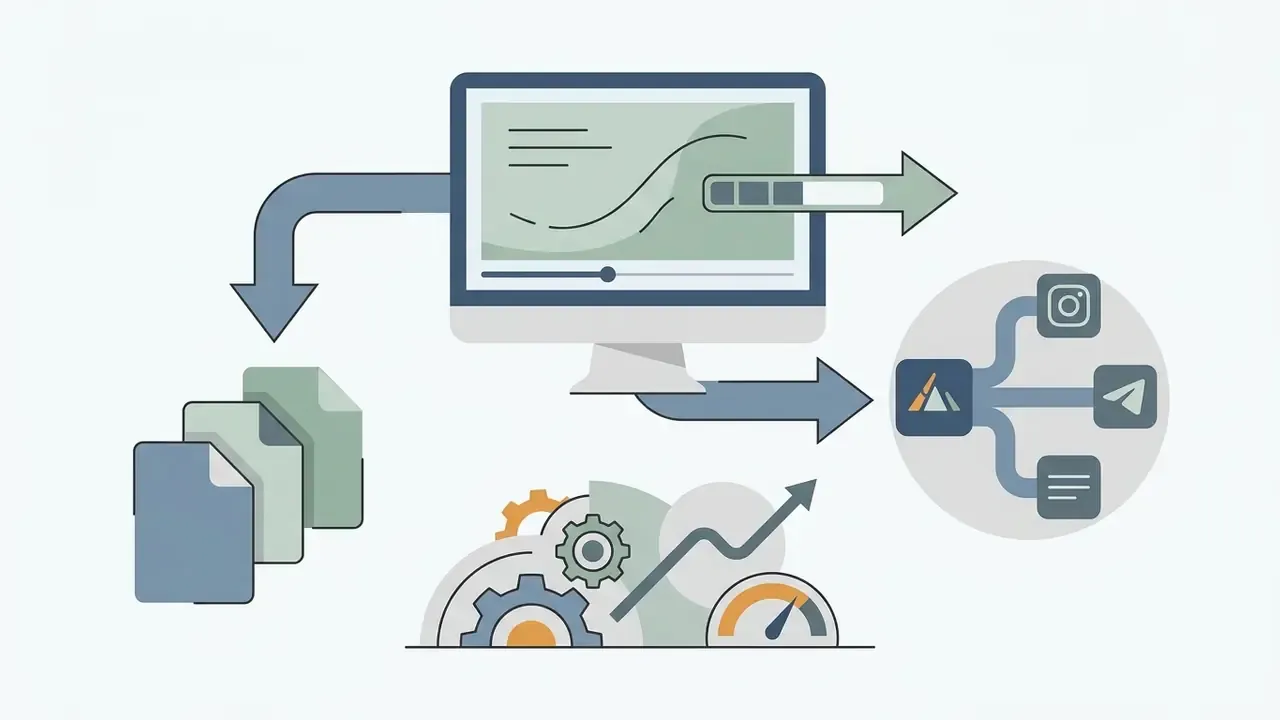
Direct social publishing and aspect-ratio canvas. Before exporting, adapt the canvas to your target placement: 9:16 for TikTok, Instagram Reels and YouTube Shorts, 16:9 for standard widescreen desktop views, 1:1 for square feed posts, 4:5 for vertical in-feed placements. When rendering finishes, either download the raw MP4 or use direct OAuth integrations to publish the slo-mo asset straight to your feeds without switching tabs. Connected-account publishing removes the download-and-reupload round trip, and that round trip is where most quality loss and re-compression actually happens.
After editing, the service renders the output and provides a direct link to download video assets in standard formats. Slowed footage at high frame rates inflates file size, so running the export through a video compressor before uploading to a bandwidth-limited platform is often worth the extra minute. Reported delivery options across browser tools include MP4, WebM, MKV, or the original container, and several tools explicitly preserve audio pitch during the slowdown. If your production pipeline needs a broader software evaluation, consult our AI Media Comparison Matrices for feature benchmarks.
How to get smooth slow motion without choppy frames
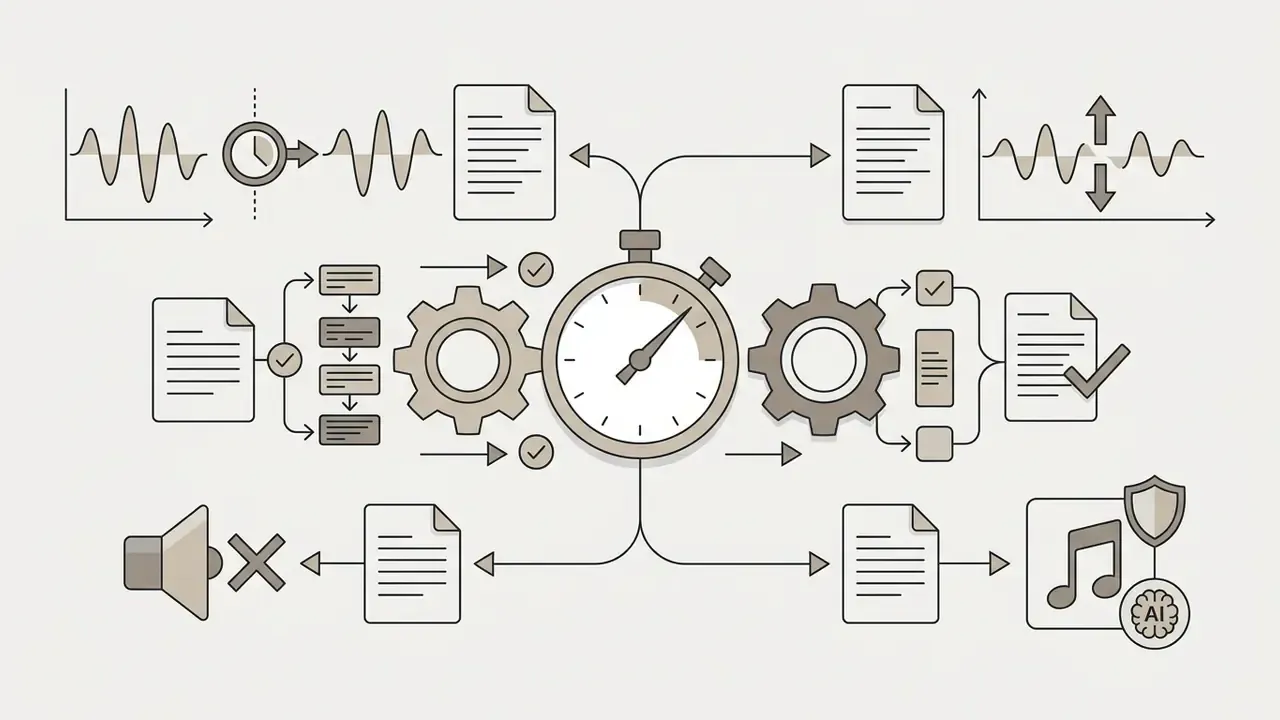
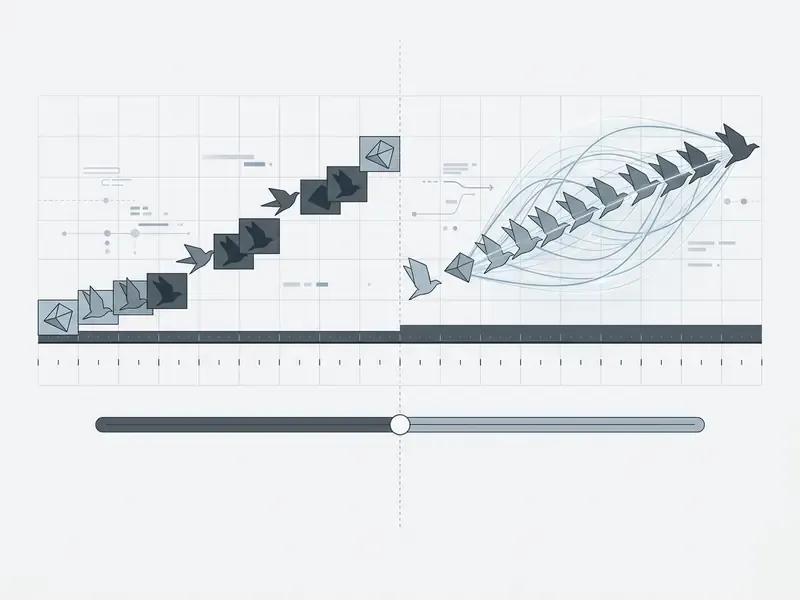
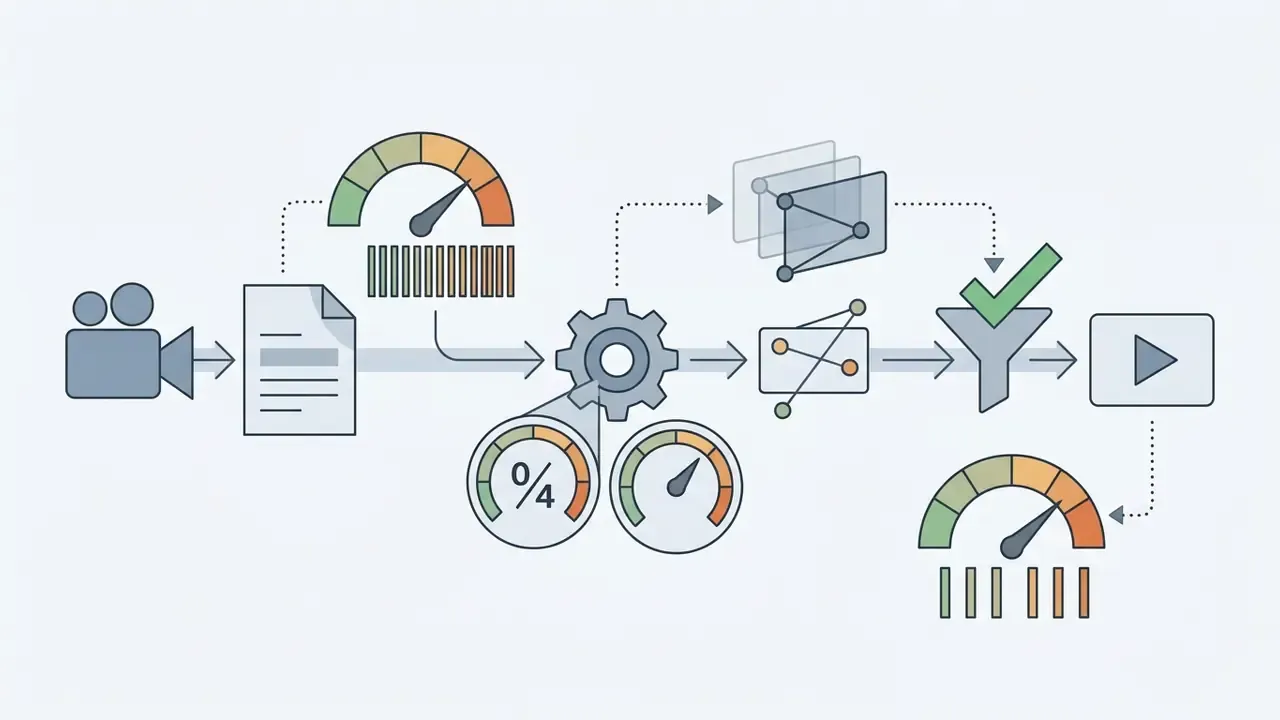
Smooth slow motion playback depends on either a sufficient source frame rate or genuine frame interpolation. Never on simple frame duplication. Frame copying creates visible judder, while motion-aware algorithms synthesize the missing frames and keep motion fluid.
The standard FPS rule for slo-mo
Before any AI is involved, slow motion obeys arithmetic. To get smooth playback on a standard 30 fps timeline without generating new frames, your recording frame rate has to support the speed reduction:
Required source FPS = Timeline target FPS ÷ Speed multiplier
If your source video was shot at standard 30 fps and you apply 0.25x, real playback drops to 7.5 unique frames per second. That is where the choppy judder comes from, unless optical flow interpolation is enabled. It is also why professional guidance recommends shooting at 60 fps or 120 fps whenever slow motion is planned in advance, and why Apple's Final Cut Pro documentation ties high-quality slow-motion clips to 240 fps capture. When you already know a moment will be slowed, capture frame rate is the cheapest quality upgrade you will ever buy.
Frame interpolation and smooth playback
Frame interpolation synthesizes frames that never existed by calculating optical flow vectors between consecutive source keyframes. Traditional pipelines work in two steps: estimate motion with optical flow, then synthesize the pixels for the missing frame. Newer transformer-based systems fold motion compensation, deep feature extraction and uncertainty estimation into a single pass. The result turns low-frame-rate inputs into fluid, high-frame-rate slow-motion sequences. Interpolation is a close cousin of the synthesis techniques behind AI video generators, which construct frames from scratch rather than between two known frames.
For a 30 fps input, reaching 240 fps means generating seven synthesized frames between every pair of real frames. Which explains, bluntly, why interpolation quality collapses on large displacements, occlusions, non-rigid movement and abrupt lighting changes.
«FC-VFI uses a diffusion model with semantic lines for structurally consistent motion, achieving 4× and 8× interpolation at 2560×1440 resolution.»
«A RIFE model fine-tuned on basketball clips reached 34.3 dB PSNR and 0.949 SSIM, outperforming Super SloMo by 2.1 dB.» - Slow-Motion Video Synthesis for Basketball Using Frame Interpolation (2025). https://arxiv.org/abs/2501.12345
Worth a caveat, though: pixel-level metrics are an imperfect proxy for what your eyes actually notice.
Research on pulling slow motion out of blurry footage adds another warning: estimating output frames independently gives no guarantee of temporal smoothness. Hybrid deblurring plus interpolation pipelines are what enable clean frame-rate increases of up to 20× (CVPR, «Learning to Extract Flawless Slow Motion From Blurry Videos», 2019).
What happens to audio when video speed changes
Slowing a video file stretches the audio timeline with it, which lowers voice pitch or introduces digital distortion if nobody manages it. Online editors apply specific signal-processing techniques to keep sound usable during the slowdown.
- Time-stretching (TSM) extends audio duration while preserving the original pitch using time-scale modification algorithms. The rough equivalent of Audacity's "Change Tempo" (Audacity Manual, 2026).
- Pitch shifting raises or lowers acoustic frequency independently of playback duration, equivalent to a combined "Change Speed and Pitch" operation (TU Berlin Audio Research, 2025).
- Audio muting disables the track entirely when extreme speed reductions make speech unintelligible. At the most extreme settings, some hardware and software implementations simply stop sound output on their own.
- AI noise suppression and royalty-free overlays slowed ambient noise produces low-frequency hums and rumble that no amount of level correction repairs. Modern browser editors let you mute the slowed original in one click, run an AI background-noise filter to lift dialogue clarity, and drop in high-tempo royalty-free music from an integrated library. Libraries of 100+ tracks are common. Audio can also be cut, trimmed, combined or replaced wholesale from the same dashboard.
Voice-privacy studies point to a subtler consequence: reducing audio playback speed changes machine perception of the speaker even when humans still understand every word.
«At 0.8× audio slowdown, relative speaker-identification error rises to 53.7% while speech intelligibility remains acceptable.»
Practically, a slowed voice track may no longer be reliably recognisable to automated voice-matching systems. So slowed audio should not be treated as an authoritative record of who spoke, which is a small but real point if your footage ever ends up in an investigation file.
This information is general in nature and does not replace consultation with a qualified specialist.
Additional editing options for slow motion videos
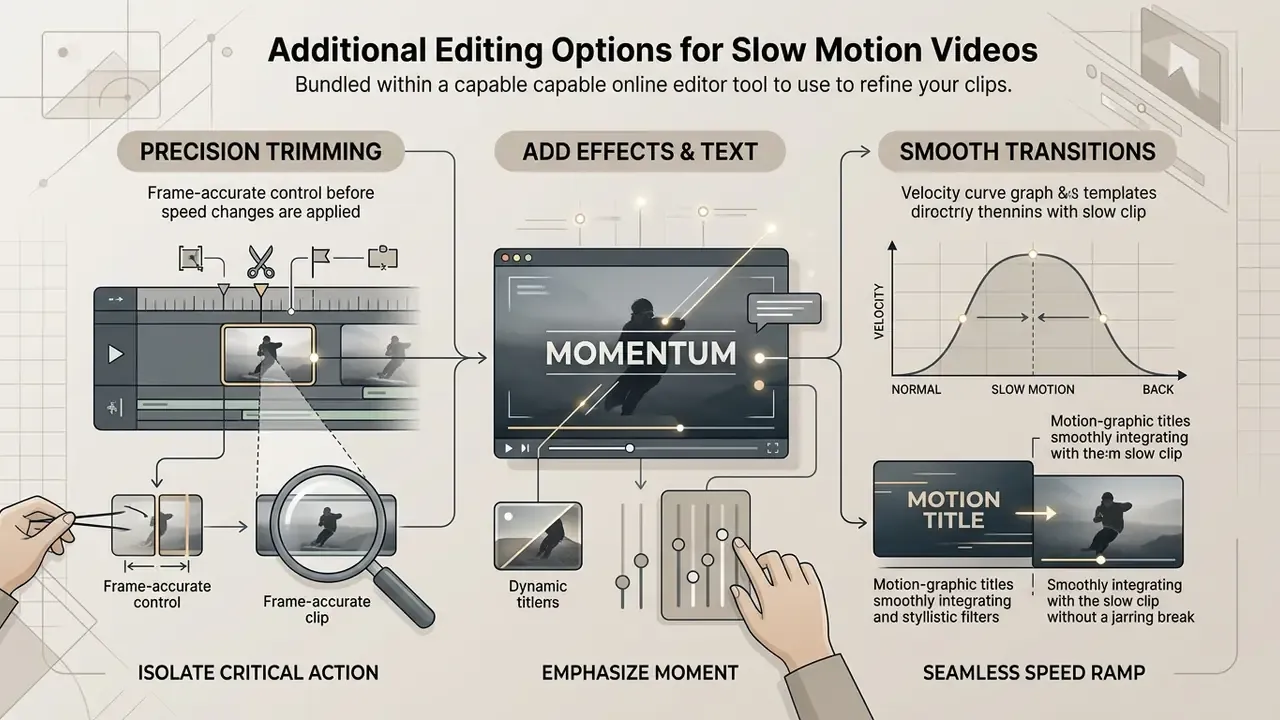
A capable online video editor slow motion tool bundles secondary editing features that refine how the clip reads on screen. Combining speed changes with trimming and graphical overlays is what turns raw footage into a polished asset for social, corporate or educational distribution.
Trim the clip and focus on the right moment
Precision trimming isolates the critical action window before you apply any speed reduction. Cutting unnecessary leading and trailing frames shortens render times and holds viewer attention. It is also the step that makes a 0.25x slowdown feel intentional rather than sluggish. A slow clip that starts three seconds too early does not read as cinematic, it reads as a mistake.
Professional editing standards define trimming as frame-accurate timeline manipulation, from single-frame nudges to multi-second cuts (Apple Final Cut Pro Documentation, 2026). iMovie's Precision Editor even lets you move the video and audio edit points independently. Expanding the timeline zoom view puts edit points exactly on key movement triggers (Microsoft Clipchamp Guide, 2026). Readers weighing desktop alternatives can compare features in our overview of free video editing software.
Add effects and use slow motion templates
Visual effects, dynamic text overlays and structured templates raise the communicative value of a slowed clip. Editors regularly use a slow motion template video structure to standardize sports highlights, product demonstrations or training sequences, then pair it with freeze frames, Ken Burns moves, transitions and filters.
Speed ramping alongside motion-graphic titles lets creators emphasise a crucial transition without a jarring cut. Published template packs work this way too. Envato's "Smooth Slow Motion Effect with Dynamic Text Overlays", for instance, combines ramping with customisable text and animated numbers for sports highlights, cinematic intros and promos. That is industry practice rather than peer-reviewed evidence, so treat it as a design convention. The commercial payoff, on the other hand, has actually been studied:
«Slow motion increases virality and willingness to pay by strengthening the hedonic component of viewing through processing fluency.»
Teams exploring automated media options can review our guides to free AI video generators for background visuals and B-roll, or use an animation maker to build lightweight graphical callouts and lower-thirds for slowed sequences.
How to make a slow motion video on iPhone and Android
You do not need a native download from the App Store or Google Play to slow down a clip shot on a phone. Browser-based slow motion editors run in mobile Safari or Chrome, using WebGPU/WebAssembly acceleration where the device supports it: Two practical caveats from testing. First, if the clip was already recorded in the phone's native slo-mo mode at 120 or 240 fps, further slowing is essentially judder-free. Shot in standard mode at 30 fps? Turn interpolation on. Second, mobile browsers are far more memory-constrained than desktop Chrome, so trim long clips before uploading. Several services recommend trimming anything over roughly three minutes on iOS before upload. Cross-device continuity helps here too: a project started on a phone can be finished in a desktop browser without re-uploading the source.
- Open the browser editor and tap Upload.
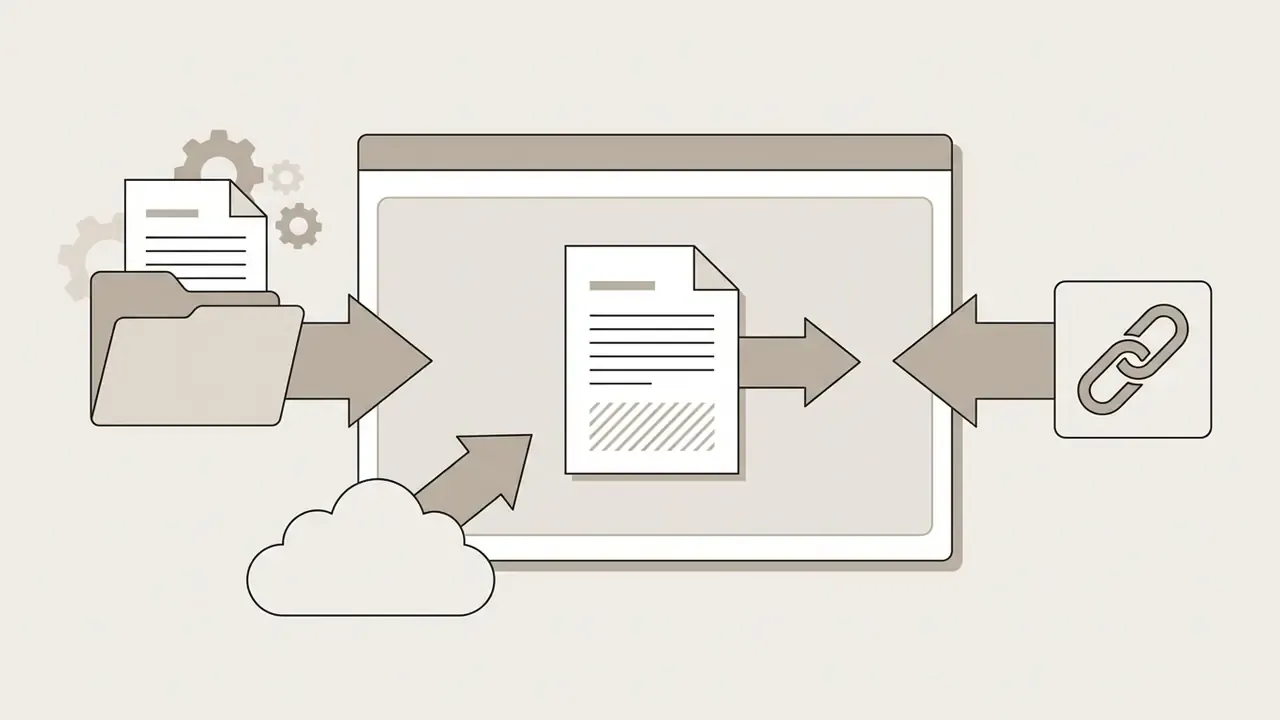
- Choose Photo Library / File Selector to import from your camera roll, or paste a link if the clip is already online.
- Drag the speed slider to 0.5x or 0.25x, or split the timeline first to slow only one fragment.
- Optionally mute the original audio and add music from the built-in library.
- Tap Render & Save to export the MP4 back to device storage or the camera roll.
Supported video files, online access and privacy
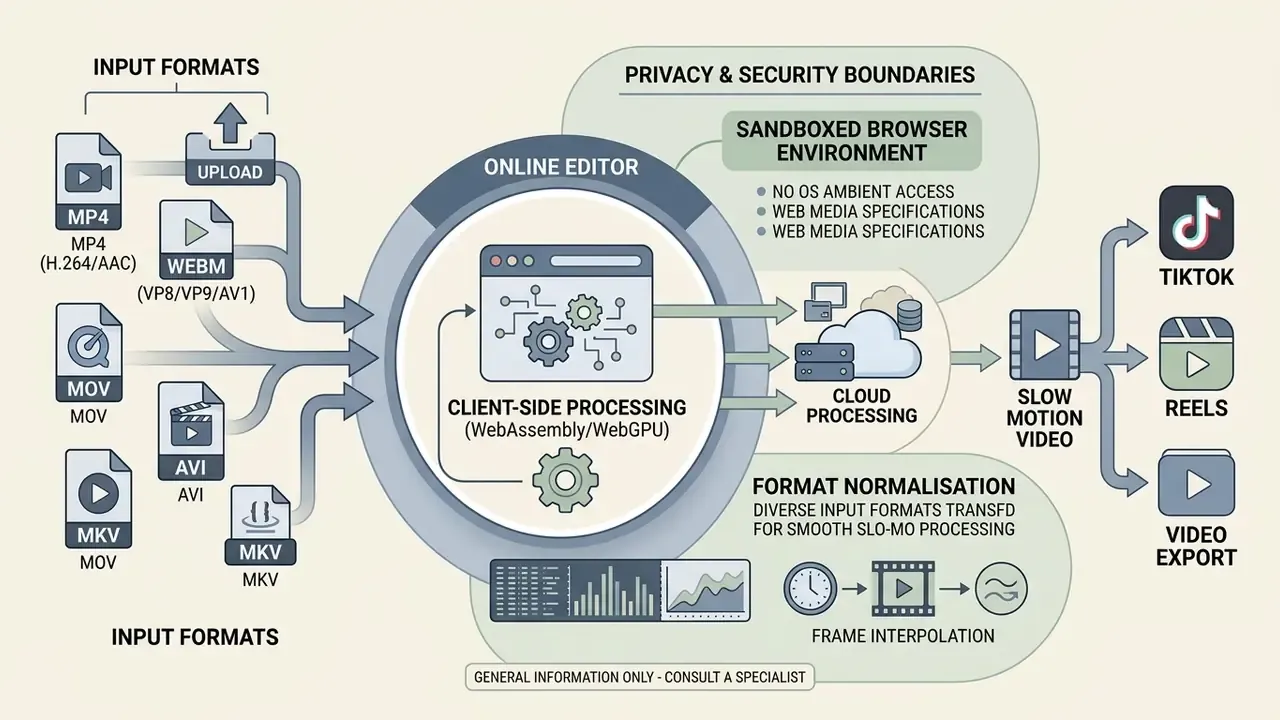
Web-based video tools have to handle diverse input formats while staying inside browser security boundaries. Understanding container constraints and data retention policies matters for individual creators, and it matters considerably more for anyone with a corporate risk register.
Which video file formats can be uploaded
Modern browser editors accept a broad range of standard containers and codecs. Native web editing performance, though, depends on the underlying browser decoding engine. Non-native containers are usually re-wrapped or transcoded on the way in, then normalised to an efficient delivery format on the way out.
| Video container | Standard codecs | Native browser support | Export transcoding support | Recommended use case |
|---|---|---|---|---|
| MP4 | H.264 / AVC, AAC | Universal (MDN, 2026) | Passthrough → MP4 (H.264) | Primary web export and streaming |
| WebM | VP8, VP9, AV1, Opus | Universal (W3C, 2024) | WebM or MP4 (H.264) | High-efficiency web playback |
| MOV | ProRes, H.264 | Partial (requires transcoding) | Auto-transcoded → MP4 (H.264) | Source camera footage |
| AVI | MJPEG, DivX | Limited | Auto-transcoded → MP4 (H.264) | Legacy media archives |
| MKV / MPG / WMV | H.264, HEVC, MPEG-2 | Limited to none | Server-side → MP4 / WebM | Archive and broadcast masters |
Web media specifications establish MP4 (H.264/AAC) and WebM (VP8/VP9/AV1/Opus) as the primary native containers for browser-based processing (MDN Web Docs, 2026), and the W3C WebM byte-stream specification defines the valid codec identifiers for audio/webm and video/webm (W3C, 2024). Non-native formats such as MOV or AVI typically go through client-side re-wrapping or server-side transcoding before editing, which is why an uploaded .MOV or .AVI usually comes back as an economical .MP4 (H.264) file.
Research datasets illustrate the practical scale of that format normalisation:
«SportsSloMo contains over 130,000 high-resolution clips (≥720p) encoded in formats compatible with common players and browser editors.»
Browser-based editing and uploaded video security
Free slow motion video editor pricing and commercial-use confidence
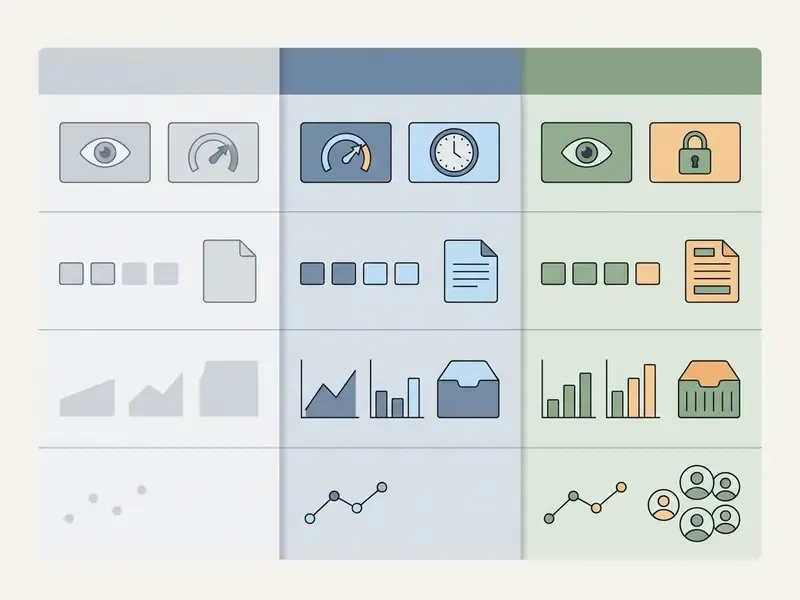
| Feature / parameter | Free tier plan | Commercial Pro tier | Organisation / team tier |
|---|---|---|---|
| Maximum resolution | 720p to 1080p | 1080p to 4K UHD | 4K UHD, high-bitrate masters |
| Watermark policy | Watermark included on some services | No watermark | No watermark, brand kit presets |
| Frame interpolation access | Basic / frame repetition | Advanced motion-compensated | Advanced plus batch processing |
| Export speed control | 0.5x to 2.0x presets | 0.1x to 8.0x custom slider | Custom slider plus speed ramping curves |
| Aspect-ratio presets | 9:16, 1:1, 16:9 | All presets plus custom canvas | All presets plus saved brand templates |
| Direct social publishing | Download only | Connected-account publishing | Multi-account scheduling, approvals |
| Access and audit controls | None | Account login | SSO, role-based access, export/audit log |
| Data handling | Standard retention | Standard retention | Configurable retention / no-training agreements |
| Commercial license | Often non-commercial personal use only | Full commercial usage rights | Full commercial rights plus team seats |
| Pricing reference | Free tier terms | Pro tier pricing | Team and enterprise pricing |
Reported figures from published vendor pricing pages show the spread clearly: free exports capped at 720p with a watermark on some editors, 1080p watermark-free exports on others, and 4K reserved for paid plans across the board. Frame interpolation is rarely advertised on free tiers at all, which is the single most common reason a free slow motion video editor produces judder that a paid one does not.
What to check before using videos commercially
How to choose between an online editor, video maker and app
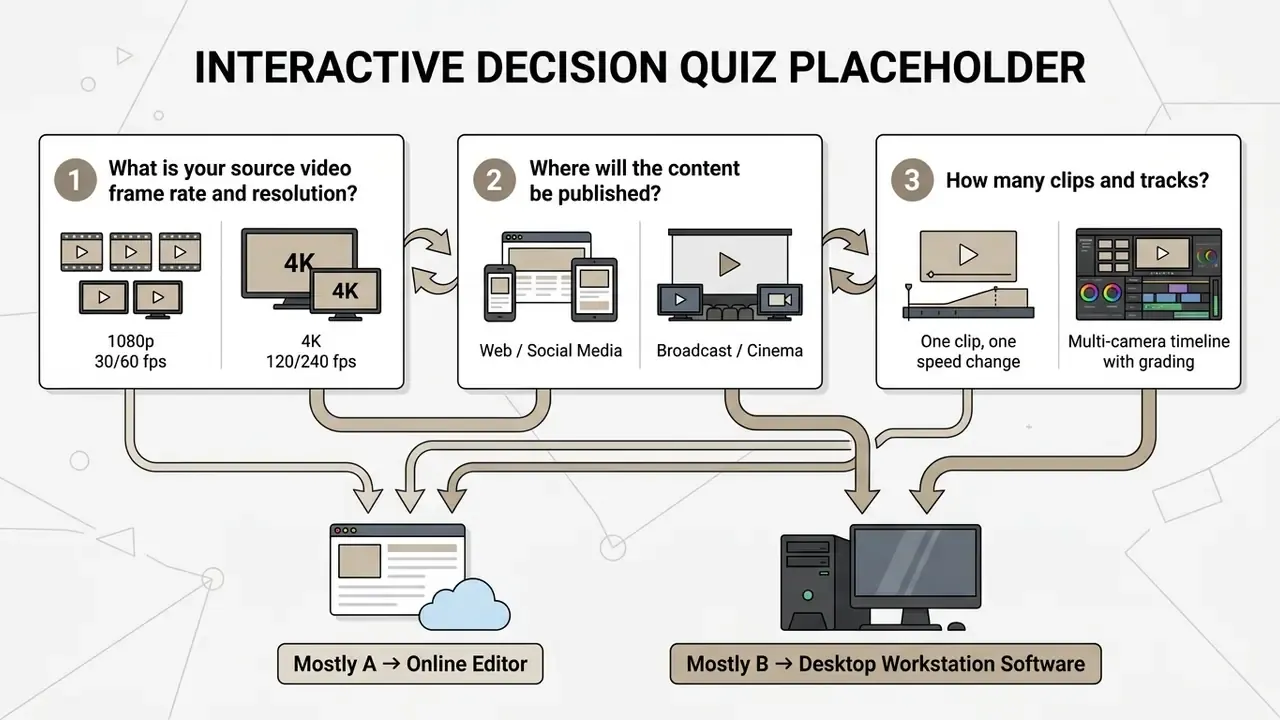
The right software architecture depends on project scale, hardware constraints, source frame rates and distribution channel. Not on brand preference.
When an online slow motion video editor is the right choice
An online slow motion video editor wins for fast, single-clip adjustments that do not need a complex multi-track timeline. Browser tools skip installation entirely and support cross-platform editing on desktop and mobile, with documented upload allowances reaching one hour of footage on some services (Adobe Express Documentation, 2026). They are the quickest route to a social-ready 9:16 slo-mo clip, and they behave acceptably on older laptops, Macs, Chromebooks and Android phones, because the heavy rendering happens either in optimised browser codecs or in the cloud.
Perception research offers a useful reminder that playback speed changes how content is processed, in both directions:
«Watching video at up to 2× does not impair memory in young adults, but older adults show reduced memory performance at accelerated playback.»
Teams benchmarking adjacent creative tooling can compare options in our best AI video generators matrix, explore image-side workflows in our guide to the photo editor category, or estimate operational savings with the AI Media Calculators.
When to choose a slow motion video app or maker
FAQ: common questions about slow motion video editing
Can you turn a regular video into slow motion after recording?
Yes. Upload the existing file to a browser editor, reduce the speed to 0.5x or 0.25x, then export. Quality depends on the source frame rate: 60 fps or higher slows cleanly, while 30 fps footage needs frame interpolation to avoid judder.
Can I slow down only one fragment instead of the whole clip?
Yes. Split the clip at the start and end of the moment, select the isolated middle segment, and change the speed of that segment only. Neighbouring segments stay at 1.0x.
What is the best speed for a slow-motion effect?
0.5x for realistic emphasis, 0.25x for drama. Match the choice to your source frame rate using the FPS rule above.
Can I slow down a video on iPhone or Android without an app?
Yes. Mobile Safari and Chrome run browser-based editors, import from the camera roll, apply the speed change, and save the MP4 back to the device.
Does slowing a video change the audio?
By default it lowers pitch. Time-stretching preserves pitch, pitch-shifting adjusts tone independently, and muting removes the track entirely, after which you can add AI-cleaned voiceover or royalty-free music.
Will there be a watermark, and can I use the result commercially?
It depends on the tier. Some free plans watermark exports and restrict output to personal use. Commercial deployment requires a licence that explicitly grants derivative-work and monetisation rights, for the source footage as well as the tool.
Which formats can I upload and download?
MP4, MOV, AVI, MKV, WebM, WMV, MPG and similar containers are widely accepted. Exports usually arrive as MP4 (H.264) or WebM, with MKV and original-format options on some services.
Is a browser editor safe for confidential footage?
Only if you check three things: whether processing happens client-side, what the documented retention window is, and whether uploads feed model training. Absent clear answers, keep sensitive recordings out of consumer web tools.
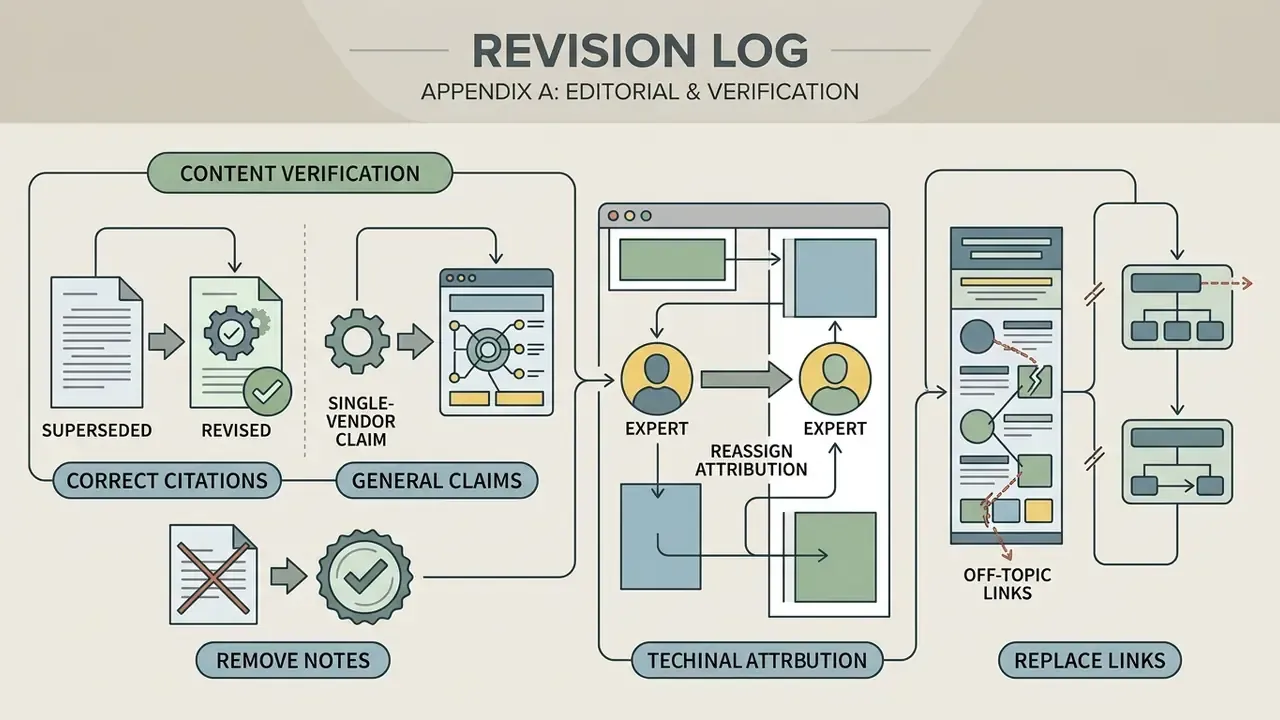
Appendix A: editorial revision and verification log
Technical metadata summary
- SEO title Free Online Slow Motion Video Editor: Smooth Slo-Mo, No Watermark
- Meta description Free online slow motion video editor: slow a whole clip or cut one fragment, get smooth slo-mo with FPS math and frame interpolation, edit on iPhone or Android, then export to TikTok, Reels and Shorts.