Executive Summary

How to Use This AI Video Plan Selector Guide
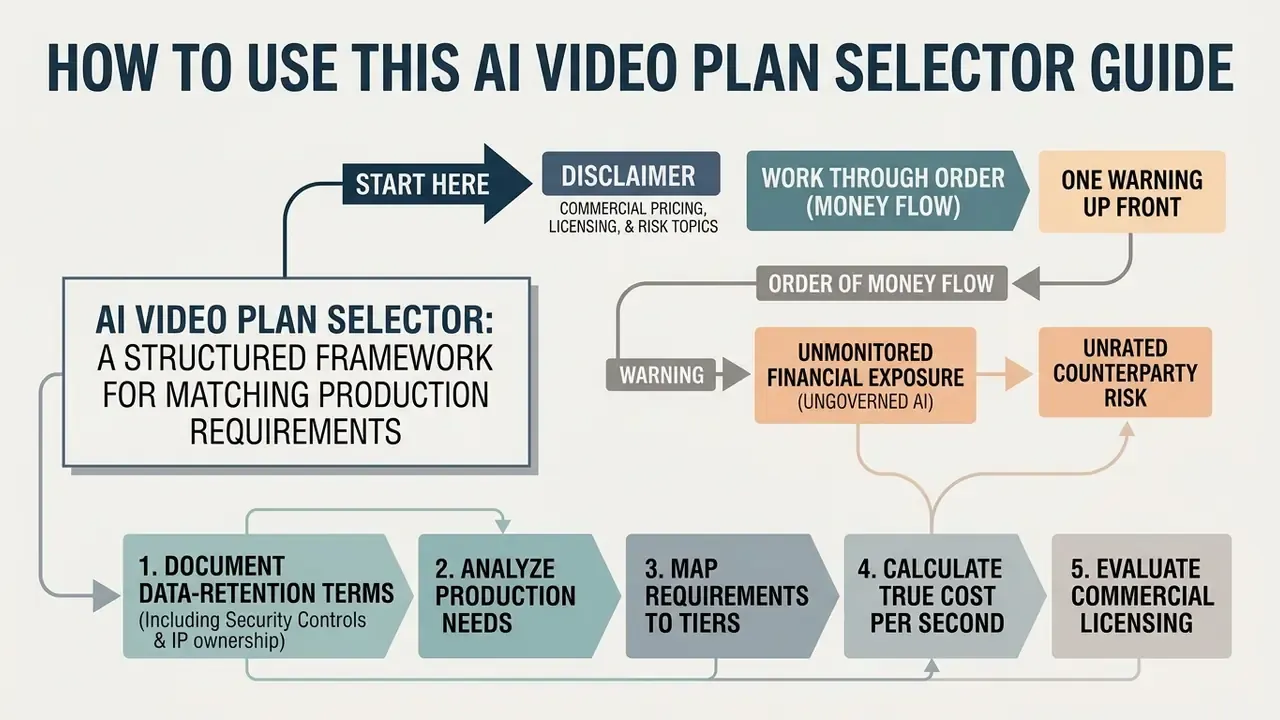
This is a buying document, not a product review. It is written for the person who has to defend the invoice later: a finance transformation lead, a marketing operations owner, or a risk function asked to approve a generative video tool inside a controlled environment.
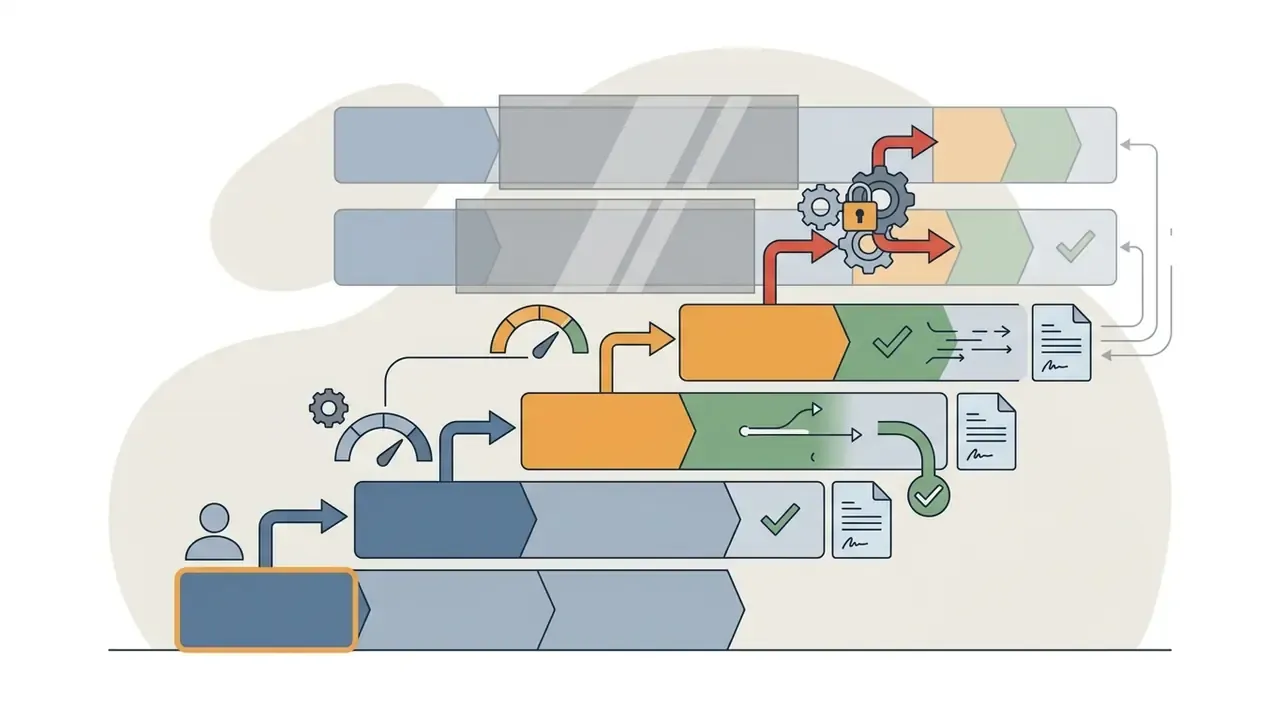
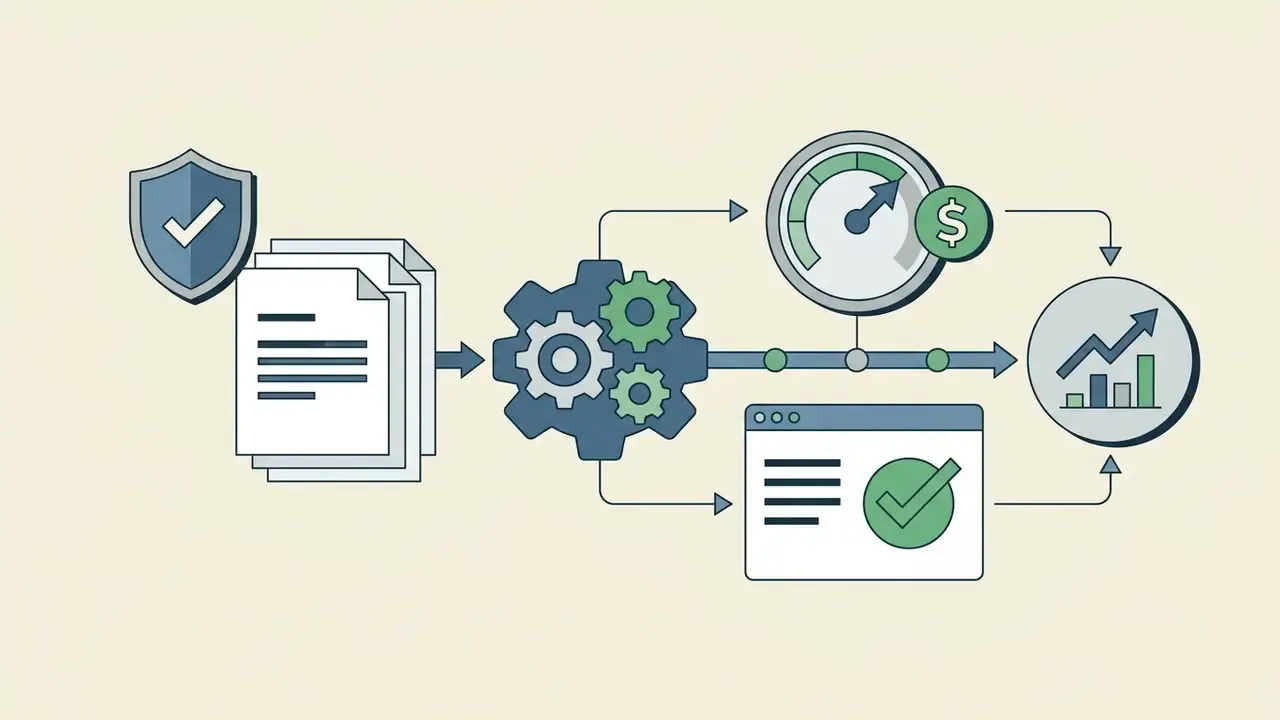
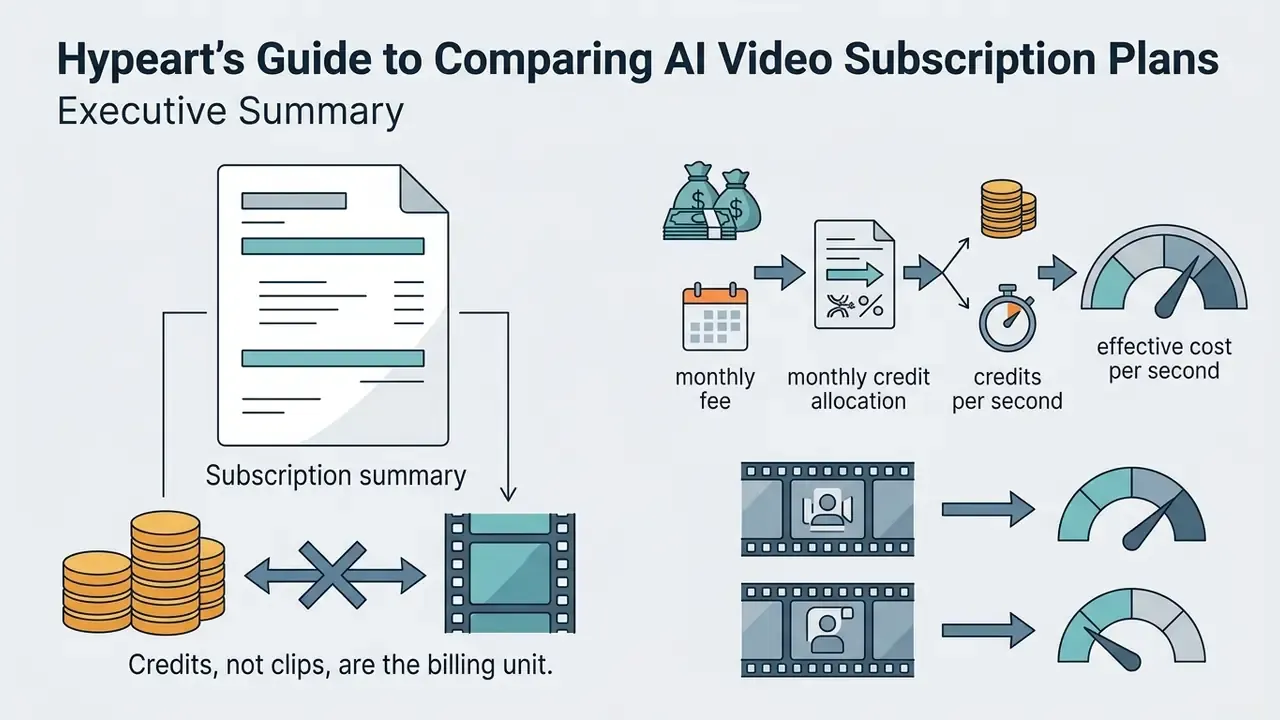
Work through it in the order the money flows. First, map the production task to a plan category. Second, convert your output target into the vendor's billing unit. Third, price the failure rate, because failed generations are billed at the same rate as approved ones. Fourth, check whether the tier carries the security and licensing terms your organisation requires. Only then compare headline prices.
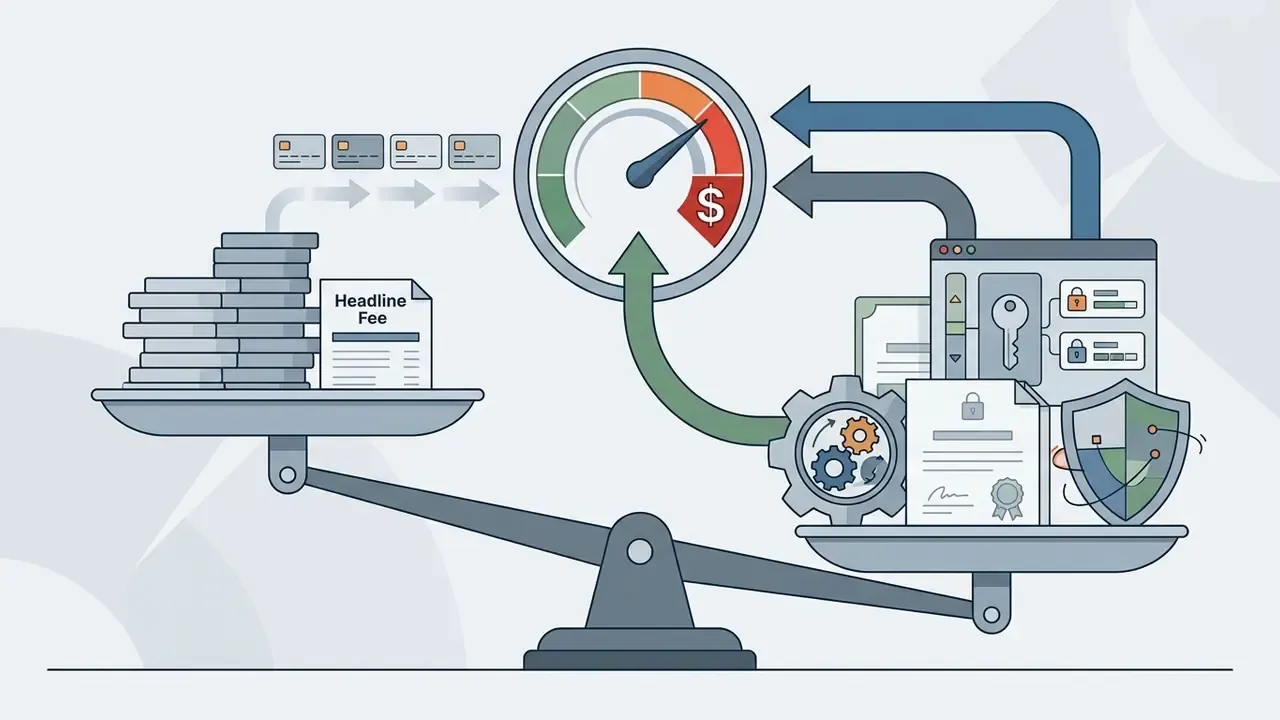
One warning up front. Most AI video plan selector comparisons published online rank tools by monthly fee. That ranking collapses the moment you divide the fee by usable seconds. The cheapest tier on a weak model is regularly the most expensive way to deliver a finished clip.
An AI video plan selector provides a structured framework for matching production requirements to subscription tiers, credit allocations, and licensing models. Without systematic cost accounting and operational controls, generative video pilots frequently face sudden credit exhaustion, unexpected renewal expenses, and unmanaged vendor lock-in.
Disclaimer. This article covers commercial pricing, licensing, and risk topics. Vendor prices, credit rates, model access, and contractual terms change frequently, and several platforms revise them quarterly. All figures below were verified in August 2026 and are indicative only. Confirm current terms on official vendor pages, and route enterprise purchases through your own legal, information-security, and model-risk review before signing.
What an AI Video Plan Selector Is and Who Needs Tier Selection
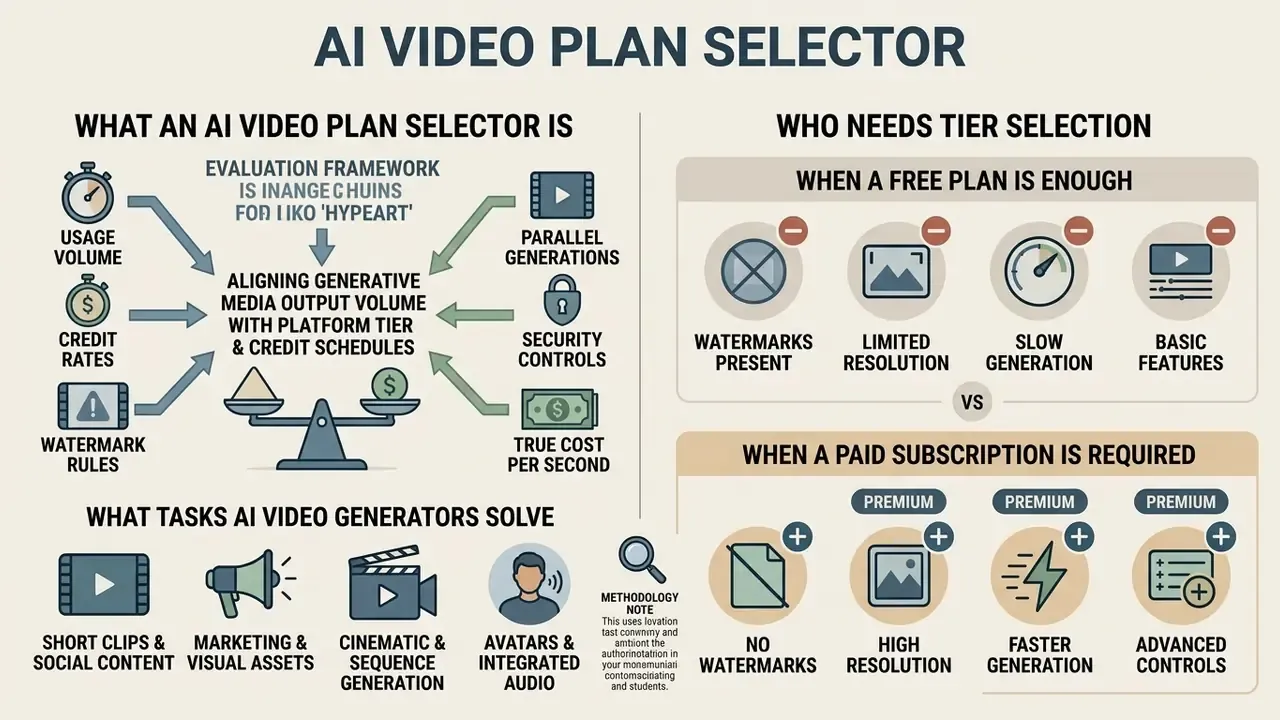
An AI video plan selector is an evaluation framework designed to align generative media output volume with platform subscription tiers and credit schedules. Selecting a tier requires evaluating technical capabilities, usage limits, resolution gates, licensing constraints, and security posture across individual creators, marketing departments, regulated-industry teams, and enterprise video production groups.
Three buyer profiles dominate published vendor pricing pages. Solo creators optimize for the lowest entry price. Marketers optimize for volume and ad-variation throughput. Commercial production teams optimize for seats, collaboration, API access, and administrative controls. That is why HeyGen separates a Creator plan from a Business plan with $20 per seat per month pricing, and why AI Studios publishes a dedicated $55 per seat per month team tier (HeyGen Pricing, 2026, https://www.heygen.com/pricing; AI Studios Pricing, 2026, https://www.aistudios.com/pricing).
A fourth profile is growing quietly: the regulated buyer. Banks, insurers, and mature fintech firms rarely fail on credit volume. They fail on retention terms, consent records, and audit evidence. For them the tier decision is a control decision wearing a price tag.
What Tasks AI Video Generators Solve
AI video generators synthesize dynamic visual clips from structured prompts, static images, or reference footage using large-scale diffusion and transformer models. Modern workflows integrate text-to-video, image-to-video, in-video element editing, and synchronized audio rendering into automated pipelines. Before you compare prices, compare capabilities across the leading AI video generators, because a cheaper tier on a weaker model is frequently more expensive per usable second.
Vendor documentation confirms the same four-task split. Adobe Firefly generates video from a text prompt or an uploaded still image. Synthesia converts scripts, PDFs, and documents into video drafts with avatars, voiceovers, music, and multilingual output. MiniMax documents text-to-video, image-to-video, first-frame and keyframe guidance, plus audio-video continuation with natively synchronized sound.
Benchmark evaluation datasets demonstrate that generative models vary significantly across task dimensions. That variance is the root cause of unplanned credit spend.



«AIGVE-60K evaluates 30 text-to-video models across 58,500 videos with 2.6 million annotations: sharpness, motion smoothness and prompt alignment differ substantially between architectures.»
«AIGVQA-DB compiles 370,000 expert ratings across 36,576 AI-generated videos: static frame quality does not guarantee temporal motion stability.» AIGVQA-DB Assessment Report, arXiv (2024). arxiv.org
When a Free Plan Is Enough and When a Paid Subscription Is Required
Free tiers serve primarily as initial testing environments for prompt engineering, workflow validation, and interface evaluation. A structured survey of free AI video generators shows that free access imposes strict constraints on video resolution, export formats, credit allowances, and commercial usage rights.
- Free plan constraints free tiers typically offer one-time signup grants or small daily allowances. Runway provides a one-time grant of 125 credits capped at 720p resolution with watermarked exports. Kling AI offers 66 daily credits capped at 720p, and unused daily credits expire each day. PixVerse grants 90 initial credits and 60 daily credits, capping output at 540p with persistent watermarks.
- Credit depletion velocity in Runway, high-quality Gen-4 rendering consumes 12 credits per second, while Gen-4 Turbo consumes 5 credits per second. A single 10-second high-quality Gen-4 video requires 120 credits. Consequently, a one-time 125-credit allocation is exhausted after generating a single 10-second clip. One clip. That is the whole free tier.
- Trial versus free forever several platforms market a "free plan" that is functionally a 7-day trial. Verify whether the allowance refreshes monthly (HeyGen, Synthesia, Arcade), weekly (InVideo AI), daily (Kling, PixVerse), or once only (Runway). A monthly refresh is materially more valuable than an identical one-time grant.
- Paid subscription triggers upgrading becomes necessary when a project demands watermark removal, 1080p or 4K export resolution, commercial licensing, priority processing queues, team seats, or predictable monthly clip volume.
«Positive social influence always improves platform outcomes, regardless of whether the chosen strategy is paid, free, or trial-based.»
Table 1: Plan selection matrix by user task
| Task type | Monthly volume | Minimum resolution | Commercial rights | Recommended plan type |
|---|---|---|---|---|
| Testing and prompt engineering | 1–3 short clips | 480p – 720p | Not required (personal use) | Free tier / trial |
| Social media clips and reels | 10–30 clips (10 sec) | 1080p, watermark-free | Yes (commercial use) | Standard / Starter ($8–$15/mo) |
| Marketing campaigns | 30–100 clips plus iterations | 1080p – 4K | Yes (full licensing) | Pro / Creator ($25–$49/mo) |
| Cinematic production | more than 100 generations plus explore mode | 4K and high bitrate | Yes, plus rights protection | Max / Unlimited ($76–$95/mo) |
| Corporate video and avatars | more than 60 minutes of avatar output | 1080p – 4K | Yes, plus enterprise security | Business / Enterprise ($149+/mo) |
Read the table row by row rather than column by column. The binding constraint is usually commercial rights or resolution, not volume.
Free-tier restrictions differ far more than headline "free" labels suggest. The registry below consolidates the export and branding rules that most often break a pilot.
Table 4: Free tier watermark and export policy registry
| Platform | Monthly free allowance | Resolution | Watermark | Commercial rights | Export specifics |
|---|---|---|---|---|---|
| Arcade (Creator Studio) | 200 AI credits/mo plus 3 published demos | 720p | Present | Yes | No direct MP4 or GIF export on free; Pro at $32/mo unlocks export and removes watermark |
| Canva (Magic Media) | Metered Magic Media uses | 1080p on most templates | Absent* | Yes, on free elements | *Watermark-free only when the design uses exclusively free templates and free elements |
| HeyGen | 3 videos/mo, up to 3 minutes each | 720p | Present | No | 500+ stock avatars, 3 photo avatar slots; no voice cloning, no custom video avatars |
| Synthesia | 10 minutes/mo, 1,200 credits | 720p – 1080p | Present | No | 9 stock avatars; avatar customization gated to paid tiers |
| Runway | 125 credits, one-time grant | 720p | Present | No | Exhausted by roughly one 10-second Gen-4 clip at 12 credits/sec |
| Kling AI | 66 credits/day | 720p | Present | No | Unused daily credits expire the same day, with no carry-over |
| Veed | Editor access, 30-minute exports, 1 GB storage | Unpublished on free; paid starts at 720p | Present | Limited | AI subtitles included; advanced AI tools gated |
| InVideo AI | 10 minutes plus 4 exports/week | 1080p | Present, on video and stock media | No | Weekly export cap rather than monthly refresh |
No matching rows Clear one or more filters to restore the matrix.
Before paying for watermark removal, compare the alternatives in our roundup of free AI video generators and the licensing rules described in our Canva AI Generator overview.
How to Compare AI Video Plans
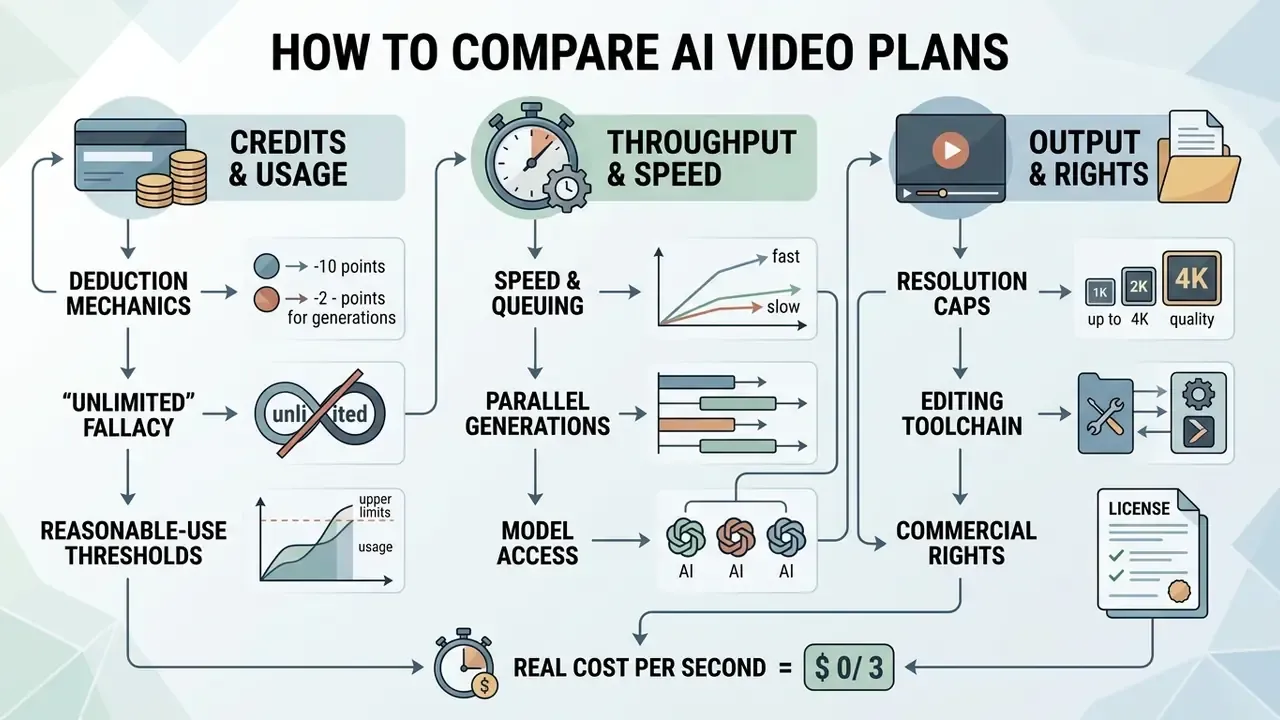
Evaluating an AI video plan requires analyzing technical throughput, queuing mechanics, model availability, export specifications, security controls, and legal licensing terms. Practical comparison dimensions fall into three groups: technical entitlements (text-to-video, image-to-video, video-to-video, API access, resolution tiers, duration caps, audio and lip-sync, edit mode), commercial terms (monthly price, annual discount, per-second or per-credit pricing, free-tier size, seat limits, overage fees, contract minimums), and usage entitlements (monthly generations, credit rollover or expiry, priority queue, brand kit, collaboration, support level).
Credits, Unlimited Generations, and Video Generation Limits
Credits represent the underlying billing currency across most SaaS video platforms. Subscription tiers grant a fixed monthly pool of credits, which expire at the end of each billing cycle unless explicitly specified otherwise.
- Credit deduction mechanics credit burn rates depend directly on output duration, resolution, frame rate, and model complexity. Runway charges 12 credits per second for Gen-4, 5 credits per second for Gen-4 Turbo, and 40 credits per second for Google Veo 3 and 3.1 with synchronized audio.
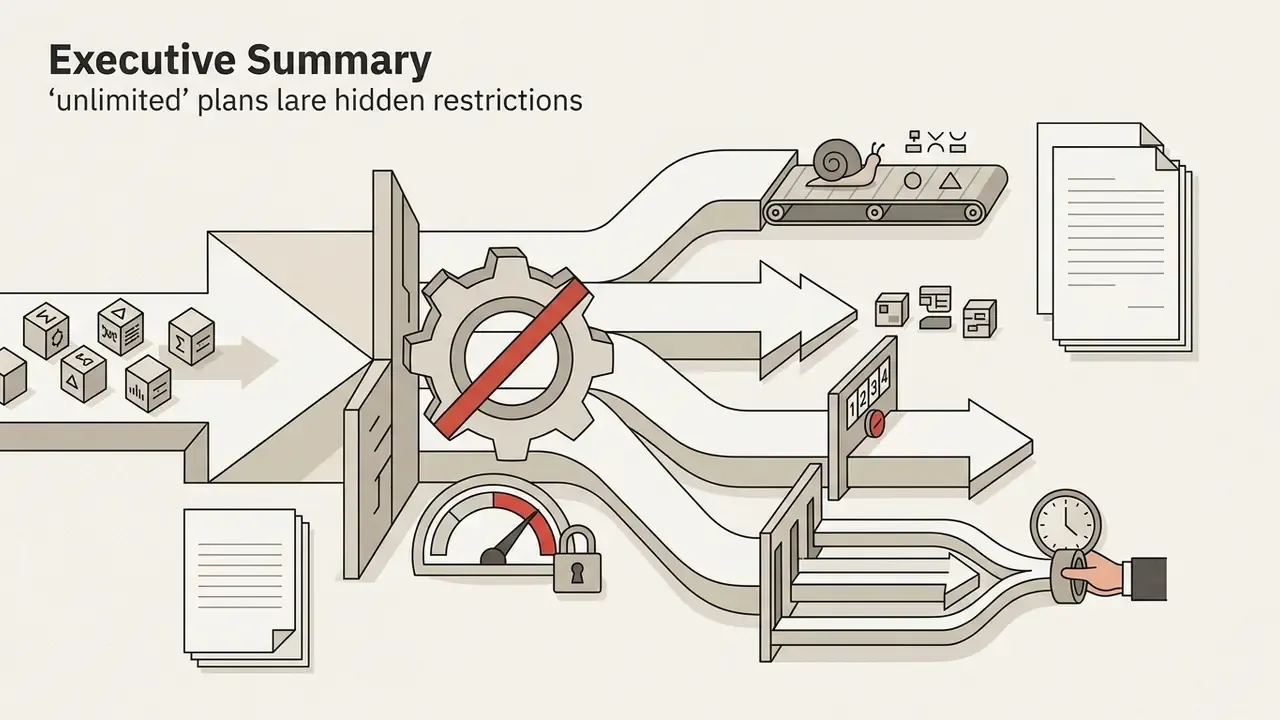
- The "unlimited" fallacy plans marketed as "Unlimited" rarely provide unconstrained access to top-tier models. Vendor documentation confirms the pattern better than marketing copy does. Runway states that its Unlimited plan still issues credits because some generations take longer and simultaneous generations are capped. Magnific specifies that "unlimited generation" applies to most image models while video, audio, and editing tools continue to consume credits. Lovart defines "Unlimited Relax Generation" as queued generation processed only when GPU resources become available. Runway's Unlimited plan ($76/month billed annually) provides 2,250 fast credits per month alongside unlimited Explore Mode generations, and Explore Mode routes jobs to a shared, lower-priority queue with concurrency throttles (Magnific Billing Rules, 2026; Runway Help Center, 2026).
- Reasonable-use thresholds Artlist documents unlimited generation on selected models "subject to reasonable use, daily usage thresholds per account," which may vary by model. In practice, "unlimited" is a throughput promise, not a capacity promise.
Execution speed is a separate purchase dimension from credit volume. Three distinct architectures coexist, and mixing them up is the most common cause of missed deadlines on an otherwise adequate plan.
Table 3: Comparative analysis of execution speed mechanics
| Mode type | How it works | Limits and queues | Best suited for | Example platforms |
|---|---|---|---|---|
| Fast / priority generations | Jobs are routed to dedicated GPU capacity with top queue priority. | Capped by a monthly quota (for example 900 fast generations on creator tiers, 4,000 on professional tiers). | Deadline-driven commercial production. | Artlist AI Professional, Runway fast credits, Higgsfield priority queue |
| Parallel generations | Multiple jobs run simultaneously under one account or seat. | Hard cap on active threads (1 to 30). New jobs are blocked until an active asset finishes rendering. | Team workflows, batch rendering of prompt variations. | Artlist (5–12 parallel), BOTGO (3 on Pro, 5 on Ultra), Higgsfield (up to 8), Hailuo (1 free, 2+ paid) |
| Unlimited / relax / explore | Uncapped generation on a model subset without credit deduction. | Low priority, dynamic peak-hour latency, 1–2 concurrent jobs, daily usage thresholds. | Draft prompts, concept exploration, look development. | Runway Explore Mode, Magnific Relax, Lovart Relax, Artlist Unlimited |
Speed, Parallel Generations, and Model Access
Export, Resolution, Editing, and Commercial Rights
Commercial deployment requires an explicit grant of intellectual property rights and high-fidelity output options.
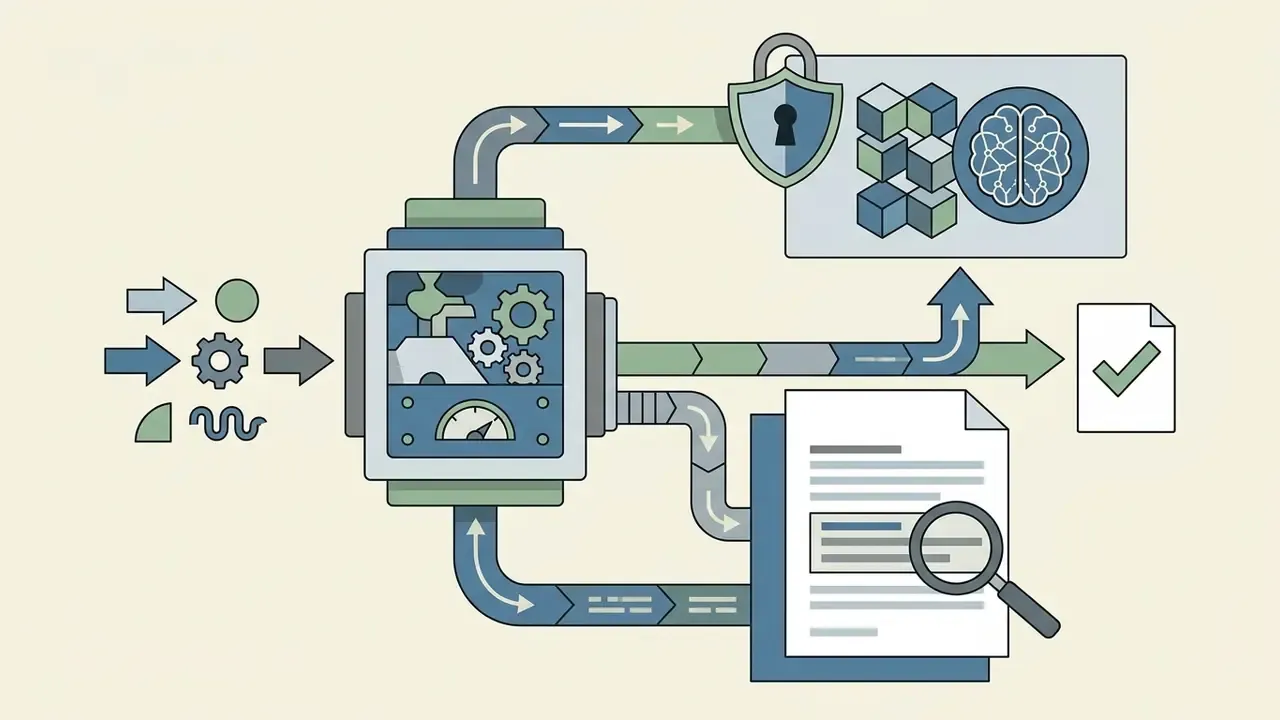
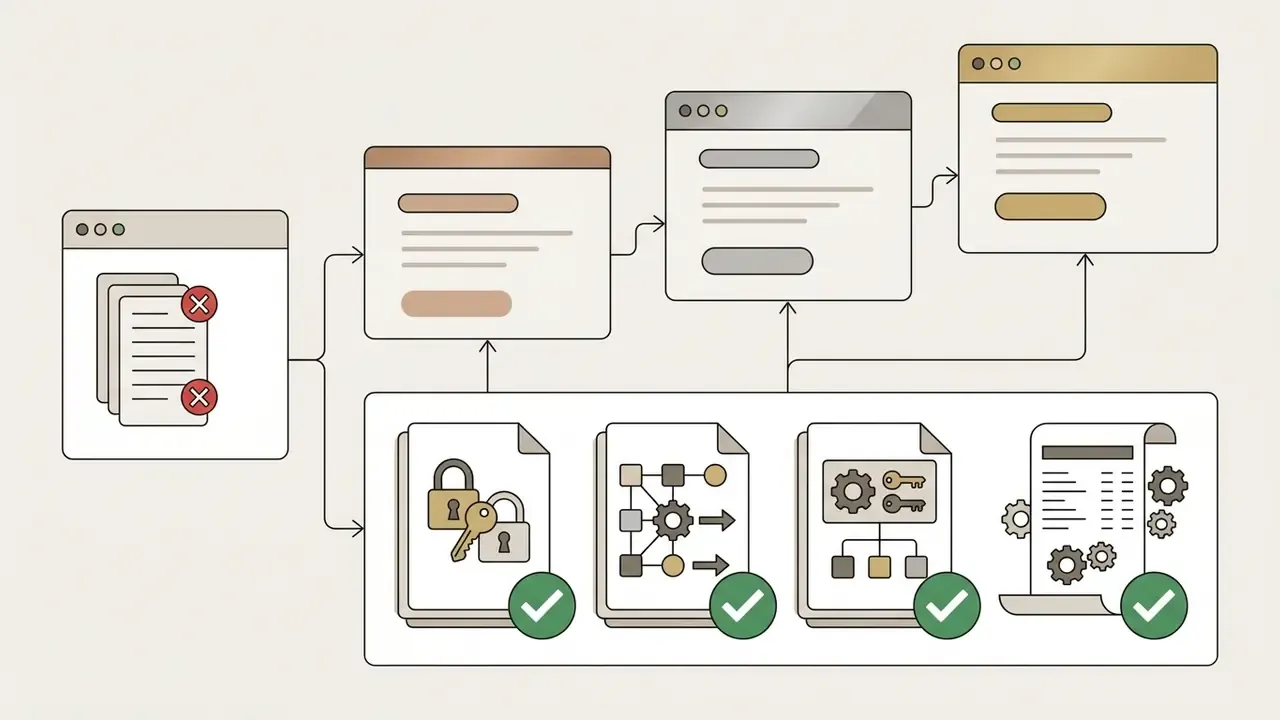
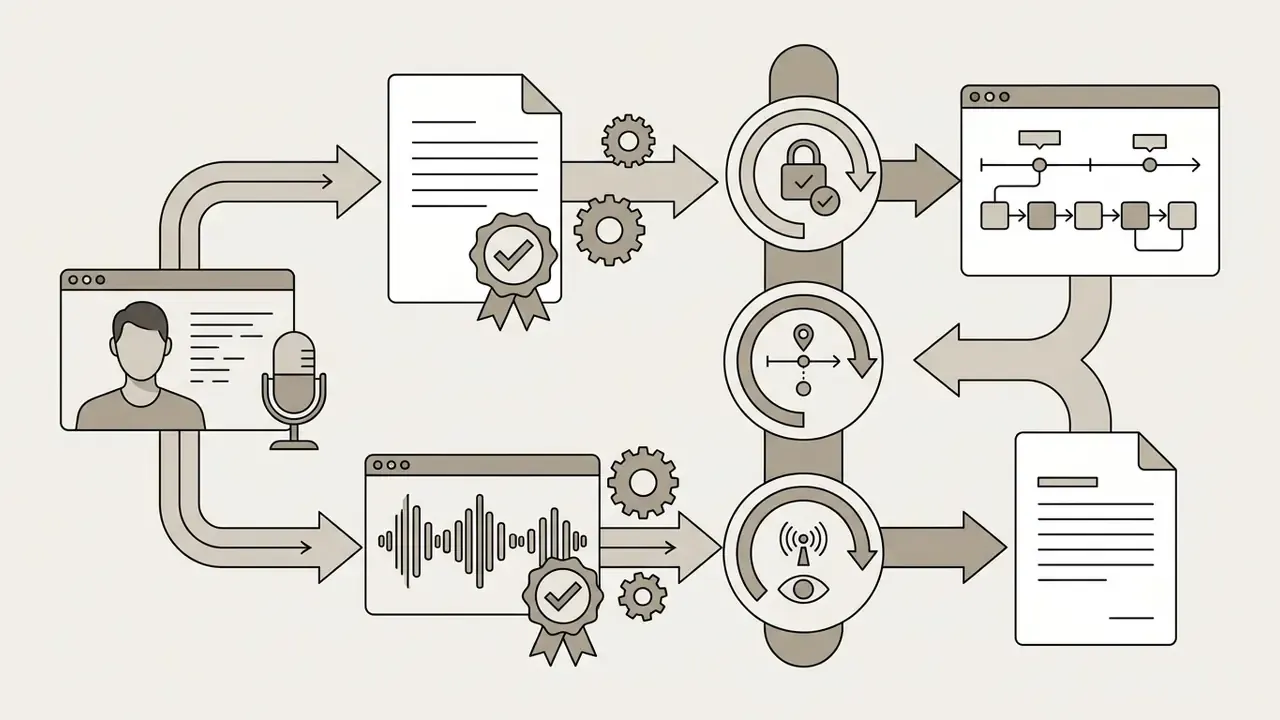
Enterprise Security, Data Privacy, and IP Rights
If a vendor cannot answer questions 1 and 5 in writing, the commercial conversation is premature. That is not caution for its own sake; it is the difference between an approved pilot and a stalled one.



Why Benchmark Scores Drive Credit Spend
Academic benchmarks are not an aesthetic footnote. They are the input to your iteration multiplier, and therefore to your monthly bill. When a model fails to render legible on-screen text or violates basic physics, the operator re-prompts. Every re-prompt is billed.
«All ten evaluated models scored below 0.43 on on-screen text fidelity, with instability under geometric transformations.»
«PhyWorldBench evaluated 12 models across 12,600 videos: Sora-Turbo scored 0.384 on physical realism, Runway Gen-3 scored 0.280, indicating a substantial gap.» PhyWorldBench Study, arXiv (2025). arxiv.org
«Dynamics controllability and motion range correlate with human quality ratings at a Pearson coefficient above 0.90, more strongly than any other measured attribute.» DEVIL Dynamics Benchmark, arXiv (2024). arxiv.org
The financial translation is direct. A shot type that lands within the model's competence (single subject, simple camera move, no legible text) converges in one or two takes. A shot type outside it (multi-object interaction, reflective surfaces, a readable product name on packaging) commonly needs four to eight takes. On Runway Standard at $0.230 per Gen-4 second, that difference turns a $2.30 clip into a $9.20 to $18.40 clip. It is also the reason a plan sized on "finished seconds" fails within two weeks.
Fact check and verification of subscription terms (verified August 2026):
How Much an AI Video Plan Really Costs
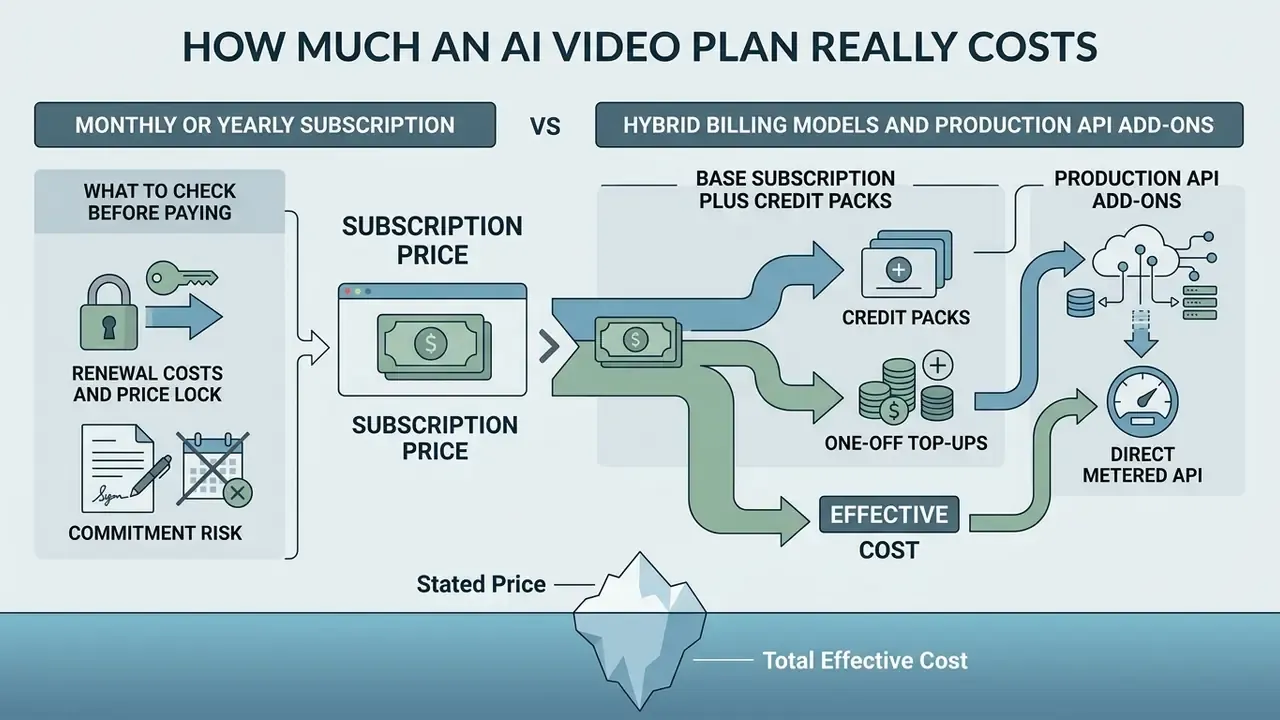
Determining the effective cost of AI video production requires looking beyond the base monthly subscription price. Total expenditure is a function of base fees, per-credit pricing, overage fees, seat charges, API add-ons, and supplementary generation costs for audio, voiceovers, and upscaling.
Pricing disclaimer. Prices, credit rates, and plan terms are revised regularly by platforms. The calculations below are based on data verified in August 2026 and are indicative only. Verify current terms on official vendor pricing pages before subscribing, and re-run the model at each renewal date.
A practical cost identity, consistent with published billing guidance, is:
Monthly workflow cost = base subscription fee + max(0, charged usage − included usage) × overage rate + paid add-ons (seats, API access, upscaling, audio)
Monthly or Yearly Subscription: What to Check Before Paying
Annual commitments reduce headline monthly costs, but lock organizations into fixed credit quotas. Published vendor pricing puts the discount in a verifiable range rather than a marketing range. Google Workspace Business Starter costs $84/year prepaid versus $100.80/year billed monthly, a 16.7% reduction, while VideoGen advertises up to 33% savings on yearly billing. Treat 15% to 33% as the observed spread across vendors rather than a universal rule, and always compute it from the two published totals for the exact tier you intend to buy.
Annual Discount Calculation Example:
Google Workspace Business Starter: $84/year prepaid ($7.00/mo) vs $100.80/year billed monthly ($8.40/mo).
Annual savings = $16.80 per user/year (16.7% reduction).
VideoGen Pro: $16/user/month billed yearly, advertised as 33% below monthly billing.
- Renewal costs and price lock Adobe Photography and Creative Cloud plans maintain fixed pricing during prepaid annual contracts, whereas month-to-month subscriptions are subject to price adjustments at the next renewal cycle. Adobe documents the prepaid annual Photography plan at $119.88/year with monthly billing at $14.99/month under annual commitment, effective at the next renewal (Adobe Subscription Terms, 2026).
- Commitment risk subscribing to an annual plan is financially optimal only when monthly credit utilization is stable and predictable. If production volume fluctuates seasonally, monthly billing avoids unutilized credit decay. Note also that several vendors reserve their strongest entitlements, including unlimited mode, fast generations, and parallel generations, for yearly plans only, as Artlist does on its Creator tiers. In those cases the annual commitment buys capability, not just discount.
Hybrid Billing Models and Production API Add-Ons
Not every platform uses the classic "monthly subscription equals fixed credit pool" architecture. Two alternative billing structures are common enough to change your total cost materially, and a third is quietly displacing both.
- Hybrid model (base subscription plus credit packs)platforms such as Filmora separate editor access from AI usage. The user pays a base subscription starting at $5/month for the software, then buys AI generations through separate credit packs, from $9.99 for 1,500 credits, valid for one year from purchase. Different AI tools consume different credit amounts, and higher subscription tiers include a monthly credit allotment on top. This structure suits irregular production, because unused credits survive the billing cycle instead of expiring monthly.
- Production API add-onsservices such as VideoGen include full workflow and standard API access inside their Pro plan at $16/user/month billed yearly (5,000 credits per user, 50 GB storage, full commercial use rights), but charge a fixed $360/month Production API add-on for embedding generation into your own product, on top of consumed credits. Enterprise tiers keep the same add-on price while adding top-priority feature usage, priority support, and a dedicated account manager. Any build-versus-buy model that ignores this fixed platform fee understates true unit cost at low volumes.
- Direct metered APIsome providers skip credits entirely. OpenAI prices Sora 2 at $0.10/second for 720p, with Sora 2 Pro at $0.30/second (720p), $0.50/second (1024p), and $0.70/second (1080p). Gemini publishes Veo 3 and 3.1 rates from $0.05 to $0.40 depending on tier and resolution. Runway Dev bills Seedance 2.5 at 68 credits/second output plus 34 credits/second for input or reference video at 1080p (30 plus 15 at 720p), with an 80-credit minimum per generation.
- One-off top-upspurchasing extra credit packs without upgrading is plan-gated. Hunter permits packs on Starter, Growth, and Scale; Magnific on Premium+, Pro, and Business (Premium users must upgrade first); Descript on Creator and Business. Artlist, by contrast, generally does not sell one-off AI credits and directs users to upgrade tiers instead, and its upgrade path only exposes the next three tiers above the current plan.
Converting Credits into the Cost of One Video and One Project
To calculate the unit cost of a completed video, evaluate the credit cost per second across all media generation layers: video, image assets, voiceover, and background music.
The unit cost formula for credit-based platforms is:
Runway Standard Plan Example ($12/month for 625 credits):
Base Credit Cost = $12 / 625 = $0.0192 per credit.
Gen-4 High Quality (12 credits/sec) = $0.0192 * 12 = $0.230 per second ($2.30 per 10-second clip).
Gen-4 Turbo (5 credits/sec) = $0.0192 * 5 = $0.096 per second ($0.96 per 10-second clip).
Runway Pro Plan Example ($28/month for 2,250 credits):
Base Credit Cost = $28 / 2,250 = $0.0124 per credit.
Gen-4 High Quality (12 credits/sec) = $0.0124 * 12 = $0.149 per second ($1.49 per 10-second clip).
Gen-4 Turbo (5 credits/sec) = $0.0124 * 5 = $0.062 per second ($0.62 per 10-second clip).
Supplementary media consumption rates must be factored into full project estimates:
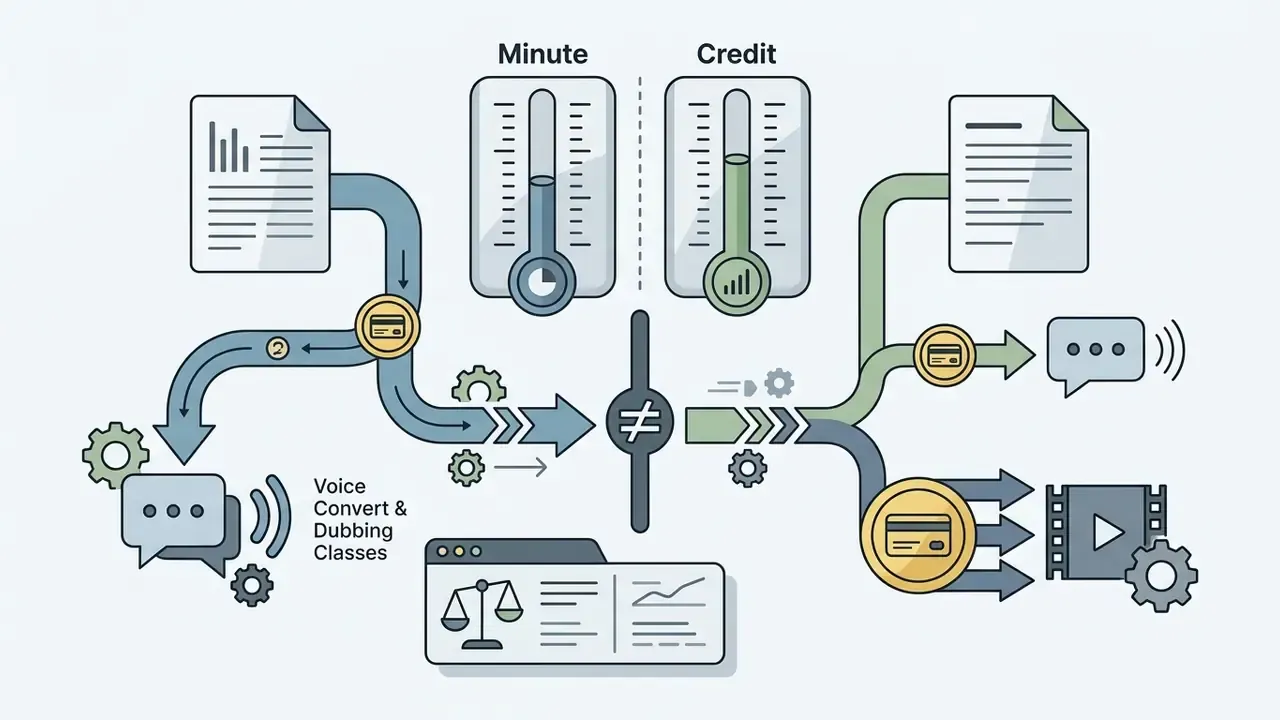

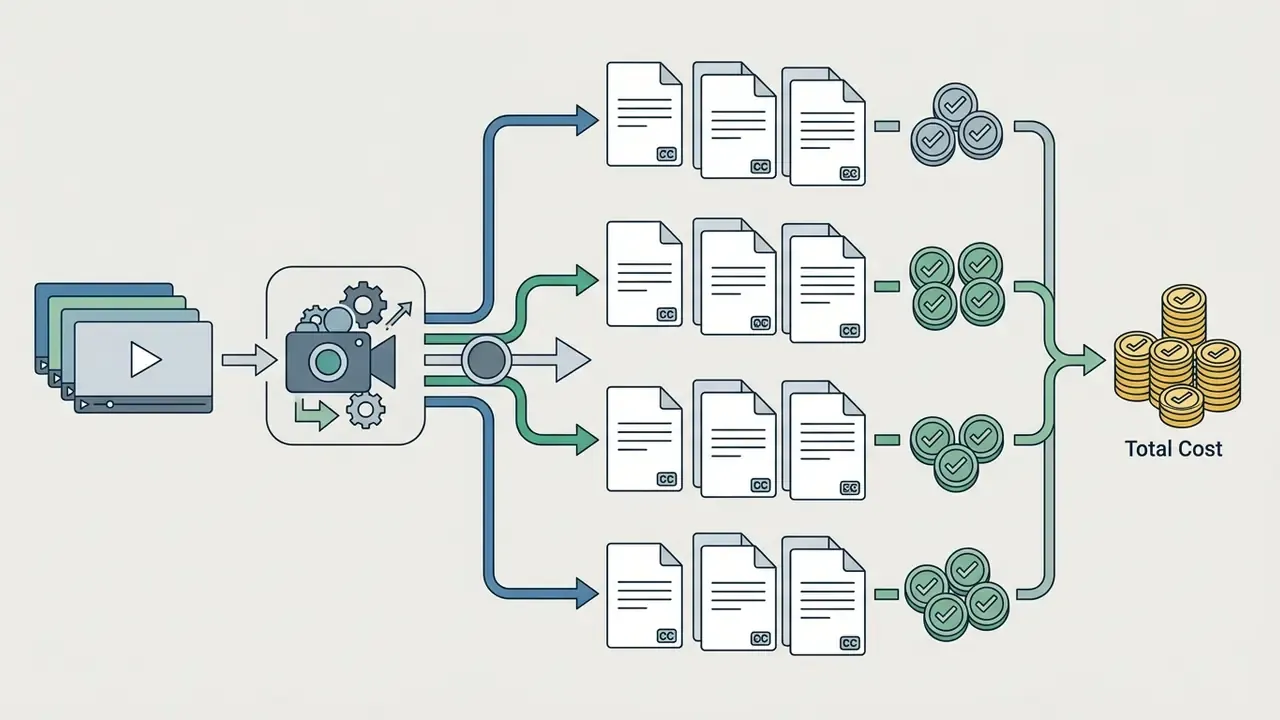

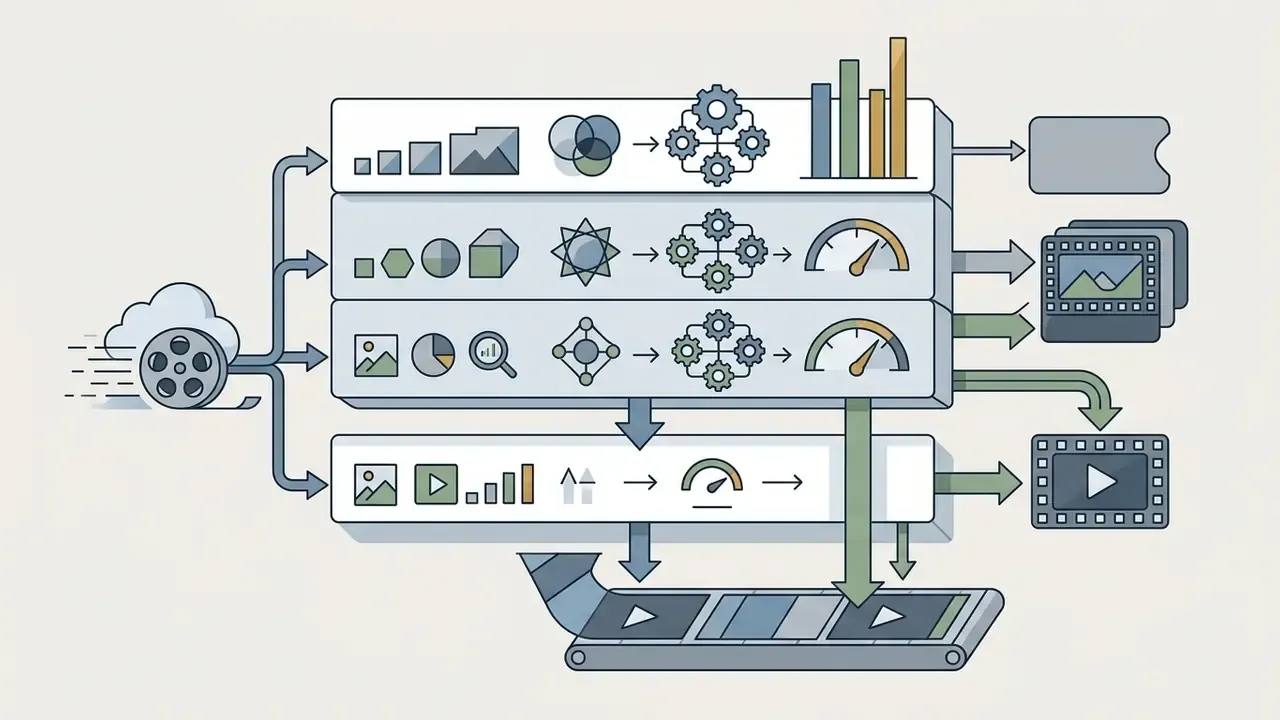
Review detailed breakdowns of plan tier adjustments in our analysis of AI Video Pricing and credits, and price narration separately using our guide to AI voice generators.
Case: consumer marketing team (illustrative). An enterprise marketing team evaluated generative AI tools to automate social ad creative production. The initial trial consumed 2,500 credits within four days because of repeated unbudgeted re-prompts at 4K resolution. The team shifted production to Runway Gen-4 Turbo at 1080p, established a mandatory two-take limit per asset, and capped monthly generation at 150 seconds. This operational adjustment reduced unit video costs from $3.40 to $0.62 per clip, keeping total monthly spend strictly within the $28 Pro tier allowance.
Case: fintech onboarding avatars in a regulated environment (illustrative). A fintech firm piloted synthetic-presenter videos for customer onboarding across four languages. The security review rejected the self-serve Creator tier because prompt and asset retention terms were not contractually fixed, forcing a move to a Business tier at $149/month plus $20 per additional seat for centralized SSO, audit logging, and no-training commitments. Legal added two further constraints: written consent for every cloned likeness and voice, and an on-screen synthetic-content disclosure in each clip. Localisation was the hidden cost. At 20 credits per minute per language, four languages multiplied narration spend by four while video credits stayed flat. Final governance measures were a 720p draft-only workflow, 4K reserved for approved final cuts, centralized billing to eliminate personal-card shadow AI purchases, and a quarterly re-verification of vendor pricing and retention terms.
Plan Comparison by Production Scenario
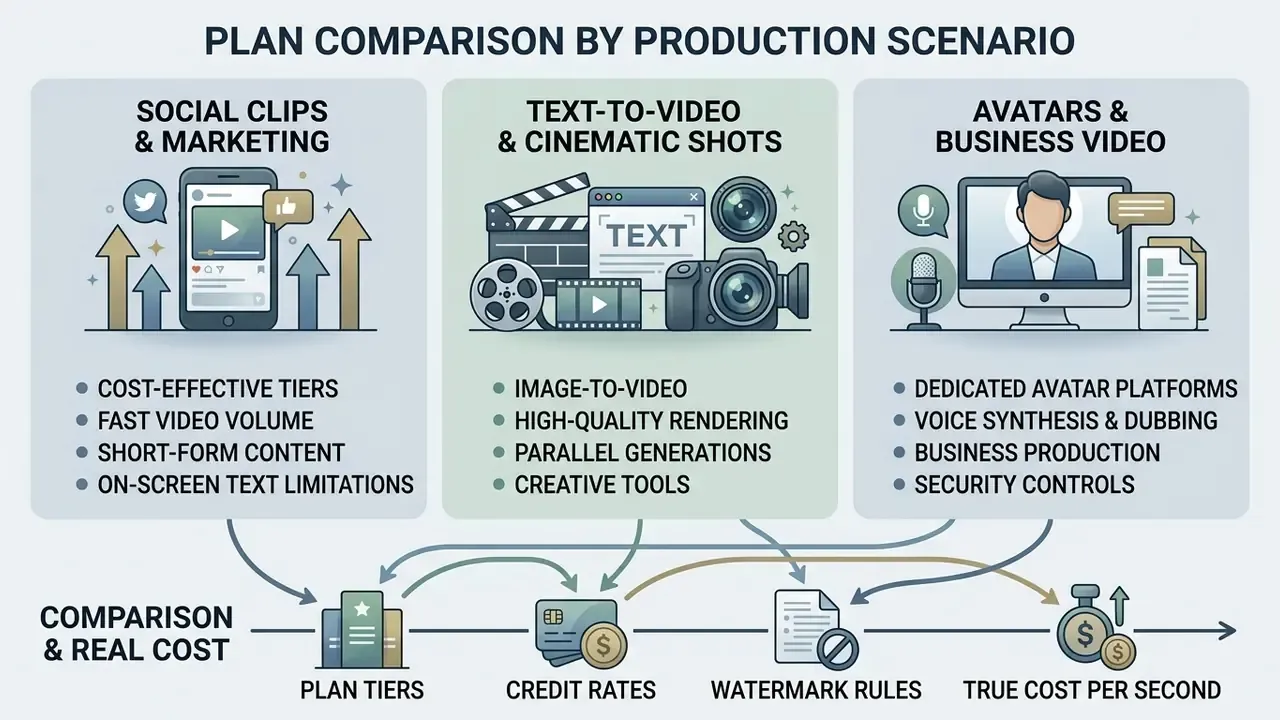
Selecting an AI video plan requires matching platform features to specific production workflows, including short-form social content, cinematic text-to-video rendering, and corporate avatar generation.
Plans for Text-to-Video, Image-to-Video, and Cinematic Shots
Cinematic production requires precise motion control, consistent visual style, high dynamic realism, and physical coherence. For method-level background, see our primer on text-to-video AI.
- Physics and dynamics benchmarks: the PhyWorldBench dataset evaluates model adherence to physical laws (gravity, energy conservation, momentum) across 12 models and 12,600 videos. Sora-Turbo achieved an overall physical realism score of 0.384, whereas Runway Gen-3 scored 0.280 (PhyWorldBench Study, arXiv 2025). The DEVIL benchmark demonstrates that dynamics controllability and motion range strongly correlate with human quality ratings, at a Pearson correlation above 0.90 (DEVIL Dynamics Benchmark, arXiv 2024).
- World knowledge: T2VWorldBench measures commonsense knowledge across physics, activity, and culture using six knowledge categories and 1,200 prompts. LTX Video and Wan 2.1 scored 0.68, outperforming Sora (0.65) and Qingying (0.61). No model exceeded 0.7 consistently (T2VWorldBench, arXiv 2025).
- Character consistency: Kling AI supports advanced Motion Control specifically in image-to-video mode, using a reference character image to maintain facial and body identity during complex camera movements (Kling AI Motion Control Guide, 2026). Text-to-video modes do not support Motion Control and do not guarantee character identity persistence across separate generations. Platforms increasingly offset this with named character libraries. Artlist, for instance, stores a person's likeness as a reusable Character that can be tagged directly in prompts across image and video jobs.
- Compute-priced cinematic tiers: when frontier quality is required at volume, compare per-second compute pricing (LTX
ltx-2-proat $0.10/second; Sora 2 Pro at $0.30 to $0.70/second) against subscription credit pricing. Above roughly 300 finished seconds per month, metered API access is frequently cheaper than a top consumer tier.
Plans for Avatars, Voiceover, and Business Video Production
Corporate training, internal communications, and localized product videos rely on synthetic presenters, text-to-speech engines, and automated translation.
- Dedicated avatar platforms HeyGen splits its plans into Creator ($29/mo for 600 credits, 1080p, 1 seat), Pro ($49/mo for 1,000 credits with 4K export), and Business ($149/mo for 1,500 shared credits, 4K export, 60-minute video caps). Additional team seats in HeyGen Business cost $20 per seat per month, and Enterprise is credit-billed with 1 credit documented at $0.50 (HeyGen Official Pricing, 2026, https://www.heygen.com/pricing). AI Studios offers dedicated team tiers starting at $55 per seat per month (AI Studios Pricing, 2026, https://www.aistudios.com/pricing). Pitch Avatar publishes a Business tier at $79/month.
- Voice synthesis and dubbing specialized audio platforms provide dedicated tiering for enterprise voice generation, and it is worth comparing them independently through our guide to AI voice generators. ElevenLabs offers a Business plan at $990/month for low-latency text-to-speech and custom voice cloning (ElevenLabs Pricing, 2026). Rask AI offers a Business tier at $299/month for 600 minutes of multilingual dubbing (Rask AI Overview, 2026).
- Prompt-driven avatar formats HeyGen documents a
cinematic_avatarvideo type supporting up to three avatar looks and optional reference media without requiring a script or supplied voice. That is a materially different credit profile from script-driven avatar rendering, and it is worth modelling separately.
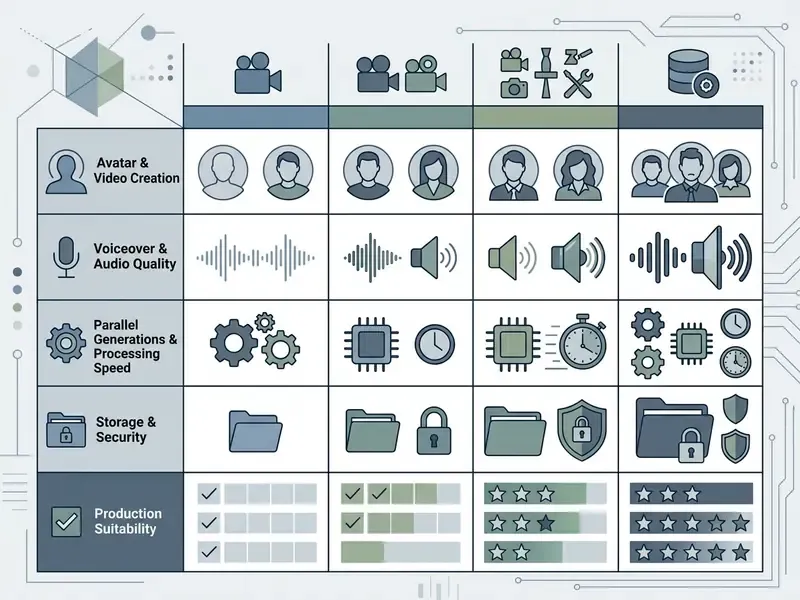
Table 2: AI video plan categories compared by usage scenario
| Parameter / scenario | Free / trial tier | Starter / social plan | Pro / cinematic plan | Business / enterprise |
|---|---|---|---|---|
| Price range ($/month) | $0 | $8 – $15 | $25 – $49 | $149 – $990+ |
| Monthly credits | 0 – 125 (one-time or daily) | 600 – 700 credits | 2,250 – 3,000 credits | 1,500+ shared credits plus API |
| Maximum resolution | 480p – 720p | 1080p Full HD | 4K Ultra HD | 4K / uncompressed masters |
| Watermark | Present | Absent | Absent | Absent |
| Parallel jobs | 1 task | 1 – 2 tasks | 2 – 5 tasks | 5 – 30+ tasks |
| Available models | Basic / fast models | Standard T2V and I2V | Frontier (Gen-4.5, Veo) | Full access plus custom and API |
| Commercial rights | Personal use only | Commercial licence | Commercial licence | Enterprise SLA and rights |
| Security controls | None | None | Limited (basic account controls) | SSO, RBAC, audit logs, retention terms, indemnity |
| Primary scenario | Prompt testing | Reels, TikTok, Shorts | Advertising, film, VFX | Avatars, training, API integration |
How to Choose an AI Video Plan in Five Steps
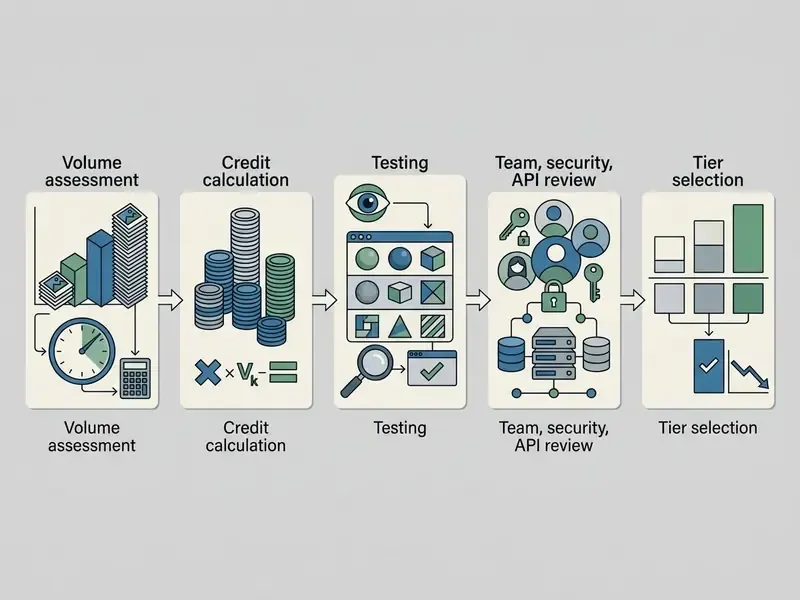
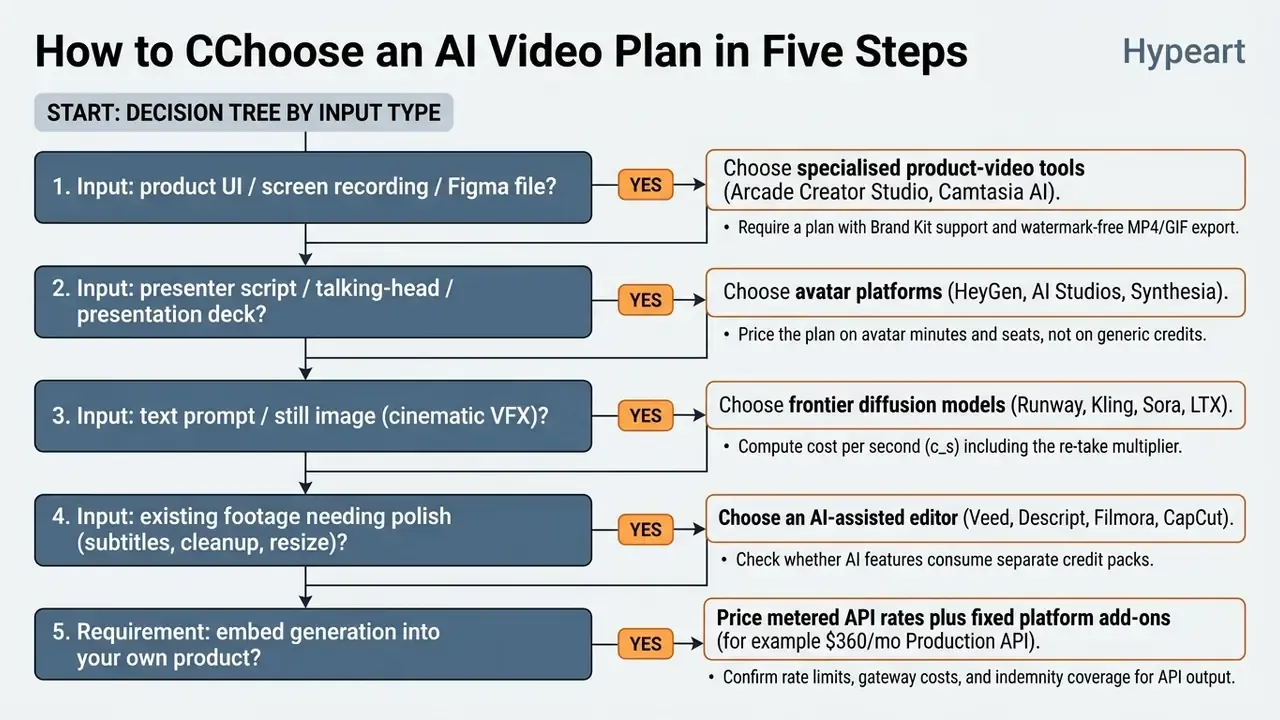
To select an optimal subscription tier without overpaying for unused capacity, follow this structured five-step evaluation process: measure demand in seconds, convert it into the vendor's billing unit, compare against your peak month rather than your average month, verify which models the allowance actually covers, and buy the lowest tier that clears both your output and your compliance requirements.
Determine Required Generation Volume Before Selecting a Plan
Calculate expected generation output in total seconds rather than finished video count.
- Calculate target durationconvert monthly finished video goals into raw seconds. For example, 12 social clips at 10 seconds each equals 120 seconds of finished footage.
- Convert duration to frames where the vendor bills by framepublished sizing guidance converts duration to frames at 24 fps using , then treats frame count and resolution as the inputs for estimated latency and cost. Some models (LTX-2) predict duration first and recover frame count from latent shape afterwards, quantising realised duration to the model's temporal grid, so verify the planning unit before budgeting.
- Apply a re-take factor (updated)generative video requires multiple iterations per shot. Rather than treating any single figure as an industry standard, measure your own ratio during the trial period by dividing total generated seconds by accepted seconds. Until you have that measurement, a working planning assumption of 2.5x is reasonable for simple single-subject shots, rising to 4x or more for prompts involving legible text, multi-object physics, or reflective surfaces, the failure classes documented by T2VTextBench and PhyWorldBench. Recalculate after the first billing cycle with actual data.
- Determine model ratemultiply generation seconds by the credit cost per second of the target model (for example, 300 seconds × 12 credits/sec = 3,600 credits).
- Size against peak, not averagecredit-based plans reset monthly, so a plan sized to the average month fails in the launch month. If your peak is twice your average, either buy for the peak or confirm that one-off top-up packs are available on your tier.
Test Tools, Features, and Models on Free Access
Before committing to a paid subscription, evaluate platform controls using free allowances or entry-level trials.
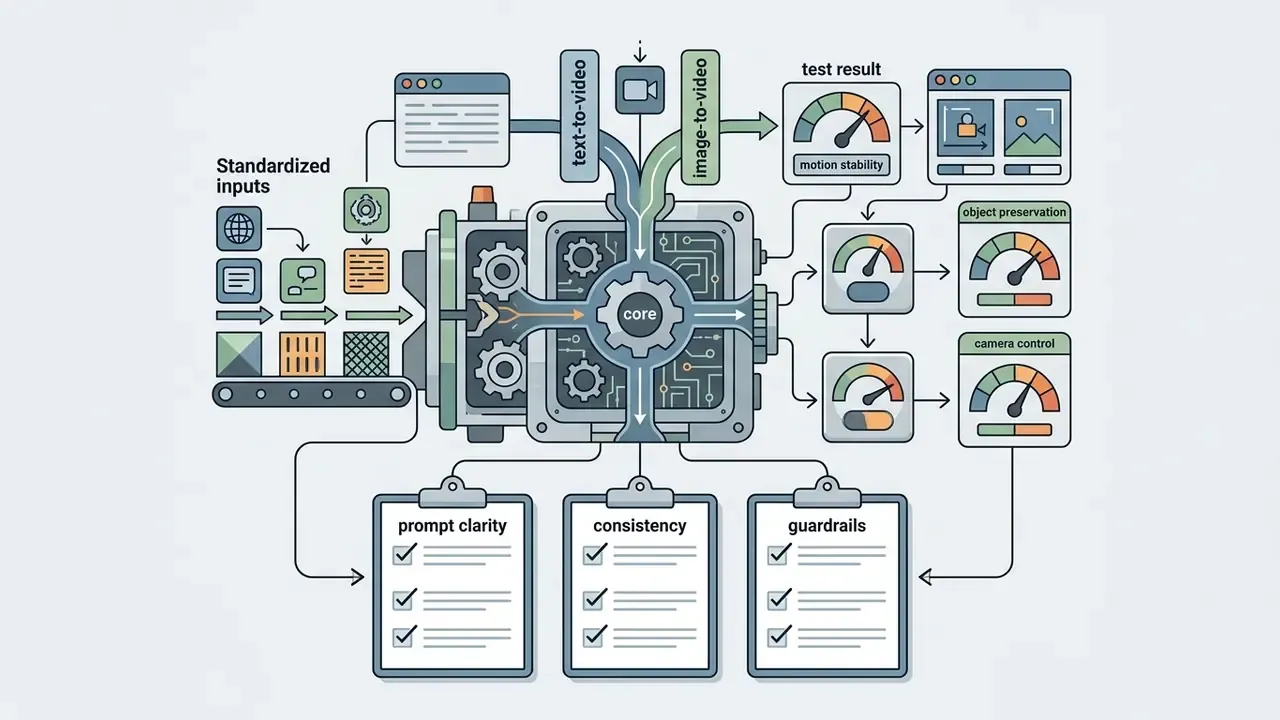
- Prompt sensitivity testing: run standardized test prompts across text-to-video and image-to-video modes to measure motion stability, object preservation, and camera control. Check prompt clarity, consistency, required output format, and guardrails before execution.
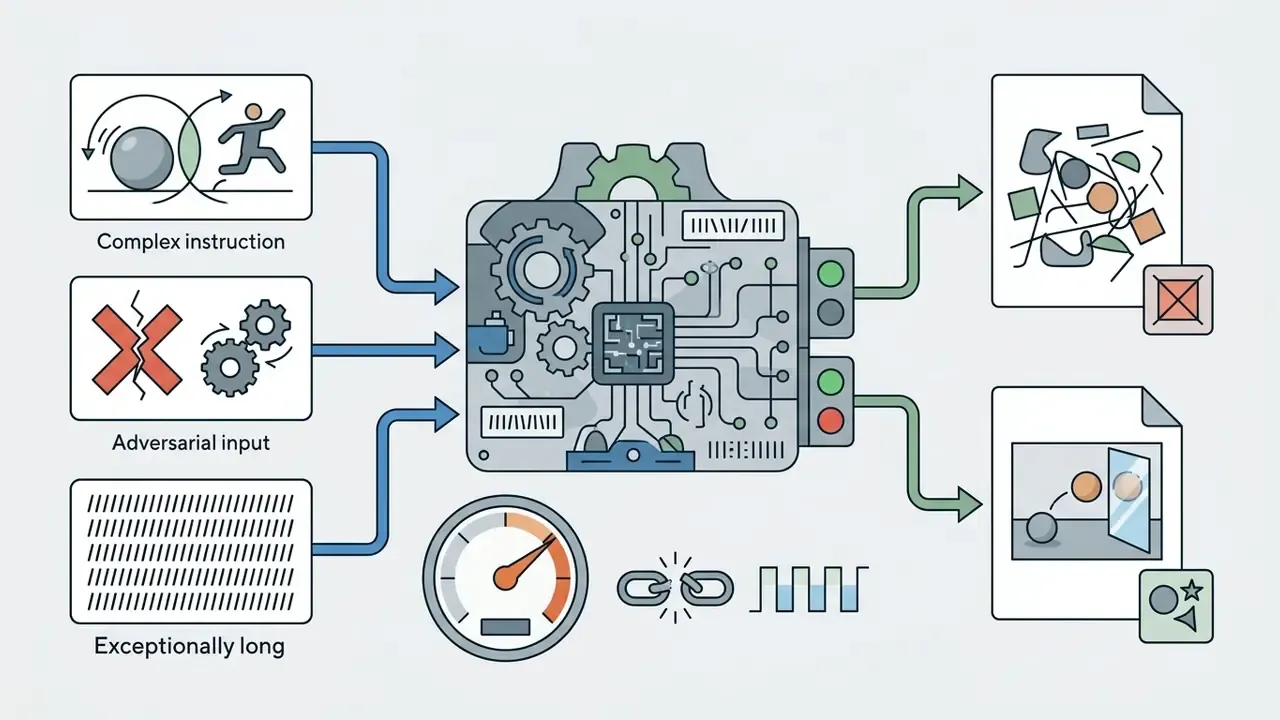
- Edge case validation: test complex instructions involving multi-object interaction, human motion, or reflective surfaces, plus adversarial, empty, and unusually long inputs. Record failure frequency and consistency across repeated runs. Benchmarks show that models struggle with physical conservation laws and detailed text rendering (PhyWorldBench, 2025; T2VTextBench, 2025).
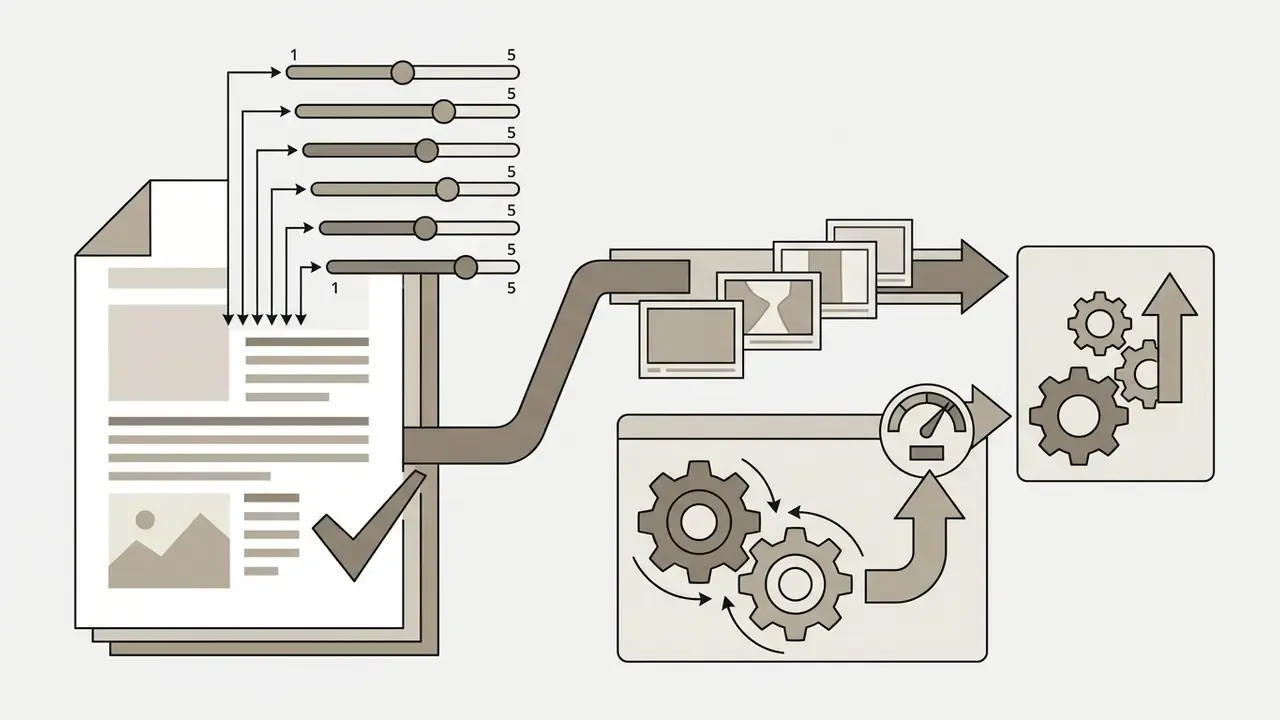
- Output scoring rubric: score outputs on accuracy, coherence, relevance, objectivity, clarity, and conciseness using a 1 to 5 scale, and log the accepted-take ratio per shot type. That ratio becomes your re-take multiplier in the calculator above.
- Interface workflow review: verify platform timeline editing features, keyframe guidance capabilities, export options, and aspect ratio controls, and confirm compatibility with your existing video editing tools and animation workflows.
- Security pre-check: for regulated environments, run the InfoSec review during the free trial, not after. If a vendor cannot supply retention terms, attestations, and indemnity language before you pay, the pilot cannot proceed to production regardless of output quality.
Base Upgrades on Actual Credit Burn Rate
Base subscription upgrades on observed credit burn rates during the initial billing period rather than on top-tier marketing claims. Tier labels are engineered to influence choice, and the effect is measurable.
«An experiment with 1,954 participants found that "Premium" and "Pro" labels raise purchase likelihood while simultaneously shifting choice toward cheaper options within the line-up.»
Case: financial media team (illustrative). A financial media team evaluated generative video tools for internal video updates. During the first two weeks on a basic $12 plan, the team consumed its entire 625-credit allowance across three projects because of unmonitored 4K upscaling. Analysis showed that 70% of generated clips were draft iterations. The team upgraded to a $28 Pro tier, implemented a mandatory 720p draft workflow, and restricted 4K rendering to final exports. This control structure reduced credit depletion rates by 40%, allowing the team to produce 18 completed clips per month within budget.
FAQ on Choosing an AI Video Subscription
Do Unused Credits and Generations Roll Over to the Next Month?
On most AI video platforms, monthly subscription credits do not roll over to the next billing cycle. Unused credit balances reset to the base plan quota on each renewal date.
- Expiration standard: Adobe Creative Cloud generative credits, Promo.com AI video downloads, and VIDIO credits expire at the end of each monthly billing period (Adobe Help Center, 2026, helpx.adobe.com; VIDIO Support, 2026, vidio.ai; Promo Help Center, 2026, support.promo.com). Artlist states that both unused credits and unused fast generations expire at renewal. Token-based bundles behave the same way, and ImagineArt tokens do not carry over.
- Rollover exceptions: Captions allows eligible paid subscribers to roll over unused monthly credits into the subsequent billing cycle, subject to a total balance cap equal to three times the monthly allowance (Captions Help Center, 2026, https://captions.ai/help/docs/ai-usage). Purchased credit packs frequently follow different rules than subscription credits. Filmora's packs, for example, remain valid for one year from purchase.
Can I Buy Additional Credits Without Changing Plans?
Many platforms allow users to purchase standalone credit top-up packs without upgrading their monthly subscription tier, but eligibility is plan-specific.
- Platform top-up rules: Hunter permits extra packs on Starter, Growth, and Scale; Magnific on Premium+, Pro, and Business (Premium requires an upgrade first); Descript on Creator and Business. OpenAI offers pay-as-you-go credits when included limits are reached for supported features (Descript Billing FAQ, 2026; Magnific Knowledge Base, 2026).
- Where top-ups are unavailable: Artlist generally does not sell one-off AI credits and directs users to upgrade the plan tier instead, with exceptions on the highest tiers.
- Cost efficiency: credit top-ups are ideal for handling temporary production spikes. However, if credit shortages recur monthly, upgrading to a higher subscription tier provides a lower effective price per credit. Recompute under both options before deciding.
What Happens to Credits and Access After an Upgrade?
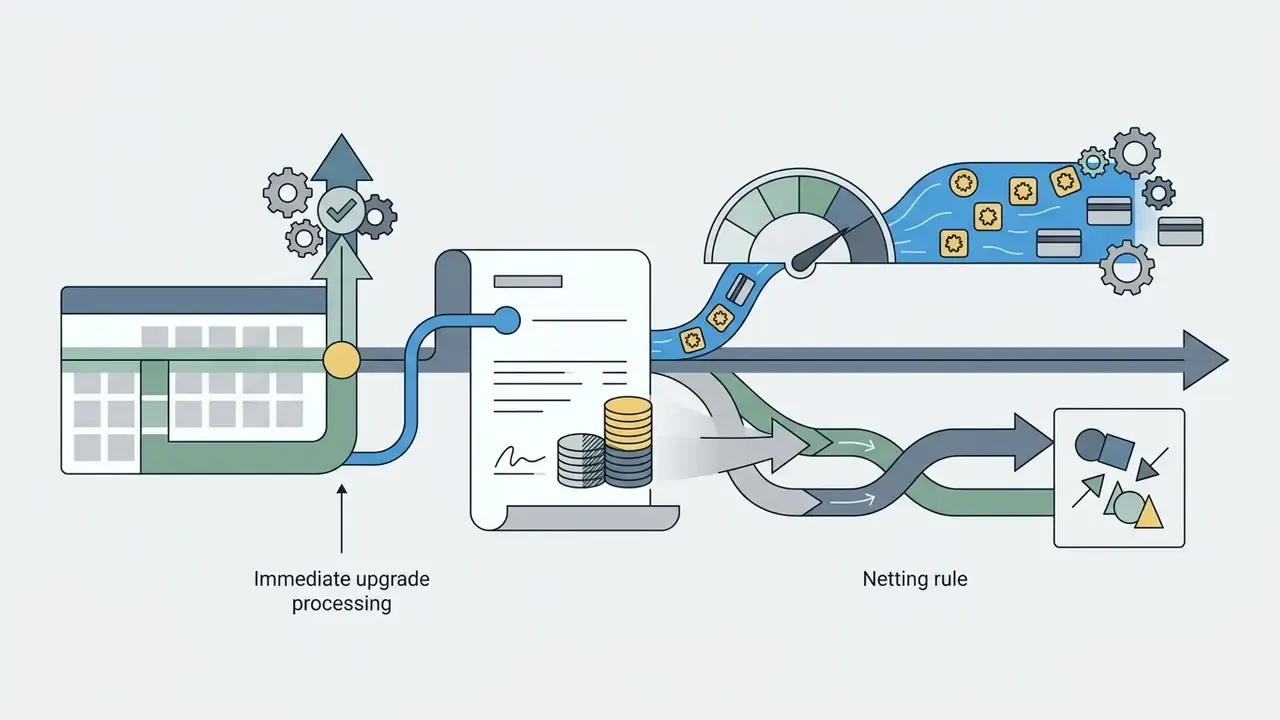
Upgrading a subscription tier updates credit allocations and system permissions immediately.
- Credit processing: mid-cycle upgrades apply prorated subscription fees for the remainder of the current billing cycle while granting the higher tier's full credit allowance immediately, minus credits already consumed in that cycle on platforms that net usage (Stripe Billing Rules, 2026; Kiro Billing Docs, 2026).
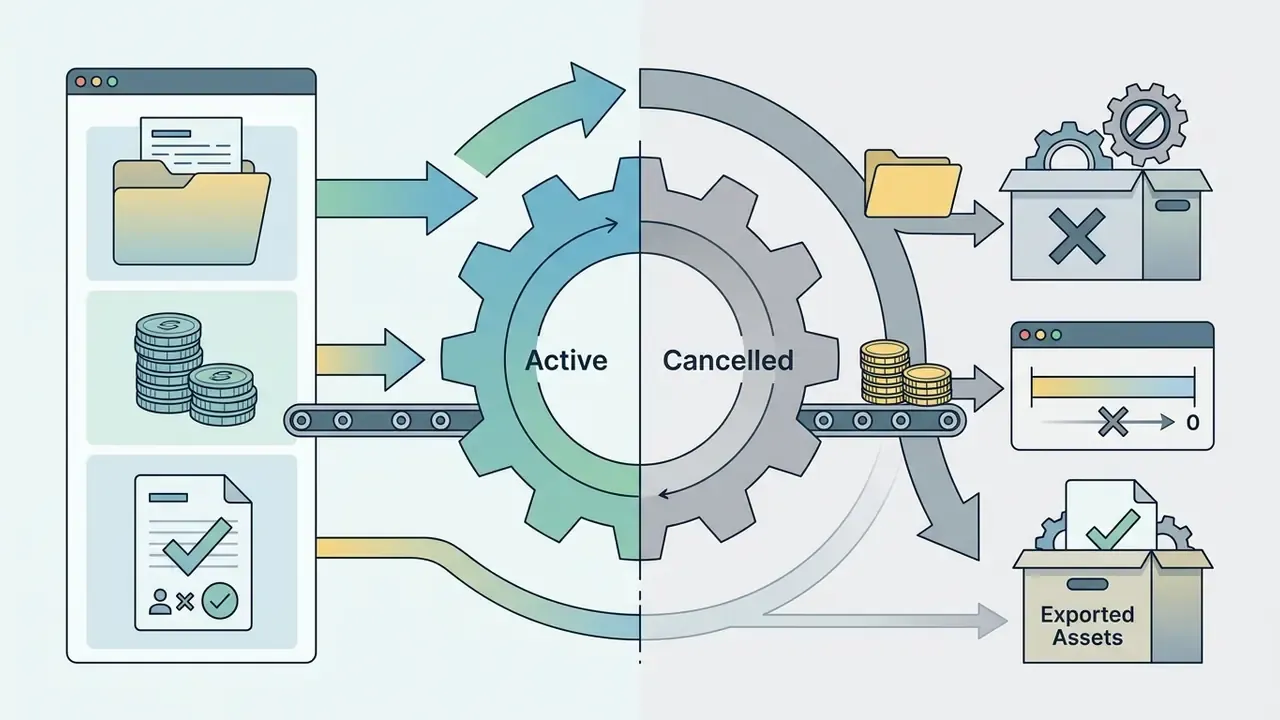
- Asset access after cancellation: cancelling a paid subscription revokes access to unused plan credits at the end of the paid billing period. Splice keeps access until the end of the current billing cycle, after which remaining credits are lost while previously licensed content stays available. Magnific keeps plan access until the period ends, then expires plan credits while freezing purchased extra credits for recovery within three years if the account is reactivated. Previously exported videos and downloaded media generally remain available under the commercial license granted at the time of creation (Splice Terms of Use, 2026; Magnific Cancellation Terms, 2026).
- Regulatory note on balances: in the United States, credit-card issuers must refund credit balances or make a good-faith effort to do so within six months under Regulation Z commentary. That rule governs card balances, not vendor credit tokens. Do not assume it applies to unused platform credits.
Which Plan Tier Do I Need for a Security-Reviewed Deployment?
In practice, the minimum viable tier for a regulated deployment is the lowest plan that contractually includes: no-training and defined-retention terms, SSO with RBAC and audit logs, a current SOC 2 Type II or ISO 27001 attestation covering the video service, IP indemnification for generated output, and administrator-controlled seats with centralized billing. On most platforms that means a Business or Enterprise tier, which is why security requirements, not credit volume, frequently set the floor on price. Confirm each item in writing before the first production render.
What Are the Limits of This Comparison?
Three, and they matter. First, credit rates and model access change faster than any published guide can track, so every figure here is a snapshot rather than a commitment. Second, re-take multipliers are workload-specific; the 2.5x to 4x range is a planning heuristic, not a measured constant for your prompts. Third, indemnification caps and retention terms are negotiated per contract and are rarely published, so the security section describes questions to ask rather than answers you can assume. Treat this as an evaluation framework, and re-verify pricing at every renewal date.
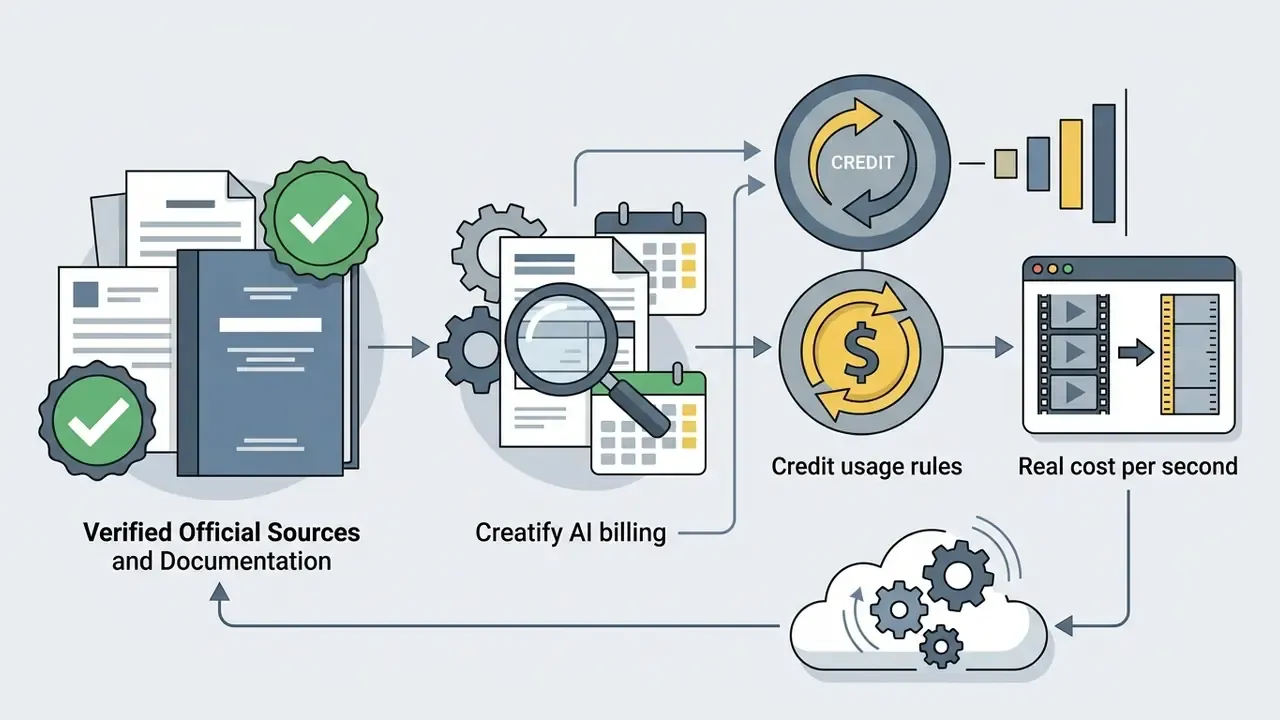
Verified Official Sources and Pricing Documentation
- Runway official pricing and model terms Runway Pricing
- HeyGen Creator and Business tiers HeyGen Pricing
- HeyGen FAQ on AI video, avatars, pricing, and API HeyGen FAQ
- Creatify AI billing and credit usage rules Creatify Help Center
- AI Studios team and individual plans AI Studios Pricing
- Captions AI usage and rollover policy Captions Help Center
- Vimeo AI credit rates and guidelines Vimeo Help Center
- Adobe generative credits FAQ Adobe Help Center
- Promo.com AI video download rollover policy Promo Help Center
- VIDIO billing and account management VIDIO Support
Academic benchmarks referenced: LOVE / AIGVE-60K (2025), AIGVQA-DB (2024), PhyWorldBench (2025), T2VTextBench (2025), T2VWorldBench (2025), DEVIL (2024), all published as arXiv preprints; Wang, Deng & Chen, Marketing Letters (2024); Wang & Guo, subscription strategy analysis (2023).
For broader platform evaluations and alternative media workflows, consult our guide to AI Media Alternatives by Reason.
Appendix A: Superseded Formulations and Verification Notes
This appendix preserves earlier phrasings that were revised in the main text, so readers can trace what changed and why.
Final note on scope. This material is informational and does not constitute legal, financial, tax, or procurement advice. Marcus Hale, author. Generative video output may raise copyright, publicity-rights, consumer-disclosure, and data-protection obligations that vary by jurisdiction and by industry. Regulated organisations should obtain independent legal and information-security review before deploying synthetic presenters, cloned voices, or automated video pipelines in customer-facing channels.