Finding high-quality free sound effects for video editing means balancing three things at once: audio fidelity, search efficiency, and strict copyright compliance. Sound effects (SFX) carry narrative immersion, punctuate visual transitions, and hold viewer retention across every publishing platform. Yet downloading media files without checking the underlying licensing terms exposes creators to monetization claims, channel strikes, and takedown notices. That risk is cheap to avoid and expensive to ignore.
Key takeaways for busy editors
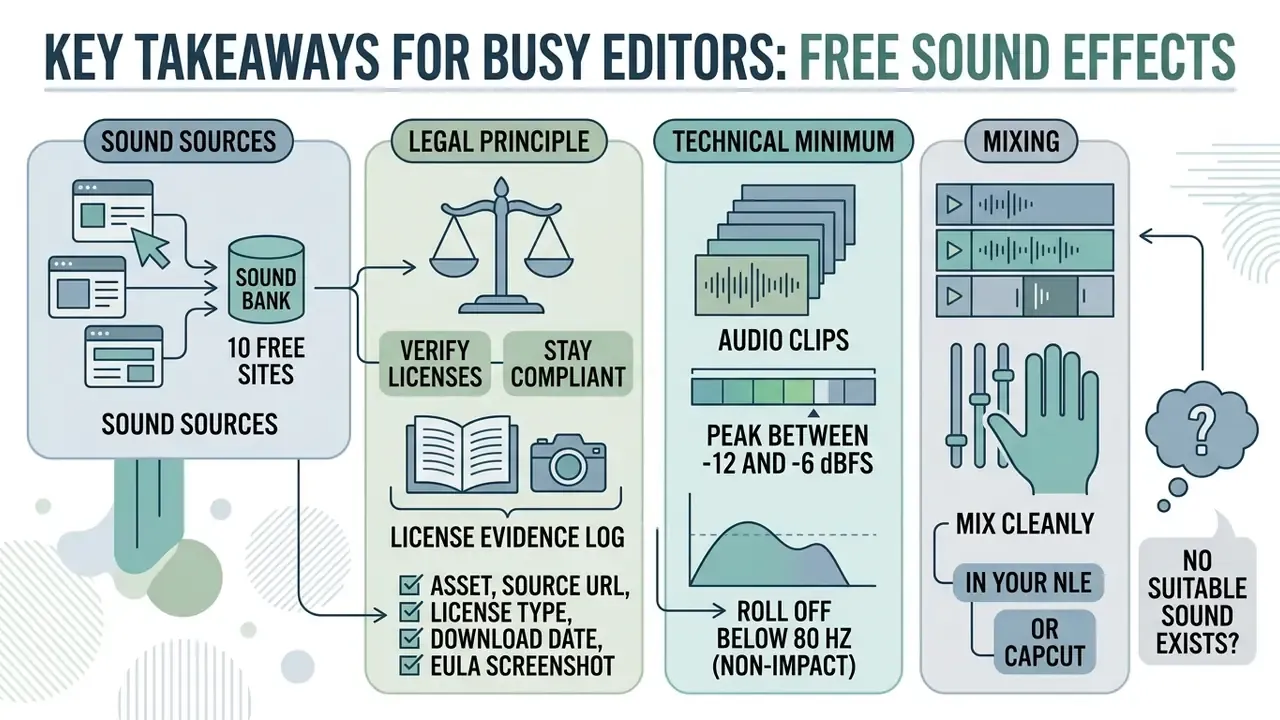
- Where to get sound. Ten vetted repositories cover roughly 99% of practical needs: Freesound (729,000+ files), Pixabay Audio (128,000+), Zapsplat (160,000+), the BBC Sound Archive (16,000+ historical recordings), YouTube Audio Library, Mixkit, SoundBible, Bensound, Free Music Archive, and BudgetPixel.
- The core legal principle. "Free", "royalty-free" and "no copyright" are three different concepts. Rights are defined by the license on the specific file (CC0, CC-BY, CC-BY-NC, a platform EULA), not by the button label.
- The technical minimum. For editing, take uncompressed WAV/PCM at 24-bit / 48 kHz (96 kHz is the archival tier). MP3 is fine for rough assemblies, because converting MP3 back to WAV never restores the discarded data.
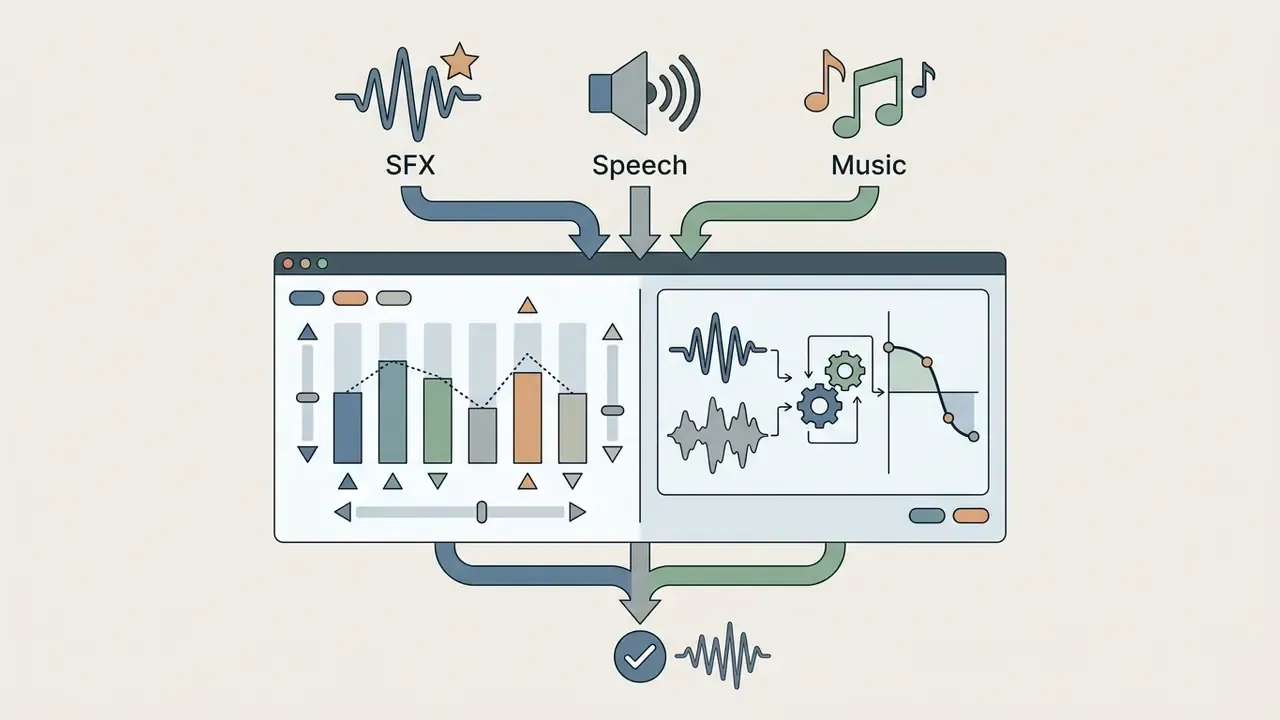
- Mixing. Keep SFX peaks between -12 and -6 dBFS, roll off everything below 80 Hz on non-impact effects, and duck the music bed 3 to 6 dB under speech with sidechain compression.
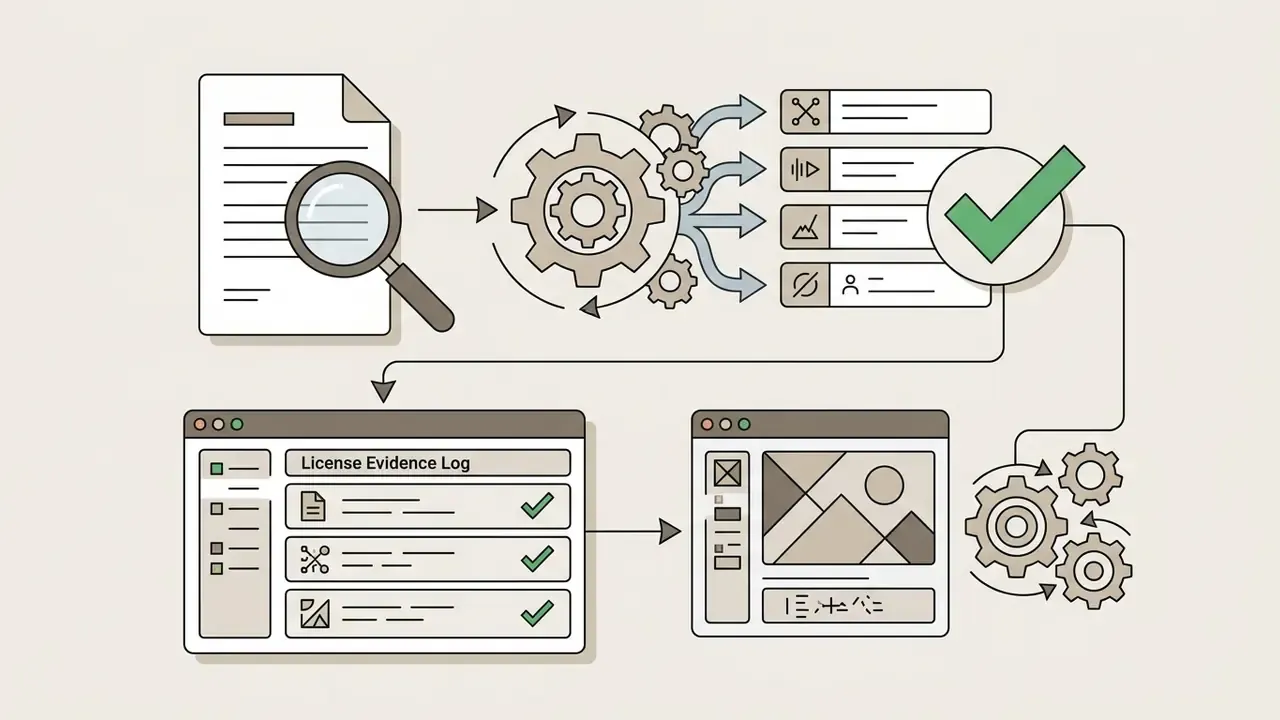
- Compliance. Maintain a License Evidence Log (asset, source URL, license type, download date, EULA screenshot). It is your only proof of rights during an automated Content ID scan or an internal audit.
- No suitable sound exists? Record it. A smartphone, a Zoom H1n or a Deity S-Mic 2 will cover about 80% of everyday Foley with no budget at all.
Where to download free sound effects for video editing
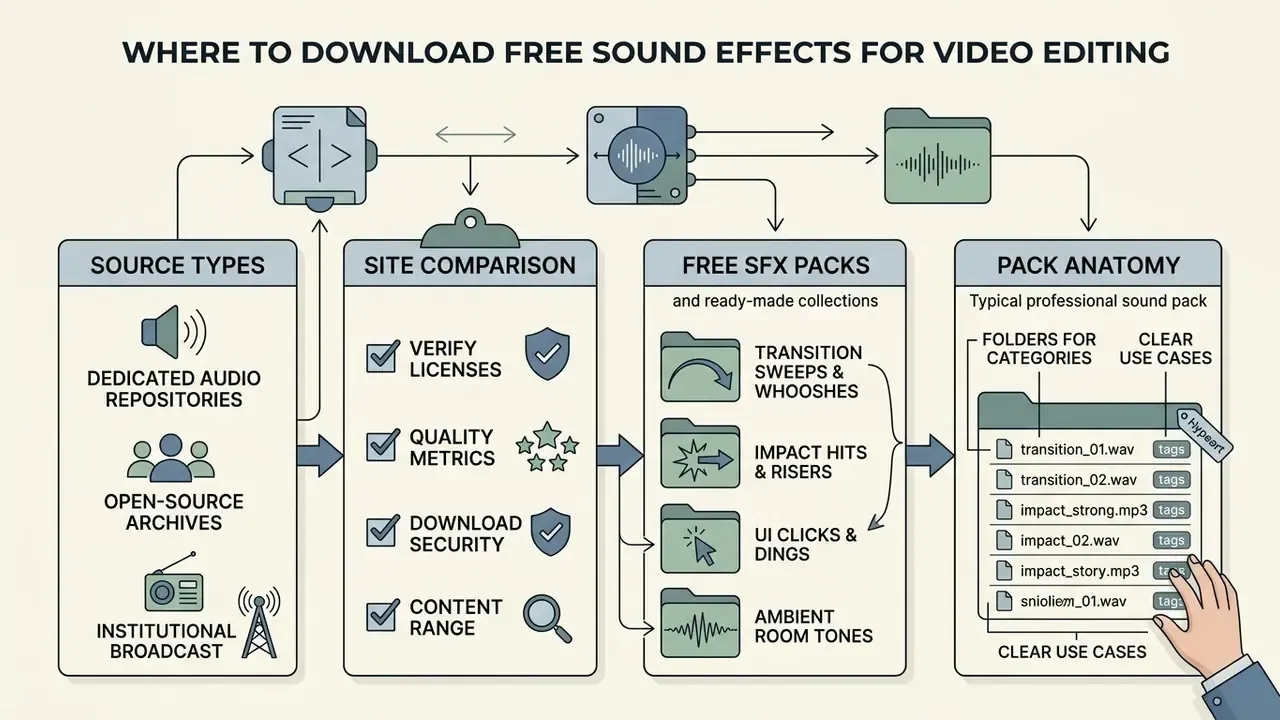
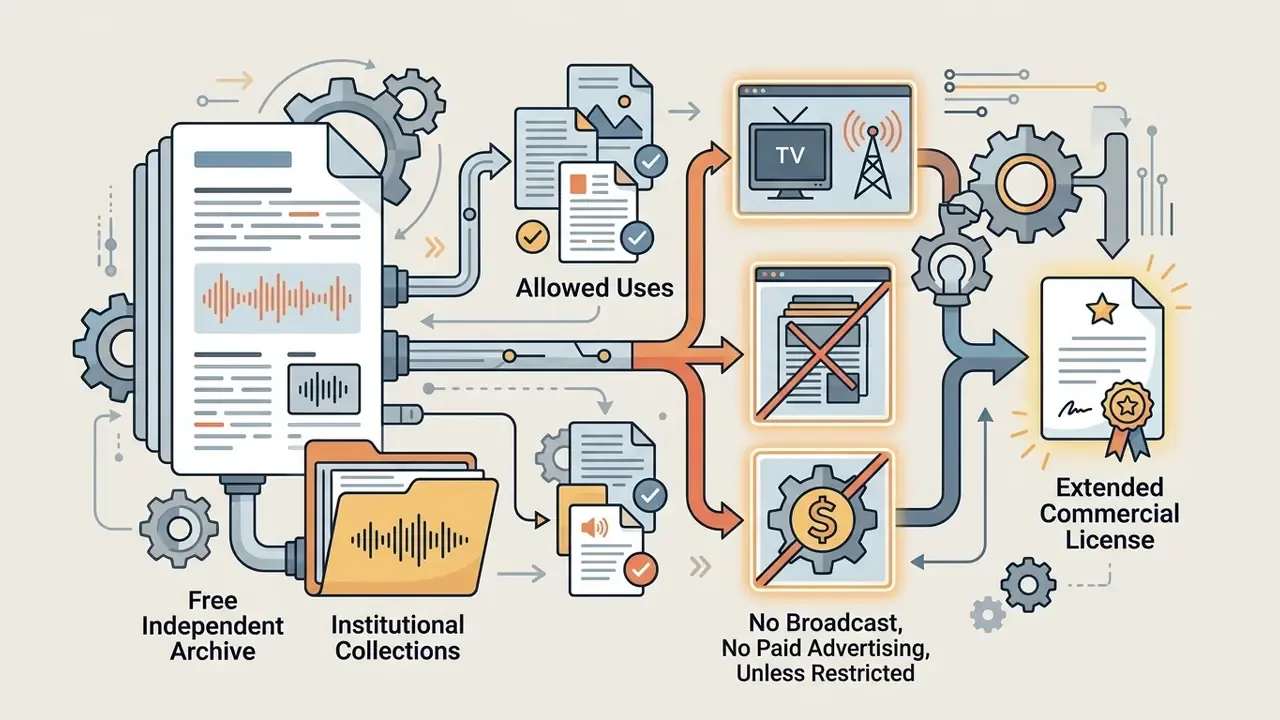
The most reliable sources for downloading free sound effects for video editing are dedicated audio repositories, open-source community archives, institutional broadcast collections, and platform-native libraries built into publishing ecosystems. Which one you pick depends on whether your project needs raw uncompressed masters, historical field recordings, or pre-cleared royalty-free packs ready for immediate timeline placement. Weighing catalog scale, search indexing quality, and licensing transparency is how you identify the best free sound effects sites for video editing without jeopardizing a commercial deliverable. It is the same logic you apply when choosing free video editing software.
| Website Name | Library Scale & Formats | License Model | Registration | Best Use Case |
|---|---|---|---|---|
| BBC Sound Archive | 16,000+ historical clips (WAV) | BBC Personal/Educational EULA | Not Required | Historical, vintage, ambient environmental audio |
| Freesound.org | 729,000+ files (WAV, FLAC, MP3, OGG, AIFF) | CC0, CC-BY, CC-BY-NC | Free Account Req. | Deep Foley, raw field recordings, specialized search |
| YouTube Audio Library | 10,000+ tracks & SFX (MP3) | Royalty-Free (YouTube EULA) | Google Account Req. | Monetized YouTube content without Content ID risk |
| Pixabay Audio | 128,000+ clips (MP3, WAV) | Pixabay Content License | Not Required | Quick social edits (Reels, Shorts, TikTok) |
| Mixkit | 3,000+ SFX clips (WAV) | Mixkit Stock License | Not Required | Modern cinematic impacts, fast commercial turnarounds |
| Zapsplat | 160,000+ files & 700+ packs (WAV, MP3) | Custom RF (Attribution/Paid) | Free Account Req. | Game audio, UI sounds, structured thematic packs |
| SoundBible | 2,000+ clips (WAV, MP3) | Public Domain / CC-BY | Not Required | Lightweight, instant Foley downloads without signup |
| Bensound | 1,000+ tracks/effects (MP3) | CC-BY (Attribution Required) | Not Required | Background beds and acoustic elements for corporate ads |
| Free Music Archive | 150,000+ files (MP3) | Mixed Creative Commons | Not Required | Indie film scoring, experimental background textures |
| BudgetPixel | 2,533+ SFX (WAV/MP3, 44.1 kHz stereo) | Commercial Royalty-Free | Not Required | Direct starter assets for fast timeline placement |
Two more sources deserve a mention for teams already paying for creative software. Adobe Audition ships thousands of uncompressed royalty-free SFX governed by the Adobe Software License Agreement. Adobe Express exposes more than 15,000 Adobe Stock sound effects, of which roughly 11,000 are free on the entry-level plan. Both sit under subscription terms rather than open licenses, which actually simplifies clearance for in-house corporate production, since one agreement covers the whole team.
How to compare free sound effects sites for video editing
To compare free sound effects websites for video editing, evaluate five operational benchmarks: master audio resolution, search taxonomy quality, built-in auditioning controls, download security, and license transparency. Strong platforms deliver uncompressed 24-bit/48 kHz or 96 kHz linear PCM WAV files, in line with broadcast engineering guidelines from the European Broadcasting Union (EBU), and avoid a second round of data compression wherever possible.
«Freesound contains more than 515,000 sounds and over 3,000 hours of audio, distributed across hundreds of sound event classes.»
Advanced metadata tagging, including embedded descriptive keywords, spatial positioning notes, rights fields, and technical parameters, lets editors filter assets quickly inside a free sound effects library for video editing. Web analytics suggest that platforms with deep search indexing produce multi-step auditioning behaviour rather than single-click downloads. That is a useful signal: it means the catalog is genuinely browsable.
Platforms offering pre-curated sets flip that logic and optimize for fast retrieval over deep catalog exploration. Neither approach is wrong; they serve different deadlines.
Download security. Take SFX packs only as archives containing audio files (.wav / .mp3 / .flac), and inspect the contents before extracting. A legitimate sound pack never contains executables (.exe, .scr, .bat) or scripts. Any "SFX installer" from an unknown source belongs in an antivirus sandbox, not on your editing workstation.
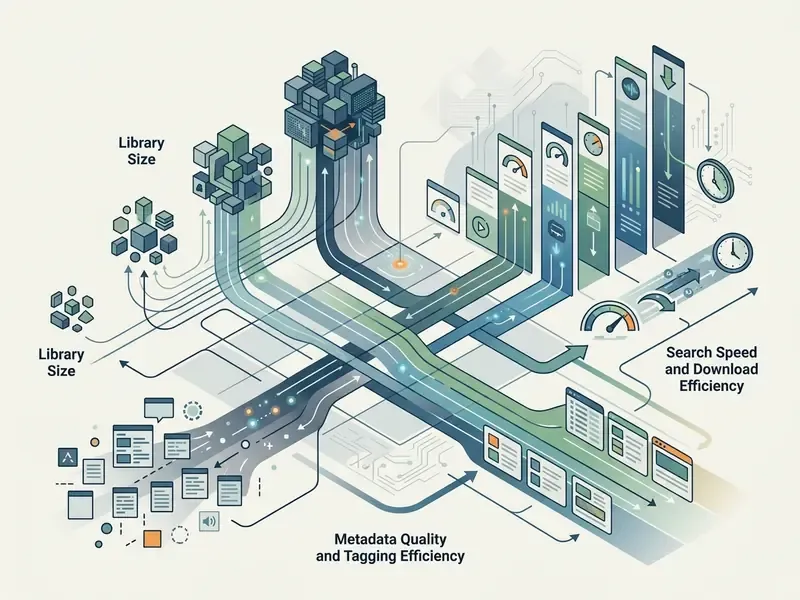
For creators building a broader production architecture, assessing media assets through structured AI Media Comparison Matrices helps standardize software and asset choices across editing teams. If you are also optimizing the weight of final masters after the audio mix, the separate breakdown of video compressors and quality loss is worth a read.
Free sound effects libraries and ready-made SFX packs
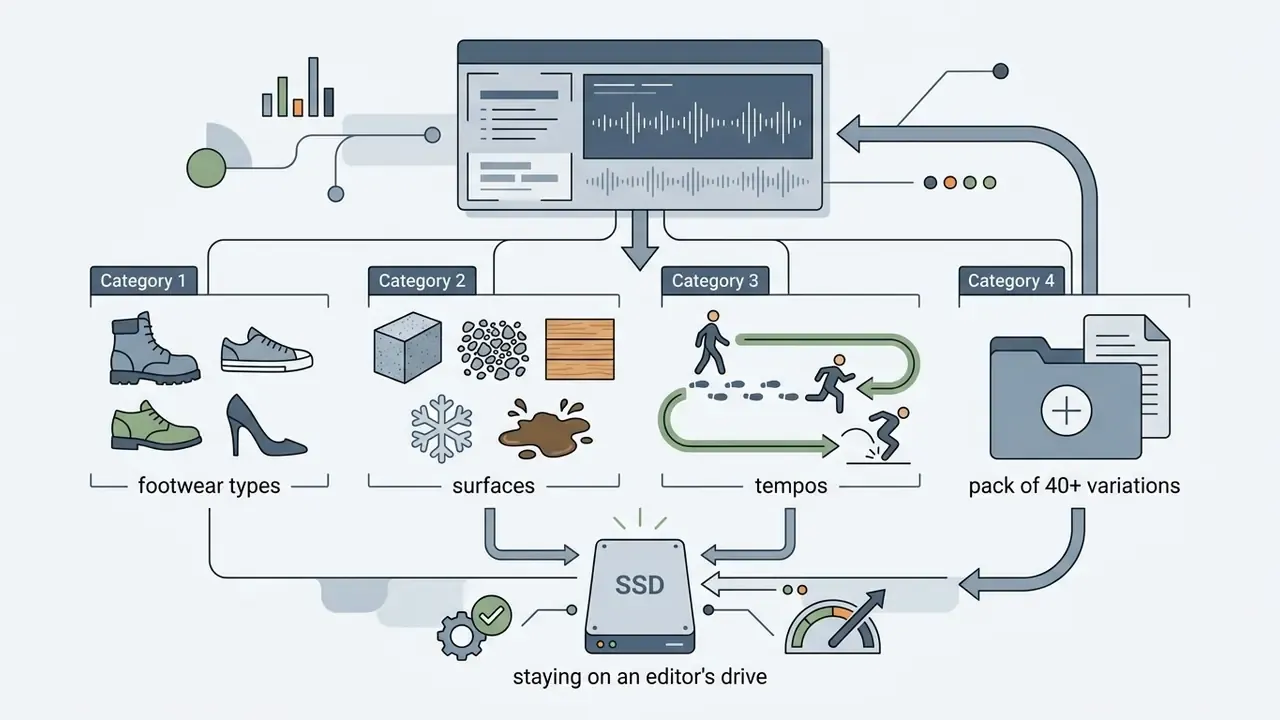
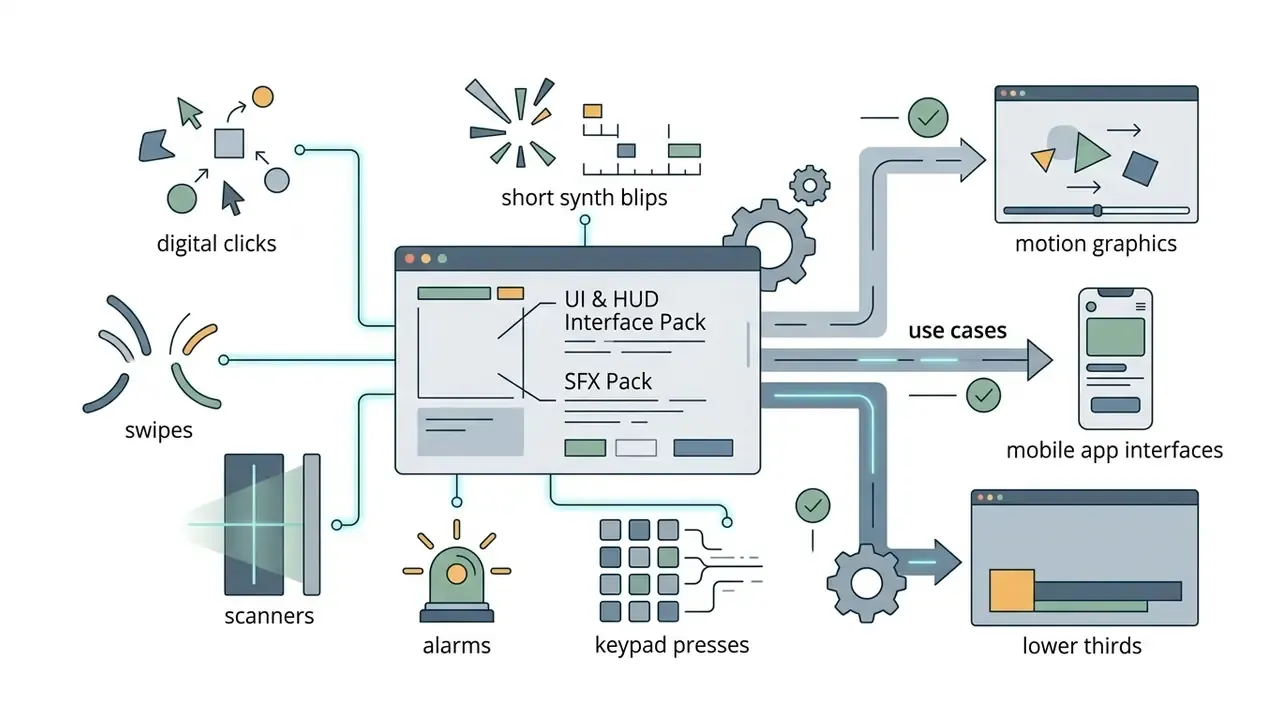
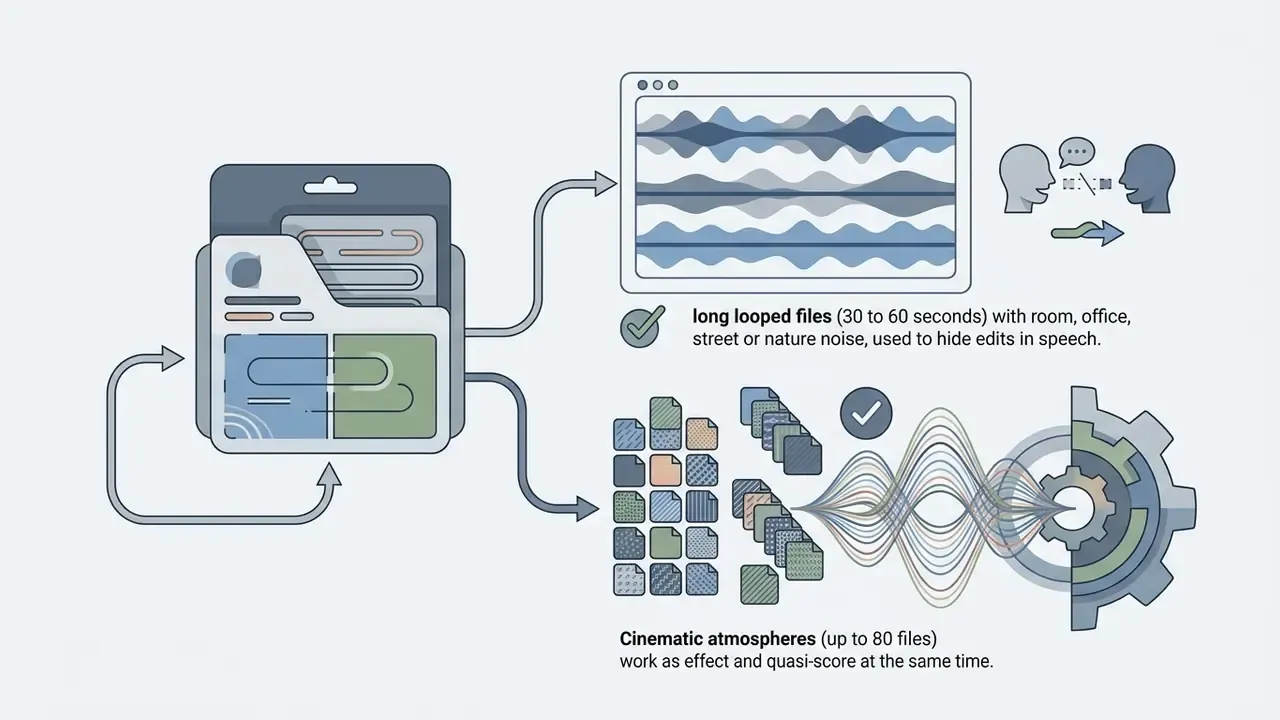
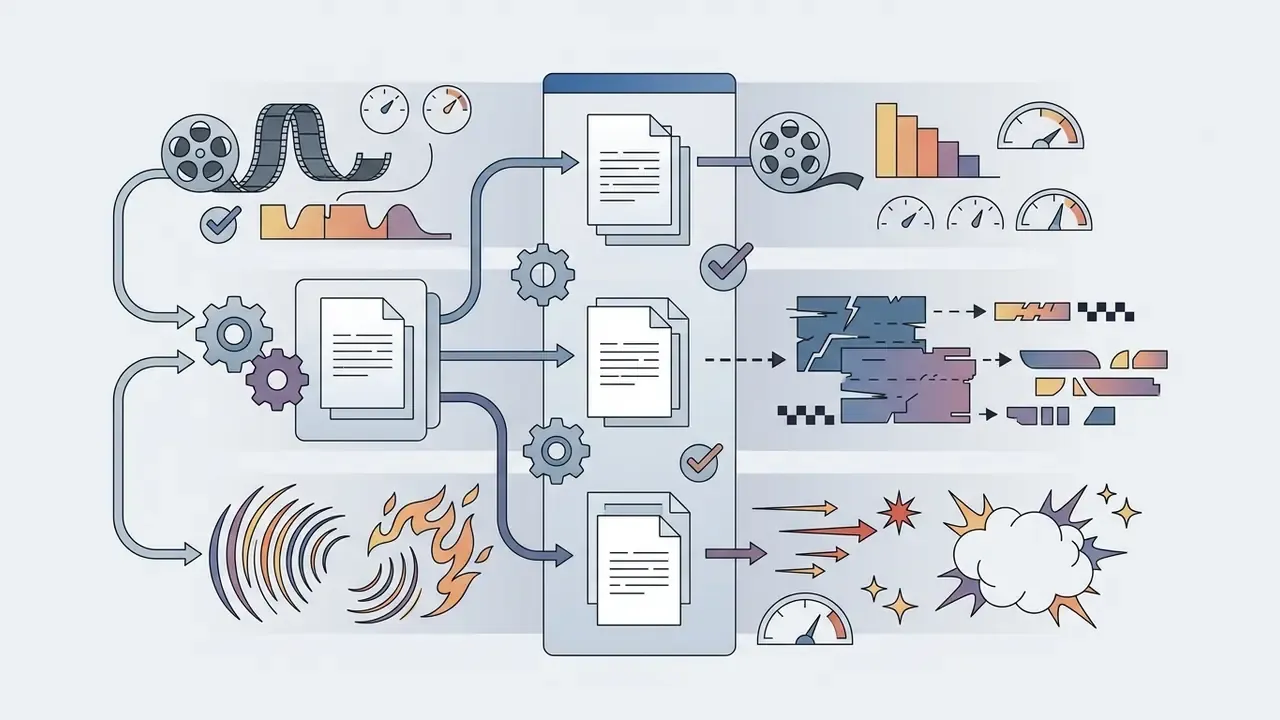
Pre-assembled thematic SFX packs speed up post-production by grouping harmonized audio elements into structured folders. Instead of hunting for individual files, editors download curated packs containing cinematic whooshes, UI navigation clicks, camera shutter sounds, and low-frequency impacts tailored to a specific genre. Those packs drop straight into the media bin of most video editors.
Popular starter collections include the 40-to-100-sound packs offered by YouTubeSFX, VideoEditingSFX, Zapsplat and 99Sounds, plus larger royalty-free vaults (2,800+ SFX with weekly updates). These bundles deliver pre-trimmed audio clips across standard categories:
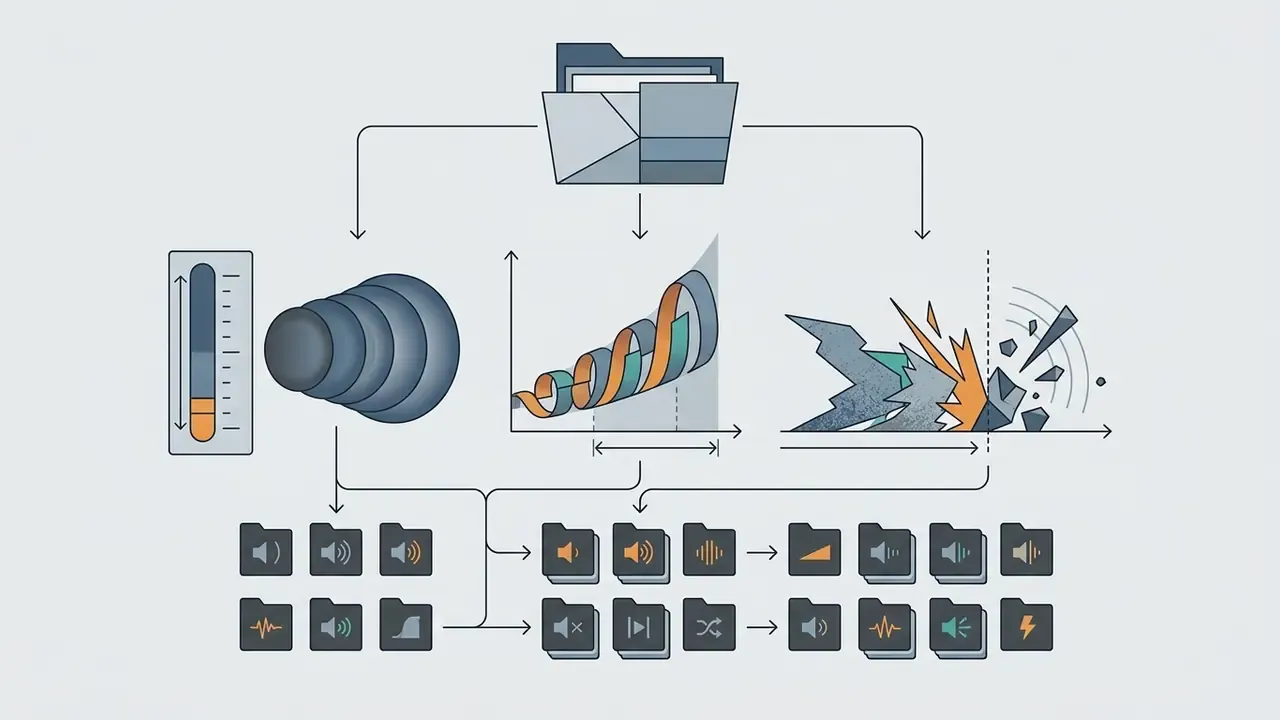
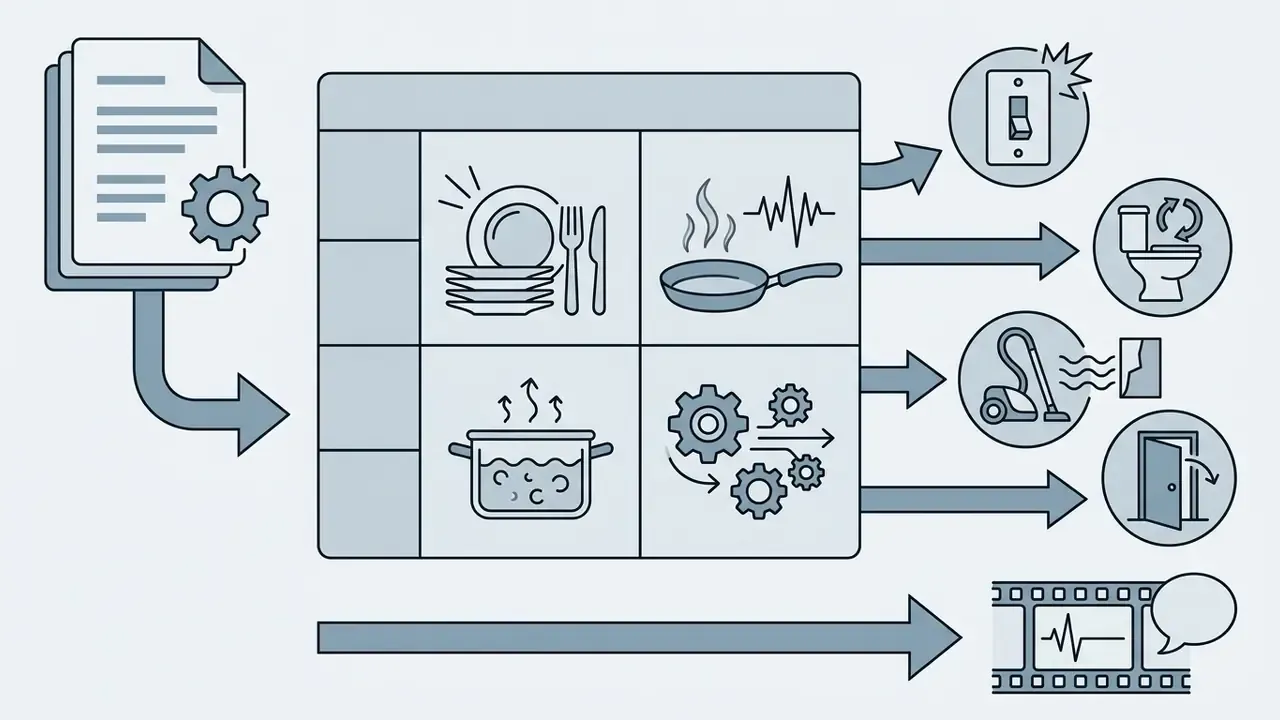
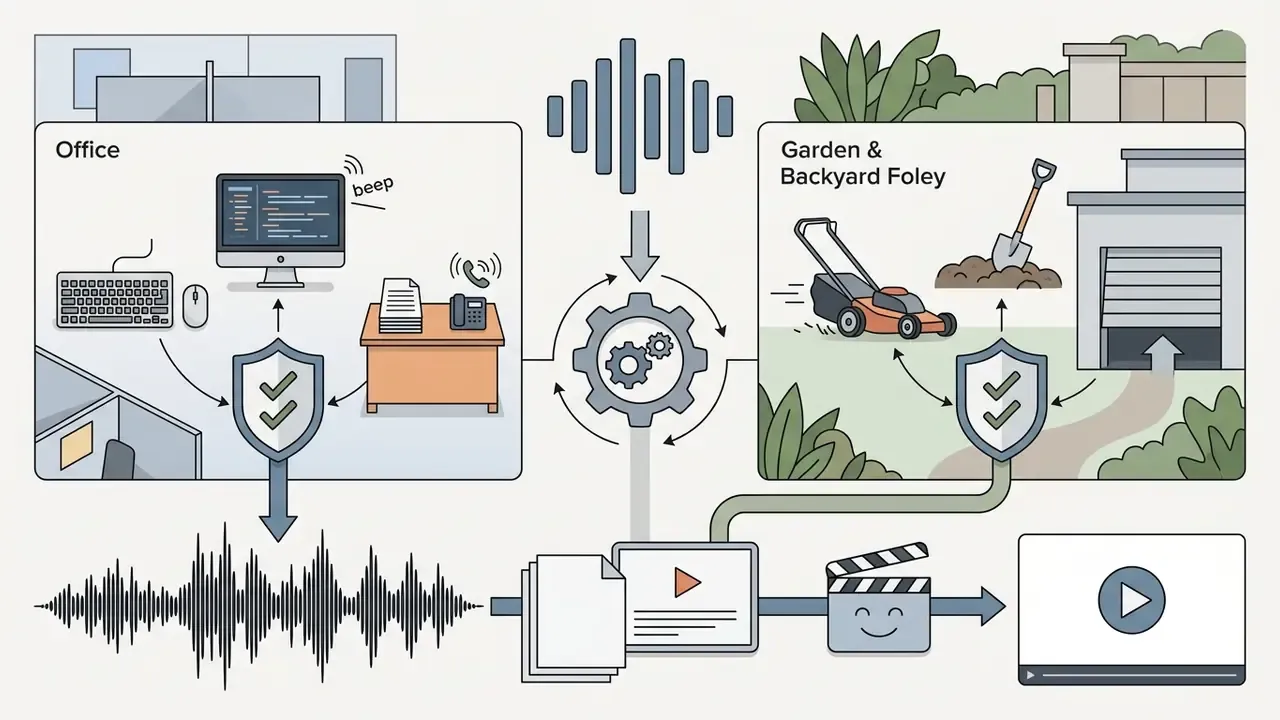
Anatomy of a professional SFX pack: categories and use cases
When you evaluate a bundle, look at how the sounds are split by acoustic property and shooting location.
Folding pre-cleared bundles into standardized assemblies, such as a reusable youtube video template, streamlines batch production while keeping mixing levels consistent from episode to episode.
How to check the license: royalty free, no copyright and terms of use
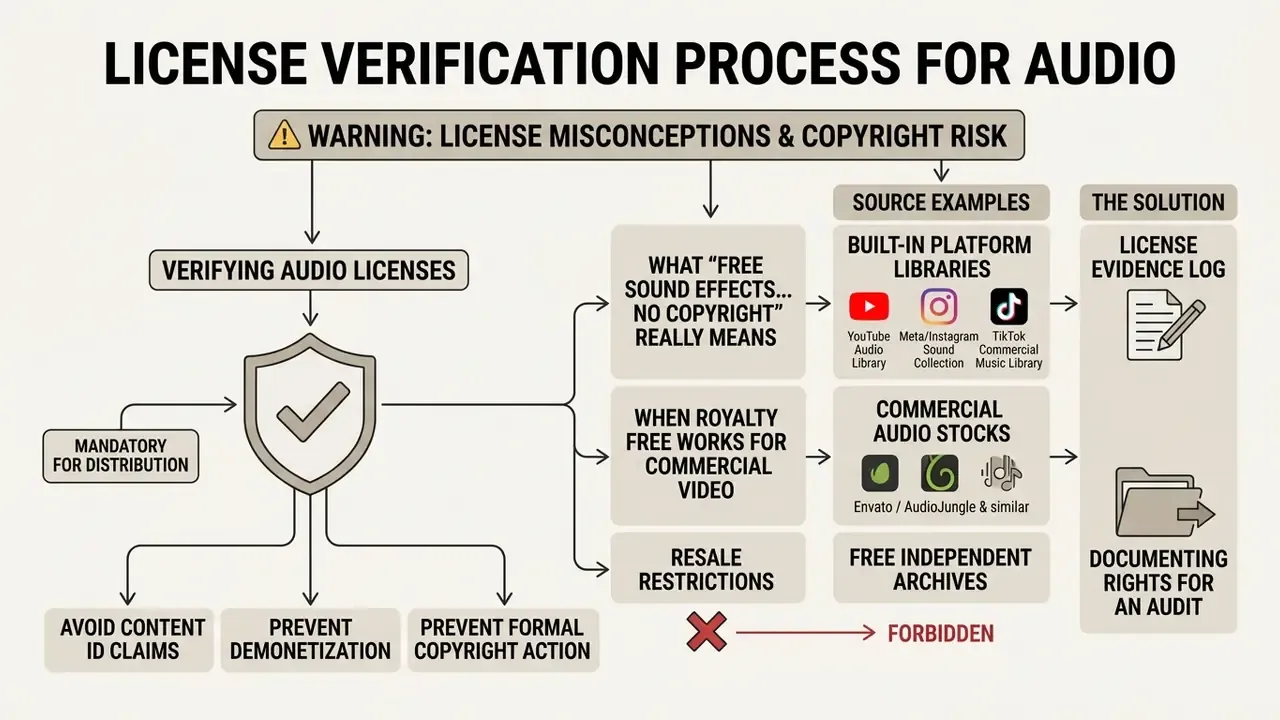
Verifying audio licenses before distribution is mandatory if you want to avoid automatic Content ID claims, demonetization, or a formal copyright action. The terms "free", "royalty-free" and "no copyright" are constantly conflated, yet they represent entirely distinct permissions under U.S. copyright law (Title 17).
⚠️ WARNING: license misconceptions and copyright risk
What "free sound effects for video editing no copyright" really means
The phrase free sound effects for video editing no copyright is a marketing descriptor used by aggregators, not a binding waiver. Under U.S. Copyright Office regulations, protection attaches automatically to an original recording once it is fixed in a tangible medium (U.S. Copyright Office Guidance, 2026), and royalty-free licensing describes a payment model, not an absence of rights.
Unless the sound designer explicitly executes a Creative Commons Zero (CC0) declaration dedicating the work to the public domain, the rights remain fully enforceable.
«The FSD50K dataset, built on 51,197 Freesound clips, can be distributed freely precisely because of the Creative Commons licenses attached to each file.»
Updated: strike risk. Downloading a file labelled "no copyright" from an unverified third-party site or a YouTube mirror exposes your channel to enforcement if the original creator never authorized that public upload. Platform rights systems act on the rights mismatch, not on your intent. Universal Music for Creators documents that TikTok may display a rights-confirmation prompt and can mute or remove videos whose audio is not properly licensed. NSW Government guidance for organisations recommends sourcing commercial social-media audio from platform libraries (Facebook Sound Collection, YouTube Audio Library) or licensing directly from the copyright owner. A file named "No Copyright" does not cancel a license that restricts commercial use, forbids redistribution, or requires attribution. The license document and the metadata bind you, never the filename.
A short illustration of why validation protects revenue. A digital publishing team dropped thirty audio clips from an open archive labelled "copyright free" into a corporate campaign. During client review, automated Content ID scanners flagged two background impact sounds, and ad revenue went on hold immediately. The team audited the source metadata, discovered the creator had licensed the files under Creative Commons
"Automated platform systems do not evaluate video intent. They check digital file signatures against copyright registries. Explicit rights documentation is your only defense against automated strikes." - Legal Compliance Specialist
When royalty free sound works for commercial video
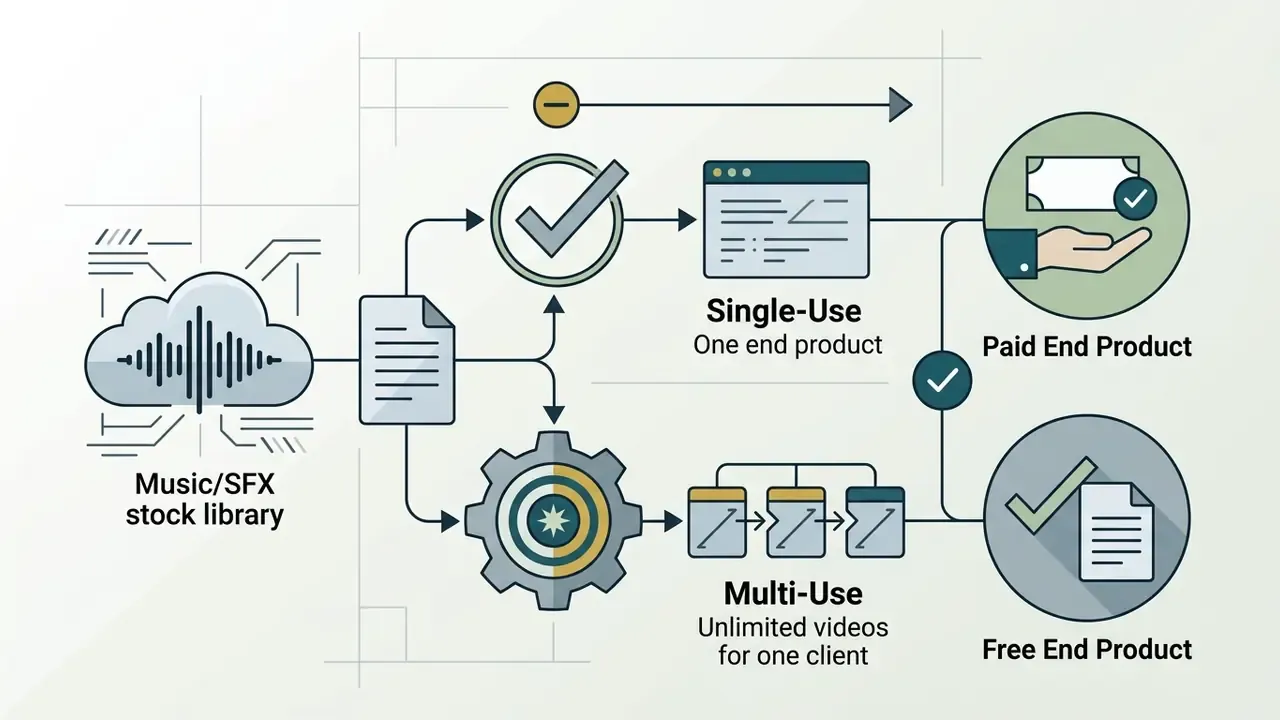
A royalty free sound is suitable for commercial videos, sponsored posts, and monetized channels only when the underlying agreement explicitly authorizes commercial synchronization. The word "free" in the file name proves nothing.
Commercial platforms such as the Facebook Sound Collection and the YouTube Studio Audio Library pre-clear royalty-free audio specifically for monetization inside their own ecosystems. Instagram's Sound Collection advertises more than 14,000 royalty-free songs and sounds cleared for Reels and Stories. It is useful to compare this split with the approaches to commercial use of media content in other categories of generative assets, where the same "cleared inside the platform" pattern keeps appearing.
License Evidence Log: documenting rights for an audit
| Log field | What it records | Example value |
|---|---|---|
| Asset Name / File | Exact filename on disk | SFX_impact_sub_boom_01.wav |
| Source URL | Direct link to the file page | https://freesound.org/people/.../sounds/123456/ |
| License Type | CC0 / CC-BY / CC-BY-NC / Platform EULA / Paid RF | CC0 1.0 Universal |
| Download Date | Date and time of download (UTC) | 2026-02-11 09:42 UTC |
| Attribution String | Ready-to-paste credit line | Sound by [Author] / Freesound.org |
| Evidence Artifact | Screenshot of the license page or PDF EULA | /docs/eula/freesound_123456.png |
| Integrity Hash | SHA-256 of the file at download time | 9f2c… |
| Approved Use Scope | Organic social / Paid ads / Broadcast / Internal | Paid ads, worldwide, perpetual |
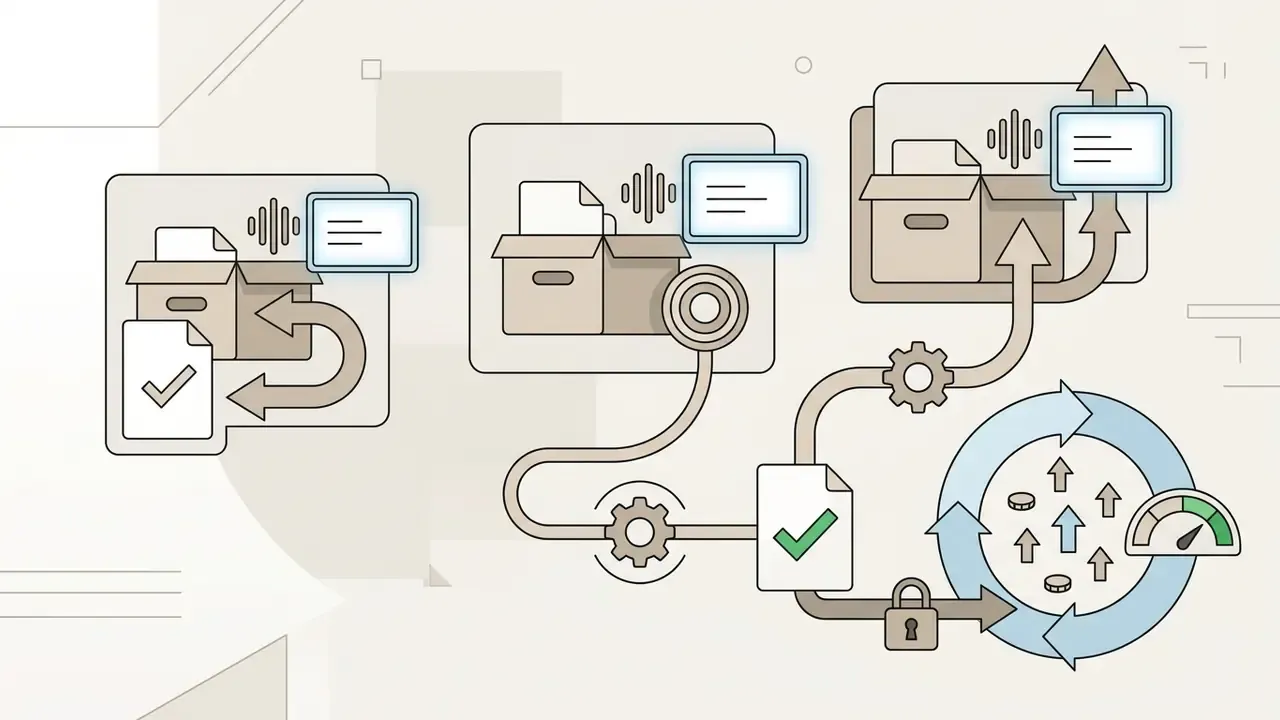
This log closes three scenarios: a Content ID dispute with a platform, an internal compliance audit, and handing the project to another editor without losing the legal context. Store the artifacts (screenshots, PDFs) next to the project, not just the links. License pages get rewritten, and a dead URL proves nothing.
Free vs paid stock: calculating the real cost of "free" audio
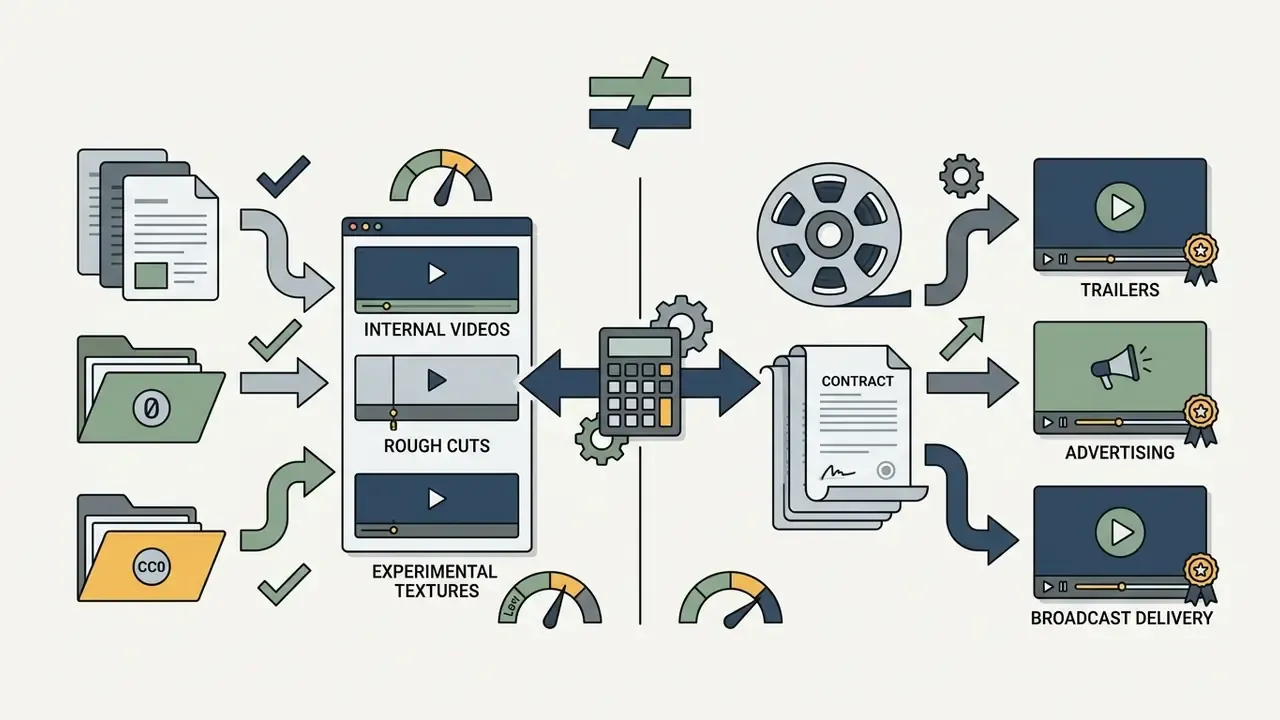
Free SFX are not free once you count operational time. Use a simple formula: (search time + license verification and evidence capture time) × editor hourly rate × number of assets.
- Roughly, one external file costs 5 to 10 minutes of searching and auditioning, plus another 10 to 15 minutes for license verification, saving the EULA screenshot, and filling in the register.
- On a project with 20 external SFX that is 5 to 8 person-hours spent on compliance alone. In most agencies that figure exceeds an annual subscription to one audio stock, or the price of an extended license.
- The reverse is also true. For one-off organic posts and educational content, platform libraries (YouTube Audio Library, Meta Sound Collection) carry zero compliance overhead, because rights are pre-cleared inside the ecosystem.
How to download free sound effects for video editing in MP3
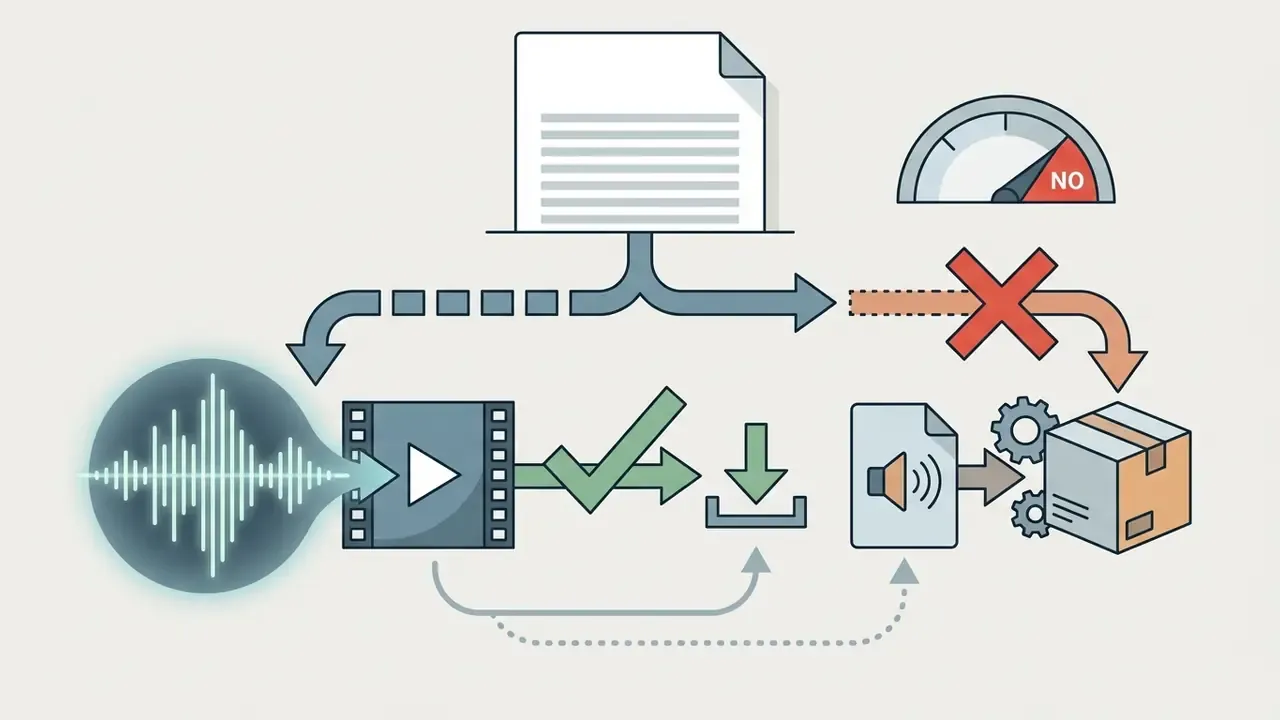
To download free sound effects for video editing, you navigate library interfaces, filter results by technical specification, and pick the right delivery format. Compressed MP3 files stay lightweight for rapid drafting, but uncompressed formats are the professional default wherever audio will be processed. Converting MP3 back to WAV inflates the file size and restores nothing. Archival recommendations give clear tiers: 96 kHz / 24-bit is ideal, 48 kHz / 24-bit is the working standard, 44.1 kHz / 16-bit is the minimum acceptable draft.
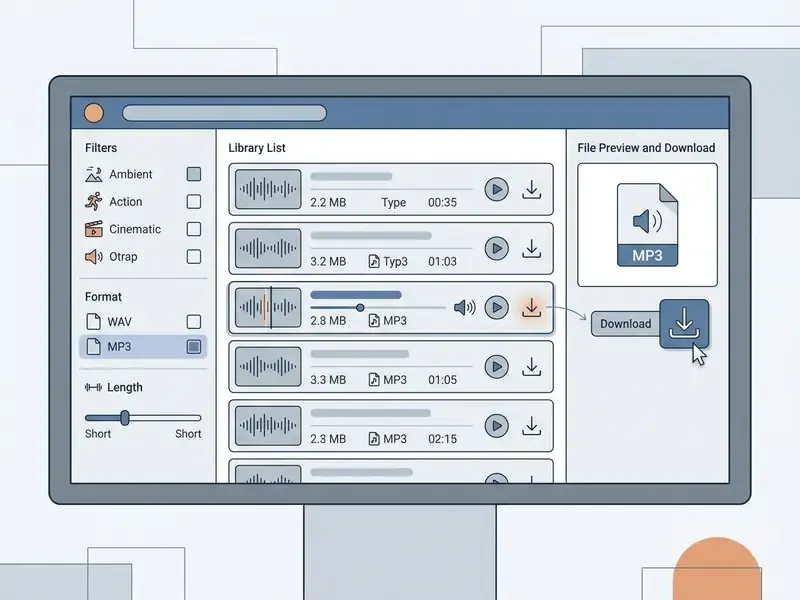
How to find and download the right free sound clip
Locating specific free audio clips for video editing depends on precise queries that pair object nouns with acoustic descriptors. Vague queries return vague results.
«Analysis of roughly 9 million Freesound queries showed that real queries are shorter than hypothetical ones, which reduces match accuracy in sound search.»
When working with stock search engines:
- Replace a general search like "door" with a descriptive query such as "heavy industrial metal door slam interior reverberation".
- Use the built-in filters to restrict results by license type (for example CC0 public domain), duration, sample rate, and channel count.
- Filter by Music/SFX and by "Free" before auditioning. Professional NLE panels serve low-bitrate previews so you can test a clip against the timeline before licensing the final asset.
- Audition through waveform preview tools at full speed, and jump around the waveform instead of listening linearly, before you commit to a free sound effects for video editing download.
Creators producing written summaries alongside video can shorten the loop with a youtube video summarizer online free, extracting the key text beats that tell you where sound cues belong.
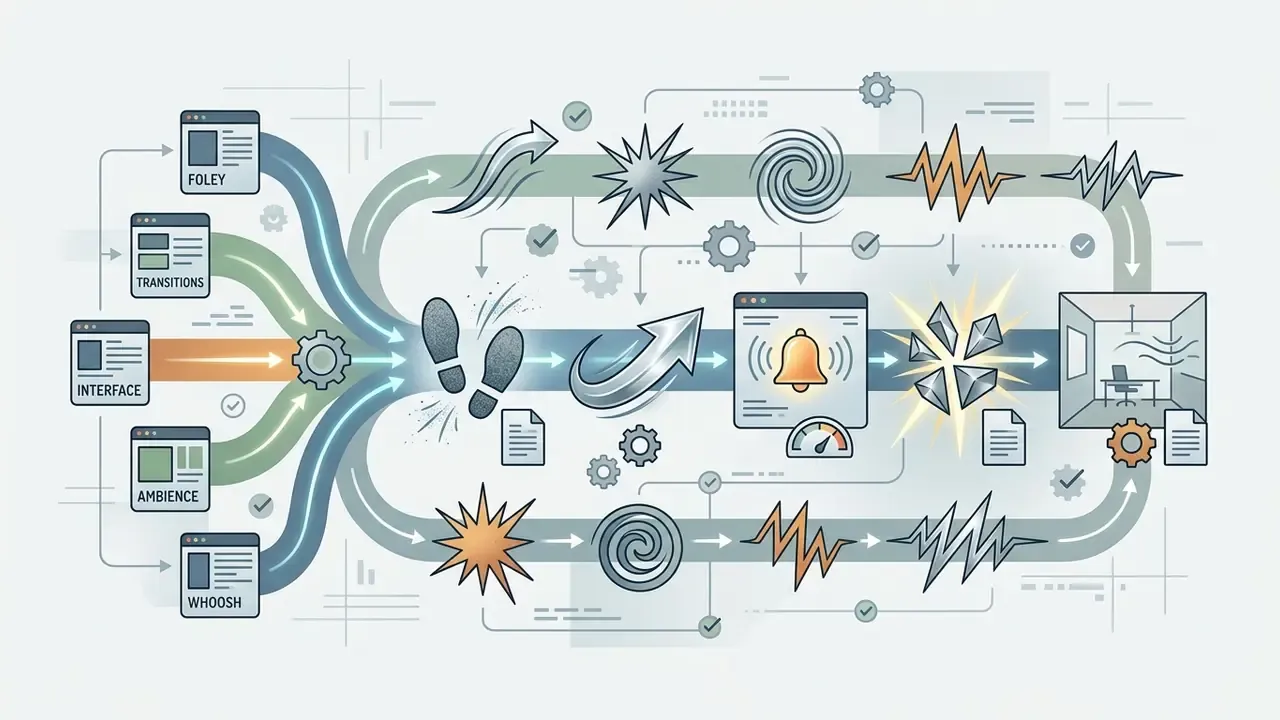
foley + footsteps, transitions + whoosh, interface + notification, whoosh + fast bright metallic, ambience + room tone office.How to add downloaded sound effects to your video editor
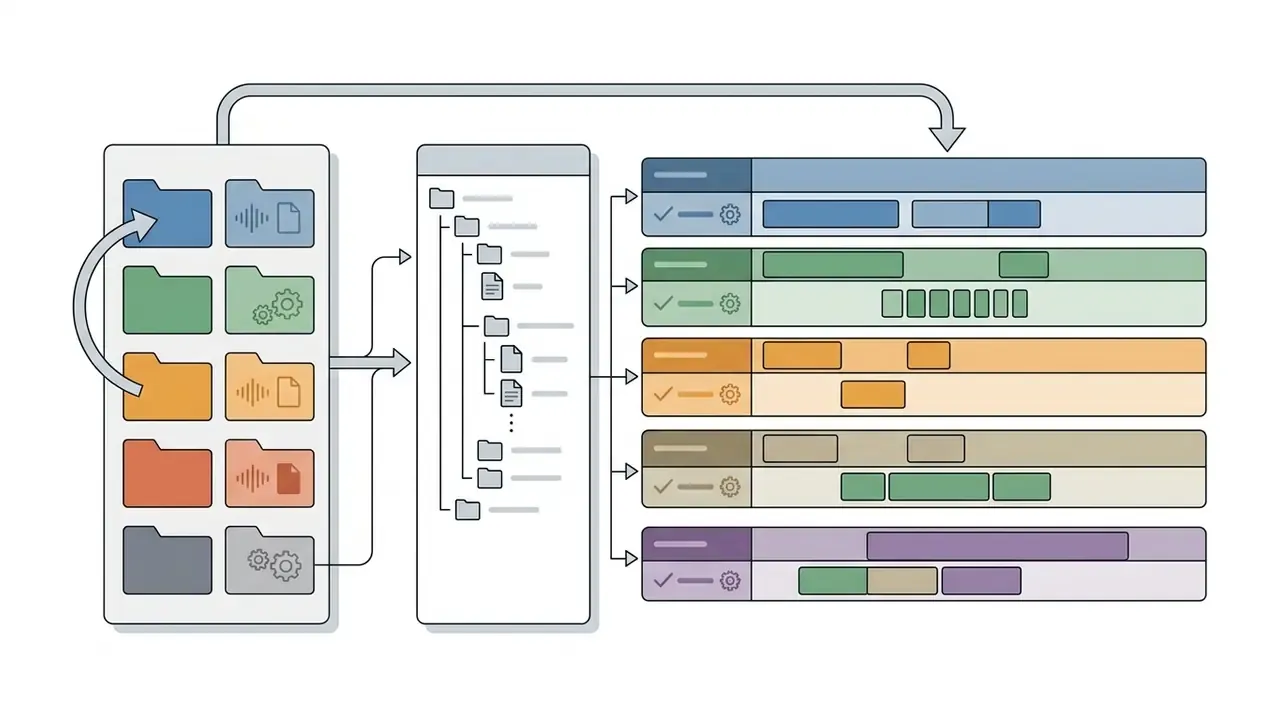
Importing free sound clips for video editing into non-linear editing (NLE) software requires structured media organization, otherwise file paths break during project archiving. The same order of operations applies in specialised YouTube video editors.
Standard NLE import and organization workflow:
- Directory setupcreate a dedicated
Audio/SFXsubfolder inside the main project directory on your local drive before importing anything. - File importFile import:
- Timeline placement: drag the clip onto a dedicated audio track (
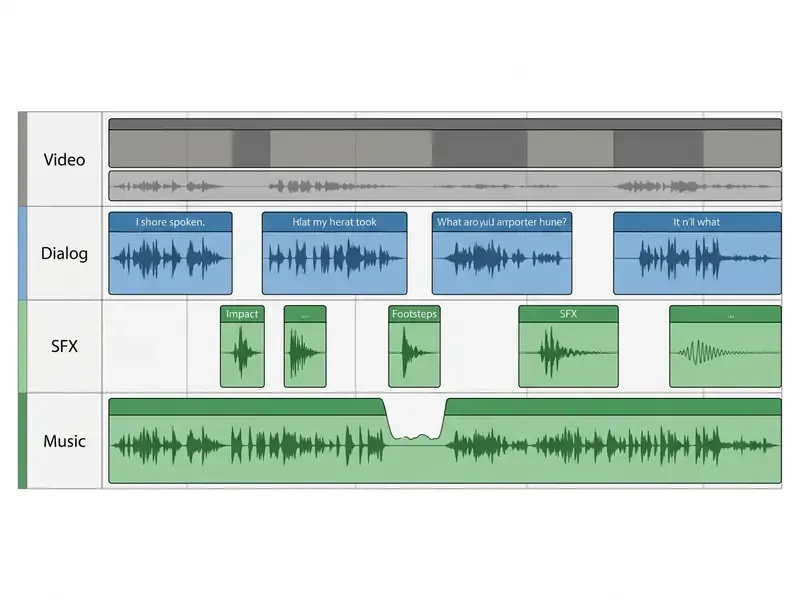
A3 - FoleyorA4 - SFX), separate from dialogue (A1) and music (A2). - Gain staging: adjust clip gain so peaks sit between -12 dBFS and -6 dBFS, which prevents digital clipping on the master export.
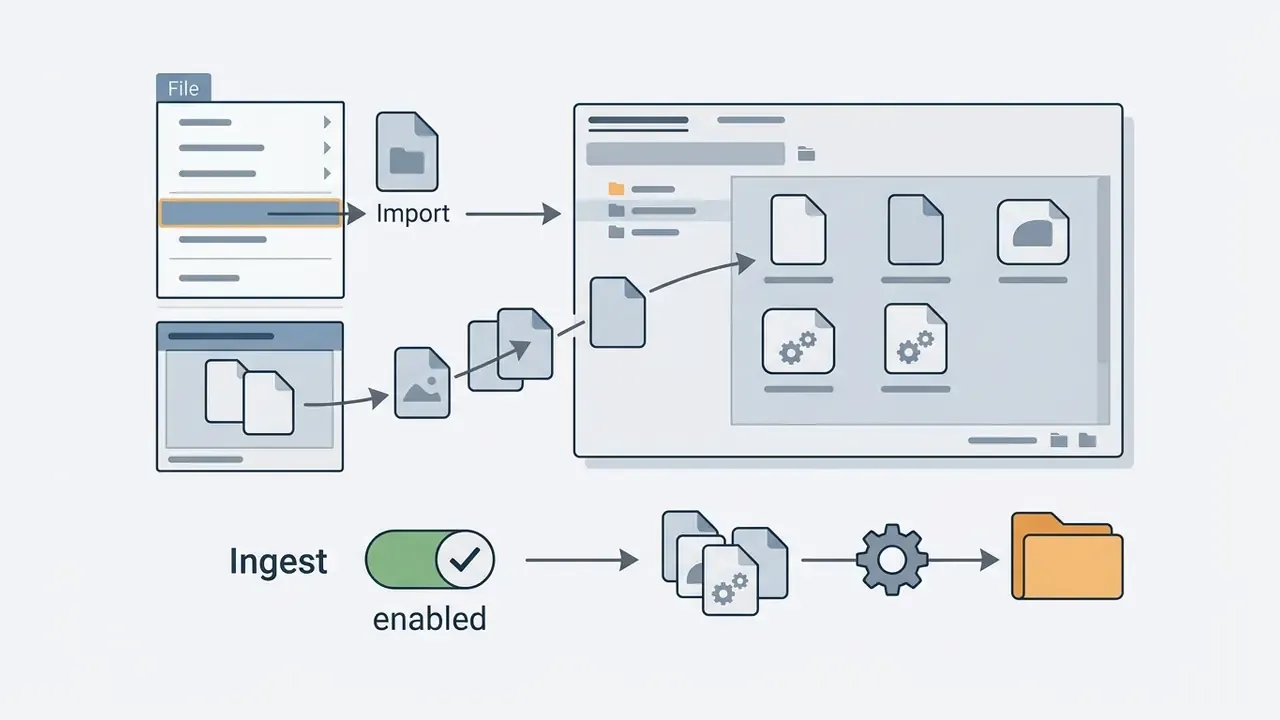
File > Import, or drag files from the Media Browser into a structured project bin. Enabling Ingest copies the asset into the project folder automatically.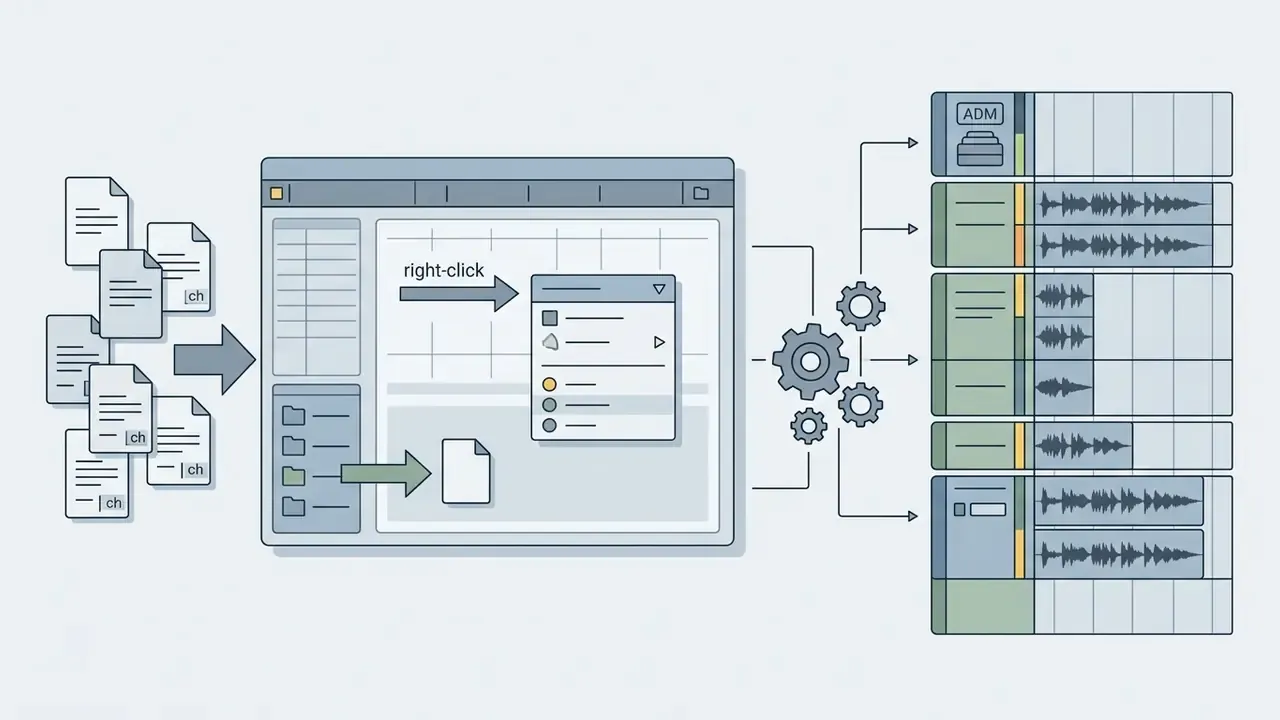
Add Files to Media Pool, or drag from the Media Storage browser (DaVinci Resolve User Manual). Resolve reads mono files with channel suffixes as a single multichannel clip, and ADM imports generate matching Fairlight tracks.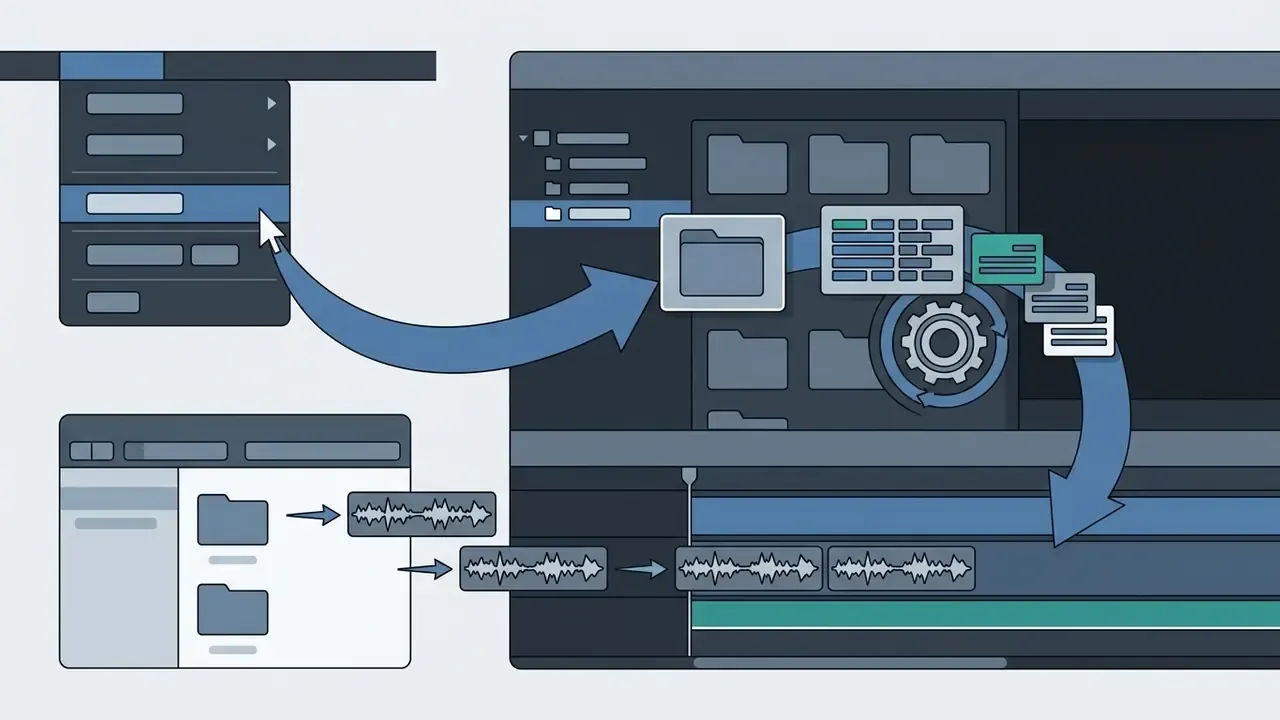
File > Import > Media and assign incoming audio to a specific Event library, or drag files straight into the event or timeline.Mobile editing: adding SFX in CapCut, TikTok and Instagram Reels
For sound effects work on smartphones (iOS and Android), the sequence is short:
- Import external SFXsave the WAV or MP3 file into the phone's file manager (iOS Files, Android Download).
- Move it into CapCutopen the project, then
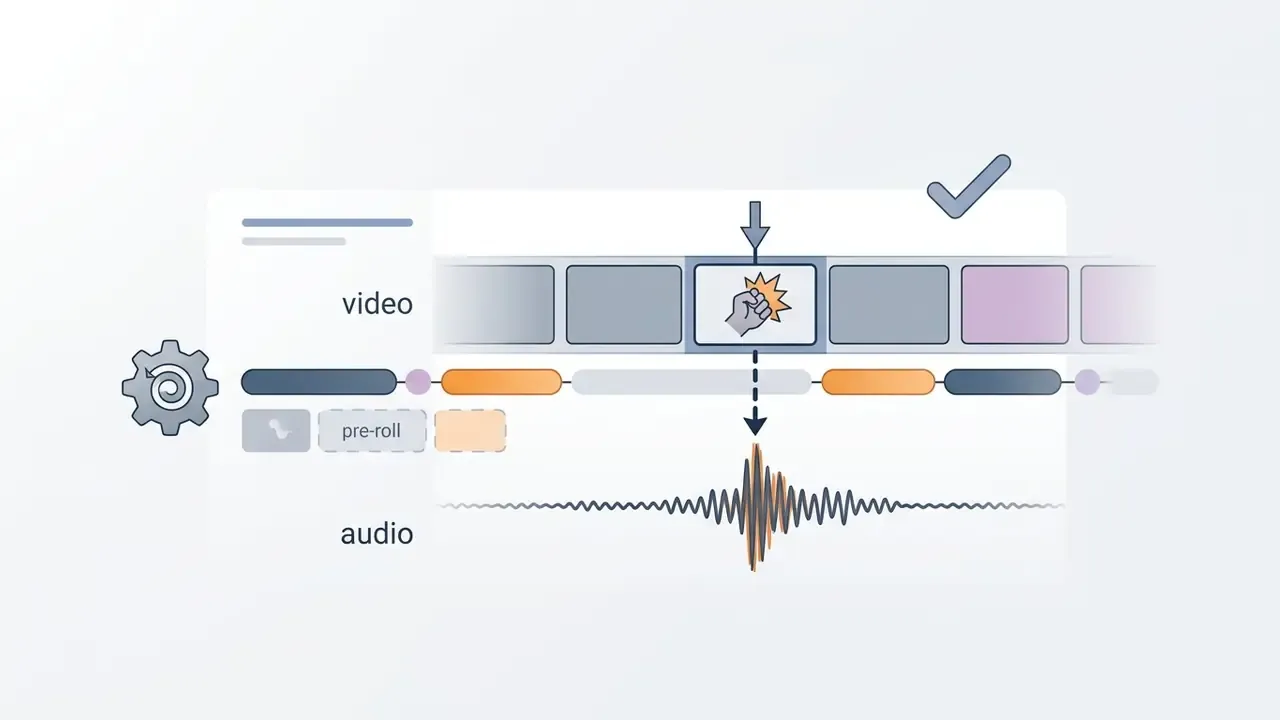
Audio>Sounds> theFoldericon >From files, and select the downloaded clip. The app's built-in library opens in the same place, split into categories (transition, laugh, fight, horror) with keyword search. - Sync against markersuse the waveform on the timeline. Line up the first amplitude peak of the SFX with the exact frame of the visual action; on vertical video it is easier to nudge the clip frame by frame while zoomed in.
- Normalize levelsset the SFX between -15 and -20 dB relative to the voiceover so the effect never buries speech. Add fade-in and fade-out, adjust speed and pitch as needed, since that changes the character of an effect without swapping the file.
- Publishwhen uploading a commercial clip to TikTok, use only the Commercial Music Library for music beds. External SFX must carry their own license permitting paid promotion.
How to choose sound effects for the scene and the style of the video
Selecting the best free sound effects for video editing means matching audio parameters, meaning pitch, dynamic range, transient impact and reverberation, to the visual rhythm and emotional intent of the scene. Professional practice divides the labour: SFX deliver realism, accent and transition; music carries tone and emotion. The build order runs from background atmosphere to sync clicks, whoosh transitions, risers and impacts. Emotional truth beats literal truth here. It is entirely legitimate to speed up or transpose a sound so it locks to the cutting rhythm.
«A study of 460 participants found that the presence of music in social media content significantly increases likes, comments, shares and watch time.»
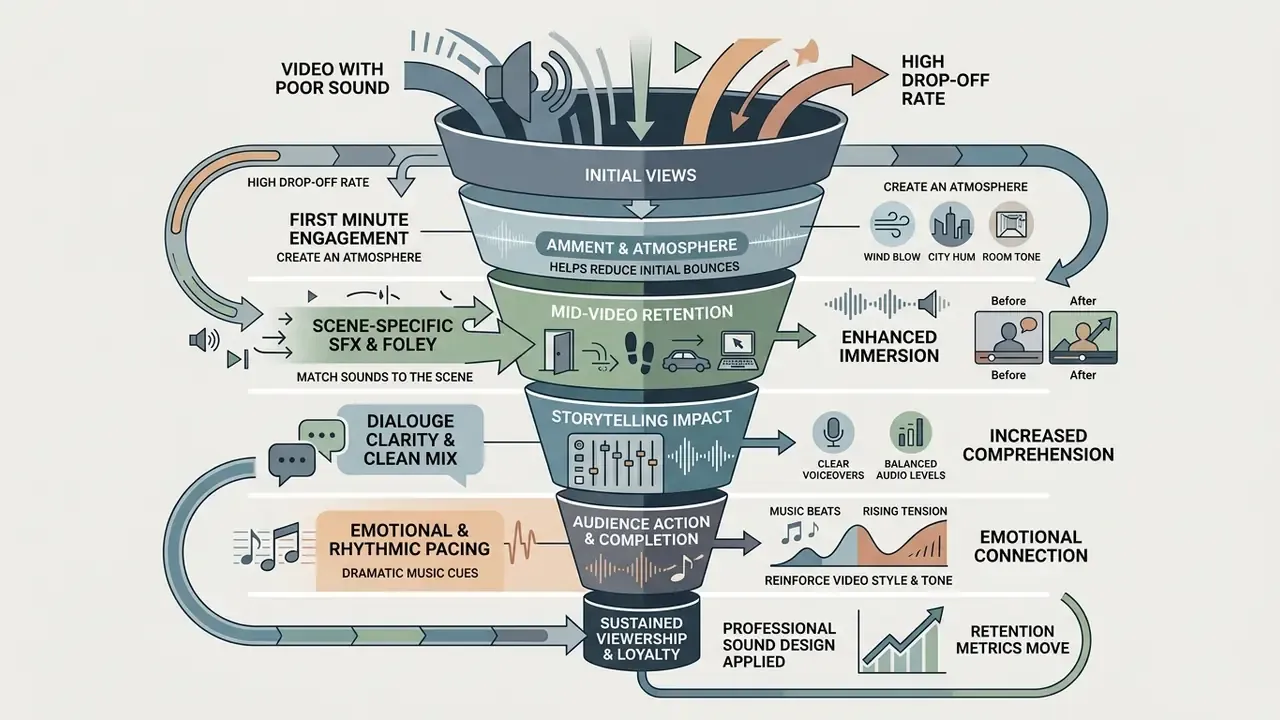
Which free sound effects to use for social media
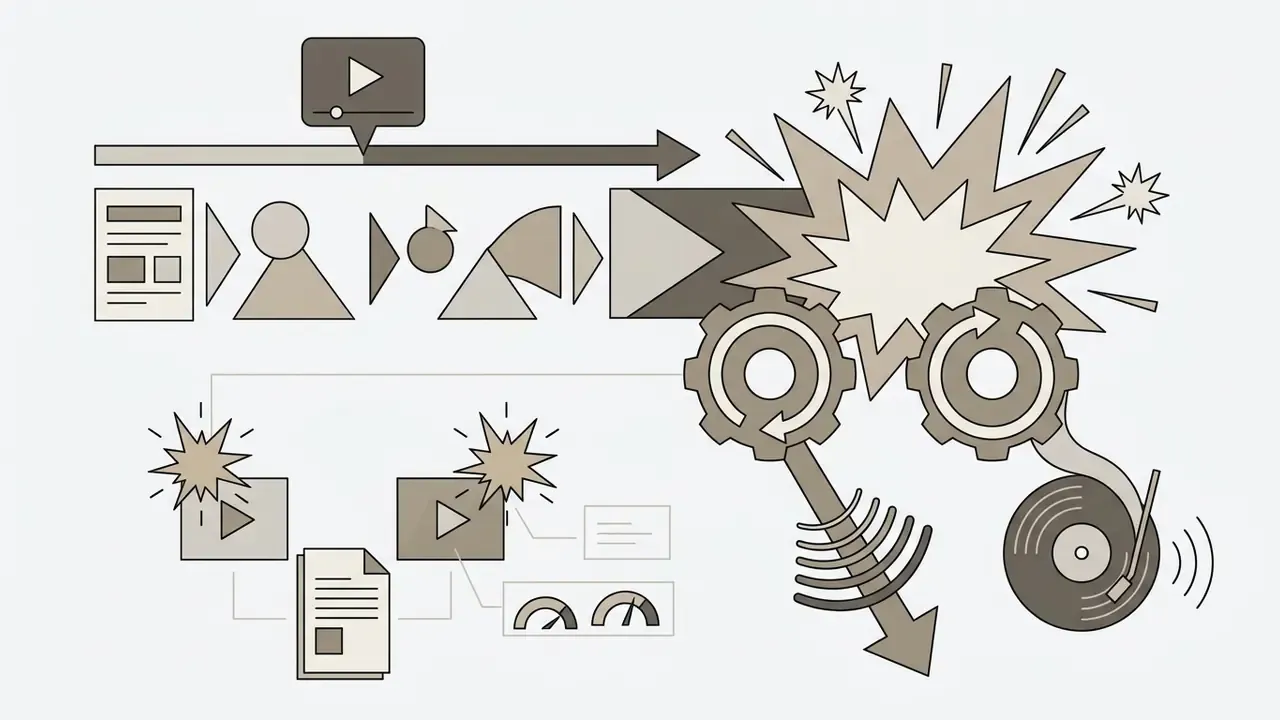
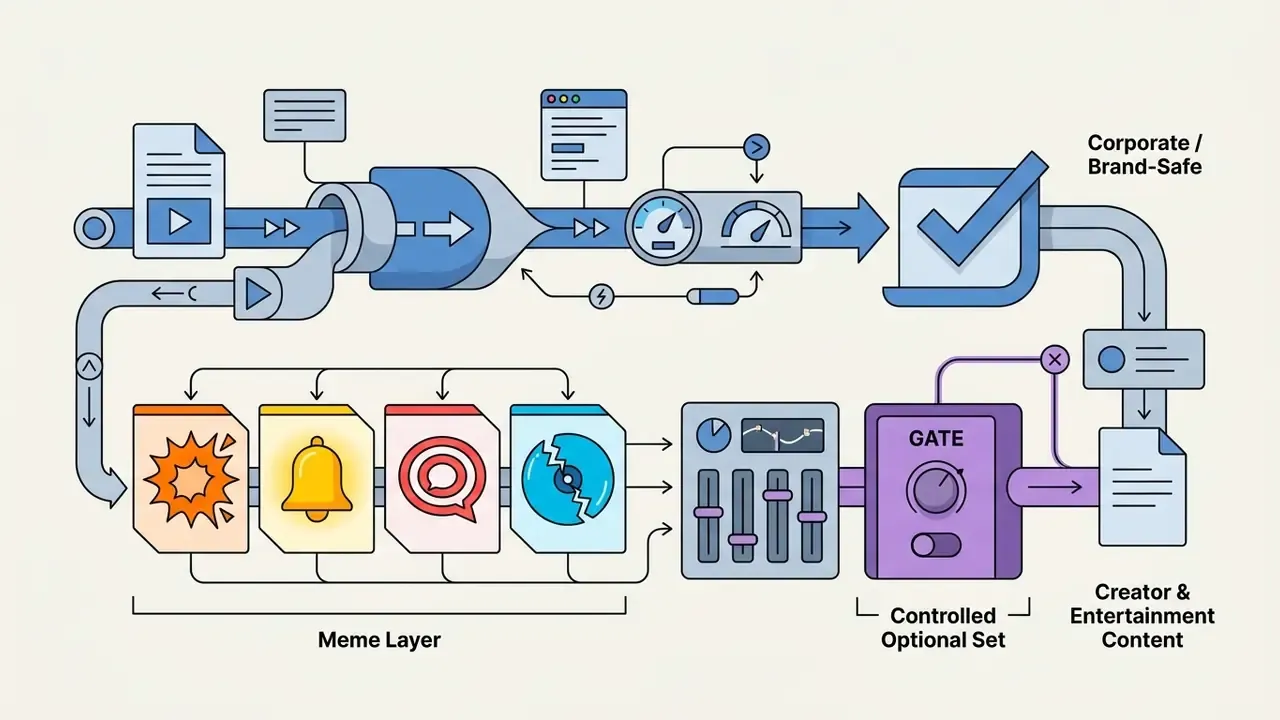
Short-form formats, including Instagram Reels, YouTube Shorts and TikTok clips, depend on fast, punchy cues to sustain visual velocity. Here you want concise free audio effects for video editing that underline screen movement and graphics without crowding the voiceover. The same principles apply to clips assembled with free AI video generators, where the audio layer compensates for the slightly synthetic feel of the image.
Primary social media SFX categories:
When assembling automated production pipelines with tools such as an AI voice generator for narration tracks, embedded standardized UI feedback clips reinforce the visual realism of digital presenters.
How to blend sound effects, ambience and the edit
Integrating free video editing sound effects into a multi-track timeline demands precise frequency management and dynamic level control. Sound design works in distinct layers: background ambience establishes the acoustic environment, discrete Foley anchors physical movement, and music drives narrative pace. Where the visuals already carry the story, thin the audio layer out. That restraint is the basic principle of audiovisual balance, and it is the step most often skipped.
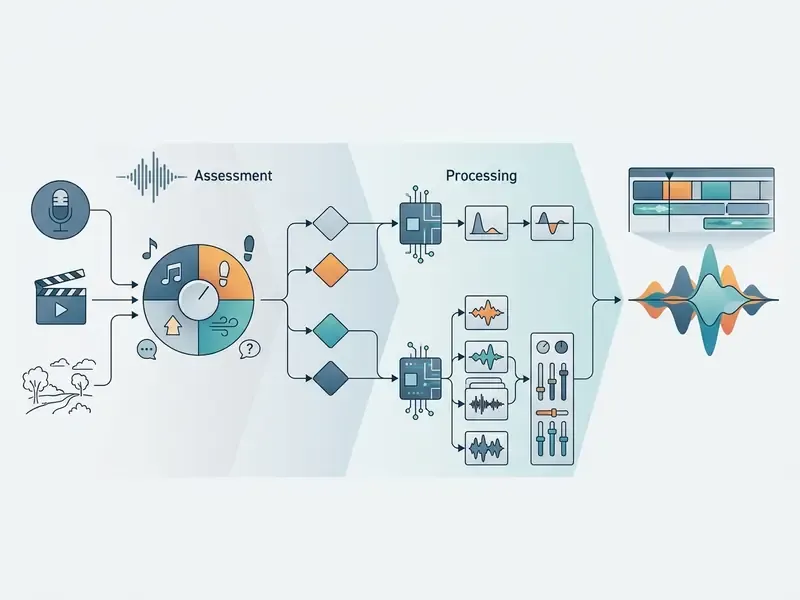
To keep speech intelligible while preserving punch, work through this checklist when selecting and implementing sound effects:
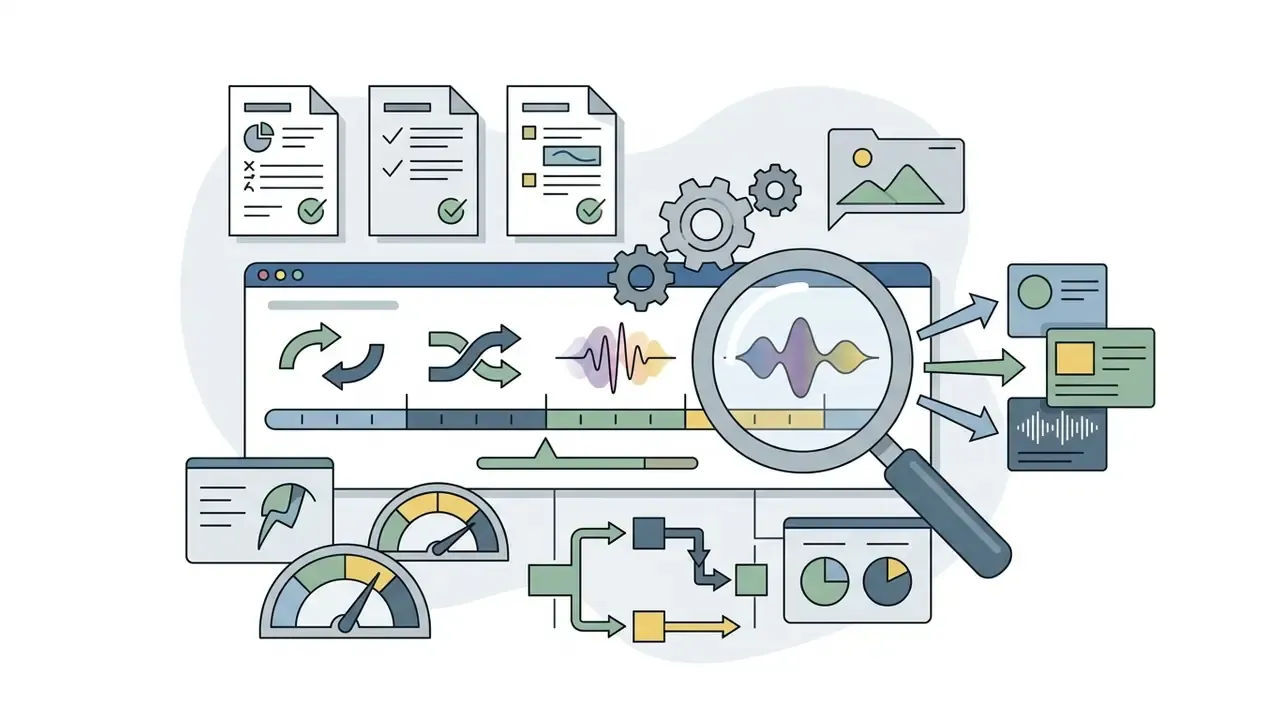
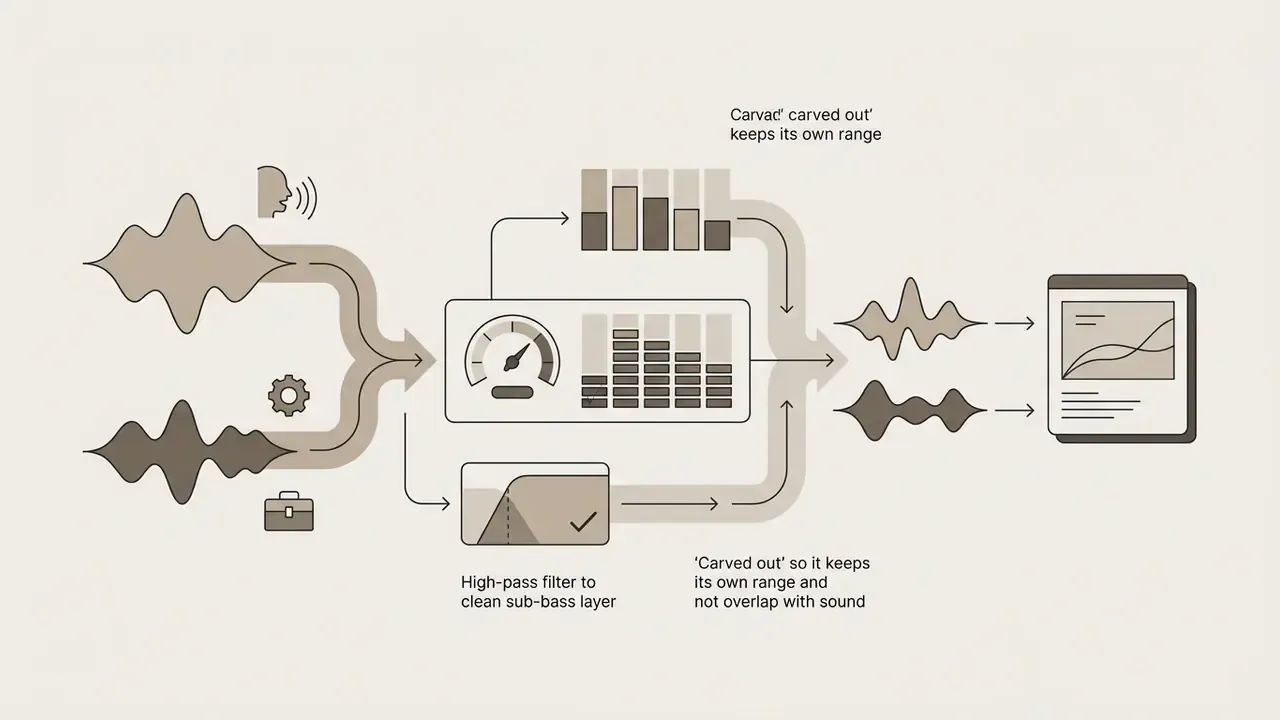
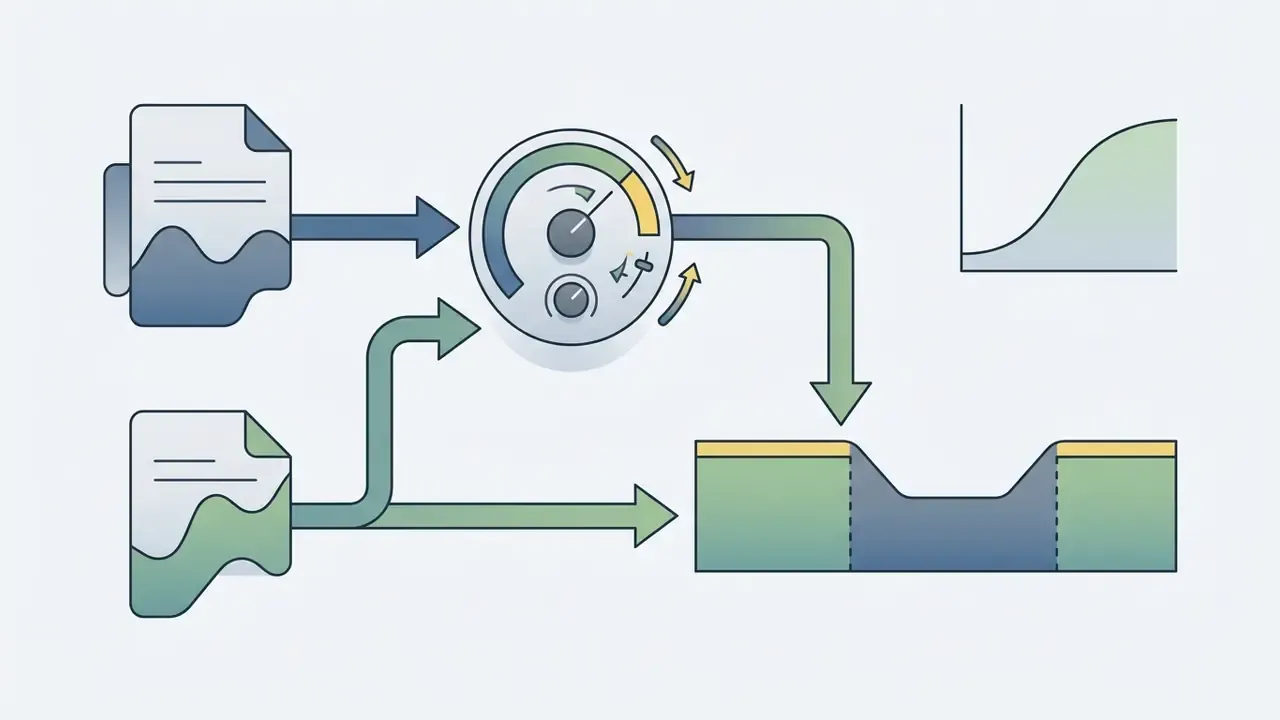
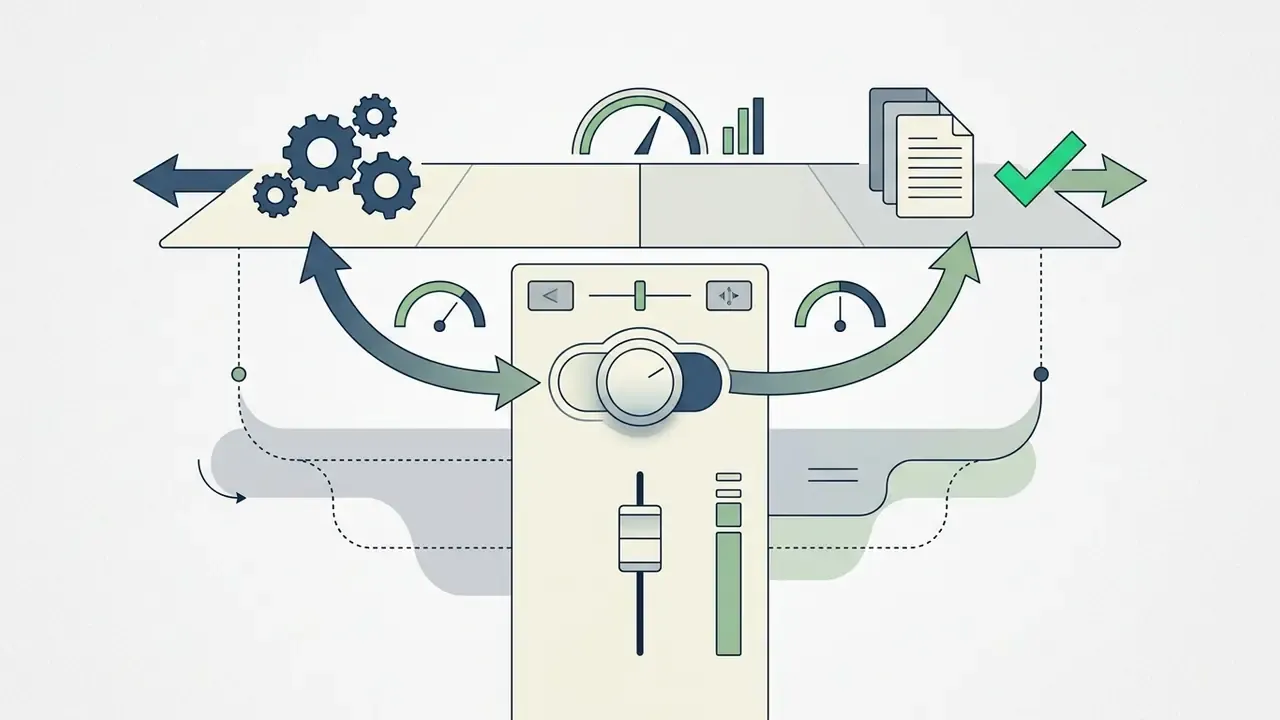
- Contextual auditioning: run a final listening pass across several hardware setups (studio monitors, phone speaker, earbuds) and confirm integrated loudness against your delivery target. Around -24 LUFS is typical for broadcast delivery in North America and parts of Asia, while -14 LUFS is the common reference for social platforms.
How to use sound effects in video: the editing workflow
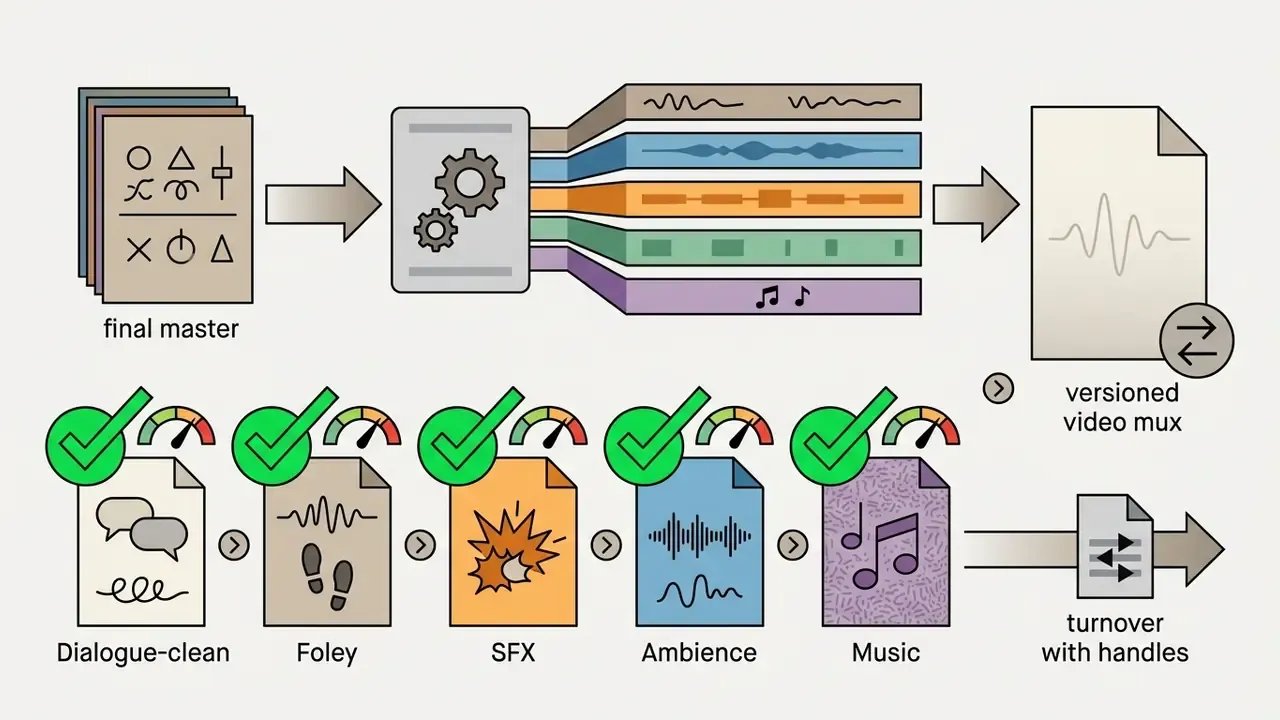
A professional post-production sound workflow aligns asset selection, legal clearance and mixing into a repeatable sequence. Skip clearance or mixing steps and you invite delays at final client delivery or platform export, usually on the worst possible day.
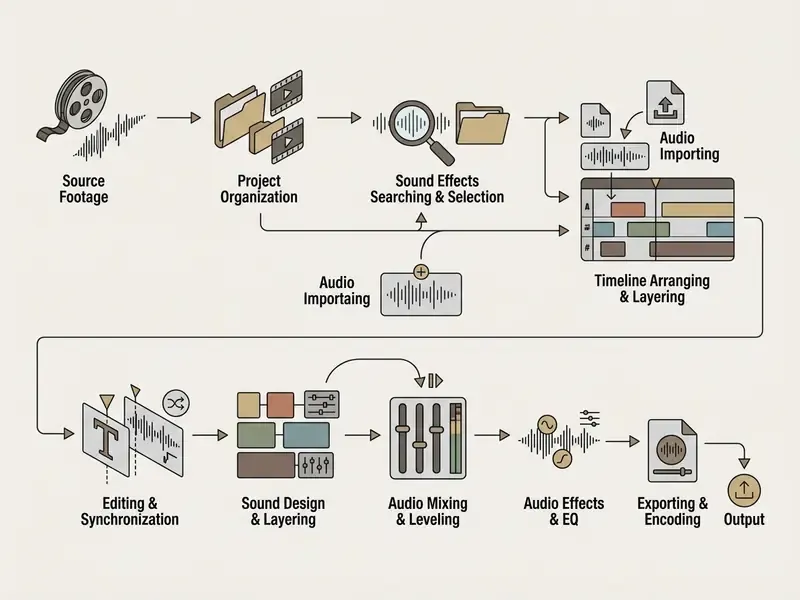
Sequential SFX post-production workflow:
- Picture lock and cue spottingreview the locked edit with burned-in timecode and mark every visual event that needs sonic reinforcement. Dialogue, FX and music must hold their exact positions before audio turnover.
- Asset search and selectionpull high-resolution WAV or MP3 files from trusted repositories that match the emotional tone of the scene.
«The BSD10k dataset, built on Freesound material, covers more than 10,000 annotated sounds across 30 classes, all under Creative Commons licenses.»
DIY SFX: recording your own Foley with no budget
If no library has the effect you need, and on a dense edit that happens regularly, record it yourself without studio gear.
- Smartphone (built-in mic)modern MEMS microphones deliver an acceptably flat response between roughly 100 Hz and 12 kHz and capture clean, low-noise household SFX well. Use apps that record uncompressed audio (Recorder or Voice Memos in Lossless WAV 24-bit/48 kHz). Hold the mic 15 to 20 cm from the source at a 45-degree angle to avoid clipping on sharp transients.
- Portable recorders (Zoom H1n / Tascam DR-05X)set the capsules to X/Y for a stereo image of ambience (room tone, street, footsteps). Set gain so peaks stay under -12 dBFS, and record at least 30 to 60 seconds of continuous atmosphere so you can loop it later.
- Shotgun microphones (Deity S-Mic 2 / Rode NTG4+)mount the mic on a pistol grip with a windshield (the "dead cat") and feed an external recorder for isolated outdoor Foley: impacts, rustles, mechanisms. The most expensive of the three options, and the only one that reaches studio-grade signal.
- Foley recording rulescapture 5 to 8 takes of each action at varying force and speed; always record a separate clean room tone of the same location; and name files descriptively from the start (
footstep_gravel_boot_slow_03.wav), because metadata search works better the more descriptive the name and embedded tags are. Own recordings carry a second advantage that is easy to underrate: you hold the rights, so no compliance check is needed at all.
For teams running high-volume promotional pipelines, folding these audio steps into an Agency Creative Production framework keeps quality control consistent across editors.
Creators who need precise script alignment before placing sound can use a youtube video transcript generator to produce timecoded transcripts that map cues to spoken dialogue.
FAQ about free sound effects for video editing
Where should I look for sound effects by category or keyword
Searching by category or keyword works best when you combine industry terminology with descriptive acoustic parameters. The leading databases index assets under standardized taxonomies such as Foley, Ambience, Cinematic, UI/Interface, Transitions and Impacts.
«According to Similarweb data for December 2024, Zapsplat attracted 480,300 visits and Soundsnap roughly 1 million, which confirms their popularity among editors.» - Similarweb Competitor Analysis, December 2024. https://www.similarweb.com/website/freesound.org/competitors/ To maximize search speed:
- Use trade terms: "whoosh" for fast movement, "transient impact" for heavy hits, "room tone" for background noise.
- Filter on Freesound or Zapsplat through sub-categories such as
Mechanical > SwitchesorWeather > Rain. - Search with multi-word strings that describe distance and material, for example "footsteps concrete distant stereo".
- Add texture modifiers to motion terms:
whoosh fast bright,whoosh heavy metallic,alert notification soft.
Can I use free sound effects in videos for social media
Yes. You can use free sound effects for video editing no copyright assets in social videos, provided the specific license attached to the audio explicitly authorizes commercial distribution and digital synchronization. Audio from pre-cleared built-in libraries, such as the YouTube Studio Audio Library or Meta Sound Collection, is fully licensed for those platforms (Meta Sound Collection Terms, 2026). Creators comparing production stacks can also review free AI video creation tools alongside their audio choices. If you source audio externally, confirm that the asset carries CC0 or CC-BY (with attribution in the video description, for example «Sound effects by [Author Name] from Freesound.org»). Avoid NonCommercial files (CC-BY-NC) on monetized channels or sponsored brand posts, since automated rights systems can mute, block or demonetize non-compliant uploads without warning.
Which sound effects do I need for a first project in a video editor
For a first edit, a beginner needs a versatile starter pack of 10 to 15 universal effects that cover the foundations. A typical free starter bundle holds around 40 files across six categories (12 whooshes, 10 impacts, 6 camera effects, 5 glitches, 4 computer signals, 3 risers), and in practice this short list does almost all the work. Picking the tool itself is easier with the overview of free video editing software for a first project:
- Air whoosh (fast and medium): smooths cuts and graphic entrances.
- Sub impact / boom: lands dramatic titles and key reveals.
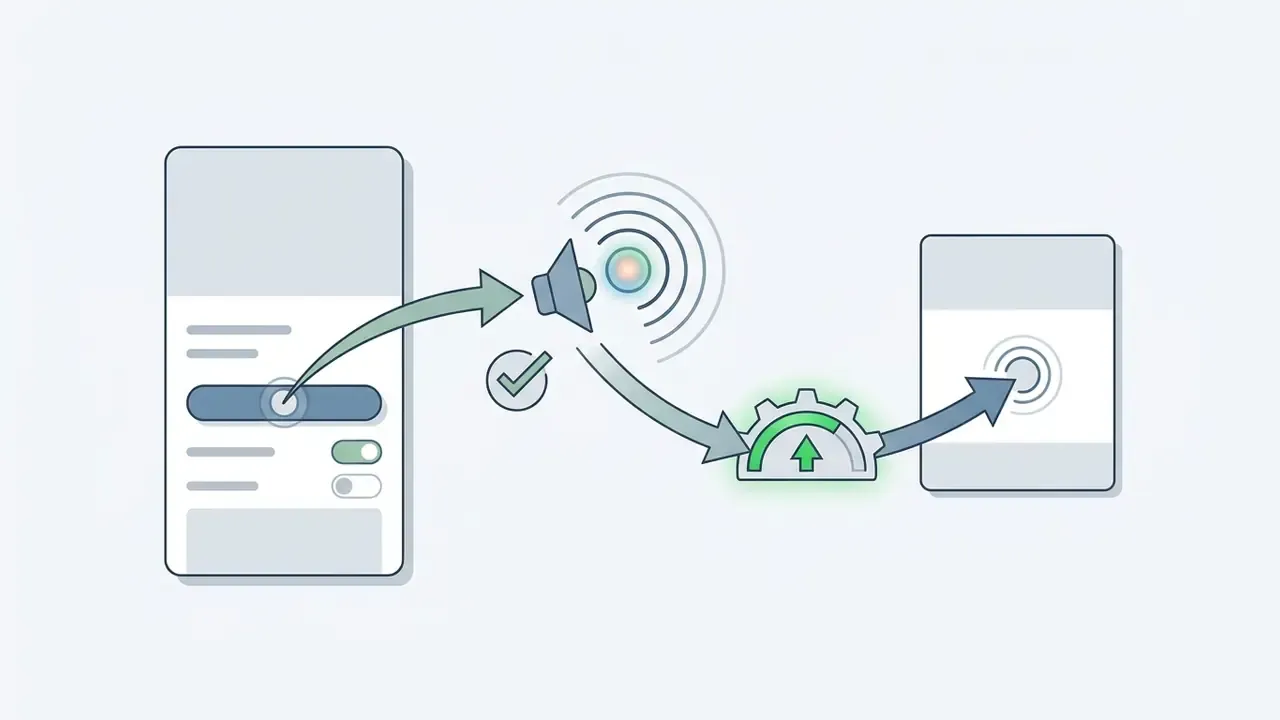
- Mouse click and digital tap: tactile feedback for on-screen buttons and callouts.
- Page turn / paper swish: accompanies documents and text transitions.
- Camera shutter: sells photo reveals and freeze frames.
- Notification ding / bell: pulls attention to lower thirds and calls to action.
- Keyboard typing: tracks on-screen text generation and code demos.
- Subtle risers: build tension into the main segment.
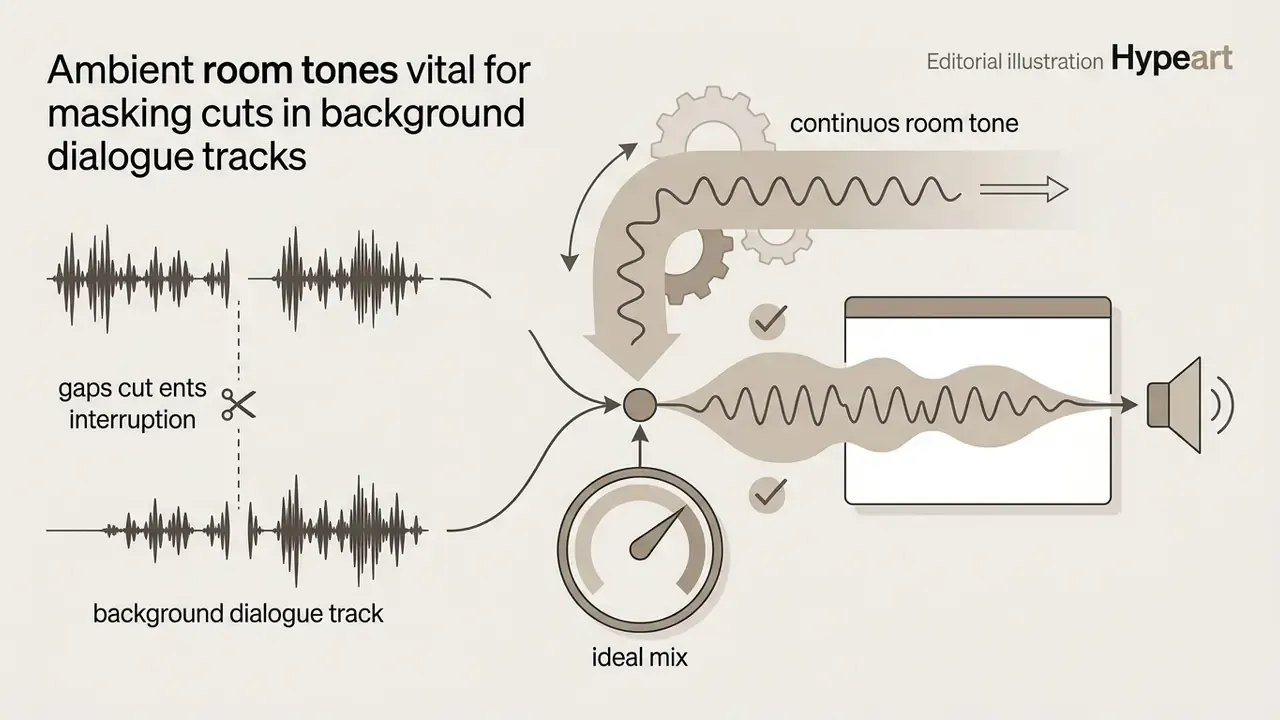
- Neutral room tone: masks dialogue cuts and background edits.
- Glitch / digital error: complements fast motion-graphic cuts.
- Swipe / transition sweep: stitches vertical shots in Reels and Shorts.
- Reverse swell: prepares the viewer for an abrupt change of shot.
- UI confirm / error buzz: the success-failure pair for tutorials and app demos.
Which format and bit depth should I download: MP3 or WAV
For rough assemblies and mobile editing, MP3 is enough. Files are lighter, upload faster, and in a dense mix the audible difference is minimal. For any work where the sound will be processed (EQ, compression, time-stretch, pitch-shift, reverb), download uncompressed WAV/PCM: 24-bit / 48 kHz as the working standard, 96 kHz as the archival tier. Converting MP3 back to WAV inflates the file and returns none of the data the encoder discarded.
Do I have to credit the author if the sound is free
It depends on the license, not the price. CC0, a public domain dedication, requires no attribution. CC-BY requires credit in the video description or end titles. Platform licenses (YouTube Audio Library, Pixabay Content License) mostly require nothing, yet some free tiers of independent archives, including the free Zapsplat tier and Bensound, do require it. Credit line template: «Sound effects by [Author Name] from [Platform], [License]». For production teams estimating infrastructure overhead or software spend, our interactive project calculators give immediate budget figures. Anyone looking for technical benchmarks across generative media and audio automation tools can inspect verified test results in the AI Media Benchmarks and Review Proof archive. Developers building automated editing platforms can integrate audio processing through the standardized endpoints documented in our api section.
Appendix A. Pre-publication checklist for videos with downloaded SFX
Checklist0 / 7