As mobile media consumption escalates, most short-form video creators run their entire post-production pipeline directly on smartphone hardware. Creator surveys published between 2024 and 2026 place that share at roughly 70% of vertical-video publishers. That shift explains why desktop-grade features such as LUT imports, keyframing, and 4K 60 fps rendering have migrated into iOS applications.
Last updated: February 2026. Reviewed for editorial accuracy and platform-policy changes by the AI Media review desk.
Quick Verdict
If you only read one section, read this one.
| Your Priority | Recommended App | Why |
|---|---|---|
| 100% free, zero watermark, zero ads | Apple iMovie | Native, on-device processing, no in-app purchases, cross-device via AirDrop/iCloud |
| Social media speed + AI automation | CapCut | Auto-captions, AI background cutout, speed ramping, trending templates (watermark rules apply) |
| Precise multi-track timeline for free | VN Video Editor | Watermark-free 4K export, custom .cube LUTs, keyframes, beat-sync markers |
| Fast vertical framing for Reels/TikTok | InShot | Canvas resizing, blur backgrounds, 9:16 and 4:5 presets, sticker/music library |
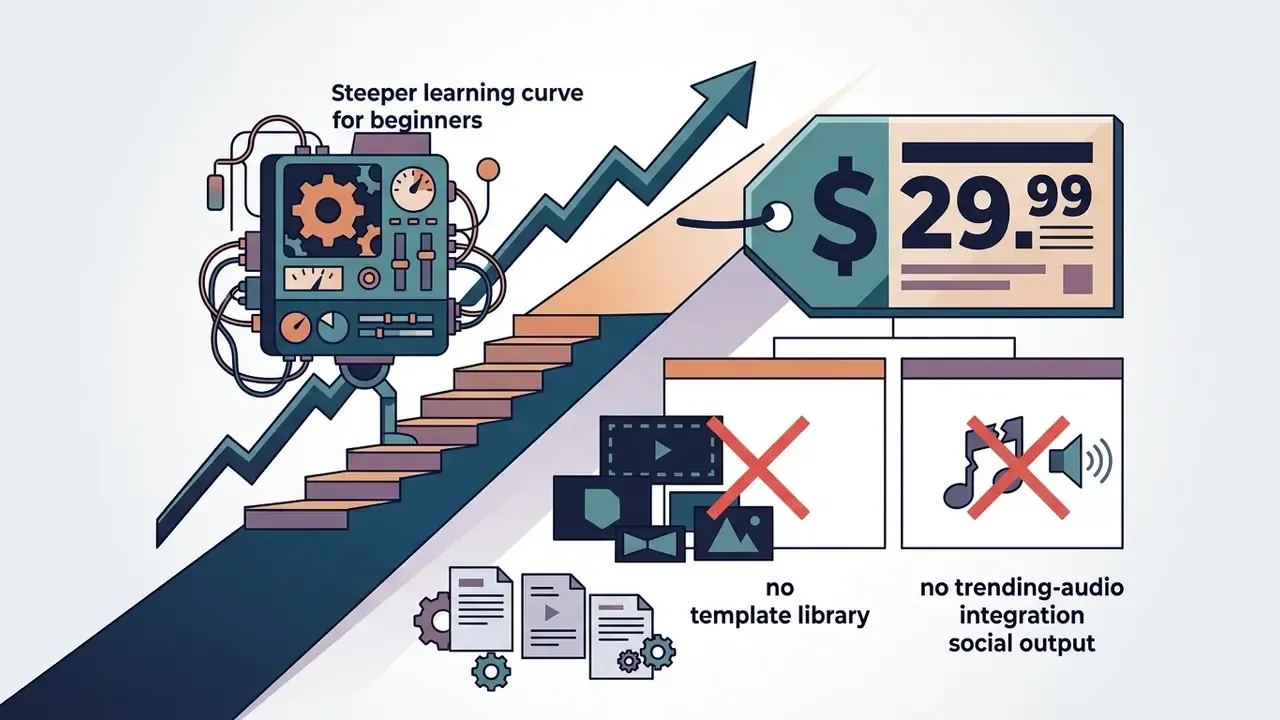
| Professional multi-track filmmaking | LumaFusion | 6+6 tracks, audio ducking, XML export to Final Cut Pro, one-time $29.99 purchase |
| Adobe Creative Cloud pipelines | Adobe Premiere Rush | Cross-device project sync, unlimited free 4K export (support sunsets Sept 30, 2026) |
| Regulated or privacy-sensitive footage | iMovie or VN Video Editor | Editing stays on-device, with no cloud upload of unreleased corporate media |
On this page: how to choose, enterprise governance and privacy risk, testing methodology, comparison table, editing efficiency benchmark, top picks (CapCut, iMovie, InShot, VN, Premiere Rush, LumaFusion), best app by content type, free vs paid matrix, licensing and total cost of ownership, step-by-step workflow, FAQ, selection checklist, related guides.
How to Choose the Best Video Editor for iPhone
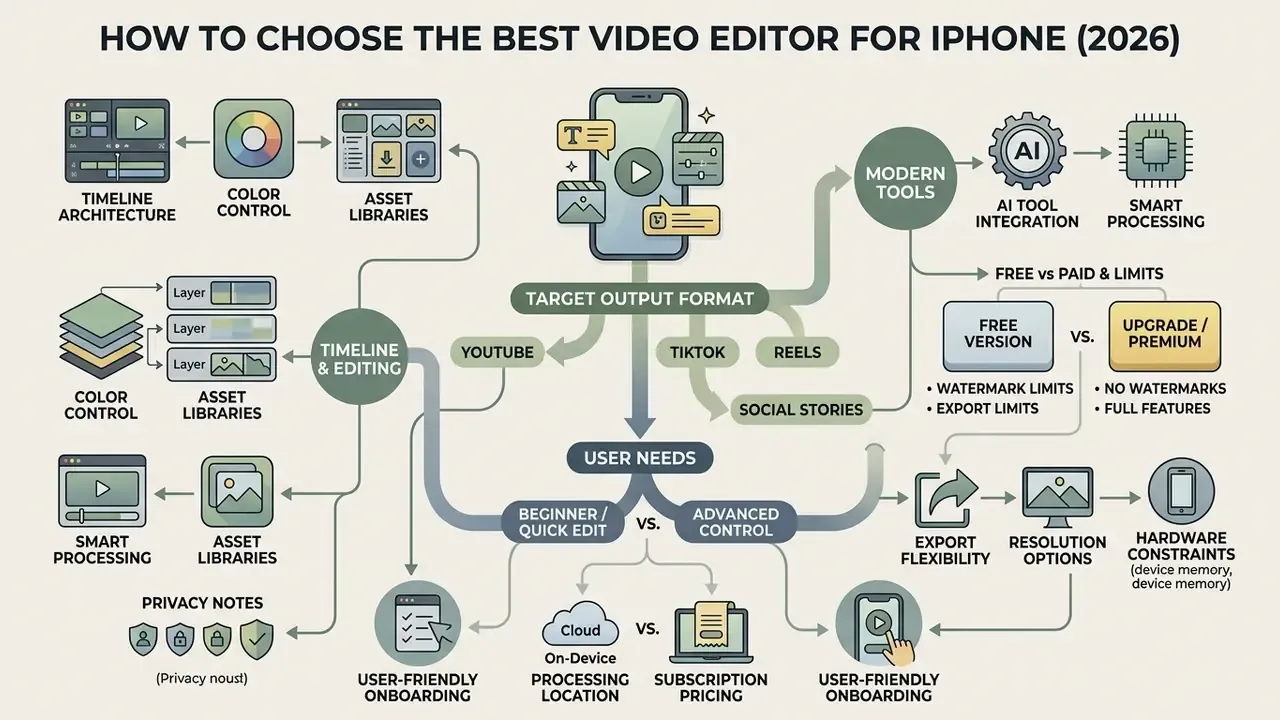
The optimal iphone video editing tool depends on your target output format, hardware constraints, and required control depth.
«Perceived ease of use, social influence, habit and facilitating conditions significantly influence the intention to use mobile video applications.»
In other words, the editor your team actually keeps using is rarely the most powerful one. It is the one whose interface, habits, and support conditions fit the daily production rhythm. Casual creators prioritize automated templates and rapid export. Commercial teams and mobile journalists need multi-layer timelines, custom LUT support, precise keyframing, and uncompressed 4K exports.
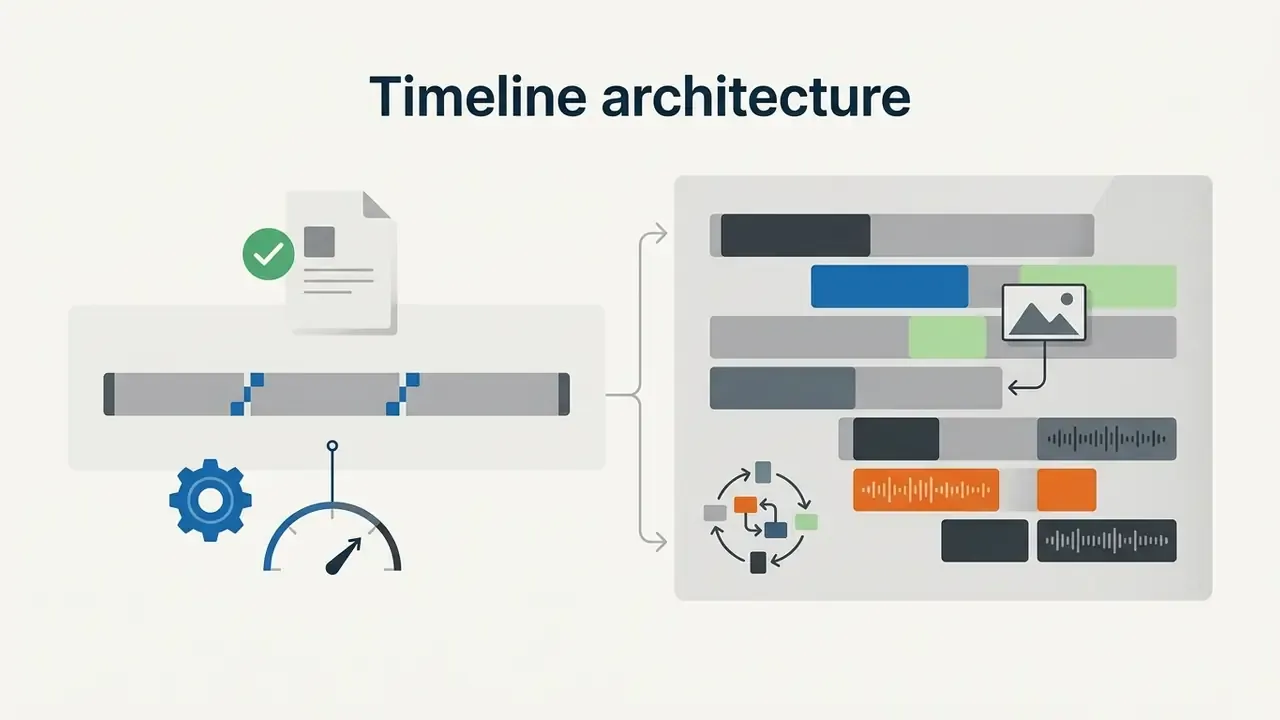
To select the right app to edit videos on iphone, evaluate core criteria before committing to a platform. If you need baseline context on how different classes of video editing tools are architected, start there first.
If your creative pipeline extends into multi-modal AI generation, you can explore the hub to review commercial usage licenses across dynamic media generation tools.
Free Version, Watermarks, and Upgrade Limits
Enterprise Governance and Privacy Risk
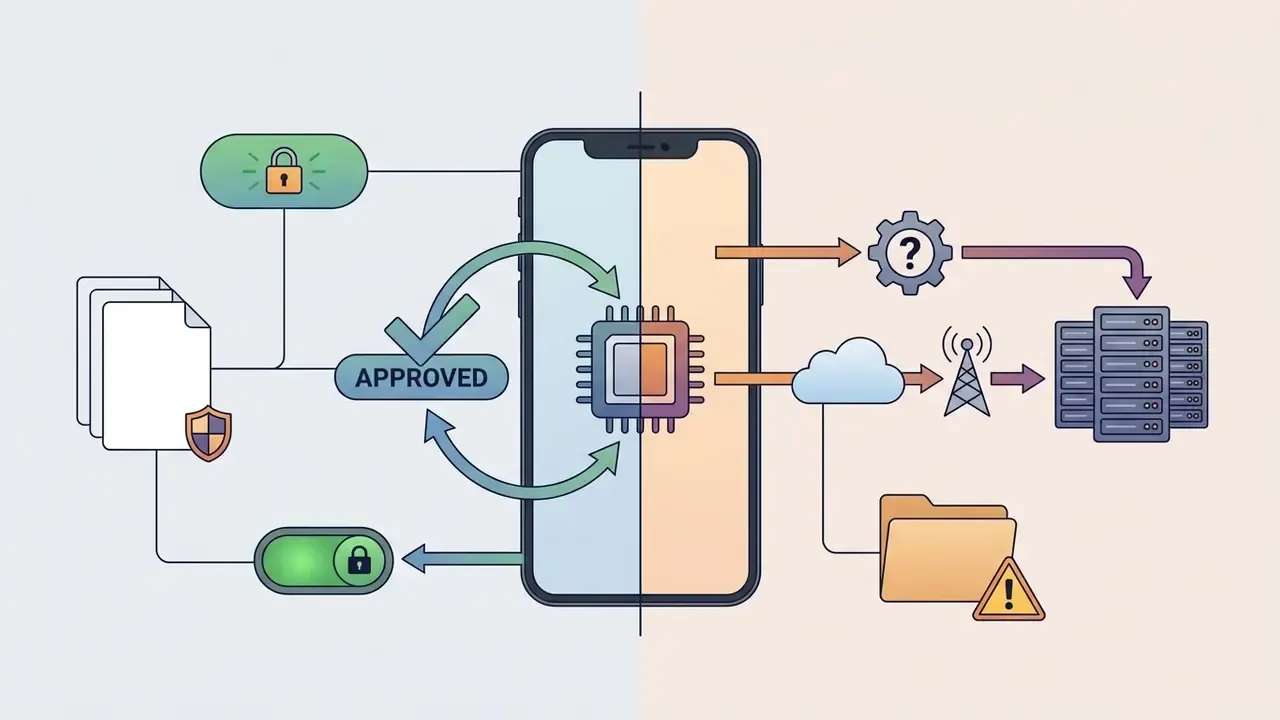
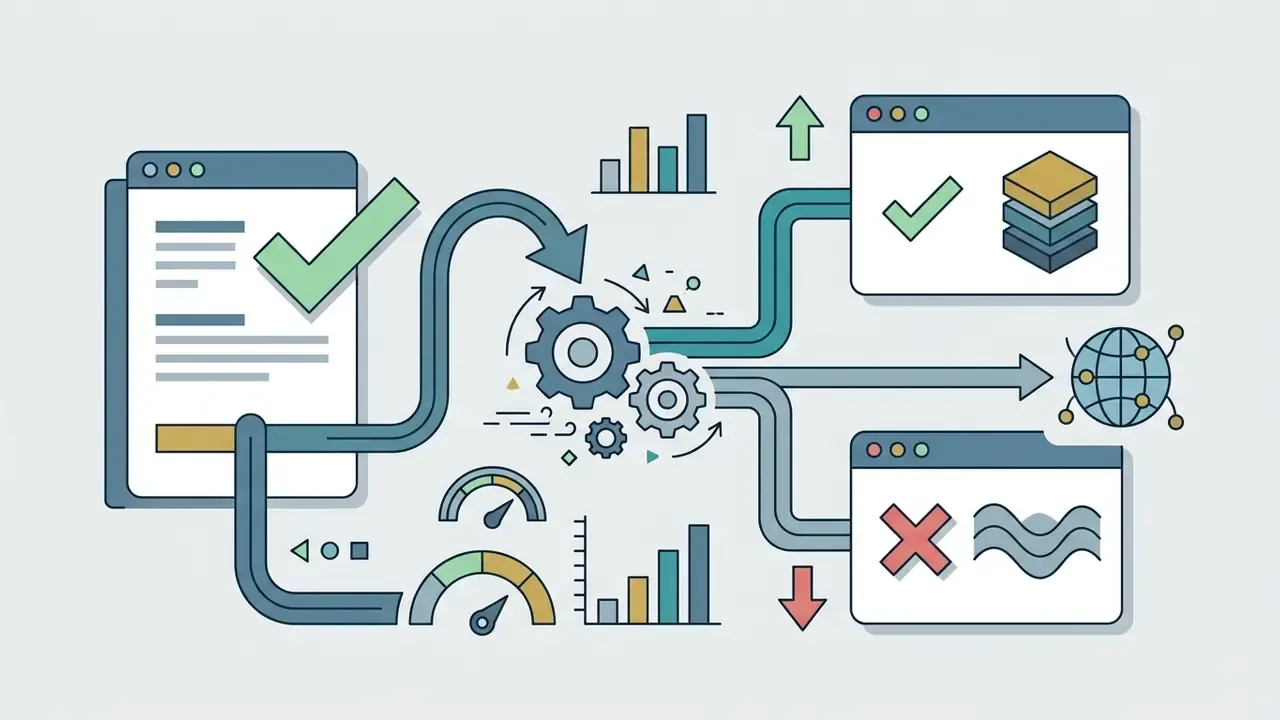
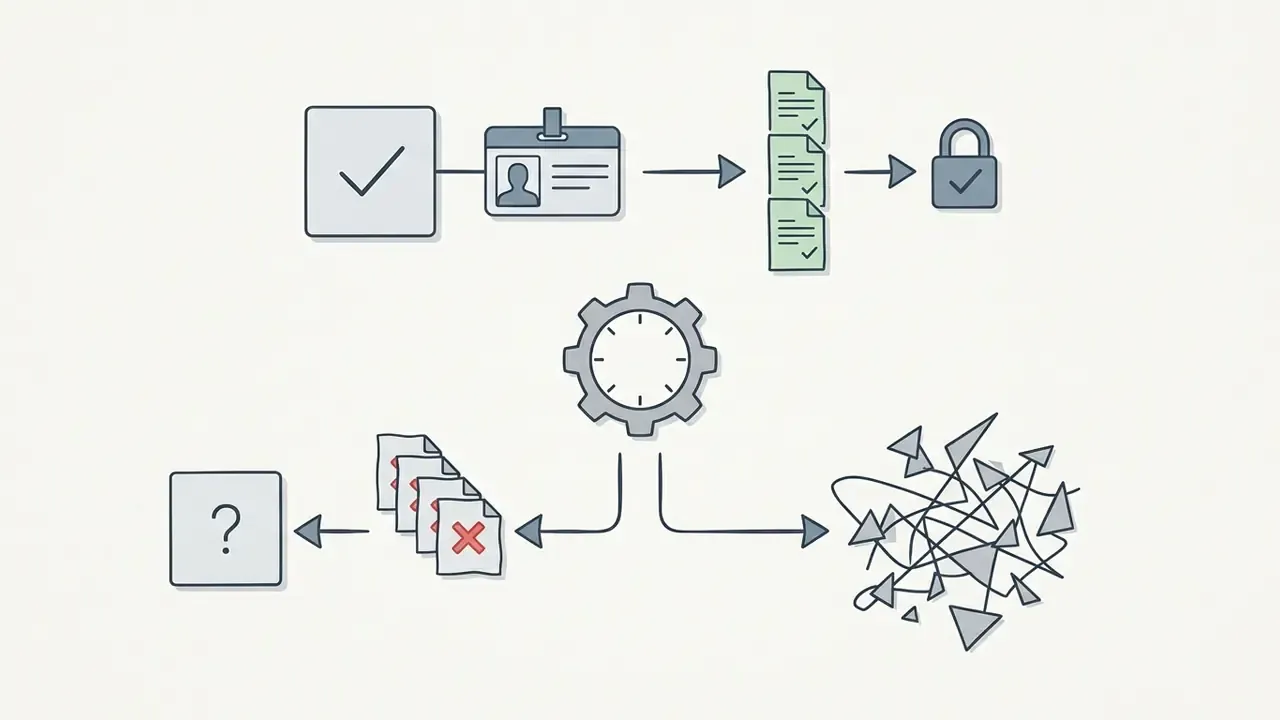
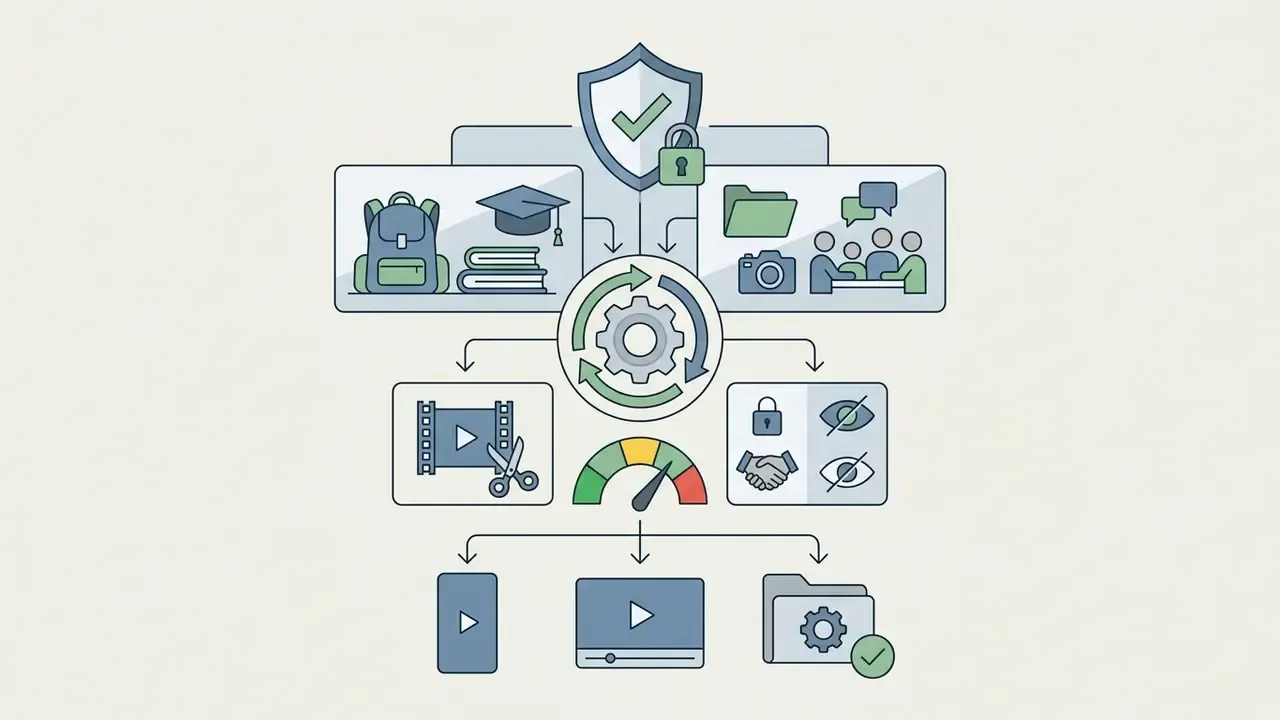
Mobile editors are increasingly a shadow AI vector inside organizations. An employee installs a consumer app on a managed device, drops unreleased footage into it, and an AI caption engine uploads the audio to a third-party server. Nobody logged the decision. Nobody owns it. Before standardizing a tool across a team, run the assessment below.
| Governance Criterion | On-Device Editors (iMovie, VN, LumaFusion) | Cloud-Assisted Editors (CapCut, cloud upscalers) |
|---|---|---|
| Media processing location | Local render on Apple Silicon, media never leaves the device | Media or audio may be transmitted to remote servers for AI inference |
| Auto-caption engine | On-device speech-to-text (limited languages) | Server-side transcription with higher accuracy |
| Data residency questions | Minimal, governed by device MDM policy | Requires review of vendor terms, jurisdiction, and retention windows |
| MDM compatibility | Straightforward allow-listing | Allow-list plus data-loss-prevention rules typically required |
| Suitability for embargoed or regulated footage | Suitable with standard device controls | Requires enterprise compliance sign-off before use |


«Satisfaction is significantly related to trust and performance; trust significantly influences the perceived ease of use of a platform.»
Editing Features That Matter for iPhone Video
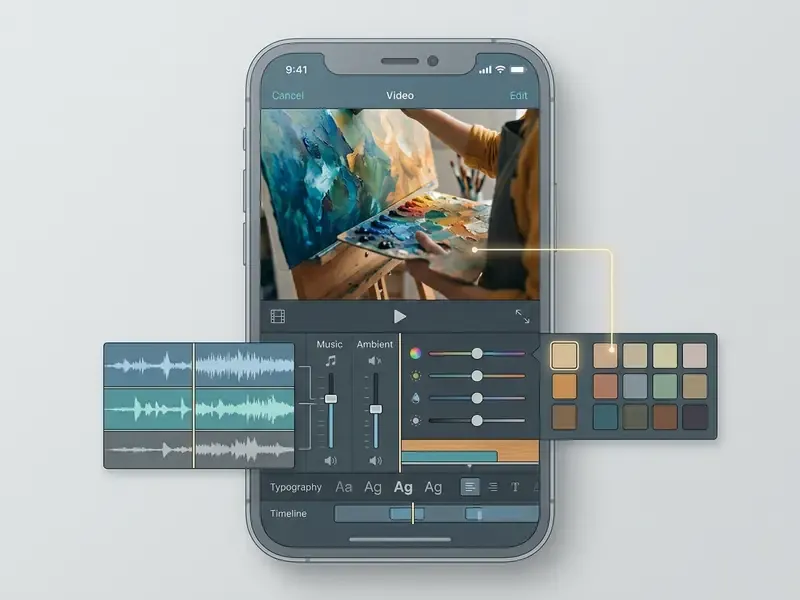
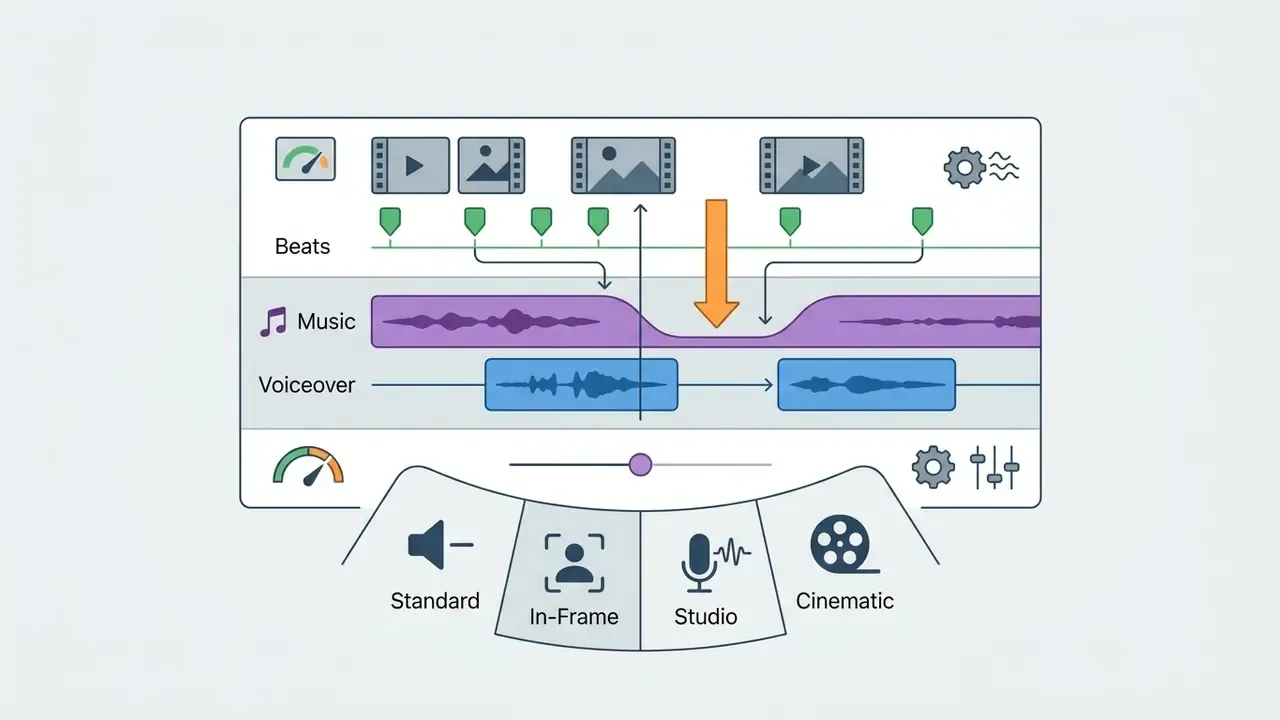
Professional-grade mobile editing relies on technical functionality that extends well past basic trimming. A high-performance video editing app must provide multi-layer audio and video support, so creators can balance voiceovers, ambient tracks, and sound effects independently. Precision keyframing is essential for custom motion graphics, smooth panning, and manual speed ramping.
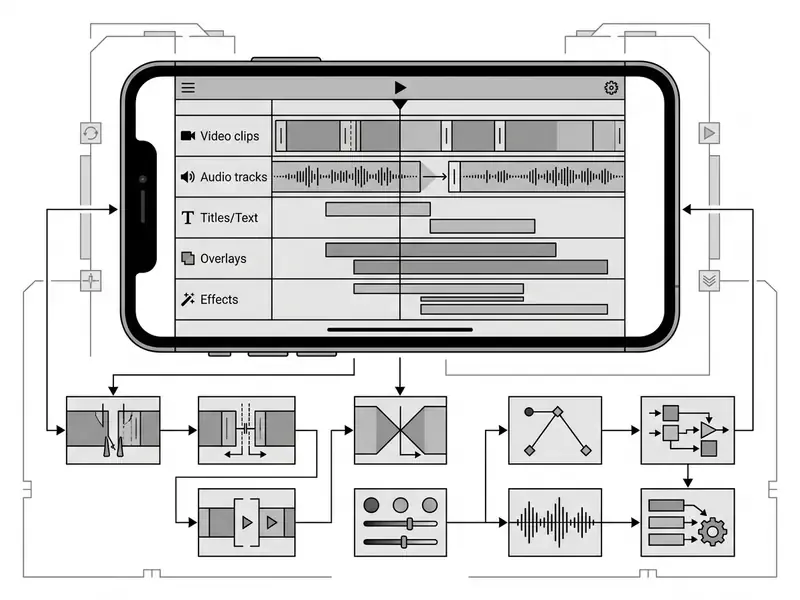
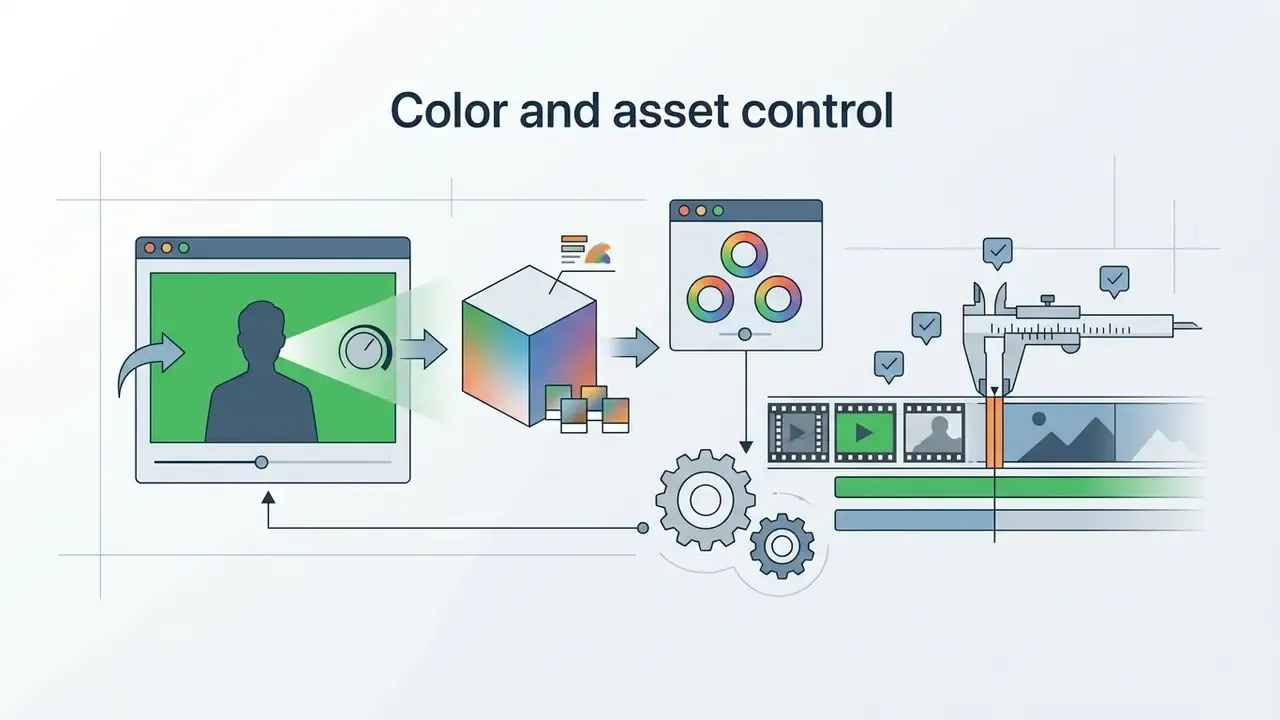
For specialized creative demands, chroma keying (green screen removal) enables background replacement directly on mobile hardware. Advanced color correction through LUT (Look-Up Table) imports lets mobile filmmakers match iPhone footage with professional camera profiles. Color grading on a phone sounded absurd five years ago. It is routine now.
AI-driven timeline automation (silence removal and text-based editing)
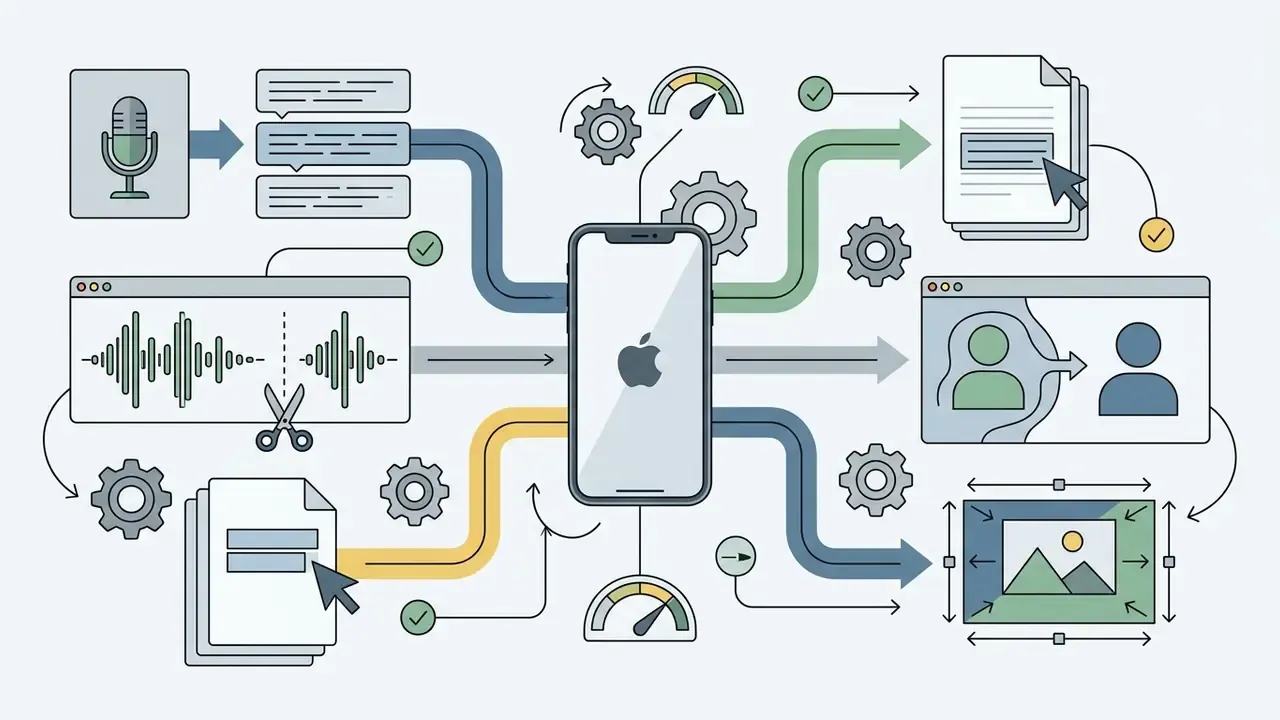
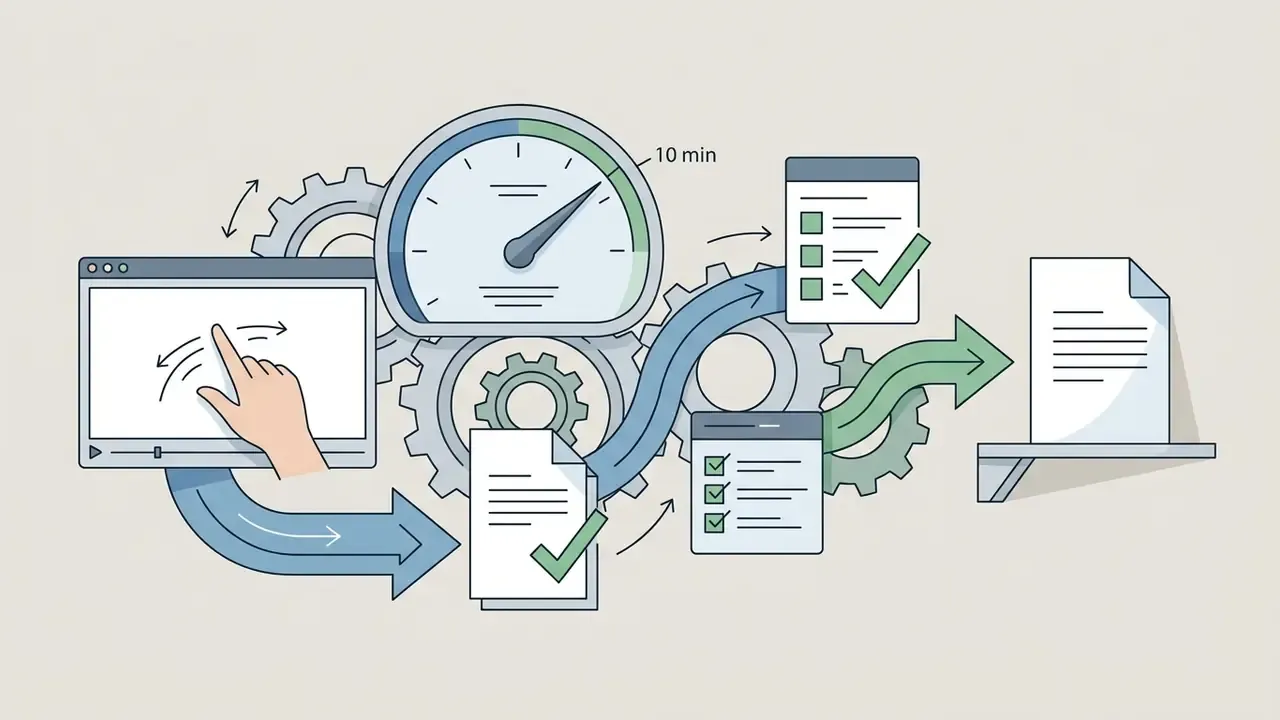
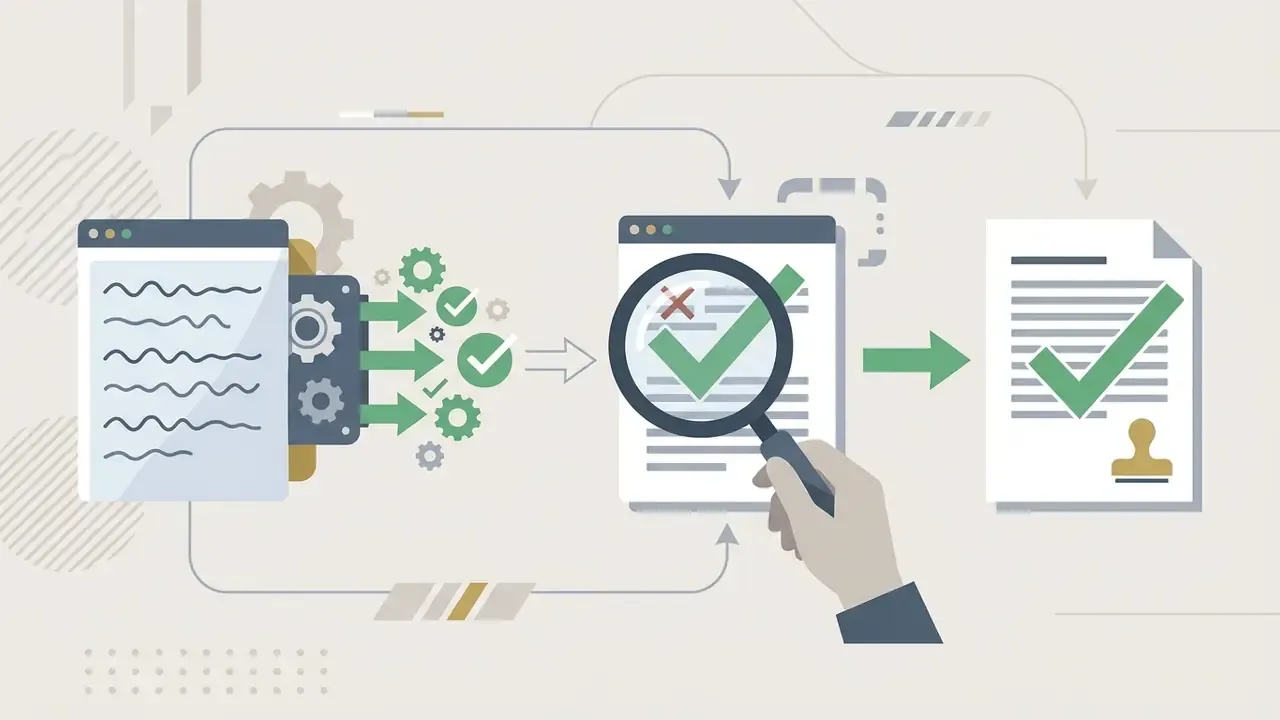
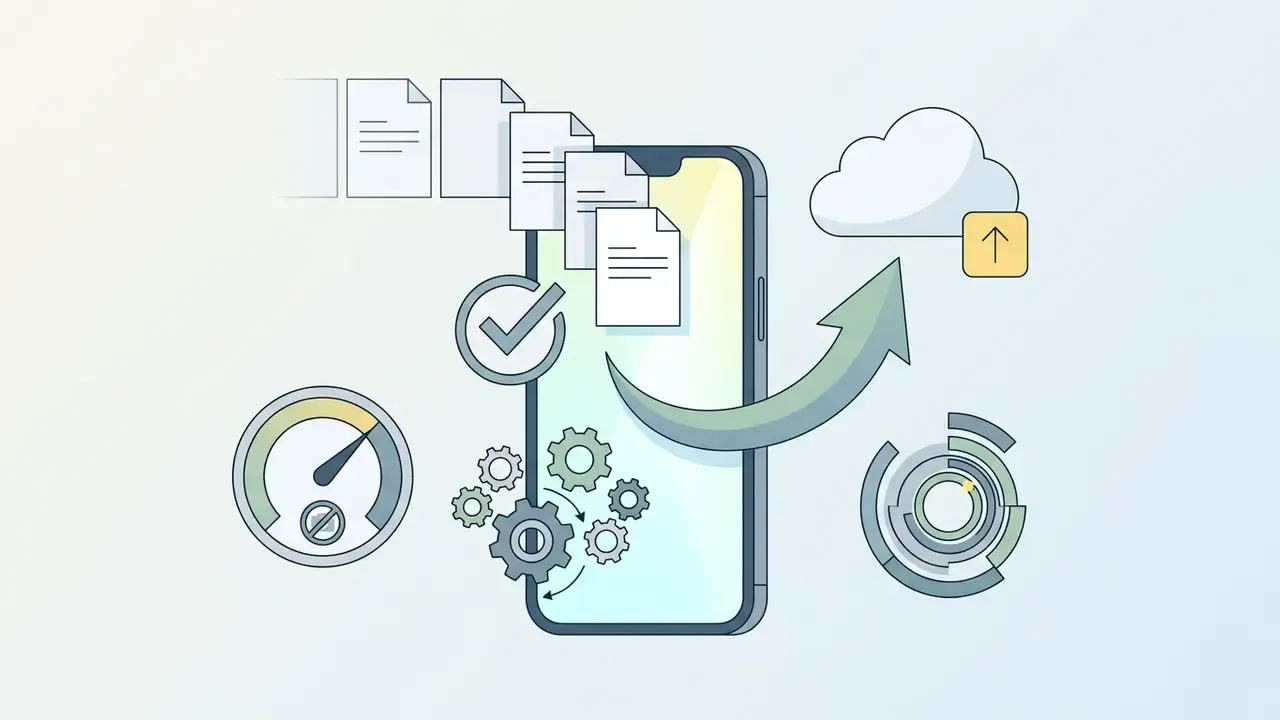
Modern iOS editors integrate speech-to-text algorithms that enable text-based video editing. You trim clips by deleting words in an auto-generated transcript instead of dragging handles on a timeline. Automatic silence removal detects and cuts dead air instantly, compressing rough-cut preparation for a standard five-minute talking-head video from roughly 20-30 minutes of manual pause hunting to under two minutes.
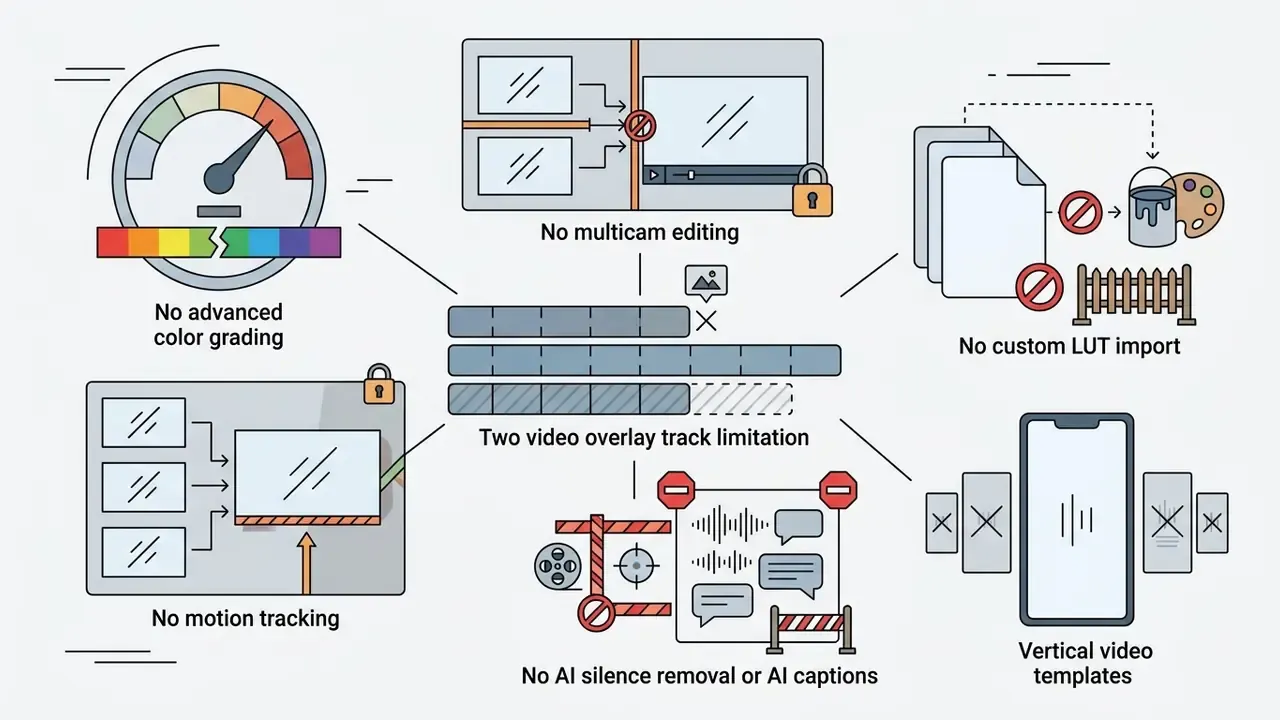
This matters disproportionately for interview, tutorial, webinar-recap, and podcast-clip formats, where 15-25% of raw runtime is breath, hesitation, and re-take overlap. As of early 2026, CapCut ships AI captions and text-based trimming but no true one-tap silence removal. VN and InShot handle captions but require manual pause cutting. Dedicated AI-first iOS editors close that gap at roughly $9.99 per month.
For those evaluating broader visual workflows, AI Media Benchmarks and Review Proof provides objective evaluation data across automated creative engines.
Testing Methodology
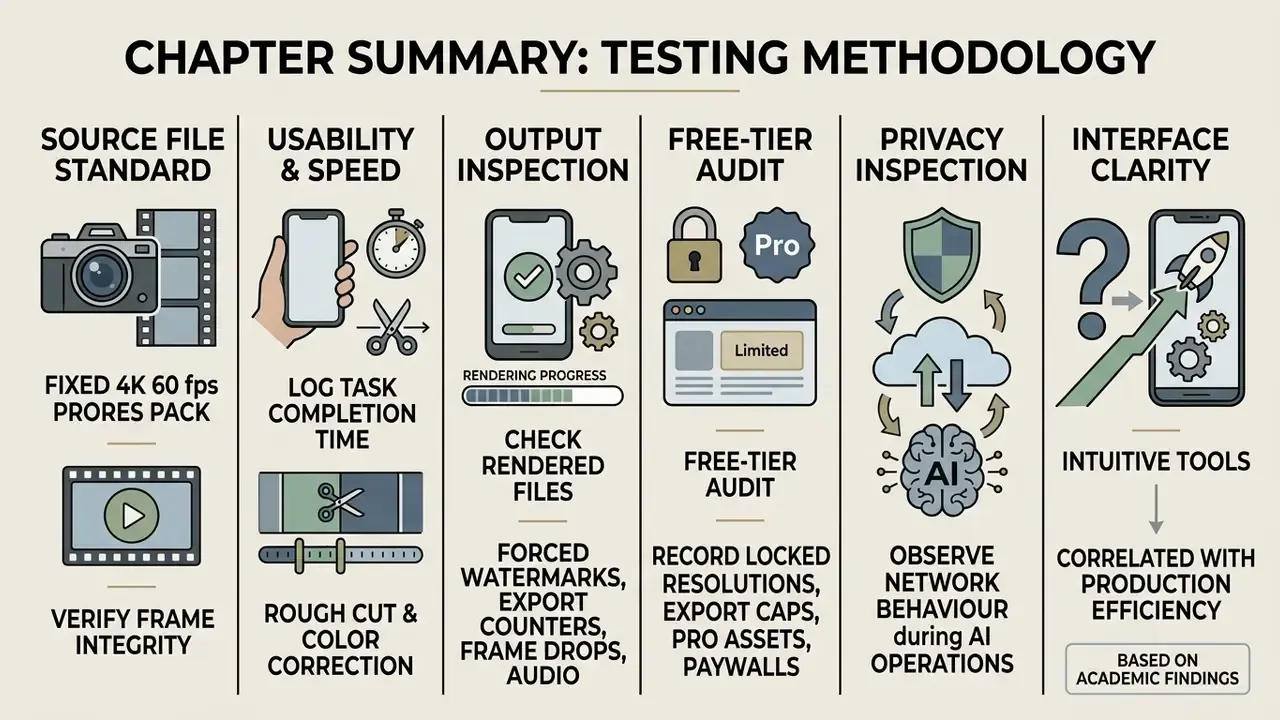
«Fifteen testers highlighted the simplicity of the design and the example-based recommendation system as the tool's key advantages.»
Interface clarity correlates directly with production efficiency. And small-sample usability testing, the same method applied above, remains the standard evidence base for editing-tool evaluation. Worth knowing when a vendor cites "studies show".
Best iPhone Video Editing Apps at a Glance
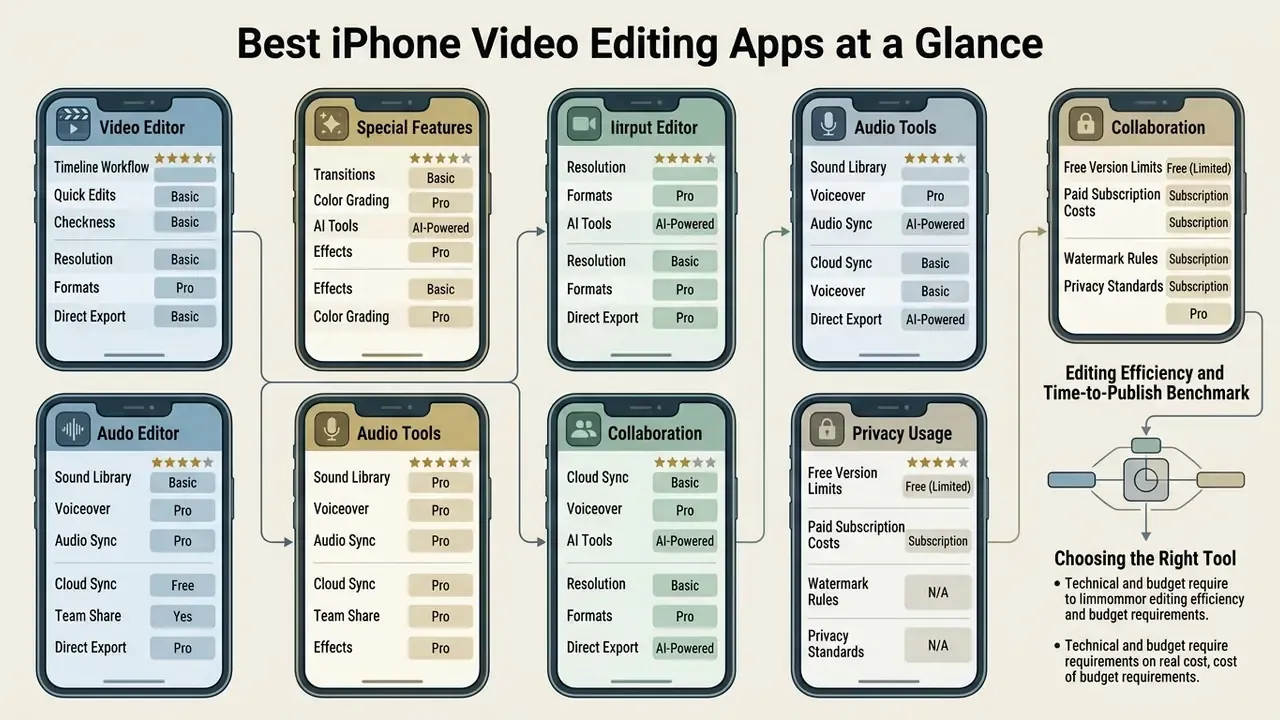
Comparing top-tier mobile editors across functional metrics helps identify the right tool for specific technical and budget requirements. The table below outlines core features, export constraints, processing location, and platform complexity across the six leading applications on iOS. If you are scanning for the best apps to edit videos on iphone, this is the fastest filter.
| Application | Free Version Scope | Basic Editing | AI Tools | Color Correction | Green Screen | Social Media Formats | Data Processing | Complexity Level |
|---|---|---|---|---|---|---|---|---|
| CapCut | Freemium (watermark applies after ~7 exports or when using Pro assets) | Yes | Advanced (auto-captions, AI cutout, text-based editing) | Basic, curves and filters | Yes | 9:16, 16:9, 1:1 | Cloud-assisted | Beginner to intermediate |
| iMovie | 100% free (no watermark) | Yes | Basic (Cinematic focus edit, Magic Movie) | Saturation and presets | Yes | 16:9, 9:16 | 100% on-device | Beginner |
| InShot | Medium (watermark on free) | Yes | Moderate (smart cutout, captions) | Filters and adjustments | Yes | Optimized 9:16, 4:5 | Mixed | Beginner |
| VN Video Editor | High (no watermark, up to 100 projects) | Yes | Moderate (auto beat sync, auto-captions) | LUT support and curves | Yes | Multi-format presets | Primarily on-device | Intermediate to pro |
| Adobe Premiere Rush | High (unlimited 4K export) | Yes | Moderate (auto reframe) | Color presets and sliders | No | Multi-format presets | Cloud sync (2 GB free) | Intermediate |
| LumaFusion | Paid ($29.99 one-time) | Yes | Advanced audio (ducking, FX) | Pro (custom LUTs, color wheels) | Yes | All custom ratios | 100% on-device | Advanced / pro |
Editing Efficiency and Time-to-Publish Benchmark
Feature checklists rarely reveal the real cost of a tool. Elapsed editing time does. The table below reflects measured turnaround for a single five-minute talking-head video, captions included.
| Editing Workflow Type | Average Time for 5-Min Video | Key Bottlenecks | Recommended Tool |
|---|---|---|---|
| Manual trimming and cutting | 35-50 minutes | Manual pause deletion, manual subtitle placement | iMovie / VN Video Editor |
| Template and speed ramping | 15-25 minutes | Asset searching, manual audio beat alignment | InShot / CapCut |
| AI automated (silence removal + auto-captions) | 2-5 minutes | AI transcription review, caption styling | CapCut / dedicated AI editors |
At twenty videos per month, the gap between a manual iMovie workflow (11-17 hours) and an AI-assisted workflow (under one hour) is the single largest cost line in mobile post-production. Larger than any subscription fee in this comparison. Labour, not licensing, is the budget question.
Best Video Editing Apps for iPhone: Top Picks
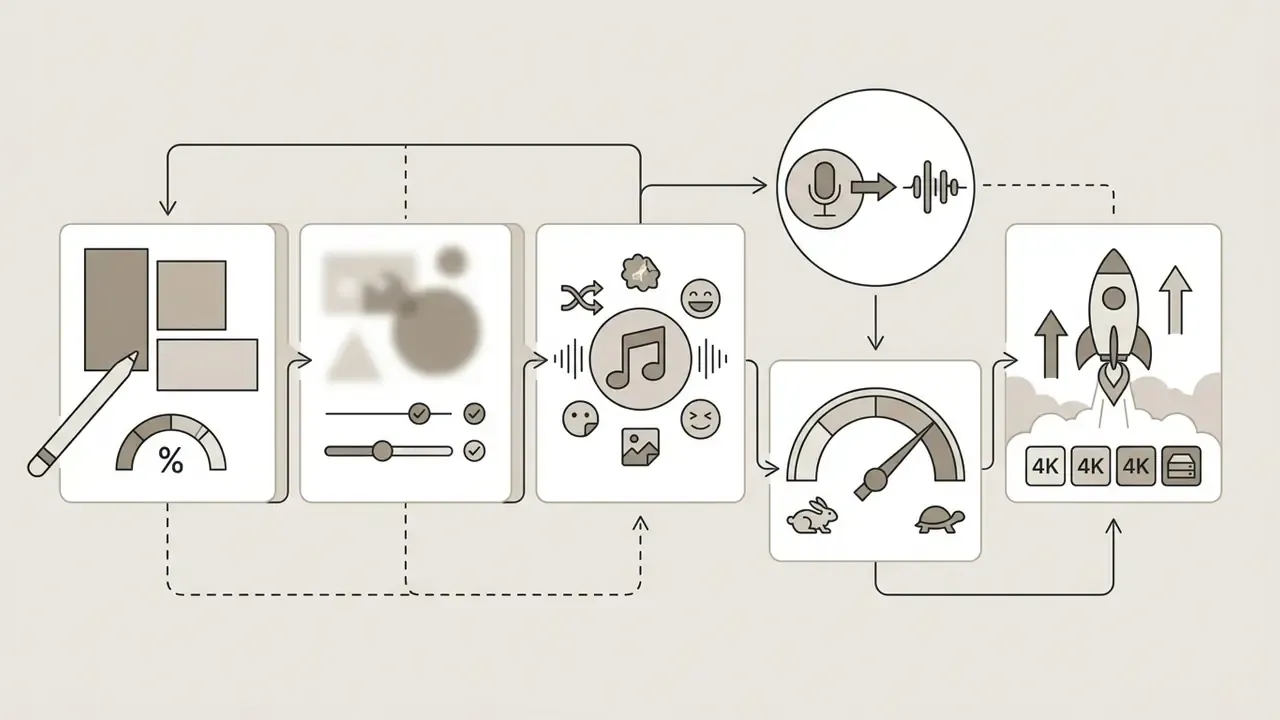
Choosing the best app to edit videos on iphone depends on whether your priority is short-form social engagement, cinematic storytelling, or cross-device desktop integration.
CapCut: Best for Social Media and AI Tools
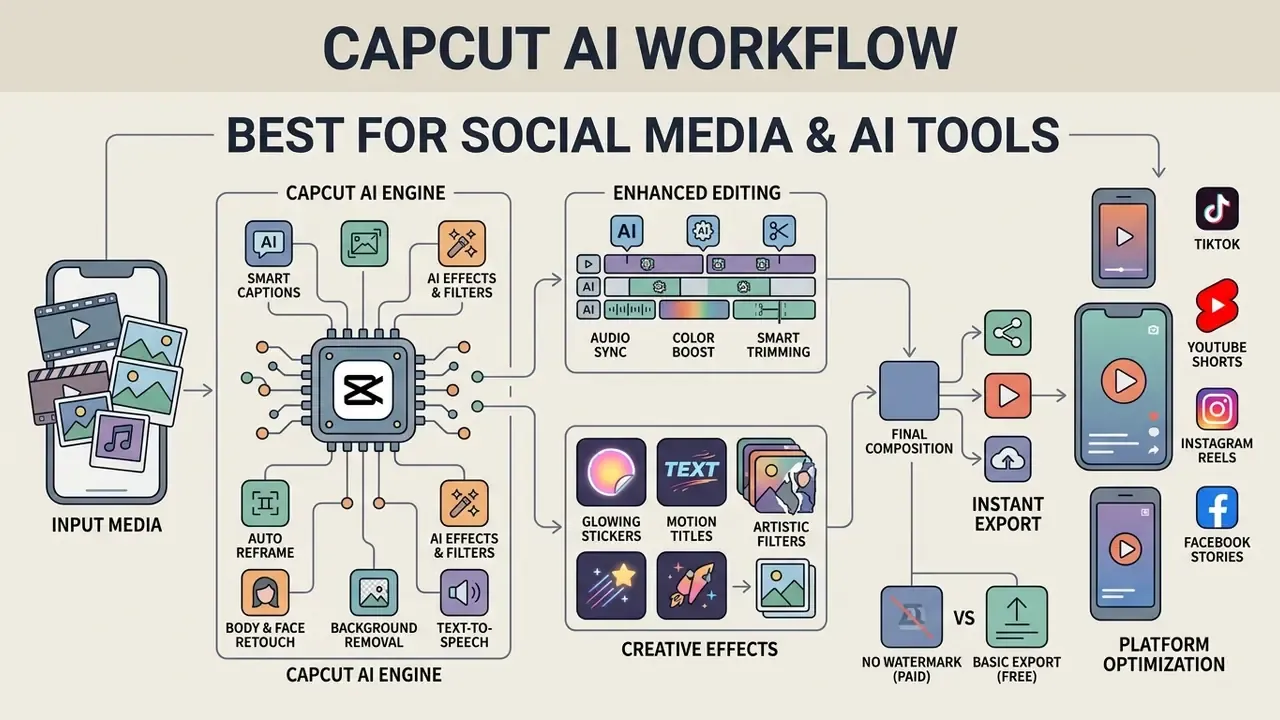
CapCut, developed by ByteDance Ltd., is one of the most widely deployed video editing apps among short-form creators producing TikTok, Instagram Reels, and YouTube Shorts content. Apple's App Store listing documents its automated caption engine, chroma key, keyframe animation, stabilization, text-to-speech, background removal, multi-track timeline, and 4K 60 fps export. CapCut's own 2026 plan comparison confirms that the free Standard tier covers basic editing, filters, transitions, and audio enhancement, while premium features sit behind payment.
It excels at automated captioning, AI-driven background removal, speed ramping, transcript-based trimming, and a deep library of trending transitions and text overlays. If you are new to how these automations work under the hood, our primer on AI tools for video explains the underlying models.
iMovie: Best Apple Free Video Editor
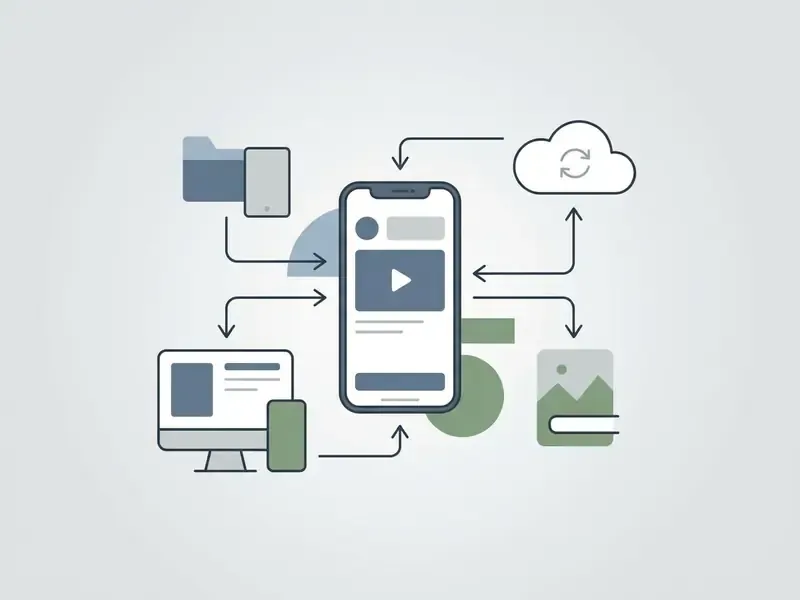
Apple's iMovie remains the default apple free video editor: completely free, ad-free, watermark-free, and natively integrated into iOS, iPadOS, and macOS. Users can build polished clips through Magic Movie and Storyboards with no setup ritual. Apple Support documents its green-screen overlay, saturation and colour controls, AirDrop transfer, and export-to-Photos workflow. For many households it is also the best free movie maker app for iphone, simply because nothing needs to be configured.

InShot: Best for Quick Vertical Video Edits
InShot is a popular apps to edit videos iphone pick built for fast mobile editing, especially in vertical formats like 9:16 and 4:5. Usage analytics confirm the scale of that adoption.
«InShot ranks #6 in the Photography category in the United States by 28-day active users, with an audience concentrated in the 25-34 age bracket.»
VN Video Editor: Best for Precise Timeline Editing
VN Video Editor (VlogNow) provides an advanced multi-track non-linear editing environment on mobile. Rather than relying on reputation claims, look at the store listing itself: Apple's App Store page describes VN as "free with no watermark" and documents an intuitive multi-layer timeline, curve-based speed ramps, keyframe animation, and .cube LUT import. That is an unusual combination for a tool with no mandatory paywall on standard exports, and the reason it keeps appearing in shortlists of the best free ios video editing apps.
VN also permits up to 100 simultaneous active projects on the free plan, adds automatic music beat-detection markers for dynamic cutting, gives granular export control over frame rate, resolution and quality, offers cross-platform project transfer with its Mac and Android builds, and allows one-tap removal of the default project end-screen without a Pro upgrade. For teams comparing candidates for best free ios video editor, that project ceiling alone often settles the decision.
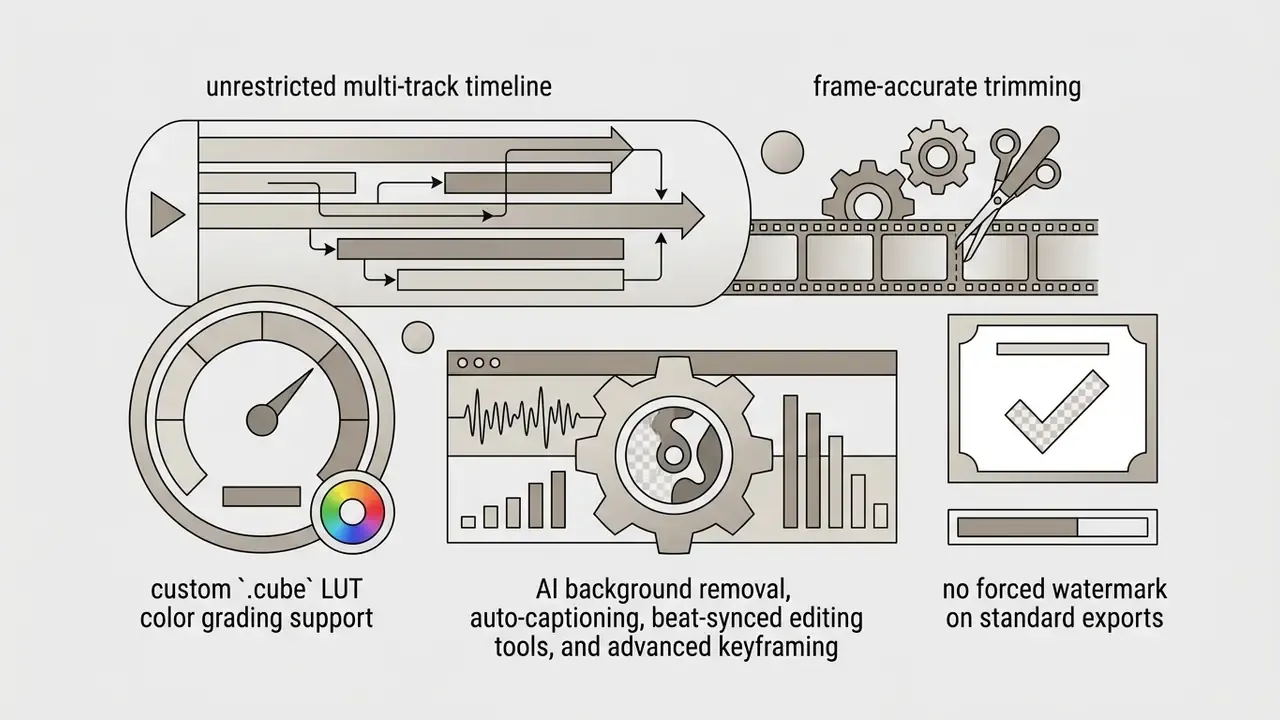
.cube LUT color grading support, frame-accurate trimming, AI background removal, auto-captioning, beat-synced editing tools, advanced keyframing, and no forced watermark on standard exports.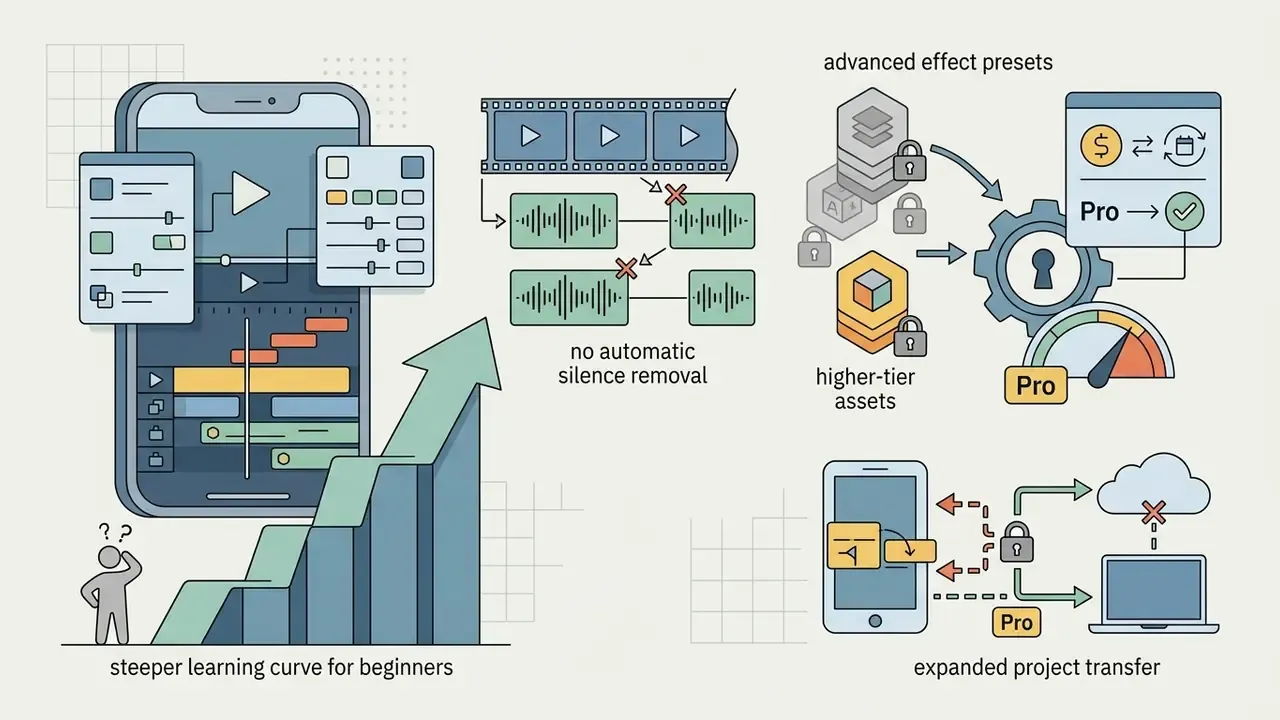
LumaFusion: Best for Professional Multi-Track Filmmaking
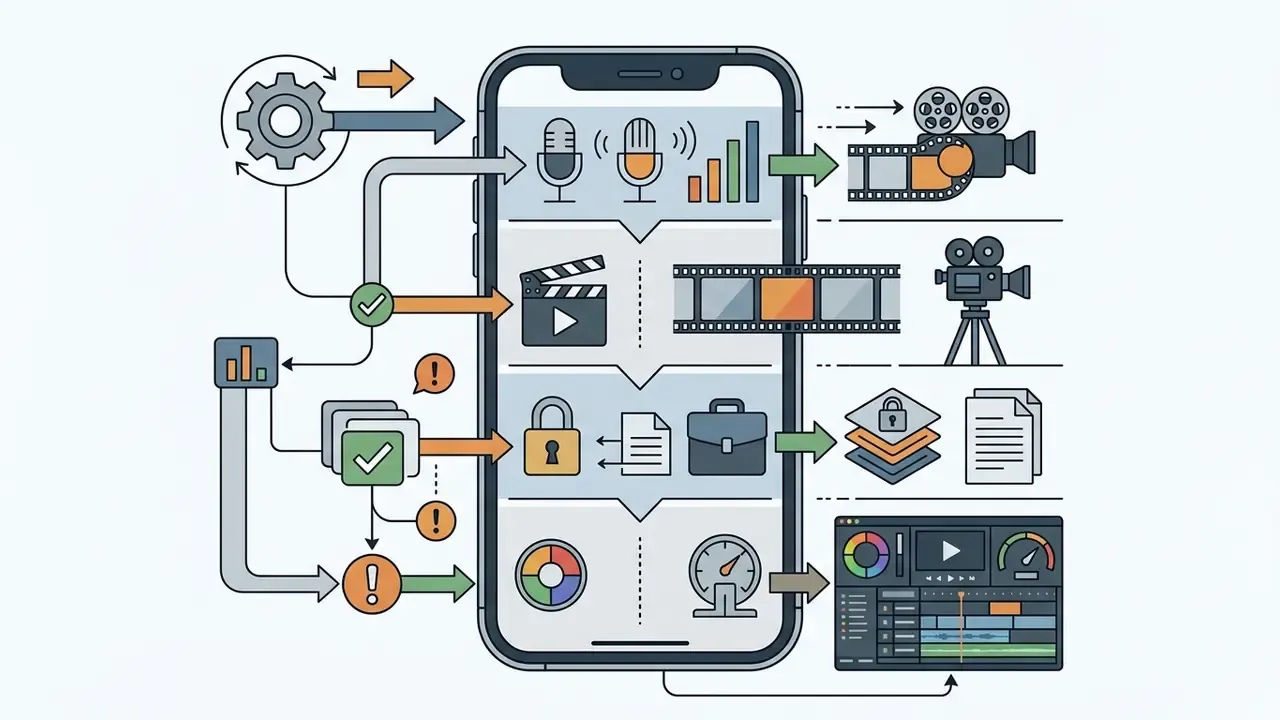
LumaFusion is a full-featured, desktop-grade non-linear editor built specifically for iOS and iPadOS. It is the app most often used when an iPhone genuinely replaces a laptop on location. It supports six video, audio and graphic tracks plus six additional audio tracks, professional colour correction, advanced keyframing, custom .cube LUT imports, frame rates from 24 to 60 fps, resolutions up to 4K, and direct export to external drives.
Adobe Premiere Rush: Best for Adobe Users
Adobe Premiere Rush bridges mobile editing with desktop non-linear workflows inside the Adobe Creative Cloud ecosystem. The editing software offers multi-track editing, color adjustment controls, auto-reframing, Adobe Fonts access, picture-in-picture, and cloud asset syncing across mobile and desktop devices.
- Key advantages direct integration with Adobe Creative Cloud and Adobe Premiere Pro, unlimited free 4K exports on the Starter plan, 2 GB free cloud storage (100 GB on paid tiers), and cross-device timeline sync.
- Limitations Adobe's Help Center states that technical support for Premiere Rush ends on September 30, 2026, after which the application may stop functioning or disappear from the Creative Cloud desktop app. That is decisive for any team standardizing a long-term toolchain. Rush also lacks chroma key, multi-camera workflows, and the generative AI features found in Adobe's newer mobile Premiere app.
- Target audience Creative Cloud subscribers, corporate media teams, and cross-platform video editors, ideally with a documented migration plan toward Adobe's current mobile Premiere app.
Which iPhone Video Editing App Is Best for Your Content?
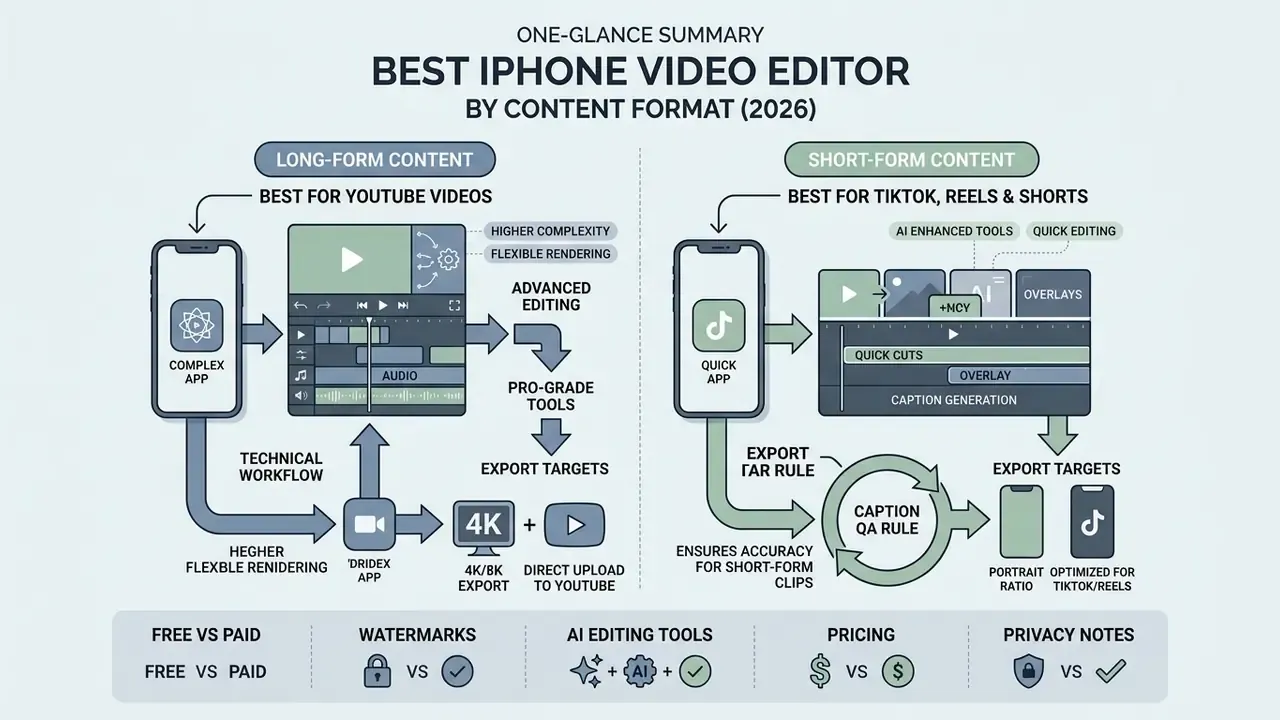
Matching software architecture to content format prevents technical bottlenecks during rendering and distribution. Long-form video distribution needs structured project management. Short-form creation needs turnaround speed. Trying to serve both with one tool usually costs more than owning two.
Best App for YouTube Videos on iPhone
Producing long-form YouTube content requires non-linear timeline management, multi-track audio balancing for voiceovers and music, color correction capability, and high-bitrate 4K rendering. That narrows the field for anyone searching for the best app to edit videos for youtube for iphone.
- Top recommendations VN Video Editor (free, watermark-free) and LumaFusion (paid, professional multi-track).
- Technical workflow both support multi-layer video tracks, precise audio scrubbing, custom LUT application, frame-accurate trimming, and H.264/HEVC rendering.
- Export targets official YouTube technical guidelines recommend 1080p at 12 Mbps (60 fps) or 4K at 53-68 Mbps (60 fps) for optimal playback encoding. Google YouTube Help (2026), https://support.google.com/youtube/answer/1722171. Note that videos uploaded in square or vertical aspect ratios at three minutes or shorter are classified as Shorts, so long-form uploads should stay in 16:9.
Creators scaling horizontal YouTube channels can review our dedicated guide on YouTube video editor workflows for extended desktop and mobile integration strategies.
Best Apps for TikTok, Reels, and Shorts
Short-form platforms prioritize 9:16 vertical orientation, immediate visual hooks, dynamic text captions, and trending audio integration.
«Perceived usefulness significantly influences attitude and behavioural intention to use platforms with interactive video content.»
Practically, retention on short-form platforms depends less on effect density than on caption accuracy and pacing. Two variables that AI captioning and silence removal control directly.
- Top recommendations
- CapCut and InShot.
- Technical workflow
- automated speech-to-text engines generate burned-in captions in seconds. TikTok's own editor auto-transcribes uploaded and recorded clips with editable output, while smart canvas reframing converts 16:9 source footage into 9:16 vertical frames automatically.
- Export targets
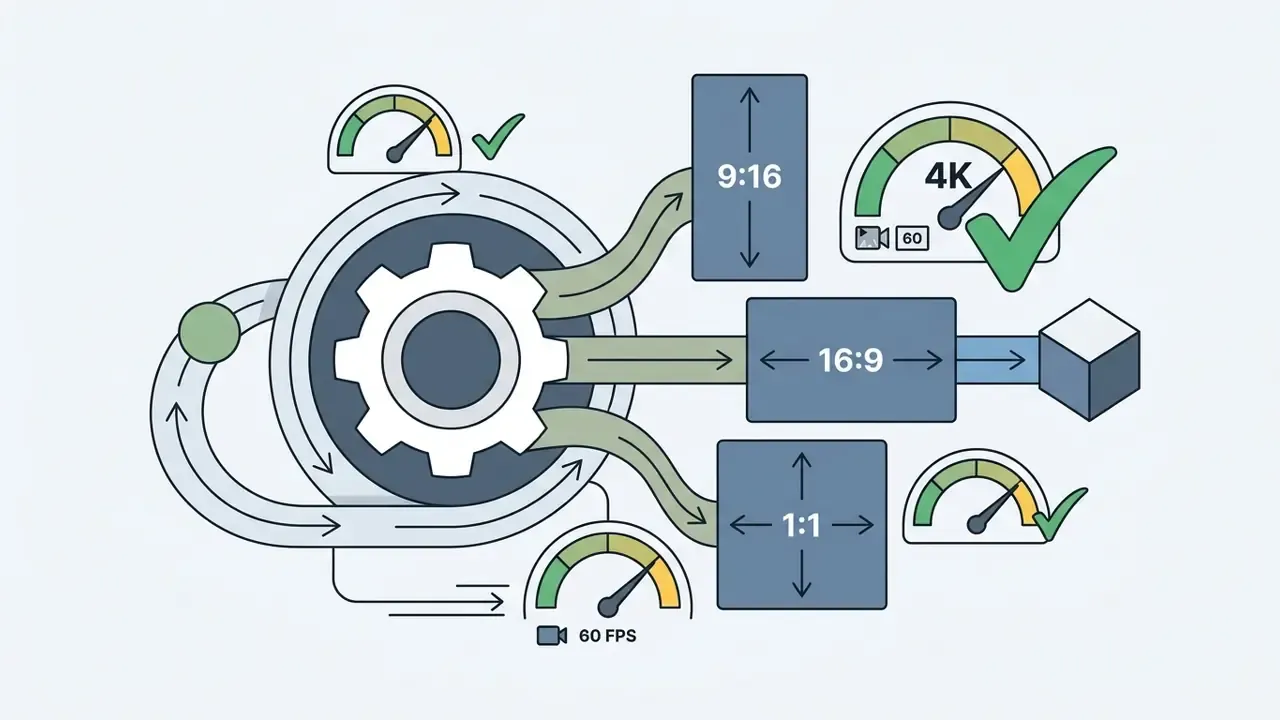
- render in 1080p at 30 or 60 fps using H.264 encoding to match native mobile playback specs without triggering platform re-compression. For Shorts, 1080x1920 is the recommended vertical delivery size.
- Caption QA rule
- always human-review AI captions before publishing branded or regulated content. A 90%-accurate transcript still means roughly one error every ten words in technical terminology.
Best Free iPhone Video Editor: What You Get Without Paying
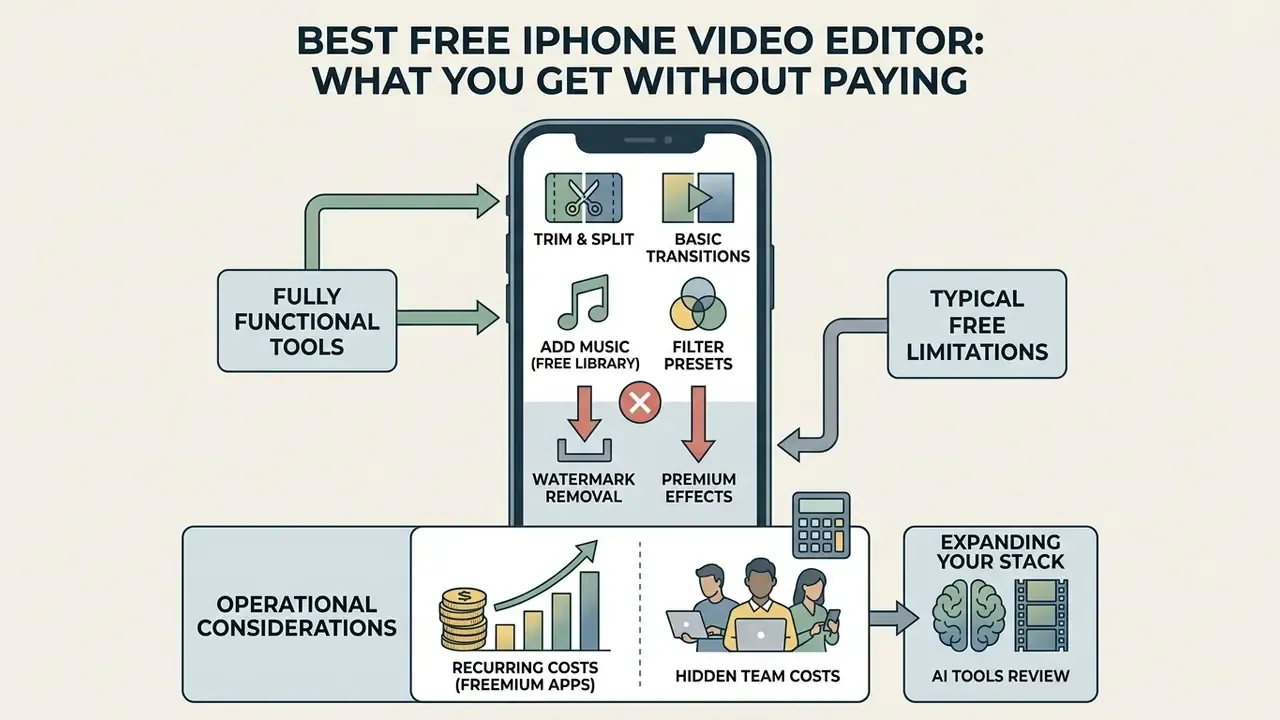
Navigating the landscape of best free iphone video editor options means understanding the trade-offs between genuinely free utility software and freemium models. The same trade-offs apply to free AI video generators in adjacent creative categories.
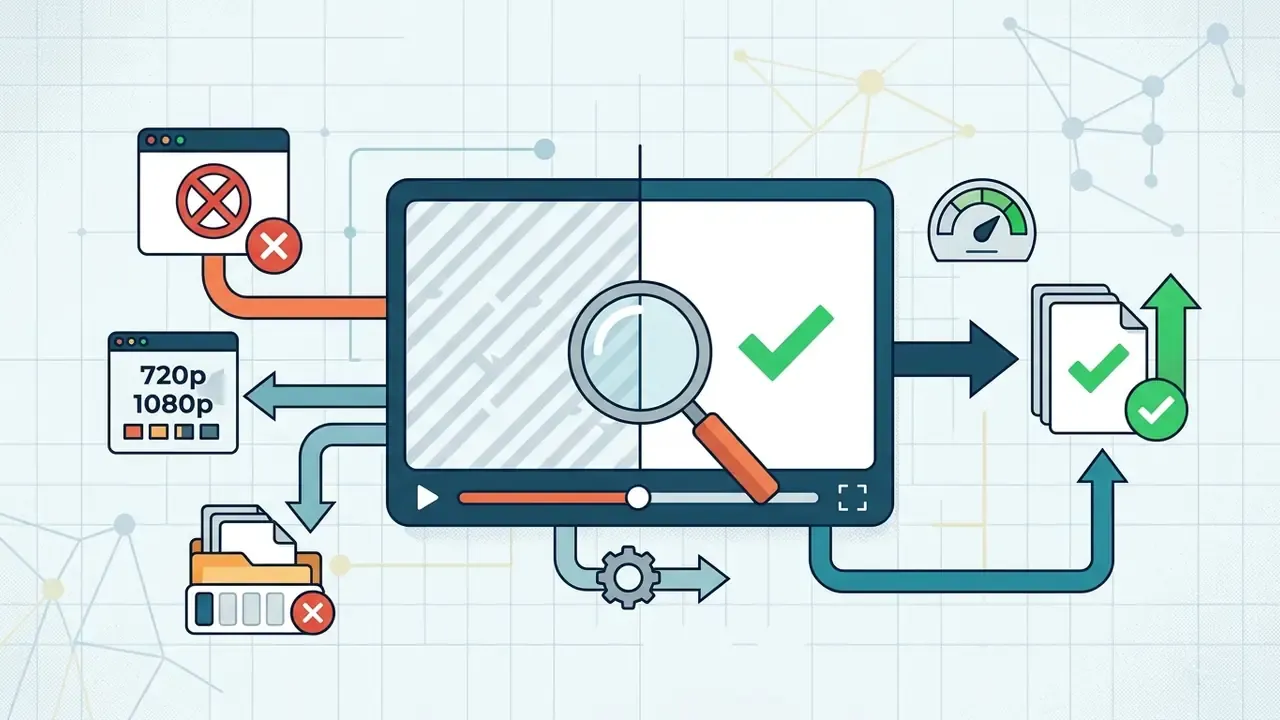
The table below breaks down functional availability between typical free mobile tiers and paid upgrades.
| Feature / Operational Capability | Free Tier Availability | Paid / Pro Tier Upgrade |
|---|---|---|
| Basic clipping and trimming | Fully available across all apps | Unlocked by default |
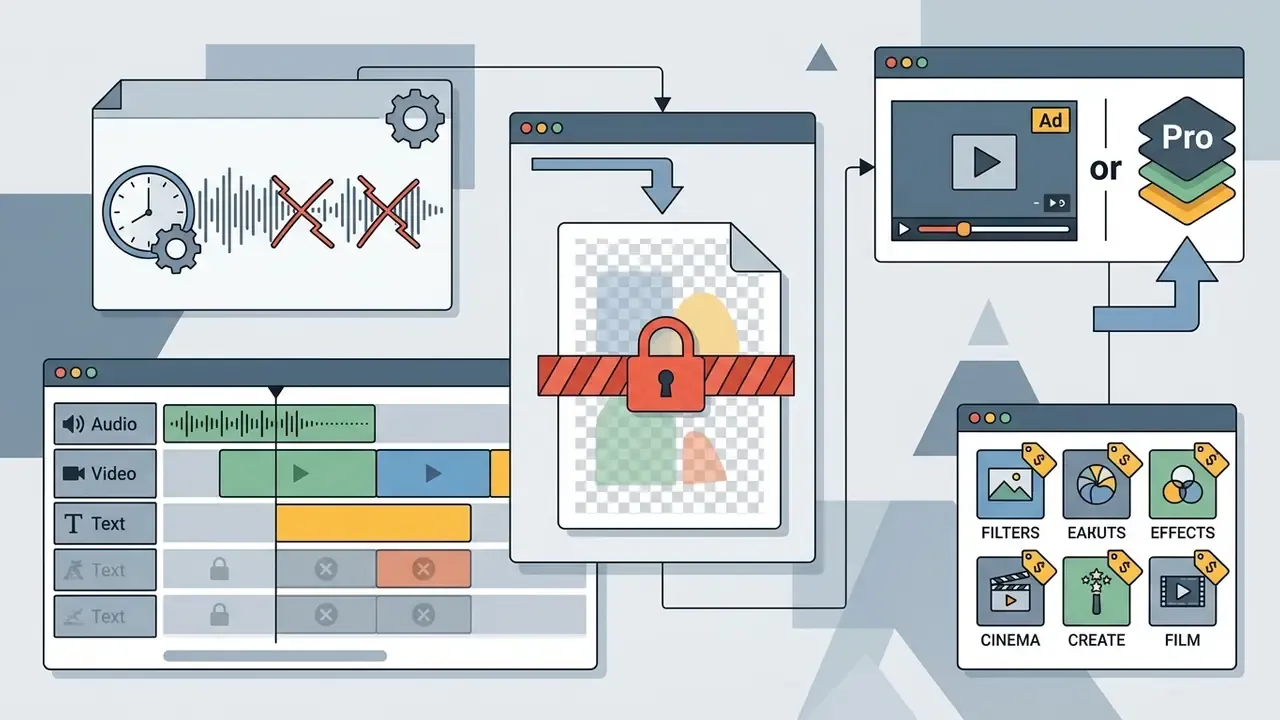
| Watermark-free export | Available in iMovie, VN, Premiere Rush; CapCut up to ~7 exports | Required for InShot, CapCut Pro templates |
| Maximum export resolution | 1080p to 4K (app-dependent) | Unlocks 4K 60 fps, HDR, higher bitrate |
| AI auto-captions | Limited or basic styling | Unlocks custom fonts, auto-highlighting, higher accuracy |
| AI silence removal / text-based editing | Rare in free tiers (CapCut offers transcript trimming) | Standard in dedicated AI editors (~$9.99/mo) |
| Green screen (chroma key) | Supported in iMovie, CapCut, VN | Full keying precision and feathering |
| Asset and template library | Standard filter and transition sets | Premium effect libraries and cloud sync |
| Commercial music licensing | Restricted to in-app social use in most apps | Explicit commercial terms, verify before paid ads |
In plain terms: the best free app for video editing iphone users can install today handles cutting, captions, colour presets, green screen and 1080p delivery without payment. What you buy later is time, licensing clarity, and export headroom. If you only publish organic social clips, a best free iphone video editing app shortlist of iMovie plus VN covers almost everything. Teams running paid media, client deliverables, or HDR masters will hit the paywall within weeks.
Demand for these free tiers is measurable outside the App Store too:
«Inshot.com recorded 546.5K monthly visits with 15.18% traffic growth; 62.17% came from organic search, with a dominant 25-34 audience.»
Licensing and Total Cost of Ownership
Finance and operations leaders equipping a team need one view of recurring spend and hidden costs.
| Tool | Free Tier | Paid Tier | Payment Model | Hidden Costs to Budget |
|---|---|---|---|---|
| iMovie | Full | n/a | None | None |
| VN Video Editor | Watermark-free, up to 100 projects | ~$7.99/mo or $69.99/yr | Subscription | Regional price variance, premium effect packs |
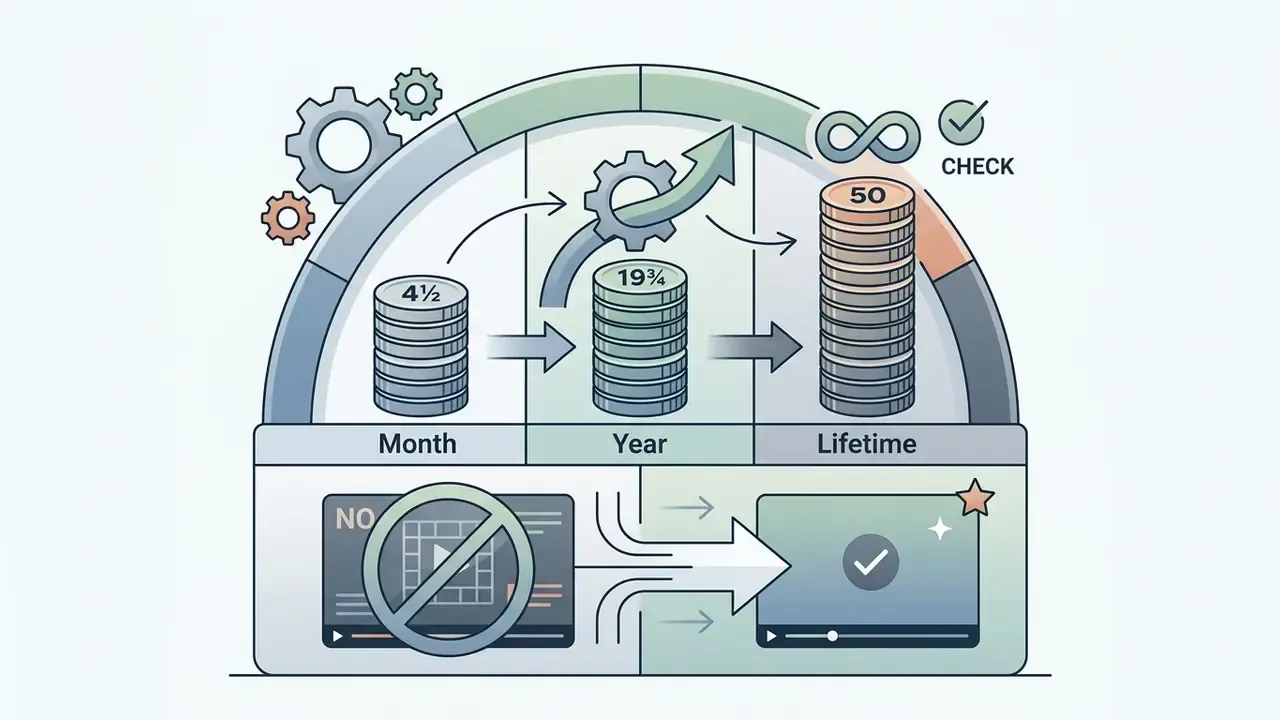
| InShot | Watermarked | $4.99/mo, $19.99/yr, $49.99 lifetime | Subscription or one-time | Paid filter packs sold separately |
| CapCut | ~7 clean exports, Pro assets locked | $9.99/mo or $89.99/yr | Subscription | Pro-marked templates block export mid-project |
| LumaFusion | n/a | $29.99 | One-time purchase | Optional add-on effect and audio packs |
| Adobe Premiere Rush | Unlimited 4K export, 2 GB storage | Creative Cloud tiers (100 GB storage) | Subscription | End of support Sept 30, 2026, plus migration cost |
For a five-person communications team publishing twenty videos per month each, a one-time LumaFusion licence ($150 total) undercuts three years of any subscription tier. That holds only if the workflow does not depend on AI silence removal, which no one-time-purchase iOS editor currently automates. Correction, worth stating precisely: none that we could verify as of February 2026.
If you are expanding your creative stack to include generative video tools, check our review of best ai video generator apps 2025 or compare the best ai video generators side by side.
How to Edit Videos on iPhone With a Video Editing App
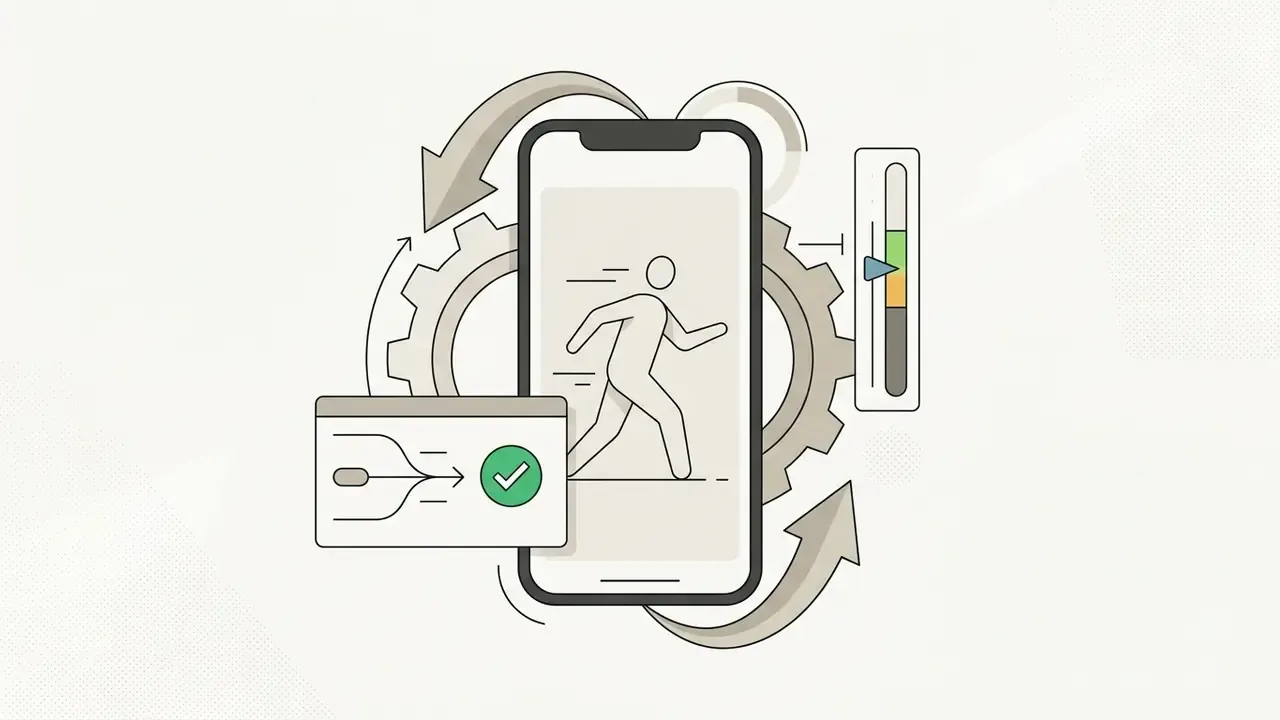
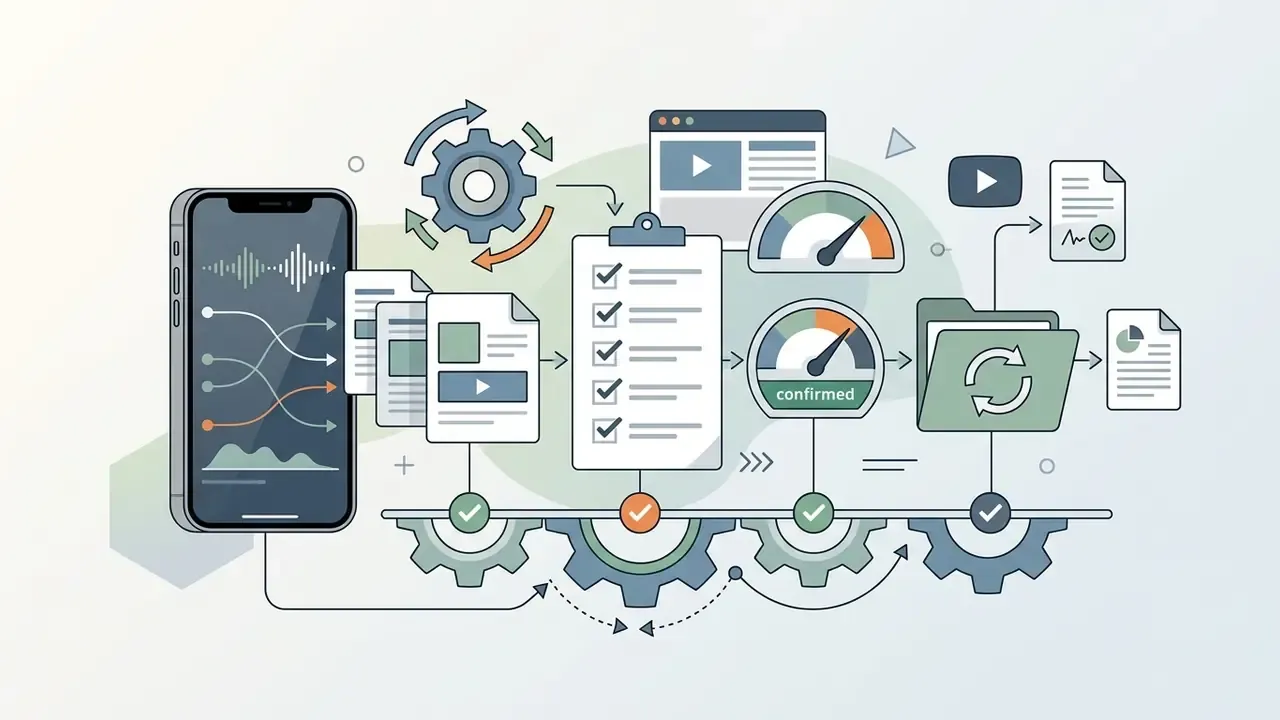
A structured mobile editing process protects technical quality and cuts rendering errors. Follow standard post-production steps and you keep efficiency from raw capture through to publish.
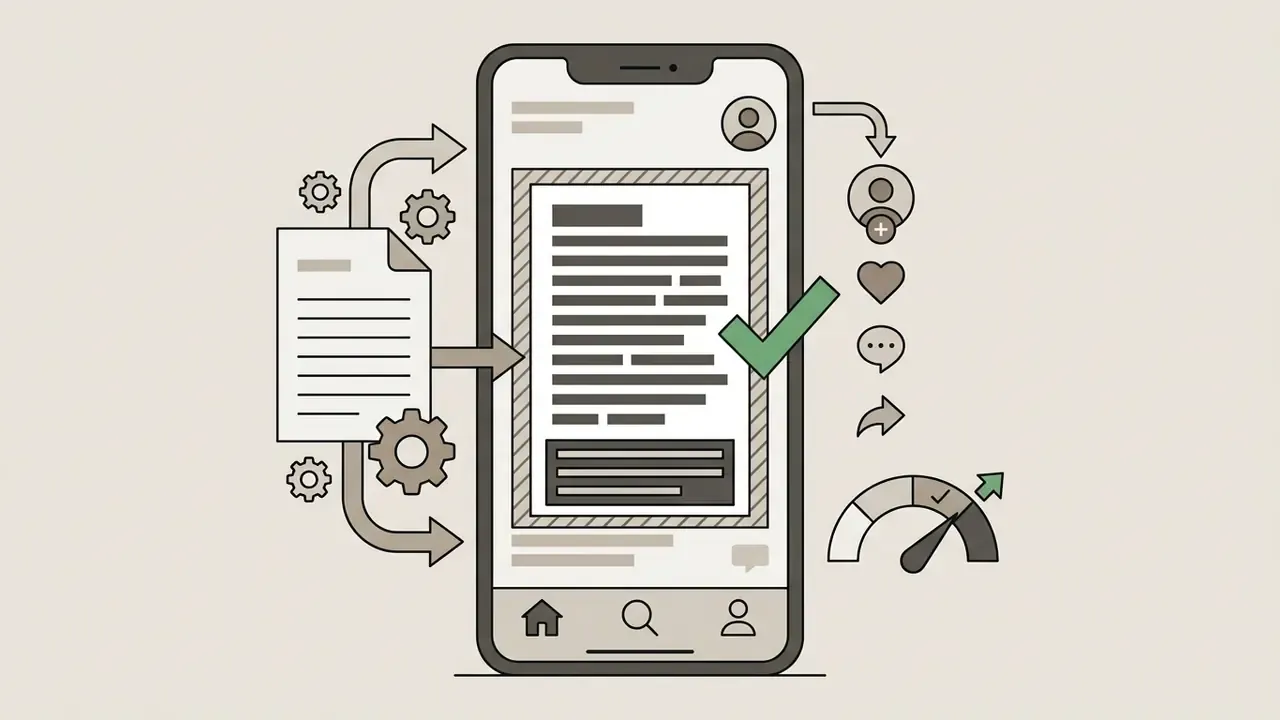
Import Clips and Build a Rough Cut
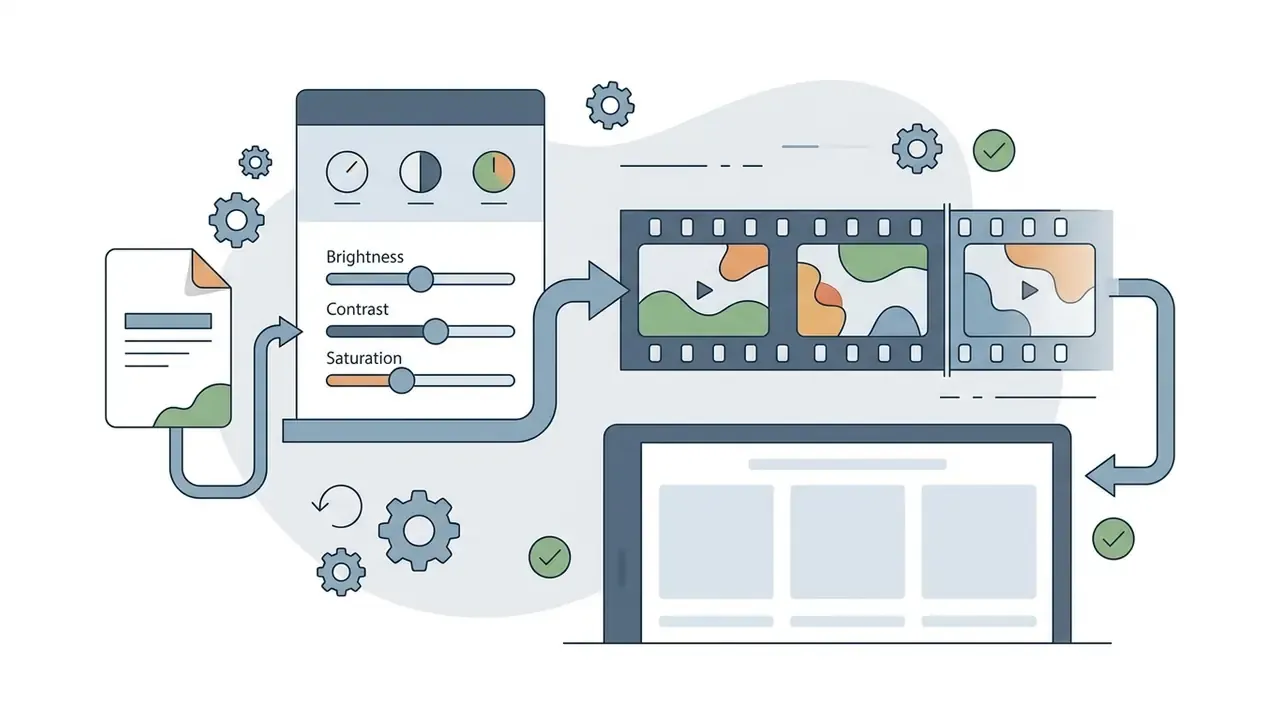
Add Text, Music, and Color Correction
Once the rough cut is locked, secondary layers carry engagement and audio clarity.
FAQ: Frequently Asked Questions About iPhone Video Editors
Can You Edit iPhone Videos Without a Computer?
Yes. Apple documents ProRes capture, playback, and editing directly on iPhone from iOS 15.1 onward for supported Pro models. Built-in Photos and iMovie tools handle trimming, speed changes, Cinematic-mode focus edits, audio mixing, and export up to 4K with no Mac in the loop. Third-party video editing software adds timeline precision, chroma keying, LUT-based grading, and high-bitrate rendering that satisfy professional mobile journalism and social media requirements. Desktop systems still win for ultra-complex projects: dozens of simultaneous camera angles, extensive third-party plugin suites, heavy multi-layer 3D compositing, or very large media libraries where mobile performance and storage become the limiting factor. Apple also gates some newer creator features behind current OS versions and specific hardware generations, so "full editing on iPhone" means different things across device generations.
Are My Uploaded Videos Safe When Using AI Features in Mobile Editors?
Native tools such as Apple iMovie, and on-device editors such as VN Video Editor and LumaFusion, process edits locally. Apps relying on cloud-based generative AI, including some CapCut features and most standalone upscalers, transmit media or audio to remote servers. That may require enterprise data-compliance review before editing unreleased corporate materials, embargoed announcements, or footage containing personal data.
Which iPhone Editor Is Best for Talking-Head Content?
Any tool with automatic silence removal plus accurate captions. CapCut's transcript-based editing gets closest among mainstream free apps. Dedicated AI-first iOS editors cut a five-minute talking-head rough cut in about two minutes, against 20-30 minutes of manual pause deletion.
Will My Video Have a Watermark?
iMovie, VN Video Editor, LumaFusion, and Adobe Premiere Rush export clean files. InShot watermarks free exports unless you view an ad or upgrade. CapCut allows roughly seven clean exports before watermarking, and any project using Pro-marked assets needs a subscription to export.
Can I Use the Built-In Music Library in a Commercial or Advertising Video?
Usually not without checking first. In-app music, sticker, and stock libraries are typically licensed for organic social posting inside that app's ecosystem, not for paid media, broadcast, or client deliverables. Verify the licence terms per track before using in-app audio in commercial campaigns.
What Is the Minimum iPhone Specification for 4K Multi-Track Editing?
Apple Silicon devices from the A15 Bionic generation onward handle multi-track 4K timelines comfortably. ProRes capture and editing require supported Pro-class models on iOS 15.1 or later, and external-drive ProRes recording is limited to the iPhone 15 Pro family and newer.
How Many Editors Should a Team Standardize On?
Two, in most cases. One on-device editor for regulated or pre-release footage, and one social-first editor for organic short-form output. Three or more tools tend to fragment asset libraries and make licence audits painful.
Selection Checklist Before You Commit
Use this as a pre-purchase gate for individual creators and teams alike:
Checklist0 / 9