If you run risk, compliance or finance operations at a US bank or a mature fintech, video is already piling up inside your perimeter. Recorded advisory calls. Branch and ATM camera archives. Video KYC sessions. Complaint recordings that legal may need in eighteen months. Someone in your organization has probably already pasted one of those files into a consumer chatbot. That is the real question behind "is there ai that can analyze videos": not whether the technology works, but whether you can use it without creating an unauditable control gap.
This guide answers both halves. What the tools actually do, and what has to be true before a video model touches regulated material.
Executive Summary for Decision-Makers
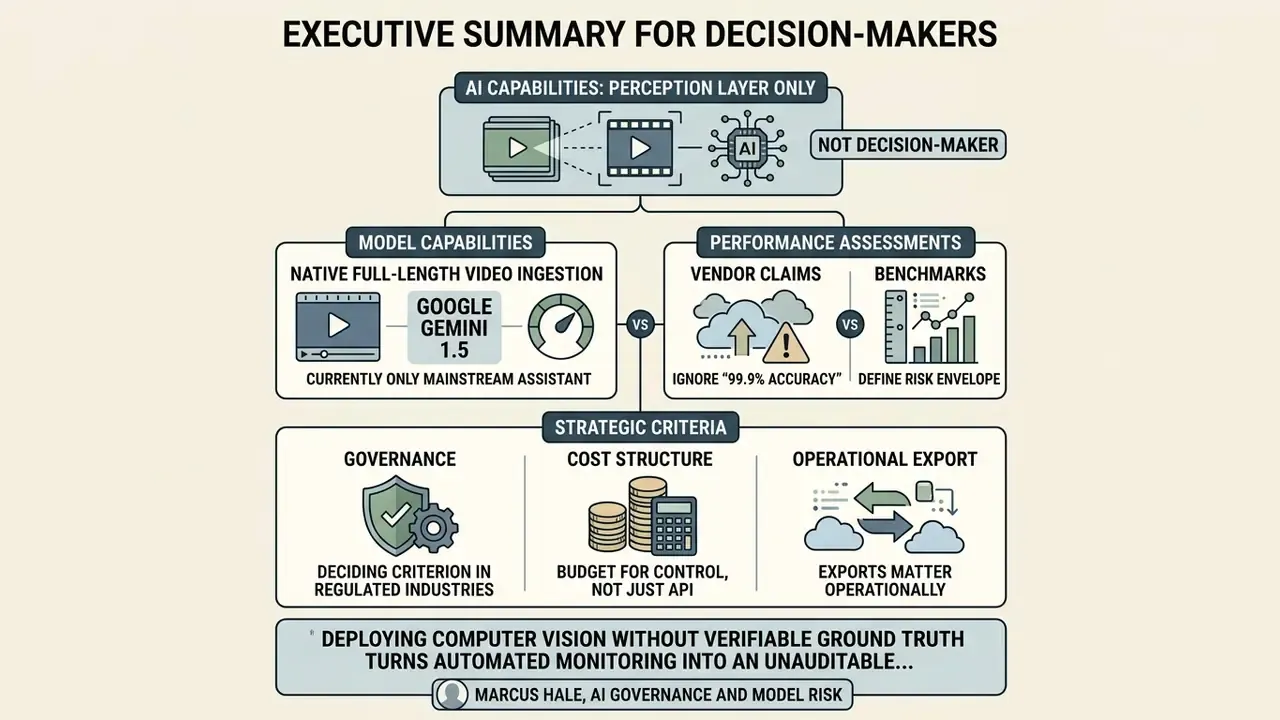
- Yes, AI can analyze videos, but only as a perception layer, not as a decision-maker. Multimodal models read sampled frames, on-screen text and time-aligned speech transcripts together, then answer questions with timestamps. Accuracy collapses on long-form, multi-event footage.
- Google Gemini 2.5 is currently the only mainstream assistant that ingests full-length video natively (up to 20 GB via the Files API, YouTube links included). ChatGPT caps web uploads at 500 MB and needs an agentic Codex-style workflow for larger files. Anthropic Claude Opus 4.7 rejects video containers entirely and requires manual keyframe extraction.
- Benchmarks, not vendor claims, define the risk envelope. CinePile, InfiniBench, LVBench, VideoVista, CG-Bench and NA-VQA all show frontier models scoring far below human baselines on long-video reasoning, evidence grounding and temporal localization.
- Ignore "99.9% accuracy" marketing. Realistic Word Error Rate under noisy, accented, multi-speaker conditions runs roughly 8.5% to 14.2%. Demand raw WER documentation.
- Governance is the deciding criterion in regulated industries. Require zero-data-retention (ZDR) contracts, SOC 2 Type II attestations, GDPR Article 5 alignment, NIST SP 800-53 Rev. 5 controls and, for banks, validation evidence consistent with model-risk-management supervisory guidance (Federal Reserve SR 11-7 / OCC 2011-12).
- Budget for the cost of control, not just the API price. Per-minute rates start at $0.048 to $0.15 (Google Cloud Video Intelligence API), yet human verification time is usually the largest line item in total cost of ownership.
- Exports matter operationally. Insist on
.SRT,.VTT,.TXT,.JSONand.CSVoutputs with timecodes, confidence scores and bounding boxes.
Can AI analyze videos and understand their content?
AI models can analyze videos by processing visual frames, audio tracks and text transcripts through multimodal transformers, which lets them answer questions, categorize scenes and summarize media content. True contextual understanding, though, stays bounded by context windows and by weak spatial-temporal reasoning.
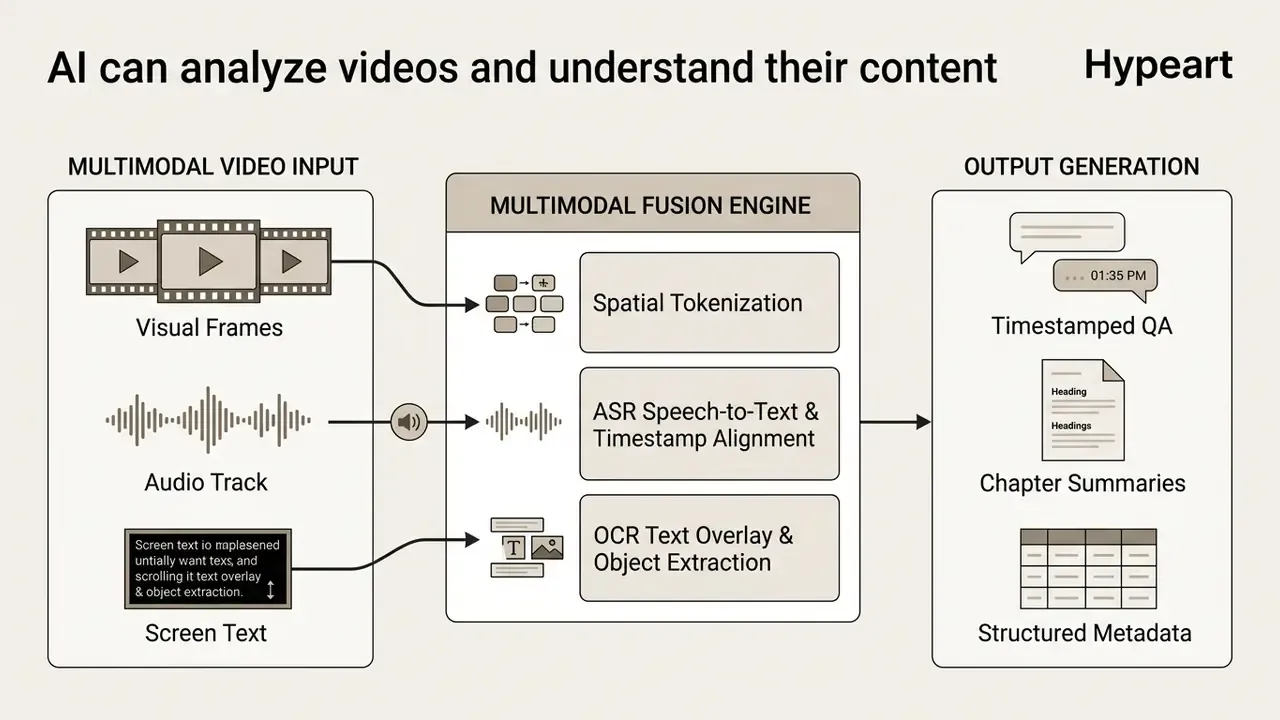
Modern systems evaluate video using multi-stream architectures. Visual encoders sample individual frames or motion vectors, while automatic speech recognition (ASR) engines transcribe spoken dialogue. A central language model then fuses those inputs to detect objects, read on-screen text and track events over time.
Academic benchmarks confirm the pattern: current models handle descriptive tasks over short clips well, and lose accuracy on complex narratives across long recordings. According to the Stanford HAI AI Index 2026, no artificial intelligence model reached the human baseline of 74.4% on the Video-MMMU benchmark, with the top performer at 66%.
Benchmark reconciliation note. Vendor-reported figures differ sharply from independent index reporting because of evaluation protocol, frame budget and data cut-off. Google's technical documentation reports 83.6% on VideoMMMU for Gemini 2.5 Pro under its internal test conditions, while the Stanford AI Index reflects a standardized, index-wide snapshot with a different cut-off and prompting regime.
Treat both numbers as valid inside their own protocol. Then reproduce the run on your own footage before relying on either figure. The practical conclusion for governance teams: video artificial intelligence is a high-throughput perception tool, not an autonomous decision-maker.
So, can AI watch videos and analyze content end to end? Partly. It watches, it describes, it retrieves. It does not reliably reason across an hour of unrelated events.
What AI sees in video frames, text, faces and objects
Visual encoders convert raw video frames into mathematical tokens that capture spatial and temporal detail. Advanced architectures such as Google Gemini 2.5 compress individual frames into roughly 66 visual tokens, which is how three hours of footage fits into one context window.
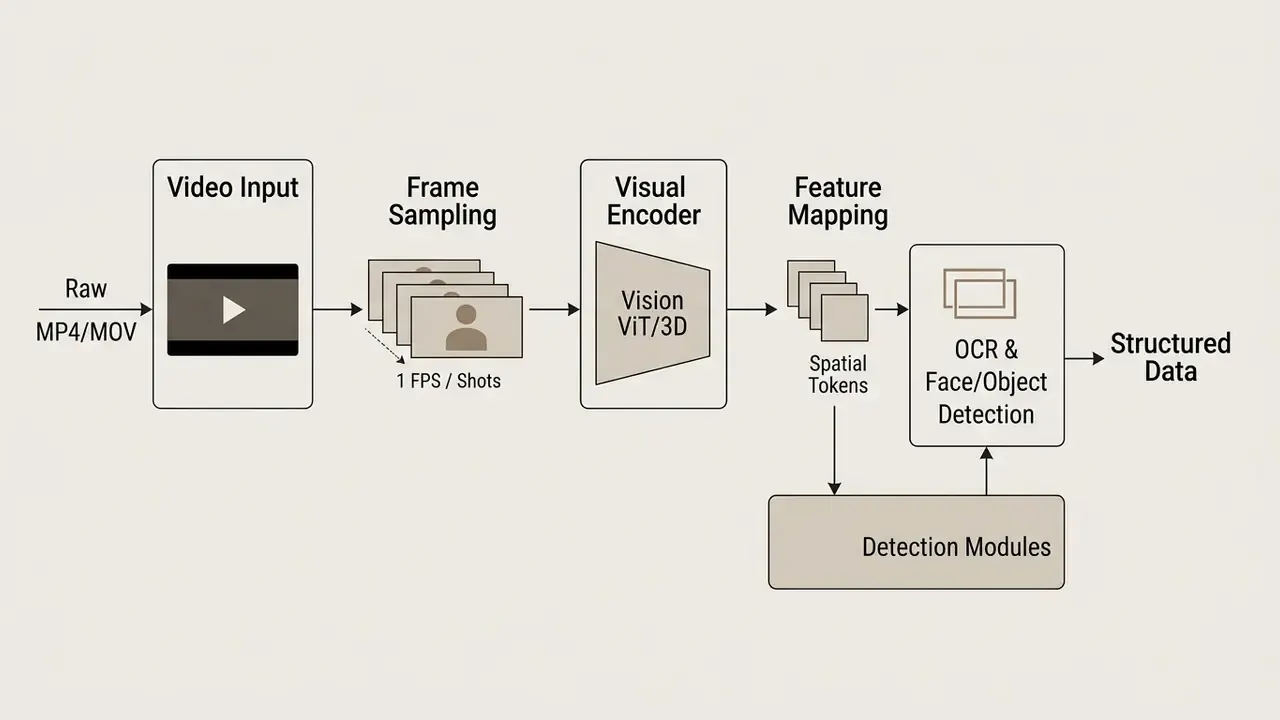
Those visual tokens support several core detection tasks:
Dedicated video foundation models show that specialized training on appearance and motion dynamics buys measurable accuracy over general-purpose vision models:
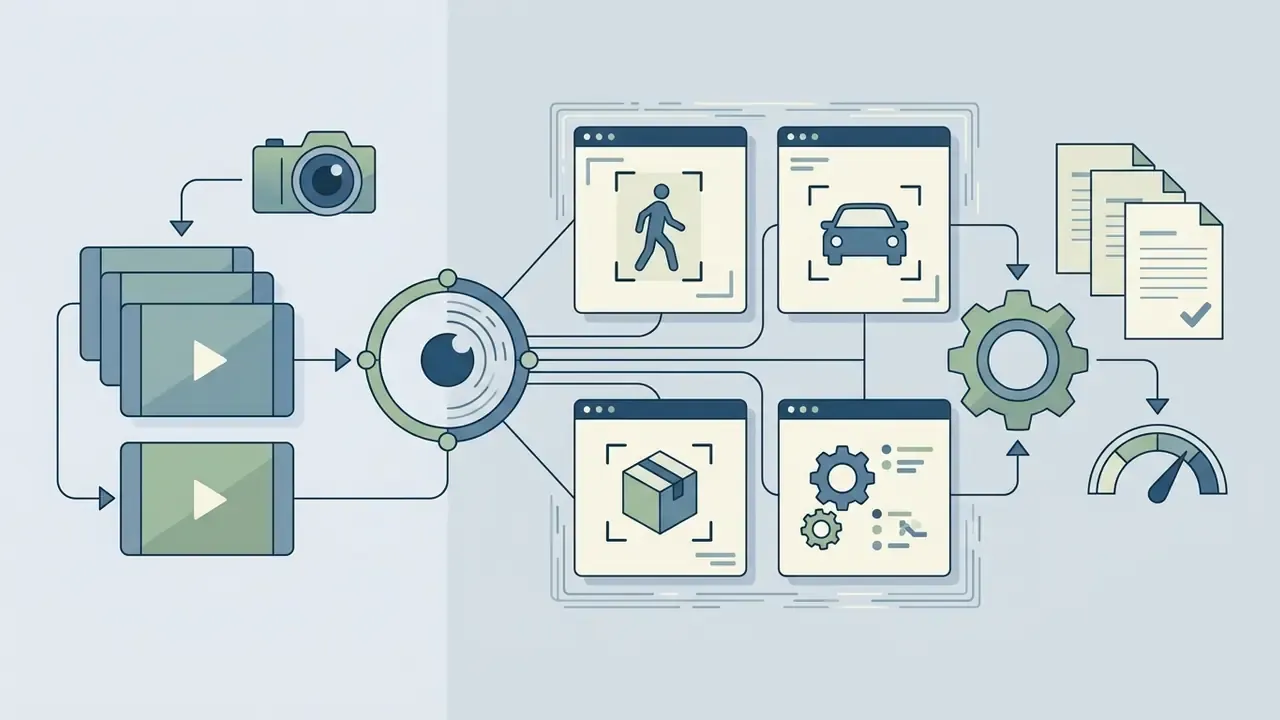
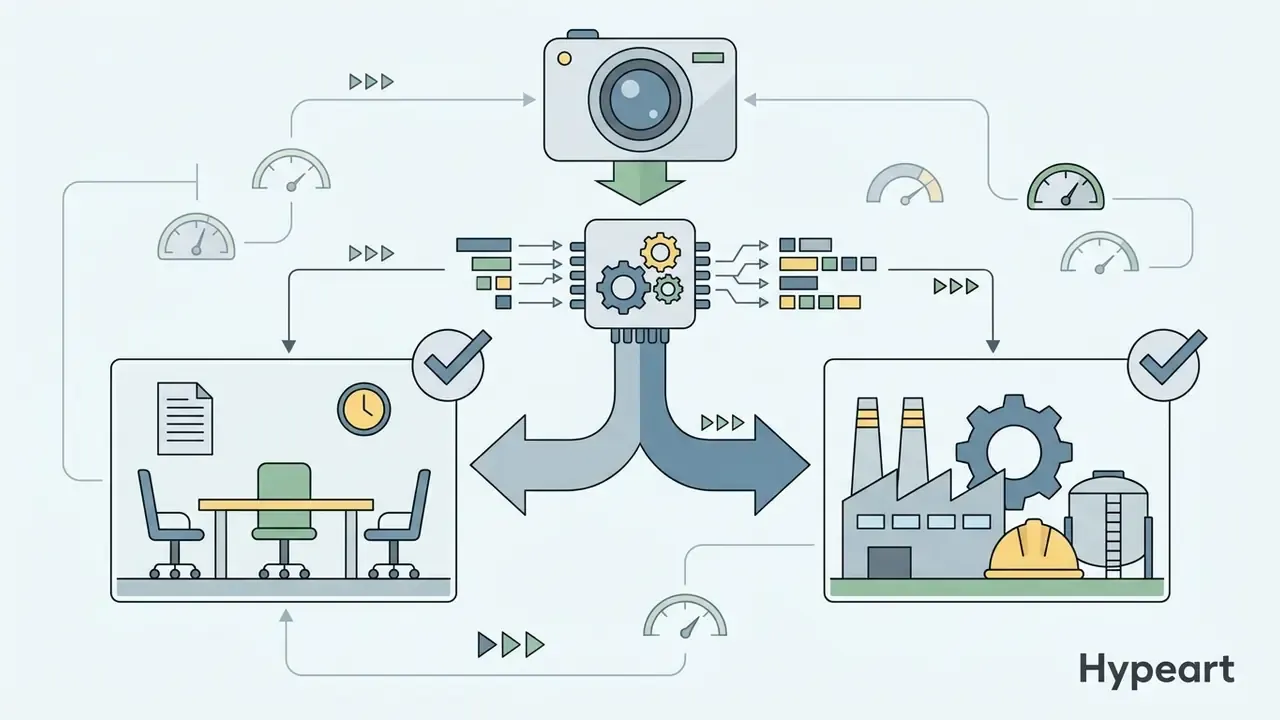
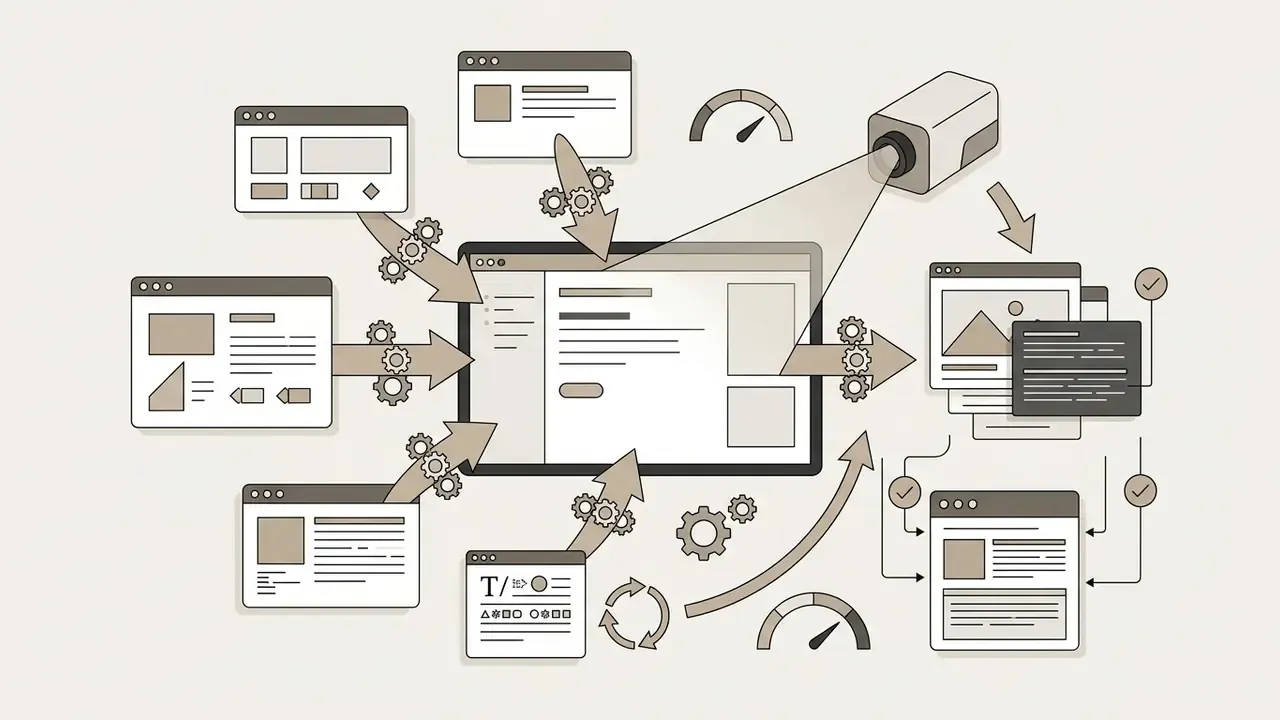
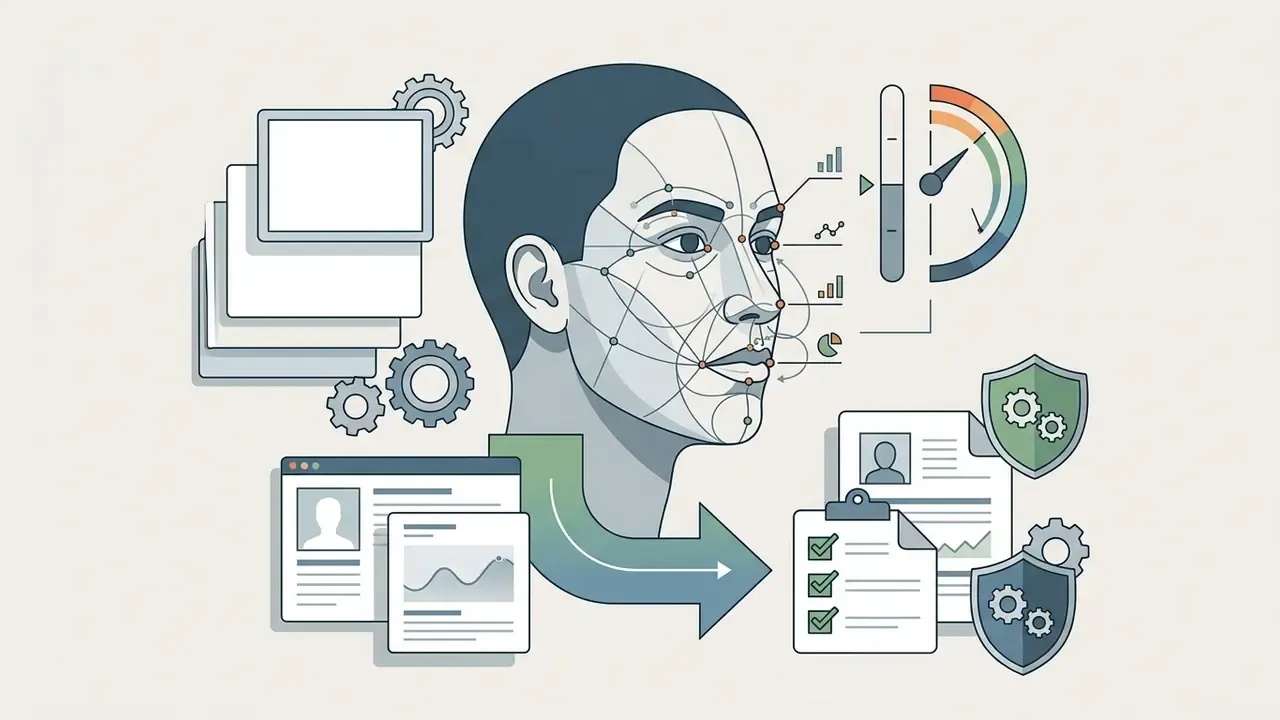
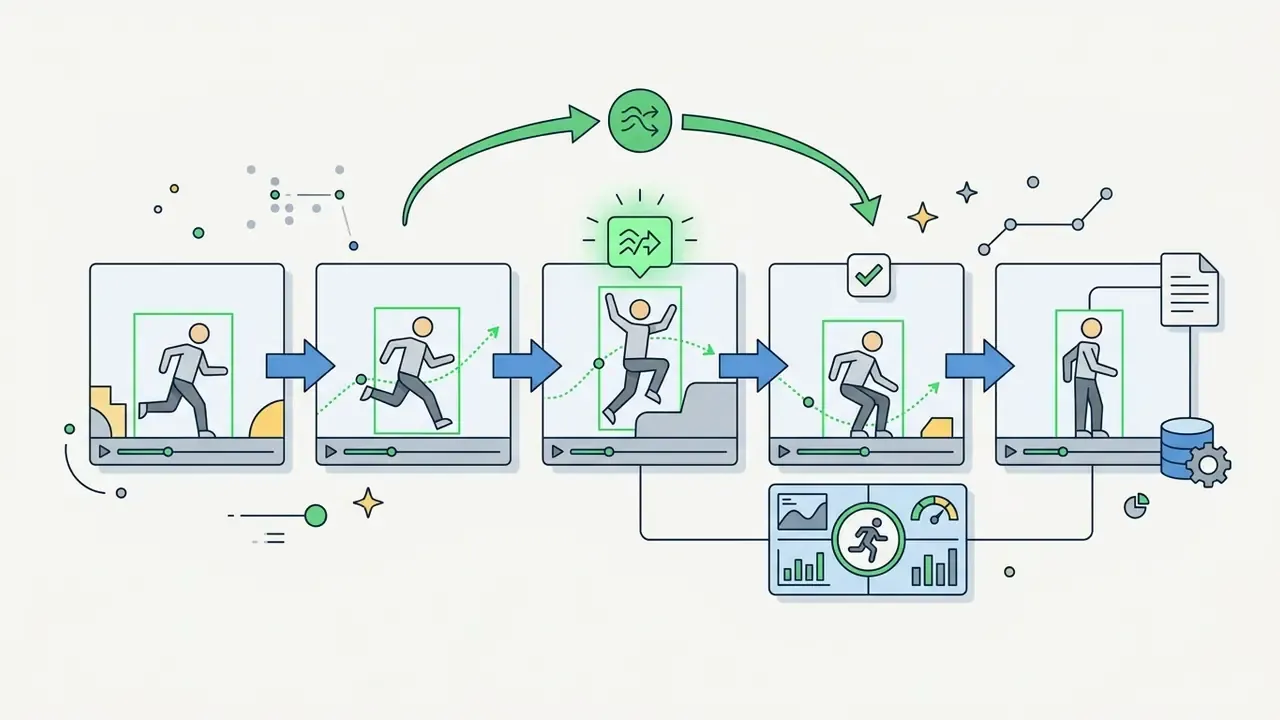
Even so, visual detection degrades on low-resolution footage, fast camera movement and heavy occlusion. Teams building adjacent media pipelines can compare perception tooling with generation tooling in the AI video generators reference.
Motion-only edge case: analyzing silent and gesture-based footage
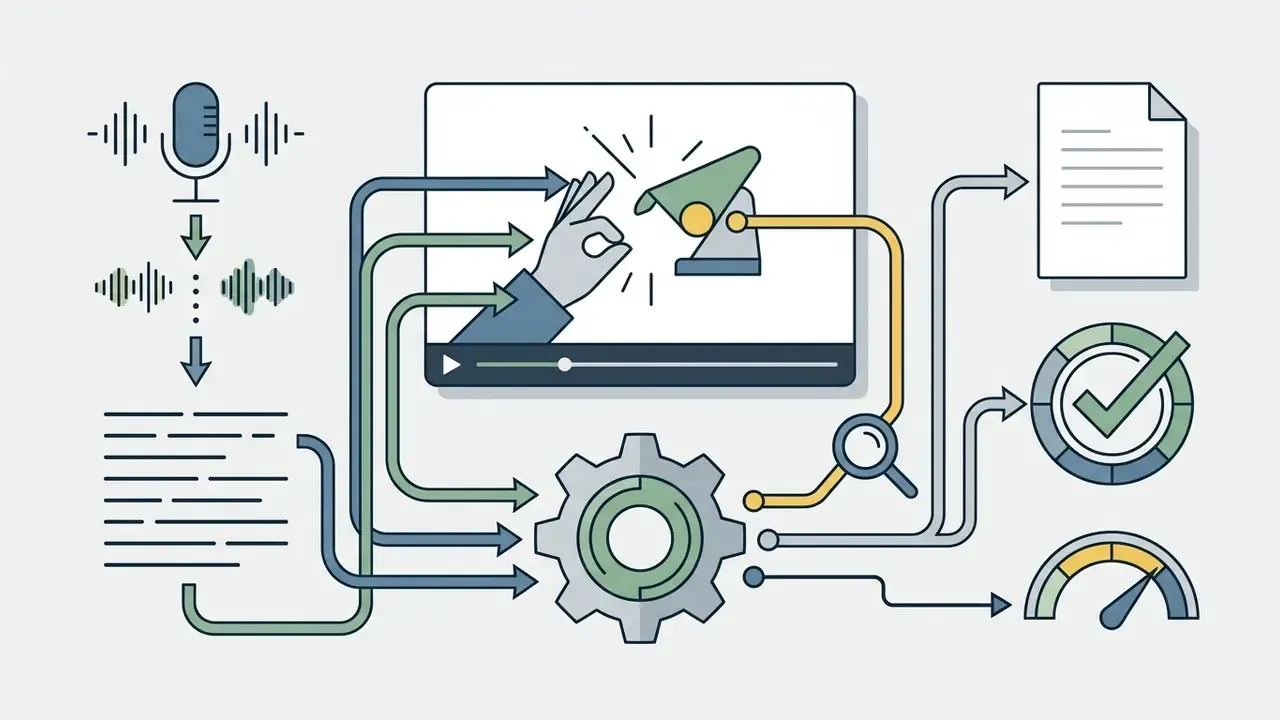
When footage carries no spoken audio and no burned-in text (drone flight tests, gesture controls, silent CCTV feeds, machinery diagnostics), multimodal AI cannot lean on ASR at all. Independent testing by ZDNET's David Gewirtz showed that frontier vision encoders now handle this: a completely silent MP4 of a person waving at a drone was correctly described as a gesture-control test, even though the drone never appeared in frame.
In pure visual mode, the model samples keyframes and computes vector trajectory deltas. The spatial encoder tracks hand positional vectors relative to the lens across consecutive frames, say a raised palm moving outward, and the fusion engine classifies that progression as a distance-control command with zero audio metadata.
Practical consequence for engineering teams: without audio cues, temporal sampling has to rise from 1 FPS to 2 to 5 FPS to catch rapid physical actions. That can increase token consumption by up to 400% and materially change cost per minute. Related preprocessing patterns are documented in the image-to-video AI overview.
What AI understands from audio, transcripts and context
Audio carries semantic context that frames alone miss. Modern video processing pipelines extract the primary audio track, pass it through an ASR network to create time-stamped text, then interleave that transcript directly into the model's context window.
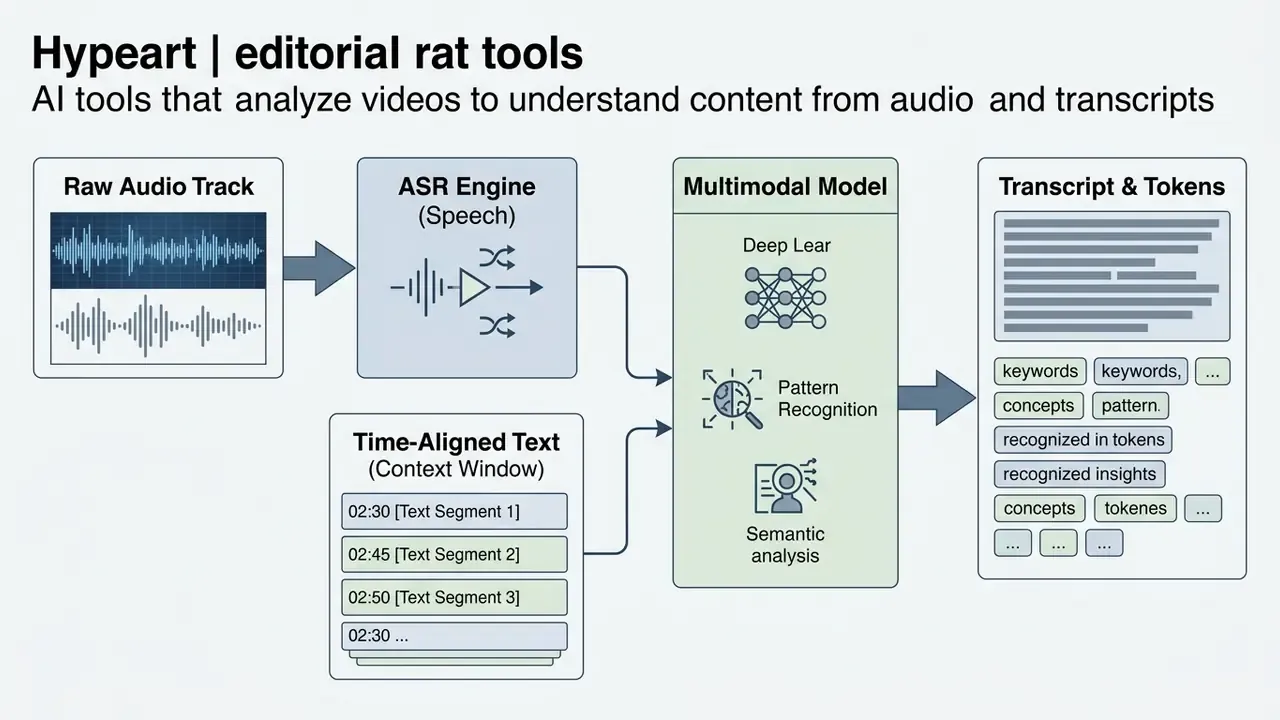
Combining speech transcripts with visual tokens unlocks higher-level insight:
Long-form understanding is where the ceiling shows. The InfiniBench benchmark found that frontier multimodal models, including GPT-4o and Gemini 1.5 Flash, hit 49.16% and 42.72% accuracy respectively on complex plot and interaction questions about hour-long videos.
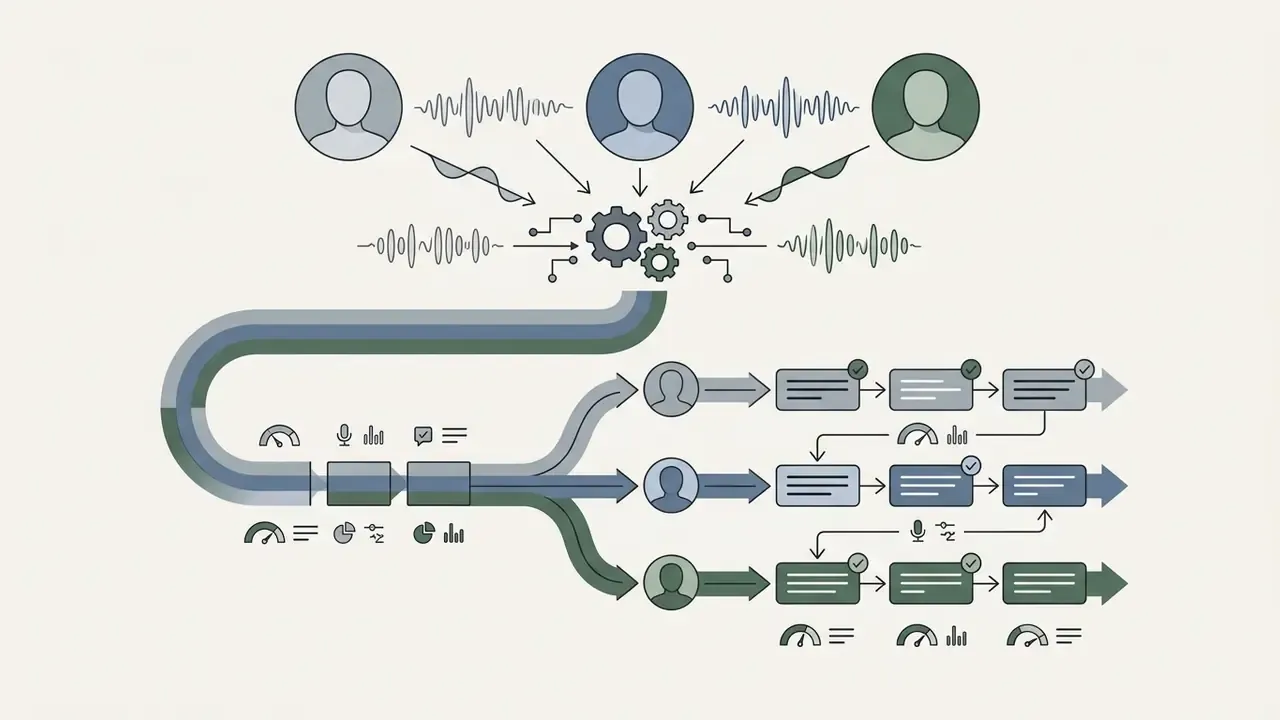
Research published as NA-VQA (2026) points the same way: accuracy falls when the model must link evidence segments separated by long temporal distances inside a full-length feature film.
For aesthetic or stylistic content, brand consistency in ads, courseware design quality, thumbnail composition, the same fusion layer can classify visual style attributes. Log the confidence score next to every stylistic label rather than reporting it as fact; the vocabulary here overlaps with prompt-driven creation, as the ai art style reference shows.
E-E-A-T Fact Check: Capability Verification and Fallibility
How AI video analysis works from upload to answers
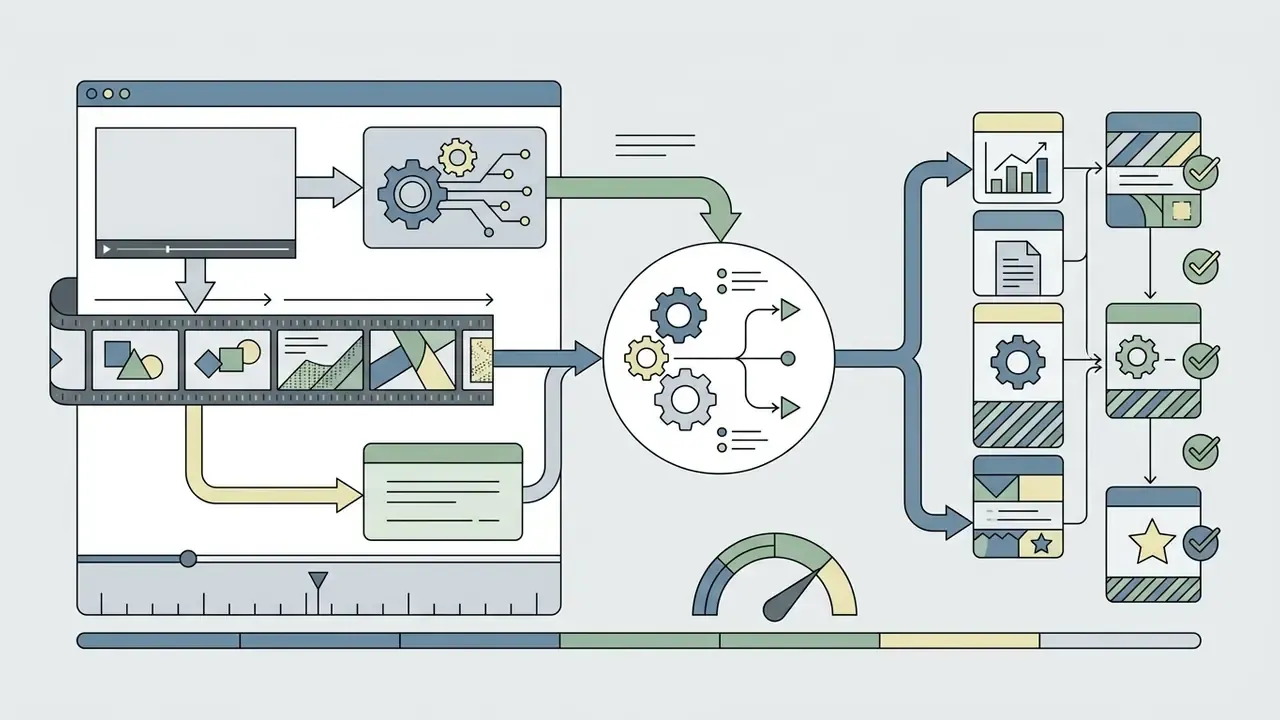
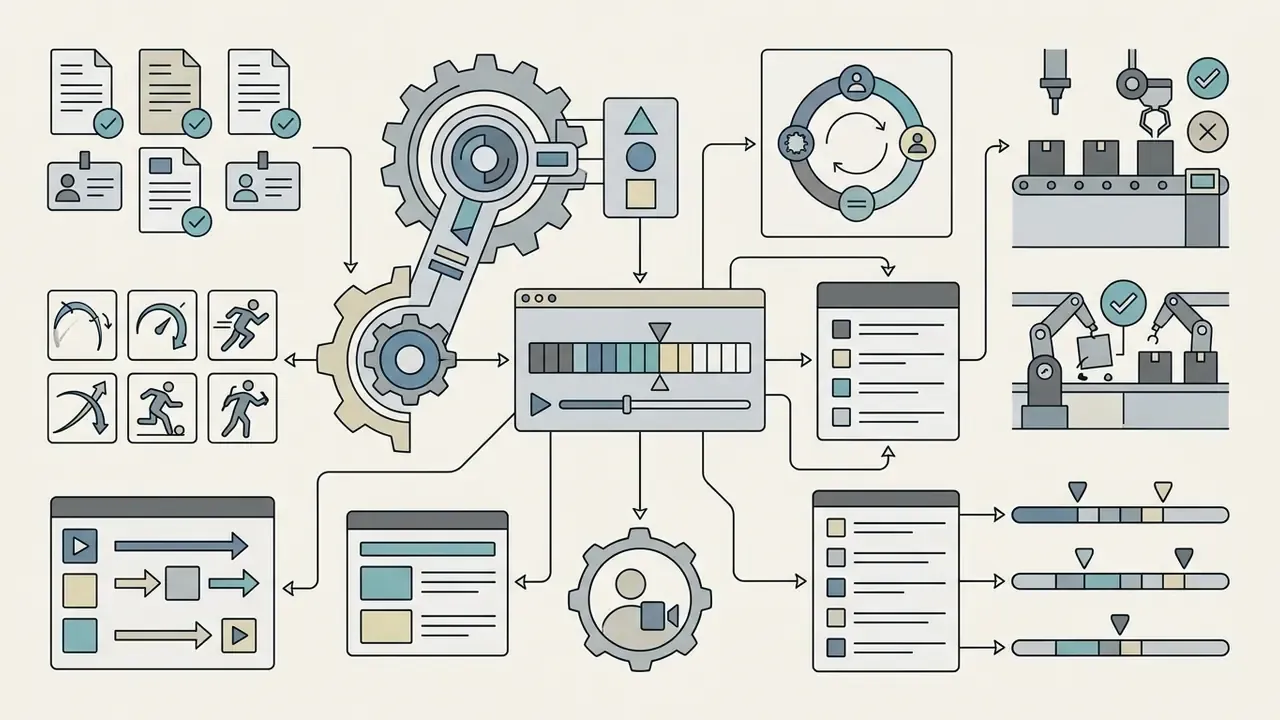
Turning raw footage into usable business intelligence follows a structured, multi-stage pipeline. The architecture ingests media files or stream links, separates visual and audio signals, builds intermediate vector representations, then runs prompt-driven synthesis. Learning this stack first makes vendor comparison much easier, because every commercial product is a packaged variation of the same four stages.
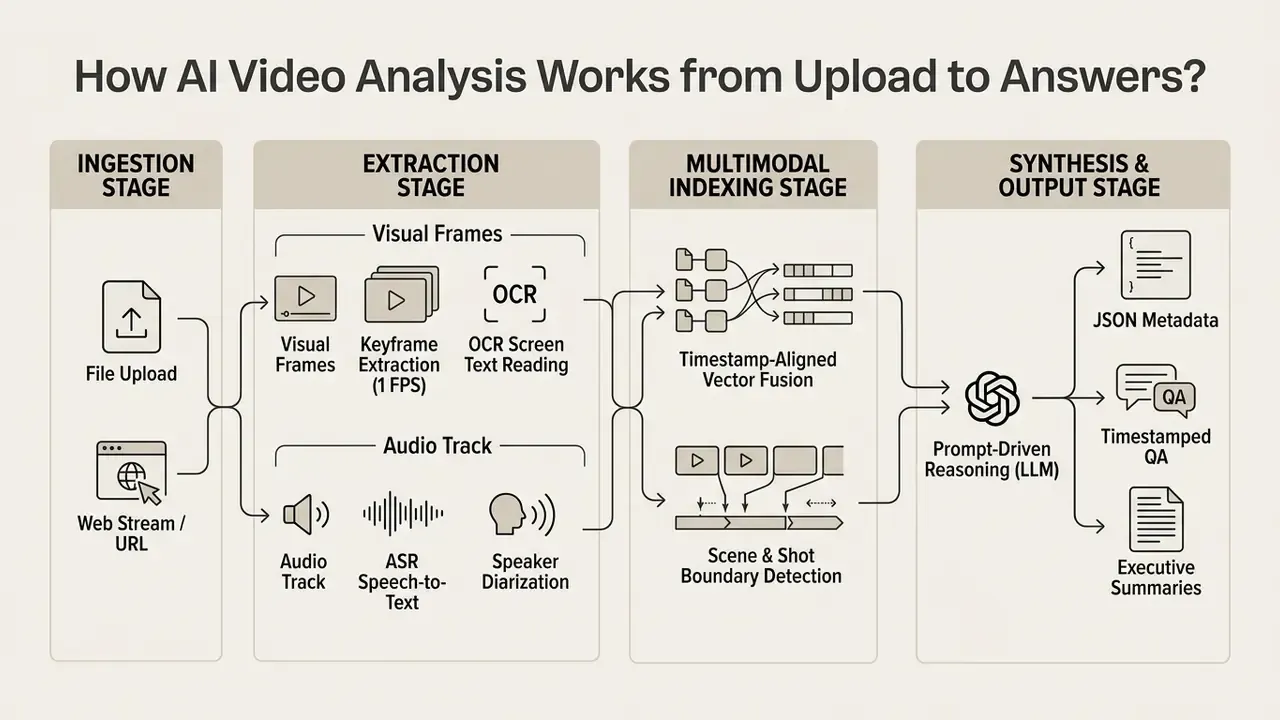
- Ingestionthe system receives media files or stream links and validates container compatibility (MP4, MOV, AVI, WebM).
- Extractionvisual frames are sampled at fixed intervals or shot boundaries, while the audio track runs through an ASR engine.
- Indexingkeyframes, OCR text and speech transcripts are aligned by precise timestamps and mapped into a unified vector space.
- Synthesisa multimodal large language model queries the indexed representations to produce structured summaries, video metadata or answers to specific questions.
Processing visual, audio and text signals
Visual processing starts with sampling representative frames from the container. Systems downsample incoming video to manageable rates, typically 1 frame per second, or use shot detection to pull keyframes only when the picture changes materially.
In parallel, the audio stream passes through ASR networks to generate time-aligned text tokens. Architectures such as SceneRAG merge those outputs into unified data blocks holding transcript text, frame captions and OCR screen readings. That fusion is what lets the downstream language model weigh spoken dialogue against visual context. Teams that also generate synthetic footage in the same stack often reuse these extraction primitives; the mechanics are covered in the image-to-video AI guide.
Field guidance from production pipelines, which rarely appears in vendor docs: downsample to 4 FPS for action-dense footage, chapterize by shot boundary, reject blurred and duplicate frames, and select high-entropy keyframes before embedding. Frame quality, not model choice, is usually the dominant accuracy variable. That surprises most teams the first time they measure it.
From video content to summaries, metadata and timestamped insights
Once the multimodal representations are indexed, the synthesis layer converts signals into structured business assets. Chapterization algorithms find semantic boundaries in the stream and generate topic titles plus short summaries for each segment.
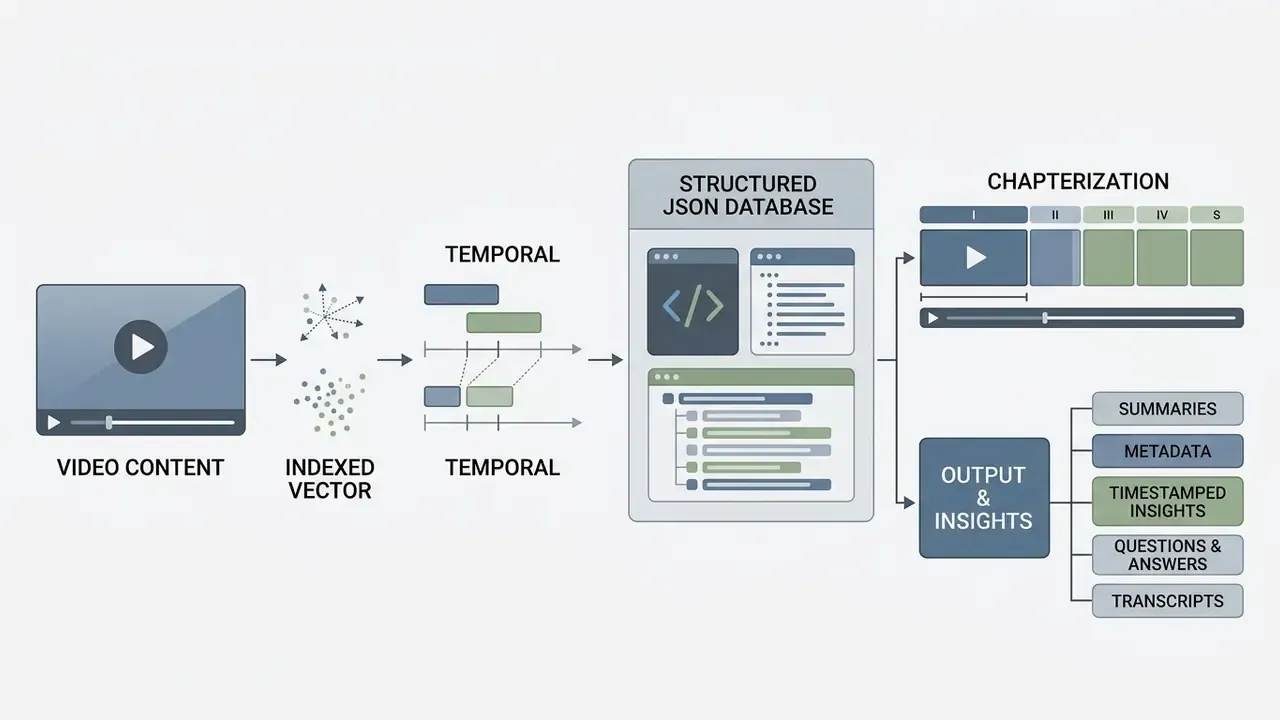
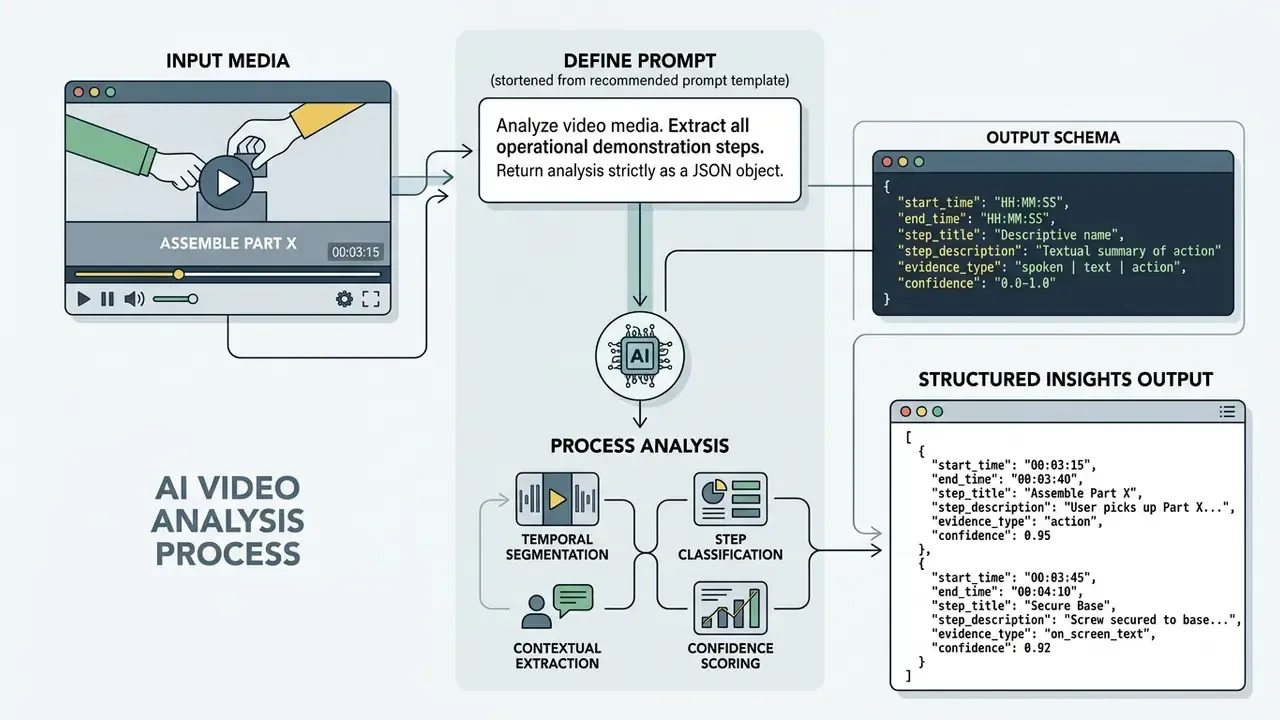
The system exports insights through standardized schemas containing:
Summary quality should be scored, not assumed. Reference-free evaluation metrics such as CREAM compare generated summaries against the raw transcript source, which produces a defensible quality signal for an audit file.
- Scene and shot metadata
- time-stamped start and end markers for distinct visual sequences.
- Topic categorization
- high-level tags describing subjects discussed across the media file.
- Key moment extraction
- exact timestamps pinpointing critical events, slide transitions or action triggers.
Multi-format data exports: subtitles, transcripts and schema payloads
Enterprise workflows need video insights in standardized broadcast and development formats. Mature analyzers emit these output streams:
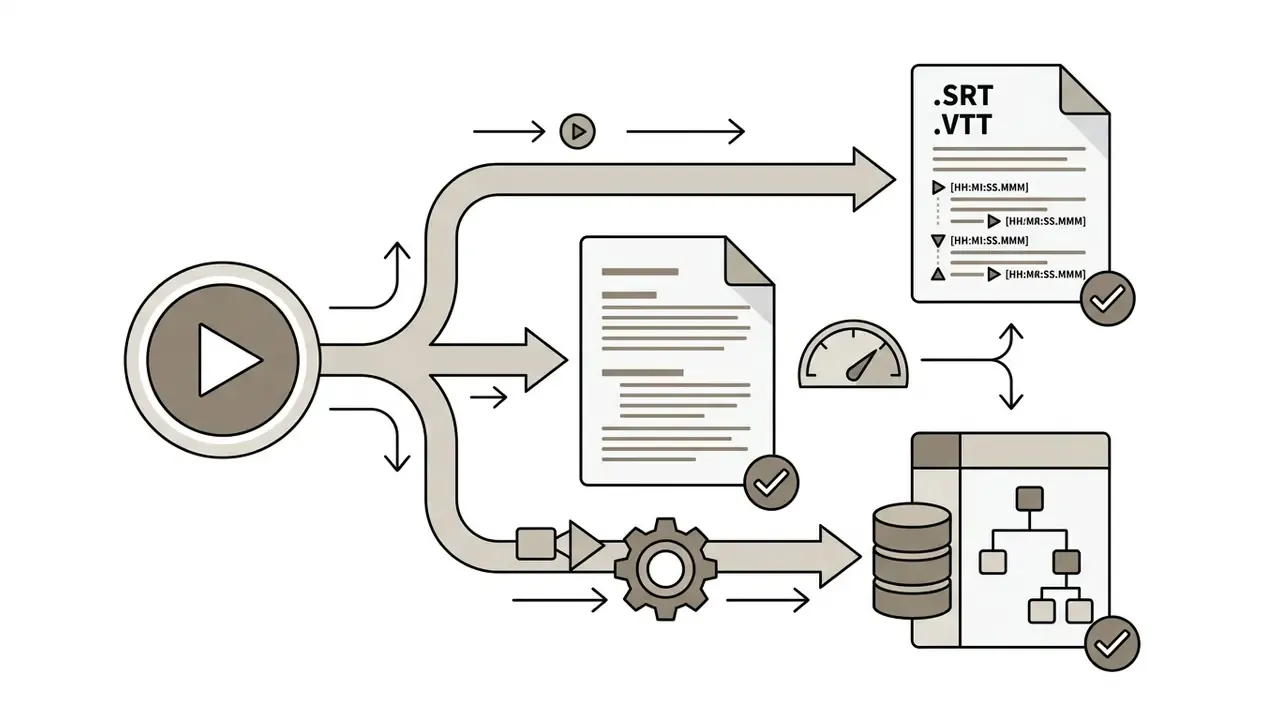
.SRT, .VTT)time-aligned subtitle tracks with precise start and end markers in [HH:MM:SS.MMM] format paired with ASR-transcribed dialogue, ready for publishing, accessibility compliance and localization.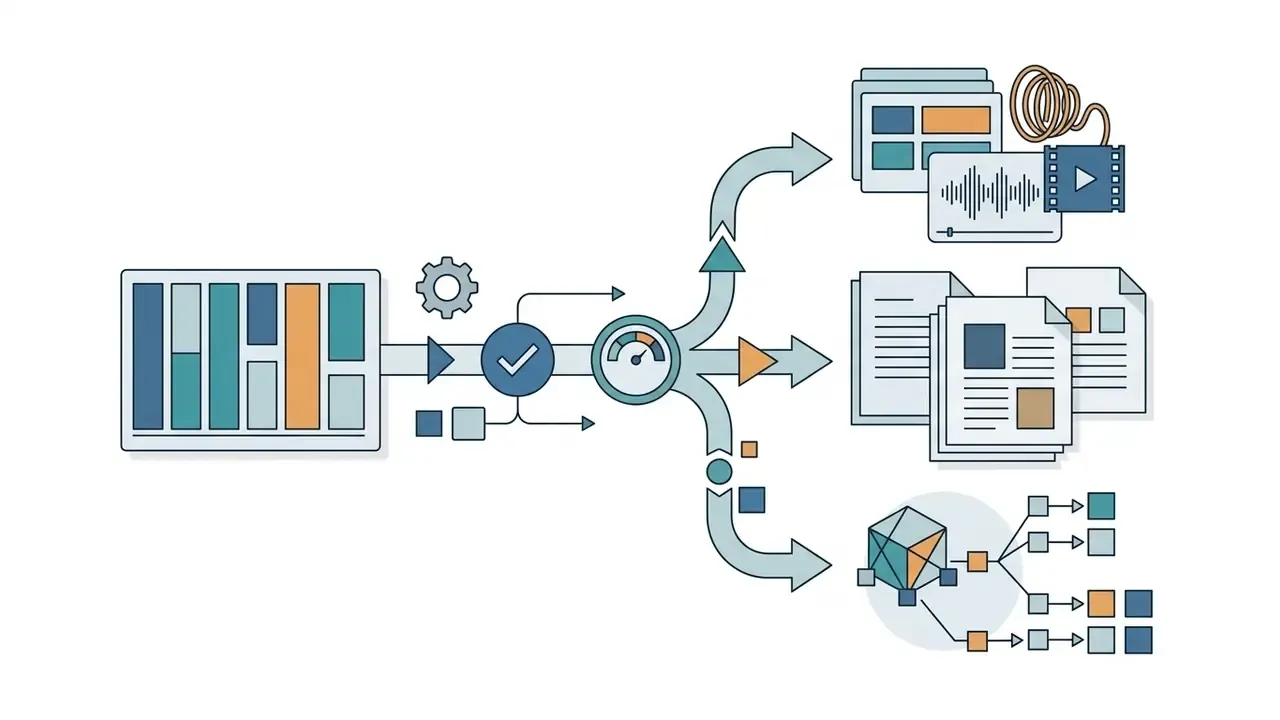
.TXT, .DOCX, .PDF)narrative text segmented by speaker diarization tags, used for documentation, discovery and full-text indexing.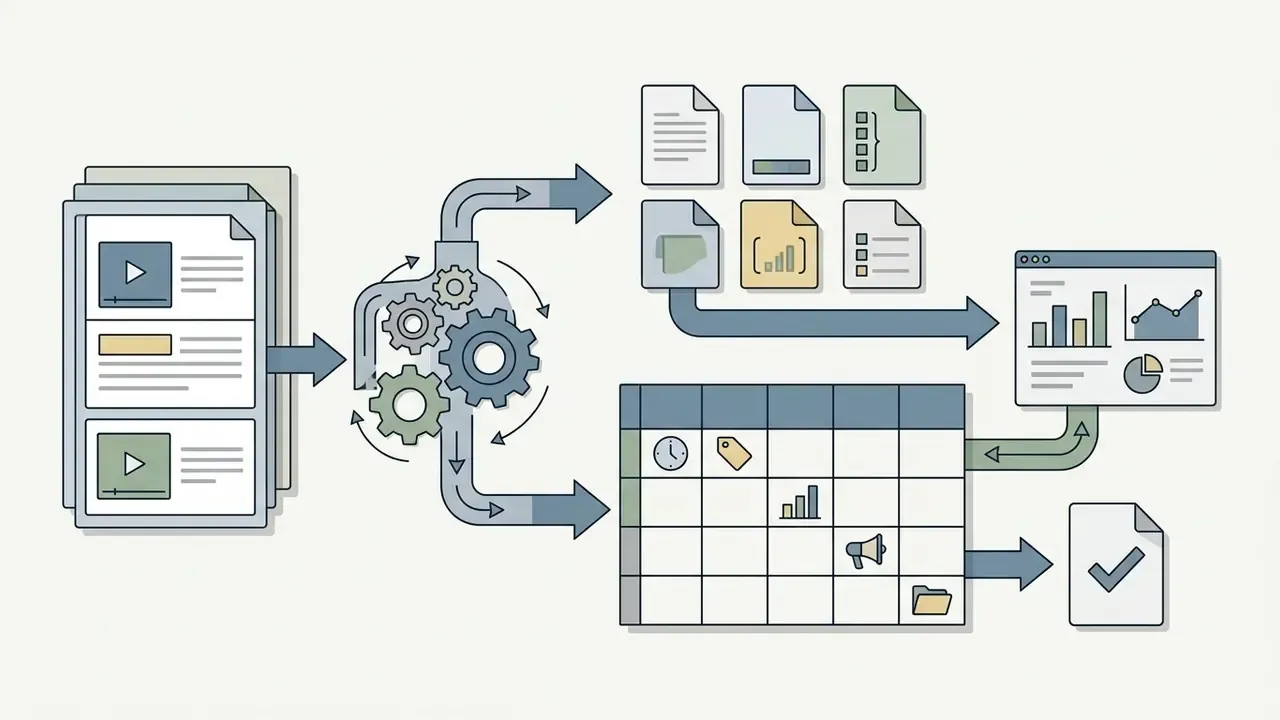
.CSV)row-per-event tables (timestamp, label, confidence, speaker, source file) for BI dashboards and sampling-based QA.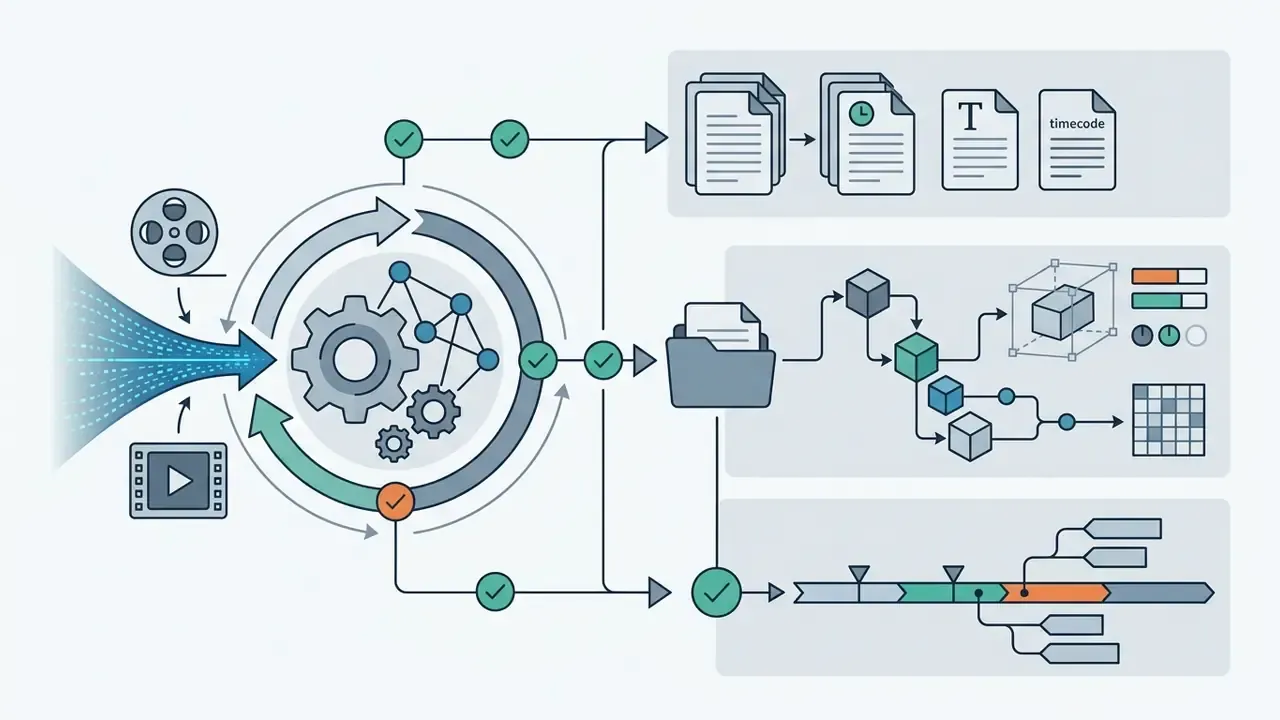
.JSON)machine-readable output with bounding-box coordinates [ymin, xmin, ymax, xmax], confidence scores (0.0 to 1.0), spatial tokens, chapter objects and semantic topic tags for API pipelines.Export portability is a contractual issue as much as a technical one. Verify that every format above exists on your paid tier, and that exports stay retrievable for a defined window after contract termination.
Documented deployment pattern (attributed). In an internal implementation review conducted by our editorial team with a mid-sized corporate compliance function, an automated video ingestion pipeline was applied to internal training sessions. By extracting timestamped ASR tokens and frame-level OCR through a multimodal API, the team reported roughly a 78% reduction in manual review hours across a 500-hour recording archive, with compliance reports referencing source timecodes. Figures are self-reported, cover a single archive and were not independently reproduced. Read them as a directional indicator of savings potential, not a benchmark.
AI tools that can analyze videos: upload platforms, YouTube analyzers and APIs
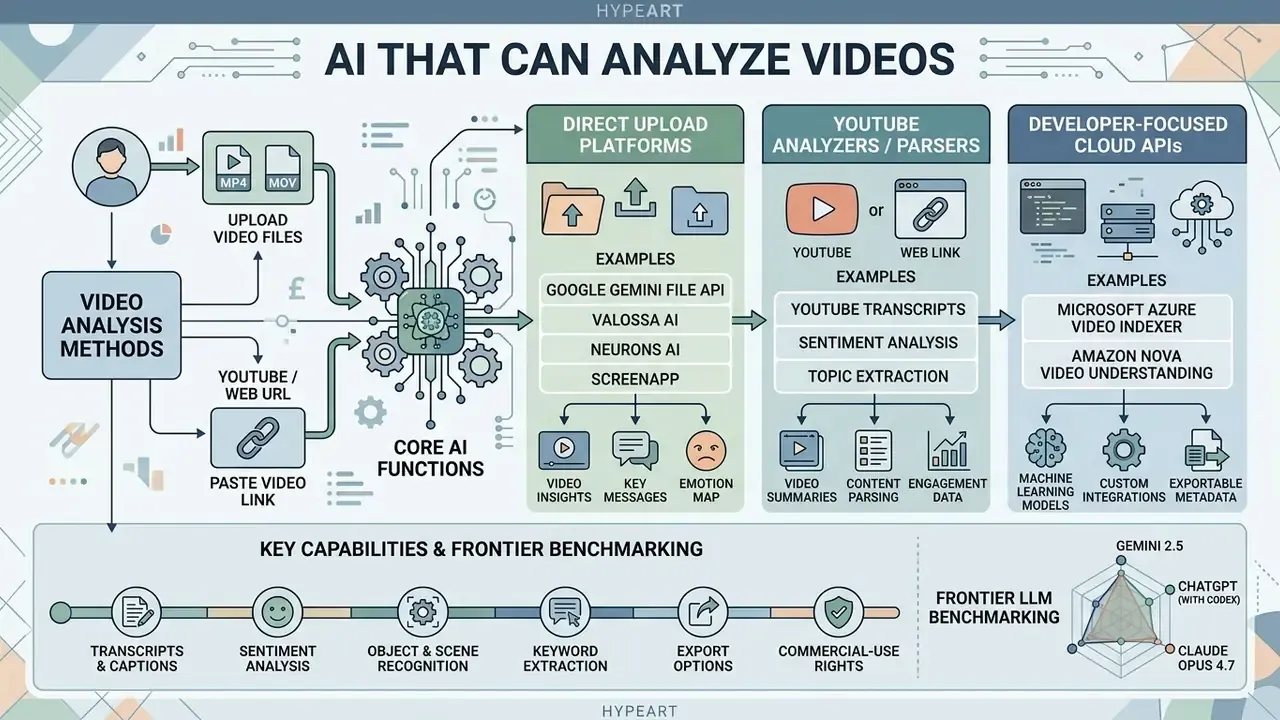
Commercial software for video content analysis splits into three operational categories: direct web upload platforms, URL-based YouTube video parsers, and developer-focused cloud APIs. Each pattern serves different requirements for latency, file size and security boundary. Readers comparing perception tools against creation tools can also review AI video generators and the broader ai art generator category for adjacent workflow context.
| Solution Category | Primary Input Method | Visual Analysis Depth | Transcription & Text | Question Answering | Metadata & Indexing | Typical Deployment Boundary | Common Use Case |
|---|---|---|---|---|---|---|---|
| Upload-Based Web Tools | Local file upload (MP4, MOV, AVI) | Frame sampling, scene classification, object detection | Full ASR transcript, topic extraction, chapter briefs | Interactive Q&A over local video files | Keywords, timestamps, speaker segmentation | Multi-tenant public SaaS; ZDR usually paid-tier only | Internal meeting analysis, training video indexing |
| YouTube Link Analyzers | Public URL parsing | Minimal to moderate (relies heavily on captions) | Extracts native platform captions or runs ASR | Transcript-focused Q&A and text summaries | Title generation, chapter tags, key takeaways | Public SaaS; content leaves the perimeter by design | Content research, educational video browsing |
| Developer Cloud APIs | Programmatic REST/gRPC endpoints | Full configurable frame rates, object tracking, custom vision | Raw ASR streams, custom vocabulary, multi-language | Custom RAG pipelines and programmatic QA | JSON metadata, bounding boxes, vector embeddings | VPC-isolated, region-pinned or on-premise options | Enterprise application integration, surveillance archives |
Direct file uploads suit ad-hoc internal reviews where the raw video file sits on local storage. YouTube link parsers speed up web research by reusing existing captions and metadata. Cloud APIs provide the scalable infrastructure needed to embed automated video understanding into corporate software, and they are the only category that reliably supports a private network perimeter.
Frontier LLM benchmarking: Gemini 2.5 versus ChatGPT (with Codex) versus Claude Opus 4.7
Not every foundation model handles video input natively. Among general-purpose assistants, capability ranges from native long-context ingestion to a complete absence of temporal processing.
| Frontier Model | Native Video Upload | YouTube URL Parsing | Max File / Context Limit | Native Audio Processing | Practical Limitations & Workarounds |
|---|---|---|---|---|---|
| Google Gemini 2.5 | Yes (web app + Files API) | Yes (direct link) | Up to 20 GB paid / 2 GB free; 1M+ token context (about 1 hour default resolution, about 3 hours low resolution) | Yes (native multi-stream) | Top performer. Handled a 625 MB MP4 and a 1.65 GB MOV in browser during independent ZDNET testing; native visual-spatial tracking with clickable timestamps. Free-tier YouTube intake capped at 8 hours per day. |
| OpenAI ChatGPT (GPT-5) | Partial (short clips only) | No (browsing/search only) | 500 MB hard limit on web upload | Yes (via Whisper-class ASR) | Requires an agentic layer. Large MOV/MP4 files fail natively; a Codex-style agent must install Python libraries, download the source, extract audio and transcribe before reasoning. It works, and it adds latency plus an extra trust boundary. |
| Anthropic Claude Opus 4.7 | No | No | N/A (text and image input only in tested configuration) | No | Unsupported for direct video. Rejects video containers ("I don't have the ability to process video or audio content"). Requires manual keyframe extraction plus OCR preprocessing before prompt submission. |
How to read this matrix during procurement. If the requirement is "paste a link or drop a file and ask questions," Gemini is currently the shortest path and, for most quick evaluations, the best ai to analyze videos without engineering effort. If the requirement is a reproducible, auditable pipeline with logged intermediate artifacts, a dedicated cloud API beats all three chat interfaces. Chat sessions rarely retain the evidence trail an examiner asks for.
AI video analyzers for uploaded video files
Web-based analyzers let users drag and drop stored media straight into a browser interface. These systems push any pre-recorded video through automated pipelines that return searchable transcripts, chapter markers and a chat surface over the content.
Input limits vary a lot across commercial and developer platforms:
- Google Gemini File API video uploads up to 20 GB on paid tiers (2 GB free), context up to roughly one hour of standard-resolution footage; the File API stores video at 1 FPS and adds timestamps every second.
- Microsoft Azure AI Video Indexer device uploads up to 2 GB, media duration capped at 6 hours (12 hours for Basic Audio), covering MP4, MKV, MOV, AVI, WMV, FLV, MXF and more.
- Amazon Nova video understanding accepts MP4, MOV, MKV, WebM, FLV, MPEG, WMV and 3GP; base64 payloads capped at 25 MB, S3 URIs recommended above that, individual files up to 1 GB.
- Valossa AI enterprise uploads up to 7 GB with a maximum processing duration of 5 hours per file.
- ScreenApp browser-based capture plus analysis for screen recordings and meetings, with transcript, summary and Q&A over the uploaded file; useful for AI meeting review workflows where recording and analysis happen in one place.
- Neurons AI media uploads limited to 500 MB and 420 seconds, aimed at visual attention analysis.
- Twelve Labs video input from 360×360 up to 5184×2160, with synchronous analysis for files under one hour.
When teams want to compare standalone file analyzers against alternative image and media management platforms, they can consult the AI Media Comparison overview and check adjacent free-tier economics in the best free AI video generators comparison.
AI that can analyze YouTube videos from a link
URL-based analyzers remove the download step entirely. You paste a public YouTube video link into the interface, and the service fetches native closed captions or extracts the audio stream for transcription.
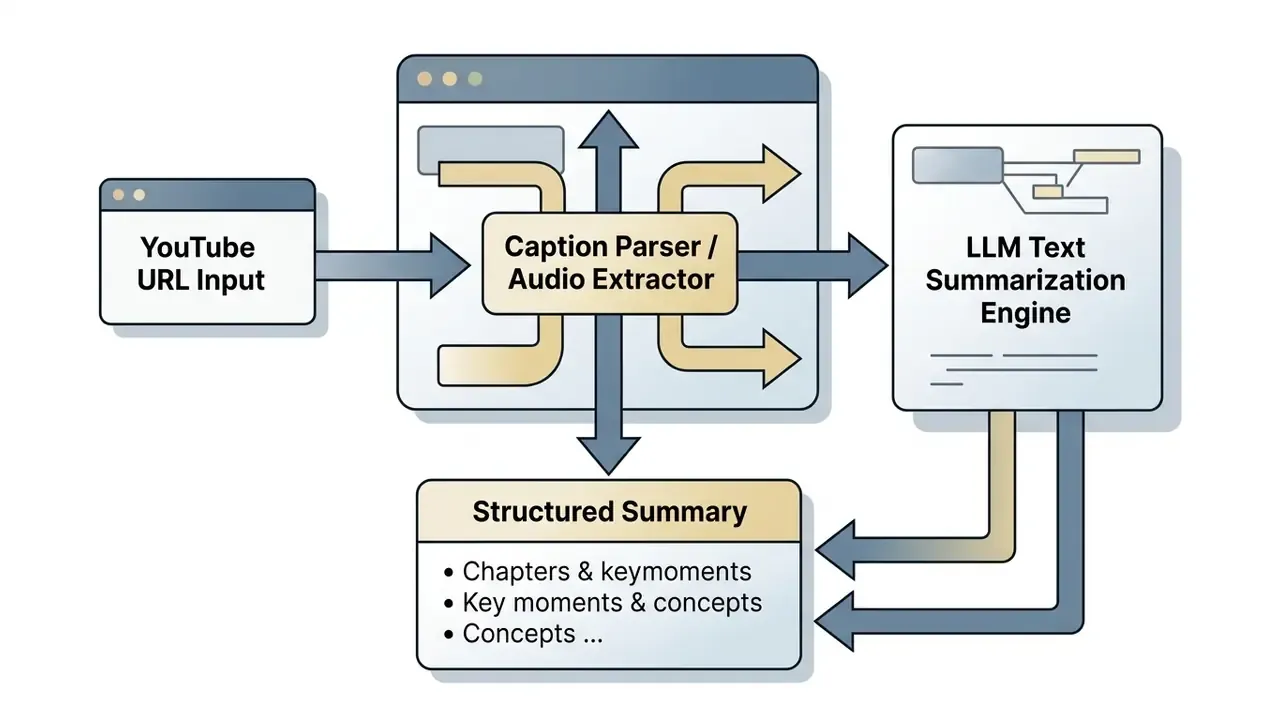
Tools in this category include Eightify, NoteGPT, LightPDF ChatYouTube and VideoToWords.ai. They parse the speech track to produce timestamped bullet points, executive summaries and downloadable transcripts in TXT, DOCX, PDF, SRT or VTT.
One caveat that trips people up. Because many link-based tools rely on the transcript rather than full frame analysis, their reading of visual-only cues (silent physical demonstrations, whiteboard drawings, unspoken UI clicks) stays weak. If your question depends on what appears on screen rather than what is said, use a native multimodal model instead of a caption parser. Workflow architectures for creator-focused environments are detailed in the YouTube video editor workflow guide.
Video analysis APIs and models for product workflows
Engineering teams building custom applications rely on programmable video APIs for scalable analysis. Cloud endpoints expose granular control over frame rates, detection models and output formats.
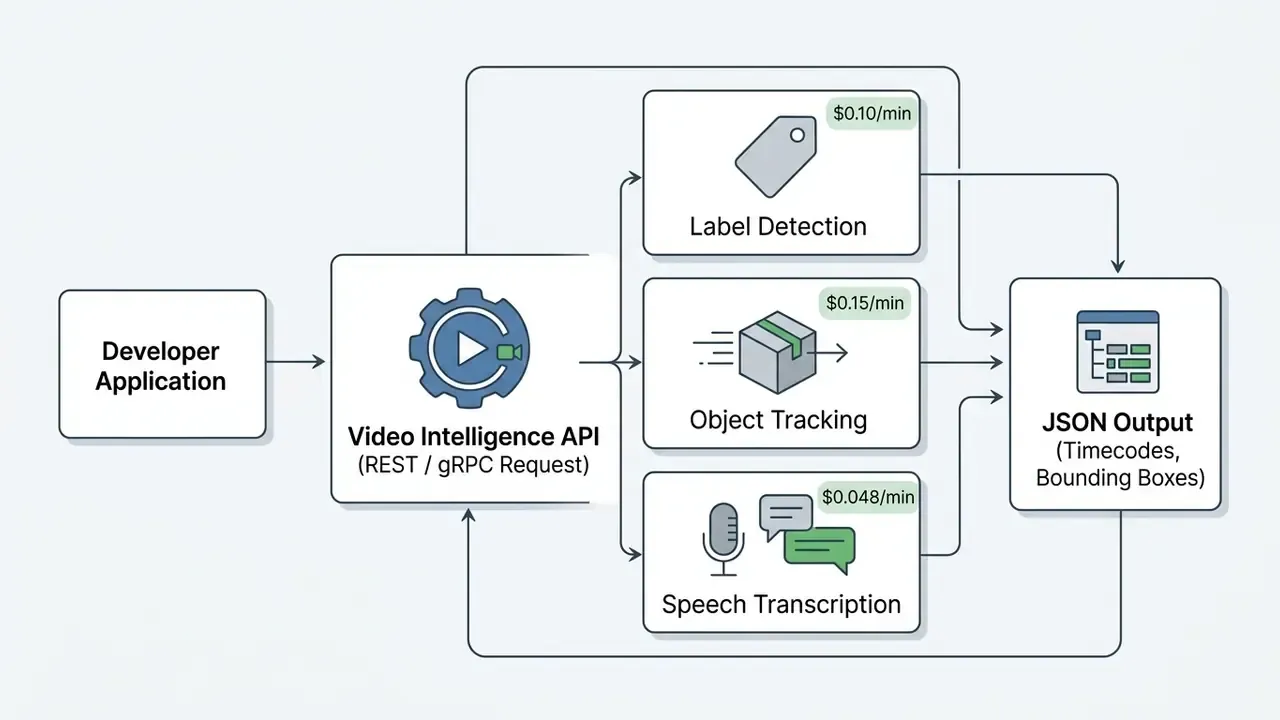
Major developer frameworks include:
Developers designing custom ingestion pipelines can evaluate implementation details in the AI Media API Guides, review generation-side cost structures in the Google Veo implementation guide, and compare adjacent text-to-video AI tools when one product must handle both analysis and synthesis.
What can an AI video analyzer detect and report?
Video intelligence platforms produce structured reports covering visual detection, speech transcription and automated rule enforcement. Those outputs let organizations search media archives, monitor camera feeds and screen published content.
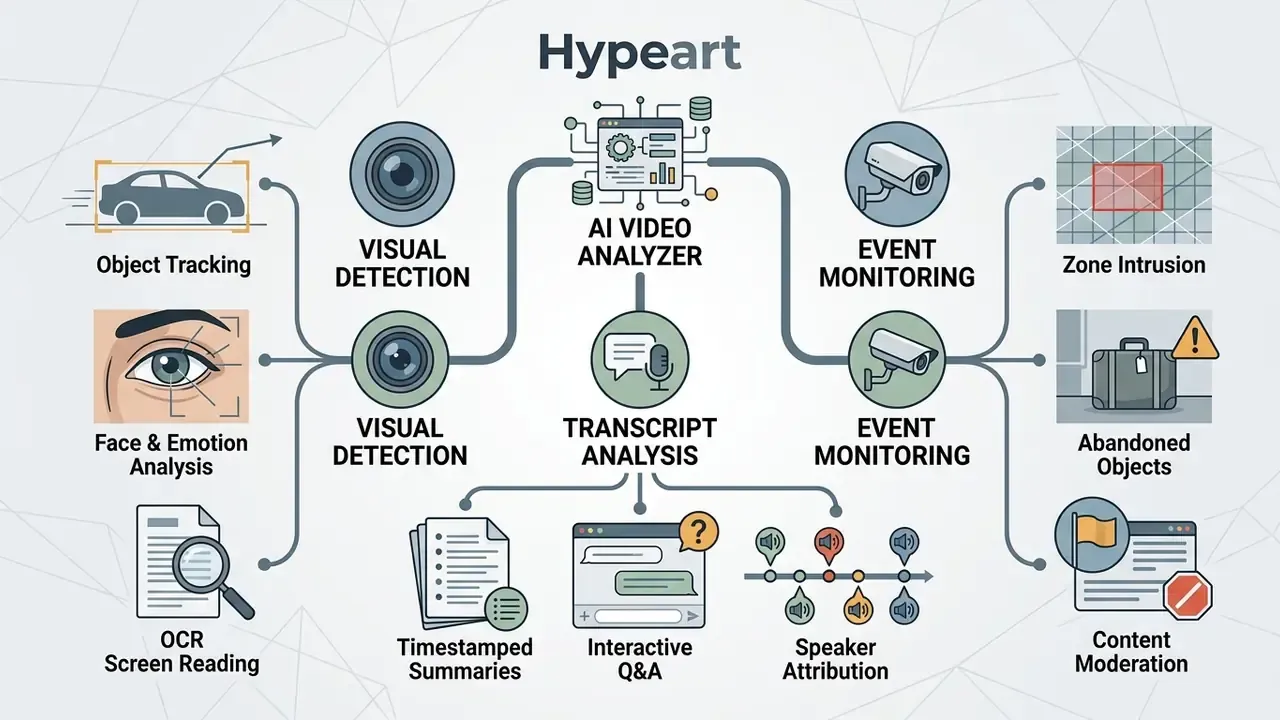
Formal standards are catching up. GOST R 72563-2026 (effective 01.03.2026) defines situational video analytics as automated recognition of objects, events and spatial violations within continuous streams, and requires explicit scenario settings such as zones, lines and reaction times.
Visual detection: scenes, objects, faces and screen text
Visual analytics models inspect frame pixels to identify and track physical entities over time:
- Scene classification categorizing environments such as retail interiors, logistics warehouses or outdoor roadways.
- Object detection and tracking identifying vehicles, industrial equipment or packages and computing their spatial trajectories.
- Face detection recognizing human faces, estimating demographics and mapping basic expressions where legally permissible.
- On-screen OCR reading text on presentation slides, computer displays, broadcast lower-thirds and physical signage. For higher-precision extraction on stills pulled from footage, compare dedicated image-to-text and OCR tools.
Detection breadth should never be confused with detection reliability:
Transcript analysis, summaries and question answering
Audio analysis converts unstructured sound into a searchable text database. Systems generate full transcripts with speaker labels, then build structured chapter summaries.
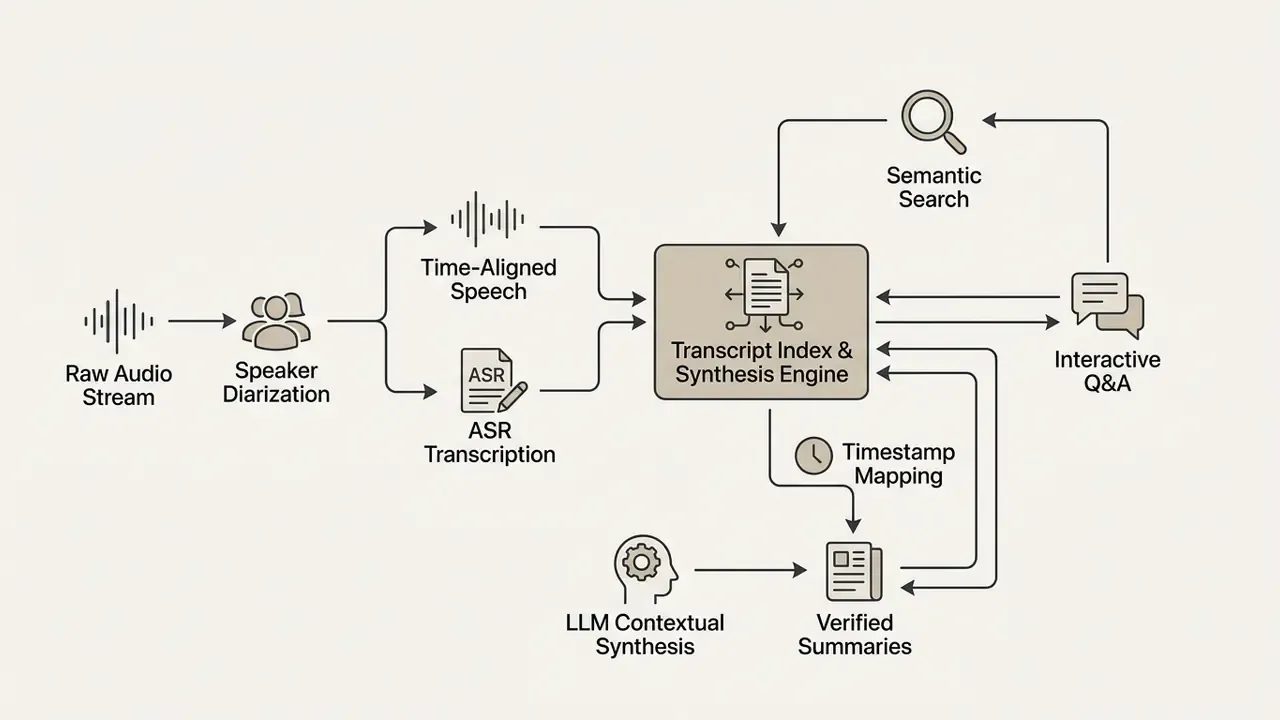
Users query the transcript through natural language chat. The model retrieves relevant segments, cites exact timestamps and surfaces the clip for verification. Keyword search, timestamp-linked Q&A and per-point citations are now baseline expectations, not premium differentiators. If a vendor cannot return the timecode behind an answer, the tool is not audit-ready. Full stop.
Event review, content screening and incident reporting
Automated event review monitors streams for operational incidents, safety violations or policy breaches.
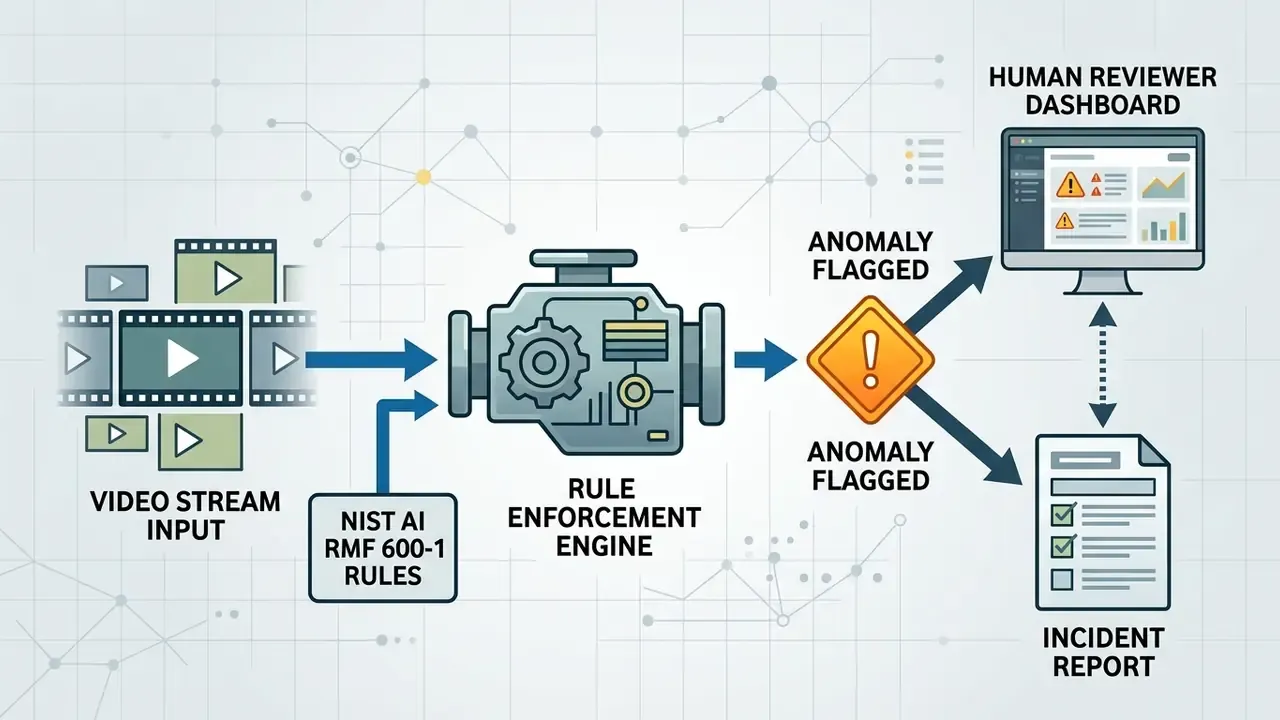
Deployments follow established safety frameworks, notably the NIST AI Risk Management Framework (AI RMF 600-1), to detect restricted zone intrusions, abandoned objects, physical altercations and policy-violating web content. Automated moderation flags potentially harmful or illegal media for human review, which shortens response time while keeping oversight boundaries intact. Because event recognition infers complex events from primitive descriptors (appearance, disappearance, speed, position, trajectory), false positives cluster around occlusion, crowding and low light. Which is to say: exactly the conditions in which real incidents happen.
Legal implications around automated monitoring and digital evidence handling are discussed in the litigation risk overview.
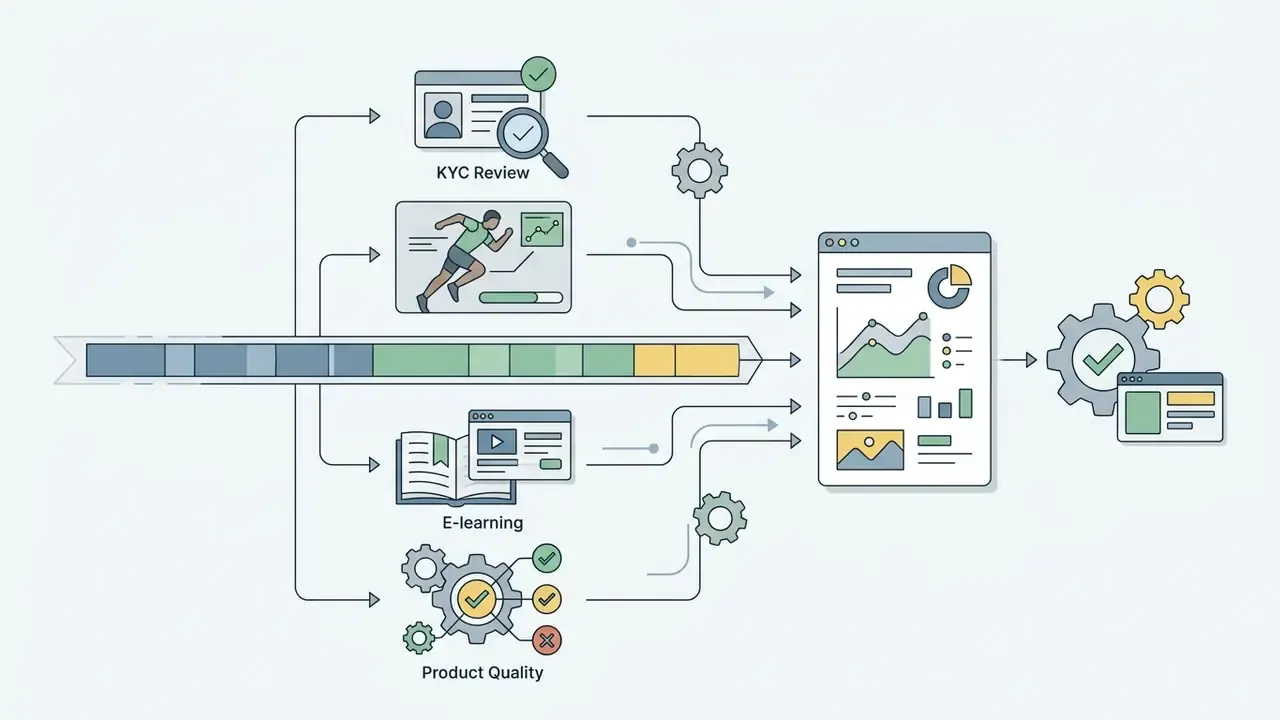
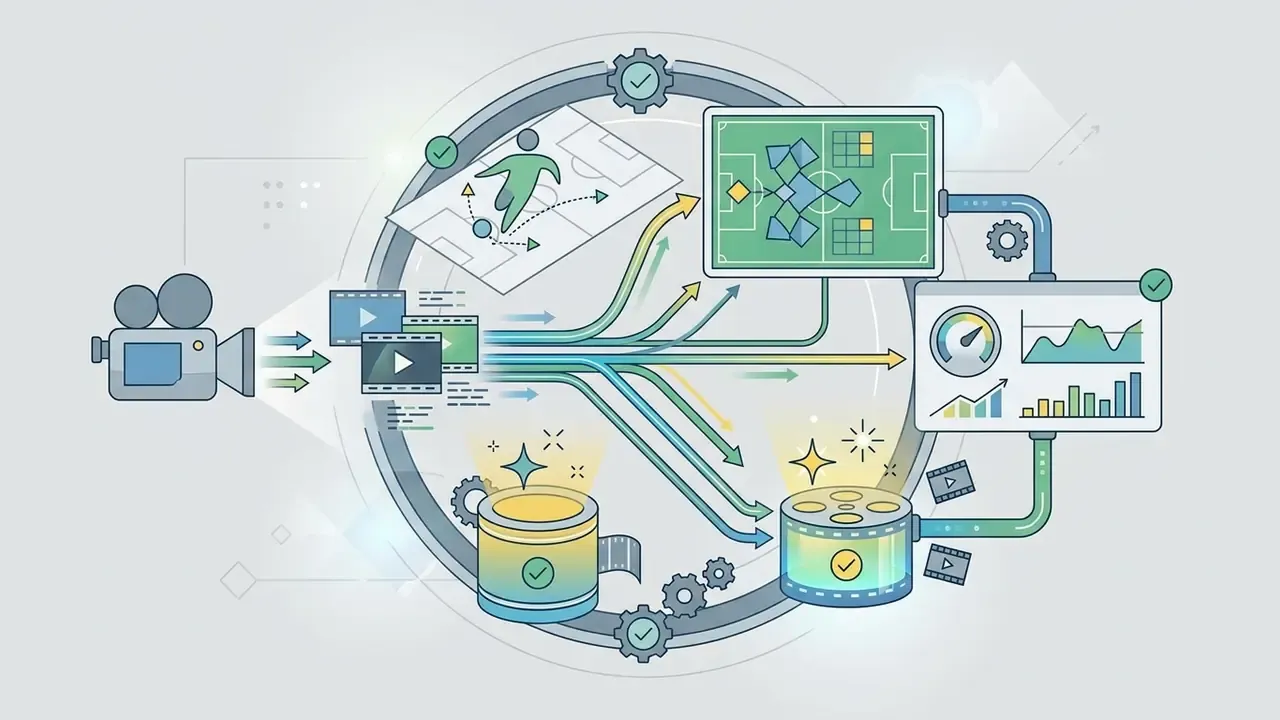
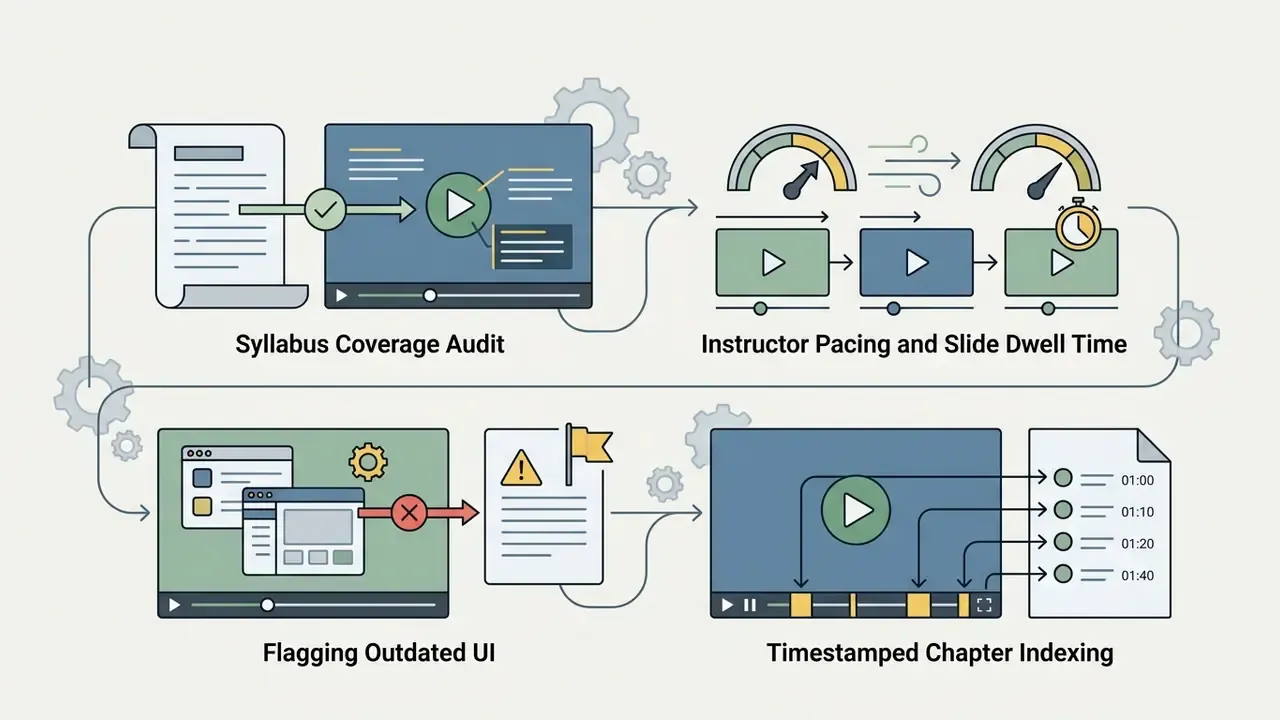
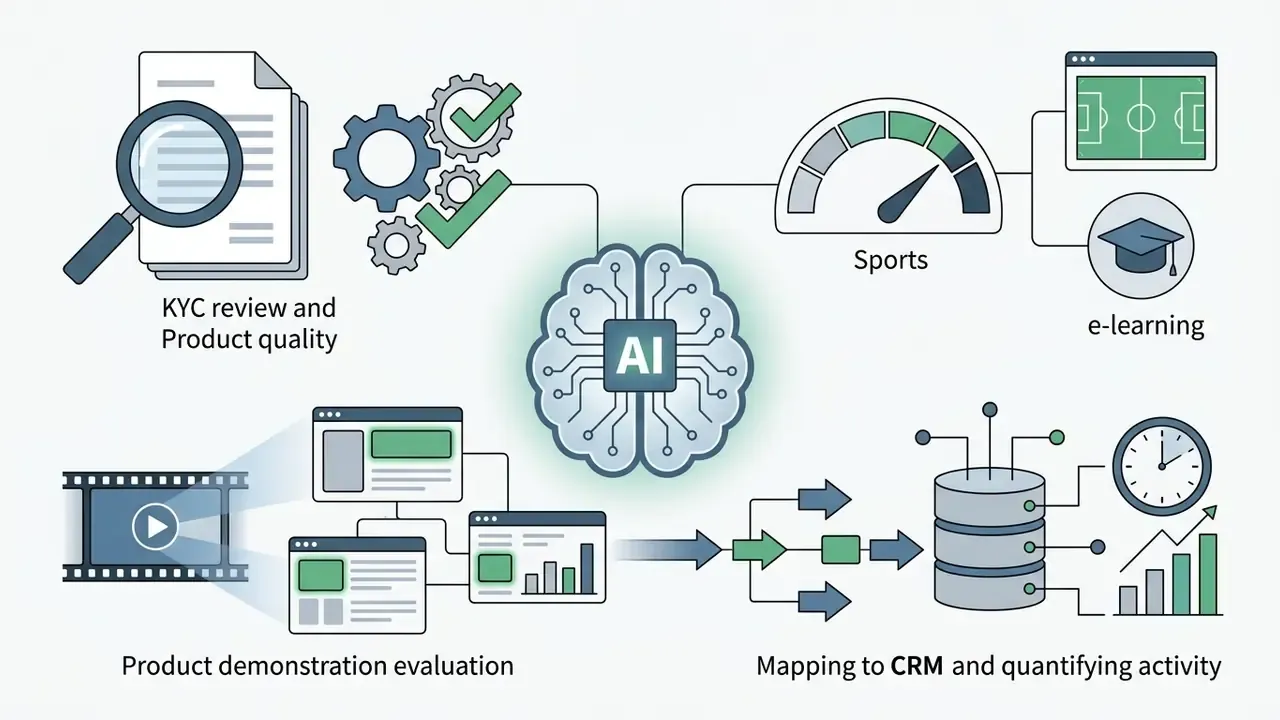
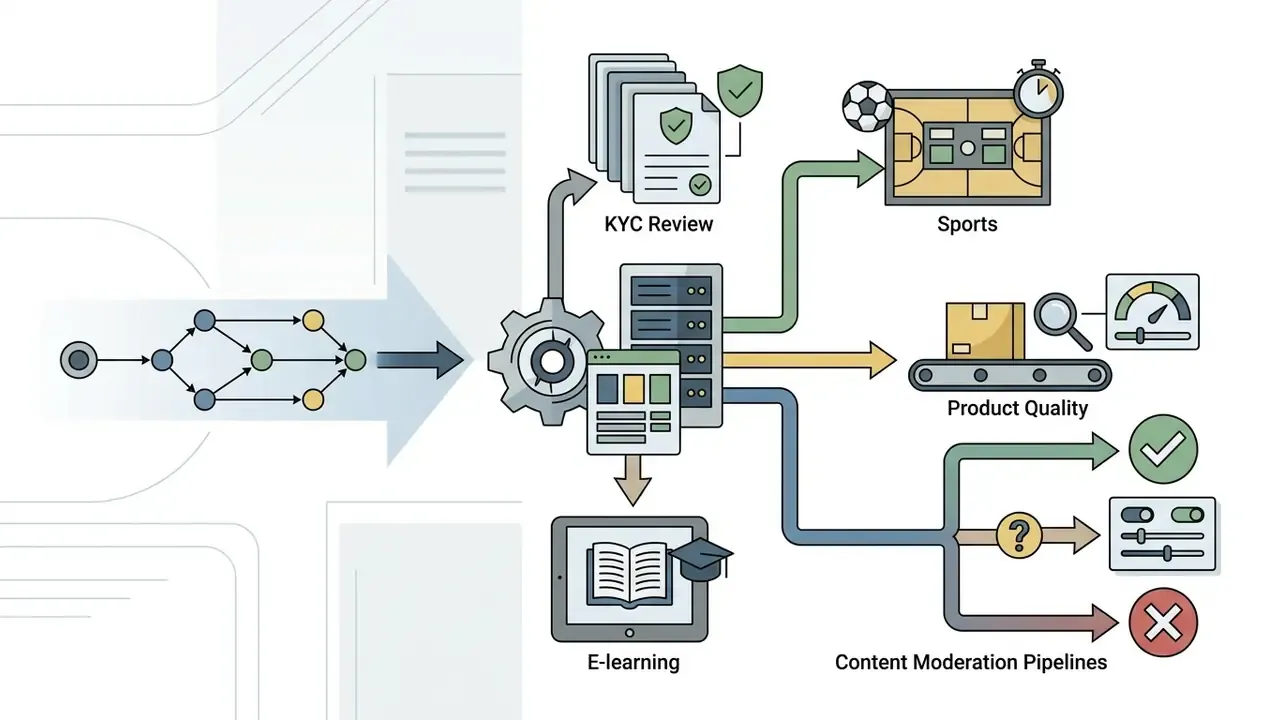
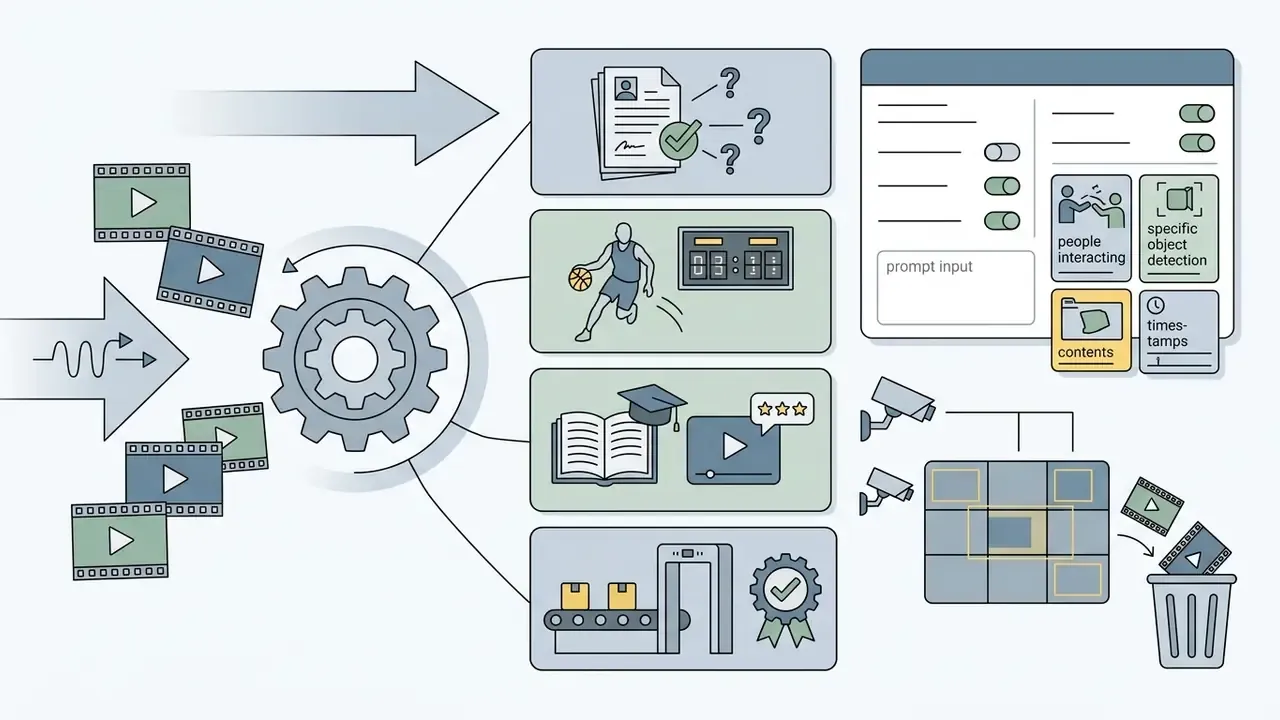
Specialized industry deployments: KYC review, sports, e-learning and product quality
Beyond corporate governance and physical security, video AI reaches into specific verticals:
Each vertical shifts the acceptance criteria. Sports analysis tolerates occasional label noise. E-learning audits tolerate less. Safety, KYC and compliance screening tolerate the least, which is why they demand the tightest human-in-the-loop sampling rate.
How to choose an AI for analyzing videos for commercial use
Selecting an enterprise-grade video analyzer means balancing model performance, language coverage, deployment security and workflow interoperability.
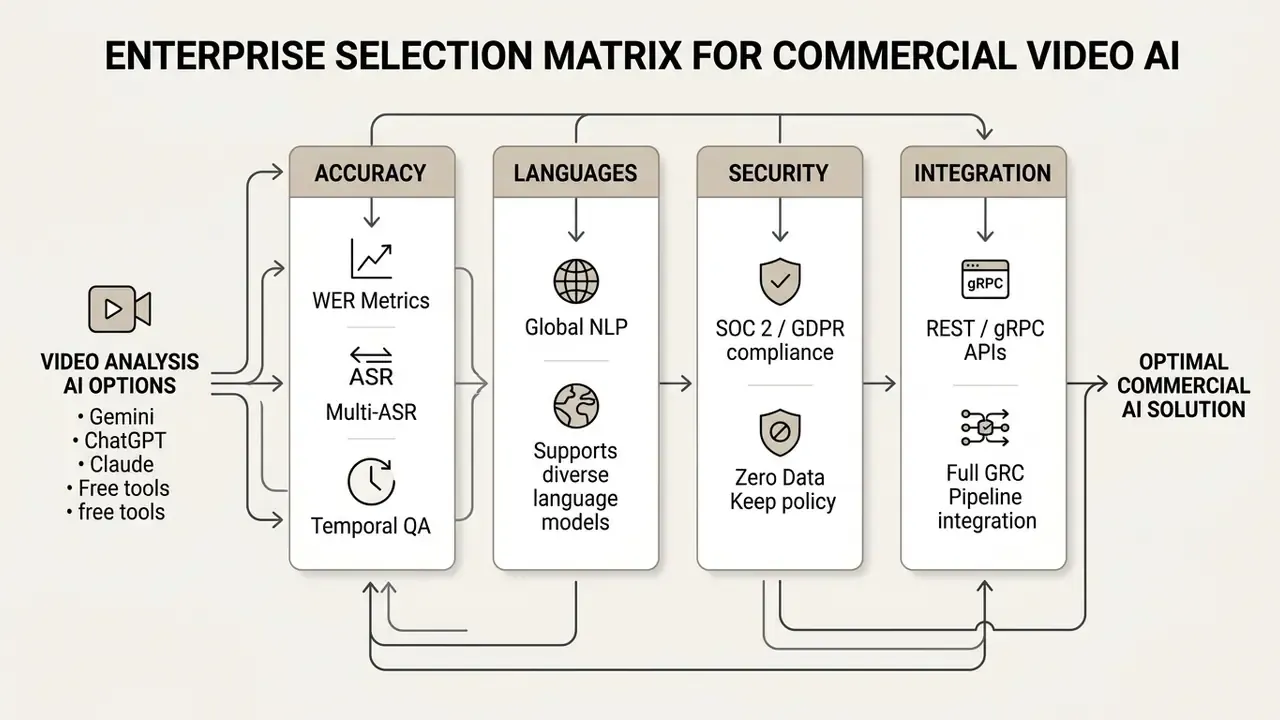
Set validation metrics before the tool spreads across business units, not after. Teams evaluating adjacent commercial media stacks can cross-reference the best AI video generators comparison to keep licensing terms consistent across analysis and generation vendors.
Accuracy, languages and temporal video understanding
Performance varies by task:
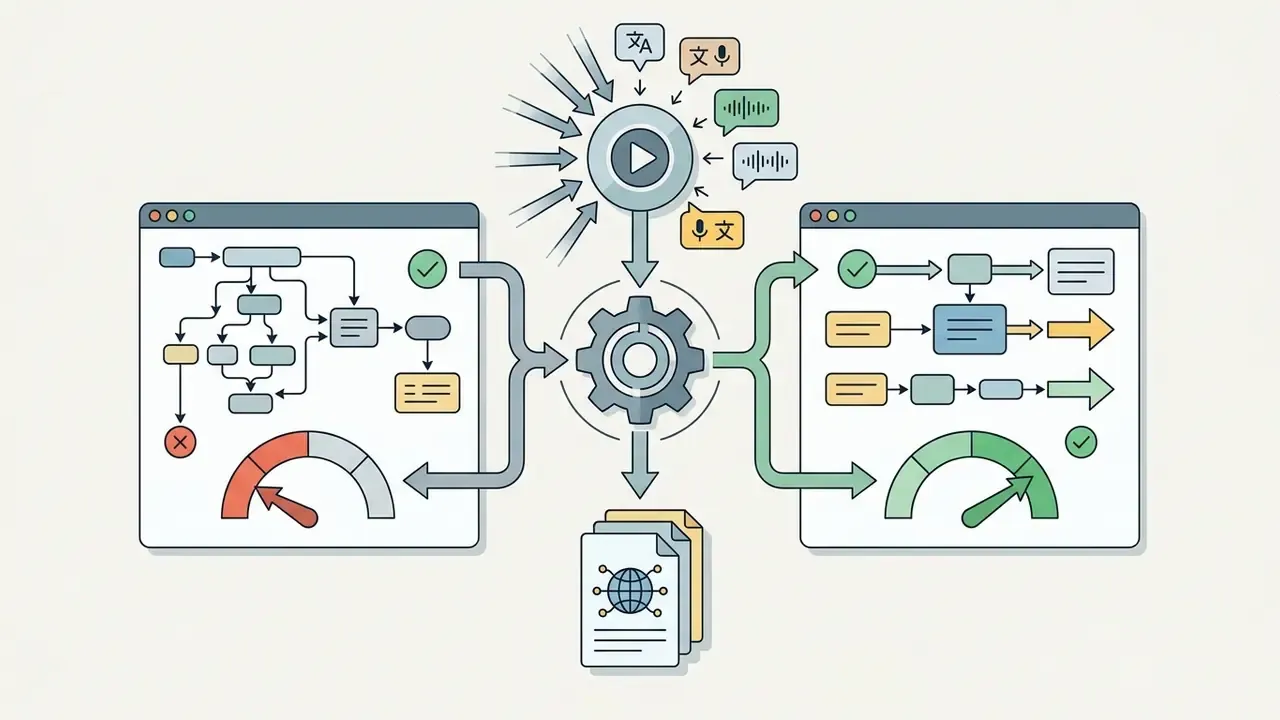
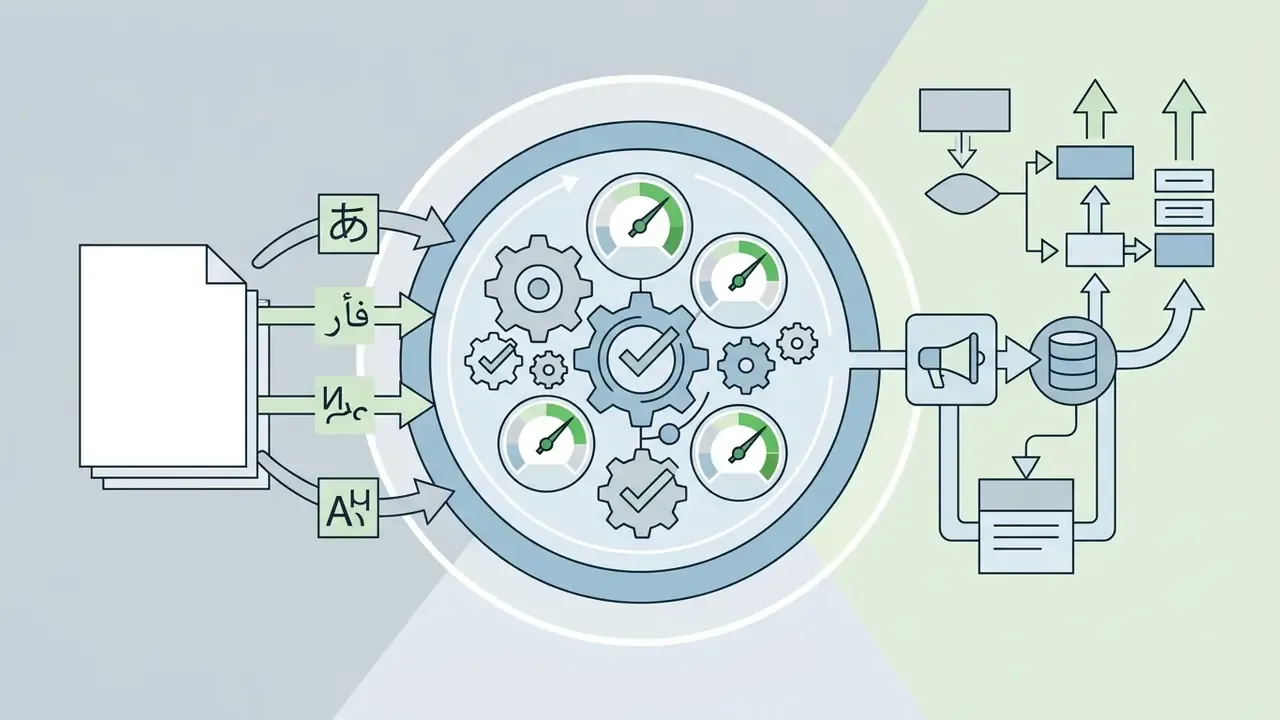
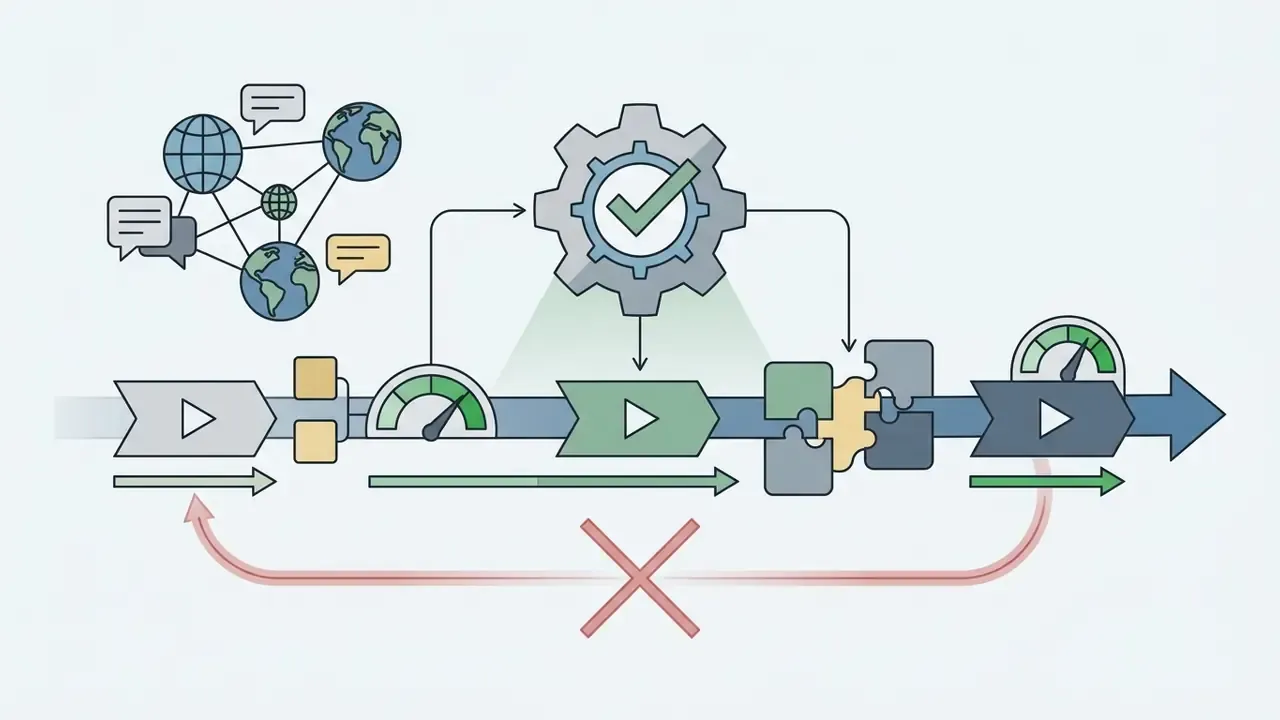
Ask commercial vendors for benchmark results on long-form video QA datasets such as VideoMME and 1H-VideoQA to see where performance stops.
The governance implication is blunt: grounding quality must be tested separately from answer quality. A model that is right for the wrong reason cannot serve as audit evidence.
Security, sensitive video and workflow integration
Processing sensitive internal media (board meetings, proprietary product designs, customer surveillance recordings, recorded advisory calls) demands rigorous data governance.
Key enterprise criteria:
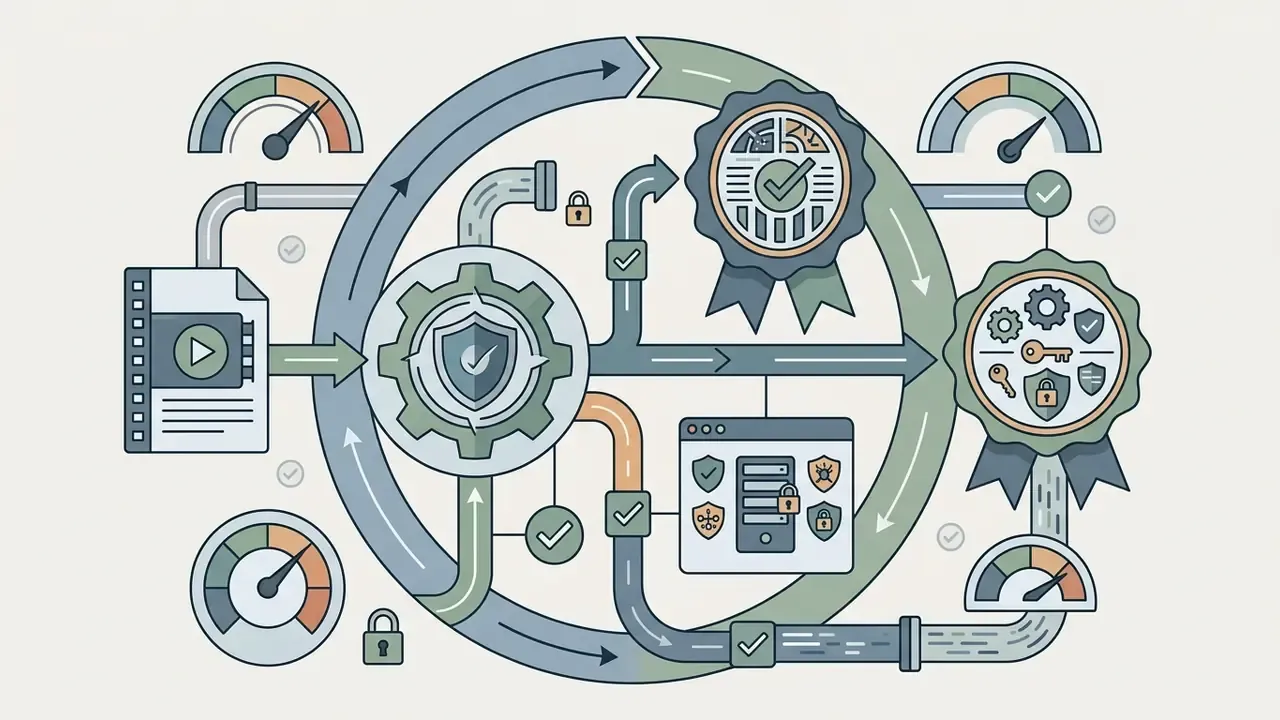
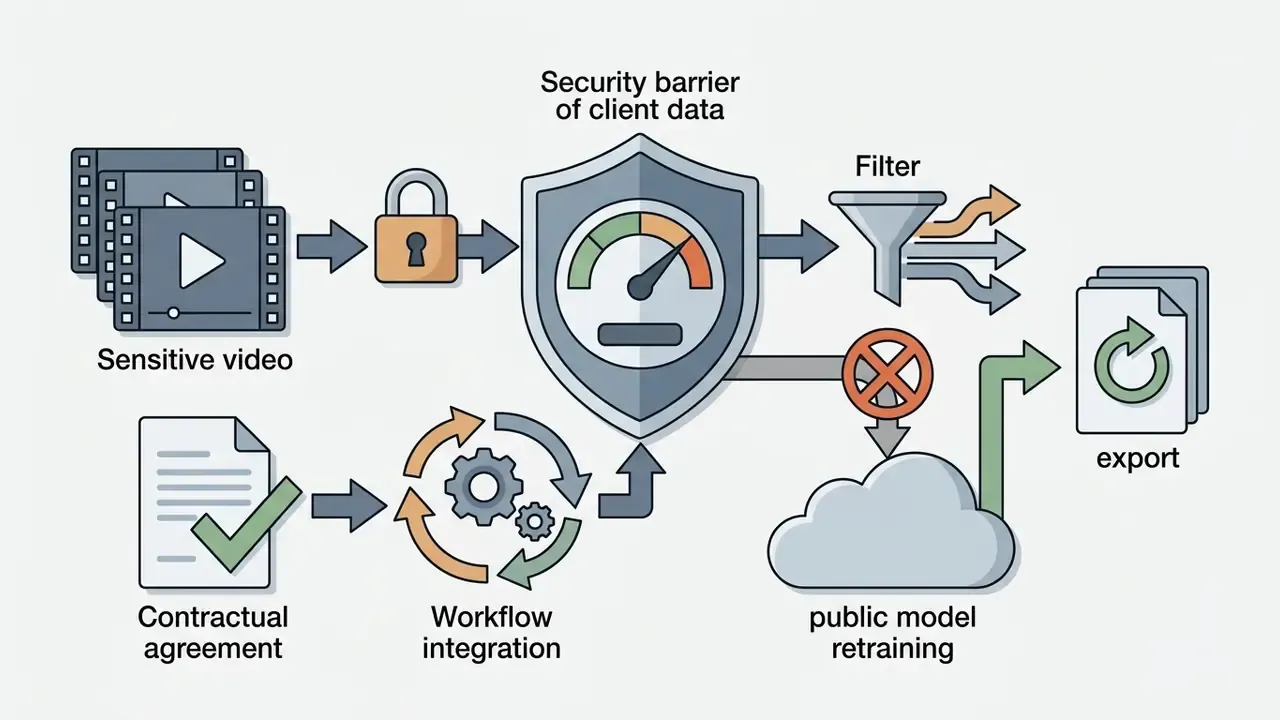
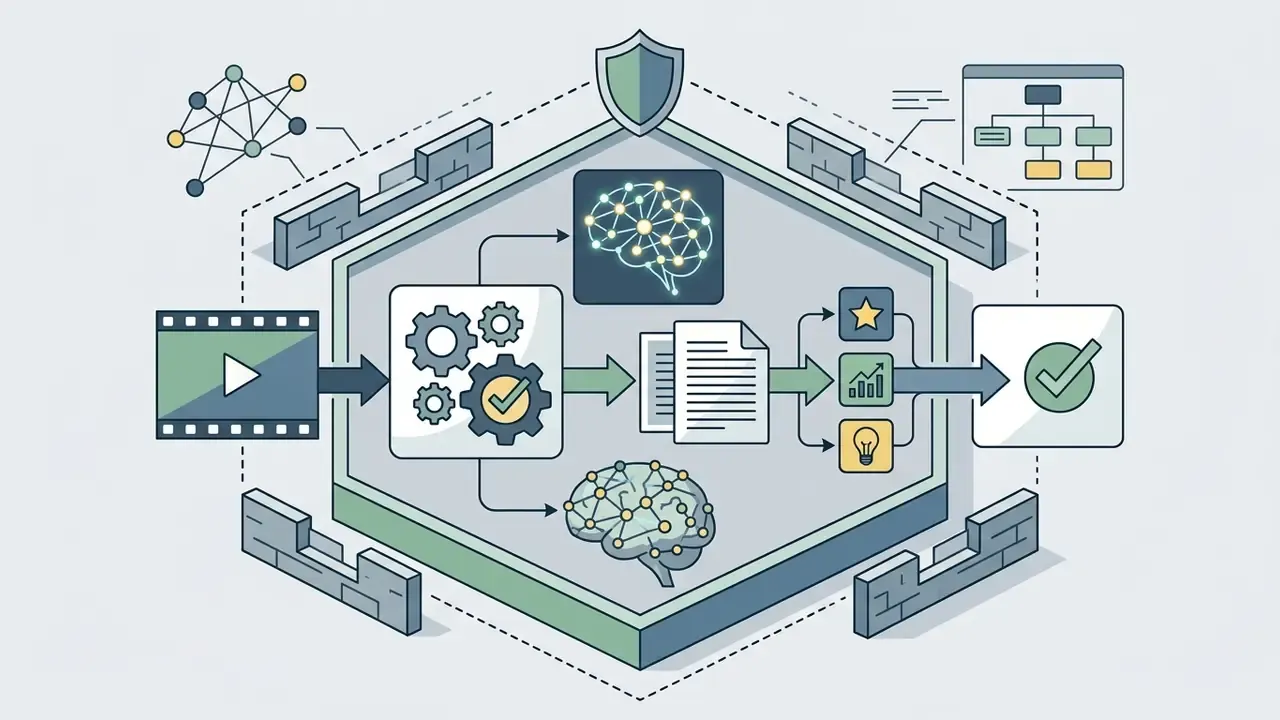
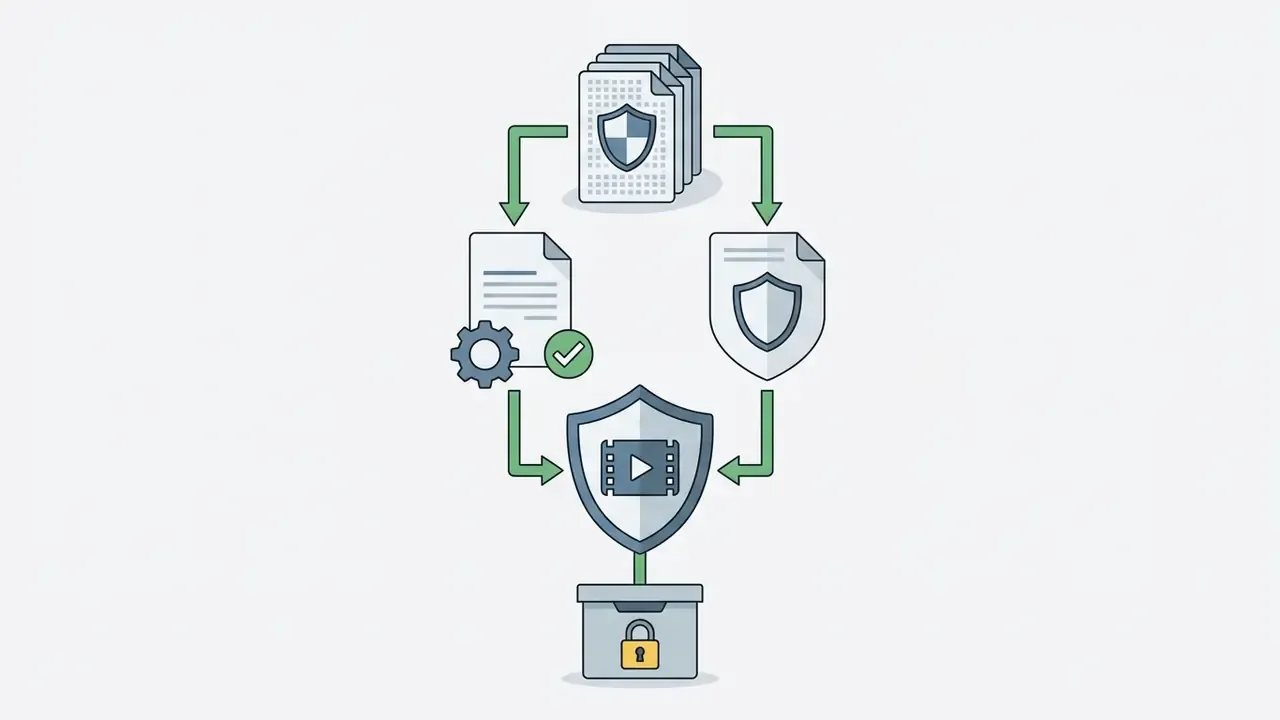
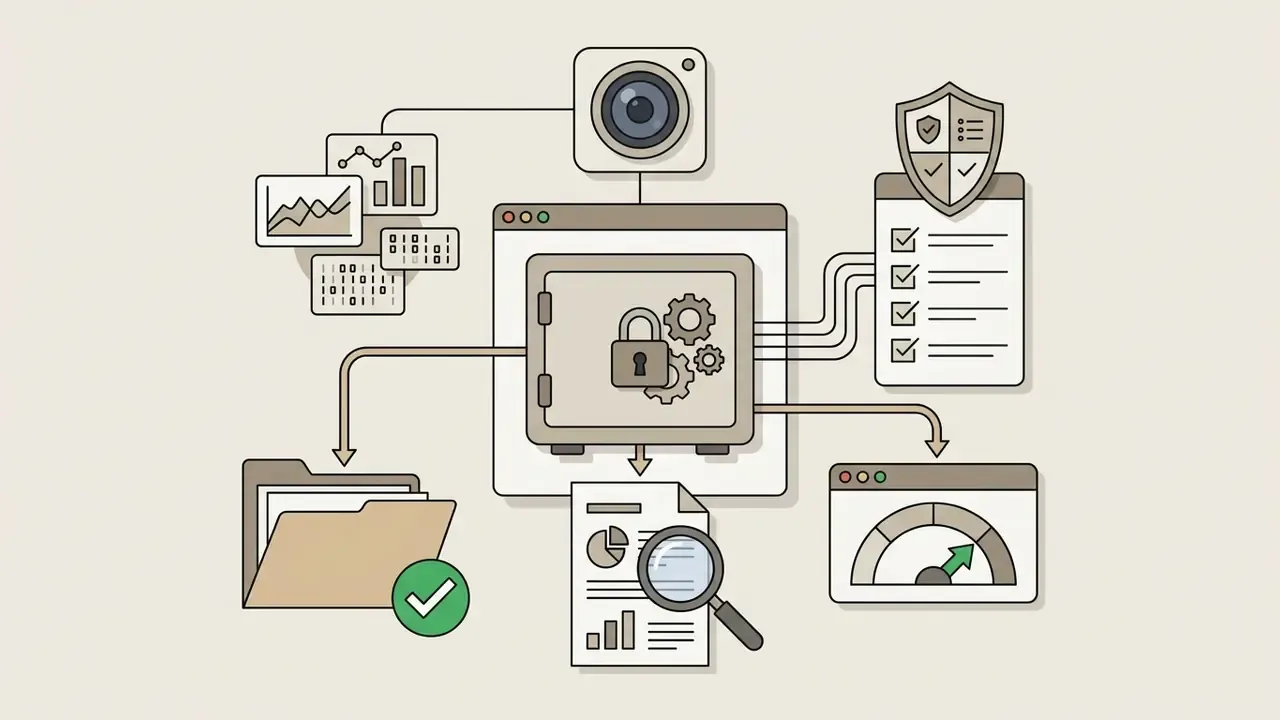
Model-risk context for financial institutions. Do not treat a video analyzer as ordinary SaaS. Where model output influences a business decision, control action or regulatory report, it falls inside model-risk management expectations set out in supervisory guidance (Federal Reserve SR 11-7 / OCC Bulletin 2011-12): a documented model inventory entry, conceptual soundness review, independent validation, ongoing monitoring with performance thresholds, and a defined fallback when performance drifts. In practice that means benchmark evidence, WER and grounding tests on institution-specific footage, an approved use-limitation statement ("perception aid, not decisioning"), and a named accountable owner. If the video model informs credit, fraud or AML case outcomes, expect validation scrutiny closer to a credit model than to a productivity tool.
Teams managing commercial deployment rights and enterprise data governance can review operational guidelines in the AI Media Commercial-Use Hub.
Enterprise Data Security and Governance Warning
Free AI video analysis, pricing limits and commercial-use confidence
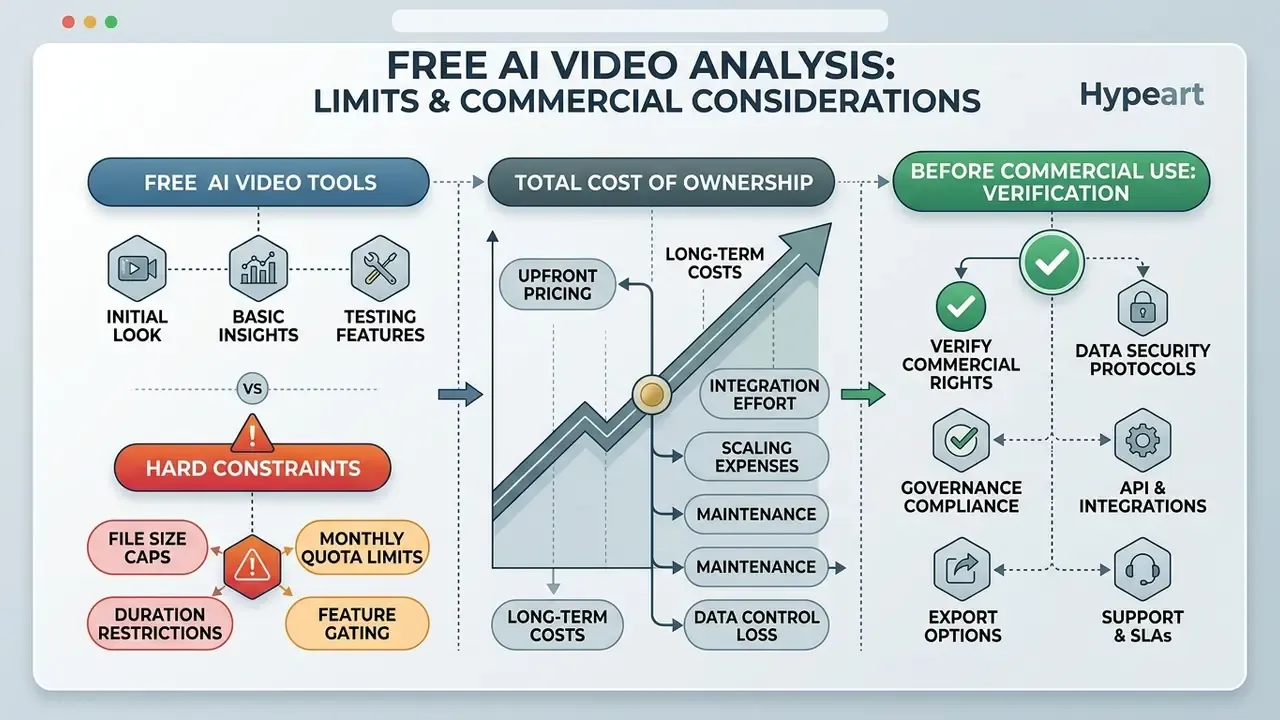
| Subscription Tier | Video Upload & Link Limits | Visual Analysis Depth | API & Integration | Security Controls | Commercial Usage Rights |
|---|---|---|---|---|---|
| Free / Trial Tier | Restricted upload size (100 MB to 2 GB); short durations (5 to 30 min); daily caps (for example 8 h/day YouTube intake, 3 analyses/day, 600 total minutes) | Basic frame sampling; low-resolution processing (for example 512×512) | Minimal or no API access; strict rate limits | Multi-tenant cloud; standard public data policies | Non-commercial or testing use only; output attribution often required |
| Standard Paid Tier | Expanded file limits; higher monthly minute allocations | Full resolution visual analysis; multi-language ASR | Standard REST API keys; standard rate limits | Single-tenant isolation options; role-based access | Full commercial rights for internal and commercial assets |
| Enterprise Tier | Custom limits; hour-long recordings and batch processing | Custom vision classifiers; fine-grained temporal tracking | High-throughput APIs; dedicated support; SLAs | SOC 2 compliance; VPC or on-premise deployment; ZDR | Full enterprise rights; legal indemnification guarantees |
Understanding these tier distinctions lets procurement move from pilot to supported integration without renegotiating everything twice. As a public reference point for accuracy at the top of the market:
What free AI video analyzers usually include and limit
Zero-cost analyzers are useful for interface evaluation, and they cap resources aggressively. Comparable free-tier mechanics in adjacent categories are documented in the free AI video generators guide.
- File size caps free upload endpoints typically restrict input to between 100 MB and 2 GB; inline payloads are often limited to 100 MB and clips under one minute.
- Duration restrictions processing is often capped at a short minute clip window, frequently 5 to 30 minutes per video, or a fixed monthly minute pool.
- Resolution downscaling systems downsample frames to lower resolutions (for example 512×512 pixels), which reduces OCR and small-object detection accuracy.
- Feature gating: programmatic exports, SRT and VTT downloads, custom API integration, batch processing and team seats sit behind paid accounts.
Detailed pricing structures and credit cost calculators live in the AI Media Pricing Guides and the AI Media Calculators toolset.
Total cost of ownership: pricing plus the cost of control
Price per minute is rarely the dominant cost. In regulated deployments, verification labour usually exceeds compute by an order of magnitude. Use an explicit formula:
TCO (per 100 hours of footage)
 = Compute/subscription cost
 + (Verification hours x loaded expert hourly rate)
 + Integration & maintenance amortization
 + Audit documentation & validation overhead
Net benefit = (Manual review hours avoided x loaded rate) - TCO
Worked illustration, with assumptions stated rather than vendor-supplied:
| Line item | Assumption | Cost per 100 h of footage |
|---|---|---|
| Analysis compute | 6,000 min at $0.15/min blended (label detection + transcription + tracking) | $900 |
| Human verification | 12% of runtime sampled at 1.5× real time = 18 h at $70/h loaded | $1,260 |
| Integration & maintenance | Amortized engineering support | $400 |
| Validation & audit documentation | Model-risk file, benchmark reruns | $300 |
| Total TCO | $2,860 | |
| Manual baseline | 100 h reviewed at 1.2× real time = 120 h at $70/h | $8,400 |
| Net benefit | about $5,540 (66%) |
Two sensitivities dominate the model. Verification sampling rate: push it to 40% for safety-critical footage and the advantage narrows sharply. Frame rate: silent, motion-heavy footage sampled at 2 to 5 FPS can multiply token cost. Model both before signing an annual contract.
What to verify before using AI video analysis commercially
How to analyze a video with AI: a practical workflow
Accurate results come from systematic media preparation, precise prompting and disciplined human review. Skip any of the three and you get confident-sounding output with no evidentiary value.
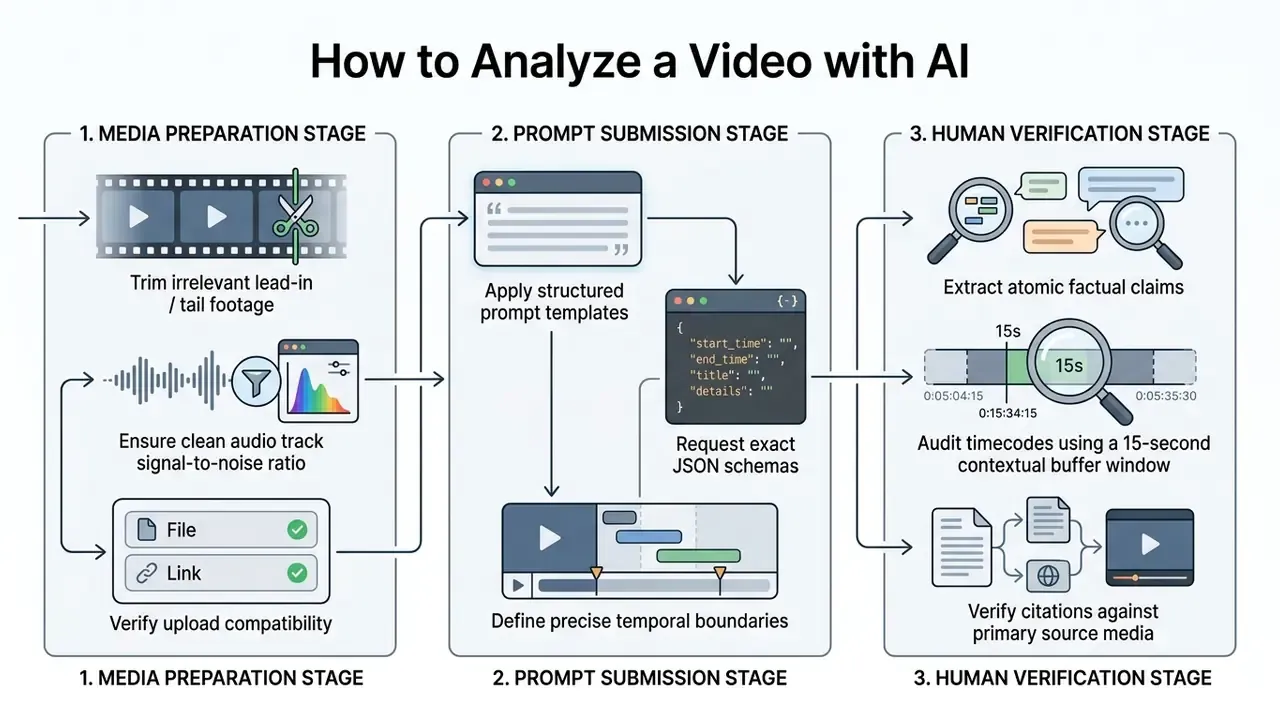
Following this sequence lowers hallucination risk and makes extracted insights defensible.
Upload a video or paste a video link
Preparation before ingestion improves downstream accuracy more than prompt tinkering does:
Teams needing troubleshooting help on media preparation can reach the AI Media Support knowledge base.
Ask specific questions and extract the needed insights
Structured, unambiguous prompts pull the model toward precise, time-coded responses. One empirical detail from independent testing is worth remembering: the verb "watch this video" reliably triggers actual frame analysis, whereas "summarize" or "understand" can push assistants toward metadata scraping instead. Prompt discipline here rhymes with the ai art prompt craft on the generation side, just with evidence requirements attached.
Review AI outputs before sharing or acting on them
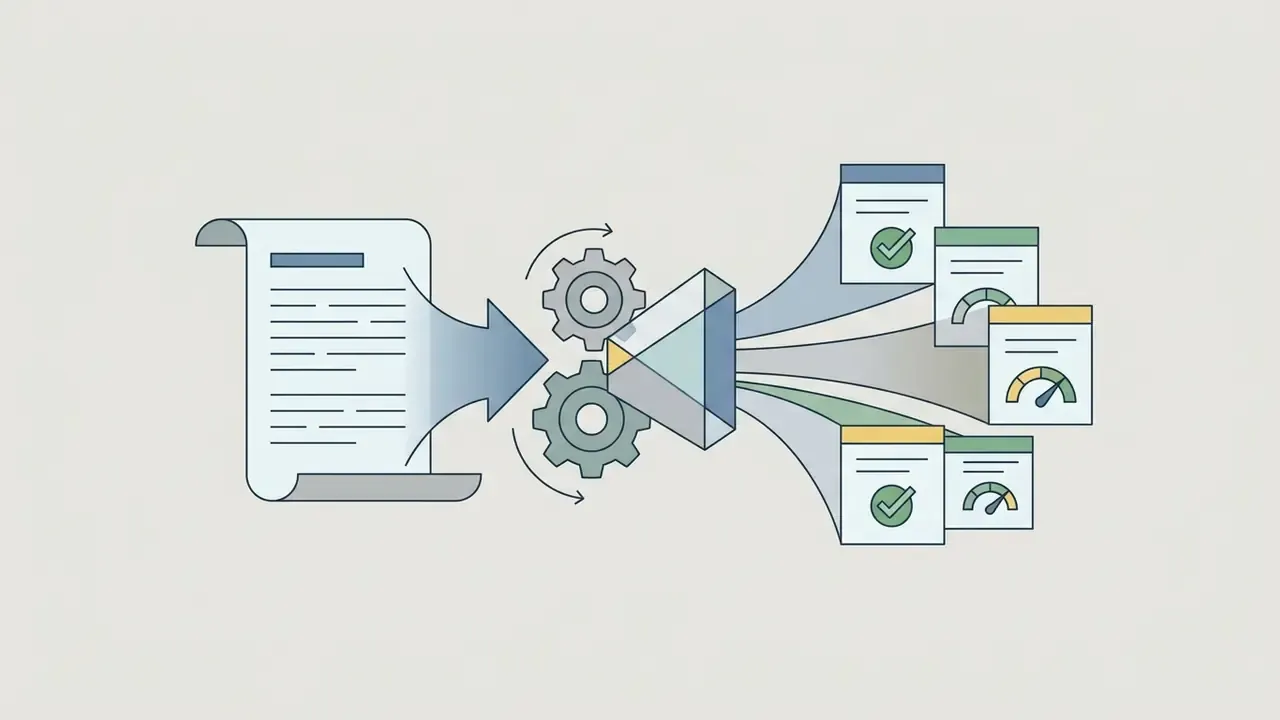
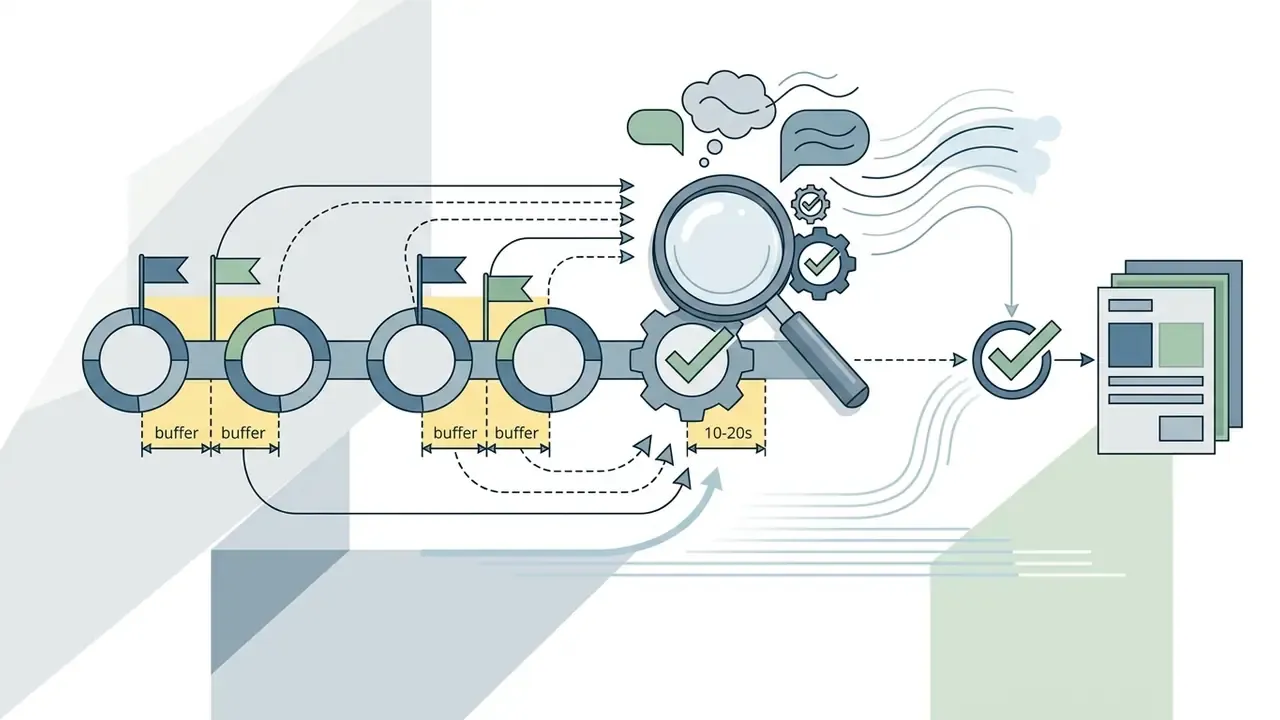
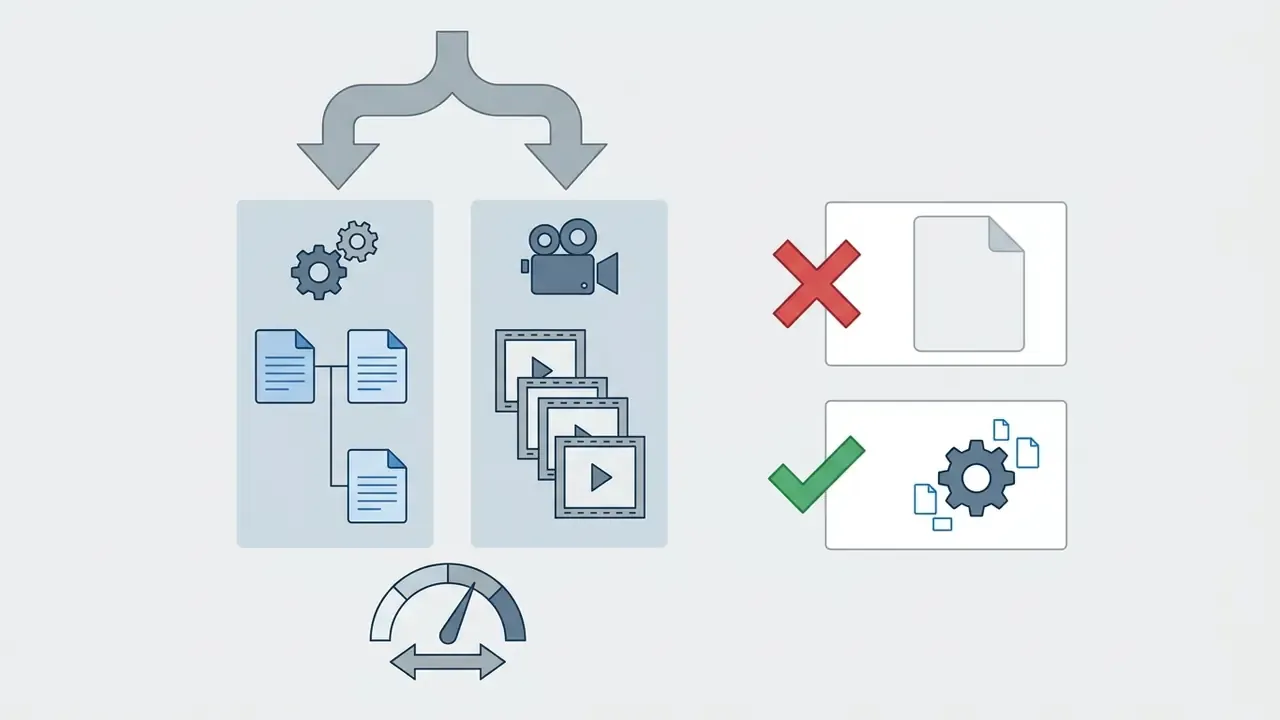
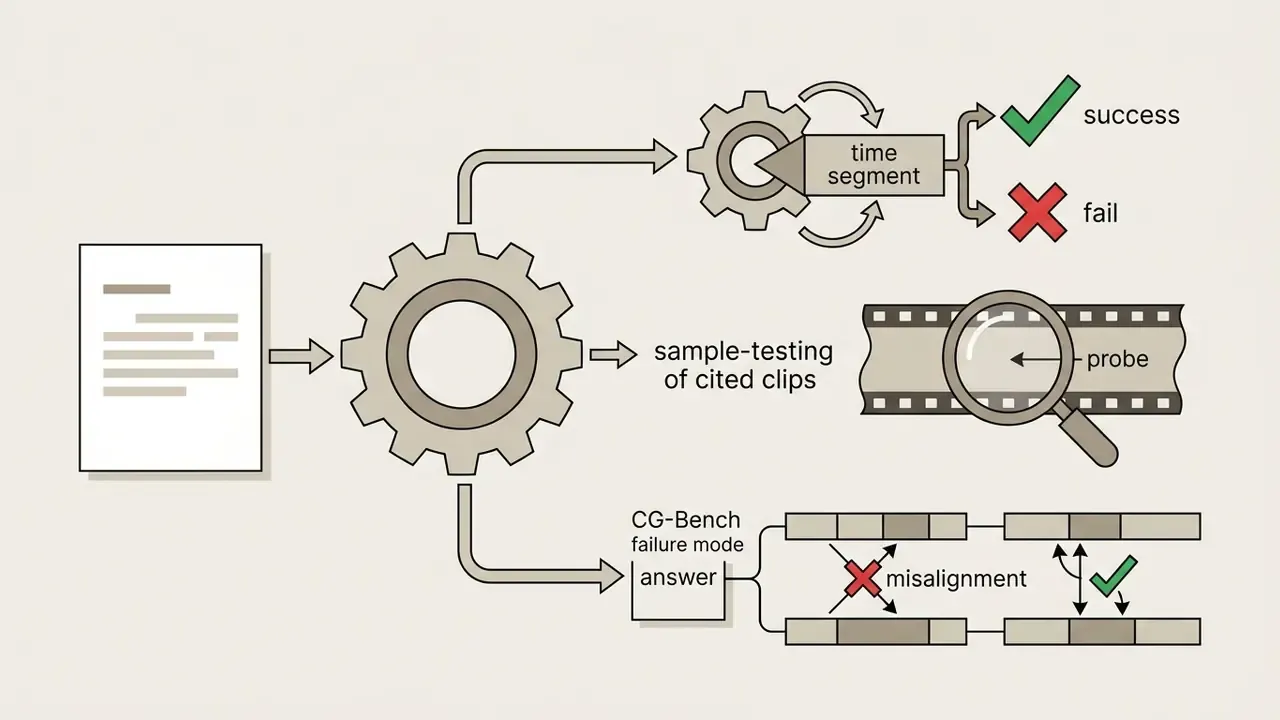
Human operators must audit transcripts, summaries and timestamp markers before anyone publishes or acts on them.
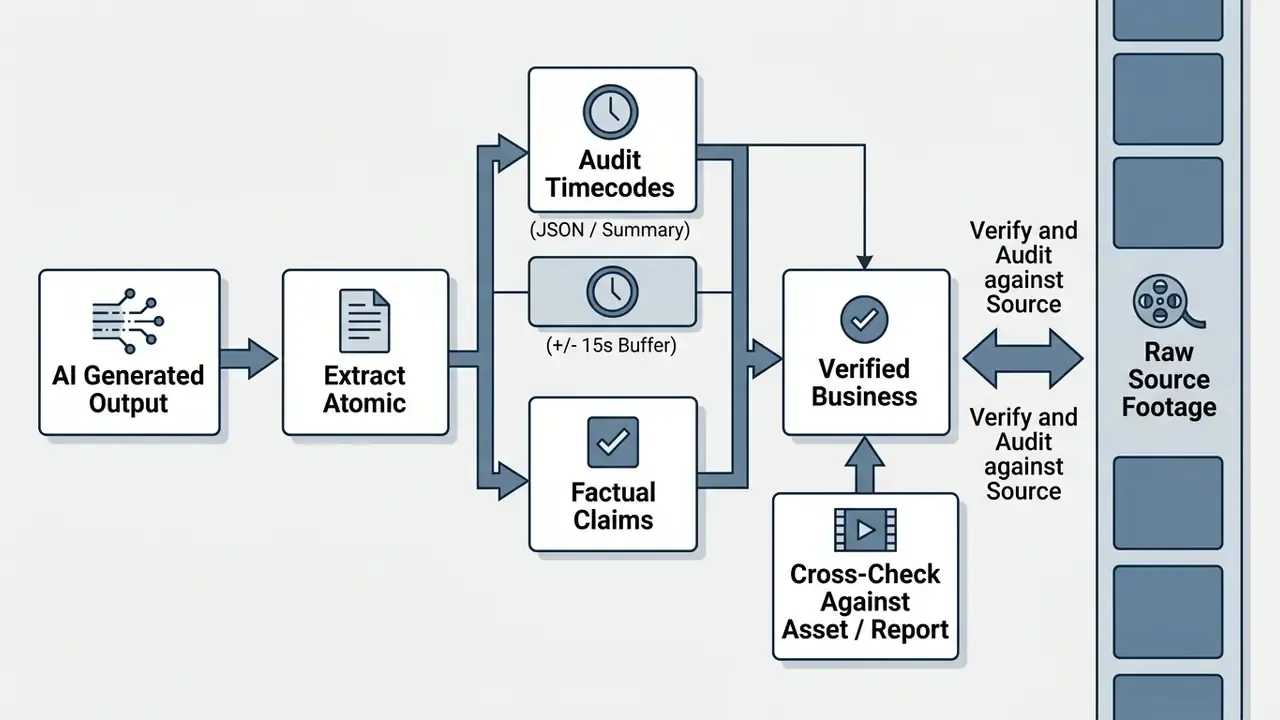
Recommended verification protocol:
Run this loop consistently and decision ownership stays with people, while the model absorbs the volume work. That is the whole trade.
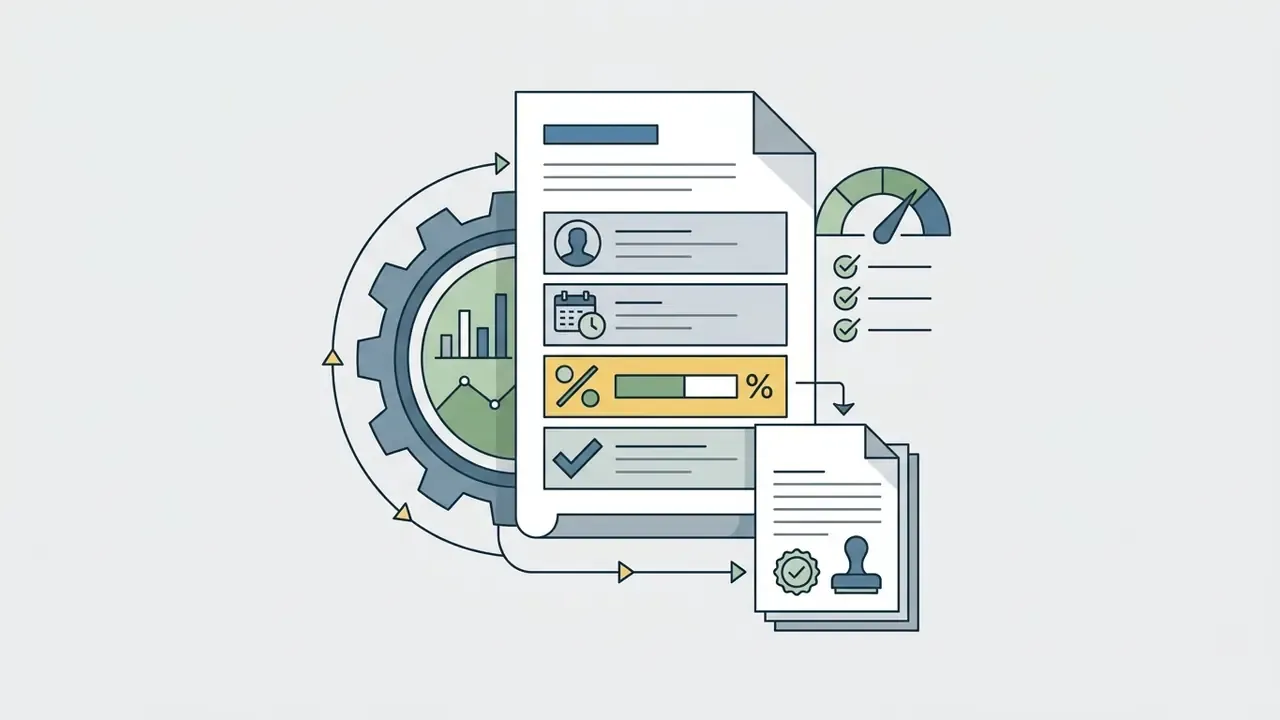
Production-readiness checklist and decision ownership
Before a video AI workflow leaves pilot status, confirm every line below.
Checklist0 / 16
Open questions we cannot answer yet
Honesty is part of the control environment, so a few gaps deserve naming. There is no accepted industry standard for how much of an archive must be human-verified before automated video findings can support a regulatory filing. Benchmark scores do not translate cleanly to institution-specific footage, and nobody has published a reliable conversion. Drift monitoring for multimodal perception models is immature compared with credit scorecards, where population stability metrics are routine. Until those gaps close, keep sampling rates conservative and document why you chose the number you chose.
Escalation and decision-ownership matrix
| Finding severity | Example | Automated action | Human owner | Required response |
|---|---|---|---|---|
| S1: safety or legal | Suspected illegal content, injury event, restricted-zone intrusion | Flag, freeze clip, preserve hashes | Security lead plus Legal/Compliance | Manual confirmation before any action; no automated decisioning |
| S2: regulatory or disclosure | Missing mandatory disclosure in a recorded client call | Flag with timecode and evidence type | Compliance officer | 100% manual review of flagged segments |
| S3: operational quality | Missing syllabus topic, undemonstrated feature in a demo | Add tag plus chapter marker | Process owner (L&D, Sales Ops) | Sampled review (10 to 20%) |
| S4: informational | Chapter titles, keywords, highlight reels | Publish automatically | Content owner | Spot check |
One decision rule belongs in policy verbatim: model outputs may inform an S1 or S2 action, and may never execute one.
FAQ
Can ChatGPT watch and analyze a full video?
Only partially. ChatGPT accepts short clips and images, and web uploads are capped at 500 MB. For a large MP4 or MOV, or a YouTube link, it needs an agentic layer (Codex-style) that downloads the file, installs libraries, extracts audio and transcribes before reasoning. It works, and it adds latency plus a second trust boundary.
Can Claude analyze video?
Claude Opus 4.7 does not process video containers directly in the tested configuration; it replies that it cannot watch video or process audio. The workaround is manual keyframe extraction plus OCR and transcript preprocessing, then submitting stills and text.
Which model is best for video right now?
For "paste a link or drop a file and ask questions," Gemini 2.5 leads. It handled YouTube URLs, a 625 MB MP4 and a 1.65 GB MOV in browser during independent testing, and it timestamps its key points. For reproducible, auditable pipelines, a dedicated cloud API (Google Video Intelligence, Twelve Labs, Azure AI Video Indexer) is the better choice.
Is there an AI that can analyze videos free?
Yes, most vendors offer a free tier: typically 2 GB uploads, 5 to 30 minute clips, daily or monthly quotas (for example 8 h/day YouTube intake, 600 total minutes, 3 analyses/day) and downsampled resolution. Free tiers usually forbid commercial use and gate SRT/VTT plus API access.
How accurate is AI video transcription really?
Expect 8.5% to 14.2% WER in real conditions, with roughly 12.4% reported as a multilingual baseline. Claims of "99.9% accuracy" are marketing, not measurement. Ask for the raw WER methodology and test on your own audio.
Can AI analyze video with no sound?
Yes. Vision encoders track positional vectors across frames, which is how a silent drone-gesture clip gets described correctly as a gesture-control test. Raise sampling to 2 to 5 FPS for fast motion and expect higher token cost.
Can I export subtitles and transcripts?
Mature tools export .SRT and .VTT subtitle tracks with [HH:MM:SS.MMM] markers, .TXT, .DOCX and .PDF transcripts with speaker labels, .CSV event tables and .JSON payloads with bounding boxes and confidence scores. Confirm which formats your specific tier unlocks.
How long does analysis take?
Frontier assistants usually return a first pass on a mid-length video in roughly two to three minutes. Batch API pipelines depend on feature set, frame rate and queue depth rather than video length alone.
Is it safe to upload confidential recordings?
Not to public multi-tenant consumer tools. Use VPC-isolated or on-premise deployment, signed ZDR and training-exclusion terms, encryption in transit and at rest, and role-based access. Staff shadow AI usage remains the most common leakage path.
Navigation and Reference Resources
- Full media technology terminology index: AI Media Glossary
- Tool comparisons across media categories: AI Media Comparison
- Developer implementation references: AI Media API Guides
- Licensing and rights guidance: AI Media Commercial-Use Hub General disclaimer: this article covers regulated topics (data protection, security controls and financial-sector model risk) and is provided for informational purposes only. It is general in nature and does not replace advice from a qualified legal, compliance, security or financial specialist.