Executive Summary
- What it is one application covering ingest, editing, compositing, color, audio post, photo work, and delivery across eight page workspaces: Media, Photo, Cut, Edit, Fusion, Color, Fairlight, Deliver.
- Free vs Studio in one line DaVinci Resolve Free is permanently free, watermark-free, and capped at 8-bit formats up to Ultra HD 3840×2160 at 60 fps. DaVinci Resolve Studio is a one-time $295 perpetual license that unlocks up to 32K/120 fps, 10-bit and 12-bit professional codecs, multi-GPU scaling, Dolby Vision, Dolby Atmos, and the DaVinci Neural Engine AI toolset.
- Commercial use both editions permit commercial monetization of finished content. Studio gets chosen for technical reasons (codecs, HDR mastering, AI acceleration), not to unlock a license right.
- Hardware is the real cost driver budget for a discrete GPU with 4 GB VRAM minimum (8 GB or more realistically), 16 to 32 GB system RAM, and an NVMe SSD for the project database, cache, and renders.
- No browser version exists. Any site advertising a "DaVinci Resolve Online" web editor is not operated by Blackmagic Design. Treat such domains as phishing or brand-mimicking risk.
- Governance takeaway for regulated teams the Neural Engine runs locally on the GPU, which is favorable for confidentiality, but Blackmagic Cloud, update telemetry, and project-server permissions must be explicitly configured, documented, and reviewed before deployment.
What follows, in order: what Resolve actually is, the Free versus Studio split, safe download and install, interface and timeline basics, color, VFX and audio tooling, export and collaboration, enterprise security and AI model risk, the persistent online-editor myth, commercial licensing, limitations, FAQ, and a corrections appendix.
What DaVinci Resolve Is and Which Tasks It Solves
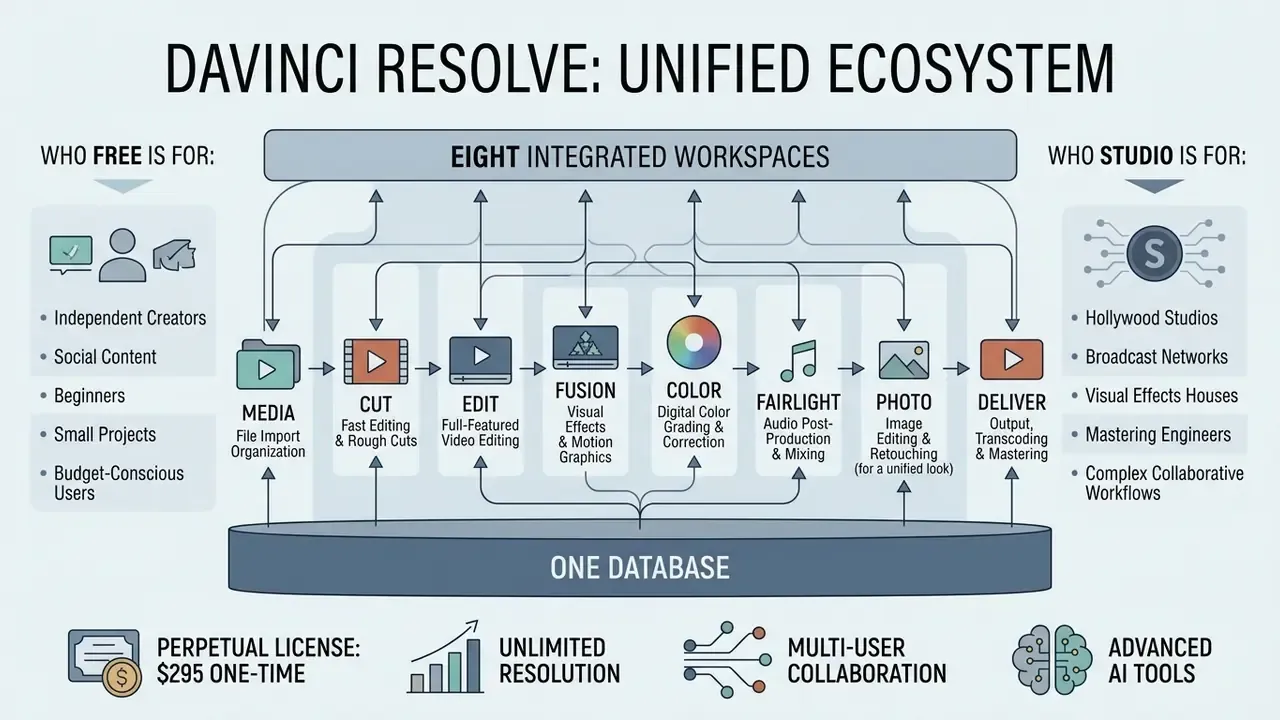
The Unified Ecosystem: One Database, Eight Workspaces
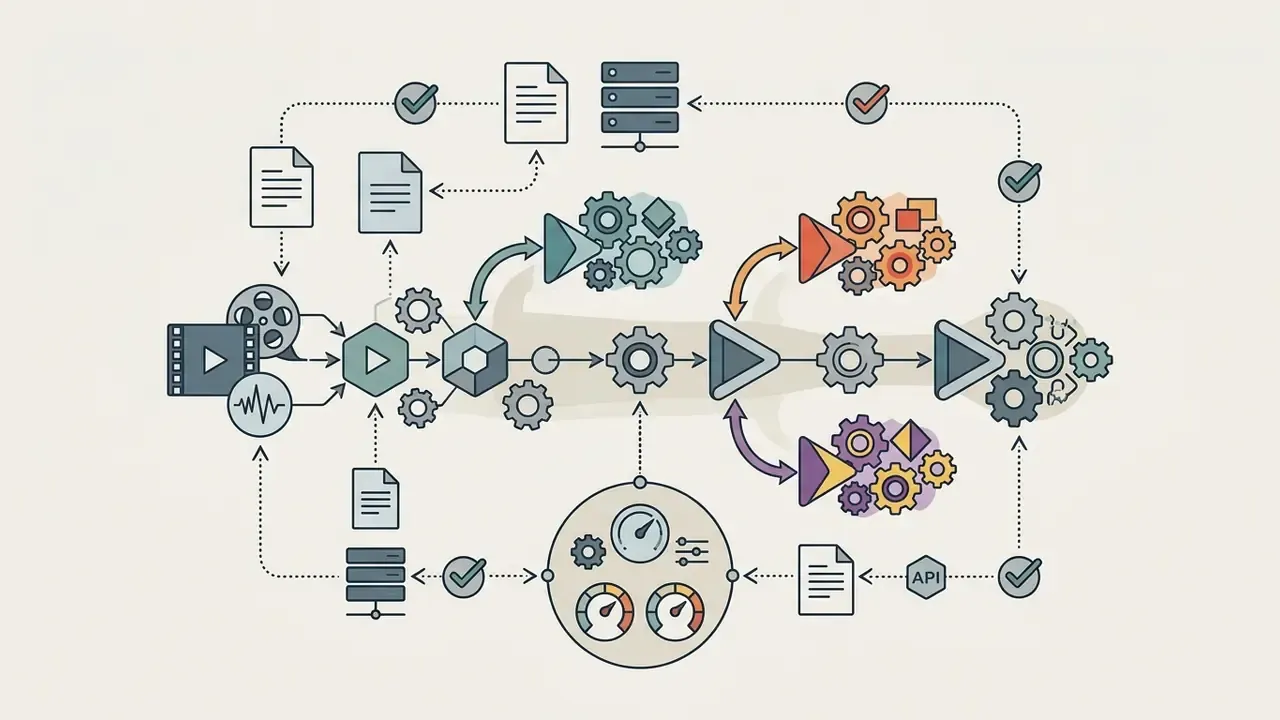
Architecture of the unified DaVinci Resolve ecosystem
| Stage | Page workspace | Data that stays in the project database |
|---|---|---|
| Ingest | Media / Photo | Clip paths, metadata, keywords, bins, proxies |
| Assembly | Cut / Edit | Timeline structure, trims, transitions, keyframes |
| Compositing | Fusion | Node trees, trackers, masks, 3D scenes |
| Grading | Color | Node graphs, LUTs, versions, groups, RCM settings |
| Audio post | Fairlight | Track layout, automation, plugin states, buses |
| Output | Deliver | Render presets, queue jobs, delivery metadata |
Because every stage writes into the same project file, no intermediate render or XML/AAF hand-off is required when switching pages.
DaVinci Resolve combines non-linear editing, color grading, visual effects, and audio mixing into a single application structured around eight dedicated page workspaces. In traditional post-production pipelines, editors export XML or EDL interchanges to move projects between separate applications for color and audio. The davinci resolve video editor removes that friction by storing all project metadata, clip handles, nodes, and mix automation inside a centralized project file. Switching between the Edit, Color, Fusion, and Fairlight pages takes one click, and timing stays frame accurate across the whole project. If your pipeline also involves stills retouching or asset preparation, our overview of online photo editors explains where a dedicated raster tool still complements Resolve's Photo page.
One small observation from practice: teams that adopt Resolve mostly stop arguing about who "owns" the master file. There is only one project, and it lives in a database. That single change often does more for review discipline than any new plugin.
Who DaVinci Resolve Free and Studio Are For
DaVinci Resolve Free serves independent creators, educators, in-house corporate media teams, and online video editors who deliver standard dynamic range (SDR) content up to 4K Ultra HD at 60 frames per second. DaVinci Resolve Studio targets commercial production houses, colorists, broadcasters, and post facilities that need 10-bit codec support, resolutions up to 32K, multi-GPU scaling, and advanced AI automation. When choosing between versions, evaluate three things: required delivery specification, color bit depth, and available hardware capacity. Readers still shortlisting tools can weigh Resolve against other free video editors before committing, and consult our AI Media Comparison Matrices to compare feature sets across professional creative systems. If your output is mostly vertical and short-form, our notes on the ai short video generator category describe where automated tooling ends and manual editing begins.
DaVinci Resolve Free vs Studio: What Is Free and What You Pay For
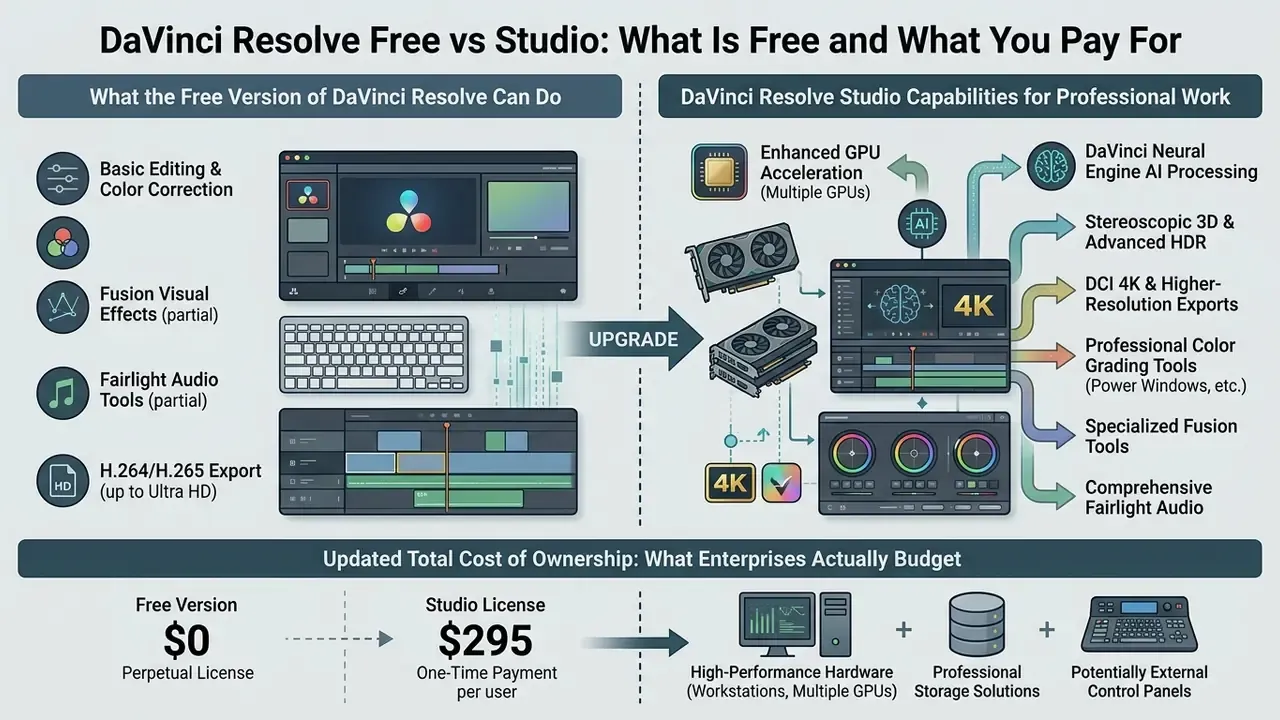
The core functional difference between DaVinci Resolve Free and Studio sits in GPU acceleration, advanced AI processing, higher-resolution export ceilings, and specialized color and audio tools. So, is davinci video editor free? Yes, genuinely. davinci resolve free gives you unrestricted timeline editing without watermarks or nag screens, while davinci resolve studio unlocks enterprise-grade features for a one-time perpetual license fee of $295.
Feature comparison: DaVinci Resolve Free vs DaVinci Resolve Studio
| Feature category | DaVinci Resolve Free | DaVinci Resolve Studio |
|---|---|---|
| Licensing and price | Permanently free ($0), no watermark, no time limit | $295 one-time perpetual license, free major updates |
| Maximum export resolution | Ultra HD 3840×2160 | Up to 32K (32768×32768) |
| Maximum frame rate | Up to 60 fps | Up to 120 fps |
| Codec support | Virtually all 8-bit video formats (H.264/HEVC); no 10-bit H.264/H.265 encode on Windows, no AVC-Intra or advanced AVCHD camera formats | 10-bit and 12-bit formats, ProRes, DNxHR, AVC-Intra, H.264/H.265 hardware encode |
| GPU scaling | Single GPU processing | Multi-GPU processing and hardware decoding |
| DaVinci Neural Engine AI | Not included | Included (Magic Mask, Voice Isolation, SuperScale, Speed Warp, Smart Reframe, Face Refinement, IntelliSearch, CineFocus) |
| Advanced noise reduction | Basic or not available | Temporal, spatial and AI UltraNR |
| HDR and color management | DaVinci YRGB, basic HDR grading | Dolby Vision, HDR10+, MultiMaster Trim Manager |
| Audio tools (Fairlight) | Standard multi-track mixing | Dolby Atmos (5.1.2 to 9.1.6), Voice Isolation, Dialogue Separator |
| Stereoscopic 3D | Not included | Full stereo 3D edit, grade and delivery (convergence, floating windows, eye alignment) |
| Enterprise licensing control | No key management; each install is unmanaged | 5-part activation key or USB dongle; dongles can be pooled and reassigned between workstations |
| Collaboration and access control | Local and basic multi-user project libraries | Project Server or Blackmagic Cloud with bin and timeline locking, per-user project access |
What the Free Version of DaVinci Resolve Can Do
DaVinci Resolve Free provides a complete non-linear resolve video editor environment with no timeline restrictions and no recurring subscription. Independent creators can import media, run multi-track timeline editing, apply transitions, grade with primary and secondary wheels, build node-based VFX in Fusion, and mix audio in Fairlight. It supports standard 8-bit codecs up to 3840×2160 Ultra HD at 60 fps. Because exports carry no branding overlay, the davinci free video editor belongs on any shortlist of video editors without watermarks. To plan budget across software tiers, review our breakdown of AI Media Pricing, and if delivery file weight is a constraint, our guide to video compressors covers post-render size reduction.
Worth saying plainly: davinci resolve free video editing is not a trial. It is a permanent tier that professional colorists still use for SDR client work.
DaVinci Resolve Studio Capabilities for Professional Work
DaVinci Resolve Studio expands processing power by using multiple dedicated GPUs and by unlocking the DaVinci Neural Engine for AI-assisted tasks. It adds temporal and spatial noise reduction, stereoscopic 3D, Dolby Vision grading, Dolby Atmos mixing, and more than 45 additional Resolve FX plugins. For high-end video editor davinci workflows, Studio supports professional 10-bit and 12-bit camera formats, hardware-accelerated H.264/H.265 encoding, and multi-user remote collaboration through Blackmagic Cloud.
While evaluating a 4K post-production workflow for a client media team, we recorded severe frame drops during multi-track timeline rendering on single-GPU hardware. After moving the processing pipeline to multi-GPU acceleration in DaVinci Resolve Studio, throughput improved substantially in our test project. The vendor-independent benchmark baseline for that class of gain is published by Puget Systems.
«Adding a second GPU delivered an average 64% performance uplift across the DaVinci Resolve Studio v20 benchmark suite.»
«Neural Engine acceleration reached up to 2.1× on NVIDIA TensorRT and up to 4.5× on modern AMD GPUs in Resolve Studio 18.6.» Puget Systems, DaVinci Resolve Studio Neural Engine Performance (2023 to 2024). https://www.pugetsystems.com/labs/articles/davinci-resolve-studio-gpu-scaling-analysis/
Total Cost of Ownership: What Enterprises Actually Budget
| Cost line | DaVinci Resolve Free | DaVinci Resolve Studio |
|---|---|---|
| Software license | $0 | $295 one-time per seat (perpetual, free major upgrades) |
| Renewal risk | None | None, no subscription escalation |
| Workstation GPU | 4 GB VRAM minimum (single GPU only) | 8 GB or more VRAM; second GPU justified by roughly 64% throughput uplift |
| System RAM | 16 GB (Windows) / 8 GB (macOS) | 32 GB for Fusion, 4K and AI workloads |
| Storage | NVMe SSD for database and cache | NVMe SSD plus shared NAS or SAN for multi-editor projects |
| Collaboration infrastructure | Optional local project library | Project Server host or Blackmagic Cloud subscription |
| License administration | Not applicable | Key or dongle inventory, reassignment log, offline activation policy |
| Security controls | Egress rules, update-channel policy | Egress rules, cloud opt-out policy, project-server access matrix |
For teams modelling render-farm sizing or per-minute output cost, our AI Media Calculators provide the arithmetic scaffolding, and developer-side economics for automated video pipelines are broken down in our Google Veo API implementation guide.
How to Download and Install the DaVinci Resolve Video Editor
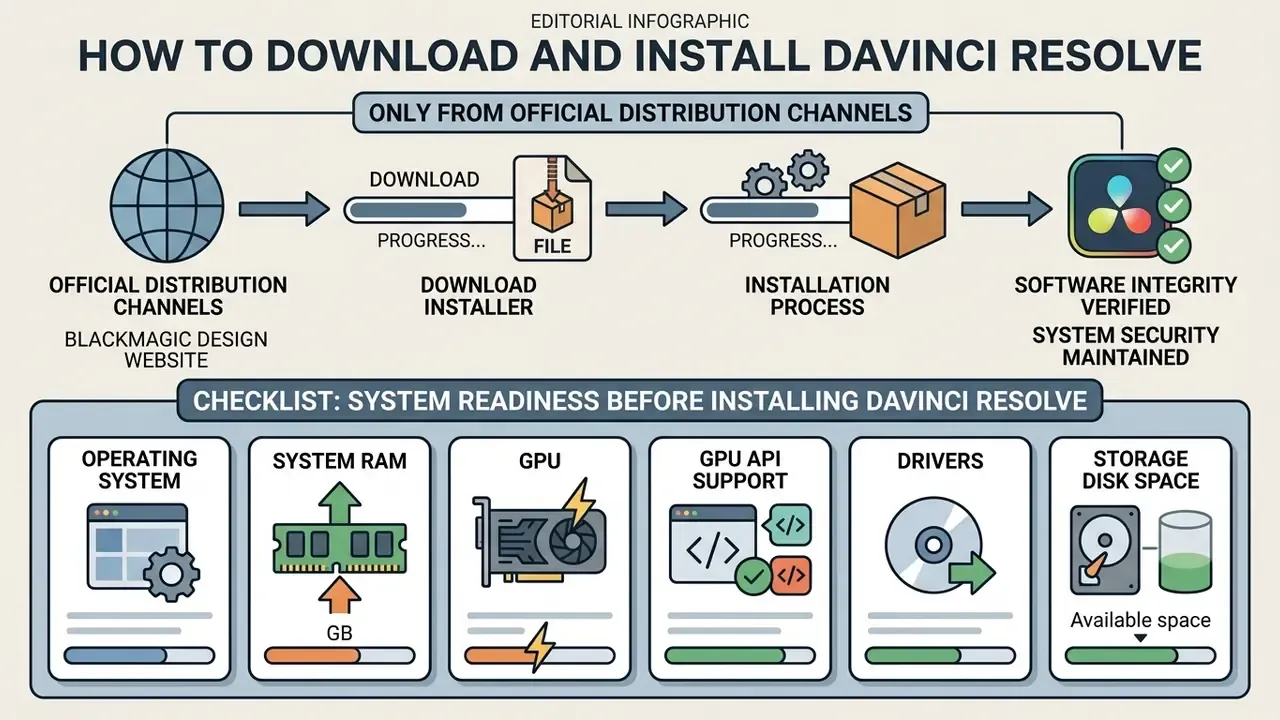
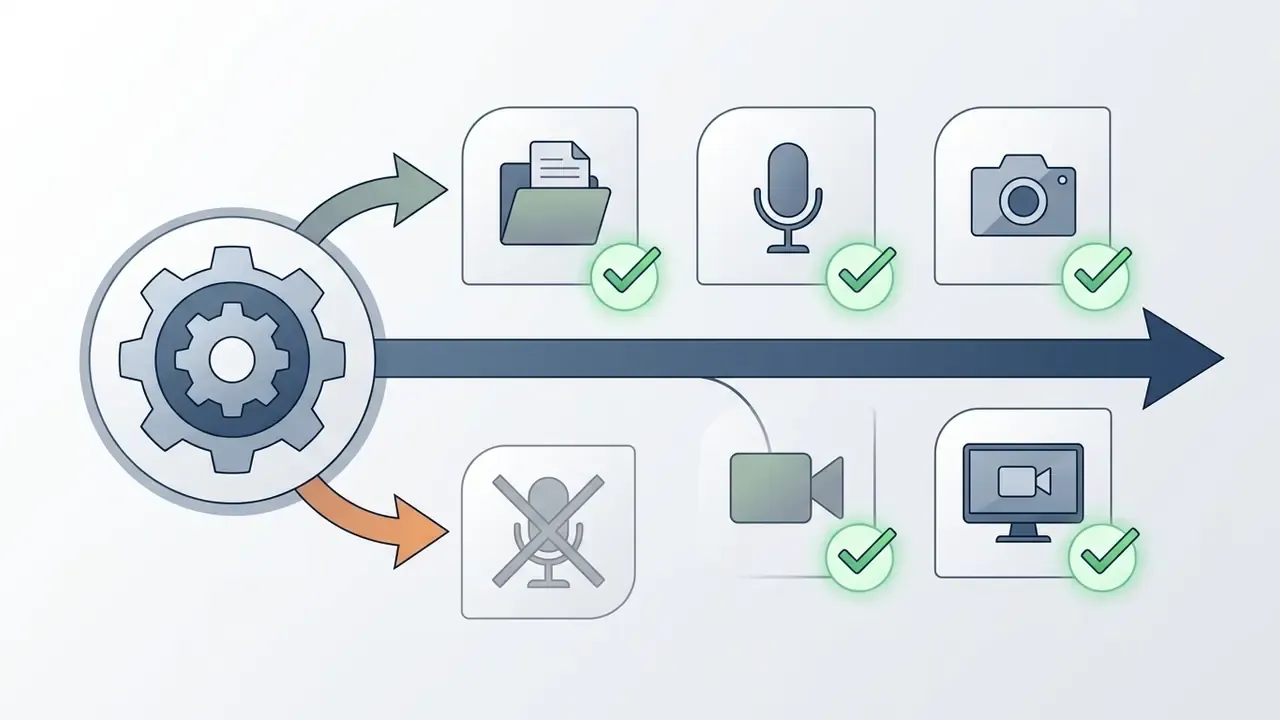
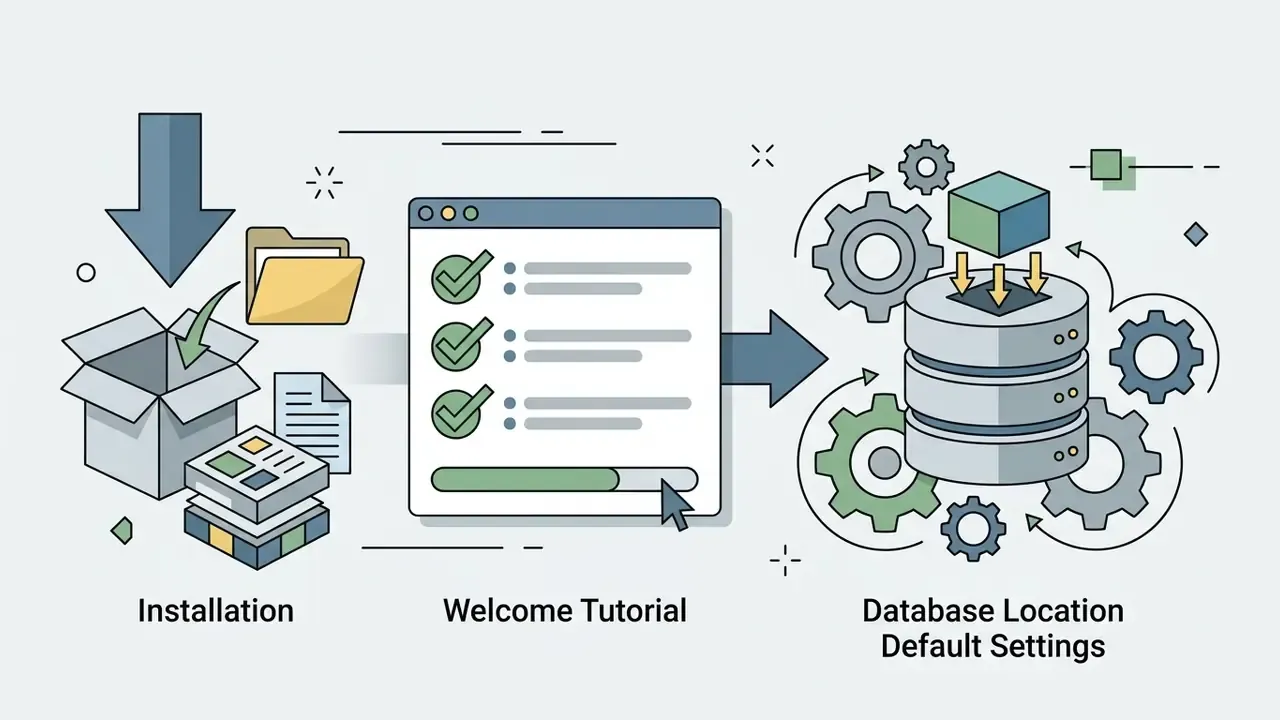
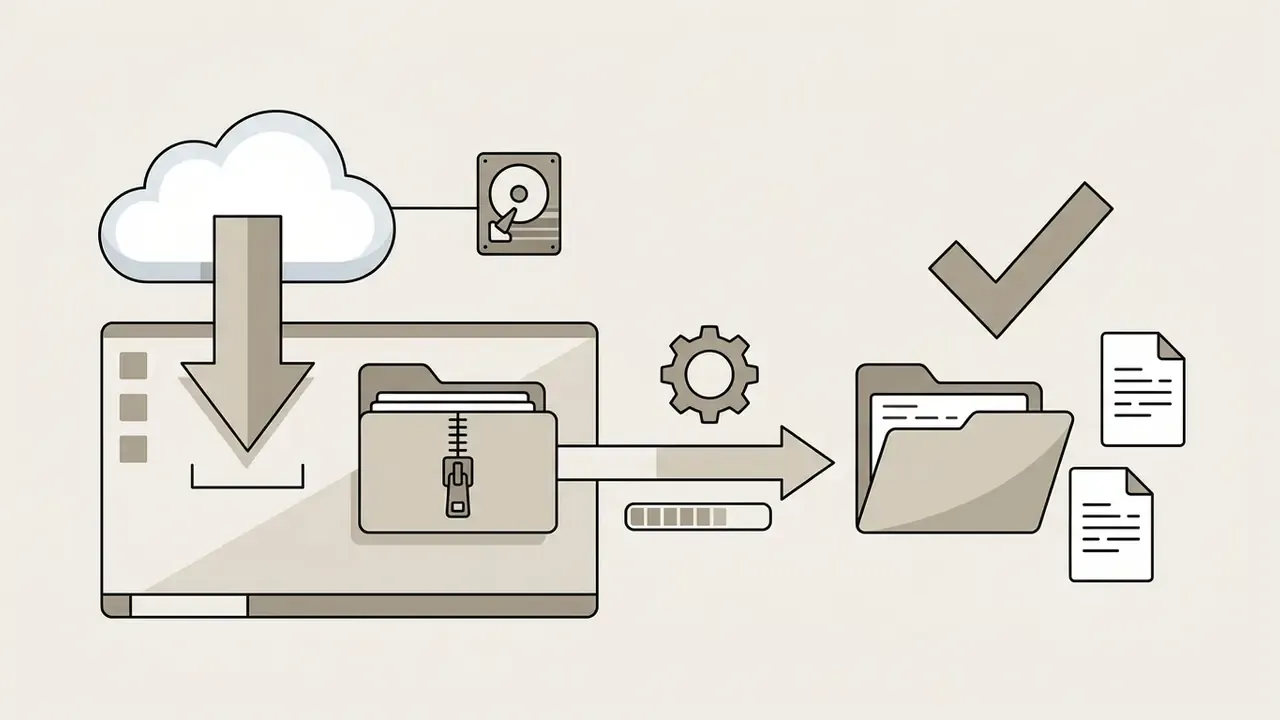
To protect system security and software integrity, download DaVinci Resolve only from official distribution channels. Picking the correct installer build also prevents license activation conflicts between the free edition and the Studio release.
Checklist: System Readiness Before Installing DaVinci Resolve
- Operating system Windows 10 Creators Update or later, macOS 14 Sonoma or later (Apple Silicon for Resolve 21), or Rocky Linux 8.6.
- System RAM 16 GB minimum on Windows (8 GB on macOS); 32 GB for Fusion, Linux and 4K timelines.
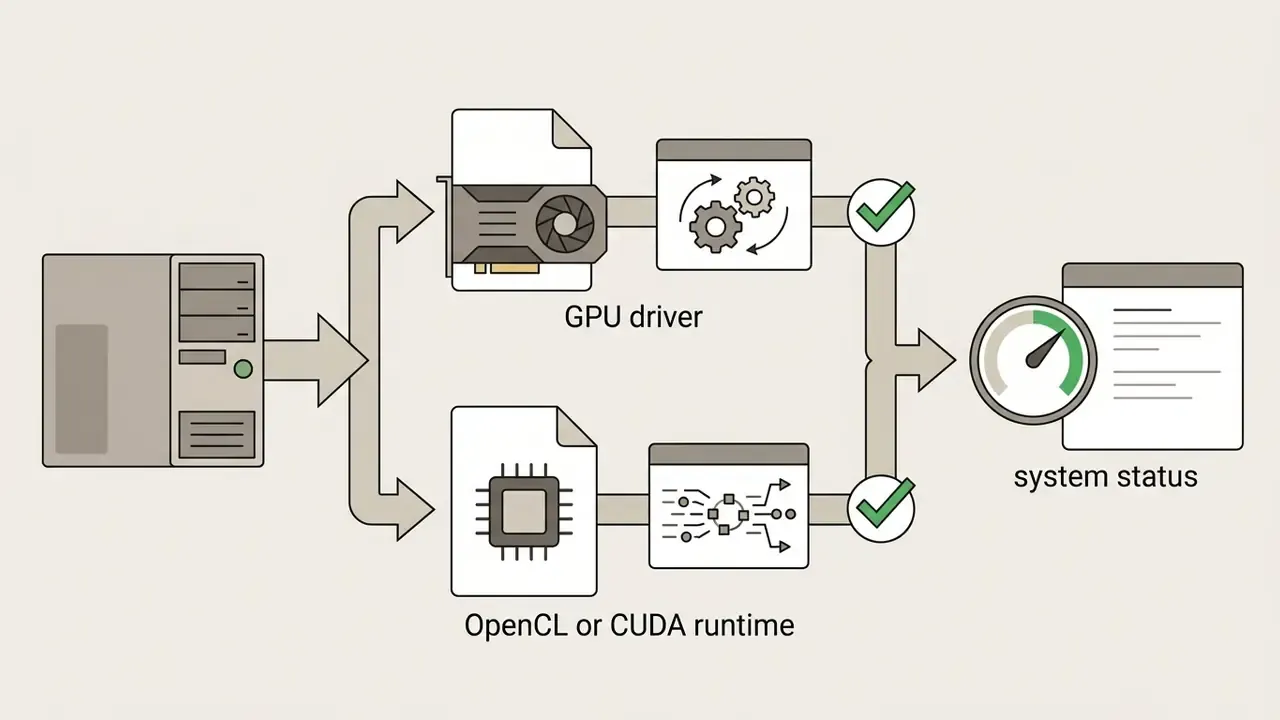
- GPU discrete graphics card with at least 4 GB VRAM; 8 GB or more for AI Neural Engine work and 4K grading.
- GPU API support OpenCL 1.2 or CUDA 12.8 on Windows and Linux; Metal on Apple Silicon.
- Drivers NVIDIA Studio Driver 570.65 or newer on Windows; latest official AMD driver.
- Storage fast internal NVMe SSD for the project database, media cache, optimized media and renders.
- Disk space at least 3 GB free for the installer and application files.
- Studio only 5-part activation key or USB license dongle available before first launch.
- Managed environments admin rights, approved egress rules, and an update-channel policy confirmed with IT.
Where to Download DaVinci Resolve Free and Studio
The official davinci resolve video editor download lives on the Blackmagic Design Download Center. The vendor provides separate installation packages for Windows, macOS, and Linux, so the davinci video editor download you pick should match both your operating system and your intended edition.
«Install DaVinci Resolve by downloading it from blackmagicdesign.com and choosing the package that matches your operating system.»
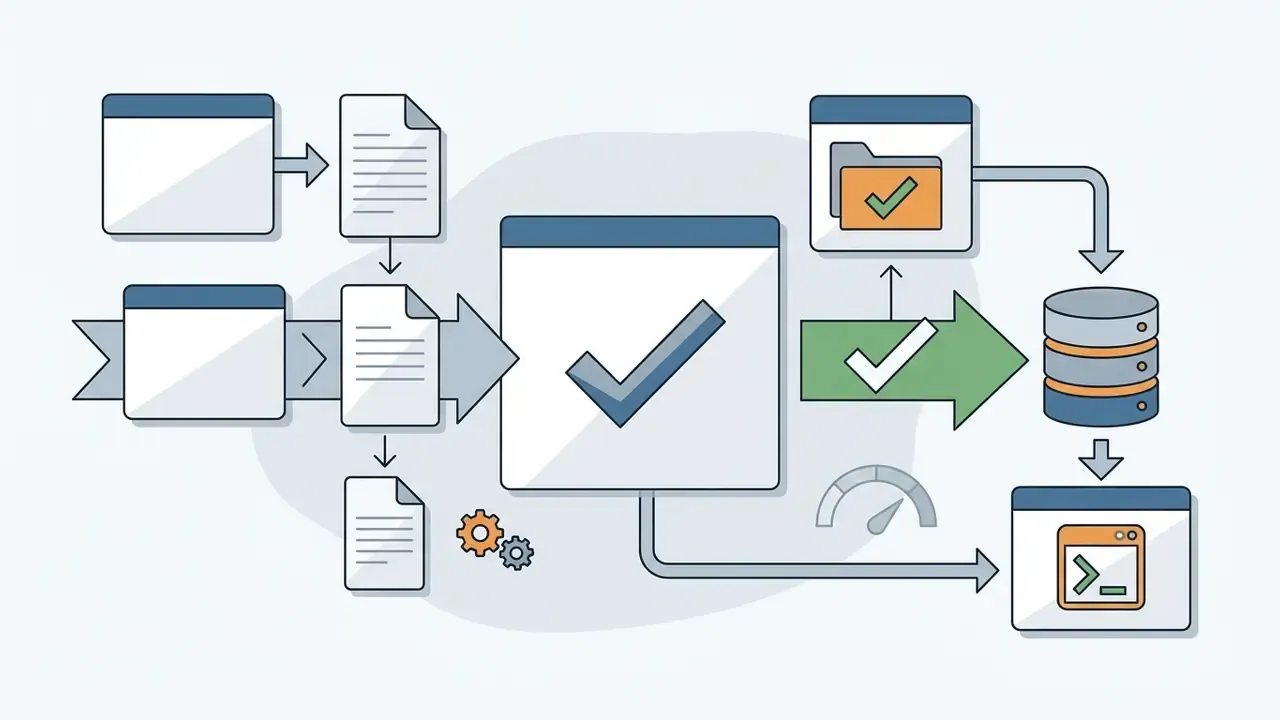
Step-by-Step Installation
Windows
macOS
Linux (Rocky Linux 8.6)
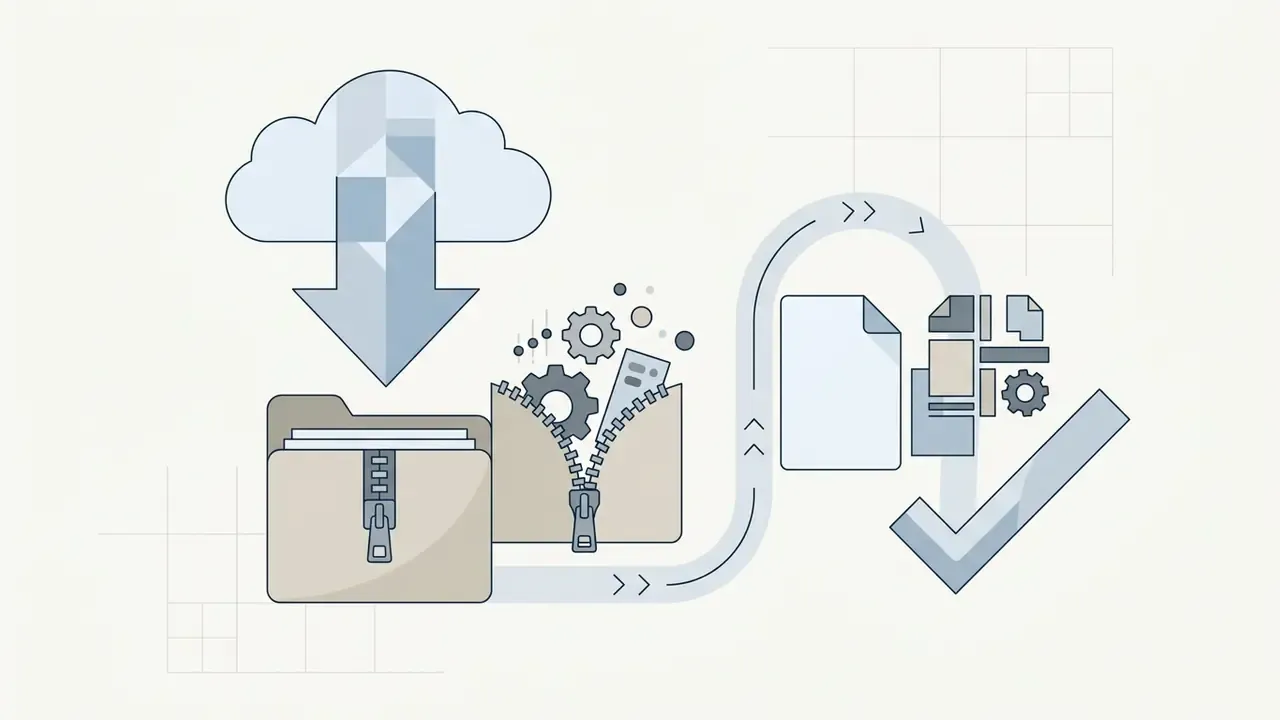
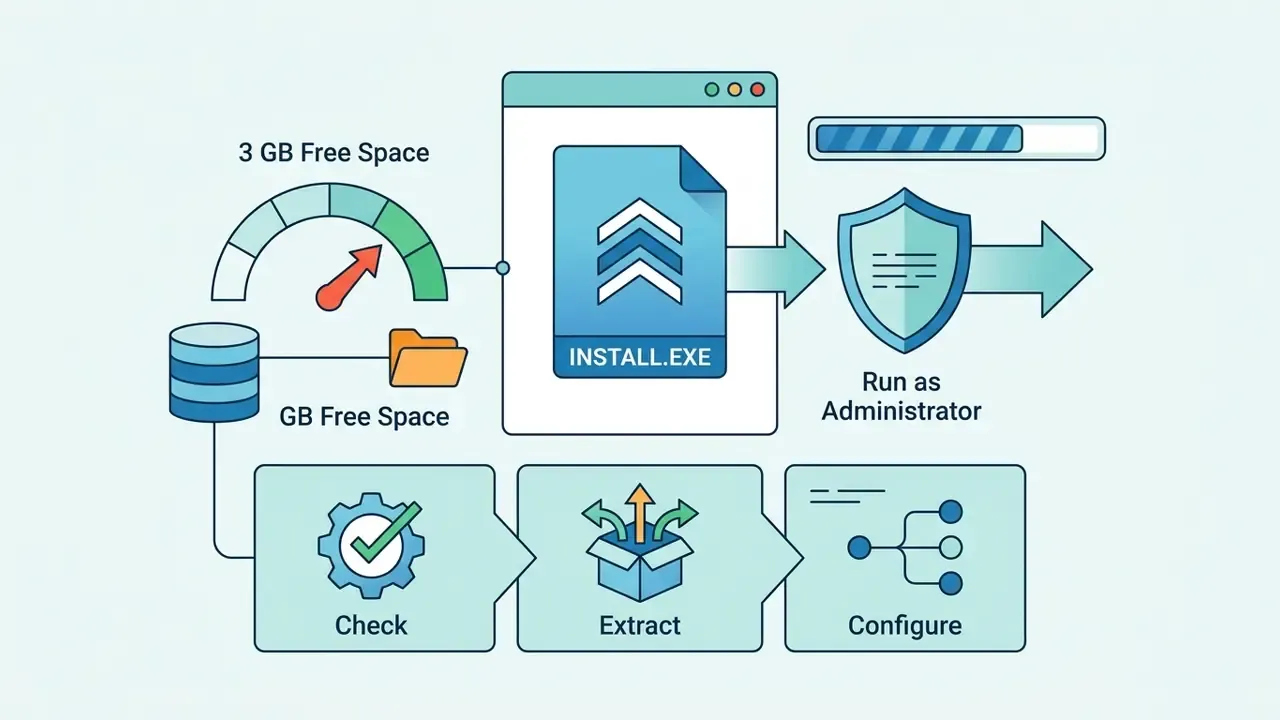
.exe as administrator and keep at least 3 GB of free disk space available.
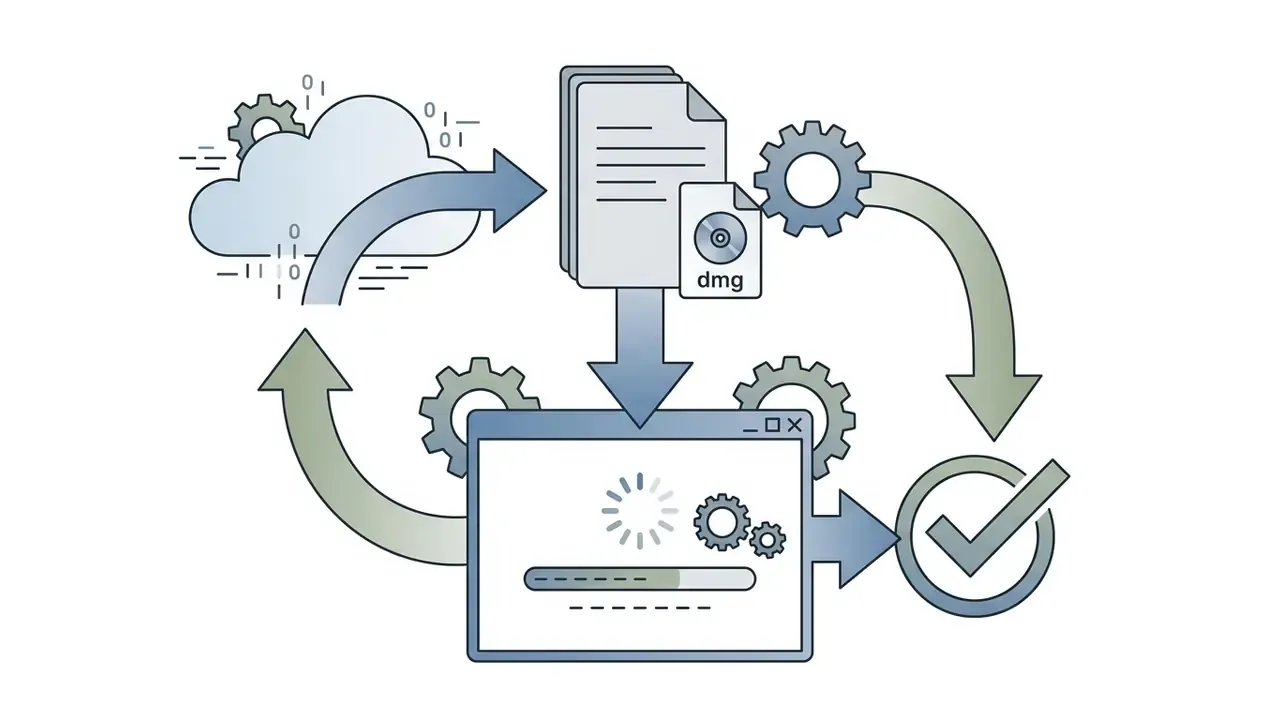
.dmg package and open it. This is the standard route for anyone searching for the davinci video editor mac build.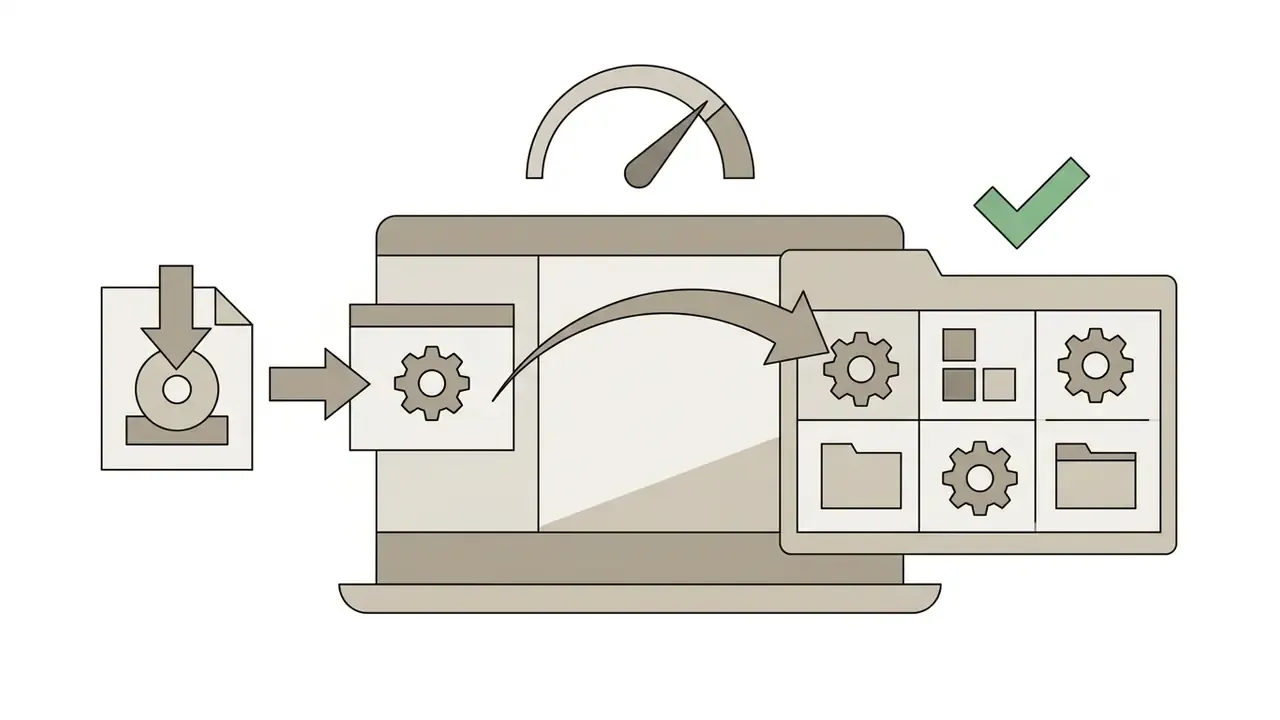
System Requirements and Preparing Your Computer for Editing
Running DaVinci Resolve requires a 64-bit operating system, a multi-core processor, adequate RAM, and a discrete GPU with sufficient VRAM. macOS systems on Apple Silicon (M1, M2, M3, M4) use the Metal API architecture, while Windows and Linux need modern NVIDIA or AMD graphics cards with current drivers.
- Operating system Windows 10 Creators Update or later, macOS 14 Sonoma or later, or Rocky Linux 8.6.
- System RAM 16 GB minimum for basic editing on Windows (8 GB on macOS); 32 GB recommended for Fusion visual effects, Linux and 4K media.
- GPU VRAM 4 GB minimum, 8 GB or more recommended for 4K timeline work and AI Neural Engine processing.
- GPU API OpenCL 1.2 or CUDA 12.8 on Windows and Linux; Metal on Apple Silicon.
- Graphics drivers NVIDIA Studio Driver 570.65 or newer on Windows; latest official AMD drivers.
- Storage fast internal NVMe SSD for project databases, media caches, and render files. Mechanical drives are viable for archive only, never for cache or database.
Thermal behaviour matters as much as the spec sheet. Thin-and-light laptops with integrated graphics will run simple SDR corrections, then throttle hard on long 4K timelines. When configuring hardware around a specific content type, check our practical breakdown of YouTube video editor workflows and benchmark your build with our AI Media Calculators. Teams comparing Resolve against generative pipelines can also review our roundup of free AI video generators.
How to Work in DaVinci Resolve: Interface, Media and Timeline
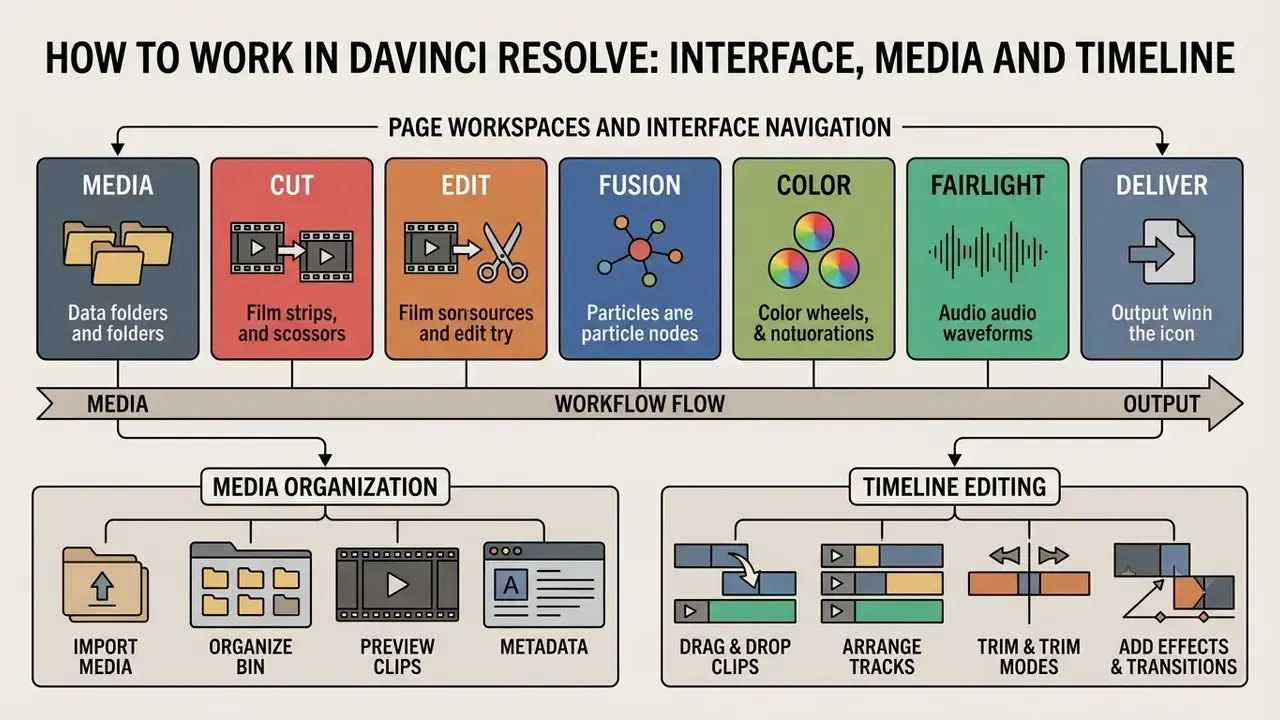
The interface is arranged sequentially, from media ingest to final render. Moving through the eight page workspaces lets editors keep organizational control over raw clips, sequence structure, and track layout.
Standard production workflow, stage by stage
| # | Stage | Page | Primary output of the stage |
|---|---|---|---|
| 1 | Import | Media | Clips in the Media Pool, proxies generated |
| 2 | Organize | Media (Bins, Power Bins, Smart Bins) | Searchable, metadata-tagged library |
| 3 | Assemble | Cut | Rough cut, story order locked |
| 4 | Refine | Edit | Trimmed timeline, transitions, titles, subtitles |
| 5 | Composite | Fusion | Keyed shots, motion graphics, cleanup plates |
| 6 | Grade | Color | Balanced primaries, secondaries, look, HDR trim |
| 7 | Mix | Fairlight | Cleaned dialogue, music and FX balance, loudness-compliant mix |
| 8 | Deliver | Deliver | Master file, web derivative, DCP or IMF package |
Importing, Organizing Media and Creating a Project
Efficient media management in the davinci resolve editor de video starts with a structured bin architecture inside the Media Pool. Editors can create standard Bins, Power Bins (available across all projects), and metadata-driven Smart Bins that filter footage automatically by keyword, camera angle, scene, shot, or person. Keywords entered in the Metadata Editor populate Smart Bins automatically, which is what makes large multi-camera or documentary libraries navigable at all. A bin structure can be exported through File > Export > Export Bin as a .drb file. That file carries clip metadata rather than media, so it is a lightweight way to hand an organizational scheme to another editor or workstation. Spanish-language teams searching for the davinci editor de video will find the same page names in the localized interface, since the workspace layout does not change.
For high-resolution raw media, generating proxy files through the standalone Blackmagic Proxy Generator utility, or via right-click > Generate Proxy Media / Generate Optimized Media inside the Media Pool, keeps playback smooth on moderate hardware.
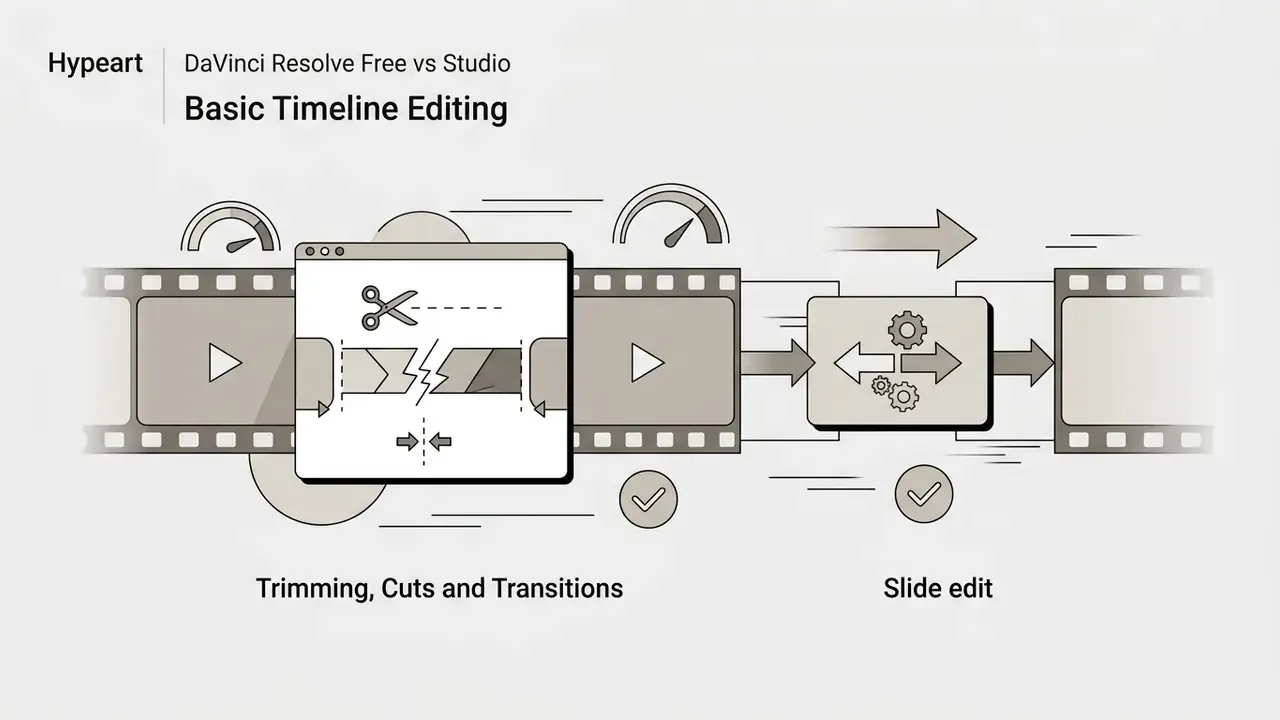
Basic Timeline Editing: Trimming, Cuts and Transitions
Timeline editing on the Edit page relies on precise non-linear tools that adjust clip placement without breaking audio-video synchronization.
Transitions and video effects drag straight from the Effects Library onto cut points or individual clips, with parameters refined in the Inspector panel. When integrating graphic elements such as branded overlays or animated lower thirds, our guide to animation makers covers complementary pre-production asset preparation.
Quick start and essential editing shortcuts
- Project setup
- click the gear icon in the lower-right corner (or press
Shift + 9) to open Project Settings, then set Timeline Resolution (1920×1080 for HD, 3840×2160 for 4K) and Timeline Frame Rate (24 fps cinematic, 30 fps standard, 60 fps high-motion) in Master Settings. Frame rate cannot be changed casually once media is on the timeline, so set it before you edit. - Fast cutting (blade tool)
- press
Bfor the blade, click at the cut point, then pressAto return to the selection tool. Cuts apply to all enabled or selected tracks. - Ripple delete
- select the unwanted clip and press
Shift + Delete(Forward Delete on Mac) to remove the segment and close the gap. - Trim mode
- press
Tfor the trim edit tool to perform roll, slip and slide operations by dragging. - Add transition
- put the playhead on a cut and press
Ctrl/Cmd + Tfor the default cross dissolve; drag its edges to change duration. - Proxy media
- in the Media Pool, right-click source clips and choose Generate Proxy Media to eliminate playback stutter.
- Snapping and markers
Ntoggles snapping;Mdrops a marker for notes and review rounds.
DaVinci Resolve Tools for Color, VFX and Audio
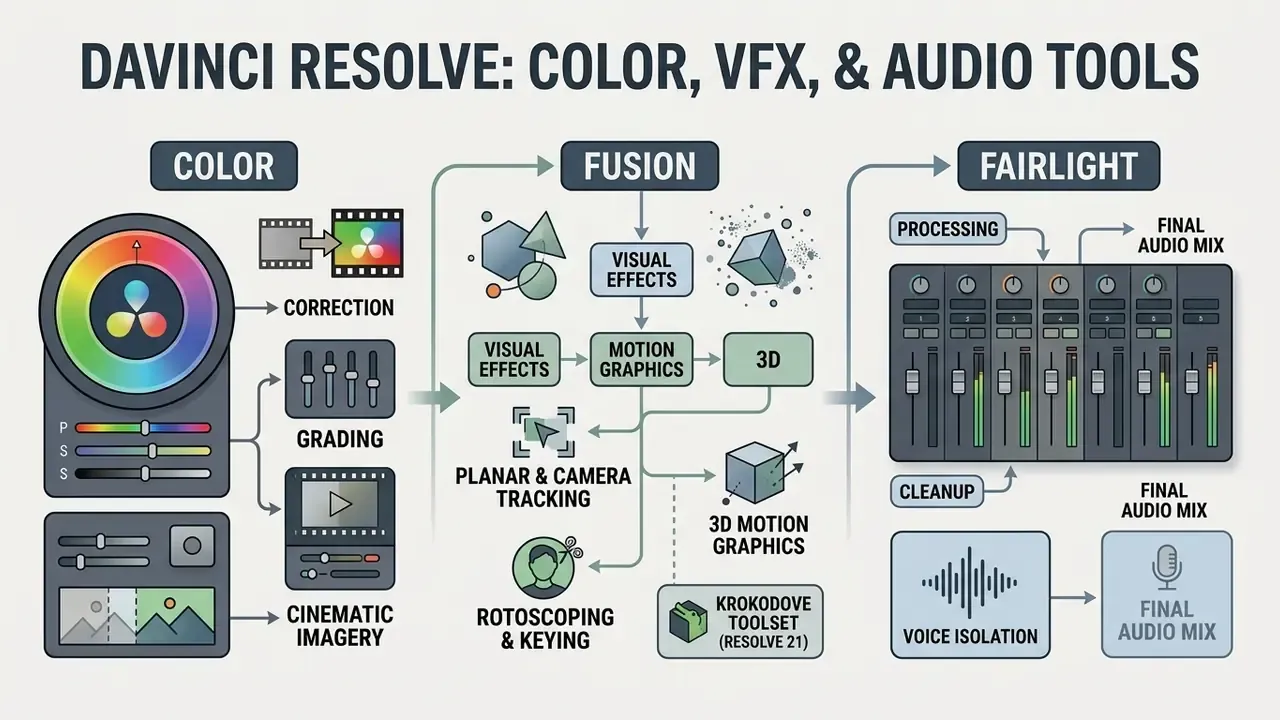
Resolve is best known for its creative processing depth. The node-based architecture in Color and Fusion offers flexibility well beyond traditional layer-based non-linear editors.
Color: Correction, Grading and Cinematic Imagery
The Color page uses a node graph where corrections process serially or in parallel.
| Node type | How image data flows | Typical use |
|---|---|---|
| Serial | Output of one node feeds the next in a chain | Primary balance, then look, then shot-specific fixes |
| Parallel | Several corrections branch out and recombine in a Parallel Mixer | Independent secondary keys (sky, skin, wardrobe) blended equally |
| Layer | Corrections stack with priority and composite modes | Stylized looks where upper corrections override lower ones |
Colorists use DaVinci YRGB Color Managed (RCM) spaces to translate camera log footage (ARRI LogC, Blackmagic Film, REDCode RAW) into target SDR or HDR gamuts such as Rec.709, P3-D65, or Rec.2020.
«HDR P3 Broadcast provides a P3-D65 grading environment with gamut limiting that clips out-of-range colors.»
Primary sliders and wheels adjust lift, gamma, gain, and offset, while secondary qualifiers isolate specific hues (skin tones, for instance) for precise refinement. Power Windows, tracking, custom curves, per-node LUT application, and HDR scopes calibrated in nits for ST.2084 monitoring complete the grading toolkit.
During a media migration involving unmanaged log footage, uncalibrated color spaces introduced clipping during automated quality checks. Deploying node-based primary balancing alongside spatial noise reduction via the DaVinci Neural Engine restored signal integrity and brought final outputs back into compliance with broadcast specification. Colorists who also grade stills will find the same node logic mirrored on the Photo page, and anyone exploring stylized looks can compare generative approaches in our review of the best AI art generators.
Fusion: Visual Effects, Motion Graphics and 3D
The Fusion page is an integrated node-based compositing suite for 2D and 3D visual effects. Instead of stacking tracks on a timeline, Fusion links tools (effects, masks, merges, 3D cameras) in a flow chart.
Key capabilities:
When developing custom brand watermarks, vector marks or stylized graphic assets for compositions, the workflows in our online photo editor guide and animation maker overview offer complementary creative options.
Fairlight: Processing, Cleanup and the Final Audio Mix
Fairlight is a complete audio post environment with a full mixer, track-based recording, editing and mastering. Blackmagic documents it as a professional-grade engine capable of very high real-time track counts (commonly cited as up to 2,000 tracks in vendor materials). Teams planning sessions at that scale should verify the current ceiling in the DaVinci Resolve 21 Manual for their release. It includes spectral processing, dynamics control, parametric EQ, VST and AU plugin hosting, and Fairlight FX built for dialogue cleanup.
For projects with synthetic speech, localized narration, or vocal backing tracks, consult our review of AI voice generators, our notes on the ai singing generator category, and audio licensing terms on the AI Media Commercial-Use Hub.
Export, Formats and Collaboration in DaVinci Resolve
Mastering and distributing video means configuring precise containers, bitrates, and multi-user parameters. The Deliver page handles final rendering, while project server tools enable multi-editor work.
Codec selection map for the Deliver page
| Delivery target | Container | Codec | Notes |
|---|---|---|---|
| YouTube and social | MP4 | H.264, HEVC (H.265), AV1 | Built-in platform presets; 10-bit H.264/H.265 encode requires Studio on Windows |
| Client review | MP4 | H.264 at lower bitrate | Pair with burned-in timecode or watermark |
| Mezzanine master | MOV | Apple ProRes 422 HQ or 4444 | Archive-grade, editable, large files (Studio) |
| Broadcast handoff | MXF | Avid DNxHR/DNxHD, AVC-Intra | Station-specific wrapper and loudness specs (Studio) |
| Theatrical | DCP | JPEG 2000 via easyDCP or native unencrypted DCP | Requires DCI-compliant color and audio mapping |
| Streaming HDR | MOV or MXF | ProRes with Dolby Vision metadata | Studio only; MultiMaster trim passes for SDR derivatives |
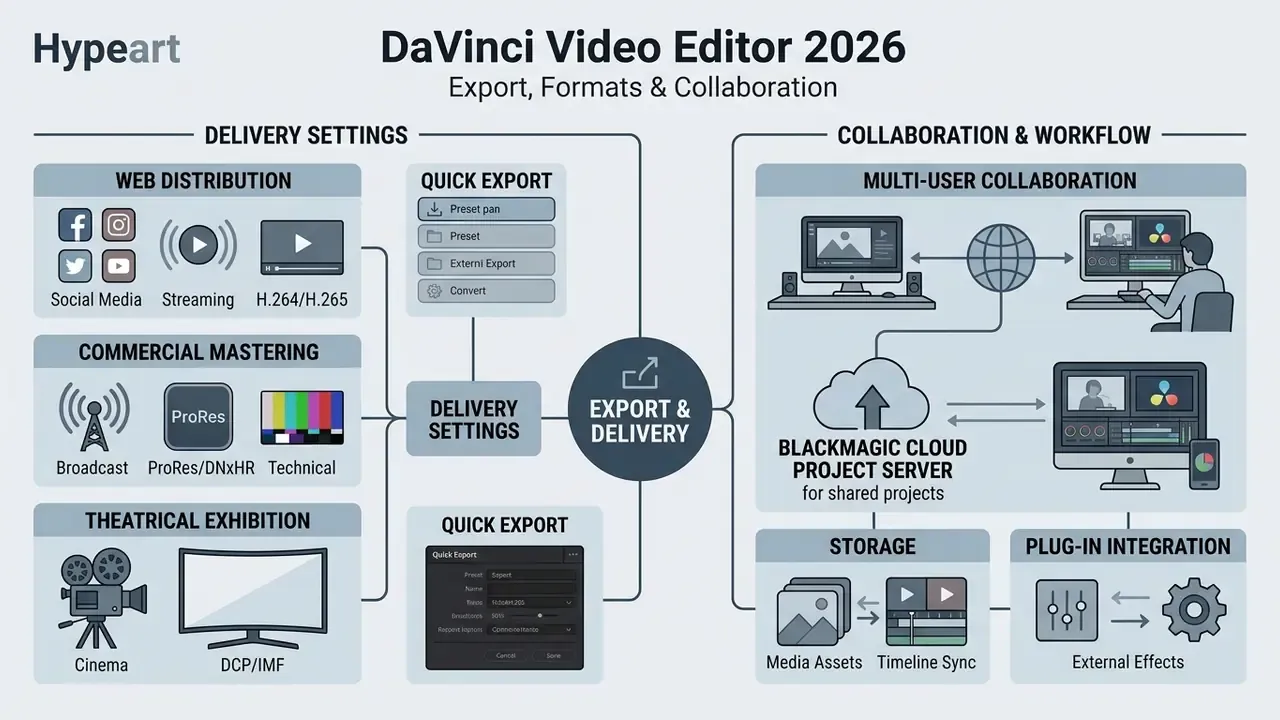
Delivery Settings for Web, Broadcast and Cinema
The Deliver page ships export presets for YouTube, Vimeo, X/Twitter, and TikTok, alongside professional mastering configurations. Custom setups can be stored with Save as New Preset, so a house delivery spec gets reused instead of rebuilt each Friday afternoon.
If storage or upload bandwidth is the bottleneck rather than image quality, compare re-encode strategies in our video compressor guide.
Multi-User Collaboration, Storage and Plug-in Integration
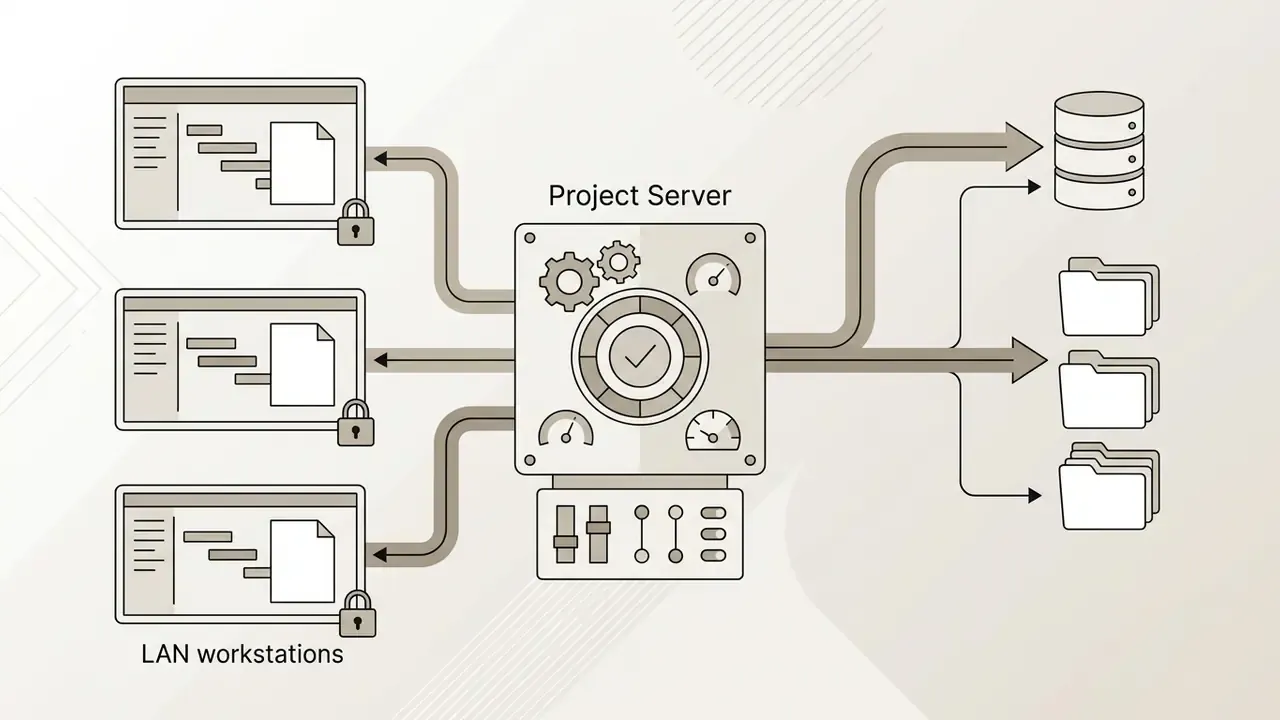
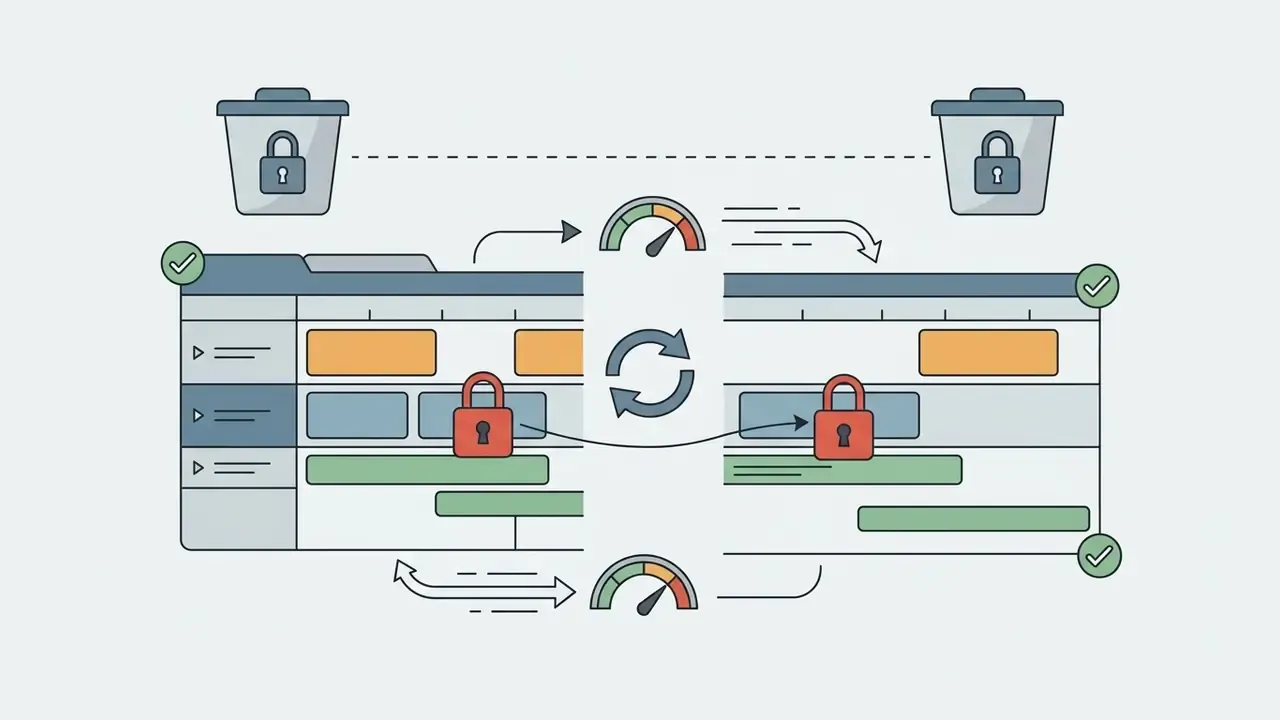
DaVinci Resolve supports real-time collaboration where editors, colorists, VFX artists, and sound engineers work on the same timeline at the same time.
- Blackmagic Cloud: hosts project libraries in the cloud and syncs project metadata and timeline edits across remote teams, with per-project "allow multiple simultaneous users" control.
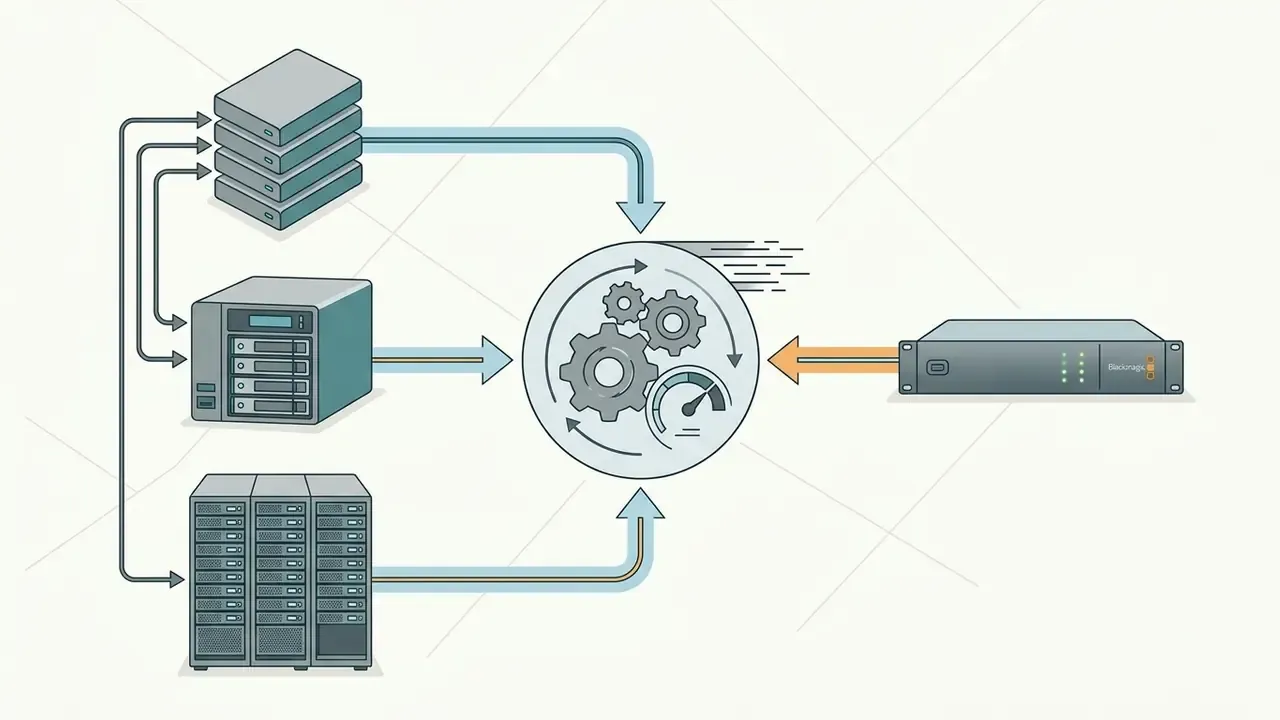
Hardware controllers that accelerate editing. Blackmagic Design also manufactures dedicated physical panels for professional operators, which is part of why the black magic video editor ecosystem feels different from software-only competitors:
For system integration developers automating media workflows through API interfaces, see our api documentation and the media-law considerations gathered on our litigation resource hub.
- DaVinci Resolve Speed Editor
- a compact keyboard with a metal search dial, transport controls and dedicated edit keys built for the Cut page. The right hand locates shots while the left marks in and out points and performs live trims.
- DaVinci Resolve Editor Keyboard
- a full-size QWERTY keyboard with color-coded shortcut keycaps and a search dial, aimed at editors who cut for hours every day.
- DaVinci Resolve Replay Editor
- adds live-to-air camera selection and slow-motion replay with stingers for broadcast and sports workflows.
- Fairlight consoles and Desktop Audio Editor
- physical faders, transport and channel controls for audio post rooms.
Enterprise Security, Data Privacy and AI Model Risk in DaVinci Resolve
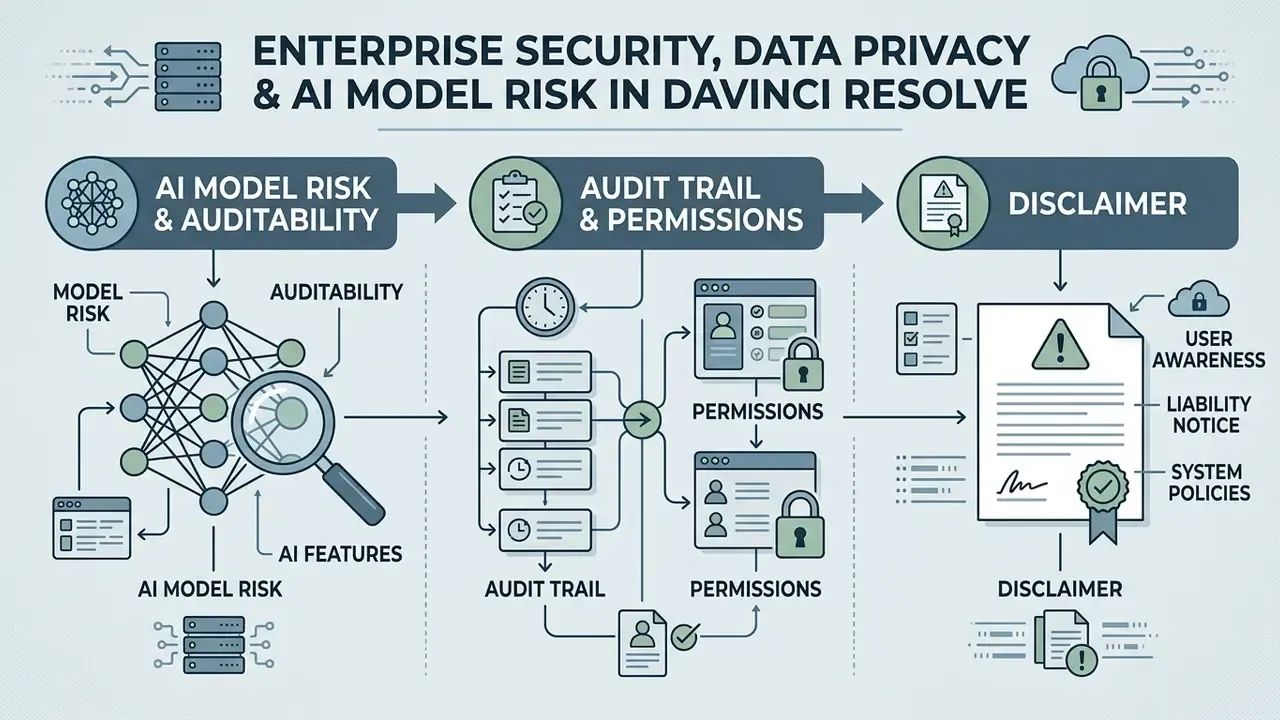
Regulated organizations do not approve an editor on features alone. Three questions decide the outcome: where does media travel, where does AI inference run, and who can prove what happened to a project. Resolve answers all three more favorably than browser-based editors, but only when configured deliberately.
Where processing happens. The DaVinci Neural Engine performs inference locally on the workstation GPU rather than shipping frames to a vendor endpoint. Blackmagic describes the engine as cross-platform and GPU-based, using CUDA, OpenCL or Metal on the local machine. For confidential footage (internal training material, executive communications, unreleased product shoots) local inference materially lowers data-egress exposure compared with cloud AI editors.
Where data can still leave. Three egress paths need an explicit policy:
- Blackmagic Cloud project libraries and cloud media sync.Opt-in per project library, but once enabled, project metadata and optionally media leave the local network. Air-gapped or restricted environments should disable cloud libraries and use an internal Project Server instead.
- Update and activation checks.The application checks for updates and validates Studio activation. Managed deployments should pin a validated build and control the update channel through software distribution rather than per-user prompts.
- Third-party OFX and VST plugins.Plugins run in-process and may carry their own licensing callbacks. Whitelist plugins the way you whitelist any binary.
Shadow AI controls checklist for managed workstations
| Control | Implementation in Resolve |
|---|---|
| Block unsanctioned cloud project libraries | Deploy with local or network Project Server only; document cloud sign-in as prohibited |
| Restrict outbound traffic | Firewall egress rules for Blackmagic Cloud and update endpoints |
| Pin software version | Distribute one validated installer build; disable ad-hoc upgrades |
| Control license inventory | Central register of Studio 5-part keys and dongles with an assignment owner |
| Whitelist plugins | Approved OFX and VST list; block user-installed effects directories |
| Restrict media locations | Project database, cache and renders on managed encrypted volumes |
| Least privilege on projects | Per-user project access, bin and timeline locking on the Project Server |
Model risk and auditability of AI features. Tools such as Magic Mask, Voice Isolation, SuperScale, Smart Reframe, Speed Warp, Face Refinement, IntelliSearch and CineFocus are creative assistance functions, not decision models. They do not produce credit, pricing or compliance outputs. Under a framework like SR 11-7 or the EU AI Act, they typically fall outside the definition of a material decision model. What still belongs in your control documentation is the output integrity question, because AI retiming, upscaling and masking alter the recorded image. For evidentiary, legal-hold, or regulatory-submission material, the defensible practice is:
- Retain the untouched camera original as the source of record. Resolve is non-destructive and never overwrites source media.
- Record which AI tool was applied to which clip. The node graph, clip versions, timeline markers and Color page group versions provide a readable, reviewable change trail.
- Require human review and sign-off on any AI-modified segment before publication. No automated feature should render final without a named approver.
- Keep the delivered master, the render settings preset, and the project archive together, so a rendered file can be reproduced from the same project and the same build.
Audit trail and permissions. A Project Server or Blackmagic Cloud library records who opens a project, who locks bins, and who modifies timelines, and update notifications surface concurrent changes. Combined with a project-archive policy (.drp exports plus media manifests), that gives an internal auditor a reconstructable chain from source clip to published asset. Governance limits also apply to synthetic media: if you introduce cloned narration, review disclosure obligations alongside our AI voice generator guide and the commercial-use hub.
DaVinci Resolve Online Video Editor and Commercial Use
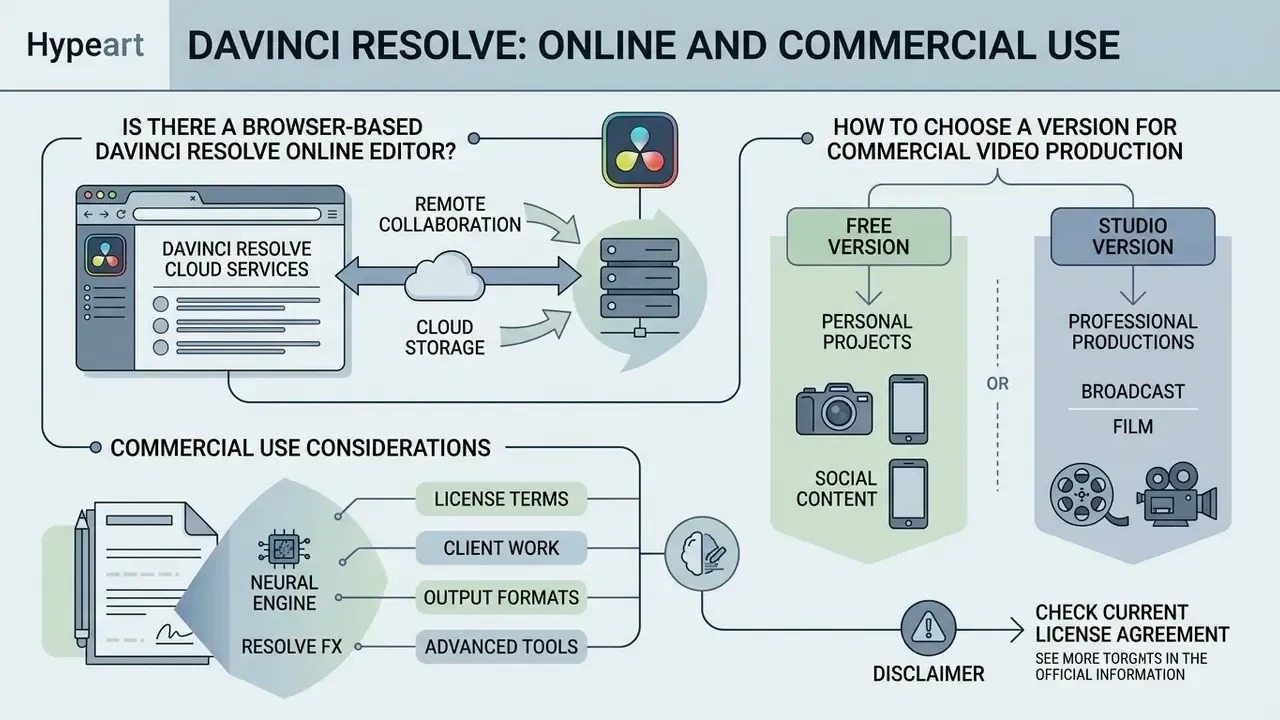
Queries such as davinci resolve online video editor or davinci video editor app reflect real interest in cloud editing. Understanding the hardware model behind Resolve explains why the product does not work that way.
Is There a Browser-Based DaVinci Resolve Online Editor?
There is no browser-native or pure cloud web app version of DaVinci Resolve. The software installs on local desktop operating systems (Windows, macOS, Linux) so it can use direct GPU hardware acceleration and high-bandwidth local storage.
«Installation of DaVinci Resolve is performed locally on Windows or Mac using the package downloaded from the manufacturer's official site.»
Blackmagic Cloud provides project database synchronization, media relay and remote collaboration, but frame rendering, grading and compositing happen entirely on local workstation hardware, not inside a web browser. That is a technical constraint rather than a product gap: real-time 4K debayering, noise reduction and node-graph grading depend on direct GPU memory access and sustained local disk bandwidth that a browser sandbox cannot supply.
How to Choose a Version for Commercial Video Production
Blackmagic Design permits commercial use of both DaVinci Resolve Free and DaVinci Resolve Studio. There are no contractual restrictions on monetizing or selling content made with the free edition, a point Blackmagic staff have confirmed repeatedly on the official forums, and the reason davinci resolve free video editing software keeps appearing on shortlists of free video editors for commercial projects. Commercial production teams still upgrade to Studio, though, for concrete technical reasons:
- Native support for 10-bit camera media (Sony XAVC, Canon XF-AVC, Panasonic ALL-I, AVC-Intra).
- Hardware-accelerated GPU encoding for faster client delivery turnaround.
- Neural Engine AI tools (Voice Isolation, Magic Mask, SuperScale) that reduce manual labor cost.
- Advanced HDR mastering (Dolby Vision, HDR10+) required by major streaming networks.
- Delivery above Ultra HD 3840×2160 or above 60 fps, plus stereoscopic 3D and Dolby Atmos.
For campaign concepting, brand identity copy and pre-production scripting around a shoot, our analysis of Canva's AI generator toolset covers licensing terms for generated promotional assets, and our AI video generator commercial guide addresses usage rights for synthetic footage.
Limitations and Open Questions
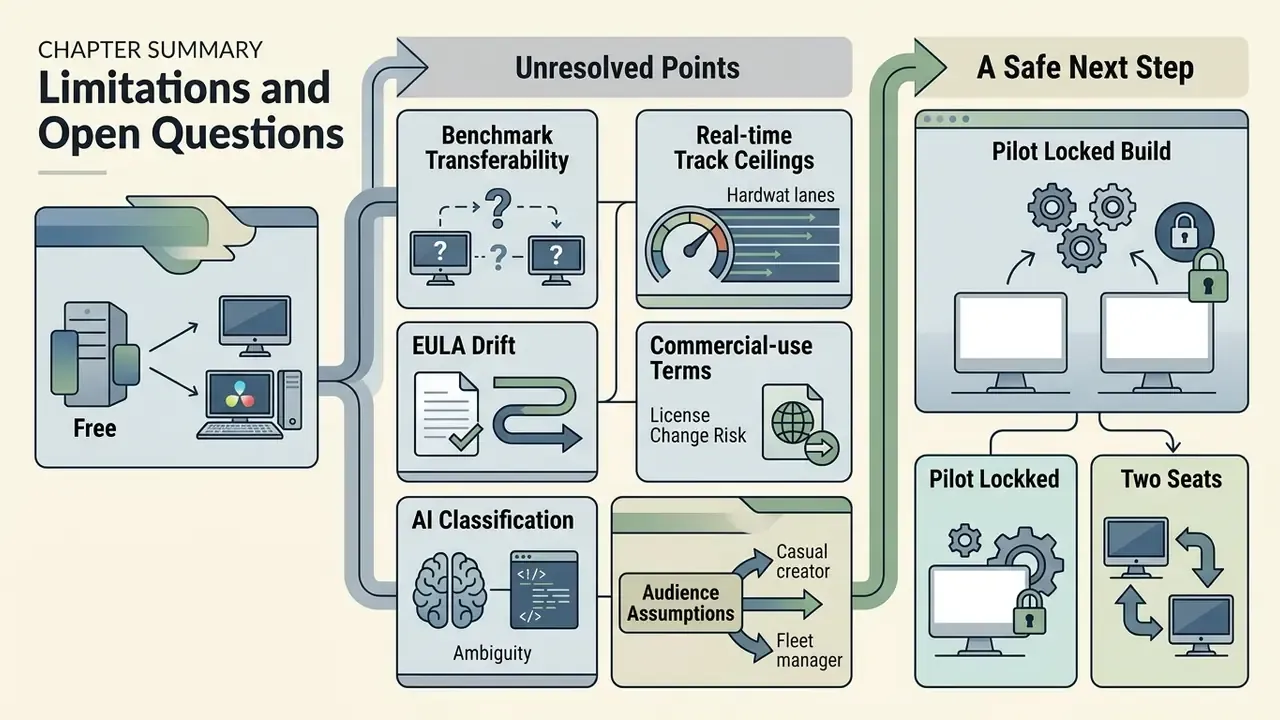
Honesty first: some parts of this evaluation remain unresolved, and pretending otherwise would be worse than saying so.
- Benchmark transferability. Puget Systems figures come from synthetic suites on specific hardware. Your codec mix, node count and noise reduction settings will change the multiplier. Treat the 64% multi-GPU uplift as an indicative range, not a procurement guarantee.
- Real-time track ceilings. Vendor-cited Fairlight track counts depend on plugin load, sample rate and disk throughput. Validate against your own session template before promising delivery dates.
- EULA drift. Commercial-use terms are stable today, but licenses change between releases. A yearly EULA review belongs in the same calendar slot as your software inventory review.
- AI classification. Whether image-altering creative AI belongs in a model inventory is still debated internally at many institutions. Our position (creative assistance, documented but out of scope for material decision models) is a working hypothesis, not settled regulatory guidance.
- Audience assumptions. Statements about how CROs, CCOs and model-risk leaders evaluate media tooling remain hypotheses until validated with interviews, CRM data or verified customer research.
A safe next step, if you are assessing Resolve for a managed fleet: pilot two seats on a locked build, with cloud libraries disabled, and document the change trail on one real project before you buy licenses at scale.
FAQ About the DaVinci Video Editor
Is DaVinci Resolve hard to learn for a beginner?
DaVinci Resolve has a learning curve because of its professional feature set, but the page-based structure keeps it approachable. Beginners can stay on the Cut or Edit pages for traditional timeline editing before touching Color, Fusion, or Fairlight. Basic editing usually takes a few days to feel comfortable; genuine color-grading proficiency takes weeks or months. Blackmagic Design publishes free official training manuals and a step-by-step beginner guide. If you are comparing entry barriers first, see our roundup of the best free video editors for beginners.
Why does DaVinci Resolve crash or run unstably?
Instability or timeline lag usually comes from hardware bottlenecks, thermal throttling, or outdated graphics drivers rather than a defect in the software. Resolve leans heavily on the GPU, so less than 4 GB of VRAM, old drivers, or insufficient system RAM (below 16 GB) can trigger crashes during heavy renders or AI operations. Variable-frame-rate smartphone footage is another frequent culprit; convert it to a constant frame rate before import. Updating to the latest NVIDIA Studio Driver, closing other GPU-heavy applications, moving the cache to an NVMe SSD, and generating proxy or optimized media resolves most performance problems. Hardware choice matters measurably too. According to Puget Systems, the NVIDIA GeForce RTX 4090 delivered the highest DaVinci Resolve performance among consumer GPUs, ahead of comparable AMD and Intel cards (Puget Systems, DaVinci Resolve Studio 18.6 Consumer GPU Performance Analysis, 2023 to 2024, https://www.pugetsystems.com/labs/articles/davinci-resolve-studio-gpu-scaling-analysis/). For structured diagnostics, see AI Media Support and Troubleshooting.
Can DaVinci Resolve fully replace Adobe Premiere Pro and After Effects?
For most pipelines, yes. Resolve combines non-linear editing (replacing Premiere Pro), node-based visual effects and motion graphics (replacing After Effects), and professional audio mixing (replacing Audition) in one application. Many commercial post houses moved entirely to Resolve Studio to drop monthly subscription fees and round-trip friction. The trade-offs are ecosystem-related: Premiere Pro integrates more tightly with other Adobe applications, and its troubleshooting community is larger. An independent comparison frames the commercial logic bluntly: Resolve's killer feature is a genuinely powerful free tier that covers most professional tasks, with Studio available as a one-time purchase, a direct challenge to Adobe's subscription model (Independent Adobe Premiere Pro vs DaVinci Resolve review, 2023 to 2025, https://www.pugetsystems.com/labs/articles/davinci-resolve-studio-gpu-scaling-analysis/).
What is the main advantage of the DaVinci Resolve Studio license?
Studio is sold as a one-time perpetual license ($295) with free major version updates. Unlike subscription software, you own the license permanently, which makes multi-year total cost of ownership predictable. It unlocks multi-GPU acceleration, 10-bit and 12-bit format support, export resolutions above 4K and frame rates above 60 fps, stereoscopic 3D, Dolby Vision, Dolby Atmos, more than 45 extra Resolve FX, and every AI-driven DaVinci Neural Engine feature.
Does DaVinci Resolve send my footage to the cloud or to an AI service?
No. The DaVinci Neural Engine runs AI inference locally on the workstation GPU, so footage is not uploaded to an external inference endpoint for features such as Magic Mask, Voice Isolation or SuperScale. Media only leaves the machine if you deliberately enable Blackmagic Cloud project libraries or cloud media sync. Organizations with strict data-classification rules should disable cloud libraries, use an on-premises Project Server, and apply firewall egress rules to the update and cloud endpoints.
How do enterprises manage Studio licenses and audit project changes?
Studio activation uses either a 5-part license key or a USB dongle. Dongles can be reassigned between workstations, which suits shared edit suites, while keys are simpler for fixed seats. Either way, maintain a central register of keys, dongles and assigned owners. For auditability, host projects on a Project Server or Blackmagic Cloud library, enable bin and timeline locking, grant per-user project access on a least-privilege basis, and archive the project file together with the render preset and media manifest, so any delivered master can be reproduced later.
Is there a DaVinci Resolve app for mobile or tablet?
Blackmagic Design publishes a DaVinci Resolve version for iPad alongside the desktop editions for Windows, macOS and Linux. It is a native installed application from the official store, not a browser editor, and it syncs with desktop projects through Blackmagic Cloud. There is still no legitimate web-browser edition of DaVinci Resolve on any platform.
Appendix A: Corrections and Superseded Statements
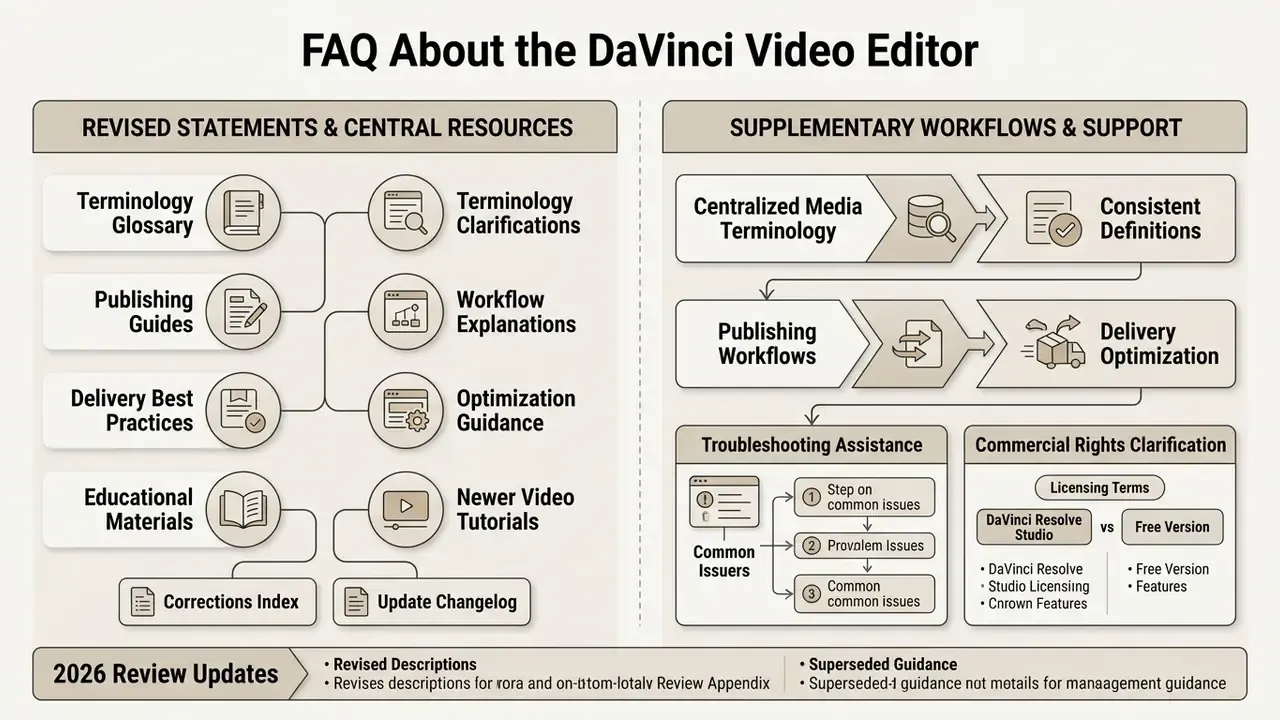
Additional Educational and System Resources
- Centralized media terminology visit our AI Media Glossary for standardized definitions across digital production software.
- Publishing workflows see the YouTube video editor workflow guide for channel-side delivery and optimization.
- Delivery optimization compare re-encode strategies in our video compressor guide.
- Troubleshooting and assistance access AI Media Support and Troubleshooting for system setup guidance.
- Commercial rights review usage-rights considerations on the AI Media Commercial-Use Hub.