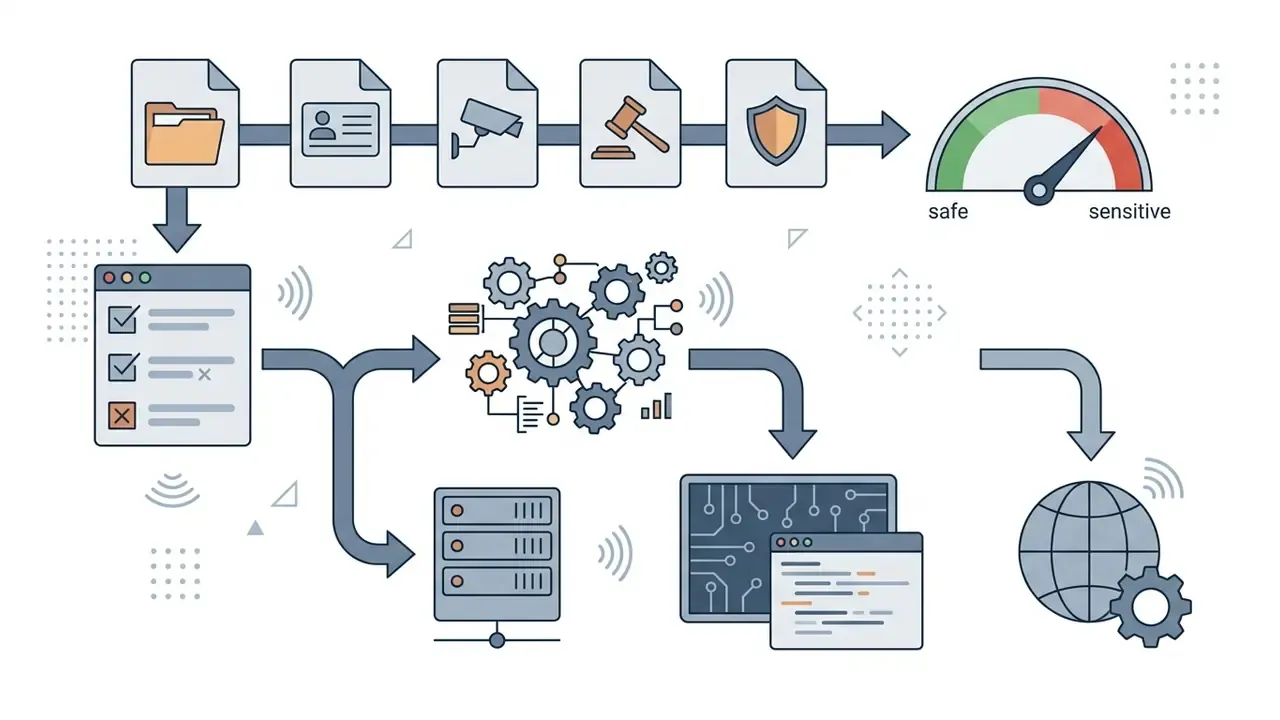
There is a governance layer here too. Teams in regulated industries process recorded calls, branch camera archives, and onboarding footage. Where that video is uploaded, how long it is retained, and which copy counts as authoritative are all control questions, not just encoding questions.
Last updated: February 2026. Editorial review: media engineering desk.
Executive Summary
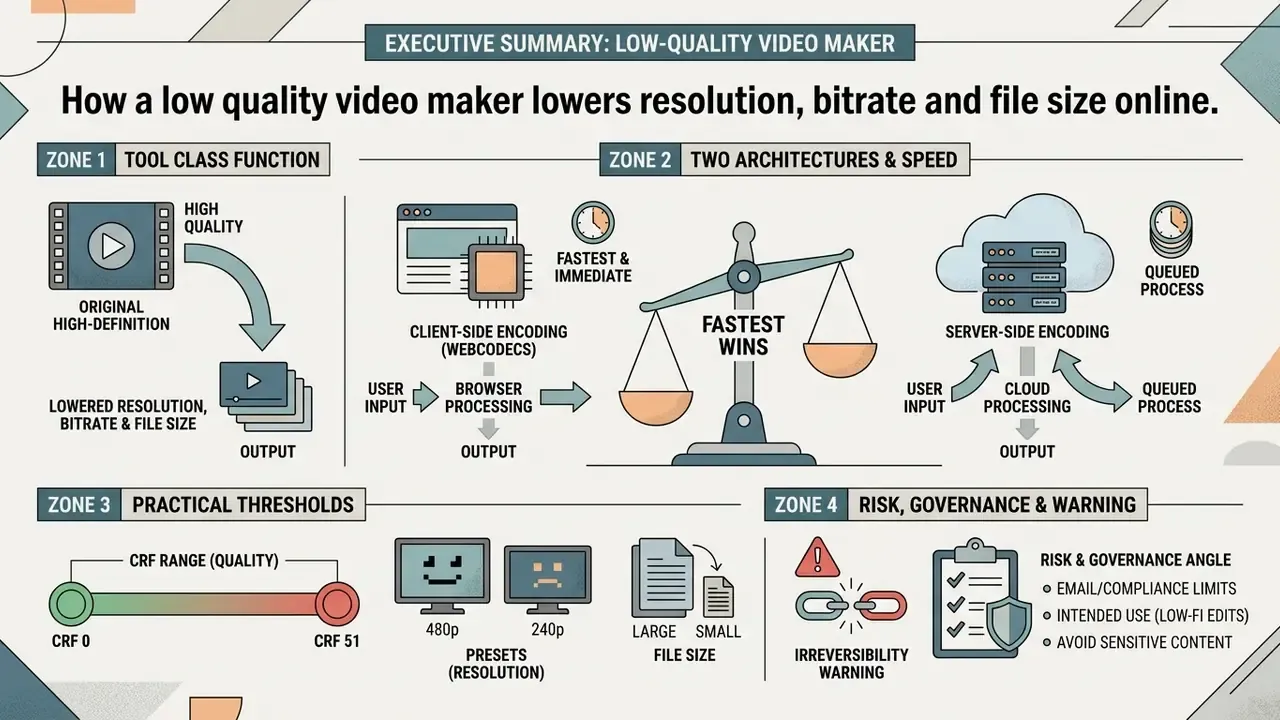
- What the tool class does. A low quality video maker applies three controllable levers (spatial downscaling, bitrate capping, and quantization via CRF) to trade visual fidelity for smaller files, lower bandwidth, and faster transfer.
- Two architectures exist. Server-side pipelines (FFmpeg on remote infrastructure) handle very large files quickly but require upload. Client-side pipelines built on the WebCodecs API never transmit the file, keeping processing local and private.
- The fastest wins. Cutting 1080p to 480p removes roughly 80% of the pixels per frame. Adding a CRF of 32 to 40, or a hard bitrate cap of 800 to 1,500 kbps, typically yields 70% to 92% file-size reduction.
- Practical thresholds worth memorizing. Email attachments: 25 MB (target 480p at 1,000 to 1,500 kbps). WhatsApp inline video: 16 MB, MP4 or 3GP containers. Vertical short-form (9:16): 480x854 at roughly 800 kbps.
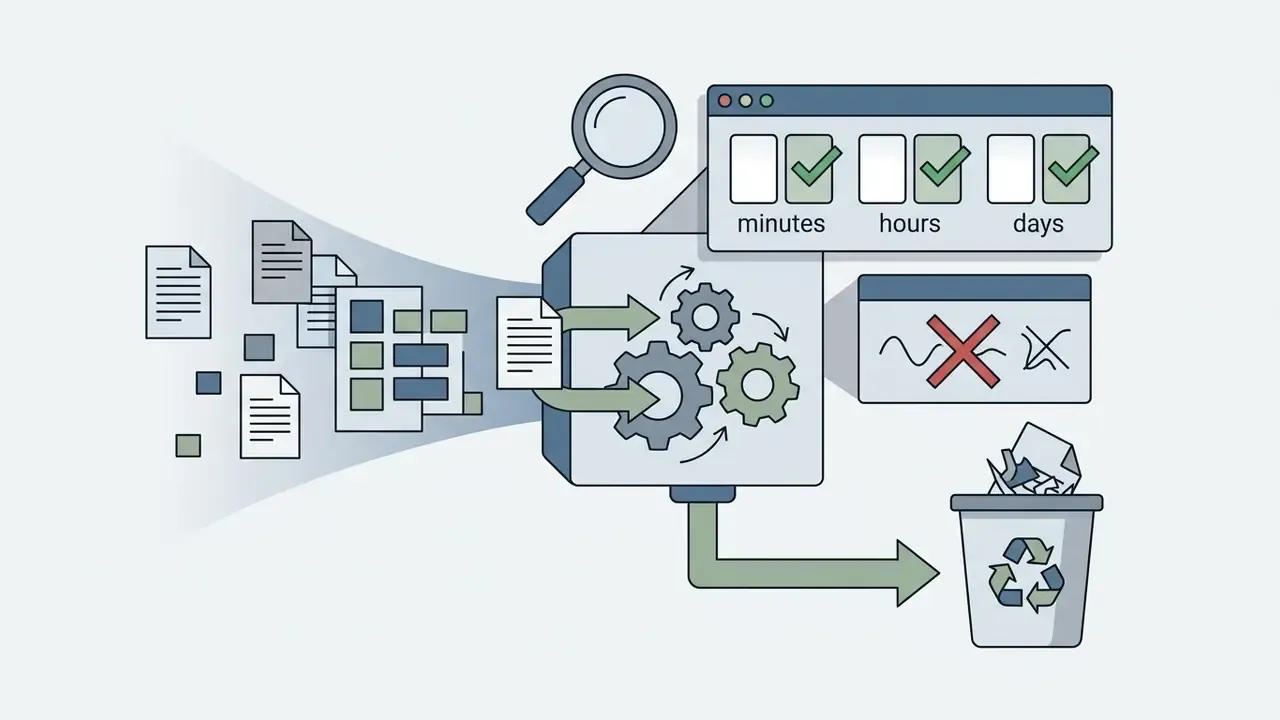
- Risk and governance angle. Free web converters retain uploaded media from about 5 minutes to 7 days depending on provider terms. Teams handling KYC footage, surveillance archives, or recorded transactions should prefer local or client-side encoding, or a self-hosted FFmpeg pipeline inside their own network boundary.
- Irreversibility warning. Lossy re-encoding and downscaling permanently discard data. Always retain the untouched master file.
What a Low Quality Video Maker Does and When It Is Needed
A low quality video maker intentionally lowers video resolution, reduces bitrate, and applies lossy compression algorithms to shrink total file size. This trades visual clarity for lower bandwidth consumption, smaller storage footprints, and better compatibility with legacy networks. Using a bad quality video generator lets organizations and creators prepare media assets for channels with strict intake caps.
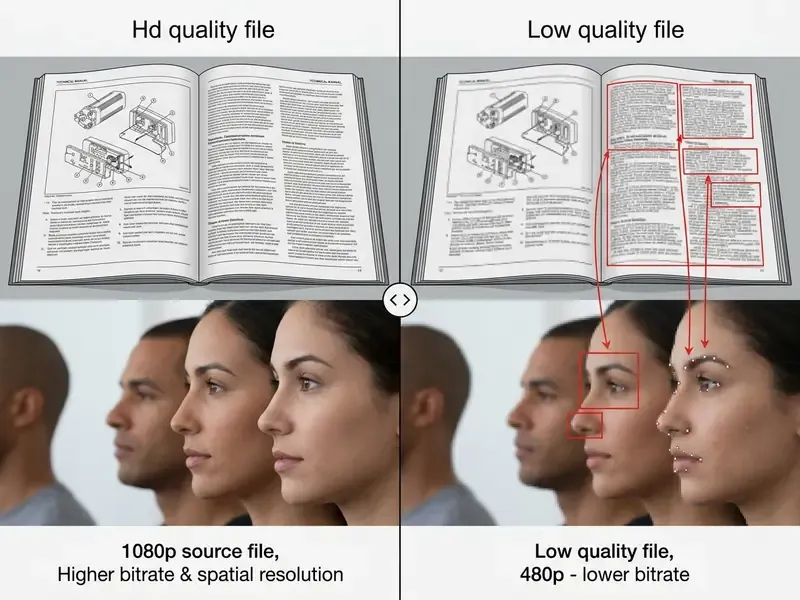
To evaluate network transmission under low-bandwidth conditions, a technical team downscaled 400 hours of archival footage. Applying a systematic resolution cap (480p ceiling) plus aggressive quantization (CRF 34, H.264), the team recorded a 68% reduction in storage volume while keeping enough visual detail for administrative oversight. Methodology note: this figure comes from an internal editorial benchmark on mixed-content surveillance footage, not from a peer-reviewed study. Results vary with scene complexity, motion, and grain, and independent replication data is still missing. For a reproducible baseline, published industry guidance is a useful anchor: Viostream's compression guidelines put 1080p at 8 to 12 Mbps (roughly 600 MB for a 10-minute clip) and 720p at 4 to 6 Mbps, so a downscale-plus-bitrate-cap workflow can be modeled arithmetically before a single file is processed.
Modeling first, encoding second. That ordering saves hours on large batches.
Reducing Video Quality, Resolution, and File Size
Video quality describes human-perceived visual fidelity. Video resolution defines the spatial pixel grid of each frame. File size represents the total encoded data volume stored on disk, governed mainly by duration, bitrate, and codec efficiency. Quality and resolution are not the same variable: the same 1080p grid can look pristine at 12 Mbps and severely blocky at 500 kbps.
Algorithmic video compression achieves a reduced file size by removing spatial redundancy inside frames and temporal redundancy across frame sequences. According to the SWGDE Digital Image Compression and File Format Guidelines (2024), aggressive lossy quantization discards high-frequency spatial data.
«Lossy compression discards redundant information; common artifacts include blocking, where pixel blocks become visible, and high-frequency losses, where edges look fuzzy.»
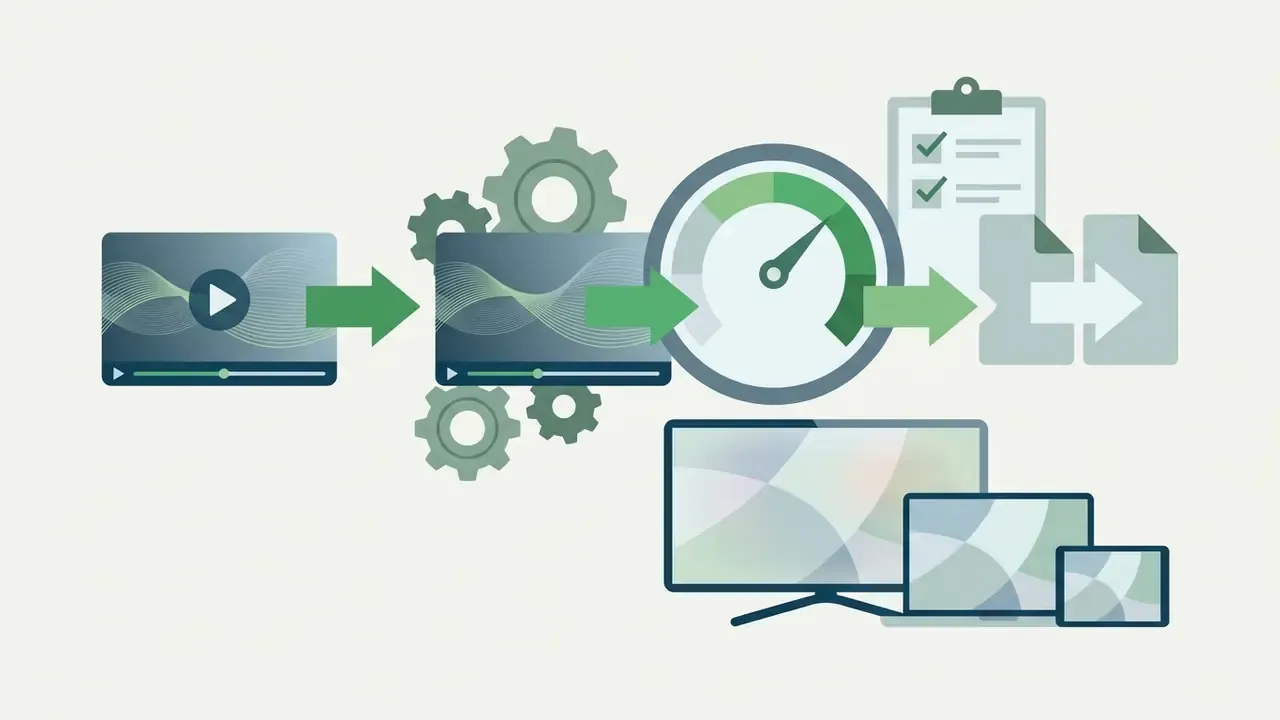
The result is visible blocking and edge blurring, plus a substantially smaller video file size. Perceived severity, though, depends heavily on the display device.
«Subjective ratings of identical content diverge substantially between television, tablet, and smartphone viewing; the ITU-T P.1204.3 model correlated with user scores better than most full-reference metrics.»
In practice, the same 480p output that looks acceptable in a mobile feed will expose macroblocking on a 55-inch conference display. I have watched a "perfectly fine" compliance recap clip fall apart the moment it hit a boardroom screen. For a systematic comparison of tooling, see our reference guide to video compressors.
Which Videos Benefit from Quality Degradation
Processing large video files through a video low quality maker matters most when content travels across bandwidth-restricted channels. Mobile messaging protocols, automated email attachments, and web intake portals frequently enforce rigid file size thresholds.
Converting high-bitrate media into a smaller video footprint enables fast video share actions across constrained edge networks. Lowering fidelity across all videos in an operational batch keeps processing speeds uniform and avoids upload timeouts halfway through a queue.
For broader context on compression tools, review our comprehensive Guide to Video Compressors, or explore structural analytical models using AI Media Comparison Matrices.
Where Controlled Degradation Creates Measurable Value
Beyond consumer sharing, four operational scenarios justify deliberate quality reduction:
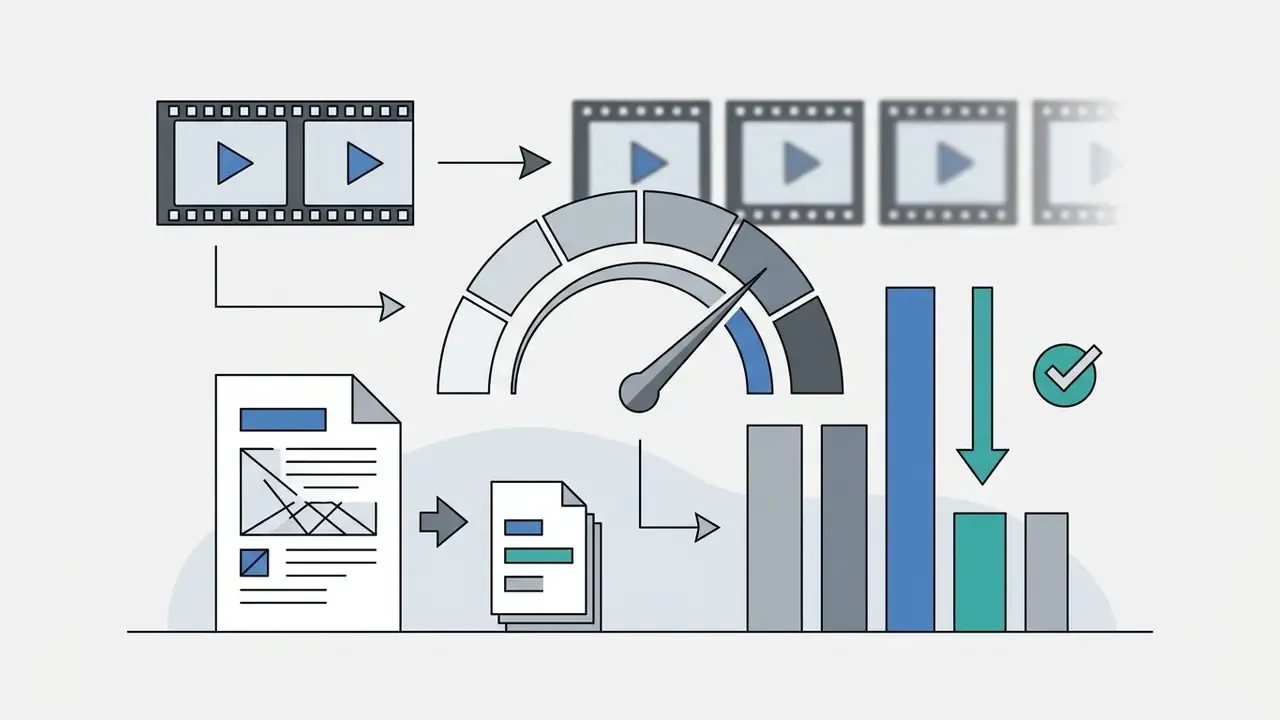
- Computer-vision robustness testing.Feeding a detection or OCR model progressively degraded inputs (1080p, then 720p, 480p, 240p; CRF 23, then 34, then 45) reveals the exact resolution and bitrate floor where precision collapses. Track mAP, F1-score, or character-error rate at each tier to define a minimum ingest specification for cameras and mobile capture apps.
- Archive tiering.Long-retention footage (surveillance, recorded interactions, training sessions) can be stored as a low-bitrate proxy alongside a smaller set of full-fidelity masters. That cuts object-storage spend while keeping content reviewable.
- Bandwidth simulation.Degraded proxies reproduce field conditions on constrained mobile or satellite links before a rollout, which is cheaper than discovering the problem in production.
- Aesthetic low-fidelity production.Meme formats, VHS-style retro looks, and "found footage" effects use the same levers: 4:3 or 640x480 framing, low bitrate, reduced or preserved frame rate, and heavy quantization. Public-sector encoding guidance shows how low the floor can go: Canada's 2022 video-encoding standard specified MP4/H.264 at 600 kbps variable bitrate and 640x480 for standard definition.
Regulatory caution: where video functions as evidence or a compliance record, compression thresholds must be documented. SWGDE guidance treats lossy artifacts as potentially material to interpretation, so retention policy should name which tier is authoritative and preserve an unaltered master. Ownership matters as much as parameters: someone has to sign off on the tier, and the escalation path for disputed footage should be written down before the first batch runs. Consult counsel or your records-management function before applying lossy caps to legally significant footage.
How to Make Bad Quality Video Online
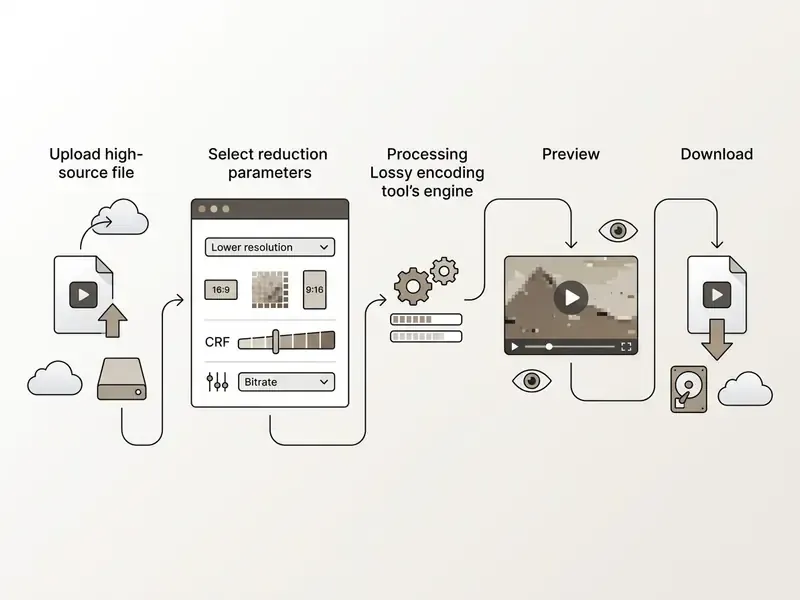
To make video bad quality online, users follow a standardized workflow that adjusts encoding controls without installing local software. Modern web-based tools handle demuxing, lossy re-encoding, and file packaging directly inside the browser interface. The broader tool landscape is mapped in our comparison of free AI video generators and editors.
Client-Side vs. Server-Side Degradation
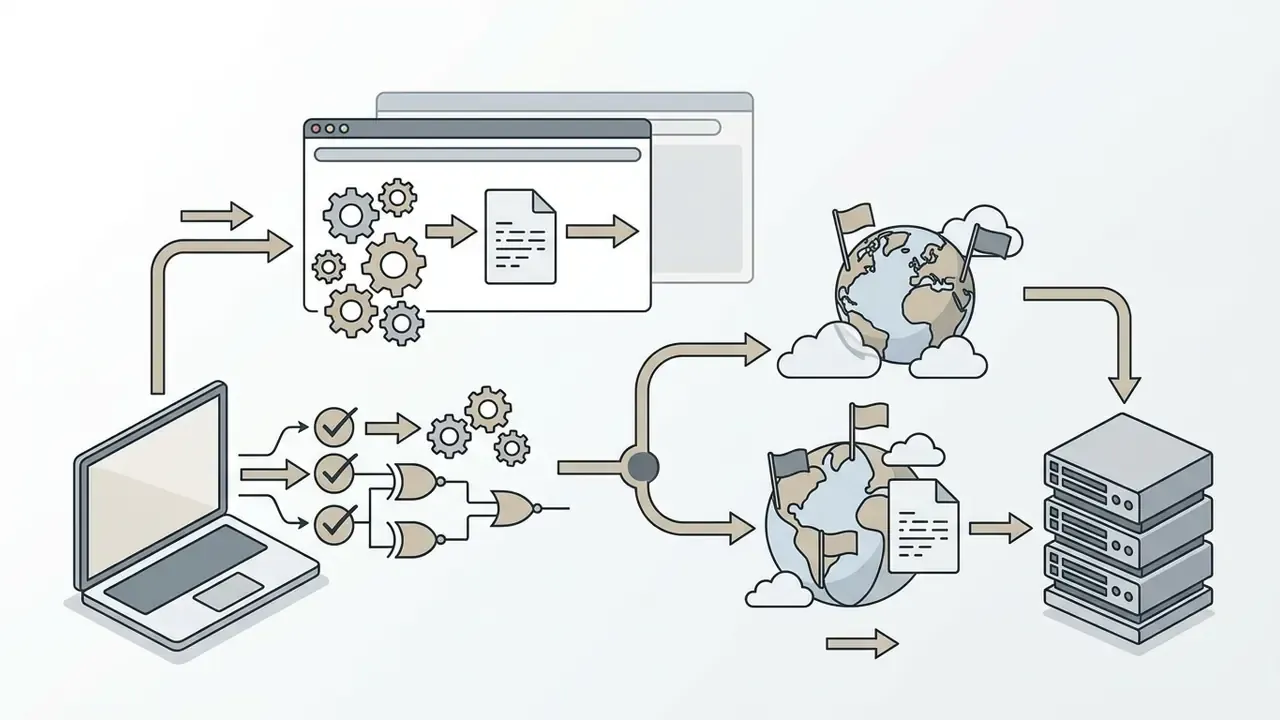
Traditional platforms process media on remote cloud servers. Newer browser architectures use the WebCodecs API to perform lossy re-encoding inside the client browser with GPU acceleration. Choosing between the two is mostly a privacy-versus-throughput decision.
| Criterion | Server-Side (FFmpeg-based) | Client-Side (WebCodecs API) |
|---|---|---|
| File transmission | Temporary upload to provider infrastructure | None; the file stays in local memory |
| Privacy exposure | Governed by retention policy (about 5 min to 7 days) | 100% local, no third-party custody |
| Speed on large files | High; scales with server hardware (>500 MB practical) | Bound by local RAM and GPU availability |
| Wait time | Upload, then queue, then download | No upload wait; encode starts immediately |
| Practical size ceiling | Free-tier caps of 100 to 500 MB, 1 GB on paid tiers | Limited by device memory (2 GB+ files are feasible) |
| Browser support | Any browser (the server does the work) | Full on Chrome/Edge and Chrome for Android; limited hardware acceleration in Safari on iOS |
| Enterprise fit | Good for batch pipelines behind your own VPC | Best for sensitive, one-off media |
Mobile and browser constraints. Chromium-based desktop browsers expose hardware-accelerated encoding through WebCodecs. Chrome on Android works, but runs noticeably slower. Because Safari's WebCodecs coverage remains partial, iPhone and iPad users generally need a desktop browser, or a server-side tool, for reliable client-side degradation. If encoding stalls, check that hardware acceleration is enabled in browser settings before blaming the source file.
Upload and Select Your Video File
The workflow begins when you upload a video into the web interface using drag-and-drop or a cloud integration. The platform receives the source file and validates its container format before decoding starts.
Online services enforce specific ingest caps when handling large files. Google Drive's own documentation states a per-file maximum of 5 TB (expressed as 5,120 GB in API docs) with a 750 GB per-user daily upload ceiling for Workspace accounts. Public web converters impose far tighter free-tier limits: Convertio, for example, documents 100 MB per file, 10 conversions per 24 hours, and 2 concurrent jobs. Other services publish 200 MB, 500 MB, or 1 GB caps. Treat "100 MB" as a common denominator rather than a universal rule, and verify the specific provider's stated limit before batch work. Choosing an appropriate video file at this stage keeps server-side queue management efficient and prevents session timeouts.
Choose Your Quality Reduction Parameters
Configuring degradation means setting spatial dimensions, frame rates, and quantization levels. You can manually lower video resolution online from standard 1080p down to 480p, 360p, or 144p.
As documented in the AWS Elemental MediaLive encoding guidance (current live documentation; an earlier "2026 Guidelines" citation has been normalized to the source), bitrate and resolution are the two most important settings affecting video quality. Bitrate determines how many bits each frame receives, and lowering it forces the encoder into coarse quantization that produces noticeable pixelation. See https://docs.aws.amazon.com/medialive/ for current parameter tables.
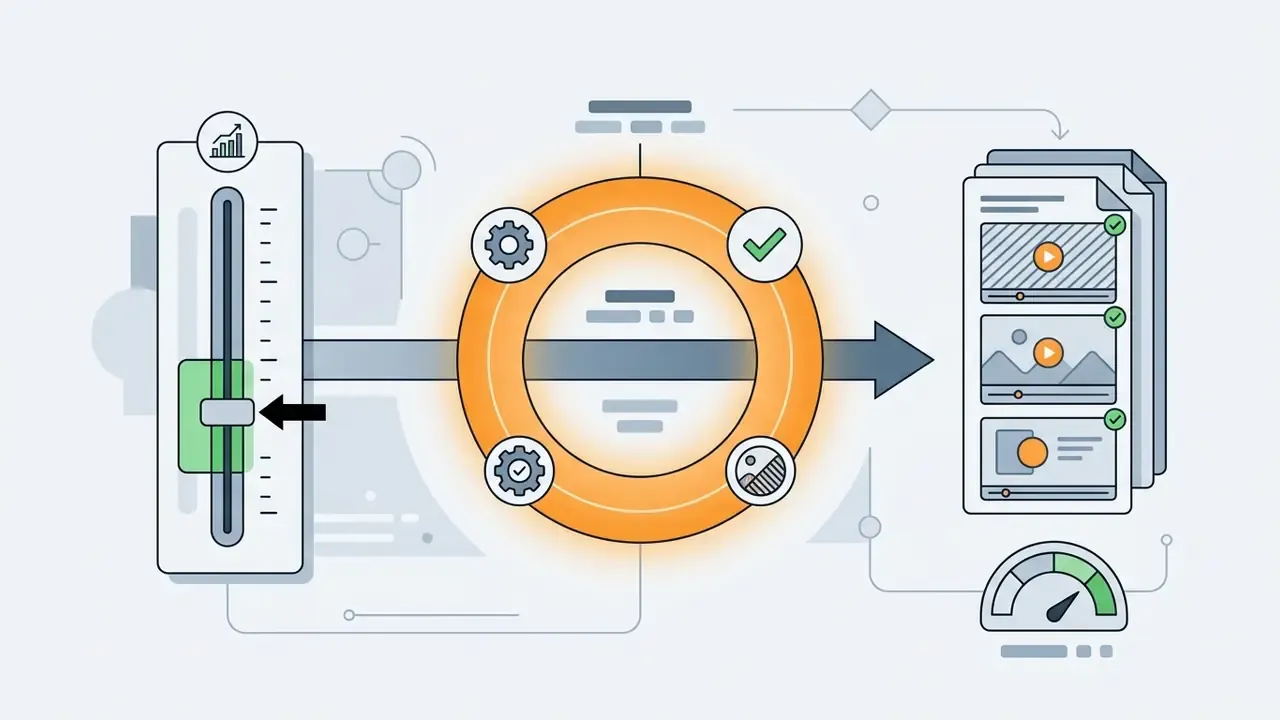
When operating an advanced low quality video generator, encoding intensity is controlled through the Constant Rate Factor (CRF) on a scale from 0 to 51 (for H.264 and H.265 codecs):
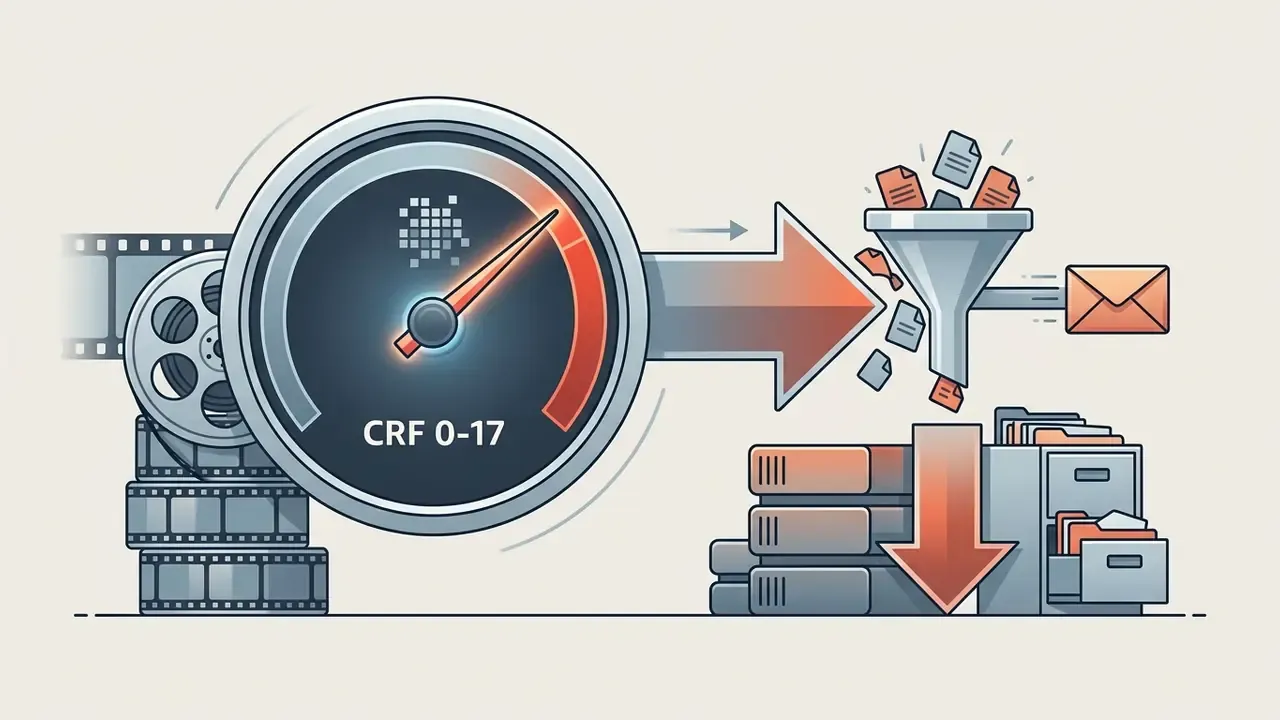
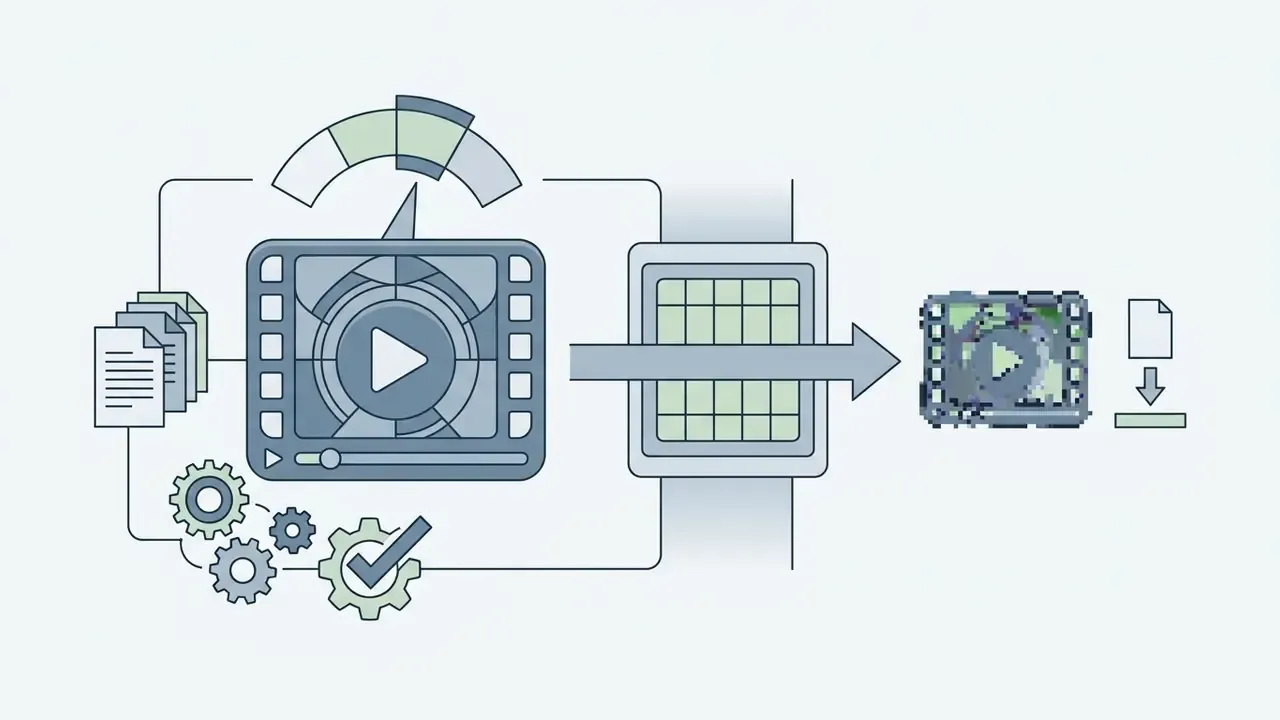
Alternatively, manual bitrate capping hard-limits the data stream (for example, locking a 1080p stream to 500 kbps) to force severe artifacts regardless of scene complexity. A third control is the encoder preset (ultrafast through veryslow): slower presets spend more CPU time to reach the same perceived quality at a lower bitrate, so pick a slow preset when file size matters more than turnaround. Frame-rate reduction is the fourth lever. Adobe's encoding documentation notes that lowering either frame rate or bitrate reduces file size, with bitrate-only cuts degrading image quality while frame-rate cuts degrade motion smoothness.
Preview the Result and Download Your Video
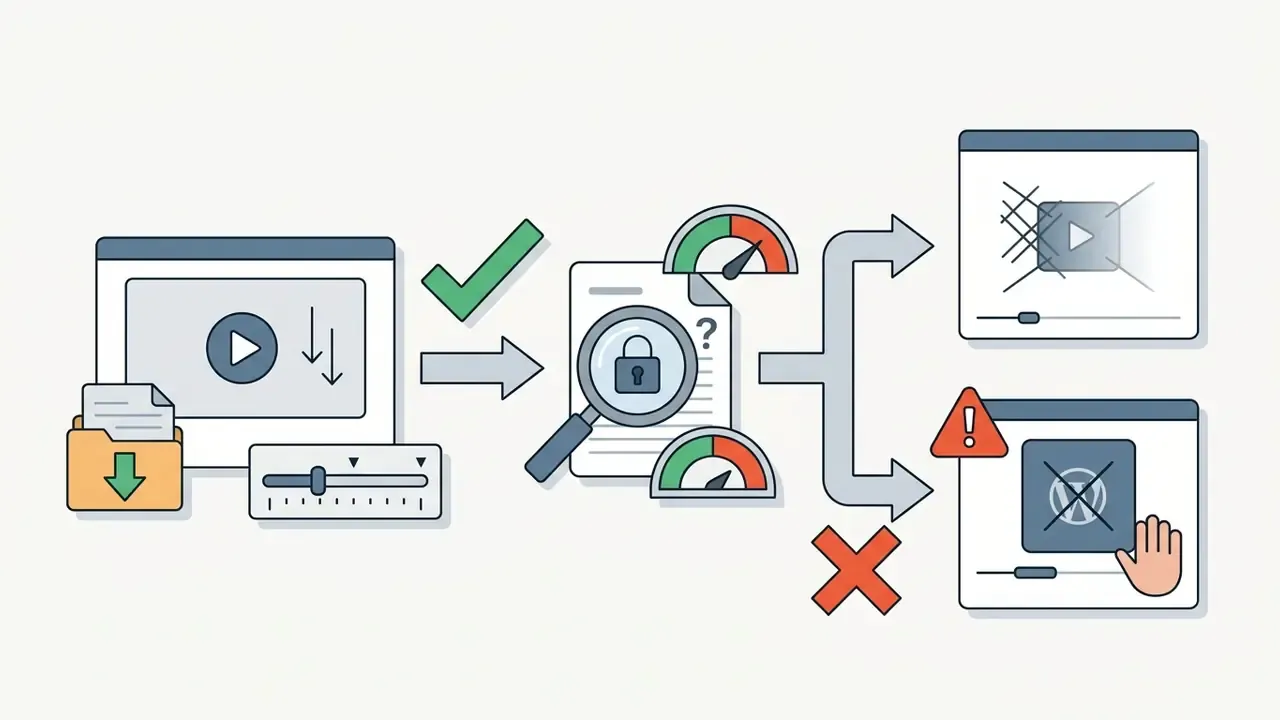
After configuring settings, running compress your video pushes the media through the encoder. The platform generates a compressed preview file for immediate playback review, and better tools show original size, new size, and percentage saved side by side before you commit.
Reviewing the preview lets you verify whether the visual degradation fits functional or aesthetic requirements before moving the asset into downstream editing and publishing workflows. Once confirmed, clicking download transfers the finalized reduced file to local storage for immediate video use. Many services also offer direct export to Google Drive or Dropbox. If processing errors occur, consult our AI Media Support and Troubleshooting resource.
Adjacent tool categories behave the same way, which is worth knowing if you assemble multi-format campaign assets: caption and copy tools such as an ai social media post generator, or audio tools including an ai song generator, publish comparable free-tier caps, export limits, and retention terms. If music sits in your workflow, the same review logic applies to an ai song creator free service, an ai song generator on a free plan, an ai song maker tier, or an ai song generator from lyrics workflow. Read the terms once, reuse the checklist everywhere.
Programmatic Degradation: FFmpeg, APIs, and Batch Pipelines
Browser tools suit single files. Recurring or regulated workloads belong in code. A minimal FFmpeg pattern combines a scale filter with a quantization target and an audio downgrade:
ffmpeg -i master.mov -vf scale=854:480 -c:v libx264 -crf 34 -preset slow \

       -c:a aac -b:a 64k -ac 1 -movflags +faststart degraded_480p.mp4
Swap -crf 34 for -b:v 800k -maxrate 800k -bufsize 1600k when a hard bandwidth ceiling, rather than a perceptual target, is the requirement. For 9:16 output, use scale=480:854. Wrapping this call in a queue worker gives reproducible, auditable parameters across thousands of assets, which browser interfaces cannot guarantee. That reproducibility is the part auditors care about: same input, same flags, same hash, same output. Teams building generation-plus-processing pipelines can review authentication, quota, and cost mechanics in our Google Veo API implementation guide.
Which Settings Degrade Video Quality the Most
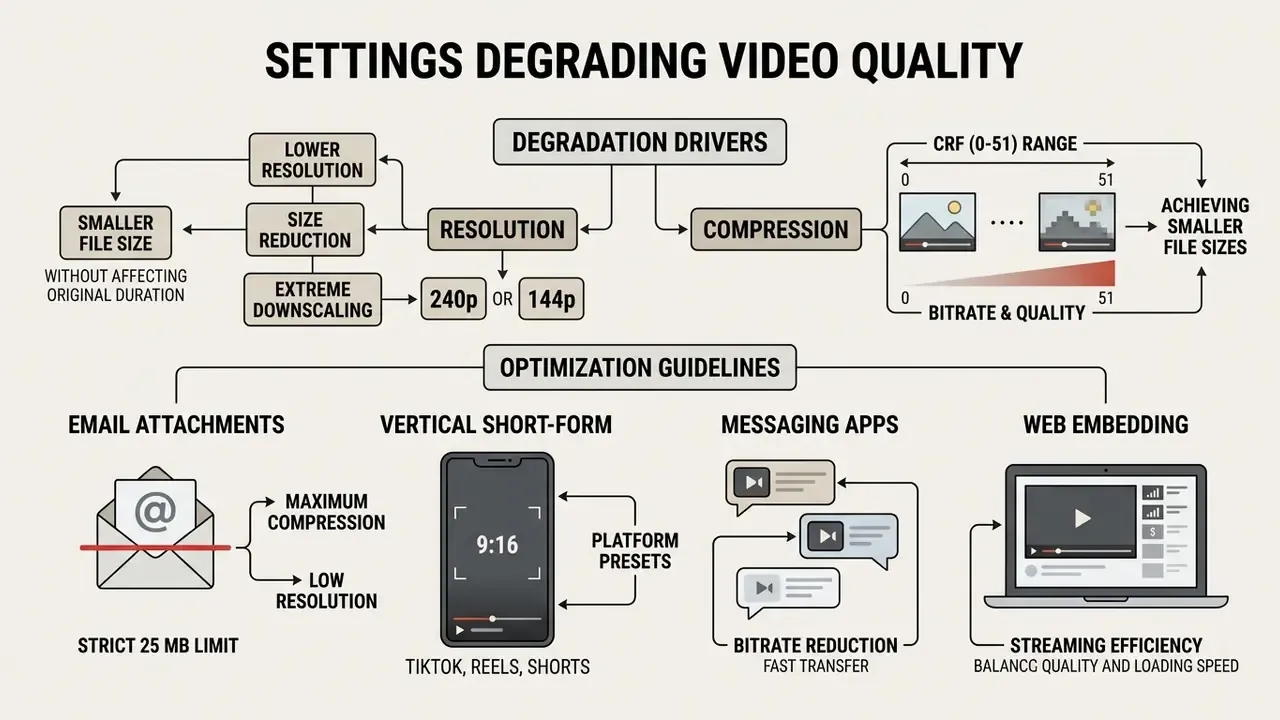
Spatial downscaling and aggressive bitrate restriction are the primary drivers of visual degradation and footprint reduction. Combine a reduced pixel grid with high quantization and you get severe softening, color banding, and macroblocking.
| Resolution Setting | Orientation | Bitrate Range | Typical CRF (H.264) | Average Size Reduction | Perceived Quality Effect | Machine-Readability / Archive Suitability |
|---|---|---|---|---|---|---|
| 1080p (1920x1080) | 16:9 / 1080x1920 (9:16) | 8.0 to 12.0 Mbps | 18 to 23 | Baseline (0%) | Original source quality | OCR, face and plate recognition reliable; suitable as evidentiary master |
| 720p (1280x720) | 16:9 / 720x1280 | 4.0 to 6.0 Mbps | 23 to 26 | 40% to 50% | Minor softening on large displays | Detection accuracy largely retained; acceptable review proxy |
| 480p (854x480) | 16:9 / 480x854 | 1.0 to 2.0 Mbps | 30 to 34 | 70% to 80% | Visible pixelation and blur | Small on-screen text begins to fail OCR; review-only tier |
| 360p (640x360) | 16:9 / 360x640 | 0.4 to 0.8 Mbps | 34 to 40 | 85% to 92% | Heavy blocking and motion stutter | Fine detail unrecoverable; unsuitable as sole retention copy |
| 240p (426x240) | 16:9 / 240x426 | 0.2 to 0.4 Mbps | 40 to 45 | 93% to 96% | Severe macroblocking, color banding | Stress-test tier for edge-camera model evaluation |
| 144p (256x144) | 16:9 | 0.08 to 0.15 Mbps | 45 to 51 | Above 96% | Near-total loss of spatial detail | Aesthetic or meme use; no analytical value |
Resolution: How to Reduce Video Size Without Changing Duration
Downscaling spatial resolution changes frame dimensions without touching timeline duration. Resizing a 1080p frame (2,073,600 pixels) down to 480p (409,920 pixels) removes roughly 80% of the raw spatial data per frame. A 4K-to-1080p resize keeps duration identical while eliminating 75% of the pixels per frame.
When you reduce video resolution online, the encoder merges adjacent pixels, which lowers overall spatial detail. Empirical findings by Barman et al. (2023) show that visual degradation is strongly device-dependent: lower resolutions stay acceptable on mobile screens but show severe artifacts on larger displays, and the ITU-T P.1204.3 bitstream model tracked subjective scores across screen classes more closely than most full-reference metrics (arXiv preprint, 2023: https://arxiv.org/).
Compression and Quality: Achieving Smaller File Sizes
Applying lossy compression through a video compressor reduces data volume by discarding imperceptible or fine-frequency detail. Increasing the Quantization Parameter (QP), or in practical terms raising CRF, forces the encoder to group similar pixel blocks together, which creates the classic macroblocking signature. Picking the right tool is easier with a structured feature and pricing comparison, such as our roundup of video editing and compression tools.
Research on Versatile Video Coding convex-hull optimization quantifies the benefit of pairing bitrate reductions with matched resolutions instead of starving a high resolution of data.
«Online convex-hull estimation improved average quality by 5.84 dB PSNR at the same bitrate while cutting encoding time by 44.43% and decoding time by 65.46%.»
Standards work keeps pushing the same trade-off. ITU's 2025 workshop reporting on the Enhanced Compression Model (ECM-15.0) documents 16.1% to 26.6% bitrate reduction at equal luma-PSNR quality versus VVC. Choosing to compress video aggressively delivers maximum reduction in overall video size, but pairing the bitrate cut with an appropriate resolution keeps the perceptual result predictable instead of chaotic.
Platform-Specific Optimization Guidelines
- Email attachments (strict 25 MB limit) target 480p or 360p, hard-capped at 1,000 to 1,500 kbps (H.264), which brings a 500 MB raw recording under 22 MB. If a single pass overshoots, split the clip and compress segments separately.
- Vertical short-form content (TikTok, Instagram Reels, YouTube Shorts, 9:16) downscale from 1080x1920 to 480x854 or 360x640 and lower bitrate to 800 kbps to simulate low-fidelity mobile capture. For publication-grade vertical uploads rather than deliberate degradation, platforms generally expect 1080p at 5,000 to 8,000 kbps.
- Messaging apps WhatsApp compresses media on send and caps inline video at 16 MB in MP4 or 3GP containers. Sending the file as a document preserves full quality up to 2 GB.
- Extreme downscaling (240p or 144p) reduces the spatial grid to 426x240 or 256x144 pixels. Optimal for testing computer-vision model performance on degraded edge-camera feeds, and for retro or meme aesthetics.
- Web embedding 720p at 2,000 to 3,000 kbps is the common balance point where playback stays sharp on laptops while start-up latency stays low.
To estimate footprints before you encode, our interactive AI Media Calculators cover duration, bitrate, and container overhead; tiered service costs sit in the AI Media Pricing Guides.
Audio Stream Reduction: The Overlooked 20%
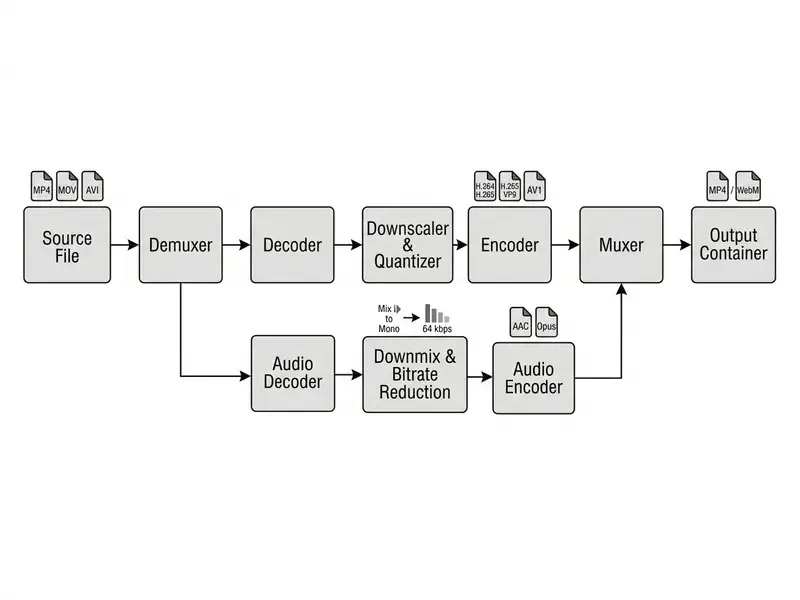
By default, most degradation tools copy or lightly re-encode the audio stream (AAC or MP3) untouched. That can leave 128 to 320 kbps of audio inside a file whose video track was cut to 800 kbps. To maximize footprint reduction, lower audio bitrate to 64 kbps and downmix stereo to mono (-ac 1). For speech-only archive proxies, 32 to 48 kbps mono stays intelligible. Where the objective is aesthetic degradation, an 8 to 16 kHz sample rate reproduces the muffled, low-bandwidth character of early web and VHS-era audio.
Supported Formats and Video Conversion
Online video degradation tools support standard consumer and web containers, including MP4, WebM, MOV, and AVI. Container choice dictates stream compatibility, metadata handling, and playback efficiency on target operating systems.
«H.264/AVC delivers DVD-quality video below 1 Mbps; H.265/HEVC halves the bitrate at equivalent quality, and AV1 adds a further 30 to 50 percent reduction relative to H.265.»
For developer guidance on generating and processing media streams via cloud endpoints, see our Google Veo API Implementation Guide and the broader AI Media API Guides.
Processing MP4 and Other Video Formats
The MP4 container, usually paired with H.264 or HEVC video codecs and AAC audio, remains the universal standard for web playback. Modern browsers decode MP4 streams natively with hardware acceleration, and MP4 is also the safest export target for AI-generated and edited video assets.
MDN Web Docs (continuously updated; the earlier "2026" date stamp has been removed because MDN does not version by year) documents H.264 as the standard codec for MP4, and VP9 or AV1 as the standard codecs for WebM, which makes WebM the primary open-source alternative for browser-based delivery. Chromium's muxer documentation adds that MP4 can also carry VP9, AV1, and H.265, while WebM supports VP8, VP9, AV1, and Opus audio. A robust video converter ingests legacy containers such as AVI or MOV, demuxes the underlying streams, and re-encodes the compressed output into standardized web formats. Note that AWS MediaConvert requires MOV inputs to be self-contained, and AVI is best treated as a legacy interchange format rather than a delivery target.
Codec choice matters beyond playback compatibility. H.264 guarantees universal playback across legacy systems, while re-encoding via H.265 (HEVC) yields roughly 30% to 50% greater bitrate efficiency at equivalent low-quality parameters. When the objective is intentional degradation, though, H.264 wins: its quantization produces classic blocky macroblocking, whereas H.265 tends to over-smooth textures at ultra-low bitrates and gives you a waxy blur instead of the recognizable "bad video" look. AV1 and VP9 sit between the two, with AV1 offering the best size-per-quality ratio at the cost of slower encoding.
Analytical workloads should treat codec selection as a measured variable, not a default:
«At identical resolution, different codecs, including H.264, H.265, AV1/VP9 and MJPEG, affect the quality of analytical signal extraction from compressed video to substantially different degrees.»
For teams validating vision or biometric models, this means the codec used for a degraded test set can shift measured accuracy independently of resolution and bitrate. Hold the codec constant across comparison tiers, and record it in the test log. Otherwise your model-validation evidence is not reproducible, which is precisely the objection an internal audit function will raise.
When to Convert the Format of Your Finished Video
Converting the format of a finished file becomes necessary when the destination platform mandates a specific container or codec combination. Messaging services such as WhatsApp restrict inline video delivery to MP4 and 3GP containers under 16 MB. Android playback guidance recommends H.264/AVC Baseline for maximum device coverage, and ETSI's MMS specification (TS 126 140) constrains supported aspect ratios and formats.
If an encoded asset stays in an incompatible container, you have to convert video streams to match intake specifications. Small detail, big consequence: an otherwise perfect 480p export that nobody can open is a failed deliverable.
Free Low Quality Video Maker and Usage Rights
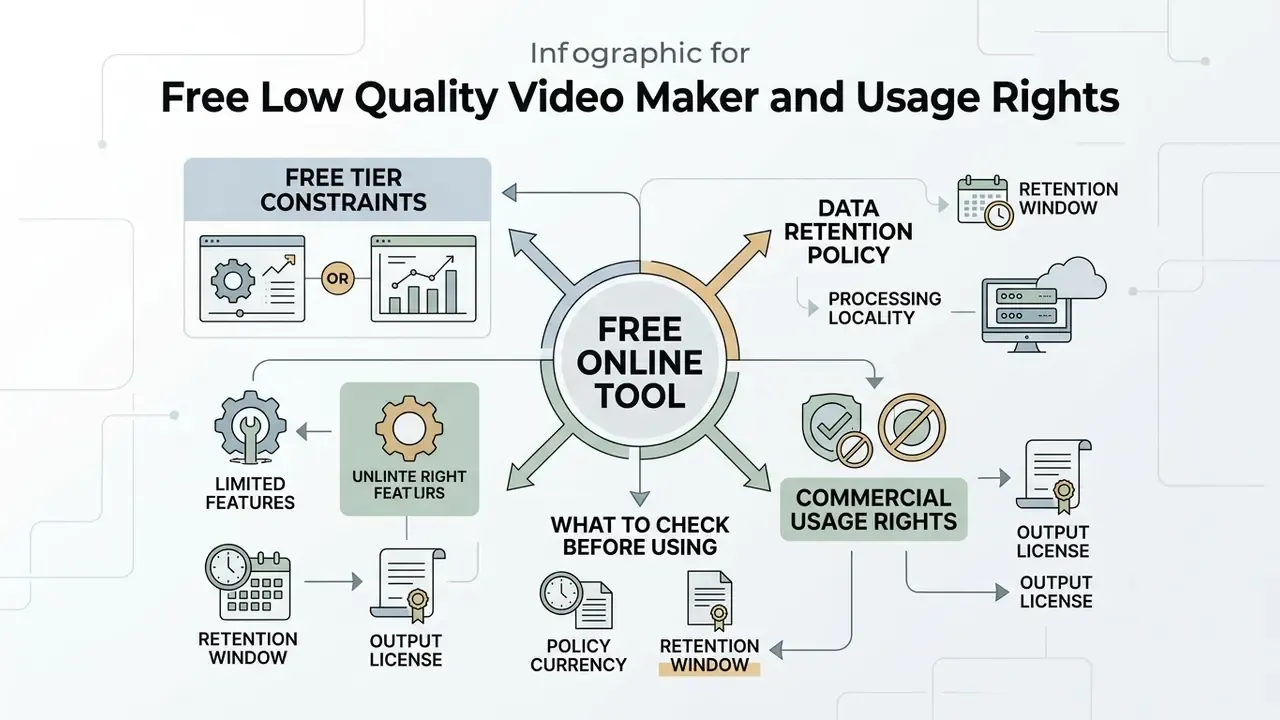
Using a low quality video maker free web service means evaluating processing limits, data retention policies, and commercial usage rights. Free platforms enforce operational constraints to manage server compute overhead. Our overview of free-tier media tools and their export limits shows how similar restrictions are structured across adjacent tool categories.
What to Check Before Using a Free Online Tool
Before submitting media to a low quality video maker online, read the platform's terms for file size caps, queue delays, and watermark rules. Free services frequently apply visible watermarks or throttle encoding speed for non-paying users.
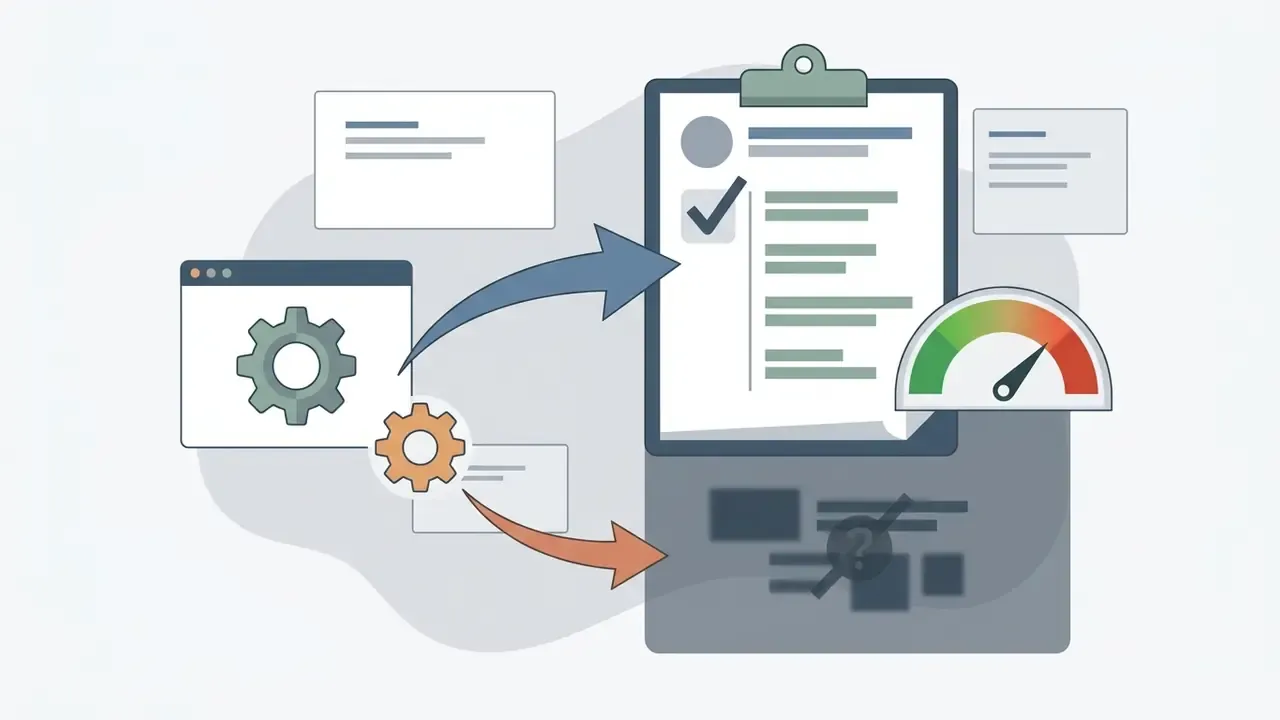
Reviewing those terms prevents conversion failures on large uploads. For teams, the same review should be formalized as a short vendor-risk checklist:
For additional tools covering complementary media workflows, visit our guides on online photo editors and animation makers.
Privacy of Uploaded Videos and Commercial Use
Limitations and Open Questions
FAQ: Low Quality Video Maker Questions
Can I restore a low-quality degraded video back to its original visual fidelity?
No. Lossy compression and spatial downscaling permanently discard high-frequency image data and pixels. Upscaling or re-encoding at a higher bitrate only enlarges the artifacts. Always preserve the original uncompressed or lightly compressed master file.
How do I compress a video for email?
Most email services cap attachments at 25 MB. Choose 480p (or 720p for short clips), cap bitrate at 1,000 to 1,500 kbps, keep H.264/MP4, and reduce audio to 64 kbps mono. If the file still overshoots, split it into segments and compress each one separately.
Why is browser-based video degradation slow on my computer?
Encoding speed depends on hardware acceleration. If your browser lacks WebCodecs GPU access, it falls back to single-threaded CPU software encoding. Enable hardware acceleration in browser settings, close competing GPU-heavy tabs, and prefer a Chromium-based desktop browser for large files.
Does lowering video quality also compress the audio stream?
By default, audio streams (AAC or MP3) are preserved. For maximum footprint reduction, compress audio separately: lower the audio bitrate to 64 kbps or downmix stereo to mono.
Can I degrade video on a phone?
Client-side tools work in Chrome on Android, though slower than on desktop. On iPhone and iPad, limited WebCodecs support in Safari usually means you need a desktop browser or a server-side service.
Which CRF value should I choose for "deliberately bad" video?
Start at CRF 34 for visible but watchable degradation, CRF 40 to 45 for heavy macroblocking, and CRF 48 to 51 for extreme, meme-grade pixelation. Combine with a resolution downscale for consistent results.
Which codec is best for intentional degradation?
H.264. It produces the recognizable blocky artifact signature and plays everywhere. Use H.265 or AV1 when the goal is the smallest file at the least visible loss, not maximum visible degradation.
Is 1080p at low bitrate better than 480p at moderate bitrate?
Usually not. Convex-hull research on VVC shows that matching a reduced bitrate to a lower resolution produces more stable perceptual quality than starving a high resolution of data.
Are free online compressors safe for confidential footage?
Only if you can verify processing locality and retention. Published retention windows run from about 5 minutes to 7 days. For confidential material, prefer client-side (WebCodecs) tools or a self-hosted FFmpeg pipeline.
How do I make a VHS or retro low-fidelity look?
There is no standardized "VHS mode." Combine 640x480 or 4:3 framing, a bitrate in the 400 to 800 kbps range, high CRF, mild frame-rate reduction, and low-bandwidth mono audio. The artifacts do the aesthetic work.