A TikTok video template is a pre-structured digital framework: preset timing, transitions, audio placeholders, motion graphics. Using a template for tiktok video production lets creators and organizations publish high quality vertical content without spending hours dragging clips around a manual timeline.
That is the promise. The catch sits in the licence file, and most teams find it only after an ad gets muted.
Executive summary
- What they are TikTok templates are prebuilt 9:16 video structures (timing, transitions, text slots, audio cues) available natively inside TikTok, in TikTok Ads Manager, and in third-party editors such as CapCut, Canva, and Kapwing. TikTok's Catalog Manager alone exposes a library of more than 50 templates.
- What they solve They compress editing time, standardize brand output, and let teams test several creative variations per week instead of per month.
- Where the risk sits "Free download" never equals "commercial copyright waiver." Business accounts must restrict audio to TikTok's Commercial Music Library (CML) and verify fonts, stock footage, and template asset licences before export.
- What to check technically Export 1080×1920 MP4 (9:16), keep text inside safe zones, and cap template packages at fps ≤ 30 and 720×1280 when uploading custom Lottie ZIP templates to TikTok Ads Manager.
- Bottom line Templates are a governance tool as much as a speed tool. They only pay off when paired with a repeatable pre-publish compliance check.
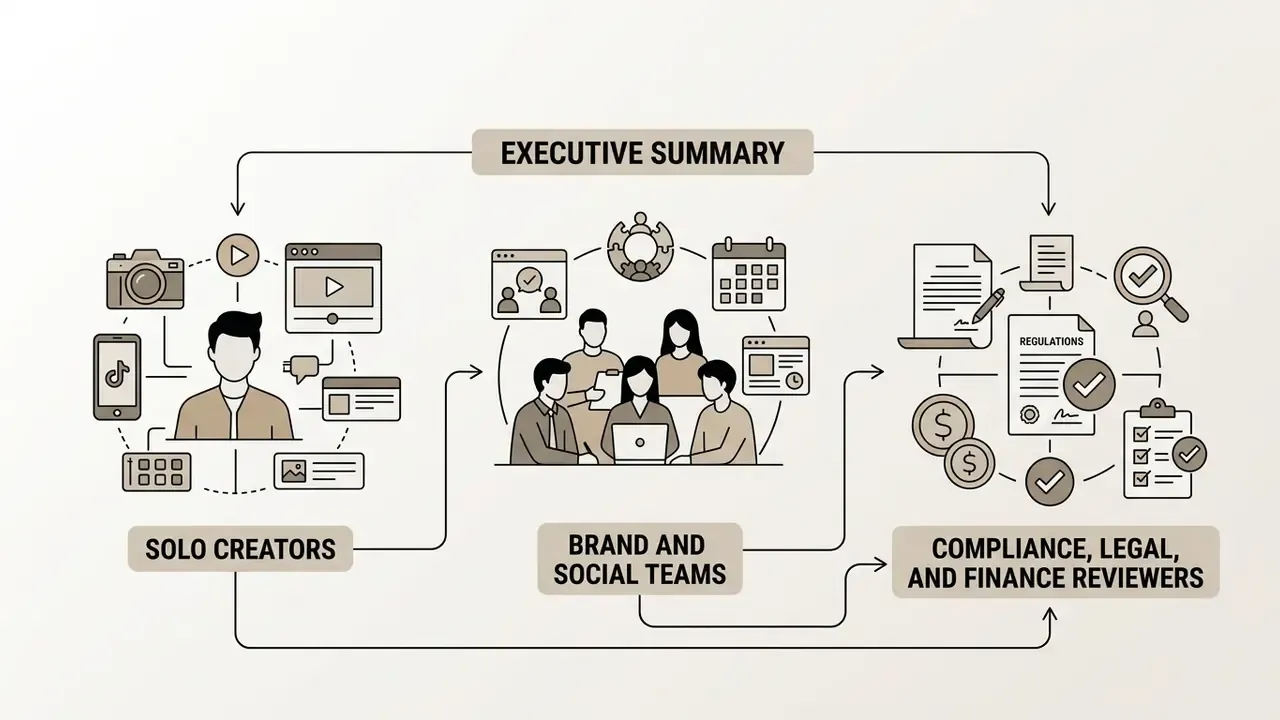
Who this guide is written for
Three groups usually land on a query like this one, and they need different answers:
- Solo creators who want a fast tiktok video template free of watermarks and a clear answer on whether they can post it.
- Brand and social teams who need a locked template set, pre-cleared sound, and a repeatable approval route.
- Compliance, legal, and finance reviewers who sign off on paid media and want evidence, not vibes: licence IDs, asset manifests, and a documented escalation path.
Whether you're editing alone on a phone or routing 40 assets a month through legal, the same four questions decide the outcome: which template, which sound, which licence, which export spec.
What are TikTok templates and which videos they fit
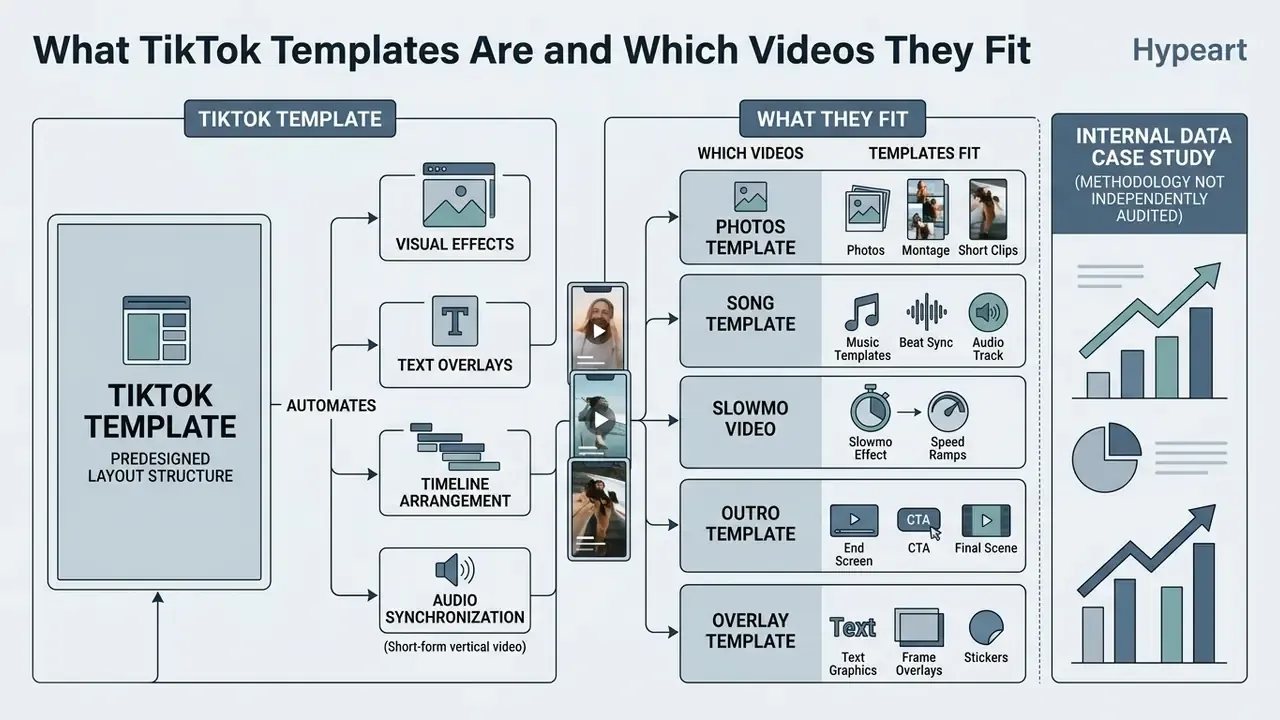
TikTok templates are predesigned video layout structures that automate timeline arrangement, visual effects, text overlays, and audio synchronization for short-form vertical video. They suit a wide array of formats: dynamic product showcases, photo slideshows, fast-paced music montages, promotional clips, even plain talking-head posts that need a caption plate.
By using professionally designed layouts, creators streamline production while holding high quality output steady across campaigns. The official TikTok Help Center (Using templates on TikTok, TikTok Help Center, accessed 2026 - https://support.tiktok.com/en/using-tiktok/creating-videos/using-templates-on-tiktok) and TikTok Ads Manager document templates as an integrated workflow tool rather than an external workaround. That distinction matters for compliance: a native flow inherits the platform's own asset clearances, while an external download does not. If you are still selecting a production stack, start with our overview of video editing workflows for creators before committing to a template library, or compare editing platforms side by side.
Selecting a tik tok video template enables rapid asset assembly, so a team can test several creative variations in the time one manual edit used to take.
«Vertical format, rapid cuts and text overlays measurably increase adolescent engagement and focused attention compared with horizontal clips without overlays». Sheynin, The Young Researcher (2025)
«Vertical video delivers roughly 90% higher completion rates than horizontal, and content under 60 seconds reaches engagement levels near 50%». Vertical Video Ad Performance Analysis, Latinaugc (2024)
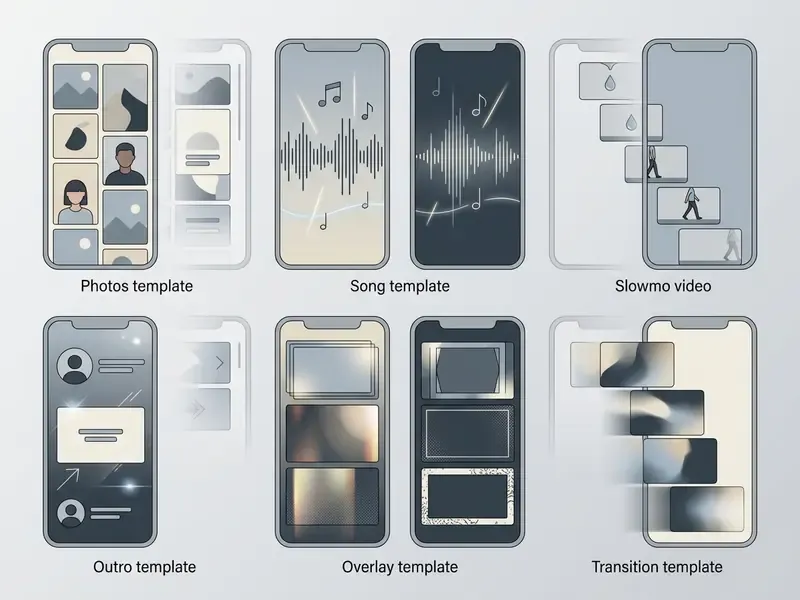
Template gallery (rendered cards)
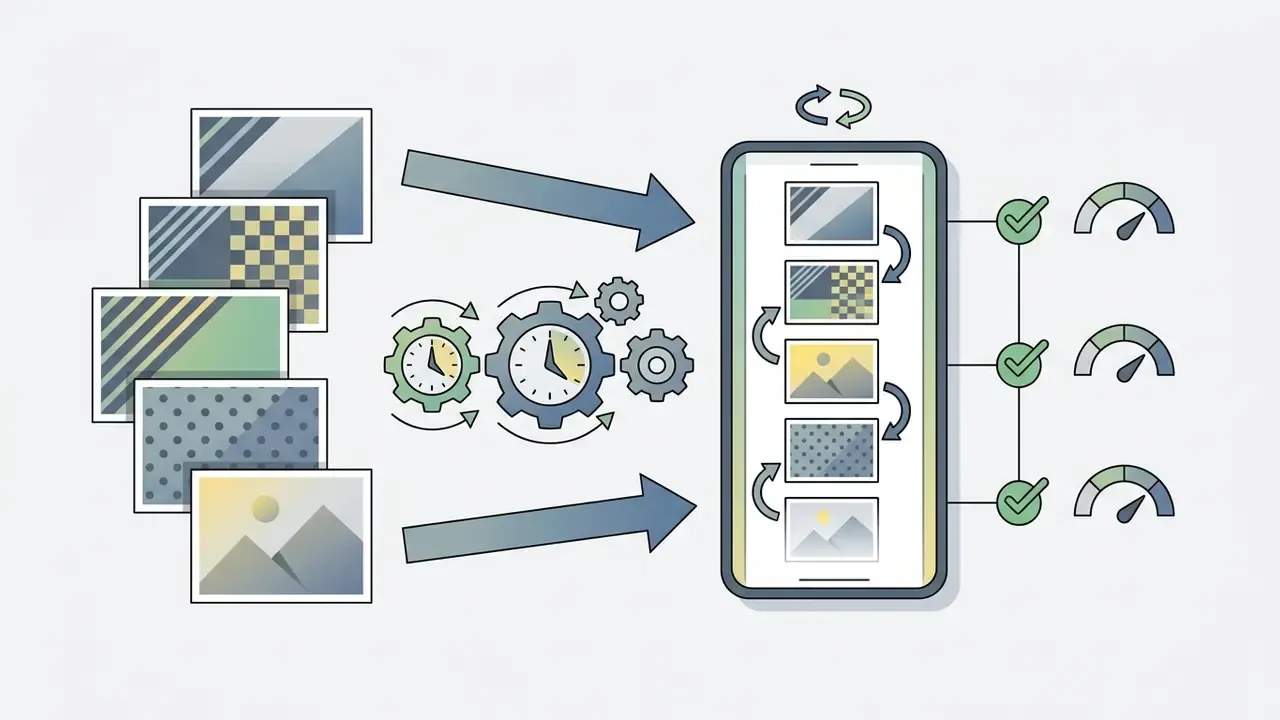
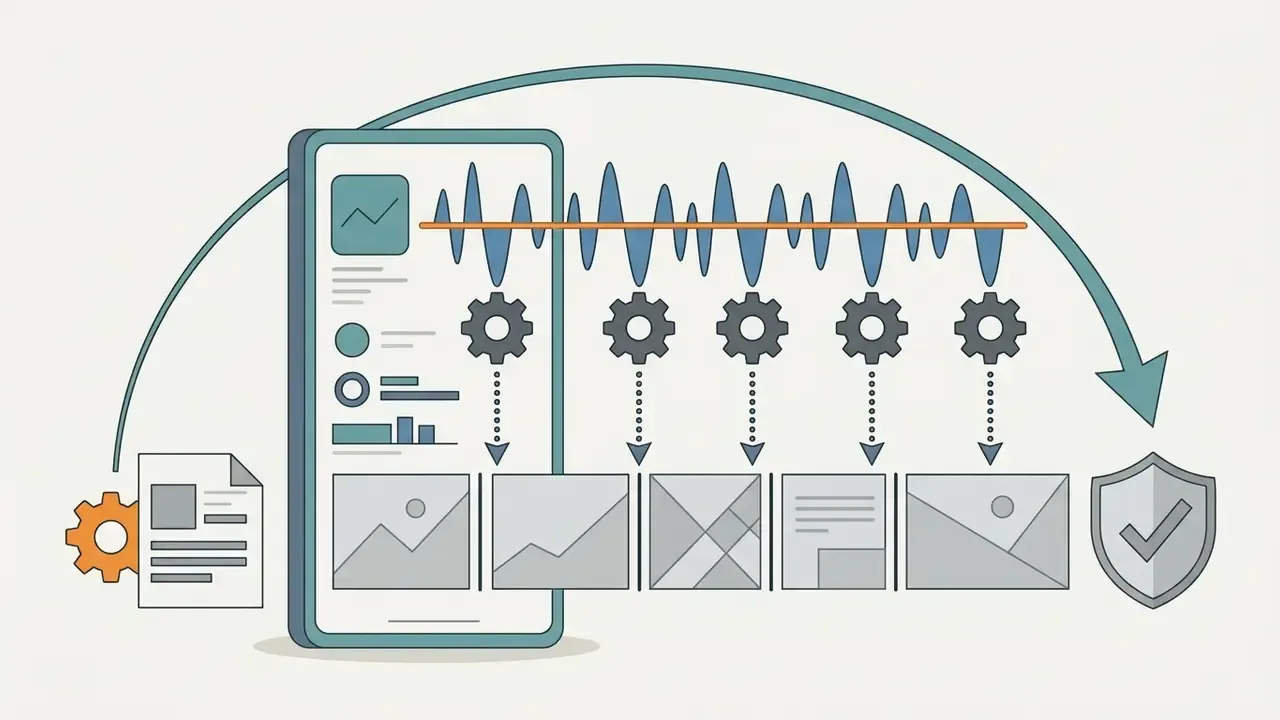
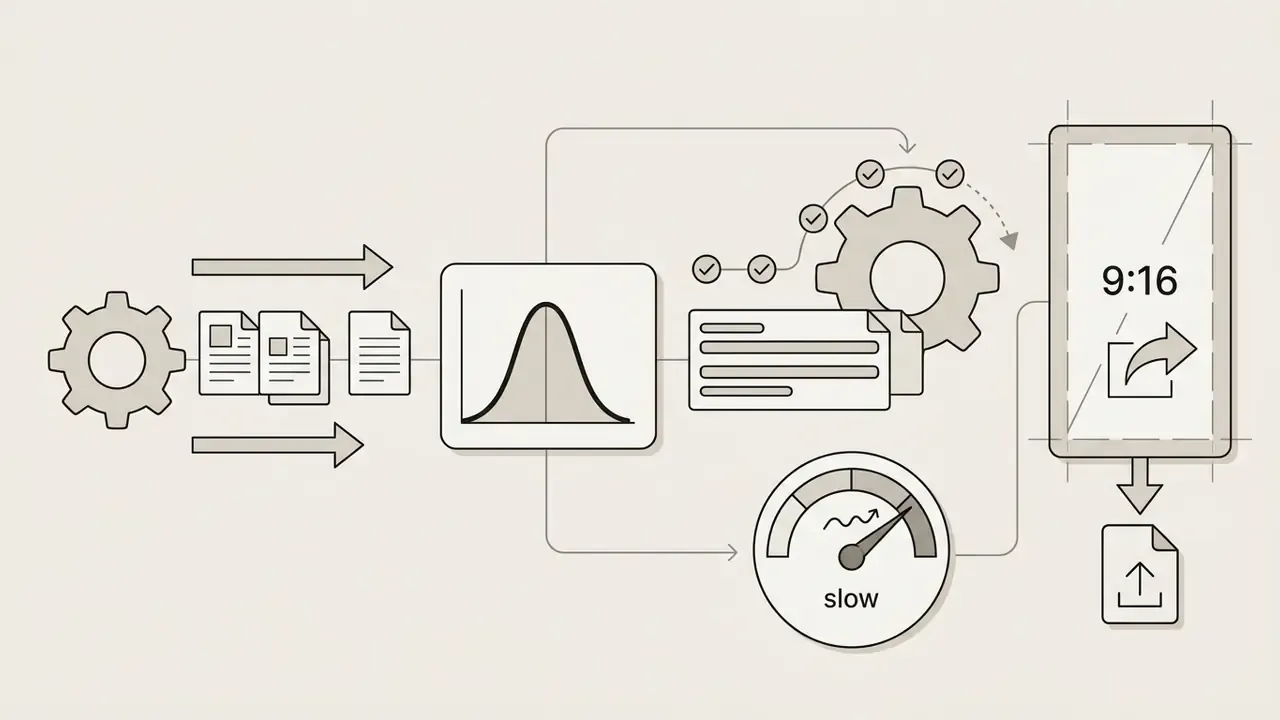
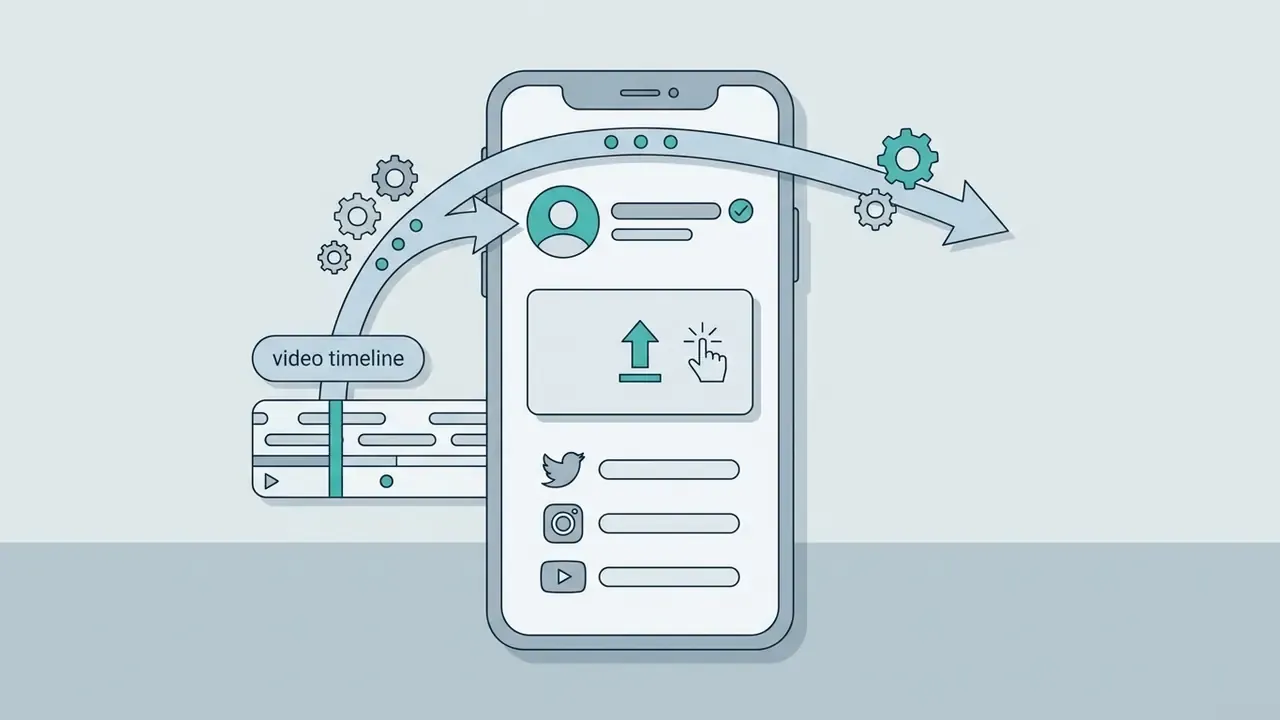

Templates for photos, montage, and short clips
A photos template or photo montage template converts still images into a dynamic vertical video sequence using pre-timed transitions and movement layers. Formats such as tentana montage, raguda montage (spelled "rugada" in some uploads), and snap video structure multiple asset inputs into cohesive, fast-paced edits for tiktok reels and feed posts. Tentana edits are typically anime- or car-focused and built around ultra-slowed phonk audio; raguda edits lean cinematic, with rapid cuts and aggressive transitions. These formats need clean 9:16 photos tiktok inputs, usually high-resolution JPG or PNG, to preserve visual integrity. Crop and grade them with a dedicated online photo editor before import, otherwise the template simply upscales a soft frame and the softness shows on a phone screen.
A note on the long tail of template names. Searches like photos template badmashi, tiki tiki tiktok, tiki song tiktok, snap video tiktok, chinese trend, da da trend, or apk video template point at the same underlying object: a timed 9:16 layout with swappable slots. The naming is community slang, not a technical standard. One caution, though: anything offered as a tiktok apk or "apk video template" download outside an official app store sits outside TikTok's asset clearance chain and outside your device security policy. For a regulated brand account, that is a hard no. Use the in-app template picker, CapCut, Canva, or Ads Manager instead.
In enterprise media workflows, creative teams often combine photo sequences with video creation techniques similar to those detailed in our guide to animation makers, building hybrid motion assets efficiently. When source files are too heavy for web-based editors, run them through a video compressor first: Canva, for example, accepts uploads in MOV, GIF, MP4, MPEG, MKV, and WEBM up to 1 GB.
Music templates, beat sync, and the slowmo effect
A song template uses automated beat sync to align visual frame cuts with the rhythmic downbeats of a selected tiktok song or trending tiktok sound. In slowmo video formats, tempo manipulation stretches complex movement to improve viewer processing fluency. Research published in the Journal of Marketing Research (Stuppy et al., 2023 - https://journals.sagepub.com/doi/10.1177/00222437221146720) shows that viral slowmo video edits raise hedonic enjoyment and viewer evaluations when applied to intricate, pleasant movements. Applied to a static shot, the same trick just looks slow.
«Slow motion increases likes, views and willingness to pay, but only for complex, pleasant movements; for simple content the effect is neutral or negative». Stuppy et al., Journal of Marketing Research (2023). https://journals.sagepub.com/doi/10.1177/00222437221146720
Inside TikTok itself, slow motion is applied either before recording via the Speed control (0.3x / 0.5x) or after upload via Effects → Time → Slow Motion on a selected clip segment. The new trending slowmo look in 2026 leans on partial ramps rather than a uniformly slowed clip: normal speed, sharp ramp into the accent, snap back. Academic work on music-driven montage formalizes two rules that template engines automate for you: cut on the beat, and match visual motion to musical pace (audeosynth: Music-Driven Video Montage, 2015).
Case study (internal data, methodology not independently audited). A media team needed to scale short-form output without expanding agency costs. By adopting a tik tok video templates framework with automated beat sync, the team produced 24 monthly videos in-house, up from 8 with manual editing. Reported editing turnaround dropped by roughly 65%, and account engagement across published posts increased. Treat these figures as a single-account observation rather than a benchmark: one team, a 90-day measurement window, no control group. Teams pushing volume further often layer template workflows with free AI video generators for B-roll and filler shots.
Popular TikTok video templates and trends for 2026
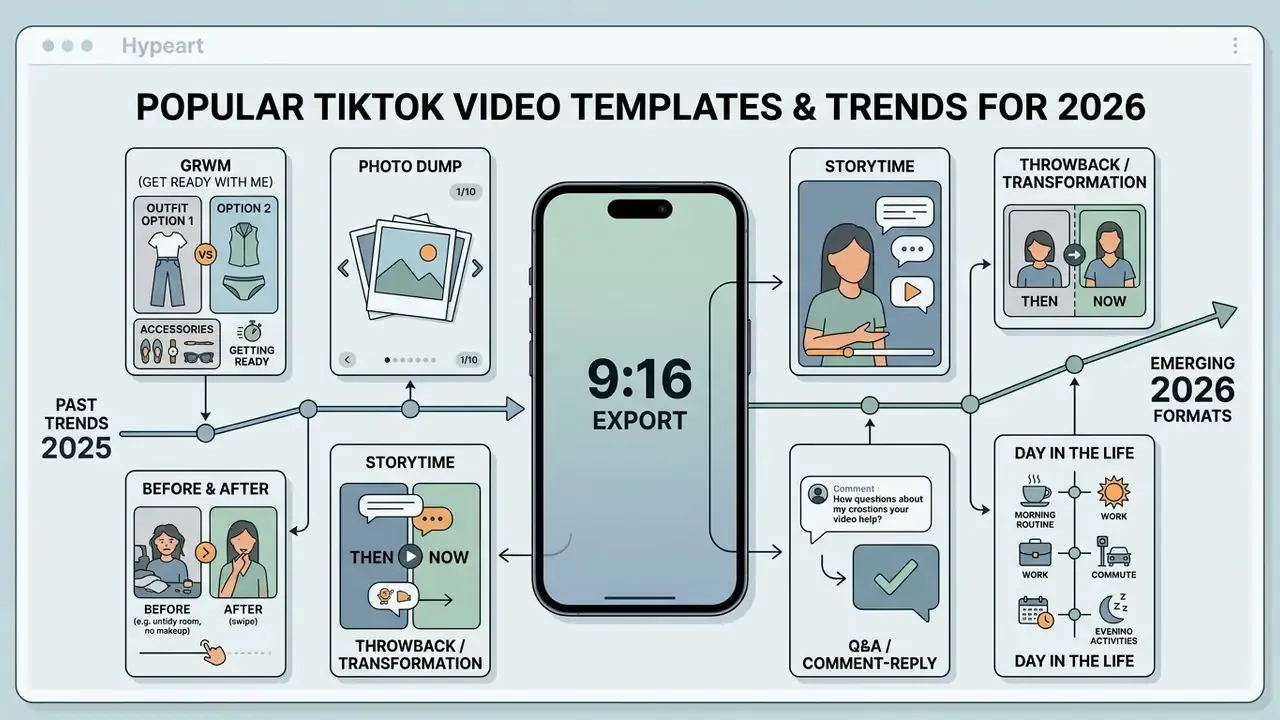
Queries for popular tiktok video templates 2025 still drive most of the traffic here, yet the formats have moved on. Two operational frameworks define what works in 2026: trend aesthetic and trend velocity. Trend aesthetic holds visual cohesion across frames; trend velocity leans on rapid pacing and rhythmic loops to protect early watch retention. TikTok's own trend reporting groups platform signals into three strategic buckets, Brand Fusion, Identity Osmosis, and Creative Catalysts, which template catalogs then translate into concrete editing styles.
Spotting hot templates early lets creators capture attention inside the algorithmic recommendation feed before the format saturates. According to cross-platform research by Metricool (Cross-Platform Short-Form Video Benchmark, Metricool, 2024 - https://metricool.com/), TikTok leads short-form channels with average view counts above 18,000 per post when trend tiktok formats are deployed.
«TikTok leads on average views: 18,173 views per post versus 16,153 for Instagram Reels and 647 for YouTube Shorts». Metricool, Cross-Platform Short-Form Video Benchmark (2024). https://metricool.com/
Ready-made trend microformats worth templating
Abstract trend labels are hard to act on. Map them to concrete micro-formats before choosing a layout:
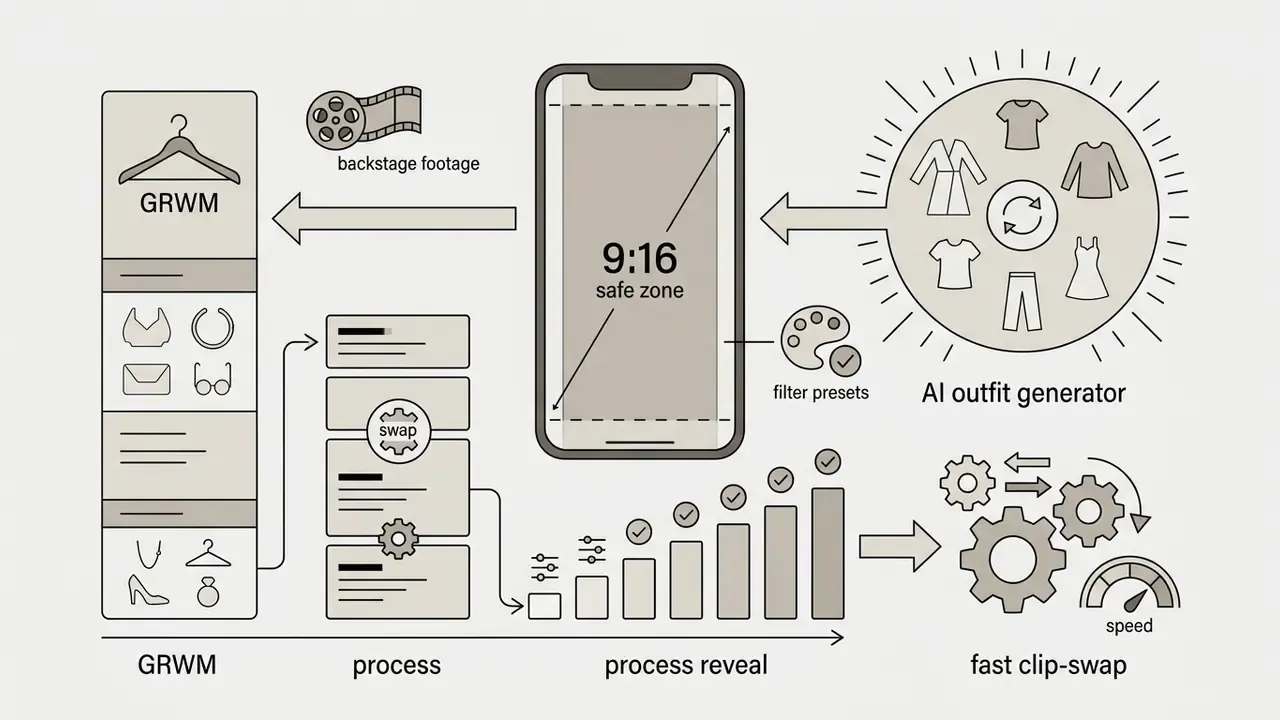
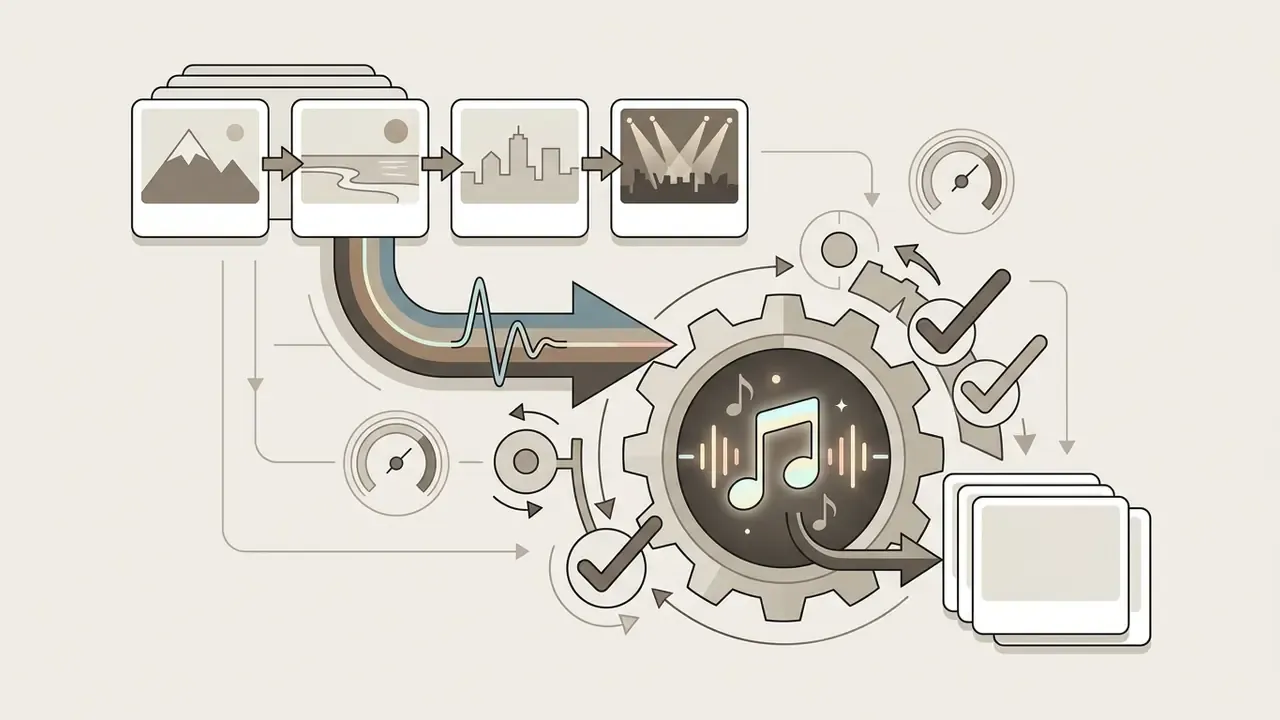
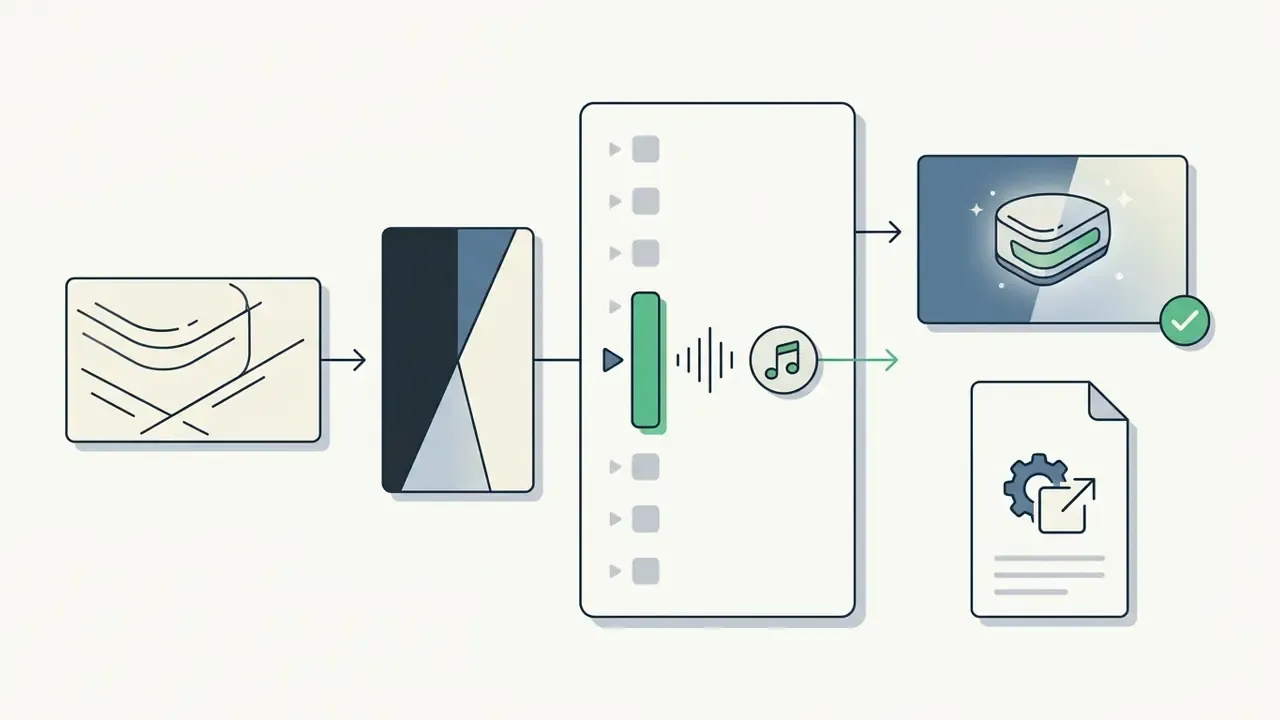
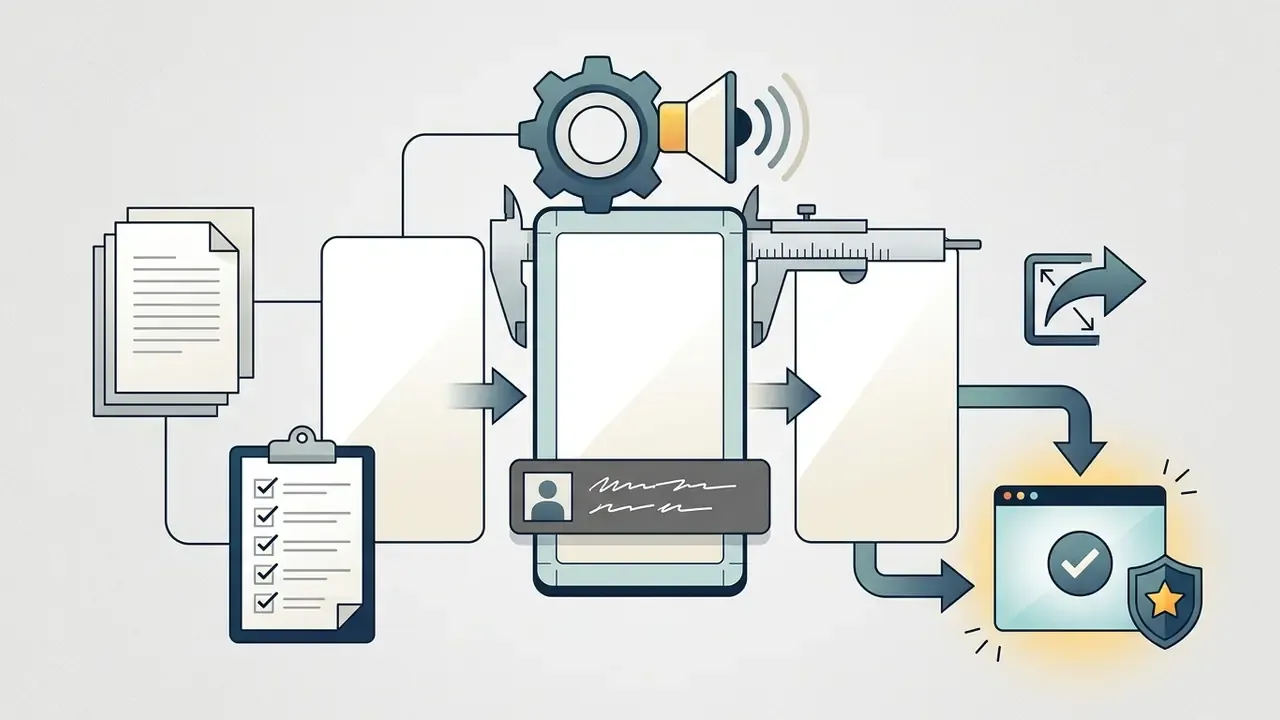
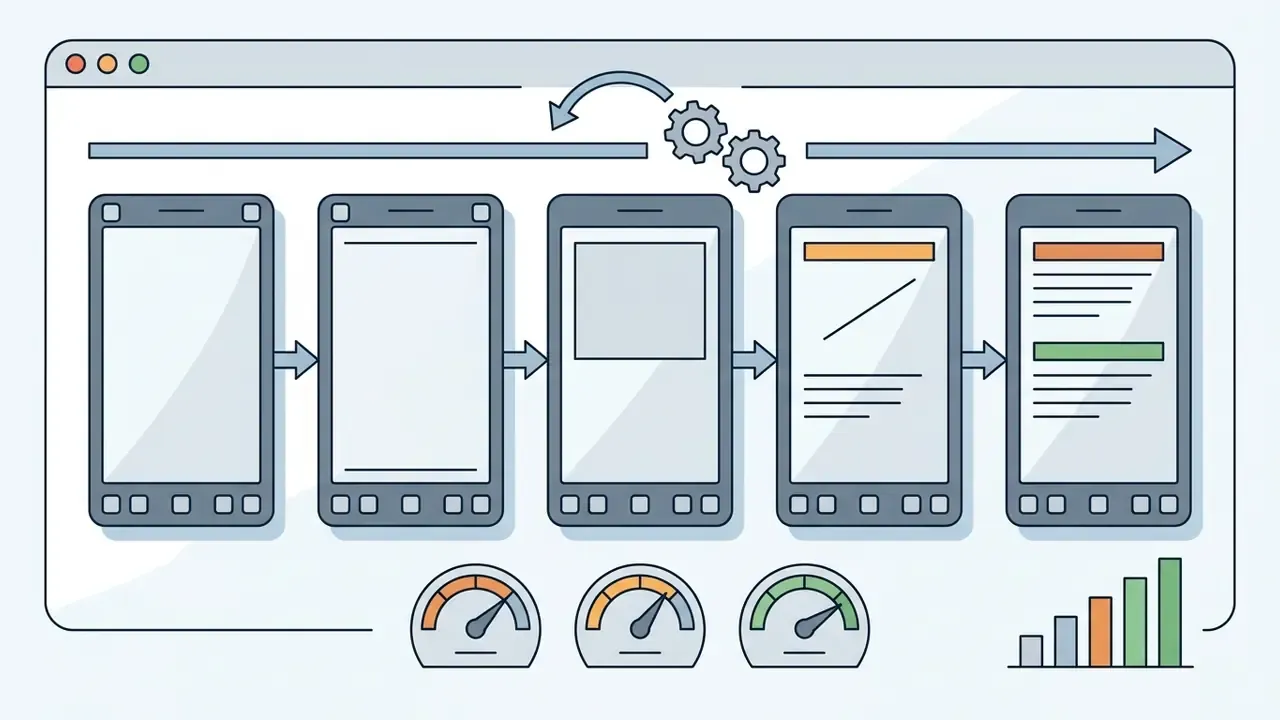


Each format can be customized without editing expertise. You swap text, colors, fonts, and pacing while the template keeps the trend's recognizable rhythm intact. A new trend template normally peaks within 10 to 14 days, so plan rotation rather than adoption. For teams comparing generation platforms before building a permanent library, our roundup of the best AI art generators covers asset-creation quality and licensing side by side.
How to pick a trend template by sound and format
Choosing an effective trend template means matching visual editing pace to the acoustic structure of a trending tiktok sound or dj tiktok viral remix. Options like a headlight song template, a tiki tiki song edit, or a specialized xxnamexx song tiktok layout depend on precise audio cues: a vocal drop, a filter sweep, a beat transition. TikTok Creative Codes guidelines (TikTok Creative Codes, TikTok For Business, 2023 - https://ads.tiktok.com/help/article/creative-codes) stress that vertical 9:16 visuals built around audio accents outperform unsynced edits. Connect with trends, stick to a structure, build with sound.
Practical beat-mapping rules: cut on the main downbeat, on a deliberate pause, or on the vocal entry. Then pair that accent with visible action, such as a turn, a jump, a light change, a door opening, a product reveal, or a camera whip. If nothing moves on the accent, the sync is decorative.
«A popular shopping CapCut template collected 2,700 views in 24 hours, yet oversaturated templates lose viral potential as novelty declines». Alex Payne, Visual Storytelling Techniques Using CapCut Templates, practitioner case study (2024)
To find live audio yourself: open TikTok, tap the search icon, search "viral sounds," then tap Sounds under the search bar. The list keeps loading as you scroll. Save the tiktok video link of two or three reference posts next to the template in your tracker, so the next editor can see the intended pacing instead of guessing.
Which templates help capture attention and create viral videos
Templates built to capture attention front-load a high-impact visual hook or an emotional curiosity gap inside the first three seconds of playback. To create viral videos on TikTok, the edit then has to sustain interest through frequent, low-complexity scene changes. An empirical study analyzing 46,605 TikTok hooks (The Science of the First Three Seconds, 2025, preprint) found that curiosity-driven openings and clear visual focal points substantially outperform passive narrative starts; hook length varied by niche from roughly 9 words in news to about 90 in entertainment. TikTok's ad guidance is stricter: present the offer within the first 3 seconds, secure attention within 6.
«Analysis of 2,520 viewings across 42 videos: short scenes with low visual complexity increase viewer attention synchronization, peaking about 0.66 seconds after each cut». Journal of the Academy of Marketing Science (2024). https://link.springer.com/journal/11747
Using a viral tiktok trend or latest viral tiktok layout lets creators go viral by joining an active platform conversation instead of starting one from zero. That is the honest mechanic behind most viral videos: borrowed attention, branded execution. For comparative analysis of automated media generation tools, teams often review Canva's AI generator capabilities and licensing before committing assets.
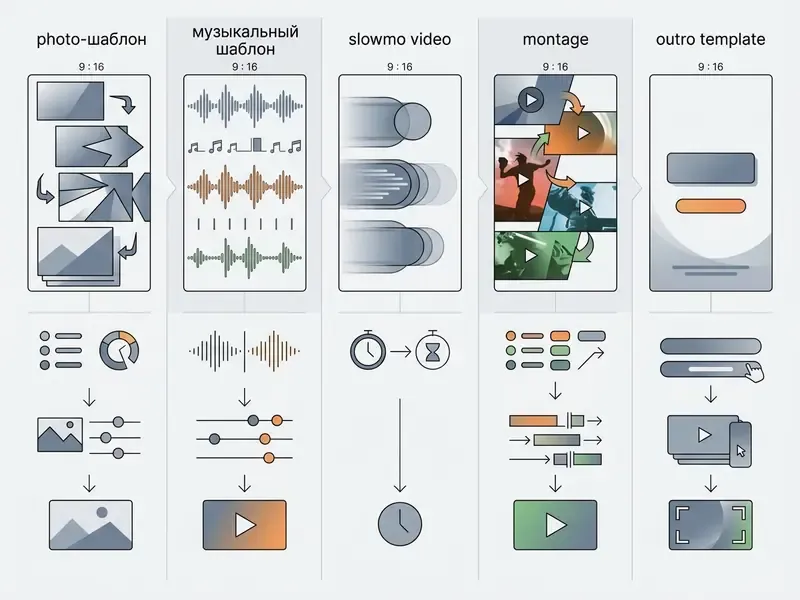
| Template type | Use case | Role of audio | Customization level | Output format | Business niches |
|---|---|---|---|---|---|
| Photos Template | Slideshows of shots and portraits | Synchronizes frame changes | High (swap photos, text) | MP4 / 9:16 / 1080×1920 | Real estate, travel, e-commerce catalogs |
| Song Template | Music-led rhythmic edits | Critical (beat sync on downbeats) | Medium (swap clips) | MP4 / 9:16 / 1080×1920 | Fashion, fitness, entertainment |
| Slowmo Video | Emphasis on complex movement | Sets mood, not structure | Medium (ramp timing) | MP4 / 9:16 / 1080×1920 | Beauty, food, automotive |
| Montage Template | Dynamic multi-clip sequencing | Drives tempo and cut rhythm | High (segment order) | MP4 / 9:16 / 1080×1920 | Events, education, SaaS demos |
| Outro Template | Closing CTA screen | Supporting / background | High (logo, links, CTA) | MP4 / 9:16 / 1080×1920 | Any brand account, agencies |
| Overlay Template | Frames, lower-thirds, live layouts | Optional | High (graphics, colors) | MP4 / PNG sequence / 9:16 | Streaming, webinars, Q&A |
Read the table as a decision, not a catalog: if sound carries the story, take a song template; if the sequence carries it, take a montage; if the ask is brand hygiene, the outro template matters more than the opener.
How to use an online video template for TikTok
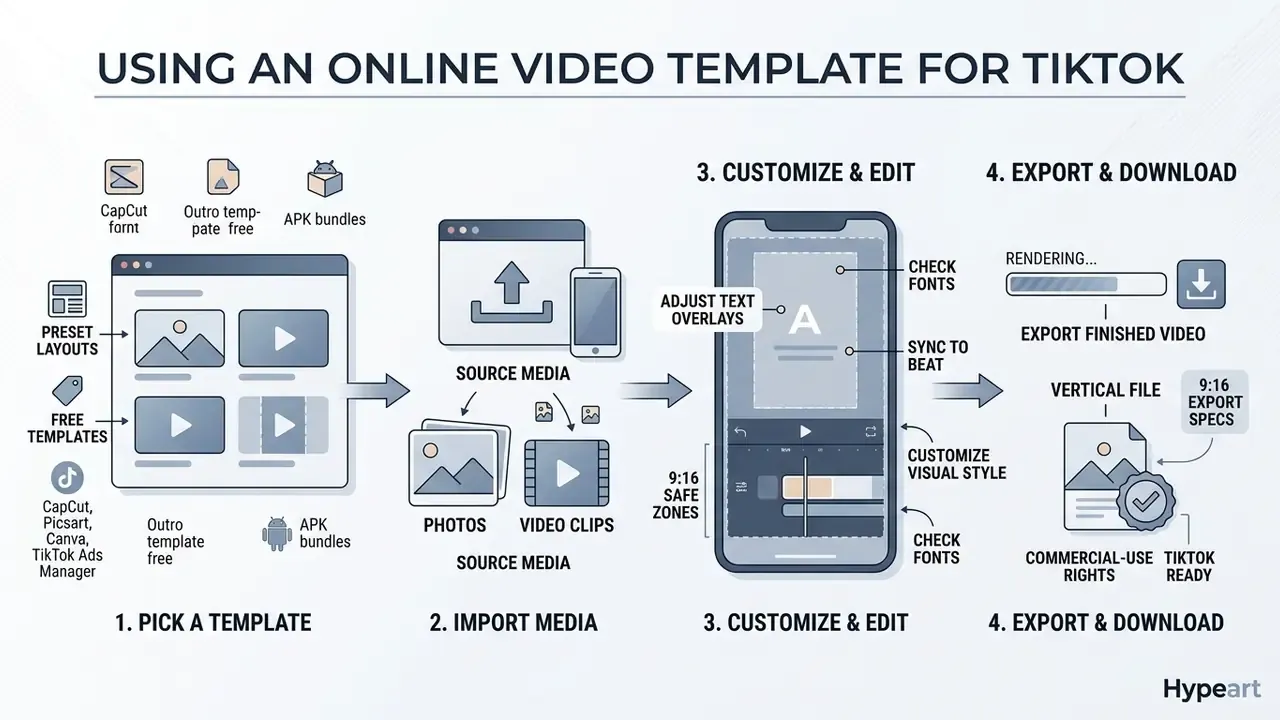
To use an online video template for tiktok, you pick a preset layout, import source media, adjust text overlays, and export the finished vertical file. Web-based editors run processing in the cloud, so you can try online without installing a heavy desktop suite. Still deciding between browser tools and desktop NLEs? Compare the options in our guide to video editing workflows.
These tools expose fully customizable canvas layers, which turns raw clips into a polished new video template in minutes and helps teams create stunning vertical assets on a weekly cadence. Empirical tracking by the Journal of the Academy of Marketing Science (JAMS, 2024 - https://link.springer.com/journal/11747) shows that structured 9:16 templates cut visual clutter and improve viewer focus during tiktok videos online playback.
«Short scenes with one central element and no visual distractions hold attention better than cluttered frames; the effect peaks 0.66 s after each scene change». Journal of the Academy of Marketing Science (2024). https://link.springer.com/journal/11747
In TikTok Ads Manager the canonical sequence is short: open the Creative Library or start ad creation, press play to preview a template, click the template to enter editing, then upload images, logo, and text from your computer or asset library and confirm.
Customizing photos, text, and visual style
Customizing a template means modifying photos template slots, graphic layers, and text containers. Creators drop in a tiktok caption template or generic caption template to give the viewer text context inside TikTok's safe zones. An overlay template or tiktok overlay template adds graphic accents while keeping core elements clear of platform UI controls.
Prepare stills before import rather than patching them inside the template: crop to 9:16, correct exposure, and remove distracting backgrounds with a free photo editor, then check export limits so the template does not re-compress files that are already lossy. For narration layers, an AI voice generator can stand in for on-camera audio when the template leaves room for voice-over. Confirm first that the licence covers commercial distribution; many consumer tiers do not.
One small habit saves a lot of rework. Set brand colors and the approved typeface once, save them as a brand kit, and every later tiktok new video inherits them automatically.
Download TikTok template and export the finished video
A download tiktok template action requires three confirmations before you press the button: output resolution, aspect ratio, watermark status. Popular web platforms support template free download options or direct video templates download in 1080×1920 MP4. When you evaluate a free download feature or a page of general free templates, check whether export rights actually cover commercial publishing. Price and licence are separate fields.
Platform-specific notes worth checking before export:
- CapCut advertises watermark-free export on many free TikTok templates and includes a License information panel that flags whether fonts, sounds, stickers, and clips inside a template are cleared for commercial use.
- Picsart marks many templates free, but premium templates watermark free-tier exports; removal requires Pro.
- Canva and Adobe Express publish free and premium TikTok template tiers. Neither page reviewed lists watermark removal as a separate feature.
- TikTok Ads Manager bulk template data exports as XLSX or CSV (UTF-8). That is a data export, not a video export.
- "Outro template free" and APK bundles circulating on file-sharing sites rarely carry any licence text at all. No licence text, no commercial use.
Teams assembling a complete production setup often work from detailed reviews such as our YouTube video editor workflow guide, then shrink final deliverables with a video compressor before handing files to a scheduler.
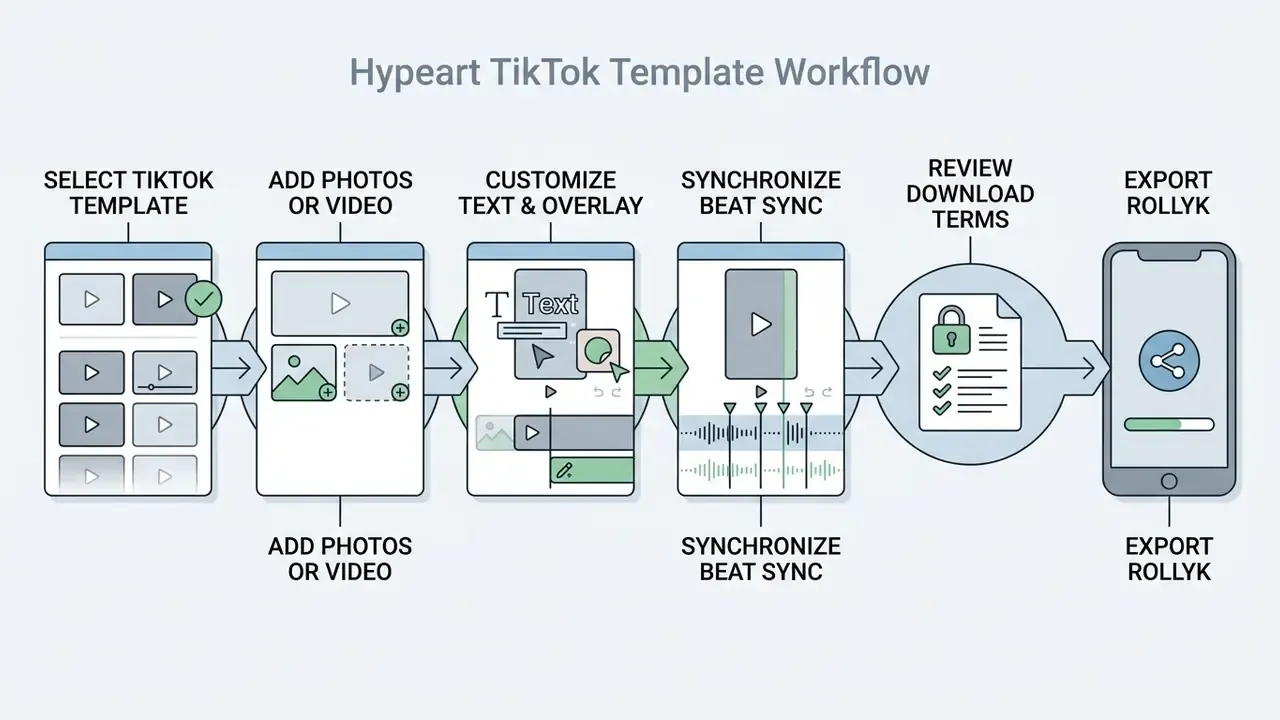
- Select a prebuilt tiktok template matching your topic and target pace.
- Upload source media, including photos tiktok files or short video clips (MP4, MOV, MKV, WEBM are widely accepted; keep files under the platform's size cap).
- Customize graphic containers using caption template and overlay template layers, keeping copy inside the safe zones.
- Synchronize visual cuts with music markers via automated beat sync features.
- Review licensing terms for free download or commercial usage rights, fonts and stock footage included.
- Export the final 1080×1920 MP4 through the download tiktok template interface, then preview on a phone before publishing.
Fonts, typography, safe zones, and aspect ratios
Typography is where most templated videos visibly break brand consistency, and also where TikTok-native styling quietly wins attention.
Popular fonts in TikTok templates. When editing text layers in a caption template, use the platform's standard type styles to keep the native look:
- Classic Proxima Nova – Semibold, the default look of most TikTok text plates.
- TikTok Sans the platform's own custom typeface, optimized for mobile screens.
- Typewriter custom-made but close to Source Code Pro – Bold, used in aesthetic and text-driven trends.
- Serif Georgia Bold, common in memes and accent headlines.
Safe zones. Reserve margins on all four sides of the 9:16 frame so captions, logos, and CTAs never disappear behind TikTok's interface: the right rail (like, comment, share, profile), the bottom block (username, caption, sound ticker), and the top search and back controls. A workable rule is to keep critical text within the central ~80% of frame height and ~85% of width, then verify on a real device rather than in the editor preview. Editor previews lie politely.
Aspect ratios (updated). TikTok's primary format is vertical 9:16 at 1080×1920. The platform also accepts 1:1 (square) and 16:9 (landscape) uploads, but neither fills a phone screen: expect letterboxing with 16:9 material and a higher chance that overlaid text collides with app UI. Inherited a 16:9 template? Reframe to 9:16 instead of uploading as-is.
Custom template package specs (TikTok Ads Manager). Dynamic Template Settings accept optional opening and end scenes in MP4, MOV, FLV, MKV, or WebM with scene duration of 1 to 10 seconds. Custom Template and Fonts packages require Lottie ZIP / ZIP, total duration under 16 seconds, fps ≤ 30, and 720×1280 resolution. Note that Ads Manager help states custom and external templates are no longer supported in some flows, while Catalog Manager still offers TikTok templates and dynamic templates. Verify the current option inside your own account before building assets, because rebuilding a Lottie package after the fact is nobody's favourite afternoon.
Free TikTok templates: download and usage conditions
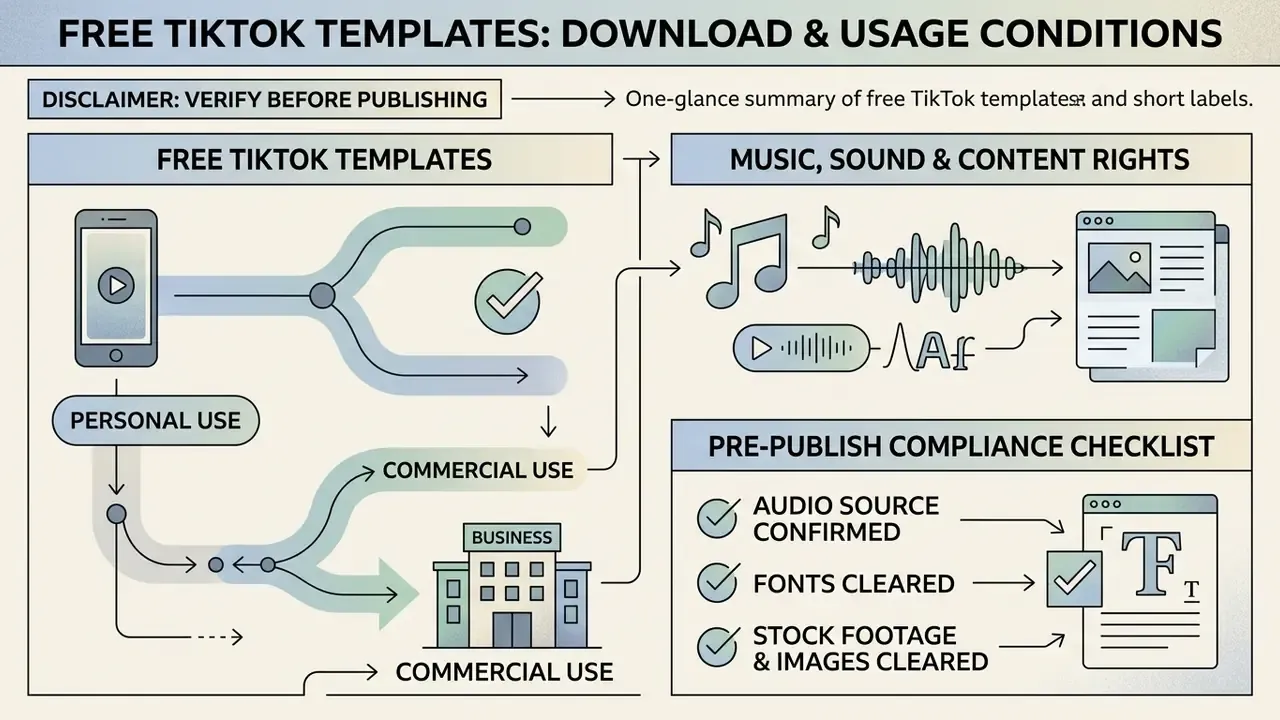
Free tiktok templates let creators edit and export vertical videos without upfront licensing fees, though usage stays subject to platform terms and asset ownership restrictions. Claiming a tiktok video template free download grants no unrestricted commercial copyright over the underlying media. It never has.
Organizations need to separate open platform tools from restricted asset libraries before publishing. Official terms from TikTok For Business (TikTok Commercial Terms, accessed 2026 - https://ads.tiktok.com/help/article/commercial-terms) specify that platform-provided templates are licensed for intended use within TikTok's ecosystem, and that submitted content grants TikTok a non-exclusive, royalty-free, worldwide licence to host, display, distribute, modify, and adapt it. TikTok's Brand and Use Guidelines separately prohibit using TikTok logos, icons, or symbols without prior written permission, a common oversight in "app-style" outro templates that mimic the native UI.
Personal use and commercial use: what to verify before publishing
Using templates for tiktok videos for personal use lets an individual creator share non-monetized content across private social channels; TikTok's Terms of Service grant access to platform content "solely for your personal, non-commercial use." Corporate accounts running commercial campaigns face a different standard: template assets, fonts, and stock media must carry explicit commercial clearance under TikTok's Commercial Terms, which licence Commercial Content only for its "intended function and purpose." Legal guidance points to four fields of every licence to read before publishing branded video templates for tiktok: scope of use, territory, duration, and sublicensing or modification rights.
| Dimension | Personal use | Commercial / brand account use |
|---|---|---|
| Governing terms | TikTok Terms of Service (personal, non-commercial) | TikTok Commercial Terms + Advertising Terms |
| Audio | Trending sounds generally available in-app | Commercial Music Library, original audio, or separately licensed tracks only |
| Fonts & stock in template | Usually covered for in-app posting | Must carry explicit commercial clearance per asset |
| Off-platform reuse (ads, site, TV) | Not granted by default | Requires separate rights clearance |
| Typical failure mode | Muted audio on a personal post | Muted brand ad, takedown, infringement claim, wasted media spend |
Organizations managing multi-channel media libraries should review our AI Media Commercial-Use Hub and track AI Litigation and Case Timelines to keep clearance decisions consistent across digital assets.
Music, TikTok sound, and content rights
Putting a tiktok song or trending tiktok sound into a business post means sourcing tracks exclusively from TikTok's Commercial Music Library (CML), a global catalog of roughly 1 million pre-cleared songs. Business accounts typically see only "Commercial Sounds" in the Add sound panel, which is a guardrail, not a limitation to fight. General viral audio is cleared for individual personal use, not for sponsored or brand promotion posts. Unlicensed audio in a commercial song template invites copyright-muted playback or a formal infringement claim.
Two further details get missed. TikTok requires Music Usage Confirmation when original sound or non-CML music is used with content disclosure enabled. And CML clearance covers content and ads on TikTok only: reusing those tracks on YouTube, a website, or in paid TV requires separate licensing. A dj tiktok remix found in the wild almost never carries either clearance.
For specialized synthetic media workflows, consult dedicated references such as the AI voice generator guide, or check cost parameters in our AI Media Pricing Guides.
Pre-publish compliance checklist
TikTok templates for business, ads, and engagement
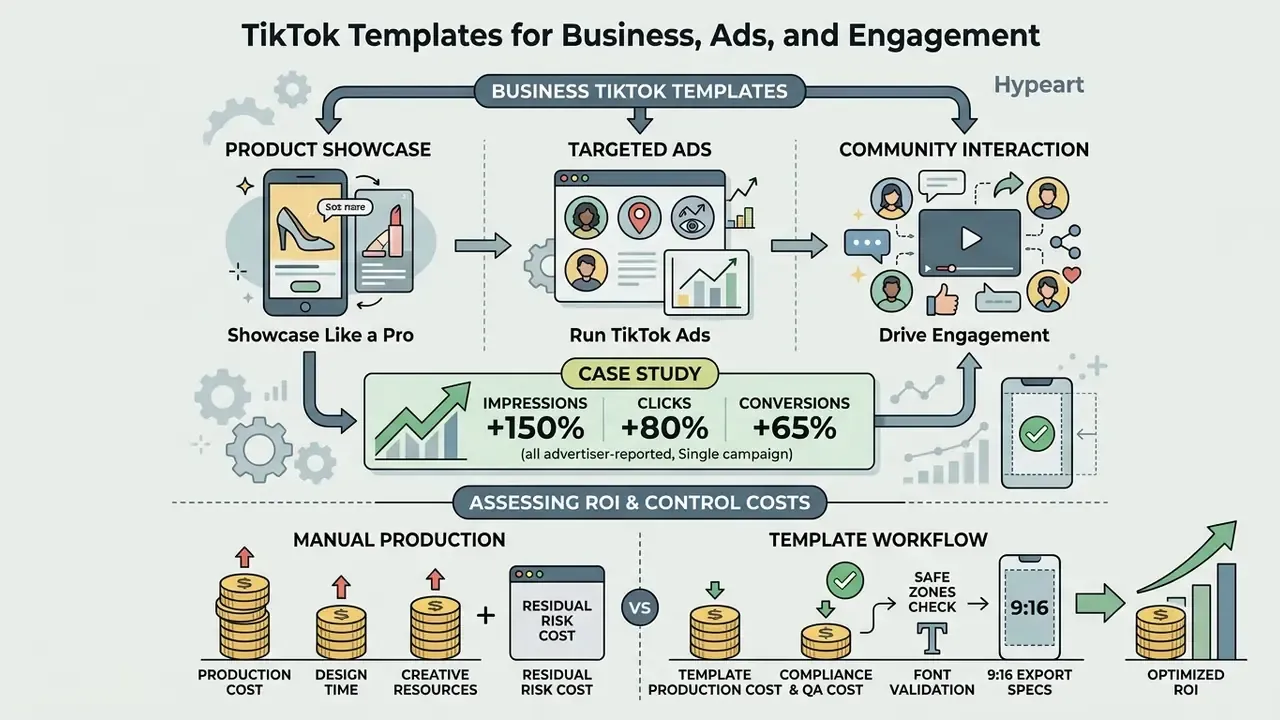
Businesses use video templates tiktok structures on social media to showcase your products like a pro, run targeted TikTok Ads, and drive community interaction. Standardized ad layouts lower production cost and hold brand consistency across performance campaigns, which is exactly what reviewers want to see before they approve spend.
According to TikTok For Business documentation (Video Template, TikTok Ads Manager, accessed 2026 - https://ads.tiktok.com/help/article/video-template), pre-formatted ad templates let marketing teams create effective advertising campaigns quickly, building "compelling ad videos with only a few assets" by selecting a template and uploading photos, text, and logos. The structured approach helps enhance engagement and interaction across target demographics, and dynamic templates can auto-generate effects, music, and stickers directly from catalog product details.
«Content trustworthiness and expertise positively influence purchases; authenticity and brand heritage show a U-shaped effect, extreme values reduce conversion». Short-Form Video Ad Characteristics Study, ScienceDirect (2024)
Templates for product, advertising, and brand content
Assessing ROI and control costs for a template workflow
Templates look cheap right up until compliance work is priced in. Use a simple, auditable model:
Net saving per video = (Manual production cost − Template production cost) − Compliance & QA cost − Residual risk cost
Where:
- Manual production cost = (editor hours × blended rate) + agency fee + stock and licence spend per asset.
- Template production cost = (template selection + media swap + text pass, typically 0.3 to 1.5 hours) × blended rate + subscription cost amortized per video.
- Compliance & QA cost = licence verification time per asset (audio, fonts, stock) + device safe-zone review + approval routing.
- Residual risk cost = probability of a muted, takedown, or claim event × expected loss (wasted media spend + reshoot + legal review).
Track four quality gates alongside cost: 3-second retention, completion rate, share rate, and the share of published videos that passed compliance on first review. If first-pass compliance falls below roughly 90%, the bottleneck is template governance rather than editing speed. Lock an approved template set with pre-cleared audio and fonts instead of letting every creator pick from an open catalog.
Ownership deserves one line of its own. Name a single accountable owner per template, with an approved role, access limits, and a documented escalation path. No evidence, no autonomy, and that applies to a creative pipeline as much as to any automated system. Benchmark subscription and API economics for automated production in our Google Veo implementation guide and AI Media Calculators. Corporate teams pursuing broader automation can review developer options in our api documentation.
Can you create your own TikTok video template
Yes. Organizations and creators can build custom tiktok video layout template frameworks for repeated internal or public use. A proprietary tiktok template video locks brand guidelines, primary typography, safe-zone margins, and graphic overlays in one place.
Working with fully customizable designed templates inside TikTok Ads Manager or external editors preserves intro structures, tiktok caption template placements, and tiktok outro template branding across a whole video series. Build the master file once at 1080×1920. Define locked layers (logo, legal line, CTA) and unlocked layers (media slots, headline), then distribute it as a read-only project so downstream editors cannot break spacing or swap in an unlicensed font. For custom packages uploaded to TikTok, respect the documented ceiling: Lottie ZIP, under 16 seconds, fps ≤ 30, 720×1280.
A practical save-and-reuse routine looks like this. Version the template (v1.0, v1.1) with a changelog. Store approved CML track IDs beside it. Keep an asset manifest listing every font and stock clip with its licence, and re-validate that manifest quarterly. The manifest is what makes a template auditable rather than merely convenient. Ask yourself the reviewer's question: if a claim arrived tomorrow, could you show where each asset came from within an hour?
For advanced visual projects involving image expansion or restoration before template assembly, creators often use AI outpainting tools to extend backgrounds to a full 9:16 frame, or prepare portraits with an AI headshot generator when on-camera talent is unavailable. A reel template built to the same specs will usually port to Instagram and Shorts with only caption-position edits, which is a cheap way to triple distribution.
FAQ
What is the best time to post on TikTok?
There is no universally optimal slot. It depends on your audience. Cross-category analysis spanning 129 hashtags and 11 categories found peak posting windows frequently fall between 9 AM and 12 PM in U.S. time zones. Test a three-slot rotation for two weeks before fixing a schedule.
What font do TikTok memes use?
Most meme text uses TikTok's Classic style (Proxima Nova – Semibold), TikTok Sans, the Typewriter style (close to Source Code Pro – Bold), or the Serif style (Georgia Bold).
What aspect ratio should I use?
9:16 at 1080×1920 for full-screen playback. 1:1 and 16:9 uploads are accepted but will not fill the screen and raise the risk of UI overlap.
Can I fully customize a TikTok video template?
Yes. Text, colors, fonts, pacing, transitions, and audio can all be adjusted, so a trend template still carries your brand identity.
What should I do if my commercial audio gets muted?
Do not re-upload the same file. Replace the track with a Commercial Music Library asset or a separately licensed one, re-export, and log which template contained the unlicensed audio so it leaves circulation.
How do I save a template for my internal team?
Export the master project at 1080×1920, lock brand layers, publish it as a read-only file or a shared CapCut or Canva brand template, and attach an asset manifest listing every font, sound, and clip with its licence status.
Do free templates allow commercial publishing?
Not automatically. "Free" describes price, not licence scope. Check the template's own terms, verify each embedded asset, and use a licence-information panel where the editor provides one.
Are trending CapCut templates always worth using?
No. Novelty drives performance, and heavily saturated templates lose reach as feeds fill with near-identical edits. Rotate templates, and keep one or two brand-owned layouts as a fallback.
Is it safe to download a TikTok template as an APK?
For a brand or regulated account, treat it as unsafe. Third-party APK bundles sit outside official distribution, carry no verifiable asset licences, and can violate device security policy. Use in-app templates, Ads Manager, or a mainstream editor instead.
Additional Resources & Ecosystem Links
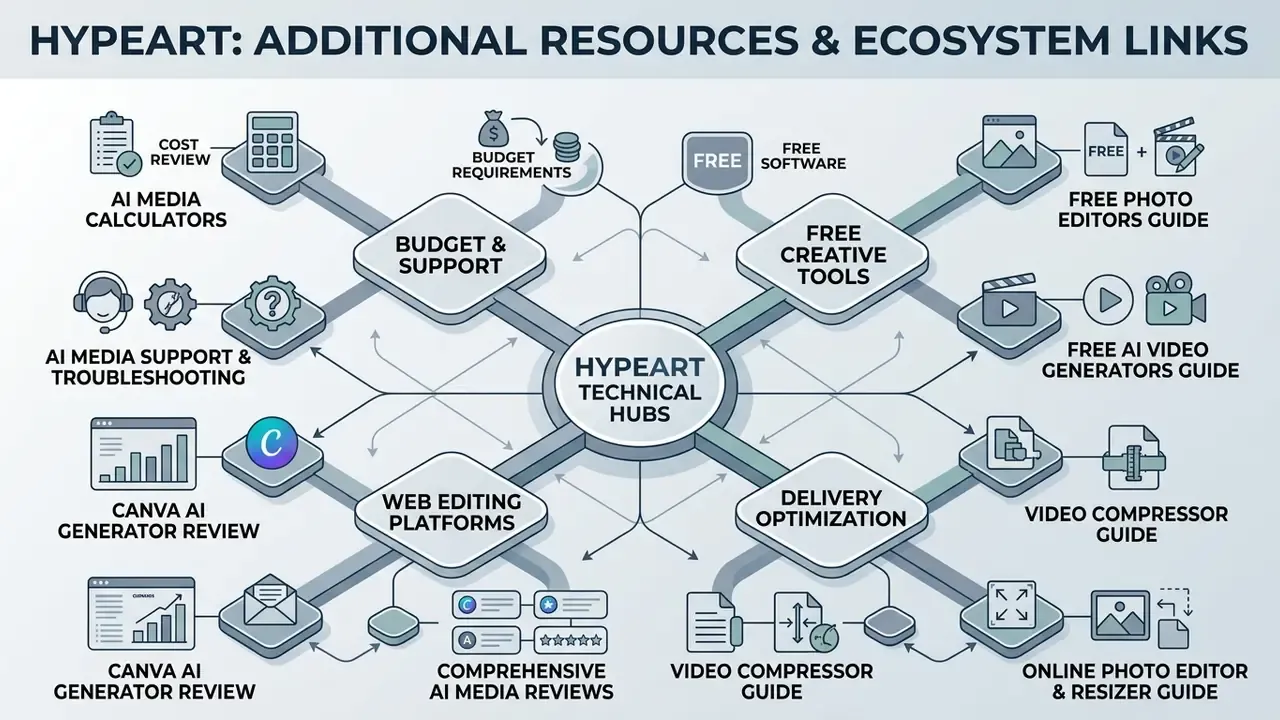
For full technical specifications, software reviews, cost estimates, and support paths, explore our technical hubs:
- Review budget requirements with AI Media Calculators.
- Access customer service via AI Media Support and Troubleshooting.
- Explore free software options in our guide to free photo editors and free AI video generators.
- Compare web editing platforms through our review of the Canva AI generator and the comprehensive AI Media Glossary.
- Optimize delivery files with our video compressor guide and prepare imagery with the online photo editor guide.