Executive summary
- Model syntax differs. Midjourney works with short tokens plus flags (
--ar,--v 6.1,--style raw,--stylize), Stable Diffusion with token weights(word:1.3)and negative prompts, DALL·E 3 / GPT Image with natural-language paragraphs, Flux with dense material-level description. - Refine iteratively. Change one parameter per iteration, keep the seed, stop at CLIP similarity of roughly 0.8 or after five iterations.
Last substantive review: September 2026. Platform terms of service for generative models change often, so re-verify licensing conditions before each commercial release.
with text "ARABICA 100%", plus a font style and a carrier surface.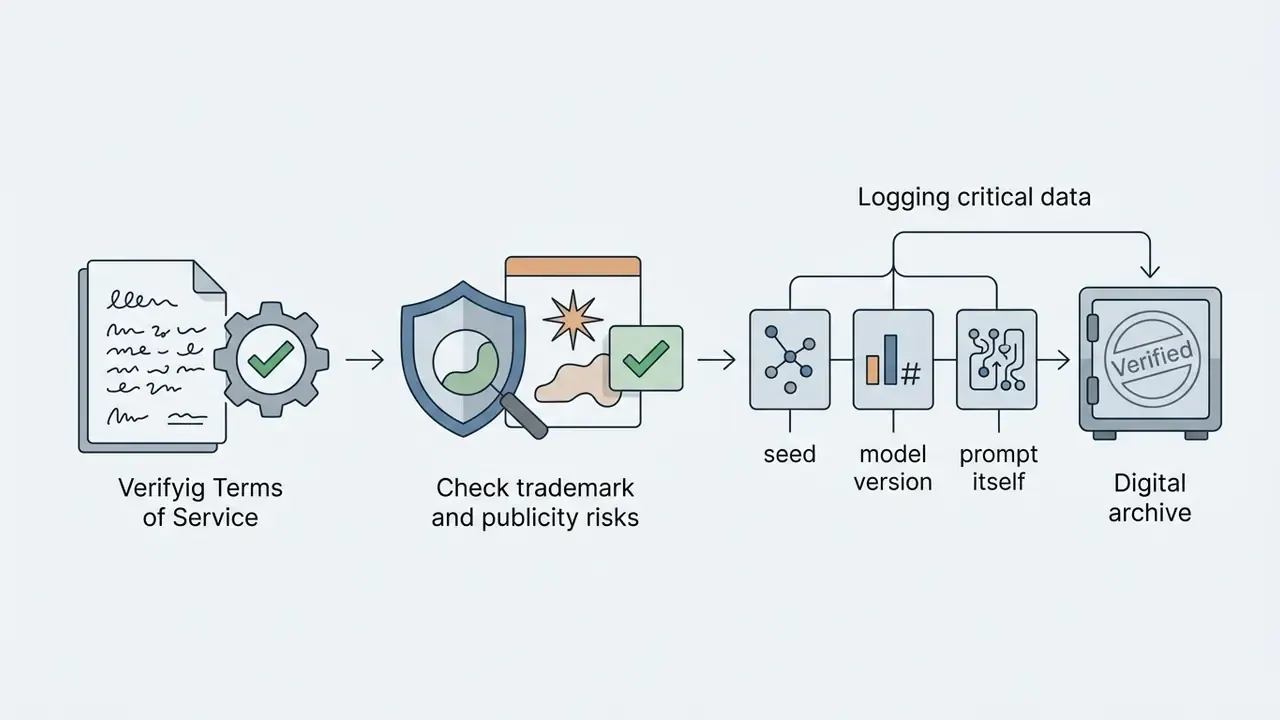
seed, the model version and the prompt itself for auditability.What an AI image prompt is and how it works
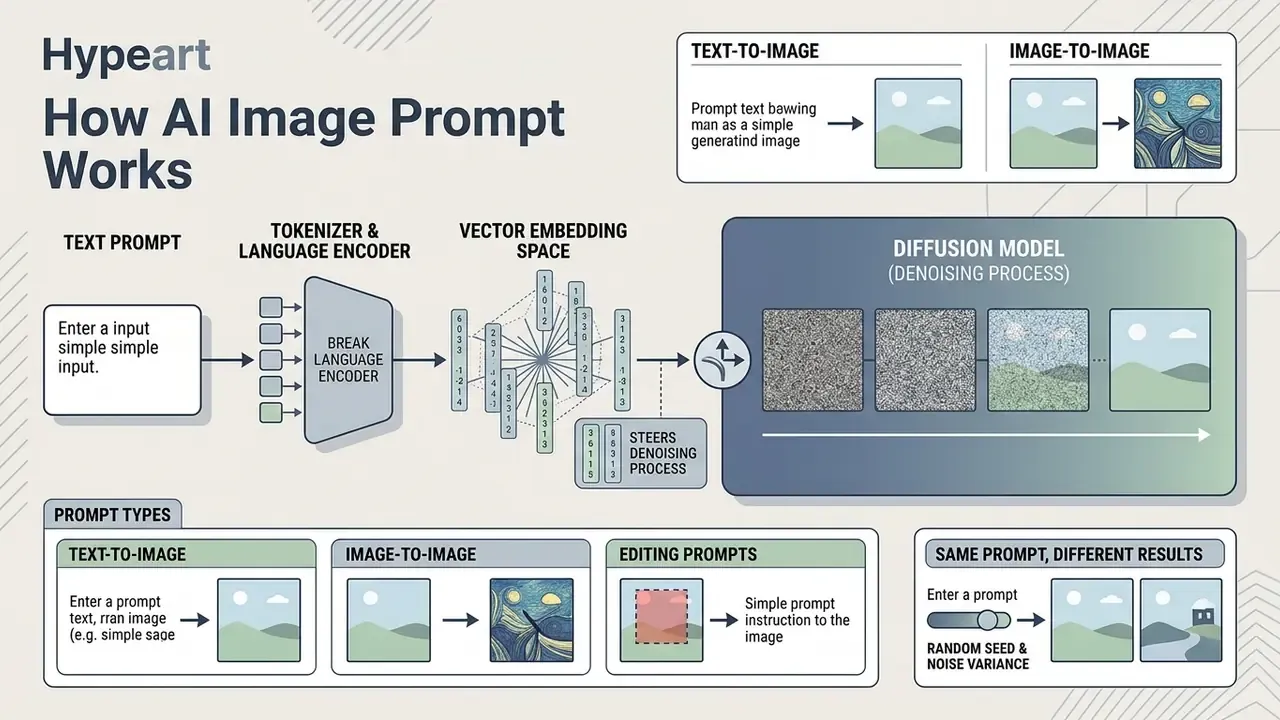
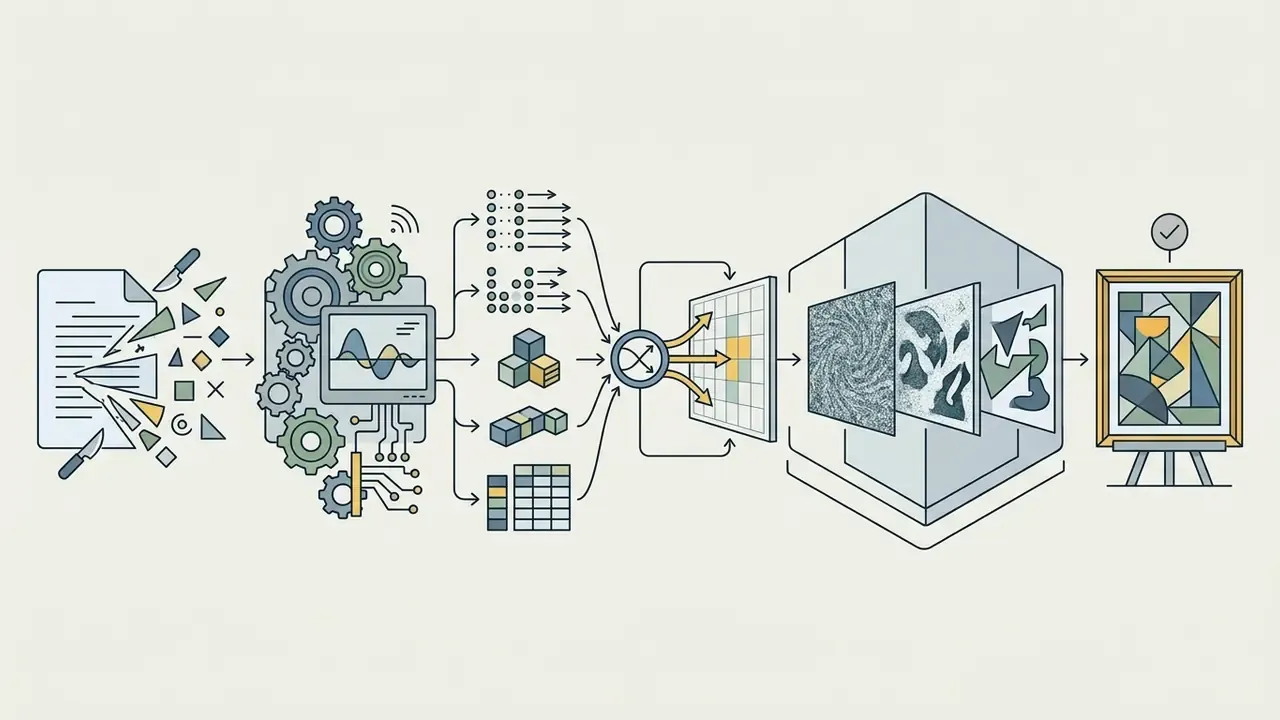
An AI image prompt is a text instruction that a tokenizer and a language encoder convert into a vector embedding space, which then steers the denoising process inside a diffusion network.
The principle of text-to-image generation is straightforward in structure and subtle in behaviour. A text encoder (CLIP or T5, depending on the architecture) maps text tokens into contextual vector representations. Those embeddings are injected through cross-attention layers into the generative model, which iteratively strips random noise from a compressed latent representation and finally decodes it into an RGB picture, the final image. Latent diffusion models such as Stable Diffusion do this in a spatially compressed latent space rather than in pixel space, which is exactly why prompt wording has a disproportionate effect on the composition that emerges.
«Even small changes in prompt wording directly shift CLIP semantic-alignment scores and the resulting composition.»
For developers and designers, one distinction matters more than any style trick: the initial creation of an object and its subsequent editing inside a specialised image generator follow different prompt grammars. Mixing the two is how teams end up rewriting good prompts for no reason.
Text-to-image, image-to-image and prompts for editing
Text-to-image generates an image from pure noise using text only. Image-to-image transforms an existing pixel array while preserving composition. Editing prompts (inpainting and outpainting) change only a masked region or extend the canvas beyond the original frame.
In text-to-image mode the single input signal is the text request. In an image-to-image scenario the network accepts a source file as a reference image together with the text, keeping the overall geometry and applying stylistic edits. For precise corrections, image-editing prompts are combined with vector masks: the input becomes image plus mask plus prompt, and only the masked pixels are replaced. Outpainting adds an expanded canvas and continues the scene past the original borders.
Research on region-adaptive diffusion (RDM, Huang et al., 2023) confirms that clear textual instructions applied to isolated regions make it possible to change specific entities without distorting background lighting or textures. To learn more about transforming finished graphic files, work through the ai edit image toolkit, study ai expand image solutions for canvas extension, or compare dedicated image-to-image generators that keep the source geometry intact.
Why the same prompt produces different AI generated images
Differences in output for an identical prompt come from the random seed, residual non-determinism in serving, the model or backend version (system_fingerprint), and built-in automatic prompt rewriting.
Even with a fully identical set of words, variability across generated images stays high because of pseudo-random noise initialisation. Reproducibility guidance from major providers is blunt about this: identical seed plus identical parameters is a best-effort guarantee, not a deterministic one, and backend changes are tracked through a version fingerprint. Serving stacks add the same caveat, since bit-wise repeatability usually holds only on the same hardware and the same software build.
«Participants using DALL·E 3 spontaneously wrote longer and semantically more similar prompts than users of DALL·E 2.»
The same authors found that a modern image generator may automatically enrich the original prompt before passing it to the diffusion block, which silently changes the resulting visual style. You never see the rewritten string unless the provider exposes it.
Technical clarification. Sampling parameters such as temperature and top_p govern token selection in language-model components, for example in the prompt-rewriting stage of DALL·E 3 or GPT Image, and not in the diffusion sampler itself. For the diffusion stage the equivalent levers are the seed, the number of denoising steps, the guidance scale and the sampler implementation. Treating those two layers as one thing is, in our experience, the most common source of confusion when teams try to reproduce a generation for a review board.
Practical consequence: if reproducibility matters in your workflow, fix the seed, record the model version, and follow the single-parameter correction procedure described further down in the section on changing a prompt one parameter at a time. That is where seed and fingerprint logging becomes a repeatable procedure rather than a good intention. For a detailed breakdown of commercial scenarios and baseline model capabilities, move to the ai creation workflows, or review a comparison of leading AI image generators to pick a model with predictable behaviour.
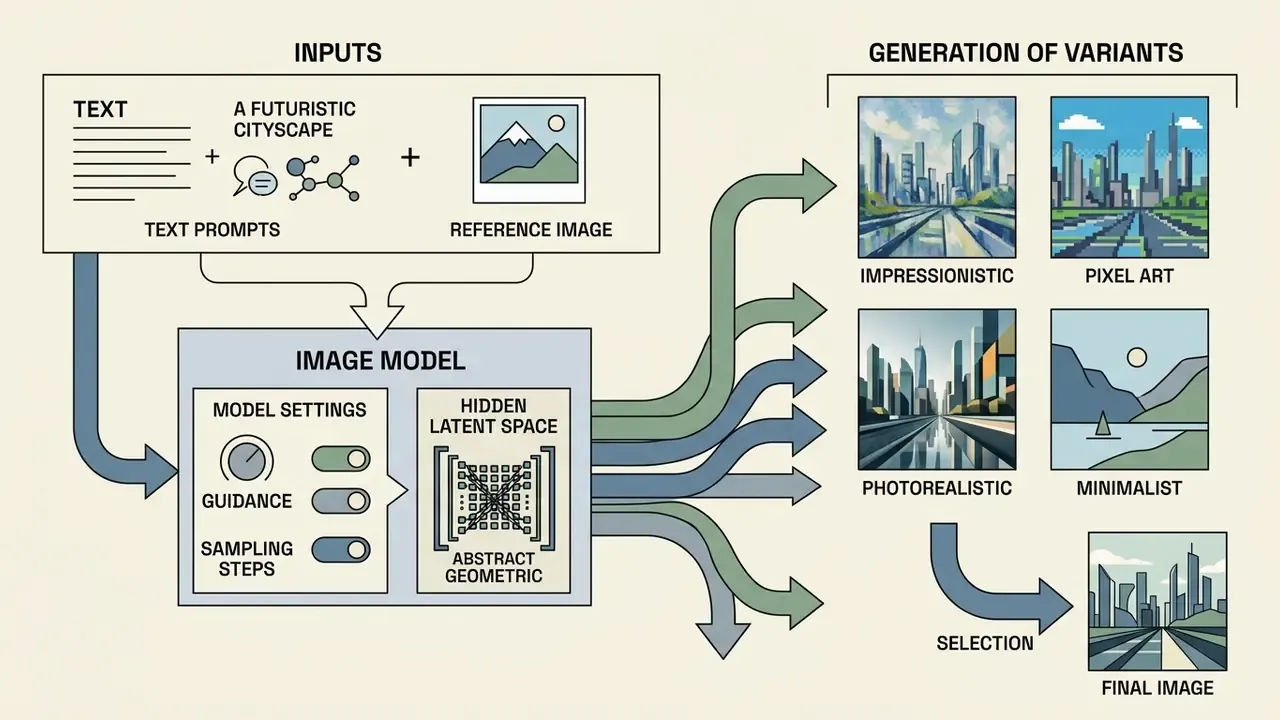
What a strong AI image generation prompt is made of
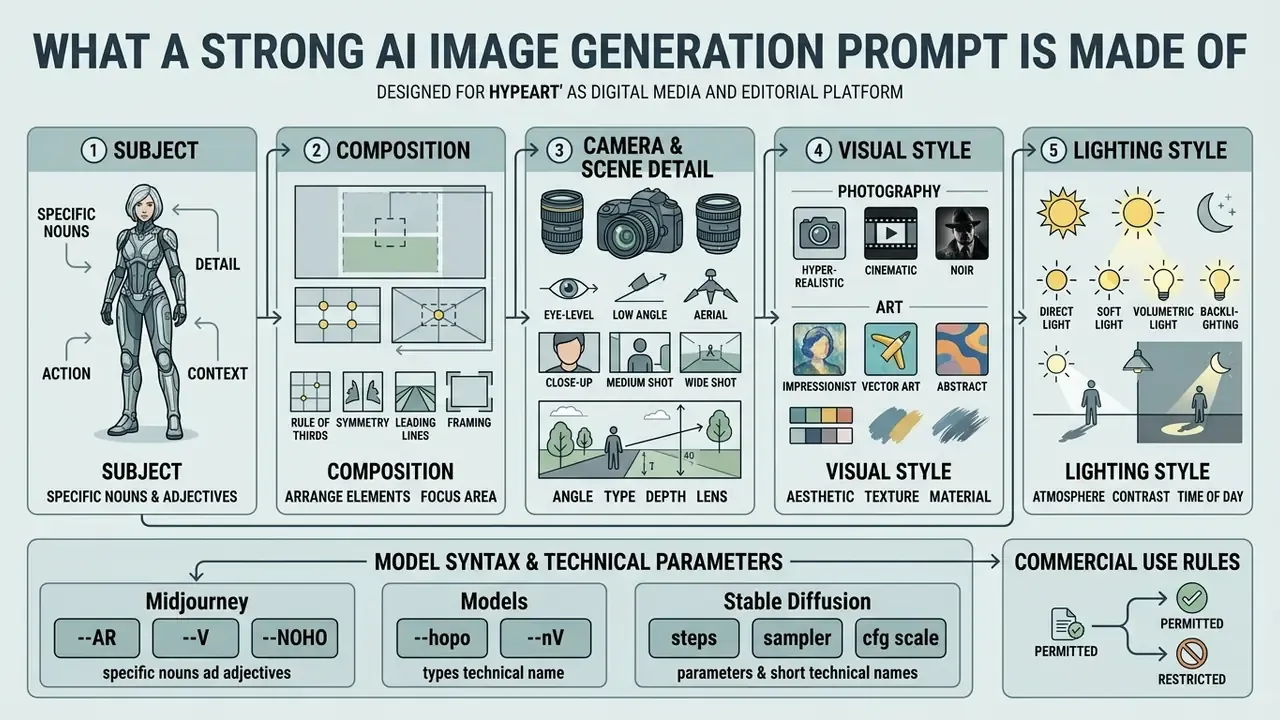
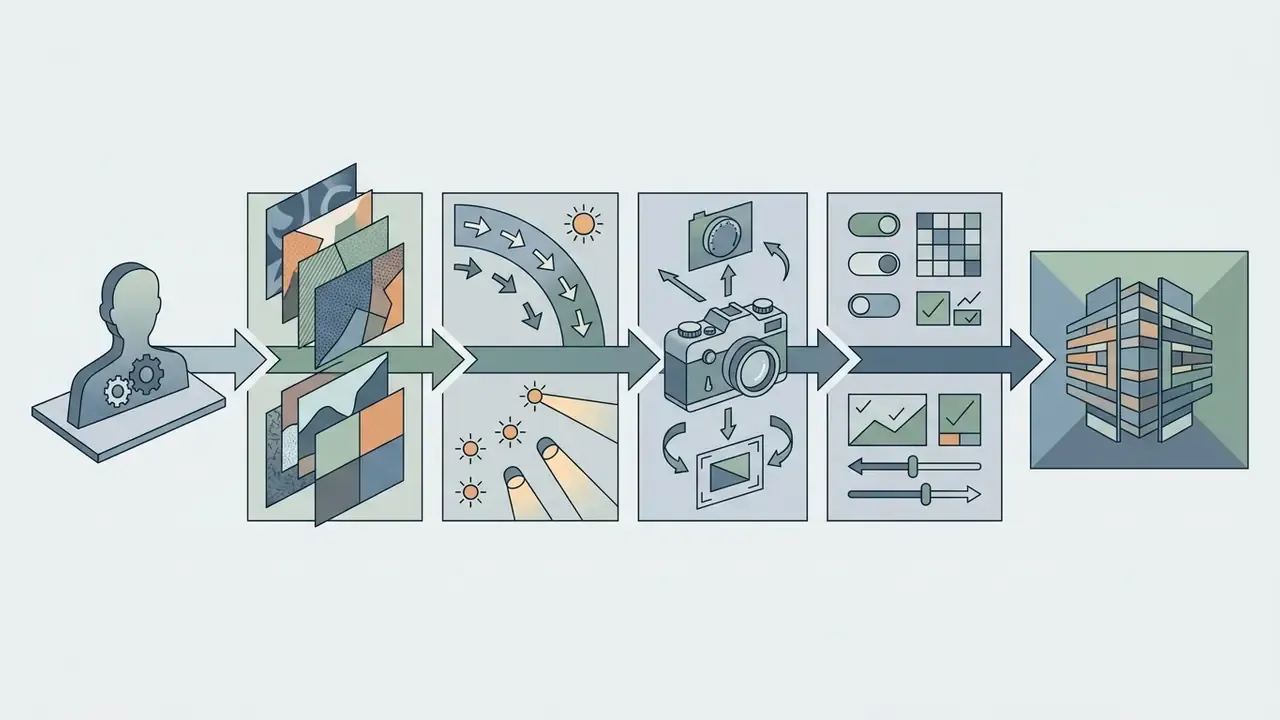
The structure of a strong prompt rests on five base elements: the subject, the visual style, the lighting style, the composition and camera angle, and the technical frame parameters (aspect ratio, resolution, negatives).
Vendor prompting documentation converges on a similar practical ordering. Start from the image you actually need, then specify subject, composition, style and constraints, moving from the main object to secondary details and exclusions. There is no single mandatory syntax, though. Official guidance from OpenAI explicitly allows short prompts, descriptive paragraphs, JSON-like structures, instruction lists or plain tag sets, and states that maintainability matters more than decorative formatting. Building a truly specific prompt therefore means dropping abstract filler and using precise object descriptors. Putting negative constraints in a separate field or clause removes artefacts, extra fingers and unwanted blur.
«Structured prompts that explicitly separate subject and style reduce composition errors compared with unstructured descriptions.»
Subject, composition, camera angle and scene detail
Describing the main object requires an action, a pose, external details, and a layered distribution of the scene into foreground, middle ground and background with an explicit camera angle.
When designing a scene, start with the main subject and its interaction with the environment (subject composition). Then fix the foreground, the middle ground and the background, and state the shooting angle: eye-level, low-angle or high-angle. Photographic practice treats composition as the deliberate organisation of the subject inside the frame, so props, depth layers and the focal point belong in the instruction rather than in your head. In commercial product visualisation, correct element positioning is the single thing that eliminates visual clutter.
To analyse an existing visual and extract its textual structure, use the ai describe image module. To polish the generated result afterwards, look at dedicated AI photo editors.
Style, light, frame format and technical parameters
Style tokens define the medium (from cinematic photography to line art), lighting sets direction and mood (studio light, volumetric), and aspect ratio defines the geometry of the canvas.
Stylistic tokens establish the aesthetic base of the frame: realistic photography, vector design or minimal line art. Lighting deserves its own block, describing source, direction, quality and mood.
«Adding precise camera and lighting parameters increases semantic consistency by 16%, improves text–image alignment by 5% and raises safety metrics by 48.9%.»
AI image prompt examples for popular tasks
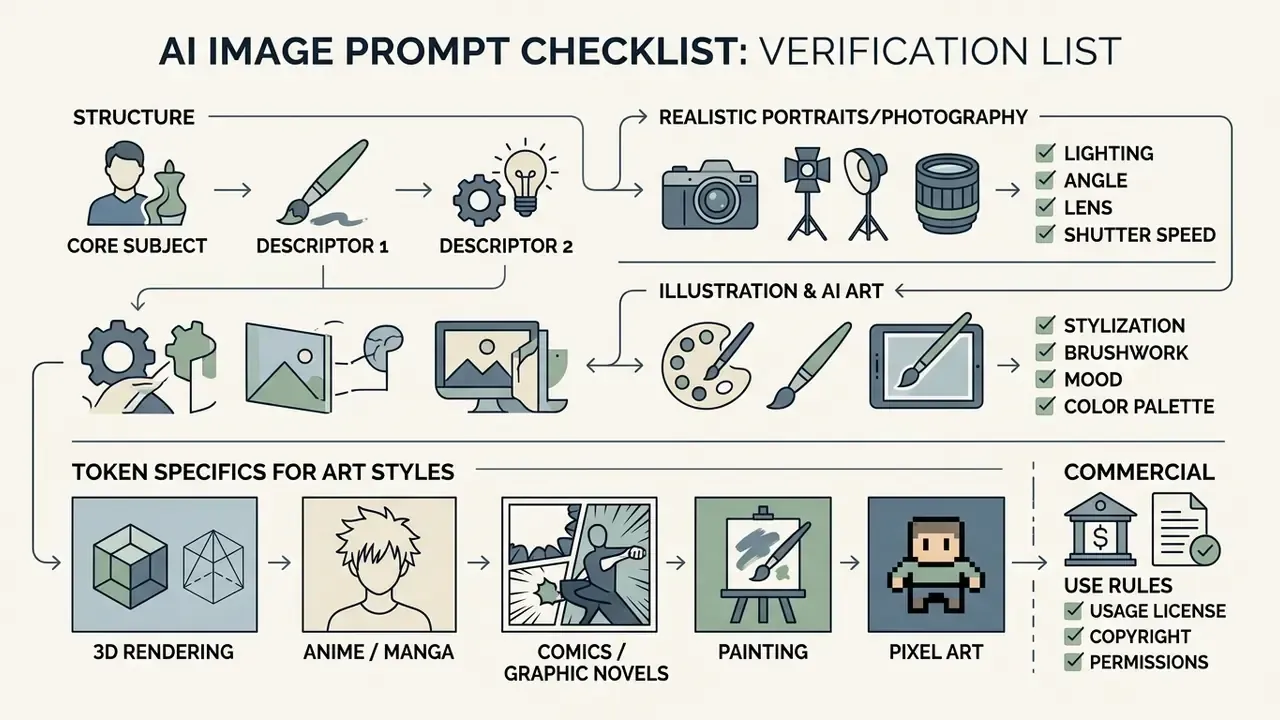
Prompts for realistic portraits and photography
Prompts for realistic studio photography require a stated focal length (85mm f/1.8), a lighting scheme (Rembrandt lighting, softbox) and textural skin detail.
For a studio-grade ai photo generator prompt, use professional optics parameters and cinematic light. That combination is what avoids the «plastic skin» effect typical of baseline generations.
- Template:
[Studio portrait of subject], [action or expression], 85mm lens, f/1.8 aperture, [lighting setup, e.g., Rembrandt lighting with softbox], natural skin texture, neutral seamless background, highly detailed, photorealistic - Example:
Studio portrait of a female fintech founder in a dark blue blazer, calm confident expression, 85mm lens, f/1.8 aperture, softbox key light from camera left, natural skin texture, dark gray seamless background, photorealistic - Advanced lighting example:
Medium portrait, single large softbox from camera left at 45 degrees, Rembrandt triangle on the shadow cheek, no fill, dark seamless background, 5:1 contrast ratio, 85mm at f/2.2, 5500K colour temperature
«Including focal length and lighting-scheme parameters in the prompt encodes composition constraints and reduces the number of artefacts.»
For terminology around graphic processing and generative AI in general, see the overview in the glossary of visual and AI terms.
Prompts for illustrations, AI art and stylised images
For artistic work, use key style descriptors (anime, line art, vintage, comic book, pixel art) without overloading the prompt with camera terminology.
Creating ai art is mostly about pairing an artistic technique with a colour palette. Lens parameters drop out, and the focus shifts to the graphic properties of the medium.
- Template:
[Subject] illustration, [visual style, e.g., line art / anime / vintage], [color palette], highly detailed, clean lines, artistic composition - Example:
Futuristic banking server room illustration, line art style, isometric view, cyan and dark blue color palette, clean vector lines, minimal details, corporate visual style
Token specifics for art styles. Narrow, domain-correct descriptors are what separate an amateur ai art image prompt from a production one:
- 3D rendering
Unreal Engine 5 render, Octane Render, ray tracing, clay material, isometric view, soft ambient occlusion, subsurface scattering - Anime and manga
Cel-shaded animation style, shounen dynamic key visual, expressive eyes, vibrant colour palette, ink outlines with screentone shading - Comics and graphic novels
Comic book panel, bold ink linework, Ben-Day dots halftone shading, noir high-contrast shadows, exaggerated perspective, graphic novel art - Painting
Impasto oil painting texture, visible palette-knife strokes, watercolour wash, wet-on-wet technique, canvas grain, impressionist brushwork - Pixel art
16-bit pixel art style, sprite design, limited colour palette, clean pixel edges, retro game aesthetic - Vintage animation
1930s cartoon, black and white, film grain, rubber-hose animation, retro style
To experiment with stylised graphics and fantasy concepts, test an ai fantasy art generator, and to choose the right engine for a given aesthetic, review the best AI art generators.
Prompts for typography, logos and text inside images
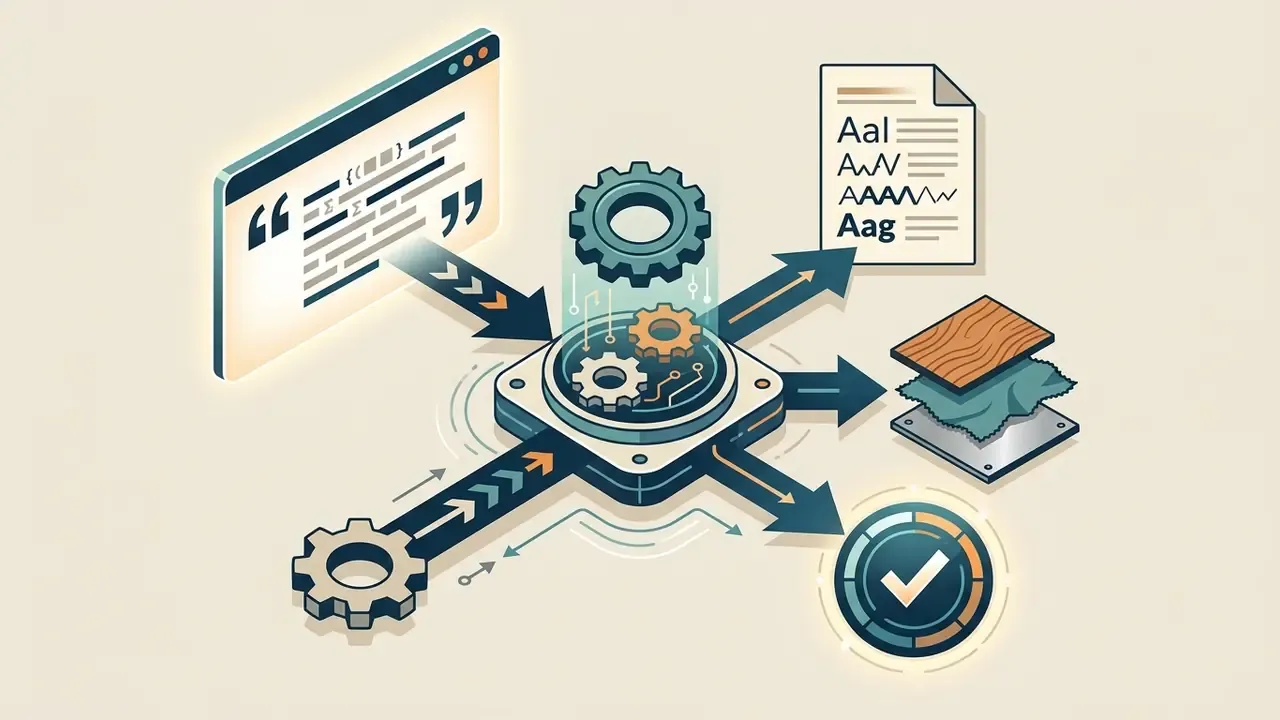
Rendering legible text requires putting the exact string in quotation marks and specifying the typeface, the placement and the carrier surface. Ideogram, DALL·E 3, GPT Image and Flux 1.1 Pro currently hold letter shapes with the fewest distortions, and Nano Banana Pro adds strong multilingual rendering.
Construction rules:
- Isolate the string explicitly:
with text "YOUR TEXT". - Name the carrier:
written on a neon sign,embossed on a leather cover,printed on a ceramic mug. - Define the typeface:
bold sans-serif typography,vintage calligraphic script,minimalist Bauhaus font. - Fix hierarchy and placement:
headline centred on the label, small caption in the lower third. - Add a negative clause for spurious lettering:
no extra text, no watermark, no gibberish characters.
Universal template:
[Design type, e.g., vector logo / coffee packaging mockup] featuring the text "[EXACT TEXT]" in [font style], [placement, e.g., centred on the label], [colour palette], clean graphic design, 8k resolution
Example:
Craft coffee bag mockup featuring the text "ARABICA 100%" in bold rustic serif typography, printed in matte gold foil on dark brown kraft paper, centred composition, soft studio lighting, ultra-sharp focus
Example (signage):
Retro diner neon sign reading "OPEN 24H" in warm pink script neon tubing, mounted on a brick wall at dusk, shallow depth of field, cinematic bokeh, no additional lettering
One caution from practice: long strings degrade fast. Anything past six or seven words on a single line tends to lose glyphs, so split the copy into a headline and a caption instead of pushing one sentence.
Prompts for products, design and social media
Commercial prompts for products and social media focus on isolating the object, the brand palette, mockups and channel-specific composition.
For advertising creatives and social posts it is important to preserve copy space for text overlays and to keep reflections on glossy surfaces under control.
- Template:
Commercial product photography of [product], centered composition, [lighting style, e.g., soft studio lighting], clean podium, pastel background, 4k resolution, professional mockup style - Example:
Commercial product photography of a matte black credit card floating over a smooth light-gray podium, soft directional studio lighting, subtle gold reflections, clean background, minimal layout for social media banner - Example (hero image with copy space):
Premium editorial architectural image of a low-profile coastal studio integrated into a grassy dune, rammed-earth walls, weathered oak screens, eye-level three-quarter viewpoint, 35mm architectural look, soft golden morning light from the right, building placed in the right two-thirds, clean low-detail sky on the left for a headline, 16:9. No people, visible text, logo, watermark or distorted geometry
To streamline team work on media assets, browse the hub of ready-made scenarios in workflows, and for advertising production compare AI image generators licensed for commercial use.
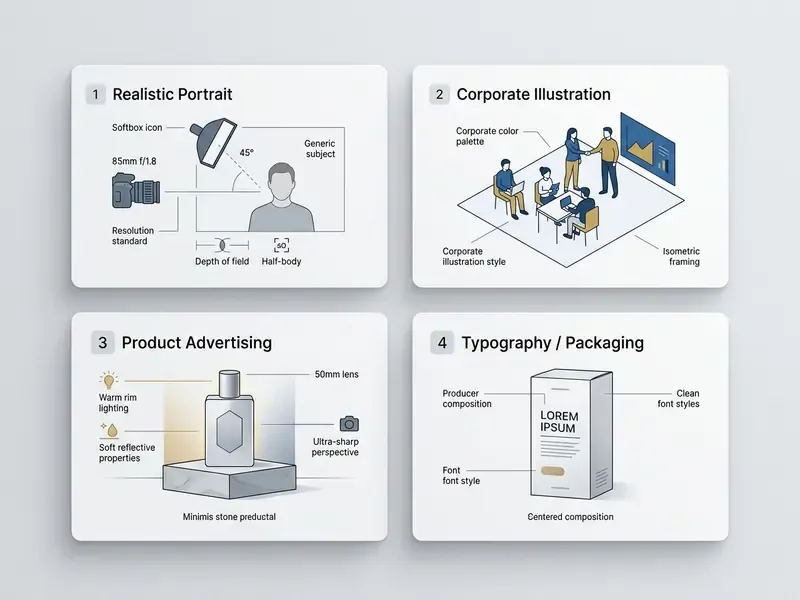
Universal fill-in-the-blank templates
A note on syntax: square brackets are a plain-text placeholder convention for humans, not a parser standard. Prompt-templating engines such as Microsoft Semantic Kernel and Langflow use curly braces ({{$variable}} or {variable}), so align the notation with your tooling before you automate template substitution.
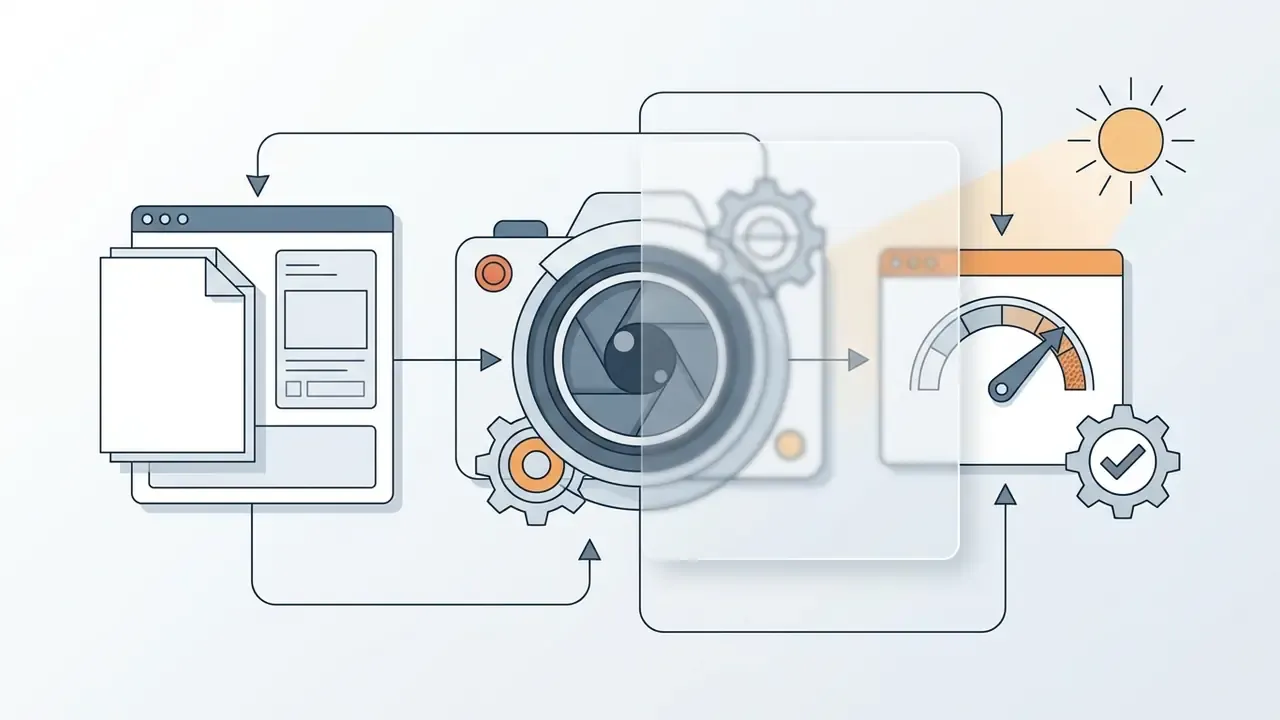
A realistic close-up photograph of [OBJECT], shot on [LENS, e.g., 50mm lens] with [LIGHT TYPE, e.g., golden hour light], detailed [TEXTURE], shallow depth of field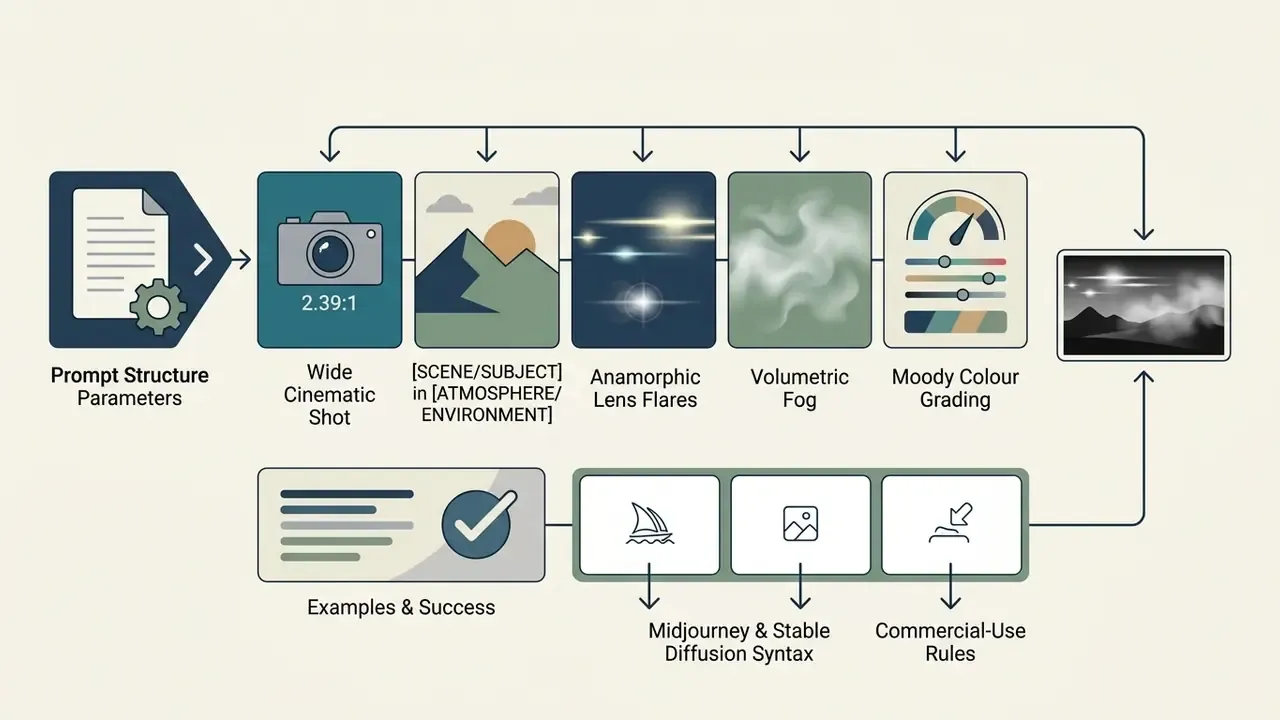
A cinematic wide shot of [SCENE/SUBJECT] in [ATMOSPHERE/ENVIRONMENT], 2.39:1 aspect ratio, anamorphic lens flares, volumetric fog, moody colour grading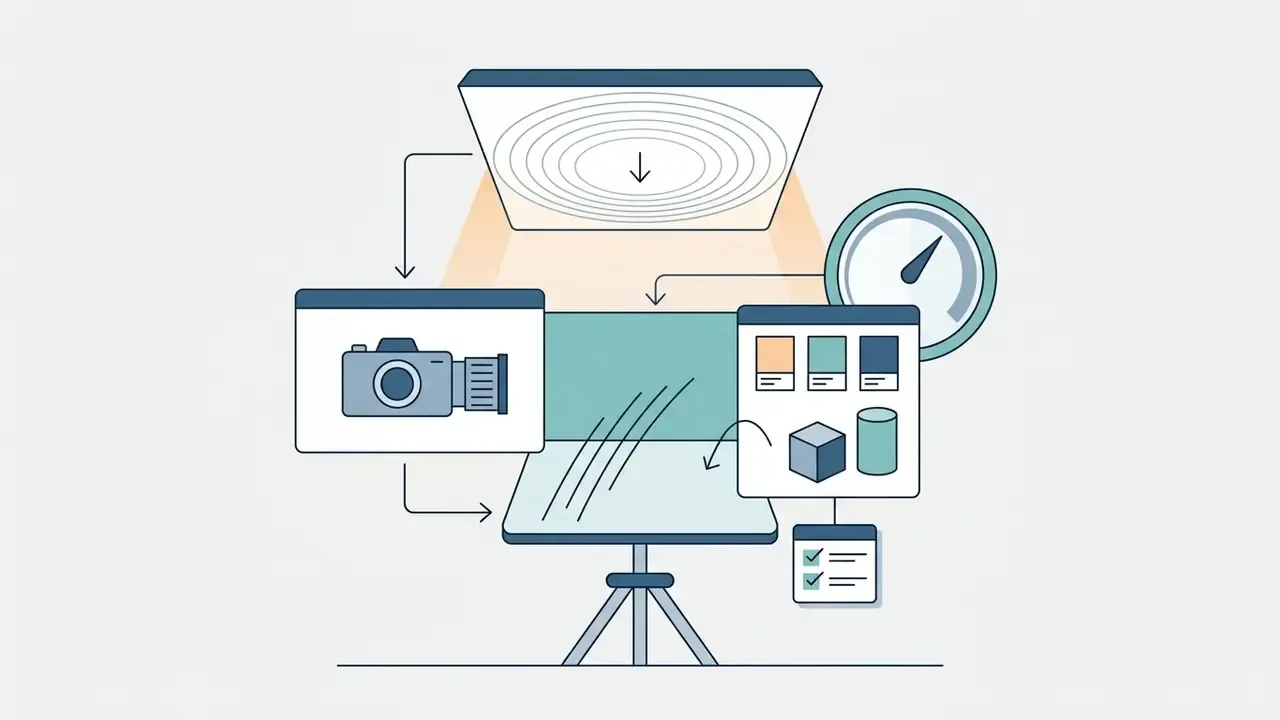
Minimalist commercial photography of [PRODUCT] placed on a [SURFACE], [LIGHT, e.g., soft directional softbox light], [PALETTE] background, professional studio setup
[SUBJECT] character design, [STYLE, e.g., vector line art], [COLOUR SCHEME] colour scheme, clean background, detailed costume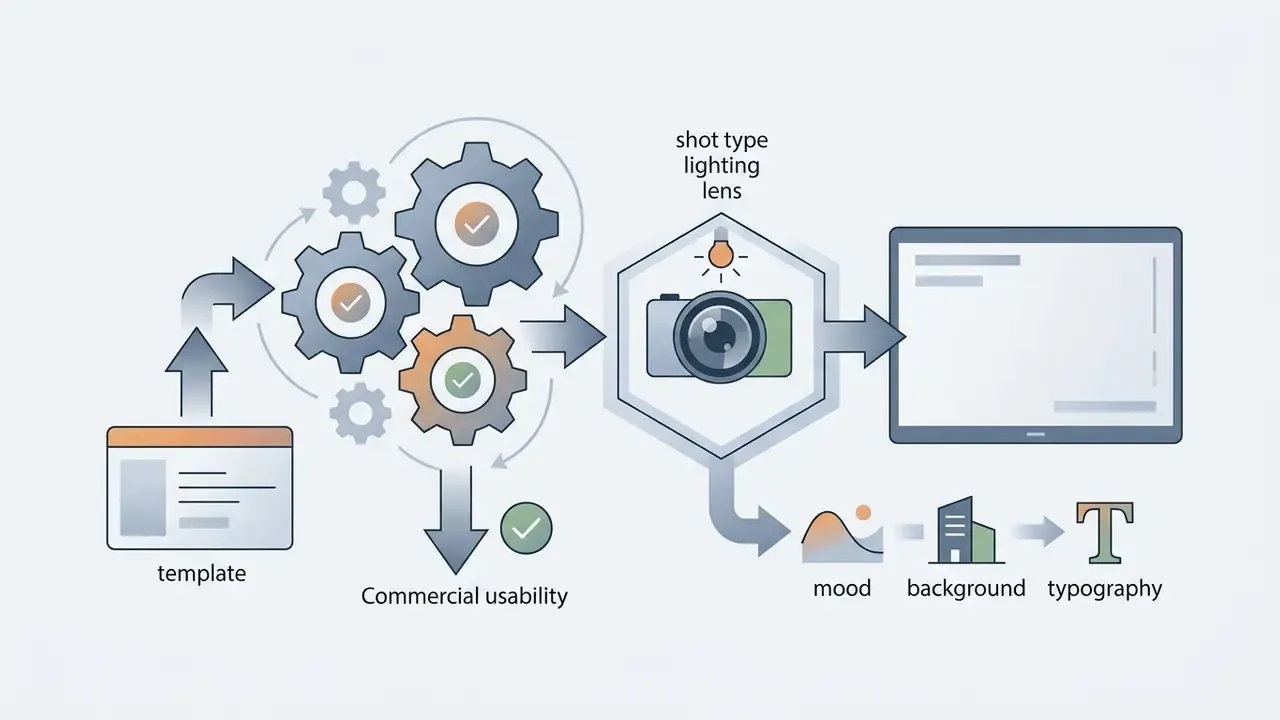
A [SHOT TYPE] portrait of [SUBJECT] lit with [LIGHTING SETUP], captured with an [LENS], [MOOD] mood, [BACKGROUND] backgroundHow to adapt an AI image generator prompt to different models
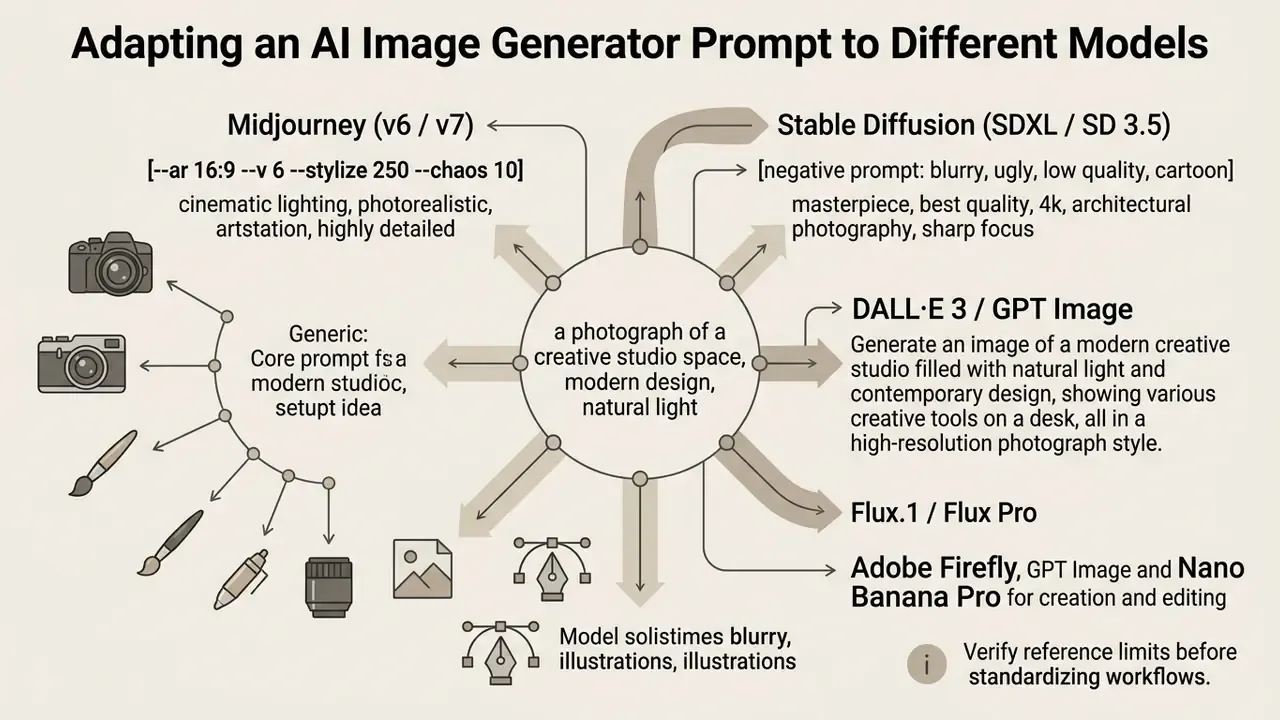
Every AI image generator uses its own language encoder and interpretation logic, so prompt structure has to be adapted to the specific network.
There is no universal syntax. Models react differently to text length, technical flags and descriptive metaphors. Rolling an image model into an organisation's workflow therefore starts with an honest analysis of its strengths and its blind spots.
How to choose an image model for photos, illustrations and design
Model choice depends on the priority task: diffusion models with large language encoders suit photorealism and text, while specialised systems fit artistic work and fast editing.
«For tasks with high demands on text rendering, choose models with strong text conditioning; for flexible style control, choose Midjourney and Stable Diffusion.»
Google's Imagen research adds a useful selection heuristic. Larger text encoders improve image quality, cross-attention improves text conditioning, and dynamic thresholding raises photorealism, which is why encoder size is a better proxy for prompt fidelity than raw output resolution. For editing tasks, the NIST image-generator evaluation plan separates generator quality from instruction adherence and edit faithfulness, so evaluate editing models on a dedicated benchmark rather than on generation quality alone. If you need to see what is currently on the market, explore the hub of analytical comparisons.
Prompt specifics for Midjourney, Stable Diffusion, Flux and DALL·E 3
Midjourney uses concise descriptions and parameter flags, DALL·E 3 is optimised for natural language, and Stable Diffusion and Flux require precise stylistic keys and token weighting.
Midjourney (v6 / v7): works with short comma-separated tokens and parameter flags appended at the end of the request. The
--stylize(or--s) parameter defaults to 100, ranges from 0 to 1000, and defines the degree of artistic interpretation.Construction:
[Subject], [Environment], [Style], [Lighting] --ar 16:9 --v 6.1 --style raw --stylize 250 --no blur, watermarkStable Diffusion (SDXL / SD 3.5): uses token-weight amplification and attenuation via parentheses and coefficients, plus a dedicated negative-prompt field.
Construction:
(photorealistic portrait:1.2), studio lighting, (sharp focus:1.3), 85mm lens. Negative prompt: (deformed fingers:1.4), blurry, low quality, bad anatomyDALL·E 3 / GPT Image: responds best to coherent natural language and descriptive paragraphs. For complex requests use labelled sections such as scene, subject, details, constraints. No command flags required.
Construction:
Scene: … Subject: … Details: … Constraints: no visible text, no logos. Intended use: web hero banner, 16:9.- Flux.1 / Flux Pro: wants a detailed natural-language scene description with precise texture and material specification, and it degrades when padded with decorative filler tokens such as
masterpiece,4kortrending on artstation.
For an applied comparison, see Midjourney measured against competing generators. For professional detail recovery in portraits and graphics, use specialised ai enhance image methods.
Adobe Firefly, GPT Image and Nano Banana Pro for creation and editing
Adobe Firefly, GPT Image and Nano Banana Pro support reference structures, multilingual text and built-in digital watermarking for commercial safety.
Adobe Firefly lets you upload structure and style references, and its help documentation notes that prompts should be at least three words long to be interpreted reliably. GPT Image accepts multi-image references addressed by index and description, combined with explicit preserve and change constraints. Nano Banana Pro (Gemini 3 Pro Image) handles multi-reference arrays and applies the imperceptible SynthID watermark to all outputs, per Google DeepMind's model documentation. Leonardo AI sits in between, exposing reference strength as an explicit control rather than a hidden weight.
Reference limits differ by product surface, so verify before you standardise a workflow. Krea's nano banana pro guide documents up to four reference URLs, Leonardo's API documents up to six reference images with LOW/MID/HIGH strength controls, and Google Cloud's Vertex AI documentation lists a maximum of fourteen input images per prompt for Gemini 3 Pro Image. The divergence is not a contradiction: each vendor documents its own integration ceiling.
| AI image generator / model | Prompt-following accuracy | Text rendering in image | Reference image support | Commercial safety | Data protection via API |
|---|---|---|---|---|---|
| Midjourney (v6/v7) | High (needs stylistic tokens) | Moderate | Style / character references | Rights for paid subscribers; broad platform licence to inputs and outputs | Public-by-default modes; private modes on higher tiers |
| Stable Diffusion (SDXL/3.5) | Depends on checkpoint and settings | Medium (needs dedicated modules) | High (ControlNet, IP-Adapter) | Open-source; licence-dependent (Commercial/Enterprise for business) | Full control with local or VPC deployment |
| DALL·E 3 / GPT Image | Very high (natural language) | High | Multi-image context with indexing | Clear OpenAI API terms; trademark and public-figure imitation prohibited | API data not used for training by default; verify current terms |
| Adobe Firefly | High (strict framing control) | High | Excellent (structure and style reference) | Full IP indemnification for enterprise | Generation history retained in enterprise storage until deleted |
| Nano Banana Pro (Gemini 3 Pro Image) | High (rewards specificity) | Excellent (multilingual) | Four to fourteen references depending on surface | Built-in SynthID watermarking | Enterprise controls via Vertex AI |
Read the table as a shortlist filter, not a verdict. Text-heavy packaging work usually lands on Ideogram, GPT Image or Nano Banana Pro. Style-driven campaign art still favours Midjourney. Anything touching regulated data belongs on a deployment you control.
How to improve a prompt and reach the intended final image
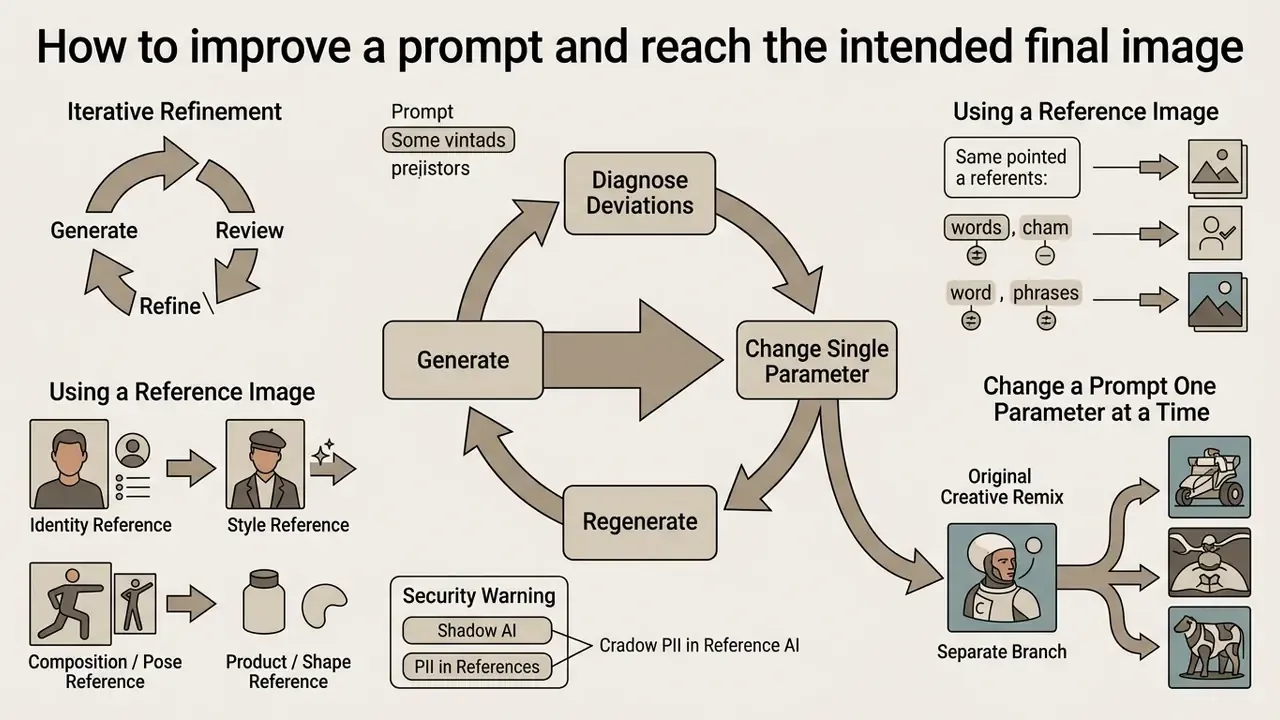
Iterative refinement follows a closed loop: generate, diagnose deviations, change a single parameter, regenerate.
Research on test-time prompt refinement shows that rewriting the whole request after the first failure destroys controllability. Tempting, but counterproductive.
«The optimal algorithm includes semantic-mismatch analysis; the stopping criterion is a similarity threshold of 0.8 on CLIP or no more than 5 iterations.»
Human-in-the-loop studies of target-image matching allow longer loops, up to ten iterations, because the objective there is convergence on a specific reference rather than model-alignment optimisation.
How to use a reference image without losing your own idea
Effective work with a reference image requires separating roles (style, composition, subject) and stating explicitly in the prompt what must be preserved («Preserve») and what must change («Change»).
To stop the network from blending the reference's style into the generated subject, keep the text blocks strictly delimited.
«Explicit conditions that preserve texture and lighting prevent composition drift when generating AI images from a reference.»
Explicit role assignment for reference images. When you pass visual anchors to the model, state which role each reference plays:
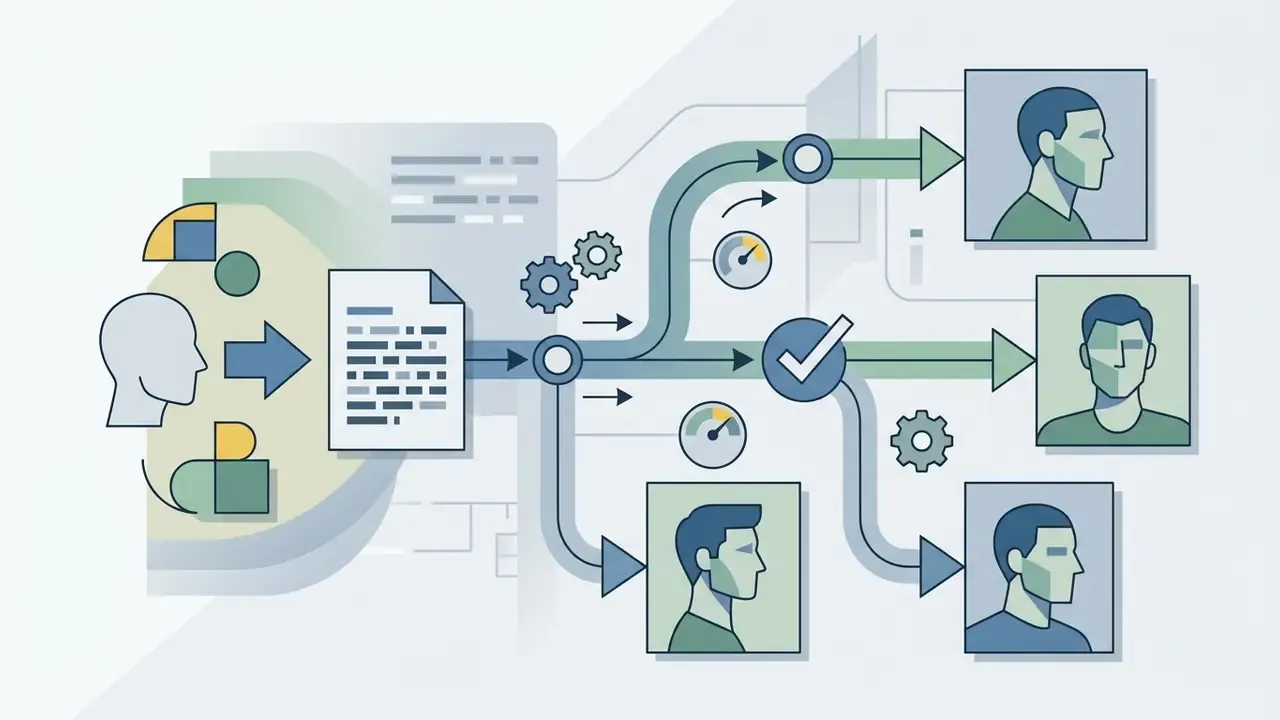
Maintain facial identity from Reference 1.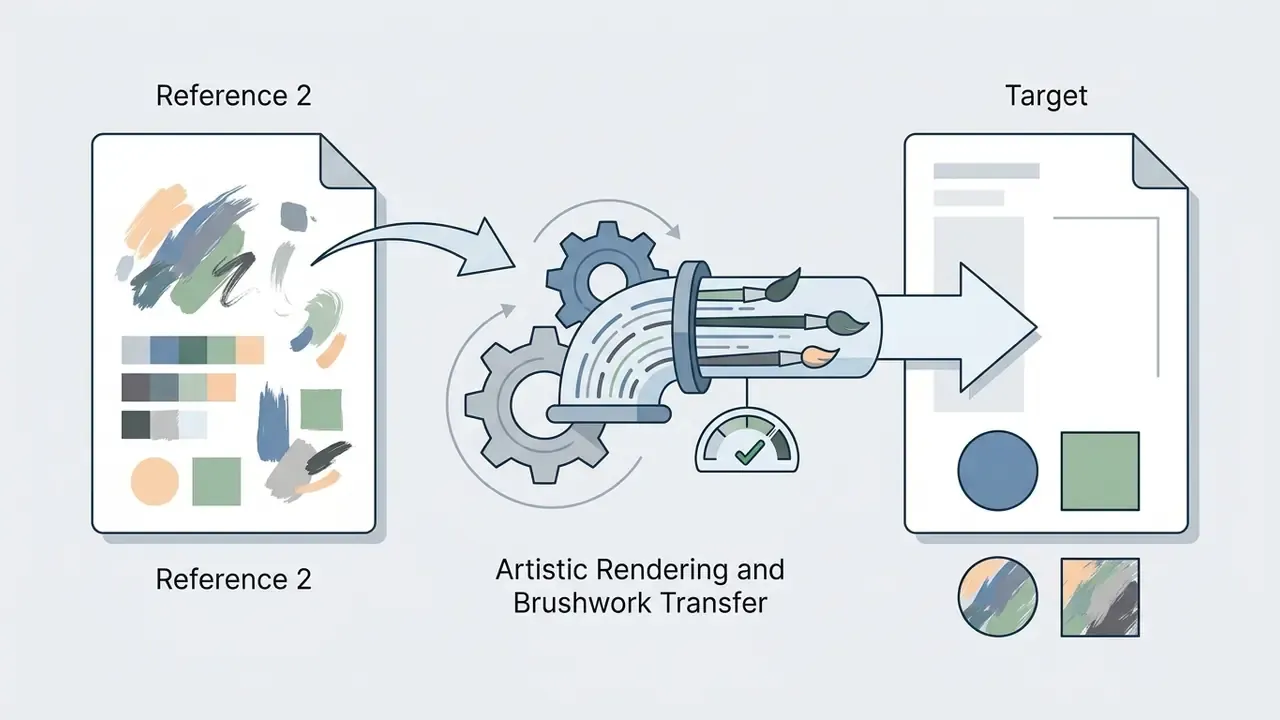
Apply artistic rendering and brushwork style from Reference 2.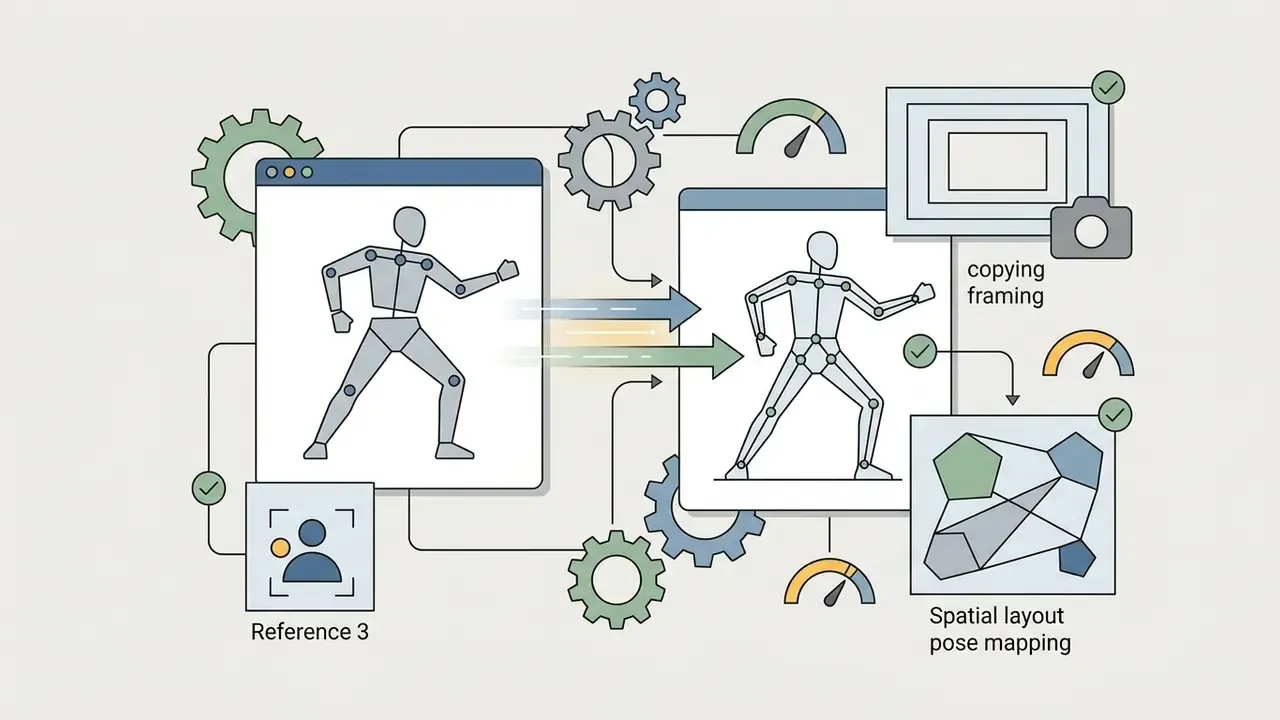
Use the spatial layout and character pose from Reference 3.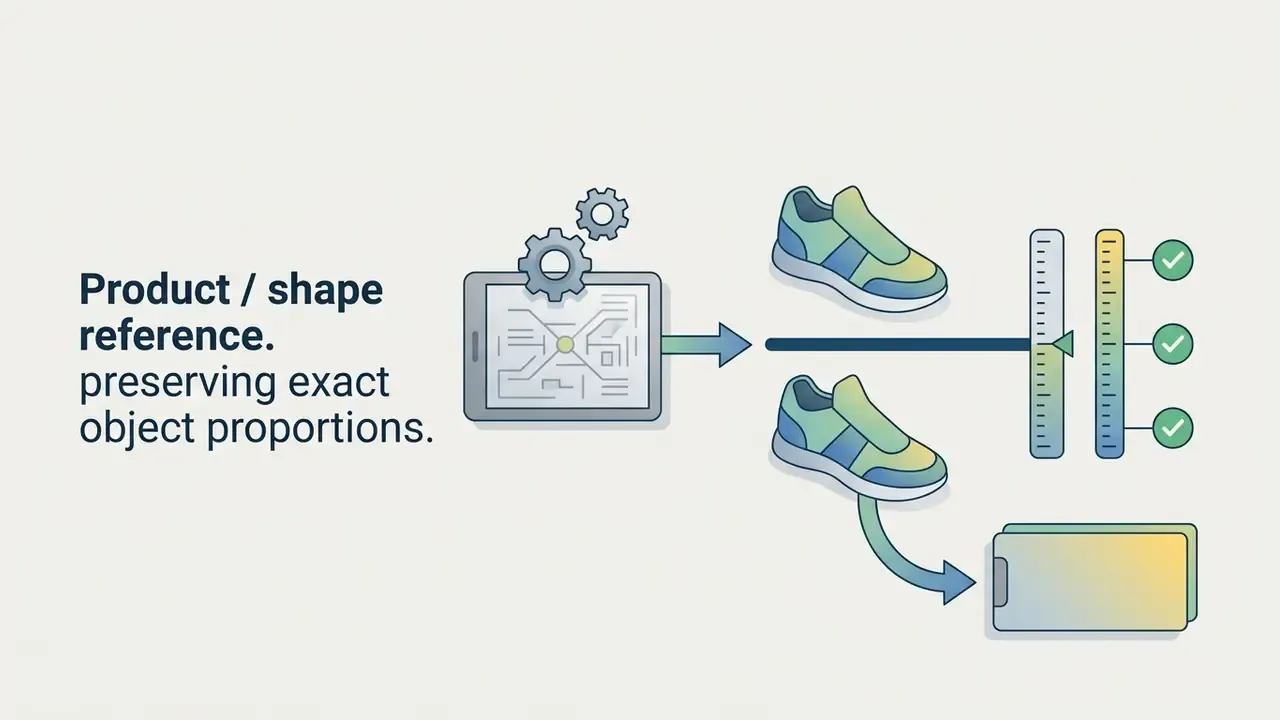
Keep exact product geometry and logo placement from Reference 4.Security warning: shadow AI and PII in references. A reference image is an upload, and an upload is a data-transfer event. Do not send unreleased product renders, internal documents, customer photographs or any personally identifiable information to public consumer endpoints. Several platforms retain generation history and reference files by default, and some keep a full-resolution copy plus metadata for indemnification purposes. In regulated environments, restrict reference uploads to enterprise or VPC deployments with a documented no-train policy, and record who uploaded what. That log is the difference between a controlled creative pipeline and an unmonitored shadow AI channel.
How to change a prompt one parameter at a time
Step-by-step correction means changing exactly one property per iteration, for example only the lighting style or only the aspect ratio, while keeping the seed and the base context.
If the object in the final image is good but the light is too dark, change only the lighting descriptor, say from dark ambient to bright studio lighting. Changing style, angle and subject at once destroys the determinism of sampling and makes the result impossible to attribute to any single edit. Provider guidance formalises the same loop: start from a clean base prompt, then refine with small single-change follow-ups such as «make the lighting warmer» or «remove the extra tree», instead of overloading the request.
Creative remix as a separate branch. Once the base generation is acceptable, run one or two deliberate remix iterations in which you change a single stylistic token: studio light to cyberpunk neon lighting, or photorealistic to impasto oil painting. The core subject and mood stay intact while the visual direction shifts, which often surfaces options no linear refinement would produce. Keep remix branches in a separate folder so they never contaminate the approved production line. If disputed questions or legal risks come up around content use, compare options in the litigation and rights section.
How to store templates in a prompt library
A personal prompt library is structured by task category, target model, variable set and versioning metadata for reusable prompts.
A corporate prompt library prevents duplicated effort inside a team. Vendor documentation frames it the same way: Microsoft Copilot Studio defines a prompt library as a set of predesigned prompts that act as templates to speed up prompt creation, and community libraries add tagging by task and role plus version history. Each reusable prompt record should contain:
- A name and a starting point (the base request).
- A list of dynamic variables in brackets, for example
[subject]or[lighting]. - The target model and its parameters (aspect ratio, seed, flags, negative prompt).
- An example of a successful final image.
- Audit metadata
seed, model version orsystem_fingerprint, generation timestamp, the operator, and the full raw prompt as submitted. For financial services and other regulated sectors this is what makes a generation reproducible and reviewable under model-risk-management practice. The SR 11-7 and OCC principles of documentation, validation and traceability apply to generative visual assets as much as they do to quantitative models, even though the assets themselves are not scoring models.
«Interfaces that emphasise text input produce more detailed prompts and broader topical coverage than platforms built around button-driven variant generation.»
Practical implication: keep the library's primary field a free-text prompt box, not a set of preset buttons. Final images pulled from the library often need resolution recovery before print or paid placement, so review the available AI image upscalers. For baseline configurations and starting solutions, compare options on the main product page.
Free AI prompt generators and criteria for choosing a tool
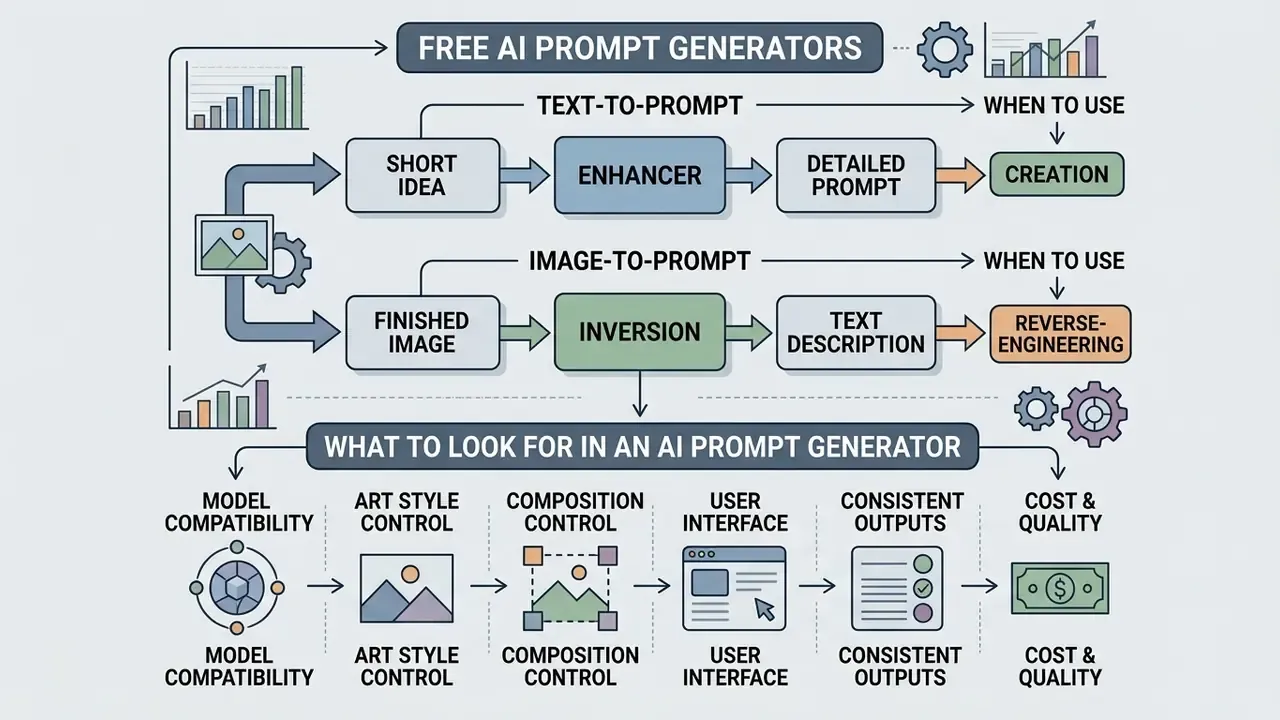
Free AI prompt generators help turn a short idea into a detailed prompt automatically, or extract a text description out of a finished image through inversion.
As generative AI matured, a whole market of free ai tools appeared for autocompletion and prompt optimisation. They split into text expanders (text-to-prompt) and reverse converters (image-to-prompt).
«Prompt coaching increases cognitive elaboration of requests and improves users' trust calibration toward the AI system's capabilities.»
When to use text-to-prompt and when image-to-prompt
Text-to-prompt enriches a generation idea from scratch. Image-to-prompt serves reverse engineering, data attribution and template building from references.
- Text-to-prompt the user types «coffee cup» and the generator expands it into a full description with materials, environment, steam behaviour and camera parameters. This is the forward creation path, and it is where most free ai image experiments begin.
- Image-to-prompt an image is uploaded and the algorithm reconstructs an approximate ai prompt that would produce a similar visual. Inversion research frames the use cases precisely: prompt recovery, data attribution, model provenance, watermark validation and reconstruction of visual editing instructions. The approach is close to indispensable when you build a prompt library out of existing design mockups.
What to look at when choosing an AI prompt generator
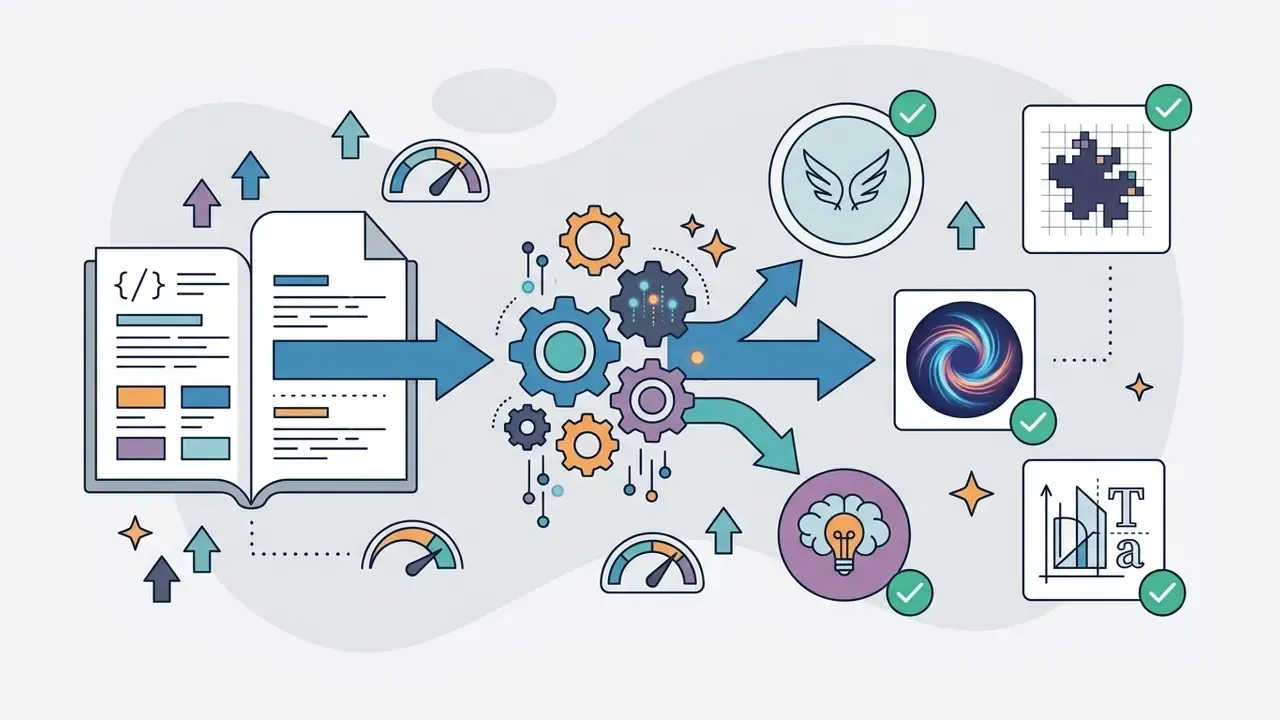
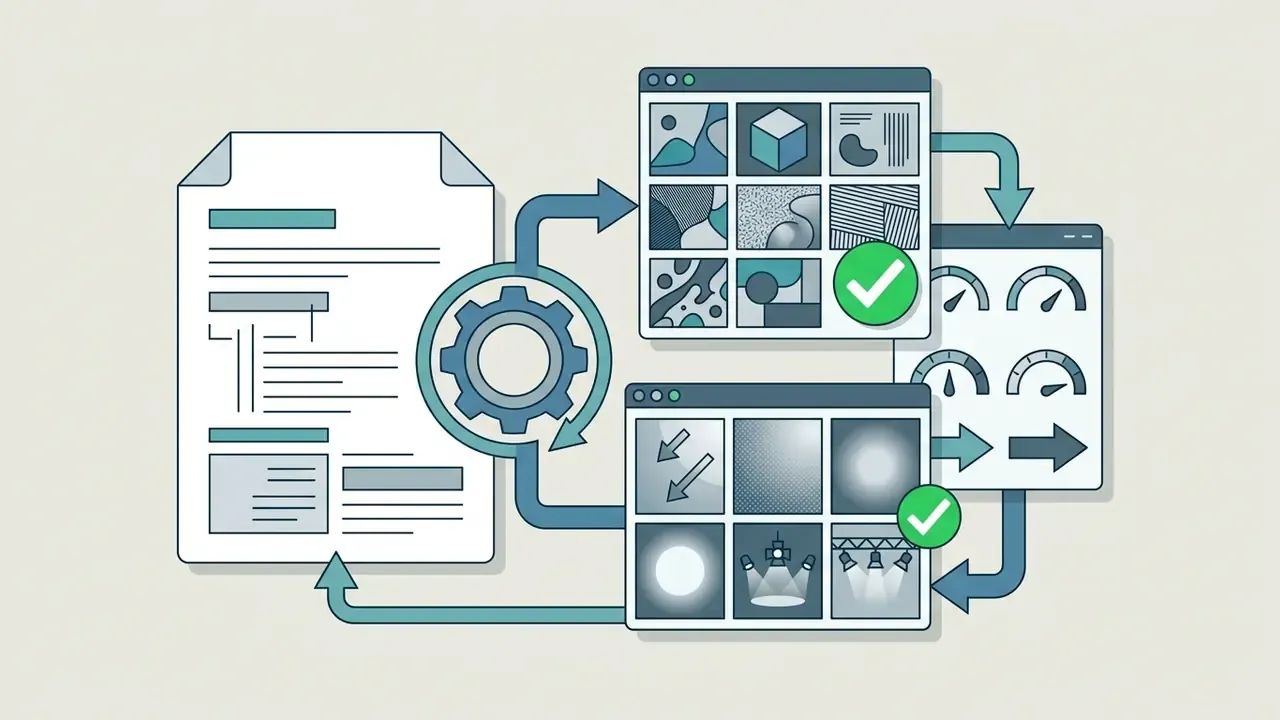
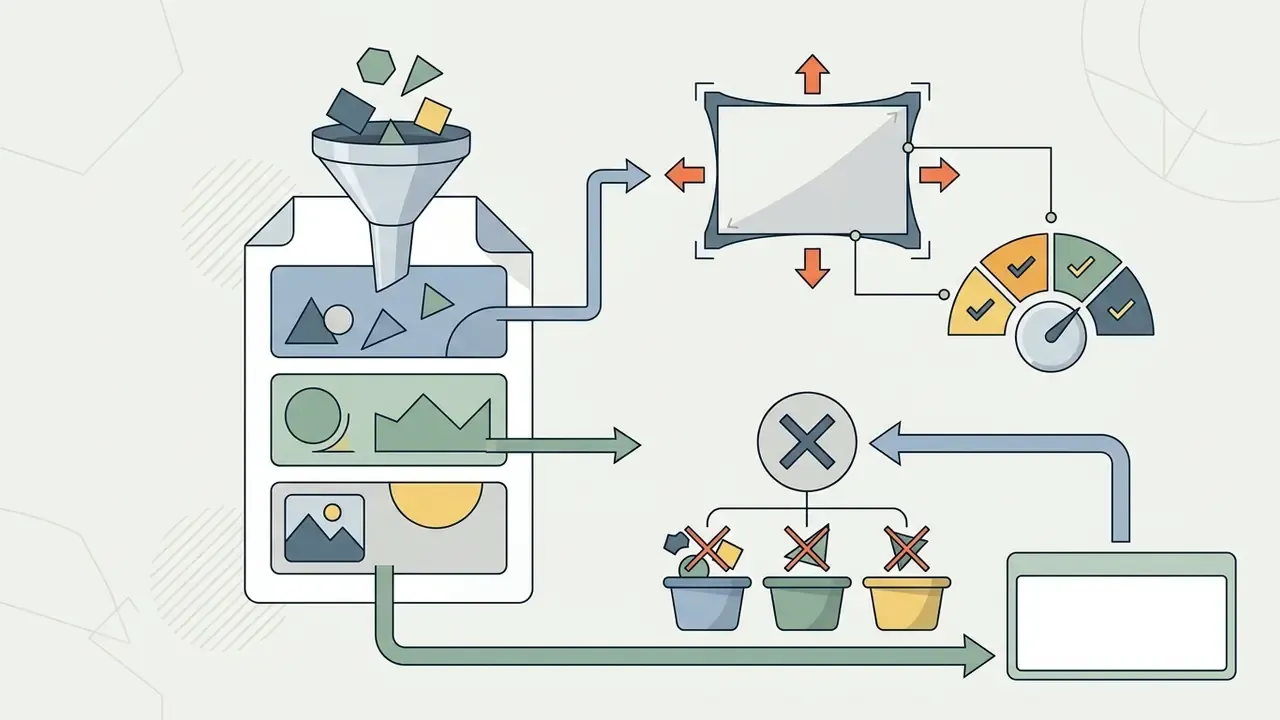
Selection criteria include the list of supported models, built-in text-editing functionality, support for visual references and structure preservation.
When evaluating an ai image generator free tier or a standalone generator prompt tool, check:
Remember what these tools do not do. A prompt generator returns a text instruction, not a picture.

Commercial use of AI generated images: what to check before publishing
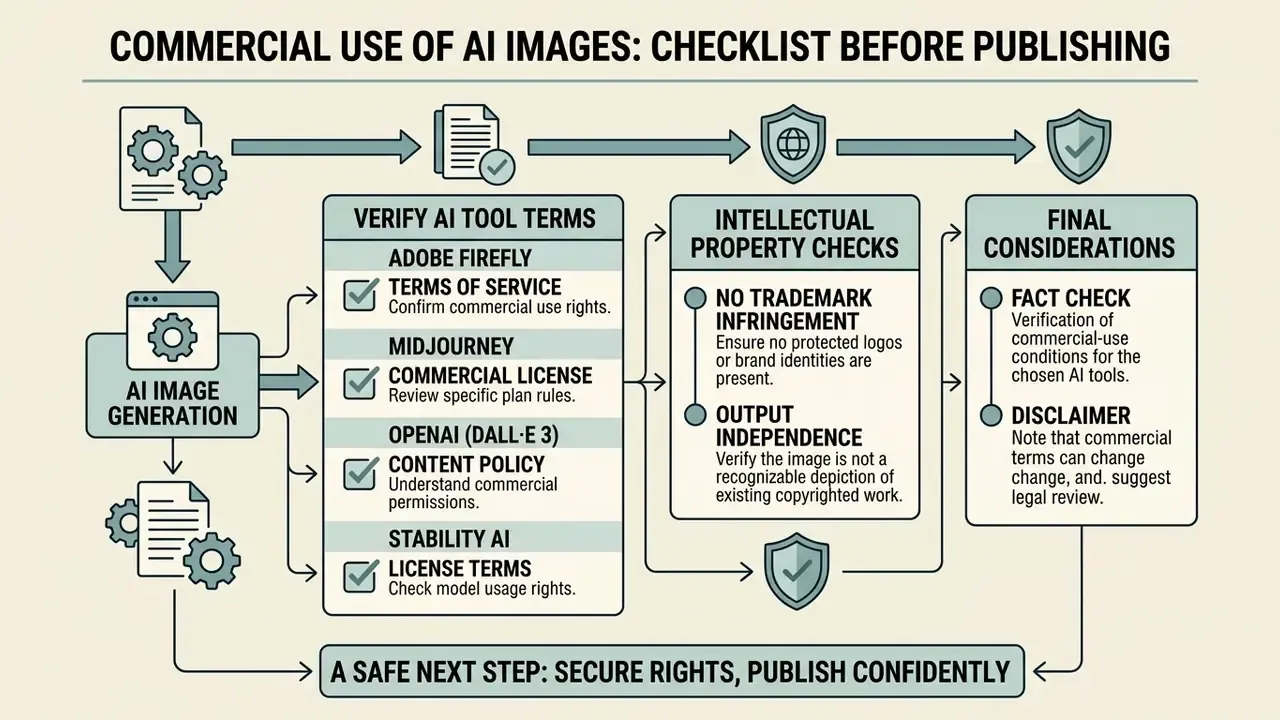
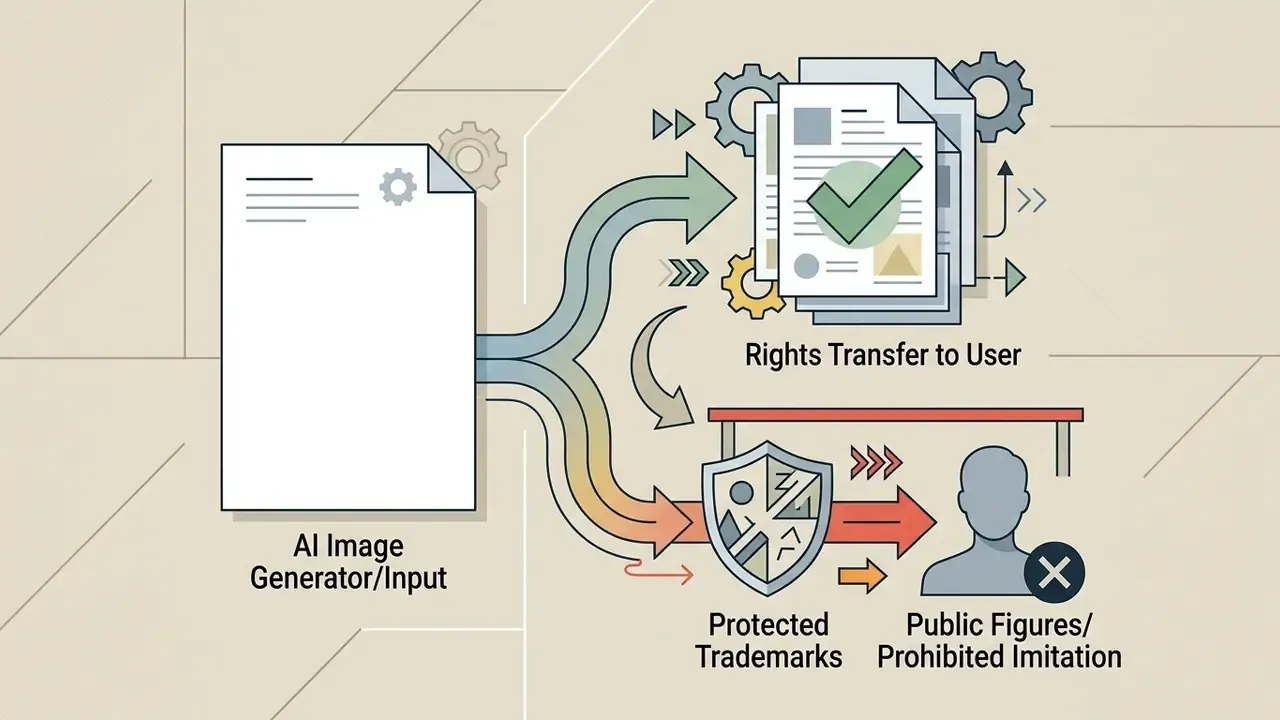
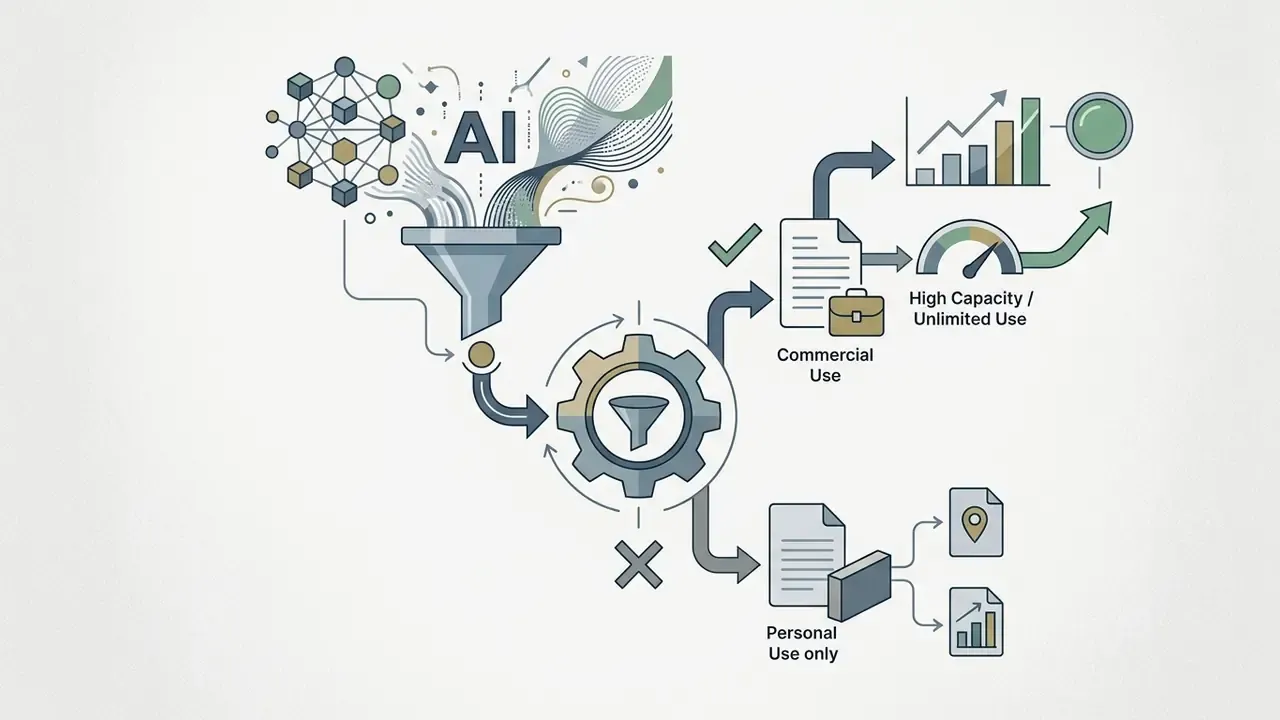
For commercial publication you must confirm commercial rights under the generator's Terms of Service, the absence of trademark infringement, and the fact that the output is not a purely automatic generation devoid of human authorship.
The U.S. Copyright Office (2023 to 2025) and European Parliament research (2025) confirm that images produced solely by a neural network from a simple prompt are not protected by copyright and may fall into the public domain.
«Copyright protection arises only where there is substantial human creative contribution: complex composition, hybrid compositing, or refinement in an editor.»

A safe next step. If you are formalising this inside a bank or a regulated fintech, start small: pick one visual use case, document the prompt, seed, model version and approver, then run a single audit rehearsal against that record. If the evidence reconstructs the image, you have a control. If it does not, you have a finding, which is still useful.
FAQ about AI image prompts
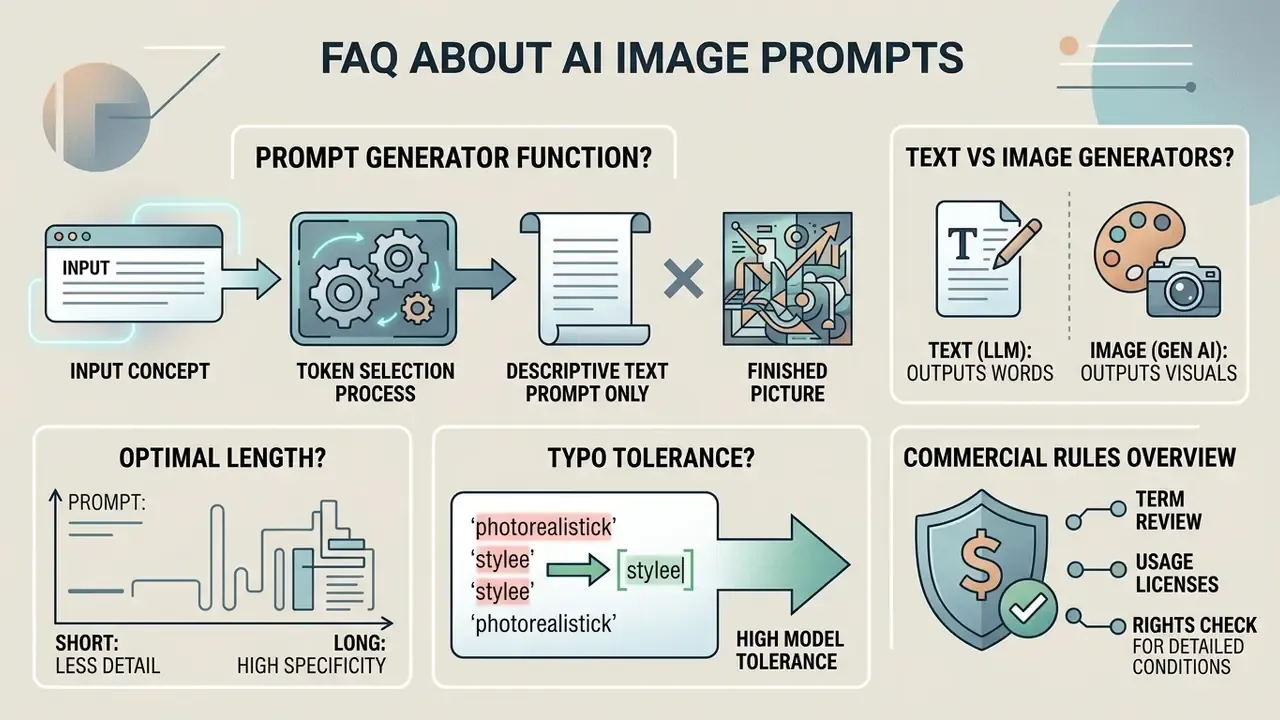
Does an AI prompt generator produce a finished picture or only a text prompt
An AI prompt generator creates a text instruction only. The final image is produced by a separate tool, an AI image generator.
A prompt-generation tool behaves like a text assistant that selects descriptive tokens. The result has to be copied into the target image generator to obtain a visual file. Once that split is clear, move on to the overview of AI image generators and pick the engine that will actually render the frame.
For general commercial rules on using neural networks, see the overview of commercial-use conditions.