Last updated: February 2026 · Reviewed for: model risk, accessibility compliance, and commercial licensing
Executive Summary for Decision Makers
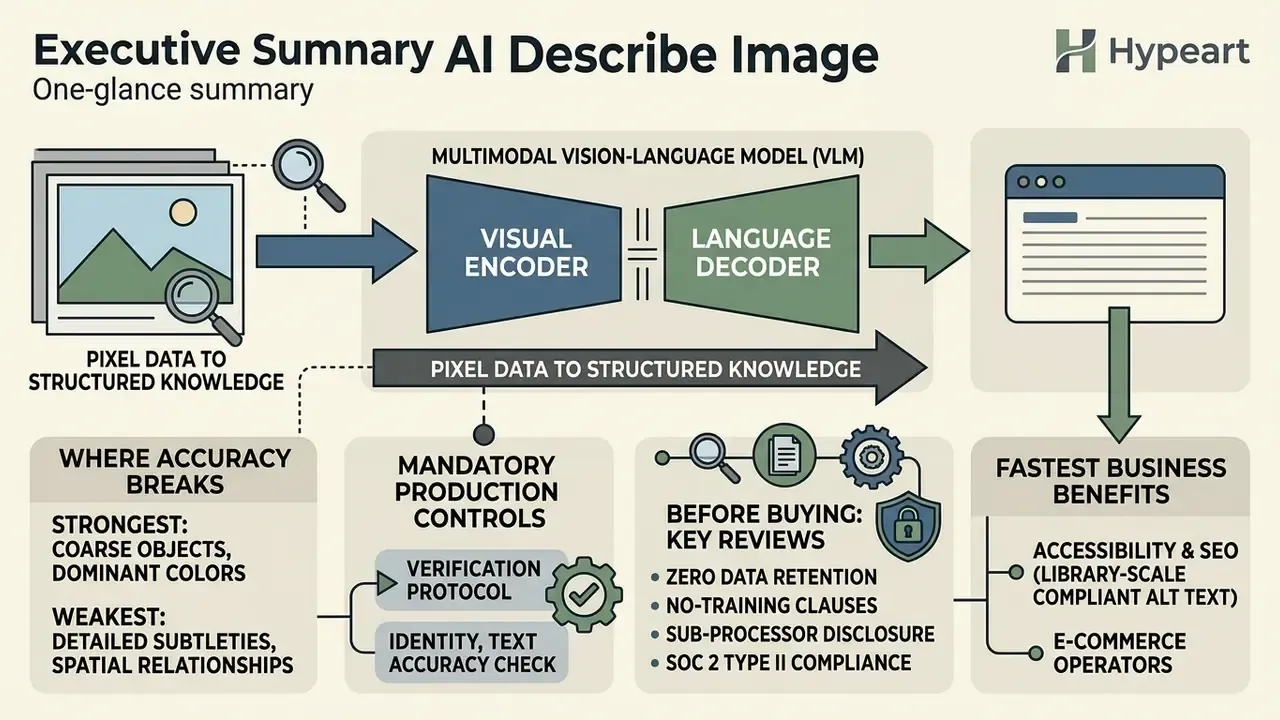
- What the technology actually is: An ai describe image system is a multimodal vision-language model (VLM), a visual encoder aligned to a language decoder, that converts pixels into captions, dense scene breakdowns, OCR transcripts, accessibility alt text, structured JSON, and reverse-engineered generative prompts in a single inference pass.
- Where accuracy breaks: Performance is strong on coarse objects and dominant colors. It is weak on micro-expressions, dense object graphs, low-contrast typography, and long-form description tails, where models drift toward language priors instead of visual grounding.
- What controls are mandatory: Production deployment requires an atomic verification protocol (identity, quantity, OCR fidelity, spatial relations), human-in-the-loop sign-off, prompt and response logging for audit trails, and explicit autonomy limits aligned with model-risk frameworks such as SR 11-7, the NIST AI Risk Management Framework, and ISO/IEC 42001.
- What to check before buying: Zero data retention, no-training clauses, sub-processor disclosure, SOC 2 Type II attestation, VPC or on-premise deployment options, batch and API throughput, and multi-model portability so the workflow is not locked to a single foundation-model vendor.
- Who benefits fastest: Accessibility and SEO teams (WCAG-compliant alt text at library scale), e-commerce catalog operations, document-intensive back offices (invoices, statements, forms), front-end developers converting UI screenshots into code, educators and test candidates (PTE Academic "Describe Image"), and creative teams reverse-engineering generative prompts.
Who this guide is written for. Three readers, one text. The first is a risk or compliance owner who must decide whether an ai image describer belongs in a controlled production pipeline at all. The second is an operations lead who already runs thousands of assets a month and needs throughput without publishing fabrications. The third is a practitioner (editor, catalog manager, developer, teacher, or test candidate) who simply wants a reliable description in a few seconds. Each section is written so the practical instruction sits next to the control that keeps it defensible. Where the evidence is thin, we say so rather than rounding up to a clean number.
Automating visual comprehension through artificial intelligence turns raw pixel data into structured, actionable text across enterprise platforms and digital publishing networks. Modern ai describe image systems use multimodal vision-language models to analyze visual scenes, extract embedded text, generate accessibility attributes, and reverse-engineer generative art prompts within seconds. Moving visual AI from an experimental pilot into a production workflow is the harder part. There you trade processing speed against model accuracy, data privacy, and regulatory exposure.
This guide breaks down ai image describer technologies, operational workflows, accuracy limits, enterprise use cases, and the risk framework a bank or mature fintech would actually accept.
What Is an AI Image Describer and What Descriptions It Creates
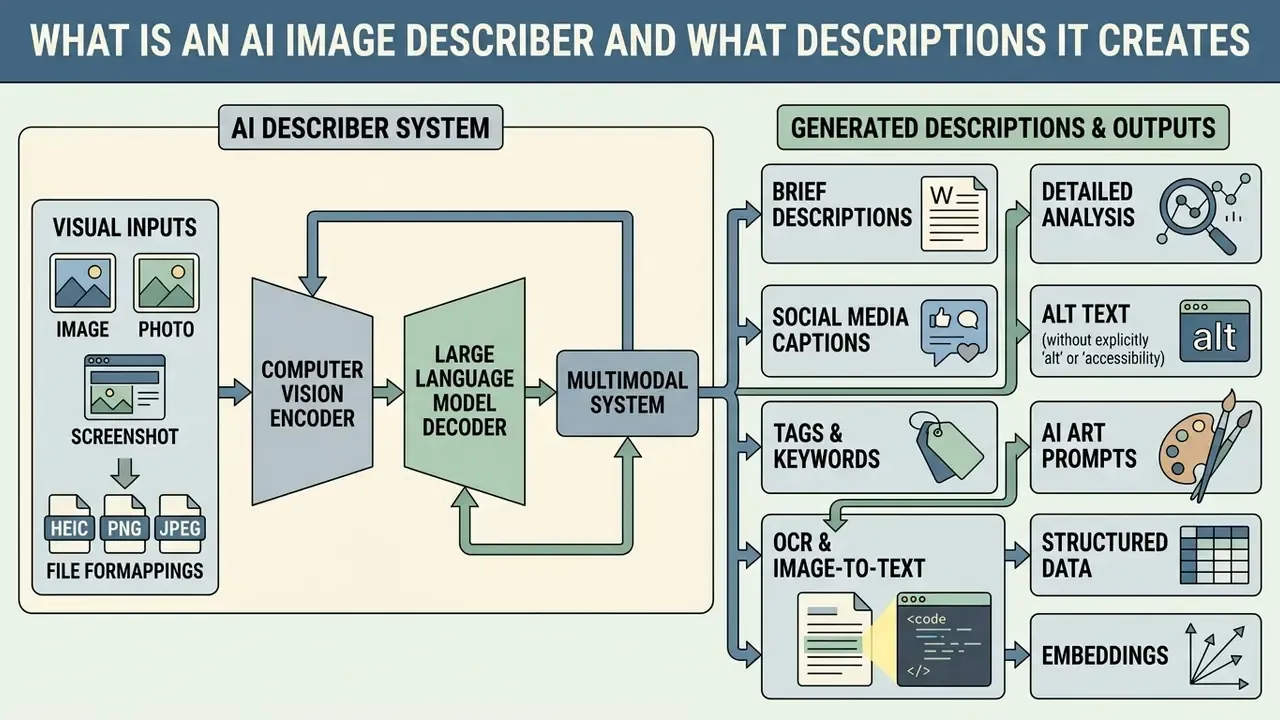
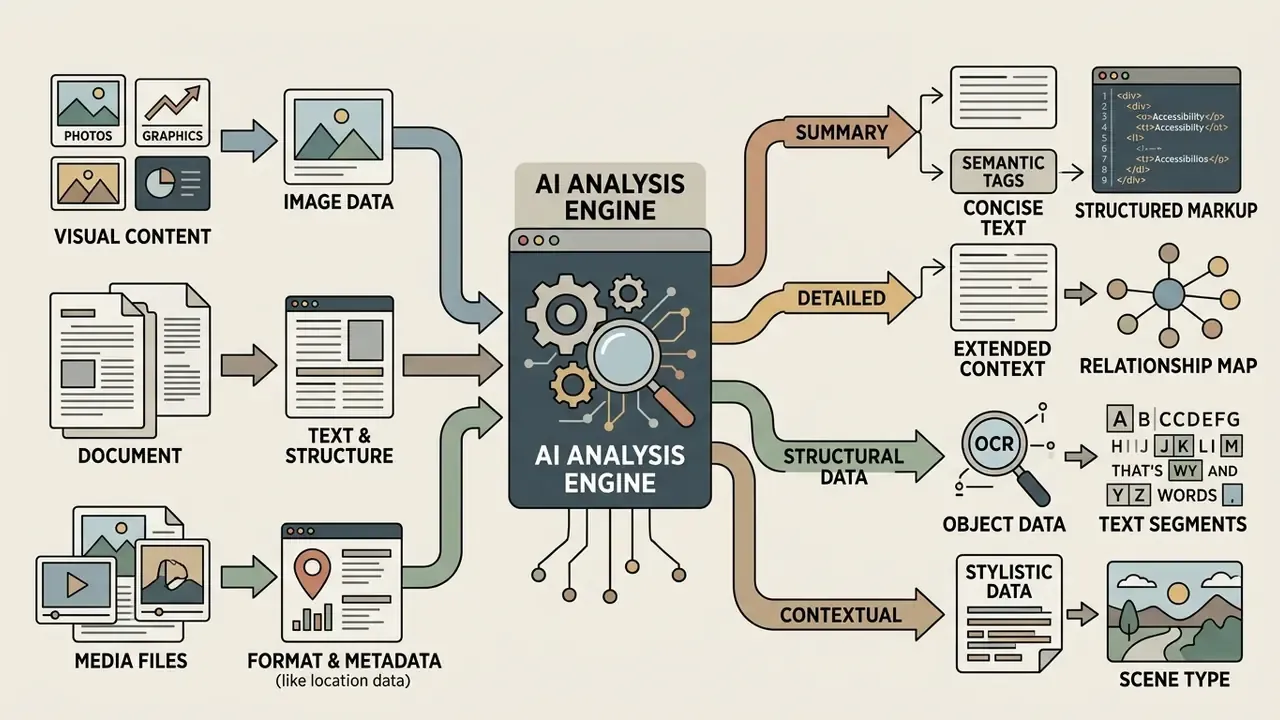
An ai image describer is a multimodal system that combines computer vision encoders with large language model decoders to interpret visual inputs and return natural language text. It is not simple pattern matching. Vision-language architectures map image pixels into semantic embeddings aligned with text representations, and that alignment lets the underlying ai models detect individual entities, spatial relationships, background lighting, artistic styles, and embedded optical characters in one processing pass.
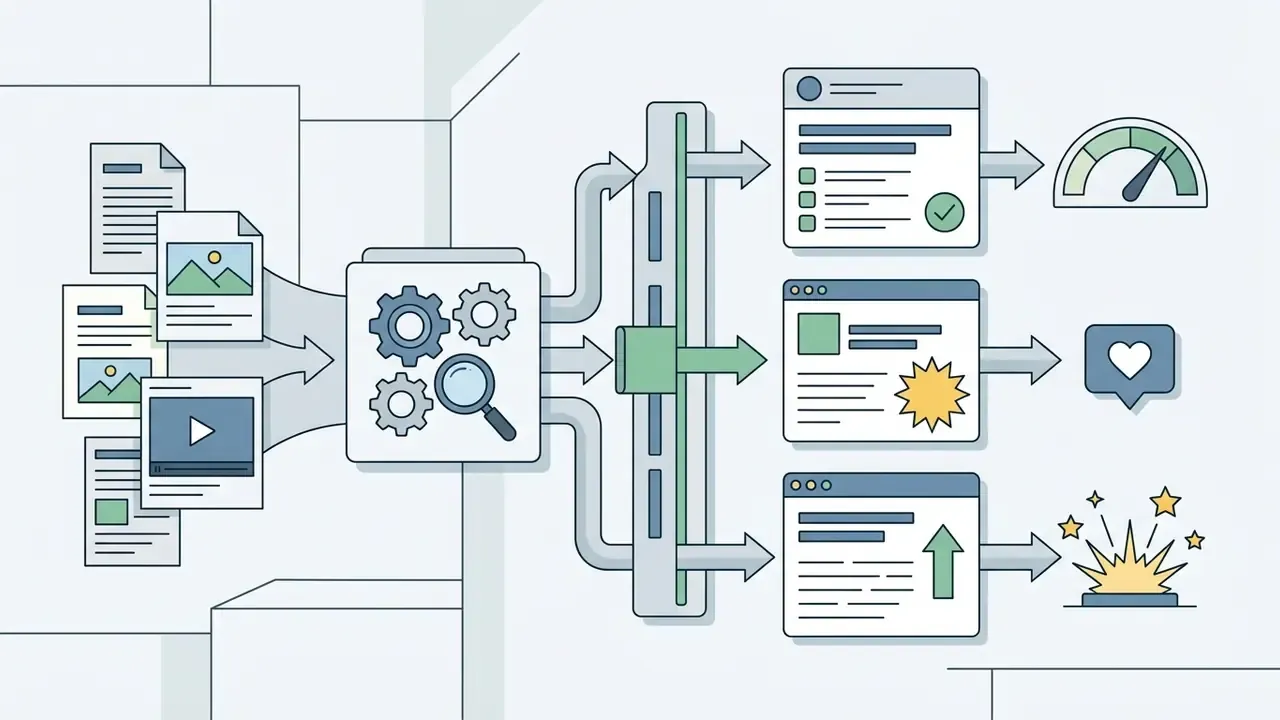
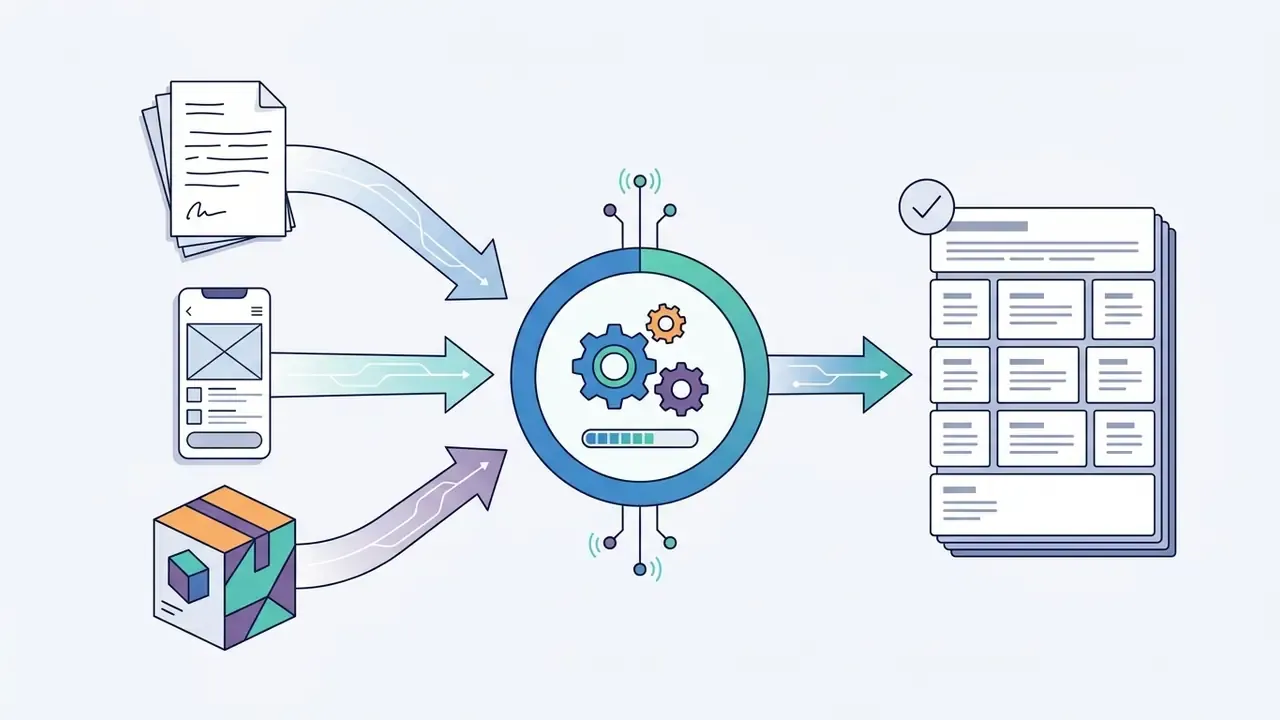
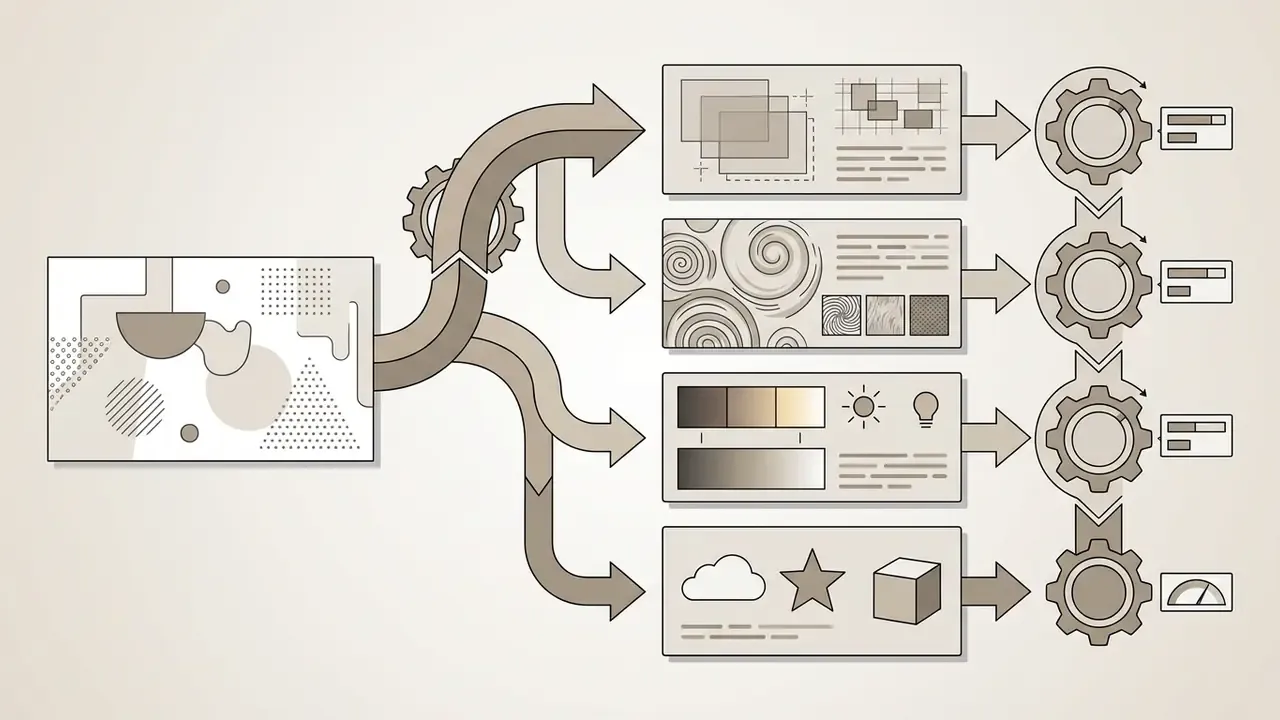
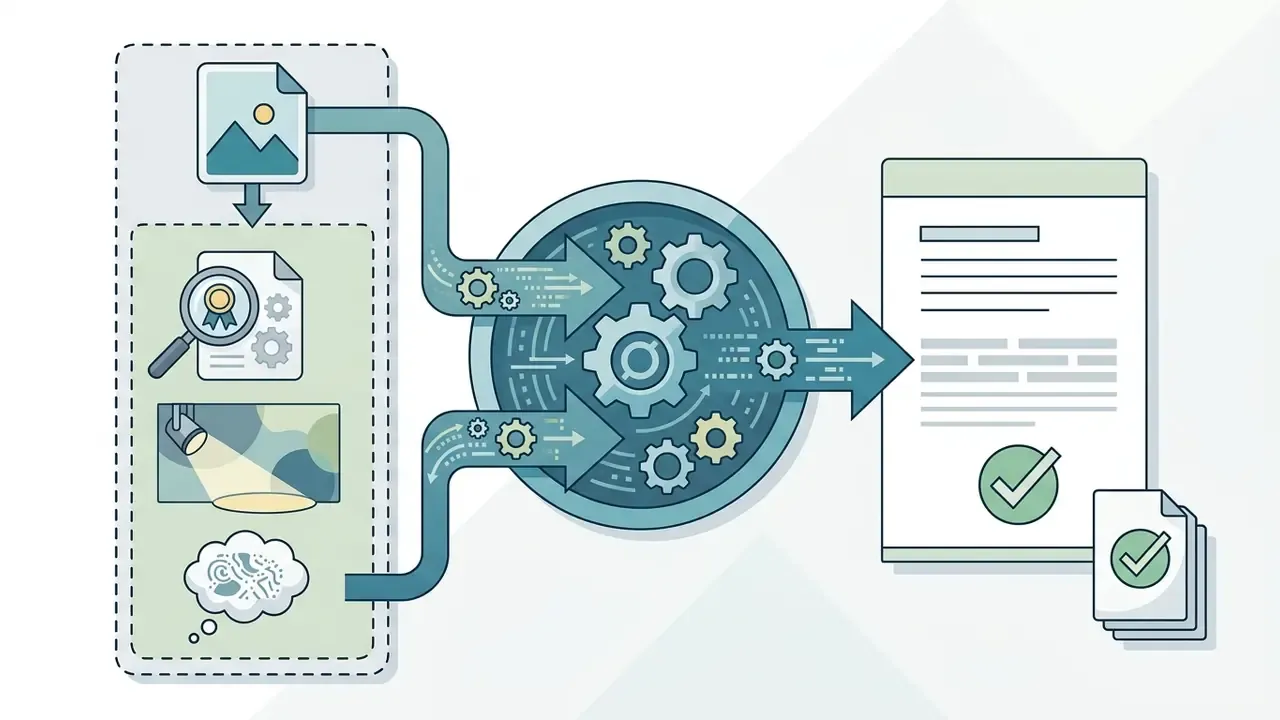
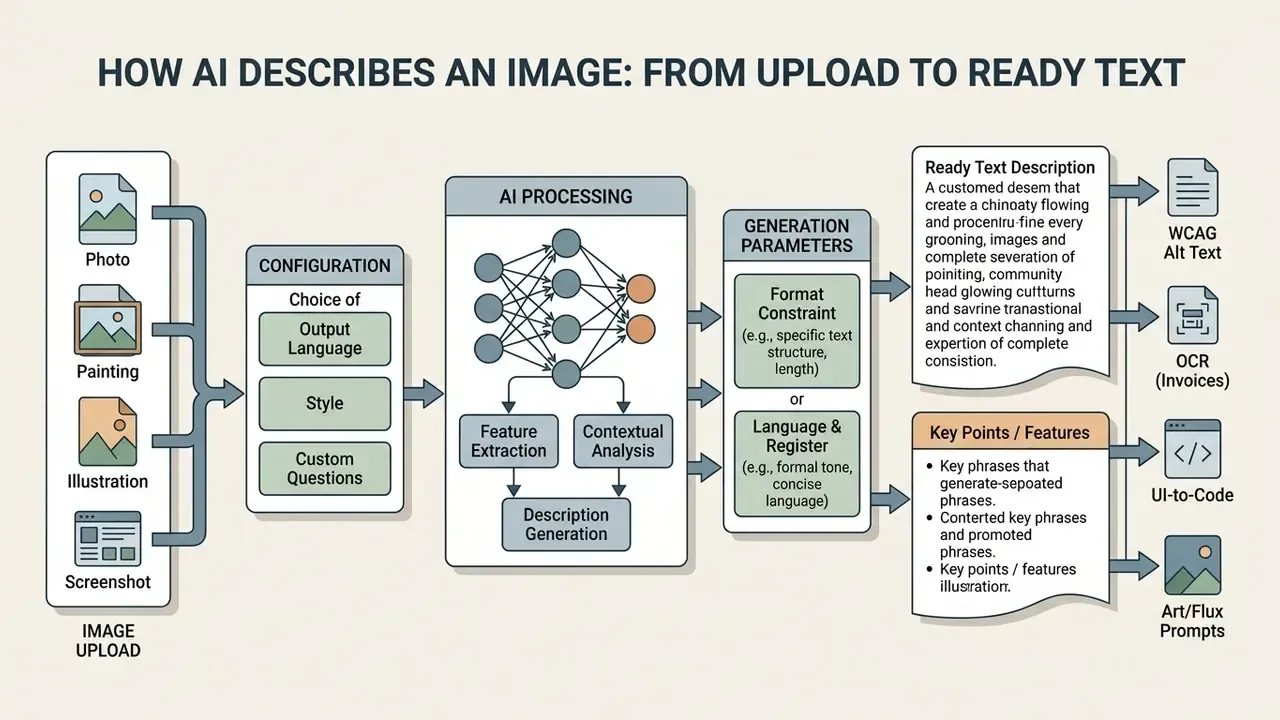
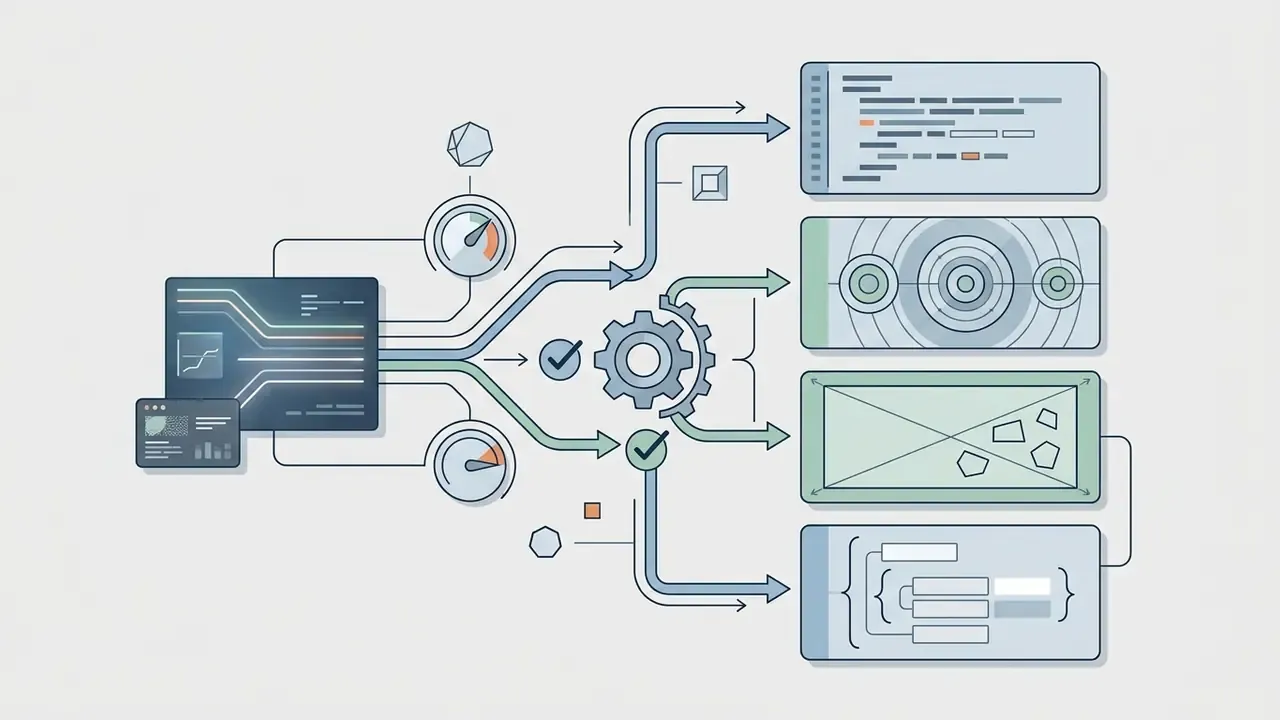
The canonical pipeline described in multimodal LLM literature runs in four stages: visual feature extraction, semantic alignment into language space, language generation, then optional refinement across extra description dimensions such as scene type, spatial layout, and text-in-image content. Why does that matter operationally? Because each stage carries its own failure mode: encoder resolution limits, alignment drift, decoder hallucination, and refinement over-elaboration. Four stages, four places to lose the truth.
Depending on the operational intent, an ai describe an image engine generates several distinct output formats:

Brief Descriptions, Detailed Analysis, and Captions
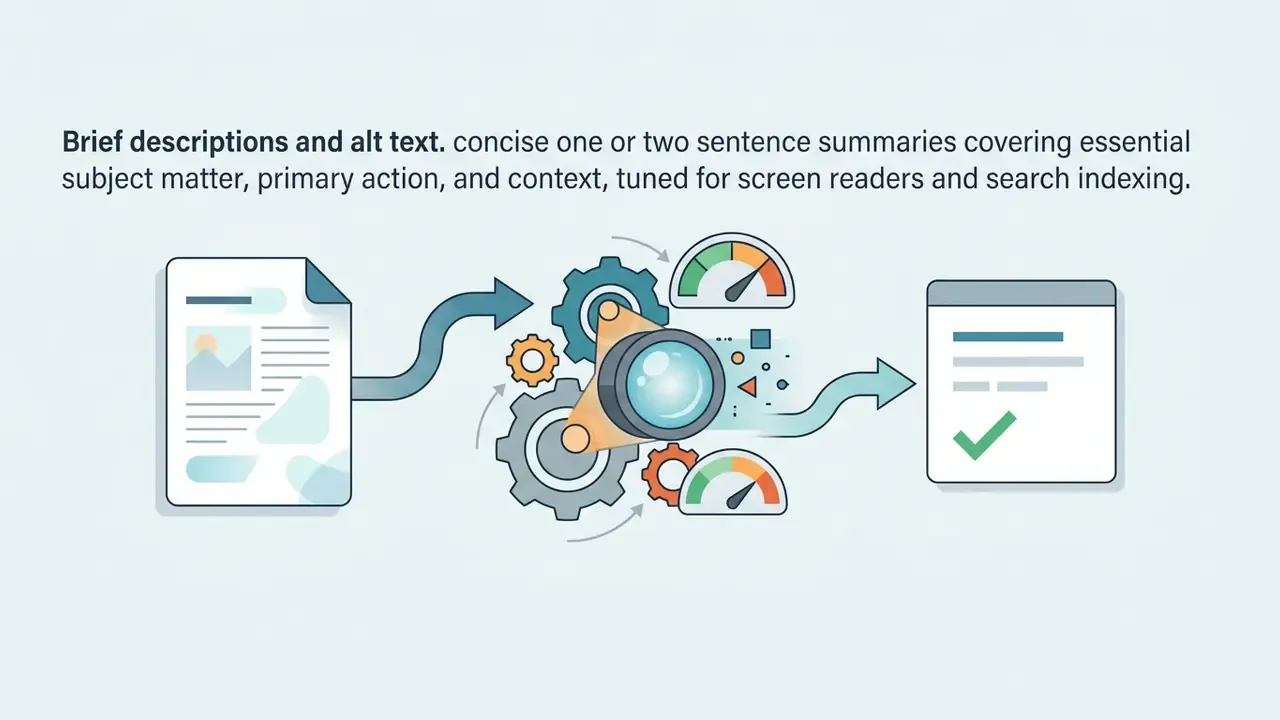
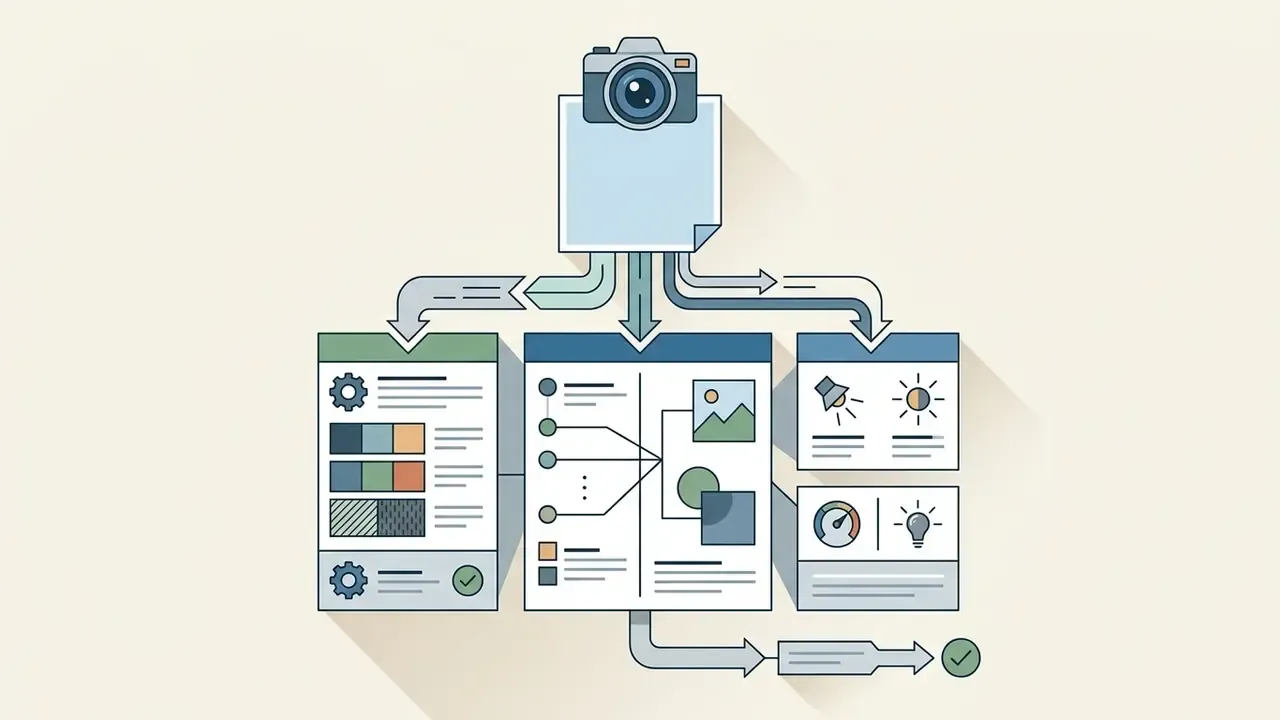
Choosing the format depends on whether the goal is accessibility compliance, search indexing, or editorial publishing. A brief description sticks to core visual elements and gives immediate context without cluttering an interface. A detailed image description goes the other way: spatial relationships, lighting dynamics, subtle textures, everything a visual archivist or a dataset curator would want recorded.
Captions sit between pure description and contextual storytelling. A visual description records only what is visible; an editorial caption ties the image to the surrounding narrative. As the American Anthropological Association notes in its image-description guidance, a caption is "a brief explanation that provides further information about an image" and need not restrict itself to visual components. So where a raw visual analyzer reports "a silver laptop on a wooden table beside a ceramic cup," a working caption folds in publication context and serves the workflow around it.
A practical rule for editorial teams: alt text answers what must a non-sighted user know to follow this page, a detailed description answers what does the image contain in full, and a caption answers why is this image published here. Three questions, three different texts. Teams that collapse them into one field usually end up with alt text that reads like marketing copy.
How AI Describes an Image: From Upload to Ready Text
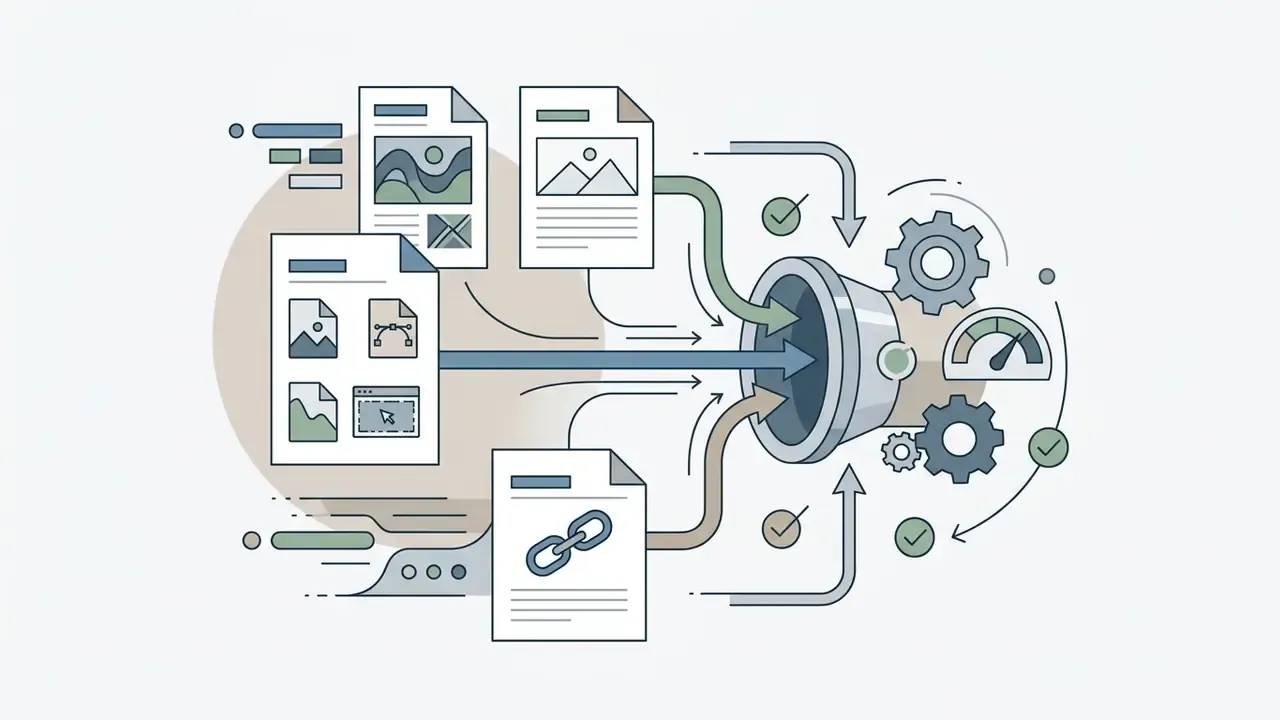
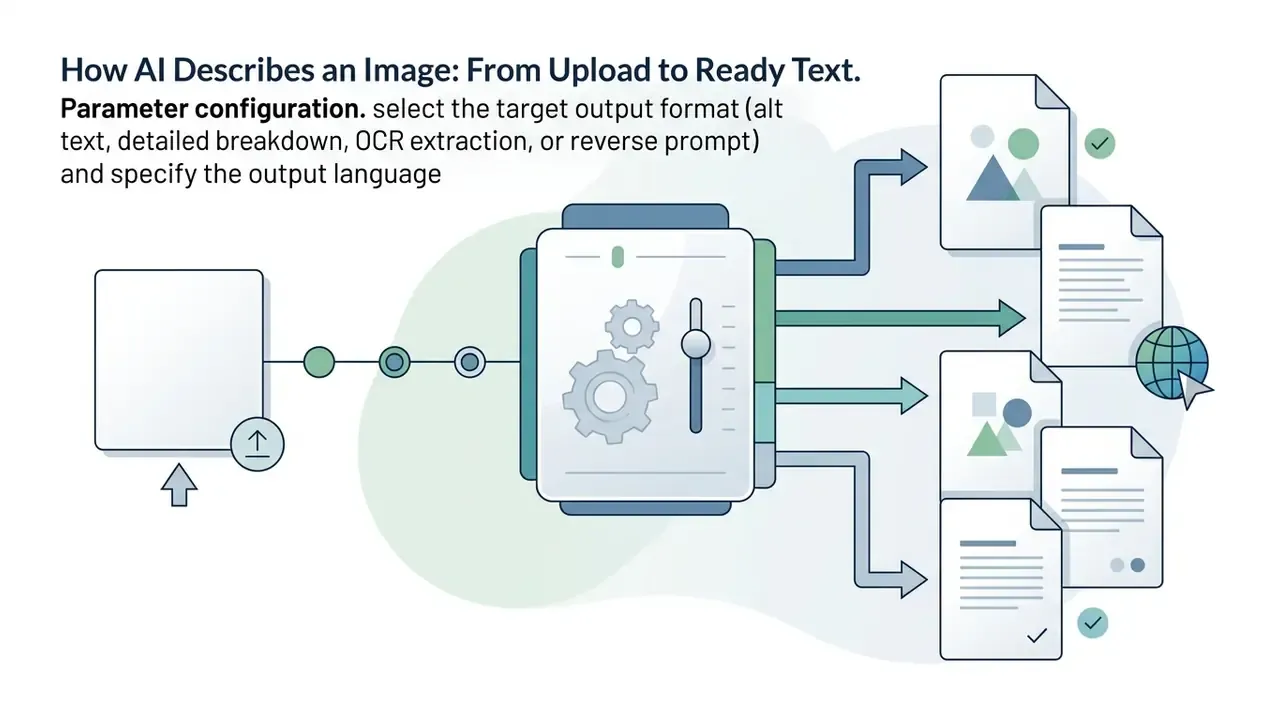
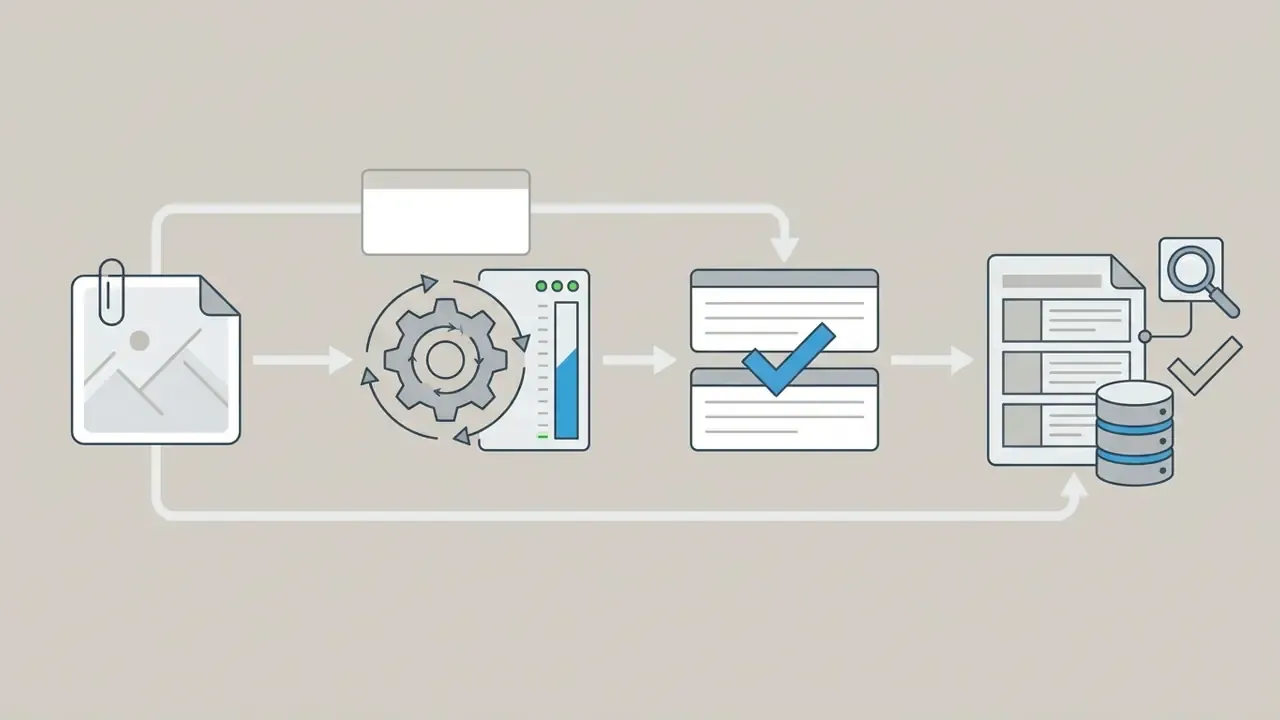
Running an ai describe image online request means pushing pixel data through a short multi-stage pipeline, setting analytical boundaries, and receiving validated natural language text in a few seconds. Roughly one click for the user, six steps under the hood.
Step six is the one teams skip. It is also the only step an examiner will ask about.


Uploading Photos, Pictures, Illustrations, or Screenshots
When users start an ai describe a photo or ai describe a picture task, the system ingests assets across the major standards: JPG/JPEG, PNG, WebP, BMP, TIFF, SVG, and high-efficiency mobile formats such as HEIC/HEIF. That last pair matters more than it sounds, since an iPhone camera roll defaults to HEIC rather than jpg png. Enterprise platforms typically cap guest uploads at 4 to 10 MB and authenticated uploads at 20 to 50 MB, so high-resolution studio photography often needs downscaling first.
Format support is vendor-specific, not universal. Microsoft's prebuilt image-description model documents .JPG, .JPEG, .PNG, and .BMP with a 4 MB document ceiling. DeepSeek's vision documentation lists JPEG, PNG, GIF, and WebP, and states explicitly that the format is detected from file content rather than from the filename or the declared MIME type. That behavior explains a common oddity: a renamed .jpg that is really a WebP file parses fine on one endpoint and fails on another. Validate against the vendor specification instead of trusting the extension.
When the input is a complex UI screenshot or a technical diagram, the ai visual analyzer weighs spatial layout and typography alongside object shapes. In an image expansion workflow, such as the tools covered in our guide to ai expand image, the model has to separate the original focal subject from generative background fill. It does this reasonably well on clean edges and poorly on busy textures.
Choosing Output Language, Style, and Custom Questions
Advanced ai describe this image tools let you tune language output and prompt structure to the task. Enterprise deployments support multiple languages, which is what makes automatic localization of visual descriptions possible for regional e-commerce catalogs or global accessibility programs.
Visual question answering (VQA) frameworks push this further. Instead of a generic summary, you query a specific sub-element: "What safety equipment is visible in this construction photo?" or "Is the corporate logo fully visible on the packaging?" The same mechanism powers ai describe this picture requests where the reviewer already knows what they are looking for and needs confirmation, not prose.
Output control runs on three axes that procurement teams should test separately:
expects parameter that forces the answer into text, a point, a bounding box, a polygon, or strict JSON. Essential for downstream parsing.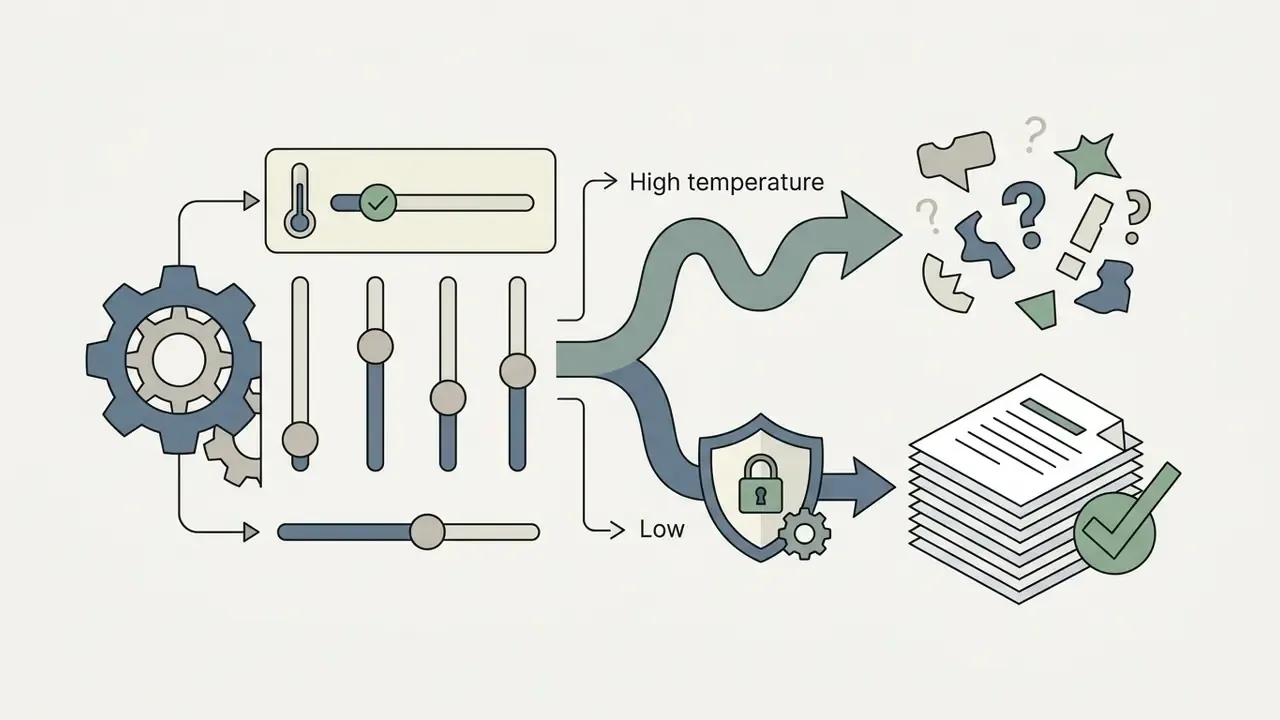
What Determines the Accuracy of AI Image Descriptions
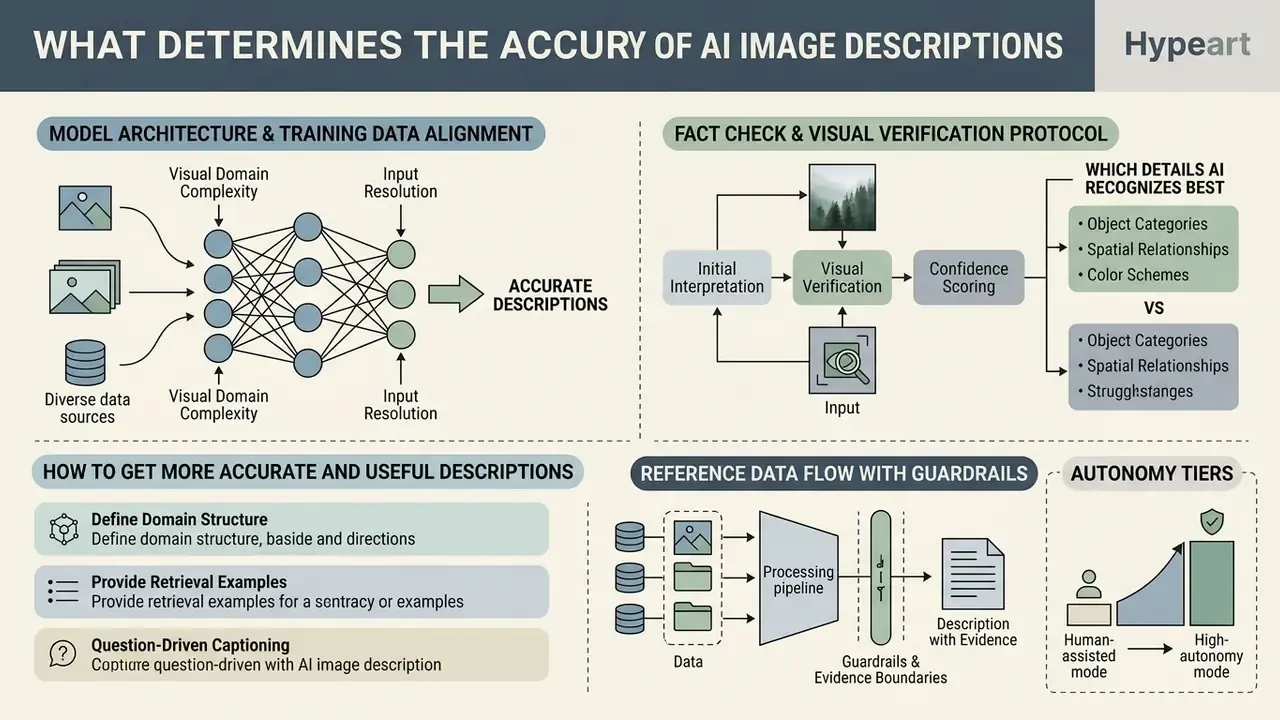
The accuracy of an ai image description depends on model architecture, input resolution, visual domain complexity, and training data alignment. Leading vision-language models post strong zero-shot results on general object recognition. Specialized domains behave differently: medical imaging, scientific diagrams, and low-contrast technical photos all show higher error rates.
That trade-off is the procurement dilemma in one sentence. A general-purpose model describes a broad asset library adequately and misreads specialized artifacts. A fine-tuned model reads your documents accurately and degrades on everything else. Benchmark-backed evaluation on your own asset sample is the only selection method I would defend in front of a validation committee. Vendor lines such as "up to 97% precision" are unverifiable without a named benchmark (MME, MMBench, SEED-Bench, or an internal gold set) and belong in the marketing column.
A primary technical risk in visual AI adoption is object hallucination, where the model produces a plausible-sounding description of visual elements that are simply not in the source image.
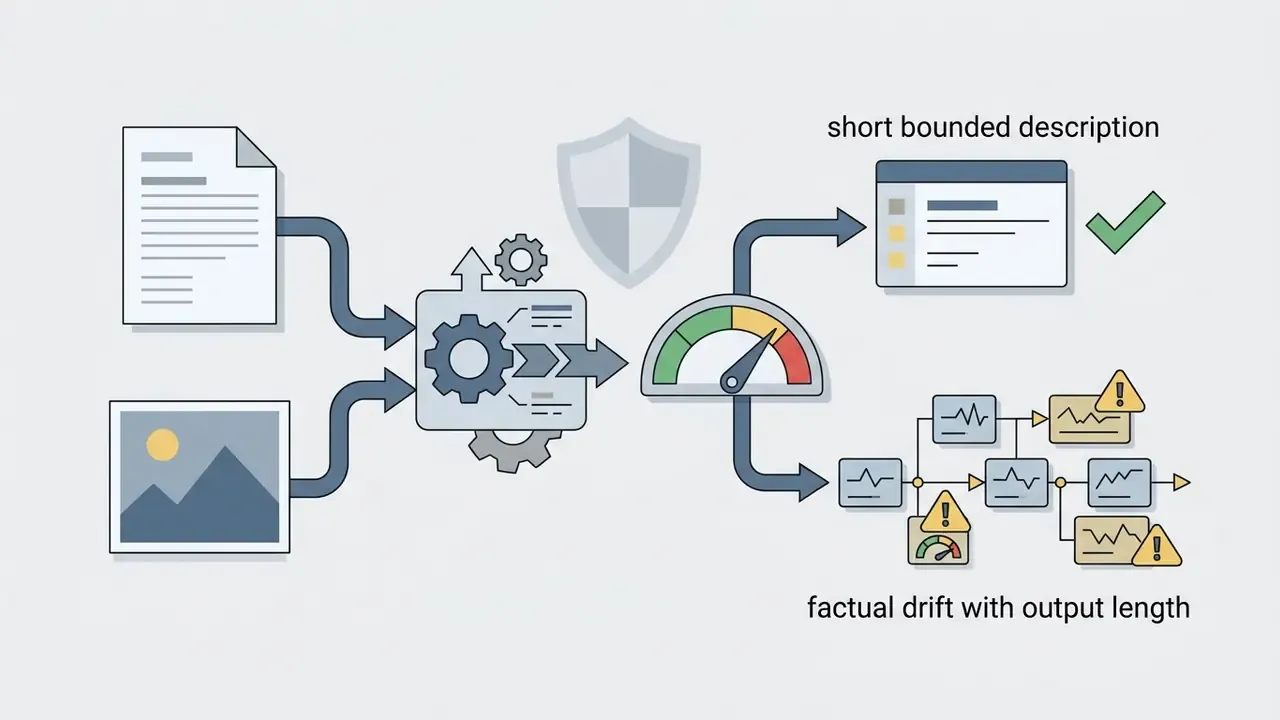
«As descriptions grow longer, models increasingly rely on auto-regressive language probability rather than visual evidence, producing false atomic claims about objects, colors, and spatial relations.»
Independent experimental work shows how stubborn this failure mode is:
«Adding referring-expression and grounded-caption objectives has almost no effect on object hallucination, either in QA mode or in open-ended description generation.»
Put plainly: hallucination cannot be engineered away through auxiliary grounding losses alone. It has to be controlled procedurally, at the workflow layer, by people with sign-off authority.
Fact check and visual verification protocol
- Identity and entity verification: confirm that named individuals, brand logos, and specific product models match ground truth.
- Numeric and quantifier accuracy: validate counts of physical objects, financial figures, and date stamps.
- Text and OCR fidelity: verify extracted printed text against the original source pixels, allowing for font distortion or reflection.
- Spatial and contextual relations: ensure directional positioning (left/right, foreground/background) is accurate and that no ungrounded spatial assumption has been introduced.
This protocol mirrors published annotation practice rather than inventing a new one. The CAPEval methodology asks annotators to verify visual subjects, quantity, position, interactions, scene context, and visible text separately, forbids speculation about unclear details, and requires a second annotator to review every completed caption, with disagreements resolved before finalization. Programmatic approaches such as Trust but Verify: Programmatic VLM Evaluation in the Wild (ICCV 2025) automate the same logic, validating caption-derived question-answer pairs against a structured scene graph before a second verification pass.
Which Details AI Recognizes Best
Multimodal models are good at coarse subjects, high-contrast foreground objects, dominant color schemes, broad facial expressions, and standardized product layouts. In commercial settings, an ai describes an image request returns high precision on primary categories: "red leather handbag," "blue running shoes." That reliability is exactly why catalog tagging was the first workflow to industrialize.
Precision drops on fine-grained detail:
Input resolution is the most controllable variable on that list. Encoders downsample images onto a fixed patch grid, so a 4-megapixel photo of a serial-number plate and a 200-pixel crop of the same plate give very different outcomes. For low-resolution archive scans, running assets through an AI image upscaler before inference measurably reduces OCR omissions and attribute errors. One caveat, and it is not a small one: upscaling cannot recover information that was never captured, so any detail it introduces stays unverified until a human checks it.
How to Get More Accurate and Useful Descriptions
Better ai generated descriptions come from structured prompting and contextual grounding, not from asking nicely. Feed the model surrounding metadata (page title, product category, document header) and ambiguity drops immediately.
Published prompt-engineering results quantify how much of the gain is structural rather than model-driven:
In a documented archive-captioning pattern reported by publishing teams working with financial media libraries, unguided prompts produced high rates of fabricated attributions for historical figures and dates. Passing structured metadata (headline, publication date, subject list) alongside the image file, then enforcing an atomic verification step, materially reduced factual errors. The exact reduction depends on asset mix, reviewer sample, and metric, so measure your own baseline rather than importing someone else's headline percentage. The defensible claim is directional: grounded metadata plus atomic verification reduces error, and the magnitude has to be established internally. A prompt tool that stores reusable templates with metadata placeholders makes that repeatable across an operations team.
Verification stays mandatory even where OCR looks dependable:
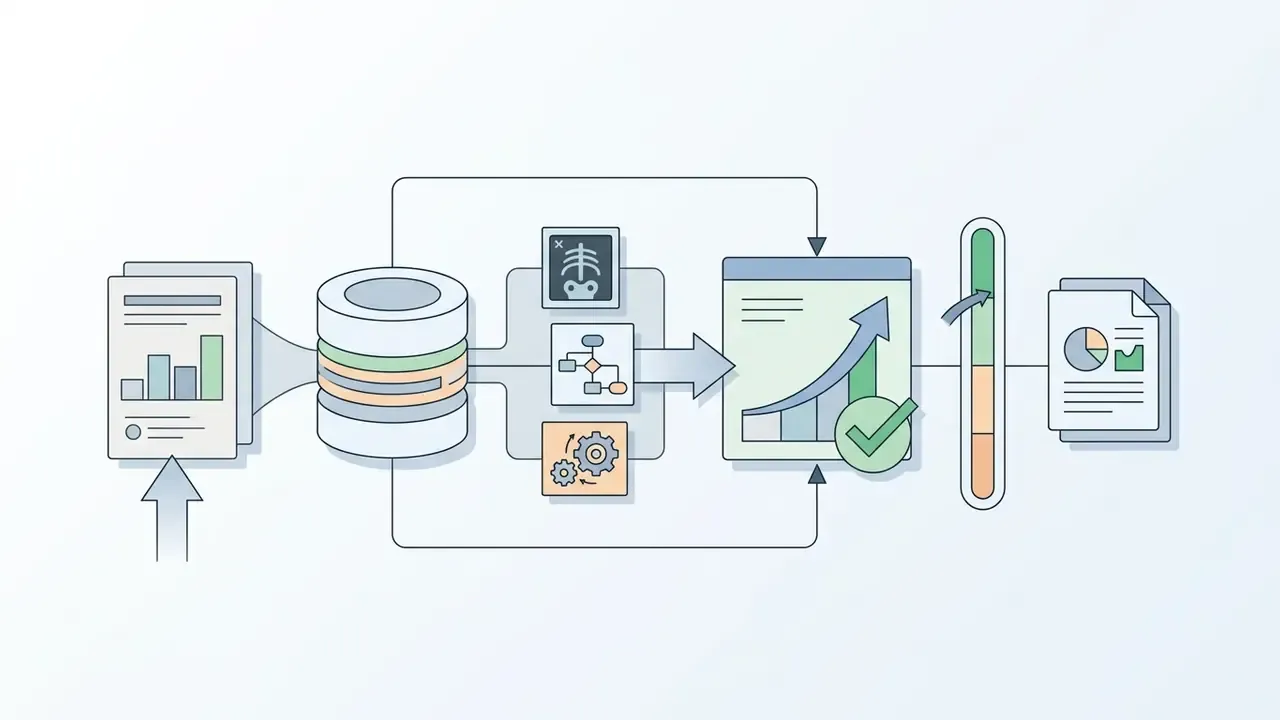

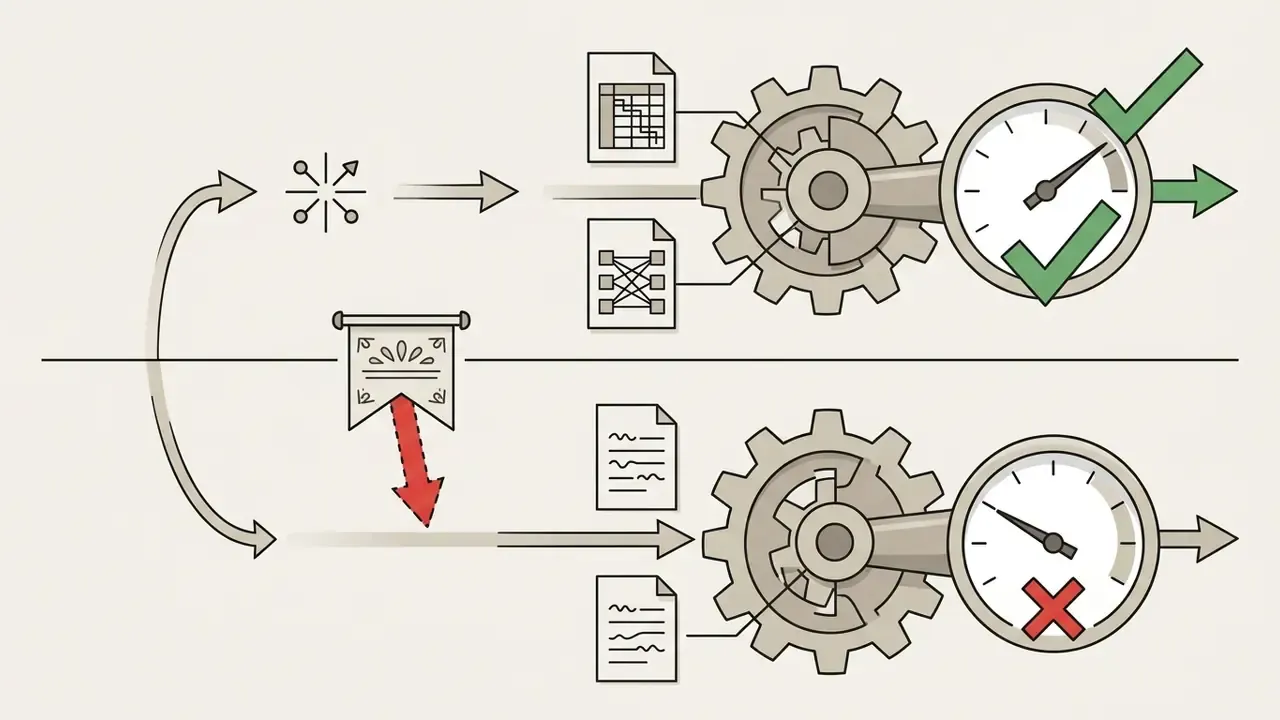
«VeriOCRBench, 1,800 verified tasks across 8 domains, revealed a systemic reliability gap: models answer questions even when the required in-image text is absent or illegible.»
Model Risk Management and Hallucination Controls for Enterprise VLMs
Reference Data Flow with Guardrails
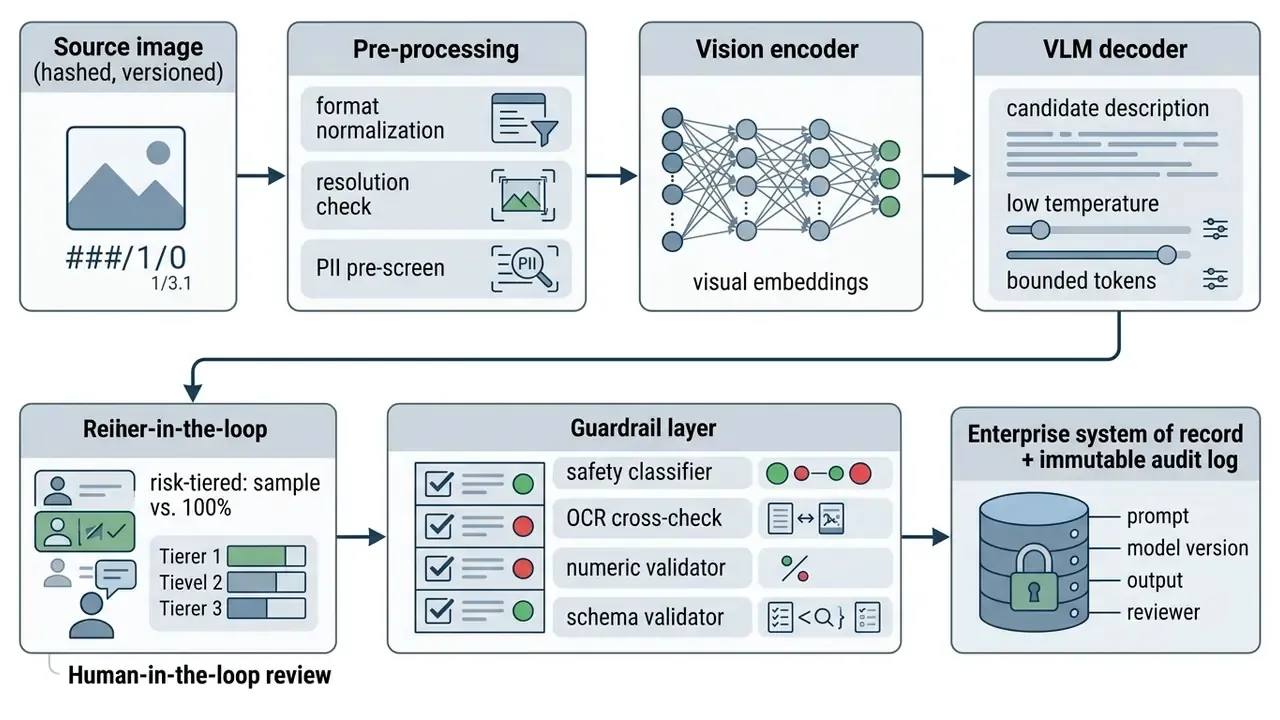
Autonomy Tiers and Evidence Boundaries
| Risk tier | Example task | Permitted autonomy | Required control |
|---|---|---|---|
| Low | Internal DAM tagging of marketing photography | Fully automated | Sampled QA (5-10%), monthly drift review |
| Medium | Public alt text and product copy | Automated draft, human approval before publish | 100% editorial sign-off, style guide enforcement |
| High | Extracting figures from financial or contractual documents | Suggestion only, never authoritative | Dual-key verification, OCR confidence thresholds, exception queue |
| Prohibited | Identity verification, eligibility, or adverse-action decisions from images alone | None | Human adjudication with a documented evidence chain |
No evidence, no autonomy. That is the whole tier table compressed into four words.
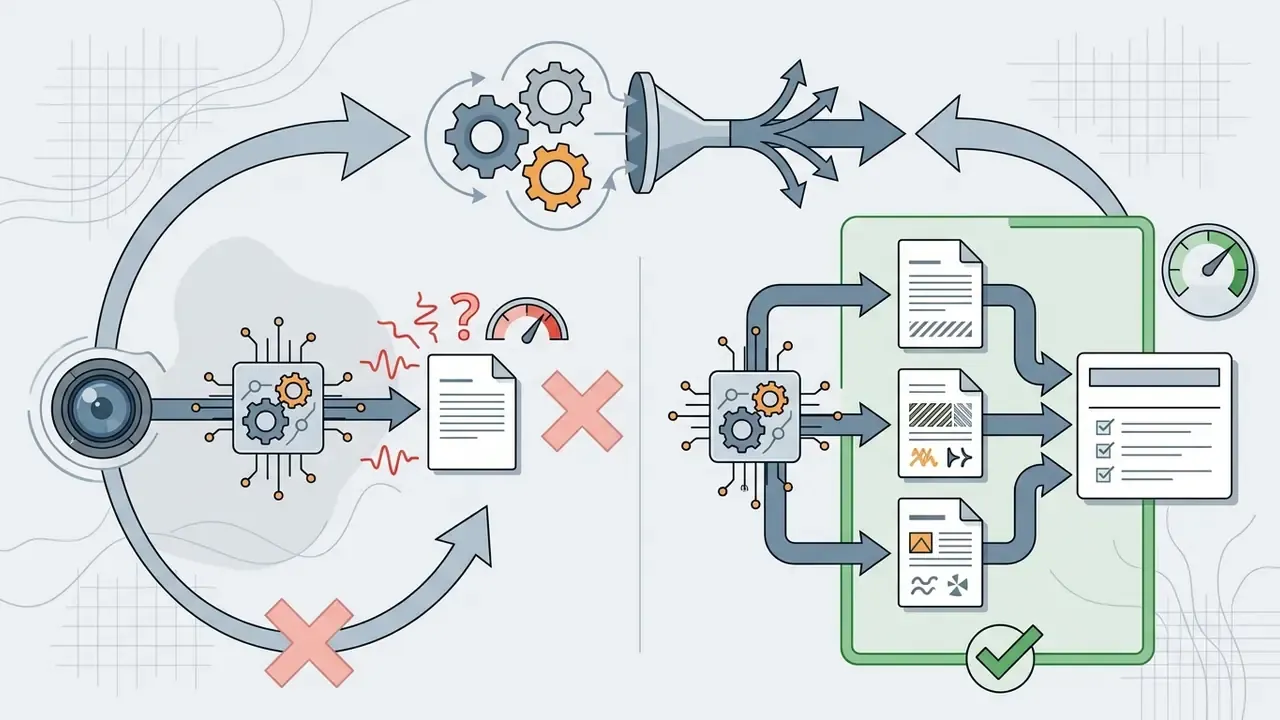
Hallucination Control Techniques That Work in Production
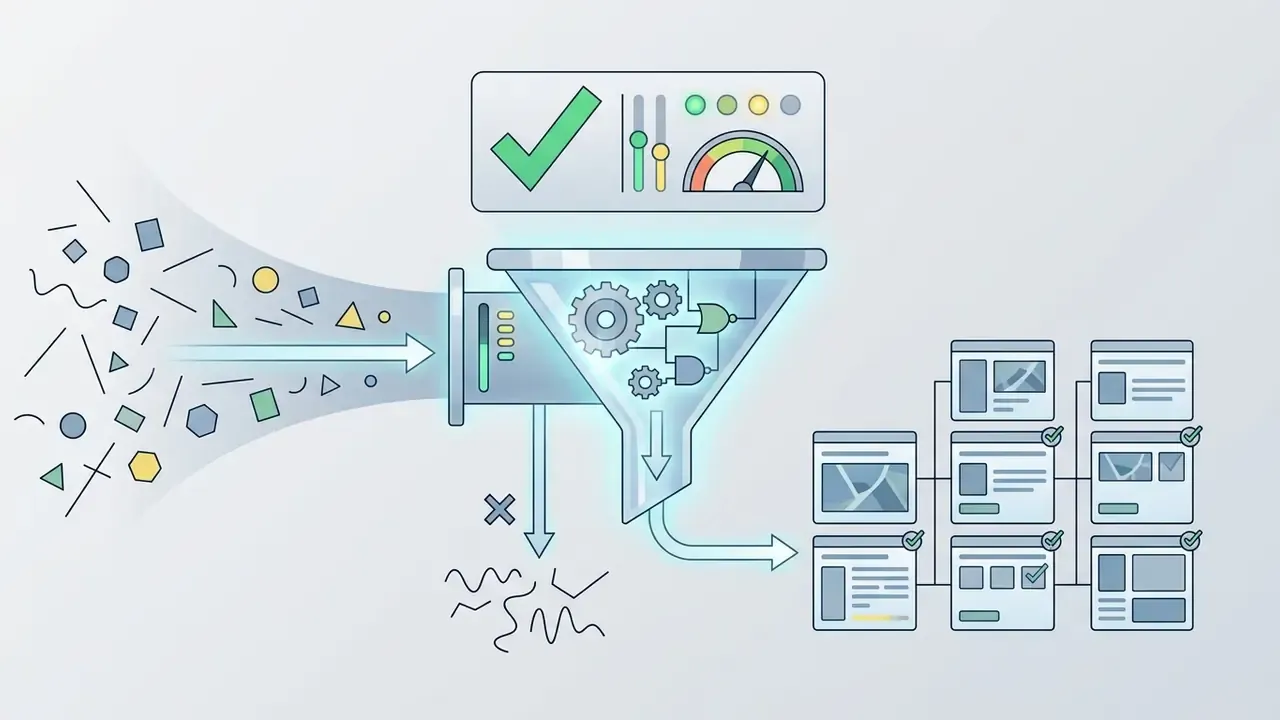
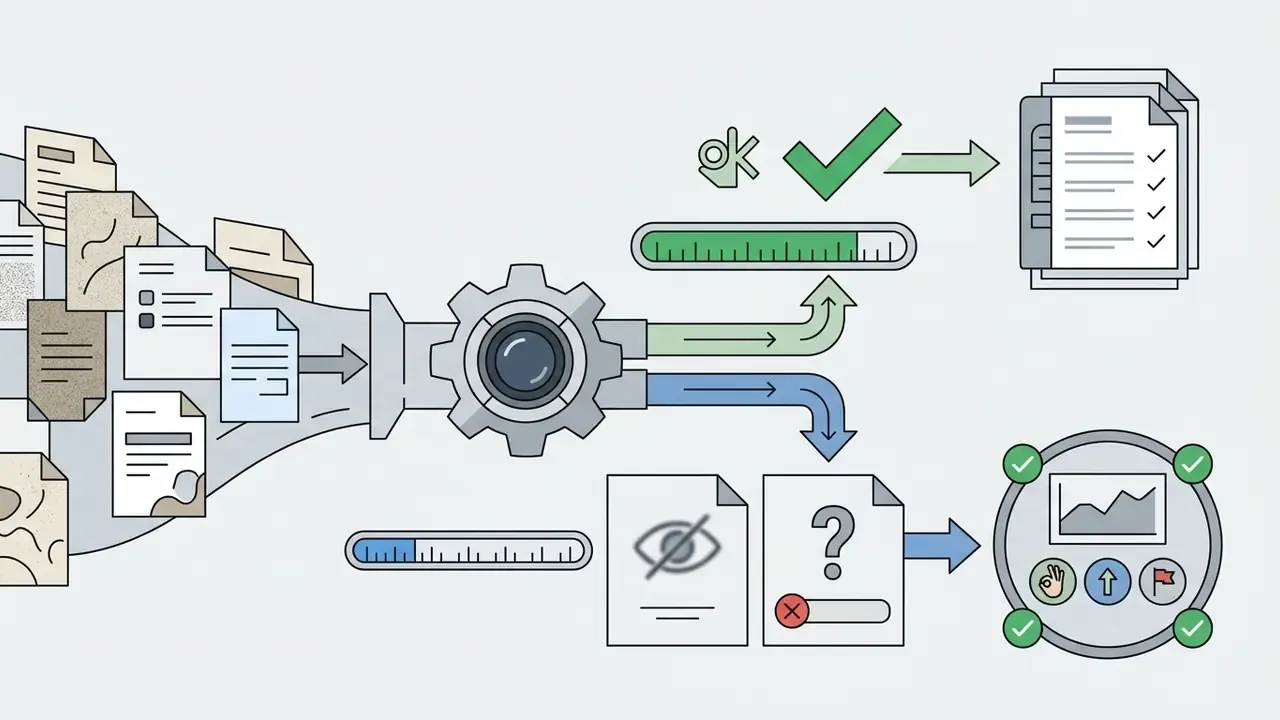
"unreadable" or "not_visible" instead of guessing, then count abstention as a successful outcome in monitoring rather than a failure.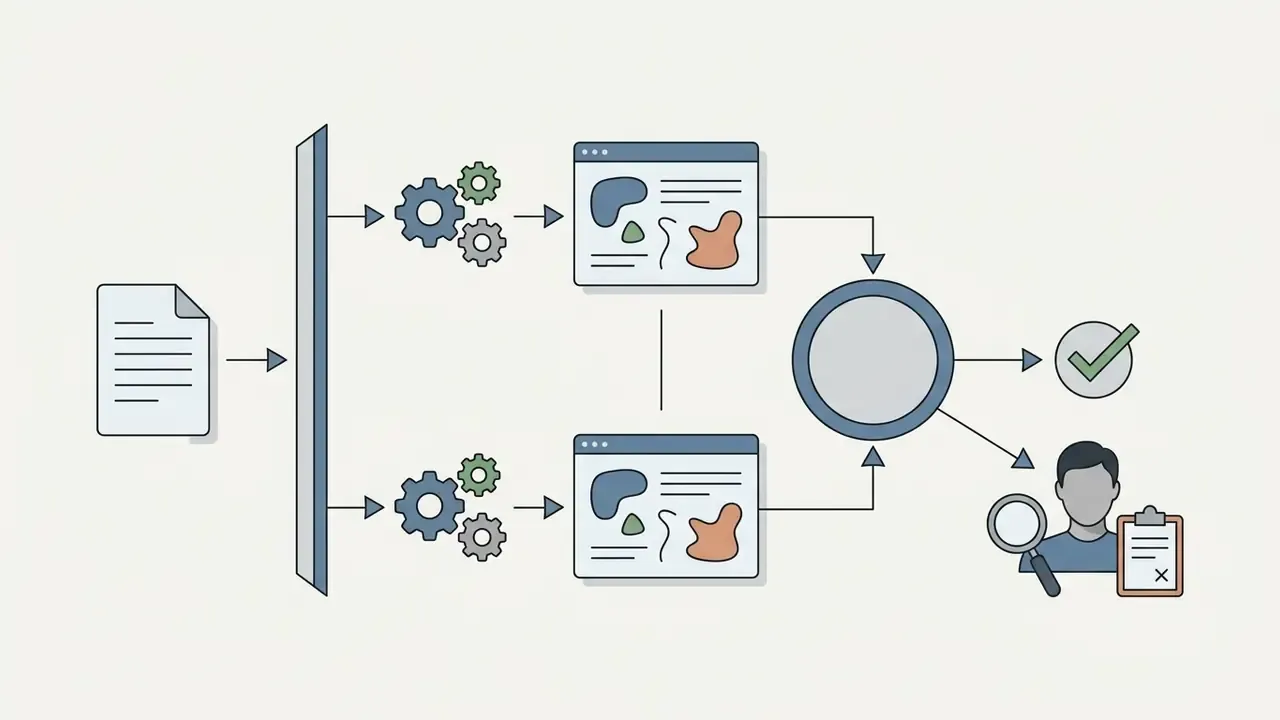

Production Readiness Assessment for Vision AI
Checklist0 / 10
OCR and Document Intelligence: Invoices, Statements, and Identity Files
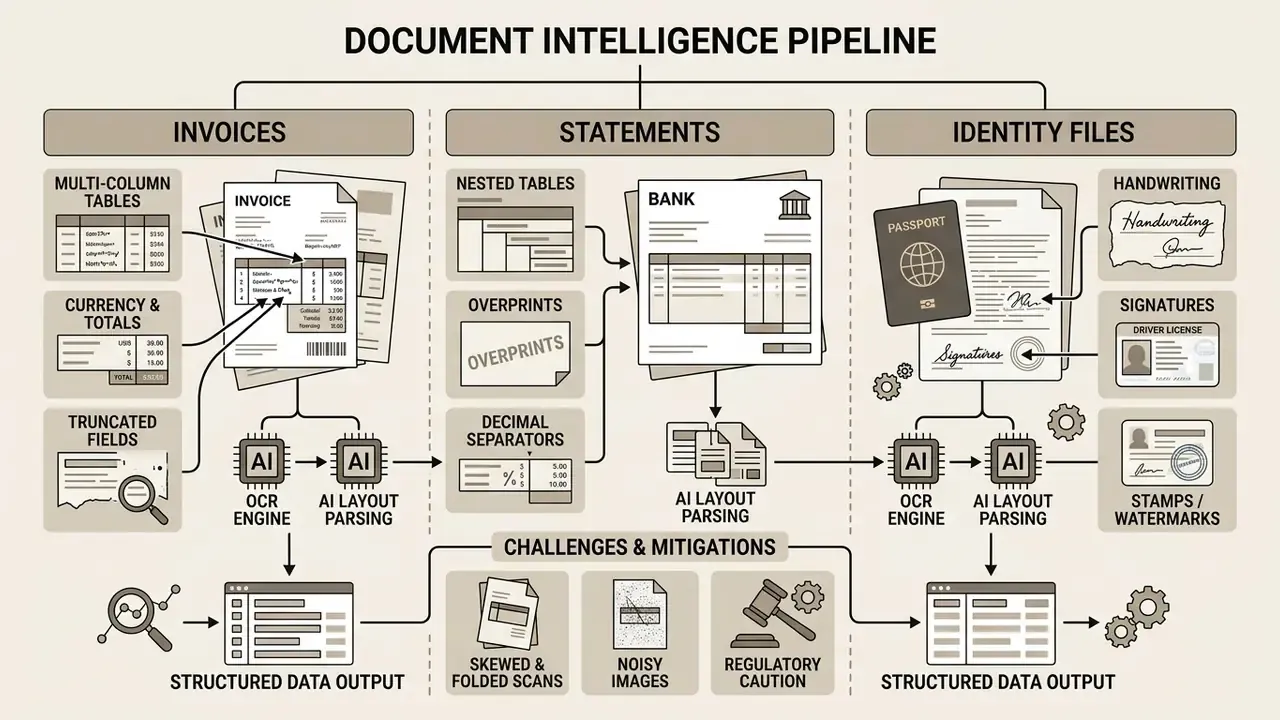
Document-heavy back offices are where visual AI produces the largest measurable savings and carries the highest error cost. A VLM reading an invoice performs three tasks at once: character recognition, layout understanding (which number belongs to which column), and semantic mapping (which value is the total versus the subtotal). Each one degrades differently, which is why a single accuracy number tells you almost nothing.
Common failure conditions in financial and administrative documents:
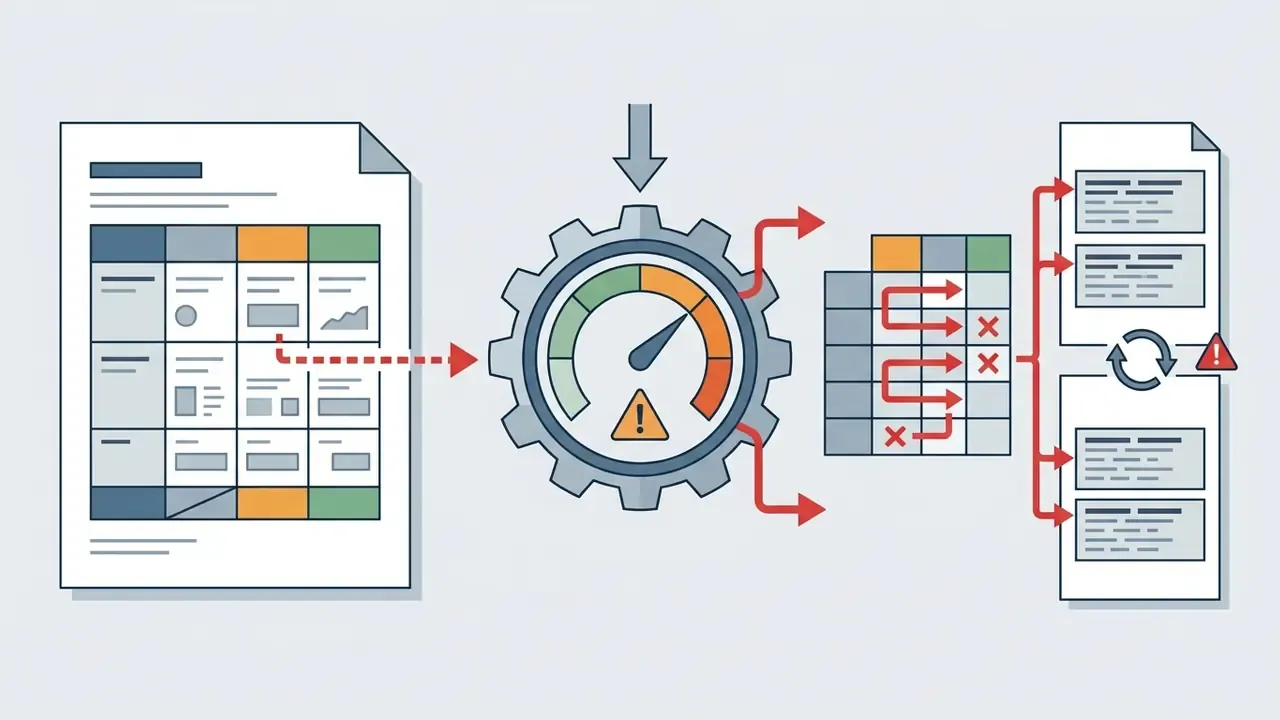
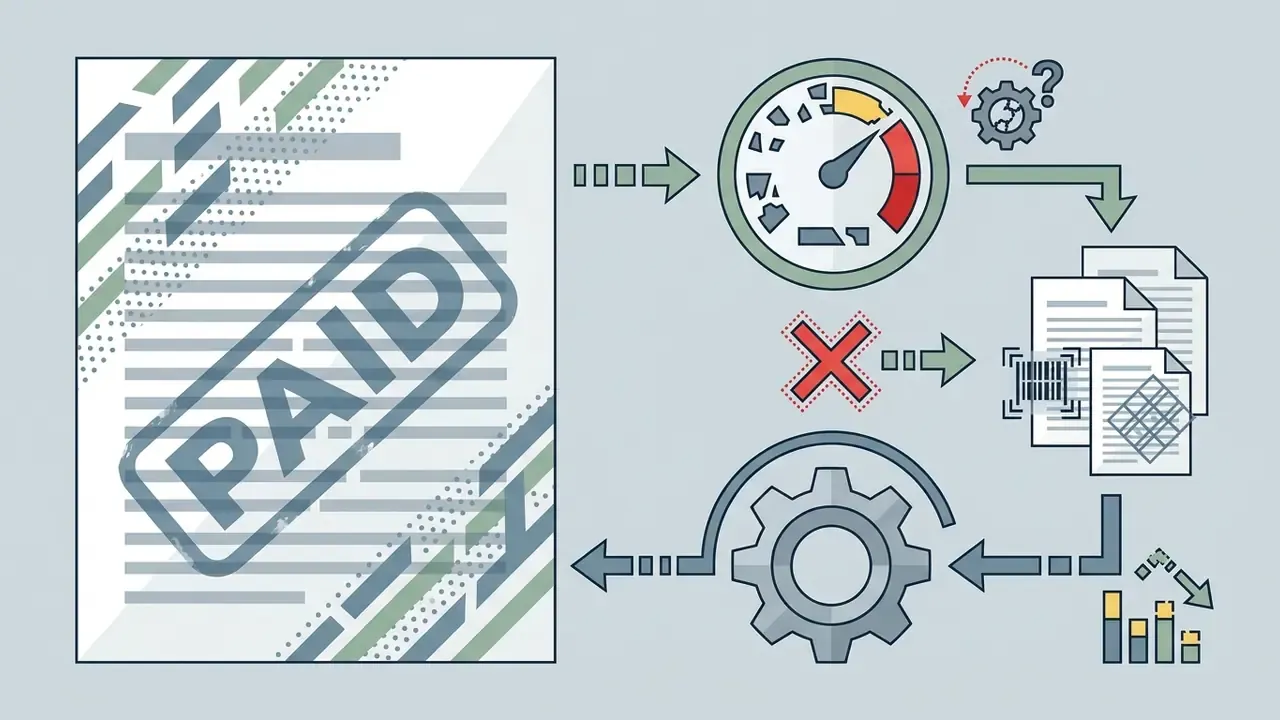
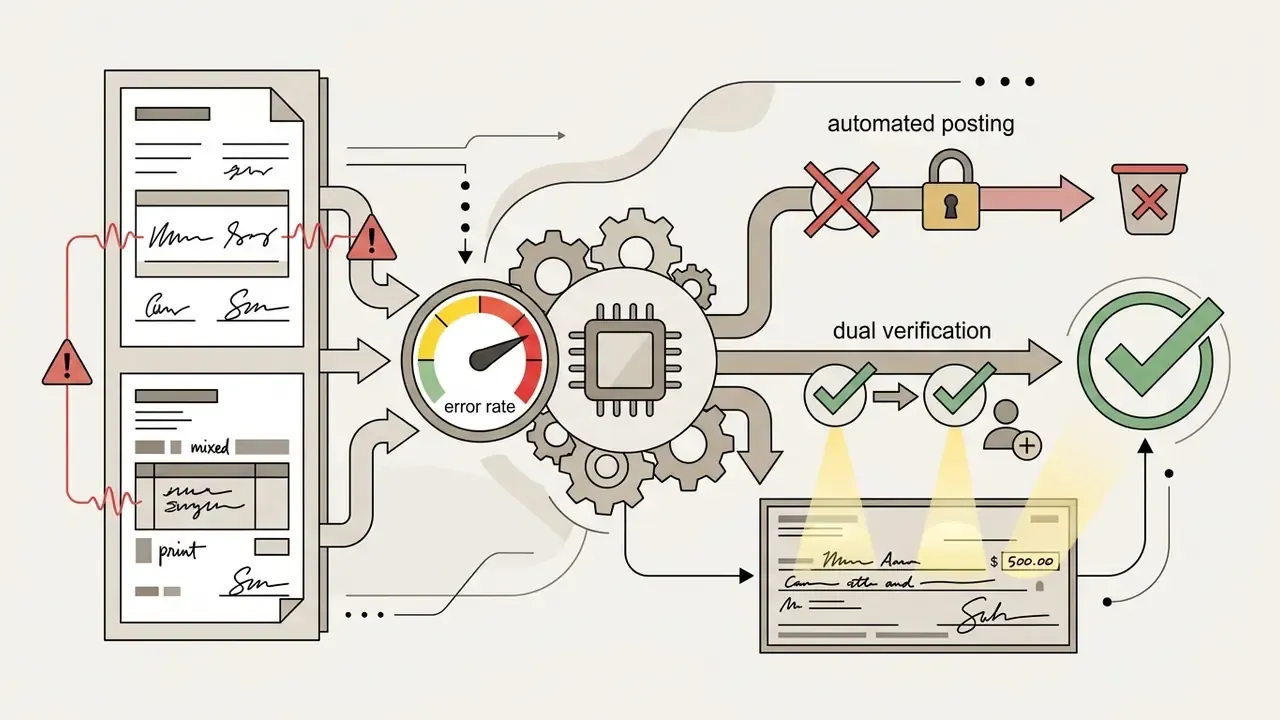
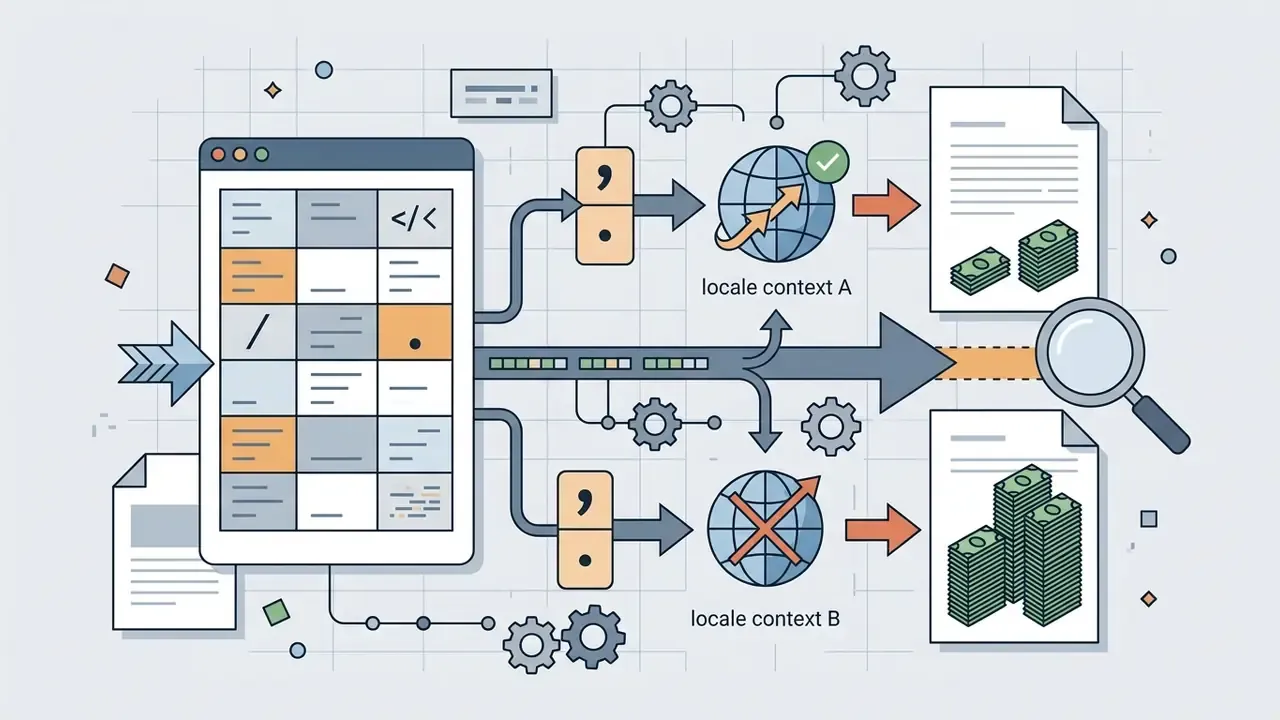
1.250,00 versus 1,250.00 inverts a value by three orders of magnitude when locale handling is implicit.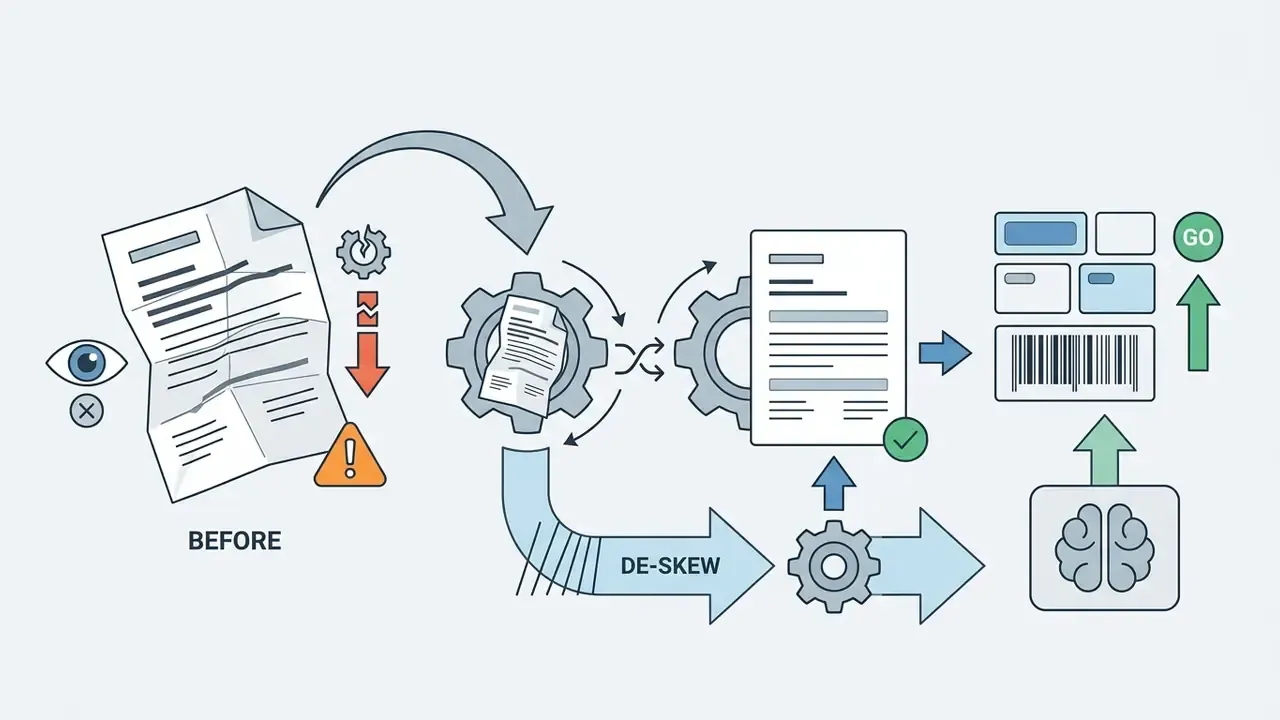
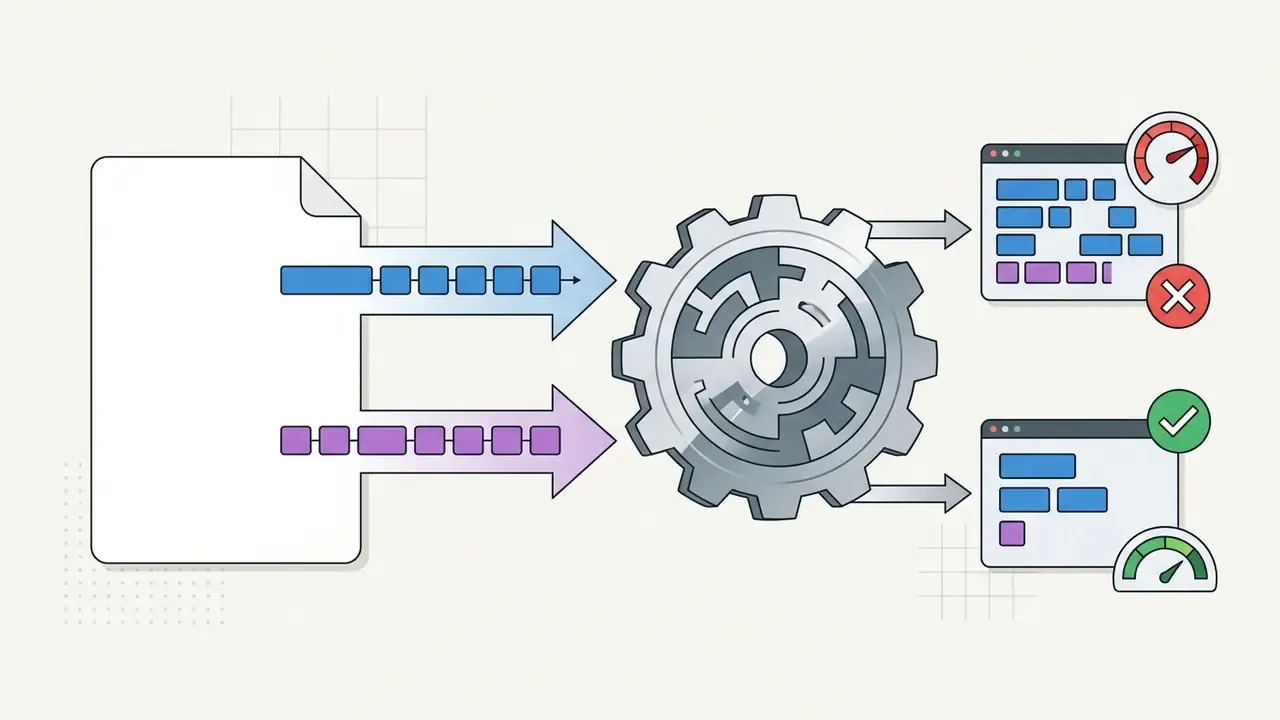
Metrics that belong in the SLA, not in the demo:
| Metric | Definition | Practical target range |
|---|---|---|
| CER (Character Error Rate) | Character-level edits ÷ total characters | Clean printed text: very low; handwriting: materially higher |
| WER (Word Error Rate) | Word-level edits ÷ total words | Report separately for printed and handwritten fields |
| Field-level accuracy | Correctly extracted critical fields ÷ total critical fields | Measure per field (total, date, account, ID number) |
| Abstention rate | Fields returned as unreadable ÷ total fields | Should be non-zero; a zero rate suggests guessing |
| Straight-through rate | Documents requiring no human touch ÷ total | The actual economic KPI |
How to Use AI Describe Picture in Work and Content
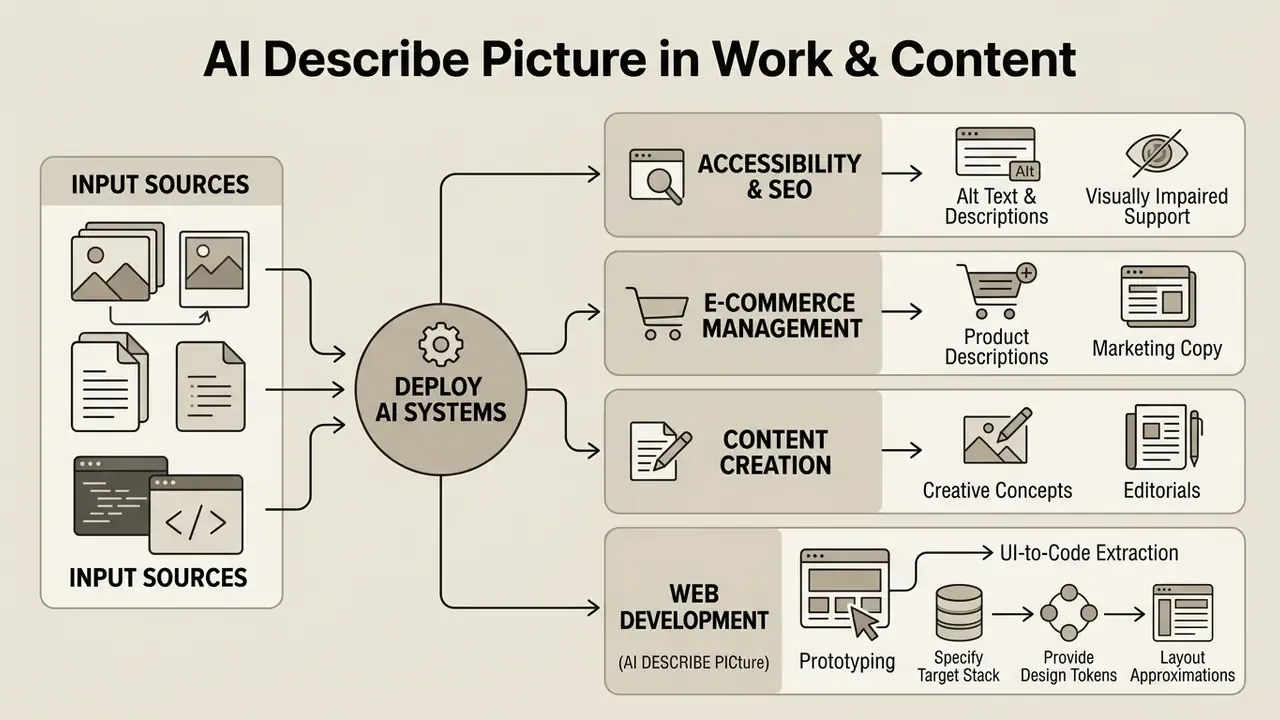
Deploying ai describe picture systems across enterprise workflows produces measurable efficiency in digital publishing, e-commerce management, content creation, web development, education, and accessibility compliance. The scenarios below are the ones that survive contact with a review process.
Alt Text and Image Description for Accessibility and SEO
Web Content Accessibility Guidelines (WCAG 2.2, published by W3C in December 2024 and aligned with ISO/IEC 40500:2025) require that non-text content carry a functional text alternative. An ai image description generator automates compliance-ready alt attributes across large asset libraries, which is the difference between a quarterly remediation project and a continuous one.
Implementation examples, expressed as markup patterns:
Decorative images need an empty alt="" so screen readers skip them. Functional graphics, linked logos or call-to-action buttons, must describe the destination or the action rather than the visual. Complex graphics (charts, schematics, statistical figures) need a short alt plus a full text equivalent elsewhere on the page, because a 150-character attribute cannot carry a data series. In tagged PDFs the equivalent requirement is an /Alt entry on meaningful images and artifact marking for decorative ones, per W3C technique PDF1.
Automated alt text still needs a reviewer. U.S. Section 508 guidance on AI-generated alt text scores output on a 1 to 5 scale from wrong to highly accurate, and that review step is where a plausible sentence gets approved, rewritten, or reclassified as decorative.
Special education and visual impairment support. Past compliance, these tools work as classroom infrastructure. A teacher preparing accessible materials for blind and low-vision students can generate first-pass descriptions for diagrams, historical photographs, and lab illustrations faster than manual description allows, then refine the wording pedagogically. For students with reading or processing differences, a spoken detailed description alongside the image opens a second comprehension channel. Quality depends on context as much as on model capability:
«A study with 12 blind users showed that context-aware descriptions score significantly higher on quality, imaginability, and relevance than descriptions generated without page context.»
From an SEO perspective, structured alternative text and descriptive captions let crawlers parse visual context, which tends to improve discoverability in image search. Note the boundary: W3C documents alt text as an accessibility requirement and does not assert ranking effects, so treat SEO benefit as a practical consequence of better-described media rather than a guaranteed mechanism. Editors can browse the hub for more on optimizing digital assets across publishing channels.
Product Descriptions and Marketing Copy for E-Commerce
In e-commerce operations, visual AI converts product photography into structured marketplace cards, attribute tables, and sales-oriented marketing copy. Upload a product image and the system reports visible material properties, color variants, structural components, and design style.
«AI-generated product descriptions improve retrieval relevance both when combined with existing text and as standalone content, especially where original descriptions are weak or missing.»
Peer-reviewed work points the same way. A 2024 paper on multimodal in-context tuning for e-commerce description generation showed that product descriptions can be generated from images augmented with marketing keywords, which is exactly the workflow commercial tools now productize: upload photo, detect category and attributes, emit title, bullet points, long description, export to CSV or XLSX.
An ai art describer can pull visual attributes from product shots and feed them into generative pipelines, including the tools reviewed in our guide to the realistic ai image generator. E-commerce managers use this to keep copy consistent, build matching promotional banners, and unify asset metadata across thousands of SKUs. Where duplicate or unlicensed imagery is a catalog-scale risk, pairing description generation with AI reverse-image search confirms asset provenance before publication.
One compliance caveat specific to commerce, and it is the one that reaches legal fastest: an unverified attribute in a generated description ("waterproof," "leather," "BPA-free") is a product claim. Fields carrying legal or safety weight should be populated from the PIM record, never inferred from pixels.
Prototyping and UI-to-Code Extraction
Advanced vision models do more than describe an interface. They read spatial layout, flexbox structure, spacing, border radii, and typography, then emit markup. Pass a UI screenshot into a code-focused prompt and a front-end developer gets HTML5 structure with Tailwind CSS utility classes to refine, instead of a blank file.
Example output:
<div class="flex items-center space-x-4 p-4 bg-white rounded-xl shadow-md">
  <img class="h-12 w-12 rounded-full" src="avatar.jpg" alt="User profile photo of Alex Rivera">
  <div>
    <h4 class="text-lg font-bold text-gray-900">Alex Rivera</h4>
    <p class="text-sm text-gray-500">System Architect</p>
  </div>
</div>
Practical guidance for this workflow:
- Specify the target stack in the prompt (Tailwind, vanilla CSS, or a component library), otherwise the model defaults to generic inline styles.
- Provide the design tokens. Passing your spacing scale and color variables prevents hard-coded hex values that quietly break the design system.
- Expect layout approximations. Pixel spacing, z-index stacking, and responsive breakpoints are inferred, not measured. The output is a scaffold that needs review.
- Demand accessible markup. Instruct the model to emit semantic elements, label form controls, and include
altattributes. A screenshot-to-code shortcut is otherwise a fast route to inaccessible UI. - Never paste screenshots of internal dashboards containing live customer data into public tools. Crop or mock the data first.
Academic and Standardized Test Preparation (PTE Describe Image)
For candidates preparing the PTE Academic Speaking module, AI image describers turn charts, maps, process flowcharts, and photographs into structured 70 to 90 word oral response templates. The exam scores fluency, pronunciation, and content coverage under a hard time limit, so the value of AI here is not the answer. It is the repeatable template.
Recommended answer skeleton for chart and graph prompts (70-90 words):
- Opening statement (1 sentence)identify the visual type and its title or topic.
- Axes or categories (1 sentence)state what is measured and over what period or grouping.
- Key trend (1-2 sentences)describe the dominant movement or distribution.
- Extremes (1 sentence)name the highest and lowest values with figures.
- Closing inference (1 sentence)offer a concise, non-speculative conclusion.
Worked example output:
Use AI output as a reference answer to compare against your own recording: check coverage of each template slot, verify that every number you spoke actually appears in the image, and time the delivery to the exam window. For map and process prompts, swap "key trend" for directional relationships or sequential stages. Language learners can also generate parallel descriptions in multiple languages for vocabulary building, and teachers can auto-generate discussion questions from the same image to train observation skills.
How to Choose an AI Image Describer for Personal and Commercial Use
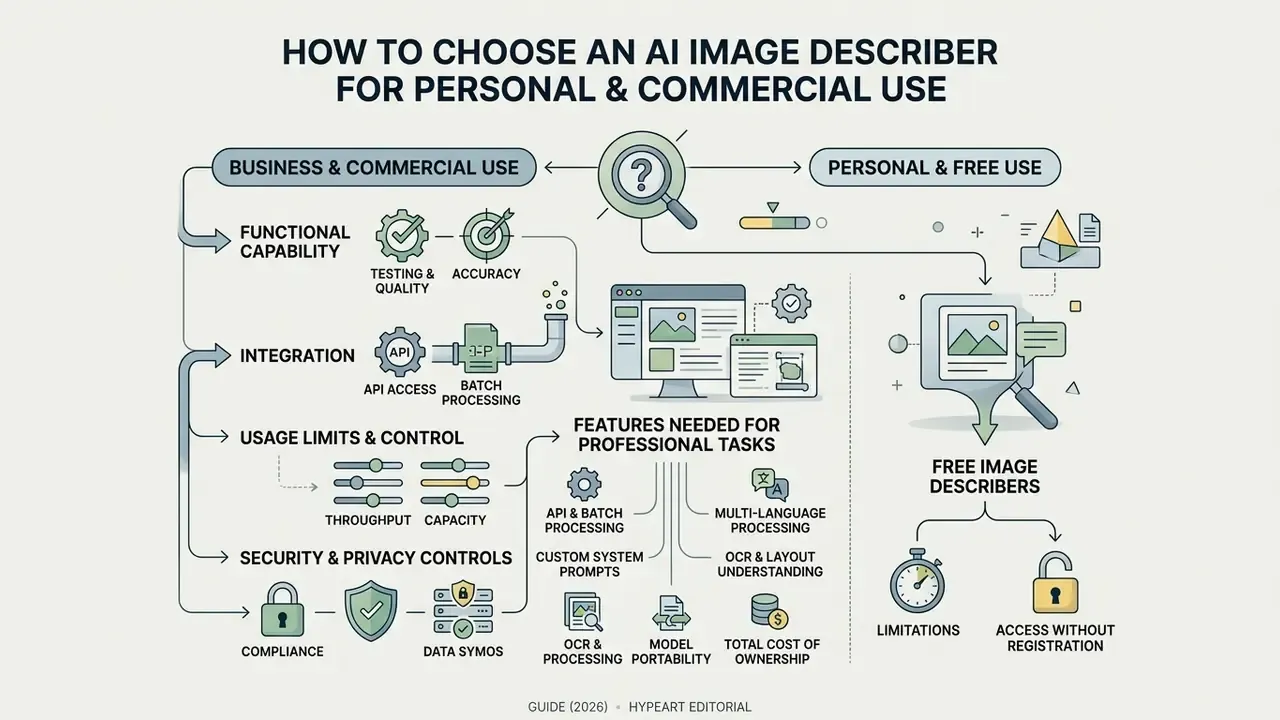
Choosing an ai image describer for business operations means testing functional capability, integration options, usage limits, and security controls. In that order, usually. Teams that start with pricing tend to rebuy within a year.
Features Needed for Professional Tasks
Enterprise-grade visual analysis asks for more than a web upload box:
- API integration and batch processing submit bulk archives through REST APIs or batch processing queues for large-scale catalog enrichment. Mature implementations use presigned upload, job polling, and result retrieval instead of synchronous single-file calls.
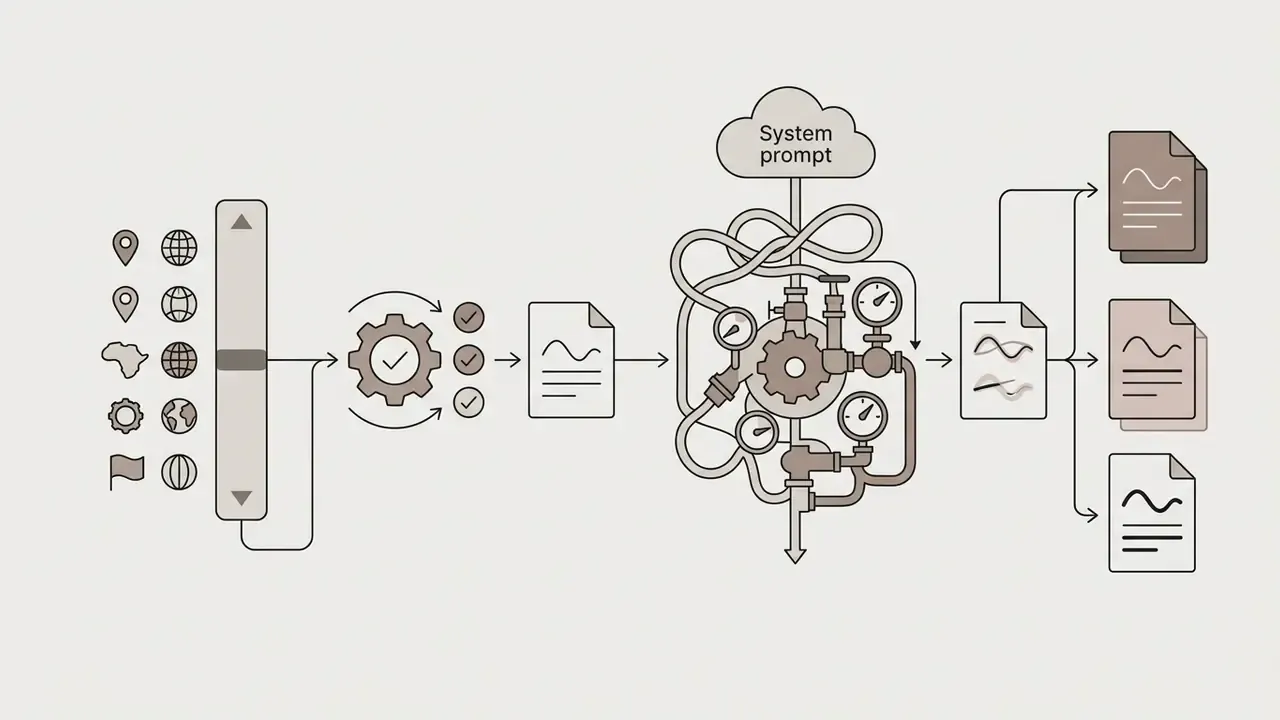
- Custom system prompts define output JSON schemas, field constraints, and domain terminology rules, with reusable scan-prompt templates containing field placeholders.
- Multi-language processing native output across global languages for localized publishing. Leading OCR engines currently document coverage from roughly 80 to more than 170 languages.
- OCR and layout understanding high-accuracy recognition that survives complex document layouts, financial tables, and technical diagrams.
- Model portability switch or dual-run foundation models without rewriting the integration, which protects you from vendor deprecation and silent version drift.
- Total cost of ownership beyond per-call pricing, budget validation cycles, human review labor, prompt maintenance, and re-benchmarking after each model upgrade. In regulated environments those line items routinely exceed inference cost.
Organizations mapping an image processing pipeline can review implementation approaches in our guide to compare options across automated workflows, and consult our comparison of AI image generators when description output feeds directly into asset creation.
Free Image Describers, Limits, and Access Without Registration
Plenty of entry-level and free ai tools offer instant visual analysis with no login required. They are genuinely useful for testing basic ai describe image online behavior, and they come with predictable ceilings:
Users who hit those ceilings while doing adjacent work, cropping, retouching, or preparing assets for description, usually need a wider toolkit. Our guides to the AI photo editor category and to online photo editors cover the pricing and export limits that free tiers impose downstream.
What to Check Before Commercial Use of the Output
Disclaimer: this section is general information and does not replace advice from a qualified legal professional.
Before AI-generated visual descriptions go into a commercial product or a public campaign, legal and compliance should verify several things:
To explore additional specialized tools and licensing terms, managers can view the guide covering enterprise creative tooling.
AI image describer selection matrix for enterprise procurement
| Evaluation criterion | Basic / free tier | Enterprise / commercial tier |
|---|---|---|
| Authentication requirement | No login required, guest access | Single sign-on (SSO) and RBAC authentication |
| Processing velocity | Sequential web uploads, one click | High-concurrency REST API and batch queues |
| Output customization | Standard predefined text formats | Custom JSON schemas, system prompts, VQA |
| Supported input formats | JPG, PNG, often WebP; 4-10 MB cap | JPG, PNG, WebP, BMP, TIFF, SVG, HEIC/HEIF; 20-50 MB and above |
| OCR and multi-language | Basic text extraction, limited languages | High-accuracy document OCR, 80 or more languages |
| Data privacy and retention | Public processing, possible training use | Zero data retention, SOC 2 compliance, encrypted transit |
| Auditability | No logs exposed to the customer | Exportable prompt and response logs, model version pinning |
No matching rows Clear one or more filters to restore the matrix.
Enterprise VLM Procurement and Security Audit Checklist
| Audit item | What to request from the vendor | Pass condition |
|---|---|---|
| Data retention | Written retention schedule for images and generated text | Zero retention, or a documented purge window with deletion confirmation |
| Model training | Contractual clause on customer content use | Explicit "no training on customer data" commitment |
| Sub-processors | List of downstream LLM and API providers, with regions | Full disclosure plus data-residency guarantees |
| Security attestation | SOC 2 Type II report, penetration test summary | Current report, scoped to the service in use |
| Deployment options | Availability of VPC-isolated or on-premise inference | Available for regulated workloads |
| Encryption | In-transit and at-rest encryption standards | Modern TLS in transit, documented at-rest encryption |
| Access control | SSO, RBAC, and admin audit logs | Role separation between uploader, reviewer, and administrator |
| Model governance | Version pinning, change notification, deprecation policy | Advance notice and a pinned-version option |
| Content safety | Safety classifier behavior and error codes | Documented refusal behavior for restricted content |
| Accessibility validity | Sample alt-text outputs against WCAG 2.2 criteria | Human-reviewable, decorative-image handling supported |
| Incident response | Breach notification timelines and contacts | Contractual SLA with a defined notification window |
| Exit plan | Data export format and deletion attestation on termination | Machine-readable export plus a written deletion certificate |
Privacy of Uploaded Images and Safe AI Operations
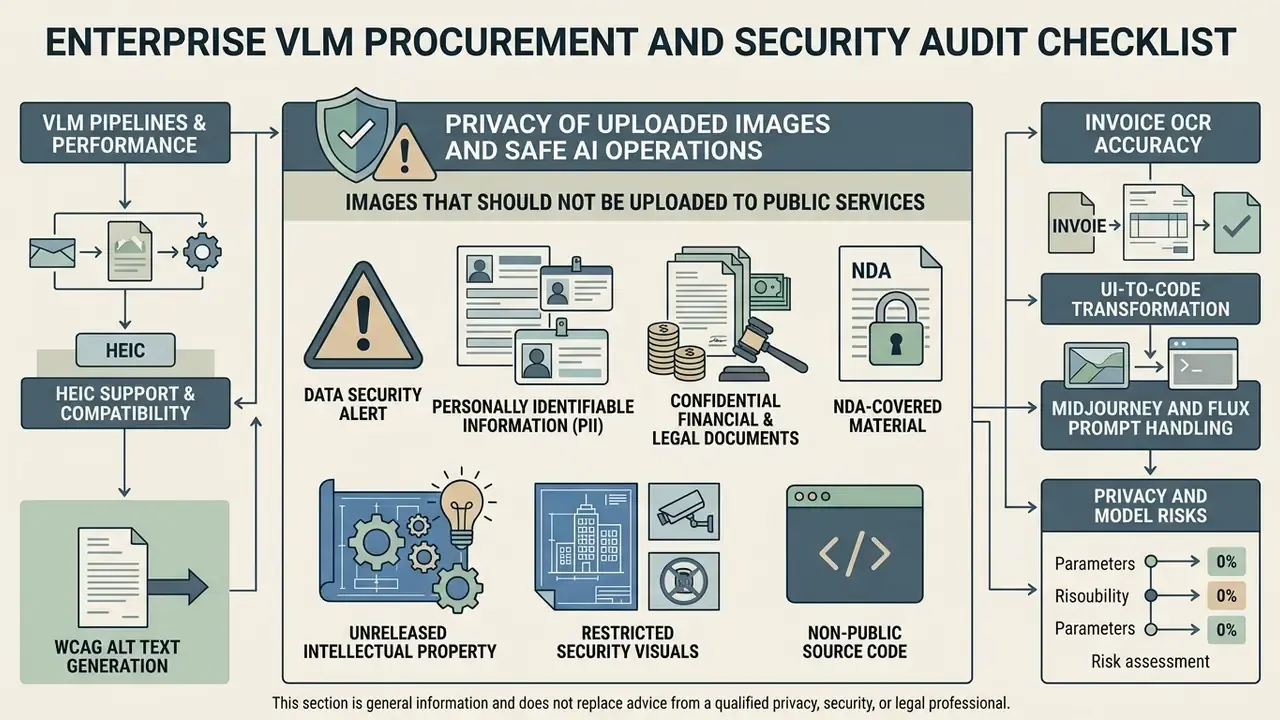
Images That Should Not Be Uploaded to Public Services
Set the boundary in writing before someone tests it with a passport scan.
Data security alert
How to Check Storage and Data Processing Policies
Procurement leads should read the Terms of Service and Privacy Policy together, then verify how uploaded images and generated descriptions are actually handled:
- Model training clausesconfirm the vendor explicitly agrees not to use uploaded customer images or generated text to train public foundation models. Published policies vary sharply. Some consumer assistants state that uploaded images and chats may be used to improve and train generative models. Others keep uploads out of training and retain them briefly for safety review only. A few specialist services commit to short fixed retention with no training use whatsoever.
- Data retention timelinesverify that binary files are purged from cloud storage immediately after inference, and that the stated window (72 hours or 7 days in documented policies) is contractually binding rather than a help-center paragraph.
- Third-party API routingestablish whether visual data passes to external sub-processors or underlying LLM providers, and in which jurisdictions those processors sit.
- Human review pathwaysfind out whether vendor staff can access uploads for quality or abuse review, and under what controls.
Trust in the output matters as much as trust in the storage. Research on how blind and low-vision users evaluate machine descriptions shows that presentation format changes error detection:
«Surfacing multiple AI description variants increased blind users' identification of unreliable claims by 4.9 times compared with a single description.»
The lesson generalizes beyond accessibility. A single authoritative-sounding output suppresses scrutiny. Visible variation invites it. Worth remembering the next time a dashboard shows one confident sentence per asset.
Regarding company-specific offerings: as of this update, hypeart.ai has no verified operational domain, registered business entity, or validated enterprise product suite (no verified information available). Any enterprise deployment model attributed to an unverified entity should be treated as hypothetical until official documentation and security certifications are supplied. We would rather leave a gap than fill it with a claim nobody can check.
FAQ on AI Describe Image
Can AI Describe Images in Different Languages?
Yes. Modern vision-language models support multi-language input and output natively. The system reads visual features and writes descriptive text directly in the target language, including Spanish, French, German, Mandarin, and Japanese, without a separate translation step. Precision and OCR accuracy remain highest for high-resource languages with large training corpora.
«Of the world's thousands of languages, only 23 have image-captioning datasets; the extended Crossmodal-3600 set covers 36 languages, indicating a substantial multilingual coverage gap.» Position paper on non-English image captioning datasets (2024) Benchmark evidence matches that gap. Multilingual multimodal evaluations have scaled from 10 languages (PALO, WACV 2025) to 18 and 41 languages (Kaleidoscope, 2025; M5, EMNLP 2024) and on to 205 languages (MVL-SIB, 2025). Every expansion reports the same pattern: uneven performance outside high-resource languages, worse on complex reasoning. For localized publishing, validate output quality language by language instead of assuming parity with English.
Which File Formats Can an AI Image Describer Read?
Most production tools accept JPG/JPEG, PNG, and WebP. Broader platforms add BMP, TIFF, GIF, SVG, and HEIC/HEIF, the last being essential for photos shot on modern iPhones. Some vision APIs detect the format from file content rather than filename or MIME type, but that behavior is vendor-specific and should be confirmed in documentation. Screenshots are handled as ordinary PNG or JPG input, not a separate format class, though screenshot content (dense UI text, low-contrast labels) is a distinct accuracy challenge.
How Do AI Image Describers Handle NSFW or Sensitive Content?
Enterprise and API-driven vision models apply strict guardrails, usually automated safety classifiers running before and after inference, that block explicit NSFW imagery, graphic violence, child-safety violations, and unverified PII such as identity documents. Attempting a restricted image typically returns a content-policy error rather than text. Consumer ai describe image no filter marketing deserves scepticism: the underlying foundation models still enforce provider policy, and routing sensitive imagery through an unvetted intermediary increases privacy exposure instead of removing it. For legitimate moderation workloads, use a purpose-built content-moderation API under a data-processing agreement, not a general-purpose describer.
Is AI Describe Picture Suitable for AI Art and Illustrations?
An ai art describer handles digital illustrations, synthetic renderings, and ai generated images well. It reads style parameters (brushwork, lighting angles, color palettes, composition rules) and returns detailed descriptors. Museum and university description standards recommend the same ordering for human writers: overview first, then detail, covering subject, medium, orientation, color, texture, and style, with statements restricted to visible features rather than interpretation. Human oversight is still required:
«Manual review of 560 out of 2,217 generated images showed that none of the seven tested models is ready for large-scale deployment without human supervision, due to bias and incorrect imagery.» Ullrich et al. (2024), text-to-image models for accessible communication (Easy-to-Read study) Extracted parameters can be reused as generative prompts on platforms like the reve ai image generator or across the broader AI art generators category, keeping in mind the engine-specific syntax differences shown in the prompt table above.
Can AI Explain Image and Answer Specific Questions?
Yes. Visual question answering architectures let a multimodal image analyzer respond to targeted asked questions about image content. Instead of a generic caption, the model evaluates visual embeddings to answer a specific query: identifying safety violations in industrial photos, verifying readable text on packaging, checking structural components in architectural diagrams. VQA survey literature confirms the task now spans general photography, document images (V-Doc-style page understanding), and domain-specific medical imaging, each with its own datasets and failure profile. For document and compliance work, always pair a VQA answer with an abstention option so the model can report "not visible" instead of guessing.
How Accurate Are AI Image Descriptions in Practice?
Accuracy is task-dependent and should never be quoted as a single number. Coarse object and color recognition is reliable. Counting, fine text, subtle emotion, and spatial precision are not. Measure per use case against an internal gold set, report CER and WER for OCR tasks and field-level accuracy for extraction tasks, and treat any vendor figure offered without a named benchmark as marketing.
Do AI-Generated Descriptions Satisfy WCAG Compliance on Their Own?
No. WCAG 2.2 requires text alternatives that serve an equivalent purpose in context, which is a requirement about meaning rather than about generation method. AI output is a first draft. A reviewer confirms that essential information comes first, that decorative images carry alt="", that functional images describe purpose rather than appearance, and that complex graphics have a full text equivalent elsewhere. Section 508 guidance scoring AI-generated alt text on a 1 to 5 accuracy scale exists precisely because unreviewed output ranges from highly accurate to flatly wrong.
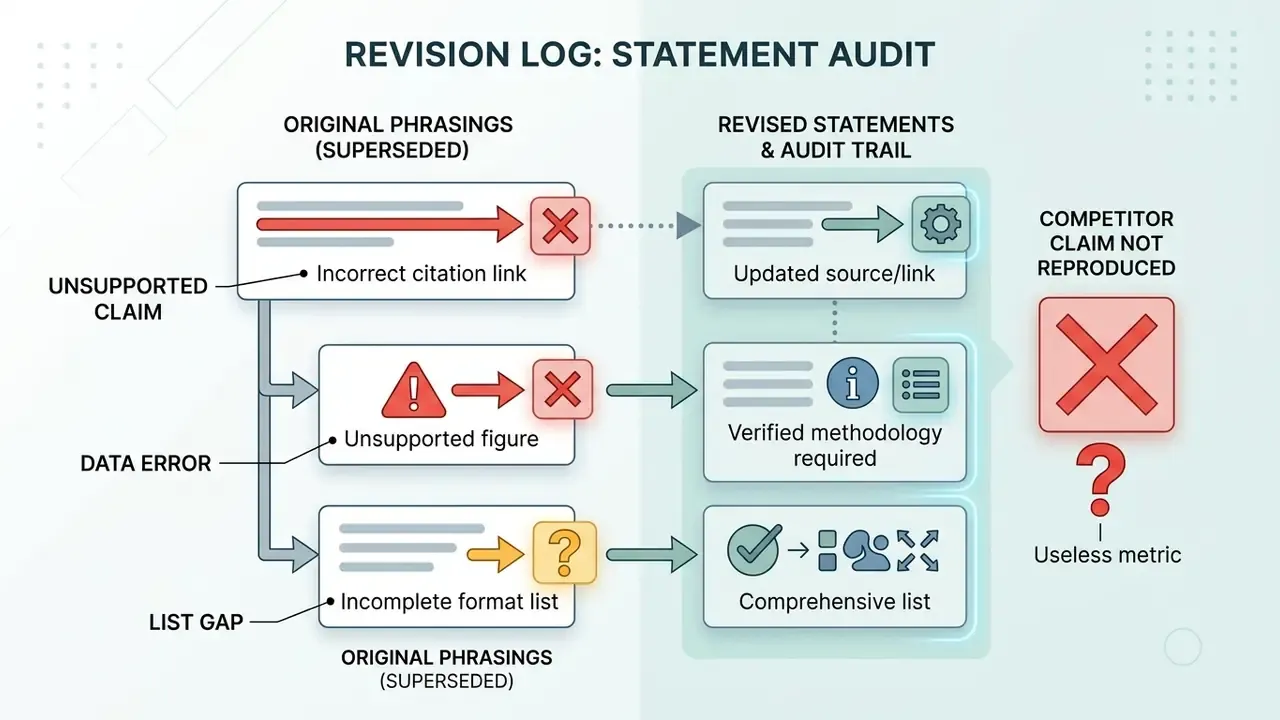
Appendix A: Revised Statements and Editorial Notes
A Safe Next Step
If you are deciding whether to move a visual description workflow into production, start narrow. Pick one asset class, build a gold set of 200 images with verified ground truth, run two candidate models, and record CER, field-level accuracy, abstention rate, and reviewer time per asset. Then decide autonomy tier by tier rather than platform by platform. That sequence costs a few weeks and tends to prevent the far more expensive discovery that a published description was never grounded in the pixels.
To explore additional commercial tools, licensing frameworks, and enterprise implementation strategies, view the guide for comprehensive coverage, or review legal risk frameworks across our news hub at browse the hub.