One practical note before the tables. Most procurement failures in this category are not about audio taste at all. They are about licence tiers, retention policies, and missing records of who generated what.
Executive Summary for Decision Makers
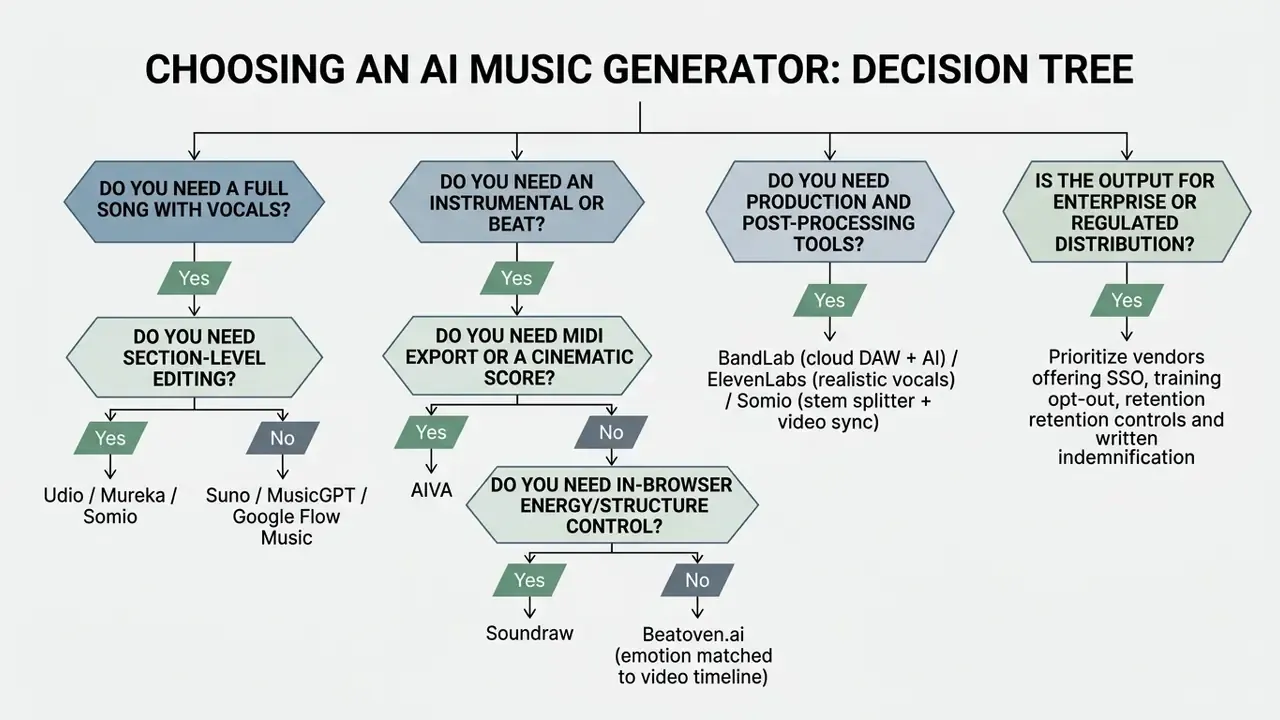
- Full songs with vocals: Suno (fastest prompt-to-song pipeline, up to 12 isolatable WAV stems), Udio (section-level inpainting), Mureka (voice cloning), Somio (prompt optimization plus reference matching), Google Flow Music / ProducerAI (conversational Gemini-based production).
- Instrumentals, beats and background music: Soundraw (browser-level block editing), Beatoven.ai (emotion-timeline scoring), AIVA (orchestral and game scores with MIDI export).
- Production and post-processing: BandLab (cloud DAW, stem splitter, AI mastering), MusicGPT (songs plus sound effects plus API), ElevenLabs (studio-grade singing voice and voice-to-song).
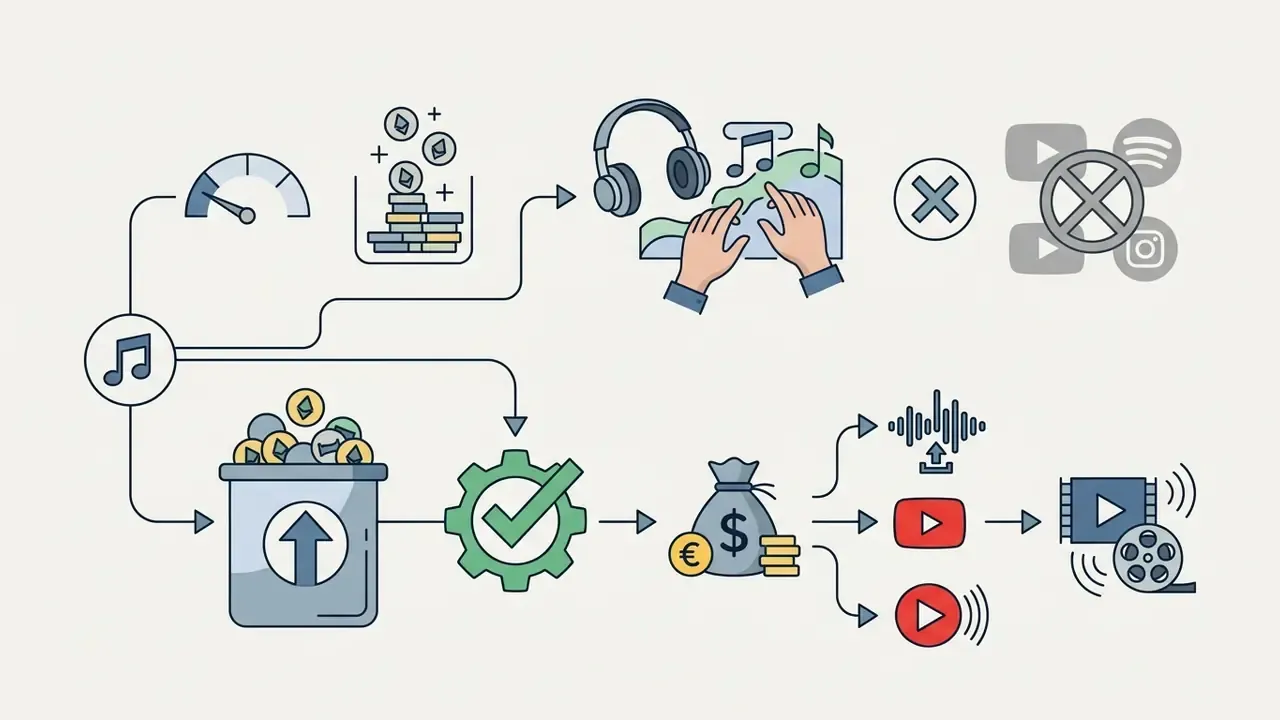
- Commercial safety: free tiers of Suno, Udio, AIVA, Mureka and ElevenLabs are personal-use sandboxes. Monetized publication requires a paid tier with explicit commercial clearance.
- Governance priority: before procurement, verify prompt-retention policy, training opt-out, SSO/RBAC availability, indemnification language, and a documented human-authorship trail for every released asset.
- Quality calibration: benchmark scores and listener preference diverge, so any internal validation must combine objective metrics with a structured human listening panel.
Best AI Music Generators: Comparison Table of Services
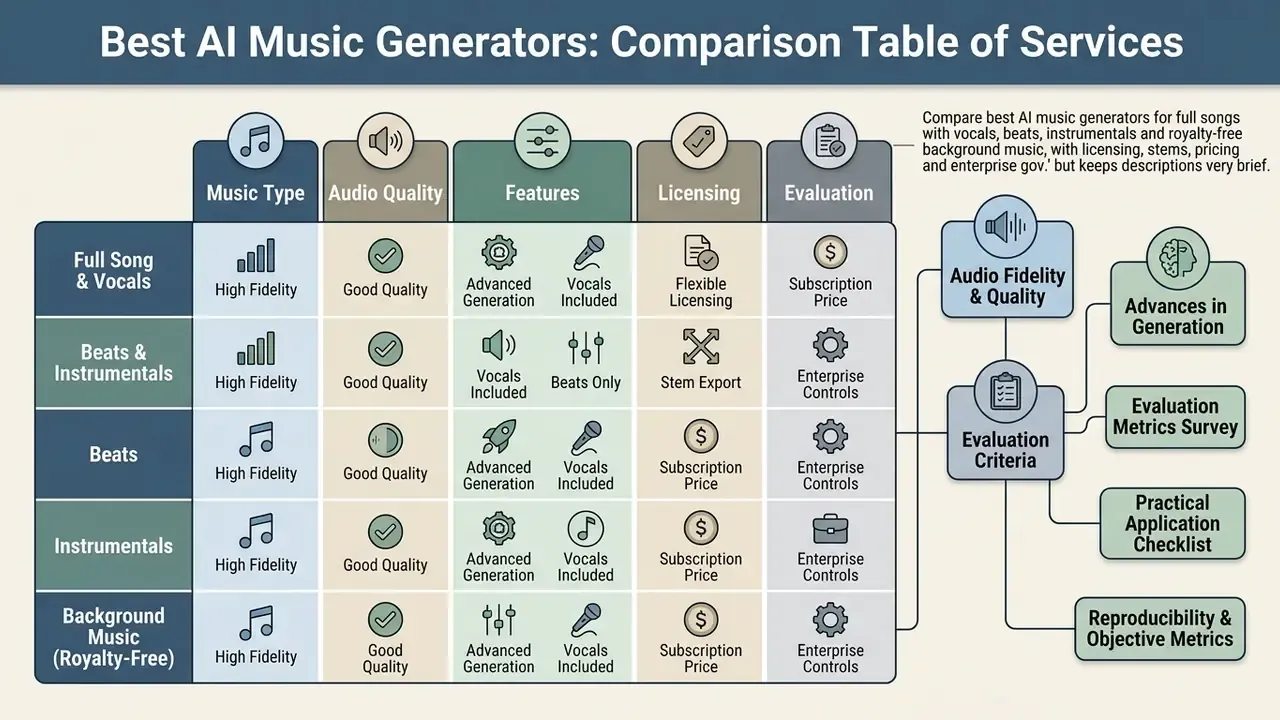
Selecting the best AI music generator depends on whether your project requires full-length tracks with synthetic vocal tracks, royalty-free background music for video production, or flexible stem exports for digital audio workstation (DAW) editing. Commercial teams must evaluate each platform's copyright terms, audio fidelity, and fine-grained editing capabilities before integrating AI music generation into active creative workflows. To see how the same evaluation logic applies to synthetic presenters, review our study of the best ai avatar software for video generation.
| Service | Primary Best Use Case | Vocal Generation | Instrumental / Stems | Editing Controls | Commercial Rights | Free Access Tier |
|---|---|---|---|---|---|---|
| Suno | Fast full-song generation from simple prompts | High-quality AI vocals (multiple styles) | Yes (up to 12 WAV stems + MIDI in paid tiers) | Song Editor, extend, audio upload, Weirdness slider | Included in paid plans (Pro/Premier) | Free plan (50 credits/day, ≈10 songs, personal use only) |
| Udio | Fine-grained vocal, style, and track structure edits | High-quality AI vocals | Yes (Instrumental mode & stem export) | Inpainting, replace section, extend, remix | Included in paid subscription tiers | Free plan (10 credits/day + 100/month, non-commercial) |
| Mureka | Personalized vocal cloning and custom songwriting | AI vocal synthesis & voice cloning | Yes (Full arrangements) | Lyric editor, region editing, style prompt tuning | Commercial rights on paid plans | Free non-commercial trial available |
| Somio | Prompt optimization and reference-matched generation | Expressive AI singers + custom voice models | Yes (BGM engine, stem splitter, acapella mode) | Prompt enhancement, extend, section replace, vocal remover | Full commercial license on paid tiers | Free plan with limited generation credits |
| Google Flow Music (ProducerAI) | Interactive chat-based production and instant music videos | Yes (full songs and custom instruments) | Yes (stems, custom instrument design) | Gemini chat editing, multimodal prompts, Spaces mini-apps | Bound to Google Cloud AI tier policies | Requires verified Google Account (18+) |
| Soundraw | Fully customizable background music for creators | No (Focus on non-vocal arrangements) | Yes (In-browser stem customization) | Energy level, structure blocks, tempo, key | 100% royalty-free on paid plans | Free preview generation (no commercial download) |
| Beatoven.ai | Emotion-driven background tracks for video/podcasts | No (Instrumental background audio) | Yes (Scene-based track loops) | Timeline emotion cuts, genre selection | Royalty-free commercial license on paid plans | Free tier for preview & drafting |
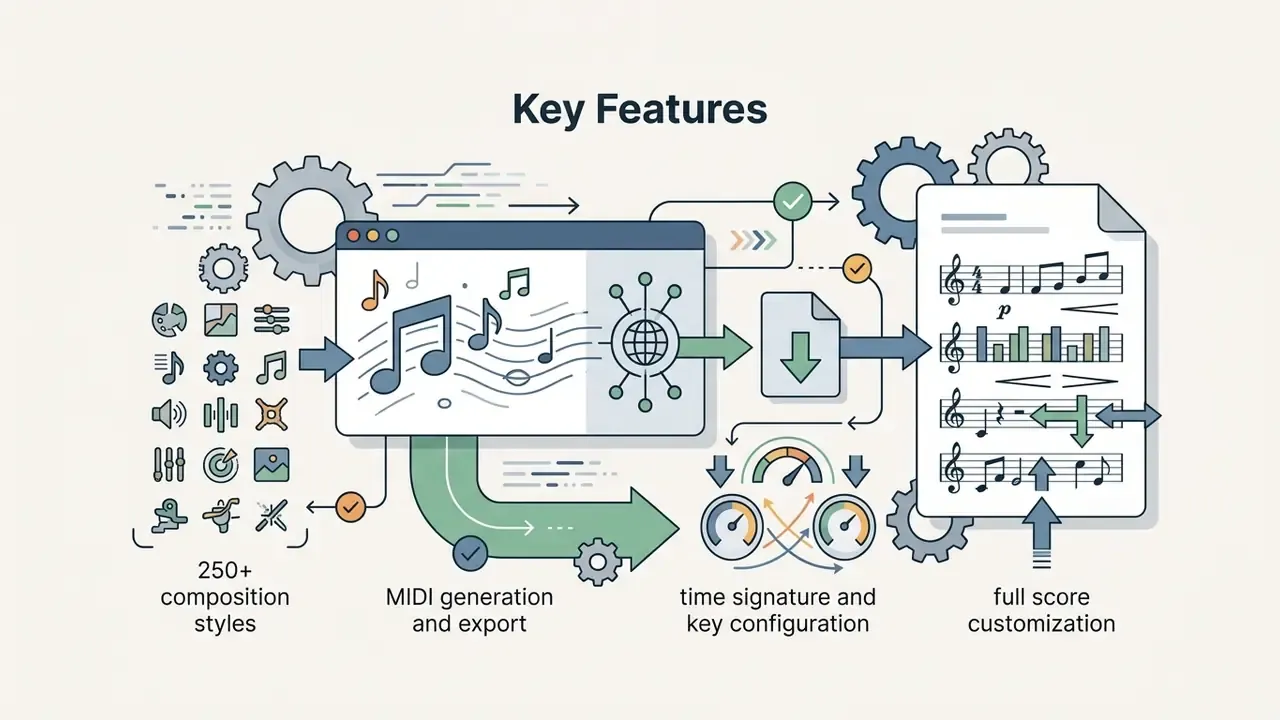
| AIVA | Cinematic composition and orchestral video game scores | Limited (Focus on symphonic compositions) | Yes (MIDI export & full score stems) | Score editing, key/time signature, 250+ styles | Full ownership on Pro tier | Free tier (attribution required, non-commercial) |
| MusicGPT | All-in-one music, lyrics, and sound effect synthesis | AI vocals from custom/generated lyrics | Yes (Complete arrangements & SFX) | Natural language prompting, Remix, Replace, API | Commercial rights with paid credits | Free credits on signup |
| BandLab | Collaborative production with built-in AI tools | Voice synthesis, Voice Cleaner & Voice Changer | Yes (SongStarter & MIDI generators) | Full Studio DAW, mastering, Splitter, Smart Tools | Creator retains rights to original work | Free platform with premium add-ons |
| ElevenLabs | Human-like vocal synthesis and voice-to-song conversion | Studio-grade AI singing vocals | Limited (Focus on vocal stems/speech) | Voice changer, Studio timeline, pitch and emotion control | Commercial clearance on paid plans | Free tier (non-commercial, attribution mandatory) |
Evaluation Criteria: How These AI Music Generators Were Tested
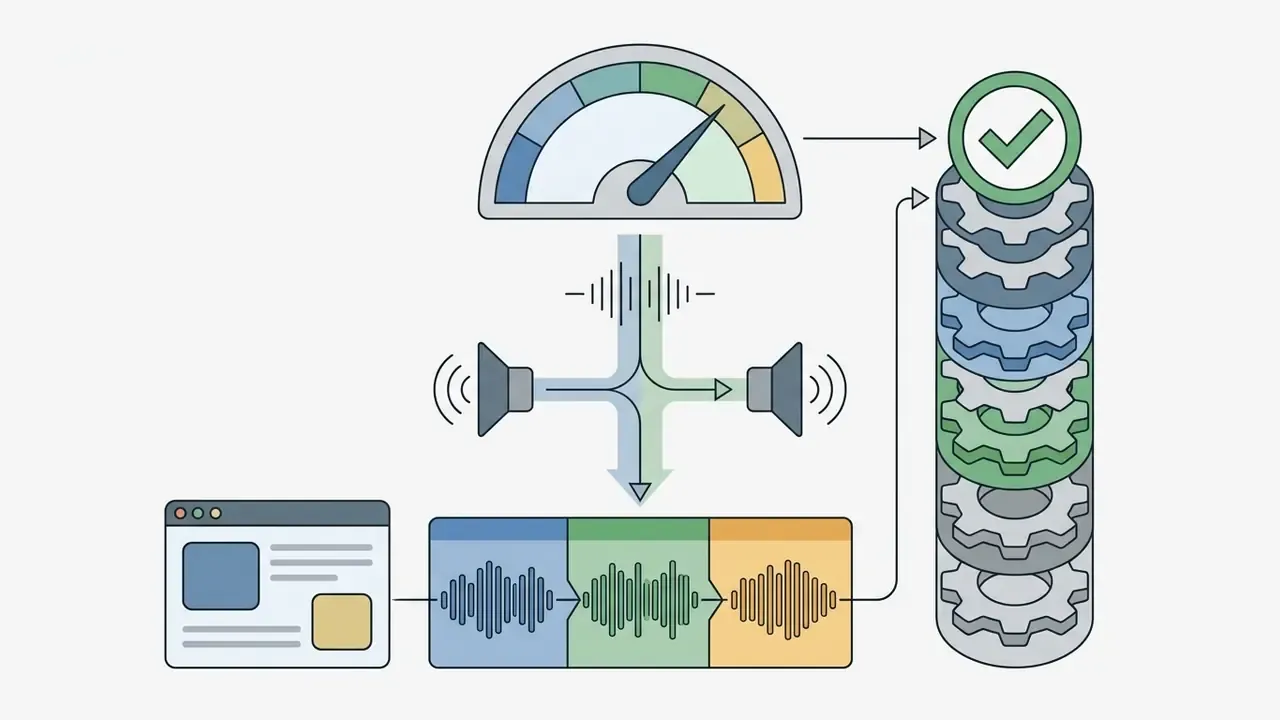
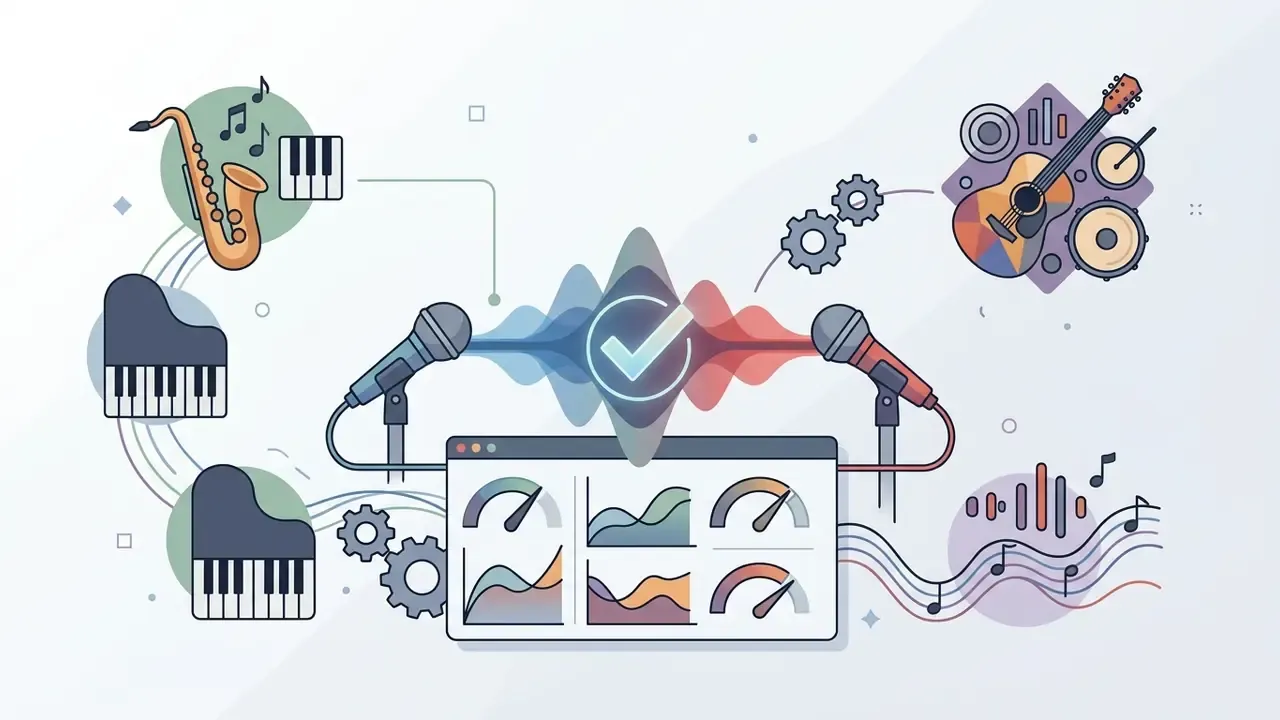
We evaluated these AI music creation platforms across six core operational dimensions, using identical prompts per model, blind pairwise listening on the same prompt and modality, and separate scoring of vocal and instrumental output.
- Audio Fidelity & Quality: Evaluated against objective audio metrics and perceptual listening standards such as ITU-R BS.1116 (small-impairment testing) and ITU-R BS.1534 / MUSHRA (intermediate-quality testing). Crucially, benchmark numbers alone are not decisive:
«Models with the best FAD scores do not always receive the highest listener ratings, objective metrics and human preference diverge substantially.»
- Prompt Adherence & Text Understanding: How accurately the model translates genre, mood, and structural instructions into musical compositions, measured separately from structural coherence (Recent Advances in Music Generation, Springer).
- Lyrics Handling & Vocal Alignment: Evaluated using Phoneme Error Rate (PER) and condition-matching metrics to measure vocal synthesis clarity (A Survey on Evaluation Metrics for Music Generation, arXiv).
- Editing Flexibility: The availability of stem splitters, inpainting, section replacement, MIDI export, and DAW integration tools.
- Generation Speed & Iteration: Time-to-first-draft and latency during multi-track generation cycles (MelodyCraft Guide).
- Licensing & Commercial Governance: Clarity of commercial usage rights, indemnity policies, training-data transparency, and copyright risk management. Legal-technical analysis is explicit about one common failure mode:
«Feeding copyright-protected lyrics into a generative system and then publishing the result likely infringes the songwriter's exclusive rights under 17 U.S.C. § 102(a)(2).»
Scoring itself stayed deliberately unglamorous: a 1 to 10 scale per attribute, notes on every rejected render, and a record of how many attempts it took to reach something usable. That last number tells you more about real cost than any pricing page.
Model Risk Validation Checklist for AI Audio (Practical Application)
Risk, compliance, and audio QA teams can convert the criteria above into a repeatable acceptance test before an AI music tool enters production use:
- Reproducibility: Log the exact prompt, model version, seed (where exposed), and generation timestamp for every accepted asset. Without this, output lineage cannot be reconstructed during an audit.
- Objective metrics: Record spectral and distributional metrics (for example FAD) as screening indicators only, never as a pass/fail gate, because metric ranking and listener ranking disagree.
- Perceptual panel: Run a blind ITU-R BS.1534-style listening session with at least 8 to 10 trained listeners, rating vocals, instruments, structure, arrangement, mixing, and musicality on a 1 to 10 scale.
- Lyric fidelity: Measure PER or run manual transcription checks on sung output; flag any track where intelligibility falls below your editorial threshold.
- Similarity screening: Compare released candidates against reference catalogues to detect near-duplication of existing melodies or hooks before publication.
- Human-authorship trail: Document the human editorial contribution (lyric writing, arrangement edits, section replacement, mixing decisions) that supports registrability and defensible ownership.
- Licensing evidence: Attach the subscription invoice, plan tier, and platform licence terms version to the asset record at the moment of download.
- Style diversity review: Verify that outputs are not converging into a single house sound across campaigns, an increasingly measurable risk:
«A 2026 audit found Lyria compresses within-genre diversity while Suno erases acoustic distinctions between genres, both effects measured across 72 MIR features.»
Point eight surprises people. Homogenization is a brand risk, not just an aesthetic one, because a recognizable "AI sound" across twelve campaigns eventually reads as laziness to the audience.
Selecting the Right AI Music Generator by Target Workflow
Selecting the right music generation platform depends directly on your team's production deliverable and technical expertise. The matrix below maps deliverables to platforms and export formats.
| Use Case / Target Output | Recommended AI Generator | Primary Key Feature | Output Export Formats |
|---|---|---|---|
| Full Songs with Vocals | Suno / Udio / Somio | Stem separation, lyric inpainting | 24-bit WAV, stems, MP4 video |
| Cinematic Scores & Games | AIVA | Full MIDI export, score editing | MIDI, lossless WAV |
| Custom Instrumental BGM | Soundraw | In-browser block energy editing | Royalty-free WAV, stems |
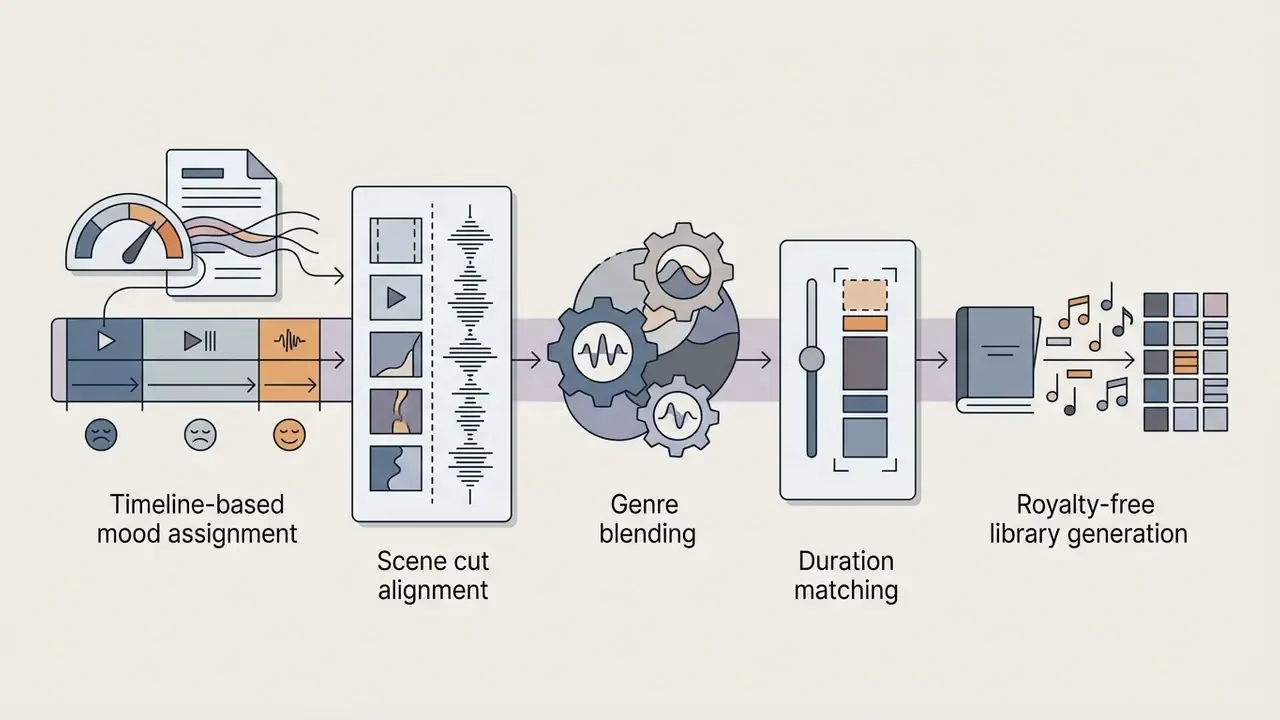
| Emotion-Matched Video Scoring | Beatoven.ai | Timeline mood cuts aligned to scenes | WAV, MP3 |
| Vocal Localization & Covers | ElevenLabs | Voice-to-song, multi-language synthesis | High-bitrate vocal stems |
| Interactive / Chat Production | Google Flow Music | Gemini chat UI, Veo video sync | Web-DAW project, stems |
| Collaborative Production & Mastering | BandLab | Cloud DAW, Splitter, AI mastering | WAV, MP3, project files |
No matching rows Clear one or more filters to restore the matrix.
- YouTube Videos & Podcasting
- Soundraw and Beatoven.ai provide royalty-free background tracks with precise control over energy changes and scene cuts, ensuring audio fits video timelines without copyright strikes. Creators building diverse channel assets can also review our guide on the best ai content creation software for teachers for broader media production workflows, or plan the edit itself with dedicated YouTube video editors.
- Video Game Developers
- AIVA delivers cinematic composition and orchestral arrangements, exporting full MIDI tracks and stem files suitable for adaptive game audio engines. Useful when a game developer needs dozens of short cues rather than one hero track.
- Professional Producers & Songwriters
- Udio and BandLab offer granular editing tools, stem separation, and section inpainting, allowing producers to refine specific song segments inside their production pipeline.
- Beginners & Marketing Teams
- Suno and MusicGPT convert simple text prompts into complete songs with full vocals in seconds. Vendor documentation frames these flows as prompt-only ("supply only a prompt and let the system generate everything"), so formal music theory is not a prerequisite, although usable release-grade results still require prompt iteration and editorial selection. If your brand campaign requires synchronized visual assets, see our analysis of the best ai for image generation or our comparison of the best AI art generators to build cohesive multimedia packages.
Step-by-Step Guide: How to Generate Studio-Quality AI Music
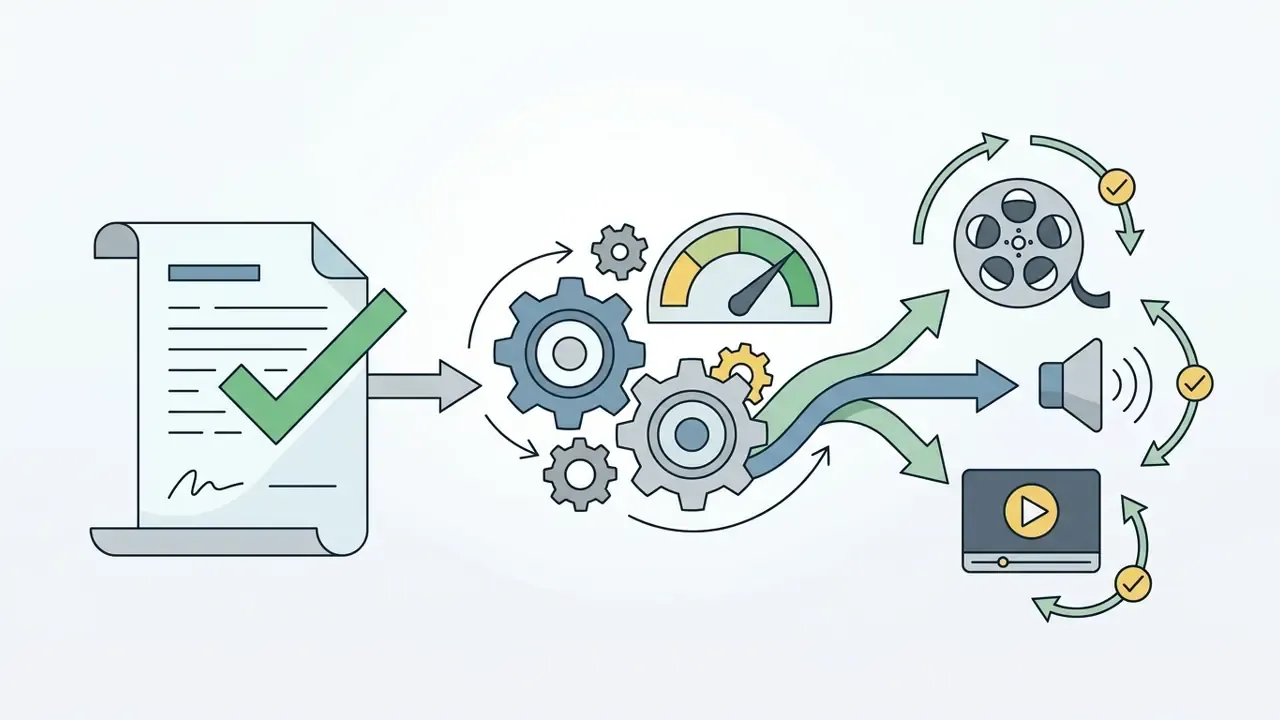
Creating professional audio tracks using generative AI requires a structured prompting and post-production workflow. Follow this three-step pipeline to yield consistent, auditable results:
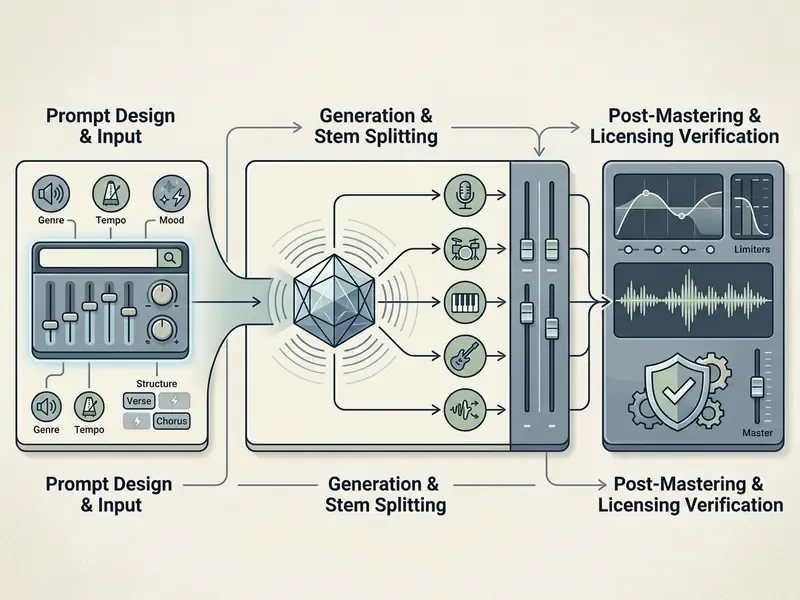
Step 1: Craft Precise Structural Prompts
Select your primary operational mode (full track with vocals, instrumental, or acapella). Define the sonic environment, genre sub-tags, BPM range, instrumentation, and vocal characteristics. Specific musical vocabulary produces far more controllable output than generic mood words. "Cinematic and emotional" means nothing to the model; "115 BPM, analog bass, gated reverb drums" means quite a lot.
- Prompt template:
[Genre: 80s Synthwave] [Mood: Melancholic Drive] [Instrumentation: Analog Bass, Gated Reverb Drums] [Tempo: 115 BPM] [Vocal Style: Female Belt, Wet Reverb] - Structure tags: use
[Intro],[Verse],[Pre-Chorus],[Chorus],[Bridge],[Outro]inside your lyric field so the model respects song form. - Reference input: on platforms that support audio-to-audio guidance (Somio, Suno audio upload, Google Flow Music), attach a reference clip you own the rights to instead of naming a living artist.
Step 2: Render, Inpaint, and Isolate Stems
Generate several candidate variations rather than accepting the first render. Use Inpainting / Replace Section tools (available in Udio, Suno, Somio and Mureka region editing) to rewrite specific lyric lines or repair dynamic drops. Once the arrangement is locked, extend the track if needed, then export isolated 24-bit WAV stems (vocals, bass, drums, synths) or MIDI for further arrangement. In hip hop and electronic work, the drum stem is usually the first thing a producer replaces by hand.
Step 3: Apply Mastering and Clear Licensing Rights
Import stems into a DAW or run the mix through an automated AI mastering engine to normalize loudness for the target distribution channel (roughly −14 LUFS integrated for Spotify and YouTube, with true peak below −1 dBTP). Before publication, confirm in your generation history and billing record that the track was produced under an active paid subscription tier that grants commercial clearance, and archive the human-edit log that documents your authorship contribution.
Best AI Song Generators for Full Tracks with Vocals
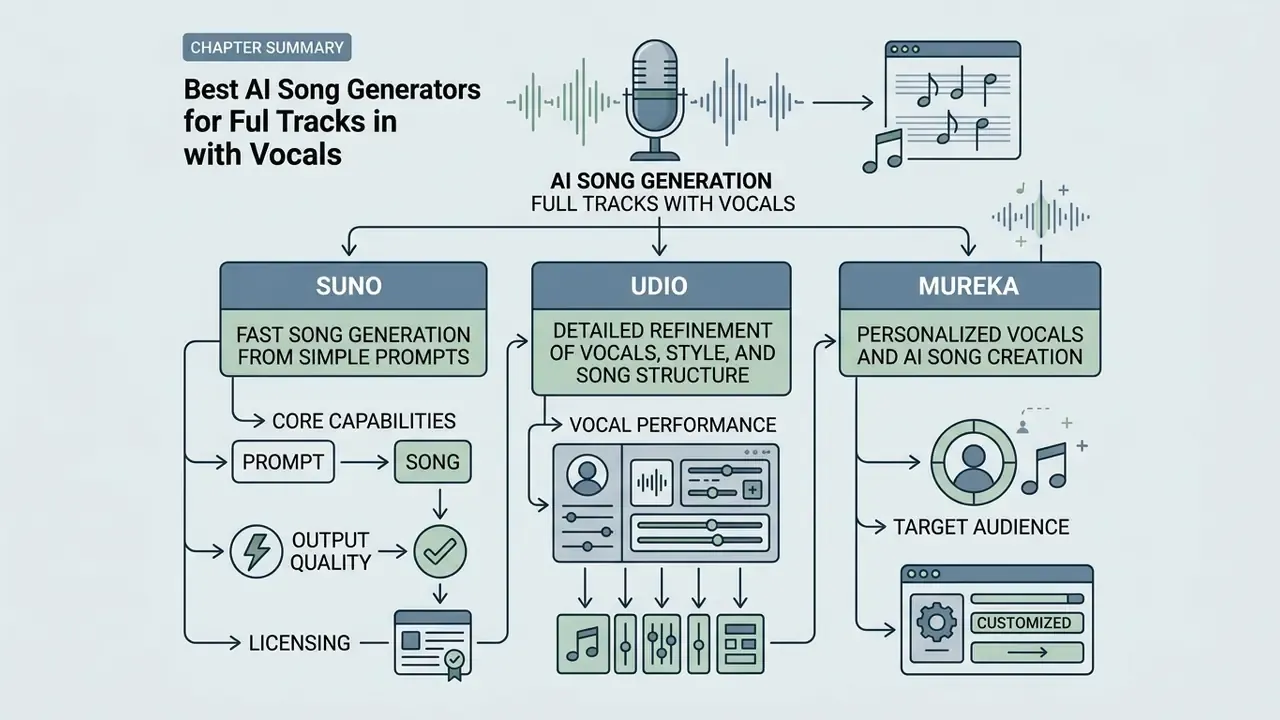
An AI song generator produces complete musical tracks, combining lead vocals, backing harmonies, instrumentation, and song structure, directly from natural language prompts or structured lyrics. Leading platforms use autoregressive and diffusion models trained on vast audio datasets to generate multi-minute stereo compositions.
«Moûsai, a cascading two-stage latent diffusion model, generates multiple minutes of high-quality 48 kHz stereo music from text descriptions, trained on 50,000 text-music pairs (2,500 hours).»
Suno - For Fast Song Generation from Simple Prompts
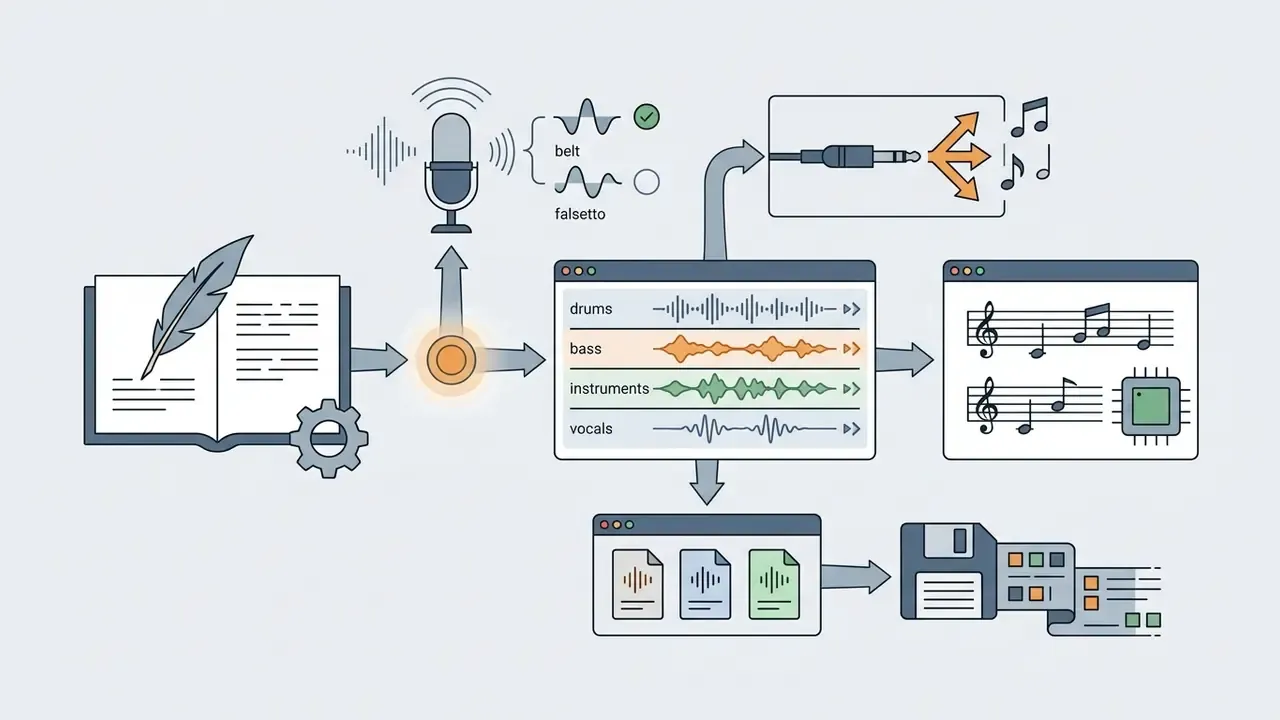
Suno is a leading text-to-music platform designed to generate complete songs with vocals, instruments, and polished arrangements from text prompts or custom lyrics within seconds.
Suno's v3.5, v4 and later engines allow users to generate base tracks of roughly 2 to 4 minutes, extendable up to about 8 minutes through track-extension and audio-upload features, by specifying genres, emotional moods, or exact lyrical structures. Suno Studio functions as a browser-based generative audio workstation: it supports up to 12 isolatable WAV stems, MIDI export, multitrack editing, and a granular "Weirdness" slider that adjusts compositional variance when you want output to drift further from genre conventions.
«A corpus of 101,953 songs created by 60,342 Suno and Udio users between May and October 2024 confirms the mass adoption of these platforms.»
Udio - For Detailed Refinement of Vocals, Style, and Song Structure
Udio is an advanced AI music generation platform built for creators who demand precise structural control, realistic vocal synthesis, and detailed section-by-section editing.
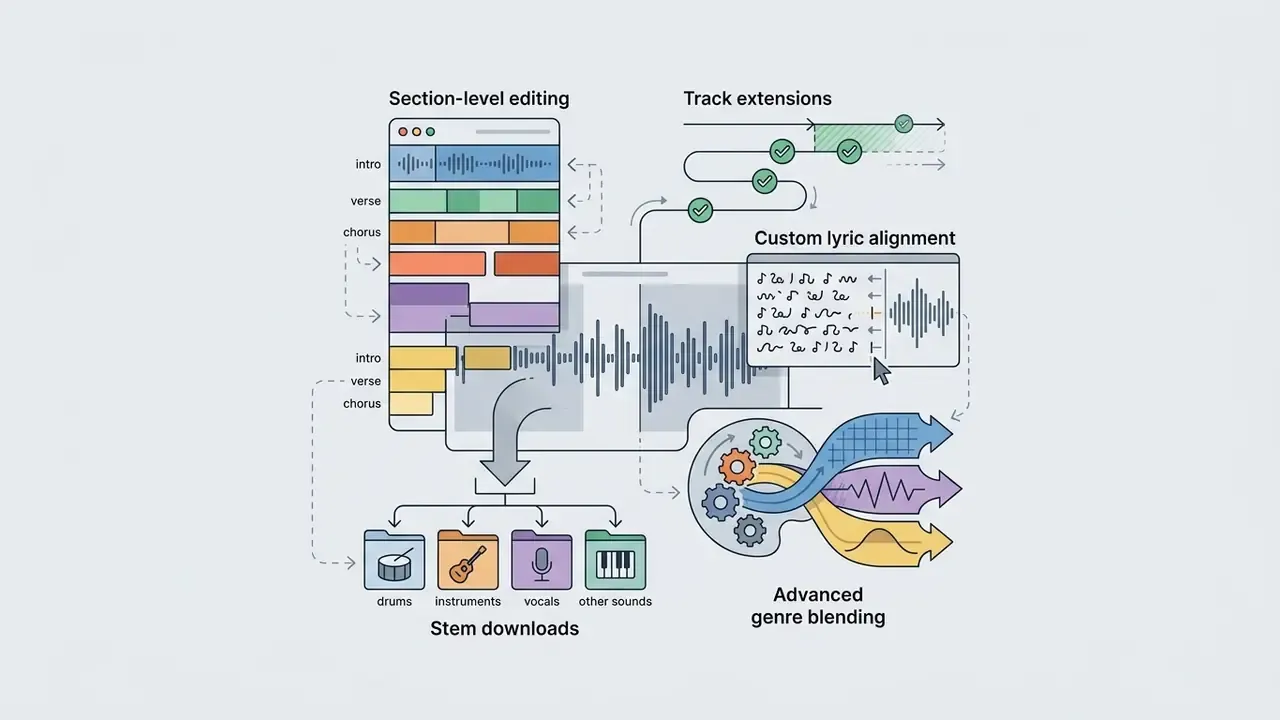
Unlike one-click generators, Udio excels at iterative song creation. Its "Replace Section" (inpainting) feature lets users rewrite specific lines, swap instrumentation, or alter emotional tone without regenerating the entire track. Udio's prompt parser responds to precise musical descriptors, such as specific sub-genres, instrumentation choices, and vocal direction tags, and its Extend and Remix tools let producers restructure a track without starting over.
Mureka - For Personalized Vocals and AI Song Creation
Mureka is a specialized AI music creation tool focused on high-quality vocal synthesis, personalized voice cloning, and commercial song production.
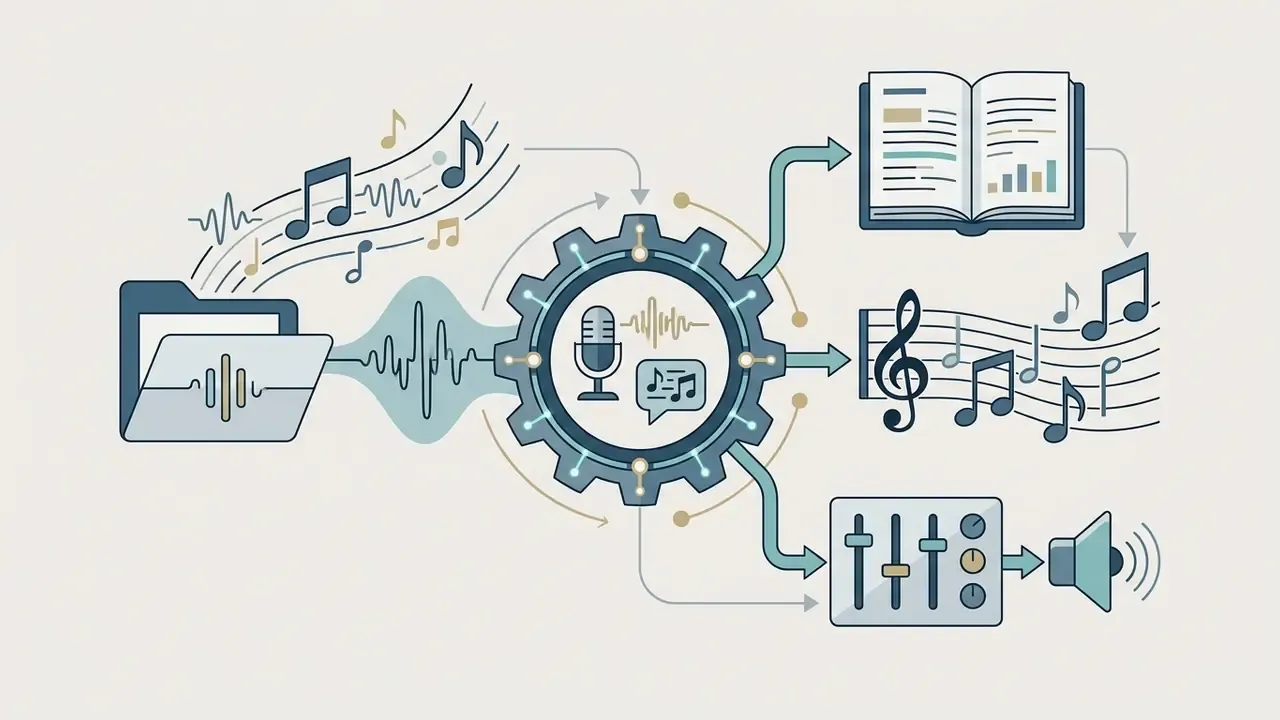
Mureka enables users to generate full songs from text while offering voice cloning features that allow creators to train personalized AI vocal models for commercial projects. The platform includes an integrated lyric generator, style prompt customizer, region editing for section-level adjustments, multi-language vocal synthesis, and a full-length track exporter designed for commercial media production. Basic mode covers quick generation; advanced mode exposes composition, arrangement, and vocal parameters.
Google Flow Music (ProducerAI) - Best for Interactive DAW and Music Video Creation
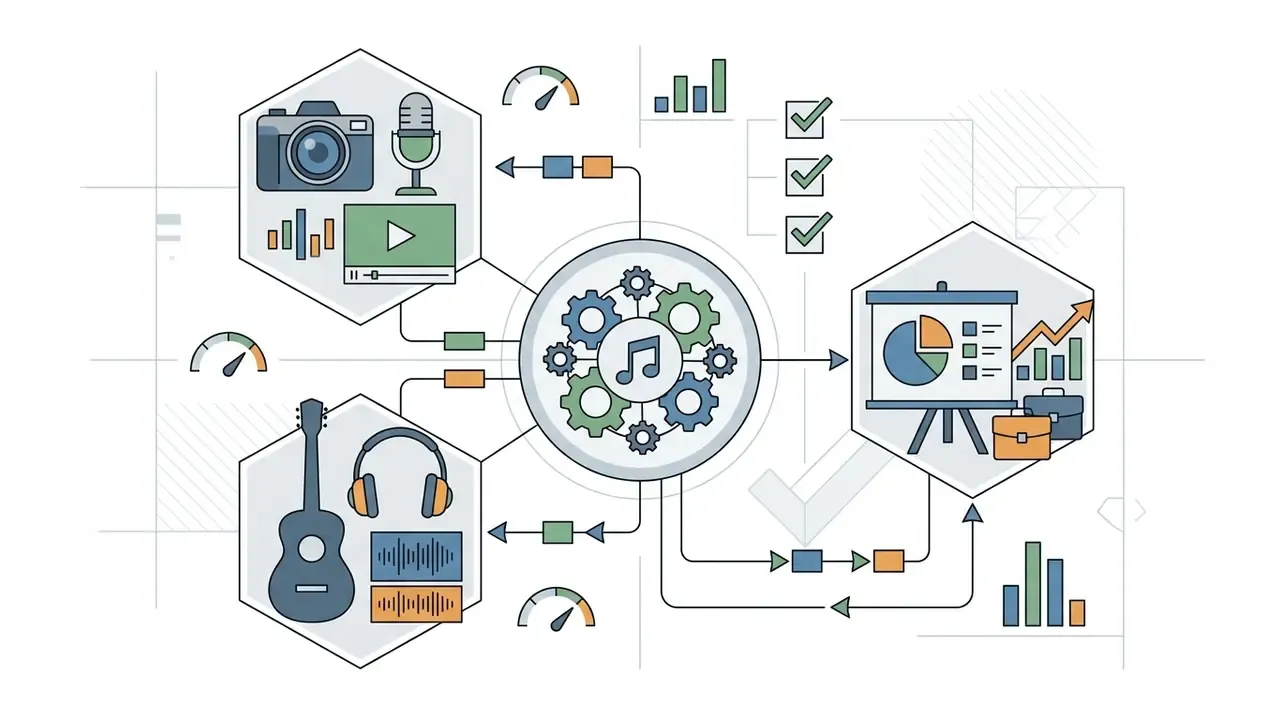
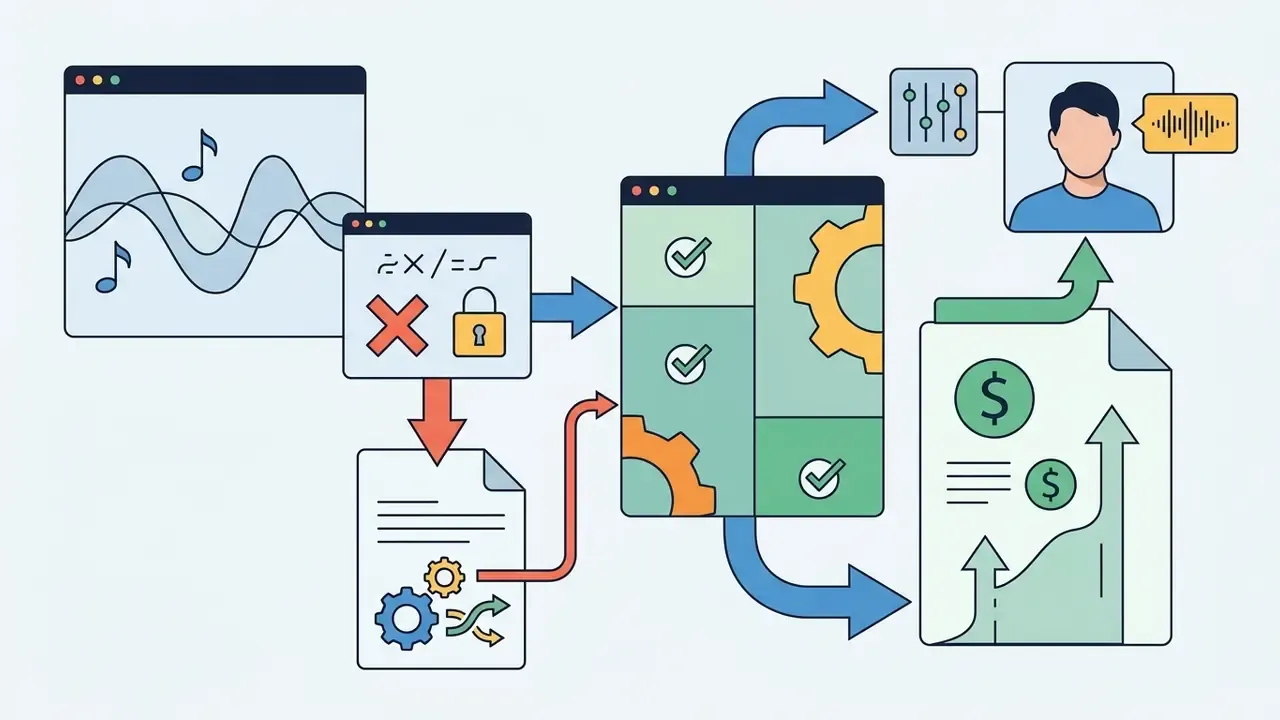
Google Flow Music (formerly ProducerAI) integrates directly with Google's Gemini language model and Veo video generation architecture to offer conversational music creation, accepting text, image, and audio prompts as a starting point.
Somio - Best for Smart Prompt Optimization and Reference Matching
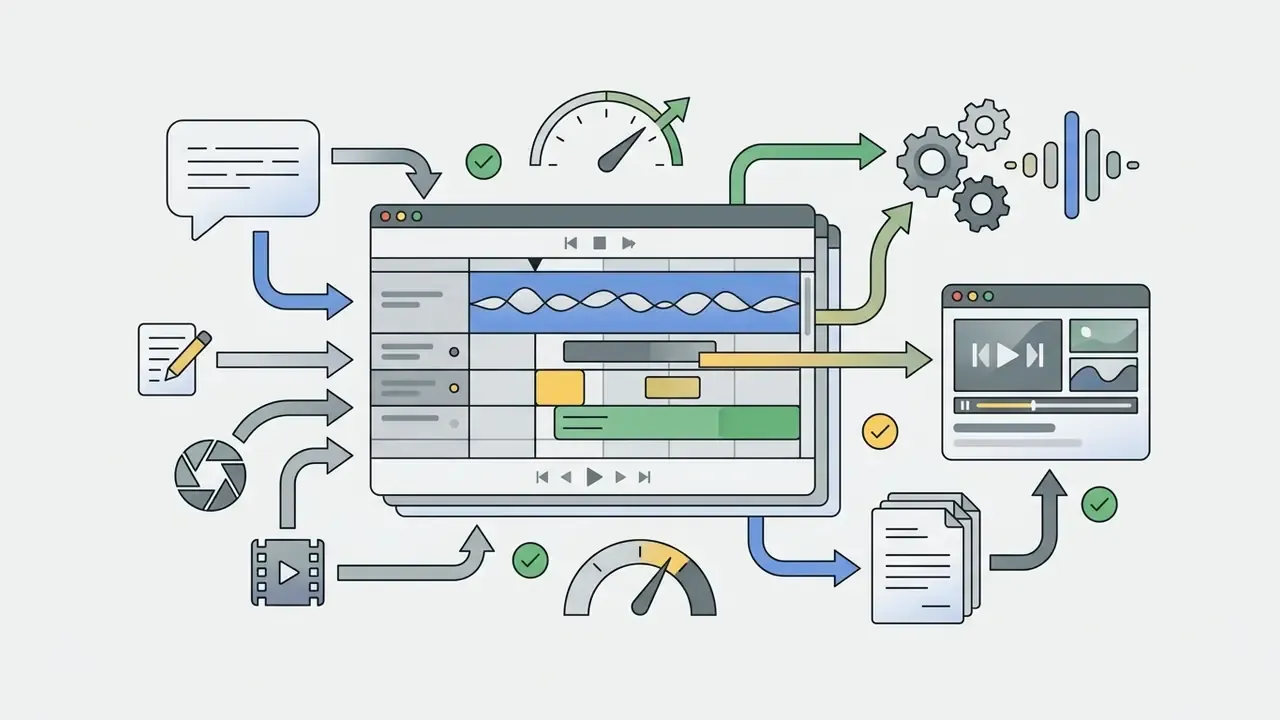
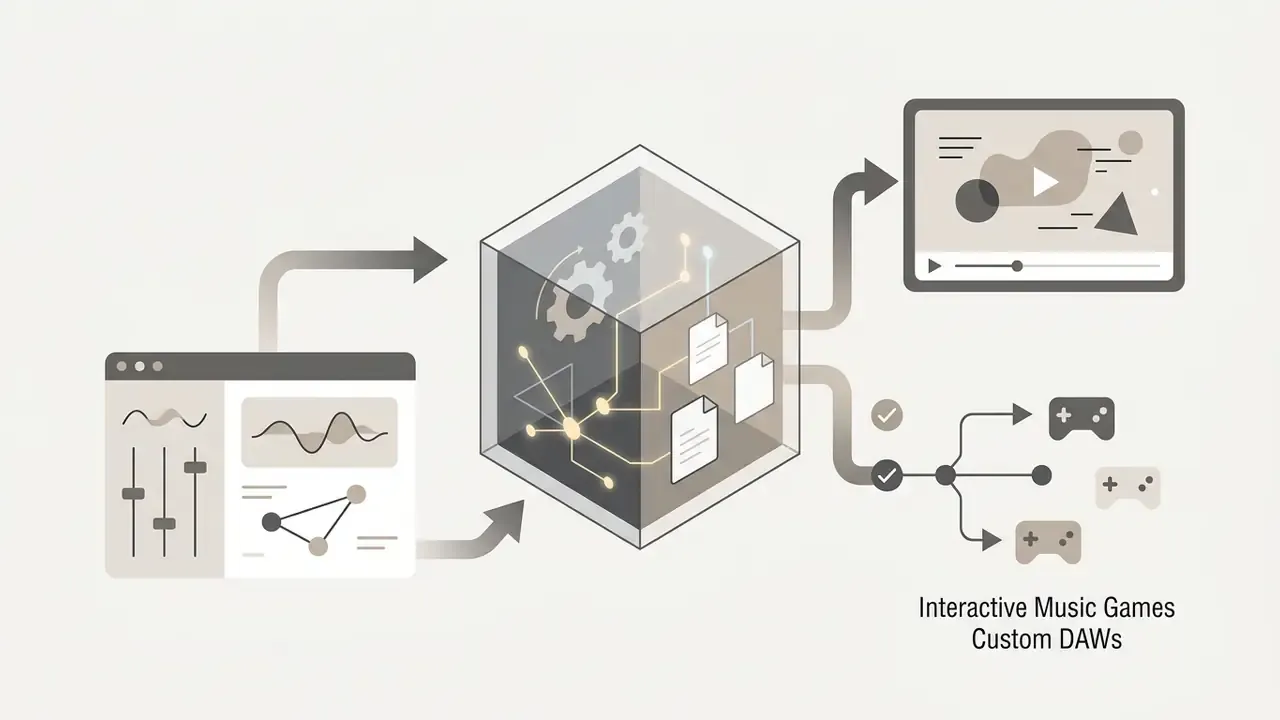
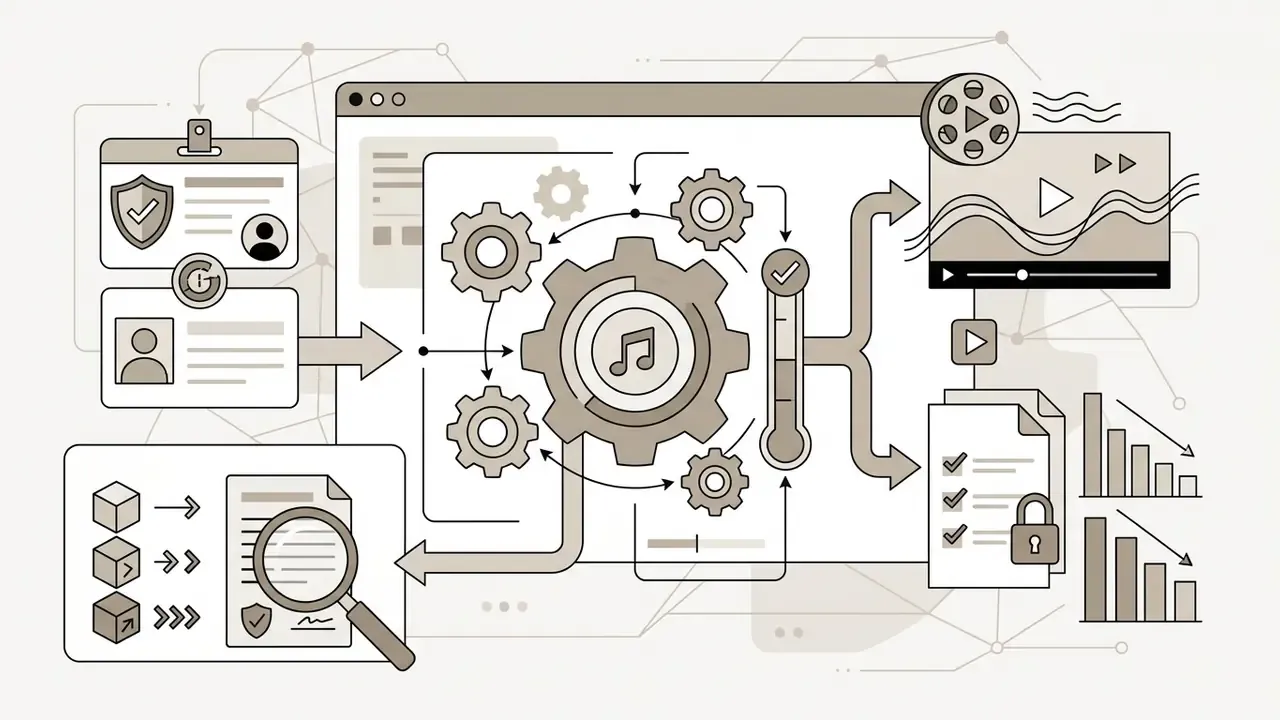
Somio features an integrated prompt enhancement engine that neutralizes vague inputs before audio rendering, alongside robust audio-to-audio reference capabilities. Useful when a brief says "something like this" rather than naming a genre.
- Core Capabilities
- Text-to-music, lyrics-to-song, dedicated BGM synthesis, similar-song generation from a reference upload, acapella mode, built-in stem splitter, vocal remover, section replacement, and AI video sync.
- Output Control
- Fine-grained vocal dynamics tuning (gender, style, delivery), custom voice recording or upload, featured AI singers, batch generation, and full-length tracks with natural endings rather than abrupt loops.
- Licensing
- On paid tiers, every generated track ships with a full commercial licence, including explicit clearance for YouTube and podcast monetization.
Best AI Generators for Beats, Instrumentals and Background Music
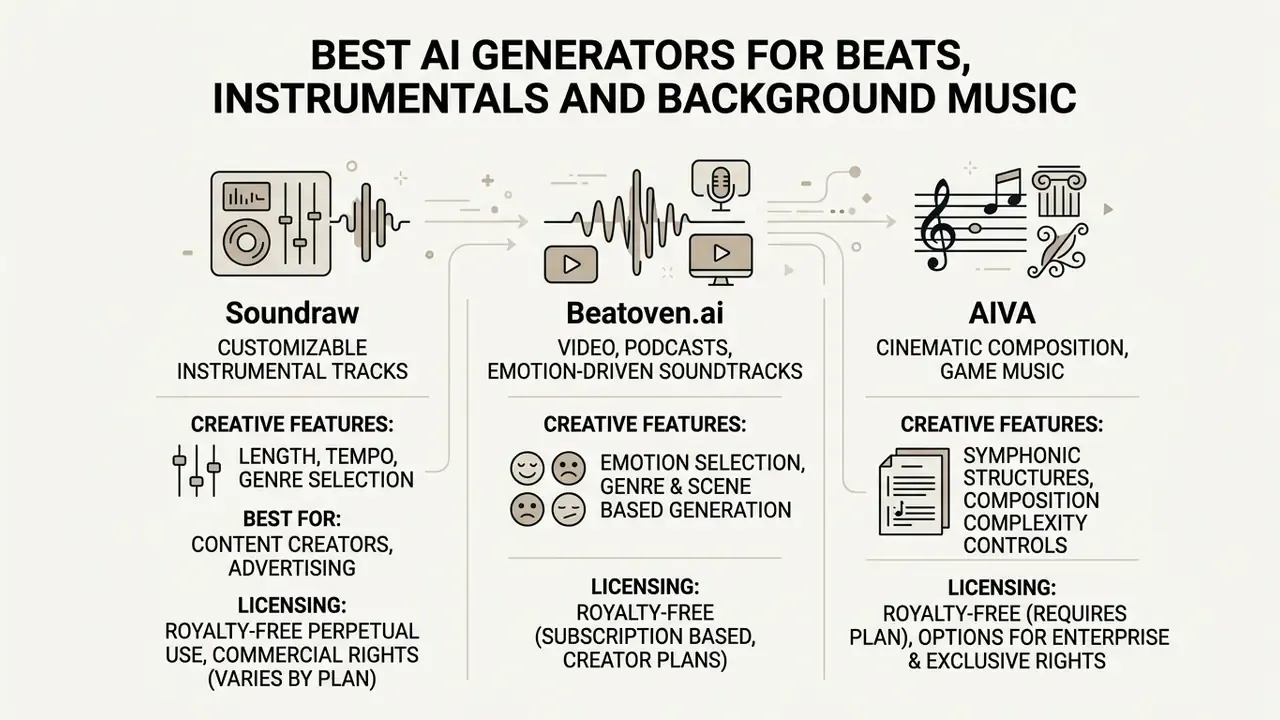
Instrumental AI music generators produce non-vocal background tracks, beats, and score cues tailored for media creators, podcasters, and game developers who need royalty-free audio that matches specific scene lengths and emotional moods. Independent research on production economics notes that AI is currently strongest in functional music built around a defined mood, genre, or background role.
Game and media teams pairing audio with visuals frequently combine these engines with AI art and image generators to keep soundtrack and key-art production on the same sprint cycle.
Soundraw - For Customizable Instrumental Tracks
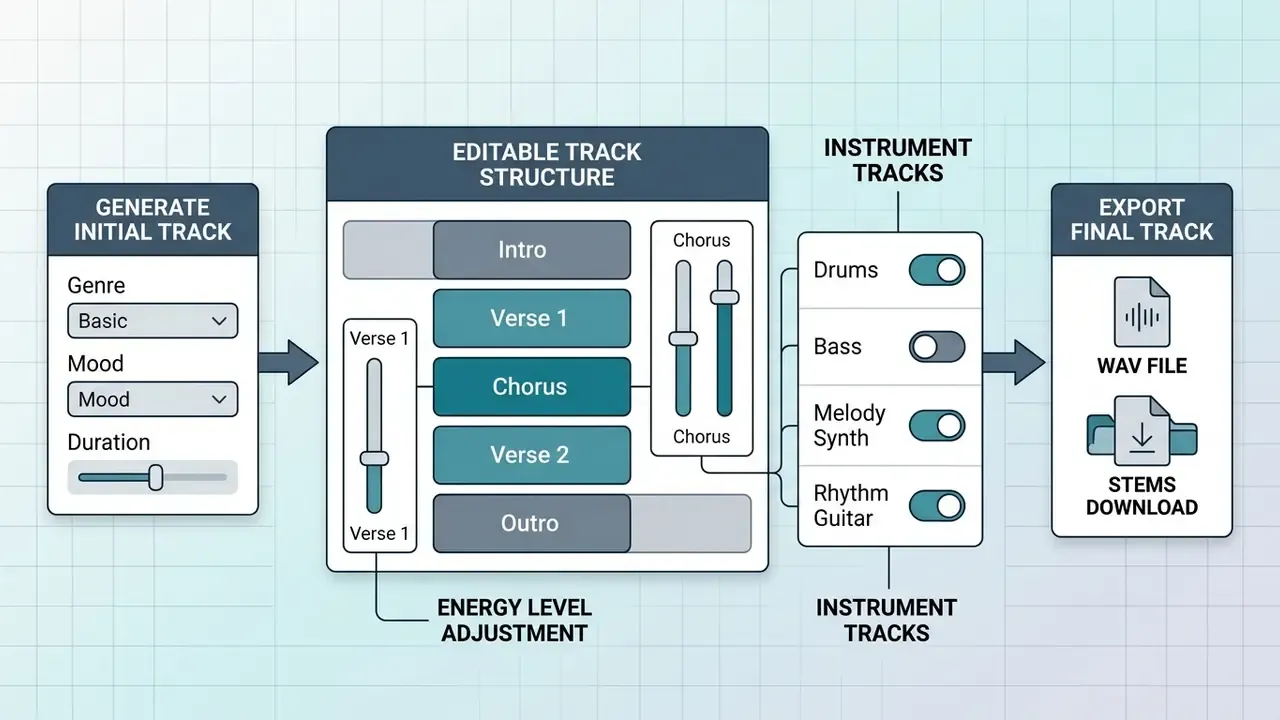
Soundraw is an interactive AI instrumental generator that enables users to generate royalty-free background tracks and customize their structure, tempo, and instrument intensity directly in a browser-based mixer.
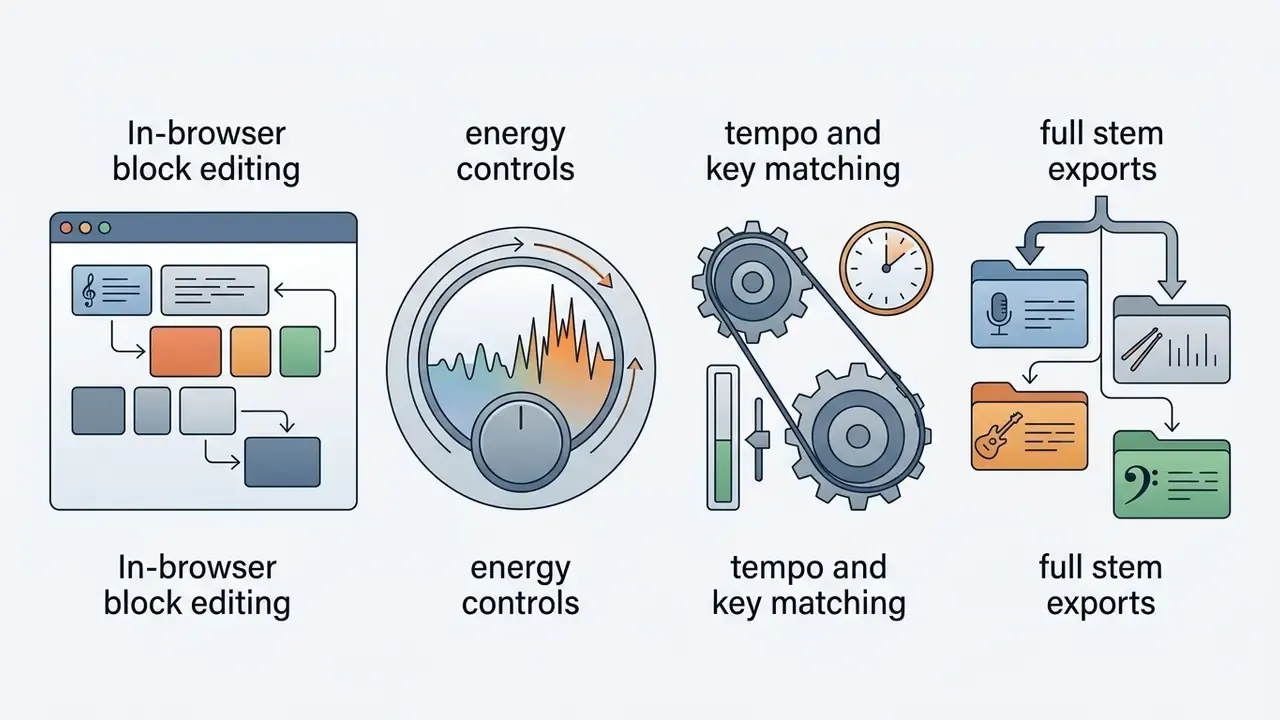
Instead of outputting a fixed audio file, Soundraw generates customizable tracks broken down by musical blocks (intro, verse, chorus, outro). Creators can add or remove blocks to shorten or extend a track, manually adjust energy levels, mute individual instruments (for example, remove drums during speech), adjust tempo, and shift key signatures without technical DAW expertise.
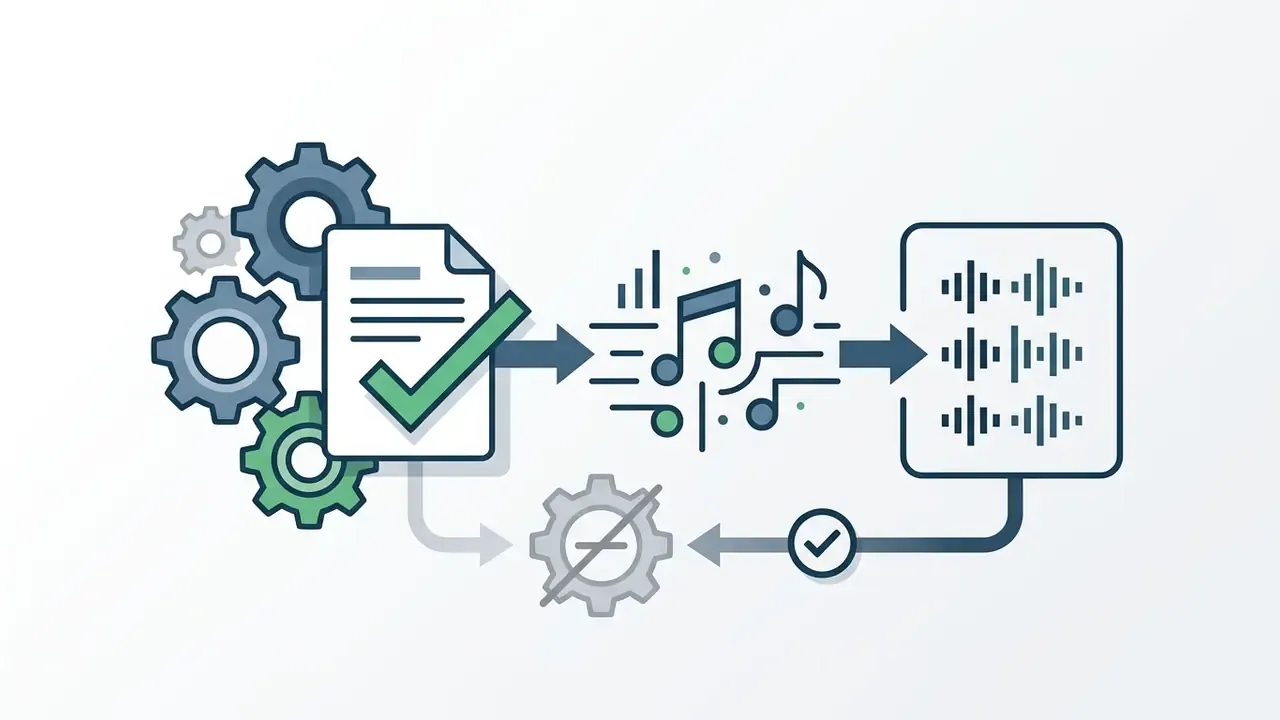
Beatoven.ai - For Video, Podcasts and Emotion-Driven Soundtracks
Beatoven.ai is an emotion-driven AI background music generator built specifically for YouTubers, podcasters, and digital media agencies.
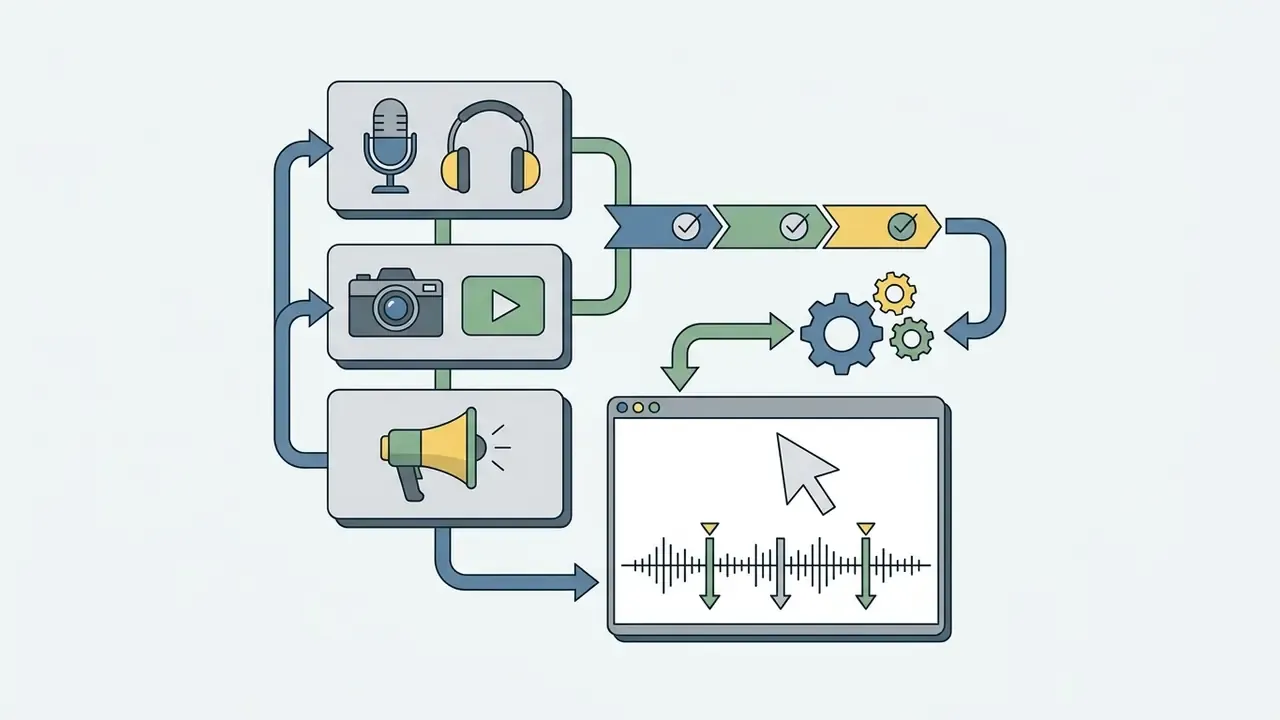
Beatoven.ai builds background audio that aligns with the emotional arc of video content. Users select a genre, define mood changes across scene cuts on a timeline, and let the engine produce smooth musical transitions that keep viewers engaged instead of looping a single static bed.
AIVA - For Cinematic Composition and Game Music
AIVA (Artificial Intelligence Virtual Artist) is a professional-grade AI music composition engine specialized in cinematic, symphonic, and video game scoring.
Operating for over eight years, AIVA offers more than 250 preset styles alongside deep score-level editing. It generates full orchestral tracks, ambient game cues, and trailer music, allowing users to download both audio stems (WAV) and raw MIDI files for further arrangement in professional DAWs like Logic Pro or Ableton Live. Public AIVA creations range from battle-royale style game music to national branding films, which illustrates the breadth of its media scoring use.
AI Music Creation Tools for Producers and Content Creators
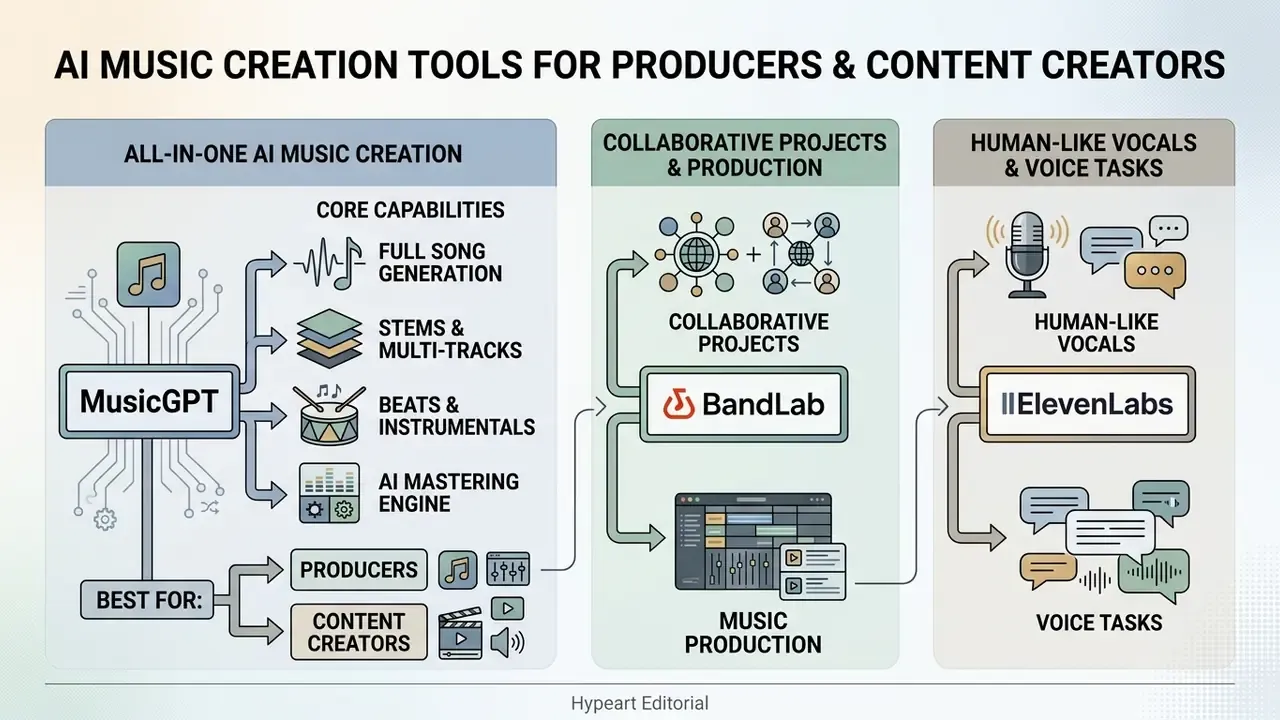
Advanced music creation platforms go beyond basic prompt-to-audio generation by providing suite production tools, such as stem splitters, vocal removers, AI mastering engines, and collaborative online studios, to streamline modern audio workflows.
MusicGPT - For All-in-One AI Music Creation
MusicGPT is an all-in-one AI audio generation platform that produces complete songs, standalone sound effects (SFX), and lyric tracks from text prompts.
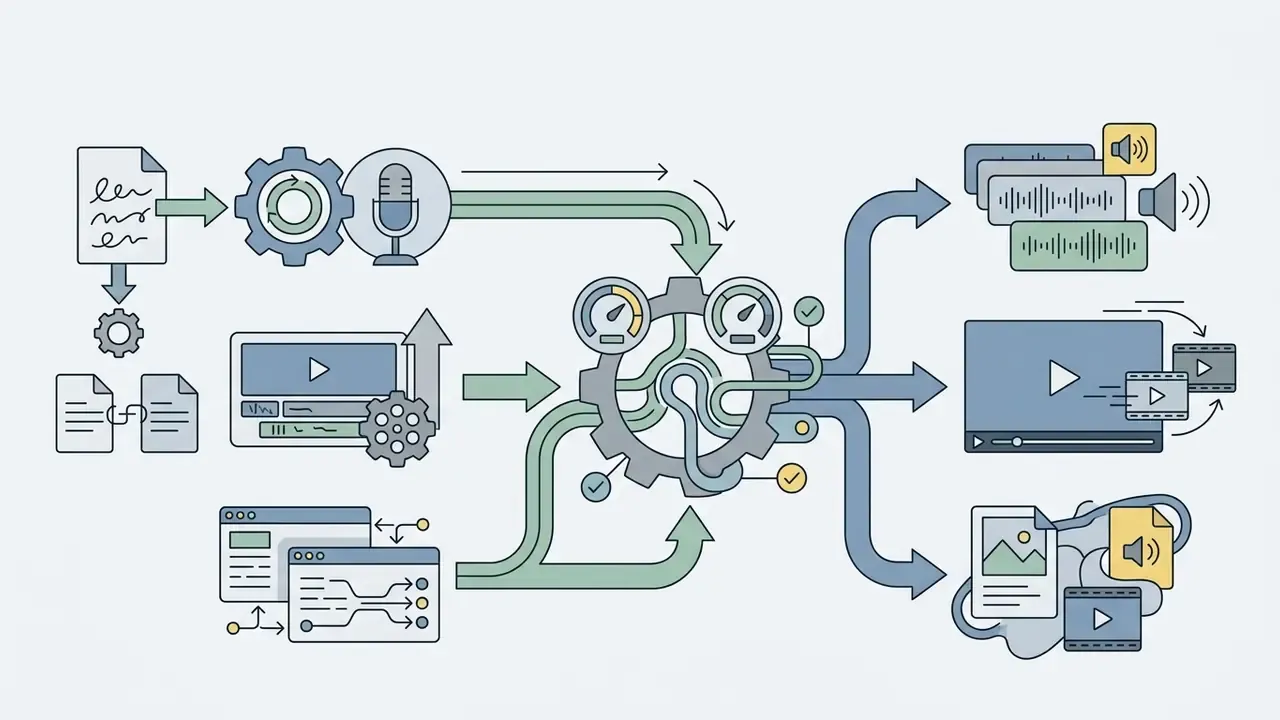
MusicGPT combines music generation with audio utility features, allowing users to generate full-length tracks including lyrics, instrumentation and melody, or targeted sound effects for video games and media production. Users can supply raw prompts or input custom lyrics to guide the melody and instrumentation, while Remix reshapes an existing song's style or lyrics and Replace swaps specific parts without starting over. Its documented API support allows product teams to embed generation into existing applications and batch pipelines. For creators managing technical developer workflows alongside media, explore our benchmark on the best ai code generator to streamline production scripts.
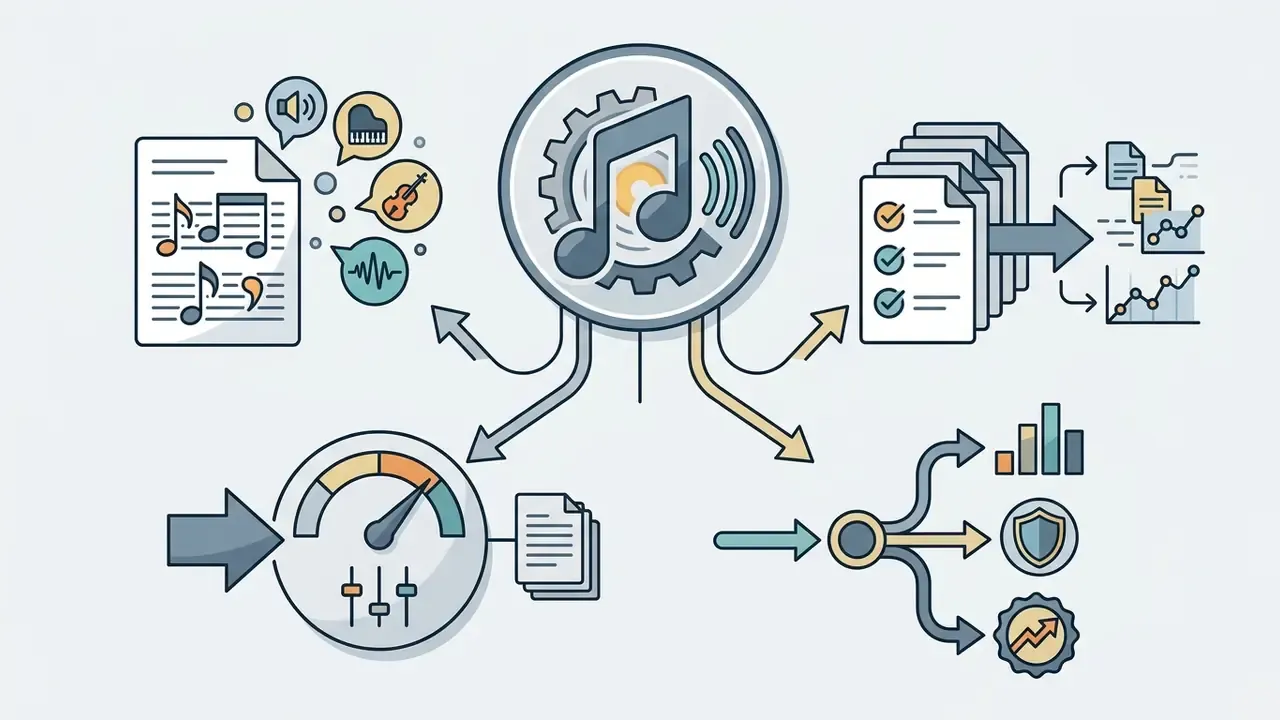
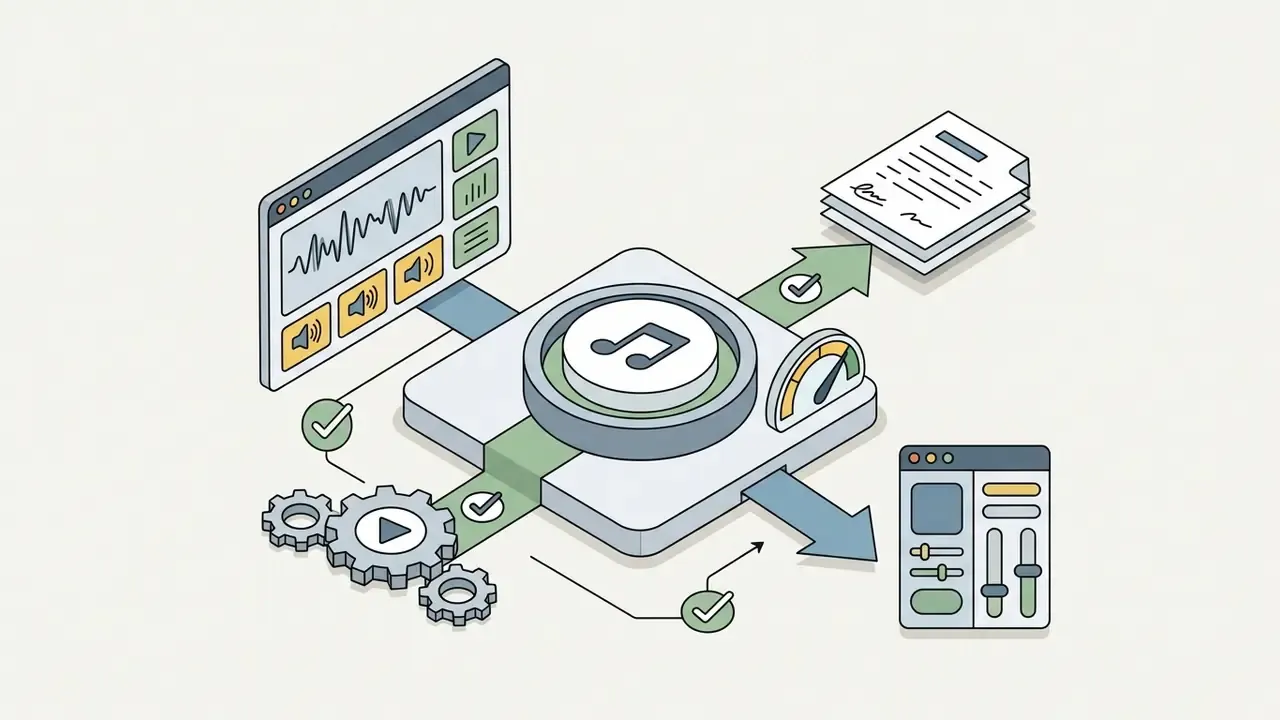
BandLab - For Collaborative Projects and Music Production
BandLab is a cloud-based digital audio workstation (DAW) featuring integrated AI creation tools, automated mastering, stem splitting, and global real-time collaboration.
BandLab integrates AI assistance directly into a full production suite. Its SongStarter tool generates initial musical ideas, while built-in utilities like Splitter isolate vocal and instrument stems from uploaded audio and allow speed, pitch and loop adjustment. BandLab also offers automated AI mastering, Voice Cleaner, Voice Changer, Audio-to-MIDI, the Palette sound engine, and Smart Tools (Extend, Recompose, Layer) for MIDI-based production. Projects support collaboration with dozens of contributors across web and mobile apps, plus distribution and fan-engagement options.
- Core Capabilities Cloud DAW, SongStarter AI generator, AI stem splitter, automated mastering, Smart Tools, mobile workflow.
- Best For Independent musicians, vocalists, and producers building original songs from scratch with collaborators.
ElevenLabs - For Human-Like Vocals and Voice Tasks
ElevenLabs is an industry-leading voice synthesis platform offering hyper-realistic AI vocal generation, voice-to-song conversion, and studio-grade voice covers. For a broader view of the category, see our guide to AI voice generators covering voice quality, language support, pricing and commercial licensing.
ElevenLabs' Music and Voice models generate human-like singing performances across multiple languages, with documented track lengths from a few seconds up to several minutes and optional pasted lyrics. Creators can convert a single speech recording into a singing track, generate custom vocal top-lines, or use its Voice Changer to alter pitch, emotion, and vocal style while preserving subtle expressive nuances such as whispers, laughter, and accent detail (ElevenLabs Documentation). Its Studio environment adds a long-form timeline for assigning voices, editing, and exporting finished audio. Treat any voice cover generator workflow as a consent workflow first and a creative tool second.
Voice cloning capability also carries a detection and disclosure risk that governance teams must account for:
«The SingFake dataset, 28.93 h of authentic and 29.40 h of synthetic vocal clips across 5 languages and 40 singers, showed that standard speech deepfake detectors perform significantly worse on singing voice.»
- Core Capabilities Studio-quality singing voice generation, voice-to-song conversion, multi-language speech and singing, precise emotional parameter control.
- Best For Producers needing realistic vocal tracks, voiceover artist covers, and multi-language audio localization.
Essential AI Audio Utilities for Post-Production Workflows
Modern generative music platforms incorporate secondary audio processing engines that refine raw generations into broadcast-ready assets. Budgeting for these utilities separately is usually unnecessary, since most are bundled with the generator subscription.
- AI Stem Splitters Isolate vocal, drum, bass, and melodic tracks from stereo mixes for custom DAW remixing, karaoke versions, and sync licensing variants (featured in BandLab Splitter, Somio, Udio and dedicated engines such as AudioShake).
- AI Voice Covers & Voice Swapping Replace an original vocal track with a custom or cloned timbre without altering the background arrangement, legitimate only with documented consent for the source voice.
- AI Vocal Removers Remove vocals from an existing mix to extract clean instrumentals for backing tracks, podcast beds, and live performance stems.
- AI Audio Mastering Apply automated spectral balancing, multiband compression, and peak limiting to reach platform loudness targets (approximately −14 LUFS for Spotify and YouTube), available in BandLab, Somio, Melox-class platforms and dedicated suites such as iZotope Ozone.
- AI Lyrics Generators Draft structured verse, chorus and bridge lyrics from a topic, mood, or story direction when songwriting stalls.
- AI MIDI Generators Produce melodies, chord progressions, and rhythm patterns as MIDI for direct import into a main DAW.
- Format Converters (MP3 to WAV) Convert generations losslessly for professional delivery; useful when a platform exports MP3 by default but a broadcaster requires WAV.
- AI Music Video Generators Automatically synchronize audio waveforms with stylized visual sequences, dynamic typography, or generative video (Google Veo, Somio). Teams comparing a visual video generator can review the best free AI video generators before committing budget.
How to Choose the Best AI Music Generator for Your Skill Level and Goal
Choosing the best AI music generator requires balancing your technical music background against the level of output control your project demands. Expectations should also be calibrated honestly against human-composed work:
«In a controlled experiment with 71 listeners, AI compositions from ChatGPT and Magenta scored significantly lower on all four quality criteria than works by 57 music students.» - Study of AI vs. human creative capability in a melody continuation task, arXiv (2023-2024). https://arxiv.org/html/2506.05104v2
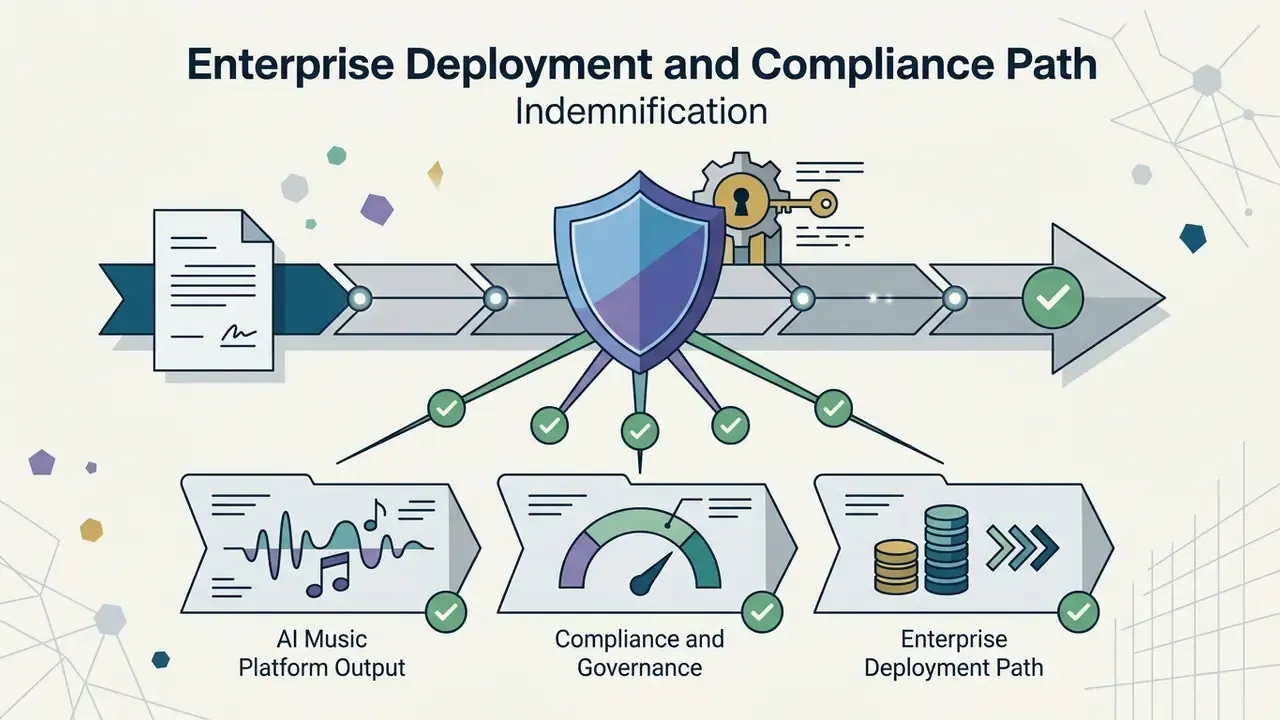
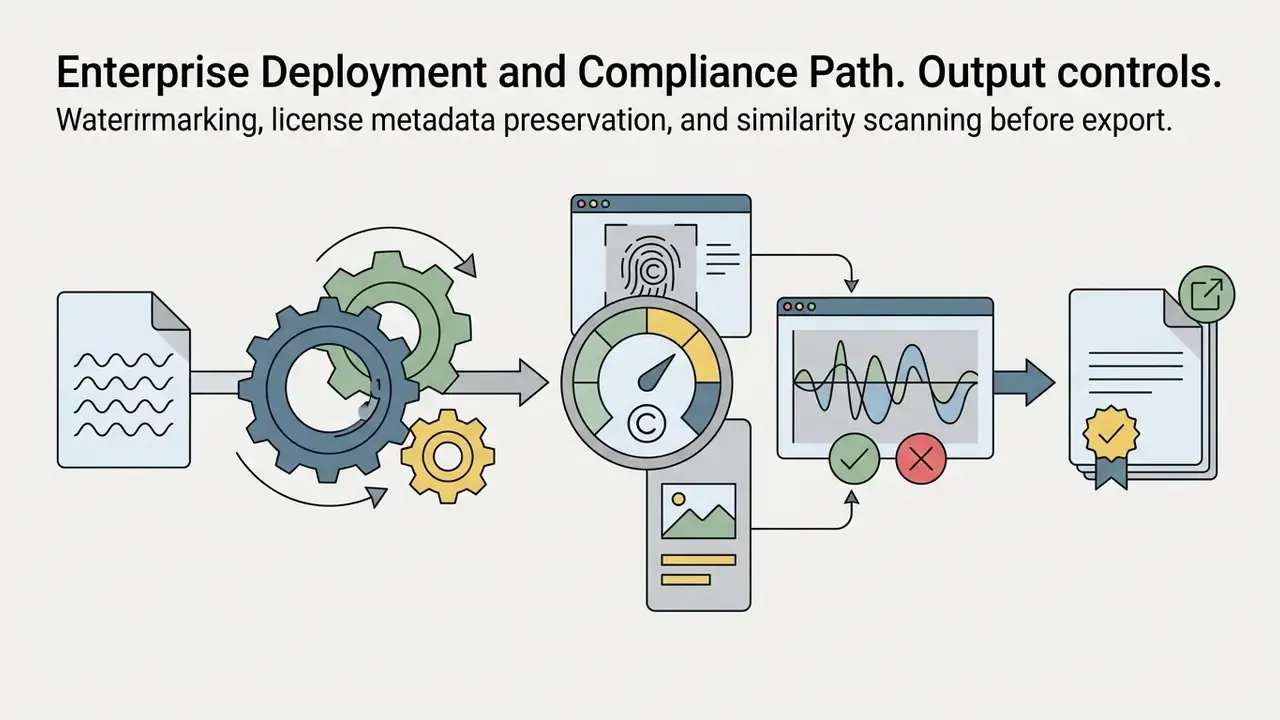
Enterprise Deployment and Compliance Path
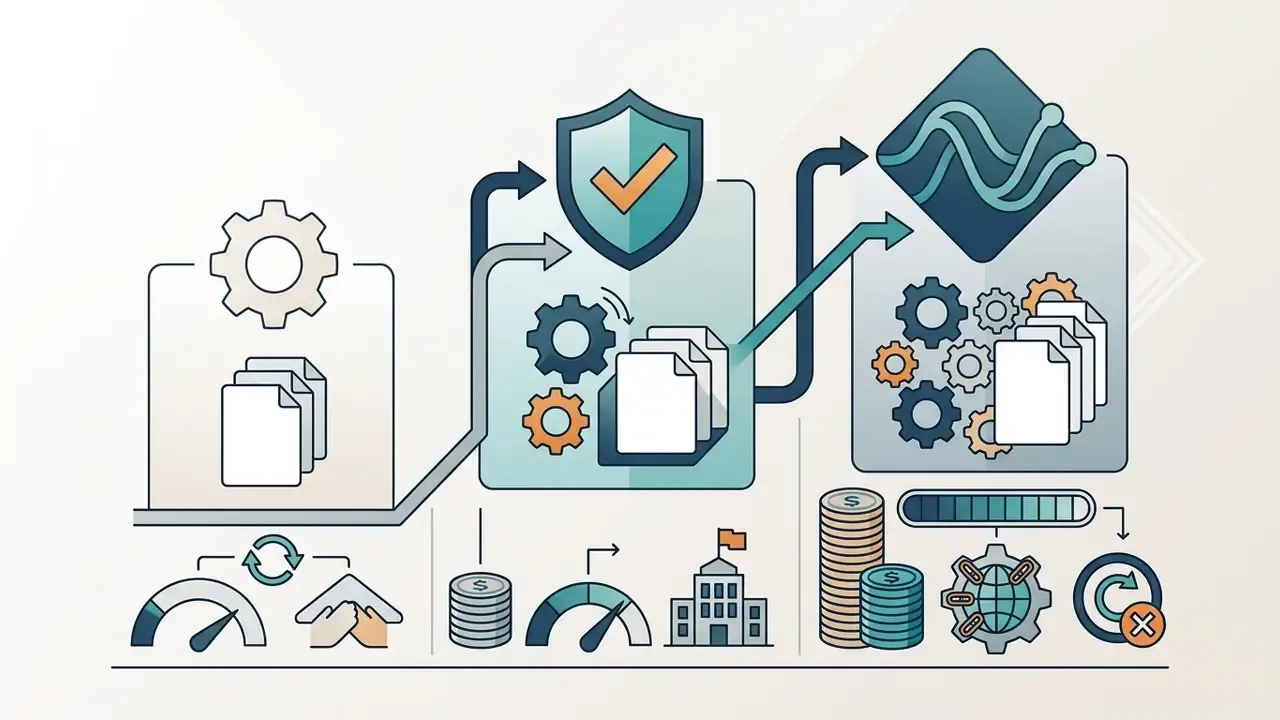
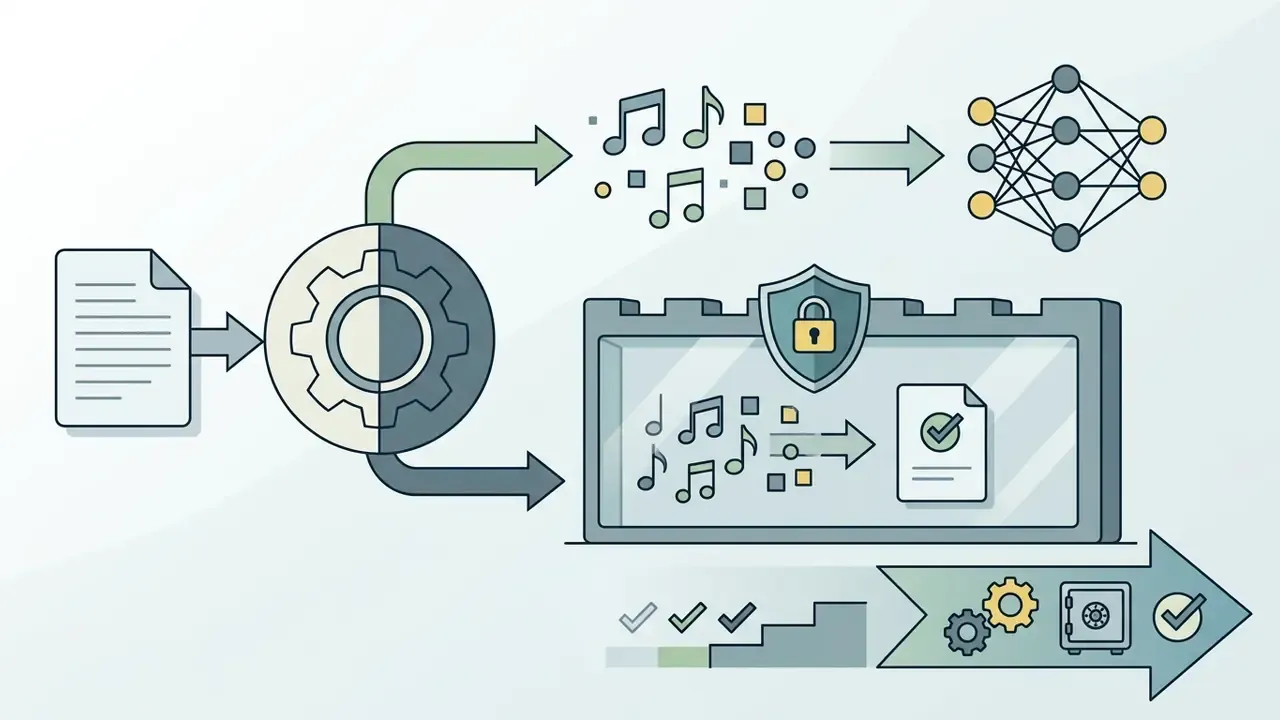
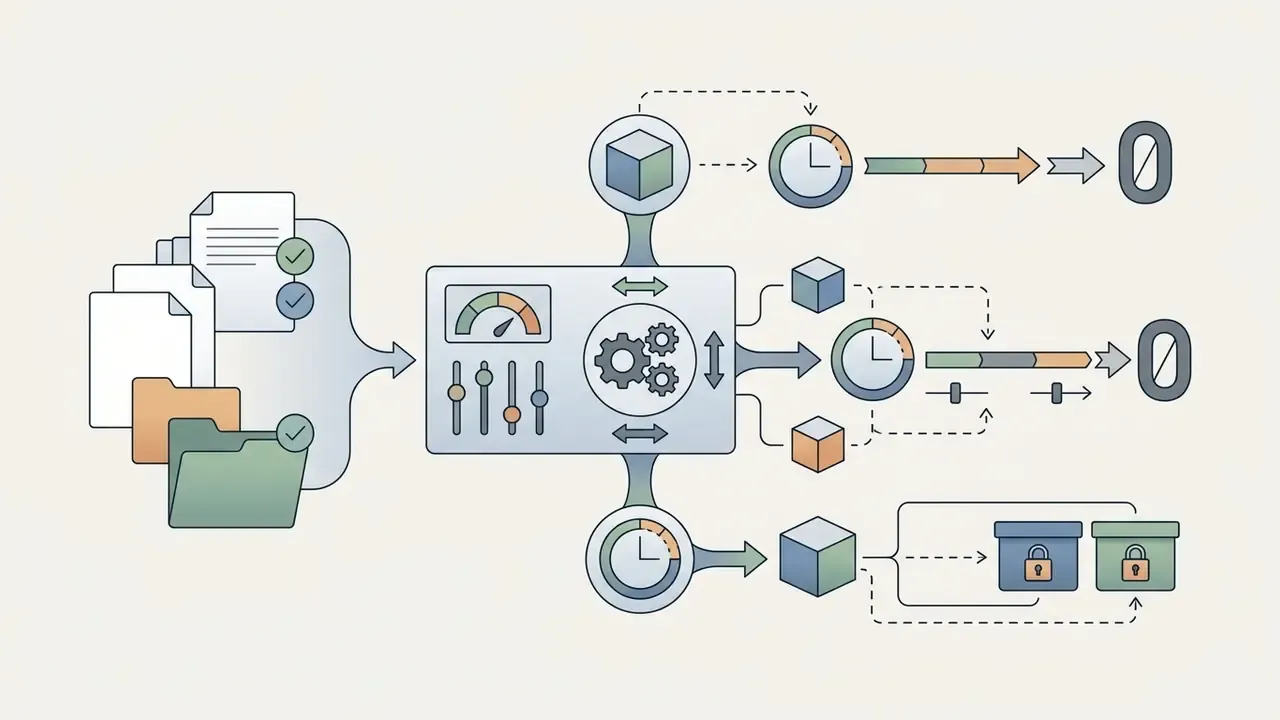
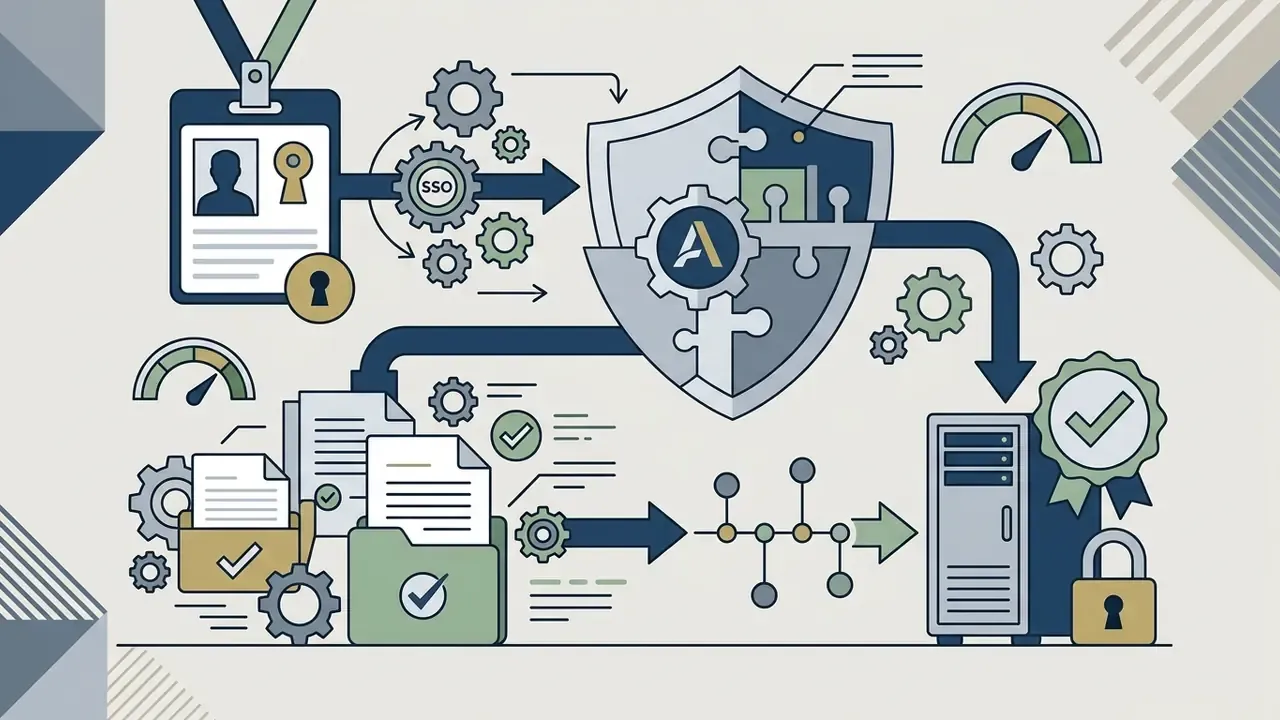
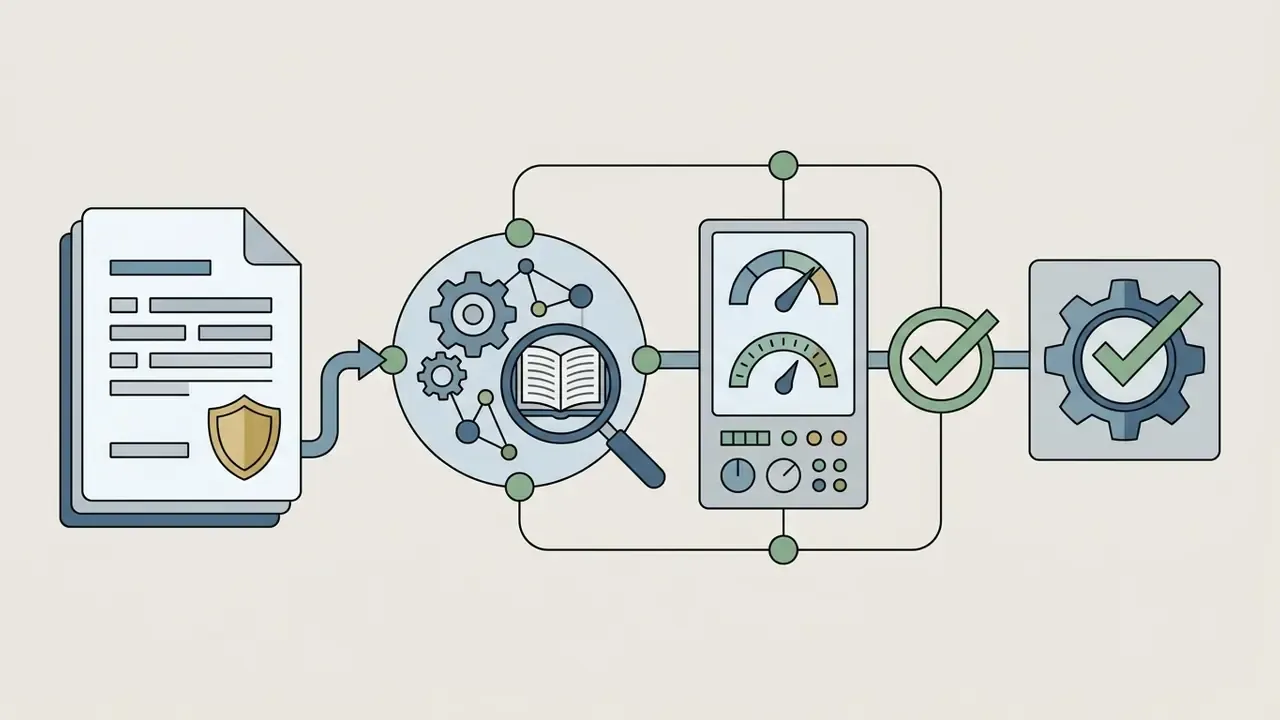
For organizations, tool selection is a procurement decision before it is a creative one. Prioritize platforms that can answer these questions in writing:
Shadow AI prevention checklist: publish an approved-tool list; block personal free-tier accounts for client deliverables through policy and expense rules; require a licence record for every published audio asset; route all voice cloning through a consent workflow; and run quarterly reviews of platform terms, which change frequently.
Best Options for Beginners Without Music Experience
Beginners with no formal music theory education should prioritize zero-setup platforms that handle composition, lyrics, and arrangement automatically through simple text prompts. Simply describe the idea and let the model draft the arrangement:
- SunoType a simple description (for example, "upbeat synthwave track about a highway night drive") and generate a complete song in under 30 seconds.
- MusicGPTEnter a basic concept or paste simple text to generate complete tracks alongside sound effects without managing complex mixing panels.
- SomioLet the built-in prompt optimizer rewrite a vague idea into a structured brief before rendering, which dramatically reduces unusable first drafts.
- Beatoven.aiSelect a preset mood and genre tag to automatically generate background audio tailored to video lengths. Beginners producing video alongside audio can start with our roundup of free AI video generators.
Realistic expectation: your first three renders will probably be mediocre. That is normal, and it is why credit allowances matter more than headline features for beginners.
Choices for Creators, Brands, and Commercial Projects
Commercial brands, agencies, and monetized content creators must select platforms that offer explicit licensing terms, downloadable audio stems, and copyright protection:
- Commercial Clearance: Ensure the platform grants full commercial rights on paid tiers. Review our comprehensive AI Media Commercial-Use Hub for deep dives into AI intellectual property policies.
- Stem Separation: Platforms like Soundraw, Udio, Somio and BandLab allow creators to export individual tracks (vocals, drums, bass, synths) as high-bitrate WAV files for professional mixing and video editing.
- Copyright Compliance: Avoid inputting copyrighted lyrics or requesting specific artist voice clones without written authorization to prevent copyright claims and DMCA takedowns (U.S. Copyright Office AI Report).
- Litigation Awareness: Major-label actions filed in 2024 against leading song generators over training data remain a live industry risk factor. Where a release is business-critical, prefer vendors that provide written indemnification and documented dataset provenance.
To compare software options across related creator niches, review the best ai headshot generator comparison or inspect media tools via our main compare section.
Free Tiers, Commercial Licenses and Rights to AI-Generated Music
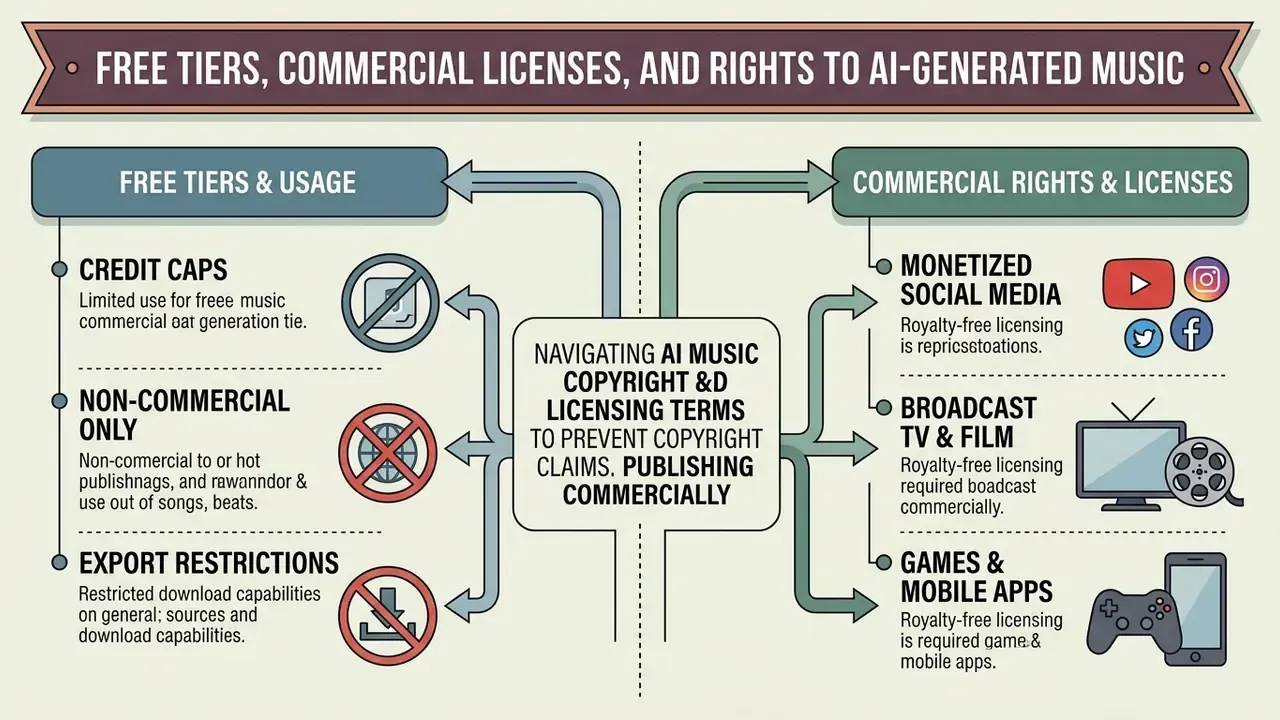
Navigating AI music copyright law, royalty-free licensing terms, and platform usage tiers is critical for preventing copyright claims when publishing content commercially.
What a Free AI Music Generator Typically Includes
Free tiers offered by AI music generators serve primarily as testing sandboxes. Understanding their strict limitations prevents accidental copyright breaches:
- Credit Caps Free plans typically restrict output to roughly 10 to 50 daily credits (generating 2 to 10 short track clips); Udio adds a small monthly allowance on top of its daily credits.
- Strictly Non-Commercial Use Music generated on free tiers of Suno, Udio, AIVA, Mureka, Stable Audio or ElevenLabs cannot be monetized on YouTube, uploaded to Spotify, or used in commercial advertising.
- Export Restrictions Free tiers frequently restrict downloads to low-bitrate MP3 files, remove standalone downloads entirely, or apply audio watermarks, reserving lossless WAV files and stem exports for paid subscribers. To evaluate costs across alternative software categories, check our pricing guide to see the overview of available tools, or navigate to open the hub to calculate operational technology costs.
When Royalty-Free Music and Commercial Rights Are Required
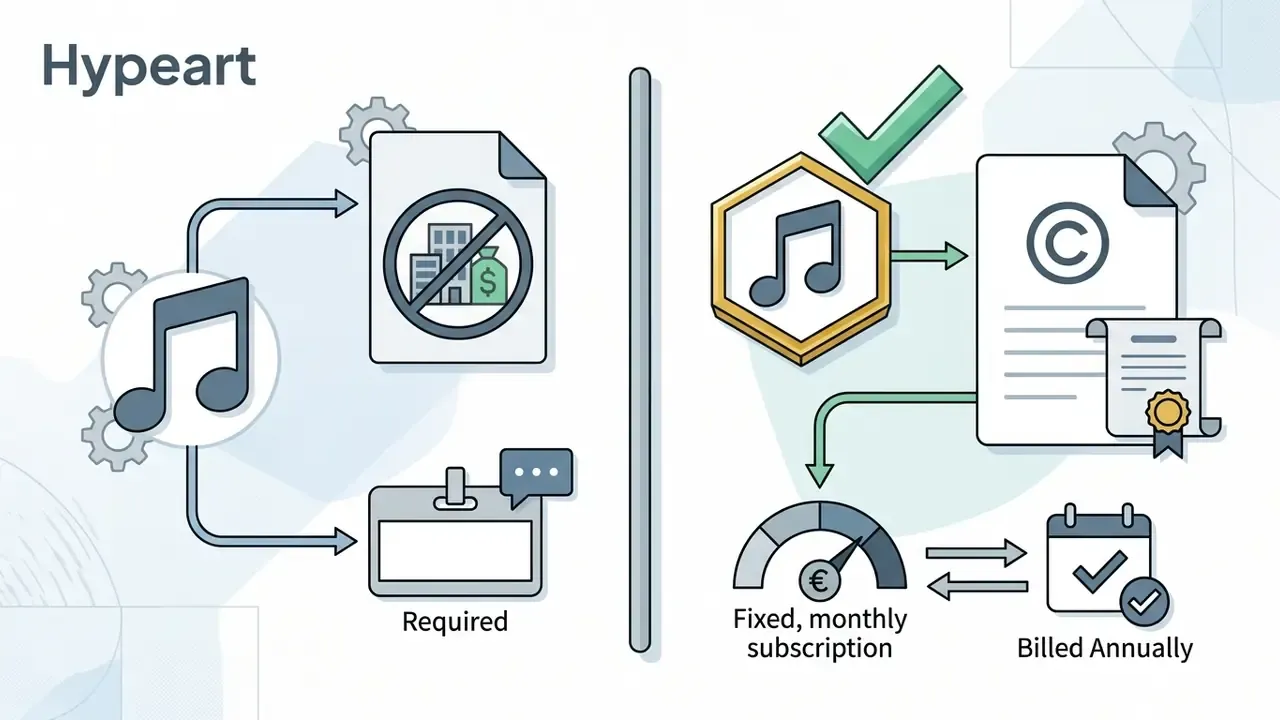
"Royalty-free" describes a payment model, no recurring per-use royalty, not a grant of unlimited rights. Upgrading to a paid plan with explicit commercial licensing is mandatory whenever your AI-generated audio directly or indirectly generates revenue:
Note also the jurisdictional split: US and EU guidance generally treats purely AI-generated music as non-copyrightable absent human authorship, while UK law still recognizes a limited computer-generated works regime. That difference affects ownership strategy, not file format.
If you need to explore alternative platform choices, you can view the guide on software options or compare options across our detailed technical matrix. To integrate third-party generation directly into your application, refer to our api implementation documentation, and evaluate performance testing data via our published benchmarks.
FAQ About the Best AI Music Generators
Do These Platforms Retain My Prompts and Uploaded Audio?
Retention varies by vendor and by plan. Consumer tiers commonly store prompts, generations and uploads to improve service quality, while enterprise or business tiers typically add training opt-out, configurable retention windows, and deletion on request. Before approving a tool, obtain the retention period in writing, confirm whether uploaded reference audio and voice samples are excluded from training, and check whether deletion propagates to backups.
How Do I Prove Human Authorship for Copyright Registration?
Document the creative decisions you made, not just the output. Keep a version history showing your original lyrics, section replacements, arrangement choices, rejected candidates, mixing and mastering adjustments, and any recorded human performance layered onto the generation. When registering, disclaim the AI-generated material and claim only your human contributions. That is the mechanism U.S. registration guidance relies on, and the Copyright Office has accepted thousands of claims filed on that basis.
Which Security Controls Should an Enterprise Require?
At minimum: single sign-on, role-based access control, per-user audit logs of generations, a documented retention and deletion policy, a training opt-out, an incident-response contact, and contractual indemnification for third-party IP claims. Ask whether the vendor applies watermarking, preserves licence metadata on export, and performs similarity scanning against commercial catalogues, since these controls materially reduce downstream claim risk.
How Do I Keep AI Audio Out of the Shadow AI Zone?
Publish an approved-vendor list with the exact plan tier required for commercial work, block reimbursement for personal free-tier accounts used on client deliverables, require every published audio asset to carry a licence record and generation log, and route voice cloning through a documented consent workflow. Re-review platform terms quarterly, because commercial-use clauses in this category change frequently.
Can I Use an AI Music Generator on Android?
Yes, several top AI music platforms provide native mobile apps for Android devices via the Google Play Store or offer responsive web applications optimized for mobile browsers.
Suno and MusicGPT feature official Android applications that allow users to write text prompts, generate complete songs with vocals, and export audio files directly from their mobile workflow. Google's Gemini mobile interface also integrates Lyria music capabilities in every country where the Gemini app is available, and additional Play Store listings (SongAI, Rythmix, Mozart AI, Waazy and others) offer similar prompt-to-song workflows. Users can create music, preview arrangements, and share clips directly to social media from Android devices, though enterprise teams should note that mobile-first consumer accounts rarely carry the commercial clearance required for client work.
How Do I Download and Use Generated AI Music Tracks?
Downloading and exporting your AI-generated tracks involves three standard workflows depending on your final distribution channel:
- Select Export Format: Choose MP3 (320 kbps) for fast social media sharing, WAV (24-bit / 44.1 kHz or 48 kHz) for professional audio editing, or Stems (ZIP) to receive isolated vocal, drum, bass, and instrument tracks for mixing in a DAW. Suno Studio additionally exports a full mix, stems, or MIDI at project level.
- Download Video / Social Assets: Platforms like Suno, Udio, Somio and Google Flow Music offer MP4 exports featuring stylized waveform animations or generative visuals synchronized with your generated song for direct posting to TikTok, Instagram Reels, or YouTube Shorts. For creators polishing accompanying visual assets, inspect our guide to the best ai image editing tools 2025 or explore our portrait analysis in the AI headshot generator guide.
- Import into Video Editors: Import lossless WAV files directly into video editing suites (such as Premiere Pro or DaVinci Resolve) and align audio track drops with visual cuts. If you still need an editing environment, compare options in our overview of YouTube video editors and keep delivery file sizes manageable with a video compressor.
Does AI-Generated Music Earn Streaming Royalties?
Distribution platforms will generally accept an AI-assisted release if you hold a commercial licence, but royalty treatment differs from ownership. The U.S. Copyright Office has stated that AI-generated musical works are not eligible for the section 115 statutory mechanical blanket licence, which means purely machine-generated compositions should not receive mechanical royalty distributions as copyrighted musical works. Human-authored contributions that you can document remain the basis for any claim.
Appendix A: Methodology Notes and Source Register
Test protocol. Each platform received identical prompt sets across five genre families (pop, hip hop and rap, electronic, classical and orchestral, jazz and blues), run separately in vocal and instrumental modes. Outputs were compared in blind pairwise listening on matched prompts, then scored on vocals, instruments, structure, arrangement, mixing and musicality. Editing functions were assessed by whether a targeted edit improved the intended aspect without degrading prompt adherence elsewhere.
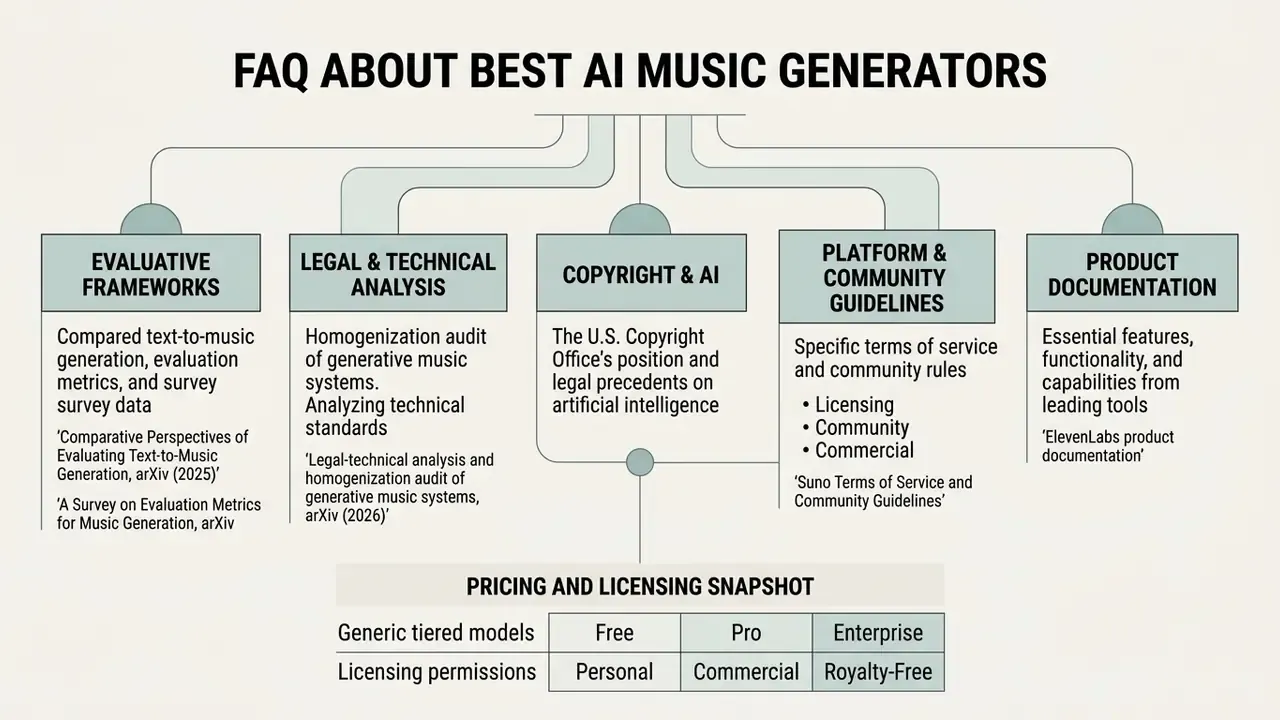
Pricing and licensing snapshot. Plan prices and credit allowances reflect vendor pages and terms current at the time of writing and are quoted at annual billing where the vendor advertises it. Vendor terms in this category change frequently, so re-verify before procurement.
- Comparative Perspectives of Evaluating Text-to-Music Generation, arXiv (2025) - https://arxiv.org/html/2506.05104v2
- A Survey on Evaluation Metrics for Music Generation, arXiv - https://arxiv.org/html/2509.00051v1
- Legal-technical analysis and homogenization audit of generative music systems, arXiv (2026) - https://arxiv.org/html/2608.30940v1
- U.S. Copyright Office, Copyright and Artificial Intelligence - https://www.copyright.gov/ai/
- Suno Terms of Service and Community Guidelines - https://suno.com/terms
- ElevenLabs product documentation - https://elevenlabs.io/docs
Primary and academic sources referenced in this guide
- Recent Advances in Music Generation
- Methods and Evaluation, Springer - https://link.springer.com/article/10.1007/s10462-026-11582-x
- AI Music Generator Guide
- Free Tools, Prompts & Licensing, MelodyCraft - https://melodycraft.app/tutorials/ai-music-generator-guide
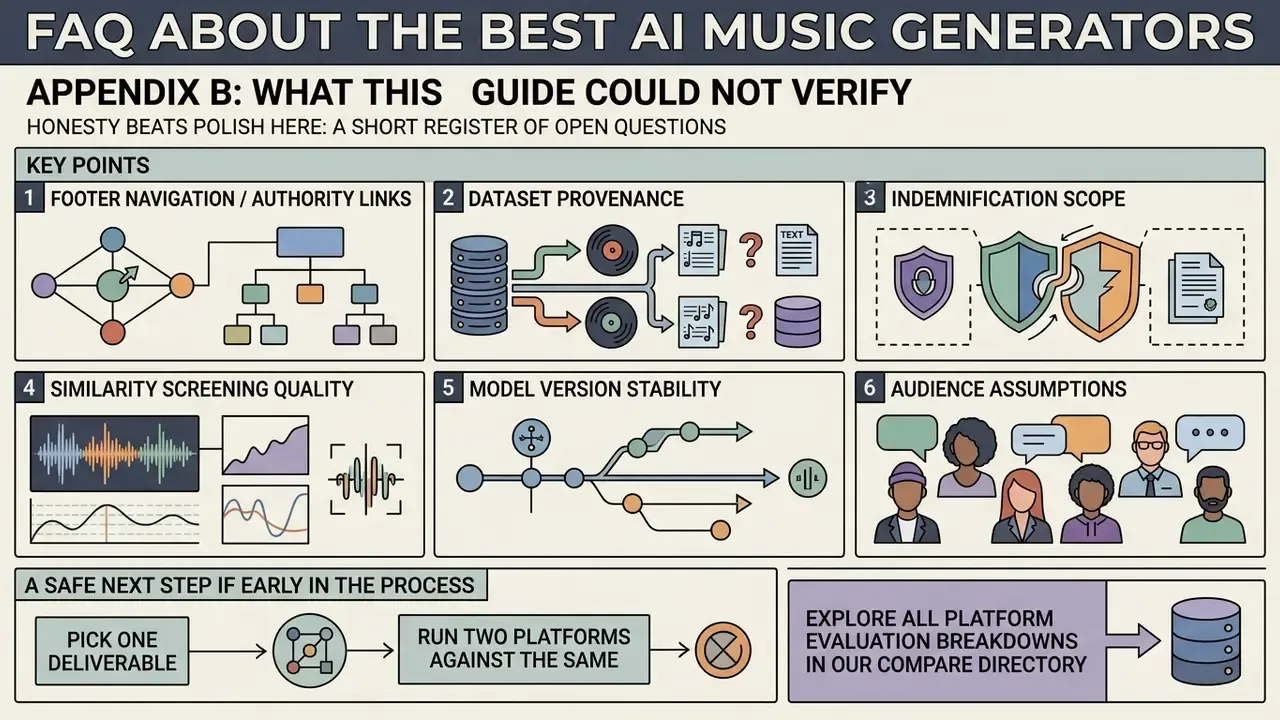
Appendix B: What This Guide Could Not Verify