"Automatic speech recognition has turned caption generation into a rapid baseline workflow, but governance and compliance demand verifiable human oversight. In high-stakes enterprise environments, from regulatory disclosures to institutional training, an automated caption remains an unverified draft until copy accuracy, timecode alignment, and structural metadata are validated."
— Marcus Hale, author
If your institution publishes earnings replays, compliance training, or recorded client briefings, captioning is already a controlled process, whether or not anyone has written the control down. That is the practical reason a risk owner should care about this topic at all.
An ai video caption generator transforms spoken video audio into synchronized, timed text tracks using neural speech recognition algorithms. Modern automated captioning workflows allow creators, media teams, and enterprise video platforms to generate captions, customize visual subtitle layouts, translate dialogue into multi-language tracks, and export standardized SRT, WebVTT, or rendered MP4 files directly from a browser interface.
Executive summary
- Automation produces a draft, not a compliant deliverable. The W3C Web Accessibility Initiative treats automatically generated captions as non-conforming until their accuracy is verified by a human reviewer. Section 508 and WCAG 2.2 AA sign-off therefore requires a documented editorial pass.
- Accuracy collapses under overlap and noise, not under "average" conditions. Benchmarks show word error rates rising from roughly 2.6% on clean single-speaker audio to 44.1% with two overlapping speakers and 75.6% with three; character error rates near 0 dB signal-to-noise reach 47.58% before audiovisual fusion.
- Preliminary audits of AI captioning on educational platforms average 89.8% accuracy, measurably below the thresholds expected by accessibility law and institutional policy.
- Ingestion is broader than local video files. Production-grade tools accept MP4/MOV/MKV/WebM, standalone audio (MP3/WAV/AAC/M4A), and direct YouTube, TikTok, or Vimeo URLs.
- Review velocity is a product feature. Confidence-scored transcripts that highlight low-confidence tokens reduce full-playback verification time substantially compared with blind proofreading.
- Privacy architecture matters for regulated teams. Client-side WebAssembly audio demuxing keeps the video container on the local disk and transmits only compressed audio to the ASR endpoint, cutting Shadow AI exposure.
Who this guide is written for. Two readers, honestly. The first is a creator who wants the best video caption generator for daily vertical posts and needs it to work in one click. The second is a risk, compliance, or communications lead who has to prove, months later, who approved a caption file and on what evidence. Both need the same pipeline. Only the second one needs the paperwork.

What is an AI video caption generator and what does it create?
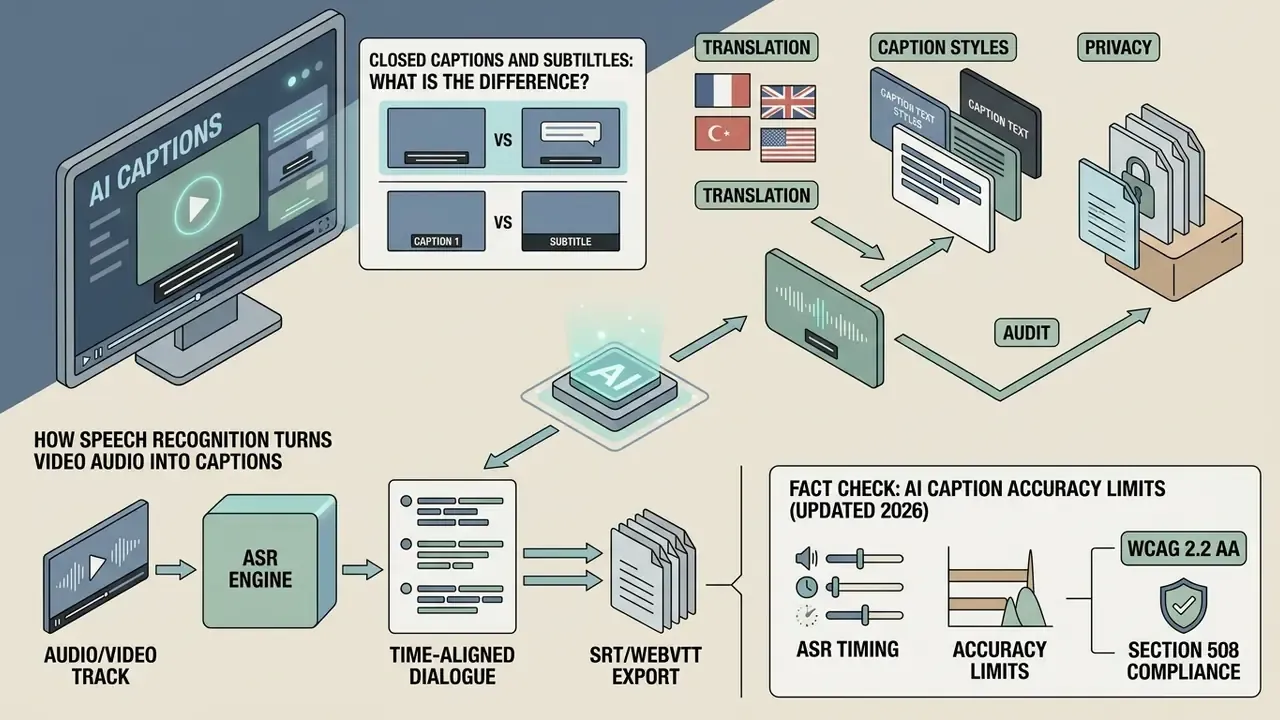
An ai video caption generator is a software system that processes an audio or video track using automated speech recognition (ASR) to convert spoken dialogue into time-aligned text. The system outputs timed text files, such as SubRip (.srt) or WebVTT (.vtt), or renders open text caption tracks directly onto the video frames.
Modern ai generated captions for videos combine acoustic parsing, natural language processing, and automated timestamping to align text tokens with exact video frames. The same architectural family powers adjacent creative systems, and readers mapping the wider tooling landscape can start with the reference entry on AI video generators. When teams upload media into an ai video text caption generator, the platform extracts the audio stream, runs token classification, restores punctuation, and generates line-segmented text blocks tied to relative timecodes measured in seconds from the file start.
So the deliverable is not "a caption." It is a timed data file plus, ideally, a record of how that file was produced.
AI captions, closed captions and subtitles: what is the difference?
Closed captions (CC) are synchronized text tracks representing both spoken dialogue and critical non-speech audio cues that viewers can toggle on or off within a media player. Subtitles provide translated dialogue for hearing audiences who do not understand the spoken language and typically omit background sound descriptions.
According to the World Wide Web Consortium (W3C) Web Accessibility Initiative (WAI), captions exist primarily for accessibility, enabling deaf and hard-of-hearing viewers to access audiovisual content. Standard closed captions include speaker identifiers, sound effect tags (such as [applause] or [music]), and off-screen voice designations. Open captions, by contrast, are permanently rendered into the picture and cannot be switched off.
"AI captions" is not a distinct category inside the standards at all. It describes the generation method, while the compliance category remains captions or subtitles. An ai caption generator from video automates the initial draft for both same-language closed captions and translated subtitles, but compliance standards classify automated text as unverified until reviewed. Worth repeating, because procurement decks often blur it: the label on the tool does not change the obligation on the file.
How speech recognition turns video audio into captions
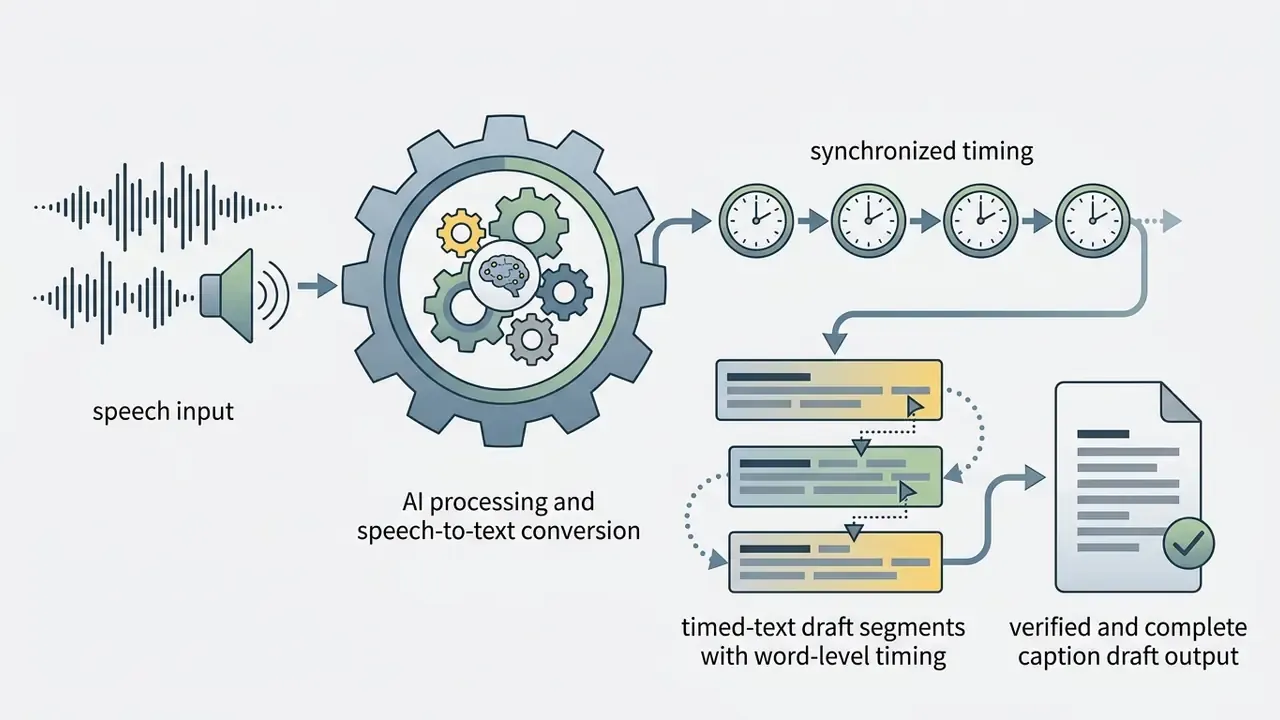
Speech recognition converts analog or digital audio waveforms into text by dividing audio signals into small temporal frames, mapping acoustic features to phonemes, and decoding those phonemes into written words. The system calculates word-level begin times and durations to match text blocks with exact frame boundaries in the video stream.
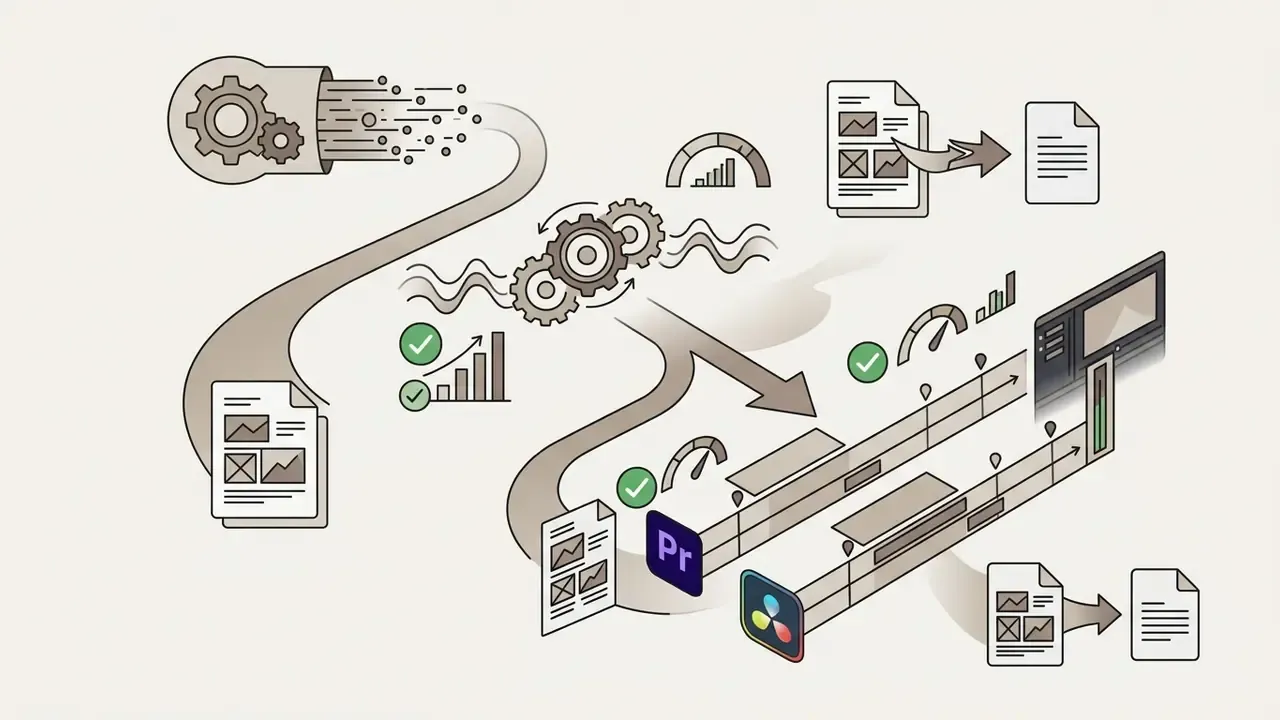
Standard ASR architectures use continuous time-marked (CTM) output structures, as defined by National Institute of Standards and Technology (NIST) OpenASR evaluation plans, recording per-token file, channel, begin time, duration, orthography, and an optional confidence score, with begin times measured in seconds from file start. The ai video caption generator uses these timestamp coordinates to populate timed-text containers such as WebVTT or SRT. A post-processing neural layer then cleans up raw acoustic output: it inserts capitalization, restores sentence boundaries, and breaks long phrases into readable two-line blocks.
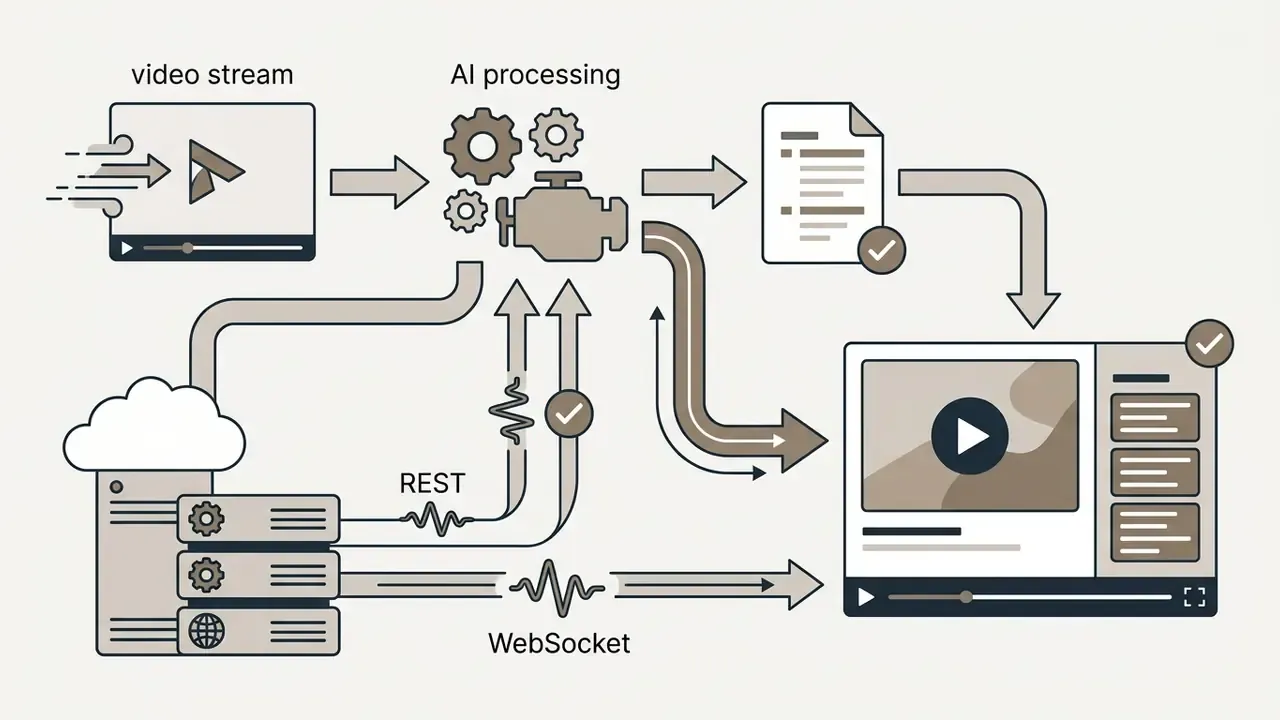
Streaming variants do the same job in near real time, which is useful for live town halls but raises the review problem, since nobody proofreads a live caption after the fact.
Fact check: AI caption accuracy limits (updated 2026)
«At 0 dB signal-to-noise ratio, ASR character error reached 47.58%; integrating video data reduced it to 32.98%, a 30.7% relative improvement.»
Background noise, technical jargon, and accented speech degrade raw ASR reliability, requiring editorial review before public distribution.
How to auto generate captions for a video with AI
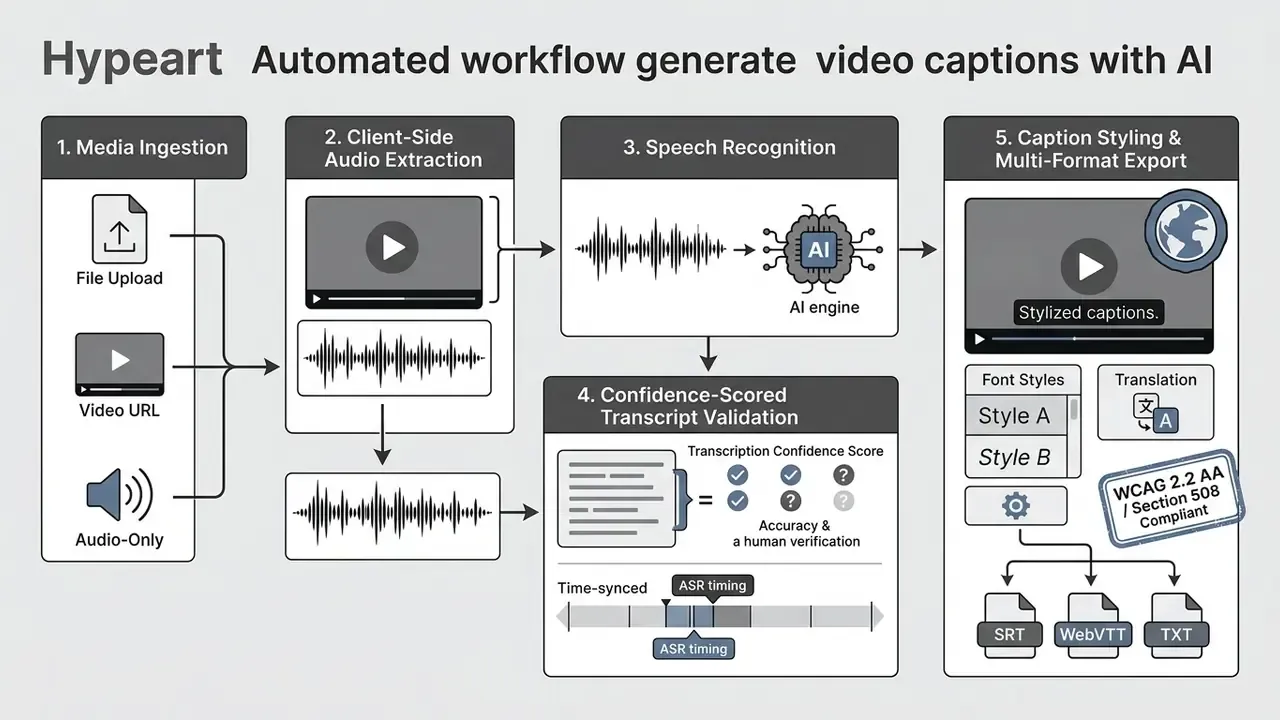
To auto generate captions with AI, a user uploads a video file or pastes a media URL, configures the spoken language, runs automated speech recognition, edits the generated transcript, selects visual subtitle formatting, and exports the final media asset. No manual timing, no stopwatch, no retyping.

Upload video and choose the spoken language
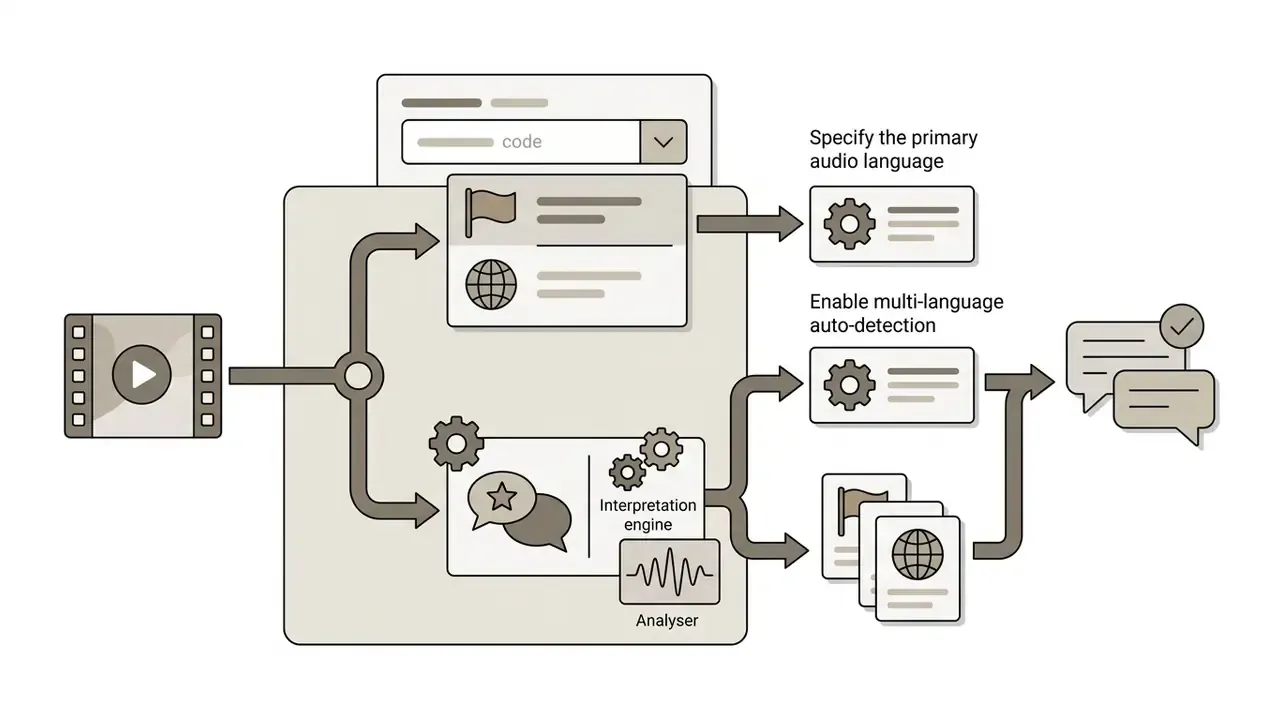
The captioning process begins when a user initiates a media upload into the browser-based ai video caption generator free online tool interface. Specifying the target spoken language code before recognition prevents acoustic misclassification and aligns the ASR algorithm with the correct regional phonetic dictionaries.
Modern browser interfaces accept direct media uploads as well as cloud URL ingestion: pasting a YouTube, TikTok, or Vimeo link straight into the workspace instead of re-downloading and re-uploading a file. Alongside standard video containers (MP4, MOV, AVI, MKV, WebM, MXF, MPEG2-TS), advanced platforms process standalone audio tracks (MP3, WAV, AAC, M4A, FLAC). That lets creators generate timed transcript files (.srt/.vtt) from podcasts, interviews, or voice notes before matching them to visual assets, and it lets music-driven projects produce lyric or karaoke tracks from an audio-only source. Teams building those visuals from stills often pair captioning with a free ai image to video generator online so that the transcript and the footage arrive in the same session.
Setting explicit BCP-47 language codes (such as en-US for American English or es-ES for Castilian Spanish) allows acoustic models to load specialized language vocabularies. If a video features multiple languages, advanced models use language identification (LID) and multi-language identification (MLID) routines to isolate language transitions across temporal blocks; enterprise indexing services typically support identification across up to ten candidate languages. Teams integrating high-volume video workflows can reference automated processing guidelines in the AI Media API Guides and the implementation notes for video model API access.
Generate captions and review the transcript
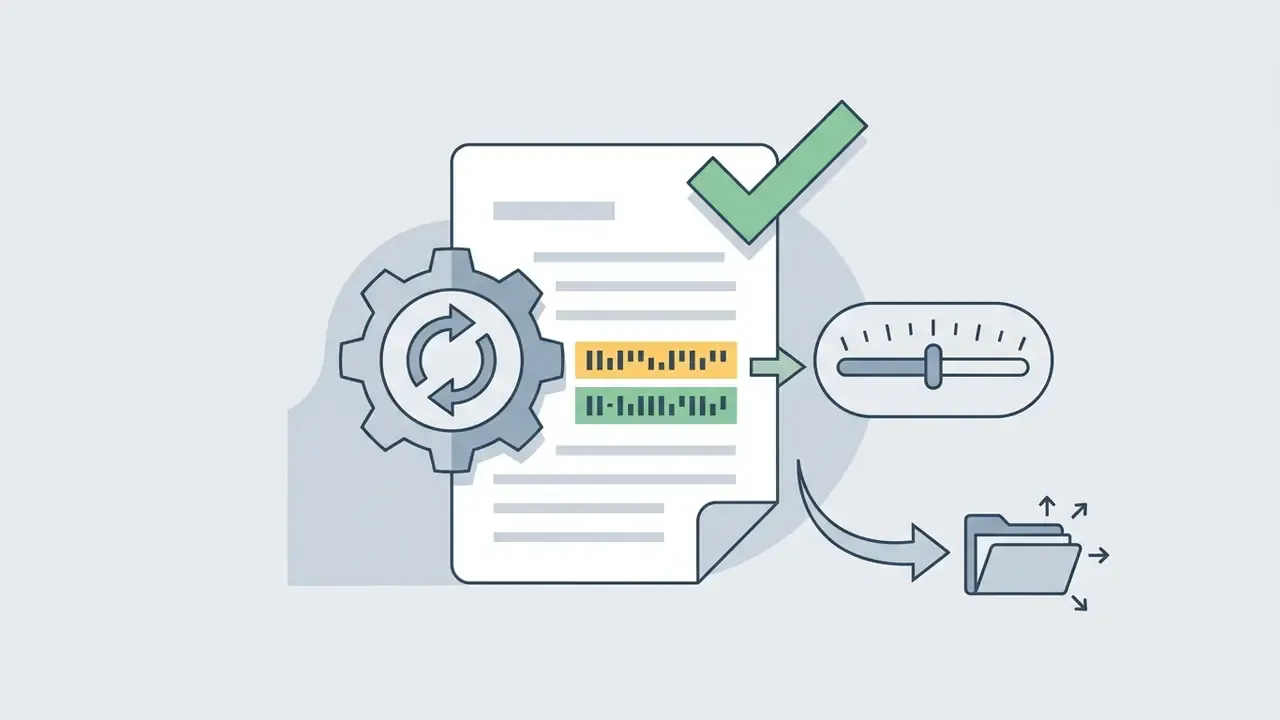
Clicking the generation control prompts the ASR engine to convert audio to text, producing synchronized captions across the video timeline within seconds. The user then opens the interactive timeline video editor to review generated text against the original audio track.
To accelerate human proofreading, modern AI editors employ a confidence-scoring visual layer. Words decoded with an acoustic confidence score below a defined threshold (for example, under 85%) are highlighted in yellow or red inside the transcript timeline. Editors jump directly to ambiguous acoustic segments, such as uncommon surnames, ticker symbols, technical jargon, or muffled multi-speaker dialogue, instead of scrubbing the full runtime. In vendor-reported workflows that cuts full-length playback review time by up to 60%, though the figure is self-reported and worth testing on your own material.
Automated tools perform auto caption segmentation by grouping words based on pause intervals and syllable counts. During review, the editor verifies speaker labels, corrects misheard words, and adjusts timing markers if line breaks interrupt natural speech cadence. For short visual media projects, teams often combine automated text formatting with the motion tooling documented in the guide to animation makers.
Export a captioned video or subtitle file
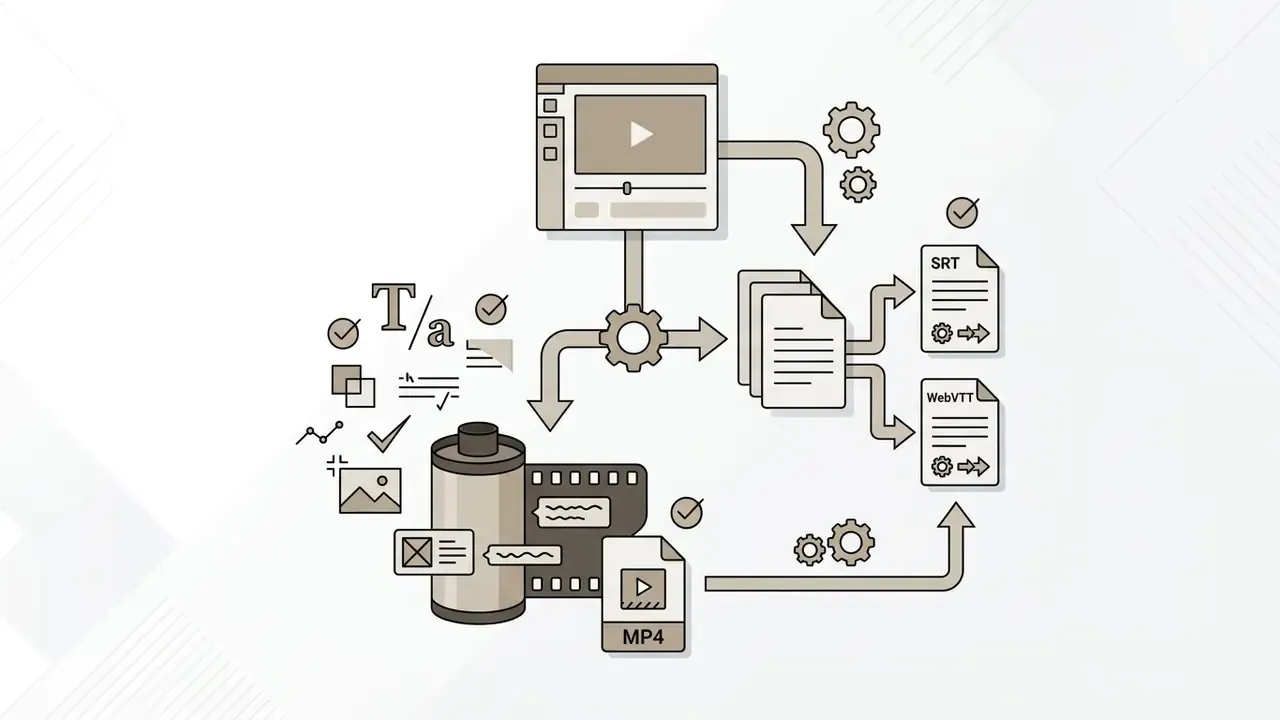
Once text accuracy is confirmed, the system allows users to export either a standalone timed-text file or a rendered MP4 video with permanently embedded text. Format choice follows the destination player and the distribution channel, not personal preference.
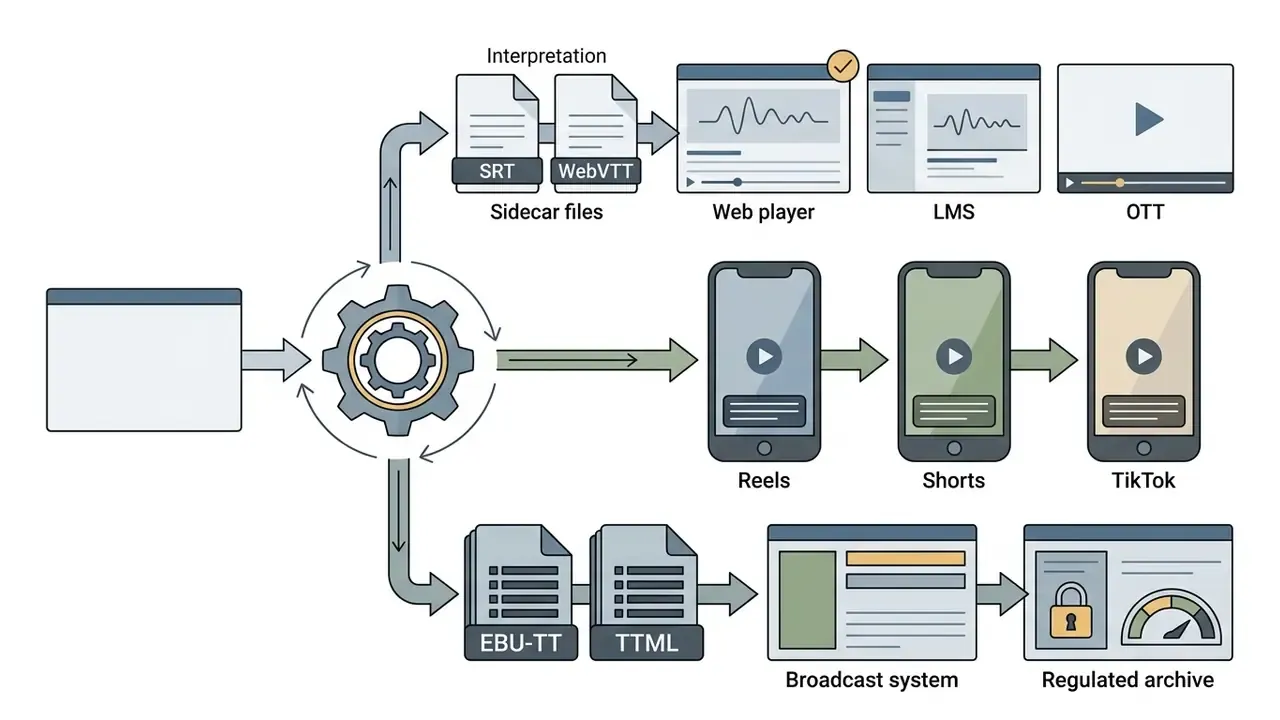
- Sidecar subtitle files (SRT / WebVTT): Plain-text files containing numeric indexes, start and end timecodes, and text lines. These srt files let media players display toggleable closed captions and support screen-reader and multi-track workflows.
- Burned-in captions (hardcoded MP4): Render text graphics directly into the video frames, ensuring captions display uniformly on platforms that strip external subtitle tracks.
- Transcript deliverables (TXT, DOCX, CSV, XLIFF): Export the underlying text for documentation, localization handoff, or archival records. Large deliverables can be size-managed with a video compressor before distribution.
How to get accurate AI-generated captions
Achieving accurate captions from an ai generate captions for video engine requires maximizing source audio quality, managing acoustic interference, and executing targeted post-editing. In that order, because no amount of editing rescues a hall recording made on a laptop mic.
ASR caption accuracy factors
| Factor | Operational impact |
|---|---|
| Microphones and proximity | Mics within 6 inches reduce ambient noise capture. |
| Speaker separation | Overlapped segments raise WER by 15–30 points (EPFL/Interspeech overlap studies). |
| Acoustic environment | Recognition degrades as room noise rises; at 0 dB SNR, CER reached 47.58% (KMSAV). |
| Automatic gain control | Disable AGC: it amplifies room hiss during pauses. |
| Specialized terminology | Custom glossaries prevent word substitution and deletion. |
| Pre-ASR noise suppression | DSP cleanup lifts first-pass accuracy on unconditioned audio. |
What affects caption accuracy in real-world video audio
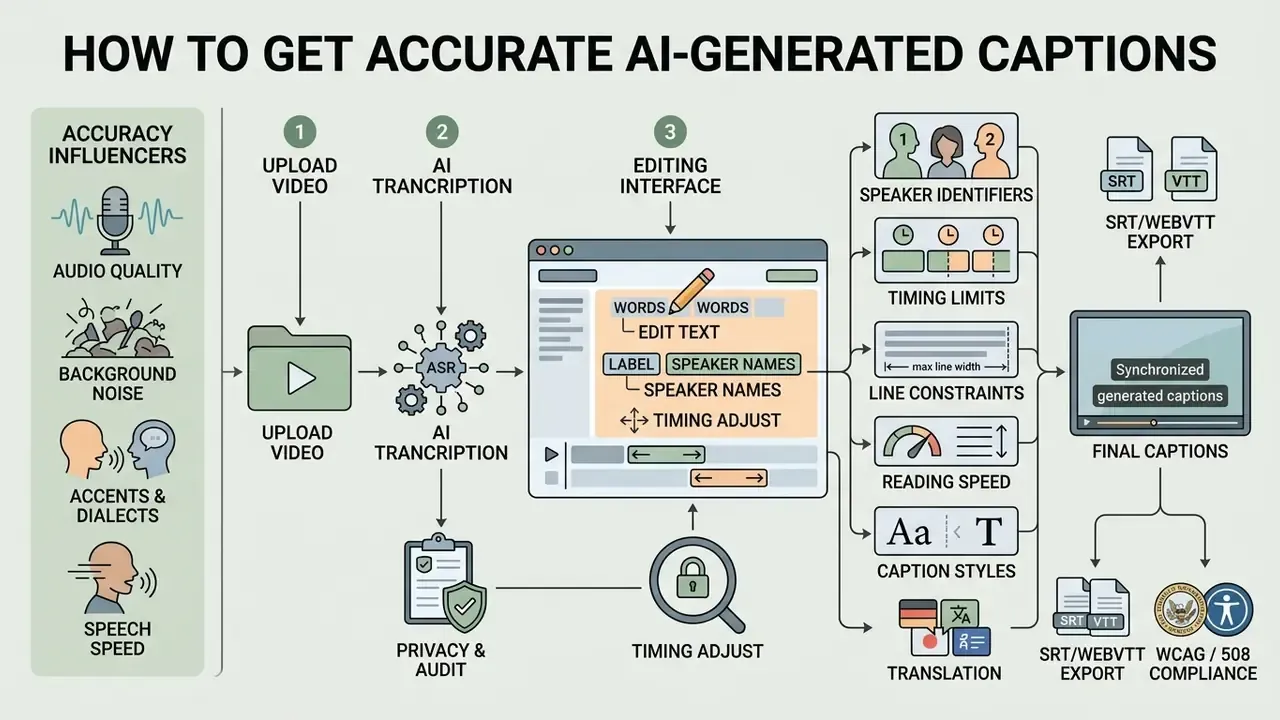
Acoustic signal quality is the single largest determinant of speech recognition accuracy in video captioning workflows. Background noise, room reverberation, low-quality laptop microphones, and overlapping voices degrade the signal-to-noise ratio, increasing word substitution and deletion rates.
NIST speech collection guidelines recommend external directional USB condenser or lavalier microphones positioned within six inches of the speaker's mouth, noting that internal laptop microphones capture circuitry noise from the chassis itself. Automatic gain control (AGC) should be disabled during recording to avoid amplifying ambient room hiss in the gaps. In multi-speaker environments, cross-talk disrupts neural frame alignment, so the recognizer drops words or misassigns timing markers; overlap studies report absolute WER increases in the 15–30 percentage-point range for overlapped segments.
Domain vocabulary is a separate failure mode entirely. Generic acoustic cleanup does not teach a model unfamiliar product names, drug names, or financial acronyms, so custom language models and vocabulary injection remain mandatory for specialized content.
Integrated AI editors mitigate poor recording environments by running pre-transcription DSP (digital signal processing) filters. One-click spectral noise suppression, vocal isolation, and dynamic range normalization strip HVAC hum, wind, and room rumble before ASR tokenization, with vendors reporting first-pass transcript accuracy gains of roughly 12–18% on unconditioned room audio. Teams recording narration tracks alongside captions can compare synthesis options in the guide to AI voice generators, and projects that also need scored background audio often start from a free ai music tool rather than licensing a library track.
Edit text, speaker names and timing before publishing
Manual post-editing converts raw ASR transcripts into clear, compliant captions by standardizing punctuation, correcting speaker tags, and adjusting subtitle in-points and out-points. Editors working across mixed toolchains can compare timeline options in the overview of free video editing software.
«Professionally produced captions were perceived as more readable and less distracting than automatic captions, even at comparable lexical accuracy.»
When you edit subtitles, resist the urge to "tidy" speech into written prose. Captions track what was said, not what the speaker meant to say.
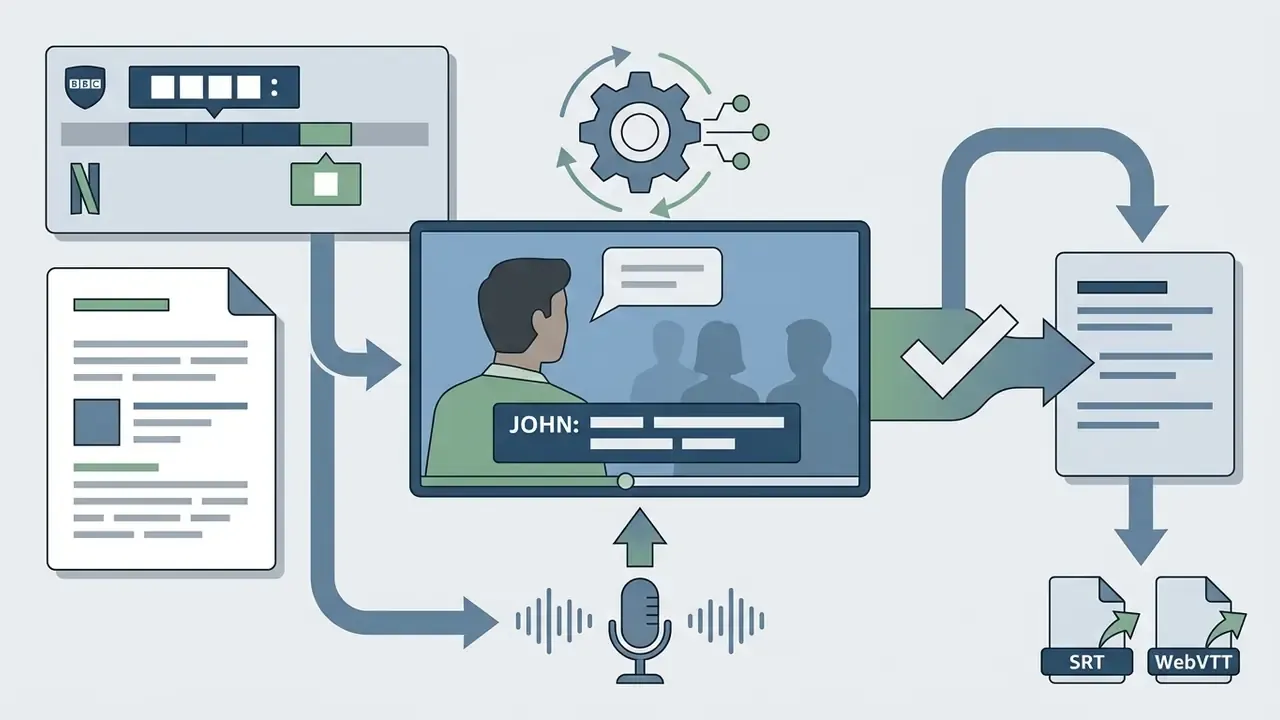
JOHN:) immediately before the dialogue, using labels only when the speaker is off-screen or unidentifiable. BBC guidelines render names in white caps directly before the relevant speech; Netflix style rules restrict IDs to cases where the speaker cannot be visually identified.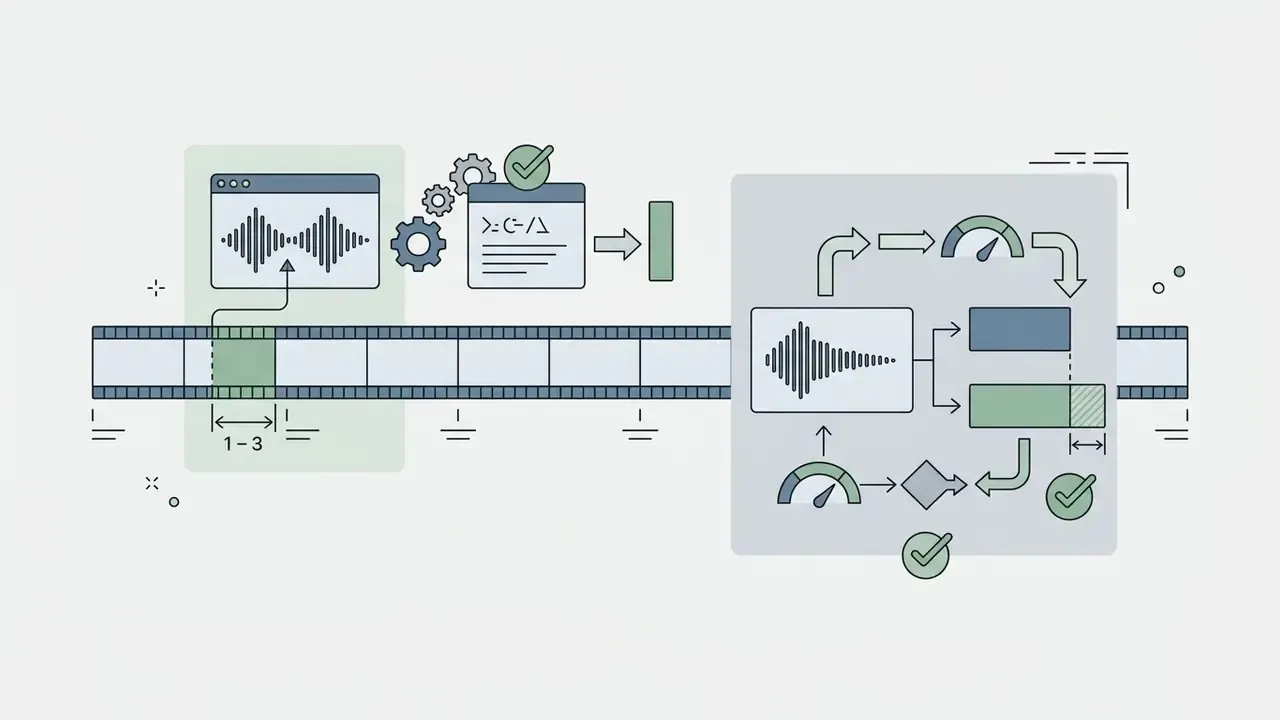

Enterprise governance, PII redaction and audit trails for video captions
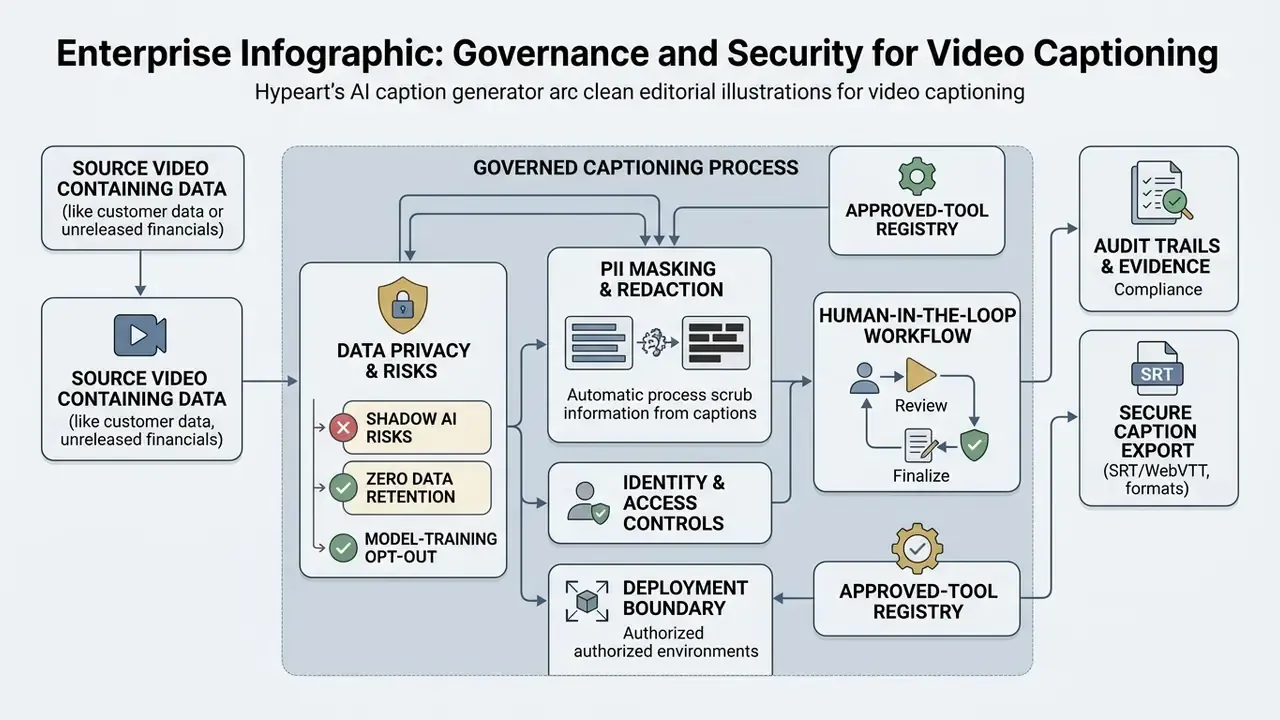
Captioning becomes a governed process, not a creative convenience, the moment the source video contains customer data, unreleased financials, or regulated disclosures. Enterprise teams therefore treat an ASR pipeline as a model in production, with documented controls at ingestion, inference, review, and release.
Shadow AI and data privacy risks in automated captioning
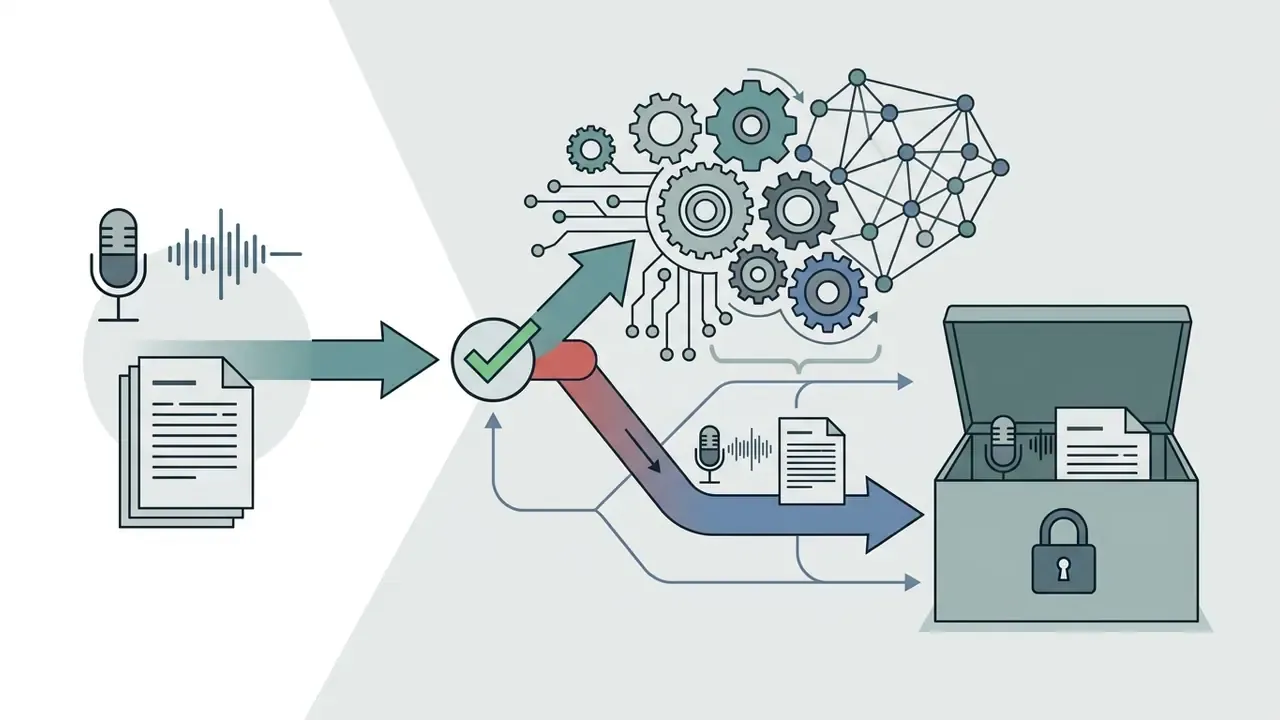
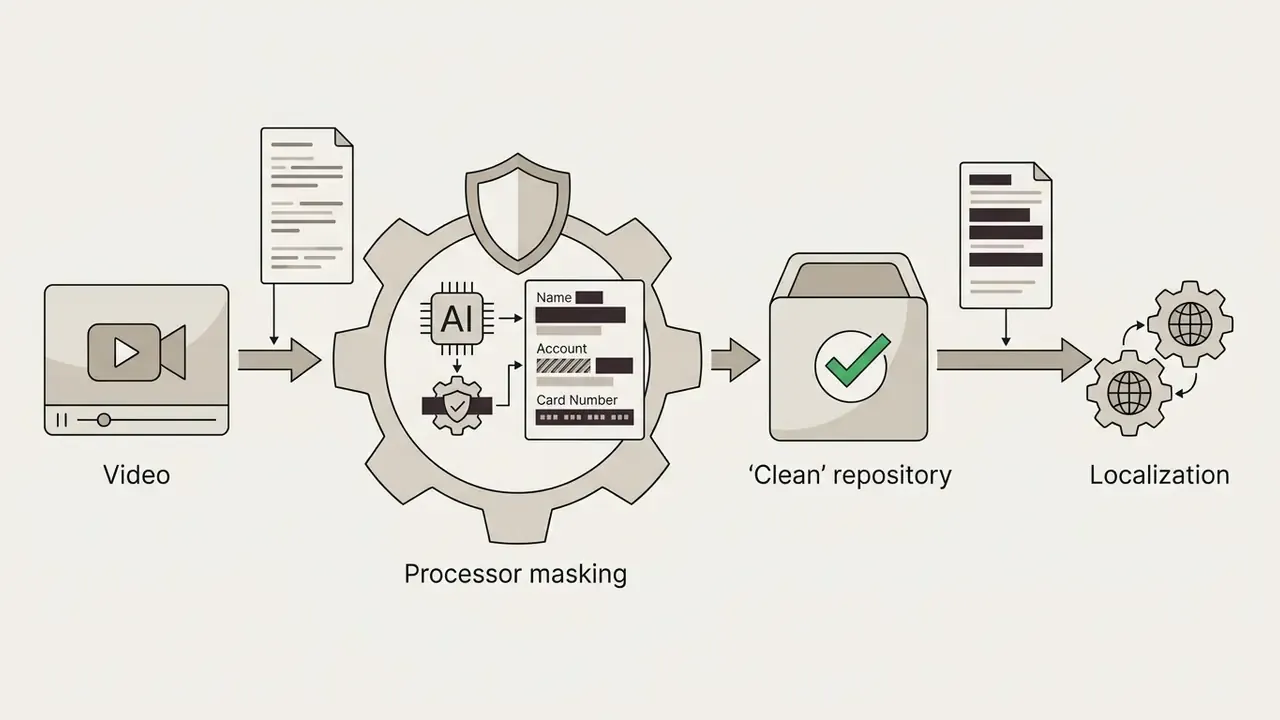
The dominant governance risk is not bad captions. It is uncontrolled uploads. When an employee drags an internal town hall, an earnings rehearsal, or a recorded client call into a consumer captioning site, the organization has effectively transferred unreviewed media, including personally identifiable information (PII), account numbers, and non-public financial data, to an unvetted third party.
Practical controls for regulated environments:
That last control does more work than most policies. People reach for whatever ranks first when they are twenty minutes from a deadline.

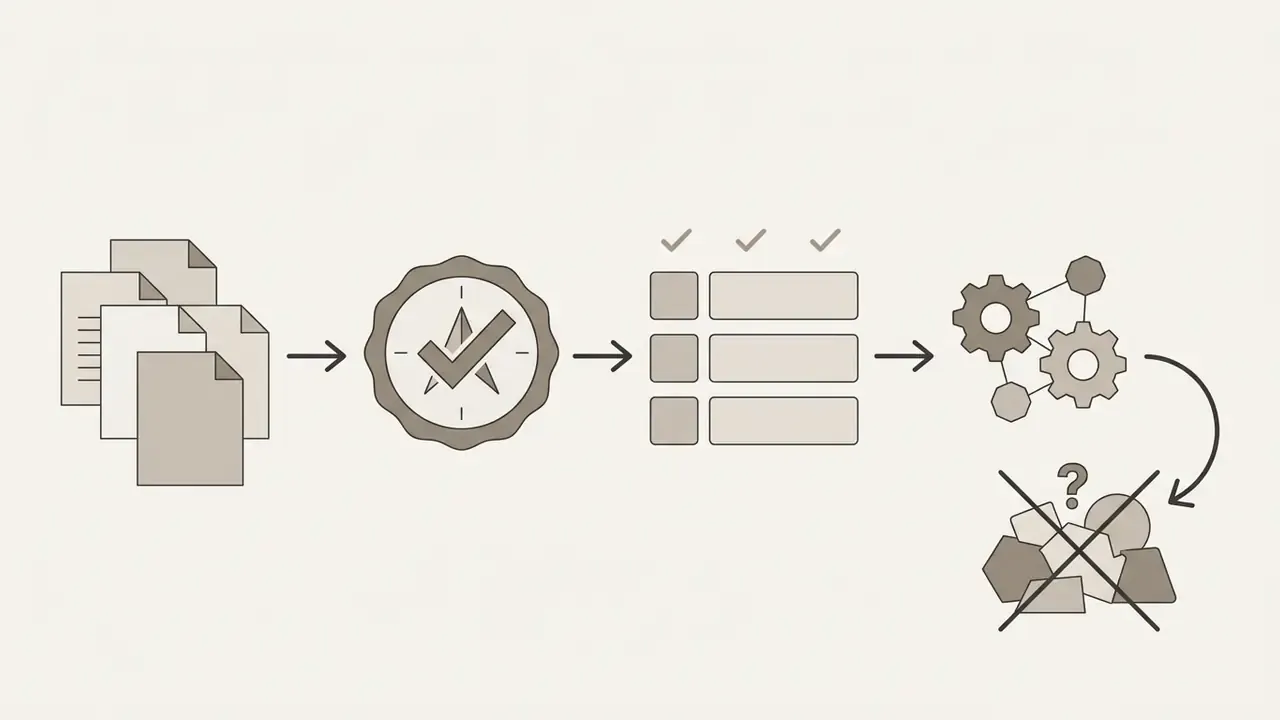
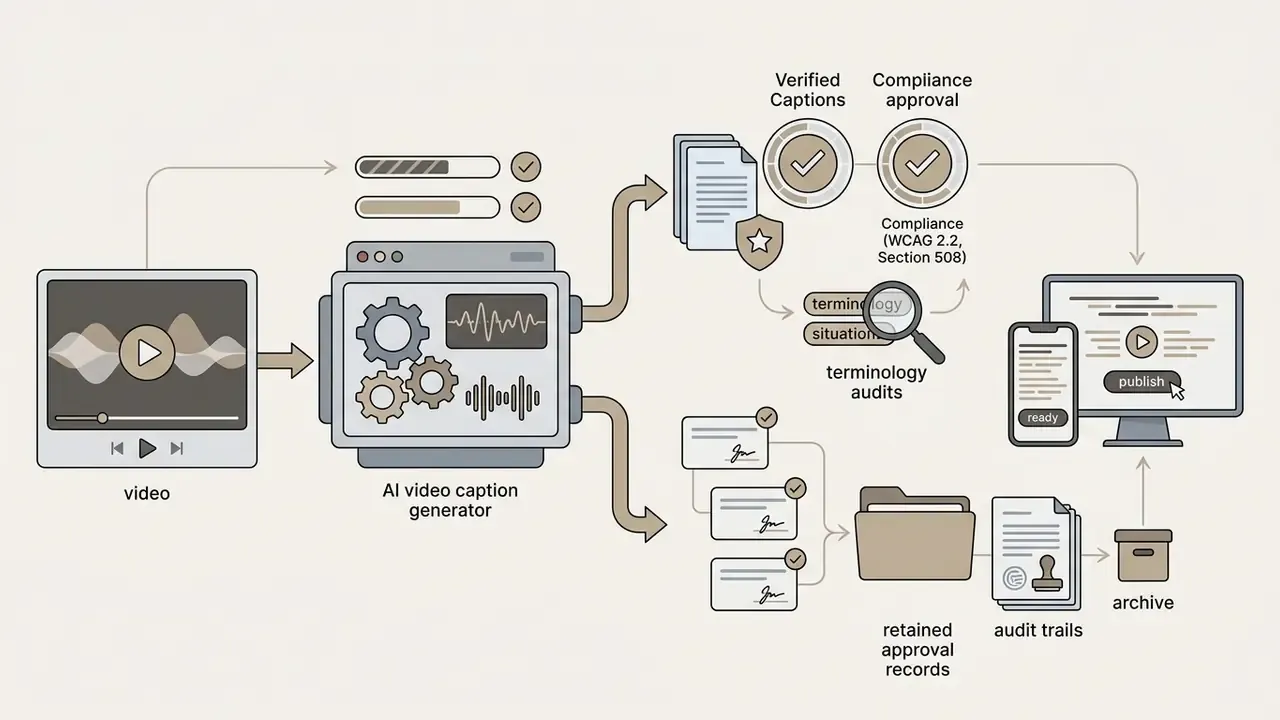
Human-in-the-loop workflow and audit evidence
Model risk management for ASR systems
Speech recognition fits naturally into an existing model risk framework. Treat WER and character error rate as ongoing performance metrics rather than launch-day marketing claims, and align documentation with the NIST AI Risk Management Framework and ISO/IEC 42001 control expectations. Institutions already operating under supervisory model-risk guidance can extend the same validation, monitoring, and challenger-review discipline to ASR without inventing a new governance body.
A minimal ASR risk matrix for regulated communications:
| Risk | Trigger condition | Control | Residual owner |
|---|---|---|---|
| Material misstatement in captions | Financial figures, guidance, or legal terms in audio | Dual human review plus numeric verification pass | Communications and Legal |
| Terminology failure | Product names, acronyms, tickers | Custom vocabulary or glossary injection, pre-release term audit | Model owner |
| Degradation under overlap or noise | Panels, town halls, call recordings | Pre-ASR DSP cleanup; per-speaker channels; WER sampling per asset class | Model risk |
| Data leakage | Restricted media in public SaaS | Approved-tool registry, client-side or VPC processing | Information security |
| Accessibility non-conformance | Public-facing video published without review | Pre-publication checklist plus sign-off log | Accessibility lead |
Continuous monitoring means sampling published assets, re-scoring WER against a verified reference, and escalating when accuracy drifts below the internal threshold for that content class. One caveat: sample sizes on low-volume asset classes are small, so treat single-asset spikes as a signal to investigate rather than proof of model decay.
Customize caption styles for social video and corporate channels
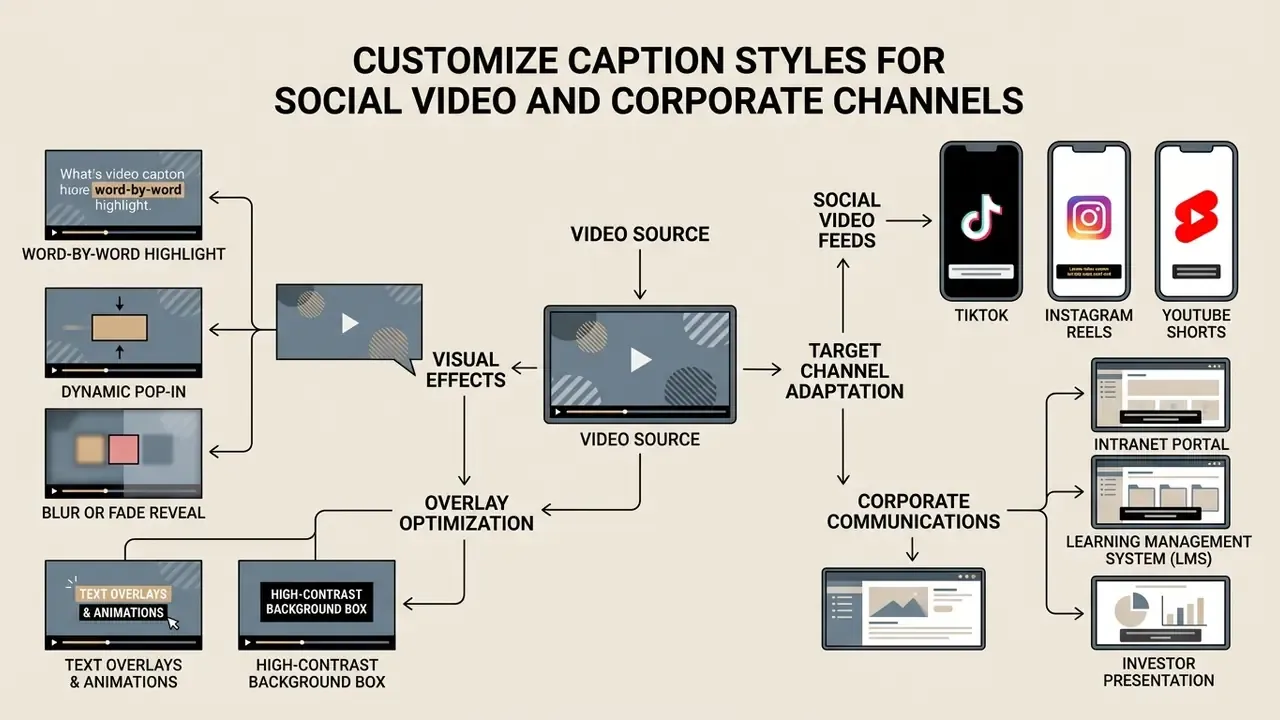
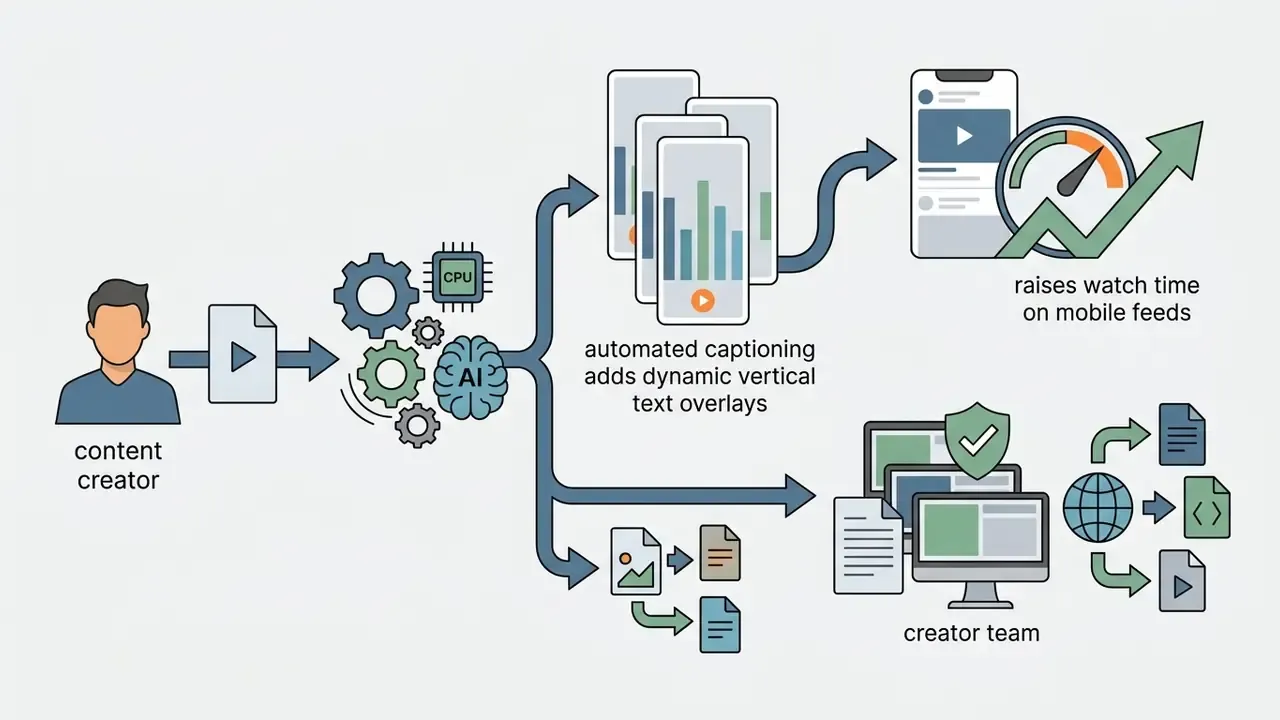
Customizing caption styles helps creators adapt text presentation for high engagement on mobile feeds, and it helps communications teams keep intranet, LMS, and investor-facing video legible on every device, while maintaining readability and brand consistency. Good styling is also what helps keep viewers watching past the first two seconds.
Vertical video caption safe zones
| Region | Guideline |
|---|---|
| Top 15% (status bar zone) | Keep clear of captions; avoids system overlays. |
| Central 70% (safe content band) | Recommended area for two-line caption blocks. |
| Bottom 15% (platform UI zone) | Avoid placing text over usernames, captions, and buttons. |
Caption styles, text overlays and animated captions
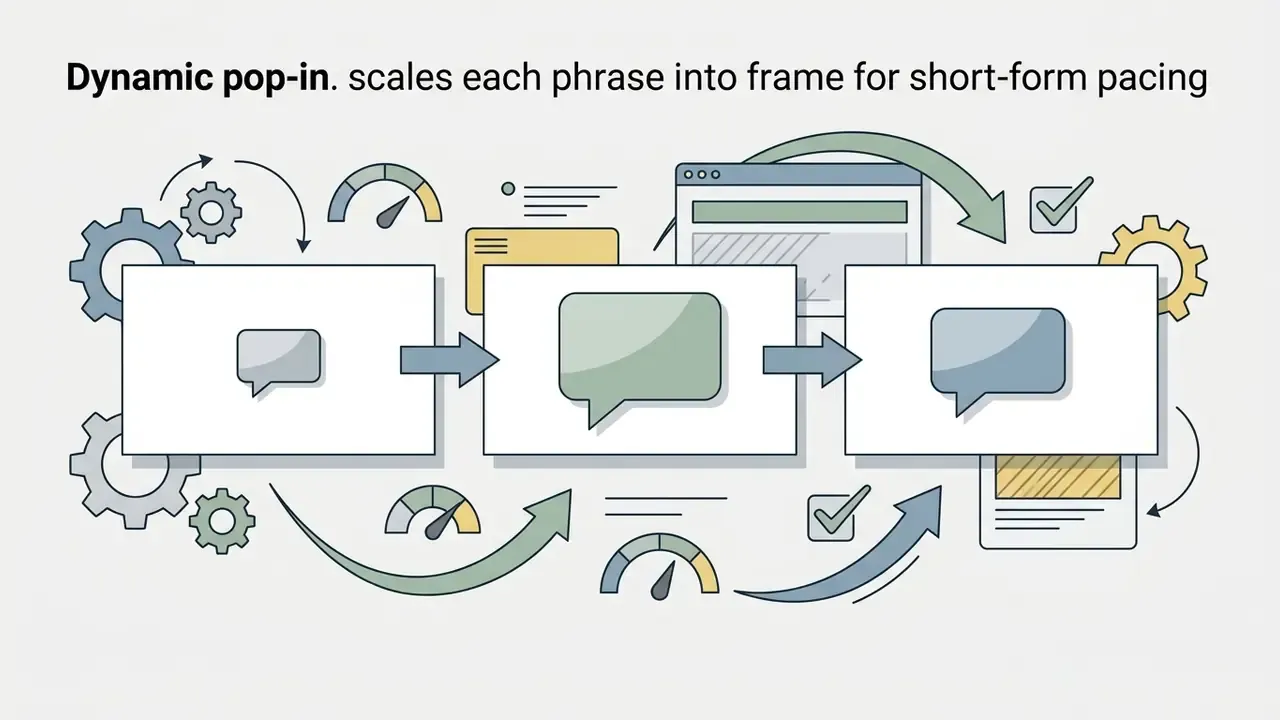
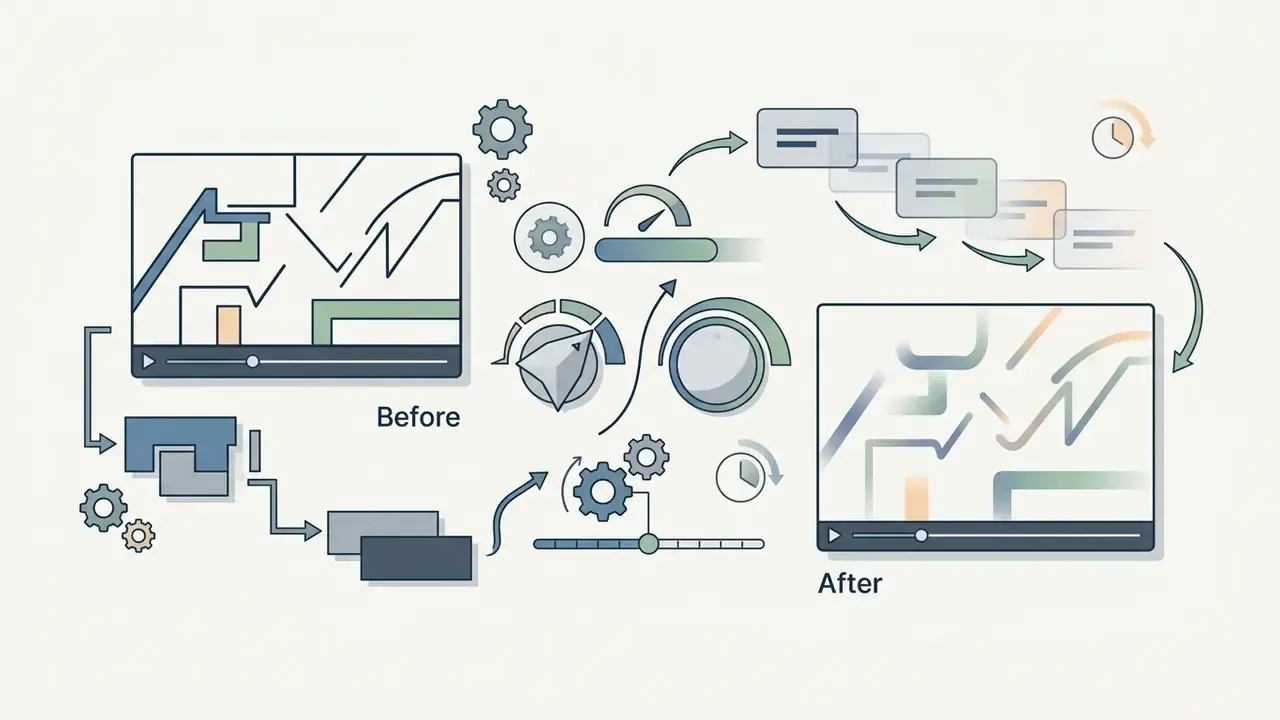
Modern caption tools feature visual customization controls that alter font families, font sizes, text background boxes, shadow drops, and word-by-word highlight effects.
For standard accessibility, US Section 508 guidance points to solid or semi-transparent dark background boxes behind 18-point white sans-serif text (such as Arial or Helvetica), centered in the lower third, with no more than two lines on screen at once. For social media marketing, creators use dynamic word-level animated highlighting, and most platforms now ship named presets:
Highlighted words should use high-contrast secondary accent colors that stay distinguishable in grayscale, avoiding red and green pairings that collapse for color-blind viewers. Teams comparing media styling options can review structured data in the AI Media Comparison Matrices.
Captions for TikTok, Instagram Reels and YouTube Shorts
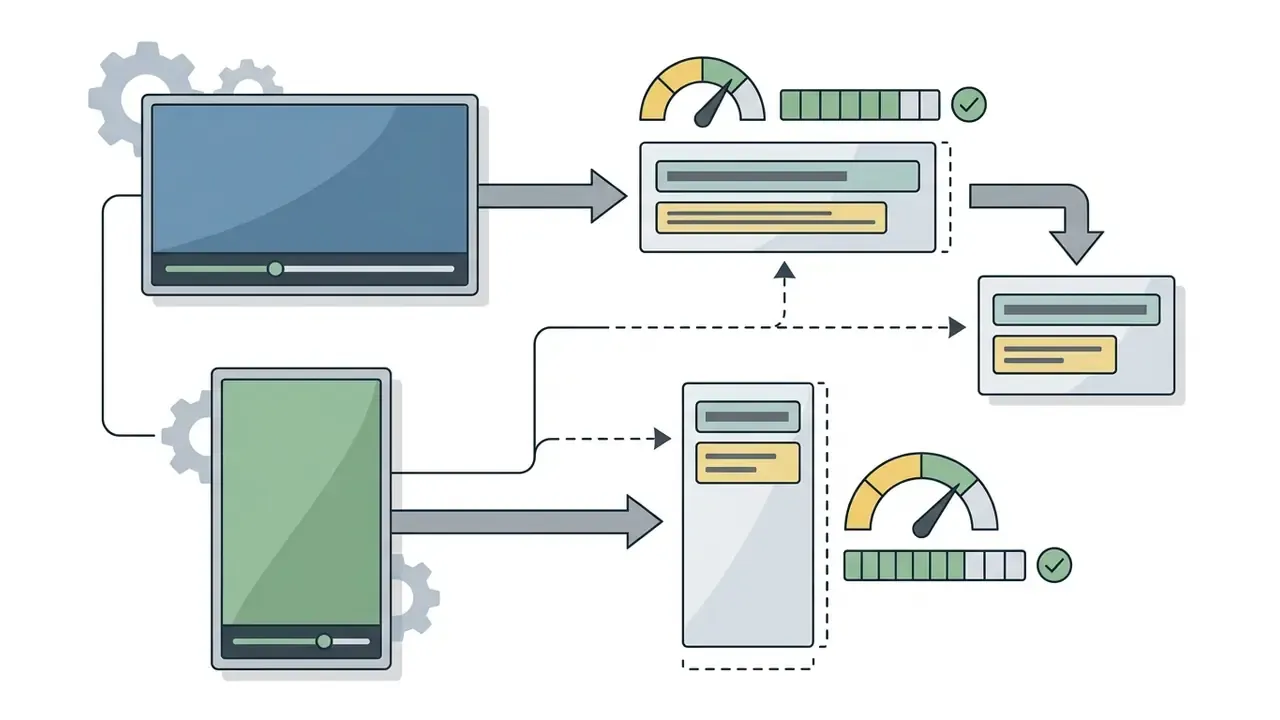
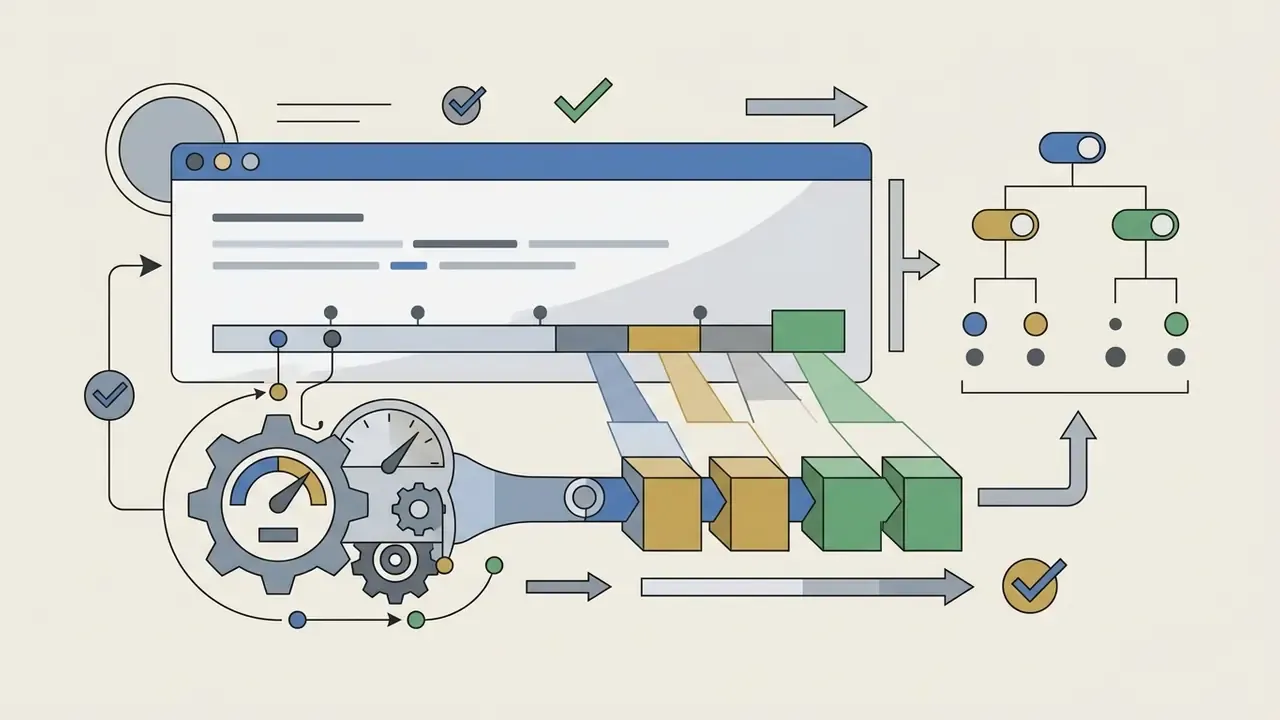
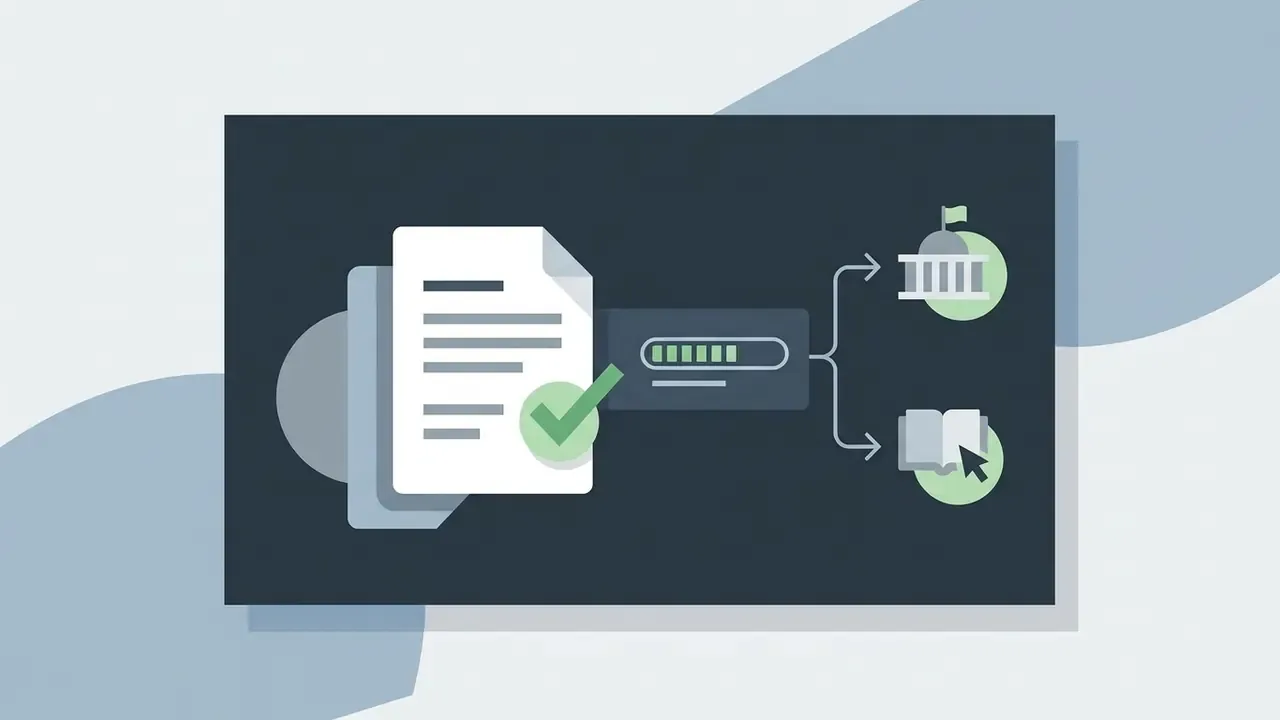
Designing captions for vertical 9:16 containers requires positioning text inside UI-safe bands so native app overlays do not obscure the dialogue.
According to BBC vertical subtitling guidelines, captions in 9:16 media must remain within the central 75% vertical region and 90% horizontal region of the frame. Placing text too low lets Instagram Reels action buttons, TikTok description boxes, or YouTube Shorts overlay icons block it; placing it too high collides with the status bar. Where burned-in on-screen graphics already occupy the lower area, move subtitles to top center rather than overlapping them. Keep vertical captions to single-line or short two-line blocks to maintain rapid visual pacing without covering on-screen faces.
«Students in the fast-speech, fully captioned condition showed high comprehension but reported very high mental load compared with the slow-speech group.»
Density is therefore a design decision, not a maximum. Dense captions on fast speech can preserve comprehension while measurably increasing cognitive effort, which matters for training and educational assets as much as for entertainment. Creators producing vertical clips can explore automated media creation workflows in the guide to text-to-video AI tools, and static-asset teams sometimes animate stills with a free ai image to video app before captions are ever added.
Translate captions and export the right subtitle format
Translating video captions lets creators localize media assets for international audiences, while the right export format keeps them technically compatible across publishing platforms.
Subtitle and caption export format comparison
| Format | Type | Primary target | Features |
|---|---|---|---|
| SubRip (.srt) | Plain text | Web, YouTube, LMS | Basic timecodes |
| WebVTT (.vtt) | Timed text | HTML5 <track> | Styling and positioning |
| Hardcoded (MP4) | Burned-in graphic | Reels, TikTok | Permanent display |
| EBU-TT / TTML | XML structured | Broadcast TV, OTT | Full metadata |
| SCC / EBU-STL | Broadcast legacy | Linear TV exchange | Station delivery |
| DOCX / CSV / XLIFF | Transcript export | Docs, localization | Text reuse, handoff |
Translate subtitles for a multilingual audience
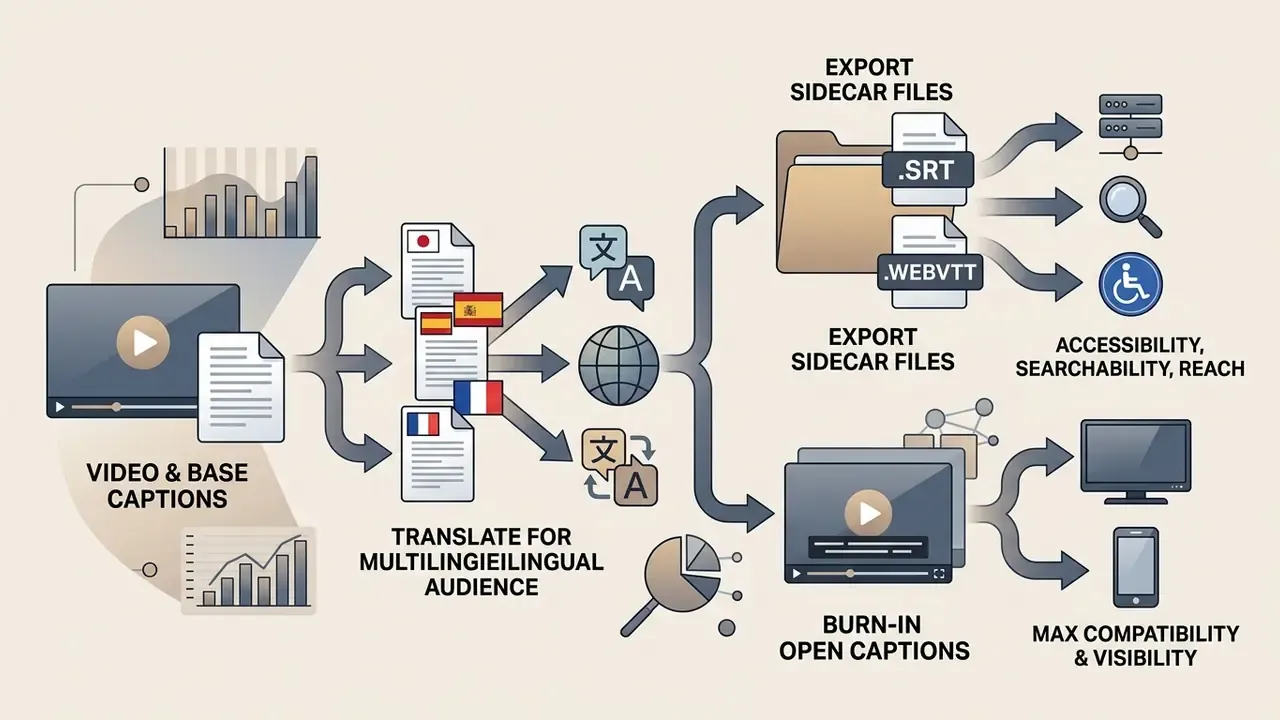
Integrating machine translation into an ai caption video generator enables automated conversion of source transcript files into target languages, so a single recording serves several markets. Used this way, the tool doubles as a video translator rather than a captioning utility.
W3C IMSC Text Profile 1.3 defines specifications for delivering multi-language subtitle tracks across web media frameworks, while broadcast delivery separates EBU-TT Part 1 (with STL embedded) for linear TV from EBU-TT-D for online-only distribution. Machine translation models convert source captions into secondary languages quickly, but translated text length often expands, which alters reading speed. Post-editing must verify that translated lines fit screen boundaries without exceeding the 170 to 180 words per minute ceiling.
«The SubCo study identified machine-translated subtitle errors across four dimensions, content, language, format and semiotics, each requiring manual correction.»
Because format and semiotic errors are invisible to fluency-only checks, localization QA must review line breaks, on-screen text conflicts, and timing alongside wording. Teams weighing dubbed narration against translated subtitles can compare synthesis capabilities in the guide to AI voice generators.
When to use SRT files and when to burn captions into video
The choice between downloading external SRT/WebVTT sidecars and burning captions into the MP4 depends on player functionality and platform requirements.
To evaluate commercial asset licensing and multi-platform publishing strategies, refer to the AI Media Commercial-Use Hub.
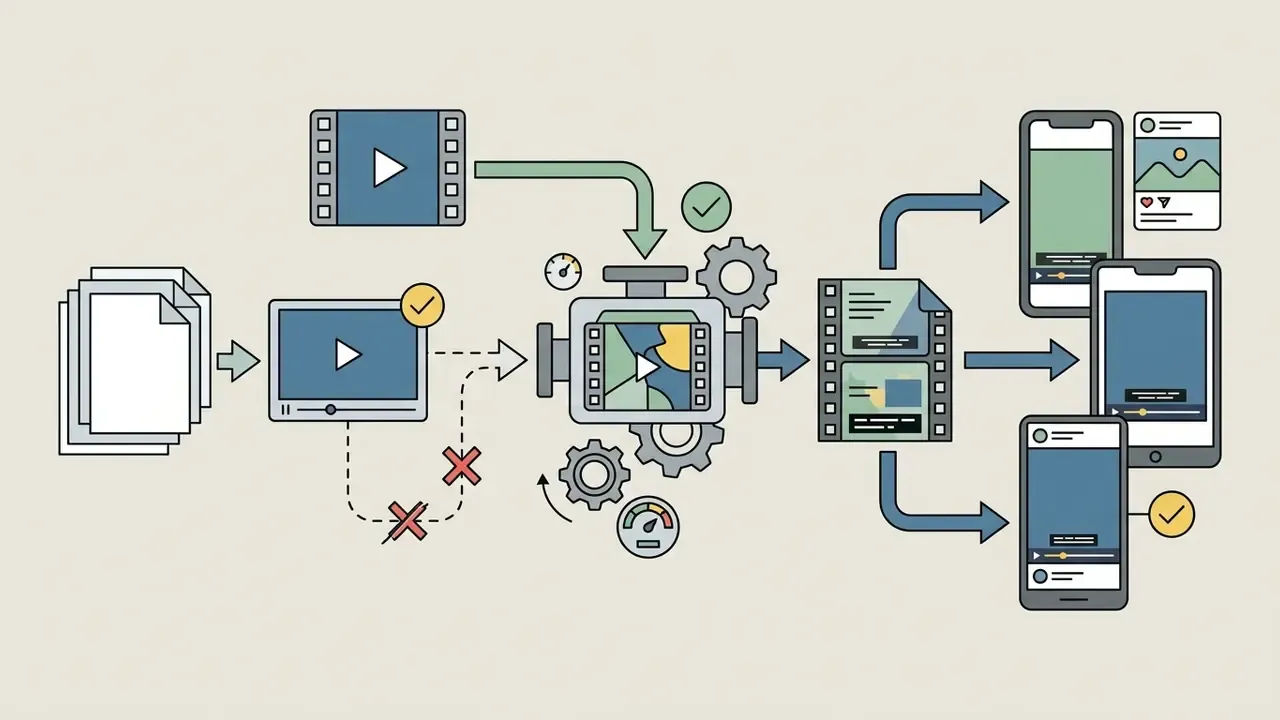
Captions for accessibility, searchability and reach
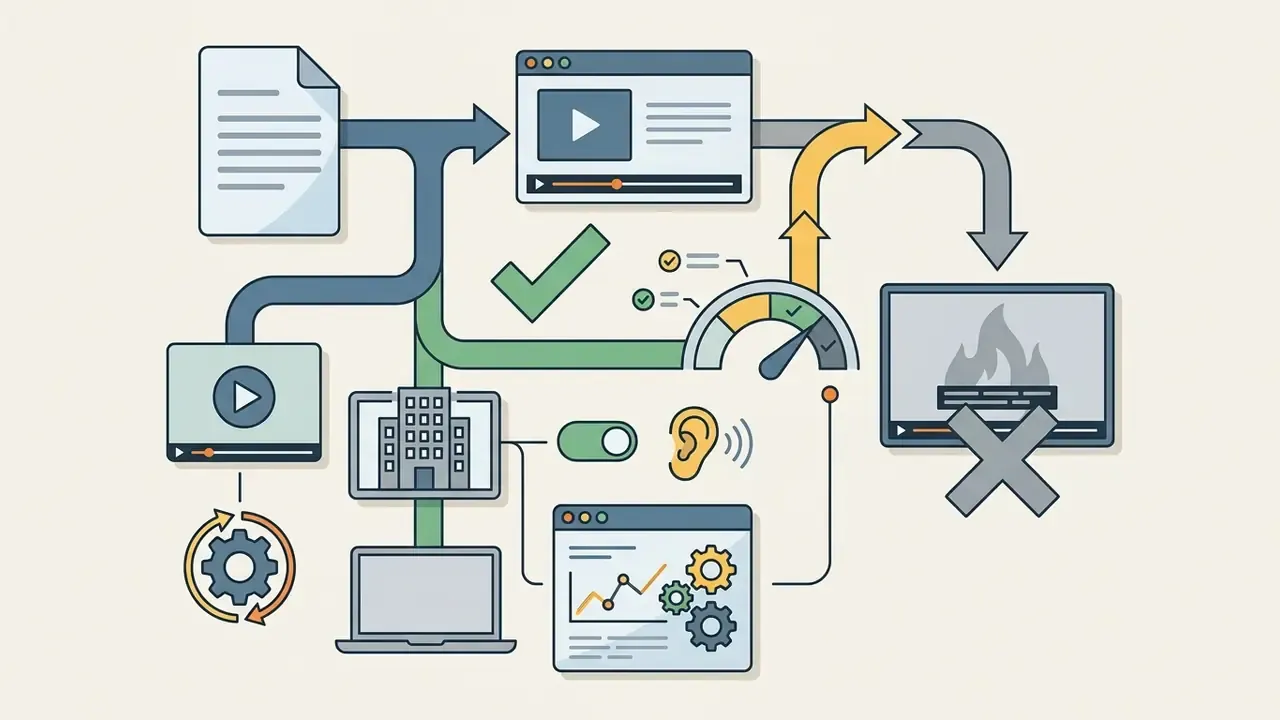
Synchronized captions improve legal accessibility compliance, increase viewer comprehension, and expand organic reach across digital platforms. Three benefits, one artifact.
Search visibility depends on the delivery format. Crawlers can parse text supplied as an indexable resource, such as a sidecar WebVTT or SRT track referenced by an HTML5 <track> element, a platform caption file, or an on-page transcript. They cannot read pixels, so burned-in captions published without an accompanying text track contribute nothing to discoverability. Industry whitepapers summarize the mechanism as search engines crawling caption text rather than audio; the practical instruction is simply to publish a text artifact alongside the video wherever the channel allows it.
Captions also let audiences watch in noise-sensitive environments where playing audio is impossible, and a decade-scale review of platform research links captioning directly to engagement and content visibility. Media teams calculating production ROI can use the tools in AI Media Calculators, while regulatory developments can be reviewed in AI Litigation and Case Timelines.
Free AI caption generator vs paid plans for commercial use
Choosing between a best free ai caption generator for video option and an enterprise subscription depends on processing volume, watermark restrictions, translation requirements, security posture, and commercial usage rights.
| Feature / capability | Free online plan | Paid commercial plan | Enterprise plan |
|---|---|---|---|
| Monthly video minutes | 5 to 10 minutes daily cap | Unlimited or high-volume quota | Contracted volume plus burst capacity |
| Visual watermarks | Branding watermark applied (varies) | Clean, unwatermarked export | Clean export, brand templates |
| Export formats | Basic MP4 or SRT export | SRT, WebVTT, TTML, MP4, TXT, CSV | Plus SCC, EBU-STL, iTT, XLIFF |
| Visual caption styles | Standard basic templates | Custom fonts, animations, ASS control | Locked brand style presets |
| Automated translation | Restricted or single language | 30+ language translation engines | Post-edit workflow plus TM and glossary |
| Custom vocabulary | Not available | Limited term lists | Domain lexicons (financial, medical, legal) |
| Commercial license | Personal use only (varies by tool) | Full commercial rights granted | Full rights plus indemnification terms |
| SOC 2 Type II / ISO 27001 | Typically not offered | Varies by vendor | Required, with report on request |
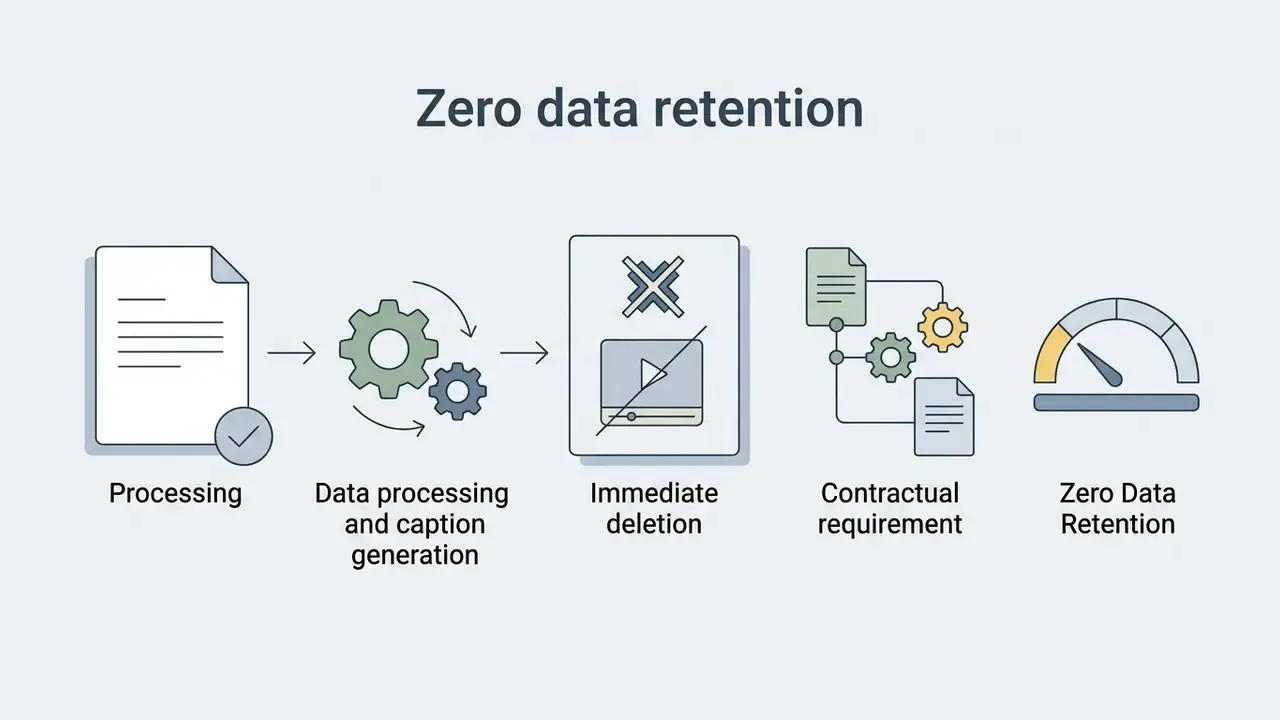
| Zero data retention | Not guaranteed | Optional | Contractual |
| Model-training opt-out | Often unavailable | Account-level setting | Contractual exclusion |
| PII masking / redaction | Not available | Limited | Rule-based redaction plus logging |
| Deployment option | Public multi-tenant cloud | Public cloud | VPC, private cloud, on-prem |
| SSO and role-based access | No | Basic | SAML/OIDC, granular roles |
| Audit log export | No | Partial | Full job, edit and approval logs |
| SLA and support | Community | Business hours | Uptime SLA plus named CSM |
Read the table as a risk ladder, not a feature ladder. The free column is not "less software," it is "no contractual protection." Teams benchmarking tooling across categories can also consult the comparison of best AI video generators for adjacent evaluation criteria.
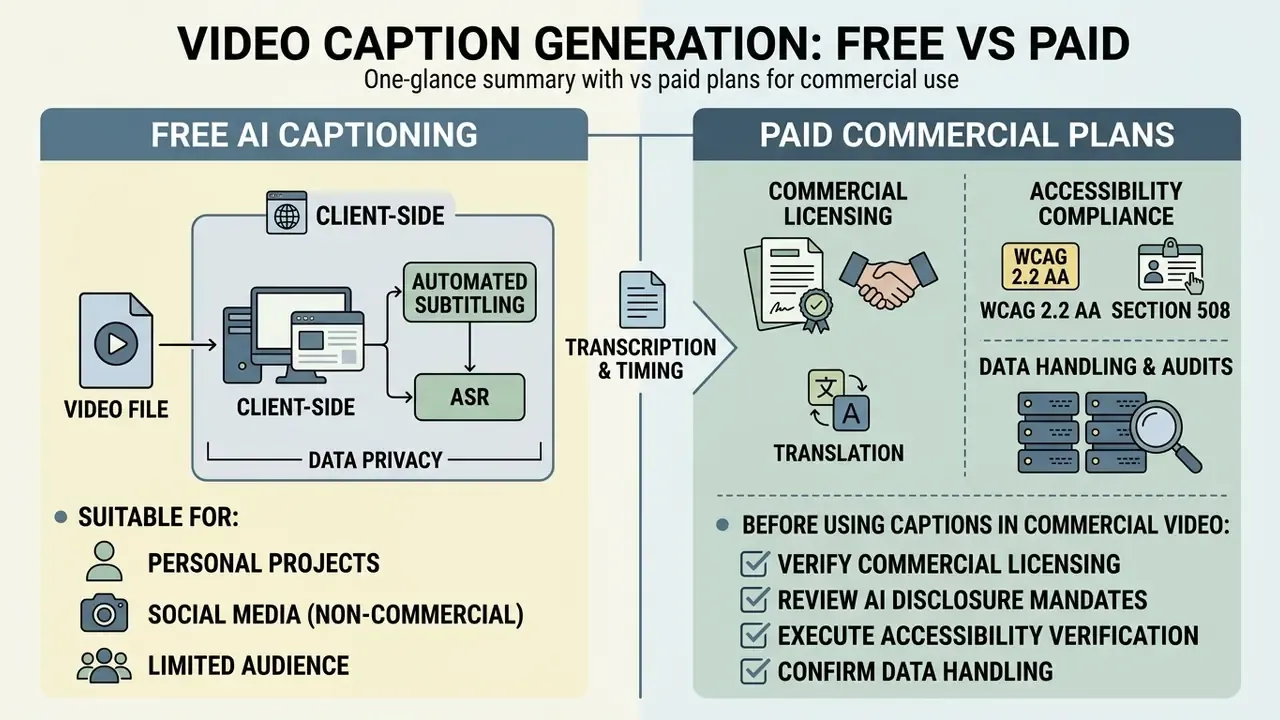
Client-side extraction and data privacy in automated subtitling
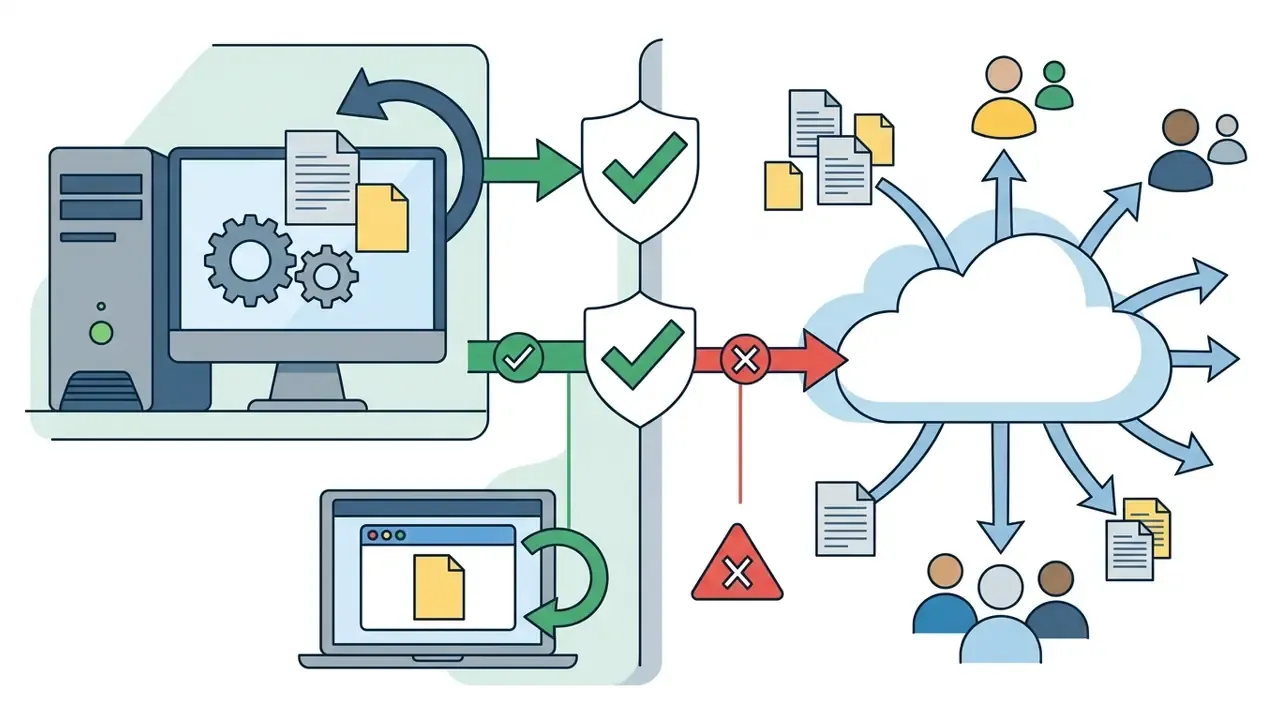
Enterprise media governance requires strict limits on media exposure. High-privacy AI caption workflows run local WebAssembly-based audio demuxing inside the browser, so the heavy video container never leaves the user's disk. Only the extracted, lightweight compressed audio stream travels over TLS 1.3 to the ASR inference cluster, which eliminates whole-file media leakage and cuts upload bandwidth sharply.
This distinction matters because "browser-based" is not a synonym for "private." Some web services still require a full upload; others run recognition entirely client-side and state explicitly that files are not transmitted. Desktop and editor-integrated tools keep processing local by design and usually handle large 4K or 8K files faster, because they avoid network transfer and cloud queueing. For restricted assets the decision sequence is short: local processing first, private VPC second, public SaaS only for non-sensitive material.
What a free online caption generator is suitable for
A best free video caption generator app or web utility provides functional auto-captioning for personal social posts, short draft previews, and low-budget creator projects. If you simply need an ai caption generator free for video clips under a minute, the free tier is usually enough.
Free online plans typically cap processing at 5 to 10 minutes of video per file, per day, or per month. Some tools offer basic unwatermarked SRT generation with daily limits and explicitly permit commercial use, while others watermark free exports until you upgrade, so licence terms must be read per vendor rather than assumed. Free tiers do let creators validate ASR accuracy and test timing tools before buying, and readers surveying entry-level options can review the roundup of free AI video generators or the notes on a free ai image animation workflow for b-roll.
«After fine-tuning on the KMSAV corpus, ASR character error fell from 15.3–32.2% to 11.1–23.5%, a gain generic free models cannot reproduce.»
Domain adaptation is therefore the practical ceiling of free tooling. A general-purpose model has no mechanism to learn your product names, tickers, or clinical vocabulary. Independent whitepapers place typical uncorrected automatic accuracy around 60% to 70%, reaching roughly 90% only under controlled recording conditions, well short of the FCC standard that captions be accurate, complete, synchronous, and properly placed. Creators experimenting with complementary audio-visual workflows can review the AI voice generator, animation maker, and free ai music reference guides.
What to check before using captions in commercial video
Before publishing AI-generated captions in commercial marketing, advertising, or broadcast content, stakeholders must run technical quality audits and legal compliance checks.
This section provides general information and does not constitute legal advice on accessibility compliance, advertising disclosure, or copyright. Consult qualified counsel for your jurisdiction and content type.
- Verify commercial licensing Confirm that the platform tier grants explicit commercial reproduction rights for generated text, hardcoded video frames, and custom font assets.
- Review AI disclosure mandates Follow Federal Communications Commission (FCC) and US Copyright Office guidance on disclosing synthetic AI contributions in advertising and registered works; political advertising rules require clear and conspicuous notice of AI-generated content.
- Execute accessibility verification Validate that captions meet Section 508 and WCAG 2.2 AA standards for text accuracy, timing synchronization, non-speech audio representation, contrast ratios, and user-accessible caption controls.
- Confirm data handling Document where the media was processed, what was retained, and who approved release, especially for regulated or client-identifiable content.
Teams reviewing subscription structures and commercial terms can consult the AI Media Pricing Guides and the reference material on commercial use of AI generators.
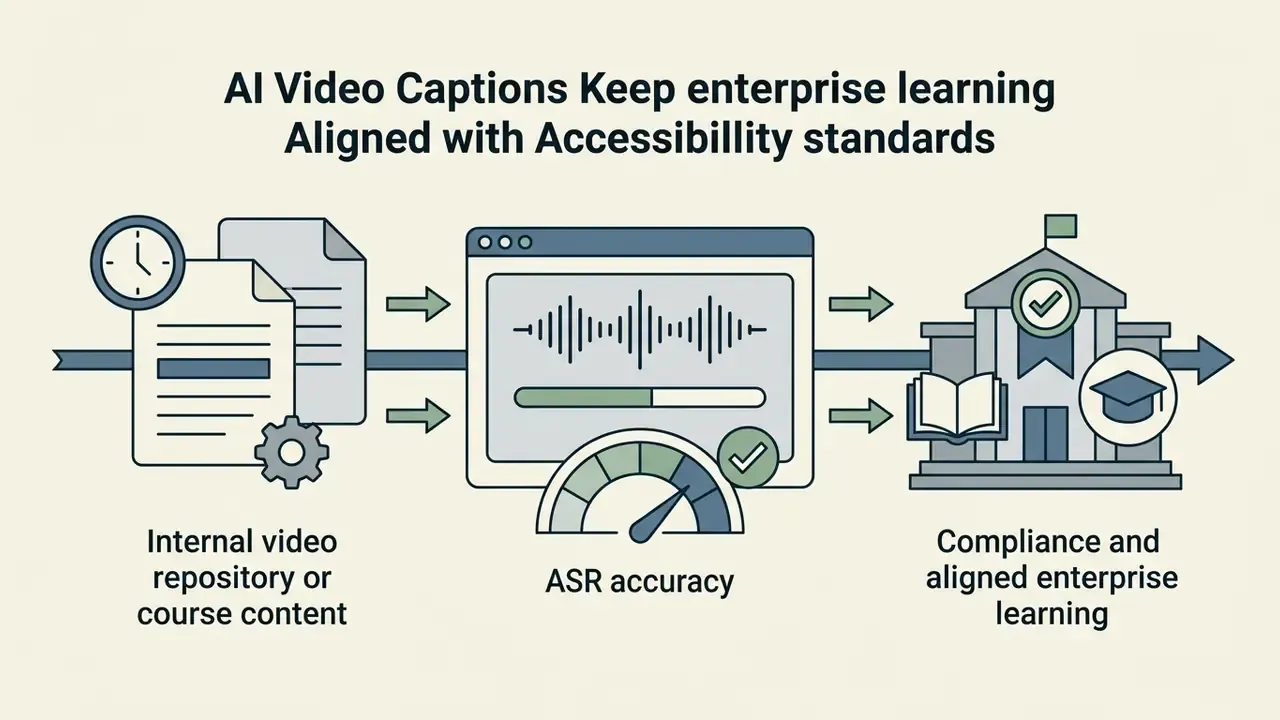
Video caption generator use cases for creators and teams
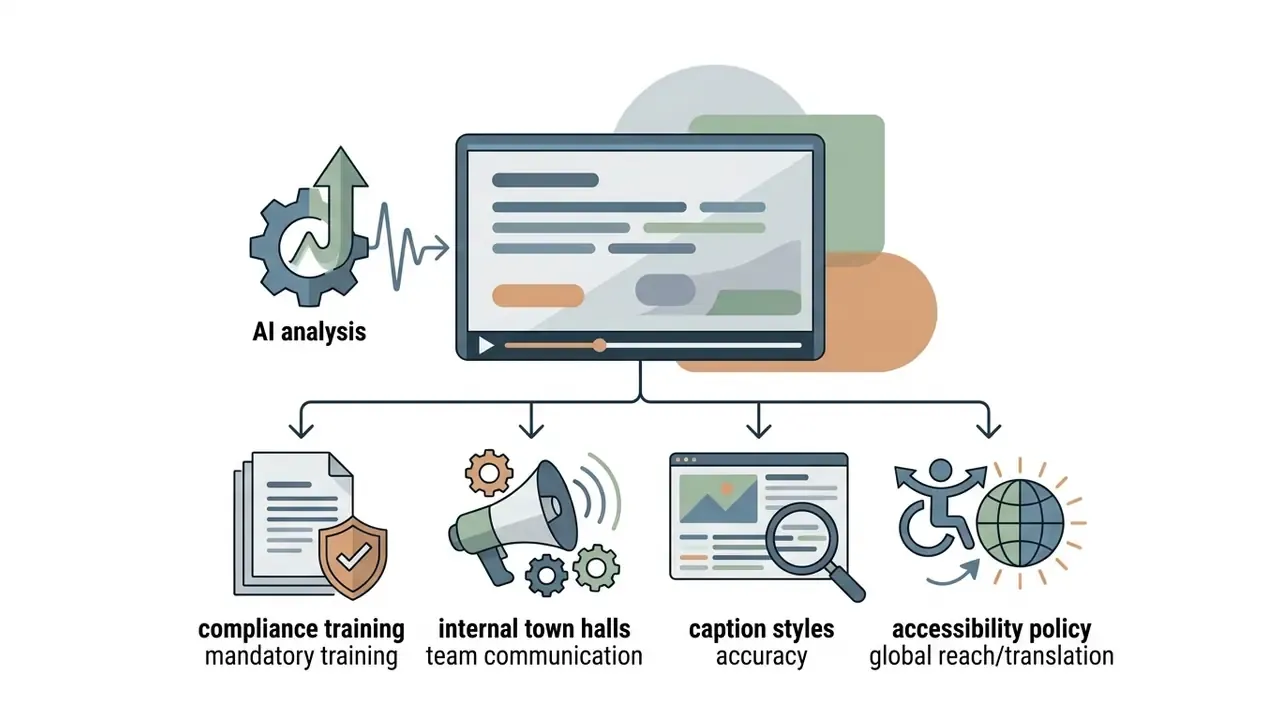
An ai caption generator for videos accelerates post-production across media creation, digital marketing, corporate communications, regulated disclosure, and educational publishing. The use cases differ mostly in how much evidence each one has to leave behind.


AI captioning compliance checklist before publishing
Run this checklist on every public-facing or regulated video before release.
Checklist0 / 21
FAQ: frequently asked questions about video caption generators
Do I need to install software to generate captions online?
No local desktop installation is required. Modern ai caption generator free online applications run directly inside standard web browsers using WebAssembly engines or cloud API endpoints. Web-based tools ingest uploaded MP4, MOV, or audio files, run speech recognition on cloud GPUs or local browser resources, and display an interactive timeline editor in the browser window. Users can copy transcripts, adjust caption timecodes, preview subtitle overlays, and export SRT files or hardcoded MP4 videos without native software.
Can I generate captions from a YouTube or TikTok link instead of a file?
Yes. Many platforms support URL ingestion: pasting a YouTube, TikTok, or Vimeo link imports the media directly into the workspace and avoids a download-and-re-upload cycle. For restricted or confidential content, prefer local file processing so the media path stays inside your controlled environment.
Can I create captions from an audio-only file?
Yes. Standalone MP3, WAV, AAC, M4A, and FLAC tracks can be transcribed and exported as .srt or .vtt files, then attached to visuals later. That is the standard workflow for podcast clips, recorded calls, voice notes, and lyric or karaoke tracks.
Is my video uploaded to a server?
It depends on the architecture. Fully client-side tools demux audio in the browser and transmit only the compressed audio stream, keeping the video container on your device. Other web services require a complete upload. For regulated media, verify the processing model, retention period, and training opt-out in writing before use.
How does ASR handle financial jargon, acronyms, and ticker symbols?
Generic acoustic models systematically mis-transcribe domain vocabulary, because those tokens are rare in general training data. The mitigation is lexical rather than acoustic: inject a custom vocabulary or domain language model containing product names, entity names, acronyms, and ticker symbols, then run a dedicated terminology audit on the corrected transcript. Numeric values and guidance language should be verified by a second reviewer.
Is automatic captioning sufficient for regulated or audited video?
No. The W3C Web Accessibility Initiative treats automatically generated captions as non-conforming until accuracy is verified, and FCC quality criteria require captions to be accurate, complete, synchronous, and properly placed. For audited communications, retain the raw ASR output, each revision, the named reviewer, the approval timestamp, and the published formats so the process can be reconstructed.
How accurate are AI captions in practice?
Accuracy is condition-dependent, not a fixed vendor number. Clean single-speaker audio can approach very low error rates, while overlapping speech and low signal-to-noise conditions push error rates into the 40% to 75% range in published benchmarks. Treat any blanket "99.9% accurate" claim as marketing rather than a measurable specification, and validate on your own representative audio.
How do I measure caption quality objectively?
Use word error rate or character error rate against a verified reference transcript for lexical accuracy, then add formatting checks: punctuation, speaker labels, line length, reading speed, and synchronization drift. Sampling published assets periodically detects model drift and channel-specific regressions.
How many languages can be captioned and translated?
Commercial platforms commonly support 100 to 130+ languages and dialects for recognition and 30+ for translation, with regional dialect selection via BCP-47 codes. Translation output should always be post-edited, since expanded text length breaks line limits and reading-speed ceilings.
Can AI create a caption for a video that has no clean audio at all?
Partly. When the source has no usable speech, an ai create caption for video workflow falls back on manual scripting or on a reference transcript supplied by the team, and the tool handles only segmentation, timing, and styling. That is still useful, but it is text formatting, not recognition.
Verification and methodology notes
A safe next step
Pick one recurring asset class, such as monthly compliance training or a quarterly briefing replay. Caption it through the full eight-step workflow, sample WER against a verified reference, and keep the approval log. One asset class is enough to tell you whether your current tool belongs on the approved-tool registry, and it costs far less than a policy rewrite.