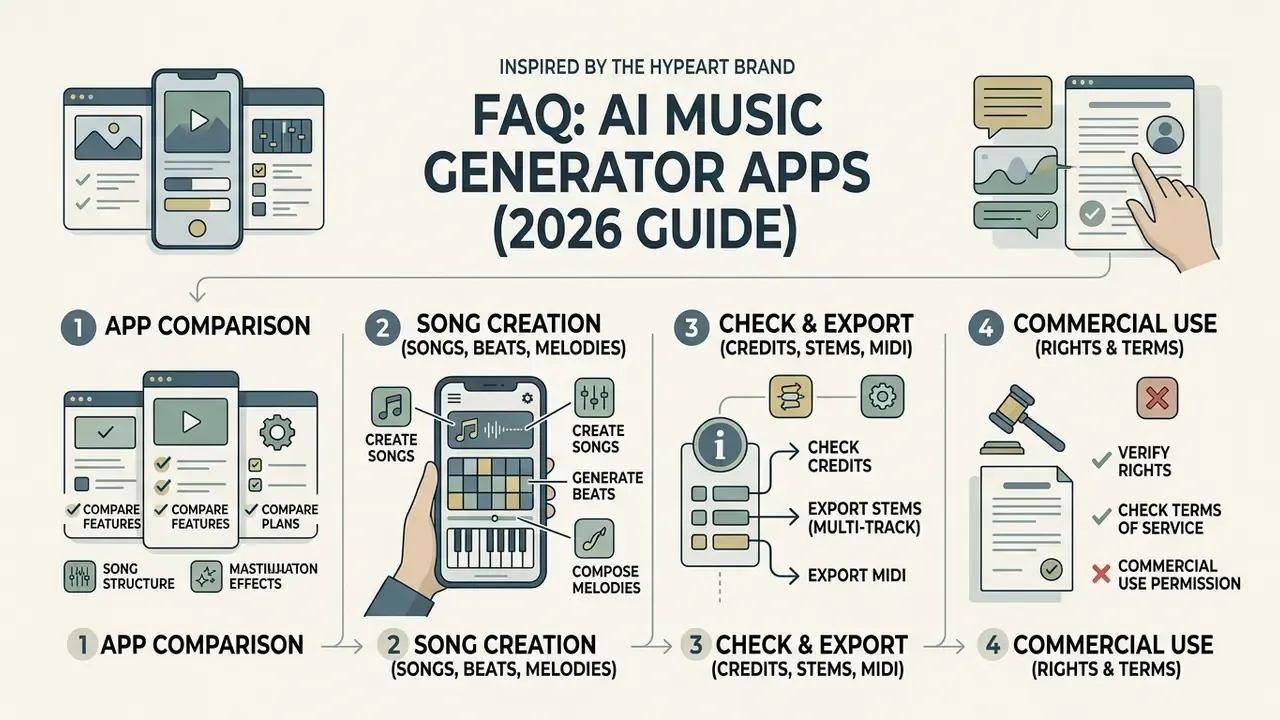
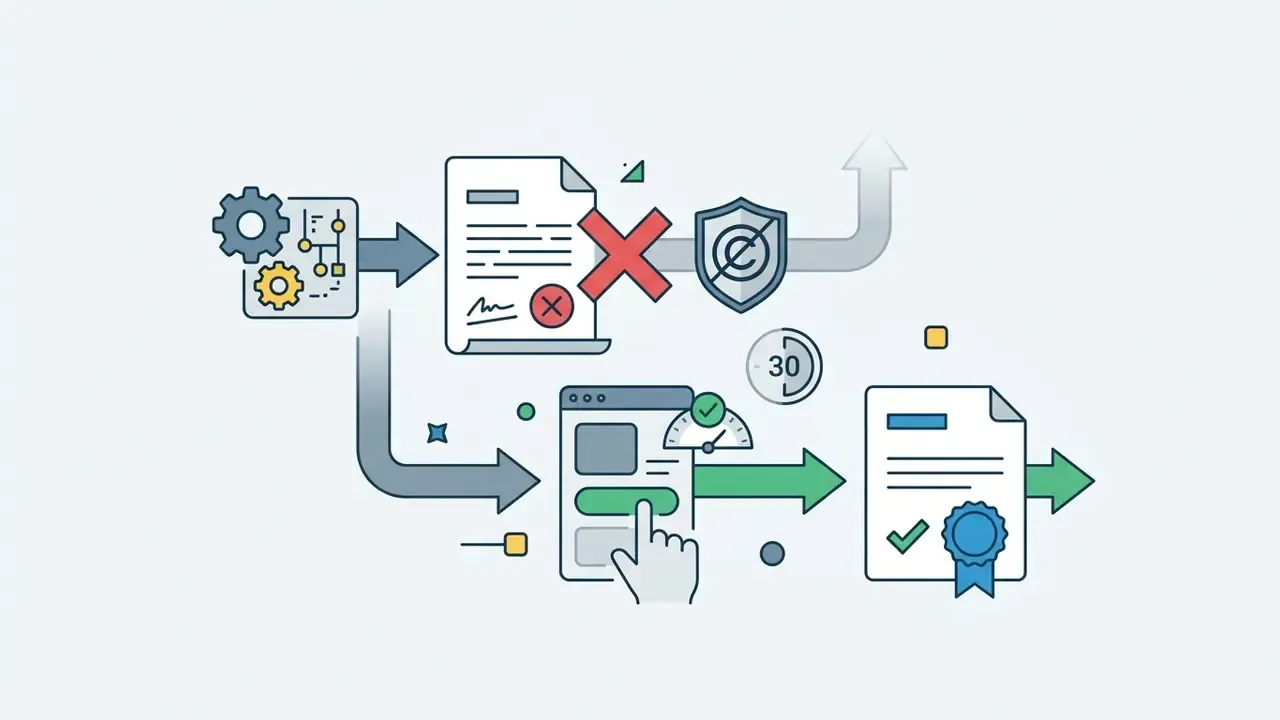
What You Need to Know in 30 Seconds
- Free tiers exist everywhere, but they are personal-use tiers. Suno offers roughly 10 free songs per day (50 credits); Udio, Mubert, and BeatBot run credit-limited free allowances. Commercial rights are almost always reserved for paid plans.
- Pick the app by output type, not by hype. Full songs with synthetic vocals (Suno, Udio), loopable beats (BeatBot, Mubert drum tools), or melody and instrumental sketches (SOUNDRAW, MusicGen-style melody tools).
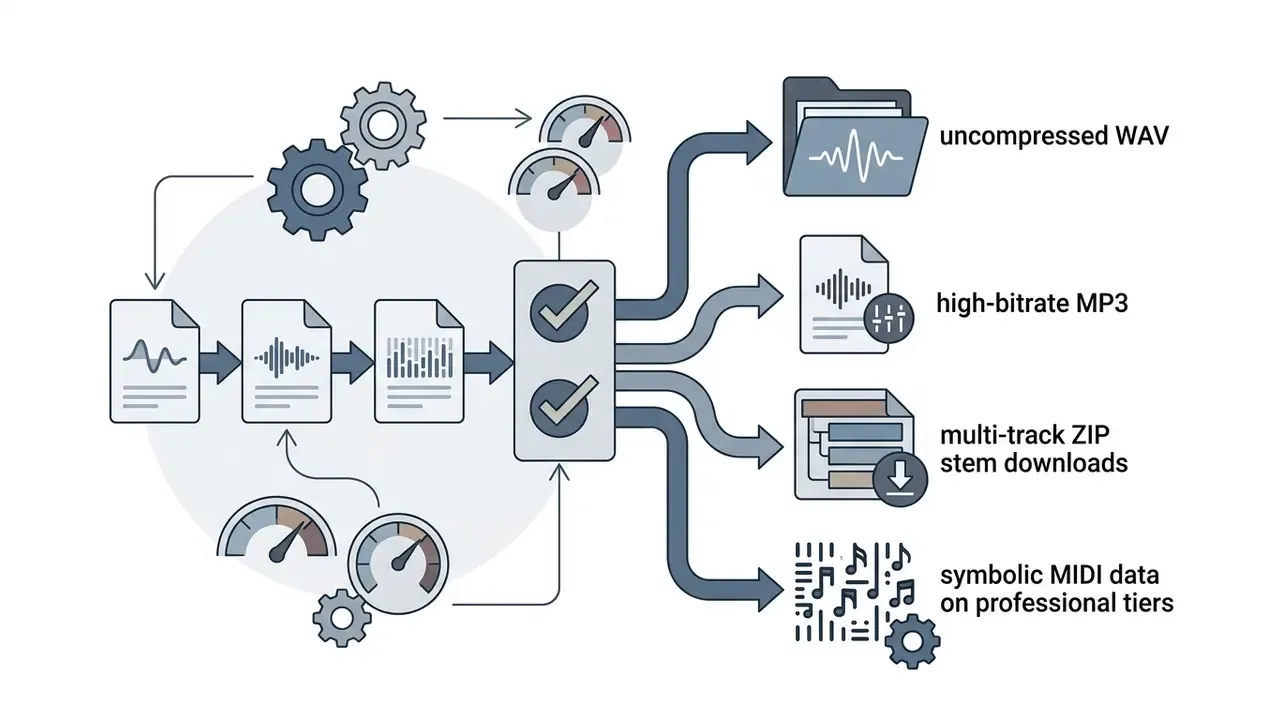
- Check export specs before you download. Free plans usually deliver watermarked or compressed MP3. Lossless WAV, multi-track stems (up to 12 time-aligned WAV files on Suno's top tier), and symbolic MIDI export are paid features.
- Control granularity matters. Look for genre and BPM controls, instrumental toggles, vocal-versus-music weight sliders, style variance ("weirdness") controls, stem separation, section inpainting, and reference-based mastering.
How to Read This Guide
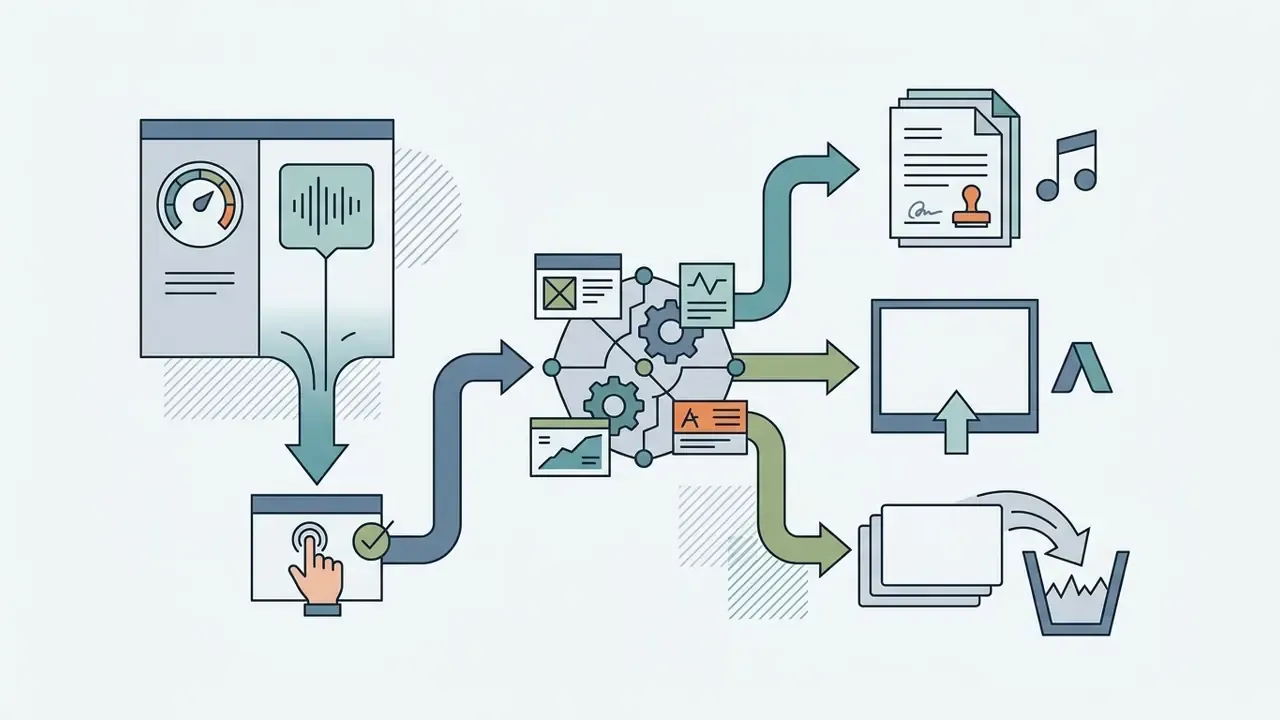
The sections below move from definition to decision. First, what these tools actually are and which output families they belong to. Then selection criteria for Android and iOS, a feature matrix you can scan before installing anything, and a step-by-step song-creation workflow. After that: advanced controls, mastering, stem editing, credit economics, licensing checks, privacy exposure on voice uploads, use cases by creator type, and a FAQ covering platform distribution rules. An editorial appendix at the end records what changed in this update and why. Skip ahead if you already know the basics; the licensing and privacy sections are the parts most people underestimate.
What Is a Free AI Music Generator App?
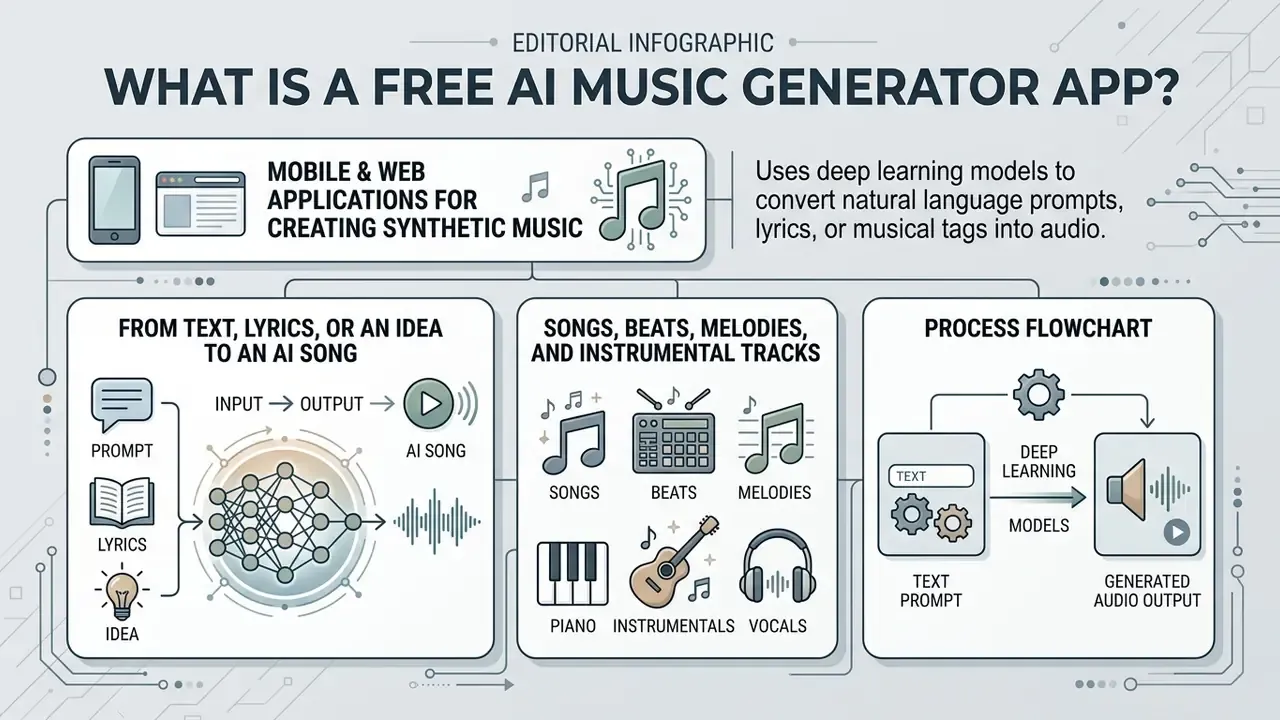
A free ai music generator app is a mobile or web application that uses deep learning models to convert natural language prompts, lyrics, or structured musical tags into synthetic audio tracks. These applications rely on sequence prediction models and diffusion transformers trained on symbolic music datasets and raw audio waveforms, and they compose original material without a single instrument being recorded.
Unlike traditional digital audio workstations (DAWs) that depend on manual MIDI sequencing, ai apps that create music behave like automated audio synthesis engines. You describe genre, instrumentation, tempo, and mood; the system returns complete generated music files. Most platforms run a freemium architecture: daily or monthly credit allotments for basic generation, with stem separation, high-resolution exports, symbolic MIDI data, and full commercial usage rights held back for paid subscribers.
Two architectural families dominate the category. Symbolic systems estimate note distributions over time using recurrent or transformer sequence models, then sample from that distribution at generation time. Waveform systems apply transformer or diffusion architectures directly to raw audio, which produces richer timbre and realistic vocals at the cost of far higher compute demand. That compute cost is precisely why almost every mobile app renders on remote servers rather than on-device silicon.
From Text, Lyrics, or an Idea to an AI Song
Text-to-music and lyric-to-song architectures translate written inputs into structured compositions by aligning semantic tokens with musical parameters. Modern systems take a prompt such as "an upbeat synthwave track with heavy bass and retro drums" and condition the transformer on genre, tempo, and harmonic structure. When raw text or custom lyrics arrive, specialised models such as SongComposer use word-level alignment pipelines to synchronise lyrical rhythm with the generated melody line.
Measured performance, not vague quality claims:
«SongComposer reached 50.75% pitch-distribution similarity on lyric-to-melody generation, against 20.69% for Qwen 1.5.»
Prompt behaviour in the wild has also been quantified. A large-scale corpus study of user-submitted prompts on commercial platforms shows creators do not write prose. They write structured control strings.
«Analysis of more than 100,000 tracks from Suno and Udio shows users rely on "metatags", structured genre, tempo, and style markers, to steer generation.»
Vendor documentation confirms the same input split: MiniMax's music API takes style in the prompt field and vocal content in the lyrics field, while Google's Lyria prompt guide accepts either a lyrical theme or exact lyrics in quotation marks, which the model then performs as sung text (Google Cloud, 2026, https://docs.cloud.google.com/gemini-enterprise-agent-platform/models/music/music-gen-prompt-guide).
Creators who need supplementary visual assets for their audio projects often reach for an ai idea generator or an ai illustration generator to design cover art and promotional concepts from matching text prompts. Anyone comparing zero-cost visual tooling can review the best free AI image generators before committing to a paid design suite, and teams that need portraits or performer likenesses should read the guidance on ai images of people before publishing anything face-forward. Underneath all of it, the mechanism is the same: text prompts become acoustic feature embeddings, and the output is an original ai song with synthetic lead vocals and full backing instrumentation.
- docs.cloud.google.com
- Vendor documentation confirms the same input split: MiniMax's music API takes style in the
promptfield and vocal content in thelyricsfield, while Google's Lyria prompt guide accepts either a lyrical theme or exact lyrics in quotation marks, which the model then performs as sung text (Google Cloud, 2026,
Songs, Beats, Melodies, and Instrumental Tracks
Generative audio tools ship specialised output modes tuned to specific production tasks. A full music maker mode builds complete arrangements: rhythm section, harmony, lead melody, synthetic singing. A dedicated free ai beat maker app mode does the opposite, isolating percussion, drum patterns, and low-end basslines into looping rhythm beds for rap or electronic work.
For compositional ideation, a free ai melody generator app mode focuses on single-line motifs, pitch contours, and chord progressions. Melody-conditioned models such as MusicGen Melody are documented as generating samples from either a text description or an audio prompt, which is why they behave more like sketchpads than finished-song engines. Switching to instrumental-only generation suppresses vocal synthesis entirely and yields clean backing tracks for video synchronisation or podcast intros. Creators pairing those instrumentals with visuals frequently start with free AI video generators to build matching motion content.
Empirical work on source separation suggests that pulling lead vocals back out of a finished mix stays computationally expensive. So the vocal-versus-instrumental choice you make at generation time carries more weight than it first appears.
«Top voice-conversion systems matched target-singer identity at reference-recording level, yet dynamic traits, vibrato and glissando, remain difficult.»
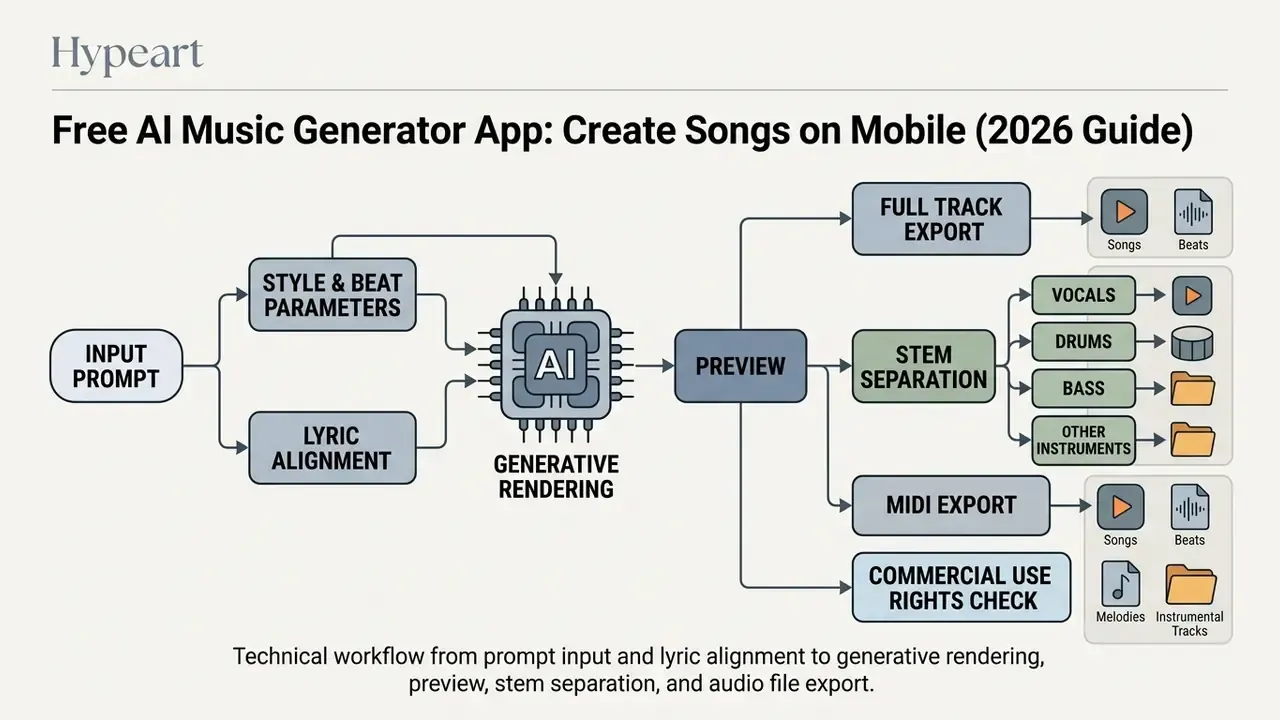
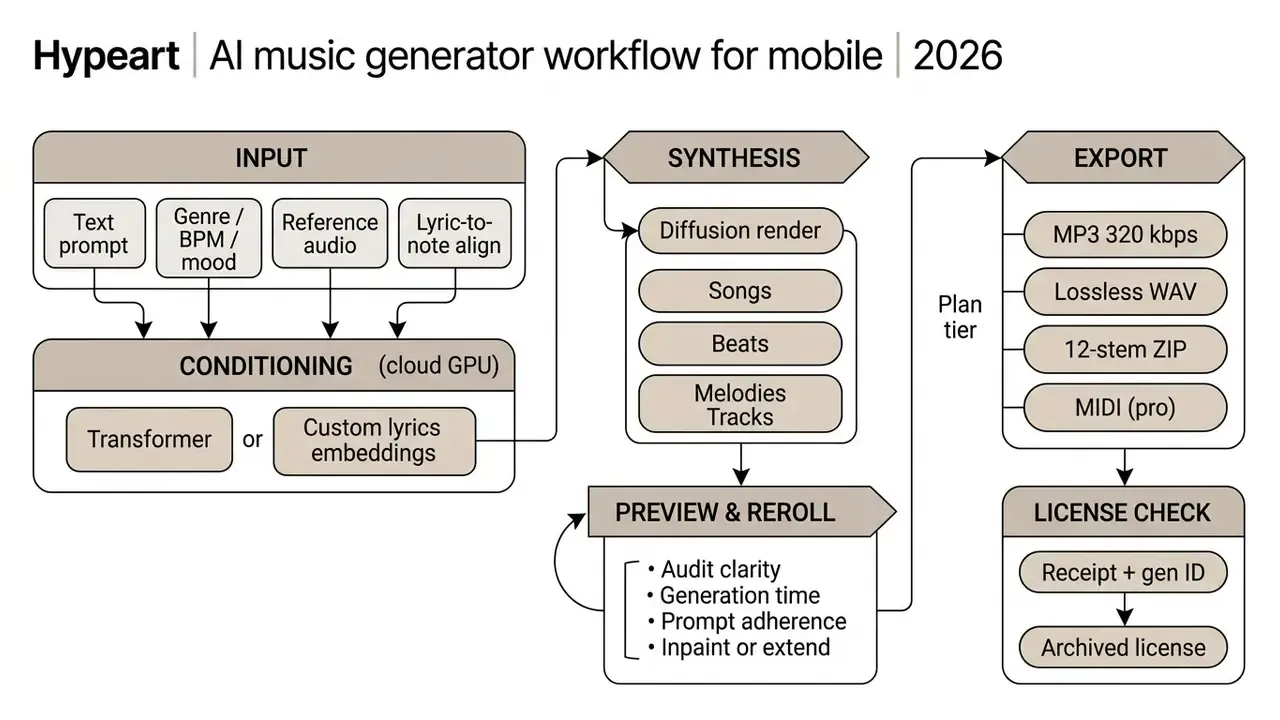
- Semantic markup rule: render as a figure with a caption, semantic list items, and explicit text nodes in the DOM rather than a flat screenshot.
How to Choose the Best Free AI Music Creation App
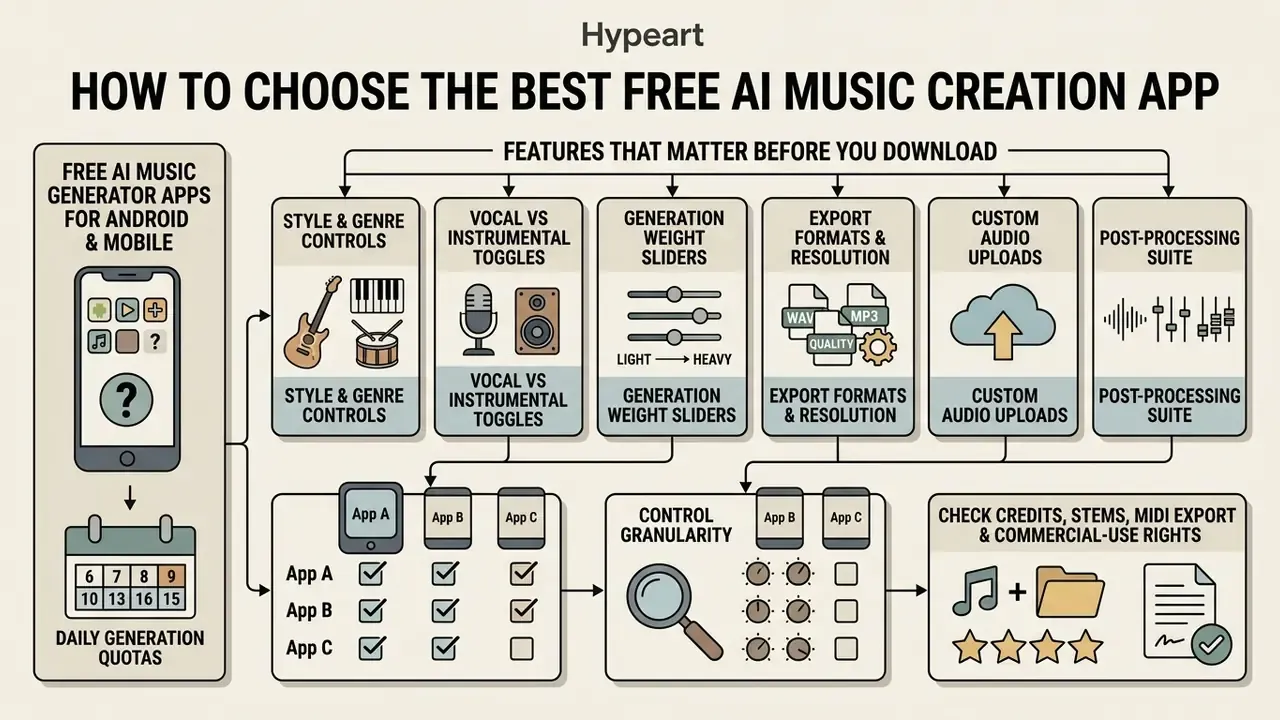
Choosing among the best ai music creation apps means comparing operational parameters: device compatibility, daily generation quotas, control granularity, export specifications, and licensing constraints. Before installing anything, verify whether the tool supports raw text prompting, custom lyric input, stem isolation, MIDI export, and direct file downloads. Creators running parallel audio and visual pipelines can also review the best AI video generators to keep tooling costs and licence terms aligned across formats.
Reliability testing across mobile platforms is less glamorous but more decisive: application latency, output sample rates, storage consumption. Web interfaces push computation to remote clusters, while native mobile apps still need a stable connection to transfer rendered audio streams back to the handset. On weak mobile data, a three-minute render can stall at 90% and burn a credit anyway.
Free AI Music Generator Apps for Android and Mobile
Installing a free ai music generator android application gives you production capability well outside a desktop studio. On Google Play and the Apple App Store, Suno, BandLab, and BeatBot offer native mobile interfaces built around fast prompt entry and immediate playback. A dependable free ai music generator app android balances quick server-side processing with clean touch navigation, so you can generate, review, and save tracks without leaving the phone. The same holds for any ai music generator android free app listing you find in a store search: check the review dates first.
Practical baselines observed across current store listings: Suno's Android listing carries a 4.8 rating across roughly 2.2 million reviews; BeatBot advertises free trial access with no sign-up and supports iOS 16 and above plus Android 9 and above; BandLab positions itself as cross-platform on iOS, Android, and web; and several App Store entries (AI Music, Mozart AI, Mureka) ship as free downloads gated by in-app credit purchases. Mozart AI, for example, grants 180 free credits at account creation.
When you run an ai music generator app free mobile deployment day to day, memory allocation and file management turn into real operational chores. High-definition previews eat bandwidth, and multi-track exports need organised storage paths inside the mobile file system. Reliability varies more than the marketing suggests. iOS reviewers of smaller apps report locked vocal-gender selectors and repeated generation errors that only clear after a restart. Worth checking recent review dates before you trust a client project to any single tool.
Features That Matter Before You Download
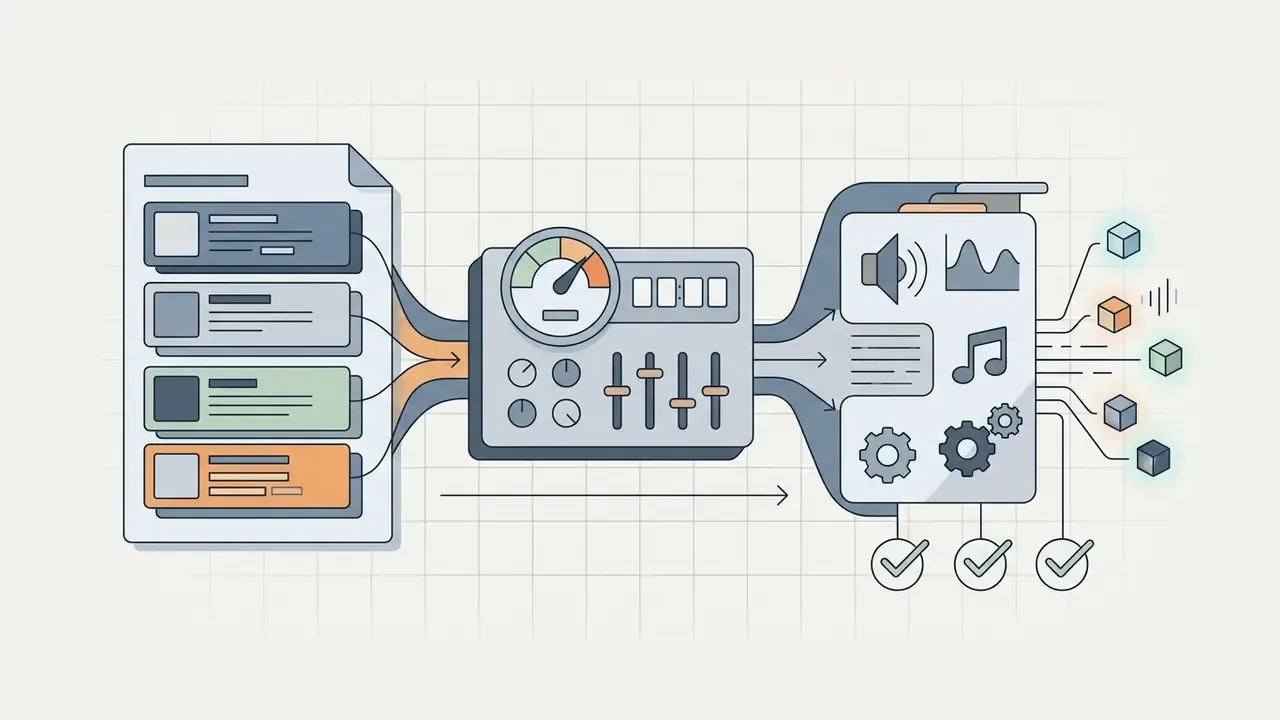
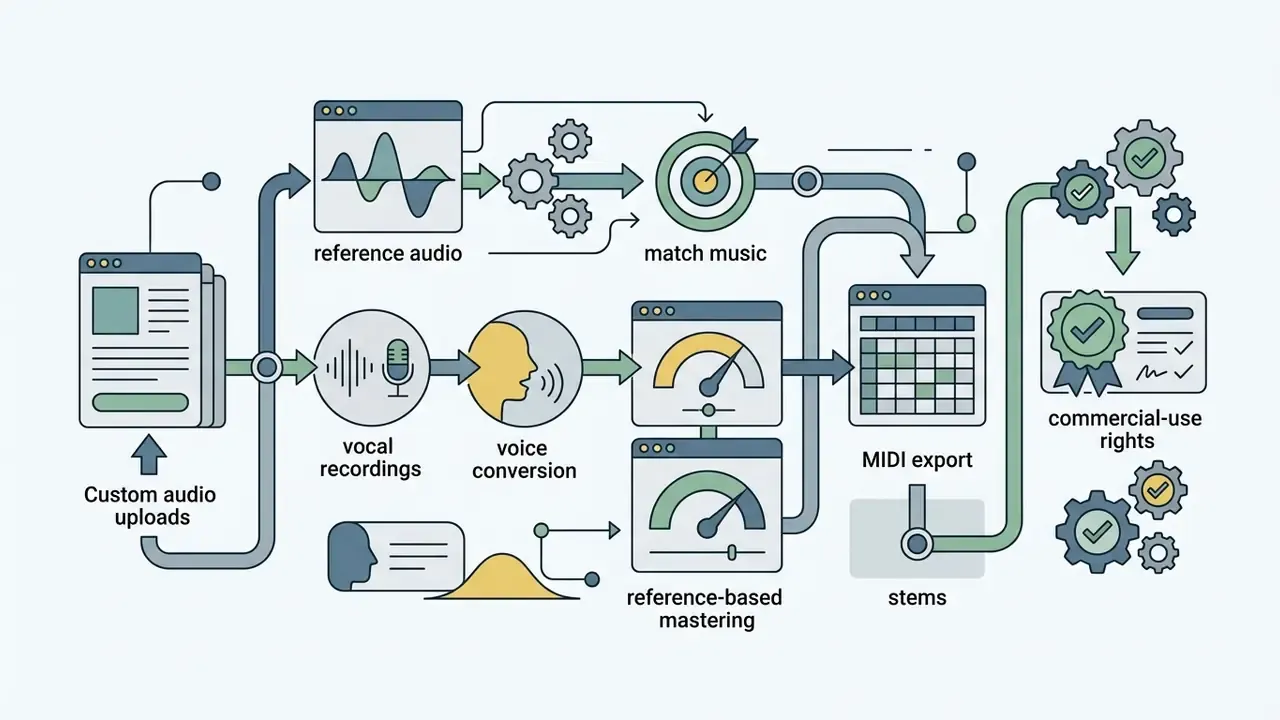
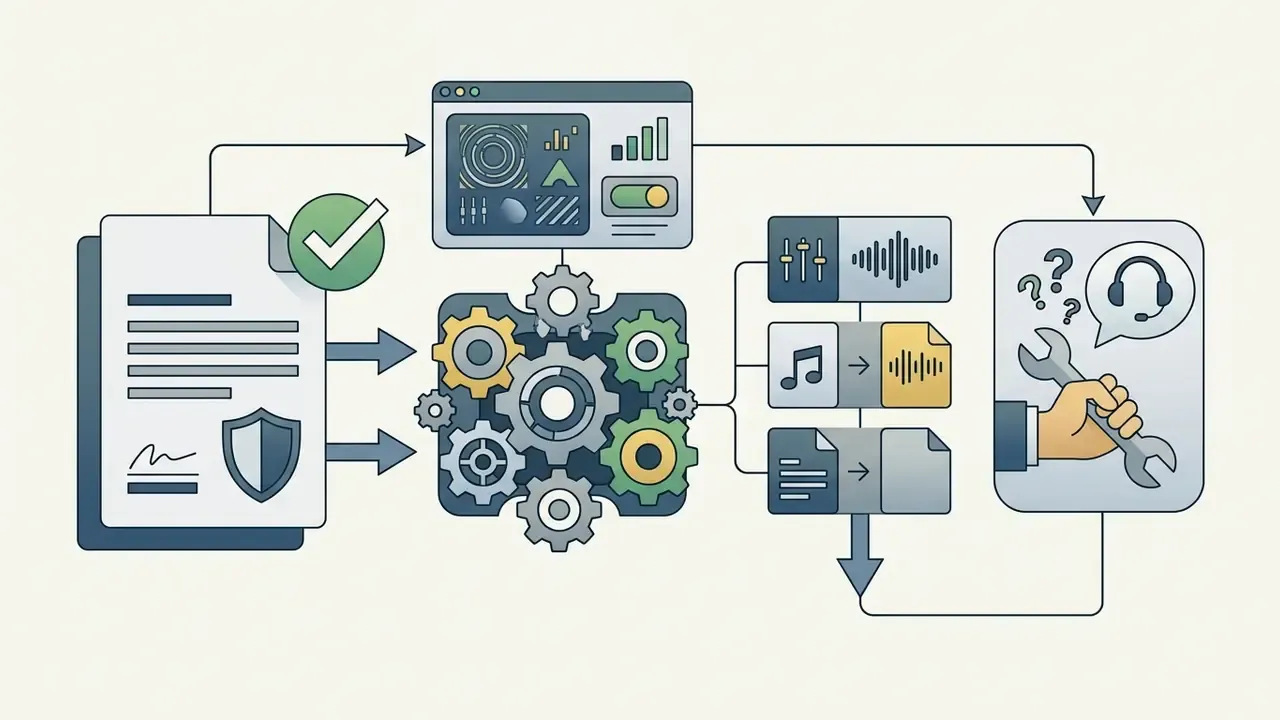
Audit the platform's functional capabilities against your project needs before installation. Read the criteria first, then the comparison matrix; that order stops you anchoring on brand names instead of feature fit. The parameters that actually change outcomes:
Choose an App for Songs, Beats, or Melodies
Different mobile music applications specialise by output format, which reflects their underlying training data. If you want full vocal arrangements, pick a dedicated free ai song creator app. If you only need rhythm, the drum-machine algorithms in beat-focused tools will get you there on fewer credits.
| Creation Goal | Recommended Specialization | Output Type | Primary Input Required |
|---|---|---|---|
| Full Songs with Vocals | Text-to-Song / Lyric Synthesis | Mixed Vocal & Instrumental | Prompt + Custom Lyrics |
| Rhythm & Percussion Loops | AI Beat Generator / Drum Machine | Loopable Audio / Drum Stems | Genre + BPM + Style Tags |
| Melodic Motifs & Chords | AI Melody Generator | Lead Lines / Symbolic MIDI | Key + Scale + Harmony Prompt |
| Background Backing Tracks | Instrumental AI Synthesis | Instrumental Audio File | Mood + Duration + Style |
| Cover / Voice Swap | Singing Voice Conversion | Re-sung Vocal over Source Mix | Reference Audio + Consent |
Picking an ai music creation app free tier that matches the intended output format prevents wasted credits, especially the classic mistake of rendering a full three-minute song when an eight-bar loop was the actual deliverable.
«Suno and Udio users append pseudo-code metatags, "bpm:120", "genre:drill", "mastered, radio-ready", to compensate for model opacity.»
That behaviour is itself a selection criterion. If an app strips or silently ignores metatags, expect less deterministic output and budget more credits for rerolls.
Mobile AI Music Generator Comparison Matrix (2026)
Table 1. Mobile AI music generator feature matrix. Functional comparison of the main ai music generator apps free on mobile, covering OS support, generation modes, export formats, free limits, and commercial terms.
| App Name | Operating Systems | Primary Input Modes | Free Tier Limits | Export Formats | Commercial Use Rights on Free Tier |
|---|---|---|---|---|---|
| Suno | Android, Web, iOS | Text Prompt, Custom Lyrics, Audio Upload | ~10 Songs/Day (50 Credits) | MP3 (320 kbps), Video (MP4); paid tiers add lossless WAV, stem separation, up to 12 time-aligned WAV stems, multitrack editor and MIDI export | Non-Commercial Only (Personal Use) |
| Udio | Web, iOS | Text Prompt, Custom Lyrics | Daily/Monthly Credit Allocation | MP3, Video (MP4); paid tiers add song editing and extended exports | Personal / Non-Commercial Only |
| SOUNDRAW | Web, Mobile Web | Genre, Mood, Length Selectors | Unlimited Preview / 0 Downloads | Audio Downloads (Paid), stem-level export on subscription | Requires Paid Subscription (worldwide, perpetual licence once subscribed) |
| Mubert | Android, iOS, Web | Mood, Genre, Activity Tags, Drum Generator | Limited Monthly Generations | Watermarked MP3; licensed WAV on paid render licences | Non-Commercial with Attribution |
| BeatBot | Android (9+), iOS (16+) | Short Text Prompts, Styles | Free-to-Try Allowance, no sign-up | MP3, Short Clips | Non-Commercial Personal Use |
| BandLab | Android, iOS, Web | Prompt + Full Mobile DAW Tracking | Free core studio, credit-limited AI tools | MP3, WAV, project stems into mobile DAW | Check current in-app licence terms per feature |
How to Create a Song With an AI Music Generator App
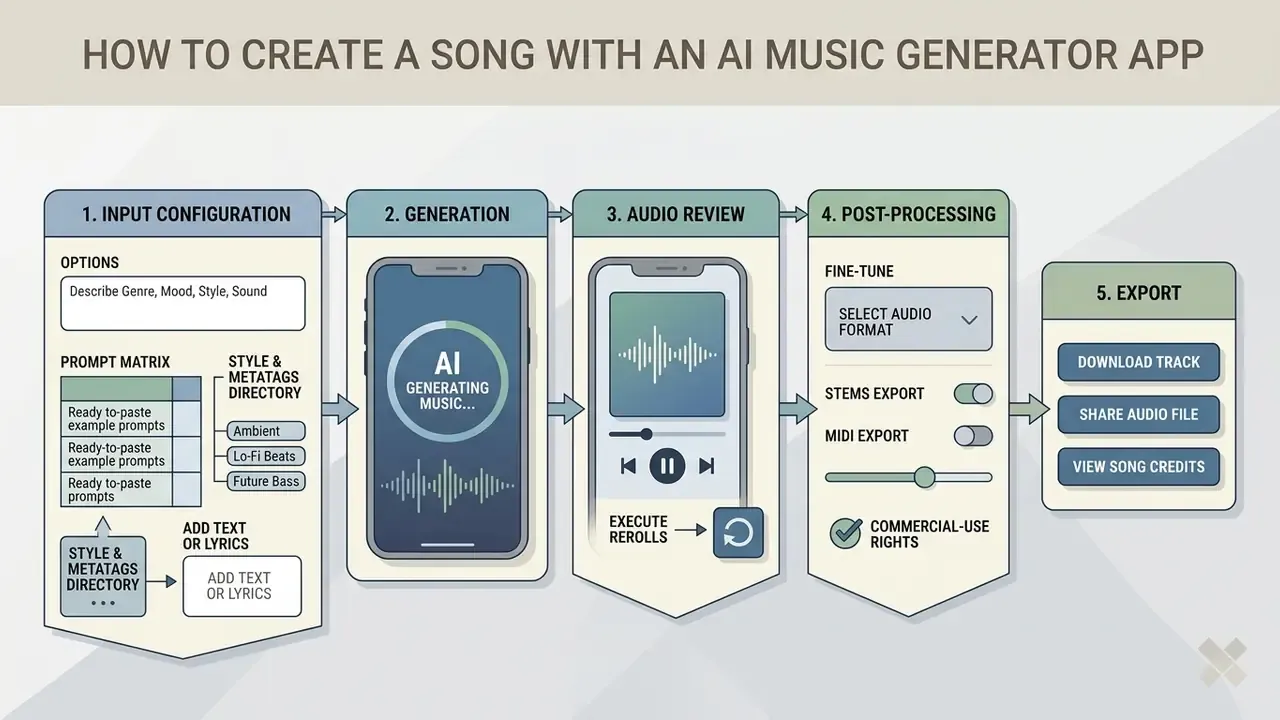
Producing an original composition with an ai app to create songs follows a predictable sequence: input configuration, generation, audio review, post-processing, export. In Google's Gemini mobile app, the documented path runs Tools → Create music → prompt entry → 30-second render → Download as MP4 with cover art or MP3 audio-only, then Share via a copyable link (Google, 2026, https://support.google.com/gemini).
One practical illustration, presented as an anonymised workflow rather than a verified case study: a digital content team tested a mobile generative pipeline to produce custom background beds for marketing channels. By standardising prompt inputs and auditing every render against a short quality rubric, the team cut production turnaround while keeping inside platform music licensing rules. The gain came from the rubric, not the model.
Describe the Genre, Mood, Style, and Sound
Step one with any ai music creator app is a prompt that defines the sonic landscape in concrete terms. Effective prompts set boundaries: genre tags, emotional tone, instrumentation, tempo, production character.
Instead of "good upbeat song", write: "120 BPM upbeat indie pop track, energetic acoustic guitar, bright synth leads, driving drum kit, warm bass, optimistic mood, broadcast-ready mix." Large-scale analyses of generative music prompts show that explicit production terms, the metatags mentioned earlier, steer model parameters toward the audio you actually wanted (Casini et al., 2025).
Google's Lyria prompt guide formalises the ordering most commercial models respond to best: [Genre and style] + [Mood] + [Instrumentation] + [Tempo and rhythm] + [Vocal style and language] + [Lyrics] (Google Cloud, 2026, https://docs.cloud.google.com/gemini-enterprise-agent-platform/models/music/music-gen-prompt-guide).
Table 2. Prompt matrix: three ready-to-paste examples.
| Target Style | Prompt (paste as-is) | Metatags to Append |
|---|---|---|
| Lo-Fi study beat | "Warm lo-fi hip hop instrumental, dusty vinyl crackle, mellow Rhodes piano chords, muted trumpet motif, relaxed swung drums, nostalgic and calm" | bpm:78, key:F minor, instrumental only, tape saturation, loopable |
| Synthwave chase cue | "Driving 1984 synthwave track, gated reverb drums, arpeggiated analog bass, soaring saw-lead melody, neon night-drive energy, cinematic build to final chorus" | bpm:118, key:A minor, sidechain, no vocals, wide stereo |
| Cinematic trailer | "Epic orchestral trailer cue, low brass swells, staccato strings ostinato, taiko ensemble hits, choir pads, tension rising to a decisive final impact" | bpm:90, 3/4 to 4/4 shift, braams, riser, -16 LUFS mix, stems needed |
Advanced style and micro-genre metatag directory. Stack niche tags to force distinct output instead of generic pop defaults: #Synthwave · #CorridosTumbados · #DarkFolk · #Mathcore · #Psychobilly · #UKDrill · #J-Pop · #Anisong · #Shamisen · #LoFiChill · #AbstractHipHop · #DarkWave · #Slowcore · #Grungegaze · #HonkyTonk · #DoomMetal · #SoulJazz · #ModalJazz · #CelticRock · #WestCoastRap · #BigBand · #StringQuartet · #Samba · #Electropop · #JazzHipHop · #FilmScore · #Cyberpunk · #SadRap · #NuMetal · #Dubstep. Mood, tempo, and voice tags layer on top: #Melancholy, #Triumphant, #Hypnotic, #HalfTime, #DoubleTime, #BreathyFemaleVocal, #GrittyMaleVocal, #ChildrensChoir.
Add Text or Lyrics for a Custom Song
When you generate vocal material in a free ai music creator app, you can paste your own lyrics or lean on the built-in text generator. Structuring lyrics into standard sections, Verse, Pre-Chorus, Chorus, Bridge, helps the network assign different melodic treatment across the timeline.
Section markers in square brackets ([Verse 1], [Chorus], [Guitar Solo]) tell the model where structural transitions belong. That annotation nudges the vocal synthesis engine to shift pitch dynamics and intensity between narrative verses and high-energy choruses. The convention is not an app quirk, either: the MusicXML 4.0 specification stores lyrics under individual notes and permits verse names such as verse and chorus, so machine-readable section labelling has decades of notation practice behind it (W3C, MusicXML 4.0, https://www.w3.org/2021/06/musicxml40/musicxml-reference/elements/lyric/).
Music Controls and AI Tools for Better Generated Tracks
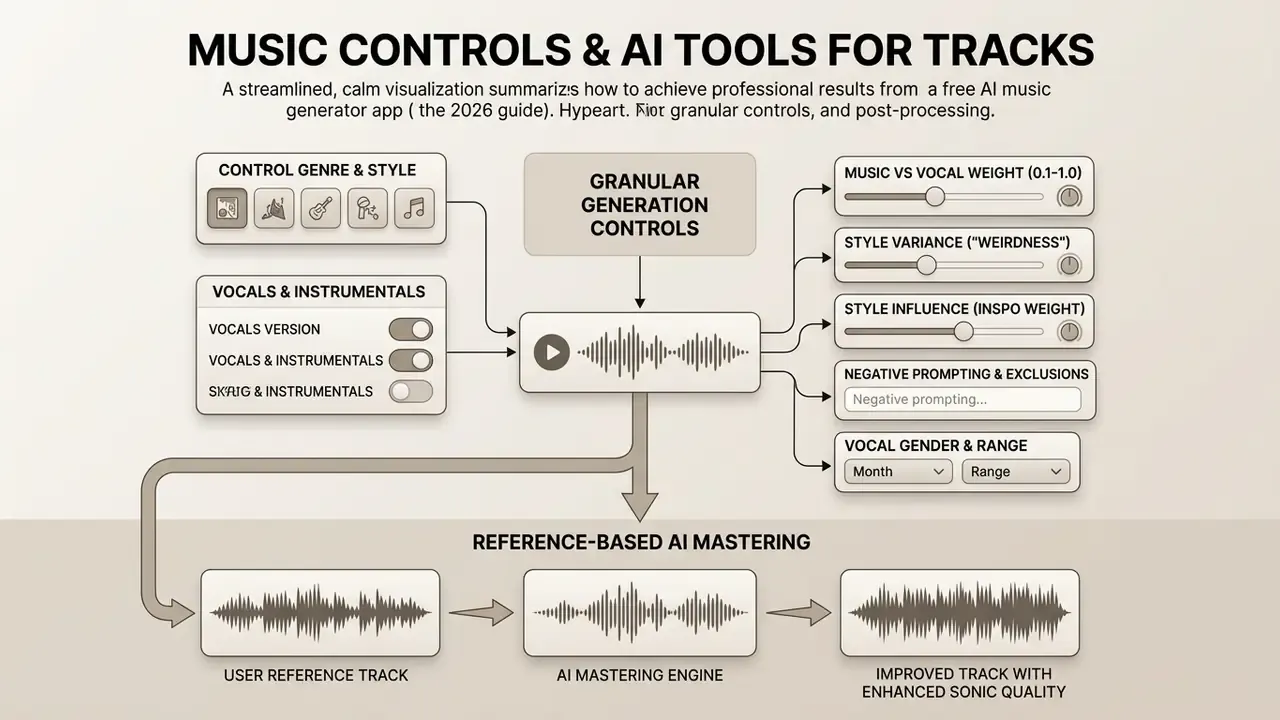
Getting professional results out of an ai music generator takes granular controls plus post-processing. Basic prompts give you a finished mix, take it or leave it. Advanced apps expose weighted generation parameters, stem separation, section replacement, reference-based mastering, and duration extension, which is where the quality gap opens up.
Creators building multimedia assets often braid audio and visual generation together. A promo clip might animate static art through an ai image to video generator free tool while the matching backing track renders in parallel, then route the finished audio through text-to-video AI and image-to-video AI pipelines for social distribution.
Control Genre, Style, Vocals, and Instrumental Versions
Granular controls let you decouple vocal synthesis from the arrangement. Instrumental mode returns a pure backing track with no synthetic voice artifacts, which is exactly what narration and voiceover need.
Advanced platforms also support genre blending. Hybrid tags such as "cinematic orchestral mixed with trap beat sub-bass" push the model to borrow harmonic material from one training domain and percussion from another. Results are uneven, but the good ones are hard to get any other way.
«MusiConGen extends MusicGen with temporal chord and rhythm conditioning, enabling backing tracks that follow a specified harmonic structure precisely.»
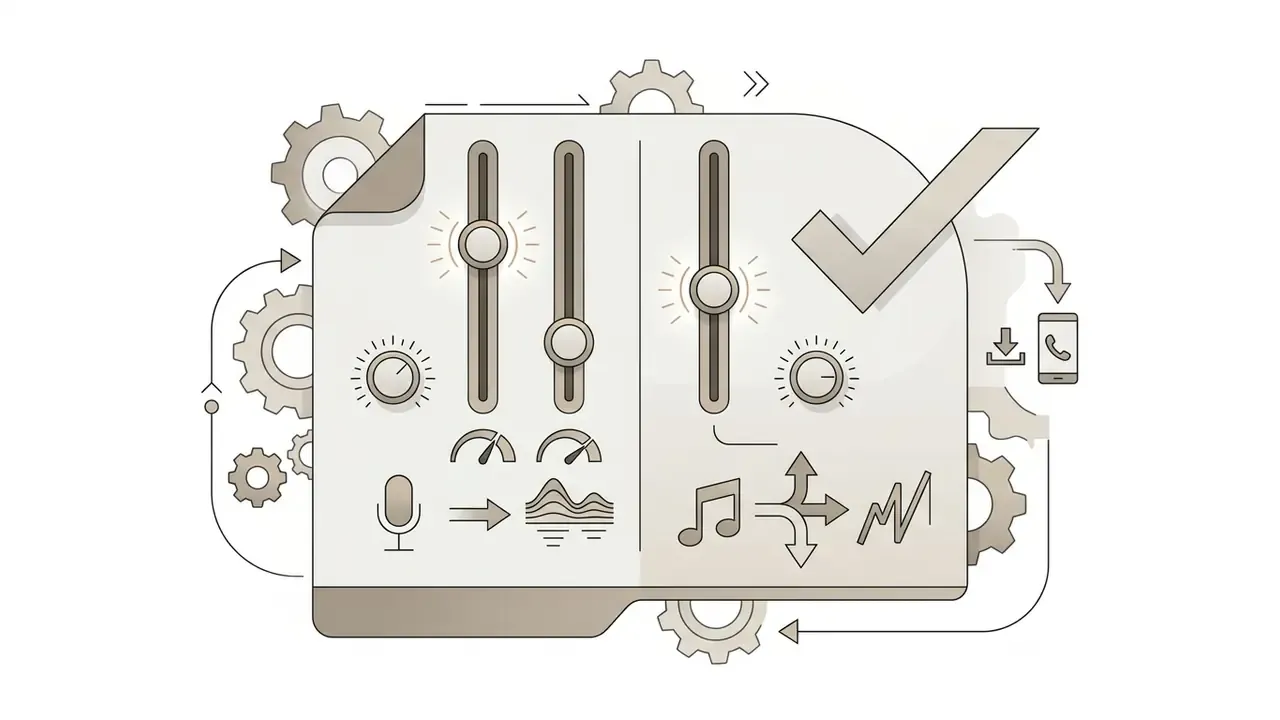
Fine-tuning generation parameters. Modern mobile interfaces expose numeric controls, not just a prompt box:
- Music versus vocal weight (0.1 to 1.0)
- decides whether the network prioritises instrumental composition or vocal prominence. Lower vocal weight suits beds under narration; higher weight suits hook-driven pop and rap.
- Style variance or "weirdness" slider
- adjusts sampling temperature. Low values enforce strict genre adherence and predictable song forms. High values produce experimental textures, unusual instrumentation, and looser structures.
- Style influence or inspo weight
- controls how strongly an uploaded reference or selected voice persona shapes the render against the text prompt.
- Negative prompting and exclusions
- suppresses unwanted elements ("no distorted guitar", "no autotune", "no spoken intro"). Currently the most reliable way to remove a recurring artifact without rewriting the whole prompt.
- Vocal gender and range selectors
- fix timbre class before generation, which cuts reroll spend compared with describing the voice in prose.
Reference-Based AI Mastering
Advanced mobile apps let you upload a target audio file, a reference track, instead of guessing at mix settings. The model analyses the reference's spectral balance, dynamic range, stereo width, and integrated loudness (LUFS), then applies matching EQ curves, multiband compression, and limiting so the render lands near commercial broadcast standards. In practice that means roughly -14 LUFS for streaming platforms and -16 LUFS for many podcast and video specifications.
Practical workflow on mobile:
Reference matching is also the fastest route to consistency across an EP or a content series. Master every track against one reference file and the whole catalogue keeps a coherent loudness and tonal signature.
- Export the generated track as lossless WAV, not compressed MP3, so mastering artifacts do not stack on top of lossy encoding.
- Upload a commercially released reference in the same genre with similar instrumentation density.
- Let the mastering engine match tone, balance, and loudness, then A/B against the reference at matched volume.
- Check the low end on headphones and on a phone speaker. Reference matching can push sub-bass that mobile playback simply cannot reproduce.
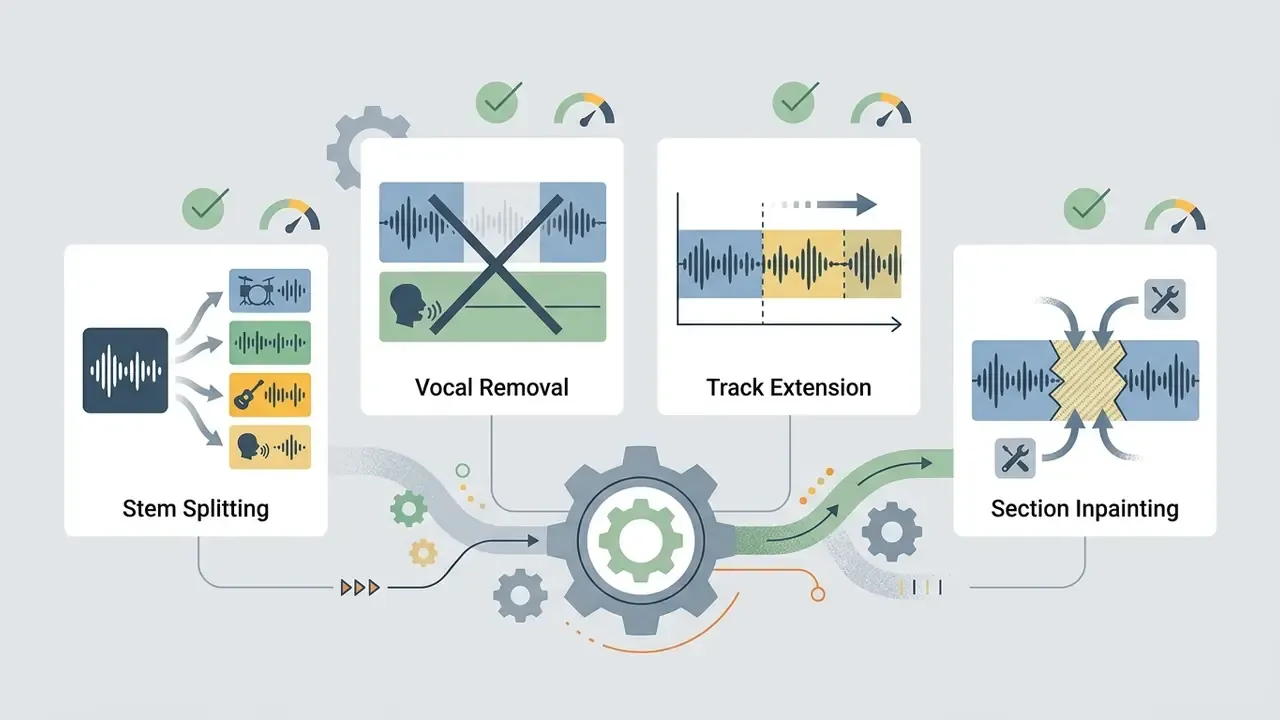
Edit Stems, Remove Vocals, and Extend Music
Post-processing is what turns generated music from a raw render into a usable asset. Integrated tools isolate individual parts, change song length, and replace specific segments.
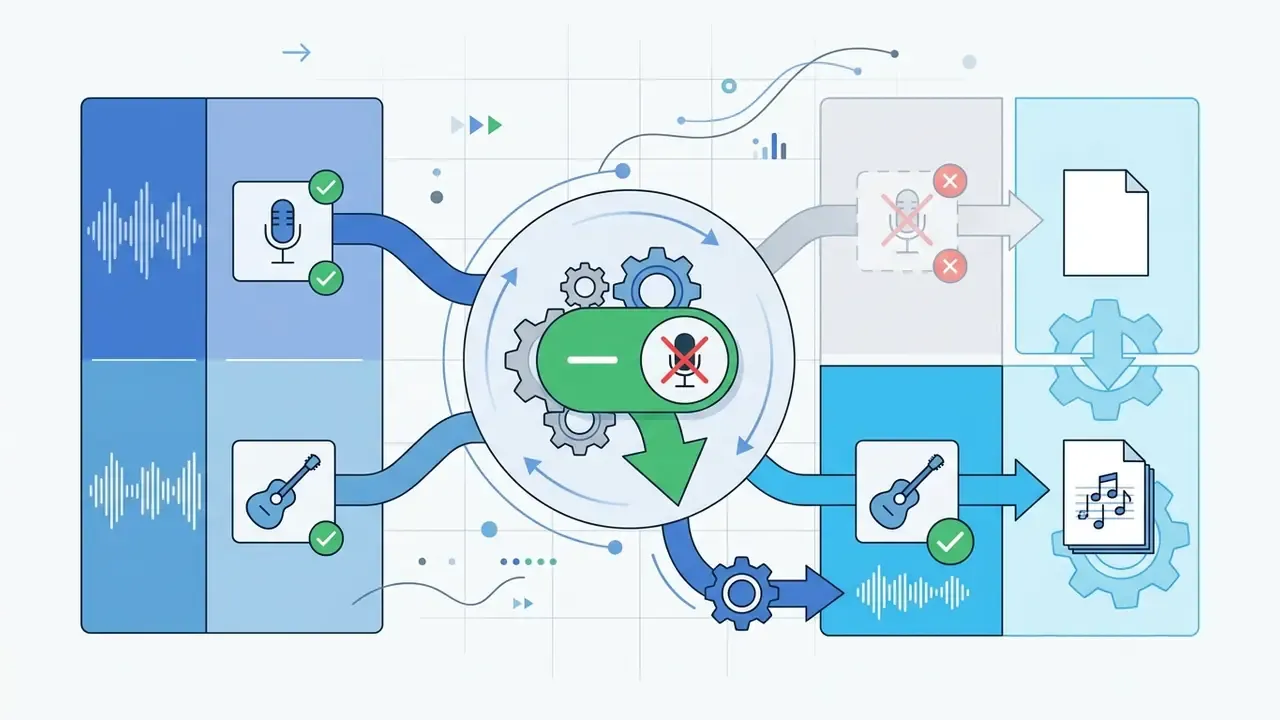
- Stem separation splits a full mix into independent audio stems (vocals, drums, bass, other instruments) using models such as HT Demucs. Research on hierarchical separation reports splits finer than the standard four stems, down to kick, snare, lead vocals, and background vocals.
- Vocal removal extracts or mutes lead singing for instrumental and karaoke beds. Acapella extraction is the mirror operation on the same model.
- Audio extension appends newly rendered sections to an existing file to lengthen a track smoothly.
- Inpainting, or section replacement re-renders a specific time range to fix mispronounced lyrics, clicks, dropouts, or a wrong instrument note.
- Export targets for producers multi-track ZIP packages with up to 12 time-aligned WAV stems drop straight into Ableton, Logic, GarageBand, or FL Studio Mobile. Symbolic MIDI export on professional tiers moves arrangement data rather than audio, which lets you swap every instrument.
«Producers combining MusicGen with HT Demucs stem separation reported greater creative experimentation, though manual refinement remained substantial.»
Developers wiring generative audio into their own applications can review integration standards in the AI Media API Guides, and teams forecasting render spend across credit tiers will get more use out of the AI Media Calculators than out of another feature comparison.
Integrated Video and Cover Generation
Mobile suites increasingly bundle audio synthesis with canvas rendering. Once a track is locked, integrated modules build 9:16 vertical music videos or stylised cover art synced to the audio's peak transients, while AI cover generators re-sing an uploaded reference in a different voice or genre. Constraints apply, and they are not small. Cover generation depends on rights to both the source recording and the target voice, and vertical video modules usually re-encode audio at streaming bitrates. Keep the lossless master well away from any video export. Musicians assembling artwork alongside the audio can start from an AI art generator or compare options in the best AI art generator roundup.
Use Lyrics and Prompt Assistance to Refine the Song
Built-in prompt enhancers rewrite a rough idea into structured input with verified genre metatags, tempo parameters, and vocal style indicators. Several platforms surface ready-made prompts complete with genre, instruments, BPM, style, and mood, so you pick or regenerate rather than write from a blank field.
When it comes to lyrics, automated rhyming and meter alignment tools keep generated text on a rhythmic grid. Controllable-generation research points to two workable mechanisms: prepending control codes so a transformer writes under explicit meter and rhyme constraints (PoeLM: A Meter- and Rhyme-Controllable Language Model for Poetry, EMNLP 2022), and rephrasing existing text so syllables align to detected beats while meaning survives (Poems to Lyrics: Automated Rephrasing with Beat Alignment, ICCC 2025). In practice, iterate: paste a draft, ask for stronger verbs, tighter rhymes, or a rewritten chorus, then re-render only the affected section through inpainting instead of regenerating the entire song. Cheaper on credits, and the parts you liked stay intact.
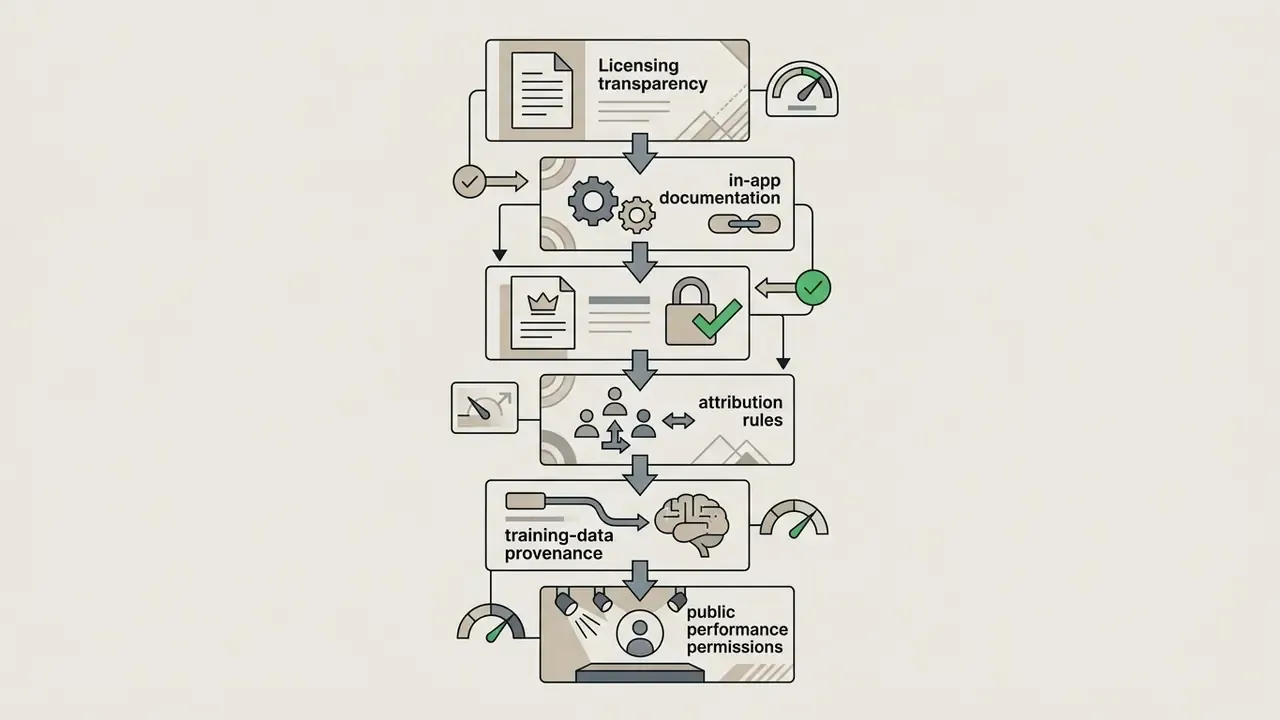
Free Plans, Credits, and Commercial Rights for AI Music
Reading the financial and legal fine print of free ai music generator apps means understanding four things: credit renewal cycles, export restrictions, training-data provenance, and the exact commercial licensing boundary. Freemium access makes creative testing risk-free. Commercial deployment does not work that way.
Teams comparing software pricing across media creation tools can consult the AI Media Pricing Guides for cost breakdowns and plan comparisons, and anyone mapping rights across formats should cross-check commercial use of AI image generators for the equivalent visual-asset rules.
What "Free" Means: Credits, Limits, and Downloads
Freemium apps manage server load through credit quotas and usage constraints. Knowing those boundaries stops a production run from stalling mid-project. Credit models are not directly comparable either: some vendors reset a daily allowance (say 50 credits per day), others grant a fixed monthly action count, and others front-load a signup bundle that never renews. Free exports also carry watermarks, either audible or embedded in metadata, and those are rarely removable.
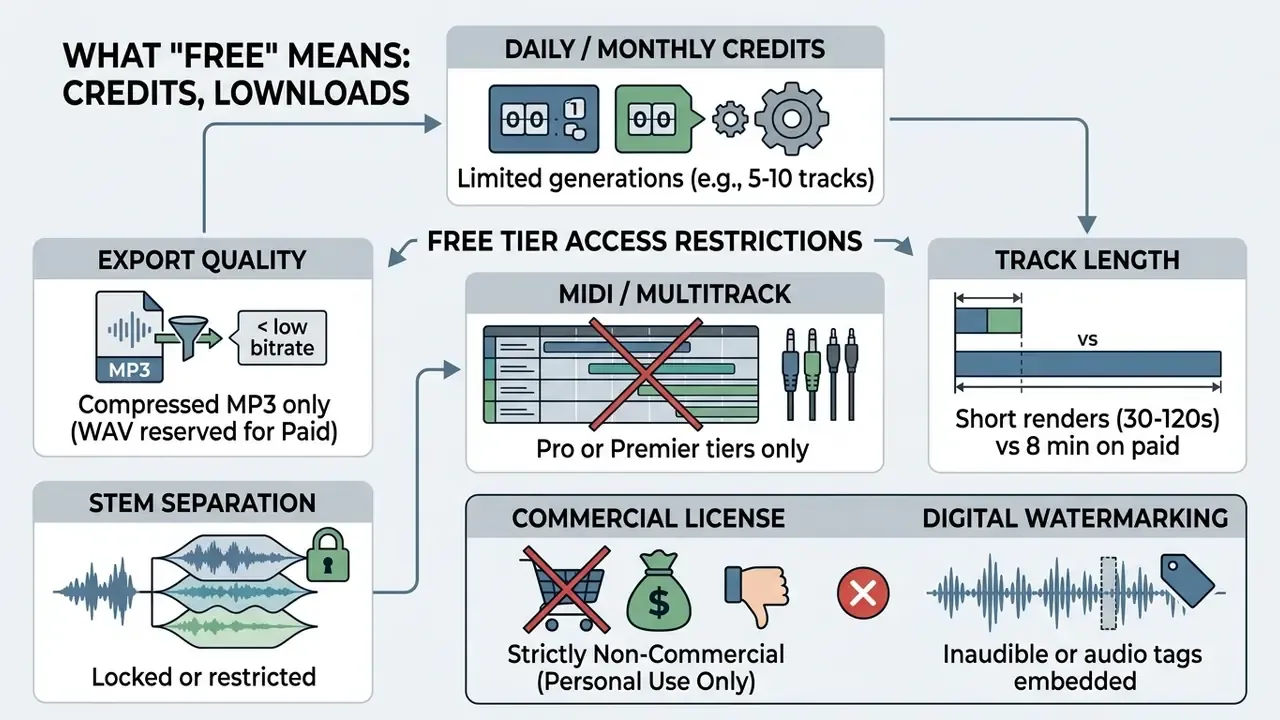
When the daily allowance runs dry, you wait for the reset or upgrade. There is no third option, and stacking multiple accounts to farm ai music generator free apps allowances breaches most terms of service outright.
Training Data Provenance and Legal Safety
Output licensing is only half the exposure. The other half is what the model learned from. Some providers now advertise training exclusively on legally purchased or licensed catalogues with a documented chain of custody, and market the output as copyright-clean for commercial work. That is a meaningful differentiator. It is also a vendor statement until it is backed by named datasets, licence documentation, or third-party audit, and most such claims currently offer none of the three.
Generating through a model trained on copyrighted audio without consent leaves commercial projects exposed to downstream takedown risk. The pending U.S. music-copyright litigation against major generative music vendors is still unresolved, and no final ruling has established a general right to monetise AI tracks. For enterprise or client work, request the training-data statement in writing and archive it with the project files. If a vendor will not put it in writing, that itself is data.
Commercial Use, Royalty-Free Claims, and Copyright Checks
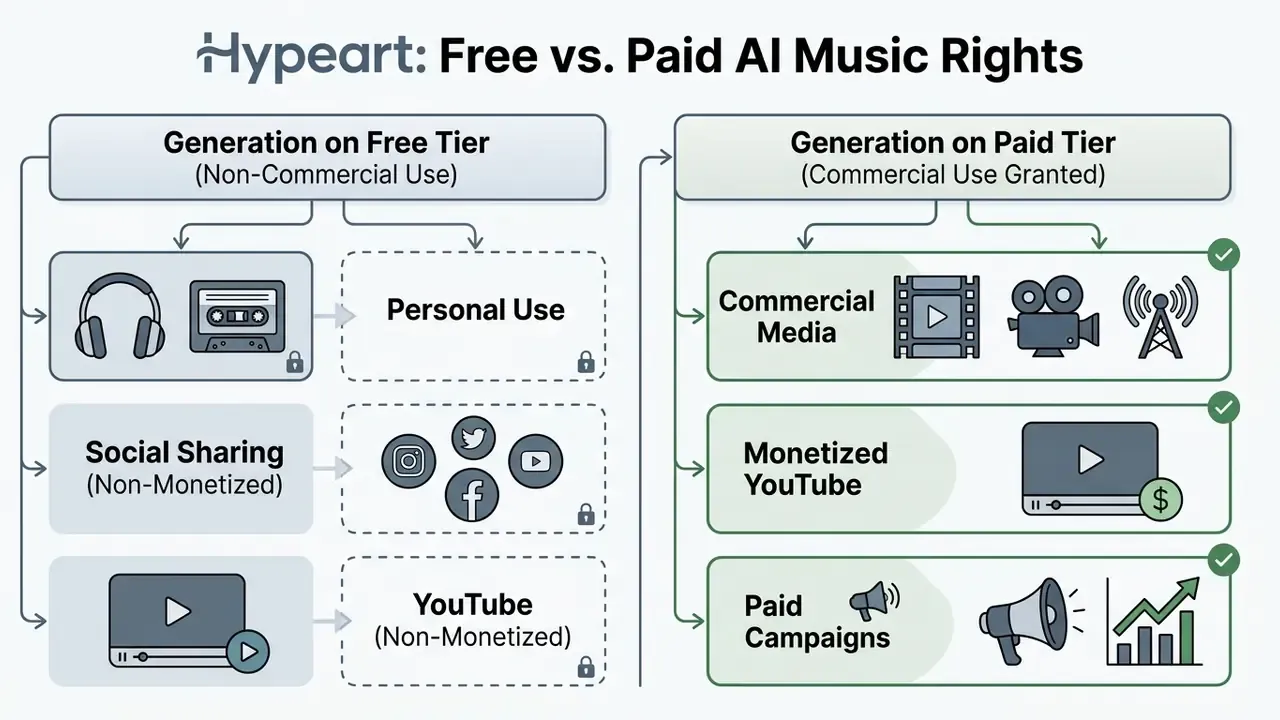
On the ownership side, the U.S. Copyright Office has established that works generated solely by machine algorithms, with no human creative input, do not qualify for federal registration (U.S. Copyright Office Guidance, 2024). So businesses using generated music need records of human contribution: custom lyrics, prompt engineering logs, post-generation stem arrangement. Keep the paperwork, not just the WAV.
«U.S. courts held in 2023 that human creativity is a prerequisite for protection, casting doubt on protection for purely AI-generated works.»
The reverse exposure matters just as much. No protection for your output does not mean no liability toward someone else's.
«If an AI-generated track closely resembles a protected work, the rights holder retains the ability to pursue infringement claims.»
Legal commentary published in 2026 for other jurisdictions reaches a parallel conclusion: fully AI-generated music is generally unprotected absent demonstrable human creative contribution. Which reinforces the practical rule. The documented human input is the asset. The render is not.
E-E-A-T Fact Check: Verifying Commercial Usage Rights
Data Privacy, Uploads, and Voice Sample Retention
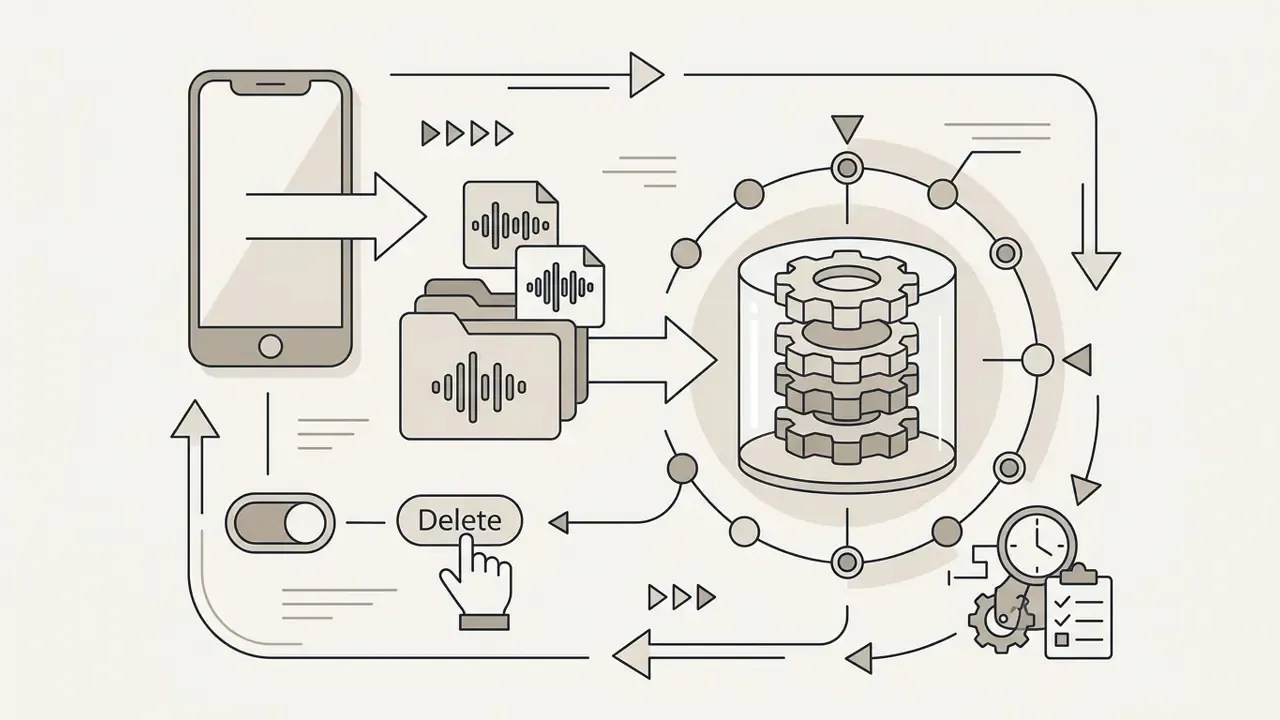
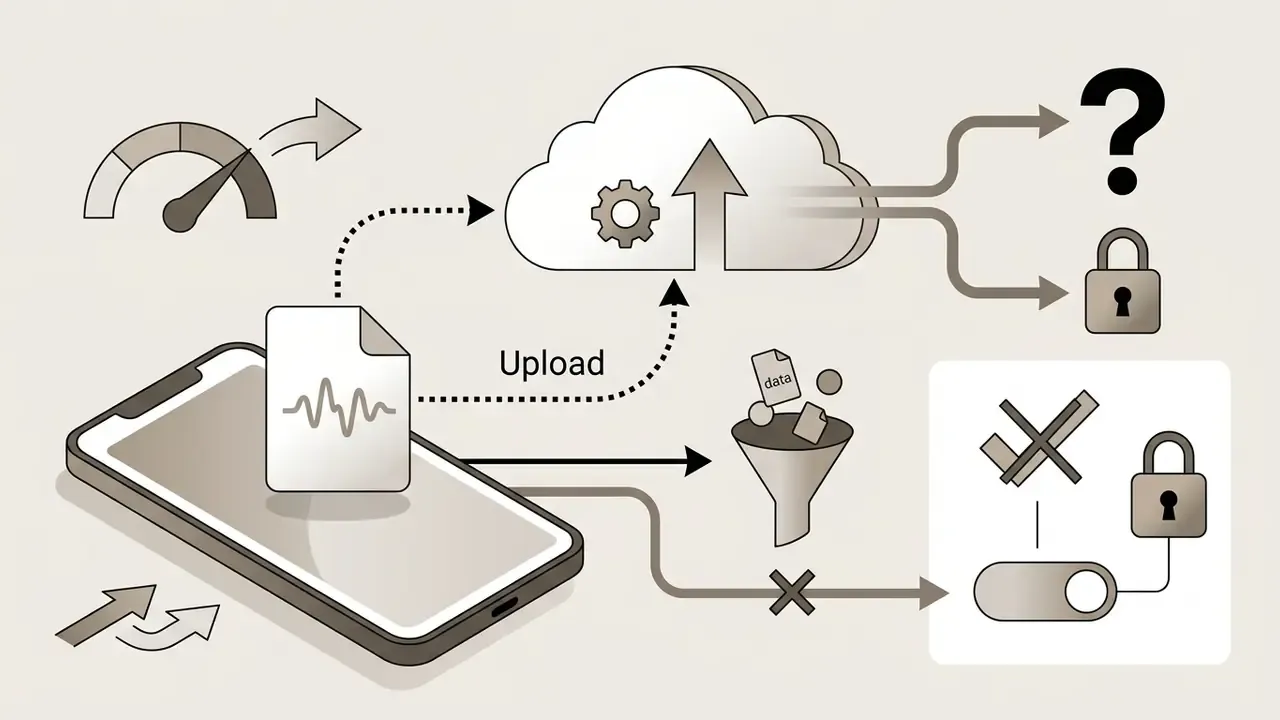
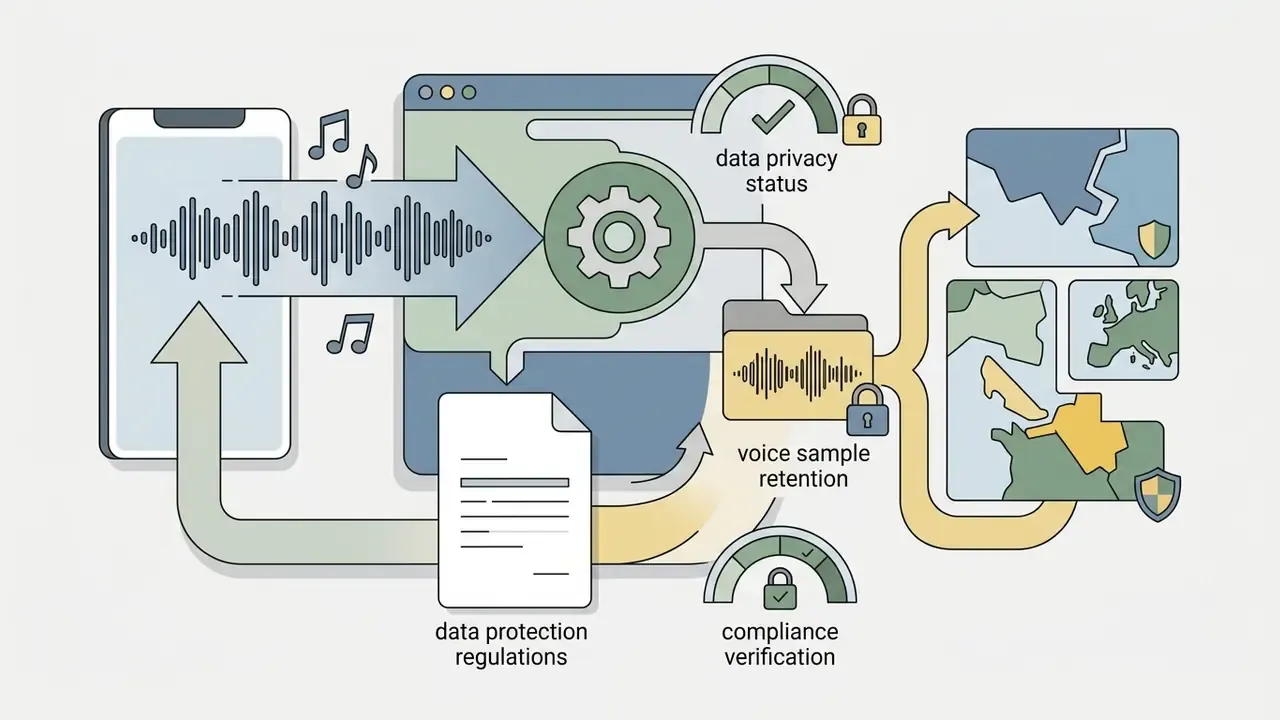
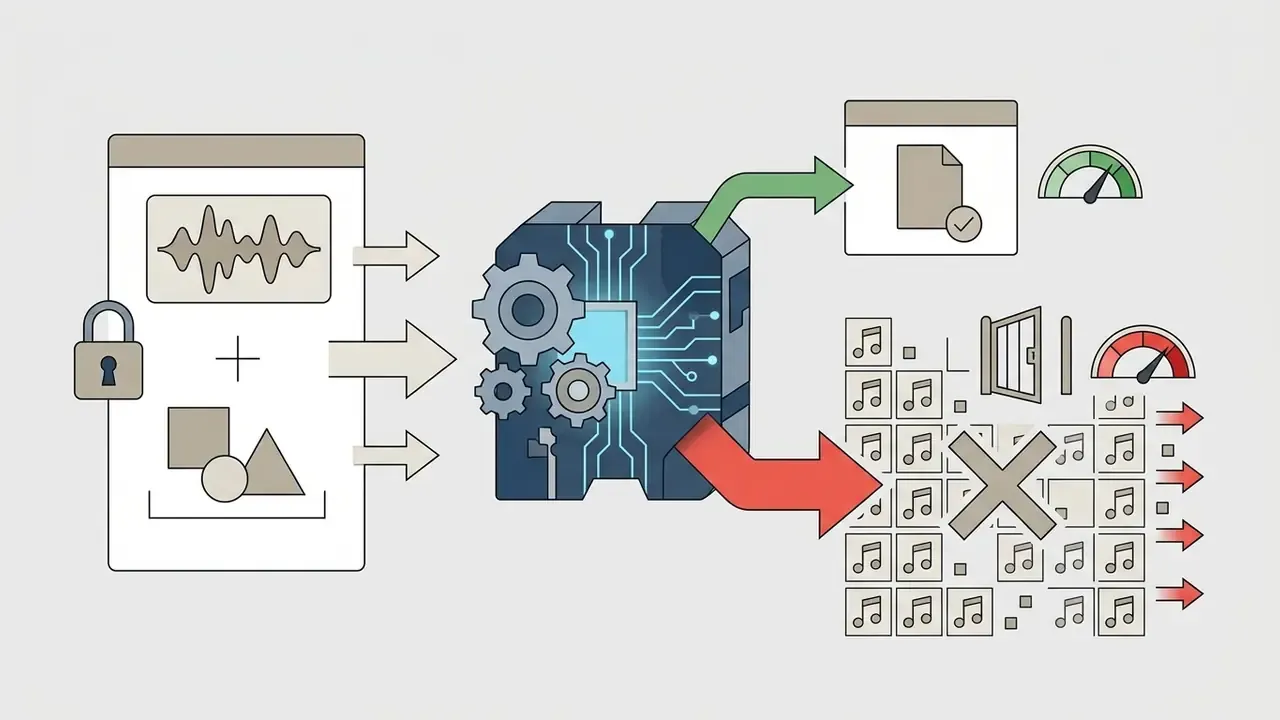
Voice cloning and reference-audio features move personal data off the device. That makes retention policy a technical criterion, not a footnote. Before you upload vocals, a reference master, or a client's stems, verify four points in the vendor's privacy documentation:
Mitigation is unglamorous but effective: keep unreleased commercial material on paid tiers with private generation enabled, use non-identifying filenames, and record consent for any voice that is not your own before the sample ever leaves the phone.
Who Can Use an AI Music Generator App?
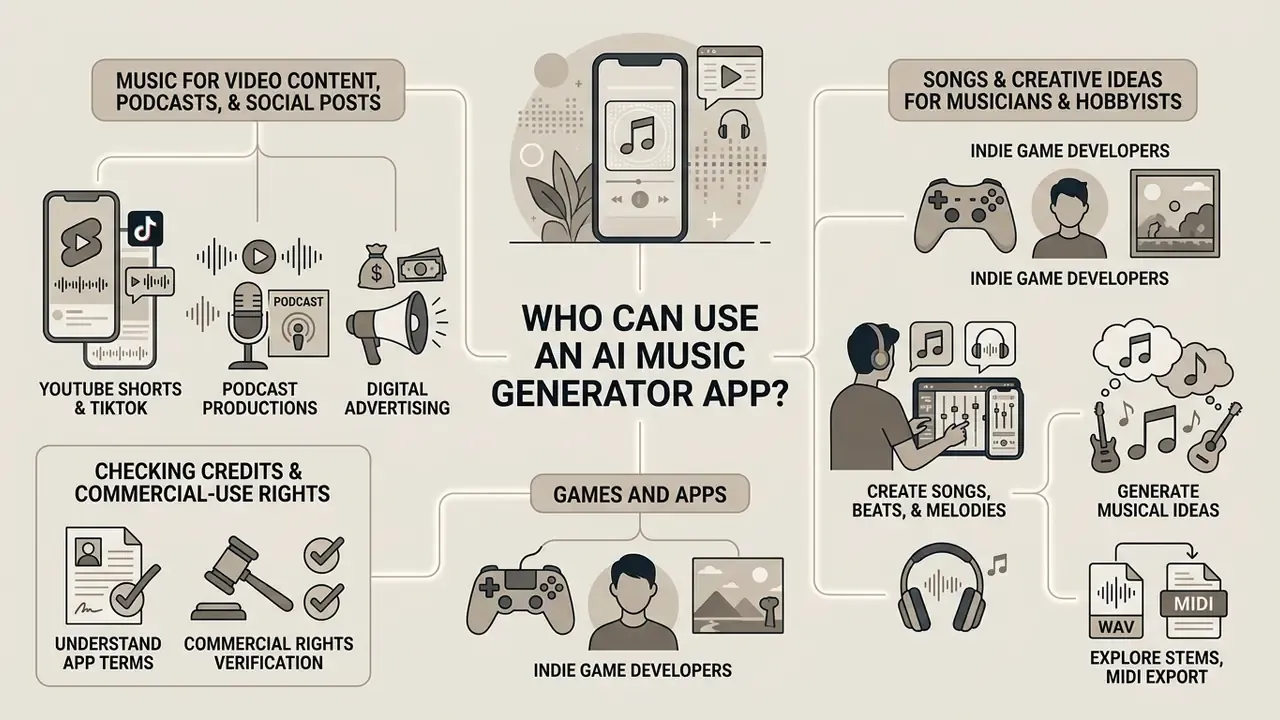
Mobile generative audio serves a wide spread of users, from casual social creators to professional media producers and indie game developers. Naming the operational scenario first makes tool selection and licensing compliance far simpler. Review literature groups these workflows into composition, audio production, performance, analysis, recommendation, and personalised generation, which is a useful map when you are deciding which feature set actually matters to a given team.
Creators managing multimedia pipelines can reference the AI Media Comparison Matrices to evaluate performance across audio, video, and graphic generation, or start with the best free AI video generators when audio and visuals ship together.
Songs and Creative Ideas for Musicians and Hobbyists
For musicians and songwriters, these tools work as ideation instruments rather than substitutes for composition. Songwriters use an AI song maker to sketch demos fast, test harmonic progressions, or push through a blank-page day. Research environments frame the same use case explicitly: sandbox tools exist to break creative blocks and generate instrumental ideas across genres, moods, BPM, keys, and instrumentation from short text prompts.
In one documented production workflow, an independent recording artist used a mobile AI melody generator to sketch lead vocal hooks during writing sessions. Exporting the generated MIDI lines and audio stems into a desktop DAW, or increasingly into a mobile DAW such as GarageBand or FL Studio Mobile, let the artist swap synthetic instruments for live recordings while keeping the AI-sketched melodic contour (Ronchini et al., 2025).
Readers interested in broader artistic applications of machine learning can explore the resource guide on ai in art.
FAQ About Free AI Music Generator Apps
Will YouTube or Spotify Recommend AI-Generated Music?
Major platforms do not automatically ban AI-generated music, but they enforce quality control, anti-spam, and disclosure rules. YouTube requires creators to disclose altered or synthetic content, particularly where realistic audio or visuals are presented; current public guidance centres on that disclosure obligation rather than a standalone AI-music prohibition.
Spotify displays granular AI credits, having announced support for the DDEX AI-disclosure standard on 25 September 2025, which lets labels and distributors tag AI involvement role by role: lyrics, vocals, instrumental performance, production (Spotify Newsroom, 2025, https://newsroom.spotify.com). Apple Music's public rule set is less explicit and appears distributor-driven, so AI releases arrive through compliant distributor metadata rather than a dedicated policy page. Broadcasters are converging on the same principle: the BBC's AI music policy requires submissions to be transparent about whether and how AI was used (BBC, https://www.bbc.co.uk/mediacentre/articles/2026/bbc-policy-on-ai-music).
Platforms also purge low-quality "AI slop" and fraudulent streaming farms, aggressively.
«Deezer reports that 44% of daily music uploads are fully AI-generated, while 85% of streams on AI tracks are fraudulent.» AI Slop in Music Streaming Study (2026)
A widely circulated figure claims that over 93% of fully automated AI tracks receive virtually zero organic engagement. Directionally it matches what platforms say about undiscovered automated uploads, but the methodology behind it has never been published in a peer-reviewed venue. Treat it as an industry estimate needing verification, not a settled statistic. Emerging chart-eligibility proposals push the same direction, requiring licensed AI infrastructure, substantially human-made creation, and listener-facing disclosure (Grammy.com, 2026, https://www.grammy.com/news/artificial-intelligence-ai-policies-impacting-music-industry/).
Can I Export MIDI Files to a Mobile DAW?
Yes, though almost never on a free tier. Symbolic MIDI export sits on professional plans: Suno exposes MIDI export and a multitrack editor on its highest tier alongside up to 12 time-aligned WAV stems, while most mobile-first competitors offer audio stems only. The workable pattern is to export stems as lossless WAV for mixing and MIDI for arrangement changes, then import into GarageBand, FL Studio Mobile, or a desktop DAW such as Ableton Live or Logic Pro, both of which now handle stem separation natively. If a melody sketch is the goal, a melody-focused generator that outputs note-level data beats a full-song vocal model, because note data can be re-voiced with any instrument and carries no rendering artifacts.
Can I Create a Song With My Own Voice?
Some mobile audio apps support custom voice cloning and singing voice conversion (SVC), training a synthetic vocal model on short recordings of your voice. Implementation quality depends on the input: clean, low-noise mono files, ideally 48 kHz and 24-bit, capture timbre far more accurately than a phone memo recorded in a kitchen.
«Top SVC Challenge 2025 systems reached singer-identity similarity at reference-recording level, yet expressive nuances such as vibrato and glissando remain technically difficult.» Singing Voice Conversion Challenge (2025)
Ethically and legally, clone only your own voice or a voice for which you hold explicit written consent. Readers evaluating adjacent speech tooling can review the AI voice generator guide for quality, language support, and licensing comparisons. Unauthorised cloning of commercial vocalists or public figures triggers terms-of-service violations, account termination, and potential liability under personality rights statutes. Recent legal reviews also flag data-protection and fraud exposure, and note that no single universal regulation governs voice cloning in music, so rules differ by jurisdiction and by platform. Because a voice sample is biometric-adjacent data, apply the retention and training-reuse checks from the privacy section before anything gets uploaded.
How Were These Apps Evaluated?
Feature claims here were verified against vendor pricing pages, terms of service, published API documentation, and current Google Play and App Store listings, then cross-checked against peer-reviewed and preprint research on music generation and source separation. Hands-on prompt testing ran on a mid-range Android handset (Android 14, 8 GB RAM) and a current-generation iPhone (iOS 18) over Wi-Fi, using identical prompts and metatag strings per app so latency, reroll behaviour, and export options were compared on equal inputs. Credit allowances, export formats, and licence terms change frequently, so verify the live pricing and terms pages before you pay for anything.
Anyone wanting comprehensive definitions of generative media terminology can consult the AI Media Glossary in our central reference hub.
Appendix A: Editorial Notes, Methodology, and Superseded Wording