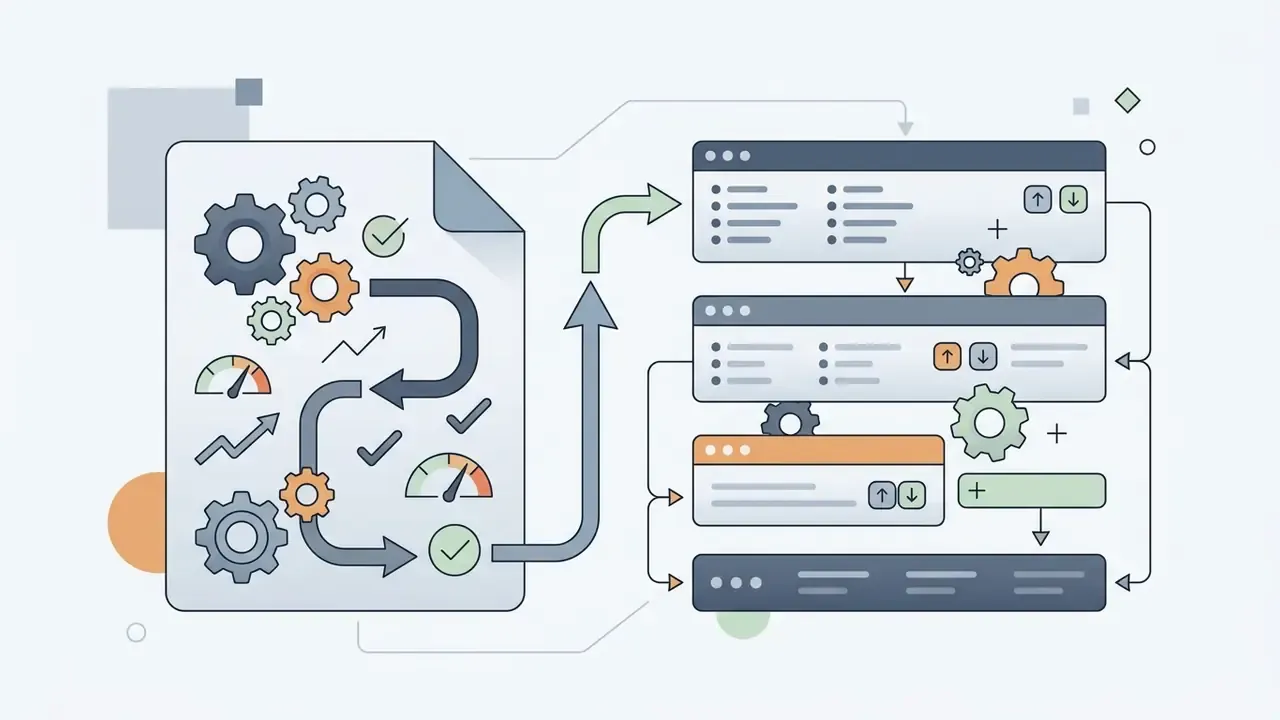
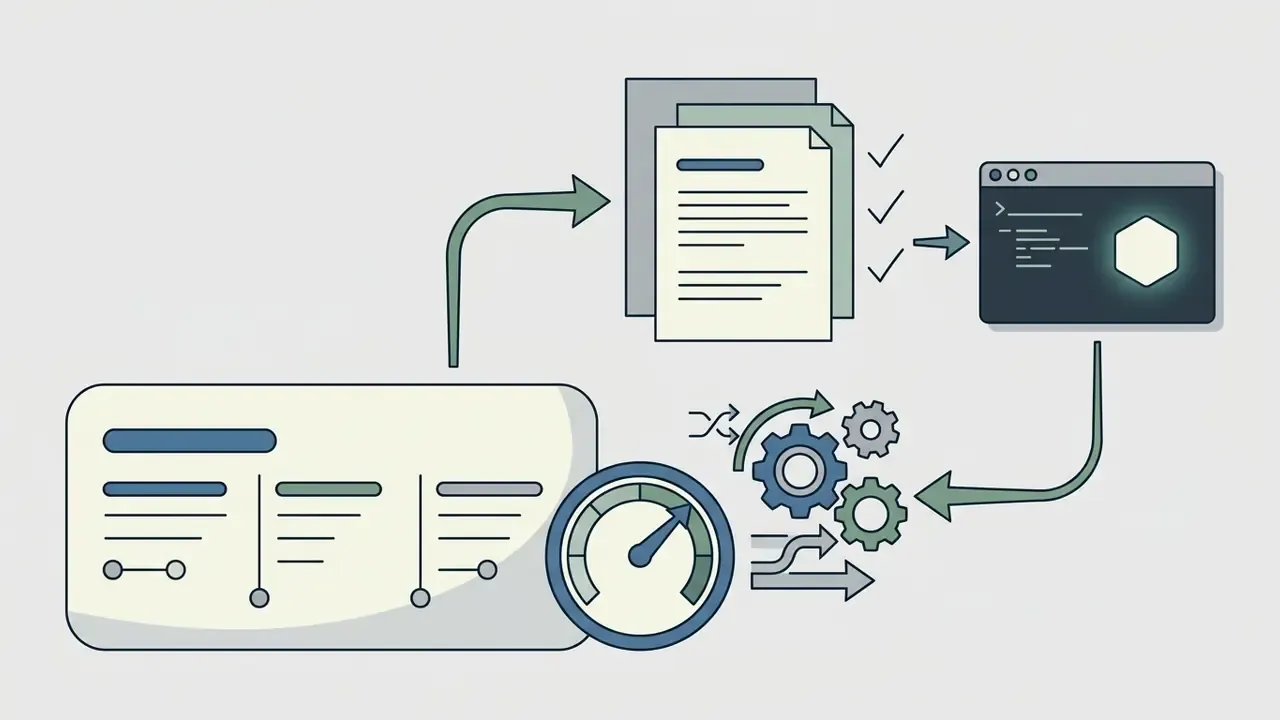
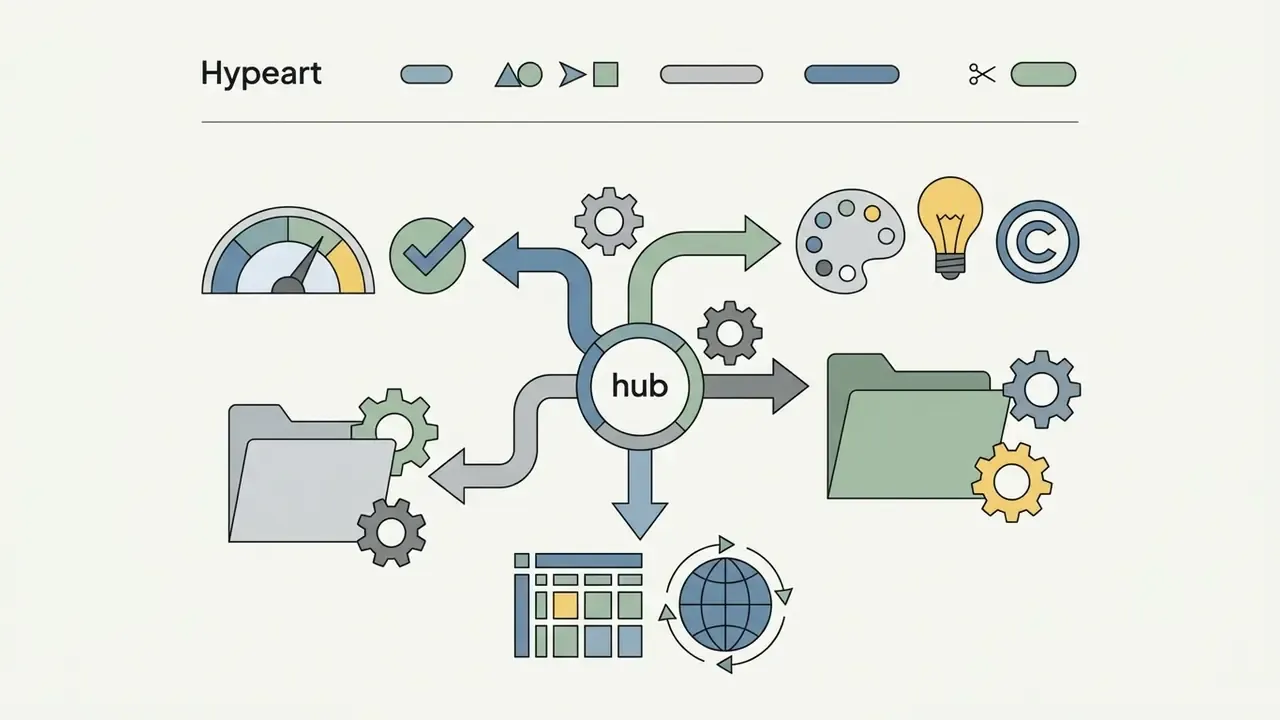
An AI website builder uses artificial intelligence to generate full website layouts, structured page content, and visual design assets from simple text prompts. Modern automated site generators let you go live quickly, with no coding skills and no manual front-end development.
That speed is genuinely useful. It is also where most teams get careless. A draft that looks finished is not the same thing as a page you can defend to a customer, an auditor, or a compliance reviewer.
Key Takeaways
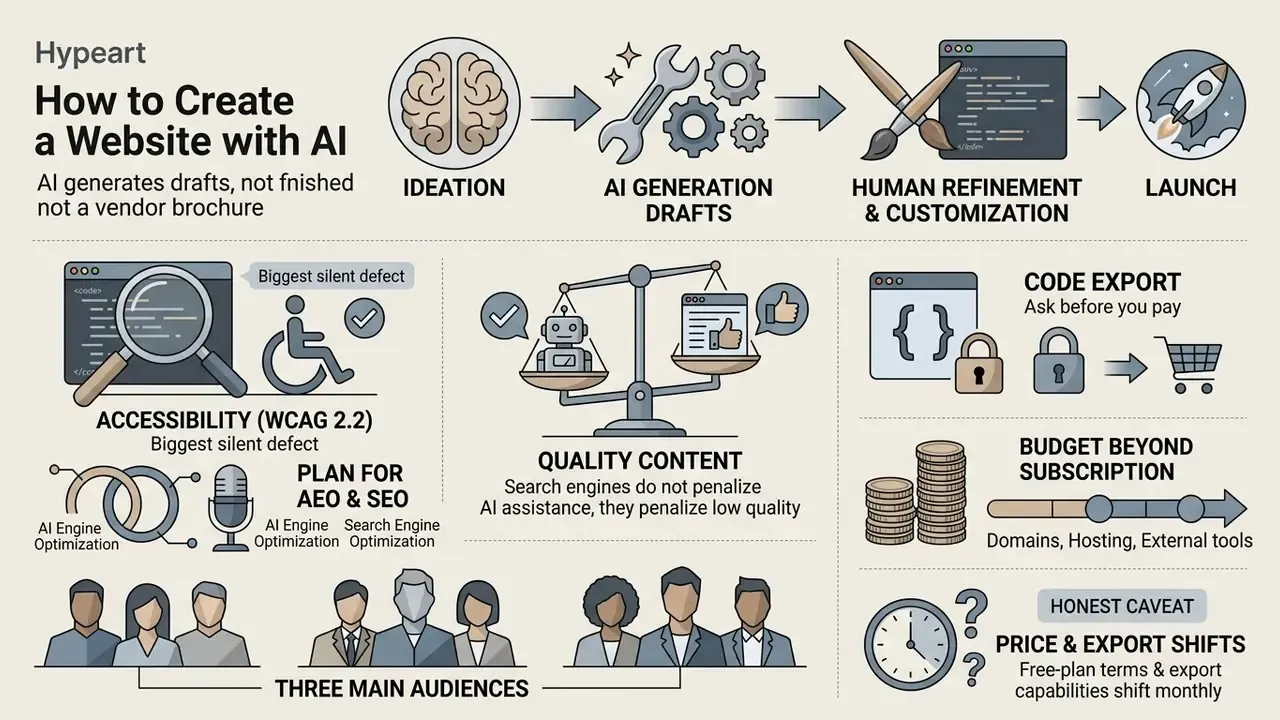
- AI generates drafts, not finished websites. Layout, copy, imagery, and navigation appear in minutes, but factual claims, accessibility, form logic, and conversion paths require human sign-off before launch.
- Accessibility is the biggest silent defect. Independent evaluations of AI-generated sites found hundreds of WCAG violations across a handful of pages, most often missing labels, weak contrast, and non-semantic markup.
- Search engines do not penalize AI assistance, they penalize low quality. Large-scale ranking analyses find effectively zero correlation between the share of AI-written text and Google position, yet human-edited pages still dominate position one.
- Ask about code export before you pay. Managed platforms (Wix, Hostinger) keep your site on their infrastructure; export-first builders (CodeDesign.ai, partially Framer) let you take clean HTML, React components, or a WordPress sync with you.
- Plan for AEO, not only SEO. Server-side rendering, clean heading structure, and JSON-LD schema decide whether answer engines such as Perplexity, ChatGPT Search, and Google AI experiences can quote your pages.
- Budget beyond the subscription. Entry plans start around $3 to $17 per month, but real total cost of ownership includes editorial review, accessibility remediation, analytics and consent setup, plus integrations.
How to Use This Guide
What an AI Website Builder Can Create for You
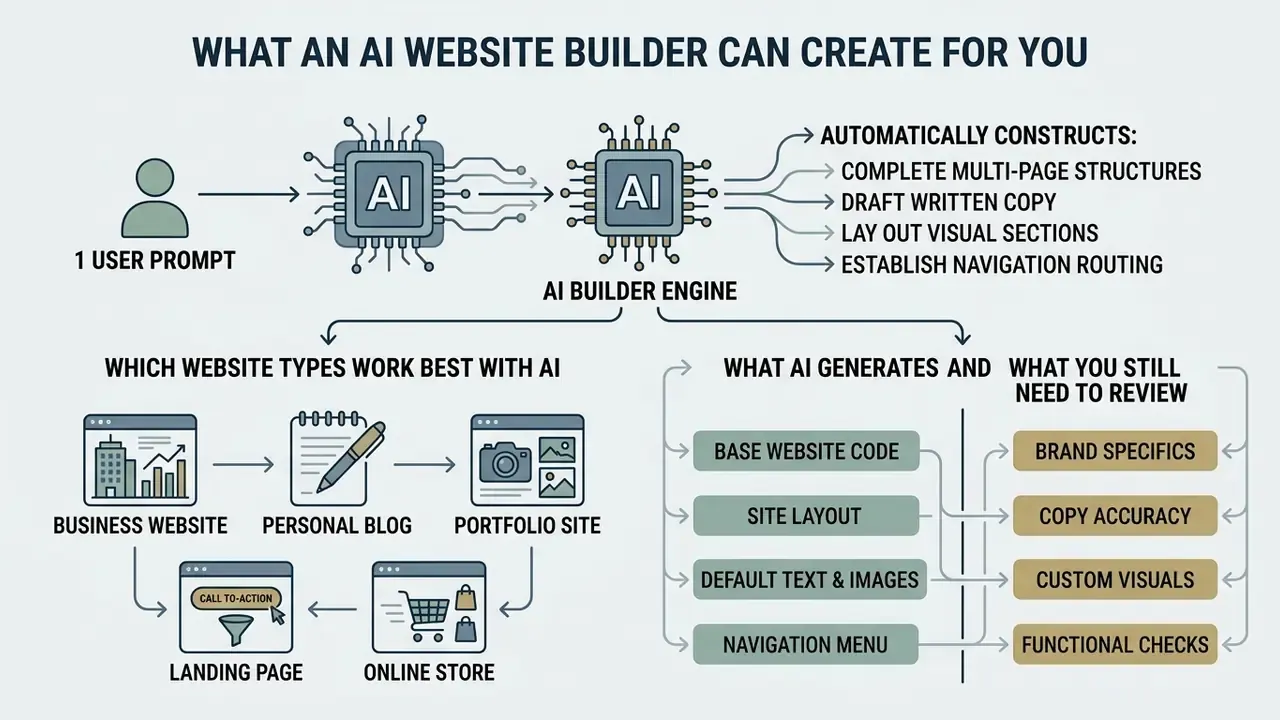
An AI website builder can automatically construct complete multi-page structures, draft written copy, lay out visual sections, and establish navigation routing. Modern tools use neural networks to turn prompt inputs into a functional digital property, without user-side program development.
Academic work on text-to-layout generation shows why the output looks coherent. Models first parse a natural-language brief into an explicit, machine-readable set of constraints, and only then place elements into a structured grid. That two-stage pipeline is what converts a vague business description into styled front-end code with consistent cross-page architecture.
«Text-to-layout generation parses text into an intermediate representation, then places elements from that representation.»
«Desigen: a pipeline for controllable design template generation.» - CVPR Proceedings (2024). https://openaccess.thecvf.com/content/CVPR2024/papers/Weng_Desigen_A_Pipeline_for_Controllable_Design_Template_Generation_CVPR_2024_paper.pdf
Commercial systems extend this pipeline with hosting, domains, and data layers, so a single prompt can produce a publishable property. Vendor documentation from 2026 is consistent on scope: Figma Make advertises landing pages, portfolios, product sites, and blogs from prompts; Readdy generates full sites from plain language, a screenshot, or an existing URL; B12 claims a site, store, web app, or internal business tool in roughly two minutes.
So, can AI create a website end to end? It can create the scaffolding. The judgement stays yours.
Which Website Types Work Best with AI
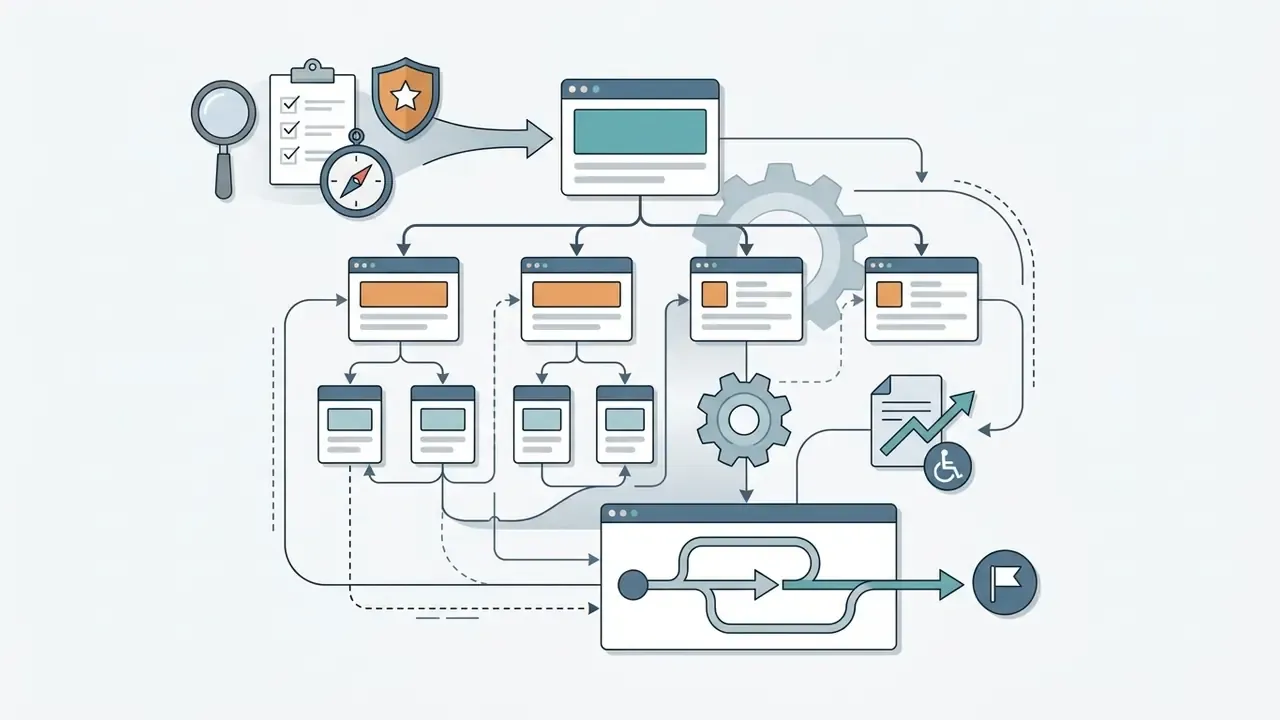
An AI tool reaches the highest first-draft fidelity on single-purpose landing pages, professional business websites, personal blogs, and portfolio showcases. Those formats lean on static content blocks and predictable navigation. Content-heavy platforms and online stores need structured page sets, including home, service indexes, privacy policies, product catalogs, and checkout channels, so they demand more manual assembly.
The reason interactive commerce flows lag behind static pages is measurable, not anecdotal. Benchmarks of multimodal code generation report that models reproduce visual structure far better than behaviour:
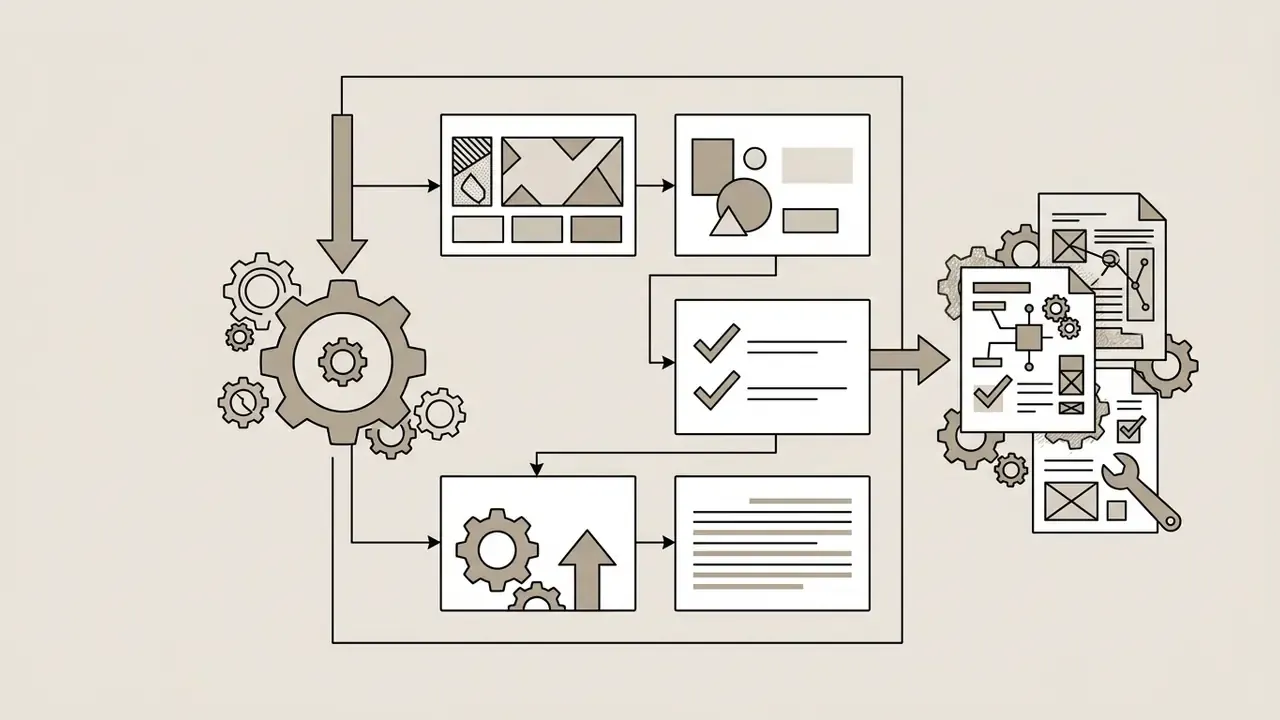
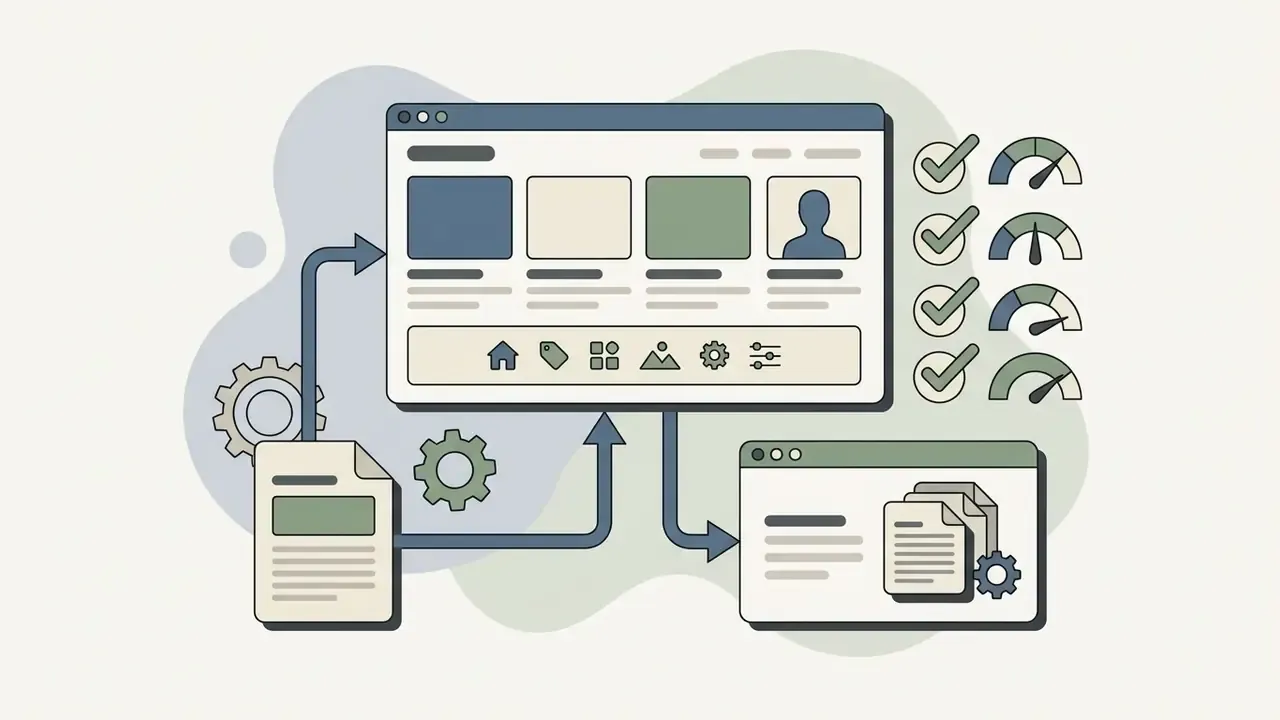
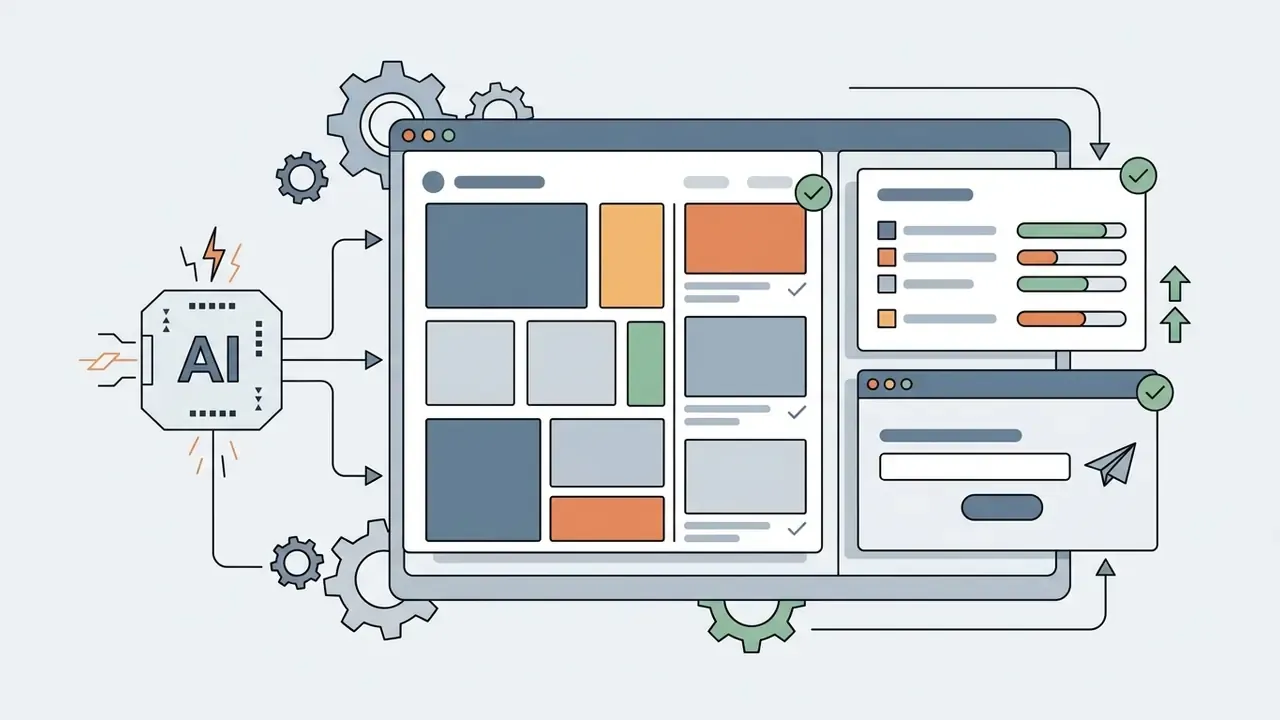
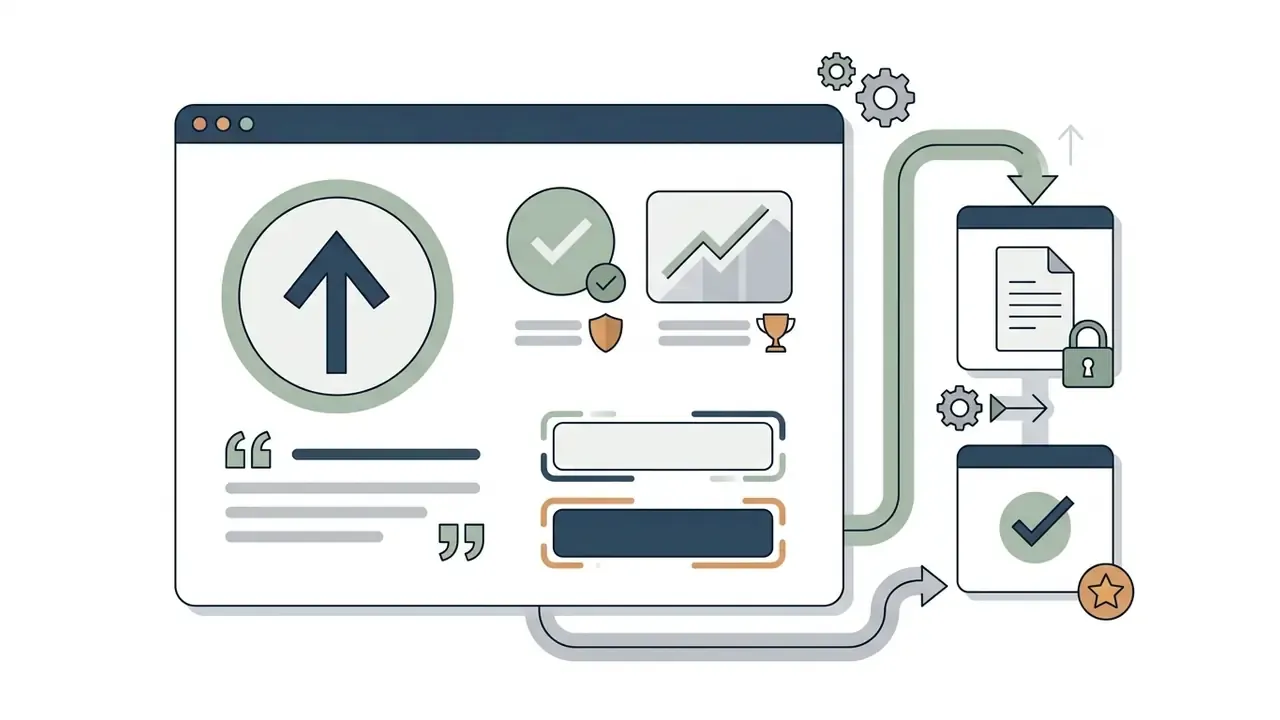
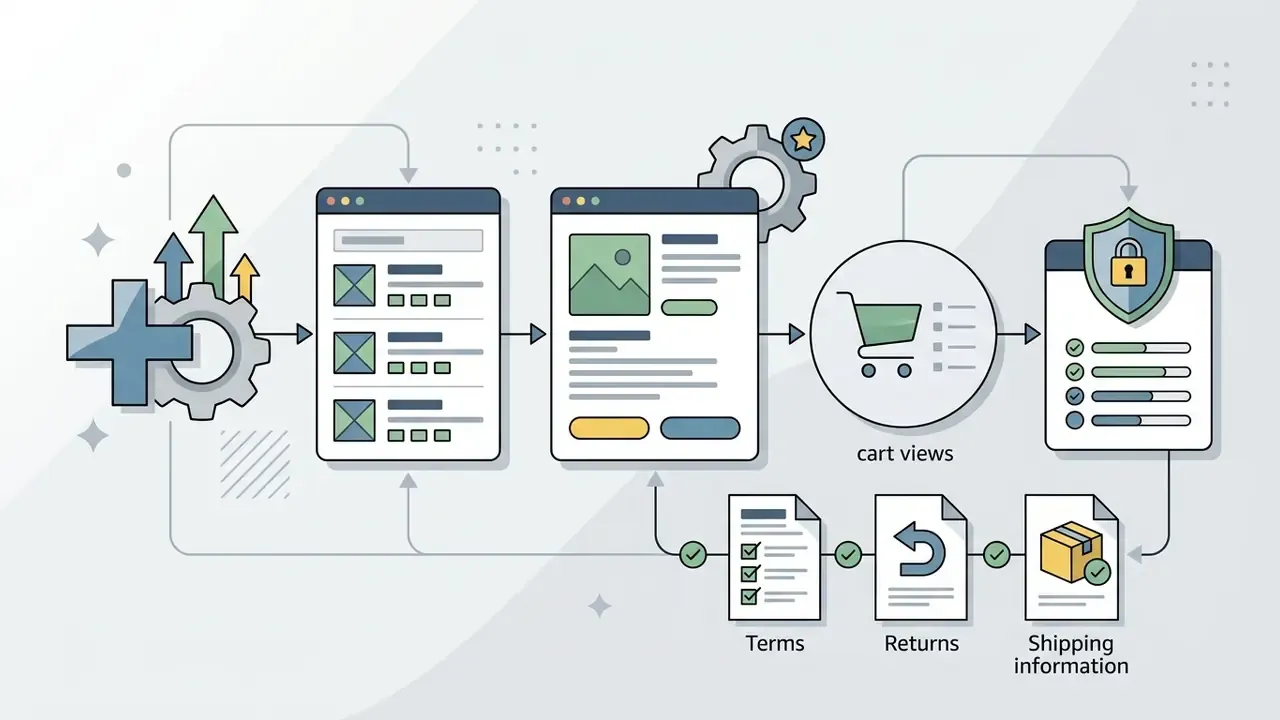
«Multimodal LLMs struggle notably with subtle interaction features such as animations, hover states, and dynamic form validation.»
Vendor limits reinforce the same boundary. Microsoft documents that Power Pages Copilot accepts English-only input, caps site descriptions at 250 characters, generates up to six additional pages, and does not create forms or lists automatically. When evaluating asset generation requirements, teams should review the standard AI Media Comparison Matrices to judge structural suitability across project types.
What AI Generates and What You Still Need to Review
AI generates base page layouts, visual styling schemes, initial draft copy, placeholder media, and baseline navigation instantly. Visual assets can be extended with dedicated tools; teams routinely pair builders with AI image generators for on-brand section art. Operators still review factual assertions, brand alignment, accessibility compliance, button actions, and search optimization fields by hand.
Empirical evaluations show that raw AI-generated interfaces frequently contain Web Content Accessibility Guidelines (WCAG 2.2) violations. Unedited outputs miss explicit form labels, contrast thresholds, and screen-reader tags.
«Six AI-generated websites contained 308 accessibility issues: 52.93% cognitive problems and 47.08% WCAG 2.2 violations.»
«Generative tools do not produce accessible code on their own: pages lack semantic HTML and resist keyboard or screen-reader navigation.» - Is the AI-Generated Web for Everyone?, DiVA Portal (2024). https://www.diva-portal.org/smash/get/diva2:1885268/FULLTEXT01.pdf
WCAG 2.2 remains the approved baseline, organised as 13 guidelines under four principles: perceivable, operable, understandable, robust (W3C Web Accessibility Initiative, https://www.w3.org/WAI/standards-guidelines/wcag/). The WCAG 3.0 public draft goes further and describes a documented human review requirement when AI tools generate or alter content (https://www.w3.org/TR/wcag-3.0/). Human validation is not merely good practice, then. It is the direction the standards themselves are moving.
Split responsibilities like this:
| Element | AI handles automatically | Mandatory human review |
|---|---|---|
| Page layout and grid | Section order, spacing, responsive breakpoints | Visual hierarchy for legal and regulatory notices |
| Copy | Headlines, section drafts, meta text | Facts, figures, claims, brand voice, disclosures |
| Images | Placeholder and generated visuals | Rights clearance, alt text, distorted subjects, garbled text |
| Forms | Field layout and basic markup | Labels, error messages, routing, data minimisation |
| SEO | Title and description suggestions, sitemap | Keyword intent, canonical logic, schema accuracy |
| Accessibility | Some ARIA scaffolding | Contrast, focus order, keyboard paths, semantics |
How to Choose the Best AI Tool to Create a Website
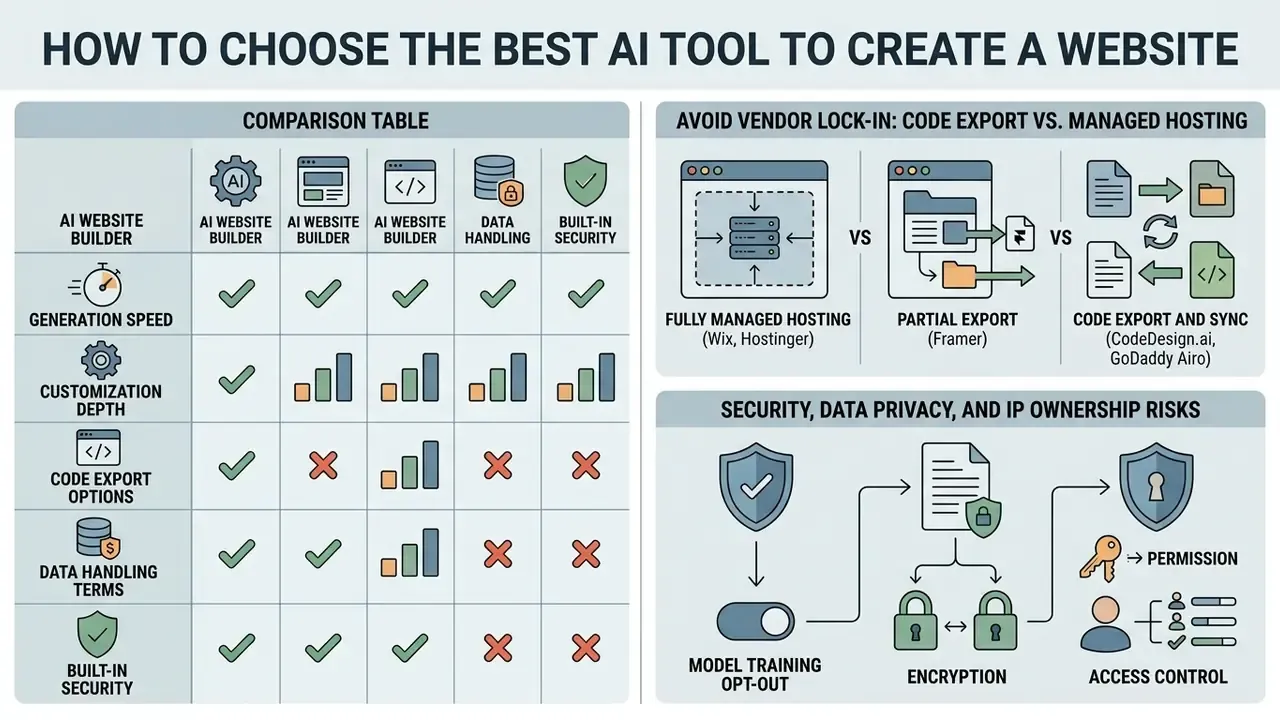
Choosing the best AI tool to create a website means balancing generation speed against customization depth, code export options, data-handling terms, and built-in security. Decision-makers should check platform limits on custom domains, hosting stability, SSL certificates, and scalable business tools.
Evaluating platform features prevents vendor lock-in and protects long-term operational flexibility. Buyers often consult our AI Media Commercial-Use Hub to review enterprise licensing, data handling terms, and commercial ownership protections.
Comparison Table: AI Website Builders by Capability, Export, and Data Handling
| Criterion | Wix AI | Hostinger AI | Framer AI | CodeDesign.ai | Readdy AI |
|---|---|---|---|---|---|
| Primary website focus | General business, stores | Business sites, web apps | Portfolios, landing pages | Custom sites, code export | Business, complex portfolios |
| Free tier available | Free plan (subdomain), no card required to start | Free trial only | Free plan (subdomain) | Free plan, up to 3 projects on subdomain | Free trial only |
| Custom domain support | Paid upgrade; free domain for 1 year on annual plans | Included on annual plans | Paid upgrade required | Buy or connect inside the dashboard (400+ TLDs) | Custom domain connection |
| SSL certificate | Included automatically | Included automatically | Included automatically | Free auto-renewing SSL (Let's Encrypt) | Included automatically |
| SEO management | SEO wizard, AI meta tag creator, SEO Assistant, Search Console integration | AI SEO assistant: meta titles, descriptions, keywords, URLs | Site name, page titles, descriptions, social images | Built-in site crawl plus health score, meta and OG checks | Built-in SEO suite |
| Code export | No (managed environment) | No (managed environment) | Limited (React components) | Yes (HTML plus React, or publish to WordPress) | Limited export options |
| Built-in analytics | Dashboard analytics | Dashboard analytics | Basic analytics or third-party | Script-free built-in analytics (visitors, bounce, dwell, sources) | Basic analytics |
| Data handling and model training | Verify current DPA and AI terms | Verify current DPA and AI terms | Verify current DPA and AI terms | States user-generated data is not used for model training; zero-retention API terms, AES-256 at rest, TLS 1.2+ in transit | Verify current DPA and AI terms |
| E-commerce tools | Comprehensive store engine | Basic product catalog | Third-party embed support | Custom form integrations, Stripe order processing | Built-in shopping flows |
| Editing model | Drag and drop plus Aria conversational agent | Section-based editor plus AI assistant | Canvas-based design tool | AI chat mode, drag and drop, code editor | Drag and drop with separate mobile view |
| Learning curve | Low | Low | Medium (design-tool logic) | Low to medium | Low |
Feature sets change frequently. Before purchase, confirm current terms on the vendor's own documentation and request the Data Processing Agreement (DPA) in writing.
Avoid Vendor Lock-In: Code Export vs. Managed Hosting
Before you invest weeks of content work, answer one question. Can you take the site with you? This is the single most consequential difference between AI builders, and most marketing pages quietly skip it.
- Fully managed hosting (Wix, Hostinger) best for non-technical owners who want zero infrastructure work. Pages live on vendor infrastructure, updates and security patching are handled for you, and source-code export is not supported. Migration later means rebuilding.
- Partial export (Framer) you can extract certain React components and design tokens, but the publishing runtime stays proprietary.
- Code export and sync (CodeDesign.ai, GoDaddy Airo) you can export clean HTML5 and CSS plus React components, or publish directly to WordPress. That means moving to your own AWS, Nginx, or Vercel environment at any time without rebuilding, and your security team can audit real source files independently.
Users repeatedly describe export as the deciding factor:
«I love the way it designs a site and allows me to export the code so I can do my own edits and host it on my own server.»
Checklist for a lock-in audit:
- Does the platform export HTML, CSS, and JavaScript, or only a proprietary project file?
- Can you export structured content (pages, posts, products) as JSON or CSV?
- Is there a documented WordPress or headless CMS sync path?
- Who owns the generated design and copy under the terms of service?
- What happens to your live site the day a subscription lapses?
Security, Data Privacy, and IP Ownership Risks
AI-generated code is drafted for appearance, not for adversarial conditions. Automated generation does not by itself guarantee alignment with the OWASP Top 10, GDPR, or CCPA obligations, and no builder can promise compliance without penetration testing plus legal review of your specific data flows.
Evaluate vendors against four concrete questions:
- Model training opt-out are your prompts, uploads, and customer form submissions excluded from general model training? CodeDesign.ai, for example, publicly states that user-generated data is neither retained by its model provider nor used for training. Most competitors require you to read the DPA.
- Encryption and access control confirm encryption at rest (AES-256) and in transit (TLS 1.2+), plus documented restriction of internal access to production data.
- Certifications ask for SOC 2 Type II or ISO/IEC 27001 reports, breach-notification timelines, and sub-processor lists. Absence of documentation is itself a finding.
- Intellectual property clarify ownership of generated layouts, copy, and imagery, and whether generated visuals carry commercial-use rights. Official generative-AI usage rules (Adobe's, for instance) prohibit outputs that infringe copyright, trademark, privacy, or publicity rights, and liability generally sits with the publisher, not the tool.
Teams that build brand imagery inside the same workflow should compare licensing terms across the best AI art generators before committing assets to a commercial page.
Essential Features for a Business Website, Blog, or Online Store
A business website creator must include accessible contact forms, mobile-responsive layout adapters, reliable hosting, social media integrations, and automated SEO fields. Online stores also need payment gateway hooks, inventory data management, and secure order processing. If you plan to publish blog posts weekly, check whether the AI assistant can draft, format, and schedule them, or whether that stays manual.
Accessibility standards, not vendor marketing, define the real baseline for these components:
«A consistent help mechanism, contact form, messaging system, chat client, or social media channel, must be available across pages.»
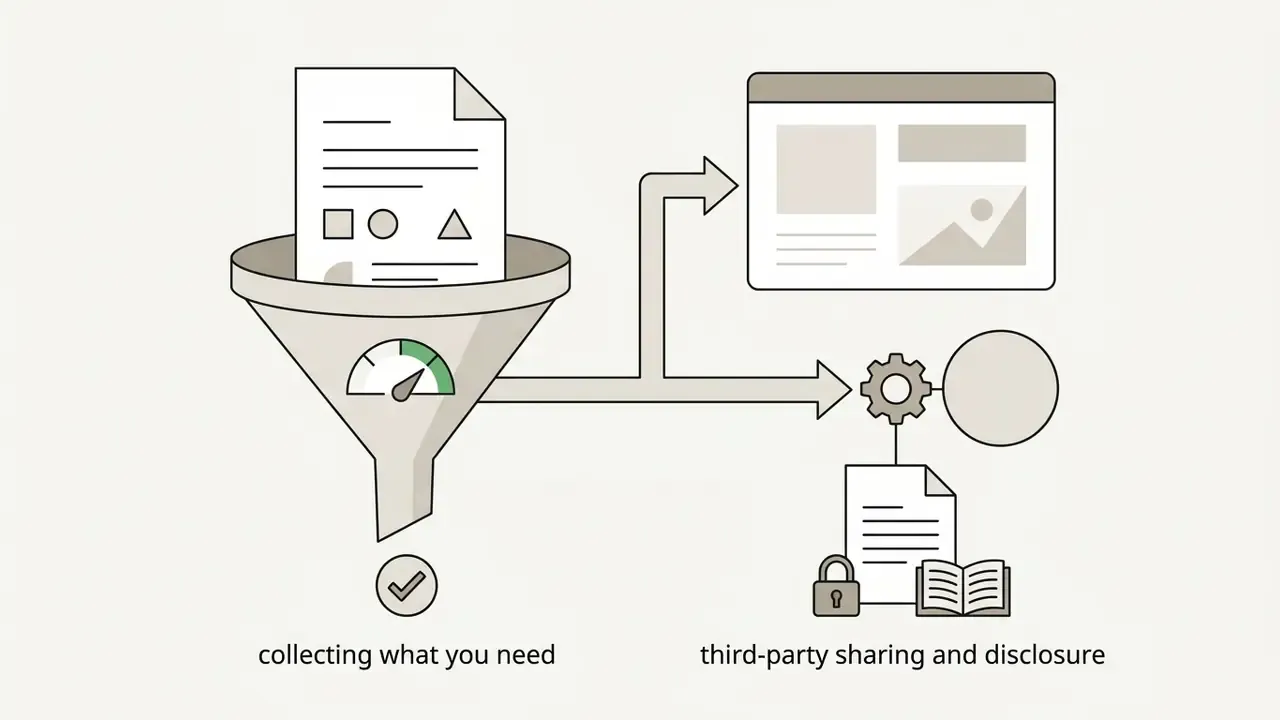
«Accessible forms need labels, instructions, validation, and error notifications; collect only required data and disclose third-party sharing.» - W3C Forms Tutorial. https://www.w3.org/WAI/tutorials/forms/
For content management, automated tools should produce clean text layouts and support structured metadata. Organizations publishing media assets frequently reference the AI Media API Guides to wire automated data pipelines into their core publishing software.
Free Plans, Trials, Domains, and Hosting Costs
Free AI website builder tiers typically publish under a vendor subdomain, include platform branding badges, and cap bandwidth. Launching a fully functional professional website means moving to a paid plan that bundles custom domain registration, dedicated hosting, and SSL.
Verified 2026 terms differ sharply by vendor:


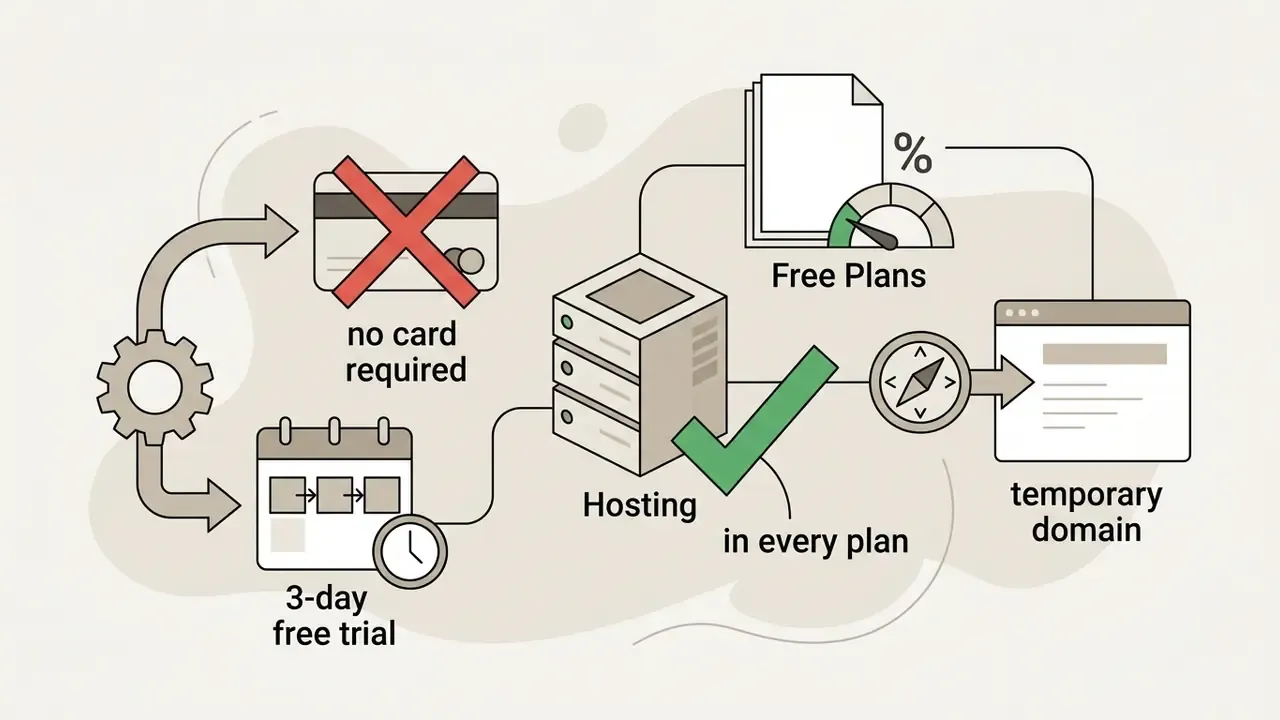
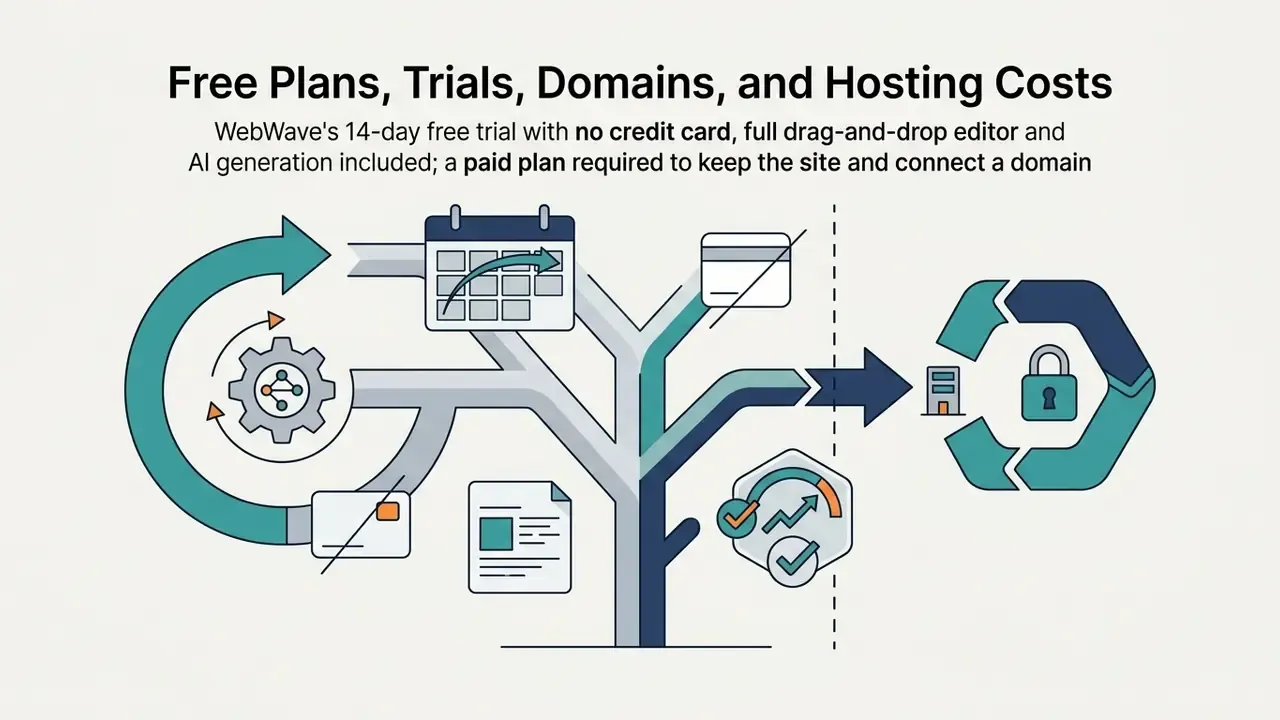
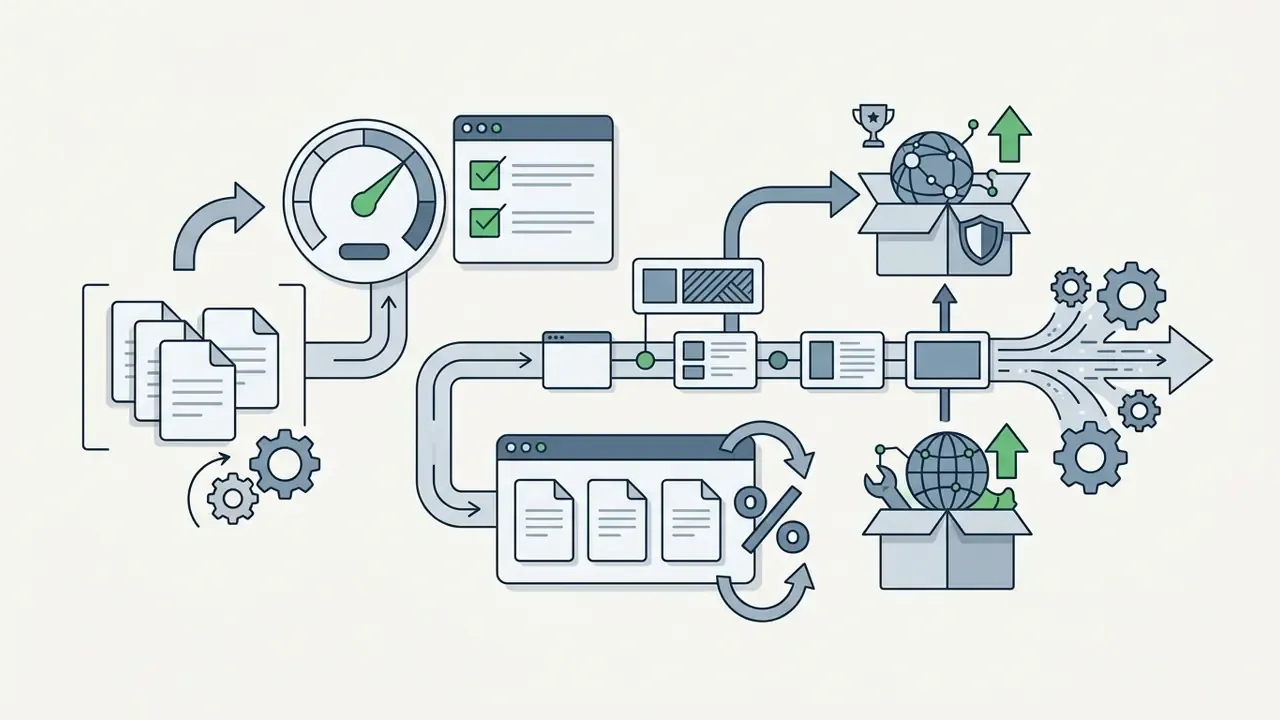
Most providers offer entry-level commercial tiers from $3 to $17 monthly when billed annually, which is cost effective for a small business compared with a custom build. Confirm whether card details are required during the initial prompt trial, so you avoid unexpected recurring charges. Third-party comparisons sometimes claim that no AI builder includes a custom domain on a free plan; vendor pages contradict this only where a first-year domain credit is attached to a paid annual plan, so always verify on the checkout screen.
Total Cost of Ownership: What the Subscription Price Hides
Subscription price is the smallest line in a realistic budget. Model the following before approving a build:
| Cost line | Typical driver | How to estimate |
|---|---|---|
| Platform subscription | Plan tier, annual vs monthly | $3 to $17 per month at entry, more for stores and multi-seat teams |
| Domain and email | TLD choice, mailbox count | Registrar price plus per-mailbox monthly fee |
| Editorial review | Pages multiplied by fact-checking time | Hours by internal rate; the dominant cost on content-heavy sites |
| Accessibility remediation | Number of templates and forms | Audit plus fix cycle per template, repeated after major edits |
| Analytics and consent | Regional privacy rules | Consent tooling, or zero if using script-free server-side analytics |
| Integrations | CRM, payments, booking, APIs | Per-connector fees plus developer hours |
| Ongoing governance | Change approval and audit trail | Recurring review hours per release |
Organizations sizing infrastructure overhead during planning use interactive financial calculators to estimate long-term operational costs before committing to an annual plan.
Prepare Your Website Idea Before You Ask AI to Build It
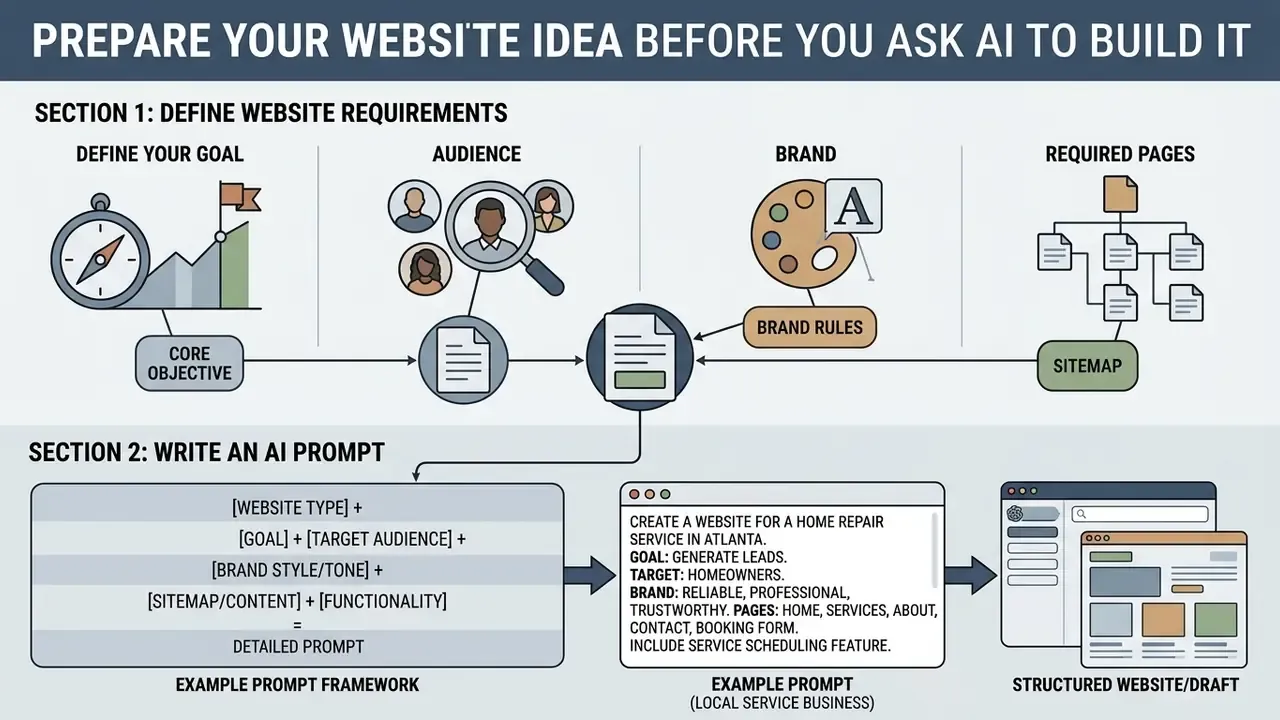
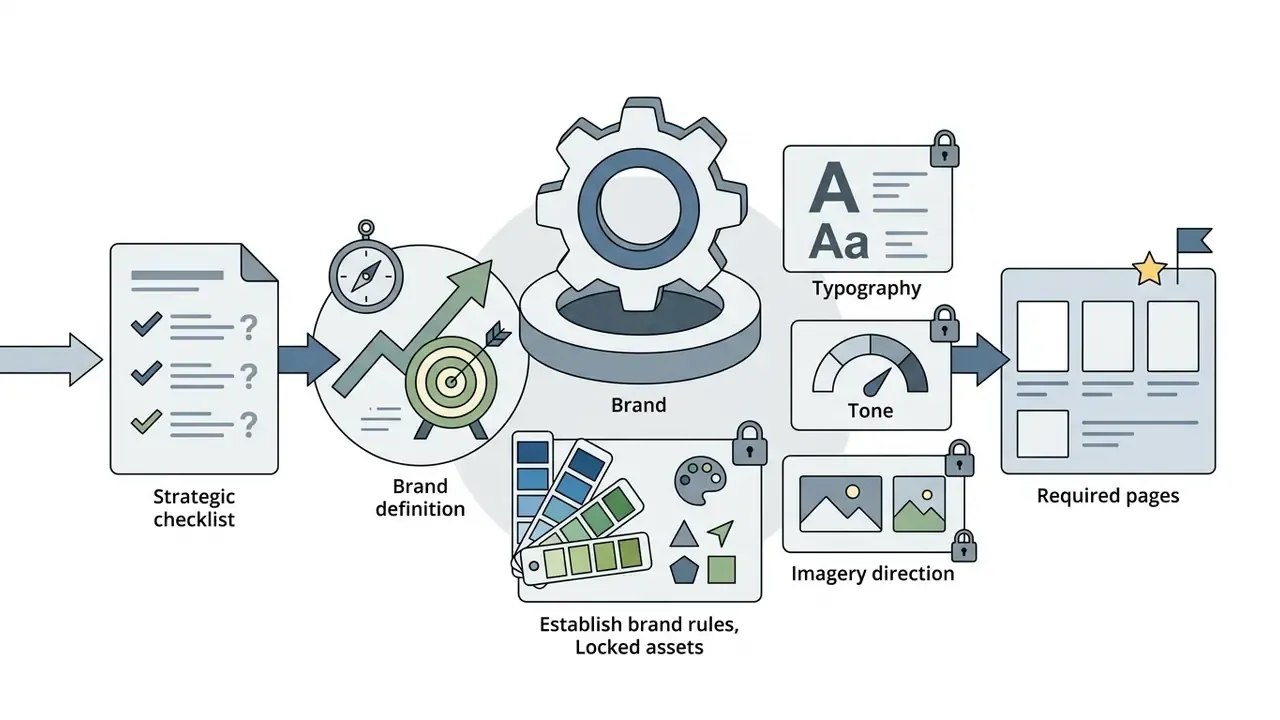
Preparing explicit requirements before generation is what makes an AI website maker service produce a usable draft on the first attempt. Define your target customer, document brand rules, list essential pages, and write structured instructions.
Skip this and you get a website tailored to nobody.
Define Your Goal, Audience, Brand, and Required Pages
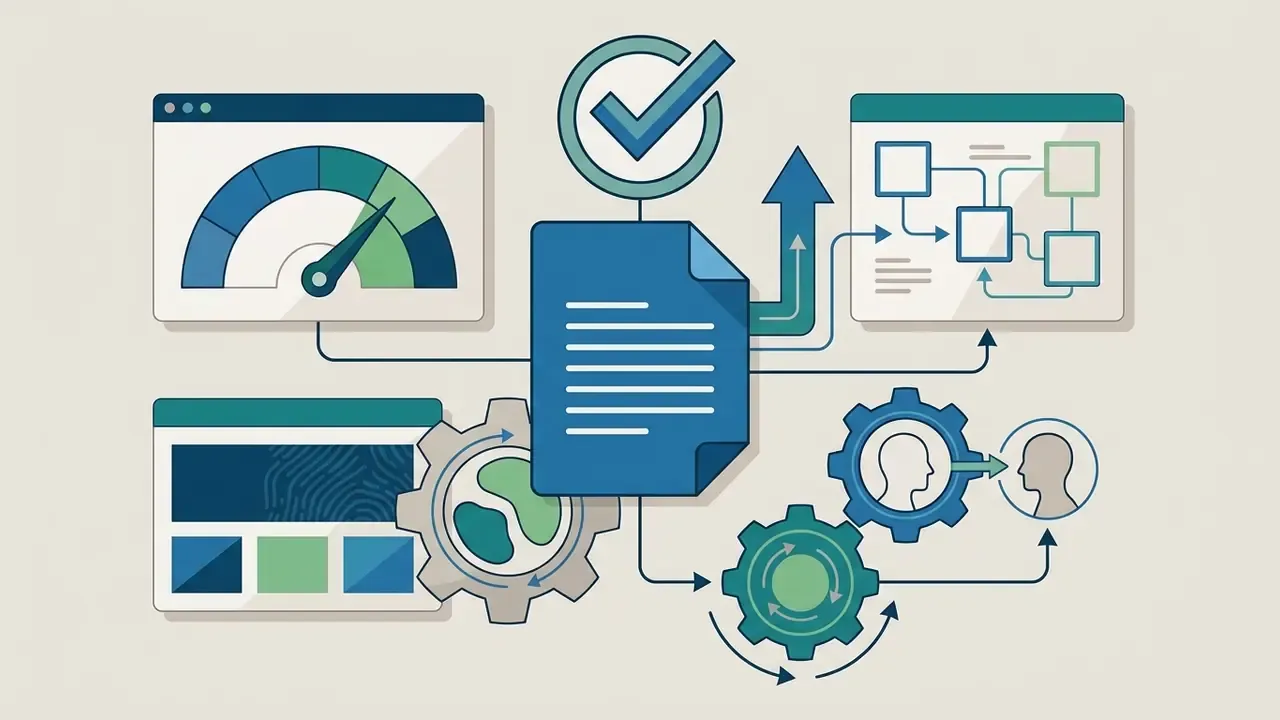
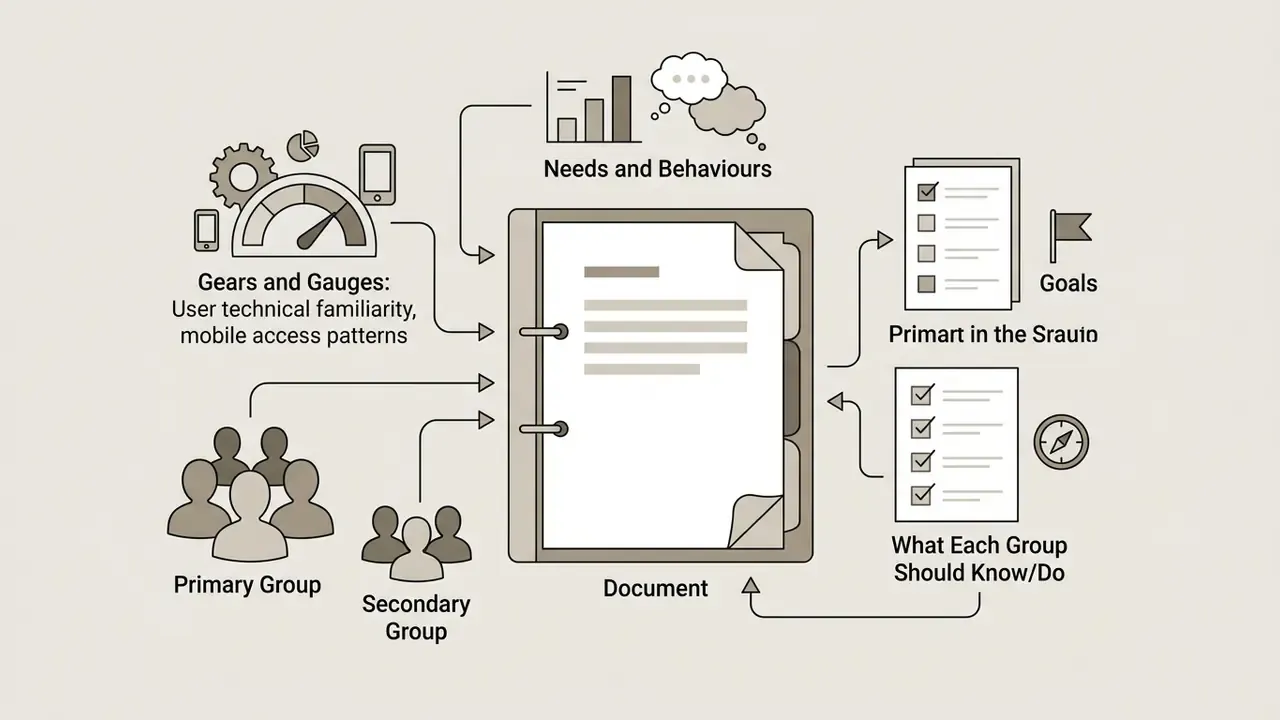
Clarifying site goals establishes the framework for content hierarchy and calls to action. Understanding audience expectations dictates tone, language complexity, and navigation.
Write an AI Prompt That Produces a Relevant First Draft
An effective AI prompt includes specifics about operations, industry context, design preferences, tone parameters, and requested pages. Structured framing reduces output drift and helps the generator build a relevant preliminary design.
A reusable six-field framework works well for websites: persona, requirements, organization, medium, purpose, tone (Penn State PROMPT Design Framework, 2024). Vendor guidance converges on the same components. Supply context, show an example of "good," constrain the output format, and split complex tasks into steps.
Prompt quality is not cosmetic. It measurably changes generated interaction code:
«Prompt design, the visual saliency of elements, and textual descriptions are the three key factors determining the quality of AI-generated interactive code.»
Then iterate deliberately instead of re-rolling at random. A documented four-step loop, define the goal, design the prompt, evaluate the answer, iterate, beats ad-hoc regeneration, because each cycle removes one specific defect rather than reshuffling the whole page. Call it disciplined vibe coding: fast, conversational, still reviewed.
Voice prompting. Advanced builders such as GoDaddy Airo support voice input in the conversational interface, letting you dictate business context, audience, and page structure hands-free. Useful when you are describing a service catalogue from memory rather than typing it. Note the documented ceiling: Power Pages Copilot accepts English input only and caps the description at 250 characters, so long briefs must be split across follow-up prompts.
How to Create a Website with AI Step by Step
Creating a website with AI involves entering structured prompts, reviewing generated drafts, customizing layout elements, adding verified business copy, and running pre-launch audits. A standardized workflow minimises rework and keeps design consistent across pages.
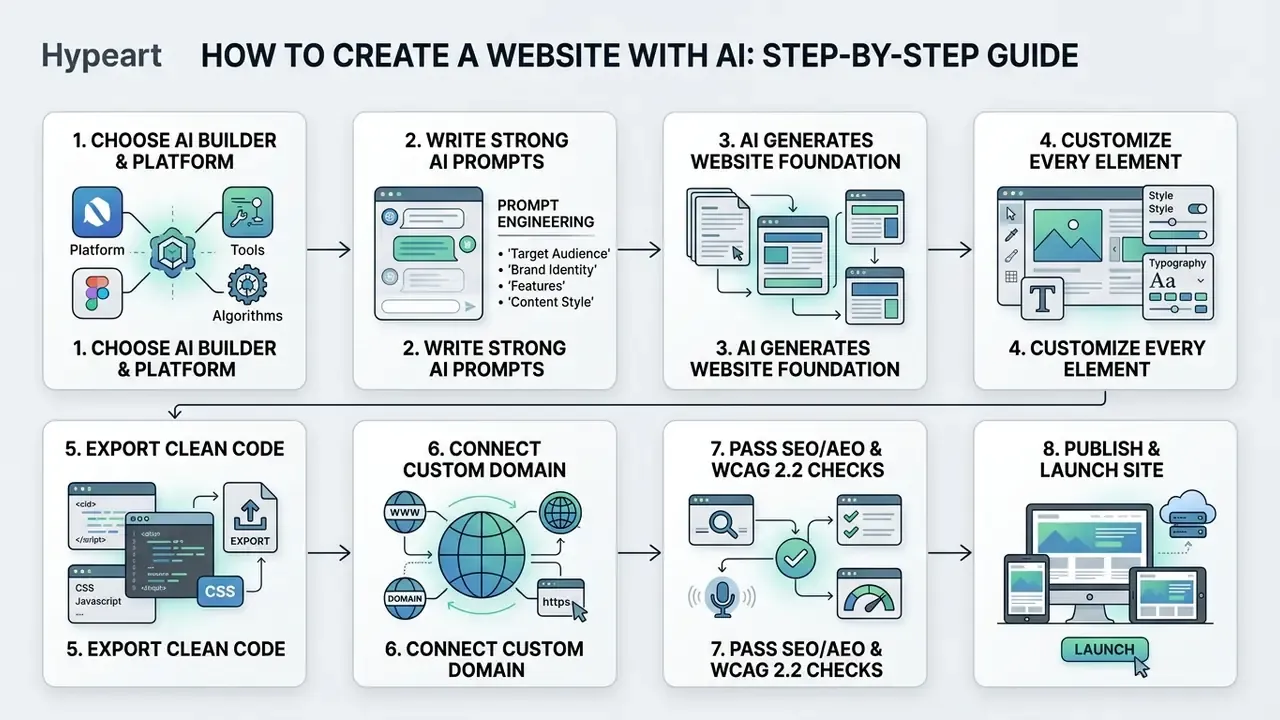
- Input the project promptdescribe business parameters, audience requirements, and target structure.
- Generate the draft layoutreview the initial AI-built site model, visual theme, and sample pages.
- Customize visual designfine tune sections, colour schemes, typography, and element placement.
- Inject verified contentadd approved brand text, custom images, contact forms, and functional widgets.
- Audit SEO, AEO, and accessibilityverify meta tags, schema, mobile responsiveness, page speed, and WCAG conformance.
- Connect the custom domainpoint DNS records, provision SSL, and confirm secure transport.
- Go livepublish to production hosting in one click, then run live smoke tests.
Published vendor workflows mirror this sequence almost exactly. CodeDesign documents five stages: define the brief, generate a draft, inspect each section, make AI-assisted edits, preview and publish. Gamma's flow adds theme selection and mobile preview before publishing to a subdomain or connected custom domain. Webflow's builder asks what you are building and who it is for, then hands over a "ready-to-edit site draft."
Generate the First Website Draft from Your Description
Entering your detailed brief triggers the underlying model to generate pages in near real time. The system reads key phrase directives and synthesises visual grids, section dividers, and structural copy blocks. Most builders finish this pass in 40 to 150 seconds; WebWave reports roughly three minutes for a complete multi-page site.
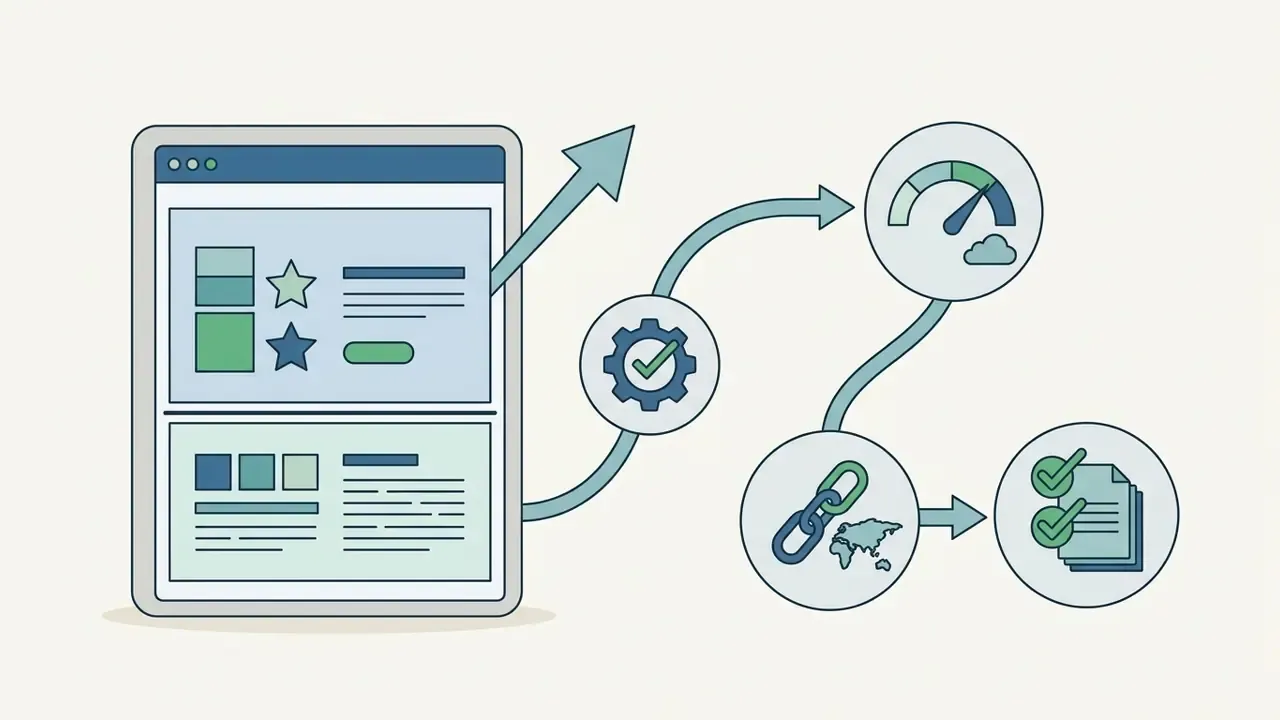
Review the initial design directions against your original requirements. If the preliminary output misses key functionality, refine the text specification before you start manual visual tweaks. Editing a wrong structure by hand is slower than regenerating it.
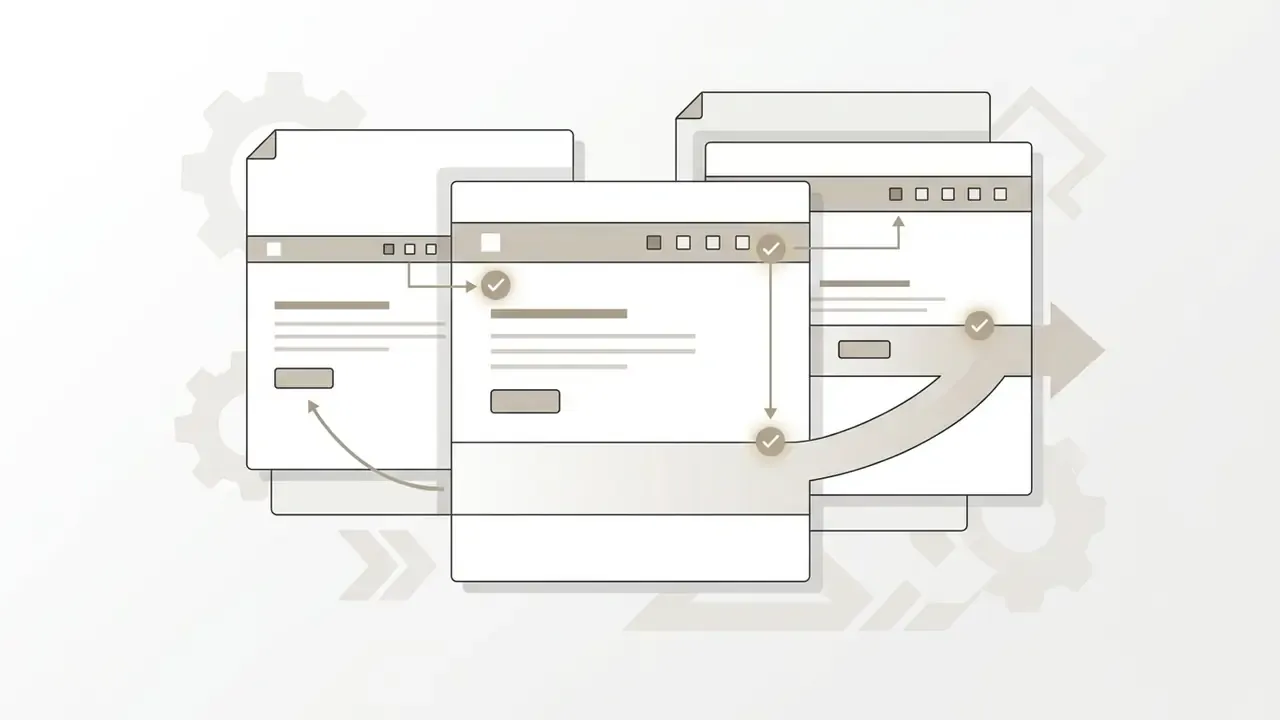
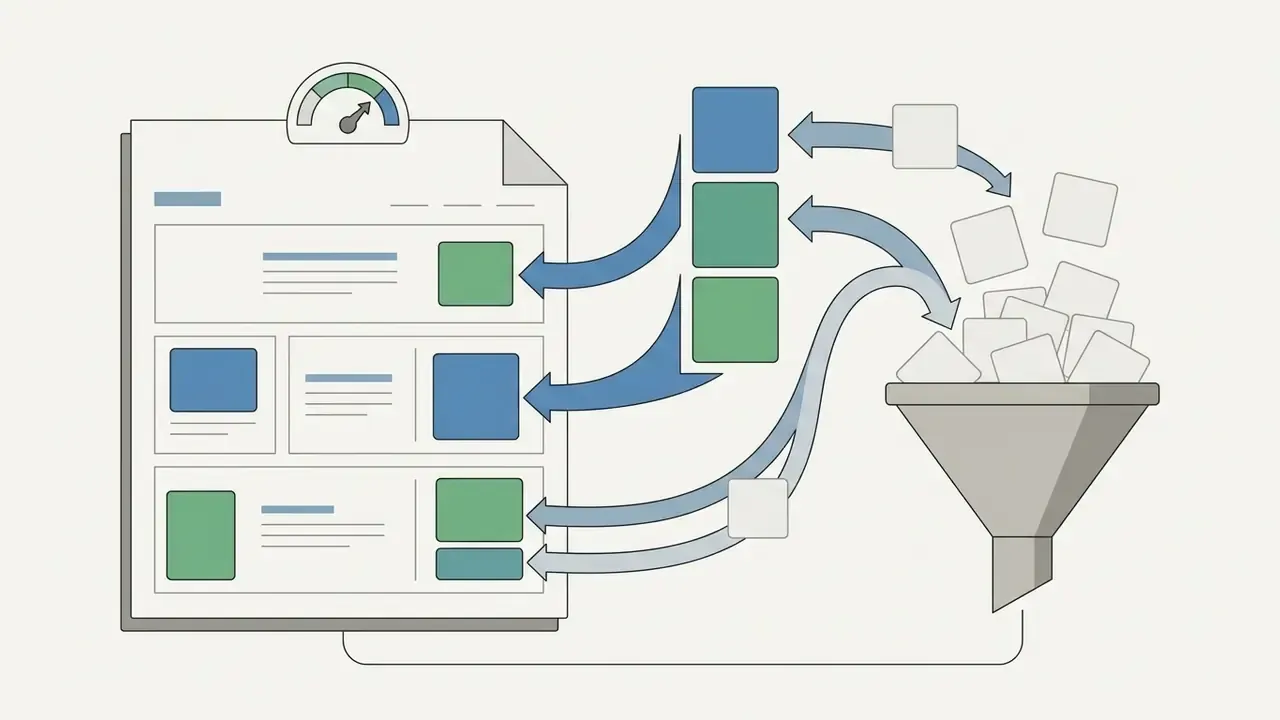
Criteria for choosing among generated design directions:
Customize Layout, Colors, Sections, and Every Element
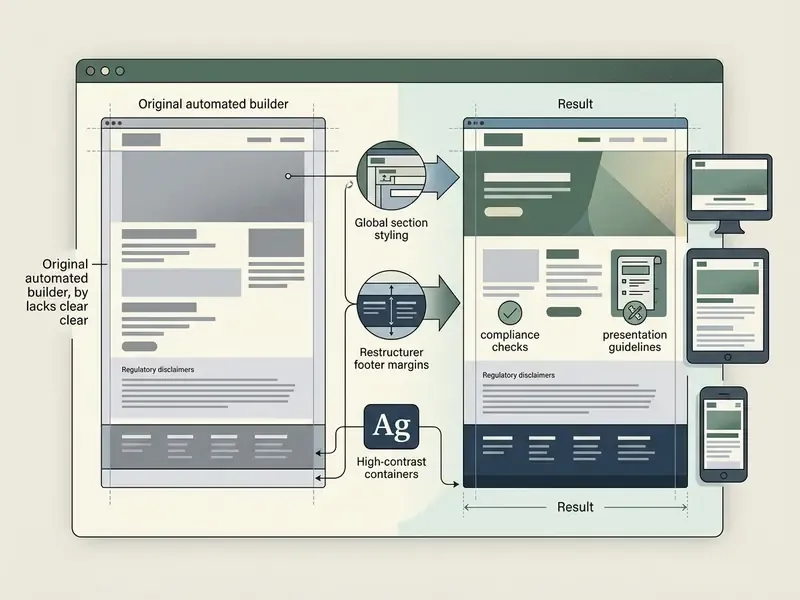
Fine-tuning generated layouts means adjusting global visual parameters, padding and margins, brand typography, and block positions inside the visual editor. Customizing every element is what separates a custom website from a recognisable template. The efficient order is global first, local second: set brand colours, typography, and container widths in site settings, then add sections, then adjust individual elements.
Choosing the right customization engine: freeform canvas vs. conversational agent
- Pixel-perfect canvas (WebWave, Framer) works like Figma or Photoshop for the web. You place, resize, and position any element at exact coordinates with no restrictive sections or rigid layout boxes. The right choice when brand design must be reproduced precisely.
- Section-based drag and drop (Hostinger, Readdy, HubSpot-style editors) click "Add section," pick a layout, then drag modules into slots. Faster and safer for non-designers, with separate mobile-view editing in several tools.
- Conversational AI agents (Wix Aria, GoDaddy Airo, CodeDesign AI chat) you edit in natural language, for example "change the CTA button colour to navy blue and add an FAQ section below the pricing table," and the agent regenerates that block in place.
- Code editor fallback export-friendly builders expose a code view for cases an agent cannot reach, such as custom validation or third-party widget behaviour.
Most professional teams alternate. Prompt the agent for volume changes, then finish with manual pixel work. Image cleanup during this stage is faster in a dedicated AI photo editor than inside the builder itself.
Add AI Text, Images, Forms, and Business Tools
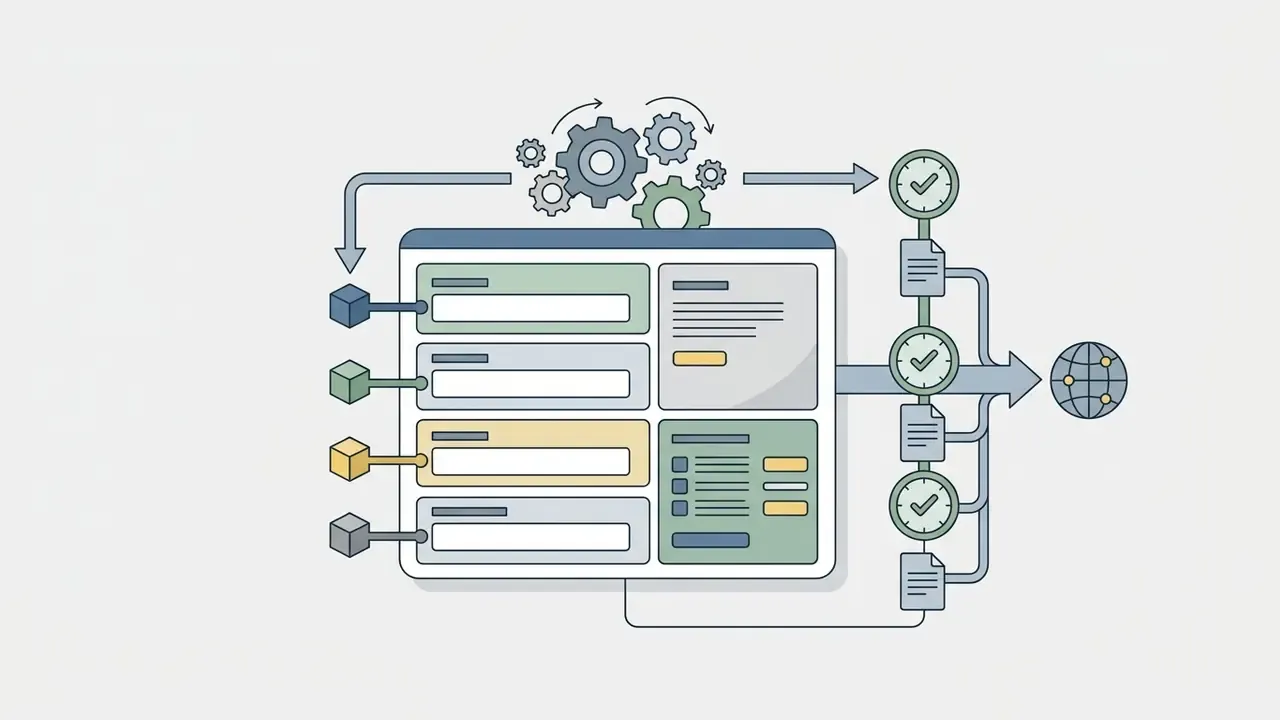
Injecting real content means rewriting default headlines, adding detailed service copy, inserting branded images, and embedding interactive contact forms. AI text assistants generate supplementary section copy; Wix documents AI generation of page text and SEO text editable per page and per section, while WebWave's SEO Writer drafts full keyword-targeted blog posts and uploads them to the site.
Media assets deserve the same discipline as copy. Generated or edited visuals must clear rights review, receive descriptive alt text, and be checked for distorted subjects or garbled on-image text before publication. Teams comparing output quality and licensing can start with our roundup of the best AI image generators; those maintaining product photography libraries often standardise on one online photo editor for resizing and export presets.
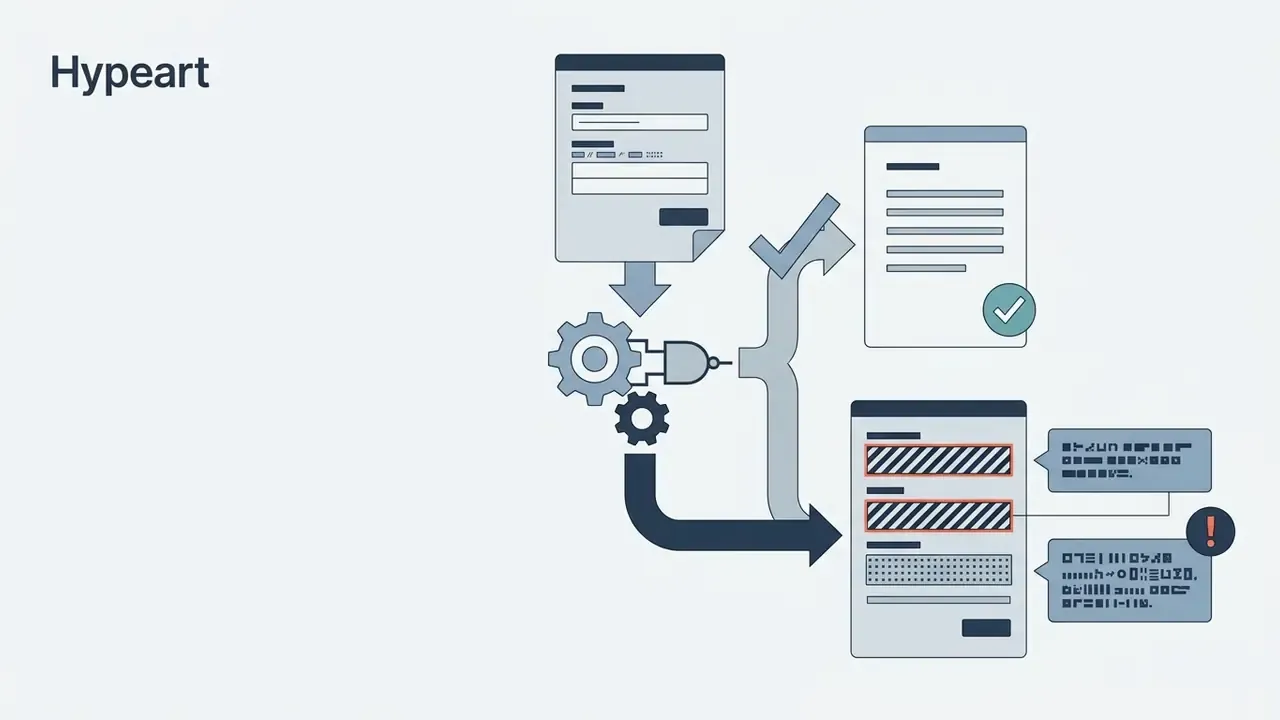
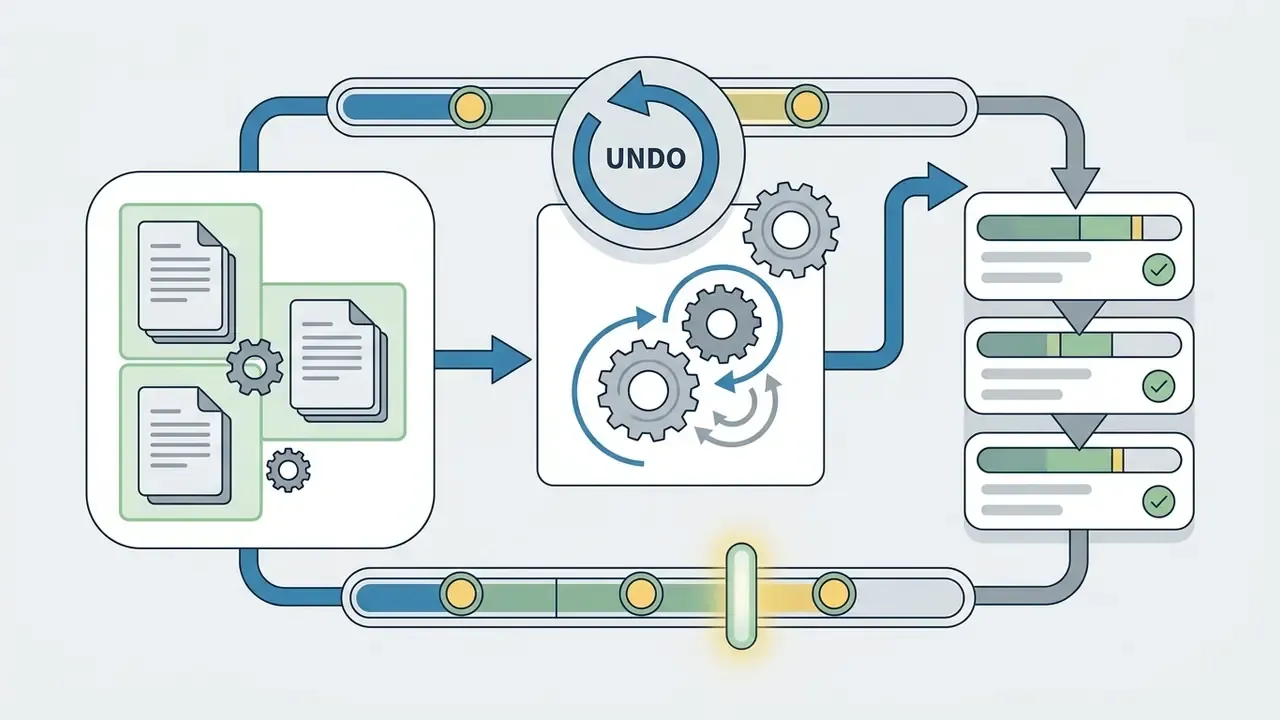
Forms and widgets are where AI drafts fail most often, so treat them as engineering work:

Optimize an AI-Generated Website Before You Publish
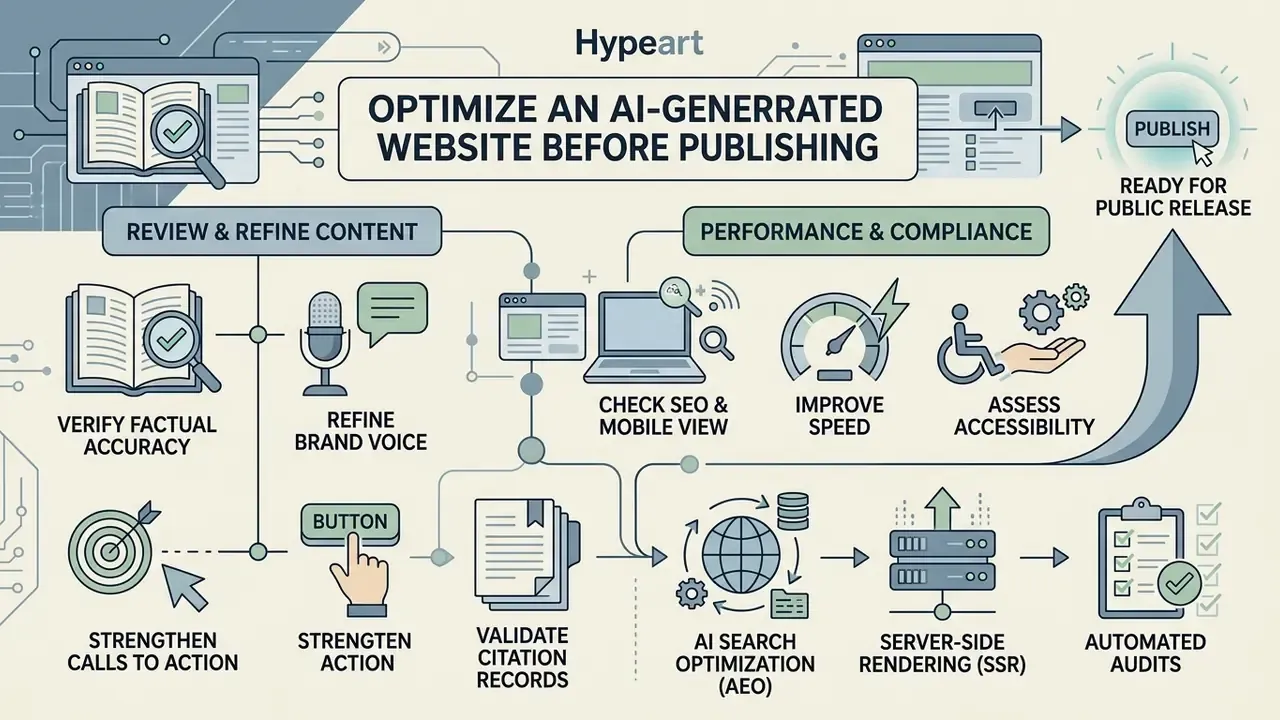
Optimizing an AI-generated website before public release protects search visibility, mobile rendering, load performance, and accessibility. Unedited output needs human review to fix generic phrasing and systemic technical omissions.
Review Content, Brand Voice, and Calls to Action
Auditing generated copy secures factual accuracy, removes repetitive AI patterns, aligns tone with brand guidelines, and sharpens action triggers. Publishing raw automated text risks credibility and ranking authority at once.
- Verify factual accuracy check every statistic, operational claim, and service description against primary documentation.
- Refine brand voice strip generic marketing hype, passive constructions, and mechanical corporate clichés.
- Strengthen calls to action give buttons explicit, task-oriented labels instead of "Learn more."
- Validate citation records confirm that external references link to authoritative research, and that the study actually exists, with a resolvable URL and a real publication date.
The commercial argument for human editing is measurable:
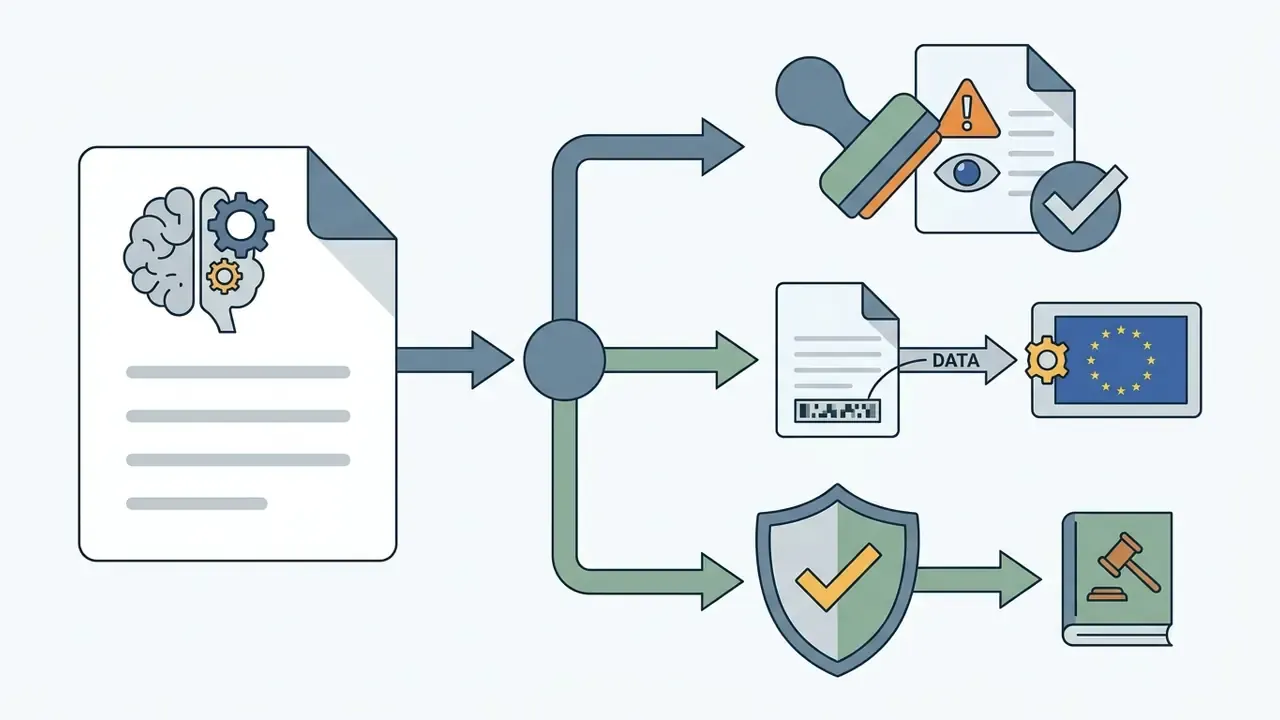
Institutional editorial policies formalise this into an approval control rather than a suggestion. Purdue's brand guidance requires AI-generated text to be revised for brand voice and approved by an accountable human before publication. The Canadian Marketing Association's AI playbook adds a staged protocol: rapid assessment, fact-checking of statistics and claims, source-citation review, then brand-voice confirmation. Idaho's Department of Water Resources goes further, requiring human review of all AI-generated information intended for external use and disclosure where content was substantively AI-modified. EU transparency guidance additionally expects machine-readable marking of AI-generated or manipulated content.
Check SEO, Mobile View, Speed, and Accessibility
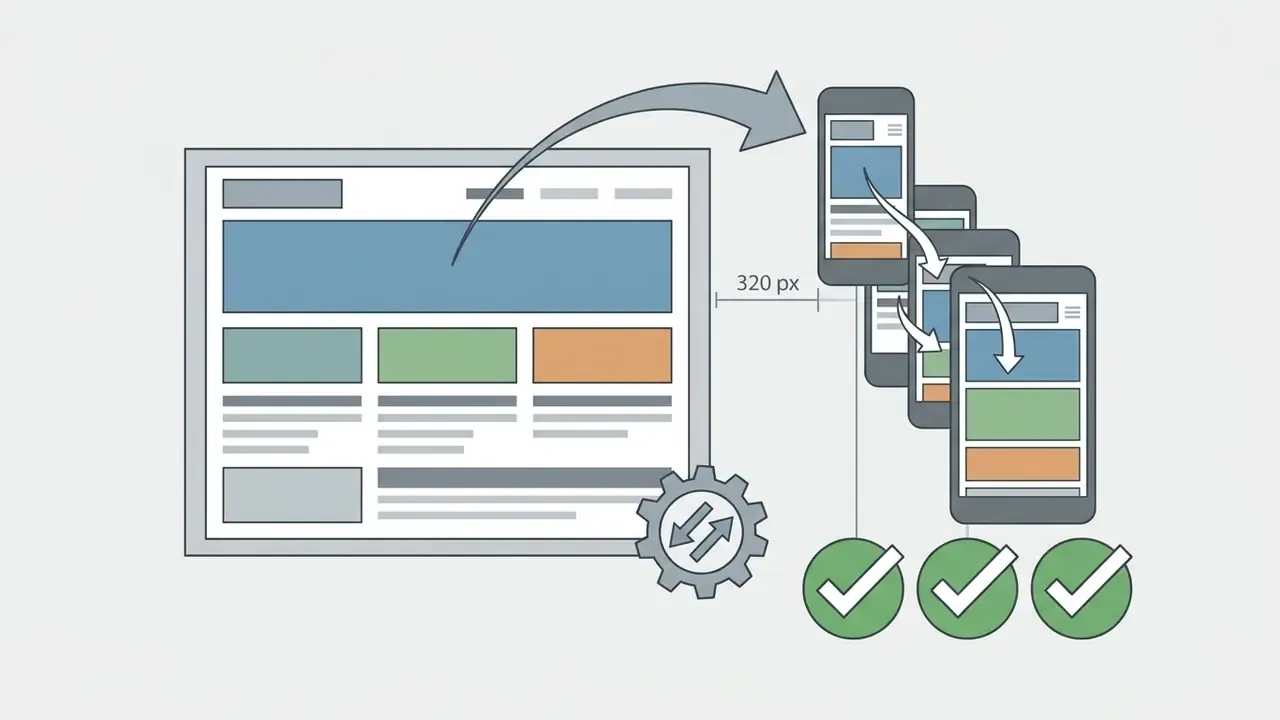
Search optimization requires unique title tags, meta description fields, descriptive image alt text, and a logical heading hierarchy from H1 to H4. Mobile testing verifies that layouts scale cleanly onto smartphones without horizontal overflow or overlapping text; Google's documentation notes that the viewport meta tag tells browsers how to render pages on mobile devices and signals mobile-friendliness.
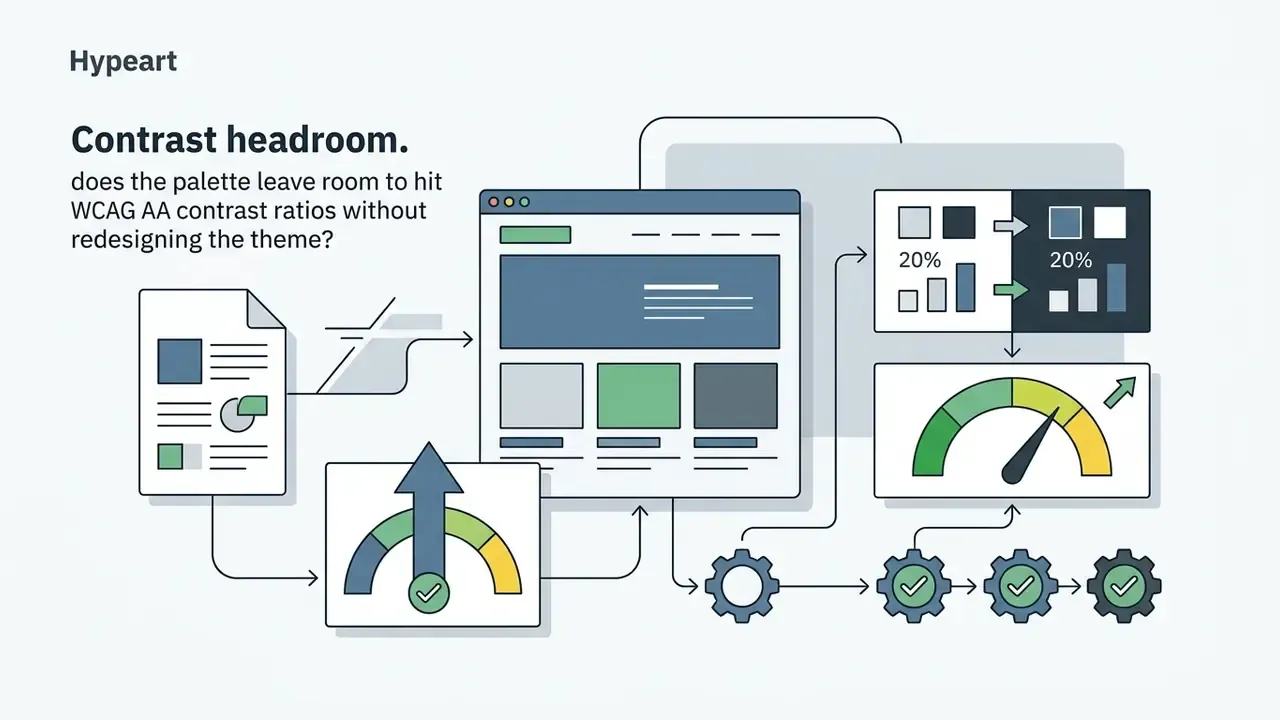
Accessibility audits confirm that colour contrast ratios pass WCAG AA thresholds and that keyboard navigation works across interactive menus. W3C published dedicated guidance on applying WCAG 2.2 to mobile applications in 2025, mapping A and AA criteria to mobile web and hybrid contexts, and maintains a public list of web accessibility evaluation tools (https://www.w3.org/WAI/test-evaluate/tools/). NIST's VVSG 2.0 usability and accessibility test-strategy handbook (2023) is a useful template for organisations that need a repeatable, documented test protocol.
Encouragingly, the same models that create the defects can help close them when instructed properly:
«GPT-4o resolved 90.91% of manually identified accessibility issues when supplied with structured instructions and page screenshots for visual analysis.»
Comparative analysis still shows a gap against hand-built sites, so remediation must be verified, not assumed:
Teams cross-check external validation metrics in our AI Media Benchmarks and Review Proof resource centre to align internal benchmarks with industry norms.
Optimizing for AI Search Engines (AEO) and Automated Audits
Traditional SEO is no longer sufficient. Answer engines such as Perplexity, ChatGPT Search, and Google's AI experiences quote pages they can parse instantly and attribute confidently. Three technical requirements decide whether an AI-built site is quotable:
AEO readiness checklist:
- One unambiguous H1 per page, with question-shaped H2s that match real queries.
- Direct, two-sentence answers immediately under each heading, before the supporting detail.
- Original data, named authors, publication and update dates, and resolvable outbound citations.
- A clean sitemap submitted to Search Console, plus a crawlable
robots.txtthat does not block AI user agents you want quoting you. - Stable URLs and canonical tags, so citations you earn do not break at the next redesign.
- Server-side rendering (SSR)ensure the builder emits HTML on the server, so search bots and AI crawlers read full content without executing client-side JavaScript. GoDaddy Airo, for example, states that it produces server-side rendered sites that bots can crawl easily; you can also prompt it to run an SEO and AEO check and report the issues it finds.
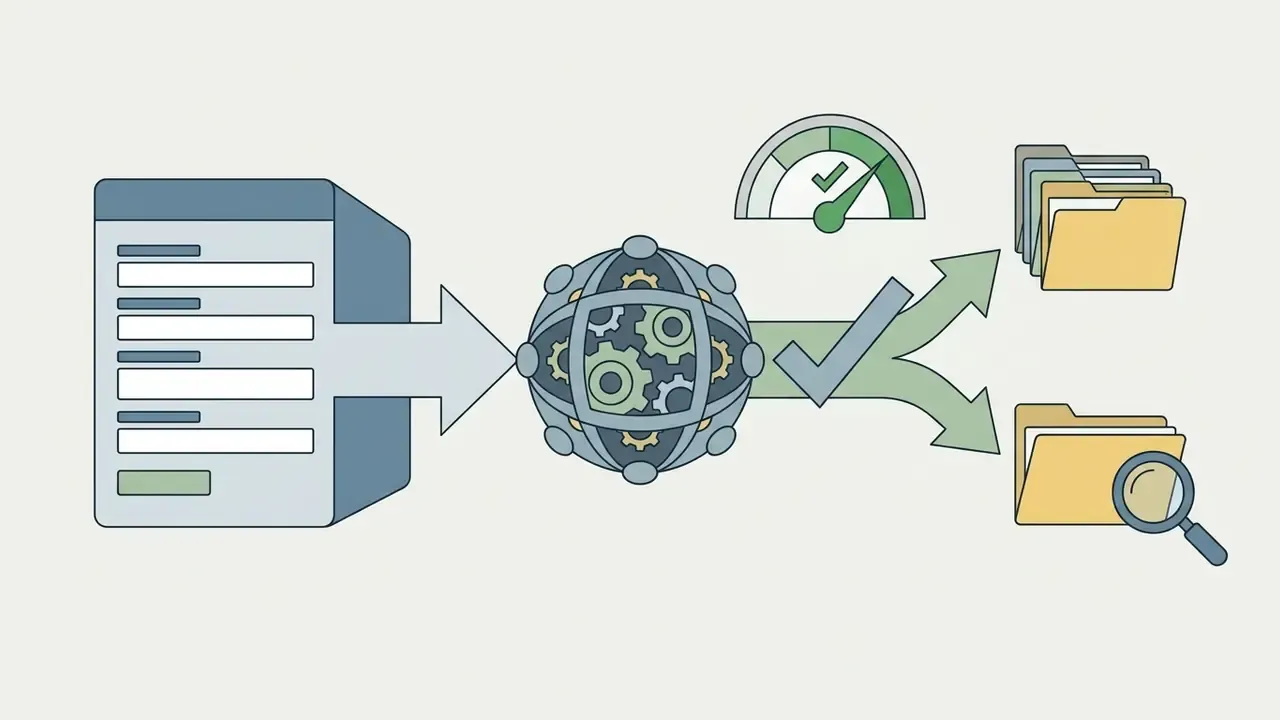
- Built-in technical auditsrun an automated crawl to catch duplicate
titletags, missing or multipleh1elements, absent meta descriptions, empty Open Graph tags, thin content, and broken internal links. CodeDesign.ai crawls the connected domain, returns a single SEO health score, prioritises errors, warnings, and notices, then lets you re-crawl to track fixes over time. That removes the need for a separate crawler subscription. - Structured schema datainject
Organization,LocalBusiness,FAQPage,Article, andProductJSON-LD during draft generation, and validate it after every content change. Schema is how an answer engine knows which entity your page describes.
Connect a Domain, Hosting, and Publish Your AI Website
Moving a finished project to live production means binding a custom domain, configuring DNS records, verifying HTTPS, and triggering hosting deployment. Secure network architecture protects both domain reputation and user data privacy.
Choose a Domain Name and Set Up Secure Hosting
A professional domain name should reflect the business title, stay easy to type, and use a standard extension (.com, .org, .net), although registrars now offer 400+ options, including .ai, .store, and .app. Reliable hosting platforms enforce SSL certificates, automated backups, and distributed content delivery networks.
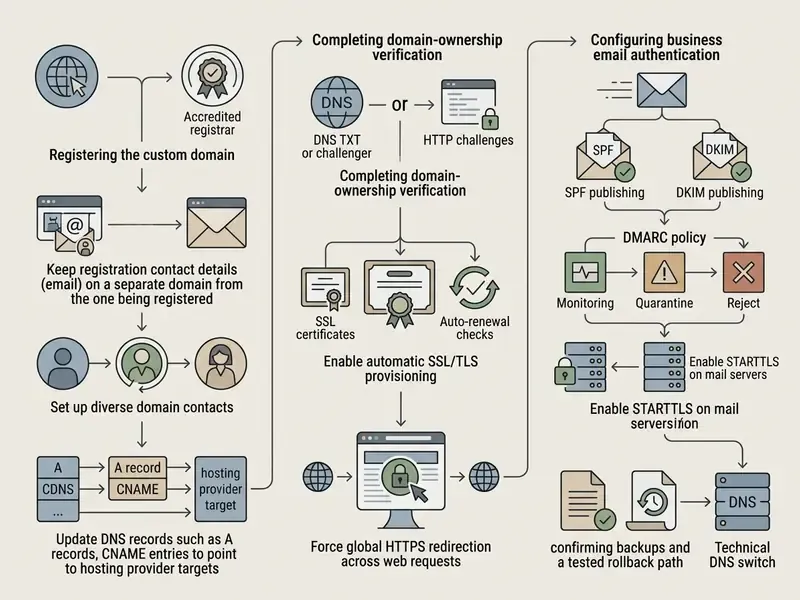
TLS configuration should follow recognised baselines rather than defaults. NIST SP 800-52 Rev. 2 defines TLS requirements and server-certificate handling for web transactions, and NIST SP 1800-16 documents managed certificate issuance, installation, and renewal workflows. Hosted platforms usually automate the ACME challenge; Firebase Hosting, for example, requires domain addition and DNS verification records, then completes SSL provisioning before serving the site over HTTPS.
Setting Up Privacy-First Analytics (GDPR-Aware)
Avoid heavy third-party tracking scripts if you want maximum page speed and simpler privacy compliance. Modern AI platforms increasingly ship server-side, privacy-first analytics out of the box: unique visitors, page views, bounce rate, visit duration, top pages, live "online now" counts, and traffic sources, with 24-hour, 7-day, 28-day, and 3-month comparisons, all without installing a tracking tag.
Practical rules:
- Prefer first-party, server-side measurement over client-side tags wherever the metrics you need are covered.
- If you must use cookie-based analytics, deploy a consent mechanism before tags fire, and document the lawful basis for processing.
- Keep data minimal: avoid IP-level or cross-site identifiers you cannot justify.
- Verify the tag anyway: federal digital-service requirements treat analytics as part of launch readiness, so confirm a test visit registers on the live URL.
- Document retention periods and who inside the organisation can access the dashboard.
Privacy configuration is a legal question as much as a technical one. Confirm your setup against the regulations applicable in your markets.
Complete a Pre-Launch Check and Go Live
A structured pre-launch audit prevents the embarrassing class of errors: a dead contact form, a staging noindex left in place, analytics that never fires. Published launch guidance converges on the same sequence. Final content audit, then link, form, and checkout tests, then the redirect map, remove staging noindex, confirm HTTPS and DNS, validate analytics, deploy, smoke-test the live environment, purge cache, monitor, with a rollback ready.
"One-click publishing" is simply that single production deploy action after every check below has passed.
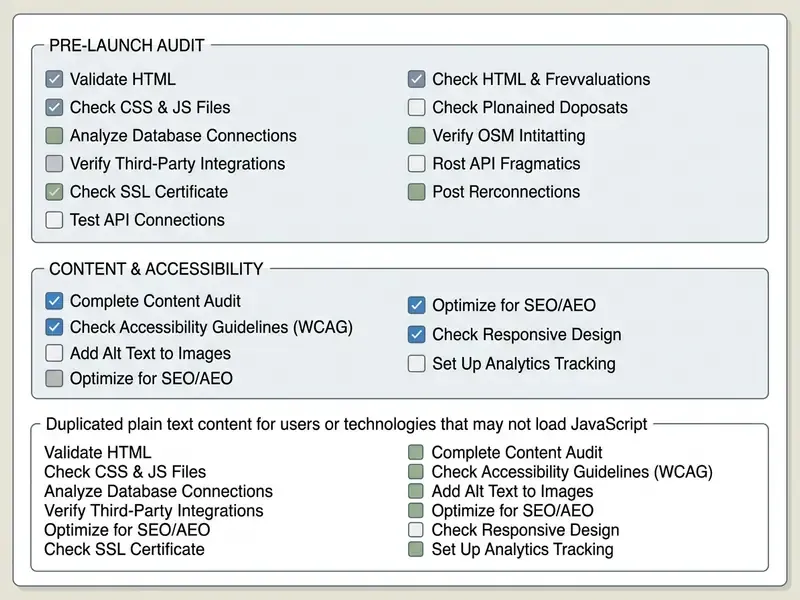
Checklist0 / 21
Best Practices and Common Mistakes When Using AI for Website Creation
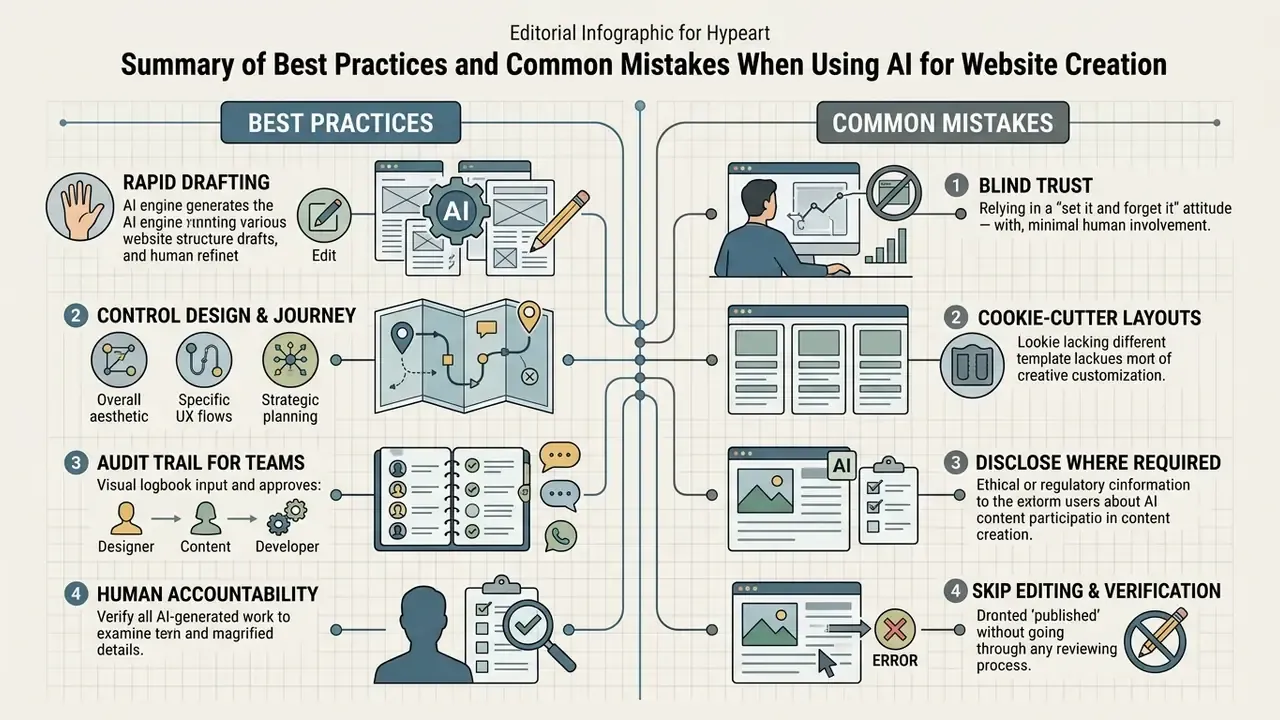
Successful deployments treat automated builders as rapid drafting tools rather than autonomous software engineers. Avoiding the common traps takes strict human oversight across design quality, search settings, and funnel routing. Guidance from NIST and several US state agencies converges on three recurring failure points: unverified AI text, vague prompts, and generic output. The counters are mandatory human review, explicit context and constraints, and deliberate output-format control.
Do Not Publish AI Content Without Editing and Verification
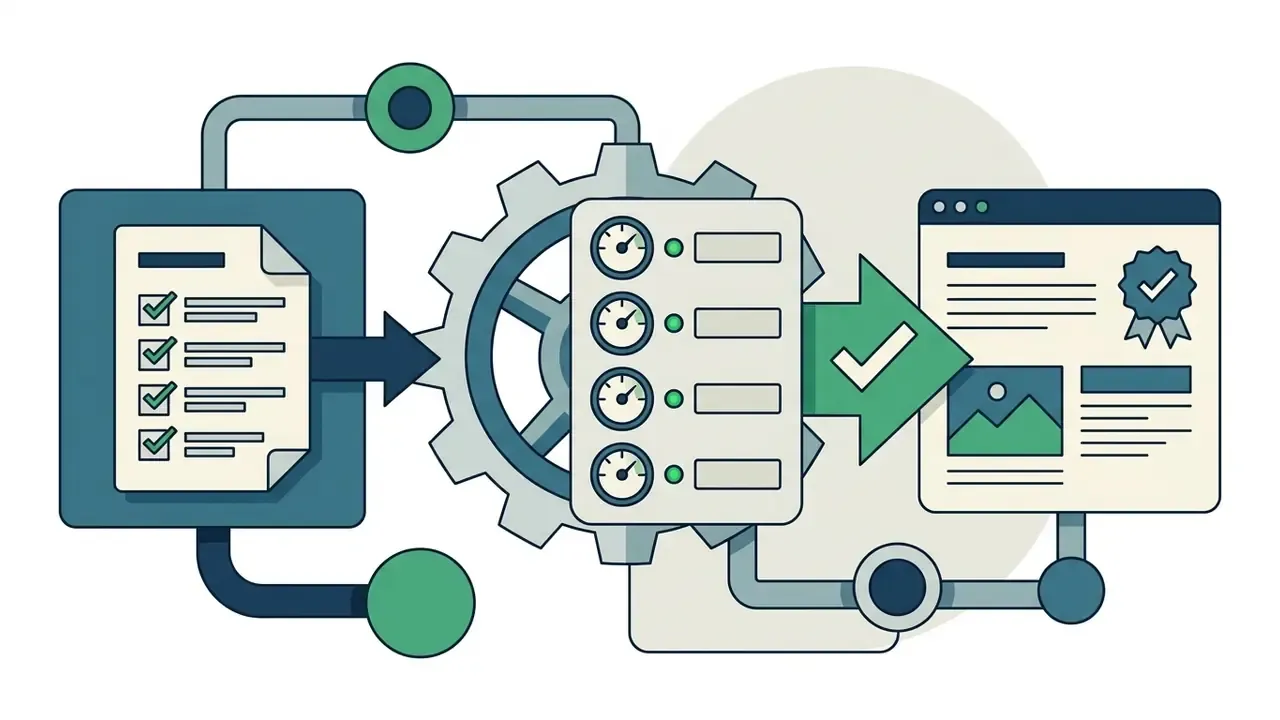
Publishing unedited AI-generated content invites factual errors, bland templates, weak engagement, and accessibility non-conformity. Editorial oversight is what keeps published material accurate, authoritative, and distinctive.
Hallucination is the headline risk. Models produce plausible but false claims, and publication converts a model error into visible reputational damage. Google's own position separates tool from tactic: AI assistance is permitted where content is accurate, useful, and not produced primarily to manipulate rankings, while scaled low-quality automated pages fall under spam policies. Washington State's AI guidelines require all AI-generated content to be reviewed, fact-checked, and verified as neither inaccurate nor outdated.
Accessibility is the second, quieter risk. As the DiVA Portal study cited earlier documents, generative tools do not produce accessible code by default even when explicitly asked to follow best practices. Pages arrive without semantic HTML and resist keyboard and screen-reader navigation.


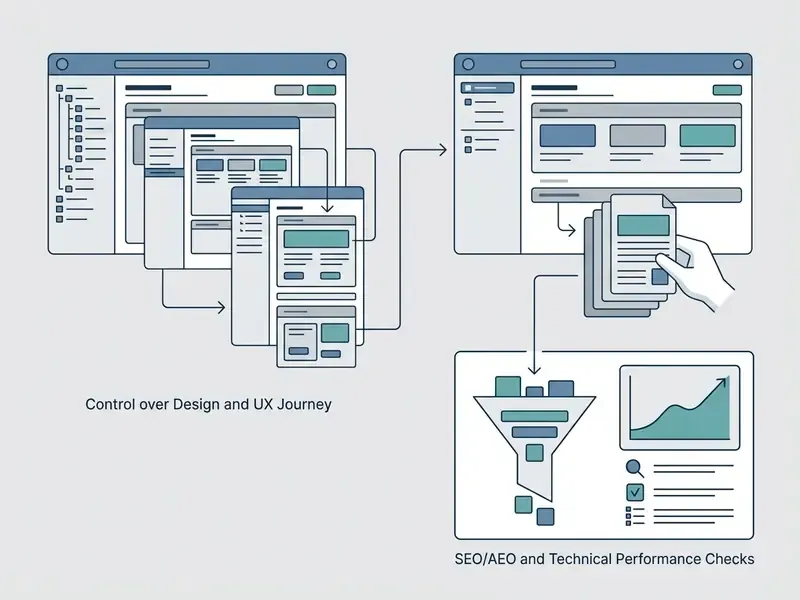
Keep Control Over Design, SEO, and the Customer Journey
Manual governance over navigation routing, conversion funnels, and search settings protects user experience quality. AI algorithms generate broad structural models, but human site architects refine the interactive paths that actually convert. Journey quality depends on understanding user goals, stages, and pain points, which a generated draft cannot infer. Distinctive visual identity is part of that control, which is why brand teams often generate bespoke section art with AI art generators rather than shipping default template stock.
Approval Gates and Audit Trail for Teams
Individual founders can ship on judgement. Organisations cannot. If your site is maintained by a team, or reviewed by risk, legal, or compliance functions, build these controls into the workflow before the first prompt:
- Defined roleswho prompts, who edits, who verifies facts, who signs off accessibility, who approves publication.
- Approval gatesno page reaches production without a recorded content-accuracy check and an accessibility check.
- Escalation patha named owner for regulated claims (pricing, medical, financial, legal) and a documented route for disputed content.
- Versioning and audit trailkeep the prompt, the generated draft, the edited version, the reviewer, and the timestamp. NIST's own practice illustrates the pattern: public drafts, comment integration on a fixed cycle, and formal withdrawal or supersession notices when a document is replaced.
- Post-publication change managementtreat live content as versioned, not static. Update logs and review cycles matter as much for a marketing site as for documentation.
- Independent security validationschedule penetration testing and a privacy review for any site collecting personal data. Automated generation is not a compliance attestation.
FAQ About Creating a Website with AI
Can I Edit an AI Website After It Has Been Published?
Yes. You can edit an AI-generated website at any time after publication using the platform's drag-and-drop editor, code view, or AI assistant. Changing page copy, adding sections, updating SEO meta tags, and publishing new blog posts happens without disrupting live traffic. Treat each change as a small release: edit, preview, verify accessibility and links, then publish, and keep a version record so you can roll back.
Do I Own the Website, and Can I Move It Off the Platform?
Ownership of content and the ability to relocate the build are two separate questions. Read the terms of service for content and design ownership, then check the export path on its own. Fully managed platforms such as Wix and Hostinger do not offer source-code export, so migration means rebuilding. Export-oriented builders let you download clean HTML and React components, or publish directly to WordPress, which means you can host on your own server later. If independent auditability or long-term portability matters, make code export a hard requirement rather than a nice-to-have.
Can I Create a Website Using AI for Free Without a Credit Card?
Many AI website builders offer free starting plans or trial flows with no credit card required. Wix's AI builder and HostGator's 3-day trial both advertise no-card starts, and WebWave offers a 14-day trial. Custom domain connection, ad and badge removal, and business hosting features still require a paid tier, and free plans typically publish under a vendor subdomain.
Can an AI Create a Fully Functional Online Store?
An AI builder can generate complete product catalogs, cart layouts, and booking interfaces. Store operators must configure payment gateways, tax rules, shipping parameters, and returns policies manually, then test a live transaction end to end. Expect the heaviest manual work in checkout logic, because interactive behaviour is exactly where generated code is weakest.
Do Search Engines Penalize AI-Generated Websites?
Search engines evaluate helpfulness, accuracy, and relevance rather than creation method. Unedited, low-quality automated spam is penalized under spam policies, while well-edited, informative AI-assisted content performs strongly. Ahrefs' 600,000-page analysis found essentially no correlation (0.011) between AI content share and position.
«87% of SEO teams keep humans directly involved in content production and editing, and 72% say AI-assisted content performs no worse than human-only content.» - Semrush, Does AI Content Rank Well in Search? (2024/2025). https://www.semrush.com/blog/does-ai-content-rank-in-search-data-study/
How Do I Make My AI-Built Site Visible to AI Answer Engines?
Prioritise server-side rendering so crawlers read content without executing JavaScript. Keep one clear H1 with question-shaped subheadings, answer each question directly in the first two sentences, publish Organization, FAQPage, and Product JSON-LD, and cite resolvable sources with dates. Then run an automated crawl to eliminate duplicate titles, missing headings, and empty Open Graph tags before you go asking for citations.
Are AI-Built Websites Fully Accessible by Default?
No. Standard AI-generated interfaces frequently miss key WCAG 2.2 parameters, including contrast requirements and form input labels.
«AI-generated sites contained more WCAG 2.1 errors and weaker semantic structure than manually designed sites.» - A usability and accessibility analysis of human-designed and AI-generated scientific journal websites, Astrj. https://www.astrj.com/pdf-210532-133533?filename=133533.pdf
Manual auditing and targeted technical fixes are required before launch. Structured remediation prompts plus screenshots substantially improve fix rates, and one 2025 study reported 90.91% of manually identified issues resolved. Still, re-test every fix with an evaluation tool and with keyboard navigation.
Can I Collect Analytics Without Breaching User Privacy?
Yes. Server-side, first-party analytics built into modern platforms report visitors, page views, bounce rate, dwell time, top pages, and traffic sources without an external tracking script or cookies. If you keep cookie-based tools, gate them behind consent, minimise collected identifiers, and document retention. Regulatory requirements vary by jurisdiction, so confirm your configuration with a qualified adviser.
How Long Does It Take to Build a Site with AI?
First-draft generation usually takes 40 seconds to about three minutes, depending on page count and complexity. Realistic time to launch is longer. Budget hours for content verification, brand alignment, form testing, accessibility remediation, domain and SSL configuration, and pre-launch smoke tests. The generation step is fast; the governance step is what protects you after publication.
Is a Site Created with AI Mobile-Friendly?
Generated sites are usually responsive by default, and several builders provide a separate mobile-view editor plus a preview toggle. Verify on a real device anyway: readable text sizes, usable tap targets, no horizontal overflow at 320 px, and correct behaviour of sticky headers and menus. Re-test after adding large images or embeds, which frequently change load behaviour.
Appendix: Related Media Workflow Tutorials
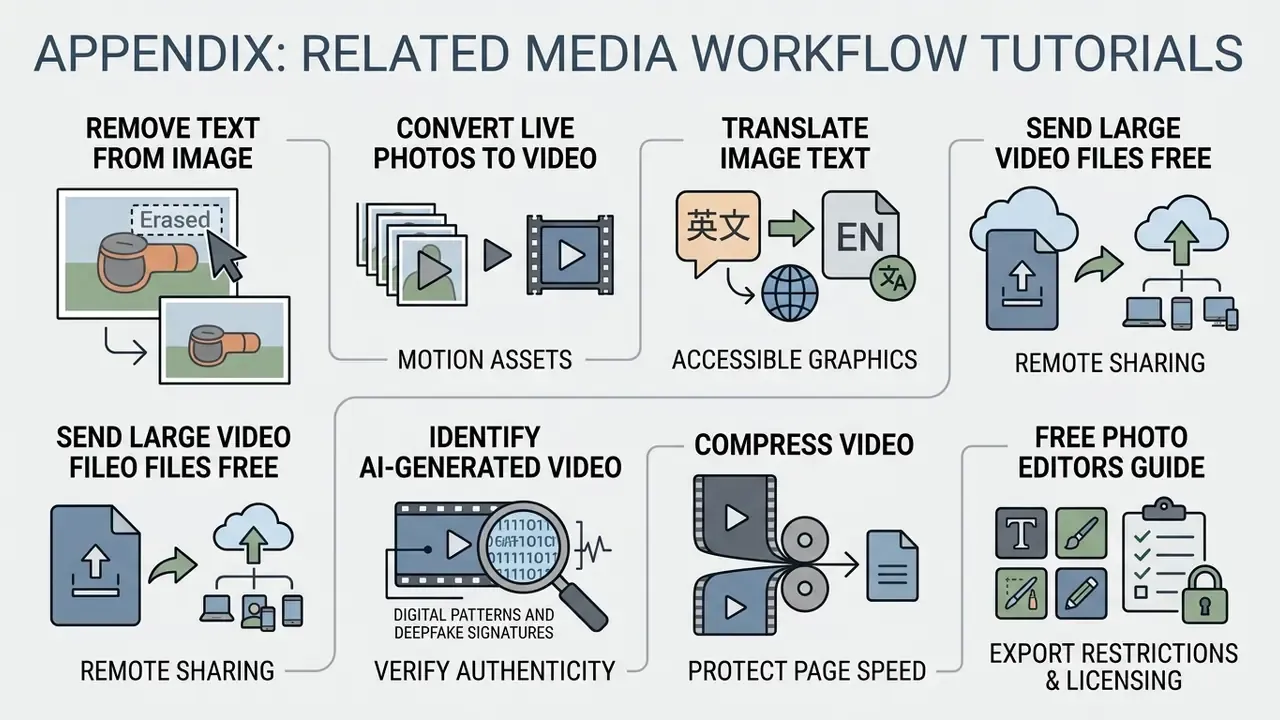
These guides sit outside the website-build workflow, but they help when preparing media assets for web pages. They are grouped here deliberately, so the main build guide stays focused.
- How to remove text from image online for cleaning up graphics without re-rendering a full design.
- How to save a Live Photo as a video and how to turn a Live Photo into a video for preparing motion assets for hero banners with consistent browser playback.
- How to translate image text into English to make non-English graphical elements accessible for international markets.
- How to send large video files online free for sharing heavy production assets across remote teams.
- How to tell if a video is AI generated to verify authenticity and label user-submitted or third-party media correctly.
- Guide to video compressors to reduce file size before embedding video, protecting page speed.
- Guide to free photo editors to understand export restrictions and licensing limits before using free tools on commercial pages.
Disclaimer
This article is informational and does not constitute legal, accessibility-compliance, security, or financial advice. Accessibility conformance (WCAG 2.2, EN 301 549), privacy obligations (GDPR, CCPA), and security posture, including OWASP Top 10 exposure, depend on your specific implementation, data flows, and jurisdiction. Automated code generation does not guarantee conformance with any standard; independent audit, penetration testing, and professional legal review are required before publishing sites that collect personal data or make regulated claims. Vendor pricing, free-plan terms, export capabilities, and data-processing commitments change frequently, so verify current terms on the vendor's own documentation before purchase.
Footer / Navigation