Evaluating generative AI audio tools means looking past the viral demo and straight at the evidence chain: model licensing, audio fidelity, credit quotas and commercial usage rights. Without a verifiable audit trail and clear legal ownership, automated song creation quietly becomes an operational risk rather than a creative shortcut. That risk is small for a hobby playlist. It is not small for a regulated brand publishing paid media.
Executive Summary
- No free tier is a production suite. Free plans across Suno, AIVA, ElevenLabs Music, Beatoven.ai and Mubert work as evaluation sandboxes: 10–50 daily credits, 30–90 second render caps on some engines, 128–192 kbps exports and personal, non-commercial licenses only.
- "Royalty-free" is a marketing label, not a legal status. Competing vendors advertise "100% royalty free with full commercial rights" on free accounts, while Suno's own help documentation states that Basic (free) songs are owned by Suno and licensed for non-commercial use only.
- Commercial License Certificates do not equal copyright. Downloadable certificates issued by platforms are vendor-to-user contracts. They do not create U.S. copyright ownership and do not shield you from third-party infringement claims.
- Audio quality is measurable. Benchmark research (SongEval, SongBench, HeartMuLa, AImoclips) places commercial engines ahead of open-source models on mean opinion score (MOS), yet objective metrics such as FAD and CLAP correlate weakly with human perception.
- Feature gaps decide tool choice, not branding. Prioritise multi-modal input (text prompts, lyrics, reference audio, images), section-level in-painting, stem splitting up to 12 channels, Audio-to-MIDI export and custom voice model training.
- Publish only after a license audit. Verify export permissions, monetization scope, attribution mandates, human authorship documentation and training-data indemnification before any commercial release.
Terms Used in This Guide
A quick vocabulary check, because half the confusion around the best free AI music generator category comes from loose wording on pricing pages.
- Credit the billing unit consumed per generation attempt, not per finished song. Two variations from one prompt usually cost two credits.
- Render cap the maximum single-pass track duration. Free tiers often stop at 30–90 seconds, so "full length" claims deserve a second look.
- Stem an isolated channel (vocals, drums, bass, keys) exported separately from the mix, which is what makes a generated track editable.
- Royalty-free a licensing model where you pay once (or nothing) and owe no recurring performance royalties to the vendor. It says nothing about copyright ownership.
- Copyright-free a marketing phrase, not a legal category. Treat it as unverified until you read the terms.
- In-painting regenerating one selected window of audio while the surrounding bars stay untouched.
- Content ID YouTube's automated matching system that applies the rights holder's policy to uploaded audio.
Keep these five definitions handy. They resolve most licensing arguments before they start.
How to Choose the Best Free AI Music Generator
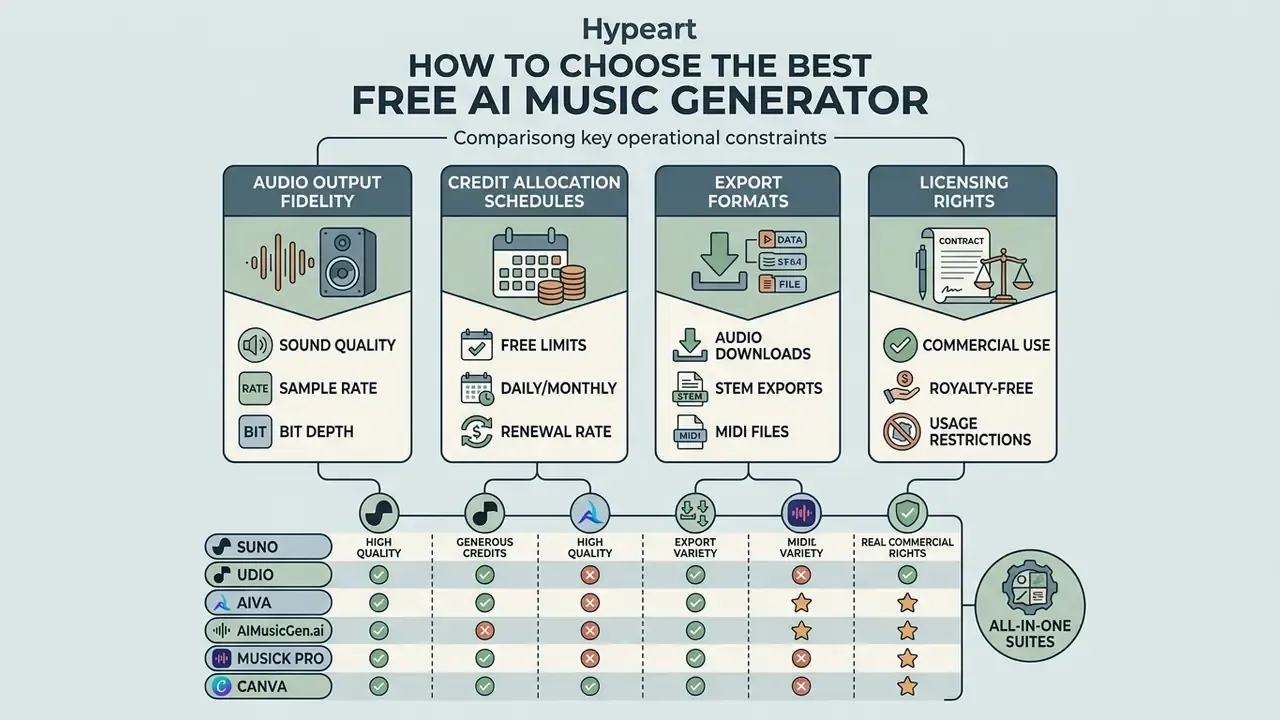
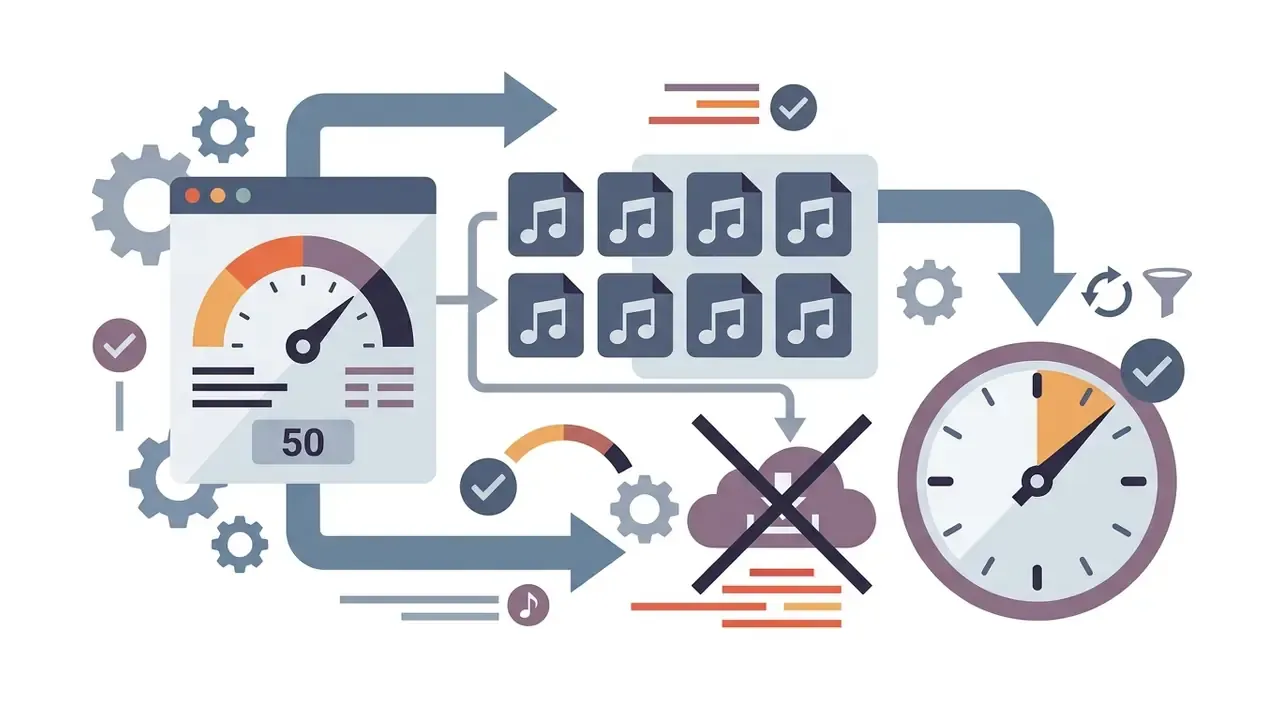
Choosing the best free AI music generator comes down to four operational constraints: audio output fidelity, credit allocation schedules, export formats and licensing rights. Creators and organisations have to balance model capability against restrictive caps, or they end up with an asset they cannot legally ship.
When selecting an AI music maker, decision-makers should look past the promotional headline. Free tiers generally operate as limited evaluation sandboxes rather than complete production suites. That pattern is visible across published vendor pricing pages rather than in independent research, so treat it as documented commercial practice, not a measured finding. Evaluating every candidate against the same performance criteria keeps the shortlist honest.
Because the field lacks a shared scoring standard, buyers have to impose their own acceptance criteria: identical prompts, identical render lengths and identical export settings across every platform tested. Anything looser is taste, not evaluation.
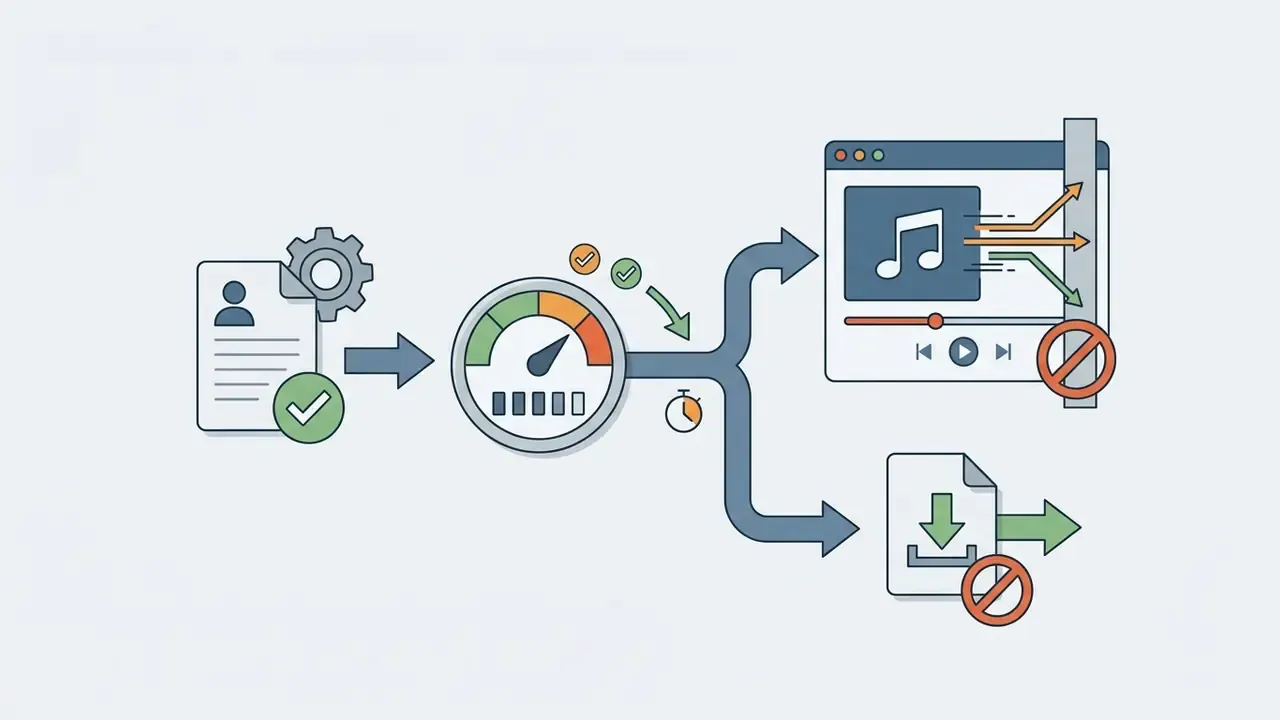
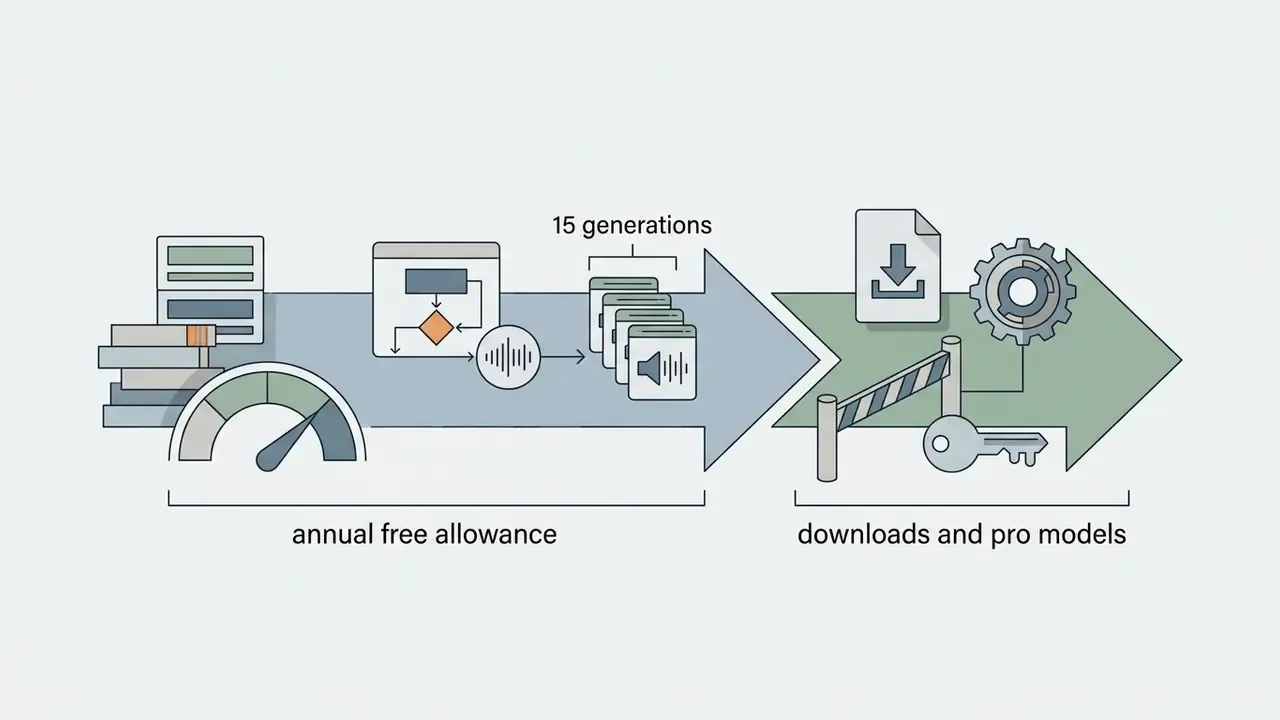
Free generation limits, downloads, and account requirements
In almost every case, activating a free tier requires a verified user account. Unverified guest access is rare, mostly because of rate-limiting and abuse prevention. Lists still circulating under titles like "best free ai song generator 2024" tend to quote quotas that no longer exist, so check the live pricing page rather than a two-year-old roundup.
Audio quality, song length, and customization controls
Audio quality in free AI music tools is defined by bitrate limits, vocal-instrumental separation, structural coherence and track duration. Commercial models generate full length tracks up to 10 minutes at 320 kbps. Free tiers frequently cap rendering at 30 to 90 seconds and export bitrates at 128 or 192 kbps.
Technical parameters exposed across leading AI audio engines show clear boundaries:
- Bitrate and format Mubert API documentation lists configurable bitrates of 32, 96, 128, 192, 256 and 320 kbps (Mubert API Docs). ElevenLabs Music exports MP3 files up to 192 kbps (Eleven Music API), while MiniMax Music API supports bitrates up to 256 kbps (MiniMax API Docs).
- Track duration the ElevenLabs Music API supports configurable duration (
music_length_ms) from 3 seconds up to 10 minutes (600,000 ms). MiniMax Music supports single-pass generation up to 6 minutes, with lyric inputs up to 3,500 characters (Cloudflare AI model docs). - Audio sampling high-fidelity foundation models such as Google Lyria 3.5 deliver 44.1 kHz stereo audio directly from text or image inputs via API (Google AI for Developers).
- Archival masters for preservation-grade delivery, IASA guidance specifies uncompressed linear PCM WAV at 48 kHz and 24-bit depth, a spec no free tier currently exports.
Empirical evaluation from the SongEval benchmark dataset, which comprises 2,399 full-length songs annotated across coherence, vocal naturalness, structure and musicality, shows that commercial text-to-song models currently achieve higher mean opinion scores than open-source alternatives.
Read together, these benchmarks support one narrow conclusion. Commercial engines lead on perceived polish, and no current metric reliably predicts whether a specific track will satisfy a specific brief. Which is, frankly, the whole problem with scorecards.
E-E-A-T: Editorial Testing Methodology
- License audit: fact-checking terms of service for export rights, commercial use permissions, attribution requirements and copyright ownership.
Validation audit log template
Risk and content-operations teams need a repeatable record, not scattered listening notes. The structure below turns the testing matrix into an auditable artefact that survives a model update.
| Field | Example Entry | Purpose |
|---|---|---|
| Test ID / Date | AUD-2026-014 / 2026-09-12 | Version control across model updates |
| Platform & Model Version | Suno v4.5 / ElevenLabs Music | Model drift tracking |
| Prompt String (verbatim) | "Cinematic orchestral, melancholic, grand piano + strings, 90 BPM" | Reproducibility |
| Render Length / Format | 02:30 / MP3 192 kbps | Export integrity check |
| Latency (prompt → file) | 41 seconds | Throughput planning |
| Fidelity Score (1–5) | Vocals 4 / Mix 4 / Structure 3 | Acceptance threshold |
| Artifact Notes | Pitch smear on final chorus | Re-generation trigger |
| License Tier at Generation | Free (non-commercial) | Retroactive-rights risk |
| Human Authorship Evidence | Lyrics authored in-house; 3 prompt revisions; manual stem edit | Copyright registration support |
| Publish Decision | Blocked, internal review only | Governance sign-off |
One practical tip from running this log: record the license tier at the moment of generation, not at the moment of publishing. That single field prevents the most common mistake in the whole category.
What "Free" Means in AI Music Generators
Free credits, generation caps, and upgrade triggers
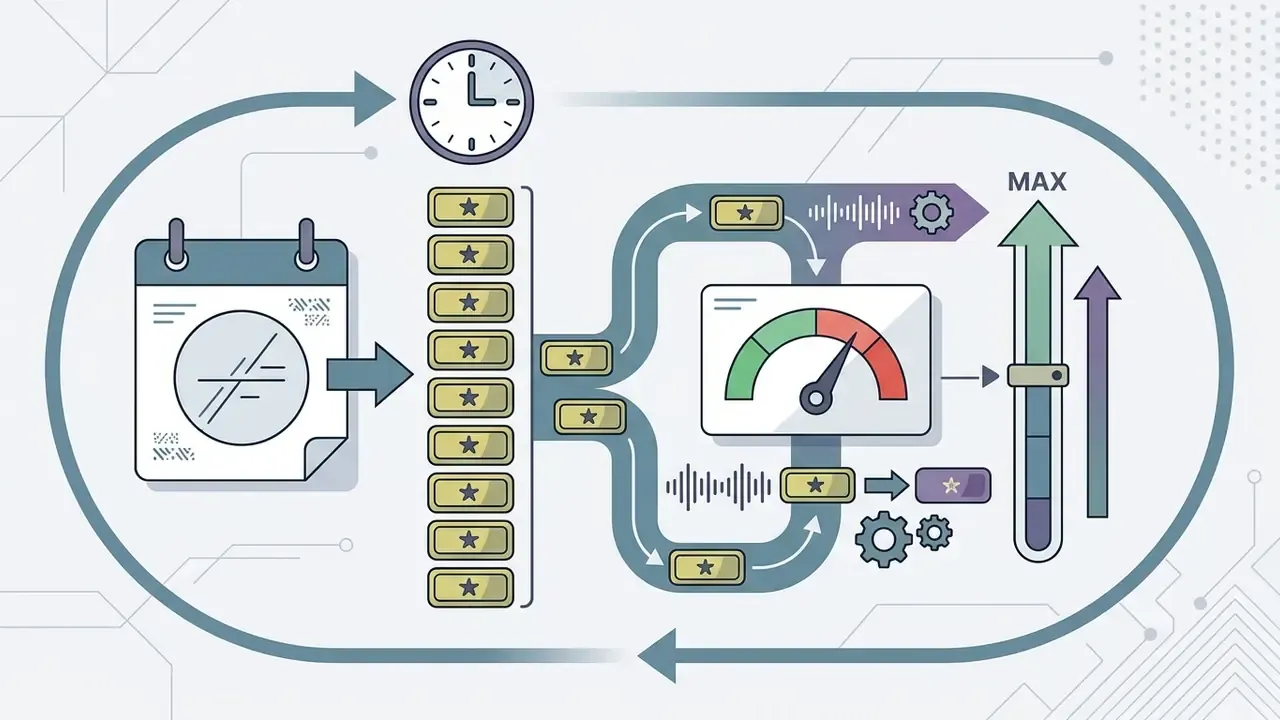
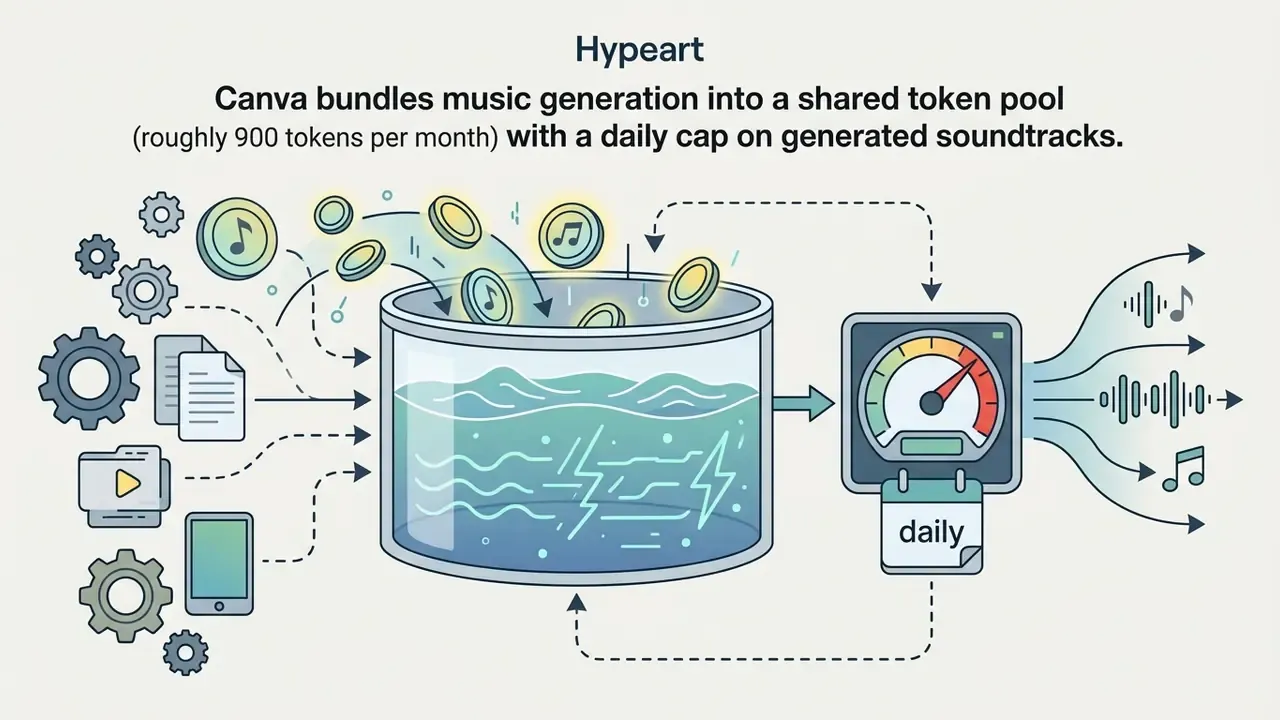
Platform monetization relies on tiered credit caps, restricted feature access and automated paywalls once daily limits are exhausted. Standard free tiers grant between 10 and 50 daily credits, while stem splitting, high-bitrate exports and custom voice cloning sit on paid plans.
Credit rules vary widely across vendor ecosystems:
- Daily refreshes versus monthly caps Google Flow provides non-subscribers with 50 daily credits that refresh 24 hours after the first generation, with unused credits forfeited on upgrade. Udio, by contrast, provides 100 credits per month without daily rollovers.
- Feature gating advanced models usually sit behind paid tiers. OpenAI limits free ChatGPT accounts to 3 image generations per 24-hour rolling period and applies similar throttling to advanced audio models. Adobe Firefly meters a small number of daily generative actions before requiring a subscription.
- Concurrency and storage free accounts on song maker suites are typically limited to a single concurrent generation and 30 days of cloud storage, while paid tiers unlock 10 or unlimited concurrent jobs and 365-day or permanent storage.
- Monetization triggers users get prompted to upgrade when credits hit zero, when requesting lossless WAV or MIDI exports, when uploading their own audio for covers or voice training, or when toggling a commercial license switch.
Indicative upgrade costs
Budget owners need a price anchor before piloting anything. Published 2026 vendor pricing falls into three broad bands.
| Tier Band | Typical Monthly Price (annual billing) | What It Unlocks | Representative Vendors |
|---|---|---|---|
| Entry / Basic | ~$10–$15 | Commercial license on new tracks, MP3 download, ~2,400 credits per year, limited custom uploads | Suno Pro, OpenMusic Starter, AI Song Maker Basic |
| Standard / Popular | ~$20–$30 | WAV + MIDI export, 6,000+ generations per year, 10 concurrent jobs, unlimited downloads, longer uploads | Suno Premier, OpenMusic Hobby, AI Song Maker Standard |
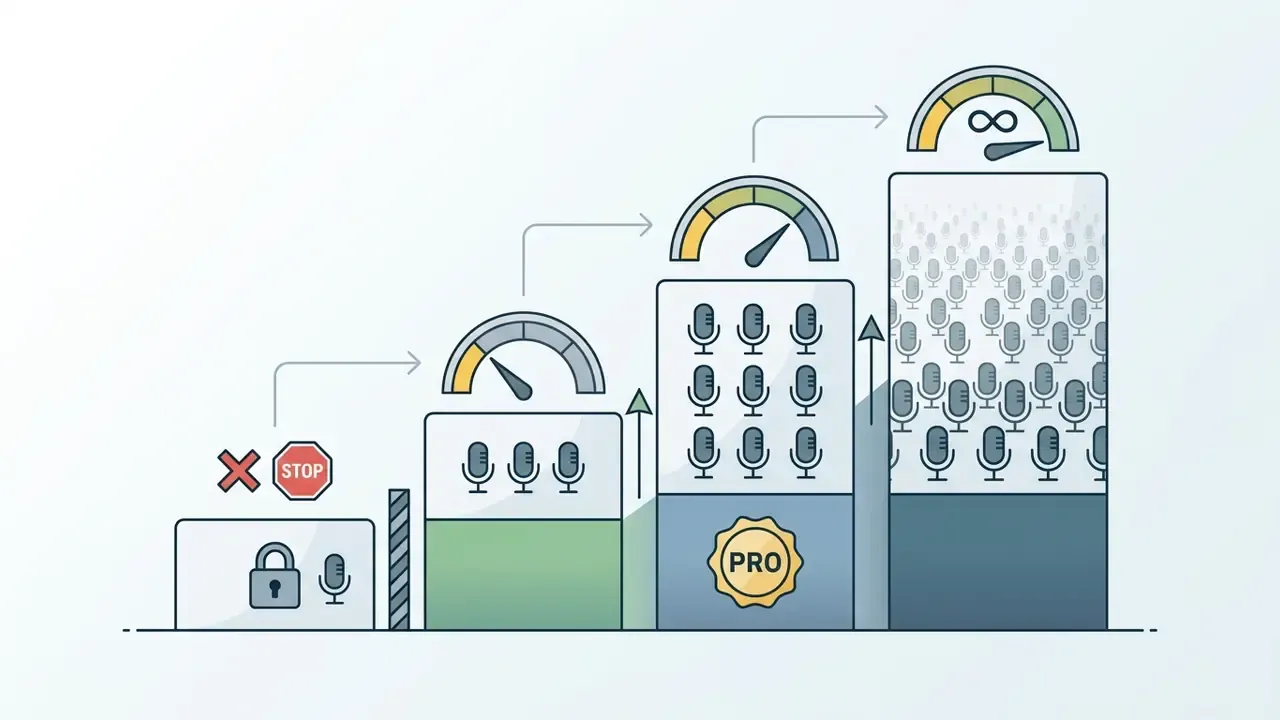
| Pro / Studio | ~$42–$91 | 14,400–20,400 generations per year, unlimited concurrency and storage, unlimited custom voice models | OpenMusic Professional/Studio, AI Song Maker Pro |
Prices move often. Treat the table as a planning range, verify the live vendor page before procurement, and model cost per delivered asset rather than cost per credit. Teams that want to sanity-check that maths can run the numbers through our production calculators.
Free downloads versus commercial license access
Free-tier downloads are almost universally designated for personal, non-commercial evaluation. That excludes monetized social publishing, client work and commercial distribution. Commercial usage rights, royalty free licensing and copyright indemnification belong to paid subscribers or enterprise license holders.
Terms of service enforce these boundaries explicitly:
- Suno terms: public help documentation confirms that songs created under the Basic (free) plan are owned by Suno and licensed strictly for non-commercial purposes (Suno Help Center). Commercial rights apply only to tracks generated during an active paid subscription, Pro or Premier.
- Retroactive licensing restrictions: upgrading to a paid plan does not retroactively grant commercial rights to tracks generated earlier on a free account. This catches people constantly.
- Attribution requirements: some services, Udio included, instruct users to credit the platform when publishing generated content, and Mubert's free usage stays attribution-dependent and personal-use only.
- Public domain exceptions: general media libraries such as Unsplash or Pexels grant broad commercial rights on free downloads. AI music platforms do the opposite and hold a firm non-commercial line on free audio files.
Creators comparing transparent pricing models across generative media tools can browse the hub to review cost structures side by side.
Best Free AI Music Generator Tools Compared by Use Case
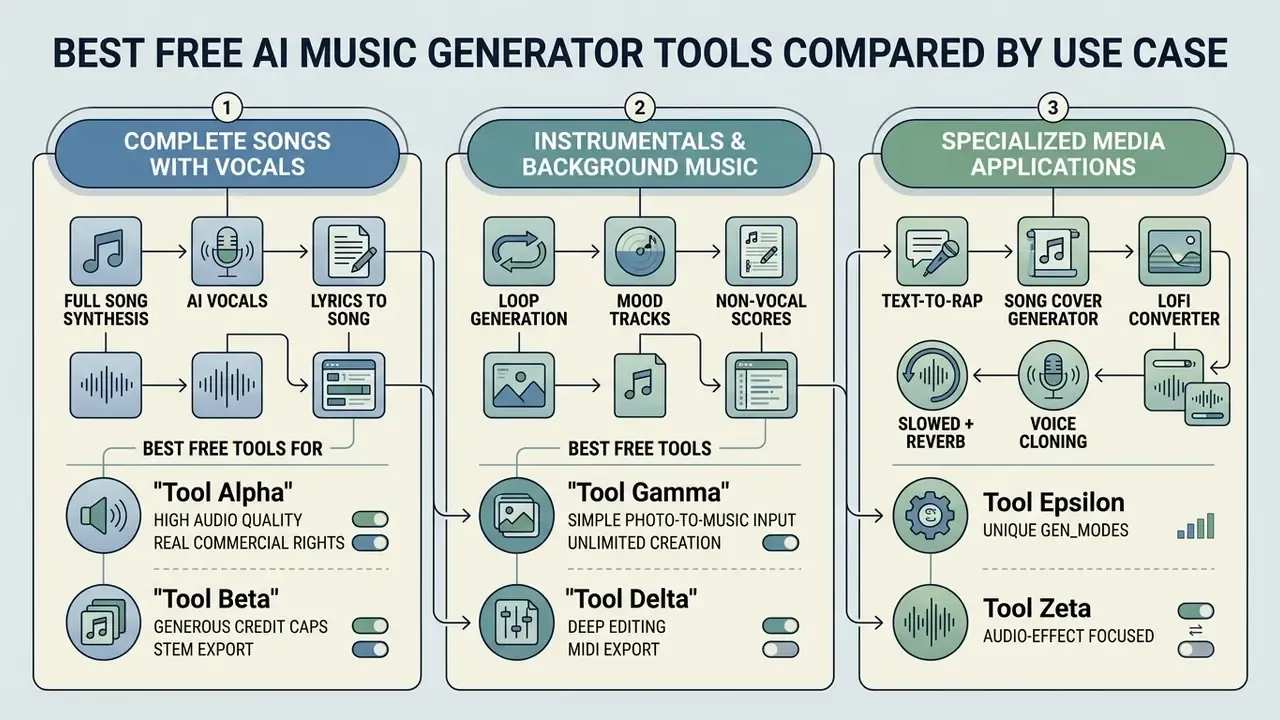
Free AI music creation tools specialise across three operational categories: full song synthesis with AI vocals, instrumental background track creation, and specialised media output such as lyrics, covers and music videos. Matching the platform architecture to the target output saves credits and prevents licensing conflicts.
Organisations evaluating multi-media tooling often assess audio synthesis alongside visual generators to build one unified workflow. Teams reviewing automated audio software frequently check the best ai for image generation, benchmark AI video generators for the same campaign, or explore the best ai avatar tools to pair synthetic audio with animated presenters.
| Tool / Platform | Primary Scenario | Text-to-Music | Lyrics-to-Song | Vocals Included | Instrumental Only Mode | Free Plan Limits | Download Options (Free) | Royalty-Free / Commercial Rights |
|---|---|---|---|---|---|---|---|---|
| Suno | Complete songs with vocals | Yes | Yes | Yes | Yes | 50 credits/day (~10 generations) | Restricted / Personal streaming | No (Personal/Non-commercial only) |
| ElevenLabs Music | High-fidelity song & vocal clips | Yes | Yes | Yes | Yes | Free tier account credits | MP3 download permitted | No (Requires paid tier for commercial use) |
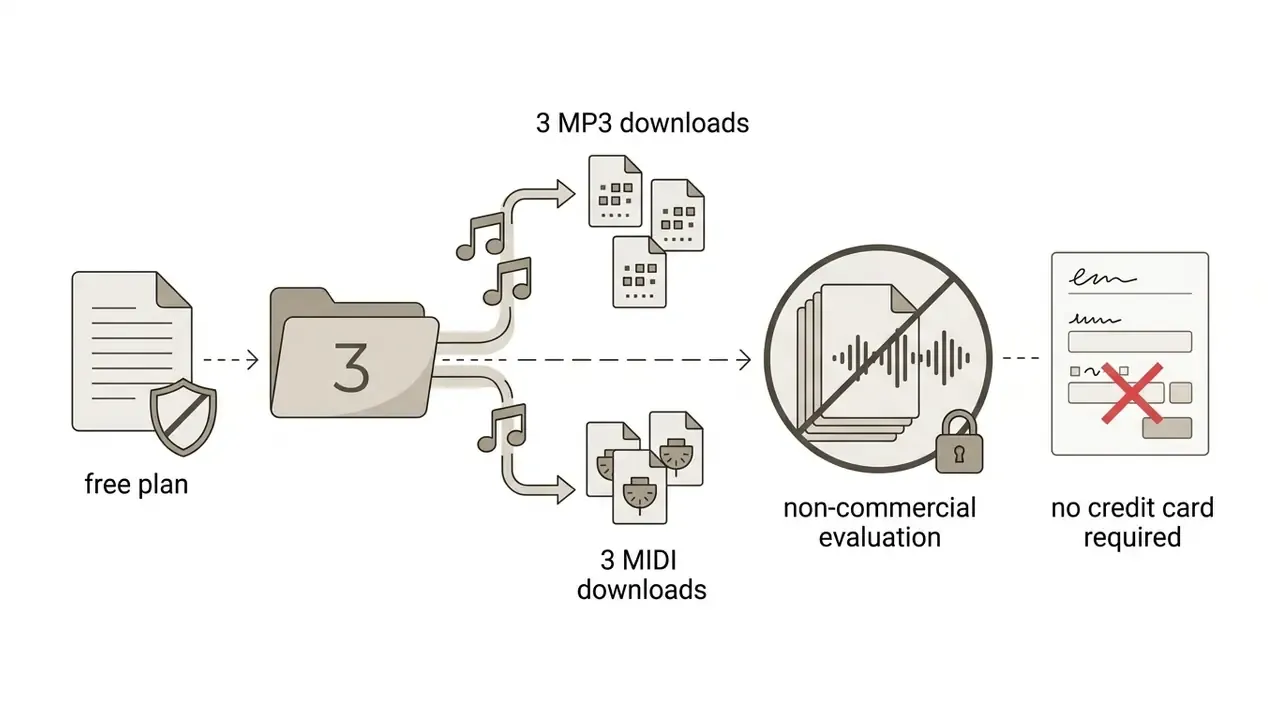
| AIVA | Classical & orchestral compositions | Yes | No (Prompt/Style) | No | Yes | 3 downloads/month | MP3 & MIDI formats | No (AIVA holds copyright; non-commercial) |
| Beatoven.ai | Custom background audio for video/podcasts | Yes | No | No | Yes | Free tier credit allowance | Online preview / Restricted download | No (Commercial license requires active sub) |
| Mubert | Streamed background tracks & SFX | Yes | No | No | Yes | Free track allowance on signup | Watermarked / Personal use MP3 | No (Attribution required; personal only) |
| DeepAI Music | Ambient soundscapes & simple tracks | Yes | No | No | Yes | Free prompt-based generation | Direct web download | Personal use / Unverified commercial rights |
| VibeMV / Capify | Syncing lyric videos & visual clips | Yes (Lyric sync) | Yes | Yes | Optional | Daily credits / Free starter trial | MP4 video export | Non-commercial evaluation |
| Google Lyria 3.5 (Gemini API) | Text- and image-conditioned 44.1 kHz tracks | Yes | Yes (exact lyrics supported) | Yes | Yes | API quota / Gemini app limits | API audio response | Governed by Google API terms |
Best free tools for complete songs with vocals
The strongest free options for complete songs with vocals use multi-modal autoregressive or diffusion architectures that coordinate lyrics, melody and arrangement in one pass. ElevenLabs Music and Suno both generate full songs from text prompts, though free-tier outputs stay locked to non-commercial use.
Complete song generation demands accurate vocal pitch tracking and lyric alignment. Evaluation models such as SongBench analyse 11,717 annotated samples across seven production dimensions: vocal, instrument, melody, structure, arrangement, mixing and musicality.
Systems like YuE (ICLR 2026 proceedings), SongCreator (arXiv, 2024) and Seed-Music demonstrate that dedicated lyrics-to-song conditioning modules let ready poetry or custom lyrics drive a full vocal performance while staying stylistically aligned with the backing track. If your goal is original songs with a recognisable hook, this is the architecture to shortlist.
Best free tools for instrumentals and background music
Specialised instrumental generators deliver royalty free background music for podcasts, video games and video productions without vocals getting in the way. Beatoven.ai, Mubert and DeepAI Music Generator all offer prompt-driven and mood-based instrumental synthesis built for background use.
Background audio depends far more on genre and mood control than on lyric processing. The AImoclips benchmark evaluated emotional fidelity across 111 human listeners.
Best free tools for lyrics, covers, and music videos
Media-oriented tools handle automated lyrics generation, voice-cloned song covers and synced lyric video production. Capify, VibeMV, InsMelo and Solmi all offer free credits or entry tiers for visual and vocal adaptations of existing audio.
A lyric video generator such as VibeMV transcribes the audio input, synchronises text timing and renders a downloadable MP4. An AI song cover generator, meanwhile, uses voice-cloning models to swap vocal timbre over an existing instrumental. Research into latent-space editing, notably MusicMagus, shows that zero-shot diffusion models can alter one attribute of a track, genre, mood or instrument timbre, without retraining the whole model.
An honest caveat: an AI lyrics generator writes serviceable verses, rarely memorable ones. Expect to rewrite.
Specialized generative modes worth testing
Narrow modes often beat general prompting, because the model applies a fixed structural template instead of guessing:
- Text-to-rap dedicated rap engines handle flow, cadence and rhyme placement automatically, generating verses with configurable style, emotion and optional rhyme targets. Useful for 15-second ad hooks.
- Lofi converter re-renders clean source audio into lo-fi variants (tape saturation, vinyl noise, reduced highs) without regenerating the composition.
- Slowed + reverb a tempo and space transformation for social edits, applied as post-processing rather than generation.
- Song cover generator maps an alternative vocal timbre onto an existing instrumental bed.
- AI music video generator accepts an MP3 or WAV upload plus images and renders beat-matched scenes for release assets.
- BPM tapper and key detection utility tooling that keeps generated stems aligned with existing project sessions.
Use Case Matrix by Creator Role
Different roles fail for different reasons. YouTubers lose revenue to Content ID, podcasters lack theme budgets, filmmakers fight scene-pacing mismatches, advertisers lose weeks to licensing, and composers stall on arrangement. The matrix maps each challenge to the generator architecture and export format that resolves it.
| User Role | Core Operational Challenge | AI Generator Solution | Target Tool Architecture | Output Format Required |
|---|---|---|---|---|
| YouTubers | Content ID strikes on background BGM | Non-watermarked instrumental synthesis with attribution metadata | Mubert / Beatoven.ai | 192 kbps MP3 / 48 kHz WAV |
| Podcasters | High cost of custom intro/outro themes | Prompt-based intro generation (15–30 sec) with voiceover ducking stems | Boomy / Soundverse | Split stems (vocal / music) |
| Filmmakers | Stock audio failing to match scene pacing | Image-to-audio prompting & mood-locked orchestral scoring | AIVA / OpenMusic | Uncompressed 24-bit WAV |
| Advertisers | Long licensing turnarounds for ad campaigns | Rapid text-to-rap / high-energy hook generation under 15 seconds | ElevenLabs / Suno | Full stereo master |
| Composers | Writer's block & melody arrangement | Audio-to-MIDI transcription for custom VST re-sampling | AIVA (MIDI export) | Polyphonic MIDI (.mid) |
| Game Developers | Looping scores across dynamic scenes | Mood-tagged loop generation with seamless loop points | Mubert / MusicGen (self-hosted) | Loop-safe WAV stems |
| Brands / In-house teams | Non-exclusive audio reused by competitors | Human-modified compositions with documented authorship chain | Paid commercial tiers only | WAV master + license record |
AI Music Generation Features That Matter Most
The capabilities that decide real output utility in an AI music maker are multi-modal text prompting, integrated lyrics-to-song conditioning, image input synthesis, custom voice modelling and post-generation stem editing. Everything else is interface polish.
AI music generation control architecture
| Pipeline Stage | Inputs / Controls | Processing Layer | Outputs |
|---|---|---|---|
| 1. Conditioning | Text prompt, structured lyrics with section tags, reference audio (3–10 s), uploaded image, custom voice model | Text encoders (T5), cross-modal audio-text embeddings (CLAP), image feature extraction | Conditioning vector |
| 2. Generation | Genre, mood, BPM, key, duration, force_instrumental, quantity | Diffusion or autoregressive music model | 2–4 candidate mixes |
| 3. Refinement | Extend, section in-painting, style transfer, mastering | Latent-space editing, phase-continuous re-synthesis | Revised master |
| 4. Decomposition | Stem split (2–12 channels), vocal removal, audio-to-MIDI | Source separation, polyphonic transcription | Vocals, drums, bass, guitar, keys, strings, brass, woodwinds, percussion, synth, FX, MIDI |
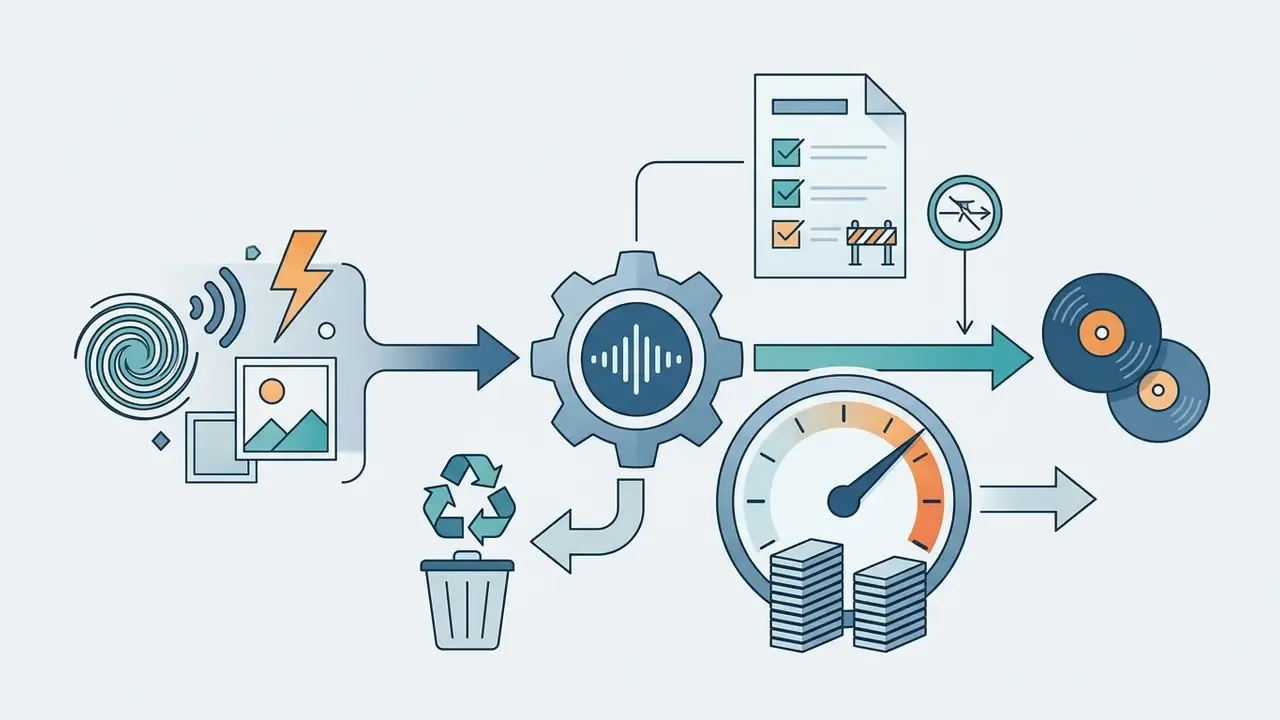
Core processing pipeline for controllable AI audio synthesis.
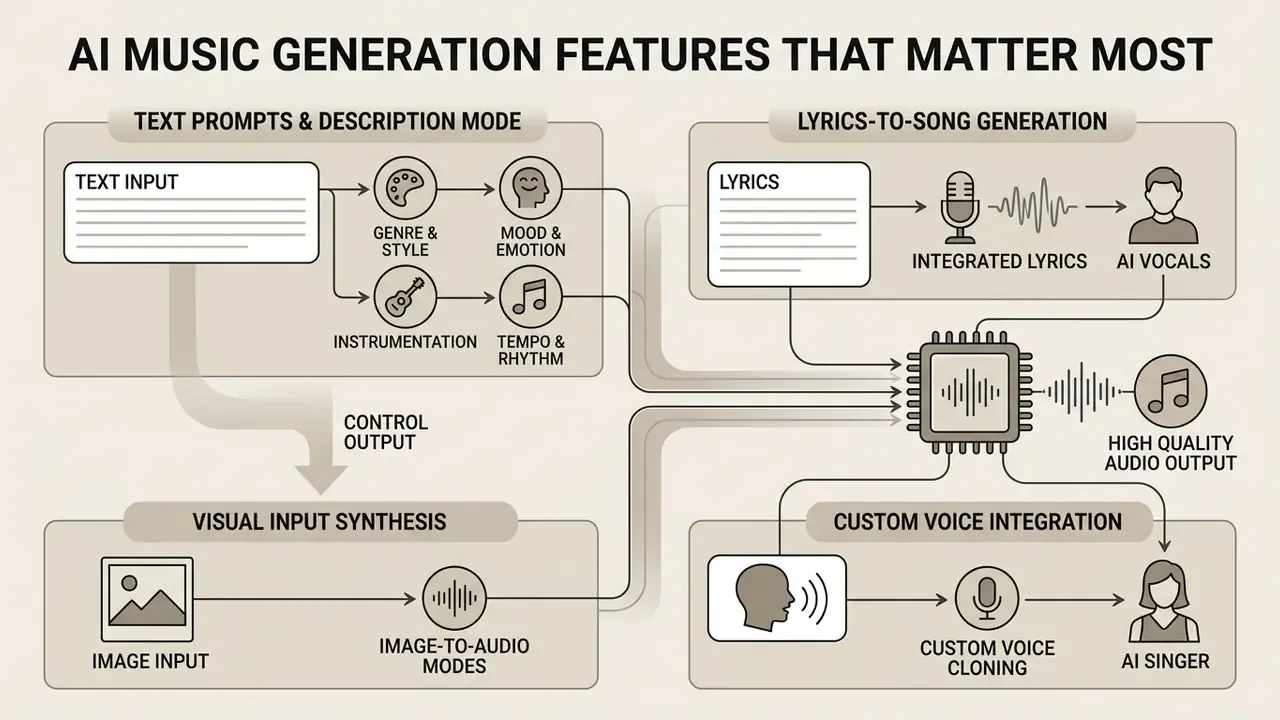
Text prompts and description mode for generating music
Text prompt engines convert natural language descriptions of genre, mood, instrumentation and tempo into structured acoustic features using combined language and audio embeddings. Good results depend on prompt architecture: style category, emotional tone, named instruments and an explicit BPM value.
Vendor documentation from Google Cloud (Lyria) and ElevenLabs converges on a four-part formula:
- Genre and style: "cinematic orchestral", "90s boom-bap hip hop", "synthwave".
- Mood and emotion: "melancholic", "upbeat", "tense", "dark ambient".
- Instrumentation: "grand piano, acoustic guitar, subtle strings".
- Tempo and rhythm: "120 BPM", "slow groove", "fast driving beat".
Practical BPM anchors from published prompt guides: 60–80 BPM for slow ambient and ballads, 90–120 BPM for mid-tempo pop and lo-fi, 130–160 BPM for dance and drum-driven genres. Production-era descriptors ("early 2000s radio pop", "1970s analog funk") tighten mix character further.
Academic work on diffusion-based text-to-music (Diffusion with Global and Local Conditioning) highlights a trade-off worth knowing. Adding cross-modal CLAP global embeddings alongside T5 text embeddings improves text adherence, reducing Kullback–Leibler divergence from 1.54 to 1.47, but slightly increases Frechet Audio Distance. You trade a fraction of raw fidelity for stricter prompt compliance.
In practice, the most prompt-obedient model and the best-sounding model are rarely the same model. Pick based on the brief: fidelity-first for creative work, adherence-first when the spec is fixed.
Visual and image-to-audio generation modes
Advanced multi-modal generators, including Google Lyria 3.5 and suites such as OpenMusic and MusicCreator, now accept image uploads alongside text. The algorithms read visual parameters (colour temperature, contrast, subject density, scene classification) to infer emotional tone, then map that onto BPM, key and instrumentation. A high-contrast urban night photograph usually triggers synthwave or dark lo-fi settings. A warm beach landscape pulls toward acoustic, low-BPM folk.
Photo-to-music helps most in three situations: scoring personal photo albums and memory videos, generating mood beds for short films where the visual reference already exists, and creating gift or social assets without writing a technical prompt. Two caveats apply. Image conditioning gives weaker structural control than explicit BPM and key parameters, and a photograph cannot express arrangement intent. Combine the image with a short text prompt and results stabilise.
Lyrics-to-Song generation and AI vocals
Lyrics-to-song modules synthesise singing by mapping text phonemes onto melodic contours and accompaniment structures. Systems like YuE, SongCreator and Seed-Music parse user lyrics with section tags ([Verse], [Chorus], [Bridge]) to hold structure and vocal alignment together. Vocal synthesis quality is closely related to speech generation, so teams already benchmarking AI voice generators can reuse most of the same acceptance criteria.
Recent speech synthesis evaluations use specialised metrics such as Phoneme Error Rate and MOS-Q to measure lyric intelligibility and naturalness. HeartMuLa framework tests indicate that aligning autoregressive language models with explicit lyric recognition tokens sharply reduces pronunciation artefacts in AI vocals.
Custom voice cloning and AI singer integration
Beyond stock AI vocals, platforms such as AI Song Maker let users train personal voice models from 1 to 3 minute clean acapella samples. SongGen research shows that even a 3-second reference clip can steer target timbre (arXiv:2502.13128). Modern zero-shot voice conversion models extract timbre and formant characteristics, then map that vocal identity onto generated melodies. High-fidelity voice modelling needs dry input without reverb, which also keeps the custom voice compatible with lyric conditioning modules.
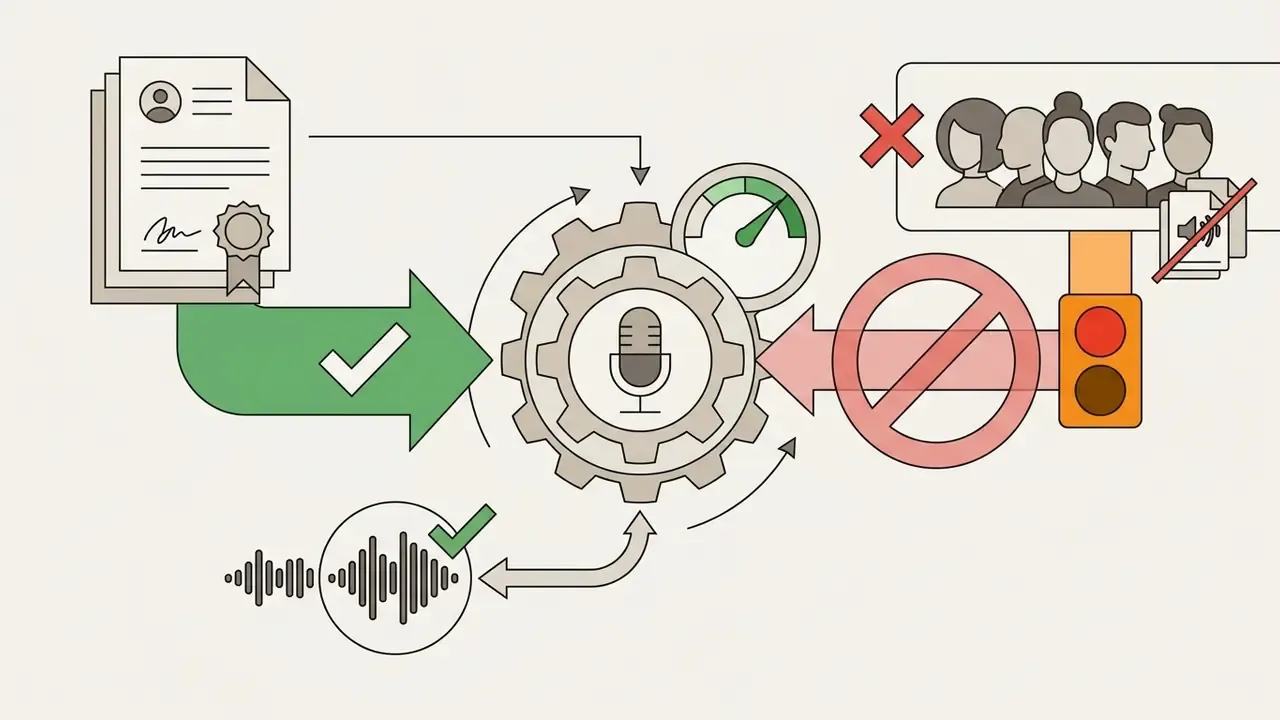
Three governance conditions should gate any voice-cloning deployment:
Editing tools: extend tracks, remove vocals, and split stems
Post-production AI edit tools let creators extend composition duration, isolate vocals and split audio into multi-track stems. Suno API's multi-stem splitting (up to 12 stems) and LALAL.AI stem separation both enable granular remixing and mastering.
Common capabilities include:
- Track extension (
extend) - appends seamless continuations based on the acoustic context of the preceding 30 seconds, handy for stretching a 90-second bed to episode length.
- Vocal removal (
vocal remover) - source separation isolates the singing voice from the backing track, producing clean acapellas for remixes or karaoke instrumentals.
- Stem splitting (
stem splitter) - Suno's API documentation lists three modes,
separate_vocal(2 stems),split_stem(up to 12 stems) andsplit_stem_advanced(selected instruments), covering vocals, drums, bass, guitar, keyboard, strings, brass, woodwinds, percussion, synth and FX. - Mastering
- automated level balancing, clarity enhancement and loudness targeting for streaming delivery.
Acoustic in-painting: replacing specific music sections
Unlike full regeneration, selective section replacement lets you isolate a structural boundary, a 4-bar chorus, a bridge, an outro, and regenerate only that window. The engine holds phase continuity, tempo and key relative to the surrounding audio while synthesising an alternative vocal line or instrumental solo inside the target region.
Distinguishing the three operations saves real money in credits:
- Global re-generation discards the take and builds a new composition from the prompt. Use it when the whole brief is wrong.
- Extension preserves everything and appends material at the boundary. Use it for length, never for fixing errors.
- Regional in-painting preserves everything except a selected window. Use it when one section fails review: a weak hook, a mispronounced line, an over-busy bridge.
Research on structure-aware systems backs this workflow. MusicWeaver adds a beat-aligned structural plan and reports higher structure coherence and edit fidelity than earlier systems, while Music ControlNet demonstrates partial temporal conditioning over selected segments using melody, dynamics and rhythm controls.
MIDI extraction and DAW integration
Exporting compositions as polyphonic MIDI enables granular editing inside digital audio workstations such as Ableton Live, Logic Pro or FL Studio. Audio-to-MIDI algorithms transcribe generated channels into discrete note events, pitch bends and velocity values. A producer can then swap synthetic patches for virtual instruments while keeping the compositional structure the model generated.
A practical Audio-to-MIDI workflow:
Technical teams building custom pipelines can evaluate integration options in our AI Media API documentation, and engineering leads scoping the surrounding automation often review the best ai code generators alongside it.
How to Create Music with a Free AI Song Generator
Creating music with a free AI song generator follows six simple steps: input selection, prompt formatting, parameter configuration, generation, post-processing review and export. A structured sequence keeps token use efficient and fidelity higher.
Step-by-step AI track creation process
| Step | Action | Key Controls | Failure Mode to Watch |
|---|---|---|---|
| 1 | Input selection | Concept, lyrics, reference audio, or image | Vague concept → generic output |
| 2 | Prompt formatting | Genre + mood + instruments + BPM | Conflicting genre/tempo pairs |
| 3 | Parameter tuning | Duration, vocal/instrumental toggle, quantity | Render cap truncates arrangement |
| 4 | Generation | 2–4 variations per run | Credit burn on untested prompts |
| 5 | Review & stem edit | In-painting, extend, stem split, mastering | Artifacts hidden on laptop speakers |
| 6 | Export & license audit | Format, bitrate, plan rights, authorship log | Free-tier track published commercially |
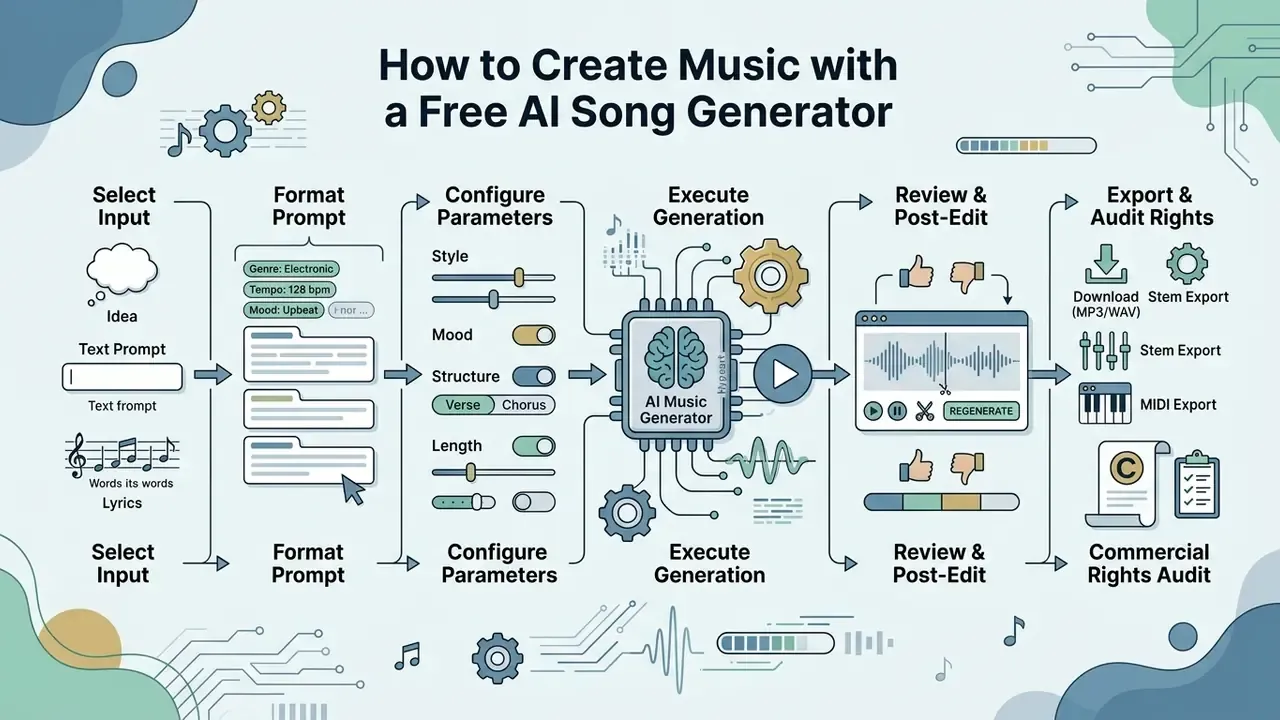
Flowchart logic outlining the creation lifecycle from prompt to exported master. Alt text for the diagram image should read "best free ai music generator workflow from prompt to finished track".
- Select generation input
- write a descriptive text prompt, paste formatted song lyrics, upload a reference audio clip, or upload an image where photo-to-music mode exists.
- Format prompt parameters
- build a structured prompt with genre, mood, tempo and instrument selection.
- Configure output settings
- set track duration, toggle vocal versus instrumental mode, and choose generation quantity.
- Execute generation
- run the model for 2 to 4 acoustic variations.
- Review and post-edit
- listen for artefacts, apply stem splitting or vocal removal if needed, in-paint weak sections, or extend duration.
- Export and audit rights
- download in MP3 or WAV and verify plan licensing permissions before publishing.
Choose an input: idea, text prompt, or lyrics
Inputs range from a one-line concept to fully formatted lyrics carrying structural metadata tags. The format you choose dictates how accurately the model reads creative intent and narrative shape.
Supported input types across advanced models:
- Theme prompts short conceptual phrases, for example "a quiet rainy evening in Tokyo".
- Structured lyrics full verse-chorus text with explicit tags such as
[Verse 1],[Pre-Chorus]and[Chorus]. MiniMax Music 2.6 accepts up to 3,500 characters of raw lyric text, and Google's Lyria guide accepts either a theme for the model to write from or your exact lyrics in quotes. - Reference audio a 3 to 10 second clip guiding rhythm, timbre or harmonic key.
- Image input a photograph as mood reference, where image-conditioned generation is supported.
Set genre, mood, voice, and song style
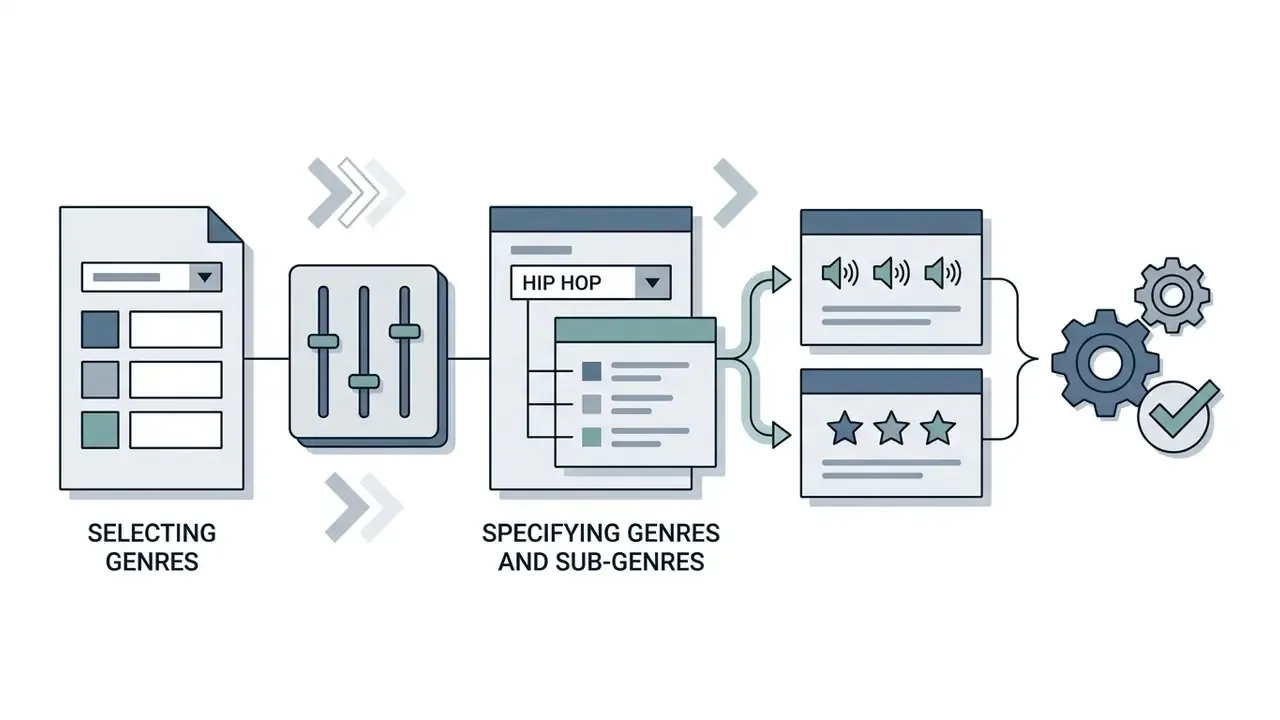
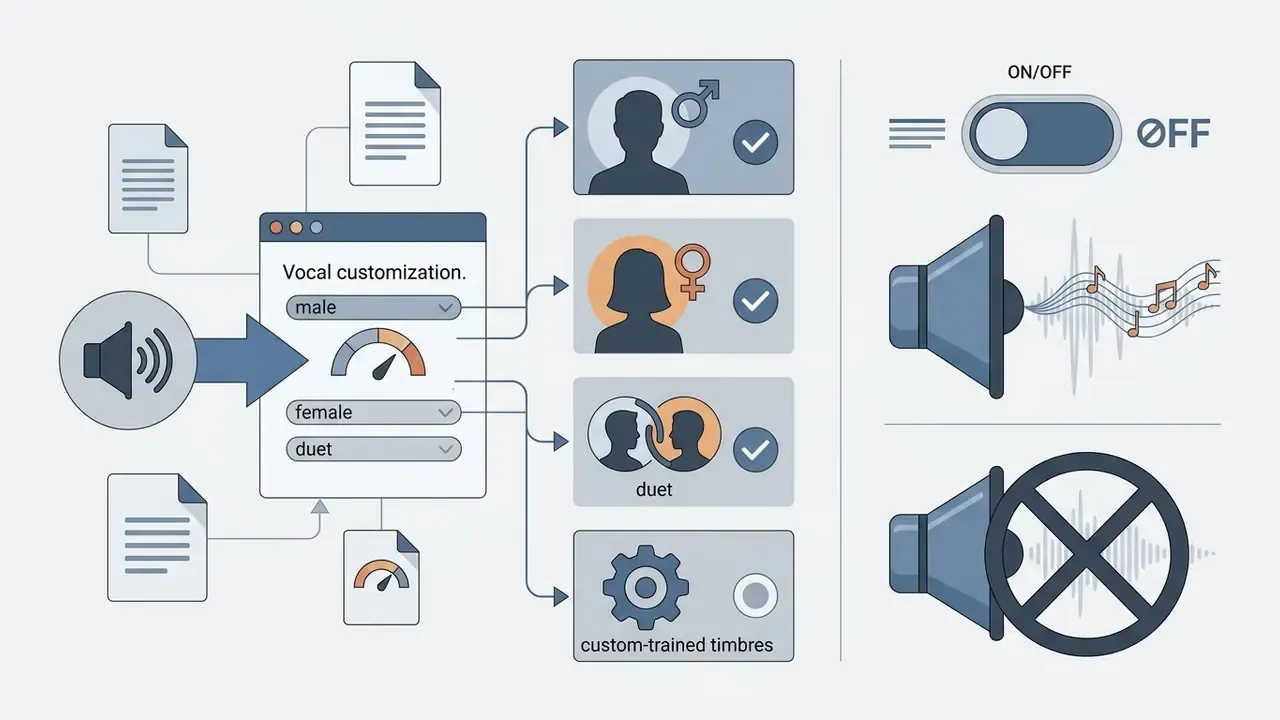
force_instrumental to exclude singing entirely.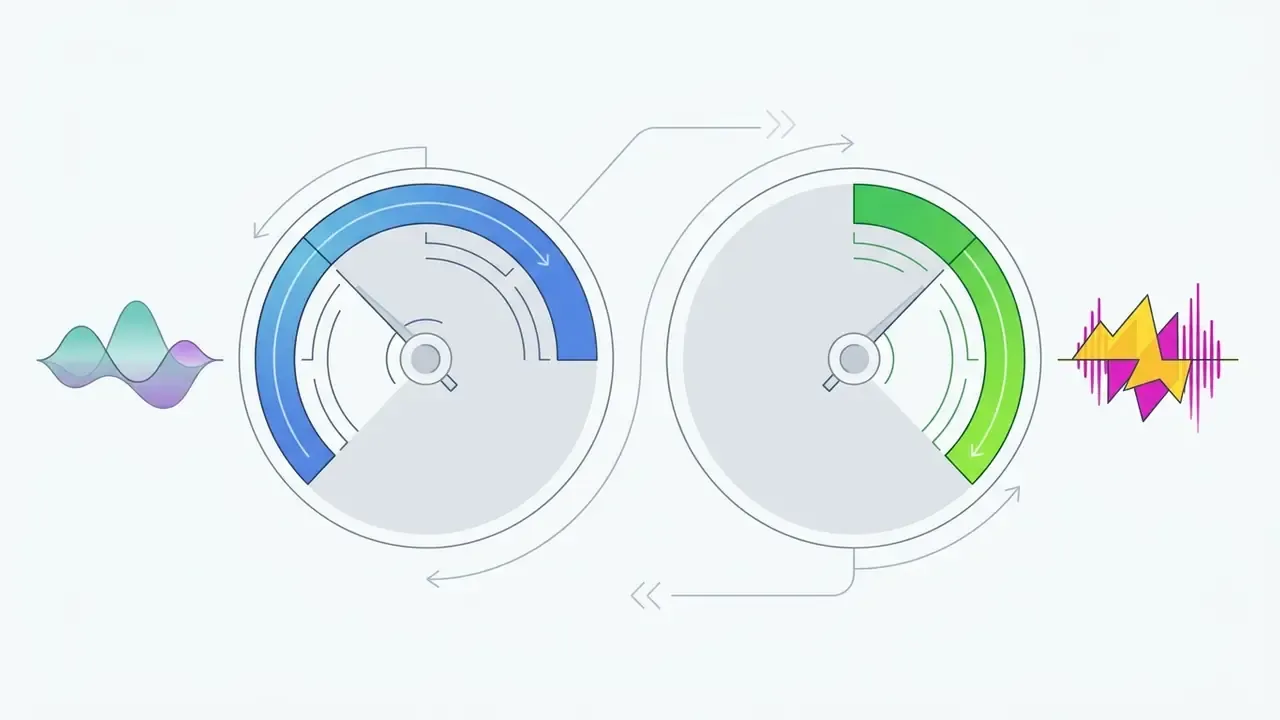
Royalty-Free Music, Copyright, and Commercial Use
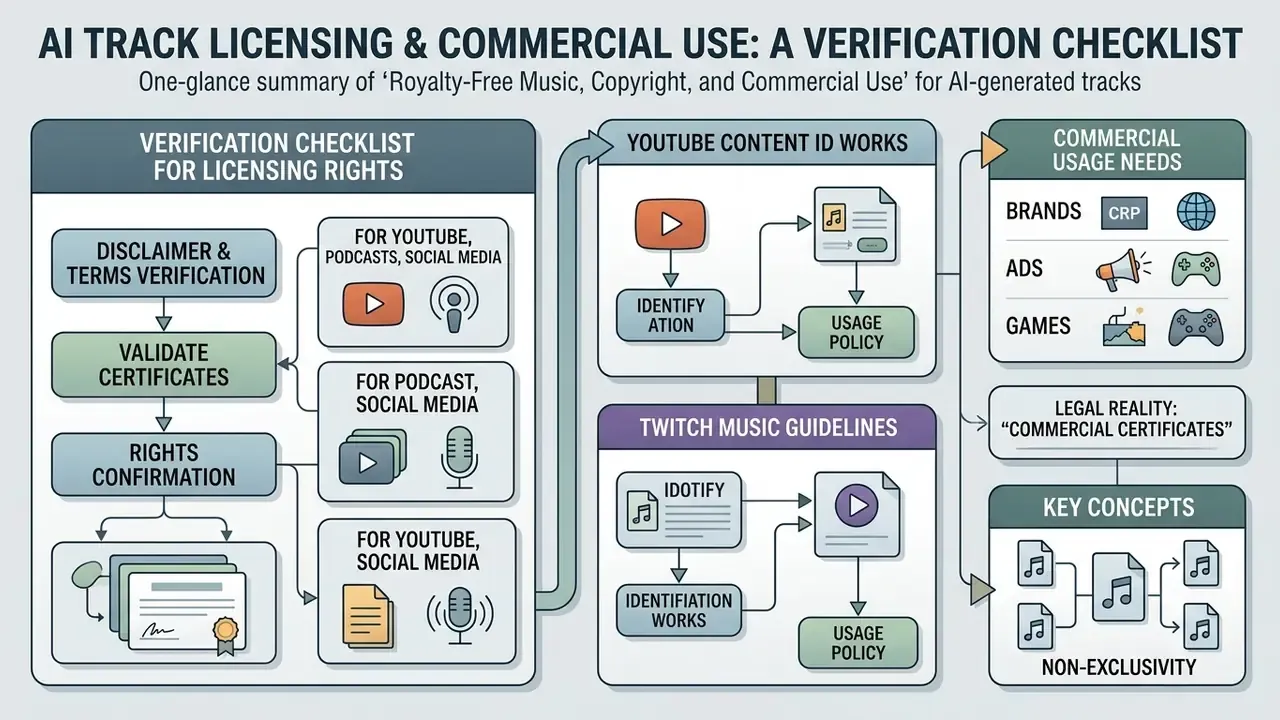
The legal status of AI generated music depends on the degree of human creative authorship and on explicit platform licensing terms, not on an automated "commercial" tag in a dashboard. In the United States, purely machine-generated audio lacking substantial human expression cannot be copyrighted or registered for statutory royalty collection (U.S. Copyright Office AI guidance).
E-E-A-T: Verification Checklist for AI Track Licensing Rights
The legal reality of "Commercial License Certificates"
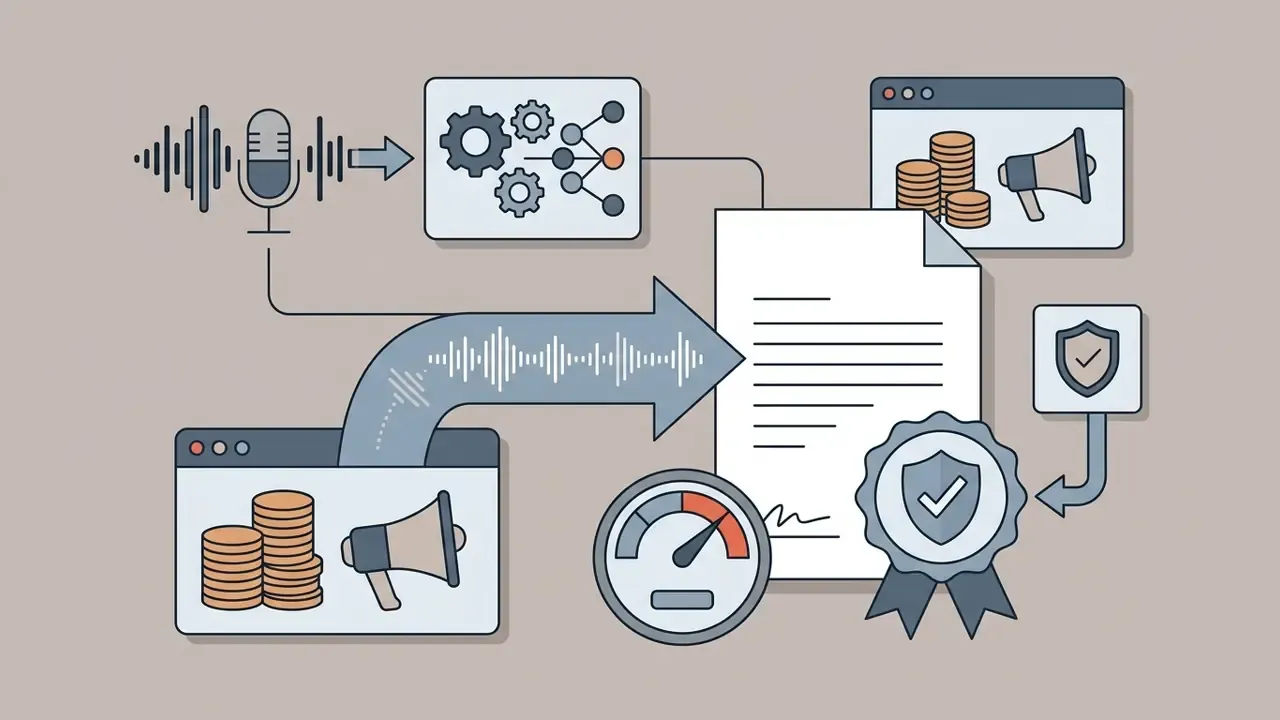
Several platforms, AI Song Maker among them, issue downloadable "Commercial License Certificates" on upgrade, and some state that commercial rights for eligible songs survive after a subscription ends. Read these documents for exactly what they are: a contract between vendor and user, guaranteeing that the vendor will not pursue a copyright claim against that specific track, and confirming the plan-level permission granted at generation time.
What such certificates do not do:
- They do not confer copyright ownership under public law. U.S. Copyright Office guidance still requires sufficient human authorship plus disclosure of AI-generated material.
- They do not defend users against third-party infringement suits if the model synthesised audio resembling an existing copyrighted sound recording.
- They do not override the free-tier boundary. Certificates apply only to tracks generated while the qualifying paid plan was active.
- They do not create exclusivity. Another user's generation can legitimately resemble yours.
Claims that post-subscription rights last indefinitely also depend entirely on the vendor's public offer, and offers change with terms updates. Archive the certificate, the terms version and the generation timestamp together, in one folder, per track.
Commercial music needs for brands, ads, and games
Brands, agencies and game developers carry heavier legal and operational risk when deploying AI music, mainly non-exclusivity and the inability to enforce copyright. U.S. Copyright Office rulings require disclosing AI-generated elements during registration and excluding purely algorithmic portions from the claim.
In a risk assessment for a fintech marketing group launching a multi-channel campaign, the risk leads reviewed AI-generated musical assets for protectability. By requiring documented human compositional modification and archiving prompt history, the team cleared the assets for corporate distribution while staying aligned with U.S. Copyright Office disclosure expectations. The example is illustrative rather than a published case study.
Key considerations for commercial deployment:
- Non-exclusivity
- because purely AI generated music cannot be protected by copyright, a competitor can legally use the identical audio track without infringing anything.
- Disclosure mandates
- official U.S. Copyright Office policy requires applicants to disclaim AI-generated content exceeding de minimis thresholds. Prompts alone do not establish authorship.
- Infringement exposure
- if a model synthesises output substantially resembling an existing copyrighted recording, the commercial user remains exposed to third-party claims.
Businesses comparing licensing terms across generative tools can view the guide detailing usage parameters, and brands running parallel visual campaigns can review the rules for AI image generators for commercial use.
Frequently Asked Questions (FAQ) About Free AI Music Generators
The recurring questions cluster around skill requirements, sound effects, generation speed, pricing thresholds and technical limits. Modern architectures do let non-musicians synthesise complete songs instantly through plain natural language, which is exactly why the licensing questions matter more than the creative ones.
Do you need music theory or production experience?
No. No formal music theory knowledge and no digital audio workstation experience are required to generate professional quality music with current tools. Natural language engines interpret descriptive text about mood, style and structure, which removes the traditional barrier to entry.
«User studies show video creators often describe needs as a "vibe" rather than technical parameters, creating challenges for text-driven interfaces.» — Is Text-Based Music Search Enough… Designing Text-to-Music Generation Interfaces for Video Creators, ACM (2023–2026)
Documentation across Boomy, Soundverse and Google Lyria confirms that non-technical users can produce structured compositions by specifying style keywords, emotional descriptors or raw lyric text. Fine-tuning complex arrangements and mixing individual instrument stems still rewards real audio engineering skill, though browser MIDI editors close part of that gap by letting beginners draw notes instead of reading notation.
Can a free AI music generator create sound effects and unique tracks?
Yes, within limits. Advanced audio models generate unique instrumental tracks, custom sound effects and ambient soundscapes on demand. Foundation models such as Meta's AudioCraft (AudioGen), AudioLDM 2 and Woosh use unified text-to-audio architectures to synthesise both compositions and Foley effects.
Academic literature confirms that foundation models trained on public sound libraries can synthesise realistic impact sounds, environmental ambiance and transition effects directly from descriptive prompts. Newer systems extend to video-conditioned Foley generation.
«Moûsai generates multiple minutes of high-quality 48 kHz stereo music in real time on a consumer GPU while preserving long-term structure.» — Text-to-Music Generation with Long-Context Latent Diffusion (arXiv:2301.11757)
These effects can be exported for video games, film post-production and digital media, subject to the same licensing checks that apply to music.
Can AI generate music from a photo?
Yes. Image-conditioned generation is supported by Google Lyria 3.5 through the Gemini API and by consumer suites offering photo-to-music modes. The model infers mood from visual features and maps it to tempo, key and instrumentation. For controllable results, pair the image with a short text prompt that fixes genre and BPM, since a photograph cannot express arrangement intent.
Can I use my own voice in a free AI song generator?
Generally no. Custom voice training and audio uploads are paid features on the platforms that offer them, with model slots capped by tier. Free plans usually block uploads entirely. If you do train a voice model, use a dry, reverb-free acapella of 1 to 3 minutes and keep written consent from the voice owner on file.
Can I export MIDI or edit notes for free?
Partly. AIVA's free tier allows 3 monthly downloads in MP3 and MIDI, which is the most common free route to score-level editing. Most song maker suites gate WAV and MIDI behind Basic or Standard plans. Online MIDI editors let you redraw notes and swap instruments without installing a DAW.
Which free AI music generator website is best for a first test?
There is no single winner, and any list claiming otherwise is guessing on your behalf. For complete songs with vocals, start with Suno or ElevenLabs Music. For instrumental beds, start with Beatoven.ai or Mubert. For MIDI and orchestral work, AIVA remains the most useful free entry point. Run the same prompt through two of them, log the results, then decide.
When does a free plan stop being enough?
Four triggers usually force the upgrade: exhausted daily or annual credits, the need for lossless WAV or MIDI export, the need to remove watermarks or attribution, and any commercial publication at all. Expect roughly $10 to $30 per month for individual commercial tiers and $42 to $91 per month for studio-level credit volumes with unlimited concurrency.
Do free AI music generators guarantee no copyright strikes?
No. Competing platforms advertise "no DMCA strikes" on free plans, but no vendor can guarantee immunity from third-party claims. Content ID matches originate with rights holders, not with your generator, and free-tier terms frequently reserve ownership to the platform. Verify the license tier attached to each specific track before you publish it.
Conclusion & Next Steps
Choosing the right free AI music generator means aligning output requirements, vocal fidelity, instrumental control and duration, with credit limits and licensing terms. Commercial tools such as Suno deliver the highest perceived quality today, yet their free plans stay restricted to personal, non-commercial evaluation. Teams building production workflows need to audit vendor terms, verify export rights and establish a documented human authorship chain before any synthetic audio ships in a commercial project.
Three practical next actions. Run identical prompts through two or three shortlisted engines and log results with the audit template above. Test whether the platform supports section-level in-painting plus stem or MIDI export before committing to a subscription. Archive the license terms version alongside every published track, with the generation timestamp.
To explore further software evaluations and benchmark comparisons across generative tools, open the hub for detailed technical analysis, or review software alternatives when a shortlisted vendor changes its terms.
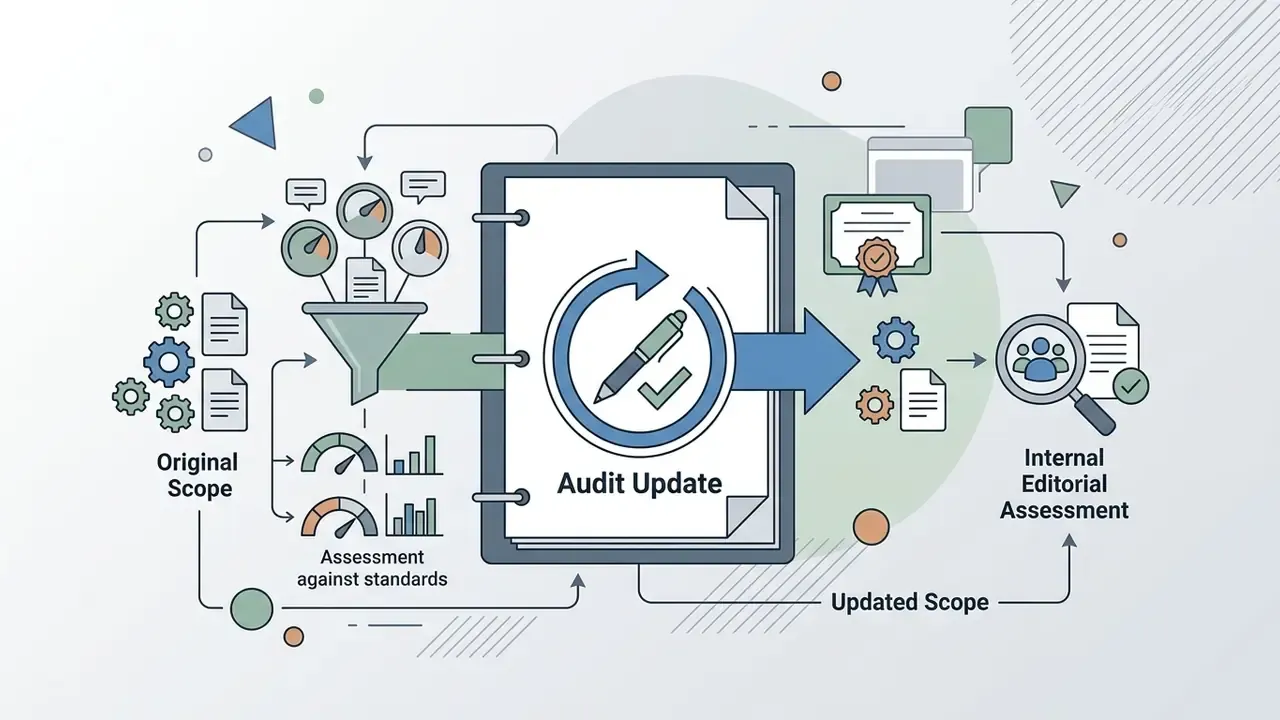
Appendix A: Editorial Revision Log
For transparency, the original phrasing of revised claims is preserved below alongside the reason for each update.