«Over the past three years, portrait animation has moved from simple 2D mesh warping to complex diffusion-based 3D models. The key takeaway for content makers: the virality of AI baby videos rests not on graphics, but on a controlled contrast between the infant image and an adult context, inside strict legal and ethical limits.»
Author note. Marcus Hale, author.
Last updated: 2026.
Viral clips featuring talking babies have become one of the defining trends of short-form video on TikTok, Instagram Reels and YouTube Shorts. Neural networks can turn an ordinary photo of a child into a dynamic clip with realistic mouth movement and professional voiceover in minutes. Fast, cheap, oddly compelling. But producing this content successfully requires understanding the technical nuances of generators, platform algorithms, and the legal rules that govern imagery of minors.
Executive summary
For creators. The fastest working stack in 2026 is: ChatGPT (DALL·E 3) or Midjourney for the source portrait, then ElevenLabs for the voice, then Hedra (Character-3), Dreamina or Google Veo for animation and lip-sync. Optimal format: vertical 9:16, 15–34 seconds, burned-in word-by-word captions, a text hook in the first three seconds.
For risk, compliance and marketing leaders. Any commercial use of synthetic imagery of minors touches four control domains at once: (1) copyright and licence scope of the generator's tier; (2) children's data protection (COPPA, GDPR, guardian consent, EXIF stripping); (3) synthetic-content disclosure duties under the EU AI Act and NIST synthetic-content guidance; (4) vendor security, meaning encryption, data retention, and deletion of facial biometric embeddings after rendering. Free and trial tiers almost never grant commercial rights, and fully AI-generated works may not qualify for copyright protection at all.
What this guide contains: 12 ready-to-use viral concepts, copy-paste prompts, a production stack, a quality-control checklist (LSE-C / LSE-D, micro-expressions), an enterprise vendor evaluation matrix, a TCO formula, a RACI matrix for content approval, and a legal/ethics block.
Disclaimer. This material is informational and does not replace legal, compliance or security advice. Rules for using imagery of minors and synthetic content differ by jurisdiction, platform and vendor contract.
What AI baby videos are and which formats exist
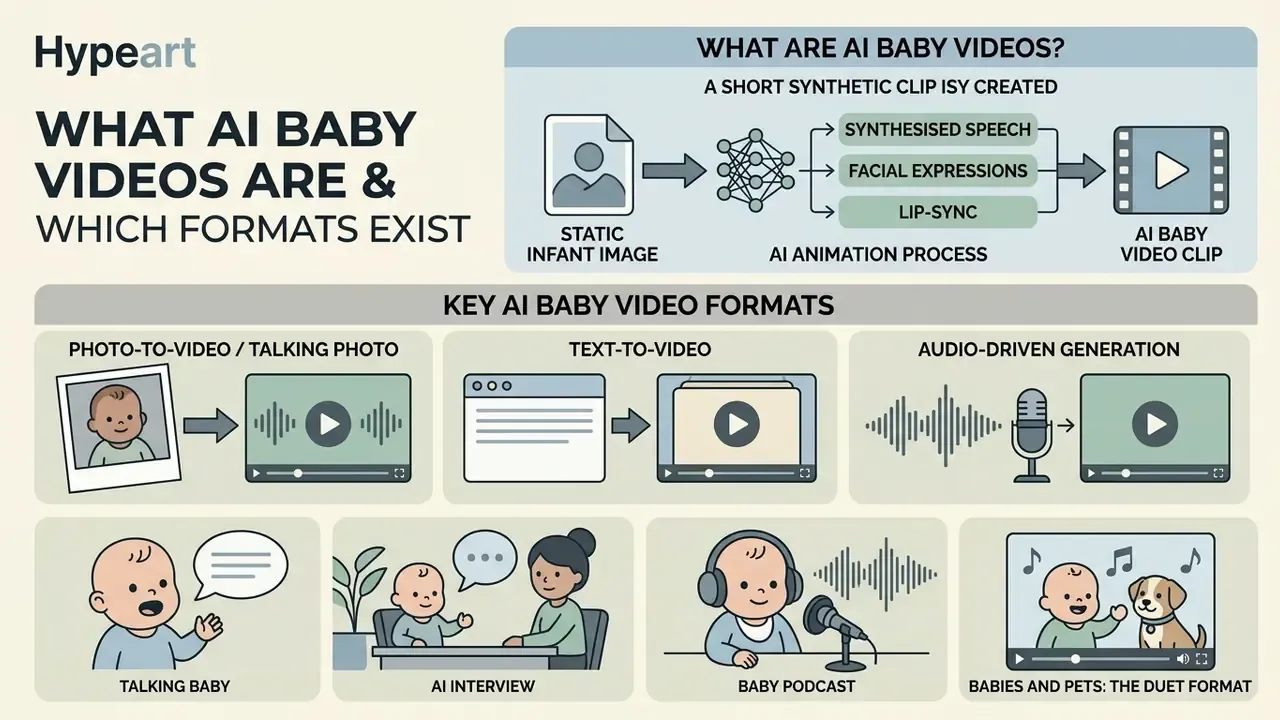
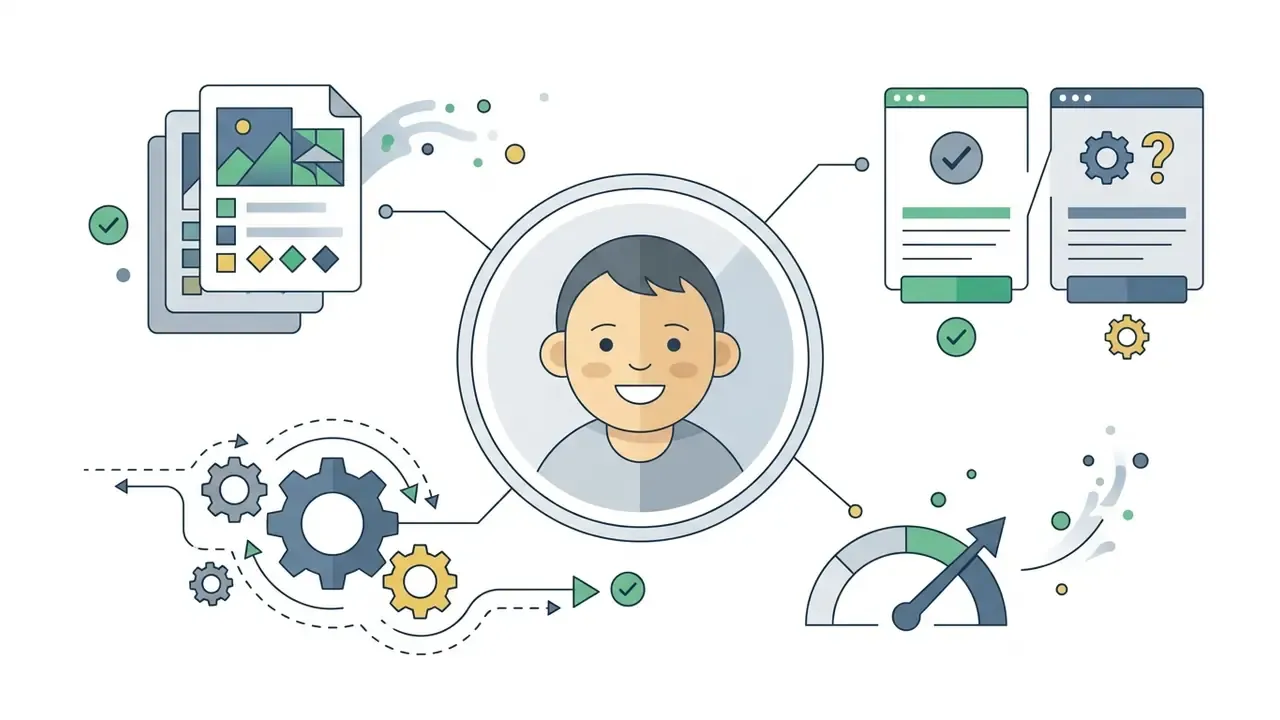
AI baby videos are short synthetic clips created by animating a static image of an infant with neural networks that overlay synthesised speech, facial expression and lip-sync. The technology combines image generation, natural language processing and audio-visual synchronisation methods. In practice, ai baby videos and ai babies videos split into several core categories: from single talking portraits to complex formats such as baby podcasts and interviews.
Working with source material differs depending on the chosen approach:
- Photo-to-video / Talking photo generating a dynamic video from a single still, with facial motion tied to an audio track.
- Text-to-video building the footage from scratch from a text description (prompt), with no source photo. See the broader class of text-to-video and animation tools for adjacent workflows.
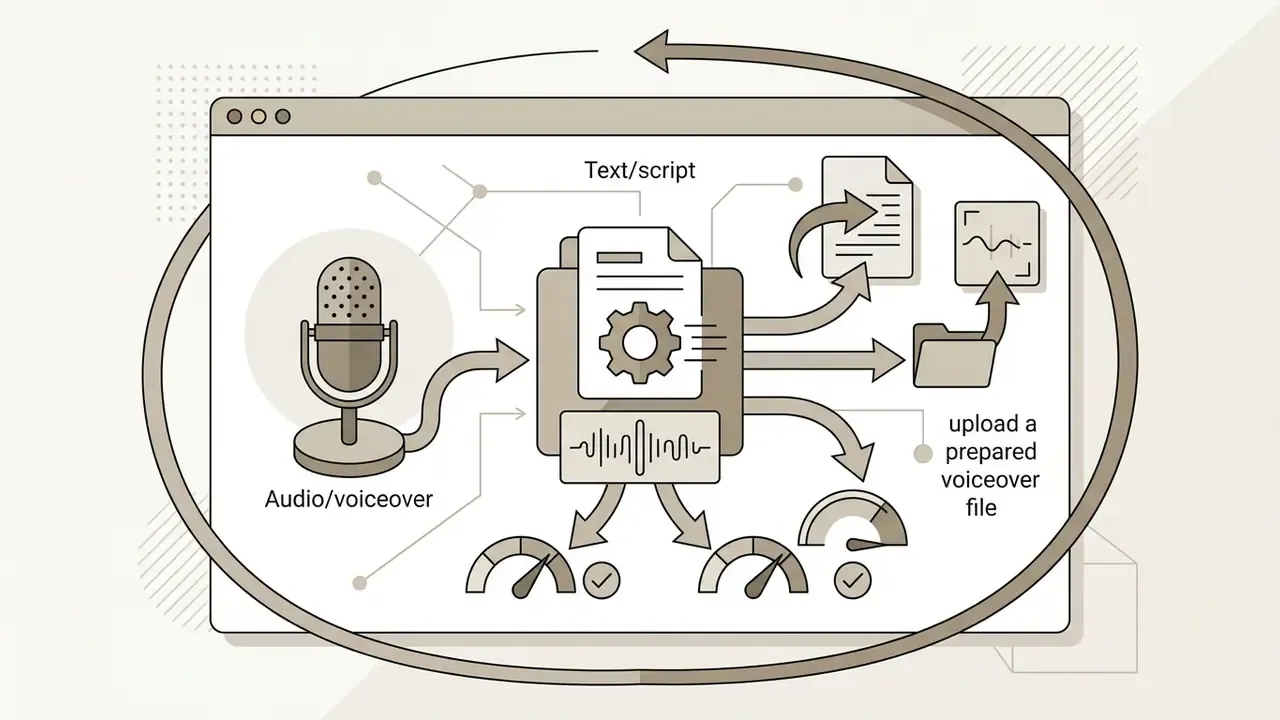
- Audio-driven generation driving facial animation purely from a prepared voice file.
When writing longer scripts for viral clips, creators often lean on large language models to adapt adult dialogue to a child's speech rhythm, and on a photo editor to clean up the source portrait before upload. A small thing, easy to skip, and it shows in the render.
Talking baby, AI interview and baby podcast
The talking baby, AI interview and podcast formats represent the three most popular interaction scenarios with a virtual character:
- Talking Babythe baseline format, where a single character delivers a monologue, a joke or a message to viewers. The emphasis is on accurate emotion and mouth movement.
- AI Interviewa question-and-answer structure. An adult question is asked off-screen or on-screen, and the baby gives an unexpected, deadly serious or comic answer. Vendors package this as a vertical 9:16 "AI interview baby" workflow for TikTok, Reels, Threads and Shorts.
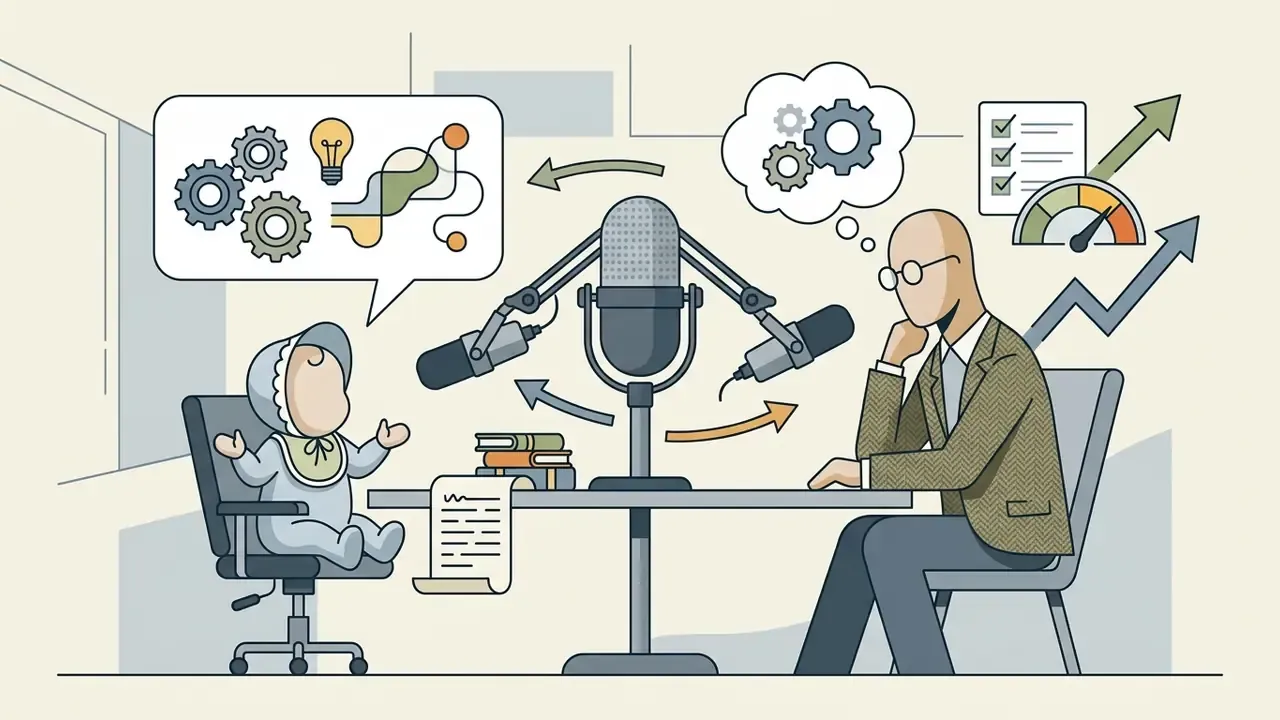
- Baby Podcasta clip imitating a studio recording. The character sits in front of a microphone and muses on adult subjects (philosophy, career, finance). In 2025 the format was cemented by comedian Jon Lajoie's Talking Baby Podcast (April 2025), followed by viral baby remixes of Joe Rogan and Theo Von reaching roughly 11 million views, and a Bad Friends baby-podcast clip at about 4.4 million views.
Babies and pets: the duet format
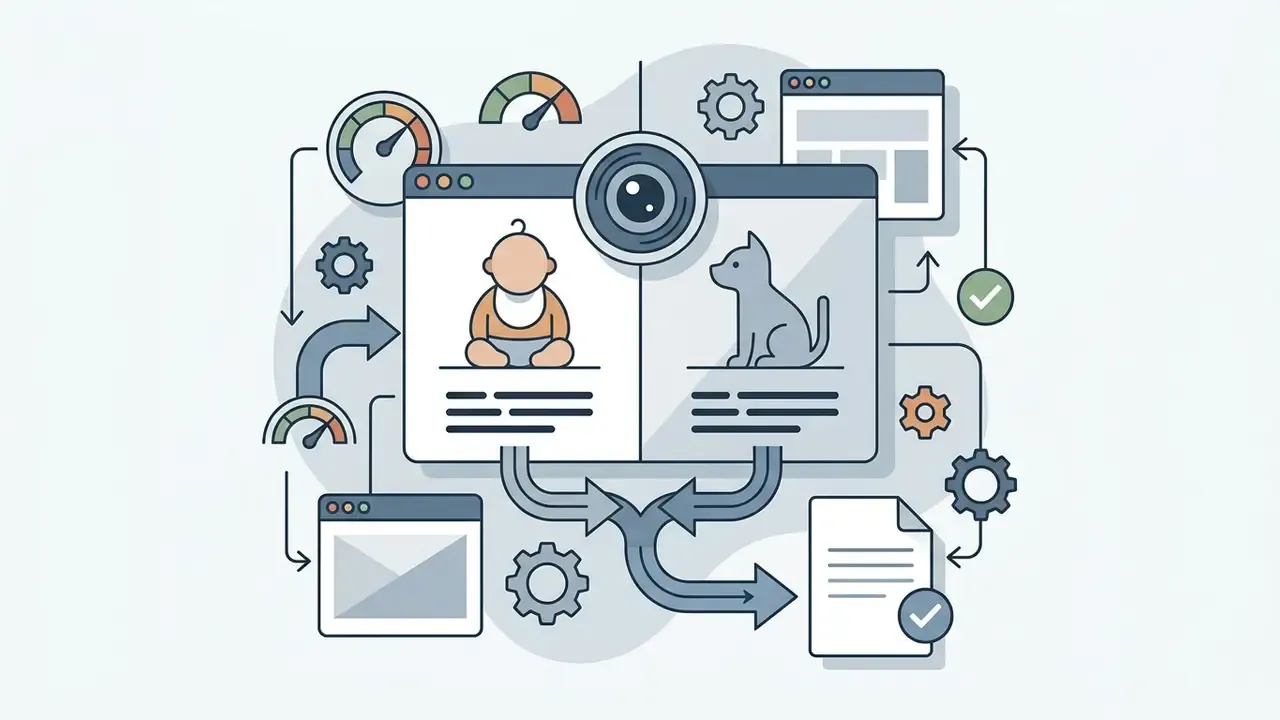
A separate high-frequency sub-trend is the AI baby and dog interview: an animated infant holds a dialogue with the family pet. Media.io promotes this combination explicitly, describing it as "blending the adorable charm of pets with the humorous appeal of talking newborns." Technically you need either a paired photo where both subjects are in frame, or two separately animated characters composited into one shot using multi-avatar modes (Hedra multi-character, HeyGen group scenes).
Vendor claims about pets-and-babies duets outperforming solo clips in share rate circulate widely, but no independent, methodologically transparent measurement is publicly available. Treat any specific uplift percentage as unverified vendor data until platform-level figures are published.
Content limits matter here: platform and vendor policies (OpenAI's 2026 image-generation system card, Google's generative-AI use policy) permit photorealistic depictions of children only under strict child-safety constraints, and prohibit any sexualised or exploitative context outright. A benign baby-and-pet scene is allowed; anything that degrades or endangers a minor is not.
Video from photo, text and audio
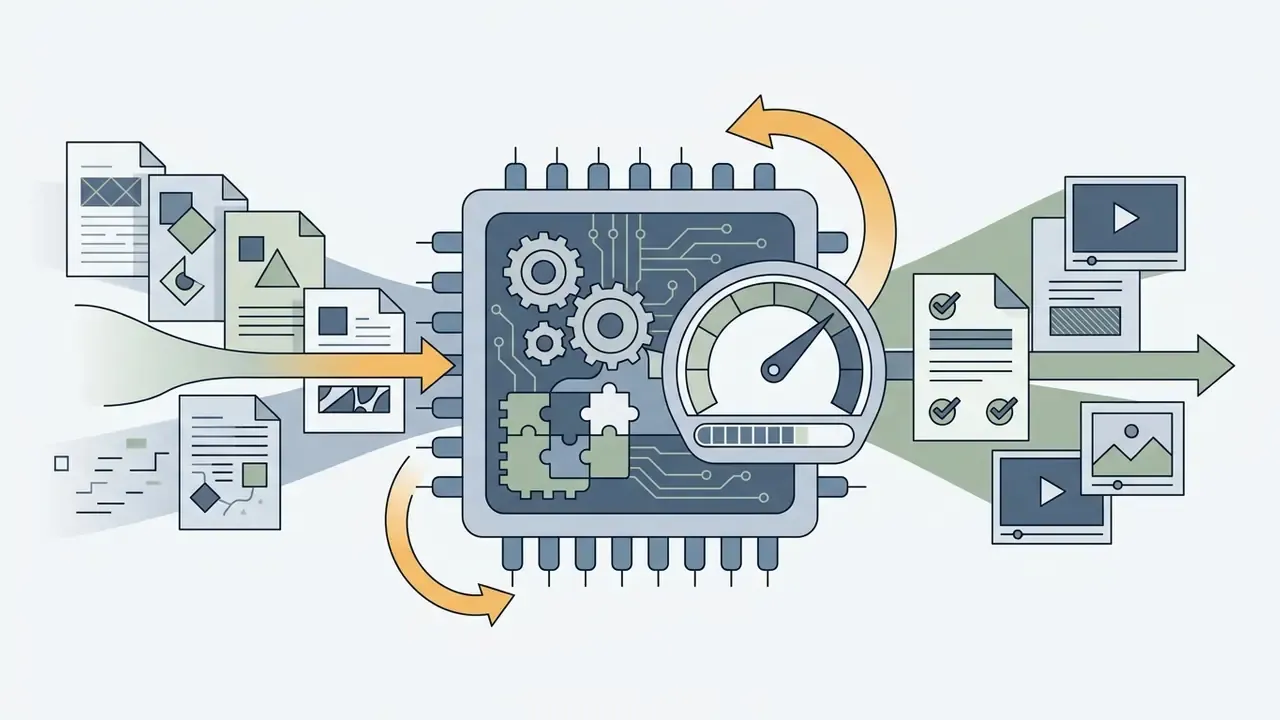
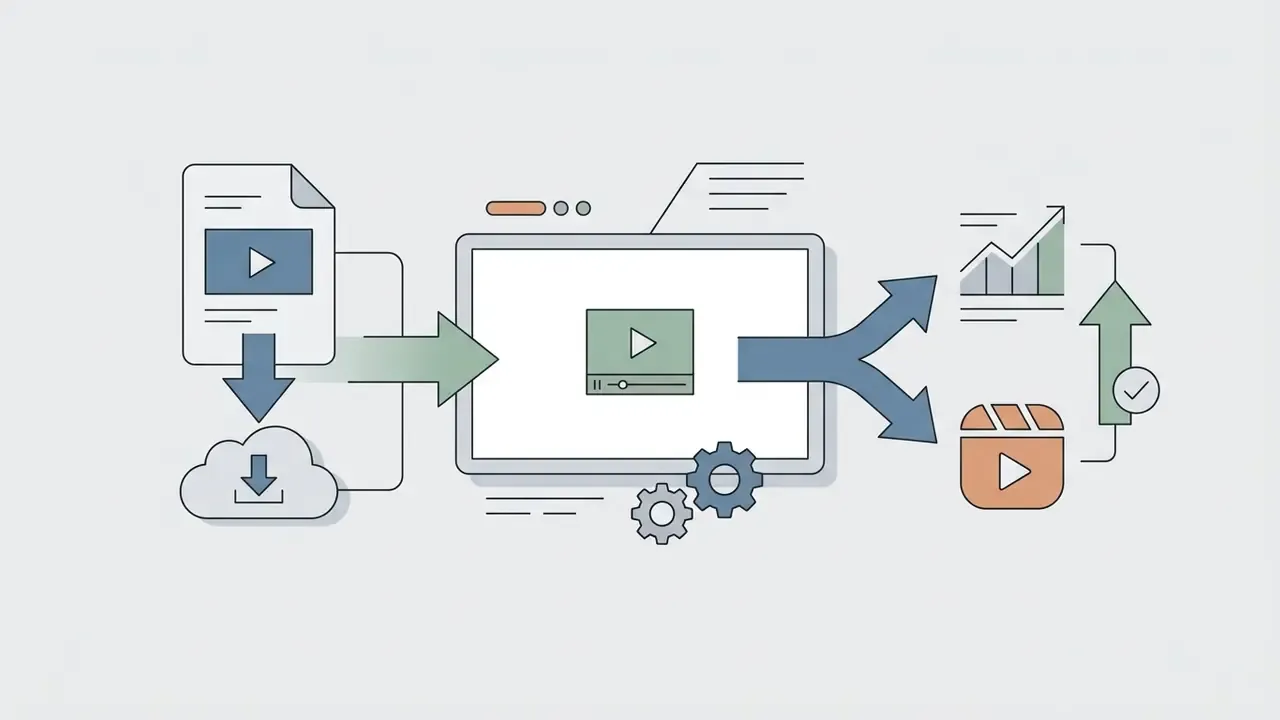
The technical chain for baby ai videos relies on sequential processing of input data:
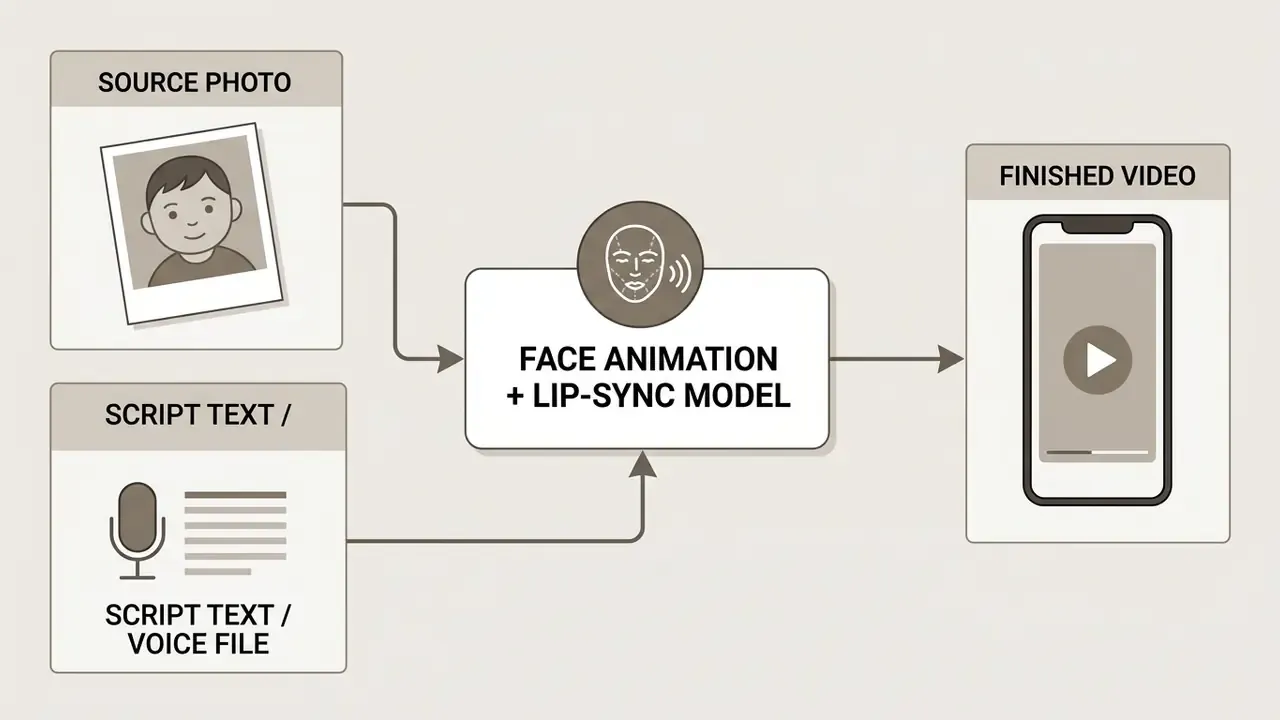
Verified sourcing. Research in single-image avatar synthesis confirms that one portrait is enough to drive a photorealistic talking head:
Personalised lip-sync architectures add identity preservation on top of that:
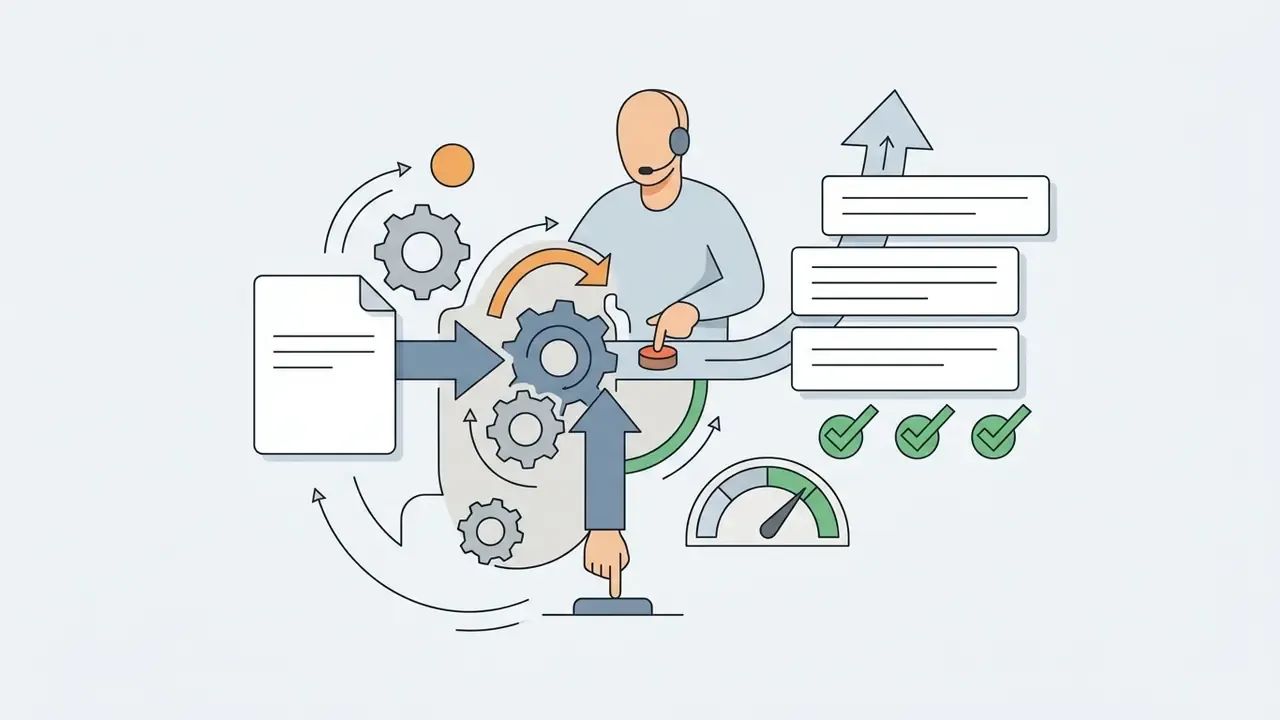
Temporal-alignment algorithms then match mouth movement to the phonemes of the audio track, creating the impression of genuine speech. Practically, the pipeline splits into three stages: input conditioning, visual generation, and audio-driven lip-sync. That is why vendor APIs (HeyGen, for example) expose lip-sync as a separate engine from translation or avatar creation. Readers comparing implementations can start with image-to-video generation and the Google Veo implementation guide.
Multimedia block (spec, keep as text)
Talking Baby. An AI-animated digital avatar of an infant reproducing a given text or audio recording with synchronised facial motion.
AI Interview. A dialogue-format video in which the infant acts as the respondent answering an off-screen interviewer.
Baby Podcast. A vertical clip styled as a studio podcast, where the talking baby discusses adult topics in front of a microphone.
Meme Video. A short, highly shareable humorous clip built on the contrast between infant appearance and absurd text.
Image-to-Video. Neural generation technology that turns a static image into dynamic footage.
Talking Photo. A tool that animates a single portrait, focusing on lips, eyes and slight head turns.
Why funny AI baby videos go viral
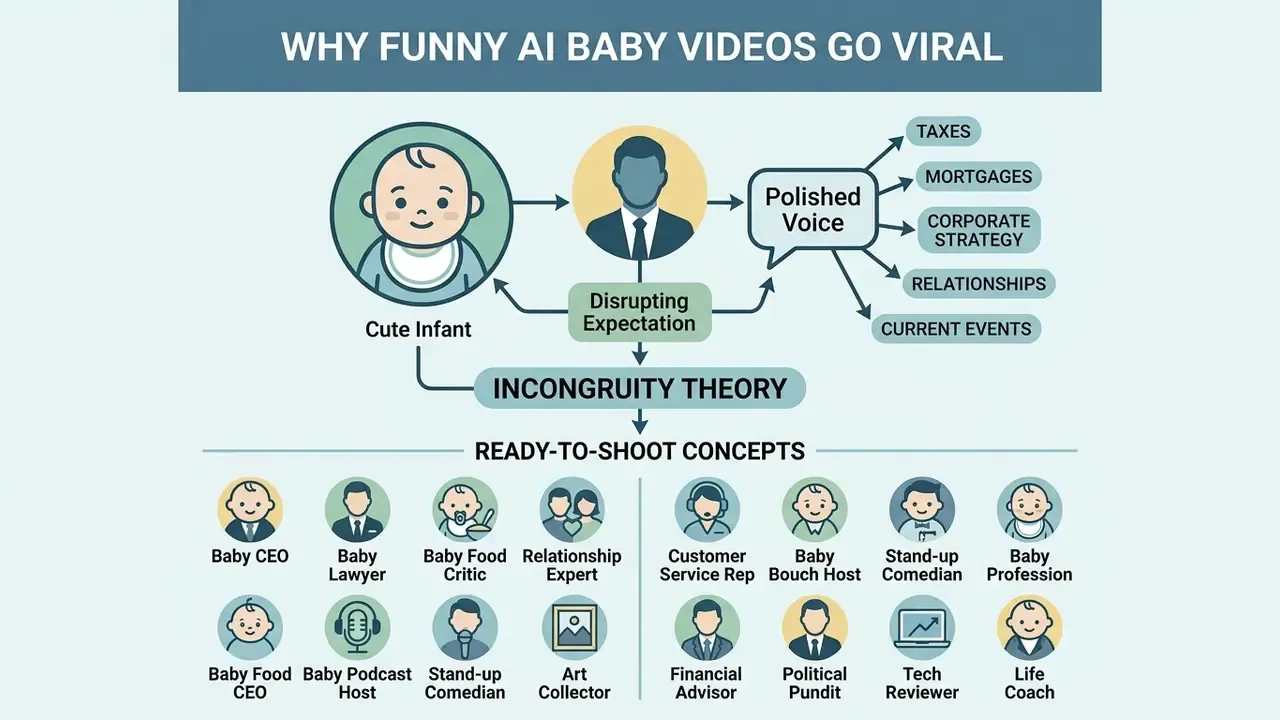
The virality of baby ai funny clips is explained by incongruity theory: the viewer sees a cute infant (cute) but hears a polished adult voice discussing taxes, mortgages or corporate ethics. That dissonance grabs attention instantly and pushes users to share the video on social platforms and tiktok.
Verified sourcing. Quantitative evidence on synthetic personas frames both the upside and the ceiling of the format:
Viral storylines: 12 ready-to-shoot concepts
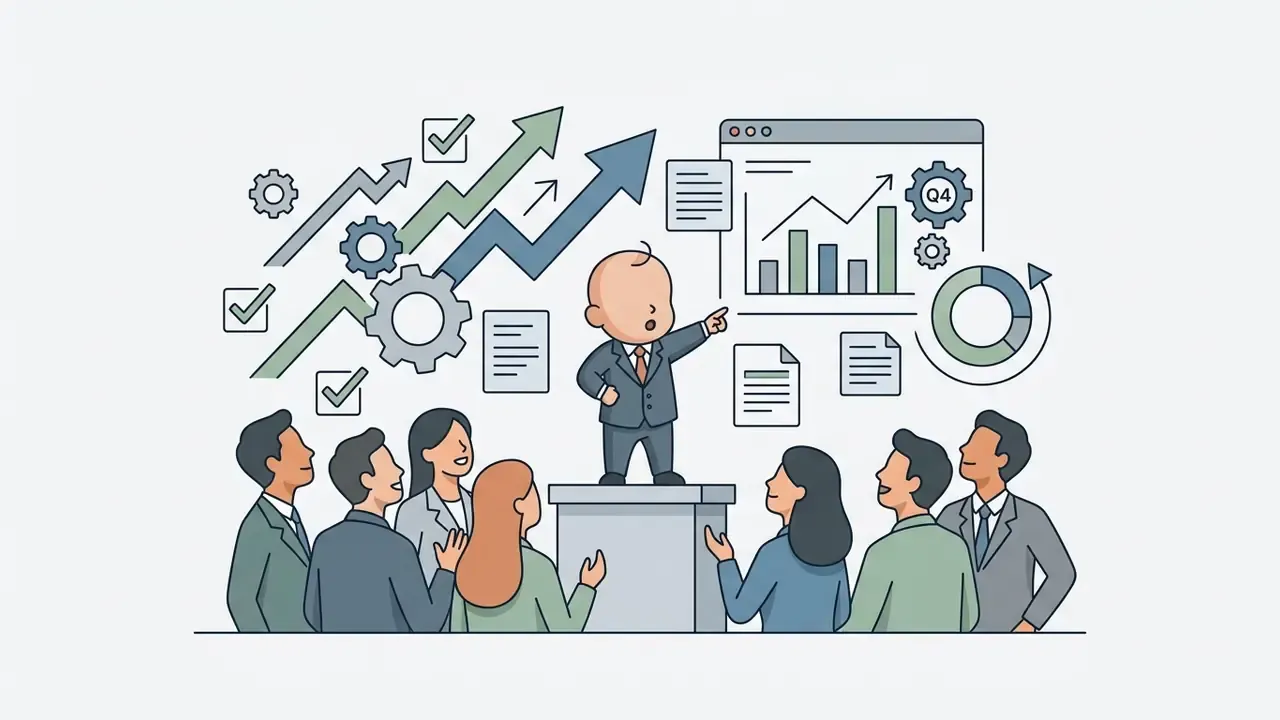
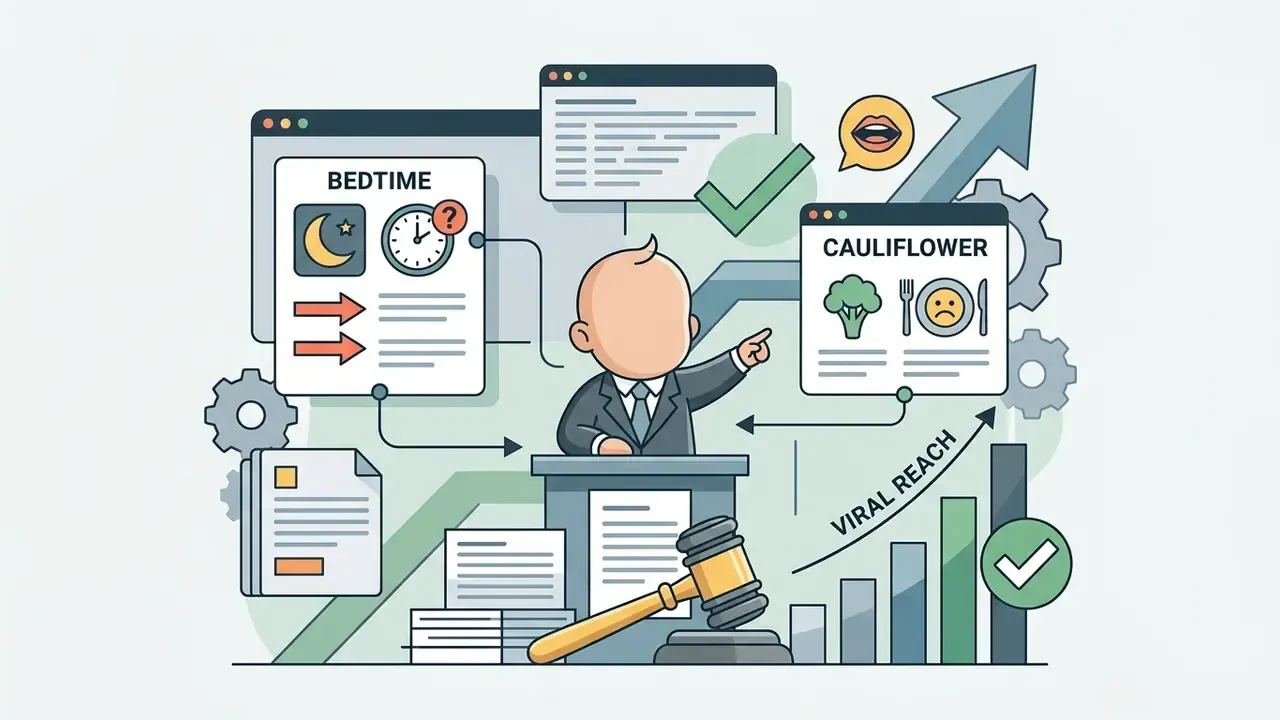
Among the most successful humorous scenarios, three broad archetypes dominate: "an adult in a baby's body" (the infant discussing chores, office life or complex financial decisions), parodies of popular shows (re-imagining famous interviews, for example the Noah Ritter "Apparently Kid" cadence or podcast quotes), and expert advice (an infant delivering serious recommendations on fitness, investing or psychology).
Below is the expanded catalogue of 12 concrete concepts, each with the comic mechanism spelled out:
How to create an AI baby video: the step-by-step process
Creating a clip in a modern neural video generator requires no video-editing skills and consists of six clear steps:
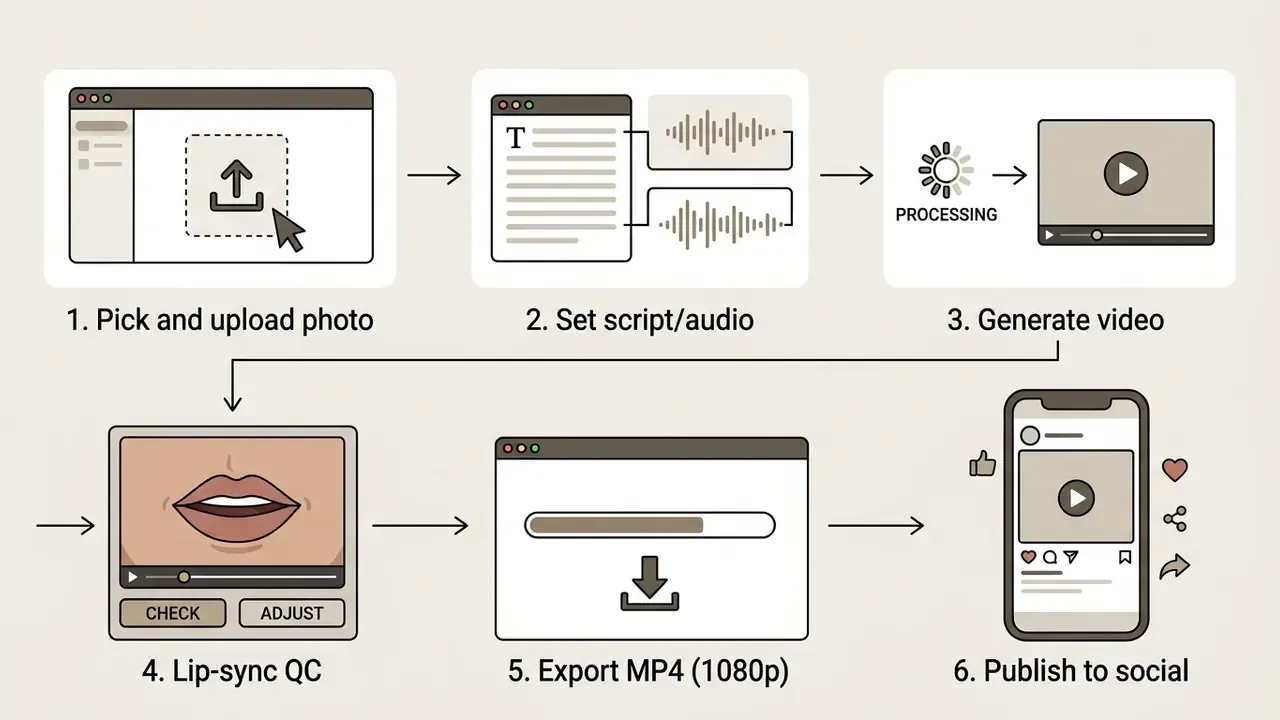
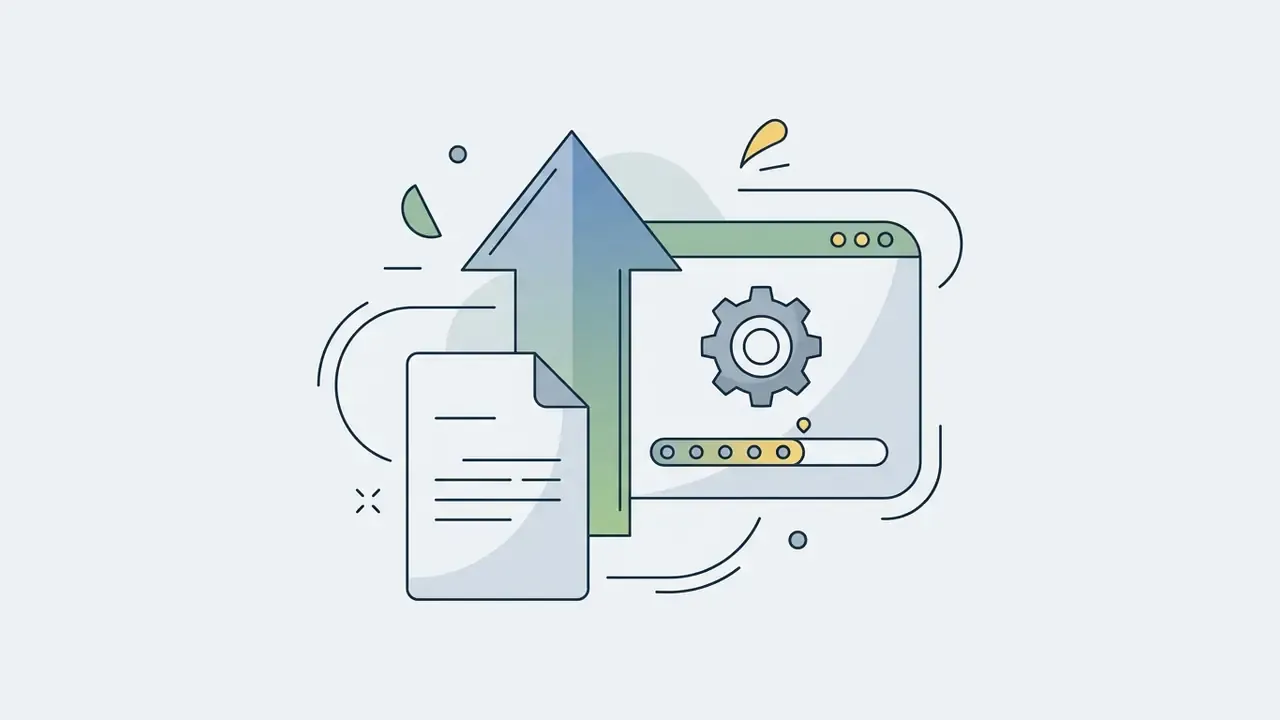
Prepare and upload the baby's photo
Animation quality depends directly on the source portrait (photo / image). According to international portrait-capture standards (ICAO Portrait Quality, 2026) and avatar-service best practices (Anam Custom Avatar guidelines), an ideal photo meets these criteria:
- A single subject in frame, looking straight into the camera.
- Clearly visible eyes, a closed mouth, no harsh facial shadows.
- Neutral or single-tone background.
- No adult hands supporting the child, and no shadows cast by them (ICAO explicitly requires that supporting hands and assistant body parts stay out of frame for infants under one year).
- High resolution, square crop, clean margins, neutral expression.
This is precisely why photo quality matters: the sync module infers mouth geometry from the source frame, so a blurred or side-profile mouth region propagates errors into every frame. A quick pass in a free photo editor to fix exposure and crop is usually worth more than a model upgrade. Cheaper, too.
Add text, audio and the character's voice
At the voice stage the user can type a script (text) for text-to-speech generation or upload their own audio file (audio). Modern platforms such as Google Cloud Chirp 3: Instant Custom Voice and Cartesia Pro Voice Clone can synthesise any intonation and clone a timbre. Cartesia specifies a minimum of 30 minutes of single-speaker audio, with best results at two hours or more and training taking up to three hours, while Google exposes voice cloning as a restricted-access feature governed by a "voice cloning key". Tool selection details live in the AI voice generator guide.
Copy-paste prompts for character and script generation:
Portrait prompt (ChatGPT / Midjourney):
Baby-photo conversion prompt (from your own reference image):
Script prompt (any LLM):
Interview prompt (AI interview format):
Generate, verify and share the video
For final trimming, caption burn-in and format conversion, use dedicated video editors and publishing workflows.
Illustrative pipeline case (composite, not audited). While testing an animation pipeline for a children's educational-flashcard brand, an engineering team hit contour blur around the lips on speech segments longer than 20 seconds. Adding an intermediate 3D facial-landmark tracking step ahead of the diffusion model realigned audio and mouth motion, and visibly reduced rendering artefacts without increasing export time. The measurement was pipeline-specific and not independently audited, so read it as a directional engineering result rather than a benchmark figure. Actually, one caveat: the same fix cost about 15% more preprocessing time on batch jobs, which matters at scale.
Multimedia block (spec, keep as text)
How to choose an AI baby video generator
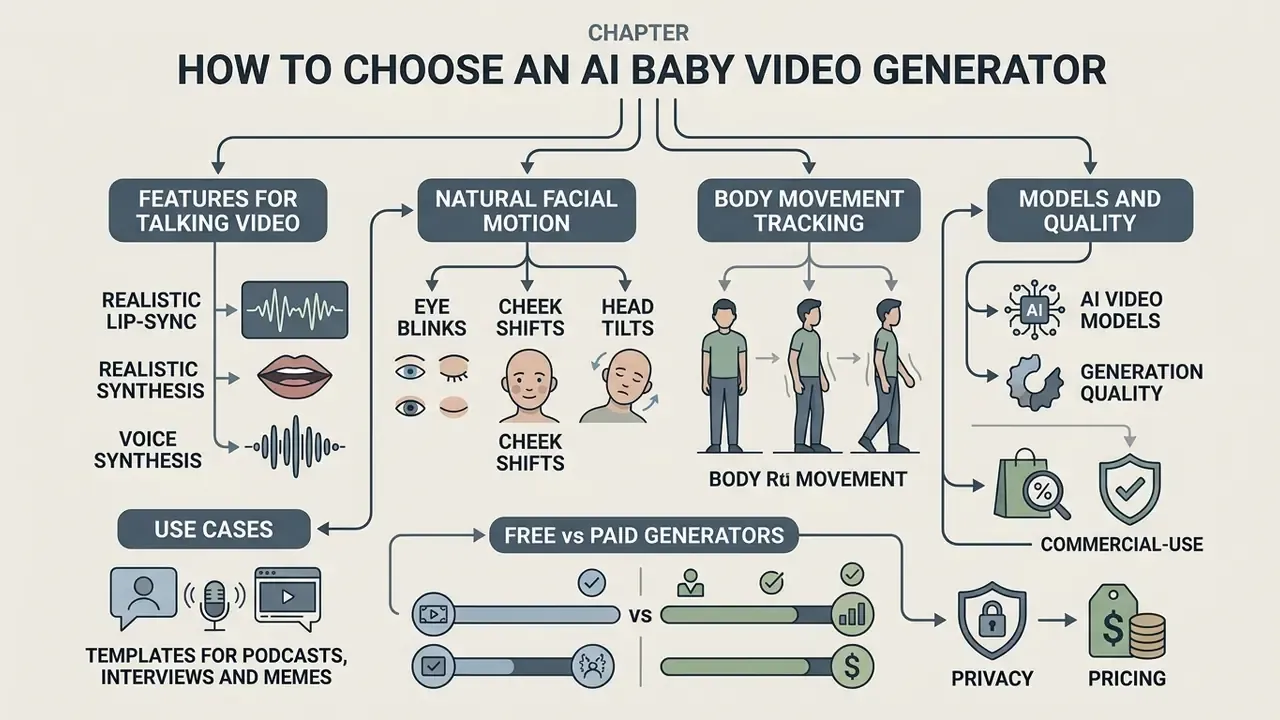
Tool selection depends on the creator's goals, budget and quality requirements. Modern services (tools) combine image generation, natural-language processing and dedicated animation modules. A general primer on generation methods and commercial application is available in the AI video generator comparison and the AI headshot generator guide for portrait-quality expectations.
Detailed breakdowns of tools and alternatives live in our catalogues: browse the hub to compare platforms, or browse the hub for terminology background.
Features for talking video and realistic lip-sync
A capable tool must deliver:
- Accurate lip-sync with no "floating mouth" effect (StyleLipSync, KANFace, Imitator).
- Identity preservation across the whole clip.
Micro-expression checklist (four mandatory parameters):
Research-wise, the field splits into 2D lip-sync video generation, speech-driven 3D facial animation with personalised style (Imitator, ICCV 2023), and real-time low-latency tracking for consumer devices. Different methods, not contradictory ones.
- Eye blinks
- natural blinking every 3–5 seconds.
- Cheek shifts
- cheek and nasolabial-fold movement on consonants.
- Head tilts
- small head tilts in rhythm with speech.
- Body movement tracking
- micro-motion of the torso, available in higher-tier models (Mango AI 2.0, Veo 3 class). Vendor documentation for Mango AI explicitly credits gentle eye blinks, subtle cheek shifts and small head tilts for the "alive" impression.
Templates for podcasts, interviews and memes
Built-in presets simplify vertical-video work. Choppity documents podcast caption presets (word-by-word pop-on, karaoke highlight, Hormozi-style bold yellow, minimal documentary subtitles) with vertical MP4 output for Shorts and Reels. VisionStory starts its video-podcast flow from a Quick Start template with saved host and guest scenes. CapCut ships an interview template with customisable layouts, transitions and integrated captioning, and Envato offers interview and podcast packs for Premiere Pro. Dedicated meme templates are rarer; the closest built-in equivalent is caption styling for short-form social clips.
AI video models and generation quality
Verified sourcing. For evaluating image-to-video quality, use published benchmarks with disclosed methodology:
Free vs paid AI baby video generators: pricing and limits
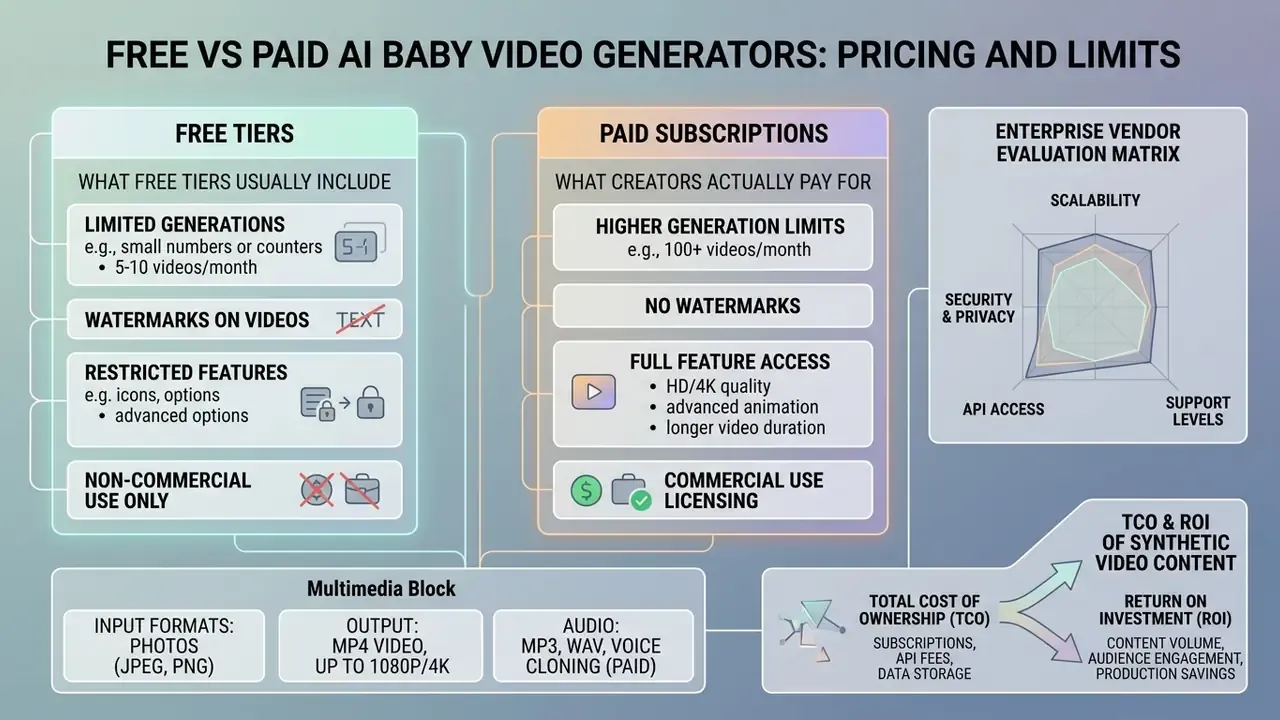
Most generators run a freemium model with a limited trial. A side-by-side view of quotas, watermarks and export limits is available in the free AI video generator comparison, while the free photo editor guide covers the same trade-offs for source imagery.
You can model project economics and per-render costs in the calculators section, and check current licence prices on the AI Media Pricing page.
What free tiers usually include
Free access (free) typically covers:
- 1–3 test generations (use of credits), often 30–125 credits per month, sometimes expiring after 30 days.
- Clip-length caps of 3–10 seconds (occasionally 15–30 seconds at higher free quotas).
- Base export resolution (480p or 720p).
- A visible watermark on exports.
What creators actually pay for
Published vendor pricing for baby-video generators spans a wide band. One service lists a free trial with a single 720p generation plus an annual plan around $34.99/year; another lists $2.99 trial, $9.99 starter, $29.99 family and $99.99 professional tiers. So rather than a single "$9.99–$99.99/month" range, expect entry paid access from roughly $3 and professional tiers up to about $100 per month, with the exact ladder depending on vendor, region and billing period. Verify on the vendor's own pricing page at purchase time.
Paid tiers typically unlock:
- Watermark-free downloads in Full HD (1080p) and 4K.
- Expanded premium voice selection and voice cloning (Veritone, for instance, gates stock and premium voices behind a paid plan).
- A commercial licence for generated content.
- Priority GPU render queues.
For reference from adjacent categories: Adobe Stock delivers licensed assets watermark-free at the highest available resolution on subscription; Yandex Alice Plus explicitly lists watermark-free photo and video, high-resolution files and commercial-use permission as paid features; Envato Elements bundles unlimited downloads with commercial use; Artlist separates a social-only licence from a worldwide Pro commercial licence.
Multimedia block (spec, keep as text)
Free vs paid capabilities of AI video generators
| Criterion | Free tier | Paid subscription (Pro) |
|---|---|---|
| Generation limit | 1–3 clips / 30–125 credits per month, sometimes expiring in 30 days | Unlimited or 1,000+ credits per month |
| Video quality | 480p to 720p | 1080p Full HD / 4K |
| Watermark | Present on all exports | Removed |
| Voice selection (audio) | Basic standard TTS voices | Premium voices plus voice cloning |
| Clip duration | 3–10 seconds typical | Extended, with batch rendering |
| Commercial rights | Usually prohibited (personal use only) | Full commercial licence per plan terms |
Text duplicate of the limits above: free plans cap generations, resolution and clip length, and stamp a watermark on every export; paid plans lift the watermark, raise resolution to Full HD or 4K, add premium and cloned voices, allow batch rendering, and grant commercial rights within the terms of the specific plan.
Enterprise vendor evaluation matrix
Consumer price tables are insufficient for regulated organisations. Use the following criteria when a brand, agency or bank marketing team assesses a generator:
| Criterion | What to require | Why it matters |
|---|---|---|
| Security certification | SOC 2 Type II or ISO/IEC 27001 report | Baseline third-party assurance for a cloud renderer |
| Encryption | Encryption in transit and at rest (AES-256 class) | Protects source imagery of minors |
| Biometric retention | Documented deletion of facial embeddings after render; no reuse | Prevents facial vectors of minors persisting in vendor datasets |
| Training-data policy | Contractual opt-out from model training on customer uploads | Stops brand and family imagery entering future models |
| Data residency | Region selection (EU/US) and sub-processor list | GDPR transfer compliance |
| Commercial rights | Written grant covering ads, client work and paid media | Free tiers usually exclude all three |
| IP indemnification | Vendor defence obligation for third-party IP claims | Shifts litigation exposure off the brand |
| Provenance | C2PA or content-credential support, watermarking | Supports synthetic-content disclosure duties |
| SLA and API | Uptime commitment, rate limits, sandbox keys | Removes dependence on consumer web UIs |
| Shadow-AI control | SSO/SCIM, audit logs, admin seat management | Prevents unsanctioned personal-account usage |
Shadow-AI assessment in practice. Inventory which consumer generators employees already use for social content. Block uploads of identifiable imagery of minors to unapproved endpoints. Route all synthetic-persona work through one contracted vendor, and log every render with a request ID, prompt, source asset and approver. One owner per asset, one audit trail. No evidence, no autonomy.
TCO and ROI of synthetic video content
A realistic cost model goes well beyond subscription fees:
TCO = API/licence cost
    + legal & compliance review
    + QC and moderation labour
    + provenance/disclosure tooling
    + residual risk reserve
Practical inputs: per-clip render cost (credits multiplied by price), average number of retries to pass lip-sync QC (typically 2–4 for a talking-baby clip), legal clearance hours per campaign, and the cost of a takedown or reshoot if a licence proves insufficient. ROI should be measured on reach and engagement lift for the format versus the fully loaded cost per approved clip, not versus the raw generation fee. Model the numbers in the calculators section.
One honest caveat: residual risk is the hardest line to price. If you cannot estimate it, cap exposure instead by limiting where the clip runs.
Commercial use of AI baby videos and safe handling of photos
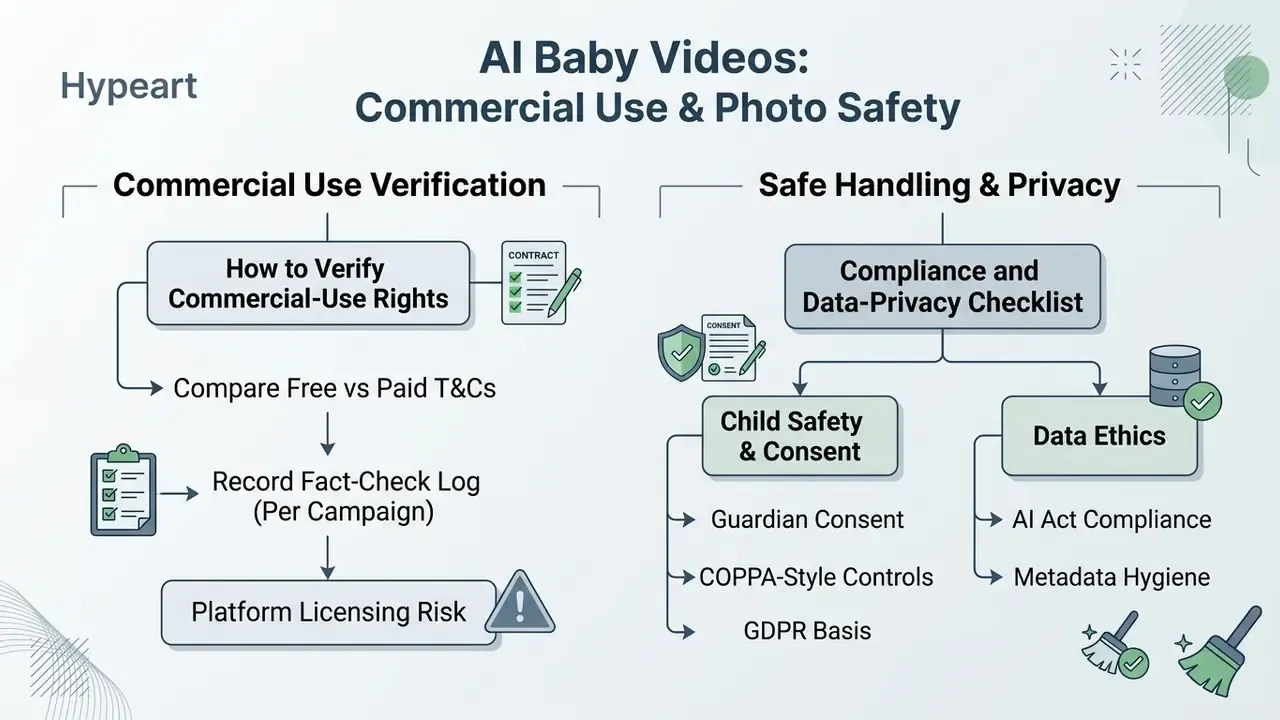
Disclaimer. The information below is general in nature and does not replace legal advice. Rules for using imagery of minors and synthetic content differ by jurisdiction and by platform.
Using ai baby video clips in advertising and marketing is governed by copyright law, platform terms and children's data-protection rules.
For a deep pre-launch legal review, study the AI Media Commercial-Use Hub, our breakdown of commercial licensing for AI generators, and, in the event of a dispute, open the hub for case precedents. Reverse-image checks via AI reverse-image search help detect unauthorised reuse of your published clips.
How to verify commercial-use rights
To confirm your material is cleared:
- Check the specific generator's Terms of Service. Free tiers almost always prohibit commercialisation, and the controlling text is the version active on your account at publication time. Adobe's stance is a useful reference point: generative-AI outputs may generally be used commercially, unless a beta feature is expressly limited to personal use.
- Account for U.S. Copyright Office guidance: works created entirely by AI without meaningful human authorship are not protected by copyright, a point the Congressional Research Service also makes for AI-generated video.
- Factor in EU transparency duties. The AI Act and audiovisual-media rules require deepfake and synthetic-content labelling to prevent deception, including content depicting children.
Illustrative licence-review case (composite, not audited). Preparing a fintech campaign built around a viral mascot, a review team read the licence terms of a dozen video-generation services and found that a majority restricted commercial use of free-tier generations. Moving to a paid corporate licence with explicit rights to the produced media removed the copyright exposure as the campaign scaled across social platforms. The exact vendor split is an internal review snapshot, not an audited market statistic. Re-verify the terms yourself, because vendors revise them often.
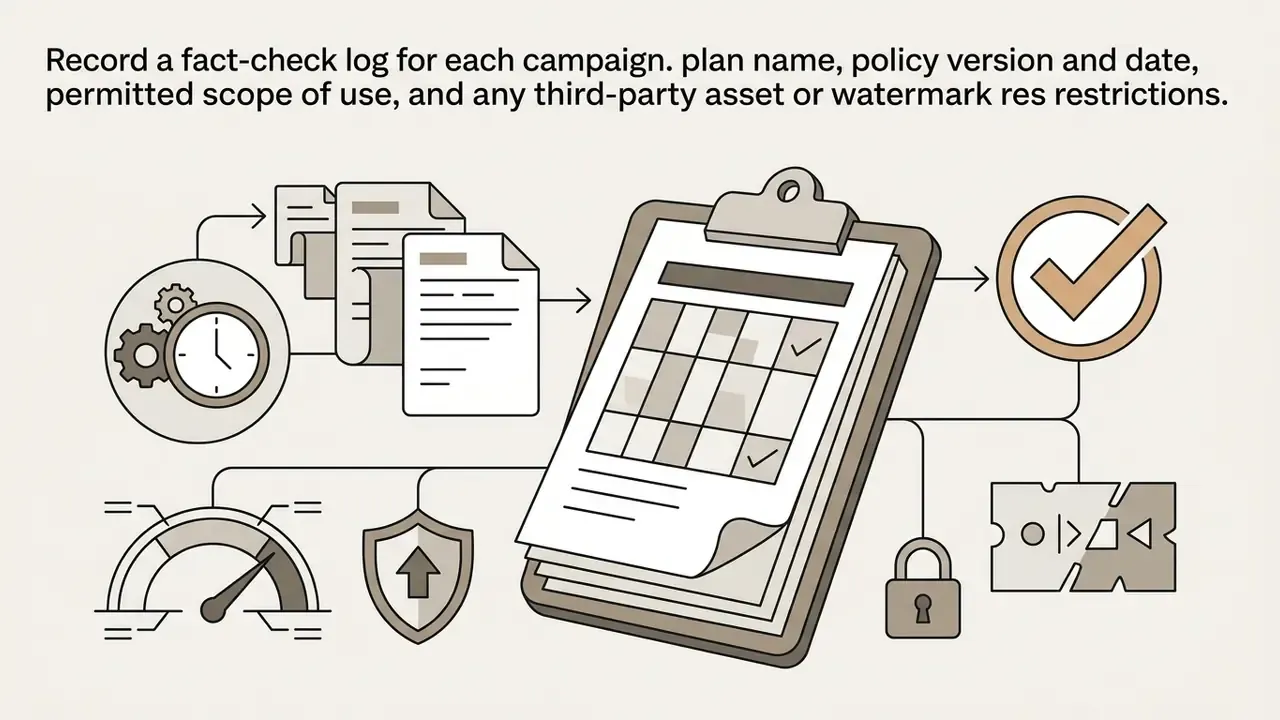
Compliance and data-privacy checklist (COPPA, GDPR, AI Act)
- Guardian consent documented, specific to the campaign, revocable. NSPCC guidance says children should consent to photo and video use, and parental consent is required for under-16s.
- COPPA-style controls if any collection involves children under 13 through your own properties, verifiable parental consent and data-minimisation obligations apply. Never treat a public family photo as a licence.
- GDPR basis identify the lawful basis, run a DPIA for facial data, define retention, and honour erasure requests including derived embeddings.
- Platform licensing risk NSPCC warns that platforms may license uploaded images to third parties for commercial purposes. Read the upload terms before posting a child's face.
- Metadata hygiene strip names, location metadata and other identifiers; consider reducing resolution to limit repurposing.
- Illegal-content guardrails the Internet Watch Foundation states that AI-generated indecent images of anyone under 18 are illegal under UK law, including cartoons and animations. The EU AI Act prohibits CSAM generation from 2 December 2026, and vendor policies (OpenAI, Google) plus Thorn's 2026 safety guidance impose parallel bans.
- Disclosure label synthetic content in the caption and via platform tooling. The EDPS's 2026 joint statement requires safeguards against non-consensual imagery with enhanced protections when children are depicted, plus rapid removal mechanisms.
- Legal clearance gate no paid distribution until licence, consent, disclosure and takedown routes are signed off in writing.
Model risk and deepfake security
For organisations that must fit generative video into an existing model-risk framework:
- Inventory and tiering register the generator as a third-party model, and tier it by exposure (organic social post versus paid media versus customer-facing communication).
- Validation evidence require reproducible outputs for fixed seeds and prompts where available, and document evaluation against published benchmarks (AIGCBench dimensions, identity-consistency and temporal-stability checks).
- Ongoing monitoring re-test after vendor model upgrades, since quality and behaviour can shift silently between versions.
- Misuse scenarios the same lip-sync stack that animates a baby can animate an executive. Assess social-engineering risk, voice-clone-assisted fraud, and pressure on liveness and verification controls, then align internal fraud playbooks and staff training accordingly.
- Provenance and detection retain content credentials and source assets for every published clip so authenticity can be proven if an impersonation claim arises.
Worth stating plainly: a marketing experiment with synthetic faces sits closer to your KYC and fraud controls than most creative teams expect.
RACI matrix for approving synthetic content
| Activity | Responsible | Accountable | Consulted | Informed |
|---|---|---|---|---|
| Concept and script | Creative lead | Marketing head | Brand/legal | Comms |
| Consent collection | Producer | Marketing head | Privacy/DPO | Legal |
| Generation and QC | Video editor | Creative lead | Technical QA | Marketing |
| Licence and IP review | Legal counsel | Chief compliance | Procurement | Marketing |
| Vendor security review | Security architect | CISO | Privacy/DPO | Procurement |
| Disclosure and labelling | Social manager | Marketing head | Legal | Compliance |
| Incident/takedown | Comms lead | Chief compliance | Legal, Security | Executive team |
What to consider when uploading photos and creating dialogue
When uploading personal photos of children (upload photo):
- Guardian consent formal parental permission to use the child's likeness is mandatory.
- Relational risk be aware of how audiences bond with synthetic personas.
E-E-A-T block (spec, keep as text)
- Privacy
- following NSPCC and UK Safer Internet Centre (2026) guidance, strip EXIF metadata and geolocation before uploading to cloud services. UK National Crime Agency guidance (July 2026) advises against public sharing of identifiable children's photos and recommends restricting visibility to selected contacts. Related rights questions are covered in our material on commercial use of AI-generated imagery.
- Biometric data protection
- when choosing a cloud generator, confirm the service encrypts data (AES-256 class) and guarantees deletion of source facial biometric models immediately after rendering completes. Avoid platforms that retain facial vector embeddings of minors in public or training datasets.
- Ethical scripts
- never generate dialogue containing fraud schemes, aggressive statements or themes that damage a minor's dignity. UNICEF's guidance on AI and children requires protection of children's data, fairness and safety in any system that interacts with them.
FAQ about AI baby videos
Can I make a talking baby video in another language?
Yes. Multilingual TTS models support 30+ languages while preserving natural intonation and lip-sync. Research supports both cross-lingual generation and prosody control: a 2025 systematic review analysed 100 studies on prosody in speech synthesis from 2020 to 2024, and 2024 work on diffusion-based latent prosody generation shows expressive intonation can be generated directly. One caveat from the literature: supervised fine-tuning can degrade speech quality and weaken prosody preservation across languages, so audition each locale before publishing.
Can I combine babies and pets in the same video?
Yes, and this is one of the strongest sub-formats (see the babies and pets section above). Most networks can animate scenes with children and pets, either from a paired photo or by compositing two characters with multi-avatar tooling. The requirements are the absence of any destructive or unsafe context, compliance with platform child-safety policies, and clear AI disclosure.
Which formats suit a first AI baby video?
For beginners, the ideal start is animating a single photo from a ready-made text prompt, 10–15 seconds long, in 9:16. Vendor documentation converges on the same three easy entry points: text-prompt-to-video, photo-to-animation of one image, and short vertical clips exported as MP4 at 720p or 1080p with scripts under 20 seconds.
Where did the AI baby meme come from?
It originated with the viral "AI Baby Holding Laugh" clip, an AI-generated infant covering its mouth while trying not to laugh, which spread across TikTok and YouTube Shorts and then mutated into baby-faced edits of public figures, from world leaders to film and TV personalities, as documented by Mashable in May 2025.
Are AI baby videos copyrightable?
Not automatically. Fully AI-generated output without meaningful human authorship may fall outside copyright protection under U.S. Copyright Office guidance, which means competitors could reuse your clip. Human-authored elements (script, edit, captions, music selection) and a paid commercial licence are what make the asset defensible.
Do I have to label the video as AI-generated?
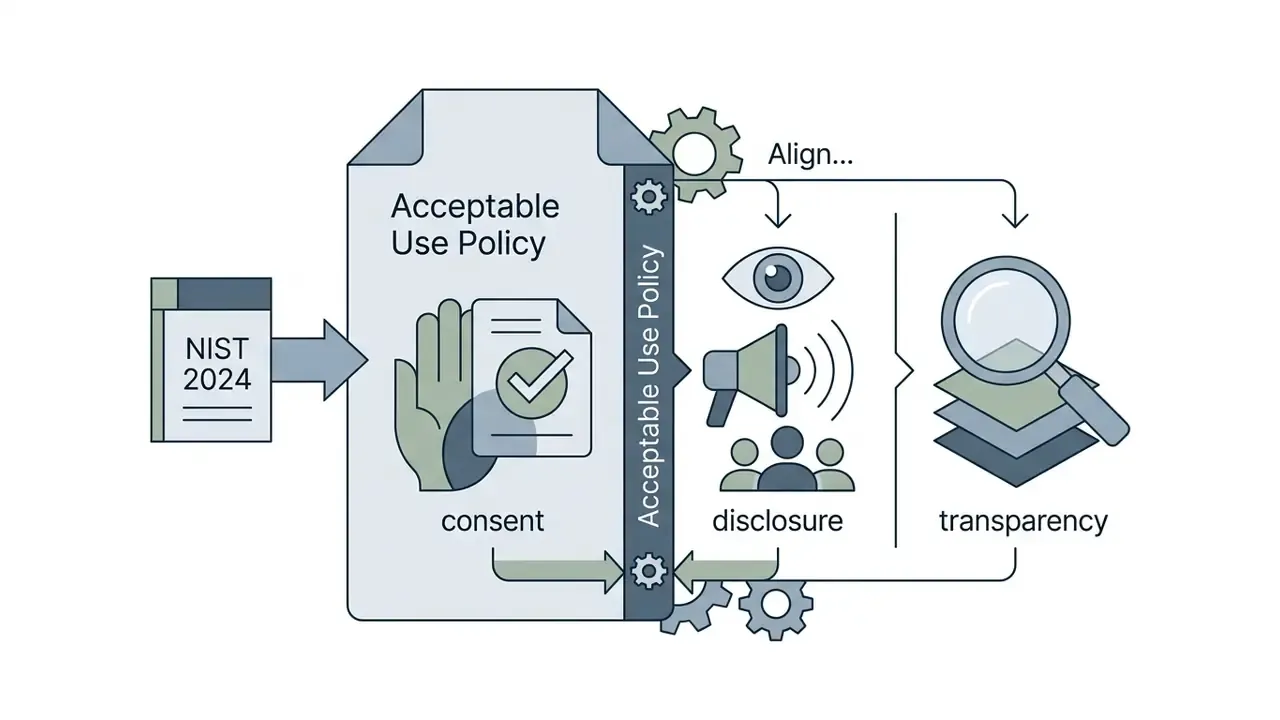
In the EU, yes for deepfake-style synthetic media under AI Act transparency rules. On major platforms, synthetic-media labelling toggles are policy requirements regardless of jurisdiction. NIST's 2024 synthetic-content guidance treats disclosure as a core control alongside consent and transparency.
What is still unresolved about this format?
Three things, honestly. Platform ranking weights are undisclosed, so duration and format advice stays inferential. Long-run audience fatigue with synthetic characters has no reliable measurement yet. And enforcement practice under the EU AI Act for child-depicting synthetic content is still forming, which means today's compliant clip may need re-review in a year. For further technical questions you can always compare options with our support team.
Appendix A: superseded formulations (retained for transparency)
- Removed off-topic tool links (roast, rizz, rubric and resume generators), replaced with topically relevant internal references to voice generation, video editing, licensing and vendor-comparison resources.
Page metadata
- SEO TITLE AI Baby Videos: Create Viral Talking-Baby Clips (2026 Guide)
- SEO DESCRIPTION Make AI baby videos step by step: animate a photo, add voice and lip-sync, copy ready prompts, compare free vs paid generators, and check commercial-use, privacy and disclosure rules.