Executive Summary
- An ai intro generator turns a text prompt, a logo file, or a reference image into a finished animated opener, usually 3 to 10 seconds long, without timeline editing.
- Free tiers almost universally mean watermark plus 720p plus personal use only. Commercial publication requires a paid tier and a downloadable license certificate.
One caveat before you read on. Most vendor claims in this market age in weeks, so treat every spec below as a snapshot to re-verify against current documentation.

What Is an AI Intro Generator and What Intros It Creates
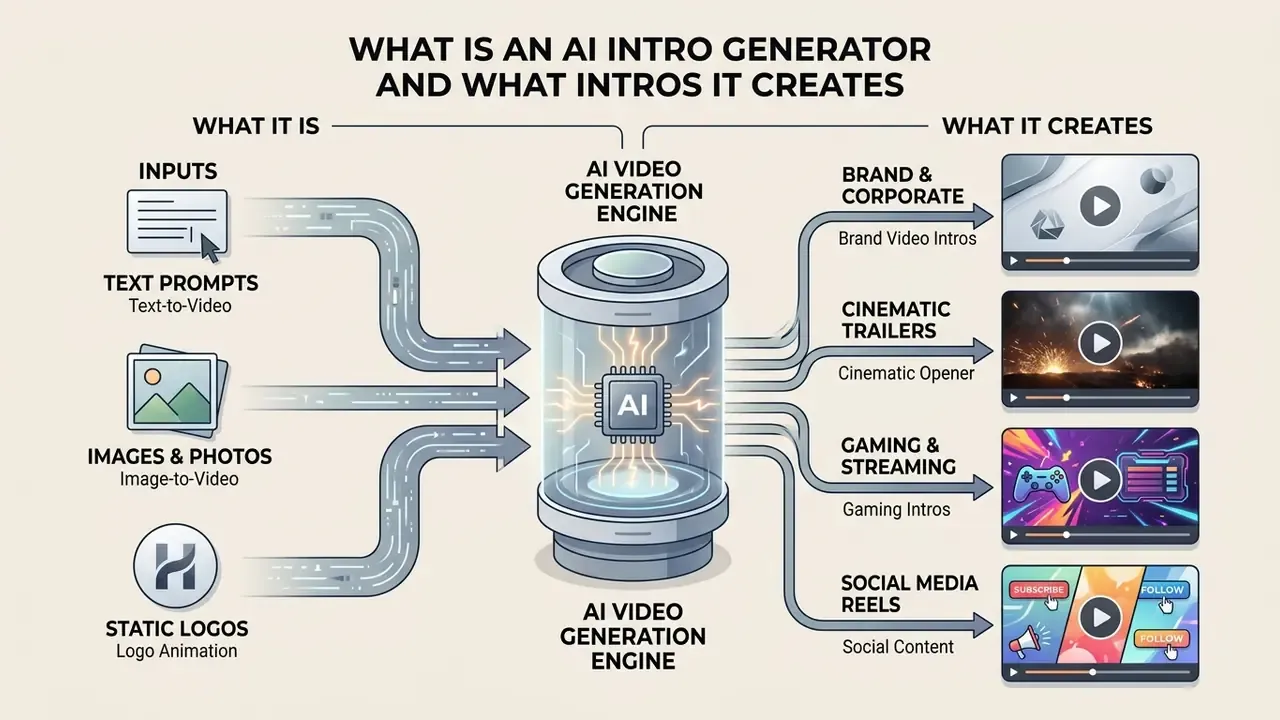
An ai intro generator is an automated software tool that converts text prompts, static logos, and brand guidelines into animated video openers using artificial intelligence models. It lets organizations and content creators produce a high-quality video intro for YouTube, corporate presentations, and social channels without manual timeline video editing skills.
Generative neural networks sit underneath: diffusion models, generative adversarial networks (GANs), and autoregressive transformer architectures. Review literature groups current video-synthesis paradigms into exactly these three families, with temporal consistency identified as the core technical constraint that separates usable output from flickering artifacts. Teams evaluating adjacent generative modalities can also compare production-grade text-to-video and animation platforms before committing render budget.
Industrial framework benchmarks (technical studies of systems such as DeepMind Veo 3.1 and OpenAI Sora 2 Pro) confirm that AI video generation can synthesize frame sequences with temporal consistency, controlling dynamic motion, camera angles, and lighting parameters directly from structured prompts.
«Industrial-grade video systems support multi-format output, avatar clips, and video personalization for marketing scenarios.»
So can AI make an intro video that survives brand review? Usually yes, provided the input assets and prompt constraints are locked first.
Generating Intros from Text Prompts, Images, and Logos
Text-to-video, image-to-video, and logo animation pipelines process inputs differently to maintain visual fidelity and brand identity. A text prompt guides the generative model on scene dynamics and atmospheric tone, while an uploaded high-resolution logo or image acts as a visual anchor for motion synthesis. For a deeper technical view of how still frames become motion, review our documentation on image-to-video generation via the Google Veo API.
Three input mechanics behave differently under the hood:
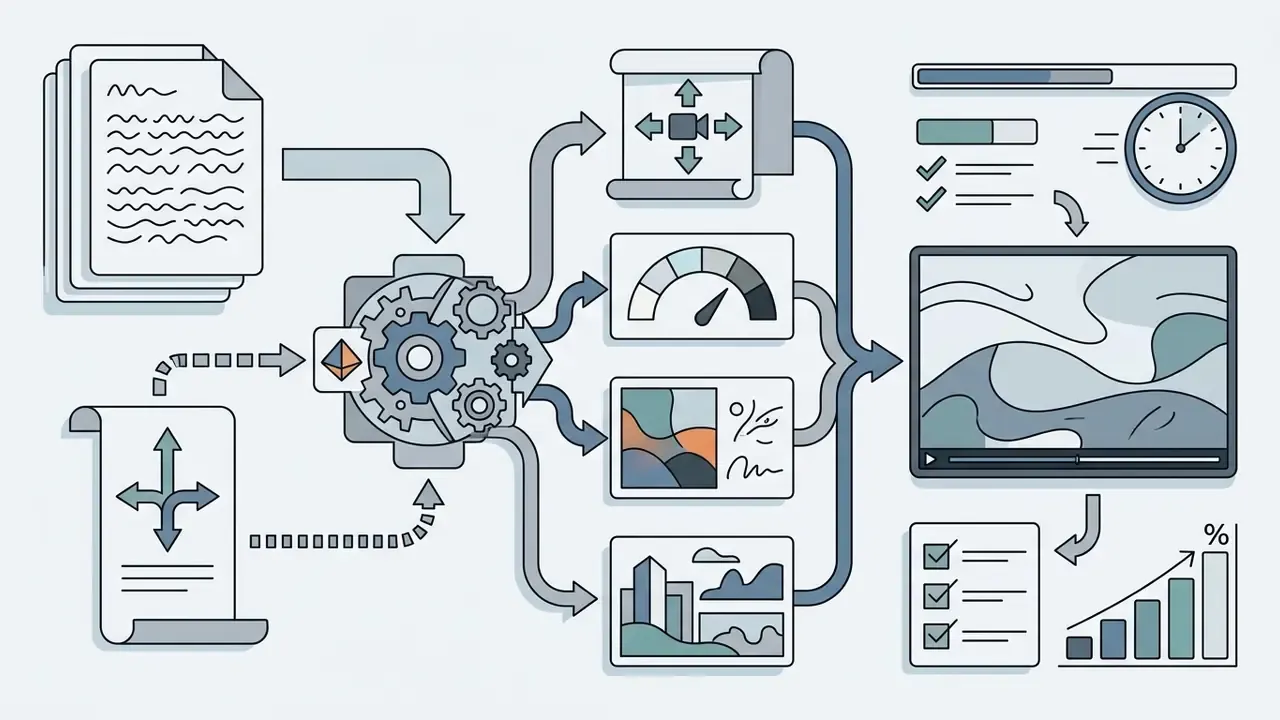
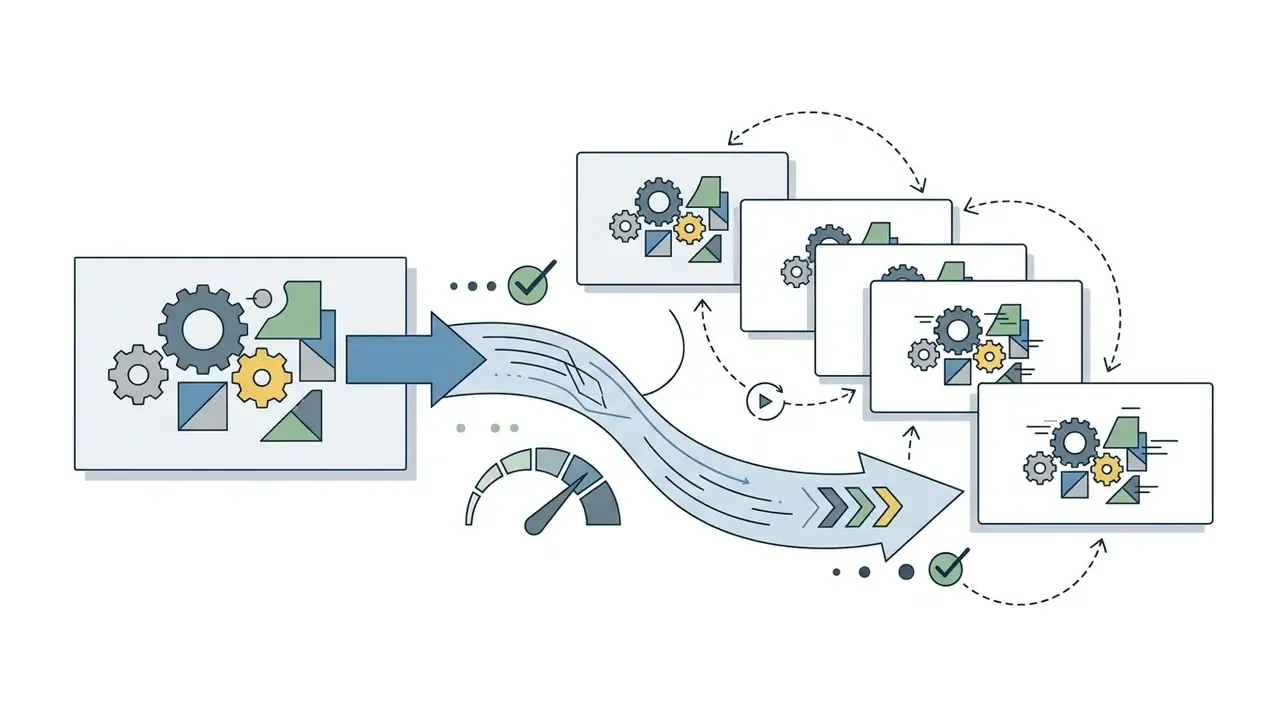
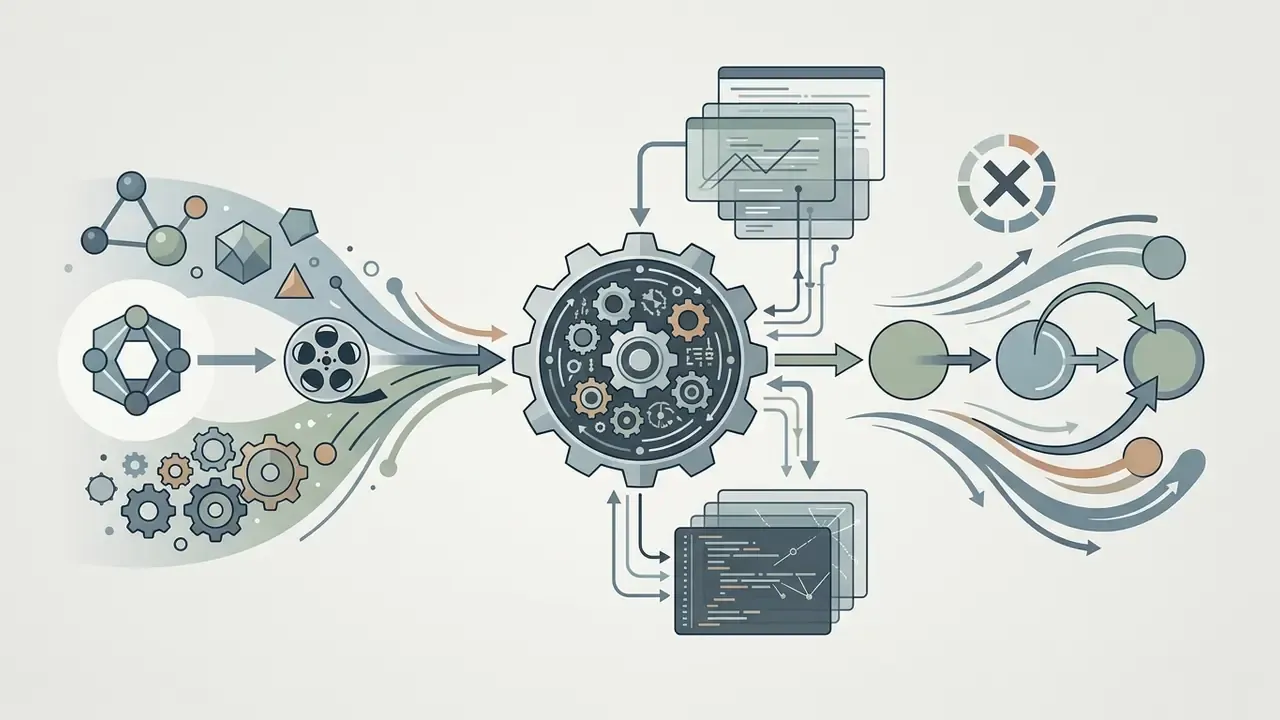
When generating an ai generated intro video, prompt engineering must define background ambiance, camera movement, object transitions, and stylistic constraints. Teams widening their generative workflow can also explore complementary tools such as an ai business name generator for brand strategy, or an ai business card tool for digital asset distribution.
AI-Generated Intro Video Styles: Brand, Cinematic, Gaming, and Social Media
Visual styles for AI-generated video intros range from minimalist corporate branding to explosive gaming overlays and dramatic cinematic title sequences. Each style needs specific prompt parameters, aspect ratio configurations, and acoustic cues to resonate with its intended audience segment.
- Corporate and brand intros: locked color palettes, subtle logo reveals, crisp typography, and uncluttered geometry to communicate trust and operational maturity.
- Cinematic movie intros: widescreen 2.39:1 framing, volumetric lighting, deep shadows, slow camera pushes, and high-contrast color grading.
«Veo 3.1 and Sora 2 Pro models reach cinematic quality with synchronized audio and native 4K resolution.»
- Gaming and streaming intros: high-energy motion dynamics, neon cyberpunk palettes, retro pixel-art or fantasy-RPG treatments, particle explosions, and high-bpm audio cues that grab attention immediately.
- Social media intros: built for 9:16 vertical feeds, with fast 1-to-3-second visual hooks, bold text overlays, upbeat but non-distracting music, and platform-safe text positioning away from top and bottom UI zones.
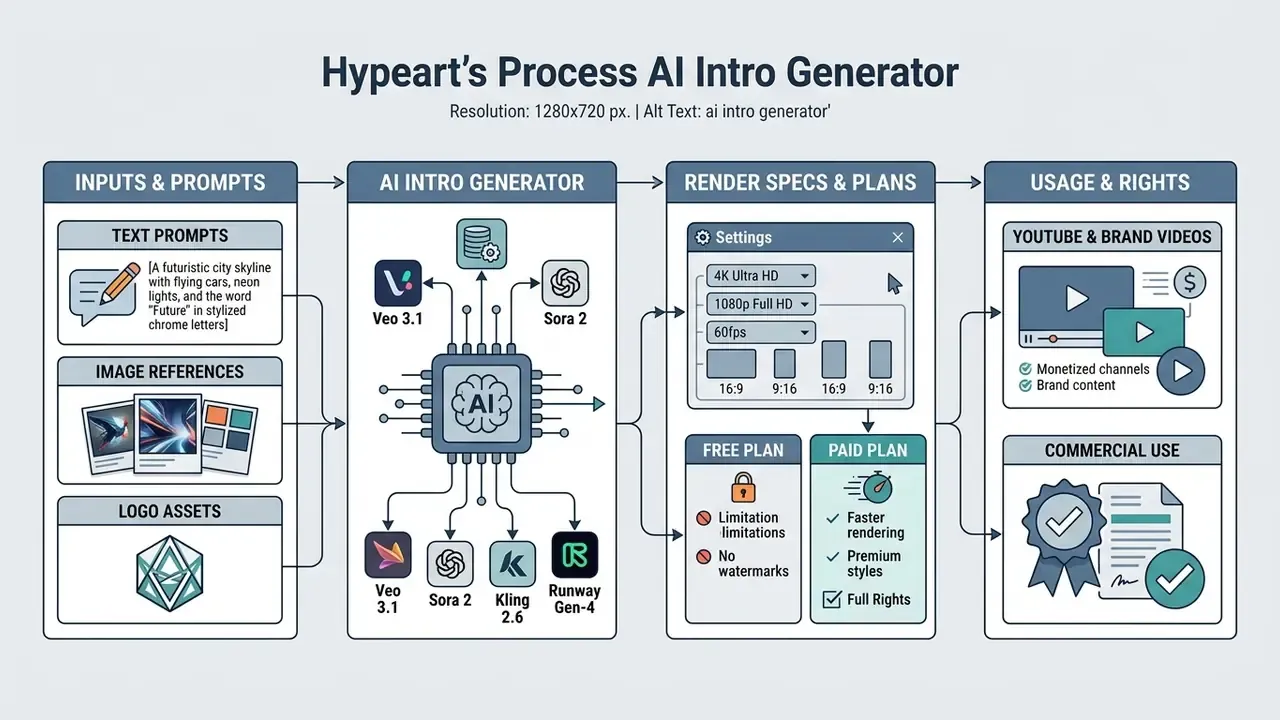
- Input assets
- text prompt, logo (PNG or SVG), still image reference.
- Style and audio
- preset or model selection, brand colors and fonts, audio or voice track.
- AI synthesis
- video diffusion model, temporal consistency pass, render at 1080p or 4K.
- Export and audit
- MP4 or ProRes output, multi-aspect ratios, rights verification.
How to Choose an AI Intro Maker for YouTube and Other Videos
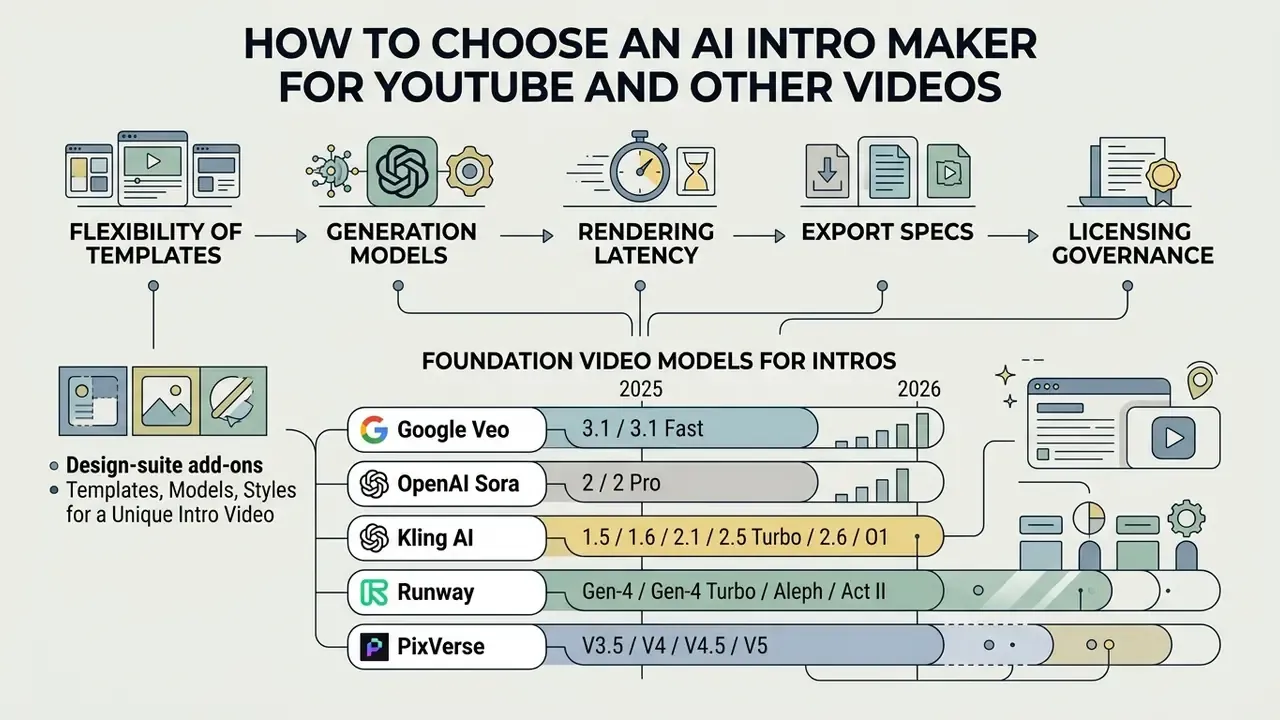
Selecting an ai intro maker for youtube means evaluating template flexibility, underlying generation models, rendering latency, export specs, and licensing governance. Operators should also confirm that the chosen online video maker slots into existing digital asset management frameworks without importing hidden compliance risk.
«Industrial video-generation systems support multi-format rendering in 16:9, 9:16, and 1:1 without manual reformatting.»
Key selection criteria: native 1080p or 4K rendering, multi-aspect re-framing (16:9, 9:16, 1:1), customizable brand kits, and precise audio synchronization. Enterprise buyers should verify commercial rights for every underlying visual and musical asset. Before shortlisting vendors, it is worth reading a structured comparison of the best AI generation platforms by output quality and licensing, since intro tooling frequently ships inside broader creative suites.
The 2026 market splits into three business models, and the model determines your cost predictability:
- Template-led editors (Canva, Placeit, CapCut): flat subscription, branded template libraries, multi-format export, low cinematic ceiling.
- Prompt-to-video generators (Runway, Veo-based services, Sora-based services): credit-metered by output duration, high visual ceiling, variable unit cost.
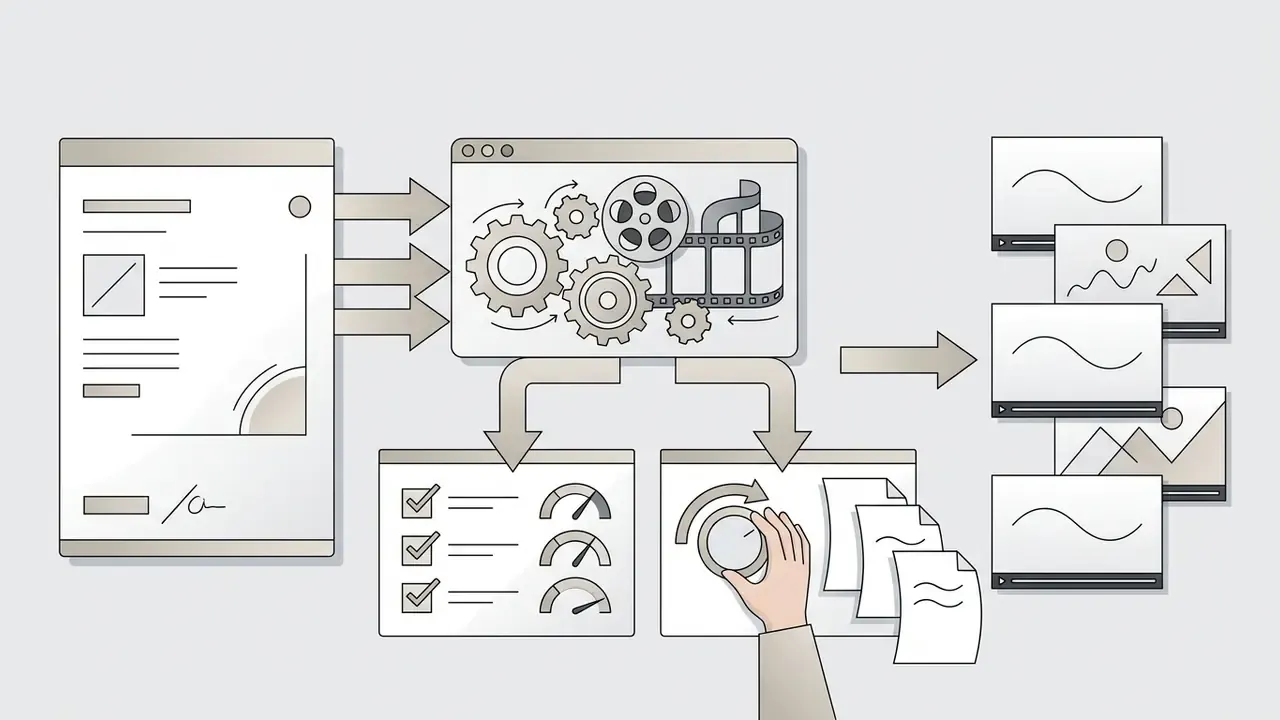
Templates, Models, and Styles for a Unique Intro Video
Modern AI intro generators pair large template libraries with access to advanced foundation video models. Customization controls let a video intro creator align pre-built animation patterns with a corporate brand kit.
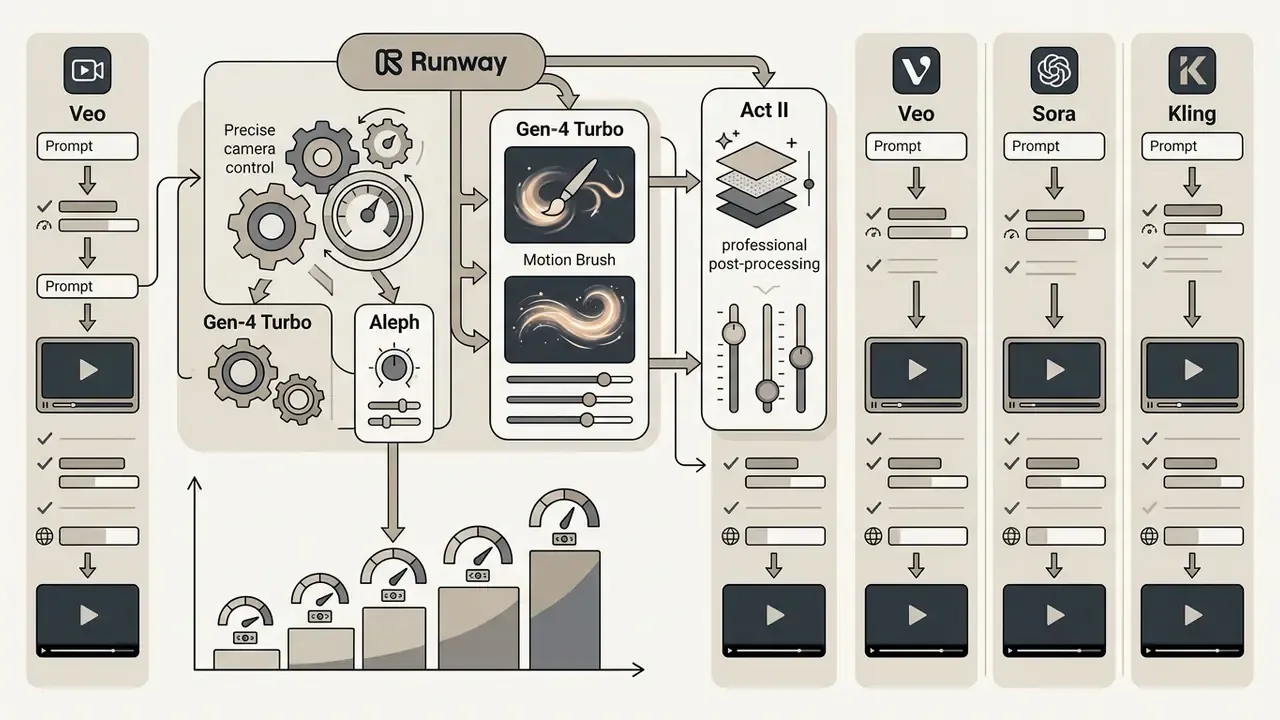
Enterprise platforms (HeyGen, Synthesia, Pictory, Fliki, and Google Cloud Gemini API video services among them) let users select a specific engine, whether Veo 3.1, PixVerse checkpoints, or custom fine-tuned diffusion weights, to enforce visual stability. HeyGen exposes curated visual templates with an explicit style_id control plus brand kits for colors, fonts, and logos. Fliki stores channel colors, fonts, logo, and watermark, so one kit applies across an entire series. For specialized creative needs, teams often evaluate adjacent generative tools, such as an ai caricature generator for stylized social avatars or an ai car generator for automotive marketing concepts.
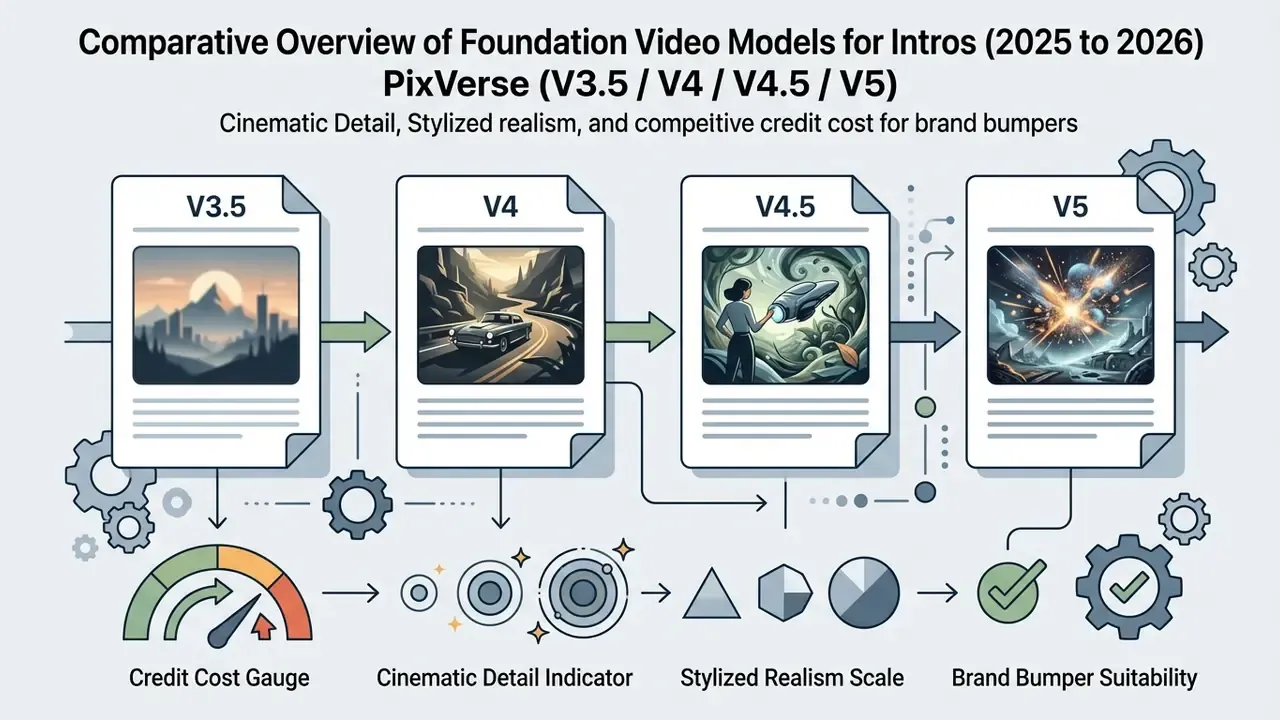
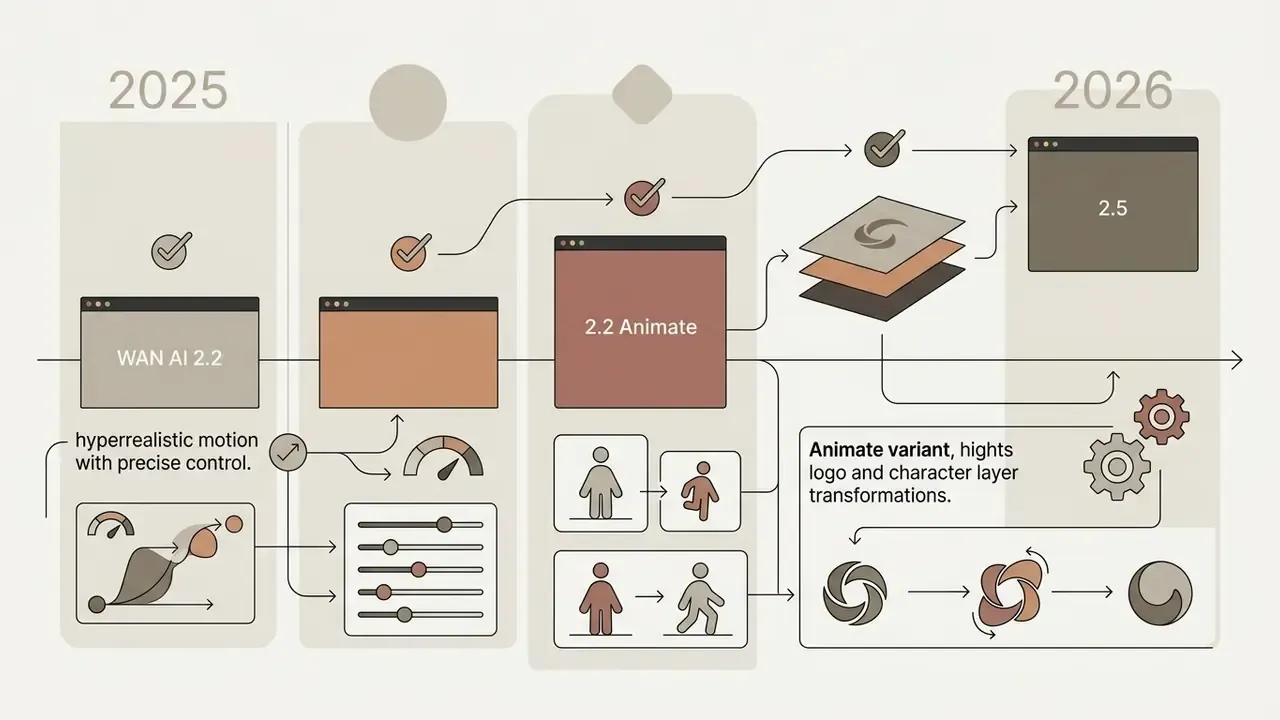
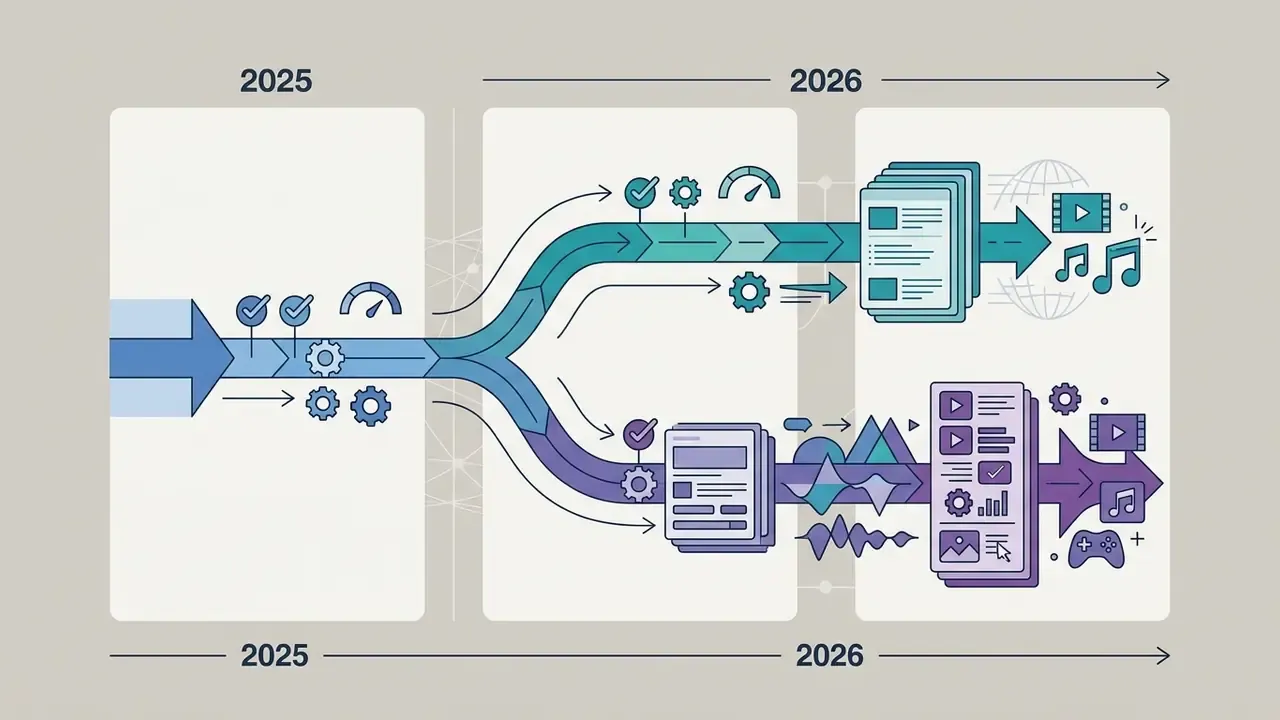
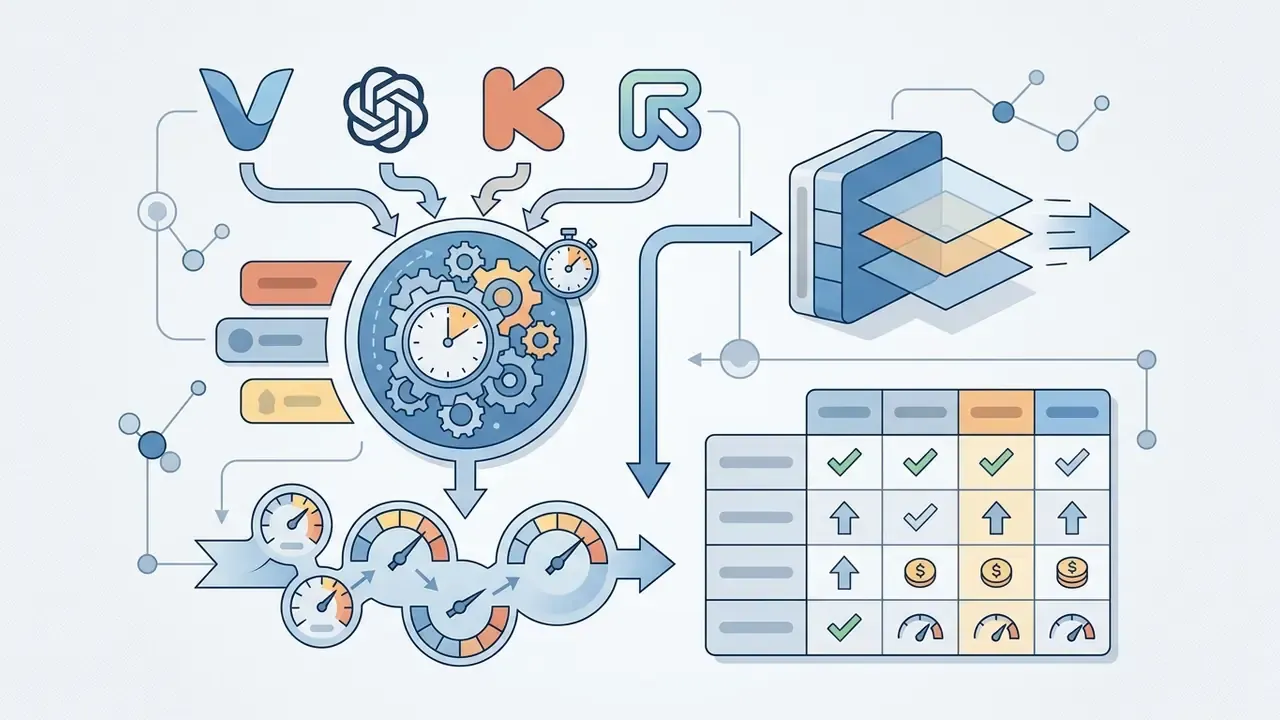
Comparative Overview of Foundation Video Models for Intros (2025 to 2026)
Enterprise Data Security and Asset Ownership
Before any brand asset leaves your perimeter, the security posture of the generator matters as much as its visual polish. Media and risk teams should demand written answers to five questions:
- Training on customer inputs does the vendor train or fine-tune public models on uploaded logos, reference footage, and prompts? Enterprise tiers frequently offer opt-out. Free tiers frequently do not.
- Zero Data Retention (ZDR) are prompts and generated frames deleted after the render job, or retained in a shared moderation and telemetry store?
- Output visibility some platforms default free and entry tiers to public generation galleries and make outputs private only on higher tiers. That is a direct leak vector for unreleased campaign assets.
- Certifications and contracts SOC 2 Type II, ISO 27001, DPA and NDA availability, sub-processor list, data residency options.
- Access control SSO, role-based permissions, per-seat audit logs, API key rotation for automated pipelines.
Practical mitigation: generate pre-launch product footage and unreleased logos only in private-visibility, ZDR-enabled environments. Reserve public-tier tools for non-confidential evergreen bumpers. Small habit, large downside avoided.
| Platform / Service | Template Library | Logo Upload | Text and Audio Customization | Generation Speed | Max Export Resolution | Free-Tier Limits |
|---|---|---|---|---|---|---|
| InVideo AI | Extensive (prompt-to-video) | Supported (Brand Kit) | Full-text prompts, AI voiceovers | ~90 to 120 seconds | 1080p / 4K (paid) | Watermark on premium media, 720p or 1080p export, weekly credit reset (Mon 12 a.m. UTC) |
| CapCut AI | Trending social templates | Supported (PNG/SVG) | Basic text, background music | ~30 to 60 seconds | 1080p / 4K / 8K | Limited access to premium elements |
| Runway (Gen-4) | Template-free generation | Supported (image-to-video) | Camera-motion control, prompt | ~60 to 180 seconds | 4K | Credit system metered per second of output |
| Canva AI | Designer templates | Supported (Brand Kit) | Font, style, and audio editing | ~30 to 90 seconds | 1080p | No watermark on base elements, premium assets locked |
| FlexClip / Placeit | Template-first libraries | Supported | Text, music, logo slots | ~30 to 90 seconds | 1080p (paid) | Watermark and duration caps on free exports |
Table note: credit-metered services such as Runway price output by generated seconds, while subscription services give you a fixed monthly export allowance. If monthly volume is predictable, subscriptions win. If volume spikes around launches, credit packs are cheaper. Budget-constrained teams can also review our comparison of free AI video generators by duration limits, credits, and watermarks.
How to Create an Intro Video with AI: Step-by-Step Process
To ai create intro video assets efficiently, run a structured pipeline: concept definition, asset preparation, parameter tuning, render execution, post-generation refinement. A standardized workflow keeps credit consumption down and output on brand.
«Fine-tuning on curated data significantly improves narrative logic, visual-to-script correlation, and subtitle quality.»
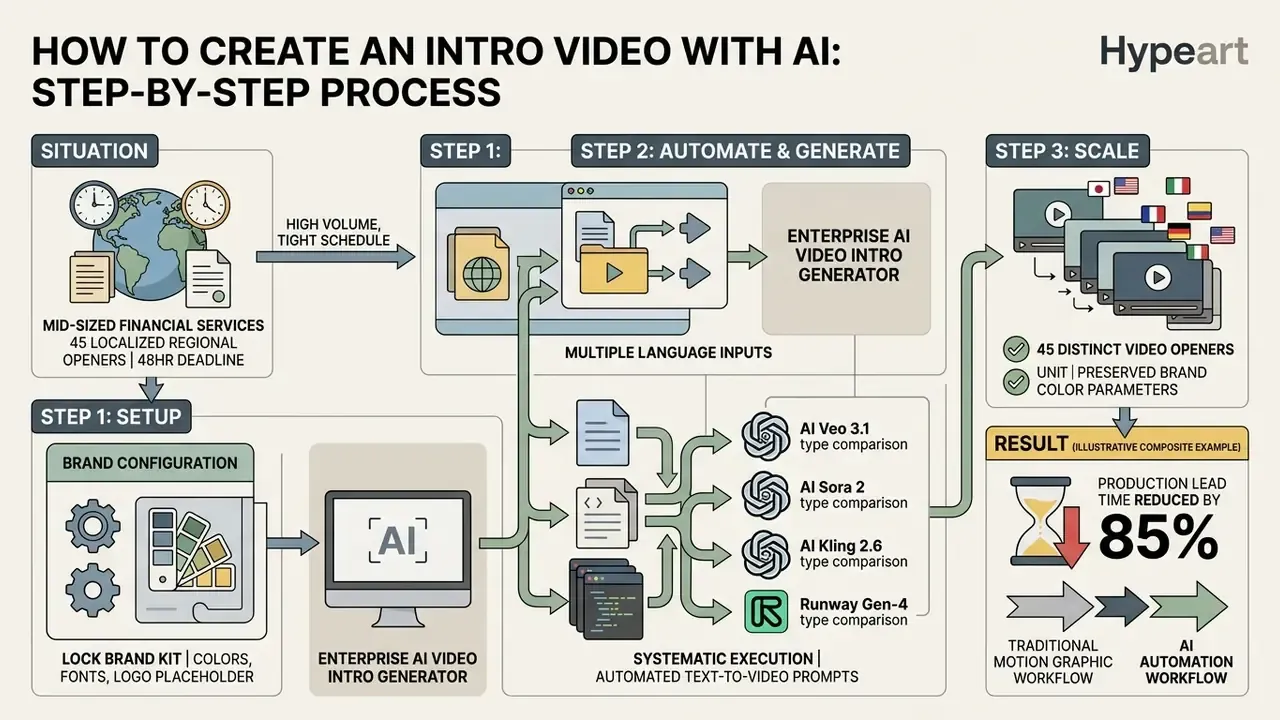
Step 1. Prepare the Prompt, Text, Logo, or Source Image
Preparation sets the visual foundation for the generative engine. High-resolution inputs prevent spatial artifacting during neural rendering cycles.
- Prompt architecture
- structure prompts as background and environment, then subject, then motion dynamics, then lighting and style constraints. Current vendor guidance recommends short labeled segments for complex requests instead of one run-on sentence.
- Logo formatting
- use vector SVG or transparent-background PNG (or WebP) assets to prevent background clipping. Keep separate light-background and reversed versions.
- Reference images
- supply key visual frames at 1080p minimum to enforce palette continuity and spatial arrangement.
- Negative prompts
- state exclusions explicitly, for example "no text blur", "no watermarks", "preserve brand elements", "no temporal distortion".
Prompt Cheat Sheet: Ready-to-Use Templates
Step 2. Choose the Template, Style, Music, and Voice
Configuring acoustic and stylistic parameters keeps the generated intro aligned with institutional brand guidelines. Modern tools synthesize visual motion, background music (BGM), and synthetic voiceover in one pass.
Generative audio frameworks apply diffusion models to match music tempo with scene transition cadence.
«Diff-BGM conditions music generation on video style and atmosphere to align the soundtrack with the video's mood.»
Template-driven platforms split the script into scenes matching the chosen template structure, then let the operator pick a voice, apply the brand kit, swap visuals, and layer music. Google's Veo prompting guidance formalizes control as Cinematography plus Subject plus Action plus Context plus Style and Ambiance, and notes the model can synthesize a full soundtrack, dialogue, SFX, and ambience, from text instructions alone. When selecting synthetic voiceover engines, enforce localized accent controls and distinct speaker separation. Our reference on AI voice generators, language support, and commercial licensing covers the licensing side in detail. For design tasks beyond video motion, creative teams frequently open the hub for model comparisons.
Step 3. Generate, Edit, and Download the Finished Video
Hitting generate starts a GPU render job. Once preview clips exist, targeted adjustments fine-tune timing, subtitle positioning, and audio balance.
- Preview generation: review low-resolution proxy output to verify motion trajectory and composition alignment.
- Timeline adjustments: trim clip duration to hold pacing, ideally under 5 seconds for digital openers.
- Audio balancing: normalize voiceover channels against background music, using the minus 14 LUFS standard for YouTube, Spotify, and most streaming platforms.
- Final export: select the container format (MP4/H.264 for web streaming, ProRes for master archives), then set resolution, frame rate, and bitrate before rendering. Using pre-rendered previews where the editor supports it shortens export time materially. Publishing teams can align this step with our YouTube editing and publishing workflow guide.
Step 4. Quality, Generation Speed, and Publication Readiness
Rendering throughput and output quality vary a lot across architectures. High-performance models return 1080p clips in 60 to 120 seconds, while 4K renders may need 2 to 3 minutes per pass.
«Aquarius achieves 2.35x inference acceleration through multi-process parallelism and memory optimization.»
Production readiness demands high-bitrate MP4 or ProRes exports free of temporal flicker. Real-time preview engines let you correct prompts before paying for full-resolution rendering. Where delivery bandwidth is constrained, push masters through a controlled video compression workflow instead of lowering render resolution. Developers building custom enterprise pipelines can use the endpoints documented in our AI Media API reference.
Step 5. Specialized AI Tools for Correcting a Finished Intro
If the generated video has localized defects, use targeted micro-models rather than burning credits on a full re-generation:
- AI background changer replaces the backdrop, for example swapping abstract smoke for an office interior, without deforming the central logo or overlapping adjacent elements.
- AI video angle changer alters the virtual camera trajectory, turning a frontal view into a 45-degree fly-through, while preserving object structure and the chosen aspect ratio.
- AI video extender (outpainting) stretches a 3-second logo loop to 5 or 10 seconds, adding motion, transitions, and context while holding visual continuity.
- AI video face swap substitutes an on-screen presenter or avatar face with matched expressions and movement. Permitted only with documented consent from the rights holder.
- Video quality enhancer removes noise and grain, restores color and texture, and interpolates intermediate frames up to 60 fps and 4K without reshooting or re-prompting.
- Follow-up prompt editing many platforms accept conversational refinement ("cool the palette by 200K, slow the push-in by 30%"), which costs far less than a fresh generation pass.
AI Intro Creation Checklist
- Define the concept and runtimefix the purpose of the opener, 3 to 5 seconds for YouTube, 1 to 2 seconds for Shorts and Reels, 5 to 8 seconds for podcasts.
- Prepare identity assetsupload a transparent-background PNG or SVG logo and enter exact brand HEX values.
- Write the text promptspecify style, lighting, camera movement, and exclusions (negative prompts).
- Configure the audio bedselect a licensed music track and generate the AI voiceover with the correct localization.
- Run a test renderverify the absence of temporal flicker and artifacts at frame seams.
- Export and verifydownload in 1080p or 4K, then confirm commercial-use rights and disclosure requirements.
How to Tailor an AI Intro to Your Brand and Audience
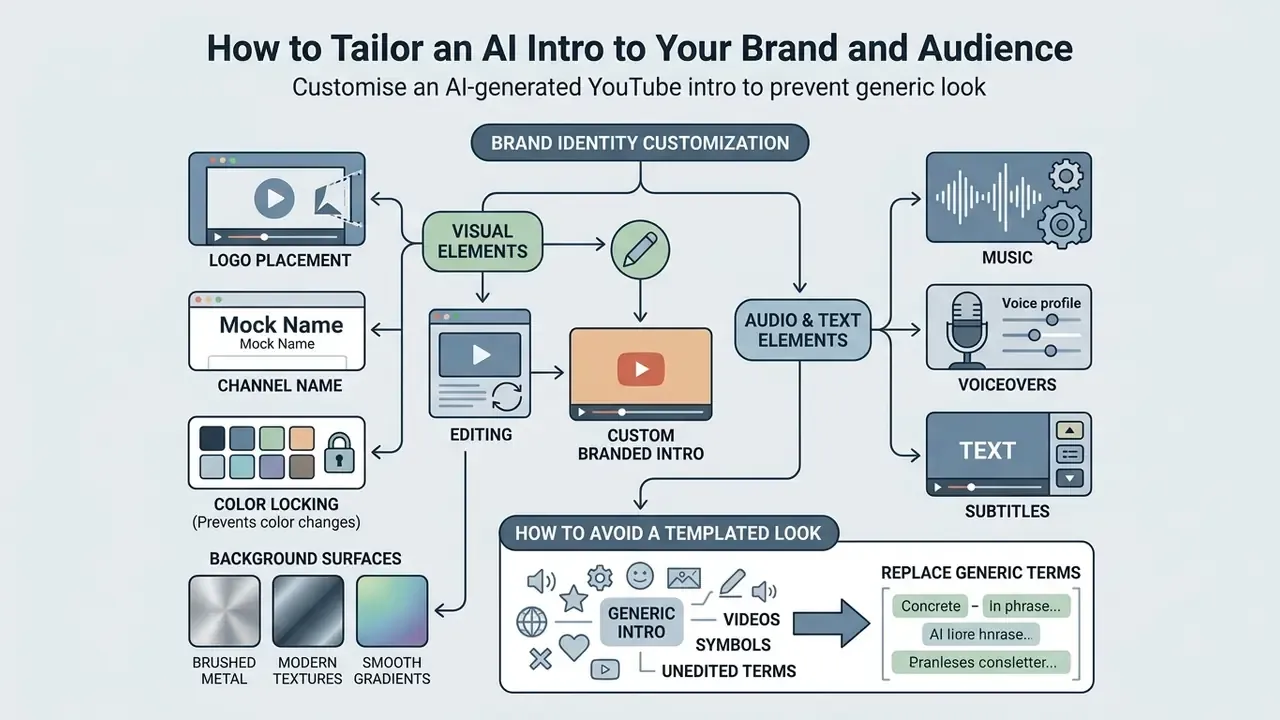
Customizing an ai generated youtube intro protects visual uniqueness and prevents the generic look of unedited public templates. Integrating corporate assets means locking specific design parameters inside the generator settings.
«Ads with obvious AI involvement show weaker branding, especially when models are not adapted to brand style.»
Tailoring models to identity guidelines protects brand equity and improves audience cut-through. Enterprise fine-tuning on a brand's own visual library, commercially available since 2024, is the strongest lever available. Personalization programs work best in three stages: Adopt, Expand, Embed, across the customer journey. A 2025 peer-reviewed study further found that visual generative models trained on marketing-mindset metrics can match or exceed conventional advertising on performance measures.
Logo, Channel Name, Colors, and Background
Integrating brand assets into an ai intro creator pipeline demands exact color space management and crisp typographic rendering. Brand teams standardizing marks across formats can cross-check output against our notes on Canva-based AI brand generation and export options.
- Logo placement position corporate marks in safe visual zones and preserve contrast against dynamic backgrounds. Use reversed or white versions on dark surfaces, monochrome only where the palette is restricted.
- Channel name keep exact brand wording and apply identical typography and placement rules across every template variant.
- Color locking enforce exact HEX and RGB values from the style guide, assign them to fixed roles, and never introduce colors outside the approved palette.
- Background surfaces use controlled patterns or clean dynamic gradients, then verify text and logo contrast. WCAG AA contrast is an explicit requirement in several corporate brand guidelines.
Music, Voiceovers, and Subtitles in Video Intros
Acoustic elements in an ai intro video creator project reinforce emotional engagement and cross-border accessibility. Subtitles and voiceovers must follow established broadcast formatting metrics.
Professional subtitling guidelines recommend text display durations between 1 and 6 seconds, a maximum of two lines, gaps of 2 to 6 frames between cues, and reading speed capped at 12 to 17 characters per second (Channel 4 Subtitling Guidelines, SUBTLE quality criteria). Channel 4's standard additionally requires that captions never overlap subtitles and that timing match dialogue onset and offset. Multi-language voice synthesis lets channels deploy localized intro variants across regional feeds, and music must be cleared before use. WIPO's producer-workflow guidance places a documented clearance report inside the standard rights-management chain.
How to Avoid a Templated Look in AI-Generated Intros
Escaping generic visual tropes means moving past default prompt templates and unedited public assets.
«Co-Director achieves the highest style and character consistency scores, plus the best prompt adherence among tested systems.»
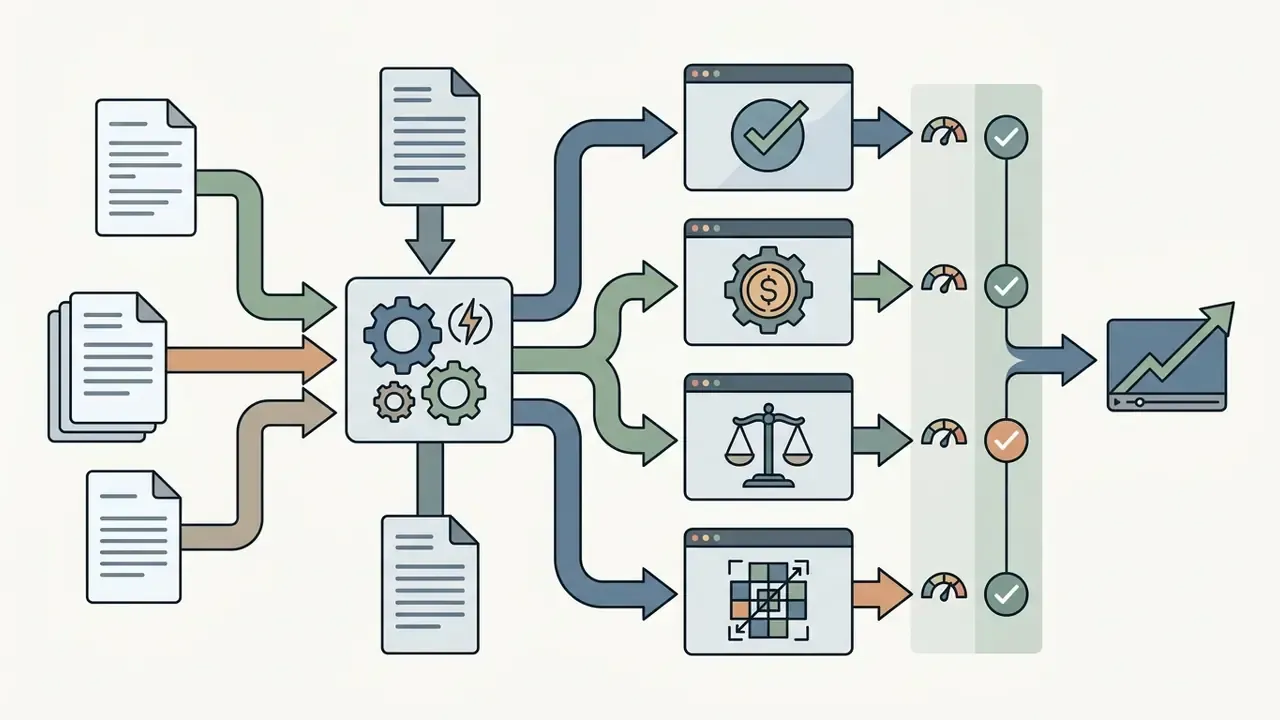
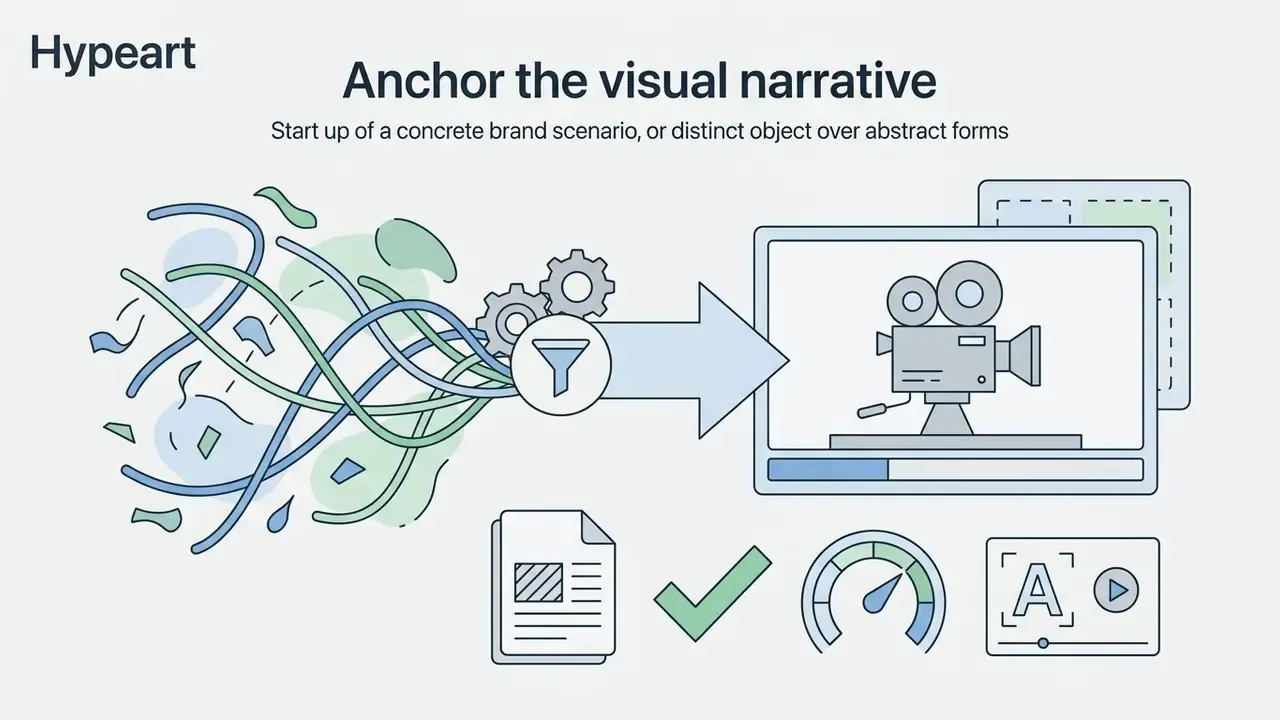
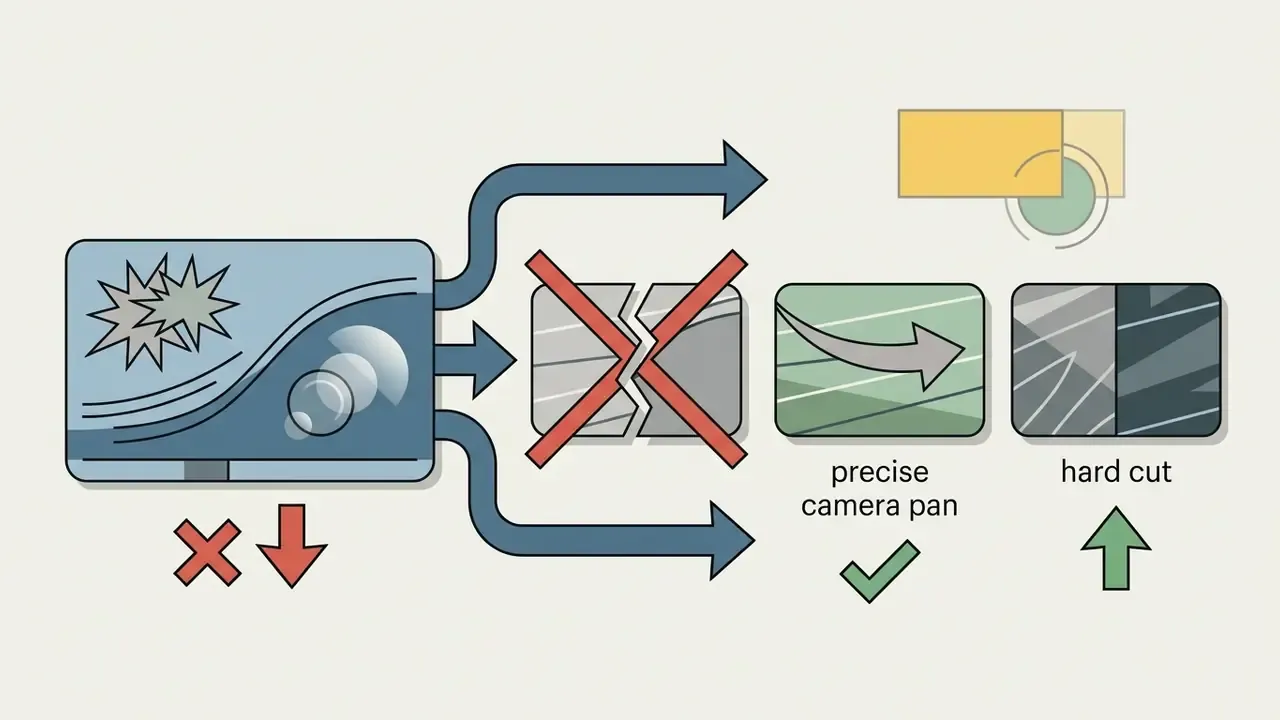
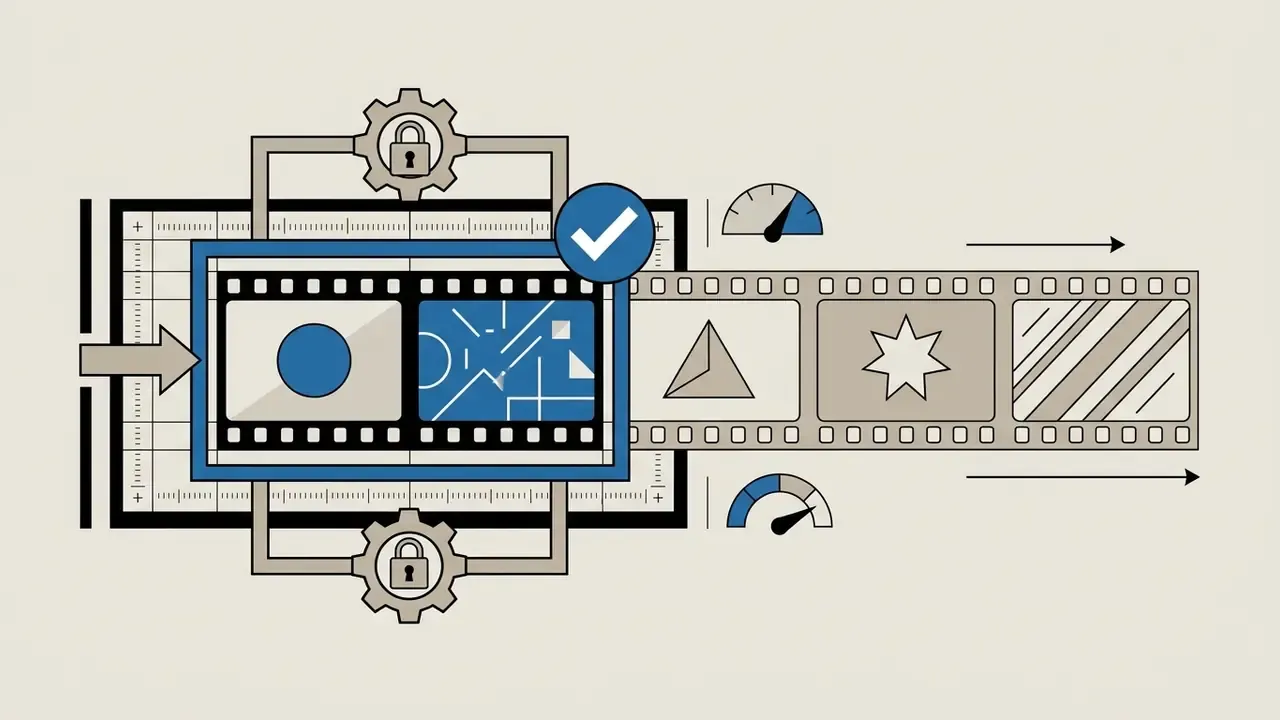
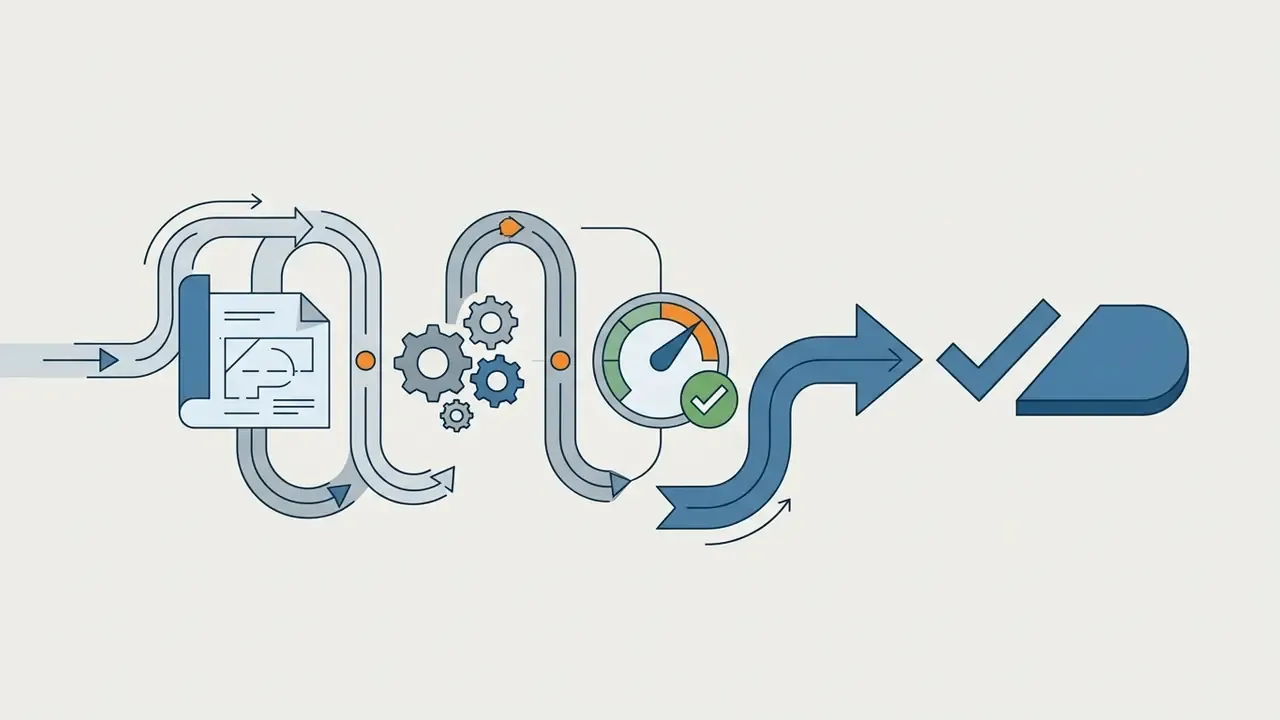
Expert guidance converges on five interventions that remove cliché synthetic aesthetics:
Which Tasks AI Intro Videos Are Suited For
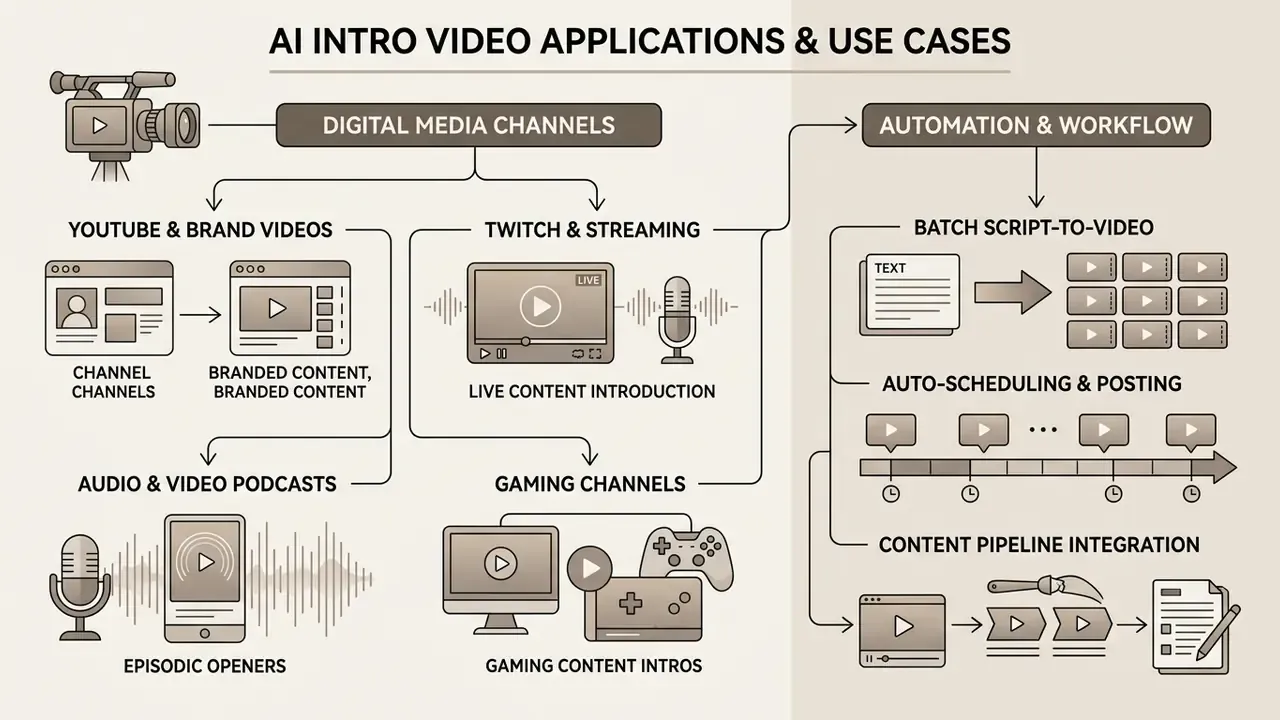
AI-generated intros serve distinct strategic purposes across video platforms, marketing campaigns, and digital publishing. An ai movie intro generator or an ai youtube intro generator lets creators adapt visual hooks to specific audience intent profiles. Teams mapping tooling to each scenario can start from our overview of AI video generation platforms and their output limits.
«AI advertising consistently outperforms human-created ads on CTR and viewer retention, but underperforms on conversions and emotional engagement.»
The practical read-through: AI openers are strongest as upper-funnel pattern interrupts, while lower-funnel assets still benefit from human-directed creative and human-recorded performance.
YouTube, Gaming, Streaming, and Podcasts
For long-form creators, the job to be done is holding viewer retention past the critical first seconds of playback.
«The first 15 seconds are decisive: a viewer retained through that window is highly likely to finish the video.»
YouTube's own analytics define the "Intro" retention moment as the share of viewers still watching after the first 30 seconds. That makes the opener a measurable asset, not decoration.
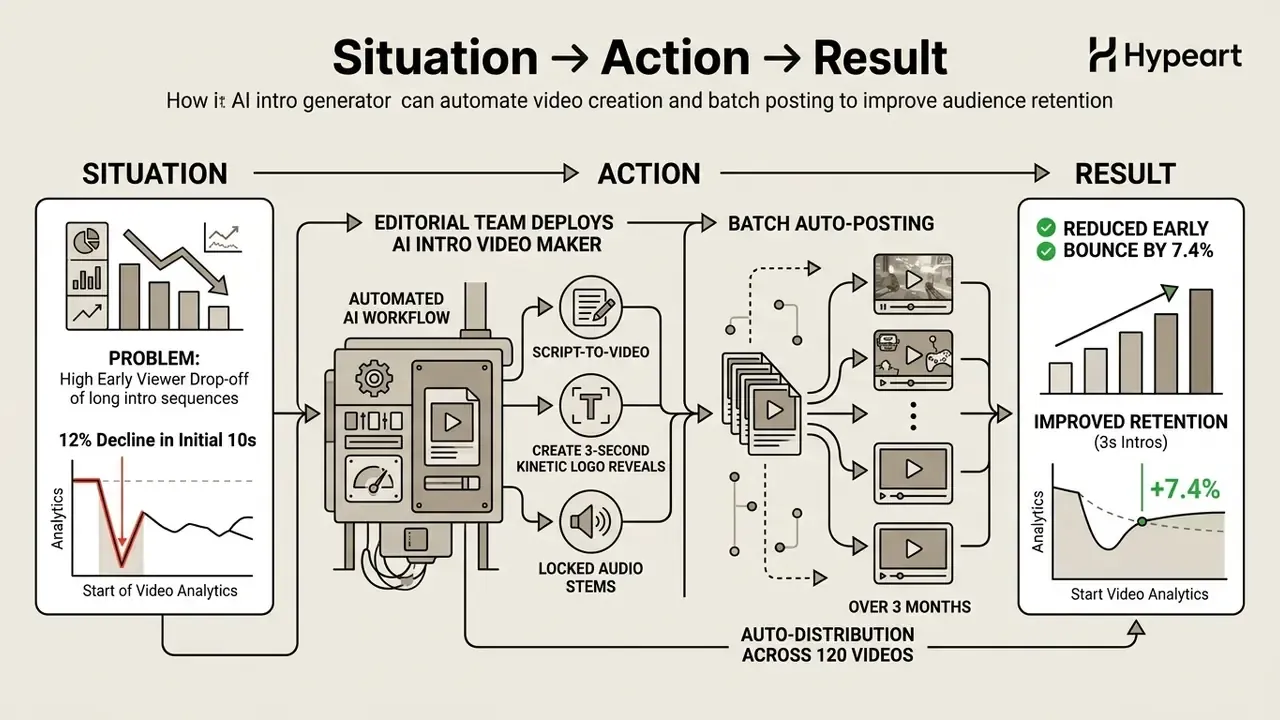
Automation and Batch Auto-Posting (Script-to-Video and Auto-Posting)
For operators running channel networks (faceless YouTube, automated social), modern pipelines merge an ai youtube video intro maker with automated publication:
- Script-to-introfeed a written script, practically up to roughly 1.5 minutes per pass for coherent output, into the pipeline. The model extracts the narrative hook and generates a matching thematic opener with voiceover, captions, and music.
- Auto-scheduling and publishingconnecting the generator via API to scheduling services lets the system attach the branded intro to each render and publish to TikTok, Instagram Reels, and YouTube Shorts on a fixed calendar with no editor in the loop.
- Batch brand lockingapply one brand kit across the whole queue, so 14 to 60 monthly videos ship with identical color, typography, and audio levels.
- Reality checkclaims of fully coherent AI-generated videos running 1.5 hours end to end remain marketing exaggeration. Long-form consistency still degrades without human shot supervision, so plan for segment-level generation and assembly.
Free AI Intro Generator, Pricing, Commercial Use, and Legal Verification
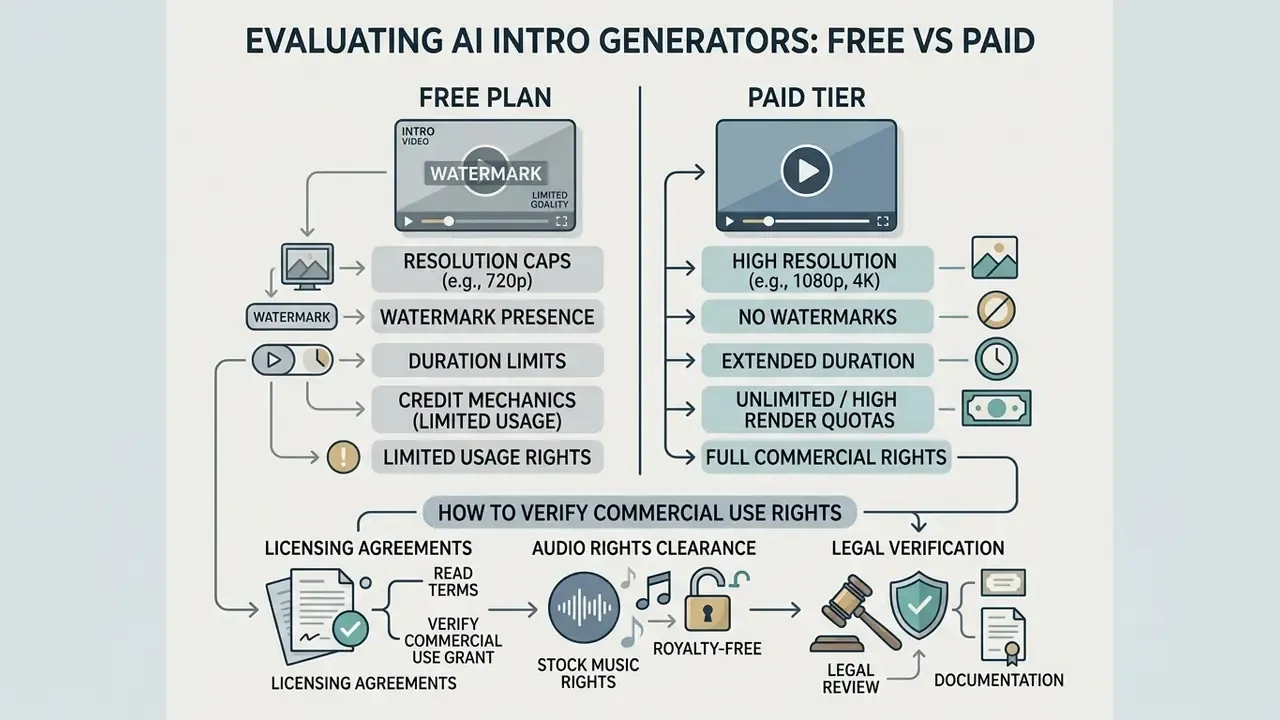
Evaluating an ai intro generator free option against paid tiers means inspecting resolution caps, watermark presence, render quotas, and the actual commercial licensing grant. Do not publish free-tier assets in commercial campaigns without rights documentation. Related licensing mechanics appear in our reference on commercial-use terms for AI generators.
«Producing 100,000 personalized videos with AI costs $220,000 versus $12 million with traditional production, roughly 90% savings.»
Free-tier services, though, frequently restrict output to personal or non-commercial usage. That is where nominal savings quietly convert into legal exposure.
What Is Usually Available in a Free Intro Maker
An ai intro maker free or ai intro video generator free service gives entry-level access for testing generative workflows, under strict operational limits:
- Watermarking most free tiers embed vendor watermarks on exported MP4 files. Basic design suites such as Canva's free intro maker are documented exceptions.
- Resolution caps output is frequently limited to 720p or low-bitrate 1080p.
- Duration limits free passes are typically restricted to 3 to 10 seconds per render.
- Credit mechanics entry tiers commonly issue daily credit pools, for example 100 free daily credits refilled every 12 hours, or weekly quotas that reset on a fixed schedule.
- Usage rights an ai intro maker free online is almost always limited to non-commercial, personal evaluation. Some platforms retain ownership of free-plan outputs outright.
How to Verify Commercial-Use Rights for an AI Intro
Securing valid commercial-use rights means reading the platform Terms of Service before publishing generated intros on monetized channels or paid ad platforms.
- Plan verification: confirm that your active tier explicitly includes commercial exploitation rights. Luma AI Plus, Unlimited, and Enterprise tiers grant commercial rights, while Free and Lite tiers restrict usage to personal projects.
- Disclosure risk assessment: evaluate whether the campaign requires an AI-origin disclosure and how that affects performance.
«Disclosing that an ad was created with AI reduces CTR by 31.5%, even when the ad itself is high quality.»
- Audio rights clearance: make sure background music and sound effects carry royalty-free commercial certificates. Note that some vendors issue clearance certificates only for music and SFX, not for video, logos, or images.
- Asset ownership: verify that uploaded logos and graphics are owned by your legal entity or licensed for commercial use.
- Subscription duration rules: check whether commercial rights remain perpetual after cancellation or expire with the term. Some vendors grant a worldwide, perpetual, royalty-free license for content generated during an active paid term, others limit rights to the active period. Organizations needing technical documentation on enterprise API rights can see the overview of commercial terms.
Legal Verification of AI Intro Elements Before Publishing (E-E-A-T and Fact Check)
Legal status and license checks:
https://www.copyright.gov/ai/ai_policy_guidance.pdf
Total Cost of Ownership: Subscription Plus Control Costs
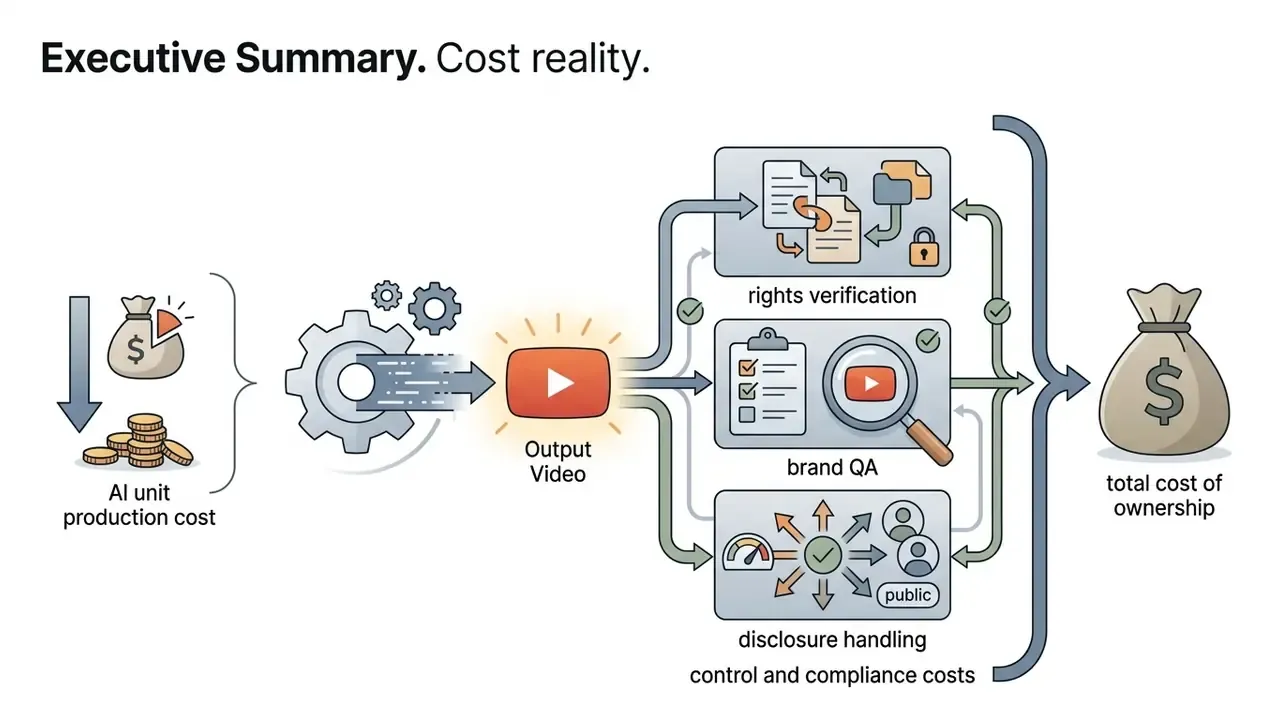
Subscription price is the smallest line in an enterprise intro pipeline. A defensible TCO model has four components:
TCO = (subscription or credit spend) + (brand QA hours) + (rights and disclosure verification hours) + (residual risk reserve)
- Generation spend predictable for subscriptions, variable for per-second credit models. Budget 1.5 to 3 re-rolls per usable clip when prompts are new.
- Brand QA one reviewer pass per asset covering color accuracy, logo safe zones, subtitle reading speed, and minus 14 LUFS loudness compliance.
- Rights and disclosure verification license certificate retrieval, consent records for voice and face assets, jurisdiction-specific ad disclosure checks.
- Residual risk reserve provision for takedown, reshoot, or campaign pause if a rights defect surfaces after launch. Even at 90% unit-cost reduction, one uncleared music bed on a paid campaign can erase the saving in a single incident.
| Plan Tier | Export Resolution | Watermark | Commercial Rights | Model Access | Credit Mechanics and Volume | Legal Risks / Notes |
|---|---|---|---|---|---|---|
| Free Plan | 720p (typical) | Yes (almost always) | Not granted (personal use only) | Basic / limited | ~100 daily credits, refill every 12h, or weekly quota reset | High claim risk if monetized on YouTube, outputs may default to public visibility |
| Creator / Starter | 1080p HD | None | Granted (small business) | Standard models | ~14 to 30 videos per month | Rights valid only while the subscription is active |
| Pro / Business | 4K UHD | None | Full commercial rights | Priority render, Veo 3.1 / Sora / Kling | ~60+ videos per month, private generation visibility | Includes audio rights-clearance certificates |
| Enterprise | Master ProRes / 4K | None | Exclusive license plus SLA | Custom fine-tuned models | Contracted volume, API concurrency, ZDR options | Full legal protection, DPA and NDA, SSO and audit logs |
Security recommendation: before monetizing videos containing an AI intro, download the commercial license certificate (PDF) from the vendor dashboard and archive it alongside the campaign brief and consent records.
FAQ About AI Intro Video Generators
Do I need video editing skills to make an intro with AI?
No. Prior timeline editing or motion graphics experience is not required to use a modern ai video intro generator. Web tools rely on automated prompt processing, pre-configured style templates, and drag-and-drop interfaces that handle the effects rendering behind the scenes.
Professional non-linear editing software such as Adobe Premiere Pro is a different discipline: multi-track keyframing, three-point editing, color grading, audio bus routing. Those are documented industry-standard workflows, not no-skill tools. Readers weighing both routes can compare editing workflows and publishing features for YouTube.
«In the ExpressEdit user study, novices performed complex video edits via natural language with a 75.7 SUS usability score.» Source: ExpressEdit, ACM IUI (2024). https://dl.acm.org/doi/10.1145/3640543.3645142
By contrast, an ai video intro maker online automates scene composition, text animation, and audio synchronization from direct text commands. For technical workflows that also need vector schematics, consult our guide on ai cad drawing generator architectures.
How long should a YouTube intro be?
Between 3 and 5 seconds, to maximize brand recognition without triggering retention loss. Shorts and clip formats compress that to 0 to 2 seconds. Podcast openers extend to 5 to 8 seconds.
«Platform data shows a viewer retained through the first 15 seconds is highly likely to finish the video.» Source: YouTube Creator Academy and Backlinko platform guidance. https://backlinko.com/hub/youtube/retention
YouTube analytics set the intro retention checkpoint at 30 seconds, so anything longer than 10 seconds materially increases early bounce. Concise kinetic openers act as visual pattern interrupts, establishing channel authority before handing off to primary content. Teams automating captions and voice tracks alongside short openers can review our ai caption generator hub and the AI voice generator reference.
Can I create intro versions for different languages and platforms?
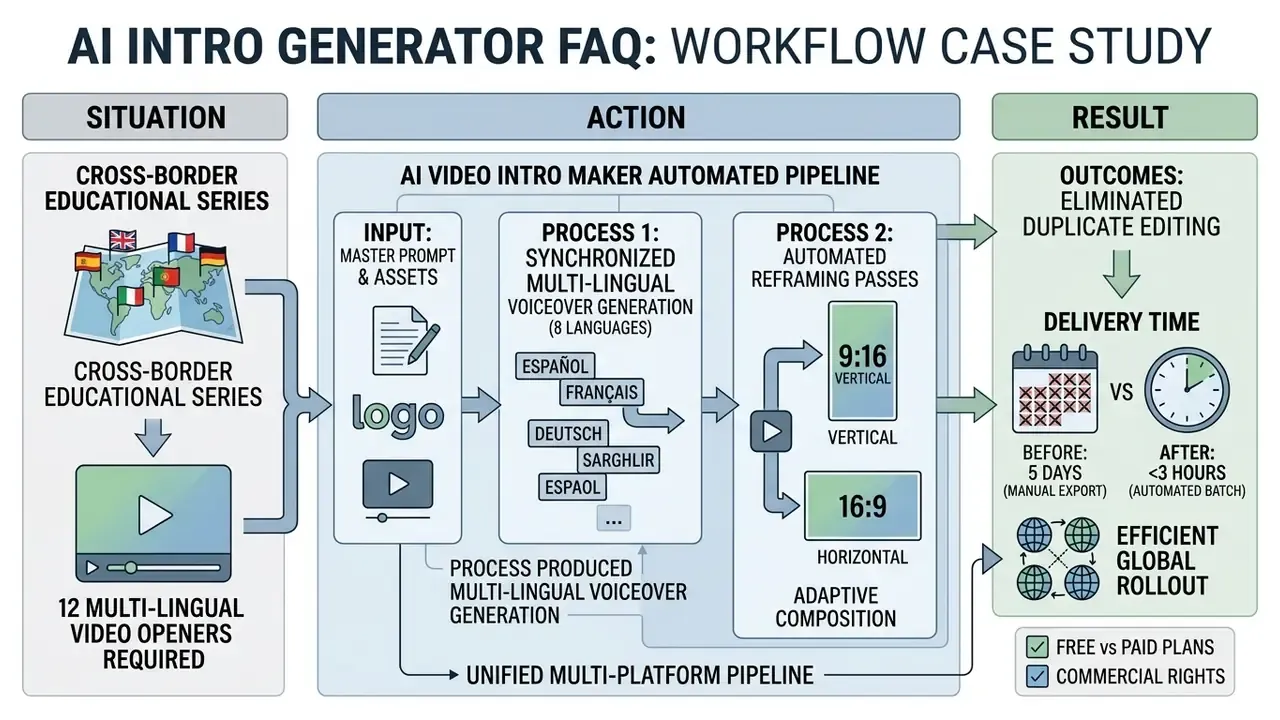
Yes. Advanced generators produce localized multi-language voiceovers and automatically reframe one master into multiple aspect ratios (16:9 for YouTube, 9:16 for Shorts, Reels, and TikTok, 1:1 for social feeds) inside a single export pipeline. Documented bulk-variation workflows generate localized versions in 20 or more languages with translated captions and synced voiceovers, then apply a reframing pass. Standard aspect presets include 9:16, 16:9, 1:1, 4:3, 4:5, 2:3, and 21:9, with fill modes that crop or stretch automatically.
«RaG systems on a platform with 400M+ DAU delivered a 5.46% ad revenue lift through personalized video generation.» Source: Recommendation-as-Generation (RaG), Kuaishou (2024). https://arxiv.org/abs/2501.09474
Generative translation engines synthesize multi-lingual voice tracks with localized accents, while computer-vision reframing keeps primary subjects centered as frame dimensions change. Teams expanding across specialized AI tools can browse the hub for technical assistance, check our AI Media Calculators for bandwidth and render estimates, or browse the hub on intellectual property regulation.
How fast is generation, and what formats are supported?
Most cloud intro generators return a usable 1080p clip in 30 to 180 seconds, depending on model and queue depth. 4K passes typically need 2 to 3 minutes. Input support commonly spans JPEG, PNG, and JPG for stills, plus MP4, MOV, and AVI for reference video. Output is normally MP4/H.264 for distribution, with ProRes reserved for archival masters.
Can I edit the AI intro after generation without re-generating it?
Yes, through two mechanisms. Conversational follow-up prompts handle small corrections in color, motion speed, or mood. Targeted micro-models (background changer, angle changer, extender, quality enhancer) modify one attribute while preserving the rest of the frame. Both cost fewer credits than a full re-roll.
Is my logo or unreleased footage used to train the model?
That depends entirely on the tier and the contract. Free and entry tiers frequently permit training on user inputs and may default outputs to public visibility. Enterprise agreements typically offer private generation, Zero Data Retention, and a DPA. Confirm in writing before uploading pre-launch assets.
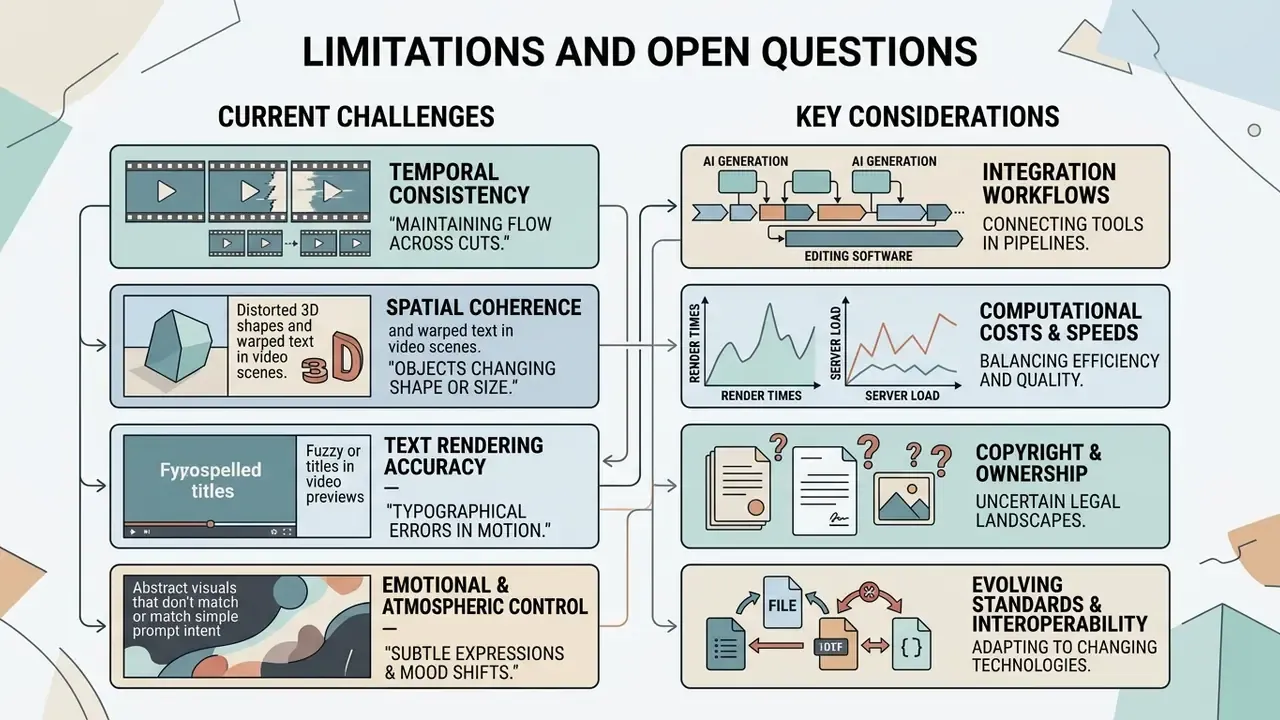
Limitations and Open Questions
Honest framing beats confident framing here, because several parts of this market are unsettled.
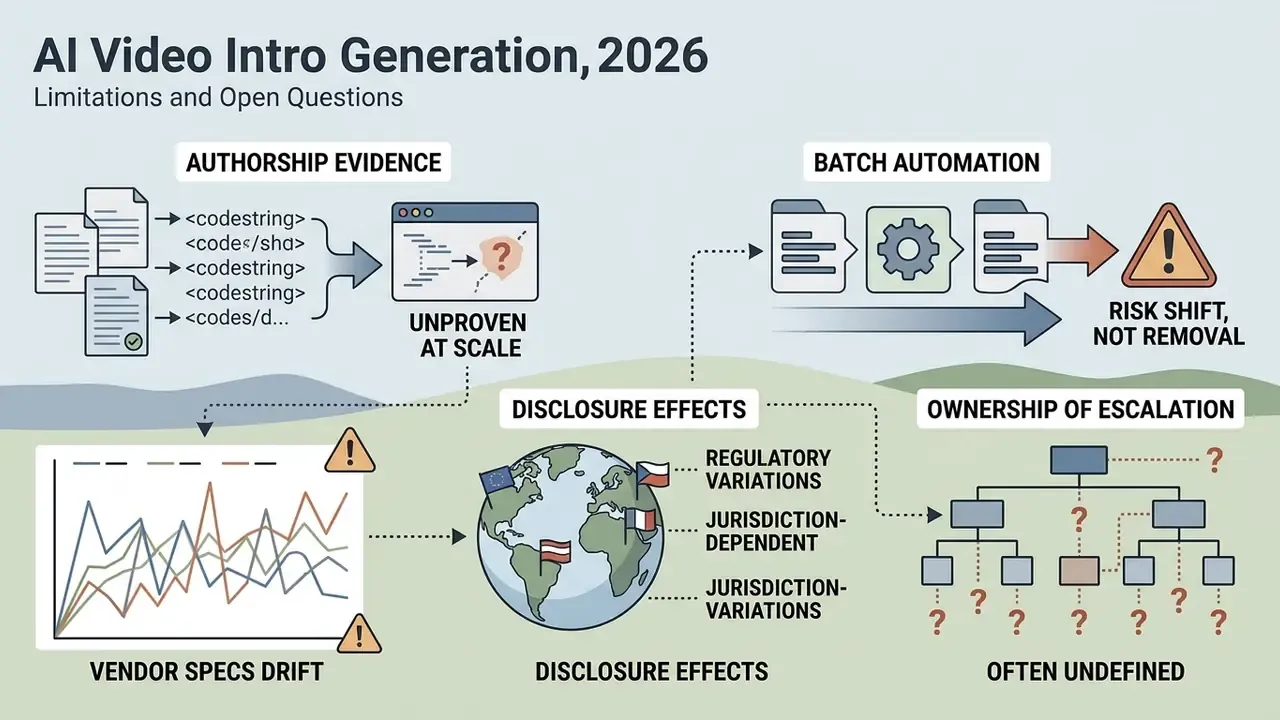
- Authorship evidence is unproven at scale. Retaining prompts, project files, and edit histories is the recommended practice, but there is no widely tested standard for how much human editing converts a synthetic opener into protectable work.
- Vendor specs drift. Clip length caps, credit pricing, and model availability change between quarters. Any procurement decision should include a re-verification date rather than a static comparison sheet.
- Disclosure effects are jurisdiction-dependent. The measured 31.5% CTR penalty for AI disclosure comes from a single research context. It should be treated as a hypothesis for your audience, not a law.
- Batch automation shifts the risk, it does not remove it. When one brand kit drives 60 monthly renders, a single misconfigured license or consent record propagates across every asset.
- Ownership of escalation is often undefined. Who pauses a campaign when a rights defect appears after launch? Name that person before the first batch ships.
Conclusion and Next Steps