Executive Summary
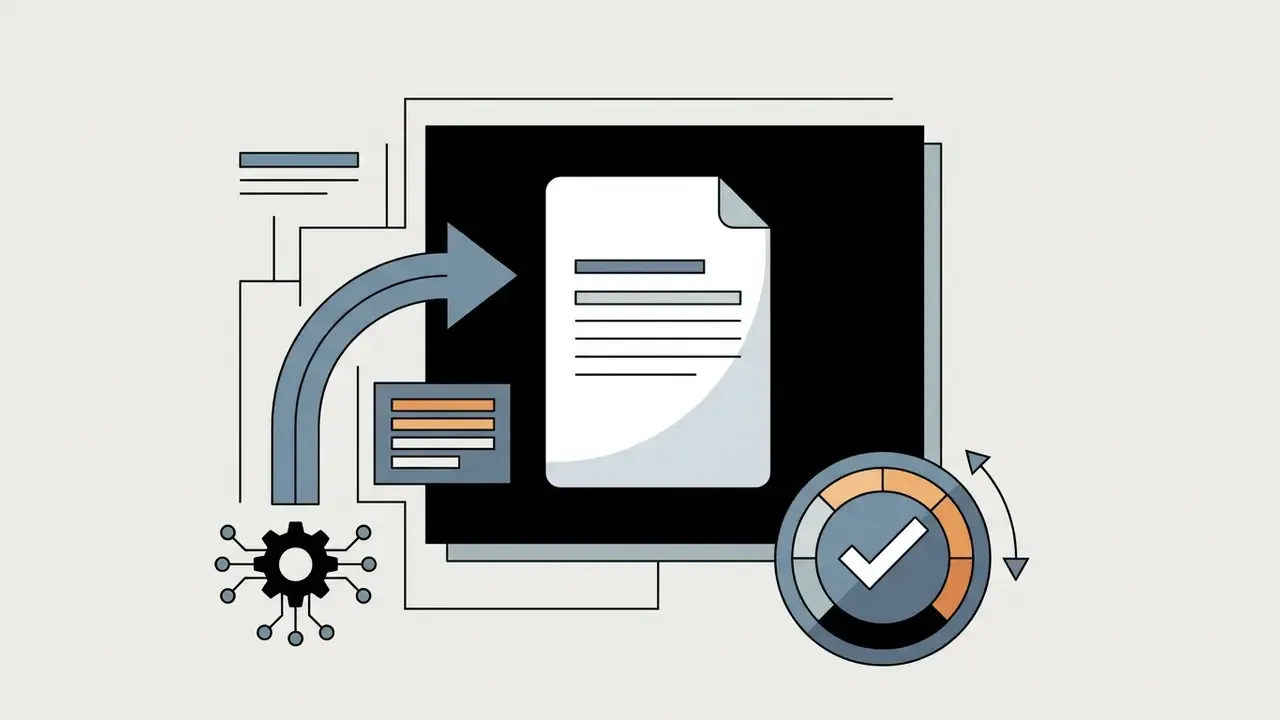
- What it is An AI business card generator turns a structured text prompt, a logo file, or a CSV roster into print-ready and digital card layouts. It calculates hierarchy, spacing and color harmony instead of asking you to nudge boxes by hand.
- Why it matters operationally Controlled comparisons of AI-assisted versus traditional design conditions report a 22.4% reduction in cognitive load on the NASA-TLX scale. Shorter ideation cycles for marketing, HR and regional teams follow from that.
- The three hard technical constraints
0.125 in (3 mm)bleed,0.125 in (3 mm)safe area, and CMYK at300 DPI, exported as PDF/X-4 (ISO 15930-7:2010) for commercial presses. - The legibility constraint minimum contrast ratio of 4.5:1 (WCAG AA), 7:1 for enhanced readability. Contact data on a card is small print, so this is not cosmetic.
- The three governance risks (1) purely machine-generated designs are not eligible for copyright protection in the United States; (2) vendor commercial licenses differ sharply by tier (Midjourney revenue thresholds, Adobe beta exclusions, free-tier non-commercial limits); (3) employee contact data entered into a third-party generator is personal data under GDPR and may be retained for model training unless a Zero Data Retention agreement is in place.
- The enterprise procurement filter Brand Kit locking, batch CSV generation, PDF/X plus SVG plus vCard export breadth, SSO, SOC 2 Type II attestation, and Zero Data Retention.
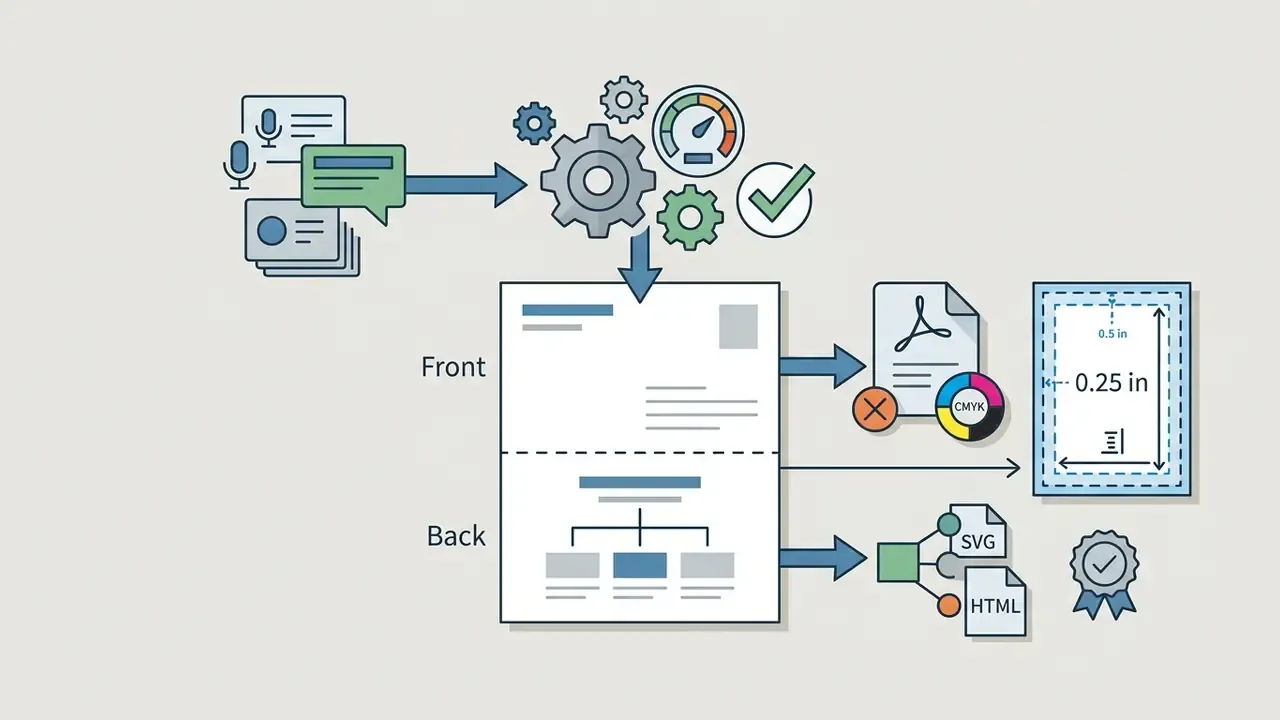
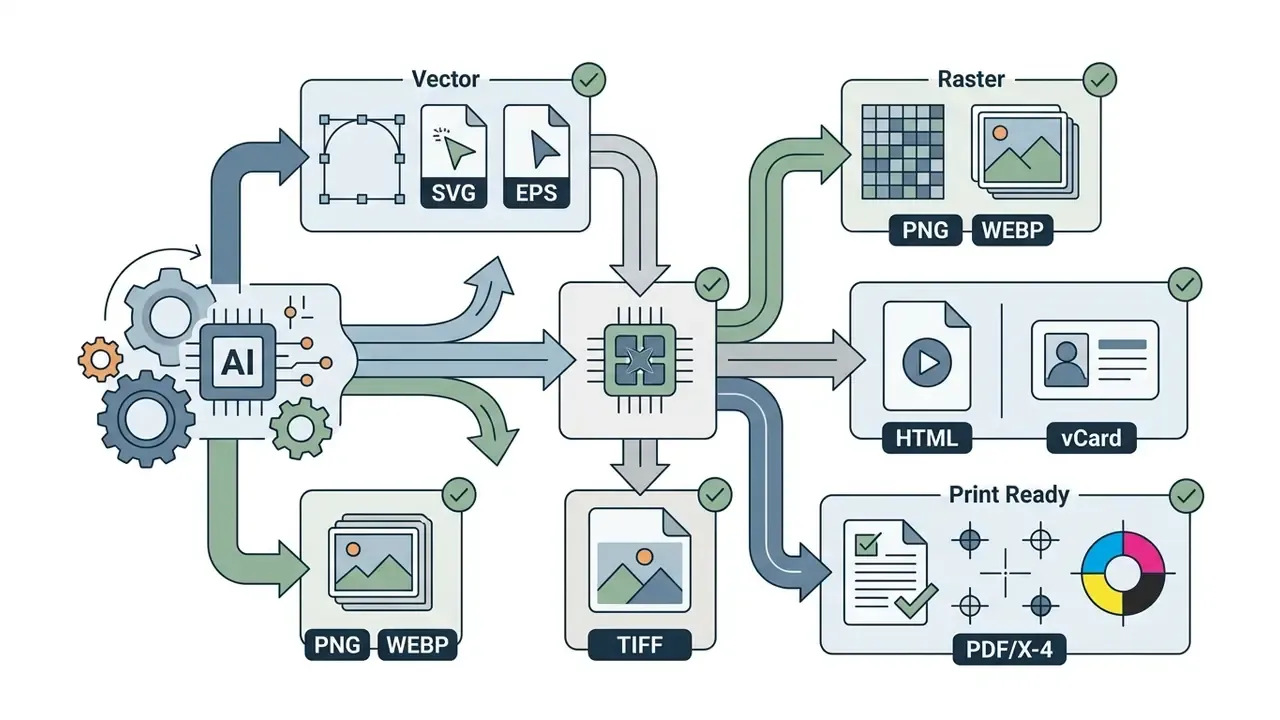
- What is new in 2026 multilingual generation across CJK, RTL Arabic and Cyrillic scripts; voice prompts; front and back prompt structuring; wider export targets including interactive HTML, WEBP and TIFF.
Legal and compliance disclaimer: this article is general technical and editorial guidance. It is not formal legal counsel on copyright, trademark, patent or data protection governance in any specific jurisdiction.
Generative artificial intelligence has changed corporate identity work by automating visual composition, typography selection and layout generation. Modern AI business card generators let executives, entrepreneurs, freelancers and design teams convert a text prompt or a logo file into print-ready business cards in seconds. The interesting part is not speed. It is whether that speed survives contact with brand rules, text legibility, data protection duties and licensing terms. Evaluating these tools through a risk-adjusted lens keeps all four intact.
What is an AI Business Card Generator and How It Works
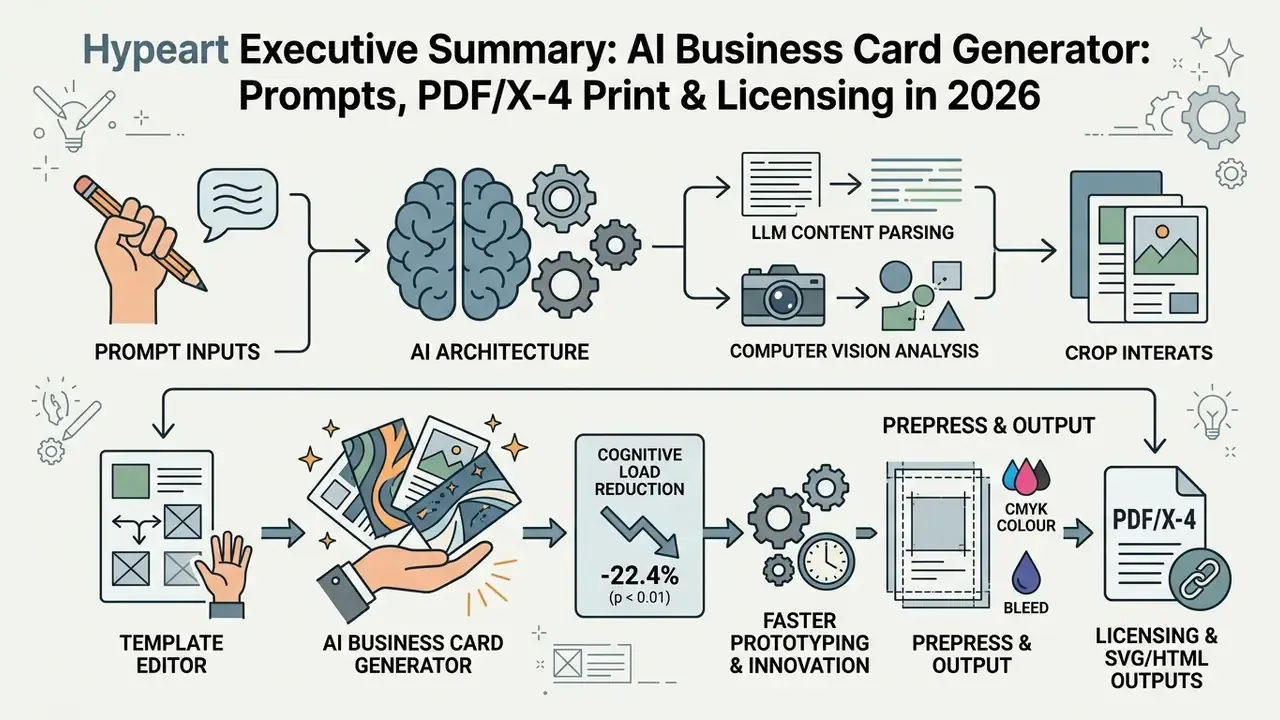
That reduction lets professionals test several visual directions without spending hours on preliminary drafting. It also explains why non-designers, office managers, HR coordinators, regional sales leads, can now produce compliant card artwork without joining a graphic design queue. Treat the figure as directional evidence from one study, not a settled benchmark.
Generating Business Cards by Description, Style, and Industry
Generating a business card by description means supplying structured text parameters: industry sector, visual tone, corporate credentials. The model interprets sector conventions and maps executive consulting to dark charcoal or navy palettes, healthcare to blues and teals, creative studios to vibrant high-contrast schemes.
Modern platforms convert those descriptive phrases into precise design rules. Systems such as Adobe Express (2026) and Piktochart AI (2026) accept prompt inputs specifying industry, audience, purpose and style, then establish readable typographic hierarchy and sensible element margins automatically. The algorithm selects a primary accent color and balances negative space around text blocks so the result matches professional expectations for the target sector. Adobe Express takes industry as an explicit prompt dimension. Document-oriented engines such as Venngage and Gamma restructure hierarchy, typography, spacing and palette based on audience and purpose rather than on a named vertical. Photographers searching for an AI photography business card maker usually get better output by naming the deliverable, for example "commercial portrait studio", than by naming the profession alone.
How an AI Business Card Maker Differs from a Template Editor
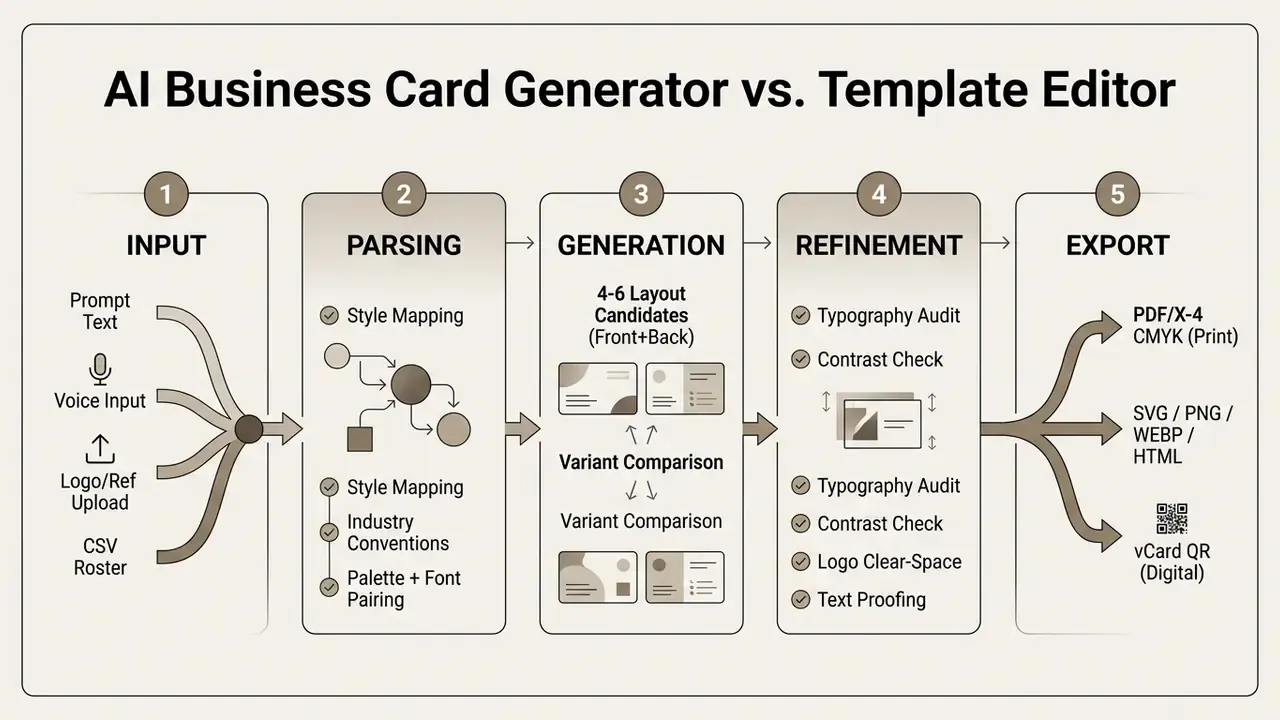
An AI business card maker composes new layouts dynamically from your prompt. A traditional template editor hands you a fixed canvas where you overwrite text fields. AI-driven systems read content length and visual assets, then construct a custom layout. Template editors push content into preset boxes and hope it fits.
Template libraries are static, which is how hundreds of competing businesses end up with near-identical cards. Prompt-driven systems evaluate semantic relationships between requested elements and return a wider spread of candidates. To be precise about the evidence: the documented effect is increased prompt and output diversity, not a formal "uniqueness score".
Speed benchmarks follow the same split. Vendor documentation describes AI generation in seconds, while template-based editing of the same format is documented in minutes. Template editors still win on granular manual control from the first click: drag-and-drop layering, per-character tracking, stock libraries. AI card makers win the ideation phase by presenting finished-looking candidates that a human then audits. Teams that also need supporting brand assets can review our guide to online photo editors before uploading background imagery into a card canvas.
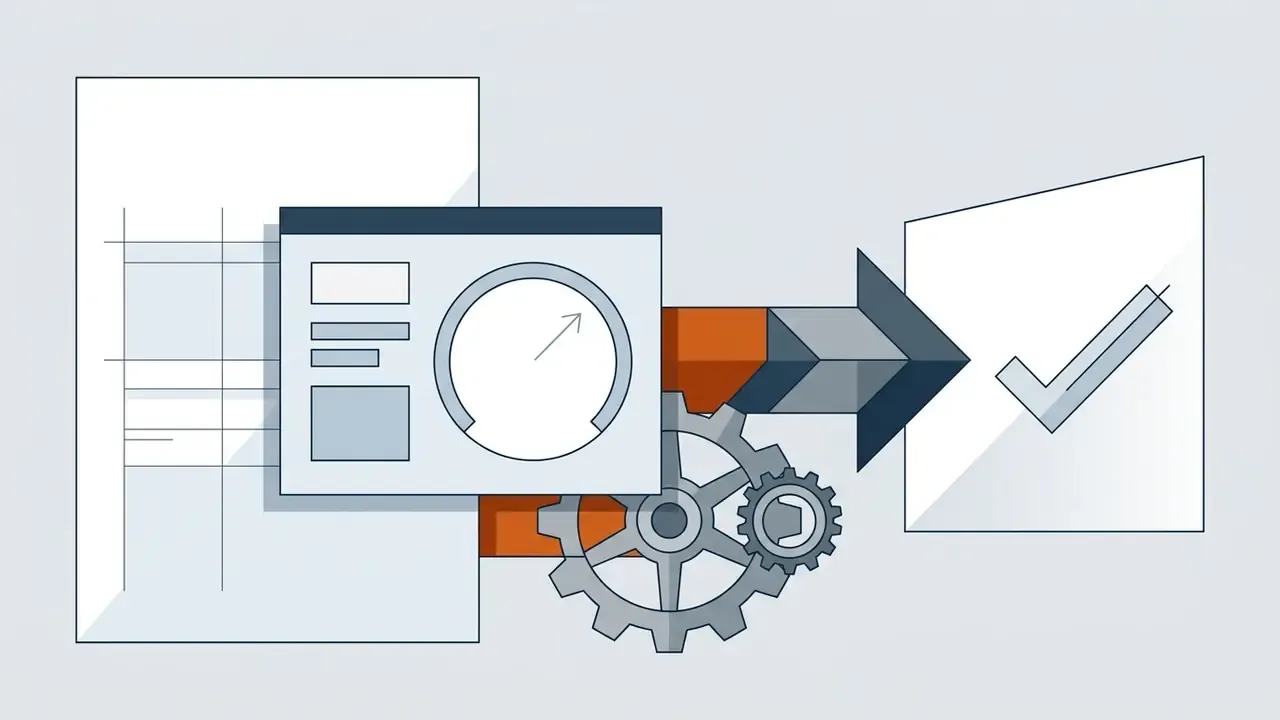
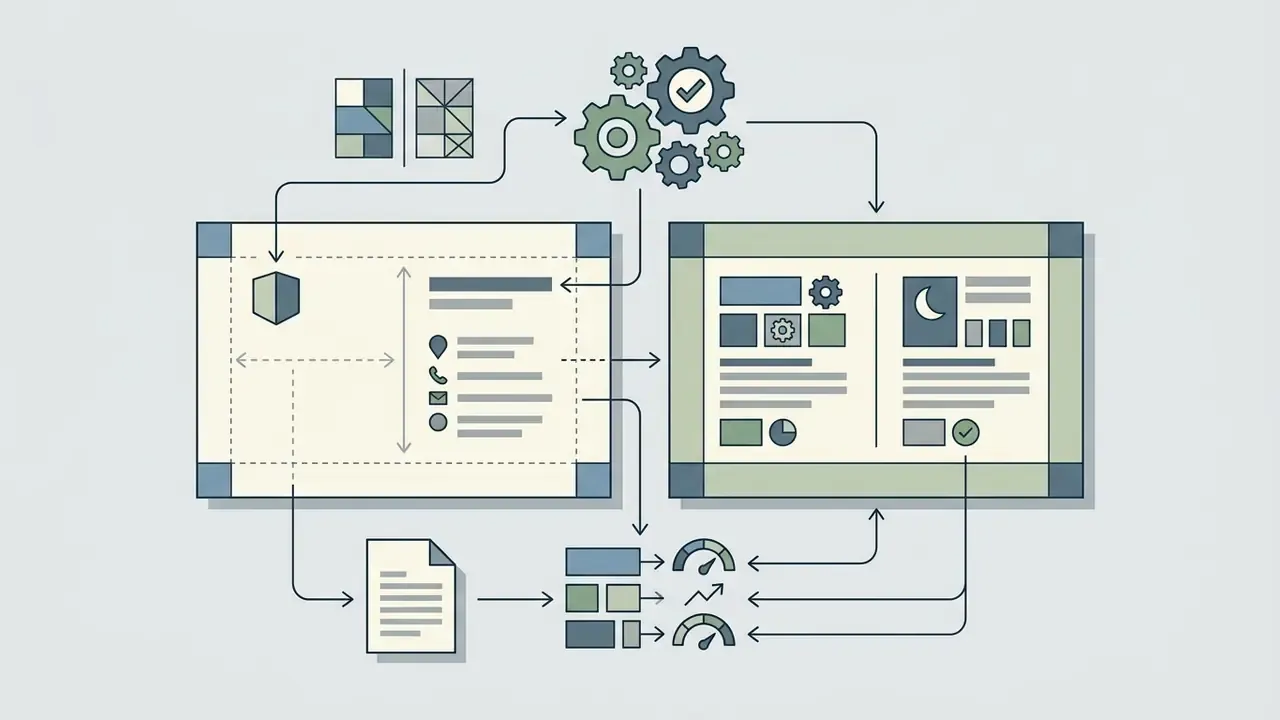
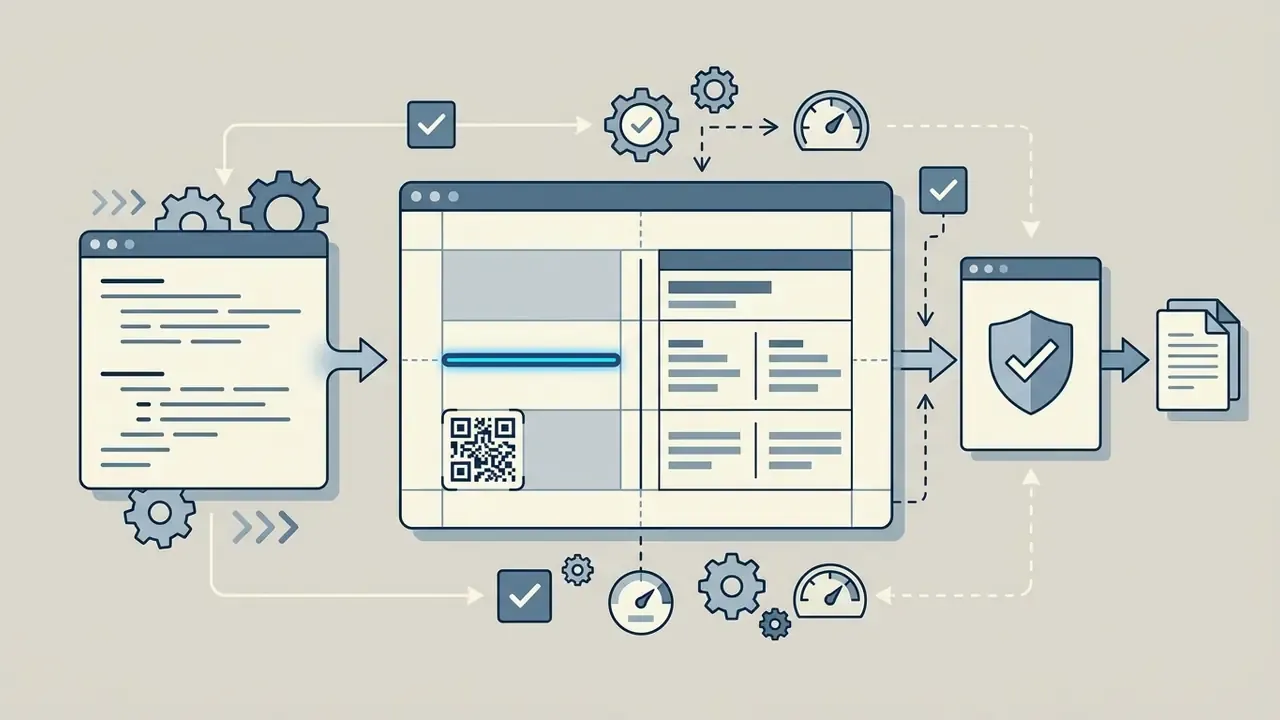
Process diagram placeholder: AI Business Card Generation Pipeline (schematic, with full text transcript in the DOM and alt text containing the phrase "ai business card generator").
How to Create a Business Card with AI: From Data to Ready File
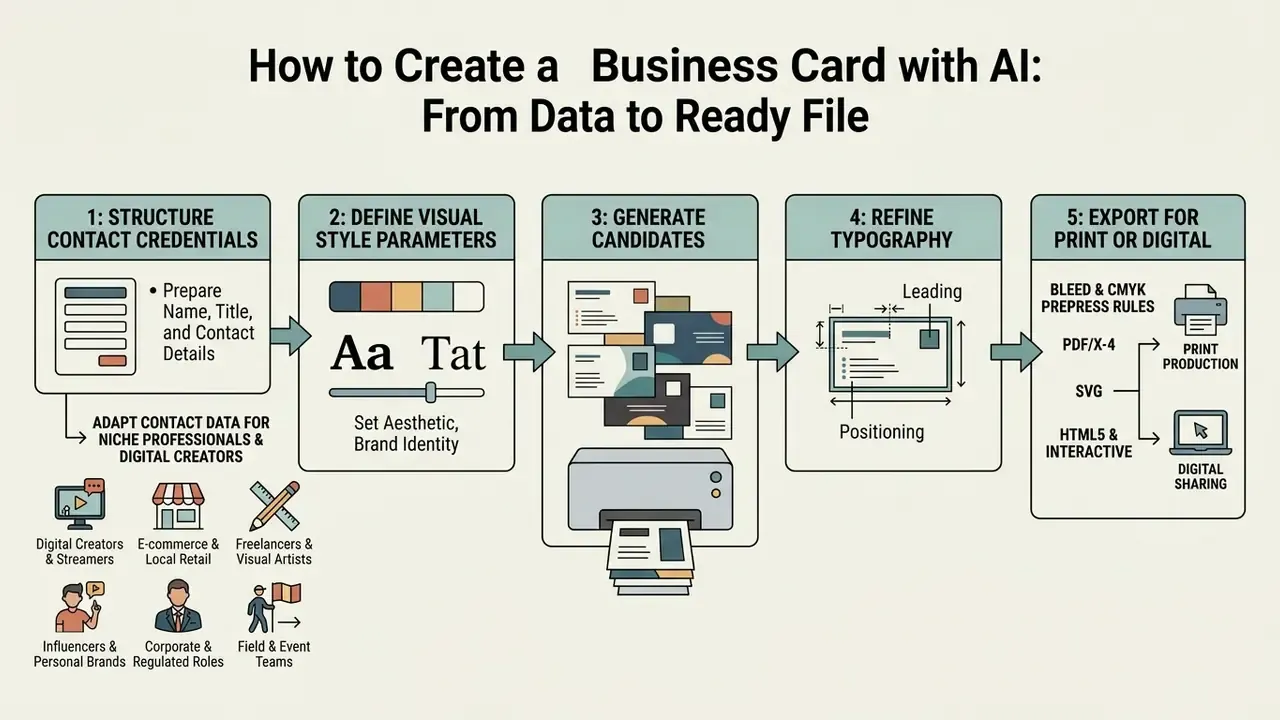
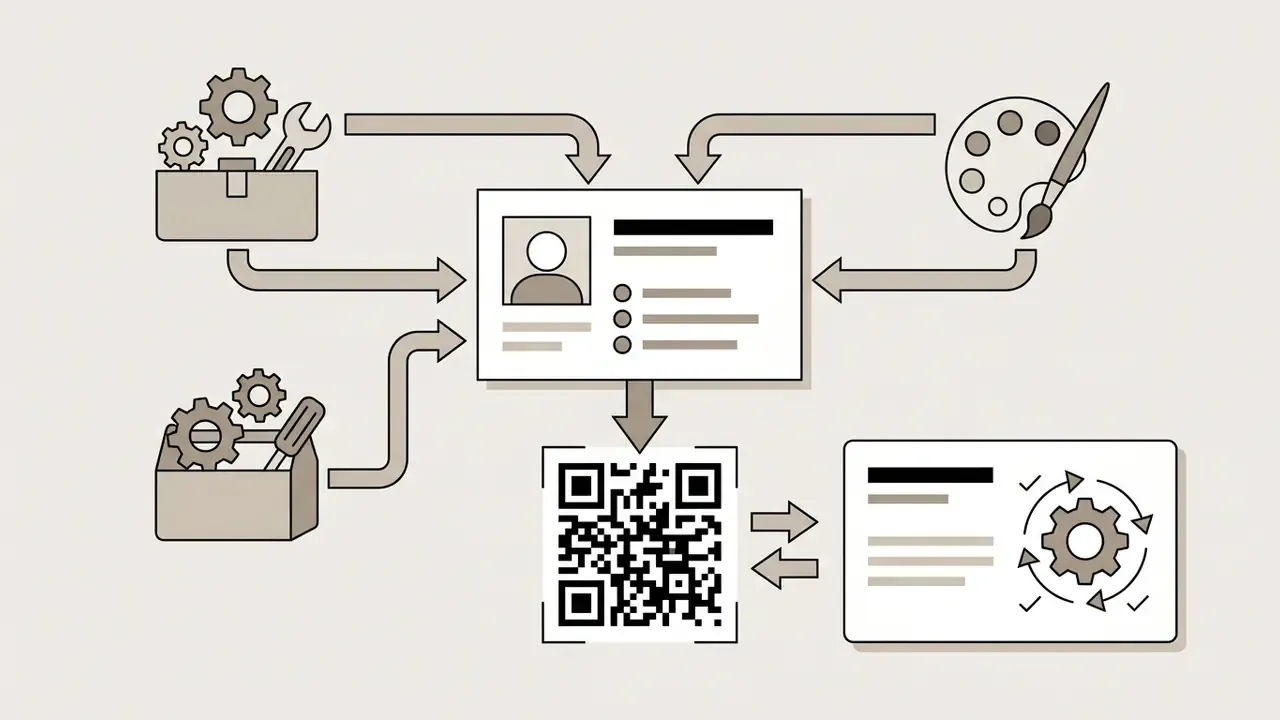
Creating a business card with AI takes five moves: structure the contact credentials, define visual style parameters, generate candidates, refine typography, export for print or digital distribution. Following a fixed sequence prevents formatting errors, truncated data and reproduction flaws at the press.
Consider a hypothetical setup, offered as illustration rather than a documented client result. A financial advisory team needed 150 standardized cards during a brand transition without adding graphic design headcount. The team built an automated pipeline linking an AI card generator to a central data sheet. Text fields for name, job title and verified phone numbers were standardized first, then the tool generated uniform high-resolution layouts across departments. Review cycles dropped from two weeks to under two hours, with no drift in visual alignment. The saving came from data discipline as much as from the model.
Prepare Name, Title, and Contact Details
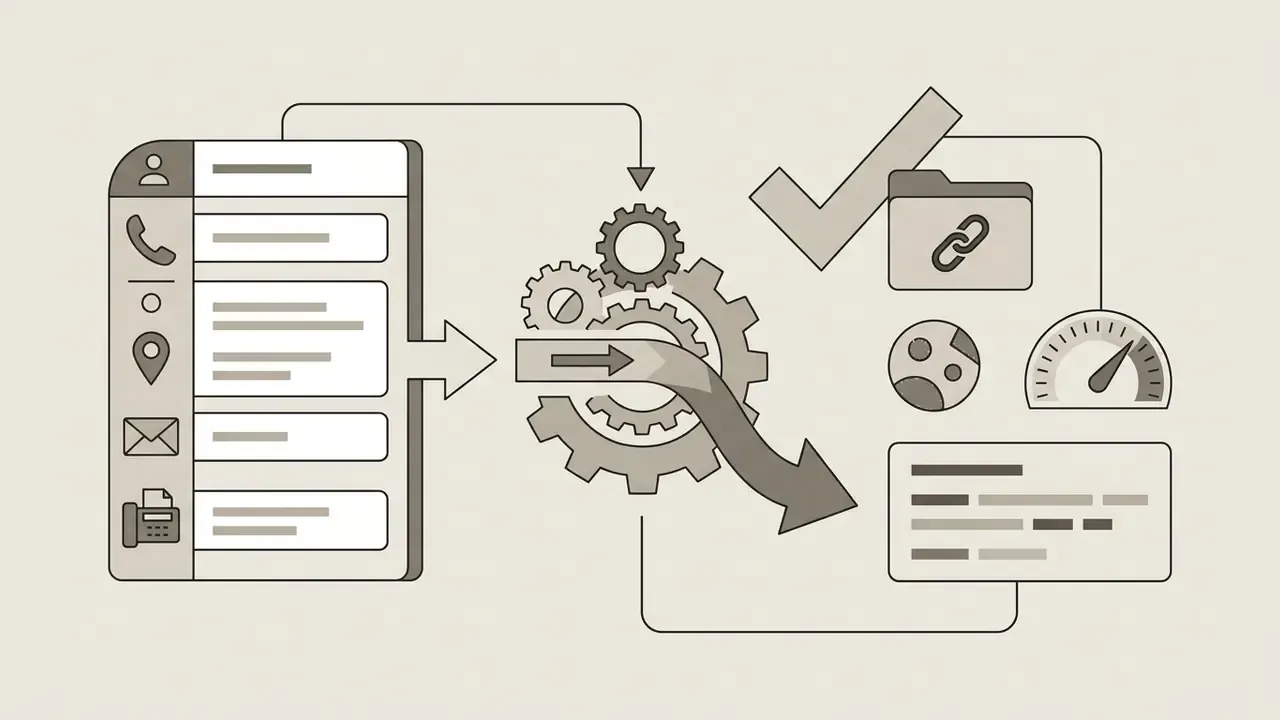
Before you trigger generation, organize the primary contact details: full legal or professional name, official title, corporate entity, phone numbers, email addresses, physical location, domain URLs. Verifying text accuracy at data entry removes reprints and keeps the card aligned with communication standards. Executives assembling a full personal-brand package often pair the card with a matching portrait, and our overview of AI headshot generators covers portrait quality, privacy and professional-use considerations.
Systematically storing and processing employee contact data, on paper or in a digital card, falls under regulatory frameworks including GDPR in European jurisdictions (Dutch DPA, 2025). Organizations need a valid legal basis, such as legitimate interest or consent, and must limit collection to what professional networking actually requires (UK Information Commissioner's Office, 2025). Individuals must be told clearly who processes their personal data and why. Confirming that the AI system does not retain or train on sensitive contact data without authorization protects the compliance posture of the whole rollout.
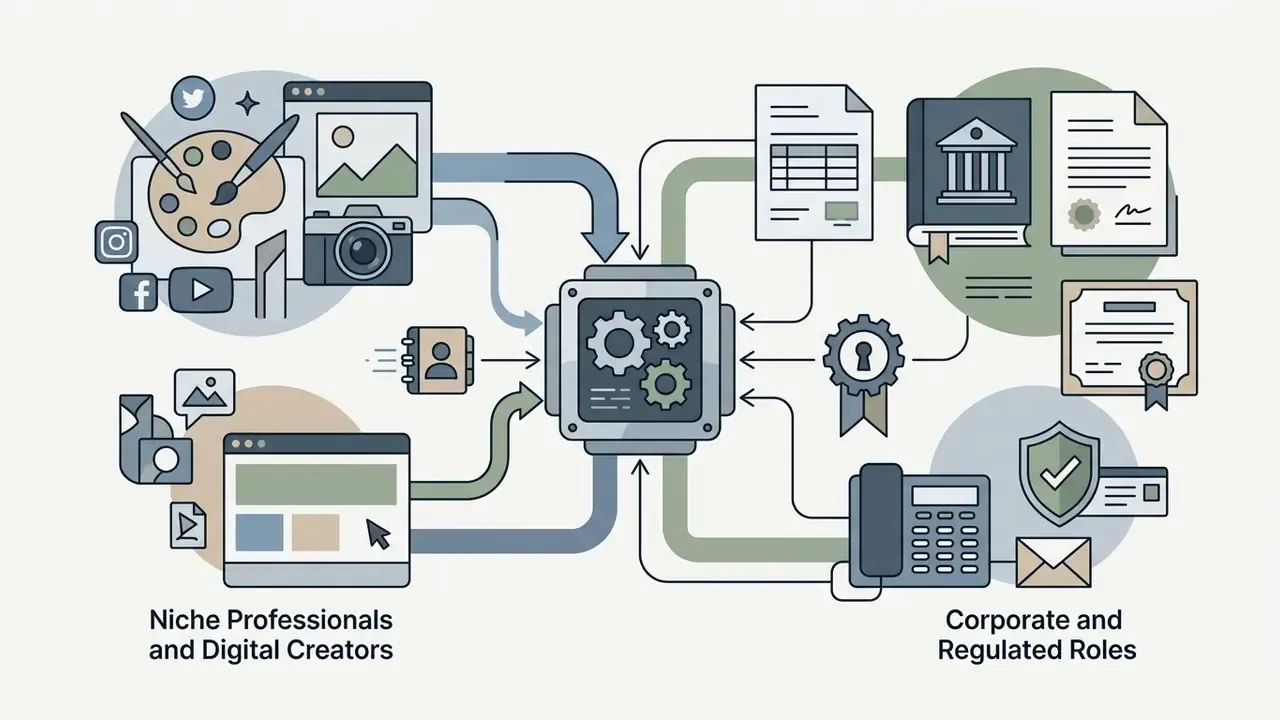
Adapting Contact Data for Niche Professionals and Digital Creators
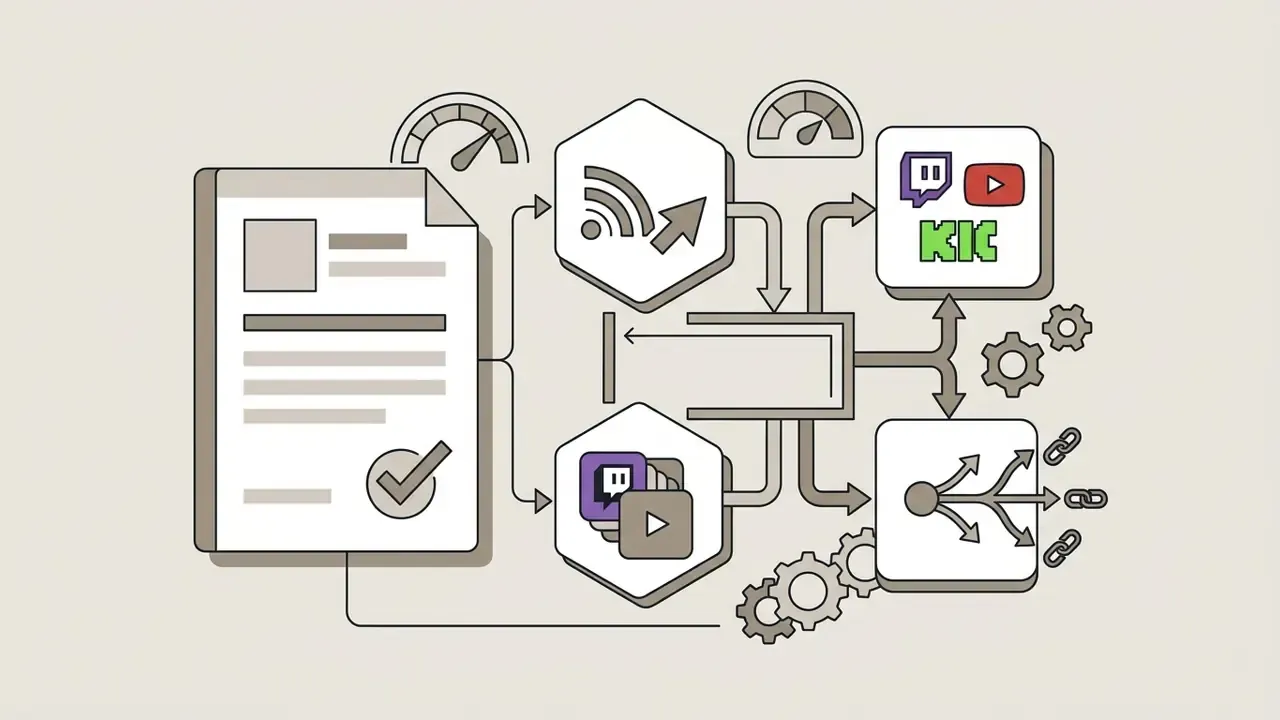
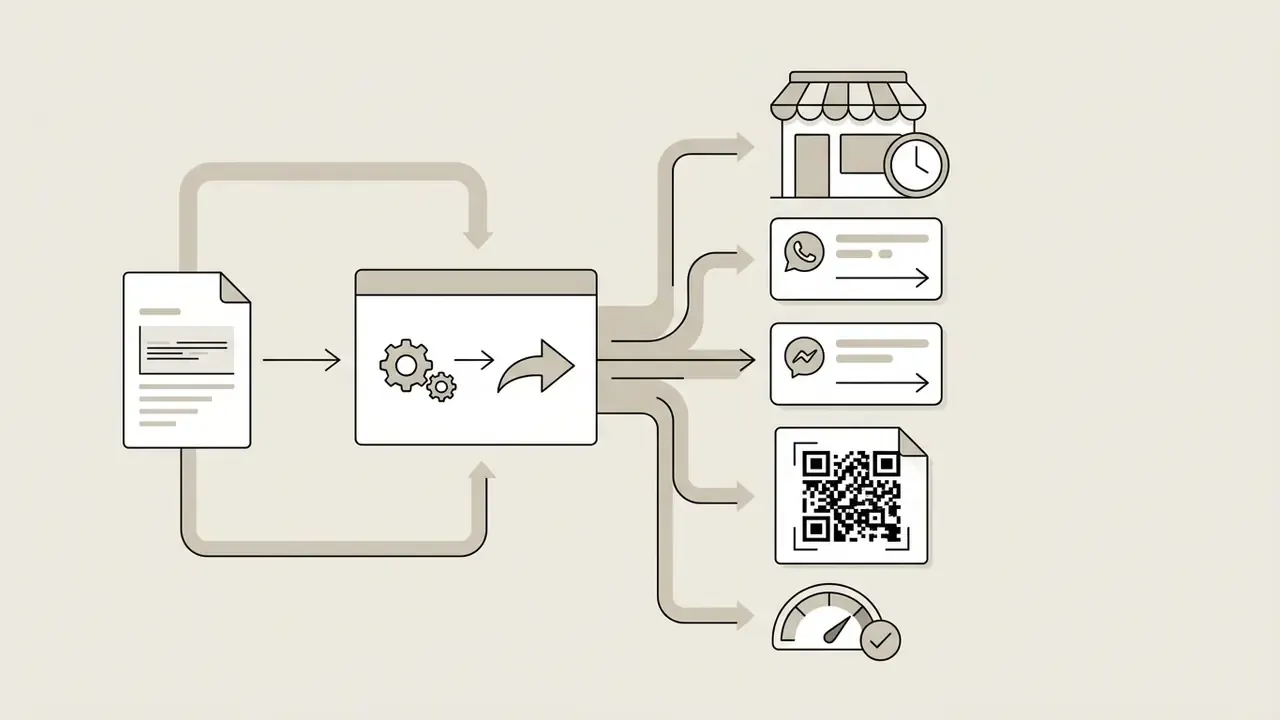
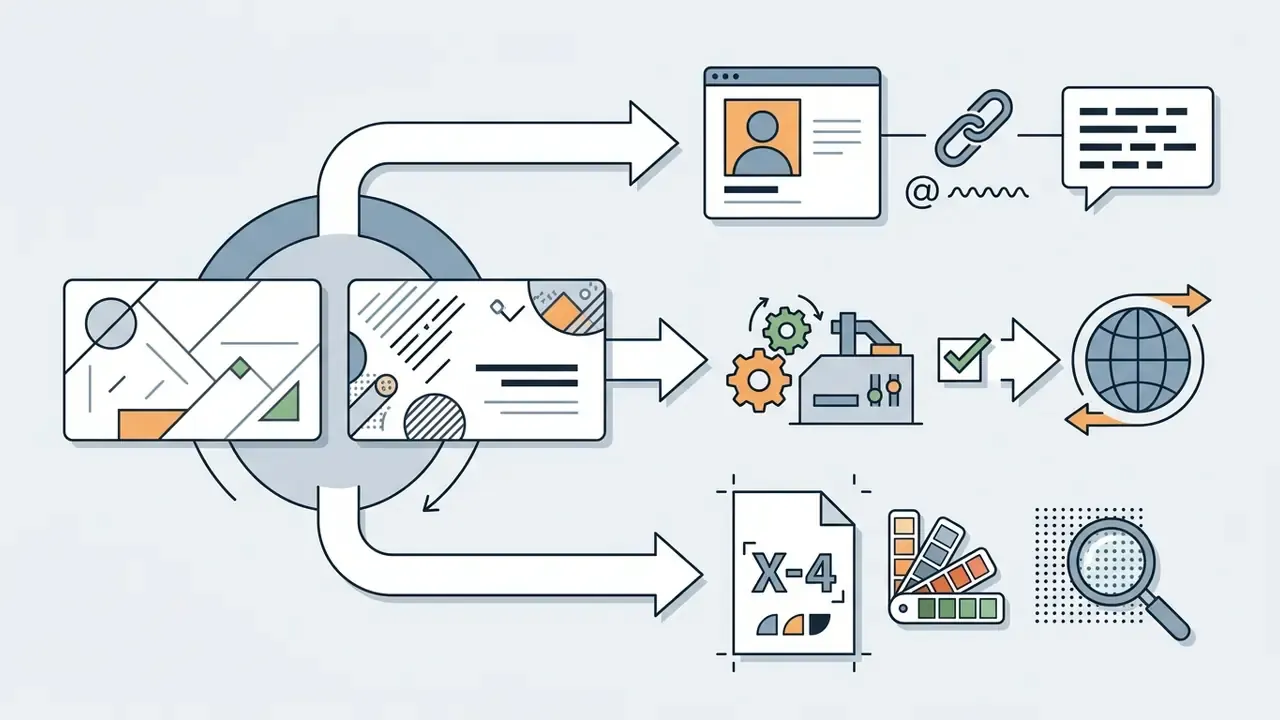
Networking has moved well past corporate titles, so the contact block should reflect the channel the recipient will actually use. Specialized cards need tailored fields:
Generators increasingly offer contact-field autofill, proposing likely channels for a stated profession: WhatsApp and LinkedIn for a sales consultant, a booking link for a coach. Treat every suggestion as a draft. Verified data overwrites predicted data before export, always.
Choose Card Size, Layout, and Visual Style
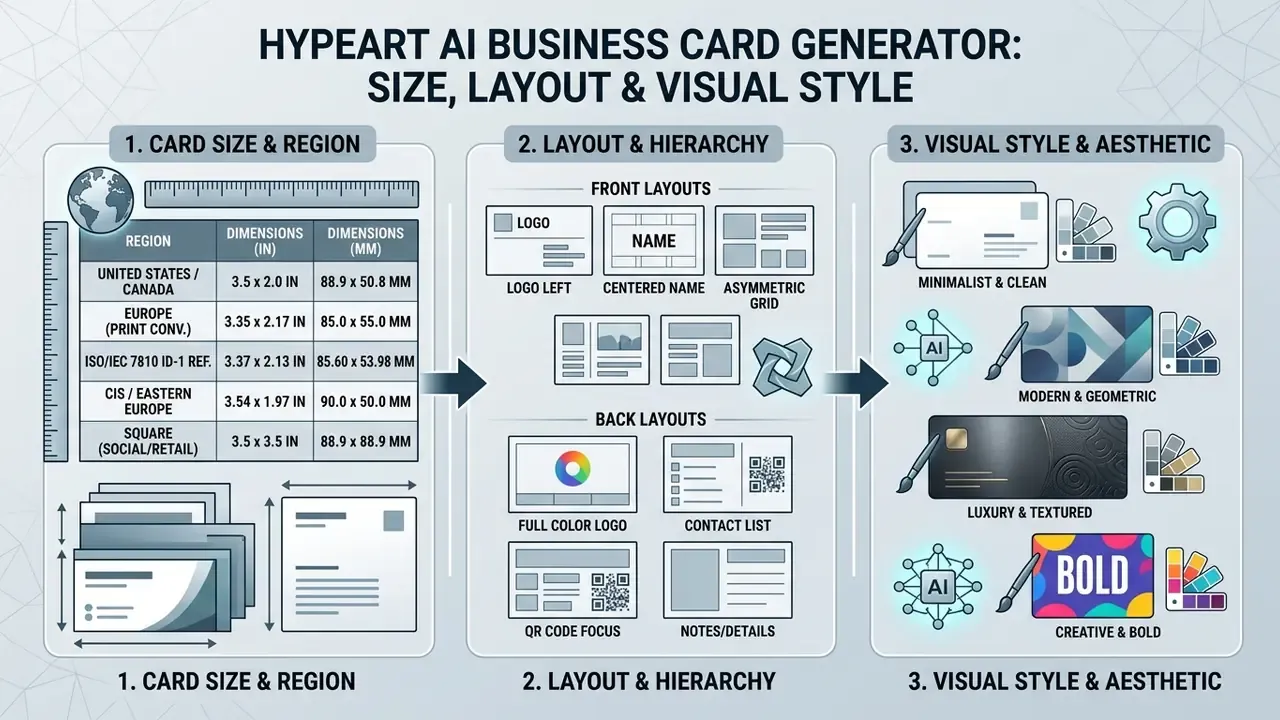
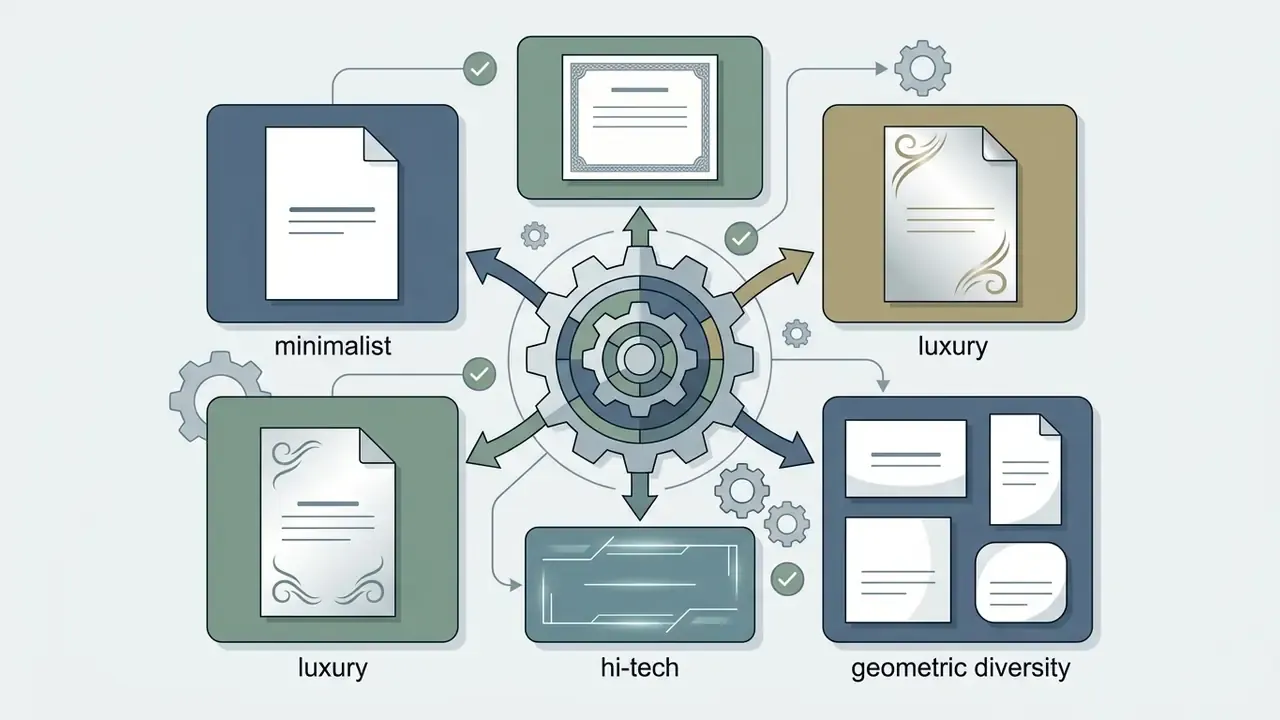
Layout options are horizontal (standard executive orientation), vertical (modern tech or creative presentation) and square. Visual direction usually resolves into minimalist (low ink density, generous whitespace), classic (centered serif typography, formal structure) or hi-tech (bold sans-serif, dark themes, geometric accents). Matching orientation to industry expectation gives visual impact without sacrificing legibility. A vertical card reads as confident in a design studio and slightly off-key in a private banking meeting.
Generate Variants, Edit, and Download Design
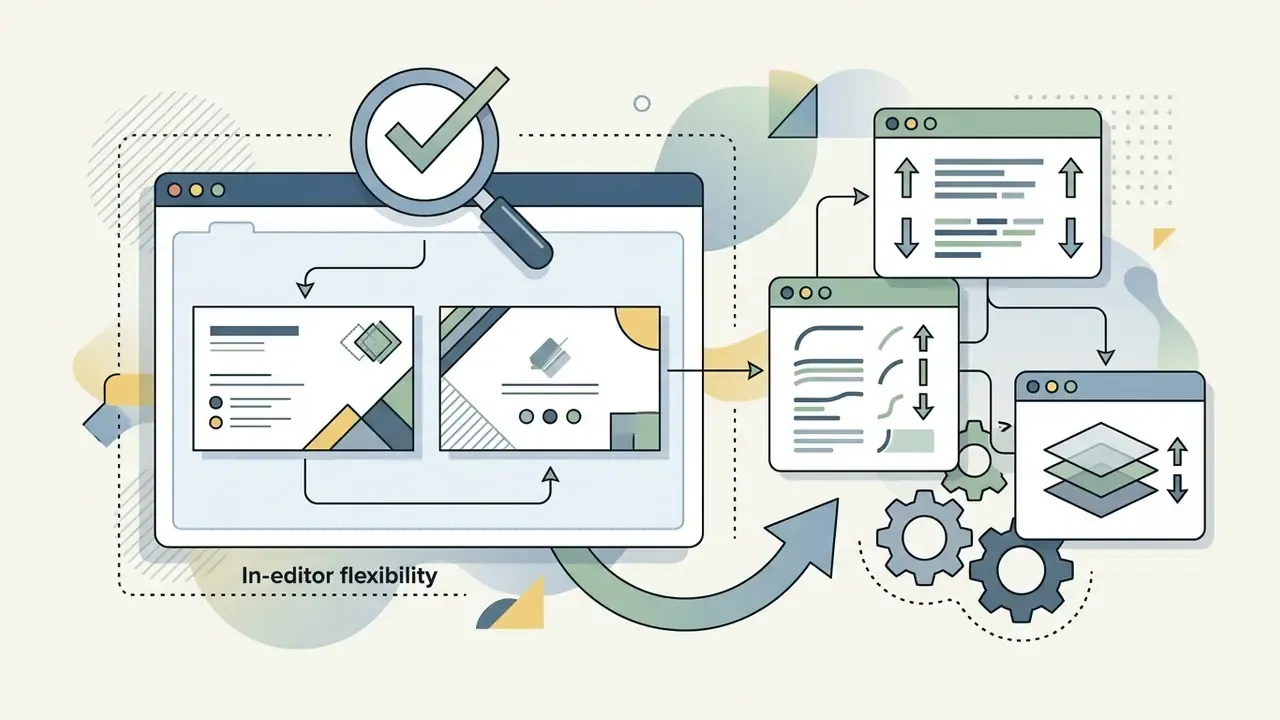
With parameters set, the engine returns several variants for review and interactive customization. You can adjust font scaling, line spacing, background color or logo position directly in the editor. Most platforms allow unlimited regeneration, so shortlist three candidates and regenerate only the weakest element, usually the back-side contact block. Restarting the whole brief is slower and rarely better.
Final output means exporting the approved design as a vector file or a high-resolution PDF compliant with international electronic document exchange standards (ISO 32000-2:2017). For commercial printing, exporting to ISO 15930-7:2010 (PDF/X-4) keeps color spaces, embedded fonts and transparency layers behaving correctly on professional presses; ISO 15930-9:2020 extends the same exchange logic to PDF 2.0 workflows. Teams that also need a matching digital identity set can compare platform capabilities in our Canva AI Generator overview, which documents export options and commercial licensing side by side.
Numbered checklist placeholder: five-step card creation flow, rendered as a semantic ordered list with all steps present as DOM text.
- Data inputenter verified name, title, corporate affiliation and contact details into the prompt interface.
- Style configurationselect regional card dimensions, layout orientation and visual direction.
- AI generationtrigger the model to synthesize 4 to 6 distinct candidates from your structured parameters.
- Quality auditinspect visual contrast, font hierarchy, logo clear space and textual correctness.
- Export executiondownload print-ready PDF files with 0.125 in bleeds, or generate digital vCard QR codes.
How to Write a Prompt for an AI Business Card Design Generator
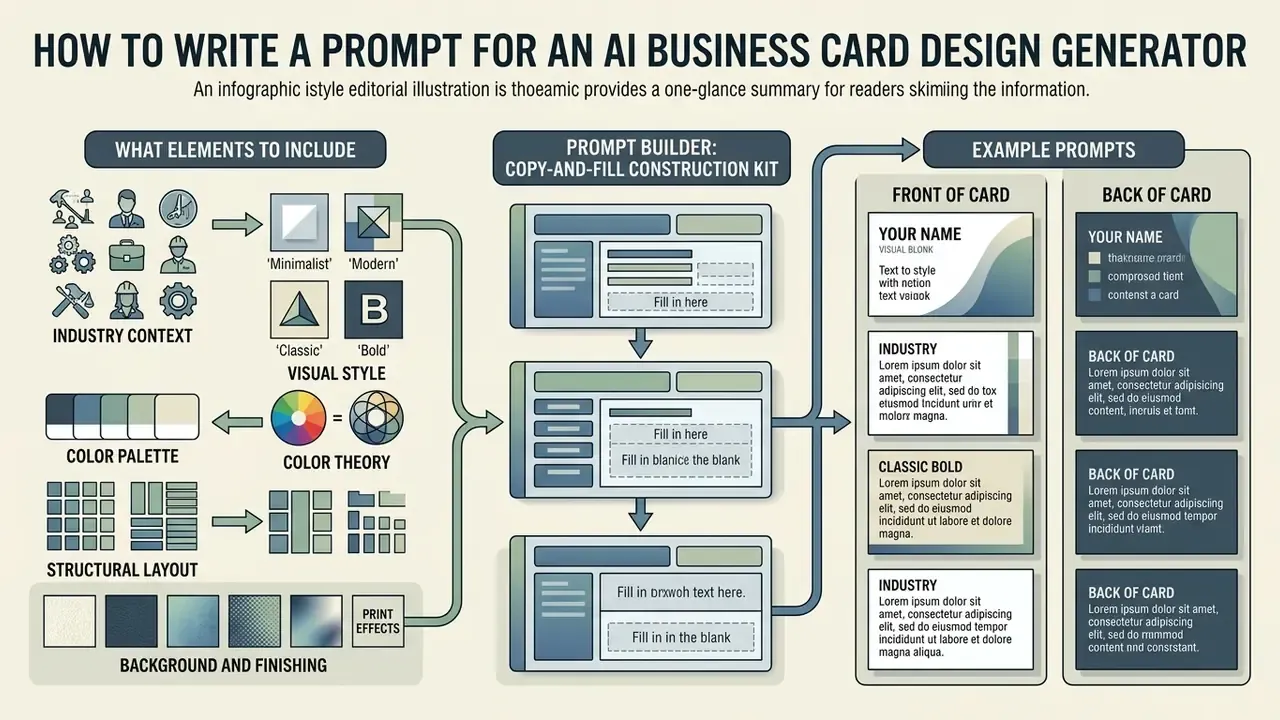
Writing an effective prompt for an AI business card design generator means specifying industry context, visual hierarchy, color palette, typography and structural constraints. A standardized prompt structure cuts random output and keeps the composition inside professional expectations.
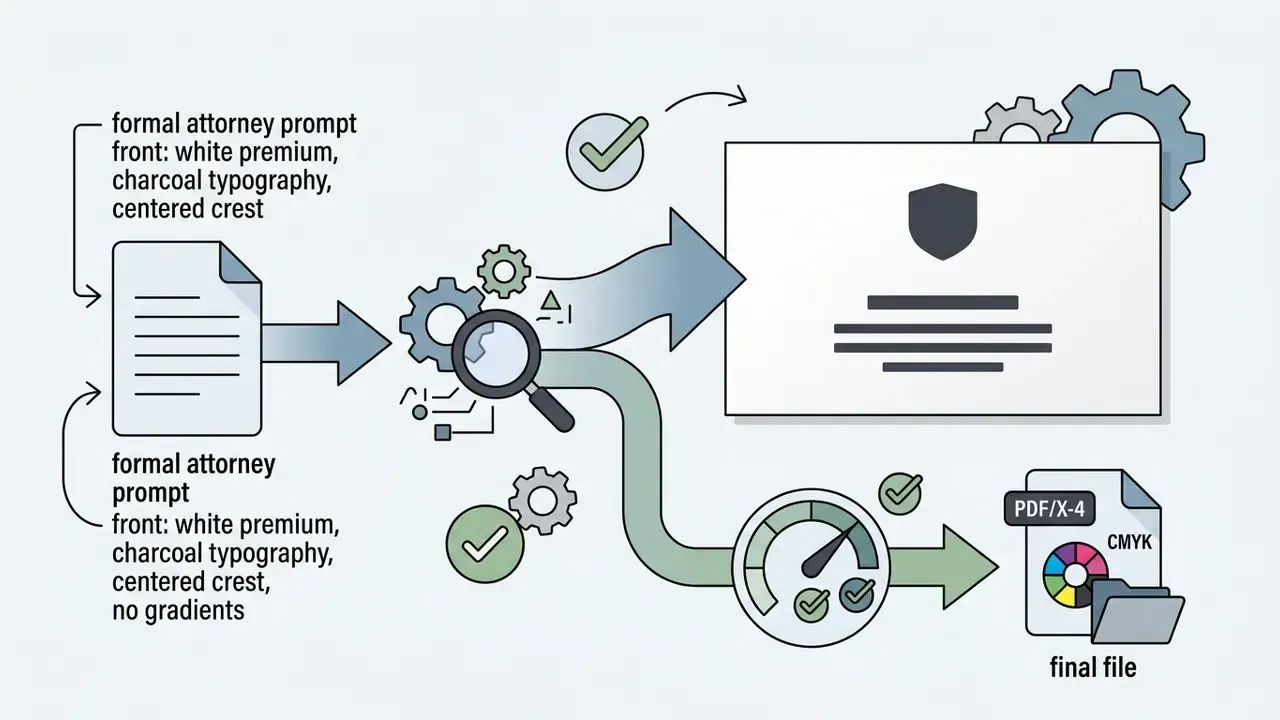
Prompt engineering research suggests a clear order works best: visual background, primary subject, key structural details, then negative constraints (OpenAI GPT Image Generation Models Prompting Guide, 2026). Reordering words in basic image synthesis produces only minor variation (CHI Conference on Human Factors in Computing Systems, 2022), but stating negative constraints explicitly, "no handwritten fonts", "no cluttered graphics", reliably stops the model from adding decoration you never asked for. Declaring the intended use also sets the polish level: "print-ready business card, not a poster mockup".
What Elements to Include in a Business Card Prompt
A complete prompt carries five components: industry classification, aesthetic style, color palette with hex codes, structural layout guidance and background or finishing detail. Drop any one of them and the model fills the gap with a default that may contradict your brand guidelines.

Prompt Builder: Copy-and-Fill Construction Kit
Rather than writing prose from scratch, fill the variables below and paste the result into any generator that accepts free text.
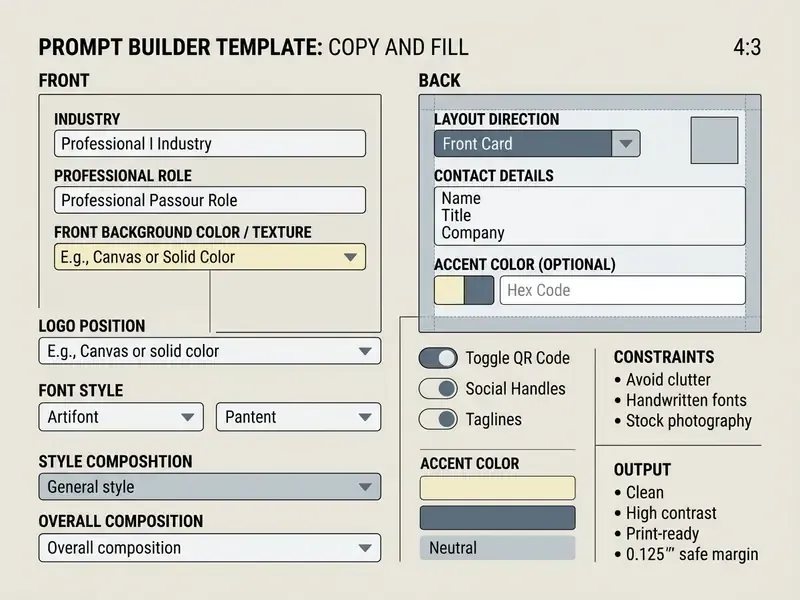
Example Prompts for Different Business Cards, Front and Back
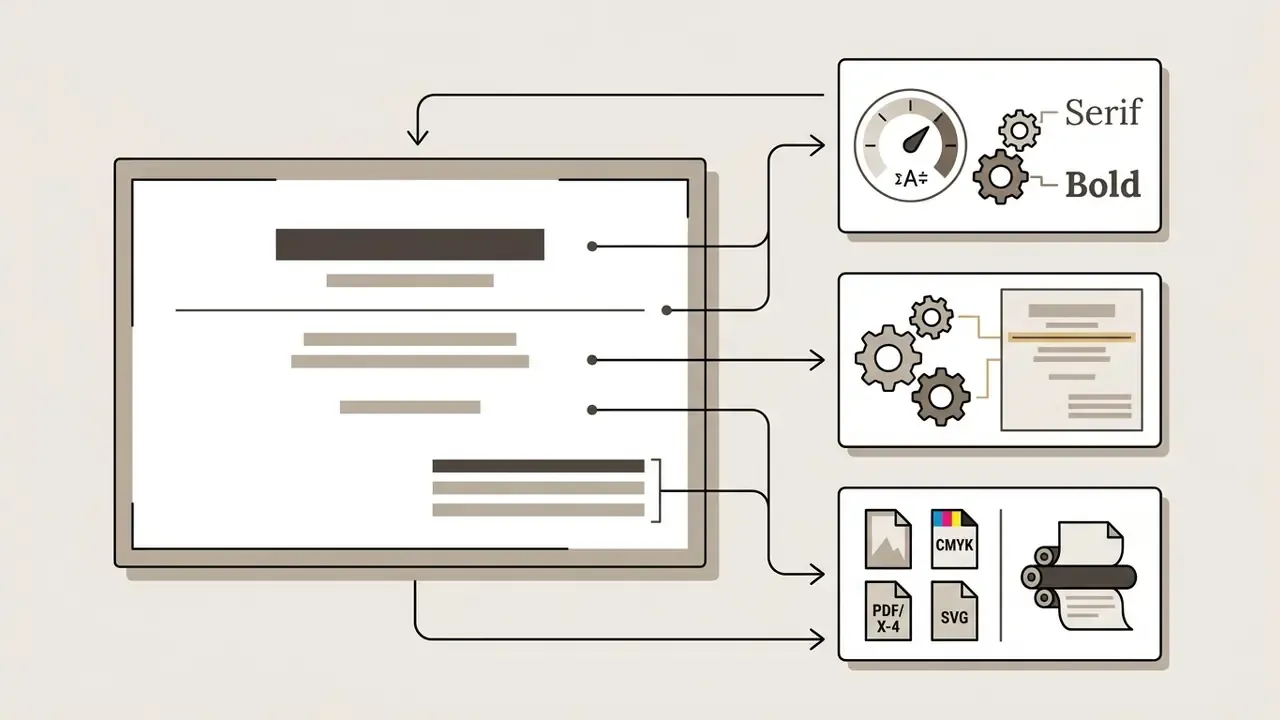
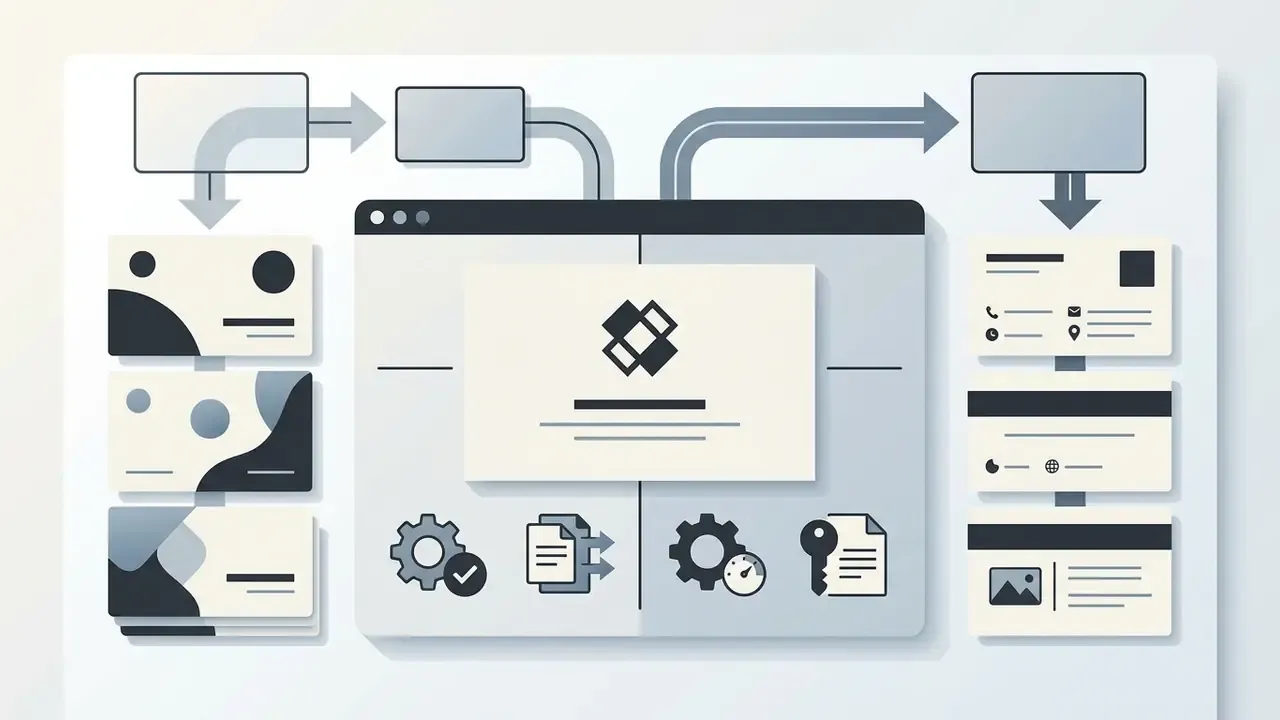
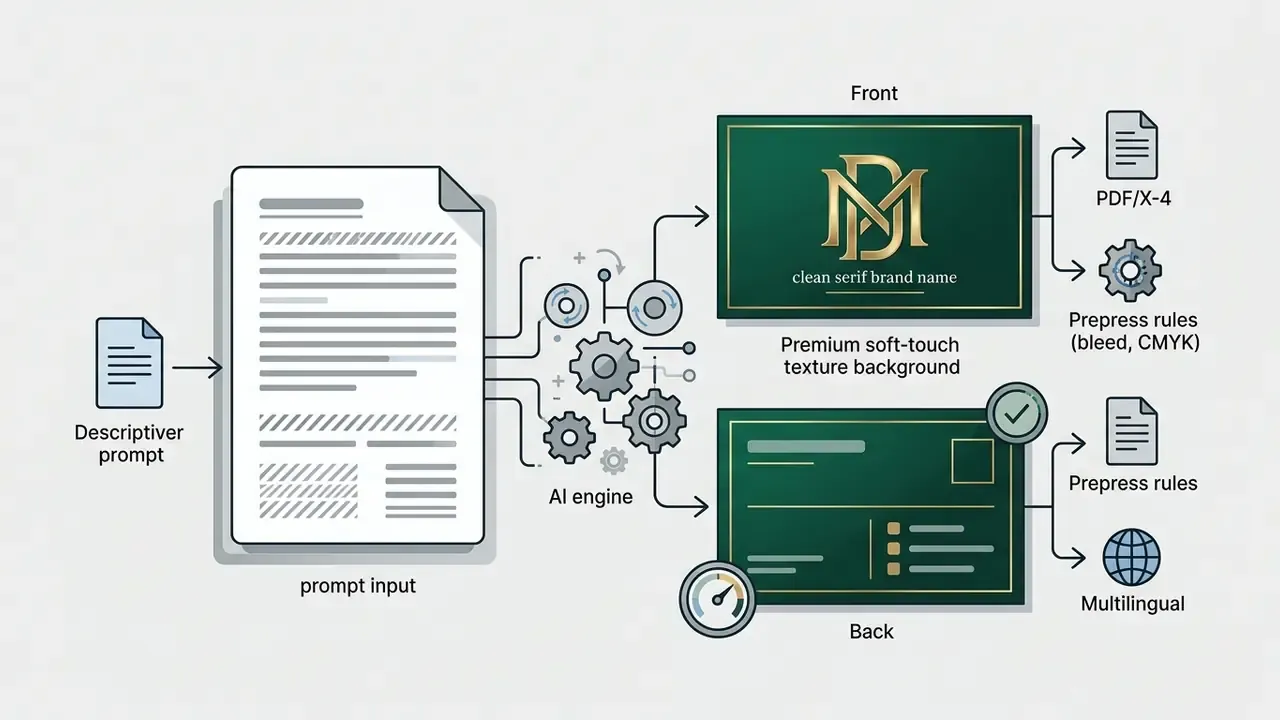
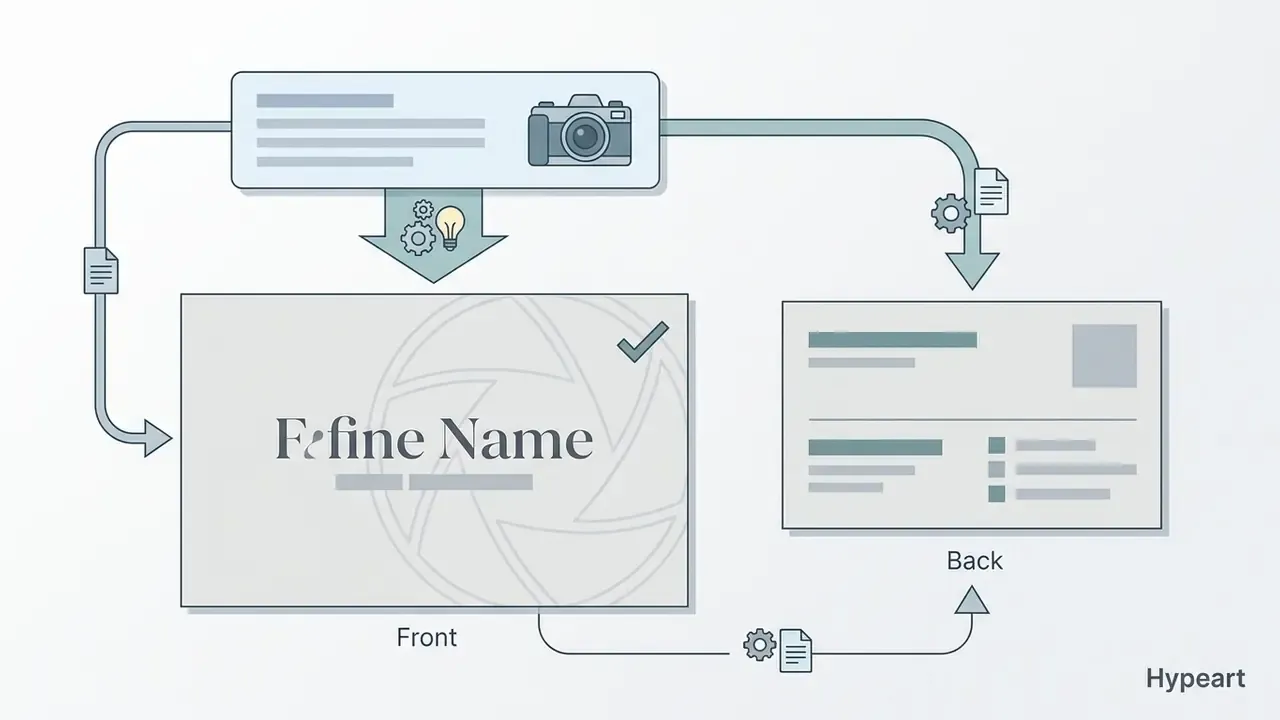
Precise templates keep output quality consistent across industries and roles. Every prompt below splits into [Front] and [Back] instructions, because double-sided layout is exactly where AI output tends to collapse: the model either duplicates one composition twice or crams all contact data onto a single face. Corporate and regulated roles come first, then creative and consumer-facing niches.
1. Executive financial consultant
2. Corporate treasurer or private wealth manager
3. Corporate legal counsel
4. Tech startup founder (fintech)
5. Luxury real estate agent
6. Freelance graphic designer
7. Professional photographer
8. Fitness trainer or health coach
9. Artisan bakery or cafe
Generating Multilingual Business Cards and Using Voice Prompts
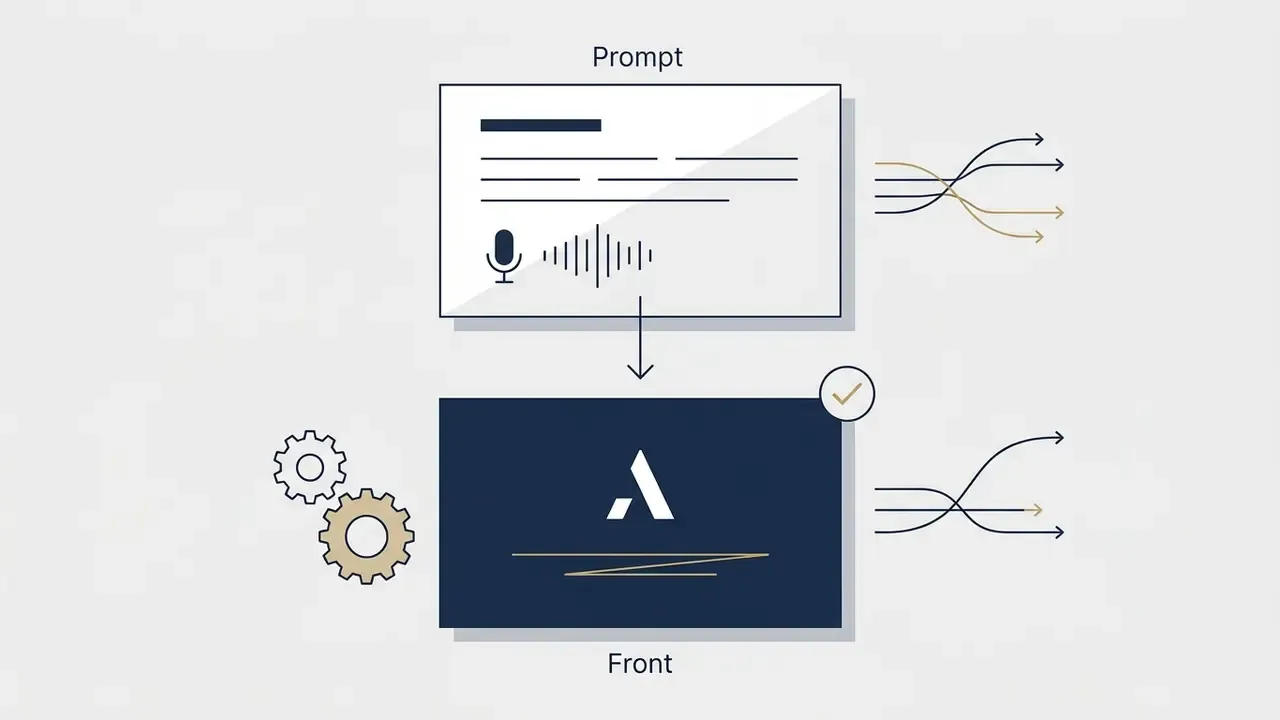
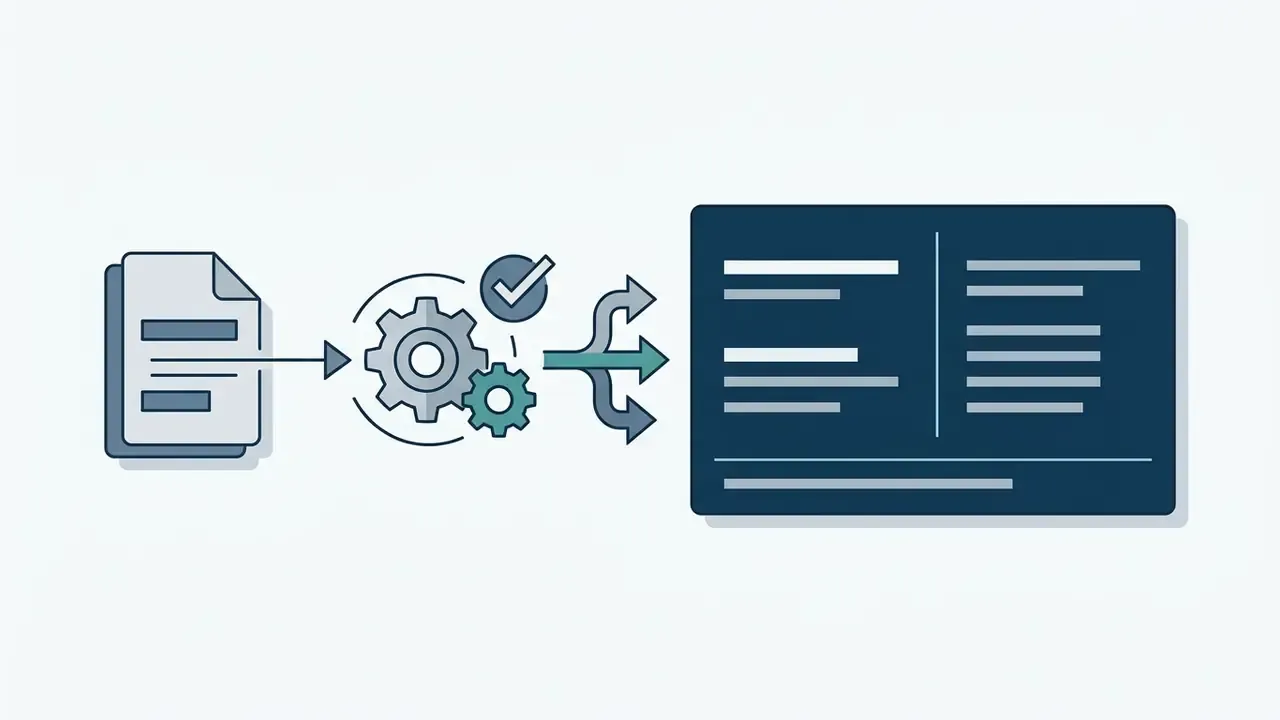
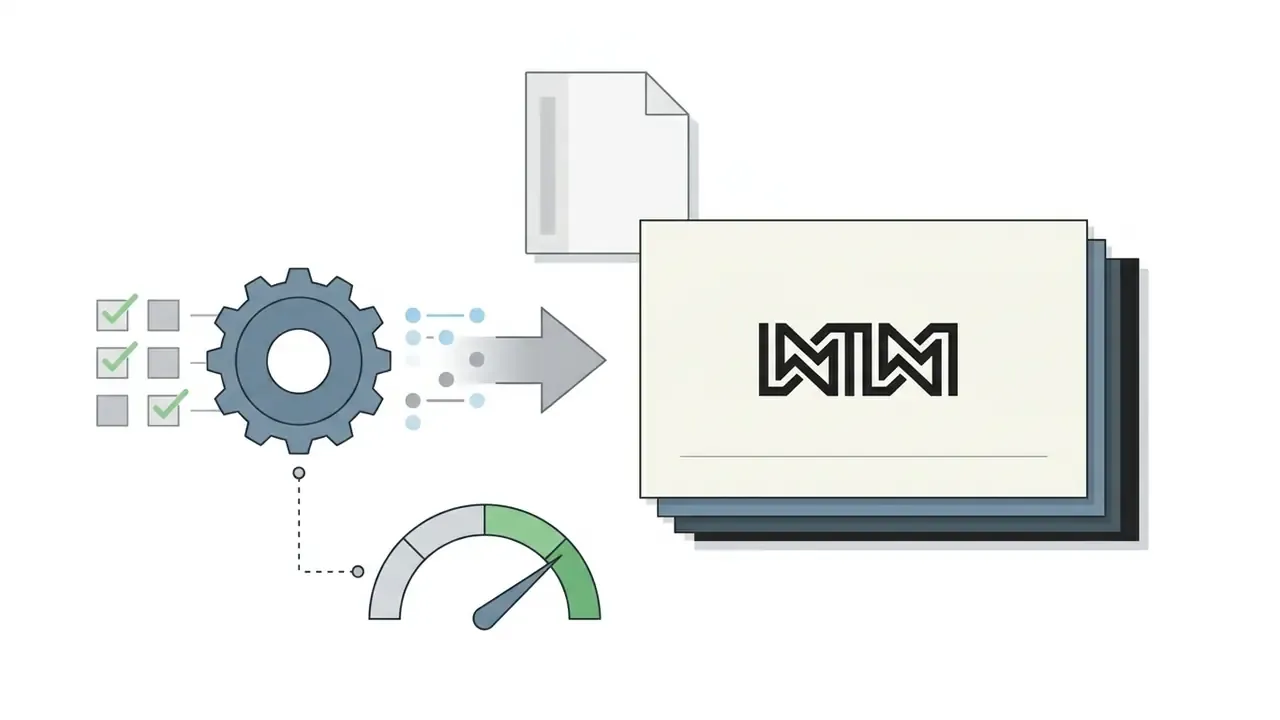
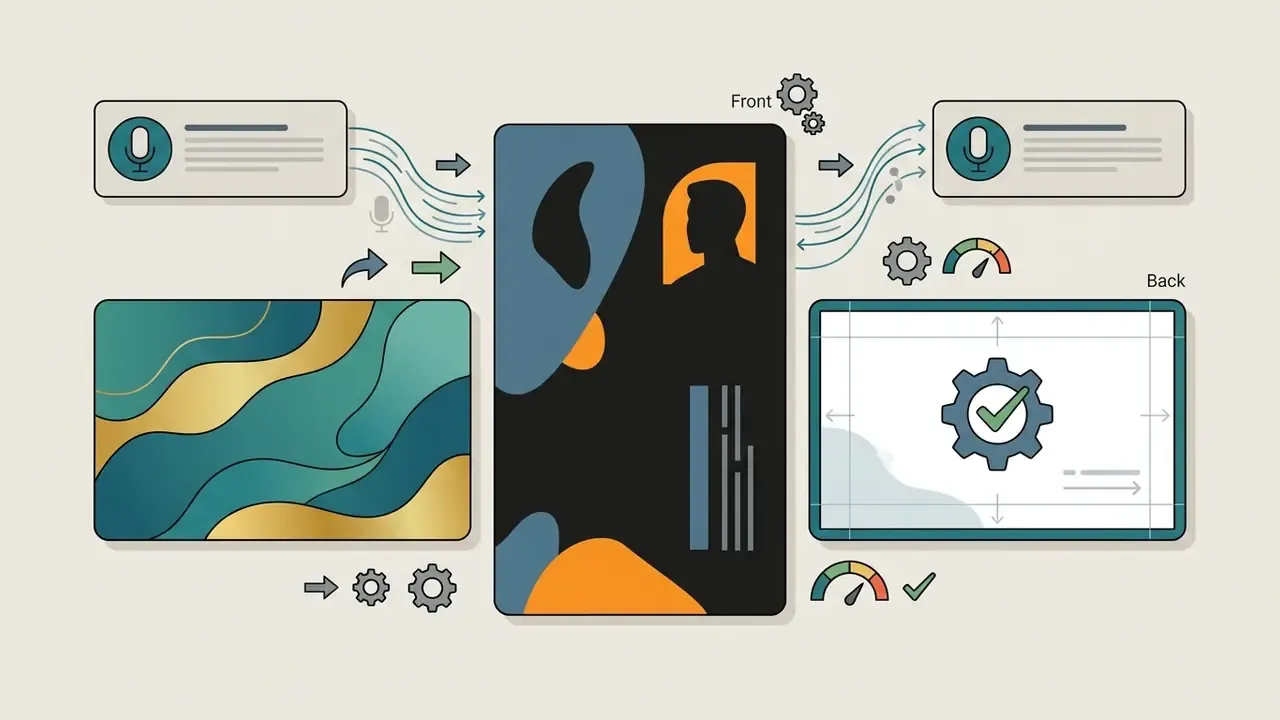
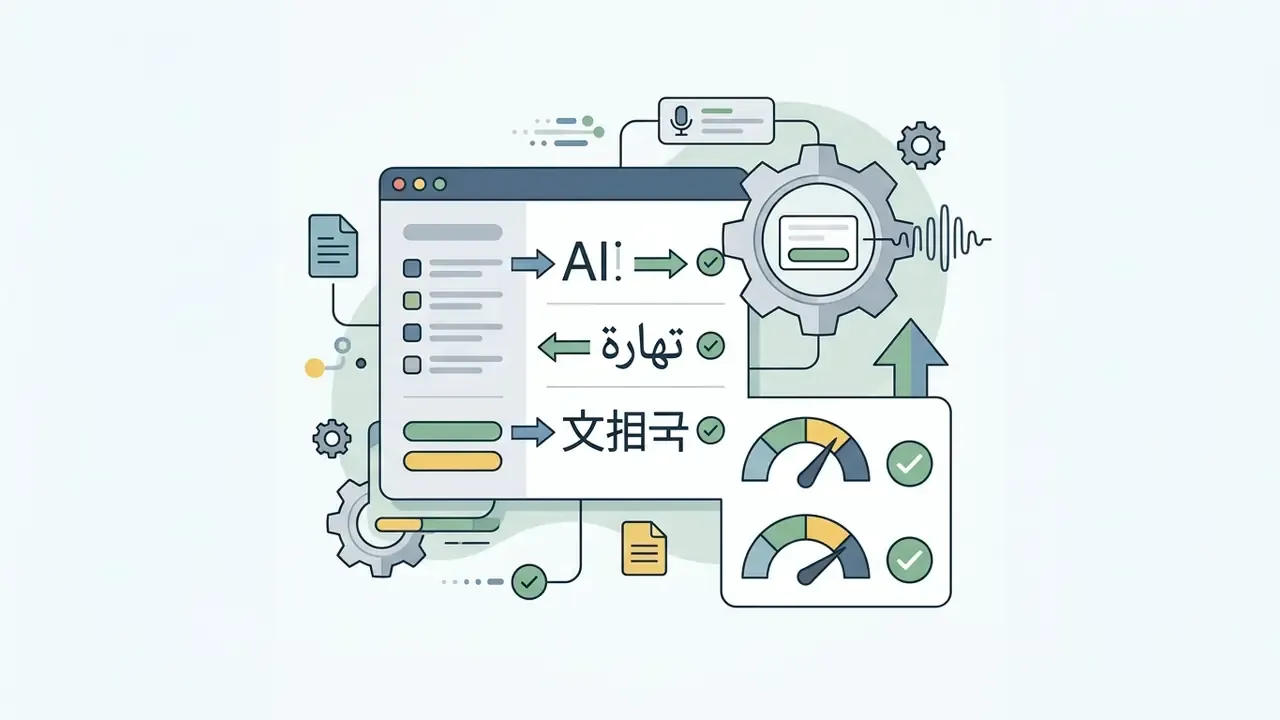
International networking means generating cards across multiple character sets (UTF-8): CJK (Chinese, Japanese, Korean), Arabic and Hebrew with right-to-left rules, Devanagari, Cyrillic. Leading generators now accept prompts in more than twenty languages, among them English, Spanish, Chinese, Hindi, Arabic, Portuguese, Bengali, Russian, Japanese, French, German, Korean, Italian, Turkish, Vietnamese, Urdu, Persian, Polish, Thai and Punjabi. Several also parse voice input, transcribing spoken business details straight into the structured prompt fields.
Three rules prevent broken output:
- Declare the script and typography fallback.Name a font family with full glyph coverage (Noto Sans CJK, Noto Naskh Arabic, Noto Sans Devanagari) so the renderer does not substitute a Latin-only typeface and give you tofu boxes.
- Declare reading direction per side.RTL scripts need mirrored alignment, right-anchored contact blocks and reversed logo placement. A bilingual card is usually cleanest with one language per face.
- Reserve extra vertical space.CJK characters need larger effective point sizes than Latin text at equal legibility, and Arabic and Devanagari need extra line height for diacritics and ascenders.
Bilingual prompt template (English and Arabic):
"Double-sided international consulting business card. Front side (English): modern minimalist layout, navy background #103750, white text, left-aligned logo, Latin sans-serif. Back side (Arabic): mirrored layout, RTL alignment, Noto Naskh Arabic typography, matching hex palette, right-anchored contact block, increased line height for diacritics."
Bilingual prompt template (English and Simplified Chinese):
"Front (English): white #FFFFFF background, charcoal #1A1A1A sans-serif, centered wordmark. Back (Simplified Chinese): identical palette, Noto Sans SC typography at 11pt minimum, vertical centered name and title, company seal mark in accent red #C0392B, WeChat QR code bottom-center."
Voice prompting works best on the data layer, not the design layer. Dictate the name, title, phone number and company, then type the visual specification, because spoken hex codes and point sizes get mistranscribed more often than not.
How to Refine AI-Generated Design After Initial Generation
Refining an AI-generated card means evaluating the first outputs, adjusting typography and alignment, verifying contrast ratios and correcting logo placement in the editor. Generative tools rarely deliver print-ready composition on the first attempt, which is precisely why human evaluation stays in the loop (Brief2Design, 2026).
How to Create a Business Card from a Logo and Maintain Brand Consistency
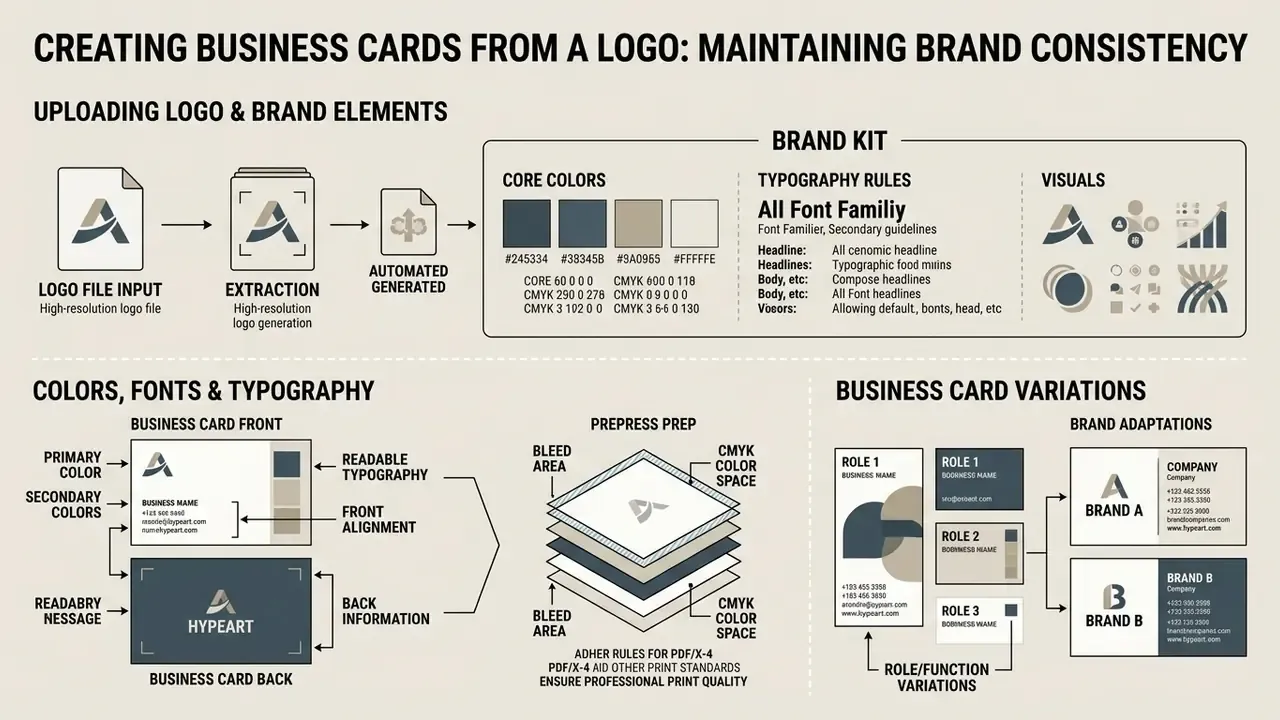
Creating a business card from an existing logo means uploading a high-resolution file, extracting core brand colors, deriving matching typography rules and holding the visual identity steady across every variant. AI brand kit engines automate the first half: they detect the palette, recommend complementary font pairings and convert the upload into reusable tokens with primary, secondary and accent roles.
Here is a hypothetical deployment, again illustrative rather than a documented case. A consulting firm equipped 200 remote advisors with personalized cards through an AI generator linked to a corporate Brand Kit repository. The system locked primary corporate colors (#00589C blue, #103750 navy) and mandatory logo clear-space rules, while advisors could still edit their own contact details. Brand fragmentation stopped, and the central marketing team no longer reviewed every file by hand. Controlled automation, not free-form generation, produced that outcome.
Uploading Logo and Placing Brand Elements
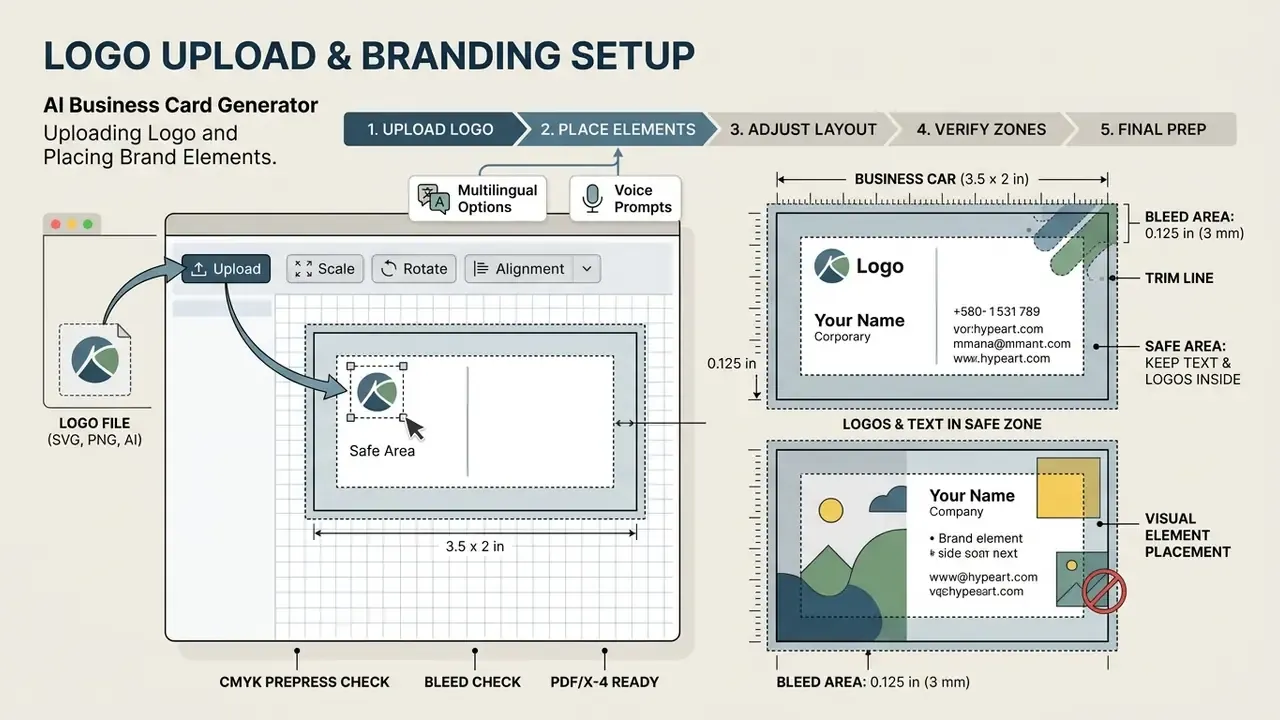
Upload logos as vector SVG or high-resolution PNG (minimum 300 DPI, transparent background) to avoid blur and pixelation in print. Vector marks stay sharp at any scale. Raster marks must already meet print resolution before upload, because no upscaler restores lost detail reliably. If no usable mark exists yet, review AI logo generators before you start card generation, since the palette extracted from the logo drives every later layout decision.
The tool then parses the logo structure to determine background contrast and automatic element placement.
Brand governance rules require an unobstructed clear-space zone around the logo, with no overlapping text or graphics inside that boundary (DZNE Brand Guidelines, 2026). Published brand systems also insist that logo colors stay identical to defined brand values, with no substitutions, and they separate light-mode from dark-mode combinations. All critical elements, logos, names and contact numbers included, must remain inside the 0.125 in (3 mm) safe area measured from the trim edge, or mechanical cutting will clip them (Printery, 2026).
Colors, Fonts, and Typography for Readable Business Cards
Keeping small contact text legible on cardstock comes down to contrast between text and background. Web Content Accessibility Guidelines set a minimum ratio of 4.5:1 for standard text and 7:1 for enhanced legibility (W3C WCAG 2.2, 2026). The "large text" exemption at 3:1 applies only at 18 pt regular or 14 pt bold and above, so effectively all contact data on a business card falls under the stricter 4.5:1 floor. Thin strokes and unusual letterforms cut readability further at low contrast, and emerging WCAG 3 guidance notes that comfortable reading needs considerably more contrast than bare legibility.
Font pairing works best with a distinctive display face for the primary name or brand mark and a highly legible sans-serif or serif for secondary contact details. Cap it at two complementary typefaces. Three is clutter.
Background imagery deserves the same scrutiny as type. Apply opacity or blur so contact details stay readable, and prepare photographic backgrounds separately before upload. Practical retouching options are compared in our guide to free photo editors, including export restrictions that matter for print resolution.
Business Card Variations for Multiple Roles and Brands
Batch variations for multi-department staff or subsidiary brands need a master layout template plus controlled variation in job titles, contact numbers and divisional accent colors. Preset master templates simplify identity management across executive, operational and client-facing roles (Thoughtworks Brand Guidelines, 2024), which publish separate presets for short and long names on an 84 by 55 mm base format.
Multi-divisional enterprises often use divisional accent colors to distinguish business units while holding corporate typography and logo placement constant, with a cap of two product or vertical logos on the reverse face (Informa Brand Guidelines, 2024). AI card generators speed up batch production by importing CSV data sheets, populating employee credentials into approved template structures and locking core brand parameters against unauthorized edits. That lock is the control. Without it, batch generation just scales inconsistency.
Printing, Digital Business Cards, and Exporting Final Designs
Finalizing an AI-generated card starts with one question: is the primary channel physical commercial printing or digital contact exchange? Aligning export specifications with press requirements or mobile wallet protocols is what makes delivery predictable.
Comparison table: print versus digital business cards, with textual summary of the conclusions immediately after.
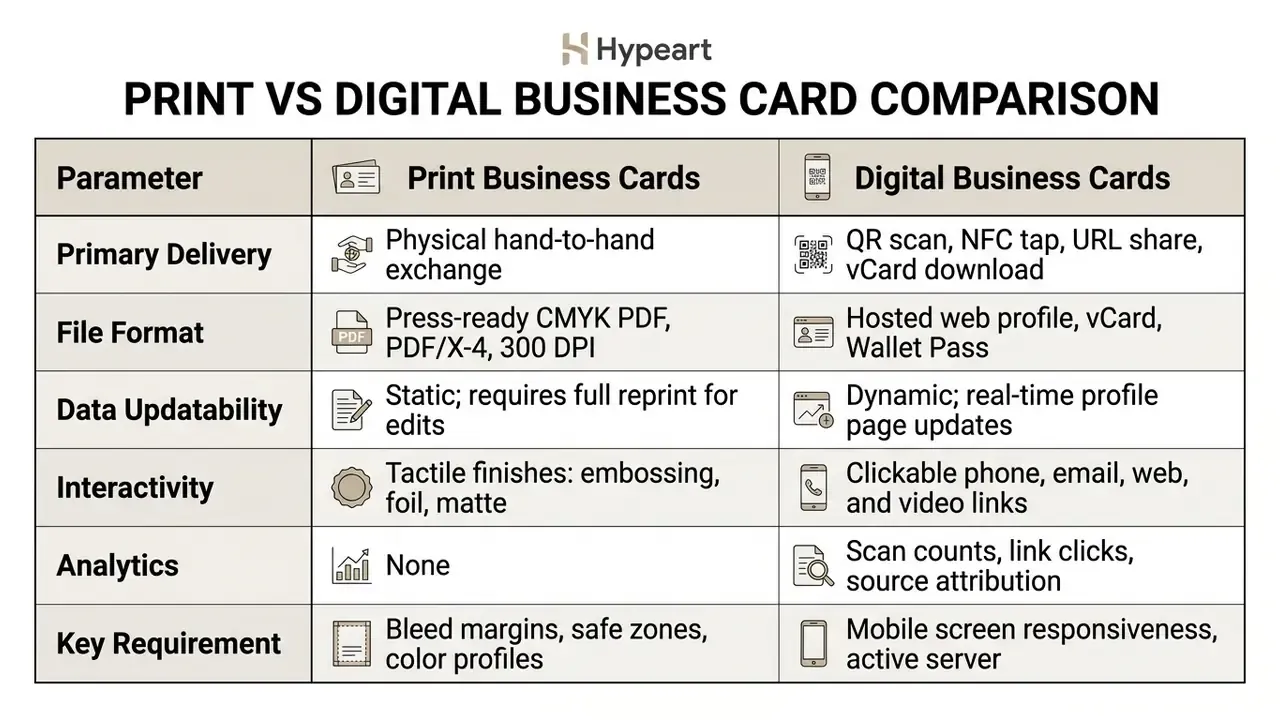
Read that table as a channel decision, not a hierarchy. Print wins on tactile credibility in regulated client meetings. Digital wins wherever roles, phone numbers or reporting lines change faster than a print run can absorb.
Technical File Export Matrix for AI Business Cards
| Export Format | Resolution / Color Space | Best Use Case | Operational Limitation |
|---|---|---|---|
| PDF/X-4 (ISO 15930-7) | Vector / CMYK (300+ DPI) | Commercial offset and digital printing | Requires a professional PDF viewer to validate the color proof |
| PDF 2.0 / PDF/X-6 (ISO 15930-9) | Vector / CMYK + spot | Modern press workflows, partial data exchange | Not accepted by every legacy prepress RIP |
| Interactive HTML5 | Responsive web layout | Email signatures and embedded web profiles | Requires external hosting for the active CSS stylesheet |
| SVG (Vector) | Infinite scale / RGB | In-editor modification and brand repositories | Non-embedded fonts may substitute if the system lacks the typeface |
| EPS (Vector) | Infinite scale / CMYK | Legacy print vendors and large-format reproduction | Limited transparency support; no live text editing in some RIPs |
| vCard (.vcf) | Structured text data | One-click smartphone contact saving | No visual design elements; data payload only |
| WEBP / High-DPI PNG | 300 DPI / RGB | Digital messaging (WhatsApp, LinkedIn, Apple Wallet) | Rasterized text loses crispness if scaled up for print |
| JPG | 300 DPI / RGB | Quick previews, social posts, internal approvals | Lossy compression creates artifacts around small type |
| TIFF (Uncompressed) | 300 DPI / CMYK | High-end archival and fine-art cardstock print | Large file footprint (10 to 50 MB per card design) |
| BMP | 300 DPI / RGB | Legacy internal systems and kiosk software | No compression, no transparency, oversized files |
How to Prepare a Business Card for Print
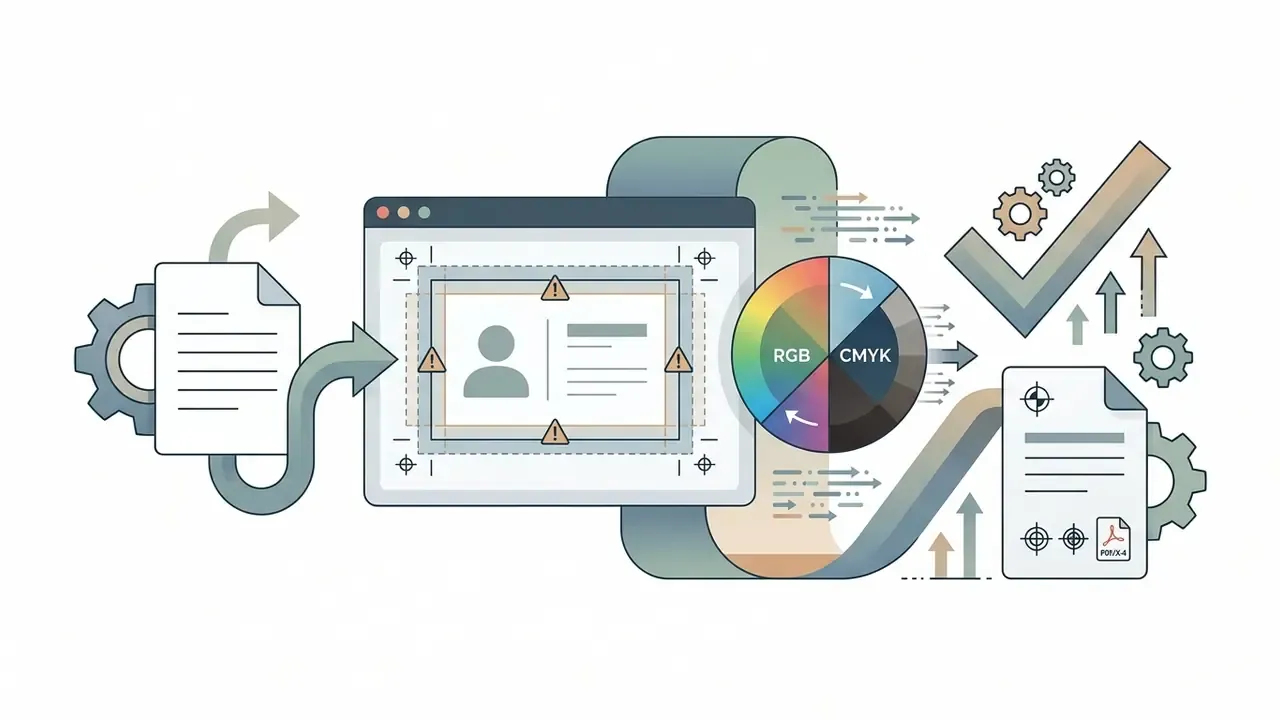
Preparing artwork for commercial offset or digital printing means setting bleed margins, switching color mode to CMYK, checking image resolution and exporting a press-ready PDF. Skip the prepress rules and you get color shifts, clipped text or white slivers along the cut edge.
- Bleed margins extend background artwork 0.125 inches (3 mm) beyond the trim line on all four sides (4OVER4, 2026). A 3.5 by 2 in card becomes a 3.75 by 2.25 in working canvas.
- Safe area keep all critical text and logos at least 0.125 inches (3 mm) inside the trim line; some vendors ask for 3 to 5 mm.
- Color profile convert RGB assets to CMYK to avoid unpredictable shade shifts under press ink. Spot colors must be named, not simulated.
- Resolution keep raster images at a minimum of 300 DPI at 100% print scale.
- Crop marks include crop and registration marks in the exported PDF unless the printer's template says otherwise.
- Duplex layout align front and back canvases with mirrored inner margins so two-sided printing stays vertically consistent.
Common Prepress Failures and How to Prevent Them
| Failure | Visible Symptom | Prevention |
|---|---|---|
| RGB file sent to press | Dull or shifted brand color, muddy blacks | Convert to CMYK and check rich-black build before export |
| Missing bleed | Thin white slivers along one or more edges | Extend background 0.125 in past trim on all sides |
| Text in the bleed zone | Cropped phone digits or truncated URLs | Keep all copy 0.125 in inside the trim line |
| Upscaled raster logo | Fuzzy or pixelated mark | Use SVG or EPS, or a PNG already at 300 DPI |
| Non-embedded fonts | Substituted typeface in the printed run | Export PDF/X-4 with full font embedding |
| Contrast below 4.5:1 | Contact data unreadable in low light | Measure the smallest type against its background |
| Duplex misalignment | Front and back edges offset | Mirror inner margins across both canvases |
When to Choose a Digital Business Card with QR Code
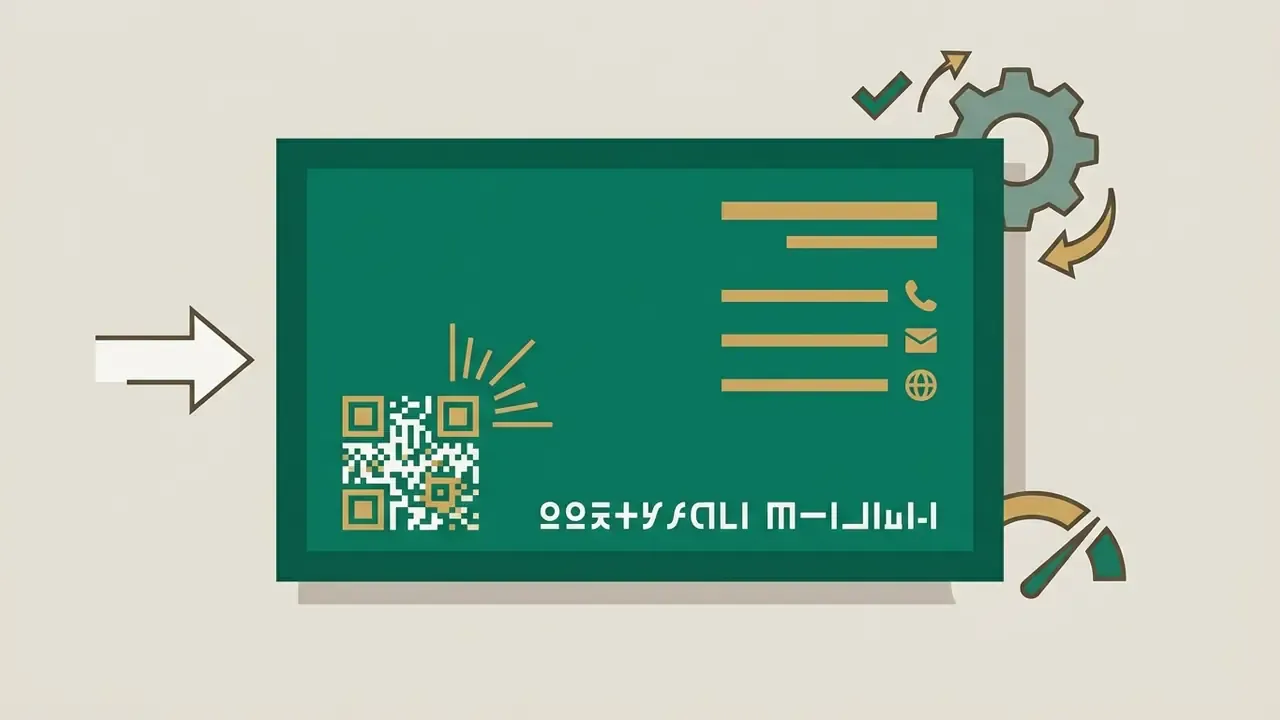
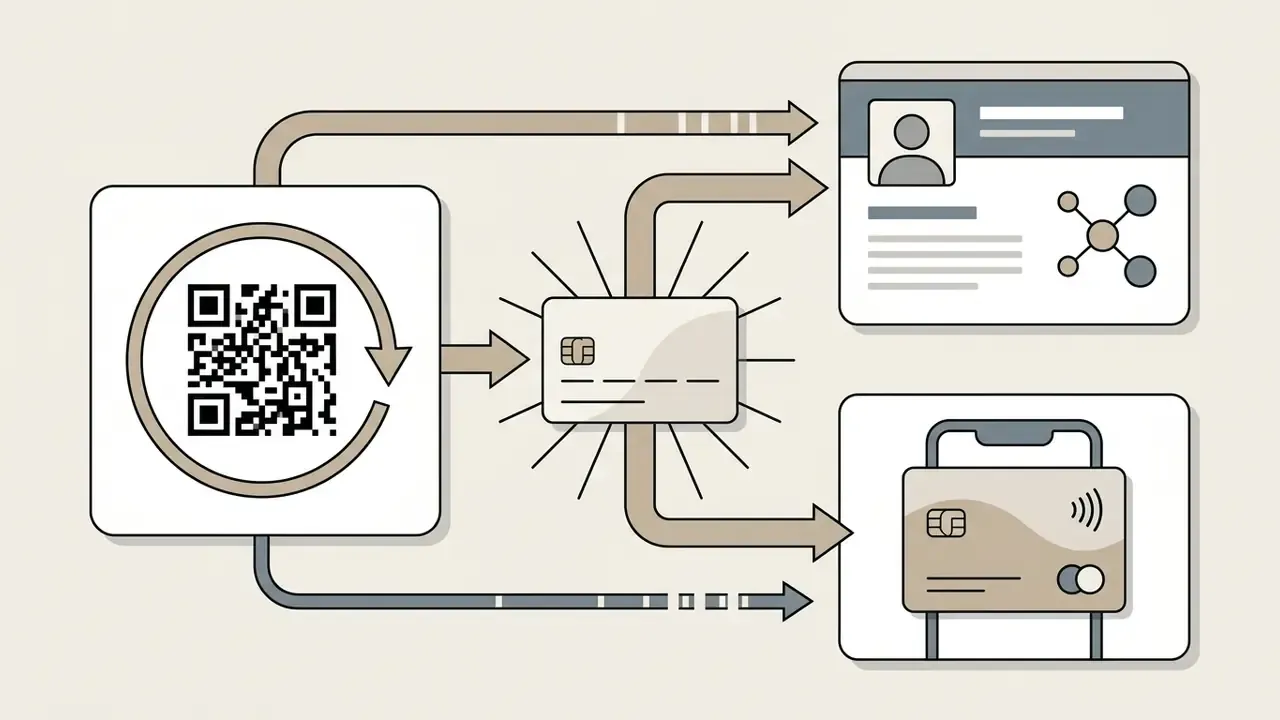
Digital business cards with embedded QR codes suit dynamic networking, frequent contact updates and situations where instant smartphone saving beats a paper handoff. Scanning the code opens an interactive hosted profile or downloads a standardized .vcf file (QRLynx, 2026).
Three architectures exist in practice. Static vCard QR codes encode contact fields directly in the payload, so they work offline but cannot be updated after printing. Dynamic link cards point to a hosted profile where visitors can call, email, open a website or download a current .vcf, which is the right call for teams with frequent role changes. Wallet passes store the card in Apple Wallet or Google Wallet, keeping credentials available when venue Wi-Fi misbehaves and allowing reuse by scan, button or copied URL (QR TIGER, 2026).
Digital cards also carry rich media that paper cannot: website links, social channels, portfolio galleries, short video introductions. They add scan analytics for post-event follow-up, which matters when an event budget needs justification. Teams extending card branding into motion content can consult our guide to animation makers for template and export considerations.
Free AI Business Card Generator vs. Paid Maker: What to Choose for Commercial Use
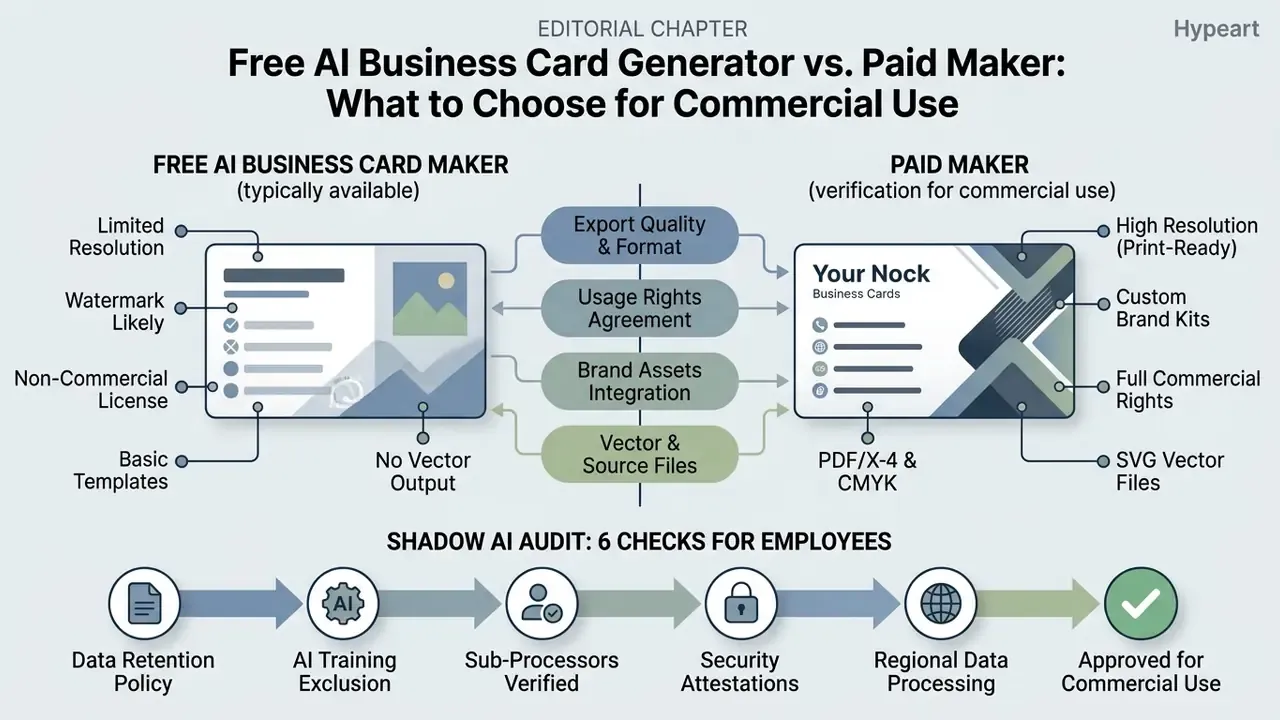
Choosing between a free AI business card generator and a paid subscription comes down to export resolution, commercial usage rights, brand kit features and vector availability. Evaluate the tiers through a legal and risk lens, and you avoid both copyright liability and production failure.
That finding carries a procurement implication. A technically flawless card that looks visibly generic still damages perceived authenticity, which is why brand-locked generation beats open-ended generation for client-facing roles.
What Is Typically Available in a Free AI Business Card Maker
Free AI business card makers usually give you basic template access, online previews, low-resolution raster export and capped generation quotas. Industry reviews published in 2026 describe free tiers clustering around 15 to 150 generations per day or month, with resolution ceilings near 1024 by 1024 px, occasionally 512 by 512 px, and watermarks applied on some platforms and waived on others. Those figures are vendor-reported and change constantly. No standards body publishes free-tier limits, so verify the current quota, watermark policy and resolution cap on the vendor's own pricing page before you build a workflow on top of it.
Free plans also tend to omit high-resolution PDF/X export, CMYK conversion, vector SVG or EPS output, layered files, brand kit storage and batch CSV generation. Fine for personal ideation. Rarely sufficient for commercial press reproduction. Comparative feature and licensing patterns across free generative tiers are documented in our comparison of free AI art generators.
What to Verify Before Commercial Use and Subscription Purchase
Before deploying AI-generated card designs commercially, audit three things: the subscription licence agreement, font commercial usage permissions and copyright ownership terms. Purely machine-generated content without substantial human creative input is not eligible for copyright protection under United States law (U.S. Copyright Office, 2025). European Parliament research reaches a comparable conclusion for the EU, where output generated without substantial human intervention is not protectable. Human-authored contributions to an AI-assisted design remain registrable, which is a practical argument for documenting the human editing steps applied to any card that becomes a core brand asset. The wider rights landscape is unpacked in our overview of the commercial use of AI image generators.
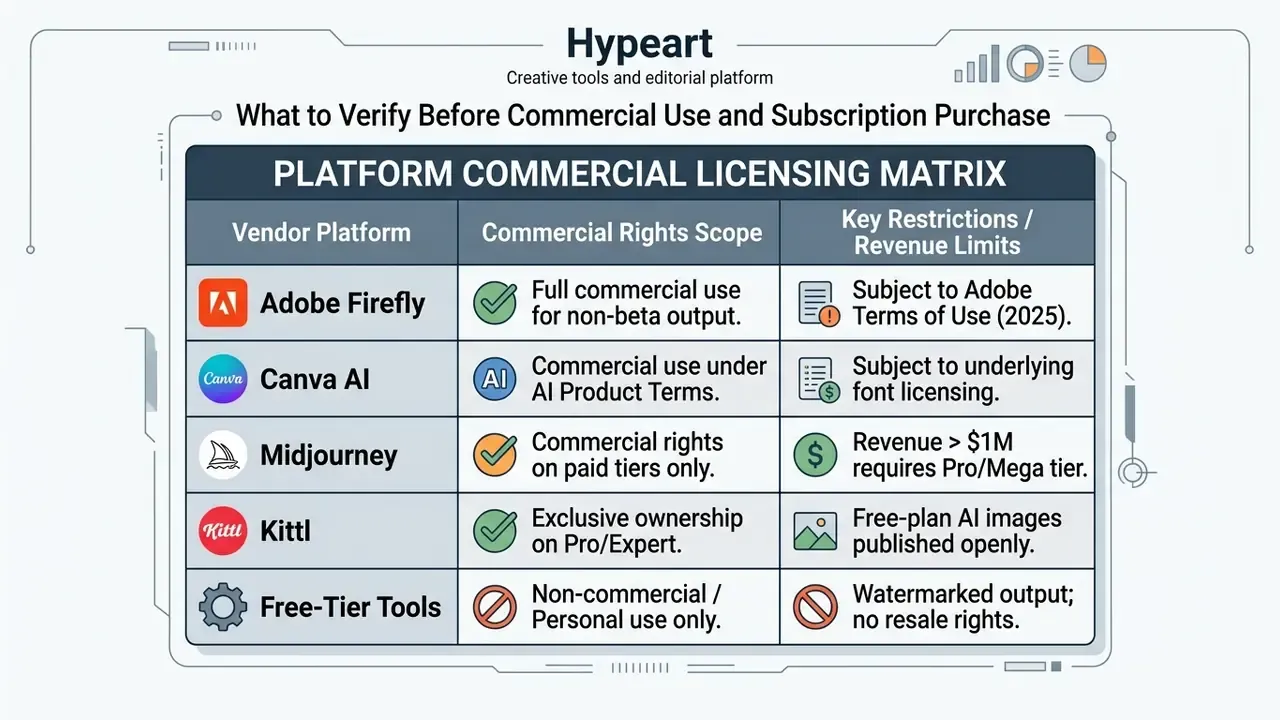
Licensing terms vary sharply. Adobe permits commercial use of non-beta generative output and separately requires that users hold rights to any custom fonts they upload (Adobe Generative AI Product Specific Terms, 2025). Canva's AI Product Terms govern Magic Studio tools and state that Canva claims no copyright ownership over user input or output (Canva AI Product Terms, 2026). Midjourney limits commercial rights on basic and standard tiers to organizations below $1,000,000 in annual gross revenue, and requires Pro or Mega above that threshold. Review the platform terms, verify font licensing and check the compliance guidance covering corporate assets before an intellectual property dispute finds you. Enterprise teams assessing legal exposure across generative media can see the overview of commercial terms, examine risk considerations around AI litigation and intellectual property, browse the hub for cost estimation, or explore the hub for enterprise subscription planning.
Shadow AI Audit: Six Checks Before Employees Use a Card Generator
Business card generation looks harmless. In practice it moves employee names, direct dials and internal titles into an unvetted third-party service, often on a personal credit card. Run these checks before approving a tool for organization-wide use:
- Data retentiondoes the vendor contractually offer Zero Data Retention, or are prompts and uploads stored? Get the retention window in writing.
- Training exclusionare customer inputs and outputs excluded from model training by default, or only on an enterprise tier?
- Sub-processorswhich upstream model providers receive the prompt, and in which jurisdictions do they process it?
- Security attestationsis a current SOC 2 Type II report or ISO/IEC 27001 certificate available, and does the tool support SSO or SAML with role-based access?
- Regional processingcan processing be pinned to an EU or domestic region to support GDPR transfer obligations?
- Egress controlcan finance or procurement spot unsanctioned card-generator subscriptions through expense data and SaaS discovery, closing the shadow AI gap?
Log the answers in the vendor risk register next to the licensing matrix above. A generator that fails checks 1, 2 or 4 should be restricted to synthetic placeholder data until remediated. One owner, one approved use, one audit trail. That is the whole control, and it is not expensive.
How to Choose the Best AI Business Card Generator
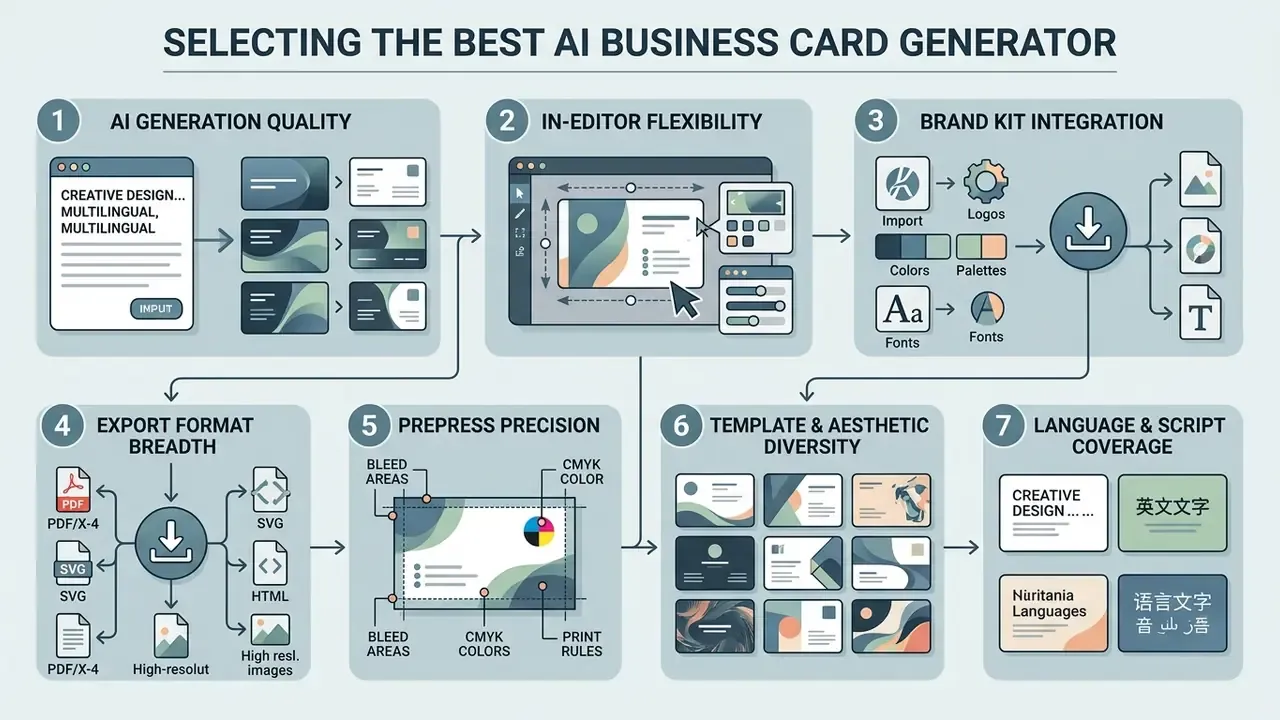
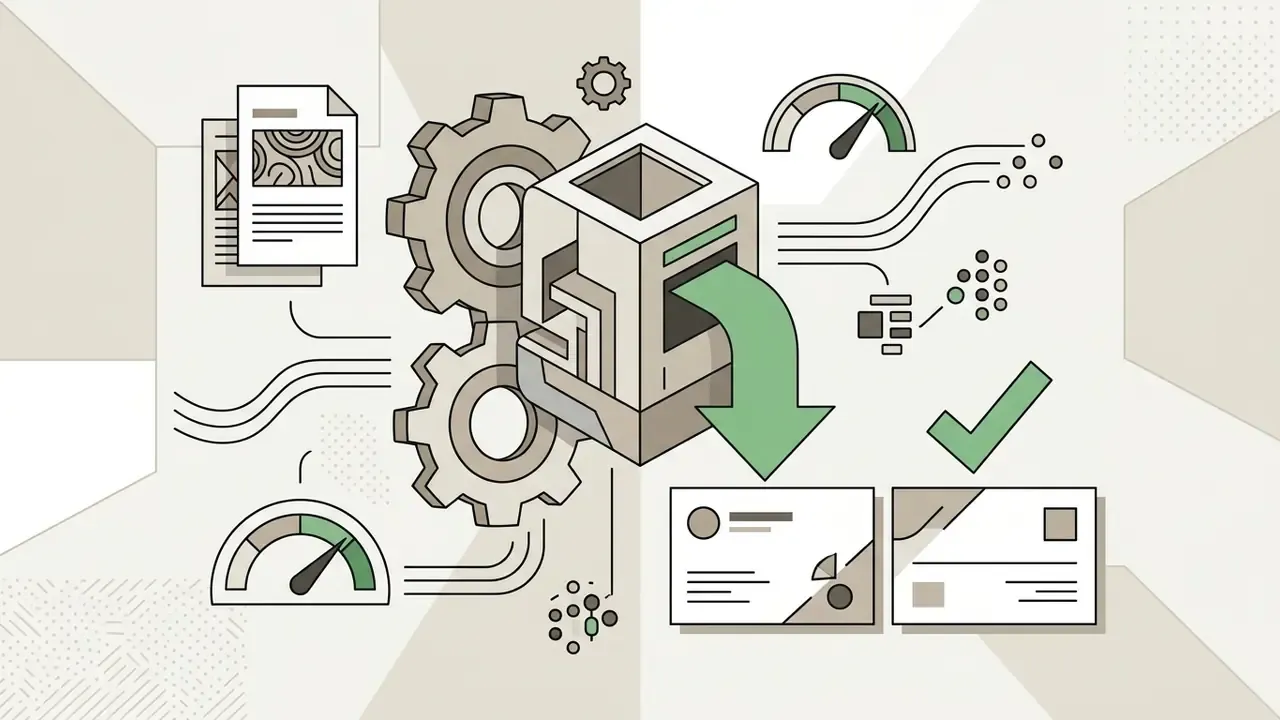
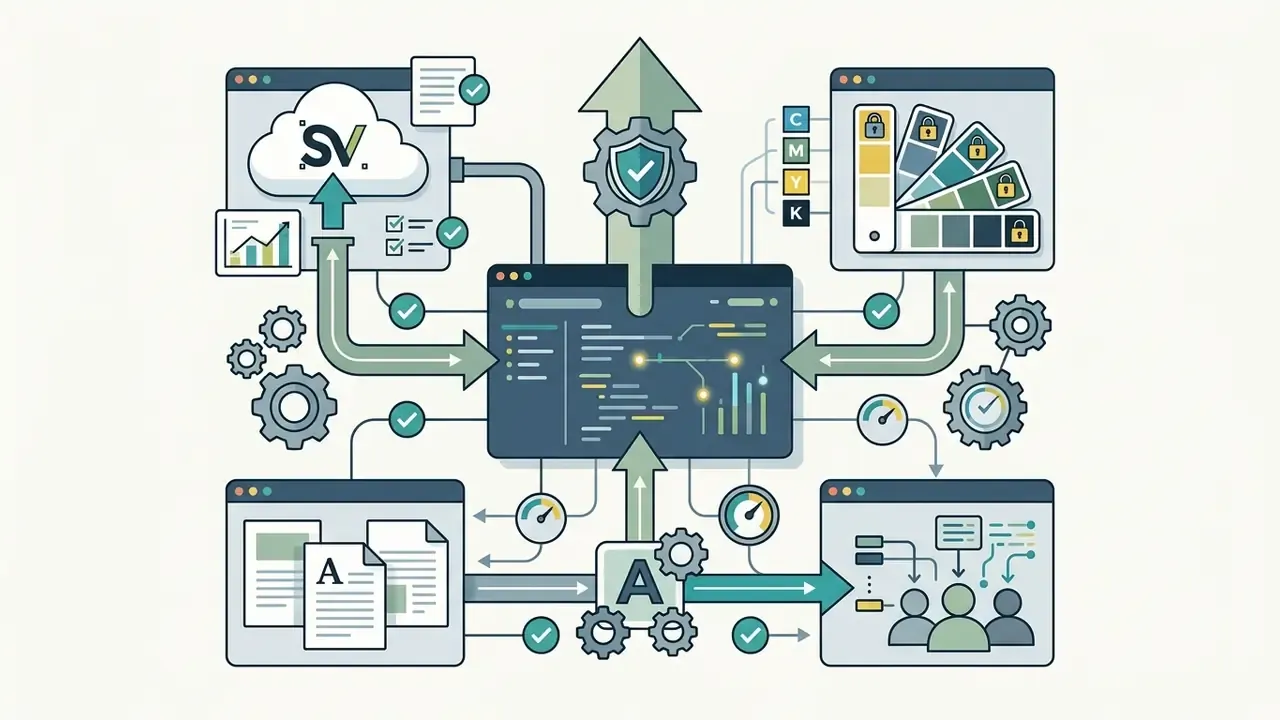
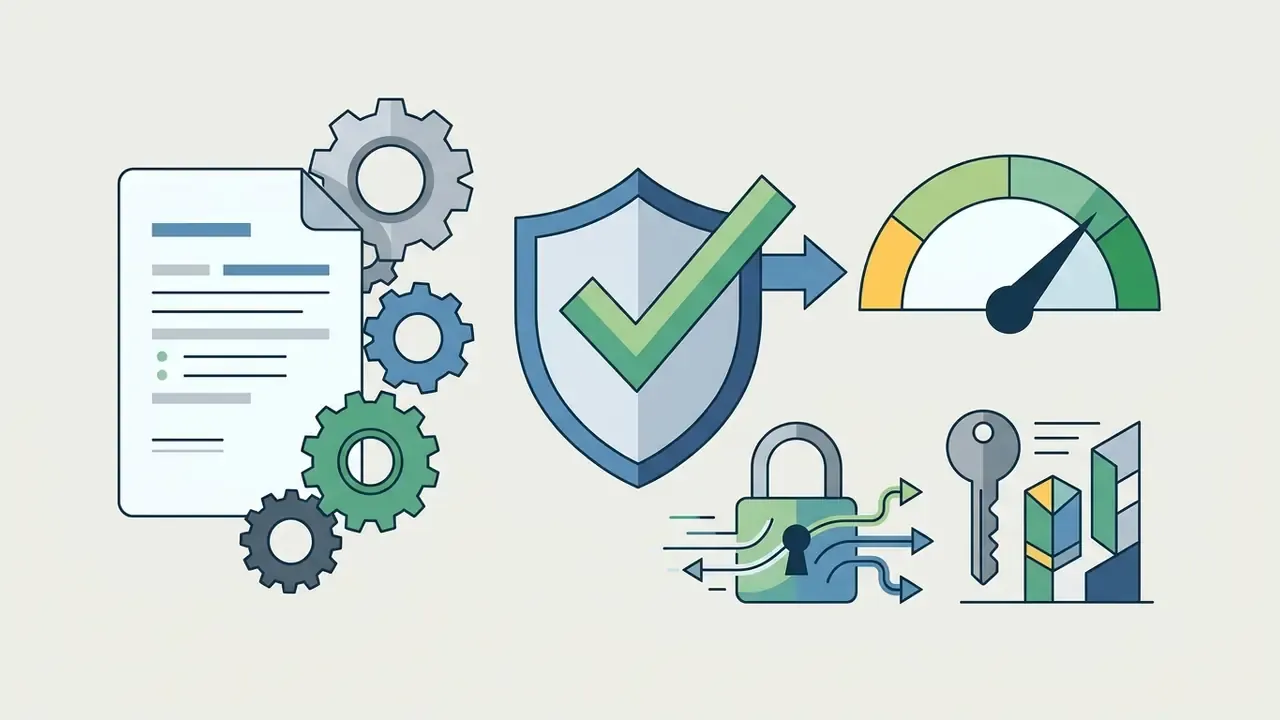
Selecting the best AI business card generator means testing prompt processing, layout editing flexibility, logo integration, export scope, digital sharing options and security posture. Queries such as "best ai business card generator 2025" now surface tools whose 2026 feature sets and licence terms differ materially from what those older roundups described, so verify current documentation rather than last year's summary. Objective criteria keep the shortlist honest.
Criteria for Selecting an Online AI Business Card Generator
When auditing web-based generators, enterprise decision-makers should score platforms on ten criteria:
Platform-level quality and rights comparisons across generative engines are consolidated in our roundup of the best AI image generators, which helps when the same vendor will also supply campaign imagery.

When It Is More Convenient to Use an AI Business Card Generator App
A mobile app, iOS or Android, earns its place at live networking events, trade shows and field operations where no desktop is available. Mobile apps use the device camera to scan existing paper cards, extract contact data automatically and generate an updated digital card on the spot (Desygner, 2025), with some adding AI-written intro copy and direct Google Wallet export.
Apps also excel at direct digital transfer: share a QR code or push a vCard over NFC or a messaging app without opening a browser session. For complex enterprise setup, though, batch processing multi-employee cards, configuring CMYK prepress settings, validating bleed overlays, wiring in a corporate brand kit, full web platforms still offer better control, centralized updates and screen space. Enterprise IT managers evaluating support resources can open the hub for assistance, explore the hub for platform feature comparisons, or inspect the API documentation to integrate automated card generation into internal HR pipelines.
FAQ: Prepress, Licensing, and Governance
What is an AI business card generator?
A tool that uses machine learning to produce complete business card layouts from a text prompt, voice input, uploaded logo or roster file, then exports them for print or digital sharing.
What should appear on a business card?
Name, title, organization, logo and the single best point of contact form the baseline. Add role-specific fields: a Twitch or YouTube handle for streamers, an Instagram handle for influencers, a tagline for creatives, store hours for retail, a WhatsApp Business link for e-commerce. Spread them across both faces instead of crowding the front.
Which card size should I use?
3.5 by 2 in in the US and Canada, 85 by 55 mm across most of Europe, 90 by 50 mm in the CIS, and 3.5 by 3.5 in for square formats. Keep critical content inside the safe area whatever the format.
Can AI generate cards in languages other than English?
Yes. Leading generators handle 20 or more languages including Chinese, Japanese, Korean, Arabic, Hindi, Russian and Portuguese. Specify a UTF-8 font with full glyph coverage and declare reading direction for RTL scripts.
Can I add a QR code?
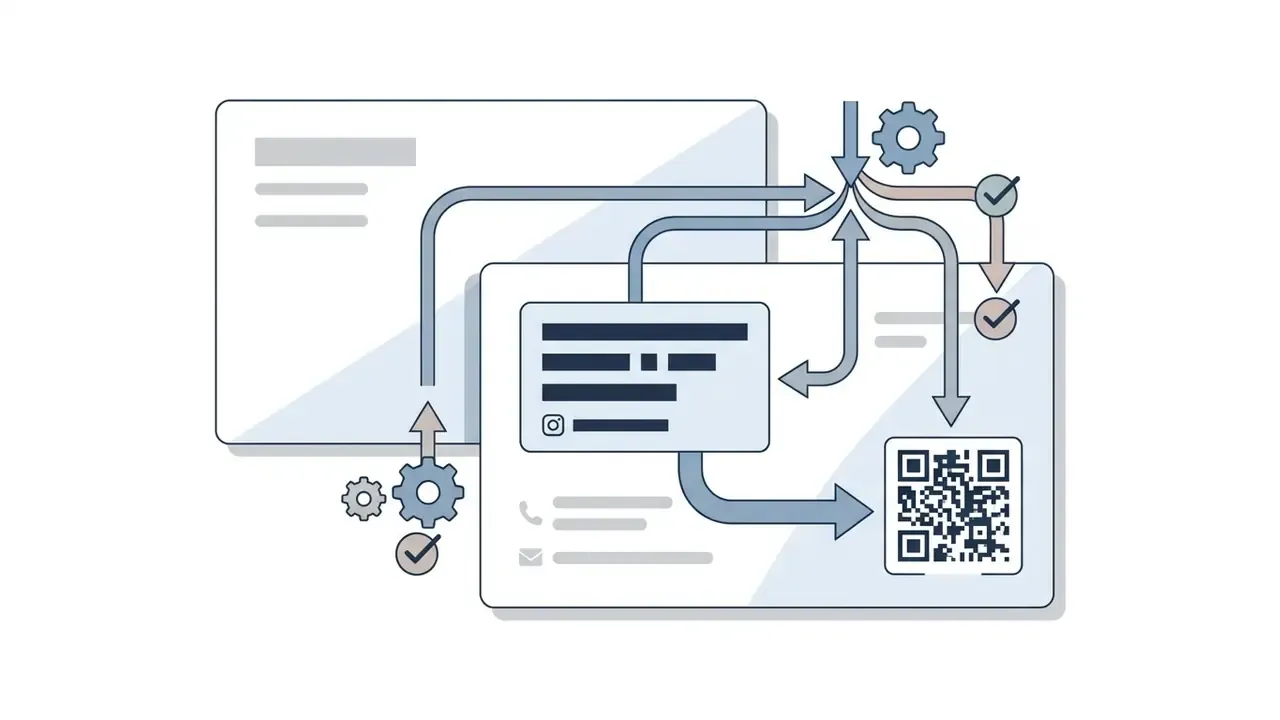
Yes. Use a static vCard QR for offline reliability, a dynamic link QR when details change often, or a wallet pass when recipients should keep the card on their phone.
Do I own the copyright to an AI-generated card?
A platform licence may grant broad commercial usage rights, but that is a separate matter from copyright. Purely machine-generated output without substantial human creative input is not registrable in the United States, and comparable reasoning applies in the EU. Human editing of layout, typography and copy strengthens the authorship position.
Which file should I send to the printer?
A PDF/X-4 file in CMYK at 300 DPI, with 0.125 in bleed on all sides, embedded fonts and crop marks, unless the printer supplies its own template.
Why does my printed card look different from the screen preview?
Screens render in RGB, presses in CMYK. Convert colors before export, verify the rich-black build, and request a physical proof for any brand-critical run.
What contrast ratio do small contact details need?
At least 4.5:1, and 7:1 where enhanced readability matters. The relaxed 3:1 ratio applies only to text at 18 pt regular or 14 pt bold and larger.
Is a free plan enough for a company rollout?
Rarely. Free tiers commonly cap resolution, apply watermarks, omit vector and PDF/X export, exclude brand kit locking and batch generation, and restrict commercial use.
How do I produce 200 cards in one style?
Lock a master template with fixed brand tokens and logo clear space, then import a CSV roster so only names, titles and direct contacts vary. Use divisional accent colors to separate business units without breaking the system.
Can employees use any generator they find?
Not without review. Contact data on a card is personal data, and prompts may be retained for training. Apply the shadow AI audit above before approval.
Conclusion
AI business card generators mark a real shift in corporate identity workflows, pairing fast generative ideation with automated layout precision. Structure the prompt across front and back faces, declare scripts and typography fallbacks for multilingual output, verify prepress specifications (bleed, CMYK, 300 DPI, PDF/X-4), and enforce brand kit consistency. Do that and card production accelerates while visual errors largely disappear.
Open questions remain, and it is worth naming them. The cognitive-load and diversity findings cited here come from small research samples rather than sustained enterprise measurement. Copyright treatment of AI-assisted design is still moving in both US and EU practice. Vendor retention and training-exclusion terms change between billing cycles. So the safe next step is modest: pilot one generator on synthetic placeholder data, log the licence and retention answers in your vendor register, and only then connect it to a real employee roster. Human oversight during design validation stays non-negotiable, and platforms should prove print, vector and digital export capability before they touch production data.
Legal and compliance disclaimer: this article is not formal legal counsel on copyright, patent, trademark or data protection governance. Consult qualified counsel or a data protection officer for jurisdiction-specific advice.
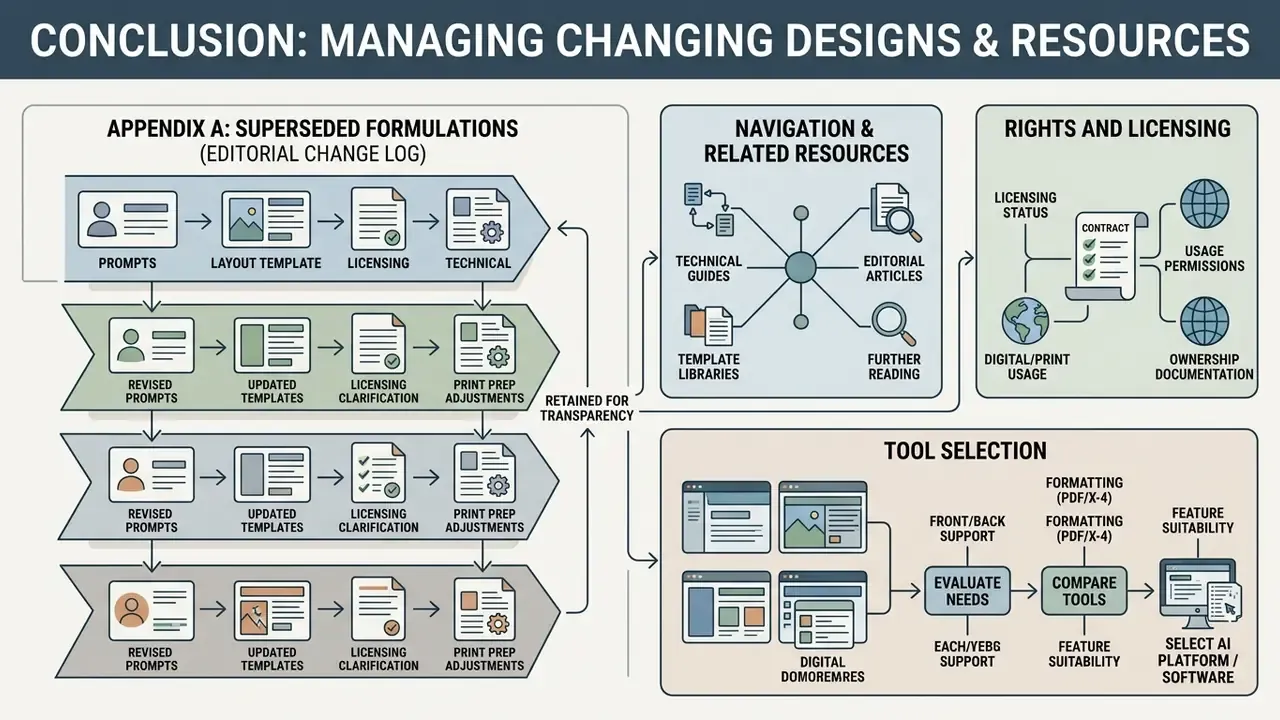
Appendix A: Superseded Formulations (Editorial Change Log)