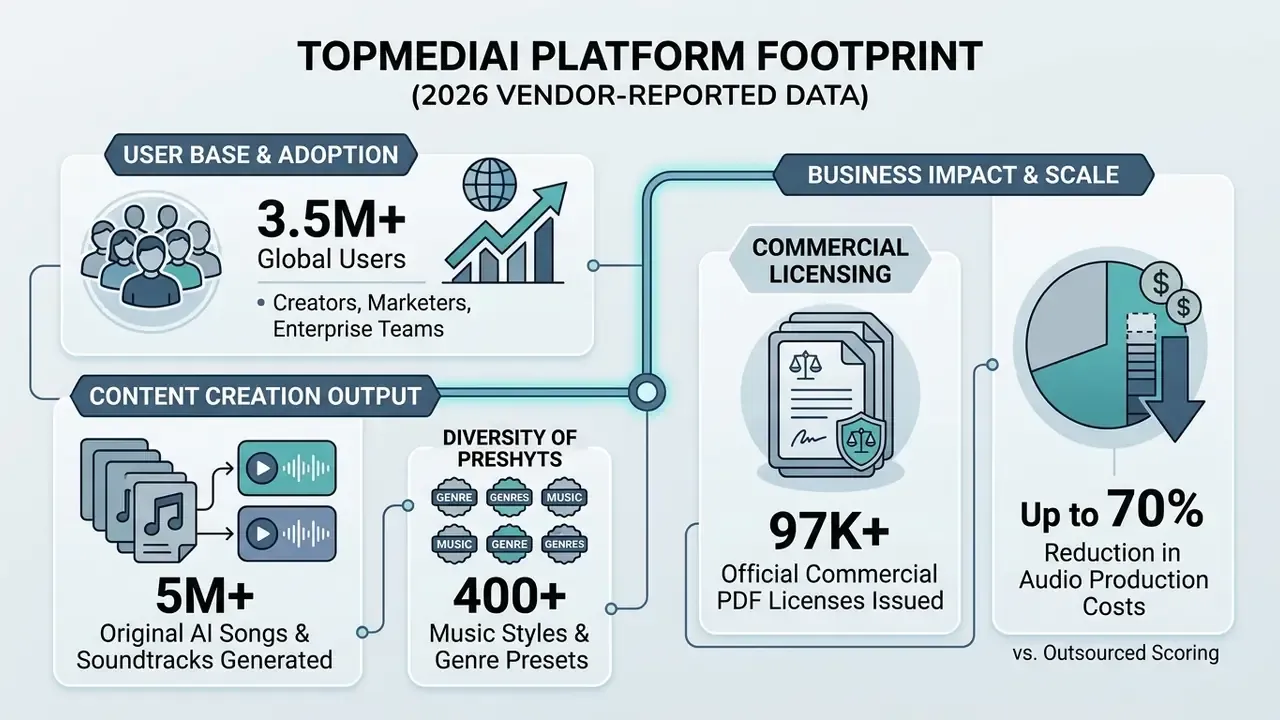
Deploying synthetic music at scale, though, is not only a creative question. It is a pricing question, a workflow question, a data-governance question, and a licensing question. This analysis examines the technical capabilities, model lineup, pricing architecture, commercial terms, privacy posture, and integration options for the topmediai ai music generator, based on 2026 platform specifications and empirical AI audio research.
Executive Summary for Decision-Makers
- Capabilities: TopMediai generates full vocal songs, instrumentals, jingles, and adaptive soundtracks from text prompts, custom lyrics, uploaded reference audio, images, or video. The 2026 model lineup spans TopMediai Fast, V4.0, V4.5 Plus, V5.0, and V5.5, with the flagship tier producing studio quality songs and tracks up to 8 minutes.
- IP risk level, moderate and manageable with controls: Paid tiers include a commercial license and a downloadable PDF license certificate per eligible track. Residual exposure remains around training-data provenance, cloned-voice consent, and the limited copyrightability of purely machine-generated output. Content ID registration of AI-only tracks is explicitly not permitted.
- API suitability, production-ready but governance-incomplete: A RESTful asynchronous API with
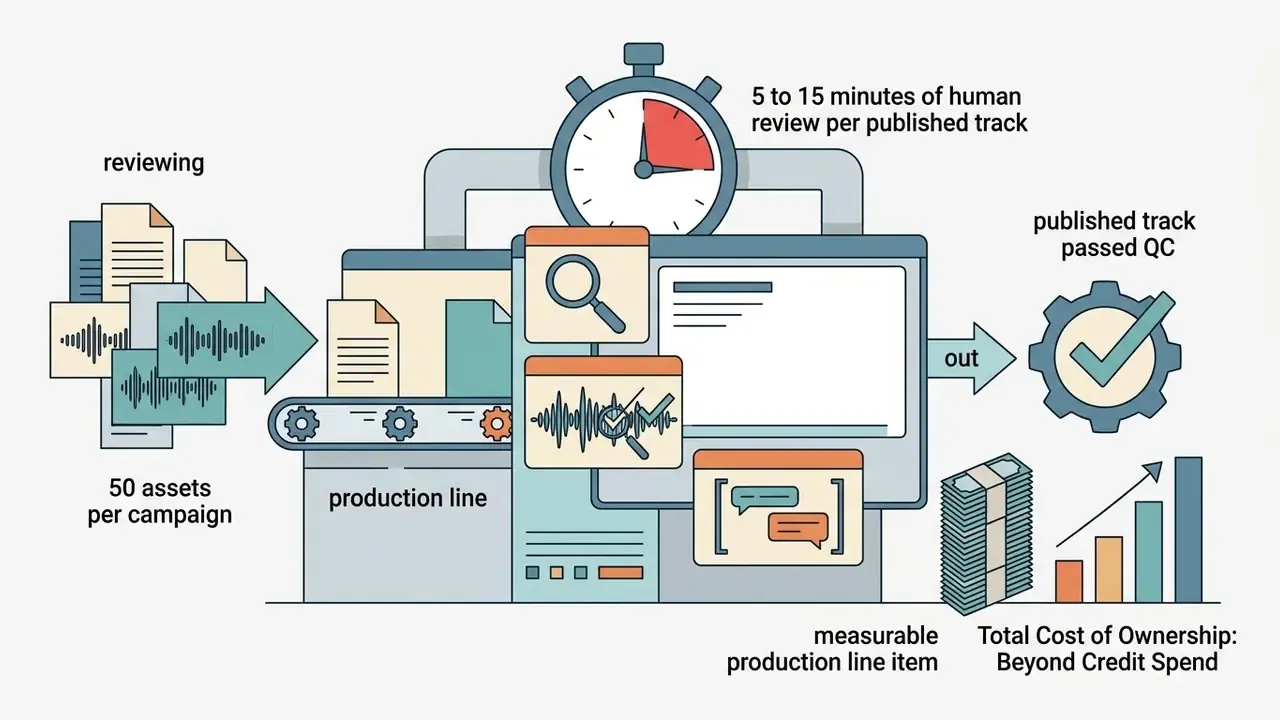
x-api-keyauthentication, per-plan concurrency caps (2 to 15 concurrent jobs), and credit-metered generation supports pipeline automation. Enterprise SSO, key-vault rotation, and zero-data-retention modes should be confirmed contractually before deployment in regulated environments. - Pricing bottom line: Consumer entry from $4.99 first week and $8.99 first month; annual Pro from $99.99; API tiers from $9.99 (7-day trial) to $259.99/month (Pro). Total cost of ownership should include manual QC time and legal review, not just credit spend.
On this page: platform overview and use cases, text-to-music and lyrics workflows, consumer and enterprise scenarios, features and model lineup, advanced audio tools, competitor comparison, step-by-step generation, prompt template library, QC before publication, pricing and licensing, commercial-use compliance, data governance and Shadow AI, model risk management, API and video integration, FAQ.
What TopMediai AI Music Generator Is and Which Tasks It Fits
The topmediai ai music generator is a cloud-based synthetic audio platform built to produce original music, vocal tracks, and background soundscapes from text prompts, lyrics, or media uploads. The engine lets users create background music, complete songs, and cinematic soundtracks without traditional composition skills or digital audio workstation (DAW) proficiency. A DAW, for readers outside production teams, is the software where audio is arranged, mixed, and mastered.
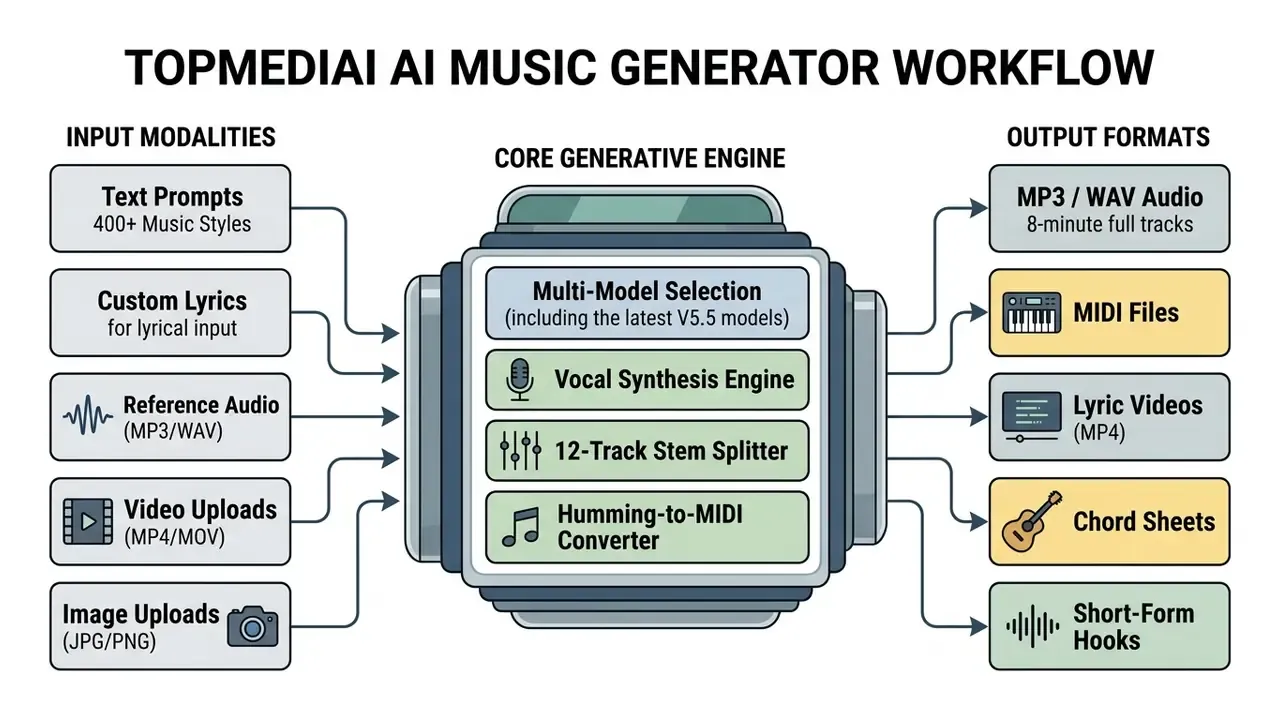
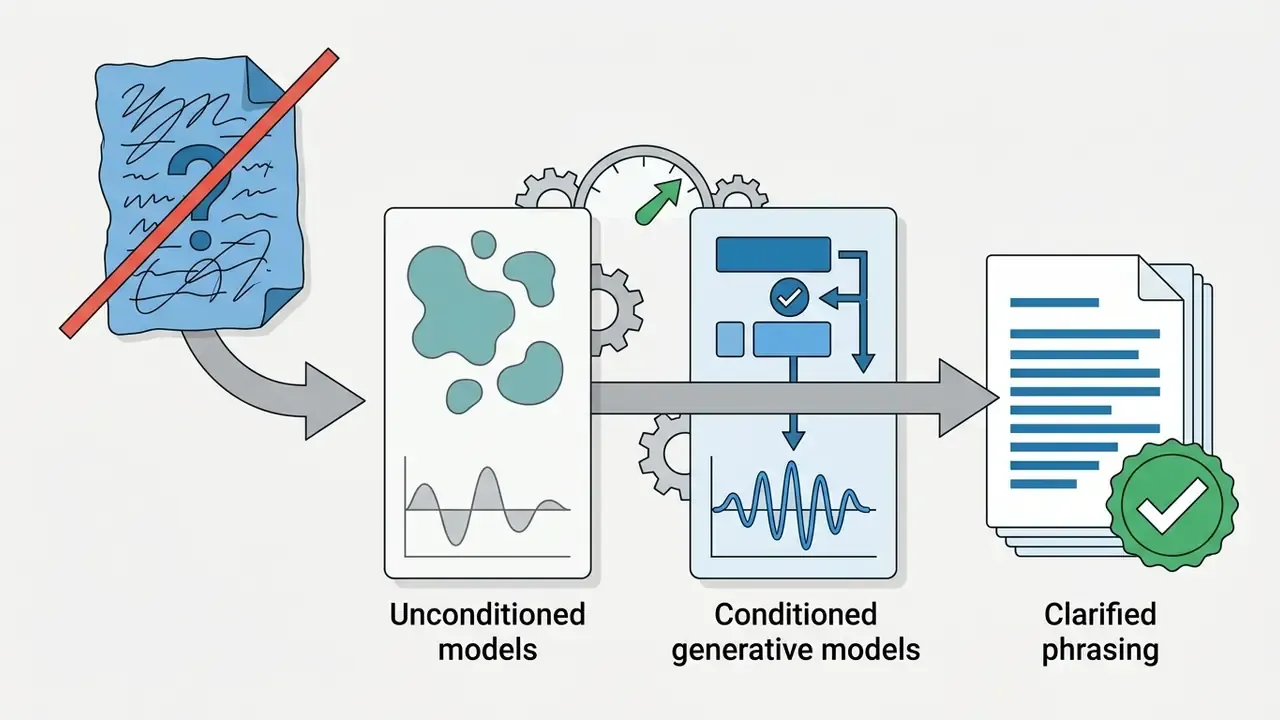
Primary use cases target content creators, video production teams, digital marketers, podcasters, independent artists, and software developers. Empirical work on conditional music generation confirms that latent diffusion and transformer architectures can now synthesize broadcast-length stereo audio rather than four-bar loops.
"Cascading latent diffusion models can generate multiple minutes of high-quality, text-conditional stereo music in real time on a consumer GPU."
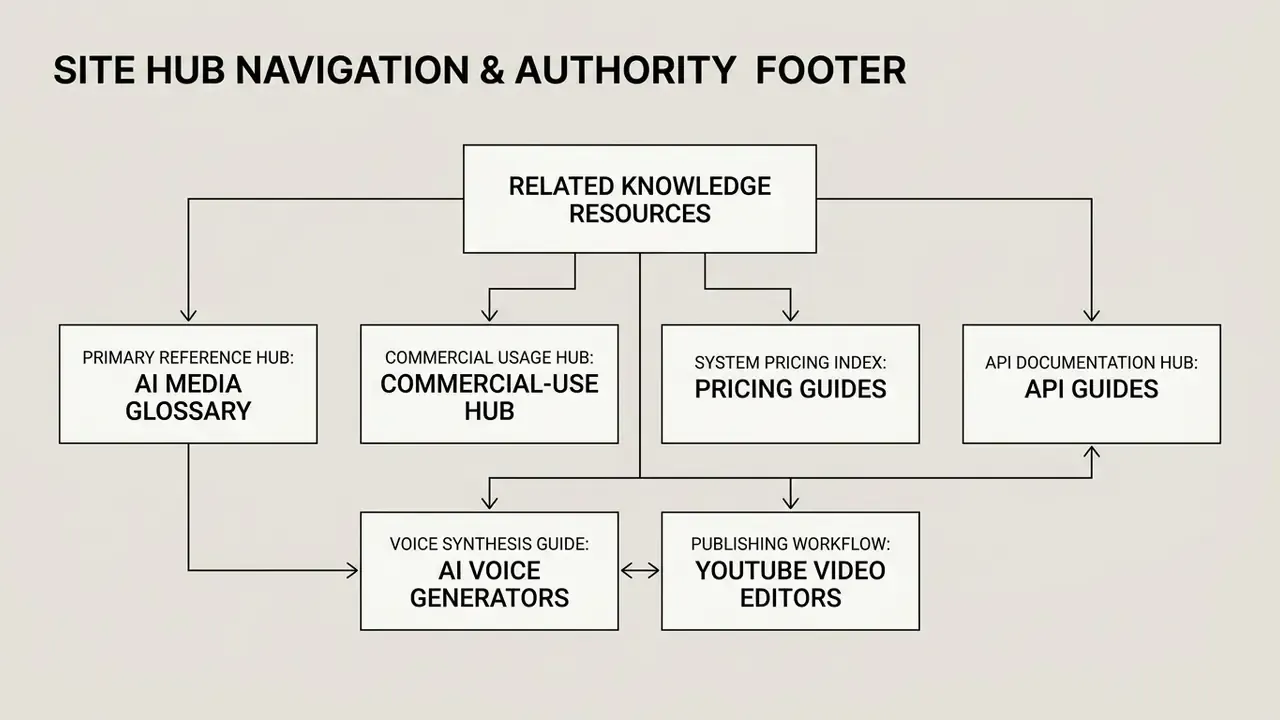
TopMediai applies these generative concepts to targeted workflows: YouTube video scoring, social media ad production, branded podcasts, game soundtracks, and personal projects. Creators assembling a broader stack frequently pair generated audio with AI video generators and consult our AI Media Glossary for adjacent tool categories.
| Creative Task | Recommended TopMediai Mode | AI Music Type Generated | Primary Target Channel |
|---|---|---|---|
| Video Background Scoring | AI Music from Text Prompt | Instrumental / Ambient Soundtrack | YouTube Videos, Corporate Presentations |
| Vocal Song Creation | AI Music from Lyrics | Structured Song (Verse/Chorus) with AI Vocals | Digital Streaming, Social Media Content |
| Brand Audio Identity | Short Text Prompt + Lyrics | Branded Audio Jingle / Catchy Ident | Marketing & Ads, Commercial Spotlights |
| Personalized Songs | Lyrics with Name/Occasion | Custom Celebratory Track | Personal Projects, Kids & Family |
| Rhythmic Content Scoring | Rap / Beats Generator Mode | Rhythmic Vocal Delivery + Beat Backing | TikTok, Reels, Short-Form Video |
| Visual Soundtrack Sync | Soundtrack Mode (Image/Video Upload) | Adaptive Visual-Matched Score | AI Music Video, Multimedia Campaigns |
| Melody Remix from Reference | Reference Audio Upload | Re-arranged Track Matching Source Vibe | Ad Variants, Localized Campaign Cuts |
| Short-Form Teaser Audio | Music Hooks Extraction | 15 to 30s High-Energy Hook | TikTok, Instagram Reels, YouTube Shorts |
Generating Songs from Text Prompts and Lyrics
Generating an ai song through TopMediai relies on two primary workflows: text-to-music prompts and lyrics-conditioned generation. The system converts descriptive inputs covering genre, mood, tempo, and instrumentation into a finished audio track.
Users can supply original lyrics or use the integrated lyrics generator to generate lyrics automatically from a core narrative theme. Academic evaluation of conditioning strategies supports the free-text approach used in the interface.
"Conditioning a diffusion model on free-form text yields significantly higher text-music relevance than conditioning on structured, tag-based text formats."
This dual-input architecture lets creators turn a rough concept directly into a structured composition. A built-in lyrics notebook stores, edits, and revisits drafts across sessions, so a small lyric revision does not force a full project rebuild. If you need textual scripts before song generation, review our guide to the ai writing generator.
Consumer and Micro-Business Music Scenarios: Birthday Songs, Jingles, Rap, and Video
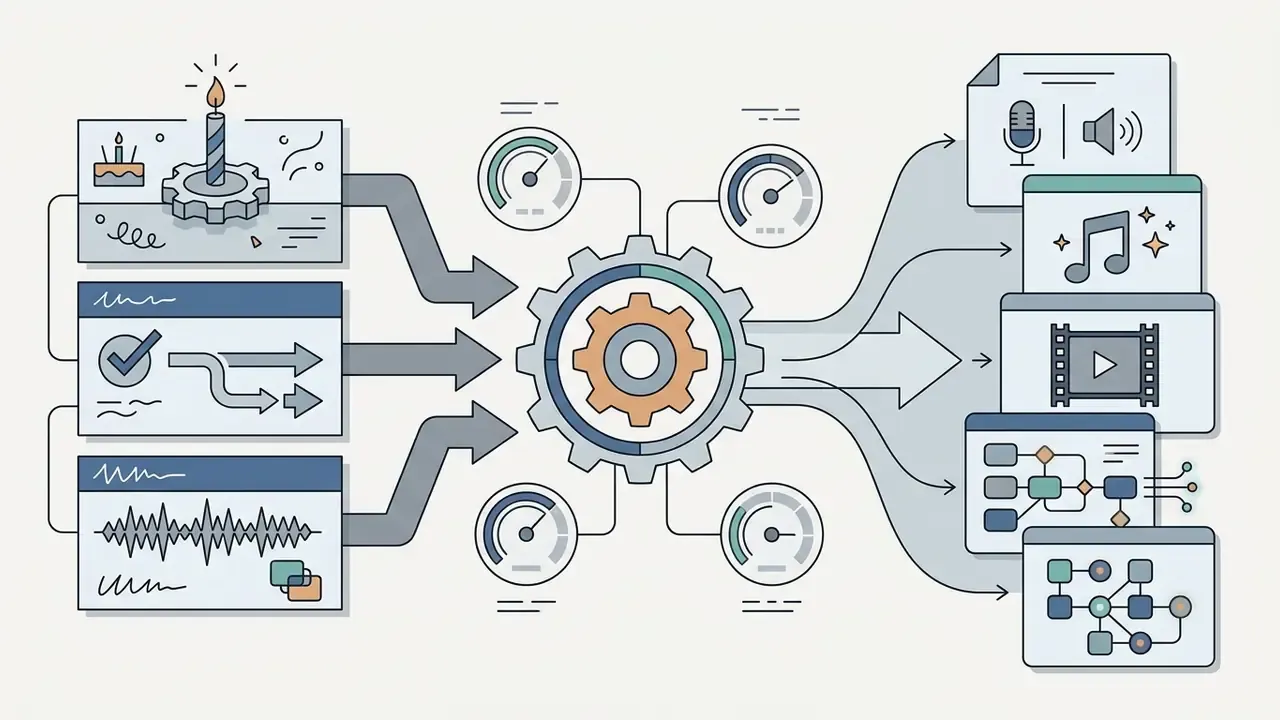
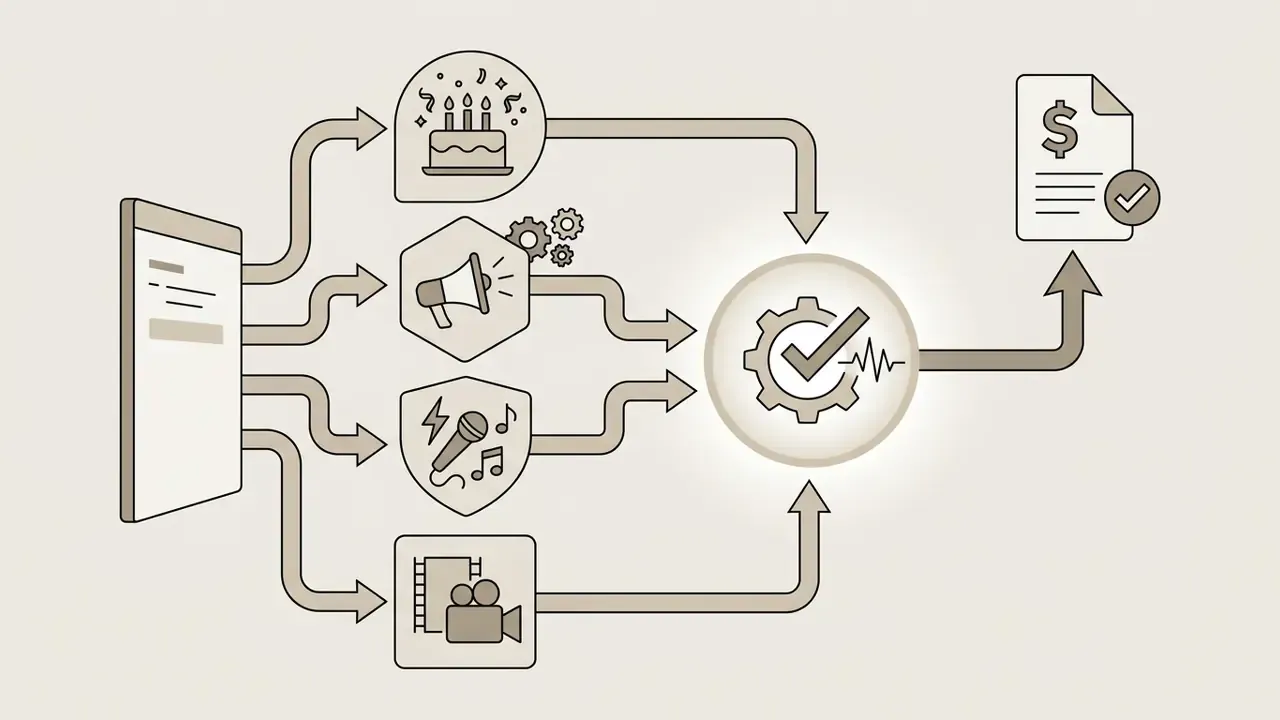
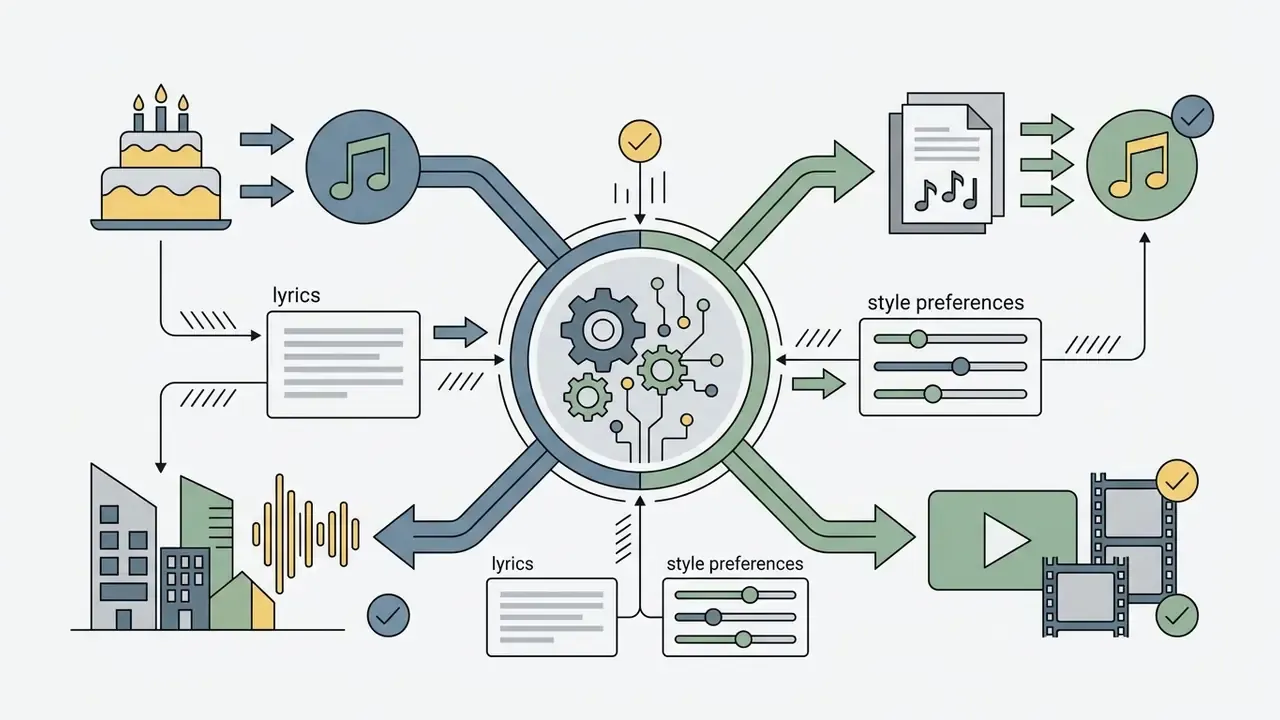
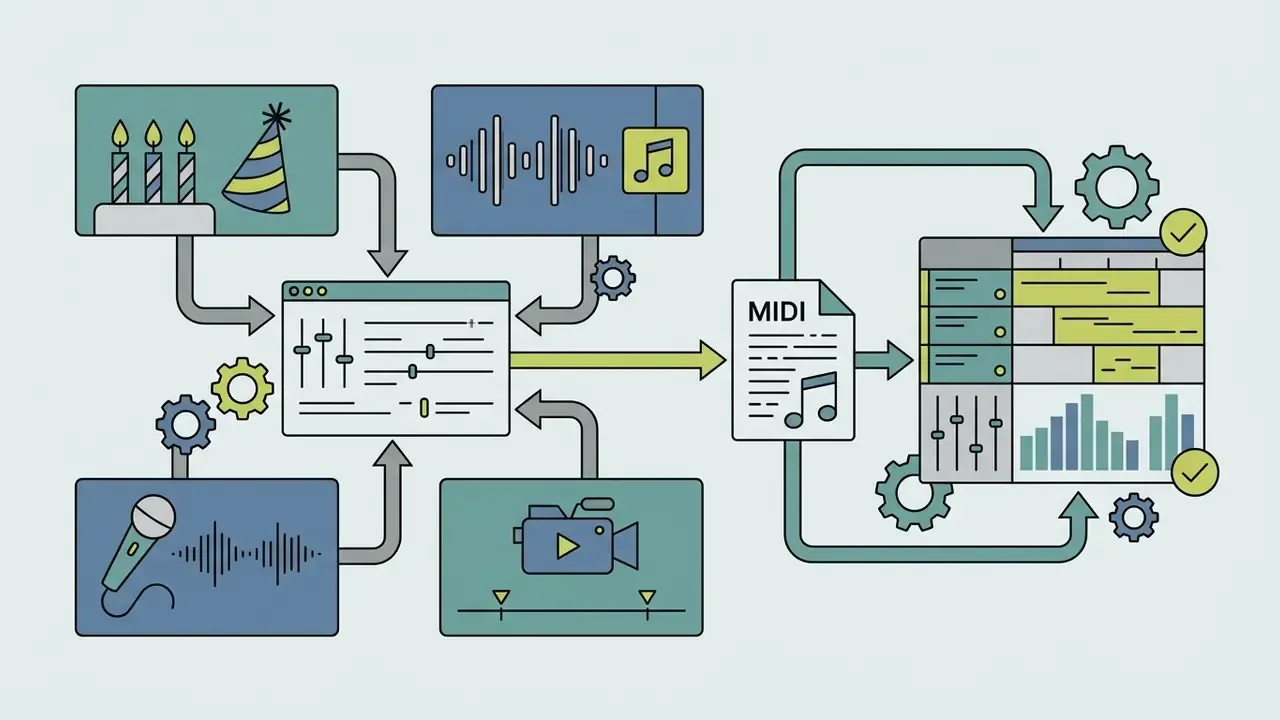
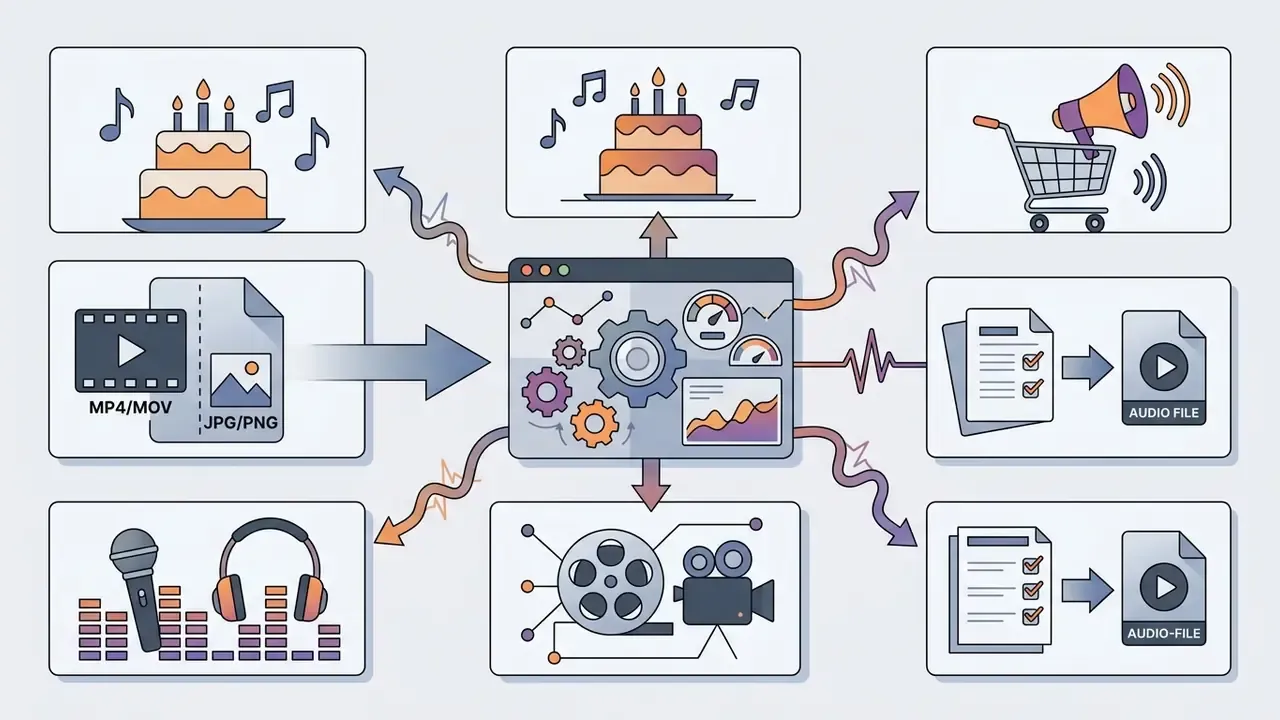
Specialized generative modules extend the utility of the topmediai ai song generator across specific commercial and personal formats. Each workflow tunes structural parameters toward a narrow output goal:
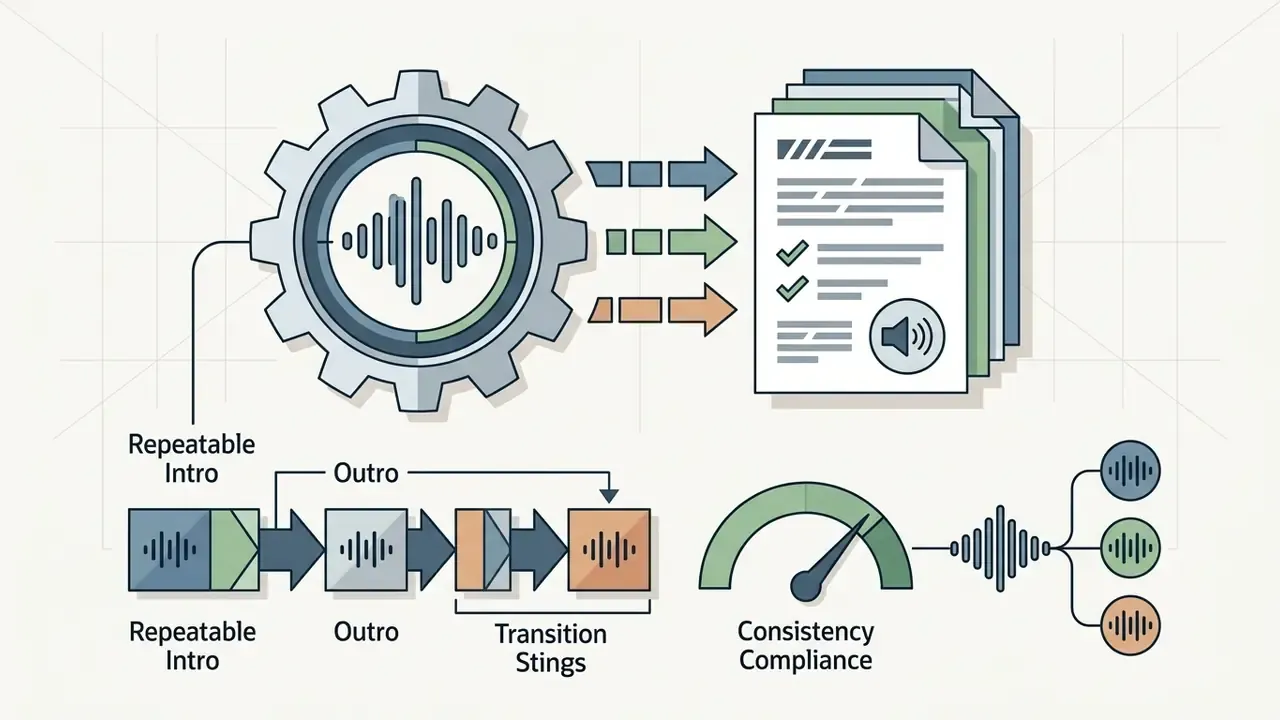
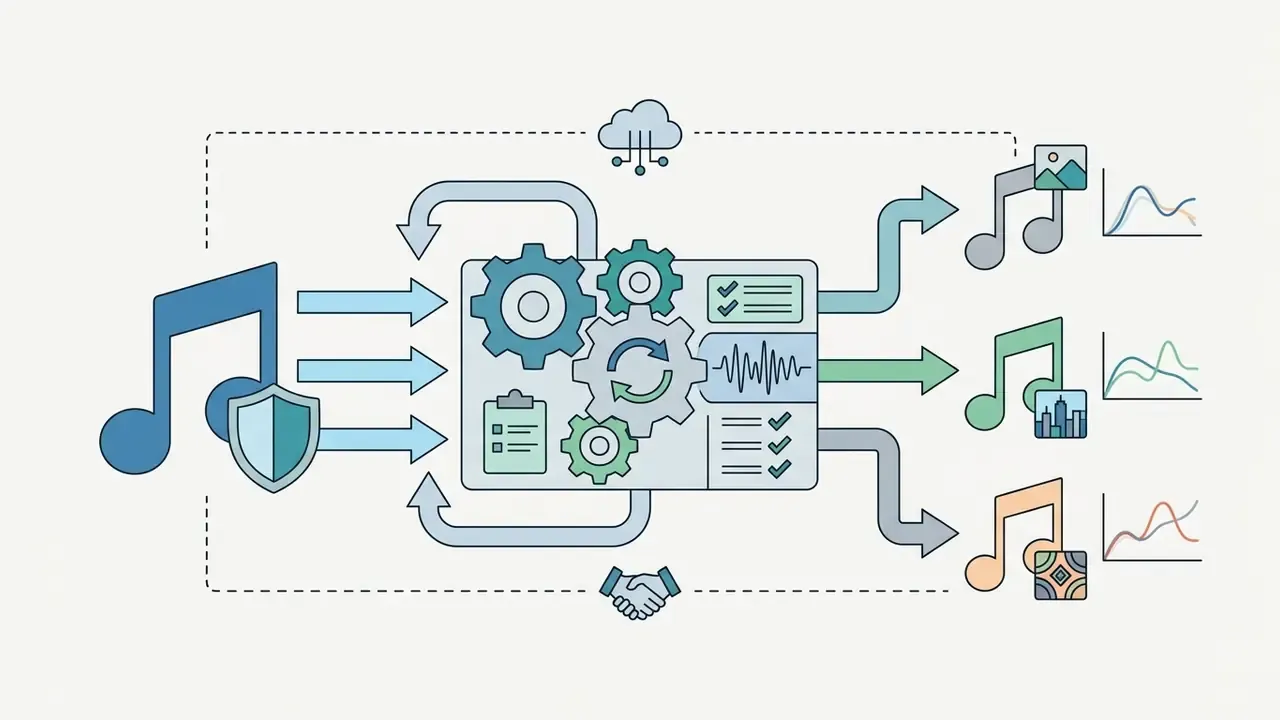
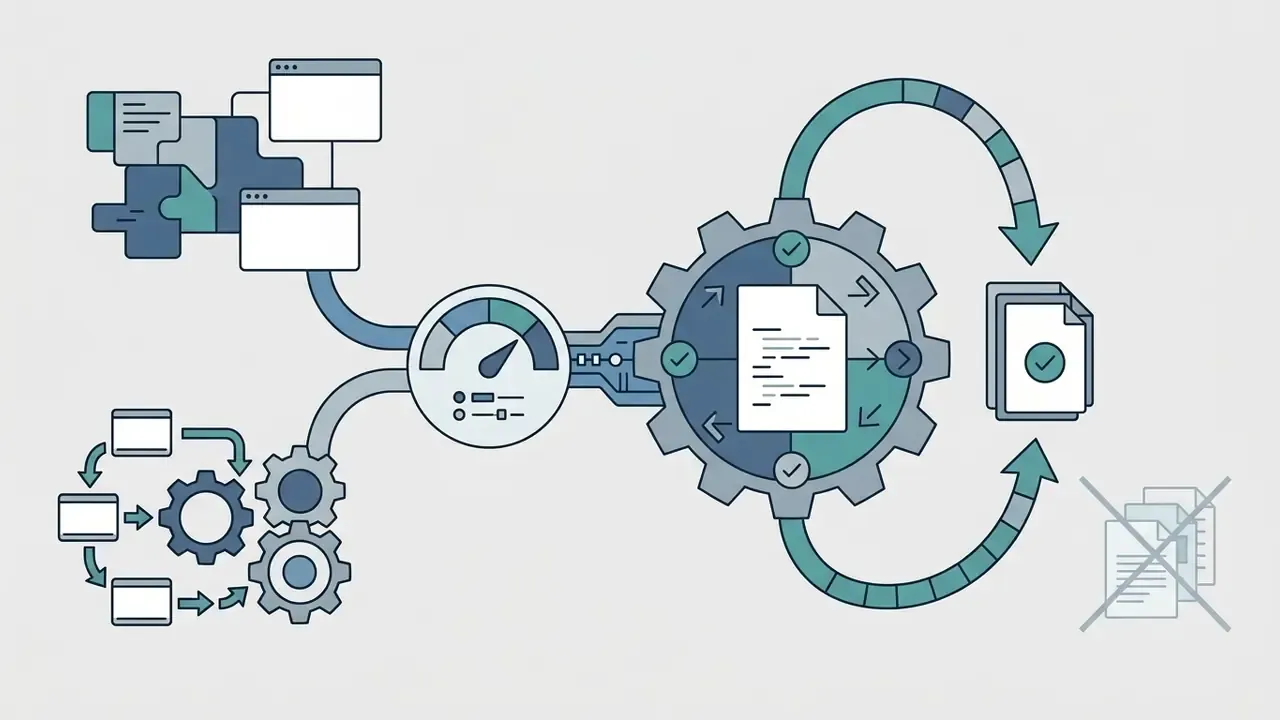
Enterprise and Regulated-Industry Audio Scenarios
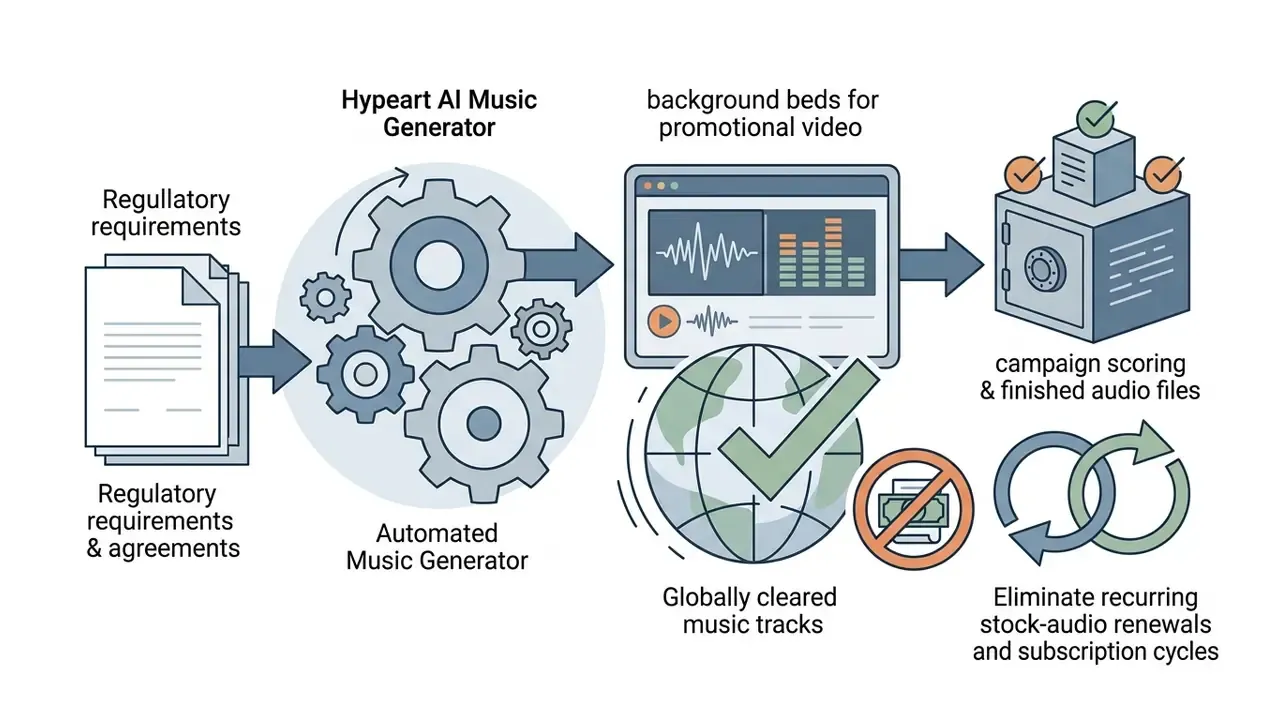
For institutional buyers, the same engine maps onto controlled media production tasks where stock-library licensing costs and renewal tracking create quiet administrative overhead:


TopMediai AI Music Generator Features: Styles, Vocals, Models, and Export
The topmediai ai music generator features span musical controls, vocal synthesis options, and professional export formats. Vendor documentation states the platform delivers broadcast-ready audio at up to 320 kbps, positioned as high quality sound for commercial production. That bitrate figure is a vendor specification and has not been validated by independent audio-quality benchmarking.
Controlled generative models benefit from explicit musical steering, and research quantifies how much theory-aware conditioning actually changes.
"Mustango achieves superior controllability over chords, tempo and key compared with MusicGen and AudioLDM2, trained on the 52,000-example MusicBench dataset."
TopMediai builds comparable controls into its web interface, letting creators balance automated generation with editorial control. Not perfect control, but enough to hit a brief.
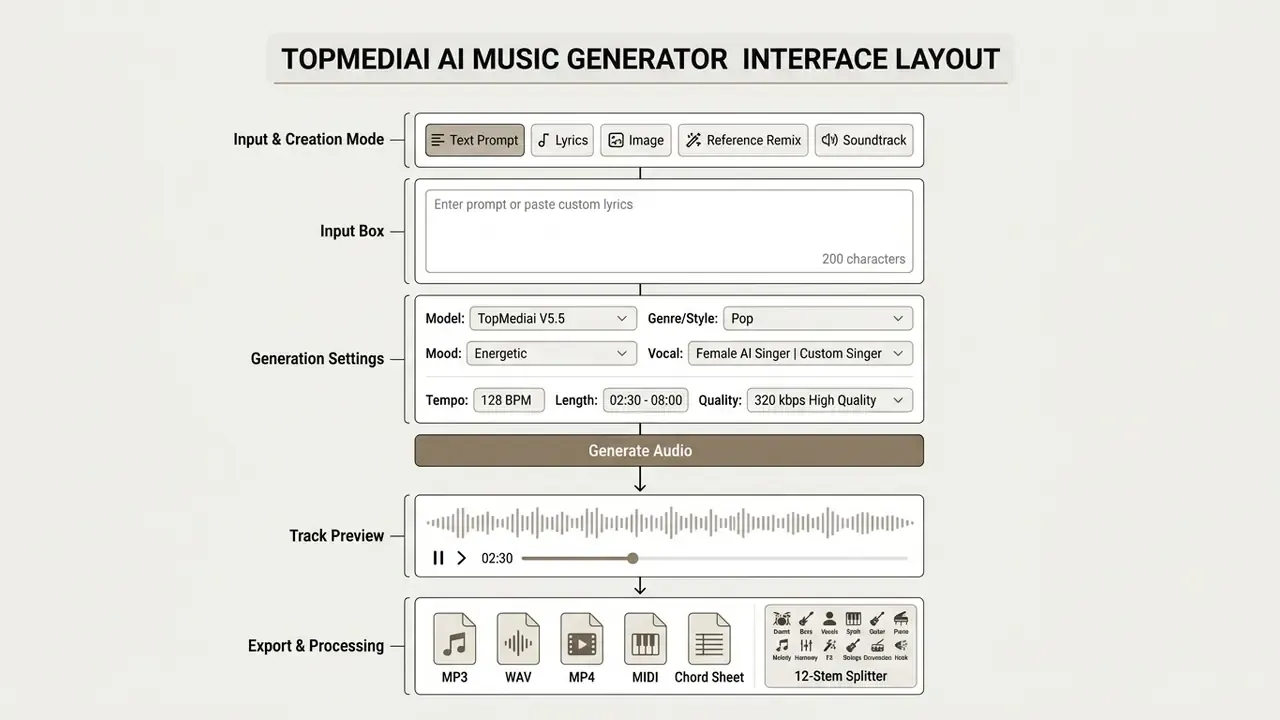
Annotated interface elements, dubbed here in text for accessibility: mode selector, prompt field (180 characters), lyrics field (3,000 characters), model picker, genre and mood dropdowns, vocal and singer selector, tempo and length sliders, quality setting, generate button, preview player, export row.
Model Generation Progression (2026 Specifications)
Model selection is the single largest driver of output quality, track length, and credit consumption. The 2026 lineup replaces earlier V3.x-era engine selection with five actively documented tiers:
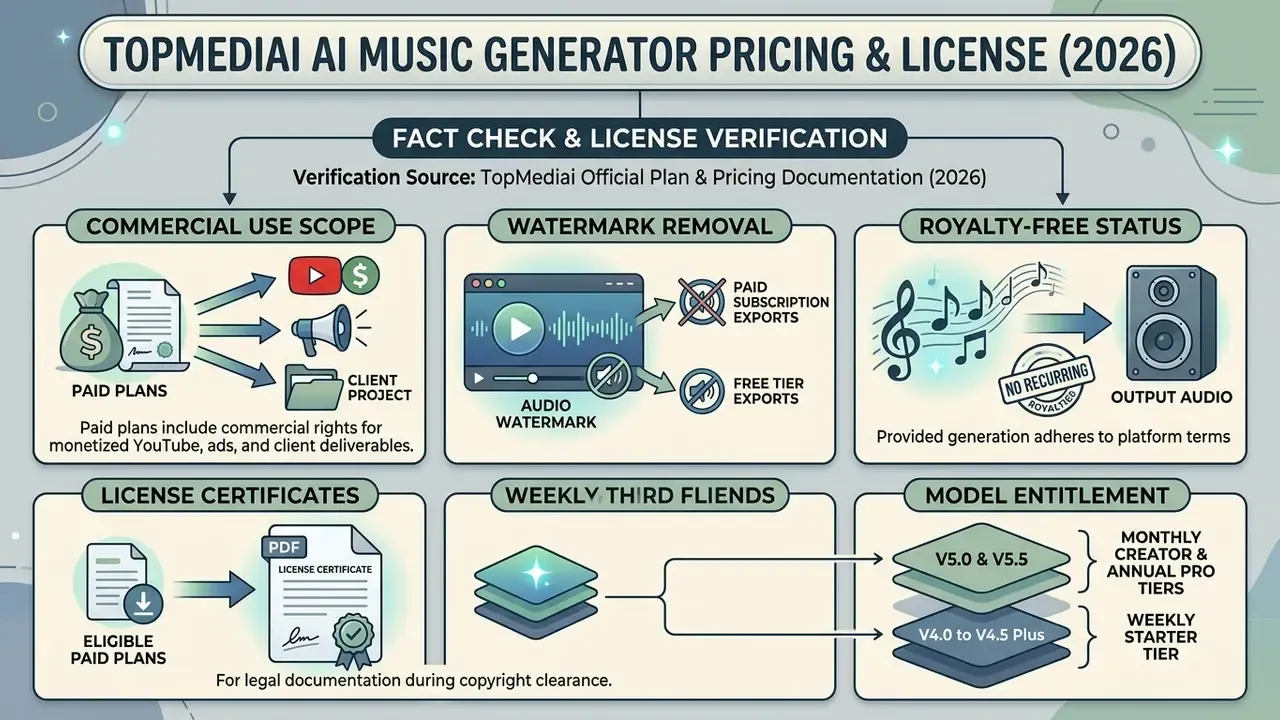
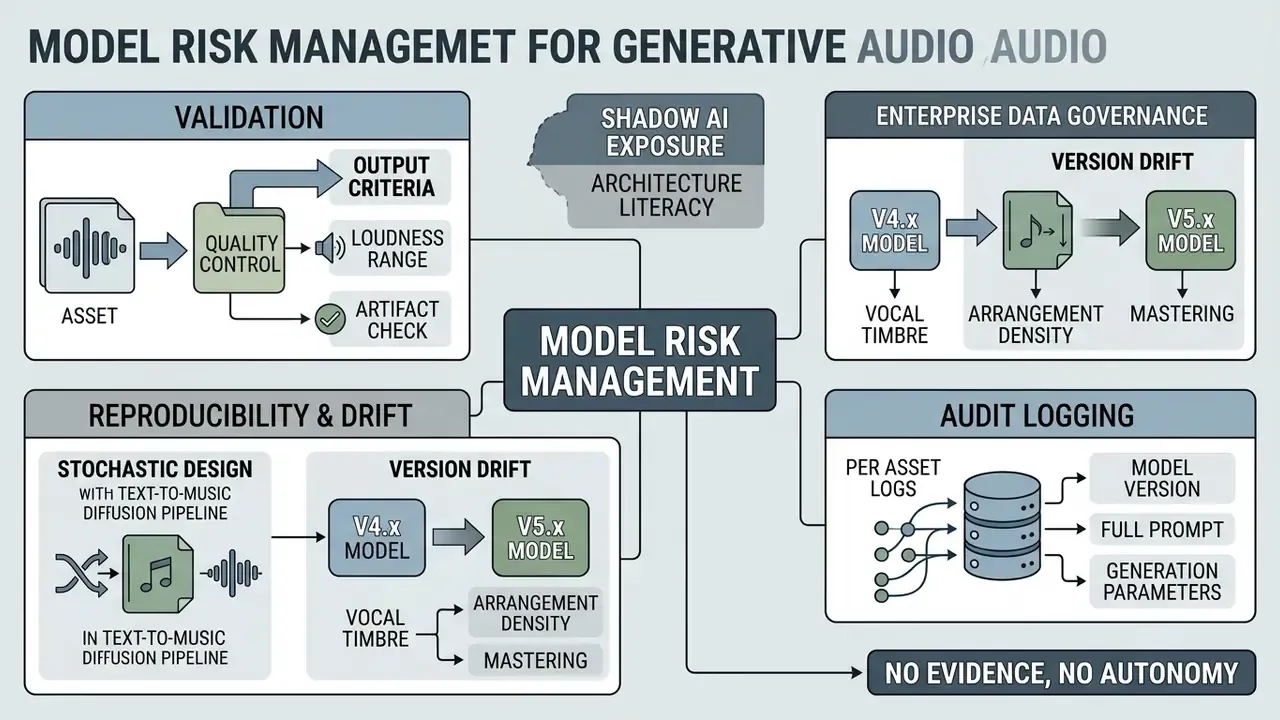
Plan entitlements differ by model access. Weekly Starter tiers are documented against the V4.0 to V4.5 Plus range, while monthly Creator and annual Pro tiers extend across V4.0 to V5.5. Teams standardizing on a single engine for reproducibility should pin the model version in API calls instead of trusting interface defaults, which can change without notice.
Genres, Music Styles, and Composition Settings
TopMediai offers over 400 distinct music styles and music genre selections, which gives wide stylistic latitude. Options span pop, rock, electronic dance music (EDM), phonk, hip-hop, orchestral cinematic scores, lo-fi, 8-bit, country, jazz, K-pop, horror, guitar and bass solo formats, plus specialized regional styles.
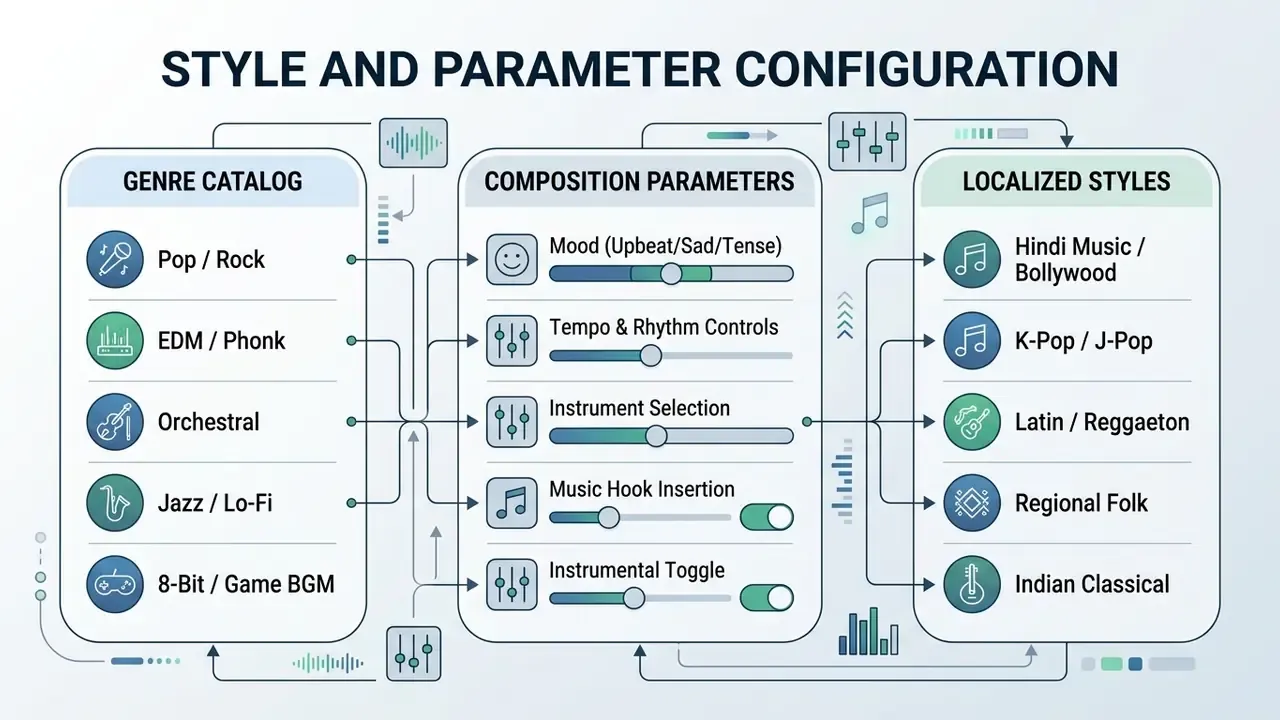
Creators can fine-tune mood, virtual instrument selections (piano, guitar, drums, bass, violin, saxophone, sitar, ukulele, electric bass), and the repeating music hook structure that carries a short-form edit. Vendor documentation states the engine accepts prompts and lyrics in multiple languages, which the platform positions as support for regional arrangements such as hindi music alongside standard English compositions. (Updated: multilingual vocal fidelity is a vendor-stated capability. No independent comparative evaluation of non-English vocal quality is currently available, so pilot per target language before campaign rollout.)
One practical note from testing prompt variants: asking to change music genre mid-prompt rarely works cleanly. Pick one dominant genre, then use Recreate for siblings.
Voice, MIDI, and Multi-Track Production Tools
Advanced vocal tooling turns basic audio generation into something closer to a vocal production suite. The native ai voice generator links to a large voice library of synthetic vocal profiles, so users can select, clone, or customize virtual singers. For a category-level breakdown of synthesis quality, language coverage, and licensing terms across vendors, see our reference guide to AI voice generators.
- Voice Cloning Upload short audio samples to clone custom vocal timbres, keeping singer selection consistent across tracks and campaigns.
- Custom Singer Profiles Save reusable vocal identities so a brand or artist persona stays stable across a catalogue of generated songs.
- Audio to MIDI Converts rendered recordings or melody lines into editable MIDI data and chord sheets for DAW manipulation.
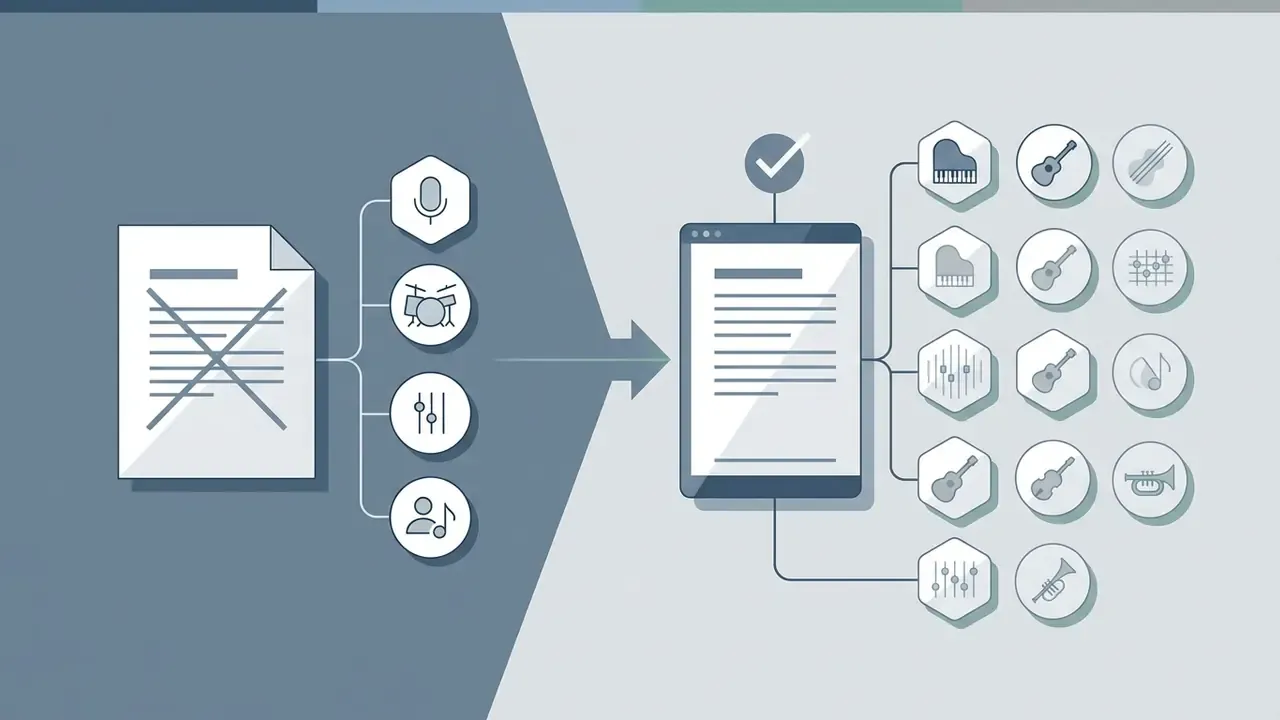
- 12-Track Advanced Stem Splitter (Updated) Decomposes full mixes into up to 12 distinct stems, including lead vocals, backing vocals, drums, bass, synth leads, piano, acoustic guitar, and percussion, with optional reverb and backing-vocal removal modes. This is the instrument separator workflow professional mixers ask about first.
- Humming to MIDI (Audio to Melody) Converts raw humming captured on a microphone into structured polyphonic MIDI plus chord sheets, so a hummed hook becomes an editable arrangement with adjustable tempo and rhythm.
- AI Lyrics Swap Rewrites the lyrical layer while preserving melodic contour, rhythm, and vocal cadence. Useful for localization or compliance-driven copy changes without re-scoring.
- Reference Audio Upload (Melody Remix) Upload a reference sample (MP3/WAV) to guide harmonic vibe, instrumentation, and rhythmic feel.
- Short-Form Music Hooks Automatically extracts 15 to 30 second high-energy hooks tuned for TikTok, Instagram Reels, and YouTube Shorts, paired with uploaded footage when needed.
- AI Song Cover Renders existing tracks with alternative AI vocal models or modified arrangements, supporting solo, duet, and chorus configurations.
- Extend / Recreate Lengthens an existing generation or produces stylistic siblings of an approved track, which supports A/B variant testing for ad creative.
For comparative analyses of alternative voice engines, see our AI Media Comparison section. Teams assembling the final deliverable often pair these exports with free video editing software for timeline assembly and loudness normalization.
Feature Comparison: TopMediai vs. Market Alternatives
| Feature / Capability | TopMediai AI Music Generator | Voicemod Text-to-Song | VEED.io AI Music | Standard Stock Generators |
|---|---|---|---|---|
| Max Track Duration | Up to 8 Minutes (V4.5 Plus / V5.5) | 1 to 2 Minutes | Under 3 Minutes | Fixed Loops |
| Generative Models | Fast, V4.0, V4.5 Plus, V5.0, V5.5 | Basic Proprietary | Demo Presets | Static Library |
| Input Modalities | Prompt, Lyrics, Image, Video, Reference Audio, Humming | Text only | Prompt + vibe preset | Keyword search |
| Export Formats | MP3, 320 kbps WAV, MIDI, Chord Sheet, MP4 | MP3 / WAV | Audio only | MP3 |
| Advanced Tools | 12-Stem Splitter, Humming-to-MIDI, Lyrics Swap, Hooks | Pitch Modulation | Basic Trimming | None |
| Singer Gender / Custom Voice | Yes (male, female, custom singer) | Limited | No | N/A |
| Commercial License | PDF Certificate Included (paid tiers) | Tier Limited | Subscription | Pay-per-track |
| API Availability | Full RESTful Async API | No | No | Rare / Enterprise |
Competing text-to-song utilities generally cap output near the 1 to 4 minute mark and omit MIDI, sheet-music, and stem-level export entirely, which constrains post-production. The practical differentiator for professional teams is not the novelty of the generated audio. It is whether the output can be decomposed, edited, and re-rendered inside an existing DAW or video pipeline.
How to Create an AI Song in TopMediai: Step-by-Step Process
Creating a track with the ai song generator follows a short operational workflow built for reproducible results. The platform provides a user friendly interface that lowers technical barriers while keeping configuration in the operator's hands.
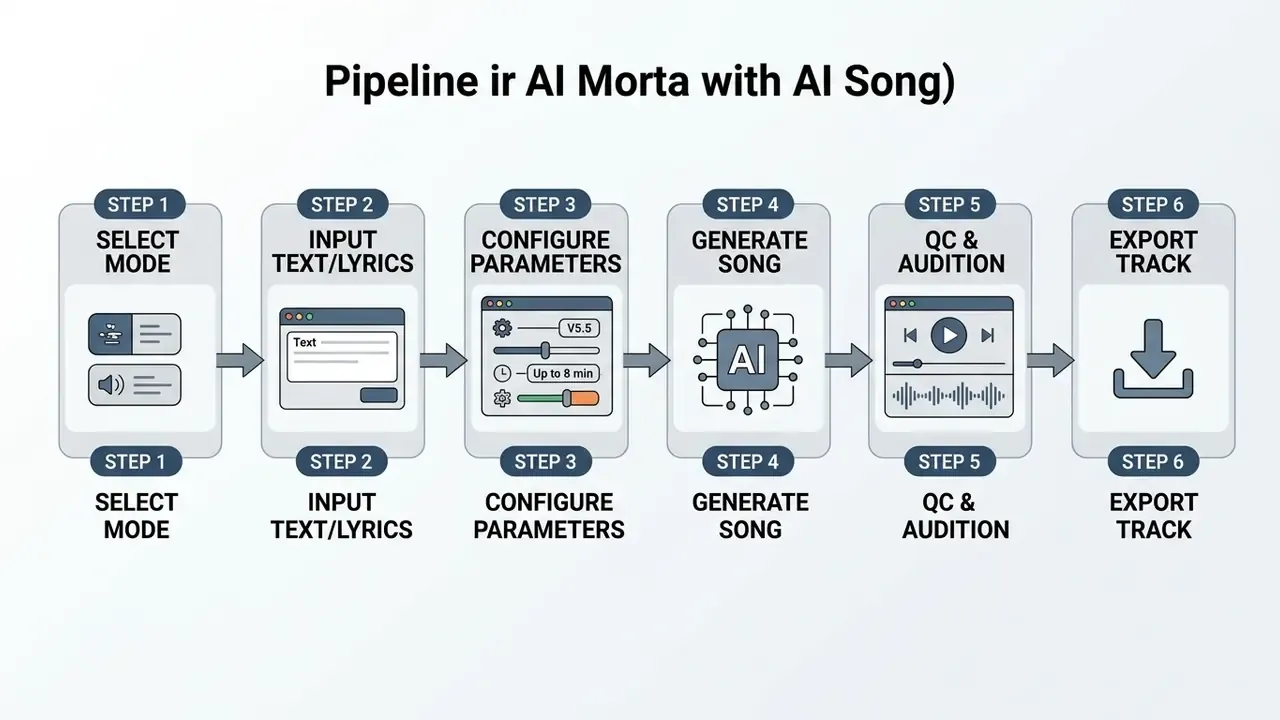
That is the whole loop. Start creating, then iterate.
- Select Generation Mode
- Choose AI Music from Text Prompt, AI Music from Lyrics, Image to Music, Reference Remix, or Soundtrack Mode.
- Input Text or Lyrics
- Enter a structural prompt (up to 180 characters) or paste verse-chorus lyrics (up to 3,000 characters). The Random Lyrics and Inspiration helpers seed drafts when you start from zero.
- Configure Parameters
- Select the engine version, music styles, vocal styles, mood, instruments, singer gender or custom singer, and track duration. Toggle Instrumental to suppress vocals entirely.
- Initiate Generation
- Click generate song to run model synthesis. Typical runs return two candidate tracks within roughly two minutes.
- Audition and Inspect
- Review the candidates with playback controls, checking arrangement cohesion and fidelity, then Extend or Create similar if the structure is close but unfinished.
- Export Output
- Download the asset as full mix, instrumental, or vocal-only in MP3, WAV, MP4, or MIDI plus chord sheet, depending on project needs.
How to Write a Text Prompt or Prepare Lyrics
An effective text prompt uses structured language that communicates technical and stylistic expectations to the engine. Prompts work best in a consistent sequence:
"A single-stage transformer trained over compressed discrete audio tokens outperforms the evaluated baselines on a standard text-to-music benchmark."
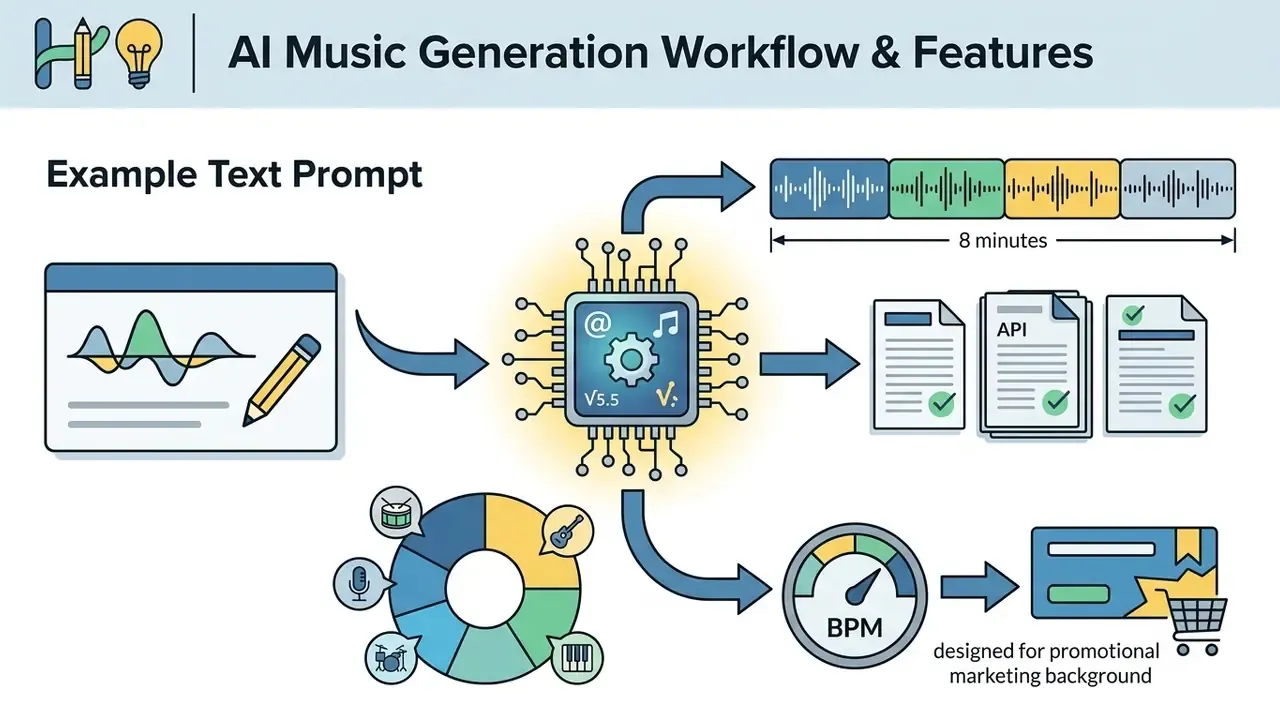
"Upbeat synth-pop, energetic mood, driving analog bassline and bright pads, 124 BPM, clear female vocal lead, designed for promotional marketing background."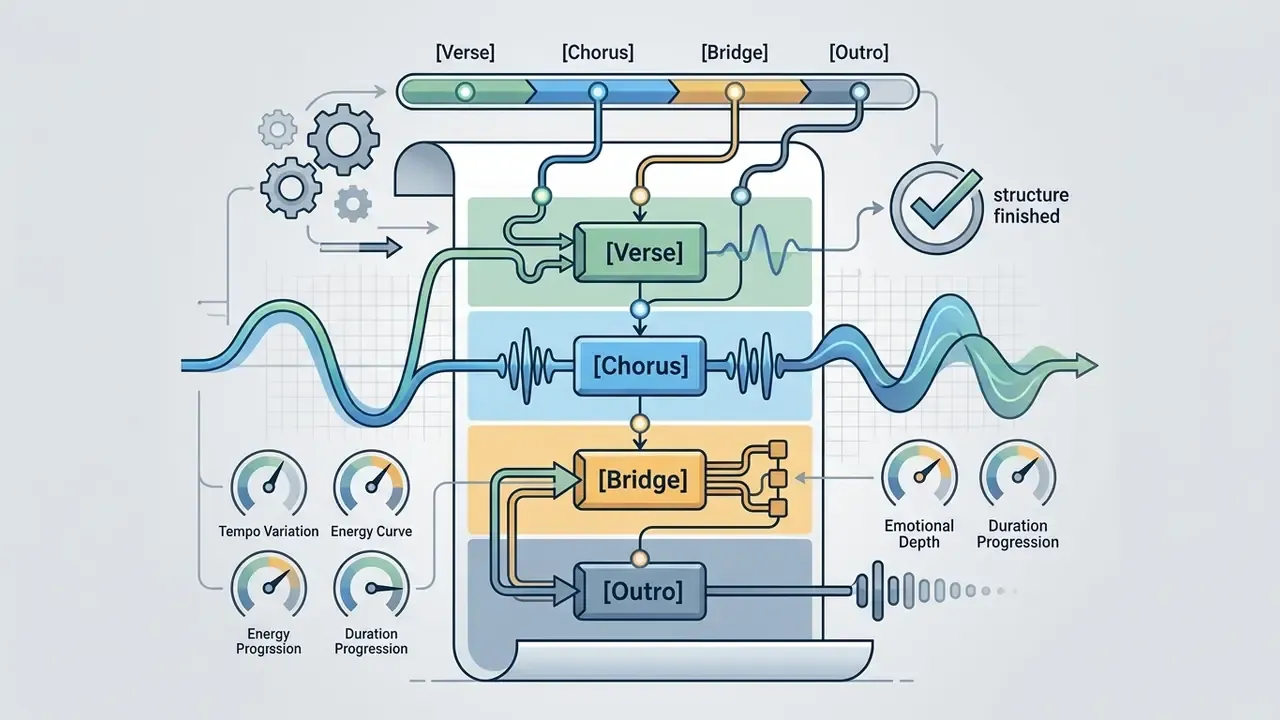
[Verse], [Chorus], [Bridge], and [Outro] to guide melody distribution and song progression.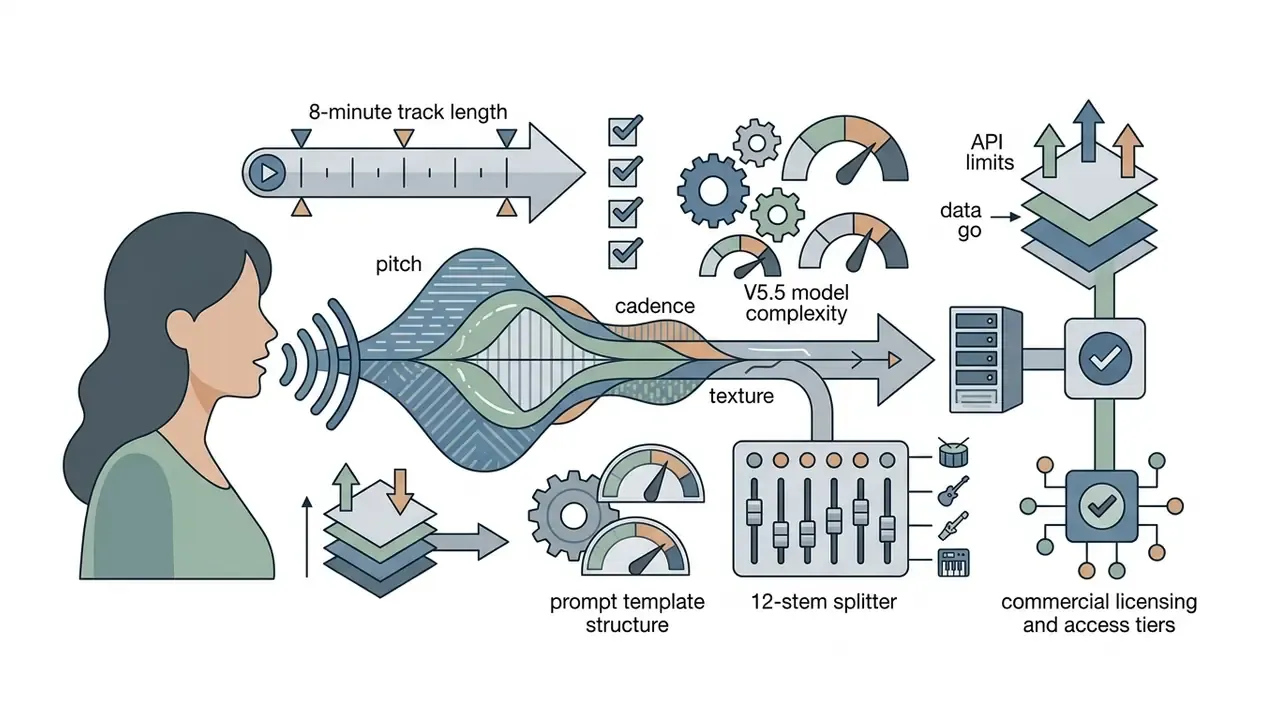
Ready-to-Use Production Prompt Templates
| Music Style / Vibe | Production Prompt Template | Recommended Vocal / Tempo |
|---|---|---|
| Retro 80s Synth-Pop | "Retro 80s synth-pop track, smooth nostalgic male vocals, driving analog bassline, neon sunset aesthetic, breezy nighttime drive theme, 118 BPM" | Male Voice / 118 BPM |
| Cyberpunk Rap | "Futuristic cyberpunk rap, deep authoritative male voice, sharp rhythmic flow, punchy trap drums, dark synth bass, catchy robotic hook, 140 BPM" | Custom Male Rap Singer / 140 BPM |
| Lo-Fi Chill & Vocal | "Relaxed lo-fi R&B track, soft soulful female whispering vocals, cozy coffee shop vibe, vinyl crackle, warm electric piano, 85 BPM" | Female AI Singer / 85 BPM |
| Cinematic Tension | "Emotional atmospheric cinematic orchestration, solo cello, ambient pads, slowly building dramatic tension, no vocal" | Instrumental Mode / Dynamic BPM |
| Corporate Explainer Bed | "Clean minimal corporate underscore, optimistic neutral mood, soft piano ostinato, light percussion, non-distracting, 100 BPM, instrumental" | Instrumental Mode / 100 BPM |
| Brand Jingle Ident | "Five-second bright brand ident, crisp plucked synth motif, single resolving major chord, memorable three-note hook, no vocal" | Instrumental Mode / 120 BPM |
| Hindi Pop Campaign Cut | "Modern Hindi pop, warm female vocal, sitar motif over electronic percussion, festive optimistic mood, 108 BPM, Hindi lyrics" | Female AI Singer / 108 BPM |
For creative workflows involving visual storyboarding alongside prompt creation, see our guide on text-to-video AI tools.
How to Verify the Result Before Publishing
A technical quality control pass before publishing generated music keeps synthetic audio at commercial standard. Audit files for generation artifacts, phase issues, abrupt frequency drops, clicks, hum, skips, and synthesis distortion.
Reviewers should scan the full waveform for unexpected silence, lulls, or amplitude spikes. Listen to the first 30 seconds, the middle, and the ending to confirm arrangement cohesion, then verify that the delivered access copy matches the master's duration and the project's loudness standard. Independent platform research suggests unverified AI uploads underperform badly when released without manual filtering.
"93% of AI-generated tracks on Spotify accumulate fewer than 1,000 plays, below the platform's monetization threshold."
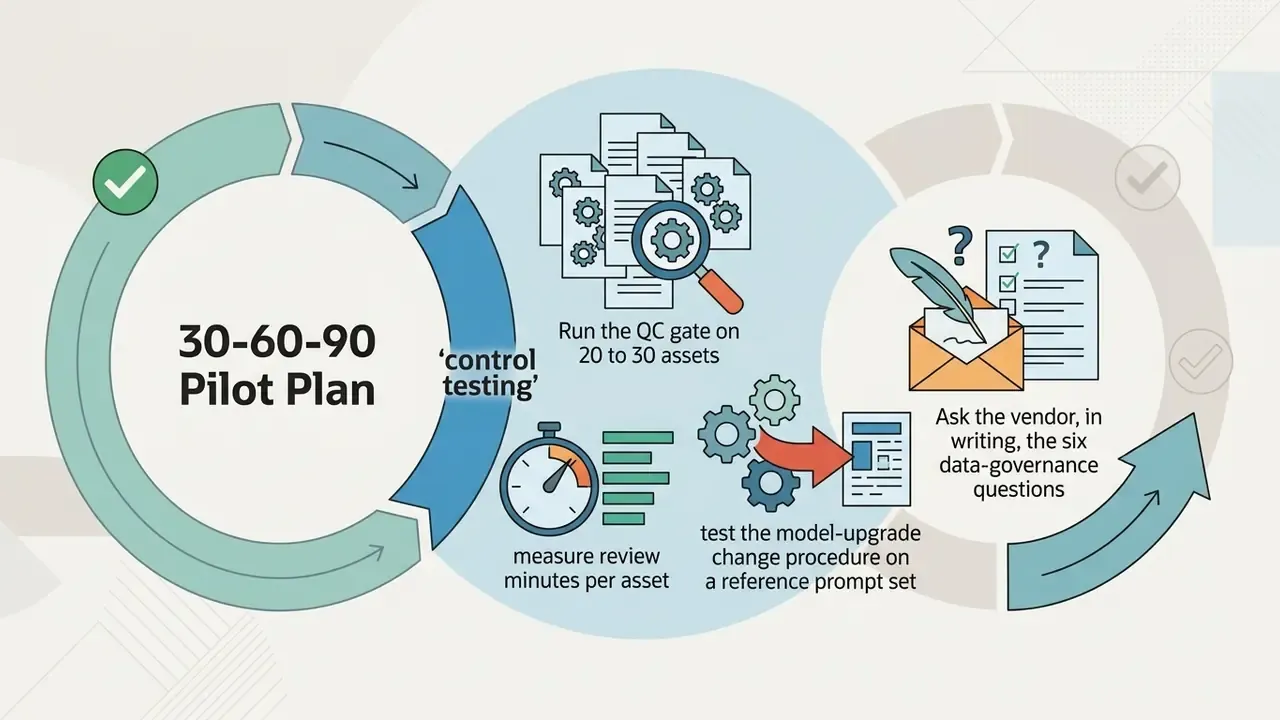
A minimal, repeatable QC gate for production teams: (1) full-length playthrough on monitors and earbuds; (2) waveform scan for clipping and dead air; (3) lyric transcription check against the submitted text; (4) loudness target verification for the destination platform; (5) archive of prompt, model version, seed, and license certificate alongside the audio file.
TopMediai AI Music Generator Pricing: Free Trial, Plans, and License
Understanding topmediai ai music generator pricing is essential for estimating operational cost across individual creator and enterprise developer deployments. The platform runs a credit-based tier system covering both consumer web plans and developer API access.
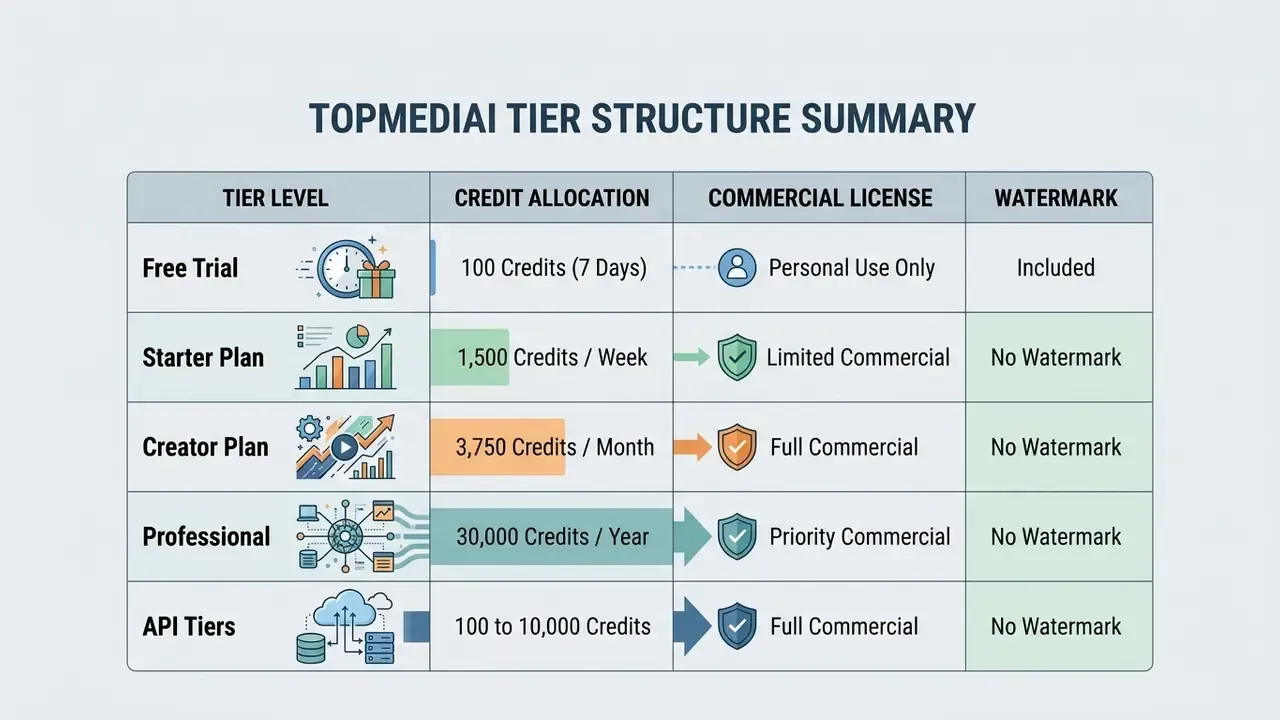
The service offers free trials for initial testing, and a topmediai ai music generator free tier exists, but full commercial rights and generator without watermark exports require an active paid subscription. Documented throughput on consumer plans is roughly 10 credits per song, which translates to about 150 songs per week on entry Starter and up to 3,000 songs per year on the base Pro tier. For pricing reviews across synthetic media platforms, consult our AI Media Pricing Guides.
| Tier / Package | Price (2026 Promo Rates) | Credit Allocation | Concurrency Limit | Watermark Status | Commercial License Rights |
|---|---|---|---|---|---|
| Free Trial | $0.00 (Limited) | Small Initial Quota | 1 Job | Watermarked | No (Personal Use Only) |
| API Trial Package | $9.99 / 7 Days | 100 Credits | 2 Jobs | No Watermark | Yes (Subject to API Terms) |
| Starter (Consumer) | $4.99 / First Week | 1,500 Credits / Wk | Standard | No Watermark | Yes (Standard Terms) |
| Creator (Consumer) | $8.99 / First Month | 3,750 Credits / Mo | Priority | No Watermark | Yes (Full Commercial) |
| Professional | $99.99 / Billed Yearly | 30,000 Credits / Yr | Priority Queue | No Watermark | Yes (Full Commercial + PDF) |
| API Basic-Monthly | $69.99 / Month | 2,000 Credits | 5 Jobs | No Watermark | Yes (Full API License) |
| API Premium-Monthly | $149.99 / Month | 5,000 Credits (tier mid) | 10 Jobs | No Watermark | Yes (Full Enterprise API) |
| API Pro-Monthly | $259.99 / Month | 10,000 Credits | 15 Jobs | No Watermark | Yes (Full Enterprise API) |
Note on regional variance: consumer pricing appears on several regional pages with differing discounts and monthly or yearly figures, which suggests region-specific promotions rather than one global rate card. Validate the applicable rate in the billing currency before budget approval. Rates checked against official plan pages for the 2026 cycle.
Total Cost of Ownership: Beyond Credit Spend
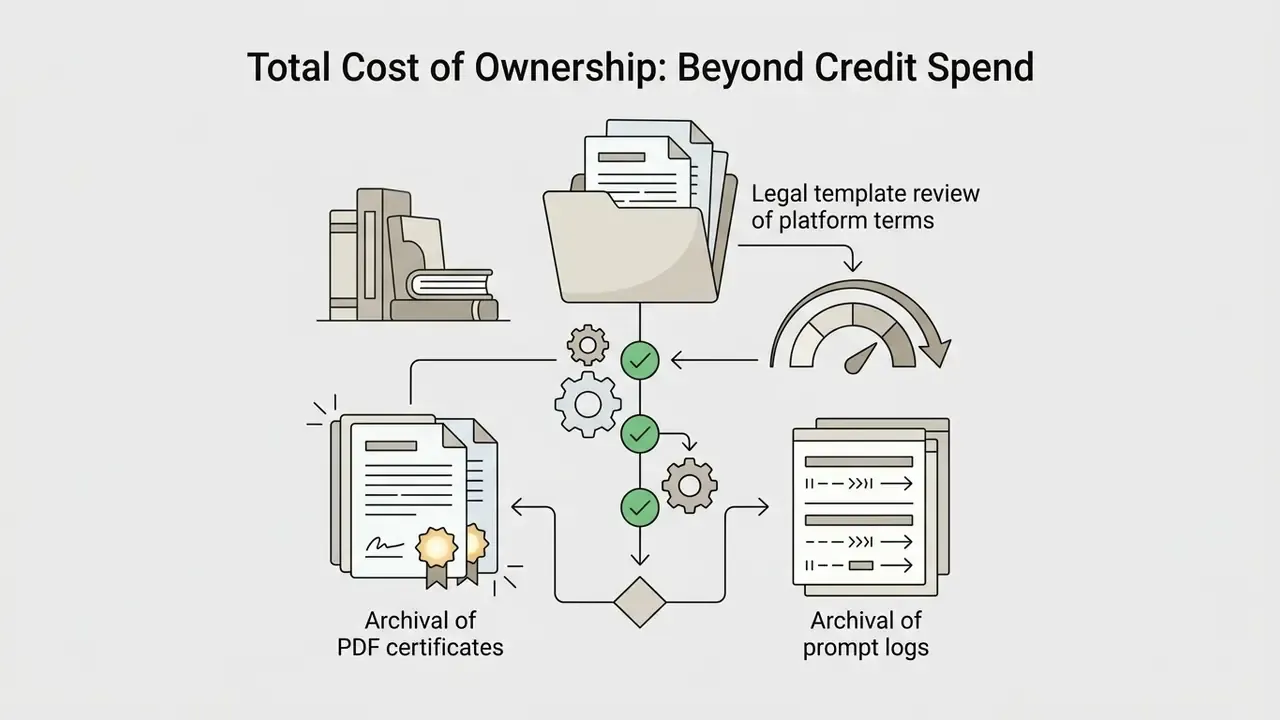
Credit pricing is the visible cost. Controlled deployment adds three quieter line items that finance and risk teams should model explicitly:
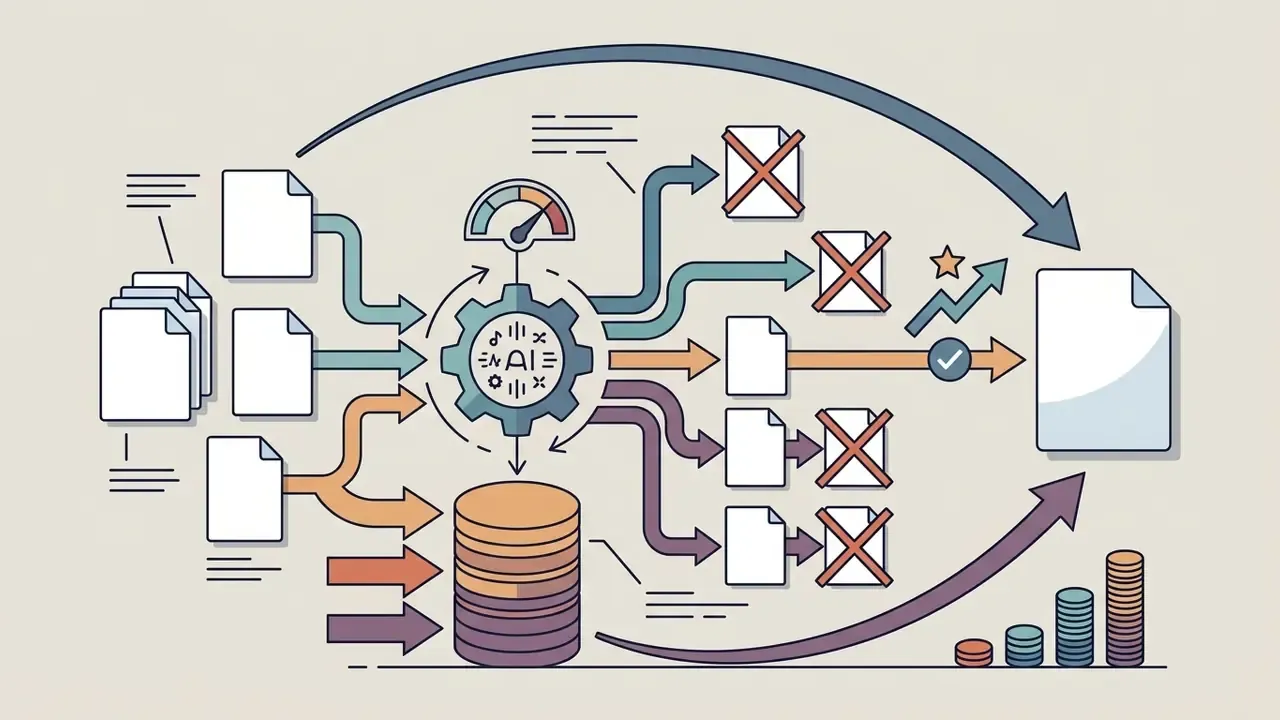
Measured against outsourced composition or per-track stock licensing, where a single exclusive campaign track can exceed the annual cost of a Pro plan, the reported savings of up to 70% on production audio remain plausible. Only, though, when QC and legal effort are tracked rather than assumed away. Cost-modelling utilities for this exercise sit in our AI Media Calculators.
Commercial Use of AI Music: What to Check Before Publishing
Deploying synthetic audio across commercial channels, including Marketing & Ads, monetized YouTube Videos, and Social Media Content, calls for rigorous compliance checks. Paid tiers grant commercial use rights, yes. Organizational risk management still has to evaluate third-party intellectual property exposure.
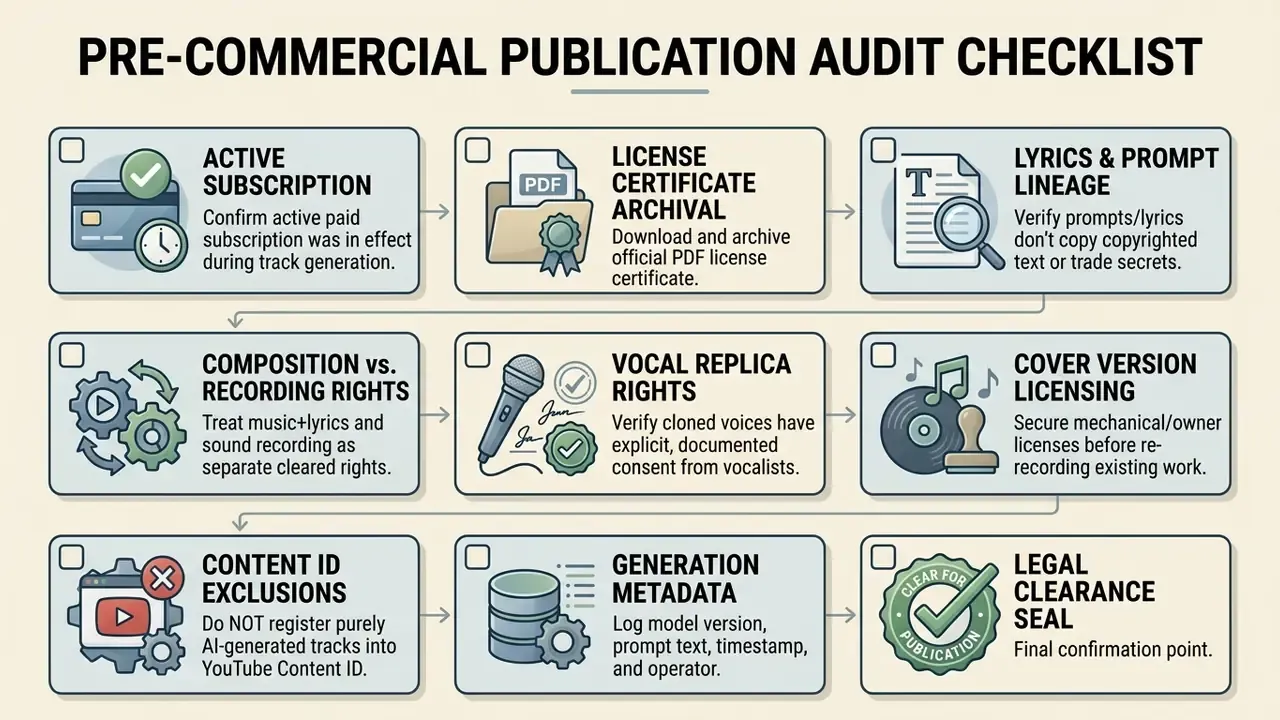
Financial institutions and mature media operations should treat AI-generated audio as a synthetic asset subject to review. A financial services marketing team producing promotional video, for instance, must verify that tracks created using topmediai do not infringe artist voice rights or reproduce trademarked sound idents. Enterprise teams should review our guidelines in the AI Media Commercial-Use Hub and the parallel analysis of commercial use of AI design and image generators, which covers comparable license-certificate mechanics.
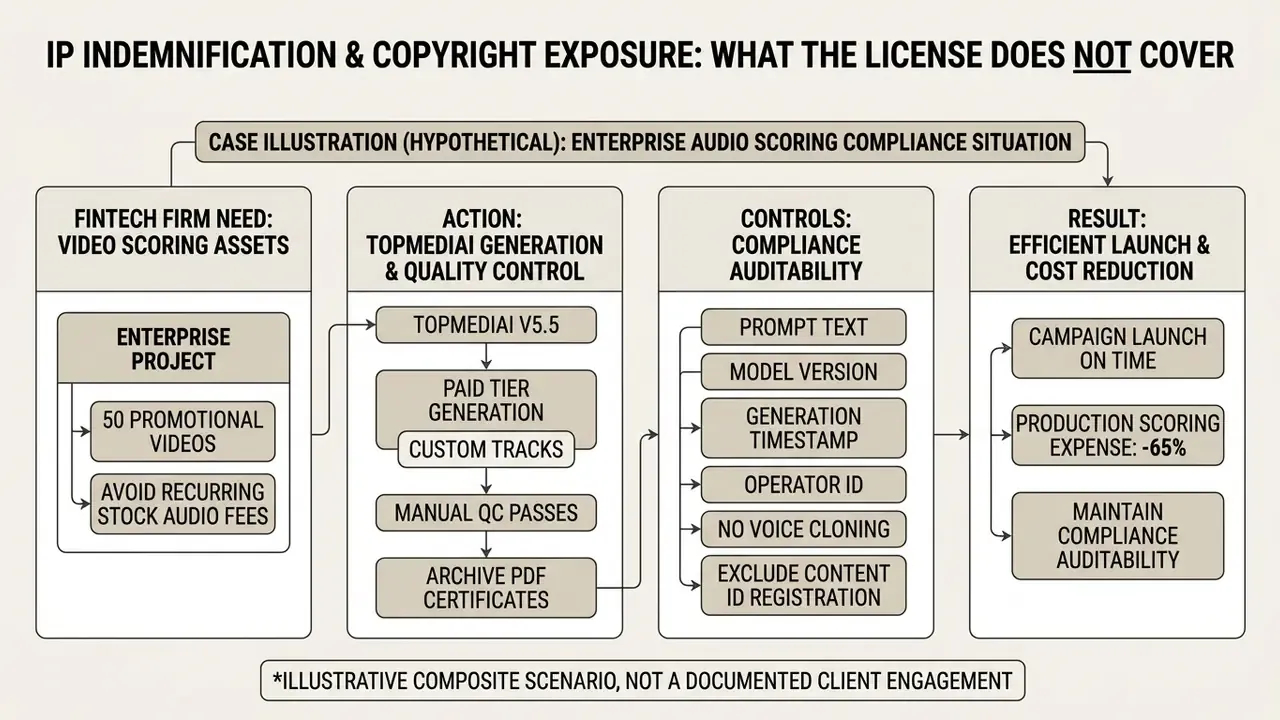
IP Indemnification and Copyright Exposure: What the License Does Not Cover
Three exposure categories persist even on fully paid, certificate-backed tiers. Each needs an explicit internal position before enterprise rollout:
- Training-data provenance: Vendor documentation does not disclose the composition of the training corpus. Without disclosure, buyers cannot independently verify dataset cleanliness, so ask in writing whether the vendor offers contractual IP indemnification covering third-party infringement claims arising from model output.
- Authorship and protectability: A commercial use license is not copyright ownership. Copyright guidance in major jurisdictions still requires meaningful human authorship, so a purely machine-generated track may be freely usable yet hard to defend against copying. Where exclusivity matters, layer human-performed or human-arranged elements over the generated bed and document that contribution.
- Voice and likeness rights: Cloned or replica vocals sit under publicity and personality rights, not copyright. Consent must be documented per individual, per use case, and per territory. Platform terms place responsibility for full authorization of all uploaded audio on the user, including later dissemination of derived works.
Legal developments around synthetic media rights move quickly, and compliance officers should track them rather than re-reading a static policy once a year. Follow enforcement and case movement through our AI Litigation and Case Timelines section.
Enterprise Data Governance, Privacy, and Shadow AI Exposure
Before a generative audio tool reaches a marketing workstation inside a regulated organization, the security question is narrower than the creative one. What leaves the perimeter, where is it stored, and is it reused for training? Six diligence items should be resolved in writing with the vendor:
- Prompt and upload retention: Confirm how long prompt text, uploaded reference audio, voice samples, and generated outputs are retained, and whether deletion is user-initiated, scheduled, or simply unavailable.
- Training reuse and opt-out: Confirm whether customer prompts and uploaded audio may be used to improve base models, and whether an enterprise opt-out or zero-data-retention mode exists. Absent an explicit opt-out, treat all inputs as potentially retained.
- Third-party sub-processors and data location: Establish processing jurisdictions and any sub-processors in the generation chain, which matters for GDPR transfer assessments and for institutions with data-residency mandates.
- Certification posture: Request current SOC 2 Type II, ISO 27001, or equivalent third-party audit reports. If unavailable, classify the tool accordingly in vendor risk management and restrict it to non-confidential content.
- Encryption in transit and at rest: Verify TLS enforcement for API traffic and encryption at rest for stored assets and voice models.
- Shadow AI containment: The realistic leakage path is an employee pasting unreleased campaign copy, product names, or embargoed lyrics into a consumer web interface. Practical controls: an approved-tool allowlist; an input-sensitivity rule (no unreleased financial data, client PII, or embargoed messaging in prompts); a single team-managed account with SSO instead of personal logins; DLP monitoring of uploads to generative audio domains.
A pragmatic classification rule works well in practice. Generic mood-and-genre prompts are low risk and can be delegated broadly. Any prompt containing proprietary copy, named individuals, or voice samples requires a reviewed workflow on a corporate account.
Model Risk Management: Validation, Reproducibility, and Audit Logging
TopMediai AI Music Generator API and Integration with Video Tools
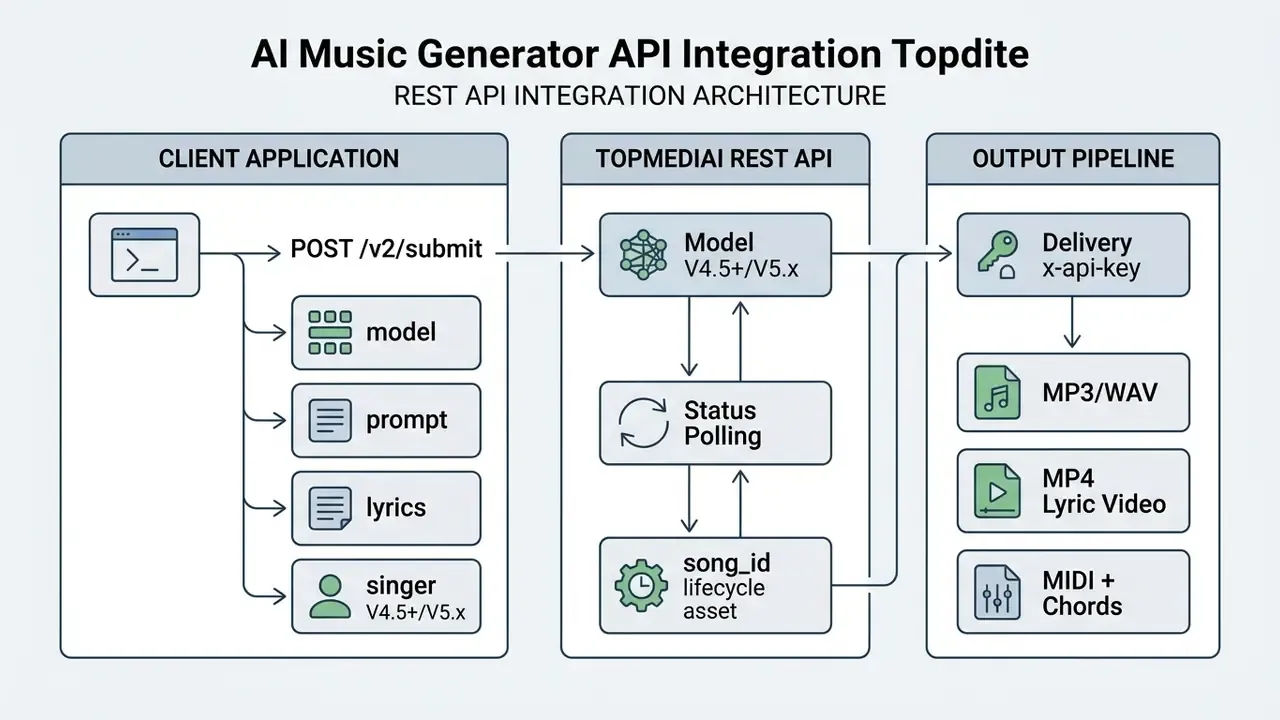
For enterprise workflows that need programmatic audio synthesis, the topmediai ai music generator api exposes RESTful endpoints for automated song creation, lyrics generation, and audio export. Developers authenticate with an x-api-key header and can integrate generative audio directly into internal applications.
What to Consider Before Connecting the Music Generator API
Implementing the music generator api means managing concurrency constraints, credit consumption, and asynchronous job polling. Developers should view documentation on the official portal to select appropriate supported models. (Updated: the documented 2026 selection spans TopMediai Fast, V4.0, V4.5 Plus, V5.0, and V5.5. Earlier V3.0 and V3.5 references reflect a prior documentation cycle and are retained in Appendix A for traceability.)
Key technical considerations:
- Authentication: Requests require standard REST headers with valid account API keys (
x-api-key). In regulated environments, store keys in a managed secret vault, rotate on a fixed schedule, scope one key per environment, and confirm whether enterprise SSO or OAuth2 is available before granting broad internal access. - Concurrency Limits: Plans enforce concurrent job caps from 2 tasks (Trial) to 15 tasks (Pro-Monthly). Build a queue with backoff instead of assuming burst capacity.
- Credit Deductions: Audio generation deducts credits per track (for example, 3 credits for V4.5 Plus), and WAV conversion adds 0.5 credits per file. Higher-tier models consume more per generation, so model choice is a cost decision as much as a quality decision.
- Status Polling: Generation runs asynchronously. Applications poll task status endpoints with the returned
song_id, using idempotent retry handling for transient failures. - Endpoint Versioning: V1, V2, and V3 generation endpoints coexist alongside task-detail endpoints. Pin the endpoint version in integration code and monitor deprecation notices.
- Adjacent endpoints: The wider platform exposes related services including voice cloning api, voice changer api, and song cover api paths, plus text to speech api access. Scope each separately in vendor risk review, since retention terms can differ by endpoint.
- Output Handling: Delivery formats include MP3, WAV, MP4 lyric video, and MIDI with chord sheets. Plan storage and CDN handling accordingly.
For documentation on alternative programmatic media APIs, see our AI Media API Guides and the implementation walkthrough for video generation APIs and their cost model.
Building a Music Video with Original AI Music
Combining generative audio APIs with automated video software gives production teams an end-to-end media pipeline. The AI Music Video Maker workflow pairs synthetic tracks with visual generation and voiceover engines. When choosing the visual component, compare candidates in our review of AI video generators.
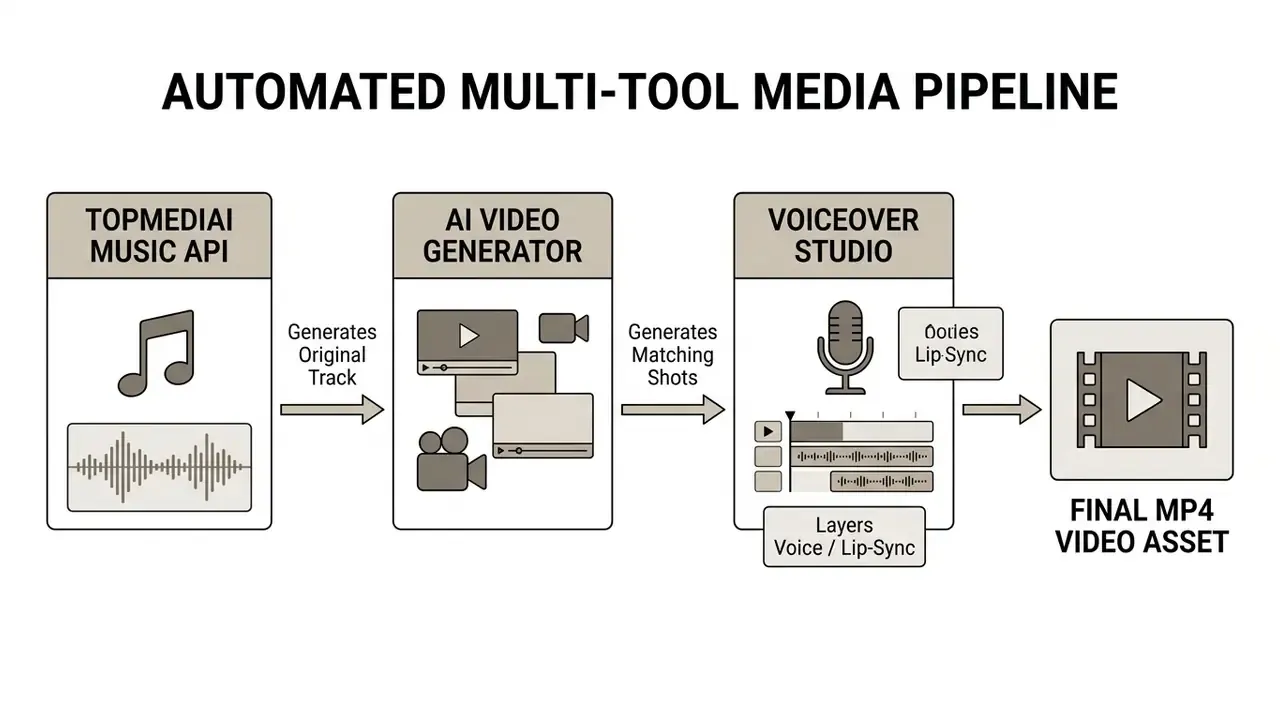
To keep the finished asset consistent across channels, standardize the publishing stage with a reviewed YouTube video editor workflow instead of ad-hoc per-project tooling.
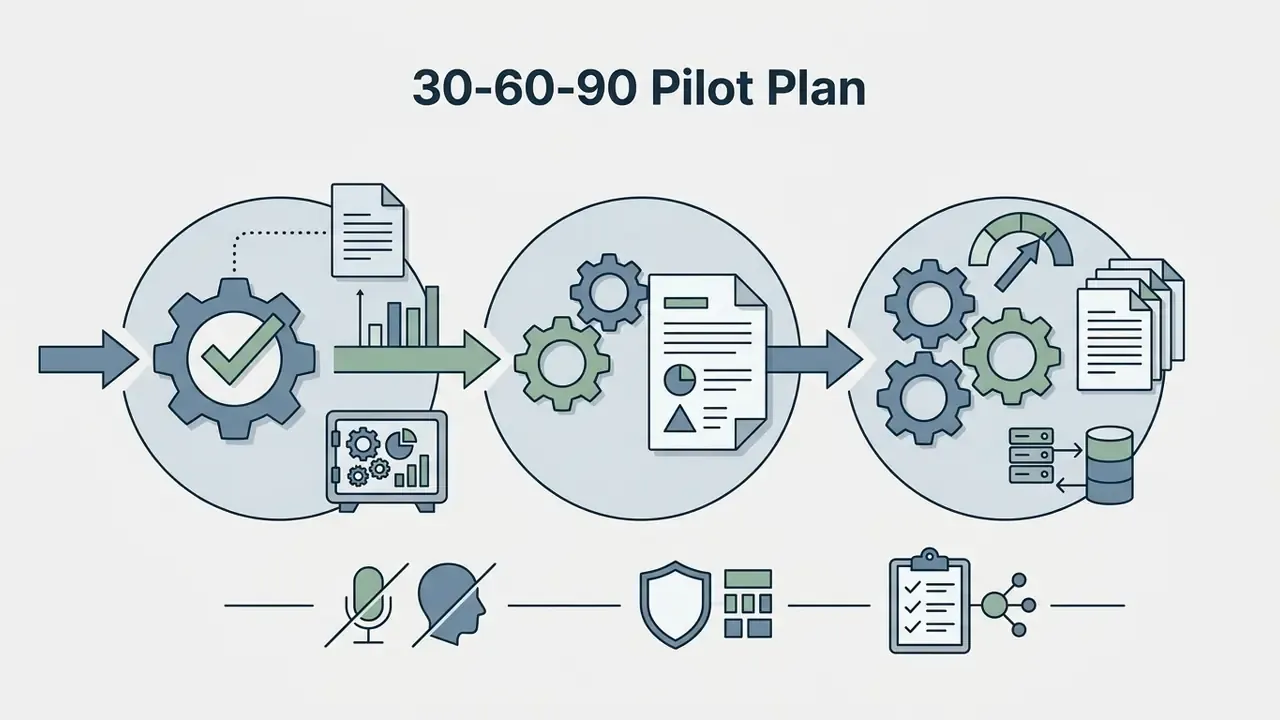
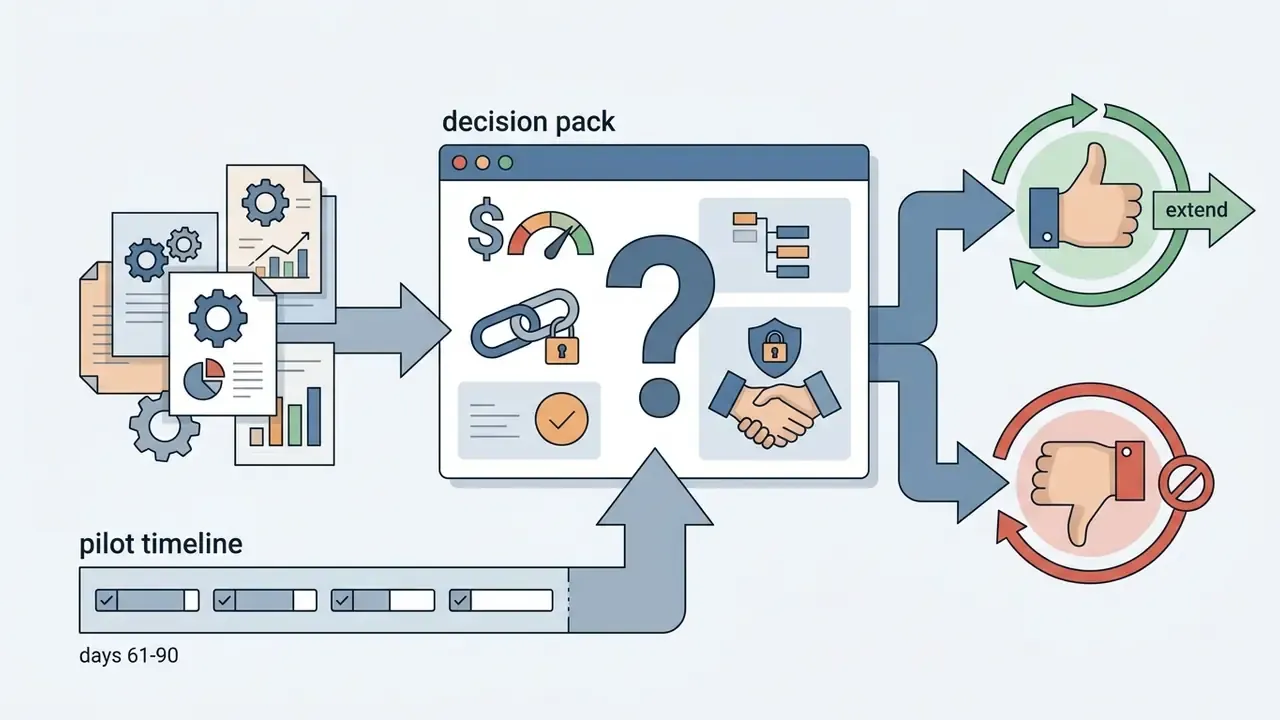
A Safe Next Step for Regulated Teams: 30-60-90 Pilot Plan
Rather than a platform-wide rollout, most banks and mature fintechs get further with a bounded pilot that produces audit evidence as a by-product.
Open questions worth stating plainly: training-corpus composition is undisclosed, indemnification is not documented publicly, and non-English vocal quality lacks independent benchmarks. None of these block an internal pilot. All of them shape an external one.
FAQ About TopMediai AI Music Generator
Does the generator support multiple languages, including hindi music?
Yes. According to vendor documentation, the topmediai ai music generator supports multi-language prompts and lyrics, so creators can synthesize songs in multiple languages. The model handles regional styles such as hindi music, and you can create hindi music by specifying regional genres, localized instruments (sitar, tabla), and non-English lyrics in the prompt window. Because independent quality benchmarks for non-English vocal synthesis are not available, run a small pilot per target language before committing to a localized campaign.
What is the maximum track length, and which model should I choose?
Short drafts and rapid iteration suit TopMediai Fast or V4.0 (up to about 4 minutes). Detailed long-form descriptions are handled by V4.5 Plus, which supports tracks up to 8 minutes. V5.0 adds richer harmonic arrangements and refined vocals, and V5.5 is the flagship for studio-grade vocal performance. Higher tiers consume more credits per generation, so match the model to the deliverable instead of defaulting to the newest engine.
Can I use generated tracks commercially, and what proves it?
Commercial use is available on paid plans, and each eligible track includes a downloadable PDF license certificate intended as documentation during copyright clearance. Free-plan tracks are watermarked and personal-use only. Output is royalty free in the sense that no recurring royalty flows to the platform, though purely AI-generated tracks should not be registered in YouTube Content ID as original compositions.
Is my prompt or uploaded audio used to train the models?
Confirm this contractually. Public product documentation does not publish a definitive training-reuse statement or a zero-data-retention enterprise mode. Until an opt-out is confirmed in writing, treat prompts and uploads as potentially retained, and avoid submitting confidential copy, client PII, embargoed messaging, or unreleased financial data.
Does the platform offer IP indemnification against copyright claims?
No public indemnification commitment is documented. Platform terms place responsibility on the user to hold full authorization for all uploaded audio used in music generation, song covers, model training, and voice cloning, including subsequent distribution of derived works. Enterprises requiring indemnity should negotiate it explicitly as a contractual term.
Are results reproducible across generations?
Not deterministically. Generative audio pipelines are stochastic, and identical prompts can return materially different arrangements. Archive approved masters and stems, pin model versions in API calls, and treat any engine upgrade as a change event that requires re-approval of reference prompts.
Which additional TopMediai tools complement the AI music generator?
The ecosystem includes several tools that extend synthetic audio workflows:
- Singing Photo Maker: Animates static portraits to lip-sync to generated songs or uploaded audio. Source photos are often prepped first in an android photo editor for cropping and light correction.
- AI Song Cover: Swaps original vocals for alternative AI singer models, supporting solo, duet, and chorus arrangements.
- Voice Changer: Modifies existing recordings into alternative synthetic character tones while preserving content, including child voice and baby voice presets.
- Voice Cloning: Builds reusable digital vocal profiles from short uploads, with consent documentation required per voice.
- Stem Splitter and Audio to MIDI: Decomposes mixes into up to 12 stems and converts audio into editable MIDI plus chord sheets.
- Music Hooks and AI Music Video Maker: Cuts short-form hooks and assembles full music videos synced to the track's rhythm and mood. For troubleshooting across creative platforms, see AI Media Support and Troubleshooting or the vendor support center. Adjacent generative-tool evaluations are collected in our comparison of the best AI art generators and our guide to AI headshot and portrait generators.
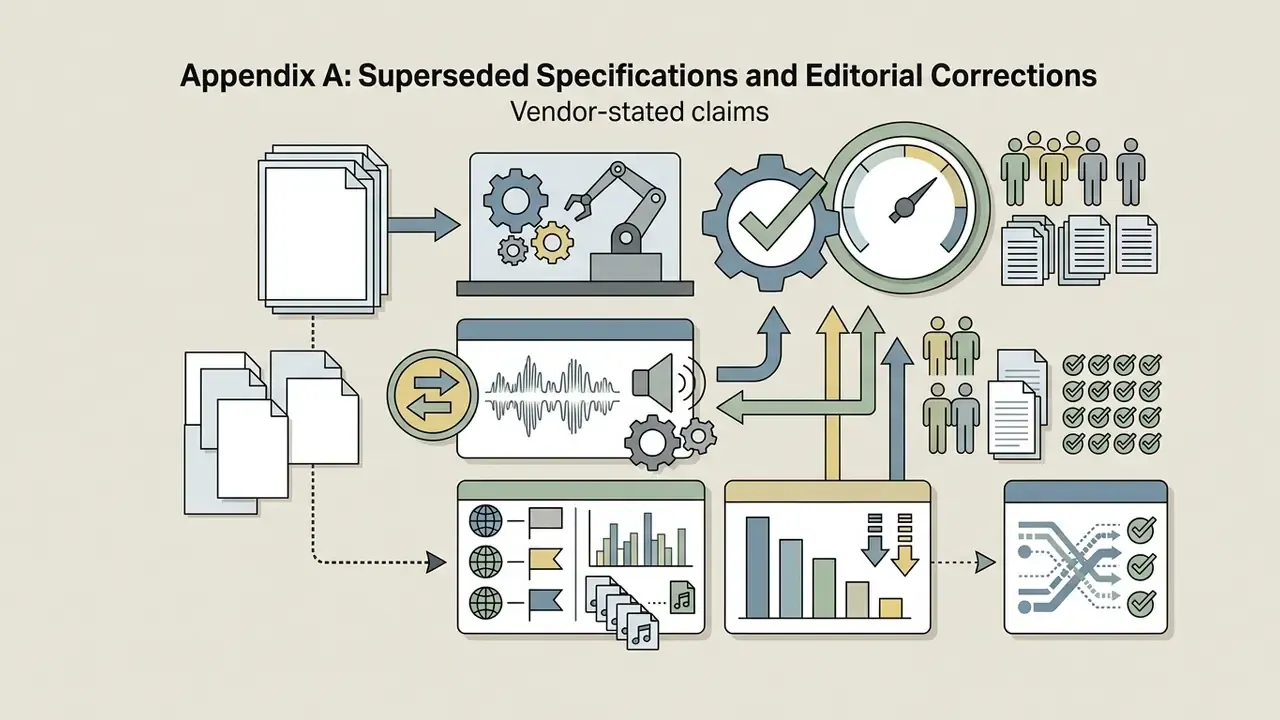
Appendix A: Superseded Specifications and Editorial Corrections
Retained for traceability and version auditing: